Table of Contents
- Factors To Consider While Choosing A SaaS Solution
- 1. Needs And Requirements Of Your Project
- 2. Capabilities Of The SaaS Provider
- 3. Security And Compliance Of The SaaS Solution
- 4. Ease Of Use Of The SaaS Solution
- 5. Integration Capabilities Of The SaaS Solution
- 6. Cost Of The SaaS Solution
- 7. Terms Of The Contract
As technology continues to reshape industries, choosing a SaaS solution has become a critical decision that can greatly impact an organization’s efficiency and growth. With a plethora of options available, navigating this landscape requires a strategic approach. This guide by the experts from Intellinez Systems delves into the key considerations that should guide your decision-making process, ensuring that the chosen SaaS solution not only meets your current needs but also aligns seamlessly with your future goals.
Factors to Consider While Choosing a SaaS Solution
From assessing your specific needs and requirements to evaluating the capabilities of SaaS providers, we’ll explore every facet that contributes to a successful adoption. Security, compliance, ease of use, integration capabilities, cost implications, and the finer details of contract terms – all play a pivotal role in this crucial decision.
By delving into these aspects, you’ll be equipped with the insights needed to make an informed choice that empowers your organization to thrive in today’s fast-paced digital landscape.

1. Needs and Requirements of Your Project
When it comes to selecting the right SaaS solution, identifying and aligning your unique needs and requirements is paramount. Before making a decision, take the time to evaluate and answer important questions:
Specific Needs and Requirements
Define what your business truly requires from a SaaS solution. Are you seeking enhanced collaboration tools, data analytics capabilities, or streamlined project management? Consider your industry, team size, and growth plans as you outline your necessities.
Essential Features
Different SaaS solutions offer a diverse range of features. Determine which functionalities are essential for your operations. Does the solution offer the communication tools, integrations, and scalability you need to thrive?
Budget and Timeline Constraints
Understanding your financial boundaries and desired implementation timeline is crucial. A SaaS solution should fit within your budget and align with your schedule for a seamless transition.
By thoroughly addressing these aspects, you can make an informed decision that caters to your organization’s unique demands, ensuring that the chosen SaaS solution empowers your growth and success.
2. Capabilities of the SaaS Provider
Assessing the capabilities of the SaaS provider is a pivotal step in choosing the right solution for your business. Delve into the following considerations to ensure a reliable partnership:
Experience and Expertise
Scrutinize the provider’s experience and expertise in catering to businesses like yours. Do they possess a proven track record of addressing similar needs? An experienced provider, like Intellinez Systems, is more likely to understand your challenges and offer effective solutions.
Customer Satisfaction
Investigate the provider’s customer satisfaction history. Look for reviews, testimonials, and case studies to gauge the experiences of other businesses. A strong record of positive feedback suggests a provider that is dedicated to meeting client expectations.
Level of Support
An efficient and responsive support system is vital for seamless operations. Inquire about the provider’s support services, including response times, available channels, and the depth of technical assistance they offer. A robust support structure can mitigate potential issues swiftly.
By thoroughly evaluating the provider’s capabilities, experience, customer satisfaction history, and support services, you can make an informed choice that aligns with your business’s requirements and ensures a successful partnership.
3. Security and Compliance of the SaaS Solution
Prioritizing the security and compliance aspects of a SaaS solution is paramount to safeguarding your business’s sensitive data and adhering to industry regulations. Here’s what you need to consider:
Data Security
Evaluate the security measures the SaaS provider has in place to protect your data. This includes encryption protocols, access controls, and vulnerability management. Ensure the provider follows industry best practices to mitigate potential breaches.
Industry-Specific Compliance
Different industries have specific compliance requirements, such as GDPR for data privacy or HIPAA for healthcare. Confirm whether the SaaS solution aligns with your industry’s regulations. The provider should offer features and practices that help you remain compliant.
Data Ownership and Control
Clarify how your data is handled and who owns it once it’s on the SaaS platform. Understanding your level of control and the provider’s data retention policies is crucial for maintaining ownership and fulfilling any legal obligations.
Backup and Disaster Recovery
Inquire about the provider’s data backup and disaster recovery strategies. Accidental data loss or disruptions can be detrimental; a robust backup plan ensures your data can be restored swiftly in such cases.
By thoroughly vetting the security measures, compliance capabilities, data ownership, and disaster recovery plans of the chosen SaaS solution, you can confidently integrate it into your operations, knowing your data is secure and your business is aligned with necessary regulations.
4. Ease of Use of the SaaS Solution
The user-friendliness of a SaaS solution plays a pivotal role in its successful adoption within your organization. Consider the following factors to ensure a smooth integration:
User Learning Curve
Evaluate how quickly your team can learn and become proficient in using the solution. A solution with a gentle learning curve can expedite the onboarding process and minimize disruptions to daily tasks.
Intuitive Design
Examine whether the solution boasts an intuitive design. An interface that aligns with common user expectations and interactions can reduce the need for extensive training and support.
User-Friendly Features
Consider whether the solution’s features and functionalities are designed with users in mind. User-friendly features enhance productivity and make complex tasks easier to execute.
Support and Training
Even with a user-friendly solution, having access to comprehensive support resources and training materials can be immensely beneficial. Evaluate the provider’s availability of tutorials, guides, and customer support to assist users as they navigate the platform.
Prioritizing a user-friendly SaaS solution can foster quicker adoption, increase productivity, and contribute to a positive overall experience for your team. By assessing the solution’s ease of use, you can ensure that your investment translates into improved efficiency and satisfaction.
5. Integration capabilities of the SaaS solution
The ability of a SaaS solution to integrate with your existing systems is a crucial consideration for a successful implementation. Here’s why integration matters and what to look for:

Seamless Transition
Determine if the solution has integration capabilities that allow it to work seamlessly with your current systems. A lack of integration can lead to data silos and operational inefficiencies during the transition period.
Workflow Continuity
Integration ensures that your workflows remain uninterrupted. Information can flow freely between different platforms, maintaining productivity and preventing bottlenecks.
Data Accuracy
Integrated systems reduce the risk of errors caused by manual data entry. Data is automatically synchronized, minimizing discrepancies and enhancing the accuracy of your records.
Enhanced Insights
Integration can lead to more comprehensive insights by combining data from various sources. This enables better decision-making and a deeper understanding of your business’s performance.
API Support
Check if the solution offers Application Programming Interface (API) support. APIs enable smooth communication between different software applications and facilitate integration.
Prioritizing integration capabilities in your SaaS solution selection process ensures a harmonious fit within your existing technology ecosystem. By enabling seamless data exchange and preserving workflow continuity, you can maximize the benefits of your new solution while minimizing disruption.
6. Cost of the SaaS solution
Understanding the costs associated with a SaaS solution is essential for budget planning and avoiding unforeseen financial surprises. Here’s what to consider:
Total Cost
Evaluate the overall cost of adopting the SaaS solution, including subscription fees, setup costs, and any additional expenses related to customization or integration.
Subscription Model
Determine the pricing structure of the subscription. Is it based on the number of users, usage, or features? Choose a model that aligns with your projected usage and growth.
Hidden Fees
Inquire about any potential hidden fees or charges that might arise. This could include costs for technical support, upgrades, data storage, or exceeding usage limits.
Scalability Costs
If your business is expected to grow, assess how the solution’s costs will scale with your increased usage. Make sure the solution remains cost-effective as your needs expand.
Contract Terms
Review the terms of the contract, including renewal clauses, cancellation policies, and potential penalties for early termination. Ensure that the terms align with your organization’s flexibility and future plans.
Return on Investment (ROI)
Consider the potential ROI the solution can bring to your business. While cost is important, also factor in the value and benefits the solution offers in terms of efficiency, productivity, and growth.
By thoroughly analyzing the cost aspects of the SaaS solution, you can make an informed decision that not only fits your budget but also aligns with your business goals and future financial projections.
7. Terms of the Contract

When considering a SaaS solution, carefully reviewing the terms of the contract is essential to ensure clarity and align expectations. Here’s what to focus on:
Contract Duration
Determine the length of the contract term. Some contracts might be month-to-month, while others could span one or more years. Choose a term that suits your business’s needs and future plans.
Renewal and Termination
Understand how the contract handles renewals and terminations. Does it automatically renew? What is the notice period required for cancellation? Clear terms prevent surprises and allow you to manage your commitment effectively.
Cancellation Policies
Scrutinize the cancellation policies outlined in the contract. Are there penalties for early termination? Can you exit the contract without substantial financial repercussions if the solution no longer fits your needs?
Pricing Changes
Check whether the contract allows the provider to modify pricing during the term. If so, understand how these changes will be communicated and how they might impact your budget.
Service Level Agreements (SLAs)
If applicable, review any SLAs that define the provider’s commitment to service uptime, response times, and support quality. Ensure these align with your business’s expectations.
Data Ownership and Transfer
Clarify terms related to data ownership and the ability to export your data if you decide to discontinue the service. Your business should retain control over its data.
Liabilities and Warranties
Pay attention to clauses related to liabilities, warranties, and indemnification. Understand how the provider is accountable for service disruptions, data breaches, or other issues.
By carefully examining the terms of the contract, contract duration, cancellation policies, and other relevant clauses, you can make an informed decision that safeguards your interests and ensures a productive partnership with the SaaS provider.
Conclusion
In the ever-evolving landscape of SaaS solutions, informed decision-making is paramount. By meticulously evaluating factors such as specific needs, provider capabilities, security, user-friendliness, integration, cost, and contract terms, businesses can pave the way for successful adoptions.
This comprehensive approach ensures that the chosen solution not only aligns with their present requirements but also caters to future growth. In essence, a well-considered SaaS selection empowers organizations to harness technology’s potential for enhanced efficiency, productivity, and seamless operations.
Partner with Intellinez for Expert Custom SaaS Product Development Solutions
With a team of skilled professionals, we specialize in delivering innovative and scalable SaaS solutions that align precisely with your business goals. Our commitment to quality, efficient project management, and customer satisfaction makes us the ideal partner to transform your ideas into a successful and impactful SaaS product. Contact us to know more.

Table of Contents
- Understanding SaaS Apps
- Benefits Of Creating SaaS Application On AWS
- How To Create A Modern SaaS On AWS
- Step 1: Architecting The Foundation
- Step 2: Embracing Appropriate Technologies
- Step 3: Navigating The Development Phase
- Step 4: Efficient Deployment Strategies
- Step 5: Vigilant Application Monitoring
- Conclusion
In the world of making software, modern apps called Software as a Service (SaaS) have become a big deal. These apps are great because they’re easy to access, can handle lots of users, and don’t need much upkeep. This blog is all about showing you the important steps to create a successful SaaS App, especially using Amazon Web Services (AWS) to help.
Understanding SaaS Apps
Before we dive in, let’s understand what a SaaS App is. It’s like a special kind of software you can use on the internet without needing to install anything. SaaS Apps do lots of different things, and they can work for many people at the same time. They’re built to keep each person’s stuff separate and personal.
Benefits of Creating SaaS Application on AWS

When you want to make a SaaS App, choosing the right tools is super important. AWS is like a big toolbox for making apps on the internet, and it’s really good. It has lots of tools to help with everything from planning how your app works to putting it on the internet, watching how it does, and making it bigger when more people start using it. AWS is known for being really reliable and safe, which is exactly what you want for your app.
In the subsequent parts of this blog, we’ll go through each step to make your own modern SaaS App using AWS. We’ll learn about making the different parts, keeping it safe, and making sure it works well for everyone who uses it.
How To Create A Modern SaaS On AWS
Step 1: Architecting the Foundation
Creating a modern SaaS on AWS begins with the crucial step of designing the architecture. This foundational phase lays the groundwork for the application’s functionality, scalability, security, and overall efficiency. Each architectural aspect plays a pivotal role in ensuring the success of your SaaS application.
Microservices Architecture
Incorporating a microservices architecture involves breaking down the SaaS application into smaller, specialized components known as microservices. Each microservice is responsible for a distinct function or feature. This approach promotes modularity and agility in development.
Communication between microservices is facilitated through well-defined APIs, enabling seamless interaction. Independent deployment of microservices allows for rapid updates, as changes can be made to specific components without affecting the entire application. Containerization, often implemented with tools like Docker, ensures consistent deployment across various environments.
Multi-tenant Architecture
A multi-tenant architecture is essential for serving multiple customers or tenants within a single instance of the application. This architecture ensures efficient resource utilization and cost-effectiveness. Tenant isolation is maintained through techniques such as separate databases, schemas, or data partitioning.
Robust authentication and authorization mechanisms are necessary to ensure that tenant data remains private and secure. Customization and configuration options allow tenants to personalize their experiences while sharing a common codebase. This approach minimizes the overhead of maintaining separate instances for each tenant.
Security
Security is paramount in a SaaS application architecture. AWS offers various tools and services to enhance security. Network security is reinforced through Amazon Virtual Private Cloud (VPC), isolating components and establishing private communication channels. AWS Identity and Access Management (IAM) ensures granular control over user access rights.
Encryption plays a pivotal role in safeguarding sensitive data. Utilize Amazon S3 server-side encryption for data at rest and implement HTTPS/SSL for data in transit. Monitoring and auditing using Amazon CloudWatch and robust logging mechanisms help track and respond to security events effectively.
Scalability
Scalability is a vital consideration in modern SaaS architecture. AWS provides solutions for both vertical and horizontal scaling. Auto Scaling allows instances to automatically adjust based on traffic demand, ensuring optimal resource utilization and responsiveness.
Elastic Load Balancing (ELB) evenly distributes incoming traffic across instances, enhancing availability and fault tolerance. The adoption of a serverless architecture using AWS Lambda enables dynamic scaling without manual intervention, optimizing costs and resource allocation.
Incorporating these architectural aspects within the context of AWS empowers your modern SaaS application to deliver a seamless user experience, efficient resource management, and robust security measures. This foundational step sets the stage for subsequent development and ensures that your SaaS application can evolve and adapt to changing requirements and demands.
Step 2: Embracing Appropriate Technologies
After establishing the architecture, the next crucial step in creating a modern SaaS on AWS is choosing the right technologies to implement your design effectively. This involves selecting appropriate AWS services and integrating third-party tools to build a robust and feature-rich application.
AWS Services
Leveraging AWS services is a cornerstone of building a SaaS application on this cloud platform. Amazon offers a wide array of services that cater to various aspects of application development, deployment, scaling, and management. For instance, Amazon EC2 provides scalable virtual servers, enabling you to deploy your microservices effectively.
AWS Lambda allows you to implement serverless functions, reducing operational overhead. Amazon RDS offers managed database services, ensuring data reliability and scalability. Amazon S3 serves as a highly scalable and secure object storage solution. Elastic Load Balancing (ELB) ensures efficient distribution of incoming traffic.
AWS Identity and Access Management (IAM) handles user access and security. By carefully choosing and configuring these services, you can ensure that your application performs optimally, scales seamlessly, and remains highly available.
Third-party Tools
While AWS services provide a strong foundation, integrating third-party tools can enhance specific functionalities or streamline development processes. These tools can range from analytics and monitoring platforms to development frameworks and libraries. For example, you might choose tools like New Relic or Datadog for application monitoring and performance optimization.
To streamline development, Git-based version control systems like GitHub can facilitate collaboration among developers. Integration with API gateways such as Kong or Apigee can simplify API management.
Depending on your application’s requirements, you might incorporate third-party tools for payment processing, data visualization, or machine learning capabilities. The key is to carefully evaluate the tools based on their compatibility with AWS services, cost-effectiveness, and alignment with your application’s goals.
By strategically selecting AWS services and third-party tools, you can harness the power of both cloud-native and specialized solutions to create a modern SaaS application that meets the needs of your users and business objectives. This step enables you to build upon the architectural foundation and craft a technologically advanced application that stands out in today’s competitive SaaS landscape.
Step 3: Navigating the Development Phase
Once you have established the architecture and selected the appropriate technologies for your modern SaaS application on AWS, the next critical phase is development. This step involves crafting the actual codebase, implementing features, and ensuring the application’s reliability through a combination of continuous integration and continuous deployment (CI/CD) pipelines and comprehensive testing.
CI/CD Pipeline
Setting up a robust CI/CD pipeline is essential to streamline the development, testing, and deployment process. AWS provides tools like AWS CodePipeline and AWS CodeBuild that enable you to automate the steps from code changes to production deployment.
The pipeline begins with version control integration, where code changes are automatically detected from your chosen repository (e.g., GitHub, Bitbucket). Continuous integration involves building, testing, and validating your application code in a controlled environment.
Automated testing at this stage helps catch bugs and issues early in the development cycle. Once the code passes testing, the pipeline proceeds to continuous deployment. This involves automating the deployment of the application to different environments, including staging and production, ensuring that the latest changes are reliably and consistently deployed.
Testing
Comprehensive testing is a cornerstone of software development and is especially crucial in the context of a modern SaaS application. Different levels of testing help ensure the application’s functionality, stability, and security. Unit testing focuses on individual components or functions to verify their correctness. Integration testing checks how various components interact and communicate with each other.
Regression testing helps ensure that new changes do not adversely affect existing features. Security testing, including vulnerability assessments and penetration testing, identifies and addresses potential security weaknesses.
Performance testing evaluates the application’s responsiveness, scalability, and resource usage under different conditions. User acceptance testing involves real users verifying that the application meets their needs and expectations.
By integrating a robust CI/CD pipeline and implementing a comprehensive testing strategy, you can ensure that your modern SaaS application on AWS is developed efficiently, thoroughly tested, and ready for deployment. These development practices contribute to the overall quality of the application, help identify and resolve issues early, and provide a solid foundation for the next phases of your application’s lifecycle.
Step 4: Efficient Deployment Strategies
Once the development phase is complete, the next critical step in creating a modern SaaS application on AWS is the deployment process. This phase involves making your application accessible to users while ensuring its availability, scalability, and proper functioning. AWS provides various tools and services that facilitate deployment, including AWS Elastic Beanstalk and AWS Lambda.
AWS Elastic Beanstalk
AWS Elastic Beanstalk provides a platform-as-a-service (PaaS) environment that simplifies the deployment process for web applications. It automates much of the infrastructure setup, scaling, and monitoring, allowing developers to focus more on their application code. With Elastic Beanstalk, you package your application code along with the necessary runtime environment, configurations, and dependencies into an “application version.”
Elastic Beanstalk then handles the deployment and scaling of this application version across a fleet of Amazon EC2 instances. It supports various programming languages and frameworks, making it well-suited for web applications that require a traditional server infrastructure.
AWS Lambda
AWS Lambda offers a serverless computing model, which is particularly advantageous for microservices and event-driven architectures. Instead of managing servers, you upload your code to Lambda and define events that trigger the execution of your code. Lambda functions are automatically scaled in response to incoming requests, ensuring efficient resource utilization.
This approach is well-suited for event-driven functionalities like processing data, triggering actions, or responding to API requests. Lambda integrates seamlessly with other AWS services, making it a powerful tool for building lightweight, event-driven components within your SaaS application.
Step 5: Vigilant Application Monitoring
Monitoring is a critical aspect of creating and maintaining a modern SaaS application on AWS. It involves continuously observing your application’s performance, health, and security to ensure optimal operation. AWS provides several services, including AWS CloudWatch and AWS CloudTrail, to facilitate effective monitoring and ensure that your application is running smoothly.
AWS CloudWatch
AWS CloudWatch is a comprehensive monitoring service that helps you gain insights into your application’s performance, resource utilization, and overall health. It allows you to collect and track metrics from various AWS services, such as EC2 instances, Lambda functions, and databases.
With CloudWatch, you can set up custom dashboards to visualize metrics, create alarms to trigger notifications based on defined thresholds, and monitor the state of your resources in real-time.
This service also supports automated scaling by triggering actions when certain conditions are met, enhancing your application’s responsiveness to changing demands. CloudWatch Logs enables you to centralize and analyze log data, helping you identify and troubleshoot issues quickly.
AWS CloudTrail
AWS CloudTrail focuses on auditing and tracking changes made to your AWS resources and accounts. It records API calls and actions taken by users, services, or applications within your AWS environment.
CloudTrail helps you maintain visibility into who is accessing your resources, what actions they’re performing, and when those actions occur. This auditing capability is crucial for security and compliance purposes.
By analyzing CloudTrail logs, you can detect unauthorized activities, investigate incidents, and ensure that your application’s data remains secure. CloudTrail can also integrate with CloudWatch to create alarms and notifications based on specific API events or patterns.
By utilizing services like AWS CloudWatch and AWS CloudTrail, you can establish a robust monitoring system for your modern SaaS application. This ensures that you have real-time insights into your application’s performance and security, allowing you to proactively address any issues and maintain a high-quality user experience. Monitoring not only helps you identify problems quickly but also assists in optimizing resource utilization and planning for future enhancements.
Conclusion
Creating a modern SaaS App follows defined steps. Begin by designing its functionality, then ensure it can efficiently accommodate multiple users at once. Guard it against security risks and allow room for growth as more users join in. Leveraging tools provided by AWS adds value. By adhering to these guidelines, your app stands to flourish and garner popularity among users, becoming a successful addition to the SaaS landscape.
Partner with Intellinez Systems to Build Your Modern SaaS Product on AWS
Intellinez Systems specializes in guiding your journey towards developing a cutting-edge SaaS product on AWS. With deep expertise in microservices architecture, multi-tenant solutions, security implementation, and scalable infrastructure, we craft tailored solutions to match your vision.
Leveraging AWS services like Elastic Beanstalk and Lambda, we streamline deployment. Our mastery of CloudWatch and CloudTrail ensures robust monitoring. Let us empower your SaaS ambitions by navigating the complexities of AWS, translating them into a seamless and innovative user experience.
Table of Contents- Factors To Consider While Choosing A SaaS Solution
- 1. Needs And Requirements Of Your Project
- 2. Capabilities Of The SaaS Provider
- 3. Security And Compliance Of The SaaS Solution
- 4. Ease Of Use Of The SaaS Solution
- 5. Integration Capabilities Of The SaaS Solution
- 6. Cost Of The SaaS Solution
- 7. Terms Of The Contract
As technology continues to reshape industries, choosing a SaaS solution has become a critical decision that can greatly impact an organization’s efficiency and growth. With a plethora of options available, navigating this landscape requires a strategic approach. This guide by the experts from Intellinez Systems delves into the key considerations that should guide your decision-making process, ensuring that the chosen SaaS solution not only meets your current needs but also aligns seamlessly with your future goals.
Factors to Consider While Choosing a SaaS Solution
From assessing your specific needs and requirements to evaluating the capabilities of SaaS providers, we’ll explore every facet that contributes to a successful adoption. Security, compliance, ease of use, integration capabilities, cost implications, and the finer details of contract terms – all play a pivotal role in this crucial decision.
By delving into these aspects, you’ll be equipped with the insights needed to make an informed choice that empowers your organization to thrive in today’s fast-paced digital landscape.
1. Needs and Requirements of Your Project
When it comes to selecting the right SaaS solution, identifying and aligning your unique needs and requirements is paramount. Before making a decision, take the time to evaluate and answer important questions:
Specific Needs and Requirements
Define what your business truly requires from a SaaS solution. Are you seeking enhanced collaboration tools, data analytics capabilities, or streamlined project management? Consider your industry, team size, and growth plans as you outline your necessities.
Essential Features
Different SaaS solutions offer a diverse range of features. Determine which functionalities are essential for your operations. Does the solution offer the communication tools, integrations, and scalability you need to thrive?
Budget and Timeline Constraints
Understanding your financial boundaries and desired implementation timeline is crucial. A SaaS solution should fit within your budget and align with your schedule for a seamless transition.
By thoroughly addressing these aspects, you can make an informed decision that caters to your organization’s unique demands, ensuring that the chosen SaaS solution empowers your growth and success.
2. Capabilities of the SaaS Provider
Assessing the capabilities of the SaaS provider is a pivotal step in choosing the right solution for your business. Delve into the following considerations to ensure a reliable partnership:
Experience and Expertise
Scrutinize the provider’s experience and expertise in catering to businesses like yours. Do they possess a proven track record of addressing similar needs? An experienced provider, like Intellinez Systems, is more likely to understand your challenges and offer effective solutions.
Customer Satisfaction
Investigate the provider’s customer satisfaction history. Look for reviews, testimonials, and case studies to gauge the experiences of other businesses. A strong record of positive feedback suggests a provider that is dedicated to meeting client expectations.
Level of Support
An efficient and responsive support system is vital for seamless operations. Inquire about the provider’s support services, including response times, available channels, and the depth of technical assistance they offer. A robust support structure can mitigate potential issues swiftly.
By thoroughly evaluating the provider’s capabilities, experience, customer satisfaction history, and support services, you can make an informed choice that aligns with your business’s requirements and ensures a successful partnership.
3. Security and Compliance of the SaaS Solution
Prioritizing the security and compliance aspects of a SaaS solution is paramount to safeguarding your business’s sensitive data and adhering to industry regulations. Here’s what you need to consider:
Data Security
Evaluate the security measures the SaaS provider has in place to protect your data. This includes encryption protocols, access controls, and vulnerability management. Ensure the provider follows industry best practices to mitigate potential breaches.
Industry-Specific Compliance
Different industries have specific compliance requirements, such as GDPR for data privacy or HIPAA for healthcare. Confirm whether the SaaS solution aligns with your industry’s regulations. The provider should offer features and practices that help you remain compliant.
Data Ownership and Control
Clarify how your data is handled and who owns it once it’s on the SaaS platform. Understanding your level of control and the provider’s data retention policies is crucial for maintaining ownership and fulfilling any legal obligations.
Backup and Disaster Recovery
Inquire about the provider’s data backup and disaster recovery strategies. Accidental data loss or disruptions can be detrimental; a robust backup plan ensures your data can be restored swiftly in such cases.
By thoroughly vetting the security measures, compliance capabilities, data ownership, and disaster recovery plans of the chosen SaaS solution, you can confidently integrate it into your operations, knowing your data is secure and your business is aligned with necessary regulations.
4. Ease of Use of the SaaS Solution
The user-friendliness of a SaaS solution plays a pivotal role in its successful adoption within your organization. Consider the following factors to ensure a smooth integration:
User Learning Curve
Evaluate how quickly your team can learn and become proficient in using the solution. A solution with a gentle learning curve can expedite the onboarding process and minimize disruptions to daily tasks.
Intuitive Design
Examine whether the solution boasts an intuitive design. An interface that aligns with common user expectations and interactions can reduce the need for extensive training and support.
User-Friendly Features
Consider whether the solution’s features and functionalities are designed with users in mind. User-friendly features enhance productivity and make complex tasks easier to execute.
Support and Training
Even with a user-friendly solution, having access to comprehensive support resources and training materials can be immensely beneficial. Evaluate the provider’s availability of tutorials, guides, and customer support to assist users as they navigate the platform.
Prioritizing a user-friendly SaaS solution can foster quicker adoption, increase productivity, and contribute to a positive overall experience for your team. By assessing the solution’s ease of use, you can ensure that your investment translates into improved efficiency and satisfaction.
5. Integration capabilities of the SaaS solution
The ability of a SaaS solution to integrate with your existing systems is a crucial consideration for a successful implementation. Here’s why integration matters and what to look for:
Seamless Transition
Determine if the solution has integration capabilities that allow it to work seamlessly with your current systems. A lack of integration can lead to data silos and operational inefficiencies during the transition period.
Workflow Continuity
Integration ensures that your workflows remain uninterrupted. Information can flow freely between different platforms, maintaining productivity and preventing bottlenecks.
Data Accuracy
Integrated systems reduce the risk of errors caused by manual data entry. Data is automatically synchronized, minimizing discrepancies and enhancing the accuracy of your records.
Enhanced Insights
Integration can lead to more comprehensive insights by combining data from various sources. This enables better decision-making and a deeper understanding of your business’s performance.
API Support
Check if the solution offers Application Programming Interface (API) support. APIs enable smooth communication between different software applications and facilitate integration.
Prioritizing integration capabilities in your SaaS solution selection process ensures a harmonious fit within your existing technology ecosystem. By enabling seamless data exchange and preserving workflow continuity, you can maximize the benefits of your new solution while minimizing disruption.
6. Cost of the SaaS solution
Understanding the costs associated with a SaaS solution is essential for budget planning and avoiding unforeseen financial surprises. Here’s what to consider:
Total Cost
Evaluate the overall cost of adopting the SaaS solution, including subscription fees, setup costs, and any additional expenses related to customization or integration.
Subscription Model
Determine the pricing structure of the subscription. Is it based on the number of users, usage, or features? Choose a model that aligns with your projected usage and growth.
Hidden Fees
Inquire about any potential hidden fees or charges that might arise. This could include costs for technical support, upgrades, data storage, or exceeding usage limits.
Scalability Costs
If your business is expected to grow, assess how the solution’s costs will scale with your increased usage. Make sure the solution remains cost-effective as your needs expand.
Contract Terms
Review the terms of the contract, including renewal clauses, cancellation policies, and potential penalties for early termination. Ensure that the terms align with your organization’s flexibility and future plans.
Return on Investment (ROI)
Consider the potential ROI the solution can bring to your business. While cost is important, also factor in the value and benefits the solution offers in terms of efficiency, productivity, and growth.
By thoroughly analyzing the cost aspects of the SaaS solution, you can make an informed decision that not only fits your budget but also aligns with your business goals and future financial projections.
7. Terms of the Contract
When considering a SaaS solution, carefully reviewing the terms of the contract is essential to ensure clarity and align expectations. Here’s what to focus on:
Contract Duration
Determine the length of the contract term. Some contracts might be month-to-month, while others could span one or more years. Choose a term that suits your business’s needs and future plans.
Renewal and Termination
Understand how the contract handles renewals and terminations. Does it automatically renew? What is the notice period required for cancellation? Clear terms prevent surprises and allow you to manage your commitment effectively.
Cancellation Policies
Scrutinize the cancellation policies outlined in the contract. Are there penalties for early termination? Can you exit the contract without substantial financial repercussions if the solution no longer fits your needs?
Pricing Changes
Check whether the contract allows the provider to modify pricing during the term. If so, understand how these changes will be communicated and how they might impact your budget.
Service Level Agreements (SLAs)
If applicable, review any SLAs that define the provider’s commitment to service uptime, response times, and support quality. Ensure these align with your business’s expectations.
Data Ownership and Transfer
Clarify terms related to data ownership and the ability to export your data if you decide to discontinue the service. Your business should retain control over its data.
Liabilities and Warranties
Pay attention to clauses related to liabilities, warranties, and indemnification. Understand how the provider is accountable for service disruptions, data breaches, or other issues.
By carefully examining the terms of the contract, contract duration, cancellation policies, and other relevant clauses, you can make an informed decision that safeguards your interests and ensures a productive partnership with the SaaS provider.
Conclusion
In the ever-evolving landscape of SaaS solutions, informed decision-making is paramount. By meticulously evaluating factors such as specific needs, provider capabilities, security, user-friendliness, integration, cost, and contract terms, businesses can pave the way for successful adoptions.
This comprehensive approach ensures that the chosen solution not only aligns with their present requirements but also caters to future growth. In essence, a well-considered SaaS selection empowers organizations to harness technology’s potential for enhanced efficiency, productivity, and seamless operations.
Partner with Intellinez for Expert Custom SaaS Product Development Solutions
With a team of skilled professionals, we specialize in delivering innovative and scalable SaaS solutions that align precisely with your business goals. Our commitment to quality, efficient project management, and customer satisfaction makes us the ideal partner to transform your ideas into a successful and impactful SaaS product. Contact us to know more.
Click hereTable of Contents
- Importance Of Custom Software For Your Business
- How Can You Get Started With Custom Software Development?
In today’s fiercely competitive business landscape, every advantage is crucial for success. To gain that edge, investing in custom software development is a compelling strategy. Custom software refers to tailored applications designed specifically to meet the unique needs of a business.
The benefits of custom software development are manifold. One significant advantage lies in improved efficiency and productivity achieved by automating tasks and streamlining workflows. Furthermore, custom software offers increased flexibility and scalability, accommodating the ever-changing demands of a business.
The ability to scale up or down as needed is particularly vital for businesses experiencing growth or contraction. Security is another crucial aspect of custom software, as it can be designed with a focus on safeguarding sensitive data. Additionally, the inclusion of unique features and functionalities not available in off-the-shelf software grants businesses a competitive advantage in the market.

Whether it’s retail, manufacturing, financial services, or healthcare, any business requiring a tailored application to meet its specific needs could significantly benefit from custom software development. The latest data from Gartner predicts the global market for custom software development to reach $360 billion within 2023, driven by the growing demand for tailored applications.
Moreover, a study by Forrester reveals that businesses investing in custom software development experience a remarkable 30% increase in productivity and a 20% decrease in costs. These compelling statistics demonstrate the undeniable value of custom software development as a worthy investment for businesses seeking to enhance efficiency, productivity, and security.
If you are searching for a solution to bolster your business operations, custom software development may help you tap into unrealized potential and with the expertise of Team Intellinez Systems, you can streamline workflows, enhance security, and embrace scalability.
Importance of Custom Software For Your Business
Custom software is of utmost importance for your business as it provides tailored solutions to address specific needs and challenges.
Automation of Daily Tasks
Custom software development offers a host of significant benefits, and one of the most noteworthy is the ability to automate daily tasks. By automating routine processes, employees can focus on more strategic and creative endeavors, leading to improved accuracy, efficiency, and a reduced risk of human error.
A custom software application can be tailored to automate various tasks, including data entry, email marketing, customer service, and order processing. By eliminating the need for manual data entry, employees save valuable time and can redirect their efforts toward more valuable contributions. Automated email marketing enables businesses to conduct targeted and effective campaigns, while automated customer service streamlines responses to common queries and issues. Moreover, automated order processing ensures swift and efficient handling of incoming orders.
The benefits of automation are backed by compelling data. Studies indicate that businesses that automate daily tasks can experience productivity gains of up to 30%. Additionally, those who automate customer service processes can reduce costs by up to 50%.
Automating daily tasks with custom software not only reduces errors but also enhances compliance with regulations. By ensuring proper data entry and processing, businesses can maintain regulatory standards. Moreover, custom software provides increased visibility into operations, empowering businesses to make informed decisions.
If considering automation through custom software, there are essential factors to consider. Ensure that the software is designed to meet your specific needs, collaborate with a reputable software development company, and thoroughly test the software before implementation.
Increased Business Security Standards
Custom software development offers a crucial benefit in elevating business security standards by prioritizing security from the outset. Unlike off-the-shelf software, custom solutions are designed with specific security features to fortify data protection and minimize vulnerabilities.
Custom software enhances business security through various means. Encryption features safeguard sensitive data from unauthorized access, while access control restricts data and function access to authorized personnel. Regular vulnerability scanning identifies and resolves potential security weaknesses, and timely security updates shield against emerging threats.
Compelling data from Cybersecurity Ventures projects a staggering global cost of cybercrime reaching $10.5 trillion by 2025, underscoring the urgency of robust security measures. The Ponemon Institute reveals the average loss of $3.92 million incurred by businesses experiencing data breaches, highlighting the significant cost of compromised security.
Strengthened business security standards come with multiple benefits. Custom software reduces the risk of data breaches, instilling customer confidence and enhancing compliance with regulatory requirements.
Considering custom software development for enhanced security, certain factors are crucial. Collaboration with reputable companies, like Intellinez Systems, experienced in security development is vital. Seeking input from security experts before implementation ensures thorough evaluation, and regular software updates with the latest security patches maintain vigilance against potential threats.
Integration Availability
Custom software development offers the valuable advantage of seamless integration with other software and systems, a boon for businesses requiring data sharing and collaboration with external organizations. By integrating custom software with various platforms, businesses can streamline processes and enhance their operations.
For instance, a custom software application can integrate with an e-commerce platform, enabling customers to place orders online effortlessly. Similarly, integration with a Customer Relationship Management (CRM) system allows businesses to track and manage customer interactions efficiently.
Data from Gartner forecasts the global market for integration software to reach $13.2 billion within 2023, driven by businesses’ increasing need to synchronize their systems and data. Moreover, a study by IDC reveals that businesses that integrate their systems experience a notable 10% increase in productivity, highlighting the significant value of integration.
Beyond improved efficiency, integration offers additional benefits. Automation reduces the reliance on manual data entry, while consolidated data from multiple sources provides enhanced visibility into business operations. Furthermore, real-time data access facilitates better decision-making.
When considering custom software development, businesses must prioritize integration needs. Identifying the systems to integrate with and the data to share lays the foundation for successful implementation. Engaging a software development company with integration expertise, like Intellinez Systems, ensures seamless execution, and documenting integration requirements helps ensure correct development. Comprehensive testing before implementation guarantees a smooth and effective integration process.
Lower Cost and Higher Efficiency
One of the primary benefits of custom software development lies in its ability to cater precisely to a business’s specific needs, leading to cost reductions and improved efficiency. Custom software applications can automate manual tasks, saving on labor costs and expediting task completion.
Data from McKinsey reveals that businesses investing in custom software development experience a remarkable 30% increase in productivity and a 20% decrease in costs. While Forrester’s study suggests an average cost of $100,000 for custom software development, the actual expenses may vary depending on application complexity and the development team’s expertise.
These statistics highlight the cost-effectiveness of custom software development as a means to enhance efficiency and productivity for businesses.
Furthermore, lower costs and higher efficiency offer additional benefits. Custom software can reduce errors by eliminating manual data entry, promoting better compliance with regulations through automated processes, and providing increased visibility into business operations to support informed decision-making.
For businesses considering custom software development, prioritizing cost-effectiveness is essential. Identifying specific needs and budget constraints, choosing an experienced software development company, and carefully planning the project are key steps to ensure desired benefits.
Ensuring a cost-effective and efficient custom software development process involves documenting project requirements and thorough testing before implementation.
Personalized Customer Experience
Custom software development offers the distinct advantage of creating a personalized customer experience, tailoring the software to meet each customer’s specific needs and preferences.
For instance, a custom software application can track customer behavior and preferences, enabling the personalization of the user interface, product or service recommendations, and targeted marketing messages.
Data from Salesforce underscores the significance of personalized experiences, with 80% of customers more likely to engage with a company that offers such tailored interactions. Gartner’s study further reveals that businesses providing personalized customer experiences witness a 10% increase in customer satisfaction and a 5% rise in revenue.
These compelling statistics highlight the value of personalized customer experiences as a valuable asset for businesses, enhancing customer satisfaction, loyalty, and revenue.
Beyond these benefits, personalized customer experiences yield additional advantages. Satisfied customers are more likely to become loyal patrons, leading to increased customer retention and advocacy, while personalized marketing messages foster stronger customer engagement and better response rates, driving revenue growth.
When considering custom software development, businesses must prioritize the potential benefits of personalization. Collecting relevant customer data enables businesses to comprehend individual needs and preferences. Using this data to personalize the user interface, content, and features improves the customer experience. Moreover, crafting personalized marketing messages through targeted emails and exclusive discounts further enhances customer engagement.
How Can You Get Started With Custom Software Development?
Getting started with custom software development requires careful planning and consideration. Here are the key steps to begin your custom software development journey:
1. Define Your Objectives
Start by clearly outlining your business objectives and the specific problems you want the custom software to solve. Determine the functionalities and features you need to achieve your goals.
2. Conduct a Needs Analysis
Perform a thorough analysis of your business processes and requirements. Identify the pain points and areas where custom software can add value and streamline operations.
3. Choose the Right Development Partner
Selecting the right software development company is crucial. Look for a reputable and experienced partner with expertise in custom software development and a track record of successful projects. You can also contact us for your custom software development. We have ample years of experience in the field and a plethora of satisfied clients.
4. Plan Your Budget
Custom software development can vary in cost depending on complexity and scope. Plan your budget carefully to ensure the project remains on track.
5. Create a Detailed Project Scope
Work with your development partner to create a comprehensive project scope that outlines the features, functionalities, and timeline for the development process.
6. Collaborate and Communicate
Maintain open and transparent communication with your development team throughout the process. Regularly review progress and provide feedback to ensure the software aligns with your expectations.
7. Test Thoroughly
Prioritize rigorous testing to identify and resolve any bugs or issues before the software goes live. Testing is crucial to ensure a smooth and error-free user experience.
8. Implement and Train
Once the software is ready, implement it into your business operations. Provide training to your staff to ensure they can effectively use the new software.
9. Monitor and Support
After deployment, monitor the software’s performance and gather user feedback. Provide ongoing support and updates to address any issues and keep the software up to date.
10. Measure Success
Establish key performance indicators (KPIs) to measure the software’s impact on your business objectives. Evaluate its effectiveness and make improvements if necessary.
By following these steps and working closely with your development partner, you can embark on a successful custom software development journey that meets your business needs and drives growth and efficiency.
Conclusion
Custom software development offers tailored solutions, ensuring increased efficiency, enhanced security, improved customer experiences, seamless integration, and a competitive edge for businesses. Collaborate with experienced partners to unlock its full potential for streamlined operations, increased productivity, and lasting success in the dynamic market landscape. Embrace custom software development for your business’s growth.
Experience the power of custom software with Intellinez Systems
Our team of experts will create tailor-made solutions to amplify productivity and bolster security for your business. With a proven track record of innovation and excellence, we pave the way for your triumph. Stay ahead of the competition and tap into your business’s full potential by partnering with Intellinez Systems. Experience the power of custom software – join us on this trailblazing journey to success. Get started now!
Table of Contents
- Steps For Building A Successful Cloud Migration Strategy
- Step 1: Assess Current State And Define Objectives
- Step 2: Choose The Optimal Cloud Model
- Step 3: Identify Applications For Migration
- Step 4: Choose The Right Migration Approach
- Step 5: Plan For Data Migration
- Step 6: Address Security And Compliance
- Step 7: Allocate Resources And Budget
- Step 8: Develop A Detailed Migration Plan
- Step 9: Test And Optimize
- Step 10: Execute The Migration
- Step 11: Validate Post-Migration
- Step 12: Embrace Continuous Optimization
In today’s rapidly evolving technological landscape, organizations are constantly seeking ways to optimize their operations, enhance scalability, and drive innovation. Crafting and executing an effective cloud migration strategy has emerged as a transformative solution. It empowers businesses to transition from traditional on-premises systems to agile and scalable cloud-based infrastructures. However, the process of cloud migration is intricate and demands a well-defined strategy to ensure a seamless and successful journey. In this comprehensive guide, we will delve into the crucial steps involved in building a robust and effective cloud migration strategy.
Steps For Building A Successful Cloud Migration Strategy
Step 1: Assess Current State and Define Objectives
The foundation of any successful cloud migration strategy is a thorough understanding of your organization’s current state and clear alignment with your objectives. Conduct a comprehensive assessment of your existing IT infrastructure, applications, and data. This assessment should identify pain points, bottlenecks, and areas that require improvement. Simultaneously, define your business objectives for the migration. Whether you aim to reduce costs, enhance scalability, expedite time-to-market, or combine multiple goals, a clear understanding of your objectives will guide the entire migration process.
Step 2: Choose the Optimal Cloud Model
In the world of cloud computing, there are various models to consider: public cloud, private cloud, hybrid cloud, and multi-cloud. Each model offers distinct advantages and caters to different organizational needs. Public clouds provide cost-effectiveness and scalability, while private clouds offer greater control and security. Hybrid and multi-cloud approaches combine the strengths of both. Evaluating these models based on your organization’s needs, existing infrastructure, compliance requirements, and security considerations will enable you to make an informed decision.
Step 3: Identify Applications for Migration
Not all applications are created equal when it comes to migration. Classifying your applications into categories such as “Ready to Migrate,” “Requires Modifications,” and “Not Suitable for Cloud” is essential. While some applications can be migrated with minimal changes, others might require more comprehensive modifications or even redevelopment for compatibility with the cloud environment. Prioritize applications based on business impact, complexity, and feasibility.
Step 4: Choose the Right Migration Approach
The journey to the cloud offers a range of migration strategies: rehosting (lift and shift), re-platforming, repurchasing, refactoring, and rebuilding. The choice of migration approach depends on your business goals and the nature of your applications. Rehosting involves moving applications with minimal changes, re-platforming optimizes applications for the cloud, repurchasing replaces existing software with cloud-based alternatives, refactoring involves redesigning applications for cloud-native functionality, and rebuilding entails building applications from scratch for the cloud. Evaluating the pros and cons of each approach in the context of your goals is pivotal.
Step 5: Plan for Data Migration
Data migration is a critical aspect of cloud migration and requires meticulous planning. Identify the types of data that need to be migrated, including structured and unstructured data, databases, and files. Determine the data transfer methods that align with your objectives, such as using dedicated data migration tools, establishing data pipelines, or leveraging third-party data migration services. Ensuring data integrity, security, and compliance during the migration process is paramount.
Step 6: Address Security and Compliance
Security and compliance are non-negotiable elements of any cloud migration strategy. Evaluate the security features provided by your chosen cloud provider and supplement them with any necessary additional security measures. Ensure compliance with industry regulations and data protection laws specific to your industry and geographical region. Implement robust access controls, encryption mechanisms, and continuous monitoring to safeguard your resources in the cloud.
Step 7: Allocate Resources and Budget
A successful cloud migration demands the allocation of sufficient resources and budget. Develop a comprehensive budget that encompasses migration tools, training for your team, potential downtime, ongoing cloud costs, and any unforeseen expenses. Allocate resources for migration planning, execution, and post-migration support. Engage stakeholders across departments to secure the necessary resources and ensure alignment with your strategy.
Step 8: Develop a Detailed Migration Plan
A meticulously developed migration plan is a cornerstone of a smooth transition. Outline the sequence of migration activities, including which applications and data will be migrated first. Define migration milestones and timelines, considering potential dependencies between applications. Establish contingency plans to address any challenges or setbacks that may arise during migration. Transparently communicate the migration plan to all stakeholders and involve relevant teams in the process.
Step 9: Test and Optimize
Thorough testing is a pivotal phase in the cloud migration process. Create testing environments that closely mirror your production environment to ensure accurate results. Test migrated applications rigorously for functionality, performance, and compatibility. Identify and address any issues or bottlenecks that surface during testing. Optimize applications and configurations to ensure optimal performance within the cloud environment.
Step 10: Execute the Migration
With a meticulously planned strategy and thorough testing complete, it’s time to execute the migration. Adhere to the migration plan meticulously, ensuring that each step is executed in the intended sequence. Monitor the migration process closely and maintain open lines of communication with all stakeholders. Be prepared with a well-defined rollback plan in case any unforeseen issues arise. Regularly communicate progress to stakeholders and address any concerns promptly.
Step 11: Validate Post-Migration
After migration, it is imperative to conduct comprehensive validation to ensure that applications are performing as expected within the cloud environment. Validate functionality, performance, user experience, and any specific metrics relevant to your business goals. Address any post-migration issues promptly to minimize disruptions to day-to-day operations.
Step 12: Embrace Continuous Optimization
Cloud migration is not a one-time event; it marks the beginning of a continuous journey. Regularly monitor and optimize your cloud resources to ensure cost-efficiency, security, and sustained performance. Implement cloud management tools and practices that allow you to track resource usage, automate scaling, and manage costs effectively. Embrace a culture of continuous improvement and adaptation to maximize the benefits of cloud technology.
Conclusion
Building a successful cloud migration strategy is a complex endeavor that requires meticulous planning, strategic alignment, and precise execution. By following the comprehensive steps outlined in this guide, organizations can navigate the complexities of cloud migration with confidence. A well-executed cloud migration strategy has the potential to unlock new avenues for growth, innovation, and business transformation.
It’s important to recognize that each organization’s journey is unique, and adapting these steps to your organization’s specific needs and goals will pave the way for a rewarding and successful migration experience. As technology continues to evolve, a thoughtful cloud migration strategy positions your organization to remain agile, competitive, and prepared for the challenges and opportunities of the digital age.
Craft And Execute Your Cloud Migration Strategy with Team Intellinez
Count on our experienced experts for comprehensive guidance, aligning strategies with your business requirements. With collaborative efforts, we apply best practices, navigate challenges smoothly, and ensure favorable outcomes. Entrust us to empower your organization with a seamless migration journey and lasting cloud achievement.
Table of Contents
- Understanding SaaS Apps
- Benefits Of Creating SaaS Application On AWS
- How To Create A Modern SaaS On AWS
- Step 1: Architecting The Foundation
- Step 2: Embracing Appropriate Technologies
- Step 3: Navigating The Development Phase
- Step 4: Efficient Deployment Strategies
- Step 5: Vigilant Application Monitoring
- Conclusion
In the world of making software, modern apps called Software as a Service (SaaS) have become a big deal. These apps are great because they’re easy to access, can handle lots of users, and don’t need much upkeep. This blog is all about showing you the important steps to create a successful SaaS App, especially using Amazon Web Services (AWS) to help.
Understanding SaaS Apps
Before we dive in, let’s understand what a SaaS App is. It’s like a special kind of software you can use on the internet without needing to install anything. SaaS Apps do lots of different things, and they can work for many people at the same time. They’re built to keep each person’s stuff separate and personal.
Benefits of Creating SaaS Application on AWS
When you want to make a SaaS App, choosing the right tools is super important. AWS is like a big toolbox for making apps on the internet, and it’s really good. It has lots of tools to help with everything from planning how your app works to putting it on the internet, watching how it does, and making it bigger when more people start using it. AWS is known for being really reliable and safe, which is exactly what you want for your app.
In the subsequent parts of this blog, we’ll go through each step to make your own modern SaaS App using AWS. We’ll learn about making the different parts, keeping it safe, and making sure it works well for everyone who uses it.
How To Create A Modern SaaS On AWS
Step 1: Architecting the Foundation
Creating a modern SaaS on AWS begins with the crucial step of designing the architecture. This foundational phase lays the groundwork for the application’s functionality, scalability, security, and overall efficiency. Each architectural aspect plays a pivotal role in ensuring the success of your SaaS application.
Microservices Architecture
Incorporating a microservices architecture involves breaking down the SaaS application into smaller, specialized components known as microservices. Each microservice is responsible for a distinct function or feature. This approach promotes modularity and agility in development.
Communication between microservices is facilitated through well-defined APIs, enabling seamless interaction. Independent deployment of microservices allows for rapid updates, as changes can be made to specific components without affecting the entire application. Containerization, often implemented with tools like Docker, ensures consistent deployment across various environments.
Multi-tenant Architecture
A multi-tenant architecture is essential for serving multiple customers or tenants within a single instance of the application. This architecture ensures efficient resource utilization and cost-effectiveness. Tenant isolation is maintained through techniques such as separate databases, schemas, or data partitioning.
Robust authentication and authorization mechanisms are necessary to ensure that tenant data remains private and secure. Customization and configuration options allow tenants to personalize their experiences while sharing a common codebase. This approach minimizes the overhead of maintaining separate instances for each tenant.
Security
Security is paramount in a SaaS application architecture. AWS offers various tools and services to enhance security. Network security is reinforced through Amazon Virtual Private Cloud (VPC), isolating components and establishing private communication channels. AWS Identity and Access Management (IAM) ensures granular control over user access rights.
Encryption plays a pivotal role in safeguarding sensitive data. Utilize Amazon S3 server-side encryption for data at rest and implement HTTPS/SSL for data in transit. Monitoring and auditing using Amazon CloudWatch and robust logging mechanisms help track and respond to security events effectively.
Scalability
Scalability is a vital consideration in modern SaaS architecture. AWS provides solutions for both vertical and horizontal scaling. Auto Scaling allows instances to automatically adjust based on traffic demand, ensuring optimal resource utilization and responsiveness.
Elastic Load Balancing (ELB) evenly distributes incoming traffic across instances, enhancing availability and fault tolerance. The adoption of a serverless architecture using AWS Lambda enables dynamic scaling without manual intervention, optimizing costs and resource allocation.
Incorporating these architectural aspects within the context of AWS empowers your modern SaaS application to deliver a seamless user experience, efficient resource management, and robust security measures. This foundational step sets the stage for subsequent development and ensures that your SaaS application can evolve and adapt to changing requirements and demands.
Step 2: Embracing Appropriate Technologies
After establishing the architecture, the next crucial step in creating a modern SaaS on AWS is choosing the right technologies to implement your design effectively. This involves selecting appropriate AWS services and integrating third-party tools to build a robust and feature-rich application.
AWS Services
Leveraging AWS services is a cornerstone of building a SaaS application on this cloud platform. Amazon offers a wide array of services that cater to various aspects of application development, deployment, scaling, and management. For instance, Amazon EC2 provides scalable virtual servers, enabling you to deploy your microservices effectively.
AWS Lambda allows you to implement serverless functions, reducing operational overhead. Amazon RDS offers managed database services, ensuring data reliability and scalability. Amazon S3 serves as a highly scalable and secure object storage solution. Elastic Load Balancing (ELB) ensures efficient distribution of incoming traffic.
AWS Identity and Access Management (IAM) handles user access and security. By carefully choosing and configuring these services, you can ensure that your application performs optimally, scales seamlessly, and remains highly available.
Third-party Tools
While AWS services provide a strong foundation, integrating third-party tools can enhance specific functionalities or streamline development processes. These tools can range from analytics and monitoring platforms to development frameworks and libraries. For example, you might choose tools like New Relic or Datadog for application monitoring and performance optimization.
To streamline development, Git-based version control systems like GitHub can facilitate collaboration among developers. Integration with API gateways such as Kong or Apigee can simplify API management.
Depending on your application’s requirements, you might incorporate third-party tools for payment processing, data visualization, or machine learning capabilities. The key is to carefully evaluate the tools based on their compatibility with AWS services, cost-effectiveness, and alignment with your application’s goals.
By strategically selecting AWS services and third-party tools, you can harness the power of both cloud-native and specialized solutions to create a modern SaaS application that meets the needs of your users and business objectives. This step enables you to build upon the architectural foundation and craft a technologically advanced application that stands out in today’s competitive SaaS landscape.
Step 3: Navigating the Development Phase
Once you have established the architecture and selected the appropriate technologies for your modern SaaS application on AWS, the next critical phase is development. This step involves crafting the actual codebase, implementing features, and ensuring the application’s reliability through a combination of continuous integration and continuous deployment (CI/CD) pipelines and comprehensive testing.
CI/CD Pipeline
Setting up a robust CI/CD pipeline is essential to streamline the development, testing, and deployment process. AWS provides tools like AWS CodePipeline and AWS CodeBuild that enable you to automate the steps from code changes to production deployment.
The pipeline begins with version control integration, where code changes are automatically detected from your chosen repository (e.g., GitHub, Bitbucket). Continuous integration involves building, testing, and validating your application code in a controlled environment.
Automated testing at this stage helps catch bugs and issues early in the development cycle. Once the code passes testing, the pipeline proceeds to continuous deployment. This involves automating the deployment of the application to different environments, including staging and production, ensuring that the latest changes are reliably and consistently deployed.
Testing
Comprehensive testing is a cornerstone of software development and is especially crucial in the context of a modern SaaS application. Different levels of testing help ensure the application’s functionality, stability, and security. Unit testing focuses on individual components or functions to verify their correctness. Integration testing checks how various components interact and communicate with each other.
Regression testing helps ensure that new changes do not adversely affect existing features. Security testing, including vulnerability assessments and penetration testing, identifies and addresses potential security weaknesses.
Performance testing evaluates the application’s responsiveness, scalability, and resource usage under different conditions. User acceptance testing involves real users verifying that the application meets their needs and expectations.
By integrating a robust CI/CD pipeline and implementing a comprehensive testing strategy, you can ensure that your modern SaaS application on AWS is developed efficiently, thoroughly tested, and ready for deployment. These development practices contribute to the overall quality of the application, help identify and resolve issues early, and provide a solid foundation for the next phases of your application’s lifecycle.
Step 4: Efficient Deployment Strategies
Once the development phase is complete, the next critical step in creating a modern SaaS application on AWS is the deployment process. This phase involves making your application accessible to users while ensuring its availability, scalability, and proper functioning. AWS provides various tools and services that facilitate deployment, including AWS Elastic Beanstalk and AWS Lambda.
AWS Elastic Beanstalk
AWS Elastic Beanstalk provides a platform-as-a-service (PaaS) environment that simplifies the deployment process for web applications. It automates much of the infrastructure setup, scaling, and monitoring, allowing developers to focus more on their application code. With Elastic Beanstalk, you package your application code along with the necessary runtime environment, configurations, and dependencies into an “application version.”
Elastic Beanstalk then handles the deployment and scaling of this application version across a fleet of Amazon EC2 instances. It supports various programming languages and frameworks, making it well-suited for web applications that require a traditional server infrastructure.
AWS Lambda
AWS Lambda offers a serverless computing model, which is particularly advantageous for microservices and event-driven architectures. Instead of managing servers, you upload your code to Lambda and define events that trigger the execution of your code. Lambda functions are automatically scaled in response to incoming requests, ensuring efficient resource utilization.
This approach is well-suited for event-driven functionalities like processing data, triggering actions, or responding to API requests. Lambda integrates seamlessly with other AWS services, making it a powerful tool for building lightweight, event-driven components within your SaaS application.
Step 5: Vigilant Application Monitoring
Monitoring is a critical aspect of creating and maintaining a modern SaaS application on AWS. It involves continuously observing your application’s performance, health, and security to ensure optimal operation. AWS provides several services, including AWS CloudWatch and AWS CloudTrail, to facilitate effective monitoring and ensure that your application is running smoothly.
AWS CloudWatch
AWS CloudWatch is a comprehensive monitoring service that helps you gain insights into your application’s performance, resource utilization, and overall health. It allows you to collect and track metrics from various AWS services, such as EC2 instances, Lambda functions, and databases.
With CloudWatch, you can set up custom dashboards to visualize metrics, create alarms to trigger notifications based on defined thresholds, and monitor the state of your resources in real-time.
This service also supports automated scaling by triggering actions when certain conditions are met, enhancing your application’s responsiveness to changing demands. CloudWatch Logs enables you to centralize and analyze log data, helping you identify and troubleshoot issues quickly.
AWS CloudTrail
AWS CloudTrail focuses on auditing and tracking changes made to your AWS resources and accounts. It records API calls and actions taken by users, services, or applications within your AWS environment.
CloudTrail helps you maintain visibility into who is accessing your resources, what actions they’re performing, and when those actions occur. This auditing capability is crucial for security and compliance purposes.
By analyzing CloudTrail logs, you can detect unauthorized activities, investigate incidents, and ensure that your application’s data remains secure. CloudTrail can also integrate with CloudWatch to create alarms and notifications based on specific API events or patterns.
By utilizing services like AWS CloudWatch and AWS CloudTrail, you can establish a robust monitoring system for your modern SaaS application. This ensures that you have real-time insights into your application’s performance and security, allowing you to proactively address any issues and maintain a high-quality user experience. Monitoring not only helps you identify problems quickly but also assists in optimizing resource utilization and planning for future enhancements.
Conclusion
Creating a modern SaaS App follows defined steps. Begin by designing its functionality, then ensure it can efficiently accommodate multiple users at once. Guard it against security risks and allow room for growth as more users join in. Leveraging tools provided by AWS adds value. By adhering to these guidelines, your app stands to flourish and garner popularity among users, becoming a successful addition to the SaaS landscape.
Partner with Intellinez Systems to Build Your Modern SaaS Product on AWS
Intellinez Systems specializes in guiding your journey towards developing a cutting-edge SaaS product on AWS. With deep expertise in microservices architecture, multi-tenant solutions, security implementation, and scalable infrastructure, we craft tailored solutions to match your vision.
Leveraging AWS services like Elastic Beanstalk and Lambda, we streamline deployment. Our mastery of CloudWatch and CloudTrail ensures robust monitoring. Let us empower your SaaS ambitions by navigating the complexities of AWS, translating them into a seamless and innovative user experience.
Table of Contents- Factors To Consider While Choosing A SaaS Solution
- 1. Needs And Requirements Of Your Project
- 2. Capabilities Of The SaaS Provider
- 3. Security And Compliance Of The SaaS Solution
- 4. Ease Of Use Of The SaaS Solution
- 5. Integration Capabilities Of The SaaS Solution
- 6. Cost Of The SaaS Solution
- 7. Terms Of The Contract
As technology continues to reshape industries, choosing a SaaS solution has become a critical decision that can greatly impact an organization’s efficiency and growth. With a plethora of options available, navigating this landscape requires a strategic approach. This guide by the experts from Intellinez Systems delves into the key considerations that should guide your decision-making process, ensuring that the chosen SaaS solution not only meets your current needs but also aligns seamlessly with your future goals.
Factors to Consider While Choosing a SaaS Solution
From assessing your specific needs and requirements to evaluating the capabilities of SaaS providers, we’ll explore every facet that contributes to a successful adoption. Security, compliance, ease of use, integration capabilities, cost implications, and the finer details of contract terms – all play a pivotal role in this crucial decision.
By delving into these aspects, you’ll be equipped with the insights needed to make an informed choice that empowers your organization to thrive in today’s fast-paced digital landscape.
1. Needs and Requirements of Your Project
When it comes to selecting the right SaaS solution, identifying and aligning your unique needs and requirements is paramount. Before making a decision, take the time to evaluate and answer important questions:
Specific Needs and Requirements
Define what your business truly requires from a SaaS solution. Are you seeking enhanced collaboration tools, data analytics capabilities, or streamlined project management? Consider your industry, team size, and growth plans as you outline your necessities.
Essential Features
Different SaaS solutions offer a diverse range of features. Determine which functionalities are essential for your operations. Does the solution offer the communication tools, integrations, and scalability you need to thrive?
Budget and Timeline Constraints
Understanding your financial boundaries and desired implementation timeline is crucial. A SaaS solution should fit within your budget and align with your schedule for a seamless transition.
By thoroughly addressing these aspects, you can make an informed decision that caters to your organization’s unique demands, ensuring that the chosen SaaS solution empowers your growth and success.
2. Capabilities of the SaaS Provider
Assessing the capabilities of the SaaS provider is a pivotal step in choosing the right solution for your business. Delve into the following considerations to ensure a reliable partnership:
Experience and Expertise
Scrutinize the provider’s experience and expertise in catering to businesses like yours. Do they possess a proven track record of addressing similar needs? An experienced provider, like Intellinez Systems, is more likely to understand your challenges and offer effective solutions.
Customer Satisfaction
Investigate the provider’s customer satisfaction history. Look for reviews, testimonials, and case studies to gauge the experiences of other businesses. A strong record of positive feedback suggests a provider that is dedicated to meeting client expectations.
Level of Support
An efficient and responsive support system is vital for seamless operations. Inquire about the provider’s support services, including response times, available channels, and the depth of technical assistance they offer. A robust support structure can mitigate potential issues swiftly.
By thoroughly evaluating the provider’s capabilities, experience, customer satisfaction history, and support services, you can make an informed choice that aligns with your business’s requirements and ensures a successful partnership.
3. Security and Compliance of the SaaS Solution
Prioritizing the security and compliance aspects of a SaaS solution is paramount to safeguarding your business’s sensitive data and adhering to industry regulations. Here’s what you need to consider:
Data Security
Evaluate the security measures the SaaS provider has in place to protect your data. This includes encryption protocols, access controls, and vulnerability management. Ensure the provider follows industry best practices to mitigate potential breaches.
Industry-Specific Compliance
Different industries have specific compliance requirements, such as GDPR for data privacy or HIPAA for healthcare. Confirm whether the SaaS solution aligns with your industry’s regulations. The provider should offer features and practices that help you remain compliant.
Data Ownership and Control
Clarify how your data is handled and who owns it once it’s on the SaaS platform. Understanding your level of control and the provider’s data retention policies is crucial for maintaining ownership and fulfilling any legal obligations.
Backup and Disaster Recovery
Inquire about the provider’s data backup and disaster recovery strategies. Accidental data loss or disruptions can be detrimental; a robust backup plan ensures your data can be restored swiftly in such cases.
By thoroughly vetting the security measures, compliance capabilities, data ownership, and disaster recovery plans of the chosen SaaS solution, you can confidently integrate it into your operations, knowing your data is secure and your business is aligned with necessary regulations.
4. Ease of Use of the SaaS Solution
The user-friendliness of a SaaS solution plays a pivotal role in its successful adoption within your organization. Consider the following factors to ensure a smooth integration:
User Learning Curve
Evaluate how quickly your team can learn and become proficient in using the solution. A solution with a gentle learning curve can expedite the onboarding process and minimize disruptions to daily tasks.
Intuitive Design
Examine whether the solution boasts an intuitive design. An interface that aligns with common user expectations and interactions can reduce the need for extensive training and support.
User-Friendly Features
Consider whether the solution’s features and functionalities are designed with users in mind. User-friendly features enhance productivity and make complex tasks easier to execute.
Support and Training
Even with a user-friendly solution, having access to comprehensive support resources and training materials can be immensely beneficial. Evaluate the provider’s availability of tutorials, guides, and customer support to assist users as they navigate the platform.
Prioritizing a user-friendly SaaS solution can foster quicker adoption, increase productivity, and contribute to a positive overall experience for your team. By assessing the solution’s ease of use, you can ensure that your investment translates into improved efficiency and satisfaction.
5. Integration capabilities of the SaaS solution
The ability of a SaaS solution to integrate with your existing systems is a crucial consideration for a successful implementation. Here’s why integration matters and what to look for:
Seamless Transition
Determine if the solution has integration capabilities that allow it to work seamlessly with your current systems. A lack of integration can lead to data silos and operational inefficiencies during the transition period.
Workflow Continuity
Integration ensures that your workflows remain uninterrupted. Information can flow freely between different platforms, maintaining productivity and preventing bottlenecks.
Data Accuracy
Integrated systems reduce the risk of errors caused by manual data entry. Data is automatically synchronized, minimizing discrepancies and enhancing the accuracy of your records.
Enhanced Insights
Integration can lead to more comprehensive insights by combining data from various sources. This enables better decision-making and a deeper understanding of your business’s performance.
API Support
Check if the solution offers Application Programming Interface (API) support. APIs enable smooth communication between different software applications and facilitate integration.
Prioritizing integration capabilities in your SaaS solution selection process ensures a harmonious fit within your existing technology ecosystem. By enabling seamless data exchange and preserving workflow continuity, you can maximize the benefits of your new solution while minimizing disruption.
6. Cost of the SaaS solution
Understanding the costs associated with a SaaS solution is essential for budget planning and avoiding unforeseen financial surprises. Here’s what to consider:
Total Cost
Evaluate the overall cost of adopting the SaaS solution, including subscription fees, setup costs, and any additional expenses related to customization or integration.
Subscription Model
Determine the pricing structure of the subscription. Is it based on the number of users, usage, or features? Choose a model that aligns with your projected usage and growth.
Hidden Fees
Inquire about any potential hidden fees or charges that might arise. This could include costs for technical support, upgrades, data storage, or exceeding usage limits.
Scalability Costs
If your business is expected to grow, assess how the solution’s costs will scale with your increased usage. Make sure the solution remains cost-effective as your needs expand.
Contract Terms
Review the terms of the contract, including renewal clauses, cancellation policies, and potential penalties for early termination. Ensure that the terms align with your organization’s flexibility and future plans.
Return on Investment (ROI)
Consider the potential ROI the solution can bring to your business. While cost is important, also factor in the value and benefits the solution offers in terms of efficiency, productivity, and growth.
By thoroughly analyzing the cost aspects of the SaaS solution, you can make an informed decision that not only fits your budget but also aligns with your business goals and future financial projections.
7. Terms of the Contract
When considering a SaaS solution, carefully reviewing the terms of the contract is essential to ensure clarity and align expectations. Here’s what to focus on:
Contract Duration
Determine the length of the contract term. Some contracts might be month-to-month, while others could span one or more years. Choose a term that suits your business’s needs and future plans.
Renewal and Termination
Understand how the contract handles renewals and terminations. Does it automatically renew? What is the notice period required for cancellation? Clear terms prevent surprises and allow you to manage your commitment effectively.
Cancellation Policies
Scrutinize the cancellation policies outlined in the contract. Are there penalties for early termination? Can you exit the contract without substantial financial repercussions if the solution no longer fits your needs?
Pricing Changes
Check whether the contract allows the provider to modify pricing during the term. If so, understand how these changes will be communicated and how they might impact your budget.
Service Level Agreements (SLAs)
If applicable, review any SLAs that define the provider’s commitment to service uptime, response times, and support quality. Ensure these align with your business’s expectations.
Data Ownership and Transfer
Clarify terms related to data ownership and the ability to export your data if you decide to discontinue the service. Your business should retain control over its data.
Liabilities and Warranties
Pay attention to clauses related to liabilities, warranties, and indemnification. Understand how the provider is accountable for service disruptions, data breaches, or other issues.
By carefully examining the terms of the contract, contract duration, cancellation policies, and other relevant clauses, you can make an informed decision that safeguards your interests and ensures a productive partnership with the SaaS provider.
Conclusion
In the ever-evolving landscape of SaaS solutions, informed decision-making is paramount. By meticulously evaluating factors such as specific needs, provider capabilities, security, user-friendliness, integration, cost, and contract terms, businesses can pave the way for successful adoptions.
This comprehensive approach ensures that the chosen solution not only aligns with their present requirements but also caters to future growth. In essence, a well-considered SaaS selection empowers organizations to harness technology’s potential for enhanced efficiency, productivity, and seamless operations.
Partner with Intellinez for Expert Custom SaaS Product Development Solutions
With a team of skilled professionals, we specialize in delivering innovative and scalable SaaS solutions that align precisely with your business goals. Our commitment to quality, efficient project management, and customer satisfaction makes us the ideal partner to transform your ideas into a successful and impactful SaaS product. Contact us to know more.
Click hereTable of Contents
- Four Main Types Of Data Analysis Process To Know
- Descriptive Analysis
- Diagnostic Analysis
- Prescriptive Analysis
- Predictive Analysis
In today’s rapidly evolving business landscape, the ability to learn and adapt constantly is the cornerstone of success. Whether you operate in finance, healthcare, technology, or any other industry, understanding past occurrences, current trends, and future possibilities is crucial for making informed decisions. But how do companies gain such valuable insights?
The answer lies in the world of data analytics—a transformative tool that breathes life into raw data. In a data-rich environment where companies are continuously amassing information, it is the process of data analytics that extracts meaning and value from this vast ocean of data. By analyzing raw data, patterns, trends, and profound insights specific to different facets of a business emerge, providing a comprehensive understanding of its operations.

The average company now generates 1.7MB of data per second. This means that businesses are generating an enormous amount of data that can be used to gain insights and make better decisions. Data analytics paves the way for data-driven decisions, empowering businesses and organizations to make smart choices based on evidence and solid information. It transforms ambiguity into clarity, uncertainty into foresight, and complexity into simplicity.
Within the realm of data analytics and data science, four fundamental types of data analysis play pivotal roles: Descriptive analysis, revealing the “what” of past events; Diagnostic analysis, unraveling the “why” behind occurrences; Predictive analysis, foreseeing future outcomes; and Prescriptive analysis, guiding the optimal course of action.
In this blog post, we will delve into each of these data analysis types, exploring their significance and practical applications. Whether you are a data enthusiast or a business leader seeking to harness the power of data, this blog by the experts from Team Intellinez will serve as an invaluable resource.
Four Main Types of Data Analysis Process To Know
Data analysis involves four main types: Descriptive, Diagnostic, Predictive, and Prescriptive. Each serves a unique purpose, providing valuable insights for informed decision-making.

Descriptive Analysis
Descriptive analytics focuses on past events, providing a straightforward description without exploring causality. It offers easily understandable snapshots of data. For instance, Google Analytics showcases website traffic, visitor origins, and more. HubSpot also presents engagement metrics like email opens and campaign interactions.
The main techniques in descriptive analytics are data aggregation and data mining. These methods help summarize and organize data, allowing businesses to gain a comprehensive view of their historical performance and customer interactions. While descriptive analytics sets the foundation, diagnostic, predictive, and prescriptive analytics further enhance decision-making by delving into the “why” and forecasting future outcomes.
Data Aggregation
Data aggregation involves collecting and presenting data in a concise format. For instance, an e-commerce company gathers various customer-related data, and aggregated data offers an overview—like average customer age or purchase frequency.
Data Mining
Data mining is the analysis phase where analysts explore the data for patterns and trends, visually represented with graphs or charts. Descriptive analytics simplifies vast data into a clear snapshot of past events. It serves as a foundation for further in-depth analysis, leading us to the more advanced stages of data analytics.
Real-World Application of Descriptive Analysis
Here are some examples of descriptive analysis in real-world settings:

- Netflix: Netflix uses descriptive analysis to understand its users’ viewing habits. This information helps Netflix to recommend movies and TV shows that are more likely to appeal to each user.
- Google: Google uses descriptive analysis to understand its users’ search behavior. This information helps Google to improve its search results and to target its advertising more effectively.
- Walmart: Walmart uses descriptive analysis to track sales trends, identify popular products, and optimize inventory levels.
- Target: Target uses descriptive analysis to track customer shopping habits and to target its marketing campaigns more effectively.
- The Weather Channel: The Weather Channel uses descriptive analysis to track weather patterns and to provide more accurate forecasts.
- Uber: Uber uses descriptive analysis to track rider demand and to optimize the allocation of drivers.
- Lyft: Lyft uses descriptive analysis to track rider demand and to optimize the allocation of drivers.
Diagnostic Analysis
Diagnostic analytics goes beyond describing past events to understand the reasons behind them, making it a powerful tool for problem-solving and identifying opportunities. When faced with a data anomaly, like a sudden drop in sales, diagnostic analysis comes into play. Analysts delve deeper, seeking additional data sources to uncover root causes.
For instance, discovering that customers abandoned purchases at the address form stage reveals a technical issue. Moreover, diagnostic analytics doesn’t solely focus on troubleshooting; it also uncovers positive drivers, such as a celebrity’s Instagram endorsement leading to a significant traffic surge. Techniques like probability theory, regression analysis, filtering, and time-series analysis aid in this exploration.
Diagnostic analytics empowers businesses to optimize processes, refine strategies, and capitalize on successful endeavors. By understanding the “why” behind data trends, organizations can make data-driven decisions that lead to continuous improvement and growth.
Real-World Application of Diagnostic Analysis
Here are some examples of diagnostic analysis in real-world settings:

- Amazon: Amazon uses diagnostic analysis to understand customer behavior, analyze shopping patterns, and optimize its product recommendations and supply chain management.
- Nike: Nike leverages diagnostic analysis to assess marketing campaign effectiveness, consumer response to product launches, and sales trends to refine its marketing strategies.
- Apple: Apple employs diagnostic analysis to analyze customer feedback, identify issues with products, and enhance product performance and user satisfaction.
- Coca-Cola: Coca-Cola utilizes diagnostic analysis to understand consumer preferences, optimize marketing campaigns, and analyze sales trends in different regions.
- Facebook: Facebook employs diagnostic analysis to analyze user engagement, understand content preferences, and improve user interface and algorithmic recommendations.
- Microsoft: Microsoft utilizes diagnostic analysis to analyze software performance, identify bugs, and enhance user experience across its range of products.
- Toyota: Toyota employs diagnostic analysis to analyze manufacturing data, optimize production processes, and ensure product quality and safety.
Prescriptive Analysis
Predictive analytics aims to forecast future events based on past patterns and trends, allowing businesses to plan ahead strategically. Data analysts create predictive models, estimating the likelihood of future outcomes. These models utilize correlations between variables; for instance, predicting sales drops during summer based on seasonality and sales figures. Armed with predictive insights, businesses can tailor promotional campaigns or allocate resources accordingly. For example, a restaurant owner can use predictive analytics to anticipate takeaway orders on Saturday nights, ensuring sufficient staff is available.
Additionally, predictive analytics includes classification, where algorithms like logistic regression predict binary outcomes. For instance, a credit card company can classify customers as “likely to default” or “unlikely to default,” helping identify creditworthy candidates efficiently. Through predictive analytics, businesses gain valuable foresight, enhancing decision-making and overall performance.
Machine learning (ML)
Machine learning, a subset of predictive analytics, involves creating models that automatically evolve by recognizing patterns in data to make accurate predictions. While human-led predictive analytics and machine learning have similarities, they differ in how they handle data analysis. Predictive analytics is valuable for forecasting future outcomes, reducing guesswork, and aiding crucial business decisions by building on past events and patterns to anticipate what lies ahead. Although no prediction can be entirely precise, predictive analytics significantly enhances decision-making processes.
Real-World Application of Prescriptive Analysis
Here are some examples of prescriptive analysis in real-world settings:

- Starbucks: Starbucks employs prescriptive analysis to optimize store locations, layout designs, and product offerings based on customer preferences and local demographics.
- Tesla: Tesla utilizes prescriptive analysis to optimize its autonomous driving algorithms, enhancing vehicle safety and performance.
- IBM: IBM uses prescriptive analysis in its Watson AI platform to assist businesses in making data-driven decisions and optimizing processes across various industries.
- Delta Air Lines: Delta uses prescriptive analysis to optimize flight schedules, crew assignments, and maintenance activities, ensuring efficient operations and a seamless travel experience for passengers.
- Hilton Hotels & Resorts: Hilton utilizes prescriptive analysis to optimize room rates, promotions, and guest services to maximize revenue and guest satisfaction.
- FedEx: FedEx employs prescriptive analysis to optimize its delivery routes and transportation networks, reducing delivery times and enhancing overall logistics efficiency.
- Procter & Gamble: P&G uses prescriptive analysis to optimize its product supply chains, ensuring products are available in the right quantities at the right locations.
Predictive Analysis
Prescriptive analytics goes beyond understanding what happened in the past and why, by also anticipating future outcomes to prescribe the best course of action. This advanced form of analysis is complex, involving algorithms, machine learning, statistical methods, and computational modeling. By considering all possible decision patterns and their likely consequences, prescriptive models enable organizations to evaluate the impact of various choices on their future. This empowers decision-makers to make well-informed choices to capitalize on opportunities and mitigate potential issues.
An illustrative example of prescriptive analytics in action is the use of maps and traffic apps like Google Maps. When determining the optimal route from point A to B, the app considers various transportation modes, current traffic conditions, and potential roadworks to calculate the best path. Similarly, prescriptive models aid companies in evaluating numerous potential “routes” to achieve their goals, guiding them toward the most favorable option.
Prescriptive analytics provides a significant advantage for organizations across industries, enabling them to make strategic decisions with the highest likelihood of success. With its capability to integrate past, present, and future insights, prescriptive analytics plays a crucial role in driving efficient and effective business operations.
Real-World Application of Predictive Analysis
Here are some examples of predictive analysis in real-world settings:

- Airbnb: Airbnb utilizes predictive analysis to forecast accommodation demand in specific locations, allowing hosts to optimize pricing and availability.
- Zillow: Zillow uses predictive analysis to estimate property values and forecast housing market trends.
- Target: Target employs predictive analysis to predict customer shopping behavior and send targeted promotions and offers.
- Ford: Ford uses predictive analysis to improve vehicle safety by predicting potential failure points in its cars and trucks.
- American Express: American Express employs predictive analysis to identify potential fraudulent transactions and prevent credit card fraud.
- Tesla: Tesla uses predictive analysis to optimize battery performance and range, enhancing the efficiency and driving experience of their electric vehicles.
- Fitbit: Fitbit employs predictive analysis to provide users with personalized health and fitness recommendations based on their activity and biometric data.
Conclusion
Data analysis empowers businesses with informed decisions through four main types: Descriptive, Diagnostic, Predictive, and Prescriptive. Understanding past events, identifying causes, predicting outcomes, and prescribing actions, these analytical techniques drive success in customer behavior insights, operational efficiency, and marketing strategies, ensuring adaptability and growth in a dynamic landscape.
Empower your business growth with our expert data analysts
Our expert team of data analysts is equipped with cutting-edge tools to uncover valuable insights, optimize operations, and make data-driven decisions that drive success. From market trends to customer behavior, our tailored data analysis solutions will empower your business for growth. Partner with us today and unlock your data’s full potential!
Book AppointmentTable of Contents
- Importance Of Custom Software For Your Business
- How Can You Get Started With Custom Software Development?
In today’s fiercely competitive business landscape, every advantage is crucial for success. To gain that edge, investing in custom software development is a compelling strategy. Custom software refers to tailored applications designed specifically to meet the unique needs of a business.
The benefits of custom software development are manifold. One significant advantage lies in improved efficiency and productivity achieved by automating tasks and streamlining workflows. Furthermore, custom software offers increased flexibility and scalability, accommodating the ever-changing demands of a business.
The ability to scale up or down as needed is particularly vital for businesses experiencing growth or contraction. Security is another crucial aspect of custom software, as it can be designed with a focus on safeguarding sensitive data. Additionally, the inclusion of unique features and functionalities not available in off-the-shelf software grants businesses a competitive advantage in the market.
Whether it’s retail, manufacturing, financial services, or healthcare, any business requiring a tailored application to meet its specific needs could significantly benefit from custom software development. The latest data from Gartner predicts the global market for custom software development to reach $360 billion within 2023, driven by the growing demand for tailored applications.
Moreover, a study by Forrester reveals that businesses investing in custom software development experience a remarkable 30% increase in productivity and a 20% decrease in costs. These compelling statistics demonstrate the undeniable value of custom software development as a worthy investment for businesses seeking to enhance efficiency, productivity, and security.
If you are searching for a solution to bolster your business operations, custom software development may help you tap into unrealized potential and with the expertise of Team Intellinez Systems, you can streamline workflows, enhance security, and embrace scalability.
Importance of Custom Software For Your Business
Custom software is of utmost importance for your business as it provides tailored solutions to address specific needs and challenges.
Automation of Daily Tasks
Custom software development offers a host of significant benefits, and one of the most noteworthy is the ability to automate daily tasks. By automating routine processes, employees can focus on more strategic and creative endeavors, leading to improved accuracy, efficiency, and a reduced risk of human error.
A custom software application can be tailored to automate various tasks, including data entry, email marketing, customer service, and order processing. By eliminating the need for manual data entry, employees save valuable time and can redirect their efforts toward more valuable contributions. Automated email marketing enables businesses to conduct targeted and effective campaigns, while automated customer service streamlines responses to common queries and issues. Moreover, automated order processing ensures swift and efficient handling of incoming orders.
The benefits of automation are backed by compelling data. Studies indicate that businesses that automate daily tasks can experience productivity gains of up to 30%. Additionally, those who automate customer service processes can reduce costs by up to 50%.
Automating daily tasks with custom software not only reduces errors but also enhances compliance with regulations. By ensuring proper data entry and processing, businesses can maintain regulatory standards. Moreover, custom software provides increased visibility into operations, empowering businesses to make informed decisions.
If considering automation through custom software, there are essential factors to consider. Ensure that the software is designed to meet your specific needs, collaborate with a reputable software development company, and thoroughly test the software before implementation.
Increased Business Security Standards
Custom software development offers a crucial benefit in elevating business security standards by prioritizing security from the outset. Unlike off-the-shelf software, custom solutions are designed with specific security features to fortify data protection and minimize vulnerabilities.
Custom software enhances business security through various means. Encryption features safeguard sensitive data from unauthorized access, while access control restricts data and function access to authorized personnel. Regular vulnerability scanning identifies and resolves potential security weaknesses, and timely security updates shield against emerging threats.
Compelling data from Cybersecurity Ventures projects a staggering global cost of cybercrime reaching $10.5 trillion by 2025, underscoring the urgency of robust security measures. The Ponemon Institute reveals the average loss of $3.92 million incurred by businesses experiencing data breaches, highlighting the significant cost of compromised security.
Strengthened business security standards come with multiple benefits. Custom software reduces the risk of data breaches, instilling customer confidence and enhancing compliance with regulatory requirements.
Considering custom software development for enhanced security, certain factors are crucial. Collaboration with reputable companies, like Intellinez Systems, experienced in security development is vital. Seeking input from security experts before implementation ensures thorough evaluation, and regular software updates with the latest security patches maintain vigilance against potential threats.
Integration Availability
Custom software development offers the valuable advantage of seamless integration with other software and systems, a boon for businesses requiring data sharing and collaboration with external organizations. By integrating custom software with various platforms, businesses can streamline processes and enhance their operations.
For instance, a custom software application can integrate with an e-commerce platform, enabling customers to place orders online effortlessly. Similarly, integration with a Customer Relationship Management (CRM) system allows businesses to track and manage customer interactions efficiently.
Data from Gartner forecasts the global market for integration software to reach $13.2 billion within 2023, driven by businesses’ increasing need to synchronize their systems and data. Moreover, a study by IDC reveals that businesses that integrate their systems experience a notable 10% increase in productivity, highlighting the significant value of integration.
Beyond improved efficiency, integration offers additional benefits. Automation reduces the reliance on manual data entry, while consolidated data from multiple sources provides enhanced visibility into business operations. Furthermore, real-time data access facilitates better decision-making.
When considering custom software development, businesses must prioritize integration needs. Identifying the systems to integrate with and the data to share lays the foundation for successful implementation. Engaging a software development company with integration expertise, like Intellinez Systems, ensures seamless execution, and documenting integration requirements helps ensure correct development. Comprehensive testing before implementation guarantees a smooth and effective integration process.
Lower Cost and Higher Efficiency
One of the primary benefits of custom software development lies in its ability to cater precisely to a business’s specific needs, leading to cost reductions and improved efficiency. Custom software applications can automate manual tasks, saving on labor costs and expediting task completion.
Data from McKinsey reveals that businesses investing in custom software development experience a remarkable 30% increase in productivity and a 20% decrease in costs. While Forrester’s study suggests an average cost of $100,000 for custom software development, the actual expenses may vary depending on application complexity and the development team’s expertise.
These statistics highlight the cost-effectiveness of custom software development as a means to enhance efficiency and productivity for businesses.
Furthermore, lower costs and higher efficiency offer additional benefits. Custom software can reduce errors by eliminating manual data entry, promoting better compliance with regulations through automated processes, and providing increased visibility into business operations to support informed decision-making.
For businesses considering custom software development, prioritizing cost-effectiveness is essential. Identifying specific needs and budget constraints, choosing an experienced software development company, and carefully planning the project are key steps to ensure desired benefits.
Ensuring a cost-effective and efficient custom software development process involves documenting project requirements and thorough testing before implementation.
Personalized Customer Experience
Custom software development offers the distinct advantage of creating a personalized customer experience, tailoring the software to meet each customer’s specific needs and preferences.
For instance, a custom software application can track customer behavior and preferences, enabling the personalization of the user interface, product or service recommendations, and targeted marketing messages.
Data from Salesforce underscores the significance of personalized experiences, with 80% of customers more likely to engage with a company that offers such tailored interactions. Gartner’s study further reveals that businesses providing personalized customer experiences witness a 10% increase in customer satisfaction and a 5% rise in revenue.
These compelling statistics highlight the value of personalized customer experiences as a valuable asset for businesses, enhancing customer satisfaction, loyalty, and revenue.
Beyond these benefits, personalized customer experiences yield additional advantages. Satisfied customers are more likely to become loyal patrons, leading to increased customer retention and advocacy, while personalized marketing messages foster stronger customer engagement and better response rates, driving revenue growth.
When considering custom software development, businesses must prioritize the potential benefits of personalization. Collecting relevant customer data enables businesses to comprehend individual needs and preferences. Using this data to personalize the user interface, content, and features improves the customer experience. Moreover, crafting personalized marketing messages through targeted emails and exclusive discounts further enhances customer engagement.
How Can You Get Started With Custom Software Development?
Getting started with custom software development requires careful planning and consideration. Here are the key steps to begin your custom software development journey:
1. Define Your Objectives
Start by clearly outlining your business objectives and the specific problems you want the custom software to solve. Determine the functionalities and features you need to achieve your goals.
2. Conduct a Needs Analysis
Perform a thorough analysis of your business processes and requirements. Identify the pain points and areas where custom software can add value and streamline operations.
3. Choose the Right Development Partner
Selecting the right software development company is crucial. Look for a reputable and experienced partner with expertise in custom software development and a track record of successful projects. You can also contact us for your custom software development. We have ample years of experience in the field and a plethora of satisfied clients.
4. Plan Your Budget
Custom software development can vary in cost depending on complexity and scope. Plan your budget carefully to ensure the project remains on track.
5. Create a Detailed Project Scope
Work with your development partner to create a comprehensive project scope that outlines the features, functionalities, and timeline for the development process.
6. Collaborate and Communicate
Maintain open and transparent communication with your development team throughout the process. Regularly review progress and provide feedback to ensure the software aligns with your expectations.
7. Test Thoroughly
Prioritize rigorous testing to identify and resolve any bugs or issues before the software goes live. Testing is crucial to ensure a smooth and error-free user experience.
8. Implement and Train
Once the software is ready, implement it into your business operations. Provide training to your staff to ensure they can effectively use the new software.
9. Monitor and Support
After deployment, monitor the software’s performance and gather user feedback. Provide ongoing support and updates to address any issues and keep the software up to date.
10. Measure Success
Establish key performance indicators (KPIs) to measure the software’s impact on your business objectives. Evaluate its effectiveness and make improvements if necessary.
By following these steps and working closely with your development partner, you can embark on a successful custom software development journey that meets your business needs and drives growth and efficiency.
Conclusion
Custom software development offers tailored solutions, ensuring increased efficiency, enhanced security, improved customer experiences, seamless integration, and a competitive edge for businesses. Collaborate with experienced partners to unlock its full potential for streamlined operations, increased productivity, and lasting success in the dynamic market landscape. Embrace custom software development for your business’s growth.
Experience the power of custom software with Intellinez Systems
Our team of experts will create tailor-made solutions to amplify productivity and bolster security for your business. With a proven track record of innovation and excellence, we pave the way for your triumph. Stay ahead of the competition and tap into your business’s full potential by partnering with Intellinez Systems. Experience the power of custom software – join us on this trailblazing journey to success. Get started now!
Table of Contents
- Steps For Building A Successful Cloud Migration Strategy
- Step 1: Assess Current State And Define Objectives
- Step 2: Choose The Optimal Cloud Model
- Step 3: Identify Applications For Migration
- Step 4: Choose The Right Migration Approach
- Step 5: Plan For Data Migration
- Step 6: Address Security And Compliance
- Step 7: Allocate Resources And Budget
- Step 8: Develop A Detailed Migration Plan
- Step 9: Test And Optimize
- Step 10: Execute The Migration
- Step 11: Validate Post-Migration
- Step 12: Embrace Continuous Optimization
In today’s rapidly evolving technological landscape, organizations are constantly seeking ways to optimize their operations, enhance scalability, and drive innovation. Crafting and executing an effective cloud migration strategy has emerged as a transformative solution. It empowers businesses to transition from traditional on-premises systems to agile and scalable cloud-based infrastructures. However, the process of cloud migration is intricate and demands a well-defined strategy to ensure a seamless and successful journey. In this comprehensive guide, we will delve into the crucial steps involved in building a robust and effective cloud migration strategy.
Steps For Building A Successful Cloud Migration Strategy
Step 1: Assess Current State and Define Objectives
The foundation of any successful cloud migration strategy is a thorough understanding of your organization’s current state and clear alignment with your objectives. Conduct a comprehensive assessment of your existing IT infrastructure, applications, and data. This assessment should identify pain points, bottlenecks, and areas that require improvement. Simultaneously, define your business objectives for the migration. Whether you aim to reduce costs, enhance scalability, expedite time-to-market, or combine multiple goals, a clear understanding of your objectives will guide the entire migration process.
Step 2: Choose the Optimal Cloud Model
In the world of cloud computing, there are various models to consider: public cloud, private cloud, hybrid cloud, and multi-cloud. Each model offers distinct advantages and caters to different organizational needs. Public clouds provide cost-effectiveness and scalability, while private clouds offer greater control and security. Hybrid and multi-cloud approaches combine the strengths of both. Evaluating these models based on your organization’s needs, existing infrastructure, compliance requirements, and security considerations will enable you to make an informed decision.
Step 3: Identify Applications for Migration
Not all applications are created equal when it comes to migration. Classifying your applications into categories such as “Ready to Migrate,” “Requires Modifications,” and “Not Suitable for Cloud” is essential. While some applications can be migrated with minimal changes, others might require more comprehensive modifications or even redevelopment for compatibility with the cloud environment. Prioritize applications based on business impact, complexity, and feasibility.
Step 4: Choose the Right Migration Approach
The journey to the cloud offers a range of migration strategies: rehosting (lift and shift), re-platforming, repurchasing, refactoring, and rebuilding. The choice of migration approach depends on your business goals and the nature of your applications. Rehosting involves moving applications with minimal changes, re-platforming optimizes applications for the cloud, repurchasing replaces existing software with cloud-based alternatives, refactoring involves redesigning applications for cloud-native functionality, and rebuilding entails building applications from scratch for the cloud. Evaluating the pros and cons of each approach in the context of your goals is pivotal.
Step 5: Plan for Data Migration
Data migration is a critical aspect of cloud migration and requires meticulous planning. Identify the types of data that need to be migrated, including structured and unstructured data, databases, and files. Determine the data transfer methods that align with your objectives, such as using dedicated data migration tools, establishing data pipelines, or leveraging third-party data migration services. Ensuring data integrity, security, and compliance during the migration process is paramount.
Step 6: Address Security and Compliance
Security and compliance are non-negotiable elements of any cloud migration strategy. Evaluate the security features provided by your chosen cloud provider and supplement them with any necessary additional security measures. Ensure compliance with industry regulations and data protection laws specific to your industry and geographical region. Implement robust access controls, encryption mechanisms, and continuous monitoring to safeguard your resources in the cloud.
Step 7: Allocate Resources and Budget
A successful cloud migration demands the allocation of sufficient resources and budget. Develop a comprehensive budget that encompasses migration tools, training for your team, potential downtime, ongoing cloud costs, and any unforeseen expenses. Allocate resources for migration planning, execution, and post-migration support. Engage stakeholders across departments to secure the necessary resources and ensure alignment with your strategy.
Step 8: Develop a Detailed Migration Plan
A meticulously developed migration plan is a cornerstone of a smooth transition. Outline the sequence of migration activities, including which applications and data will be migrated first. Define migration milestones and timelines, considering potential dependencies between applications. Establish contingency plans to address any challenges or setbacks that may arise during migration. Transparently communicate the migration plan to all stakeholders and involve relevant teams in the process.
Step 9: Test and Optimize
Thorough testing is a pivotal phase in the cloud migration process. Create testing environments that closely mirror your production environment to ensure accurate results. Test migrated applications rigorously for functionality, performance, and compatibility. Identify and address any issues or bottlenecks that surface during testing. Optimize applications and configurations to ensure optimal performance within the cloud environment.
Step 10: Execute the Migration
With a meticulously planned strategy and thorough testing complete, it’s time to execute the migration. Adhere to the migration plan meticulously, ensuring that each step is executed in the intended sequence. Monitor the migration process closely and maintain open lines of communication with all stakeholders. Be prepared with a well-defined rollback plan in case any unforeseen issues arise. Regularly communicate progress to stakeholders and address any concerns promptly.
Step 11: Validate Post-Migration
After migration, it is imperative to conduct comprehensive validation to ensure that applications are performing as expected within the cloud environment. Validate functionality, performance, user experience, and any specific metrics relevant to your business goals. Address any post-migration issues promptly to minimize disruptions to day-to-day operations.
Step 12: Embrace Continuous Optimization
Cloud migration is not a one-time event; it marks the beginning of a continuous journey. Regularly monitor and optimize your cloud resources to ensure cost-efficiency, security, and sustained performance. Implement cloud management tools and practices that allow you to track resource usage, automate scaling, and manage costs effectively. Embrace a culture of continuous improvement and adaptation to maximize the benefits of cloud technology.
Conclusion
Building a successful cloud migration strategy is a complex endeavor that requires meticulous planning, strategic alignment, and precise execution. By following the comprehensive steps outlined in this guide, organizations can navigate the complexities of cloud migration with confidence. A well-executed cloud migration strategy has the potential to unlock new avenues for growth, innovation, and business transformation.
It’s important to recognize that each organization’s journey is unique, and adapting these steps to your organization’s specific needs and goals will pave the way for a rewarding and successful migration experience. As technology continues to evolve, a thoughtful cloud migration strategy positions your organization to remain agile, competitive, and prepared for the challenges and opportunities of the digital age.
Craft And Execute Your Cloud Migration Strategy with Team Intellinez
Count on our experienced experts for comprehensive guidance, aligning strategies with your business requirements. With collaborative efforts, we apply best practices, navigate challenges smoothly, and ensure favorable outcomes. Entrust us to empower your organization with a seamless migration journey and lasting cloud achievement.
Table of Contents
- Understanding SaaS Apps
- Benefits Of Creating SaaS Application On AWS
- How To Create A Modern SaaS On AWS
- Step 1: Architecting The Foundation
- Step 2: Embracing Appropriate Technologies
- Step 3: Navigating The Development Phase
- Step 4: Efficient Deployment Strategies
- Step 5: Vigilant Application Monitoring
- Conclusion
In the world of making software, modern apps called Software as a Service (SaaS) have become a big deal. These apps are great because they’re easy to access, can handle lots of users, and don’t need much upkeep. This blog is all about showing you the important steps to create a successful SaaS App, especially using Amazon Web Services (AWS) to help.
Understanding SaaS Apps
Before we dive in, let’s understand what a SaaS App is. It’s like a special kind of software you can use on the internet without needing to install anything. SaaS Apps do lots of different things, and they can work for many people at the same time. They’re built to keep each person’s stuff separate and personal.
Benefits of Creating SaaS Application on AWS
When you want to make a SaaS App, choosing the right tools is super important. AWS is like a big toolbox for making apps on the internet, and it’s really good. It has lots of tools to help with everything from planning how your app works to putting it on the internet, watching how it does, and making it bigger when more people start using it. AWS is known for being really reliable and safe, which is exactly what you want for your app.
In the subsequent parts of this blog, we’ll go through each step to make your own modern SaaS App using AWS. We’ll learn about making the different parts, keeping it safe, and making sure it works well for everyone who uses it.
How To Create A Modern SaaS On AWS
Step 1: Architecting the Foundation
Creating a modern SaaS on AWS begins with the crucial step of designing the architecture. This foundational phase lays the groundwork for the application’s functionality, scalability, security, and overall efficiency. Each architectural aspect plays a pivotal role in ensuring the success of your SaaS application.
Microservices Architecture
Incorporating a microservices architecture involves breaking down the SaaS application into smaller, specialized components known as microservices. Each microservice is responsible for a distinct function or feature. This approach promotes modularity and agility in development.
Communication between microservices is facilitated through well-defined APIs, enabling seamless interaction. Independent deployment of microservices allows for rapid updates, as changes can be made to specific components without affecting the entire application. Containerization, often implemented with tools like Docker, ensures consistent deployment across various environments.
Multi-tenant Architecture
A multi-tenant architecture is essential for serving multiple customers or tenants within a single instance of the application. This architecture ensures efficient resource utilization and cost-effectiveness. Tenant isolation is maintained through techniques such as separate databases, schemas, or data partitioning.
Robust authentication and authorization mechanisms are necessary to ensure that tenant data remains private and secure. Customization and configuration options allow tenants to personalize their experiences while sharing a common codebase. This approach minimizes the overhead of maintaining separate instances for each tenant.
Security
Security is paramount in a SaaS application architecture. AWS offers various tools and services to enhance security. Network security is reinforced through Amazon Virtual Private Cloud (VPC), isolating components and establishing private communication channels. AWS Identity and Access Management (IAM) ensures granular control over user access rights.
Encryption plays a pivotal role in safeguarding sensitive data. Utilize Amazon S3 server-side encryption for data at rest and implement HTTPS/SSL for data in transit. Monitoring and auditing using Amazon CloudWatch and robust logging mechanisms help track and respond to security events effectively.
Scalability
Scalability is a vital consideration in modern SaaS architecture. AWS provides solutions for both vertical and horizontal scaling. Auto Scaling allows instances to automatically adjust based on traffic demand, ensuring optimal resource utilization and responsiveness.
Elastic Load Balancing (ELB) evenly distributes incoming traffic across instances, enhancing availability and fault tolerance. The adoption of a serverless architecture using AWS Lambda enables dynamic scaling without manual intervention, optimizing costs and resource allocation.
Incorporating these architectural aspects within the context of AWS empowers your modern SaaS application to deliver a seamless user experience, efficient resource management, and robust security measures. This foundational step sets the stage for subsequent development and ensures that your SaaS application can evolve and adapt to changing requirements and demands.
Step 2: Embracing Appropriate Technologies
After establishing the architecture, the next crucial step in creating a modern SaaS on AWS is choosing the right technologies to implement your design effectively. This involves selecting appropriate AWS services and integrating third-party tools to build a robust and feature-rich application.
AWS Services
Leveraging AWS services is a cornerstone of building a SaaS application on this cloud platform. Amazon offers a wide array of services that cater to various aspects of application development, deployment, scaling, and management. For instance, Amazon EC2 provides scalable virtual servers, enabling you to deploy your microservices effectively.
AWS Lambda allows you to implement serverless functions, reducing operational overhead. Amazon RDS offers managed database services, ensuring data reliability and scalability. Amazon S3 serves as a highly scalable and secure object storage solution. Elastic Load Balancing (ELB) ensures efficient distribution of incoming traffic.
AWS Identity and Access Management (IAM) handles user access and security. By carefully choosing and configuring these services, you can ensure that your application performs optimally, scales seamlessly, and remains highly available.
Third-party Tools
While AWS services provide a strong foundation, integrating third-party tools can enhance specific functionalities or streamline development processes. These tools can range from analytics and monitoring platforms to development frameworks and libraries. For example, you might choose tools like New Relic or Datadog for application monitoring and performance optimization.
To streamline development, Git-based version control systems like GitHub can facilitate collaboration among developers. Integration with API gateways such as Kong or Apigee can simplify API management.
Depending on your application’s requirements, you might incorporate third-party tools for payment processing, data visualization, or machine learning capabilities. The key is to carefully evaluate the tools based on their compatibility with AWS services, cost-effectiveness, and alignment with your application’s goals.
By strategically selecting AWS services and third-party tools, you can harness the power of both cloud-native and specialized solutions to create a modern SaaS application that meets the needs of your users and business objectives. This step enables you to build upon the architectural foundation and craft a technologically advanced application that stands out in today’s competitive SaaS landscape.
Step 3: Navigating the Development Phase
Once you have established the architecture and selected the appropriate technologies for your modern SaaS application on AWS, the next critical phase is development. This step involves crafting the actual codebase, implementing features, and ensuring the application’s reliability through a combination of continuous integration and continuous deployment (CI/CD) pipelines and comprehensive testing.
CI/CD Pipeline
Setting up a robust CI/CD pipeline is essential to streamline the development, testing, and deployment process. AWS provides tools like AWS CodePipeline and AWS CodeBuild that enable you to automate the steps from code changes to production deployment.
The pipeline begins with version control integration, where code changes are automatically detected from your chosen repository (e.g., GitHub, Bitbucket). Continuous integration involves building, testing, and validating your application code in a controlled environment.
Automated testing at this stage helps catch bugs and issues early in the development cycle. Once the code passes testing, the pipeline proceeds to continuous deployment. This involves automating the deployment of the application to different environments, including staging and production, ensuring that the latest changes are reliably and consistently deployed.
Testing
Comprehensive testing is a cornerstone of software development and is especially crucial in the context of a modern SaaS application. Different levels of testing help ensure the application’s functionality, stability, and security. Unit testing focuses on individual components or functions to verify their correctness. Integration testing checks how various components interact and communicate with each other.
Regression testing helps ensure that new changes do not adversely affect existing features. Security testing, including vulnerability assessments and penetration testing, identifies and addresses potential security weaknesses.
Performance testing evaluates the application’s responsiveness, scalability, and resource usage under different conditions. User acceptance testing involves real users verifying that the application meets their needs and expectations.
By integrating a robust CI/CD pipeline and implementing a comprehensive testing strategy, you can ensure that your modern SaaS application on AWS is developed efficiently, thoroughly tested, and ready for deployment. These development practices contribute to the overall quality of the application, help identify and resolve issues early, and provide a solid foundation for the next phases of your application’s lifecycle.
Step 4: Efficient Deployment Strategies
Once the development phase is complete, the next critical step in creating a modern SaaS application on AWS is the deployment process. This phase involves making your application accessible to users while ensuring its availability, scalability, and proper functioning. AWS provides various tools and services that facilitate deployment, including AWS Elastic Beanstalk and AWS Lambda.
AWS Elastic Beanstalk
AWS Elastic Beanstalk provides a platform-as-a-service (PaaS) environment that simplifies the deployment process for web applications. It automates much of the infrastructure setup, scaling, and monitoring, allowing developers to focus more on their application code. With Elastic Beanstalk, you package your application code along with the necessary runtime environment, configurations, and dependencies into an “application version.”
Elastic Beanstalk then handles the deployment and scaling of this application version across a fleet of Amazon EC2 instances. It supports various programming languages and frameworks, making it well-suited for web applications that require a traditional server infrastructure.
AWS Lambda
AWS Lambda offers a serverless computing model, which is particularly advantageous for microservices and event-driven architectures. Instead of managing servers, you upload your code to Lambda and define events that trigger the execution of your code. Lambda functions are automatically scaled in response to incoming requests, ensuring efficient resource utilization.
This approach is well-suited for event-driven functionalities like processing data, triggering actions, or responding to API requests. Lambda integrates seamlessly with other AWS services, making it a powerful tool for building lightweight, event-driven components within your SaaS application.
Step 5: Vigilant Application Monitoring
Monitoring is a critical aspect of creating and maintaining a modern SaaS application on AWS. It involves continuously observing your application’s performance, health, and security to ensure optimal operation. AWS provides several services, including AWS CloudWatch and AWS CloudTrail, to facilitate effective monitoring and ensure that your application is running smoothly.
AWS CloudWatch
AWS CloudWatch is a comprehensive monitoring service that helps you gain insights into your application’s performance, resource utilization, and overall health. It allows you to collect and track metrics from various AWS services, such as EC2 instances, Lambda functions, and databases.
With CloudWatch, you can set up custom dashboards to visualize metrics, create alarms to trigger notifications based on defined thresholds, and monitor the state of your resources in real-time.
This service also supports automated scaling by triggering actions when certain conditions are met, enhancing your application’s responsiveness to changing demands. CloudWatch Logs enables you to centralize and analyze log data, helping you identify and troubleshoot issues quickly.
AWS CloudTrail
AWS CloudTrail focuses on auditing and tracking changes made to your AWS resources and accounts. It records API calls and actions taken by users, services, or applications within your AWS environment.
CloudTrail helps you maintain visibility into who is accessing your resources, what actions they’re performing, and when those actions occur. This auditing capability is crucial for security and compliance purposes.
By analyzing CloudTrail logs, you can detect unauthorized activities, investigate incidents, and ensure that your application’s data remains secure. CloudTrail can also integrate with CloudWatch to create alarms and notifications based on specific API events or patterns.
By utilizing services like AWS CloudWatch and AWS CloudTrail, you can establish a robust monitoring system for your modern SaaS application. This ensures that you have real-time insights into your application’s performance and security, allowing you to proactively address any issues and maintain a high-quality user experience. Monitoring not only helps you identify problems quickly but also assists in optimizing resource utilization and planning for future enhancements.
Conclusion
Creating a modern SaaS App follows defined steps. Begin by designing its functionality, then ensure it can efficiently accommodate multiple users at once. Guard it against security risks and allow room for growth as more users join in. Leveraging tools provided by AWS adds value. By adhering to these guidelines, your app stands to flourish and garner popularity among users, becoming a successful addition to the SaaS landscape.
Partner with Intellinez Systems to Build Your Modern SaaS Product on AWS
Intellinez Systems specializes in guiding your journey towards developing a cutting-edge SaaS product on AWS. With deep expertise in microservices architecture, multi-tenant solutions, security implementation, and scalable infrastructure, we craft tailored solutions to match your vision.
Leveraging AWS services like Elastic Beanstalk and Lambda, we streamline deployment. Our mastery of CloudWatch and CloudTrail ensures robust monitoring. Let us empower your SaaS ambitions by navigating the complexities of AWS, translating them into a seamless and innovative user experience.
Table of Contents- Factors To Consider While Choosing A SaaS Solution
- 1. Needs And Requirements Of Your Project
- 2. Capabilities Of The SaaS Provider
- 3. Security And Compliance Of The SaaS Solution
- 4. Ease Of Use Of The SaaS Solution
- 5. Integration Capabilities Of The SaaS Solution
- 6. Cost Of The SaaS Solution
- 7. Terms Of The Contract
As technology continues to reshape industries, choosing a SaaS solution has become a critical decision that can greatly impact an organization’s efficiency and growth. With a plethora of options available, navigating this landscape requires a strategic approach. This guide by the experts from Intellinez Systems delves into the key considerations that should guide your decision-making process, ensuring that the chosen SaaS solution not only meets your current needs but also aligns seamlessly with your future goals.
Factors to Consider While Choosing a SaaS Solution
From assessing your specific needs and requirements to evaluating the capabilities of SaaS providers, we’ll explore every facet that contributes to a successful adoption. Security, compliance, ease of use, integration capabilities, cost implications, and the finer details of contract terms – all play a pivotal role in this crucial decision.
By delving into these aspects, you’ll be equipped with the insights needed to make an informed choice that empowers your organization to thrive in today’s fast-paced digital landscape.
1. Needs and Requirements of Your Project
When it comes to selecting the right SaaS solution, identifying and aligning your unique needs and requirements is paramount. Before making a decision, take the time to evaluate and answer important questions:
Specific Needs and Requirements
Define what your business truly requires from a SaaS solution. Are you seeking enhanced collaboration tools, data analytics capabilities, or streamlined project management? Consider your industry, team size, and growth plans as you outline your necessities.
Essential Features
Different SaaS solutions offer a diverse range of features. Determine which functionalities are essential for your operations. Does the solution offer the communication tools, integrations, and scalability you need to thrive?
Budget and Timeline Constraints
Understanding your financial boundaries and desired implementation timeline is crucial. A SaaS solution should fit within your budget and align with your schedule for a seamless transition.
By thoroughly addressing these aspects, you can make an informed decision that caters to your organization’s unique demands, ensuring that the chosen SaaS solution empowers your growth and success.
2. Capabilities of the SaaS Provider
Assessing the capabilities of the SaaS provider is a pivotal step in choosing the right solution for your business. Delve into the following considerations to ensure a reliable partnership:
Experience and Expertise
Scrutinize the provider’s experience and expertise in catering to businesses like yours. Do they possess a proven track record of addressing similar needs? An experienced provider, like Intellinez Systems, is more likely to understand your challenges and offer effective solutions.
Customer Satisfaction
Investigate the provider’s customer satisfaction history. Look for reviews, testimonials, and case studies to gauge the experiences of other businesses. A strong record of positive feedback suggests a provider that is dedicated to meeting client expectations.
Level of Support
An efficient and responsive support system is vital for seamless operations. Inquire about the provider’s support services, including response times, available channels, and the depth of technical assistance they offer. A robust support structure can mitigate potential issues swiftly.
By thoroughly evaluating the provider’s capabilities, experience, customer satisfaction history, and support services, you can make an informed choice that aligns with your business’s requirements and ensures a successful partnership.
3. Security and Compliance of the SaaS Solution
Prioritizing the security and compliance aspects of a SaaS solution is paramount to safeguarding your business’s sensitive data and adhering to industry regulations. Here’s what you need to consider:
Data Security
Evaluate the security measures the SaaS provider has in place to protect your data. This includes encryption protocols, access controls, and vulnerability management. Ensure the provider follows industry best practices to mitigate potential breaches.
Industry-Specific Compliance
Different industries have specific compliance requirements, such as GDPR for data privacy or HIPAA for healthcare. Confirm whether the SaaS solution aligns with your industry’s regulations. The provider should offer features and practices that help you remain compliant.
Data Ownership and Control
Clarify how your data is handled and who owns it once it’s on the SaaS platform. Understanding your level of control and the provider’s data retention policies is crucial for maintaining ownership and fulfilling any legal obligations.
Backup and Disaster Recovery
Inquire about the provider’s data backup and disaster recovery strategies. Accidental data loss or disruptions can be detrimental; a robust backup plan ensures your data can be restored swiftly in such cases.
By thoroughly vetting the security measures, compliance capabilities, data ownership, and disaster recovery plans of the chosen SaaS solution, you can confidently integrate it into your operations, knowing your data is secure and your business is aligned with necessary regulations.
4. Ease of Use of the SaaS Solution
The user-friendliness of a SaaS solution plays a pivotal role in its successful adoption within your organization. Consider the following factors to ensure a smooth integration:
User Learning Curve
Evaluate how quickly your team can learn and become proficient in using the solution. A solution with a gentle learning curve can expedite the onboarding process and minimize disruptions to daily tasks.
Intuitive Design
Examine whether the solution boasts an intuitive design. An interface that aligns with common user expectations and interactions can reduce the need for extensive training and support.
User-Friendly Features
Consider whether the solution’s features and functionalities are designed with users in mind. User-friendly features enhance productivity and make complex tasks easier to execute.
Support and Training
Even with a user-friendly solution, having access to comprehensive support resources and training materials can be immensely beneficial. Evaluate the provider’s availability of tutorials, guides, and customer support to assist users as they navigate the platform.
Prioritizing a user-friendly SaaS solution can foster quicker adoption, increase productivity, and contribute to a positive overall experience for your team. By assessing the solution’s ease of use, you can ensure that your investment translates into improved efficiency and satisfaction.
5. Integration capabilities of the SaaS solution
The ability of a SaaS solution to integrate with your existing systems is a crucial consideration for a successful implementation. Here’s why integration matters and what to look for:
Seamless Transition
Determine if the solution has integration capabilities that allow it to work seamlessly with your current systems. A lack of integration can lead to data silos and operational inefficiencies during the transition period.
Workflow Continuity
Integration ensures that your workflows remain uninterrupted. Information can flow freely between different platforms, maintaining productivity and preventing bottlenecks.
Data Accuracy
Integrated systems reduce the risk of errors caused by manual data entry. Data is automatically synchronized, minimizing discrepancies and enhancing the accuracy of your records.
Enhanced Insights
Integration can lead to more comprehensive insights by combining data from various sources. This enables better decision-making and a deeper understanding of your business’s performance.
API Support
Check if the solution offers Application Programming Interface (API) support. APIs enable smooth communication between different software applications and facilitate integration.
Prioritizing integration capabilities in your SaaS solution selection process ensures a harmonious fit within your existing technology ecosystem. By enabling seamless data exchange and preserving workflow continuity, you can maximize the benefits of your new solution while minimizing disruption.
6. Cost of the SaaS solution
Understanding the costs associated with a SaaS solution is essential for budget planning and avoiding unforeseen financial surprises. Here’s what to consider:
Total Cost
Evaluate the overall cost of adopting the SaaS solution, including subscription fees, setup costs, and any additional expenses related to customization or integration.
Subscription Model
Determine the pricing structure of the subscription. Is it based on the number of users, usage, or features? Choose a model that aligns with your projected usage and growth.
Hidden Fees
Inquire about any potential hidden fees or charges that might arise. This could include costs for technical support, upgrades, data storage, or exceeding usage limits.
Scalability Costs
If your business is expected to grow, assess how the solution’s costs will scale with your increased usage. Make sure the solution remains cost-effective as your needs expand.
Contract Terms
Review the terms of the contract, including renewal clauses, cancellation policies, and potential penalties for early termination. Ensure that the terms align with your organization’s flexibility and future plans.
Return on Investment (ROI)
Consider the potential ROI the solution can bring to your business. While cost is important, also factor in the value and benefits the solution offers in terms of efficiency, productivity, and growth.
By thoroughly analyzing the cost aspects of the SaaS solution, you can make an informed decision that not only fits your budget but also aligns with your business goals and future financial projections.
7. Terms of the Contract
When considering a SaaS solution, carefully reviewing the terms of the contract is essential to ensure clarity and align expectations. Here’s what to focus on:
Contract Duration
Determine the length of the contract term. Some contracts might be month-to-month, while others could span one or more years. Choose a term that suits your business’s needs and future plans.
Renewal and Termination
Understand how the contract handles renewals and terminations. Does it automatically renew? What is the notice period required for cancellation? Clear terms prevent surprises and allow you to manage your commitment effectively.
Cancellation Policies
Scrutinize the cancellation policies outlined in the contract. Are there penalties for early termination? Can you exit the contract without substantial financial repercussions if the solution no longer fits your needs?
Pricing Changes
Check whether the contract allows the provider to modify pricing during the term. If so, understand how these changes will be communicated and how they might impact your budget.
Service Level Agreements (SLAs)
If applicable, review any SLAs that define the provider’s commitment to service uptime, response times, and support quality. Ensure these align with your business’s expectations.
Data Ownership and Transfer
Clarify terms related to data ownership and the ability to export your data if you decide to discontinue the service. Your business should retain control over its data.
Liabilities and Warranties
Pay attention to clauses related to liabilities, warranties, and indemnification. Understand how the provider is accountable for service disruptions, data breaches, or other issues.
By carefully examining the terms of the contract, contract duration, cancellation policies, and other relevant clauses, you can make an informed decision that safeguards your interests and ensures a productive partnership with the SaaS provider.
Conclusion
In the ever-evolving landscape of SaaS solutions, informed decision-making is paramount. By meticulously evaluating factors such as specific needs, provider capabilities, security, user-friendliness, integration, cost, and contract terms, businesses can pave the way for successful adoptions.
This comprehensive approach ensures that the chosen solution not only aligns with their present requirements but also caters to future growth. In essence, a well-considered SaaS selection empowers organizations to harness technology’s potential for enhanced efficiency, productivity, and seamless operations.
Partner with Intellinez for Expert Custom SaaS Product Development Solutions
With a team of skilled professionals, we specialize in delivering innovative and scalable SaaS solutions that align precisely with your business goals. Our commitment to quality, efficient project management, and customer satisfaction makes us the ideal partner to transform your ideas into a successful and impactful SaaS product. Contact us to know more.
Click hereTable of Contents
- What Is SaaS?
- Why SaaS Is A Good Fit For Small Businesses
- What To Look For While Choosing A SaaS Tool
- 9 Must-Have SaaS Tools For All Businesses
The SaaS industry has been witnessing an extraordinary boom, soaring to a value of $172.3 billion in 2022, and experts are projecting it to reach a staggering $356.6 billion by 2026. This remarkable growth is primarily driven by the escalating demand from small businesses seeking cloud-based software solutions.
Embracing SaaS tools can truly be a game-changer for small enterprises, and in this article, we’ll delve into nine cutting-edge solutions that cater specifically to their needs. But before we dive in, let’s explore why SaaS has become the preferred choice for small businesses worldwide.

SaaS tools offer significant cost-effectiveness, being more affordable than on-premise solutions, making them ideal for budget-conscious businesses. Their scalability enables seamless adjustments to fluctuating needs, ensuring competitiveness in dynamic markets. Furthermore, their user-friendliness allows businesses with limited IT resources to easily manage them, minimizing disruptions. Strong security measures protect customer data.
In the upcoming sections, we’ll shed light on nine top-notch SaaS tools that have been tailored to empower small businesses and revolutionize the way they operate. So, let’s embark on this exciting journey of discovery and find the perfect solutions to elevate your business in 2023 and beyond.
What is SaaS?
Software as a Service (SaaS) is a cloud-based software delivery model that grants users access to applications and services via the internet. Instead of buying and installing software locally, users pay a subscription fee to use the software hosted on the provider’s servers. SaaS offers cost-effectiveness as businesses avoid hefty hardware expenses and benefit from regular updates and maintenance handled by the provider. Its collaborative and integration features streamline teamwork and workflows.
SaaS has democratized software access, empowering users with flexibility, convenience, and cost savings, making it a transformative force in the digital landscape with a diverse range of user-friendly applications catering to various needs and industries.
Why SaaS is a good fit for small businesses

SaaS, short for Software as a Service, is a cloud-based software delivery model that allows users to access applications hosted on remote servers through the internet, usually via a web browser or mobile app. For small businesses, SaaS offers an array of advantages:
1. Cost-effectiveness
SaaS applications are more budget-friendly than traditional on-premises software since providers handle maintenance and updates, saving money for small businesses.
2. Scalability
SaaS applications can easily adapt to fluctuating needs, allowing businesses to scale up or down according to demand, ensuring flexibility.
3. Ease of use
With user-friendly interfaces and self-service tools, SaaS applications are manageable even for businesses with limited IT resources.
4. Security
SaaS providers prioritize robust security measures to safeguard sensitive customer data, gaining the trust of businesses.
5. Up-to-date
Automatic updates with the latest features and security patches keep businesses ahead of the competition and reduce security vulnerabilities.
6. Global reach
Accessible from anywhere in the world, SaaS applications enable small businesses to expand their reach and attract new customers.
According to Clutch, 91% of small businesses already use SaaS applications, citing time and cost savings, improved productivity, and increased customer satisfaction. As a small business owner, embracing SaaS can prove instrumental in enhancing your business, leading to better efficiency, growth, and success.
What to look for while choosing a SaaS tool

When choosing a SaaS tool, there are several key factors to consider to ensure it aligns with your business needs and objectives. Here are some important aspects to look for:
1. Functionality
Evaluate the tool’s features and functionalities. Make sure it addresses your specific requirements and provides solutions to the challenges you face in your business operations.
2. Ease of Use
User-friendliness is vital, especially if your team has limited technical expertise. A tool that is intuitive and easy to navigate will ensure smooth adoption and reduce the need for extensive training.
3. Integration Capabilities
Check if the SaaS tool can seamlessly integrate with your existing software and systems. This is crucial for streamlining workflows and preventing data silos.
4. Scalability
Consider your future growth plans. A scalable SaaS tool can adapt as your business expands, saving you the hassle of switching to a new platform later.
5. Security Measures
Ensure the tool has robust security measures in place to protect your sensitive data and maintain compliance with relevant regulations.
6. Customer Support
Look for a SaaS provider that offers reliable customer support, as you may encounter issues that require timely resolution.
7. Performance and Reliability
Check the tool’s uptime and reliability record. Downtime can disrupt your business processes and impact productivity.
8. Pricing Structure
Understand the pricing model and determine if it aligns with your budget and usage needs. Be wary of any hidden fees.
9. Data Backup and Recovery
Verify that the SaaS provider has a robust data backup and recovery plan to safeguard your information in case of any unforeseen incidents.
10. User Reviews and Reputation
Read reviews and testimonials from other users to gauge the tool’s reputation and performance in real-world scenarios.
11. Trial Period or Demo
Whenever possible, opt for tools that offer a trial period or demo version. This allows you to test the tool firsthand and see if it meets your expectations.
By thoroughly assessing these factors and aligning them with your business requirements, you can confidently choose a SaaS tool that will optimize your workflows, boost productivity, and contribute to your overall success.
9 Must-Have SaaS Tools For All Businesses

Website-Building Softwares
Website builder software as a SaaS product has transformed how individuals and businesses create and manage websites. As cloud-based solutions, SaaS website builders offer user-friendly interfaces and a range of customizable templates, enabling users to design and launch professional websites without extensive technical knowledge or coding skills.
Wix, Squarespace, and WordPress are among the leading SaaS website builder providers, catering to users with varying website development needs.
Wix, with over 200 million users as of the latest data, offers a drag-and-drop interface and a wide selection of templates, making it popular among small businesses, artists, and entrepreneurs.
Squarespace, serving millions of websites, is known for its elegant and visually appealing templates, suitable for creative professionals, online stores, and portfolios.
WordPress, powering over 40% of all websites globally, is a versatile platform that caters to users of all levels, from bloggers and small businesses to large enterprises. It offers a vast ecosystem of plugins and themes, providing users with unparalleled customization options.
These SaaS website builders have democratized website creation, allowing users to establish an online presence with ease and affordability. Their cloud-based nature ensures seamless updates, security patches, and scalability, enabling businesses and individuals to build and maintain professional websites without the need for extensive technical expertise.
Accounting Softwares

Accounting software, as a Software as a Service (SaaS) product, is a cloud-based solution that revolutionizes the way businesses manage their financial processes. With SaaS accounting software, users can access and utilize the software over the internet through remote servers, eliminating the need for local installations and hardware maintenance.
QuickBooks, Xero, and Sage are among the most prominent and reputable SaaS accounting solutions, catering to businesses of all sizes and industries.
QuickBooks, developed by Intuit, remains a dominant player in the SaaS accounting market with over 4 million subscribers worldwide as of the latest data. Known for its comprehensive features, QuickBooks offers functionalities such as invoice tracking, inventory management, and payroll processing, making it a popular choice for small businesses and accountants alike.
Xero, originating from New Zealand, has garnered over 2 million subscribers globally due to its ease of use and seamless integrations with other business apps. Its user-friendly interface and emphasis on automation have made it a go-to option for small and medium-sized enterprises seeking a streamlined accounting experience.
Sage, based in the United Kingdom, provides a range of SaaS accounting solutions, including Sage 50cloud and Sage Intacct. With a subscriber base exceeding 3 million, Sage caters to businesses’ diverse accounting needs, offering features such as financial reporting, budgeting, and analytics.
As the SaaS accounting market continues to flourish, these software solutions demonstrate the increasing demand for cloud-based accounting products. Businesses, regardless of their size and industry, are increasingly turning to SaaS accounting software to optimize financial management, streamline operations, and enhance productivity in today’s dynamic business landscape.
Collaboration management softwares
Collaboration management software has emerged as a powerful Software as a Service (SaaS) product, revolutionizing how teams collaborate and work together. As cloud-based solutions, SaaS collaboration management software enables teams to communicate, share files, and organize tasks efficiently, regardless of their physical location.
Among the leading SaaS collaboration tools are Slack, Asana, and Trello, each offering unique features to streamline team workflows and boost productivity.
Slack, a popular choice for team communication, had over 12 million daily active users as of the latest data. Its real-time messaging, file sharing, and integration capabilities make it a go-to platform for businesses of all sizes seeking seamless collaboration.
Asana, with more than 100,000 paying customers, excels in task and project management. Its user-friendly interface, timeline view, and progress tracking features allow teams to stay organized and meet deadlines efficiently.
Trello, acquired by Atlassian, is utilized by millions of teams worldwide. Known for its visual, board-based approach, Trello simplifies task management and collaboration, making it easy to assign tasks, track progress, and share information.
These SaaS collaboration management tools have become indispensable for modern businesses, enabling remote and distributed teams to collaborate effectively, increase transparency, and drive better project outcomes. Their continuous updates and user-focused approach ensure that teams have access to cutting-edge features and a seamless collaboration experience.
HR Softwares
HR software has evolved into a powerful Software as a Service (SaaS) product, transforming the way businesses manage their human resources processes. As cloud-based solutions, SaaS HR software offers a host of features that streamline recruitment, employee management, payroll, and other HR-related tasks.
BambooHR, Gusto, and ADP are among the leading SaaS HR software providers, each offering unique functionalities to meet the diverse needs of businesses.
BambooHR serves over 20,000 customers globally, according to the latest data. Its user-friendly interface, comprehensive HR management tools, and customizable features make it a popular choice for businesses of all sizes seeking efficient HR solutions.
Gusto, with over 100,000 customers, excels in payroll and benefits management. Its seamless automation, tax compliance features, and employee self-service options have earned it a strong reputation in the market.
ADP, a well-established HR solutions provider, caters to millions of businesses worldwide. It offers a range of HR services, including payroll, time and attendance management, and benefits administration, making it a preferred choice for larger enterprises with complex HR needs.
These SaaS HR software solutions have become essential for businesses looking to optimize their HR processes, reduce administrative burdens, and improve employee experiences. Their cloud-based nature ensures that businesses can access the latest features, updates, and security enhancements seamlessly, empowering them to focus on strategic HR initiatives and organizational growth.
Sales Softwares
Sales software as a SaaS product has revolutionized how businesses manage their sales processes, empowering sales teams to streamline workflows, track leads, and close deals more efficiently. As cloud-based solutions, SaaS sales software offers a centralized platform accessible from anywhere with an internet connection, enabling seamless collaboration and data synchronization.
Salesforce, Pipedrive, and HubSpot CRM are among the leading SaaS sales software providers, each offering unique features to enhance sales performance.
Salesforce remains a dominant player in the industry, serving over 150,000 customers worldwide, according to the latest data. Its comprehensive suite of tools includes sales automation, customer management, and analytics, making it a popular choice for businesses of all sizes.
Pipedrive, with over 100,000 customers globally, excels in pipeline management and sales process automation. Its intuitive interface and visual sales pipeline have made it a preferred choice for sales teams seeking a user-friendly and effective solution.
HubSpot CRM boasts a customer base of over 100,000 businesses. As a part of the HubSpot Growth Platform, it offers seamless integration with marketing and service tools, allowing businesses to manage their customer lifecycle comprehensively.
These SaaS sales software solutions have become indispensable for businesses aiming to optimize their sales processes, boost conversion rates, and improve customer relationships. Their cloud-based infrastructure ensures real-time data access, scalability, and security, making them valuable assets for sales teams striving to achieve their targets and drive business growth.
Business intelligence softwares
Business intelligence software as a SaaS product has revolutionized how organizations analyze and visualize their data to make informed decisions. As cloud-based solutions, SaaS business intelligence software empowers businesses to gain valuable insights from their data, regardless of their location. The global market for business intelligence and analytics software is expected to reach $32.9 billion by 2023.
Tableau, Qlik, and Looker are among the prominent SaaS business intelligence providers, each offering advanced analytics and visualization capabilities.
Tableau, acquired by Salesforce, boasts over 86,000 customers worldwide, as of the latest data. Its intuitive data visualization tools and interactive dashboards have made it a popular choice for businesses across various industries.
Qlik, with a customer base of over 50,000, excels in data integration and exploration. Its associative data indexing technology enables users to uncover relationships and patterns within complex datasets efficiently.
Looker, acquired by Google Cloud, serves more than 3,000 customers globally. Its data modeling and exploration features, along with its robust integration capabilities, have made it a preferred choice for organizations seeking a comprehensive business intelligence solution.
These SaaS business intelligence tools have become essential for organizations aiming to leverage their data effectively, enabling them to make data-driven decisions and gain a competitive edge in the market. Their cloud-based infrastructure ensures seamless scalability, real-time updates, and enhanced security, making them invaluable assets for businesses striving to maximize their data potential.
Time Tracking Softwares
Time tracking software as a SaaS product has become a valuable tool for businesses seeking efficient time management solutions. As cloud-based solutions, SaaS time tracking software enables organizations to accurately track employee work hours, monitor project progress, and optimize productivity.
Toggl, Harvest, and Hubstaff are among the leading SaaS time tracking providers, offering a range of features to suit various business needs.
Toggl serves over 3 million users worldwide, according to the latest data. Known for its simplicity and ease of use, Toggl allows users to track time across multiple projects and clients effortlessly.
Harvest boasts over 50,000 customers, offering powerful time tracking, invoicing, and expense management features. Its integrations with other business tools make it a preferred choice for businesses seeking comprehensive time management solutions.
Hubstaff, with thousands of customers globally, excels in employee monitoring and GPS-based time tracking. Its robust features allow businesses to effectively manage remote teams and track work hours accurately.
These SaaS time tracking tools have become indispensable for businesses striving to optimize time management, improve project efficiency, and enhance employee productivity. Their cloud-based nature ensures seamless accessibility, real-time data updates, and secure data storage, providing businesses with the flexibility and insights needed to make informed decisions and drive success.
Project management softwares
Project management software as a SaaS product has transformed how teams plan, organize, and execute projects efficiently. As cloud-based solutions, SaaS project management software allows teams to collaborate in real-time, regardless of their physical location, facilitating seamless communication and task management.
Asana, Trello, and Jira are among the leading SaaS project management providers, each offering unique features to cater to diverse project needs.
Asana boasts over 100,000 paying customers, according to the latest data. Its intuitive interface, task prioritization, and timeline view make it a popular choice for teams seeking comprehensive project management capabilities.
Trello, acquired by Atlassian, serves millions of users worldwide. Known for its visual, board-based approach, Trello simplifies task organization and allows teams to track progress effortlessly.
Jira, also by Atlassian, is widely used in software development projects. With over 65,000 customers, Jira offers robust issue tracking, agile project management, and seamless integration with other development tools.
These SaaS project management tools have become indispensable for businesses and teams striving to enhance collaboration, increase productivity, and deliver successful projects on time. Their cloud-based infrastructure ensures easy accessibility, automatic updates, and secure data storage, providing teams with the tools they need to efficiently manage projects and achieve their objectives.
Customer relationship management (CRM) softwares
Customer Relationship Management (CRM) software as a SaaS product has revolutionized how businesses manage and nurture their customer relationships. As cloud-based solutions, SaaS CRM software enables companies to centralize customer data, automate sales and marketing processes, and enhance customer interactions.
Salesforce, HubSpot CRM, and Zoho CRM are among the leading SaaS CRM providers, each offering comprehensive features to cater to businesses of all sizes.
Salesforce remains a dominant force in the CRM market, serving over 150,000 customers worldwide, according to the latest data. Its robust suite of tools includes sales automation, marketing automation, and customer service management, making it a preferred choice for enterprises seeking an all-in-one CRM solution.
HubSpot CRM boasts over 100,000 customers globally. Known for its user-friendly interface and seamless integration with marketing and sales tools, HubSpot CRM allows businesses to manage leads and engage with customers effectively.
Zoho CRM serves over 250,000 customers, offering a range of features such as sales automation, analytics, and artificial intelligence-driven insights. It caters to businesses of all sizes, from small startups to large enterprises.
These SaaS CRM solutions have become essential for businesses aiming to optimize customer interactions, streamline sales and marketing processes, and improve overall customer satisfaction. Their cloud-based infrastructure ensures real-time data access, scalability, and security, making them valuable assets for companies seeking to build and maintain strong customer relationships.
Conclusion
SaaS tools have emerged as indispensable assets for small businesses, providing cost-effective, scalable, and user-friendly solutions for various needs. While popular SaaS products like QuickBooks and Trello offer comprehensive features, businesses should also explore the potential of custom SaaS products tailored to their unique requirements. Custom SaaS solutions can provide unparalleled flexibility, integration capabilities, and alignment with specific business processes, making them a game-changer for small businesses seeking a competitive edge in 2023 and beyond.
Reach Out to Team Intellinez for Customized SaaS Solutions
Transform your business with Intellinez Systems’ customized SaaS solutions. Our expert team will craft tailor-made SaaS products to streamline your operations, boost productivity, and set you apart from the competition. Embrace innovation and achieve success with personalized SaaS offerings. Contact us today for a transformative partnership!
Table of Contents
- Four Main Types Of Data Analysis Process To Know
- Descriptive Analysis
- Diagnostic Analysis
- Prescriptive Analysis
- Predictive Analysis
In today’s rapidly evolving business landscape, the ability to learn and adapt constantly is the cornerstone of success. Whether you operate in finance, healthcare, technology, or any other industry, understanding past occurrences, current trends, and future possibilities is crucial for making informed decisions. But how do companies gain such valuable insights?
The answer lies in the world of data analytics—a transformative tool that breathes life into raw data. In a data-rich environment where companies are continuously amassing information, it is the process of data analytics that extracts meaning and value from this vast ocean of data. By analyzing raw data, patterns, trends, and profound insights specific to different facets of a business emerge, providing a comprehensive understanding of its operations.
The average company now generates 1.7MB of data per second. This means that businesses are generating an enormous amount of data that can be used to gain insights and make better decisions. Data analytics paves the way for data-driven decisions, empowering businesses and organizations to make smart choices based on evidence and solid information. It transforms ambiguity into clarity, uncertainty into foresight, and complexity into simplicity.
Within the realm of data analytics and data science, four fundamental types of data analysis play pivotal roles: Descriptive analysis, revealing the “what” of past events; Diagnostic analysis, unraveling the “why” behind occurrences; Predictive analysis, foreseeing future outcomes; and Prescriptive analysis, guiding the optimal course of action.
In this blog post, we will delve into each of these data analysis types, exploring their significance and practical applications. Whether you are a data enthusiast or a business leader seeking to harness the power of data, this blog by the experts from Team Intellinez will serve as an invaluable resource.
Four Main Types of Data Analysis Process To Know
Data analysis involves four main types: Descriptive, Diagnostic, Predictive, and Prescriptive. Each serves a unique purpose, providing valuable insights for informed decision-making.
Descriptive Analysis
Descriptive analytics focuses on past events, providing a straightforward description without exploring causality. It offers easily understandable snapshots of data. For instance, Google Analytics showcases website traffic, visitor origins, and more. HubSpot also presents engagement metrics like email opens and campaign interactions.
The main techniques in descriptive analytics are data aggregation and data mining. These methods help summarize and organize data, allowing businesses to gain a comprehensive view of their historical performance and customer interactions. While descriptive analytics sets the foundation, diagnostic, predictive, and prescriptive analytics further enhance decision-making by delving into the “why” and forecasting future outcomes.
Data Aggregation
Data aggregation involves collecting and presenting data in a concise format. For instance, an e-commerce company gathers various customer-related data, and aggregated data offers an overview—like average customer age or purchase frequency.
Data Mining
Data mining is the analysis phase where analysts explore the data for patterns and trends, visually represented with graphs or charts. Descriptive analytics simplifies vast data into a clear snapshot of past events. It serves as a foundation for further in-depth analysis, leading us to the more advanced stages of data analytics.
Real-World Application of Descriptive Analysis
Here are some examples of descriptive analysis in real-world settings:
- Netflix: Netflix uses descriptive analysis to understand its users’ viewing habits. This information helps Netflix to recommend movies and TV shows that are more likely to appeal to each user.
- Google: Google uses descriptive analysis to understand its users’ search behavior. This information helps Google to improve its search results and to target its advertising more effectively.
- Walmart: Walmart uses descriptive analysis to track sales trends, identify popular products, and optimize inventory levels.
- Target: Target uses descriptive analysis to track customer shopping habits and to target its marketing campaigns more effectively.
- The Weather Channel: The Weather Channel uses descriptive analysis to track weather patterns and to provide more accurate forecasts.
- Uber: Uber uses descriptive analysis to track rider demand and to optimize the allocation of drivers.
- Lyft: Lyft uses descriptive analysis to track rider demand and to optimize the allocation of drivers.
Diagnostic Analysis
Diagnostic analytics goes beyond describing past events to understand the reasons behind them, making it a powerful tool for problem-solving and identifying opportunities. When faced with a data anomaly, like a sudden drop in sales, diagnostic analysis comes into play. Analysts delve deeper, seeking additional data sources to uncover root causes.
For instance, discovering that customers abandoned purchases at the address form stage reveals a technical issue. Moreover, diagnostic analytics doesn’t solely focus on troubleshooting; it also uncovers positive drivers, such as a celebrity’s Instagram endorsement leading to a significant traffic surge. Techniques like probability theory, regression analysis, filtering, and time-series analysis aid in this exploration.
Diagnostic analytics empowers businesses to optimize processes, refine strategies, and capitalize on successful endeavors. By understanding the “why” behind data trends, organizations can make data-driven decisions that lead to continuous improvement and growth.
Real-World Application of Diagnostic Analysis
Here are some examples of diagnostic analysis in real-world settings:
- Amazon: Amazon uses diagnostic analysis to understand customer behavior, analyze shopping patterns, and optimize its product recommendations and supply chain management.
- Nike: Nike leverages diagnostic analysis to assess marketing campaign effectiveness, consumer response to product launches, and sales trends to refine its marketing strategies.
- Apple: Apple employs diagnostic analysis to analyze customer feedback, identify issues with products, and enhance product performance and user satisfaction.
- Coca-Cola: Coca-Cola utilizes diagnostic analysis to understand consumer preferences, optimize marketing campaigns, and analyze sales trends in different regions.
- Facebook: Facebook employs diagnostic analysis to analyze user engagement, understand content preferences, and improve user interface and algorithmic recommendations.
- Microsoft: Microsoft utilizes diagnostic analysis to analyze software performance, identify bugs, and enhance user experience across its range of products.
- Toyota: Toyota employs diagnostic analysis to analyze manufacturing data, optimize production processes, and ensure product quality and safety.
Prescriptive Analysis
Predictive analytics aims to forecast future events based on past patterns and trends, allowing businesses to plan ahead strategically. Data analysts create predictive models, estimating the likelihood of future outcomes. These models utilize correlations between variables; for instance, predicting sales drops during summer based on seasonality and sales figures. Armed with predictive insights, businesses can tailor promotional campaigns or allocate resources accordingly. For example, a restaurant owner can use predictive analytics to anticipate takeaway orders on Saturday nights, ensuring sufficient staff is available.
Additionally, predictive analytics includes classification, where algorithms like logistic regression predict binary outcomes. For instance, a credit card company can classify customers as “likely to default” or “unlikely to default,” helping identify creditworthy candidates efficiently. Through predictive analytics, businesses gain valuable foresight, enhancing decision-making and overall performance.
Machine learning (ML)
Machine learning, a subset of predictive analytics, involves creating models that automatically evolve by recognizing patterns in data to make accurate predictions. While human-led predictive analytics and machine learning have similarities, they differ in how they handle data analysis. Predictive analytics is valuable for forecasting future outcomes, reducing guesswork, and aiding crucial business decisions by building on past events and patterns to anticipate what lies ahead. Although no prediction can be entirely precise, predictive analytics significantly enhances decision-making processes.
Real-World Application of Prescriptive Analysis
Here are some examples of prescriptive analysis in real-world settings:
- Starbucks: Starbucks employs prescriptive analysis to optimize store locations, layout designs, and product offerings based on customer preferences and local demographics.
- Tesla: Tesla utilizes prescriptive analysis to optimize its autonomous driving algorithms, enhancing vehicle safety and performance.
- IBM: IBM uses prescriptive analysis in its Watson AI platform to assist businesses in making data-driven decisions and optimizing processes across various industries.
- Delta Air Lines: Delta uses prescriptive analysis to optimize flight schedules, crew assignments, and maintenance activities, ensuring efficient operations and a seamless travel experience for passengers.
- Hilton Hotels & Resorts: Hilton utilizes prescriptive analysis to optimize room rates, promotions, and guest services to maximize revenue and guest satisfaction.
- FedEx: FedEx employs prescriptive analysis to optimize its delivery routes and transportation networks, reducing delivery times and enhancing overall logistics efficiency.
- Procter & Gamble: P&G uses prescriptive analysis to optimize its product supply chains, ensuring products are available in the right quantities at the right locations.
Predictive Analysis
Prescriptive analytics goes beyond understanding what happened in the past and why, by also anticipating future outcomes to prescribe the best course of action. This advanced form of analysis is complex, involving algorithms, machine learning, statistical methods, and computational modeling. By considering all possible decision patterns and their likely consequences, prescriptive models enable organizations to evaluate the impact of various choices on their future. This empowers decision-makers to make well-informed choices to capitalize on opportunities and mitigate potential issues.
An illustrative example of prescriptive analytics in action is the use of maps and traffic apps like Google Maps. When determining the optimal route from point A to B, the app considers various transportation modes, current traffic conditions, and potential roadworks to calculate the best path. Similarly, prescriptive models aid companies in evaluating numerous potential “routes” to achieve their goals, guiding them toward the most favorable option.
Prescriptive analytics provides a significant advantage for organizations across industries, enabling them to make strategic decisions with the highest likelihood of success. With its capability to integrate past, present, and future insights, prescriptive analytics plays a crucial role in driving efficient and effective business operations.
Real-World Application of Predictive Analysis
Here are some examples of predictive analysis in real-world settings:
- Airbnb: Airbnb utilizes predictive analysis to forecast accommodation demand in specific locations, allowing hosts to optimize pricing and availability.
- Zillow: Zillow uses predictive analysis to estimate property values and forecast housing market trends.
- Target: Target employs predictive analysis to predict customer shopping behavior and send targeted promotions and offers.
- Ford: Ford uses predictive analysis to improve vehicle safety by predicting potential failure points in its cars and trucks.
- American Express: American Express employs predictive analysis to identify potential fraudulent transactions and prevent credit card fraud.
- Tesla: Tesla uses predictive analysis to optimize battery performance and range, enhancing the efficiency and driving experience of their electric vehicles.
- Fitbit: Fitbit employs predictive analysis to provide users with personalized health and fitness recommendations based on their activity and biometric data.
Conclusion
Data analysis empowers businesses with informed decisions through four main types: Descriptive, Diagnostic, Predictive, and Prescriptive. Understanding past events, identifying causes, predicting outcomes, and prescribing actions, these analytical techniques drive success in customer behavior insights, operational efficiency, and marketing strategies, ensuring adaptability and growth in a dynamic landscape.
Empower your business growth with our expert data analysts
Our expert team of data analysts is equipped with cutting-edge tools to uncover valuable insights, optimize operations, and make data-driven decisions that drive success. From market trends to customer behavior, our tailored data analysis solutions will empower your business for growth. Partner with us today and unlock your data’s full potential!
Book AppointmentTable of Contents
- Importance Of Custom Software For Your Business
- How Can You Get Started With Custom Software Development?
In today’s fiercely competitive business landscape, every advantage is crucial for success. To gain that edge, investing in custom software development is a compelling strategy. Custom software refers to tailored applications designed specifically to meet the unique needs of a business.
The benefits of custom software development are manifold. One significant advantage lies in improved efficiency and productivity achieved by automating tasks and streamlining workflows. Furthermore, custom software offers increased flexibility and scalability, accommodating the ever-changing demands of a business.
The ability to scale up or down as needed is particularly vital for businesses experiencing growth or contraction. Security is another crucial aspect of custom software, as it can be designed with a focus on safeguarding sensitive data. Additionally, the inclusion of unique features and functionalities not available in off-the-shelf software grants businesses a competitive advantage in the market.
Whether it’s retail, manufacturing, financial services, or healthcare, any business requiring a tailored application to meet its specific needs could significantly benefit from custom software development. The latest data from Gartner predicts the global market for custom software development to reach $360 billion within 2023, driven by the growing demand for tailored applications.
Moreover, a study by Forrester reveals that businesses investing in custom software development experience a remarkable 30% increase in productivity and a 20% decrease in costs. These compelling statistics demonstrate the undeniable value of custom software development as a worthy investment for businesses seeking to enhance efficiency, productivity, and security.
If you are searching for a solution to bolster your business operations, custom software development may help you tap into unrealized potential and with the expertise of Team Intellinez Systems, you can streamline workflows, enhance security, and embrace scalability.
Importance of Custom Software For Your Business
Custom software is of utmost importance for your business as it provides tailored solutions to address specific needs and challenges.
Automation of Daily Tasks
Custom software development offers a host of significant benefits, and one of the most noteworthy is the ability to automate daily tasks. By automating routine processes, employees can focus on more strategic and creative endeavors, leading to improved accuracy, efficiency, and a reduced risk of human error.
A custom software application can be tailored to automate various tasks, including data entry, email marketing, customer service, and order processing. By eliminating the need for manual data entry, employees save valuable time and can redirect their efforts toward more valuable contributions. Automated email marketing enables businesses to conduct targeted and effective campaigns, while automated customer service streamlines responses to common queries and issues. Moreover, automated order processing ensures swift and efficient handling of incoming orders.
The benefits of automation are backed by compelling data. Studies indicate that businesses that automate daily tasks can experience productivity gains of up to 30%. Additionally, those who automate customer service processes can reduce costs by up to 50%.
Automating daily tasks with custom software not only reduces errors but also enhances compliance with regulations. By ensuring proper data entry and processing, businesses can maintain regulatory standards. Moreover, custom software provides increased visibility into operations, empowering businesses to make informed decisions.
If considering automation through custom software, there are essential factors to consider. Ensure that the software is designed to meet your specific needs, collaborate with a reputable software development company, and thoroughly test the software before implementation.
Increased Business Security Standards
Custom software development offers a crucial benefit in elevating business security standards by prioritizing security from the outset. Unlike off-the-shelf software, custom solutions are designed with specific security features to fortify data protection and minimize vulnerabilities.
Custom software enhances business security through various means. Encryption features safeguard sensitive data from unauthorized access, while access control restricts data and function access to authorized personnel. Regular vulnerability scanning identifies and resolves potential security weaknesses, and timely security updates shield against emerging threats.
Compelling data from Cybersecurity Ventures projects a staggering global cost of cybercrime reaching $10.5 trillion by 2025, underscoring the urgency of robust security measures. The Ponemon Institute reveals the average loss of $3.92 million incurred by businesses experiencing data breaches, highlighting the significant cost of compromised security.
Strengthened business security standards come with multiple benefits. Custom software reduces the risk of data breaches, instilling customer confidence and enhancing compliance with regulatory requirements.
Considering custom software development for enhanced security, certain factors are crucial. Collaboration with reputable companies, like Intellinez Systems, experienced in security development is vital. Seeking input from security experts before implementation ensures thorough evaluation, and regular software updates with the latest security patches maintain vigilance against potential threats.
Integration Availability
Custom software development offers the valuable advantage of seamless integration with other software and systems, a boon for businesses requiring data sharing and collaboration with external organizations. By integrating custom software with various platforms, businesses can streamline processes and enhance their operations.
For instance, a custom software application can integrate with an e-commerce platform, enabling customers to place orders online effortlessly. Similarly, integration with a Customer Relationship Management (CRM) system allows businesses to track and manage customer interactions efficiently.
Data from Gartner forecasts the global market for integration software to reach $13.2 billion within 2023, driven by businesses’ increasing need to synchronize their systems and data. Moreover, a study by IDC reveals that businesses that integrate their systems experience a notable 10% increase in productivity, highlighting the significant value of integration.
Beyond improved efficiency, integration offers additional benefits. Automation reduces the reliance on manual data entry, while consolidated data from multiple sources provides enhanced visibility into business operations. Furthermore, real-time data access facilitates better decision-making.
When considering custom software development, businesses must prioritize integration needs. Identifying the systems to integrate with and the data to share lays the foundation for successful implementation. Engaging a software development company with integration expertise, like Intellinez Systems, ensures seamless execution, and documenting integration requirements helps ensure correct development. Comprehensive testing before implementation guarantees a smooth and effective integration process.
Lower Cost and Higher Efficiency
One of the primary benefits of custom software development lies in its ability to cater precisely to a business’s specific needs, leading to cost reductions and improved efficiency. Custom software applications can automate manual tasks, saving on labor costs and expediting task completion.
Data from McKinsey reveals that businesses investing in custom software development experience a remarkable 30% increase in productivity and a 20% decrease in costs. While Forrester’s study suggests an average cost of $100,000 for custom software development, the actual expenses may vary depending on application complexity and the development team’s expertise.
These statistics highlight the cost-effectiveness of custom software development as a means to enhance efficiency and productivity for businesses.
Furthermore, lower costs and higher efficiency offer additional benefits. Custom software can reduce errors by eliminating manual data entry, promoting better compliance with regulations through automated processes, and providing increased visibility into business operations to support informed decision-making.
For businesses considering custom software development, prioritizing cost-effectiveness is essential. Identifying specific needs and budget constraints, choosing an experienced software development company, and carefully planning the project are key steps to ensure desired benefits.
Ensuring a cost-effective and efficient custom software development process involves documenting project requirements and thorough testing before implementation.
Personalized Customer Experience
Custom software development offers the distinct advantage of creating a personalized customer experience, tailoring the software to meet each customer’s specific needs and preferences.
For instance, a custom software application can track customer behavior and preferences, enabling the personalization of the user interface, product or service recommendations, and targeted marketing messages.
Data from Salesforce underscores the significance of personalized experiences, with 80% of customers more likely to engage with a company that offers such tailored interactions. Gartner’s study further reveals that businesses providing personalized customer experiences witness a 10% increase in customer satisfaction and a 5% rise in revenue.
These compelling statistics highlight the value of personalized customer experiences as a valuable asset for businesses, enhancing customer satisfaction, loyalty, and revenue.
Beyond these benefits, personalized customer experiences yield additional advantages. Satisfied customers are more likely to become loyal patrons, leading to increased customer retention and advocacy, while personalized marketing messages foster stronger customer engagement and better response rates, driving revenue growth.
When considering custom software development, businesses must prioritize the potential benefits of personalization. Collecting relevant customer data enables businesses to comprehend individual needs and preferences. Using this data to personalize the user interface, content, and features improves the customer experience. Moreover, crafting personalized marketing messages through targeted emails and exclusive discounts further enhances customer engagement.
How Can You Get Started With Custom Software Development?
Getting started with custom software development requires careful planning and consideration. Here are the key steps to begin your custom software development journey:
1. Define Your Objectives
Start by clearly outlining your business objectives and the specific problems you want the custom software to solve. Determine the functionalities and features you need to achieve your goals.
2. Conduct a Needs Analysis
Perform a thorough analysis of your business processes and requirements. Identify the pain points and areas where custom software can add value and streamline operations.
3. Choose the Right Development Partner
Selecting the right software development company is crucial. Look for a reputable and experienced partner with expertise in custom software development and a track record of successful projects. You can also contact us for your custom software development. We have ample years of experience in the field and a plethora of satisfied clients.
4. Plan Your Budget
Custom software development can vary in cost depending on complexity and scope. Plan your budget carefully to ensure the project remains on track.
5. Create a Detailed Project Scope
Work with your development partner to create a comprehensive project scope that outlines the features, functionalities, and timeline for the development process.
6. Collaborate and Communicate
Maintain open and transparent communication with your development team throughout the process. Regularly review progress and provide feedback to ensure the software aligns with your expectations.
7. Test Thoroughly
Prioritize rigorous testing to identify and resolve any bugs or issues before the software goes live. Testing is crucial to ensure a smooth and error-free user experience.
8. Implement and Train
Once the software is ready, implement it into your business operations. Provide training to your staff to ensure they can effectively use the new software.
9. Monitor and Support
After deployment, monitor the software’s performance and gather user feedback. Provide ongoing support and updates to address any issues and keep the software up to date.
10. Measure Success
Establish key performance indicators (KPIs) to measure the software’s impact on your business objectives. Evaluate its effectiveness and make improvements if necessary.
By following these steps and working closely with your development partner, you can embark on a successful custom software development journey that meets your business needs and drives growth and efficiency.
Conclusion
Custom software development offers tailored solutions, ensuring increased efficiency, enhanced security, improved customer experiences, seamless integration, and a competitive edge for businesses. Collaborate with experienced partners to unlock its full potential for streamlined operations, increased productivity, and lasting success in the dynamic market landscape. Embrace custom software development for your business’s growth.
Experience the power of custom software with Intellinez Systems
Our team of experts will create tailor-made solutions to amplify productivity and bolster security for your business. With a proven track record of innovation and excellence, we pave the way for your triumph. Stay ahead of the competition and tap into your business’s full potential by partnering with Intellinez Systems. Experience the power of custom software – join us on this trailblazing journey to success. Get started now!
Table of Contents
- Steps For Building A Successful Cloud Migration Strategy
- Step 1: Assess Current State And Define Objectives
- Step 2: Choose The Optimal Cloud Model
- Step 3: Identify Applications For Migration
- Step 4: Choose The Right Migration Approach
- Step 5: Plan For Data Migration
- Step 6: Address Security And Compliance
- Step 7: Allocate Resources And Budget
- Step 8: Develop A Detailed Migration Plan
- Step 9: Test And Optimize
- Step 10: Execute The Migration
- Step 11: Validate Post-Migration
- Step 12: Embrace Continuous Optimization
In today’s rapidly evolving technological landscape, organizations are constantly seeking ways to optimize their operations, enhance scalability, and drive innovation. Crafting and executing an effective cloud migration strategy has emerged as a transformative solution. It empowers businesses to transition from traditional on-premises systems to agile and scalable cloud-based infrastructures. However, the process of cloud migration is intricate and demands a well-defined strategy to ensure a seamless and successful journey. In this comprehensive guide, we will delve into the crucial steps involved in building a robust and effective cloud migration strategy.
Steps For Building A Successful Cloud Migration Strategy
Step 1: Assess Current State and Define Objectives
The foundation of any successful cloud migration strategy is a thorough understanding of your organization’s current state and clear alignment with your objectives. Conduct a comprehensive assessment of your existing IT infrastructure, applications, and data. This assessment should identify pain points, bottlenecks, and areas that require improvement. Simultaneously, define your business objectives for the migration. Whether you aim to reduce costs, enhance scalability, expedite time-to-market, or combine multiple goals, a clear understanding of your objectives will guide the entire migration process.
Step 2: Choose the Optimal Cloud Model
In the world of cloud computing, there are various models to consider: public cloud, private cloud, hybrid cloud, and multi-cloud. Each model offers distinct advantages and caters to different organizational needs. Public clouds provide cost-effectiveness and scalability, while private clouds offer greater control and security. Hybrid and multi-cloud approaches combine the strengths of both. Evaluating these models based on your organization’s needs, existing infrastructure, compliance requirements, and security considerations will enable you to make an informed decision.
Step 3: Identify Applications for Migration
Not all applications are created equal when it comes to migration. Classifying your applications into categories such as “Ready to Migrate,” “Requires Modifications,” and “Not Suitable for Cloud” is essential. While some applications can be migrated with minimal changes, others might require more comprehensive modifications or even redevelopment for compatibility with the cloud environment. Prioritize applications based on business impact, complexity, and feasibility.
Step 4: Choose the Right Migration Approach
The journey to the cloud offers a range of migration strategies: rehosting (lift and shift), re-platforming, repurchasing, refactoring, and rebuilding. The choice of migration approach depends on your business goals and the nature of your applications. Rehosting involves moving applications with minimal changes, re-platforming optimizes applications for the cloud, repurchasing replaces existing software with cloud-based alternatives, refactoring involves redesigning applications for cloud-native functionality, and rebuilding entails building applications from scratch for the cloud. Evaluating the pros and cons of each approach in the context of your goals is pivotal.
Step 5: Plan for Data Migration
Data migration is a critical aspect of cloud migration and requires meticulous planning. Identify the types of data that need to be migrated, including structured and unstructured data, databases, and files. Determine the data transfer methods that align with your objectives, such as using dedicated data migration tools, establishing data pipelines, or leveraging third-party data migration services. Ensuring data integrity, security, and compliance during the migration process is paramount.
Step 6: Address Security and Compliance
Security and compliance are non-negotiable elements of any cloud migration strategy. Evaluate the security features provided by your chosen cloud provider and supplement them with any necessary additional security measures. Ensure compliance with industry regulations and data protection laws specific to your industry and geographical region. Implement robust access controls, encryption mechanisms, and continuous monitoring to safeguard your resources in the cloud.
Step 7: Allocate Resources and Budget
A successful cloud migration demands the allocation of sufficient resources and budget. Develop a comprehensive budget that encompasses migration tools, training for your team, potential downtime, ongoing cloud costs, and any unforeseen expenses. Allocate resources for migration planning, execution, and post-migration support. Engage stakeholders across departments to secure the necessary resources and ensure alignment with your strategy.
Step 8: Develop a Detailed Migration Plan
A meticulously developed migration plan is a cornerstone of a smooth transition. Outline the sequence of migration activities, including which applications and data will be migrated first. Define migration milestones and timelines, considering potential dependencies between applications. Establish contingency plans to address any challenges or setbacks that may arise during migration. Transparently communicate the migration plan to all stakeholders and involve relevant teams in the process.
Step 9: Test and Optimize
Thorough testing is a pivotal phase in the cloud migration process. Create testing environments that closely mirror your production environment to ensure accurate results. Test migrated applications rigorously for functionality, performance, and compatibility. Identify and address any issues or bottlenecks that surface during testing. Optimize applications and configurations to ensure optimal performance within the cloud environment.
Step 10: Execute the Migration
With a meticulously planned strategy and thorough testing complete, it’s time to execute the migration. Adhere to the migration plan meticulously, ensuring that each step is executed in the intended sequence. Monitor the migration process closely and maintain open lines of communication with all stakeholders. Be prepared with a well-defined rollback plan in case any unforeseen issues arise. Regularly communicate progress to stakeholders and address any concerns promptly.
Step 11: Validate Post-Migration
After migration, it is imperative to conduct comprehensive validation to ensure that applications are performing as expected within the cloud environment. Validate functionality, performance, user experience, and any specific metrics relevant to your business goals. Address any post-migration issues promptly to minimize disruptions to day-to-day operations.
Step 12: Embrace Continuous Optimization
Cloud migration is not a one-time event; it marks the beginning of a continuous journey. Regularly monitor and optimize your cloud resources to ensure cost-efficiency, security, and sustained performance. Implement cloud management tools and practices that allow you to track resource usage, automate scaling, and manage costs effectively. Embrace a culture of continuous improvement and adaptation to maximize the benefits of cloud technology.
Conclusion
Building a successful cloud migration strategy is a complex endeavor that requires meticulous planning, strategic alignment, and precise execution. By following the comprehensive steps outlined in this guide, organizations can navigate the complexities of cloud migration with confidence. A well-executed cloud migration strategy has the potential to unlock new avenues for growth, innovation, and business transformation.
It’s important to recognize that each organization’s journey is unique, and adapting these steps to your organization’s specific needs and goals will pave the way for a rewarding and successful migration experience. As technology continues to evolve, a thoughtful cloud migration strategy positions your organization to remain agile, competitive, and prepared for the challenges and opportunities of the digital age.
Craft And Execute Your Cloud Migration Strategy with Team Intellinez
Count on our experienced experts for comprehensive guidance, aligning strategies with your business requirements. With collaborative efforts, we apply best practices, navigate challenges smoothly, and ensure favorable outcomes. Entrust us to empower your organization with a seamless migration journey and lasting cloud achievement.
Table of Contents
- Understanding SaaS Apps
- Benefits Of Creating SaaS Application On AWS
- How To Create A Modern SaaS On AWS
- Step 1: Architecting The Foundation
- Step 2: Embracing Appropriate Technologies
- Step 3: Navigating The Development Phase
- Step 4: Efficient Deployment Strategies
- Step 5: Vigilant Application Monitoring
- Conclusion
In the world of making software, modern apps called Software as a Service (SaaS) have become a big deal. These apps are great because they’re easy to access, can handle lots of users, and don’t need much upkeep. This blog is all about showing you the important steps to create a successful SaaS App, especially using Amazon Web Services (AWS) to help.
Understanding SaaS Apps
Before we dive in, let’s understand what a SaaS App is. It’s like a special kind of software you can use on the internet without needing to install anything. SaaS Apps do lots of different things, and they can work for many people at the same time. They’re built to keep each person’s stuff separate and personal.
Benefits of Creating SaaS Application on AWS
When you want to make a SaaS App, choosing the right tools is super important. AWS is like a big toolbox for making apps on the internet, and it’s really good. It has lots of tools to help with everything from planning how your app works to putting it on the internet, watching how it does, and making it bigger when more people start using it. AWS is known for being really reliable and safe, which is exactly what you want for your app.
In the subsequent parts of this blog, we’ll go through each step to make your own modern SaaS App using AWS. We’ll learn about making the different parts, keeping it safe, and making sure it works well for everyone who uses it.
How To Create A Modern SaaS On AWS
Step 1: Architecting the Foundation
Creating a modern SaaS on AWS begins with the crucial step of designing the architecture. This foundational phase lays the groundwork for the application’s functionality, scalability, security, and overall efficiency. Each architectural aspect plays a pivotal role in ensuring the success of your SaaS application.
Microservices Architecture
Incorporating a microservices architecture involves breaking down the SaaS application into smaller, specialized components known as microservices. Each microservice is responsible for a distinct function or feature. This approach promotes modularity and agility in development.
Communication between microservices is facilitated through well-defined APIs, enabling seamless interaction. Independent deployment of microservices allows for rapid updates, as changes can be made to specific components without affecting the entire application. Containerization, often implemented with tools like Docker, ensures consistent deployment across various environments.
Multi-tenant Architecture
A multi-tenant architecture is essential for serving multiple customers or tenants within a single instance of the application. This architecture ensures efficient resource utilization and cost-effectiveness. Tenant isolation is maintained through techniques such as separate databases, schemas, or data partitioning.
Robust authentication and authorization mechanisms are necessary to ensure that tenant data remains private and secure. Customization and configuration options allow tenants to personalize their experiences while sharing a common codebase. This approach minimizes the overhead of maintaining separate instances for each tenant.
Security
Security is paramount in a SaaS application architecture. AWS offers various tools and services to enhance security. Network security is reinforced through Amazon Virtual Private Cloud (VPC), isolating components and establishing private communication channels. AWS Identity and Access Management (IAM) ensures granular control over user access rights.
Encryption plays a pivotal role in safeguarding sensitive data. Utilize Amazon S3 server-side encryption for data at rest and implement HTTPS/SSL for data in transit. Monitoring and auditing using Amazon CloudWatch and robust logging mechanisms help track and respond to security events effectively.
Scalability
Scalability is a vital consideration in modern SaaS architecture. AWS provides solutions for both vertical and horizontal scaling. Auto Scaling allows instances to automatically adjust based on traffic demand, ensuring optimal resource utilization and responsiveness.
Elastic Load Balancing (ELB) evenly distributes incoming traffic across instances, enhancing availability and fault tolerance. The adoption of a serverless architecture using AWS Lambda enables dynamic scaling without manual intervention, optimizing costs and resource allocation.
Incorporating these architectural aspects within the context of AWS empowers your modern SaaS application to deliver a seamless user experience, efficient resource management, and robust security measures. This foundational step sets the stage for subsequent development and ensures that your SaaS application can evolve and adapt to changing requirements and demands.
Step 2: Embracing Appropriate Technologies
After establishing the architecture, the next crucial step in creating a modern SaaS on AWS is choosing the right technologies to implement your design effectively. This involves selecting appropriate AWS services and integrating third-party tools to build a robust and feature-rich application.
AWS Services
Leveraging AWS services is a cornerstone of building a SaaS application on this cloud platform. Amazon offers a wide array of services that cater to various aspects of application development, deployment, scaling, and management. For instance, Amazon EC2 provides scalable virtual servers, enabling you to deploy your microservices effectively.
AWS Lambda allows you to implement serverless functions, reducing operational overhead. Amazon RDS offers managed database services, ensuring data reliability and scalability. Amazon S3 serves as a highly scalable and secure object storage solution. Elastic Load Balancing (ELB) ensures efficient distribution of incoming traffic.
AWS Identity and Access Management (IAM) handles user access and security. By carefully choosing and configuring these services, you can ensure that your application performs optimally, scales seamlessly, and remains highly available.
Third-party Tools
While AWS services provide a strong foundation, integrating third-party tools can enhance specific functionalities or streamline development processes. These tools can range from analytics and monitoring platforms to development frameworks and libraries. For example, you might choose tools like New Relic or Datadog for application monitoring and performance optimization.
To streamline development, Git-based version control systems like GitHub can facilitate collaboration among developers. Integration with API gateways such as Kong or Apigee can simplify API management.
Depending on your application’s requirements, you might incorporate third-party tools for payment processing, data visualization, or machine learning capabilities. The key is to carefully evaluate the tools based on their compatibility with AWS services, cost-effectiveness, and alignment with your application’s goals.
By strategically selecting AWS services and third-party tools, you can harness the power of both cloud-native and specialized solutions to create a modern SaaS application that meets the needs of your users and business objectives. This step enables you to build upon the architectural foundation and craft a technologically advanced application that stands out in today’s competitive SaaS landscape.
Step 3: Navigating the Development Phase
Once you have established the architecture and selected the appropriate technologies for your modern SaaS application on AWS, the next critical phase is development. This step involves crafting the actual codebase, implementing features, and ensuring the application’s reliability through a combination of continuous integration and continuous deployment (CI/CD) pipelines and comprehensive testing.
CI/CD Pipeline
Setting up a robust CI/CD pipeline is essential to streamline the development, testing, and deployment process. AWS provides tools like AWS CodePipeline and AWS CodeBuild that enable you to automate the steps from code changes to production deployment.
The pipeline begins with version control integration, where code changes are automatically detected from your chosen repository (e.g., GitHub, Bitbucket). Continuous integration involves building, testing, and validating your application code in a controlled environment.
Automated testing at this stage helps catch bugs and issues early in the development cycle. Once the code passes testing, the pipeline proceeds to continuous deployment. This involves automating the deployment of the application to different environments, including staging and production, ensuring that the latest changes are reliably and consistently deployed.
Testing
Comprehensive testing is a cornerstone of software development and is especially crucial in the context of a modern SaaS application. Different levels of testing help ensure the application’s functionality, stability, and security. Unit testing focuses on individual components or functions to verify their correctness. Integration testing checks how various components interact and communicate with each other.
Regression testing helps ensure that new changes do not adversely affect existing features. Security testing, including vulnerability assessments and penetration testing, identifies and addresses potential security weaknesses.
Performance testing evaluates the application’s responsiveness, scalability, and resource usage under different conditions. User acceptance testing involves real users verifying that the application meets their needs and expectations.
By integrating a robust CI/CD pipeline and implementing a comprehensive testing strategy, you can ensure that your modern SaaS application on AWS is developed efficiently, thoroughly tested, and ready for deployment. These development practices contribute to the overall quality of the application, help identify and resolve issues early, and provide a solid foundation for the next phases of your application’s lifecycle.
Step 4: Efficient Deployment Strategies
Once the development phase is complete, the next critical step in creating a modern SaaS application on AWS is the deployment process. This phase involves making your application accessible to users while ensuring its availability, scalability, and proper functioning. AWS provides various tools and services that facilitate deployment, including AWS Elastic Beanstalk and AWS Lambda.
AWS Elastic Beanstalk
AWS Elastic Beanstalk provides a platform-as-a-service (PaaS) environment that simplifies the deployment process for web applications. It automates much of the infrastructure setup, scaling, and monitoring, allowing developers to focus more on their application code. With Elastic Beanstalk, you package your application code along with the necessary runtime environment, configurations, and dependencies into an “application version.”
Elastic Beanstalk then handles the deployment and scaling of this application version across a fleet of Amazon EC2 instances. It supports various programming languages and frameworks, making it well-suited for web applications that require a traditional server infrastructure.
AWS Lambda
AWS Lambda offers a serverless computing model, which is particularly advantageous for microservices and event-driven architectures. Instead of managing servers, you upload your code to Lambda and define events that trigger the execution of your code. Lambda functions are automatically scaled in response to incoming requests, ensuring efficient resource utilization.
This approach is well-suited for event-driven functionalities like processing data, triggering actions, or responding to API requests. Lambda integrates seamlessly with other AWS services, making it a powerful tool for building lightweight, event-driven components within your SaaS application.
Step 5: Vigilant Application Monitoring
Monitoring is a critical aspect of creating and maintaining a modern SaaS application on AWS. It involves continuously observing your application’s performance, health, and security to ensure optimal operation. AWS provides several services, including AWS CloudWatch and AWS CloudTrail, to facilitate effective monitoring and ensure that your application is running smoothly.
AWS CloudWatch
AWS CloudWatch is a comprehensive monitoring service that helps you gain insights into your application’s performance, resource utilization, and overall health. It allows you to collect and track metrics from various AWS services, such as EC2 instances, Lambda functions, and databases.
With CloudWatch, you can set up custom dashboards to visualize metrics, create alarms to trigger notifications based on defined thresholds, and monitor the state of your resources in real-time.
This service also supports automated scaling by triggering actions when certain conditions are met, enhancing your application’s responsiveness to changing demands. CloudWatch Logs enables you to centralize and analyze log data, helping you identify and troubleshoot issues quickly.
AWS CloudTrail
AWS CloudTrail focuses on auditing and tracking changes made to your AWS resources and accounts. It records API calls and actions taken by users, services, or applications within your AWS environment.
CloudTrail helps you maintain visibility into who is accessing your resources, what actions they’re performing, and when those actions occur. This auditing capability is crucial for security and compliance purposes.
By analyzing CloudTrail logs, you can detect unauthorized activities, investigate incidents, and ensure that your application’s data remains secure. CloudTrail can also integrate with CloudWatch to create alarms and notifications based on specific API events or patterns.
By utilizing services like AWS CloudWatch and AWS CloudTrail, you can establish a robust monitoring system for your modern SaaS application. This ensures that you have real-time insights into your application’s performance and security, allowing you to proactively address any issues and maintain a high-quality user experience. Monitoring not only helps you identify problems quickly but also assists in optimizing resource utilization and planning for future enhancements.
Conclusion
Creating a modern SaaS App follows defined steps. Begin by designing its functionality, then ensure it can efficiently accommodate multiple users at once. Guard it against security risks and allow room for growth as more users join in. Leveraging tools provided by AWS adds value. By adhering to these guidelines, your app stands to flourish and garner popularity among users, becoming a successful addition to the SaaS landscape.
Partner with Intellinez Systems to Build Your Modern SaaS Product on AWS
Intellinez Systems specializes in guiding your journey towards developing a cutting-edge SaaS product on AWS. With deep expertise in microservices architecture, multi-tenant solutions, security implementation, and scalable infrastructure, we craft tailored solutions to match your vision.
Leveraging AWS services like Elastic Beanstalk and Lambda, we streamline deployment. Our mastery of CloudWatch and CloudTrail ensures robust monitoring. Let us empower your SaaS ambitions by navigating the complexities of AWS, translating them into a seamless and innovative user experience.
Table of Contents- Factors To Consider While Choosing A SaaS Solution
- 1. Needs And Requirements Of Your Project
- 2. Capabilities Of The SaaS Provider
- 3. Security And Compliance Of The SaaS Solution
- 4. Ease Of Use Of The SaaS Solution
- 5. Integration Capabilities Of The SaaS Solution
- 6. Cost Of The SaaS Solution
- 7. Terms Of The Contract
As technology continues to reshape industries, choosing a SaaS solution has become a critical decision that can greatly impact an organization’s efficiency and growth. With a plethora of options available, navigating this landscape requires a strategic approach. This guide by the experts from Intellinez Systems delves into the key considerations that should guide your decision-making process, ensuring that the chosen SaaS solution not only meets your current needs but also aligns seamlessly with your future goals.
Factors to Consider While Choosing a SaaS Solution
From assessing your specific needs and requirements to evaluating the capabilities of SaaS providers, we’ll explore every facet that contributes to a successful adoption. Security, compliance, ease of use, integration capabilities, cost implications, and the finer details of contract terms – all play a pivotal role in this crucial decision.
By delving into these aspects, you’ll be equipped with the insights needed to make an informed choice that empowers your organization to thrive in today’s fast-paced digital landscape.
1. Needs and Requirements of Your Project
When it comes to selecting the right SaaS solution, identifying and aligning your unique needs and requirements is paramount. Before making a decision, take the time to evaluate and answer important questions:
Specific Needs and Requirements
Define what your business truly requires from a SaaS solution. Are you seeking enhanced collaboration tools, data analytics capabilities, or streamlined project management? Consider your industry, team size, and growth plans as you outline your necessities.
Essential Features
Different SaaS solutions offer a diverse range of features. Determine which functionalities are essential for your operations. Does the solution offer the communication tools, integrations, and scalability you need to thrive?
Budget and Timeline Constraints
Understanding your financial boundaries and desired implementation timeline is crucial. A SaaS solution should fit within your budget and align with your schedule for a seamless transition.
By thoroughly addressing these aspects, you can make an informed decision that caters to your organization’s unique demands, ensuring that the chosen SaaS solution empowers your growth and success.
2. Capabilities of the SaaS Provider
Assessing the capabilities of the SaaS provider is a pivotal step in choosing the right solution for your business. Delve into the following considerations to ensure a reliable partnership:
Experience and Expertise
Scrutinize the provider’s experience and expertise in catering to businesses like yours. Do they possess a proven track record of addressing similar needs? An experienced provider, like Intellinez Systems, is more likely to understand your challenges and offer effective solutions.
Customer Satisfaction
Investigate the provider’s customer satisfaction history. Look for reviews, testimonials, and case studies to gauge the experiences of other businesses. A strong record of positive feedback suggests a provider that is dedicated to meeting client expectations.
Level of Support
An efficient and responsive support system is vital for seamless operations. Inquire about the provider’s support services, including response times, available channels, and the depth of technical assistance they offer. A robust support structure can mitigate potential issues swiftly.
By thoroughly evaluating the provider’s capabilities, experience, customer satisfaction history, and support services, you can make an informed choice that aligns with your business’s requirements and ensures a successful partnership.
3. Security and Compliance of the SaaS Solution
Prioritizing the security and compliance aspects of a SaaS solution is paramount to safeguarding your business’s sensitive data and adhering to industry regulations. Here’s what you need to consider:
Data Security
Evaluate the security measures the SaaS provider has in place to protect your data. This includes encryption protocols, access controls, and vulnerability management. Ensure the provider follows industry best practices to mitigate potential breaches.
Industry-Specific Compliance
Different industries have specific compliance requirements, such as GDPR for data privacy or HIPAA for healthcare. Confirm whether the SaaS solution aligns with your industry’s regulations. The provider should offer features and practices that help you remain compliant.
Data Ownership and Control
Clarify how your data is handled and who owns it once it’s on the SaaS platform. Understanding your level of control and the provider’s data retention policies is crucial for maintaining ownership and fulfilling any legal obligations.
Backup and Disaster Recovery
Inquire about the provider’s data backup and disaster recovery strategies. Accidental data loss or disruptions can be detrimental; a robust backup plan ensures your data can be restored swiftly in such cases.
By thoroughly vetting the security measures, compliance capabilities, data ownership, and disaster recovery plans of the chosen SaaS solution, you can confidently integrate it into your operations, knowing your data is secure and your business is aligned with necessary regulations.
4. Ease of Use of the SaaS Solution
The user-friendliness of a SaaS solution plays a pivotal role in its successful adoption within your organization. Consider the following factors to ensure a smooth integration:
User Learning Curve
Evaluate how quickly your team can learn and become proficient in using the solution. A solution with a gentle learning curve can expedite the onboarding process and minimize disruptions to daily tasks.
Intuitive Design
Examine whether the solution boasts an intuitive design. An interface that aligns with common user expectations and interactions can reduce the need for extensive training and support.
User-Friendly Features
Consider whether the solution’s features and functionalities are designed with users in mind. User-friendly features enhance productivity and make complex tasks easier to execute.
Support and Training
Even with a user-friendly solution, having access to comprehensive support resources and training materials can be immensely beneficial. Evaluate the provider’s availability of tutorials, guides, and customer support to assist users as they navigate the platform.
Prioritizing a user-friendly SaaS solution can foster quicker adoption, increase productivity, and contribute to a positive overall experience for your team. By assessing the solution’s ease of use, you can ensure that your investment translates into improved efficiency and satisfaction.
5. Integration capabilities of the SaaS solution
The ability of a SaaS solution to integrate with your existing systems is a crucial consideration for a successful implementation. Here’s why integration matters and what to look for:
Seamless Transition
Determine if the solution has integration capabilities that allow it to work seamlessly with your current systems. A lack of integration can lead to data silos and operational inefficiencies during the transition period.
Workflow Continuity
Integration ensures that your workflows remain uninterrupted. Information can flow freely between different platforms, maintaining productivity and preventing bottlenecks.
Data Accuracy
Integrated systems reduce the risk of errors caused by manual data entry. Data is automatically synchronized, minimizing discrepancies and enhancing the accuracy of your records.
Enhanced Insights
Integration can lead to more comprehensive insights by combining data from various sources. This enables better decision-making and a deeper understanding of your business’s performance.
API Support
Check if the solution offers Application Programming Interface (API) support. APIs enable smooth communication between different software applications and facilitate integration.
Prioritizing integration capabilities in your SaaS solution selection process ensures a harmonious fit within your existing technology ecosystem. By enabling seamless data exchange and preserving workflow continuity, you can maximize the benefits of your new solution while minimizing disruption.
6. Cost of the SaaS solution
Understanding the costs associated with a SaaS solution is essential for budget planning and avoiding unforeseen financial surprises. Here’s what to consider:
Total Cost
Evaluate the overall cost of adopting the SaaS solution, including subscription fees, setup costs, and any additional expenses related to customization or integration.
Subscription Model
Determine the pricing structure of the subscription. Is it based on the number of users, usage, or features? Choose a model that aligns with your projected usage and growth.
Hidden Fees
Inquire about any potential hidden fees or charges that might arise. This could include costs for technical support, upgrades, data storage, or exceeding usage limits.
Scalability Costs
If your business is expected to grow, assess how the solution’s costs will scale with your increased usage. Make sure the solution remains cost-effective as your needs expand.
Contract Terms
Review the terms of the contract, including renewal clauses, cancellation policies, and potential penalties for early termination. Ensure that the terms align with your organization’s flexibility and future plans.
Return on Investment (ROI)
Consider the potential ROI the solution can bring to your business. While cost is important, also factor in the value and benefits the solution offers in terms of efficiency, productivity, and growth.
By thoroughly analyzing the cost aspects of the SaaS solution, you can make an informed decision that not only fits your budget but also aligns with your business goals and future financial projections.
7. Terms of the Contract
When considering a SaaS solution, carefully reviewing the terms of the contract is essential to ensure clarity and align expectations. Here’s what to focus on:
Contract Duration
Determine the length of the contract term. Some contracts might be month-to-month, while others could span one or more years. Choose a term that suits your business’s needs and future plans.
Renewal and Termination
Understand how the contract handles renewals and terminations. Does it automatically renew? What is the notice period required for cancellation? Clear terms prevent surprises and allow you to manage your commitment effectively.
Cancellation Policies
Scrutinize the cancellation policies outlined in the contract. Are there penalties for early termination? Can you exit the contract without substantial financial repercussions if the solution no longer fits your needs?
Pricing Changes
Check whether the contract allows the provider to modify pricing during the term. If so, understand how these changes will be communicated and how they might impact your budget.
Service Level Agreements (SLAs)
If applicable, review any SLAs that define the provider’s commitment to service uptime, response times, and support quality. Ensure these align with your business’s expectations.
Data Ownership and Transfer
Clarify terms related to data ownership and the ability to export your data if you decide to discontinue the service. Your business should retain control over its data.
Liabilities and Warranties
Pay attention to clauses related to liabilities, warranties, and indemnification. Understand how the provider is accountable for service disruptions, data breaches, or other issues.
By carefully examining the terms of the contract, contract duration, cancellation policies, and other relevant clauses, you can make an informed decision that safeguards your interests and ensures a productive partnership with the SaaS provider.
Conclusion
In the ever-evolving landscape of SaaS solutions, informed decision-making is paramount. By meticulously evaluating factors such as specific needs, provider capabilities, security, user-friendliness, integration, cost, and contract terms, businesses can pave the way for successful adoptions.
This comprehensive approach ensures that the chosen solution not only aligns with their present requirements but also caters to future growth. In essence, a well-considered SaaS selection empowers organizations to harness technology’s potential for enhanced efficiency, productivity, and seamless operations.
Partner with Intellinez for Expert Custom SaaS Product Development Solutions
With a team of skilled professionals, we specialize in delivering innovative and scalable SaaS solutions that align precisely with your business goals. Our commitment to quality, efficient project management, and customer satisfaction makes us the ideal partner to transform your ideas into a successful and impactful SaaS product. Contact us to know more.
Click hereTable of Contents
- What Is Data Backup And Recovery?
- How Can Data Loss Impact A Business?
- What Factors Should You Consider While Choosing A Data Backup Solution?
- What Steps Are Involved In Setting Up A Data Backup Plan?
- What Are The Most Common Data Backup Mistakes?
- What Should You Do If Your Data Is Lost Or Corrupted
- How Can You Restore Your Data From A Backup?
In the modern digital landscape, businesses face unprecedented risks due to data breaches, leading to severe financial consequences and potential closure. The average cost of a data breach in 2022 rose to $3.62 million, while recovery takes an average of 287 days. Shockingly, 60% of businesses that experience a data breach end up shutting down within two years, emphasizing the critical need for a strong data backup and recovery plan for businesses of all sizes.

While 93% of businesses back up their data, only 30% have a disaster recovery plan, leaving them vulnerable to prolonged downtime and financial losses. Various data backup options are available, including full backups, which offer comprehensive protection but are time-consuming and costly. Incremental backups, capturing only changed data, provide efficiency but may pose challenges during restoration. A compromise option is differential backups, which record changes since the last backup.
Selecting an appropriate data backup and recovery solution involves considering business size, complexity, budget, and specific needs, with thorough research, reviews, and recommendations playing a crucial role in decision-making. Read this extensive blog by Team Intellinez and learn more about data backup and recovery.
What is Data Backup and Recovery?

Data backup and recovery refer to the process of creating copies of important data and storing them securely to protect against data loss due to various causes, such as hardware failures, cyberattacks, human errors, or natural disasters. In the event of data loss, the recovery phase involves restoring the backed-up data to its original state, ensuring business continuity, and minimizing disruptions.
Data backup and recovery are crucial for businesses of all sizes because they rely heavily on their data for operations, decision-making, and customer information. Losing critical data can lead to severe financial losses, damage to reputation, and even business closure.
Not having a data backup plan poses significant risks to businesses. In the absence of backups, data loss incidents can lead to extended downtime, loss of productivity, legal liabilities, and a compromised ability to serve customers, resulting in dissatisfaction and potential loss of business.
The importance of data backup lies in its role as a safety net, providing businesses with peace of mind knowing that their data is protected. It allows swift recovery from data loss incidents, ensuring continuity, maintaining customer trust, and preserving the overall health and survival of the business.
How can data loss impact a business?

The leading causes of data loss are attributed to human error (60%), hardware failure (20%), software corruption (15%), and natural disasters (5%). The consequences of data loss can be far-reaching, posing significant challenges to businesses in various aspects. Let’s explore these ramifications and supplement the information with additional data and statistics:
1. Financial Repercussions
Data loss can result in substantial financial losses, encompassing lost revenue, downtime, and data restoration expenses. According to IBM’s report in 2022, the average cost of a data breach was estimated at a staggering $3.62 million.
2. Damage to Reputation
Besides financial losses, data breaches can inflict severe harm to a company’s reputation. A study by Ponemon Institute revealed that 60% of customers would sever ties with a company following a data breach, eroding trust and confidence.
3. Loss of Competitive Advantage
Data loss can undermine a business’s ability to provide services efficiently, potentially pushing customers toward competitors who safeguard their data effectively. This loss of competitive edge can be detrimental to a company’s growth.
4. Regulatory Fines
Some industries face stringent regulations concerning customer data protection. Incurring a data breach can lead to regulatory fines, particularly evident in financial institutions, where compliance is rigorously enforced.
5. Reduced Productivity
Data loss results in productivity decline as employees must dedicate time to recreate lost data or address the consequences of the breach.
6. Legal Liabilities
Companies may become legally liable for damages resulting from data breaches, especially when sensitive customer data, such as personally identifiable information (PII), is compromised.
In light of these potential consequences and compelling data, implementing a robust data backup and recovery plan becomes imperative for businesses seeking to protect themselves from the risks associated with data loss.
What Factors Should You Consider While Choosing a Data Backup Solution?

Selecting the right data backup and recovery solution for your business involves a comprehensive evaluation of several crucial factors and pertinent statistics. These considerations will ensure a well-informed decision that aligns with your business needs:
1. Business Size and Complexity
The scale and complexity of your business determine the level of data backup and recovery required. Smaller businesses may suffice with basic backup solutions, while larger enterprises necessitate more sophisticated approaches.
2. Budget Constraints
Carefully consider your budget when choosing a data backup and recovery solution. Costs can vary significantly, ranging from affordable options to more expensive ones.
3. Types of Data
Identify the specific types of data that need backup, such as financial records, customer information, or employee data. Understanding your data will help determine the backup frequency and level of detail required.
4. Backup Frequency
Assess how often data backups should occur, based on the importance of your data and your tolerance for potential data loss.
5. Backup Storage Location
Decide whether to store backups on-site, off-site, or opt for cloud-based storage, each with its advantages and considerations.
6. Recovery Time Objective (RTO)
Determine the acceptable downtime during a disaster, as it will influence the level of redundancy and performance needed for your backup solution.
7. Recovery Point Objective (RPO)
Define the maximum acceptable data loss in the event of a disaster, which will influence the frequency of backups.
8. User-Friendly Interface
Select a user-friendly backup solution that is easy to manage, ensuring that backups are conducted correctly and data can be swiftly restored during emergencies.
9. Vendor Support
Choose a vendor that provides reliable and responsive support to address any issues or inquiries related to your backup solution.
Additionally, some valuable statistics shed light on data backup solutions:
- The global market for data backup and recovery solutions is projected to reach $48.7 billion by 2025, as reported by Statista, highlighting the growing significance of these solutions.
- Full backups copy all data on a system or device, offering comprehensive protection but at the expense of time and resources.
- Incremental backups are a more efficient alternative, as they only copy changed data since the last full backup, resulting in faster and cost-effective backups, though potentially more complex to restore.
- Differential backups strike a balance between full and incremental backups, capturing data changed since the last full or incremental backup, providing faster backups but with slightly less efficiency compared to incremental backups.
By thoughtfully considering these factors and being aware of the relevant statistics, you can confidently select the most suitable data backup and recovery solution for your business, safeguarding your critical data and ensuring smooth operations even during challenging times.
What Steps Are involved in setting up a data backup plan?

1. Identify Your Critical Data
This is the data that is essential for your business to operate. It could include financial data, customer data, employee data, or intellectual property.
2. Determine how often you need to back up your data
This will depend on the type of data you are backing up and the level of risk you are willing to accept.
3. Choose a backup method
There are many different ways to back up data, including full backups, incremental backups, differential backups, and continuous data protection (CDP).
4. Test your backups regularly
This will help you ensure that your backups are working properly and that you can restore your data if it is lost or damaged.
5. Store your backups in a safe location
You can store your backups on-site, off-site, or in the cloud.
6. Document your backup plan
This will help you keep track of your backup schedule, backup methods, and backup location.
Here are some additional tips for setting up a data backup plan:
- Use a reputable backup solution. There are many different backup solutions available, so it is important to choose one that is reputable and reliable.
- Encrypt your backups. This will help protect your data from unauthorized access.
- Rotate your backups. This means that you should delete old backups and create new ones on a regular basis.
- Test your restore process. This will help you ensure that you can restore your data if it is lost or damaged.
What are the most common data backup mistakes?

1. Not having a backup plan at all
This is the most common mistake, and it is also the most costly. According to a 2022 study by the Ponemon Institute, 60% of businesses that experience a data breach do not have a data backup plan in place. The average cost of a data breach in 2022 is $3.62 million.
2. Backing up your data infrequently
The frequency of your backups depends on how critical the data is. For example, you may need to back up your data daily if it is critical to your business. However, a 2022 study by the SANS Institute found that 40% of businesses that experience a data loss event do not have a backup that is recent enough to restore their data.
3. Not testing your backups
It is important to test your backups regularly to make sure that they are working properly and that you can restore your data if it is lost or damaged. However, a 2021 study by Dimensional Research found that only 30% of businesses test their backups on a regular basis.
4. Storing your backups in a single location
If you store your backups in a single location, you are at risk of losing all of your backups if that location is damaged or destroyed. You should store your backups in multiple locations, such as on-site, off-site, and in the cloud.
5. Using outdated or incompatible backup software
If you are using outdated or incompatible backup software, you may not be able to restore your data if it is lost or damaged. You should make sure that you are using up-to-date backup software that is compatible with your devices and operating systems.
6. Not encrypting your backups
If your backups are not encrypted, they could be accessed by unauthorized individuals. You should encrypt your backups to protect your data from unauthorized access.
Here are some additional tips to avoid data backup mistakes:
- Choose a reputable backup solution. There are many different backup solutions available, so it is important to choose one that is reputable and reliable.
- Set up a regular backup schedule. This will help you ensure that your data is backed up on a regular basis.
- Test your backups regularly. This will help you ensure that your backups are working properly and that you can restore your data if it is lost or damaged.
- Store your backups in multiple locations. This will help protect your data from loss or damage.
- Encrypt your backups. This will help protect your data from unauthorized access.
By following these tips, you can help to avoid data backup mistakes and protect your data from loss or damage.
What Should You do if your data is lost or corrupted

If your data is lost or corrupted, it can be a distressing situation, but there are steps you can take to try to recover it and minimize the impact. Here’s what to do if your data is lost or corrupted:
1. Remain Calm and Identify the Issue
Take a deep breath and assess the situation. Determine what data is affected and whether it’s a localized issue on a specific device or a broader problem.
2. Check for Backups
If you have a backup of your data, check whether it’s up-to-date and complete. Restoring data from a backup is often the most straightforward way to recover lost or corrupted files.
3. Disconnect from the Internet
If your data loss or corruption is due to malware or a virus, disconnect the affected device from the Internet to prevent further damage and potential spread of the infection.
4. Use Data Recovery Software
There are data recovery software programs available that can help recover deleted or corrupted files from storage devices. However, avoid installing the software on the affected drive to prevent overwriting data.
5. Seek Professional Data Recovery Services
If the data is critical and you are unable to recover it using software, consider seeking professional data recovery service providers like Intellinez Systems. We have specialized tools and expertise to recover data from severely damaged or malfunctioning storage devices.
6. Do Not Write New Data
If your data loss is due to accidental deletion or corruption, avoid writing new data to the affected storage device. Writing new data can overwrite the lost data, making it irretrievable.
8. Check Hardware Connections
For external storage devices, check the physical connections to ensure they are secure and properly connected. Sometimes, a loose connection can cause data access issues.
9. Scan for Malware or Viruses
If your data loss is caused by malware or a virus, run a thorough scan of your system using reliable antivirus software to remove any threats.
10. Try System Restore
If your data loss is related to software issues or system changes, you can attempt a system restore to a point before the problem occurs.
11. Learn from the Experience
Once the data recovery process is complete, take this as an opportunity to implement better data backup practices. Regularly back up your data to prevent future data loss or corruption.
How Can You restore your data from a backup?

Restoring data from a backup is a crucial process to recover lost, corrupted, or accidentally deleted information. Here’s a step-by-step guide on how to restore your data from a backup:
1. Identify the Backup Source
Determine where your data backup is stored. It could be on an external hard drive, a network storage location, or a cloud-based backup service.
2. Access the Backup Location
Connect the external hard drive or access the network storage or cloud service where your backup is stored. You may need appropriate credentials or permissions to access the backup location.
3. Choose the Backup Version
If you have multiple backup versions, select the one that contains the data you want to restore. The backup versions may be dated or labeled to help you identify the most recent or relevant backup.
4. Decide on Full or Selective Restore
Depending on your needs, you can perform a full restore, which brings back all data from the selected backup version, or a selective restore, which allows you to pick specific files or folders to recover.
5. Perform the Restore
The process of restoring data can vary depending on the backup solution you are using. Typically, you’ll have options to “Restore,” “Recover,” or “Retrieve” data from the backup location. Follow the on-screen instructions provided by your backup software or service.
6. Verify the Restored Data
After the restore process is complete, verify that your data has been restored correctly. Check the files, folders, and data to ensure nothing is missing or corrupted.
7. Test the Restored Data
If the data is critical or sensitive, consider performing tests to ensure that the restored data is fully functional and usable. For example, open documents, images, or other files to confirm their integrity.
8. Update Your System
If the data was lost due to a hardware failure or other issues, it’s essential to address and fix the underlying problem before proceeding with regular operations.
9. Create a Backup of Restored Data
Once you have successfully restored your data, create a new backup to ensure you have the most recent version of your files and data secured in case of future incidents.
Conclusion
In conclusion, data backup and recovery are paramount for businesses of all sizes. By implementing robust backup strategies and swift recovery protocols, businesses can safeguard critical data, ensure continuity, and minimize potential disruptions. Whether a small startup or a large enterprise, understanding and adopting effective data protection measures is essential to thrive in today’s technology-driven landscape.
Ensure top-notch protection and seamless data restoration with Intellinez Systems
Our robust backup strategies and swift recovery protocols safeguard critical information, ensuring business continuity. With extensive expertise and cutting-edge technology, Intellinez Systems offers reliable solutions for businesses of all sizes, delivering peace of mind and proactive data protection in today’s technology-driven landscape.
Table of Contents
- What Is SaaS?
- Why SaaS Is A Good Fit For Small Businesses
- What To Look For While Choosing A SaaS Tool
- 9 Must-Have SaaS Tools For All Businesses
The SaaS industry has been witnessing an extraordinary boom, soaring to a value of $172.3 billion in 2022, and experts are projecting it to reach a staggering $356.6 billion by 2026. This remarkable growth is primarily driven by the escalating demand from small businesses seeking cloud-based software solutions.
Embracing SaaS tools can truly be a game-changer for small enterprises, and in this article, we’ll delve into nine cutting-edge solutions that cater specifically to their needs. But before we dive in, let’s explore why SaaS has become the preferred choice for small businesses worldwide.
SaaS tools offer significant cost-effectiveness, being more affordable than on-premise solutions, making them ideal for budget-conscious businesses. Their scalability enables seamless adjustments to fluctuating needs, ensuring competitiveness in dynamic markets. Furthermore, their user-friendliness allows businesses with limited IT resources to easily manage them, minimizing disruptions. Strong security measures protect customer data.
In the upcoming sections, we’ll shed light on nine top-notch SaaS tools that have been tailored to empower small businesses and revolutionize the way they operate. So, let’s embark on this exciting journey of discovery and find the perfect solutions to elevate your business in 2023 and beyond.
What is SaaS?
Software as a Service (SaaS) is a cloud-based software delivery model that grants users access to applications and services via the internet. Instead of buying and installing software locally, users pay a subscription fee to use the software hosted on the provider’s servers. SaaS offers cost-effectiveness as businesses avoid hefty hardware expenses and benefit from regular updates and maintenance handled by the provider. Its collaborative and integration features streamline teamwork and workflows.
SaaS has democratized software access, empowering users with flexibility, convenience, and cost savings, making it a transformative force in the digital landscape with a diverse range of user-friendly applications catering to various needs and industries.
Why SaaS is a good fit for small businesses
SaaS, short for Software as a Service, is a cloud-based software delivery model that allows users to access applications hosted on remote servers through the internet, usually via a web browser or mobile app. For small businesses, SaaS offers an array of advantages:
1. Cost-effectiveness
SaaS applications are more budget-friendly than traditional on-premises software since providers handle maintenance and updates, saving money for small businesses.
2. Scalability
SaaS applications can easily adapt to fluctuating needs, allowing businesses to scale up or down according to demand, ensuring flexibility.
3. Ease of use
With user-friendly interfaces and self-service tools, SaaS applications are manageable even for businesses with limited IT resources.
4. Security
SaaS providers prioritize robust security measures to safeguard sensitive customer data, gaining the trust of businesses.
5. Up-to-date
Automatic updates with the latest features and security patches keep businesses ahead of the competition and reduce security vulnerabilities.
6. Global reach
Accessible from anywhere in the world, SaaS applications enable small businesses to expand their reach and attract new customers.
According to Clutch, 91% of small businesses already use SaaS applications, citing time and cost savings, improved productivity, and increased customer satisfaction. As a small business owner, embracing SaaS can prove instrumental in enhancing your business, leading to better efficiency, growth, and success.
What to look for while choosing a SaaS tool
When choosing a SaaS tool, there are several key factors to consider to ensure it aligns with your business needs and objectives. Here are some important aspects to look for:
1. Functionality
Evaluate the tool’s features and functionalities. Make sure it addresses your specific requirements and provides solutions to the challenges you face in your business operations.
2. Ease of Use
User-friendliness is vital, especially if your team has limited technical expertise. A tool that is intuitive and easy to navigate will ensure smooth adoption and reduce the need for extensive training.
3. Integration Capabilities
Check if the SaaS tool can seamlessly integrate with your existing software and systems. This is crucial for streamlining workflows and preventing data silos.
4. Scalability
Consider your future growth plans. A scalable SaaS tool can adapt as your business expands, saving you the hassle of switching to a new platform later.
5. Security Measures
Ensure the tool has robust security measures in place to protect your sensitive data and maintain compliance with relevant regulations.
6. Customer Support
Look for a SaaS provider that offers reliable customer support, as you may encounter issues that require timely resolution.
7. Performance and Reliability
Check the tool’s uptime and reliability record. Downtime can disrupt your business processes and impact productivity.
8. Pricing Structure
Understand the pricing model and determine if it aligns with your budget and usage needs. Be wary of any hidden fees.
9. Data Backup and Recovery
Verify that the SaaS provider has a robust data backup and recovery plan to safeguard your information in case of any unforeseen incidents.
10. User Reviews and Reputation
Read reviews and testimonials from other users to gauge the tool’s reputation and performance in real-world scenarios.
11. Trial Period or Demo
Whenever possible, opt for tools that offer a trial period or demo version. This allows you to test the tool firsthand and see if it meets your expectations.
By thoroughly assessing these factors and aligning them with your business requirements, you can confidently choose a SaaS tool that will optimize your workflows, boost productivity, and contribute to your overall success.
9 Must-Have SaaS Tools For All Businesses
Website-Building Softwares
Website builder software as a SaaS product has transformed how individuals and businesses create and manage websites. As cloud-based solutions, SaaS website builders offer user-friendly interfaces and a range of customizable templates, enabling users to design and launch professional websites without extensive technical knowledge or coding skills.
Wix, Squarespace, and WordPress are among the leading SaaS website builder providers, catering to users with varying website development needs.
Wix, with over 200 million users as of the latest data, offers a drag-and-drop interface and a wide selection of templates, making it popular among small businesses, artists, and entrepreneurs.
Squarespace, serving millions of websites, is known for its elegant and visually appealing templates, suitable for creative professionals, online stores, and portfolios.
WordPress, powering over 40% of all websites globally, is a versatile platform that caters to users of all levels, from bloggers and small businesses to large enterprises. It offers a vast ecosystem of plugins and themes, providing users with unparalleled customization options.
These SaaS website builders have democratized website creation, allowing users to establish an online presence with ease and affordability. Their cloud-based nature ensures seamless updates, security patches, and scalability, enabling businesses and individuals to build and maintain professional websites without the need for extensive technical expertise.
Accounting Softwares
Accounting software, as a Software as a Service (SaaS) product, is a cloud-based solution that revolutionizes the way businesses manage their financial processes. With SaaS accounting software, users can access and utilize the software over the internet through remote servers, eliminating the need for local installations and hardware maintenance.
QuickBooks, Xero, and Sage are among the most prominent and reputable SaaS accounting solutions, catering to businesses of all sizes and industries.
QuickBooks, developed by Intuit, remains a dominant player in the SaaS accounting market with over 4 million subscribers worldwide as of the latest data. Known for its comprehensive features, QuickBooks offers functionalities such as invoice tracking, inventory management, and payroll processing, making it a popular choice for small businesses and accountants alike.
Xero, originating from New Zealand, has garnered over 2 million subscribers globally due to its ease of use and seamless integrations with other business apps. Its user-friendly interface and emphasis on automation have made it a go-to option for small and medium-sized enterprises seeking a streamlined accounting experience.
Sage, based in the United Kingdom, provides a range of SaaS accounting solutions, including Sage 50cloud and Sage Intacct. With a subscriber base exceeding 3 million, Sage caters to businesses’ diverse accounting needs, offering features such as financial reporting, budgeting, and analytics.
As the SaaS accounting market continues to flourish, these software solutions demonstrate the increasing demand for cloud-based accounting products. Businesses, regardless of their size and industry, are increasingly turning to SaaS accounting software to optimize financial management, streamline operations, and enhance productivity in today’s dynamic business landscape.
Collaboration management softwares
Collaboration management software has emerged as a powerful Software as a Service (SaaS) product, revolutionizing how teams collaborate and work together. As cloud-based solutions, SaaS collaboration management software enables teams to communicate, share files, and organize tasks efficiently, regardless of their physical location.
Among the leading SaaS collaboration tools are Slack, Asana, and Trello, each offering unique features to streamline team workflows and boost productivity.
Slack, a popular choice for team communication, had over 12 million daily active users as of the latest data. Its real-time messaging, file sharing, and integration capabilities make it a go-to platform for businesses of all sizes seeking seamless collaboration.
Asana, with more than 100,000 paying customers, excels in task and project management. Its user-friendly interface, timeline view, and progress tracking features allow teams to stay organized and meet deadlines efficiently.
Trello, acquired by Atlassian, is utilized by millions of teams worldwide. Known for its visual, board-based approach, Trello simplifies task management and collaboration, making it easy to assign tasks, track progress, and share information.
These SaaS collaboration management tools have become indispensable for modern businesses, enabling remote and distributed teams to collaborate effectively, increase transparency, and drive better project outcomes. Their continuous updates and user-focused approach ensure that teams have access to cutting-edge features and a seamless collaboration experience.
HR Softwares
HR software has evolved into a powerful Software as a Service (SaaS) product, transforming the way businesses manage their human resources processes. As cloud-based solutions, SaaS HR software offers a host of features that streamline recruitment, employee management, payroll, and other HR-related tasks.
BambooHR, Gusto, and ADP are among the leading SaaS HR software providers, each offering unique functionalities to meet the diverse needs of businesses.
BambooHR serves over 20,000 customers globally, according to the latest data. Its user-friendly interface, comprehensive HR management tools, and customizable features make it a popular choice for businesses of all sizes seeking efficient HR solutions.
Gusto, with over 100,000 customers, excels in payroll and benefits management. Its seamless automation, tax compliance features, and employee self-service options have earned it a strong reputation in the market.
ADP, a well-established HR solutions provider, caters to millions of businesses worldwide. It offers a range of HR services, including payroll, time and attendance management, and benefits administration, making it a preferred choice for larger enterprises with complex HR needs.
These SaaS HR software solutions have become essential for businesses looking to optimize their HR processes, reduce administrative burdens, and improve employee experiences. Their cloud-based nature ensures that businesses can access the latest features, updates, and security enhancements seamlessly, empowering them to focus on strategic HR initiatives and organizational growth.
Sales Softwares
Sales software as a SaaS product has revolutionized how businesses manage their sales processes, empowering sales teams to streamline workflows, track leads, and close deals more efficiently. As cloud-based solutions, SaaS sales software offers a centralized platform accessible from anywhere with an internet connection, enabling seamless collaboration and data synchronization.
Salesforce, Pipedrive, and HubSpot CRM are among the leading SaaS sales software providers, each offering unique features to enhance sales performance.
Salesforce remains a dominant player in the industry, serving over 150,000 customers worldwide, according to the latest data. Its comprehensive suite of tools includes sales automation, customer management, and analytics, making it a popular choice for businesses of all sizes.
Pipedrive, with over 100,000 customers globally, excels in pipeline management and sales process automation. Its intuitive interface and visual sales pipeline have made it a preferred choice for sales teams seeking a user-friendly and effective solution.
HubSpot CRM boasts a customer base of over 100,000 businesses. As a part of the HubSpot Growth Platform, it offers seamless integration with marketing and service tools, allowing businesses to manage their customer lifecycle comprehensively.
These SaaS sales software solutions have become indispensable for businesses aiming to optimize their sales processes, boost conversion rates, and improve customer relationships. Their cloud-based infrastructure ensures real-time data access, scalability, and security, making them valuable assets for sales teams striving to achieve their targets and drive business growth.
Business intelligence softwares
Business intelligence software as a SaaS product has revolutionized how organizations analyze and visualize their data to make informed decisions. As cloud-based solutions, SaaS business intelligence software empowers businesses to gain valuable insights from their data, regardless of their location. The global market for business intelligence and analytics software is expected to reach $32.9 billion by 2023.
Tableau, Qlik, and Looker are among the prominent SaaS business intelligence providers, each offering advanced analytics and visualization capabilities.
Tableau, acquired by Salesforce, boasts over 86,000 customers worldwide, as of the latest data. Its intuitive data visualization tools and interactive dashboards have made it a popular choice for businesses across various industries.
Qlik, with a customer base of over 50,000, excels in data integration and exploration. Its associative data indexing technology enables users to uncover relationships and patterns within complex datasets efficiently.
Looker, acquired by Google Cloud, serves more than 3,000 customers globally. Its data modeling and exploration features, along with its robust integration capabilities, have made it a preferred choice for organizations seeking a comprehensive business intelligence solution.
These SaaS business intelligence tools have become essential for organizations aiming to leverage their data effectively, enabling them to make data-driven decisions and gain a competitive edge in the market. Their cloud-based infrastructure ensures seamless scalability, real-time updates, and enhanced security, making them invaluable assets for businesses striving to maximize their data potential.
Time Tracking Softwares
Time tracking software as a SaaS product has become a valuable tool for businesses seeking efficient time management solutions. As cloud-based solutions, SaaS time tracking software enables organizations to accurately track employee work hours, monitor project progress, and optimize productivity.
Toggl, Harvest, and Hubstaff are among the leading SaaS time tracking providers, offering a range of features to suit various business needs.
Toggl serves over 3 million users worldwide, according to the latest data. Known for its simplicity and ease of use, Toggl allows users to track time across multiple projects and clients effortlessly.
Harvest boasts over 50,000 customers, offering powerful time tracking, invoicing, and expense management features. Its integrations with other business tools make it a preferred choice for businesses seeking comprehensive time management solutions.
Hubstaff, with thousands of customers globally, excels in employee monitoring and GPS-based time tracking. Its robust features allow businesses to effectively manage remote teams and track work hours accurately.
These SaaS time tracking tools have become indispensable for businesses striving to optimize time management, improve project efficiency, and enhance employee productivity. Their cloud-based nature ensures seamless accessibility, real-time data updates, and secure data storage, providing businesses with the flexibility and insights needed to make informed decisions and drive success.
Project management softwares
Project management software as a SaaS product has transformed how teams plan, organize, and execute projects efficiently. As cloud-based solutions, SaaS project management software allows teams to collaborate in real-time, regardless of their physical location, facilitating seamless communication and task management.
Asana, Trello, and Jira are among the leading SaaS project management providers, each offering unique features to cater to diverse project needs.
Asana boasts over 100,000 paying customers, according to the latest data. Its intuitive interface, task prioritization, and timeline view make it a popular choice for teams seeking comprehensive project management capabilities.
Trello, acquired by Atlassian, serves millions of users worldwide. Known for its visual, board-based approach, Trello simplifies task organization and allows teams to track progress effortlessly.
Jira, also by Atlassian, is widely used in software development projects. With over 65,000 customers, Jira offers robust issue tracking, agile project management, and seamless integration with other development tools.
These SaaS project management tools have become indispensable for businesses and teams striving to enhance collaboration, increase productivity, and deliver successful projects on time. Their cloud-based infrastructure ensures easy accessibility, automatic updates, and secure data storage, providing teams with the tools they need to efficiently manage projects and achieve their objectives.
Customer relationship management (CRM) softwares
Customer Relationship Management (CRM) software as a SaaS product has revolutionized how businesses manage and nurture their customer relationships. As cloud-based solutions, SaaS CRM software enables companies to centralize customer data, automate sales and marketing processes, and enhance customer interactions.
Salesforce, HubSpot CRM, and Zoho CRM are among the leading SaaS CRM providers, each offering comprehensive features to cater to businesses of all sizes.
Salesforce remains a dominant force in the CRM market, serving over 150,000 customers worldwide, according to the latest data. Its robust suite of tools includes sales automation, marketing automation, and customer service management, making it a preferred choice for enterprises seeking an all-in-one CRM solution.
HubSpot CRM boasts over 100,000 customers globally. Known for its user-friendly interface and seamless integration with marketing and sales tools, HubSpot CRM allows businesses to manage leads and engage with customers effectively.
Zoho CRM serves over 250,000 customers, offering a range of features such as sales automation, analytics, and artificial intelligence-driven insights. It caters to businesses of all sizes, from small startups to large enterprises.
These SaaS CRM solutions have become essential for businesses aiming to optimize customer interactions, streamline sales and marketing processes, and improve overall customer satisfaction. Their cloud-based infrastructure ensures real-time data access, scalability, and security, making them valuable assets for companies seeking to build and maintain strong customer relationships.
Conclusion
SaaS tools have emerged as indispensable assets for small businesses, providing cost-effective, scalable, and user-friendly solutions for various needs. While popular SaaS products like QuickBooks and Trello offer comprehensive features, businesses should also explore the potential of custom SaaS products tailored to their unique requirements. Custom SaaS solutions can provide unparalleled flexibility, integration capabilities, and alignment with specific business processes, making them a game-changer for small businesses seeking a competitive edge in 2023 and beyond.
Reach Out to Team Intellinez for Customized SaaS Solutions
Transform your business with Intellinez Systems’ customized SaaS solutions. Our expert team will craft tailor-made SaaS products to streamline your operations, boost productivity, and set you apart from the competition. Embrace innovation and achieve success with personalized SaaS offerings. Contact us today for a transformative partnership!
Table of Contents
- Four Main Types Of Data Analysis Process To Know
- Descriptive Analysis
- Diagnostic Analysis
- Prescriptive Analysis
- Predictive Analysis
In today’s rapidly evolving business landscape, the ability to learn and adapt constantly is the cornerstone of success. Whether you operate in finance, healthcare, technology, or any other industry, understanding past occurrences, current trends, and future possibilities is crucial for making informed decisions. But how do companies gain such valuable insights?
The answer lies in the world of data analytics—a transformative tool that breathes life into raw data. In a data-rich environment where companies are continuously amassing information, it is the process of data analytics that extracts meaning and value from this vast ocean of data. By analyzing raw data, patterns, trends, and profound insights specific to different facets of a business emerge, providing a comprehensive understanding of its operations.
The average company now generates 1.7MB of data per second. This means that businesses are generating an enormous amount of data that can be used to gain insights and make better decisions. Data analytics paves the way for data-driven decisions, empowering businesses and organizations to make smart choices based on evidence and solid information. It transforms ambiguity into clarity, uncertainty into foresight, and complexity into simplicity.
Within the realm of data analytics and data science, four fundamental types of data analysis play pivotal roles: Descriptive analysis, revealing the “what” of past events; Diagnostic analysis, unraveling the “why” behind occurrences; Predictive analysis, foreseeing future outcomes; and Prescriptive analysis, guiding the optimal course of action.
In this blog post, we will delve into each of these data analysis types, exploring their significance and practical applications. Whether you are a data enthusiast or a business leader seeking to harness the power of data, this blog by the experts from Team Intellinez will serve as an invaluable resource.
Four Main Types of Data Analysis Process To Know
Data analysis involves four main types: Descriptive, Diagnostic, Predictive, and Prescriptive. Each serves a unique purpose, providing valuable insights for informed decision-making.
Descriptive Analysis
Descriptive analytics focuses on past events, providing a straightforward description without exploring causality. It offers easily understandable snapshots of data. For instance, Google Analytics showcases website traffic, visitor origins, and more. HubSpot also presents engagement metrics like email opens and campaign interactions.
The main techniques in descriptive analytics are data aggregation and data mining. These methods help summarize and organize data, allowing businesses to gain a comprehensive view of their historical performance and customer interactions. While descriptive analytics sets the foundation, diagnostic, predictive, and prescriptive analytics further enhance decision-making by delving into the “why” and forecasting future outcomes.
Data Aggregation
Data aggregation involves collecting and presenting data in a concise format. For instance, an e-commerce company gathers various customer-related data, and aggregated data offers an overview—like average customer age or purchase frequency.
Data Mining
Data mining is the analysis phase where analysts explore the data for patterns and trends, visually represented with graphs or charts. Descriptive analytics simplifies vast data into a clear snapshot of past events. It serves as a foundation for further in-depth analysis, leading us to the more advanced stages of data analytics.
Real-World Application of Descriptive Analysis
Here are some examples of descriptive analysis in real-world settings:
- Netflix: Netflix uses descriptive analysis to understand its users’ viewing habits. This information helps Netflix to recommend movies and TV shows that are more likely to appeal to each user.
- Google: Google uses descriptive analysis to understand its users’ search behavior. This information helps Google to improve its search results and to target its advertising more effectively.
- Walmart: Walmart uses descriptive analysis to track sales trends, identify popular products, and optimize inventory levels.
- Target: Target uses descriptive analysis to track customer shopping habits and to target its marketing campaigns more effectively.
- The Weather Channel: The Weather Channel uses descriptive analysis to track weather patterns and to provide more accurate forecasts.
- Uber: Uber uses descriptive analysis to track rider demand and to optimize the allocation of drivers.
- Lyft: Lyft uses descriptive analysis to track rider demand and to optimize the allocation of drivers.
Diagnostic Analysis
Diagnostic analytics goes beyond describing past events to understand the reasons behind them, making it a powerful tool for problem-solving and identifying opportunities. When faced with a data anomaly, like a sudden drop in sales, diagnostic analysis comes into play. Analysts delve deeper, seeking additional data sources to uncover root causes.
For instance, discovering that customers abandoned purchases at the address form stage reveals a technical issue. Moreover, diagnostic analytics doesn’t solely focus on troubleshooting; it also uncovers positive drivers, such as a celebrity’s Instagram endorsement leading to a significant traffic surge. Techniques like probability theory, regression analysis, filtering, and time-series analysis aid in this exploration.
Diagnostic analytics empowers businesses to optimize processes, refine strategies, and capitalize on successful endeavors. By understanding the “why” behind data trends, organizations can make data-driven decisions that lead to continuous improvement and growth.
Real-World Application of Diagnostic Analysis
Here are some examples of diagnostic analysis in real-world settings:
- Amazon: Amazon uses diagnostic analysis to understand customer behavior, analyze shopping patterns, and optimize its product recommendations and supply chain management.
- Nike: Nike leverages diagnostic analysis to assess marketing campaign effectiveness, consumer response to product launches, and sales trends to refine its marketing strategies.
- Apple: Apple employs diagnostic analysis to analyze customer feedback, identify issues with products, and enhance product performance and user satisfaction.
- Coca-Cola: Coca-Cola utilizes diagnostic analysis to understand consumer preferences, optimize marketing campaigns, and analyze sales trends in different regions.
- Facebook: Facebook employs diagnostic analysis to analyze user engagement, understand content preferences, and improve user interface and algorithmic recommendations.
- Microsoft: Microsoft utilizes diagnostic analysis to analyze software performance, identify bugs, and enhance user experience across its range of products.
- Toyota: Toyota employs diagnostic analysis to analyze manufacturing data, optimize production processes, and ensure product quality and safety.
Prescriptive Analysis
Predictive analytics aims to forecast future events based on past patterns and trends, allowing businesses to plan ahead strategically. Data analysts create predictive models, estimating the likelihood of future outcomes. These models utilize correlations between variables; for instance, predicting sales drops during summer based on seasonality and sales figures. Armed with predictive insights, businesses can tailor promotional campaigns or allocate resources accordingly. For example, a restaurant owner can use predictive analytics to anticipate takeaway orders on Saturday nights, ensuring sufficient staff is available.
Additionally, predictive analytics includes classification, where algorithms like logistic regression predict binary outcomes. For instance, a credit card company can classify customers as “likely to default” or “unlikely to default,” helping identify creditworthy candidates efficiently. Through predictive analytics, businesses gain valuable foresight, enhancing decision-making and overall performance.
Machine learning (ML)
Machine learning, a subset of predictive analytics, involves creating models that automatically evolve by recognizing patterns in data to make accurate predictions. While human-led predictive analytics and machine learning have similarities, they differ in how they handle data analysis. Predictive analytics is valuable for forecasting future outcomes, reducing guesswork, and aiding crucial business decisions by building on past events and patterns to anticipate what lies ahead. Although no prediction can be entirely precise, predictive analytics significantly enhances decision-making processes.
Real-World Application of Prescriptive Analysis
Here are some examples of prescriptive analysis in real-world settings:
- Starbucks: Starbucks employs prescriptive analysis to optimize store locations, layout designs, and product offerings based on customer preferences and local demographics.
- Tesla: Tesla utilizes prescriptive analysis to optimize its autonomous driving algorithms, enhancing vehicle safety and performance.
- IBM: IBM uses prescriptive analysis in its Watson AI platform to assist businesses in making data-driven decisions and optimizing processes across various industries.
- Delta Air Lines: Delta uses prescriptive analysis to optimize flight schedules, crew assignments, and maintenance activities, ensuring efficient operations and a seamless travel experience for passengers.
- Hilton Hotels & Resorts: Hilton utilizes prescriptive analysis to optimize room rates, promotions, and guest services to maximize revenue and guest satisfaction.
- FedEx: FedEx employs prescriptive analysis to optimize its delivery routes and transportation networks, reducing delivery times and enhancing overall logistics efficiency.
- Procter & Gamble: P&G uses prescriptive analysis to optimize its product supply chains, ensuring products are available in the right quantities at the right locations.
Predictive Analysis
Prescriptive analytics goes beyond understanding what happened in the past and why, by also anticipating future outcomes to prescribe the best course of action. This advanced form of analysis is complex, involving algorithms, machine learning, statistical methods, and computational modeling. By considering all possible decision patterns and their likely consequences, prescriptive models enable organizations to evaluate the impact of various choices on their future. This empowers decision-makers to make well-informed choices to capitalize on opportunities and mitigate potential issues.
An illustrative example of prescriptive analytics in action is the use of maps and traffic apps like Google Maps. When determining the optimal route from point A to B, the app considers various transportation modes, current traffic conditions, and potential roadworks to calculate the best path. Similarly, prescriptive models aid companies in evaluating numerous potential “routes” to achieve their goals, guiding them toward the most favorable option.
Prescriptive analytics provides a significant advantage for organizations across industries, enabling them to make strategic decisions with the highest likelihood of success. With its capability to integrate past, present, and future insights, prescriptive analytics plays a crucial role in driving efficient and effective business operations.
Real-World Application of Predictive Analysis
Here are some examples of predictive analysis in real-world settings:
- Airbnb: Airbnb utilizes predictive analysis to forecast accommodation demand in specific locations, allowing hosts to optimize pricing and availability.
- Zillow: Zillow uses predictive analysis to estimate property values and forecast housing market trends.
- Target: Target employs predictive analysis to predict customer shopping behavior and send targeted promotions and offers.
- Ford: Ford uses predictive analysis to improve vehicle safety by predicting potential failure points in its cars and trucks.
- American Express: American Express employs predictive analysis to identify potential fraudulent transactions and prevent credit card fraud.
- Tesla: Tesla uses predictive analysis to optimize battery performance and range, enhancing the efficiency and driving experience of their electric vehicles.
- Fitbit: Fitbit employs predictive analysis to provide users with personalized health and fitness recommendations based on their activity and biometric data.
Conclusion
Data analysis empowers businesses with informed decisions through four main types: Descriptive, Diagnostic, Predictive, and Prescriptive. Understanding past events, identifying causes, predicting outcomes, and prescribing actions, these analytical techniques drive success in customer behavior insights, operational efficiency, and marketing strategies, ensuring adaptability and growth in a dynamic landscape.
Empower your business growth with our expert data analysts
Our expert team of data analysts is equipped with cutting-edge tools to uncover valuable insights, optimize operations, and make data-driven decisions that drive success. From market trends to customer behavior, our tailored data analysis solutions will empower your business for growth. Partner with us today and unlock your data’s full potential!
Book AppointmentTable of Contents
- Importance Of Custom Software For Your Business
- How Can You Get Started With Custom Software Development?
In today’s fiercely competitive business landscape, every advantage is crucial for success. To gain that edge, investing in custom software development is a compelling strategy. Custom software refers to tailored applications designed specifically to meet the unique needs of a business.
The benefits of custom software development are manifold. One significant advantage lies in improved efficiency and productivity achieved by automating tasks and streamlining workflows. Furthermore, custom software offers increased flexibility and scalability, accommodating the ever-changing demands of a business.
The ability to scale up or down as needed is particularly vital for businesses experiencing growth or contraction. Security is another crucial aspect of custom software, as it can be designed with a focus on safeguarding sensitive data. Additionally, the inclusion of unique features and functionalities not available in off-the-shelf software grants businesses a competitive advantage in the market.
Whether it’s retail, manufacturing, financial services, or healthcare, any business requiring a tailored application to meet its specific needs could significantly benefit from custom software development. The latest data from Gartner predicts the global market for custom software development to reach $360 billion within 2023, driven by the growing demand for tailored applications.
Moreover, a study by Forrester reveals that businesses investing in custom software development experience a remarkable 30% increase in productivity and a 20% decrease in costs. These compelling statistics demonstrate the undeniable value of custom software development as a worthy investment for businesses seeking to enhance efficiency, productivity, and security.
If you are searching for a solution to bolster your business operations, custom software development may help you tap into unrealized potential and with the expertise of Team Intellinez Systems, you can streamline workflows, enhance security, and embrace scalability.
Importance of Custom Software For Your Business
Custom software is of utmost importance for your business as it provides tailored solutions to address specific needs and challenges.
Automation of Daily Tasks
Custom software development offers a host of significant benefits, and one of the most noteworthy is the ability to automate daily tasks. By automating routine processes, employees can focus on more strategic and creative endeavors, leading to improved accuracy, efficiency, and a reduced risk of human error.
A custom software application can be tailored to automate various tasks, including data entry, email marketing, customer service, and order processing. By eliminating the need for manual data entry, employees save valuable time and can redirect their efforts toward more valuable contributions. Automated email marketing enables businesses to conduct targeted and effective campaigns, while automated customer service streamlines responses to common queries and issues. Moreover, automated order processing ensures swift and efficient handling of incoming orders.
The benefits of automation are backed by compelling data. Studies indicate that businesses that automate daily tasks can experience productivity gains of up to 30%. Additionally, those who automate customer service processes can reduce costs by up to 50%.
Automating daily tasks with custom software not only reduces errors but also enhances compliance with regulations. By ensuring proper data entry and processing, businesses can maintain regulatory standards. Moreover, custom software provides increased visibility into operations, empowering businesses to make informed decisions.
If considering automation through custom software, there are essential factors to consider. Ensure that the software is designed to meet your specific needs, collaborate with a reputable software development company, and thoroughly test the software before implementation.
Increased Business Security Standards
Custom software development offers a crucial benefit in elevating business security standards by prioritizing security from the outset. Unlike off-the-shelf software, custom solutions are designed with specific security features to fortify data protection and minimize vulnerabilities.
Custom software enhances business security through various means. Encryption features safeguard sensitive data from unauthorized access, while access control restricts data and function access to authorized personnel. Regular vulnerability scanning identifies and resolves potential security weaknesses, and timely security updates shield against emerging threats.
Compelling data from Cybersecurity Ventures projects a staggering global cost of cybercrime reaching $10.5 trillion by 2025, underscoring the urgency of robust security measures. The Ponemon Institute reveals the average loss of $3.92 million incurred by businesses experiencing data breaches, highlighting the significant cost of compromised security.
Strengthened business security standards come with multiple benefits. Custom software reduces the risk of data breaches, instilling customer confidence and enhancing compliance with regulatory requirements.
Considering custom software development for enhanced security, certain factors are crucial. Collaboration with reputable companies, like Intellinez Systems, experienced in security development is vital. Seeking input from security experts before implementation ensures thorough evaluation, and regular software updates with the latest security patches maintain vigilance against potential threats.
Integration Availability
Custom software development offers the valuable advantage of seamless integration with other software and systems, a boon for businesses requiring data sharing and collaboration with external organizations. By integrating custom software with various platforms, businesses can streamline processes and enhance their operations.
For instance, a custom software application can integrate with an e-commerce platform, enabling customers to place orders online effortlessly. Similarly, integration with a Customer Relationship Management (CRM) system allows businesses to track and manage customer interactions efficiently.
Data from Gartner forecasts the global market for integration software to reach $13.2 billion within 2023, driven by businesses’ increasing need to synchronize their systems and data. Moreover, a study by IDC reveals that businesses that integrate their systems experience a notable 10% increase in productivity, highlighting the significant value of integration.
Beyond improved efficiency, integration offers additional benefits. Automation reduces the reliance on manual data entry, while consolidated data from multiple sources provides enhanced visibility into business operations. Furthermore, real-time data access facilitates better decision-making.
When considering custom software development, businesses must prioritize integration needs. Identifying the systems to integrate with and the data to share lays the foundation for successful implementation. Engaging a software development company with integration expertise, like Intellinez Systems, ensures seamless execution, and documenting integration requirements helps ensure correct development. Comprehensive testing before implementation guarantees a smooth and effective integration process.
Lower Cost and Higher Efficiency
One of the primary benefits of custom software development lies in its ability to cater precisely to a business’s specific needs, leading to cost reductions and improved efficiency. Custom software applications can automate manual tasks, saving on labor costs and expediting task completion.
Data from McKinsey reveals that businesses investing in custom software development experience a remarkable 30% increase in productivity and a 20% decrease in costs. While Forrester’s study suggests an average cost of $100,000 for custom software development, the actual expenses may vary depending on application complexity and the development team’s expertise.
These statistics highlight the cost-effectiveness of custom software development as a means to enhance efficiency and productivity for businesses.
Furthermore, lower costs and higher efficiency offer additional benefits. Custom software can reduce errors by eliminating manual data entry, promoting better compliance with regulations through automated processes, and providing increased visibility into business operations to support informed decision-making.
For businesses considering custom software development, prioritizing cost-effectiveness is essential. Identifying specific needs and budget constraints, choosing an experienced software development company, and carefully planning the project are key steps to ensure desired benefits.
Ensuring a cost-effective and efficient custom software development process involves documenting project requirements and thorough testing before implementation.
Personalized Customer Experience
Custom software development offers the distinct advantage of creating a personalized customer experience, tailoring the software to meet each customer’s specific needs and preferences.
For instance, a custom software application can track customer behavior and preferences, enabling the personalization of the user interface, product or service recommendations, and targeted marketing messages.
Data from Salesforce underscores the significance of personalized experiences, with 80% of customers more likely to engage with a company that offers such tailored interactions. Gartner’s study further reveals that businesses providing personalized customer experiences witness a 10% increase in customer satisfaction and a 5% rise in revenue.
These compelling statistics highlight the value of personalized customer experiences as a valuable asset for businesses, enhancing customer satisfaction, loyalty, and revenue.
Beyond these benefits, personalized customer experiences yield additional advantages. Satisfied customers are more likely to become loyal patrons, leading to increased customer retention and advocacy, while personalized marketing messages foster stronger customer engagement and better response rates, driving revenue growth.
When considering custom software development, businesses must prioritize the potential benefits of personalization. Collecting relevant customer data enables businesses to comprehend individual needs and preferences. Using this data to personalize the user interface, content, and features improves the customer experience. Moreover, crafting personalized marketing messages through targeted emails and exclusive discounts further enhances customer engagement.
How Can You Get Started With Custom Software Development?
Getting started with custom software development requires careful planning and consideration. Here are the key steps to begin your custom software development journey:
1. Define Your Objectives
Start by clearly outlining your business objectives and the specific problems you want the custom software to solve. Determine the functionalities and features you need to achieve your goals.
2. Conduct a Needs Analysis
Perform a thorough analysis of your business processes and requirements. Identify the pain points and areas where custom software can add value and streamline operations.
3. Choose the Right Development Partner
Selecting the right software development company is crucial. Look for a reputable and experienced partner with expertise in custom software development and a track record of successful projects. You can also contact us for your custom software development. We have ample years of experience in the field and a plethora of satisfied clients.
4. Plan Your Budget
Custom software development can vary in cost depending on complexity and scope. Plan your budget carefully to ensure the project remains on track.
5. Create a Detailed Project Scope
Work with your development partner to create a comprehensive project scope that outlines the features, functionalities, and timeline for the development process.
6. Collaborate and Communicate
Maintain open and transparent communication with your development team throughout the process. Regularly review progress and provide feedback to ensure the software aligns with your expectations.
7. Test Thoroughly
Prioritize rigorous testing to identify and resolve any bugs or issues before the software goes live. Testing is crucial to ensure a smooth and error-free user experience.
8. Implement and Train
Once the software is ready, implement it into your business operations. Provide training to your staff to ensure they can effectively use the new software.
9. Monitor and Support
After deployment, monitor the software’s performance and gather user feedback. Provide ongoing support and updates to address any issues and keep the software up to date.
10. Measure Success
Establish key performance indicators (KPIs) to measure the software’s impact on your business objectives. Evaluate its effectiveness and make improvements if necessary.
By following these steps and working closely with your development partner, you can embark on a successful custom software development journey that meets your business needs and drives growth and efficiency.
Conclusion
Custom software development offers tailored solutions, ensuring increased efficiency, enhanced security, improved customer experiences, seamless integration, and a competitive edge for businesses. Collaborate with experienced partners to unlock its full potential for streamlined operations, increased productivity, and lasting success in the dynamic market landscape. Embrace custom software development for your business’s growth.
Experience the power of custom software with Intellinez Systems
Our team of experts will create tailor-made solutions to amplify productivity and bolster security for your business. With a proven track record of innovation and excellence, we pave the way for your triumph. Stay ahead of the competition and tap into your business’s full potential by partnering with Intellinez Systems. Experience the power of custom software – join us on this trailblazing journey to success. Get started now!
Table of Contents
- Steps For Building A Successful Cloud Migration Strategy
- Step 1: Assess Current State And Define Objectives
- Step 2: Choose The Optimal Cloud Model
- Step 3: Identify Applications For Migration
- Step 4: Choose The Right Migration Approach
- Step 5: Plan For Data Migration
- Step 6: Address Security And Compliance
- Step 7: Allocate Resources And Budget
- Step 8: Develop A Detailed Migration Plan
- Step 9: Test And Optimize
- Step 10: Execute The Migration
- Step 11: Validate Post-Migration
- Step 12: Embrace Continuous Optimization
In today’s rapidly evolving technological landscape, organizations are constantly seeking ways to optimize their operations, enhance scalability, and drive innovation. Crafting and executing an effective cloud migration strategy has emerged as a transformative solution. It empowers businesses to transition from traditional on-premises systems to agile and scalable cloud-based infrastructures. However, the process of cloud migration is intricate and demands a well-defined strategy to ensure a seamless and successful journey. In this comprehensive guide, we will delve into the crucial steps involved in building a robust and effective cloud migration strategy.
Steps For Building A Successful Cloud Migration Strategy
Step 1: Assess Current State and Define Objectives
The foundation of any successful cloud migration strategy is a thorough understanding of your organization’s current state and clear alignment with your objectives. Conduct a comprehensive assessment of your existing IT infrastructure, applications, and data. This assessment should identify pain points, bottlenecks, and areas that require improvement. Simultaneously, define your business objectives for the migration. Whether you aim to reduce costs, enhance scalability, expedite time-to-market, or combine multiple goals, a clear understanding of your objectives will guide the entire migration process.
Step 2: Choose the Optimal Cloud Model
In the world of cloud computing, there are various models to consider: public cloud, private cloud, hybrid cloud, and multi-cloud. Each model offers distinct advantages and caters to different organizational needs. Public clouds provide cost-effectiveness and scalability, while private clouds offer greater control and security. Hybrid and multi-cloud approaches combine the strengths of both. Evaluating these models based on your organization’s needs, existing infrastructure, compliance requirements, and security considerations will enable you to make an informed decision.
Step 3: Identify Applications for Migration
Not all applications are created equal when it comes to migration. Classifying your applications into categories such as “Ready to Migrate,” “Requires Modifications,” and “Not Suitable for Cloud” is essential. While some applications can be migrated with minimal changes, others might require more comprehensive modifications or even redevelopment for compatibility with the cloud environment. Prioritize applications based on business impact, complexity, and feasibility.
Step 4: Choose the Right Migration Approach
The journey to the cloud offers a range of migration strategies: rehosting (lift and shift), re-platforming, repurchasing, refactoring, and rebuilding. The choice of migration approach depends on your business goals and the nature of your applications. Rehosting involves moving applications with minimal changes, re-platforming optimizes applications for the cloud, repurchasing replaces existing software with cloud-based alternatives, refactoring involves redesigning applications for cloud-native functionality, and rebuilding entails building applications from scratch for the cloud. Evaluating the pros and cons of each approach in the context of your goals is pivotal.
Step 5: Plan for Data Migration
Data migration is a critical aspect of cloud migration and requires meticulous planning. Identify the types of data that need to be migrated, including structured and unstructured data, databases, and files. Determine the data transfer methods that align with your objectives, such as using dedicated data migration tools, establishing data pipelines, or leveraging third-party data migration services. Ensuring data integrity, security, and compliance during the migration process is paramount.
Step 6: Address Security and Compliance
Security and compliance are non-negotiable elements of any cloud migration strategy. Evaluate the security features provided by your chosen cloud provider and supplement them with any necessary additional security measures. Ensure compliance with industry regulations and data protection laws specific to your industry and geographical region. Implement robust access controls, encryption mechanisms, and continuous monitoring to safeguard your resources in the cloud.
Step 7: Allocate Resources and Budget
A successful cloud migration demands the allocation of sufficient resources and budget. Develop a comprehensive budget that encompasses migration tools, training for your team, potential downtime, ongoing cloud costs, and any unforeseen expenses. Allocate resources for migration planning, execution, and post-migration support. Engage stakeholders across departments to secure the necessary resources and ensure alignment with your strategy.
Step 8: Develop a Detailed Migration Plan
A meticulously developed migration plan is a cornerstone of a smooth transition. Outline the sequence of migration activities, including which applications and data will be migrated first. Define migration milestones and timelines, considering potential dependencies between applications. Establish contingency plans to address any challenges or setbacks that may arise during migration. Transparently communicate the migration plan to all stakeholders and involve relevant teams in the process.
Step 9: Test and Optimize
Thorough testing is a pivotal phase in the cloud migration process. Create testing environments that closely mirror your production environment to ensure accurate results. Test migrated applications rigorously for functionality, performance, and compatibility. Identify and address any issues or bottlenecks that surface during testing. Optimize applications and configurations to ensure optimal performance within the cloud environment.
Step 10: Execute the Migration
With a meticulously planned strategy and thorough testing complete, it’s time to execute the migration. Adhere to the migration plan meticulously, ensuring that each step is executed in the intended sequence. Monitor the migration process closely and maintain open lines of communication with all stakeholders. Be prepared with a well-defined rollback plan in case any unforeseen issues arise. Regularly communicate progress to stakeholders and address any concerns promptly.
Step 11: Validate Post-Migration
After migration, it is imperative to conduct comprehensive validation to ensure that applications are performing as expected within the cloud environment. Validate functionality, performance, user experience, and any specific metrics relevant to your business goals. Address any post-migration issues promptly to minimize disruptions to day-to-day operations.
Step 12: Embrace Continuous Optimization
Cloud migration is not a one-time event; it marks the beginning of a continuous journey. Regularly monitor and optimize your cloud resources to ensure cost-efficiency, security, and sustained performance. Implement cloud management tools and practices that allow you to track resource usage, automate scaling, and manage costs effectively. Embrace a culture of continuous improvement and adaptation to maximize the benefits of cloud technology.
Conclusion
Building a successful cloud migration strategy is a complex endeavor that requires meticulous planning, strategic alignment, and precise execution. By following the comprehensive steps outlined in this guide, organizations can navigate the complexities of cloud migration with confidence. A well-executed cloud migration strategy has the potential to unlock new avenues for growth, innovation, and business transformation.
It’s important to recognize that each organization’s journey is unique, and adapting these steps to your organization’s specific needs and goals will pave the way for a rewarding and successful migration experience. As technology continues to evolve, a thoughtful cloud migration strategy positions your organization to remain agile, competitive, and prepared for the challenges and opportunities of the digital age.
Craft And Execute Your Cloud Migration Strategy with Team Intellinez
Count on our experienced experts for comprehensive guidance, aligning strategies with your business requirements. With collaborative efforts, we apply best practices, navigate challenges smoothly, and ensure favorable outcomes. Entrust us to empower your organization with a seamless migration journey and lasting cloud achievement.
Table of Contents
- Understanding SaaS Apps
- Benefits Of Creating SaaS Application On AWS
- How To Create A Modern SaaS On AWS
- Step 1: Architecting The Foundation
- Step 2: Embracing Appropriate Technologies
- Step 3: Navigating The Development Phase
- Step 4: Efficient Deployment Strategies
- Step 5: Vigilant Application Monitoring
- Conclusion
In the world of making software, modern apps called Software as a Service (SaaS) have become a big deal. These apps are great because they’re easy to access, can handle lots of users, and don’t need much upkeep. This blog is all about showing you the important steps to create a successful SaaS App, especially using Amazon Web Services (AWS) to help.
Understanding SaaS Apps
Before we dive in, let’s understand what a SaaS App is. It’s like a special kind of software you can use on the internet without needing to install anything. SaaS Apps do lots of different things, and they can work for many people at the same time. They’re built to keep each person’s stuff separate and personal.
Benefits of Creating SaaS Application on AWS
When you want to make a SaaS App, choosing the right tools is super important. AWS is like a big toolbox for making apps on the internet, and it’s really good. It has lots of tools to help with everything from planning how your app works to putting it on the internet, watching how it does, and making it bigger when more people start using it. AWS is known for being really reliable and safe, which is exactly what you want for your app.
In the subsequent parts of this blog, we’ll go through each step to make your own modern SaaS App using AWS. We’ll learn about making the different parts, keeping it safe, and making sure it works well for everyone who uses it.
How To Create A Modern SaaS On AWS
Step 1: Architecting the Foundation
Creating a modern SaaS on AWS begins with the crucial step of designing the architecture. This foundational phase lays the groundwork for the application’s functionality, scalability, security, and overall efficiency. Each architectural aspect plays a pivotal role in ensuring the success of your SaaS application.
Microservices Architecture
Incorporating a microservices architecture involves breaking down the SaaS application into smaller, specialized components known as microservices. Each microservice is responsible for a distinct function or feature. This approach promotes modularity and agility in development.
Communication between microservices is facilitated through well-defined APIs, enabling seamless interaction. Independent deployment of microservices allows for rapid updates, as changes can be made to specific components without affecting the entire application. Containerization, often implemented with tools like Docker, ensures consistent deployment across various environments.
Multi-tenant Architecture
A multi-tenant architecture is essential for serving multiple customers or tenants within a single instance of the application. This architecture ensures efficient resource utilization and cost-effectiveness. Tenant isolation is maintained through techniques such as separate databases, schemas, or data partitioning.
Robust authentication and authorization mechanisms are necessary to ensure that tenant data remains private and secure. Customization and configuration options allow tenants to personalize their experiences while sharing a common codebase. This approach minimizes the overhead of maintaining separate instances for each tenant.
Security
Security is paramount in a SaaS application architecture. AWS offers various tools and services to enhance security. Network security is reinforced through Amazon Virtual Private Cloud (VPC), isolating components and establishing private communication channels. AWS Identity and Access Management (IAM) ensures granular control over user access rights.
Encryption plays a pivotal role in safeguarding sensitive data. Utilize Amazon S3 server-side encryption for data at rest and implement HTTPS/SSL for data in transit. Monitoring and auditing using Amazon CloudWatch and robust logging mechanisms help track and respond to security events effectively.
Scalability
Scalability is a vital consideration in modern SaaS architecture. AWS provides solutions for both vertical and horizontal scaling. Auto Scaling allows instances to automatically adjust based on traffic demand, ensuring optimal resource utilization and responsiveness.
Elastic Load Balancing (ELB) evenly distributes incoming traffic across instances, enhancing availability and fault tolerance. The adoption of a serverless architecture using AWS Lambda enables dynamic scaling without manual intervention, optimizing costs and resource allocation.
Incorporating these architectural aspects within the context of AWS empowers your modern SaaS application to deliver a seamless user experience, efficient resource management, and robust security measures. This foundational step sets the stage for subsequent development and ensures that your SaaS application can evolve and adapt to changing requirements and demands.
Step 2: Embracing Appropriate Technologies
After establishing the architecture, the next crucial step in creating a modern SaaS on AWS is choosing the right technologies to implement your design effectively. This involves selecting appropriate AWS services and integrating third-party tools to build a robust and feature-rich application.
AWS Services
Leveraging AWS services is a cornerstone of building a SaaS application on this cloud platform. Amazon offers a wide array of services that cater to various aspects of application development, deployment, scaling, and management. For instance, Amazon EC2 provides scalable virtual servers, enabling you to deploy your microservices effectively.
AWS Lambda allows you to implement serverless functions, reducing operational overhead. Amazon RDS offers managed database services, ensuring data reliability and scalability. Amazon S3 serves as a highly scalable and secure object storage solution. Elastic Load Balancing (ELB) ensures efficient distribution of incoming traffic.
AWS Identity and Access Management (IAM) handles user access and security. By carefully choosing and configuring these services, you can ensure that your application performs optimally, scales seamlessly, and remains highly available.
Third-party Tools
While AWS services provide a strong foundation, integrating third-party tools can enhance specific functionalities or streamline development processes. These tools can range from analytics and monitoring platforms to development frameworks and libraries. For example, you might choose tools like New Relic or Datadog for application monitoring and performance optimization.
To streamline development, Git-based version control systems like GitHub can facilitate collaboration among developers. Integration with API gateways such as Kong or Apigee can simplify API management.
Depending on your application’s requirements, you might incorporate third-party tools for payment processing, data visualization, or machine learning capabilities. The key is to carefully evaluate the tools based on their compatibility with AWS services, cost-effectiveness, and alignment with your application’s goals.
By strategically selecting AWS services and third-party tools, you can harness the power of both cloud-native and specialized solutions to create a modern SaaS application that meets the needs of your users and business objectives. This step enables you to build upon the architectural foundation and craft a technologically advanced application that stands out in today’s competitive SaaS landscape.
Step 3: Navigating the Development Phase
Once you have established the architecture and selected the appropriate technologies for your modern SaaS application on AWS, the next critical phase is development. This step involves crafting the actual codebase, implementing features, and ensuring the application’s reliability through a combination of continuous integration and continuous deployment (CI/CD) pipelines and comprehensive testing.
CI/CD Pipeline
Setting up a robust CI/CD pipeline is essential to streamline the development, testing, and deployment process. AWS provides tools like AWS CodePipeline and AWS CodeBuild that enable you to automate the steps from code changes to production deployment.
The pipeline begins with version control integration, where code changes are automatically detected from your chosen repository (e.g., GitHub, Bitbucket). Continuous integration involves building, testing, and validating your application code in a controlled environment.
Automated testing at this stage helps catch bugs and issues early in the development cycle. Once the code passes testing, the pipeline proceeds to continuous deployment. This involves automating the deployment of the application to different environments, including staging and production, ensuring that the latest changes are reliably and consistently deployed.
Testing
Comprehensive testing is a cornerstone of software development and is especially crucial in the context of a modern SaaS application. Different levels of testing help ensure the application’s functionality, stability, and security. Unit testing focuses on individual components or functions to verify their correctness. Integration testing checks how various components interact and communicate with each other.
Regression testing helps ensure that new changes do not adversely affect existing features. Security testing, including vulnerability assessments and penetration testing, identifies and addresses potential security weaknesses.
Performance testing evaluates the application’s responsiveness, scalability, and resource usage under different conditions. User acceptance testing involves real users verifying that the application meets their needs and expectations.
By integrating a robust CI/CD pipeline and implementing a comprehensive testing strategy, you can ensure that your modern SaaS application on AWS is developed efficiently, thoroughly tested, and ready for deployment. These development practices contribute to the overall quality of the application, help identify and resolve issues early, and provide a solid foundation for the next phases of your application’s lifecycle.
Step 4: Efficient Deployment Strategies
Once the development phase is complete, the next critical step in creating a modern SaaS application on AWS is the deployment process. This phase involves making your application accessible to users while ensuring its availability, scalability, and proper functioning. AWS provides various tools and services that facilitate deployment, including AWS Elastic Beanstalk and AWS Lambda.
AWS Elastic Beanstalk
AWS Elastic Beanstalk provides a platform-as-a-service (PaaS) environment that simplifies the deployment process for web applications. It automates much of the infrastructure setup, scaling, and monitoring, allowing developers to focus more on their application code. With Elastic Beanstalk, you package your application code along with the necessary runtime environment, configurations, and dependencies into an “application version.”
Elastic Beanstalk then handles the deployment and scaling of this application version across a fleet of Amazon EC2 instances. It supports various programming languages and frameworks, making it well-suited for web applications that require a traditional server infrastructure.
AWS Lambda
AWS Lambda offers a serverless computing model, which is particularly advantageous for microservices and event-driven architectures. Instead of managing servers, you upload your code to Lambda and define events that trigger the execution of your code. Lambda functions are automatically scaled in response to incoming requests, ensuring efficient resource utilization.
This approach is well-suited for event-driven functionalities like processing data, triggering actions, or responding to API requests. Lambda integrates seamlessly with other AWS services, making it a powerful tool for building lightweight, event-driven components within your SaaS application.
Step 5: Vigilant Application Monitoring
Monitoring is a critical aspect of creating and maintaining a modern SaaS application on AWS. It involves continuously observing your application’s performance, health, and security to ensure optimal operation. AWS provides several services, including AWS CloudWatch and AWS CloudTrail, to facilitate effective monitoring and ensure that your application is running smoothly.
AWS CloudWatch
AWS CloudWatch is a comprehensive monitoring service that helps you gain insights into your application’s performance, resource utilization, and overall health. It allows you to collect and track metrics from various AWS services, such as EC2 instances, Lambda functions, and databases.
With CloudWatch, you can set up custom dashboards to visualize metrics, create alarms to trigger notifications based on defined thresholds, and monitor the state of your resources in real-time.
This service also supports automated scaling by triggering actions when certain conditions are met, enhancing your application’s responsiveness to changing demands. CloudWatch Logs enables you to centralize and analyze log data, helping you identify and troubleshoot issues quickly.
AWS CloudTrail
AWS CloudTrail focuses on auditing and tracking changes made to your AWS resources and accounts. It records API calls and actions taken by users, services, or applications within your AWS environment.
CloudTrail helps you maintain visibility into who is accessing your resources, what actions they’re performing, and when those actions occur. This auditing capability is crucial for security and compliance purposes.
By analyzing CloudTrail logs, you can detect unauthorized activities, investigate incidents, and ensure that your application’s data remains secure. CloudTrail can also integrate with CloudWatch to create alarms and notifications based on specific API events or patterns.
By utilizing services like AWS CloudWatch and AWS CloudTrail, you can establish a robust monitoring system for your modern SaaS application. This ensures that you have real-time insights into your application’s performance and security, allowing you to proactively address any issues and maintain a high-quality user experience. Monitoring not only helps you identify problems quickly but also assists in optimizing resource utilization and planning for future enhancements.
Conclusion
Creating a modern SaaS App follows defined steps. Begin by designing its functionality, then ensure it can efficiently accommodate multiple users at once. Guard it against security risks and allow room for growth as more users join in. Leveraging tools provided by AWS adds value. By adhering to these guidelines, your app stands to flourish and garner popularity among users, becoming a successful addition to the SaaS landscape.
Partner with Intellinez Systems to Build Your Modern SaaS Product on AWS
Intellinez Systems specializes in guiding your journey towards developing a cutting-edge SaaS product on AWS. With deep expertise in microservices architecture, multi-tenant solutions, security implementation, and scalable infrastructure, we craft tailored solutions to match your vision.
Leveraging AWS services like Elastic Beanstalk and Lambda, we streamline deployment. Our mastery of CloudWatch and CloudTrail ensures robust monitoring. Let us empower your SaaS ambitions by navigating the complexities of AWS, translating them into a seamless and innovative user experience.
Table of Contents- Factors To Consider While Choosing A SaaS Solution
- 1. Needs And Requirements Of Your Project
- 2. Capabilities Of The SaaS Provider
- 3. Security And Compliance Of The SaaS Solution
- 4. Ease Of Use Of The SaaS Solution
- 5. Integration Capabilities Of The SaaS Solution
- 6. Cost Of The SaaS Solution
- 7. Terms Of The Contract
As technology continues to reshape industries, choosing a SaaS solution has become a critical decision that can greatly impact an organization’s efficiency and growth. With a plethora of options available, navigating this landscape requires a strategic approach. This guide by the experts from Intellinez Systems delves into the key considerations that should guide your decision-making process, ensuring that the chosen SaaS solution not only meets your current needs but also aligns seamlessly with your future goals.
Factors to Consider While Choosing a SaaS Solution
From assessing your specific needs and requirements to evaluating the capabilities of SaaS providers, we’ll explore every facet that contributes to a successful adoption. Security, compliance, ease of use, integration capabilities, cost implications, and the finer details of contract terms – all play a pivotal role in this crucial decision.
By delving into these aspects, you’ll be equipped with the insights needed to make an informed choice that empowers your organization to thrive in today’s fast-paced digital landscape.
1. Needs and Requirements of Your Project
When it comes to selecting the right SaaS solution, identifying and aligning your unique needs and requirements is paramount. Before making a decision, take the time to evaluate and answer important questions:
Specific Needs and Requirements
Define what your business truly requires from a SaaS solution. Are you seeking enhanced collaboration tools, data analytics capabilities, or streamlined project management? Consider your industry, team size, and growth plans as you outline your necessities.
Essential Features
Different SaaS solutions offer a diverse range of features. Determine which functionalities are essential for your operations. Does the solution offer the communication tools, integrations, and scalability you need to thrive?
Budget and Timeline Constraints
Understanding your financial boundaries and desired implementation timeline is crucial. A SaaS solution should fit within your budget and align with your schedule for a seamless transition.
By thoroughly addressing these aspects, you can make an informed decision that caters to your organization’s unique demands, ensuring that the chosen SaaS solution empowers your growth and success.
2. Capabilities of the SaaS Provider
Assessing the capabilities of the SaaS provider is a pivotal step in choosing the right solution for your business. Delve into the following considerations to ensure a reliable partnership:
Experience and Expertise
Scrutinize the provider’s experience and expertise in catering to businesses like yours. Do they possess a proven track record of addressing similar needs? An experienced provider, like Intellinez Systems, is more likely to understand your challenges and offer effective solutions.
Customer Satisfaction
Investigate the provider’s customer satisfaction history. Look for reviews, testimonials, and case studies to gauge the experiences of other businesses. A strong record of positive feedback suggests a provider that is dedicated to meeting client expectations.
Level of Support
An efficient and responsive support system is vital for seamless operations. Inquire about the provider’s support services, including response times, available channels, and the depth of technical assistance they offer. A robust support structure can mitigate potential issues swiftly.
By thoroughly evaluating the provider’s capabilities, experience, customer satisfaction history, and support services, you can make an informed choice that aligns with your business’s requirements and ensures a successful partnership.
3. Security and Compliance of the SaaS Solution
Prioritizing the security and compliance aspects of a SaaS solution is paramount to safeguarding your business’s sensitive data and adhering to industry regulations. Here’s what you need to consider:
Data Security
Evaluate the security measures the SaaS provider has in place to protect your data. This includes encryption protocols, access controls, and vulnerability management. Ensure the provider follows industry best practices to mitigate potential breaches.
Industry-Specific Compliance
Different industries have specific compliance requirements, such as GDPR for data privacy or HIPAA for healthcare. Confirm whether the SaaS solution aligns with your industry’s regulations. The provider should offer features and practices that help you remain compliant.
Data Ownership and Control
Clarify how your data is handled and who owns it once it’s on the SaaS platform. Understanding your level of control and the provider’s data retention policies is crucial for maintaining ownership and fulfilling any legal obligations.
Backup and Disaster Recovery
Inquire about the provider’s data backup and disaster recovery strategies. Accidental data loss or disruptions can be detrimental; a robust backup plan ensures your data can be restored swiftly in such cases.
By thoroughly vetting the security measures, compliance capabilities, data ownership, and disaster recovery plans of the chosen SaaS solution, you can confidently integrate it into your operations, knowing your data is secure and your business is aligned with necessary regulations.
4. Ease of Use of the SaaS Solution
The user-friendliness of a SaaS solution plays a pivotal role in its successful adoption within your organization. Consider the following factors to ensure a smooth integration:
User Learning Curve
Evaluate how quickly your team can learn and become proficient in using the solution. A solution with a gentle learning curve can expedite the onboarding process and minimize disruptions to daily tasks.
Intuitive Design
Examine whether the solution boasts an intuitive design. An interface that aligns with common user expectations and interactions can reduce the need for extensive training and support.
User-Friendly Features
Consider whether the solution’s features and functionalities are designed with users in mind. User-friendly features enhance productivity and make complex tasks easier to execute.
Support and Training
Even with a user-friendly solution, having access to comprehensive support resources and training materials can be immensely beneficial. Evaluate the provider’s availability of tutorials, guides, and customer support to assist users as they navigate the platform.
Prioritizing a user-friendly SaaS solution can foster quicker adoption, increase productivity, and contribute to a positive overall experience for your team. By assessing the solution’s ease of use, you can ensure that your investment translates into improved efficiency and satisfaction.
5. Integration capabilities of the SaaS solution
The ability of a SaaS solution to integrate with your existing systems is a crucial consideration for a successful implementation. Here’s why integration matters and what to look for:
Seamless Transition
Determine if the solution has integration capabilities that allow it to work seamlessly with your current systems. A lack of integration can lead to data silos and operational inefficiencies during the transition period.
Workflow Continuity
Integration ensures that your workflows remain uninterrupted. Information can flow freely between different platforms, maintaining productivity and preventing bottlenecks.
Data Accuracy
Integrated systems reduce the risk of errors caused by manual data entry. Data is automatically synchronized, minimizing discrepancies and enhancing the accuracy of your records.
Enhanced Insights
Integration can lead to more comprehensive insights by combining data from various sources. This enables better decision-making and a deeper understanding of your business’s performance.
API Support
Check if the solution offers Application Programming Interface (API) support. APIs enable smooth communication between different software applications and facilitate integration.
Prioritizing integration capabilities in your SaaS solution selection process ensures a harmonious fit within your existing technology ecosystem. By enabling seamless data exchange and preserving workflow continuity, you can maximize the benefits of your new solution while minimizing disruption.
6. Cost of the SaaS solution
Understanding the costs associated with a SaaS solution is essential for budget planning and avoiding unforeseen financial surprises. Here’s what to consider:
Total Cost
Evaluate the overall cost of adopting the SaaS solution, including subscription fees, setup costs, and any additional expenses related to customization or integration.
Subscription Model
Determine the pricing structure of the subscription. Is it based on the number of users, usage, or features? Choose a model that aligns with your projected usage and growth.
Hidden Fees
Inquire about any potential hidden fees or charges that might arise. This could include costs for technical support, upgrades, data storage, or exceeding usage limits.
Scalability Costs
If your business is expected to grow, assess how the solution’s costs will scale with your increased usage. Make sure the solution remains cost-effective as your needs expand.
Contract Terms
Review the terms of the contract, including renewal clauses, cancellation policies, and potential penalties for early termination. Ensure that the terms align with your organization’s flexibility and future plans.
Return on Investment (ROI)
Consider the potential ROI the solution can bring to your business. While cost is important, also factor in the value and benefits the solution offers in terms of efficiency, productivity, and growth.
By thoroughly analyzing the cost aspects of the SaaS solution, you can make an informed decision that not only fits your budget but also aligns with your business goals and future financial projections.
7. Terms of the Contract
When considering a SaaS solution, carefully reviewing the terms of the contract is essential to ensure clarity and align expectations. Here’s what to focus on:
Contract Duration
Determine the length of the contract term. Some contracts might be month-to-month, while others could span one or more years. Choose a term that suits your business’s needs and future plans.
Renewal and Termination
Understand how the contract handles renewals and terminations. Does it automatically renew? What is the notice period required for cancellation? Clear terms prevent surprises and allow you to manage your commitment effectively.
Cancellation Policies
Scrutinize the cancellation policies outlined in the contract. Are there penalties for early termination? Can you exit the contract without substantial financial repercussions if the solution no longer fits your needs?
Pricing Changes
Check whether the contract allows the provider to modify pricing during the term. If so, understand how these changes will be communicated and how they might impact your budget.
Service Level Agreements (SLAs)
If applicable, review any SLAs that define the provider’s commitment to service uptime, response times, and support quality. Ensure these align with your business’s expectations.
Data Ownership and Transfer
Clarify terms related to data ownership and the ability to export your data if you decide to discontinue the service. Your business should retain control over its data.
Liabilities and Warranties
Pay attention to clauses related to liabilities, warranties, and indemnification. Understand how the provider is accountable for service disruptions, data breaches, or other issues.
By carefully examining the terms of the contract, contract duration, cancellation policies, and other relevant clauses, you can make an informed decision that safeguards your interests and ensures a productive partnership with the SaaS provider.
Conclusion
In the ever-evolving landscape of SaaS solutions, informed decision-making is paramount. By meticulously evaluating factors such as specific needs, provider capabilities, security, user-friendliness, integration, cost, and contract terms, businesses can pave the way for successful adoptions.
This comprehensive approach ensures that the chosen solution not only aligns with their present requirements but also caters to future growth. In essence, a well-considered SaaS selection empowers organizations to harness technology’s potential for enhanced efficiency, productivity, and seamless operations.
Partner with Intellinez for Expert Custom SaaS Product Development Solutions
With a team of skilled professionals, we specialize in delivering innovative and scalable SaaS solutions that align precisely with your business goals. Our commitment to quality, efficient project management, and customer satisfaction makes us the ideal partner to transform your ideas into a successful and impactful SaaS product. Contact us to know more.
Click hereTable of Contents
- Why SMBs Should Opt For SaaS Products
- Peering Into SaaS Applications: How They Operate
- Advantages Of Building SaaS Applications For Startups
- Challenges For SMBs In Building SaaS Applications
- How To Overcome The SaaS Application Development Challenges
Cloud computing has rapidly gained traction, particularly for Small and Medium-sized Businesses (SMBs), due to its compelling benefits. Cloud-based applications offer cost-effectiveness by reducing hardware, software, and IT support expenses. Scalability is another advantage, allowing SMBs to adapt resources according to their needs and growth trajectory. The cloud’s robust security measures provide reassurance for businesses entrusting their data to cloud providers. Furthermore, the accessibility of cloud-based applications empowers SMBs to work remotely, fostering collaboration and productivity.

Some examples of SaaS applications include Salesforce for sales pipeline management, QuickBooks Online for financial tracking, and Slack for seamless communication. A recent study by Gartner projects substantial growth in the global SaaS market, from $240.61 billion in 2022 to $374.48 billion by 2026, driven by SMBs’ increasing adoption of cloud-based solutions. To unlock cost savings, scalability, and security, SMBs should explore the transformative potential of migrating their applications to the cloud.
Delve into this informative blog by the experts of team Intellinez Systems and equip yourself with the requisites of SaaS product development.
Why SMBs Should Opt for SaaS Products

Cost Efficiency
Based on a recent Gartner study, SaaS applications boast a remarkable 30% lower Total Cost of Ownership (TCO) compared to traditional on-premises software. This translates into substantial long-term cost savings for businesses utilizing SaaS solutions.
Scalability and Integration
SaaS applications effortlessly adapt to your business needs, expanding or contracting as required, unlike traditional on-premises software. Additionally, seamless integration with other cloud-based applications streamlines processes and boosts efficiency.
Reliability and Uptime
Hosted on robust cloud infrastructure, SaaS applications ensure superior reliability compared to on-premises solutions. A recent Uptime Institute study reveals an average uptime of 99.9%, guaranteeing continuous accessibility, 24/7, 365 days a year.
Custom Package Availability
Tailored to your specific requirements, SaaS providers offer custom packages, sparing you unnecessary expenses on features you don’t utilize. Choose precisely the functionalities your business demands, ensuring cost-effectiveness.
New Releases and Upgrades
Embrace the cutting edge with SaaS’s frequent feature updates and upgrades. Enjoy enhanced security, bug fixes, and stay ahead of competitors by leveraging the latest advancements.
Performing Proof-of-Concepts
Assess SaaS application suitability with proof-of-concepts (POCs) before committing to subscriptions. Experience firsthand the scalability, reliability, and security to make an informed decision.
Data Storage
Safeguard your data in the cloud with SaaS applications, benefiting from reliable backups and robust security measures implemented by providers. Access disaster recovery services for added protection.
Increased Security
Invested in fortifying security, SaaS providers employ dedicated teams to monitor infrastructure vulnerabilities. Encryption and other security measures bolster data protection, instilling confidence in your data’s safety.
Peering into SaaS Applications: How They Operate
Gain insights into SaaS applications’ functioning, understanding their operational mechanisms and the technology powering seamless user experiences.
Google Docs
Google Docs is a cloud-based word processing application within the Google Workspace suite, operating as a SaaS solution due to its cloud hosting and subscription-based model. Users can conveniently access it from any location with an internet connection, making it ideal for remote work and mobility. With a multi-tenant setup, multiple users can collaborate on shared documents, delivering a cost-effective solution for businesses and organizations.

Statista’s recent study reveals an impressive 600 million active users globally, solidifying Google Docs’ status as one of the most sought-after SaaS applications. Its advantages are abundant, offering accessibility, enabling efficient collaboration, and ensuring data security through Google’s reliable cloud infrastructure. The subscription-based approach proves economical for entities seeking efficient document sharing.
As a powerful and versatile SaaS application, Google Docs caters to various purposes. It empowers users with a user-friendly, secure, and cost-effective platform, making it an invaluable asset for businesses and organizations alike.
Microsoft Office 365
Microsoft Office 365, a cloud-based productivity suite comprising familiar applications such as Word, Excel, PowerPoint, and Outlook, serves as an exemplary SaaS application. Hosted on Microsoft’s cloud infrastructure, users enjoy seamless access from anywhere with an internet connection. Through a subscription-based model, users pay a monthly fee encompassing hosting, development, and maintenance costs. Its multi-tenant capability enables multiple users to collaborate on shared documents, making it a cost-effective solution for document collaboration.
With a staggering 200 million active users worldwide, as reported by Gartner, Microsoft Office 365 stands as one of the most sought-after SaaS applications. The suite’s accessibility from any location enhances convenience for remote work and mobile usage. Collaboration features foster concurrent work on documents, boosting productivity and teamwork. Data security is ensured with Microsoft’s robust cloud infrastructure, instilling confidence in users.
Catering to businesses of all sizes, Microsoft Office 365 offers a versatile and potent productivity suite. At an average monthly subscription fee of $12.50 per user, it presents a cost-effective option for organizations seeking comprehensive productivity solutions. The coveted Business Premium plan encompasses core productivity applications alongside added features like cloud storage and heightened security.
Slack
Slack, a cloud-based messaging platform, is a leading SaaS application tailored for seamless communication and collaboration in businesses and organizations. Its hosting on Amazon Web Services (AWS) ensures universal accessibility, allowing users to connect from anywhere with internet access. Operating under a subscription-based model, Slack’s monthly fee covers hosting, development, and maintenance costs, ensuring a smooth user experience.
As a multi-tenant application, Slack offers simultaneous access to multiple users, presenting a cost-effective solution for businesses with extensive communication and collaboration needs. With over 12 million active users globally, Statista’s recent study solidifies Slack’s position as one of the most favored SaaS applications worldwide.
The platform’s real-time communication and collaboration capabilities drive improved productivity and efficiency. Moreover, its customization options cater to specific organizational requirements, enhancing versatility. Leveraging AWS, renowned for its robust cloud infrastructure, Slack assures robust data security.
With its potent features and flexibility, Slack becomes a reliable, secure, and cost-effective choice for businesses and organizations seeking streamlined communication and collaboration. Supported by an average monthly subscription fee of $8 per user and the popularity of its Business+ plan, Slack continues to make a transformative impact across businesses of all sizes. In conclusion, Slack empowers organizations worldwide with efficient and secure communication and collaboration capabilities.
Advantages of Building SaaS Applications For Startups
Embracing SaaS development empowers startups to capitalize on revenue opportunities, maintain a competitive edge, and tap into the rapidly growing SaaS market, ensuring a promising future for their businesses.
 Long-Lasting Revenue from Clients
SaaS applications offer a subscription-based model, ensuring startups generate recurring revenue from their clients. This stream of income proves vital, particularly for startups in early development stages, providing financial stability and growth potential.
Freedom of Releasing Upgrades
Hosted in the cloud, SaaS applications enable easy release of new features and upgrades, allowing businesses to stay ahead of competitors and keep customers engaged. The agility to adapt swiftly ensures relevance in the dynamic market.
Higher Demand in the Market
The growing demand for cloud-based solutions has led to a rapid surge in the SaaS market, creating ample opportunities for startups. Statistics project significant growth, with the global SaaS market estimated to reach $374.48 billion by 2026. The projected market size of $1 trillion by 2025 offers a vast potential for startups to thrive in the industry.
Challenges for SMBs in Building SaaS Applications

Defining the Product
Before embarking on SaaS development, a clear product definition is essential. This involves identifying the application’s purpose, target market, and unique selling points. A comprehensive understanding of the product lays the groundwork for a successful development journey.
Choosing the Right Technology
Selecting the appropriate technology stack is crucial for building a robust SaaS application. Factors such as scalability, security, and reliability must align with specific requirements. The right technology choice ensures the application can handle increasing user demands and deliver a seamless user experience.
Development Process and Team
The development process can be complex and time-consuming. Assembling an experienced and skilled team of developers, well-versed in the chosen technology, is critical. You can also hire a SaaS product development company like Intellinez Systems to ease the development process. A well-defined development process guarantees efficient progress, adherence to timelines, and staying within the allocated budget.
Launching and Marketing
Launching the SaaS application poses significant challenges. Effective marketing strategies are necessary to create visibility and attract potential users. A well-planned approach to customer acquisition and retention is vital to gain a competitive edge and establish a user base.
Application Maintenance
After the application launch, continuous maintenance is essential. This includes addressing bugs, introducing new features, and ensuring security updates. A proactive maintenance plan ensures the application remains reliable and secure, meeting user expectations.
Disaster Recovery and Security
Having a disaster recovery plan is critical to mitigate the impact of potential security breaches or other unforeseen incidents. Implementing robust security measures safeguards user data and builds trust among customers.
How to Overcome the SaaS Application Development Challenges

Define Your Product Clearly
Before you start development, you need to have a clear understanding of your product. What will your SaaS application do? Who is your target market? What are your unique selling points? Having a clear understanding of your product will help you to make better decisions throughout the development process.
Choose the Right Technology
There are many different technologies that you can use to build a SaaS application. The right technology for you will depend on your specific needs and requirements. You need to choose a technology that is scalable, secure, and reliable.
Do Your Research
Before you start development, you need to do your research and understand the SaaS market. What are the trends? What are the challenges? What are the opportunities? Understanding the SaaS market will help you to develop a successful application.
Build a Team of Experts
Building a SaaS application is a complex task, so you need to build a team of experts. You need to have developers who are familiar with the technology that you have chosen, as well as marketers, sales professionals, and customer support representatives.
Have a Well-Defined Development Process
The development process can be complex and time-consuming, so you need to have a well-defined development process. This will help you to stay on track and ensure that the application is developed on time and within budget.
Launch Your Application Early and Often
Once the application is developed, you need to launch it and start marketing it to your target market. You need to launch your application early and often so that you can get feedback from users and make improvements.
Maintain Your Application
Once the application is launched, you need to maintain it. This includes fixing bugs, adding new features, and updating the application to keep it secure. You also need to have a plan for disaster recovery in case of a security breach or other incident.
Conclusion
Building a SaaS application presents a blend of challenges and opportunities. Addressing the complexities of product definition, technology selection, and development process is vital for success. Effective marketing, customer acquisition, and post-launch maintenance ensure sustained growth. Emphasizing security measures and disaster recovery reinforces user trust. Navigating these challenges with dedication and expertise sets the stage for a powerful and impactful SaaS application that meets user needs and thrives in a competitive market.
Empower Your SaaS Product Development with Intellinez Systems
We are your reliable partner for SaaS product development, boasting a team of skilled developers and extensive expertise in creating successful applications. From conceptualizing and selecting the perfect technology to seamless development and successful launch, we’re committed to making your vision a resounding success. Elevate your business to new heights by unlocking the full potential of your SaaS dream with us. Contact Intellinez Systems today and let’s embark on this transformative journey together!
Table of Contents
- What Is Data Backup And Recovery?
- How Can Data Loss Impact A Business?
- What Factors Should You Consider While Choosing A Data Backup Solution?
- What Steps Are Involved In Setting Up A Data Backup Plan?
- What Are The Most Common Data Backup Mistakes?
- What Should You Do If Your Data Is Lost Or Corrupted
- How Can You Restore Your Data From A Backup?
In the modern digital landscape, businesses face unprecedented risks due to data breaches, leading to severe financial consequences and potential closure. The average cost of a data breach in 2022 rose to $3.62 million, while recovery takes an average of 287 days. Shockingly, 60% of businesses that experience a data breach end up shutting down within two years, emphasizing the critical need for a strong data backup and recovery plan for businesses of all sizes.
While 93% of businesses back up their data, only 30% have a disaster recovery plan, leaving them vulnerable to prolonged downtime and financial losses. Various data backup options are available, including full backups, which offer comprehensive protection but are time-consuming and costly. Incremental backups, capturing only changed data, provide efficiency but may pose challenges during restoration. A compromise option is differential backups, which record changes since the last backup.
Selecting an appropriate data backup and recovery solution involves considering business size, complexity, budget, and specific needs, with thorough research, reviews, and recommendations playing a crucial role in decision-making. Read this extensive blog by Team Intellinez and learn more about data backup and recovery.
What is Data Backup and Recovery?
Data backup and recovery refer to the process of creating copies of important data and storing them securely to protect against data loss due to various causes, such as hardware failures, cyberattacks, human errors, or natural disasters. In the event of data loss, the recovery phase involves restoring the backed-up data to its original state, ensuring business continuity, and minimizing disruptions.
Data backup and recovery are crucial for businesses of all sizes because they rely heavily on their data for operations, decision-making, and customer information. Losing critical data can lead to severe financial losses, damage to reputation, and even business closure.
Not having a data backup plan poses significant risks to businesses. In the absence of backups, data loss incidents can lead to extended downtime, loss of productivity, legal liabilities, and a compromised ability to serve customers, resulting in dissatisfaction and potential loss of business.
The importance of data backup lies in its role as a safety net, providing businesses with peace of mind knowing that their data is protected. It allows swift recovery from data loss incidents, ensuring continuity, maintaining customer trust, and preserving the overall health and survival of the business.
How can data loss impact a business?
The leading causes of data loss are attributed to human error (60%), hardware failure (20%), software corruption (15%), and natural disasters (5%). The consequences of data loss can be far-reaching, posing significant challenges to businesses in various aspects. Let’s explore these ramifications and supplement the information with additional data and statistics:
1. Financial Repercussions
Data loss can result in substantial financial losses, encompassing lost revenue, downtime, and data restoration expenses. According to IBM’s report in 2022, the average cost of a data breach was estimated at a staggering $3.62 million.
2. Damage to Reputation
Besides financial losses, data breaches can inflict severe harm to a company’s reputation. A study by Ponemon Institute revealed that 60% of customers would sever ties with a company following a data breach, eroding trust and confidence.
3. Loss of Competitive Advantage
Data loss can undermine a business’s ability to provide services efficiently, potentially pushing customers toward competitors who safeguard their data effectively. This loss of competitive edge can be detrimental to a company’s growth.
4. Regulatory Fines
Some industries face stringent regulations concerning customer data protection. Incurring a data breach can lead to regulatory fines, particularly evident in financial institutions, where compliance is rigorously enforced.
5. Reduced Productivity
Data loss results in productivity decline as employees must dedicate time to recreate lost data or address the consequences of the breach.
6. Legal Liabilities
Companies may become legally liable for damages resulting from data breaches, especially when sensitive customer data, such as personally identifiable information (PII), is compromised.
In light of these potential consequences and compelling data, implementing a robust data backup and recovery plan becomes imperative for businesses seeking to protect themselves from the risks associated with data loss.
What Factors Should You Consider While Choosing a Data Backup Solution?
Selecting the right data backup and recovery solution for your business involves a comprehensive evaluation of several crucial factors and pertinent statistics. These considerations will ensure a well-informed decision that aligns with your business needs:
1. Business Size and Complexity
The scale and complexity of your business determine the level of data backup and recovery required. Smaller businesses may suffice with basic backup solutions, while larger enterprises necessitate more sophisticated approaches.
2. Budget Constraints
Carefully consider your budget when choosing a data backup and recovery solution. Costs can vary significantly, ranging from affordable options to more expensive ones.
3. Types of Data
Identify the specific types of data that need backup, such as financial records, customer information, or employee data. Understanding your data will help determine the backup frequency and level of detail required.
4. Backup Frequency
Assess how often data backups should occur, based on the importance of your data and your tolerance for potential data loss.
5. Backup Storage Location
Decide whether to store backups on-site, off-site, or opt for cloud-based storage, each with its advantages and considerations.
6. Recovery Time Objective (RTO)
Determine the acceptable downtime during a disaster, as it will influence the level of redundancy and performance needed for your backup solution.
7. Recovery Point Objective (RPO)
Define the maximum acceptable data loss in the event of a disaster, which will influence the frequency of backups.
8. User-Friendly Interface
Select a user-friendly backup solution that is easy to manage, ensuring that backups are conducted correctly and data can be swiftly restored during emergencies.
9. Vendor Support
Choose a vendor that provides reliable and responsive support to address any issues or inquiries related to your backup solution.
Additionally, some valuable statistics shed light on data backup solutions:
- The global market for data backup and recovery solutions is projected to reach $48.7 billion by 2025, as reported by Statista, highlighting the growing significance of these solutions.
- Full backups copy all data on a system or device, offering comprehensive protection but at the expense of time and resources.
- Incremental backups are a more efficient alternative, as they only copy changed data since the last full backup, resulting in faster and cost-effective backups, though potentially more complex to restore.
- Differential backups strike a balance between full and incremental backups, capturing data changed since the last full or incremental backup, providing faster backups but with slightly less efficiency compared to incremental backups.
By thoughtfully considering these factors and being aware of the relevant statistics, you can confidently select the most suitable data backup and recovery solution for your business, safeguarding your critical data and ensuring smooth operations even during challenging times.
What Steps Are involved in setting up a data backup plan?
1. Identify Your Critical Data
This is the data that is essential for your business to operate. It could include financial data, customer data, employee data, or intellectual property.
2. Determine how often you need to back up your data
This will depend on the type of data you are backing up and the level of risk you are willing to accept.
3. Choose a backup method
There are many different ways to back up data, including full backups, incremental backups, differential backups, and continuous data protection (CDP).
4. Test your backups regularly
This will help you ensure that your backups are working properly and that you can restore your data if it is lost or damaged.
5. Store your backups in a safe location
You can store your backups on-site, off-site, or in the cloud.
6. Document your backup plan
This will help you keep track of your backup schedule, backup methods, and backup location.
Here are some additional tips for setting up a data backup plan:
- Use a reputable backup solution. There are many different backup solutions available, so it is important to choose one that is reputable and reliable.
- Encrypt your backups. This will help protect your data from unauthorized access.
- Rotate your backups. This means that you should delete old backups and create new ones on a regular basis.
- Test your restore process. This will help you ensure that you can restore your data if it is lost or damaged.
What are the most common data backup mistakes?
1. Not having a backup plan at all
This is the most common mistake, and it is also the most costly. According to a 2022 study by the Ponemon Institute, 60% of businesses that experience a data breach do not have a data backup plan in place. The average cost of a data breach in 2022 is $3.62 million.
2. Backing up your data infrequently
The frequency of your backups depends on how critical the data is. For example, you may need to back up your data daily if it is critical to your business. However, a 2022 study by the SANS Institute found that 40% of businesses that experience a data loss event do not have a backup that is recent enough to restore their data.
3. Not testing your backups
It is important to test your backups regularly to make sure that they are working properly and that you can restore your data if it is lost or damaged. However, a 2021 study by Dimensional Research found that only 30% of businesses test their backups on a regular basis.
4. Storing your backups in a single location
If you store your backups in a single location, you are at risk of losing all of your backups if that location is damaged or destroyed. You should store your backups in multiple locations, such as on-site, off-site, and in the cloud.
5. Using outdated or incompatible backup software
If you are using outdated or incompatible backup software, you may not be able to restore your data if it is lost or damaged. You should make sure that you are using up-to-date backup software that is compatible with your devices and operating systems.
6. Not encrypting your backups
If your backups are not encrypted, they could be accessed by unauthorized individuals. You should encrypt your backups to protect your data from unauthorized access.
Here are some additional tips to avoid data backup mistakes:
- Choose a reputable backup solution. There are many different backup solutions available, so it is important to choose one that is reputable and reliable.
- Set up a regular backup schedule. This will help you ensure that your data is backed up on a regular basis.
- Test your backups regularly. This will help you ensure that your backups are working properly and that you can restore your data if it is lost or damaged.
- Store your backups in multiple locations. This will help protect your data from loss or damage.
- Encrypt your backups. This will help protect your data from unauthorized access.
By following these tips, you can help to avoid data backup mistakes and protect your data from loss or damage.
What Should You do if your data is lost or corrupted
If your data is lost or corrupted, it can be a distressing situation, but there are steps you can take to try to recover it and minimize the impact. Here’s what to do if your data is lost or corrupted:
1. Remain Calm and Identify the Issue
Take a deep breath and assess the situation. Determine what data is affected and whether it’s a localized issue on a specific device or a broader problem.
2. Check for Backups
If you have a backup of your data, check whether it’s up-to-date and complete. Restoring data from a backup is often the most straightforward way to recover lost or corrupted files.
3. Disconnect from the Internet
If your data loss or corruption is due to malware or a virus, disconnect the affected device from the Internet to prevent further damage and potential spread of the infection.
4. Use Data Recovery Software
There are data recovery software programs available that can help recover deleted or corrupted files from storage devices. However, avoid installing the software on the affected drive to prevent overwriting data.
5. Seek Professional Data Recovery Services
If the data is critical and you are unable to recover it using software, consider seeking professional data recovery service providers like Intellinez Systems. We have specialized tools and expertise to recover data from severely damaged or malfunctioning storage devices.
6. Do Not Write New Data
If your data loss is due to accidental deletion or corruption, avoid writing new data to the affected storage device. Writing new data can overwrite the lost data, making it irretrievable.
8. Check Hardware Connections
For external storage devices, check the physical connections to ensure they are secure and properly connected. Sometimes, a loose connection can cause data access issues.
9. Scan for Malware or Viruses
If your data loss is caused by malware or a virus, run a thorough scan of your system using reliable antivirus software to remove any threats.
10. Try System Restore
If your data loss is related to software issues or system changes, you can attempt a system restore to a point before the problem occurs.
11. Learn from the Experience
Once the data recovery process is complete, take this as an opportunity to implement better data backup practices. Regularly back up your data to prevent future data loss or corruption.
How Can You restore your data from a backup?
Restoring data from a backup is a crucial process to recover lost, corrupted, or accidentally deleted information. Here’s a step-by-step guide on how to restore your data from a backup:
1. Identify the Backup Source
Determine where your data backup is stored. It could be on an external hard drive, a network storage location, or a cloud-based backup service.
2. Access the Backup Location
Connect the external hard drive or access the network storage or cloud service where your backup is stored. You may need appropriate credentials or permissions to access the backup location.
3. Choose the Backup Version
If you have multiple backup versions, select the one that contains the data you want to restore. The backup versions may be dated or labeled to help you identify the most recent or relevant backup.
4. Decide on Full or Selective Restore
Depending on your needs, you can perform a full restore, which brings back all data from the selected backup version, or a selective restore, which allows you to pick specific files or folders to recover.
5. Perform the Restore
The process of restoring data can vary depending on the backup solution you are using. Typically, you’ll have options to “Restore,” “Recover,” or “Retrieve” data from the backup location. Follow the on-screen instructions provided by your backup software or service.
6. Verify the Restored Data
After the restore process is complete, verify that your data has been restored correctly. Check the files, folders, and data to ensure nothing is missing or corrupted.
7. Test the Restored Data
If the data is critical or sensitive, consider performing tests to ensure that the restored data is fully functional and usable. For example, open documents, images, or other files to confirm their integrity.
8. Update Your System
If the data was lost due to a hardware failure or other issues, it’s essential to address and fix the underlying problem before proceeding with regular operations.
9. Create a Backup of Restored Data
Once you have successfully restored your data, create a new backup to ensure you have the most recent version of your files and data secured in case of future incidents.
Conclusion
In conclusion, data backup and recovery are paramount for businesses of all sizes. By implementing robust backup strategies and swift recovery protocols, businesses can safeguard critical data, ensure continuity, and minimize potential disruptions. Whether a small startup or a large enterprise, understanding and adopting effective data protection measures is essential to thrive in today’s technology-driven landscape.
Ensure top-notch protection and seamless data restoration with Intellinez Systems
Our robust backup strategies and swift recovery protocols safeguard critical information, ensuring business continuity. With extensive expertise and cutting-edge technology, Intellinez Systems offers reliable solutions for businesses of all sizes, delivering peace of mind and proactive data protection in today’s technology-driven landscape.
Table of Contents
- What Is SaaS?
- Why SaaS Is A Good Fit For Small Businesses
- What To Look For While Choosing A SaaS Tool
- 9 Must-Have SaaS Tools For All Businesses
The SaaS industry has been witnessing an extraordinary boom, soaring to a value of $172.3 billion in 2022, and experts are projecting it to reach a staggering $356.6 billion by 2026. This remarkable growth is primarily driven by the escalating demand from small businesses seeking cloud-based software solutions.
Embracing SaaS tools can truly be a game-changer for small enterprises, and in this article, we’ll delve into nine cutting-edge solutions that cater specifically to their needs. But before we dive in, let’s explore why SaaS has become the preferred choice for small businesses worldwide.
SaaS tools offer significant cost-effectiveness, being more affordable than on-premise solutions, making them ideal for budget-conscious businesses. Their scalability enables seamless adjustments to fluctuating needs, ensuring competitiveness in dynamic markets. Furthermore, their user-friendliness allows businesses with limited IT resources to easily manage them, minimizing disruptions. Strong security measures protect customer data.
In the upcoming sections, we’ll shed light on nine top-notch SaaS tools that have been tailored to empower small businesses and revolutionize the way they operate. So, let’s embark on this exciting journey of discovery and find the perfect solutions to elevate your business in 2023 and beyond.
What is SaaS?
Software as a Service (SaaS) is a cloud-based software delivery model that grants users access to applications and services via the internet. Instead of buying and installing software locally, users pay a subscription fee to use the software hosted on the provider’s servers. SaaS offers cost-effectiveness as businesses avoid hefty hardware expenses and benefit from regular updates and maintenance handled by the provider. Its collaborative and integration features streamline teamwork and workflows.
SaaS has democratized software access, empowering users with flexibility, convenience, and cost savings, making it a transformative force in the digital landscape with a diverse range of user-friendly applications catering to various needs and industries.
Why SaaS is a good fit for small businesses
SaaS, short for Software as a Service, is a cloud-based software delivery model that allows users to access applications hosted on remote servers through the internet, usually via a web browser or mobile app. For small businesses, SaaS offers an array of advantages:
1. Cost-effectiveness
SaaS applications are more budget-friendly than traditional on-premises software since providers handle maintenance and updates, saving money for small businesses.
2. Scalability
SaaS applications can easily adapt to fluctuating needs, allowing businesses to scale up or down according to demand, ensuring flexibility.
3. Ease of use
With user-friendly interfaces and self-service tools, SaaS applications are manageable even for businesses with limited IT resources.
4. Security
SaaS providers prioritize robust security measures to safeguard sensitive customer data, gaining the trust of businesses.
5. Up-to-date
Automatic updates with the latest features and security patches keep businesses ahead of the competition and reduce security vulnerabilities.
6. Global reach
Accessible from anywhere in the world, SaaS applications enable small businesses to expand their reach and attract new customers.
According to Clutch, 91% of small businesses already use SaaS applications, citing time and cost savings, improved productivity, and increased customer satisfaction. As a small business owner, embracing SaaS can prove instrumental in enhancing your business, leading to better efficiency, growth, and success.
What to look for while choosing a SaaS tool
When choosing a SaaS tool, there are several key factors to consider to ensure it aligns with your business needs and objectives. Here are some important aspects to look for:
1. Functionality
Evaluate the tool’s features and functionalities. Make sure it addresses your specific requirements and provides solutions to the challenges you face in your business operations.
2. Ease of Use
User-friendliness is vital, especially if your team has limited technical expertise. A tool that is intuitive and easy to navigate will ensure smooth adoption and reduce the need for extensive training.
3. Integration Capabilities
Check if the SaaS tool can seamlessly integrate with your existing software and systems. This is crucial for streamlining workflows and preventing data silos.
4. Scalability
Consider your future growth plans. A scalable SaaS tool can adapt as your business expands, saving you the hassle of switching to a new platform later.
5. Security Measures
Ensure the tool has robust security measures in place to protect your sensitive data and maintain compliance with relevant regulations.
6. Customer Support
Look for a SaaS provider that offers reliable customer support, as you may encounter issues that require timely resolution.
7. Performance and Reliability
Check the tool’s uptime and reliability record. Downtime can disrupt your business processes and impact productivity.
8. Pricing Structure
Understand the pricing model and determine if it aligns with your budget and usage needs. Be wary of any hidden fees.
9. Data Backup and Recovery
Verify that the SaaS provider has a robust data backup and recovery plan to safeguard your information in case of any unforeseen incidents.
10. User Reviews and Reputation
Read reviews and testimonials from other users to gauge the tool’s reputation and performance in real-world scenarios.
11. Trial Period or Demo
Whenever possible, opt for tools that offer a trial period or demo version. This allows you to test the tool firsthand and see if it meets your expectations.
By thoroughly assessing these factors and aligning them with your business requirements, you can confidently choose a SaaS tool that will optimize your workflows, boost productivity, and contribute to your overall success.
9 Must-Have SaaS Tools For All Businesses
Website-Building Softwares
Website builder software as a SaaS product has transformed how individuals and businesses create and manage websites. As cloud-based solutions, SaaS website builders offer user-friendly interfaces and a range of customizable templates, enabling users to design and launch professional websites without extensive technical knowledge or coding skills.
Wix, Squarespace, and WordPress are among the leading SaaS website builder providers, catering to users with varying website development needs.
Wix, with over 200 million users as of the latest data, offers a drag-and-drop interface and a wide selection of templates, making it popular among small businesses, artists, and entrepreneurs.
Squarespace, serving millions of websites, is known for its elegant and visually appealing templates, suitable for creative professionals, online stores, and portfolios.
WordPress, powering over 40% of all websites globally, is a versatile platform that caters to users of all levels, from bloggers and small businesses to large enterprises. It offers a vast ecosystem of plugins and themes, providing users with unparalleled customization options.
These SaaS website builders have democratized website creation, allowing users to establish an online presence with ease and affordability. Their cloud-based nature ensures seamless updates, security patches, and scalability, enabling businesses and individuals to build and maintain professional websites without the need for extensive technical expertise.
Accounting Softwares
Accounting software, as a Software as a Service (SaaS) product, is a cloud-based solution that revolutionizes the way businesses manage their financial processes. With SaaS accounting software, users can access and utilize the software over the internet through remote servers, eliminating the need for local installations and hardware maintenance.
QuickBooks, Xero, and Sage are among the most prominent and reputable SaaS accounting solutions, catering to businesses of all sizes and industries.
QuickBooks, developed by Intuit, remains a dominant player in the SaaS accounting market with over 4 million subscribers worldwide as of the latest data. Known for its comprehensive features, QuickBooks offers functionalities such as invoice tracking, inventory management, and payroll processing, making it a popular choice for small businesses and accountants alike.
Xero, originating from New Zealand, has garnered over 2 million subscribers globally due to its ease of use and seamless integrations with other business apps. Its user-friendly interface and emphasis on automation have made it a go-to option for small and medium-sized enterprises seeking a streamlined accounting experience.
Sage, based in the United Kingdom, provides a range of SaaS accounting solutions, including Sage 50cloud and Sage Intacct. With a subscriber base exceeding 3 million, Sage caters to businesses’ diverse accounting needs, offering features such as financial reporting, budgeting, and analytics.
As the SaaS accounting market continues to flourish, these software solutions demonstrate the increasing demand for cloud-based accounting products. Businesses, regardless of their size and industry, are increasingly turning to SaaS accounting software to optimize financial management, streamline operations, and enhance productivity in today’s dynamic business landscape.
Collaboration management softwares
Collaboration management software has emerged as a powerful Software as a Service (SaaS) product, revolutionizing how teams collaborate and work together. As cloud-based solutions, SaaS collaboration management software enables teams to communicate, share files, and organize tasks efficiently, regardless of their physical location.
Among the leading SaaS collaboration tools are Slack, Asana, and Trello, each offering unique features to streamline team workflows and boost productivity.
Slack, a popular choice for team communication, had over 12 million daily active users as of the latest data. Its real-time messaging, file sharing, and integration capabilities make it a go-to platform for businesses of all sizes seeking seamless collaboration.
Asana, with more than 100,000 paying customers, excels in task and project management. Its user-friendly interface, timeline view, and progress tracking features allow teams to stay organized and meet deadlines efficiently.
Trello, acquired by Atlassian, is utilized by millions of teams worldwide. Known for its visual, board-based approach, Trello simplifies task management and collaboration, making it easy to assign tasks, track progress, and share information.
These SaaS collaboration management tools have become indispensable for modern businesses, enabling remote and distributed teams to collaborate effectively, increase transparency, and drive better project outcomes. Their continuous updates and user-focused approach ensure that teams have access to cutting-edge features and a seamless collaboration experience.
HR Softwares
HR software has evolved into a powerful Software as a Service (SaaS) product, transforming the way businesses manage their human resources processes. As cloud-based solutions, SaaS HR software offers a host of features that streamline recruitment, employee management, payroll, and other HR-related tasks.
BambooHR, Gusto, and ADP are among the leading SaaS HR software providers, each offering unique functionalities to meet the diverse needs of businesses.
BambooHR serves over 20,000 customers globally, according to the latest data. Its user-friendly interface, comprehensive HR management tools, and customizable features make it a popular choice for businesses of all sizes seeking efficient HR solutions.
Gusto, with over 100,000 customers, excels in payroll and benefits management. Its seamless automation, tax compliance features, and employee self-service options have earned it a strong reputation in the market.
ADP, a well-established HR solutions provider, caters to millions of businesses worldwide. It offers a range of HR services, including payroll, time and attendance management, and benefits administration, making it a preferred choice for larger enterprises with complex HR needs.
These SaaS HR software solutions have become essential for businesses looking to optimize their HR processes, reduce administrative burdens, and improve employee experiences. Their cloud-based nature ensures that businesses can access the latest features, updates, and security enhancements seamlessly, empowering them to focus on strategic HR initiatives and organizational growth.
Sales Softwares
Sales software as a SaaS product has revolutionized how businesses manage their sales processes, empowering sales teams to streamline workflows, track leads, and close deals more efficiently. As cloud-based solutions, SaaS sales software offers a centralized platform accessible from anywhere with an internet connection, enabling seamless collaboration and data synchronization.
Salesforce, Pipedrive, and HubSpot CRM are among the leading SaaS sales software providers, each offering unique features to enhance sales performance.
Salesforce remains a dominant player in the industry, serving over 150,000 customers worldwide, according to the latest data. Its comprehensive suite of tools includes sales automation, customer management, and analytics, making it a popular choice for businesses of all sizes.
Pipedrive, with over 100,000 customers globally, excels in pipeline management and sales process automation. Its intuitive interface and visual sales pipeline have made it a preferred choice for sales teams seeking a user-friendly and effective solution.
HubSpot CRM boasts a customer base of over 100,000 businesses. As a part of the HubSpot Growth Platform, it offers seamless integration with marketing and service tools, allowing businesses to manage their customer lifecycle comprehensively.
These SaaS sales software solutions have become indispensable for businesses aiming to optimize their sales processes, boost conversion rates, and improve customer relationships. Their cloud-based infrastructure ensures real-time data access, scalability, and security, making them valuable assets for sales teams striving to achieve their targets and drive business growth.
Business intelligence softwares
Business intelligence software as a SaaS product has revolutionized how organizations analyze and visualize their data to make informed decisions. As cloud-based solutions, SaaS business intelligence software empowers businesses to gain valuable insights from their data, regardless of their location. The global market for business intelligence and analytics software is expected to reach $32.9 billion by 2023.
Tableau, Qlik, and Looker are among the prominent SaaS business intelligence providers, each offering advanced analytics and visualization capabilities.
Tableau, acquired by Salesforce, boasts over 86,000 customers worldwide, as of the latest data. Its intuitive data visualization tools and interactive dashboards have made it a popular choice for businesses across various industries.
Qlik, with a customer base of over 50,000, excels in data integration and exploration. Its associative data indexing technology enables users to uncover relationships and patterns within complex datasets efficiently.
Looker, acquired by Google Cloud, serves more than 3,000 customers globally. Its data modeling and exploration features, along with its robust integration capabilities, have made it a preferred choice for organizations seeking a comprehensive business intelligence solution.
These SaaS business intelligence tools have become essential for organizations aiming to leverage their data effectively, enabling them to make data-driven decisions and gain a competitive edge in the market. Their cloud-based infrastructure ensures seamless scalability, real-time updates, and enhanced security, making them invaluable assets for businesses striving to maximize their data potential.
Time Tracking Softwares
Time tracking software as a SaaS product has become a valuable tool for businesses seeking efficient time management solutions. As cloud-based solutions, SaaS time tracking software enables organizations to accurately track employee work hours, monitor project progress, and optimize productivity.
Toggl, Harvest, and Hubstaff are among the leading SaaS time tracking providers, offering a range of features to suit various business needs.
Toggl serves over 3 million users worldwide, according to the latest data. Known for its simplicity and ease of use, Toggl allows users to track time across multiple projects and clients effortlessly.
Harvest boasts over 50,000 customers, offering powerful time tracking, invoicing, and expense management features. Its integrations with other business tools make it a preferred choice for businesses seeking comprehensive time management solutions.
Hubstaff, with thousands of customers globally, excels in employee monitoring and GPS-based time tracking. Its robust features allow businesses to effectively manage remote teams and track work hours accurately.
These SaaS time tracking tools have become indispensable for businesses striving to optimize time management, improve project efficiency, and enhance employee productivity. Their cloud-based nature ensures seamless accessibility, real-time data updates, and secure data storage, providing businesses with the flexibility and insights needed to make informed decisions and drive success.
Project management softwares
Project management software as a SaaS product has transformed how teams plan, organize, and execute projects efficiently. As cloud-based solutions, SaaS project management software allows teams to collaborate in real-time, regardless of their physical location, facilitating seamless communication and task management.
Asana, Trello, and Jira are among the leading SaaS project management providers, each offering unique features to cater to diverse project needs.
Asana boasts over 100,000 paying customers, according to the latest data. Its intuitive interface, task prioritization, and timeline view make it a popular choice for teams seeking comprehensive project management capabilities.
Trello, acquired by Atlassian, serves millions of users worldwide. Known for its visual, board-based approach, Trello simplifies task organization and allows teams to track progress effortlessly.
Jira, also by Atlassian, is widely used in software development projects. With over 65,000 customers, Jira offers robust issue tracking, agile project management, and seamless integration with other development tools.
These SaaS project management tools have become indispensable for businesses and teams striving to enhance collaboration, increase productivity, and deliver successful projects on time. Their cloud-based infrastructure ensures easy accessibility, automatic updates, and secure data storage, providing teams with the tools they need to efficiently manage projects and achieve their objectives.
Customer relationship management (CRM) softwares
Customer Relationship Management (CRM) software as a SaaS product has revolutionized how businesses manage and nurture their customer relationships. As cloud-based solutions, SaaS CRM software enables companies to centralize customer data, automate sales and marketing processes, and enhance customer interactions.
Salesforce, HubSpot CRM, and Zoho CRM are among the leading SaaS CRM providers, each offering comprehensive features to cater to businesses of all sizes.
Salesforce remains a dominant force in the CRM market, serving over 150,000 customers worldwide, according to the latest data. Its robust suite of tools includes sales automation, marketing automation, and customer service management, making it a preferred choice for enterprises seeking an all-in-one CRM solution.
HubSpot CRM boasts over 100,000 customers globally. Known for its user-friendly interface and seamless integration with marketing and sales tools, HubSpot CRM allows businesses to manage leads and engage with customers effectively.
Zoho CRM serves over 250,000 customers, offering a range of features such as sales automation, analytics, and artificial intelligence-driven insights. It caters to businesses of all sizes, from small startups to large enterprises.
These SaaS CRM solutions have become essential for businesses aiming to optimize customer interactions, streamline sales and marketing processes, and improve overall customer satisfaction. Their cloud-based infrastructure ensures real-time data access, scalability, and security, making them valuable assets for companies seeking to build and maintain strong customer relationships.
Conclusion
SaaS tools have emerged as indispensable assets for small businesses, providing cost-effective, scalable, and user-friendly solutions for various needs. While popular SaaS products like QuickBooks and Trello offer comprehensive features, businesses should also explore the potential of custom SaaS products tailored to their unique requirements. Custom SaaS solutions can provide unparalleled flexibility, integration capabilities, and alignment with specific business processes, making them a game-changer for small businesses seeking a competitive edge in 2023 and beyond.
Reach Out to Team Intellinez for Customized SaaS Solutions
Transform your business with Intellinez Systems’ customized SaaS solutions. Our expert team will craft tailor-made SaaS products to streamline your operations, boost productivity, and set you apart from the competition. Embrace innovation and achieve success with personalized SaaS offerings. Contact us today for a transformative partnership!
Table of Contents
- Four Main Types Of Data Analysis Process To Know
- Descriptive Analysis
- Diagnostic Analysis
- Prescriptive Analysis
- Predictive Analysis
In today’s rapidly evolving business landscape, the ability to learn and adapt constantly is the cornerstone of success. Whether you operate in finance, healthcare, technology, or any other industry, understanding past occurrences, current trends, and future possibilities is crucial for making informed decisions. But how do companies gain such valuable insights?
The answer lies in the world of data analytics—a transformative tool that breathes life into raw data. In a data-rich environment where companies are continuously amassing information, it is the process of data analytics that extracts meaning and value from this vast ocean of data. By analyzing raw data, patterns, trends, and profound insights specific to different facets of a business emerge, providing a comprehensive understanding of its operations.
The average company now generates 1.7MB of data per second. This means that businesses are generating an enormous amount of data that can be used to gain insights and make better decisions. Data analytics paves the way for data-driven decisions, empowering businesses and organizations to make smart choices based on evidence and solid information. It transforms ambiguity into clarity, uncertainty into foresight, and complexity into simplicity.
Within the realm of data analytics and data science, four fundamental types of data analysis play pivotal roles: Descriptive analysis, revealing the “what” of past events; Diagnostic analysis, unraveling the “why” behind occurrences; Predictive analysis, foreseeing future outcomes; and Prescriptive analysis, guiding the optimal course of action.
In this blog post, we will delve into each of these data analysis types, exploring their significance and practical applications. Whether you are a data enthusiast or a business leader seeking to harness the power of data, this blog by the experts from Team Intellinez will serve as an invaluable resource.
Four Main Types of Data Analysis Process To Know
Data analysis involves four main types: Descriptive, Diagnostic, Predictive, and Prescriptive. Each serves a unique purpose, providing valuable insights for informed decision-making.
Descriptive Analysis
Descriptive analytics focuses on past events, providing a straightforward description without exploring causality. It offers easily understandable snapshots of data. For instance, Google Analytics showcases website traffic, visitor origins, and more. HubSpot also presents engagement metrics like email opens and campaign interactions.
The main techniques in descriptive analytics are data aggregation and data mining. These methods help summarize and organize data, allowing businesses to gain a comprehensive view of their historical performance and customer interactions. While descriptive analytics sets the foundation, diagnostic, predictive, and prescriptive analytics further enhance decision-making by delving into the “why” and forecasting future outcomes.
Data Aggregation
Data aggregation involves collecting and presenting data in a concise format. For instance, an e-commerce company gathers various customer-related data, and aggregated data offers an overview—like average customer age or purchase frequency.
Data Mining
Data mining is the analysis phase where analysts explore the data for patterns and trends, visually represented with graphs or charts. Descriptive analytics simplifies vast data into a clear snapshot of past events. It serves as a foundation for further in-depth analysis, leading us to the more advanced stages of data analytics.
Real-World Application of Descriptive Analysis
Here are some examples of descriptive analysis in real-world settings:
- Netflix: Netflix uses descriptive analysis to understand its users’ viewing habits. This information helps Netflix to recommend movies and TV shows that are more likely to appeal to each user.
- Google: Google uses descriptive analysis to understand its users’ search behavior. This information helps Google to improve its search results and to target its advertising more effectively.
- Walmart: Walmart uses descriptive analysis to track sales trends, identify popular products, and optimize inventory levels.
- Target: Target uses descriptive analysis to track customer shopping habits and to target its marketing campaigns more effectively.
- The Weather Channel: The Weather Channel uses descriptive analysis to track weather patterns and to provide more accurate forecasts.
- Uber: Uber uses descriptive analysis to track rider demand and to optimize the allocation of drivers.
- Lyft: Lyft uses descriptive analysis to track rider demand and to optimize the allocation of drivers.
Diagnostic Analysis
Diagnostic analytics goes beyond describing past events to understand the reasons behind them, making it a powerful tool for problem-solving and identifying opportunities. When faced with a data anomaly, like a sudden drop in sales, diagnostic analysis comes into play. Analysts delve deeper, seeking additional data sources to uncover root causes.
For instance, discovering that customers abandoned purchases at the address form stage reveals a technical issue. Moreover, diagnostic analytics doesn’t solely focus on troubleshooting; it also uncovers positive drivers, such as a celebrity’s Instagram endorsement leading to a significant traffic surge. Techniques like probability theory, regression analysis, filtering, and time-series analysis aid in this exploration.
Diagnostic analytics empowers businesses to optimize processes, refine strategies, and capitalize on successful endeavors. By understanding the “why” behind data trends, organizations can make data-driven decisions that lead to continuous improvement and growth.
Real-World Application of Diagnostic Analysis
Here are some examples of diagnostic analysis in real-world settings:
- Amazon: Amazon uses diagnostic analysis to understand customer behavior, analyze shopping patterns, and optimize its product recommendations and supply chain management.
- Nike: Nike leverages diagnostic analysis to assess marketing campaign effectiveness, consumer response to product launches, and sales trends to refine its marketing strategies.
- Apple: Apple employs diagnostic analysis to analyze customer feedback, identify issues with products, and enhance product performance and user satisfaction.
- Coca-Cola: Coca-Cola utilizes diagnostic analysis to understand consumer preferences, optimize marketing campaigns, and analyze sales trends in different regions.
- Facebook: Facebook employs diagnostic analysis to analyze user engagement, understand content preferences, and improve user interface and algorithmic recommendations.
- Microsoft: Microsoft utilizes diagnostic analysis to analyze software performance, identify bugs, and enhance user experience across its range of products.
- Toyota: Toyota employs diagnostic analysis to analyze manufacturing data, optimize production processes, and ensure product quality and safety.
Prescriptive Analysis
Predictive analytics aims to forecast future events based on past patterns and trends, allowing businesses to plan ahead strategically. Data analysts create predictive models, estimating the likelihood of future outcomes. These models utilize correlations between variables; for instance, predicting sales drops during summer based on seasonality and sales figures. Armed with predictive insights, businesses can tailor promotional campaigns or allocate resources accordingly. For example, a restaurant owner can use predictive analytics to anticipate takeaway orders on Saturday nights, ensuring sufficient staff is available.
Additionally, predictive analytics includes classification, where algorithms like logistic regression predict binary outcomes. For instance, a credit card company can classify customers as “likely to default” or “unlikely to default,” helping identify creditworthy candidates efficiently. Through predictive analytics, businesses gain valuable foresight, enhancing decision-making and overall performance.
Machine learning (ML)
Machine learning, a subset of predictive analytics, involves creating models that automatically evolve by recognizing patterns in data to make accurate predictions. While human-led predictive analytics and machine learning have similarities, they differ in how they handle data analysis. Predictive analytics is valuable for forecasting future outcomes, reducing guesswork, and aiding crucial business decisions by building on past events and patterns to anticipate what lies ahead. Although no prediction can be entirely precise, predictive analytics significantly enhances decision-making processes.
Real-World Application of Prescriptive Analysis
Here are some examples of prescriptive analysis in real-world settings:
- Starbucks: Starbucks employs prescriptive analysis to optimize store locations, layout designs, and product offerings based on customer preferences and local demographics.
- Tesla: Tesla utilizes prescriptive analysis to optimize its autonomous driving algorithms, enhancing vehicle safety and performance.
- IBM: IBM uses prescriptive analysis in its Watson AI platform to assist businesses in making data-driven decisions and optimizing processes across various industries.
- Delta Air Lines: Delta uses prescriptive analysis to optimize flight schedules, crew assignments, and maintenance activities, ensuring efficient operations and a seamless travel experience for passengers.
- Hilton Hotels & Resorts: Hilton utilizes prescriptive analysis to optimize room rates, promotions, and guest services to maximize revenue and guest satisfaction.
- FedEx: FedEx employs prescriptive analysis to optimize its delivery routes and transportation networks, reducing delivery times and enhancing overall logistics efficiency.
- Procter & Gamble: P&G uses prescriptive analysis to optimize its product supply chains, ensuring products are available in the right quantities at the right locations.
Predictive Analysis
Prescriptive analytics goes beyond understanding what happened in the past and why, by also anticipating future outcomes to prescribe the best course of action. This advanced form of analysis is complex, involving algorithms, machine learning, statistical methods, and computational modeling. By considering all possible decision patterns and their likely consequences, prescriptive models enable organizations to evaluate the impact of various choices on their future. This empowers decision-makers to make well-informed choices to capitalize on opportunities and mitigate potential issues.
An illustrative example of prescriptive analytics in action is the use of maps and traffic apps like Google Maps. When determining the optimal route from point A to B, the app considers various transportation modes, current traffic conditions, and potential roadworks to calculate the best path. Similarly, prescriptive models aid companies in evaluating numerous potential “routes” to achieve their goals, guiding them toward the most favorable option.
Prescriptive analytics provides a significant advantage for organizations across industries, enabling them to make strategic decisions with the highest likelihood of success. With its capability to integrate past, present, and future insights, prescriptive analytics plays a crucial role in driving efficient and effective business operations.
Real-World Application of Predictive Analysis
Here are some examples of predictive analysis in real-world settings:
- Airbnb: Airbnb utilizes predictive analysis to forecast accommodation demand in specific locations, allowing hosts to optimize pricing and availability.
- Zillow: Zillow uses predictive analysis to estimate property values and forecast housing market trends.
- Target: Target employs predictive analysis to predict customer shopping behavior and send targeted promotions and offers.
- Ford: Ford uses predictive analysis to improve vehicle safety by predicting potential failure points in its cars and trucks.
- American Express: American Express employs predictive analysis to identify potential fraudulent transactions and prevent credit card fraud.
- Tesla: Tesla uses predictive analysis to optimize battery performance and range, enhancing the efficiency and driving experience of their electric vehicles.
- Fitbit: Fitbit employs predictive analysis to provide users with personalized health and fitness recommendations based on their activity and biometric data.
Conclusion
Data analysis empowers businesses with informed decisions through four main types: Descriptive, Diagnostic, Predictive, and Prescriptive. Understanding past events, identifying causes, predicting outcomes, and prescribing actions, these analytical techniques drive success in customer behavior insights, operational efficiency, and marketing strategies, ensuring adaptability and growth in a dynamic landscape.
Empower your business growth with our expert data analysts
Our expert team of data analysts is equipped with cutting-edge tools to uncover valuable insights, optimize operations, and make data-driven decisions that drive success. From market trends to customer behavior, our tailored data analysis solutions will empower your business for growth. Partner with us today and unlock your data’s full potential!
Book AppointmentTable of Contents
- Importance Of Custom Software For Your Business
- How Can You Get Started With Custom Software Development?
In today’s fiercely competitive business landscape, every advantage is crucial for success. To gain that edge, investing in custom software development is a compelling strategy. Custom software refers to tailored applications designed specifically to meet the unique needs of a business.
The benefits of custom software development are manifold. One significant advantage lies in improved efficiency and productivity achieved by automating tasks and streamlining workflows. Furthermore, custom software offers increased flexibility and scalability, accommodating the ever-changing demands of a business.
The ability to scale up or down as needed is particularly vital for businesses experiencing growth or contraction. Security is another crucial aspect of custom software, as it can be designed with a focus on safeguarding sensitive data. Additionally, the inclusion of unique features and functionalities not available in off-the-shelf software grants businesses a competitive advantage in the market.
Whether it’s retail, manufacturing, financial services, or healthcare, any business requiring a tailored application to meet its specific needs could significantly benefit from custom software development. The latest data from Gartner predicts the global market for custom software development to reach $360 billion within 2023, driven by the growing demand for tailored applications.
Moreover, a study by Forrester reveals that businesses investing in custom software development experience a remarkable 30% increase in productivity and a 20% decrease in costs. These compelling statistics demonstrate the undeniable value of custom software development as a worthy investment for businesses seeking to enhance efficiency, productivity, and security.
If you are searching for a solution to bolster your business operations, custom software development may help you tap into unrealized potential and with the expertise of Team Intellinez Systems, you can streamline workflows, enhance security, and embrace scalability.
Importance of Custom Software For Your Business
Custom software is of utmost importance for your business as it provides tailored solutions to address specific needs and challenges.
Automation of Daily Tasks
Custom software development offers a host of significant benefits, and one of the most noteworthy is the ability to automate daily tasks. By automating routine processes, employees can focus on more strategic and creative endeavors, leading to improved accuracy, efficiency, and a reduced risk of human error.
A custom software application can be tailored to automate various tasks, including data entry, email marketing, customer service, and order processing. By eliminating the need for manual data entry, employees save valuable time and can redirect their efforts toward more valuable contributions. Automated email marketing enables businesses to conduct targeted and effective campaigns, while automated customer service streamlines responses to common queries and issues. Moreover, automated order processing ensures swift and efficient handling of incoming orders.
The benefits of automation are backed by compelling data. Studies indicate that businesses that automate daily tasks can experience productivity gains of up to 30%. Additionally, those who automate customer service processes can reduce costs by up to 50%.
Automating daily tasks with custom software not only reduces errors but also enhances compliance with regulations. By ensuring proper data entry and processing, businesses can maintain regulatory standards. Moreover, custom software provides increased visibility into operations, empowering businesses to make informed decisions.
If considering automation through custom software, there are essential factors to consider. Ensure that the software is designed to meet your specific needs, collaborate with a reputable software development company, and thoroughly test the software before implementation.
Increased Business Security Standards
Custom software development offers a crucial benefit in elevating business security standards by prioritizing security from the outset. Unlike off-the-shelf software, custom solutions are designed with specific security features to fortify data protection and minimize vulnerabilities.
Custom software enhances business security through various means. Encryption features safeguard sensitive data from unauthorized access, while access control restricts data and function access to authorized personnel. Regular vulnerability scanning identifies and resolves potential security weaknesses, and timely security updates shield against emerging threats.
Compelling data from Cybersecurity Ventures projects a staggering global cost of cybercrime reaching $10.5 trillion by 2025, underscoring the urgency of robust security measures. The Ponemon Institute reveals the average loss of $3.92 million incurred by businesses experiencing data breaches, highlighting the significant cost of compromised security.
Strengthened business security standards come with multiple benefits. Custom software reduces the risk of data breaches, instilling customer confidence and enhancing compliance with regulatory requirements.
Considering custom software development for enhanced security, certain factors are crucial. Collaboration with reputable companies, like Intellinez Systems, experienced in security development is vital. Seeking input from security experts before implementation ensures thorough evaluation, and regular software updates with the latest security patches maintain vigilance against potential threats.
Integration Availability
Custom software development offers the valuable advantage of seamless integration with other software and systems, a boon for businesses requiring data sharing and collaboration with external organizations. By integrating custom software with various platforms, businesses can streamline processes and enhance their operations.
For instance, a custom software application can integrate with an e-commerce platform, enabling customers to place orders online effortlessly. Similarly, integration with a Customer Relationship Management (CRM) system allows businesses to track and manage customer interactions efficiently.
Data from Gartner forecasts the global market for integration software to reach $13.2 billion within 2023, driven by businesses’ increasing need to synchronize their systems and data. Moreover, a study by IDC reveals that businesses that integrate their systems experience a notable 10% increase in productivity, highlighting the significant value of integration.
Beyond improved efficiency, integration offers additional benefits. Automation reduces the reliance on manual data entry, while consolidated data from multiple sources provides enhanced visibility into business operations. Furthermore, real-time data access facilitates better decision-making.
When considering custom software development, businesses must prioritize integration needs. Identifying the systems to integrate with and the data to share lays the foundation for successful implementation. Engaging a software development company with integration expertise, like Intellinez Systems, ensures seamless execution, and documenting integration requirements helps ensure correct development. Comprehensive testing before implementation guarantees a smooth and effective integration process.
Lower Cost and Higher Efficiency
One of the primary benefits of custom software development lies in its ability to cater precisely to a business’s specific needs, leading to cost reductions and improved efficiency. Custom software applications can automate manual tasks, saving on labor costs and expediting task completion.
Data from McKinsey reveals that businesses investing in custom software development experience a remarkable 30% increase in productivity and a 20% decrease in costs. While Forrester’s study suggests an average cost of $100,000 for custom software development, the actual expenses may vary depending on application complexity and the development team’s expertise.
These statistics highlight the cost-effectiveness of custom software development as a means to enhance efficiency and productivity for businesses.
Furthermore, lower costs and higher efficiency offer additional benefits. Custom software can reduce errors by eliminating manual data entry, promoting better compliance with regulations through automated processes, and providing increased visibility into business operations to support informed decision-making.
For businesses considering custom software development, prioritizing cost-effectiveness is essential. Identifying specific needs and budget constraints, choosing an experienced software development company, and carefully planning the project are key steps to ensure desired benefits.
Ensuring a cost-effective and efficient custom software development process involves documenting project requirements and thorough testing before implementation.
Personalized Customer Experience
Custom software development offers the distinct advantage of creating a personalized customer experience, tailoring the software to meet each customer’s specific needs and preferences.
For instance, a custom software application can track customer behavior and preferences, enabling the personalization of the user interface, product or service recommendations, and targeted marketing messages.
Data from Salesforce underscores the significance of personalized experiences, with 80% of customers more likely to engage with a company that offers such tailored interactions. Gartner’s study further reveals that businesses providing personalized customer experiences witness a 10% increase in customer satisfaction and a 5% rise in revenue.
These compelling statistics highlight the value of personalized customer experiences as a valuable asset for businesses, enhancing customer satisfaction, loyalty, and revenue.
Beyond these benefits, personalized customer experiences yield additional advantages. Satisfied customers are more likely to become loyal patrons, leading to increased customer retention and advocacy, while personalized marketing messages foster stronger customer engagement and better response rates, driving revenue growth.
When considering custom software development, businesses must prioritize the potential benefits of personalization. Collecting relevant customer data enables businesses to comprehend individual needs and preferences. Using this data to personalize the user interface, content, and features improves the customer experience. Moreover, crafting personalized marketing messages through targeted emails and exclusive discounts further enhances customer engagement.
How Can You Get Started With Custom Software Development?
Getting started with custom software development requires careful planning and consideration. Here are the key steps to begin your custom software development journey:
1. Define Your Objectives
Start by clearly outlining your business objectives and the specific problems you want the custom software to solve. Determine the functionalities and features you need to achieve your goals.
2. Conduct a Needs Analysis
Perform a thorough analysis of your business processes and requirements. Identify the pain points and areas where custom software can add value and streamline operations.
3. Choose the Right Development Partner
Selecting the right software development company is crucial. Look for a reputable and experienced partner with expertise in custom software development and a track record of successful projects. You can also contact us for your custom software development. We have ample years of experience in the field and a plethora of satisfied clients.
4. Plan Your Budget
Custom software development can vary in cost depending on complexity and scope. Plan your budget carefully to ensure the project remains on track.
5. Create a Detailed Project Scope
Work with your development partner to create a comprehensive project scope that outlines the features, functionalities, and timeline for the development process.
6. Collaborate and Communicate
Maintain open and transparent communication with your development team throughout the process. Regularly review progress and provide feedback to ensure the software aligns with your expectations.
7. Test Thoroughly
Prioritize rigorous testing to identify and resolve any bugs or issues before the software goes live. Testing is crucial to ensure a smooth and error-free user experience.
8. Implement and Train
Once the software is ready, implement it into your business operations. Provide training to your staff to ensure they can effectively use the new software.
9. Monitor and Support
After deployment, monitor the software’s performance and gather user feedback. Provide ongoing support and updates to address any issues and keep the software up to date.
10. Measure Success
Establish key performance indicators (KPIs) to measure the software’s impact on your business objectives. Evaluate its effectiveness and make improvements if necessary.
By following these steps and working closely with your development partner, you can embark on a successful custom software development journey that meets your business needs and drives growth and efficiency.
Conclusion
Custom software development offers tailored solutions, ensuring increased efficiency, enhanced security, improved customer experiences, seamless integration, and a competitive edge for businesses. Collaborate with experienced partners to unlock its full potential for streamlined operations, increased productivity, and lasting success in the dynamic market landscape. Embrace custom software development for your business’s growth.
Experience the power of custom software with Intellinez Systems
Our team of experts will create tailor-made solutions to amplify productivity and bolster security for your business. With a proven track record of innovation and excellence, we pave the way for your triumph. Stay ahead of the competition and tap into your business’s full potential by partnering with Intellinez Systems. Experience the power of custom software – join us on this trailblazing journey to success. Get started now!
Table of Contents
- Steps For Building A Successful Cloud Migration Strategy
- Step 1: Assess Current State And Define Objectives
- Step 2: Choose The Optimal Cloud Model
- Step 3: Identify Applications For Migration
- Step 4: Choose The Right Migration Approach
- Step 5: Plan For Data Migration
- Step 6: Address Security And Compliance
- Step 7: Allocate Resources And Budget
- Step 8: Develop A Detailed Migration Plan
- Step 9: Test And Optimize
- Step 10: Execute The Migration
- Step 11: Validate Post-Migration
- Step 12: Embrace Continuous Optimization
In today’s rapidly evolving technological landscape, organizations are constantly seeking ways to optimize their operations, enhance scalability, and drive innovation. Crafting and executing an effective cloud migration strategy has emerged as a transformative solution. It empowers businesses to transition from traditional on-premises systems to agile and scalable cloud-based infrastructures. However, the process of cloud migration is intricate and demands a well-defined strategy to ensure a seamless and successful journey. In this comprehensive guide, we will delve into the crucial steps involved in building a robust and effective cloud migration strategy.
Steps For Building A Successful Cloud Migration Strategy
Step 1: Assess Current State and Define Objectives
The foundation of any successful cloud migration strategy is a thorough understanding of your organization’s current state and clear alignment with your objectives. Conduct a comprehensive assessment of your existing IT infrastructure, applications, and data. This assessment should identify pain points, bottlenecks, and areas that require improvement. Simultaneously, define your business objectives for the migration. Whether you aim to reduce costs, enhance scalability, expedite time-to-market, or combine multiple goals, a clear understanding of your objectives will guide the entire migration process.
Step 2: Choose the Optimal Cloud Model
In the world of cloud computing, there are various models to consider: public cloud, private cloud, hybrid cloud, and multi-cloud. Each model offers distinct advantages and caters to different organizational needs. Public clouds provide cost-effectiveness and scalability, while private clouds offer greater control and security. Hybrid and multi-cloud approaches combine the strengths of both. Evaluating these models based on your organization’s needs, existing infrastructure, compliance requirements, and security considerations will enable you to make an informed decision.
Step 3: Identify Applications for Migration
Not all applications are created equal when it comes to migration. Classifying your applications into categories such as “Ready to Migrate,” “Requires Modifications,” and “Not Suitable for Cloud” is essential. While some applications can be migrated with minimal changes, others might require more comprehensive modifications or even redevelopment for compatibility with the cloud environment. Prioritize applications based on business impact, complexity, and feasibility.
Step 4: Choose the Right Migration Approach
The journey to the cloud offers a range of migration strategies: rehosting (lift and shift), re-platforming, repurchasing, refactoring, and rebuilding. The choice of migration approach depends on your business goals and the nature of your applications. Rehosting involves moving applications with minimal changes, re-platforming optimizes applications for the cloud, repurchasing replaces existing software with cloud-based alternatives, refactoring involves redesigning applications for cloud-native functionality, and rebuilding entails building applications from scratch for the cloud. Evaluating the pros and cons of each approach in the context of your goals is pivotal.
Step 5: Plan for Data Migration
Data migration is a critical aspect of cloud migration and requires meticulous planning. Identify the types of data that need to be migrated, including structured and unstructured data, databases, and files. Determine the data transfer methods that align with your objectives, such as using dedicated data migration tools, establishing data pipelines, or leveraging third-party data migration services. Ensuring data integrity, security, and compliance during the migration process is paramount.
Step 6: Address Security and Compliance
Security and compliance are non-negotiable elements of any cloud migration strategy. Evaluate the security features provided by your chosen cloud provider and supplement them with any necessary additional security measures. Ensure compliance with industry regulations and data protection laws specific to your industry and geographical region. Implement robust access controls, encryption mechanisms, and continuous monitoring to safeguard your resources in the cloud.
Step 7: Allocate Resources and Budget
A successful cloud migration demands the allocation of sufficient resources and budget. Develop a comprehensive budget that encompasses migration tools, training for your team, potential downtime, ongoing cloud costs, and any unforeseen expenses. Allocate resources for migration planning, execution, and post-migration support. Engage stakeholders across departments to secure the necessary resources and ensure alignment with your strategy.
Step 8: Develop a Detailed Migration Plan
A meticulously developed migration plan is a cornerstone of a smooth transition. Outline the sequence of migration activities, including which applications and data will be migrated first. Define migration milestones and timelines, considering potential dependencies between applications. Establish contingency plans to address any challenges or setbacks that may arise during migration. Transparently communicate the migration plan to all stakeholders and involve relevant teams in the process.
Step 9: Test and Optimize
Thorough testing is a pivotal phase in the cloud migration process. Create testing environments that closely mirror your production environment to ensure accurate results. Test migrated applications rigorously for functionality, performance, and compatibility. Identify and address any issues or bottlenecks that surface during testing. Optimize applications and configurations to ensure optimal performance within the cloud environment.
Step 10: Execute the Migration
With a meticulously planned strategy and thorough testing complete, it’s time to execute the migration. Adhere to the migration plan meticulously, ensuring that each step is executed in the intended sequence. Monitor the migration process closely and maintain open lines of communication with all stakeholders. Be prepared with a well-defined rollback plan in case any unforeseen issues arise. Regularly communicate progress to stakeholders and address any concerns promptly.
Step 11: Validate Post-Migration
After migration, it is imperative to conduct comprehensive validation to ensure that applications are performing as expected within the cloud environment. Validate functionality, performance, user experience, and any specific metrics relevant to your business goals. Address any post-migration issues promptly to minimize disruptions to day-to-day operations.
Step 12: Embrace Continuous Optimization
Cloud migration is not a one-time event; it marks the beginning of a continuous journey. Regularly monitor and optimize your cloud resources to ensure cost-efficiency, security, and sustained performance. Implement cloud management tools and practices that allow you to track resource usage, automate scaling, and manage costs effectively. Embrace a culture of continuous improvement and adaptation to maximize the benefits of cloud technology.
Conclusion
Building a successful cloud migration strategy is a complex endeavor that requires meticulous planning, strategic alignment, and precise execution. By following the comprehensive steps outlined in this guide, organizations can navigate the complexities of cloud migration with confidence. A well-executed cloud migration strategy has the potential to unlock new avenues for growth, innovation, and business transformation.
It’s important to recognize that each organization’s journey is unique, and adapting these steps to your organization’s specific needs and goals will pave the way for a rewarding and successful migration experience. As technology continues to evolve, a thoughtful cloud migration strategy positions your organization to remain agile, competitive, and prepared for the challenges and opportunities of the digital age.
Craft And Execute Your Cloud Migration Strategy with Team Intellinez
Count on our experienced experts for comprehensive guidance, aligning strategies with your business requirements. With collaborative efforts, we apply best practices, navigate challenges smoothly, and ensure favorable outcomes. Entrust us to empower your organization with a seamless migration journey and lasting cloud achievement.
Table of Contents
- Understanding SaaS Apps
- Benefits Of Creating SaaS Application On AWS
- How To Create A Modern SaaS On AWS
- Step 1: Architecting The Foundation
- Step 2: Embracing Appropriate Technologies
- Step 3: Navigating The Development Phase
- Step 4: Efficient Deployment Strategies
- Step 5: Vigilant Application Monitoring
- Conclusion
In the world of making software, modern apps called Software as a Service (SaaS) have become a big deal. These apps are great because they’re easy to access, can handle lots of users, and don’t need much upkeep. This blog is all about showing you the important steps to create a successful SaaS App, especially using Amazon Web Services (AWS) to help.
Understanding SaaS Apps
Before we dive in, let’s understand what a SaaS App is. It’s like a special kind of software you can use on the internet without needing to install anything. SaaS Apps do lots of different things, and they can work for many people at the same time. They’re built to keep each person’s stuff separate and personal.
Benefits of Creating SaaS Application on AWS
When you want to make a SaaS App, choosing the right tools is super important. AWS is like a big toolbox for making apps on the internet, and it’s really good. It has lots of tools to help with everything from planning how your app works to putting it on the internet, watching how it does, and making it bigger when more people start using it. AWS is known for being really reliable and safe, which is exactly what you want for your app.
In the subsequent parts of this blog, we’ll go through each step to make your own modern SaaS App using AWS. We’ll learn about making the different parts, keeping it safe, and making sure it works well for everyone who uses it.
How To Create A Modern SaaS On AWS
Step 1: Architecting the Foundation
Creating a modern SaaS on AWS begins with the crucial step of designing the architecture. This foundational phase lays the groundwork for the application’s functionality, scalability, security, and overall efficiency. Each architectural aspect plays a pivotal role in ensuring the success of your SaaS application.
Microservices Architecture
Incorporating a microservices architecture involves breaking down the SaaS application into smaller, specialized components known as microservices. Each microservice is responsible for a distinct function or feature. This approach promotes modularity and agility in development.
Communication between microservices is facilitated through well-defined APIs, enabling seamless interaction. Independent deployment of microservices allows for rapid updates, as changes can be made to specific components without affecting the entire application. Containerization, often implemented with tools like Docker, ensures consistent deployment across various environments.
Multi-tenant Architecture
A multi-tenant architecture is essential for serving multiple customers or tenants within a single instance of the application. This architecture ensures efficient resource utilization and cost-effectiveness. Tenant isolation is maintained through techniques such as separate databases, schemas, or data partitioning.
Robust authentication and authorization mechanisms are necessary to ensure that tenant data remains private and secure. Customization and configuration options allow tenants to personalize their experiences while sharing a common codebase. This approach minimizes the overhead of maintaining separate instances for each tenant.
Security
Security is paramount in a SaaS application architecture. AWS offers various tools and services to enhance security. Network security is reinforced through Amazon Virtual Private Cloud (VPC), isolating components and establishing private communication channels. AWS Identity and Access Management (IAM) ensures granular control over user access rights.
Encryption plays a pivotal role in safeguarding sensitive data. Utilize Amazon S3 server-side encryption for data at rest and implement HTTPS/SSL for data in transit. Monitoring and auditing using Amazon CloudWatch and robust logging mechanisms help track and respond to security events effectively.
Scalability
Scalability is a vital consideration in modern SaaS architecture. AWS provides solutions for both vertical and horizontal scaling. Auto Scaling allows instances to automatically adjust based on traffic demand, ensuring optimal resource utilization and responsiveness.
Elastic Load Balancing (ELB) evenly distributes incoming traffic across instances, enhancing availability and fault tolerance. The adoption of a serverless architecture using AWS Lambda enables dynamic scaling without manual intervention, optimizing costs and resource allocation.
Incorporating these architectural aspects within the context of AWS empowers your modern SaaS application to deliver a seamless user experience, efficient resource management, and robust security measures. This foundational step sets the stage for subsequent development and ensures that your SaaS application can evolve and adapt to changing requirements and demands.
Step 2: Embracing Appropriate Technologies
After establishing the architecture, the next crucial step in creating a modern SaaS on AWS is choosing the right technologies to implement your design effectively. This involves selecting appropriate AWS services and integrating third-party tools to build a robust and feature-rich application.
AWS Services
Leveraging AWS services is a cornerstone of building a SaaS application on this cloud platform. Amazon offers a wide array of services that cater to various aspects of application development, deployment, scaling, and management. For instance, Amazon EC2 provides scalable virtual servers, enabling you to deploy your microservices effectively.
AWS Lambda allows you to implement serverless functions, reducing operational overhead. Amazon RDS offers managed database services, ensuring data reliability and scalability. Amazon S3 serves as a highly scalable and secure object storage solution. Elastic Load Balancing (ELB) ensures efficient distribution of incoming traffic.
AWS Identity and Access Management (IAM) handles user access and security. By carefully choosing and configuring these services, you can ensure that your application performs optimally, scales seamlessly, and remains highly available.
Third-party Tools
While AWS services provide a strong foundation, integrating third-party tools can enhance specific functionalities or streamline development processes. These tools can range from analytics and monitoring platforms to development frameworks and libraries. For example, you might choose tools like New Relic or Datadog for application monitoring and performance optimization.
To streamline development, Git-based version control systems like GitHub can facilitate collaboration among developers. Integration with API gateways such as Kong or Apigee can simplify API management.
Depending on your application’s requirements, you might incorporate third-party tools for payment processing, data visualization, or machine learning capabilities. The key is to carefully evaluate the tools based on their compatibility with AWS services, cost-effectiveness, and alignment with your application’s goals.
By strategically selecting AWS services and third-party tools, you can harness the power of both cloud-native and specialized solutions to create a modern SaaS application that meets the needs of your users and business objectives. This step enables you to build upon the architectural foundation and craft a technologically advanced application that stands out in today’s competitive SaaS landscape.
Step 3: Navigating the Development Phase
Once you have established the architecture and selected the appropriate technologies for your modern SaaS application on AWS, the next critical phase is development. This step involves crafting the actual codebase, implementing features, and ensuring the application’s reliability through a combination of continuous integration and continuous deployment (CI/CD) pipelines and comprehensive testing.
CI/CD Pipeline
Setting up a robust CI/CD pipeline is essential to streamline the development, testing, and deployment process. AWS provides tools like AWS CodePipeline and AWS CodeBuild that enable you to automate the steps from code changes to production deployment.
The pipeline begins with version control integration, where code changes are automatically detected from your chosen repository (e.g., GitHub, Bitbucket). Continuous integration involves building, testing, and validating your application code in a controlled environment.
Automated testing at this stage helps catch bugs and issues early in the development cycle. Once the code passes testing, the pipeline proceeds to continuous deployment. This involves automating the deployment of the application to different environments, including staging and production, ensuring that the latest changes are reliably and consistently deployed.
Testing
Comprehensive testing is a cornerstone of software development and is especially crucial in the context of a modern SaaS application. Different levels of testing help ensure the application’s functionality, stability, and security. Unit testing focuses on individual components or functions to verify their correctness. Integration testing checks how various components interact and communicate with each other.
Regression testing helps ensure that new changes do not adversely affect existing features. Security testing, including vulnerability assessments and penetration testing, identifies and addresses potential security weaknesses.
Performance testing evaluates the application’s responsiveness, scalability, and resource usage under different conditions. User acceptance testing involves real users verifying that the application meets their needs and expectations.
By integrating a robust CI/CD pipeline and implementing a comprehensive testing strategy, you can ensure that your modern SaaS application on AWS is developed efficiently, thoroughly tested, and ready for deployment. These development practices contribute to the overall quality of the application, help identify and resolve issues early, and provide a solid foundation for the next phases of your application’s lifecycle.
Step 4: Efficient Deployment Strategies
Once the development phase is complete, the next critical step in creating a modern SaaS application on AWS is the deployment process. This phase involves making your application accessible to users while ensuring its availability, scalability, and proper functioning. AWS provides various tools and services that facilitate deployment, including AWS Elastic Beanstalk and AWS Lambda.
AWS Elastic Beanstalk
AWS Elastic Beanstalk provides a platform-as-a-service (PaaS) environment that simplifies the deployment process for web applications. It automates much of the infrastructure setup, scaling, and monitoring, allowing developers to focus more on their application code. With Elastic Beanstalk, you package your application code along with the necessary runtime environment, configurations, and dependencies into an “application version.”
Elastic Beanstalk then handles the deployment and scaling of this application version across a fleet of Amazon EC2 instances. It supports various programming languages and frameworks, making it well-suited for web applications that require a traditional server infrastructure.
AWS Lambda
AWS Lambda offers a serverless computing model, which is particularly advantageous for microservices and event-driven architectures. Instead of managing servers, you upload your code to Lambda and define events that trigger the execution of your code. Lambda functions are automatically scaled in response to incoming requests, ensuring efficient resource utilization.
This approach is well-suited for event-driven functionalities like processing data, triggering actions, or responding to API requests. Lambda integrates seamlessly with other AWS services, making it a powerful tool for building lightweight, event-driven components within your SaaS application.
Step 5: Vigilant Application Monitoring
Monitoring is a critical aspect of creating and maintaining a modern SaaS application on AWS. It involves continuously observing your application’s performance, health, and security to ensure optimal operation. AWS provides several services, including AWS CloudWatch and AWS CloudTrail, to facilitate effective monitoring and ensure that your application is running smoothly.
AWS CloudWatch
AWS CloudWatch is a comprehensive monitoring service that helps you gain insights into your application’s performance, resource utilization, and overall health. It allows you to collect and track metrics from various AWS services, such as EC2 instances, Lambda functions, and databases.
With CloudWatch, you can set up custom dashboards to visualize metrics, create alarms to trigger notifications based on defined thresholds, and monitor the state of your resources in real-time.
This service also supports automated scaling by triggering actions when certain conditions are met, enhancing your application’s responsiveness to changing demands. CloudWatch Logs enables you to centralize and analyze log data, helping you identify and troubleshoot issues quickly.
AWS CloudTrail
AWS CloudTrail focuses on auditing and tracking changes made to your AWS resources and accounts. It records API calls and actions taken by users, services, or applications within your AWS environment.
CloudTrail helps you maintain visibility into who is accessing your resources, what actions they’re performing, and when those actions occur. This auditing capability is crucial for security and compliance purposes.
By analyzing CloudTrail logs, you can detect unauthorized activities, investigate incidents, and ensure that your application’s data remains secure. CloudTrail can also integrate with CloudWatch to create alarms and notifications based on specific API events or patterns.
By utilizing services like AWS CloudWatch and AWS CloudTrail, you can establish a robust monitoring system for your modern SaaS application. This ensures that you have real-time insights into your application’s performance and security, allowing you to proactively address any issues and maintain a high-quality user experience. Monitoring not only helps you identify problems quickly but also assists in optimizing resource utilization and planning for future enhancements.
Conclusion
Creating a modern SaaS App follows defined steps. Begin by designing its functionality, then ensure it can efficiently accommodate multiple users at once. Guard it against security risks and allow room for growth as more users join in. Leveraging tools provided by AWS adds value. By adhering to these guidelines, your app stands to flourish and garner popularity among users, becoming a successful addition to the SaaS landscape.
Partner with Intellinez Systems to Build Your Modern SaaS Product on AWS
Intellinez Systems specializes in guiding your journey towards developing a cutting-edge SaaS product on AWS. With deep expertise in microservices architecture, multi-tenant solutions, security implementation, and scalable infrastructure, we craft tailored solutions to match your vision.
Leveraging AWS services like Elastic Beanstalk and Lambda, we streamline deployment. Our mastery of CloudWatch and CloudTrail ensures robust monitoring. Let us empower your SaaS ambitions by navigating the complexities of AWS, translating them into a seamless and innovative user experience.
Table of Contents- Factors To Consider While Choosing A SaaS Solution
- 1. Needs And Requirements Of Your Project
- 2. Capabilities Of The SaaS Provider
- 3. Security And Compliance Of The SaaS Solution
- 4. Ease Of Use Of The SaaS Solution
- 5. Integration Capabilities Of The SaaS Solution
- 6. Cost Of The SaaS Solution
- 7. Terms Of The Contract
As technology continues to reshape industries, choosing a SaaS solution has become a critical decision that can greatly impact an organization’s efficiency and growth. With a plethora of options available, navigating this landscape requires a strategic approach. This guide by the experts from Intellinez Systems delves into the key considerations that should guide your decision-making process, ensuring that the chosen SaaS solution not only meets your current needs but also aligns seamlessly with your future goals.
Factors to Consider While Choosing a SaaS Solution
From assessing your specific needs and requirements to evaluating the capabilities of SaaS providers, we’ll explore every facet that contributes to a successful adoption. Security, compliance, ease of use, integration capabilities, cost implications, and the finer details of contract terms – all play a pivotal role in this crucial decision.
By delving into these aspects, you’ll be equipped with the insights needed to make an informed choice that empowers your organization to thrive in today’s fast-paced digital landscape.
1. Needs and Requirements of Your Project
When it comes to selecting the right SaaS solution, identifying and aligning your unique needs and requirements is paramount. Before making a decision, take the time to evaluate and answer important questions:
Specific Needs and Requirements
Define what your business truly requires from a SaaS solution. Are you seeking enhanced collaboration tools, data analytics capabilities, or streamlined project management? Consider your industry, team size, and growth plans as you outline your necessities.
Essential Features
Different SaaS solutions offer a diverse range of features. Determine which functionalities are essential for your operations. Does the solution offer the communication tools, integrations, and scalability you need to thrive?
Budget and Timeline Constraints
Understanding your financial boundaries and desired implementation timeline is crucial. A SaaS solution should fit within your budget and align with your schedule for a seamless transition.
By thoroughly addressing these aspects, you can make an informed decision that caters to your organization’s unique demands, ensuring that the chosen SaaS solution empowers your growth and success.
2. Capabilities of the SaaS Provider
Assessing the capabilities of the SaaS provider is a pivotal step in choosing the right solution for your business. Delve into the following considerations to ensure a reliable partnership:
Experience and Expertise
Scrutinize the provider’s experience and expertise in catering to businesses like yours. Do they possess a proven track record of addressing similar needs? An experienced provider, like Intellinez Systems, is more likely to understand your challenges and offer effective solutions.
Customer Satisfaction
Investigate the provider’s customer satisfaction history. Look for reviews, testimonials, and case studies to gauge the experiences of other businesses. A strong record of positive feedback suggests a provider that is dedicated to meeting client expectations.
Level of Support
An efficient and responsive support system is vital for seamless operations. Inquire about the provider’s support services, including response times, available channels, and the depth of technical assistance they offer. A robust support structure can mitigate potential issues swiftly.
By thoroughly evaluating the provider’s capabilities, experience, customer satisfaction history, and support services, you can make an informed choice that aligns with your business’s requirements and ensures a successful partnership.
3. Security and Compliance of the SaaS Solution
Prioritizing the security and compliance aspects of a SaaS solution is paramount to safeguarding your business’s sensitive data and adhering to industry regulations. Here’s what you need to consider:
Data Security
Evaluate the security measures the SaaS provider has in place to protect your data. This includes encryption protocols, access controls, and vulnerability management. Ensure the provider follows industry best practices to mitigate potential breaches.
Industry-Specific Compliance
Different industries have specific compliance requirements, such as GDPR for data privacy or HIPAA for healthcare. Confirm whether the SaaS solution aligns with your industry’s regulations. The provider should offer features and practices that help you remain compliant.
Data Ownership and Control
Clarify how your data is handled and who owns it once it’s on the SaaS platform. Understanding your level of control and the provider’s data retention policies is crucial for maintaining ownership and fulfilling any legal obligations.
Backup and Disaster Recovery
Inquire about the provider’s data backup and disaster recovery strategies. Accidental data loss or disruptions can be detrimental; a robust backup plan ensures your data can be restored swiftly in such cases.
By thoroughly vetting the security measures, compliance capabilities, data ownership, and disaster recovery plans of the chosen SaaS solution, you can confidently integrate it into your operations, knowing your data is secure and your business is aligned with necessary regulations.
4. Ease of Use of the SaaS Solution
The user-friendliness of a SaaS solution plays a pivotal role in its successful adoption within your organization. Consider the following factors to ensure a smooth integration:
User Learning Curve
Evaluate how quickly your team can learn and become proficient in using the solution. A solution with a gentle learning curve can expedite the onboarding process and minimize disruptions to daily tasks.
Intuitive Design
Examine whether the solution boasts an intuitive design. An interface that aligns with common user expectations and interactions can reduce the need for extensive training and support.
User-Friendly Features
Consider whether the solution’s features and functionalities are designed with users in mind. User-friendly features enhance productivity and make complex tasks easier to execute.
Support and Training
Even with a user-friendly solution, having access to comprehensive support resources and training materials can be immensely beneficial. Evaluate the provider’s availability of tutorials, guides, and customer support to assist users as they navigate the platform.
Prioritizing a user-friendly SaaS solution can foster quicker adoption, increase productivity, and contribute to a positive overall experience for your team. By assessing the solution’s ease of use, you can ensure that your investment translates into improved efficiency and satisfaction.
5. Integration capabilities of the SaaS solution
The ability of a SaaS solution to integrate with your existing systems is a crucial consideration for a successful implementation. Here’s why integration matters and what to look for:
Seamless Transition
Determine if the solution has integration capabilities that allow it to work seamlessly with your current systems. A lack of integration can lead to data silos and operational inefficiencies during the transition period.
Workflow Continuity
Integration ensures that your workflows remain uninterrupted. Information can flow freely between different platforms, maintaining productivity and preventing bottlenecks.
Data Accuracy
Integrated systems reduce the risk of errors caused by manual data entry. Data is automatically synchronized, minimizing discrepancies and enhancing the accuracy of your records.
Enhanced Insights
Integration can lead to more comprehensive insights by combining data from various sources. This enables better decision-making and a deeper understanding of your business’s performance.
API Support
Check if the solution offers Application Programming Interface (API) support. APIs enable smooth communication between different software applications and facilitate integration.
Prioritizing integration capabilities in your SaaS solution selection process ensures a harmonious fit within your existing technology ecosystem. By enabling seamless data exchange and preserving workflow continuity, you can maximize the benefits of your new solution while minimizing disruption.
6. Cost of the SaaS solution
Understanding the costs associated with a SaaS solution is essential for budget planning and avoiding unforeseen financial surprises. Here’s what to consider:
Total Cost
Evaluate the overall cost of adopting the SaaS solution, including subscription fees, setup costs, and any additional expenses related to customization or integration.
Subscription Model
Determine the pricing structure of the subscription. Is it based on the number of users, usage, or features? Choose a model that aligns with your projected usage and growth.
Hidden Fees
Inquire about any potential hidden fees or charges that might arise. This could include costs for technical support, upgrades, data storage, or exceeding usage limits.
Scalability Costs
If your business is expected to grow, assess how the solution’s costs will scale with your increased usage. Make sure the solution remains cost-effective as your needs expand.
Contract Terms
Review the terms of the contract, including renewal clauses, cancellation policies, and potential penalties for early termination. Ensure that the terms align with your organization’s flexibility and future plans.
Return on Investment (ROI)
Consider the potential ROI the solution can bring to your business. While cost is important, also factor in the value and benefits the solution offers in terms of efficiency, productivity, and growth.
By thoroughly analyzing the cost aspects of the SaaS solution, you can make an informed decision that not only fits your budget but also aligns with your business goals and future financial projections.
7. Terms of the Contract
When considering a SaaS solution, carefully reviewing the terms of the contract is essential to ensure clarity and align expectations. Here’s what to focus on:
Contract Duration
Determine the length of the contract term. Some contracts might be month-to-month, while others could span one or more years. Choose a term that suits your business’s needs and future plans.
Renewal and Termination
Understand how the contract handles renewals and terminations. Does it automatically renew? What is the notice period required for cancellation? Clear terms prevent surprises and allow you to manage your commitment effectively.
Cancellation Policies
Scrutinize the cancellation policies outlined in the contract. Are there penalties for early termination? Can you exit the contract without substantial financial repercussions if the solution no longer fits your needs?
Pricing Changes
Check whether the contract allows the provider to modify pricing during the term. If so, understand how these changes will be communicated and how they might impact your budget.
Service Level Agreements (SLAs)
If applicable, review any SLAs that define the provider’s commitment to service uptime, response times, and support quality. Ensure these align with your business’s expectations.
Data Ownership and Transfer
Clarify terms related to data ownership and the ability to export your data if you decide to discontinue the service. Your business should retain control over its data.
Liabilities and Warranties
Pay attention to clauses related to liabilities, warranties, and indemnification. Understand how the provider is accountable for service disruptions, data breaches, or other issues.
By carefully examining the terms of the contract, contract duration, cancellation policies, and other relevant clauses, you can make an informed decision that safeguards your interests and ensures a productive partnership with the SaaS provider.
Conclusion
In the ever-evolving landscape of SaaS solutions, informed decision-making is paramount. By meticulously evaluating factors such as specific needs, provider capabilities, security, user-friendliness, integration, cost, and contract terms, businesses can pave the way for successful adoptions.
This comprehensive approach ensures that the chosen solution not only aligns with their present requirements but also caters to future growth. In essence, a well-considered SaaS selection empowers organizations to harness technology’s potential for enhanced efficiency, productivity, and seamless operations.
Partner with Intellinez for Expert Custom SaaS Product Development Solutions
With a team of skilled professionals, we specialize in delivering innovative and scalable SaaS solutions that align precisely with your business goals. Our commitment to quality, efficient project management, and customer satisfaction makes us the ideal partner to transform your ideas into a successful and impactful SaaS product. Contact us to know more.
Click hereTable of Contents
- 5 Low Code Development Mistakes To Avoid For Successful App Creation
- Mistake #1: Neglecting Needs Analysis
- Mistake #2: Designing An Ineffective User Interface
- Mistake #3: Insufficient Research And Testing Cycles
- Mistake #4: Trying To Include Too Many Features
- Mistake #5: Ignoring User Feedback
In today’s fast-paced digital landscape, mobile applications play a crucial role in enhancing business operations. However, when developing enterprise applications using low-code tools, there are several common mistakes that can hinder the potential benefits they offer. In this blog, we will explore five critical low code development mistakes to avoid during the development process. By understanding and sidestepping these pitfalls, your business can create powerful, user-friendly applications that boost productivity and efficiency.
5 Low Code Development Mistakes to Avoid for Successful App Creation
Mistake #1: Neglecting Needs Analysis
One of the most significant mistakes when developing enterprise applications is not conducting a thorough needs analysis. Without understanding the specific requirements and preferences of end-users and conducting thorough audience research, businesses risk developing ineffective interfaces and wasting valuable resources.
To avoid this mistake, it is essential to invest time and effort in market research and organizational feedback. By gathering insights from potential users and stakeholders, businesses can identify their needs and align application development accordingly. Performing a comprehensive needs analysis allows businesses to optimize financial and human resources while ensuring the final application serves the organization’s requirements and fulfills the business demands.
Mistake #2: Designing an Ineffective User Interface
The user interface (UI) of an enterprise application plays a vital role in its success. Studies have shown that a majority of businesses fail due to poor user experiences. Therefore, it is crucial to prioritize creating a user-friendly interface and improving overall user experiences when developing enterprise applications.
Low-code development tools offer valuable features like drag-and-drop editors, visual workflow builders, and instant deployment capabilities. These tools empower citizen developers with little coding experience to create high-functioning and easy-to-use applications. By leveraging such tools, businesses can significantly reduce the application development cycle without exhausting organizational resources. Prioritizing an effective and mobile friendly design is crucial to ensuring the application’s success.
Mistake #3: Insufficient Research and Testing Cycles
Insufficient research and testing can be detrimental to the development of enterprise applications. Without thorough research, applications may lack the required functionalities, design elements, and user interface that meet business needs. Additionally, understanding end-users’ preferences and requirements is critical for developing successful applications.
Traditionally, testing applications at each stage of the development cycle can be time-consuming and expensive. However, low-code development platforms provide businesses with the opportunity to rapidly test various application prototypes and iterations without significant financial resources and time investments. By leveraging low-code platforms, businesses can efficiently and effectively test multiple enterprise applications, ensuring their functionality aligns with user expectations.
Mistake #4: Trying to Include Too Many Features
It is tempting for businesses to include numerous features in an application. However, cramming too many features can lead to confusion and negatively impact user experiences. Instead of focusing on quantity, businesses should prioritize determining which features best serve the needs of end-users and support short-term and long-term objectives.
By streamlining feature selection, businesses can allocate more time and resources to improving user interfaces and application infrastructures. Rather than attempting to include every possible feature, it is essential to strike a balance by incorporating limited yet adaptable and dynamic features. This approach ensures that the application remains focused, user-friendly, and efficient.
Mistake #5: Ignoring User Feedback
User feedback is an invaluable resource for software development teams. Collecting, analyzing, and implementing user feedback enables teams to improve user experiences, application design, and overall business process management.
Unfortunately, many businesses fail to recognize the power of user feedback in determining the success of an application. Studies have shown that users are more likely to abandon an application if it takes too long to load or lacks intuitive features. By combining application analytics with user feedback, development teams can exponentially improve application design and functionality, enhancing future productivity.
Low-code development tools not only help businesses create powerful custom applications but also enable citizen developers to contribute to development initiatives. Encouraging end-users to participate in the development of business applications can significantly increase user satisfaction and overall success.
Conclusion
Developing enterprise applications using low-code development tools offers numerous benefits, but it is essential to avoid common mistakes that can hinder their effectiveness. By conducting a needs analysis, designing effective user interfaces, conducting thorough research and testing, prioritizing essential features, and leveraging user feedback, businesses can maximize the potential of low-code development and create powerful applications.
Experience the power of low-code with Intellinez Systems
Team Intellinez possesses extensive expertise in leveraging low-code tools to build high-quality applications. Our team of skilled developers excels in optimizing user interfaces, conducting thorough research and testing, prioritizing essential features, and leveraging user feedback. With Intellinez Systems, you can expect top-notch low-code development solutions that deliver exceptional outcomes for your business.
Table of Contents
- Why SMBs Should Opt For SaaS Products
- Peering Into SaaS Applications: How They Operate
- Advantages Of Building SaaS Applications For Startups
- Challenges For SMBs In Building SaaS Applications
- How To Overcome The SaaS Application Development Challenges
Cloud computing has rapidly gained traction, particularly for Small and Medium-sized Businesses (SMBs), due to its compelling benefits. Cloud-based applications offer cost-effectiveness by reducing hardware, software, and IT support expenses. Scalability is another advantage, allowing SMBs to adapt resources according to their needs and growth trajectory. The cloud’s robust security measures provide reassurance for businesses entrusting their data to cloud providers. Furthermore, the accessibility of cloud-based applications empowers SMBs to work remotely, fostering collaboration and productivity.
Some examples of SaaS applications include Salesforce for sales pipeline management, QuickBooks Online for financial tracking, and Slack for seamless communication. A recent study by Gartner projects substantial growth in the global SaaS market, from $240.61 billion in 2022 to $374.48 billion by 2026, driven by SMBs’ increasing adoption of cloud-based solutions. To unlock cost savings, scalability, and security, SMBs should explore the transformative potential of migrating their applications to the cloud.
Delve into this informative blog by the experts of team Intellinez Systems and equip yourself with the requisites of SaaS product development.
Why SMBs Should Opt for SaaS Products
Cost Efficiency
Based on a recent Gartner study, SaaS applications boast a remarkable 30% lower Total Cost of Ownership (TCO) compared to traditional on-premises software. This translates into substantial long-term cost savings for businesses utilizing SaaS solutions.
Scalability and Integration
SaaS applications effortlessly adapt to your business needs, expanding or contracting as required, unlike traditional on-premises software. Additionally, seamless integration with other cloud-based applications streamlines processes and boosts efficiency.
Reliability and Uptime
Hosted on robust cloud infrastructure, SaaS applications ensure superior reliability compared to on-premises solutions. A recent Uptime Institute study reveals an average uptime of 99.9%, guaranteeing continuous accessibility, 24/7, 365 days a year.
Custom Package Availability
Tailored to your specific requirements, SaaS providers offer custom packages, sparing you unnecessary expenses on features you don’t utilize. Choose precisely the functionalities your business demands, ensuring cost-effectiveness.
New Releases and Upgrades
Embrace the cutting edge with SaaS’s frequent feature updates and upgrades. Enjoy enhanced security, bug fixes, and stay ahead of competitors by leveraging the latest advancements.
Performing Proof-of-Concepts
Assess SaaS application suitability with proof-of-concepts (POCs) before committing to subscriptions. Experience firsthand the scalability, reliability, and security to make an informed decision.
Data Storage
Safeguard your data in the cloud with SaaS applications, benefiting from reliable backups and robust security measures implemented by providers. Access disaster recovery services for added protection.
Increased Security
Invested in fortifying security, SaaS providers employ dedicated teams to monitor infrastructure vulnerabilities. Encryption and other security measures bolster data protection, instilling confidence in your data’s safety.
Peering into SaaS Applications: How They Operate
Gain insights into SaaS applications’ functioning, understanding their operational mechanisms and the technology powering seamless user experiences.
Google Docs
Google Docs is a cloud-based word processing application within the Google Workspace suite, operating as a SaaS solution due to its cloud hosting and subscription-based model. Users can conveniently access it from any location with an internet connection, making it ideal for remote work and mobility. With a multi-tenant setup, multiple users can collaborate on shared documents, delivering a cost-effective solution for businesses and organizations.
Statista’s recent study reveals an impressive 600 million active users globally, solidifying Google Docs’ status as one of the most sought-after SaaS applications. Its advantages are abundant, offering accessibility, enabling efficient collaboration, and ensuring data security through Google’s reliable cloud infrastructure. The subscription-based approach proves economical for entities seeking efficient document sharing.
As a powerful and versatile SaaS application, Google Docs caters to various purposes. It empowers users with a user-friendly, secure, and cost-effective platform, making it an invaluable asset for businesses and organizations alike.
Microsoft Office 365
Microsoft Office 365, a cloud-based productivity suite comprising familiar applications such as Word, Excel, PowerPoint, and Outlook, serves as an exemplary SaaS application. Hosted on Microsoft’s cloud infrastructure, users enjoy seamless access from anywhere with an internet connection. Through a subscription-based model, users pay a monthly fee encompassing hosting, development, and maintenance costs. Its multi-tenant capability enables multiple users to collaborate on shared documents, making it a cost-effective solution for document collaboration.
With a staggering 200 million active users worldwide, as reported by Gartner, Microsoft Office 365 stands as one of the most sought-after SaaS applications. The suite’s accessibility from any location enhances convenience for remote work and mobile usage. Collaboration features foster concurrent work on documents, boosting productivity and teamwork. Data security is ensured with Microsoft’s robust cloud infrastructure, instilling confidence in users.
Catering to businesses of all sizes, Microsoft Office 365 offers a versatile and potent productivity suite. At an average monthly subscription fee of $12.50 per user, it presents a cost-effective option for organizations seeking comprehensive productivity solutions. The coveted Business Premium plan encompasses core productivity applications alongside added features like cloud storage and heightened security.
Slack
Slack, a cloud-based messaging platform, is a leading SaaS application tailored for seamless communication and collaboration in businesses and organizations. Its hosting on Amazon Web Services (AWS) ensures universal accessibility, allowing users to connect from anywhere with internet access. Operating under a subscription-based model, Slack’s monthly fee covers hosting, development, and maintenance costs, ensuring a smooth user experience.
As a multi-tenant application, Slack offers simultaneous access to multiple users, presenting a cost-effective solution for businesses with extensive communication and collaboration needs. With over 12 million active users globally, Statista’s recent study solidifies Slack’s position as one of the most favored SaaS applications worldwide.
The platform’s real-time communication and collaboration capabilities drive improved productivity and efficiency. Moreover, its customization options cater to specific organizational requirements, enhancing versatility. Leveraging AWS, renowned for its robust cloud infrastructure, Slack assures robust data security.
With its potent features and flexibility, Slack becomes a reliable, secure, and cost-effective choice for businesses and organizations seeking streamlined communication and collaboration. Supported by an average monthly subscription fee of $8 per user and the popularity of its Business+ plan, Slack continues to make a transformative impact across businesses of all sizes. In conclusion, Slack empowers organizations worldwide with efficient and secure communication and collaboration capabilities.
Advantages of Building SaaS Applications For Startups
Embracing SaaS development empowers startups to capitalize on revenue opportunities, maintain a competitive edge, and tap into the rapidly growing SaaS market, ensuring a promising future for their businesses.
Long-Lasting Revenue from Clients
SaaS applications offer a subscription-based model, ensuring startups generate recurring revenue from their clients. This stream of income proves vital, particularly for startups in early development stages, providing financial stability and growth potential.
Freedom of Releasing Upgrades
Hosted in the cloud, SaaS applications enable easy release of new features and upgrades, allowing businesses to stay ahead of competitors and keep customers engaged. The agility to adapt swiftly ensures relevance in the dynamic market.
Higher Demand in the Market
The growing demand for cloud-based solutions has led to a rapid surge in the SaaS market, creating ample opportunities for startups. Statistics project significant growth, with the global SaaS market estimated to reach $374.48 billion by 2026. The projected market size of $1 trillion by 2025 offers a vast potential for startups to thrive in the industry.
Challenges for SMBs in Building SaaS Applications
Defining the Product
Before embarking on SaaS development, a clear product definition is essential. This involves identifying the application’s purpose, target market, and unique selling points. A comprehensive understanding of the product lays the groundwork for a successful development journey.
Choosing the Right Technology
Selecting the appropriate technology stack is crucial for building a robust SaaS application. Factors such as scalability, security, and reliability must align with specific requirements. The right technology choice ensures the application can handle increasing user demands and deliver a seamless user experience.
Development Process and Team
The development process can be complex and time-consuming. Assembling an experienced and skilled team of developers, well-versed in the chosen technology, is critical. You can also hire a SaaS product development company like Intellinez Systems to ease the development process. A well-defined development process guarantees efficient progress, adherence to timelines, and staying within the allocated budget.
Launching and Marketing
Launching the SaaS application poses significant challenges. Effective marketing strategies are necessary to create visibility and attract potential users. A well-planned approach to customer acquisition and retention is vital to gain a competitive edge and establish a user base.
Application Maintenance
After the application launch, continuous maintenance is essential. This includes addressing bugs, introducing new features, and ensuring security updates. A proactive maintenance plan ensures the application remains reliable and secure, meeting user expectations.
Disaster Recovery and Security
Having a disaster recovery plan is critical to mitigate the impact of potential security breaches or other unforeseen incidents. Implementing robust security measures safeguards user data and builds trust among customers.
How to Overcome the SaaS Application Development Challenges
Define Your Product Clearly
Before you start development, you need to have a clear understanding of your product. What will your SaaS application do? Who is your target market? What are your unique selling points? Having a clear understanding of your product will help you to make better decisions throughout the development process.
Choose the Right Technology
There are many different technologies that you can use to build a SaaS application. The right technology for you will depend on your specific needs and requirements. You need to choose a technology that is scalable, secure, and reliable.
Do Your Research
Before you start development, you need to do your research and understand the SaaS market. What are the trends? What are the challenges? What are the opportunities? Understanding the SaaS market will help you to develop a successful application.
Build a Team of Experts
Building a SaaS application is a complex task, so you need to build a team of experts. You need to have developers who are familiar with the technology that you have chosen, as well as marketers, sales professionals, and customer support representatives.
Have a Well-Defined Development Process
The development process can be complex and time-consuming, so you need to have a well-defined development process. This will help you to stay on track and ensure that the application is developed on time and within budget.
Launch Your Application Early and Often
Once the application is developed, you need to launch it and start marketing it to your target market. You need to launch your application early and often so that you can get feedback from users and make improvements.
Maintain Your Application
Once the application is launched, you need to maintain it. This includes fixing bugs, adding new features, and updating the application to keep it secure. You also need to have a plan for disaster recovery in case of a security breach or other incident.
Conclusion
Building a SaaS application presents a blend of challenges and opportunities. Addressing the complexities of product definition, technology selection, and development process is vital for success. Effective marketing, customer acquisition, and post-launch maintenance ensure sustained growth. Emphasizing security measures and disaster recovery reinforces user trust. Navigating these challenges with dedication and expertise sets the stage for a powerful and impactful SaaS application that meets user needs and thrives in a competitive market.
Empower Your SaaS Product Development with Intellinez Systems
We are your reliable partner for SaaS product development, boasting a team of skilled developers and extensive expertise in creating successful applications. From conceptualizing and selecting the perfect technology to seamless development and successful launch, we’re committed to making your vision a resounding success. Elevate your business to new heights by unlocking the full potential of your SaaS dream with us. Contact Intellinez Systems today and let’s embark on this transformative journey together!
Table of Contents
- What Is Data Backup And Recovery?
- How Can Data Loss Impact A Business?
- What Factors Should You Consider While Choosing A Data Backup Solution?
- What Steps Are Involved In Setting Up A Data Backup Plan?
- What Are The Most Common Data Backup Mistakes?
- What Should You Do If Your Data Is Lost Or Corrupted
- How Can You Restore Your Data From A Backup?
In the modern digital landscape, businesses face unprecedented risks due to data breaches, leading to severe financial consequences and potential closure. The average cost of a data breach in 2022 rose to $3.62 million, while recovery takes an average of 287 days. Shockingly, 60% of businesses that experience a data breach end up shutting down within two years, emphasizing the critical need for a strong data backup and recovery plan for businesses of all sizes.
While 93% of businesses back up their data, only 30% have a disaster recovery plan, leaving them vulnerable to prolonged downtime and financial losses. Various data backup options are available, including full backups, which offer comprehensive protection but are time-consuming and costly. Incremental backups, capturing only changed data, provide efficiency but may pose challenges during restoration. A compromise option is differential backups, which record changes since the last backup.
Selecting an appropriate data backup and recovery solution involves considering business size, complexity, budget, and specific needs, with thorough research, reviews, and recommendations playing a crucial role in decision-making. Read this extensive blog by Team Intellinez and learn more about data backup and recovery.
What is Data Backup and Recovery?
Data backup and recovery refer to the process of creating copies of important data and storing them securely to protect against data loss due to various causes, such as hardware failures, cyberattacks, human errors, or natural disasters. In the event of data loss, the recovery phase involves restoring the backed-up data to its original state, ensuring business continuity, and minimizing disruptions.
Data backup and recovery are crucial for businesses of all sizes because they rely heavily on their data for operations, decision-making, and customer information. Losing critical data can lead to severe financial losses, damage to reputation, and even business closure.
Not having a data backup plan poses significant risks to businesses. In the absence of backups, data loss incidents can lead to extended downtime, loss of productivity, legal liabilities, and a compromised ability to serve customers, resulting in dissatisfaction and potential loss of business.
The importance of data backup lies in its role as a safety net, providing businesses with peace of mind knowing that their data is protected. It allows swift recovery from data loss incidents, ensuring continuity, maintaining customer trust, and preserving the overall health and survival of the business.
How can data loss impact a business?
The leading causes of data loss are attributed to human error (60%), hardware failure (20%), software corruption (15%), and natural disasters (5%). The consequences of data loss can be far-reaching, posing significant challenges to businesses in various aspects. Let’s explore these ramifications and supplement the information with additional data and statistics:
1. Financial Repercussions
Data loss can result in substantial financial losses, encompassing lost revenue, downtime, and data restoration expenses. According to IBM’s report in 2022, the average cost of a data breach was estimated at a staggering $3.62 million.
2. Damage to Reputation
Besides financial losses, data breaches can inflict severe harm to a company’s reputation. A study by Ponemon Institute revealed that 60% of customers would sever ties with a company following a data breach, eroding trust and confidence.
3. Loss of Competitive Advantage
Data loss can undermine a business’s ability to provide services efficiently, potentially pushing customers toward competitors who safeguard their data effectively. This loss of competitive edge can be detrimental to a company’s growth.
4. Regulatory Fines
Some industries face stringent regulations concerning customer data protection. Incurring a data breach can lead to regulatory fines, particularly evident in financial institutions, where compliance is rigorously enforced.
5. Reduced Productivity
Data loss results in productivity decline as employees must dedicate time to recreate lost data or address the consequences of the breach.
6. Legal Liabilities
Companies may become legally liable for damages resulting from data breaches, especially when sensitive customer data, such as personally identifiable information (PII), is compromised.
In light of these potential consequences and compelling data, implementing a robust data backup and recovery plan becomes imperative for businesses seeking to protect themselves from the risks associated with data loss.
What Factors Should You Consider While Choosing a Data Backup Solution?
Selecting the right data backup and recovery solution for your business involves a comprehensive evaluation of several crucial factors and pertinent statistics. These considerations will ensure a well-informed decision that aligns with your business needs:
1. Business Size and Complexity
The scale and complexity of your business determine the level of data backup and recovery required. Smaller businesses may suffice with basic backup solutions, while larger enterprises necessitate more sophisticated approaches.
2. Budget Constraints
Carefully consider your budget when choosing a data backup and recovery solution. Costs can vary significantly, ranging from affordable options to more expensive ones.
3. Types of Data
Identify the specific types of data that need backup, such as financial records, customer information, or employee data. Understanding your data will help determine the backup frequency and level of detail required.
4. Backup Frequency
Assess how often data backups should occur, based on the importance of your data and your tolerance for potential data loss.
5. Backup Storage Location
Decide whether to store backups on-site, off-site, or opt for cloud-based storage, each with its advantages and considerations.
6. Recovery Time Objective (RTO)
Determine the acceptable downtime during a disaster, as it will influence the level of redundancy and performance needed for your backup solution.
7. Recovery Point Objective (RPO)
Define the maximum acceptable data loss in the event of a disaster, which will influence the frequency of backups.
8. User-Friendly Interface
Select a user-friendly backup solution that is easy to manage, ensuring that backups are conducted correctly and data can be swiftly restored during emergencies.
9. Vendor Support
Choose a vendor that provides reliable and responsive support to address any issues or inquiries related to your backup solution.
Additionally, some valuable statistics shed light on data backup solutions:
- The global market for data backup and recovery solutions is projected to reach $48.7 billion by 2025, as reported by Statista, highlighting the growing significance of these solutions.
- Full backups copy all data on a system or device, offering comprehensive protection but at the expense of time and resources.
- Incremental backups are a more efficient alternative, as they only copy changed data since the last full backup, resulting in faster and cost-effective backups, though potentially more complex to restore.
- Differential backups strike a balance between full and incremental backups, capturing data changed since the last full or incremental backup, providing faster backups but with slightly less efficiency compared to incremental backups.
By thoughtfully considering these factors and being aware of the relevant statistics, you can confidently select the most suitable data backup and recovery solution for your business, safeguarding your critical data and ensuring smooth operations even during challenging times.
What Steps Are involved in setting up a data backup plan?
1. Identify Your Critical Data
This is the data that is essential for your business to operate. It could include financial data, customer data, employee data, or intellectual property.
2. Determine how often you need to back up your data
This will depend on the type of data you are backing up and the level of risk you are willing to accept.
3. Choose a backup method
There are many different ways to back up data, including full backups, incremental backups, differential backups, and continuous data protection (CDP).
4. Test your backups regularly
This will help you ensure that your backups are working properly and that you can restore your data if it is lost or damaged.
5. Store your backups in a safe location
You can store your backups on-site, off-site, or in the cloud.
6. Document your backup plan
This will help you keep track of your backup schedule, backup methods, and backup location.
Here are some additional tips for setting up a data backup plan:
- Use a reputable backup solution. There are many different backup solutions available, so it is important to choose one that is reputable and reliable.
- Encrypt your backups. This will help protect your data from unauthorized access.
- Rotate your backups. This means that you should delete old backups and create new ones on a regular basis.
- Test your restore process. This will help you ensure that you can restore your data if it is lost or damaged.
What are the most common data backup mistakes?
1. Not having a backup plan at all
This is the most common mistake, and it is also the most costly. According to a 2022 study by the Ponemon Institute, 60% of businesses that experience a data breach do not have a data backup plan in place. The average cost of a data breach in 2022 is $3.62 million.
2. Backing up your data infrequently
The frequency of your backups depends on how critical the data is. For example, you may need to back up your data daily if it is critical to your business. However, a 2022 study by the SANS Institute found that 40% of businesses that experience a data loss event do not have a backup that is recent enough to restore their data.
3. Not testing your backups
It is important to test your backups regularly to make sure that they are working properly and that you can restore your data if it is lost or damaged. However, a 2021 study by Dimensional Research found that only 30% of businesses test their backups on a regular basis.
4. Storing your backups in a single location
If you store your backups in a single location, you are at risk of losing all of your backups if that location is damaged or destroyed. You should store your backups in multiple locations, such as on-site, off-site, and in the cloud.
5. Using outdated or incompatible backup software
If you are using outdated or incompatible backup software, you may not be able to restore your data if it is lost or damaged. You should make sure that you are using up-to-date backup software that is compatible with your devices and operating systems.
6. Not encrypting your backups
If your backups are not encrypted, they could be accessed by unauthorized individuals. You should encrypt your backups to protect your data from unauthorized access.
Here are some additional tips to avoid data backup mistakes:
- Choose a reputable backup solution. There are many different backup solutions available, so it is important to choose one that is reputable and reliable.
- Set up a regular backup schedule. This will help you ensure that your data is backed up on a regular basis.
- Test your backups regularly. This will help you ensure that your backups are working properly and that you can restore your data if it is lost or damaged.
- Store your backups in multiple locations. This will help protect your data from loss or damage.
- Encrypt your backups. This will help protect your data from unauthorized access.
By following these tips, you can help to avoid data backup mistakes and protect your data from loss or damage.
What Should You do if your data is lost or corrupted
If your data is lost or corrupted, it can be a distressing situation, but there are steps you can take to try to recover it and minimize the impact. Here’s what to do if your data is lost or corrupted:
1. Remain Calm and Identify the Issue
Take a deep breath and assess the situation. Determine what data is affected and whether it’s a localized issue on a specific device or a broader problem.
2. Check for Backups
If you have a backup of your data, check whether it’s up-to-date and complete. Restoring data from a backup is often the most straightforward way to recover lost or corrupted files.
3. Disconnect from the Internet
If your data loss or corruption is due to malware or a virus, disconnect the affected device from the Internet to prevent further damage and potential spread of the infection.
4. Use Data Recovery Software
There are data recovery software programs available that can help recover deleted or corrupted files from storage devices. However, avoid installing the software on the affected drive to prevent overwriting data.
5. Seek Professional Data Recovery Services
If the data is critical and you are unable to recover it using software, consider seeking professional data recovery service providers like Intellinez Systems. We have specialized tools and expertise to recover data from severely damaged or malfunctioning storage devices.
6. Do Not Write New Data
If your data loss is due to accidental deletion or corruption, avoid writing new data to the affected storage device. Writing new data can overwrite the lost data, making it irretrievable.
8. Check Hardware Connections
For external storage devices, check the physical connections to ensure they are secure and properly connected. Sometimes, a loose connection can cause data access issues.
9. Scan for Malware or Viruses
If your data loss is caused by malware or a virus, run a thorough scan of your system using reliable antivirus software to remove any threats.
10. Try System Restore
If your data loss is related to software issues or system changes, you can attempt a system restore to a point before the problem occurs.
11. Learn from the Experience
Once the data recovery process is complete, take this as an opportunity to implement better data backup practices. Regularly back up your data to prevent future data loss or corruption.
How Can You restore your data from a backup?
Restoring data from a backup is a crucial process to recover lost, corrupted, or accidentally deleted information. Here’s a step-by-step guide on how to restore your data from a backup:
1. Identify the Backup Source
Determine where your data backup is stored. It could be on an external hard drive, a network storage location, or a cloud-based backup service.
2. Access the Backup Location
Connect the external hard drive or access the network storage or cloud service where your backup is stored. You may need appropriate credentials or permissions to access the backup location.
3. Choose the Backup Version
If you have multiple backup versions, select the one that contains the data you want to restore. The backup versions may be dated or labeled to help you identify the most recent or relevant backup.
4. Decide on Full or Selective Restore
Depending on your needs, you can perform a full restore, which brings back all data from the selected backup version, or a selective restore, which allows you to pick specific files or folders to recover.
5. Perform the Restore
The process of restoring data can vary depending on the backup solution you are using. Typically, you’ll have options to “Restore,” “Recover,” or “Retrieve” data from the backup location. Follow the on-screen instructions provided by your backup software or service.
6. Verify the Restored Data
After the restore process is complete, verify that your data has been restored correctly. Check the files, folders, and data to ensure nothing is missing or corrupted.
7. Test the Restored Data
If the data is critical or sensitive, consider performing tests to ensure that the restored data is fully functional and usable. For example, open documents, images, or other files to confirm their integrity.
8. Update Your System
If the data was lost due to a hardware failure or other issues, it’s essential to address and fix the underlying problem before proceeding with regular operations.
9. Create a Backup of Restored Data
Once you have successfully restored your data, create a new backup to ensure you have the most recent version of your files and data secured in case of future incidents.
Conclusion
In conclusion, data backup and recovery are paramount for businesses of all sizes. By implementing robust backup strategies and swift recovery protocols, businesses can safeguard critical data, ensure continuity, and minimize potential disruptions. Whether a small startup or a large enterprise, understanding and adopting effective data protection measures is essential to thrive in today’s technology-driven landscape.
Ensure top-notch protection and seamless data restoration with Intellinez Systems
Our robust backup strategies and swift recovery protocols safeguard critical information, ensuring business continuity. With extensive expertise and cutting-edge technology, Intellinez Systems offers reliable solutions for businesses of all sizes, delivering peace of mind and proactive data protection in today’s technology-driven landscape.
Table of Contents
- What Is SaaS?
- Why SaaS Is A Good Fit For Small Businesses
- What To Look For While Choosing A SaaS Tool
- 9 Must-Have SaaS Tools For All Businesses
The SaaS industry has been witnessing an extraordinary boom, soaring to a value of $172.3 billion in 2022, and experts are projecting it to reach a staggering $356.6 billion by 2026. This remarkable growth is primarily driven by the escalating demand from small businesses seeking cloud-based software solutions.
Embracing SaaS tools can truly be a game-changer for small enterprises, and in this article, we’ll delve into nine cutting-edge solutions that cater specifically to their needs. But before we dive in, let’s explore why SaaS has become the preferred choice for small businesses worldwide.
SaaS tools offer significant cost-effectiveness, being more affordable than on-premise solutions, making them ideal for budget-conscious businesses. Their scalability enables seamless adjustments to fluctuating needs, ensuring competitiveness in dynamic markets. Furthermore, their user-friendliness allows businesses with limited IT resources to easily manage them, minimizing disruptions. Strong security measures protect customer data.
In the upcoming sections, we’ll shed light on nine top-notch SaaS tools that have been tailored to empower small businesses and revolutionize the way they operate. So, let’s embark on this exciting journey of discovery and find the perfect solutions to elevate your business in 2023 and beyond.
What is SaaS?
Software as a Service (SaaS) is a cloud-based software delivery model that grants users access to applications and services via the internet. Instead of buying and installing software locally, users pay a subscription fee to use the software hosted on the provider’s servers. SaaS offers cost-effectiveness as businesses avoid hefty hardware expenses and benefit from regular updates and maintenance handled by the provider. Its collaborative and integration features streamline teamwork and workflows.
SaaS has democratized software access, empowering users with flexibility, convenience, and cost savings, making it a transformative force in the digital landscape with a diverse range of user-friendly applications catering to various needs and industries.
Why SaaS is a good fit for small businesses
SaaS, short for Software as a Service, is a cloud-based software delivery model that allows users to access applications hosted on remote servers through the internet, usually via a web browser or mobile app. For small businesses, SaaS offers an array of advantages:
1. Cost-effectiveness
SaaS applications are more budget-friendly than traditional on-premises software since providers handle maintenance and updates, saving money for small businesses.
2. Scalability
SaaS applications can easily adapt to fluctuating needs, allowing businesses to scale up or down according to demand, ensuring flexibility.
3. Ease of use
With user-friendly interfaces and self-service tools, SaaS applications are manageable even for businesses with limited IT resources.
4. Security
SaaS providers prioritize robust security measures to safeguard sensitive customer data, gaining the trust of businesses.
5. Up-to-date
Automatic updates with the latest features and security patches keep businesses ahead of the competition and reduce security vulnerabilities.
6. Global reach
Accessible from anywhere in the world, SaaS applications enable small businesses to expand their reach and attract new customers.
According to Clutch, 91% of small businesses already use SaaS applications, citing time and cost savings, improved productivity, and increased customer satisfaction. As a small business owner, embracing SaaS can prove instrumental in enhancing your business, leading to better efficiency, growth, and success.
What to look for while choosing a SaaS tool
When choosing a SaaS tool, there are several key factors to consider to ensure it aligns with your business needs and objectives. Here are some important aspects to look for:
1. Functionality
Evaluate the tool’s features and functionalities. Make sure it addresses your specific requirements and provides solutions to the challenges you face in your business operations.
2. Ease of Use
User-friendliness is vital, especially if your team has limited technical expertise. A tool that is intuitive and easy to navigate will ensure smooth adoption and reduce the need for extensive training.
3. Integration Capabilities
Check if the SaaS tool can seamlessly integrate with your existing software and systems. This is crucial for streamlining workflows and preventing data silos.
4. Scalability
Consider your future growth plans. A scalable SaaS tool can adapt as your business expands, saving you the hassle of switching to a new platform later.
5. Security Measures
Ensure the tool has robust security measures in place to protect your sensitive data and maintain compliance with relevant regulations.
6. Customer Support
Look for a SaaS provider that offers reliable customer support, as you may encounter issues that require timely resolution.
7. Performance and Reliability
Check the tool’s uptime and reliability record. Downtime can disrupt your business processes and impact productivity.
8. Pricing Structure
Understand the pricing model and determine if it aligns with your budget and usage needs. Be wary of any hidden fees.
9. Data Backup and Recovery
Verify that the SaaS provider has a robust data backup and recovery plan to safeguard your information in case of any unforeseen incidents.
10. User Reviews and Reputation
Read reviews and testimonials from other users to gauge the tool’s reputation and performance in real-world scenarios.
11. Trial Period or Demo
Whenever possible, opt for tools that offer a trial period or demo version. This allows you to test the tool firsthand and see if it meets your expectations.
By thoroughly assessing these factors and aligning them with your business requirements, you can confidently choose a SaaS tool that will optimize your workflows, boost productivity, and contribute to your overall success.
9 Must-Have SaaS Tools For All Businesses
Website-Building Softwares
Website builder software as a SaaS product has transformed how individuals and businesses create and manage websites. As cloud-based solutions, SaaS website builders offer user-friendly interfaces and a range of customizable templates, enabling users to design and launch professional websites without extensive technical knowledge or coding skills.
Wix, Squarespace, and WordPress are among the leading SaaS website builder providers, catering to users with varying website development needs.
Wix, with over 200 million users as of the latest data, offers a drag-and-drop interface and a wide selection of templates, making it popular among small businesses, artists, and entrepreneurs.
Squarespace, serving millions of websites, is known for its elegant and visually appealing templates, suitable for creative professionals, online stores, and portfolios.
WordPress, powering over 40% of all websites globally, is a versatile platform that caters to users of all levels, from bloggers and small businesses to large enterprises. It offers a vast ecosystem of plugins and themes, providing users with unparalleled customization options.
These SaaS website builders have democratized website creation, allowing users to establish an online presence with ease and affordability. Their cloud-based nature ensures seamless updates, security patches, and scalability, enabling businesses and individuals to build and maintain professional websites without the need for extensive technical expertise.
Accounting Softwares
Accounting software, as a Software as a Service (SaaS) product, is a cloud-based solution that revolutionizes the way businesses manage their financial processes. With SaaS accounting software, users can access and utilize the software over the internet through remote servers, eliminating the need for local installations and hardware maintenance.
QuickBooks, Xero, and Sage are among the most prominent and reputable SaaS accounting solutions, catering to businesses of all sizes and industries.
QuickBooks, developed by Intuit, remains a dominant player in the SaaS accounting market with over 4 million subscribers worldwide as of the latest data. Known for its comprehensive features, QuickBooks offers functionalities such as invoice tracking, inventory management, and payroll processing, making it a popular choice for small businesses and accountants alike.
Xero, originating from New Zealand, has garnered over 2 million subscribers globally due to its ease of use and seamless integrations with other business apps. Its user-friendly interface and emphasis on automation have made it a go-to option for small and medium-sized enterprises seeking a streamlined accounting experience.
Sage, based in the United Kingdom, provides a range of SaaS accounting solutions, including Sage 50cloud and Sage Intacct. With a subscriber base exceeding 3 million, Sage caters to businesses’ diverse accounting needs, offering features such as financial reporting, budgeting, and analytics.
As the SaaS accounting market continues to flourish, these software solutions demonstrate the increasing demand for cloud-based accounting products. Businesses, regardless of their size and industry, are increasingly turning to SaaS accounting software to optimize financial management, streamline operations, and enhance productivity in today’s dynamic business landscape.
Collaboration management softwares
Collaboration management software has emerged as a powerful Software as a Service (SaaS) product, revolutionizing how teams collaborate and work together. As cloud-based solutions, SaaS collaboration management software enables teams to communicate, share files, and organize tasks efficiently, regardless of their physical location.
Among the leading SaaS collaboration tools are Slack, Asana, and Trello, each offering unique features to streamline team workflows and boost productivity.
Slack, a popular choice for team communication, had over 12 million daily active users as of the latest data. Its real-time messaging, file sharing, and integration capabilities make it a go-to platform for businesses of all sizes seeking seamless collaboration.
Asana, with more than 100,000 paying customers, excels in task and project management. Its user-friendly interface, timeline view, and progress tracking features allow teams to stay organized and meet deadlines efficiently.
Trello, acquired by Atlassian, is utilized by millions of teams worldwide. Known for its visual, board-based approach, Trello simplifies task management and collaboration, making it easy to assign tasks, track progress, and share information.
These SaaS collaboration management tools have become indispensable for modern businesses, enabling remote and distributed teams to collaborate effectively, increase transparency, and drive better project outcomes. Their continuous updates and user-focused approach ensure that teams have access to cutting-edge features and a seamless collaboration experience.
HR Softwares
HR software has evolved into a powerful Software as a Service (SaaS) product, transforming the way businesses manage their human resources processes. As cloud-based solutions, SaaS HR software offers a host of features that streamline recruitment, employee management, payroll, and other HR-related tasks.
BambooHR, Gusto, and ADP are among the leading SaaS HR software providers, each offering unique functionalities to meet the diverse needs of businesses.
BambooHR serves over 20,000 customers globally, according to the latest data. Its user-friendly interface, comprehensive HR management tools, and customizable features make it a popular choice for businesses of all sizes seeking efficient HR solutions.
Gusto, with over 100,000 customers, excels in payroll and benefits management. Its seamless automation, tax compliance features, and employee self-service options have earned it a strong reputation in the market.
ADP, a well-established HR solutions provider, caters to millions of businesses worldwide. It offers a range of HR services, including payroll, time and attendance management, and benefits administration, making it a preferred choice for larger enterprises with complex HR needs.
These SaaS HR software solutions have become essential for businesses looking to optimize their HR processes, reduce administrative burdens, and improve employee experiences. Their cloud-based nature ensures that businesses can access the latest features, updates, and security enhancements seamlessly, empowering them to focus on strategic HR initiatives and organizational growth.
Sales Softwares
Sales software as a SaaS product has revolutionized how businesses manage their sales processes, empowering sales teams to streamline workflows, track leads, and close deals more efficiently. As cloud-based solutions, SaaS sales software offers a centralized platform accessible from anywhere with an internet connection, enabling seamless collaboration and data synchronization.
Salesforce, Pipedrive, and HubSpot CRM are among the leading SaaS sales software providers, each offering unique features to enhance sales performance.
Salesforce remains a dominant player in the industry, serving over 150,000 customers worldwide, according to the latest data. Its comprehensive suite of tools includes sales automation, customer management, and analytics, making it a popular choice for businesses of all sizes.
Pipedrive, with over 100,000 customers globally, excels in pipeline management and sales process automation. Its intuitive interface and visual sales pipeline have made it a preferred choice for sales teams seeking a user-friendly and effective solution.
HubSpot CRM boasts a customer base of over 100,000 businesses. As a part of the HubSpot Growth Platform, it offers seamless integration with marketing and service tools, allowing businesses to manage their customer lifecycle comprehensively.
These SaaS sales software solutions have become indispensable for businesses aiming to optimize their sales processes, boost conversion rates, and improve customer relationships. Their cloud-based infrastructure ensures real-time data access, scalability, and security, making them valuable assets for sales teams striving to achieve their targets and drive business growth.
Business intelligence softwares
Business intelligence software as a SaaS product has revolutionized how organizations analyze and visualize their data to make informed decisions. As cloud-based solutions, SaaS business intelligence software empowers businesses to gain valuable insights from their data, regardless of their location. The global market for business intelligence and analytics software is expected to reach $32.9 billion by 2023.
Tableau, Qlik, and Looker are among the prominent SaaS business intelligence providers, each offering advanced analytics and visualization capabilities.
Tableau, acquired by Salesforce, boasts over 86,000 customers worldwide, as of the latest data. Its intuitive data visualization tools and interactive dashboards have made it a popular choice for businesses across various industries.
Qlik, with a customer base of over 50,000, excels in data integration and exploration. Its associative data indexing technology enables users to uncover relationships and patterns within complex datasets efficiently.
Looker, acquired by Google Cloud, serves more than 3,000 customers globally. Its data modeling and exploration features, along with its robust integration capabilities, have made it a preferred choice for organizations seeking a comprehensive business intelligence solution.
These SaaS business intelligence tools have become essential for organizations aiming to leverage their data effectively, enabling them to make data-driven decisions and gain a competitive edge in the market. Their cloud-based infrastructure ensures seamless scalability, real-time updates, and enhanced security, making them invaluable assets for businesses striving to maximize their data potential.
Time Tracking Softwares
Time tracking software as a SaaS product has become a valuable tool for businesses seeking efficient time management solutions. As cloud-based solutions, SaaS time tracking software enables organizations to accurately track employee work hours, monitor project progress, and optimize productivity.
Toggl, Harvest, and Hubstaff are among the leading SaaS time tracking providers, offering a range of features to suit various business needs.
Toggl serves over 3 million users worldwide, according to the latest data. Known for its simplicity and ease of use, Toggl allows users to track time across multiple projects and clients effortlessly.
Harvest boasts over 50,000 customers, offering powerful time tracking, invoicing, and expense management features. Its integrations with other business tools make it a preferred choice for businesses seeking comprehensive time management solutions.
Hubstaff, with thousands of customers globally, excels in employee monitoring and GPS-based time tracking. Its robust features allow businesses to effectively manage remote teams and track work hours accurately.
These SaaS time tracking tools have become indispensable for businesses striving to optimize time management, improve project efficiency, and enhance employee productivity. Their cloud-based nature ensures seamless accessibility, real-time data updates, and secure data storage, providing businesses with the flexibility and insights needed to make informed decisions and drive success.
Project management softwares
Project management software as a SaaS product has transformed how teams plan, organize, and execute projects efficiently. As cloud-based solutions, SaaS project management software allows teams to collaborate in real-time, regardless of their physical location, facilitating seamless communication and task management.
Asana, Trello, and Jira are among the leading SaaS project management providers, each offering unique features to cater to diverse project needs.
Asana boasts over 100,000 paying customers, according to the latest data. Its intuitive interface, task prioritization, and timeline view make it a popular choice for teams seeking comprehensive project management capabilities.
Trello, acquired by Atlassian, serves millions of users worldwide. Known for its visual, board-based approach, Trello simplifies task organization and allows teams to track progress effortlessly.
Jira, also by Atlassian, is widely used in software development projects. With over 65,000 customers, Jira offers robust issue tracking, agile project management, and seamless integration with other development tools.
These SaaS project management tools have become indispensable for businesses and teams striving to enhance collaboration, increase productivity, and deliver successful projects on time. Their cloud-based infrastructure ensures easy accessibility, automatic updates, and secure data storage, providing teams with the tools they need to efficiently manage projects and achieve their objectives.
Customer relationship management (CRM) softwares
Customer Relationship Management (CRM) software as a SaaS product has revolutionized how businesses manage and nurture their customer relationships. As cloud-based solutions, SaaS CRM software enables companies to centralize customer data, automate sales and marketing processes, and enhance customer interactions.
Salesforce, HubSpot CRM, and Zoho CRM are among the leading SaaS CRM providers, each offering comprehensive features to cater to businesses of all sizes.
Salesforce remains a dominant force in the CRM market, serving over 150,000 customers worldwide, according to the latest data. Its robust suite of tools includes sales automation, marketing automation, and customer service management, making it a preferred choice for enterprises seeking an all-in-one CRM solution.
HubSpot CRM boasts over 100,000 customers globally. Known for its user-friendly interface and seamless integration with marketing and sales tools, HubSpot CRM allows businesses to manage leads and engage with customers effectively.
Zoho CRM serves over 250,000 customers, offering a range of features such as sales automation, analytics, and artificial intelligence-driven insights. It caters to businesses of all sizes, from small startups to large enterprises.
These SaaS CRM solutions have become essential for businesses aiming to optimize customer interactions, streamline sales and marketing processes, and improve overall customer satisfaction. Their cloud-based infrastructure ensures real-time data access, scalability, and security, making them valuable assets for companies seeking to build and maintain strong customer relationships.
Conclusion
SaaS tools have emerged as indispensable assets for small businesses, providing cost-effective, scalable, and user-friendly solutions for various needs. While popular SaaS products like QuickBooks and Trello offer comprehensive features, businesses should also explore the potential of custom SaaS products tailored to their unique requirements. Custom SaaS solutions can provide unparalleled flexibility, integration capabilities, and alignment with specific business processes, making them a game-changer for small businesses seeking a competitive edge in 2023 and beyond.
Reach Out to Team Intellinez for Customized SaaS Solutions
Transform your business with Intellinez Systems’ customized SaaS solutions. Our expert team will craft tailor-made SaaS products to streamline your operations, boost productivity, and set you apart from the competition. Embrace innovation and achieve success with personalized SaaS offerings. Contact us today for a transformative partnership!
Table of Contents
- Four Main Types Of Data Analysis Process To Know
- Descriptive Analysis
- Diagnostic Analysis
- Prescriptive Analysis
- Predictive Analysis
In today’s rapidly evolving business landscape, the ability to learn and adapt constantly is the cornerstone of success. Whether you operate in finance, healthcare, technology, or any other industry, understanding past occurrences, current trends, and future possibilities is crucial for making informed decisions. But how do companies gain such valuable insights?
The answer lies in the world of data analytics—a transformative tool that breathes life into raw data. In a data-rich environment where companies are continuously amassing information, it is the process of data analytics that extracts meaning and value from this vast ocean of data. By analyzing raw data, patterns, trends, and profound insights specific to different facets of a business emerge, providing a comprehensive understanding of its operations.
The average company now generates 1.7MB of data per second. This means that businesses are generating an enormous amount of data that can be used to gain insights and make better decisions. Data analytics paves the way for data-driven decisions, empowering businesses and organizations to make smart choices based on evidence and solid information. It transforms ambiguity into clarity, uncertainty into foresight, and complexity into simplicity.
Within the realm of data analytics and data science, four fundamental types of data analysis play pivotal roles: Descriptive analysis, revealing the “what” of past events; Diagnostic analysis, unraveling the “why” behind occurrences; Predictive analysis, foreseeing future outcomes; and Prescriptive analysis, guiding the optimal course of action.
In this blog post, we will delve into each of these data analysis types, exploring their significance and practical applications. Whether you are a data enthusiast or a business leader seeking to harness the power of data, this blog by the experts from Team Intellinez will serve as an invaluable resource.
Four Main Types of Data Analysis Process To Know
Data analysis involves four main types: Descriptive, Diagnostic, Predictive, and Prescriptive. Each serves a unique purpose, providing valuable insights for informed decision-making.
Descriptive Analysis
Descriptive analytics focuses on past events, providing a straightforward description without exploring causality. It offers easily understandable snapshots of data. For instance, Google Analytics showcases website traffic, visitor origins, and more. HubSpot also presents engagement metrics like email opens and campaign interactions.
The main techniques in descriptive analytics are data aggregation and data mining. These methods help summarize and organize data, allowing businesses to gain a comprehensive view of their historical performance and customer interactions. While descriptive analytics sets the foundation, diagnostic, predictive, and prescriptive analytics further enhance decision-making by delving into the “why” and forecasting future outcomes.
Data Aggregation
Data aggregation involves collecting and presenting data in a concise format. For instance, an e-commerce company gathers various customer-related data, and aggregated data offers an overview—like average customer age or purchase frequency.
Data Mining
Data mining is the analysis phase where analysts explore the data for patterns and trends, visually represented with graphs or charts. Descriptive analytics simplifies vast data into a clear snapshot of past events. It serves as a foundation for further in-depth analysis, leading us to the more advanced stages of data analytics.
Real-World Application of Descriptive Analysis
Here are some examples of descriptive analysis in real-world settings:
- Netflix: Netflix uses descriptive analysis to understand its users’ viewing habits. This information helps Netflix to recommend movies and TV shows that are more likely to appeal to each user.
- Google: Google uses descriptive analysis to understand its users’ search behavior. This information helps Google to improve its search results and to target its advertising more effectively.
- Walmart: Walmart uses descriptive analysis to track sales trends, identify popular products, and optimize inventory levels.
- Target: Target uses descriptive analysis to track customer shopping habits and to target its marketing campaigns more effectively.
- The Weather Channel: The Weather Channel uses descriptive analysis to track weather patterns and to provide more accurate forecasts.
- Uber: Uber uses descriptive analysis to track rider demand and to optimize the allocation of drivers.
- Lyft: Lyft uses descriptive analysis to track rider demand and to optimize the allocation of drivers.
Diagnostic Analysis
Diagnostic analytics goes beyond describing past events to understand the reasons behind them, making it a powerful tool for problem-solving and identifying opportunities. When faced with a data anomaly, like a sudden drop in sales, diagnostic analysis comes into play. Analysts delve deeper, seeking additional data sources to uncover root causes.
For instance, discovering that customers abandoned purchases at the address form stage reveals a technical issue. Moreover, diagnostic analytics doesn’t solely focus on troubleshooting; it also uncovers positive drivers, such as a celebrity’s Instagram endorsement leading to a significant traffic surge. Techniques like probability theory, regression analysis, filtering, and time-series analysis aid in this exploration.
Diagnostic analytics empowers businesses to optimize processes, refine strategies, and capitalize on successful endeavors. By understanding the “why” behind data trends, organizations can make data-driven decisions that lead to continuous improvement and growth.
Real-World Application of Diagnostic Analysis
Here are some examples of diagnostic analysis in real-world settings:
- Amazon: Amazon uses diagnostic analysis to understand customer behavior, analyze shopping patterns, and optimize its product recommendations and supply chain management.
- Nike: Nike leverages diagnostic analysis to assess marketing campaign effectiveness, consumer response to product launches, and sales trends to refine its marketing strategies.
- Apple: Apple employs diagnostic analysis to analyze customer feedback, identify issues with products, and enhance product performance and user satisfaction.
- Coca-Cola: Coca-Cola utilizes diagnostic analysis to understand consumer preferences, optimize marketing campaigns, and analyze sales trends in different regions.
- Facebook: Facebook employs diagnostic analysis to analyze user engagement, understand content preferences, and improve user interface and algorithmic recommendations.
- Microsoft: Microsoft utilizes diagnostic analysis to analyze software performance, identify bugs, and enhance user experience across its range of products.
- Toyota: Toyota employs diagnostic analysis to analyze manufacturing data, optimize production processes, and ensure product quality and safety.
Prescriptive Analysis
Predictive analytics aims to forecast future events based on past patterns and trends, allowing businesses to plan ahead strategically. Data analysts create predictive models, estimating the likelihood of future outcomes. These models utilize correlations between variables; for instance, predicting sales drops during summer based on seasonality and sales figures. Armed with predictive insights, businesses can tailor promotional campaigns or allocate resources accordingly. For example, a restaurant owner can use predictive analytics to anticipate takeaway orders on Saturday nights, ensuring sufficient staff is available.
Additionally, predictive analytics includes classification, where algorithms like logistic regression predict binary outcomes. For instance, a credit card company can classify customers as “likely to default” or “unlikely to default,” helping identify creditworthy candidates efficiently. Through predictive analytics, businesses gain valuable foresight, enhancing decision-making and overall performance.
Machine learning (ML)
Machine learning, a subset of predictive analytics, involves creating models that automatically evolve by recognizing patterns in data to make accurate predictions. While human-led predictive analytics and machine learning have similarities, they differ in how they handle data analysis. Predictive analytics is valuable for forecasting future outcomes, reducing guesswork, and aiding crucial business decisions by building on past events and patterns to anticipate what lies ahead. Although no prediction can be entirely precise, predictive analytics significantly enhances decision-making processes.
Real-World Application of Prescriptive Analysis
Here are some examples of prescriptive analysis in real-world settings:
- Starbucks: Starbucks employs prescriptive analysis to optimize store locations, layout designs, and product offerings based on customer preferences and local demographics.
- Tesla: Tesla utilizes prescriptive analysis to optimize its autonomous driving algorithms, enhancing vehicle safety and performance.
- IBM: IBM uses prescriptive analysis in its Watson AI platform to assist businesses in making data-driven decisions and optimizing processes across various industries.
- Delta Air Lines: Delta uses prescriptive analysis to optimize flight schedules, crew assignments, and maintenance activities, ensuring efficient operations and a seamless travel experience for passengers.
- Hilton Hotels & Resorts: Hilton utilizes prescriptive analysis to optimize room rates, promotions, and guest services to maximize revenue and guest satisfaction.
- FedEx: FedEx employs prescriptive analysis to optimize its delivery routes and transportation networks, reducing delivery times and enhancing overall logistics efficiency.
- Procter & Gamble: P&G uses prescriptive analysis to optimize its product supply chains, ensuring products are available in the right quantities at the right locations.
Predictive Analysis
Prescriptive analytics goes beyond understanding what happened in the past and why, by also anticipating future outcomes to prescribe the best course of action. This advanced form of analysis is complex, involving algorithms, machine learning, statistical methods, and computational modeling. By considering all possible decision patterns and their likely consequences, prescriptive models enable organizations to evaluate the impact of various choices on their future. This empowers decision-makers to make well-informed choices to capitalize on opportunities and mitigate potential issues.
An illustrative example of prescriptive analytics in action is the use of maps and traffic apps like Google Maps. When determining the optimal route from point A to B, the app considers various transportation modes, current traffic conditions, and potential roadworks to calculate the best path. Similarly, prescriptive models aid companies in evaluating numerous potential “routes” to achieve their goals, guiding them toward the most favorable option.
Prescriptive analytics provides a significant advantage for organizations across industries, enabling them to make strategic decisions with the highest likelihood of success. With its capability to integrate past, present, and future insights, prescriptive analytics plays a crucial role in driving efficient and effective business operations.
Real-World Application of Predictive Analysis
Here are some examples of predictive analysis in real-world settings:
- Airbnb: Airbnb utilizes predictive analysis to forecast accommodation demand in specific locations, allowing hosts to optimize pricing and availability.
- Zillow: Zillow uses predictive analysis to estimate property values and forecast housing market trends.
- Target: Target employs predictive analysis to predict customer shopping behavior and send targeted promotions and offers.
- Ford: Ford uses predictive analysis to improve vehicle safety by predicting potential failure points in its cars and trucks.
- American Express: American Express employs predictive analysis to identify potential fraudulent transactions and prevent credit card fraud.
- Tesla: Tesla uses predictive analysis to optimize battery performance and range, enhancing the efficiency and driving experience of their electric vehicles.
- Fitbit: Fitbit employs predictive analysis to provide users with personalized health and fitness recommendations based on their activity and biometric data.
Conclusion
Data analysis empowers businesses with informed decisions through four main types: Descriptive, Diagnostic, Predictive, and Prescriptive. Understanding past events, identifying causes, predicting outcomes, and prescribing actions, these analytical techniques drive success in customer behavior insights, operational efficiency, and marketing strategies, ensuring adaptability and growth in a dynamic landscape.
Empower your business growth with our expert data analysts
Our expert team of data analysts is equipped with cutting-edge tools to uncover valuable insights, optimize operations, and make data-driven decisions that drive success. From market trends to customer behavior, our tailored data analysis solutions will empower your business for growth. Partner with us today and unlock your data’s full potential!
Book AppointmentTable of Contents
- Importance Of Custom Software For Your Business
- How Can You Get Started With Custom Software Development?
In today’s fiercely competitive business landscape, every advantage is crucial for success. To gain that edge, investing in custom software development is a compelling strategy. Custom software refers to tailored applications designed specifically to meet the unique needs of a business.
The benefits of custom software development are manifold. One significant advantage lies in improved efficiency and productivity achieved by automating tasks and streamlining workflows. Furthermore, custom software offers increased flexibility and scalability, accommodating the ever-changing demands of a business.
The ability to scale up or down as needed is particularly vital for businesses experiencing growth or contraction. Security is another crucial aspect of custom software, as it can be designed with a focus on safeguarding sensitive data. Additionally, the inclusion of unique features and functionalities not available in off-the-shelf software grants businesses a competitive advantage in the market.
Whether it’s retail, manufacturing, financial services, or healthcare, any business requiring a tailored application to meet its specific needs could significantly benefit from custom software development. The latest data from Gartner predicts the global market for custom software development to reach $360 billion within 2023, driven by the growing demand for tailored applications.
Moreover, a study by Forrester reveals that businesses investing in custom software development experience a remarkable 30% increase in productivity and a 20% decrease in costs. These compelling statistics demonstrate the undeniable value of custom software development as a worthy investment for businesses seeking to enhance efficiency, productivity, and security.
If you are searching for a solution to bolster your business operations, custom software development may help you tap into unrealized potential and with the expertise of Team Intellinez Systems, you can streamline workflows, enhance security, and embrace scalability.
Importance of Custom Software For Your Business
Custom software is of utmost importance for your business as it provides tailored solutions to address specific needs and challenges.
Automation of Daily Tasks
Custom software development offers a host of significant benefits, and one of the most noteworthy is the ability to automate daily tasks. By automating routine processes, employees can focus on more strategic and creative endeavors, leading to improved accuracy, efficiency, and a reduced risk of human error.
A custom software application can be tailored to automate various tasks, including data entry, email marketing, customer service, and order processing. By eliminating the need for manual data entry, employees save valuable time and can redirect their efforts toward more valuable contributions. Automated email marketing enables businesses to conduct targeted and effective campaigns, while automated customer service streamlines responses to common queries and issues. Moreover, automated order processing ensures swift and efficient handling of incoming orders.
The benefits of automation are backed by compelling data. Studies indicate that businesses that automate daily tasks can experience productivity gains of up to 30%. Additionally, those who automate customer service processes can reduce costs by up to 50%.
Automating daily tasks with custom software not only reduces errors but also enhances compliance with regulations. By ensuring proper data entry and processing, businesses can maintain regulatory standards. Moreover, custom software provides increased visibility into operations, empowering businesses to make informed decisions.
If considering automation through custom software, there are essential factors to consider. Ensure that the software is designed to meet your specific needs, collaborate with a reputable software development company, and thoroughly test the software before implementation.
Increased Business Security Standards
Custom software development offers a crucial benefit in elevating business security standards by prioritizing security from the outset. Unlike off-the-shelf software, custom solutions are designed with specific security features to fortify data protection and minimize vulnerabilities.
Custom software enhances business security through various means. Encryption features safeguard sensitive data from unauthorized access, while access control restricts data and function access to authorized personnel. Regular vulnerability scanning identifies and resolves potential security weaknesses, and timely security updates shield against emerging threats.
Compelling data from Cybersecurity Ventures projects a staggering global cost of cybercrime reaching $10.5 trillion by 2025, underscoring the urgency of robust security measures. The Ponemon Institute reveals the average loss of $3.92 million incurred by businesses experiencing data breaches, highlighting the significant cost of compromised security.
Strengthened business security standards come with multiple benefits. Custom software reduces the risk of data breaches, instilling customer confidence and enhancing compliance with regulatory requirements.
Considering custom software development for enhanced security, certain factors are crucial. Collaboration with reputable companies, like Intellinez Systems, experienced in security development is vital. Seeking input from security experts before implementation ensures thorough evaluation, and regular software updates with the latest security patches maintain vigilance against potential threats.
Integration Availability
Custom software development offers the valuable advantage of seamless integration with other software and systems, a boon for businesses requiring data sharing and collaboration with external organizations. By integrating custom software with various platforms, businesses can streamline processes and enhance their operations.
For instance, a custom software application can integrate with an e-commerce platform, enabling customers to place orders online effortlessly. Similarly, integration with a Customer Relationship Management (CRM) system allows businesses to track and manage customer interactions efficiently.
Data from Gartner forecasts the global market for integration software to reach $13.2 billion within 2023, driven by businesses’ increasing need to synchronize their systems and data. Moreover, a study by IDC reveals that businesses that integrate their systems experience a notable 10% increase in productivity, highlighting the significant value of integration.
Beyond improved efficiency, integration offers additional benefits. Automation reduces the reliance on manual data entry, while consolidated data from multiple sources provides enhanced visibility into business operations. Furthermore, real-time data access facilitates better decision-making.
When considering custom software development, businesses must prioritize integration needs. Identifying the systems to integrate with and the data to share lays the foundation for successful implementation. Engaging a software development company with integration expertise, like Intellinez Systems, ensures seamless execution, and documenting integration requirements helps ensure correct development. Comprehensive testing before implementation guarantees a smooth and effective integration process.
Lower Cost and Higher Efficiency
One of the primary benefits of custom software development lies in its ability to cater precisely to a business’s specific needs, leading to cost reductions and improved efficiency. Custom software applications can automate manual tasks, saving on labor costs and expediting task completion.
Data from McKinsey reveals that businesses investing in custom software development experience a remarkable 30% increase in productivity and a 20% decrease in costs. While Forrester’s study suggests an average cost of $100,000 for custom software development, the actual expenses may vary depending on application complexity and the development team’s expertise.
These statistics highlight the cost-effectiveness of custom software development as a means to enhance efficiency and productivity for businesses.
Furthermore, lower costs and higher efficiency offer additional benefits. Custom software can reduce errors by eliminating manual data entry, promoting better compliance with regulations through automated processes, and providing increased visibility into business operations to support informed decision-making.
For businesses considering custom software development, prioritizing cost-effectiveness is essential. Identifying specific needs and budget constraints, choosing an experienced software development company, and carefully planning the project are key steps to ensure desired benefits.
Ensuring a cost-effective and efficient custom software development process involves documenting project requirements and thorough testing before implementation.
Personalized Customer Experience
Custom software development offers the distinct advantage of creating a personalized customer experience, tailoring the software to meet each customer’s specific needs and preferences.
For instance, a custom software application can track customer behavior and preferences, enabling the personalization of the user interface, product or service recommendations, and targeted marketing messages.
Data from Salesforce underscores the significance of personalized experiences, with 80% of customers more likely to engage with a company that offers such tailored interactions. Gartner’s study further reveals that businesses providing personalized customer experiences witness a 10% increase in customer satisfaction and a 5% rise in revenue.
These compelling statistics highlight the value of personalized customer experiences as a valuable asset for businesses, enhancing customer satisfaction, loyalty, and revenue.
Beyond these benefits, personalized customer experiences yield additional advantages. Satisfied customers are more likely to become loyal patrons, leading to increased customer retention and advocacy, while personalized marketing messages foster stronger customer engagement and better response rates, driving revenue growth.
When considering custom software development, businesses must prioritize the potential benefits of personalization. Collecting relevant customer data enables businesses to comprehend individual needs and preferences. Using this data to personalize the user interface, content, and features improves the customer experience. Moreover, crafting personalized marketing messages through targeted emails and exclusive discounts further enhances customer engagement.
How Can You Get Started With Custom Software Development?
Getting started with custom software development requires careful planning and consideration. Here are the key steps to begin your custom software development journey:
1. Define Your Objectives
Start by clearly outlining your business objectives and the specific problems you want the custom software to solve. Determine the functionalities and features you need to achieve your goals.
2. Conduct a Needs Analysis
Perform a thorough analysis of your business processes and requirements. Identify the pain points and areas where custom software can add value and streamline operations.
3. Choose the Right Development Partner
Selecting the right software development company is crucial. Look for a reputable and experienced partner with expertise in custom software development and a track record of successful projects. You can also contact us for your custom software development. We have ample years of experience in the field and a plethora of satisfied clients.
4. Plan Your Budget
Custom software development can vary in cost depending on complexity and scope. Plan your budget carefully to ensure the project remains on track.
5. Create a Detailed Project Scope
Work with your development partner to create a comprehensive project scope that outlines the features, functionalities, and timeline for the development process.
6. Collaborate and Communicate
Maintain open and transparent communication with your development team throughout the process. Regularly review progress and provide feedback to ensure the software aligns with your expectations.
7. Test Thoroughly
Prioritize rigorous testing to identify and resolve any bugs or issues before the software goes live. Testing is crucial to ensure a smooth and error-free user experience.
8. Implement and Train
Once the software is ready, implement it into your business operations. Provide training to your staff to ensure they can effectively use the new software.
9. Monitor and Support
After deployment, monitor the software’s performance and gather user feedback. Provide ongoing support and updates to address any issues and keep the software up to date.
10. Measure Success
Establish key performance indicators (KPIs) to measure the software’s impact on your business objectives. Evaluate its effectiveness and make improvements if necessary.
By following these steps and working closely with your development partner, you can embark on a successful custom software development journey that meets your business needs and drives growth and efficiency.
Conclusion
Custom software development offers tailored solutions, ensuring increased efficiency, enhanced security, improved customer experiences, seamless integration, and a competitive edge for businesses. Collaborate with experienced partners to unlock its full potential for streamlined operations, increased productivity, and lasting success in the dynamic market landscape. Embrace custom software development for your business’s growth.
Experience the power of custom software with Intellinez Systems
Our team of experts will create tailor-made solutions to amplify productivity and bolster security for your business. With a proven track record of innovation and excellence, we pave the way for your triumph. Stay ahead of the competition and tap into your business’s full potential by partnering with Intellinez Systems. Experience the power of custom software – join us on this trailblazing journey to success. Get started now!
Table of Contents
- Steps For Building A Successful Cloud Migration Strategy
- Step 1: Assess Current State And Define Objectives
- Step 2: Choose The Optimal Cloud Model
- Step 3: Identify Applications For Migration
- Step 4: Choose The Right Migration Approach
- Step 5: Plan For Data Migration
- Step 6: Address Security And Compliance
- Step 7: Allocate Resources And Budget
- Step 8: Develop A Detailed Migration Plan
- Step 9: Test And Optimize
- Step 10: Execute The Migration
- Step 11: Validate Post-Migration
- Step 12: Embrace Continuous Optimization
In today’s rapidly evolving technological landscape, organizations are constantly seeking ways to optimize their operations, enhance scalability, and drive innovation. Crafting and executing an effective cloud migration strategy has emerged as a transformative solution. It empowers businesses to transition from traditional on-premises systems to agile and scalable cloud-based infrastructures. However, the process of cloud migration is intricate and demands a well-defined strategy to ensure a seamless and successful journey. In this comprehensive guide, we will delve into the crucial steps involved in building a robust and effective cloud migration strategy.
Steps For Building A Successful Cloud Migration Strategy
Step 1: Assess Current State and Define Objectives
The foundation of any successful cloud migration strategy is a thorough understanding of your organization’s current state and clear alignment with your objectives. Conduct a comprehensive assessment of your existing IT infrastructure, applications, and data. This assessment should identify pain points, bottlenecks, and areas that require improvement. Simultaneously, define your business objectives for the migration. Whether you aim to reduce costs, enhance scalability, expedite time-to-market, or combine multiple goals, a clear understanding of your objectives will guide the entire migration process.
Step 2: Choose the Optimal Cloud Model
In the world of cloud computing, there are various models to consider: public cloud, private cloud, hybrid cloud, and multi-cloud. Each model offers distinct advantages and caters to different organizational needs. Public clouds provide cost-effectiveness and scalability, while private clouds offer greater control and security. Hybrid and multi-cloud approaches combine the strengths of both. Evaluating these models based on your organization’s needs, existing infrastructure, compliance requirements, and security considerations will enable you to make an informed decision.
Step 3: Identify Applications for Migration
Not all applications are created equal when it comes to migration. Classifying your applications into categories such as “Ready to Migrate,” “Requires Modifications,” and “Not Suitable for Cloud” is essential. While some applications can be migrated with minimal changes, others might require more comprehensive modifications or even redevelopment for compatibility with the cloud environment. Prioritize applications based on business impact, complexity, and feasibility.
Step 4: Choose the Right Migration Approach
The journey to the cloud offers a range of migration strategies: rehosting (lift and shift), re-platforming, repurchasing, refactoring, and rebuilding. The choice of migration approach depends on your business goals and the nature of your applications. Rehosting involves moving applications with minimal changes, re-platforming optimizes applications for the cloud, repurchasing replaces existing software with cloud-based alternatives, refactoring involves redesigning applications for cloud-native functionality, and rebuilding entails building applications from scratch for the cloud. Evaluating the pros and cons of each approach in the context of your goals is pivotal.
Step 5: Plan for Data Migration
Data migration is a critical aspect of cloud migration and requires meticulous planning. Identify the types of data that need to be migrated, including structured and unstructured data, databases, and files. Determine the data transfer methods that align with your objectives, such as using dedicated data migration tools, establishing data pipelines, or leveraging third-party data migration services. Ensuring data integrity, security, and compliance during the migration process is paramount.
Step 6: Address Security and Compliance
Security and compliance are non-negotiable elements of any cloud migration strategy. Evaluate the security features provided by your chosen cloud provider and supplement them with any necessary additional security measures. Ensure compliance with industry regulations and data protection laws specific to your industry and geographical region. Implement robust access controls, encryption mechanisms, and continuous monitoring to safeguard your resources in the cloud.
Step 7: Allocate Resources and Budget
A successful cloud migration demands the allocation of sufficient resources and budget. Develop a comprehensive budget that encompasses migration tools, training for your team, potential downtime, ongoing cloud costs, and any unforeseen expenses. Allocate resources for migration planning, execution, and post-migration support. Engage stakeholders across departments to secure the necessary resources and ensure alignment with your strategy.
Step 8: Develop a Detailed Migration Plan
A meticulously developed migration plan is a cornerstone of a smooth transition. Outline the sequence of migration activities, including which applications and data will be migrated first. Define migration milestones and timelines, considering potential dependencies between applications. Establish contingency plans to address any challenges or setbacks that may arise during migration. Transparently communicate the migration plan to all stakeholders and involve relevant teams in the process.
Step 9: Test and Optimize
Thorough testing is a pivotal phase in the cloud migration process. Create testing environments that closely mirror your production environment to ensure accurate results. Test migrated applications rigorously for functionality, performance, and compatibility. Identify and address any issues or bottlenecks that surface during testing. Optimize applications and configurations to ensure optimal performance within the cloud environment.
Step 10: Execute the Migration
With a meticulously planned strategy and thorough testing complete, it’s time to execute the migration. Adhere to the migration plan meticulously, ensuring that each step is executed in the intended sequence. Monitor the migration process closely and maintain open lines of communication with all stakeholders. Be prepared with a well-defined rollback plan in case any unforeseen issues arise. Regularly communicate progress to stakeholders and address any concerns promptly.
Step 11: Validate Post-Migration
After migration, it is imperative to conduct comprehensive validation to ensure that applications are performing as expected within the cloud environment. Validate functionality, performance, user experience, and any specific metrics relevant to your business goals. Address any post-migration issues promptly to minimize disruptions to day-to-day operations.
Step 12: Embrace Continuous Optimization
Cloud migration is not a one-time event; it marks the beginning of a continuous journey. Regularly monitor and optimize your cloud resources to ensure cost-efficiency, security, and sustained performance. Implement cloud management tools and practices that allow you to track resource usage, automate scaling, and manage costs effectively. Embrace a culture of continuous improvement and adaptation to maximize the benefits of cloud technology.
Conclusion
Building a successful cloud migration strategy is a complex endeavor that requires meticulous planning, strategic alignment, and precise execution. By following the comprehensive steps outlined in this guide, organizations can navigate the complexities of cloud migration with confidence. A well-executed cloud migration strategy has the potential to unlock new avenues for growth, innovation, and business transformation.
It’s important to recognize that each organization’s journey is unique, and adapting these steps to your organization’s specific needs and goals will pave the way for a rewarding and successful migration experience. As technology continues to evolve, a thoughtful cloud migration strategy positions your organization to remain agile, competitive, and prepared for the challenges and opportunities of the digital age.
Craft And Execute Your Cloud Migration Strategy with Team Intellinez
Count on our experienced experts for comprehensive guidance, aligning strategies with your business requirements. With collaborative efforts, we apply best practices, navigate challenges smoothly, and ensure favorable outcomes. Entrust us to empower your organization with a seamless migration journey and lasting cloud achievement.
Table of Contents
- Understanding SaaS Apps
- Benefits Of Creating SaaS Application On AWS
- How To Create A Modern SaaS On AWS
- Step 1: Architecting The Foundation
- Step 2: Embracing Appropriate Technologies
- Step 3: Navigating The Development Phase
- Step 4: Efficient Deployment Strategies
- Step 5: Vigilant Application Monitoring
- Conclusion
In the world of making software, modern apps called Software as a Service (SaaS) have become a big deal. These apps are great because they’re easy to access, can handle lots of users, and don’t need much upkeep. This blog is all about showing you the important steps to create a successful SaaS App, especially using Amazon Web Services (AWS) to help.
Understanding SaaS Apps
Before we dive in, let’s understand what a SaaS App is. It’s like a special kind of software you can use on the internet without needing to install anything. SaaS Apps do lots of different things, and they can work for many people at the same time. They’re built to keep each person’s stuff separate and personal.
Benefits of Creating SaaS Application on AWS
When you want to make a SaaS App, choosing the right tools is super important. AWS is like a big toolbox for making apps on the internet, and it’s really good. It has lots of tools to help with everything from planning how your app works to putting it on the internet, watching how it does, and making it bigger when more people start using it. AWS is known for being really reliable and safe, which is exactly what you want for your app.
In the subsequent parts of this blog, we’ll go through each step to make your own modern SaaS App using AWS. We’ll learn about making the different parts, keeping it safe, and making sure it works well for everyone who uses it.
How To Create A Modern SaaS On AWS
Step 1: Architecting the Foundation
Creating a modern SaaS on AWS begins with the crucial step of designing the architecture. This foundational phase lays the groundwork for the application’s functionality, scalability, security, and overall efficiency. Each architectural aspect plays a pivotal role in ensuring the success of your SaaS application.
Microservices Architecture
Incorporating a microservices architecture involves breaking down the SaaS application into smaller, specialized components known as microservices. Each microservice is responsible for a distinct function or feature. This approach promotes modularity and agility in development.
Communication between microservices is facilitated through well-defined APIs, enabling seamless interaction. Independent deployment of microservices allows for rapid updates, as changes can be made to specific components without affecting the entire application. Containerization, often implemented with tools like Docker, ensures consistent deployment across various environments.
Multi-tenant Architecture
A multi-tenant architecture is essential for serving multiple customers or tenants within a single instance of the application. This architecture ensures efficient resource utilization and cost-effectiveness. Tenant isolation is maintained through techniques such as separate databases, schemas, or data partitioning.
Robust authentication and authorization mechanisms are necessary to ensure that tenant data remains private and secure. Customization and configuration options allow tenants to personalize their experiences while sharing a common codebase. This approach minimizes the overhead of maintaining separate instances for each tenant.
Security
Security is paramount in a SaaS application architecture. AWS offers various tools and services to enhance security. Network security is reinforced through Amazon Virtual Private Cloud (VPC), isolating components and establishing private communication channels. AWS Identity and Access Management (IAM) ensures granular control over user access rights.
Encryption plays a pivotal role in safeguarding sensitive data. Utilize Amazon S3 server-side encryption for data at rest and implement HTTPS/SSL for data in transit. Monitoring and auditing using Amazon CloudWatch and robust logging mechanisms help track and respond to security events effectively.
Scalability
Scalability is a vital consideration in modern SaaS architecture. AWS provides solutions for both vertical and horizontal scaling. Auto Scaling allows instances to automatically adjust based on traffic demand, ensuring optimal resource utilization and responsiveness.
Elastic Load Balancing (ELB) evenly distributes incoming traffic across instances, enhancing availability and fault tolerance. The adoption of a serverless architecture using AWS Lambda enables dynamic scaling without manual intervention, optimizing costs and resource allocation.
Incorporating these architectural aspects within the context of AWS empowers your modern SaaS application to deliver a seamless user experience, efficient resource management, and robust security measures. This foundational step sets the stage for subsequent development and ensures that your SaaS application can evolve and adapt to changing requirements and demands.
Step 2: Embracing Appropriate Technologies
After establishing the architecture, the next crucial step in creating a modern SaaS on AWS is choosing the right technologies to implement your design effectively. This involves selecting appropriate AWS services and integrating third-party tools to build a robust and feature-rich application.
AWS Services
Leveraging AWS services is a cornerstone of building a SaaS application on this cloud platform. Amazon offers a wide array of services that cater to various aspects of application development, deployment, scaling, and management. For instance, Amazon EC2 provides scalable virtual servers, enabling you to deploy your microservices effectively.
AWS Lambda allows you to implement serverless functions, reducing operational overhead. Amazon RDS offers managed database services, ensuring data reliability and scalability. Amazon S3 serves as a highly scalable and secure object storage solution. Elastic Load Balancing (ELB) ensures efficient distribution of incoming traffic.
AWS Identity and Access Management (IAM) handles user access and security. By carefully choosing and configuring these services, you can ensure that your application performs optimally, scales seamlessly, and remains highly available.
Third-party Tools
While AWS services provide a strong foundation, integrating third-party tools can enhance specific functionalities or streamline development processes. These tools can range from analytics and monitoring platforms to development frameworks and libraries. For example, you might choose tools like New Relic or Datadog for application monitoring and performance optimization.
To streamline development, Git-based version control systems like GitHub can facilitate collaboration among developers. Integration with API gateways such as Kong or Apigee can simplify API management.
Depending on your application’s requirements, you might incorporate third-party tools for payment processing, data visualization, or machine learning capabilities. The key is to carefully evaluate the tools based on their compatibility with AWS services, cost-effectiveness, and alignment with your application’s goals.
By strategically selecting AWS services and third-party tools, you can harness the power of both cloud-native and specialized solutions to create a modern SaaS application that meets the needs of your users and business objectives. This step enables you to build upon the architectural foundation and craft a technologically advanced application that stands out in today’s competitive SaaS landscape.
Step 3: Navigating the Development Phase
Once you have established the architecture and selected the appropriate technologies for your modern SaaS application on AWS, the next critical phase is development. This step involves crafting the actual codebase, implementing features, and ensuring the application’s reliability through a combination of continuous integration and continuous deployment (CI/CD) pipelines and comprehensive testing.
CI/CD Pipeline
Setting up a robust CI/CD pipeline is essential to streamline the development, testing, and deployment process. AWS provides tools like AWS CodePipeline and AWS CodeBuild that enable you to automate the steps from code changes to production deployment.
The pipeline begins with version control integration, where code changes are automatically detected from your chosen repository (e.g., GitHub, Bitbucket). Continuous integration involves building, testing, and validating your application code in a controlled environment.
Automated testing at this stage helps catch bugs and issues early in the development cycle. Once the code passes testing, the pipeline proceeds to continuous deployment. This involves automating the deployment of the application to different environments, including staging and production, ensuring that the latest changes are reliably and consistently deployed.
Testing
Comprehensive testing is a cornerstone of software development and is especially crucial in the context of a modern SaaS application. Different levels of testing help ensure the application’s functionality, stability, and security. Unit testing focuses on individual components or functions to verify their correctness. Integration testing checks how various components interact and communicate with each other.
Regression testing helps ensure that new changes do not adversely affect existing features. Security testing, including vulnerability assessments and penetration testing, identifies and addresses potential security weaknesses.
Performance testing evaluates the application’s responsiveness, scalability, and resource usage under different conditions. User acceptance testing involves real users verifying that the application meets their needs and expectations.
By integrating a robust CI/CD pipeline and implementing a comprehensive testing strategy, you can ensure that your modern SaaS application on AWS is developed efficiently, thoroughly tested, and ready for deployment. These development practices contribute to the overall quality of the application, help identify and resolve issues early, and provide a solid foundation for the next phases of your application’s lifecycle.
Step 4: Efficient Deployment Strategies
Once the development phase is complete, the next critical step in creating a modern SaaS application on AWS is the deployment process. This phase involves making your application accessible to users while ensuring its availability, scalability, and proper functioning. AWS provides various tools and services that facilitate deployment, including AWS Elastic Beanstalk and AWS Lambda.
AWS Elastic Beanstalk
AWS Elastic Beanstalk provides a platform-as-a-service (PaaS) environment that simplifies the deployment process for web applications. It automates much of the infrastructure setup, scaling, and monitoring, allowing developers to focus more on their application code. With Elastic Beanstalk, you package your application code along with the necessary runtime environment, configurations, and dependencies into an “application version.”
Elastic Beanstalk then handles the deployment and scaling of this application version across a fleet of Amazon EC2 instances. It supports various programming languages and frameworks, making it well-suited for web applications that require a traditional server infrastructure.
AWS Lambda
AWS Lambda offers a serverless computing model, which is particularly advantageous for microservices and event-driven architectures. Instead of managing servers, you upload your code to Lambda and define events that trigger the execution of your code. Lambda functions are automatically scaled in response to incoming requests, ensuring efficient resource utilization.
This approach is well-suited for event-driven functionalities like processing data, triggering actions, or responding to API requests. Lambda integrates seamlessly with other AWS services, making it a powerful tool for building lightweight, event-driven components within your SaaS application.
Step 5: Vigilant Application Monitoring
Monitoring is a critical aspect of creating and maintaining a modern SaaS application on AWS. It involves continuously observing your application’s performance, health, and security to ensure optimal operation. AWS provides several services, including AWS CloudWatch and AWS CloudTrail, to facilitate effective monitoring and ensure that your application is running smoothly.
AWS CloudWatch
AWS CloudWatch is a comprehensive monitoring service that helps you gain insights into your application’s performance, resource utilization, and overall health. It allows you to collect and track metrics from various AWS services, such as EC2 instances, Lambda functions, and databases.
With CloudWatch, you can set up custom dashboards to visualize metrics, create alarms to trigger notifications based on defined thresholds, and monitor the state of your resources in real-time.
This service also supports automated scaling by triggering actions when certain conditions are met, enhancing your application’s responsiveness to changing demands. CloudWatch Logs enables you to centralize and analyze log data, helping you identify and troubleshoot issues quickly.
AWS CloudTrail
AWS CloudTrail focuses on auditing and tracking changes made to your AWS resources and accounts. It records API calls and actions taken by users, services, or applications within your AWS environment.
CloudTrail helps you maintain visibility into who is accessing your resources, what actions they’re performing, and when those actions occur. This auditing capability is crucial for security and compliance purposes.
By analyzing CloudTrail logs, you can detect unauthorized activities, investigate incidents, and ensure that your application’s data remains secure. CloudTrail can also integrate with CloudWatch to create alarms and notifications based on specific API events or patterns.
By utilizing services like AWS CloudWatch and AWS CloudTrail, you can establish a robust monitoring system for your modern SaaS application. This ensures that you have real-time insights into your application’s performance and security, allowing you to proactively address any issues and maintain a high-quality user experience. Monitoring not only helps you identify problems quickly but also assists in optimizing resource utilization and planning for future enhancements.
Conclusion
Creating a modern SaaS App follows defined steps. Begin by designing its functionality, then ensure it can efficiently accommodate multiple users at once. Guard it against security risks and allow room for growth as more users join in. Leveraging tools provided by AWS adds value. By adhering to these guidelines, your app stands to flourish and garner popularity among users, becoming a successful addition to the SaaS landscape.
Partner with Intellinez Systems to Build Your Modern SaaS Product on AWS
Intellinez Systems specializes in guiding your journey towards developing a cutting-edge SaaS product on AWS. With deep expertise in microservices architecture, multi-tenant solutions, security implementation, and scalable infrastructure, we craft tailored solutions to match your vision.
Leveraging AWS services like Elastic Beanstalk and Lambda, we streamline deployment. Our mastery of CloudWatch and CloudTrail ensures robust monitoring. Let us empower your SaaS ambitions by navigating the complexities of AWS, translating them into a seamless and innovative user experience.
Table of Contents- Factors To Consider While Choosing A SaaS Solution
- 1. Needs And Requirements Of Your Project
- 2. Capabilities Of The SaaS Provider
- 3. Security And Compliance Of The SaaS Solution
- 4. Ease Of Use Of The SaaS Solution
- 5. Integration Capabilities Of The SaaS Solution
- 6. Cost Of The SaaS Solution
- 7. Terms Of The Contract
As technology continues to reshape industries, choosing a SaaS solution has become a critical decision that can greatly impact an organization’s efficiency and growth. With a plethora of options available, navigating this landscape requires a strategic approach. This guide by the experts from Intellinez Systems delves into the key considerations that should guide your decision-making process, ensuring that the chosen SaaS solution not only meets your current needs but also aligns seamlessly with your future goals.
Factors to Consider While Choosing a SaaS Solution
From assessing your specific needs and requirements to evaluating the capabilities of SaaS providers, we’ll explore every facet that contributes to a successful adoption. Security, compliance, ease of use, integration capabilities, cost implications, and the finer details of contract terms – all play a pivotal role in this crucial decision.
By delving into these aspects, you’ll be equipped with the insights needed to make an informed choice that empowers your organization to thrive in today’s fast-paced digital landscape.
1. Needs and Requirements of Your Project
When it comes to selecting the right SaaS solution, identifying and aligning your unique needs and requirements is paramount. Before making a decision, take the time to evaluate and answer important questions:
Specific Needs and Requirements
Define what your business truly requires from a SaaS solution. Are you seeking enhanced collaboration tools, data analytics capabilities, or streamlined project management? Consider your industry, team size, and growth plans as you outline your necessities.
Essential Features
Different SaaS solutions offer a diverse range of features. Determine which functionalities are essential for your operations. Does the solution offer the communication tools, integrations, and scalability you need to thrive?
Budget and Timeline Constraints
Understanding your financial boundaries and desired implementation timeline is crucial. A SaaS solution should fit within your budget and align with your schedule for a seamless transition.
By thoroughly addressing these aspects, you can make an informed decision that caters to your organization’s unique demands, ensuring that the chosen SaaS solution empowers your growth and success.
2. Capabilities of the SaaS Provider
Assessing the capabilities of the SaaS provider is a pivotal step in choosing the right solution for your business. Delve into the following considerations to ensure a reliable partnership:
Experience and Expertise
Scrutinize the provider’s experience and expertise in catering to businesses like yours. Do they possess a proven track record of addressing similar needs? An experienced provider, like Intellinez Systems, is more likely to understand your challenges and offer effective solutions.
Customer Satisfaction
Investigate the provider’s customer satisfaction history. Look for reviews, testimonials, and case studies to gauge the experiences of other businesses. A strong record of positive feedback suggests a provider that is dedicated to meeting client expectations.
Level of Support
An efficient and responsive support system is vital for seamless operations. Inquire about the provider’s support services, including response times, available channels, and the depth of technical assistance they offer. A robust support structure can mitigate potential issues swiftly.
By thoroughly evaluating the provider’s capabilities, experience, customer satisfaction history, and support services, you can make an informed choice that aligns with your business’s requirements and ensures a successful partnership.
3. Security and Compliance of the SaaS Solution
Prioritizing the security and compliance aspects of a SaaS solution is paramount to safeguarding your business’s sensitive data and adhering to industry regulations. Here’s what you need to consider:
Data Security
Evaluate the security measures the SaaS provider has in place to protect your data. This includes encryption protocols, access controls, and vulnerability management. Ensure the provider follows industry best practices to mitigate potential breaches.
Industry-Specific Compliance
Different industries have specific compliance requirements, such as GDPR for data privacy or HIPAA for healthcare. Confirm whether the SaaS solution aligns with your industry’s regulations. The provider should offer features and practices that help you remain compliant.
Data Ownership and Control
Clarify how your data is handled and who owns it once it’s on the SaaS platform. Understanding your level of control and the provider’s data retention policies is crucial for maintaining ownership and fulfilling any legal obligations.
Backup and Disaster Recovery
Inquire about the provider’s data backup and disaster recovery strategies. Accidental data loss or disruptions can be detrimental; a robust backup plan ensures your data can be restored swiftly in such cases.
By thoroughly vetting the security measures, compliance capabilities, data ownership, and disaster recovery plans of the chosen SaaS solution, you can confidently integrate it into your operations, knowing your data is secure and your business is aligned with necessary regulations.
4. Ease of Use of the SaaS Solution
The user-friendliness of a SaaS solution plays a pivotal role in its successful adoption within your organization. Consider the following factors to ensure a smooth integration:
User Learning Curve
Evaluate how quickly your team can learn and become proficient in using the solution. A solution with a gentle learning curve can expedite the onboarding process and minimize disruptions to daily tasks.
Intuitive Design
Examine whether the solution boasts an intuitive design. An interface that aligns with common user expectations and interactions can reduce the need for extensive training and support.
User-Friendly Features
Consider whether the solution’s features and functionalities are designed with users in mind. User-friendly features enhance productivity and make complex tasks easier to execute.
Support and Training
Even with a user-friendly solution, having access to comprehensive support resources and training materials can be immensely beneficial. Evaluate the provider’s availability of tutorials, guides, and customer support to assist users as they navigate the platform.
Prioritizing a user-friendly SaaS solution can foster quicker adoption, increase productivity, and contribute to a positive overall experience for your team. By assessing the solution’s ease of use, you can ensure that your investment translates into improved efficiency and satisfaction.
5. Integration capabilities of the SaaS solution
The ability of a SaaS solution to integrate with your existing systems is a crucial consideration for a successful implementation. Here’s why integration matters and what to look for:
Seamless Transition
Determine if the solution has integration capabilities that allow it to work seamlessly with your current systems. A lack of integration can lead to data silos and operational inefficiencies during the transition period.
Workflow Continuity
Integration ensures that your workflows remain uninterrupted. Information can flow freely between different platforms, maintaining productivity and preventing bottlenecks.
Data Accuracy
Integrated systems reduce the risk of errors caused by manual data entry. Data is automatically synchronized, minimizing discrepancies and enhancing the accuracy of your records.
Enhanced Insights
Integration can lead to more comprehensive insights by combining data from various sources. This enables better decision-making and a deeper understanding of your business’s performance.
API Support
Check if the solution offers Application Programming Interface (API) support. APIs enable smooth communication between different software applications and facilitate integration.
Prioritizing integration capabilities in your SaaS solution selection process ensures a harmonious fit within your existing technology ecosystem. By enabling seamless data exchange and preserving workflow continuity, you can maximize the benefits of your new solution while minimizing disruption.
6. Cost of the SaaS solution
Understanding the costs associated with a SaaS solution is essential for budget planning and avoiding unforeseen financial surprises. Here’s what to consider:
Total Cost
Evaluate the overall cost of adopting the SaaS solution, including subscription fees, setup costs, and any additional expenses related to customization or integration.
Subscription Model
Determine the pricing structure of the subscription. Is it based on the number of users, usage, or features? Choose a model that aligns with your projected usage and growth.
Hidden Fees
Inquire about any potential hidden fees or charges that might arise. This could include costs for technical support, upgrades, data storage, or exceeding usage limits.
Scalability Costs
If your business is expected to grow, assess how the solution’s costs will scale with your increased usage. Make sure the solution remains cost-effective as your needs expand.
Contract Terms
Review the terms of the contract, including renewal clauses, cancellation policies, and potential penalties for early termination. Ensure that the terms align with your organization’s flexibility and future plans.
Return on Investment (ROI)
Consider the potential ROI the solution can bring to your business. While cost is important, also factor in the value and benefits the solution offers in terms of efficiency, productivity, and growth.
By thoroughly analyzing the cost aspects of the SaaS solution, you can make an informed decision that not only fits your budget but also aligns with your business goals and future financial projections.
7. Terms of the Contract
When considering a SaaS solution, carefully reviewing the terms of the contract is essential to ensure clarity and align expectations. Here’s what to focus on:
Contract Duration
Determine the length of the contract term. Some contracts might be month-to-month, while others could span one or more years. Choose a term that suits your business’s needs and future plans.
Renewal and Termination
Understand how the contract handles renewals and terminations. Does it automatically renew? What is the notice period required for cancellation? Clear terms prevent surprises and allow you to manage your commitment effectively.
Cancellation Policies
Scrutinize the cancellation policies outlined in the contract. Are there penalties for early termination? Can you exit the contract without substantial financial repercussions if the solution no longer fits your needs?
Pricing Changes
Check whether the contract allows the provider to modify pricing during the term. If so, understand how these changes will be communicated and how they might impact your budget.
Service Level Agreements (SLAs)
If applicable, review any SLAs that define the provider’s commitment to service uptime, response times, and support quality. Ensure these align with your business’s expectations.
Data Ownership and Transfer
Clarify terms related to data ownership and the ability to export your data if you decide to discontinue the service. Your business should retain control over its data.
Liabilities and Warranties
Pay attention to clauses related to liabilities, warranties, and indemnification. Understand how the provider is accountable for service disruptions, data breaches, or other issues.
By carefully examining the terms of the contract, contract duration, cancellation policies, and other relevant clauses, you can make an informed decision that safeguards your interests and ensures a productive partnership with the SaaS provider.
Conclusion
In the ever-evolving landscape of SaaS solutions, informed decision-making is paramount. By meticulously evaluating factors such as specific needs, provider capabilities, security, user-friendliness, integration, cost, and contract terms, businesses can pave the way for successful adoptions.
This comprehensive approach ensures that the chosen solution not only aligns with their present requirements but also caters to future growth. In essence, a well-considered SaaS selection empowers organizations to harness technology’s potential for enhanced efficiency, productivity, and seamless operations.
Partner with Intellinez for Expert Custom SaaS Product Development Solutions
With a team of skilled professionals, we specialize in delivering innovative and scalable SaaS solutions that align precisely with your business goals. Our commitment to quality, efficient project management, and customer satisfaction makes us the ideal partner to transform your ideas into a successful and impactful SaaS product. Contact us to know more.
Click hereTable of Contents
- 10 Business Intelligence Mistakes To Avoid During Implementation
- Lack Of Clear Objectives
- Insufficient Data Quality
- Poor Data Integration
- Overlooking User Requirements
- Inadequate User Training
- Complex And Overwhelming Reports
- Ignoring Data Security And Governance
- Lack Of Executive Sponsorship
- Not Adapting To Changing Needs
- Lack Of Continuous Improvement
Business Intelligence (BI) has become a critical component of modern-day enterprises, empowering organizations to make informed decisions based on data insights. However, implementing BI is not without its challenges, and many companies make avoidable mistakes that hinder their success. In this blog, we will discuss the ten most common mistakes to avoid while implementing business intelligence, with a specific focus on data analytics implementation. By learning from these pitfalls, organizations can maximize the value of their BI initiatives and achieve long-term success.
10 Business Intelligence Mistakes to Avoid During Implementation

1. Lack of Clear Objectives
One of the most common mistakes organizations make is diving into BI implementation without clear objectives. While it’s tempting to jump right into data analysis and visualization, without a well-defined purpose, it becomes difficult to align BI initiatives with business goals. Before starting any implementation, it is essential to identify key objectives, such as improving operational efficiency, enhancing customer satisfaction, increasing revenue, or optimizing supply chain management. Clear objectives help focus efforts and ensure that the implemented BI solution delivers tangible benefits.
To illustrate, let’s consider a retail company that wants to implement BI to improve its inventory management. By setting a clear objective of reducing inventory holding costs by 20% within the next six months, the company can align its BI efforts with a specific target, enabling them to track progress and measure the success of their implementation.
2. Insufficient Data Quality
Implementing BI without ensuring data quality can lead to erroneous insights and misguided decision-making. Inaccurate, incomplete, or inconsistent data can severely impact the effectiveness of a BI system. As per a Gartner survey, Poor data quality costs organizations an average of $15 million annually, yet nearly 60% of respondents are unaware of their businesses’ expenses due to a lack of measurement.

To avoid this mistake, organizations must invest in data governance practices, establish data quality standards, and implement data cleansing and validation processes. Data quality assessment is crucial to maintaining the integrity of your BI system.
Data quality can be enhanced by employing data profiling techniques to identify and rectify data inconsistencies, conducting data lineage analysis to track data sources, and implementing data validation routines during the ETL (Extract, Transform, Load) process. By prioritising data quality, organisations can have confidence in the accuracy and reliability of the insights generated by their BI system.
We understand the significance of data quality, and our Data Quality Analysis services ensure that your data is accurate, consistent, and reliable, enhancing the reliability of your analytics outputs. Intellinez Systems’ Data Visualization expertise transforms complex data into intuitive visual representations, enabling you to grasp patterns, trends, and outliers at a glance.
3. Poor Data Integration
BI thrives on data integration from multiple sources. However, organizations often struggle with integrating data from disparate systems, leading to incomplete or fragmented insights. It is crucial to plan for data integration during the initial stages of implementation. Utilize appropriate tools and technologies to extract, transform, and load data from various sources.
Data integration can be facilitated through the use of Extract, Transform, Load (ETL) tools or data integration platforms that provide connectors to various data sources. Additionally, organizations can explore the use of data virtualization techniques to integrate data in real-time without the need for physical consolidation. A robust data integration strategy ensures that all relevant data is available for analysis, resulting in comprehensive insights.
For example, a healthcare organization implementing BI might need to integrate data from electronic health records, patient satisfaction surveys, and financial systems. By leveraging data integration techniques and tools, they can merge these disparate data sources to gain a holistic view of patient care and identify opportunities for improvement.
Through its Enterprise Data Warehousing solutions, Intellnez Systems enables you to centralise and integrate your data from various sources, facilitating seamless analysis and reporting. Our proficiency in Big Data and Machine Learning equips you with advanced capabilities to extract valuable insights from vast and complex datasets, unlocking new opportunities for growth and innovation.
4. Overlooking User Requirements
Failing to understand and address user requirements is a major mistake that can hinder BI adoption and success. Users are the primary consumers of BI insights, and their involvement throughout the implementation process is vital for building a user-friendly and effective BI solution. Conduct interviews, surveys, and workshops to gather user requirements, and involve them in design reviews and testing.
By incorporating user feedback, organizations can create a BI solution that meets their specific needs and encourages user adoption. For instance, if the marketing team requires real-time dashboards to monitor campaign performance, it is crucial to involve them in the design process and incorporate their input to ensure the BI solution aligns with their needs.
5. Inadequate User Training
Even with a powerful BI solution in place, its value can be diminished if users lack the necessary skills to leverage its capabilities. Organisations often overlook the importance of providing comprehensive training to users. According to Accenture, inadequate data skills impede productivity, with 74% of workers feeling overwhelmed or unhappy while handling data despite its greater accessibility.

Invest in training programs that cover not only the technical aspects of the BI system but also focus on data interpretation, report generation, and analysis techniques. Regular training sessions and support ensure users are confident and competent in utilising the BI system effectively.
Training should be tailored to different user roles, catering to the needs of executives, analysts, and operational staff. It can take various forms, such as classroom-style training, online tutorials, or workshops. Providing ongoing training and support ensures users are equipped with the knowledge and skills required to make informed decisions based on the insights generated by the BI system.
6. Complex and Overwhelming Reports
Another mistake organizations make is inundating users with complex and overwhelming reports. While it’s important to provide comprehensive insights, bombarding users with excessive data, charts, or irrelevant information can hinder their ability to extract meaningful insights efficiently. Focus on presenting key metrics and actionable insights that enable users to make informed decisions quickly and concisely.
To achieve this, reports should be designed with simplicity in mind. Avoid cluttering reports with unnecessary data points, and leverage visualisations to present information in a visually appealing and easy-to-understand manner. Furthermore, tailor reports to specific user roles and responsibilities, ensuring that each user receives the information that is relevant to their job function.
7. Ignoring Data Security and Governance
Data security and governance are critical considerations in any BI implementation. Neglecting these aspects can lead to data breaches, compliance issues, and loss of trust. According to the USGS, companies can lose 15% to 25% of their operating budget due to poor data quality, redundancy, and data loss.

Implement robust security measures, including role-based access control, data encryption, and regular security audits. Establish data governance policies to ensure data integrity, privacy, and compliance with relevant regulations.
By incorporating data security and governance practices, organisations can instil confidence in users and protect sensitive business information. This includes defining clear data access privileges, implementing data masking techniques to anonymize personally identifiable information (PII), and regularly reviewing user access logs to detect and address any potential security vulnerabilities.
8. Lack of Executive Sponsorship
BI implementations often fail due to the lack of executive sponsorship and support. Without executive buy-in, it becomes challenging to allocate resources, overcome organisational resistance, and drive adoption across the enterprise. Secure executive sponsorship from the outset to ensure adequate funding, resource allocation, and the necessary authority to implement necessary changes.
Executive involvement also helps in breaking down silos and fostering a data-driven culture throughout the organization. Executives should champion the BI initiative, communicate its benefits to the entire organization, and lead by example in utilizing BI insights to drive decision-making.
9. Not Adapting to Changing Needs
Businesses evolve, and so should BI implementations. Failing to adapt to changing business needs and technological advancements can render a BI solution outdated and irrelevant. Regularly review and reassess the effectiveness of your BI system, seek feedback from users, and identify areas for improvement.
Stay abreast of emerging trends, technologies, and best practices to ensure your BI implementation remains agile and continues to deliver value over time. For example, organizations can explore the use of advanced analytics techniques such as machine learning and predictive modeling to derive deeper insights and gain a competitive edge.
10. Lack of Continuous Improvement
Finally, organizations often make the mistake of considering BI implementation as a one-time project rather than an ongoing process. BI systems require continuous improvement to stay relevant and effective. Establish a feedback loop with users, monitor key performance indicators, and regularly evaluate the impact of BI on business outcomes.
Actively seek opportunities to enhance the system, explore advanced analytics capabilities, and leverage emerging technologies such as AI and machine learning to extract deeper insights and gain a competitive edge. Continuous improvement ensures that the BI solution evolves alongside the organization’s changing needs and provides ongoing value.
Conclusion
Avoid these ten business intelligence implementation mistakes: unclear objectives, poor data quality, insufficient integration, overlooking user requirements, lack of user training, complex reports, data security neglect, lack of executive sponsorship, failure to adapt, and lack of continuous improvement. Successful BI enables data-driven decision-making, enhances efficiency, and ensures long-term success. Learn from these mistakes to leverage the power of business intelligence for valuable insights and achievements.
Empower Your Business Intelligence Implementation With Intellinez Systems
Intellinez Systems empowers your organisation with the transformative capabilities of analytics and business intelligence. Our comprehensive range of services includes Data Advisory, Data Governance, Enterprise Data Warehousing, Big Data, Machine Learning, Data Quality Analysis, Data Visualization, and Database Automation.
Table of Contents
- 5 Low Code Development Mistakes To Avoid For Successful App Creation
- Mistake #1: Neglecting Needs Analysis
- Mistake #2: Designing An Ineffective User Interface
- Mistake #3: Insufficient Research And Testing Cycles
- Mistake #4: Trying To Include Too Many Features
- Mistake #5: Ignoring User Feedback
In today’s fast-paced digital landscape, mobile applications play a crucial role in enhancing business operations. However, when developing enterprise applications using low-code tools, there are several common mistakes that can hinder the potential benefits they offer. In this blog, we will explore five critical low code development mistakes to avoid during the development process. By understanding and sidestepping these pitfalls, your business can create powerful, user-friendly applications that boost productivity and efficiency.
5 Low Code Development Mistakes to Avoid for Successful App Creation
Mistake #1: Neglecting Needs Analysis
One of the most significant mistakes when developing enterprise applications is not conducting a thorough needs analysis. Without understanding the specific requirements and preferences of end-users and conducting thorough audience research, businesses risk developing ineffective interfaces and wasting valuable resources.
To avoid this mistake, it is essential to invest time and effort in market research and organizational feedback. By gathering insights from potential users and stakeholders, businesses can identify their needs and align application development accordingly. Performing a comprehensive needs analysis allows businesses to optimize financial and human resources while ensuring the final application serves the organization’s requirements and fulfills the business demands.
Mistake #2: Designing an Ineffective User Interface
The user interface (UI) of an enterprise application plays a vital role in its success. Studies have shown that a majority of businesses fail due to poor user experiences. Therefore, it is crucial to prioritize creating a user-friendly interface and improving overall user experiences when developing enterprise applications.
Low-code development tools offer valuable features like drag-and-drop editors, visual workflow builders, and instant deployment capabilities. These tools empower citizen developers with little coding experience to create high-functioning and easy-to-use applications. By leveraging such tools, businesses can significantly reduce the application development cycle without exhausting organizational resources. Prioritizing an effective and mobile friendly design is crucial to ensuring the application’s success.
Mistake #3: Insufficient Research and Testing Cycles
Insufficient research and testing can be detrimental to the development of enterprise applications. Without thorough research, applications may lack the required functionalities, design elements, and user interface that meet business needs. Additionally, understanding end-users’ preferences and requirements is critical for developing successful applications.
Traditionally, testing applications at each stage of the development cycle can be time-consuming and expensive. However, low-code development platforms provide businesses with the opportunity to rapidly test various application prototypes and iterations without significant financial resources and time investments. By leveraging low-code platforms, businesses can efficiently and effectively test multiple enterprise applications, ensuring their functionality aligns with user expectations.
Mistake #4: Trying to Include Too Many Features
It is tempting for businesses to include numerous features in an application. However, cramming too many features can lead to confusion and negatively impact user experiences. Instead of focusing on quantity, businesses should prioritize determining which features best serve the needs of end-users and support short-term and long-term objectives.
By streamlining feature selection, businesses can allocate more time and resources to improving user interfaces and application infrastructures. Rather than attempting to include every possible feature, it is essential to strike a balance by incorporating limited yet adaptable and dynamic features. This approach ensures that the application remains focused, user-friendly, and efficient.
Mistake #5: Ignoring User Feedback
User feedback is an invaluable resource for software development teams. Collecting, analyzing, and implementing user feedback enables teams to improve user experiences, application design, and overall business process management.
Unfortunately, many businesses fail to recognize the power of user feedback in determining the success of an application. Studies have shown that users are more likely to abandon an application if it takes too long to load or lacks intuitive features. By combining application analytics with user feedback, development teams can exponentially improve application design and functionality, enhancing future productivity.
Low-code development tools not only help businesses create powerful custom applications but also enable citizen developers to contribute to development initiatives. Encouraging end-users to participate in the development of business applications can significantly increase user satisfaction and overall success.
Conclusion
Developing enterprise applications using low-code development tools offers numerous benefits, but it is essential to avoid common mistakes that can hinder their effectiveness. By conducting a needs analysis, designing effective user interfaces, conducting thorough research and testing, prioritizing essential features, and leveraging user feedback, businesses can maximize the potential of low-code development and create powerful applications.
Experience the power of low-code with Intellinez Systems
Team Intellinez possesses extensive expertise in leveraging low-code tools to build high-quality applications. Our team of skilled developers excels in optimizing user interfaces, conducting thorough research and testing, prioritizing essential features, and leveraging user feedback. With Intellinez Systems, you can expect top-notch low-code development solutions that deliver exceptional outcomes for your business.
Table of Contents
- Why SMBs Should Opt For SaaS Products
- Peering Into SaaS Applications: How They Operate
- Advantages Of Building SaaS Applications For Startups
- Challenges For SMBs In Building SaaS Applications
- How To Overcome The SaaS Application Development Challenges
Cloud computing has rapidly gained traction, particularly for Small and Medium-sized Businesses (SMBs), due to its compelling benefits. Cloud-based applications offer cost-effectiveness by reducing hardware, software, and IT support expenses. Scalability is another advantage, allowing SMBs to adapt resources according to their needs and growth trajectory. The cloud’s robust security measures provide reassurance for businesses entrusting their data to cloud providers. Furthermore, the accessibility of cloud-based applications empowers SMBs to work remotely, fostering collaboration and productivity.
Some examples of SaaS applications include Salesforce for sales pipeline management, QuickBooks Online for financial tracking, and Slack for seamless communication. A recent study by Gartner projects substantial growth in the global SaaS market, from $240.61 billion in 2022 to $374.48 billion by 2026, driven by SMBs’ increasing adoption of cloud-based solutions. To unlock cost savings, scalability, and security, SMBs should explore the transformative potential of migrating their applications to the cloud.
Delve into this informative blog by the experts of team Intellinez Systems and equip yourself with the requisites of SaaS product development.
Why SMBs Should Opt for SaaS Products
Cost Efficiency
Based on a recent Gartner study, SaaS applications boast a remarkable 30% lower Total Cost of Ownership (TCO) compared to traditional on-premises software. This translates into substantial long-term cost savings for businesses utilizing SaaS solutions.
Scalability and Integration
SaaS applications effortlessly adapt to your business needs, expanding or contracting as required, unlike traditional on-premises software. Additionally, seamless integration with other cloud-based applications streamlines processes and boosts efficiency.
Reliability and Uptime
Hosted on robust cloud infrastructure, SaaS applications ensure superior reliability compared to on-premises solutions. A recent Uptime Institute study reveals an average uptime of 99.9%, guaranteeing continuous accessibility, 24/7, 365 days a year.
Custom Package Availability
Tailored to your specific requirements, SaaS providers offer custom packages, sparing you unnecessary expenses on features you don’t utilize. Choose precisely the functionalities your business demands, ensuring cost-effectiveness.
New Releases and Upgrades
Embrace the cutting edge with SaaS’s frequent feature updates and upgrades. Enjoy enhanced security, bug fixes, and stay ahead of competitors by leveraging the latest advancements.
Performing Proof-of-Concepts
Assess SaaS application suitability with proof-of-concepts (POCs) before committing to subscriptions. Experience firsthand the scalability, reliability, and security to make an informed decision.
Data Storage
Safeguard your data in the cloud with SaaS applications, benefiting from reliable backups and robust security measures implemented by providers. Access disaster recovery services for added protection.
Increased Security
Invested in fortifying security, SaaS providers employ dedicated teams to monitor infrastructure vulnerabilities. Encryption and other security measures bolster data protection, instilling confidence in your data’s safety.
Peering into SaaS Applications: How They Operate
Gain insights into SaaS applications’ functioning, understanding their operational mechanisms and the technology powering seamless user experiences.
Google Docs
Google Docs is a cloud-based word processing application within the Google Workspace suite, operating as a SaaS solution due to its cloud hosting and subscription-based model. Users can conveniently access it from any location with an internet connection, making it ideal for remote work and mobility. With a multi-tenant setup, multiple users can collaborate on shared documents, delivering a cost-effective solution for businesses and organizations.
Statista’s recent study reveals an impressive 600 million active users globally, solidifying Google Docs’ status as one of the most sought-after SaaS applications. Its advantages are abundant, offering accessibility, enabling efficient collaboration, and ensuring data security through Google’s reliable cloud infrastructure. The subscription-based approach proves economical for entities seeking efficient document sharing.
As a powerful and versatile SaaS application, Google Docs caters to various purposes. It empowers users with a user-friendly, secure, and cost-effective platform, making it an invaluable asset for businesses and organizations alike.
Microsoft Office 365
Microsoft Office 365, a cloud-based productivity suite comprising familiar applications such as Word, Excel, PowerPoint, and Outlook, serves as an exemplary SaaS application. Hosted on Microsoft’s cloud infrastructure, users enjoy seamless access from anywhere with an internet connection. Through a subscription-based model, users pay a monthly fee encompassing hosting, development, and maintenance costs. Its multi-tenant capability enables multiple users to collaborate on shared documents, making it a cost-effective solution for document collaboration.
With a staggering 200 million active users worldwide, as reported by Gartner, Microsoft Office 365 stands as one of the most sought-after SaaS applications. The suite’s accessibility from any location enhances convenience for remote work and mobile usage. Collaboration features foster concurrent work on documents, boosting productivity and teamwork. Data security is ensured with Microsoft’s robust cloud infrastructure, instilling confidence in users.
Catering to businesses of all sizes, Microsoft Office 365 offers a versatile and potent productivity suite. At an average monthly subscription fee of $12.50 per user, it presents a cost-effective option for organizations seeking comprehensive productivity solutions. The coveted Business Premium plan encompasses core productivity applications alongside added features like cloud storage and heightened security.
Slack
Slack, a cloud-based messaging platform, is a leading SaaS application tailored for seamless communication and collaboration in businesses and organizations. Its hosting on Amazon Web Services (AWS) ensures universal accessibility, allowing users to connect from anywhere with internet access. Operating under a subscription-based model, Slack’s monthly fee covers hosting, development, and maintenance costs, ensuring a smooth user experience.
As a multi-tenant application, Slack offers simultaneous access to multiple users, presenting a cost-effective solution for businesses with extensive communication and collaboration needs. With over 12 million active users globally, Statista’s recent study solidifies Slack’s position as one of the most favored SaaS applications worldwide.
The platform’s real-time communication and collaboration capabilities drive improved productivity and efficiency. Moreover, its customization options cater to specific organizational requirements, enhancing versatility. Leveraging AWS, renowned for its robust cloud infrastructure, Slack assures robust data security.
With its potent features and flexibility, Slack becomes a reliable, secure, and cost-effective choice for businesses and organizations seeking streamlined communication and collaboration. Supported by an average monthly subscription fee of $8 per user and the popularity of its Business+ plan, Slack continues to make a transformative impact across businesses of all sizes. In conclusion, Slack empowers organizations worldwide with efficient and secure communication and collaboration capabilities.
Advantages of Building SaaS Applications For Startups
Embracing SaaS development empowers startups to capitalize on revenue opportunities, maintain a competitive edge, and tap into the rapidly growing SaaS market, ensuring a promising future for their businesses.
Long-Lasting Revenue from Clients
SaaS applications offer a subscription-based model, ensuring startups generate recurring revenue from their clients. This stream of income proves vital, particularly for startups in early development stages, providing financial stability and growth potential.
Freedom of Releasing Upgrades
Hosted in the cloud, SaaS applications enable easy release of new features and upgrades, allowing businesses to stay ahead of competitors and keep customers engaged. The agility to adapt swiftly ensures relevance in the dynamic market.
Higher Demand in the Market
The growing demand for cloud-based solutions has led to a rapid surge in the SaaS market, creating ample opportunities for startups. Statistics project significant growth, with the global SaaS market estimated to reach $374.48 billion by 2026. The projected market size of $1 trillion by 2025 offers a vast potential for startups to thrive in the industry.
Challenges for SMBs in Building SaaS Applications
Defining the Product
Before embarking on SaaS development, a clear product definition is essential. This involves identifying the application’s purpose, target market, and unique selling points. A comprehensive understanding of the product lays the groundwork for a successful development journey.
Choosing the Right Technology
Selecting the appropriate technology stack is crucial for building a robust SaaS application. Factors such as scalability, security, and reliability must align with specific requirements. The right technology choice ensures the application can handle increasing user demands and deliver a seamless user experience.
Development Process and Team
The development process can be complex and time-consuming. Assembling an experienced and skilled team of developers, well-versed in the chosen technology, is critical. You can also hire a SaaS product development company like Intellinez Systems to ease the development process. A well-defined development process guarantees efficient progress, adherence to timelines, and staying within the allocated budget.
Launching and Marketing
Launching the SaaS application poses significant challenges. Effective marketing strategies are necessary to create visibility and attract potential users. A well-planned approach to customer acquisition and retention is vital to gain a competitive edge and establish a user base.
Application Maintenance
After the application launch, continuous maintenance is essential. This includes addressing bugs, introducing new features, and ensuring security updates. A proactive maintenance plan ensures the application remains reliable and secure, meeting user expectations.
Disaster Recovery and Security
Having a disaster recovery plan is critical to mitigate the impact of potential security breaches or other unforeseen incidents. Implementing robust security measures safeguards user data and builds trust among customers.
How to Overcome the SaaS Application Development Challenges
Define Your Product Clearly
Before you start development, you need to have a clear understanding of your product. What will your SaaS application do? Who is your target market? What are your unique selling points? Having a clear understanding of your product will help you to make better decisions throughout the development process.
Choose the Right Technology
There are many different technologies that you can use to build a SaaS application. The right technology for you will depend on your specific needs and requirements. You need to choose a technology that is scalable, secure, and reliable.
Do Your Research
Before you start development, you need to do your research and understand the SaaS market. What are the trends? What are the challenges? What are the opportunities? Understanding the SaaS market will help you to develop a successful application.
Build a Team of Experts
Building a SaaS application is a complex task, so you need to build a team of experts. You need to have developers who are familiar with the technology that you have chosen, as well as marketers, sales professionals, and customer support representatives.
Have a Well-Defined Development Process
The development process can be complex and time-consuming, so you need to have a well-defined development process. This will help you to stay on track and ensure that the application is developed on time and within budget.
Launch Your Application Early and Often
Once the application is developed, you need to launch it and start marketing it to your target market. You need to launch your application early and often so that you can get feedback from users and make improvements.
Maintain Your Application
Once the application is launched, you need to maintain it. This includes fixing bugs, adding new features, and updating the application to keep it secure. You also need to have a plan for disaster recovery in case of a security breach or other incident.
Conclusion
Building a SaaS application presents a blend of challenges and opportunities. Addressing the complexities of product definition, technology selection, and development process is vital for success. Effective marketing, customer acquisition, and post-launch maintenance ensure sustained growth. Emphasizing security measures and disaster recovery reinforces user trust. Navigating these challenges with dedication and expertise sets the stage for a powerful and impactful SaaS application that meets user needs and thrives in a competitive market.
Empower Your SaaS Product Development with Intellinez Systems
We are your reliable partner for SaaS product development, boasting a team of skilled developers and extensive expertise in creating successful applications. From conceptualizing and selecting the perfect technology to seamless development and successful launch, we’re committed to making your vision a resounding success. Elevate your business to new heights by unlocking the full potential of your SaaS dream with us. Contact Intellinez Systems today and let’s embark on this transformative journey together!
Table of Contents
- What Is Data Backup And Recovery?
- How Can Data Loss Impact A Business?
- What Factors Should You Consider While Choosing A Data Backup Solution?
- What Steps Are Involved In Setting Up A Data Backup Plan?
- What Are The Most Common Data Backup Mistakes?
- What Should You Do If Your Data Is Lost Or Corrupted
- How Can You Restore Your Data From A Backup?
In the modern digital landscape, businesses face unprecedented risks due to data breaches, leading to severe financial consequences and potential closure. The average cost of a data breach in 2022 rose to $3.62 million, while recovery takes an average of 287 days. Shockingly, 60% of businesses that experience a data breach end up shutting down within two years, emphasizing the critical need for a strong data backup and recovery plan for businesses of all sizes.
While 93% of businesses back up their data, only 30% have a disaster recovery plan, leaving them vulnerable to prolonged downtime and financial losses. Various data backup options are available, including full backups, which offer comprehensive protection but are time-consuming and costly. Incremental backups, capturing only changed data, provide efficiency but may pose challenges during restoration. A compromise option is differential backups, which record changes since the last backup.
Selecting an appropriate data backup and recovery solution involves considering business size, complexity, budget, and specific needs, with thorough research, reviews, and recommendations playing a crucial role in decision-making. Read this extensive blog by Team Intellinez and learn more about data backup and recovery.
What is Data Backup and Recovery?
Data backup and recovery refer to the process of creating copies of important data and storing them securely to protect against data loss due to various causes, such as hardware failures, cyberattacks, human errors, or natural disasters. In the event of data loss, the recovery phase involves restoring the backed-up data to its original state, ensuring business continuity, and minimizing disruptions.
Data backup and recovery are crucial for businesses of all sizes because they rely heavily on their data for operations, decision-making, and customer information. Losing critical data can lead to severe financial losses, damage to reputation, and even business closure.
Not having a data backup plan poses significant risks to businesses. In the absence of backups, data loss incidents can lead to extended downtime, loss of productivity, legal liabilities, and a compromised ability to serve customers, resulting in dissatisfaction and potential loss of business.
The importance of data backup lies in its role as a safety net, providing businesses with peace of mind knowing that their data is protected. It allows swift recovery from data loss incidents, ensuring continuity, maintaining customer trust, and preserving the overall health and survival of the business.
How can data loss impact a business?
The leading causes of data loss are attributed to human error (60%), hardware failure (20%), software corruption (15%), and natural disasters (5%). The consequences of data loss can be far-reaching, posing significant challenges to businesses in various aspects. Let’s explore these ramifications and supplement the information with additional data and statistics:
1. Financial Repercussions
Data loss can result in substantial financial losses, encompassing lost revenue, downtime, and data restoration expenses. According to IBM’s report in 2022, the average cost of a data breach was estimated at a staggering $3.62 million.
2. Damage to Reputation
Besides financial losses, data breaches can inflict severe harm to a company’s reputation. A study by Ponemon Institute revealed that 60% of customers would sever ties with a company following a data breach, eroding trust and confidence.
3. Loss of Competitive Advantage
Data loss can undermine a business’s ability to provide services efficiently, potentially pushing customers toward competitors who safeguard their data effectively. This loss of competitive edge can be detrimental to a company’s growth.
4. Regulatory Fines
Some industries face stringent regulations concerning customer data protection. Incurring a data breach can lead to regulatory fines, particularly evident in financial institutions, where compliance is rigorously enforced.
5. Reduced Productivity
Data loss results in productivity decline as employees must dedicate time to recreate lost data or address the consequences of the breach.
6. Legal Liabilities
Companies may become legally liable for damages resulting from data breaches, especially when sensitive customer data, such as personally identifiable information (PII), is compromised.
In light of these potential consequences and compelling data, implementing a robust data backup and recovery plan becomes imperative for businesses seeking to protect themselves from the risks associated with data loss.
What Factors Should You Consider While Choosing a Data Backup Solution?
Selecting the right data backup and recovery solution for your business involves a comprehensive evaluation of several crucial factors and pertinent statistics. These considerations will ensure a well-informed decision that aligns with your business needs:
1. Business Size and Complexity
The scale and complexity of your business determine the level of data backup and recovery required. Smaller businesses may suffice with basic backup solutions, while larger enterprises necessitate more sophisticated approaches.
2. Budget Constraints
Carefully consider your budget when choosing a data backup and recovery solution. Costs can vary significantly, ranging from affordable options to more expensive ones.
3. Types of Data
Identify the specific types of data that need backup, such as financial records, customer information, or employee data. Understanding your data will help determine the backup frequency and level of detail required.
4. Backup Frequency
Assess how often data backups should occur, based on the importance of your data and your tolerance for potential data loss.
5. Backup Storage Location
Decide whether to store backups on-site, off-site, or opt for cloud-based storage, each with its advantages and considerations.
6. Recovery Time Objective (RTO)
Determine the acceptable downtime during a disaster, as it will influence the level of redundancy and performance needed for your backup solution.
7. Recovery Point Objective (RPO)
Define the maximum acceptable data loss in the event of a disaster, which will influence the frequency of backups.
8. User-Friendly Interface
Select a user-friendly backup solution that is easy to manage, ensuring that backups are conducted correctly and data can be swiftly restored during emergencies.
9. Vendor Support
Choose a vendor that provides reliable and responsive support to address any issues or inquiries related to your backup solution.
Additionally, some valuable statistics shed light on data backup solutions:
- The global market for data backup and recovery solutions is projected to reach $48.7 billion by 2025, as reported by Statista, highlighting the growing significance of these solutions.
- Full backups copy all data on a system or device, offering comprehensive protection but at the expense of time and resources.
- Incremental backups are a more efficient alternative, as they only copy changed data since the last full backup, resulting in faster and cost-effective backups, though potentially more complex to restore.
- Differential backups strike a balance between full and incremental backups, capturing data changed since the last full or incremental backup, providing faster backups but with slightly less efficiency compared to incremental backups.
By thoughtfully considering these factors and being aware of the relevant statistics, you can confidently select the most suitable data backup and recovery solution for your business, safeguarding your critical data and ensuring smooth operations even during challenging times.
What Steps Are involved in setting up a data backup plan?
1. Identify Your Critical Data
This is the data that is essential for your business to operate. It could include financial data, customer data, employee data, or intellectual property.
2. Determine how often you need to back up your data
This will depend on the type of data you are backing up and the level of risk you are willing to accept.
3. Choose a backup method
There are many different ways to back up data, including full backups, incremental backups, differential backups, and continuous data protection (CDP).
4. Test your backups regularly
This will help you ensure that your backups are working properly and that you can restore your data if it is lost or damaged.
5. Store your backups in a safe location
You can store your backups on-site, off-site, or in the cloud.
6. Document your backup plan
This will help you keep track of your backup schedule, backup methods, and backup location.
Here are some additional tips for setting up a data backup plan:
- Use a reputable backup solution. There are many different backup solutions available, so it is important to choose one that is reputable and reliable.
- Encrypt your backups. This will help protect your data from unauthorized access.
- Rotate your backups. This means that you should delete old backups and create new ones on a regular basis.
- Test your restore process. This will help you ensure that you can restore your data if it is lost or damaged.
What are the most common data backup mistakes?
1. Not having a backup plan at all
This is the most common mistake, and it is also the most costly. According to a 2022 study by the Ponemon Institute, 60% of businesses that experience a data breach do not have a data backup plan in place. The average cost of a data breach in 2022 is $3.62 million.
2. Backing up your data infrequently
The frequency of your backups depends on how critical the data is. For example, you may need to back up your data daily if it is critical to your business. However, a 2022 study by the SANS Institute found that 40% of businesses that experience a data loss event do not have a backup that is recent enough to restore their data.
3. Not testing your backups
It is important to test your backups regularly to make sure that they are working properly and that you can restore your data if it is lost or damaged. However, a 2021 study by Dimensional Research found that only 30% of businesses test their backups on a regular basis.
4. Storing your backups in a single location
If you store your backups in a single location, you are at risk of losing all of your backups if that location is damaged or destroyed. You should store your backups in multiple locations, such as on-site, off-site, and in the cloud.
5. Using outdated or incompatible backup software
If you are using outdated or incompatible backup software, you may not be able to restore your data if it is lost or damaged. You should make sure that you are using up-to-date backup software that is compatible with your devices and operating systems.
6. Not encrypting your backups
If your backups are not encrypted, they could be accessed by unauthorized individuals. You should encrypt your backups to protect your data from unauthorized access.
Here are some additional tips to avoid data backup mistakes:
- Choose a reputable backup solution. There are many different backup solutions available, so it is important to choose one that is reputable and reliable.
- Set up a regular backup schedule. This will help you ensure that your data is backed up on a regular basis.
- Test your backups regularly. This will help you ensure that your backups are working properly and that you can restore your data if it is lost or damaged.
- Store your backups in multiple locations. This will help protect your data from loss or damage.
- Encrypt your backups. This will help protect your data from unauthorized access.
By following these tips, you can help to avoid data backup mistakes and protect your data from loss or damage.
What Should You do if your data is lost or corrupted
If your data is lost or corrupted, it can be a distressing situation, but there are steps you can take to try to recover it and minimize the impact. Here’s what to do if your data is lost or corrupted:
1. Remain Calm and Identify the Issue
Take a deep breath and assess the situation. Determine what data is affected and whether it’s a localized issue on a specific device or a broader problem.
2. Check for Backups
If you have a backup of your data, check whether it’s up-to-date and complete. Restoring data from a backup is often the most straightforward way to recover lost or corrupted files.
3. Disconnect from the Internet
If your data loss or corruption is due to malware or a virus, disconnect the affected device from the Internet to prevent further damage and potential spread of the infection.
4. Use Data Recovery Software
There are data recovery software programs available that can help recover deleted or corrupted files from storage devices. However, avoid installing the software on the affected drive to prevent overwriting data.
5. Seek Professional Data Recovery Services
If the data is critical and you are unable to recover it using software, consider seeking professional data recovery service providers like Intellinez Systems. We have specialized tools and expertise to recover data from severely damaged or malfunctioning storage devices.
6. Do Not Write New Data
If your data loss is due to accidental deletion or corruption, avoid writing new data to the affected storage device. Writing new data can overwrite the lost data, making it irretrievable.
8. Check Hardware Connections
For external storage devices, check the physical connections to ensure they are secure and properly connected. Sometimes, a loose connection can cause data access issues.
9. Scan for Malware or Viruses
If your data loss is caused by malware or a virus, run a thorough scan of your system using reliable antivirus software to remove any threats.
10. Try System Restore
If your data loss is related to software issues or system changes, you can attempt a system restore to a point before the problem occurs.
11. Learn from the Experience
Once the data recovery process is complete, take this as an opportunity to implement better data backup practices. Regularly back up your data to prevent future data loss or corruption.
How Can You restore your data from a backup?
Restoring data from a backup is a crucial process to recover lost, corrupted, or accidentally deleted information. Here’s a step-by-step guide on how to restore your data from a backup:
1. Identify the Backup Source
Determine where your data backup is stored. It could be on an external hard drive, a network storage location, or a cloud-based backup service.
2. Access the Backup Location
Connect the external hard drive or access the network storage or cloud service where your backup is stored. You may need appropriate credentials or permissions to access the backup location.
3. Choose the Backup Version
If you have multiple backup versions, select the one that contains the data you want to restore. The backup versions may be dated or labeled to help you identify the most recent or relevant backup.
4. Decide on Full or Selective Restore
Depending on your needs, you can perform a full restore, which brings back all data from the selected backup version, or a selective restore, which allows you to pick specific files or folders to recover.
5. Perform the Restore
The process of restoring data can vary depending on the backup solution you are using. Typically, you’ll have options to “Restore,” “Recover,” or “Retrieve” data from the backup location. Follow the on-screen instructions provided by your backup software or service.
6. Verify the Restored Data
After the restore process is complete, verify that your data has been restored correctly. Check the files, folders, and data to ensure nothing is missing or corrupted.
7. Test the Restored Data
If the data is critical or sensitive, consider performing tests to ensure that the restored data is fully functional and usable. For example, open documents, images, or other files to confirm their integrity.
8. Update Your System
If the data was lost due to a hardware failure or other issues, it’s essential to address and fix the underlying problem before proceeding with regular operations.
9. Create a Backup of Restored Data
Once you have successfully restored your data, create a new backup to ensure you have the most recent version of your files and data secured in case of future incidents.
Conclusion
In conclusion, data backup and recovery are paramount for businesses of all sizes. By implementing robust backup strategies and swift recovery protocols, businesses can safeguard critical data, ensure continuity, and minimize potential disruptions. Whether a small startup or a large enterprise, understanding and adopting effective data protection measures is essential to thrive in today’s technology-driven landscape.
Ensure top-notch protection and seamless data restoration with Intellinez Systems
Our robust backup strategies and swift recovery protocols safeguard critical information, ensuring business continuity. With extensive expertise and cutting-edge technology, Intellinez Systems offers reliable solutions for businesses of all sizes, delivering peace of mind and proactive data protection in today’s technology-driven landscape.
Table of Contents
- What Is SaaS?
- Why SaaS Is A Good Fit For Small Businesses
- What To Look For While Choosing A SaaS Tool
- 9 Must-Have SaaS Tools For All Businesses
The SaaS industry has been witnessing an extraordinary boom, soaring to a value of $172.3 billion in 2022, and experts are projecting it to reach a staggering $356.6 billion by 2026. This remarkable growth is primarily driven by the escalating demand from small businesses seeking cloud-based software solutions.
Embracing SaaS tools can truly be a game-changer for small enterprises, and in this article, we’ll delve into nine cutting-edge solutions that cater specifically to their needs. But before we dive in, let’s explore why SaaS has become the preferred choice for small businesses worldwide.
SaaS tools offer significant cost-effectiveness, being more affordable than on-premise solutions, making them ideal for budget-conscious businesses. Their scalability enables seamless adjustments to fluctuating needs, ensuring competitiveness in dynamic markets. Furthermore, their user-friendliness allows businesses with limited IT resources to easily manage them, minimizing disruptions. Strong security measures protect customer data.
In the upcoming sections, we’ll shed light on nine top-notch SaaS tools that have been tailored to empower small businesses and revolutionize the way they operate. So, let’s embark on this exciting journey of discovery and find the perfect solutions to elevate your business in 2023 and beyond.
What is SaaS?
Software as a Service (SaaS) is a cloud-based software delivery model that grants users access to applications and services via the internet. Instead of buying and installing software locally, users pay a subscription fee to use the software hosted on the provider’s servers. SaaS offers cost-effectiveness as businesses avoid hefty hardware expenses and benefit from regular updates and maintenance handled by the provider. Its collaborative and integration features streamline teamwork and workflows.
SaaS has democratized software access, empowering users with flexibility, convenience, and cost savings, making it a transformative force in the digital landscape with a diverse range of user-friendly applications catering to various needs and industries.
Why SaaS is a good fit for small businesses
SaaS, short for Software as a Service, is a cloud-based software delivery model that allows users to access applications hosted on remote servers through the internet, usually via a web browser or mobile app. For small businesses, SaaS offers an array of advantages:
1. Cost-effectiveness
SaaS applications are more budget-friendly than traditional on-premises software since providers handle maintenance and updates, saving money for small businesses.
2. Scalability
SaaS applications can easily adapt to fluctuating needs, allowing businesses to scale up or down according to demand, ensuring flexibility.
3. Ease of use
With user-friendly interfaces and self-service tools, SaaS applications are manageable even for businesses with limited IT resources.
4. Security
SaaS providers prioritize robust security measures to safeguard sensitive customer data, gaining the trust of businesses.
5. Up-to-date
Automatic updates with the latest features and security patches keep businesses ahead of the competition and reduce security vulnerabilities.
6. Global reach
Accessible from anywhere in the world, SaaS applications enable small businesses to expand their reach and attract new customers.
According to Clutch, 91% of small businesses already use SaaS applications, citing time and cost savings, improved productivity, and increased customer satisfaction. As a small business owner, embracing SaaS can prove instrumental in enhancing your business, leading to better efficiency, growth, and success.
What to look for while choosing a SaaS tool
When choosing a SaaS tool, there are several key factors to consider to ensure it aligns with your business needs and objectives. Here are some important aspects to look for:
1. Functionality
Evaluate the tool’s features and functionalities. Make sure it addresses your specific requirements and provides solutions to the challenges you face in your business operations.
2. Ease of Use
User-friendliness is vital, especially if your team has limited technical expertise. A tool that is intuitive and easy to navigate will ensure smooth adoption and reduce the need for extensive training.
3. Integration Capabilities
Check if the SaaS tool can seamlessly integrate with your existing software and systems. This is crucial for streamlining workflows and preventing data silos.
4. Scalability
Consider your future growth plans. A scalable SaaS tool can adapt as your business expands, saving you the hassle of switching to a new platform later.
5. Security Measures
Ensure the tool has robust security measures in place to protect your sensitive data and maintain compliance with relevant regulations.
6. Customer Support
Look for a SaaS provider that offers reliable customer support, as you may encounter issues that require timely resolution.
7. Performance and Reliability
Check the tool’s uptime and reliability record. Downtime can disrupt your business processes and impact productivity.
8. Pricing Structure
Understand the pricing model and determine if it aligns with your budget and usage needs. Be wary of any hidden fees.
9. Data Backup and Recovery
Verify that the SaaS provider has a robust data backup and recovery plan to safeguard your information in case of any unforeseen incidents.
10. User Reviews and Reputation
Read reviews and testimonials from other users to gauge the tool’s reputation and performance in real-world scenarios.
11. Trial Period or Demo
Whenever possible, opt for tools that offer a trial period or demo version. This allows you to test the tool firsthand and see if it meets your expectations.
By thoroughly assessing these factors and aligning them with your business requirements, you can confidently choose a SaaS tool that will optimize your workflows, boost productivity, and contribute to your overall success.
9 Must-Have SaaS Tools For All Businesses
Website-Building Softwares
Website builder software as a SaaS product has transformed how individuals and businesses create and manage websites. As cloud-based solutions, SaaS website builders offer user-friendly interfaces and a range of customizable templates, enabling users to design and launch professional websites without extensive technical knowledge or coding skills.
Wix, Squarespace, and WordPress are among the leading SaaS website builder providers, catering to users with varying website development needs.
Wix, with over 200 million users as of the latest data, offers a drag-and-drop interface and a wide selection of templates, making it popular among small businesses, artists, and entrepreneurs.
Squarespace, serving millions of websites, is known for its elegant and visually appealing templates, suitable for creative professionals, online stores, and portfolios.
WordPress, powering over 40% of all websites globally, is a versatile platform that caters to users of all levels, from bloggers and small businesses to large enterprises. It offers a vast ecosystem of plugins and themes, providing users with unparalleled customization options.
These SaaS website builders have democratized website creation, allowing users to establish an online presence with ease and affordability. Their cloud-based nature ensures seamless updates, security patches, and scalability, enabling businesses and individuals to build and maintain professional websites without the need for extensive technical expertise.
Accounting Softwares
Accounting software, as a Software as a Service (SaaS) product, is a cloud-based solution that revolutionizes the way businesses manage their financial processes. With SaaS accounting software, users can access and utilize the software over the internet through remote servers, eliminating the need for local installations and hardware maintenance.
QuickBooks, Xero, and Sage are among the most prominent and reputable SaaS accounting solutions, catering to businesses of all sizes and industries.
QuickBooks, developed by Intuit, remains a dominant player in the SaaS accounting market with over 4 million subscribers worldwide as of the latest data. Known for its comprehensive features, QuickBooks offers functionalities such as invoice tracking, inventory management, and payroll processing, making it a popular choice for small businesses and accountants alike.
Xero, originating from New Zealand, has garnered over 2 million subscribers globally due to its ease of use and seamless integrations with other business apps. Its user-friendly interface and emphasis on automation have made it a go-to option for small and medium-sized enterprises seeking a streamlined accounting experience.
Sage, based in the United Kingdom, provides a range of SaaS accounting solutions, including Sage 50cloud and Sage Intacct. With a subscriber base exceeding 3 million, Sage caters to businesses’ diverse accounting needs, offering features such as financial reporting, budgeting, and analytics.
As the SaaS accounting market continues to flourish, these software solutions demonstrate the increasing demand for cloud-based accounting products. Businesses, regardless of their size and industry, are increasingly turning to SaaS accounting software to optimize financial management, streamline operations, and enhance productivity in today’s dynamic business landscape.
Collaboration management softwares
Collaboration management software has emerged as a powerful Software as a Service (SaaS) product, revolutionizing how teams collaborate and work together. As cloud-based solutions, SaaS collaboration management software enables teams to communicate, share files, and organize tasks efficiently, regardless of their physical location.
Among the leading SaaS collaboration tools are Slack, Asana, and Trello, each offering unique features to streamline team workflows and boost productivity.
Slack, a popular choice for team communication, had over 12 million daily active users as of the latest data. Its real-time messaging, file sharing, and integration capabilities make it a go-to platform for businesses of all sizes seeking seamless collaboration.
Asana, with more than 100,000 paying customers, excels in task and project management. Its user-friendly interface, timeline view, and progress tracking features allow teams to stay organized and meet deadlines efficiently.
Trello, acquired by Atlassian, is utilized by millions of teams worldwide. Known for its visual, board-based approach, Trello simplifies task management and collaboration, making it easy to assign tasks, track progress, and share information.
These SaaS collaboration management tools have become indispensable for modern businesses, enabling remote and distributed teams to collaborate effectively, increase transparency, and drive better project outcomes. Their continuous updates and user-focused approach ensure that teams have access to cutting-edge features and a seamless collaboration experience.
HR Softwares
HR software has evolved into a powerful Software as a Service (SaaS) product, transforming the way businesses manage their human resources processes. As cloud-based solutions, SaaS HR software offers a host of features that streamline recruitment, employee management, payroll, and other HR-related tasks.
BambooHR, Gusto, and ADP are among the leading SaaS HR software providers, each offering unique functionalities to meet the diverse needs of businesses.
BambooHR serves over 20,000 customers globally, according to the latest data. Its user-friendly interface, comprehensive HR management tools, and customizable features make it a popular choice for businesses of all sizes seeking efficient HR solutions.
Gusto, with over 100,000 customers, excels in payroll and benefits management. Its seamless automation, tax compliance features, and employee self-service options have earned it a strong reputation in the market.
ADP, a well-established HR solutions provider, caters to millions of businesses worldwide. It offers a range of HR services, including payroll, time and attendance management, and benefits administration, making it a preferred choice for larger enterprises with complex HR needs.
These SaaS HR software solutions have become essential for businesses looking to optimize their HR processes, reduce administrative burdens, and improve employee experiences. Their cloud-based nature ensures that businesses can access the latest features, updates, and security enhancements seamlessly, empowering them to focus on strategic HR initiatives and organizational growth.
Sales Softwares
Sales software as a SaaS product has revolutionized how businesses manage their sales processes, empowering sales teams to streamline workflows, track leads, and close deals more efficiently. As cloud-based solutions, SaaS sales software offers a centralized platform accessible from anywhere with an internet connection, enabling seamless collaboration and data synchronization.
Salesforce, Pipedrive, and HubSpot CRM are among the leading SaaS sales software providers, each offering unique features to enhance sales performance.
Salesforce remains a dominant player in the industry, serving over 150,000 customers worldwide, according to the latest data. Its comprehensive suite of tools includes sales automation, customer management, and analytics, making it a popular choice for businesses of all sizes.
Pipedrive, with over 100,000 customers globally, excels in pipeline management and sales process automation. Its intuitive interface and visual sales pipeline have made it a preferred choice for sales teams seeking a user-friendly and effective solution.
HubSpot CRM boasts a customer base of over 100,000 businesses. As a part of the HubSpot Growth Platform, it offers seamless integration with marketing and service tools, allowing businesses to manage their customer lifecycle comprehensively.
These SaaS sales software solutions have become indispensable for businesses aiming to optimize their sales processes, boost conversion rates, and improve customer relationships. Their cloud-based infrastructure ensures real-time data access, scalability, and security, making them valuable assets for sales teams striving to achieve their targets and drive business growth.
Business intelligence softwares
Business intelligence software as a SaaS product has revolutionized how organizations analyze and visualize their data to make informed decisions. As cloud-based solutions, SaaS business intelligence software empowers businesses to gain valuable insights from their data, regardless of their location. The global market for business intelligence and analytics software is expected to reach $32.9 billion by 2023.
Tableau, Qlik, and Looker are among the prominent SaaS business intelligence providers, each offering advanced analytics and visualization capabilities.
Tableau, acquired by Salesforce, boasts over 86,000 customers worldwide, as of the latest data. Its intuitive data visualization tools and interactive dashboards have made it a popular choice for businesses across various industries.
Qlik, with a customer base of over 50,000, excels in data integration and exploration. Its associative data indexing technology enables users to uncover relationships and patterns within complex datasets efficiently.
Looker, acquired by Google Cloud, serves more than 3,000 customers globally. Its data modeling and exploration features, along with its robust integration capabilities, have made it a preferred choice for organizations seeking a comprehensive business intelligence solution.
These SaaS business intelligence tools have become essential for organizations aiming to leverage their data effectively, enabling them to make data-driven decisions and gain a competitive edge in the market. Their cloud-based infrastructure ensures seamless scalability, real-time updates, and enhanced security, making them invaluable assets for businesses striving to maximize their data potential.
Time Tracking Softwares
Time tracking software as a SaaS product has become a valuable tool for businesses seeking efficient time management solutions. As cloud-based solutions, SaaS time tracking software enables organizations to accurately track employee work hours, monitor project progress, and optimize productivity.
Toggl, Harvest, and Hubstaff are among the leading SaaS time tracking providers, offering a range of features to suit various business needs.
Toggl serves over 3 million users worldwide, according to the latest data. Known for its simplicity and ease of use, Toggl allows users to track time across multiple projects and clients effortlessly.
Harvest boasts over 50,000 customers, offering powerful time tracking, invoicing, and expense management features. Its integrations with other business tools make it a preferred choice for businesses seeking comprehensive time management solutions.
Hubstaff, with thousands of customers globally, excels in employee monitoring and GPS-based time tracking. Its robust features allow businesses to effectively manage remote teams and track work hours accurately.
These SaaS time tracking tools have become indispensable for businesses striving to optimize time management, improve project efficiency, and enhance employee productivity. Their cloud-based nature ensures seamless accessibility, real-time data updates, and secure data storage, providing businesses with the flexibility and insights needed to make informed decisions and drive success.
Project management softwares
Project management software as a SaaS product has transformed how teams plan, organize, and execute projects efficiently. As cloud-based solutions, SaaS project management software allows teams to collaborate in real-time, regardless of their physical location, facilitating seamless communication and task management.
Asana, Trello, and Jira are among the leading SaaS project management providers, each offering unique features to cater to diverse project needs.
Asana boasts over 100,000 paying customers, according to the latest data. Its intuitive interface, task prioritization, and timeline view make it a popular choice for teams seeking comprehensive project management capabilities.
Trello, acquired by Atlassian, serves millions of users worldwide. Known for its visual, board-based approach, Trello simplifies task organization and allows teams to track progress effortlessly.
Jira, also by Atlassian, is widely used in software development projects. With over 65,000 customers, Jira offers robust issue tracking, agile project management, and seamless integration with other development tools.
These SaaS project management tools have become indispensable for businesses and teams striving to enhance collaboration, increase productivity, and deliver successful projects on time. Their cloud-based infrastructure ensures easy accessibility, automatic updates, and secure data storage, providing teams with the tools they need to efficiently manage projects and achieve their objectives.
Customer relationship management (CRM) softwares
Customer Relationship Management (CRM) software as a SaaS product has revolutionized how businesses manage and nurture their customer relationships. As cloud-based solutions, SaaS CRM software enables companies to centralize customer data, automate sales and marketing processes, and enhance customer interactions.
Salesforce, HubSpot CRM, and Zoho CRM are among the leading SaaS CRM providers, each offering comprehensive features to cater to businesses of all sizes.
Salesforce remains a dominant force in the CRM market, serving over 150,000 customers worldwide, according to the latest data. Its robust suite of tools includes sales automation, marketing automation, and customer service management, making it a preferred choice for enterprises seeking an all-in-one CRM solution.
HubSpot CRM boasts over 100,000 customers globally. Known for its user-friendly interface and seamless integration with marketing and sales tools, HubSpot CRM allows businesses to manage leads and engage with customers effectively.
Zoho CRM serves over 250,000 customers, offering a range of features such as sales automation, analytics, and artificial intelligence-driven insights. It caters to businesses of all sizes, from small startups to large enterprises.
These SaaS CRM solutions have become essential for businesses aiming to optimize customer interactions, streamline sales and marketing processes, and improve overall customer satisfaction. Their cloud-based infrastructure ensures real-time data access, scalability, and security, making them valuable assets for companies seeking to build and maintain strong customer relationships.
Conclusion
SaaS tools have emerged as indispensable assets for small businesses, providing cost-effective, scalable, and user-friendly solutions for various needs. While popular SaaS products like QuickBooks and Trello offer comprehensive features, businesses should also explore the potential of custom SaaS products tailored to their unique requirements. Custom SaaS solutions can provide unparalleled flexibility, integration capabilities, and alignment with specific business processes, making them a game-changer for small businesses seeking a competitive edge in 2023 and beyond.
Reach Out to Team Intellinez for Customized SaaS Solutions
Transform your business with Intellinez Systems’ customized SaaS solutions. Our expert team will craft tailor-made SaaS products to streamline your operations, boost productivity, and set you apart from the competition. Embrace innovation and achieve success with personalized SaaS offerings. Contact us today for a transformative partnership!
Table of Contents
- Four Main Types Of Data Analysis Process To Know
- Descriptive Analysis
- Diagnostic Analysis
- Prescriptive Analysis
- Predictive Analysis
In today’s rapidly evolving business landscape, the ability to learn and adapt constantly is the cornerstone of success. Whether you operate in finance, healthcare, technology, or any other industry, understanding past occurrences, current trends, and future possibilities is crucial for making informed decisions. But how do companies gain such valuable insights?
The answer lies in the world of data analytics—a transformative tool that breathes life into raw data. In a data-rich environment where companies are continuously amassing information, it is the process of data analytics that extracts meaning and value from this vast ocean of data. By analyzing raw data, patterns, trends, and profound insights specific to different facets of a business emerge, providing a comprehensive understanding of its operations.
The average company now generates 1.7MB of data per second. This means that businesses are generating an enormous amount of data that can be used to gain insights and make better decisions. Data analytics paves the way for data-driven decisions, empowering businesses and organizations to make smart choices based on evidence and solid information. It transforms ambiguity into clarity, uncertainty into foresight, and complexity into simplicity.
Within the realm of data analytics and data science, four fundamental types of data analysis play pivotal roles: Descriptive analysis, revealing the “what” of past events; Diagnostic analysis, unraveling the “why” behind occurrences; Predictive analysis, foreseeing future outcomes; and Prescriptive analysis, guiding the optimal course of action.
In this blog post, we will delve into each of these data analysis types, exploring their significance and practical applications. Whether you are a data enthusiast or a business leader seeking to harness the power of data, this blog by the experts from Team Intellinez will serve as an invaluable resource.
Four Main Types of Data Analysis Process To Know
Data analysis involves four main types: Descriptive, Diagnostic, Predictive, and Prescriptive. Each serves a unique purpose, providing valuable insights for informed decision-making.
Descriptive Analysis
Descriptive analytics focuses on past events, providing a straightforward description without exploring causality. It offers easily understandable snapshots of data. For instance, Google Analytics showcases website traffic, visitor origins, and more. HubSpot also presents engagement metrics like email opens and campaign interactions.
The main techniques in descriptive analytics are data aggregation and data mining. These methods help summarize and organize data, allowing businesses to gain a comprehensive view of their historical performance and customer interactions. While descriptive analytics sets the foundation, diagnostic, predictive, and prescriptive analytics further enhance decision-making by delving into the “why” and forecasting future outcomes.
Data Aggregation
Data aggregation involves collecting and presenting data in a concise format. For instance, an e-commerce company gathers various customer-related data, and aggregated data offers an overview—like average customer age or purchase frequency.
Data Mining
Data mining is the analysis phase where analysts explore the data for patterns and trends, visually represented with graphs or charts. Descriptive analytics simplifies vast data into a clear snapshot of past events. It serves as a foundation for further in-depth analysis, leading us to the more advanced stages of data analytics.
Real-World Application of Descriptive Analysis
Here are some examples of descriptive analysis in real-world settings:
- Netflix: Netflix uses descriptive analysis to understand its users’ viewing habits. This information helps Netflix to recommend movies and TV shows that are more likely to appeal to each user.
- Google: Google uses descriptive analysis to understand its users’ search behavior. This information helps Google to improve its search results and to target its advertising more effectively.
- Walmart: Walmart uses descriptive analysis to track sales trends, identify popular products, and optimize inventory levels.
- Target: Target uses descriptive analysis to track customer shopping habits and to target its marketing campaigns more effectively.
- The Weather Channel: The Weather Channel uses descriptive analysis to track weather patterns and to provide more accurate forecasts.
- Uber: Uber uses descriptive analysis to track rider demand and to optimize the allocation of drivers.
- Lyft: Lyft uses descriptive analysis to track rider demand and to optimize the allocation of drivers.
Diagnostic Analysis
Diagnostic analytics goes beyond describing past events to understand the reasons behind them, making it a powerful tool for problem-solving and identifying opportunities. When faced with a data anomaly, like a sudden drop in sales, diagnostic analysis comes into play. Analysts delve deeper, seeking additional data sources to uncover root causes.
For instance, discovering that customers abandoned purchases at the address form stage reveals a technical issue. Moreover, diagnostic analytics doesn’t solely focus on troubleshooting; it also uncovers positive drivers, such as a celebrity’s Instagram endorsement leading to a significant traffic surge. Techniques like probability theory, regression analysis, filtering, and time-series analysis aid in this exploration.
Diagnostic analytics empowers businesses to optimize processes, refine strategies, and capitalize on successful endeavors. By understanding the “why” behind data trends, organizations can make data-driven decisions that lead to continuous improvement and growth.
Real-World Application of Diagnostic Analysis
Here are some examples of diagnostic analysis in real-world settings:
- Amazon: Amazon uses diagnostic analysis to understand customer behavior, analyze shopping patterns, and optimize its product recommendations and supply chain management.
- Nike: Nike leverages diagnostic analysis to assess marketing campaign effectiveness, consumer response to product launches, and sales trends to refine its marketing strategies.
- Apple: Apple employs diagnostic analysis to analyze customer feedback, identify issues with products, and enhance product performance and user satisfaction.
- Coca-Cola: Coca-Cola utilizes diagnostic analysis to understand consumer preferences, optimize marketing campaigns, and analyze sales trends in different regions.
- Facebook: Facebook employs diagnostic analysis to analyze user engagement, understand content preferences, and improve user interface and algorithmic recommendations.
- Microsoft: Microsoft utilizes diagnostic analysis to analyze software performance, identify bugs, and enhance user experience across its range of products.
- Toyota: Toyota employs diagnostic analysis to analyze manufacturing data, optimize production processes, and ensure product quality and safety.
Prescriptive Analysis
Predictive analytics aims to forecast future events based on past patterns and trends, allowing businesses to plan ahead strategically. Data analysts create predictive models, estimating the likelihood of future outcomes. These models utilize correlations between variables; for instance, predicting sales drops during summer based on seasonality and sales figures. Armed with predictive insights, businesses can tailor promotional campaigns or allocate resources accordingly. For example, a restaurant owner can use predictive analytics to anticipate takeaway orders on Saturday nights, ensuring sufficient staff is available.
Additionally, predictive analytics includes classification, where algorithms like logistic regression predict binary outcomes. For instance, a credit card company can classify customers as “likely to default” or “unlikely to default,” helping identify creditworthy candidates efficiently. Through predictive analytics, businesses gain valuable foresight, enhancing decision-making and overall performance.
Machine learning (ML)
Machine learning, a subset of predictive analytics, involves creating models that automatically evolve by recognizing patterns in data to make accurate predictions. While human-led predictive analytics and machine learning have similarities, they differ in how they handle data analysis. Predictive analytics is valuable for forecasting future outcomes, reducing guesswork, and aiding crucial business decisions by building on past events and patterns to anticipate what lies ahead. Although no prediction can be entirely precise, predictive analytics significantly enhances decision-making processes.
Real-World Application of Prescriptive Analysis
Here are some examples of prescriptive analysis in real-world settings:
- Starbucks: Starbucks employs prescriptive analysis to optimize store locations, layout designs, and product offerings based on customer preferences and local demographics.
- Tesla: Tesla utilizes prescriptive analysis to optimize its autonomous driving algorithms, enhancing vehicle safety and performance.
- IBM: IBM uses prescriptive analysis in its Watson AI platform to assist businesses in making data-driven decisions and optimizing processes across various industries.
- Delta Air Lines: Delta uses prescriptive analysis to optimize flight schedules, crew assignments, and maintenance activities, ensuring efficient operations and a seamless travel experience for passengers.
- Hilton Hotels & Resorts: Hilton utilizes prescriptive analysis to optimize room rates, promotions, and guest services to maximize revenue and guest satisfaction.
- FedEx: FedEx employs prescriptive analysis to optimize its delivery routes and transportation networks, reducing delivery times and enhancing overall logistics efficiency.
- Procter & Gamble: P&G uses prescriptive analysis to optimize its product supply chains, ensuring products are available in the right quantities at the right locations.
Predictive Analysis
Prescriptive analytics goes beyond understanding what happened in the past and why, by also anticipating future outcomes to prescribe the best course of action. This advanced form of analysis is complex, involving algorithms, machine learning, statistical methods, and computational modeling. By considering all possible decision patterns and their likely consequences, prescriptive models enable organizations to evaluate the impact of various choices on their future. This empowers decision-makers to make well-informed choices to capitalize on opportunities and mitigate potential issues.
An illustrative example of prescriptive analytics in action is the use of maps and traffic apps like Google Maps. When determining the optimal route from point A to B, the app considers various transportation modes, current traffic conditions, and potential roadworks to calculate the best path. Similarly, prescriptive models aid companies in evaluating numerous potential “routes” to achieve their goals, guiding them toward the most favorable option.
Prescriptive analytics provides a significant advantage for organizations across industries, enabling them to make strategic decisions with the highest likelihood of success. With its capability to integrate past, present, and future insights, prescriptive analytics plays a crucial role in driving efficient and effective business operations.
Real-World Application of Predictive Analysis
Here are some examples of predictive analysis in real-world settings:
- Airbnb: Airbnb utilizes predictive analysis to forecast accommodation demand in specific locations, allowing hosts to optimize pricing and availability.
- Zillow: Zillow uses predictive analysis to estimate property values and forecast housing market trends.
- Target: Target employs predictive analysis to predict customer shopping behavior and send targeted promotions and offers.
- Ford: Ford uses predictive analysis to improve vehicle safety by predicting potential failure points in its cars and trucks.
- American Express: American Express employs predictive analysis to identify potential fraudulent transactions and prevent credit card fraud.
- Tesla: Tesla uses predictive analysis to optimize battery performance and range, enhancing the efficiency and driving experience of their electric vehicles.
- Fitbit: Fitbit employs predictive analysis to provide users with personalized health and fitness recommendations based on their activity and biometric data.
Conclusion
Data analysis empowers businesses with informed decisions through four main types: Descriptive, Diagnostic, Predictive, and Prescriptive. Understanding past events, identifying causes, predicting outcomes, and prescribing actions, these analytical techniques drive success in customer behavior insights, operational efficiency, and marketing strategies, ensuring adaptability and growth in a dynamic landscape.
Empower your business growth with our expert data analysts
Our expert team of data analysts is equipped with cutting-edge tools to uncover valuable insights, optimize operations, and make data-driven decisions that drive success. From market trends to customer behavior, our tailored data analysis solutions will empower your business for growth. Partner with us today and unlock your data’s full potential!
Book AppointmentTable of Contents
- Importance Of Custom Software For Your Business
- How Can You Get Started With Custom Software Development?
In today’s fiercely competitive business landscape, every advantage is crucial for success. To gain that edge, investing in custom software development is a compelling strategy. Custom software refers to tailored applications designed specifically to meet the unique needs of a business.
The benefits of custom software development are manifold. One significant advantage lies in improved efficiency and productivity achieved by automating tasks and streamlining workflows. Furthermore, custom software offers increased flexibility and scalability, accommodating the ever-changing demands of a business.
The ability to scale up or down as needed is particularly vital for businesses experiencing growth or contraction. Security is another crucial aspect of custom software, as it can be designed with a focus on safeguarding sensitive data. Additionally, the inclusion of unique features and functionalities not available in off-the-shelf software grants businesses a competitive advantage in the market.
Whether it’s retail, manufacturing, financial services, or healthcare, any business requiring a tailored application to meet its specific needs could significantly benefit from custom software development. The latest data from Gartner predicts the global market for custom software development to reach $360 billion within 2023, driven by the growing demand for tailored applications.
Moreover, a study by Forrester reveals that businesses investing in custom software development experience a remarkable 30% increase in productivity and a 20% decrease in costs. These compelling statistics demonstrate the undeniable value of custom software development as a worthy investment for businesses seeking to enhance efficiency, productivity, and security.
If you are searching for a solution to bolster your business operations, custom software development may help you tap into unrealized potential and with the expertise of Team Intellinez Systems, you can streamline workflows, enhance security, and embrace scalability.
Importance of Custom Software For Your Business
Custom software is of utmost importance for your business as it provides tailored solutions to address specific needs and challenges.
Automation of Daily Tasks
Custom software development offers a host of significant benefits, and one of the most noteworthy is the ability to automate daily tasks. By automating routine processes, employees can focus on more strategic and creative endeavors, leading to improved accuracy, efficiency, and a reduced risk of human error.
A custom software application can be tailored to automate various tasks, including data entry, email marketing, customer service, and order processing. By eliminating the need for manual data entry, employees save valuable time and can redirect their efforts toward more valuable contributions. Automated email marketing enables businesses to conduct targeted and effective campaigns, while automated customer service streamlines responses to common queries and issues. Moreover, automated order processing ensures swift and efficient handling of incoming orders.
The benefits of automation are backed by compelling data. Studies indicate that businesses that automate daily tasks can experience productivity gains of up to 30%. Additionally, those who automate customer service processes can reduce costs by up to 50%.
Automating daily tasks with custom software not only reduces errors but also enhances compliance with regulations. By ensuring proper data entry and processing, businesses can maintain regulatory standards. Moreover, custom software provides increased visibility into operations, empowering businesses to make informed decisions.
If considering automation through custom software, there are essential factors to consider. Ensure that the software is designed to meet your specific needs, collaborate with a reputable software development company, and thoroughly test the software before implementation.
Increased Business Security Standards
Custom software development offers a crucial benefit in elevating business security standards by prioritizing security from the outset. Unlike off-the-shelf software, custom solutions are designed with specific security features to fortify data protection and minimize vulnerabilities.
Custom software enhances business security through various means. Encryption features safeguard sensitive data from unauthorized access, while access control restricts data and function access to authorized personnel. Regular vulnerability scanning identifies and resolves potential security weaknesses, and timely security updates shield against emerging threats.
Compelling data from Cybersecurity Ventures projects a staggering global cost of cybercrime reaching $10.5 trillion by 2025, underscoring the urgency of robust security measures. The Ponemon Institute reveals the average loss of $3.92 million incurred by businesses experiencing data breaches, highlighting the significant cost of compromised security.
Strengthened business security standards come with multiple benefits. Custom software reduces the risk of data breaches, instilling customer confidence and enhancing compliance with regulatory requirements.
Considering custom software development for enhanced security, certain factors are crucial. Collaboration with reputable companies, like Intellinez Systems, experienced in security development is vital. Seeking input from security experts before implementation ensures thorough evaluation, and regular software updates with the latest security patches maintain vigilance against potential threats.
Integration Availability
Custom software development offers the valuable advantage of seamless integration with other software and systems, a boon for businesses requiring data sharing and collaboration with external organizations. By integrating custom software with various platforms, businesses can streamline processes and enhance their operations.
For instance, a custom software application can integrate with an e-commerce platform, enabling customers to place orders online effortlessly. Similarly, integration with a Customer Relationship Management (CRM) system allows businesses to track and manage customer interactions efficiently.
Data from Gartner forecasts the global market for integration software to reach $13.2 billion within 2023, driven by businesses’ increasing need to synchronize their systems and data. Moreover, a study by IDC reveals that businesses that integrate their systems experience a notable 10% increase in productivity, highlighting the significant value of integration.
Beyond improved efficiency, integration offers additional benefits. Automation reduces the reliance on manual data entry, while consolidated data from multiple sources provides enhanced visibility into business operations. Furthermore, real-time data access facilitates better decision-making.
When considering custom software development, businesses must prioritize integration needs. Identifying the systems to integrate with and the data to share lays the foundation for successful implementation. Engaging a software development company with integration expertise, like Intellinez Systems, ensures seamless execution, and documenting integration requirements helps ensure correct development. Comprehensive testing before implementation guarantees a smooth and effective integration process.
Lower Cost and Higher Efficiency
One of the primary benefits of custom software development lies in its ability to cater precisely to a business’s specific needs, leading to cost reductions and improved efficiency. Custom software applications can automate manual tasks, saving on labor costs and expediting task completion.
Data from McKinsey reveals that businesses investing in custom software development experience a remarkable 30% increase in productivity and a 20% decrease in costs. While Forrester’s study suggests an average cost of $100,000 for custom software development, the actual expenses may vary depending on application complexity and the development team’s expertise.
These statistics highlight the cost-effectiveness of custom software development as a means to enhance efficiency and productivity for businesses.
Furthermore, lower costs and higher efficiency offer additional benefits. Custom software can reduce errors by eliminating manual data entry, promoting better compliance with regulations through automated processes, and providing increased visibility into business operations to support informed decision-making.
For businesses considering custom software development, prioritizing cost-effectiveness is essential. Identifying specific needs and budget constraints, choosing an experienced software development company, and carefully planning the project are key steps to ensure desired benefits.
Ensuring a cost-effective and efficient custom software development process involves documenting project requirements and thorough testing before implementation.
Personalized Customer Experience
Custom software development offers the distinct advantage of creating a personalized customer experience, tailoring the software to meet each customer’s specific needs and preferences.
For instance, a custom software application can track customer behavior and preferences, enabling the personalization of the user interface, product or service recommendations, and targeted marketing messages.
Data from Salesforce underscores the significance of personalized experiences, with 80% of customers more likely to engage with a company that offers such tailored interactions. Gartner’s study further reveals that businesses providing personalized customer experiences witness a 10% increase in customer satisfaction and a 5% rise in revenue.
These compelling statistics highlight the value of personalized customer experiences as a valuable asset for businesses, enhancing customer satisfaction, loyalty, and revenue.
Beyond these benefits, personalized customer experiences yield additional advantages. Satisfied customers are more likely to become loyal patrons, leading to increased customer retention and advocacy, while personalized marketing messages foster stronger customer engagement and better response rates, driving revenue growth.
When considering custom software development, businesses must prioritize the potential benefits of personalization. Collecting relevant customer data enables businesses to comprehend individual needs and preferences. Using this data to personalize the user interface, content, and features improves the customer experience. Moreover, crafting personalized marketing messages through targeted emails and exclusive discounts further enhances customer engagement.
How Can You Get Started With Custom Software Development?
Getting started with custom software development requires careful planning and consideration. Here are the key steps to begin your custom software development journey:
1. Define Your Objectives
Start by clearly outlining your business objectives and the specific problems you want the custom software to solve. Determine the functionalities and features you need to achieve your goals.
2. Conduct a Needs Analysis
Perform a thorough analysis of your business processes and requirements. Identify the pain points and areas where custom software can add value and streamline operations.
3. Choose the Right Development Partner
Selecting the right software development company is crucial. Look for a reputable and experienced partner with expertise in custom software development and a track record of successful projects. You can also contact us for your custom software development. We have ample years of experience in the field and a plethora of satisfied clients.
4. Plan Your Budget
Custom software development can vary in cost depending on complexity and scope. Plan your budget carefully to ensure the project remains on track.
5. Create a Detailed Project Scope
Work with your development partner to create a comprehensive project scope that outlines the features, functionalities, and timeline for the development process.
6. Collaborate and Communicate
Maintain open and transparent communication with your development team throughout the process. Regularly review progress and provide feedback to ensure the software aligns with your expectations.
7. Test Thoroughly
Prioritize rigorous testing to identify and resolve any bugs or issues before the software goes live. Testing is crucial to ensure a smooth and error-free user experience.
8. Implement and Train
Once the software is ready, implement it into your business operations. Provide training to your staff to ensure they can effectively use the new software.
9. Monitor and Support
After deployment, monitor the software’s performance and gather user feedback. Provide ongoing support and updates to address any issues and keep the software up to date.
10. Measure Success
Establish key performance indicators (KPIs) to measure the software’s impact on your business objectives. Evaluate its effectiveness and make improvements if necessary.
By following these steps and working closely with your development partner, you can embark on a successful custom software development journey that meets your business needs and drives growth and efficiency.
Conclusion
Custom software development offers tailored solutions, ensuring increased efficiency, enhanced security, improved customer experiences, seamless integration, and a competitive edge for businesses. Collaborate with experienced partners to unlock its full potential for streamlined operations, increased productivity, and lasting success in the dynamic market landscape. Embrace custom software development for your business’s growth.
Experience the power of custom software with Intellinez Systems
Our team of experts will create tailor-made solutions to amplify productivity and bolster security for your business. With a proven track record of innovation and excellence, we pave the way for your triumph. Stay ahead of the competition and tap into your business’s full potential by partnering with Intellinez Systems. Experience the power of custom software – join us on this trailblazing journey to success. Get started now!
Table of Contents
- Steps For Building A Successful Cloud Migration Strategy
- Step 1: Assess Current State And Define Objectives
- Step 2: Choose The Optimal Cloud Model
- Step 3: Identify Applications For Migration
- Step 4: Choose The Right Migration Approach
- Step 5: Plan For Data Migration
- Step 6: Address Security And Compliance
- Step 7: Allocate Resources And Budget
- Step 8: Develop A Detailed Migration Plan
- Step 9: Test And Optimize
- Step 10: Execute The Migration
- Step 11: Validate Post-Migration
- Step 12: Embrace Continuous Optimization
In today’s rapidly evolving technological landscape, organizations are constantly seeking ways to optimize their operations, enhance scalability, and drive innovation. Crafting and executing an effective cloud migration strategy has emerged as a transformative solution. It empowers businesses to transition from traditional on-premises systems to agile and scalable cloud-based infrastructures. However, the process of cloud migration is intricate and demands a well-defined strategy to ensure a seamless and successful journey. In this comprehensive guide, we will delve into the crucial steps involved in building a robust and effective cloud migration strategy.
Steps For Building A Successful Cloud Migration Strategy
Step 1: Assess Current State and Define Objectives
The foundation of any successful cloud migration strategy is a thorough understanding of your organization’s current state and clear alignment with your objectives. Conduct a comprehensive assessment of your existing IT infrastructure, applications, and data. This assessment should identify pain points, bottlenecks, and areas that require improvement. Simultaneously, define your business objectives for the migration. Whether you aim to reduce costs, enhance scalability, expedite time-to-market, or combine multiple goals, a clear understanding of your objectives will guide the entire migration process.
Step 2: Choose the Optimal Cloud Model
In the world of cloud computing, there are various models to consider: public cloud, private cloud, hybrid cloud, and multi-cloud. Each model offers distinct advantages and caters to different organizational needs. Public clouds provide cost-effectiveness and scalability, while private clouds offer greater control and security. Hybrid and multi-cloud approaches combine the strengths of both. Evaluating these models based on your organization’s needs, existing infrastructure, compliance requirements, and security considerations will enable you to make an informed decision.
Step 3: Identify Applications for Migration
Not all applications are created equal when it comes to migration. Classifying your applications into categories such as “Ready to Migrate,” “Requires Modifications,” and “Not Suitable for Cloud” is essential. While some applications can be migrated with minimal changes, others might require more comprehensive modifications or even redevelopment for compatibility with the cloud environment. Prioritize applications based on business impact, complexity, and feasibility.
Step 4: Choose the Right Migration Approach
The journey to the cloud offers a range of migration strategies: rehosting (lift and shift), re-platforming, repurchasing, refactoring, and rebuilding. The choice of migration approach depends on your business goals and the nature of your applications. Rehosting involves moving applications with minimal changes, re-platforming optimizes applications for the cloud, repurchasing replaces existing software with cloud-based alternatives, refactoring involves redesigning applications for cloud-native functionality, and rebuilding entails building applications from scratch for the cloud. Evaluating the pros and cons of each approach in the context of your goals is pivotal.
Step 5: Plan for Data Migration
Data migration is a critical aspect of cloud migration and requires meticulous planning. Identify the types of data that need to be migrated, including structured and unstructured data, databases, and files. Determine the data transfer methods that align with your objectives, such as using dedicated data migration tools, establishing data pipelines, or leveraging third-party data migration services. Ensuring data integrity, security, and compliance during the migration process is paramount.
Step 6: Address Security and Compliance
Security and compliance are non-negotiable elements of any cloud migration strategy. Evaluate the security features provided by your chosen cloud provider and supplement them with any necessary additional security measures. Ensure compliance with industry regulations and data protection laws specific to your industry and geographical region. Implement robust access controls, encryption mechanisms, and continuous monitoring to safeguard your resources in the cloud.
Step 7: Allocate Resources and Budget
A successful cloud migration demands the allocation of sufficient resources and budget. Develop a comprehensive budget that encompasses migration tools, training for your team, potential downtime, ongoing cloud costs, and any unforeseen expenses. Allocate resources for migration planning, execution, and post-migration support. Engage stakeholders across departments to secure the necessary resources and ensure alignment with your strategy.
Step 8: Develop a Detailed Migration Plan
A meticulously developed migration plan is a cornerstone of a smooth transition. Outline the sequence of migration activities, including which applications and data will be migrated first. Define migration milestones and timelines, considering potential dependencies between applications. Establish contingency plans to address any challenges or setbacks that may arise during migration. Transparently communicate the migration plan to all stakeholders and involve relevant teams in the process.
Step 9: Test and Optimize
Thorough testing is a pivotal phase in the cloud migration process. Create testing environments that closely mirror your production environment to ensure accurate results. Test migrated applications rigorously for functionality, performance, and compatibility. Identify and address any issues or bottlenecks that surface during testing. Optimize applications and configurations to ensure optimal performance within the cloud environment.
Step 10: Execute the Migration
With a meticulously planned strategy and thorough testing complete, it’s time to execute the migration. Adhere to the migration plan meticulously, ensuring that each step is executed in the intended sequence. Monitor the migration process closely and maintain open lines of communication with all stakeholders. Be prepared with a well-defined rollback plan in case any unforeseen issues arise. Regularly communicate progress to stakeholders and address any concerns promptly.
Step 11: Validate Post-Migration
After migration, it is imperative to conduct comprehensive validation to ensure that applications are performing as expected within the cloud environment. Validate functionality, performance, user experience, and any specific metrics relevant to your business goals. Address any post-migration issues promptly to minimize disruptions to day-to-day operations.
Step 12: Embrace Continuous Optimization
Cloud migration is not a one-time event; it marks the beginning of a continuous journey. Regularly monitor and optimize your cloud resources to ensure cost-efficiency, security, and sustained performance. Implement cloud management tools and practices that allow you to track resource usage, automate scaling, and manage costs effectively. Embrace a culture of continuous improvement and adaptation to maximize the benefits of cloud technology.
Conclusion
Building a successful cloud migration strategy is a complex endeavor that requires meticulous planning, strategic alignment, and precise execution. By following the comprehensive steps outlined in this guide, organizations can navigate the complexities of cloud migration with confidence. A well-executed cloud migration strategy has the potential to unlock new avenues for growth, innovation, and business transformation.
It’s important to recognize that each organization’s journey is unique, and adapting these steps to your organization’s specific needs and goals will pave the way for a rewarding and successful migration experience. As technology continues to evolve, a thoughtful cloud migration strategy positions your organization to remain agile, competitive, and prepared for the challenges and opportunities of the digital age.
Craft And Execute Your Cloud Migration Strategy with Team Intellinez
Count on our experienced experts for comprehensive guidance, aligning strategies with your business requirements. With collaborative efforts, we apply best practices, navigate challenges smoothly, and ensure favorable outcomes. Entrust us to empower your organization with a seamless migration journey and lasting cloud achievement.
Table of Contents
- Understanding SaaS Apps
- Benefits Of Creating SaaS Application On AWS
- How To Create A Modern SaaS On AWS
- Step 1: Architecting The Foundation
- Step 2: Embracing Appropriate Technologies
- Step 3: Navigating The Development Phase
- Step 4: Efficient Deployment Strategies
- Step 5: Vigilant Application Monitoring
- Conclusion
In the world of making software, modern apps called Software as a Service (SaaS) have become a big deal. These apps are great because they’re easy to access, can handle lots of users, and don’t need much upkeep. This blog is all about showing you the important steps to create a successful SaaS App, especially using Amazon Web Services (AWS) to help.
Understanding SaaS Apps
Before we dive in, let’s understand what a SaaS App is. It’s like a special kind of software you can use on the internet without needing to install anything. SaaS Apps do lots of different things, and they can work for many people at the same time. They’re built to keep each person’s stuff separate and personal.
Benefits of Creating SaaS Application on AWS
When you want to make a SaaS App, choosing the right tools is super important. AWS is like a big toolbox for making apps on the internet, and it’s really good. It has lots of tools to help with everything from planning how your app works to putting it on the internet, watching how it does, and making it bigger when more people start using it. AWS is known for being really reliable and safe, which is exactly what you want for your app.
In the subsequent parts of this blog, we’ll go through each step to make your own modern SaaS App using AWS. We’ll learn about making the different parts, keeping it safe, and making sure it works well for everyone who uses it.
How To Create A Modern SaaS On AWS
Step 1: Architecting the Foundation
Creating a modern SaaS on AWS begins with the crucial step of designing the architecture. This foundational phase lays the groundwork for the application’s functionality, scalability, security, and overall efficiency. Each architectural aspect plays a pivotal role in ensuring the success of your SaaS application.
Microservices Architecture
Incorporating a microservices architecture involves breaking down the SaaS application into smaller, specialized components known as microservices. Each microservice is responsible for a distinct function or feature. This approach promotes modularity and agility in development.
Communication between microservices is facilitated through well-defined APIs, enabling seamless interaction. Independent deployment of microservices allows for rapid updates, as changes can be made to specific components without affecting the entire application. Containerization, often implemented with tools like Docker, ensures consistent deployment across various environments.
Multi-tenant Architecture
A multi-tenant architecture is essential for serving multiple customers or tenants within a single instance of the application. This architecture ensures efficient resource utilization and cost-effectiveness. Tenant isolation is maintained through techniques such as separate databases, schemas, or data partitioning.
Robust authentication and authorization mechanisms are necessary to ensure that tenant data remains private and secure. Customization and configuration options allow tenants to personalize their experiences while sharing a common codebase. This approach minimizes the overhead of maintaining separate instances for each tenant.
Security
Security is paramount in a SaaS application architecture. AWS offers various tools and services to enhance security. Network security is reinforced through Amazon Virtual Private Cloud (VPC), isolating components and establishing private communication channels. AWS Identity and Access Management (IAM) ensures granular control over user access rights.
Encryption plays a pivotal role in safeguarding sensitive data. Utilize Amazon S3 server-side encryption for data at rest and implement HTTPS/SSL for data in transit. Monitoring and auditing using Amazon CloudWatch and robust logging mechanisms help track and respond to security events effectively.
Scalability
Scalability is a vital consideration in modern SaaS architecture. AWS provides solutions for both vertical and horizontal scaling. Auto Scaling allows instances to automatically adjust based on traffic demand, ensuring optimal resource utilization and responsiveness.
Elastic Load Balancing (ELB) evenly distributes incoming traffic across instances, enhancing availability and fault tolerance. The adoption of a serverless architecture using AWS Lambda enables dynamic scaling without manual intervention, optimizing costs and resource allocation.
Incorporating these architectural aspects within the context of AWS empowers your modern SaaS application to deliver a seamless user experience, efficient resource management, and robust security measures. This foundational step sets the stage for subsequent development and ensures that your SaaS application can evolve and adapt to changing requirements and demands.
Step 2: Embracing Appropriate Technologies
After establishing the architecture, the next crucial step in creating a modern SaaS on AWS is choosing the right technologies to implement your design effectively. This involves selecting appropriate AWS services and integrating third-party tools to build a robust and feature-rich application.
AWS Services
Leveraging AWS services is a cornerstone of building a SaaS application on this cloud platform. Amazon offers a wide array of services that cater to various aspects of application development, deployment, scaling, and management. For instance, Amazon EC2 provides scalable virtual servers, enabling you to deploy your microservices effectively.
AWS Lambda allows you to implement serverless functions, reducing operational overhead. Amazon RDS offers managed database services, ensuring data reliability and scalability. Amazon S3 serves as a highly scalable and secure object storage solution. Elastic Load Balancing (ELB) ensures efficient distribution of incoming traffic.
AWS Identity and Access Management (IAM) handles user access and security. By carefully choosing and configuring these services, you can ensure that your application performs optimally, scales seamlessly, and remains highly available.
Third-party Tools
While AWS services provide a strong foundation, integrating third-party tools can enhance specific functionalities or streamline development processes. These tools can range from analytics and monitoring platforms to development frameworks and libraries. For example, you might choose tools like New Relic or Datadog for application monitoring and performance optimization.
To streamline development, Git-based version control systems like GitHub can facilitate collaboration among developers. Integration with API gateways such as Kong or Apigee can simplify API management.
Depending on your application’s requirements, you might incorporate third-party tools for payment processing, data visualization, or machine learning capabilities. The key is to carefully evaluate the tools based on their compatibility with AWS services, cost-effectiveness, and alignment with your application’s goals.
By strategically selecting AWS services and third-party tools, you can harness the power of both cloud-native and specialized solutions to create a modern SaaS application that meets the needs of your users and business objectives. This step enables you to build upon the architectural foundation and craft a technologically advanced application that stands out in today’s competitive SaaS landscape.
Step 3: Navigating the Development Phase
Once you have established the architecture and selected the appropriate technologies for your modern SaaS application on AWS, the next critical phase is development. This step involves crafting the actual codebase, implementing features, and ensuring the application’s reliability through a combination of continuous integration and continuous deployment (CI/CD) pipelines and comprehensive testing.
CI/CD Pipeline
Setting up a robust CI/CD pipeline is essential to streamline the development, testing, and deployment process. AWS provides tools like AWS CodePipeline and AWS CodeBuild that enable you to automate the steps from code changes to production deployment.
The pipeline begins with version control integration, where code changes are automatically detected from your chosen repository (e.g., GitHub, Bitbucket). Continuous integration involves building, testing, and validating your application code in a controlled environment.
Automated testing at this stage helps catch bugs and issues early in the development cycle. Once the code passes testing, the pipeline proceeds to continuous deployment. This involves automating the deployment of the application to different environments, including staging and production, ensuring that the latest changes are reliably and consistently deployed.
Testing
Comprehensive testing is a cornerstone of software development and is especially crucial in the context of a modern SaaS application. Different levels of testing help ensure the application’s functionality, stability, and security. Unit testing focuses on individual components or functions to verify their correctness. Integration testing checks how various components interact and communicate with each other.
Regression testing helps ensure that new changes do not adversely affect existing features. Security testing, including vulnerability assessments and penetration testing, identifies and addresses potential security weaknesses.
Performance testing evaluates the application’s responsiveness, scalability, and resource usage under different conditions. User acceptance testing involves real users verifying that the application meets their needs and expectations.
By integrating a robust CI/CD pipeline and implementing a comprehensive testing strategy, you can ensure that your modern SaaS application on AWS is developed efficiently, thoroughly tested, and ready for deployment. These development practices contribute to the overall quality of the application, help identify and resolve issues early, and provide a solid foundation for the next phases of your application’s lifecycle.
Step 4: Efficient Deployment Strategies
Once the development phase is complete, the next critical step in creating a modern SaaS application on AWS is the deployment process. This phase involves making your application accessible to users while ensuring its availability, scalability, and proper functioning. AWS provides various tools and services that facilitate deployment, including AWS Elastic Beanstalk and AWS Lambda.
AWS Elastic Beanstalk
AWS Elastic Beanstalk provides a platform-as-a-service (PaaS) environment that simplifies the deployment process for web applications. It automates much of the infrastructure setup, scaling, and monitoring, allowing developers to focus more on their application code. With Elastic Beanstalk, you package your application code along with the necessary runtime environment, configurations, and dependencies into an “application version.”
Elastic Beanstalk then handles the deployment and scaling of this application version across a fleet of Amazon EC2 instances. It supports various programming languages and frameworks, making it well-suited for web applications that require a traditional server infrastructure.
AWS Lambda
AWS Lambda offers a serverless computing model, which is particularly advantageous for microservices and event-driven architectures. Instead of managing servers, you upload your code to Lambda and define events that trigger the execution of your code. Lambda functions are automatically scaled in response to incoming requests, ensuring efficient resource utilization.
This approach is well-suited for event-driven functionalities like processing data, triggering actions, or responding to API requests. Lambda integrates seamlessly with other AWS services, making it a powerful tool for building lightweight, event-driven components within your SaaS application.
Step 5: Vigilant Application Monitoring
Monitoring is a critical aspect of creating and maintaining a modern SaaS application on AWS. It involves continuously observing your application’s performance, health, and security to ensure optimal operation. AWS provides several services, including AWS CloudWatch and AWS CloudTrail, to facilitate effective monitoring and ensure that your application is running smoothly.
AWS CloudWatch
AWS CloudWatch is a comprehensive monitoring service that helps you gain insights into your application’s performance, resource utilization, and overall health. It allows you to collect and track metrics from various AWS services, such as EC2 instances, Lambda functions, and databases.
With CloudWatch, you can set up custom dashboards to visualize metrics, create alarms to trigger notifications based on defined thresholds, and monitor the state of your resources in real-time.
This service also supports automated scaling by triggering actions when certain conditions are met, enhancing your application’s responsiveness to changing demands. CloudWatch Logs enables you to centralize and analyze log data, helping you identify and troubleshoot issues quickly.
AWS CloudTrail
AWS CloudTrail focuses on auditing and tracking changes made to your AWS resources and accounts. It records API calls and actions taken by users, services, or applications within your AWS environment.
CloudTrail helps you maintain visibility into who is accessing your resources, what actions they’re performing, and when those actions occur. This auditing capability is crucial for security and compliance purposes.
By analyzing CloudTrail logs, you can detect unauthorized activities, investigate incidents, and ensure that your application’s data remains secure. CloudTrail can also integrate with CloudWatch to create alarms and notifications based on specific API events or patterns.
By utilizing services like AWS CloudWatch and AWS CloudTrail, you can establish a robust monitoring system for your modern SaaS application. This ensures that you have real-time insights into your application’s performance and security, allowing you to proactively address any issues and maintain a high-quality user experience. Monitoring not only helps you identify problems quickly but also assists in optimizing resource utilization and planning for future enhancements.
Conclusion
Creating a modern SaaS App follows defined steps. Begin by designing its functionality, then ensure it can efficiently accommodate multiple users at once. Guard it against security risks and allow room for growth as more users join in. Leveraging tools provided by AWS adds value. By adhering to these guidelines, your app stands to flourish and garner popularity among users, becoming a successful addition to the SaaS landscape.
Partner with Intellinez Systems to Build Your Modern SaaS Product on AWS
Intellinez Systems specializes in guiding your journey towards developing a cutting-edge SaaS product on AWS. With deep expertise in microservices architecture, multi-tenant solutions, security implementation, and scalable infrastructure, we craft tailored solutions to match your vision.
Leveraging AWS services like Elastic Beanstalk and Lambda, we streamline deployment. Our mastery of CloudWatch and CloudTrail ensures robust monitoring. Let us empower your SaaS ambitions by navigating the complexities of AWS, translating them into a seamless and innovative user experience.
Table of Contents- Factors To Consider While Choosing A SaaS Solution
- 1. Needs And Requirements Of Your Project
- 2. Capabilities Of The SaaS Provider
- 3. Security And Compliance Of The SaaS Solution
- 4. Ease Of Use Of The SaaS Solution
- 5. Integration Capabilities Of The SaaS Solution
- 6. Cost Of The SaaS Solution
- 7. Terms Of The Contract
As technology continues to reshape industries, choosing a SaaS solution has become a critical decision that can greatly impact an organization’s efficiency and growth. With a plethora of options available, navigating this landscape requires a strategic approach. This guide by the experts from Intellinez Systems delves into the key considerations that should guide your decision-making process, ensuring that the chosen SaaS solution not only meets your current needs but also aligns seamlessly with your future goals.
Factors to Consider While Choosing a SaaS Solution
From assessing your specific needs and requirements to evaluating the capabilities of SaaS providers, we’ll explore every facet that contributes to a successful adoption. Security, compliance, ease of use, integration capabilities, cost implications, and the finer details of contract terms – all play a pivotal role in this crucial decision.
By delving into these aspects, you’ll be equipped with the insights needed to make an informed choice that empowers your organization to thrive in today’s fast-paced digital landscape.
1. Needs and Requirements of Your Project
When it comes to selecting the right SaaS solution, identifying and aligning your unique needs and requirements is paramount. Before making a decision, take the time to evaluate and answer important questions:
Specific Needs and Requirements
Define what your business truly requires from a SaaS solution. Are you seeking enhanced collaboration tools, data analytics capabilities, or streamlined project management? Consider your industry, team size, and growth plans as you outline your necessities.
Essential Features
Different SaaS solutions offer a diverse range of features. Determine which functionalities are essential for your operations. Does the solution offer the communication tools, integrations, and scalability you need to thrive?
Budget and Timeline Constraints
Understanding your financial boundaries and desired implementation timeline is crucial. A SaaS solution should fit within your budget and align with your schedule for a seamless transition.
By thoroughly addressing these aspects, you can make an informed decision that caters to your organization’s unique demands, ensuring that the chosen SaaS solution empowers your growth and success.
2. Capabilities of the SaaS Provider
Assessing the capabilities of the SaaS provider is a pivotal step in choosing the right solution for your business. Delve into the following considerations to ensure a reliable partnership:
Experience and Expertise
Scrutinize the provider’s experience and expertise in catering to businesses like yours. Do they possess a proven track record of addressing similar needs? An experienced provider, like Intellinez Systems, is more likely to understand your challenges and offer effective solutions.
Customer Satisfaction
Investigate the provider’s customer satisfaction history. Look for reviews, testimonials, and case studies to gauge the experiences of other businesses. A strong record of positive feedback suggests a provider that is dedicated to meeting client expectations.
Level of Support
An efficient and responsive support system is vital for seamless operations. Inquire about the provider’s support services, including response times, available channels, and the depth of technical assistance they offer. A robust support structure can mitigate potential issues swiftly.
By thoroughly evaluating the provider’s capabilities, experience, customer satisfaction history, and support services, you can make an informed choice that aligns with your business’s requirements and ensures a successful partnership.
3. Security and Compliance of the SaaS Solution
Prioritizing the security and compliance aspects of a SaaS solution is paramount to safeguarding your business’s sensitive data and adhering to industry regulations. Here’s what you need to consider:
Data Security
Evaluate the security measures the SaaS provider has in place to protect your data. This includes encryption protocols, access controls, and vulnerability management. Ensure the provider follows industry best practices to mitigate potential breaches.
Industry-Specific Compliance
Different industries have specific compliance requirements, such as GDPR for data privacy or HIPAA for healthcare. Confirm whether the SaaS solution aligns with your industry’s regulations. The provider should offer features and practices that help you remain compliant.
Data Ownership and Control
Clarify how your data is handled and who owns it once it’s on the SaaS platform. Understanding your level of control and the provider’s data retention policies is crucial for maintaining ownership and fulfilling any legal obligations.
Backup and Disaster Recovery
Inquire about the provider’s data backup and disaster recovery strategies. Accidental data loss or disruptions can be detrimental; a robust backup plan ensures your data can be restored swiftly in such cases.
By thoroughly vetting the security measures, compliance capabilities, data ownership, and disaster recovery plans of the chosen SaaS solution, you can confidently integrate it into your operations, knowing your data is secure and your business is aligned with necessary regulations.
4. Ease of Use of the SaaS Solution
The user-friendliness of a SaaS solution plays a pivotal role in its successful adoption within your organization. Consider the following factors to ensure a smooth integration:
User Learning Curve
Evaluate how quickly your team can learn and become proficient in using the solution. A solution with a gentle learning curve can expedite the onboarding process and minimize disruptions to daily tasks.
Intuitive Design
Examine whether the solution boasts an intuitive design. An interface that aligns with common user expectations and interactions can reduce the need for extensive training and support.
User-Friendly Features
Consider whether the solution’s features and functionalities are designed with users in mind. User-friendly features enhance productivity and make complex tasks easier to execute.
Support and Training
Even with a user-friendly solution, having access to comprehensive support resources and training materials can be immensely beneficial. Evaluate the provider’s availability of tutorials, guides, and customer support to assist users as they navigate the platform.
Prioritizing a user-friendly SaaS solution can foster quicker adoption, increase productivity, and contribute to a positive overall experience for your team. By assessing the solution’s ease of use, you can ensure that your investment translates into improved efficiency and satisfaction.
5. Integration capabilities of the SaaS solution
The ability of a SaaS solution to integrate with your existing systems is a crucial consideration for a successful implementation. Here’s why integration matters and what to look for:
Seamless Transition
Determine if the solution has integration capabilities that allow it to work seamlessly with your current systems. A lack of integration can lead to data silos and operational inefficiencies during the transition period.
Workflow Continuity
Integration ensures that your workflows remain uninterrupted. Information can flow freely between different platforms, maintaining productivity and preventing bottlenecks.
Data Accuracy
Integrated systems reduce the risk of errors caused by manual data entry. Data is automatically synchronized, minimizing discrepancies and enhancing the accuracy of your records.
Enhanced Insights
Integration can lead to more comprehensive insights by combining data from various sources. This enables better decision-making and a deeper understanding of your business’s performance.
API Support
Check if the solution offers Application Programming Interface (API) support. APIs enable smooth communication between different software applications and facilitate integration.
Prioritizing integration capabilities in your SaaS solution selection process ensures a harmonious fit within your existing technology ecosystem. By enabling seamless data exchange and preserving workflow continuity, you can maximize the benefits of your new solution while minimizing disruption.
6. Cost of the SaaS solution
Understanding the costs associated with a SaaS solution is essential for budget planning and avoiding unforeseen financial surprises. Here’s what to consider:
Total Cost
Evaluate the overall cost of adopting the SaaS solution, including subscription fees, setup costs, and any additional expenses related to customization or integration.
Subscription Model
Determine the pricing structure of the subscription. Is it based on the number of users, usage, or features? Choose a model that aligns with your projected usage and growth.
Hidden Fees
Inquire about any potential hidden fees or charges that might arise. This could include costs for technical support, upgrades, data storage, or exceeding usage limits.
Scalability Costs
If your business is expected to grow, assess how the solution’s costs will scale with your increased usage. Make sure the solution remains cost-effective as your needs expand.
Contract Terms
Review the terms of the contract, including renewal clauses, cancellation policies, and potential penalties for early termination. Ensure that the terms align with your organization’s flexibility and future plans.
Return on Investment (ROI)
Consider the potential ROI the solution can bring to your business. While cost is important, also factor in the value and benefits the solution offers in terms of efficiency, productivity, and growth.
By thoroughly analyzing the cost aspects of the SaaS solution, you can make an informed decision that not only fits your budget but also aligns with your business goals and future financial projections.
7. Terms of the Contract
When considering a SaaS solution, carefully reviewing the terms of the contract is essential to ensure clarity and align expectations. Here’s what to focus on:
Contract Duration
Determine the length of the contract term. Some contracts might be month-to-month, while others could span one or more years. Choose a term that suits your business’s needs and future plans.
Renewal and Termination
Understand how the contract handles renewals and terminations. Does it automatically renew? What is the notice period required for cancellation? Clear terms prevent surprises and allow you to manage your commitment effectively.
Cancellation Policies
Scrutinize the cancellation policies outlined in the contract. Are there penalties for early termination? Can you exit the contract without substantial financial repercussions if the solution no longer fits your needs?
Pricing Changes
Check whether the contract allows the provider to modify pricing during the term. If so, understand how these changes will be communicated and how they might impact your budget.
Service Level Agreements (SLAs)
If applicable, review any SLAs that define the provider’s commitment to service uptime, response times, and support quality. Ensure these align with your business’s expectations.
Data Ownership and Transfer
Clarify terms related to data ownership and the ability to export your data if you decide to discontinue the service. Your business should retain control over its data.
Liabilities and Warranties
Pay attention to clauses related to liabilities, warranties, and indemnification. Understand how the provider is accountable for service disruptions, data breaches, or other issues.
By carefully examining the terms of the contract, contract duration, cancellation policies, and other relevant clauses, you can make an informed decision that safeguards your interests and ensures a productive partnership with the SaaS provider.
Conclusion
In the ever-evolving landscape of SaaS solutions, informed decision-making is paramount. By meticulously evaluating factors such as specific needs, provider capabilities, security, user-friendliness, integration, cost, and contract terms, businesses can pave the way for successful adoptions.
This comprehensive approach ensures that the chosen solution not only aligns with their present requirements but also caters to future growth. In essence, a well-considered SaaS selection empowers organizations to harness technology’s potential for enhanced efficiency, productivity, and seamless operations.
Partner with Intellinez for Expert Custom SaaS Product Development Solutions
With a team of skilled professionals, we specialize in delivering innovative and scalable SaaS solutions that align precisely with your business goals. Our commitment to quality, efficient project management, and customer satisfaction makes us the ideal partner to transform your ideas into a successful and impactful SaaS product. Contact us to know more.
Click hereTable of Contents
- What Is Cloud Migration?
- What Is Cloud Security?
- The Role Of Machine Learning & Artificial Intelligence
- The Need For Cloud Migration Experts
- Top Cloud Migration Skills For Effortless Transitions In 2023
The demand for certified cloud computing professionals has skyrocketed, surpassing the shift from in-house servers to cloud-based systems. This presents a lucrative opportunity for individuals willing to acquire the necessary cloud computing skills. Amazon (AWS), Microsoft (Azure), and Google (Google Cloud Platform) are the leading cloud platforms.
Staying relevant in the industry requires staying updated with new trends and developments in digital technology. The pandemic accelerated the adoption of cloud services due to the widespread need for remote work and distance learning. The global cloud computing market size was valued at $569.31 billion in 2022 and is projected to grow from $677.95 billion in 2023 to $2,432.87 billion by 2030.

Cloud computing is a rapidly growing field, and companies will continue to seek professionals with AWS skills and advanced cloud computing expertise. The flexibility and scalability offered by cloud-based systems make them a vital component for businesses, leading to a reduction in investment in physical servers and data centers.
What is Cloud Migration?
Cloud computing has transformed the way users access software, data storage, and services by eliminating the need for physical servers. To effectively manage cloud systems, acquiring the necessary technical skills through training is crucial. This training enables professionals to navigate the complexities of cloud computing and optimize its capabilities.
The process of migrating in cloud computing, from an on-premises infrastructure to the cloud typically involves several phases. Here are the common phases of cloud migration in cloud computing:
- Assessment: Evaluate current infrastructure, applications, and data for migration readiness.
- Planning: Create a detailed migration plan, and choose the cloud provider and deployment model.
- Design: Define target architecture for cloud deployment and optimize applications.
- Migration: Move applications, data, and infrastructure to the cloud.
- Validation and Testing: Verify functionality, performance, and security of the migrated environment.
- Deployment: Deploy the validated cloud environment for production use.
- Optimization: Continuously optimize performance, cost, and resource utilization.
- Ongoing Management: Monitor, maintain, and manage the cloud environment.
One significant aspect of cloud computing is the shift from traditional subscription-based pricing to a pay-per-use model, also known as consumption-based pricing. This new pricing structure allows users to pay only for the resources they utilize, offering greater flexibility and cost-efficiency.
By embracing cloud computing, businesses and individuals gain the ability to access software, store data, and leverage services from anywhere, anytime. However, to fully harness its potential, individuals must equip themselves with the requisite skills and knowledge.
What is Cloud Security?
Cloud computing inherently requires a strong emphasis on security due to the outsourcing of sensitive business data. Organizations prioritize IT security to protect customer data, intellectual property, and their reputation. The demand for cybersecurity professionals is rapidly growing, with a particular focus on the cloud domain. A single security breach can have severe consequences, highlighting the importance of cyber security measures in cloud computing environments.
The Role of Machine Learning & Artificial Intelligence
Machine learning and artificial intelligence (AI) have become crucial skills in the cloud computing landscape. Major cloud vendors now offer tools and services that provide extensive access to cloud-based AI and machine learning applications. Cloud computing, previously known as “infrastructure as a service” (IaaS), enables organizations of all sizes to harness the computing power and infrastructure necessary for AI and machine learning endeavors.
The machine learning industry has matured, leading to the emergence of machine learning as a service (MLaaS) delivered over the cloud. MLaaS is projected to grow at a compound annual growth rate (CAGR) of 43% through 2023. The demand for talent in the field of machine learning and AI is high. Combining the cloud computing skills with AI expertise can significantly enhance one’s professional value in the industry.
By acquiring proficiency in cloud-based AI and machine learning, professionals can tap into the exponential growth potential of this red-hot market segment and stay ahead in the rapidly evolving cloud computing domain.
The Need for Cloud Migration Experts
Organizations require professionals with advanced cloud computing skills for efficient deployment and migration of IT systems to cloud platforms. It involves safeguarding data integrity, security, and minimizing downtime. Understanding the three major cloud platforms (AWS, Azure, and Google Cloud) is valuable, providing more career opportunities and enhanced value within organizations. It’s essential to possess a diverse skill set and not limit oneself in this dynamic field.
Top Cloud Migration Skills for Effortless Transitions in 2023
Cloud computing professionals should possess additional technical skills such as database management, DevOps, and related technologies to excel and thrive in their careers.
1. DataBase Skills
Database skills are essential as organisations generate massive amounts of data daily. Cloud-hosted databases offer valuable insights from this unstructured data, creating a demand for professionals adept at managing, storing, and accessing information.
IT professionals should seize the opportunity to learn a database querying language like SQL, which is the industry standard. Learning platforms like MySQL, MongoDB, or Hadoop can be considered to further enhance skills. Investing in database skills is vital in leveraging the potential of data and thriving in the cloud computing industry.
2. DevOps
DevOps, short for “developmental operations,” is a software development approach that encompasses the entire lifecycle, from planning to maintenance. It allows organisations to automate updates and streamline the release process. In the cloud computing realm, DevOps is crucial for efficient development. Enhancing your cloud computing skills with DevOps proficiency is a strategic decision, enabling faster and more efficient software updates and aligning with industry best practices.
3. Programming Language Skills
Strong programming language skills are vital for developing and maintaining cloud-based applications. Java, JavaScript, and Python are popular languages widely used in the cloud computing domain. Alongside programming proficiency, understanding SQL and data structures, such as data schemas, is crucial for building effective database-driven applications in the cloud.
4. APIs or Application Programming Interfaces
APIs play a crucial role in both on-premises and cloud-based software development by facilitating communication and data sharing between services and applications. Proficiency in creating APIs and establishing the necessary linkages for seamless integration in the cloud is essential for success as a cloud expert. REST and GraphQL are widely used API types in cloud environments, and gaining expertise in these technologies is highly advantageous.
5. Network Management Skills
Networking skills are vital in the cloud, particularly in establishing connections between resources and locations. This enables companies to set up services such as virtual private clouds and secure connectivity between cloud resources and on-premises sites. Efficient access to cloud resources often requires network administration expertise.
Virtual networks play a significant role in cloud workload deployments, employing various techniques to facilitate networking connections between resources and even across multiple clouds in multi-cloud setups. The ability to navigate these networking complexities is essential for success in cloud computing.
6. Knowledge of Hybrid Cloud
As not all IT infrastructure, apps, and workloads can be fully migrated to the cloud, the concept of hybrid cloud has gained popularity. It involves strategically moving certain apps to a public cloud while keeping other components on-site or in a dedicated private cloud.
Cloud professionals must understand the workings of different cloud models and how to integrate them effectively in a hybrid setup, determining the optimal placement of resources. Hybrid cloud architecture allows organisations to balance security, control, and scalability requirements, maximising the benefits of both public and private cloud environments.
7. Knowledge of Containers
Containerization allows applications to be encapsulated independently of their execution context, enabling swift and efficient installation. To enhance job prospects in cloud computing, it is crucial to have a strong technical foundation and familiarity with popular container technologies like Docker and Kubernetes.
Major cloud platforms provide Kubernetes or container services to assist businesses in managing deployments. Therefore, cloud experts must possess a comprehensive understanding of how these technologies operate. Staying updated with containerization trends and acquiring expertise in container management is essential for professionals looking to excel in the rapidly evolving cloud computing industry.
8. Cloud Orchestration
In cloud computing, multiple interconnected services are prevalent, making manual connection processes impractical at scale. Cloud orchestration technologies play a crucial role in automating and coordinating numerous tasks, ensuring seamless interactions between cloud services.
Cloud professionals with the ability to establish effective cloud orchestration are highly sought after. The expertise to automate and coordinate complex workflows across the cloud environment is essential for optimising efficiency and achieving successful cloud deployments.
Conclusion
Various resources, including formal education, online materials, and on-the-job training, are available to enhance your proficiency in cloud computing. International third-party certifications, in addition to certifications offered by major cloud providers, are recognized in the industry.
It is crucial to add these essential skill sets to your profile promptly, as cloud services permeate all aspects of life, creating abundant opportunities for those aspiring to become cloud computing experts. Whether through formal education, online resources, or certifications, investing in cloud computing skills positions individuals to thrive in a rapidly expanding field with increasing demand for cloud expertise.
Experience Efficient Cloud Migration with Intellinez Systems
Intellinez Systems offers expertise in efficient cloud migration, providing organizations with the necessary skills and support to seamlessly transition their IT systems to cloud platforms. With our experience and knowledge, our team ensures data integrity, security, and minimal downtime during the migration process.
Table of Contents
- 10 Business Intelligence Mistakes To Avoid During Implementation
- Lack Of Clear Objectives
- Insufficient Data Quality
- Poor Data Integration
- Overlooking User Requirements
- Inadequate User Training
- Complex And Overwhelming Reports
- Ignoring Data Security And Governance
- Lack Of Executive Sponsorship
- Not Adapting To Changing Needs
- Lack Of Continuous Improvement
Business Intelligence (BI) has become a critical component of modern-day enterprises, empowering organizations to make informed decisions based on data insights. However, implementing BI is not without its challenges, and many companies make avoidable mistakes that hinder their success. In this blog, we will discuss the ten most common mistakes to avoid while implementing business intelligence, with a specific focus on data analytics implementation. By learning from these pitfalls, organizations can maximize the value of their BI initiatives and achieve long-term success.
10 Business Intelligence Mistakes to Avoid During Implementation
1. Lack of Clear Objectives
One of the most common mistakes organizations make is diving into BI implementation without clear objectives. While it’s tempting to jump right into data analysis and visualization, without a well-defined purpose, it becomes difficult to align BI initiatives with business goals. Before starting any implementation, it is essential to identify key objectives, such as improving operational efficiency, enhancing customer satisfaction, increasing revenue, or optimizing supply chain management. Clear objectives help focus efforts and ensure that the implemented BI solution delivers tangible benefits.
To illustrate, let’s consider a retail company that wants to implement BI to improve its inventory management. By setting a clear objective of reducing inventory holding costs by 20% within the next six months, the company can align its BI efforts with a specific target, enabling them to track progress and measure the success of their implementation.
2. Insufficient Data Quality
Implementing BI without ensuring data quality can lead to erroneous insights and misguided decision-making. Inaccurate, incomplete, or inconsistent data can severely impact the effectiveness of a BI system. As per a Gartner survey, Poor data quality costs organizations an average of $15 million annually, yet nearly 60% of respondents are unaware of their businesses’ expenses due to a lack of measurement.
To avoid this mistake, organizations must invest in data governance practices, establish data quality standards, and implement data cleansing and validation processes. Data quality assessment is crucial to maintaining the integrity of your BI system.
Data quality can be enhanced by employing data profiling techniques to identify and rectify data inconsistencies, conducting data lineage analysis to track data sources, and implementing data validation routines during the ETL (Extract, Transform, Load) process. By prioritising data quality, organisations can have confidence in the accuracy and reliability of the insights generated by their BI system.
We understand the significance of data quality, and our Data Quality Analysis services ensure that your data is accurate, consistent, and reliable, enhancing the reliability of your analytics outputs. Intellinez Systems’ Data Visualization expertise transforms complex data into intuitive visual representations, enabling you to grasp patterns, trends, and outliers at a glance.
3. Poor Data Integration
BI thrives on data integration from multiple sources. However, organizations often struggle with integrating data from disparate systems, leading to incomplete or fragmented insights. It is crucial to plan for data integration during the initial stages of implementation. Utilize appropriate tools and technologies to extract, transform, and load data from various sources.
Data integration can be facilitated through the use of Extract, Transform, Load (ETL) tools or data integration platforms that provide connectors to various data sources. Additionally, organizations can explore the use of data virtualization techniques to integrate data in real-time without the need for physical consolidation. A robust data integration strategy ensures that all relevant data is available for analysis, resulting in comprehensive insights.
For example, a healthcare organization implementing BI might need to integrate data from electronic health records, patient satisfaction surveys, and financial systems. By leveraging data integration techniques and tools, they can merge these disparate data sources to gain a holistic view of patient care and identify opportunities for improvement.
Through its Enterprise Data Warehousing solutions, Intellnez Systems enables you to centralise and integrate your data from various sources, facilitating seamless analysis and reporting. Our proficiency in Big Data and Machine Learning equips you with advanced capabilities to extract valuable insights from vast and complex datasets, unlocking new opportunities for growth and innovation.
4. Overlooking User Requirements
Failing to understand and address user requirements is a major mistake that can hinder BI adoption and success. Users are the primary consumers of BI insights, and their involvement throughout the implementation process is vital for building a user-friendly and effective BI solution. Conduct interviews, surveys, and workshops to gather user requirements, and involve them in design reviews and testing.
By incorporating user feedback, organizations can create a BI solution that meets their specific needs and encourages user adoption. For instance, if the marketing team requires real-time dashboards to monitor campaign performance, it is crucial to involve them in the design process and incorporate their input to ensure the BI solution aligns with their needs.
5. Inadequate User Training
Even with a powerful BI solution in place, its value can be diminished if users lack the necessary skills to leverage its capabilities. Organisations often overlook the importance of providing comprehensive training to users. According to Accenture, inadequate data skills impede productivity, with 74% of workers feeling overwhelmed or unhappy while handling data despite its greater accessibility.
Invest in training programs that cover not only the technical aspects of the BI system but also focus on data interpretation, report generation, and analysis techniques. Regular training sessions and support ensure users are confident and competent in utilising the BI system effectively.
Training should be tailored to different user roles, catering to the needs of executives, analysts, and operational staff. It can take various forms, such as classroom-style training, online tutorials, or workshops. Providing ongoing training and support ensures users are equipped with the knowledge and skills required to make informed decisions based on the insights generated by the BI system.
6. Complex and Overwhelming Reports
Another mistake organizations make is inundating users with complex and overwhelming reports. While it’s important to provide comprehensive insights, bombarding users with excessive data, charts, or irrelevant information can hinder their ability to extract meaningful insights efficiently. Focus on presenting key metrics and actionable insights that enable users to make informed decisions quickly and concisely.
To achieve this, reports should be designed with simplicity in mind. Avoid cluttering reports with unnecessary data points, and leverage visualisations to present information in a visually appealing and easy-to-understand manner. Furthermore, tailor reports to specific user roles and responsibilities, ensuring that each user receives the information that is relevant to their job function.
7. Ignoring Data Security and Governance
Data security and governance are critical considerations in any BI implementation. Neglecting these aspects can lead to data breaches, compliance issues, and loss of trust. According to the USGS, companies can lose 15% to 25% of their operating budget due to poor data quality, redundancy, and data loss.
Implement robust security measures, including role-based access control, data encryption, and regular security audits. Establish data governance policies to ensure data integrity, privacy, and compliance with relevant regulations.
By incorporating data security and governance practices, organisations can instil confidence in users and protect sensitive business information. This includes defining clear data access privileges, implementing data masking techniques to anonymize personally identifiable information (PII), and regularly reviewing user access logs to detect and address any potential security vulnerabilities.
8. Lack of Executive Sponsorship
BI implementations often fail due to the lack of executive sponsorship and support. Without executive buy-in, it becomes challenging to allocate resources, overcome organisational resistance, and drive adoption across the enterprise. Secure executive sponsorship from the outset to ensure adequate funding, resource allocation, and the necessary authority to implement necessary changes.
Executive involvement also helps in breaking down silos and fostering a data-driven culture throughout the organization. Executives should champion the BI initiative, communicate its benefits to the entire organization, and lead by example in utilizing BI insights to drive decision-making.
9. Not Adapting to Changing Needs
Businesses evolve, and so should BI implementations. Failing to adapt to changing business needs and technological advancements can render a BI solution outdated and irrelevant. Regularly review and reassess the effectiveness of your BI system, seek feedback from users, and identify areas for improvement.
Stay abreast of emerging trends, technologies, and best practices to ensure your BI implementation remains agile and continues to deliver value over time. For example, organizations can explore the use of advanced analytics techniques such as machine learning and predictive modeling to derive deeper insights and gain a competitive edge.
10. Lack of Continuous Improvement
Finally, organizations often make the mistake of considering BI implementation as a one-time project rather than an ongoing process. BI systems require continuous improvement to stay relevant and effective. Establish a feedback loop with users, monitor key performance indicators, and regularly evaluate the impact of BI on business outcomes.
Actively seek opportunities to enhance the system, explore advanced analytics capabilities, and leverage emerging technologies such as AI and machine learning to extract deeper insights and gain a competitive edge. Continuous improvement ensures that the BI solution evolves alongside the organization’s changing needs and provides ongoing value.
Conclusion
Avoid these ten business intelligence implementation mistakes: unclear objectives, poor data quality, insufficient integration, overlooking user requirements, lack of user training, complex reports, data security neglect, lack of executive sponsorship, failure to adapt, and lack of continuous improvement. Successful BI enables data-driven decision-making, enhances efficiency, and ensures long-term success. Learn from these mistakes to leverage the power of business intelligence for valuable insights and achievements.
Empower Your Business Intelligence Implementation With Intellinez Systems
Intellinez Systems empowers your organisation with the transformative capabilities of analytics and business intelligence. Our comprehensive range of services includes Data Advisory, Data Governance, Enterprise Data Warehousing, Big Data, Machine Learning, Data Quality Analysis, Data Visualization, and Database Automation.
Table of Contents
- 5 Low Code Development Mistakes To Avoid For Successful App Creation
- Mistake #1: Neglecting Needs Analysis
- Mistake #2: Designing An Ineffective User Interface
- Mistake #3: Insufficient Research And Testing Cycles
- Mistake #4: Trying To Include Too Many Features
- Mistake #5: Ignoring User Feedback
In today’s fast-paced digital landscape, mobile applications play a crucial role in enhancing business operations. However, when developing enterprise applications using low-code tools, there are several common mistakes that can hinder the potential benefits they offer. In this blog, we will explore five critical low code development mistakes to avoid during the development process. By understanding and sidestepping these pitfalls, your business can create powerful, user-friendly applications that boost productivity and efficiency.
5 Low Code Development Mistakes to Avoid for Successful App Creation
Mistake #1: Neglecting Needs Analysis
One of the most significant mistakes when developing enterprise applications is not conducting a thorough needs analysis. Without understanding the specific requirements and preferences of end-users and conducting thorough audience research, businesses risk developing ineffective interfaces and wasting valuable resources.
To avoid this mistake, it is essential to invest time and effort in market research and organizational feedback. By gathering insights from potential users and stakeholders, businesses can identify their needs and align application development accordingly. Performing a comprehensive needs analysis allows businesses to optimize financial and human resources while ensuring the final application serves the organization’s requirements and fulfills the business demands.
Mistake #2: Designing an Ineffective User Interface
The user interface (UI) of an enterprise application plays a vital role in its success. Studies have shown that a majority of businesses fail due to poor user experiences. Therefore, it is crucial to prioritize creating a user-friendly interface and improving overall user experiences when developing enterprise applications.
Low-code development tools offer valuable features like drag-and-drop editors, visual workflow builders, and instant deployment capabilities. These tools empower citizen developers with little coding experience to create high-functioning and easy-to-use applications. By leveraging such tools, businesses can significantly reduce the application development cycle without exhausting organizational resources. Prioritizing an effective and mobile friendly design is crucial to ensuring the application’s success.
Mistake #3: Insufficient Research and Testing Cycles
Insufficient research and testing can be detrimental to the development of enterprise applications. Without thorough research, applications may lack the required functionalities, design elements, and user interface that meet business needs. Additionally, understanding end-users’ preferences and requirements is critical for developing successful applications.
Traditionally, testing applications at each stage of the development cycle can be time-consuming and expensive. However, low-code development platforms provide businesses with the opportunity to rapidly test various application prototypes and iterations without significant financial resources and time investments. By leveraging low-code platforms, businesses can efficiently and effectively test multiple enterprise applications, ensuring their functionality aligns with user expectations.
Mistake #4: Trying to Include Too Many Features
It is tempting for businesses to include numerous features in an application. However, cramming too many features can lead to confusion and negatively impact user experiences. Instead of focusing on quantity, businesses should prioritize determining which features best serve the needs of end-users and support short-term and long-term objectives.
By streamlining feature selection, businesses can allocate more time and resources to improving user interfaces and application infrastructures. Rather than attempting to include every possible feature, it is essential to strike a balance by incorporating limited yet adaptable and dynamic features. This approach ensures that the application remains focused, user-friendly, and efficient.
Mistake #5: Ignoring User Feedback
User feedback is an invaluable resource for software development teams. Collecting, analyzing, and implementing user feedback enables teams to improve user experiences, application design, and overall business process management.
Unfortunately, many businesses fail to recognize the power of user feedback in determining the success of an application. Studies have shown that users are more likely to abandon an application if it takes too long to load or lacks intuitive features. By combining application analytics with user feedback, development teams can exponentially improve application design and functionality, enhancing future productivity.
Low-code development tools not only help businesses create powerful custom applications but also enable citizen developers to contribute to development initiatives. Encouraging end-users to participate in the development of business applications can significantly increase user satisfaction and overall success.
Conclusion
Developing enterprise applications using low-code development tools offers numerous benefits, but it is essential to avoid common mistakes that can hinder their effectiveness. By conducting a needs analysis, designing effective user interfaces, conducting thorough research and testing, prioritizing essential features, and leveraging user feedback, businesses can maximize the potential of low-code development and create powerful applications.
Experience the power of low-code with Intellinez Systems
Team Intellinez possesses extensive expertise in leveraging low-code tools to build high-quality applications. Our team of skilled developers excels in optimizing user interfaces, conducting thorough research and testing, prioritizing essential features, and leveraging user feedback. With Intellinez Systems, you can expect top-notch low-code development solutions that deliver exceptional outcomes for your business.
Table of Contents
- Why SMBs Should Opt For SaaS Products
- Peering Into SaaS Applications: How They Operate
- Advantages Of Building SaaS Applications For Startups
- Challenges For SMBs In Building SaaS Applications
- How To Overcome The SaaS Application Development Challenges
Cloud computing has rapidly gained traction, particularly for Small and Medium-sized Businesses (SMBs), due to its compelling benefits. Cloud-based applications offer cost-effectiveness by reducing hardware, software, and IT support expenses. Scalability is another advantage, allowing SMBs to adapt resources according to their needs and growth trajectory. The cloud’s robust security measures provide reassurance for businesses entrusting their data to cloud providers. Furthermore, the accessibility of cloud-based applications empowers SMBs to work remotely, fostering collaboration and productivity.
Some examples of SaaS applications include Salesforce for sales pipeline management, QuickBooks Online for financial tracking, and Slack for seamless communication. A recent study by Gartner projects substantial growth in the global SaaS market, from $240.61 billion in 2022 to $374.48 billion by 2026, driven by SMBs’ increasing adoption of cloud-based solutions. To unlock cost savings, scalability, and security, SMBs should explore the transformative potential of migrating their applications to the cloud.
Delve into this informative blog by the experts of team Intellinez Systems and equip yourself with the requisites of SaaS product development.
Why SMBs Should Opt for SaaS Products
Cost Efficiency
Based on a recent Gartner study, SaaS applications boast a remarkable 30% lower Total Cost of Ownership (TCO) compared to traditional on-premises software. This translates into substantial long-term cost savings for businesses utilizing SaaS solutions.
Scalability and Integration
SaaS applications effortlessly adapt to your business needs, expanding or contracting as required, unlike traditional on-premises software. Additionally, seamless integration with other cloud-based applications streamlines processes and boosts efficiency.
Reliability and Uptime
Hosted on robust cloud infrastructure, SaaS applications ensure superior reliability compared to on-premises solutions. A recent Uptime Institute study reveals an average uptime of 99.9%, guaranteeing continuous accessibility, 24/7, 365 days a year.
Custom Package Availability
Tailored to your specific requirements, SaaS providers offer custom packages, sparing you unnecessary expenses on features you don’t utilize. Choose precisely the functionalities your business demands, ensuring cost-effectiveness.
New Releases and Upgrades
Embrace the cutting edge with SaaS’s frequent feature updates and upgrades. Enjoy enhanced security, bug fixes, and stay ahead of competitors by leveraging the latest advancements.
Performing Proof-of-Concepts
Assess SaaS application suitability with proof-of-concepts (POCs) before committing to subscriptions. Experience firsthand the scalability, reliability, and security to make an informed decision.
Data Storage
Safeguard your data in the cloud with SaaS applications, benefiting from reliable backups and robust security measures implemented by providers. Access disaster recovery services for added protection.
Increased Security
Invested in fortifying security, SaaS providers employ dedicated teams to monitor infrastructure vulnerabilities. Encryption and other security measures bolster data protection, instilling confidence in your data’s safety.
Peering into SaaS Applications: How They Operate
Gain insights into SaaS applications’ functioning, understanding their operational mechanisms and the technology powering seamless user experiences.
Google Docs
Google Docs is a cloud-based word processing application within the Google Workspace suite, operating as a SaaS solution due to its cloud hosting and subscription-based model. Users can conveniently access it from any location with an internet connection, making it ideal for remote work and mobility. With a multi-tenant setup, multiple users can collaborate on shared documents, delivering a cost-effective solution for businesses and organizations.
Statista’s recent study reveals an impressive 600 million active users globally, solidifying Google Docs’ status as one of the most sought-after SaaS applications. Its advantages are abundant, offering accessibility, enabling efficient collaboration, and ensuring data security through Google’s reliable cloud infrastructure. The subscription-based approach proves economical for entities seeking efficient document sharing.
As a powerful and versatile SaaS application, Google Docs caters to various purposes. It empowers users with a user-friendly, secure, and cost-effective platform, making it an invaluable asset for businesses and organizations alike.
Microsoft Office 365
Microsoft Office 365, a cloud-based productivity suite comprising familiar applications such as Word, Excel, PowerPoint, and Outlook, serves as an exemplary SaaS application. Hosted on Microsoft’s cloud infrastructure, users enjoy seamless access from anywhere with an internet connection. Through a subscription-based model, users pay a monthly fee encompassing hosting, development, and maintenance costs. Its multi-tenant capability enables multiple users to collaborate on shared documents, making it a cost-effective solution for document collaboration.
With a staggering 200 million active users worldwide, as reported by Gartner, Microsoft Office 365 stands as one of the most sought-after SaaS applications. The suite’s accessibility from any location enhances convenience for remote work and mobile usage. Collaboration features foster concurrent work on documents, boosting productivity and teamwork. Data security is ensured with Microsoft’s robust cloud infrastructure, instilling confidence in users.
Catering to businesses of all sizes, Microsoft Office 365 offers a versatile and potent productivity suite. At an average monthly subscription fee of $12.50 per user, it presents a cost-effective option for organizations seeking comprehensive productivity solutions. The coveted Business Premium plan encompasses core productivity applications alongside added features like cloud storage and heightened security.
Slack
Slack, a cloud-based messaging platform, is a leading SaaS application tailored for seamless communication and collaboration in businesses and organizations. Its hosting on Amazon Web Services (AWS) ensures universal accessibility, allowing users to connect from anywhere with internet access. Operating under a subscription-based model, Slack’s monthly fee covers hosting, development, and maintenance costs, ensuring a smooth user experience.
As a multi-tenant application, Slack offers simultaneous access to multiple users, presenting a cost-effective solution for businesses with extensive communication and collaboration needs. With over 12 million active users globally, Statista’s recent study solidifies Slack’s position as one of the most favored SaaS applications worldwide.
The platform’s real-time communication and collaboration capabilities drive improved productivity and efficiency. Moreover, its customization options cater to specific organizational requirements, enhancing versatility. Leveraging AWS, renowned for its robust cloud infrastructure, Slack assures robust data security.
With its potent features and flexibility, Slack becomes a reliable, secure, and cost-effective choice for businesses and organizations seeking streamlined communication and collaboration. Supported by an average monthly subscription fee of $8 per user and the popularity of its Business+ plan, Slack continues to make a transformative impact across businesses of all sizes. In conclusion, Slack empowers organizations worldwide with efficient and secure communication and collaboration capabilities.
Advantages of Building SaaS Applications For Startups
Embracing SaaS development empowers startups to capitalize on revenue opportunities, maintain a competitive edge, and tap into the rapidly growing SaaS market, ensuring a promising future for their businesses.
Long-Lasting Revenue from Clients
SaaS applications offer a subscription-based model, ensuring startups generate recurring revenue from their clients. This stream of income proves vital, particularly for startups in early development stages, providing financial stability and growth potential.
Freedom of Releasing Upgrades
Hosted in the cloud, SaaS applications enable easy release of new features and upgrades, allowing businesses to stay ahead of competitors and keep customers engaged. The agility to adapt swiftly ensures relevance in the dynamic market.
Higher Demand in the Market
The growing demand for cloud-based solutions has led to a rapid surge in the SaaS market, creating ample opportunities for startups. Statistics project significant growth, with the global SaaS market estimated to reach $374.48 billion by 2026. The projected market size of $1 trillion by 2025 offers a vast potential for startups to thrive in the industry.
Challenges for SMBs in Building SaaS Applications
Defining the Product
Before embarking on SaaS development, a clear product definition is essential. This involves identifying the application’s purpose, target market, and unique selling points. A comprehensive understanding of the product lays the groundwork for a successful development journey.
Choosing the Right Technology
Selecting the appropriate technology stack is crucial for building a robust SaaS application. Factors such as scalability, security, and reliability must align with specific requirements. The right technology choice ensures the application can handle increasing user demands and deliver a seamless user experience.
Development Process and Team
The development process can be complex and time-consuming. Assembling an experienced and skilled team of developers, well-versed in the chosen technology, is critical. You can also hire a SaaS product development company like Intellinez Systems to ease the development process. A well-defined development process guarantees efficient progress, adherence to timelines, and staying within the allocated budget.
Launching and Marketing
Launching the SaaS application poses significant challenges. Effective marketing strategies are necessary to create visibility and attract potential users. A well-planned approach to customer acquisition and retention is vital to gain a competitive edge and establish a user base.
Application Maintenance
After the application launch, continuous maintenance is essential. This includes addressing bugs, introducing new features, and ensuring security updates. A proactive maintenance plan ensures the application remains reliable and secure, meeting user expectations.
Disaster Recovery and Security
Having a disaster recovery plan is critical to mitigate the impact of potential security breaches or other unforeseen incidents. Implementing robust security measures safeguards user data and builds trust among customers.
How to Overcome the SaaS Application Development Challenges
Define Your Product Clearly
Before you start development, you need to have a clear understanding of your product. What will your SaaS application do? Who is your target market? What are your unique selling points? Having a clear understanding of your product will help you to make better decisions throughout the development process.
Choose the Right Technology
There are many different technologies that you can use to build a SaaS application. The right technology for you will depend on your specific needs and requirements. You need to choose a technology that is scalable, secure, and reliable.
Do Your Research
Before you start development, you need to do your research and understand the SaaS market. What are the trends? What are the challenges? What are the opportunities? Understanding the SaaS market will help you to develop a successful application.
Build a Team of Experts
Building a SaaS application is a complex task, so you need to build a team of experts. You need to have developers who are familiar with the technology that you have chosen, as well as marketers, sales professionals, and customer support representatives.
Have a Well-Defined Development Process
The development process can be complex and time-consuming, so you need to have a well-defined development process. This will help you to stay on track and ensure that the application is developed on time and within budget.
Launch Your Application Early and Often
Once the application is developed, you need to launch it and start marketing it to your target market. You need to launch your application early and often so that you can get feedback from users and make improvements.
Maintain Your Application
Once the application is launched, you need to maintain it. This includes fixing bugs, adding new features, and updating the application to keep it secure. You also need to have a plan for disaster recovery in case of a security breach or other incident.
Conclusion
Building a SaaS application presents a blend of challenges and opportunities. Addressing the complexities of product definition, technology selection, and development process is vital for success. Effective marketing, customer acquisition, and post-launch maintenance ensure sustained growth. Emphasizing security measures and disaster recovery reinforces user trust. Navigating these challenges with dedication and expertise sets the stage for a powerful and impactful SaaS application that meets user needs and thrives in a competitive market.
Empower Your SaaS Product Development with Intellinez Systems
We are your reliable partner for SaaS product development, boasting a team of skilled developers and extensive expertise in creating successful applications. From conceptualizing and selecting the perfect technology to seamless development and successful launch, we’re committed to making your vision a resounding success. Elevate your business to new heights by unlocking the full potential of your SaaS dream with us. Contact Intellinez Systems today and let’s embark on this transformative journey together!
Table of Contents
- What Is Data Backup And Recovery?
- How Can Data Loss Impact A Business?
- What Factors Should You Consider While Choosing A Data Backup Solution?
- What Steps Are Involved In Setting Up A Data Backup Plan?
- What Are The Most Common Data Backup Mistakes?
- What Should You Do If Your Data Is Lost Or Corrupted
- How Can You Restore Your Data From A Backup?
In the modern digital landscape, businesses face unprecedented risks due to data breaches, leading to severe financial consequences and potential closure. The average cost of a data breach in 2022 rose to $3.62 million, while recovery takes an average of 287 days. Shockingly, 60% of businesses that experience a data breach end up shutting down within two years, emphasizing the critical need for a strong data backup and recovery plan for businesses of all sizes.
While 93% of businesses back up their data, only 30% have a disaster recovery plan, leaving them vulnerable to prolonged downtime and financial losses. Various data backup options are available, including full backups, which offer comprehensive protection but are time-consuming and costly. Incremental backups, capturing only changed data, provide efficiency but may pose challenges during restoration. A compromise option is differential backups, which record changes since the last backup.
Selecting an appropriate data backup and recovery solution involves considering business size, complexity, budget, and specific needs, with thorough research, reviews, and recommendations playing a crucial role in decision-making. Read this extensive blog by Team Intellinez and learn more about data backup and recovery.
What is Data Backup and Recovery?
Data backup and recovery refer to the process of creating copies of important data and storing them securely to protect against data loss due to various causes, such as hardware failures, cyberattacks, human errors, or natural disasters. In the event of data loss, the recovery phase involves restoring the backed-up data to its original state, ensuring business continuity, and minimizing disruptions.
Data backup and recovery are crucial for businesses of all sizes because they rely heavily on their data for operations, decision-making, and customer information. Losing critical data can lead to severe financial losses, damage to reputation, and even business closure.
Not having a data backup plan poses significant risks to businesses. In the absence of backups, data loss incidents can lead to extended downtime, loss of productivity, legal liabilities, and a compromised ability to serve customers, resulting in dissatisfaction and potential loss of business.
The importance of data backup lies in its role as a safety net, providing businesses with peace of mind knowing that their data is protected. It allows swift recovery from data loss incidents, ensuring continuity, maintaining customer trust, and preserving the overall health and survival of the business.
How can data loss impact a business?
The leading causes of data loss are attributed to human error (60%), hardware failure (20%), software corruption (15%), and natural disasters (5%). The consequences of data loss can be far-reaching, posing significant challenges to businesses in various aspects. Let’s explore these ramifications and supplement the information with additional data and statistics:
1. Financial Repercussions
Data loss can result in substantial financial losses, encompassing lost revenue, downtime, and data restoration expenses. According to IBM’s report in 2022, the average cost of a data breach was estimated at a staggering $3.62 million.
2. Damage to Reputation
Besides financial losses, data breaches can inflict severe harm to a company’s reputation. A study by Ponemon Institute revealed that 60% of customers would sever ties with a company following a data breach, eroding trust and confidence.
3. Loss of Competitive Advantage
Data loss can undermine a business’s ability to provide services efficiently, potentially pushing customers toward competitors who safeguard their data effectively. This loss of competitive edge can be detrimental to a company’s growth.
4. Regulatory Fines
Some industries face stringent regulations concerning customer data protection. Incurring a data breach can lead to regulatory fines, particularly evident in financial institutions, where compliance is rigorously enforced.
5. Reduced Productivity
Data loss results in productivity decline as employees must dedicate time to recreate lost data or address the consequences of the breach.
6. Legal Liabilities
Companies may become legally liable for damages resulting from data breaches, especially when sensitive customer data, such as personally identifiable information (PII), is compromised.
In light of these potential consequences and compelling data, implementing a robust data backup and recovery plan becomes imperative for businesses seeking to protect themselves from the risks associated with data loss.
What Factors Should You Consider While Choosing a Data Backup Solution?
Selecting the right data backup and recovery solution for your business involves a comprehensive evaluation of several crucial factors and pertinent statistics. These considerations will ensure a well-informed decision that aligns with your business needs:
1. Business Size and Complexity
The scale and complexity of your business determine the level of data backup and recovery required. Smaller businesses may suffice with basic backup solutions, while larger enterprises necessitate more sophisticated approaches.
2. Budget Constraints
Carefully consider your budget when choosing a data backup and recovery solution. Costs can vary significantly, ranging from affordable options to more expensive ones.
3. Types of Data
Identify the specific types of data that need backup, such as financial records, customer information, or employee data. Understanding your data will help determine the backup frequency and level of detail required.
4. Backup Frequency
Assess how often data backups should occur, based on the importance of your data and your tolerance for potential data loss.
5. Backup Storage Location
Decide whether to store backups on-site, off-site, or opt for cloud-based storage, each with its advantages and considerations.
6. Recovery Time Objective (RTO)
Determine the acceptable downtime during a disaster, as it will influence the level of redundancy and performance needed for your backup solution.
7. Recovery Point Objective (RPO)
Define the maximum acceptable data loss in the event of a disaster, which will influence the frequency of backups.
8. User-Friendly Interface
Select a user-friendly backup solution that is easy to manage, ensuring that backups are conducted correctly and data can be swiftly restored during emergencies.
9. Vendor Support
Choose a vendor that provides reliable and responsive support to address any issues or inquiries related to your backup solution.
Additionally, some valuable statistics shed light on data backup solutions:
- The global market for data backup and recovery solutions is projected to reach $48.7 billion by 2025, as reported by Statista, highlighting the growing significance of these solutions.
- Full backups copy all data on a system or device, offering comprehensive protection but at the expense of time and resources.
- Incremental backups are a more efficient alternative, as they only copy changed data since the last full backup, resulting in faster and cost-effective backups, though potentially more complex to restore.
- Differential backups strike a balance between full and incremental backups, capturing data changed since the last full or incremental backup, providing faster backups but with slightly less efficiency compared to incremental backups.
By thoughtfully considering these factors and being aware of the relevant statistics, you can confidently select the most suitable data backup and recovery solution for your business, safeguarding your critical data and ensuring smooth operations even during challenging times.
What Steps Are involved in setting up a data backup plan?
1. Identify Your Critical Data
This is the data that is essential for your business to operate. It could include financial data, customer data, employee data, or intellectual property.
2. Determine how often you need to back up your data
This will depend on the type of data you are backing up and the level of risk you are willing to accept.
3. Choose a backup method
There are many different ways to back up data, including full backups, incremental backups, differential backups, and continuous data protection (CDP).
4. Test your backups regularly
This will help you ensure that your backups are working properly and that you can restore your data if it is lost or damaged.
5. Store your backups in a safe location
You can store your backups on-site, off-site, or in the cloud.
6. Document your backup plan
This will help you keep track of your backup schedule, backup methods, and backup location.
Here are some additional tips for setting up a data backup plan:
- Use a reputable backup solution. There are many different backup solutions available, so it is important to choose one that is reputable and reliable.
- Encrypt your backups. This will help protect your data from unauthorized access.
- Rotate your backups. This means that you should delete old backups and create new ones on a regular basis.
- Test your restore process. This will help you ensure that you can restore your data if it is lost or damaged.
What are the most common data backup mistakes?
1. Not having a backup plan at all
This is the most common mistake, and it is also the most costly. According to a 2022 study by the Ponemon Institute, 60% of businesses that experience a data breach do not have a data backup plan in place. The average cost of a data breach in 2022 is $3.62 million.
2. Backing up your data infrequently
The frequency of your backups depends on how critical the data is. For example, you may need to back up your data daily if it is critical to your business. However, a 2022 study by the SANS Institute found that 40% of businesses that experience a data loss event do not have a backup that is recent enough to restore their data.
3. Not testing your backups
It is important to test your backups regularly to make sure that they are working properly and that you can restore your data if it is lost or damaged. However, a 2021 study by Dimensional Research found that only 30% of businesses test their backups on a regular basis.
4. Storing your backups in a single location
If you store your backups in a single location, you are at risk of losing all of your backups if that location is damaged or destroyed. You should store your backups in multiple locations, such as on-site, off-site, and in the cloud.
5. Using outdated or incompatible backup software
If you are using outdated or incompatible backup software, you may not be able to restore your data if it is lost or damaged. You should make sure that you are using up-to-date backup software that is compatible with your devices and operating systems.
6. Not encrypting your backups
If your backups are not encrypted, they could be accessed by unauthorized individuals. You should encrypt your backups to protect your data from unauthorized access.
Here are some additional tips to avoid data backup mistakes:
- Choose a reputable backup solution. There are many different backup solutions available, so it is important to choose one that is reputable and reliable.
- Set up a regular backup schedule. This will help you ensure that your data is backed up on a regular basis.
- Test your backups regularly. This will help you ensure that your backups are working properly and that you can restore your data if it is lost or damaged.
- Store your backups in multiple locations. This will help protect your data from loss or damage.
- Encrypt your backups. This will help protect your data from unauthorized access.
By following these tips, you can help to avoid data backup mistakes and protect your data from loss or damage.
What Should You do if your data is lost or corrupted
If your data is lost or corrupted, it can be a distressing situation, but there are steps you can take to try to recover it and minimize the impact. Here’s what to do if your data is lost or corrupted:
1. Remain Calm and Identify the Issue
Take a deep breath and assess the situation. Determine what data is affected and whether it’s a localized issue on a specific device or a broader problem.
2. Check for Backups
If you have a backup of your data, check whether it’s up-to-date and complete. Restoring data from a backup is often the most straightforward way to recover lost or corrupted files.
3. Disconnect from the Internet
If your data loss or corruption is due to malware or a virus, disconnect the affected device from the Internet to prevent further damage and potential spread of the infection.
4. Use Data Recovery Software
There are data recovery software programs available that can help recover deleted or corrupted files from storage devices. However, avoid installing the software on the affected drive to prevent overwriting data.
5. Seek Professional Data Recovery Services
If the data is critical and you are unable to recover it using software, consider seeking professional data recovery service providers like Intellinez Systems. We have specialized tools and expertise to recover data from severely damaged or malfunctioning storage devices.
6. Do Not Write New Data
If your data loss is due to accidental deletion or corruption, avoid writing new data to the affected storage device. Writing new data can overwrite the lost data, making it irretrievable.
8. Check Hardware Connections
For external storage devices, check the physical connections to ensure they are secure and properly connected. Sometimes, a loose connection can cause data access issues.
9. Scan for Malware or Viruses
If your data loss is caused by malware or a virus, run a thorough scan of your system using reliable antivirus software to remove any threats.
10. Try System Restore
If your data loss is related to software issues or system changes, you can attempt a system restore to a point before the problem occurs.
11. Learn from the Experience
Once the data recovery process is complete, take this as an opportunity to implement better data backup practices. Regularly back up your data to prevent future data loss or corruption.
How Can You restore your data from a backup?
Restoring data from a backup is a crucial process to recover lost, corrupted, or accidentally deleted information. Here’s a step-by-step guide on how to restore your data from a backup:
1. Identify the Backup Source
Determine where your data backup is stored. It could be on an external hard drive, a network storage location, or a cloud-based backup service.
2. Access the Backup Location
Connect the external hard drive or access the network storage or cloud service where your backup is stored. You may need appropriate credentials or permissions to access the backup location.
3. Choose the Backup Version
If you have multiple backup versions, select the one that contains the data you want to restore. The backup versions may be dated or labeled to help you identify the most recent or relevant backup.
4. Decide on Full or Selective Restore
Depending on your needs, you can perform a full restore, which brings back all data from the selected backup version, or a selective restore, which allows you to pick specific files or folders to recover.
5. Perform the Restore
The process of restoring data can vary depending on the backup solution you are using. Typically, you’ll have options to “Restore,” “Recover,” or “Retrieve” data from the backup location. Follow the on-screen instructions provided by your backup software or service.
6. Verify the Restored Data
After the restore process is complete, verify that your data has been restored correctly. Check the files, folders, and data to ensure nothing is missing or corrupted.
7. Test the Restored Data
If the data is critical or sensitive, consider performing tests to ensure that the restored data is fully functional and usable. For example, open documents, images, or other files to confirm their integrity.
8. Update Your System
If the data was lost due to a hardware failure or other issues, it’s essential to address and fix the underlying problem before proceeding with regular operations.
9. Create a Backup of Restored Data
Once you have successfully restored your data, create a new backup to ensure you have the most recent version of your files and data secured in case of future incidents.
Conclusion
In conclusion, data backup and recovery are paramount for businesses of all sizes. By implementing robust backup strategies and swift recovery protocols, businesses can safeguard critical data, ensure continuity, and minimize potential disruptions. Whether a small startup or a large enterprise, understanding and adopting effective data protection measures is essential to thrive in today’s technology-driven landscape.
Ensure top-notch protection and seamless data restoration with Intellinez Systems
Our robust backup strategies and swift recovery protocols safeguard critical information, ensuring business continuity. With extensive expertise and cutting-edge technology, Intellinez Systems offers reliable solutions for businesses of all sizes, delivering peace of mind and proactive data protection in today’s technology-driven landscape.
Table of Contents
- What Is SaaS?
- Why SaaS Is A Good Fit For Small Businesses
- What To Look For While Choosing A SaaS Tool
- 9 Must-Have SaaS Tools For All Businesses
The SaaS industry has been witnessing an extraordinary boom, soaring to a value of $172.3 billion in 2022, and experts are projecting it to reach a staggering $356.6 billion by 2026. This remarkable growth is primarily driven by the escalating demand from small businesses seeking cloud-based software solutions.
Embracing SaaS tools can truly be a game-changer for small enterprises, and in this article, we’ll delve into nine cutting-edge solutions that cater specifically to their needs. But before we dive in, let’s explore why SaaS has become the preferred choice for small businesses worldwide.
SaaS tools offer significant cost-effectiveness, being more affordable than on-premise solutions, making them ideal for budget-conscious businesses. Their scalability enables seamless adjustments to fluctuating needs, ensuring competitiveness in dynamic markets. Furthermore, their user-friendliness allows businesses with limited IT resources to easily manage them, minimizing disruptions. Strong security measures protect customer data.
In the upcoming sections, we’ll shed light on nine top-notch SaaS tools that have been tailored to empower small businesses and revolutionize the way they operate. So, let’s embark on this exciting journey of discovery and find the perfect solutions to elevate your business in 2023 and beyond.
What is SaaS?
Software as a Service (SaaS) is a cloud-based software delivery model that grants users access to applications and services via the internet. Instead of buying and installing software locally, users pay a subscription fee to use the software hosted on the provider’s servers. SaaS offers cost-effectiveness as businesses avoid hefty hardware expenses and benefit from regular updates and maintenance handled by the provider. Its collaborative and integration features streamline teamwork and workflows.
SaaS has democratized software access, empowering users with flexibility, convenience, and cost savings, making it a transformative force in the digital landscape with a diverse range of user-friendly applications catering to various needs and industries.
Why SaaS is a good fit for small businesses
SaaS, short for Software as a Service, is a cloud-based software delivery model that allows users to access applications hosted on remote servers through the internet, usually via a web browser or mobile app. For small businesses, SaaS offers an array of advantages:
1. Cost-effectiveness
SaaS applications are more budget-friendly than traditional on-premises software since providers handle maintenance and updates, saving money for small businesses.
2. Scalability
SaaS applications can easily adapt to fluctuating needs, allowing businesses to scale up or down according to demand, ensuring flexibility.
3. Ease of use
With user-friendly interfaces and self-service tools, SaaS applications are manageable even for businesses with limited IT resources.
4. Security
SaaS providers prioritize robust security measures to safeguard sensitive customer data, gaining the trust of businesses.
5. Up-to-date
Automatic updates with the latest features and security patches keep businesses ahead of the competition and reduce security vulnerabilities.
6. Global reach
Accessible from anywhere in the world, SaaS applications enable small businesses to expand their reach and attract new customers.
According to Clutch, 91% of small businesses already use SaaS applications, citing time and cost savings, improved productivity, and increased customer satisfaction. As a small business owner, embracing SaaS can prove instrumental in enhancing your business, leading to better efficiency, growth, and success.
What to look for while choosing a SaaS tool
When choosing a SaaS tool, there are several key factors to consider to ensure it aligns with your business needs and objectives. Here are some important aspects to look for:
1. Functionality
Evaluate the tool’s features and functionalities. Make sure it addresses your specific requirements and provides solutions to the challenges you face in your business operations.
2. Ease of Use
User-friendliness is vital, especially if your team has limited technical expertise. A tool that is intuitive and easy to navigate will ensure smooth adoption and reduce the need for extensive training.
3. Integration Capabilities
Check if the SaaS tool can seamlessly integrate with your existing software and systems. This is crucial for streamlining workflows and preventing data silos.
4. Scalability
Consider your future growth plans. A scalable SaaS tool can adapt as your business expands, saving you the hassle of switching to a new platform later.
5. Security Measures
Ensure the tool has robust security measures in place to protect your sensitive data and maintain compliance with relevant regulations.
6. Customer Support
Look for a SaaS provider that offers reliable customer support, as you may encounter issues that require timely resolution.
7. Performance and Reliability
Check the tool’s uptime and reliability record. Downtime can disrupt your business processes and impact productivity.
8. Pricing Structure
Understand the pricing model and determine if it aligns with your budget and usage needs. Be wary of any hidden fees.
9. Data Backup and Recovery
Verify that the SaaS provider has a robust data backup and recovery plan to safeguard your information in case of any unforeseen incidents.
10. User Reviews and Reputation
Read reviews and testimonials from other users to gauge the tool’s reputation and performance in real-world scenarios.
11. Trial Period or Demo
Whenever possible, opt for tools that offer a trial period or demo version. This allows you to test the tool firsthand and see if it meets your expectations.
By thoroughly assessing these factors and aligning them with your business requirements, you can confidently choose a SaaS tool that will optimize your workflows, boost productivity, and contribute to your overall success.
9 Must-Have SaaS Tools For All Businesses
Website-Building Softwares
Website builder software as a SaaS product has transformed how individuals and businesses create and manage websites. As cloud-based solutions, SaaS website builders offer user-friendly interfaces and a range of customizable templates, enabling users to design and launch professional websites without extensive technical knowledge or coding skills.
Wix, Squarespace, and WordPress are among the leading SaaS website builder providers, catering to users with varying website development needs.
Wix, with over 200 million users as of the latest data, offers a drag-and-drop interface and a wide selection of templates, making it popular among small businesses, artists, and entrepreneurs.
Squarespace, serving millions of websites, is known for its elegant and visually appealing templates, suitable for creative professionals, online stores, and portfolios.
WordPress, powering over 40% of all websites globally, is a versatile platform that caters to users of all levels, from bloggers and small businesses to large enterprises. It offers a vast ecosystem of plugins and themes, providing users with unparalleled customization options.
These SaaS website builders have democratized website creation, allowing users to establish an online presence with ease and affordability. Their cloud-based nature ensures seamless updates, security patches, and scalability, enabling businesses and individuals to build and maintain professional websites without the need for extensive technical expertise.
Accounting Softwares
Accounting software, as a Software as a Service (SaaS) product, is a cloud-based solution that revolutionizes the way businesses manage their financial processes. With SaaS accounting software, users can access and utilize the software over the internet through remote servers, eliminating the need for local installations and hardware maintenance.
QuickBooks, Xero, and Sage are among the most prominent and reputable SaaS accounting solutions, catering to businesses of all sizes and industries.
QuickBooks, developed by Intuit, remains a dominant player in the SaaS accounting market with over 4 million subscribers worldwide as of the latest data. Known for its comprehensive features, QuickBooks offers functionalities such as invoice tracking, inventory management, and payroll processing, making it a popular choice for small businesses and accountants alike.
Xero, originating from New Zealand, has garnered over 2 million subscribers globally due to its ease of use and seamless integrations with other business apps. Its user-friendly interface and emphasis on automation have made it a go-to option for small and medium-sized enterprises seeking a streamlined accounting experience.
Sage, based in the United Kingdom, provides a range of SaaS accounting solutions, including Sage 50cloud and Sage Intacct. With a subscriber base exceeding 3 million, Sage caters to businesses’ diverse accounting needs, offering features such as financial reporting, budgeting, and analytics.
As the SaaS accounting market continues to flourish, these software solutions demonstrate the increasing demand for cloud-based accounting products. Businesses, regardless of their size and industry, are increasingly turning to SaaS accounting software to optimize financial management, streamline operations, and enhance productivity in today’s dynamic business landscape.
Collaboration management softwares
Collaboration management software has emerged as a powerful Software as a Service (SaaS) product, revolutionizing how teams collaborate and work together. As cloud-based solutions, SaaS collaboration management software enables teams to communicate, share files, and organize tasks efficiently, regardless of their physical location.
Among the leading SaaS collaboration tools are Slack, Asana, and Trello, each offering unique features to streamline team workflows and boost productivity.
Slack, a popular choice for team communication, had over 12 million daily active users as of the latest data. Its real-time messaging, file sharing, and integration capabilities make it a go-to platform for businesses of all sizes seeking seamless collaboration.
Asana, with more than 100,000 paying customers, excels in task and project management. Its user-friendly interface, timeline view, and progress tracking features allow teams to stay organized and meet deadlines efficiently.
Trello, acquired by Atlassian, is utilized by millions of teams worldwide. Known for its visual, board-based approach, Trello simplifies task management and collaboration, making it easy to assign tasks, track progress, and share information.
These SaaS collaboration management tools have become indispensable for modern businesses, enabling remote and distributed teams to collaborate effectively, increase transparency, and drive better project outcomes. Their continuous updates and user-focused approach ensure that teams have access to cutting-edge features and a seamless collaboration experience.
HR Softwares
HR software has evolved into a powerful Software as a Service (SaaS) product, transforming the way businesses manage their human resources processes. As cloud-based solutions, SaaS HR software offers a host of features that streamline recruitment, employee management, payroll, and other HR-related tasks.
BambooHR, Gusto, and ADP are among the leading SaaS HR software providers, each offering unique functionalities to meet the diverse needs of businesses.
BambooHR serves over 20,000 customers globally, according to the latest data. Its user-friendly interface, comprehensive HR management tools, and customizable features make it a popular choice for businesses of all sizes seeking efficient HR solutions.
Gusto, with over 100,000 customers, excels in payroll and benefits management. Its seamless automation, tax compliance features, and employee self-service options have earned it a strong reputation in the market.
ADP, a well-established HR solutions provider, caters to millions of businesses worldwide. It offers a range of HR services, including payroll, time and attendance management, and benefits administration, making it a preferred choice for larger enterprises with complex HR needs.
These SaaS HR software solutions have become essential for businesses looking to optimize their HR processes, reduce administrative burdens, and improve employee experiences. Their cloud-based nature ensures that businesses can access the latest features, updates, and security enhancements seamlessly, empowering them to focus on strategic HR initiatives and organizational growth.
Sales Softwares
Sales software as a SaaS product has revolutionized how businesses manage their sales processes, empowering sales teams to streamline workflows, track leads, and close deals more efficiently. As cloud-based solutions, SaaS sales software offers a centralized platform accessible from anywhere with an internet connection, enabling seamless collaboration and data synchronization.
Salesforce, Pipedrive, and HubSpot CRM are among the leading SaaS sales software providers, each offering unique features to enhance sales performance.
Salesforce remains a dominant player in the industry, serving over 150,000 customers worldwide, according to the latest data. Its comprehensive suite of tools includes sales automation, customer management, and analytics, making it a popular choice for businesses of all sizes.
Pipedrive, with over 100,000 customers globally, excels in pipeline management and sales process automation. Its intuitive interface and visual sales pipeline have made it a preferred choice for sales teams seeking a user-friendly and effective solution.
HubSpot CRM boasts a customer base of over 100,000 businesses. As a part of the HubSpot Growth Platform, it offers seamless integration with marketing and service tools, allowing businesses to manage their customer lifecycle comprehensively.
These SaaS sales software solutions have become indispensable for businesses aiming to optimize their sales processes, boost conversion rates, and improve customer relationships. Their cloud-based infrastructure ensures real-time data access, scalability, and security, making them valuable assets for sales teams striving to achieve their targets and drive business growth.
Business intelligence softwares
Business intelligence software as a SaaS product has revolutionized how organizations analyze and visualize their data to make informed decisions. As cloud-based solutions, SaaS business intelligence software empowers businesses to gain valuable insights from their data, regardless of their location. The global market for business intelligence and analytics software is expected to reach $32.9 billion by 2023.
Tableau, Qlik, and Looker are among the prominent SaaS business intelligence providers, each offering advanced analytics and visualization capabilities.
Tableau, acquired by Salesforce, boasts over 86,000 customers worldwide, as of the latest data. Its intuitive data visualization tools and interactive dashboards have made it a popular choice for businesses across various industries.
Qlik, with a customer base of over 50,000, excels in data integration and exploration. Its associative data indexing technology enables users to uncover relationships and patterns within complex datasets efficiently.
Looker, acquired by Google Cloud, serves more than 3,000 customers globally. Its data modeling and exploration features, along with its robust integration capabilities, have made it a preferred choice for organizations seeking a comprehensive business intelligence solution.
These SaaS business intelligence tools have become essential for organizations aiming to leverage their data effectively, enabling them to make data-driven decisions and gain a competitive edge in the market. Their cloud-based infrastructure ensures seamless scalability, real-time updates, and enhanced security, making them invaluable assets for businesses striving to maximize their data potential.
Time Tracking Softwares
Time tracking software as a SaaS product has become a valuable tool for businesses seeking efficient time management solutions. As cloud-based solutions, SaaS time tracking software enables organizations to accurately track employee work hours, monitor project progress, and optimize productivity.
Toggl, Harvest, and Hubstaff are among the leading SaaS time tracking providers, offering a range of features to suit various business needs.
Toggl serves over 3 million users worldwide, according to the latest data. Known for its simplicity and ease of use, Toggl allows users to track time across multiple projects and clients effortlessly.
Harvest boasts over 50,000 customers, offering powerful time tracking, invoicing, and expense management features. Its integrations with other business tools make it a preferred choice for businesses seeking comprehensive time management solutions.
Hubstaff, with thousands of customers globally, excels in employee monitoring and GPS-based time tracking. Its robust features allow businesses to effectively manage remote teams and track work hours accurately.
These SaaS time tracking tools have become indispensable for businesses striving to optimize time management, improve project efficiency, and enhance employee productivity. Their cloud-based nature ensures seamless accessibility, real-time data updates, and secure data storage, providing businesses with the flexibility and insights needed to make informed decisions and drive success.
Project management softwares
Project management software as a SaaS product has transformed how teams plan, organize, and execute projects efficiently. As cloud-based solutions, SaaS project management software allows teams to collaborate in real-time, regardless of their physical location, facilitating seamless communication and task management.
Asana, Trello, and Jira are among the leading SaaS project management providers, each offering unique features to cater to diverse project needs.
Asana boasts over 100,000 paying customers, according to the latest data. Its intuitive interface, task prioritization, and timeline view make it a popular choice for teams seeking comprehensive project management capabilities.
Trello, acquired by Atlassian, serves millions of users worldwide. Known for its visual, board-based approach, Trello simplifies task organization and allows teams to track progress effortlessly.
Jira, also by Atlassian, is widely used in software development projects. With over 65,000 customers, Jira offers robust issue tracking, agile project management, and seamless integration with other development tools.
These SaaS project management tools have become indispensable for businesses and teams striving to enhance collaboration, increase productivity, and deliver successful projects on time. Their cloud-based infrastructure ensures easy accessibility, automatic updates, and secure data storage, providing teams with the tools they need to efficiently manage projects and achieve their objectives.
Customer relationship management (CRM) softwares
Customer Relationship Management (CRM) software as a SaaS product has revolutionized how businesses manage and nurture their customer relationships. As cloud-based solutions, SaaS CRM software enables companies to centralize customer data, automate sales and marketing processes, and enhance customer interactions.
Salesforce, HubSpot CRM, and Zoho CRM are among the leading SaaS CRM providers, each offering comprehensive features to cater to businesses of all sizes.
Salesforce remains a dominant force in the CRM market, serving over 150,000 customers worldwide, according to the latest data. Its robust suite of tools includes sales automation, marketing automation, and customer service management, making it a preferred choice for enterprises seeking an all-in-one CRM solution.
HubSpot CRM boasts over 100,000 customers globally. Known for its user-friendly interface and seamless integration with marketing and sales tools, HubSpot CRM allows businesses to manage leads and engage with customers effectively.
Zoho CRM serves over 250,000 customers, offering a range of features such as sales automation, analytics, and artificial intelligence-driven insights. It caters to businesses of all sizes, from small startups to large enterprises.
These SaaS CRM solutions have become essential for businesses aiming to optimize customer interactions, streamline sales and marketing processes, and improve overall customer satisfaction. Their cloud-based infrastructure ensures real-time data access, scalability, and security, making them valuable assets for companies seeking to build and maintain strong customer relationships.
Conclusion
SaaS tools have emerged as indispensable assets for small businesses, providing cost-effective, scalable, and user-friendly solutions for various needs. While popular SaaS products like QuickBooks and Trello offer comprehensive features, businesses should also explore the potential of custom SaaS products tailored to their unique requirements. Custom SaaS solutions can provide unparalleled flexibility, integration capabilities, and alignment with specific business processes, making them a game-changer for small businesses seeking a competitive edge in 2023 and beyond.
Reach Out to Team Intellinez for Customized SaaS Solutions
Transform your business with Intellinez Systems’ customized SaaS solutions. Our expert team will craft tailor-made SaaS products to streamline your operations, boost productivity, and set you apart from the competition. Embrace innovation and achieve success with personalized SaaS offerings. Contact us today for a transformative partnership!
Table of Contents
- Four Main Types Of Data Analysis Process To Know
- Descriptive Analysis
- Diagnostic Analysis
- Prescriptive Analysis
- Predictive Analysis
In today’s rapidly evolving business landscape, the ability to learn and adapt constantly is the cornerstone of success. Whether you operate in finance, healthcare, technology, or any other industry, understanding past occurrences, current trends, and future possibilities is crucial for making informed decisions. But how do companies gain such valuable insights?
The answer lies in the world of data analytics—a transformative tool that breathes life into raw data. In a data-rich environment where companies are continuously amassing information, it is the process of data analytics that extracts meaning and value from this vast ocean of data. By analyzing raw data, patterns, trends, and profound insights specific to different facets of a business emerge, providing a comprehensive understanding of its operations.
The average company now generates 1.7MB of data per second. This means that businesses are generating an enormous amount of data that can be used to gain insights and make better decisions. Data analytics paves the way for data-driven decisions, empowering businesses and organizations to make smart choices based on evidence and solid information. It transforms ambiguity into clarity, uncertainty into foresight, and complexity into simplicity.
Within the realm of data analytics and data science, four fundamental types of data analysis play pivotal roles: Descriptive analysis, revealing the “what” of past events; Diagnostic analysis, unraveling the “why” behind occurrences; Predictive analysis, foreseeing future outcomes; and Prescriptive analysis, guiding the optimal course of action.
In this blog post, we will delve into each of these data analysis types, exploring their significance and practical applications. Whether you are a data enthusiast or a business leader seeking to harness the power of data, this blog by the experts from Team Intellinez will serve as an invaluable resource.
Four Main Types of Data Analysis Process To Know
Data analysis involves four main types: Descriptive, Diagnostic, Predictive, and Prescriptive. Each serves a unique purpose, providing valuable insights for informed decision-making.
Descriptive Analysis
Descriptive analytics focuses on past events, providing a straightforward description without exploring causality. It offers easily understandable snapshots of data. For instance, Google Analytics showcases website traffic, visitor origins, and more. HubSpot also presents engagement metrics like email opens and campaign interactions.
The main techniques in descriptive analytics are data aggregation and data mining. These methods help summarize and organize data, allowing businesses to gain a comprehensive view of their historical performance and customer interactions. While descriptive analytics sets the foundation, diagnostic, predictive, and prescriptive analytics further enhance decision-making by delving into the “why” and forecasting future outcomes.
Data Aggregation
Data aggregation involves collecting and presenting data in a concise format. For instance, an e-commerce company gathers various customer-related data, and aggregated data offers an overview—like average customer age or purchase frequency.
Data Mining
Data mining is the analysis phase where analysts explore the data for patterns and trends, visually represented with graphs or charts. Descriptive analytics simplifies vast data into a clear snapshot of past events. It serves as a foundation for further in-depth analysis, leading us to the more advanced stages of data analytics.
Real-World Application of Descriptive Analysis
Here are some examples of descriptive analysis in real-world settings:
- Netflix: Netflix uses descriptive analysis to understand its users’ viewing habits. This information helps Netflix to recommend movies and TV shows that are more likely to appeal to each user.
- Google: Google uses descriptive analysis to understand its users’ search behavior. This information helps Google to improve its search results and to target its advertising more effectively.
- Walmart: Walmart uses descriptive analysis to track sales trends, identify popular products, and optimize inventory levels.
- Target: Target uses descriptive analysis to track customer shopping habits and to target its marketing campaigns more effectively.
- The Weather Channel: The Weather Channel uses descriptive analysis to track weather patterns and to provide more accurate forecasts.
- Uber: Uber uses descriptive analysis to track rider demand and to optimize the allocation of drivers.
- Lyft: Lyft uses descriptive analysis to track rider demand and to optimize the allocation of drivers.
Diagnostic Analysis
Diagnostic analytics goes beyond describing past events to understand the reasons behind them, making it a powerful tool for problem-solving and identifying opportunities. When faced with a data anomaly, like a sudden drop in sales, diagnostic analysis comes into play. Analysts delve deeper, seeking additional data sources to uncover root causes.
For instance, discovering that customers abandoned purchases at the address form stage reveals a technical issue. Moreover, diagnostic analytics doesn’t solely focus on troubleshooting; it also uncovers positive drivers, such as a celebrity’s Instagram endorsement leading to a significant traffic surge. Techniques like probability theory, regression analysis, filtering, and time-series analysis aid in this exploration.
Diagnostic analytics empowers businesses to optimize processes, refine strategies, and capitalize on successful endeavors. By understanding the “why” behind data trends, organizations can make data-driven decisions that lead to continuous improvement and growth.
Real-World Application of Diagnostic Analysis
Here are some examples of diagnostic analysis in real-world settings:
- Amazon: Amazon uses diagnostic analysis to understand customer behavior, analyze shopping patterns, and optimize its product recommendations and supply chain management.
- Nike: Nike leverages diagnostic analysis to assess marketing campaign effectiveness, consumer response to product launches, and sales trends to refine its marketing strategies.
- Apple: Apple employs diagnostic analysis to analyze customer feedback, identify issues with products, and enhance product performance and user satisfaction.
- Coca-Cola: Coca-Cola utilizes diagnostic analysis to understand consumer preferences, optimize marketing campaigns, and analyze sales trends in different regions.
- Facebook: Facebook employs diagnostic analysis to analyze user engagement, understand content preferences, and improve user interface and algorithmic recommendations.
- Microsoft: Microsoft utilizes diagnostic analysis to analyze software performance, identify bugs, and enhance user experience across its range of products.
- Toyota: Toyota employs diagnostic analysis to analyze manufacturing data, optimize production processes, and ensure product quality and safety.
Prescriptive Analysis
Predictive analytics aims to forecast future events based on past patterns and trends, allowing businesses to plan ahead strategically. Data analysts create predictive models, estimating the likelihood of future outcomes. These models utilize correlations between variables; for instance, predicting sales drops during summer based on seasonality and sales figures. Armed with predictive insights, businesses can tailor promotional campaigns or allocate resources accordingly. For example, a restaurant owner can use predictive analytics to anticipate takeaway orders on Saturday nights, ensuring sufficient staff is available.
Additionally, predictive analytics includes classification, where algorithms like logistic regression predict binary outcomes. For instance, a credit card company can classify customers as “likely to default” or “unlikely to default,” helping identify creditworthy candidates efficiently. Through predictive analytics, businesses gain valuable foresight, enhancing decision-making and overall performance.
Machine learning (ML)
Machine learning, a subset of predictive analytics, involves creating models that automatically evolve by recognizing patterns in data to make accurate predictions. While human-led predictive analytics and machine learning have similarities, they differ in how they handle data analysis. Predictive analytics is valuable for forecasting future outcomes, reducing guesswork, and aiding crucial business decisions by building on past events and patterns to anticipate what lies ahead. Although no prediction can be entirely precise, predictive analytics significantly enhances decision-making processes.
Real-World Application of Prescriptive Analysis
Here are some examples of prescriptive analysis in real-world settings:
- Starbucks: Starbucks employs prescriptive analysis to optimize store locations, layout designs, and product offerings based on customer preferences and local demographics.
- Tesla: Tesla utilizes prescriptive analysis to optimize its autonomous driving algorithms, enhancing vehicle safety and performance.
- IBM: IBM uses prescriptive analysis in its Watson AI platform to assist businesses in making data-driven decisions and optimizing processes across various industries.
- Delta Air Lines: Delta uses prescriptive analysis to optimize flight schedules, crew assignments, and maintenance activities, ensuring efficient operations and a seamless travel experience for passengers.
- Hilton Hotels & Resorts: Hilton utilizes prescriptive analysis to optimize room rates, promotions, and guest services to maximize revenue and guest satisfaction.
- FedEx: FedEx employs prescriptive analysis to optimize its delivery routes and transportation networks, reducing delivery times and enhancing overall logistics efficiency.
- Procter & Gamble: P&G uses prescriptive analysis to optimize its product supply chains, ensuring products are available in the right quantities at the right locations.
Predictive Analysis
Prescriptive analytics goes beyond understanding what happened in the past and why, by also anticipating future outcomes to prescribe the best course of action. This advanced form of analysis is complex, involving algorithms, machine learning, statistical methods, and computational modeling. By considering all possible decision patterns and their likely consequences, prescriptive models enable organizations to evaluate the impact of various choices on their future. This empowers decision-makers to make well-informed choices to capitalize on opportunities and mitigate potential issues.
An illustrative example of prescriptive analytics in action is the use of maps and traffic apps like Google Maps. When determining the optimal route from point A to B, the app considers various transportation modes, current traffic conditions, and potential roadworks to calculate the best path. Similarly, prescriptive models aid companies in evaluating numerous potential “routes” to achieve their goals, guiding them toward the most favorable option.
Prescriptive analytics provides a significant advantage for organizations across industries, enabling them to make strategic decisions with the highest likelihood of success. With its capability to integrate past, present, and future insights, prescriptive analytics plays a crucial role in driving efficient and effective business operations.
Real-World Application of Predictive Analysis
Here are some examples of predictive analysis in real-world settings:
- Airbnb: Airbnb utilizes predictive analysis to forecast accommodation demand in specific locations, allowing hosts to optimize pricing and availability.
- Zillow: Zillow uses predictive analysis to estimate property values and forecast housing market trends.
- Target: Target employs predictive analysis to predict customer shopping behavior and send targeted promotions and offers.
- Ford: Ford uses predictive analysis to improve vehicle safety by predicting potential failure points in its cars and trucks.
- American Express: American Express employs predictive analysis to identify potential fraudulent transactions and prevent credit card fraud.
- Tesla: Tesla uses predictive analysis to optimize battery performance and range, enhancing the efficiency and driving experience of their electric vehicles.
- Fitbit: Fitbit employs predictive analysis to provide users with personalized health and fitness recommendations based on their activity and biometric data.
Conclusion
Data analysis empowers businesses with informed decisions through four main types: Descriptive, Diagnostic, Predictive, and Prescriptive. Understanding past events, identifying causes, predicting outcomes, and prescribing actions, these analytical techniques drive success in customer behavior insights, operational efficiency, and marketing strategies, ensuring adaptability and growth in a dynamic landscape.
Empower your business growth with our expert data analysts
Our expert team of data analysts is equipped with cutting-edge tools to uncover valuable insights, optimize operations, and make data-driven decisions that drive success. From market trends to customer behavior, our tailored data analysis solutions will empower your business for growth. Partner with us today and unlock your data’s full potential!
Book AppointmentTable of Contents
- Importance Of Custom Software For Your Business
- How Can You Get Started With Custom Software Development?
In today’s fiercely competitive business landscape, every advantage is crucial for success. To gain that edge, investing in custom software development is a compelling strategy. Custom software refers to tailored applications designed specifically to meet the unique needs of a business.
The benefits of custom software development are manifold. One significant advantage lies in improved efficiency and productivity achieved by automating tasks and streamlining workflows. Furthermore, custom software offers increased flexibility and scalability, accommodating the ever-changing demands of a business.
The ability to scale up or down as needed is particularly vital for businesses experiencing growth or contraction. Security is another crucial aspect of custom software, as it can be designed with a focus on safeguarding sensitive data. Additionally, the inclusion of unique features and functionalities not available in off-the-shelf software grants businesses a competitive advantage in the market.
Whether it’s retail, manufacturing, financial services, or healthcare, any business requiring a tailored application to meet its specific needs could significantly benefit from custom software development. The latest data from Gartner predicts the global market for custom software development to reach $360 billion within 2023, driven by the growing demand for tailored applications.
Moreover, a study by Forrester reveals that businesses investing in custom software development experience a remarkable 30% increase in productivity and a 20% decrease in costs. These compelling statistics demonstrate the undeniable value of custom software development as a worthy investment for businesses seeking to enhance efficiency, productivity, and security.
If you are searching for a solution to bolster your business operations, custom software development may help you tap into unrealized potential and with the expertise of Team Intellinez Systems, you can streamline workflows, enhance security, and embrace scalability.
Importance of Custom Software For Your Business
Custom software is of utmost importance for your business as it provides tailored solutions to address specific needs and challenges.
Automation of Daily Tasks
Custom software development offers a host of significant benefits, and one of the most noteworthy is the ability to automate daily tasks. By automating routine processes, employees can focus on more strategic and creative endeavors, leading to improved accuracy, efficiency, and a reduced risk of human error.
A custom software application can be tailored to automate various tasks, including data entry, email marketing, customer service, and order processing. By eliminating the need for manual data entry, employees save valuable time and can redirect their efforts toward more valuable contributions. Automated email marketing enables businesses to conduct targeted and effective campaigns, while automated customer service streamlines responses to common queries and issues. Moreover, automated order processing ensures swift and efficient handling of incoming orders.
The benefits of automation are backed by compelling data. Studies indicate that businesses that automate daily tasks can experience productivity gains of up to 30%. Additionally, those who automate customer service processes can reduce costs by up to 50%.
Automating daily tasks with custom software not only reduces errors but also enhances compliance with regulations. By ensuring proper data entry and processing, businesses can maintain regulatory standards. Moreover, custom software provides increased visibility into operations, empowering businesses to make informed decisions.
If considering automation through custom software, there are essential factors to consider. Ensure that the software is designed to meet your specific needs, collaborate with a reputable software development company, and thoroughly test the software before implementation.
Increased Business Security Standards
Custom software development offers a crucial benefit in elevating business security standards by prioritizing security from the outset. Unlike off-the-shelf software, custom solutions are designed with specific security features to fortify data protection and minimize vulnerabilities.
Custom software enhances business security through various means. Encryption features safeguard sensitive data from unauthorized access, while access control restricts data and function access to authorized personnel. Regular vulnerability scanning identifies and resolves potential security weaknesses, and timely security updates shield against emerging threats.
Compelling data from Cybersecurity Ventures projects a staggering global cost of cybercrime reaching $10.5 trillion by 2025, underscoring the urgency of robust security measures. The Ponemon Institute reveals the average loss of $3.92 million incurred by businesses experiencing data breaches, highlighting the significant cost of compromised security.
Strengthened business security standards come with multiple benefits. Custom software reduces the risk of data breaches, instilling customer confidence and enhancing compliance with regulatory requirements.
Considering custom software development for enhanced security, certain factors are crucial. Collaboration with reputable companies, like Intellinez Systems, experienced in security development is vital. Seeking input from security experts before implementation ensures thorough evaluation, and regular software updates with the latest security patches maintain vigilance against potential threats.
Integration Availability
Custom software development offers the valuable advantage of seamless integration with other software and systems, a boon for businesses requiring data sharing and collaboration with external organizations. By integrating custom software with various platforms, businesses can streamline processes and enhance their operations.
For instance, a custom software application can integrate with an e-commerce platform, enabling customers to place orders online effortlessly. Similarly, integration with a Customer Relationship Management (CRM) system allows businesses to track and manage customer interactions efficiently.
Data from Gartner forecasts the global market for integration software to reach $13.2 billion within 2023, driven by businesses’ increasing need to synchronize their systems and data. Moreover, a study by IDC reveals that businesses that integrate their systems experience a notable 10% increase in productivity, highlighting the significant value of integration.
Beyond improved efficiency, integration offers additional benefits. Automation reduces the reliance on manual data entry, while consolidated data from multiple sources provides enhanced visibility into business operations. Furthermore, real-time data access facilitates better decision-making.
When considering custom software development, businesses must prioritize integration needs. Identifying the systems to integrate with and the data to share lays the foundation for successful implementation. Engaging a software development company with integration expertise, like Intellinez Systems, ensures seamless execution, and documenting integration requirements helps ensure correct development. Comprehensive testing before implementation guarantees a smooth and effective integration process.
Lower Cost and Higher Efficiency
One of the primary benefits of custom software development lies in its ability to cater precisely to a business’s specific needs, leading to cost reductions and improved efficiency. Custom software applications can automate manual tasks, saving on labor costs and expediting task completion.
Data from McKinsey reveals that businesses investing in custom software development experience a remarkable 30% increase in productivity and a 20% decrease in costs. While Forrester’s study suggests an average cost of $100,000 for custom software development, the actual expenses may vary depending on application complexity and the development team’s expertise.
These statistics highlight the cost-effectiveness of custom software development as a means to enhance efficiency and productivity for businesses.
Furthermore, lower costs and higher efficiency offer additional benefits. Custom software can reduce errors by eliminating manual data entry, promoting better compliance with regulations through automated processes, and providing increased visibility into business operations to support informed decision-making.
For businesses considering custom software development, prioritizing cost-effectiveness is essential. Identifying specific needs and budget constraints, choosing an experienced software development company, and carefully planning the project are key steps to ensure desired benefits.
Ensuring a cost-effective and efficient custom software development process involves documenting project requirements and thorough testing before implementation.
Personalized Customer Experience
Custom software development offers the distinct advantage of creating a personalized customer experience, tailoring the software to meet each customer’s specific needs and preferences.
For instance, a custom software application can track customer behavior and preferences, enabling the personalization of the user interface, product or service recommendations, and targeted marketing messages.
Data from Salesforce underscores the significance of personalized experiences, with 80% of customers more likely to engage with a company that offers such tailored interactions. Gartner’s study further reveals that businesses providing personalized customer experiences witness a 10% increase in customer satisfaction and a 5% rise in revenue.
These compelling statistics highlight the value of personalized customer experiences as a valuable asset for businesses, enhancing customer satisfaction, loyalty, and revenue.
Beyond these benefits, personalized customer experiences yield additional advantages. Satisfied customers are more likely to become loyal patrons, leading to increased customer retention and advocacy, while personalized marketing messages foster stronger customer engagement and better response rates, driving revenue growth.
When considering custom software development, businesses must prioritize the potential benefits of personalization. Collecting relevant customer data enables businesses to comprehend individual needs and preferences. Using this data to personalize the user interface, content, and features improves the customer experience. Moreover, crafting personalized marketing messages through targeted emails and exclusive discounts further enhances customer engagement.
How Can You Get Started With Custom Software Development?
Getting started with custom software development requires careful planning and consideration. Here are the key steps to begin your custom software development journey:
1. Define Your Objectives
Start by clearly outlining your business objectives and the specific problems you want the custom software to solve. Determine the functionalities and features you need to achieve your goals.
2. Conduct a Needs Analysis
Perform a thorough analysis of your business processes and requirements. Identify the pain points and areas where custom software can add value and streamline operations.
3. Choose the Right Development Partner
Selecting the right software development company is crucial. Look for a reputable and experienced partner with expertise in custom software development and a track record of successful projects. You can also contact us for your custom software development. We have ample years of experience in the field and a plethora of satisfied clients.
4. Plan Your Budget
Custom software development can vary in cost depending on complexity and scope. Plan your budget carefully to ensure the project remains on track.
5. Create a Detailed Project Scope
Work with your development partner to create a comprehensive project scope that outlines the features, functionalities, and timeline for the development process.
6. Collaborate and Communicate
Maintain open and transparent communication with your development team throughout the process. Regularly review progress and provide feedback to ensure the software aligns with your expectations.
7. Test Thoroughly
Prioritize rigorous testing to identify and resolve any bugs or issues before the software goes live. Testing is crucial to ensure a smooth and error-free user experience.
8. Implement and Train
Once the software is ready, implement it into your business operations. Provide training to your staff to ensure they can effectively use the new software.
9. Monitor and Support
After deployment, monitor the software’s performance and gather user feedback. Provide ongoing support and updates to address any issues and keep the software up to date.
10. Measure Success
Establish key performance indicators (KPIs) to measure the software’s impact on your business objectives. Evaluate its effectiveness and make improvements if necessary.
By following these steps and working closely with your development partner, you can embark on a successful custom software development journey that meets your business needs and drives growth and efficiency.
Conclusion
Custom software development offers tailored solutions, ensuring increased efficiency, enhanced security, improved customer experiences, seamless integration, and a competitive edge for businesses. Collaborate with experienced partners to unlock its full potential for streamlined operations, increased productivity, and lasting success in the dynamic market landscape. Embrace custom software development for your business’s growth.
Experience the power of custom software with Intellinez Systems
Our team of experts will create tailor-made solutions to amplify productivity and bolster security for your business. With a proven track record of innovation and excellence, we pave the way for your triumph. Stay ahead of the competition and tap into your business’s full potential by partnering with Intellinez Systems. Experience the power of custom software – join us on this trailblazing journey to success. Get started now!
Table of Contents
- Steps For Building A Successful Cloud Migration Strategy
- Step 1: Assess Current State And Define Objectives
- Step 2: Choose The Optimal Cloud Model
- Step 3: Identify Applications For Migration
- Step 4: Choose The Right Migration Approach
- Step 5: Plan For Data Migration
- Step 6: Address Security And Compliance
- Step 7: Allocate Resources And Budget
- Step 8: Develop A Detailed Migration Plan
- Step 9: Test And Optimize
- Step 10: Execute The Migration
- Step 11: Validate Post-Migration
- Step 12: Embrace Continuous Optimization
In today’s rapidly evolving technological landscape, organizations are constantly seeking ways to optimize their operations, enhance scalability, and drive innovation. Crafting and executing an effective cloud migration strategy has emerged as a transformative solution. It empowers businesses to transition from traditional on-premises systems to agile and scalable cloud-based infrastructures. However, the process of cloud migration is intricate and demands a well-defined strategy to ensure a seamless and successful journey. In this comprehensive guide, we will delve into the crucial steps involved in building a robust and effective cloud migration strategy.
Steps For Building A Successful Cloud Migration Strategy
Step 1: Assess Current State and Define Objectives
The foundation of any successful cloud migration strategy is a thorough understanding of your organization’s current state and clear alignment with your objectives. Conduct a comprehensive assessment of your existing IT infrastructure, applications, and data. This assessment should identify pain points, bottlenecks, and areas that require improvement. Simultaneously, define your business objectives for the migration. Whether you aim to reduce costs, enhance scalability, expedite time-to-market, or combine multiple goals, a clear understanding of your objectives will guide the entire migration process.
Step 2: Choose the Optimal Cloud Model
In the world of cloud computing, there are various models to consider: public cloud, private cloud, hybrid cloud, and multi-cloud. Each model offers distinct advantages and caters to different organizational needs. Public clouds provide cost-effectiveness and scalability, while private clouds offer greater control and security. Hybrid and multi-cloud approaches combine the strengths of both. Evaluating these models based on your organization’s needs, existing infrastructure, compliance requirements, and security considerations will enable you to make an informed decision.
Step 3: Identify Applications for Migration
Not all applications are created equal when it comes to migration. Classifying your applications into categories such as “Ready to Migrate,” “Requires Modifications,” and “Not Suitable for Cloud” is essential. While some applications can be migrated with minimal changes, others might require more comprehensive modifications or even redevelopment for compatibility with the cloud environment. Prioritize applications based on business impact, complexity, and feasibility.
Step 4: Choose the Right Migration Approach
The journey to the cloud offers a range of migration strategies: rehosting (lift and shift), re-platforming, repurchasing, refactoring, and rebuilding. The choice of migration approach depends on your business goals and the nature of your applications. Rehosting involves moving applications with minimal changes, re-platforming optimizes applications for the cloud, repurchasing replaces existing software with cloud-based alternatives, refactoring involves redesigning applications for cloud-native functionality, and rebuilding entails building applications from scratch for the cloud. Evaluating the pros and cons of each approach in the context of your goals is pivotal.
Step 5: Plan for Data Migration
Data migration is a critical aspect of cloud migration and requires meticulous planning. Identify the types of data that need to be migrated, including structured and unstructured data, databases, and files. Determine the data transfer methods that align with your objectives, such as using dedicated data migration tools, establishing data pipelines, or leveraging third-party data migration services. Ensuring data integrity, security, and compliance during the migration process is paramount.
Step 6: Address Security and Compliance
Security and compliance are non-negotiable elements of any cloud migration strategy. Evaluate the security features provided by your chosen cloud provider and supplement them with any necessary additional security measures. Ensure compliance with industry regulations and data protection laws specific to your industry and geographical region. Implement robust access controls, encryption mechanisms, and continuous monitoring to safeguard your resources in the cloud.
Step 7: Allocate Resources and Budget
A successful cloud migration demands the allocation of sufficient resources and budget. Develop a comprehensive budget that encompasses migration tools, training for your team, potential downtime, ongoing cloud costs, and any unforeseen expenses. Allocate resources for migration planning, execution, and post-migration support. Engage stakeholders across departments to secure the necessary resources and ensure alignment with your strategy.
Step 8: Develop a Detailed Migration Plan
A meticulously developed migration plan is a cornerstone of a smooth transition. Outline the sequence of migration activities, including which applications and data will be migrated first. Define migration milestones and timelines, considering potential dependencies between applications. Establish contingency plans to address any challenges or setbacks that may arise during migration. Transparently communicate the migration plan to all stakeholders and involve relevant teams in the process.
Step 9: Test and Optimize
Thorough testing is a pivotal phase in the cloud migration process. Create testing environments that closely mirror your production environment to ensure accurate results. Test migrated applications rigorously for functionality, performance, and compatibility. Identify and address any issues or bottlenecks that surface during testing. Optimize applications and configurations to ensure optimal performance within the cloud environment.
Step 10: Execute the Migration
With a meticulously planned strategy and thorough testing complete, it’s time to execute the migration. Adhere to the migration plan meticulously, ensuring that each step is executed in the intended sequence. Monitor the migration process closely and maintain open lines of communication with all stakeholders. Be prepared with a well-defined rollback plan in case any unforeseen issues arise. Regularly communicate progress to stakeholders and address any concerns promptly.
Step 11: Validate Post-Migration
After migration, it is imperative to conduct comprehensive validation to ensure that applications are performing as expected within the cloud environment. Validate functionality, performance, user experience, and any specific metrics relevant to your business goals. Address any post-migration issues promptly to minimize disruptions to day-to-day operations.
Step 12: Embrace Continuous Optimization
Cloud migration is not a one-time event; it marks the beginning of a continuous journey. Regularly monitor and optimize your cloud resources to ensure cost-efficiency, security, and sustained performance. Implement cloud management tools and practices that allow you to track resource usage, automate scaling, and manage costs effectively. Embrace a culture of continuous improvement and adaptation to maximize the benefits of cloud technology.
Conclusion
Building a successful cloud migration strategy is a complex endeavor that requires meticulous planning, strategic alignment, and precise execution. By following the comprehensive steps outlined in this guide, organizations can navigate the complexities of cloud migration with confidence. A well-executed cloud migration strategy has the potential to unlock new avenues for growth, innovation, and business transformation.
It’s important to recognize that each organization’s journey is unique, and adapting these steps to your organization’s specific needs and goals will pave the way for a rewarding and successful migration experience. As technology continues to evolve, a thoughtful cloud migration strategy positions your organization to remain agile, competitive, and prepared for the challenges and opportunities of the digital age.
Craft And Execute Your Cloud Migration Strategy with Team Intellinez
Count on our experienced experts for comprehensive guidance, aligning strategies with your business requirements. With collaborative efforts, we apply best practices, navigate challenges smoothly, and ensure favorable outcomes. Entrust us to empower your organization with a seamless migration journey and lasting cloud achievement.
Table of Contents
- Understanding SaaS Apps
- Benefits Of Creating SaaS Application On AWS
- How To Create A Modern SaaS On AWS
- Step 1: Architecting The Foundation
- Step 2: Embracing Appropriate Technologies
- Step 3: Navigating The Development Phase
- Step 4: Efficient Deployment Strategies
- Step 5: Vigilant Application Monitoring
- Conclusion
In the world of making software, modern apps called Software as a Service (SaaS) have become a big deal. These apps are great because they’re easy to access, can handle lots of users, and don’t need much upkeep. This blog is all about showing you the important steps to create a successful SaaS App, especially using Amazon Web Services (AWS) to help.
Understanding SaaS Apps
Before we dive in, let’s understand what a SaaS App is. It’s like a special kind of software you can use on the internet without needing to install anything. SaaS Apps do lots of different things, and they can work for many people at the same time. They’re built to keep each person’s stuff separate and personal.
Benefits of Creating SaaS Application on AWS
When you want to make a SaaS App, choosing the right tools is super important. AWS is like a big toolbox for making apps on the internet, and it’s really good. It has lots of tools to help with everything from planning how your app works to putting it on the internet, watching how it does, and making it bigger when more people start using it. AWS is known for being really reliable and safe, which is exactly what you want for your app.
In the subsequent parts of this blog, we’ll go through each step to make your own modern SaaS App using AWS. We’ll learn about making the different parts, keeping it safe, and making sure it works well for everyone who uses it.
How To Create A Modern SaaS On AWS
Step 1: Architecting the Foundation
Creating a modern SaaS on AWS begins with the crucial step of designing the architecture. This foundational phase lays the groundwork for the application’s functionality, scalability, security, and overall efficiency. Each architectural aspect plays a pivotal role in ensuring the success of your SaaS application.
Microservices Architecture
Incorporating a microservices architecture involves breaking down the SaaS application into smaller, specialized components known as microservices. Each microservice is responsible for a distinct function or feature. This approach promotes modularity and agility in development.
Communication between microservices is facilitated through well-defined APIs, enabling seamless interaction. Independent deployment of microservices allows for rapid updates, as changes can be made to specific components without affecting the entire application. Containerization, often implemented with tools like Docker, ensures consistent deployment across various environments.
Multi-tenant Architecture
A multi-tenant architecture is essential for serving multiple customers or tenants within a single instance of the application. This architecture ensures efficient resource utilization and cost-effectiveness. Tenant isolation is maintained through techniques such as separate databases, schemas, or data partitioning.
Robust authentication and authorization mechanisms are necessary to ensure that tenant data remains private and secure. Customization and configuration options allow tenants to personalize their experiences while sharing a common codebase. This approach minimizes the overhead of maintaining separate instances for each tenant.
Security
Security is paramount in a SaaS application architecture. AWS offers various tools and services to enhance security. Network security is reinforced through Amazon Virtual Private Cloud (VPC), isolating components and establishing private communication channels. AWS Identity and Access Management (IAM) ensures granular control over user access rights.
Encryption plays a pivotal role in safeguarding sensitive data. Utilize Amazon S3 server-side encryption for data at rest and implement HTTPS/SSL for data in transit. Monitoring and auditing using Amazon CloudWatch and robust logging mechanisms help track and respond to security events effectively.
Scalability
Scalability is a vital consideration in modern SaaS architecture. AWS provides solutions for both vertical and horizontal scaling. Auto Scaling allows instances to automatically adjust based on traffic demand, ensuring optimal resource utilization and responsiveness.
Elastic Load Balancing (ELB) evenly distributes incoming traffic across instances, enhancing availability and fault tolerance. The adoption of a serverless architecture using AWS Lambda enables dynamic scaling without manual intervention, optimizing costs and resource allocation.
Incorporating these architectural aspects within the context of AWS empowers your modern SaaS application to deliver a seamless user experience, efficient resource management, and robust security measures. This foundational step sets the stage for subsequent development and ensures that your SaaS application can evolve and adapt to changing requirements and demands.
Step 2: Embracing Appropriate Technologies
After establishing the architecture, the next crucial step in creating a modern SaaS on AWS is choosing the right technologies to implement your design effectively. This involves selecting appropriate AWS services and integrating third-party tools to build a robust and feature-rich application.
AWS Services
Leveraging AWS services is a cornerstone of building a SaaS application on this cloud platform. Amazon offers a wide array of services that cater to various aspects of application development, deployment, scaling, and management. For instance, Amazon EC2 provides scalable virtual servers, enabling you to deploy your microservices effectively.
AWS Lambda allows you to implement serverless functions, reducing operational overhead. Amazon RDS offers managed database services, ensuring data reliability and scalability. Amazon S3 serves as a highly scalable and secure object storage solution. Elastic Load Balancing (ELB) ensures efficient distribution of incoming traffic.
AWS Identity and Access Management (IAM) handles user access and security. By carefully choosing and configuring these services, you can ensure that your application performs optimally, scales seamlessly, and remains highly available.
Third-party Tools
While AWS services provide a strong foundation, integrating third-party tools can enhance specific functionalities or streamline development processes. These tools can range from analytics and monitoring platforms to development frameworks and libraries. For example, you might choose tools like New Relic or Datadog for application monitoring and performance optimization.
To streamline development, Git-based version control systems like GitHub can facilitate collaboration among developers. Integration with API gateways such as Kong or Apigee can simplify API management.
Depending on your application’s requirements, you might incorporate third-party tools for payment processing, data visualization, or machine learning capabilities. The key is to carefully evaluate the tools based on their compatibility with AWS services, cost-effectiveness, and alignment with your application’s goals.
By strategically selecting AWS services and third-party tools, you can harness the power of both cloud-native and specialized solutions to create a modern SaaS application that meets the needs of your users and business objectives. This step enables you to build upon the architectural foundation and craft a technologically advanced application that stands out in today’s competitive SaaS landscape.
Step 3: Navigating the Development Phase
Once you have established the architecture and selected the appropriate technologies for your modern SaaS application on AWS, the next critical phase is development. This step involves crafting the actual codebase, implementing features, and ensuring the application’s reliability through a combination of continuous integration and continuous deployment (CI/CD) pipelines and comprehensive testing.
CI/CD Pipeline
Setting up a robust CI/CD pipeline is essential to streamline the development, testing, and deployment process. AWS provides tools like AWS CodePipeline and AWS CodeBuild that enable you to automate the steps from code changes to production deployment.
The pipeline begins with version control integration, where code changes are automatically detected from your chosen repository (e.g., GitHub, Bitbucket). Continuous integration involves building, testing, and validating your application code in a controlled environment.
Automated testing at this stage helps catch bugs and issues early in the development cycle. Once the code passes testing, the pipeline proceeds to continuous deployment. This involves automating the deployment of the application to different environments, including staging and production, ensuring that the latest changes are reliably and consistently deployed.
Testing
Comprehensive testing is a cornerstone of software development and is especially crucial in the context of a modern SaaS application. Different levels of testing help ensure the application’s functionality, stability, and security. Unit testing focuses on individual components or functions to verify their correctness. Integration testing checks how various components interact and communicate with each other.
Regression testing helps ensure that new changes do not adversely affect existing features. Security testing, including vulnerability assessments and penetration testing, identifies and addresses potential security weaknesses.
Performance testing evaluates the application’s responsiveness, scalability, and resource usage under different conditions. User acceptance testing involves real users verifying that the application meets their needs and expectations.
By integrating a robust CI/CD pipeline and implementing a comprehensive testing strategy, you can ensure that your modern SaaS application on AWS is developed efficiently, thoroughly tested, and ready for deployment. These development practices contribute to the overall quality of the application, help identify and resolve issues early, and provide a solid foundation for the next phases of your application’s lifecycle.
Step 4: Efficient Deployment Strategies
Once the development phase is complete, the next critical step in creating a modern SaaS application on AWS is the deployment process. This phase involves making your application accessible to users while ensuring its availability, scalability, and proper functioning. AWS provides various tools and services that facilitate deployment, including AWS Elastic Beanstalk and AWS Lambda.
AWS Elastic Beanstalk
AWS Elastic Beanstalk provides a platform-as-a-service (PaaS) environment that simplifies the deployment process for web applications. It automates much of the infrastructure setup, scaling, and monitoring, allowing developers to focus more on their application code. With Elastic Beanstalk, you package your application code along with the necessary runtime environment, configurations, and dependencies into an “application version.”
Elastic Beanstalk then handles the deployment and scaling of this application version across a fleet of Amazon EC2 instances. It supports various programming languages and frameworks, making it well-suited for web applications that require a traditional server infrastructure.
AWS Lambda
AWS Lambda offers a serverless computing model, which is particularly advantageous for microservices and event-driven architectures. Instead of managing servers, you upload your code to Lambda and define events that trigger the execution of your code. Lambda functions are automatically scaled in response to incoming requests, ensuring efficient resource utilization.
This approach is well-suited for event-driven functionalities like processing data, triggering actions, or responding to API requests. Lambda integrates seamlessly with other AWS services, making it a powerful tool for building lightweight, event-driven components within your SaaS application.
Step 5: Vigilant Application Monitoring
Monitoring is a critical aspect of creating and maintaining a modern SaaS application on AWS. It involves continuously observing your application’s performance, health, and security to ensure optimal operation. AWS provides several services, including AWS CloudWatch and AWS CloudTrail, to facilitate effective monitoring and ensure that your application is running smoothly.
AWS CloudWatch
AWS CloudWatch is a comprehensive monitoring service that helps you gain insights into your application’s performance, resource utilization, and overall health. It allows you to collect and track metrics from various AWS services, such as EC2 instances, Lambda functions, and databases.
With CloudWatch, you can set up custom dashboards to visualize metrics, create alarms to trigger notifications based on defined thresholds, and monitor the state of your resources in real-time.
This service also supports automated scaling by triggering actions when certain conditions are met, enhancing your application’s responsiveness to changing demands. CloudWatch Logs enables you to centralize and analyze log data, helping you identify and troubleshoot issues quickly.
AWS CloudTrail
AWS CloudTrail focuses on auditing and tracking changes made to your AWS resources and accounts. It records API calls and actions taken by users, services, or applications within your AWS environment.
CloudTrail helps you maintain visibility into who is accessing your resources, what actions they’re performing, and when those actions occur. This auditing capability is crucial for security and compliance purposes.
By analyzing CloudTrail logs, you can detect unauthorized activities, investigate incidents, and ensure that your application’s data remains secure. CloudTrail can also integrate with CloudWatch to create alarms and notifications based on specific API events or patterns.
By utilizing services like AWS CloudWatch and AWS CloudTrail, you can establish a robust monitoring system for your modern SaaS application. This ensures that you have real-time insights into your application’s performance and security, allowing you to proactively address any issues and maintain a high-quality user experience. Monitoring not only helps you identify problems quickly but also assists in optimizing resource utilization and planning for future enhancements.
Conclusion
Creating a modern SaaS App follows defined steps. Begin by designing its functionality, then ensure it can efficiently accommodate multiple users at once. Guard it against security risks and allow room for growth as more users join in. Leveraging tools provided by AWS adds value. By adhering to these guidelines, your app stands to flourish and garner popularity among users, becoming a successful addition to the SaaS landscape.
Partner with Intellinez Systems to Build Your Modern SaaS Product on AWS
Intellinez Systems specializes in guiding your journey towards developing a cutting-edge SaaS product on AWS. With deep expertise in microservices architecture, multi-tenant solutions, security implementation, and scalable infrastructure, we craft tailored solutions to match your vision.
Leveraging AWS services like Elastic Beanstalk and Lambda, we streamline deployment. Our mastery of CloudWatch and CloudTrail ensures robust monitoring. Let us empower your SaaS ambitions by navigating the complexities of AWS, translating them into a seamless and innovative user experience.
Table of Contents- Factors To Consider While Choosing A SaaS Solution
- 1. Needs And Requirements Of Your Project
- 2. Capabilities Of The SaaS Provider
- 3. Security And Compliance Of The SaaS Solution
- 4. Ease Of Use Of The SaaS Solution
- 5. Integration Capabilities Of The SaaS Solution
- 6. Cost Of The SaaS Solution
- 7. Terms Of The Contract
As technology continues to reshape industries, choosing a SaaS solution has become a critical decision that can greatly impact an organization’s efficiency and growth. With a plethora of options available, navigating this landscape requires a strategic approach. This guide by the experts from Intellinez Systems delves into the key considerations that should guide your decision-making process, ensuring that the chosen SaaS solution not only meets your current needs but also aligns seamlessly with your future goals.
Factors to Consider While Choosing a SaaS Solution
From assessing your specific needs and requirements to evaluating the capabilities of SaaS providers, we’ll explore every facet that contributes to a successful adoption. Security, compliance, ease of use, integration capabilities, cost implications, and the finer details of contract terms – all play a pivotal role in this crucial decision.
By delving into these aspects, you’ll be equipped with the insights needed to make an informed choice that empowers your organization to thrive in today’s fast-paced digital landscape.
1. Needs and Requirements of Your Project
When it comes to selecting the right SaaS solution, identifying and aligning your unique needs and requirements is paramount. Before making a decision, take the time to evaluate and answer important questions:
Specific Needs and Requirements
Define what your business truly requires from a SaaS solution. Are you seeking enhanced collaboration tools, data analytics capabilities, or streamlined project management? Consider your industry, team size, and growth plans as you outline your necessities.
Essential Features
Different SaaS solutions offer a diverse range of features. Determine which functionalities are essential for your operations. Does the solution offer the communication tools, integrations, and scalability you need to thrive?
Budget and Timeline Constraints
Understanding your financial boundaries and desired implementation timeline is crucial. A SaaS solution should fit within your budget and align with your schedule for a seamless transition.
By thoroughly addressing these aspects, you can make an informed decision that caters to your organization’s unique demands, ensuring that the chosen SaaS solution empowers your growth and success.
2. Capabilities of the SaaS Provider
Assessing the capabilities of the SaaS provider is a pivotal step in choosing the right solution for your business. Delve into the following considerations to ensure a reliable partnership:
Experience and Expertise
Scrutinize the provider’s experience and expertise in catering to businesses like yours. Do they possess a proven track record of addressing similar needs? An experienced provider, like Intellinez Systems, is more likely to understand your challenges and offer effective solutions.
Customer Satisfaction
Investigate the provider’s customer satisfaction history. Look for reviews, testimonials, and case studies to gauge the experiences of other businesses. A strong record of positive feedback suggests a provider that is dedicated to meeting client expectations.
Level of Support
An efficient and responsive support system is vital for seamless operations. Inquire about the provider’s support services, including response times, available channels, and the depth of technical assistance they offer. A robust support structure can mitigate potential issues swiftly.
By thoroughly evaluating the provider’s capabilities, experience, customer satisfaction history, and support services, you can make an informed choice that aligns with your business’s requirements and ensures a successful partnership.
3. Security and Compliance of the SaaS Solution
Prioritizing the security and compliance aspects of a SaaS solution is paramount to safeguarding your business’s sensitive data and adhering to industry regulations. Here’s what you need to consider:
Data Security
Evaluate the security measures the SaaS provider has in place to protect your data. This includes encryption protocols, access controls, and vulnerability management. Ensure the provider follows industry best practices to mitigate potential breaches.
Industry-Specific Compliance
Different industries have specific compliance requirements, such as GDPR for data privacy or HIPAA for healthcare. Confirm whether the SaaS solution aligns with your industry’s regulations. The provider should offer features and practices that help you remain compliant.
Data Ownership and Control
Clarify how your data is handled and who owns it once it’s on the SaaS platform. Understanding your level of control and the provider’s data retention policies is crucial for maintaining ownership and fulfilling any legal obligations.
Backup and Disaster Recovery
Inquire about the provider’s data backup and disaster recovery strategies. Accidental data loss or disruptions can be detrimental; a robust backup plan ensures your data can be restored swiftly in such cases.
By thoroughly vetting the security measures, compliance capabilities, data ownership, and disaster recovery plans of the chosen SaaS solution, you can confidently integrate it into your operations, knowing your data is secure and your business is aligned with necessary regulations.
4. Ease of Use of the SaaS Solution
The user-friendliness of a SaaS solution plays a pivotal role in its successful adoption within your organization. Consider the following factors to ensure a smooth integration:
User Learning Curve
Evaluate how quickly your team can learn and become proficient in using the solution. A solution with a gentle learning curve can expedite the onboarding process and minimize disruptions to daily tasks.
Intuitive Design
Examine whether the solution boasts an intuitive design. An interface that aligns with common user expectations and interactions can reduce the need for extensive training and support.
User-Friendly Features
Consider whether the solution’s features and functionalities are designed with users in mind. User-friendly features enhance productivity and make complex tasks easier to execute.
Support and Training
Even with a user-friendly solution, having access to comprehensive support resources and training materials can be immensely beneficial. Evaluate the provider’s availability of tutorials, guides, and customer support to assist users as they navigate the platform.
Prioritizing a user-friendly SaaS solution can foster quicker adoption, increase productivity, and contribute to a positive overall experience for your team. By assessing the solution’s ease of use, you can ensure that your investment translates into improved efficiency and satisfaction.
5. Integration capabilities of the SaaS solution
The ability of a SaaS solution to integrate with your existing systems is a crucial consideration for a successful implementation. Here’s why integration matters and what to look for:
Seamless Transition
Determine if the solution has integration capabilities that allow it to work seamlessly with your current systems. A lack of integration can lead to data silos and operational inefficiencies during the transition period.
Workflow Continuity
Integration ensures that your workflows remain uninterrupted. Information can flow freely between different platforms, maintaining productivity and preventing bottlenecks.
Data Accuracy
Integrated systems reduce the risk of errors caused by manual data entry. Data is automatically synchronized, minimizing discrepancies and enhancing the accuracy of your records.
Enhanced Insights
Integration can lead to more comprehensive insights by combining data from various sources. This enables better decision-making and a deeper understanding of your business’s performance.
API Support
Check if the solution offers Application Programming Interface (API) support. APIs enable smooth communication between different software applications and facilitate integration.
Prioritizing integration capabilities in your SaaS solution selection process ensures a harmonious fit within your existing technology ecosystem. By enabling seamless data exchange and preserving workflow continuity, you can maximize the benefits of your new solution while minimizing disruption.
6. Cost of the SaaS solution
Understanding the costs associated with a SaaS solution is essential for budget planning and avoiding unforeseen financial surprises. Here’s what to consider:
Total Cost
Evaluate the overall cost of adopting the SaaS solution, including subscription fees, setup costs, and any additional expenses related to customization or integration.
Subscription Model
Determine the pricing structure of the subscription. Is it based on the number of users, usage, or features? Choose a model that aligns with your projected usage and growth.
Hidden Fees
Inquire about any potential hidden fees or charges that might arise. This could include costs for technical support, upgrades, data storage, or exceeding usage limits.
Scalability Costs
If your business is expected to grow, assess how the solution’s costs will scale with your increased usage. Make sure the solution remains cost-effective as your needs expand.
Contract Terms
Review the terms of the contract, including renewal clauses, cancellation policies, and potential penalties for early termination. Ensure that the terms align with your organization’s flexibility and future plans.
Return on Investment (ROI)
Consider the potential ROI the solution can bring to your business. While cost is important, also factor in the value and benefits the solution offers in terms of efficiency, productivity, and growth.
By thoroughly analyzing the cost aspects of the SaaS solution, you can make an informed decision that not only fits your budget but also aligns with your business goals and future financial projections.
7. Terms of the Contract
When considering a SaaS solution, carefully reviewing the terms of the contract is essential to ensure clarity and align expectations. Here’s what to focus on:
Contract Duration
Determine the length of the contract term. Some contracts might be month-to-month, while others could span one or more years. Choose a term that suits your business’s needs and future plans.
Renewal and Termination
Understand how the contract handles renewals and terminations. Does it automatically renew? What is the notice period required for cancellation? Clear terms prevent surprises and allow you to manage your commitment effectively.
Cancellation Policies
Scrutinize the cancellation policies outlined in the contract. Are there penalties for early termination? Can you exit the contract without substantial financial repercussions if the solution no longer fits your needs?
Pricing Changes
Check whether the contract allows the provider to modify pricing during the term. If so, understand how these changes will be communicated and how they might impact your budget.
Service Level Agreements (SLAs)
If applicable, review any SLAs that define the provider’s commitment to service uptime, response times, and support quality. Ensure these align with your business’s expectations.
Data Ownership and Transfer
Clarify terms related to data ownership and the ability to export your data if you decide to discontinue the service. Your business should retain control over its data.
Liabilities and Warranties
Pay attention to clauses related to liabilities, warranties, and indemnification. Understand how the provider is accountable for service disruptions, data breaches, or other issues.
By carefully examining the terms of the contract, contract duration, cancellation policies, and other relevant clauses, you can make an informed decision that safeguards your interests and ensures a productive partnership with the SaaS provider.
Conclusion
In the ever-evolving landscape of SaaS solutions, informed decision-making is paramount. By meticulously evaluating factors such as specific needs, provider capabilities, security, user-friendliness, integration, cost, and contract terms, businesses can pave the way for successful adoptions.
This comprehensive approach ensures that the chosen solution not only aligns with their present requirements but also caters to future growth. In essence, a well-considered SaaS selection empowers organizations to harness technology’s potential for enhanced efficiency, productivity, and seamless operations.
Partner with Intellinez for Expert Custom SaaS Product Development Solutions
With a team of skilled professionals, we specialize in delivering innovative and scalable SaaS solutions that align precisely with your business goals. Our commitment to quality, efficient project management, and customer satisfaction makes us the ideal partner to transform your ideas into a successful and impactful SaaS product. Contact us to know more.
Click hereTable of Contents
- Visualize For Clarity And Alignment
- Cultivate Collaboration Over Documentation
- Establish Fast Feedback Loops
- Streamline Workflow For Efficiency
- Split Work Into Small, Well-Defined Increments
- Outcome > Output
- Quality & Simplicity
In today’s rapidly evolving digital landscape, businesses face increasing pressure to adapt quickly and deliver innovative solutions to remain competitive. Agile performance management system has emerged as a powerful approach to software development, enabling IT teams to respond rapidly to change, enhance collaboration, and deliver value to customers.
However, implementing agile practices alone is not enough to achieve optimal results. To truly maximize the agile performance of your IT team, you need to foster a culture of continuous improvement, align your processes with agile principles, and empower your team members to excel. In this comprehensive guide by experts from Intellinez Systems, you’ll find seven actionable steps to help you unlock the full potential of your IT team and elevate their agile performance.

1. Visualize for Clarity and Alignment
Visualization is a powerful technique that enhances transparency, collaboration, and alignment within your IT team. By providing a shared understanding of the workflow and progress, visualization enables effective communication and empowers team members to make informed decisions. Here are some practical visualization techniques to consider:
A. Implement a physical or digital Kanban board
Create a visual representation of the workflow using sticky notes or digital cards. Use columns to represent different stages of work and move cards across the board as tasks progress. This allows the team to easily track the status of work items, identify bottlenecks, and prioritize tasks accordingly.
B. Utilize user story maps
Create a graphical representation of data, including user journey, product scope, and releases. Utilize user insights, personas, and screen mock-ups to foster discussions and ensure team alignment with user needs.
C. Leverage architecture diagrams and domain models
Use visual artefacts to foster discussions on software design and ensure a shared language among team members. These visual representations help the team gain a comprehensive understanding of the system’s architecture and facilitate effective collaboration.
2. Cultivate Collaboration over Documentation
While documentation plays a vital role in software development, emphasizing collaboration and knowledge sharing yields superior results in an agile environment. Here are some strategies to foster collaboration within your IT team:
A. Conduct regular walkthroughs and knowledge sharing sessions
Encourage team members to share their expertise, insights, and lessons learned through regular sessions. This promotes cross-functional understanding and facilitates collective ownership of the work.
B. Embrace pair programming
Pair programming enhances collaboration and knowledge transfer among team members. By working together on coding tasks, team members can share ideas, validate solutions, and improve code quality.
C. Facilitate cross-functional collaboration
Encourage collaboration among different roles, such as developers, testers, and analysts, to ensure a holistic understanding of requirements and promote a sense of shared responsibility.
3. Establish Fast Feedback Loops
Fast feedback loops are vital for validating assumptions, improving quality, and delivering valuable software. By gathering feedback early and often, you can make timely adjustments and align your deliverables with customer expectations. Consider the following practices to establish effective feedback loops:
A. Validate assumptions with rapid prototypes
Before embarking on full-scale development, create low-fidelity prototypes or wireframes to gather feedback from end users. This iterative approach allows you to incorporate user insights and refine the solution based on real user feedback.
B. Release frequently to gather user feedback
Embrace continuous delivery practices to release software in small increments. This enables you to obtain valuable user feedback, iterate on features, and validate the product’s direction.
C. Conduct regular retrospectives
Organize retrospective meetings to reflect on the team’s performance, identify areas for improvement, and gather feedback from team members. This feedback-driven approach fosters a culture of continuous learning and empowers the team to refine their processes and practices.
4. Streamline Workflow for Efficiency
Efficiently managing the flow of work is crucial for maximizing productivity and minimizing delays. Streamlining your workflow involves identifying and eliminating bottlenecks, reducing handoffs, and optimizing the sequence of tasks. Here are some techniques to improve your team’s workflow:
A. Limit work in progress (WIP)
Set clear limits on the number of tasks or stories that can be actively worked on at any given time. By reducing multitasking and focusing on completing work before starting new tasks, you can improve efficiency and reduce context switching.
B. Identify and address bottlenecks
Regularly monitor the flow of work and identify stages where tasks tend to accumulate. Address these bottlenecks by redistributing tasks, providing additional support, or adjusting the team’s capacity.
C. Automate repetitive tasks
Identify opportunities for automation to eliminate manual, time-consuming tasks. Task Automation build processes, test suites, and deployment pipelines reduces the risk of errors and accelerates the delivery of high-quality software.
5. Split Work into Small, Well-Defined Increments
Breaking down work into small, well-defined increments is a fundamental practice in agile development. This approach enhances flexibility, promotes early value delivery, and facilitates accurate estimation. Consider the following strategies for effective work breakdown:
A. Slice epics into user stories
Epics, which represent large, high-level requirements, can be challenging to estimate and complete within a single iteration. Slice epics into smaller, more manageable user stories that can be delivered incrementally. Each user story should provide clear business value and have well-defined acceptance criteria.
B. Apply the INVEST criteria

When defining user stories, ensure they meet the INVEST criteria: Independent, Negotiable, Valuable, Estimable, Small, and Testable. These criteria help create user stories that are easier to understand, estimate, and implement.
C. Prioritize work based on value and risk
Collaborate with stakeholders to prioritize user stories based on their value to the customer and the associated risk. Focus on delivering the highest value and most critical features early on, enabling quicker time-to-market and rapid feedback.
6. Outcome > Output
Shifting the focus from maximizing output to delivering the right outcomes is a key aspect of agile performance. By continuously evaluating the value of work items and aligning them with strategic goals, you can ensure that your team delivers maximum value to customers and stakeholders. Here are some strategies to prioritize outcomes:
A. Embrace a value-driven mindset
Foster a culture that values customer-centricity and outcome-driven thinking. Encourage the team to continuously question the value of their work and explore alternative approaches to achieve the desired outcome.
B. Regularly reassess priorities
Priorities can change over time due to evolving market conditions, shifting business goals, or new customer insights. Regularly reassess the priority of work items and adapt accordingly to ensure alignment with the desired outcomes.
C. Communicate and collaborate with stakeholders
Maintain open channels of communication with stakeholders to understand their needs, gather feedback, and align expectations. Regularly engage in conversations to validate assumptions, share progress, and ensure that the team’s efforts are aligned with strategic objectives.
7. Quality & Simplicity
Prioritizing quality and simplicity is essential for delivering sustainable, high-quality software solutions. By investing in code quality, automated testing, and continuous improvement, you can ensure that your team consistently delivers valuable and reliable software. Consider the following practices:
A. Conduct regular code reviews
Implement a code repository management process to foster collaboration, improve code quality, and share knowledge. Code reviews help identify potential issues, ensure adherence to coding standards, and promote learning within the team.
B. Embrace automated testing
Implement automated testing practices, such as unit tests, integration tests, and regression tests. Automated tests provide fast feedback on the correctness and reliability of the software, enabling early bug detection and preventing regressions.
C. Refactor for simplicity and maintainability
Continuously evaluate the codebase for opportunities to simplify and improve maintainability. Refactoring helps eliminate technical debt, enhances code readability, and improves the ability to respond to change.
Conclusion
Maximizing the agile performance of your IT team requires a holistic approach that encompasses culture, processes, and people. By implementing these seven actionable steps discussed in this guide – visualizing for clarity and alignment, cultivating collaboration over documentation, establishing fast feedback loops, streamlining workflow for efficiency, splitting work into small, well-defined increments, prioritizing outcomes over output, and prioritizing quality and simplicity – you can unlock your team’s full potential and drive exceptional results.
Embrace the principles of agility, foster a culture of continuous improvement, and empower your team members to collaborate, innovate, and deliver value to customers. With dedication and persistence, your IT team can become a high-performing agile powerhouse, capable of thriving in today’s dynamic business landscape.
Contact Us Today for Your IT Needs
For all your IT needs, we’re here to help. Whether it’s troubleshooting, software development, or network solutions, Team Intellinez Systems is equipped with the expertise to assist you. Reach out to us today and let us take care of your technology challenges, so you can focus on what matters most – growing your business.
Table of Contents
- What Is Cloud Migration?
- What Is Cloud Security?
- The Role Of Machine Learning & Artificial Intelligence
- The Need For Cloud Migration Experts
- Top Cloud Migration Skills For Effortless Transitions In 2023
The demand for certified cloud computing professionals has skyrocketed, surpassing the shift from in-house servers to cloud-based systems. This presents a lucrative opportunity for individuals willing to acquire the necessary cloud computing skills. Amazon (AWS), Microsoft (Azure), and Google (Google Cloud Platform) are the leading cloud platforms.
Staying relevant in the industry requires staying updated with new trends and developments in digital technology. The pandemic accelerated the adoption of cloud services due to the widespread need for remote work and distance learning. The global cloud computing market size was valued at $569.31 billion in 2022 and is projected to grow from $677.95 billion in 2023 to $2,432.87 billion by 2030.
Cloud computing is a rapidly growing field, and companies will continue to seek professionals with AWS skills and advanced cloud computing expertise. The flexibility and scalability offered by cloud-based systems make them a vital component for businesses, leading to a reduction in investment in physical servers and data centers.
What is Cloud Migration?
Cloud computing has transformed the way users access software, data storage, and services by eliminating the need for physical servers. To effectively manage cloud systems, acquiring the necessary technical skills through training is crucial. This training enables professionals to navigate the complexities of cloud computing and optimize its capabilities.
The process of migrating in cloud computing, from an on-premises infrastructure to the cloud typically involves several phases. Here are the common phases of cloud migration in cloud computing:
- Assessment: Evaluate current infrastructure, applications, and data for migration readiness.
- Planning: Create a detailed migration plan, and choose the cloud provider and deployment model.
- Design: Define target architecture for cloud deployment and optimize applications.
- Migration: Move applications, data, and infrastructure to the cloud.
- Validation and Testing: Verify functionality, performance, and security of the migrated environment.
- Deployment: Deploy the validated cloud environment for production use.
- Optimization: Continuously optimize performance, cost, and resource utilization.
- Ongoing Management: Monitor, maintain, and manage the cloud environment.
One significant aspect of cloud computing is the shift from traditional subscription-based pricing to a pay-per-use model, also known as consumption-based pricing. This new pricing structure allows users to pay only for the resources they utilize, offering greater flexibility and cost-efficiency.
By embracing cloud computing, businesses and individuals gain the ability to access software, store data, and leverage services from anywhere, anytime. However, to fully harness its potential, individuals must equip themselves with the requisite skills and knowledge.
What is Cloud Security?
Cloud computing inherently requires a strong emphasis on security due to the outsourcing of sensitive business data. Organizations prioritize IT security to protect customer data, intellectual property, and their reputation. The demand for cybersecurity professionals is rapidly growing, with a particular focus on the cloud domain. A single security breach can have severe consequences, highlighting the importance of cyber security measures in cloud computing environments.
The Role of Machine Learning & Artificial Intelligence
Machine learning and artificial intelligence (AI) have become crucial skills in the cloud computing landscape. Major cloud vendors now offer tools and services that provide extensive access to cloud-based AI and machine learning applications. Cloud computing, previously known as “infrastructure as a service” (IaaS), enables organizations of all sizes to harness the computing power and infrastructure necessary for AI and machine learning endeavors.
The machine learning industry has matured, leading to the emergence of machine learning as a service (MLaaS) delivered over the cloud. MLaaS is projected to grow at a compound annual growth rate (CAGR) of 43% through 2023. The demand for talent in the field of machine learning and AI is high. Combining the cloud computing skills with AI expertise can significantly enhance one’s professional value in the industry.
By acquiring proficiency in cloud-based AI and machine learning, professionals can tap into the exponential growth potential of this red-hot market segment and stay ahead in the rapidly evolving cloud computing domain.
The Need for Cloud Migration Experts
Organizations require professionals with advanced cloud computing skills for efficient deployment and migration of IT systems to cloud platforms. It involves safeguarding data integrity, security, and minimizing downtime. Understanding the three major cloud platforms (AWS, Azure, and Google Cloud) is valuable, providing more career opportunities and enhanced value within organizations. It’s essential to possess a diverse skill set and not limit oneself in this dynamic field.
Top Cloud Migration Skills for Effortless Transitions in 2023
Cloud computing professionals should possess additional technical skills such as database management, DevOps, and related technologies to excel and thrive in their careers.
1. DataBase Skills
Database skills are essential as organisations generate massive amounts of data daily. Cloud-hosted databases offer valuable insights from this unstructured data, creating a demand for professionals adept at managing, storing, and accessing information.
IT professionals should seize the opportunity to learn a database querying language like SQL, which is the industry standard. Learning platforms like MySQL, MongoDB, or Hadoop can be considered to further enhance skills. Investing in database skills is vital in leveraging the potential of data and thriving in the cloud computing industry.
2. DevOps
DevOps, short for “developmental operations,” is a software development approach that encompasses the entire lifecycle, from planning to maintenance. It allows organisations to automate updates and streamline the release process. In the cloud computing realm, DevOps is crucial for efficient development. Enhancing your cloud computing skills with DevOps proficiency is a strategic decision, enabling faster and more efficient software updates and aligning with industry best practices.
3. Programming Language Skills
Strong programming language skills are vital for developing and maintaining cloud-based applications. Java, JavaScript, and Python are popular languages widely used in the cloud computing domain. Alongside programming proficiency, understanding SQL and data structures, such as data schemas, is crucial for building effective database-driven applications in the cloud.
4. APIs or Application Programming Interfaces
APIs play a crucial role in both on-premises and cloud-based software development by facilitating communication and data sharing between services and applications. Proficiency in creating APIs and establishing the necessary linkages for seamless integration in the cloud is essential for success as a cloud expert. REST and GraphQL are widely used API types in cloud environments, and gaining expertise in these technologies is highly advantageous.
5. Network Management Skills
Networking skills are vital in the cloud, particularly in establishing connections between resources and locations. This enables companies to set up services such as virtual private clouds and secure connectivity between cloud resources and on-premises sites. Efficient access to cloud resources often requires network administration expertise.
Virtual networks play a significant role in cloud workload deployments, employing various techniques to facilitate networking connections between resources and even across multiple clouds in multi-cloud setups. The ability to navigate these networking complexities is essential for success in cloud computing.
6. Knowledge of Hybrid Cloud
As not all IT infrastructure, apps, and workloads can be fully migrated to the cloud, the concept of hybrid cloud has gained popularity. It involves strategically moving certain apps to a public cloud while keeping other components on-site or in a dedicated private cloud.
Cloud professionals must understand the workings of different cloud models and how to integrate them effectively in a hybrid setup, determining the optimal placement of resources. Hybrid cloud architecture allows organisations to balance security, control, and scalability requirements, maximising the benefits of both public and private cloud environments.
7. Knowledge of Containers
Containerization allows applications to be encapsulated independently of their execution context, enabling swift and efficient installation. To enhance job prospects in cloud computing, it is crucial to have a strong technical foundation and familiarity with popular container technologies like Docker and Kubernetes.
Major cloud platforms provide Kubernetes or container services to assist businesses in managing deployments. Therefore, cloud experts must possess a comprehensive understanding of how these technologies operate. Staying updated with containerization trends and acquiring expertise in container management is essential for professionals looking to excel in the rapidly evolving cloud computing industry.
8. Cloud Orchestration
In cloud computing, multiple interconnected services are prevalent, making manual connection processes impractical at scale. Cloud orchestration technologies play a crucial role in automating and coordinating numerous tasks, ensuring seamless interactions between cloud services.
Cloud professionals with the ability to establish effective cloud orchestration are highly sought after. The expertise to automate and coordinate complex workflows across the cloud environment is essential for optimising efficiency and achieving successful cloud deployments.
Conclusion
Various resources, including formal education, online materials, and on-the-job training, are available to enhance your proficiency in cloud computing. International third-party certifications, in addition to certifications offered by major cloud providers, are recognized in the industry.
It is crucial to add these essential skill sets to your profile promptly, as cloud services permeate all aspects of life, creating abundant opportunities for those aspiring to become cloud computing experts. Whether through formal education, online resources, or certifications, investing in cloud computing skills positions individuals to thrive in a rapidly expanding field with increasing demand for cloud expertise.
Experience Efficient Cloud Migration with Intellinez Systems
Intellinez Systems offers expertise in efficient cloud migration, providing organizations with the necessary skills and support to seamlessly transition their IT systems to cloud platforms. With our experience and knowledge, our team ensures data integrity, security, and minimal downtime during the migration process.
Table of Contents
- 10 Business Intelligence Mistakes To Avoid During Implementation
- Lack Of Clear Objectives
- Insufficient Data Quality
- Poor Data Integration
- Overlooking User Requirements
- Inadequate User Training
- Complex And Overwhelming Reports
- Ignoring Data Security And Governance
- Lack Of Executive Sponsorship
- Not Adapting To Changing Needs
- Lack Of Continuous Improvement
Business Intelligence (BI) has become a critical component of modern-day enterprises, empowering organizations to make informed decisions based on data insights. However, implementing BI is not without its challenges, and many companies make avoidable mistakes that hinder their success. In this blog, we will discuss the ten most common mistakes to avoid while implementing business intelligence, with a specific focus on data analytics implementation. By learning from these pitfalls, organizations can maximize the value of their BI initiatives and achieve long-term success.
10 Business Intelligence Mistakes to Avoid During Implementation
1. Lack of Clear Objectives
One of the most common mistakes organizations make is diving into BI implementation without clear objectives. While it’s tempting to jump right into data analysis and visualization, without a well-defined purpose, it becomes difficult to align BI initiatives with business goals. Before starting any implementation, it is essential to identify key objectives, such as improving operational efficiency, enhancing customer satisfaction, increasing revenue, or optimizing supply chain management. Clear objectives help focus efforts and ensure that the implemented BI solution delivers tangible benefits.
To illustrate, let’s consider a retail company that wants to implement BI to improve its inventory management. By setting a clear objective of reducing inventory holding costs by 20% within the next six months, the company can align its BI efforts with a specific target, enabling them to track progress and measure the success of their implementation.
2. Insufficient Data Quality
Implementing BI without ensuring data quality can lead to erroneous insights and misguided decision-making. Inaccurate, incomplete, or inconsistent data can severely impact the effectiveness of a BI system. As per a Gartner survey, Poor data quality costs organizations an average of $15 million annually, yet nearly 60% of respondents are unaware of their businesses’ expenses due to a lack of measurement.
To avoid this mistake, organizations must invest in data governance practices, establish data quality standards, and implement data cleansing and validation processes. Data quality assessment is crucial to maintaining the integrity of your BI system.
Data quality can be enhanced by employing data profiling techniques to identify and rectify data inconsistencies, conducting data lineage analysis to track data sources, and implementing data validation routines during the ETL (Extract, Transform, Load) process. By prioritising data quality, organisations can have confidence in the accuracy and reliability of the insights generated by their BI system.
We understand the significance of data quality, and our Data Quality Analysis services ensure that your data is accurate, consistent, and reliable, enhancing the reliability of your analytics outputs. Intellinez Systems’ Data Visualization expertise transforms complex data into intuitive visual representations, enabling you to grasp patterns, trends, and outliers at a glance.
3. Poor Data Integration
BI thrives on data integration from multiple sources. However, organizations often struggle with integrating data from disparate systems, leading to incomplete or fragmented insights. It is crucial to plan for data integration during the initial stages of implementation. Utilize appropriate tools and technologies to extract, transform, and load data from various sources.
Data integration can be facilitated through the use of Extract, Transform, Load (ETL) tools or data integration platforms that provide connectors to various data sources. Additionally, organizations can explore the use of data virtualization techniques to integrate data in real-time without the need for physical consolidation. A robust data integration strategy ensures that all relevant data is available for analysis, resulting in comprehensive insights.
For example, a healthcare organization implementing BI might need to integrate data from electronic health records, patient satisfaction surveys, and financial systems. By leveraging data integration techniques and tools, they can merge these disparate data sources to gain a holistic view of patient care and identify opportunities for improvement.
Through its Enterprise Data Warehousing solutions, Intellnez Systems enables you to centralise and integrate your data from various sources, facilitating seamless analysis and reporting. Our proficiency in Big Data and Machine Learning equips you with advanced capabilities to extract valuable insights from vast and complex datasets, unlocking new opportunities for growth and innovation.
4. Overlooking User Requirements
Failing to understand and address user requirements is a major mistake that can hinder BI adoption and success. Users are the primary consumers of BI insights, and their involvement throughout the implementation process is vital for building a user-friendly and effective BI solution. Conduct interviews, surveys, and workshops to gather user requirements, and involve them in design reviews and testing.
By incorporating user feedback, organizations can create a BI solution that meets their specific needs and encourages user adoption. For instance, if the marketing team requires real-time dashboards to monitor campaign performance, it is crucial to involve them in the design process and incorporate their input to ensure the BI solution aligns with their needs.
5. Inadequate User Training
Even with a powerful BI solution in place, its value can be diminished if users lack the necessary skills to leverage its capabilities. Organisations often overlook the importance of providing comprehensive training to users. According to Accenture, inadequate data skills impede productivity, with 74% of workers feeling overwhelmed or unhappy while handling data despite its greater accessibility.
Invest in training programs that cover not only the technical aspects of the BI system but also focus on data interpretation, report generation, and analysis techniques. Regular training sessions and support ensure users are confident and competent in utilising the BI system effectively.
Training should be tailored to different user roles, catering to the needs of executives, analysts, and operational staff. It can take various forms, such as classroom-style training, online tutorials, or workshops. Providing ongoing training and support ensures users are equipped with the knowledge and skills required to make informed decisions based on the insights generated by the BI system.
6. Complex and Overwhelming Reports
Another mistake organizations make is inundating users with complex and overwhelming reports. While it’s important to provide comprehensive insights, bombarding users with excessive data, charts, or irrelevant information can hinder their ability to extract meaningful insights efficiently. Focus on presenting key metrics and actionable insights that enable users to make informed decisions quickly and concisely.
To achieve this, reports should be designed with simplicity in mind. Avoid cluttering reports with unnecessary data points, and leverage visualisations to present information in a visually appealing and easy-to-understand manner. Furthermore, tailor reports to specific user roles and responsibilities, ensuring that each user receives the information that is relevant to their job function.
7. Ignoring Data Security and Governance
Data security and governance are critical considerations in any BI implementation. Neglecting these aspects can lead to data breaches, compliance issues, and loss of trust. According to the USGS, companies can lose 15% to 25% of their operating budget due to poor data quality, redundancy, and data loss.
Implement robust security measures, including role-based access control, data encryption, and regular security audits. Establish data governance policies to ensure data integrity, privacy, and compliance with relevant regulations.
By incorporating data security and governance practices, organisations can instil confidence in users and protect sensitive business information. This includes defining clear data access privileges, implementing data masking techniques to anonymize personally identifiable information (PII), and regularly reviewing user access logs to detect and address any potential security vulnerabilities.
8. Lack of Executive Sponsorship
BI implementations often fail due to the lack of executive sponsorship and support. Without executive buy-in, it becomes challenging to allocate resources, overcome organisational resistance, and drive adoption across the enterprise. Secure executive sponsorship from the outset to ensure adequate funding, resource allocation, and the necessary authority to implement necessary changes.
Executive involvement also helps in breaking down silos and fostering a data-driven culture throughout the organization. Executives should champion the BI initiative, communicate its benefits to the entire organization, and lead by example in utilizing BI insights to drive decision-making.
9. Not Adapting to Changing Needs
Businesses evolve, and so should BI implementations. Failing to adapt to changing business needs and technological advancements can render a BI solution outdated and irrelevant. Regularly review and reassess the effectiveness of your BI system, seek feedback from users, and identify areas for improvement.
Stay abreast of emerging trends, technologies, and best practices to ensure your BI implementation remains agile and continues to deliver value over time. For example, organizations can explore the use of advanced analytics techniques such as machine learning and predictive modeling to derive deeper insights and gain a competitive edge.
10. Lack of Continuous Improvement
Finally, organizations often make the mistake of considering BI implementation as a one-time project rather than an ongoing process. BI systems require continuous improvement to stay relevant and effective. Establish a feedback loop with users, monitor key performance indicators, and regularly evaluate the impact of BI on business outcomes.
Actively seek opportunities to enhance the system, explore advanced analytics capabilities, and leverage emerging technologies such as AI and machine learning to extract deeper insights and gain a competitive edge. Continuous improvement ensures that the BI solution evolves alongside the organization’s changing needs and provides ongoing value.
Conclusion
Avoid these ten business intelligence implementation mistakes: unclear objectives, poor data quality, insufficient integration, overlooking user requirements, lack of user training, complex reports, data security neglect, lack of executive sponsorship, failure to adapt, and lack of continuous improvement. Successful BI enables data-driven decision-making, enhances efficiency, and ensures long-term success. Learn from these mistakes to leverage the power of business intelligence for valuable insights and achievements.
Empower Your Business Intelligence Implementation With Intellinez Systems
Intellinez Systems empowers your organisation with the transformative capabilities of analytics and business intelligence. Our comprehensive range of services includes Data Advisory, Data Governance, Enterprise Data Warehousing, Big Data, Machine Learning, Data Quality Analysis, Data Visualization, and Database Automation.
Table of Contents
- 5 Low Code Development Mistakes To Avoid For Successful App Creation
- Mistake #1: Neglecting Needs Analysis
- Mistake #2: Designing An Ineffective User Interface
- Mistake #3: Insufficient Research And Testing Cycles
- Mistake #4: Trying To Include Too Many Features
- Mistake #5: Ignoring User Feedback
In today’s fast-paced digital landscape, mobile applications play a crucial role in enhancing business operations. However, when developing enterprise applications using low-code tools, there are several common mistakes that can hinder the potential benefits they offer. In this blog, we will explore five critical low code development mistakes to avoid during the development process. By understanding and sidestepping these pitfalls, your business can create powerful, user-friendly applications that boost productivity and efficiency.
5 Low Code Development Mistakes to Avoid for Successful App Creation
Mistake #1: Neglecting Needs Analysis
One of the most significant mistakes when developing enterprise applications is not conducting a thorough needs analysis. Without understanding the specific requirements and preferences of end-users and conducting thorough audience research, businesses risk developing ineffective interfaces and wasting valuable resources.
To avoid this mistake, it is essential to invest time and effort in market research and organizational feedback. By gathering insights from potential users and stakeholders, businesses can identify their needs and align application development accordingly. Performing a comprehensive needs analysis allows businesses to optimize financial and human resources while ensuring the final application serves the organization’s requirements and fulfills the business demands.
Mistake #2: Designing an Ineffective User Interface
The user interface (UI) of an enterprise application plays a vital role in its success. Studies have shown that a majority of businesses fail due to poor user experiences. Therefore, it is crucial to prioritize creating a user-friendly interface and improving overall user experiences when developing enterprise applications.
Low-code development tools offer valuable features like drag-and-drop editors, visual workflow builders, and instant deployment capabilities. These tools empower citizen developers with little coding experience to create high-functioning and easy-to-use applications. By leveraging such tools, businesses can significantly reduce the application development cycle without exhausting organizational resources. Prioritizing an effective and mobile friendly design is crucial to ensuring the application’s success.
Mistake #3: Insufficient Research and Testing Cycles
Insufficient research and testing can be detrimental to the development of enterprise applications. Without thorough research, applications may lack the required functionalities, design elements, and user interface that meet business needs. Additionally, understanding end-users’ preferences and requirements is critical for developing successful applications.
Traditionally, testing applications at each stage of the development cycle can be time-consuming and expensive. However, low-code development platforms provide businesses with the opportunity to rapidly test various application prototypes and iterations without significant financial resources and time investments. By leveraging low-code platforms, businesses can efficiently and effectively test multiple enterprise applications, ensuring their functionality aligns with user expectations.
Mistake #4: Trying to Include Too Many Features
It is tempting for businesses to include numerous features in an application. However, cramming too many features can lead to confusion and negatively impact user experiences. Instead of focusing on quantity, businesses should prioritize determining which features best serve the needs of end-users and support short-term and long-term objectives.
By streamlining feature selection, businesses can allocate more time and resources to improving user interfaces and application infrastructures. Rather than attempting to include every possible feature, it is essential to strike a balance by incorporating limited yet adaptable and dynamic features. This approach ensures that the application remains focused, user-friendly, and efficient.
Mistake #5: Ignoring User Feedback
User feedback is an invaluable resource for software development teams. Collecting, analyzing, and implementing user feedback enables teams to improve user experiences, application design, and overall business process management.
Unfortunately, many businesses fail to recognize the power of user feedback in determining the success of an application. Studies have shown that users are more likely to abandon an application if it takes too long to load or lacks intuitive features. By combining application analytics with user feedback, development teams can exponentially improve application design and functionality, enhancing future productivity.
Low-code development tools not only help businesses create powerful custom applications but also enable citizen developers to contribute to development initiatives. Encouraging end-users to participate in the development of business applications can significantly increase user satisfaction and overall success.
Conclusion
Developing enterprise applications using low-code development tools offers numerous benefits, but it is essential to avoid common mistakes that can hinder their effectiveness. By conducting a needs analysis, designing effective user interfaces, conducting thorough research and testing, prioritizing essential features, and leveraging user feedback, businesses can maximize the potential of low-code development and create powerful applications.
Experience the power of low-code with Intellinez Systems
Team Intellinez possesses extensive expertise in leveraging low-code tools to build high-quality applications. Our team of skilled developers excels in optimizing user interfaces, conducting thorough research and testing, prioritizing essential features, and leveraging user feedback. With Intellinez Systems, you can expect top-notch low-code development solutions that deliver exceptional outcomes for your business.
Table of Contents
- Why SMBs Should Opt For SaaS Products
- Peering Into SaaS Applications: How They Operate
- Advantages Of Building SaaS Applications For Startups
- Challenges For SMBs In Building SaaS Applications
- How To Overcome The SaaS Application Development Challenges
Cloud computing has rapidly gained traction, particularly for Small and Medium-sized Businesses (SMBs), due to its compelling benefits. Cloud-based applications offer cost-effectiveness by reducing hardware, software, and IT support expenses. Scalability is another advantage, allowing SMBs to adapt resources according to their needs and growth trajectory. The cloud’s robust security measures provide reassurance for businesses entrusting their data to cloud providers. Furthermore, the accessibility of cloud-based applications empowers SMBs to work remotely, fostering collaboration and productivity.
Some examples of SaaS applications include Salesforce for sales pipeline management, QuickBooks Online for financial tracking, and Slack for seamless communication. A recent study by Gartner projects substantial growth in the global SaaS market, from $240.61 billion in 2022 to $374.48 billion by 2026, driven by SMBs’ increasing adoption of cloud-based solutions. To unlock cost savings, scalability, and security, SMBs should explore the transformative potential of migrating their applications to the cloud.
Delve into this informative blog by the experts of team Intellinez Systems and equip yourself with the requisites of SaaS product development.
Why SMBs Should Opt for SaaS Products
Cost Efficiency
Based on a recent Gartner study, SaaS applications boast a remarkable 30% lower Total Cost of Ownership (TCO) compared to traditional on-premises software. This translates into substantial long-term cost savings for businesses utilizing SaaS solutions.
Scalability and Integration
SaaS applications effortlessly adapt to your business needs, expanding or contracting as required, unlike traditional on-premises software. Additionally, seamless integration with other cloud-based applications streamlines processes and boosts efficiency.
Reliability and Uptime
Hosted on robust cloud infrastructure, SaaS applications ensure superior reliability compared to on-premises solutions. A recent Uptime Institute study reveals an average uptime of 99.9%, guaranteeing continuous accessibility, 24/7, 365 days a year.
Custom Package Availability
Tailored to your specific requirements, SaaS providers offer custom packages, sparing you unnecessary expenses on features you don’t utilize. Choose precisely the functionalities your business demands, ensuring cost-effectiveness.
New Releases and Upgrades
Embrace the cutting edge with SaaS’s frequent feature updates and upgrades. Enjoy enhanced security, bug fixes, and stay ahead of competitors by leveraging the latest advancements.
Performing Proof-of-Concepts
Assess SaaS application suitability with proof-of-concepts (POCs) before committing to subscriptions. Experience firsthand the scalability, reliability, and security to make an informed decision.
Data Storage
Safeguard your data in the cloud with SaaS applications, benefiting from reliable backups and robust security measures implemented by providers. Access disaster recovery services for added protection.
Increased Security
Invested in fortifying security, SaaS providers employ dedicated teams to monitor infrastructure vulnerabilities. Encryption and other security measures bolster data protection, instilling confidence in your data’s safety.
Peering into SaaS Applications: How They Operate
Gain insights into SaaS applications’ functioning, understanding their operational mechanisms and the technology powering seamless user experiences.
Google Docs
Google Docs is a cloud-based word processing application within the Google Workspace suite, operating as a SaaS solution due to its cloud hosting and subscription-based model. Users can conveniently access it from any location with an internet connection, making it ideal for remote work and mobility. With a multi-tenant setup, multiple users can collaborate on shared documents, delivering a cost-effective solution for businesses and organizations.
Statista’s recent study reveals an impressive 600 million active users globally, solidifying Google Docs’ status as one of the most sought-after SaaS applications. Its advantages are abundant, offering accessibility, enabling efficient collaboration, and ensuring data security through Google’s reliable cloud infrastructure. The subscription-based approach proves economical for entities seeking efficient document sharing.
As a powerful and versatile SaaS application, Google Docs caters to various purposes. It empowers users with a user-friendly, secure, and cost-effective platform, making it an invaluable asset for businesses and organizations alike.
Microsoft Office 365
Microsoft Office 365, a cloud-based productivity suite comprising familiar applications such as Word, Excel, PowerPoint, and Outlook, serves as an exemplary SaaS application. Hosted on Microsoft’s cloud infrastructure, users enjoy seamless access from anywhere with an internet connection. Through a subscription-based model, users pay a monthly fee encompassing hosting, development, and maintenance costs. Its multi-tenant capability enables multiple users to collaborate on shared documents, making it a cost-effective solution for document collaboration.
With a staggering 200 million active users worldwide, as reported by Gartner, Microsoft Office 365 stands as one of the most sought-after SaaS applications. The suite’s accessibility from any location enhances convenience for remote work and mobile usage. Collaboration features foster concurrent work on documents, boosting productivity and teamwork. Data security is ensured with Microsoft’s robust cloud infrastructure, instilling confidence in users.
Catering to businesses of all sizes, Microsoft Office 365 offers a versatile and potent productivity suite. At an average monthly subscription fee of $12.50 per user, it presents a cost-effective option for organizations seeking comprehensive productivity solutions. The coveted Business Premium plan encompasses core productivity applications alongside added features like cloud storage and heightened security.
Slack
Slack, a cloud-based messaging platform, is a leading SaaS application tailored for seamless communication and collaboration in businesses and organizations. Its hosting on Amazon Web Services (AWS) ensures universal accessibility, allowing users to connect from anywhere with internet access. Operating under a subscription-based model, Slack’s monthly fee covers hosting, development, and maintenance costs, ensuring a smooth user experience.
As a multi-tenant application, Slack offers simultaneous access to multiple users, presenting a cost-effective solution for businesses with extensive communication and collaboration needs. With over 12 million active users globally, Statista’s recent study solidifies Slack’s position as one of the most favored SaaS applications worldwide.
The platform’s real-time communication and collaboration capabilities drive improved productivity and efficiency. Moreover, its customization options cater to specific organizational requirements, enhancing versatility. Leveraging AWS, renowned for its robust cloud infrastructure, Slack assures robust data security.
With its potent features and flexibility, Slack becomes a reliable, secure, and cost-effective choice for businesses and organizations seeking streamlined communication and collaboration. Supported by an average monthly subscription fee of $8 per user and the popularity of its Business+ plan, Slack continues to make a transformative impact across businesses of all sizes. In conclusion, Slack empowers organizations worldwide with efficient and secure communication and collaboration capabilities.
Advantages of Building SaaS Applications For Startups
Embracing SaaS development empowers startups to capitalize on revenue opportunities, maintain a competitive edge, and tap into the rapidly growing SaaS market, ensuring a promising future for their businesses.
Long-Lasting Revenue from Clients
SaaS applications offer a subscription-based model, ensuring startups generate recurring revenue from their clients. This stream of income proves vital, particularly for startups in early development stages, providing financial stability and growth potential.
Freedom of Releasing Upgrades
Hosted in the cloud, SaaS applications enable easy release of new features and upgrades, allowing businesses to stay ahead of competitors and keep customers engaged. The agility to adapt swiftly ensures relevance in the dynamic market.
Higher Demand in the Market
The growing demand for cloud-based solutions has led to a rapid surge in the SaaS market, creating ample opportunities for startups. Statistics project significant growth, with the global SaaS market estimated to reach $374.48 billion by 2026. The projected market size of $1 trillion by 2025 offers a vast potential for startups to thrive in the industry.
Challenges for SMBs in Building SaaS Applications
Defining the Product
Before embarking on SaaS development, a clear product definition is essential. This involves identifying the application’s purpose, target market, and unique selling points. A comprehensive understanding of the product lays the groundwork for a successful development journey.
Choosing the Right Technology
Selecting the appropriate technology stack is crucial for building a robust SaaS application. Factors such as scalability, security, and reliability must align with specific requirements. The right technology choice ensures the application can handle increasing user demands and deliver a seamless user experience.
Development Process and Team
The development process can be complex and time-consuming. Assembling an experienced and skilled team of developers, well-versed in the chosen technology, is critical. You can also hire a SaaS product development company like Intellinez Systems to ease the development process. A well-defined development process guarantees efficient progress, adherence to timelines, and staying within the allocated budget.
Launching and Marketing
Launching the SaaS application poses significant challenges. Effective marketing strategies are necessary to create visibility and attract potential users. A well-planned approach to customer acquisition and retention is vital to gain a competitive edge and establish a user base.
Application Maintenance
After the application launch, continuous maintenance is essential. This includes addressing bugs, introducing new features, and ensuring security updates. A proactive maintenance plan ensures the application remains reliable and secure, meeting user expectations.
Disaster Recovery and Security
Having a disaster recovery plan is critical to mitigate the impact of potential security breaches or other unforeseen incidents. Implementing robust security measures safeguards user data and builds trust among customers.
How to Overcome the SaaS Application Development Challenges
Define Your Product Clearly
Before you start development, you need to have a clear understanding of your product. What will your SaaS application do? Who is your target market? What are your unique selling points? Having a clear understanding of your product will help you to make better decisions throughout the development process.
Choose the Right Technology
There are many different technologies that you can use to build a SaaS application. The right technology for you will depend on your specific needs and requirements. You need to choose a technology that is scalable, secure, and reliable.
Do Your Research
Before you start development, you need to do your research and understand the SaaS market. What are the trends? What are the challenges? What are the opportunities? Understanding the SaaS market will help you to develop a successful application.
Build a Team of Experts
Building a SaaS application is a complex task, so you need to build a team of experts. You need to have developers who are familiar with the technology that you have chosen, as well as marketers, sales professionals, and customer support representatives.
Have a Well-Defined Development Process
The development process can be complex and time-consuming, so you need to have a well-defined development process. This will help you to stay on track and ensure that the application is developed on time and within budget.
Launch Your Application Early and Often
Once the application is developed, you need to launch it and start marketing it to your target market. You need to launch your application early and often so that you can get feedback from users and make improvements.
Maintain Your Application
Once the application is launched, you need to maintain it. This includes fixing bugs, adding new features, and updating the application to keep it secure. You also need to have a plan for disaster recovery in case of a security breach or other incident.
Conclusion
Building a SaaS application presents a blend of challenges and opportunities. Addressing the complexities of product definition, technology selection, and development process is vital for success. Effective marketing, customer acquisition, and post-launch maintenance ensure sustained growth. Emphasizing security measures and disaster recovery reinforces user trust. Navigating these challenges with dedication and expertise sets the stage for a powerful and impactful SaaS application that meets user needs and thrives in a competitive market.
Empower Your SaaS Product Development with Intellinez Systems
We are your reliable partner for SaaS product development, boasting a team of skilled developers and extensive expertise in creating successful applications. From conceptualizing and selecting the perfect technology to seamless development and successful launch, we’re committed to making your vision a resounding success. Elevate your business to new heights by unlocking the full potential of your SaaS dream with us. Contact Intellinez Systems today and let’s embark on this transformative journey together!
Table of Contents
- What Is Data Backup And Recovery?
- How Can Data Loss Impact A Business?
- What Factors Should You Consider While Choosing A Data Backup Solution?
- What Steps Are Involved In Setting Up A Data Backup Plan?
- What Are The Most Common Data Backup Mistakes?
- What Should You Do If Your Data Is Lost Or Corrupted
- How Can You Restore Your Data From A Backup?
In the modern digital landscape, businesses face unprecedented risks due to data breaches, leading to severe financial consequences and potential closure. The average cost of a data breach in 2022 rose to $3.62 million, while recovery takes an average of 287 days. Shockingly, 60% of businesses that experience a data breach end up shutting down within two years, emphasizing the critical need for a strong data backup and recovery plan for businesses of all sizes.
While 93% of businesses back up their data, only 30% have a disaster recovery plan, leaving them vulnerable to prolonged downtime and financial losses. Various data backup options are available, including full backups, which offer comprehensive protection but are time-consuming and costly. Incremental backups, capturing only changed data, provide efficiency but may pose challenges during restoration. A compromise option is differential backups, which record changes since the last backup.
Selecting an appropriate data backup and recovery solution involves considering business size, complexity, budget, and specific needs, with thorough research, reviews, and recommendations playing a crucial role in decision-making. Read this extensive blog by Team Intellinez and learn more about data backup and recovery.
What is Data Backup and Recovery?
Data backup and recovery refer to the process of creating copies of important data and storing them securely to protect against data loss due to various causes, such as hardware failures, cyberattacks, human errors, or natural disasters. In the event of data loss, the recovery phase involves restoring the backed-up data to its original state, ensuring business continuity, and minimizing disruptions.
Data backup and recovery are crucial for businesses of all sizes because they rely heavily on their data for operations, decision-making, and customer information. Losing critical data can lead to severe financial losses, damage to reputation, and even business closure.
Not having a data backup plan poses significant risks to businesses. In the absence of backups, data loss incidents can lead to extended downtime, loss of productivity, legal liabilities, and a compromised ability to serve customers, resulting in dissatisfaction and potential loss of business.
The importance of data backup lies in its role as a safety net, providing businesses with peace of mind knowing that their data is protected. It allows swift recovery from data loss incidents, ensuring continuity, maintaining customer trust, and preserving the overall health and survival of the business.
How can data loss impact a business?
The leading causes of data loss are attributed to human error (60%), hardware failure (20%), software corruption (15%), and natural disasters (5%). The consequences of data loss can be far-reaching, posing significant challenges to businesses in various aspects. Let’s explore these ramifications and supplement the information with additional data and statistics:
1. Financial Repercussions
Data loss can result in substantial financial losses, encompassing lost revenue, downtime, and data restoration expenses. According to IBM’s report in 2022, the average cost of a data breach was estimated at a staggering $3.62 million.
2. Damage to Reputation
Besides financial losses, data breaches can inflict severe harm to a company’s reputation. A study by Ponemon Institute revealed that 60% of customers would sever ties with a company following a data breach, eroding trust and confidence.
3. Loss of Competitive Advantage
Data loss can undermine a business’s ability to provide services efficiently, potentially pushing customers toward competitors who safeguard their data effectively. This loss of competitive edge can be detrimental to a company’s growth.
4. Regulatory Fines
Some industries face stringent regulations concerning customer data protection. Incurring a data breach can lead to regulatory fines, particularly evident in financial institutions, where compliance is rigorously enforced.
5. Reduced Productivity
Data loss results in productivity decline as employees must dedicate time to recreate lost data or address the consequences of the breach.
6. Legal Liabilities
Companies may become legally liable for damages resulting from data breaches, especially when sensitive customer data, such as personally identifiable information (PII), is compromised.
In light of these potential consequences and compelling data, implementing a robust data backup and recovery plan becomes imperative for businesses seeking to protect themselves from the risks associated with data loss.
What Factors Should You Consider While Choosing a Data Backup Solution?
Selecting the right data backup and recovery solution for your business involves a comprehensive evaluation of several crucial factors and pertinent statistics. These considerations will ensure a well-informed decision that aligns with your business needs:
1. Business Size and Complexity
The scale and complexity of your business determine the level of data backup and recovery required. Smaller businesses may suffice with basic backup solutions, while larger enterprises necessitate more sophisticated approaches.
2. Budget Constraints
Carefully consider your budget when choosing a data backup and recovery solution. Costs can vary significantly, ranging from affordable options to more expensive ones.
3. Types of Data
Identify the specific types of data that need backup, such as financial records, customer information, or employee data. Understanding your data will help determine the backup frequency and level of detail required.
4. Backup Frequency
Assess how often data backups should occur, based on the importance of your data and your tolerance for potential data loss.
5. Backup Storage Location
Decide whether to store backups on-site, off-site, or opt for cloud-based storage, each with its advantages and considerations.
6. Recovery Time Objective (RTO)
Determine the acceptable downtime during a disaster, as it will influence the level of redundancy and performance needed for your backup solution.
7. Recovery Point Objective (RPO)
Define the maximum acceptable data loss in the event of a disaster, which will influence the frequency of backups.
8. User-Friendly Interface
Select a user-friendly backup solution that is easy to manage, ensuring that backups are conducted correctly and data can be swiftly restored during emergencies.
9. Vendor Support
Choose a vendor that provides reliable and responsive support to address any issues or inquiries related to your backup solution.
Additionally, some valuable statistics shed light on data backup solutions:
- The global market for data backup and recovery solutions is projected to reach $48.7 billion by 2025, as reported by Statista, highlighting the growing significance of these solutions.
- Full backups copy all data on a system or device, offering comprehensive protection but at the expense of time and resources.
- Incremental backups are a more efficient alternative, as they only copy changed data since the last full backup, resulting in faster and cost-effective backups, though potentially more complex to restore.
- Differential backups strike a balance between full and incremental backups, capturing data changed since the last full or incremental backup, providing faster backups but with slightly less efficiency compared to incremental backups.
By thoughtfully considering these factors and being aware of the relevant statistics, you can confidently select the most suitable data backup and recovery solution for your business, safeguarding your critical data and ensuring smooth operations even during challenging times.
What Steps Are involved in setting up a data backup plan?
1. Identify Your Critical Data
This is the data that is essential for your business to operate. It could include financial data, customer data, employee data, or intellectual property.
2. Determine how often you need to back up your data
This will depend on the type of data you are backing up and the level of risk you are willing to accept.
3. Choose a backup method
There are many different ways to back up data, including full backups, incremental backups, differential backups, and continuous data protection (CDP).
4. Test your backups regularly
This will help you ensure that your backups are working properly and that you can restore your data if it is lost or damaged.
5. Store your backups in a safe location
You can store your backups on-site, off-site, or in the cloud.
6. Document your backup plan
This will help you keep track of your backup schedule, backup methods, and backup location.
Here are some additional tips for setting up a data backup plan:
- Use a reputable backup solution. There are many different backup solutions available, so it is important to choose one that is reputable and reliable.
- Encrypt your backups. This will help protect your data from unauthorized access.
- Rotate your backups. This means that you should delete old backups and create new ones on a regular basis.
- Test your restore process. This will help you ensure that you can restore your data if it is lost or damaged.
What are the most common data backup mistakes?
1. Not having a backup plan at all
This is the most common mistake, and it is also the most costly. According to a 2022 study by the Ponemon Institute, 60% of businesses that experience a data breach do not have a data backup plan in place. The average cost of a data breach in 2022 is $3.62 million.
2. Backing up your data infrequently
The frequency of your backups depends on how critical the data is. For example, you may need to back up your data daily if it is critical to your business. However, a 2022 study by the SANS Institute found that 40% of businesses that experience a data loss event do not have a backup that is recent enough to restore their data.
3. Not testing your backups
It is important to test your backups regularly to make sure that they are working properly and that you can restore your data if it is lost or damaged. However, a 2021 study by Dimensional Research found that only 30% of businesses test their backups on a regular basis.
4. Storing your backups in a single location
If you store your backups in a single location, you are at risk of losing all of your backups if that location is damaged or destroyed. You should store your backups in multiple locations, such as on-site, off-site, and in the cloud.
5. Using outdated or incompatible backup software
If you are using outdated or incompatible backup software, you may not be able to restore your data if it is lost or damaged. You should make sure that you are using up-to-date backup software that is compatible with your devices and operating systems.
6. Not encrypting your backups
If your backups are not encrypted, they could be accessed by unauthorized individuals. You should encrypt your backups to protect your data from unauthorized access.
Here are some additional tips to avoid data backup mistakes:
- Choose a reputable backup solution. There are many different backup solutions available, so it is important to choose one that is reputable and reliable.
- Set up a regular backup schedule. This will help you ensure that your data is backed up on a regular basis.
- Test your backups regularly. This will help you ensure that your backups are working properly and that you can restore your data if it is lost or damaged.
- Store your backups in multiple locations. This will help protect your data from loss or damage.
- Encrypt your backups. This will help protect your data from unauthorized access.
By following these tips, you can help to avoid data backup mistakes and protect your data from loss or damage.
What Should You do if your data is lost or corrupted
If your data is lost or corrupted, it can be a distressing situation, but there are steps you can take to try to recover it and minimize the impact. Here’s what to do if your data is lost or corrupted:
1. Remain Calm and Identify the Issue
Take a deep breath and assess the situation. Determine what data is affected and whether it’s a localized issue on a specific device or a broader problem.
2. Check for Backups
If you have a backup of your data, check whether it’s up-to-date and complete. Restoring data from a backup is often the most straightforward way to recover lost or corrupted files.
3. Disconnect from the Internet
If your data loss or corruption is due to malware or a virus, disconnect the affected device from the Internet to prevent further damage and potential spread of the infection.
4. Use Data Recovery Software
There are data recovery software programs available that can help recover deleted or corrupted files from storage devices. However, avoid installing the software on the affected drive to prevent overwriting data.
5. Seek Professional Data Recovery Services
If the data is critical and you are unable to recover it using software, consider seeking professional data recovery service providers like Intellinez Systems. We have specialized tools and expertise to recover data from severely damaged or malfunctioning storage devices.
6. Do Not Write New Data
If your data loss is due to accidental deletion or corruption, avoid writing new data to the affected storage device. Writing new data can overwrite the lost data, making it irretrievable.
8. Check Hardware Connections
For external storage devices, check the physical connections to ensure they are secure and properly connected. Sometimes, a loose connection can cause data access issues.
9. Scan for Malware or Viruses
If your data loss is caused by malware or a virus, run a thorough scan of your system using reliable antivirus software to remove any threats.
10. Try System Restore
If your data loss is related to software issues or system changes, you can attempt a system restore to a point before the problem occurs.
11. Learn from the Experience
Once the data recovery process is complete, take this as an opportunity to implement better data backup practices. Regularly back up your data to prevent future data loss or corruption.
How Can You restore your data from a backup?
Restoring data from a backup is a crucial process to recover lost, corrupted, or accidentally deleted information. Here’s a step-by-step guide on how to restore your data from a backup:
1. Identify the Backup Source
Determine where your data backup is stored. It could be on an external hard drive, a network storage location, or a cloud-based backup service.
2. Access the Backup Location
Connect the external hard drive or access the network storage or cloud service where your backup is stored. You may need appropriate credentials or permissions to access the backup location.
3. Choose the Backup Version
If you have multiple backup versions, select the one that contains the data you want to restore. The backup versions may be dated or labeled to help you identify the most recent or relevant backup.
4. Decide on Full or Selective Restore
Depending on your needs, you can perform a full restore, which brings back all data from the selected backup version, or a selective restore, which allows you to pick specific files or folders to recover.
5. Perform the Restore
The process of restoring data can vary depending on the backup solution you are using. Typically, you’ll have options to “Restore,” “Recover,” or “Retrieve” data from the backup location. Follow the on-screen instructions provided by your backup software or service.
6. Verify the Restored Data
After the restore process is complete, verify that your data has been restored correctly. Check the files, folders, and data to ensure nothing is missing or corrupted.
7. Test the Restored Data
If the data is critical or sensitive, consider performing tests to ensure that the restored data is fully functional and usable. For example, open documents, images, or other files to confirm their integrity.
8. Update Your System
If the data was lost due to a hardware failure or other issues, it’s essential to address and fix the underlying problem before proceeding with regular operations.
9. Create a Backup of Restored Data
Once you have successfully restored your data, create a new backup to ensure you have the most recent version of your files and data secured in case of future incidents.
Conclusion
In conclusion, data backup and recovery are paramount for businesses of all sizes. By implementing robust backup strategies and swift recovery protocols, businesses can safeguard critical data, ensure continuity, and minimize potential disruptions. Whether a small startup or a large enterprise, understanding and adopting effective data protection measures is essential to thrive in today’s technology-driven landscape.
Ensure top-notch protection and seamless data restoration with Intellinez Systems
Our robust backup strategies and swift recovery protocols safeguard critical information, ensuring business continuity. With extensive expertise and cutting-edge technology, Intellinez Systems offers reliable solutions for businesses of all sizes, delivering peace of mind and proactive data protection in today’s technology-driven landscape.
Table of Contents
- What Is SaaS?
- Why SaaS Is A Good Fit For Small Businesses
- What To Look For While Choosing A SaaS Tool
- 9 Must-Have SaaS Tools For All Businesses
The SaaS industry has been witnessing an extraordinary boom, soaring to a value of $172.3 billion in 2022, and experts are projecting it to reach a staggering $356.6 billion by 2026. This remarkable growth is primarily driven by the escalating demand from small businesses seeking cloud-based software solutions.
Embracing SaaS tools can truly be a game-changer for small enterprises, and in this article, we’ll delve into nine cutting-edge solutions that cater specifically to their needs. But before we dive in, let’s explore why SaaS has become the preferred choice for small businesses worldwide.
SaaS tools offer significant cost-effectiveness, being more affordable than on-premise solutions, making them ideal for budget-conscious businesses. Their scalability enables seamless adjustments to fluctuating needs, ensuring competitiveness in dynamic markets. Furthermore, their user-friendliness allows businesses with limited IT resources to easily manage them, minimizing disruptions. Strong security measures protect customer data.
In the upcoming sections, we’ll shed light on nine top-notch SaaS tools that have been tailored to empower small businesses and revolutionize the way they operate. So, let’s embark on this exciting journey of discovery and find the perfect solutions to elevate your business in 2023 and beyond.
What is SaaS?
Software as a Service (SaaS) is a cloud-based software delivery model that grants users access to applications and services via the internet. Instead of buying and installing software locally, users pay a subscription fee to use the software hosted on the provider’s servers. SaaS offers cost-effectiveness as businesses avoid hefty hardware expenses and benefit from regular updates and maintenance handled by the provider. Its collaborative and integration features streamline teamwork and workflows.
SaaS has democratized software access, empowering users with flexibility, convenience, and cost savings, making it a transformative force in the digital landscape with a diverse range of user-friendly applications catering to various needs and industries.
Why SaaS is a good fit for small businesses
SaaS, short for Software as a Service, is a cloud-based software delivery model that allows users to access applications hosted on remote servers through the internet, usually via a web browser or mobile app. For small businesses, SaaS offers an array of advantages:
1. Cost-effectiveness
SaaS applications are more budget-friendly than traditional on-premises software since providers handle maintenance and updates, saving money for small businesses.
2. Scalability
SaaS applications can easily adapt to fluctuating needs, allowing businesses to scale up or down according to demand, ensuring flexibility.
3. Ease of use
With user-friendly interfaces and self-service tools, SaaS applications are manageable even for businesses with limited IT resources.
4. Security
SaaS providers prioritize robust security measures to safeguard sensitive customer data, gaining the trust of businesses.
5. Up-to-date
Automatic updates with the latest features and security patches keep businesses ahead of the competition and reduce security vulnerabilities.
6. Global reach
Accessible from anywhere in the world, SaaS applications enable small businesses to expand their reach and attract new customers.
According to Clutch, 91% of small businesses already use SaaS applications, citing time and cost savings, improved productivity, and increased customer satisfaction. As a small business owner, embracing SaaS can prove instrumental in enhancing your business, leading to better efficiency, growth, and success.
What to look for while choosing a SaaS tool
When choosing a SaaS tool, there are several key factors to consider to ensure it aligns with your business needs and objectives. Here are some important aspects to look for:
1. Functionality
Evaluate the tool’s features and functionalities. Make sure it addresses your specific requirements and provides solutions to the challenges you face in your business operations.
2. Ease of Use
User-friendliness is vital, especially if your team has limited technical expertise. A tool that is intuitive and easy to navigate will ensure smooth adoption and reduce the need for extensive training.
3. Integration Capabilities
Check if the SaaS tool can seamlessly integrate with your existing software and systems. This is crucial for streamlining workflows and preventing data silos.
4. Scalability
Consider your future growth plans. A scalable SaaS tool can adapt as your business expands, saving you the hassle of switching to a new platform later.
5. Security Measures
Ensure the tool has robust security measures in place to protect your sensitive data and maintain compliance with relevant regulations.
6. Customer Support
Look for a SaaS provider that offers reliable customer support, as you may encounter issues that require timely resolution.
7. Performance and Reliability
Check the tool’s uptime and reliability record. Downtime can disrupt your business processes and impact productivity.
8. Pricing Structure
Understand the pricing model and determine if it aligns with your budget and usage needs. Be wary of any hidden fees.
9. Data Backup and Recovery
Verify that the SaaS provider has a robust data backup and recovery plan to safeguard your information in case of any unforeseen incidents.
10. User Reviews and Reputation
Read reviews and testimonials from other users to gauge the tool’s reputation and performance in real-world scenarios.
11. Trial Period or Demo
Whenever possible, opt for tools that offer a trial period or demo version. This allows you to test the tool firsthand and see if it meets your expectations.
By thoroughly assessing these factors and aligning them with your business requirements, you can confidently choose a SaaS tool that will optimize your workflows, boost productivity, and contribute to your overall success.
9 Must-Have SaaS Tools For All Businesses
Website-Building Softwares
Website builder software as a SaaS product has transformed how individuals and businesses create and manage websites. As cloud-based solutions, SaaS website builders offer user-friendly interfaces and a range of customizable templates, enabling users to design and launch professional websites without extensive technical knowledge or coding skills.
Wix, Squarespace, and WordPress are among the leading SaaS website builder providers, catering to users with varying website development needs.
Wix, with over 200 million users as of the latest data, offers a drag-and-drop interface and a wide selection of templates, making it popular among small businesses, artists, and entrepreneurs.
Squarespace, serving millions of websites, is known for its elegant and visually appealing templates, suitable for creative professionals, online stores, and portfolios.
WordPress, powering over 40% of all websites globally, is a versatile platform that caters to users of all levels, from bloggers and small businesses to large enterprises. It offers a vast ecosystem of plugins and themes, providing users with unparalleled customization options.
These SaaS website builders have democratized website creation, allowing users to establish an online presence with ease and affordability. Their cloud-based nature ensures seamless updates, security patches, and scalability, enabling businesses and individuals to build and maintain professional websites without the need for extensive technical expertise.
Accounting Softwares
Accounting software, as a Software as a Service (SaaS) product, is a cloud-based solution that revolutionizes the way businesses manage their financial processes. With SaaS accounting software, users can access and utilize the software over the internet through remote servers, eliminating the need for local installations and hardware maintenance.
QuickBooks, Xero, and Sage are among the most prominent and reputable SaaS accounting solutions, catering to businesses of all sizes and industries.
QuickBooks, developed by Intuit, remains a dominant player in the SaaS accounting market with over 4 million subscribers worldwide as of the latest data. Known for its comprehensive features, QuickBooks offers functionalities such as invoice tracking, inventory management, and payroll processing, making it a popular choice for small businesses and accountants alike.
Xero, originating from New Zealand, has garnered over 2 million subscribers globally due to its ease of use and seamless integrations with other business apps. Its user-friendly interface and emphasis on automation have made it a go-to option for small and medium-sized enterprises seeking a streamlined accounting experience.
Sage, based in the United Kingdom, provides a range of SaaS accounting solutions, including Sage 50cloud and Sage Intacct. With a subscriber base exceeding 3 million, Sage caters to businesses’ diverse accounting needs, offering features such as financial reporting, budgeting, and analytics.
As the SaaS accounting market continues to flourish, these software solutions demonstrate the increasing demand for cloud-based accounting products. Businesses, regardless of their size and industry, are increasingly turning to SaaS accounting software to optimize financial management, streamline operations, and enhance productivity in today’s dynamic business landscape.
Collaboration management softwares
Collaboration management software has emerged as a powerful Software as a Service (SaaS) product, revolutionizing how teams collaborate and work together. As cloud-based solutions, SaaS collaboration management software enables teams to communicate, share files, and organize tasks efficiently, regardless of their physical location.
Among the leading SaaS collaboration tools are Slack, Asana, and Trello, each offering unique features to streamline team workflows and boost productivity.
Slack, a popular choice for team communication, had over 12 million daily active users as of the latest data. Its real-time messaging, file sharing, and integration capabilities make it a go-to platform for businesses of all sizes seeking seamless collaboration.
Asana, with more than 100,000 paying customers, excels in task and project management. Its user-friendly interface, timeline view, and progress tracking features allow teams to stay organized and meet deadlines efficiently.
Trello, acquired by Atlassian, is utilized by millions of teams worldwide. Known for its visual, board-based approach, Trello simplifies task management and collaboration, making it easy to assign tasks, track progress, and share information.
These SaaS collaboration management tools have become indispensable for modern businesses, enabling remote and distributed teams to collaborate effectively, increase transparency, and drive better project outcomes. Their continuous updates and user-focused approach ensure that teams have access to cutting-edge features and a seamless collaboration experience.
HR Softwares
HR software has evolved into a powerful Software as a Service (SaaS) product, transforming the way businesses manage their human resources processes. As cloud-based solutions, SaaS HR software offers a host of features that streamline recruitment, employee management, payroll, and other HR-related tasks.
BambooHR, Gusto, and ADP are among the leading SaaS HR software providers, each offering unique functionalities to meet the diverse needs of businesses.
BambooHR serves over 20,000 customers globally, according to the latest data. Its user-friendly interface, comprehensive HR management tools, and customizable features make it a popular choice for businesses of all sizes seeking efficient HR solutions.
Gusto, with over 100,000 customers, excels in payroll and benefits management. Its seamless automation, tax compliance features, and employee self-service options have earned it a strong reputation in the market.
ADP, a well-established HR solutions provider, caters to millions of businesses worldwide. It offers a range of HR services, including payroll, time and attendance management, and benefits administration, making it a preferred choice for larger enterprises with complex HR needs.
These SaaS HR software solutions have become essential for businesses looking to optimize their HR processes, reduce administrative burdens, and improve employee experiences. Their cloud-based nature ensures that businesses can access the latest features, updates, and security enhancements seamlessly, empowering them to focus on strategic HR initiatives and organizational growth.
Sales Softwares
Sales software as a SaaS product has revolutionized how businesses manage their sales processes, empowering sales teams to streamline workflows, track leads, and close deals more efficiently. As cloud-based solutions, SaaS sales software offers a centralized platform accessible from anywhere with an internet connection, enabling seamless collaboration and data synchronization.
Salesforce, Pipedrive, and HubSpot CRM are among the leading SaaS sales software providers, each offering unique features to enhance sales performance.
Salesforce remains a dominant player in the industry, serving over 150,000 customers worldwide, according to the latest data. Its comprehensive suite of tools includes sales automation, customer management, and analytics, making it a popular choice for businesses of all sizes.
Pipedrive, with over 100,000 customers globally, excels in pipeline management and sales process automation. Its intuitive interface and visual sales pipeline have made it a preferred choice for sales teams seeking a user-friendly and effective solution.
HubSpot CRM boasts a customer base of over 100,000 businesses. As a part of the HubSpot Growth Platform, it offers seamless integration with marketing and service tools, allowing businesses to manage their customer lifecycle comprehensively.
These SaaS sales software solutions have become indispensable for businesses aiming to optimize their sales processes, boost conversion rates, and improve customer relationships. Their cloud-based infrastructure ensures real-time data access, scalability, and security, making them valuable assets for sales teams striving to achieve their targets and drive business growth.
Business intelligence softwares
Business intelligence software as a SaaS product has revolutionized how organizations analyze and visualize their data to make informed decisions. As cloud-based solutions, SaaS business intelligence software empowers businesses to gain valuable insights from their data, regardless of their location. The global market for business intelligence and analytics software is expected to reach $32.9 billion by 2023.
Tableau, Qlik, and Looker are among the prominent SaaS business intelligence providers, each offering advanced analytics and visualization capabilities.
Tableau, acquired by Salesforce, boasts over 86,000 customers worldwide, as of the latest data. Its intuitive data visualization tools and interactive dashboards have made it a popular choice for businesses across various industries.
Qlik, with a customer base of over 50,000, excels in data integration and exploration. Its associative data indexing technology enables users to uncover relationships and patterns within complex datasets efficiently.
Looker, acquired by Google Cloud, serves more than 3,000 customers globally. Its data modeling and exploration features, along with its robust integration capabilities, have made it a preferred choice for organizations seeking a comprehensive business intelligence solution.
These SaaS business intelligence tools have become essential for organizations aiming to leverage their data effectively, enabling them to make data-driven decisions and gain a competitive edge in the market. Their cloud-based infrastructure ensures seamless scalability, real-time updates, and enhanced security, making them invaluable assets for businesses striving to maximize their data potential.
Time Tracking Softwares
Time tracking software as a SaaS product has become a valuable tool for businesses seeking efficient time management solutions. As cloud-based solutions, SaaS time tracking software enables organizations to accurately track employee work hours, monitor project progress, and optimize productivity.
Toggl, Harvest, and Hubstaff are among the leading SaaS time tracking providers, offering a range of features to suit various business needs.
Toggl serves over 3 million users worldwide, according to the latest data. Known for its simplicity and ease of use, Toggl allows users to track time across multiple projects and clients effortlessly.
Harvest boasts over 50,000 customers, offering powerful time tracking, invoicing, and expense management features. Its integrations with other business tools make it a preferred choice for businesses seeking comprehensive time management solutions.
Hubstaff, with thousands of customers globally, excels in employee monitoring and GPS-based time tracking. Its robust features allow businesses to effectively manage remote teams and track work hours accurately.
These SaaS time tracking tools have become indispensable for businesses striving to optimize time management, improve project efficiency, and enhance employee productivity. Their cloud-based nature ensures seamless accessibility, real-time data updates, and secure data storage, providing businesses with the flexibility and insights needed to make informed decisions and drive success.
Project management softwares
Project management software as a SaaS product has transformed how teams plan, organize, and execute projects efficiently. As cloud-based solutions, SaaS project management software allows teams to collaborate in real-time, regardless of their physical location, facilitating seamless communication and task management.
Asana, Trello, and Jira are among the leading SaaS project management providers, each offering unique features to cater to diverse project needs.
Asana boasts over 100,000 paying customers, according to the latest data. Its intuitive interface, task prioritization, and timeline view make it a popular choice for teams seeking comprehensive project management capabilities.
Trello, acquired by Atlassian, serves millions of users worldwide. Known for its visual, board-based approach, Trello simplifies task organization and allows teams to track progress effortlessly.
Jira, also by Atlassian, is widely used in software development projects. With over 65,000 customers, Jira offers robust issue tracking, agile project management, and seamless integration with other development tools.
These SaaS project management tools have become indispensable for businesses and teams striving to enhance collaboration, increase productivity, and deliver successful projects on time. Their cloud-based infrastructure ensures easy accessibility, automatic updates, and secure data storage, providing teams with the tools they need to efficiently manage projects and achieve their objectives.
Customer relationship management (CRM) softwares
Customer Relationship Management (CRM) software as a SaaS product has revolutionized how businesses manage and nurture their customer relationships. As cloud-based solutions, SaaS CRM software enables companies to centralize customer data, automate sales and marketing processes, and enhance customer interactions.
Salesforce, HubSpot CRM, and Zoho CRM are among the leading SaaS CRM providers, each offering comprehensive features to cater to businesses of all sizes.
Salesforce remains a dominant force in the CRM market, serving over 150,000 customers worldwide, according to the latest data. Its robust suite of tools includes sales automation, marketing automation, and customer service management, making it a preferred choice for enterprises seeking an all-in-one CRM solution.
HubSpot CRM boasts over 100,000 customers globally. Known for its user-friendly interface and seamless integration with marketing and sales tools, HubSpot CRM allows businesses to manage leads and engage with customers effectively.
Zoho CRM serves over 250,000 customers, offering a range of features such as sales automation, analytics, and artificial intelligence-driven insights. It caters to businesses of all sizes, from small startups to large enterprises.
These SaaS CRM solutions have become essential for businesses aiming to optimize customer interactions, streamline sales and marketing processes, and improve overall customer satisfaction. Their cloud-based infrastructure ensures real-time data access, scalability, and security, making them valuable assets for companies seeking to build and maintain strong customer relationships.
Conclusion
SaaS tools have emerged as indispensable assets for small businesses, providing cost-effective, scalable, and user-friendly solutions for various needs. While popular SaaS products like QuickBooks and Trello offer comprehensive features, businesses should also explore the potential of custom SaaS products tailored to their unique requirements. Custom SaaS solutions can provide unparalleled flexibility, integration capabilities, and alignment with specific business processes, making them a game-changer for small businesses seeking a competitive edge in 2023 and beyond.
Reach Out to Team Intellinez for Customized SaaS Solutions
Transform your business with Intellinez Systems’ customized SaaS solutions. Our expert team will craft tailor-made SaaS products to streamline your operations, boost productivity, and set you apart from the competition. Embrace innovation and achieve success with personalized SaaS offerings. Contact us today for a transformative partnership!
Table of Contents
- Four Main Types Of Data Analysis Process To Know
- Descriptive Analysis
- Diagnostic Analysis
- Prescriptive Analysis
- Predictive Analysis
In today’s rapidly evolving business landscape, the ability to learn and adapt constantly is the cornerstone of success. Whether you operate in finance, healthcare, technology, or any other industry, understanding past occurrences, current trends, and future possibilities is crucial for making informed decisions. But how do companies gain such valuable insights?
The answer lies in the world of data analytics—a transformative tool that breathes life into raw data. In a data-rich environment where companies are continuously amassing information, it is the process of data analytics that extracts meaning and value from this vast ocean of data. By analyzing raw data, patterns, trends, and profound insights specific to different facets of a business emerge, providing a comprehensive understanding of its operations.
The average company now generates 1.7MB of data per second. This means that businesses are generating an enormous amount of data that can be used to gain insights and make better decisions. Data analytics paves the way for data-driven decisions, empowering businesses and organizations to make smart choices based on evidence and solid information. It transforms ambiguity into clarity, uncertainty into foresight, and complexity into simplicity.
Within the realm of data analytics and data science, four fundamental types of data analysis play pivotal roles: Descriptive analysis, revealing the “what” of past events; Diagnostic analysis, unraveling the “why” behind occurrences; Predictive analysis, foreseeing future outcomes; and Prescriptive analysis, guiding the optimal course of action.
In this blog post, we will delve into each of these data analysis types, exploring their significance and practical applications. Whether you are a data enthusiast or a business leader seeking to harness the power of data, this blog by the experts from Team Intellinez will serve as an invaluable resource.
Four Main Types of Data Analysis Process To Know
Data analysis involves four main types: Descriptive, Diagnostic, Predictive, and Prescriptive. Each serves a unique purpose, providing valuable insights for informed decision-making.
Descriptive Analysis
Descriptive analytics focuses on past events, providing a straightforward description without exploring causality. It offers easily understandable snapshots of data. For instance, Google Analytics showcases website traffic, visitor origins, and more. HubSpot also presents engagement metrics like email opens and campaign interactions.
The main techniques in descriptive analytics are data aggregation and data mining. These methods help summarize and organize data, allowing businesses to gain a comprehensive view of their historical performance and customer interactions. While descriptive analytics sets the foundation, diagnostic, predictive, and prescriptive analytics further enhance decision-making by delving into the “why” and forecasting future outcomes.
Data Aggregation
Data aggregation involves collecting and presenting data in a concise format. For instance, an e-commerce company gathers various customer-related data, and aggregated data offers an overview—like average customer age or purchase frequency.
Data Mining
Data mining is the analysis phase where analysts explore the data for patterns and trends, visually represented with graphs or charts. Descriptive analytics simplifies vast data into a clear snapshot of past events. It serves as a foundation for further in-depth analysis, leading us to the more advanced stages of data analytics.
Real-World Application of Descriptive Analysis
Here are some examples of descriptive analysis in real-world settings:
- Netflix: Netflix uses descriptive analysis to understand its users’ viewing habits. This information helps Netflix to recommend movies and TV shows that are more likely to appeal to each user.
- Google: Google uses descriptive analysis to understand its users’ search behavior. This information helps Google to improve its search results and to target its advertising more effectively.
- Walmart: Walmart uses descriptive analysis to track sales trends, identify popular products, and optimize inventory levels.
- Target: Target uses descriptive analysis to track customer shopping habits and to target its marketing campaigns more effectively.
- The Weather Channel: The Weather Channel uses descriptive analysis to track weather patterns and to provide more accurate forecasts.
- Uber: Uber uses descriptive analysis to track rider demand and to optimize the allocation of drivers.
- Lyft: Lyft uses descriptive analysis to track rider demand and to optimize the allocation of drivers.
Diagnostic Analysis
Diagnostic analytics goes beyond describing past events to understand the reasons behind them, making it a powerful tool for problem-solving and identifying opportunities. When faced with a data anomaly, like a sudden drop in sales, diagnostic analysis comes into play. Analysts delve deeper, seeking additional data sources to uncover root causes.
For instance, discovering that customers abandoned purchases at the address form stage reveals a technical issue. Moreover, diagnostic analytics doesn’t solely focus on troubleshooting; it also uncovers positive drivers, such as a celebrity’s Instagram endorsement leading to a significant traffic surge. Techniques like probability theory, regression analysis, filtering, and time-series analysis aid in this exploration.
Diagnostic analytics empowers businesses to optimize processes, refine strategies, and capitalize on successful endeavors. By understanding the “why” behind data trends, organizations can make data-driven decisions that lead to continuous improvement and growth.
Real-World Application of Diagnostic Analysis
Here are some examples of diagnostic analysis in real-world settings:
- Amazon: Amazon uses diagnostic analysis to understand customer behavior, analyze shopping patterns, and optimize its product recommendations and supply chain management.
- Nike: Nike leverages diagnostic analysis to assess marketing campaign effectiveness, consumer response to product launches, and sales trends to refine its marketing strategies.
- Apple: Apple employs diagnostic analysis to analyze customer feedback, identify issues with products, and enhance product performance and user satisfaction.
- Coca-Cola: Coca-Cola utilizes diagnostic analysis to understand consumer preferences, optimize marketing campaigns, and analyze sales trends in different regions.
- Facebook: Facebook employs diagnostic analysis to analyze user engagement, understand content preferences, and improve user interface and algorithmic recommendations.
- Microsoft: Microsoft utilizes diagnostic analysis to analyze software performance, identify bugs, and enhance user experience across its range of products.
- Toyota: Toyota employs diagnostic analysis to analyze manufacturing data, optimize production processes, and ensure product quality and safety.
Prescriptive Analysis
Predictive analytics aims to forecast future events based on past patterns and trends, allowing businesses to plan ahead strategically. Data analysts create predictive models, estimating the likelihood of future outcomes. These models utilize correlations between variables; for instance, predicting sales drops during summer based on seasonality and sales figures. Armed with predictive insights, businesses can tailor promotional campaigns or allocate resources accordingly. For example, a restaurant owner can use predictive analytics to anticipate takeaway orders on Saturday nights, ensuring sufficient staff is available.
Additionally, predictive analytics includes classification, where algorithms like logistic regression predict binary outcomes. For instance, a credit card company can classify customers as “likely to default” or “unlikely to default,” helping identify creditworthy candidates efficiently. Through predictive analytics, businesses gain valuable foresight, enhancing decision-making and overall performance.
Machine learning (ML)
Machine learning, a subset of predictive analytics, involves creating models that automatically evolve by recognizing patterns in data to make accurate predictions. While human-led predictive analytics and machine learning have similarities, they differ in how they handle data analysis. Predictive analytics is valuable for forecasting future outcomes, reducing guesswork, and aiding crucial business decisions by building on past events and patterns to anticipate what lies ahead. Although no prediction can be entirely precise, predictive analytics significantly enhances decision-making processes.
Real-World Application of Prescriptive Analysis
Here are some examples of prescriptive analysis in real-world settings:
- Starbucks: Starbucks employs prescriptive analysis to optimize store locations, layout designs, and product offerings based on customer preferences and local demographics.
- Tesla: Tesla utilizes prescriptive analysis to optimize its autonomous driving algorithms, enhancing vehicle safety and performance.
- IBM: IBM uses prescriptive analysis in its Watson AI platform to assist businesses in making data-driven decisions and optimizing processes across various industries.
- Delta Air Lines: Delta uses prescriptive analysis to optimize flight schedules, crew assignments, and maintenance activities, ensuring efficient operations and a seamless travel experience for passengers.
- Hilton Hotels & Resorts: Hilton utilizes prescriptive analysis to optimize room rates, promotions, and guest services to maximize revenue and guest satisfaction.
- FedEx: FedEx employs prescriptive analysis to optimize its delivery routes and transportation networks, reducing delivery times and enhancing overall logistics efficiency.
- Procter & Gamble: P&G uses prescriptive analysis to optimize its product supply chains, ensuring products are available in the right quantities at the right locations.
Predictive Analysis
Prescriptive analytics goes beyond understanding what happened in the past and why, by also anticipating future outcomes to prescribe the best course of action. This advanced form of analysis is complex, involving algorithms, machine learning, statistical methods, and computational modeling. By considering all possible decision patterns and their likely consequences, prescriptive models enable organizations to evaluate the impact of various choices on their future. This empowers decision-makers to make well-informed choices to capitalize on opportunities and mitigate potential issues.
An illustrative example of prescriptive analytics in action is the use of maps and traffic apps like Google Maps. When determining the optimal route from point A to B, the app considers various transportation modes, current traffic conditions, and potential roadworks to calculate the best path. Similarly, prescriptive models aid companies in evaluating numerous potential “routes” to achieve their goals, guiding them toward the most favorable option.
Prescriptive analytics provides a significant advantage for organizations across industries, enabling them to make strategic decisions with the highest likelihood of success. With its capability to integrate past, present, and future insights, prescriptive analytics plays a crucial role in driving efficient and effective business operations.
Real-World Application of Predictive Analysis
Here are some examples of predictive analysis in real-world settings:
- Airbnb: Airbnb utilizes predictive analysis to forecast accommodation demand in specific locations, allowing hosts to optimize pricing and availability.
- Zillow: Zillow uses predictive analysis to estimate property values and forecast housing market trends.
- Target: Target employs predictive analysis to predict customer shopping behavior and send targeted promotions and offers.
- Ford: Ford uses predictive analysis to improve vehicle safety by predicting potential failure points in its cars and trucks.
- American Express: American Express employs predictive analysis to identify potential fraudulent transactions and prevent credit card fraud.
- Tesla: Tesla uses predictive analysis to optimize battery performance and range, enhancing the efficiency and driving experience of their electric vehicles.
- Fitbit: Fitbit employs predictive analysis to provide users with personalized health and fitness recommendations based on their activity and biometric data.
Conclusion
Data analysis empowers businesses with informed decisions through four main types: Descriptive, Diagnostic, Predictive, and Prescriptive. Understanding past events, identifying causes, predicting outcomes, and prescribing actions, these analytical techniques drive success in customer behavior insights, operational efficiency, and marketing strategies, ensuring adaptability and growth in a dynamic landscape.
Empower your business growth with our expert data analysts
Our expert team of data analysts is equipped with cutting-edge tools to uncover valuable insights, optimize operations, and make data-driven decisions that drive success. From market trends to customer behavior, our tailored data analysis solutions will empower your business for growth. Partner with us today and unlock your data’s full potential!
Book AppointmentTable of Contents
- Importance Of Custom Software For Your Business
- How Can You Get Started With Custom Software Development?
In today’s fiercely competitive business landscape, every advantage is crucial for success. To gain that edge, investing in custom software development is a compelling strategy. Custom software refers to tailored applications designed specifically to meet the unique needs of a business.
The benefits of custom software development are manifold. One significant advantage lies in improved efficiency and productivity achieved by automating tasks and streamlining workflows. Furthermore, custom software offers increased flexibility and scalability, accommodating the ever-changing demands of a business.
The ability to scale up or down as needed is particularly vital for businesses experiencing growth or contraction. Security is another crucial aspect of custom software, as it can be designed with a focus on safeguarding sensitive data. Additionally, the inclusion of unique features and functionalities not available in off-the-shelf software grants businesses a competitive advantage in the market.
Whether it’s retail, manufacturing, financial services, or healthcare, any business requiring a tailored application to meet its specific needs could significantly benefit from custom software development. The latest data from Gartner predicts the global market for custom software development to reach $360 billion within 2023, driven by the growing demand for tailored applications.
Moreover, a study by Forrester reveals that businesses investing in custom software development experience a remarkable 30% increase in productivity and a 20% decrease in costs. These compelling statistics demonstrate the undeniable value of custom software development as a worthy investment for businesses seeking to enhance efficiency, productivity, and security.
If you are searching for a solution to bolster your business operations, custom software development may help you tap into unrealized potential and with the expertise of Team Intellinez Systems, you can streamline workflows, enhance security, and embrace scalability.
Importance of Custom Software For Your Business
Custom software is of utmost importance for your business as it provides tailored solutions to address specific needs and challenges.
Automation of Daily Tasks
Custom software development offers a host of significant benefits, and one of the most noteworthy is the ability to automate daily tasks. By automating routine processes, employees can focus on more strategic and creative endeavors, leading to improved accuracy, efficiency, and a reduced risk of human error.
A custom software application can be tailored to automate various tasks, including data entry, email marketing, customer service, and order processing. By eliminating the need for manual data entry, employees save valuable time and can redirect their efforts toward more valuable contributions. Automated email marketing enables businesses to conduct targeted and effective campaigns, while automated customer service streamlines responses to common queries and issues. Moreover, automated order processing ensures swift and efficient handling of incoming orders.
The benefits of automation are backed by compelling data. Studies indicate that businesses that automate daily tasks can experience productivity gains of up to 30%. Additionally, those who automate customer service processes can reduce costs by up to 50%.
Automating daily tasks with custom software not only reduces errors but also enhances compliance with regulations. By ensuring proper data entry and processing, businesses can maintain regulatory standards. Moreover, custom software provides increased visibility into operations, empowering businesses to make informed decisions.
If considering automation through custom software, there are essential factors to consider. Ensure that the software is designed to meet your specific needs, collaborate with a reputable software development company, and thoroughly test the software before implementation.
Increased Business Security Standards
Custom software development offers a crucial benefit in elevating business security standards by prioritizing security from the outset. Unlike off-the-shelf software, custom solutions are designed with specific security features to fortify data protection and minimize vulnerabilities.
Custom software enhances business security through various means. Encryption features safeguard sensitive data from unauthorized access, while access control restricts data and function access to authorized personnel. Regular vulnerability scanning identifies and resolves potential security weaknesses, and timely security updates shield against emerging threats.
Compelling data from Cybersecurity Ventures projects a staggering global cost of cybercrime reaching $10.5 trillion by 2025, underscoring the urgency of robust security measures. The Ponemon Institute reveals the average loss of $3.92 million incurred by businesses experiencing data breaches, highlighting the significant cost of compromised security.
Strengthened business security standards come with multiple benefits. Custom software reduces the risk of data breaches, instilling customer confidence and enhancing compliance with regulatory requirements.
Considering custom software development for enhanced security, certain factors are crucial. Collaboration with reputable companies, like Intellinez Systems, experienced in security development is vital. Seeking input from security experts before implementation ensures thorough evaluation, and regular software updates with the latest security patches maintain vigilance against potential threats.
Integration Availability
Custom software development offers the valuable advantage of seamless integration with other software and systems, a boon for businesses requiring data sharing and collaboration with external organizations. By integrating custom software with various platforms, businesses can streamline processes and enhance their operations.
For instance, a custom software application can integrate with an e-commerce platform, enabling customers to place orders online effortlessly. Similarly, integration with a Customer Relationship Management (CRM) system allows businesses to track and manage customer interactions efficiently.
Data from Gartner forecasts the global market for integration software to reach $13.2 billion within 2023, driven by businesses’ increasing need to synchronize their systems and data. Moreover, a study by IDC reveals that businesses that integrate their systems experience a notable 10% increase in productivity, highlighting the significant value of integration.
Beyond improved efficiency, integration offers additional benefits. Automation reduces the reliance on manual data entry, while consolidated data from multiple sources provides enhanced visibility into business operations. Furthermore, real-time data access facilitates better decision-making.
When considering custom software development, businesses must prioritize integration needs. Identifying the systems to integrate with and the data to share lays the foundation for successful implementation. Engaging a software development company with integration expertise, like Intellinez Systems, ensures seamless execution, and documenting integration requirements helps ensure correct development. Comprehensive testing before implementation guarantees a smooth and effective integration process.
Lower Cost and Higher Efficiency
One of the primary benefits of custom software development lies in its ability to cater precisely to a business’s specific needs, leading to cost reductions and improved efficiency. Custom software applications can automate manual tasks, saving on labor costs and expediting task completion.
Data from McKinsey reveals that businesses investing in custom software development experience a remarkable 30% increase in productivity and a 20% decrease in costs. While Forrester’s study suggests an average cost of $100,000 for custom software development, the actual expenses may vary depending on application complexity and the development team’s expertise.
These statistics highlight the cost-effectiveness of custom software development as a means to enhance efficiency and productivity for businesses.
Furthermore, lower costs and higher efficiency offer additional benefits. Custom software can reduce errors by eliminating manual data entry, promoting better compliance with regulations through automated processes, and providing increased visibility into business operations to support informed decision-making.
For businesses considering custom software development, prioritizing cost-effectiveness is essential. Identifying specific needs and budget constraints, choosing an experienced software development company, and carefully planning the project are key steps to ensure desired benefits.
Ensuring a cost-effective and efficient custom software development process involves documenting project requirements and thorough testing before implementation.
Personalized Customer Experience
Custom software development offers the distinct advantage of creating a personalized customer experience, tailoring the software to meet each customer’s specific needs and preferences.
For instance, a custom software application can track customer behavior and preferences, enabling the personalization of the user interface, product or service recommendations, and targeted marketing messages.
Data from Salesforce underscores the significance of personalized experiences, with 80% of customers more likely to engage with a company that offers such tailored interactions. Gartner’s study further reveals that businesses providing personalized customer experiences witness a 10% increase in customer satisfaction and a 5% rise in revenue.
These compelling statistics highlight the value of personalized customer experiences as a valuable asset for businesses, enhancing customer satisfaction, loyalty, and revenue.
Beyond these benefits, personalized customer experiences yield additional advantages. Satisfied customers are more likely to become loyal patrons, leading to increased customer retention and advocacy, while personalized marketing messages foster stronger customer engagement and better response rates, driving revenue growth.
When considering custom software development, businesses must prioritize the potential benefits of personalization. Collecting relevant customer data enables businesses to comprehend individual needs and preferences. Using this data to personalize the user interface, content, and features improves the customer experience. Moreover, crafting personalized marketing messages through targeted emails and exclusive discounts further enhances customer engagement.
How Can You Get Started With Custom Software Development?
Getting started with custom software development requires careful planning and consideration. Here are the key steps to begin your custom software development journey:
1. Define Your Objectives
Start by clearly outlining your business objectives and the specific problems you want the custom software to solve. Determine the functionalities and features you need to achieve your goals.
2. Conduct a Needs Analysis
Perform a thorough analysis of your business processes and requirements. Identify the pain points and areas where custom software can add value and streamline operations.
3. Choose the Right Development Partner
Selecting the right software development company is crucial. Look for a reputable and experienced partner with expertise in custom software development and a track record of successful projects. You can also contact us for your custom software development. We have ample years of experience in the field and a plethora of satisfied clients.
4. Plan Your Budget
Custom software development can vary in cost depending on complexity and scope. Plan your budget carefully to ensure the project remains on track.
5. Create a Detailed Project Scope
Work with your development partner to create a comprehensive project scope that outlines the features, functionalities, and timeline for the development process.
6. Collaborate and Communicate
Maintain open and transparent communication with your development team throughout the process. Regularly review progress and provide feedback to ensure the software aligns with your expectations.
7. Test Thoroughly
Prioritize rigorous testing to identify and resolve any bugs or issues before the software goes live. Testing is crucial to ensure a smooth and error-free user experience.
8. Implement and Train
Once the software is ready, implement it into your business operations. Provide training to your staff to ensure they can effectively use the new software.
9. Monitor and Support
After deployment, monitor the software’s performance and gather user feedback. Provide ongoing support and updates to address any issues and keep the software up to date.
10. Measure Success
Establish key performance indicators (KPIs) to measure the software’s impact on your business objectives. Evaluate its effectiveness and make improvements if necessary.
By following these steps and working closely with your development partner, you can embark on a successful custom software development journey that meets your business needs and drives growth and efficiency.
Conclusion
Custom software development offers tailored solutions, ensuring increased efficiency, enhanced security, improved customer experiences, seamless integration, and a competitive edge for businesses. Collaborate with experienced partners to unlock its full potential for streamlined operations, increased productivity, and lasting success in the dynamic market landscape. Embrace custom software development for your business’s growth.
Experience the power of custom software with Intellinez Systems
Our team of experts will create tailor-made solutions to amplify productivity and bolster security for your business. With a proven track record of innovation and excellence, we pave the way for your triumph. Stay ahead of the competition and tap into your business’s full potential by partnering with Intellinez Systems. Experience the power of custom software – join us on this trailblazing journey to success. Get started now!
Table of Contents
- Steps For Building A Successful Cloud Migration Strategy
- Step 1: Assess Current State And Define Objectives
- Step 2: Choose The Optimal Cloud Model
- Step 3: Identify Applications For Migration
- Step 4: Choose The Right Migration Approach
- Step 5: Plan For Data Migration
- Step 6: Address Security And Compliance
- Step 7: Allocate Resources And Budget
- Step 8: Develop A Detailed Migration Plan
- Step 9: Test And Optimize
- Step 10: Execute The Migration
- Step 11: Validate Post-Migration
- Step 12: Embrace Continuous Optimization
In today’s rapidly evolving technological landscape, organizations are constantly seeking ways to optimize their operations, enhance scalability, and drive innovation. Crafting and executing an effective cloud migration strategy has emerged as a transformative solution. It empowers businesses to transition from traditional on-premises systems to agile and scalable cloud-based infrastructures. However, the process of cloud migration is intricate and demands a well-defined strategy to ensure a seamless and successful journey. In this comprehensive guide, we will delve into the crucial steps involved in building a robust and effective cloud migration strategy.
Steps For Building A Successful Cloud Migration Strategy
Step 1: Assess Current State and Define Objectives
The foundation of any successful cloud migration strategy is a thorough understanding of your organization’s current state and clear alignment with your objectives. Conduct a comprehensive assessment of your existing IT infrastructure, applications, and data. This assessment should identify pain points, bottlenecks, and areas that require improvement. Simultaneously, define your business objectives for the migration. Whether you aim to reduce costs, enhance scalability, expedite time-to-market, or combine multiple goals, a clear understanding of your objectives will guide the entire migration process.
Step 2: Choose the Optimal Cloud Model
In the world of cloud computing, there are various models to consider: public cloud, private cloud, hybrid cloud, and multi-cloud. Each model offers distinct advantages and caters to different organizational needs. Public clouds provide cost-effectiveness and scalability, while private clouds offer greater control and security. Hybrid and multi-cloud approaches combine the strengths of both. Evaluating these models based on your organization’s needs, existing infrastructure, compliance requirements, and security considerations will enable you to make an informed decision.
Step 3: Identify Applications for Migration
Not all applications are created equal when it comes to migration. Classifying your applications into categories such as “Ready to Migrate,” “Requires Modifications,” and “Not Suitable for Cloud” is essential. While some applications can be migrated with minimal changes, others might require more comprehensive modifications or even redevelopment for compatibility with the cloud environment. Prioritize applications based on business impact, complexity, and feasibility.
Step 4: Choose the Right Migration Approach
The journey to the cloud offers a range of migration strategies: rehosting (lift and shift), re-platforming, repurchasing, refactoring, and rebuilding. The choice of migration approach depends on your business goals and the nature of your applications. Rehosting involves moving applications with minimal changes, re-platforming optimizes applications for the cloud, repurchasing replaces existing software with cloud-based alternatives, refactoring involves redesigning applications for cloud-native functionality, and rebuilding entails building applications from scratch for the cloud. Evaluating the pros and cons of each approach in the context of your goals is pivotal.
Step 5: Plan for Data Migration
Data migration is a critical aspect of cloud migration and requires meticulous planning. Identify the types of data that need to be migrated, including structured and unstructured data, databases, and files. Determine the data transfer methods that align with your objectives, such as using dedicated data migration tools, establishing data pipelines, or leveraging third-party data migration services. Ensuring data integrity, security, and compliance during the migration process is paramount.
Step 6: Address Security and Compliance
Security and compliance are non-negotiable elements of any cloud migration strategy. Evaluate the security features provided by your chosen cloud provider and supplement them with any necessary additional security measures. Ensure compliance with industry regulations and data protection laws specific to your industry and geographical region. Implement robust access controls, encryption mechanisms, and continuous monitoring to safeguard your resources in the cloud.
Step 7: Allocate Resources and Budget
A successful cloud migration demands the allocation of sufficient resources and budget. Develop a comprehensive budget that encompasses migration tools, training for your team, potential downtime, ongoing cloud costs, and any unforeseen expenses. Allocate resources for migration planning, execution, and post-migration support. Engage stakeholders across departments to secure the necessary resources and ensure alignment with your strategy.
Step 8: Develop a Detailed Migration Plan
A meticulously developed migration plan is a cornerstone of a smooth transition. Outline the sequence of migration activities, including which applications and data will be migrated first. Define migration milestones and timelines, considering potential dependencies between applications. Establish contingency plans to address any challenges or setbacks that may arise during migration. Transparently communicate the migration plan to all stakeholders and involve relevant teams in the process.
Step 9: Test and Optimize
Thorough testing is a pivotal phase in the cloud migration process. Create testing environments that closely mirror your production environment to ensure accurate results. Test migrated applications rigorously for functionality, performance, and compatibility. Identify and address any issues or bottlenecks that surface during testing. Optimize applications and configurations to ensure optimal performance within the cloud environment.
Step 10: Execute the Migration
With a meticulously planned strategy and thorough testing complete, it’s time to execute the migration. Adhere to the migration plan meticulously, ensuring that each step is executed in the intended sequence. Monitor the migration process closely and maintain open lines of communication with all stakeholders. Be prepared with a well-defined rollback plan in case any unforeseen issues arise. Regularly communicate progress to stakeholders and address any concerns promptly.
Step 11: Validate Post-Migration
After migration, it is imperative to conduct comprehensive validation to ensure that applications are performing as expected within the cloud environment. Validate functionality, performance, user experience, and any specific metrics relevant to your business goals. Address any post-migration issues promptly to minimize disruptions to day-to-day operations.
Step 12: Embrace Continuous Optimization
Cloud migration is not a one-time event; it marks the beginning of a continuous journey. Regularly monitor and optimize your cloud resources to ensure cost-efficiency, security, and sustained performance. Implement cloud management tools and practices that allow you to track resource usage, automate scaling, and manage costs effectively. Embrace a culture of continuous improvement and adaptation to maximize the benefits of cloud technology.
Conclusion
Building a successful cloud migration strategy is a complex endeavor that requires meticulous planning, strategic alignment, and precise execution. By following the comprehensive steps outlined in this guide, organizations can navigate the complexities of cloud migration with confidence. A well-executed cloud migration strategy has the potential to unlock new avenues for growth, innovation, and business transformation.
It’s important to recognize that each organization’s journey is unique, and adapting these steps to your organization’s specific needs and goals will pave the way for a rewarding and successful migration experience. As technology continues to evolve, a thoughtful cloud migration strategy positions your organization to remain agile, competitive, and prepared for the challenges and opportunities of the digital age.
Craft And Execute Your Cloud Migration Strategy with Team Intellinez
Count on our experienced experts for comprehensive guidance, aligning strategies with your business requirements. With collaborative efforts, we apply best practices, navigate challenges smoothly, and ensure favorable outcomes. Entrust us to empower your organization with a seamless migration journey and lasting cloud achievement.
Table of Contents
- Understanding SaaS Apps
- Benefits Of Creating SaaS Application On AWS
- How To Create A Modern SaaS On AWS
- Step 1: Architecting The Foundation
- Step 2: Embracing Appropriate Technologies
- Step 3: Navigating The Development Phase
- Step 4: Efficient Deployment Strategies
- Step 5: Vigilant Application Monitoring
- Conclusion
In the world of making software, modern apps called Software as a Service (SaaS) have become a big deal. These apps are great because they’re easy to access, can handle lots of users, and don’t need much upkeep. This blog is all about showing you the important steps to create a successful SaaS App, especially using Amazon Web Services (AWS) to help.
Understanding SaaS Apps
Before we dive in, let’s understand what a SaaS App is. It’s like a special kind of software you can use on the internet without needing to install anything. SaaS Apps do lots of different things, and they can work for many people at the same time. They’re built to keep each person’s stuff separate and personal.
Benefits of Creating SaaS Application on AWS
When you want to make a SaaS App, choosing the right tools is super important. AWS is like a big toolbox for making apps on the internet, and it’s really good. It has lots of tools to help with everything from planning how your app works to putting it on the internet, watching how it does, and making it bigger when more people start using it. AWS is known for being really reliable and safe, which is exactly what you want for your app.
In the subsequent parts of this blog, we’ll go through each step to make your own modern SaaS App using AWS. We’ll learn about making the different parts, keeping it safe, and making sure it works well for everyone who uses it.
How To Create A Modern SaaS On AWS
Step 1: Architecting the Foundation
Creating a modern SaaS on AWS begins with the crucial step of designing the architecture. This foundational phase lays the groundwork for the application’s functionality, scalability, security, and overall efficiency. Each architectural aspect plays a pivotal role in ensuring the success of your SaaS application.
Microservices Architecture
Incorporating a microservices architecture involves breaking down the SaaS application into smaller, specialized components known as microservices. Each microservice is responsible for a distinct function or feature. This approach promotes modularity and agility in development.
Communication between microservices is facilitated through well-defined APIs, enabling seamless interaction. Independent deployment of microservices allows for rapid updates, as changes can be made to specific components without affecting the entire application. Containerization, often implemented with tools like Docker, ensures consistent deployment across various environments.
Multi-tenant Architecture
A multi-tenant architecture is essential for serving multiple customers or tenants within a single instance of the application. This architecture ensures efficient resource utilization and cost-effectiveness. Tenant isolation is maintained through techniques such as separate databases, schemas, or data partitioning.
Robust authentication and authorization mechanisms are necessary to ensure that tenant data remains private and secure. Customization and configuration options allow tenants to personalize their experiences while sharing a common codebase. This approach minimizes the overhead of maintaining separate instances for each tenant.
Security
Security is paramount in a SaaS application architecture. AWS offers various tools and services to enhance security. Network security is reinforced through Amazon Virtual Private Cloud (VPC), isolating components and establishing private communication channels. AWS Identity and Access Management (IAM) ensures granular control over user access rights.
Encryption plays a pivotal role in safeguarding sensitive data. Utilize Amazon S3 server-side encryption for data at rest and implement HTTPS/SSL for data in transit. Monitoring and auditing using Amazon CloudWatch and robust logging mechanisms help track and respond to security events effectively.
Scalability
Scalability is a vital consideration in modern SaaS architecture. AWS provides solutions for both vertical and horizontal scaling. Auto Scaling allows instances to automatically adjust based on traffic demand, ensuring optimal resource utilization and responsiveness.
Elastic Load Balancing (ELB) evenly distributes incoming traffic across instances, enhancing availability and fault tolerance. The adoption of a serverless architecture using AWS Lambda enables dynamic scaling without manual intervention, optimizing costs and resource allocation.
Incorporating these architectural aspects within the context of AWS empowers your modern SaaS application to deliver a seamless user experience, efficient resource management, and robust security measures. This foundational step sets the stage for subsequent development and ensures that your SaaS application can evolve and adapt to changing requirements and demands.
Step 2: Embracing Appropriate Technologies
After establishing the architecture, the next crucial step in creating a modern SaaS on AWS is choosing the right technologies to implement your design effectively. This involves selecting appropriate AWS services and integrating third-party tools to build a robust and feature-rich application.
AWS Services
Leveraging AWS services is a cornerstone of building a SaaS application on this cloud platform. Amazon offers a wide array of services that cater to various aspects of application development, deployment, scaling, and management. For instance, Amazon EC2 provides scalable virtual servers, enabling you to deploy your microservices effectively.
AWS Lambda allows you to implement serverless functions, reducing operational overhead. Amazon RDS offers managed database services, ensuring data reliability and scalability. Amazon S3 serves as a highly scalable and secure object storage solution. Elastic Load Balancing (ELB) ensures efficient distribution of incoming traffic.
AWS Identity and Access Management (IAM) handles user access and security. By carefully choosing and configuring these services, you can ensure that your application performs optimally, scales seamlessly, and remains highly available.
Third-party Tools
While AWS services provide a strong foundation, integrating third-party tools can enhance specific functionalities or streamline development processes. These tools can range from analytics and monitoring platforms to development frameworks and libraries. For example, you might choose tools like New Relic or Datadog for application monitoring and performance optimization.
To streamline development, Git-based version control systems like GitHub can facilitate collaboration among developers. Integration with API gateways such as Kong or Apigee can simplify API management.
Depending on your application’s requirements, you might incorporate third-party tools for payment processing, data visualization, or machine learning capabilities. The key is to carefully evaluate the tools based on their compatibility with AWS services, cost-effectiveness, and alignment with your application’s goals.
By strategically selecting AWS services and third-party tools, you can harness the power of both cloud-native and specialized solutions to create a modern SaaS application that meets the needs of your users and business objectives. This step enables you to build upon the architectural foundation and craft a technologically advanced application that stands out in today’s competitive SaaS landscape.
Step 3: Navigating the Development Phase
Once you have established the architecture and selected the appropriate technologies for your modern SaaS application on AWS, the next critical phase is development. This step involves crafting the actual codebase, implementing features, and ensuring the application’s reliability through a combination of continuous integration and continuous deployment (CI/CD) pipelines and comprehensive testing.
CI/CD Pipeline
Setting up a robust CI/CD pipeline is essential to streamline the development, testing, and deployment process. AWS provides tools like AWS CodePipeline and AWS CodeBuild that enable you to automate the steps from code changes to production deployment.
The pipeline begins with version control integration, where code changes are automatically detected from your chosen repository (e.g., GitHub, Bitbucket). Continuous integration involves building, testing, and validating your application code in a controlled environment.
Automated testing at this stage helps catch bugs and issues early in the development cycle. Once the code passes testing, the pipeline proceeds to continuous deployment. This involves automating the deployment of the application to different environments, including staging and production, ensuring that the latest changes are reliably and consistently deployed.
Testing
Comprehensive testing is a cornerstone of software development and is especially crucial in the context of a modern SaaS application. Different levels of testing help ensure the application’s functionality, stability, and security. Unit testing focuses on individual components or functions to verify their correctness. Integration testing checks how various components interact and communicate with each other.
Regression testing helps ensure that new changes do not adversely affect existing features. Security testing, including vulnerability assessments and penetration testing, identifies and addresses potential security weaknesses.
Performance testing evaluates the application’s responsiveness, scalability, and resource usage under different conditions. User acceptance testing involves real users verifying that the application meets their needs and expectations.
By integrating a robust CI/CD pipeline and implementing a comprehensive testing strategy, you can ensure that your modern SaaS application on AWS is developed efficiently, thoroughly tested, and ready for deployment. These development practices contribute to the overall quality of the application, help identify and resolve issues early, and provide a solid foundation for the next phases of your application’s lifecycle.
Step 4: Efficient Deployment Strategies
Once the development phase is complete, the next critical step in creating a modern SaaS application on AWS is the deployment process. This phase involves making your application accessible to users while ensuring its availability, scalability, and proper functioning. AWS provides various tools and services that facilitate deployment, including AWS Elastic Beanstalk and AWS Lambda.
AWS Elastic Beanstalk
AWS Elastic Beanstalk provides a platform-as-a-service (PaaS) environment that simplifies the deployment process for web applications. It automates much of the infrastructure setup, scaling, and monitoring, allowing developers to focus more on their application code. With Elastic Beanstalk, you package your application code along with the necessary runtime environment, configurations, and dependencies into an “application version.”
Elastic Beanstalk then handles the deployment and scaling of this application version across a fleet of Amazon EC2 instances. It supports various programming languages and frameworks, making it well-suited for web applications that require a traditional server infrastructure.
AWS Lambda
AWS Lambda offers a serverless computing model, which is particularly advantageous for microservices and event-driven architectures. Instead of managing servers, you upload your code to Lambda and define events that trigger the execution of your code. Lambda functions are automatically scaled in response to incoming requests, ensuring efficient resource utilization.
This approach is well-suited for event-driven functionalities like processing data, triggering actions, or responding to API requests. Lambda integrates seamlessly with other AWS services, making it a powerful tool for building lightweight, event-driven components within your SaaS application.
Step 5: Vigilant Application Monitoring
Monitoring is a critical aspect of creating and maintaining a modern SaaS application on AWS. It involves continuously observing your application’s performance, health, and security to ensure optimal operation. AWS provides several services, including AWS CloudWatch and AWS CloudTrail, to facilitate effective monitoring and ensure that your application is running smoothly.
AWS CloudWatch
AWS CloudWatch is a comprehensive monitoring service that helps you gain insights into your application’s performance, resource utilization, and overall health. It allows you to collect and track metrics from various AWS services, such as EC2 instances, Lambda functions, and databases.
With CloudWatch, you can set up custom dashboards to visualize metrics, create alarms to trigger notifications based on defined thresholds, and monitor the state of your resources in real-time.
This service also supports automated scaling by triggering actions when certain conditions are met, enhancing your application’s responsiveness to changing demands. CloudWatch Logs enables you to centralize and analyze log data, helping you identify and troubleshoot issues quickly.
AWS CloudTrail
AWS CloudTrail focuses on auditing and tracking changes made to your AWS resources and accounts. It records API calls and actions taken by users, services, or applications within your AWS environment.
CloudTrail helps you maintain visibility into who is accessing your resources, what actions they’re performing, and when those actions occur. This auditing capability is crucial for security and compliance purposes.
By analyzing CloudTrail logs, you can detect unauthorized activities, investigate incidents, and ensure that your application’s data remains secure. CloudTrail can also integrate with CloudWatch to create alarms and notifications based on specific API events or patterns.
By utilizing services like AWS CloudWatch and AWS CloudTrail, you can establish a robust monitoring system for your modern SaaS application. This ensures that you have real-time insights into your application’s performance and security, allowing you to proactively address any issues and maintain a high-quality user experience. Monitoring not only helps you identify problems quickly but also assists in optimizing resource utilization and planning for future enhancements.
Conclusion
Creating a modern SaaS App follows defined steps. Begin by designing its functionality, then ensure it can efficiently accommodate multiple users at once. Guard it against security risks and allow room for growth as more users join in. Leveraging tools provided by AWS adds value. By adhering to these guidelines, your app stands to flourish and garner popularity among users, becoming a successful addition to the SaaS landscape.
Partner with Intellinez Systems to Build Your Modern SaaS Product on AWS
Intellinez Systems specializes in guiding your journey towards developing a cutting-edge SaaS product on AWS. With deep expertise in microservices architecture, multi-tenant solutions, security implementation, and scalable infrastructure, we craft tailored solutions to match your vision.
Leveraging AWS services like Elastic Beanstalk and Lambda, we streamline deployment. Our mastery of CloudWatch and CloudTrail ensures robust monitoring. Let us empower your SaaS ambitions by navigating the complexities of AWS, translating them into a seamless and innovative user experience.
Table of Contents- Factors To Consider While Choosing A SaaS Solution
- 1. Needs And Requirements Of Your Project
- 2. Capabilities Of The SaaS Provider
- 3. Security And Compliance Of The SaaS Solution
- 4. Ease Of Use Of The SaaS Solution
- 5. Integration Capabilities Of The SaaS Solution
- 6. Cost Of The SaaS Solution
- 7. Terms Of The Contract
As technology continues to reshape industries, choosing a SaaS solution has become a critical decision that can greatly impact an organization’s efficiency and growth. With a plethora of options available, navigating this landscape requires a strategic approach. This guide by the experts from Intellinez Systems delves into the key considerations that should guide your decision-making process, ensuring that the chosen SaaS solution not only meets your current needs but also aligns seamlessly with your future goals.
Factors to Consider While Choosing a SaaS Solution
From assessing your specific needs and requirements to evaluating the capabilities of SaaS providers, we’ll explore every facet that contributes to a successful adoption. Security, compliance, ease of use, integration capabilities, cost implications, and the finer details of contract terms – all play a pivotal role in this crucial decision.
By delving into these aspects, you’ll be equipped with the insights needed to make an informed choice that empowers your organization to thrive in today’s fast-paced digital landscape.
1. Needs and Requirements of Your Project
When it comes to selecting the right SaaS solution, identifying and aligning your unique needs and requirements is paramount. Before making a decision, take the time to evaluate and answer important questions:
Specific Needs and Requirements
Define what your business truly requires from a SaaS solution. Are you seeking enhanced collaboration tools, data analytics capabilities, or streamlined project management? Consider your industry, team size, and growth plans as you outline your necessities.
Essential Features
Different SaaS solutions offer a diverse range of features. Determine which functionalities are essential for your operations. Does the solution offer the communication tools, integrations, and scalability you need to thrive?
Budget and Timeline Constraints
Understanding your financial boundaries and desired implementation timeline is crucial. A SaaS solution should fit within your budget and align with your schedule for a seamless transition.
By thoroughly addressing these aspects, you can make an informed decision that caters to your organization’s unique demands, ensuring that the chosen SaaS solution empowers your growth and success.
2. Capabilities of the SaaS Provider
Assessing the capabilities of the SaaS provider is a pivotal step in choosing the right solution for your business. Delve into the following considerations to ensure a reliable partnership:
Experience and Expertise
Scrutinize the provider’s experience and expertise in catering to businesses like yours. Do they possess a proven track record of addressing similar needs? An experienced provider, like Intellinez Systems, is more likely to understand your challenges and offer effective solutions.
Customer Satisfaction
Investigate the provider’s customer satisfaction history. Look for reviews, testimonials, and case studies to gauge the experiences of other businesses. A strong record of positive feedback suggests a provider that is dedicated to meeting client expectations.
Level of Support
An efficient and responsive support system is vital for seamless operations. Inquire about the provider’s support services, including response times, available channels, and the depth of technical assistance they offer. A robust support structure can mitigate potential issues swiftly.
By thoroughly evaluating the provider’s capabilities, experience, customer satisfaction history, and support services, you can make an informed choice that aligns with your business’s requirements and ensures a successful partnership.
3. Security and Compliance of the SaaS Solution
Prioritizing the security and compliance aspects of a SaaS solution is paramount to safeguarding your business’s sensitive data and adhering to industry regulations. Here’s what you need to consider:
Data Security
Evaluate the security measures the SaaS provider has in place to protect your data. This includes encryption protocols, access controls, and vulnerability management. Ensure the provider follows industry best practices to mitigate potential breaches.
Industry-Specific Compliance
Different industries have specific compliance requirements, such as GDPR for data privacy or HIPAA for healthcare. Confirm whether the SaaS solution aligns with your industry’s regulations. The provider should offer features and practices that help you remain compliant.
Data Ownership and Control
Clarify how your data is handled and who owns it once it’s on the SaaS platform. Understanding your level of control and the provider’s data retention policies is crucial for maintaining ownership and fulfilling any legal obligations.
Backup and Disaster Recovery
Inquire about the provider’s data backup and disaster recovery strategies. Accidental data loss or disruptions can be detrimental; a robust backup plan ensures your data can be restored swiftly in such cases.
By thoroughly vetting the security measures, compliance capabilities, data ownership, and disaster recovery plans of the chosen SaaS solution, you can confidently integrate it into your operations, knowing your data is secure and your business is aligned with necessary regulations.
4. Ease of Use of the SaaS Solution
The user-friendliness of a SaaS solution plays a pivotal role in its successful adoption within your organization. Consider the following factors to ensure a smooth integration:
User Learning Curve
Evaluate how quickly your team can learn and become proficient in using the solution. A solution with a gentle learning curve can expedite the onboarding process and minimize disruptions to daily tasks.
Intuitive Design
Examine whether the solution boasts an intuitive design. An interface that aligns with common user expectations and interactions can reduce the need for extensive training and support.
User-Friendly Features
Consider whether the solution’s features and functionalities are designed with users in mind. User-friendly features enhance productivity and make complex tasks easier to execute.
Support and Training
Even with a user-friendly solution, having access to comprehensive support resources and training materials can be immensely beneficial. Evaluate the provider’s availability of tutorials, guides, and customer support to assist users as they navigate the platform.
Prioritizing a user-friendly SaaS solution can foster quicker adoption, increase productivity, and contribute to a positive overall experience for your team. By assessing the solution’s ease of use, you can ensure that your investment translates into improved efficiency and satisfaction.
5. Integration capabilities of the SaaS solution
The ability of a SaaS solution to integrate with your existing systems is a crucial consideration for a successful implementation. Here’s why integration matters and what to look for:
Seamless Transition
Determine if the solution has integration capabilities that allow it to work seamlessly with your current systems. A lack of integration can lead to data silos and operational inefficiencies during the transition period.
Workflow Continuity
Integration ensures that your workflows remain uninterrupted. Information can flow freely between different platforms, maintaining productivity and preventing bottlenecks.
Data Accuracy
Integrated systems reduce the risk of errors caused by manual data entry. Data is automatically synchronized, minimizing discrepancies and enhancing the accuracy of your records.
Enhanced Insights
Integration can lead to more comprehensive insights by combining data from various sources. This enables better decision-making and a deeper understanding of your business’s performance.
API Support
Check if the solution offers Application Programming Interface (API) support. APIs enable smooth communication between different software applications and facilitate integration.
Prioritizing integration capabilities in your SaaS solution selection process ensures a harmonious fit within your existing technology ecosystem. By enabling seamless data exchange and preserving workflow continuity, you can maximize the benefits of your new solution while minimizing disruption.
6. Cost of the SaaS solution
Understanding the costs associated with a SaaS solution is essential for budget planning and avoiding unforeseen financial surprises. Here’s what to consider:
Total Cost
Evaluate the overall cost of adopting the SaaS solution, including subscription fees, setup costs, and any additional expenses related to customization or integration.
Subscription Model
Determine the pricing structure of the subscription. Is it based on the number of users, usage, or features? Choose a model that aligns with your projected usage and growth.
Hidden Fees
Inquire about any potential hidden fees or charges that might arise. This could include costs for technical support, upgrades, data storage, or exceeding usage limits.
Scalability Costs
If your business is expected to grow, assess how the solution’s costs will scale with your increased usage. Make sure the solution remains cost-effective as your needs expand.
Contract Terms
Review the terms of the contract, including renewal clauses, cancellation policies, and potential penalties for early termination. Ensure that the terms align with your organization’s flexibility and future plans.
Return on Investment (ROI)
Consider the potential ROI the solution can bring to your business. While cost is important, also factor in the value and benefits the solution offers in terms of efficiency, productivity, and growth.
By thoroughly analyzing the cost aspects of the SaaS solution, you can make an informed decision that not only fits your budget but also aligns with your business goals and future financial projections.
7. Terms of the Contract
When considering a SaaS solution, carefully reviewing the terms of the contract is essential to ensure clarity and align expectations. Here’s what to focus on:
Contract Duration
Determine the length of the contract term. Some contracts might be month-to-month, while others could span one or more years. Choose a term that suits your business’s needs and future plans.
Renewal and Termination
Understand how the contract handles renewals and terminations. Does it automatically renew? What is the notice period required for cancellation? Clear terms prevent surprises and allow you to manage your commitment effectively.
Cancellation Policies
Scrutinize the cancellation policies outlined in the contract. Are there penalties for early termination? Can you exit the contract without substantial financial repercussions if the solution no longer fits your needs?
Pricing Changes
Check whether the contract allows the provider to modify pricing during the term. If so, understand how these changes will be communicated and how they might impact your budget.
Service Level Agreements (SLAs)
If applicable, review any SLAs that define the provider’s commitment to service uptime, response times, and support quality. Ensure these align with your business’s expectations.
Data Ownership and Transfer
Clarify terms related to data ownership and the ability to export your data if you decide to discontinue the service. Your business should retain control over its data.
Liabilities and Warranties
Pay attention to clauses related to liabilities, warranties, and indemnification. Understand how the provider is accountable for service disruptions, data breaches, or other issues.
By carefully examining the terms of the contract, contract duration, cancellation policies, and other relevant clauses, you can make an informed decision that safeguards your interests and ensures a productive partnership with the SaaS provider.
Conclusion
In the ever-evolving landscape of SaaS solutions, informed decision-making is paramount. By meticulously evaluating factors such as specific needs, provider capabilities, security, user-friendliness, integration, cost, and contract terms, businesses can pave the way for successful adoptions.
This comprehensive approach ensures that the chosen solution not only aligns with their present requirements but also caters to future growth. In essence, a well-considered SaaS selection empowers organizations to harness technology’s potential for enhanced efficiency, productivity, and seamless operations.
Partner with Intellinez for Expert Custom SaaS Product Development Solutions
With a team of skilled professionals, we specialize in delivering innovative and scalable SaaS solutions that align precisely with your business goals. Our commitment to quality, efficient project management, and customer satisfaction makes us the ideal partner to transform your ideas into a successful and impactful SaaS product. Contact us to know more.
Click hereTable of Contents
- Negative Effects of Cyber Attacks and Data Breaches on Businesses
- Strategies to Overcome the Negative Impacts of Data Breaches
- Conclusion
In today’s digital landscape, cybersecurity and business is a crucial aspect of every business operation. Data breaches and cyber-attacks pose significant threats to businesses, resulting in various negative impacts. It is essential for organizations to understand these consequences and take proactive measures to protect their data and systems. This blog by the experts from Intellinez Systems explores the impacts of cybersecurity on a business and provides strategies to overcome the adverse effects.
Negative Effects of Cyber Attacks and Data Breaches on Businesses

- Revenue Loss
Data breaches can have a devastating impact on business revenue. Studies show that 29% of breached companies face financial setbacks, with 38% experiencing a revenue loss of 20% or more. Additionally, cyber breaches and data manipulation can render IT systems non-functional, leading to customer attrition and further revenue decline. Protect your business from these risks by implementing robust cybersecurity measures.
- Damage to Brand Reputation
Data breaches not only affect short-term revenue but also tarnish the long-term reputation of a brand. Customers value their privacy, and breaches involving leaked emails or compromised payment information erode trust. Businesses with a history of poor data security are likely to face challenges in gaining customer confidence, impacting brand value.
- Loss of Intellectual Property
Hackers frequently set their sights on compromising intellectual property, which includes designs, strategies, and blueprints. Surprisingly, small businesses bear the brunt of 60% of cyber attacks, leaving their compromised assets vulnerable. The loss of such intellectual property can have a profound and detrimental impact on a business’s competitiveness, as competitors may exploit the stolen information for their own gain.
- Hidden Costs
Data breaches entail numerous hidden costs for businesses. Legal fees, public relations efforts, investigations, and increased insurance premiums are some of the expenses associated with breaches. Regulatory fines are also a reality that businesses often overlook, leading to substantial financial penalties and reputational damage.
- Online Vandalism
In some cases, hackers engage in online vandalism as a form of cyber attack. Even seemingly harmless changes, such as altering contact information or adding vulgar content to web pages, can cause significant damage. Such alterations may go unnoticed initially, impacting customer experience and damaging brand reputation over time.
- Rising Breach Costs
Businesses globally face escalating costs as they battle data breaches. According to IBM’s 2022 Cost of a Data Breach report, U.S. organizations bear an average cost of $9.44 million per incident, more than double the global average of $4.35 million. These costs encompass direct and indirect expenses associated with data breaches.
- Lost Business Opportunities
Lost business opportunities contribute to substantial financial losses for organizations. IBM’s report reveals that organizations incur an average cost of $1.52 million due to lost business. This includes factors such as business disruptions, damaged reputation, downtime, revenue losses, and efforts to minimize customer attrition.
- Downtime Due to Cyber Attacks
A significant negative impact of cyber attacks is network failure, which affects 76% of organizations. System crashes, human errors, cyber attacks, and insider attacks contribute to disruptions in operations. Expired SSL/TLS certificates, ransomware attacks, and distributed denial of service (DDoS) attacks are common causes of downtime.
- Stock Market Performance
Cyber attacks can have detrimental effects on a company’s stock market performance. Analyzing 34 breached companies listed on the New York Stock Exchange (NYSE), Comparitech found that these companies underperformed compared to the NASDAQ. Average share prices dropped 8.6% after one year, 11.3% after two years, and 15.6% after three years.
- Insider Threats
While external threats are a concern, organizations cannot overlook the risks posed by insiders. Almost 1 in 5 data breaches involve insiders, including employees, contractors, or business partners. Insider threats can result in the unauthorized access, misuse, or theft of sensitive data. These incidents can have severe consequences for a business, including reputational damage, legal implications, and financial losses.
Strategies to Overcome the Negative Impacts of Data Breaches

- Implement Robust Cybersecurity Measures
To mitigate the negative impacts of cyber threats, businesses should prioritize implementing strong cybersecurity measures. This includes establishing firewalls, implementing encryption protocols, regularly updating software and systems, and conducting vulnerability assessments. Employing multi-factor authentication and strong password policies can also enhance security.
- Develop an Incident Response Plan
Having a well-defined incident response plan is crucial to minimize the damage caused by cyber-attacks. This plan should outline the steps to be taken in the event of a breach, including communication protocols, containment strategies, data recovery processes, and legal considerations. Regular testing and updating of the plan are essential to ensure its effectiveness.
- Educate and Train Employees
Human error is a common factor in cybersecurity and Businesses should invest in comprehensive cybersecurity training programs to educate employees about best practices, recognizing phishing attempts, and maintaining data security. Ongoing awareness campaigns and regular training sessions can help create a culture of cybersecurity within the organization.
- Backup Data Regularly
Regularly backing up critical data is crucial to minimize the impact of data breaches or ransomware attacks. Businesses should establish automated backup systems and store backups in secure off-site locations or on cloud-based platforms. Regularly testing data restoration processes is essential to ensure the integrity of backups.
- Engage Third-Party Security Professionals
Many businesses lack the expertise and resources to effectively manage their cybersecurity needs. Engaging third-party security professionals like Intellinez Systems’ experts can provide specialized knowledge and support in implementing robust security measures, conducting risk assessments, and responding to incidents. These experts can help businesses stay updated on emerging threats and industry best practices.
- Monitor and Detect Threats
Implementing advanced threat detection systems and continuously monitoring network activity can help identify and respond to potential threats in real time. Intrusion detection systems, security information and event management (SIEM) tools, and endpoint protection solutions can assist in proactive threat detection and swift incident response.
- Stay Compliant with Regulations
Businesses should stay informed and compliant with relevant data protection and privacy regulations, such as the General Data Protection Regulation (GDPR) or the California Consumer Privacy Act (CCPA). Compliance not only helps protect sensitive data but also reduces the risk of regulatory fines and legal repercussions.
Conclusion
Cybersecurity threats pose significant negative impacts on businesses, including revenue loss, brand reputation damage, intellectual property loss, and hidden costs. However, by implementing robust cybersecurity measures, developing incident response plans, educating employees, regularly backing up data, engaging third-party professionals, monitoring threats, and staying compliant, businesses can overcome these challenges and protect their valuable assets. Prioritizing cybersecurity and business is essential in today’s digital landscape to safeguard business operations and maintain customer trust in an increasingly interconnected world.
Hire Intellinez Systems & Protect Your Business from Data Breaches and Cyber-Attacks
Don’t let your business fall victim to data breaches and cyber attacks. Safeguard your valuable information by partnering with Intellinez Systems. Our expert team provides cutting-edge security solutions tailored to your organization’s needs.
From proactive threat detection to robust defense strategies, we work diligently to minimize the risk of breaches. Trust Intellinez Systems for comprehensive protection and focus on your business with peace of mind. Contact us now.
Software Development Services
With Our expertise in Software Development, we can create Custom and Enterprise solutions for multiple platforms ranging from web and mobile to the cloud. We also specialize in SaaS Development, UI/UX services, QA Testing, System Integration and API Development.
Book AppointmentTable of Contents
- Visualize For Clarity And Alignment
- Cultivate Collaboration Over Documentation
- Establish Fast Feedback Loops
- Streamline Workflow For Efficiency
- Split Work Into Small, Well-Defined Increments
- Outcome > Output
- Quality & Simplicity
In today’s rapidly evolving digital landscape, businesses face increasing pressure to adapt quickly and deliver innovative solutions to remain competitive. Agile performance management system has emerged as a powerful approach to software development, enabling IT teams to respond rapidly to change, enhance collaboration, and deliver value to customers.
However, implementing agile practices alone is not enough to achieve optimal results. To truly maximize the agile performance of your IT team, you need to foster a culture of continuous improvement, align your processes with agile principles, and empower your team members to excel. In this comprehensive guide by experts from Intellinez Systems, you’ll find seven actionable steps to help you unlock the full potential of your IT team and elevate their agile performance.
1. Visualize for Clarity and Alignment
Visualization is a powerful technique that enhances transparency, collaboration, and alignment within your IT team. By providing a shared understanding of the workflow and progress, visualization enables effective communication and empowers team members to make informed decisions. Here are some practical visualization techniques to consider:
A. Implement a physical or digital Kanban board
Create a visual representation of the workflow using sticky notes or digital cards. Use columns to represent different stages of work and move cards across the board as tasks progress. This allows the team to easily track the status of work items, identify bottlenecks, and prioritize tasks accordingly.
B. Utilize user story maps
Create a graphical representation of data, including user journey, product scope, and releases. Utilize user insights, personas, and screen mock-ups to foster discussions and ensure team alignment with user needs.
C. Leverage architecture diagrams and domain models
Use visual artefacts to foster discussions on software design and ensure a shared language among team members. These visual representations help the team gain a comprehensive understanding of the system’s architecture and facilitate effective collaboration.
2. Cultivate Collaboration over Documentation
While documentation plays a vital role in software development, emphasizing collaboration and knowledge sharing yields superior results in an agile environment. Here are some strategies to foster collaboration within your IT team:
A. Conduct regular walkthroughs and knowledge sharing sessions
Encourage team members to share their expertise, insights, and lessons learned through regular sessions. This promotes cross-functional understanding and facilitates collective ownership of the work.
B. Embrace pair programming
Pair programming enhances collaboration and knowledge transfer among team members. By working together on coding tasks, team members can share ideas, validate solutions, and improve code quality.
C. Facilitate cross-functional collaboration
Encourage collaboration among different roles, such as developers, testers, and analysts, to ensure a holistic understanding of requirements and promote a sense of shared responsibility.
3. Establish Fast Feedback Loops
Fast feedback loops are vital for validating assumptions, improving quality, and delivering valuable software. By gathering feedback early and often, you can make timely adjustments and align your deliverables with customer expectations. Consider the following practices to establish effective feedback loops:
A. Validate assumptions with rapid prototypes
Before embarking on full-scale development, create low-fidelity prototypes or wireframes to gather feedback from end users. This iterative approach allows you to incorporate user insights and refine the solution based on real user feedback.
B. Release frequently to gather user feedback
Embrace continuous delivery practices to release software in small increments. This enables you to obtain valuable user feedback, iterate on features, and validate the product’s direction.
C. Conduct regular retrospectives
Organize retrospective meetings to reflect on the team’s performance, identify areas for improvement, and gather feedback from team members. This feedback-driven approach fosters a culture of continuous learning and empowers the team to refine their processes and practices.
4. Streamline Workflow for Efficiency
Efficiently managing the flow of work is crucial for maximizing productivity and minimizing delays. Streamlining your workflow involves identifying and eliminating bottlenecks, reducing handoffs, and optimizing the sequence of tasks. Here are some techniques to improve your team’s workflow:
A. Limit work in progress (WIP)
Set clear limits on the number of tasks or stories that can be actively worked on at any given time. By reducing multitasking and focusing on completing work before starting new tasks, you can improve efficiency and reduce context switching.
B. Identify and address bottlenecks
Regularly monitor the flow of work and identify stages where tasks tend to accumulate. Address these bottlenecks by redistributing tasks, providing additional support, or adjusting the team’s capacity.
C. Automate repetitive tasks
Identify opportunities for automation to eliminate manual, time-consuming tasks. Task Automation build processes, test suites, and deployment pipelines reduces the risk of errors and accelerates the delivery of high-quality software.
5. Split Work into Small, Well-Defined Increments
Breaking down work into small, well-defined increments is a fundamental practice in agile development. This approach enhances flexibility, promotes early value delivery, and facilitates accurate estimation. Consider the following strategies for effective work breakdown:
A. Slice epics into user stories
Epics, which represent large, high-level requirements, can be challenging to estimate and complete within a single iteration. Slice epics into smaller, more manageable user stories that can be delivered incrementally. Each user story should provide clear business value and have well-defined acceptance criteria.
B. Apply the INVEST criteria
When defining user stories, ensure they meet the INVEST criteria: Independent, Negotiable, Valuable, Estimable, Small, and Testable. These criteria help create user stories that are easier to understand, estimate, and implement.
C. Prioritize work based on value and risk
Collaborate with stakeholders to prioritize user stories based on their value to the customer and the associated risk. Focus on delivering the highest value and most critical features early on, enabling quicker time-to-market and rapid feedback.
6. Outcome > Output
Shifting the focus from maximizing output to delivering the right outcomes is a key aspect of agile performance. By continuously evaluating the value of work items and aligning them with strategic goals, you can ensure that your team delivers maximum value to customers and stakeholders. Here are some strategies to prioritize outcomes:
A. Embrace a value-driven mindset
Foster a culture that values customer-centricity and outcome-driven thinking. Encourage the team to continuously question the value of their work and explore alternative approaches to achieve the desired outcome.
B. Regularly reassess priorities
Priorities can change over time due to evolving market conditions, shifting business goals, or new customer insights. Regularly reassess the priority of work items and adapt accordingly to ensure alignment with the desired outcomes.
C. Communicate and collaborate with stakeholders
Maintain open channels of communication with stakeholders to understand their needs, gather feedback, and align expectations. Regularly engage in conversations to validate assumptions, share progress, and ensure that the team’s efforts are aligned with strategic objectives.
7. Quality & Simplicity
Prioritizing quality and simplicity is essential for delivering sustainable, high-quality software solutions. By investing in code quality, automated testing, and continuous improvement, you can ensure that your team consistently delivers valuable and reliable software. Consider the following practices:
A. Conduct regular code reviews
Implement a code repository management process to foster collaboration, improve code quality, and share knowledge. Code reviews help identify potential issues, ensure adherence to coding standards, and promote learning within the team.
B. Embrace automated testing
Implement automated testing practices, such as unit tests, integration tests, and regression tests. Automated tests provide fast feedback on the correctness and reliability of the software, enabling early bug detection and preventing regressions.
C. Refactor for simplicity and maintainability
Continuously evaluate the codebase for opportunities to simplify and improve maintainability. Refactoring helps eliminate technical debt, enhances code readability, and improves the ability to respond to change.
Conclusion
Maximizing the agile performance of your IT team requires a holistic approach that encompasses culture, processes, and people. By implementing these seven actionable steps discussed in this guide – visualizing for clarity and alignment, cultivating collaboration over documentation, establishing fast feedback loops, streamlining workflow for efficiency, splitting work into small, well-defined increments, prioritizing outcomes over output, and prioritizing quality and simplicity – you can unlock your team’s full potential and drive exceptional results.
Embrace the principles of agility, foster a culture of continuous improvement, and empower your team members to collaborate, innovate, and deliver value to customers. With dedication and persistence, your IT team can become a high-performing agile powerhouse, capable of thriving in today’s dynamic business landscape.
Contact Us Today for Your IT Needs
For all your IT needs, we’re here to help. Whether it’s troubleshooting, software development, or network solutions, Team Intellinez Systems is equipped with the expertise to assist you. Reach out to us today and let us take care of your technology challenges, so you can focus on what matters most – growing your business.
Table of Contents
- What Is Cloud Migration?
- What Is Cloud Security?
- The Role Of Machine Learning & Artificial Intelligence
- The Need For Cloud Migration Experts
- Top Cloud Migration Skills For Effortless Transitions In 2023
The demand for certified cloud computing professionals has skyrocketed, surpassing the shift from in-house servers to cloud-based systems. This presents a lucrative opportunity for individuals willing to acquire the necessary cloud computing skills. Amazon (AWS), Microsoft (Azure), and Google (Google Cloud Platform) are the leading cloud platforms.
Staying relevant in the industry requires staying updated with new trends and developments in digital technology. The pandemic accelerated the adoption of cloud services due to the widespread need for remote work and distance learning. The global cloud computing market size was valued at $569.31 billion in 2022 and is projected to grow from $677.95 billion in 2023 to $2,432.87 billion by 2030.
Cloud computing is a rapidly growing field, and companies will continue to seek professionals with AWS skills and advanced cloud computing expertise. The flexibility and scalability offered by cloud-based systems make them a vital component for businesses, leading to a reduction in investment in physical servers and data centers.
What is Cloud Migration?
Cloud computing has transformed the way users access software, data storage, and services by eliminating the need for physical servers. To effectively manage cloud systems, acquiring the necessary technical skills through training is crucial. This training enables professionals to navigate the complexities of cloud computing and optimize its capabilities.
The process of migrating in cloud computing, from an on-premises infrastructure to the cloud typically involves several phases. Here are the common phases of cloud migration in cloud computing:
- Assessment: Evaluate current infrastructure, applications, and data for migration readiness.
- Planning: Create a detailed migration plan, and choose the cloud provider and deployment model.
- Design: Define target architecture for cloud deployment and optimize applications.
- Migration: Move applications, data, and infrastructure to the cloud.
- Validation and Testing: Verify functionality, performance, and security of the migrated environment.
- Deployment: Deploy the validated cloud environment for production use.
- Optimization: Continuously optimize performance, cost, and resource utilization.
- Ongoing Management: Monitor, maintain, and manage the cloud environment.
One significant aspect of cloud computing is the shift from traditional subscription-based pricing to a pay-per-use model, also known as consumption-based pricing. This new pricing structure allows users to pay only for the resources they utilize, offering greater flexibility and cost-efficiency.
By embracing cloud computing, businesses and individuals gain the ability to access software, store data, and leverage services from anywhere, anytime. However, to fully harness its potential, individuals must equip themselves with the requisite skills and knowledge.
What is Cloud Security?
Cloud computing inherently requires a strong emphasis on security due to the outsourcing of sensitive business data. Organizations prioritize IT security to protect customer data, intellectual property, and their reputation. The demand for cybersecurity professionals is rapidly growing, with a particular focus on the cloud domain. A single security breach can have severe consequences, highlighting the importance of cyber security measures in cloud computing environments.
The Role of Machine Learning & Artificial Intelligence
Machine learning and artificial intelligence (AI) have become crucial skills in the cloud computing landscape. Major cloud vendors now offer tools and services that provide extensive access to cloud-based AI and machine learning applications. Cloud computing, previously known as “infrastructure as a service” (IaaS), enables organizations of all sizes to harness the computing power and infrastructure necessary for AI and machine learning endeavors.
The machine learning industry has matured, leading to the emergence of machine learning as a service (MLaaS) delivered over the cloud. MLaaS is projected to grow at a compound annual growth rate (CAGR) of 43% through 2023. The demand for talent in the field of machine learning and AI is high. Combining the cloud computing skills with AI expertise can significantly enhance one’s professional value in the industry.
By acquiring proficiency in cloud-based AI and machine learning, professionals can tap into the exponential growth potential of this red-hot market segment and stay ahead in the rapidly evolving cloud computing domain.
The Need for Cloud Migration Experts
Organizations require professionals with advanced cloud computing skills for efficient deployment and migration of IT systems to cloud platforms. It involves safeguarding data integrity, security, and minimizing downtime. Understanding the three major cloud platforms (AWS, Azure, and Google Cloud) is valuable, providing more career opportunities and enhanced value within organizations. It’s essential to possess a diverse skill set and not limit oneself in this dynamic field.
Top Cloud Migration Skills for Effortless Transitions in 2023
Cloud computing professionals should possess additional technical skills such as database management, DevOps, and related technologies to excel and thrive in their careers.
1. DataBase Skills
Database skills are essential as organisations generate massive amounts of data daily. Cloud-hosted databases offer valuable insights from this unstructured data, creating a demand for professionals adept at managing, storing, and accessing information.
IT professionals should seize the opportunity to learn a database querying language like SQL, which is the industry standard. Learning platforms like MySQL, MongoDB, or Hadoop can be considered to further enhance skills. Investing in database skills is vital in leveraging the potential of data and thriving in the cloud computing industry.
2. DevOps
DevOps, short for “developmental operations,” is a software development approach that encompasses the entire lifecycle, from planning to maintenance. It allows organisations to automate updates and streamline the release process. In the cloud computing realm, DevOps is crucial for efficient development. Enhancing your cloud computing skills with DevOps proficiency is a strategic decision, enabling faster and more efficient software updates and aligning with industry best practices.
3. Programming Language Skills
Strong programming language skills are vital for developing and maintaining cloud-based applications. Java, JavaScript, and Python are popular languages widely used in the cloud computing domain. Alongside programming proficiency, understanding SQL and data structures, such as data schemas, is crucial for building effective database-driven applications in the cloud.
4. APIs or Application Programming Interfaces
APIs play a crucial role in both on-premises and cloud-based software development by facilitating communication and data sharing between services and applications. Proficiency in creating APIs and establishing the necessary linkages for seamless integration in the cloud is essential for success as a cloud expert. REST and GraphQL are widely used API types in cloud environments, and gaining expertise in these technologies is highly advantageous.
5. Network Management Skills
Networking skills are vital in the cloud, particularly in establishing connections between resources and locations. This enables companies to set up services such as virtual private clouds and secure connectivity between cloud resources and on-premises sites. Efficient access to cloud resources often requires network administration expertise.
Virtual networks play a significant role in cloud workload deployments, employing various techniques to facilitate networking connections between resources and even across multiple clouds in multi-cloud setups. The ability to navigate these networking complexities is essential for success in cloud computing.
6. Knowledge of Hybrid Cloud
As not all IT infrastructure, apps, and workloads can be fully migrated to the cloud, the concept of hybrid cloud has gained popularity. It involves strategically moving certain apps to a public cloud while keeping other components on-site or in a dedicated private cloud.
Cloud professionals must understand the workings of different cloud models and how to integrate them effectively in a hybrid setup, determining the optimal placement of resources. Hybrid cloud architecture allows organisations to balance security, control, and scalability requirements, maximising the benefits of both public and private cloud environments.
7. Knowledge of Containers
Containerization allows applications to be encapsulated independently of their execution context, enabling swift and efficient installation. To enhance job prospects in cloud computing, it is crucial to have a strong technical foundation and familiarity with popular container technologies like Docker and Kubernetes.
Major cloud platforms provide Kubernetes or container services to assist businesses in managing deployments. Therefore, cloud experts must possess a comprehensive understanding of how these technologies operate. Staying updated with containerization trends and acquiring expertise in container management is essential for professionals looking to excel in the rapidly evolving cloud computing industry.
8. Cloud Orchestration
In cloud computing, multiple interconnected services are prevalent, making manual connection processes impractical at scale. Cloud orchestration technologies play a crucial role in automating and coordinating numerous tasks, ensuring seamless interactions between cloud services.
Cloud professionals with the ability to establish effective cloud orchestration are highly sought after. The expertise to automate and coordinate complex workflows across the cloud environment is essential for optimising efficiency and achieving successful cloud deployments.
Conclusion
Various resources, including formal education, online materials, and on-the-job training, are available to enhance your proficiency in cloud computing. International third-party certifications, in addition to certifications offered by major cloud providers, are recognized in the industry.
It is crucial to add these essential skill sets to your profile promptly, as cloud services permeate all aspects of life, creating abundant opportunities for those aspiring to become cloud computing experts. Whether through formal education, online resources, or certifications, investing in cloud computing skills positions individuals to thrive in a rapidly expanding field with increasing demand for cloud expertise.
Experience Efficient Cloud Migration with Intellinez Systems
Intellinez Systems offers expertise in efficient cloud migration, providing organizations with the necessary skills and support to seamlessly transition their IT systems to cloud platforms. With our experience and knowledge, our team ensures data integrity, security, and minimal downtime during the migration process.
Table of Contents
- 10 Business Intelligence Mistakes To Avoid During Implementation
- Lack Of Clear Objectives
- Insufficient Data Quality
- Poor Data Integration
- Overlooking User Requirements
- Inadequate User Training
- Complex And Overwhelming Reports
- Ignoring Data Security And Governance
- Lack Of Executive Sponsorship
- Not Adapting To Changing Needs
- Lack Of Continuous Improvement
Business Intelligence (BI) has become a critical component of modern-day enterprises, empowering organizations to make informed decisions based on data insights. However, implementing BI is not without its challenges, and many companies make avoidable mistakes that hinder their success. In this blog, we will discuss the ten most common mistakes to avoid while implementing business intelligence, with a specific focus on data analytics implementation. By learning from these pitfalls, organizations can maximize the value of their BI initiatives and achieve long-term success.
10 Business Intelligence Mistakes to Avoid During Implementation
1. Lack of Clear Objectives
One of the most common mistakes organizations make is diving into BI implementation without clear objectives. While it’s tempting to jump right into data analysis and visualization, without a well-defined purpose, it becomes difficult to align BI initiatives with business goals. Before starting any implementation, it is essential to identify key objectives, such as improving operational efficiency, enhancing customer satisfaction, increasing revenue, or optimizing supply chain management. Clear objectives help focus efforts and ensure that the implemented BI solution delivers tangible benefits.
To illustrate, let’s consider a retail company that wants to implement BI to improve its inventory management. By setting a clear objective of reducing inventory holding costs by 20% within the next six months, the company can align its BI efforts with a specific target, enabling them to track progress and measure the success of their implementation.
2. Insufficient Data Quality
Implementing BI without ensuring data quality can lead to erroneous insights and misguided decision-making. Inaccurate, incomplete, or inconsistent data can severely impact the effectiveness of a BI system. As per a Gartner survey, Poor data quality costs organizations an average of $15 million annually, yet nearly 60% of respondents are unaware of their businesses’ expenses due to a lack of measurement.
To avoid this mistake, organizations must invest in data governance practices, establish data quality standards, and implement data cleansing and validation processes. Data quality assessment is crucial to maintaining the integrity of your BI system.
Data quality can be enhanced by employing data profiling techniques to identify and rectify data inconsistencies, conducting data lineage analysis to track data sources, and implementing data validation routines during the ETL (Extract, Transform, Load) process. By prioritising data quality, organisations can have confidence in the accuracy and reliability of the insights generated by their BI system.
We understand the significance of data quality, and our Data Quality Analysis services ensure that your data is accurate, consistent, and reliable, enhancing the reliability of your analytics outputs. Intellinez Systems’ Data Visualization expertise transforms complex data into intuitive visual representations, enabling you to grasp patterns, trends, and outliers at a glance.
3. Poor Data Integration
BI thrives on data integration from multiple sources. However, organizations often struggle with integrating data from disparate systems, leading to incomplete or fragmented insights. It is crucial to plan for data integration during the initial stages of implementation. Utilize appropriate tools and technologies to extract, transform, and load data from various sources.
Data integration can be facilitated through the use of Extract, Transform, Load (ETL) tools or data integration platforms that provide connectors to various data sources. Additionally, organizations can explore the use of data virtualization techniques to integrate data in real-time without the need for physical consolidation. A robust data integration strategy ensures that all relevant data is available for analysis, resulting in comprehensive insights.
For example, a healthcare organization implementing BI might need to integrate data from electronic health records, patient satisfaction surveys, and financial systems. By leveraging data integration techniques and tools, they can merge these disparate data sources to gain a holistic view of patient care and identify opportunities for improvement.
Through its Enterprise Data Warehousing solutions, Intellnez Systems enables you to centralise and integrate your data from various sources, facilitating seamless analysis and reporting. Our proficiency in Big Data and Machine Learning equips you with advanced capabilities to extract valuable insights from vast and complex datasets, unlocking new opportunities for growth and innovation.
4. Overlooking User Requirements
Failing to understand and address user requirements is a major mistake that can hinder BI adoption and success. Users are the primary consumers of BI insights, and their involvement throughout the implementation process is vital for building a user-friendly and effective BI solution. Conduct interviews, surveys, and workshops to gather user requirements, and involve them in design reviews and testing.
By incorporating user feedback, organizations can create a BI solution that meets their specific needs and encourages user adoption. For instance, if the marketing team requires real-time dashboards to monitor campaign performance, it is crucial to involve them in the design process and incorporate their input to ensure the BI solution aligns with their needs.
5. Inadequate User Training
Even with a powerful BI solution in place, its value can be diminished if users lack the necessary skills to leverage its capabilities. Organisations often overlook the importance of providing comprehensive training to users. According to Accenture, inadequate data skills impede productivity, with 74% of workers feeling overwhelmed or unhappy while handling data despite its greater accessibility.
Invest in training programs that cover not only the technical aspects of the BI system but also focus on data interpretation, report generation, and analysis techniques. Regular training sessions and support ensure users are confident and competent in utilising the BI system effectively.
Training should be tailored to different user roles, catering to the needs of executives, analysts, and operational staff. It can take various forms, such as classroom-style training, online tutorials, or workshops. Providing ongoing training and support ensures users are equipped with the knowledge and skills required to make informed decisions based on the insights generated by the BI system.
6. Complex and Overwhelming Reports
Another mistake organizations make is inundating users with complex and overwhelming reports. While it’s important to provide comprehensive insights, bombarding users with excessive data, charts, or irrelevant information can hinder their ability to extract meaningful insights efficiently. Focus on presenting key metrics and actionable insights that enable users to make informed decisions quickly and concisely.
To achieve this, reports should be designed with simplicity in mind. Avoid cluttering reports with unnecessary data points, and leverage visualisations to present information in a visually appealing and easy-to-understand manner. Furthermore, tailor reports to specific user roles and responsibilities, ensuring that each user receives the information that is relevant to their job function.
7. Ignoring Data Security and Governance
Data security and governance are critical considerations in any BI implementation. Neglecting these aspects can lead to data breaches, compliance issues, and loss of trust. According to the USGS, companies can lose 15% to 25% of their operating budget due to poor data quality, redundancy, and data loss.
Implement robust security measures, including role-based access control, data encryption, and regular security audits. Establish data governance policies to ensure data integrity, privacy, and compliance with relevant regulations.
By incorporating data security and governance practices, organisations can instil confidence in users and protect sensitive business information. This includes defining clear data access privileges, implementing data masking techniques to anonymize personally identifiable information (PII), and regularly reviewing user access logs to detect and address any potential security vulnerabilities.
8. Lack of Executive Sponsorship
BI implementations often fail due to the lack of executive sponsorship and support. Without executive buy-in, it becomes challenging to allocate resources, overcome organisational resistance, and drive adoption across the enterprise. Secure executive sponsorship from the outset to ensure adequate funding, resource allocation, and the necessary authority to implement necessary changes.
Executive involvement also helps in breaking down silos and fostering a data-driven culture throughout the organization. Executives should champion the BI initiative, communicate its benefits to the entire organization, and lead by example in utilizing BI insights to drive decision-making.
9. Not Adapting to Changing Needs
Businesses evolve, and so should BI implementations. Failing to adapt to changing business needs and technological advancements can render a BI solution outdated and irrelevant. Regularly review and reassess the effectiveness of your BI system, seek feedback from users, and identify areas for improvement.
Stay abreast of emerging trends, technologies, and best practices to ensure your BI implementation remains agile and continues to deliver value over time. For example, organizations can explore the use of advanced analytics techniques such as machine learning and predictive modeling to derive deeper insights and gain a competitive edge.
10. Lack of Continuous Improvement
Finally, organizations often make the mistake of considering BI implementation as a one-time project rather than an ongoing process. BI systems require continuous improvement to stay relevant and effective. Establish a feedback loop with users, monitor key performance indicators, and regularly evaluate the impact of BI on business outcomes.
Actively seek opportunities to enhance the system, explore advanced analytics capabilities, and leverage emerging technologies such as AI and machine learning to extract deeper insights and gain a competitive edge. Continuous improvement ensures that the BI solution evolves alongside the organization’s changing needs and provides ongoing value.
Conclusion
Avoid these ten business intelligence implementation mistakes: unclear objectives, poor data quality, insufficient integration, overlooking user requirements, lack of user training, complex reports, data security neglect, lack of executive sponsorship, failure to adapt, and lack of continuous improvement. Successful BI enables data-driven decision-making, enhances efficiency, and ensures long-term success. Learn from these mistakes to leverage the power of business intelligence for valuable insights and achievements.
Empower Your Business Intelligence Implementation With Intellinez Systems
Intellinez Systems empowers your organisation with the transformative capabilities of analytics and business intelligence. Our comprehensive range of services includes Data Advisory, Data Governance, Enterprise Data Warehousing, Big Data, Machine Learning, Data Quality Analysis, Data Visualization, and Database Automation.
Table of Contents
- 5 Low Code Development Mistakes To Avoid For Successful App Creation
- Mistake #1: Neglecting Needs Analysis
- Mistake #2: Designing An Ineffective User Interface
- Mistake #3: Insufficient Research And Testing Cycles
- Mistake #4: Trying To Include Too Many Features
- Mistake #5: Ignoring User Feedback
In today’s fast-paced digital landscape, mobile applications play a crucial role in enhancing business operations. However, when developing enterprise applications using low-code tools, there are several common mistakes that can hinder the potential benefits they offer. In this blog, we will explore five critical low code development mistakes to avoid during the development process. By understanding and sidestepping these pitfalls, your business can create powerful, user-friendly applications that boost productivity and efficiency.
5 Low Code Development Mistakes to Avoid for Successful App Creation
Mistake #1: Neglecting Needs Analysis
One of the most significant mistakes when developing enterprise applications is not conducting a thorough needs analysis. Without understanding the specific requirements and preferences of end-users and conducting thorough audience research, businesses risk developing ineffective interfaces and wasting valuable resources.
To avoid this mistake, it is essential to invest time and effort in market research and organizational feedback. By gathering insights from potential users and stakeholders, businesses can identify their needs and align application development accordingly. Performing a comprehensive needs analysis allows businesses to optimize financial and human resources while ensuring the final application serves the organization’s requirements and fulfills the business demands.
Mistake #2: Designing an Ineffective User Interface
The user interface (UI) of an enterprise application plays a vital role in its success. Studies have shown that a majority of businesses fail due to poor user experiences. Therefore, it is crucial to prioritize creating a user-friendly interface and improving overall user experiences when developing enterprise applications.
Low-code development tools offer valuable features like drag-and-drop editors, visual workflow builders, and instant deployment capabilities. These tools empower citizen developers with little coding experience to create high-functioning and easy-to-use applications. By leveraging such tools, businesses can significantly reduce the application development cycle without exhausting organizational resources. Prioritizing an effective and mobile friendly design is crucial to ensuring the application’s success.
Mistake #3: Insufficient Research and Testing Cycles
Insufficient research and testing can be detrimental to the development of enterprise applications. Without thorough research, applications may lack the required functionalities, design elements, and user interface that meet business needs. Additionally, understanding end-users’ preferences and requirements is critical for developing successful applications.
Traditionally, testing applications at each stage of the development cycle can be time-consuming and expensive. However, low-code development platforms provide businesses with the opportunity to rapidly test various application prototypes and iterations without significant financial resources and time investments. By leveraging low-code platforms, businesses can efficiently and effectively test multiple enterprise applications, ensuring their functionality aligns with user expectations.
Mistake #4: Trying to Include Too Many Features
It is tempting for businesses to include numerous features in an application. However, cramming too many features can lead to confusion and negatively impact user experiences. Instead of focusing on quantity, businesses should prioritize determining which features best serve the needs of end-users and support short-term and long-term objectives.
By streamlining feature selection, businesses can allocate more time and resources to improving user interfaces and application infrastructures. Rather than attempting to include every possible feature, it is essential to strike a balance by incorporating limited yet adaptable and dynamic features. This approach ensures that the application remains focused, user-friendly, and efficient.
Mistake #5: Ignoring User Feedback
User feedback is an invaluable resource for software development teams. Collecting, analyzing, and implementing user feedback enables teams to improve user experiences, application design, and overall business process management.
Unfortunately, many businesses fail to recognize the power of user feedback in determining the success of an application. Studies have shown that users are more likely to abandon an application if it takes too long to load or lacks intuitive features. By combining application analytics with user feedback, development teams can exponentially improve application design and functionality, enhancing future productivity.
Low-code development tools not only help businesses create powerful custom applications but also enable citizen developers to contribute to development initiatives. Encouraging end-users to participate in the development of business applications can significantly increase user satisfaction and overall success.
Conclusion
Developing enterprise applications using low-code development tools offers numerous benefits, but it is essential to avoid common mistakes that can hinder their effectiveness. By conducting a needs analysis, designing effective user interfaces, conducting thorough research and testing, prioritizing essential features, and leveraging user feedback, businesses can maximize the potential of low-code development and create powerful applications.
Experience the power of low-code with Intellinez Systems
Team Intellinez possesses extensive expertise in leveraging low-code tools to build high-quality applications. Our team of skilled developers excels in optimizing user interfaces, conducting thorough research and testing, prioritizing essential features, and leveraging user feedback. With Intellinez Systems, you can expect top-notch low-code development solutions that deliver exceptional outcomes for your business.
Table of Contents
- Why SMBs Should Opt For SaaS Products
- Peering Into SaaS Applications: How They Operate
- Advantages Of Building SaaS Applications For Startups
- Challenges For SMBs In Building SaaS Applications
- How To Overcome The SaaS Application Development Challenges
Cloud computing has rapidly gained traction, particularly for Small and Medium-sized Businesses (SMBs), due to its compelling benefits. Cloud-based applications offer cost-effectiveness by reducing hardware, software, and IT support expenses. Scalability is another advantage, allowing SMBs to adapt resources according to their needs and growth trajectory. The cloud’s robust security measures provide reassurance for businesses entrusting their data to cloud providers. Furthermore, the accessibility of cloud-based applications empowers SMBs to work remotely, fostering collaboration and productivity.
Some examples of SaaS applications include Salesforce for sales pipeline management, QuickBooks Online for financial tracking, and Slack for seamless communication. A recent study by Gartner projects substantial growth in the global SaaS market, from $240.61 billion in 2022 to $374.48 billion by 2026, driven by SMBs’ increasing adoption of cloud-based solutions. To unlock cost savings, scalability, and security, SMBs should explore the transformative potential of migrating their applications to the cloud.
Delve into this informative blog by the experts of team Intellinez Systems and equip yourself with the requisites of SaaS product development.
Why SMBs Should Opt for SaaS Products
Cost Efficiency
Based on a recent Gartner study, SaaS applications boast a remarkable 30% lower Total Cost of Ownership (TCO) compared to traditional on-premises software. This translates into substantial long-term cost savings for businesses utilizing SaaS solutions.
Scalability and Integration
SaaS applications effortlessly adapt to your business needs, expanding or contracting as required, unlike traditional on-premises software. Additionally, seamless integration with other cloud-based applications streamlines processes and boosts efficiency.
Reliability and Uptime
Hosted on robust cloud infrastructure, SaaS applications ensure superior reliability compared to on-premises solutions. A recent Uptime Institute study reveals an average uptime of 99.9%, guaranteeing continuous accessibility, 24/7, 365 days a year.
Custom Package Availability
Tailored to your specific requirements, SaaS providers offer custom packages, sparing you unnecessary expenses on features you don’t utilize. Choose precisely the functionalities your business demands, ensuring cost-effectiveness.
New Releases and Upgrades
Embrace the cutting edge with SaaS’s frequent feature updates and upgrades. Enjoy enhanced security, bug fixes, and stay ahead of competitors by leveraging the latest advancements.
Performing Proof-of-Concepts
Assess SaaS application suitability with proof-of-concepts (POCs) before committing to subscriptions. Experience firsthand the scalability, reliability, and security to make an informed decision.
Data Storage
Safeguard your data in the cloud with SaaS applications, benefiting from reliable backups and robust security measures implemented by providers. Access disaster recovery services for added protection.
Increased Security
Invested in fortifying security, SaaS providers employ dedicated teams to monitor infrastructure vulnerabilities. Encryption and other security measures bolster data protection, instilling confidence in your data’s safety.
Peering into SaaS Applications: How They Operate
Gain insights into SaaS applications’ functioning, understanding their operational mechanisms and the technology powering seamless user experiences.
Google Docs
Google Docs is a cloud-based word processing application within the Google Workspace suite, operating as a SaaS solution due to its cloud hosting and subscription-based model. Users can conveniently access it from any location with an internet connection, making it ideal for remote work and mobility. With a multi-tenant setup, multiple users can collaborate on shared documents, delivering a cost-effective solution for businesses and organizations.
Statista’s recent study reveals an impressive 600 million active users globally, solidifying Google Docs’ status as one of the most sought-after SaaS applications. Its advantages are abundant, offering accessibility, enabling efficient collaboration, and ensuring data security through Google’s reliable cloud infrastructure. The subscription-based approach proves economical for entities seeking efficient document sharing.
As a powerful and versatile SaaS application, Google Docs caters to various purposes. It empowers users with a user-friendly, secure, and cost-effective platform, making it an invaluable asset for businesses and organizations alike.
Microsoft Office 365
Microsoft Office 365, a cloud-based productivity suite comprising familiar applications such as Word, Excel, PowerPoint, and Outlook, serves as an exemplary SaaS application. Hosted on Microsoft’s cloud infrastructure, users enjoy seamless access from anywhere with an internet connection. Through a subscription-based model, users pay a monthly fee encompassing hosting, development, and maintenance costs. Its multi-tenant capability enables multiple users to collaborate on shared documents, making it a cost-effective solution for document collaboration.
With a staggering 200 million active users worldwide, as reported by Gartner, Microsoft Office 365 stands as one of the most sought-after SaaS applications. The suite’s accessibility from any location enhances convenience for remote work and mobile usage. Collaboration features foster concurrent work on documents, boosting productivity and teamwork. Data security is ensured with Microsoft’s robust cloud infrastructure, instilling confidence in users.
Catering to businesses of all sizes, Microsoft Office 365 offers a versatile and potent productivity suite. At an average monthly subscription fee of $12.50 per user, it presents a cost-effective option for organizations seeking comprehensive productivity solutions. The coveted Business Premium plan encompasses core productivity applications alongside added features like cloud storage and heightened security.
Slack
Slack, a cloud-based messaging platform, is a leading SaaS application tailored for seamless communication and collaboration in businesses and organizations. Its hosting on Amazon Web Services (AWS) ensures universal accessibility, allowing users to connect from anywhere with internet access. Operating under a subscription-based model, Slack’s monthly fee covers hosting, development, and maintenance costs, ensuring a smooth user experience.
As a multi-tenant application, Slack offers simultaneous access to multiple users, presenting a cost-effective solution for businesses with extensive communication and collaboration needs. With over 12 million active users globally, Statista’s recent study solidifies Slack’s position as one of the most favored SaaS applications worldwide.
The platform’s real-time communication and collaboration capabilities drive improved productivity and efficiency. Moreover, its customization options cater to specific organizational requirements, enhancing versatility. Leveraging AWS, renowned for its robust cloud infrastructure, Slack assures robust data security.
With its potent features and flexibility, Slack becomes a reliable, secure, and cost-effective choice for businesses and organizations seeking streamlined communication and collaboration. Supported by an average monthly subscription fee of $8 per user and the popularity of its Business+ plan, Slack continues to make a transformative impact across businesses of all sizes. In conclusion, Slack empowers organizations worldwide with efficient and secure communication and collaboration capabilities.
Advantages of Building SaaS Applications For Startups
Embracing SaaS development empowers startups to capitalize on revenue opportunities, maintain a competitive edge, and tap into the rapidly growing SaaS market, ensuring a promising future for their businesses.
Long-Lasting Revenue from Clients
SaaS applications offer a subscription-based model, ensuring startups generate recurring revenue from their clients. This stream of income proves vital, particularly for startups in early development stages, providing financial stability and growth potential.
Freedom of Releasing Upgrades
Hosted in the cloud, SaaS applications enable easy release of new features and upgrades, allowing businesses to stay ahead of competitors and keep customers engaged. The agility to adapt swiftly ensures relevance in the dynamic market.
Higher Demand in the Market
The growing demand for cloud-based solutions has led to a rapid surge in the SaaS market, creating ample opportunities for startups. Statistics project significant growth, with the global SaaS market estimated to reach $374.48 billion by 2026. The projected market size of $1 trillion by 2025 offers a vast potential for startups to thrive in the industry.
Challenges for SMBs in Building SaaS Applications
Defining the Product
Before embarking on SaaS development, a clear product definition is essential. This involves identifying the application’s purpose, target market, and unique selling points. A comprehensive understanding of the product lays the groundwork for a successful development journey.
Choosing the Right Technology
Selecting the appropriate technology stack is crucial for building a robust SaaS application. Factors such as scalability, security, and reliability must align with specific requirements. The right technology choice ensures the application can handle increasing user demands and deliver a seamless user experience.
Development Process and Team
The development process can be complex and time-consuming. Assembling an experienced and skilled team of developers, well-versed in the chosen technology, is critical. You can also hire a SaaS product development company like Intellinez Systems to ease the development process. A well-defined development process guarantees efficient progress, adherence to timelines, and staying within the allocated budget.
Launching and Marketing
Launching the SaaS application poses significant challenges. Effective marketing strategies are necessary to create visibility and attract potential users. A well-planned approach to customer acquisition and retention is vital to gain a competitive edge and establish a user base.
Application Maintenance
After the application launch, continuous maintenance is essential. This includes addressing bugs, introducing new features, and ensuring security updates. A proactive maintenance plan ensures the application remains reliable and secure, meeting user expectations.
Disaster Recovery and Security
Having a disaster recovery plan is critical to mitigate the impact of potential security breaches or other unforeseen incidents. Implementing robust security measures safeguards user data and builds trust among customers.
How to Overcome the SaaS Application Development Challenges
Define Your Product Clearly
Before you start development, you need to have a clear understanding of your product. What will your SaaS application do? Who is your target market? What are your unique selling points? Having a clear understanding of your product will help you to make better decisions throughout the development process.
Choose the Right Technology
There are many different technologies that you can use to build a SaaS application. The right technology for you will depend on your specific needs and requirements. You need to choose a technology that is scalable, secure, and reliable.
Do Your Research
Before you start development, you need to do your research and understand the SaaS market. What are the trends? What are the challenges? What are the opportunities? Understanding the SaaS market will help you to develop a successful application.
Build a Team of Experts
Building a SaaS application is a complex task, so you need to build a team of experts. You need to have developers who are familiar with the technology that you have chosen, as well as marketers, sales professionals, and customer support representatives.
Have a Well-Defined Development Process
The development process can be complex and time-consuming, so you need to have a well-defined development process. This will help you to stay on track and ensure that the application is developed on time and within budget.
Launch Your Application Early and Often
Once the application is developed, you need to launch it and start marketing it to your target market. You need to launch your application early and often so that you can get feedback from users and make improvements.
Maintain Your Application
Once the application is launched, you need to maintain it. This includes fixing bugs, adding new features, and updating the application to keep it secure. You also need to have a plan for disaster recovery in case of a security breach or other incident.
Conclusion
Building a SaaS application presents a blend of challenges and opportunities. Addressing the complexities of product definition, technology selection, and development process is vital for success. Effective marketing, customer acquisition, and post-launch maintenance ensure sustained growth. Emphasizing security measures and disaster recovery reinforces user trust. Navigating these challenges with dedication and expertise sets the stage for a powerful and impactful SaaS application that meets user needs and thrives in a competitive market.
Empower Your SaaS Product Development with Intellinez Systems
We are your reliable partner for SaaS product development, boasting a team of skilled developers and extensive expertise in creating successful applications. From conceptualizing and selecting the perfect technology to seamless development and successful launch, we’re committed to making your vision a resounding success. Elevate your business to new heights by unlocking the full potential of your SaaS dream with us. Contact Intellinez Systems today and let’s embark on this transformative journey together!
Table of Contents
- What Is Data Backup And Recovery?
- How Can Data Loss Impact A Business?
- What Factors Should You Consider While Choosing A Data Backup Solution?
- What Steps Are Involved In Setting Up A Data Backup Plan?
- What Are The Most Common Data Backup Mistakes?
- What Should You Do If Your Data Is Lost Or Corrupted
- How Can You Restore Your Data From A Backup?
In the modern digital landscape, businesses face unprecedented risks due to data breaches, leading to severe financial consequences and potential closure. The average cost of a data breach in 2022 rose to $3.62 million, while recovery takes an average of 287 days. Shockingly, 60% of businesses that experience a data breach end up shutting down within two years, emphasizing the critical need for a strong data backup and recovery plan for businesses of all sizes.
While 93% of businesses back up their data, only 30% have a disaster recovery plan, leaving them vulnerable to prolonged downtime and financial losses. Various data backup options are available, including full backups, which offer comprehensive protection but are time-consuming and costly. Incremental backups, capturing only changed data, provide efficiency but may pose challenges during restoration. A compromise option is differential backups, which record changes since the last backup.
Selecting an appropriate data backup and recovery solution involves considering business size, complexity, budget, and specific needs, with thorough research, reviews, and recommendations playing a crucial role in decision-making. Read this extensive blog by Team Intellinez and learn more about data backup and recovery.
What is Data Backup and Recovery?
Data backup and recovery refer to the process of creating copies of important data and storing them securely to protect against data loss due to various causes, such as hardware failures, cyberattacks, human errors, or natural disasters. In the event of data loss, the recovery phase involves restoring the backed-up data to its original state, ensuring business continuity, and minimizing disruptions.
Data backup and recovery are crucial for businesses of all sizes because they rely heavily on their data for operations, decision-making, and customer information. Losing critical data can lead to severe financial losses, damage to reputation, and even business closure.
Not having a data backup plan poses significant risks to businesses. In the absence of backups, data loss incidents can lead to extended downtime, loss of productivity, legal liabilities, and a compromised ability to serve customers, resulting in dissatisfaction and potential loss of business.
The importance of data backup lies in its role as a safety net, providing businesses with peace of mind knowing that their data is protected. It allows swift recovery from data loss incidents, ensuring continuity, maintaining customer trust, and preserving the overall health and survival of the business.
How can data loss impact a business?
The leading causes of data loss are attributed to human error (60%), hardware failure (20%), software corruption (15%), and natural disasters (5%). The consequences of data loss can be far-reaching, posing significant challenges to businesses in various aspects. Let’s explore these ramifications and supplement the information with additional data and statistics:
1. Financial Repercussions
Data loss can result in substantial financial losses, encompassing lost revenue, downtime, and data restoration expenses. According to IBM’s report in 2022, the average cost of a data breach was estimated at a staggering $3.62 million.
2. Damage to Reputation
Besides financial losses, data breaches can inflict severe harm to a company’s reputation. A study by Ponemon Institute revealed that 60% of customers would sever ties with a company following a data breach, eroding trust and confidence.
3. Loss of Competitive Advantage
Data loss can undermine a business’s ability to provide services efficiently, potentially pushing customers toward competitors who safeguard their data effectively. This loss of competitive edge can be detrimental to a company’s growth.
4. Regulatory Fines
Some industries face stringent regulations concerning customer data protection. Incurring a data breach can lead to regulatory fines, particularly evident in financial institutions, where compliance is rigorously enforced.
5. Reduced Productivity
Data loss results in productivity decline as employees must dedicate time to recreate lost data or address the consequences of the breach.
6. Legal Liabilities
Companies may become legally liable for damages resulting from data breaches, especially when sensitive customer data, such as personally identifiable information (PII), is compromised.
In light of these potential consequences and compelling data, implementing a robust data backup and recovery plan becomes imperative for businesses seeking to protect themselves from the risks associated with data loss.
What Factors Should You Consider While Choosing a Data Backup Solution?
Selecting the right data backup and recovery solution for your business involves a comprehensive evaluation of several crucial factors and pertinent statistics. These considerations will ensure a well-informed decision that aligns with your business needs:
1. Business Size and Complexity
The scale and complexity of your business determine the level of data backup and recovery required. Smaller businesses may suffice with basic backup solutions, while larger enterprises necessitate more sophisticated approaches.
2. Budget Constraints
Carefully consider your budget when choosing a data backup and recovery solution. Costs can vary significantly, ranging from affordable options to more expensive ones.
3. Types of Data
Identify the specific types of data that need backup, such as financial records, customer information, or employee data. Understanding your data will help determine the backup frequency and level of detail required.
4. Backup Frequency
Assess how often data backups should occur, based on the importance of your data and your tolerance for potential data loss.
5. Backup Storage Location
Decide whether to store backups on-site, off-site, or opt for cloud-based storage, each with its advantages and considerations.
6. Recovery Time Objective (RTO)
Determine the acceptable downtime during a disaster, as it will influence the level of redundancy and performance needed for your backup solution.
7. Recovery Point Objective (RPO)
Define the maximum acceptable data loss in the event of a disaster, which will influence the frequency of backups.
8. User-Friendly Interface
Select a user-friendly backup solution that is easy to manage, ensuring that backups are conducted correctly and data can be swiftly restored during emergencies.
9. Vendor Support
Choose a vendor that provides reliable and responsive support to address any issues or inquiries related to your backup solution.
Additionally, some valuable statistics shed light on data backup solutions:
- The global market for data backup and recovery solutions is projected to reach $48.7 billion by 2025, as reported by Statista, highlighting the growing significance of these solutions.
- Full backups copy all data on a system or device, offering comprehensive protection but at the expense of time and resources.
- Incremental backups are a more efficient alternative, as they only copy changed data since the last full backup, resulting in faster and cost-effective backups, though potentially more complex to restore.
- Differential backups strike a balance between full and incremental backups, capturing data changed since the last full or incremental backup, providing faster backups but with slightly less efficiency compared to incremental backups.
By thoughtfully considering these factors and being aware of the relevant statistics, you can confidently select the most suitable data backup and recovery solution for your business, safeguarding your critical data and ensuring smooth operations even during challenging times.
What Steps Are involved in setting up a data backup plan?
1. Identify Your Critical Data
This is the data that is essential for your business to operate. It could include financial data, customer data, employee data, or intellectual property.
2. Determine how often you need to back up your data
This will depend on the type of data you are backing up and the level of risk you are willing to accept.
3. Choose a backup method
There are many different ways to back up data, including full backups, incremental backups, differential backups, and continuous data protection (CDP).
4. Test your backups regularly
This will help you ensure that your backups are working properly and that you can restore your data if it is lost or damaged.
5. Store your backups in a safe location
You can store your backups on-site, off-site, or in the cloud.
6. Document your backup plan
This will help you keep track of your backup schedule, backup methods, and backup location.
Here are some additional tips for setting up a data backup plan:
- Use a reputable backup solution. There are many different backup solutions available, so it is important to choose one that is reputable and reliable.
- Encrypt your backups. This will help protect your data from unauthorized access.
- Rotate your backups. This means that you should delete old backups and create new ones on a regular basis.
- Test your restore process. This will help you ensure that you can restore your data if it is lost or damaged.
What are the most common data backup mistakes?
1. Not having a backup plan at all
This is the most common mistake, and it is also the most costly. According to a 2022 study by the Ponemon Institute, 60% of businesses that experience a data breach do not have a data backup plan in place. The average cost of a data breach in 2022 is $3.62 million.
2. Backing up your data infrequently
The frequency of your backups depends on how critical the data is. For example, you may need to back up your data daily if it is critical to your business. However, a 2022 study by the SANS Institute found that 40% of businesses that experience a data loss event do not have a backup that is recent enough to restore their data.
3. Not testing your backups
It is important to test your backups regularly to make sure that they are working properly and that you can restore your data if it is lost or damaged. However, a 2021 study by Dimensional Research found that only 30% of businesses test their backups on a regular basis.
4. Storing your backups in a single location
If you store your backups in a single location, you are at risk of losing all of your backups if that location is damaged or destroyed. You should store your backups in multiple locations, such as on-site, off-site, and in the cloud.
5. Using outdated or incompatible backup software
If you are using outdated or incompatible backup software, you may not be able to restore your data if it is lost or damaged. You should make sure that you are using up-to-date backup software that is compatible with your devices and operating systems.
6. Not encrypting your backups
If your backups are not encrypted, they could be accessed by unauthorized individuals. You should encrypt your backups to protect your data from unauthorized access.
Here are some additional tips to avoid data backup mistakes:
- Choose a reputable backup solution. There are many different backup solutions available, so it is important to choose one that is reputable and reliable.
- Set up a regular backup schedule. This will help you ensure that your data is backed up on a regular basis.
- Test your backups regularly. This will help you ensure that your backups are working properly and that you can restore your data if it is lost or damaged.
- Store your backups in multiple locations. This will help protect your data from loss or damage.
- Encrypt your backups. This will help protect your data from unauthorized access.
By following these tips, you can help to avoid data backup mistakes and protect your data from loss or damage.
What Should You do if your data is lost or corrupted
If your data is lost or corrupted, it can be a distressing situation, but there are steps you can take to try to recover it and minimize the impact. Here’s what to do if your data is lost or corrupted:
1. Remain Calm and Identify the Issue
Take a deep breath and assess the situation. Determine what data is affected and whether it’s a localized issue on a specific device or a broader problem.
2. Check for Backups
If you have a backup of your data, check whether it’s up-to-date and complete. Restoring data from a backup is often the most straightforward way to recover lost or corrupted files.
3. Disconnect from the Internet
If your data loss or corruption is due to malware or a virus, disconnect the affected device from the Internet to prevent further damage and potential spread of the infection.
4. Use Data Recovery Software
There are data recovery software programs available that can help recover deleted or corrupted files from storage devices. However, avoid installing the software on the affected drive to prevent overwriting data.
5. Seek Professional Data Recovery Services
If the data is critical and you are unable to recover it using software, consider seeking professional data recovery service providers like Intellinez Systems. We have specialized tools and expertise to recover data from severely damaged or malfunctioning storage devices.
6. Do Not Write New Data
If your data loss is due to accidental deletion or corruption, avoid writing new data to the affected storage device. Writing new data can overwrite the lost data, making it irretrievable.
8. Check Hardware Connections
For external storage devices, check the physical connections to ensure they are secure and properly connected. Sometimes, a loose connection can cause data access issues.
9. Scan for Malware or Viruses
If your data loss is caused by malware or a virus, run a thorough scan of your system using reliable antivirus software to remove any threats.
10. Try System Restore
If your data loss is related to software issues or system changes, you can attempt a system restore to a point before the problem occurs.
11. Learn from the Experience
Once the data recovery process is complete, take this as an opportunity to implement better data backup practices. Regularly back up your data to prevent future data loss or corruption.
How Can You restore your data from a backup?
Restoring data from a backup is a crucial process to recover lost, corrupted, or accidentally deleted information. Here’s a step-by-step guide on how to restore your data from a backup:
1. Identify the Backup Source
Determine where your data backup is stored. It could be on an external hard drive, a network storage location, or a cloud-based backup service.
2. Access the Backup Location
Connect the external hard drive or access the network storage or cloud service where your backup is stored. You may need appropriate credentials or permissions to access the backup location.
3. Choose the Backup Version
If you have multiple backup versions, select the one that contains the data you want to restore. The backup versions may be dated or labeled to help you identify the most recent or relevant backup.
4. Decide on Full or Selective Restore
Depending on your needs, you can perform a full restore, which brings back all data from the selected backup version, or a selective restore, which allows you to pick specific files or folders to recover.
5. Perform the Restore
The process of restoring data can vary depending on the backup solution you are using. Typically, you’ll have options to “Restore,” “Recover,” or “Retrieve” data from the backup location. Follow the on-screen instructions provided by your backup software or service.
6. Verify the Restored Data
After the restore process is complete, verify that your data has been restored correctly. Check the files, folders, and data to ensure nothing is missing or corrupted.
7. Test the Restored Data
If the data is critical or sensitive, consider performing tests to ensure that the restored data is fully functional and usable. For example, open documents, images, or other files to confirm their integrity.
8. Update Your System
If the data was lost due to a hardware failure or other issues, it’s essential to address and fix the underlying problem before proceeding with regular operations.
9. Create a Backup of Restored Data
Once you have successfully restored your data, create a new backup to ensure you have the most recent version of your files and data secured in case of future incidents.
Conclusion
In conclusion, data backup and recovery are paramount for businesses of all sizes. By implementing robust backup strategies and swift recovery protocols, businesses can safeguard critical data, ensure continuity, and minimize potential disruptions. Whether a small startup or a large enterprise, understanding and adopting effective data protection measures is essential to thrive in today’s technology-driven landscape.
Ensure top-notch protection and seamless data restoration with Intellinez Systems
Our robust backup strategies and swift recovery protocols safeguard critical information, ensuring business continuity. With extensive expertise and cutting-edge technology, Intellinez Systems offers reliable solutions for businesses of all sizes, delivering peace of mind and proactive data protection in today’s technology-driven landscape.
Table of Contents
- What Is SaaS?
- Why SaaS Is A Good Fit For Small Businesses
- What To Look For While Choosing A SaaS Tool
- 9 Must-Have SaaS Tools For All Businesses
The SaaS industry has been witnessing an extraordinary boom, soaring to a value of $172.3 billion in 2022, and experts are projecting it to reach a staggering $356.6 billion by 2026. This remarkable growth is primarily driven by the escalating demand from small businesses seeking cloud-based software solutions.
Embracing SaaS tools can truly be a game-changer for small enterprises, and in this article, we’ll delve into nine cutting-edge solutions that cater specifically to their needs. But before we dive in, let’s explore why SaaS has become the preferred choice for small businesses worldwide.
SaaS tools offer significant cost-effectiveness, being more affordable than on-premise solutions, making them ideal for budget-conscious businesses. Their scalability enables seamless adjustments to fluctuating needs, ensuring competitiveness in dynamic markets. Furthermore, their user-friendliness allows businesses with limited IT resources to easily manage them, minimizing disruptions. Strong security measures protect customer data.
In the upcoming sections, we’ll shed light on nine top-notch SaaS tools that have been tailored to empower small businesses and revolutionize the way they operate. So, let’s embark on this exciting journey of discovery and find the perfect solutions to elevate your business in 2023 and beyond.
What is SaaS?
Software as a Service (SaaS) is a cloud-based software delivery model that grants users access to applications and services via the internet. Instead of buying and installing software locally, users pay a subscription fee to use the software hosted on the provider’s servers. SaaS offers cost-effectiveness as businesses avoid hefty hardware expenses and benefit from regular updates and maintenance handled by the provider. Its collaborative and integration features streamline teamwork and workflows.
SaaS has democratized software access, empowering users with flexibility, convenience, and cost savings, making it a transformative force in the digital landscape with a diverse range of user-friendly applications catering to various needs and industries.
Why SaaS is a good fit for small businesses
SaaS, short for Software as a Service, is a cloud-based software delivery model that allows users to access applications hosted on remote servers through the internet, usually via a web browser or mobile app. For small businesses, SaaS offers an array of advantages:
1. Cost-effectiveness
SaaS applications are more budget-friendly than traditional on-premises software since providers handle maintenance and updates, saving money for small businesses.
2. Scalability
SaaS applications can easily adapt to fluctuating needs, allowing businesses to scale up or down according to demand, ensuring flexibility.
3. Ease of use
With user-friendly interfaces and self-service tools, SaaS applications are manageable even for businesses with limited IT resources.
4. Security
SaaS providers prioritize robust security measures to safeguard sensitive customer data, gaining the trust of businesses.
5. Up-to-date
Automatic updates with the latest features and security patches keep businesses ahead of the competition and reduce security vulnerabilities.
6. Global reach
Accessible from anywhere in the world, SaaS applications enable small businesses to expand their reach and attract new customers.
According to Clutch, 91% of small businesses already use SaaS applications, citing time and cost savings, improved productivity, and increased customer satisfaction. As a small business owner, embracing SaaS can prove instrumental in enhancing your business, leading to better efficiency, growth, and success.
What to look for while choosing a SaaS tool
When choosing a SaaS tool, there are several key factors to consider to ensure it aligns with your business needs and objectives. Here are some important aspects to look for:
1. Functionality
Evaluate the tool’s features and functionalities. Make sure it addresses your specific requirements and provides solutions to the challenges you face in your business operations.
2. Ease of Use
User-friendliness is vital, especially if your team has limited technical expertise. A tool that is intuitive and easy to navigate will ensure smooth adoption and reduce the need for extensive training.
3. Integration Capabilities
Check if the SaaS tool can seamlessly integrate with your existing software and systems. This is crucial for streamlining workflows and preventing data silos.
4. Scalability
Consider your future growth plans. A scalable SaaS tool can adapt as your business expands, saving you the hassle of switching to a new platform later.
5. Security Measures
Ensure the tool has robust security measures in place to protect your sensitive data and maintain compliance with relevant regulations.
6. Customer Support
Look for a SaaS provider that offers reliable customer support, as you may encounter issues that require timely resolution.
7. Performance and Reliability
Check the tool’s uptime and reliability record. Downtime can disrupt your business processes and impact productivity.
8. Pricing Structure
Understand the pricing model and determine if it aligns with your budget and usage needs. Be wary of any hidden fees.
9. Data Backup and Recovery
Verify that the SaaS provider has a robust data backup and recovery plan to safeguard your information in case of any unforeseen incidents.
10. User Reviews and Reputation
Read reviews and testimonials from other users to gauge the tool’s reputation and performance in real-world scenarios.
11. Trial Period or Demo
Whenever possible, opt for tools that offer a trial period or demo version. This allows you to test the tool firsthand and see if it meets your expectations.
By thoroughly assessing these factors and aligning them with your business requirements, you can confidently choose a SaaS tool that will optimize your workflows, boost productivity, and contribute to your overall success.
9 Must-Have SaaS Tools For All Businesses
Website-Building Softwares
Website builder software as a SaaS product has transformed how individuals and businesses create and manage websites. As cloud-based solutions, SaaS website builders offer user-friendly interfaces and a range of customizable templates, enabling users to design and launch professional websites without extensive technical knowledge or coding skills.
Wix, Squarespace, and WordPress are among the leading SaaS website builder providers, catering to users with varying website development needs.
Wix, with over 200 million users as of the latest data, offers a drag-and-drop interface and a wide selection of templates, making it popular among small businesses, artists, and entrepreneurs.
Squarespace, serving millions of websites, is known for its elegant and visually appealing templates, suitable for creative professionals, online stores, and portfolios.
WordPress, powering over 40% of all websites globally, is a versatile platform that caters to users of all levels, from bloggers and small businesses to large enterprises. It offers a vast ecosystem of plugins and themes, providing users with unparalleled customization options.
These SaaS website builders have democratized website creation, allowing users to establish an online presence with ease and affordability. Their cloud-based nature ensures seamless updates, security patches, and scalability, enabling businesses and individuals to build and maintain professional websites without the need for extensive technical expertise.
Accounting Softwares
Accounting software, as a Software as a Service (SaaS) product, is a cloud-based solution that revolutionizes the way businesses manage their financial processes. With SaaS accounting software, users can access and utilize the software over the internet through remote servers, eliminating the need for local installations and hardware maintenance.
QuickBooks, Xero, and Sage are among the most prominent and reputable SaaS accounting solutions, catering to businesses of all sizes and industries.
QuickBooks, developed by Intuit, remains a dominant player in the SaaS accounting market with over 4 million subscribers worldwide as of the latest data. Known for its comprehensive features, QuickBooks offers functionalities such as invoice tracking, inventory management, and payroll processing, making it a popular choice for small businesses and accountants alike.
Xero, originating from New Zealand, has garnered over 2 million subscribers globally due to its ease of use and seamless integrations with other business apps. Its user-friendly interface and emphasis on automation have made it a go-to option for small and medium-sized enterprises seeking a streamlined accounting experience.
Sage, based in the United Kingdom, provides a range of SaaS accounting solutions, including Sage 50cloud and Sage Intacct. With a subscriber base exceeding 3 million, Sage caters to businesses’ diverse accounting needs, offering features such as financial reporting, budgeting, and analytics.
As the SaaS accounting market continues to flourish, these software solutions demonstrate the increasing demand for cloud-based accounting products. Businesses, regardless of their size and industry, are increasingly turning to SaaS accounting software to optimize financial management, streamline operations, and enhance productivity in today’s dynamic business landscape.
Collaboration management softwares
Collaboration management software has emerged as a powerful Software as a Service (SaaS) product, revolutionizing how teams collaborate and work together. As cloud-based solutions, SaaS collaboration management software enables teams to communicate, share files, and organize tasks efficiently, regardless of their physical location.
Among the leading SaaS collaboration tools are Slack, Asana, and Trello, each offering unique features to streamline team workflows and boost productivity.
Slack, a popular choice for team communication, had over 12 million daily active users as of the latest data. Its real-time messaging, file sharing, and integration capabilities make it a go-to platform for businesses of all sizes seeking seamless collaboration.
Asana, with more than 100,000 paying customers, excels in task and project management. Its user-friendly interface, timeline view, and progress tracking features allow teams to stay organized and meet deadlines efficiently.
Trello, acquired by Atlassian, is utilized by millions of teams worldwide. Known for its visual, board-based approach, Trello simplifies task management and collaboration, making it easy to assign tasks, track progress, and share information.
These SaaS collaboration management tools have become indispensable for modern businesses, enabling remote and distributed teams to collaborate effectively, increase transparency, and drive better project outcomes. Their continuous updates and user-focused approach ensure that teams have access to cutting-edge features and a seamless collaboration experience.
HR Softwares
HR software has evolved into a powerful Software as a Service (SaaS) product, transforming the way businesses manage their human resources processes. As cloud-based solutions, SaaS HR software offers a host of features that streamline recruitment, employee management, payroll, and other HR-related tasks.
BambooHR, Gusto, and ADP are among the leading SaaS HR software providers, each offering unique functionalities to meet the diverse needs of businesses.
BambooHR serves over 20,000 customers globally, according to the latest data. Its user-friendly interface, comprehensive HR management tools, and customizable features make it a popular choice for businesses of all sizes seeking efficient HR solutions.
Gusto, with over 100,000 customers, excels in payroll and benefits management. Its seamless automation, tax compliance features, and employee self-service options have earned it a strong reputation in the market.
ADP, a well-established HR solutions provider, caters to millions of businesses worldwide. It offers a range of HR services, including payroll, time and attendance management, and benefits administration, making it a preferred choice for larger enterprises with complex HR needs.
These SaaS HR software solutions have become essential for businesses looking to optimize their HR processes, reduce administrative burdens, and improve employee experiences. Their cloud-based nature ensures that businesses can access the latest features, updates, and security enhancements seamlessly, empowering them to focus on strategic HR initiatives and organizational growth.
Sales Softwares
Sales software as a SaaS product has revolutionized how businesses manage their sales processes, empowering sales teams to streamline workflows, track leads, and close deals more efficiently. As cloud-based solutions, SaaS sales software offers a centralized platform accessible from anywhere with an internet connection, enabling seamless collaboration and data synchronization.
Salesforce, Pipedrive, and HubSpot CRM are among the leading SaaS sales software providers, each offering unique features to enhance sales performance.
Salesforce remains a dominant player in the industry, serving over 150,000 customers worldwide, according to the latest data. Its comprehensive suite of tools includes sales automation, customer management, and analytics, making it a popular choice for businesses of all sizes.
Pipedrive, with over 100,000 customers globally, excels in pipeline management and sales process automation. Its intuitive interface and visual sales pipeline have made it a preferred choice for sales teams seeking a user-friendly and effective solution.
HubSpot CRM boasts a customer base of over 100,000 businesses. As a part of the HubSpot Growth Platform, it offers seamless integration with marketing and service tools, allowing businesses to manage their customer lifecycle comprehensively.
These SaaS sales software solutions have become indispensable for businesses aiming to optimize their sales processes, boost conversion rates, and improve customer relationships. Their cloud-based infrastructure ensures real-time data access, scalability, and security, making them valuable assets for sales teams striving to achieve their targets and drive business growth.
Business intelligence softwares
Business intelligence software as a SaaS product has revolutionized how organizations analyze and visualize their data to make informed decisions. As cloud-based solutions, SaaS business intelligence software empowers businesses to gain valuable insights from their data, regardless of their location. The global market for business intelligence and analytics software is expected to reach $32.9 billion by 2023.
Tableau, Qlik, and Looker are among the prominent SaaS business intelligence providers, each offering advanced analytics and visualization capabilities.
Tableau, acquired by Salesforce, boasts over 86,000 customers worldwide, as of the latest data. Its intuitive data visualization tools and interactive dashboards have made it a popular choice for businesses across various industries.
Qlik, with a customer base of over 50,000, excels in data integration and exploration. Its associative data indexing technology enables users to uncover relationships and patterns within complex datasets efficiently.
Looker, acquired by Google Cloud, serves more than 3,000 customers globally. Its data modeling and exploration features, along with its robust integration capabilities, have made it a preferred choice for organizations seeking a comprehensive business intelligence solution.
These SaaS business intelligence tools have become essential for organizations aiming to leverage their data effectively, enabling them to make data-driven decisions and gain a competitive edge in the market. Their cloud-based infrastructure ensures seamless scalability, real-time updates, and enhanced security, making them invaluable assets for businesses striving to maximize their data potential.
Time Tracking Softwares
Time tracking software as a SaaS product has become a valuable tool for businesses seeking efficient time management solutions. As cloud-based solutions, SaaS time tracking software enables organizations to accurately track employee work hours, monitor project progress, and optimize productivity.
Toggl, Harvest, and Hubstaff are among the leading SaaS time tracking providers, offering a range of features to suit various business needs.
Toggl serves over 3 million users worldwide, according to the latest data. Known for its simplicity and ease of use, Toggl allows users to track time across multiple projects and clients effortlessly.
Harvest boasts over 50,000 customers, offering powerful time tracking, invoicing, and expense management features. Its integrations with other business tools make it a preferred choice for businesses seeking comprehensive time management solutions.
Hubstaff, with thousands of customers globally, excels in employee monitoring and GPS-based time tracking. Its robust features allow businesses to effectively manage remote teams and track work hours accurately.
These SaaS time tracking tools have become indispensable for businesses striving to optimize time management, improve project efficiency, and enhance employee productivity. Their cloud-based nature ensures seamless accessibility, real-time data updates, and secure data storage, providing businesses with the flexibility and insights needed to make informed decisions and drive success.
Project management softwares
Project management software as a SaaS product has transformed how teams plan, organize, and execute projects efficiently. As cloud-based solutions, SaaS project management software allows teams to collaborate in real-time, regardless of their physical location, facilitating seamless communication and task management.
Asana, Trello, and Jira are among the leading SaaS project management providers, each offering unique features to cater to diverse project needs.
Asana boasts over 100,000 paying customers, according to the latest data. Its intuitive interface, task prioritization, and timeline view make it a popular choice for teams seeking comprehensive project management capabilities.
Trello, acquired by Atlassian, serves millions of users worldwide. Known for its visual, board-based approach, Trello simplifies task organization and allows teams to track progress effortlessly.
Jira, also by Atlassian, is widely used in software development projects. With over 65,000 customers, Jira offers robust issue tracking, agile project management, and seamless integration with other development tools.
These SaaS project management tools have become indispensable for businesses and teams striving to enhance collaboration, increase productivity, and deliver successful projects on time. Their cloud-based infrastructure ensures easy accessibility, automatic updates, and secure data storage, providing teams with the tools they need to efficiently manage projects and achieve their objectives.
Customer relationship management (CRM) softwares
Customer Relationship Management (CRM) software as a SaaS product has revolutionized how businesses manage and nurture their customer relationships. As cloud-based solutions, SaaS CRM software enables companies to centralize customer data, automate sales and marketing processes, and enhance customer interactions.
Salesforce, HubSpot CRM, and Zoho CRM are among the leading SaaS CRM providers, each offering comprehensive features to cater to businesses of all sizes.
Salesforce remains a dominant force in the CRM market, serving over 150,000 customers worldwide, according to the latest data. Its robust suite of tools includes sales automation, marketing automation, and customer service management, making it a preferred choice for enterprises seeking an all-in-one CRM solution.
HubSpot CRM boasts over 100,000 customers globally. Known for its user-friendly interface and seamless integration with marketing and sales tools, HubSpot CRM allows businesses to manage leads and engage with customers effectively.
Zoho CRM serves over 250,000 customers, offering a range of features such as sales automation, analytics, and artificial intelligence-driven insights. It caters to businesses of all sizes, from small startups to large enterprises.
These SaaS CRM solutions have become essential for businesses aiming to optimize customer interactions, streamline sales and marketing processes, and improve overall customer satisfaction. Their cloud-based infrastructure ensures real-time data access, scalability, and security, making them valuable assets for companies seeking to build and maintain strong customer relationships.
Conclusion
SaaS tools have emerged as indispensable assets for small businesses, providing cost-effective, scalable, and user-friendly solutions for various needs. While popular SaaS products like QuickBooks and Trello offer comprehensive features, businesses should also explore the potential of custom SaaS products tailored to their unique requirements. Custom SaaS solutions can provide unparalleled flexibility, integration capabilities, and alignment with specific business processes, making them a game-changer for small businesses seeking a competitive edge in 2023 and beyond.
Reach Out to Team Intellinez for Customized SaaS Solutions
Transform your business with Intellinez Systems’ customized SaaS solutions. Our expert team will craft tailor-made SaaS products to streamline your operations, boost productivity, and set you apart from the competition. Embrace innovation and achieve success with personalized SaaS offerings. Contact us today for a transformative partnership!
Table of Contents
- Four Main Types Of Data Analysis Process To Know
- Descriptive Analysis
- Diagnostic Analysis
- Prescriptive Analysis
- Predictive Analysis
In today’s rapidly evolving business landscape, the ability to learn and adapt constantly is the cornerstone of success. Whether you operate in finance, healthcare, technology, or any other industry, understanding past occurrences, current trends, and future possibilities is crucial for making informed decisions. But how do companies gain such valuable insights?
The answer lies in the world of data analytics—a transformative tool that breathes life into raw data. In a data-rich environment where companies are continuously amassing information, it is the process of data analytics that extracts meaning and value from this vast ocean of data. By analyzing raw data, patterns, trends, and profound insights specific to different facets of a business emerge, providing a comprehensive understanding of its operations.
The average company now generates 1.7MB of data per second. This means that businesses are generating an enormous amount of data that can be used to gain insights and make better decisions. Data analytics paves the way for data-driven decisions, empowering businesses and organizations to make smart choices based on evidence and solid information. It transforms ambiguity into clarity, uncertainty into foresight, and complexity into simplicity.
Within the realm of data analytics and data science, four fundamental types of data analysis play pivotal roles: Descriptive analysis, revealing the “what” of past events; Diagnostic analysis, unraveling the “why” behind occurrences; Predictive analysis, foreseeing future outcomes; and Prescriptive analysis, guiding the optimal course of action.
In this blog post, we will delve into each of these data analysis types, exploring their significance and practical applications. Whether you are a data enthusiast or a business leader seeking to harness the power of data, this blog by the experts from Team Intellinez will serve as an invaluable resource.
Four Main Types of Data Analysis Process To Know
Data analysis involves four main types: Descriptive, Diagnostic, Predictive, and Prescriptive. Each serves a unique purpose, providing valuable insights for informed decision-making.
Descriptive Analysis
Descriptive analytics focuses on past events, providing a straightforward description without exploring causality. It offers easily understandable snapshots of data. For instance, Google Analytics showcases website traffic, visitor origins, and more. HubSpot also presents engagement metrics like email opens and campaign interactions.
The main techniques in descriptive analytics are data aggregation and data mining. These methods help summarize and organize data, allowing businesses to gain a comprehensive view of their historical performance and customer interactions. While descriptive analytics sets the foundation, diagnostic, predictive, and prescriptive analytics further enhance decision-making by delving into the “why” and forecasting future outcomes.
Data Aggregation
Data aggregation involves collecting and presenting data in a concise format. For instance, an e-commerce company gathers various customer-related data, and aggregated data offers an overview—like average customer age or purchase frequency.
Data Mining
Data mining is the analysis phase where analysts explore the data for patterns and trends, visually represented with graphs or charts. Descriptive analytics simplifies vast data into a clear snapshot of past events. It serves as a foundation for further in-depth analysis, leading us to the more advanced stages of data analytics.
Real-World Application of Descriptive Analysis
Here are some examples of descriptive analysis in real-world settings:
- Netflix: Netflix uses descriptive analysis to understand its users’ viewing habits. This information helps Netflix to recommend movies and TV shows that are more likely to appeal to each user.
- Google: Google uses descriptive analysis to understand its users’ search behavior. This information helps Google to improve its search results and to target its advertising more effectively.
- Walmart: Walmart uses descriptive analysis to track sales trends, identify popular products, and optimize inventory levels.
- Target: Target uses descriptive analysis to track customer shopping habits and to target its marketing campaigns more effectively.
- The Weather Channel: The Weather Channel uses descriptive analysis to track weather patterns and to provide more accurate forecasts.
- Uber: Uber uses descriptive analysis to track rider demand and to optimize the allocation of drivers.
- Lyft: Lyft uses descriptive analysis to track rider demand and to optimize the allocation of drivers.
Diagnostic Analysis
Diagnostic analytics goes beyond describing past events to understand the reasons behind them, making it a powerful tool for problem-solving and identifying opportunities. When faced with a data anomaly, like a sudden drop in sales, diagnostic analysis comes into play. Analysts delve deeper, seeking additional data sources to uncover root causes.
For instance, discovering that customers abandoned purchases at the address form stage reveals a technical issue. Moreover, diagnostic analytics doesn’t solely focus on troubleshooting; it also uncovers positive drivers, such as a celebrity’s Instagram endorsement leading to a significant traffic surge. Techniques like probability theory, regression analysis, filtering, and time-series analysis aid in this exploration.
Diagnostic analytics empowers businesses to optimize processes, refine strategies, and capitalize on successful endeavors. By understanding the “why” behind data trends, organizations can make data-driven decisions that lead to continuous improvement and growth.
Real-World Application of Diagnostic Analysis
Here are some examples of diagnostic analysis in real-world settings:
- Amazon: Amazon uses diagnostic analysis to understand customer behavior, analyze shopping patterns, and optimize its product recommendations and supply chain management.
- Nike: Nike leverages diagnostic analysis to assess marketing campaign effectiveness, consumer response to product launches, and sales trends to refine its marketing strategies.
- Apple: Apple employs diagnostic analysis to analyze customer feedback, identify issues with products, and enhance product performance and user satisfaction.
- Coca-Cola: Coca-Cola utilizes diagnostic analysis to understand consumer preferences, optimize marketing campaigns, and analyze sales trends in different regions.
- Facebook: Facebook employs diagnostic analysis to analyze user engagement, understand content preferences, and improve user interface and algorithmic recommendations.
- Microsoft: Microsoft utilizes diagnostic analysis to analyze software performance, identify bugs, and enhance user experience across its range of products.
- Toyota: Toyota employs diagnostic analysis to analyze manufacturing data, optimize production processes, and ensure product quality and safety.
Prescriptive Analysis
Predictive analytics aims to forecast future events based on past patterns and trends, allowing businesses to plan ahead strategically. Data analysts create predictive models, estimating the likelihood of future outcomes. These models utilize correlations between variables; for instance, predicting sales drops during summer based on seasonality and sales figures. Armed with predictive insights, businesses can tailor promotional campaigns or allocate resources accordingly. For example, a restaurant owner can use predictive analytics to anticipate takeaway orders on Saturday nights, ensuring sufficient staff is available.
Additionally, predictive analytics includes classification, where algorithms like logistic regression predict binary outcomes. For instance, a credit card company can classify customers as “likely to default” or “unlikely to default,” helping identify creditworthy candidates efficiently. Through predictive analytics, businesses gain valuable foresight, enhancing decision-making and overall performance.
Machine learning (ML)
Machine learning, a subset of predictive analytics, involves creating models that automatically evolve by recognizing patterns in data to make accurate predictions. While human-led predictive analytics and machine learning have similarities, they differ in how they handle data analysis. Predictive analytics is valuable for forecasting future outcomes, reducing guesswork, and aiding crucial business decisions by building on past events and patterns to anticipate what lies ahead. Although no prediction can be entirely precise, predictive analytics significantly enhances decision-making processes.
Real-World Application of Prescriptive Analysis
Here are some examples of prescriptive analysis in real-world settings:
- Starbucks: Starbucks employs prescriptive analysis to optimize store locations, layout designs, and product offerings based on customer preferences and local demographics.
- Tesla: Tesla utilizes prescriptive analysis to optimize its autonomous driving algorithms, enhancing vehicle safety and performance.
- IBM: IBM uses prescriptive analysis in its Watson AI platform to assist businesses in making data-driven decisions and optimizing processes across various industries.
- Delta Air Lines: Delta uses prescriptive analysis to optimize flight schedules, crew assignments, and maintenance activities, ensuring efficient operations and a seamless travel experience for passengers.
- Hilton Hotels & Resorts: Hilton utilizes prescriptive analysis to optimize room rates, promotions, and guest services to maximize revenue and guest satisfaction.
- FedEx: FedEx employs prescriptive analysis to optimize its delivery routes and transportation networks, reducing delivery times and enhancing overall logistics efficiency.
- Procter & Gamble: P&G uses prescriptive analysis to optimize its product supply chains, ensuring products are available in the right quantities at the right locations.
Predictive Analysis
Prescriptive analytics goes beyond understanding what happened in the past and why, by also anticipating future outcomes to prescribe the best course of action. This advanced form of analysis is complex, involving algorithms, machine learning, statistical methods, and computational modeling. By considering all possible decision patterns and their likely consequences, prescriptive models enable organizations to evaluate the impact of various choices on their future. This empowers decision-makers to make well-informed choices to capitalize on opportunities and mitigate potential issues.
An illustrative example of prescriptive analytics in action is the use of maps and traffic apps like Google Maps. When determining the optimal route from point A to B, the app considers various transportation modes, current traffic conditions, and potential roadworks to calculate the best path. Similarly, prescriptive models aid companies in evaluating numerous potential “routes” to achieve their goals, guiding them toward the most favorable option.
Prescriptive analytics provides a significant advantage for organizations across industries, enabling them to make strategic decisions with the highest likelihood of success. With its capability to integrate past, present, and future insights, prescriptive analytics plays a crucial role in driving efficient and effective business operations.
Real-World Application of Predictive Analysis
Here are some examples of predictive analysis in real-world settings:
- Airbnb: Airbnb utilizes predictive analysis to forecast accommodation demand in specific locations, allowing hosts to optimize pricing and availability.
- Zillow: Zillow uses predictive analysis to estimate property values and forecast housing market trends.
- Target: Target employs predictive analysis to predict customer shopping behavior and send targeted promotions and offers.
- Ford: Ford uses predictive analysis to improve vehicle safety by predicting potential failure points in its cars and trucks.
- American Express: American Express employs predictive analysis to identify potential fraudulent transactions and prevent credit card fraud.
- Tesla: Tesla uses predictive analysis to optimize battery performance and range, enhancing the efficiency and driving experience of their electric vehicles.
- Fitbit: Fitbit employs predictive analysis to provide users with personalized health and fitness recommendations based on their activity and biometric data.
Conclusion
Data analysis empowers businesses with informed decisions through four main types: Descriptive, Diagnostic, Predictive, and Prescriptive. Understanding past events, identifying causes, predicting outcomes, and prescribing actions, these analytical techniques drive success in customer behavior insights, operational efficiency, and marketing strategies, ensuring adaptability and growth in a dynamic landscape.
Empower your business growth with our expert data analysts
Our expert team of data analysts is equipped with cutting-edge tools to uncover valuable insights, optimize operations, and make data-driven decisions that drive success. From market trends to customer behavior, our tailored data analysis solutions will empower your business for growth. Partner with us today and unlock your data’s full potential!
Book AppointmentTable of Contents
- Importance Of Custom Software For Your Business
- How Can You Get Started With Custom Software Development?
In today’s fiercely competitive business landscape, every advantage is crucial for success. To gain that edge, investing in custom software development is a compelling strategy. Custom software refers to tailored applications designed specifically to meet the unique needs of a business.
The benefits of custom software development are manifold. One significant advantage lies in improved efficiency and productivity achieved by automating tasks and streamlining workflows. Furthermore, custom software offers increased flexibility and scalability, accommodating the ever-changing demands of a business.
The ability to scale up or down as needed is particularly vital for businesses experiencing growth or contraction. Security is another crucial aspect of custom software, as it can be designed with a focus on safeguarding sensitive data. Additionally, the inclusion of unique features and functionalities not available in off-the-shelf software grants businesses a competitive advantage in the market.
Whether it’s retail, manufacturing, financial services, or healthcare, any business requiring a tailored application to meet its specific needs could significantly benefit from custom software development. The latest data from Gartner predicts the global market for custom software development to reach $360 billion within 2023, driven by the growing demand for tailored applications.
Moreover, a study by Forrester reveals that businesses investing in custom software development experience a remarkable 30% increase in productivity and a 20% decrease in costs. These compelling statistics demonstrate the undeniable value of custom software development as a worthy investment for businesses seeking to enhance efficiency, productivity, and security.
If you are searching for a solution to bolster your business operations, custom software development may help you tap into unrealized potential and with the expertise of Team Intellinez Systems, you can streamline workflows, enhance security, and embrace scalability.
Importance of Custom Software For Your Business
Custom software is of utmost importance for your business as it provides tailored solutions to address specific needs and challenges.
Automation of Daily Tasks
Custom software development offers a host of significant benefits, and one of the most noteworthy is the ability to automate daily tasks. By automating routine processes, employees can focus on more strategic and creative endeavors, leading to improved accuracy, efficiency, and a reduced risk of human error.
A custom software application can be tailored to automate various tasks, including data entry, email marketing, customer service, and order processing. By eliminating the need for manual data entry, employees save valuable time and can redirect their efforts toward more valuable contributions. Automated email marketing enables businesses to conduct targeted and effective campaigns, while automated customer service streamlines responses to common queries and issues. Moreover, automated order processing ensures swift and efficient handling of incoming orders.
The benefits of automation are backed by compelling data. Studies indicate that businesses that automate daily tasks can experience productivity gains of up to 30%. Additionally, those who automate customer service processes can reduce costs by up to 50%.
Automating daily tasks with custom software not only reduces errors but also enhances compliance with regulations. By ensuring proper data entry and processing, businesses can maintain regulatory standards. Moreover, custom software provides increased visibility into operations, empowering businesses to make informed decisions.
If considering automation through custom software, there are essential factors to consider. Ensure that the software is designed to meet your specific needs, collaborate with a reputable software development company, and thoroughly test the software before implementation.
Increased Business Security Standards
Custom software development offers a crucial benefit in elevating business security standards by prioritizing security from the outset. Unlike off-the-shelf software, custom solutions are designed with specific security features to fortify data protection and minimize vulnerabilities.
Custom software enhances business security through various means. Encryption features safeguard sensitive data from unauthorized access, while access control restricts data and function access to authorized personnel. Regular vulnerability scanning identifies and resolves potential security weaknesses, and timely security updates shield against emerging threats.
Compelling data from Cybersecurity Ventures projects a staggering global cost of cybercrime reaching $10.5 trillion by 2025, underscoring the urgency of robust security measures. The Ponemon Institute reveals the average loss of $3.92 million incurred by businesses experiencing data breaches, highlighting the significant cost of compromised security.
Strengthened business security standards come with multiple benefits. Custom software reduces the risk of data breaches, instilling customer confidence and enhancing compliance with regulatory requirements.
Considering custom software development for enhanced security, certain factors are crucial. Collaboration with reputable companies, like Intellinez Systems, experienced in security development is vital. Seeking input from security experts before implementation ensures thorough evaluation, and regular software updates with the latest security patches maintain vigilance against potential threats.
Integration Availability
Custom software development offers the valuable advantage of seamless integration with other software and systems, a boon for businesses requiring data sharing and collaboration with external organizations. By integrating custom software with various platforms, businesses can streamline processes and enhance their operations.
For instance, a custom software application can integrate with an e-commerce platform, enabling customers to place orders online effortlessly. Similarly, integration with a Customer Relationship Management (CRM) system allows businesses to track and manage customer interactions efficiently.
Data from Gartner forecasts the global market for integration software to reach $13.2 billion within 2023, driven by businesses’ increasing need to synchronize their systems and data. Moreover, a study by IDC reveals that businesses that integrate their systems experience a notable 10% increase in productivity, highlighting the significant value of integration.
Beyond improved efficiency, integration offers additional benefits. Automation reduces the reliance on manual data entry, while consolidated data from multiple sources provides enhanced visibility into business operations. Furthermore, real-time data access facilitates better decision-making.
When considering custom software development, businesses must prioritize integration needs. Identifying the systems to integrate with and the data to share lays the foundation for successful implementation. Engaging a software development company with integration expertise, like Intellinez Systems, ensures seamless execution, and documenting integration requirements helps ensure correct development. Comprehensive testing before implementation guarantees a smooth and effective integration process.
Lower Cost and Higher Efficiency
One of the primary benefits of custom software development lies in its ability to cater precisely to a business’s specific needs, leading to cost reductions and improved efficiency. Custom software applications can automate manual tasks, saving on labor costs and expediting task completion.
Data from McKinsey reveals that businesses investing in custom software development experience a remarkable 30% increase in productivity and a 20% decrease in costs. While Forrester’s study suggests an average cost of $100,000 for custom software development, the actual expenses may vary depending on application complexity and the development team’s expertise.
These statistics highlight the cost-effectiveness of custom software development as a means to enhance efficiency and productivity for businesses.
Furthermore, lower costs and higher efficiency offer additional benefits. Custom software can reduce errors by eliminating manual data entry, promoting better compliance with regulations through automated processes, and providing increased visibility into business operations to support informed decision-making.
For businesses considering custom software development, prioritizing cost-effectiveness is essential. Identifying specific needs and budget constraints, choosing an experienced software development company, and carefully planning the project are key steps to ensure desired benefits.
Ensuring a cost-effective and efficient custom software development process involves documenting project requirements and thorough testing before implementation.
Personalized Customer Experience
Custom software development offers the distinct advantage of creating a personalized customer experience, tailoring the software to meet each customer’s specific needs and preferences.
For instance, a custom software application can track customer behavior and preferences, enabling the personalization of the user interface, product or service recommendations, and targeted marketing messages.
Data from Salesforce underscores the significance of personalized experiences, with 80% of customers more likely to engage with a company that offers such tailored interactions. Gartner’s study further reveals that businesses providing personalized customer experiences witness a 10% increase in customer satisfaction and a 5% rise in revenue.
These compelling statistics highlight the value of personalized customer experiences as a valuable asset for businesses, enhancing customer satisfaction, loyalty, and revenue.
Beyond these benefits, personalized customer experiences yield additional advantages. Satisfied customers are more likely to become loyal patrons, leading to increased customer retention and advocacy, while personalized marketing messages foster stronger customer engagement and better response rates, driving revenue growth.
When considering custom software development, businesses must prioritize the potential benefits of personalization. Collecting relevant customer data enables businesses to comprehend individual needs and preferences. Using this data to personalize the user interface, content, and features improves the customer experience. Moreover, crafting personalized marketing messages through targeted emails and exclusive discounts further enhances customer engagement.
How Can You Get Started With Custom Software Development?
Getting started with custom software development requires careful planning and consideration. Here are the key steps to begin your custom software development journey:
1. Define Your Objectives
Start by clearly outlining your business objectives and the specific problems you want the custom software to solve. Determine the functionalities and features you need to achieve your goals.
2. Conduct a Needs Analysis
Perform a thorough analysis of your business processes and requirements. Identify the pain points and areas where custom software can add value and streamline operations.
3. Choose the Right Development Partner
Selecting the right software development company is crucial. Look for a reputable and experienced partner with expertise in custom software development and a track record of successful projects. You can also contact us for your custom software development. We have ample years of experience in the field and a plethora of satisfied clients.
4. Plan Your Budget
Custom software development can vary in cost depending on complexity and scope. Plan your budget carefully to ensure the project remains on track.
5. Create a Detailed Project Scope
Work with your development partner to create a comprehensive project scope that outlines the features, functionalities, and timeline for the development process.
6. Collaborate and Communicate
Maintain open and transparent communication with your development team throughout the process. Regularly review progress and provide feedback to ensure the software aligns with your expectations.
7. Test Thoroughly
Prioritize rigorous testing to identify and resolve any bugs or issues before the software goes live. Testing is crucial to ensure a smooth and error-free user experience.
8. Implement and Train
Once the software is ready, implement it into your business operations. Provide training to your staff to ensure they can effectively use the new software.
9. Monitor and Support
After deployment, monitor the software’s performance and gather user feedback. Provide ongoing support and updates to address any issues and keep the software up to date.
10. Measure Success
Establish key performance indicators (KPIs) to measure the software’s impact on your business objectives. Evaluate its effectiveness and make improvements if necessary.
By following these steps and working closely with your development partner, you can embark on a successful custom software development journey that meets your business needs and drives growth and efficiency.
Conclusion
Custom software development offers tailored solutions, ensuring increased efficiency, enhanced security, improved customer experiences, seamless integration, and a competitive edge for businesses. Collaborate with experienced partners to unlock its full potential for streamlined operations, increased productivity, and lasting success in the dynamic market landscape. Embrace custom software development for your business’s growth.
Experience the power of custom software with Intellinez Systems
Our team of experts will create tailor-made solutions to amplify productivity and bolster security for your business. With a proven track record of innovation and excellence, we pave the way for your triumph. Stay ahead of the competition and tap into your business’s full potential by partnering with Intellinez Systems. Experience the power of custom software – join us on this trailblazing journey to success. Get started now!
Table of Contents
- Steps For Building A Successful Cloud Migration Strategy
- Step 1: Assess Current State And Define Objectives
- Step 2: Choose The Optimal Cloud Model
- Step 3: Identify Applications For Migration
- Step 4: Choose The Right Migration Approach
- Step 5: Plan For Data Migration
- Step 6: Address Security And Compliance
- Step 7: Allocate Resources And Budget
- Step 8: Develop A Detailed Migration Plan
- Step 9: Test And Optimize
- Step 10: Execute The Migration
- Step 11: Validate Post-Migration
- Step 12: Embrace Continuous Optimization
In today’s rapidly evolving technological landscape, organizations are constantly seeking ways to optimize their operations, enhance scalability, and drive innovation. Crafting and executing an effective cloud migration strategy has emerged as a transformative solution. It empowers businesses to transition from traditional on-premises systems to agile and scalable cloud-based infrastructures. However, the process of cloud migration is intricate and demands a well-defined strategy to ensure a seamless and successful journey. In this comprehensive guide, we will delve into the crucial steps involved in building a robust and effective cloud migration strategy.
Steps For Building A Successful Cloud Migration Strategy
Step 1: Assess Current State and Define Objectives
The foundation of any successful cloud migration strategy is a thorough understanding of your organization’s current state and clear alignment with your objectives. Conduct a comprehensive assessment of your existing IT infrastructure, applications, and data. This assessment should identify pain points, bottlenecks, and areas that require improvement. Simultaneously, define your business objectives for the migration. Whether you aim to reduce costs, enhance scalability, expedite time-to-market, or combine multiple goals, a clear understanding of your objectives will guide the entire migration process.
Step 2: Choose the Optimal Cloud Model
In the world of cloud computing, there are various models to consider: public cloud, private cloud, hybrid cloud, and multi-cloud. Each model offers distinct advantages and caters to different organizational needs. Public clouds provide cost-effectiveness and scalability, while private clouds offer greater control and security. Hybrid and multi-cloud approaches combine the strengths of both. Evaluating these models based on your organization’s needs, existing infrastructure, compliance requirements, and security considerations will enable you to make an informed decision.
Step 3: Identify Applications for Migration
Not all applications are created equal when it comes to migration. Classifying your applications into categories such as “Ready to Migrate,” “Requires Modifications,” and “Not Suitable for Cloud” is essential. While some applications can be migrated with minimal changes, others might require more comprehensive modifications or even redevelopment for compatibility with the cloud environment. Prioritize applications based on business impact, complexity, and feasibility.
Step 4: Choose the Right Migration Approach
The journey to the cloud offers a range of migration strategies: rehosting (lift and shift), re-platforming, repurchasing, refactoring, and rebuilding. The choice of migration approach depends on your business goals and the nature of your applications. Rehosting involves moving applications with minimal changes, re-platforming optimizes applications for the cloud, repurchasing replaces existing software with cloud-based alternatives, refactoring involves redesigning applications for cloud-native functionality, and rebuilding entails building applications from scratch for the cloud. Evaluating the pros and cons of each approach in the context of your goals is pivotal.
Step 5: Plan for Data Migration
Data migration is a critical aspect of cloud migration and requires meticulous planning. Identify the types of data that need to be migrated, including structured and unstructured data, databases, and files. Determine the data transfer methods that align with your objectives, such as using dedicated data migration tools, establishing data pipelines, or leveraging third-party data migration services. Ensuring data integrity, security, and compliance during the migration process is paramount.
Step 6: Address Security and Compliance
Security and compliance are non-negotiable elements of any cloud migration strategy. Evaluate the security features provided by your chosen cloud provider and supplement them with any necessary additional security measures. Ensure compliance with industry regulations and data protection laws specific to your industry and geographical region. Implement robust access controls, encryption mechanisms, and continuous monitoring to safeguard your resources in the cloud.
Step 7: Allocate Resources and Budget
A successful cloud migration demands the allocation of sufficient resources and budget. Develop a comprehensive budget that encompasses migration tools, training for your team, potential downtime, ongoing cloud costs, and any unforeseen expenses. Allocate resources for migration planning, execution, and post-migration support. Engage stakeholders across departments to secure the necessary resources and ensure alignment with your strategy.
Step 8: Develop a Detailed Migration Plan
A meticulously developed migration plan is a cornerstone of a smooth transition. Outline the sequence of migration activities, including which applications and data will be migrated first. Define migration milestones and timelines, considering potential dependencies between applications. Establish contingency plans to address any challenges or setbacks that may arise during migration. Transparently communicate the migration plan to all stakeholders and involve relevant teams in the process.
Step 9: Test and Optimize
Thorough testing is a pivotal phase in the cloud migration process. Create testing environments that closely mirror your production environment to ensure accurate results. Test migrated applications rigorously for functionality, performance, and compatibility. Identify and address any issues or bottlenecks that surface during testing. Optimize applications and configurations to ensure optimal performance within the cloud environment.
Step 10: Execute the Migration
With a meticulously planned strategy and thorough testing complete, it’s time to execute the migration. Adhere to the migration plan meticulously, ensuring that each step is executed in the intended sequence. Monitor the migration process closely and maintain open lines of communication with all stakeholders. Be prepared with a well-defined rollback plan in case any unforeseen issues arise. Regularly communicate progress to stakeholders and address any concerns promptly.
Step 11: Validate Post-Migration
After migration, it is imperative to conduct comprehensive validation to ensure that applications are performing as expected within the cloud environment. Validate functionality, performance, user experience, and any specific metrics relevant to your business goals. Address any post-migration issues promptly to minimize disruptions to day-to-day operations.
Step 12: Embrace Continuous Optimization
Cloud migration is not a one-time event; it marks the beginning of a continuous journey. Regularly monitor and optimize your cloud resources to ensure cost-efficiency, security, and sustained performance. Implement cloud management tools and practices that allow you to track resource usage, automate scaling, and manage costs effectively. Embrace a culture of continuous improvement and adaptation to maximize the benefits of cloud technology.
Conclusion
Building a successful cloud migration strategy is a complex endeavor that requires meticulous planning, strategic alignment, and precise execution. By following the comprehensive steps outlined in this guide, organizations can navigate the complexities of cloud migration with confidence. A well-executed cloud migration strategy has the potential to unlock new avenues for growth, innovation, and business transformation.
It’s important to recognize that each organization’s journey is unique, and adapting these steps to your organization’s specific needs and goals will pave the way for a rewarding and successful migration experience. As technology continues to evolve, a thoughtful cloud migration strategy positions your organization to remain agile, competitive, and prepared for the challenges and opportunities of the digital age.
Craft And Execute Your Cloud Migration Strategy with Team Intellinez
Count on our experienced experts for comprehensive guidance, aligning strategies with your business requirements. With collaborative efforts, we apply best practices, navigate challenges smoothly, and ensure favorable outcomes. Entrust us to empower your organization with a seamless migration journey and lasting cloud achievement.
Table of Contents
- Understanding SaaS Apps
- Benefits Of Creating SaaS Application On AWS
- How To Create A Modern SaaS On AWS
- Step 1: Architecting The Foundation
- Step 2: Embracing Appropriate Technologies
- Step 3: Navigating The Development Phase
- Step 4: Efficient Deployment Strategies
- Step 5: Vigilant Application Monitoring
- Conclusion
In the world of making software, modern apps called Software as a Service (SaaS) have become a big deal. These apps are great because they’re easy to access, can handle lots of users, and don’t need much upkeep. This blog is all about showing you the important steps to create a successful SaaS App, especially using Amazon Web Services (AWS) to help.
Understanding SaaS Apps
Before we dive in, let’s understand what a SaaS App is. It’s like a special kind of software you can use on the internet without needing to install anything. SaaS Apps do lots of different things, and they can work for many people at the same time. They’re built to keep each person’s stuff separate and personal.
Benefits of Creating SaaS Application on AWS
When you want to make a SaaS App, choosing the right tools is super important. AWS is like a big toolbox for making apps on the internet, and it’s really good. It has lots of tools to help with everything from planning how your app works to putting it on the internet, watching how it does, and making it bigger when more people start using it. AWS is known for being really reliable and safe, which is exactly what you want for your app.
In the subsequent parts of this blog, we’ll go through each step to make your own modern SaaS App using AWS. We’ll learn about making the different parts, keeping it safe, and making sure it works well for everyone who uses it.
How To Create A Modern SaaS On AWS
Step 1: Architecting the Foundation
Creating a modern SaaS on AWS begins with the crucial step of designing the architecture. This foundational phase lays the groundwork for the application’s functionality, scalability, security, and overall efficiency. Each architectural aspect plays a pivotal role in ensuring the success of your SaaS application.
Microservices Architecture
Incorporating a microservices architecture involves breaking down the SaaS application into smaller, specialized components known as microservices. Each microservice is responsible for a distinct function or feature. This approach promotes modularity and agility in development.
Communication between microservices is facilitated through well-defined APIs, enabling seamless interaction. Independent deployment of microservices allows for rapid updates, as changes can be made to specific components without affecting the entire application. Containerization, often implemented with tools like Docker, ensures consistent deployment across various environments.
Multi-tenant Architecture
A multi-tenant architecture is essential for serving multiple customers or tenants within a single instance of the application. This architecture ensures efficient resource utilization and cost-effectiveness. Tenant isolation is maintained through techniques such as separate databases, schemas, or data partitioning.
Robust authentication and authorization mechanisms are necessary to ensure that tenant data remains private and secure. Customization and configuration options allow tenants to personalize their experiences while sharing a common codebase. This approach minimizes the overhead of maintaining separate instances for each tenant.
Security
Security is paramount in a SaaS application architecture. AWS offers various tools and services to enhance security. Network security is reinforced through Amazon Virtual Private Cloud (VPC), isolating components and establishing private communication channels. AWS Identity and Access Management (IAM) ensures granular control over user access rights.
Encryption plays a pivotal role in safeguarding sensitive data. Utilize Amazon S3 server-side encryption for data at rest and implement HTTPS/SSL for data in transit. Monitoring and auditing using Amazon CloudWatch and robust logging mechanisms help track and respond to security events effectively.
Scalability
Scalability is a vital consideration in modern SaaS architecture. AWS provides solutions for both vertical and horizontal scaling. Auto Scaling allows instances to automatically adjust based on traffic demand, ensuring optimal resource utilization and responsiveness.
Elastic Load Balancing (ELB) evenly distributes incoming traffic across instances, enhancing availability and fault tolerance. The adoption of a serverless architecture using AWS Lambda enables dynamic scaling without manual intervention, optimizing costs and resource allocation.
Incorporating these architectural aspects within the context of AWS empowers your modern SaaS application to deliver a seamless user experience, efficient resource management, and robust security measures. This foundational step sets the stage for subsequent development and ensures that your SaaS application can evolve and adapt to changing requirements and demands.
Step 2: Embracing Appropriate Technologies
After establishing the architecture, the next crucial step in creating a modern SaaS on AWS is choosing the right technologies to implement your design effectively. This involves selecting appropriate AWS services and integrating third-party tools to build a robust and feature-rich application.
AWS Services
Leveraging AWS services is a cornerstone of building a SaaS application on this cloud platform. Amazon offers a wide array of services that cater to various aspects of application development, deployment, scaling, and management. For instance, Amazon EC2 provides scalable virtual servers, enabling you to deploy your microservices effectively.
AWS Lambda allows you to implement serverless functions, reducing operational overhead. Amazon RDS offers managed database services, ensuring data reliability and scalability. Amazon S3 serves as a highly scalable and secure object storage solution. Elastic Load Balancing (ELB) ensures efficient distribution of incoming traffic.
AWS Identity and Access Management (IAM) handles user access and security. By carefully choosing and configuring these services, you can ensure that your application performs optimally, scales seamlessly, and remains highly available.
Third-party Tools
While AWS services provide a strong foundation, integrating third-party tools can enhance specific functionalities or streamline development processes. These tools can range from analytics and monitoring platforms to development frameworks and libraries. For example, you might choose tools like New Relic or Datadog for application monitoring and performance optimization.
To streamline development, Git-based version control systems like GitHub can facilitate collaboration among developers. Integration with API gateways such as Kong or Apigee can simplify API management.
Depending on your application’s requirements, you might incorporate third-party tools for payment processing, data visualization, or machine learning capabilities. The key is to carefully evaluate the tools based on their compatibility with AWS services, cost-effectiveness, and alignment with your application’s goals.
By strategically selecting AWS services and third-party tools, you can harness the power of both cloud-native and specialized solutions to create a modern SaaS application that meets the needs of your users and business objectives. This step enables you to build upon the architectural foundation and craft a technologically advanced application that stands out in today’s competitive SaaS landscape.
Step 3: Navigating the Development Phase
Once you have established the architecture and selected the appropriate technologies for your modern SaaS application on AWS, the next critical phase is development. This step involves crafting the actual codebase, implementing features, and ensuring the application’s reliability through a combination of continuous integration and continuous deployment (CI/CD) pipelines and comprehensive testing.
CI/CD Pipeline
Setting up a robust CI/CD pipeline is essential to streamline the development, testing, and deployment process. AWS provides tools like AWS CodePipeline and AWS CodeBuild that enable you to automate the steps from code changes to production deployment.
The pipeline begins with version control integration, where code changes are automatically detected from your chosen repository (e.g., GitHub, Bitbucket). Continuous integration involves building, testing, and validating your application code in a controlled environment.
Automated testing at this stage helps catch bugs and issues early in the development cycle. Once the code passes testing, the pipeline proceeds to continuous deployment. This involves automating the deployment of the application to different environments, including staging and production, ensuring that the latest changes are reliably and consistently deployed.
Testing
Comprehensive testing is a cornerstone of software development and is especially crucial in the context of a modern SaaS application. Different levels of testing help ensure the application’s functionality, stability, and security. Unit testing focuses on individual components or functions to verify their correctness. Integration testing checks how various components interact and communicate with each other.
Regression testing helps ensure that new changes do not adversely affect existing features. Security testing, including vulnerability assessments and penetration testing, identifies and addresses potential security weaknesses.
Performance testing evaluates the application’s responsiveness, scalability, and resource usage under different conditions. User acceptance testing involves real users verifying that the application meets their needs and expectations.
By integrating a robust CI/CD pipeline and implementing a comprehensive testing strategy, you can ensure that your modern SaaS application on AWS is developed efficiently, thoroughly tested, and ready for deployment. These development practices contribute to the overall quality of the application, help identify and resolve issues early, and provide a solid foundation for the next phases of your application’s lifecycle.
Step 4: Efficient Deployment Strategies
Once the development phase is complete, the next critical step in creating a modern SaaS application on AWS is the deployment process. This phase involves making your application accessible to users while ensuring its availability, scalability, and proper functioning. AWS provides various tools and services that facilitate deployment, including AWS Elastic Beanstalk and AWS Lambda.
AWS Elastic Beanstalk
AWS Elastic Beanstalk provides a platform-as-a-service (PaaS) environment that simplifies the deployment process for web applications. It automates much of the infrastructure setup, scaling, and monitoring, allowing developers to focus more on their application code. With Elastic Beanstalk, you package your application code along with the necessary runtime environment, configurations, and dependencies into an “application version.”
Elastic Beanstalk then handles the deployment and scaling of this application version across a fleet of Amazon EC2 instances. It supports various programming languages and frameworks, making it well-suited for web applications that require a traditional server infrastructure.
AWS Lambda
AWS Lambda offers a serverless computing model, which is particularly advantageous for microservices and event-driven architectures. Instead of managing servers, you upload your code to Lambda and define events that trigger the execution of your code. Lambda functions are automatically scaled in response to incoming requests, ensuring efficient resource utilization.
This approach is well-suited for event-driven functionalities like processing data, triggering actions, or responding to API requests. Lambda integrates seamlessly with other AWS services, making it a powerful tool for building lightweight, event-driven components within your SaaS application.
Step 5: Vigilant Application Monitoring
Monitoring is a critical aspect of creating and maintaining a modern SaaS application on AWS. It involves continuously observing your application’s performance, health, and security to ensure optimal operation. AWS provides several services, including AWS CloudWatch and AWS CloudTrail, to facilitate effective monitoring and ensure that your application is running smoothly.
AWS CloudWatch
AWS CloudWatch is a comprehensive monitoring service that helps you gain insights into your application’s performance, resource utilization, and overall health. It allows you to collect and track metrics from various AWS services, such as EC2 instances, Lambda functions, and databases.
With CloudWatch, you can set up custom dashboards to visualize metrics, create alarms to trigger notifications based on defined thresholds, and monitor the state of your resources in real-time.
This service also supports automated scaling by triggering actions when certain conditions are met, enhancing your application’s responsiveness to changing demands. CloudWatch Logs enables you to centralize and analyze log data, helping you identify and troubleshoot issues quickly.
AWS CloudTrail
AWS CloudTrail focuses on auditing and tracking changes made to your AWS resources and accounts. It records API calls and actions taken by users, services, or applications within your AWS environment.
CloudTrail helps you maintain visibility into who is accessing your resources, what actions they’re performing, and when those actions occur. This auditing capability is crucial for security and compliance purposes.
By analyzing CloudTrail logs, you can detect unauthorized activities, investigate incidents, and ensure that your application’s data remains secure. CloudTrail can also integrate with CloudWatch to create alarms and notifications based on specific API events or patterns.
By utilizing services like AWS CloudWatch and AWS CloudTrail, you can establish a robust monitoring system for your modern SaaS application. This ensures that you have real-time insights into your application’s performance and security, allowing you to proactively address any issues and maintain a high-quality user experience. Monitoring not only helps you identify problems quickly but also assists in optimizing resource utilization and planning for future enhancements.
Conclusion
Creating a modern SaaS App follows defined steps. Begin by designing its functionality, then ensure it can efficiently accommodate multiple users at once. Guard it against security risks and allow room for growth as more users join in. Leveraging tools provided by AWS adds value. By adhering to these guidelines, your app stands to flourish and garner popularity among users, becoming a successful addition to the SaaS landscape.
Partner with Intellinez Systems to Build Your Modern SaaS Product on AWS
Intellinez Systems specializes in guiding your journey towards developing a cutting-edge SaaS product on AWS. With deep expertise in microservices architecture, multi-tenant solutions, security implementation, and scalable infrastructure, we craft tailored solutions to match your vision.
Leveraging AWS services like Elastic Beanstalk and Lambda, we streamline deployment. Our mastery of CloudWatch and CloudTrail ensures robust monitoring. Let us empower your SaaS ambitions by navigating the complexities of AWS, translating them into a seamless and innovative user experience.
Table of Contents- Factors To Consider While Choosing A SaaS Solution
- 1. Needs And Requirements Of Your Project
- 2. Capabilities Of The SaaS Provider
- 3. Security And Compliance Of The SaaS Solution
- 4. Ease Of Use Of The SaaS Solution
- 5. Integration Capabilities Of The SaaS Solution
- 6. Cost Of The SaaS Solution
- 7. Terms Of The Contract
As technology continues to reshape industries, choosing a SaaS solution has become a critical decision that can greatly impact an organization’s efficiency and growth. With a plethora of options available, navigating this landscape requires a strategic approach. This guide by the experts from Intellinez Systems delves into the key considerations that should guide your decision-making process, ensuring that the chosen SaaS solution not only meets your current needs but also aligns seamlessly with your future goals.
Factors to Consider While Choosing a SaaS Solution
From assessing your specific needs and requirements to evaluating the capabilities of SaaS providers, we’ll explore every facet that contributes to a successful adoption. Security, compliance, ease of use, integration capabilities, cost implications, and the finer details of contract terms – all play a pivotal role in this crucial decision.
By delving into these aspects, you’ll be equipped with the insights needed to make an informed choice that empowers your organization to thrive in today’s fast-paced digital landscape.
1. Needs and Requirements of Your Project
When it comes to selecting the right SaaS solution, identifying and aligning your unique needs and requirements is paramount. Before making a decision, take the time to evaluate and answer important questions:
Specific Needs and Requirements
Define what your business truly requires from a SaaS solution. Are you seeking enhanced collaboration tools, data analytics capabilities, or streamlined project management? Consider your industry, team size, and growth plans as you outline your necessities.
Essential Features
Different SaaS solutions offer a diverse range of features. Determine which functionalities are essential for your operations. Does the solution offer the communication tools, integrations, and scalability you need to thrive?
Budget and Timeline Constraints
Understanding your financial boundaries and desired implementation timeline is crucial. A SaaS solution should fit within your budget and align with your schedule for a seamless transition.
By thoroughly addressing these aspects, you can make an informed decision that caters to your organization’s unique demands, ensuring that the chosen SaaS solution empowers your growth and success.
2. Capabilities of the SaaS Provider
Assessing the capabilities of the SaaS provider is a pivotal step in choosing the right solution for your business. Delve into the following considerations to ensure a reliable partnership:
Experience and Expertise
Scrutinize the provider’s experience and expertise in catering to businesses like yours. Do they possess a proven track record of addressing similar needs? An experienced provider, like Intellinez Systems, is more likely to understand your challenges and offer effective solutions.
Customer Satisfaction
Investigate the provider’s customer satisfaction history. Look for reviews, testimonials, and case studies to gauge the experiences of other businesses. A strong record of positive feedback suggests a provider that is dedicated to meeting client expectations.
Level of Support
An efficient and responsive support system is vital for seamless operations. Inquire about the provider’s support services, including response times, available channels, and the depth of technical assistance they offer. A robust support structure can mitigate potential issues swiftly.
By thoroughly evaluating the provider’s capabilities, experience, customer satisfaction history, and support services, you can make an informed choice that aligns with your business’s requirements and ensures a successful partnership.
3. Security and Compliance of the SaaS Solution
Prioritizing the security and compliance aspects of a SaaS solution is paramount to safeguarding your business’s sensitive data and adhering to industry regulations. Here’s what you need to consider:
Data Security
Evaluate the security measures the SaaS provider has in place to protect your data. This includes encryption protocols, access controls, and vulnerability management. Ensure the provider follows industry best practices to mitigate potential breaches.
Industry-Specific Compliance
Different industries have specific compliance requirements, such as GDPR for data privacy or HIPAA for healthcare. Confirm whether the SaaS solution aligns with your industry’s regulations. The provider should offer features and practices that help you remain compliant.
Data Ownership and Control
Clarify how your data is handled and who owns it once it’s on the SaaS platform. Understanding your level of control and the provider’s data retention policies is crucial for maintaining ownership and fulfilling any legal obligations.
Backup and Disaster Recovery
Inquire about the provider’s data backup and disaster recovery strategies. Accidental data loss or disruptions can be detrimental; a robust backup plan ensures your data can be restored swiftly in such cases.
By thoroughly vetting the security measures, compliance capabilities, data ownership, and disaster recovery plans of the chosen SaaS solution, you can confidently integrate it into your operations, knowing your data is secure and your business is aligned with necessary regulations.
4. Ease of Use of the SaaS Solution
The user-friendliness of a SaaS solution plays a pivotal role in its successful adoption within your organization. Consider the following factors to ensure a smooth integration:
User Learning Curve
Evaluate how quickly your team can learn and become proficient in using the solution. A solution with a gentle learning curve can expedite the onboarding process and minimize disruptions to daily tasks.
Intuitive Design
Examine whether the solution boasts an intuitive design. An interface that aligns with common user expectations and interactions can reduce the need for extensive training and support.
User-Friendly Features
Consider whether the solution’s features and functionalities are designed with users in mind. User-friendly features enhance productivity and make complex tasks easier to execute.
Support and Training
Even with a user-friendly solution, having access to comprehensive support resources and training materials can be immensely beneficial. Evaluate the provider’s availability of tutorials, guides, and customer support to assist users as they navigate the platform.
Prioritizing a user-friendly SaaS solution can foster quicker adoption, increase productivity, and contribute to a positive overall experience for your team. By assessing the solution’s ease of use, you can ensure that your investment translates into improved efficiency and satisfaction.
5. Integration capabilities of the SaaS solution
The ability of a SaaS solution to integrate with your existing systems is a crucial consideration for a successful implementation. Here’s why integration matters and what to look for:
Seamless Transition
Determine if the solution has integration capabilities that allow it to work seamlessly with your current systems. A lack of integration can lead to data silos and operational inefficiencies during the transition period.
Workflow Continuity
Integration ensures that your workflows remain uninterrupted. Information can flow freely between different platforms, maintaining productivity and preventing bottlenecks.
Data Accuracy
Integrated systems reduce the risk of errors caused by manual data entry. Data is automatically synchronized, minimizing discrepancies and enhancing the accuracy of your records.
Enhanced Insights
Integration can lead to more comprehensive insights by combining data from various sources. This enables better decision-making and a deeper understanding of your business’s performance.
API Support
Check if the solution offers Application Programming Interface (API) support. APIs enable smooth communication between different software applications and facilitate integration.
Prioritizing integration capabilities in your SaaS solution selection process ensures a harmonious fit within your existing technology ecosystem. By enabling seamless data exchange and preserving workflow continuity, you can maximize the benefits of your new solution while minimizing disruption.
6. Cost of the SaaS solution
Understanding the costs associated with a SaaS solution is essential for budget planning and avoiding unforeseen financial surprises. Here’s what to consider:
Total Cost
Evaluate the overall cost of adopting the SaaS solution, including subscription fees, setup costs, and any additional expenses related to customization or integration.
Subscription Model
Determine the pricing structure of the subscription. Is it based on the number of users, usage, or features? Choose a model that aligns with your projected usage and growth.
Hidden Fees
Inquire about any potential hidden fees or charges that might arise. This could include costs for technical support, upgrades, data storage, or exceeding usage limits.
Scalability Costs
If your business is expected to grow, assess how the solution’s costs will scale with your increased usage. Make sure the solution remains cost-effective as your needs expand.
Contract Terms
Review the terms of the contract, including renewal clauses, cancellation policies, and potential penalties for early termination. Ensure that the terms align with your organization’s flexibility and future plans.
Return on Investment (ROI)
Consider the potential ROI the solution can bring to your business. While cost is important, also factor in the value and benefits the solution offers in terms of efficiency, productivity, and growth.
By thoroughly analyzing the cost aspects of the SaaS solution, you can make an informed decision that not only fits your budget but also aligns with your business goals and future financial projections.
7. Terms of the Contract
When considering a SaaS solution, carefully reviewing the terms of the contract is essential to ensure clarity and align expectations. Here’s what to focus on:
Contract Duration
Determine the length of the contract term. Some contracts might be month-to-month, while others could span one or more years. Choose a term that suits your business’s needs and future plans.
Renewal and Termination
Understand how the contract handles renewals and terminations. Does it automatically renew? What is the notice period required for cancellation? Clear terms prevent surprises and allow you to manage your commitment effectively.
Cancellation Policies
Scrutinize the cancellation policies outlined in the contract. Are there penalties for early termination? Can you exit the contract without substantial financial repercussions if the solution no longer fits your needs?
Pricing Changes
Check whether the contract allows the provider to modify pricing during the term. If so, understand how these changes will be communicated and how they might impact your budget.
Service Level Agreements (SLAs)
If applicable, review any SLAs that define the provider’s commitment to service uptime, response times, and support quality. Ensure these align with your business’s expectations.
Data Ownership and Transfer
Clarify terms related to data ownership and the ability to export your data if you decide to discontinue the service. Your business should retain control over its data.
Liabilities and Warranties
Pay attention to clauses related to liabilities, warranties, and indemnification. Understand how the provider is accountable for service disruptions, data breaches, or other issues.
By carefully examining the terms of the contract, contract duration, cancellation policies, and other relevant clauses, you can make an informed decision that safeguards your interests and ensures a productive partnership with the SaaS provider.
Conclusion
In the ever-evolving landscape of SaaS solutions, informed decision-making is paramount. By meticulously evaluating factors such as specific needs, provider capabilities, security, user-friendliness, integration, cost, and contract terms, businesses can pave the way for successful adoptions.
This comprehensive approach ensures that the chosen solution not only aligns with their present requirements but also caters to future growth. In essence, a well-considered SaaS selection empowers organizations to harness technology’s potential for enhanced efficiency, productivity, and seamless operations.
Partner with Intellinez for Expert Custom SaaS Product Development Solutions
With a team of skilled professionals, we specialize in delivering innovative and scalable SaaS solutions that align precisely with your business goals. Our commitment to quality, efficient project management, and customer satisfaction makes us the ideal partner to transform your ideas into a successful and impactful SaaS product. Contact us to know more.
Click hereTable of Contents
- Inventory Management System
- Proactive Monitoring And Maintenance
- Embracing Cloud Computing
- Implementing Robust Security Measures
- Emphasizing Disaster Recovery And Business Continuity
- Automation And Orchestration
- Monitoring And Analyzing Key Performance Indicators
- Adopting DevOps And Agile Practices
- Staying Abreast Of Emerging Technologies And Trends
In today’s fast-paced business environment, the smooth operation of organizations heavily relies on competent infrastructure planning and management. As businesses increasingly depend on technology and undergo digital transformation, it becomes imperative to implement strong strategies for efficiently managing their infrastructure.
This blog by the experts from Intellinez Systems delves into the vital aspects of successful infrastructure planning and management in enterprises, while also shedding light on the latest trends and data within this field.
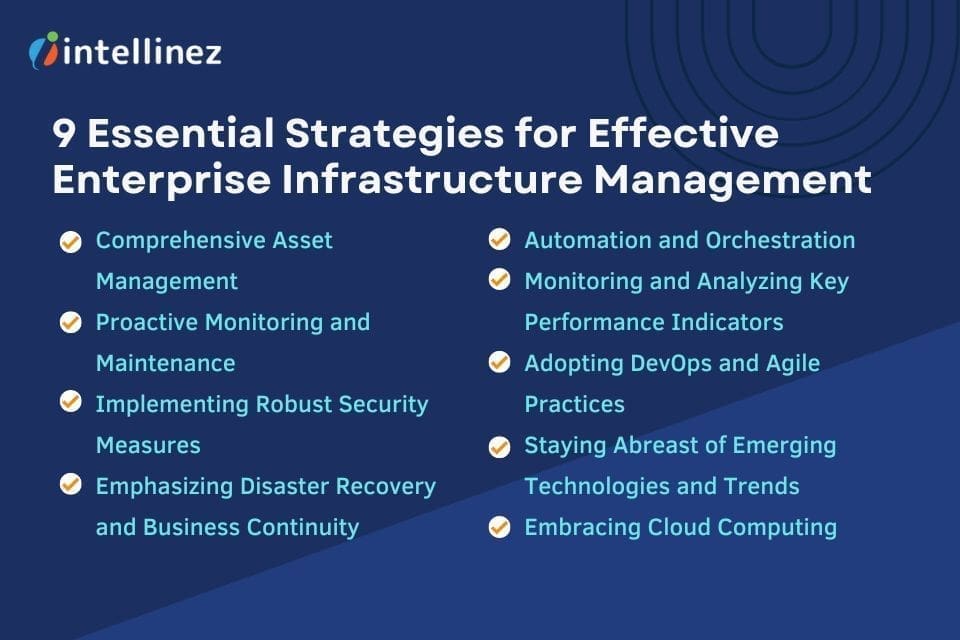 1. Inventory Management System
An essential aspect of effective infrastructure management is a comprehensive inventory management system. Organizations need to have a clear understanding of their hardware, software, and network assets and do proper resource allocation planning. Implementing an automated asset tracking system enables businesses to monitor and manage their assets efficiently, resulting in improved resource allocation, cost savings, and enhanced security.
According to recent studies, poor asset management can lead to significant financial losses for organizations. In fact, a survey conducted by the International Association of IT Asset Managers (IAITAM) revealed that businesses lose billions of dollars each year due to ineffective asset management practices. Therefore, investing in robust asset management tools and processes is crucial for optimizing infrastructure performance.
2. Proactive Monitoring and Maintenance
To ensure the smooth functioning of enterprise infrastructure, proactive monitoring and maintenance are essential. By leveraging advanced monitoring tools and techniques, organizations can identify and address potential issues before they impact operations. Real-time monitoring allows for quick response and remediation, minimizing downtime and optimizing overall system performance.
Incorporating predictive analytics into monitoring processes can further enhance infrastructure management. By analyzing historical data and patterns, predictive analytics helps identify trends and potential future issues. This empowers organizations to take data driven decisions with preventive measures and plan maintenance activities proactively, thereby reducing disruptions and improving infrastructure reliability.
3. Embracing Cloud Computing
Cloud computing has revolutionized the way businesses manage their infrastructure. Cloud-based solutions offer scalability, flexibility, and cost-efficiency, making them an indispensable component of modern enterprise infrastructure management.
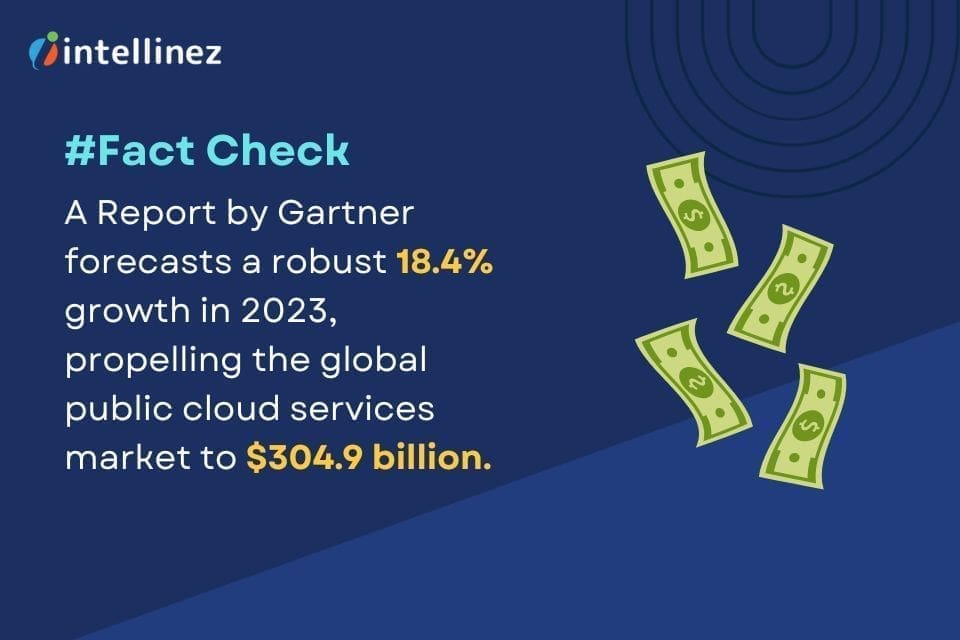
The adoption of cloud services continues to rise steadily. According to a recent report by Gartner, the worldwide public cloud services market is projected to grow by 18.4% in 2023, reaching a total value of $304.9 billion. Embracing cloud computing allows organizations to offload infrastructure management tasks to cloud service providers, enabling them to focus on core business objectives and innovation.
4. Implementing Robust Security Measures
In an era of increasing cybersecurity threats, implementing robust security measures is crucial for effective infrastructure management. Cyberattacks can result in data breaches, financial losses, and damage to a company’s reputation. Therefore, organizations must prioritize incident response and robust security at every level of their infrastructure.
The deployment of multi-layered security solutions, including WAF, intrusion detection systems, and data encryption, is essential. Regular vulnerability assessments and penetration testing can help identify and address potential weaknesses. Additionally, employee training and awareness programs play a vital role in preventing social engineering attacks and ensuring a security-conscious culture within the organization.
5. Emphasizing Disaster Recovery and Business Continuity
Disruptions to infrastructure can occur due to various reasons, including natural disasters, hardware failures, or cyber incidents. To minimize the impact of such events, organizations must have robust disaster recovery and business continuity plans in place.
A recent survey conducted by the Disaster Recovery Preparedness Council found that only 40% of organizations had a documented disaster recovery plan. This highlights the need for businesses to prioritize this aspect of infrastructure management. A comprehensive disaster recovery plan includes regular data backups, redundant systems, and predefined processes for recovery and restoration.
6. Automation and Orchestration
Automation and orchestration tools can greatly enhance infrastructure management by reducing manual effort, improving efficiency, and minimizing errors. By automating routine tasks and workflows, organizations can streamline their operations, optimize resource utilization, and ensure consistent and reliable execution of processes.
Orchestration tools enable organizations to coordinate and manage complex workflows across multiple systems and platforms. This helps ensure seamless integration and interoperability, facilitating efficient communication and collaboration between different components of the infrastructure.
7. Monitoring and Analyzing Key Performance Indicators
Monitoring and analyzing key performance indicators (KPIs) are crucial for evaluating the effectiveness of infrastructure management strategies. By tracking and measuring relevant metrics, organizations can gain insights into the performance, availability, and utilization of their infrastructure.
KPIs can vary depending on the specific goals and requirements of each organization. Common infrastructure-related KPIs include uptime percentage, response time, network bandwidth utilization, and resource utilization. By setting clear targets and regularly monitoring these KPIs, organizations can identify areas for improvement, make informed decisions, and continuously optimize their infrastructure management practices.
8. Adopting DevOps and Agile Practices
The adoption of DevOps and Agile practices can significantly improve infrastructure management by fostering collaboration, accelerating delivery cycles, and ensuring alignment with business objectives. DevOps emphasizes the integration and collaboration between development and operations teams, enabling organizations to deliver software and infrastructure changes more rapidly and reliably.
Agile methodologies, such as Scrum and Kanban, promote iterative and incremental development, allowing organizations to adapt to changing requirements and deliver value in shorter cycles. By embracing these practices, organizations can enhance their agility, responsiveness, and overall efficiency in managing their infrastructure.
9. Staying Abreast of Emerging Technologies and Trends
To stay ahead in the dynamic field of infrastructure management, organizations must stay abreast of emerging technologies and industry trends. Technologies such as artificial intelligence, machine learning, and the Internet of Things (IoT) continue to evolve and have the potential to transform infrastructure management practices.
Artificial intelligence and machine learning can automate and optimize various aspects of infrastructure management, including predictive analytics, anomaly detection, and intelligent automation. The IoT enables organizations to gather real-time data from various devices and sensors, allowing for proactive monitoring and efficient resource management.
By actively monitoring and adopting emerging technologies that align with their business objectives, organizations can gain a competitive advantage, enhance their infrastructure management capabilities, and future-proof their operations.
Conclusion
Effective enterprise infrastructure planning and management is crucial for organizations to thrive in the digital age. By implementing comprehensive asset management, proactive monitoring and maintenance practices, leveraging cloud computing, prioritizing security measures, emphasizing disaster recovery and business continuity, adopting automation and orchestration, monitoring and analyzing key performance indicators, embracing DevOps and Agile practices, and staying abreast of emerging technologies and trends, businesses can optimize their infrastructure’s performance and ensure uninterrupted operations.
As organizations continue to rely on technology and digital systems, the importance of robust infrastructure management will only increase. By embracing these essential strategies and continuously evolving their practices, organizations can position themselves for success in today’s dynamic business environment.
Reach Out to Intellinez Systems for Effective Enterprise Infrastructure Planning and Management
For effective enterprise infrastructure planning and management, Intellinez Systems is your trusted partner. With our expertise and experience, we offer comprehensive solutions tailored to your organization’s unique needs. From strategic planning to asset management and resource allocation, our team ensures seamless operations and optimal performance. Reach out to Team Intellinez today to elevate your infrastructure management to new heights.
Table of Contents
- Negative Effects of Cyber Attacks and Data Breaches on Businesses
- Strategies to Overcome the Negative Impacts of Data Breaches
- Conclusion
In today’s digital landscape, cybersecurity and business is a crucial aspect of every business operation. Data breaches and cyber-attacks pose significant threats to businesses, resulting in various negative impacts. It is essential for organizations to understand these consequences and take proactive measures to protect their data and systems. This blog by the experts from Intellinez Systems explores the impacts of cybersecurity on a business and provides strategies to overcome the adverse effects.
Negative Effects of Cyber Attacks and Data Breaches on Businesses
- Revenue Loss
Data breaches can have a devastating impact on business revenue. Studies show that 29% of breached companies face financial setbacks, with 38% experiencing a revenue loss of 20% or more. Additionally, cyber breaches and data manipulation can render IT systems non-functional, leading to customer attrition and further revenue decline. Protect your business from these risks by implementing robust cybersecurity measures.
- Damage to Brand Reputation
Data breaches not only affect short-term revenue but also tarnish the long-term reputation of a brand. Customers value their privacy, and breaches involving leaked emails or compromised payment information erode trust. Businesses with a history of poor data security are likely to face challenges in gaining customer confidence, impacting brand value.
- Loss of Intellectual Property
Hackers frequently set their sights on compromising intellectual property, which includes designs, strategies, and blueprints. Surprisingly, small businesses bear the brunt of 60% of cyber attacks, leaving their compromised assets vulnerable. The loss of such intellectual property can have a profound and detrimental impact on a business’s competitiveness, as competitors may exploit the stolen information for their own gain.
- Hidden Costs
Data breaches entail numerous hidden costs for businesses. Legal fees, public relations efforts, investigations, and increased insurance premiums are some of the expenses associated with breaches. Regulatory fines are also a reality that businesses often overlook, leading to substantial financial penalties and reputational damage.
- Online Vandalism
In some cases, hackers engage in online vandalism as a form of cyber attack. Even seemingly harmless changes, such as altering contact information or adding vulgar content to web pages, can cause significant damage. Such alterations may go unnoticed initially, impacting customer experience and damaging brand reputation over time.
- Rising Breach Costs
Businesses globally face escalating costs as they battle data breaches. According to IBM’s 2022 Cost of a Data Breach report, U.S. organizations bear an average cost of $9.44 million per incident, more than double the global average of $4.35 million. These costs encompass direct and indirect expenses associated with data breaches.
- Lost Business Opportunities
Lost business opportunities contribute to substantial financial losses for organizations. IBM’s report reveals that organizations incur an average cost of $1.52 million due to lost business. This includes factors such as business disruptions, damaged reputation, downtime, revenue losses, and efforts to minimize customer attrition.
- Downtime Due to Cyber Attacks
A significant negative impact of cyber attacks is network failure, which affects 76% of organizations. System crashes, human errors, cyber attacks, and insider attacks contribute to disruptions in operations. Expired SSL/TLS certificates, ransomware attacks, and distributed denial of service (DDoS) attacks are common causes of downtime.
- Stock Market Performance
Cyber attacks can have detrimental effects on a company’s stock market performance. Analyzing 34 breached companies listed on the New York Stock Exchange (NYSE), Comparitech found that these companies underperformed compared to the NASDAQ. Average share prices dropped 8.6% after one year, 11.3% after two years, and 15.6% after three years.
- Insider Threats
While external threats are a concern, organizations cannot overlook the risks posed by insiders. Almost 1 in 5 data breaches involve insiders, including employees, contractors, or business partners. Insider threats can result in the unauthorized access, misuse, or theft of sensitive data. These incidents can have severe consequences for a business, including reputational damage, legal implications, and financial losses.
Strategies to Overcome the Negative Impacts of Data Breaches
- Implement Robust Cybersecurity Measures
To mitigate the negative impacts of cyber threats, businesses should prioritize implementing strong cybersecurity measures. This includes establishing firewalls, implementing encryption protocols, regularly updating software and systems, and conducting vulnerability assessments. Employing multi-factor authentication and strong password policies can also enhance security.
- Develop an Incident Response Plan
Having a well-defined incident response plan is crucial to minimize the damage caused by cyber-attacks. This plan should outline the steps to be taken in the event of a breach, including communication protocols, containment strategies, data recovery processes, and legal considerations. Regular testing and updating of the plan are essential to ensure its effectiveness.
- Educate and Train Employees
Human error is a common factor in cybersecurity and Businesses should invest in comprehensive cybersecurity training programs to educate employees about best practices, recognizing phishing attempts, and maintaining data security. Ongoing awareness campaigns and regular training sessions can help create a culture of cybersecurity within the organization.
- Backup Data Regularly
Regularly backing up critical data is crucial to minimize the impact of data breaches or ransomware attacks. Businesses should establish automated backup systems and store backups in secure off-site locations or on cloud-based platforms. Regularly testing data restoration processes is essential to ensure the integrity of backups.
- Engage Third-Party Security Professionals
Many businesses lack the expertise and resources to effectively manage their cybersecurity needs. Engaging third-party security professionals like Intellinez Systems’ experts can provide specialized knowledge and support in implementing robust security measures, conducting risk assessments, and responding to incidents. These experts can help businesses stay updated on emerging threats and industry best practices.
- Monitor and Detect Threats
Implementing advanced threat detection systems and continuously monitoring network activity can help identify and respond to potential threats in real time. Intrusion detection systems, security information and event management (SIEM) tools, and endpoint protection solutions can assist in proactive threat detection and swift incident response.
- Stay Compliant with Regulations
Businesses should stay informed and compliant with relevant data protection and privacy regulations, such as the General Data Protection Regulation (GDPR) or the California Consumer Privacy Act (CCPA). Compliance not only helps protect sensitive data but also reduces the risk of regulatory fines and legal repercussions.
Conclusion
Cybersecurity threats pose significant negative impacts on businesses, including revenue loss, brand reputation damage, intellectual property loss, and hidden costs. However, by implementing robust cybersecurity measures, developing incident response plans, educating employees, regularly backing up data, engaging third-party professionals, monitoring threats, and staying compliant, businesses can overcome these challenges and protect their valuable assets. Prioritizing cybersecurity and business is essential in today’s digital landscape to safeguard business operations and maintain customer trust in an increasingly interconnected world.
Hire Intellinez Systems & Protect Your Business from Data Breaches and Cyber-Attacks
Don’t let your business fall victim to data breaches and cyber attacks. Safeguard your valuable information by partnering with Intellinez Systems. Our expert team provides cutting-edge security solutions tailored to your organization’s needs.
From proactive threat detection to robust defense strategies, we work diligently to minimize the risk of breaches. Trust Intellinez Systems for comprehensive protection and focus on your business with peace of mind. Contact us now.
Software Development Services
With Our expertise in Software Development, we can create Custom and Enterprise solutions for multiple platforms ranging from web and mobile to the cloud. We also specialize in SaaS Development, UI/UX services, QA Testing, System Integration and API Development.
Book AppointmentTable of Contents
- Visualize For Clarity And Alignment
- Cultivate Collaboration Over Documentation
- Establish Fast Feedback Loops
- Streamline Workflow For Efficiency
- Split Work Into Small, Well-Defined Increments
- Outcome > Output
- Quality & Simplicity
In today’s rapidly evolving digital landscape, businesses face increasing pressure to adapt quickly and deliver innovative solutions to remain competitive. Agile performance management system has emerged as a powerful approach to software development, enabling IT teams to respond rapidly to change, enhance collaboration, and deliver value to customers.
However, implementing agile practices alone is not enough to achieve optimal results. To truly maximize the agile performance of your IT team, you need to foster a culture of continuous improvement, align your processes with agile principles, and empower your team members to excel. In this comprehensive guide by experts from Intellinez Systems, you’ll find seven actionable steps to help you unlock the full potential of your IT team and elevate their agile performance.
1. Visualize for Clarity and Alignment
Visualization is a powerful technique that enhances transparency, collaboration, and alignment within your IT team. By providing a shared understanding of the workflow and progress, visualization enables effective communication and empowers team members to make informed decisions. Here are some practical visualization techniques to consider:
A. Implement a physical or digital Kanban board
Create a visual representation of the workflow using sticky notes or digital cards. Use columns to represent different stages of work and move cards across the board as tasks progress. This allows the team to easily track the status of work items, identify bottlenecks, and prioritize tasks accordingly.
B. Utilize user story maps
Create a graphical representation of data, including user journey, product scope, and releases. Utilize user insights, personas, and screen mock-ups to foster discussions and ensure team alignment with user needs.
C. Leverage architecture diagrams and domain models
Use visual artefacts to foster discussions on software design and ensure a shared language among team members. These visual representations help the team gain a comprehensive understanding of the system’s architecture and facilitate effective collaboration.
2. Cultivate Collaboration over Documentation
While documentation plays a vital role in software development, emphasizing collaboration and knowledge sharing yields superior results in an agile environment. Here are some strategies to foster collaboration within your IT team:
A. Conduct regular walkthroughs and knowledge sharing sessions
Encourage team members to share their expertise, insights, and lessons learned through regular sessions. This promotes cross-functional understanding and facilitates collective ownership of the work.
B. Embrace pair programming
Pair programming enhances collaboration and knowledge transfer among team members. By working together on coding tasks, team members can share ideas, validate solutions, and improve code quality.
C. Facilitate cross-functional collaboration
Encourage collaboration among different roles, such as developers, testers, and analysts, to ensure a holistic understanding of requirements and promote a sense of shared responsibility.
3. Establish Fast Feedback Loops
Fast feedback loops are vital for validating assumptions, improving quality, and delivering valuable software. By gathering feedback early and often, you can make timely adjustments and align your deliverables with customer expectations. Consider the following practices to establish effective feedback loops:
A. Validate assumptions with rapid prototypes
Before embarking on full-scale development, create low-fidelity prototypes or wireframes to gather feedback from end users. This iterative approach allows you to incorporate user insights and refine the solution based on real user feedback.
B. Release frequently to gather user feedback
Embrace continuous delivery practices to release software in small increments. This enables you to obtain valuable user feedback, iterate on features, and validate the product’s direction.
C. Conduct regular retrospectives
Organize retrospective meetings to reflect on the team’s performance, identify areas for improvement, and gather feedback from team members. This feedback-driven approach fosters a culture of continuous learning and empowers the team to refine their processes and practices.
4. Streamline Workflow for Efficiency
Efficiently managing the flow of work is crucial for maximizing productivity and minimizing delays. Streamlining your workflow involves identifying and eliminating bottlenecks, reducing handoffs, and optimizing the sequence of tasks. Here are some techniques to improve your team’s workflow:
A. Limit work in progress (WIP)
Set clear limits on the number of tasks or stories that can be actively worked on at any given time. By reducing multitasking and focusing on completing work before starting new tasks, you can improve efficiency and reduce context switching.
B. Identify and address bottlenecks
Regularly monitor the flow of work and identify stages where tasks tend to accumulate. Address these bottlenecks by redistributing tasks, providing additional support, or adjusting the team’s capacity.
C. Automate repetitive tasks
Identify opportunities for automation to eliminate manual, time-consuming tasks. Task Automation build processes, test suites, and deployment pipelines reduces the risk of errors and accelerates the delivery of high-quality software.
5. Split Work into Small, Well-Defined Increments
Breaking down work into small, well-defined increments is a fundamental practice in agile development. This approach enhances flexibility, promotes early value delivery, and facilitates accurate estimation. Consider the following strategies for effective work breakdown:
A. Slice epics into user stories
Epics, which represent large, high-level requirements, can be challenging to estimate and complete within a single iteration. Slice epics into smaller, more manageable user stories that can be delivered incrementally. Each user story should provide clear business value and have well-defined acceptance criteria.
B. Apply the INVEST criteria
When defining user stories, ensure they meet the INVEST criteria: Independent, Negotiable, Valuable, Estimable, Small, and Testable. These criteria help create user stories that are easier to understand, estimate, and implement.
C. Prioritize work based on value and risk
Collaborate with stakeholders to prioritize user stories based on their value to the customer and the associated risk. Focus on delivering the highest value and most critical features early on, enabling quicker time-to-market and rapid feedback.
6. Outcome > Output
Shifting the focus from maximizing output to delivering the right outcomes is a key aspect of agile performance. By continuously evaluating the value of work items and aligning them with strategic goals, you can ensure that your team delivers maximum value to customers and stakeholders. Here are some strategies to prioritize outcomes:
A. Embrace a value-driven mindset
Foster a culture that values customer-centricity and outcome-driven thinking. Encourage the team to continuously question the value of their work and explore alternative approaches to achieve the desired outcome.
B. Regularly reassess priorities
Priorities can change over time due to evolving market conditions, shifting business goals, or new customer insights. Regularly reassess the priority of work items and adapt accordingly to ensure alignment with the desired outcomes.
C. Communicate and collaborate with stakeholders
Maintain open channels of communication with stakeholders to understand their needs, gather feedback, and align expectations. Regularly engage in conversations to validate assumptions, share progress, and ensure that the team’s efforts are aligned with strategic objectives.
7. Quality & Simplicity
Prioritizing quality and simplicity is essential for delivering sustainable, high-quality software solutions. By investing in code quality, automated testing, and continuous improvement, you can ensure that your team consistently delivers valuable and reliable software. Consider the following practices:
A. Conduct regular code reviews
Implement a code repository management process to foster collaboration, improve code quality, and share knowledge. Code reviews help identify potential issues, ensure adherence to coding standards, and promote learning within the team.
B. Embrace automated testing
Implement automated testing practices, such as unit tests, integration tests, and regression tests. Automated tests provide fast feedback on the correctness and reliability of the software, enabling early bug detection and preventing regressions.
C. Refactor for simplicity and maintainability
Continuously evaluate the codebase for opportunities to simplify and improve maintainability. Refactoring helps eliminate technical debt, enhances code readability, and improves the ability to respond to change.
Conclusion
Maximizing the agile performance of your IT team requires a holistic approach that encompasses culture, processes, and people. By implementing these seven actionable steps discussed in this guide – visualizing for clarity and alignment, cultivating collaboration over documentation, establishing fast feedback loops, streamlining workflow for efficiency, splitting work into small, well-defined increments, prioritizing outcomes over output, and prioritizing quality and simplicity – you can unlock your team’s full potential and drive exceptional results.
Embrace the principles of agility, foster a culture of continuous improvement, and empower your team members to collaborate, innovate, and deliver value to customers. With dedication and persistence, your IT team can become a high-performing agile powerhouse, capable of thriving in today’s dynamic business landscape.
Contact Us Today for Your IT Needs
For all your IT needs, we’re here to help. Whether it’s troubleshooting, software development, or network solutions, Team Intellinez Systems is equipped with the expertise to assist you. Reach out to us today and let us take care of your technology challenges, so you can focus on what matters most – growing your business.
Table of Contents
- What Is Cloud Migration?
- What Is Cloud Security?
- The Role Of Machine Learning & Artificial Intelligence
- The Need For Cloud Migration Experts
- Top Cloud Migration Skills For Effortless Transitions In 2023
The demand for certified cloud computing professionals has skyrocketed, surpassing the shift from in-house servers to cloud-based systems. This presents a lucrative opportunity for individuals willing to acquire the necessary cloud computing skills. Amazon (AWS), Microsoft (Azure), and Google (Google Cloud Platform) are the leading cloud platforms.
Staying relevant in the industry requires staying updated with new trends and developments in digital technology. The pandemic accelerated the adoption of cloud services due to the widespread need for remote work and distance learning. The global cloud computing market size was valued at $569.31 billion in 2022 and is projected to grow from $677.95 billion in 2023 to $2,432.87 billion by 2030.
Cloud computing is a rapidly growing field, and companies will continue to seek professionals with AWS skills and advanced cloud computing expertise. The flexibility and scalability offered by cloud-based systems make them a vital component for businesses, leading to a reduction in investment in physical servers and data centers.
What is Cloud Migration?
Cloud computing has transformed the way users access software, data storage, and services by eliminating the need for physical servers. To effectively manage cloud systems, acquiring the necessary technical skills through training is crucial. This training enables professionals to navigate the complexities of cloud computing and optimize its capabilities.
The process of migrating in cloud computing, from an on-premises infrastructure to the cloud typically involves several phases. Here are the common phases of cloud migration in cloud computing:
- Assessment: Evaluate current infrastructure, applications, and data for migration readiness.
- Planning: Create a detailed migration plan, and choose the cloud provider and deployment model.
- Design: Define target architecture for cloud deployment and optimize applications.
- Migration: Move applications, data, and infrastructure to the cloud.
- Validation and Testing: Verify functionality, performance, and security of the migrated environment.
- Deployment: Deploy the validated cloud environment for production use.
- Optimization: Continuously optimize performance, cost, and resource utilization.
- Ongoing Management: Monitor, maintain, and manage the cloud environment.
One significant aspect of cloud computing is the shift from traditional subscription-based pricing to a pay-per-use model, also known as consumption-based pricing. This new pricing structure allows users to pay only for the resources they utilize, offering greater flexibility and cost-efficiency.
By embracing cloud computing, businesses and individuals gain the ability to access software, store data, and leverage services from anywhere, anytime. However, to fully harness its potential, individuals must equip themselves with the requisite skills and knowledge.
What is Cloud Security?
Cloud computing inherently requires a strong emphasis on security due to the outsourcing of sensitive business data. Organizations prioritize IT security to protect customer data, intellectual property, and their reputation. The demand for cybersecurity professionals is rapidly growing, with a particular focus on the cloud domain. A single security breach can have severe consequences, highlighting the importance of cyber security measures in cloud computing environments.
The Role of Machine Learning & Artificial Intelligence
Machine learning and artificial intelligence (AI) have become crucial skills in the cloud computing landscape. Major cloud vendors now offer tools and services that provide extensive access to cloud-based AI and machine learning applications. Cloud computing, previously known as “infrastructure as a service” (IaaS), enables organizations of all sizes to harness the computing power and infrastructure necessary for AI and machine learning endeavors.
The machine learning industry has matured, leading to the emergence of machine learning as a service (MLaaS) delivered over the cloud. MLaaS is projected to grow at a compound annual growth rate (CAGR) of 43% through 2023. The demand for talent in the field of machine learning and AI is high. Combining the cloud computing skills with AI expertise can significantly enhance one’s professional value in the industry.
By acquiring proficiency in cloud-based AI and machine learning, professionals can tap into the exponential growth potential of this red-hot market segment and stay ahead in the rapidly evolving cloud computing domain.
The Need for Cloud Migration Experts
Organizations require professionals with advanced cloud computing skills for efficient deployment and migration of IT systems to cloud platforms. It involves safeguarding data integrity, security, and minimizing downtime. Understanding the three major cloud platforms (AWS, Azure, and Google Cloud) is valuable, providing more career opportunities and enhanced value within organizations. It’s essential to possess a diverse skill set and not limit oneself in this dynamic field.
Top Cloud Migration Skills for Effortless Transitions in 2023
Cloud computing professionals should possess additional technical skills such as database management, DevOps, and related technologies to excel and thrive in their careers.
1. DataBase Skills
Database skills are essential as organisations generate massive amounts of data daily. Cloud-hosted databases offer valuable insights from this unstructured data, creating a demand for professionals adept at managing, storing, and accessing information.
IT professionals should seize the opportunity to learn a database querying language like SQL, which is the industry standard. Learning platforms like MySQL, MongoDB, or Hadoop can be considered to further enhance skills. Investing in database skills is vital in leveraging the potential of data and thriving in the cloud computing industry.
2. DevOps
DevOps, short for “developmental operations,” is a software development approach that encompasses the entire lifecycle, from planning to maintenance. It allows organisations to automate updates and streamline the release process. In the cloud computing realm, DevOps is crucial for efficient development. Enhancing your cloud computing skills with DevOps proficiency is a strategic decision, enabling faster and more efficient software updates and aligning with industry best practices.
3. Programming Language Skills
Strong programming language skills are vital for developing and maintaining cloud-based applications. Java, JavaScript, and Python are popular languages widely used in the cloud computing domain. Alongside programming proficiency, understanding SQL and data structures, such as data schemas, is crucial for building effective database-driven applications in the cloud.
4. APIs or Application Programming Interfaces
APIs play a crucial role in both on-premises and cloud-based software development by facilitating communication and data sharing between services and applications. Proficiency in creating APIs and establishing the necessary linkages for seamless integration in the cloud is essential for success as a cloud expert. REST and GraphQL are widely used API types in cloud environments, and gaining expertise in these technologies is highly advantageous.
5. Network Management Skills
Networking skills are vital in the cloud, particularly in establishing connections between resources and locations. This enables companies to set up services such as virtual private clouds and secure connectivity between cloud resources and on-premises sites. Efficient access to cloud resources often requires network administration expertise.
Virtual networks play a significant role in cloud workload deployments, employing various techniques to facilitate networking connections between resources and even across multiple clouds in multi-cloud setups. The ability to navigate these networking complexities is essential for success in cloud computing.
6. Knowledge of Hybrid Cloud
As not all IT infrastructure, apps, and workloads can be fully migrated to the cloud, the concept of hybrid cloud has gained popularity. It involves strategically moving certain apps to a public cloud while keeping other components on-site or in a dedicated private cloud.
Cloud professionals must understand the workings of different cloud models and how to integrate them effectively in a hybrid setup, determining the optimal placement of resources. Hybrid cloud architecture allows organisations to balance security, control, and scalability requirements, maximising the benefits of both public and private cloud environments.
7. Knowledge of Containers
Containerization allows applications to be encapsulated independently of their execution context, enabling swift and efficient installation. To enhance job prospects in cloud computing, it is crucial to have a strong technical foundation and familiarity with popular container technologies like Docker and Kubernetes.
Major cloud platforms provide Kubernetes or container services to assist businesses in managing deployments. Therefore, cloud experts must possess a comprehensive understanding of how these technologies operate. Staying updated with containerization trends and acquiring expertise in container management is essential for professionals looking to excel in the rapidly evolving cloud computing industry.
8. Cloud Orchestration
In cloud computing, multiple interconnected services are prevalent, making manual connection processes impractical at scale. Cloud orchestration technologies play a crucial role in automating and coordinating numerous tasks, ensuring seamless interactions between cloud services.
Cloud professionals with the ability to establish effective cloud orchestration are highly sought after. The expertise to automate and coordinate complex workflows across the cloud environment is essential for optimising efficiency and achieving successful cloud deployments.
Conclusion
Various resources, including formal education, online materials, and on-the-job training, are available to enhance your proficiency in cloud computing. International third-party certifications, in addition to certifications offered by major cloud providers, are recognized in the industry.
It is crucial to add these essential skill sets to your profile promptly, as cloud services permeate all aspects of life, creating abundant opportunities for those aspiring to become cloud computing experts. Whether through formal education, online resources, or certifications, investing in cloud computing skills positions individuals to thrive in a rapidly expanding field with increasing demand for cloud expertise.
Experience Efficient Cloud Migration with Intellinez Systems
Intellinez Systems offers expertise in efficient cloud migration, providing organizations with the necessary skills and support to seamlessly transition their IT systems to cloud platforms. With our experience and knowledge, our team ensures data integrity, security, and minimal downtime during the migration process.
Table of Contents
- 10 Business Intelligence Mistakes To Avoid During Implementation
- Lack Of Clear Objectives
- Insufficient Data Quality
- Poor Data Integration
- Overlooking User Requirements
- Inadequate User Training
- Complex And Overwhelming Reports
- Ignoring Data Security And Governance
- Lack Of Executive Sponsorship
- Not Adapting To Changing Needs
- Lack Of Continuous Improvement
Business Intelligence (BI) has become a critical component of modern-day enterprises, empowering organizations to make informed decisions based on data insights. However, implementing BI is not without its challenges, and many companies make avoidable mistakes that hinder their success. In this blog, we will discuss the ten most common mistakes to avoid while implementing business intelligence, with a specific focus on data analytics implementation. By learning from these pitfalls, organizations can maximize the value of their BI initiatives and achieve long-term success.
10 Business Intelligence Mistakes to Avoid During Implementation
1. Lack of Clear Objectives
One of the most common mistakes organizations make is diving into BI implementation without clear objectives. While it’s tempting to jump right into data analysis and visualization, without a well-defined purpose, it becomes difficult to align BI initiatives with business goals. Before starting any implementation, it is essential to identify key objectives, such as improving operational efficiency, enhancing customer satisfaction, increasing revenue, or optimizing supply chain management. Clear objectives help focus efforts and ensure that the implemented BI solution delivers tangible benefits.
To illustrate, let’s consider a retail company that wants to implement BI to improve its inventory management. By setting a clear objective of reducing inventory holding costs by 20% within the next six months, the company can align its BI efforts with a specific target, enabling them to track progress and measure the success of their implementation.
2. Insufficient Data Quality
Implementing BI without ensuring data quality can lead to erroneous insights and misguided decision-making. Inaccurate, incomplete, or inconsistent data can severely impact the effectiveness of a BI system. As per a Gartner survey, Poor data quality costs organizations an average of $15 million annually, yet nearly 60% of respondents are unaware of their businesses’ expenses due to a lack of measurement.
To avoid this mistake, organizations must invest in data governance practices, establish data quality standards, and implement data cleansing and validation processes. Data quality assessment is crucial to maintaining the integrity of your BI system.
Data quality can be enhanced by employing data profiling techniques to identify and rectify data inconsistencies, conducting data lineage analysis to track data sources, and implementing data validation routines during the ETL (Extract, Transform, Load) process. By prioritising data quality, organisations can have confidence in the accuracy and reliability of the insights generated by their BI system.
We understand the significance of data quality, and our Data Quality Analysis services ensure that your data is accurate, consistent, and reliable, enhancing the reliability of your analytics outputs. Intellinez Systems’ Data Visualization expertise transforms complex data into intuitive visual representations, enabling you to grasp patterns, trends, and outliers at a glance.
3. Poor Data Integration
BI thrives on data integration from multiple sources. However, organizations often struggle with integrating data from disparate systems, leading to incomplete or fragmented insights. It is crucial to plan for data integration during the initial stages of implementation. Utilize appropriate tools and technologies to extract, transform, and load data from various sources.
Data integration can be facilitated through the use of Extract, Transform, Load (ETL) tools or data integration platforms that provide connectors to various data sources. Additionally, organizations can explore the use of data virtualization techniques to integrate data in real-time without the need for physical consolidation. A robust data integration strategy ensures that all relevant data is available for analysis, resulting in comprehensive insights.
For example, a healthcare organization implementing BI might need to integrate data from electronic health records, patient satisfaction surveys, and financial systems. By leveraging data integration techniques and tools, they can merge these disparate data sources to gain a holistic view of patient care and identify opportunities for improvement.
Through its Enterprise Data Warehousing solutions, Intellnez Systems enables you to centralise and integrate your data from various sources, facilitating seamless analysis and reporting. Our proficiency in Big Data and Machine Learning equips you with advanced capabilities to extract valuable insights from vast and complex datasets, unlocking new opportunities for growth and innovation.
4. Overlooking User Requirements
Failing to understand and address user requirements is a major mistake that can hinder BI adoption and success. Users are the primary consumers of BI insights, and their involvement throughout the implementation process is vital for building a user-friendly and effective BI solution. Conduct interviews, surveys, and workshops to gather user requirements, and involve them in design reviews and testing.
By incorporating user feedback, organizations can create a BI solution that meets their specific needs and encourages user adoption. For instance, if the marketing team requires real-time dashboards to monitor campaign performance, it is crucial to involve them in the design process and incorporate their input to ensure the BI solution aligns with their needs.
5. Inadequate User Training
Even with a powerful BI solution in place, its value can be diminished if users lack the necessary skills to leverage its capabilities. Organisations often overlook the importance of providing comprehensive training to users. According to Accenture, inadequate data skills impede productivity, with 74% of workers feeling overwhelmed or unhappy while handling data despite its greater accessibility.
Invest in training programs that cover not only the technical aspects of the BI system but also focus on data interpretation, report generation, and analysis techniques. Regular training sessions and support ensure users are confident and competent in utilising the BI system effectively.
Training should be tailored to different user roles, catering to the needs of executives, analysts, and operational staff. It can take various forms, such as classroom-style training, online tutorials, or workshops. Providing ongoing training and support ensures users are equipped with the knowledge and skills required to make informed decisions based on the insights generated by the BI system.
6. Complex and Overwhelming Reports
Another mistake organizations make is inundating users with complex and overwhelming reports. While it’s important to provide comprehensive insights, bombarding users with excessive data, charts, or irrelevant information can hinder their ability to extract meaningful insights efficiently. Focus on presenting key metrics and actionable insights that enable users to make informed decisions quickly and concisely.
To achieve this, reports should be designed with simplicity in mind. Avoid cluttering reports with unnecessary data points, and leverage visualisations to present information in a visually appealing and easy-to-understand manner. Furthermore, tailor reports to specific user roles and responsibilities, ensuring that each user receives the information that is relevant to their job function.
7. Ignoring Data Security and Governance
Data security and governance are critical considerations in any BI implementation. Neglecting these aspects can lead to data breaches, compliance issues, and loss of trust. According to the USGS, companies can lose 15% to 25% of their operating budget due to poor data quality, redundancy, and data loss.
Implement robust security measures, including role-based access control, data encryption, and regular security audits. Establish data governance policies to ensure data integrity, privacy, and compliance with relevant regulations.
By incorporating data security and governance practices, organisations can instil confidence in users and protect sensitive business information. This includes defining clear data access privileges, implementing data masking techniques to anonymize personally identifiable information (PII), and regularly reviewing user access logs to detect and address any potential security vulnerabilities.
8. Lack of Executive Sponsorship
BI implementations often fail due to the lack of executive sponsorship and support. Without executive buy-in, it becomes challenging to allocate resources, overcome organisational resistance, and drive adoption across the enterprise. Secure executive sponsorship from the outset to ensure adequate funding, resource allocation, and the necessary authority to implement necessary changes.
Executive involvement also helps in breaking down silos and fostering a data-driven culture throughout the organization. Executives should champion the BI initiative, communicate its benefits to the entire organization, and lead by example in utilizing BI insights to drive decision-making.
9. Not Adapting to Changing Needs
Businesses evolve, and so should BI implementations. Failing to adapt to changing business needs and technological advancements can render a BI solution outdated and irrelevant. Regularly review and reassess the effectiveness of your BI system, seek feedback from users, and identify areas for improvement.
Stay abreast of emerging trends, technologies, and best practices to ensure your BI implementation remains agile and continues to deliver value over time. For example, organizations can explore the use of advanced analytics techniques such as machine learning and predictive modeling to derive deeper insights and gain a competitive edge.
10. Lack of Continuous Improvement
Finally, organizations often make the mistake of considering BI implementation as a one-time project rather than an ongoing process. BI systems require continuous improvement to stay relevant and effective. Establish a feedback loop with users, monitor key performance indicators, and regularly evaluate the impact of BI on business outcomes.
Actively seek opportunities to enhance the system, explore advanced analytics capabilities, and leverage emerging technologies such as AI and machine learning to extract deeper insights and gain a competitive edge. Continuous improvement ensures that the BI solution evolves alongside the organization’s changing needs and provides ongoing value.
Conclusion
Avoid these ten business intelligence implementation mistakes: unclear objectives, poor data quality, insufficient integration, overlooking user requirements, lack of user training, complex reports, data security neglect, lack of executive sponsorship, failure to adapt, and lack of continuous improvement. Successful BI enables data-driven decision-making, enhances efficiency, and ensures long-term success. Learn from these mistakes to leverage the power of business intelligence for valuable insights and achievements.
Empower Your Business Intelligence Implementation With Intellinez Systems
Intellinez Systems empowers your organisation with the transformative capabilities of analytics and business intelligence. Our comprehensive range of services includes Data Advisory, Data Governance, Enterprise Data Warehousing, Big Data, Machine Learning, Data Quality Analysis, Data Visualization, and Database Automation.
Table of Contents
- 5 Low Code Development Mistakes To Avoid For Successful App Creation
- Mistake #1: Neglecting Needs Analysis
- Mistake #2: Designing An Ineffective User Interface
- Mistake #3: Insufficient Research And Testing Cycles
- Mistake #4: Trying To Include Too Many Features
- Mistake #5: Ignoring User Feedback
In today’s fast-paced digital landscape, mobile applications play a crucial role in enhancing business operations. However, when developing enterprise applications using low-code tools, there are several common mistakes that can hinder the potential benefits they offer. In this blog, we will explore five critical low code development mistakes to avoid during the development process. By understanding and sidestepping these pitfalls, your business can create powerful, user-friendly applications that boost productivity and efficiency.
5 Low Code Development Mistakes to Avoid for Successful App Creation
Mistake #1: Neglecting Needs Analysis
One of the most significant mistakes when developing enterprise applications is not conducting a thorough needs analysis. Without understanding the specific requirements and preferences of end-users and conducting thorough audience research, businesses risk developing ineffective interfaces and wasting valuable resources.
To avoid this mistake, it is essential to invest time and effort in market research and organizational feedback. By gathering insights from potential users and stakeholders, businesses can identify their needs and align application development accordingly. Performing a comprehensive needs analysis allows businesses to optimize financial and human resources while ensuring the final application serves the organization’s requirements and fulfills the business demands.
Mistake #2: Designing an Ineffective User Interface
The user interface (UI) of an enterprise application plays a vital role in its success. Studies have shown that a majority of businesses fail due to poor user experiences. Therefore, it is crucial to prioritize creating a user-friendly interface and improving overall user experiences when developing enterprise applications.
Low-code development tools offer valuable features like drag-and-drop editors, visual workflow builders, and instant deployment capabilities. These tools empower citizen developers with little coding experience to create high-functioning and easy-to-use applications. By leveraging such tools, businesses can significantly reduce the application development cycle without exhausting organizational resources. Prioritizing an effective and mobile friendly design is crucial to ensuring the application’s success.
Mistake #3: Insufficient Research and Testing Cycles
Insufficient research and testing can be detrimental to the development of enterprise applications. Without thorough research, applications may lack the required functionalities, design elements, and user interface that meet business needs. Additionally, understanding end-users’ preferences and requirements is critical for developing successful applications.
Traditionally, testing applications at each stage of the development cycle can be time-consuming and expensive. However, low-code development platforms provide businesses with the opportunity to rapidly test various application prototypes and iterations without significant financial resources and time investments. By leveraging low-code platforms, businesses can efficiently and effectively test multiple enterprise applications, ensuring their functionality aligns with user expectations.
Mistake #4: Trying to Include Too Many Features
It is tempting for businesses to include numerous features in an application. However, cramming too many features can lead to confusion and negatively impact user experiences. Instead of focusing on quantity, businesses should prioritize determining which features best serve the needs of end-users and support short-term and long-term objectives.
By streamlining feature selection, businesses can allocate more time and resources to improving user interfaces and application infrastructures. Rather than attempting to include every possible feature, it is essential to strike a balance by incorporating limited yet adaptable and dynamic features. This approach ensures that the application remains focused, user-friendly, and efficient.
Mistake #5: Ignoring User Feedback
User feedback is an invaluable resource for software development teams. Collecting, analyzing, and implementing user feedback enables teams to improve user experiences, application design, and overall business process management.
Unfortunately, many businesses fail to recognize the power of user feedback in determining the success of an application. Studies have shown that users are more likely to abandon an application if it takes too long to load or lacks intuitive features. By combining application analytics with user feedback, development teams can exponentially improve application design and functionality, enhancing future productivity.
Low-code development tools not only help businesses create powerful custom applications but also enable citizen developers to contribute to development initiatives. Encouraging end-users to participate in the development of business applications can significantly increase user satisfaction and overall success.
Conclusion
Developing enterprise applications using low-code development tools offers numerous benefits, but it is essential to avoid common mistakes that can hinder their effectiveness. By conducting a needs analysis, designing effective user interfaces, conducting thorough research and testing, prioritizing essential features, and leveraging user feedback, businesses can maximize the potential of low-code development and create powerful applications.
Experience the power of low-code with Intellinez Systems
Team Intellinez possesses extensive expertise in leveraging low-code tools to build high-quality applications. Our team of skilled developers excels in optimizing user interfaces, conducting thorough research and testing, prioritizing essential features, and leveraging user feedback. With Intellinez Systems, you can expect top-notch low-code development solutions that deliver exceptional outcomes for your business.
Table of Contents
- Why SMBs Should Opt For SaaS Products
- Peering Into SaaS Applications: How They Operate
- Advantages Of Building SaaS Applications For Startups
- Challenges For SMBs In Building SaaS Applications
- How To Overcome The SaaS Application Development Challenges
Cloud computing has rapidly gained traction, particularly for Small and Medium-sized Businesses (SMBs), due to its compelling benefits. Cloud-based applications offer cost-effectiveness by reducing hardware, software, and IT support expenses. Scalability is another advantage, allowing SMBs to adapt resources according to their needs and growth trajectory. The cloud’s robust security measures provide reassurance for businesses entrusting their data to cloud providers. Furthermore, the accessibility of cloud-based applications empowers SMBs to work remotely, fostering collaboration and productivity.
Some examples of SaaS applications include Salesforce for sales pipeline management, QuickBooks Online for financial tracking, and Slack for seamless communication. A recent study by Gartner projects substantial growth in the global SaaS market, from $240.61 billion in 2022 to $374.48 billion by 2026, driven by SMBs’ increasing adoption of cloud-based solutions. To unlock cost savings, scalability, and security, SMBs should explore the transformative potential of migrating their applications to the cloud.
Delve into this informative blog by the experts of team Intellinez Systems and equip yourself with the requisites of SaaS product development.
Why SMBs Should Opt for SaaS Products
Cost Efficiency
Based on a recent Gartner study, SaaS applications boast a remarkable 30% lower Total Cost of Ownership (TCO) compared to traditional on-premises software. This translates into substantial long-term cost savings for businesses utilizing SaaS solutions.
Scalability and Integration
SaaS applications effortlessly adapt to your business needs, expanding or contracting as required, unlike traditional on-premises software. Additionally, seamless integration with other cloud-based applications streamlines processes and boosts efficiency.
Reliability and Uptime
Hosted on robust cloud infrastructure, SaaS applications ensure superior reliability compared to on-premises solutions. A recent Uptime Institute study reveals an average uptime of 99.9%, guaranteeing continuous accessibility, 24/7, 365 days a year.
Custom Package Availability
Tailored to your specific requirements, SaaS providers offer custom packages, sparing you unnecessary expenses on features you don’t utilize. Choose precisely the functionalities your business demands, ensuring cost-effectiveness.
New Releases and Upgrades
Embrace the cutting edge with SaaS’s frequent feature updates and upgrades. Enjoy enhanced security, bug fixes, and stay ahead of competitors by leveraging the latest advancements.
Performing Proof-of-Concepts
Assess SaaS application suitability with proof-of-concepts (POCs) before committing to subscriptions. Experience firsthand the scalability, reliability, and security to make an informed decision.
Data Storage
Safeguard your data in the cloud with SaaS applications, benefiting from reliable backups and robust security measures implemented by providers. Access disaster recovery services for added protection.
Increased Security
Invested in fortifying security, SaaS providers employ dedicated teams to monitor infrastructure vulnerabilities. Encryption and other security measures bolster data protection, instilling confidence in your data’s safety.
Peering into SaaS Applications: How They Operate
Gain insights into SaaS applications’ functioning, understanding their operational mechanisms and the technology powering seamless user experiences.
Google Docs
Google Docs is a cloud-based word processing application within the Google Workspace suite, operating as a SaaS solution due to its cloud hosting and subscription-based model. Users can conveniently access it from any location with an internet connection, making it ideal for remote work and mobility. With a multi-tenant setup, multiple users can collaborate on shared documents, delivering a cost-effective solution for businesses and organizations.
Statista’s recent study reveals an impressive 600 million active users globally, solidifying Google Docs’ status as one of the most sought-after SaaS applications. Its advantages are abundant, offering accessibility, enabling efficient collaboration, and ensuring data security through Google’s reliable cloud infrastructure. The subscription-based approach proves economical for entities seeking efficient document sharing.
As a powerful and versatile SaaS application, Google Docs caters to various purposes. It empowers users with a user-friendly, secure, and cost-effective platform, making it an invaluable asset for businesses and organizations alike.
Microsoft Office 365
Microsoft Office 365, a cloud-based productivity suite comprising familiar applications such as Word, Excel, PowerPoint, and Outlook, serves as an exemplary SaaS application. Hosted on Microsoft’s cloud infrastructure, users enjoy seamless access from anywhere with an internet connection. Through a subscription-based model, users pay a monthly fee encompassing hosting, development, and maintenance costs. Its multi-tenant capability enables multiple users to collaborate on shared documents, making it a cost-effective solution for document collaboration.
With a staggering 200 million active users worldwide, as reported by Gartner, Microsoft Office 365 stands as one of the most sought-after SaaS applications. The suite’s accessibility from any location enhances convenience for remote work and mobile usage. Collaboration features foster concurrent work on documents, boosting productivity and teamwork. Data security is ensured with Microsoft’s robust cloud infrastructure, instilling confidence in users.
Catering to businesses of all sizes, Microsoft Office 365 offers a versatile and potent productivity suite. At an average monthly subscription fee of $12.50 per user, it presents a cost-effective option for organizations seeking comprehensive productivity solutions. The coveted Business Premium plan encompasses core productivity applications alongside added features like cloud storage and heightened security.
Slack
Slack, a cloud-based messaging platform, is a leading SaaS application tailored for seamless communication and collaboration in businesses and organizations. Its hosting on Amazon Web Services (AWS) ensures universal accessibility, allowing users to connect from anywhere with internet access. Operating under a subscription-based model, Slack’s monthly fee covers hosting, development, and maintenance costs, ensuring a smooth user experience.
As a multi-tenant application, Slack offers simultaneous access to multiple users, presenting a cost-effective solution for businesses with extensive communication and collaboration needs. With over 12 million active users globally, Statista’s recent study solidifies Slack’s position as one of the most favored SaaS applications worldwide.
The platform’s real-time communication and collaboration capabilities drive improved productivity and efficiency. Moreover, its customization options cater to specific organizational requirements, enhancing versatility. Leveraging AWS, renowned for its robust cloud infrastructure, Slack assures robust data security.
With its potent features and flexibility, Slack becomes a reliable, secure, and cost-effective choice for businesses and organizations seeking streamlined communication and collaboration. Supported by an average monthly subscription fee of $8 per user and the popularity of its Business+ plan, Slack continues to make a transformative impact across businesses of all sizes. In conclusion, Slack empowers organizations worldwide with efficient and secure communication and collaboration capabilities.
Advantages of Building SaaS Applications For Startups
Embracing SaaS development empowers startups to capitalize on revenue opportunities, maintain a competitive edge, and tap into the rapidly growing SaaS market, ensuring a promising future for their businesses.
Long-Lasting Revenue from Clients
SaaS applications offer a subscription-based model, ensuring startups generate recurring revenue from their clients. This stream of income proves vital, particularly for startups in early development stages, providing financial stability and growth potential.
Freedom of Releasing Upgrades
Hosted in the cloud, SaaS applications enable easy release of new features and upgrades, allowing businesses to stay ahead of competitors and keep customers engaged. The agility to adapt swiftly ensures relevance in the dynamic market.
Higher Demand in the Market
The growing demand for cloud-based solutions has led to a rapid surge in the SaaS market, creating ample opportunities for startups. Statistics project significant growth, with the global SaaS market estimated to reach $374.48 billion by 2026. The projected market size of $1 trillion by 2025 offers a vast potential for startups to thrive in the industry.
Challenges for SMBs in Building SaaS Applications
Defining the Product
Before embarking on SaaS development, a clear product definition is essential. This involves identifying the application’s purpose, target market, and unique selling points. A comprehensive understanding of the product lays the groundwork for a successful development journey.
Choosing the Right Technology
Selecting the appropriate technology stack is crucial for building a robust SaaS application. Factors such as scalability, security, and reliability must align with specific requirements. The right technology choice ensures the application can handle increasing user demands and deliver a seamless user experience.
Development Process and Team
The development process can be complex and time-consuming. Assembling an experienced and skilled team of developers, well-versed in the chosen technology, is critical. You can also hire a SaaS product development company like Intellinez Systems to ease the development process. A well-defined development process guarantees efficient progress, adherence to timelines, and staying within the allocated budget.
Launching and Marketing
Launching the SaaS application poses significant challenges. Effective marketing strategies are necessary to create visibility and attract potential users. A well-planned approach to customer acquisition and retention is vital to gain a competitive edge and establish a user base.
Application Maintenance
After the application launch, continuous maintenance is essential. This includes addressing bugs, introducing new features, and ensuring security updates. A proactive maintenance plan ensures the application remains reliable and secure, meeting user expectations.
Disaster Recovery and Security
Having a disaster recovery plan is critical to mitigate the impact of potential security breaches or other unforeseen incidents. Implementing robust security measures safeguards user data and builds trust among customers.
How to Overcome the SaaS Application Development Challenges
Define Your Product Clearly
Before you start development, you need to have a clear understanding of your product. What will your SaaS application do? Who is your target market? What are your unique selling points? Having a clear understanding of your product will help you to make better decisions throughout the development process.
Choose the Right Technology
There are many different technologies that you can use to build a SaaS application. The right technology for you will depend on your specific needs and requirements. You need to choose a technology that is scalable, secure, and reliable.
Do Your Research
Before you start development, you need to do your research and understand the SaaS market. What are the trends? What are the challenges? What are the opportunities? Understanding the SaaS market will help you to develop a successful application.
Build a Team of Experts
Building a SaaS application is a complex task, so you need to build a team of experts. You need to have developers who are familiar with the technology that you have chosen, as well as marketers, sales professionals, and customer support representatives.
Have a Well-Defined Development Process
The development process can be complex and time-consuming, so you need to have a well-defined development process. This will help you to stay on track and ensure that the application is developed on time and within budget.
Launch Your Application Early and Often
Once the application is developed, you need to launch it and start marketing it to your target market. You need to launch your application early and often so that you can get feedback from users and make improvements.
Maintain Your Application
Once the application is launched, you need to maintain it. This includes fixing bugs, adding new features, and updating the application to keep it secure. You also need to have a plan for disaster recovery in case of a security breach or other incident.
Conclusion
Building a SaaS application presents a blend of challenges and opportunities. Addressing the complexities of product definition, technology selection, and development process is vital for success. Effective marketing, customer acquisition, and post-launch maintenance ensure sustained growth. Emphasizing security measures and disaster recovery reinforces user trust. Navigating these challenges with dedication and expertise sets the stage for a powerful and impactful SaaS application that meets user needs and thrives in a competitive market.
Empower Your SaaS Product Development with Intellinez Systems
We are your reliable partner for SaaS product development, boasting a team of skilled developers and extensive expertise in creating successful applications. From conceptualizing and selecting the perfect technology to seamless development and successful launch, we’re committed to making your vision a resounding success. Elevate your business to new heights by unlocking the full potential of your SaaS dream with us. Contact Intellinez Systems today and let’s embark on this transformative journey together!
Table of Contents
- What Is Data Backup And Recovery?
- How Can Data Loss Impact A Business?
- What Factors Should You Consider While Choosing A Data Backup Solution?
- What Steps Are Involved In Setting Up A Data Backup Plan?
- What Are The Most Common Data Backup Mistakes?
- What Should You Do If Your Data Is Lost Or Corrupted
- How Can You Restore Your Data From A Backup?
In the modern digital landscape, businesses face unprecedented risks due to data breaches, leading to severe financial consequences and potential closure. The average cost of a data breach in 2022 rose to $3.62 million, while recovery takes an average of 287 days. Shockingly, 60% of businesses that experience a data breach end up shutting down within two years, emphasizing the critical need for a strong data backup and recovery plan for businesses of all sizes.
While 93% of businesses back up their data, only 30% have a disaster recovery plan, leaving them vulnerable to prolonged downtime and financial losses. Various data backup options are available, including full backups, which offer comprehensive protection but are time-consuming and costly. Incremental backups, capturing only changed data, provide efficiency but may pose challenges during restoration. A compromise option is differential backups, which record changes since the last backup.
Selecting an appropriate data backup and recovery solution involves considering business size, complexity, budget, and specific needs, with thorough research, reviews, and recommendations playing a crucial role in decision-making. Read this extensive blog by Team Intellinez and learn more about data backup and recovery.
What is Data Backup and Recovery?
Data backup and recovery refer to the process of creating copies of important data and storing them securely to protect against data loss due to various causes, such as hardware failures, cyberattacks, human errors, or natural disasters. In the event of data loss, the recovery phase involves restoring the backed-up data to its original state, ensuring business continuity, and minimizing disruptions.
Data backup and recovery are crucial for businesses of all sizes because they rely heavily on their data for operations, decision-making, and customer information. Losing critical data can lead to severe financial losses, damage to reputation, and even business closure.
Not having a data backup plan poses significant risks to businesses. In the absence of backups, data loss incidents can lead to extended downtime, loss of productivity, legal liabilities, and a compromised ability to serve customers, resulting in dissatisfaction and potential loss of business.
The importance of data backup lies in its role as a safety net, providing businesses with peace of mind knowing that their data is protected. It allows swift recovery from data loss incidents, ensuring continuity, maintaining customer trust, and preserving the overall health and survival of the business.
How can data loss impact a business?
The leading causes of data loss are attributed to human error (60%), hardware failure (20%), software corruption (15%), and natural disasters (5%). The consequences of data loss can be far-reaching, posing significant challenges to businesses in various aspects. Let’s explore these ramifications and supplement the information with additional data and statistics:
1. Financial Repercussions
Data loss can result in substantial financial losses, encompassing lost revenue, downtime, and data restoration expenses. According to IBM’s report in 2022, the average cost of a data breach was estimated at a staggering $3.62 million.
2. Damage to Reputation
Besides financial losses, data breaches can inflict severe harm to a company’s reputation. A study by Ponemon Institute revealed that 60% of customers would sever ties with a company following a data breach, eroding trust and confidence.
3. Loss of Competitive Advantage
Data loss can undermine a business’s ability to provide services efficiently, potentially pushing customers toward competitors who safeguard their data effectively. This loss of competitive edge can be detrimental to a company’s growth.
4. Regulatory Fines
Some industries face stringent regulations concerning customer data protection. Incurring a data breach can lead to regulatory fines, particularly evident in financial institutions, where compliance is rigorously enforced.
5. Reduced Productivity
Data loss results in productivity decline as employees must dedicate time to recreate lost data or address the consequences of the breach.
6. Legal Liabilities
Companies may become legally liable for damages resulting from data breaches, especially when sensitive customer data, such as personally identifiable information (PII), is compromised.
In light of these potential consequences and compelling data, implementing a robust data backup and recovery plan becomes imperative for businesses seeking to protect themselves from the risks associated with data loss.
What Factors Should You Consider While Choosing a Data Backup Solution?
Selecting the right data backup and recovery solution for your business involves a comprehensive evaluation of several crucial factors and pertinent statistics. These considerations will ensure a well-informed decision that aligns with your business needs:
1. Business Size and Complexity
The scale and complexity of your business determine the level of data backup and recovery required. Smaller businesses may suffice with basic backup solutions, while larger enterprises necessitate more sophisticated approaches.
2. Budget Constraints
Carefully consider your budget when choosing a data backup and recovery solution. Costs can vary significantly, ranging from affordable options to more expensive ones.
3. Types of Data
Identify the specific types of data that need backup, such as financial records, customer information, or employee data. Understanding your data will help determine the backup frequency and level of detail required.
4. Backup Frequency
Assess how often data backups should occur, based on the importance of your data and your tolerance for potential data loss.
5. Backup Storage Location
Decide whether to store backups on-site, off-site, or opt for cloud-based storage, each with its advantages and considerations.
6. Recovery Time Objective (RTO)
Determine the acceptable downtime during a disaster, as it will influence the level of redundancy and performance needed for your backup solution.
7. Recovery Point Objective (RPO)
Define the maximum acceptable data loss in the event of a disaster, which will influence the frequency of backups.
8. User-Friendly Interface
Select a user-friendly backup solution that is easy to manage, ensuring that backups are conducted correctly and data can be swiftly restored during emergencies.
9. Vendor Support
Choose a vendor that provides reliable and responsive support to address any issues or inquiries related to your backup solution.
Additionally, some valuable statistics shed light on data backup solutions:
- The global market for data backup and recovery solutions is projected to reach $48.7 billion by 2025, as reported by Statista, highlighting the growing significance of these solutions.
- Full backups copy all data on a system or device, offering comprehensive protection but at the expense of time and resources.
- Incremental backups are a more efficient alternative, as they only copy changed data since the last full backup, resulting in faster and cost-effective backups, though potentially more complex to restore.
- Differential backups strike a balance between full and incremental backups, capturing data changed since the last full or incremental backup, providing faster backups but with slightly less efficiency compared to incremental backups.
By thoughtfully considering these factors and being aware of the relevant statistics, you can confidently select the most suitable data backup and recovery solution for your business, safeguarding your critical data and ensuring smooth operations even during challenging times.
What Steps Are involved in setting up a data backup plan?
1. Identify Your Critical Data
This is the data that is essential for your business to operate. It could include financial data, customer data, employee data, or intellectual property.
2. Determine how often you need to back up your data
This will depend on the type of data you are backing up and the level of risk you are willing to accept.
3. Choose a backup method
There are many different ways to back up data, including full backups, incremental backups, differential backups, and continuous data protection (CDP).
4. Test your backups regularly
This will help you ensure that your backups are working properly and that you can restore your data if it is lost or damaged.
5. Store your backups in a safe location
You can store your backups on-site, off-site, or in the cloud.
6. Document your backup plan
This will help you keep track of your backup schedule, backup methods, and backup location.
Here are some additional tips for setting up a data backup plan:
- Use a reputable backup solution. There are many different backup solutions available, so it is important to choose one that is reputable and reliable.
- Encrypt your backups. This will help protect your data from unauthorized access.
- Rotate your backups. This means that you should delete old backups and create new ones on a regular basis.
- Test your restore process. This will help you ensure that you can restore your data if it is lost or damaged.
What are the most common data backup mistakes?
1. Not having a backup plan at all
This is the most common mistake, and it is also the most costly. According to a 2022 study by the Ponemon Institute, 60% of businesses that experience a data breach do not have a data backup plan in place. The average cost of a data breach in 2022 is $3.62 million.
2. Backing up your data infrequently
The frequency of your backups depends on how critical the data is. For example, you may need to back up your data daily if it is critical to your business. However, a 2022 study by the SANS Institute found that 40% of businesses that experience a data loss event do not have a backup that is recent enough to restore their data.
3. Not testing your backups
It is important to test your backups regularly to make sure that they are working properly and that you can restore your data if it is lost or damaged. However, a 2021 study by Dimensional Research found that only 30% of businesses test their backups on a regular basis.
4. Storing your backups in a single location
If you store your backups in a single location, you are at risk of losing all of your backups if that location is damaged or destroyed. You should store your backups in multiple locations, such as on-site, off-site, and in the cloud.
5. Using outdated or incompatible backup software
If you are using outdated or incompatible backup software, you may not be able to restore your data if it is lost or damaged. You should make sure that you are using up-to-date backup software that is compatible with your devices and operating systems.
6. Not encrypting your backups
If your backups are not encrypted, they could be accessed by unauthorized individuals. You should encrypt your backups to protect your data from unauthorized access.
Here are some additional tips to avoid data backup mistakes:
- Choose a reputable backup solution. There are many different backup solutions available, so it is important to choose one that is reputable and reliable.
- Set up a regular backup schedule. This will help you ensure that your data is backed up on a regular basis.
- Test your backups regularly. This will help you ensure that your backups are working properly and that you can restore your data if it is lost or damaged.
- Store your backups in multiple locations. This will help protect your data from loss or damage.
- Encrypt your backups. This will help protect your data from unauthorized access.
By following these tips, you can help to avoid data backup mistakes and protect your data from loss or damage.
What Should You do if your data is lost or corrupted
If your data is lost or corrupted, it can be a distressing situation, but there are steps you can take to try to recover it and minimize the impact. Here’s what to do if your data is lost or corrupted:
1. Remain Calm and Identify the Issue
Take a deep breath and assess the situation. Determine what data is affected and whether it’s a localized issue on a specific device or a broader problem.
2. Check for Backups
If you have a backup of your data, check whether it’s up-to-date and complete. Restoring data from a backup is often the most straightforward way to recover lost or corrupted files.
3. Disconnect from the Internet
If your data loss or corruption is due to malware or a virus, disconnect the affected device from the Internet to prevent further damage and potential spread of the infection.
4. Use Data Recovery Software
There are data recovery software programs available that can help recover deleted or corrupted files from storage devices. However, avoid installing the software on the affected drive to prevent overwriting data.
5. Seek Professional Data Recovery Services
If the data is critical and you are unable to recover it using software, consider seeking professional data recovery service providers like Intellinez Systems. We have specialized tools and expertise to recover data from severely damaged or malfunctioning storage devices.
6. Do Not Write New Data
If your data loss is due to accidental deletion or corruption, avoid writing new data to the affected storage device. Writing new data can overwrite the lost data, making it irretrievable.
8. Check Hardware Connections
For external storage devices, check the physical connections to ensure they are secure and properly connected. Sometimes, a loose connection can cause data access issues.
9. Scan for Malware or Viruses
If your data loss is caused by malware or a virus, run a thorough scan of your system using reliable antivirus software to remove any threats.
10. Try System Restore
If your data loss is related to software issues or system changes, you can attempt a system restore to a point before the problem occurs.
11. Learn from the Experience
Once the data recovery process is complete, take this as an opportunity to implement better data backup practices. Regularly back up your data to prevent future data loss or corruption.
How Can You restore your data from a backup?
Restoring data from a backup is a crucial process to recover lost, corrupted, or accidentally deleted information. Here’s a step-by-step guide on how to restore your data from a backup:
1. Identify the Backup Source
Determine where your data backup is stored. It could be on an external hard drive, a network storage location, or a cloud-based backup service.
2. Access the Backup Location
Connect the external hard drive or access the network storage or cloud service where your backup is stored. You may need appropriate credentials or permissions to access the backup location.
3. Choose the Backup Version
If you have multiple backup versions, select the one that contains the data you want to restore. The backup versions may be dated or labeled to help you identify the most recent or relevant backup.
4. Decide on Full or Selective Restore
Depending on your needs, you can perform a full restore, which brings back all data from the selected backup version, or a selective restore, which allows you to pick specific files or folders to recover.
5. Perform the Restore
The process of restoring data can vary depending on the backup solution you are using. Typically, you’ll have options to “Restore,” “Recover,” or “Retrieve” data from the backup location. Follow the on-screen instructions provided by your backup software or service.
6. Verify the Restored Data
After the restore process is complete, verify that your data has been restored correctly. Check the files, folders, and data to ensure nothing is missing or corrupted.
7. Test the Restored Data
If the data is critical or sensitive, consider performing tests to ensure that the restored data is fully functional and usable. For example, open documents, images, or other files to confirm their integrity.
8. Update Your System
If the data was lost due to a hardware failure or other issues, it’s essential to address and fix the underlying problem before proceeding with regular operations.
9. Create a Backup of Restored Data
Once you have successfully restored your data, create a new backup to ensure you have the most recent version of your files and data secured in case of future incidents.
Conclusion
In conclusion, data backup and recovery are paramount for businesses of all sizes. By implementing robust backup strategies and swift recovery protocols, businesses can safeguard critical data, ensure continuity, and minimize potential disruptions. Whether a small startup or a large enterprise, understanding and adopting effective data protection measures is essential to thrive in today’s technology-driven landscape.
Ensure top-notch protection and seamless data restoration with Intellinez Systems
Our robust backup strategies and swift recovery protocols safeguard critical information, ensuring business continuity. With extensive expertise and cutting-edge technology, Intellinez Systems offers reliable solutions for businesses of all sizes, delivering peace of mind and proactive data protection in today’s technology-driven landscape.
Table of Contents
- What Is SaaS?
- Why SaaS Is A Good Fit For Small Businesses
- What To Look For While Choosing A SaaS Tool
- 9 Must-Have SaaS Tools For All Businesses
The SaaS industry has been witnessing an extraordinary boom, soaring to a value of $172.3 billion in 2022, and experts are projecting it to reach a staggering $356.6 billion by 2026. This remarkable growth is primarily driven by the escalating demand from small businesses seeking cloud-based software solutions.
Embracing SaaS tools can truly be a game-changer for small enterprises, and in this article, we’ll delve into nine cutting-edge solutions that cater specifically to their needs. But before we dive in, let’s explore why SaaS has become the preferred choice for small businesses worldwide.
SaaS tools offer significant cost-effectiveness, being more affordable than on-premise solutions, making them ideal for budget-conscious businesses. Their scalability enables seamless adjustments to fluctuating needs, ensuring competitiveness in dynamic markets. Furthermore, their user-friendliness allows businesses with limited IT resources to easily manage them, minimizing disruptions. Strong security measures protect customer data.
In the upcoming sections, we’ll shed light on nine top-notch SaaS tools that have been tailored to empower small businesses and revolutionize the way they operate. So, let’s embark on this exciting journey of discovery and find the perfect solutions to elevate your business in 2023 and beyond.
What is SaaS?
Software as a Service (SaaS) is a cloud-based software delivery model that grants users access to applications and services via the internet. Instead of buying and installing software locally, users pay a subscription fee to use the software hosted on the provider’s servers. SaaS offers cost-effectiveness as businesses avoid hefty hardware expenses and benefit from regular updates and maintenance handled by the provider. Its collaborative and integration features streamline teamwork and workflows.
SaaS has democratized software access, empowering users with flexibility, convenience, and cost savings, making it a transformative force in the digital landscape with a diverse range of user-friendly applications catering to various needs and industries.
Why SaaS is a good fit for small businesses
SaaS, short for Software as a Service, is a cloud-based software delivery model that allows users to access applications hosted on remote servers through the internet, usually via a web browser or mobile app. For small businesses, SaaS offers an array of advantages:
1. Cost-effectiveness
SaaS applications are more budget-friendly than traditional on-premises software since providers handle maintenance and updates, saving money for small businesses.
2. Scalability
SaaS applications can easily adapt to fluctuating needs, allowing businesses to scale up or down according to demand, ensuring flexibility.
3. Ease of use
With user-friendly interfaces and self-service tools, SaaS applications are manageable even for businesses with limited IT resources.
4. Security
SaaS providers prioritize robust security measures to safeguard sensitive customer data, gaining the trust of businesses.
5. Up-to-date
Automatic updates with the latest features and security patches keep businesses ahead of the competition and reduce security vulnerabilities.
6. Global reach
Accessible from anywhere in the world, SaaS applications enable small businesses to expand their reach and attract new customers.
According to Clutch, 91% of small businesses already use SaaS applications, citing time and cost savings, improved productivity, and increased customer satisfaction. As a small business owner, embracing SaaS can prove instrumental in enhancing your business, leading to better efficiency, growth, and success.
What to look for while choosing a SaaS tool
When choosing a SaaS tool, there are several key factors to consider to ensure it aligns with your business needs and objectives. Here are some important aspects to look for:
1. Functionality
Evaluate the tool’s features and functionalities. Make sure it addresses your specific requirements and provides solutions to the challenges you face in your business operations.
2. Ease of Use
User-friendliness is vital, especially if your team has limited technical expertise. A tool that is intuitive and easy to navigate will ensure smooth adoption and reduce the need for extensive training.
3. Integration Capabilities
Check if the SaaS tool can seamlessly integrate with your existing software and systems. This is crucial for streamlining workflows and preventing data silos.
4. Scalability
Consider your future growth plans. A scalable SaaS tool can adapt as your business expands, saving you the hassle of switching to a new platform later.
5. Security Measures
Ensure the tool has robust security measures in place to protect your sensitive data and maintain compliance with relevant regulations.
6. Customer Support
Look for a SaaS provider that offers reliable customer support, as you may encounter issues that require timely resolution.
7. Performance and Reliability
Check the tool’s uptime and reliability record. Downtime can disrupt your business processes and impact productivity.
8. Pricing Structure
Understand the pricing model and determine if it aligns with your budget and usage needs. Be wary of any hidden fees.
9. Data Backup and Recovery
Verify that the SaaS provider has a robust data backup and recovery plan to safeguard your information in case of any unforeseen incidents.
10. User Reviews and Reputation
Read reviews and testimonials from other users to gauge the tool’s reputation and performance in real-world scenarios.
11. Trial Period or Demo
Whenever possible, opt for tools that offer a trial period or demo version. This allows you to test the tool firsthand and see if it meets your expectations.
By thoroughly assessing these factors and aligning them with your business requirements, you can confidently choose a SaaS tool that will optimize your workflows, boost productivity, and contribute to your overall success.
9 Must-Have SaaS Tools For All Businesses
Website-Building Softwares
Website builder software as a SaaS product has transformed how individuals and businesses create and manage websites. As cloud-based solutions, SaaS website builders offer user-friendly interfaces and a range of customizable templates, enabling users to design and launch professional websites without extensive technical knowledge or coding skills.
Wix, Squarespace, and WordPress are among the leading SaaS website builder providers, catering to users with varying website development needs.
Wix, with over 200 million users as of the latest data, offers a drag-and-drop interface and a wide selection of templates, making it popular among small businesses, artists, and entrepreneurs.
Squarespace, serving millions of websites, is known for its elegant and visually appealing templates, suitable for creative professionals, online stores, and portfolios.
WordPress, powering over 40% of all websites globally, is a versatile platform that caters to users of all levels, from bloggers and small businesses to large enterprises. It offers a vast ecosystem of plugins and themes, providing users with unparalleled customization options.
These SaaS website builders have democratized website creation, allowing users to establish an online presence with ease and affordability. Their cloud-based nature ensures seamless updates, security patches, and scalability, enabling businesses and individuals to build and maintain professional websites without the need for extensive technical expertise.
Accounting Softwares
Accounting software, as a Software as a Service (SaaS) product, is a cloud-based solution that revolutionizes the way businesses manage their financial processes. With SaaS accounting software, users can access and utilize the software over the internet through remote servers, eliminating the need for local installations and hardware maintenance.
QuickBooks, Xero, and Sage are among the most prominent and reputable SaaS accounting solutions, catering to businesses of all sizes and industries.
QuickBooks, developed by Intuit, remains a dominant player in the SaaS accounting market with over 4 million subscribers worldwide as of the latest data. Known for its comprehensive features, QuickBooks offers functionalities such as invoice tracking, inventory management, and payroll processing, making it a popular choice for small businesses and accountants alike.
Xero, originating from New Zealand, has garnered over 2 million subscribers globally due to its ease of use and seamless integrations with other business apps. Its user-friendly interface and emphasis on automation have made it a go-to option for small and medium-sized enterprises seeking a streamlined accounting experience.
Sage, based in the United Kingdom, provides a range of SaaS accounting solutions, including Sage 50cloud and Sage Intacct. With a subscriber base exceeding 3 million, Sage caters to businesses’ diverse accounting needs, offering features such as financial reporting, budgeting, and analytics.
As the SaaS accounting market continues to flourish, these software solutions demonstrate the increasing demand for cloud-based accounting products. Businesses, regardless of their size and industry, are increasingly turning to SaaS accounting software to optimize financial management, streamline operations, and enhance productivity in today’s dynamic business landscape.
Collaboration management softwares
Collaboration management software has emerged as a powerful Software as a Service (SaaS) product, revolutionizing how teams collaborate and work together. As cloud-based solutions, SaaS collaboration management software enables teams to communicate, share files, and organize tasks efficiently, regardless of their physical location.
Among the leading SaaS collaboration tools are Slack, Asana, and Trello, each offering unique features to streamline team workflows and boost productivity.
Slack, a popular choice for team communication, had over 12 million daily active users as of the latest data. Its real-time messaging, file sharing, and integration capabilities make it a go-to platform for businesses of all sizes seeking seamless collaboration.
Asana, with more than 100,000 paying customers, excels in task and project management. Its user-friendly interface, timeline view, and progress tracking features allow teams to stay organized and meet deadlines efficiently.
Trello, acquired by Atlassian, is utilized by millions of teams worldwide. Known for its visual, board-based approach, Trello simplifies task management and collaboration, making it easy to assign tasks, track progress, and share information.
These SaaS collaboration management tools have become indispensable for modern businesses, enabling remote and distributed teams to collaborate effectively, increase transparency, and drive better project outcomes. Their continuous updates and user-focused approach ensure that teams have access to cutting-edge features and a seamless collaboration experience.
HR Softwares
HR software has evolved into a powerful Software as a Service (SaaS) product, transforming the way businesses manage their human resources processes. As cloud-based solutions, SaaS HR software offers a host of features that streamline recruitment, employee management, payroll, and other HR-related tasks.
BambooHR, Gusto, and ADP are among the leading SaaS HR software providers, each offering unique functionalities to meet the diverse needs of businesses.
BambooHR serves over 20,000 customers globally, according to the latest data. Its user-friendly interface, comprehensive HR management tools, and customizable features make it a popular choice for businesses of all sizes seeking efficient HR solutions.
Gusto, with over 100,000 customers, excels in payroll and benefits management. Its seamless automation, tax compliance features, and employee self-service options have earned it a strong reputation in the market.
ADP, a well-established HR solutions provider, caters to millions of businesses worldwide. It offers a range of HR services, including payroll, time and attendance management, and benefits administration, making it a preferred choice for larger enterprises with complex HR needs.
These SaaS HR software solutions have become essential for businesses looking to optimize their HR processes, reduce administrative burdens, and improve employee experiences. Their cloud-based nature ensures that businesses can access the latest features, updates, and security enhancements seamlessly, empowering them to focus on strategic HR initiatives and organizational growth.
Sales Softwares
Sales software as a SaaS product has revolutionized how businesses manage their sales processes, empowering sales teams to streamline workflows, track leads, and close deals more efficiently. As cloud-based solutions, SaaS sales software offers a centralized platform accessible from anywhere with an internet connection, enabling seamless collaboration and data synchronization.
Salesforce, Pipedrive, and HubSpot CRM are among the leading SaaS sales software providers, each offering unique features to enhance sales performance.
Salesforce remains a dominant player in the industry, serving over 150,000 customers worldwide, according to the latest data. Its comprehensive suite of tools includes sales automation, customer management, and analytics, making it a popular choice for businesses of all sizes.
Pipedrive, with over 100,000 customers globally, excels in pipeline management and sales process automation. Its intuitive interface and visual sales pipeline have made it a preferred choice for sales teams seeking a user-friendly and effective solution.
HubSpot CRM boasts a customer base of over 100,000 businesses. As a part of the HubSpot Growth Platform, it offers seamless integration with marketing and service tools, allowing businesses to manage their customer lifecycle comprehensively.
These SaaS sales software solutions have become indispensable for businesses aiming to optimize their sales processes, boost conversion rates, and improve customer relationships. Their cloud-based infrastructure ensures real-time data access, scalability, and security, making them valuable assets for sales teams striving to achieve their targets and drive business growth.
Business intelligence softwares
Business intelligence software as a SaaS product has revolutionized how organizations analyze and visualize their data to make informed decisions. As cloud-based solutions, SaaS business intelligence software empowers businesses to gain valuable insights from their data, regardless of their location. The global market for business intelligence and analytics software is expected to reach $32.9 billion by 2023.
Tableau, Qlik, and Looker are among the prominent SaaS business intelligence providers, each offering advanced analytics and visualization capabilities.
Tableau, acquired by Salesforce, boasts over 86,000 customers worldwide, as of the latest data. Its intuitive data visualization tools and interactive dashboards have made it a popular choice for businesses across various industries.
Qlik, with a customer base of over 50,000, excels in data integration and exploration. Its associative data indexing technology enables users to uncover relationships and patterns within complex datasets efficiently.
Looker, acquired by Google Cloud, serves more than 3,000 customers globally. Its data modeling and exploration features, along with its robust integration capabilities, have made it a preferred choice for organizations seeking a comprehensive business intelligence solution.
These SaaS business intelligence tools have become essential for organizations aiming to leverage their data effectively, enabling them to make data-driven decisions and gain a competitive edge in the market. Their cloud-based infrastructure ensures seamless scalability, real-time updates, and enhanced security, making them invaluable assets for businesses striving to maximize their data potential.
Time Tracking Softwares
Time tracking software as a SaaS product has become a valuable tool for businesses seeking efficient time management solutions. As cloud-based solutions, SaaS time tracking software enables organizations to accurately track employee work hours, monitor project progress, and optimize productivity.
Toggl, Harvest, and Hubstaff are among the leading SaaS time tracking providers, offering a range of features to suit various business needs.
Toggl serves over 3 million users worldwide, according to the latest data. Known for its simplicity and ease of use, Toggl allows users to track time across multiple projects and clients effortlessly.
Harvest boasts over 50,000 customers, offering powerful time tracking, invoicing, and expense management features. Its integrations with other business tools make it a preferred choice for businesses seeking comprehensive time management solutions.
Hubstaff, with thousands of customers globally, excels in employee monitoring and GPS-based time tracking. Its robust features allow businesses to effectively manage remote teams and track work hours accurately.
These SaaS time tracking tools have become indispensable for businesses striving to optimize time management, improve project efficiency, and enhance employee productivity. Their cloud-based nature ensures seamless accessibility, real-time data updates, and secure data storage, providing businesses with the flexibility and insights needed to make informed decisions and drive success.
Project management softwares
Project management software as a SaaS product has transformed how teams plan, organize, and execute projects efficiently. As cloud-based solutions, SaaS project management software allows teams to collaborate in real-time, regardless of their physical location, facilitating seamless communication and task management.
Asana, Trello, and Jira are among the leading SaaS project management providers, each offering unique features to cater to diverse project needs.
Asana boasts over 100,000 paying customers, according to the latest data. Its intuitive interface, task prioritization, and timeline view make it a popular choice for teams seeking comprehensive project management capabilities.
Trello, acquired by Atlassian, serves millions of users worldwide. Known for its visual, board-based approach, Trello simplifies task organization and allows teams to track progress effortlessly.
Jira, also by Atlassian, is widely used in software development projects. With over 65,000 customers, Jira offers robust issue tracking, agile project management, and seamless integration with other development tools.
These SaaS project management tools have become indispensable for businesses and teams striving to enhance collaboration, increase productivity, and deliver successful projects on time. Their cloud-based infrastructure ensures easy accessibility, automatic updates, and secure data storage, providing teams with the tools they need to efficiently manage projects and achieve their objectives.
Customer relationship management (CRM) softwares
Customer Relationship Management (CRM) software as a SaaS product has revolutionized how businesses manage and nurture their customer relationships. As cloud-based solutions, SaaS CRM software enables companies to centralize customer data, automate sales and marketing processes, and enhance customer interactions.
Salesforce, HubSpot CRM, and Zoho CRM are among the leading SaaS CRM providers, each offering comprehensive features to cater to businesses of all sizes.
Salesforce remains a dominant force in the CRM market, serving over 150,000 customers worldwide, according to the latest data. Its robust suite of tools includes sales automation, marketing automation, and customer service management, making it a preferred choice for enterprises seeking an all-in-one CRM solution.
HubSpot CRM boasts over 100,000 customers globally. Known for its user-friendly interface and seamless integration with marketing and sales tools, HubSpot CRM allows businesses to manage leads and engage with customers effectively.
Zoho CRM serves over 250,000 customers, offering a range of features such as sales automation, analytics, and artificial intelligence-driven insights. It caters to businesses of all sizes, from small startups to large enterprises.
These SaaS CRM solutions have become essential for businesses aiming to optimize customer interactions, streamline sales and marketing processes, and improve overall customer satisfaction. Their cloud-based infrastructure ensures real-time data access, scalability, and security, making them valuable assets for companies seeking to build and maintain strong customer relationships.
Conclusion
SaaS tools have emerged as indispensable assets for small businesses, providing cost-effective, scalable, and user-friendly solutions for various needs. While popular SaaS products like QuickBooks and Trello offer comprehensive features, businesses should also explore the potential of custom SaaS products tailored to their unique requirements. Custom SaaS solutions can provide unparalleled flexibility, integration capabilities, and alignment with specific business processes, making them a game-changer for small businesses seeking a competitive edge in 2023 and beyond.
Reach Out to Team Intellinez for Customized SaaS Solutions
Transform your business with Intellinez Systems’ customized SaaS solutions. Our expert team will craft tailor-made SaaS products to streamline your operations, boost productivity, and set you apart from the competition. Embrace innovation and achieve success with personalized SaaS offerings. Contact us today for a transformative partnership!
Table of Contents
- Four Main Types Of Data Analysis Process To Know
- Descriptive Analysis
- Diagnostic Analysis
- Prescriptive Analysis
- Predictive Analysis
In today’s rapidly evolving business landscape, the ability to learn and adapt constantly is the cornerstone of success. Whether you operate in finance, healthcare, technology, or any other industry, understanding past occurrences, current trends, and future possibilities is crucial for making informed decisions. But how do companies gain such valuable insights?
The answer lies in the world of data analytics—a transformative tool that breathes life into raw data. In a data-rich environment where companies are continuously amassing information, it is the process of data analytics that extracts meaning and value from this vast ocean of data. By analyzing raw data, patterns, trends, and profound insights specific to different facets of a business emerge, providing a comprehensive understanding of its operations.
The average company now generates 1.7MB of data per second. This means that businesses are generating an enormous amount of data that can be used to gain insights and make better decisions. Data analytics paves the way for data-driven decisions, empowering businesses and organizations to make smart choices based on evidence and solid information. It transforms ambiguity into clarity, uncertainty into foresight, and complexity into simplicity.
Within the realm of data analytics and data science, four fundamental types of data analysis play pivotal roles: Descriptive analysis, revealing the “what” of past events; Diagnostic analysis, unraveling the “why” behind occurrences; Predictive analysis, foreseeing future outcomes; and Prescriptive analysis, guiding the optimal course of action.
In this blog post, we will delve into each of these data analysis types, exploring their significance and practical applications. Whether you are a data enthusiast or a business leader seeking to harness the power of data, this blog by the experts from Team Intellinez will serve as an invaluable resource.
Four Main Types of Data Analysis Process To Know
Data analysis involves four main types: Descriptive, Diagnostic, Predictive, and Prescriptive. Each serves a unique purpose, providing valuable insights for informed decision-making.
Descriptive Analysis
Descriptive analytics focuses on past events, providing a straightforward description without exploring causality. It offers easily understandable snapshots of data. For instance, Google Analytics showcases website traffic, visitor origins, and more. HubSpot also presents engagement metrics like email opens and campaign interactions.
The main techniques in descriptive analytics are data aggregation and data mining. These methods help summarize and organize data, allowing businesses to gain a comprehensive view of their historical performance and customer interactions. While descriptive analytics sets the foundation, diagnostic, predictive, and prescriptive analytics further enhance decision-making by delving into the “why” and forecasting future outcomes.
Data Aggregation
Data aggregation involves collecting and presenting data in a concise format. For instance, an e-commerce company gathers various customer-related data, and aggregated data offers an overview—like average customer age or purchase frequency.
Data Mining
Data mining is the analysis phase where analysts explore the data for patterns and trends, visually represented with graphs or charts. Descriptive analytics simplifies vast data into a clear snapshot of past events. It serves as a foundation for further in-depth analysis, leading us to the more advanced stages of data analytics.
Real-World Application of Descriptive Analysis
Here are some examples of descriptive analysis in real-world settings:
- Netflix: Netflix uses descriptive analysis to understand its users’ viewing habits. This information helps Netflix to recommend movies and TV shows that are more likely to appeal to each user.
- Google: Google uses descriptive analysis to understand its users’ search behavior. This information helps Google to improve its search results and to target its advertising more effectively.
- Walmart: Walmart uses descriptive analysis to track sales trends, identify popular products, and optimize inventory levels.
- Target: Target uses descriptive analysis to track customer shopping habits and to target its marketing campaigns more effectively.
- The Weather Channel: The Weather Channel uses descriptive analysis to track weather patterns and to provide more accurate forecasts.
- Uber: Uber uses descriptive analysis to track rider demand and to optimize the allocation of drivers.
- Lyft: Lyft uses descriptive analysis to track rider demand and to optimize the allocation of drivers.
Diagnostic Analysis
Diagnostic analytics goes beyond describing past events to understand the reasons behind them, making it a powerful tool for problem-solving and identifying opportunities. When faced with a data anomaly, like a sudden drop in sales, diagnostic analysis comes into play. Analysts delve deeper, seeking additional data sources to uncover root causes.
For instance, discovering that customers abandoned purchases at the address form stage reveals a technical issue. Moreover, diagnostic analytics doesn’t solely focus on troubleshooting; it also uncovers positive drivers, such as a celebrity’s Instagram endorsement leading to a significant traffic surge. Techniques like probability theory, regression analysis, filtering, and time-series analysis aid in this exploration.
Diagnostic analytics empowers businesses to optimize processes, refine strategies, and capitalize on successful endeavors. By understanding the “why” behind data trends, organizations can make data-driven decisions that lead to continuous improvement and growth.
Real-World Application of Diagnostic Analysis
Here are some examples of diagnostic analysis in real-world settings:
- Amazon: Amazon uses diagnostic analysis to understand customer behavior, analyze shopping patterns, and optimize its product recommendations and supply chain management.
- Nike: Nike leverages diagnostic analysis to assess marketing campaign effectiveness, consumer response to product launches, and sales trends to refine its marketing strategies.
- Apple: Apple employs diagnostic analysis to analyze customer feedback, identify issues with products, and enhance product performance and user satisfaction.
- Coca-Cola: Coca-Cola utilizes diagnostic analysis to understand consumer preferences, optimize marketing campaigns, and analyze sales trends in different regions.
- Facebook: Facebook employs diagnostic analysis to analyze user engagement, understand content preferences, and improve user interface and algorithmic recommendations.
- Microsoft: Microsoft utilizes diagnostic analysis to analyze software performance, identify bugs, and enhance user experience across its range of products.
- Toyota: Toyota employs diagnostic analysis to analyze manufacturing data, optimize production processes, and ensure product quality and safety.
Prescriptive Analysis
Predictive analytics aims to forecast future events based on past patterns and trends, allowing businesses to plan ahead strategically. Data analysts create predictive models, estimating the likelihood of future outcomes. These models utilize correlations between variables; for instance, predicting sales drops during summer based on seasonality and sales figures. Armed with predictive insights, businesses can tailor promotional campaigns or allocate resources accordingly. For example, a restaurant owner can use predictive analytics to anticipate takeaway orders on Saturday nights, ensuring sufficient staff is available.
Additionally, predictive analytics includes classification, where algorithms like logistic regression predict binary outcomes. For instance, a credit card company can classify customers as “likely to default” or “unlikely to default,” helping identify creditworthy candidates efficiently. Through predictive analytics, businesses gain valuable foresight, enhancing decision-making and overall performance.
Machine learning (ML)
Machine learning, a subset of predictive analytics, involves creating models that automatically evolve by recognizing patterns in data to make accurate predictions. While human-led predictive analytics and machine learning have similarities, they differ in how they handle data analysis. Predictive analytics is valuable for forecasting future outcomes, reducing guesswork, and aiding crucial business decisions by building on past events and patterns to anticipate what lies ahead. Although no prediction can be entirely precise, predictive analytics significantly enhances decision-making processes.
Real-World Application of Prescriptive Analysis
Here are some examples of prescriptive analysis in real-world settings:
- Starbucks: Starbucks employs prescriptive analysis to optimize store locations, layout designs, and product offerings based on customer preferences and local demographics.
- Tesla: Tesla utilizes prescriptive analysis to optimize its autonomous driving algorithms, enhancing vehicle safety and performance.
- IBM: IBM uses prescriptive analysis in its Watson AI platform to assist businesses in making data-driven decisions and optimizing processes across various industries.
- Delta Air Lines: Delta uses prescriptive analysis to optimize flight schedules, crew assignments, and maintenance activities, ensuring efficient operations and a seamless travel experience for passengers.
- Hilton Hotels & Resorts: Hilton utilizes prescriptive analysis to optimize room rates, promotions, and guest services to maximize revenue and guest satisfaction.
- FedEx: FedEx employs prescriptive analysis to optimize its delivery routes and transportation networks, reducing delivery times and enhancing overall logistics efficiency.
- Procter & Gamble: P&G uses prescriptive analysis to optimize its product supply chains, ensuring products are available in the right quantities at the right locations.
Predictive Analysis
Prescriptive analytics goes beyond understanding what happened in the past and why, by also anticipating future outcomes to prescribe the best course of action. This advanced form of analysis is complex, involving algorithms, machine learning, statistical methods, and computational modeling. By considering all possible decision patterns and their likely consequences, prescriptive models enable organizations to evaluate the impact of various choices on their future. This empowers decision-makers to make well-informed choices to capitalize on opportunities and mitigate potential issues.
An illustrative example of prescriptive analytics in action is the use of maps and traffic apps like Google Maps. When determining the optimal route from point A to B, the app considers various transportation modes, current traffic conditions, and potential roadworks to calculate the best path. Similarly, prescriptive models aid companies in evaluating numerous potential “routes” to achieve their goals, guiding them toward the most favorable option.
Prescriptive analytics provides a significant advantage for organizations across industries, enabling them to make strategic decisions with the highest likelihood of success. With its capability to integrate past, present, and future insights, prescriptive analytics plays a crucial role in driving efficient and effective business operations.
Real-World Application of Predictive Analysis
Here are some examples of predictive analysis in real-world settings:
- Airbnb: Airbnb utilizes predictive analysis to forecast accommodation demand in specific locations, allowing hosts to optimize pricing and availability.
- Zillow: Zillow uses predictive analysis to estimate property values and forecast housing market trends.
- Target: Target employs predictive analysis to predict customer shopping behavior and send targeted promotions and offers.
- Ford: Ford uses predictive analysis to improve vehicle safety by predicting potential failure points in its cars and trucks.
- American Express: American Express employs predictive analysis to identify potential fraudulent transactions and prevent credit card fraud.
- Tesla: Tesla uses predictive analysis to optimize battery performance and range, enhancing the efficiency and driving experience of their electric vehicles.
- Fitbit: Fitbit employs predictive analysis to provide users with personalized health and fitness recommendations based on their activity and biometric data.
Conclusion
Data analysis empowers businesses with informed decisions through four main types: Descriptive, Diagnostic, Predictive, and Prescriptive. Understanding past events, identifying causes, predicting outcomes, and prescribing actions, these analytical techniques drive success in customer behavior insights, operational efficiency, and marketing strategies, ensuring adaptability and growth in a dynamic landscape.
Empower your business growth with our expert data analysts
Our expert team of data analysts is equipped with cutting-edge tools to uncover valuable insights, optimize operations, and make data-driven decisions that drive success. From market trends to customer behavior, our tailored data analysis solutions will empower your business for growth. Partner with us today and unlock your data’s full potential!
Book AppointmentTable of Contents
- Importance Of Custom Software For Your Business
- How Can You Get Started With Custom Software Development?
In today’s fiercely competitive business landscape, every advantage is crucial for success. To gain that edge, investing in custom software development is a compelling strategy. Custom software refers to tailored applications designed specifically to meet the unique needs of a business.
The benefits of custom software development are manifold. One significant advantage lies in improved efficiency and productivity achieved by automating tasks and streamlining workflows. Furthermore, custom software offers increased flexibility and scalability, accommodating the ever-changing demands of a business.
The ability to scale up or down as needed is particularly vital for businesses experiencing growth or contraction. Security is another crucial aspect of custom software, as it can be designed with a focus on safeguarding sensitive data. Additionally, the inclusion of unique features and functionalities not available in off-the-shelf software grants businesses a competitive advantage in the market.
Whether it’s retail, manufacturing, financial services, or healthcare, any business requiring a tailored application to meet its specific needs could significantly benefit from custom software development. The latest data from Gartner predicts the global market for custom software development to reach $360 billion within 2023, driven by the growing demand for tailored applications.
Moreover, a study by Forrester reveals that businesses investing in custom software development experience a remarkable 30% increase in productivity and a 20% decrease in costs. These compelling statistics demonstrate the undeniable value of custom software development as a worthy investment for businesses seeking to enhance efficiency, productivity, and security.
If you are searching for a solution to bolster your business operations, custom software development may help you tap into unrealized potential and with the expertise of Team Intellinez Systems, you can streamline workflows, enhance security, and embrace scalability.
Importance of Custom Software For Your Business
Custom software is of utmost importance for your business as it provides tailored solutions to address specific needs and challenges.
Automation of Daily Tasks
Custom software development offers a host of significant benefits, and one of the most noteworthy is the ability to automate daily tasks. By automating routine processes, employees can focus on more strategic and creative endeavors, leading to improved accuracy, efficiency, and a reduced risk of human error.
A custom software application can be tailored to automate various tasks, including data entry, email marketing, customer service, and order processing. By eliminating the need for manual data entry, employees save valuable time and can redirect their efforts toward more valuable contributions. Automated email marketing enables businesses to conduct targeted and effective campaigns, while automated customer service streamlines responses to common queries and issues. Moreover, automated order processing ensures swift and efficient handling of incoming orders.
The benefits of automation are backed by compelling data. Studies indicate that businesses that automate daily tasks can experience productivity gains of up to 30%. Additionally, those who automate customer service processes can reduce costs by up to 50%.
Automating daily tasks with custom software not only reduces errors but also enhances compliance with regulations. By ensuring proper data entry and processing, businesses can maintain regulatory standards. Moreover, custom software provides increased visibility into operations, empowering businesses to make informed decisions.
If considering automation through custom software, there are essential factors to consider. Ensure that the software is designed to meet your specific needs, collaborate with a reputable software development company, and thoroughly test the software before implementation.
Increased Business Security Standards
Custom software development offers a crucial benefit in elevating business security standards by prioritizing security from the outset. Unlike off-the-shelf software, custom solutions are designed with specific security features to fortify data protection and minimize vulnerabilities.
Custom software enhances business security through various means. Encryption features safeguard sensitive data from unauthorized access, while access control restricts data and function access to authorized personnel. Regular vulnerability scanning identifies and resolves potential security weaknesses, and timely security updates shield against emerging threats.
Compelling data from Cybersecurity Ventures projects a staggering global cost of cybercrime reaching $10.5 trillion by 2025, underscoring the urgency of robust security measures. The Ponemon Institute reveals the average loss of $3.92 million incurred by businesses experiencing data breaches, highlighting the significant cost of compromised security.
Strengthened business security standards come with multiple benefits. Custom software reduces the risk of data breaches, instilling customer confidence and enhancing compliance with regulatory requirements.
Considering custom software development for enhanced security, certain factors are crucial. Collaboration with reputable companies, like Intellinez Systems, experienced in security development is vital. Seeking input from security experts before implementation ensures thorough evaluation, and regular software updates with the latest security patches maintain vigilance against potential threats.
Integration Availability
Custom software development offers the valuable advantage of seamless integration with other software and systems, a boon for businesses requiring data sharing and collaboration with external organizations. By integrating custom software with various platforms, businesses can streamline processes and enhance their operations.
For instance, a custom software application can integrate with an e-commerce platform, enabling customers to place orders online effortlessly. Similarly, integration with a Customer Relationship Management (CRM) system allows businesses to track and manage customer interactions efficiently.
Data from Gartner forecasts the global market for integration software to reach $13.2 billion within 2023, driven by businesses’ increasing need to synchronize their systems and data. Moreover, a study by IDC reveals that businesses that integrate their systems experience a notable 10% increase in productivity, highlighting the significant value of integration.
Beyond improved efficiency, integration offers additional benefits. Automation reduces the reliance on manual data entry, while consolidated data from multiple sources provides enhanced visibility into business operations. Furthermore, real-time data access facilitates better decision-making.
When considering custom software development, businesses must prioritize integration needs. Identifying the systems to integrate with and the data to share lays the foundation for successful implementation. Engaging a software development company with integration expertise, like Intellinez Systems, ensures seamless execution, and documenting integration requirements helps ensure correct development. Comprehensive testing before implementation guarantees a smooth and effective integration process.
Lower Cost and Higher Efficiency
One of the primary benefits of custom software development lies in its ability to cater precisely to a business’s specific needs, leading to cost reductions and improved efficiency. Custom software applications can automate manual tasks, saving on labor costs and expediting task completion.
Data from McKinsey reveals that businesses investing in custom software development experience a remarkable 30% increase in productivity and a 20% decrease in costs. While Forrester’s study suggests an average cost of $100,000 for custom software development, the actual expenses may vary depending on application complexity and the development team’s expertise.
These statistics highlight the cost-effectiveness of custom software development as a means to enhance efficiency and productivity for businesses.
Furthermore, lower costs and higher efficiency offer additional benefits. Custom software can reduce errors by eliminating manual data entry, promoting better compliance with regulations through automated processes, and providing increased visibility into business operations to support informed decision-making.
For businesses considering custom software development, prioritizing cost-effectiveness is essential. Identifying specific needs and budget constraints, choosing an experienced software development company, and carefully planning the project are key steps to ensure desired benefits.
Ensuring a cost-effective and efficient custom software development process involves documenting project requirements and thorough testing before implementation.
Personalized Customer Experience
Custom software development offers the distinct advantage of creating a personalized customer experience, tailoring the software to meet each customer’s specific needs and preferences.
For instance, a custom software application can track customer behavior and preferences, enabling the personalization of the user interface, product or service recommendations, and targeted marketing messages.
Data from Salesforce underscores the significance of personalized experiences, with 80% of customers more likely to engage with a company that offers such tailored interactions. Gartner’s study further reveals that businesses providing personalized customer experiences witness a 10% increase in customer satisfaction and a 5% rise in revenue.
These compelling statistics highlight the value of personalized customer experiences as a valuable asset for businesses, enhancing customer satisfaction, loyalty, and revenue.
Beyond these benefits, personalized customer experiences yield additional advantages. Satisfied customers are more likely to become loyal patrons, leading to increased customer retention and advocacy, while personalized marketing messages foster stronger customer engagement and better response rates, driving revenue growth.
When considering custom software development, businesses must prioritize the potential benefits of personalization. Collecting relevant customer data enables businesses to comprehend individual needs and preferences. Using this data to personalize the user interface, content, and features improves the customer experience. Moreover, crafting personalized marketing messages through targeted emails and exclusive discounts further enhances customer engagement.
How Can You Get Started With Custom Software Development?
Getting started with custom software development requires careful planning and consideration. Here are the key steps to begin your custom software development journey:
1. Define Your Objectives
Start by clearly outlining your business objectives and the specific problems you want the custom software to solve. Determine the functionalities and features you need to achieve your goals.
2. Conduct a Needs Analysis
Perform a thorough analysis of your business processes and requirements. Identify the pain points and areas where custom software can add value and streamline operations.
3. Choose the Right Development Partner
Selecting the right software development company is crucial. Look for a reputable and experienced partner with expertise in custom software development and a track record of successful projects. You can also contact us for your custom software development. We have ample years of experience in the field and a plethora of satisfied clients.
4. Plan Your Budget
Custom software development can vary in cost depending on complexity and scope. Plan your budget carefully to ensure the project remains on track.
5. Create a Detailed Project Scope
Work with your development partner to create a comprehensive project scope that outlines the features, functionalities, and timeline for the development process.
6. Collaborate and Communicate
Maintain open and transparent communication with your development team throughout the process. Regularly review progress and provide feedback to ensure the software aligns with your expectations.
7. Test Thoroughly
Prioritize rigorous testing to identify and resolve any bugs or issues before the software goes live. Testing is crucial to ensure a smooth and error-free user experience.
8. Implement and Train
Once the software is ready, implement it into your business operations. Provide training to your staff to ensure they can effectively use the new software.
9. Monitor and Support
After deployment, monitor the software’s performance and gather user feedback. Provide ongoing support and updates to address any issues and keep the software up to date.
10. Measure Success
Establish key performance indicators (KPIs) to measure the software’s impact on your business objectives. Evaluate its effectiveness and make improvements if necessary.
By following these steps and working closely with your development partner, you can embark on a successful custom software development journey that meets your business needs and drives growth and efficiency.
Conclusion
Custom software development offers tailored solutions, ensuring increased efficiency, enhanced security, improved customer experiences, seamless integration, and a competitive edge for businesses. Collaborate with experienced partners to unlock its full potential for streamlined operations, increased productivity, and lasting success in the dynamic market landscape. Embrace custom software development for your business’s growth.
Experience the power of custom software with Intellinez Systems
Our team of experts will create tailor-made solutions to amplify productivity and bolster security for your business. With a proven track record of innovation and excellence, we pave the way for your triumph. Stay ahead of the competition and tap into your business’s full potential by partnering with Intellinez Systems. Experience the power of custom software – join us on this trailblazing journey to success. Get started now!
Table of Contents
- Steps For Building A Successful Cloud Migration Strategy
- Step 1: Assess Current State And Define Objectives
- Step 2: Choose The Optimal Cloud Model
- Step 3: Identify Applications For Migration
- Step 4: Choose The Right Migration Approach
- Step 5: Plan For Data Migration
- Step 6: Address Security And Compliance
- Step 7: Allocate Resources And Budget
- Step 8: Develop A Detailed Migration Plan
- Step 9: Test And Optimize
- Step 10: Execute The Migration
- Step 11: Validate Post-Migration
- Step 12: Embrace Continuous Optimization
In today’s rapidly evolving technological landscape, organizations are constantly seeking ways to optimize their operations, enhance scalability, and drive innovation. Crafting and executing an effective cloud migration strategy has emerged as a transformative solution. It empowers businesses to transition from traditional on-premises systems to agile and scalable cloud-based infrastructures. However, the process of cloud migration is intricate and demands a well-defined strategy to ensure a seamless and successful journey. In this comprehensive guide, we will delve into the crucial steps involved in building a robust and effective cloud migration strategy.
Steps For Building A Successful Cloud Migration Strategy
Step 1: Assess Current State and Define Objectives
The foundation of any successful cloud migration strategy is a thorough understanding of your organization’s current state and clear alignment with your objectives. Conduct a comprehensive assessment of your existing IT infrastructure, applications, and data. This assessment should identify pain points, bottlenecks, and areas that require improvement. Simultaneously, define your business objectives for the migration. Whether you aim to reduce costs, enhance scalability, expedite time-to-market, or combine multiple goals, a clear understanding of your objectives will guide the entire migration process.
Step 2: Choose the Optimal Cloud Model
In the world of cloud computing, there are various models to consider: public cloud, private cloud, hybrid cloud, and multi-cloud. Each model offers distinct advantages and caters to different organizational needs. Public clouds provide cost-effectiveness and scalability, while private clouds offer greater control and security. Hybrid and multi-cloud approaches combine the strengths of both. Evaluating these models based on your organization’s needs, existing infrastructure, compliance requirements, and security considerations will enable you to make an informed decision.
Step 3: Identify Applications for Migration
Not all applications are created equal when it comes to migration. Classifying your applications into categories such as “Ready to Migrate,” “Requires Modifications,” and “Not Suitable for Cloud” is essential. While some applications can be migrated with minimal changes, others might require more comprehensive modifications or even redevelopment for compatibility with the cloud environment. Prioritize applications based on business impact, complexity, and feasibility.
Step 4: Choose the Right Migration Approach
The journey to the cloud offers a range of migration strategies: rehosting (lift and shift), re-platforming, repurchasing, refactoring, and rebuilding. The choice of migration approach depends on your business goals and the nature of your applications. Rehosting involves moving applications with minimal changes, re-platforming optimizes applications for the cloud, repurchasing replaces existing software with cloud-based alternatives, refactoring involves redesigning applications for cloud-native functionality, and rebuilding entails building applications from scratch for the cloud. Evaluating the pros and cons of each approach in the context of your goals is pivotal.
Step 5: Plan for Data Migration
Data migration is a critical aspect of cloud migration and requires meticulous planning. Identify the types of data that need to be migrated, including structured and unstructured data, databases, and files. Determine the data transfer methods that align with your objectives, such as using dedicated data migration tools, establishing data pipelines, or leveraging third-party data migration services. Ensuring data integrity, security, and compliance during the migration process is paramount.
Step 6: Address Security and Compliance
Security and compliance are non-negotiable elements of any cloud migration strategy. Evaluate the security features provided by your chosen cloud provider and supplement them with any necessary additional security measures. Ensure compliance with industry regulations and data protection laws specific to your industry and geographical region. Implement robust access controls, encryption mechanisms, and continuous monitoring to safeguard your resources in the cloud.
Step 7: Allocate Resources and Budget
A successful cloud migration demands the allocation of sufficient resources and budget. Develop a comprehensive budget that encompasses migration tools, training for your team, potential downtime, ongoing cloud costs, and any unforeseen expenses. Allocate resources for migration planning, execution, and post-migration support. Engage stakeholders across departments to secure the necessary resources and ensure alignment with your strategy.
Step 8: Develop a Detailed Migration Plan
A meticulously developed migration plan is a cornerstone of a smooth transition. Outline the sequence of migration activities, including which applications and data will be migrated first. Define migration milestones and timelines, considering potential dependencies between applications. Establish contingency plans to address any challenges or setbacks that may arise during migration. Transparently communicate the migration plan to all stakeholders and involve relevant teams in the process.
Step 9: Test and Optimize
Thorough testing is a pivotal phase in the cloud migration process. Create testing environments that closely mirror your production environment to ensure accurate results. Test migrated applications rigorously for functionality, performance, and compatibility. Identify and address any issues or bottlenecks that surface during testing. Optimize applications and configurations to ensure optimal performance within the cloud environment.
Step 10: Execute the Migration
With a meticulously planned strategy and thorough testing complete, it’s time to execute the migration. Adhere to the migration plan meticulously, ensuring that each step is executed in the intended sequence. Monitor the migration process closely and maintain open lines of communication with all stakeholders. Be prepared with a well-defined rollback plan in case any unforeseen issues arise. Regularly communicate progress to stakeholders and address any concerns promptly.
Step 11: Validate Post-Migration
After migration, it is imperative to conduct comprehensive validation to ensure that applications are performing as expected within the cloud environment. Validate functionality, performance, user experience, and any specific metrics relevant to your business goals. Address any post-migration issues promptly to minimize disruptions to day-to-day operations.
Step 12: Embrace Continuous Optimization
Cloud migration is not a one-time event; it marks the beginning of a continuous journey. Regularly monitor and optimize your cloud resources to ensure cost-efficiency, security, and sustained performance. Implement cloud management tools and practices that allow you to track resource usage, automate scaling, and manage costs effectively. Embrace a culture of continuous improvement and adaptation to maximize the benefits of cloud technology.
Conclusion
Building a successful cloud migration strategy is a complex endeavor that requires meticulous planning, strategic alignment, and precise execution. By following the comprehensive steps outlined in this guide, organizations can navigate the complexities of cloud migration with confidence. A well-executed cloud migration strategy has the potential to unlock new avenues for growth, innovation, and business transformation.
It’s important to recognize that each organization’s journey is unique, and adapting these steps to your organization’s specific needs and goals will pave the way for a rewarding and successful migration experience. As technology continues to evolve, a thoughtful cloud migration strategy positions your organization to remain agile, competitive, and prepared for the challenges and opportunities of the digital age.
Craft And Execute Your Cloud Migration Strategy with Team Intellinez
Count on our experienced experts for comprehensive guidance, aligning strategies with your business requirements. With collaborative efforts, we apply best practices, navigate challenges smoothly, and ensure favorable outcomes. Entrust us to empower your organization with a seamless migration journey and lasting cloud achievement.
Table of Contents
- Understanding SaaS Apps
- Benefits Of Creating SaaS Application On AWS
- How To Create A Modern SaaS On AWS
- Step 1: Architecting The Foundation
- Step 2: Embracing Appropriate Technologies
- Step 3: Navigating The Development Phase
- Step 4: Efficient Deployment Strategies
- Step 5: Vigilant Application Monitoring
- Conclusion
In the world of making software, modern apps called Software as a Service (SaaS) have become a big deal. These apps are great because they’re easy to access, can handle lots of users, and don’t need much upkeep. This blog is all about showing you the important steps to create a successful SaaS App, especially using Amazon Web Services (AWS) to help.
Understanding SaaS Apps
Before we dive in, let’s understand what a SaaS App is. It’s like a special kind of software you can use on the internet without needing to install anything. SaaS Apps do lots of different things, and they can work for many people at the same time. They’re built to keep each person’s stuff separate and personal.
Benefits of Creating SaaS Application on AWS
When you want to make a SaaS App, choosing the right tools is super important. AWS is like a big toolbox for making apps on the internet, and it’s really good. It has lots of tools to help with everything from planning how your app works to putting it on the internet, watching how it does, and making it bigger when more people start using it. AWS is known for being really reliable and safe, which is exactly what you want for your app.
In the subsequent parts of this blog, we’ll go through each step to make your own modern SaaS App using AWS. We’ll learn about making the different parts, keeping it safe, and making sure it works well for everyone who uses it.
How To Create A Modern SaaS On AWS
Step 1: Architecting the Foundation
Creating a modern SaaS on AWS begins with the crucial step of designing the architecture. This foundational phase lays the groundwork for the application’s functionality, scalability, security, and overall efficiency. Each architectural aspect plays a pivotal role in ensuring the success of your SaaS application.
Microservices Architecture
Incorporating a microservices architecture involves breaking down the SaaS application into smaller, specialized components known as microservices. Each microservice is responsible for a distinct function or feature. This approach promotes modularity and agility in development.
Communication between microservices is facilitated through well-defined APIs, enabling seamless interaction. Independent deployment of microservices allows for rapid updates, as changes can be made to specific components without affecting the entire application. Containerization, often implemented with tools like Docker, ensures consistent deployment across various environments.
Multi-tenant Architecture
A multi-tenant architecture is essential for serving multiple customers or tenants within a single instance of the application. This architecture ensures efficient resource utilization and cost-effectiveness. Tenant isolation is maintained through techniques such as separate databases, schemas, or data partitioning.
Robust authentication and authorization mechanisms are necessary to ensure that tenant data remains private and secure. Customization and configuration options allow tenants to personalize their experiences while sharing a common codebase. This approach minimizes the overhead of maintaining separate instances for each tenant.
Security
Security is paramount in a SaaS application architecture. AWS offers various tools and services to enhance security. Network security is reinforced through Amazon Virtual Private Cloud (VPC), isolating components and establishing private communication channels. AWS Identity and Access Management (IAM) ensures granular control over user access rights.
Encryption plays a pivotal role in safeguarding sensitive data. Utilize Amazon S3 server-side encryption for data at rest and implement HTTPS/SSL for data in transit. Monitoring and auditing using Amazon CloudWatch and robust logging mechanisms help track and respond to security events effectively.
Scalability
Scalability is a vital consideration in modern SaaS architecture. AWS provides solutions for both vertical and horizontal scaling. Auto Scaling allows instances to automatically adjust based on traffic demand, ensuring optimal resource utilization and responsiveness.
Elastic Load Balancing (ELB) evenly distributes incoming traffic across instances, enhancing availability and fault tolerance. The adoption of a serverless architecture using AWS Lambda enables dynamic scaling without manual intervention, optimizing costs and resource allocation.
Incorporating these architectural aspects within the context of AWS empowers your modern SaaS application to deliver a seamless user experience, efficient resource management, and robust security measures. This foundational step sets the stage for subsequent development and ensures that your SaaS application can evolve and adapt to changing requirements and demands.
Step 2: Embracing Appropriate Technologies
After establishing the architecture, the next crucial step in creating a modern SaaS on AWS is choosing the right technologies to implement your design effectively. This involves selecting appropriate AWS services and integrating third-party tools to build a robust and feature-rich application.
AWS Services
Leveraging AWS services is a cornerstone of building a SaaS application on this cloud platform. Amazon offers a wide array of services that cater to various aspects of application development, deployment, scaling, and management. For instance, Amazon EC2 provides scalable virtual servers, enabling you to deploy your microservices effectively.
AWS Lambda allows you to implement serverless functions, reducing operational overhead. Amazon RDS offers managed database services, ensuring data reliability and scalability. Amazon S3 serves as a highly scalable and secure object storage solution. Elastic Load Balancing (ELB) ensures efficient distribution of incoming traffic.
AWS Identity and Access Management (IAM) handles user access and security. By carefully choosing and configuring these services, you can ensure that your application performs optimally, scales seamlessly, and remains highly available.
Third-party Tools
While AWS services provide a strong foundation, integrating third-party tools can enhance specific functionalities or streamline development processes. These tools can range from analytics and monitoring platforms to development frameworks and libraries. For example, you might choose tools like New Relic or Datadog for application monitoring and performance optimization.
To streamline development, Git-based version control systems like GitHub can facilitate collaboration among developers. Integration with API gateways such as Kong or Apigee can simplify API management.
Depending on your application’s requirements, you might incorporate third-party tools for payment processing, data visualization, or machine learning capabilities. The key is to carefully evaluate the tools based on their compatibility with AWS services, cost-effectiveness, and alignment with your application’s goals.
By strategically selecting AWS services and third-party tools, you can harness the power of both cloud-native and specialized solutions to create a modern SaaS application that meets the needs of your users and business objectives. This step enables you to build upon the architectural foundation and craft a technologically advanced application that stands out in today’s competitive SaaS landscape.
Step 3: Navigating the Development Phase
Once you have established the architecture and selected the appropriate technologies for your modern SaaS application on AWS, the next critical phase is development. This step involves crafting the actual codebase, implementing features, and ensuring the application’s reliability through a combination of continuous integration and continuous deployment (CI/CD) pipelines and comprehensive testing.
CI/CD Pipeline
Setting up a robust CI/CD pipeline is essential to streamline the development, testing, and deployment process. AWS provides tools like AWS CodePipeline and AWS CodeBuild that enable you to automate the steps from code changes to production deployment.
The pipeline begins with version control integration, where code changes are automatically detected from your chosen repository (e.g., GitHub, Bitbucket). Continuous integration involves building, testing, and validating your application code in a controlled environment.
Automated testing at this stage helps catch bugs and issues early in the development cycle. Once the code passes testing, the pipeline proceeds to continuous deployment. This involves automating the deployment of the application to different environments, including staging and production, ensuring that the latest changes are reliably and consistently deployed.
Testing
Comprehensive testing is a cornerstone of software development and is especially crucial in the context of a modern SaaS application. Different levels of testing help ensure the application’s functionality, stability, and security. Unit testing focuses on individual components or functions to verify their correctness. Integration testing checks how various components interact and communicate with each other.
Regression testing helps ensure that new changes do not adversely affect existing features. Security testing, including vulnerability assessments and penetration testing, identifies and addresses potential security weaknesses.
Performance testing evaluates the application’s responsiveness, scalability, and resource usage under different conditions. User acceptance testing involves real users verifying that the application meets their needs and expectations.
By integrating a robust CI/CD pipeline and implementing a comprehensive testing strategy, you can ensure that your modern SaaS application on AWS is developed efficiently, thoroughly tested, and ready for deployment. These development practices contribute to the overall quality of the application, help identify and resolve issues early, and provide a solid foundation for the next phases of your application’s lifecycle.
Step 4: Efficient Deployment Strategies
Once the development phase is complete, the next critical step in creating a modern SaaS application on AWS is the deployment process. This phase involves making your application accessible to users while ensuring its availability, scalability, and proper functioning. AWS provides various tools and services that facilitate deployment, including AWS Elastic Beanstalk and AWS Lambda.
AWS Elastic Beanstalk
AWS Elastic Beanstalk provides a platform-as-a-service (PaaS) environment that simplifies the deployment process for web applications. It automates much of the infrastructure setup, scaling, and monitoring, allowing developers to focus more on their application code. With Elastic Beanstalk, you package your application code along with the necessary runtime environment, configurations, and dependencies into an “application version.”
Elastic Beanstalk then handles the deployment and scaling of this application version across a fleet of Amazon EC2 instances. It supports various programming languages and frameworks, making it well-suited for web applications that require a traditional server infrastructure.
AWS Lambda
AWS Lambda offers a serverless computing model, which is particularly advantageous for microservices and event-driven architectures. Instead of managing servers, you upload your code to Lambda and define events that trigger the execution of your code. Lambda functions are automatically scaled in response to incoming requests, ensuring efficient resource utilization.
This approach is well-suited for event-driven functionalities like processing data, triggering actions, or responding to API requests. Lambda integrates seamlessly with other AWS services, making it a powerful tool for building lightweight, event-driven components within your SaaS application.
Step 5: Vigilant Application Monitoring
Monitoring is a critical aspect of creating and maintaining a modern SaaS application on AWS. It involves continuously observing your application’s performance, health, and security to ensure optimal operation. AWS provides several services, including AWS CloudWatch and AWS CloudTrail, to facilitate effective monitoring and ensure that your application is running smoothly.
AWS CloudWatch
AWS CloudWatch is a comprehensive monitoring service that helps you gain insights into your application’s performance, resource utilization, and overall health. It allows you to collect and track metrics from various AWS services, such as EC2 instances, Lambda functions, and databases.
With CloudWatch, you can set up custom dashboards to visualize metrics, create alarms to trigger notifications based on defined thresholds, and monitor the state of your resources in real-time.
This service also supports automated scaling by triggering actions when certain conditions are met, enhancing your application’s responsiveness to changing demands. CloudWatch Logs enables you to centralize and analyze log data, helping you identify and troubleshoot issues quickly.
AWS CloudTrail
AWS CloudTrail focuses on auditing and tracking changes made to your AWS resources and accounts. It records API calls and actions taken by users, services, or applications within your AWS environment.
CloudTrail helps you maintain visibility into who is accessing your resources, what actions they’re performing, and when those actions occur. This auditing capability is crucial for security and compliance purposes.
By analyzing CloudTrail logs, you can detect unauthorized activities, investigate incidents, and ensure that your application’s data remains secure. CloudTrail can also integrate with CloudWatch to create alarms and notifications based on specific API events or patterns.
By utilizing services like AWS CloudWatch and AWS CloudTrail, you can establish a robust monitoring system for your modern SaaS application. This ensures that you have real-time insights into your application’s performance and security, allowing you to proactively address any issues and maintain a high-quality user experience. Monitoring not only helps you identify problems quickly but also assists in optimizing resource utilization and planning for future enhancements.
Conclusion
Creating a modern SaaS App follows defined steps. Begin by designing its functionality, then ensure it can efficiently accommodate multiple users at once. Guard it against security risks and allow room for growth as more users join in. Leveraging tools provided by AWS adds value. By adhering to these guidelines, your app stands to flourish and garner popularity among users, becoming a successful addition to the SaaS landscape.
Partner with Intellinez Systems to Build Your Modern SaaS Product on AWS
Intellinez Systems specializes in guiding your journey towards developing a cutting-edge SaaS product on AWS. With deep expertise in microservices architecture, multi-tenant solutions, security implementation, and scalable infrastructure, we craft tailored solutions to match your vision.
Leveraging AWS services like Elastic Beanstalk and Lambda, we streamline deployment. Our mastery of CloudWatch and CloudTrail ensures robust monitoring. Let us empower your SaaS ambitions by navigating the complexities of AWS, translating them into a seamless and innovative user experience.
Table of Contents- Factors To Consider While Choosing A SaaS Solution
- 1. Needs And Requirements Of Your Project
- 2. Capabilities Of The SaaS Provider
- 3. Security And Compliance Of The SaaS Solution
- 4. Ease Of Use Of The SaaS Solution
- 5. Integration Capabilities Of The SaaS Solution
- 6. Cost Of The SaaS Solution
- 7. Terms Of The Contract
As technology continues to reshape industries, choosing a SaaS solution has become a critical decision that can greatly impact an organization’s efficiency and growth. With a plethora of options available, navigating this landscape requires a strategic approach. This guide by the experts from Intellinez Systems delves into the key considerations that should guide your decision-making process, ensuring that the chosen SaaS solution not only meets your current needs but also aligns seamlessly with your future goals.
Factors to Consider While Choosing a SaaS Solution
From assessing your specific needs and requirements to evaluating the capabilities of SaaS providers, we’ll explore every facet that contributes to a successful adoption. Security, compliance, ease of use, integration capabilities, cost implications, and the finer details of contract terms – all play a pivotal role in this crucial decision.
By delving into these aspects, you’ll be equipped with the insights needed to make an informed choice that empowers your organization to thrive in today’s fast-paced digital landscape.
1. Needs and Requirements of Your Project
When it comes to selecting the right SaaS solution, identifying and aligning your unique needs and requirements is paramount. Before making a decision, take the time to evaluate and answer important questions:
Specific Needs and Requirements
Define what your business truly requires from a SaaS solution. Are you seeking enhanced collaboration tools, data analytics capabilities, or streamlined project management? Consider your industry, team size, and growth plans as you outline your necessities.
Essential Features
Different SaaS solutions offer a diverse range of features. Determine which functionalities are essential for your operations. Does the solution offer the communication tools, integrations, and scalability you need to thrive?
Budget and Timeline Constraints
Understanding your financial boundaries and desired implementation timeline is crucial. A SaaS solution should fit within your budget and align with your schedule for a seamless transition.
By thoroughly addressing these aspects, you can make an informed decision that caters to your organization’s unique demands, ensuring that the chosen SaaS solution empowers your growth and success.
2. Capabilities of the SaaS Provider
Assessing the capabilities of the SaaS provider is a pivotal step in choosing the right solution for your business. Delve into the following considerations to ensure a reliable partnership:
Experience and Expertise
Scrutinize the provider’s experience and expertise in catering to businesses like yours. Do they possess a proven track record of addressing similar needs? An experienced provider, like Intellinez Systems, is more likely to understand your challenges and offer effective solutions.
Customer Satisfaction
Investigate the provider’s customer satisfaction history. Look for reviews, testimonials, and case studies to gauge the experiences of other businesses. A strong record of positive feedback suggests a provider that is dedicated to meeting client expectations.
Level of Support
An efficient and responsive support system is vital for seamless operations. Inquire about the provider’s support services, including response times, available channels, and the depth of technical assistance they offer. A robust support structure can mitigate potential issues swiftly.
By thoroughly evaluating the provider’s capabilities, experience, customer satisfaction history, and support services, you can make an informed choice that aligns with your business’s requirements and ensures a successful partnership.
3. Security and Compliance of the SaaS Solution
Prioritizing the security and compliance aspects of a SaaS solution is paramount to safeguarding your business’s sensitive data and adhering to industry regulations. Here’s what you need to consider:
Data Security
Evaluate the security measures the SaaS provider has in place to protect your data. This includes encryption protocols, access controls, and vulnerability management. Ensure the provider follows industry best practices to mitigate potential breaches.
Industry-Specific Compliance
Different industries have specific compliance requirements, such as GDPR for data privacy or HIPAA for healthcare. Confirm whether the SaaS solution aligns with your industry’s regulations. The provider should offer features and practices that help you remain compliant.
Data Ownership and Control
Clarify how your data is handled and who owns it once it’s on the SaaS platform. Understanding your level of control and the provider’s data retention policies is crucial for maintaining ownership and fulfilling any legal obligations.
Backup and Disaster Recovery
Inquire about the provider’s data backup and disaster recovery strategies. Accidental data loss or disruptions can be detrimental; a robust backup plan ensures your data can be restored swiftly in such cases.
By thoroughly vetting the security measures, compliance capabilities, data ownership, and disaster recovery plans of the chosen SaaS solution, you can confidently integrate it into your operations, knowing your data is secure and your business is aligned with necessary regulations.
4. Ease of Use of the SaaS Solution
The user-friendliness of a SaaS solution plays a pivotal role in its successful adoption within your organization. Consider the following factors to ensure a smooth integration:
User Learning Curve
Evaluate how quickly your team can learn and become proficient in using the solution. A solution with a gentle learning curve can expedite the onboarding process and minimize disruptions to daily tasks.
Intuitive Design
Examine whether the solution boasts an intuitive design. An interface that aligns with common user expectations and interactions can reduce the need for extensive training and support.
User-Friendly Features
Consider whether the solution’s features and functionalities are designed with users in mind. User-friendly features enhance productivity and make complex tasks easier to execute.
Support and Training
Even with a user-friendly solution, having access to comprehensive support resources and training materials can be immensely beneficial. Evaluate the provider’s availability of tutorials, guides, and customer support to assist users as they navigate the platform.
Prioritizing a user-friendly SaaS solution can foster quicker adoption, increase productivity, and contribute to a positive overall experience for your team. By assessing the solution’s ease of use, you can ensure that your investment translates into improved efficiency and satisfaction.
5. Integration capabilities of the SaaS solution
The ability of a SaaS solution to integrate with your existing systems is a crucial consideration for a successful implementation. Here’s why integration matters and what to look for:
Seamless Transition
Determine if the solution has integration capabilities that allow it to work seamlessly with your current systems. A lack of integration can lead to data silos and operational inefficiencies during the transition period.
Workflow Continuity
Integration ensures that your workflows remain uninterrupted. Information can flow freely between different platforms, maintaining productivity and preventing bottlenecks.
Data Accuracy
Integrated systems reduce the risk of errors caused by manual data entry. Data is automatically synchronized, minimizing discrepancies and enhancing the accuracy of your records.
Enhanced Insights
Integration can lead to more comprehensive insights by combining data from various sources. This enables better decision-making and a deeper understanding of your business’s performance.
API Support
Check if the solution offers Application Programming Interface (API) support. APIs enable smooth communication between different software applications and facilitate integration.
Prioritizing integration capabilities in your SaaS solution selection process ensures a harmonious fit within your existing technology ecosystem. By enabling seamless data exchange and preserving workflow continuity, you can maximize the benefits of your new solution while minimizing disruption.
6. Cost of the SaaS solution
Understanding the costs associated with a SaaS solution is essential for budget planning and avoiding unforeseen financial surprises. Here’s what to consider:
Total Cost
Evaluate the overall cost of adopting the SaaS solution, including subscription fees, setup costs, and any additional expenses related to customization or integration.
Subscription Model
Determine the pricing structure of the subscription. Is it based on the number of users, usage, or features? Choose a model that aligns with your projected usage and growth.
Hidden Fees
Inquire about any potential hidden fees or charges that might arise. This could include costs for technical support, upgrades, data storage, or exceeding usage limits.
Scalability Costs
If your business is expected to grow, assess how the solution’s costs will scale with your increased usage. Make sure the solution remains cost-effective as your needs expand.
Contract Terms
Review the terms of the contract, including renewal clauses, cancellation policies, and potential penalties for early termination. Ensure that the terms align with your organization’s flexibility and future plans.
Return on Investment (ROI)
Consider the potential ROI the solution can bring to your business. While cost is important, also factor in the value and benefits the solution offers in terms of efficiency, productivity, and growth.
By thoroughly analyzing the cost aspects of the SaaS solution, you can make an informed decision that not only fits your budget but also aligns with your business goals and future financial projections.
7. Terms of the Contract
When considering a SaaS solution, carefully reviewing the terms of the contract is essential to ensure clarity and align expectations. Here’s what to focus on:
Contract Duration
Determine the length of the contract term. Some contracts might be month-to-month, while others could span one or more years. Choose a term that suits your business’s needs and future plans.
Renewal and Termination
Understand how the contract handles renewals and terminations. Does it automatically renew? What is the notice period required for cancellation? Clear terms prevent surprises and allow you to manage your commitment effectively.
Cancellation Policies
Scrutinize the cancellation policies outlined in the contract. Are there penalties for early termination? Can you exit the contract without substantial financial repercussions if the solution no longer fits your needs?
Pricing Changes
Check whether the contract allows the provider to modify pricing during the term. If so, understand how these changes will be communicated and how they might impact your budget.
Service Level Agreements (SLAs)
If applicable, review any SLAs that define the provider’s commitment to service uptime, response times, and support quality. Ensure these align with your business’s expectations.
Data Ownership and Transfer
Clarify terms related to data ownership and the ability to export your data if you decide to discontinue the service. Your business should retain control over its data.
Liabilities and Warranties
Pay attention to clauses related to liabilities, warranties, and indemnification. Understand how the provider is accountable for service disruptions, data breaches, or other issues.
By carefully examining the terms of the contract, contract duration, cancellation policies, and other relevant clauses, you can make an informed decision that safeguards your interests and ensures a productive partnership with the SaaS provider.
Conclusion
In the ever-evolving landscape of SaaS solutions, informed decision-making is paramount. By meticulously evaluating factors such as specific needs, provider capabilities, security, user-friendliness, integration, cost, and contract terms, businesses can pave the way for successful adoptions.
This comprehensive approach ensures that the chosen solution not only aligns with their present requirements but also caters to future growth. In essence, a well-considered SaaS selection empowers organizations to harness technology’s potential for enhanced efficiency, productivity, and seamless operations.
Partner with Intellinez for Expert Custom SaaS Product Development Solutions
With a team of skilled professionals, we specialize in delivering innovative and scalable SaaS solutions that align precisely with your business goals. Our commitment to quality, efficient project management, and customer satisfaction makes us the ideal partner to transform your ideas into a successful and impactful SaaS product. Contact us to know more.
Click hereTable of Contents
- Function Calling Capability: OpenAI Integration With External Tools And APIs
- Improved Models: Enhanced Performance And Steerability
- Extended Context Length: Comprehensive Text Understanding
- Cost Reduction: Affordable AI Solutions
- Model Deprecation And Upgrades: Smooth Transition Process
- Client Data Privacy: Prioritizing Confidentiality And Ownership
At the forefront of AI development, OpenAI for developers relentlessly pushes the boundaries of what’s possible. Their latest updates and advancements empower developers with advanced AI capabilities and cost-effective solutions. In this article, we will delve into the key advantages of OpenAI’s recent updates, demonstrating how developers can leverage these innovations.
From function calling capability to improved models and extended context length, OpenAI for developers caters to evolving needs while safeguarding client data privacy. With cost reduction and smooth model transitions, OpenAI for developers redefines the landscape, offering unprecedented possibilities for AI-driven solutions.
Function Calling Capability: OpenAI Integration with External Tools and APIs
OpenAI’s introduction of function calling capability in the Chat Completions API is a notable update. This feature allows developers to describe functions to GPT-4 and GPT-3.5 Turbo, facilitating seamless integration of AI capabilities with external tools and APIs. Let’s delve into some practical use cases that illustrate the benefits of this feature:
1. Enhanced Chatbot Integration
Developers can now create chatbots that leverage external tools or plugins to provide dynamic and comprehensive responses. For example, a chatbot can seamlessly call an email tool to send emails based on user inquiries, significantly enhancing the chatbot’s functionality and utility.
2. Natural Language to API Conversion
With OpenAI for developers, the power of natural language processing (NLP) transforms search requests into seamless API calls or database queries. Through function calling capability, developers can convert conversational language into actionable interactions. For example, an NLP query such as “Who are my top ten customers this month?” seamlessly triggers an API call to retrieve relevant data from the customer database. This intuitive approach enhances user experience, making application interactions more user-friendly and effortless.
3. Streamlined Structured Data Extraction
Developers can define functions that extract structured data from unstructured text. For example, a function can be created to extract relevant information about people mentioned in a Wikipedia article, such as their names, birthdays, and locations. This capability streamlines data extraction processes and enables developers to leverage AI for efficient information retrieval.
Improved Models: Enhanced Performance and Steerability
OpenAI has made significant enhancements to its models, including GPT-4 and GPT-3.5 Turbo, to deliver improved performance and steerability. These updates offer several benefits and practical use cases:
1. Enhanced Steerability and Function Calling
The improved models offer better steerability, allowing developers to guide the model’s responses more effectively. This ensures that the generated outputs align with the desired intentions and requirements. Combined with function calling, developers can obtain structured data from the model, enabling a wide range of applications.
- Use Case: Developers can build AI-powered chatbots that seamlessly interact with external systems, databases, or APIs. For example, a chatbot can integrate with weather APIs to provide real-time weather updates based on user queries like “What’s the weather like in Boston right now?”
2. Natural Language Understanding and Contextual Responses
OpenAI’s expertise in natural language understanding and generation makes it a powerful tool for developers creating chatbots for customer support. Its models excel in comprehending and generating contextually appropriate responses, enhancing applications like virtual assistants and content generation tools.
- Use Case: A customer support chatbot can effectively understand and respond to customer inquiries, providing accurate and helpful information in a conversational manner. This enhances the customer experience and reduces the need for human intervention.
Extended Context Length: Comprehensive Text Understanding
OpenAI has introduced the 16k context version of GPT-3.5 Turbo, significantly increasing the context length compared to the standard 4k version. This extended context length empowers the model with a deeper understanding of the conversation or text, leading to more accurate and contextually coherent responses. Here are a few practical use cases where extended context length is valuable:
1. Complex Task Execution
Developers can provide detailed instructions or context to the model, enabling it to perform complex tasks that require a deeper understanding of the provided information. This is particularly useful in applications that involve multi-step processes or intricate interactions.
- Use Case: A virtual assistant can assist users in executing complex tasks, such as booking a vacation package. By providing an extensive context, including user preferences, destination choices, and budget constraints, the assistant can generate personalized recommendations and make bookings accordingly.
2. Comprehensive Document Summarization
With an increased context length, developers can leverage GPT-3.5 Turbo to summarize lengthy documents effectively. The model can consider a broader range of information, capturing the key points and nuances of the source material.
- Use Case: A content generation tool can utilize the extended context to summarize research papers, news articles, or legal documents, providing users with concise and informative summaries.
Cost Reduction: Affordable AI Solutions
OpenAI recognizes the importance of cost-effectiveness for developers and has introduced measures to reduce costs while maintaining performance and functionality. Two key areas of cost reduction are worth highlighting:
1. Text Embeddings
OpenAI has introduced the Text Embeddings API, which offers similar functionality to the older “Davinci” API at a more affordable price point. This allows developers to leverage text embeddings for enhancing search functionality within their applications, all while achieving significant cost savings.
- Use Case: Developers can integrate text embeddings into their applications to perform semantic searches and retrieve relevant results efficiently. By embedding documents or queries into a vector space, developers can improve search accuracy and user experience.
2. Lower Input Token Cost
OpenAI has reduced the input token cost for GPT-3.5 Turbo by 25%. This reduction makes the model more accessible and cost-effective for a broader range of applications.
- Use Case: Developers can leverage GPT-3.5 Turbo’s capabilities in their applications to provide conversational interfaces or enhance natural language understanding. For example, virtual assistants can assist users in retrieving information, performing tasks, or providing recommendations, all at a reduced cost.
Model Deprecation and Upgrades: Smooth Transition Process
OpenAI understands the importance of a smooth transition process when upgrading and deprecating older models. They prioritize developers’ convenience and ensure a seamless transition to newer versions. Here’s how it works:
1. Automatic Upgrade
Applications using the stable model names will be automatically upgraded to the latest versions of GPT-4 and GPT-3.5 Turbo. This ensures that developers can seamlessly benefit from the enhanced models without any disruption to their existing systems.
2. Extended Transition Period
OpenAI supports the use of older models until September 13th, providing developers with ample time to transition. This extended period allows developers to adapt their applications at their own pace while still utilizing the older models if necessary.
Client Data Privacy: Prioritizing Confidentiality and Ownership
OpenAI prioritizes client data privacy and security, ensuring the protection of client interests. Here’s how they ensure confidentiality and privacy:
1. Ownership of Outputs
Clients retain complete ownership of the outputs generated by their requests. OpenAI respects the rights and control of clients over the content generated through their models. This guarantees that the data remains the property of the clients, providing them with full ownership and control.
2. Data Usage Policy
OpenAI is committed to not using client API data for training purposes. They adhere to strict data usage policies, ensuring that the client’s data is not utilized in any way that compromises its privacy or security. This commitment enhances client confidence in utilizing OpenAI’s services while safeguarding their sensitive information.
Conclusion
OpenAI continues to empower developers with cutting-edge AI capabilities and cost-effective solutions. With features like function calling, improved models, extended context length, cost reduction measures, smooth model transitions, and a strong focus on client data privacy, OpenAI caters to the evolving needs of developers.
By leveraging OpenAI’s advancements, developers can create innovative applications that offer enhanced user experiences, comprehensive text understanding, and affordable AI solutions. OpenAI’s commitment to pushing the boundaries of AI while prioritizing client interests positions them as a leading provider of advanced AI technologies.
Discover the possibilities of advanced AI technologies with Intellinez Systems
Choose Intellinez Systems for exceptional AI solutions. Our skilled professionals, proven track record, and commitment to excellence ensure tailored results. With a portfolio of satisfied clients and successful projects, we are the trusted partner for your AI needs. Experience innovation and growth with Intellinez Systems.
Table of Contents
- Inventory Management System
- Proactive Monitoring And Maintenance
- Embracing Cloud Computing
- Implementing Robust Security Measures
- Emphasizing Disaster Recovery And Business Continuity
- Automation And Orchestration
- Monitoring And Analyzing Key Performance Indicators
- Adopting DevOps And Agile Practices
- Staying Abreast Of Emerging Technologies And Trends
In today’s fast-paced business environment, the smooth operation of organizations heavily relies on competent infrastructure planning and management. As businesses increasingly depend on technology and undergo digital transformation, it becomes imperative to implement strong strategies for efficiently managing their infrastructure.
This blog by the experts from Intellinez Systems delves into the vital aspects of successful infrastructure planning and management in enterprises, while also shedding light on the latest trends and data within this field.
1. Inventory Management System
An essential aspect of effective infrastructure management is a comprehensive inventory management system. Organizations need to have a clear understanding of their hardware, software, and network assets and do proper resource allocation planning. Implementing an automated asset tracking system enables businesses to monitor and manage their assets efficiently, resulting in improved resource allocation, cost savings, and enhanced security.
According to recent studies, poor asset management can lead to significant financial losses for organizations. In fact, a survey conducted by the International Association of IT Asset Managers (IAITAM) revealed that businesses lose billions of dollars each year due to ineffective asset management practices. Therefore, investing in robust asset management tools and processes is crucial for optimizing infrastructure performance.
2. Proactive Monitoring and Maintenance
To ensure the smooth functioning of enterprise infrastructure, proactive monitoring and maintenance are essential. By leveraging advanced monitoring tools and techniques, organizations can identify and address potential issues before they impact operations. Real-time monitoring allows for quick response and remediation, minimizing downtime and optimizing overall system performance.
Incorporating predictive analytics into monitoring processes can further enhance infrastructure management. By analyzing historical data and patterns, predictive analytics helps identify trends and potential future issues. This empowers organizations to take data driven decisions with preventive measures and plan maintenance activities proactively, thereby reducing disruptions and improving infrastructure reliability.
3. Embracing Cloud Computing
Cloud computing has revolutionized the way businesses manage their infrastructure. Cloud-based solutions offer scalability, flexibility, and cost-efficiency, making them an indispensable component of modern enterprise infrastructure management.
The adoption of cloud services continues to rise steadily. According to a recent report by Gartner, the worldwide public cloud services market is projected to grow by 18.4% in 2023, reaching a total value of $304.9 billion. Embracing cloud computing allows organizations to offload infrastructure management tasks to cloud service providers, enabling them to focus on core business objectives and innovation.
4. Implementing Robust Security Measures
In an era of increasing cybersecurity threats, implementing robust security measures is crucial for effective infrastructure management. Cyberattacks can result in data breaches, financial losses, and damage to a company’s reputation. Therefore, organizations must prioritize incident response and robust security at every level of their infrastructure.
The deployment of multi-layered security solutions, including WAF, intrusion detection systems, and data encryption, is essential. Regular vulnerability assessments and penetration testing can help identify and address potential weaknesses. Additionally, employee training and awareness programs play a vital role in preventing social engineering attacks and ensuring a security-conscious culture within the organization.
5. Emphasizing Disaster Recovery and Business Continuity
Disruptions to infrastructure can occur due to various reasons, including natural disasters, hardware failures, or cyber incidents. To minimize the impact of such events, organizations must have robust disaster recovery and business continuity plans in place.
A recent survey conducted by the Disaster Recovery Preparedness Council found that only 40% of organizations had a documented disaster recovery plan. This highlights the need for businesses to prioritize this aspect of infrastructure management. A comprehensive disaster recovery plan includes regular data backups, redundant systems, and predefined processes for recovery and restoration.
6. Automation and Orchestration
Automation and orchestration tools can greatly enhance infrastructure management by reducing manual effort, improving efficiency, and minimizing errors. By automating routine tasks and workflows, organizations can streamline their operations, optimize resource utilization, and ensure consistent and reliable execution of processes.
Orchestration tools enable organizations to coordinate and manage complex workflows across multiple systems and platforms. This helps ensure seamless integration and interoperability, facilitating efficient communication and collaboration between different components of the infrastructure.
7. Monitoring and Analyzing Key Performance Indicators
Monitoring and analyzing key performance indicators (KPIs) are crucial for evaluating the effectiveness of infrastructure management strategies. By tracking and measuring relevant metrics, organizations can gain insights into the performance, availability, and utilization of their infrastructure.
KPIs can vary depending on the specific goals and requirements of each organization. Common infrastructure-related KPIs include uptime percentage, response time, network bandwidth utilization, and resource utilization. By setting clear targets and regularly monitoring these KPIs, organizations can identify areas for improvement, make informed decisions, and continuously optimize their infrastructure management practices.
8. Adopting DevOps and Agile Practices
The adoption of DevOps and Agile practices can significantly improve infrastructure management by fostering collaboration, accelerating delivery cycles, and ensuring alignment with business objectives. DevOps emphasizes the integration and collaboration between development and operations teams, enabling organizations to deliver software and infrastructure changes more rapidly and reliably.
Agile methodologies, such as Scrum and Kanban, promote iterative and incremental development, allowing organizations to adapt to changing requirements and deliver value in shorter cycles. By embracing these practices, organizations can enhance their agility, responsiveness, and overall efficiency in managing their infrastructure.
9. Staying Abreast of Emerging Technologies and Trends
To stay ahead in the dynamic field of infrastructure management, organizations must stay abreast of emerging technologies and industry trends. Technologies such as artificial intelligence, machine learning, and the Internet of Things (IoT) continue to evolve and have the potential to transform infrastructure management practices.
Artificial intelligence and machine learning can automate and optimize various aspects of infrastructure management, including predictive analytics, anomaly detection, and intelligent automation. The IoT enables organizations to gather real-time data from various devices and sensors, allowing for proactive monitoring and efficient resource management.
By actively monitoring and adopting emerging technologies that align with their business objectives, organizations can gain a competitive advantage, enhance their infrastructure management capabilities, and future-proof their operations.
Conclusion
Effective enterprise infrastructure planning and management is crucial for organizations to thrive in the digital age. By implementing comprehensive asset management, proactive monitoring and maintenance practices, leveraging cloud computing, prioritizing security measures, emphasizing disaster recovery and business continuity, adopting automation and orchestration, monitoring and analyzing key performance indicators, embracing DevOps and Agile practices, and staying abreast of emerging technologies and trends, businesses can optimize their infrastructure’s performance and ensure uninterrupted operations.
As organizations continue to rely on technology and digital systems, the importance of robust infrastructure management will only increase. By embracing these essential strategies and continuously evolving their practices, organizations can position themselves for success in today’s dynamic business environment.
Reach Out to Intellinez Systems for Effective Enterprise Infrastructure Planning and Management
For effective enterprise infrastructure planning and management, Intellinez Systems is your trusted partner. With our expertise and experience, we offer comprehensive solutions tailored to your organization’s unique needs. From strategic planning to asset management and resource allocation, our team ensures seamless operations and optimal performance. Reach out to Team Intellinez today to elevate your infrastructure management to new heights.
Table of Contents
- Negative Effects of Cyber Attacks and Data Breaches on Businesses
- Strategies to Overcome the Negative Impacts of Data Breaches
- Conclusion
In today’s digital landscape, cybersecurity and business is a crucial aspect of every business operation. Data breaches and cyber-attacks pose significant threats to businesses, resulting in various negative impacts. It is essential for organizations to understand these consequences and take proactive measures to protect their data and systems. This blog by the experts from Intellinez Systems explores the impacts of cybersecurity on a business and provides strategies to overcome the adverse effects.
Negative Effects of Cyber Attacks and Data Breaches on Businesses
- Revenue Loss
Data breaches can have a devastating impact on business revenue. Studies show that 29% of breached companies face financial setbacks, with 38% experiencing a revenue loss of 20% or more. Additionally, cyber breaches and data manipulation can render IT systems non-functional, leading to customer attrition and further revenue decline. Protect your business from these risks by implementing robust cybersecurity measures.
- Damage to Brand Reputation
Data breaches not only affect short-term revenue but also tarnish the long-term reputation of a brand. Customers value their privacy, and breaches involving leaked emails or compromised payment information erode trust. Businesses with a history of poor data security are likely to face challenges in gaining customer confidence, impacting brand value.
- Loss of Intellectual Property
Hackers frequently set their sights on compromising intellectual property, which includes designs, strategies, and blueprints. Surprisingly, small businesses bear the brunt of 60% of cyber attacks, leaving their compromised assets vulnerable. The loss of such intellectual property can have a profound and detrimental impact on a business’s competitiveness, as competitors may exploit the stolen information for their own gain.
- Hidden Costs
Data breaches entail numerous hidden costs for businesses. Legal fees, public relations efforts, investigations, and increased insurance premiums are some of the expenses associated with breaches. Regulatory fines are also a reality that businesses often overlook, leading to substantial financial penalties and reputational damage.
- Online Vandalism
In some cases, hackers engage in online vandalism as a form of cyber attack. Even seemingly harmless changes, such as altering contact information or adding vulgar content to web pages, can cause significant damage. Such alterations may go unnoticed initially, impacting customer experience and damaging brand reputation over time.
- Rising Breach Costs
Businesses globally face escalating costs as they battle data breaches. According to IBM’s 2022 Cost of a Data Breach report, U.S. organizations bear an average cost of $9.44 million per incident, more than double the global average of $4.35 million. These costs encompass direct and indirect expenses associated with data breaches.
- Lost Business Opportunities
Lost business opportunities contribute to substantial financial losses for organizations. IBM’s report reveals that organizations incur an average cost of $1.52 million due to lost business. This includes factors such as business disruptions, damaged reputation, downtime, revenue losses, and efforts to minimize customer attrition.
- Downtime Due to Cyber Attacks
A significant negative impact of cyber attacks is network failure, which affects 76% of organizations. System crashes, human errors, cyber attacks, and insider attacks contribute to disruptions in operations. Expired SSL/TLS certificates, ransomware attacks, and distributed denial of service (DDoS) attacks are common causes of downtime.
- Stock Market Performance
Cyber attacks can have detrimental effects on a company’s stock market performance. Analyzing 34 breached companies listed on the New York Stock Exchange (NYSE), Comparitech found that these companies underperformed compared to the NASDAQ. Average share prices dropped 8.6% after one year, 11.3% after two years, and 15.6% after three years.
- Insider Threats
While external threats are a concern, organizations cannot overlook the risks posed by insiders. Almost 1 in 5 data breaches involve insiders, including employees, contractors, or business partners. Insider threats can result in the unauthorized access, misuse, or theft of sensitive data. These incidents can have severe consequences for a business, including reputational damage, legal implications, and financial losses.
Strategies to Overcome the Negative Impacts of Data Breaches
- Implement Robust Cybersecurity Measures
To mitigate the negative impacts of cyber threats, businesses should prioritize implementing strong cybersecurity measures. This includes establishing firewalls, implementing encryption protocols, regularly updating software and systems, and conducting vulnerability assessments. Employing multi-factor authentication and strong password policies can also enhance security.
- Develop an Incident Response Plan
Having a well-defined incident response plan is crucial to minimize the damage caused by cyber-attacks. This plan should outline the steps to be taken in the event of a breach, including communication protocols, containment strategies, data recovery processes, and legal considerations. Regular testing and updating of the plan are essential to ensure its effectiveness.
- Educate and Train Employees
Human error is a common factor in cybersecurity and Businesses should invest in comprehensive cybersecurity training programs to educate employees about best practices, recognizing phishing attempts, and maintaining data security. Ongoing awareness campaigns and regular training sessions can help create a culture of cybersecurity within the organization.
- Backup Data Regularly
Regularly backing up critical data is crucial to minimize the impact of data breaches or ransomware attacks. Businesses should establish automated backup systems and store backups in secure off-site locations or on cloud-based platforms. Regularly testing data restoration processes is essential to ensure the integrity of backups.
- Engage Third-Party Security Professionals
Many businesses lack the expertise and resources to effectively manage their cybersecurity needs. Engaging third-party security professionals like Intellinez Systems’ experts can provide specialized knowledge and support in implementing robust security measures, conducting risk assessments, and responding to incidents. These experts can help businesses stay updated on emerging threats and industry best practices.
- Monitor and Detect Threats
Implementing advanced threat detection systems and continuously monitoring network activity can help identify and respond to potential threats in real time. Intrusion detection systems, security information and event management (SIEM) tools, and endpoint protection solutions can assist in proactive threat detection and swift incident response.
- Stay Compliant with Regulations
Businesses should stay informed and compliant with relevant data protection and privacy regulations, such as the General Data Protection Regulation (GDPR) or the California Consumer Privacy Act (CCPA). Compliance not only helps protect sensitive data but also reduces the risk of regulatory fines and legal repercussions.
Conclusion
Cybersecurity threats pose significant negative impacts on businesses, including revenue loss, brand reputation damage, intellectual property loss, and hidden costs. However, by implementing robust cybersecurity measures, developing incident response plans, educating employees, regularly backing up data, engaging third-party professionals, monitoring threats, and staying compliant, businesses can overcome these challenges and protect their valuable assets. Prioritizing cybersecurity and business is essential in today’s digital landscape to safeguard business operations and maintain customer trust in an increasingly interconnected world.
Hire Intellinez Systems & Protect Your Business from Data Breaches and Cyber-Attacks
Don’t let your business fall victim to data breaches and cyber attacks. Safeguard your valuable information by partnering with Intellinez Systems. Our expert team provides cutting-edge security solutions tailored to your organization’s needs.
From proactive threat detection to robust defense strategies, we work diligently to minimize the risk of breaches. Trust Intellinez Systems for comprehensive protection and focus on your business with peace of mind. Contact us now.
Software Development Services
With Our expertise in Software Development, we can create Custom and Enterprise solutions for multiple platforms ranging from web and mobile to the cloud. We also specialize in SaaS Development, UI/UX services, QA Testing, System Integration and API Development.
Book AppointmentTable of Contents
- Visualize For Clarity And Alignment
- Cultivate Collaboration Over Documentation
- Establish Fast Feedback Loops
- Streamline Workflow For Efficiency
- Split Work Into Small, Well-Defined Increments
- Outcome > Output
- Quality & Simplicity
In today’s rapidly evolving digital landscape, businesses face increasing pressure to adapt quickly and deliver innovative solutions to remain competitive. Agile performance management system has emerged as a powerful approach to software development, enabling IT teams to respond rapidly to change, enhance collaboration, and deliver value to customers.
However, implementing agile practices alone is not enough to achieve optimal results. To truly maximize the agile performance of your IT team, you need to foster a culture of continuous improvement, align your processes with agile principles, and empower your team members to excel. In this comprehensive guide by experts from Intellinez Systems, you’ll find seven actionable steps to help you unlock the full potential of your IT team and elevate their agile performance.
1. Visualize for Clarity and Alignment
Visualization is a powerful technique that enhances transparency, collaboration, and alignment within your IT team. By providing a shared understanding of the workflow and progress, visualization enables effective communication and empowers team members to make informed decisions. Here are some practical visualization techniques to consider:
A. Implement a physical or digital Kanban board
Create a visual representation of the workflow using sticky notes or digital cards. Use columns to represent different stages of work and move cards across the board as tasks progress. This allows the team to easily track the status of work items, identify bottlenecks, and prioritize tasks accordingly.
B. Utilize user story maps
Create a graphical representation of data, including user journey, product scope, and releases. Utilize user insights, personas, and screen mock-ups to foster discussions and ensure team alignment with user needs.
C. Leverage architecture diagrams and domain models
Use visual artefacts to foster discussions on software design and ensure a shared language among team members. These visual representations help the team gain a comprehensive understanding of the system’s architecture and facilitate effective collaboration.
2. Cultivate Collaboration over Documentation
While documentation plays a vital role in software development, emphasizing collaboration and knowledge sharing yields superior results in an agile environment. Here are some strategies to foster collaboration within your IT team:
A. Conduct regular walkthroughs and knowledge sharing sessions
Encourage team members to share their expertise, insights, and lessons learned through regular sessions. This promotes cross-functional understanding and facilitates collective ownership of the work.
B. Embrace pair programming
Pair programming enhances collaboration and knowledge transfer among team members. By working together on coding tasks, team members can share ideas, validate solutions, and improve code quality.
C. Facilitate cross-functional collaboration
Encourage collaboration among different roles, such as developers, testers, and analysts, to ensure a holistic understanding of requirements and promote a sense of shared responsibility.
3. Establish Fast Feedback Loops
Fast feedback loops are vital for validating assumptions, improving quality, and delivering valuable software. By gathering feedback early and often, you can make timely adjustments and align your deliverables with customer expectations. Consider the following practices to establish effective feedback loops:
A. Validate assumptions with rapid prototypes
Before embarking on full-scale development, create low-fidelity prototypes or wireframes to gather feedback from end users. This iterative approach allows you to incorporate user insights and refine the solution based on real user feedback.
B. Release frequently to gather user feedback
Embrace continuous delivery practices to release software in small increments. This enables you to obtain valuable user feedback, iterate on features, and validate the product’s direction.
C. Conduct regular retrospectives
Organize retrospective meetings to reflect on the team’s performance, identify areas for improvement, and gather feedback from team members. This feedback-driven approach fosters a culture of continuous learning and empowers the team to refine their processes and practices.
4. Streamline Workflow for Efficiency
Efficiently managing the flow of work is crucial for maximizing productivity and minimizing delays. Streamlining your workflow involves identifying and eliminating bottlenecks, reducing handoffs, and optimizing the sequence of tasks. Here are some techniques to improve your team’s workflow:
A. Limit work in progress (WIP)
Set clear limits on the number of tasks or stories that can be actively worked on at any given time. By reducing multitasking and focusing on completing work before starting new tasks, you can improve efficiency and reduce context switching.
B. Identify and address bottlenecks
Regularly monitor the flow of work and identify stages where tasks tend to accumulate. Address these bottlenecks by redistributing tasks, providing additional support, or adjusting the team’s capacity.
C. Automate repetitive tasks
Identify opportunities for automation to eliminate manual, time-consuming tasks. Task Automation build processes, test suites, and deployment pipelines reduces the risk of errors and accelerates the delivery of high-quality software.
5. Split Work into Small, Well-Defined Increments
Breaking down work into small, well-defined increments is a fundamental practice in agile development. This approach enhances flexibility, promotes early value delivery, and facilitates accurate estimation. Consider the following strategies for effective work breakdown:
A. Slice epics into user stories
Epics, which represent large, high-level requirements, can be challenging to estimate and complete within a single iteration. Slice epics into smaller, more manageable user stories that can be delivered incrementally. Each user story should provide clear business value and have well-defined acceptance criteria.
B. Apply the INVEST criteria
When defining user stories, ensure they meet the INVEST criteria: Independent, Negotiable, Valuable, Estimable, Small, and Testable. These criteria help create user stories that are easier to understand, estimate, and implement.
C. Prioritize work based on value and risk
Collaborate with stakeholders to prioritize user stories based on their value to the customer and the associated risk. Focus on delivering the highest value and most critical features early on, enabling quicker time-to-market and rapid feedback.
6. Outcome > Output
Shifting the focus from maximizing output to delivering the right outcomes is a key aspect of agile performance. By continuously evaluating the value of work items and aligning them with strategic goals, you can ensure that your team delivers maximum value to customers and stakeholders. Here are some strategies to prioritize outcomes:
A. Embrace a value-driven mindset
Foster a culture that values customer-centricity and outcome-driven thinking. Encourage the team to continuously question the value of their work and explore alternative approaches to achieve the desired outcome.
B. Regularly reassess priorities
Priorities can change over time due to evolving market conditions, shifting business goals, or new customer insights. Regularly reassess the priority of work items and adapt accordingly to ensure alignment with the desired outcomes.
C. Communicate and collaborate with stakeholders
Maintain open channels of communication with stakeholders to understand their needs, gather feedback, and align expectations. Regularly engage in conversations to validate assumptions, share progress, and ensure that the team’s efforts are aligned with strategic objectives.
7. Quality & Simplicity
Prioritizing quality and simplicity is essential for delivering sustainable, high-quality software solutions. By investing in code quality, automated testing, and continuous improvement, you can ensure that your team consistently delivers valuable and reliable software. Consider the following practices:
A. Conduct regular code reviews
Implement a code repository management process to foster collaboration, improve code quality, and share knowledge. Code reviews help identify potential issues, ensure adherence to coding standards, and promote learning within the team.
B. Embrace automated testing
Implement automated testing practices, such as unit tests, integration tests, and regression tests. Automated tests provide fast feedback on the correctness and reliability of the software, enabling early bug detection and preventing regressions.
C. Refactor for simplicity and maintainability
Continuously evaluate the codebase for opportunities to simplify and improve maintainability. Refactoring helps eliminate technical debt, enhances code readability, and improves the ability to respond to change.
Conclusion
Maximizing the agile performance of your IT team requires a holistic approach that encompasses culture, processes, and people. By implementing these seven actionable steps discussed in this guide – visualizing for clarity and alignment, cultivating collaboration over documentation, establishing fast feedback loops, streamlining workflow for efficiency, splitting work into small, well-defined increments, prioritizing outcomes over output, and prioritizing quality and simplicity – you can unlock your team’s full potential and drive exceptional results.
Embrace the principles of agility, foster a culture of continuous improvement, and empower your team members to collaborate, innovate, and deliver value to customers. With dedication and persistence, your IT team can become a high-performing agile powerhouse, capable of thriving in today’s dynamic business landscape.
Contact Us Today for Your IT Needs
For all your IT needs, we’re here to help. Whether it’s troubleshooting, software development, or network solutions, Team Intellinez Systems is equipped with the expertise to assist you. Reach out to us today and let us take care of your technology challenges, so you can focus on what matters most – growing your business.
Table of Contents
- What Is Cloud Migration?
- What Is Cloud Security?
- The Role Of Machine Learning & Artificial Intelligence
- The Need For Cloud Migration Experts
- Top Cloud Migration Skills For Effortless Transitions In 2023
The demand for certified cloud computing professionals has skyrocketed, surpassing the shift from in-house servers to cloud-based systems. This presents a lucrative opportunity for individuals willing to acquire the necessary cloud computing skills. Amazon (AWS), Microsoft (Azure), and Google (Google Cloud Platform) are the leading cloud platforms.
Staying relevant in the industry requires staying updated with new trends and developments in digital technology. The pandemic accelerated the adoption of cloud services due to the widespread need for remote work and distance learning. The global cloud computing market size was valued at $569.31 billion in 2022 and is projected to grow from $677.95 billion in 2023 to $2,432.87 billion by 2030.
Cloud computing is a rapidly growing field, and companies will continue to seek professionals with AWS skills and advanced cloud computing expertise. The flexibility and scalability offered by cloud-based systems make them a vital component for businesses, leading to a reduction in investment in physical servers and data centers.
What is Cloud Migration?
Cloud computing has transformed the way users access software, data storage, and services by eliminating the need for physical servers. To effectively manage cloud systems, acquiring the necessary technical skills through training is crucial. This training enables professionals to navigate the complexities of cloud computing and optimize its capabilities.
The process of migrating in cloud computing, from an on-premises infrastructure to the cloud typically involves several phases. Here are the common phases of cloud migration in cloud computing:
- Assessment: Evaluate current infrastructure, applications, and data for migration readiness.
- Planning: Create a detailed migration plan, and choose the cloud provider and deployment model.
- Design: Define target architecture for cloud deployment and optimize applications.
- Migration: Move applications, data, and infrastructure to the cloud.
- Validation and Testing: Verify functionality, performance, and security of the migrated environment.
- Deployment: Deploy the validated cloud environment for production use.
- Optimization: Continuously optimize performance, cost, and resource utilization.
- Ongoing Management: Monitor, maintain, and manage the cloud environment.
One significant aspect of cloud computing is the shift from traditional subscription-based pricing to a pay-per-use model, also known as consumption-based pricing. This new pricing structure allows users to pay only for the resources they utilize, offering greater flexibility and cost-efficiency.
By embracing cloud computing, businesses and individuals gain the ability to access software, store data, and leverage services from anywhere, anytime. However, to fully harness its potential, individuals must equip themselves with the requisite skills and knowledge.
What is Cloud Security?
Cloud computing inherently requires a strong emphasis on security due to the outsourcing of sensitive business data. Organizations prioritize IT security to protect customer data, intellectual property, and their reputation. The demand for cybersecurity professionals is rapidly growing, with a particular focus on the cloud domain. A single security breach can have severe consequences, highlighting the importance of cyber security measures in cloud computing environments.
The Role of Machine Learning & Artificial Intelligence
Machine learning and artificial intelligence (AI) have become crucial skills in the cloud computing landscape. Major cloud vendors now offer tools and services that provide extensive access to cloud-based AI and machine learning applications. Cloud computing, previously known as “infrastructure as a service” (IaaS), enables organizations of all sizes to harness the computing power and infrastructure necessary for AI and machine learning endeavors.
The machine learning industry has matured, leading to the emergence of machine learning as a service (MLaaS) delivered over the cloud. MLaaS is projected to grow at a compound annual growth rate (CAGR) of 43% through 2023. The demand for talent in the field of machine learning and AI is high. Combining the cloud computing skills with AI expertise can significantly enhance one’s professional value in the industry.
By acquiring proficiency in cloud-based AI and machine learning, professionals can tap into the exponential growth potential of this red-hot market segment and stay ahead in the rapidly evolving cloud computing domain.
The Need for Cloud Migration Experts
Organizations require professionals with advanced cloud computing skills for efficient deployment and migration of IT systems to cloud platforms. It involves safeguarding data integrity, security, and minimizing downtime. Understanding the three major cloud platforms (AWS, Azure, and Google Cloud) is valuable, providing more career opportunities and enhanced value within organizations. It’s essential to possess a diverse skill set and not limit oneself in this dynamic field.
Top Cloud Migration Skills for Effortless Transitions in 2023
Cloud computing professionals should possess additional technical skills such as database management, DevOps, and related technologies to excel and thrive in their careers.
1. DataBase Skills
Database skills are essential as organisations generate massive amounts of data daily. Cloud-hosted databases offer valuable insights from this unstructured data, creating a demand for professionals adept at managing, storing, and accessing information.
IT professionals should seize the opportunity to learn a database querying language like SQL, which is the industry standard. Learning platforms like MySQL, MongoDB, or Hadoop can be considered to further enhance skills. Investing in database skills is vital in leveraging the potential of data and thriving in the cloud computing industry.
2. DevOps
DevOps, short for “developmental operations,” is a software development approach that encompasses the entire lifecycle, from planning to maintenance. It allows organisations to automate updates and streamline the release process. In the cloud computing realm, DevOps is crucial for efficient development. Enhancing your cloud computing skills with DevOps proficiency is a strategic decision, enabling faster and more efficient software updates and aligning with industry best practices.
3. Programming Language Skills
Strong programming language skills are vital for developing and maintaining cloud-based applications. Java, JavaScript, and Python are popular languages widely used in the cloud computing domain. Alongside programming proficiency, understanding SQL and data structures, such as data schemas, is crucial for building effective database-driven applications in the cloud.
4. APIs or Application Programming Interfaces
APIs play a crucial role in both on-premises and cloud-based software development by facilitating communication and data sharing between services and applications. Proficiency in creating APIs and establishing the necessary linkages for seamless integration in the cloud is essential for success as a cloud expert. REST and GraphQL are widely used API types in cloud environments, and gaining expertise in these technologies is highly advantageous.
5. Network Management Skills
Networking skills are vital in the cloud, particularly in establishing connections between resources and locations. This enables companies to set up services such as virtual private clouds and secure connectivity between cloud resources and on-premises sites. Efficient access to cloud resources often requires network administration expertise.
Virtual networks play a significant role in cloud workload deployments, employing various techniques to facilitate networking connections between resources and even across multiple clouds in multi-cloud setups. The ability to navigate these networking complexities is essential for success in cloud computing.
6. Knowledge of Hybrid Cloud
As not all IT infrastructure, apps, and workloads can be fully migrated to the cloud, the concept of hybrid cloud has gained popularity. It involves strategically moving certain apps to a public cloud while keeping other components on-site or in a dedicated private cloud.
Cloud professionals must understand the workings of different cloud models and how to integrate them effectively in a hybrid setup, determining the optimal placement of resources. Hybrid cloud architecture allows organisations to balance security, control, and scalability requirements, maximising the benefits of both public and private cloud environments.
7. Knowledge of Containers
Containerization allows applications to be encapsulated independently of their execution context, enabling swift and efficient installation. To enhance job prospects in cloud computing, it is crucial to have a strong technical foundation and familiarity with popular container technologies like Docker and Kubernetes.
Major cloud platforms provide Kubernetes or container services to assist businesses in managing deployments. Therefore, cloud experts must possess a comprehensive understanding of how these technologies operate. Staying updated with containerization trends and acquiring expertise in container management is essential for professionals looking to excel in the rapidly evolving cloud computing industry.
8. Cloud Orchestration
In cloud computing, multiple interconnected services are prevalent, making manual connection processes impractical at scale. Cloud orchestration technologies play a crucial role in automating and coordinating numerous tasks, ensuring seamless interactions between cloud services.
Cloud professionals with the ability to establish effective cloud orchestration are highly sought after. The expertise to automate and coordinate complex workflows across the cloud environment is essential for optimising efficiency and achieving successful cloud deployments.
Conclusion
Various resources, including formal education, online materials, and on-the-job training, are available to enhance your proficiency in cloud computing. International third-party certifications, in addition to certifications offered by major cloud providers, are recognized in the industry.
It is crucial to add these essential skill sets to your profile promptly, as cloud services permeate all aspects of life, creating abundant opportunities for those aspiring to become cloud computing experts. Whether through formal education, online resources, or certifications, investing in cloud computing skills positions individuals to thrive in a rapidly expanding field with increasing demand for cloud expertise.
Experience Efficient Cloud Migration with Intellinez Systems
Intellinez Systems offers expertise in efficient cloud migration, providing organizations with the necessary skills and support to seamlessly transition their IT systems to cloud platforms. With our experience and knowledge, our team ensures data integrity, security, and minimal downtime during the migration process.
Table of Contents
- 10 Business Intelligence Mistakes To Avoid During Implementation
- Lack Of Clear Objectives
- Insufficient Data Quality
- Poor Data Integration
- Overlooking User Requirements
- Inadequate User Training
- Complex And Overwhelming Reports
- Ignoring Data Security And Governance
- Lack Of Executive Sponsorship
- Not Adapting To Changing Needs
- Lack Of Continuous Improvement
Business Intelligence (BI) has become a critical component of modern-day enterprises, empowering organizations to make informed decisions based on data insights. However, implementing BI is not without its challenges, and many companies make avoidable mistakes that hinder their success. In this blog, we will discuss the ten most common mistakes to avoid while implementing business intelligence, with a specific focus on data analytics implementation. By learning from these pitfalls, organizations can maximize the value of their BI initiatives and achieve long-term success.
10 Business Intelligence Mistakes to Avoid During Implementation
1. Lack of Clear Objectives
One of the most common mistakes organizations make is diving into BI implementation without clear objectives. While it’s tempting to jump right into data analysis and visualization, without a well-defined purpose, it becomes difficult to align BI initiatives with business goals. Before starting any implementation, it is essential to identify key objectives, such as improving operational efficiency, enhancing customer satisfaction, increasing revenue, or optimizing supply chain management. Clear objectives help focus efforts and ensure that the implemented BI solution delivers tangible benefits.
To illustrate, let’s consider a retail company that wants to implement BI to improve its inventory management. By setting a clear objective of reducing inventory holding costs by 20% within the next six months, the company can align its BI efforts with a specific target, enabling them to track progress and measure the success of their implementation.
2. Insufficient Data Quality
Implementing BI without ensuring data quality can lead to erroneous insights and misguided decision-making. Inaccurate, incomplete, or inconsistent data can severely impact the effectiveness of a BI system. As per a Gartner survey, Poor data quality costs organizations an average of $15 million annually, yet nearly 60% of respondents are unaware of their businesses’ expenses due to a lack of measurement.
To avoid this mistake, organizations must invest in data governance practices, establish data quality standards, and implement data cleansing and validation processes. Data quality assessment is crucial to maintaining the integrity of your BI system.
Data quality can be enhanced by employing data profiling techniques to identify and rectify data inconsistencies, conducting data lineage analysis to track data sources, and implementing data validation routines during the ETL (Extract, Transform, Load) process. By prioritising data quality, organisations can have confidence in the accuracy and reliability of the insights generated by their BI system.
We understand the significance of data quality, and our Data Quality Analysis services ensure that your data is accurate, consistent, and reliable, enhancing the reliability of your analytics outputs. Intellinez Systems’ Data Visualization expertise transforms complex data into intuitive visual representations, enabling you to grasp patterns, trends, and outliers at a glance.
3. Poor Data Integration
BI thrives on data integration from multiple sources. However, organizations often struggle with integrating data from disparate systems, leading to incomplete or fragmented insights. It is crucial to plan for data integration during the initial stages of implementation. Utilize appropriate tools and technologies to extract, transform, and load data from various sources.
Data integration can be facilitated through the use of Extract, Transform, Load (ETL) tools or data integration platforms that provide connectors to various data sources. Additionally, organizations can explore the use of data virtualization techniques to integrate data in real-time without the need for physical consolidation. A robust data integration strategy ensures that all relevant data is available for analysis, resulting in comprehensive insights.
For example, a healthcare organization implementing BI might need to integrate data from electronic health records, patient satisfaction surveys, and financial systems. By leveraging data integration techniques and tools, they can merge these disparate data sources to gain a holistic view of patient care and identify opportunities for improvement.
Through its Enterprise Data Warehousing solutions, Intellnez Systems enables you to centralise and integrate your data from various sources, facilitating seamless analysis and reporting. Our proficiency in Big Data and Machine Learning equips you with advanced capabilities to extract valuable insights from vast and complex datasets, unlocking new opportunities for growth and innovation.
4. Overlooking User Requirements
Failing to understand and address user requirements is a major mistake that can hinder BI adoption and success. Users are the primary consumers of BI insights, and their involvement throughout the implementation process is vital for building a user-friendly and effective BI solution. Conduct interviews, surveys, and workshops to gather user requirements, and involve them in design reviews and testing.
By incorporating user feedback, organizations can create a BI solution that meets their specific needs and encourages user adoption. For instance, if the marketing team requires real-time dashboards to monitor campaign performance, it is crucial to involve them in the design process and incorporate their input to ensure the BI solution aligns with their needs.
5. Inadequate User Training
Even with a powerful BI solution in place, its value can be diminished if users lack the necessary skills to leverage its capabilities. Organisations often overlook the importance of providing comprehensive training to users. According to Accenture, inadequate data skills impede productivity, with 74% of workers feeling overwhelmed or unhappy while handling data despite its greater accessibility.
Invest in training programs that cover not only the technical aspects of the BI system but also focus on data interpretation, report generation, and analysis techniques. Regular training sessions and support ensure users are confident and competent in utilising the BI system effectively.
Training should be tailored to different user roles, catering to the needs of executives, analysts, and operational staff. It can take various forms, such as classroom-style training, online tutorials, or workshops. Providing ongoing training and support ensures users are equipped with the knowledge and skills required to make informed decisions based on the insights generated by the BI system.
6. Complex and Overwhelming Reports
Another mistake organizations make is inundating users with complex and overwhelming reports. While it’s important to provide comprehensive insights, bombarding users with excessive data, charts, or irrelevant information can hinder their ability to extract meaningful insights efficiently. Focus on presenting key metrics and actionable insights that enable users to make informed decisions quickly and concisely.
To achieve this, reports should be designed with simplicity in mind. Avoid cluttering reports with unnecessary data points, and leverage visualisations to present information in a visually appealing and easy-to-understand manner. Furthermore, tailor reports to specific user roles and responsibilities, ensuring that each user receives the information that is relevant to their job function.
7. Ignoring Data Security and Governance
Data security and governance are critical considerations in any BI implementation. Neglecting these aspects can lead to data breaches, compliance issues, and loss of trust. According to the USGS, companies can lose 15% to 25% of their operating budget due to poor data quality, redundancy, and data loss.
Implement robust security measures, including role-based access control, data encryption, and regular security audits. Establish data governance policies to ensure data integrity, privacy, and compliance with relevant regulations.
By incorporating data security and governance practices, organisations can instil confidence in users and protect sensitive business information. This includes defining clear data access privileges, implementing data masking techniques to anonymize personally identifiable information (PII), and regularly reviewing user access logs to detect and address any potential security vulnerabilities.
8. Lack of Executive Sponsorship
BI implementations often fail due to the lack of executive sponsorship and support. Without executive buy-in, it becomes challenging to allocate resources, overcome organisational resistance, and drive adoption across the enterprise. Secure executive sponsorship from the outset to ensure adequate funding, resource allocation, and the necessary authority to implement necessary changes.
Executive involvement also helps in breaking down silos and fostering a data-driven culture throughout the organization. Executives should champion the BI initiative, communicate its benefits to the entire organization, and lead by example in utilizing BI insights to drive decision-making.
9. Not Adapting to Changing Needs
Businesses evolve, and so should BI implementations. Failing to adapt to changing business needs and technological advancements can render a BI solution outdated and irrelevant. Regularly review and reassess the effectiveness of your BI system, seek feedback from users, and identify areas for improvement.
Stay abreast of emerging trends, technologies, and best practices to ensure your BI implementation remains agile and continues to deliver value over time. For example, organizations can explore the use of advanced analytics techniques such as machine learning and predictive modeling to derive deeper insights and gain a competitive edge.
10. Lack of Continuous Improvement
Finally, organizations often make the mistake of considering BI implementation as a one-time project rather than an ongoing process. BI systems require continuous improvement to stay relevant and effective. Establish a feedback loop with users, monitor key performance indicators, and regularly evaluate the impact of BI on business outcomes.
Actively seek opportunities to enhance the system, explore advanced analytics capabilities, and leverage emerging technologies such as AI and machine learning to extract deeper insights and gain a competitive edge. Continuous improvement ensures that the BI solution evolves alongside the organization’s changing needs and provides ongoing value.
Conclusion
Avoid these ten business intelligence implementation mistakes: unclear objectives, poor data quality, insufficient integration, overlooking user requirements, lack of user training, complex reports, data security neglect, lack of executive sponsorship, failure to adapt, and lack of continuous improvement. Successful BI enables data-driven decision-making, enhances efficiency, and ensures long-term success. Learn from these mistakes to leverage the power of business intelligence for valuable insights and achievements.
Empower Your Business Intelligence Implementation With Intellinez Systems
Intellinez Systems empowers your organisation with the transformative capabilities of analytics and business intelligence. Our comprehensive range of services includes Data Advisory, Data Governance, Enterprise Data Warehousing, Big Data, Machine Learning, Data Quality Analysis, Data Visualization, and Database Automation.
Table of Contents
- 5 Low Code Development Mistakes To Avoid For Successful App Creation
- Mistake #1: Neglecting Needs Analysis
- Mistake #2: Designing An Ineffective User Interface
- Mistake #3: Insufficient Research And Testing Cycles
- Mistake #4: Trying To Include Too Many Features
- Mistake #5: Ignoring User Feedback
In today’s fast-paced digital landscape, mobile applications play a crucial role in enhancing business operations. However, when developing enterprise applications using low-code tools, there are several common mistakes that can hinder the potential benefits they offer. In this blog, we will explore five critical low code development mistakes to avoid during the development process. By understanding and sidestepping these pitfalls, your business can create powerful, user-friendly applications that boost productivity and efficiency.
5 Low Code Development Mistakes to Avoid for Successful App Creation
Mistake #1: Neglecting Needs Analysis
One of the most significant mistakes when developing enterprise applications is not conducting a thorough needs analysis. Without understanding the specific requirements and preferences of end-users and conducting thorough audience research, businesses risk developing ineffective interfaces and wasting valuable resources.
To avoid this mistake, it is essential to invest time and effort in market research and organizational feedback. By gathering insights from potential users and stakeholders, businesses can identify their needs and align application development accordingly. Performing a comprehensive needs analysis allows businesses to optimize financial and human resources while ensuring the final application serves the organization’s requirements and fulfills the business demands.
Mistake #2: Designing an Ineffective User Interface
The user interface (UI) of an enterprise application plays a vital role in its success. Studies have shown that a majority of businesses fail due to poor user experiences. Therefore, it is crucial to prioritize creating a user-friendly interface and improving overall user experiences when developing enterprise applications.
Low-code development tools offer valuable features like drag-and-drop editors, visual workflow builders, and instant deployment capabilities. These tools empower citizen developers with little coding experience to create high-functioning and easy-to-use applications. By leveraging such tools, businesses can significantly reduce the application development cycle without exhausting organizational resources. Prioritizing an effective and mobile friendly design is crucial to ensuring the application’s success.
Mistake #3: Insufficient Research and Testing Cycles
Insufficient research and testing can be detrimental to the development of enterprise applications. Without thorough research, applications may lack the required functionalities, design elements, and user interface that meet business needs. Additionally, understanding end-users’ preferences and requirements is critical for developing successful applications.
Traditionally, testing applications at each stage of the development cycle can be time-consuming and expensive. However, low-code development platforms provide businesses with the opportunity to rapidly test various application prototypes and iterations without significant financial resources and time investments. By leveraging low-code platforms, businesses can efficiently and effectively test multiple enterprise applications, ensuring their functionality aligns with user expectations.
Mistake #4: Trying to Include Too Many Features
It is tempting for businesses to include numerous features in an application. However, cramming too many features can lead to confusion and negatively impact user experiences. Instead of focusing on quantity, businesses should prioritize determining which features best serve the needs of end-users and support short-term and long-term objectives.
By streamlining feature selection, businesses can allocate more time and resources to improving user interfaces and application infrastructures. Rather than attempting to include every possible feature, it is essential to strike a balance by incorporating limited yet adaptable and dynamic features. This approach ensures that the application remains focused, user-friendly, and efficient.
Mistake #5: Ignoring User Feedback
User feedback is an invaluable resource for software development teams. Collecting, analyzing, and implementing user feedback enables teams to improve user experiences, application design, and overall business process management.
Unfortunately, many businesses fail to recognize the power of user feedback in determining the success of an application. Studies have shown that users are more likely to abandon an application if it takes too long to load or lacks intuitive features. By combining application analytics with user feedback, development teams can exponentially improve application design and functionality, enhancing future productivity.
Low-code development tools not only help businesses create powerful custom applications but also enable citizen developers to contribute to development initiatives. Encouraging end-users to participate in the development of business applications can significantly increase user satisfaction and overall success.
Conclusion
Developing enterprise applications using low-code development tools offers numerous benefits, but it is essential to avoid common mistakes that can hinder their effectiveness. By conducting a needs analysis, designing effective user interfaces, conducting thorough research and testing, prioritizing essential features, and leveraging user feedback, businesses can maximize the potential of low-code development and create powerful applications.
Experience the power of low-code with Intellinez Systems
Team Intellinez possesses extensive expertise in leveraging low-code tools to build high-quality applications. Our team of skilled developers excels in optimizing user interfaces, conducting thorough research and testing, prioritizing essential features, and leveraging user feedback. With Intellinez Systems, you can expect top-notch low-code development solutions that deliver exceptional outcomes for your business.
Table of Contents
- Why SMBs Should Opt For SaaS Products
- Peering Into SaaS Applications: How They Operate
- Advantages Of Building SaaS Applications For Startups
- Challenges For SMBs In Building SaaS Applications
- How To Overcome The SaaS Application Development Challenges
Cloud computing has rapidly gained traction, particularly for Small and Medium-sized Businesses (SMBs), due to its compelling benefits. Cloud-based applications offer cost-effectiveness by reducing hardware, software, and IT support expenses. Scalability is another advantage, allowing SMBs to adapt resources according to their needs and growth trajectory. The cloud’s robust security measures provide reassurance for businesses entrusting their data to cloud providers. Furthermore, the accessibility of cloud-based applications empowers SMBs to work remotely, fostering collaboration and productivity.
Some examples of SaaS applications include Salesforce for sales pipeline management, QuickBooks Online for financial tracking, and Slack for seamless communication. A recent study by Gartner projects substantial growth in the global SaaS market, from $240.61 billion in 2022 to $374.48 billion by 2026, driven by SMBs’ increasing adoption of cloud-based solutions. To unlock cost savings, scalability, and security, SMBs should explore the transformative potential of migrating their applications to the cloud.
Delve into this informative blog by the experts of team Intellinez Systems and equip yourself with the requisites of SaaS product development.
Why SMBs Should Opt for SaaS Products
Cost Efficiency
Based on a recent Gartner study, SaaS applications boast a remarkable 30% lower Total Cost of Ownership (TCO) compared to traditional on-premises software. This translates into substantial long-term cost savings for businesses utilizing SaaS solutions.
Scalability and Integration
SaaS applications effortlessly adapt to your business needs, expanding or contracting as required, unlike traditional on-premises software. Additionally, seamless integration with other cloud-based applications streamlines processes and boosts efficiency.
Reliability and Uptime
Hosted on robust cloud infrastructure, SaaS applications ensure superior reliability compared to on-premises solutions. A recent Uptime Institute study reveals an average uptime of 99.9%, guaranteeing continuous accessibility, 24/7, 365 days a year.
Custom Package Availability
Tailored to your specific requirements, SaaS providers offer custom packages, sparing you unnecessary expenses on features you don’t utilize. Choose precisely the functionalities your business demands, ensuring cost-effectiveness.
New Releases and Upgrades
Embrace the cutting edge with SaaS’s frequent feature updates and upgrades. Enjoy enhanced security, bug fixes, and stay ahead of competitors by leveraging the latest advancements.
Performing Proof-of-Concepts
Assess SaaS application suitability with proof-of-concepts (POCs) before committing to subscriptions. Experience firsthand the scalability, reliability, and security to make an informed decision.
Data Storage
Safeguard your data in the cloud with SaaS applications, benefiting from reliable backups and robust security measures implemented by providers. Access disaster recovery services for added protection.
Increased Security
Invested in fortifying security, SaaS providers employ dedicated teams to monitor infrastructure vulnerabilities. Encryption and other security measures bolster data protection, instilling confidence in your data’s safety.
Peering into SaaS Applications: How They Operate
Gain insights into SaaS applications’ functioning, understanding their operational mechanisms and the technology powering seamless user experiences.
Google Docs
Google Docs is a cloud-based word processing application within the Google Workspace suite, operating as a SaaS solution due to its cloud hosting and subscription-based model. Users can conveniently access it from any location with an internet connection, making it ideal for remote work and mobility. With a multi-tenant setup, multiple users can collaborate on shared documents, delivering a cost-effective solution for businesses and organizations.
Statista’s recent study reveals an impressive 600 million active users globally, solidifying Google Docs’ status as one of the most sought-after SaaS applications. Its advantages are abundant, offering accessibility, enabling efficient collaboration, and ensuring data security through Google’s reliable cloud infrastructure. The subscription-based approach proves economical for entities seeking efficient document sharing.
As a powerful and versatile SaaS application, Google Docs caters to various purposes. It empowers users with a user-friendly, secure, and cost-effective platform, making it an invaluable asset for businesses and organizations alike.
Microsoft Office 365
Microsoft Office 365, a cloud-based productivity suite comprising familiar applications such as Word, Excel, PowerPoint, and Outlook, serves as an exemplary SaaS application. Hosted on Microsoft’s cloud infrastructure, users enjoy seamless access from anywhere with an internet connection. Through a subscription-based model, users pay a monthly fee encompassing hosting, development, and maintenance costs. Its multi-tenant capability enables multiple users to collaborate on shared documents, making it a cost-effective solution for document collaboration.
With a staggering 200 million active users worldwide, as reported by Gartner, Microsoft Office 365 stands as one of the most sought-after SaaS applications. The suite’s accessibility from any location enhances convenience for remote work and mobile usage. Collaboration features foster concurrent work on documents, boosting productivity and teamwork. Data security is ensured with Microsoft’s robust cloud infrastructure, instilling confidence in users.
Catering to businesses of all sizes, Microsoft Office 365 offers a versatile and potent productivity suite. At an average monthly subscription fee of $12.50 per user, it presents a cost-effective option for organizations seeking comprehensive productivity solutions. The coveted Business Premium plan encompasses core productivity applications alongside added features like cloud storage and heightened security.
Slack
Slack, a cloud-based messaging platform, is a leading SaaS application tailored for seamless communication and collaboration in businesses and organizations. Its hosting on Amazon Web Services (AWS) ensures universal accessibility, allowing users to connect from anywhere with internet access. Operating under a subscription-based model, Slack’s monthly fee covers hosting, development, and maintenance costs, ensuring a smooth user experience.
As a multi-tenant application, Slack offers simultaneous access to multiple users, presenting a cost-effective solution for businesses with extensive communication and collaboration needs. With over 12 million active users globally, Statista’s recent study solidifies Slack’s position as one of the most favored SaaS applications worldwide.
The platform’s real-time communication and collaboration capabilities drive improved productivity and efficiency. Moreover, its customization options cater to specific organizational requirements, enhancing versatility. Leveraging AWS, renowned for its robust cloud infrastructure, Slack assures robust data security.
With its potent features and flexibility, Slack becomes a reliable, secure, and cost-effective choice for businesses and organizations seeking streamlined communication and collaboration. Supported by an average monthly subscription fee of $8 per user and the popularity of its Business+ plan, Slack continues to make a transformative impact across businesses of all sizes. In conclusion, Slack empowers organizations worldwide with efficient and secure communication and collaboration capabilities.
Advantages of Building SaaS Applications For Startups
Embracing SaaS development empowers startups to capitalize on revenue opportunities, maintain a competitive edge, and tap into the rapidly growing SaaS market, ensuring a promising future for their businesses.
Long-Lasting Revenue from Clients
SaaS applications offer a subscription-based model, ensuring startups generate recurring revenue from their clients. This stream of income proves vital, particularly for startups in early development stages, providing financial stability and growth potential.
Freedom of Releasing Upgrades
Hosted in the cloud, SaaS applications enable easy release of new features and upgrades, allowing businesses to stay ahead of competitors and keep customers engaged. The agility to adapt swiftly ensures relevance in the dynamic market.
Higher Demand in the Market
The growing demand for cloud-based solutions has led to a rapid surge in the SaaS market, creating ample opportunities for startups. Statistics project significant growth, with the global SaaS market estimated to reach $374.48 billion by 2026. The projected market size of $1 trillion by 2025 offers a vast potential for startups to thrive in the industry.
Challenges for SMBs in Building SaaS Applications
Defining the Product
Before embarking on SaaS development, a clear product definition is essential. This involves identifying the application’s purpose, target market, and unique selling points. A comprehensive understanding of the product lays the groundwork for a successful development journey.
Choosing the Right Technology
Selecting the appropriate technology stack is crucial for building a robust SaaS application. Factors such as scalability, security, and reliability must align with specific requirements. The right technology choice ensures the application can handle increasing user demands and deliver a seamless user experience.
Development Process and Team
The development process can be complex and time-consuming. Assembling an experienced and skilled team of developers, well-versed in the chosen technology, is critical. You can also hire a SaaS product development company like Intellinez Systems to ease the development process. A well-defined development process guarantees efficient progress, adherence to timelines, and staying within the allocated budget.
Launching and Marketing
Launching the SaaS application poses significant challenges. Effective marketing strategies are necessary to create visibility and attract potential users. A well-planned approach to customer acquisition and retention is vital to gain a competitive edge and establish a user base.
Application Maintenance
After the application launch, continuous maintenance is essential. This includes addressing bugs, introducing new features, and ensuring security updates. A proactive maintenance plan ensures the application remains reliable and secure, meeting user expectations.
Disaster Recovery and Security
Having a disaster recovery plan is critical to mitigate the impact of potential security breaches or other unforeseen incidents. Implementing robust security measures safeguards user data and builds trust among customers.
How to Overcome the SaaS Application Development Challenges
Define Your Product Clearly
Before you start development, you need to have a clear understanding of your product. What will your SaaS application do? Who is your target market? What are your unique selling points? Having a clear understanding of your product will help you to make better decisions throughout the development process.
Choose the Right Technology
There are many different technologies that you can use to build a SaaS application. The right technology for you will depend on your specific needs and requirements. You need to choose a technology that is scalable, secure, and reliable.
Do Your Research
Before you start development, you need to do your research and understand the SaaS market. What are the trends? What are the challenges? What are the opportunities? Understanding the SaaS market will help you to develop a successful application.
Build a Team of Experts
Building a SaaS application is a complex task, so you need to build a team of experts. You need to have developers who are familiar with the technology that you have chosen, as well as marketers, sales professionals, and customer support representatives.
Have a Well-Defined Development Process
The development process can be complex and time-consuming, so you need to have a well-defined development process. This will help you to stay on track and ensure that the application is developed on time and within budget.
Launch Your Application Early and Often
Once the application is developed, you need to launch it and start marketing it to your target market. You need to launch your application early and often so that you can get feedback from users and make improvements.
Maintain Your Application
Once the application is launched, you need to maintain it. This includes fixing bugs, adding new features, and updating the application to keep it secure. You also need to have a plan for disaster recovery in case of a security breach or other incident.
Conclusion
Building a SaaS application presents a blend of challenges and opportunities. Addressing the complexities of product definition, technology selection, and development process is vital for success. Effective marketing, customer acquisition, and post-launch maintenance ensure sustained growth. Emphasizing security measures and disaster recovery reinforces user trust. Navigating these challenges with dedication and expertise sets the stage for a powerful and impactful SaaS application that meets user needs and thrives in a competitive market.
Empower Your SaaS Product Development with Intellinez Systems
We are your reliable partner for SaaS product development, boasting a team of skilled developers and extensive expertise in creating successful applications. From conceptualizing and selecting the perfect technology to seamless development and successful launch, we’re committed to making your vision a resounding success. Elevate your business to new heights by unlocking the full potential of your SaaS dream with us. Contact Intellinez Systems today and let’s embark on this transformative journey together!
Table of Contents
- What Is Data Backup And Recovery?
- How Can Data Loss Impact A Business?
- What Factors Should You Consider While Choosing A Data Backup Solution?
- What Steps Are Involved In Setting Up A Data Backup Plan?
- What Are The Most Common Data Backup Mistakes?
- What Should You Do If Your Data Is Lost Or Corrupted
- How Can You Restore Your Data From A Backup?
In the modern digital landscape, businesses face unprecedented risks due to data breaches, leading to severe financial consequences and potential closure. The average cost of a data breach in 2022 rose to $3.62 million, while recovery takes an average of 287 days. Shockingly, 60% of businesses that experience a data breach end up shutting down within two years, emphasizing the critical need for a strong data backup and recovery plan for businesses of all sizes.
While 93% of businesses back up their data, only 30% have a disaster recovery plan, leaving them vulnerable to prolonged downtime and financial losses. Various data backup options are available, including full backups, which offer comprehensive protection but are time-consuming and costly. Incremental backups, capturing only changed data, provide efficiency but may pose challenges during restoration. A compromise option is differential backups, which record changes since the last backup.
Selecting an appropriate data backup and recovery solution involves considering business size, complexity, budget, and specific needs, with thorough research, reviews, and recommendations playing a crucial role in decision-making. Read this extensive blog by Team Intellinez and learn more about data backup and recovery.
What is Data Backup and Recovery?
Data backup and recovery refer to the process of creating copies of important data and storing them securely to protect against data loss due to various causes, such as hardware failures, cyberattacks, human errors, or natural disasters. In the event of data loss, the recovery phase involves restoring the backed-up data to its original state, ensuring business continuity, and minimizing disruptions.
Data backup and recovery are crucial for businesses of all sizes because they rely heavily on their data for operations, decision-making, and customer information. Losing critical data can lead to severe financial losses, damage to reputation, and even business closure.
Not having a data backup plan poses significant risks to businesses. In the absence of backups, data loss incidents can lead to extended downtime, loss of productivity, legal liabilities, and a compromised ability to serve customers, resulting in dissatisfaction and potential loss of business.
The importance of data backup lies in its role as a safety net, providing businesses with peace of mind knowing that their data is protected. It allows swift recovery from data loss incidents, ensuring continuity, maintaining customer trust, and preserving the overall health and survival of the business.
How can data loss impact a business?
The leading causes of data loss are attributed to human error (60%), hardware failure (20%), software corruption (15%), and natural disasters (5%). The consequences of data loss can be far-reaching, posing significant challenges to businesses in various aspects. Let’s explore these ramifications and supplement the information with additional data and statistics:
1. Financial Repercussions
Data loss can result in substantial financial losses, encompassing lost revenue, downtime, and data restoration expenses. According to IBM’s report in 2022, the average cost of a data breach was estimated at a staggering $3.62 million.
2. Damage to Reputation
Besides financial losses, data breaches can inflict severe harm to a company’s reputation. A study by Ponemon Institute revealed that 60% of customers would sever ties with a company following a data breach, eroding trust and confidence.
3. Loss of Competitive Advantage
Data loss can undermine a business’s ability to provide services efficiently, potentially pushing customers toward competitors who safeguard their data effectively. This loss of competitive edge can be detrimental to a company’s growth.
4. Regulatory Fines
Some industries face stringent regulations concerning customer data protection. Incurring a data breach can lead to regulatory fines, particularly evident in financial institutions, where compliance is rigorously enforced.
5. Reduced Productivity
Data loss results in productivity decline as employees must dedicate time to recreate lost data or address the consequences of the breach.
6. Legal Liabilities
Companies may become legally liable for damages resulting from data breaches, especially when sensitive customer data, such as personally identifiable information (PII), is compromised.
In light of these potential consequences and compelling data, implementing a robust data backup and recovery plan becomes imperative for businesses seeking to protect themselves from the risks associated with data loss.
What Factors Should You Consider While Choosing a Data Backup Solution?
Selecting the right data backup and recovery solution for your business involves a comprehensive evaluation of several crucial factors and pertinent statistics. These considerations will ensure a well-informed decision that aligns with your business needs:
1. Business Size and Complexity
The scale and complexity of your business determine the level of data backup and recovery required. Smaller businesses may suffice with basic backup solutions, while larger enterprises necessitate more sophisticated approaches.
2. Budget Constraints
Carefully consider your budget when choosing a data backup and recovery solution. Costs can vary significantly, ranging from affordable options to more expensive ones.
3. Types of Data
Identify the specific types of data that need backup, such as financial records, customer information, or employee data. Understanding your data will help determine the backup frequency and level of detail required.
4. Backup Frequency
Assess how often data backups should occur, based on the importance of your data and your tolerance for potential data loss.
5. Backup Storage Location
Decide whether to store backups on-site, off-site, or opt for cloud-based storage, each with its advantages and considerations.
6. Recovery Time Objective (RTO)
Determine the acceptable downtime during a disaster, as it will influence the level of redundancy and performance needed for your backup solution.
7. Recovery Point Objective (RPO)
Define the maximum acceptable data loss in the event of a disaster, which will influence the frequency of backups.
8. User-Friendly Interface
Select a user-friendly backup solution that is easy to manage, ensuring that backups are conducted correctly and data can be swiftly restored during emergencies.
9. Vendor Support
Choose a vendor that provides reliable and responsive support to address any issues or inquiries related to your backup solution.
Additionally, some valuable statistics shed light on data backup solutions:
- The global market for data backup and recovery solutions is projected to reach $48.7 billion by 2025, as reported by Statista, highlighting the growing significance of these solutions.
- Full backups copy all data on a system or device, offering comprehensive protection but at the expense of time and resources.
- Incremental backups are a more efficient alternative, as they only copy changed data since the last full backup, resulting in faster and cost-effective backups, though potentially more complex to restore.
- Differential backups strike a balance between full and incremental backups, capturing data changed since the last full or incremental backup, providing faster backups but with slightly less efficiency compared to incremental backups.
By thoughtfully considering these factors and being aware of the relevant statistics, you can confidently select the most suitable data backup and recovery solution for your business, safeguarding your critical data and ensuring smooth operations even during challenging times.
What Steps Are involved in setting up a data backup plan?
1. Identify Your Critical Data
This is the data that is essential for your business to operate. It could include financial data, customer data, employee data, or intellectual property.
2. Determine how often you need to back up your data
This will depend on the type of data you are backing up and the level of risk you are willing to accept.
3. Choose a backup method
There are many different ways to back up data, including full backups, incremental backups, differential backups, and continuous data protection (CDP).
4. Test your backups regularly
This will help you ensure that your backups are working properly and that you can restore your data if it is lost or damaged.
5. Store your backups in a safe location
You can store your backups on-site, off-site, or in the cloud.
6. Document your backup plan
This will help you keep track of your backup schedule, backup methods, and backup location.
Here are some additional tips for setting up a data backup plan:
- Use a reputable backup solution. There are many different backup solutions available, so it is important to choose one that is reputable and reliable.
- Encrypt your backups. This will help protect your data from unauthorized access.
- Rotate your backups. This means that you should delete old backups and create new ones on a regular basis.
- Test your restore process. This will help you ensure that you can restore your data if it is lost or damaged.
What are the most common data backup mistakes?
1. Not having a backup plan at all
This is the most common mistake, and it is also the most costly. According to a 2022 study by the Ponemon Institute, 60% of businesses that experience a data breach do not have a data backup plan in place. The average cost of a data breach in 2022 is $3.62 million.
2. Backing up your data infrequently
The frequency of your backups depends on how critical the data is. For example, you may need to back up your data daily if it is critical to your business. However, a 2022 study by the SANS Institute found that 40% of businesses that experience a data loss event do not have a backup that is recent enough to restore their data.
3. Not testing your backups
It is important to test your backups regularly to make sure that they are working properly and that you can restore your data if it is lost or damaged. However, a 2021 study by Dimensional Research found that only 30% of businesses test their backups on a regular basis.
4. Storing your backups in a single location
If you store your backups in a single location, you are at risk of losing all of your backups if that location is damaged or destroyed. You should store your backups in multiple locations, such as on-site, off-site, and in the cloud.
5. Using outdated or incompatible backup software
If you are using outdated or incompatible backup software, you may not be able to restore your data if it is lost or damaged. You should make sure that you are using up-to-date backup software that is compatible with your devices and operating systems.
6. Not encrypting your backups
If your backups are not encrypted, they could be accessed by unauthorized individuals. You should encrypt your backups to protect your data from unauthorized access.
Here are some additional tips to avoid data backup mistakes:
- Choose a reputable backup solution. There are many different backup solutions available, so it is important to choose one that is reputable and reliable.
- Set up a regular backup schedule. This will help you ensure that your data is backed up on a regular basis.
- Test your backups regularly. This will help you ensure that your backups are working properly and that you can restore your data if it is lost or damaged.
- Store your backups in multiple locations. This will help protect your data from loss or damage.
- Encrypt your backups. This will help protect your data from unauthorized access.
By following these tips, you can help to avoid data backup mistakes and protect your data from loss or damage.
What Should You do if your data is lost or corrupted
If your data is lost or corrupted, it can be a distressing situation, but there are steps you can take to try to recover it and minimize the impact. Here’s what to do if your data is lost or corrupted:
1. Remain Calm and Identify the Issue
Take a deep breath and assess the situation. Determine what data is affected and whether it’s a localized issue on a specific device or a broader problem.
2. Check for Backups
If you have a backup of your data, check whether it’s up-to-date and complete. Restoring data from a backup is often the most straightforward way to recover lost or corrupted files.
3. Disconnect from the Internet
If your data loss or corruption is due to malware or a virus, disconnect the affected device from the Internet to prevent further damage and potential spread of the infection.
4. Use Data Recovery Software
There are data recovery software programs available that can help recover deleted or corrupted files from storage devices. However, avoid installing the software on the affected drive to prevent overwriting data.
5. Seek Professional Data Recovery Services
If the data is critical and you are unable to recover it using software, consider seeking professional data recovery service providers like Intellinez Systems. We have specialized tools and expertise to recover data from severely damaged or malfunctioning storage devices.
6. Do Not Write New Data
If your data loss is due to accidental deletion or corruption, avoid writing new data to the affected storage device. Writing new data can overwrite the lost data, making it irretrievable.
8. Check Hardware Connections
For external storage devices, check the physical connections to ensure they are secure and properly connected. Sometimes, a loose connection can cause data access issues.
9. Scan for Malware or Viruses
If your data loss is caused by malware or a virus, run a thorough scan of your system using reliable antivirus software to remove any threats.
10. Try System Restore
If your data loss is related to software issues or system changes, you can attempt a system restore to a point before the problem occurs.
11. Learn from the Experience
Once the data recovery process is complete, take this as an opportunity to implement better data backup practices. Regularly back up your data to prevent future data loss or corruption.
How Can You restore your data from a backup?
Restoring data from a backup is a crucial process to recover lost, corrupted, or accidentally deleted information. Here’s a step-by-step guide on how to restore your data from a backup:
1. Identify the Backup Source
Determine where your data backup is stored. It could be on an external hard drive, a network storage location, or a cloud-based backup service.
2. Access the Backup Location
Connect the external hard drive or access the network storage or cloud service where your backup is stored. You may need appropriate credentials or permissions to access the backup location.
3. Choose the Backup Version
If you have multiple backup versions, select the one that contains the data you want to restore. The backup versions may be dated or labeled to help you identify the most recent or relevant backup.
4. Decide on Full or Selective Restore
Depending on your needs, you can perform a full restore, which brings back all data from the selected backup version, or a selective restore, which allows you to pick specific files or folders to recover.
5. Perform the Restore
The process of restoring data can vary depending on the backup solution you are using. Typically, you’ll have options to “Restore,” “Recover,” or “Retrieve” data from the backup location. Follow the on-screen instructions provided by your backup software or service.
6. Verify the Restored Data
After the restore process is complete, verify that your data has been restored correctly. Check the files, folders, and data to ensure nothing is missing or corrupted.
7. Test the Restored Data
If the data is critical or sensitive, consider performing tests to ensure that the restored data is fully functional and usable. For example, open documents, images, or other files to confirm their integrity.
8. Update Your System
If the data was lost due to a hardware failure or other issues, it’s essential to address and fix the underlying problem before proceeding with regular operations.
9. Create a Backup of Restored Data
Once you have successfully restored your data, create a new backup to ensure you have the most recent version of your files and data secured in case of future incidents.
Conclusion
In conclusion, data backup and recovery are paramount for businesses of all sizes. By implementing robust backup strategies and swift recovery protocols, businesses can safeguard critical data, ensure continuity, and minimize potential disruptions. Whether a small startup or a large enterprise, understanding and adopting effective data protection measures is essential to thrive in today’s technology-driven landscape.
Ensure top-notch protection and seamless data restoration with Intellinez Systems
Our robust backup strategies and swift recovery protocols safeguard critical information, ensuring business continuity. With extensive expertise and cutting-edge technology, Intellinez Systems offers reliable solutions for businesses of all sizes, delivering peace of mind and proactive data protection in today’s technology-driven landscape.
Table of Contents
- What Is SaaS?
- Why SaaS Is A Good Fit For Small Businesses
- What To Look For While Choosing A SaaS Tool
- 9 Must-Have SaaS Tools For All Businesses
The SaaS industry has been witnessing an extraordinary boom, soaring to a value of $172.3 billion in 2022, and experts are projecting it to reach a staggering $356.6 billion by 2026. This remarkable growth is primarily driven by the escalating demand from small businesses seeking cloud-based software solutions.
Embracing SaaS tools can truly be a game-changer for small enterprises, and in this article, we’ll delve into nine cutting-edge solutions that cater specifically to their needs. But before we dive in, let’s explore why SaaS has become the preferred choice for small businesses worldwide.
SaaS tools offer significant cost-effectiveness, being more affordable than on-premise solutions, making them ideal for budget-conscious businesses. Their scalability enables seamless adjustments to fluctuating needs, ensuring competitiveness in dynamic markets. Furthermore, their user-friendliness allows businesses with limited IT resources to easily manage them, minimizing disruptions. Strong security measures protect customer data.
In the upcoming sections, we’ll shed light on nine top-notch SaaS tools that have been tailored to empower small businesses and revolutionize the way they operate. So, let’s embark on this exciting journey of discovery and find the perfect solutions to elevate your business in 2023 and beyond.
What is SaaS?
Software as a Service (SaaS) is a cloud-based software delivery model that grants users access to applications and services via the internet. Instead of buying and installing software locally, users pay a subscription fee to use the software hosted on the provider’s servers. SaaS offers cost-effectiveness as businesses avoid hefty hardware expenses and benefit from regular updates and maintenance handled by the provider. Its collaborative and integration features streamline teamwork and workflows.
SaaS has democratized software access, empowering users with flexibility, convenience, and cost savings, making it a transformative force in the digital landscape with a diverse range of user-friendly applications catering to various needs and industries.
Why SaaS is a good fit for small businesses
SaaS, short for Software as a Service, is a cloud-based software delivery model that allows users to access applications hosted on remote servers through the internet, usually via a web browser or mobile app. For small businesses, SaaS offers an array of advantages:
1. Cost-effectiveness
SaaS applications are more budget-friendly than traditional on-premises software since providers handle maintenance and updates, saving money for small businesses.
2. Scalability
SaaS applications can easily adapt to fluctuating needs, allowing businesses to scale up or down according to demand, ensuring flexibility.
3. Ease of use
With user-friendly interfaces and self-service tools, SaaS applications are manageable even for businesses with limited IT resources.
4. Security
SaaS providers prioritize robust security measures to safeguard sensitive customer data, gaining the trust of businesses.
5. Up-to-date
Automatic updates with the latest features and security patches keep businesses ahead of the competition and reduce security vulnerabilities.
6. Global reach
Accessible from anywhere in the world, SaaS applications enable small businesses to expand their reach and attract new customers.
According to Clutch, 91% of small businesses already use SaaS applications, citing time and cost savings, improved productivity, and increased customer satisfaction. As a small business owner, embracing SaaS can prove instrumental in enhancing your business, leading to better efficiency, growth, and success.
What to look for while choosing a SaaS tool
When choosing a SaaS tool, there are several key factors to consider to ensure it aligns with your business needs and objectives. Here are some important aspects to look for:
1. Functionality
Evaluate the tool’s features and functionalities. Make sure it addresses your specific requirements and provides solutions to the challenges you face in your business operations.
2. Ease of Use
User-friendliness is vital, especially if your team has limited technical expertise. A tool that is intuitive and easy to navigate will ensure smooth adoption and reduce the need for extensive training.
3. Integration Capabilities
Check if the SaaS tool can seamlessly integrate with your existing software and systems. This is crucial for streamlining workflows and preventing data silos.
4. Scalability
Consider your future growth plans. A scalable SaaS tool can adapt as your business expands, saving you the hassle of switching to a new platform later.
5. Security Measures
Ensure the tool has robust security measures in place to protect your sensitive data and maintain compliance with relevant regulations.
6. Customer Support
Look for a SaaS provider that offers reliable customer support, as you may encounter issues that require timely resolution.
7. Performance and Reliability
Check the tool’s uptime and reliability record. Downtime can disrupt your business processes and impact productivity.
8. Pricing Structure
Understand the pricing model and determine if it aligns with your budget and usage needs. Be wary of any hidden fees.
9. Data Backup and Recovery
Verify that the SaaS provider has a robust data backup and recovery plan to safeguard your information in case of any unforeseen incidents.
10. User Reviews and Reputation
Read reviews and testimonials from other users to gauge the tool’s reputation and performance in real-world scenarios.
11. Trial Period or Demo
Whenever possible, opt for tools that offer a trial period or demo version. This allows you to test the tool firsthand and see if it meets your expectations.
By thoroughly assessing these factors and aligning them with your business requirements, you can confidently choose a SaaS tool that will optimize your workflows, boost productivity, and contribute to your overall success.
9 Must-Have SaaS Tools For All Businesses
Website-Building Softwares
Website builder software as a SaaS product has transformed how individuals and businesses create and manage websites. As cloud-based solutions, SaaS website builders offer user-friendly interfaces and a range of customizable templates, enabling users to design and launch professional websites without extensive technical knowledge or coding skills.
Wix, Squarespace, and WordPress are among the leading SaaS website builder providers, catering to users with varying website development needs.
Wix, with over 200 million users as of the latest data, offers a drag-and-drop interface and a wide selection of templates, making it popular among small businesses, artists, and entrepreneurs.
Squarespace, serving millions of websites, is known for its elegant and visually appealing templates, suitable for creative professionals, online stores, and portfolios.
WordPress, powering over 40% of all websites globally, is a versatile platform that caters to users of all levels, from bloggers and small businesses to large enterprises. It offers a vast ecosystem of plugins and themes, providing users with unparalleled customization options.
These SaaS website builders have democratized website creation, allowing users to establish an online presence with ease and affordability. Their cloud-based nature ensures seamless updates, security patches, and scalability, enabling businesses and individuals to build and maintain professional websites without the need for extensive technical expertise.
Accounting Softwares
Accounting software, as a Software as a Service (SaaS) product, is a cloud-based solution that revolutionizes the way businesses manage their financial processes. With SaaS accounting software, users can access and utilize the software over the internet through remote servers, eliminating the need for local installations and hardware maintenance.
QuickBooks, Xero, and Sage are among the most prominent and reputable SaaS accounting solutions, catering to businesses of all sizes and industries.
QuickBooks, developed by Intuit, remains a dominant player in the SaaS accounting market with over 4 million subscribers worldwide as of the latest data. Known for its comprehensive features, QuickBooks offers functionalities such as invoice tracking, inventory management, and payroll processing, making it a popular choice for small businesses and accountants alike.
Xero, originating from New Zealand, has garnered over 2 million subscribers globally due to its ease of use and seamless integrations with other business apps. Its user-friendly interface and emphasis on automation have made it a go-to option for small and medium-sized enterprises seeking a streamlined accounting experience.
Sage, based in the United Kingdom, provides a range of SaaS accounting solutions, including Sage 50cloud and Sage Intacct. With a subscriber base exceeding 3 million, Sage caters to businesses’ diverse accounting needs, offering features such as financial reporting, budgeting, and analytics.
As the SaaS accounting market continues to flourish, these software solutions demonstrate the increasing demand for cloud-based accounting products. Businesses, regardless of their size and industry, are increasingly turning to SaaS accounting software to optimize financial management, streamline operations, and enhance productivity in today’s dynamic business landscape.
Collaboration management softwares
Collaboration management software has emerged as a powerful Software as a Service (SaaS) product, revolutionizing how teams collaborate and work together. As cloud-based solutions, SaaS collaboration management software enables teams to communicate, share files, and organize tasks efficiently, regardless of their physical location.
Among the leading SaaS collaboration tools are Slack, Asana, and Trello, each offering unique features to streamline team workflows and boost productivity.
Slack, a popular choice for team communication, had over 12 million daily active users as of the latest data. Its real-time messaging, file sharing, and integration capabilities make it a go-to platform for businesses of all sizes seeking seamless collaboration.
Asana, with more than 100,000 paying customers, excels in task and project management. Its user-friendly interface, timeline view, and progress tracking features allow teams to stay organized and meet deadlines efficiently.
Trello, acquired by Atlassian, is utilized by millions of teams worldwide. Known for its visual, board-based approach, Trello simplifies task management and collaboration, making it easy to assign tasks, track progress, and share information.
These SaaS collaboration management tools have become indispensable for modern businesses, enabling remote and distributed teams to collaborate effectively, increase transparency, and drive better project outcomes. Their continuous updates and user-focused approach ensure that teams have access to cutting-edge features and a seamless collaboration experience.
HR Softwares
HR software has evolved into a powerful Software as a Service (SaaS) product, transforming the way businesses manage their human resources processes. As cloud-based solutions, SaaS HR software offers a host of features that streamline recruitment, employee management, payroll, and other HR-related tasks.
BambooHR, Gusto, and ADP are among the leading SaaS HR software providers, each offering unique functionalities to meet the diverse needs of businesses.
BambooHR serves over 20,000 customers globally, according to the latest data. Its user-friendly interface, comprehensive HR management tools, and customizable features make it a popular choice for businesses of all sizes seeking efficient HR solutions.
Gusto, with over 100,000 customers, excels in payroll and benefits management. Its seamless automation, tax compliance features, and employee self-service options have earned it a strong reputation in the market.
ADP, a well-established HR solutions provider, caters to millions of businesses worldwide. It offers a range of HR services, including payroll, time and attendance management, and benefits administration, making it a preferred choice for larger enterprises with complex HR needs.
These SaaS HR software solutions have become essential for businesses looking to optimize their HR processes, reduce administrative burdens, and improve employee experiences. Their cloud-based nature ensures that businesses can access the latest features, updates, and security enhancements seamlessly, empowering them to focus on strategic HR initiatives and organizational growth.
Sales Softwares
Sales software as a SaaS product has revolutionized how businesses manage their sales processes, empowering sales teams to streamline workflows, track leads, and close deals more efficiently. As cloud-based solutions, SaaS sales software offers a centralized platform accessible from anywhere with an internet connection, enabling seamless collaboration and data synchronization.
Salesforce, Pipedrive, and HubSpot CRM are among the leading SaaS sales software providers, each offering unique features to enhance sales performance.
Salesforce remains a dominant player in the industry, serving over 150,000 customers worldwide, according to the latest data. Its comprehensive suite of tools includes sales automation, customer management, and analytics, making it a popular choice for businesses of all sizes.
Pipedrive, with over 100,000 customers globally, excels in pipeline management and sales process automation. Its intuitive interface and visual sales pipeline have made it a preferred choice for sales teams seeking a user-friendly and effective solution.
HubSpot CRM boasts a customer base of over 100,000 businesses. As a part of the HubSpot Growth Platform, it offers seamless integration with marketing and service tools, allowing businesses to manage their customer lifecycle comprehensively.
These SaaS sales software solutions have become indispensable for businesses aiming to optimize their sales processes, boost conversion rates, and improve customer relationships. Their cloud-based infrastructure ensures real-time data access, scalability, and security, making them valuable assets for sales teams striving to achieve their targets and drive business growth.
Business intelligence softwares
Business intelligence software as a SaaS product has revolutionized how organizations analyze and visualize their data to make informed decisions. As cloud-based solutions, SaaS business intelligence software empowers businesses to gain valuable insights from their data, regardless of their location. The global market for business intelligence and analytics software is expected to reach $32.9 billion by 2023.
Tableau, Qlik, and Looker are among the prominent SaaS business intelligence providers, each offering advanced analytics and visualization capabilities.
Tableau, acquired by Salesforce, boasts over 86,000 customers worldwide, as of the latest data. Its intuitive data visualization tools and interactive dashboards have made it a popular choice for businesses across various industries.
Qlik, with a customer base of over 50,000, excels in data integration and exploration. Its associative data indexing technology enables users to uncover relationships and patterns within complex datasets efficiently.
Looker, acquired by Google Cloud, serves more than 3,000 customers globally. Its data modeling and exploration features, along with its robust integration capabilities, have made it a preferred choice for organizations seeking a comprehensive business intelligence solution.
These SaaS business intelligence tools have become essential for organizations aiming to leverage their data effectively, enabling them to make data-driven decisions and gain a competitive edge in the market. Their cloud-based infrastructure ensures seamless scalability, real-time updates, and enhanced security, making them invaluable assets for businesses striving to maximize their data potential.
Time Tracking Softwares
Time tracking software as a SaaS product has become a valuable tool for businesses seeking efficient time management solutions. As cloud-based solutions, SaaS time tracking software enables organizations to accurately track employee work hours, monitor project progress, and optimize productivity.
Toggl, Harvest, and Hubstaff are among the leading SaaS time tracking providers, offering a range of features to suit various business needs.
Toggl serves over 3 million users worldwide, according to the latest data. Known for its simplicity and ease of use, Toggl allows users to track time across multiple projects and clients effortlessly.
Harvest boasts over 50,000 customers, offering powerful time tracking, invoicing, and expense management features. Its integrations with other business tools make it a preferred choice for businesses seeking comprehensive time management solutions.
Hubstaff, with thousands of customers globally, excels in employee monitoring and GPS-based time tracking. Its robust features allow businesses to effectively manage remote teams and track work hours accurately.
These SaaS time tracking tools have become indispensable for businesses striving to optimize time management, improve project efficiency, and enhance employee productivity. Their cloud-based nature ensures seamless accessibility, real-time data updates, and secure data storage, providing businesses with the flexibility and insights needed to make informed decisions and drive success.
Project management softwares
Project management software as a SaaS product has transformed how teams plan, organize, and execute projects efficiently. As cloud-based solutions, SaaS project management software allows teams to collaborate in real-time, regardless of their physical location, facilitating seamless communication and task management.
Asana, Trello, and Jira are among the leading SaaS project management providers, each offering unique features to cater to diverse project needs.
Asana boasts over 100,000 paying customers, according to the latest data. Its intuitive interface, task prioritization, and timeline view make it a popular choice for teams seeking comprehensive project management capabilities.
Trello, acquired by Atlassian, serves millions of users worldwide. Known for its visual, board-based approach, Trello simplifies task organization and allows teams to track progress effortlessly.
Jira, also by Atlassian, is widely used in software development projects. With over 65,000 customers, Jira offers robust issue tracking, agile project management, and seamless integration with other development tools.
These SaaS project management tools have become indispensable for businesses and teams striving to enhance collaboration, increase productivity, and deliver successful projects on time. Their cloud-based infrastructure ensures easy accessibility, automatic updates, and secure data storage, providing teams with the tools they need to efficiently manage projects and achieve their objectives.
Customer relationship management (CRM) softwares
Customer Relationship Management (CRM) software as a SaaS product has revolutionized how businesses manage and nurture their customer relationships. As cloud-based solutions, SaaS CRM software enables companies to centralize customer data, automate sales and marketing processes, and enhance customer interactions.
Salesforce, HubSpot CRM, and Zoho CRM are among the leading SaaS CRM providers, each offering comprehensive features to cater to businesses of all sizes.
Salesforce remains a dominant force in the CRM market, serving over 150,000 customers worldwide, according to the latest data. Its robust suite of tools includes sales automation, marketing automation, and customer service management, making it a preferred choice for enterprises seeking an all-in-one CRM solution.
HubSpot CRM boasts over 100,000 customers globally. Known for its user-friendly interface and seamless integration with marketing and sales tools, HubSpot CRM allows businesses to manage leads and engage with customers effectively.
Zoho CRM serves over 250,000 customers, offering a range of features such as sales automation, analytics, and artificial intelligence-driven insights. It caters to businesses of all sizes, from small startups to large enterprises.
These SaaS CRM solutions have become essential for businesses aiming to optimize customer interactions, streamline sales and marketing processes, and improve overall customer satisfaction. Their cloud-based infrastructure ensures real-time data access, scalability, and security, making them valuable assets for companies seeking to build and maintain strong customer relationships.
Conclusion
SaaS tools have emerged as indispensable assets for small businesses, providing cost-effective, scalable, and user-friendly solutions for various needs. While popular SaaS products like QuickBooks and Trello offer comprehensive features, businesses should also explore the potential of custom SaaS products tailored to their unique requirements. Custom SaaS solutions can provide unparalleled flexibility, integration capabilities, and alignment with specific business processes, making them a game-changer for small businesses seeking a competitive edge in 2023 and beyond.
Reach Out to Team Intellinez for Customized SaaS Solutions
Transform your business with Intellinez Systems’ customized SaaS solutions. Our expert team will craft tailor-made SaaS products to streamline your operations, boost productivity, and set you apart from the competition. Embrace innovation and achieve success with personalized SaaS offerings. Contact us today for a transformative partnership!
Table of Contents
- Four Main Types Of Data Analysis Process To Know
- Descriptive Analysis
- Diagnostic Analysis
- Prescriptive Analysis
- Predictive Analysis
In today’s rapidly evolving business landscape, the ability to learn and adapt constantly is the cornerstone of success. Whether you operate in finance, healthcare, technology, or any other industry, understanding past occurrences, current trends, and future possibilities is crucial for making informed decisions. But how do companies gain such valuable insights?
The answer lies in the world of data analytics—a transformative tool that breathes life into raw data. In a data-rich environment where companies are continuously amassing information, it is the process of data analytics that extracts meaning and value from this vast ocean of data. By analyzing raw data, patterns, trends, and profound insights specific to different facets of a business emerge, providing a comprehensive understanding of its operations.
The average company now generates 1.7MB of data per second. This means that businesses are generating an enormous amount of data that can be used to gain insights and make better decisions. Data analytics paves the way for data-driven decisions, empowering businesses and organizations to make smart choices based on evidence and solid information. It transforms ambiguity into clarity, uncertainty into foresight, and complexity into simplicity.
Within the realm of data analytics and data science, four fundamental types of data analysis play pivotal roles: Descriptive analysis, revealing the “what” of past events; Diagnostic analysis, unraveling the “why” behind occurrences; Predictive analysis, foreseeing future outcomes; and Prescriptive analysis, guiding the optimal course of action.
In this blog post, we will delve into each of these data analysis types, exploring their significance and practical applications. Whether you are a data enthusiast or a business leader seeking to harness the power of data, this blog by the experts from Team Intellinez will serve as an invaluable resource.
Four Main Types of Data Analysis Process To Know
Data analysis involves four main types: Descriptive, Diagnostic, Predictive, and Prescriptive. Each serves a unique purpose, providing valuable insights for informed decision-making.
Descriptive Analysis
Descriptive analytics focuses on past events, providing a straightforward description without exploring causality. It offers easily understandable snapshots of data. For instance, Google Analytics showcases website traffic, visitor origins, and more. HubSpot also presents engagement metrics like email opens and campaign interactions.
The main techniques in descriptive analytics are data aggregation and data mining. These methods help summarize and organize data, allowing businesses to gain a comprehensive view of their historical performance and customer interactions. While descriptive analytics sets the foundation, diagnostic, predictive, and prescriptive analytics further enhance decision-making by delving into the “why” and forecasting future outcomes.
Data Aggregation
Data aggregation involves collecting and presenting data in a concise format. For instance, an e-commerce company gathers various customer-related data, and aggregated data offers an overview—like average customer age or purchase frequency.
Data Mining
Data mining is the analysis phase where analysts explore the data for patterns and trends, visually represented with graphs or charts. Descriptive analytics simplifies vast data into a clear snapshot of past events. It serves as a foundation for further in-depth analysis, leading us to the more advanced stages of data analytics.
Real-World Application of Descriptive Analysis
Here are some examples of descriptive analysis in real-world settings:
- Netflix: Netflix uses descriptive analysis to understand its users’ viewing habits. This information helps Netflix to recommend movies and TV shows that are more likely to appeal to each user.
- Google: Google uses descriptive analysis to understand its users’ search behavior. This information helps Google to improve its search results and to target its advertising more effectively.
- Walmart: Walmart uses descriptive analysis to track sales trends, identify popular products, and optimize inventory levels.
- Target: Target uses descriptive analysis to track customer shopping habits and to target its marketing campaigns more effectively.
- The Weather Channel: The Weather Channel uses descriptive analysis to track weather patterns and to provide more accurate forecasts.
- Uber: Uber uses descriptive analysis to track rider demand and to optimize the allocation of drivers.
- Lyft: Lyft uses descriptive analysis to track rider demand and to optimize the allocation of drivers.
Diagnostic Analysis
Diagnostic analytics goes beyond describing past events to understand the reasons behind them, making it a powerful tool for problem-solving and identifying opportunities. When faced with a data anomaly, like a sudden drop in sales, diagnostic analysis comes into play. Analysts delve deeper, seeking additional data sources to uncover root causes.
For instance, discovering that customers abandoned purchases at the address form stage reveals a technical issue. Moreover, diagnostic analytics doesn’t solely focus on troubleshooting; it also uncovers positive drivers, such as a celebrity’s Instagram endorsement leading to a significant traffic surge. Techniques like probability theory, regression analysis, filtering, and time-series analysis aid in this exploration.
Diagnostic analytics empowers businesses to optimize processes, refine strategies, and capitalize on successful endeavors. By understanding the “why” behind data trends, organizations can make data-driven decisions that lead to continuous improvement and growth.
Real-World Application of Diagnostic Analysis
Here are some examples of diagnostic analysis in real-world settings:
- Amazon: Amazon uses diagnostic analysis to understand customer behavior, analyze shopping patterns, and optimize its product recommendations and supply chain management.
- Nike: Nike leverages diagnostic analysis to assess marketing campaign effectiveness, consumer response to product launches, and sales trends to refine its marketing strategies.
- Apple: Apple employs diagnostic analysis to analyze customer feedback, identify issues with products, and enhance product performance and user satisfaction.
- Coca-Cola: Coca-Cola utilizes diagnostic analysis to understand consumer preferences, optimize marketing campaigns, and analyze sales trends in different regions.
- Facebook: Facebook employs diagnostic analysis to analyze user engagement, understand content preferences, and improve user interface and algorithmic recommendations.
- Microsoft: Microsoft utilizes diagnostic analysis to analyze software performance, identify bugs, and enhance user experience across its range of products.
- Toyota: Toyota employs diagnostic analysis to analyze manufacturing data, optimize production processes, and ensure product quality and safety.
Prescriptive Analysis
Predictive analytics aims to forecast future events based on past patterns and trends, allowing businesses to plan ahead strategically. Data analysts create predictive models, estimating the likelihood of future outcomes. These models utilize correlations between variables; for instance, predicting sales drops during summer based on seasonality and sales figures. Armed with predictive insights, businesses can tailor promotional campaigns or allocate resources accordingly. For example, a restaurant owner can use predictive analytics to anticipate takeaway orders on Saturday nights, ensuring sufficient staff is available.
Additionally, predictive analytics includes classification, where algorithms like logistic regression predict binary outcomes. For instance, a credit card company can classify customers as “likely to default” or “unlikely to default,” helping identify creditworthy candidates efficiently. Through predictive analytics, businesses gain valuable foresight, enhancing decision-making and overall performance.
Machine learning (ML)
Machine learning, a subset of predictive analytics, involves creating models that automatically evolve by recognizing patterns in data to make accurate predictions. While human-led predictive analytics and machine learning have similarities, they differ in how they handle data analysis. Predictive analytics is valuable for forecasting future outcomes, reducing guesswork, and aiding crucial business decisions by building on past events and patterns to anticipate what lies ahead. Although no prediction can be entirely precise, predictive analytics significantly enhances decision-making processes.
Real-World Application of Prescriptive Analysis
Here are some examples of prescriptive analysis in real-world settings:
- Starbucks: Starbucks employs prescriptive analysis to optimize store locations, layout designs, and product offerings based on customer preferences and local demographics.
- Tesla: Tesla utilizes prescriptive analysis to optimize its autonomous driving algorithms, enhancing vehicle safety and performance.
- IBM: IBM uses prescriptive analysis in its Watson AI platform to assist businesses in making data-driven decisions and optimizing processes across various industries.
- Delta Air Lines: Delta uses prescriptive analysis to optimize flight schedules, crew assignments, and maintenance activities, ensuring efficient operations and a seamless travel experience for passengers.
- Hilton Hotels & Resorts: Hilton utilizes prescriptive analysis to optimize room rates, promotions, and guest services to maximize revenue and guest satisfaction.
- FedEx: FedEx employs prescriptive analysis to optimize its delivery routes and transportation networks, reducing delivery times and enhancing overall logistics efficiency.
- Procter & Gamble: P&G uses prescriptive analysis to optimize its product supply chains, ensuring products are available in the right quantities at the right locations.
Predictive Analysis
Prescriptive analytics goes beyond understanding what happened in the past and why, by also anticipating future outcomes to prescribe the best course of action. This advanced form of analysis is complex, involving algorithms, machine learning, statistical methods, and computational modeling. By considering all possible decision patterns and their likely consequences, prescriptive models enable organizations to evaluate the impact of various choices on their future. This empowers decision-makers to make well-informed choices to capitalize on opportunities and mitigate potential issues.
An illustrative example of prescriptive analytics in action is the use of maps and traffic apps like Google Maps. When determining the optimal route from point A to B, the app considers various transportation modes, current traffic conditions, and potential roadworks to calculate the best path. Similarly, prescriptive models aid companies in evaluating numerous potential “routes” to achieve their goals, guiding them toward the most favorable option.
Prescriptive analytics provides a significant advantage for organizations across industries, enabling them to make strategic decisions with the highest likelihood of success. With its capability to integrate past, present, and future insights, prescriptive analytics plays a crucial role in driving efficient and effective business operations.
Real-World Application of Predictive Analysis
Here are some examples of predictive analysis in real-world settings:
- Airbnb: Airbnb utilizes predictive analysis to forecast accommodation demand in specific locations, allowing hosts to optimize pricing and availability.
- Zillow: Zillow uses predictive analysis to estimate property values and forecast housing market trends.
- Target: Target employs predictive analysis to predict customer shopping behavior and send targeted promotions and offers.
- Ford: Ford uses predictive analysis to improve vehicle safety by predicting potential failure points in its cars and trucks.
- American Express: American Express employs predictive analysis to identify potential fraudulent transactions and prevent credit card fraud.
- Tesla: Tesla uses predictive analysis to optimize battery performance and range, enhancing the efficiency and driving experience of their electric vehicles.
- Fitbit: Fitbit employs predictive analysis to provide users with personalized health and fitness recommendations based on their activity and biometric data.
Conclusion
Data analysis empowers businesses with informed decisions through four main types: Descriptive, Diagnostic, Predictive, and Prescriptive. Understanding past events, identifying causes, predicting outcomes, and prescribing actions, these analytical techniques drive success in customer behavior insights, operational efficiency, and marketing strategies, ensuring adaptability and growth in a dynamic landscape.
Empower your business growth with our expert data analysts
Our expert team of data analysts is equipped with cutting-edge tools to uncover valuable insights, optimize operations, and make data-driven decisions that drive success. From market trends to customer behavior, our tailored data analysis solutions will empower your business for growth. Partner with us today and unlock your data’s full potential!
Book AppointmentTable of Contents
- Importance Of Custom Software For Your Business
- How Can You Get Started With Custom Software Development?
In today’s fiercely competitive business landscape, every advantage is crucial for success. To gain that edge, investing in custom software development is a compelling strategy. Custom software refers to tailored applications designed specifically to meet the unique needs of a business.
The benefits of custom software development are manifold. One significant advantage lies in improved efficiency and productivity achieved by automating tasks and streamlining workflows. Furthermore, custom software offers increased flexibility and scalability, accommodating the ever-changing demands of a business.
The ability to scale up or down as needed is particularly vital for businesses experiencing growth or contraction. Security is another crucial aspect of custom software, as it can be designed with a focus on safeguarding sensitive data. Additionally, the inclusion of unique features and functionalities not available in off-the-shelf software grants businesses a competitive advantage in the market.
Whether it’s retail, manufacturing, financial services, or healthcare, any business requiring a tailored application to meet its specific needs could significantly benefit from custom software development. The latest data from Gartner predicts the global market for custom software development to reach $360 billion within 2023, driven by the growing demand for tailored applications.
Moreover, a study by Forrester reveals that businesses investing in custom software development experience a remarkable 30% increase in productivity and a 20% decrease in costs. These compelling statistics demonstrate the undeniable value of custom software development as a worthy investment for businesses seeking to enhance efficiency, productivity, and security.
If you are searching for a solution to bolster your business operations, custom software development may help you tap into unrealized potential and with the expertise of Team Intellinez Systems, you can streamline workflows, enhance security, and embrace scalability.
Importance of Custom Software For Your Business
Custom software is of utmost importance for your business as it provides tailored solutions to address specific needs and challenges.
Automation of Daily Tasks
Custom software development offers a host of significant benefits, and one of the most noteworthy is the ability to automate daily tasks. By automating routine processes, employees can focus on more strategic and creative endeavors, leading to improved accuracy, efficiency, and a reduced risk of human error.
A custom software application can be tailored to automate various tasks, including data entry, email marketing, customer service, and order processing. By eliminating the need for manual data entry, employees save valuable time and can redirect their efforts toward more valuable contributions. Automated email marketing enables businesses to conduct targeted and effective campaigns, while automated customer service streamlines responses to common queries and issues. Moreover, automated order processing ensures swift and efficient handling of incoming orders.
The benefits of automation are backed by compelling data. Studies indicate that businesses that automate daily tasks can experience productivity gains of up to 30%. Additionally, those who automate customer service processes can reduce costs by up to 50%.
Automating daily tasks with custom software not only reduces errors but also enhances compliance with regulations. By ensuring proper data entry and processing, businesses can maintain regulatory standards. Moreover, custom software provides increased visibility into operations, empowering businesses to make informed decisions.
If considering automation through custom software, there are essential factors to consider. Ensure that the software is designed to meet your specific needs, collaborate with a reputable software development company, and thoroughly test the software before implementation.
Increased Business Security Standards
Custom software development offers a crucial benefit in elevating business security standards by prioritizing security from the outset. Unlike off-the-shelf software, custom solutions are designed with specific security features to fortify data protection and minimize vulnerabilities.
Custom software enhances business security through various means. Encryption features safeguard sensitive data from unauthorized access, while access control restricts data and function access to authorized personnel. Regular vulnerability scanning identifies and resolves potential security weaknesses, and timely security updates shield against emerging threats.
Compelling data from Cybersecurity Ventures projects a staggering global cost of cybercrime reaching $10.5 trillion by 2025, underscoring the urgency of robust security measures. The Ponemon Institute reveals the average loss of $3.92 million incurred by businesses experiencing data breaches, highlighting the significant cost of compromised security.
Strengthened business security standards come with multiple benefits. Custom software reduces the risk of data breaches, instilling customer confidence and enhancing compliance with regulatory requirements.
Considering custom software development for enhanced security, certain factors are crucial. Collaboration with reputable companies, like Intellinez Systems, experienced in security development is vital. Seeking input from security experts before implementation ensures thorough evaluation, and regular software updates with the latest security patches maintain vigilance against potential threats.
Integration Availability
Custom software development offers the valuable advantage of seamless integration with other software and systems, a boon for businesses requiring data sharing and collaboration with external organizations. By integrating custom software with various platforms, businesses can streamline processes and enhance their operations.
For instance, a custom software application can integrate with an e-commerce platform, enabling customers to place orders online effortlessly. Similarly, integration with a Customer Relationship Management (CRM) system allows businesses to track and manage customer interactions efficiently.
Data from Gartner forecasts the global market for integration software to reach $13.2 billion within 2023, driven by businesses’ increasing need to synchronize their systems and data. Moreover, a study by IDC reveals that businesses that integrate their systems experience a notable 10% increase in productivity, highlighting the significant value of integration.
Beyond improved efficiency, integration offers additional benefits. Automation reduces the reliance on manual data entry, while consolidated data from multiple sources provides enhanced visibility into business operations. Furthermore, real-time data access facilitates better decision-making.
When considering custom software development, businesses must prioritize integration needs. Identifying the systems to integrate with and the data to share lays the foundation for successful implementation. Engaging a software development company with integration expertise, like Intellinez Systems, ensures seamless execution, and documenting integration requirements helps ensure correct development. Comprehensive testing before implementation guarantees a smooth and effective integration process.
Lower Cost and Higher Efficiency
One of the primary benefits of custom software development lies in its ability to cater precisely to a business’s specific needs, leading to cost reductions and improved efficiency. Custom software applications can automate manual tasks, saving on labor costs and expediting task completion.
Data from McKinsey reveals that businesses investing in custom software development experience a remarkable 30% increase in productivity and a 20% decrease in costs. While Forrester’s study suggests an average cost of $100,000 for custom software development, the actual expenses may vary depending on application complexity and the development team’s expertise.
These statistics highlight the cost-effectiveness of custom software development as a means to enhance efficiency and productivity for businesses.
Furthermore, lower costs and higher efficiency offer additional benefits. Custom software can reduce errors by eliminating manual data entry, promoting better compliance with regulations through automated processes, and providing increased visibility into business operations to support informed decision-making.
For businesses considering custom software development, prioritizing cost-effectiveness is essential. Identifying specific needs and budget constraints, choosing an experienced software development company, and carefully planning the project are key steps to ensure desired benefits.
Ensuring a cost-effective and efficient custom software development process involves documenting project requirements and thorough testing before implementation.
Personalized Customer Experience
Custom software development offers the distinct advantage of creating a personalized customer experience, tailoring the software to meet each customer’s specific needs and preferences.
For instance, a custom software application can track customer behavior and preferences, enabling the personalization of the user interface, product or service recommendations, and targeted marketing messages.
Data from Salesforce underscores the significance of personalized experiences, with 80% of customers more likely to engage with a company that offers such tailored interactions. Gartner’s study further reveals that businesses providing personalized customer experiences witness a 10% increase in customer satisfaction and a 5% rise in revenue.
These compelling statistics highlight the value of personalized customer experiences as a valuable asset for businesses, enhancing customer satisfaction, loyalty, and revenue.
Beyond these benefits, personalized customer experiences yield additional advantages. Satisfied customers are more likely to become loyal patrons, leading to increased customer retention and advocacy, while personalized marketing messages foster stronger customer engagement and better response rates, driving revenue growth.
When considering custom software development, businesses must prioritize the potential benefits of personalization. Collecting relevant customer data enables businesses to comprehend individual needs and preferences. Using this data to personalize the user interface, content, and features improves the customer experience. Moreover, crafting personalized marketing messages through targeted emails and exclusive discounts further enhances customer engagement.
How Can You Get Started With Custom Software Development?
Getting started with custom software development requires careful planning and consideration. Here are the key steps to begin your custom software development journey:
1. Define Your Objectives
Start by clearly outlining your business objectives and the specific problems you want the custom software to solve. Determine the functionalities and features you need to achieve your goals.
2. Conduct a Needs Analysis
Perform a thorough analysis of your business processes and requirements. Identify the pain points and areas where custom software can add value and streamline operations.
3. Choose the Right Development Partner
Selecting the right software development company is crucial. Look for a reputable and experienced partner with expertise in custom software development and a track record of successful projects. You can also contact us for your custom software development. We have ample years of experience in the field and a plethora of satisfied clients.
4. Plan Your Budget
Custom software development can vary in cost depending on complexity and scope. Plan your budget carefully to ensure the project remains on track.
5. Create a Detailed Project Scope
Work with your development partner to create a comprehensive project scope that outlines the features, functionalities, and timeline for the development process.
6. Collaborate and Communicate
Maintain open and transparent communication with your development team throughout the process. Regularly review progress and provide feedback to ensure the software aligns with your expectations.
7. Test Thoroughly
Prioritize rigorous testing to identify and resolve any bugs or issues before the software goes live. Testing is crucial to ensure a smooth and error-free user experience.
8. Implement and Train
Once the software is ready, implement it into your business operations. Provide training to your staff to ensure they can effectively use the new software.
9. Monitor and Support
After deployment, monitor the software’s performance and gather user feedback. Provide ongoing support and updates to address any issues and keep the software up to date.
10. Measure Success
Establish key performance indicators (KPIs) to measure the software’s impact on your business objectives. Evaluate its effectiveness and make improvements if necessary.
By following these steps and working closely with your development partner, you can embark on a successful custom software development journey that meets your business needs and drives growth and efficiency.
Conclusion
Custom software development offers tailored solutions, ensuring increased efficiency, enhanced security, improved customer experiences, seamless integration, and a competitive edge for businesses. Collaborate with experienced partners to unlock its full potential for streamlined operations, increased productivity, and lasting success in the dynamic market landscape. Embrace custom software development for your business’s growth.
Experience the power of custom software with Intellinez Systems
Our team of experts will create tailor-made solutions to amplify productivity and bolster security for your business. With a proven track record of innovation and excellence, we pave the way for your triumph. Stay ahead of the competition and tap into your business’s full potential by partnering with Intellinez Systems. Experience the power of custom software – join us on this trailblazing journey to success. Get started now!
Table of Contents
- Steps For Building A Successful Cloud Migration Strategy
- Step 1: Assess Current State And Define Objectives
- Step 2: Choose The Optimal Cloud Model
- Step 3: Identify Applications For Migration
- Step 4: Choose The Right Migration Approach
- Step 5: Plan For Data Migration
- Step 6: Address Security And Compliance
- Step 7: Allocate Resources And Budget
- Step 8: Develop A Detailed Migration Plan
- Step 9: Test And Optimize
- Step 10: Execute The Migration
- Step 11: Validate Post-Migration
- Step 12: Embrace Continuous Optimization
In today’s rapidly evolving technological landscape, organizations are constantly seeking ways to optimize their operations, enhance scalability, and drive innovation. Crafting and executing an effective cloud migration strategy has emerged as a transformative solution. It empowers businesses to transition from traditional on-premises systems to agile and scalable cloud-based infrastructures. However, the process of cloud migration is intricate and demands a well-defined strategy to ensure a seamless and successful journey. In this comprehensive guide, we will delve into the crucial steps involved in building a robust and effective cloud migration strategy.
Steps For Building A Successful Cloud Migration Strategy
Step 1: Assess Current State and Define Objectives
The foundation of any successful cloud migration strategy is a thorough understanding of your organization’s current state and clear alignment with your objectives. Conduct a comprehensive assessment of your existing IT infrastructure, applications, and data. This assessment should identify pain points, bottlenecks, and areas that require improvement. Simultaneously, define your business objectives for the migration. Whether you aim to reduce costs, enhance scalability, expedite time-to-market, or combine multiple goals, a clear understanding of your objectives will guide the entire migration process.
Step 2: Choose the Optimal Cloud Model
In the world of cloud computing, there are various models to consider: public cloud, private cloud, hybrid cloud, and multi-cloud. Each model offers distinct advantages and caters to different organizational needs. Public clouds provide cost-effectiveness and scalability, while private clouds offer greater control and security. Hybrid and multi-cloud approaches combine the strengths of both. Evaluating these models based on your organization’s needs, existing infrastructure, compliance requirements, and security considerations will enable you to make an informed decision.
Step 3: Identify Applications for Migration
Not all applications are created equal when it comes to migration. Classifying your applications into categories such as “Ready to Migrate,” “Requires Modifications,” and “Not Suitable for Cloud” is essential. While some applications can be migrated with minimal changes, others might require more comprehensive modifications or even redevelopment for compatibility with the cloud environment. Prioritize applications based on business impact, complexity, and feasibility.
Step 4: Choose the Right Migration Approach
The journey to the cloud offers a range of migration strategies: rehosting (lift and shift), re-platforming, repurchasing, refactoring, and rebuilding. The choice of migration approach depends on your business goals and the nature of your applications. Rehosting involves moving applications with minimal changes, re-platforming optimizes applications for the cloud, repurchasing replaces existing software with cloud-based alternatives, refactoring involves redesigning applications for cloud-native functionality, and rebuilding entails building applications from scratch for the cloud. Evaluating the pros and cons of each approach in the context of your goals is pivotal.
Step 5: Plan for Data Migration
Data migration is a critical aspect of cloud migration and requires meticulous planning. Identify the types of data that need to be migrated, including structured and unstructured data, databases, and files. Determine the data transfer methods that align with your objectives, such as using dedicated data migration tools, establishing data pipelines, or leveraging third-party data migration services. Ensuring data integrity, security, and compliance during the migration process is paramount.
Step 6: Address Security and Compliance
Security and compliance are non-negotiable elements of any cloud migration strategy. Evaluate the security features provided by your chosen cloud provider and supplement them with any necessary additional security measures. Ensure compliance with industry regulations and data protection laws specific to your industry and geographical region. Implement robust access controls, encryption mechanisms, and continuous monitoring to safeguard your resources in the cloud.
Step 7: Allocate Resources and Budget
A successful cloud migration demands the allocation of sufficient resources and budget. Develop a comprehensive budget that encompasses migration tools, training for your team, potential downtime, ongoing cloud costs, and any unforeseen expenses. Allocate resources for migration planning, execution, and post-migration support. Engage stakeholders across departments to secure the necessary resources and ensure alignment with your strategy.
Step 8: Develop a Detailed Migration Plan
A meticulously developed migration plan is a cornerstone of a smooth transition. Outline the sequence of migration activities, including which applications and data will be migrated first. Define migration milestones and timelines, considering potential dependencies between applications. Establish contingency plans to address any challenges or setbacks that may arise during migration. Transparently communicate the migration plan to all stakeholders and involve relevant teams in the process.
Step 9: Test and Optimize
Thorough testing is a pivotal phase in the cloud migration process. Create testing environments that closely mirror your production environment to ensure accurate results. Test migrated applications rigorously for functionality, performance, and compatibility. Identify and address any issues or bottlenecks that surface during testing. Optimize applications and configurations to ensure optimal performance within the cloud environment.
Step 10: Execute the Migration
With a meticulously planned strategy and thorough testing complete, it’s time to execute the migration. Adhere to the migration plan meticulously, ensuring that each step is executed in the intended sequence. Monitor the migration process closely and maintain open lines of communication with all stakeholders. Be prepared with a well-defined rollback plan in case any unforeseen issues arise. Regularly communicate progress to stakeholders and address any concerns promptly.
Step 11: Validate Post-Migration
After migration, it is imperative to conduct comprehensive validation to ensure that applications are performing as expected within the cloud environment. Validate functionality, performance, user experience, and any specific metrics relevant to your business goals. Address any post-migration issues promptly to minimize disruptions to day-to-day operations.
Step 12: Embrace Continuous Optimization
Cloud migration is not a one-time event; it marks the beginning of a continuous journey. Regularly monitor and optimize your cloud resources to ensure cost-efficiency, security, and sustained performance. Implement cloud management tools and practices that allow you to track resource usage, automate scaling, and manage costs effectively. Embrace a culture of continuous improvement and adaptation to maximize the benefits of cloud technology.
Conclusion
Building a successful cloud migration strategy is a complex endeavor that requires meticulous planning, strategic alignment, and precise execution. By following the comprehensive steps outlined in this guide, organizations can navigate the complexities of cloud migration with confidence. A well-executed cloud migration strategy has the potential to unlock new avenues for growth, innovation, and business transformation.
It’s important to recognize that each organization’s journey is unique, and adapting these steps to your organization’s specific needs and goals will pave the way for a rewarding and successful migration experience. As technology continues to evolve, a thoughtful cloud migration strategy positions your organization to remain agile, competitive, and prepared for the challenges and opportunities of the digital age.
Craft And Execute Your Cloud Migration Strategy with Team Intellinez
Count on our experienced experts for comprehensive guidance, aligning strategies with your business requirements. With collaborative efforts, we apply best practices, navigate challenges smoothly, and ensure favorable outcomes. Entrust us to empower your organization with a seamless migration journey and lasting cloud achievement.
Table of Contents
- Understanding SaaS Apps
- Benefits Of Creating SaaS Application On AWS
- How To Create A Modern SaaS On AWS
- Step 1: Architecting The Foundation
- Step 2: Embracing Appropriate Technologies
- Step 3: Navigating The Development Phase
- Step 4: Efficient Deployment Strategies
- Step 5: Vigilant Application Monitoring
- Conclusion
In the world of making software, modern apps called Software as a Service (SaaS) have become a big deal. These apps are great because they’re easy to access, can handle lots of users, and don’t need much upkeep. This blog is all about showing you the important steps to create a successful SaaS App, especially using Amazon Web Services (AWS) to help.
Understanding SaaS Apps
Before we dive in, let’s understand what a SaaS App is. It’s like a special kind of software you can use on the internet without needing to install anything. SaaS Apps do lots of different things, and they can work for many people at the same time. They’re built to keep each person’s stuff separate and personal.
Benefits of Creating SaaS Application on AWS
When you want to make a SaaS App, choosing the right tools is super important. AWS is like a big toolbox for making apps on the internet, and it’s really good. It has lots of tools to help with everything from planning how your app works to putting it on the internet, watching how it does, and making it bigger when more people start using it. AWS is known for being really reliable and safe, which is exactly what you want for your app.
In the subsequent parts of this blog, we’ll go through each step to make your own modern SaaS App using AWS. We’ll learn about making the different parts, keeping it safe, and making sure it works well for everyone who uses it.
How To Create A Modern SaaS On AWS
Step 1: Architecting the Foundation
Creating a modern SaaS on AWS begins with the crucial step of designing the architecture. This foundational phase lays the groundwork for the application’s functionality, scalability, security, and overall efficiency. Each architectural aspect plays a pivotal role in ensuring the success of your SaaS application.
Microservices Architecture
Incorporating a microservices architecture involves breaking down the SaaS application into smaller, specialized components known as microservices. Each microservice is responsible for a distinct function or feature. This approach promotes modularity and agility in development.
Communication between microservices is facilitated through well-defined APIs, enabling seamless interaction. Independent deployment of microservices allows for rapid updates, as changes can be made to specific components without affecting the entire application. Containerization, often implemented with tools like Docker, ensures consistent deployment across various environments.
Multi-tenant Architecture
A multi-tenant architecture is essential for serving multiple customers or tenants within a single instance of the application. This architecture ensures efficient resource utilization and cost-effectiveness. Tenant isolation is maintained through techniques such as separate databases, schemas, or data partitioning.
Robust authentication and authorization mechanisms are necessary to ensure that tenant data remains private and secure. Customization and configuration options allow tenants to personalize their experiences while sharing a common codebase. This approach minimizes the overhead of maintaining separate instances for each tenant.
Security
Security is paramount in a SaaS application architecture. AWS offers various tools and services to enhance security. Network security is reinforced through Amazon Virtual Private Cloud (VPC), isolating components and establishing private communication channels. AWS Identity and Access Management (IAM) ensures granular control over user access rights.
Encryption plays a pivotal role in safeguarding sensitive data. Utilize Amazon S3 server-side encryption for data at rest and implement HTTPS/SSL for data in transit. Monitoring and auditing using Amazon CloudWatch and robust logging mechanisms help track and respond to security events effectively.
Scalability
Scalability is a vital consideration in modern SaaS architecture. AWS provides solutions for both vertical and horizontal scaling. Auto Scaling allows instances to automatically adjust based on traffic demand, ensuring optimal resource utilization and responsiveness.
Elastic Load Balancing (ELB) evenly distributes incoming traffic across instances, enhancing availability and fault tolerance. The adoption of a serverless architecture using AWS Lambda enables dynamic scaling without manual intervention, optimizing costs and resource allocation.
Incorporating these architectural aspects within the context of AWS empowers your modern SaaS application to deliver a seamless user experience, efficient resource management, and robust security measures. This foundational step sets the stage for subsequent development and ensures that your SaaS application can evolve and adapt to changing requirements and demands.
Step 2: Embracing Appropriate Technologies
After establishing the architecture, the next crucial step in creating a modern SaaS on AWS is choosing the right technologies to implement your design effectively. This involves selecting appropriate AWS services and integrating third-party tools to build a robust and feature-rich application.
AWS Services
Leveraging AWS services is a cornerstone of building a SaaS application on this cloud platform. Amazon offers a wide array of services that cater to various aspects of application development, deployment, scaling, and management. For instance, Amazon EC2 provides scalable virtual servers, enabling you to deploy your microservices effectively.
AWS Lambda allows you to implement serverless functions, reducing operational overhead. Amazon RDS offers managed database services, ensuring data reliability and scalability. Amazon S3 serves as a highly scalable and secure object storage solution. Elastic Load Balancing (ELB) ensures efficient distribution of incoming traffic.
AWS Identity and Access Management (IAM) handles user access and security. By carefully choosing and configuring these services, you can ensure that your application performs optimally, scales seamlessly, and remains highly available.
Third-party Tools
While AWS services provide a strong foundation, integrating third-party tools can enhance specific functionalities or streamline development processes. These tools can range from analytics and monitoring platforms to development frameworks and libraries. For example, you might choose tools like New Relic or Datadog for application monitoring and performance optimization.
To streamline development, Git-based version control systems like GitHub can facilitate collaboration among developers. Integration with API gateways such as Kong or Apigee can simplify API management.
Depending on your application’s requirements, you might incorporate third-party tools for payment processing, data visualization, or machine learning capabilities. The key is to carefully evaluate the tools based on their compatibility with AWS services, cost-effectiveness, and alignment with your application’s goals.
By strategically selecting AWS services and third-party tools, you can harness the power of both cloud-native and specialized solutions to create a modern SaaS application that meets the needs of your users and business objectives. This step enables you to build upon the architectural foundation and craft a technologically advanced application that stands out in today’s competitive SaaS landscape.
Step 3: Navigating the Development Phase
Once you have established the architecture and selected the appropriate technologies for your modern SaaS application on AWS, the next critical phase is development. This step involves crafting the actual codebase, implementing features, and ensuring the application’s reliability through a combination of continuous integration and continuous deployment (CI/CD) pipelines and comprehensive testing.
CI/CD Pipeline
Setting up a robust CI/CD pipeline is essential to streamline the development, testing, and deployment process. AWS provides tools like AWS CodePipeline and AWS CodeBuild that enable you to automate the steps from code changes to production deployment.
The pipeline begins with version control integration, where code changes are automatically detected from your chosen repository (e.g., GitHub, Bitbucket). Continuous integration involves building, testing, and validating your application code in a controlled environment.
Automated testing at this stage helps catch bugs and issues early in the development cycle. Once the code passes testing, the pipeline proceeds to continuous deployment. This involves automating the deployment of the application to different environments, including staging and production, ensuring that the latest changes are reliably and consistently deployed.
Testing
Comprehensive testing is a cornerstone of software development and is especially crucial in the context of a modern SaaS application. Different levels of testing help ensure the application’s functionality, stability, and security. Unit testing focuses on individual components or functions to verify their correctness. Integration testing checks how various components interact and communicate with each other.
Regression testing helps ensure that new changes do not adversely affect existing features. Security testing, including vulnerability assessments and penetration testing, identifies and addresses potential security weaknesses.
Performance testing evaluates the application’s responsiveness, scalability, and resource usage under different conditions. User acceptance testing involves real users verifying that the application meets their needs and expectations.
By integrating a robust CI/CD pipeline and implementing a comprehensive testing strategy, you can ensure that your modern SaaS application on AWS is developed efficiently, thoroughly tested, and ready for deployment. These development practices contribute to the overall quality of the application, help identify and resolve issues early, and provide a solid foundation for the next phases of your application’s lifecycle.
Step 4: Efficient Deployment Strategies
Once the development phase is complete, the next critical step in creating a modern SaaS application on AWS is the deployment process. This phase involves making your application accessible to users while ensuring its availability, scalability, and proper functioning. AWS provides various tools and services that facilitate deployment, including AWS Elastic Beanstalk and AWS Lambda.
AWS Elastic Beanstalk
AWS Elastic Beanstalk provides a platform-as-a-service (PaaS) environment that simplifies the deployment process for web applications. It automates much of the infrastructure setup, scaling, and monitoring, allowing developers to focus more on their application code. With Elastic Beanstalk, you package your application code along with the necessary runtime environment, configurations, and dependencies into an “application version.”
Elastic Beanstalk then handles the deployment and scaling of this application version across a fleet of Amazon EC2 instances. It supports various programming languages and frameworks, making it well-suited for web applications that require a traditional server infrastructure.
AWS Lambda
AWS Lambda offers a serverless computing model, which is particularly advantageous for microservices and event-driven architectures. Instead of managing servers, you upload your code to Lambda and define events that trigger the execution of your code. Lambda functions are automatically scaled in response to incoming requests, ensuring efficient resource utilization.
This approach is well-suited for event-driven functionalities like processing data, triggering actions, or responding to API requests. Lambda integrates seamlessly with other AWS services, making it a powerful tool for building lightweight, event-driven components within your SaaS application.
Step 5: Vigilant Application Monitoring
Monitoring is a critical aspect of creating and maintaining a modern SaaS application on AWS. It involves continuously observing your application’s performance, health, and security to ensure optimal operation. AWS provides several services, including AWS CloudWatch and AWS CloudTrail, to facilitate effective monitoring and ensure that your application is running smoothly.
AWS CloudWatch
AWS CloudWatch is a comprehensive monitoring service that helps you gain insights into your application’s performance, resource utilization, and overall health. It allows you to collect and track metrics from various AWS services, such as EC2 instances, Lambda functions, and databases.
With CloudWatch, you can set up custom dashboards to visualize metrics, create alarms to trigger notifications based on defined thresholds, and monitor the state of your resources in real-time.
This service also supports automated scaling by triggering actions when certain conditions are met, enhancing your application’s responsiveness to changing demands. CloudWatch Logs enables you to centralize and analyze log data, helping you identify and troubleshoot issues quickly.
AWS CloudTrail
AWS CloudTrail focuses on auditing and tracking changes made to your AWS resources and accounts. It records API calls and actions taken by users, services, or applications within your AWS environment.
CloudTrail helps you maintain visibility into who is accessing your resources, what actions they’re performing, and when those actions occur. This auditing capability is crucial for security and compliance purposes.
By analyzing CloudTrail logs, you can detect unauthorized activities, investigate incidents, and ensure that your application’s data remains secure. CloudTrail can also integrate with CloudWatch to create alarms and notifications based on specific API events or patterns.
By utilizing services like AWS CloudWatch and AWS CloudTrail, you can establish a robust monitoring system for your modern SaaS application. This ensures that you have real-time insights into your application’s performance and security, allowing you to proactively address any issues and maintain a high-quality user experience. Monitoring not only helps you identify problems quickly but also assists in optimizing resource utilization and planning for future enhancements.
Conclusion
Creating a modern SaaS App follows defined steps. Begin by designing its functionality, then ensure it can efficiently accommodate multiple users at once. Guard it against security risks and allow room for growth as more users join in. Leveraging tools provided by AWS adds value. By adhering to these guidelines, your app stands to flourish and garner popularity among users, becoming a successful addition to the SaaS landscape.
Partner with Intellinez Systems to Build Your Modern SaaS Product on AWS
Intellinez Systems specializes in guiding your journey towards developing a cutting-edge SaaS product on AWS. With deep expertise in microservices architecture, multi-tenant solutions, security implementation, and scalable infrastructure, we craft tailored solutions to match your vision.
Leveraging AWS services like Elastic Beanstalk and Lambda, we streamline deployment. Our mastery of CloudWatch and CloudTrail ensures robust monitoring. Let us empower your SaaS ambitions by navigating the complexities of AWS, translating them into a seamless and innovative user experience.
Table of Contents- Factors To Consider While Choosing A SaaS Solution
- 1. Needs And Requirements Of Your Project
- 2. Capabilities Of The SaaS Provider
- 3. Security And Compliance Of The SaaS Solution
- 4. Ease Of Use Of The SaaS Solution
- 5. Integration Capabilities Of The SaaS Solution
- 6. Cost Of The SaaS Solution
- 7. Terms Of The Contract
As technology continues to reshape industries, choosing a SaaS solution has become a critical decision that can greatly impact an organization’s efficiency and growth. With a plethora of options available, navigating this landscape requires a strategic approach. This guide by the experts from Intellinez Systems delves into the key considerations that should guide your decision-making process, ensuring that the chosen SaaS solution not only meets your current needs but also aligns seamlessly with your future goals.
Factors to Consider While Choosing a SaaS Solution
From assessing your specific needs and requirements to evaluating the capabilities of SaaS providers, we’ll explore every facet that contributes to a successful adoption. Security, compliance, ease of use, integration capabilities, cost implications, and the finer details of contract terms – all play a pivotal role in this crucial decision.
By delving into these aspects, you’ll be equipped with the insights needed to make an informed choice that empowers your organization to thrive in today’s fast-paced digital landscape.
1. Needs and Requirements of Your Project
When it comes to selecting the right SaaS solution, identifying and aligning your unique needs and requirements is paramount. Before making a decision, take the time to evaluate and answer important questions:
Specific Needs and Requirements
Define what your business truly requires from a SaaS solution. Are you seeking enhanced collaboration tools, data analytics capabilities, or streamlined project management? Consider your industry, team size, and growth plans as you outline your necessities.
Essential Features
Different SaaS solutions offer a diverse range of features. Determine which functionalities are essential for your operations. Does the solution offer the communication tools, integrations, and scalability you need to thrive?
Budget and Timeline Constraints
Understanding your financial boundaries and desired implementation timeline is crucial. A SaaS solution should fit within your budget and align with your schedule for a seamless transition.
By thoroughly addressing these aspects, you can make an informed decision that caters to your organization’s unique demands, ensuring that the chosen SaaS solution empowers your growth and success.
2. Capabilities of the SaaS Provider
Assessing the capabilities of the SaaS provider is a pivotal step in choosing the right solution for your business. Delve into the following considerations to ensure a reliable partnership:
Experience and Expertise
Scrutinize the provider’s experience and expertise in catering to businesses like yours. Do they possess a proven track record of addressing similar needs? An experienced provider, like Intellinez Systems, is more likely to understand your challenges and offer effective solutions.
Customer Satisfaction
Investigate the provider’s customer satisfaction history. Look for reviews, testimonials, and case studies to gauge the experiences of other businesses. A strong record of positive feedback suggests a provider that is dedicated to meeting client expectations.
Level of Support
An efficient and responsive support system is vital for seamless operations. Inquire about the provider’s support services, including response times, available channels, and the depth of technical assistance they offer. A robust support structure can mitigate potential issues swiftly.
By thoroughly evaluating the provider’s capabilities, experience, customer satisfaction history, and support services, you can make an informed choice that aligns with your business’s requirements and ensures a successful partnership.
3. Security and Compliance of the SaaS Solution
Prioritizing the security and compliance aspects of a SaaS solution is paramount to safeguarding your business’s sensitive data and adhering to industry regulations. Here’s what you need to consider:
Data Security
Evaluate the security measures the SaaS provider has in place to protect your data. This includes encryption protocols, access controls, and vulnerability management. Ensure the provider follows industry best practices to mitigate potential breaches.
Industry-Specific Compliance
Different industries have specific compliance requirements, such as GDPR for data privacy or HIPAA for healthcare. Confirm whether the SaaS solution aligns with your industry’s regulations. The provider should offer features and practices that help you remain compliant.
Data Ownership and Control
Clarify how your data is handled and who owns it once it’s on the SaaS platform. Understanding your level of control and the provider’s data retention policies is crucial for maintaining ownership and fulfilling any legal obligations.
Backup and Disaster Recovery
Inquire about the provider’s data backup and disaster recovery strategies. Accidental data loss or disruptions can be detrimental; a robust backup plan ensures your data can be restored swiftly in such cases.
By thoroughly vetting the security measures, compliance capabilities, data ownership, and disaster recovery plans of the chosen SaaS solution, you can confidently integrate it into your operations, knowing your data is secure and your business is aligned with necessary regulations.
4. Ease of Use of the SaaS Solution
The user-friendliness of a SaaS solution plays a pivotal role in its successful adoption within your organization. Consider the following factors to ensure a smooth integration:
User Learning Curve
Evaluate how quickly your team can learn and become proficient in using the solution. A solution with a gentle learning curve can expedite the onboarding process and minimize disruptions to daily tasks.
Intuitive Design
Examine whether the solution boasts an intuitive design. An interface that aligns with common user expectations and interactions can reduce the need for extensive training and support.
User-Friendly Features
Consider whether the solution’s features and functionalities are designed with users in mind. User-friendly features enhance productivity and make complex tasks easier to execute.
Support and Training
Even with a user-friendly solution, having access to comprehensive support resources and training materials can be immensely beneficial. Evaluate the provider’s availability of tutorials, guides, and customer support to assist users as they navigate the platform.
Prioritizing a user-friendly SaaS solution can foster quicker adoption, increase productivity, and contribute to a positive overall experience for your team. By assessing the solution’s ease of use, you can ensure that your investment translates into improved efficiency and satisfaction.
5. Integration capabilities of the SaaS solution
The ability of a SaaS solution to integrate with your existing systems is a crucial consideration for a successful implementation. Here’s why integration matters and what to look for:
Seamless Transition
Determine if the solution has integration capabilities that allow it to work seamlessly with your current systems. A lack of integration can lead to data silos and operational inefficiencies during the transition period.
Workflow Continuity
Integration ensures that your workflows remain uninterrupted. Information can flow freely between different platforms, maintaining productivity and preventing bottlenecks.
Data Accuracy
Integrated systems reduce the risk of errors caused by manual data entry. Data is automatically synchronized, minimizing discrepancies and enhancing the accuracy of your records.
Enhanced Insights
Integration can lead to more comprehensive insights by combining data from various sources. This enables better decision-making and a deeper understanding of your business’s performance.
API Support
Check if the solution offers Application Programming Interface (API) support. APIs enable smooth communication between different software applications and facilitate integration.
Prioritizing integration capabilities in your SaaS solution selection process ensures a harmonious fit within your existing technology ecosystem. By enabling seamless data exchange and preserving workflow continuity, you can maximize the benefits of your new solution while minimizing disruption.
6. Cost of the SaaS solution
Understanding the costs associated with a SaaS solution is essential for budget planning and avoiding unforeseen financial surprises. Here’s what to consider:
Total Cost
Evaluate the overall cost of adopting the SaaS solution, including subscription fees, setup costs, and any additional expenses related to customization or integration.
Subscription Model
Determine the pricing structure of the subscription. Is it based on the number of users, usage, or features? Choose a model that aligns with your projected usage and growth.
Hidden Fees
Inquire about any potential hidden fees or charges that might arise. This could include costs for technical support, upgrades, data storage, or exceeding usage limits.
Scalability Costs
If your business is expected to grow, assess how the solution’s costs will scale with your increased usage. Make sure the solution remains cost-effective as your needs expand.
Contract Terms
Review the terms of the contract, including renewal clauses, cancellation policies, and potential penalties for early termination. Ensure that the terms align with your organization’s flexibility and future plans.
Return on Investment (ROI)
Consider the potential ROI the solution can bring to your business. While cost is important, also factor in the value and benefits the solution offers in terms of efficiency, productivity, and growth.
By thoroughly analyzing the cost aspects of the SaaS solution, you can make an informed decision that not only fits your budget but also aligns with your business goals and future financial projections.
7. Terms of the Contract
When considering a SaaS solution, carefully reviewing the terms of the contract is essential to ensure clarity and align expectations. Here’s what to focus on:
Contract Duration
Determine the length of the contract term. Some contracts might be month-to-month, while others could span one or more years. Choose a term that suits your business’s needs and future plans.
Renewal and Termination
Understand how the contract handles renewals and terminations. Does it automatically renew? What is the notice period required for cancellation? Clear terms prevent surprises and allow you to manage your commitment effectively.
Cancellation Policies
Scrutinize the cancellation policies outlined in the contract. Are there penalties for early termination? Can you exit the contract without substantial financial repercussions if the solution no longer fits your needs?
Pricing Changes
Check whether the contract allows the provider to modify pricing during the term. If so, understand how these changes will be communicated and how they might impact your budget.
Service Level Agreements (SLAs)
If applicable, review any SLAs that define the provider’s commitment to service uptime, response times, and support quality. Ensure these align with your business’s expectations.
Data Ownership and Transfer
Clarify terms related to data ownership and the ability to export your data if you decide to discontinue the service. Your business should retain control over its data.
Liabilities and Warranties
Pay attention to clauses related to liabilities, warranties, and indemnification. Understand how the provider is accountable for service disruptions, data breaches, or other issues.
By carefully examining the terms of the contract, contract duration, cancellation policies, and other relevant clauses, you can make an informed decision that safeguards your interests and ensures a productive partnership with the SaaS provider.
Conclusion
In the ever-evolving landscape of SaaS solutions, informed decision-making is paramount. By meticulously evaluating factors such as specific needs, provider capabilities, security, user-friendliness, integration, cost, and contract terms, businesses can pave the way for successful adoptions.
This comprehensive approach ensures that the chosen solution not only aligns with their present requirements but also caters to future growth. In essence, a well-considered SaaS selection empowers organizations to harness technology’s potential for enhanced efficiency, productivity, and seamless operations.
Partner with Intellinez for Expert Custom SaaS Product Development Solutions
With a team of skilled professionals, we specialize in delivering innovative and scalable SaaS solutions that align precisely with your business goals. Our commitment to quality, efficient project management, and customer satisfaction makes us the ideal partner to transform your ideas into a successful and impactful SaaS product. Contact us to know more.
Click hereTable of Contents
- The Indian IT Outsourcing Industry
- Commonly Outsourced Services In India
- India’s Dominance In The IT Outsourcing Market
- The Benefits Of Outsourcing IT Support To India
- Big Organizations Outsourcing To India
- How To Select The Right Outsourcing Provider In India
- Conclusion
The debate of insourcing vs outsourcing IT services continues to shape business strategies. While insourcing offers greater control and customization, it often requires significant investments in infrastructure and talent. On the other hand, outsourcing provides access to specialized expertise, cost savings, and scalability. Ultimately, the decision hinges on the specific needs, priorities, and long-term goals of each organization.
Over the past few decades, outsourcing has become prevalent in the market as a cost-effective and time-efficient solution. India is a popular outsourcing destination due to its diverse services and expertise. The benefits of outsourcing IT support to Indian providers include lower budget services, on-demand skilled employees, enhanced performance, timely project delivery, e-commerce solutions, increased market reach, fresh perspectives, workload distribution, operational cost control, and improved brand visibility.
India’s IT outsourcing services offer numerous opportunities for organizations, regardless of their size or global presence. Different types of outsourcing solutions are available to meet the specific needs of each organization.
The Indian IT Outsourcing Industry

India has emerged as a dominant player in the IT outsourcing industry, serving as a preferred destination for global companies. Giants like IBM, Microsoft, Apple, Dell, CISCO, Ford, Oracle, and American Express have long relied on India for outsourcing needs. The country’s favorable government policies, robust infrastructure, and skilled workforce have contributed to its success.
India’s IT outsourcing sector surpasses the combined statistics of the US and UK, with a significant number of English-speaking graduates in MBA, Ph.D., IT, and engineering programs. With high employment rates and a wide range of services offered, India continues to be a sought-after outsourcing partner.
India’s IT sector creates millions of jobs and attracts global giants for outsourcing services like web hosting, database management, disaster recovery, and technical support.
Commonly Outsourced Services in India 
India has emerged as a dominant force in the outsourcing industry, experiencing rapid growth over the past few decades. With its unique combination of cost-effectiveness, favorable government policies, advanced infrastructure, and a highly skilled workforce, India has become a preferred destination for outsourcing services.
India’s IT industry recorded impressive growth in FY22, generating $227 billion in revenue, as reported by NASSCOM. With a year-on-year growth rate of 15.5%, India solidified its position as the world’s fifth-largest IT outsourcing industry, trailing only the United States, China, the United Kingdom, and Canada.
With a well-established IT sector and a proficient workforce trained in software technology, India offers a wide range of outsourcing services. These services encompass web and mobile application development, software testing, cloud computing, product development, blockchain consulting, digital marketing, data science, digital transformation, custom software development, security and threat protection, data center management, telecommunications, and infrastructure management.
India’s Dominance in the IT Outsourcing Market
Despite increasing competition from other countries, India remains a top choice for global outsourcing. The country boasts a vast pool of technical experts and approximately 135 million English-speaking workers, making it the world’s second-largest English-speaking workforce. With highly skilled teams, minimal infrastructure costs, effective budget control, and scalability options, India provides an ideal environment for outsourcing contracts.
According to data from the Reserve Bank, India’s IT and IT-enabled services exports reached a remarkable $156.7 billion in FY2021-22. Furthermore, India’s talent pool is unparalleled, producing around 1.3 million engineering graduates annually—more than the combined output of the US, Western Europe, Eastern Europe, and Latin America. These factors solidify India’s position as a global outsourcing powerhouse.
Knowledge Process Outsourcing (KPO)
Knowledge Process Outsourcing (KPO) encompasses data-driven, knowledge-intensive services that require a combination of human capital and IT expertise. This thriving sector in India focuses on gathering, managing, and analyzing insights to provide valuable models. With a wealth of technically skilled resources, India is an ideal destination for outsourcing IT services like KPO.
Back-Office Support
Back-office support services offered by Indian outsourcing firms enable organizations to concentrate on their core business activities. These services encompass data and records management, customer surveys, billing support, order management, fraud protection, content management, information verification, and more, providing comprehensive support to businesses.
Customer Support Services
Outsourcing customer support to India proves beneficial as it ensures efficient handling of customer needs. With trained professionals managing customer queries, organizations can address customer concerns effectively. India’s outsourcing industry offers fully managed support services, enabling companies to provide exceptional customer service.
The Benefits of Outsourcing IT Support to India
India’s outsourcing advantages and competitiveness in a globalized world make it a top choice for businesses. With skilled software developers, designers, and expert advisors, it excels as a software development outsourcing hub. Get more done with less
India remains the top choice for outsourcing due to its excellent quality and cost-effectiveness. Foreign businesses prefer India as their outsourcing destination, as highlighted by the National Outsourcing Association (NOA).
By outsourcing to India, companies can maximize productivity, generate more work, and boost income without expanding their current team. With IT outsourcing services in India, businesses can leverage their existing workforce to manage outsourced teams and projects, resulting in significant productivity gains for the company.
Access to skilled and educated professionals
India offers unparalleled access to a vast pool of skilled and educated professionals, making it a preferred choice for outsourcing. With a population of approximately 1.2 billion and 3.1 million graduates entering the workforce annually, India has an abundant talent pool.
Moreover, India boasts the largest English-speaking population globally, surpassing the US and UK combined. Companies are attracted to the quantity and quality of talent available in India. Working with highly educated individuals, often with qualifications from top global colleges, ensures that outsourcing services in India meet and maintain high company standards.
Prioritize your main business competencies
Focus on your core business functions by outsourcing to India. As your company grows, handling everything in-house can divert attention from core operations. With outsourcing, you can delegate non-core tasks while retaining control over crucial operations that drive your company’s success.
India provides a flexible outsourcing location, offering service providers for various activities like marketing, research, and customer care. This allows you to concentrate on research and new product development to meet the demands of an expanding customer base.
Scaling up of the business
Outsourcing in India enables businesses to scale up their operations efficiently. With fluctuating demand and varying skill requirements, outsourcing provides access to qualified professionals as needed, ensuring scalability and flexibility for your business.
Superior flexibility in pricing
India remains a top choice for outsourcing due to its cost-effectiveness, offering significant savings for businesses. Compared to developed nations, personnel expenses in India are considerably lower, making it an attractive option.
While experienced developers in India can be hired at hourly rates as low as $15, talented developers in the US may demand rates ranging from $50 to $80. This flexibility in pricing allows businesses to manage their budgets more efficiently, especially when seeking cost-effective solutions and unable to afford higher salaries. India’s cost advantage provides opportunities for creative budget management.
Decide on the optimum staffing levels
Achieve optimal staffing levels with IT outsourcing companies in India. Balancing employee numbers to meet business demands can be challenging. By outsourcing, you have the freedom to choose an ideal core team for your business needs.
When activity peaks or fluctuates, outsourcing in India allows you to scale up your bandwidth while maintaining a constant utilization rate for your full-time staff. This ensures competent workers are engaged and avoids the risk of underutilization or boredom. India’s outsourcing flexibility helps resolve staffing challenges effectively.
Top-notch infrastructure and technology
India’s major cities offer advanced cellular, ISP, and telecom networks, along with the latest software technology for tailored solutions in areas like e-commerce, system integration, and more. High-speed bandwidth ensures constant communication with clients.
India’s Stable and Attractive IT Policies
India’s stable government and attractive IT policies have made it a top destination for outsourcing. Policies on economics, tax, power, and telecom have improved infrastructure and communication. The Information Technology Act supports electronic contracts, combats cybercrime, and encourages e-filing, while tax incentives further promote the IT industry.
Fastest Time-to-Market
Indian outsourcing companies offer the fastest time-to-market due to time zone differences. The twelve-hour gap between India and the USA allows for quicker project completion, increased productivity, efficiency, and the ability to provide 24/7 customer assistance and help desk services. India is the ideal choice for outsourcing various service-related options.
Effective Communication Skills
India’s popularity as an outsourcing destination has soared due to its vast pool of over 100 million English speakers, eliminating language barriers. With 150,000 engineering graduates entering the IT sector yearly, limitless service availability makes it a top choice for enterprises worldwide. Indian specialists generally have a strong command of English compared to other outsourcing destinations. Communication tools like Slack and Skype further facilitate seamless interaction with remote teams.
Big Organizations Outsourcing to India
India has become a preferred outsourcing destination for many businesses seeking to reduce operating costs and improve efficiency. With competitive pricing, a skilled workforce, a large talent pool, and government support, India attracts Western companies looking to outsource. According to Grand View Research, the IT outsourcing market is projected to reach $937.6 billion by 2027, driven by the need to lower costs and the lack of in-house IT skills.
While outsourcing offers advantages and disadvantages, many companies have benefited from successful outsourcing experiences. Some of the leading organizations that outsource IT services to India enjoy the benefits of cost reduction and business continuity. By leveraging the expertise and resources available in India, these businesses have found a strategic advantage in their operations.

How to Select the Right Outsourcing Provider in India
Choosing the right outsourcing provider in India requires careful consideration of factors like reliability and services offered. Independently verifying the trustworthiness of the company is essential for a successful partnership. Assessing different offerings from various companies can help in selecting the best IT outsourcing services in India. Team Intellinez has compiled all the parameters below on how to outsource IT services in India.
 Evaluate the Quality of Deliverables
The distinction between a reputable outsourcing company and a mediocre one lies in the quality of the product they deliver. Outsourcing doesn’t necessarily mean you have to commit long-term; building an in-house team may be a better choice.
Establish Clear Outsourcing Objectives
Before engaging with an outsourcing provider, a company should define its specific outsourcing goals. Realistic and focused objectives yield more reliable results compared to lofty aspirations.
Assess Effectiveness of Communication
Selecting the ideal outsourcing partner involves assessing operational and logistical aspects, particularly in deciding between offshore and nearshore options. With various collaboration tools available, such as Slack and G Suite, prioritizing communication within a nearshore workforce is essential for successful outsourcing.
Evaluate Performance in Outsourcing
When selecting an outsourcing provider, it is important to assess their capabilities, cost management strategy, and ability to deliver the desired product on time. A competent team should not only possess coding skills but also understand your business requirements. Adopting a Lean Startup approach emphasizes enhancing the value proposition rather than solely focusing on the aesthetics of the final product.
Interact with the Outsourcing Company
When considering an outsourcing company, it is important to evaluate their product management practices. By integrating with the business, the outsourcing company gains necessary control and can effectively monitor the progress of the development process.
Determine Payment and Pricing
When selecting an outsourcing company, it is crucial to carefully assess the cost of their services. Some companies offer low prices but may provide unqualified labor. Consider long-term costs for maintenance and repairs. Opt for a fixed quote or time and materials based on your specifications for a fair agreement.
Compare Performance and Reviews
Evaluate the performance and reputation of the outsourcing company. Look for reliable and established software consultancies. Read client reviews online and inquire about their availability and job delivery requirements before making a selection.
Conclusion
To stay competitive and reduce expenses, businesses turn to outsourcing in India. It offers high-quality work and a strategic advantage. However, careful planning is essential. Reputable software outsourcing providers in India deliver exceptional results, enabling companies to gain a competitive edge in the global market.
Outsource Your IT Projects to Intellinez Systems at the Cost of a Single Resource
Maximize cost-efficiency by outsourcing your IT projects to Intellinez Systems. Benefit from their expertise and dedicated team at the price of a single resource, ensuring high-quality results and significant cost savings. Experience the advantages of outsourcing with Intellinez Systems for your IT project needs.
Table of Contents
- Function Calling Capability: OpenAI Integration With External Tools And APIs
- Improved Models: Enhanced Performance And Steerability
- Extended Context Length: Comprehensive Text Understanding
- Cost Reduction: Affordable AI Solutions
- Model Deprecation And Upgrades: Smooth Transition Process
- Client Data Privacy: Prioritizing Confidentiality And Ownership
At the forefront of AI development, OpenAI for developers relentlessly pushes the boundaries of what’s possible. Their latest updates and advancements empower developers with advanced AI capabilities and cost-effective solutions. In this article, we will delve into the key advantages of OpenAI’s recent updates, demonstrating how developers can leverage these innovations.
From function calling capability to improved models and extended context length, OpenAI for developers caters to evolving needs while safeguarding client data privacy. With cost reduction and smooth model transitions, OpenAI for developers redefines the landscape, offering unprecedented possibilities for AI-driven solutions.
Function Calling Capability: OpenAI Integration with External Tools and APIs
OpenAI’s introduction of function calling capability in the Chat Completions API is a notable update. This feature allows developers to describe functions to GPT-4 and GPT-3.5 Turbo, facilitating seamless integration of AI capabilities with external tools and APIs. Let’s delve into some practical use cases that illustrate the benefits of this feature:
1. Enhanced Chatbot Integration
Developers can now create chatbots that leverage external tools or plugins to provide dynamic and comprehensive responses. For example, a chatbot can seamlessly call an email tool to send emails based on user inquiries, significantly enhancing the chatbot’s functionality and utility.
2. Natural Language to API Conversion
With OpenAI for developers, the power of natural language processing (NLP) transforms search requests into seamless API calls or database queries. Through function calling capability, developers can convert conversational language into actionable interactions. For example, an NLP query such as “Who are my top ten customers this month?” seamlessly triggers an API call to retrieve relevant data from the customer database. This intuitive approach enhances user experience, making application interactions more user-friendly and effortless.
3. Streamlined Structured Data Extraction
Developers can define functions that extract structured data from unstructured text. For example, a function can be created to extract relevant information about people mentioned in a Wikipedia article, such as their names, birthdays, and locations. This capability streamlines data extraction processes and enables developers to leverage AI for efficient information retrieval.
Improved Models: Enhanced Performance and Steerability
OpenAI has made significant enhancements to its models, including GPT-4 and GPT-3.5 Turbo, to deliver improved performance and steerability. These updates offer several benefits and practical use cases:
1. Enhanced Steerability and Function Calling
The improved models offer better steerability, allowing developers to guide the model’s responses more effectively. This ensures that the generated outputs align with the desired intentions and requirements. Combined with function calling, developers can obtain structured data from the model, enabling a wide range of applications.
- Use Case: Developers can build AI-powered chatbots that seamlessly interact with external systems, databases, or APIs. For example, a chatbot can integrate with weather APIs to provide real-time weather updates based on user queries like “What’s the weather like in Boston right now?”
2. Natural Language Understanding and Contextual Responses
OpenAI’s expertise in natural language understanding and generation makes it a powerful tool for developers creating chatbots for customer support. Its models excel in comprehending and generating contextually appropriate responses, enhancing applications like virtual assistants and content generation tools.
- Use Case: A customer support chatbot can effectively understand and respond to customer inquiries, providing accurate and helpful information in a conversational manner. This enhances the customer experience and reduces the need for human intervention.
Extended Context Length: Comprehensive Text Understanding
OpenAI has introduced the 16k context version of GPT-3.5 Turbo, significantly increasing the context length compared to the standard 4k version. This extended context length empowers the model with a deeper understanding of the conversation or text, leading to more accurate and contextually coherent responses. Here are a few practical use cases where extended context length is valuable:
1. Complex Task Execution
Developers can provide detailed instructions or context to the model, enabling it to perform complex tasks that require a deeper understanding of the provided information. This is particularly useful in applications that involve multi-step processes or intricate interactions.
- Use Case: A virtual assistant can assist users in executing complex tasks, such as booking a vacation package. By providing an extensive context, including user preferences, destination choices, and budget constraints, the assistant can generate personalized recommendations and make bookings accordingly.
2. Comprehensive Document Summarization
With an increased context length, developers can leverage GPT-3.5 Turbo to summarize lengthy documents effectively. The model can consider a broader range of information, capturing the key points and nuances of the source material.
- Use Case: A content generation tool can utilize the extended context to summarize research papers, news articles, or legal documents, providing users with concise and informative summaries.
Cost Reduction: Affordable AI Solutions
OpenAI recognizes the importance of cost-effectiveness for developers and has introduced measures to reduce costs while maintaining performance and functionality. Two key areas of cost reduction are worth highlighting:
1. Text Embeddings
OpenAI has introduced the Text Embeddings API, which offers similar functionality to the older “Davinci” API at a more affordable price point. This allows developers to leverage text embeddings for enhancing search functionality within their applications, all while achieving significant cost savings.
- Use Case: Developers can integrate text embeddings into their applications to perform semantic searches and retrieve relevant results efficiently. By embedding documents or queries into a vector space, developers can improve search accuracy and user experience.
2. Lower Input Token Cost
OpenAI has reduced the input token cost for GPT-3.5 Turbo by 25%. This reduction makes the model more accessible and cost-effective for a broader range of applications.
- Use Case: Developers can leverage GPT-3.5 Turbo’s capabilities in their applications to provide conversational interfaces or enhance natural language understanding. For example, virtual assistants can assist users in retrieving information, performing tasks, or providing recommendations, all at a reduced cost.
Model Deprecation and Upgrades: Smooth Transition Process
OpenAI understands the importance of a smooth transition process when upgrading and deprecating older models. They prioritize developers’ convenience and ensure a seamless transition to newer versions. Here’s how it works:
1. Automatic Upgrade
Applications using the stable model names will be automatically upgraded to the latest versions of GPT-4 and GPT-3.5 Turbo. This ensures that developers can seamlessly benefit from the enhanced models without any disruption to their existing systems.
2. Extended Transition Period
OpenAI supports the use of older models until September 13th, providing developers with ample time to transition. This extended period allows developers to adapt their applications at their own pace while still utilizing the older models if necessary.
Client Data Privacy: Prioritizing Confidentiality and Ownership
OpenAI prioritizes client data privacy and security, ensuring the protection of client interests. Here’s how they ensure confidentiality and privacy:
1. Ownership of Outputs
Clients retain complete ownership of the outputs generated by their requests. OpenAI respects the rights and control of clients over the content generated through their models. This guarantees that the data remains the property of the clients, providing them with full ownership and control.
2. Data Usage Policy
OpenAI is committed to not using client API data for training purposes. They adhere to strict data usage policies, ensuring that the client’s data is not utilized in any way that compromises its privacy or security. This commitment enhances client confidence in utilizing OpenAI’s services while safeguarding their sensitive information.
Conclusion
OpenAI continues to empower developers with cutting-edge AI capabilities and cost-effective solutions. With features like function calling, improved models, extended context length, cost reduction measures, smooth model transitions, and a strong focus on client data privacy, OpenAI caters to the evolving needs of developers.
By leveraging OpenAI’s advancements, developers can create innovative applications that offer enhanced user experiences, comprehensive text understanding, and affordable AI solutions. OpenAI’s commitment to pushing the boundaries of AI while prioritizing client interests positions them as a leading provider of advanced AI technologies.
Discover the possibilities of advanced AI technologies with Intellinez Systems
Choose Intellinez Systems for exceptional AI solutions. Our skilled professionals, proven track record, and commitment to excellence ensure tailored results. With a portfolio of satisfied clients and successful projects, we are the trusted partner for your AI needs. Experience innovation and growth with Intellinez Systems.
Table of Contents
- Inventory Management System
- Proactive Monitoring And Maintenance
- Embracing Cloud Computing
- Implementing Robust Security Measures
- Emphasizing Disaster Recovery And Business Continuity
- Automation And Orchestration
- Monitoring And Analyzing Key Performance Indicators
- Adopting DevOps And Agile Practices
- Staying Abreast Of Emerging Technologies And Trends
In today’s fast-paced business environment, the smooth operation of organizations heavily relies on competent infrastructure planning and management. As businesses increasingly depend on technology and undergo digital transformation, it becomes imperative to implement strong strategies for efficiently managing their infrastructure.
This blog by the experts from Intellinez Systems delves into the vital aspects of successful infrastructure planning and management in enterprises, while also shedding light on the latest trends and data within this field.
1. Inventory Management System
An essential aspect of effective infrastructure management is a comprehensive inventory management system. Organizations need to have a clear understanding of their hardware, software, and network assets and do proper resource allocation planning. Implementing an automated asset tracking system enables businesses to monitor and manage their assets efficiently, resulting in improved resource allocation, cost savings, and enhanced security.
According to recent studies, poor asset management can lead to significant financial losses for organizations. In fact, a survey conducted by the International Association of IT Asset Managers (IAITAM) revealed that businesses lose billions of dollars each year due to ineffective asset management practices. Therefore, investing in robust asset management tools and processes is crucial for optimizing infrastructure performance.
2. Proactive Monitoring and Maintenance
To ensure the smooth functioning of enterprise infrastructure, proactive monitoring and maintenance are essential. By leveraging advanced monitoring tools and techniques, organizations can identify and address potential issues before they impact operations. Real-time monitoring allows for quick response and remediation, minimizing downtime and optimizing overall system performance.
Incorporating predictive analytics into monitoring processes can further enhance infrastructure management. By analyzing historical data and patterns, predictive analytics helps identify trends and potential future issues. This empowers organizations to take data driven decisions with preventive measures and plan maintenance activities proactively, thereby reducing disruptions and improving infrastructure reliability.
3. Embracing Cloud Computing
Cloud computing has revolutionized the way businesses manage their infrastructure. Cloud-based solutions offer scalability, flexibility, and cost-efficiency, making them an indispensable component of modern enterprise infrastructure management.
The adoption of cloud services continues to rise steadily. According to a recent report by Gartner, the worldwide public cloud services market is projected to grow by 18.4% in 2023, reaching a total value of $304.9 billion. Embracing cloud computing allows organizations to offload infrastructure management tasks to cloud service providers, enabling them to focus on core business objectives and innovation.
4. Implementing Robust Security Measures
In an era of increasing cybersecurity threats, implementing robust security measures is crucial for effective infrastructure management. Cyberattacks can result in data breaches, financial losses, and damage to a company’s reputation. Therefore, organizations must prioritize incident response and robust security at every level of their infrastructure.
The deployment of multi-layered security solutions, including WAF, intrusion detection systems, and data encryption, is essential. Regular vulnerability assessments and penetration testing can help identify and address potential weaknesses. Additionally, employee training and awareness programs play a vital role in preventing social engineering attacks and ensuring a security-conscious culture within the organization.
5. Emphasizing Disaster Recovery and Business Continuity
Disruptions to infrastructure can occur due to various reasons, including natural disasters, hardware failures, or cyber incidents. To minimize the impact of such events, organizations must have robust disaster recovery and business continuity plans in place.
A recent survey conducted by the Disaster Recovery Preparedness Council found that only 40% of organizations had a documented disaster recovery plan. This highlights the need for businesses to prioritize this aspect of infrastructure management. A comprehensive disaster recovery plan includes regular data backups, redundant systems, and predefined processes for recovery and restoration.
6. Automation and Orchestration
Automation and orchestration tools can greatly enhance infrastructure management by reducing manual effort, improving efficiency, and minimizing errors. By automating routine tasks and workflows, organizations can streamline their operations, optimize resource utilization, and ensure consistent and reliable execution of processes.
Orchestration tools enable organizations to coordinate and manage complex workflows across multiple systems and platforms. This helps ensure seamless integration and interoperability, facilitating efficient communication and collaboration between different components of the infrastructure.
7. Monitoring and Analyzing Key Performance Indicators
Monitoring and analyzing key performance indicators (KPIs) are crucial for evaluating the effectiveness of infrastructure management strategies. By tracking and measuring relevant metrics, organizations can gain insights into the performance, availability, and utilization of their infrastructure.
KPIs can vary depending on the specific goals and requirements of each organization. Common infrastructure-related KPIs include uptime percentage, response time, network bandwidth utilization, and resource utilization. By setting clear targets and regularly monitoring these KPIs, organizations can identify areas for improvement, make informed decisions, and continuously optimize their infrastructure management practices.
8. Adopting DevOps and Agile Practices
The adoption of DevOps and Agile practices can significantly improve infrastructure management by fostering collaboration, accelerating delivery cycles, and ensuring alignment with business objectives. DevOps emphasizes the integration and collaboration between development and operations teams, enabling organizations to deliver software and infrastructure changes more rapidly and reliably.
Agile methodologies, such as Scrum and Kanban, promote iterative and incremental development, allowing organizations to adapt to changing requirements and deliver value in shorter cycles. By embracing these practices, organizations can enhance their agility, responsiveness, and overall efficiency in managing their infrastructure.
9. Staying Abreast of Emerging Technologies and Trends
To stay ahead in the dynamic field of infrastructure management, organizations must stay abreast of emerging technologies and industry trends. Technologies such as artificial intelligence, machine learning, and the Internet of Things (IoT) continue to evolve and have the potential to transform infrastructure management practices.
Artificial intelligence and machine learning can automate and optimize various aspects of infrastructure management, including predictive analytics, anomaly detection, and intelligent automation. The IoT enables organizations to gather real-time data from various devices and sensors, allowing for proactive monitoring and efficient resource management.
By actively monitoring and adopting emerging technologies that align with their business objectives, organizations can gain a competitive advantage, enhance their infrastructure management capabilities, and future-proof their operations.
Conclusion
Effective enterprise infrastructure planning and management is crucial for organizations to thrive in the digital age. By implementing comprehensive asset management, proactive monitoring and maintenance practices, leveraging cloud computing, prioritizing security measures, emphasizing disaster recovery and business continuity, adopting automation and orchestration, monitoring and analyzing key performance indicators, embracing DevOps and Agile practices, and staying abreast of emerging technologies and trends, businesses can optimize their infrastructure’s performance and ensure uninterrupted operations.
As organizations continue to rely on technology and digital systems, the importance of robust infrastructure management will only increase. By embracing these essential strategies and continuously evolving their practices, organizations can position themselves for success in today’s dynamic business environment.
Reach Out to Intellinez Systems for Effective Enterprise Infrastructure Planning and Management
For effective enterprise infrastructure planning and management, Intellinez Systems is your trusted partner. With our expertise and experience, we offer comprehensive solutions tailored to your organization’s unique needs. From strategic planning to asset management and resource allocation, our team ensures seamless operations and optimal performance. Reach out to Team Intellinez today to elevate your infrastructure management to new heights.
Table of Contents
- Negative Effects of Cyber Attacks and Data Breaches on Businesses
- Strategies to Overcome the Negative Impacts of Data Breaches
- Conclusion
In today’s digital landscape, cybersecurity and business is a crucial aspect of every business operation. Data breaches and cyber-attacks pose significant threats to businesses, resulting in various negative impacts. It is essential for organizations to understand these consequences and take proactive measures to protect their data and systems. This blog by the experts from Intellinez Systems explores the impacts of cybersecurity on a business and provides strategies to overcome the adverse effects.
Negative Effects of Cyber Attacks and Data Breaches on Businesses
- Revenue Loss
Data breaches can have a devastating impact on business revenue. Studies show that 29% of breached companies face financial setbacks, with 38% experiencing a revenue loss of 20% or more. Additionally, cyber breaches and data manipulation can render IT systems non-functional, leading to customer attrition and further revenue decline. Protect your business from these risks by implementing robust cybersecurity measures.
- Damage to Brand Reputation
Data breaches not only affect short-term revenue but also tarnish the long-term reputation of a brand. Customers value their privacy, and breaches involving leaked emails or compromised payment information erode trust. Businesses with a history of poor data security are likely to face challenges in gaining customer confidence, impacting brand value.
- Loss of Intellectual Property
Hackers frequently set their sights on compromising intellectual property, which includes designs, strategies, and blueprints. Surprisingly, small businesses bear the brunt of 60% of cyber attacks, leaving their compromised assets vulnerable. The loss of such intellectual property can have a profound and detrimental impact on a business’s competitiveness, as competitors may exploit the stolen information for their own gain.
- Hidden Costs
Data breaches entail numerous hidden costs for businesses. Legal fees, public relations efforts, investigations, and increased insurance premiums are some of the expenses associated with breaches. Regulatory fines are also a reality that businesses often overlook, leading to substantial financial penalties and reputational damage.
- Online Vandalism
In some cases, hackers engage in online vandalism as a form of cyber attack. Even seemingly harmless changes, such as altering contact information or adding vulgar content to web pages, can cause significant damage. Such alterations may go unnoticed initially, impacting customer experience and damaging brand reputation over time.
- Rising Breach Costs
Businesses globally face escalating costs as they battle data breaches. According to IBM’s 2022 Cost of a Data Breach report, U.S. organizations bear an average cost of $9.44 million per incident, more than double the global average of $4.35 million. These costs encompass direct and indirect expenses associated with data breaches.
- Lost Business Opportunities
Lost business opportunities contribute to substantial financial losses for organizations. IBM’s report reveals that organizations incur an average cost of $1.52 million due to lost business. This includes factors such as business disruptions, damaged reputation, downtime, revenue losses, and efforts to minimize customer attrition.
- Downtime Due to Cyber Attacks
A significant negative impact of cyber attacks is network failure, which affects 76% of organizations. System crashes, human errors, cyber attacks, and insider attacks contribute to disruptions in operations. Expired SSL/TLS certificates, ransomware attacks, and distributed denial of service (DDoS) attacks are common causes of downtime.
- Stock Market Performance
Cyber attacks can have detrimental effects on a company’s stock market performance. Analyzing 34 breached companies listed on the New York Stock Exchange (NYSE), Comparitech found that these companies underperformed compared to the NASDAQ. Average share prices dropped 8.6% after one year, 11.3% after two years, and 15.6% after three years.
- Insider Threats
While external threats are a concern, organizations cannot overlook the risks posed by insiders. Almost 1 in 5 data breaches involve insiders, including employees, contractors, or business partners. Insider threats can result in the unauthorized access, misuse, or theft of sensitive data. These incidents can have severe consequences for a business, including reputational damage, legal implications, and financial losses.
Strategies to Overcome the Negative Impacts of Data Breaches
- Implement Robust Cybersecurity Measures
To mitigate the negative impacts of cyber threats, businesses should prioritize implementing strong cybersecurity measures. This includes establishing firewalls, implementing encryption protocols, regularly updating software and systems, and conducting vulnerability assessments. Employing multi-factor authentication and strong password policies can also enhance security.
- Develop an Incident Response Plan
Having a well-defined incident response plan is crucial to minimize the damage caused by cyber-attacks. This plan should outline the steps to be taken in the event of a breach, including communication protocols, containment strategies, data recovery processes, and legal considerations. Regular testing and updating of the plan are essential to ensure its effectiveness.
- Educate and Train Employees
Human error is a common factor in cybersecurity and Businesses should invest in comprehensive cybersecurity training programs to educate employees about best practices, recognizing phishing attempts, and maintaining data security. Ongoing awareness campaigns and regular training sessions can help create a culture of cybersecurity within the organization.
- Backup Data Regularly
Regularly backing up critical data is crucial to minimize the impact of data breaches or ransomware attacks. Businesses should establish automated backup systems and store backups in secure off-site locations or on cloud-based platforms. Regularly testing data restoration processes is essential to ensure the integrity of backups.
- Engage Third-Party Security Professionals
Many businesses lack the expertise and resources to effectively manage their cybersecurity needs. Engaging third-party security professionals like Intellinez Systems’ experts can provide specialized knowledge and support in implementing robust security measures, conducting risk assessments, and responding to incidents. These experts can help businesses stay updated on emerging threats and industry best practices.
- Monitor and Detect Threats
Implementing advanced threat detection systems and continuously monitoring network activity can help identify and respond to potential threats in real time. Intrusion detection systems, security information and event management (SIEM) tools, and endpoint protection solutions can assist in proactive threat detection and swift incident response.
- Stay Compliant with Regulations
Businesses should stay informed and compliant with relevant data protection and privacy regulations, such as the General Data Protection Regulation (GDPR) or the California Consumer Privacy Act (CCPA). Compliance not only helps protect sensitive data but also reduces the risk of regulatory fines and legal repercussions.
Conclusion
Cybersecurity threats pose significant negative impacts on businesses, including revenue loss, brand reputation damage, intellectual property loss, and hidden costs. However, by implementing robust cybersecurity measures, developing incident response plans, educating employees, regularly backing up data, engaging third-party professionals, monitoring threats, and staying compliant, businesses can overcome these challenges and protect their valuable assets. Prioritizing cybersecurity and business is essential in today’s digital landscape to safeguard business operations and maintain customer trust in an increasingly interconnected world.
Hire Intellinez Systems & Protect Your Business from Data Breaches and Cyber-Attacks
Don’t let your business fall victim to data breaches and cyber attacks. Safeguard your valuable information by partnering with Intellinez Systems. Our expert team provides cutting-edge security solutions tailored to your organization’s needs.
From proactive threat detection to robust defense strategies, we work diligently to minimize the risk of breaches. Trust Intellinez Systems for comprehensive protection and focus on your business with peace of mind. Contact us now.
Software Development Services
With Our expertise in Software Development, we can create Custom and Enterprise solutions for multiple platforms ranging from web and mobile to the cloud. We also specialize in SaaS Development, UI/UX services, QA Testing, System Integration and API Development.
Book AppointmentTable of Contents
- Visualize For Clarity And Alignment
- Cultivate Collaboration Over Documentation
- Establish Fast Feedback Loops
- Streamline Workflow For Efficiency
- Split Work Into Small, Well-Defined Increments
- Outcome > Output
- Quality & Simplicity
In today’s rapidly evolving digital landscape, businesses face increasing pressure to adapt quickly and deliver innovative solutions to remain competitive. Agile performance management system has emerged as a powerful approach to software development, enabling IT teams to respond rapidly to change, enhance collaboration, and deliver value to customers.
However, implementing agile practices alone is not enough to achieve optimal results. To truly maximize the agile performance of your IT team, you need to foster a culture of continuous improvement, align your processes with agile principles, and empower your team members to excel. In this comprehensive guide by experts from Intellinez Systems, you’ll find seven actionable steps to help you unlock the full potential of your IT team and elevate their agile performance.
1. Visualize for Clarity and Alignment
Visualization is a powerful technique that enhances transparency, collaboration, and alignment within your IT team. By providing a shared understanding of the workflow and progress, visualization enables effective communication and empowers team members to make informed decisions. Here are some practical visualization techniques to consider:
A. Implement a physical or digital Kanban board
Create a visual representation of the workflow using sticky notes or digital cards. Use columns to represent different stages of work and move cards across the board as tasks progress. This allows the team to easily track the status of work items, identify bottlenecks, and prioritize tasks accordingly.
B. Utilize user story maps
Create a graphical representation of data, including user journey, product scope, and releases. Utilize user insights, personas, and screen mock-ups to foster discussions and ensure team alignment with user needs.
C. Leverage architecture diagrams and domain models
Use visual artefacts to foster discussions on software design and ensure a shared language among team members. These visual representations help the team gain a comprehensive understanding of the system’s architecture and facilitate effective collaboration.
2. Cultivate Collaboration over Documentation
While documentation plays a vital role in software development, emphasizing collaboration and knowledge sharing yields superior results in an agile environment. Here are some strategies to foster collaboration within your IT team:
A. Conduct regular walkthroughs and knowledge sharing sessions
Encourage team members to share their expertise, insights, and lessons learned through regular sessions. This promotes cross-functional understanding and facilitates collective ownership of the work.
B. Embrace pair programming
Pair programming enhances collaboration and knowledge transfer among team members. By working together on coding tasks, team members can share ideas, validate solutions, and improve code quality.
C. Facilitate cross-functional collaboration
Encourage collaboration among different roles, such as developers, testers, and analysts, to ensure a holistic understanding of requirements and promote a sense of shared responsibility.
3. Establish Fast Feedback Loops
Fast feedback loops are vital for validating assumptions, improving quality, and delivering valuable software. By gathering feedback early and often, you can make timely adjustments and align your deliverables with customer expectations. Consider the following practices to establish effective feedback loops:
A. Validate assumptions with rapid prototypes
Before embarking on full-scale development, create low-fidelity prototypes or wireframes to gather feedback from end users. This iterative approach allows you to incorporate user insights and refine the solution based on real user feedback.
B. Release frequently to gather user feedback
Embrace continuous delivery practices to release software in small increments. This enables you to obtain valuable user feedback, iterate on features, and validate the product’s direction.
C. Conduct regular retrospectives
Organize retrospective meetings to reflect on the team’s performance, identify areas for improvement, and gather feedback from team members. This feedback-driven approach fosters a culture of continuous learning and empowers the team to refine their processes and practices.
4. Streamline Workflow for Efficiency
Efficiently managing the flow of work is crucial for maximizing productivity and minimizing delays. Streamlining your workflow involves identifying and eliminating bottlenecks, reducing handoffs, and optimizing the sequence of tasks. Here are some techniques to improve your team’s workflow:
A. Limit work in progress (WIP)
Set clear limits on the number of tasks or stories that can be actively worked on at any given time. By reducing multitasking and focusing on completing work before starting new tasks, you can improve efficiency and reduce context switching.
B. Identify and address bottlenecks
Regularly monitor the flow of work and identify stages where tasks tend to accumulate. Address these bottlenecks by redistributing tasks, providing additional support, or adjusting the team’s capacity.
C. Automate repetitive tasks
Identify opportunities for automation to eliminate manual, time-consuming tasks. Task Automation build processes, test suites, and deployment pipelines reduces the risk of errors and accelerates the delivery of high-quality software.
5. Split Work into Small, Well-Defined Increments
Breaking down work into small, well-defined increments is a fundamental practice in agile development. This approach enhances flexibility, promotes early value delivery, and facilitates accurate estimation. Consider the following strategies for effective work breakdown:
A. Slice epics into user stories
Epics, which represent large, high-level requirements, can be challenging to estimate and complete within a single iteration. Slice epics into smaller, more manageable user stories that can be delivered incrementally. Each user story should provide clear business value and have well-defined acceptance criteria.
B. Apply the INVEST criteria
When defining user stories, ensure they meet the INVEST criteria: Independent, Negotiable, Valuable, Estimable, Small, and Testable. These criteria help create user stories that are easier to understand, estimate, and implement.
C. Prioritize work based on value and risk
Collaborate with stakeholders to prioritize user stories based on their value to the customer and the associated risk. Focus on delivering the highest value and most critical features early on, enabling quicker time-to-market and rapid feedback.
6. Outcome > Output
Shifting the focus from maximizing output to delivering the right outcomes is a key aspect of agile performance. By continuously evaluating the value of work items and aligning them with strategic goals, you can ensure that your team delivers maximum value to customers and stakeholders. Here are some strategies to prioritize outcomes:
A. Embrace a value-driven mindset
Foster a culture that values customer-centricity and outcome-driven thinking. Encourage the team to continuously question the value of their work and explore alternative approaches to achieve the desired outcome.
B. Regularly reassess priorities
Priorities can change over time due to evolving market conditions, shifting business goals, or new customer insights. Regularly reassess the priority of work items and adapt accordingly to ensure alignment with the desired outcomes.
C. Communicate and collaborate with stakeholders
Maintain open channels of communication with stakeholders to understand their needs, gather feedback, and align expectations. Regularly engage in conversations to validate assumptions, share progress, and ensure that the team’s efforts are aligned with strategic objectives.
7. Quality & Simplicity
Prioritizing quality and simplicity is essential for delivering sustainable, high-quality software solutions. By investing in code quality, automated testing, and continuous improvement, you can ensure that your team consistently delivers valuable and reliable software. Consider the following practices:
A. Conduct regular code reviews
Implement a code repository management process to foster collaboration, improve code quality, and share knowledge. Code reviews help identify potential issues, ensure adherence to coding standards, and promote learning within the team.
B. Embrace automated testing
Implement automated testing practices, such as unit tests, integration tests, and regression tests. Automated tests provide fast feedback on the correctness and reliability of the software, enabling early bug detection and preventing regressions.
C. Refactor for simplicity and maintainability
Continuously evaluate the codebase for opportunities to simplify and improve maintainability. Refactoring helps eliminate technical debt, enhances code readability, and improves the ability to respond to change.
Conclusion
Maximizing the agile performance of your IT team requires a holistic approach that encompasses culture, processes, and people. By implementing these seven actionable steps discussed in this guide – visualizing for clarity and alignment, cultivating collaboration over documentation, establishing fast feedback loops, streamlining workflow for efficiency, splitting work into small, well-defined increments, prioritizing outcomes over output, and prioritizing quality and simplicity – you can unlock your team’s full potential and drive exceptional results.
Embrace the principles of agility, foster a culture of continuous improvement, and empower your team members to collaborate, innovate, and deliver value to customers. With dedication and persistence, your IT team can become a high-performing agile powerhouse, capable of thriving in today’s dynamic business landscape.
Contact Us Today for Your IT Needs
For all your IT needs, we’re here to help. Whether it’s troubleshooting, software development, or network solutions, Team Intellinez Systems is equipped with the expertise to assist you. Reach out to us today and let us take care of your technology challenges, so you can focus on what matters most – growing your business.
Table of Contents
- What Is Cloud Migration?
- What Is Cloud Security?
- The Role Of Machine Learning & Artificial Intelligence
- The Need For Cloud Migration Experts
- Top Cloud Migration Skills For Effortless Transitions In 2023
The demand for certified cloud computing professionals has skyrocketed, surpassing the shift from in-house servers to cloud-based systems. This presents a lucrative opportunity for individuals willing to acquire the necessary cloud computing skills. Amazon (AWS), Microsoft (Azure), and Google (Google Cloud Platform) are the leading cloud platforms.
Staying relevant in the industry requires staying updated with new trends and developments in digital technology. The pandemic accelerated the adoption of cloud services due to the widespread need for remote work and distance learning. The global cloud computing market size was valued at $569.31 billion in 2022 and is projected to grow from $677.95 billion in 2023 to $2,432.87 billion by 2030.
Cloud computing is a rapidly growing field, and companies will continue to seek professionals with AWS skills and advanced cloud computing expertise. The flexibility and scalability offered by cloud-based systems make them a vital component for businesses, leading to a reduction in investment in physical servers and data centers.
What is Cloud Migration?
Cloud computing has transformed the way users access software, data storage, and services by eliminating the need for physical servers. To effectively manage cloud systems, acquiring the necessary technical skills through training is crucial. This training enables professionals to navigate the complexities of cloud computing and optimize its capabilities.
The process of migrating in cloud computing, from an on-premises infrastructure to the cloud typically involves several phases. Here are the common phases of cloud migration in cloud computing:
- Assessment: Evaluate current infrastructure, applications, and data for migration readiness.
- Planning: Create a detailed migration plan, and choose the cloud provider and deployment model.
- Design: Define target architecture for cloud deployment and optimize applications.
- Migration: Move applications, data, and infrastructure to the cloud.
- Validation and Testing: Verify functionality, performance, and security of the migrated environment.
- Deployment: Deploy the validated cloud environment for production use.
- Optimization: Continuously optimize performance, cost, and resource utilization.
- Ongoing Management: Monitor, maintain, and manage the cloud environment.
One significant aspect of cloud computing is the shift from traditional subscription-based pricing to a pay-per-use model, also known as consumption-based pricing. This new pricing structure allows users to pay only for the resources they utilize, offering greater flexibility and cost-efficiency.
By embracing cloud computing, businesses and individuals gain the ability to access software, store data, and leverage services from anywhere, anytime. However, to fully harness its potential, individuals must equip themselves with the requisite skills and knowledge.
What is Cloud Security?
Cloud computing inherently requires a strong emphasis on security due to the outsourcing of sensitive business data. Organizations prioritize IT security to protect customer data, intellectual property, and their reputation. The demand for cybersecurity professionals is rapidly growing, with a particular focus on the cloud domain. A single security breach can have severe consequences, highlighting the importance of cyber security measures in cloud computing environments.
The Role of Machine Learning & Artificial Intelligence
Machine learning and artificial intelligence (AI) have become crucial skills in the cloud computing landscape. Major cloud vendors now offer tools and services that provide extensive access to cloud-based AI and machine learning applications. Cloud computing, previously known as “infrastructure as a service” (IaaS), enables organizations of all sizes to harness the computing power and infrastructure necessary for AI and machine learning endeavors.
The machine learning industry has matured, leading to the emergence of machine learning as a service (MLaaS) delivered over the cloud. MLaaS is projected to grow at a compound annual growth rate (CAGR) of 43% through 2023. The demand for talent in the field of machine learning and AI is high. Combining the cloud computing skills with AI expertise can significantly enhance one’s professional value in the industry.
By acquiring proficiency in cloud-based AI and machine learning, professionals can tap into the exponential growth potential of this red-hot market segment and stay ahead in the rapidly evolving cloud computing domain.
The Need for Cloud Migration Experts
Organizations require professionals with advanced cloud computing skills for efficient deployment and migration of IT systems to cloud platforms. It involves safeguarding data integrity, security, and minimizing downtime. Understanding the three major cloud platforms (AWS, Azure, and Google Cloud) is valuable, providing more career opportunities and enhanced value within organizations. It’s essential to possess a diverse skill set and not limit oneself in this dynamic field.
Top Cloud Migration Skills for Effortless Transitions in 2023
Cloud computing professionals should possess additional technical skills such as database management, DevOps, and related technologies to excel and thrive in their careers.
1. DataBase Skills
Database skills are essential as organisations generate massive amounts of data daily. Cloud-hosted databases offer valuable insights from this unstructured data, creating a demand for professionals adept at managing, storing, and accessing information.
IT professionals should seize the opportunity to learn a database querying language like SQL, which is the industry standard. Learning platforms like MySQL, MongoDB, or Hadoop can be considered to further enhance skills. Investing in database skills is vital in leveraging the potential of data and thriving in the cloud computing industry.
2. DevOps
DevOps, short for “developmental operations,” is a software development approach that encompasses the entire lifecycle, from planning to maintenance. It allows organisations to automate updates and streamline the release process. In the cloud computing realm, DevOps is crucial for efficient development. Enhancing your cloud computing skills with DevOps proficiency is a strategic decision, enabling faster and more efficient software updates and aligning with industry best practices.
3. Programming Language Skills
Strong programming language skills are vital for developing and maintaining cloud-based applications. Java, JavaScript, and Python are popular languages widely used in the cloud computing domain. Alongside programming proficiency, understanding SQL and data structures, such as data schemas, is crucial for building effective database-driven applications in the cloud.
4. APIs or Application Programming Interfaces
APIs play a crucial role in both on-premises and cloud-based software development by facilitating communication and data sharing between services and applications. Proficiency in creating APIs and establishing the necessary linkages for seamless integration in the cloud is essential for success as a cloud expert. REST and GraphQL are widely used API types in cloud environments, and gaining expertise in these technologies is highly advantageous.
5. Network Management Skills
Networking skills are vital in the cloud, particularly in establishing connections between resources and locations. This enables companies to set up services such as virtual private clouds and secure connectivity between cloud resources and on-premises sites. Efficient access to cloud resources often requires network administration expertise.
Virtual networks play a significant role in cloud workload deployments, employing various techniques to facilitate networking connections between resources and even across multiple clouds in multi-cloud setups. The ability to navigate these networking complexities is essential for success in cloud computing.
6. Knowledge of Hybrid Cloud
As not all IT infrastructure, apps, and workloads can be fully migrated to the cloud, the concept of hybrid cloud has gained popularity. It involves strategically moving certain apps to a public cloud while keeping other components on-site or in a dedicated private cloud.
Cloud professionals must understand the workings of different cloud models and how to integrate them effectively in a hybrid setup, determining the optimal placement of resources. Hybrid cloud architecture allows organisations to balance security, control, and scalability requirements, maximising the benefits of both public and private cloud environments.
7. Knowledge of Containers
Containerization allows applications to be encapsulated independently of their execution context, enabling swift and efficient installation. To enhance job prospects in cloud computing, it is crucial to have a strong technical foundation and familiarity with popular container technologies like Docker and Kubernetes.
Major cloud platforms provide Kubernetes or container services to assist businesses in managing deployments. Therefore, cloud experts must possess a comprehensive understanding of how these technologies operate. Staying updated with containerization trends and acquiring expertise in container management is essential for professionals looking to excel in the rapidly evolving cloud computing industry.
8. Cloud Orchestration
In cloud computing, multiple interconnected services are prevalent, making manual connection processes impractical at scale. Cloud orchestration technologies play a crucial role in automating and coordinating numerous tasks, ensuring seamless interactions between cloud services.
Cloud professionals with the ability to establish effective cloud orchestration are highly sought after. The expertise to automate and coordinate complex workflows across the cloud environment is essential for optimising efficiency and achieving successful cloud deployments.
Conclusion
Various resources, including formal education, online materials, and on-the-job training, are available to enhance your proficiency in cloud computing. International third-party certifications, in addition to certifications offered by major cloud providers, are recognized in the industry.
It is crucial to add these essential skill sets to your profile promptly, as cloud services permeate all aspects of life, creating abundant opportunities for those aspiring to become cloud computing experts. Whether through formal education, online resources, or certifications, investing in cloud computing skills positions individuals to thrive in a rapidly expanding field with increasing demand for cloud expertise.
Experience Efficient Cloud Migration with Intellinez Systems
Intellinez Systems offers expertise in efficient cloud migration, providing organizations with the necessary skills and support to seamlessly transition their IT systems to cloud platforms. With our experience and knowledge, our team ensures data integrity, security, and minimal downtime during the migration process.
Table of Contents
- 10 Business Intelligence Mistakes To Avoid During Implementation
- Lack Of Clear Objectives
- Insufficient Data Quality
- Poor Data Integration
- Overlooking User Requirements
- Inadequate User Training
- Complex And Overwhelming Reports
- Ignoring Data Security And Governance
- Lack Of Executive Sponsorship
- Not Adapting To Changing Needs
- Lack Of Continuous Improvement
Business Intelligence (BI) has become a critical component of modern-day enterprises, empowering organizations to make informed decisions based on data insights. However, implementing BI is not without its challenges, and many companies make avoidable mistakes that hinder their success. In this blog, we will discuss the ten most common mistakes to avoid while implementing business intelligence, with a specific focus on data analytics implementation. By learning from these pitfalls, organizations can maximize the value of their BI initiatives and achieve long-term success.
10 Business Intelligence Mistakes to Avoid During Implementation
1. Lack of Clear Objectives
One of the most common mistakes organizations make is diving into BI implementation without clear objectives. While it’s tempting to jump right into data analysis and visualization, without a well-defined purpose, it becomes difficult to align BI initiatives with business goals. Before starting any implementation, it is essential to identify key objectives, such as improving operational efficiency, enhancing customer satisfaction, increasing revenue, or optimizing supply chain management. Clear objectives help focus efforts and ensure that the implemented BI solution delivers tangible benefits.
To illustrate, let’s consider a retail company that wants to implement BI to improve its inventory management. By setting a clear objective of reducing inventory holding costs by 20% within the next six months, the company can align its BI efforts with a specific target, enabling them to track progress and measure the success of their implementation.
2. Insufficient Data Quality
Implementing BI without ensuring data quality can lead to erroneous insights and misguided decision-making. Inaccurate, incomplete, or inconsistent data can severely impact the effectiveness of a BI system. As per a Gartner survey, Poor data quality costs organizations an average of $15 million annually, yet nearly 60% of respondents are unaware of their businesses’ expenses due to a lack of measurement.
To avoid this mistake, organizations must invest in data governance practices, establish data quality standards, and implement data cleansing and validation processes. Data quality assessment is crucial to maintaining the integrity of your BI system.
Data quality can be enhanced by employing data profiling techniques to identify and rectify data inconsistencies, conducting data lineage analysis to track data sources, and implementing data validation routines during the ETL (Extract, Transform, Load) process. By prioritising data quality, organisations can have confidence in the accuracy and reliability of the insights generated by their BI system.
We understand the significance of data quality, and our Data Quality Analysis services ensure that your data is accurate, consistent, and reliable, enhancing the reliability of your analytics outputs. Intellinez Systems’ Data Visualization expertise transforms complex data into intuitive visual representations, enabling you to grasp patterns, trends, and outliers at a glance.
3. Poor Data Integration
BI thrives on data integration from multiple sources. However, organizations often struggle with integrating data from disparate systems, leading to incomplete or fragmented insights. It is crucial to plan for data integration during the initial stages of implementation. Utilize appropriate tools and technologies to extract, transform, and load data from various sources.
Data integration can be facilitated through the use of Extract, Transform, Load (ETL) tools or data integration platforms that provide connectors to various data sources. Additionally, organizations can explore the use of data virtualization techniques to integrate data in real-time without the need for physical consolidation. A robust data integration strategy ensures that all relevant data is available for analysis, resulting in comprehensive insights.
For example, a healthcare organization implementing BI might need to integrate data from electronic health records, patient satisfaction surveys, and financial systems. By leveraging data integration techniques and tools, they can merge these disparate data sources to gain a holistic view of patient care and identify opportunities for improvement.
Through its Enterprise Data Warehousing solutions, Intellnez Systems enables you to centralise and integrate your data from various sources, facilitating seamless analysis and reporting. Our proficiency in Big Data and Machine Learning equips you with advanced capabilities to extract valuable insights from vast and complex datasets, unlocking new opportunities for growth and innovation.
4. Overlooking User Requirements
Failing to understand and address user requirements is a major mistake that can hinder BI adoption and success. Users are the primary consumers of BI insights, and their involvement throughout the implementation process is vital for building a user-friendly and effective BI solution. Conduct interviews, surveys, and workshops to gather user requirements, and involve them in design reviews and testing.
By incorporating user feedback, organizations can create a BI solution that meets their specific needs and encourages user adoption. For instance, if the marketing team requires real-time dashboards to monitor campaign performance, it is crucial to involve them in the design process and incorporate their input to ensure the BI solution aligns with their needs.
5. Inadequate User Training
Even with a powerful BI solution in place, its value can be diminished if users lack the necessary skills to leverage its capabilities. Organisations often overlook the importance of providing comprehensive training to users. According to Accenture, inadequate data skills impede productivity, with 74% of workers feeling overwhelmed or unhappy while handling data despite its greater accessibility.
Invest in training programs that cover not only the technical aspects of the BI system but also focus on data interpretation, report generation, and analysis techniques. Regular training sessions and support ensure users are confident and competent in utilising the BI system effectively.
Training should be tailored to different user roles, catering to the needs of executives, analysts, and operational staff. It can take various forms, such as classroom-style training, online tutorials, or workshops. Providing ongoing training and support ensures users are equipped with the knowledge and skills required to make informed decisions based on the insights generated by the BI system.
6. Complex and Overwhelming Reports
Another mistake organizations make is inundating users with complex and overwhelming reports. While it’s important to provide comprehensive insights, bombarding users with excessive data, charts, or irrelevant information can hinder their ability to extract meaningful insights efficiently. Focus on presenting key metrics and actionable insights that enable users to make informed decisions quickly and concisely.
To achieve this, reports should be designed with simplicity in mind. Avoid cluttering reports with unnecessary data points, and leverage visualisations to present information in a visually appealing and easy-to-understand manner. Furthermore, tailor reports to specific user roles and responsibilities, ensuring that each user receives the information that is relevant to their job function.
7. Ignoring Data Security and Governance
Data security and governance are critical considerations in any BI implementation. Neglecting these aspects can lead to data breaches, compliance issues, and loss of trust. According to the USGS, companies can lose 15% to 25% of their operating budget due to poor data quality, redundancy, and data loss.
Implement robust security measures, including role-based access control, data encryption, and regular security audits. Establish data governance policies to ensure data integrity, privacy, and compliance with relevant regulations.
By incorporating data security and governance practices, organisations can instil confidence in users and protect sensitive business information. This includes defining clear data access privileges, implementing data masking techniques to anonymize personally identifiable information (PII), and regularly reviewing user access logs to detect and address any potential security vulnerabilities.
8. Lack of Executive Sponsorship
BI implementations often fail due to the lack of executive sponsorship and support. Without executive buy-in, it becomes challenging to allocate resources, overcome organisational resistance, and drive adoption across the enterprise. Secure executive sponsorship from the outset to ensure adequate funding, resource allocation, and the necessary authority to implement necessary changes.
Executive involvement also helps in breaking down silos and fostering a data-driven culture throughout the organization. Executives should champion the BI initiative, communicate its benefits to the entire organization, and lead by example in utilizing BI insights to drive decision-making.
9. Not Adapting to Changing Needs
Businesses evolve, and so should BI implementations. Failing to adapt to changing business needs and technological advancements can render a BI solution outdated and irrelevant. Regularly review and reassess the effectiveness of your BI system, seek feedback from users, and identify areas for improvement.
Stay abreast of emerging trends, technologies, and best practices to ensure your BI implementation remains agile and continues to deliver value over time. For example, organizations can explore the use of advanced analytics techniques such as machine learning and predictive modeling to derive deeper insights and gain a competitive edge.
10. Lack of Continuous Improvement
Finally, organizations often make the mistake of considering BI implementation as a one-time project rather than an ongoing process. BI systems require continuous improvement to stay relevant and effective. Establish a feedback loop with users, monitor key performance indicators, and regularly evaluate the impact of BI on business outcomes.
Actively seek opportunities to enhance the system, explore advanced analytics capabilities, and leverage emerging technologies such as AI and machine learning to extract deeper insights and gain a competitive edge. Continuous improvement ensures that the BI solution evolves alongside the organization’s changing needs and provides ongoing value.
Conclusion
Avoid these ten business intelligence implementation mistakes: unclear objectives, poor data quality, insufficient integration, overlooking user requirements, lack of user training, complex reports, data security neglect, lack of executive sponsorship, failure to adapt, and lack of continuous improvement. Successful BI enables data-driven decision-making, enhances efficiency, and ensures long-term success. Learn from these mistakes to leverage the power of business intelligence for valuable insights and achievements.
Empower Your Business Intelligence Implementation With Intellinez Systems
Intellinez Systems empowers your organisation with the transformative capabilities of analytics and business intelligence. Our comprehensive range of services includes Data Advisory, Data Governance, Enterprise Data Warehousing, Big Data, Machine Learning, Data Quality Analysis, Data Visualization, and Database Automation.
Table of Contents
- 5 Low Code Development Mistakes To Avoid For Successful App Creation
- Mistake #1: Neglecting Needs Analysis
- Mistake #2: Designing An Ineffective User Interface
- Mistake #3: Insufficient Research And Testing Cycles
- Mistake #4: Trying To Include Too Many Features
- Mistake #5: Ignoring User Feedback
In today’s fast-paced digital landscape, mobile applications play a crucial role in enhancing business operations. However, when developing enterprise applications using low-code tools, there are several common mistakes that can hinder the potential benefits they offer. In this blog, we will explore five critical low code development mistakes to avoid during the development process. By understanding and sidestepping these pitfalls, your business can create powerful, user-friendly applications that boost productivity and efficiency.
5 Low Code Development Mistakes to Avoid for Successful App Creation
Mistake #1: Neglecting Needs Analysis
One of the most significant mistakes when developing enterprise applications is not conducting a thorough needs analysis. Without understanding the specific requirements and preferences of end-users and conducting thorough audience research, businesses risk developing ineffective interfaces and wasting valuable resources.
To avoid this mistake, it is essential to invest time and effort in market research and organizational feedback. By gathering insights from potential users and stakeholders, businesses can identify their needs and align application development accordingly. Performing a comprehensive needs analysis allows businesses to optimize financial and human resources while ensuring the final application serves the organization’s requirements and fulfills the business demands.
Mistake #2: Designing an Ineffective User Interface
The user interface (UI) of an enterprise application plays a vital role in its success. Studies have shown that a majority of businesses fail due to poor user experiences. Therefore, it is crucial to prioritize creating a user-friendly interface and improving overall user experiences when developing enterprise applications.
Low-code development tools offer valuable features like drag-and-drop editors, visual workflow builders, and instant deployment capabilities. These tools empower citizen developers with little coding experience to create high-functioning and easy-to-use applications. By leveraging such tools, businesses can significantly reduce the application development cycle without exhausting organizational resources. Prioritizing an effective and mobile friendly design is crucial to ensuring the application’s success.
Mistake #3: Insufficient Research and Testing Cycles
Insufficient research and testing can be detrimental to the development of enterprise applications. Without thorough research, applications may lack the required functionalities, design elements, and user interface that meet business needs. Additionally, understanding end-users’ preferences and requirements is critical for developing successful applications.
Traditionally, testing applications at each stage of the development cycle can be time-consuming and expensive. However, low-code development platforms provide businesses with the opportunity to rapidly test various application prototypes and iterations without significant financial resources and time investments. By leveraging low-code platforms, businesses can efficiently and effectively test multiple enterprise applications, ensuring their functionality aligns with user expectations.
Mistake #4: Trying to Include Too Many Features
It is tempting for businesses to include numerous features in an application. However, cramming too many features can lead to confusion and negatively impact user experiences. Instead of focusing on quantity, businesses should prioritize determining which features best serve the needs of end-users and support short-term and long-term objectives.
By streamlining feature selection, businesses can allocate more time and resources to improving user interfaces and application infrastructures. Rather than attempting to include every possible feature, it is essential to strike a balance by incorporating limited yet adaptable and dynamic features. This approach ensures that the application remains focused, user-friendly, and efficient.
Mistake #5: Ignoring User Feedback
User feedback is an invaluable resource for software development teams. Collecting, analyzing, and implementing user feedback enables teams to improve user experiences, application design, and overall business process management.
Unfortunately, many businesses fail to recognize the power of user feedback in determining the success of an application. Studies have shown that users are more likely to abandon an application if it takes too long to load or lacks intuitive features. By combining application analytics with user feedback, development teams can exponentially improve application design and functionality, enhancing future productivity.
Low-code development tools not only help businesses create powerful custom applications but also enable citizen developers to contribute to development initiatives. Encouraging end-users to participate in the development of business applications can significantly increase user satisfaction and overall success.
Conclusion
Developing enterprise applications using low-code development tools offers numerous benefits, but it is essential to avoid common mistakes that can hinder their effectiveness. By conducting a needs analysis, designing effective user interfaces, conducting thorough research and testing, prioritizing essential features, and leveraging user feedback, businesses can maximize the potential of low-code development and create powerful applications.
Experience the power of low-code with Intellinez Systems
Team Intellinez possesses extensive expertise in leveraging low-code tools to build high-quality applications. Our team of skilled developers excels in optimizing user interfaces, conducting thorough research and testing, prioritizing essential features, and leveraging user feedback. With Intellinez Systems, you can expect top-notch low-code development solutions that deliver exceptional outcomes for your business.
Table of Contents
- Why SMBs Should Opt For SaaS Products
- Peering Into SaaS Applications: How They Operate
- Advantages Of Building SaaS Applications For Startups
- Challenges For SMBs In Building SaaS Applications
- How To Overcome The SaaS Application Development Challenges
Cloud computing has rapidly gained traction, particularly for Small and Medium-sized Businesses (SMBs), due to its compelling benefits. Cloud-based applications offer cost-effectiveness by reducing hardware, software, and IT support expenses. Scalability is another advantage, allowing SMBs to adapt resources according to their needs and growth trajectory. The cloud’s robust security measures provide reassurance for businesses entrusting their data to cloud providers. Furthermore, the accessibility of cloud-based applications empowers SMBs to work remotely, fostering collaboration and productivity.
Some examples of SaaS applications include Salesforce for sales pipeline management, QuickBooks Online for financial tracking, and Slack for seamless communication. A recent study by Gartner projects substantial growth in the global SaaS market, from $240.61 billion in 2022 to $374.48 billion by 2026, driven by SMBs’ increasing adoption of cloud-based solutions. To unlock cost savings, scalability, and security, SMBs should explore the transformative potential of migrating their applications to the cloud.
Delve into this informative blog by the experts of team Intellinez Systems and equip yourself with the requisites of SaaS product development.
Why SMBs Should Opt for SaaS Products
Cost Efficiency
Based on a recent Gartner study, SaaS applications boast a remarkable 30% lower Total Cost of Ownership (TCO) compared to traditional on-premises software. This translates into substantial long-term cost savings for businesses utilizing SaaS solutions.
Scalability and Integration
SaaS applications effortlessly adapt to your business needs, expanding or contracting as required, unlike traditional on-premises software. Additionally, seamless integration with other cloud-based applications streamlines processes and boosts efficiency.
Reliability and Uptime
Hosted on robust cloud infrastructure, SaaS applications ensure superior reliability compared to on-premises solutions. A recent Uptime Institute study reveals an average uptime of 99.9%, guaranteeing continuous accessibility, 24/7, 365 days a year.
Custom Package Availability
Tailored to your specific requirements, SaaS providers offer custom packages, sparing you unnecessary expenses on features you don’t utilize. Choose precisely the functionalities your business demands, ensuring cost-effectiveness.
New Releases and Upgrades
Embrace the cutting edge with SaaS’s frequent feature updates and upgrades. Enjoy enhanced security, bug fixes, and stay ahead of competitors by leveraging the latest advancements.
Performing Proof-of-Concepts
Assess SaaS application suitability with proof-of-concepts (POCs) before committing to subscriptions. Experience firsthand the scalability, reliability, and security to make an informed decision.
Data Storage
Safeguard your data in the cloud with SaaS applications, benefiting from reliable backups and robust security measures implemented by providers. Access disaster recovery services for added protection.
Increased Security
Invested in fortifying security, SaaS providers employ dedicated teams to monitor infrastructure vulnerabilities. Encryption and other security measures bolster data protection, instilling confidence in your data’s safety.
Peering into SaaS Applications: How They Operate
Gain insights into SaaS applications’ functioning, understanding their operational mechanisms and the technology powering seamless user experiences.
Google Docs
Google Docs is a cloud-based word processing application within the Google Workspace suite, operating as a SaaS solution due to its cloud hosting and subscription-based model. Users can conveniently access it from any location with an internet connection, making it ideal for remote work and mobility. With a multi-tenant setup, multiple users can collaborate on shared documents, delivering a cost-effective solution for businesses and organizations.
Statista’s recent study reveals an impressive 600 million active users globally, solidifying Google Docs’ status as one of the most sought-after SaaS applications. Its advantages are abundant, offering accessibility, enabling efficient collaboration, and ensuring data security through Google’s reliable cloud infrastructure. The subscription-based approach proves economical for entities seeking efficient document sharing.
As a powerful and versatile SaaS application, Google Docs caters to various purposes. It empowers users with a user-friendly, secure, and cost-effective platform, making it an invaluable asset for businesses and organizations alike.
Microsoft Office 365
Microsoft Office 365, a cloud-based productivity suite comprising familiar applications such as Word, Excel, PowerPoint, and Outlook, serves as an exemplary SaaS application. Hosted on Microsoft’s cloud infrastructure, users enjoy seamless access from anywhere with an internet connection. Through a subscription-based model, users pay a monthly fee encompassing hosting, development, and maintenance costs. Its multi-tenant capability enables multiple users to collaborate on shared documents, making it a cost-effective solution for document collaboration.
With a staggering 200 million active users worldwide, as reported by Gartner, Microsoft Office 365 stands as one of the most sought-after SaaS applications. The suite’s accessibility from any location enhances convenience for remote work and mobile usage. Collaboration features foster concurrent work on documents, boosting productivity and teamwork. Data security is ensured with Microsoft’s robust cloud infrastructure, instilling confidence in users.
Catering to businesses of all sizes, Microsoft Office 365 offers a versatile and potent productivity suite. At an average monthly subscription fee of $12.50 per user, it presents a cost-effective option for organizations seeking comprehensive productivity solutions. The coveted Business Premium plan encompasses core productivity applications alongside added features like cloud storage and heightened security.
Slack
Slack, a cloud-based messaging platform, is a leading SaaS application tailored for seamless communication and collaboration in businesses and organizations. Its hosting on Amazon Web Services (AWS) ensures universal accessibility, allowing users to connect from anywhere with internet access. Operating under a subscription-based model, Slack’s monthly fee covers hosting, development, and maintenance costs, ensuring a smooth user experience.
As a multi-tenant application, Slack offers simultaneous access to multiple users, presenting a cost-effective solution for businesses with extensive communication and collaboration needs. With over 12 million active users globally, Statista’s recent study solidifies Slack’s position as one of the most favored SaaS applications worldwide.
The platform’s real-time communication and collaboration capabilities drive improved productivity and efficiency. Moreover, its customization options cater to specific organizational requirements, enhancing versatility. Leveraging AWS, renowned for its robust cloud infrastructure, Slack assures robust data security.
With its potent features and flexibility, Slack becomes a reliable, secure, and cost-effective choice for businesses and organizations seeking streamlined communication and collaboration. Supported by an average monthly subscription fee of $8 per user and the popularity of its Business+ plan, Slack continues to make a transformative impact across businesses of all sizes. In conclusion, Slack empowers organizations worldwide with efficient and secure communication and collaboration capabilities.
Advantages of Building SaaS Applications For Startups
Embracing SaaS development empowers startups to capitalize on revenue opportunities, maintain a competitive edge, and tap into the rapidly growing SaaS market, ensuring a promising future for their businesses.
Long-Lasting Revenue from Clients
SaaS applications offer a subscription-based model, ensuring startups generate recurring revenue from their clients. This stream of income proves vital, particularly for startups in early development stages, providing financial stability and growth potential.
Freedom of Releasing Upgrades
Hosted in the cloud, SaaS applications enable easy release of new features and upgrades, allowing businesses to stay ahead of competitors and keep customers engaged. The agility to adapt swiftly ensures relevance in the dynamic market.
Higher Demand in the Market
The growing demand for cloud-based solutions has led to a rapid surge in the SaaS market, creating ample opportunities for startups. Statistics project significant growth, with the global SaaS market estimated to reach $374.48 billion by 2026. The projected market size of $1 trillion by 2025 offers a vast potential for startups to thrive in the industry.
Challenges for SMBs in Building SaaS Applications
Defining the Product
Before embarking on SaaS development, a clear product definition is essential. This involves identifying the application’s purpose, target market, and unique selling points. A comprehensive understanding of the product lays the groundwork for a successful development journey.
Choosing the Right Technology
Selecting the appropriate technology stack is crucial for building a robust SaaS application. Factors such as scalability, security, and reliability must align with specific requirements. The right technology choice ensures the application can handle increasing user demands and deliver a seamless user experience.
Development Process and Team
The development process can be complex and time-consuming. Assembling an experienced and skilled team of developers, well-versed in the chosen technology, is critical. You can also hire a SaaS product development company like Intellinez Systems to ease the development process. A well-defined development process guarantees efficient progress, adherence to timelines, and staying within the allocated budget.
Launching and Marketing
Launching the SaaS application poses significant challenges. Effective marketing strategies are necessary to create visibility and attract potential users. A well-planned approach to customer acquisition and retention is vital to gain a competitive edge and establish a user base.
Application Maintenance
After the application launch, continuous maintenance is essential. This includes addressing bugs, introducing new features, and ensuring security updates. A proactive maintenance plan ensures the application remains reliable and secure, meeting user expectations.
Disaster Recovery and Security
Having a disaster recovery plan is critical to mitigate the impact of potential security breaches or other unforeseen incidents. Implementing robust security measures safeguards user data and builds trust among customers.
How to Overcome the SaaS Application Development Challenges
Define Your Product Clearly
Before you start development, you need to have a clear understanding of your product. What will your SaaS application do? Who is your target market? What are your unique selling points? Having a clear understanding of your product will help you to make better decisions throughout the development process.
Choose the Right Technology
There are many different technologies that you can use to build a SaaS application. The right technology for you will depend on your specific needs and requirements. You need to choose a technology that is scalable, secure, and reliable.
Do Your Research
Before you start development, you need to do your research and understand the SaaS market. What are the trends? What are the challenges? What are the opportunities? Understanding the SaaS market will help you to develop a successful application.
Build a Team of Experts
Building a SaaS application is a complex task, so you need to build a team of experts. You need to have developers who are familiar with the technology that you have chosen, as well as marketers, sales professionals, and customer support representatives.
Have a Well-Defined Development Process
The development process can be complex and time-consuming, so you need to have a well-defined development process. This will help you to stay on track and ensure that the application is developed on time and within budget.
Launch Your Application Early and Often
Once the application is developed, you need to launch it and start marketing it to your target market. You need to launch your application early and often so that you can get feedback from users and make improvements.
Maintain Your Application
Once the application is launched, you need to maintain it. This includes fixing bugs, adding new features, and updating the application to keep it secure. You also need to have a plan for disaster recovery in case of a security breach or other incident.
Conclusion
Building a SaaS application presents a blend of challenges and opportunities. Addressing the complexities of product definition, technology selection, and development process is vital for success. Effective marketing, customer acquisition, and post-launch maintenance ensure sustained growth. Emphasizing security measures and disaster recovery reinforces user trust. Navigating these challenges with dedication and expertise sets the stage for a powerful and impactful SaaS application that meets user needs and thrives in a competitive market.
Empower Your SaaS Product Development with Intellinez Systems
We are your reliable partner for SaaS product development, boasting a team of skilled developers and extensive expertise in creating successful applications. From conceptualizing and selecting the perfect technology to seamless development and successful launch, we’re committed to making your vision a resounding success. Elevate your business to new heights by unlocking the full potential of your SaaS dream with us. Contact Intellinez Systems today and let’s embark on this transformative journey together!
Table of Contents
- What Is Data Backup And Recovery?
- How Can Data Loss Impact A Business?
- What Factors Should You Consider While Choosing A Data Backup Solution?
- What Steps Are Involved In Setting Up A Data Backup Plan?
- What Are The Most Common Data Backup Mistakes?
- What Should You Do If Your Data Is Lost Or Corrupted
- How Can You Restore Your Data From A Backup?
In the modern digital landscape, businesses face unprecedented risks due to data breaches, leading to severe financial consequences and potential closure. The average cost of a data breach in 2022 rose to $3.62 million, while recovery takes an average of 287 days. Shockingly, 60% of businesses that experience a data breach end up shutting down within two years, emphasizing the critical need for a strong data backup and recovery plan for businesses of all sizes.
While 93% of businesses back up their data, only 30% have a disaster recovery plan, leaving them vulnerable to prolonged downtime and financial losses. Various data backup options are available, including full backups, which offer comprehensive protection but are time-consuming and costly. Incremental backups, capturing only changed data, provide efficiency but may pose challenges during restoration. A compromise option is differential backups, which record changes since the last backup.
Selecting an appropriate data backup and recovery solution involves considering business size, complexity, budget, and specific needs, with thorough research, reviews, and recommendations playing a crucial role in decision-making. Read this extensive blog by Team Intellinez and learn more about data backup and recovery.
What is Data Backup and Recovery?
Data backup and recovery refer to the process of creating copies of important data and storing them securely to protect against data loss due to various causes, such as hardware failures, cyberattacks, human errors, or natural disasters. In the event of data loss, the recovery phase involves restoring the backed-up data to its original state, ensuring business continuity, and minimizing disruptions.
Data backup and recovery are crucial for businesses of all sizes because they rely heavily on their data for operations, decision-making, and customer information. Losing critical data can lead to severe financial losses, damage to reputation, and even business closure.
Not having a data backup plan poses significant risks to businesses. In the absence of backups, data loss incidents can lead to extended downtime, loss of productivity, legal liabilities, and a compromised ability to serve customers, resulting in dissatisfaction and potential loss of business.
The importance of data backup lies in its role as a safety net, providing businesses with peace of mind knowing that their data is protected. It allows swift recovery from data loss incidents, ensuring continuity, maintaining customer trust, and preserving the overall health and survival of the business.
How can data loss impact a business?
The leading causes of data loss are attributed to human error (60%), hardware failure (20%), software corruption (15%), and natural disasters (5%). The consequences of data loss can be far-reaching, posing significant challenges to businesses in various aspects. Let’s explore these ramifications and supplement the information with additional data and statistics:
1. Financial Repercussions
Data loss can result in substantial financial losses, encompassing lost revenue, downtime, and data restoration expenses. According to IBM’s report in 2022, the average cost of a data breach was estimated at a staggering $3.62 million.
2. Damage to Reputation
Besides financial losses, data breaches can inflict severe harm to a company’s reputation. A study by Ponemon Institute revealed that 60% of customers would sever ties with a company following a data breach, eroding trust and confidence.
3. Loss of Competitive Advantage
Data loss can undermine a business’s ability to provide services efficiently, potentially pushing customers toward competitors who safeguard their data effectively. This loss of competitive edge can be detrimental to a company’s growth.
4. Regulatory Fines
Some industries face stringent regulations concerning customer data protection. Incurring a data breach can lead to regulatory fines, particularly evident in financial institutions, where compliance is rigorously enforced.
5. Reduced Productivity
Data loss results in productivity decline as employees must dedicate time to recreate lost data or address the consequences of the breach.
6. Legal Liabilities
Companies may become legally liable for damages resulting from data breaches, especially when sensitive customer data, such as personally identifiable information (PII), is compromised.
In light of these potential consequences and compelling data, implementing a robust data backup and recovery plan becomes imperative for businesses seeking to protect themselves from the risks associated with data loss.
What Factors Should You Consider While Choosing a Data Backup Solution?
Selecting the right data backup and recovery solution for your business involves a comprehensive evaluation of several crucial factors and pertinent statistics. These considerations will ensure a well-informed decision that aligns with your business needs:
1. Business Size and Complexity
The scale and complexity of your business determine the level of data backup and recovery required. Smaller businesses may suffice with basic backup solutions, while larger enterprises necessitate more sophisticated approaches.
2. Budget Constraints
Carefully consider your budget when choosing a data backup and recovery solution. Costs can vary significantly, ranging from affordable options to more expensive ones.
3. Types of Data
Identify the specific types of data that need backup, such as financial records, customer information, or employee data. Understanding your data will help determine the backup frequency and level of detail required.
4. Backup Frequency
Assess how often data backups should occur, based on the importance of your data and your tolerance for potential data loss.
5. Backup Storage Location
Decide whether to store backups on-site, off-site, or opt for cloud-based storage, each with its advantages and considerations.
6. Recovery Time Objective (RTO)
Determine the acceptable downtime during a disaster, as it will influence the level of redundancy and performance needed for your backup solution.
7. Recovery Point Objective (RPO)
Define the maximum acceptable data loss in the event of a disaster, which will influence the frequency of backups.
8. User-Friendly Interface
Select a user-friendly backup solution that is easy to manage, ensuring that backups are conducted correctly and data can be swiftly restored during emergencies.
9. Vendor Support
Choose a vendor that provides reliable and responsive support to address any issues or inquiries related to your backup solution.
Additionally, some valuable statistics shed light on data backup solutions:
- The global market for data backup and recovery solutions is projected to reach $48.7 billion by 2025, as reported by Statista, highlighting the growing significance of these solutions.
- Full backups copy all data on a system or device, offering comprehensive protection but at the expense of time and resources.
- Incremental backups are a more efficient alternative, as they only copy changed data since the last full backup, resulting in faster and cost-effective backups, though potentially more complex to restore.
- Differential backups strike a balance between full and incremental backups, capturing data changed since the last full or incremental backup, providing faster backups but with slightly less efficiency compared to incremental backups.
By thoughtfully considering these factors and being aware of the relevant statistics, you can confidently select the most suitable data backup and recovery solution for your business, safeguarding your critical data and ensuring smooth operations even during challenging times.
What Steps Are involved in setting up a data backup plan?
1. Identify Your Critical Data
This is the data that is essential for your business to operate. It could include financial data, customer data, employee data, or intellectual property.
2. Determine how often you need to back up your data
This will depend on the type of data you are backing up and the level of risk you are willing to accept.
3. Choose a backup method
There are many different ways to back up data, including full backups, incremental backups, differential backups, and continuous data protection (CDP).
4. Test your backups regularly
This will help you ensure that your backups are working properly and that you can restore your data if it is lost or damaged.
5. Store your backups in a safe location
You can store your backups on-site, off-site, or in the cloud.
6. Document your backup plan
This will help you keep track of your backup schedule, backup methods, and backup location.
Here are some additional tips for setting up a data backup plan:
- Use a reputable backup solution. There are many different backup solutions available, so it is important to choose one that is reputable and reliable.
- Encrypt your backups. This will help protect your data from unauthorized access.
- Rotate your backups. This means that you should delete old backups and create new ones on a regular basis.
- Test your restore process. This will help you ensure that you can restore your data if it is lost or damaged.
What are the most common data backup mistakes?
1. Not having a backup plan at all
This is the most common mistake, and it is also the most costly. According to a 2022 study by the Ponemon Institute, 60% of businesses that experience a data breach do not have a data backup plan in place. The average cost of a data breach in 2022 is $3.62 million.
2. Backing up your data infrequently
The frequency of your backups depends on how critical the data is. For example, you may need to back up your data daily if it is critical to your business. However, a 2022 study by the SANS Institute found that 40% of businesses that experience a data loss event do not have a backup that is recent enough to restore their data.
3. Not testing your backups
It is important to test your backups regularly to make sure that they are working properly and that you can restore your data if it is lost or damaged. However, a 2021 study by Dimensional Research found that only 30% of businesses test their backups on a regular basis.
4. Storing your backups in a single location
If you store your backups in a single location, you are at risk of losing all of your backups if that location is damaged or destroyed. You should store your backups in multiple locations, such as on-site, off-site, and in the cloud.
5. Using outdated or incompatible backup software
If you are using outdated or incompatible backup software, you may not be able to restore your data if it is lost or damaged. You should make sure that you are using up-to-date backup software that is compatible with your devices and operating systems.
6. Not encrypting your backups
If your backups are not encrypted, they could be accessed by unauthorized individuals. You should encrypt your backups to protect your data from unauthorized access.
Here are some additional tips to avoid data backup mistakes:
- Choose a reputable backup solution. There are many different backup solutions available, so it is important to choose one that is reputable and reliable.
- Set up a regular backup schedule. This will help you ensure that your data is backed up on a regular basis.
- Test your backups regularly. This will help you ensure that your backups are working properly and that you can restore your data if it is lost or damaged.
- Store your backups in multiple locations. This will help protect your data from loss or damage.
- Encrypt your backups. This will help protect your data from unauthorized access.
By following these tips, you can help to avoid data backup mistakes and protect your data from loss or damage.
What Should You do if your data is lost or corrupted
If your data is lost or corrupted, it can be a distressing situation, but there are steps you can take to try to recover it and minimize the impact. Here’s what to do if your data is lost or corrupted:
1. Remain Calm and Identify the Issue
Take a deep breath and assess the situation. Determine what data is affected and whether it’s a localized issue on a specific device or a broader problem.
2. Check for Backups
If you have a backup of your data, check whether it’s up-to-date and complete. Restoring data from a backup is often the most straightforward way to recover lost or corrupted files.
3. Disconnect from the Internet
If your data loss or corruption is due to malware or a virus, disconnect the affected device from the Internet to prevent further damage and potential spread of the infection.
4. Use Data Recovery Software
There are data recovery software programs available that can help recover deleted or corrupted files from storage devices. However, avoid installing the software on the affected drive to prevent overwriting data.
5. Seek Professional Data Recovery Services
If the data is critical and you are unable to recover it using software, consider seeking professional data recovery service providers like Intellinez Systems. We have specialized tools and expertise to recover data from severely damaged or malfunctioning storage devices.
6. Do Not Write New Data
If your data loss is due to accidental deletion or corruption, avoid writing new data to the affected storage device. Writing new data can overwrite the lost data, making it irretrievable.
8. Check Hardware Connections
For external storage devices, check the physical connections to ensure they are secure and properly connected. Sometimes, a loose connection can cause data access issues.
9. Scan for Malware or Viruses
If your data loss is caused by malware or a virus, run a thorough scan of your system using reliable antivirus software to remove any threats.
10. Try System Restore
If your data loss is related to software issues or system changes, you can attempt a system restore to a point before the problem occurs.
11. Learn from the Experience
Once the data recovery process is complete, take this as an opportunity to implement better data backup practices. Regularly back up your data to prevent future data loss or corruption.
How Can You restore your data from a backup?
Restoring data from a backup is a crucial process to recover lost, corrupted, or accidentally deleted information. Here’s a step-by-step guide on how to restore your data from a backup:
1. Identify the Backup Source
Determine where your data backup is stored. It could be on an external hard drive, a network storage location, or a cloud-based backup service.
2. Access the Backup Location
Connect the external hard drive or access the network storage or cloud service where your backup is stored. You may need appropriate credentials or permissions to access the backup location.
3. Choose the Backup Version
If you have multiple backup versions, select the one that contains the data you want to restore. The backup versions may be dated or labeled to help you identify the most recent or relevant backup.
4. Decide on Full or Selective Restore
Depending on your needs, you can perform a full restore, which brings back all data from the selected backup version, or a selective restore, which allows you to pick specific files or folders to recover.
5. Perform the Restore
The process of restoring data can vary depending on the backup solution you are using. Typically, you’ll have options to “Restore,” “Recover,” or “Retrieve” data from the backup location. Follow the on-screen instructions provided by your backup software or service.
6. Verify the Restored Data
After the restore process is complete, verify that your data has been restored correctly. Check the files, folders, and data to ensure nothing is missing or corrupted.
7. Test the Restored Data
If the data is critical or sensitive, consider performing tests to ensure that the restored data is fully functional and usable. For example, open documents, images, or other files to confirm their integrity.
8. Update Your System
If the data was lost due to a hardware failure or other issues, it’s essential to address and fix the underlying problem before proceeding with regular operations.
9. Create a Backup of Restored Data
Once you have successfully restored your data, create a new backup to ensure you have the most recent version of your files and data secured in case of future incidents.
Conclusion
In conclusion, data backup and recovery are paramount for businesses of all sizes. By implementing robust backup strategies and swift recovery protocols, businesses can safeguard critical data, ensure continuity, and minimize potential disruptions. Whether a small startup or a large enterprise, understanding and adopting effective data protection measures is essential to thrive in today’s technology-driven landscape.
Ensure top-notch protection and seamless data restoration with Intellinez Systems
Our robust backup strategies and swift recovery protocols safeguard critical information, ensuring business continuity. With extensive expertise and cutting-edge technology, Intellinez Systems offers reliable solutions for businesses of all sizes, delivering peace of mind and proactive data protection in today’s technology-driven landscape.
Table of Contents
- What Is SaaS?
- Why SaaS Is A Good Fit For Small Businesses
- What To Look For While Choosing A SaaS Tool
- 9 Must-Have SaaS Tools For All Businesses
The SaaS industry has been witnessing an extraordinary boom, soaring to a value of $172.3 billion in 2022, and experts are projecting it to reach a staggering $356.6 billion by 2026. This remarkable growth is primarily driven by the escalating demand from small businesses seeking cloud-based software solutions.
Embracing SaaS tools can truly be a game-changer for small enterprises, and in this article, we’ll delve into nine cutting-edge solutions that cater specifically to their needs. But before we dive in, let’s explore why SaaS has become the preferred choice for small businesses worldwide.
SaaS tools offer significant cost-effectiveness, being more affordable than on-premise solutions, making them ideal for budget-conscious businesses. Their scalability enables seamless adjustments to fluctuating needs, ensuring competitiveness in dynamic markets. Furthermore, their user-friendliness allows businesses with limited IT resources to easily manage them, minimizing disruptions. Strong security measures protect customer data.
In the upcoming sections, we’ll shed light on nine top-notch SaaS tools that have been tailored to empower small businesses and revolutionize the way they operate. So, let’s embark on this exciting journey of discovery and find the perfect solutions to elevate your business in 2023 and beyond.
What is SaaS?
Software as a Service (SaaS) is a cloud-based software delivery model that grants users access to applications and services via the internet. Instead of buying and installing software locally, users pay a subscription fee to use the software hosted on the provider’s servers. SaaS offers cost-effectiveness as businesses avoid hefty hardware expenses and benefit from regular updates and maintenance handled by the provider. Its collaborative and integration features streamline teamwork and workflows.
SaaS has democratized software access, empowering users with flexibility, convenience, and cost savings, making it a transformative force in the digital landscape with a diverse range of user-friendly applications catering to various needs and industries.
Why SaaS is a good fit for small businesses
SaaS, short for Software as a Service, is a cloud-based software delivery model that allows users to access applications hosted on remote servers through the internet, usually via a web browser or mobile app. For small businesses, SaaS offers an array of advantages:
1. Cost-effectiveness
SaaS applications are more budget-friendly than traditional on-premises software since providers handle maintenance and updates, saving money for small businesses.
2. Scalability
SaaS applications can easily adapt to fluctuating needs, allowing businesses to scale up or down according to demand, ensuring flexibility.
3. Ease of use
With user-friendly interfaces and self-service tools, SaaS applications are manageable even for businesses with limited IT resources.
4. Security
SaaS providers prioritize robust security measures to safeguard sensitive customer data, gaining the trust of businesses.
5. Up-to-date
Automatic updates with the latest features and security patches keep businesses ahead of the competition and reduce security vulnerabilities.
6. Global reach
Accessible from anywhere in the world, SaaS applications enable small businesses to expand their reach and attract new customers.
According to Clutch, 91% of small businesses already use SaaS applications, citing time and cost savings, improved productivity, and increased customer satisfaction. As a small business owner, embracing SaaS can prove instrumental in enhancing your business, leading to better efficiency, growth, and success.
What to look for while choosing a SaaS tool
When choosing a SaaS tool, there are several key factors to consider to ensure it aligns with your business needs and objectives. Here are some important aspects to look for:
1. Functionality
Evaluate the tool’s features and functionalities. Make sure it addresses your specific requirements and provides solutions to the challenges you face in your business operations.
2. Ease of Use
User-friendliness is vital, especially if your team has limited technical expertise. A tool that is intuitive and easy to navigate will ensure smooth adoption and reduce the need for extensive training.
3. Integration Capabilities
Check if the SaaS tool can seamlessly integrate with your existing software and systems. This is crucial for streamlining workflows and preventing data silos.
4. Scalability
Consider your future growth plans. A scalable SaaS tool can adapt as your business expands, saving you the hassle of switching to a new platform later.
5. Security Measures
Ensure the tool has robust security measures in place to protect your sensitive data and maintain compliance with relevant regulations.
6. Customer Support
Look for a SaaS provider that offers reliable customer support, as you may encounter issues that require timely resolution.
7. Performance and Reliability
Check the tool’s uptime and reliability record. Downtime can disrupt your business processes and impact productivity.
8. Pricing Structure
Understand the pricing model and determine if it aligns with your budget and usage needs. Be wary of any hidden fees.
9. Data Backup and Recovery
Verify that the SaaS provider has a robust data backup and recovery plan to safeguard your information in case of any unforeseen incidents.
10. User Reviews and Reputation
Read reviews and testimonials from other users to gauge the tool’s reputation and performance in real-world scenarios.
11. Trial Period or Demo
Whenever possible, opt for tools that offer a trial period or demo version. This allows you to test the tool firsthand and see if it meets your expectations.
By thoroughly assessing these factors and aligning them with your business requirements, you can confidently choose a SaaS tool that will optimize your workflows, boost productivity, and contribute to your overall success.
9 Must-Have SaaS Tools For All Businesses
Website-Building Softwares
Website builder software as a SaaS product has transformed how individuals and businesses create and manage websites. As cloud-based solutions, SaaS website builders offer user-friendly interfaces and a range of customizable templates, enabling users to design and launch professional websites without extensive technical knowledge or coding skills.
Wix, Squarespace, and WordPress are among the leading SaaS website builder providers, catering to users with varying website development needs.
Wix, with over 200 million users as of the latest data, offers a drag-and-drop interface and a wide selection of templates, making it popular among small businesses, artists, and entrepreneurs.
Squarespace, serving millions of websites, is known for its elegant and visually appealing templates, suitable for creative professionals, online stores, and portfolios.
WordPress, powering over 40% of all websites globally, is a versatile platform that caters to users of all levels, from bloggers and small businesses to large enterprises. It offers a vast ecosystem of plugins and themes, providing users with unparalleled customization options.
These SaaS website builders have democratized website creation, allowing users to establish an online presence with ease and affordability. Their cloud-based nature ensures seamless updates, security patches, and scalability, enabling businesses and individuals to build and maintain professional websites without the need for extensive technical expertise.
Accounting Softwares
Accounting software, as a Software as a Service (SaaS) product, is a cloud-based solution that revolutionizes the way businesses manage their financial processes. With SaaS accounting software, users can access and utilize the software over the internet through remote servers, eliminating the need for local installations and hardware maintenance.
QuickBooks, Xero, and Sage are among the most prominent and reputable SaaS accounting solutions, catering to businesses of all sizes and industries.
QuickBooks, developed by Intuit, remains a dominant player in the SaaS accounting market with over 4 million subscribers worldwide as of the latest data. Known for its comprehensive features, QuickBooks offers functionalities such as invoice tracking, inventory management, and payroll processing, making it a popular choice for small businesses and accountants alike.
Xero, originating from New Zealand, has garnered over 2 million subscribers globally due to its ease of use and seamless integrations with other business apps. Its user-friendly interface and emphasis on automation have made it a go-to option for small and medium-sized enterprises seeking a streamlined accounting experience.
Sage, based in the United Kingdom, provides a range of SaaS accounting solutions, including Sage 50cloud and Sage Intacct. With a subscriber base exceeding 3 million, Sage caters to businesses’ diverse accounting needs, offering features such as financial reporting, budgeting, and analytics.
As the SaaS accounting market continues to flourish, these software solutions demonstrate the increasing demand for cloud-based accounting products. Businesses, regardless of their size and industry, are increasingly turning to SaaS accounting software to optimize financial management, streamline operations, and enhance productivity in today’s dynamic business landscape.
Collaboration management softwares
Collaboration management software has emerged as a powerful Software as a Service (SaaS) product, revolutionizing how teams collaborate and work together. As cloud-based solutions, SaaS collaboration management software enables teams to communicate, share files, and organize tasks efficiently, regardless of their physical location.
Among the leading SaaS collaboration tools are Slack, Asana, and Trello, each offering unique features to streamline team workflows and boost productivity.
Slack, a popular choice for team communication, had over 12 million daily active users as of the latest data. Its real-time messaging, file sharing, and integration capabilities make it a go-to platform for businesses of all sizes seeking seamless collaboration.
Asana, with more than 100,000 paying customers, excels in task and project management. Its user-friendly interface, timeline view, and progress tracking features allow teams to stay organized and meet deadlines efficiently.
Trello, acquired by Atlassian, is utilized by millions of teams worldwide. Known for its visual, board-based approach, Trello simplifies task management and collaboration, making it easy to assign tasks, track progress, and share information.
These SaaS collaboration management tools have become indispensable for modern businesses, enabling remote and distributed teams to collaborate effectively, increase transparency, and drive better project outcomes. Their continuous updates and user-focused approach ensure that teams have access to cutting-edge features and a seamless collaboration experience.
HR Softwares
HR software has evolved into a powerful Software as a Service (SaaS) product, transforming the way businesses manage their human resources processes. As cloud-based solutions, SaaS HR software offers a host of features that streamline recruitment, employee management, payroll, and other HR-related tasks.
BambooHR, Gusto, and ADP are among the leading SaaS HR software providers, each offering unique functionalities to meet the diverse needs of businesses.
BambooHR serves over 20,000 customers globally, according to the latest data. Its user-friendly interface, comprehensive HR management tools, and customizable features make it a popular choice for businesses of all sizes seeking efficient HR solutions.
Gusto, with over 100,000 customers, excels in payroll and benefits management. Its seamless automation, tax compliance features, and employee self-service options have earned it a strong reputation in the market.
ADP, a well-established HR solutions provider, caters to millions of businesses worldwide. It offers a range of HR services, including payroll, time and attendance management, and benefits administration, making it a preferred choice for larger enterprises with complex HR needs.
These SaaS HR software solutions have become essential for businesses looking to optimize their HR processes, reduce administrative burdens, and improve employee experiences. Their cloud-based nature ensures that businesses can access the latest features, updates, and security enhancements seamlessly, empowering them to focus on strategic HR initiatives and organizational growth.
Sales Softwares
Sales software as a SaaS product has revolutionized how businesses manage their sales processes, empowering sales teams to streamline workflows, track leads, and close deals more efficiently. As cloud-based solutions, SaaS sales software offers a centralized platform accessible from anywhere with an internet connection, enabling seamless collaboration and data synchronization.
Salesforce, Pipedrive, and HubSpot CRM are among the leading SaaS sales software providers, each offering unique features to enhance sales performance.
Salesforce remains a dominant player in the industry, serving over 150,000 customers worldwide, according to the latest data. Its comprehensive suite of tools includes sales automation, customer management, and analytics, making it a popular choice for businesses of all sizes.
Pipedrive, with over 100,000 customers globally, excels in pipeline management and sales process automation. Its intuitive interface and visual sales pipeline have made it a preferred choice for sales teams seeking a user-friendly and effective solution.
HubSpot CRM boasts a customer base of over 100,000 businesses. As a part of the HubSpot Growth Platform, it offers seamless integration with marketing and service tools, allowing businesses to manage their customer lifecycle comprehensively.
These SaaS sales software solutions have become indispensable for businesses aiming to optimize their sales processes, boost conversion rates, and improve customer relationships. Their cloud-based infrastructure ensures real-time data access, scalability, and security, making them valuable assets for sales teams striving to achieve their targets and drive business growth.
Business intelligence softwares
Business intelligence software as a SaaS product has revolutionized how organizations analyze and visualize their data to make informed decisions. As cloud-based solutions, SaaS business intelligence software empowers businesses to gain valuable insights from their data, regardless of their location. The global market for business intelligence and analytics software is expected to reach $32.9 billion by 2023.
Tableau, Qlik, and Looker are among the prominent SaaS business intelligence providers, each offering advanced analytics and visualization capabilities.
Tableau, acquired by Salesforce, boasts over 86,000 customers worldwide, as of the latest data. Its intuitive data visualization tools and interactive dashboards have made it a popular choice for businesses across various industries.
Qlik, with a customer base of over 50,000, excels in data integration and exploration. Its associative data indexing technology enables users to uncover relationships and patterns within complex datasets efficiently.
Looker, acquired by Google Cloud, serves more than 3,000 customers globally. Its data modeling and exploration features, along with its robust integration capabilities, have made it a preferred choice for organizations seeking a comprehensive business intelligence solution.
These SaaS business intelligence tools have become essential for organizations aiming to leverage their data effectively, enabling them to make data-driven decisions and gain a competitive edge in the market. Their cloud-based infrastructure ensures seamless scalability, real-time updates, and enhanced security, making them invaluable assets for businesses striving to maximize their data potential.
Time Tracking Softwares
Time tracking software as a SaaS product has become a valuable tool for businesses seeking efficient time management solutions. As cloud-based solutions, SaaS time tracking software enables organizations to accurately track employee work hours, monitor project progress, and optimize productivity.
Toggl, Harvest, and Hubstaff are among the leading SaaS time tracking providers, offering a range of features to suit various business needs.
Toggl serves over 3 million users worldwide, according to the latest data. Known for its simplicity and ease of use, Toggl allows users to track time across multiple projects and clients effortlessly.
Harvest boasts over 50,000 customers, offering powerful time tracking, invoicing, and expense management features. Its integrations with other business tools make it a preferred choice for businesses seeking comprehensive time management solutions.
Hubstaff, with thousands of customers globally, excels in employee monitoring and GPS-based time tracking. Its robust features allow businesses to effectively manage remote teams and track work hours accurately.
These SaaS time tracking tools have become indispensable for businesses striving to optimize time management, improve project efficiency, and enhance employee productivity. Their cloud-based nature ensures seamless accessibility, real-time data updates, and secure data storage, providing businesses with the flexibility and insights needed to make informed decisions and drive success.
Project management softwares
Project management software as a SaaS product has transformed how teams plan, organize, and execute projects efficiently. As cloud-based solutions, SaaS project management software allows teams to collaborate in real-time, regardless of their physical location, facilitating seamless communication and task management.
Asana, Trello, and Jira are among the leading SaaS project management providers, each offering unique features to cater to diverse project needs.
Asana boasts over 100,000 paying customers, according to the latest data. Its intuitive interface, task prioritization, and timeline view make it a popular choice for teams seeking comprehensive project management capabilities.
Trello, acquired by Atlassian, serves millions of users worldwide. Known for its visual, board-based approach, Trello simplifies task organization and allows teams to track progress effortlessly.
Jira, also by Atlassian, is widely used in software development projects. With over 65,000 customers, Jira offers robust issue tracking, agile project management, and seamless integration with other development tools.
These SaaS project management tools have become indispensable for businesses and teams striving to enhance collaboration, increase productivity, and deliver successful projects on time. Their cloud-based infrastructure ensures easy accessibility, automatic updates, and secure data storage, providing teams with the tools they need to efficiently manage projects and achieve their objectives.
Customer relationship management (CRM) softwares
Customer Relationship Management (CRM) software as a SaaS product has revolutionized how businesses manage and nurture their customer relationships. As cloud-based solutions, SaaS CRM software enables companies to centralize customer data, automate sales and marketing processes, and enhance customer interactions.
Salesforce, HubSpot CRM, and Zoho CRM are among the leading SaaS CRM providers, each offering comprehensive features to cater to businesses of all sizes.
Salesforce remains a dominant force in the CRM market, serving over 150,000 customers worldwide, according to the latest data. Its robust suite of tools includes sales automation, marketing automation, and customer service management, making it a preferred choice for enterprises seeking an all-in-one CRM solution.
HubSpot CRM boasts over 100,000 customers globally. Known for its user-friendly interface and seamless integration with marketing and sales tools, HubSpot CRM allows businesses to manage leads and engage with customers effectively.
Zoho CRM serves over 250,000 customers, offering a range of features such as sales automation, analytics, and artificial intelligence-driven insights. It caters to businesses of all sizes, from small startups to large enterprises.
These SaaS CRM solutions have become essential for businesses aiming to optimize customer interactions, streamline sales and marketing processes, and improve overall customer satisfaction. Their cloud-based infrastructure ensures real-time data access, scalability, and security, making them valuable assets for companies seeking to build and maintain strong customer relationships.
Conclusion
SaaS tools have emerged as indispensable assets for small businesses, providing cost-effective, scalable, and user-friendly solutions for various needs. While popular SaaS products like QuickBooks and Trello offer comprehensive features, businesses should also explore the potential of custom SaaS products tailored to their unique requirements. Custom SaaS solutions can provide unparalleled flexibility, integration capabilities, and alignment with specific business processes, making them a game-changer for small businesses seeking a competitive edge in 2023 and beyond.
Reach Out to Team Intellinez for Customized SaaS Solutions
Transform your business with Intellinez Systems’ customized SaaS solutions. Our expert team will craft tailor-made SaaS products to streamline your operations, boost productivity, and set you apart from the competition. Embrace innovation and achieve success with personalized SaaS offerings. Contact us today for a transformative partnership!
Table of Contents
- Four Main Types Of Data Analysis Process To Know
- Descriptive Analysis
- Diagnostic Analysis
- Prescriptive Analysis
- Predictive Analysis
In today’s rapidly evolving business landscape, the ability to learn and adapt constantly is the cornerstone of success. Whether you operate in finance, healthcare, technology, or any other industry, understanding past occurrences, current trends, and future possibilities is crucial for making informed decisions. But how do companies gain such valuable insights?
The answer lies in the world of data analytics—a transformative tool that breathes life into raw data. In a data-rich environment where companies are continuously amassing information, it is the process of data analytics that extracts meaning and value from this vast ocean of data. By analyzing raw data, patterns, trends, and profound insights specific to different facets of a business emerge, providing a comprehensive understanding of its operations.
The average company now generates 1.7MB of data per second. This means that businesses are generating an enormous amount of data that can be used to gain insights and make better decisions. Data analytics paves the way for data-driven decisions, empowering businesses and organizations to make smart choices based on evidence and solid information. It transforms ambiguity into clarity, uncertainty into foresight, and complexity into simplicity.
Within the realm of data analytics and data science, four fundamental types of data analysis play pivotal roles: Descriptive analysis, revealing the “what” of past events; Diagnostic analysis, unraveling the “why” behind occurrences; Predictive analysis, foreseeing future outcomes; and Prescriptive analysis, guiding the optimal course of action.
In this blog post, we will delve into each of these data analysis types, exploring their significance and practical applications. Whether you are a data enthusiast or a business leader seeking to harness the power of data, this blog by the experts from Team Intellinez will serve as an invaluable resource.
Four Main Types of Data Analysis Process To Know
Data analysis involves four main types: Descriptive, Diagnostic, Predictive, and Prescriptive. Each serves a unique purpose, providing valuable insights for informed decision-making.
Descriptive Analysis
Descriptive analytics focuses on past events, providing a straightforward description without exploring causality. It offers easily understandable snapshots of data. For instance, Google Analytics showcases website traffic, visitor origins, and more. HubSpot also presents engagement metrics like email opens and campaign interactions.
The main techniques in descriptive analytics are data aggregation and data mining. These methods help summarize and organize data, allowing businesses to gain a comprehensive view of their historical performance and customer interactions. While descriptive analytics sets the foundation, diagnostic, predictive, and prescriptive analytics further enhance decision-making by delving into the “why” and forecasting future outcomes.
Data Aggregation
Data aggregation involves collecting and presenting data in a concise format. For instance, an e-commerce company gathers various customer-related data, and aggregated data offers an overview—like average customer age or purchase frequency.
Data Mining
Data mining is the analysis phase where analysts explore the data for patterns and trends, visually represented with graphs or charts. Descriptive analytics simplifies vast data into a clear snapshot of past events. It serves as a foundation for further in-depth analysis, leading us to the more advanced stages of data analytics.
Real-World Application of Descriptive Analysis
Here are some examples of descriptive analysis in real-world settings:
- Netflix: Netflix uses descriptive analysis to understand its users’ viewing habits. This information helps Netflix to recommend movies and TV shows that are more likely to appeal to each user.
- Google: Google uses descriptive analysis to understand its users’ search behavior. This information helps Google to improve its search results and to target its advertising more effectively.
- Walmart: Walmart uses descriptive analysis to track sales trends, identify popular products, and optimize inventory levels.
- Target: Target uses descriptive analysis to track customer shopping habits and to target its marketing campaigns more effectively.
- The Weather Channel: The Weather Channel uses descriptive analysis to track weather patterns and to provide more accurate forecasts.
- Uber: Uber uses descriptive analysis to track rider demand and to optimize the allocation of drivers.
- Lyft: Lyft uses descriptive analysis to track rider demand and to optimize the allocation of drivers.
Diagnostic Analysis
Diagnostic analytics goes beyond describing past events to understand the reasons behind them, making it a powerful tool for problem-solving and identifying opportunities. When faced with a data anomaly, like a sudden drop in sales, diagnostic analysis comes into play. Analysts delve deeper, seeking additional data sources to uncover root causes.
For instance, discovering that customers abandoned purchases at the address form stage reveals a technical issue. Moreover, diagnostic analytics doesn’t solely focus on troubleshooting; it also uncovers positive drivers, such as a celebrity’s Instagram endorsement leading to a significant traffic surge. Techniques like probability theory, regression analysis, filtering, and time-series analysis aid in this exploration.
Diagnostic analytics empowers businesses to optimize processes, refine strategies, and capitalize on successful endeavors. By understanding the “why” behind data trends, organizations can make data-driven decisions that lead to continuous improvement and growth.
Real-World Application of Diagnostic Analysis
Here are some examples of diagnostic analysis in real-world settings:
- Amazon: Amazon uses diagnostic analysis to understand customer behavior, analyze shopping patterns, and optimize its product recommendations and supply chain management.
- Nike: Nike leverages diagnostic analysis to assess marketing campaign effectiveness, consumer response to product launches, and sales trends to refine its marketing strategies.
- Apple: Apple employs diagnostic analysis to analyze customer feedback, identify issues with products, and enhance product performance and user satisfaction.
- Coca-Cola: Coca-Cola utilizes diagnostic analysis to understand consumer preferences, optimize marketing campaigns, and analyze sales trends in different regions.
- Facebook: Facebook employs diagnostic analysis to analyze user engagement, understand content preferences, and improve user interface and algorithmic recommendations.
- Microsoft: Microsoft utilizes diagnostic analysis to analyze software performance, identify bugs, and enhance user experience across its range of products.
- Toyota: Toyota employs diagnostic analysis to analyze manufacturing data, optimize production processes, and ensure product quality and safety.
Prescriptive Analysis
Predictive analytics aims to forecast future events based on past patterns and trends, allowing businesses to plan ahead strategically. Data analysts create predictive models, estimating the likelihood of future outcomes. These models utilize correlations between variables; for instance, predicting sales drops during summer based on seasonality and sales figures. Armed with predictive insights, businesses can tailor promotional campaigns or allocate resources accordingly. For example, a restaurant owner can use predictive analytics to anticipate takeaway orders on Saturday nights, ensuring sufficient staff is available.
Additionally, predictive analytics includes classification, where algorithms like logistic regression predict binary outcomes. For instance, a credit card company can classify customers as “likely to default” or “unlikely to default,” helping identify creditworthy candidates efficiently. Through predictive analytics, businesses gain valuable foresight, enhancing decision-making and overall performance.
Machine learning (ML)
Machine learning, a subset of predictive analytics, involves creating models that automatically evolve by recognizing patterns in data to make accurate predictions. While human-led predictive analytics and machine learning have similarities, they differ in how they handle data analysis. Predictive analytics is valuable for forecasting future outcomes, reducing guesswork, and aiding crucial business decisions by building on past events and patterns to anticipate what lies ahead. Although no prediction can be entirely precise, predictive analytics significantly enhances decision-making processes.
Real-World Application of Prescriptive Analysis
Here are some examples of prescriptive analysis in real-world settings:
- Starbucks: Starbucks employs prescriptive analysis to optimize store locations, layout designs, and product offerings based on customer preferences and local demographics.
- Tesla: Tesla utilizes prescriptive analysis to optimize its autonomous driving algorithms, enhancing vehicle safety and performance.
- IBM: IBM uses prescriptive analysis in its Watson AI platform to assist businesses in making data-driven decisions and optimizing processes across various industries.
- Delta Air Lines: Delta uses prescriptive analysis to optimize flight schedules, crew assignments, and maintenance activities, ensuring efficient operations and a seamless travel experience for passengers.
- Hilton Hotels & Resorts: Hilton utilizes prescriptive analysis to optimize room rates, promotions, and guest services to maximize revenue and guest satisfaction.
- FedEx: FedEx employs prescriptive analysis to optimize its delivery routes and transportation networks, reducing delivery times and enhancing overall logistics efficiency.
- Procter & Gamble: P&G uses prescriptive analysis to optimize its product supply chains, ensuring products are available in the right quantities at the right locations.
Predictive Analysis
Prescriptive analytics goes beyond understanding what happened in the past and why, by also anticipating future outcomes to prescribe the best course of action. This advanced form of analysis is complex, involving algorithms, machine learning, statistical methods, and computational modeling. By considering all possible decision patterns and their likely consequences, prescriptive models enable organizations to evaluate the impact of various choices on their future. This empowers decision-makers to make well-informed choices to capitalize on opportunities and mitigate potential issues.
An illustrative example of prescriptive analytics in action is the use of maps and traffic apps like Google Maps. When determining the optimal route from point A to B, the app considers various transportation modes, current traffic conditions, and potential roadworks to calculate the best path. Similarly, prescriptive models aid companies in evaluating numerous potential “routes” to achieve their goals, guiding them toward the most favorable option.
Prescriptive analytics provides a significant advantage for organizations across industries, enabling them to make strategic decisions with the highest likelihood of success. With its capability to integrate past, present, and future insights, prescriptive analytics plays a crucial role in driving efficient and effective business operations.
Real-World Application of Predictive Analysis
Here are some examples of predictive analysis in real-world settings:
- Airbnb: Airbnb utilizes predictive analysis to forecast accommodation demand in specific locations, allowing hosts to optimize pricing and availability.
- Zillow: Zillow uses predictive analysis to estimate property values and forecast housing market trends.
- Target: Target employs predictive analysis to predict customer shopping behavior and send targeted promotions and offers.
- Ford: Ford uses predictive analysis to improve vehicle safety by predicting potential failure points in its cars and trucks.
- American Express: American Express employs predictive analysis to identify potential fraudulent transactions and prevent credit card fraud.
- Tesla: Tesla uses predictive analysis to optimize battery performance and range, enhancing the efficiency and driving experience of their electric vehicles.
- Fitbit: Fitbit employs predictive analysis to provide users with personalized health and fitness recommendations based on their activity and biometric data.
Conclusion
Data analysis empowers businesses with informed decisions through four main types: Descriptive, Diagnostic, Predictive, and Prescriptive. Understanding past events, identifying causes, predicting outcomes, and prescribing actions, these analytical techniques drive success in customer behavior insights, operational efficiency, and marketing strategies, ensuring adaptability and growth in a dynamic landscape.
Empower your business growth with our expert data analysts
Our expert team of data analysts is equipped with cutting-edge tools to uncover valuable insights, optimize operations, and make data-driven decisions that drive success. From market trends to customer behavior, our tailored data analysis solutions will empower your business for growth. Partner with us today and unlock your data’s full potential!
Book AppointmentTable of Contents
- Importance Of Custom Software For Your Business
- How Can You Get Started With Custom Software Development?
In today’s fiercely competitive business landscape, every advantage is crucial for success. To gain that edge, investing in custom software development is a compelling strategy. Custom software refers to tailored applications designed specifically to meet the unique needs of a business.
The benefits of custom software development are manifold. One significant advantage lies in improved efficiency and productivity achieved by automating tasks and streamlining workflows. Furthermore, custom software offers increased flexibility and scalability, accommodating the ever-changing demands of a business.
The ability to scale up or down as needed is particularly vital for businesses experiencing growth or contraction. Security is another crucial aspect of custom software, as it can be designed with a focus on safeguarding sensitive data. Additionally, the inclusion of unique features and functionalities not available in off-the-shelf software grants businesses a competitive advantage in the market.
Whether it’s retail, manufacturing, financial services, or healthcare, any business requiring a tailored application to meet its specific needs could significantly benefit from custom software development. The latest data from Gartner predicts the global market for custom software development to reach $360 billion within 2023, driven by the growing demand for tailored applications.
Moreover, a study by Forrester reveals that businesses investing in custom software development experience a remarkable 30% increase in productivity and a 20% decrease in costs. These compelling statistics demonstrate the undeniable value of custom software development as a worthy investment for businesses seeking to enhance efficiency, productivity, and security.
If you are searching for a solution to bolster your business operations, custom software development may help you tap into unrealized potential and with the expertise of Team Intellinez Systems, you can streamline workflows, enhance security, and embrace scalability.
Importance of Custom Software For Your Business
Custom software is of utmost importance for your business as it provides tailored solutions to address specific needs and challenges.
Automation of Daily Tasks
Custom software development offers a host of significant benefits, and one of the most noteworthy is the ability to automate daily tasks. By automating routine processes, employees can focus on more strategic and creative endeavors, leading to improved accuracy, efficiency, and a reduced risk of human error.
A custom software application can be tailored to automate various tasks, including data entry, email marketing, customer service, and order processing. By eliminating the need for manual data entry, employees save valuable time and can redirect their efforts toward more valuable contributions. Automated email marketing enables businesses to conduct targeted and effective campaigns, while automated customer service streamlines responses to common queries and issues. Moreover, automated order processing ensures swift and efficient handling of incoming orders.
The benefits of automation are backed by compelling data. Studies indicate that businesses that automate daily tasks can experience productivity gains of up to 30%. Additionally, those who automate customer service processes can reduce costs by up to 50%.
Automating daily tasks with custom software not only reduces errors but also enhances compliance with regulations. By ensuring proper data entry and processing, businesses can maintain regulatory standards. Moreover, custom software provides increased visibility into operations, empowering businesses to make informed decisions.
If considering automation through custom software, there are essential factors to consider. Ensure that the software is designed to meet your specific needs, collaborate with a reputable software development company, and thoroughly test the software before implementation.
Increased Business Security Standards
Custom software development offers a crucial benefit in elevating business security standards by prioritizing security from the outset. Unlike off-the-shelf software, custom solutions are designed with specific security features to fortify data protection and minimize vulnerabilities.
Custom software enhances business security through various means. Encryption features safeguard sensitive data from unauthorized access, while access control restricts data and function access to authorized personnel. Regular vulnerability scanning identifies and resolves potential security weaknesses, and timely security updates shield against emerging threats.
Compelling data from Cybersecurity Ventures projects a staggering global cost of cybercrime reaching $10.5 trillion by 2025, underscoring the urgency of robust security measures. The Ponemon Institute reveals the average loss of $3.92 million incurred by businesses experiencing data breaches, highlighting the significant cost of compromised security.
Strengthened business security standards come with multiple benefits. Custom software reduces the risk of data breaches, instilling customer confidence and enhancing compliance with regulatory requirements.
Considering custom software development for enhanced security, certain factors are crucial. Collaboration with reputable companies, like Intellinez Systems, experienced in security development is vital. Seeking input from security experts before implementation ensures thorough evaluation, and regular software updates with the latest security patches maintain vigilance against potential threats.
Integration Availability
Custom software development offers the valuable advantage of seamless integration with other software and systems, a boon for businesses requiring data sharing and collaboration with external organizations. By integrating custom software with various platforms, businesses can streamline processes and enhance their operations.
For instance, a custom software application can integrate with an e-commerce platform, enabling customers to place orders online effortlessly. Similarly, integration with a Customer Relationship Management (CRM) system allows businesses to track and manage customer interactions efficiently.
Data from Gartner forecasts the global market for integration software to reach $13.2 billion within 2023, driven by businesses’ increasing need to synchronize their systems and data. Moreover, a study by IDC reveals that businesses that integrate their systems experience a notable 10% increase in productivity, highlighting the significant value of integration.
Beyond improved efficiency, integration offers additional benefits. Automation reduces the reliance on manual data entry, while consolidated data from multiple sources provides enhanced visibility into business operations. Furthermore, real-time data access facilitates better decision-making.
When considering custom software development, businesses must prioritize integration needs. Identifying the systems to integrate with and the data to share lays the foundation for successful implementation. Engaging a software development company with integration expertise, like Intellinez Systems, ensures seamless execution, and documenting integration requirements helps ensure correct development. Comprehensive testing before implementation guarantees a smooth and effective integration process.
Lower Cost and Higher Efficiency
One of the primary benefits of custom software development lies in its ability to cater precisely to a business’s specific needs, leading to cost reductions and improved efficiency. Custom software applications can automate manual tasks, saving on labor costs and expediting task completion.
Data from McKinsey reveals that businesses investing in custom software development experience a remarkable 30% increase in productivity and a 20% decrease in costs. While Forrester’s study suggests an average cost of $100,000 for custom software development, the actual expenses may vary depending on application complexity and the development team’s expertise.
These statistics highlight the cost-effectiveness of custom software development as a means to enhance efficiency and productivity for businesses.
Furthermore, lower costs and higher efficiency offer additional benefits. Custom software can reduce errors by eliminating manual data entry, promoting better compliance with regulations through automated processes, and providing increased visibility into business operations to support informed decision-making.
For businesses considering custom software development, prioritizing cost-effectiveness is essential. Identifying specific needs and budget constraints, choosing an experienced software development company, and carefully planning the project are key steps to ensure desired benefits.
Ensuring a cost-effective and efficient custom software development process involves documenting project requirements and thorough testing before implementation.
Personalized Customer Experience
Custom software development offers the distinct advantage of creating a personalized customer experience, tailoring the software to meet each customer’s specific needs and preferences.
For instance, a custom software application can track customer behavior and preferences, enabling the personalization of the user interface, product or service recommendations, and targeted marketing messages.
Data from Salesforce underscores the significance of personalized experiences, with 80% of customers more likely to engage with a company that offers such tailored interactions. Gartner’s study further reveals that businesses providing personalized customer experiences witness a 10% increase in customer satisfaction and a 5% rise in revenue.
These compelling statistics highlight the value of personalized customer experiences as a valuable asset for businesses, enhancing customer satisfaction, loyalty, and revenue.
Beyond these benefits, personalized customer experiences yield additional advantages. Satisfied customers are more likely to become loyal patrons, leading to increased customer retention and advocacy, while personalized marketing messages foster stronger customer engagement and better response rates, driving revenue growth.
When considering custom software development, businesses must prioritize the potential benefits of personalization. Collecting relevant customer data enables businesses to comprehend individual needs and preferences. Using this data to personalize the user interface, content, and features improves the customer experience. Moreover, crafting personalized marketing messages through targeted emails and exclusive discounts further enhances customer engagement.
How Can You Get Started With Custom Software Development?
Getting started with custom software development requires careful planning and consideration. Here are the key steps to begin your custom software development journey:
1. Define Your Objectives
Start by clearly outlining your business objectives and the specific problems you want the custom software to solve. Determine the functionalities and features you need to achieve your goals.
2. Conduct a Needs Analysis
Perform a thorough analysis of your business processes and requirements. Identify the pain points and areas where custom software can add value and streamline operations.
3. Choose the Right Development Partner
Selecting the right software development company is crucial. Look for a reputable and experienced partner with expertise in custom software development and a track record of successful projects. You can also contact us for your custom software development. We have ample years of experience in the field and a plethora of satisfied clients.
4. Plan Your Budget
Custom software development can vary in cost depending on complexity and scope. Plan your budget carefully to ensure the project remains on track.
5. Create a Detailed Project Scope
Work with your development partner to create a comprehensive project scope that outlines the features, functionalities, and timeline for the development process.
6. Collaborate and Communicate
Maintain open and transparent communication with your development team throughout the process. Regularly review progress and provide feedback to ensure the software aligns with your expectations.
7. Test Thoroughly
Prioritize rigorous testing to identify and resolve any bugs or issues before the software goes live. Testing is crucial to ensure a smooth and error-free user experience.
8. Implement and Train
Once the software is ready, implement it into your business operations. Provide training to your staff to ensure they can effectively use the new software.
9. Monitor and Support
After deployment, monitor the software’s performance and gather user feedback. Provide ongoing support and updates to address any issues and keep the software up to date.
10. Measure Success
Establish key performance indicators (KPIs) to measure the software’s impact on your business objectives. Evaluate its effectiveness and make improvements if necessary.
By following these steps and working closely with your development partner, you can embark on a successful custom software development journey that meets your business needs and drives growth and efficiency.
Conclusion
Custom software development offers tailored solutions, ensuring increased efficiency, enhanced security, improved customer experiences, seamless integration, and a competitive edge for businesses. Collaborate with experienced partners to unlock its full potential for streamlined operations, increased productivity, and lasting success in the dynamic market landscape. Embrace custom software development for your business’s growth.
Experience the power of custom software with Intellinez Systems
Our team of experts will create tailor-made solutions to amplify productivity and bolster security for your business. With a proven track record of innovation and excellence, we pave the way for your triumph. Stay ahead of the competition and tap into your business’s full potential by partnering with Intellinez Systems. Experience the power of custom software – join us on this trailblazing journey to success. Get started now!
Table of Contents
- Steps For Building A Successful Cloud Migration Strategy
- Step 1: Assess Current State And Define Objectives
- Step 2: Choose The Optimal Cloud Model
- Step 3: Identify Applications For Migration
- Step 4: Choose The Right Migration Approach
- Step 5: Plan For Data Migration
- Step 6: Address Security And Compliance
- Step 7: Allocate Resources And Budget
- Step 8: Develop A Detailed Migration Plan
- Step 9: Test And Optimize
- Step 10: Execute The Migration
- Step 11: Validate Post-Migration
- Step 12: Embrace Continuous Optimization
In today’s rapidly evolving technological landscape, organizations are constantly seeking ways to optimize their operations, enhance scalability, and drive innovation. Crafting and executing an effective cloud migration strategy has emerged as a transformative solution. It empowers businesses to transition from traditional on-premises systems to agile and scalable cloud-based infrastructures. However, the process of cloud migration is intricate and demands a well-defined strategy to ensure a seamless and successful journey. In this comprehensive guide, we will delve into the crucial steps involved in building a robust and effective cloud migration strategy.
Steps For Building A Successful Cloud Migration Strategy
Step 1: Assess Current State and Define Objectives
The foundation of any successful cloud migration strategy is a thorough understanding of your organization’s current state and clear alignment with your objectives. Conduct a comprehensive assessment of your existing IT infrastructure, applications, and data. This assessment should identify pain points, bottlenecks, and areas that require improvement. Simultaneously, define your business objectives for the migration. Whether you aim to reduce costs, enhance scalability, expedite time-to-market, or combine multiple goals, a clear understanding of your objectives will guide the entire migration process.
Step 2: Choose the Optimal Cloud Model
In the world of cloud computing, there are various models to consider: public cloud, private cloud, hybrid cloud, and multi-cloud. Each model offers distinct advantages and caters to different organizational needs. Public clouds provide cost-effectiveness and scalability, while private clouds offer greater control and security. Hybrid and multi-cloud approaches combine the strengths of both. Evaluating these models based on your organization’s needs, existing infrastructure, compliance requirements, and security considerations will enable you to make an informed decision.
Step 3: Identify Applications for Migration
Not all applications are created equal when it comes to migration. Classifying your applications into categories such as “Ready to Migrate,” “Requires Modifications,” and “Not Suitable for Cloud” is essential. While some applications can be migrated with minimal changes, others might require more comprehensive modifications or even redevelopment for compatibility with the cloud environment. Prioritize applications based on business impact, complexity, and feasibility.
Step 4: Choose the Right Migration Approach
The journey to the cloud offers a range of migration strategies: rehosting (lift and shift), re-platforming, repurchasing, refactoring, and rebuilding. The choice of migration approach depends on your business goals and the nature of your applications. Rehosting involves moving applications with minimal changes, re-platforming optimizes applications for the cloud, repurchasing replaces existing software with cloud-based alternatives, refactoring involves redesigning applications for cloud-native functionality, and rebuilding entails building applications from scratch for the cloud. Evaluating the pros and cons of each approach in the context of your goals is pivotal.
Step 5: Plan for Data Migration
Data migration is a critical aspect of cloud migration and requires meticulous planning. Identify the types of data that need to be migrated, including structured and unstructured data, databases, and files. Determine the data transfer methods that align with your objectives, such as using dedicated data migration tools, establishing data pipelines, or leveraging third-party data migration services. Ensuring data integrity, security, and compliance during the migration process is paramount.
Step 6: Address Security and Compliance
Security and compliance are non-negotiable elements of any cloud migration strategy. Evaluate the security features provided by your chosen cloud provider and supplement them with any necessary additional security measures. Ensure compliance with industry regulations and data protection laws specific to your industry and geographical region. Implement robust access controls, encryption mechanisms, and continuous monitoring to safeguard your resources in the cloud.
Step 7: Allocate Resources and Budget
A successful cloud migration demands the allocation of sufficient resources and budget. Develop a comprehensive budget that encompasses migration tools, training for your team, potential downtime, ongoing cloud costs, and any unforeseen expenses. Allocate resources for migration planning, execution, and post-migration support. Engage stakeholders across departments to secure the necessary resources and ensure alignment with your strategy.
Step 8: Develop a Detailed Migration Plan
A meticulously developed migration plan is a cornerstone of a smooth transition. Outline the sequence of migration activities, including which applications and data will be migrated first. Define migration milestones and timelines, considering potential dependencies between applications. Establish contingency plans to address any challenges or setbacks that may arise during migration. Transparently communicate the migration plan to all stakeholders and involve relevant teams in the process.
Step 9: Test and Optimize
Thorough testing is a pivotal phase in the cloud migration process. Create testing environments that closely mirror your production environment to ensure accurate results. Test migrated applications rigorously for functionality, performance, and compatibility. Identify and address any issues or bottlenecks that surface during testing. Optimize applications and configurations to ensure optimal performance within the cloud environment.
Step 10: Execute the Migration
With a meticulously planned strategy and thorough testing complete, it’s time to execute the migration. Adhere to the migration plan meticulously, ensuring that each step is executed in the intended sequence. Monitor the migration process closely and maintain open lines of communication with all stakeholders. Be prepared with a well-defined rollback plan in case any unforeseen issues arise. Regularly communicate progress to stakeholders and address any concerns promptly.
Step 11: Validate Post-Migration
After migration, it is imperative to conduct comprehensive validation to ensure that applications are performing as expected within the cloud environment. Validate functionality, performance, user experience, and any specific metrics relevant to your business goals. Address any post-migration issues promptly to minimize disruptions to day-to-day operations.
Step 12: Embrace Continuous Optimization
Cloud migration is not a one-time event; it marks the beginning of a continuous journey. Regularly monitor and optimize your cloud resources to ensure cost-efficiency, security, and sustained performance. Implement cloud management tools and practices that allow you to track resource usage, automate scaling, and manage costs effectively. Embrace a culture of continuous improvement and adaptation to maximize the benefits of cloud technology.
Conclusion
Building a successful cloud migration strategy is a complex endeavor that requires meticulous planning, strategic alignment, and precise execution. By following the comprehensive steps outlined in this guide, organizations can navigate the complexities of cloud migration with confidence. A well-executed cloud migration strategy has the potential to unlock new avenues for growth, innovation, and business transformation.
It’s important to recognize that each organization’s journey is unique, and adapting these steps to your organization’s specific needs and goals will pave the way for a rewarding and successful migration experience. As technology continues to evolve, a thoughtful cloud migration strategy positions your organization to remain agile, competitive, and prepared for the challenges and opportunities of the digital age.
Craft And Execute Your Cloud Migration Strategy with Team Intellinez
Count on our experienced experts for comprehensive guidance, aligning strategies with your business requirements. With collaborative efforts, we apply best practices, navigate challenges smoothly, and ensure favorable outcomes. Entrust us to empower your organization with a seamless migration journey and lasting cloud achievement.
Table of Contents
- Understanding SaaS Apps
- Benefits Of Creating SaaS Application On AWS
- How To Create A Modern SaaS On AWS
- Step 1: Architecting The Foundation
- Step 2: Embracing Appropriate Technologies
- Step 3: Navigating The Development Phase
- Step 4: Efficient Deployment Strategies
- Step 5: Vigilant Application Monitoring
- Conclusion
In the world of making software, modern apps called Software as a Service (SaaS) have become a big deal. These apps are great because they’re easy to access, can handle lots of users, and don’t need much upkeep. This blog is all about showing you the important steps to create a successful SaaS App, especially using Amazon Web Services (AWS) to help.
Understanding SaaS Apps
Before we dive in, let’s understand what a SaaS App is. It’s like a special kind of software you can use on the internet without needing to install anything. SaaS Apps do lots of different things, and they can work for many people at the same time. They’re built to keep each person’s stuff separate and personal.
Benefits of Creating SaaS Application on AWS
When you want to make a SaaS App, choosing the right tools is super important. AWS is like a big toolbox for making apps on the internet, and it’s really good. It has lots of tools to help with everything from planning how your app works to putting it on the internet, watching how it does, and making it bigger when more people start using it. AWS is known for being really reliable and safe, which is exactly what you want for your app.
In the subsequent parts of this blog, we’ll go through each step to make your own modern SaaS App using AWS. We’ll learn about making the different parts, keeping it safe, and making sure it works well for everyone who uses it.
How To Create A Modern SaaS On AWS
Step 1: Architecting the Foundation
Creating a modern SaaS on AWS begins with the crucial step of designing the architecture. This foundational phase lays the groundwork for the application’s functionality, scalability, security, and overall efficiency. Each architectural aspect plays a pivotal role in ensuring the success of your SaaS application.
Microservices Architecture
Incorporating a microservices architecture involves breaking down the SaaS application into smaller, specialized components known as microservices. Each microservice is responsible for a distinct function or feature. This approach promotes modularity and agility in development.
Communication between microservices is facilitated through well-defined APIs, enabling seamless interaction. Independent deployment of microservices allows for rapid updates, as changes can be made to specific components without affecting the entire application. Containerization, often implemented with tools like Docker, ensures consistent deployment across various environments.
Multi-tenant Architecture
A multi-tenant architecture is essential for serving multiple customers or tenants within a single instance of the application. This architecture ensures efficient resource utilization and cost-effectiveness. Tenant isolation is maintained through techniques such as separate databases, schemas, or data partitioning.
Robust authentication and authorization mechanisms are necessary to ensure that tenant data remains private and secure. Customization and configuration options allow tenants to personalize their experiences while sharing a common codebase. This approach minimizes the overhead of maintaining separate instances for each tenant.
Security
Security is paramount in a SaaS application architecture. AWS offers various tools and services to enhance security. Network security is reinforced through Amazon Virtual Private Cloud (VPC), isolating components and establishing private communication channels. AWS Identity and Access Management (IAM) ensures granular control over user access rights.
Encryption plays a pivotal role in safeguarding sensitive data. Utilize Amazon S3 server-side encryption for data at rest and implement HTTPS/SSL for data in transit. Monitoring and auditing using Amazon CloudWatch and robust logging mechanisms help track and respond to security events effectively.
Scalability
Scalability is a vital consideration in modern SaaS architecture. AWS provides solutions for both vertical and horizontal scaling. Auto Scaling allows instances to automatically adjust based on traffic demand, ensuring optimal resource utilization and responsiveness.
Elastic Load Balancing (ELB) evenly distributes incoming traffic across instances, enhancing availability and fault tolerance. The adoption of a serverless architecture using AWS Lambda enables dynamic scaling without manual intervention, optimizing costs and resource allocation.
Incorporating these architectural aspects within the context of AWS empowers your modern SaaS application to deliver a seamless user experience, efficient resource management, and robust security measures. This foundational step sets the stage for subsequent development and ensures that your SaaS application can evolve and adapt to changing requirements and demands.
Step 2: Embracing Appropriate Technologies
After establishing the architecture, the next crucial step in creating a modern SaaS on AWS is choosing the right technologies to implement your design effectively. This involves selecting appropriate AWS services and integrating third-party tools to build a robust and feature-rich application.
AWS Services
Leveraging AWS services is a cornerstone of building a SaaS application on this cloud platform. Amazon offers a wide array of services that cater to various aspects of application development, deployment, scaling, and management. For instance, Amazon EC2 provides scalable virtual servers, enabling you to deploy your microservices effectively.
AWS Lambda allows you to implement serverless functions, reducing operational overhead. Amazon RDS offers managed database services, ensuring data reliability and scalability. Amazon S3 serves as a highly scalable and secure object storage solution. Elastic Load Balancing (ELB) ensures efficient distribution of incoming traffic.
AWS Identity and Access Management (IAM) handles user access and security. By carefully choosing and configuring these services, you can ensure that your application performs optimally, scales seamlessly, and remains highly available.
Third-party Tools
While AWS services provide a strong foundation, integrating third-party tools can enhance specific functionalities or streamline development processes. These tools can range from analytics and monitoring platforms to development frameworks and libraries. For example, you might choose tools like New Relic or Datadog for application monitoring and performance optimization.
To streamline development, Git-based version control systems like GitHub can facilitate collaboration among developers. Integration with API gateways such as Kong or Apigee can simplify API management.
Depending on your application’s requirements, you might incorporate third-party tools for payment processing, data visualization, or machine learning capabilities. The key is to carefully evaluate the tools based on their compatibility with AWS services, cost-effectiveness, and alignment with your application’s goals.
By strategically selecting AWS services and third-party tools, you can harness the power of both cloud-native and specialized solutions to create a modern SaaS application that meets the needs of your users and business objectives. This step enables you to build upon the architectural foundation and craft a technologically advanced application that stands out in today’s competitive SaaS landscape.
Step 3: Navigating the Development Phase
Once you have established the architecture and selected the appropriate technologies for your modern SaaS application on AWS, the next critical phase is development. This step involves crafting the actual codebase, implementing features, and ensuring the application’s reliability through a combination of continuous integration and continuous deployment (CI/CD) pipelines and comprehensive testing.
CI/CD Pipeline
Setting up a robust CI/CD pipeline is essential to streamline the development, testing, and deployment process. AWS provides tools like AWS CodePipeline and AWS CodeBuild that enable you to automate the steps from code changes to production deployment.
The pipeline begins with version control integration, where code changes are automatically detected from your chosen repository (e.g., GitHub, Bitbucket). Continuous integration involves building, testing, and validating your application code in a controlled environment.
Automated testing at this stage helps catch bugs and issues early in the development cycle. Once the code passes testing, the pipeline proceeds to continuous deployment. This involves automating the deployment of the application to different environments, including staging and production, ensuring that the latest changes are reliably and consistently deployed.
Testing
Comprehensive testing is a cornerstone of software development and is especially crucial in the context of a modern SaaS application. Different levels of testing help ensure the application’s functionality, stability, and security. Unit testing focuses on individual components or functions to verify their correctness. Integration testing checks how various components interact and communicate with each other.
Regression testing helps ensure that new changes do not adversely affect existing features. Security testing, including vulnerability assessments and penetration testing, identifies and addresses potential security weaknesses.
Performance testing evaluates the application’s responsiveness, scalability, and resource usage under different conditions. User acceptance testing involves real users verifying that the application meets their needs and expectations.
By integrating a robust CI/CD pipeline and implementing a comprehensive testing strategy, you can ensure that your modern SaaS application on AWS is developed efficiently, thoroughly tested, and ready for deployment. These development practices contribute to the overall quality of the application, help identify and resolve issues early, and provide a solid foundation for the next phases of your application’s lifecycle.
Step 4: Efficient Deployment Strategies
Once the development phase is complete, the next critical step in creating a modern SaaS application on AWS is the deployment process. This phase involves making your application accessible to users while ensuring its availability, scalability, and proper functioning. AWS provides various tools and services that facilitate deployment, including AWS Elastic Beanstalk and AWS Lambda.
AWS Elastic Beanstalk
AWS Elastic Beanstalk provides a platform-as-a-service (PaaS) environment that simplifies the deployment process for web applications. It automates much of the infrastructure setup, scaling, and monitoring, allowing developers to focus more on their application code. With Elastic Beanstalk, you package your application code along with the necessary runtime environment, configurations, and dependencies into an “application version.”
Elastic Beanstalk then handles the deployment and scaling of this application version across a fleet of Amazon EC2 instances. It supports various programming languages and frameworks, making it well-suited for web applications that require a traditional server infrastructure.
AWS Lambda
AWS Lambda offers a serverless computing model, which is particularly advantageous for microservices and event-driven architectures. Instead of managing servers, you upload your code to Lambda and define events that trigger the execution of your code. Lambda functions are automatically scaled in response to incoming requests, ensuring efficient resource utilization.
This approach is well-suited for event-driven functionalities like processing data, triggering actions, or responding to API requests. Lambda integrates seamlessly with other AWS services, making it a powerful tool for building lightweight, event-driven components within your SaaS application.
Step 5: Vigilant Application Monitoring
Monitoring is a critical aspect of creating and maintaining a modern SaaS application on AWS. It involves continuously observing your application’s performance, health, and security to ensure optimal operation. AWS provides several services, including AWS CloudWatch and AWS CloudTrail, to facilitate effective monitoring and ensure that your application is running smoothly.
AWS CloudWatch
AWS CloudWatch is a comprehensive monitoring service that helps you gain insights into your application’s performance, resource utilization, and overall health. It allows you to collect and track metrics from various AWS services, such as EC2 instances, Lambda functions, and databases.
With CloudWatch, you can set up custom dashboards to visualize metrics, create alarms to trigger notifications based on defined thresholds, and monitor the state of your resources in real-time.
This service also supports automated scaling by triggering actions when certain conditions are met, enhancing your application’s responsiveness to changing demands. CloudWatch Logs enables you to centralize and analyze log data, helping you identify and troubleshoot issues quickly.
AWS CloudTrail
AWS CloudTrail focuses on auditing and tracking changes made to your AWS resources and accounts. It records API calls and actions taken by users, services, or applications within your AWS environment.
CloudTrail helps you maintain visibility into who is accessing your resources, what actions they’re performing, and when those actions occur. This auditing capability is crucial for security and compliance purposes.
By analyzing CloudTrail logs, you can detect unauthorized activities, investigate incidents, and ensure that your application’s data remains secure. CloudTrail can also integrate with CloudWatch to create alarms and notifications based on specific API events or patterns.
By utilizing services like AWS CloudWatch and AWS CloudTrail, you can establish a robust monitoring system for your modern SaaS application. This ensures that you have real-time insights into your application’s performance and security, allowing you to proactively address any issues and maintain a high-quality user experience. Monitoring not only helps you identify problems quickly but also assists in optimizing resource utilization and planning for future enhancements.
Conclusion
Creating a modern SaaS App follows defined steps. Begin by designing its functionality, then ensure it can efficiently accommodate multiple users at once. Guard it against security risks and allow room for growth as more users join in. Leveraging tools provided by AWS adds value. By adhering to these guidelines, your app stands to flourish and garner popularity among users, becoming a successful addition to the SaaS landscape.
Partner with Intellinez Systems to Build Your Modern SaaS Product on AWS
Intellinez Systems specializes in guiding your journey towards developing a cutting-edge SaaS product on AWS. With deep expertise in microservices architecture, multi-tenant solutions, security implementation, and scalable infrastructure, we craft tailored solutions to match your vision.
Leveraging AWS services like Elastic Beanstalk and Lambda, we streamline deployment. Our mastery of CloudWatch and CloudTrail ensures robust monitoring. Let us empower your SaaS ambitions by navigating the complexities of AWS, translating them into a seamless and innovative user experience.
Table of Contents- Factors To Consider While Choosing A SaaS Solution
- 1. Needs And Requirements Of Your Project
- 2. Capabilities Of The SaaS Provider
- 3. Security And Compliance Of The SaaS Solution
- 4. Ease Of Use Of The SaaS Solution
- 5. Integration Capabilities Of The SaaS Solution
- 6. Cost Of The SaaS Solution
- 7. Terms Of The Contract
As technology continues to reshape industries, choosing a SaaS solution has become a critical decision that can greatly impact an organization’s efficiency and growth. With a plethora of options available, navigating this landscape requires a strategic approach. This guide by the experts from Intellinez Systems delves into the key considerations that should guide your decision-making process, ensuring that the chosen SaaS solution not only meets your current needs but also aligns seamlessly with your future goals.
Factors to Consider While Choosing a SaaS Solution
From assessing your specific needs and requirements to evaluating the capabilities of SaaS providers, we’ll explore every facet that contributes to a successful adoption. Security, compliance, ease of use, integration capabilities, cost implications, and the finer details of contract terms – all play a pivotal role in this crucial decision.
By delving into these aspects, you’ll be equipped with the insights needed to make an informed choice that empowers your organization to thrive in today’s fast-paced digital landscape.
1. Needs and Requirements of Your Project
When it comes to selecting the right SaaS solution, identifying and aligning your unique needs and requirements is paramount. Before making a decision, take the time to evaluate and answer important questions:
Specific Needs and Requirements
Define what your business truly requires from a SaaS solution. Are you seeking enhanced collaboration tools, data analytics capabilities, or streamlined project management? Consider your industry, team size, and growth plans as you outline your necessities.
Essential Features
Different SaaS solutions offer a diverse range of features. Determine which functionalities are essential for your operations. Does the solution offer the communication tools, integrations, and scalability you need to thrive?
Budget and Timeline Constraints
Understanding your financial boundaries and desired implementation timeline is crucial. A SaaS solution should fit within your budget and align with your schedule for a seamless transition.
By thoroughly addressing these aspects, you can make an informed decision that caters to your organization’s unique demands, ensuring that the chosen SaaS solution empowers your growth and success.
2. Capabilities of the SaaS Provider
Assessing the capabilities of the SaaS provider is a pivotal step in choosing the right solution for your business. Delve into the following considerations to ensure a reliable partnership:
Experience and Expertise
Scrutinize the provider’s experience and expertise in catering to businesses like yours. Do they possess a proven track record of addressing similar needs? An experienced provider, like Intellinez Systems, is more likely to understand your challenges and offer effective solutions.
Customer Satisfaction
Investigate the provider’s customer satisfaction history. Look for reviews, testimonials, and case studies to gauge the experiences of other businesses. A strong record of positive feedback suggests a provider that is dedicated to meeting client expectations.
Level of Support
An efficient and responsive support system is vital for seamless operations. Inquire about the provider’s support services, including response times, available channels, and the depth of technical assistance they offer. A robust support structure can mitigate potential issues swiftly.
By thoroughly evaluating the provider’s capabilities, experience, customer satisfaction history, and support services, you can make an informed choice that aligns with your business’s requirements and ensures a successful partnership.
3. Security and Compliance of the SaaS Solution
Prioritizing the security and compliance aspects of a SaaS solution is paramount to safeguarding your business’s sensitive data and adhering to industry regulations. Here’s what you need to consider:
Data Security
Evaluate the security measures the SaaS provider has in place to protect your data. This includes encryption protocols, access controls, and vulnerability management. Ensure the provider follows industry best practices to mitigate potential breaches.
Industry-Specific Compliance
Different industries have specific compliance requirements, such as GDPR for data privacy or HIPAA for healthcare. Confirm whether the SaaS solution aligns with your industry’s regulations. The provider should offer features and practices that help you remain compliant.
Data Ownership and Control
Clarify how your data is handled and who owns it once it’s on the SaaS platform. Understanding your level of control and the provider’s data retention policies is crucial for maintaining ownership and fulfilling any legal obligations.
Backup and Disaster Recovery
Inquire about the provider’s data backup and disaster recovery strategies. Accidental data loss or disruptions can be detrimental; a robust backup plan ensures your data can be restored swiftly in such cases.
By thoroughly vetting the security measures, compliance capabilities, data ownership, and disaster recovery plans of the chosen SaaS solution, you can confidently integrate it into your operations, knowing your data is secure and your business is aligned with necessary regulations.
4. Ease of Use of the SaaS Solution
The user-friendliness of a SaaS solution plays a pivotal role in its successful adoption within your organization. Consider the following factors to ensure a smooth integration:
User Learning Curve
Evaluate how quickly your team can learn and become proficient in using the solution. A solution with a gentle learning curve can expedite the onboarding process and minimize disruptions to daily tasks.
Intuitive Design
Examine whether the solution boasts an intuitive design. An interface that aligns with common user expectations and interactions can reduce the need for extensive training and support.
User-Friendly Features
Consider whether the solution’s features and functionalities are designed with users in mind. User-friendly features enhance productivity and make complex tasks easier to execute.
Support and Training
Even with a user-friendly solution, having access to comprehensive support resources and training materials can be immensely beneficial. Evaluate the provider’s availability of tutorials, guides, and customer support to assist users as they navigate the platform.
Prioritizing a user-friendly SaaS solution can foster quicker adoption, increase productivity, and contribute to a positive overall experience for your team. By assessing the solution’s ease of use, you can ensure that your investment translates into improved efficiency and satisfaction.
5. Integration capabilities of the SaaS solution
The ability of a SaaS solution to integrate with your existing systems is a crucial consideration for a successful implementation. Here’s why integration matters and what to look for:
Seamless Transition
Determine if the solution has integration capabilities that allow it to work seamlessly with your current systems. A lack of integration can lead to data silos and operational inefficiencies during the transition period.
Workflow Continuity
Integration ensures that your workflows remain uninterrupted. Information can flow freely between different platforms, maintaining productivity and preventing bottlenecks.
Data Accuracy
Integrated systems reduce the risk of errors caused by manual data entry. Data is automatically synchronized, minimizing discrepancies and enhancing the accuracy of your records.
Enhanced Insights
Integration can lead to more comprehensive insights by combining data from various sources. This enables better decision-making and a deeper understanding of your business’s performance.
API Support
Check if the solution offers Application Programming Interface (API) support. APIs enable smooth communication between different software applications and facilitate integration.
Prioritizing integration capabilities in your SaaS solution selection process ensures a harmonious fit within your existing technology ecosystem. By enabling seamless data exchange and preserving workflow continuity, you can maximize the benefits of your new solution while minimizing disruption.
6. Cost of the SaaS solution
Understanding the costs associated with a SaaS solution is essential for budget planning and avoiding unforeseen financial surprises. Here’s what to consider:
Total Cost
Evaluate the overall cost of adopting the SaaS solution, including subscription fees, setup costs, and any additional expenses related to customization or integration.
Subscription Model
Determine the pricing structure of the subscription. Is it based on the number of users, usage, or features? Choose a model that aligns with your projected usage and growth.
Hidden Fees
Inquire about any potential hidden fees or charges that might arise. This could include costs for technical support, upgrades, data storage, or exceeding usage limits.
Scalability Costs
If your business is expected to grow, assess how the solution’s costs will scale with your increased usage. Make sure the solution remains cost-effective as your needs expand.
Contract Terms
Review the terms of the contract, including renewal clauses, cancellation policies, and potential penalties for early termination. Ensure that the terms align with your organization’s flexibility and future plans.
Return on Investment (ROI)
Consider the potential ROI the solution can bring to your business. While cost is important, also factor in the value and benefits the solution offers in terms of efficiency, productivity, and growth.
By thoroughly analyzing the cost aspects of the SaaS solution, you can make an informed decision that not only fits your budget but also aligns with your business goals and future financial projections.
7. Terms of the Contract
When considering a SaaS solution, carefully reviewing the terms of the contract is essential to ensure clarity and align expectations. Here’s what to focus on:
Contract Duration
Determine the length of the contract term. Some contracts might be month-to-month, while others could span one or more years. Choose a term that suits your business’s needs and future plans.
Renewal and Termination
Understand how the contract handles renewals and terminations. Does it automatically renew? What is the notice period required for cancellation? Clear terms prevent surprises and allow you to manage your commitment effectively.
Cancellation Policies
Scrutinize the cancellation policies outlined in the contract. Are there penalties for early termination? Can you exit the contract without substantial financial repercussions if the solution no longer fits your needs?
Pricing Changes
Check whether the contract allows the provider to modify pricing during the term. If so, understand how these changes will be communicated and how they might impact your budget.
Service Level Agreements (SLAs)
If applicable, review any SLAs that define the provider’s commitment to service uptime, response times, and support quality. Ensure these align with your business’s expectations.
Data Ownership and Transfer
Clarify terms related to data ownership and the ability to export your data if you decide to discontinue the service. Your business should retain control over its data.
Liabilities and Warranties
Pay attention to clauses related to liabilities, warranties, and indemnification. Understand how the provider is accountable for service disruptions, data breaches, or other issues.
By carefully examining the terms of the contract, contract duration, cancellation policies, and other relevant clauses, you can make an informed decision that safeguards your interests and ensures a productive partnership with the SaaS provider.
Conclusion
In the ever-evolving landscape of SaaS solutions, informed decision-making is paramount. By meticulously evaluating factors such as specific needs, provider capabilities, security, user-friendliness, integration, cost, and contract terms, businesses can pave the way for successful adoptions.
This comprehensive approach ensures that the chosen solution not only aligns with their present requirements but also caters to future growth. In essence, a well-considered SaaS selection empowers organizations to harness technology’s potential for enhanced efficiency, productivity, and seamless operations.
Partner with Intellinez for Expert Custom SaaS Product Development Solutions
With a team of skilled professionals, we specialize in delivering innovative and scalable SaaS solutions that align precisely with your business goals. Our commitment to quality, efficient project management, and customer satisfaction makes us the ideal partner to transform your ideas into a successful and impactful SaaS product. Contact us to know more.
Click hereTable of Contents
- Managed Services Checklist
- Network Security Audit
- Patch Management And Software Updates
- Data Backup And Recovery
- Hardware And Software Inventory Management
- System Performance Monitoring
- Vulnerability Scanning And Penetration Testing
- IT Asset Lifecycle Management
- User Access And Privilege Management
- Disaster Recovery Planning
- Help Desk And Technical Support
In today’s fast-paced and technology-driven world, businesses heavily depend on their IT infrastructure to maintain competitiveness and operational efficiency. However, to sustain a strong and reliable IT system, continuous monitoring and proactive maintenance are essential to detect and address potential issues before they become critical problems. This is where a managed services checklist becomes invaluable.
Managed IT services are crucial for ensuring the seamless operation of IT systems, defending against cyber threats, and optimizing overall performance. In this blog post, Team Intellinez will explore ten essential routine checkups that every managed IT service should include to ensure uninterrupted business operations.
Managed Services Checklist
Read below to have your managed services checklist so as to run your business smoothly.
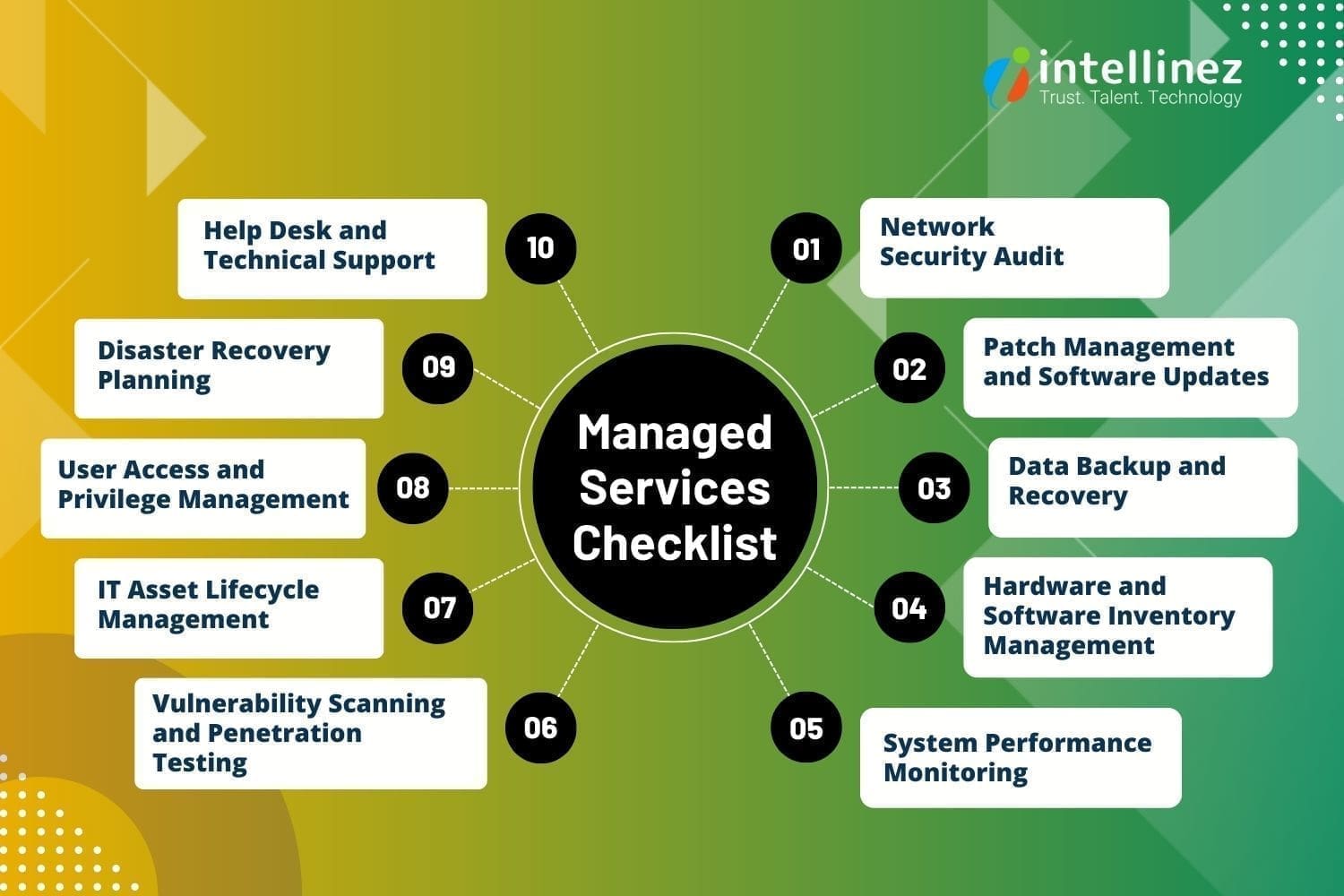
Network Security Audit
A Network Security Audit is a routine security check conducted by managed service providers to evaluate the security of a network infrastructure. This assessment involves a thorough analysis of network components, configurations, and access controls to identify vulnerabilities and potential risks.
By performing regular Network Security Assessments, businesses can proactively identify and address security gaps, protect against unauthorized access and cyber threats, and ensure the overall integrity and confidentiality of their network and data. It is an essential practice to maintain a secure and resilient network environment in today’s digital landscape.
Patch Management and Software Updates
Patch Management and Software Updates are crucial routine security checks provided by managed services providers. This process involves regularly evaluating and applying necessary updates, patches, and fixes to software applications and operating systems. By staying up-to-date with the latest patches, businesses can address known vulnerabilities, protect against emerging threats, and ensure the overall security and stability of their IT infrastructure.
Managed services providers handle the entire patch management lifecycle, from monitoring for available updates to testing and deploying them across the network. This proactive approach includes vulnerability management which helps businesses mitigate security risks, reduce the potential for cyberattacks, and maintain a robust and secure IT environment.
Data Backup and Recovery
Data Backup and Recovery is a crucial routine security check provided by managed services providers. It involves implementing robust backup solutions and conducting regular tests to ensure the integrity and availability of business-critical data. Managed services providers create comprehensive backup strategies, including off-site storage and redundancy measures, to safeguard against data loss due to hardware failures, human errors, or cyber incidents.
Through routine backup and recovery checks, they verify the effectiveness of backup procedures, test data restoration processes, and ensure business continuity in the event of a disaster. This proactive approach helps businesses in data management, minimizing downtime, and recovering quickly from any unforeseen incidents.
Hardware and Software Inventory Management
Hardware and Software Inventory Management is an essential routine security check provided by managed services providers. It involves maintaining an updated inventory of all hardware components and software applications within the IT infrastructure. By conducting regular inventory checks, managed services providers ensure accurate tracking of assets, including their configurations, warranties, and licensing information.
This allows businesses to have better visibility and control over their IT resources, identify any unauthorized or outdated software or hardware, and mitigate potential security risks. Effective inventory management helps streamline budgeting, optimize resource allocation, and ensure a secure and compliant IT environment.
System Performance Monitoring
System Performance Monitoring is a critical routine security check provided by managed services providers. It involves continuously monitoring key performance metrics of IT systems, such as CPU usage, memory utilization, disk space, and network traffic. By closely tracking system performance, managed services providers can identify potential bottlenecks, resource issues, or anomalies that could impact the stability and security of the infrastructure.
Prompt detection of performance issues allows for proactive troubleshooting and optimization measures, ensuring optimal system functionality, mitigating risks of system failures, and maintaining a secure and efficient IT environment. Regular system performance monitoring is key to maintaining the overall health and performance of the IT infrastructure.
Vulnerability Scanning and Penetration Testing
Vulnerability Scanning and Penetration Testing are crucial routine security checks provided by managed services providers. Vulnerability scanning involves using specialized tools to identify potential weaknesses and vulnerabilities in the IT infrastructure, including software applications and network systems. Penetration testing takes it a step further by simulating real-world attacks to exploit identified vulnerabilities, assess the effectiveness of security measures, and identify potential entry points for malicious actors. By conducting these tests regularly, managed services providers can proactively address security gaps, strengthen defenses, and ensure the overall resilience of the IT environment. This comprehensive approach helps businesses stay ahead of potential threats and safeguard their systems from cyberattacks.
IT Asset Lifecycle Management
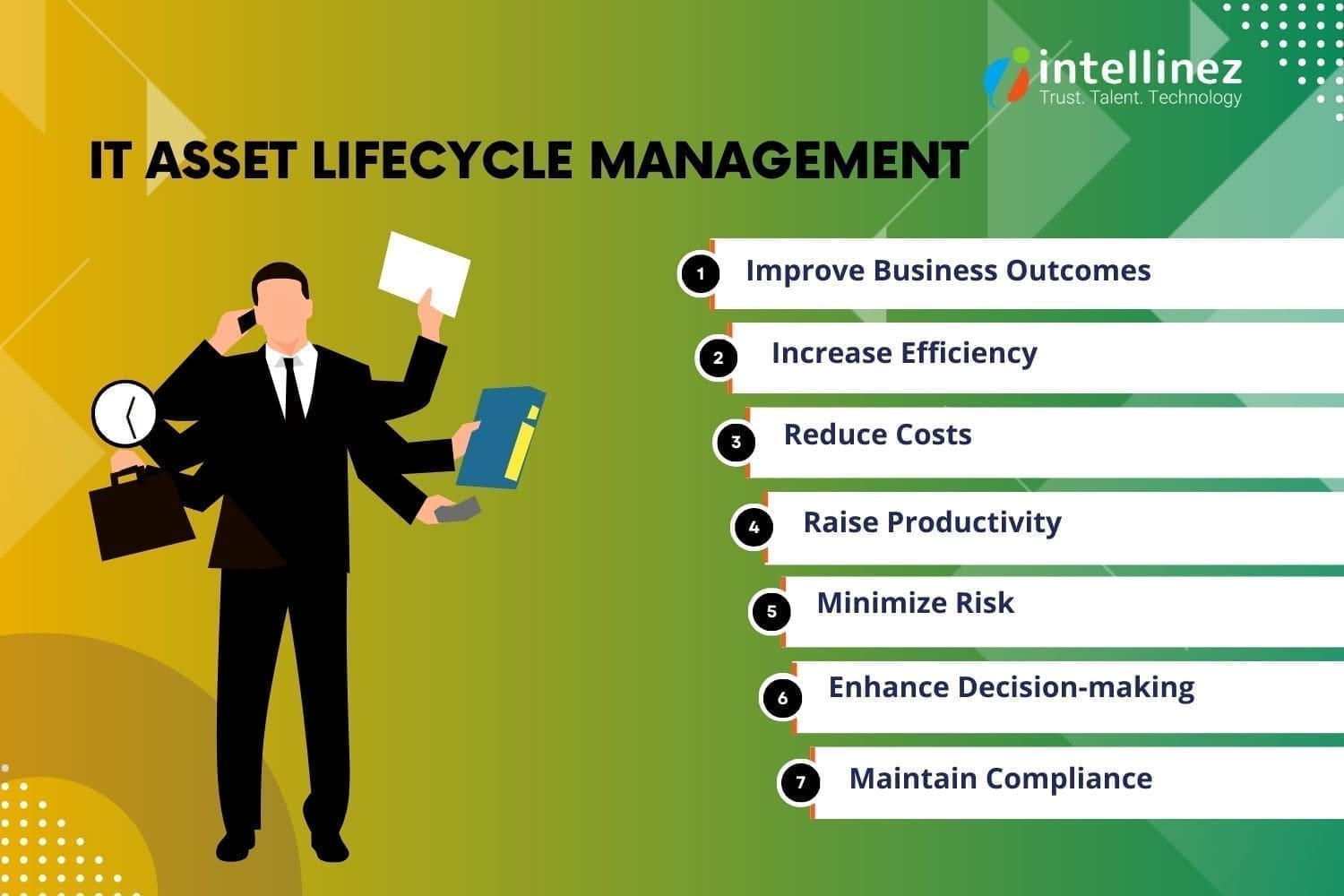
IT Asset Lifecycle Management is a vital routine security check provided by managed services providers. It involves the effective management of IT assets throughout their lifecycle, from acquisition to disposal. Managed services providers ensure accurate tracking, documentation, and monitoring of hardware components, software licenses, and subscriptions.
By conducting regular asset lifecycle management, they can proactively identify outdated or unsupported assets, address security vulnerabilities, and ensure compliance with licensing and regulatory requirements. This comprehensive approach helps businesses optimize resource allocation, reduce security risks associated with outdated or unauthorized software, and maintain a secure and efficient IT environment throughout the lifecycle of their assets.
User Access and Privilege Management
User Access and Privilege Management is a critical routine security check provided by managed services providers. It involves the effective management of user access rights and privileges within the IT infrastructure. Managed services providers review and analyze user accounts, permissions, and roles to ensure that access is granted based on the principle of least privilege.
By conducting regular checks, they can identify and address any unauthorized access, orphaned accounts, or excessive privileges that could pose security risks. This proactive approach helps businesses enforce robust security protocols, minimize the potential for unauthorized access or data breaches, and maintain a secure and controlled IT environment.
Disaster Recovery Planning
Disaster Recovery Planning is a crucial routine security check provided by managed services providers. It involves developing and maintaining comprehensive plans and strategies to ensure business continuity in the event of a disaster or disruptive incident.
Managed services providers assess the existing infrastructure, identify critical systems and data, and create recovery strategies tailored to the business’s needs. They regularly review and update these plans, conduct drills and tests, and ensure the availability and integrity of backups and recovery systems. By performing routine disaster recovery planning, businesses can minimize downtime, recover quickly from disruptions, and protect their critical operations and data.
Help Desk and Technical Support
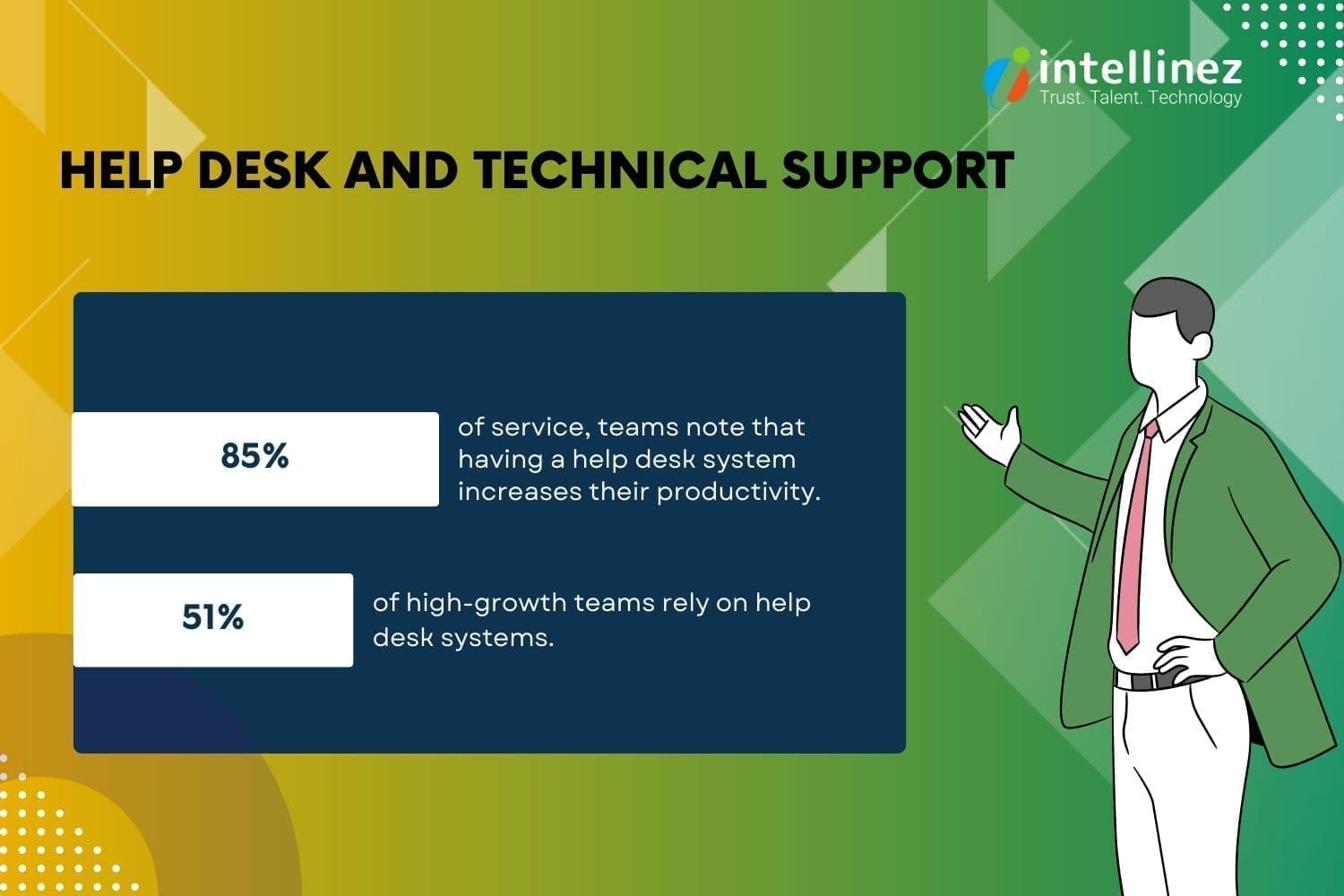
Help Desk and Technical Support is an essential routine security check provided by managed services providers. They offer prompt and reliable assistance to address technical issues, troubleshoot problems, and provide guidance to users. This routine check ensures that businesses have access to timely support, minimizing potential security risks caused by unresolved issues or user errors.
Managed services providers maintain a robust help desk system, where they track and resolve incidents, provide software and hardware support, and offer guidance on security best practices. By offering comprehensive help desk and technical support, they enhance the security posture of businesses and ensure the smooth operation of their IT systems.
Conclusion
Effective managed IT services play a pivotal role in maintaining the stability, security, and efficiency of a business’s IT infrastructure. By providing routine checkups, such as network security assessments, patch management, data backup, and system performance monitoring, managed IT service providers can proactively address potential issues and ensure the smooth operation of IT systems. Partnering with a reputable managed IT service provider like Intellinez Systems can give businesses the peace of mind to focus on their core competencies while leaving the technical aspects in capable hands.
Hire Intellinez Systems as Your Managed IT Services Provider
Intellinez Systems is your trusted choice for managed IT services. With our expertise and experience, we offer comprehensive solutions to optimize and secure your IT infrastructure.
From network assessments to security audits, patch management, data backup, and technical support, we ensure the smooth operation and protection of your systems. Partner with us for reliable and proactive managed IT services that align with your business goals and keep you ahead in the digital landscape.
Table of Contents
- The Indian IT Outsourcing Industry
- Commonly Outsourced Services In India
- India’s Dominance In The IT Outsourcing Market
- The Benefits Of Outsourcing IT Support To India
- Big Organizations Outsourcing To India
- How To Select The Right Outsourcing Provider In India
- Conclusion
The debate of insourcing vs outsourcing IT services continues to shape business strategies. While insourcing offers greater control and customization, it often requires significant investments in infrastructure and talent. On the other hand, outsourcing provides access to specialized expertise, cost savings, and scalability. Ultimately, the decision hinges on the specific needs, priorities, and long-term goals of each organization.
Over the past few decades, outsourcing has become prevalent in the market as a cost-effective and time-efficient solution. India is a popular outsourcing destination due to its diverse services and expertise. The benefits of outsourcing IT support to Indian providers include lower budget services, on-demand skilled employees, enhanced performance, timely project delivery, e-commerce solutions, increased market reach, fresh perspectives, workload distribution, operational cost control, and improved brand visibility.
India’s IT outsourcing services offer numerous opportunities for organizations, regardless of their size or global presence. Different types of outsourcing solutions are available to meet the specific needs of each organization.
The Indian IT Outsourcing Industry
India has emerged as a dominant player in the IT outsourcing industry, serving as a preferred destination for global companies. Giants like IBM, Microsoft, Apple, Dell, CISCO, Ford, Oracle, and American Express have long relied on India for outsourcing needs. The country’s favorable government policies, robust infrastructure, and skilled workforce have contributed to its success.
India’s IT outsourcing sector surpasses the combined statistics of the US and UK, with a significant number of English-speaking graduates in MBA, Ph.D., IT, and engineering programs. With high employment rates and a wide range of services offered, India continues to be a sought-after outsourcing partner.
India’s IT sector creates millions of jobs and attracts global giants for outsourcing services like web hosting, database management, disaster recovery, and technical support.
Commonly Outsourced Services in India
India has emerged as a dominant force in the outsourcing industry, experiencing rapid growth over the past few decades. With its unique combination of cost-effectiveness, favorable government policies, advanced infrastructure, and a highly skilled workforce, India has become a preferred destination for outsourcing services.
India’s IT industry recorded impressive growth in FY22, generating $227 billion in revenue, as reported by NASSCOM. With a year-on-year growth rate of 15.5%, India solidified its position as the world’s fifth-largest IT outsourcing industry, trailing only the United States, China, the United Kingdom, and Canada.
With a well-established IT sector and a proficient workforce trained in software technology, India offers a wide range of outsourcing services. These services encompass web and mobile application development, software testing, cloud computing, product development, blockchain consulting, digital marketing, data science, digital transformation, custom software development, security and threat protection, data center management, telecommunications, and infrastructure management.
India’s Dominance in the IT Outsourcing Market
Despite increasing competition from other countries, India remains a top choice for global outsourcing. The country boasts a vast pool of technical experts and approximately 135 million English-speaking workers, making it the world’s second-largest English-speaking workforce. With highly skilled teams, minimal infrastructure costs, effective budget control, and scalability options, India provides an ideal environment for outsourcing contracts.
According to data from the Reserve Bank, India’s IT and IT-enabled services exports reached a remarkable $156.7 billion in FY2021-22. Furthermore, India’s talent pool is unparalleled, producing around 1.3 million engineering graduates annually—more than the combined output of the US, Western Europe, Eastern Europe, and Latin America. These factors solidify India’s position as a global outsourcing powerhouse.
Knowledge Process Outsourcing (KPO)
Knowledge Process Outsourcing (KPO) encompasses data-driven, knowledge-intensive services that require a combination of human capital and IT expertise. This thriving sector in India focuses on gathering, managing, and analyzing insights to provide valuable models. With a wealth of technically skilled resources, India is an ideal destination for outsourcing IT services like KPO.
Back-Office Support
Back-office support services offered by Indian outsourcing firms enable organizations to concentrate on their core business activities. These services encompass data and records management, customer surveys, billing support, order management, fraud protection, content management, information verification, and more, providing comprehensive support to businesses.
Customer Support Services
Outsourcing customer support to India proves beneficial as it ensures efficient handling of customer needs. With trained professionals managing customer queries, organizations can address customer concerns effectively. India’s outsourcing industry offers fully managed support services, enabling companies to provide exceptional customer service.
The Benefits of Outsourcing IT Support to India
India’s outsourcing advantages and competitiveness in a globalized world make it a top choice for businesses. With skilled software developers, designers, and expert advisors, it excels as a software development outsourcing hub.Get more done with less
India remains the top choice for outsourcing due to its excellent quality and cost-effectiveness. Foreign businesses prefer India as their outsourcing destination, as highlighted by the National Outsourcing Association (NOA).
By outsourcing to India, companies can maximize productivity, generate more work, and boost income without expanding their current team. With IT outsourcing services in India, businesses can leverage their existing workforce to manage outsourced teams and projects, resulting in significant productivity gains for the company.
Access to skilled and educated professionals
India offers unparalleled access to a vast pool of skilled and educated professionals, making it a preferred choice for outsourcing. With a population of approximately 1.2 billion and 3.1 million graduates entering the workforce annually, India has an abundant talent pool.
Moreover, India boasts the largest English-speaking population globally, surpassing the US and UK combined. Companies are attracted to the quantity and quality of talent available in India. Working with highly educated individuals, often with qualifications from top global colleges, ensures that outsourcing services in India meet and maintain high company standards.
Prioritize your main business competencies
Focus on your core business functions by outsourcing to India. As your company grows, handling everything in-house can divert attention from core operations. With outsourcing, you can delegate non-core tasks while retaining control over crucial operations that drive your company’s success.
India provides a flexible outsourcing location, offering service providers for various activities like marketing, research, and customer care. This allows you to concentrate on research and new product development to meet the demands of an expanding customer base.
Scaling up of the business
Outsourcing in India enables businesses to scale up their operations efficiently. With fluctuating demand and varying skill requirements, outsourcing provides access to qualified professionals as needed, ensuring scalability and flexibility for your business.
Superior flexibility in pricing
India remains a top choice for outsourcing due to its cost-effectiveness, offering significant savings for businesses. Compared to developed nations, personnel expenses in India are considerably lower, making it an attractive option.
While experienced developers in India can be hired at hourly rates as low as $15, talented developers in the US may demand rates ranging from $50 to $80. This flexibility in pricing allows businesses to manage their budgets more efficiently, especially when seeking cost-effective solutions and unable to afford higher salaries. India’s cost advantage provides opportunities for creative budget management.
Decide on the optimum staffing levels
Achieve optimal staffing levels with IT outsourcing companies in India. Balancing employee numbers to meet business demands can be challenging. By outsourcing, you have the freedom to choose an ideal core team for your business needs.
When activity peaks or fluctuates, outsourcing in India allows you to scale up your bandwidth while maintaining a constant utilization rate for your full-time staff. This ensures competent workers are engaged and avoids the risk of underutilization or boredom. India’s outsourcing flexibility helps resolve staffing challenges effectively.
Top-notch infrastructure and technology
India’s major cities offer advanced cellular, ISP, and telecom networks, along with the latest software technology for tailored solutions in areas like e-commerce, system integration, and more. High-speed bandwidth ensures constant communication with clients.
India’s Stable and Attractive IT Policies
India’s stable government and attractive IT policies have made it a top destination for outsourcing. Policies on economics, tax, power, and telecom have improved infrastructure and communication. The Information Technology Act supports electronic contracts, combats cybercrime, and encourages e-filing, while tax incentives further promote the IT industry.
Fastest Time-to-Market
Indian outsourcing companies offer the fastest time-to-market due to time zone differences. The twelve-hour gap between India and the USA allows for quicker project completion, increased productivity, efficiency, and the ability to provide 24/7 customer assistance and help desk services. India is the ideal choice for outsourcing various service-related options.
Effective Communication Skills
India’s popularity as an outsourcing destination has soared due to its vast pool of over 100 million English speakers, eliminating language barriers. With 150,000 engineering graduates entering the IT sector yearly, limitless service availability makes it a top choice for enterprises worldwide. Indian specialists generally have a strong command of English compared to other outsourcing destinations. Communication tools like Slack and Skype further facilitate seamless interaction with remote teams.
Big Organizations Outsourcing to India
India has become a preferred outsourcing destination for many businesses seeking to reduce operating costs and improve efficiency. With competitive pricing, a skilled workforce, a large talent pool, and government support, India attracts Western companies looking to outsource. According to Grand View Research, the IT outsourcing market is projected to reach $937.6 billion by 2027, driven by the need to lower costs and the lack of in-house IT skills.
While outsourcing offers advantages and disadvantages, many companies have benefited from successful outsourcing experiences. Some of the leading organizations that outsource IT services to India enjoy the benefits of cost reduction and business continuity. By leveraging the expertise and resources available in India, these businesses have found a strategic advantage in their operations.
How to Select the Right Outsourcing Provider in India
Choosing the right outsourcing provider in India requires careful consideration of factors like reliability and services offered. Independently verifying the trustworthiness of the company is essential for a successful partnership. Assessing different offerings from various companies can help in selecting the best IT outsourcing services in India. Team Intellinez has compiled all the parameters below on how to outsource IT services in India.
Evaluate the Quality of Deliverables
The distinction between a reputable outsourcing company and a mediocre one lies in the quality of the product they deliver. Outsourcing doesn’t necessarily mean you have to commit long-term; building an in-house team may be a better choice.
Establish Clear Outsourcing Objectives
Before engaging with an outsourcing provider, a company should define its specific outsourcing goals. Realistic and focused objectives yield more reliable results compared to lofty aspirations.
Assess Effectiveness of Communication
Selecting the ideal outsourcing partner involves assessing operational and logistical aspects, particularly in deciding between offshore and nearshore options. With various collaboration tools available, such as Slack and G Suite, prioritizing communication within a nearshore workforce is essential for successful outsourcing.
Evaluate Performance in Outsourcing
When selecting an outsourcing provider, it is important to assess their capabilities, cost management strategy, and ability to deliver the desired product on time. A competent team should not only possess coding skills but also understand your business requirements. Adopting a Lean Startup approach emphasizes enhancing the value proposition rather than solely focusing on the aesthetics of the final product.
Interact with the Outsourcing Company
When considering an outsourcing company, it is important to evaluate their product management practices. By integrating with the business, the outsourcing company gains necessary control and can effectively monitor the progress of the development process.
Determine Payment and Pricing
When selecting an outsourcing company, it is crucial to carefully assess the cost of their services. Some companies offer low prices but may provide unqualified labor. Consider long-term costs for maintenance and repairs. Opt for a fixed quote or time and materials based on your specifications for a fair agreement.
Compare Performance and Reviews
Evaluate the performance and reputation of the outsourcing company. Look for reliable and established software consultancies. Read client reviews online and inquire about their availability and job delivery requirements before making a selection.
Conclusion
To stay competitive and reduce expenses, businesses turn to outsourcing in India. It offers high-quality work and a strategic advantage. However, careful planning is essential. Reputable software outsourcing providers in India deliver exceptional results, enabling companies to gain a competitive edge in the global market.
Outsource Your IT Projects to Intellinez Systems at the Cost of a Single Resource
Maximize cost-efficiency by outsourcing your IT projects to Intellinez Systems. Benefit from their expertise and dedicated team at the price of a single resource, ensuring high-quality results and significant cost savings. Experience the advantages of outsourcing with Intellinez Systems for your IT project needs.
Table of Contents
- Function Calling Capability: OpenAI Integration With External Tools And APIs
- Improved Models: Enhanced Performance And Steerability
- Extended Context Length: Comprehensive Text Understanding
- Cost Reduction: Affordable AI Solutions
- Model Deprecation And Upgrades: Smooth Transition Process
- Client Data Privacy: Prioritizing Confidentiality And Ownership
At the forefront of AI development, OpenAI for developers relentlessly pushes the boundaries of what’s possible. Their latest updates and advancements empower developers with advanced AI capabilities and cost-effective solutions. In this article, we will delve into the key advantages of OpenAI’s recent updates, demonstrating how developers can leverage these innovations.
From function calling capability to improved models and extended context length, OpenAI for developers caters to evolving needs while safeguarding client data privacy. With cost reduction and smooth model transitions, OpenAI for developers redefines the landscape, offering unprecedented possibilities for AI-driven solutions.
Function Calling Capability: OpenAI Integration with External Tools and APIs
OpenAI’s introduction of function calling capability in the Chat Completions API is a notable update. This feature allows developers to describe functions to GPT-4 and GPT-3.5 Turbo, facilitating seamless integration of AI capabilities with external tools and APIs. Let’s delve into some practical use cases that illustrate the benefits of this feature:
1. Enhanced Chatbot Integration
Developers can now create chatbots that leverage external tools or plugins to provide dynamic and comprehensive responses. For example, a chatbot can seamlessly call an email tool to send emails based on user inquiries, significantly enhancing the chatbot’s functionality and utility.
2. Natural Language to API Conversion
With OpenAI for developers, the power of natural language processing (NLP) transforms search requests into seamless API calls or database queries. Through function calling capability, developers can convert conversational language into actionable interactions. For example, an NLP query such as “Who are my top ten customers this month?” seamlessly triggers an API call to retrieve relevant data from the customer database. This intuitive approach enhances user experience, making application interactions more user-friendly and effortless.
3. Streamlined Structured Data Extraction
Developers can define functions that extract structured data from unstructured text. For example, a function can be created to extract relevant information about people mentioned in a Wikipedia article, such as their names, birthdays, and locations. This capability streamlines data extraction processes and enables developers to leverage AI for efficient information retrieval.
Improved Models: Enhanced Performance and Steerability
OpenAI has made significant enhancements to its models, including GPT-4 and GPT-3.5 Turbo, to deliver improved performance and steerability. These updates offer several benefits and practical use cases:
1. Enhanced Steerability and Function Calling
The improved models offer better steerability, allowing developers to guide the model’s responses more effectively. This ensures that the generated outputs align with the desired intentions and requirements. Combined with function calling, developers can obtain structured data from the model, enabling a wide range of applications.
- Use Case: Developers can build AI-powered chatbots that seamlessly interact with external systems, databases, or APIs. For example, a chatbot can integrate with weather APIs to provide real-time weather updates based on user queries like “What’s the weather like in Boston right now?”
2. Natural Language Understanding and Contextual Responses
OpenAI’s expertise in natural language understanding and generation makes it a powerful tool for developers creating chatbots for customer support. Its models excel in comprehending and generating contextually appropriate responses, enhancing applications like virtual assistants and content generation tools.
- Use Case: A customer support chatbot can effectively understand and respond to customer inquiries, providing accurate and helpful information in a conversational manner. This enhances the customer experience and reduces the need for human intervention.
Extended Context Length: Comprehensive Text Understanding
OpenAI has introduced the 16k context version of GPT-3.5 Turbo, significantly increasing the context length compared to the standard 4k version. This extended context length empowers the model with a deeper understanding of the conversation or text, leading to more accurate and contextually coherent responses. Here are a few practical use cases where extended context length is valuable:
1. Complex Task Execution
Developers can provide detailed instructions or context to the model, enabling it to perform complex tasks that require a deeper understanding of the provided information. This is particularly useful in applications that involve multi-step processes or intricate interactions.
- Use Case: A virtual assistant can assist users in executing complex tasks, such as booking a vacation package. By providing an extensive context, including user preferences, destination choices, and budget constraints, the assistant can generate personalized recommendations and make bookings accordingly.
2. Comprehensive Document Summarization
With an increased context length, developers can leverage GPT-3.5 Turbo to summarize lengthy documents effectively. The model can consider a broader range of information, capturing the key points and nuances of the source material.
- Use Case: A content generation tool can utilize the extended context to summarize research papers, news articles, or legal documents, providing users with concise and informative summaries.
Cost Reduction: Affordable AI Solutions
OpenAI recognizes the importance of cost-effectiveness for developers and has introduced measures to reduce costs while maintaining performance and functionality. Two key areas of cost reduction are worth highlighting:
1. Text Embeddings
OpenAI has introduced the Text Embeddings API, which offers similar functionality to the older “Davinci” API at a more affordable price point. This allows developers to leverage text embeddings for enhancing search functionality within their applications, all while achieving significant cost savings.
- Use Case: Developers can integrate text embeddings into their applications to perform semantic searches and retrieve relevant results efficiently. By embedding documents or queries into a vector space, developers can improve search accuracy and user experience.
2. Lower Input Token Cost
OpenAI has reduced the input token cost for GPT-3.5 Turbo by 25%. This reduction makes the model more accessible and cost-effective for a broader range of applications.
- Use Case: Developers can leverage GPT-3.5 Turbo’s capabilities in their applications to provide conversational interfaces or enhance natural language understanding. For example, virtual assistants can assist users in retrieving information, performing tasks, or providing recommendations, all at a reduced cost.
Model Deprecation and Upgrades: Smooth Transition Process
OpenAI understands the importance of a smooth transition process when upgrading and deprecating older models. They prioritize developers’ convenience and ensure a seamless transition to newer versions. Here’s how it works:
1. Automatic Upgrade
Applications using the stable model names will be automatically upgraded to the latest versions of GPT-4 and GPT-3.5 Turbo. This ensures that developers can seamlessly benefit from the enhanced models without any disruption to their existing systems.
2. Extended Transition Period
OpenAI supports the use of older models until September 13th, providing developers with ample time to transition. This extended period allows developers to adapt their applications at their own pace while still utilizing the older models if necessary.
Client Data Privacy: Prioritizing Confidentiality and Ownership
OpenAI prioritizes client data privacy and security, ensuring the protection of client interests. Here’s how they ensure confidentiality and privacy:
1. Ownership of Outputs
Clients retain complete ownership of the outputs generated by their requests. OpenAI respects the rights and control of clients over the content generated through their models. This guarantees that the data remains the property of the clients, providing them with full ownership and control.
2. Data Usage Policy
OpenAI is committed to not using client API data for training purposes. They adhere to strict data usage policies, ensuring that the client’s data is not utilized in any way that compromises its privacy or security. This commitment enhances client confidence in utilizing OpenAI’s services while safeguarding their sensitive information.
Conclusion
OpenAI continues to empower developers with cutting-edge AI capabilities and cost-effective solutions. With features like function calling, improved models, extended context length, cost reduction measures, smooth model transitions, and a strong focus on client data privacy, OpenAI caters to the evolving needs of developers.
By leveraging OpenAI’s advancements, developers can create innovative applications that offer enhanced user experiences, comprehensive text understanding, and affordable AI solutions. OpenAI’s commitment to pushing the boundaries of AI while prioritizing client interests positions them as a leading provider of advanced AI technologies.
Discover the possibilities of advanced AI technologies with Intellinez Systems
Choose Intellinez Systems for exceptional AI solutions. Our skilled professionals, proven track record, and commitment to excellence ensure tailored results. With a portfolio of satisfied clients and successful projects, we are the trusted partner for your AI needs. Experience innovation and growth with Intellinez Systems.
Table of Contents
- Inventory Management System
- Proactive Monitoring And Maintenance
- Embracing Cloud Computing
- Implementing Robust Security Measures
- Emphasizing Disaster Recovery And Business Continuity
- Automation And Orchestration
- Monitoring And Analyzing Key Performance Indicators
- Adopting DevOps And Agile Practices
- Staying Abreast Of Emerging Technologies And Trends
In today’s fast-paced business environment, the smooth operation of organizations heavily relies on competent infrastructure planning and management. As businesses increasingly depend on technology and undergo digital transformation, it becomes imperative to implement strong strategies for efficiently managing their infrastructure.
This blog by the experts from Intellinez Systems delves into the vital aspects of successful infrastructure planning and management in enterprises, while also shedding light on the latest trends and data within this field.
1. Inventory Management System
An essential aspect of effective infrastructure management is a comprehensive inventory management system. Organizations need to have a clear understanding of their hardware, software, and network assets and do proper resource allocation planning. Implementing an automated asset tracking system enables businesses to monitor and manage their assets efficiently, resulting in improved resource allocation, cost savings, and enhanced security.
According to recent studies, poor asset management can lead to significant financial losses for organizations. In fact, a survey conducted by the International Association of IT Asset Managers (IAITAM) revealed that businesses lose billions of dollars each year due to ineffective asset management practices. Therefore, investing in robust asset management tools and processes is crucial for optimizing infrastructure performance.
2. Proactive Monitoring and Maintenance
To ensure the smooth functioning of enterprise infrastructure, proactive monitoring and maintenance are essential. By leveraging advanced monitoring tools and techniques, organizations can identify and address potential issues before they impact operations. Real-time monitoring allows for quick response and remediation, minimizing downtime and optimizing overall system performance.
Incorporating predictive analytics into monitoring processes can further enhance infrastructure management. By analyzing historical data and patterns, predictive analytics helps identify trends and potential future issues. This empowers organizations to take data driven decisions with preventive measures and plan maintenance activities proactively, thereby reducing disruptions and improving infrastructure reliability.
3. Embracing Cloud Computing
Cloud computing has revolutionized the way businesses manage their infrastructure. Cloud-based solutions offer scalability, flexibility, and cost-efficiency, making them an indispensable component of modern enterprise infrastructure management.
The adoption of cloud services continues to rise steadily. According to a recent report by Gartner, the worldwide public cloud services market is projected to grow by 18.4% in 2023, reaching a total value of $304.9 billion. Embracing cloud computing allows organizations to offload infrastructure management tasks to cloud service providers, enabling them to focus on core business objectives and innovation.
4. Implementing Robust Security Measures
In an era of increasing cybersecurity threats, implementing robust security measures is crucial for effective infrastructure management. Cyberattacks can result in data breaches, financial losses, and damage to a company’s reputation. Therefore, organizations must prioritize incident response and robust security at every level of their infrastructure.
The deployment of multi-layered security solutions, including WAF, intrusion detection systems, and data encryption, is essential. Regular vulnerability assessments and penetration testing can help identify and address potential weaknesses. Additionally, employee training and awareness programs play a vital role in preventing social engineering attacks and ensuring a security-conscious culture within the organization.
5. Emphasizing Disaster Recovery and Business Continuity
Disruptions to infrastructure can occur due to various reasons, including natural disasters, hardware failures, or cyber incidents. To minimize the impact of such events, organizations must have robust disaster recovery and business continuity plans in place.
A recent survey conducted by the Disaster Recovery Preparedness Council found that only 40% of organizations had a documented disaster recovery plan. This highlights the need for businesses to prioritize this aspect of infrastructure management. A comprehensive disaster recovery plan includes regular data backups, redundant systems, and predefined processes for recovery and restoration.
6. Automation and Orchestration
Automation and orchestration tools can greatly enhance infrastructure management by reducing manual effort, improving efficiency, and minimizing errors. By automating routine tasks and workflows, organizations can streamline their operations, optimize resource utilization, and ensure consistent and reliable execution of processes.
Orchestration tools enable organizations to coordinate and manage complex workflows across multiple systems and platforms. This helps ensure seamless integration and interoperability, facilitating efficient communication and collaboration between different components of the infrastructure.
7. Monitoring and Analyzing Key Performance Indicators
Monitoring and analyzing key performance indicators (KPIs) are crucial for evaluating the effectiveness of infrastructure management strategies. By tracking and measuring relevant metrics, organizations can gain insights into the performance, availability, and utilization of their infrastructure.
KPIs can vary depending on the specific goals and requirements of each organization. Common infrastructure-related KPIs include uptime percentage, response time, network bandwidth utilization, and resource utilization. By setting clear targets and regularly monitoring these KPIs, organizations can identify areas for improvement, make informed decisions, and continuously optimize their infrastructure management practices.
8. Adopting DevOps and Agile Practices
The adoption of DevOps and Agile practices can significantly improve infrastructure management by fostering collaboration, accelerating delivery cycles, and ensuring alignment with business objectives. DevOps emphasizes the integration and collaboration between development and operations teams, enabling organizations to deliver software and infrastructure changes more rapidly and reliably.
Agile methodologies, such as Scrum and Kanban, promote iterative and incremental development, allowing organizations to adapt to changing requirements and deliver value in shorter cycles. By embracing these practices, organizations can enhance their agility, responsiveness, and overall efficiency in managing their infrastructure.
9. Staying Abreast of Emerging Technologies and Trends
To stay ahead in the dynamic field of infrastructure management, organizations must stay abreast of emerging technologies and industry trends. Technologies such as artificial intelligence, machine learning, and the Internet of Things (IoT) continue to evolve and have the potential to transform infrastructure management practices.
Artificial intelligence and machine learning can automate and optimize various aspects of infrastructure management, including predictive analytics, anomaly detection, and intelligent automation. The IoT enables organizations to gather real-time data from various devices and sensors, allowing for proactive monitoring and efficient resource management.
By actively monitoring and adopting emerging technologies that align with their business objectives, organizations can gain a competitive advantage, enhance their infrastructure management capabilities, and future-proof their operations.
Conclusion
Effective enterprise infrastructure planning and management is crucial for organizations to thrive in the digital age. By implementing comprehensive asset management, proactive monitoring and maintenance practices, leveraging cloud computing, prioritizing security measures, emphasizing disaster recovery and business continuity, adopting automation and orchestration, monitoring and analyzing key performance indicators, embracing DevOps and Agile practices, and staying abreast of emerging technologies and trends, businesses can optimize their infrastructure’s performance and ensure uninterrupted operations.
As organizations continue to rely on technology and digital systems, the importance of robust infrastructure management will only increase. By embracing these essential strategies and continuously evolving their practices, organizations can position themselves for success in today’s dynamic business environment.
Reach Out to Intellinez Systems for Effective Enterprise Infrastructure Planning and Management
For effective enterprise infrastructure planning and management, Intellinez Systems is your trusted partner. With our expertise and experience, we offer comprehensive solutions tailored to your organization’s unique needs. From strategic planning to asset management and resource allocation, our team ensures seamless operations and optimal performance. Reach out to Team Intellinez today to elevate your infrastructure management to new heights.
Table of Contents
- Negative Effects of Cyber Attacks and Data Breaches on Businesses
- Strategies to Overcome the Negative Impacts of Data Breaches
- Conclusion
In today’s digital landscape, cybersecurity and business is a crucial aspect of every business operation. Data breaches and cyber-attacks pose significant threats to businesses, resulting in various negative impacts. It is essential for organizations to understand these consequences and take proactive measures to protect their data and systems. This blog by the experts from Intellinez Systems explores the impacts of cybersecurity on a business and provides strategies to overcome the adverse effects.
Negative Effects of Cyber Attacks and Data Breaches on Businesses
- Revenue Loss
Data breaches can have a devastating impact on business revenue. Studies show that 29% of breached companies face financial setbacks, with 38% experiencing a revenue loss of 20% or more. Additionally, cyber breaches and data manipulation can render IT systems non-functional, leading to customer attrition and further revenue decline. Protect your business from these risks by implementing robust cybersecurity measures.
- Damage to Brand Reputation
Data breaches not only affect short-term revenue but also tarnish the long-term reputation of a brand. Customers value their privacy, and breaches involving leaked emails or compromised payment information erode trust. Businesses with a history of poor data security are likely to face challenges in gaining customer confidence, impacting brand value.
- Loss of Intellectual Property
Hackers frequently set their sights on compromising intellectual property, which includes designs, strategies, and blueprints. Surprisingly, small businesses bear the brunt of 60% of cyber attacks, leaving their compromised assets vulnerable. The loss of such intellectual property can have a profound and detrimental impact on a business’s competitiveness, as competitors may exploit the stolen information for their own gain.
- Hidden Costs
Data breaches entail numerous hidden costs for businesses. Legal fees, public relations efforts, investigations, and increased insurance premiums are some of the expenses associated with breaches. Regulatory fines are also a reality that businesses often overlook, leading to substantial financial penalties and reputational damage.
- Online Vandalism
In some cases, hackers engage in online vandalism as a form of cyber attack. Even seemingly harmless changes, such as altering contact information or adding vulgar content to web pages, can cause significant damage. Such alterations may go unnoticed initially, impacting customer experience and damaging brand reputation over time.
- Rising Breach Costs
Businesses globally face escalating costs as they battle data breaches. According to IBM’s 2022 Cost of a Data Breach report, U.S. organizations bear an average cost of $9.44 million per incident, more than double the global average of $4.35 million. These costs encompass direct and indirect expenses associated with data breaches.
- Lost Business Opportunities
Lost business opportunities contribute to substantial financial losses for organizations. IBM’s report reveals that organizations incur an average cost of $1.52 million due to lost business. This includes factors such as business disruptions, damaged reputation, downtime, revenue losses, and efforts to minimize customer attrition.
- Downtime Due to Cyber Attacks
A significant negative impact of cyber attacks is network failure, which affects 76% of organizations. System crashes, human errors, cyber attacks, and insider attacks contribute to disruptions in operations. Expired SSL/TLS certificates, ransomware attacks, and distributed denial of service (DDoS) attacks are common causes of downtime.
- Stock Market Performance
Cyber attacks can have detrimental effects on a company’s stock market performance. Analyzing 34 breached companies listed on the New York Stock Exchange (NYSE), Comparitech found that these companies underperformed compared to the NASDAQ. Average share prices dropped 8.6% after one year, 11.3% after two years, and 15.6% after three years.
- Insider Threats
While external threats are a concern, organizations cannot overlook the risks posed by insiders. Almost 1 in 5 data breaches involve insiders, including employees, contractors, or business partners. Insider threats can result in the unauthorized access, misuse, or theft of sensitive data. These incidents can have severe consequences for a business, including reputational damage, legal implications, and financial losses.
Strategies to Overcome the Negative Impacts of Data Breaches
- Implement Robust Cybersecurity Measures
To mitigate the negative impacts of cyber threats, businesses should prioritize implementing strong cybersecurity measures. This includes establishing firewalls, implementing encryption protocols, regularly updating software and systems, and conducting vulnerability assessments. Employing multi-factor authentication and strong password policies can also enhance security.
- Develop an Incident Response Plan
Having a well-defined incident response plan is crucial to minimize the damage caused by cyber-attacks. This plan should outline the steps to be taken in the event of a breach, including communication protocols, containment strategies, data recovery processes, and legal considerations. Regular testing and updating of the plan are essential to ensure its effectiveness.
- Educate and Train Employees
Human error is a common factor in cybersecurity and Businesses should invest in comprehensive cybersecurity training programs to educate employees about best practices, recognizing phishing attempts, and maintaining data security. Ongoing awareness campaigns and regular training sessions can help create a culture of cybersecurity within the organization.
- Backup Data Regularly
Regularly backing up critical data is crucial to minimize the impact of data breaches or ransomware attacks. Businesses should establish automated backup systems and store backups in secure off-site locations or on cloud-based platforms. Regularly testing data restoration processes is essential to ensure the integrity of backups.
- Engage Third-Party Security Professionals
Many businesses lack the expertise and resources to effectively manage their cybersecurity needs. Engaging third-party security professionals like Intellinez Systems’ experts can provide specialized knowledge and support in implementing robust security measures, conducting risk assessments, and responding to incidents. These experts can help businesses stay updated on emerging threats and industry best practices.
- Monitor and Detect Threats
Implementing advanced threat detection systems and continuously monitoring network activity can help identify and respond to potential threats in real time. Intrusion detection systems, security information and event management (SIEM) tools, and endpoint protection solutions can assist in proactive threat detection and swift incident response.
- Stay Compliant with Regulations
Businesses should stay informed and compliant with relevant data protection and privacy regulations, such as the General Data Protection Regulation (GDPR) or the California Consumer Privacy Act (CCPA). Compliance not only helps protect sensitive data but also reduces the risk of regulatory fines and legal repercussions.
Conclusion
Cybersecurity threats pose significant negative impacts on businesses, including revenue loss, brand reputation damage, intellectual property loss, and hidden costs. However, by implementing robust cybersecurity measures, developing incident response plans, educating employees, regularly backing up data, engaging third-party professionals, monitoring threats, and staying compliant, businesses can overcome these challenges and protect their valuable assets. Prioritizing cybersecurity and business is essential in today’s digital landscape to safeguard business operations and maintain customer trust in an increasingly interconnected world.
Hire Intellinez Systems & Protect Your Business from Data Breaches and Cyber-Attacks
Don’t let your business fall victim to data breaches and cyber attacks. Safeguard your valuable information by partnering with Intellinez Systems. Our expert team provides cutting-edge security solutions tailored to your organization’s needs.
From proactive threat detection to robust defense strategies, we work diligently to minimize the risk of breaches. Trust Intellinez Systems for comprehensive protection and focus on your business with peace of mind. Contact us now.
Software Development Services
With Our expertise in Software Development, we can create Custom and Enterprise solutions for multiple platforms ranging from web and mobile to the cloud. We also specialize in SaaS Development, UI/UX services, QA Testing, System Integration and API Development.
Book AppointmentTable of Contents
- Visualize For Clarity And Alignment
- Cultivate Collaboration Over Documentation
- Establish Fast Feedback Loops
- Streamline Workflow For Efficiency
- Split Work Into Small, Well-Defined Increments
- Outcome > Output
- Quality & Simplicity
In today’s rapidly evolving digital landscape, businesses face increasing pressure to adapt quickly and deliver innovative solutions to remain competitive. Agile performance management system has emerged as a powerful approach to software development, enabling IT teams to respond rapidly to change, enhance collaboration, and deliver value to customers.
However, implementing agile practices alone is not enough to achieve optimal results. To truly maximize the agile performance of your IT team, you need to foster a culture of continuous improvement, align your processes with agile principles, and empower your team members to excel. In this comprehensive guide by experts from Intellinez Systems, you’ll find seven actionable steps to help you unlock the full potential of your IT team and elevate their agile performance.
1. Visualize for Clarity and Alignment
Visualization is a powerful technique that enhances transparency, collaboration, and alignment within your IT team. By providing a shared understanding of the workflow and progress, visualization enables effective communication and empowers team members to make informed decisions. Here are some practical visualization techniques to consider:
A. Implement a physical or digital Kanban board
Create a visual representation of the workflow using sticky notes or digital cards. Use columns to represent different stages of work and move cards across the board as tasks progress. This allows the team to easily track the status of work items, identify bottlenecks, and prioritize tasks accordingly.
B. Utilize user story maps
Create a graphical representation of data, including user journey, product scope, and releases. Utilize user insights, personas, and screen mock-ups to foster discussions and ensure team alignment with user needs.
C. Leverage architecture diagrams and domain models
Use visual artefacts to foster discussions on software design and ensure a shared language among team members. These visual representations help the team gain a comprehensive understanding of the system’s architecture and facilitate effective collaboration.
2. Cultivate Collaboration over Documentation
While documentation plays a vital role in software development, emphasizing collaboration and knowledge sharing yields superior results in an agile environment. Here are some strategies to foster collaboration within your IT team:
A. Conduct regular walkthroughs and knowledge sharing sessions
Encourage team members to share their expertise, insights, and lessons learned through regular sessions. This promotes cross-functional understanding and facilitates collective ownership of the work.
B. Embrace pair programming
Pair programming enhances collaboration and knowledge transfer among team members. By working together on coding tasks, team members can share ideas, validate solutions, and improve code quality.
C. Facilitate cross-functional collaboration
Encourage collaboration among different roles, such as developers, testers, and analysts, to ensure a holistic understanding of requirements and promote a sense of shared responsibility.
3. Establish Fast Feedback Loops
Fast feedback loops are vital for validating assumptions, improving quality, and delivering valuable software. By gathering feedback early and often, you can make timely adjustments and align your deliverables with customer expectations. Consider the following practices to establish effective feedback loops:
A. Validate assumptions with rapid prototypes
Before embarking on full-scale development, create low-fidelity prototypes or wireframes to gather feedback from end users. This iterative approach allows you to incorporate user insights and refine the solution based on real user feedback.
B. Release frequently to gather user feedback
Embrace continuous delivery practices to release software in small increments. This enables you to obtain valuable user feedback, iterate on features, and validate the product’s direction.
C. Conduct regular retrospectives
Organize retrospective meetings to reflect on the team’s performance, identify areas for improvement, and gather feedback from team members. This feedback-driven approach fosters a culture of continuous learning and empowers the team to refine their processes and practices.
4. Streamline Workflow for Efficiency
Efficiently managing the flow of work is crucial for maximizing productivity and minimizing delays. Streamlining your workflow involves identifying and eliminating bottlenecks, reducing handoffs, and optimizing the sequence of tasks. Here are some techniques to improve your team’s workflow:
A. Limit work in progress (WIP)
Set clear limits on the number of tasks or stories that can be actively worked on at any given time. By reducing multitasking and focusing on completing work before starting new tasks, you can improve efficiency and reduce context switching.
B. Identify and address bottlenecks
Regularly monitor the flow of work and identify stages where tasks tend to accumulate. Address these bottlenecks by redistributing tasks, providing additional support, or adjusting the team’s capacity.
C. Automate repetitive tasks
Identify opportunities for automation to eliminate manual, time-consuming tasks. Task Automation build processes, test suites, and deployment pipelines reduces the risk of errors and accelerates the delivery of high-quality software.
5. Split Work into Small, Well-Defined Increments
Breaking down work into small, well-defined increments is a fundamental practice in agile development. This approach enhances flexibility, promotes early value delivery, and facilitates accurate estimation. Consider the following strategies for effective work breakdown:
A. Slice epics into user stories
Epics, which represent large, high-level requirements, can be challenging to estimate and complete within a single iteration. Slice epics into smaller, more manageable user stories that can be delivered incrementally. Each user story should provide clear business value and have well-defined acceptance criteria.
B. Apply the INVEST criteria
When defining user stories, ensure they meet the INVEST criteria: Independent, Negotiable, Valuable, Estimable, Small, and Testable. These criteria help create user stories that are easier to understand, estimate, and implement.
C. Prioritize work based on value and risk
Collaborate with stakeholders to prioritize user stories based on their value to the customer and the associated risk. Focus on delivering the highest value and most critical features early on, enabling quicker time-to-market and rapid feedback.
6. Outcome > Output
Shifting the focus from maximizing output to delivering the right outcomes is a key aspect of agile performance. By continuously evaluating the value of work items and aligning them with strategic goals, you can ensure that your team delivers maximum value to customers and stakeholders. Here are some strategies to prioritize outcomes:
A. Embrace a value-driven mindset
Foster a culture that values customer-centricity and outcome-driven thinking. Encourage the team to continuously question the value of their work and explore alternative approaches to achieve the desired outcome.
B. Regularly reassess priorities
Priorities can change over time due to evolving market conditions, shifting business goals, or new customer insights. Regularly reassess the priority of work items and adapt accordingly to ensure alignment with the desired outcomes.
C. Communicate and collaborate with stakeholders
Maintain open channels of communication with stakeholders to understand their needs, gather feedback, and align expectations. Regularly engage in conversations to validate assumptions, share progress, and ensure that the team’s efforts are aligned with strategic objectives.
7. Quality & Simplicity
Prioritizing quality and simplicity is essential for delivering sustainable, high-quality software solutions. By investing in code quality, automated testing, and continuous improvement, you can ensure that your team consistently delivers valuable and reliable software. Consider the following practices:
A. Conduct regular code reviews
Implement a code repository management process to foster collaboration, improve code quality, and share knowledge. Code reviews help identify potential issues, ensure adherence to coding standards, and promote learning within the team.
B. Embrace automated testing
Implement automated testing practices, such as unit tests, integration tests, and regression tests. Automated tests provide fast feedback on the correctness and reliability of the software, enabling early bug detection and preventing regressions.
C. Refactor for simplicity and maintainability
Continuously evaluate the codebase for opportunities to simplify and improve maintainability. Refactoring helps eliminate technical debt, enhances code readability, and improves the ability to respond to change.
Conclusion
Maximizing the agile performance of your IT team requires a holistic approach that encompasses culture, processes, and people. By implementing these seven actionable steps discussed in this guide – visualizing for clarity and alignment, cultivating collaboration over documentation, establishing fast feedback loops, streamlining workflow for efficiency, splitting work into small, well-defined increments, prioritizing outcomes over output, and prioritizing quality and simplicity – you can unlock your team’s full potential and drive exceptional results.
Embrace the principles of agility, foster a culture of continuous improvement, and empower your team members to collaborate, innovate, and deliver value to customers. With dedication and persistence, your IT team can become a high-performing agile powerhouse, capable of thriving in today’s dynamic business landscape.
Contact Us Today for Your IT Needs
For all your IT needs, we’re here to help. Whether it’s troubleshooting, software development, or network solutions, Team Intellinez Systems is equipped with the expertise to assist you. Reach out to us today and let us take care of your technology challenges, so you can focus on what matters most – growing your business.
Table of Contents
- What Is Cloud Migration?
- What Is Cloud Security?
- The Role Of Machine Learning & Artificial Intelligence
- The Need For Cloud Migration Experts
- Top Cloud Migration Skills For Effortless Transitions In 2023
The demand for certified cloud computing professionals has skyrocketed, surpassing the shift from in-house servers to cloud-based systems. This presents a lucrative opportunity for individuals willing to acquire the necessary cloud computing skills. Amazon (AWS), Microsoft (Azure), and Google (Google Cloud Platform) are the leading cloud platforms.
Staying relevant in the industry requires staying updated with new trends and developments in digital technology. The pandemic accelerated the adoption of cloud services due to the widespread need for remote work and distance learning. The global cloud computing market size was valued at $569.31 billion in 2022 and is projected to grow from $677.95 billion in 2023 to $2,432.87 billion by 2030.
Cloud computing is a rapidly growing field, and companies will continue to seek professionals with AWS skills and advanced cloud computing expertise. The flexibility and scalability offered by cloud-based systems make them a vital component for businesses, leading to a reduction in investment in physical servers and data centers.
What is Cloud Migration?
Cloud computing has transformed the way users access software, data storage, and services by eliminating the need for physical servers. To effectively manage cloud systems, acquiring the necessary technical skills through training is crucial. This training enables professionals to navigate the complexities of cloud computing and optimize its capabilities.
The process of migrating in cloud computing, from an on-premises infrastructure to the cloud typically involves several phases. Here are the common phases of cloud migration in cloud computing:
- Assessment: Evaluate current infrastructure, applications, and data for migration readiness.
- Planning: Create a detailed migration plan, and choose the cloud provider and deployment model.
- Design: Define target architecture for cloud deployment and optimize applications.
- Migration: Move applications, data, and infrastructure to the cloud.
- Validation and Testing: Verify functionality, performance, and security of the migrated environment.
- Deployment: Deploy the validated cloud environment for production use.
- Optimization: Continuously optimize performance, cost, and resource utilization.
- Ongoing Management: Monitor, maintain, and manage the cloud environment.
One significant aspect of cloud computing is the shift from traditional subscription-based pricing to a pay-per-use model, also known as consumption-based pricing. This new pricing structure allows users to pay only for the resources they utilize, offering greater flexibility and cost-efficiency.
By embracing cloud computing, businesses and individuals gain the ability to access software, store data, and leverage services from anywhere, anytime. However, to fully harness its potential, individuals must equip themselves with the requisite skills and knowledge.
What is Cloud Security?
Cloud computing inherently requires a strong emphasis on security due to the outsourcing of sensitive business data. Organizations prioritize IT security to protect customer data, intellectual property, and their reputation. The demand for cybersecurity professionals is rapidly growing, with a particular focus on the cloud domain. A single security breach can have severe consequences, highlighting the importance of cyber security measures in cloud computing environments.
The Role of Machine Learning & Artificial Intelligence
Machine learning and artificial intelligence (AI) have become crucial skills in the cloud computing landscape. Major cloud vendors now offer tools and services that provide extensive access to cloud-based AI and machine learning applications. Cloud computing, previously known as “infrastructure as a service” (IaaS), enables organizations of all sizes to harness the computing power and infrastructure necessary for AI and machine learning endeavors.
The machine learning industry has matured, leading to the emergence of machine learning as a service (MLaaS) delivered over the cloud. MLaaS is projected to grow at a compound annual growth rate (CAGR) of 43% through 2023. The demand for talent in the field of machine learning and AI is high. Combining the cloud computing skills with AI expertise can significantly enhance one’s professional value in the industry.
By acquiring proficiency in cloud-based AI and machine learning, professionals can tap into the exponential growth potential of this red-hot market segment and stay ahead in the rapidly evolving cloud computing domain.
The Need for Cloud Migration Experts
Organizations require professionals with advanced cloud computing skills for efficient deployment and migration of IT systems to cloud platforms. It involves safeguarding data integrity, security, and minimizing downtime. Understanding the three major cloud platforms (AWS, Azure, and Google Cloud) is valuable, providing more career opportunities and enhanced value within organizations. It’s essential to possess a diverse skill set and not limit oneself in this dynamic field.
Top Cloud Migration Skills for Effortless Transitions in 2023
Cloud computing professionals should possess additional technical skills such as database management, DevOps, and related technologies to excel and thrive in their careers.
1. DataBase Skills
Database skills are essential as organisations generate massive amounts of data daily. Cloud-hosted databases offer valuable insights from this unstructured data, creating a demand for professionals adept at managing, storing, and accessing information.
IT professionals should seize the opportunity to learn a database querying language like SQL, which is the industry standard. Learning platforms like MySQL, MongoDB, or Hadoop can be considered to further enhance skills. Investing in database skills is vital in leveraging the potential of data and thriving in the cloud computing industry.
2. DevOps
DevOps, short for “developmental operations,” is a software development approach that encompasses the entire lifecycle, from planning to maintenance. It allows organisations to automate updates and streamline the release process. In the cloud computing realm, DevOps is crucial for efficient development. Enhancing your cloud computing skills with DevOps proficiency is a strategic decision, enabling faster and more efficient software updates and aligning with industry best practices.
3. Programming Language Skills
Strong programming language skills are vital for developing and maintaining cloud-based applications. Java, JavaScript, and Python are popular languages widely used in the cloud computing domain. Alongside programming proficiency, understanding SQL and data structures, such as data schemas, is crucial for building effective database-driven applications in the cloud.
4. APIs or Application Programming Interfaces
APIs play a crucial role in both on-premises and cloud-based software development by facilitating communication and data sharing between services and applications. Proficiency in creating APIs and establishing the necessary linkages for seamless integration in the cloud is essential for success as a cloud expert. REST and GraphQL are widely used API types in cloud environments, and gaining expertise in these technologies is highly advantageous.
5. Network Management Skills
Networking skills are vital in the cloud, particularly in establishing connections between resources and locations. This enables companies to set up services such as virtual private clouds and secure connectivity between cloud resources and on-premises sites. Efficient access to cloud resources often requires network administration expertise.
Virtual networks play a significant role in cloud workload deployments, employing various techniques to facilitate networking connections between resources and even across multiple clouds in multi-cloud setups. The ability to navigate these networking complexities is essential for success in cloud computing.
6. Knowledge of Hybrid Cloud
As not all IT infrastructure, apps, and workloads can be fully migrated to the cloud, the concept of hybrid cloud has gained popularity. It involves strategically moving certain apps to a public cloud while keeping other components on-site or in a dedicated private cloud.
Cloud professionals must understand the workings of different cloud models and how to integrate them effectively in a hybrid setup, determining the optimal placement of resources. Hybrid cloud architecture allows organisations to balance security, control, and scalability requirements, maximising the benefits of both public and private cloud environments.
7. Knowledge of Containers
Containerization allows applications to be encapsulated independently of their execution context, enabling swift and efficient installation. To enhance job prospects in cloud computing, it is crucial to have a strong technical foundation and familiarity with popular container technologies like Docker and Kubernetes.
Major cloud platforms provide Kubernetes or container services to assist businesses in managing deployments. Therefore, cloud experts must possess a comprehensive understanding of how these technologies operate. Staying updated with containerization trends and acquiring expertise in container management is essential for professionals looking to excel in the rapidly evolving cloud computing industry.
8. Cloud Orchestration
In cloud computing, multiple interconnected services are prevalent, making manual connection processes impractical at scale. Cloud orchestration technologies play a crucial role in automating and coordinating numerous tasks, ensuring seamless interactions between cloud services.
Cloud professionals with the ability to establish effective cloud orchestration are highly sought after. The expertise to automate and coordinate complex workflows across the cloud environment is essential for optimising efficiency and achieving successful cloud deployments.
Conclusion
Various resources, including formal education, online materials, and on-the-job training, are available to enhance your proficiency in cloud computing. International third-party certifications, in addition to certifications offered by major cloud providers, are recognized in the industry.
It is crucial to add these essential skill sets to your profile promptly, as cloud services permeate all aspects of life, creating abundant opportunities for those aspiring to become cloud computing experts. Whether through formal education, online resources, or certifications, investing in cloud computing skills positions individuals to thrive in a rapidly expanding field with increasing demand for cloud expertise.
Experience Efficient Cloud Migration with Intellinez Systems
Intellinez Systems offers expertise in efficient cloud migration, providing organizations with the necessary skills and support to seamlessly transition their IT systems to cloud platforms. With our experience and knowledge, our team ensures data integrity, security, and minimal downtime during the migration process.
Table of Contents
- 10 Business Intelligence Mistakes To Avoid During Implementation
- Lack Of Clear Objectives
- Insufficient Data Quality
- Poor Data Integration
- Overlooking User Requirements
- Inadequate User Training
- Complex And Overwhelming Reports
- Ignoring Data Security And Governance
- Lack Of Executive Sponsorship
- Not Adapting To Changing Needs
- Lack Of Continuous Improvement
Business Intelligence (BI) has become a critical component of modern-day enterprises, empowering organizations to make informed decisions based on data insights. However, implementing BI is not without its challenges, and many companies make avoidable mistakes that hinder their success. In this blog, we will discuss the ten most common mistakes to avoid while implementing business intelligence, with a specific focus on data analytics implementation. By learning from these pitfalls, organizations can maximize the value of their BI initiatives and achieve long-term success.
10 Business Intelligence Mistakes to Avoid During Implementation
1. Lack of Clear Objectives
One of the most common mistakes organizations make is diving into BI implementation without clear objectives. While it’s tempting to jump right into data analysis and visualization, without a well-defined purpose, it becomes difficult to align BI initiatives with business goals. Before starting any implementation, it is essential to identify key objectives, such as improving operational efficiency, enhancing customer satisfaction, increasing revenue, or optimizing supply chain management. Clear objectives help focus efforts and ensure that the implemented BI solution delivers tangible benefits.
To illustrate, let’s consider a retail company that wants to implement BI to improve its inventory management. By setting a clear objective of reducing inventory holding costs by 20% within the next six months, the company can align its BI efforts with a specific target, enabling them to track progress and measure the success of their implementation.
2. Insufficient Data Quality
Implementing BI without ensuring data quality can lead to erroneous insights and misguided decision-making. Inaccurate, incomplete, or inconsistent data can severely impact the effectiveness of a BI system. As per a Gartner survey, Poor data quality costs organizations an average of $15 million annually, yet nearly 60% of respondents are unaware of their businesses’ expenses due to a lack of measurement.
To avoid this mistake, organizations must invest in data governance practices, establish data quality standards, and implement data cleansing and validation processes. Data quality assessment is crucial to maintaining the integrity of your BI system.
Data quality can be enhanced by employing data profiling techniques to identify and rectify data inconsistencies, conducting data lineage analysis to track data sources, and implementing data validation routines during the ETL (Extract, Transform, Load) process. By prioritising data quality, organisations can have confidence in the accuracy and reliability of the insights generated by their BI system.
We understand the significance of data quality, and our Data Quality Analysis services ensure that your data is accurate, consistent, and reliable, enhancing the reliability of your analytics outputs. Intellinez Systems’ Data Visualization expertise transforms complex data into intuitive visual representations, enabling you to grasp patterns, trends, and outliers at a glance.
3. Poor Data Integration
BI thrives on data integration from multiple sources. However, organizations often struggle with integrating data from disparate systems, leading to incomplete or fragmented insights. It is crucial to plan for data integration during the initial stages of implementation. Utilize appropriate tools and technologies to extract, transform, and load data from various sources.
Data integration can be facilitated through the use of Extract, Transform, Load (ETL) tools or data integration platforms that provide connectors to various data sources. Additionally, organizations can explore the use of data virtualization techniques to integrate data in real-time without the need for physical consolidation. A robust data integration strategy ensures that all relevant data is available for analysis, resulting in comprehensive insights.
For example, a healthcare organization implementing BI might need to integrate data from electronic health records, patient satisfaction surveys, and financial systems. By leveraging data integration techniques and tools, they can merge these disparate data sources to gain a holistic view of patient care and identify opportunities for improvement.
Through its Enterprise Data Warehousing solutions, Intellnez Systems enables you to centralise and integrate your data from various sources, facilitating seamless analysis and reporting. Our proficiency in Big Data and Machine Learning equips you with advanced capabilities to extract valuable insights from vast and complex datasets, unlocking new opportunities for growth and innovation.
4. Overlooking User Requirements
Failing to understand and address user requirements is a major mistake that can hinder BI adoption and success. Users are the primary consumers of BI insights, and their involvement throughout the implementation process is vital for building a user-friendly and effective BI solution. Conduct interviews, surveys, and workshops to gather user requirements, and involve them in design reviews and testing.
By incorporating user feedback, organizations can create a BI solution that meets their specific needs and encourages user adoption. For instance, if the marketing team requires real-time dashboards to monitor campaign performance, it is crucial to involve them in the design process and incorporate their input to ensure the BI solution aligns with their needs.
5. Inadequate User Training
Even with a powerful BI solution in place, its value can be diminished if users lack the necessary skills to leverage its capabilities. Organisations often overlook the importance of providing comprehensive training to users. According to Accenture, inadequate data skills impede productivity, with 74% of workers feeling overwhelmed or unhappy while handling data despite its greater accessibility.
Invest in training programs that cover not only the technical aspects of the BI system but also focus on data interpretation, report generation, and analysis techniques. Regular training sessions and support ensure users are confident and competent in utilising the BI system effectively.
Training should be tailored to different user roles, catering to the needs of executives, analysts, and operational staff. It can take various forms, such as classroom-style training, online tutorials, or workshops. Providing ongoing training and support ensures users are equipped with the knowledge and skills required to make informed decisions based on the insights generated by the BI system.
6. Complex and Overwhelming Reports
Another mistake organizations make is inundating users with complex and overwhelming reports. While it’s important to provide comprehensive insights, bombarding users with excessive data, charts, or irrelevant information can hinder their ability to extract meaningful insights efficiently. Focus on presenting key metrics and actionable insights that enable users to make informed decisions quickly and concisely.
To achieve this, reports should be designed with simplicity in mind. Avoid cluttering reports with unnecessary data points, and leverage visualisations to present information in a visually appealing and easy-to-understand manner. Furthermore, tailor reports to specific user roles and responsibilities, ensuring that each user receives the information that is relevant to their job function.
7. Ignoring Data Security and Governance
Data security and governance are critical considerations in any BI implementation. Neglecting these aspects can lead to data breaches, compliance issues, and loss of trust. According to the USGS, companies can lose 15% to 25% of their operating budget due to poor data quality, redundancy, and data loss.
Implement robust security measures, including role-based access control, data encryption, and regular security audits. Establish data governance policies to ensure data integrity, privacy, and compliance with relevant regulations.
By incorporating data security and governance practices, organisations can instil confidence in users and protect sensitive business information. This includes defining clear data access privileges, implementing data masking techniques to anonymize personally identifiable information (PII), and regularly reviewing user access logs to detect and address any potential security vulnerabilities.
8. Lack of Executive Sponsorship
BI implementations often fail due to the lack of executive sponsorship and support. Without executive buy-in, it becomes challenging to allocate resources, overcome organisational resistance, and drive adoption across the enterprise. Secure executive sponsorship from the outset to ensure adequate funding, resource allocation, and the necessary authority to implement necessary changes.
Executive involvement also helps in breaking down silos and fostering a data-driven culture throughout the organization. Executives should champion the BI initiative, communicate its benefits to the entire organization, and lead by example in utilizing BI insights to drive decision-making.
9. Not Adapting to Changing Needs
Businesses evolve, and so should BI implementations. Failing to adapt to changing business needs and technological advancements can render a BI solution outdated and irrelevant. Regularly review and reassess the effectiveness of your BI system, seek feedback from users, and identify areas for improvement.
Stay abreast of emerging trends, technologies, and best practices to ensure your BI implementation remains agile and continues to deliver value over time. For example, organizations can explore the use of advanced analytics techniques such as machine learning and predictive modeling to derive deeper insights and gain a competitive edge.
10. Lack of Continuous Improvement
Finally, organizations often make the mistake of considering BI implementation as a one-time project rather than an ongoing process. BI systems require continuous improvement to stay relevant and effective. Establish a feedback loop with users, monitor key performance indicators, and regularly evaluate the impact of BI on business outcomes.
Actively seek opportunities to enhance the system, explore advanced analytics capabilities, and leverage emerging technologies such as AI and machine learning to extract deeper insights and gain a competitive edge. Continuous improvement ensures that the BI solution evolves alongside the organization’s changing needs and provides ongoing value.
Conclusion
Avoid these ten business intelligence implementation mistakes: unclear objectives, poor data quality, insufficient integration, overlooking user requirements, lack of user training, complex reports, data security neglect, lack of executive sponsorship, failure to adapt, and lack of continuous improvement. Successful BI enables data-driven decision-making, enhances efficiency, and ensures long-term success. Learn from these mistakes to leverage the power of business intelligence for valuable insights and achievements.
Empower Your Business Intelligence Implementation With Intellinez Systems
Intellinez Systems empowers your organisation with the transformative capabilities of analytics and business intelligence. Our comprehensive range of services includes Data Advisory, Data Governance, Enterprise Data Warehousing, Big Data, Machine Learning, Data Quality Analysis, Data Visualization, and Database Automation.
Table of Contents
- 5 Low Code Development Mistakes To Avoid For Successful App Creation
- Mistake #1: Neglecting Needs Analysis
- Mistake #2: Designing An Ineffective User Interface
- Mistake #3: Insufficient Research And Testing Cycles
- Mistake #4: Trying To Include Too Many Features
- Mistake #5: Ignoring User Feedback
In today’s fast-paced digital landscape, mobile applications play a crucial role in enhancing business operations. However, when developing enterprise applications using low-code tools, there are several common mistakes that can hinder the potential benefits they offer. In this blog, we will explore five critical low code development mistakes to avoid during the development process. By understanding and sidestepping these pitfalls, your business can create powerful, user-friendly applications that boost productivity and efficiency.
5 Low Code Development Mistakes to Avoid for Successful App Creation
Mistake #1: Neglecting Needs Analysis
One of the most significant mistakes when developing enterprise applications is not conducting a thorough needs analysis. Without understanding the specific requirements and preferences of end-users and conducting thorough audience research, businesses risk developing ineffective interfaces and wasting valuable resources.
To avoid this mistake, it is essential to invest time and effort in market research and organizational feedback. By gathering insights from potential users and stakeholders, businesses can identify their needs and align application development accordingly. Performing a comprehensive needs analysis allows businesses to optimize financial and human resources while ensuring the final application serves the organization’s requirements and fulfills the business demands.
Mistake #2: Designing an Ineffective User Interface
The user interface (UI) of an enterprise application plays a vital role in its success. Studies have shown that a majority of businesses fail due to poor user experiences. Therefore, it is crucial to prioritize creating a user-friendly interface and improving overall user experiences when developing enterprise applications.
Low-code development tools offer valuable features like drag-and-drop editors, visual workflow builders, and instant deployment capabilities. These tools empower citizen developers with little coding experience to create high-functioning and easy-to-use applications. By leveraging such tools, businesses can significantly reduce the application development cycle without exhausting organizational resources. Prioritizing an effective and mobile friendly design is crucial to ensuring the application’s success.
Mistake #3: Insufficient Research and Testing Cycles
Insufficient research and testing can be detrimental to the development of enterprise applications. Without thorough research, applications may lack the required functionalities, design elements, and user interface that meet business needs. Additionally, understanding end-users’ preferences and requirements is critical for developing successful applications.
Traditionally, testing applications at each stage of the development cycle can be time-consuming and expensive. However, low-code development platforms provide businesses with the opportunity to rapidly test various application prototypes and iterations without significant financial resources and time investments. By leveraging low-code platforms, businesses can efficiently and effectively test multiple enterprise applications, ensuring their functionality aligns with user expectations.
Mistake #4: Trying to Include Too Many Features
It is tempting for businesses to include numerous features in an application. However, cramming too many features can lead to confusion and negatively impact user experiences. Instead of focusing on quantity, businesses should prioritize determining which features best serve the needs of end-users and support short-term and long-term objectives.
By streamlining feature selection, businesses can allocate more time and resources to improving user interfaces and application infrastructures. Rather than attempting to include every possible feature, it is essential to strike a balance by incorporating limited yet adaptable and dynamic features. This approach ensures that the application remains focused, user-friendly, and efficient.
Mistake #5: Ignoring User Feedback
User feedback is an invaluable resource for software development teams. Collecting, analyzing, and implementing user feedback enables teams to improve user experiences, application design, and overall business process management.
Unfortunately, many businesses fail to recognize the power of user feedback in determining the success of an application. Studies have shown that users are more likely to abandon an application if it takes too long to load or lacks intuitive features. By combining application analytics with user feedback, development teams can exponentially improve application design and functionality, enhancing future productivity.
Low-code development tools not only help businesses create powerful custom applications but also enable citizen developers to contribute to development initiatives. Encouraging end-users to participate in the development of business applications can significantly increase user satisfaction and overall success.
Conclusion
Developing enterprise applications using low-code development tools offers numerous benefits, but it is essential to avoid common mistakes that can hinder their effectiveness. By conducting a needs analysis, designing effective user interfaces, conducting thorough research and testing, prioritizing essential features, and leveraging user feedback, businesses can maximize the potential of low-code development and create powerful applications.
Experience the power of low-code with Intellinez Systems
Team Intellinez possesses extensive expertise in leveraging low-code tools to build high-quality applications. Our team of skilled developers excels in optimizing user interfaces, conducting thorough research and testing, prioritizing essential features, and leveraging user feedback. With Intellinez Systems, you can expect top-notch low-code development solutions that deliver exceptional outcomes for your business.
Table of Contents
- Why SMBs Should Opt For SaaS Products
- Peering Into SaaS Applications: How They Operate
- Advantages Of Building SaaS Applications For Startups
- Challenges For SMBs In Building SaaS Applications
- How To Overcome The SaaS Application Development Challenges
Cloud computing has rapidly gained traction, particularly for Small and Medium-sized Businesses (SMBs), due to its compelling benefits. Cloud-based applications offer cost-effectiveness by reducing hardware, software, and IT support expenses. Scalability is another advantage, allowing SMBs to adapt resources according to their needs and growth trajectory. The cloud’s robust security measures provide reassurance for businesses entrusting their data to cloud providers. Furthermore, the accessibility of cloud-based applications empowers SMBs to work remotely, fostering collaboration and productivity.
Some examples of SaaS applications include Salesforce for sales pipeline management, QuickBooks Online for financial tracking, and Slack for seamless communication. A recent study by Gartner projects substantial growth in the global SaaS market, from $240.61 billion in 2022 to $374.48 billion by 2026, driven by SMBs’ increasing adoption of cloud-based solutions. To unlock cost savings, scalability, and security, SMBs should explore the transformative potential of migrating their applications to the cloud.
Delve into this informative blog by the experts of team Intellinez Systems and equip yourself with the requisites of SaaS product development.
Why SMBs Should Opt for SaaS Products
Cost Efficiency
Based on a recent Gartner study, SaaS applications boast a remarkable 30% lower Total Cost of Ownership (TCO) compared to traditional on-premises software. This translates into substantial long-term cost savings for businesses utilizing SaaS solutions.
Scalability and Integration
SaaS applications effortlessly adapt to your business needs, expanding or contracting as required, unlike traditional on-premises software. Additionally, seamless integration with other cloud-based applications streamlines processes and boosts efficiency.
Reliability and Uptime
Hosted on robust cloud infrastructure, SaaS applications ensure superior reliability compared to on-premises solutions. A recent Uptime Institute study reveals an average uptime of 99.9%, guaranteeing continuous accessibility, 24/7, 365 days a year.
Custom Package Availability
Tailored to your specific requirements, SaaS providers offer custom packages, sparing you unnecessary expenses on features you don’t utilize. Choose precisely the functionalities your business demands, ensuring cost-effectiveness.
New Releases and Upgrades
Embrace the cutting edge with SaaS’s frequent feature updates and upgrades. Enjoy enhanced security, bug fixes, and stay ahead of competitors by leveraging the latest advancements.
Performing Proof-of-Concepts
Assess SaaS application suitability with proof-of-concepts (POCs) before committing to subscriptions. Experience firsthand the scalability, reliability, and security to make an informed decision.
Data Storage
Safeguard your data in the cloud with SaaS applications, benefiting from reliable backups and robust security measures implemented by providers. Access disaster recovery services for added protection.
Increased Security
Invested in fortifying security, SaaS providers employ dedicated teams to monitor infrastructure vulnerabilities. Encryption and other security measures bolster data protection, instilling confidence in your data’s safety.
Peering into SaaS Applications: How They Operate
Gain insights into SaaS applications’ functioning, understanding their operational mechanisms and the technology powering seamless user experiences.
Google Docs
Google Docs is a cloud-based word processing application within the Google Workspace suite, operating as a SaaS solution due to its cloud hosting and subscription-based model. Users can conveniently access it from any location with an internet connection, making it ideal for remote work and mobility. With a multi-tenant setup, multiple users can collaborate on shared documents, delivering a cost-effective solution for businesses and organizations.
Statista’s recent study reveals an impressive 600 million active users globally, solidifying Google Docs’ status as one of the most sought-after SaaS applications. Its advantages are abundant, offering accessibility, enabling efficient collaboration, and ensuring data security through Google’s reliable cloud infrastructure. The subscription-based approach proves economical for entities seeking efficient document sharing.
As a powerful and versatile SaaS application, Google Docs caters to various purposes. It empowers users with a user-friendly, secure, and cost-effective platform, making it an invaluable asset for businesses and organizations alike.
Microsoft Office 365
Microsoft Office 365, a cloud-based productivity suite comprising familiar applications such as Word, Excel, PowerPoint, and Outlook, serves as an exemplary SaaS application. Hosted on Microsoft’s cloud infrastructure, users enjoy seamless access from anywhere with an internet connection. Through a subscription-based model, users pay a monthly fee encompassing hosting, development, and maintenance costs. Its multi-tenant capability enables multiple users to collaborate on shared documents, making it a cost-effective solution for document collaboration.
With a staggering 200 million active users worldwide, as reported by Gartner, Microsoft Office 365 stands as one of the most sought-after SaaS applications. The suite’s accessibility from any location enhances convenience for remote work and mobile usage. Collaboration features foster concurrent work on documents, boosting productivity and teamwork. Data security is ensured with Microsoft’s robust cloud infrastructure, instilling confidence in users.
Catering to businesses of all sizes, Microsoft Office 365 offers a versatile and potent productivity suite. At an average monthly subscription fee of $12.50 per user, it presents a cost-effective option for organizations seeking comprehensive productivity solutions. The coveted Business Premium plan encompasses core productivity applications alongside added features like cloud storage and heightened security.
Slack
Slack, a cloud-based messaging platform, is a leading SaaS application tailored for seamless communication and collaboration in businesses and organizations. Its hosting on Amazon Web Services (AWS) ensures universal accessibility, allowing users to connect from anywhere with internet access. Operating under a subscription-based model, Slack’s monthly fee covers hosting, development, and maintenance costs, ensuring a smooth user experience.
As a multi-tenant application, Slack offers simultaneous access to multiple users, presenting a cost-effective solution for businesses with extensive communication and collaboration needs. With over 12 million active users globally, Statista’s recent study solidifies Slack’s position as one of the most favored SaaS applications worldwide.
The platform’s real-time communication and collaboration capabilities drive improved productivity and efficiency. Moreover, its customization options cater to specific organizational requirements, enhancing versatility. Leveraging AWS, renowned for its robust cloud infrastructure, Slack assures robust data security.
With its potent features and flexibility, Slack becomes a reliable, secure, and cost-effective choice for businesses and organizations seeking streamlined communication and collaboration. Supported by an average monthly subscription fee of $8 per user and the popularity of its Business+ plan, Slack continues to make a transformative impact across businesses of all sizes. In conclusion, Slack empowers organizations worldwide with efficient and secure communication and collaboration capabilities.
Advantages of Building SaaS Applications For Startups
Embracing SaaS development empowers startups to capitalize on revenue opportunities, maintain a competitive edge, and tap into the rapidly growing SaaS market, ensuring a promising future for their businesses.
Long-Lasting Revenue from Clients
SaaS applications offer a subscription-based model, ensuring startups generate recurring revenue from their clients. This stream of income proves vital, particularly for startups in early development stages, providing financial stability and growth potential.
Freedom of Releasing Upgrades
Hosted in the cloud, SaaS applications enable easy release of new features and upgrades, allowing businesses to stay ahead of competitors and keep customers engaged. The agility to adapt swiftly ensures relevance in the dynamic market.
Higher Demand in the Market
The growing demand for cloud-based solutions has led to a rapid surge in the SaaS market, creating ample opportunities for startups. Statistics project significant growth, with the global SaaS market estimated to reach $374.48 billion by 2026. The projected market size of $1 trillion by 2025 offers a vast potential for startups to thrive in the industry.
Challenges for SMBs in Building SaaS Applications
Defining the Product
Before embarking on SaaS development, a clear product definition is essential. This involves identifying the application’s purpose, target market, and unique selling points. A comprehensive understanding of the product lays the groundwork for a successful development journey.
Choosing the Right Technology
Selecting the appropriate technology stack is crucial for building a robust SaaS application. Factors such as scalability, security, and reliability must align with specific requirements. The right technology choice ensures the application can handle increasing user demands and deliver a seamless user experience.
Development Process and Team
The development process can be complex and time-consuming. Assembling an experienced and skilled team of developers, well-versed in the chosen technology, is critical. You can also hire a SaaS product development company like Intellinez Systems to ease the development process. A well-defined development process guarantees efficient progress, adherence to timelines, and staying within the allocated budget.
Launching and Marketing
Launching the SaaS application poses significant challenges. Effective marketing strategies are necessary to create visibility and attract potential users. A well-planned approach to customer acquisition and retention is vital to gain a competitive edge and establish a user base.
Application Maintenance
After the application launch, continuous maintenance is essential. This includes addressing bugs, introducing new features, and ensuring security updates. A proactive maintenance plan ensures the application remains reliable and secure, meeting user expectations.
Disaster Recovery and Security
Having a disaster recovery plan is critical to mitigate the impact of potential security breaches or other unforeseen incidents. Implementing robust security measures safeguards user data and builds trust among customers.
How to Overcome the SaaS Application Development Challenges
Define Your Product Clearly
Before you start development, you need to have a clear understanding of your product. What will your SaaS application do? Who is your target market? What are your unique selling points? Having a clear understanding of your product will help you to make better decisions throughout the development process.
Choose the Right Technology
There are many different technologies that you can use to build a SaaS application. The right technology for you will depend on your specific needs and requirements. You need to choose a technology that is scalable, secure, and reliable.
Do Your Research
Before you start development, you need to do your research and understand the SaaS market. What are the trends? What are the challenges? What are the opportunities? Understanding the SaaS market will help you to develop a successful application.
Build a Team of Experts
Building a SaaS application is a complex task, so you need to build a team of experts. You need to have developers who are familiar with the technology that you have chosen, as well as marketers, sales professionals, and customer support representatives.
Have a Well-Defined Development Process
The development process can be complex and time-consuming, so you need to have a well-defined development process. This will help you to stay on track and ensure that the application is developed on time and within budget.
Launch Your Application Early and Often
Once the application is developed, you need to launch it and start marketing it to your target market. You need to launch your application early and often so that you can get feedback from users and make improvements.
Maintain Your Application
Once the application is launched, you need to maintain it. This includes fixing bugs, adding new features, and updating the application to keep it secure. You also need to have a plan for disaster recovery in case of a security breach or other incident.
Conclusion
Building a SaaS application presents a blend of challenges and opportunities. Addressing the complexities of product definition, technology selection, and development process is vital for success. Effective marketing, customer acquisition, and post-launch maintenance ensure sustained growth. Emphasizing security measures and disaster recovery reinforces user trust. Navigating these challenges with dedication and expertise sets the stage for a powerful and impactful SaaS application that meets user needs and thrives in a competitive market.
Empower Your SaaS Product Development with Intellinez Systems
We are your reliable partner for SaaS product development, boasting a team of skilled developers and extensive expertise in creating successful applications. From conceptualizing and selecting the perfect technology to seamless development and successful launch, we’re committed to making your vision a resounding success. Elevate your business to new heights by unlocking the full potential of your SaaS dream with us. Contact Intellinez Systems today and let’s embark on this transformative journey together!
Table of Contents
- What Is Data Backup And Recovery?
- How Can Data Loss Impact A Business?
- What Factors Should You Consider While Choosing A Data Backup Solution?
- What Steps Are Involved In Setting Up A Data Backup Plan?
- What Are The Most Common Data Backup Mistakes?
- What Should You Do If Your Data Is Lost Or Corrupted
- How Can You Restore Your Data From A Backup?
In the modern digital landscape, businesses face unprecedented risks due to data breaches, leading to severe financial consequences and potential closure. The average cost of a data breach in 2022 rose to $3.62 million, while recovery takes an average of 287 days. Shockingly, 60% of businesses that experience a data breach end up shutting down within two years, emphasizing the critical need for a strong data backup and recovery plan for businesses of all sizes.
While 93% of businesses back up their data, only 30% have a disaster recovery plan, leaving them vulnerable to prolonged downtime and financial losses. Various data backup options are available, including full backups, which offer comprehensive protection but are time-consuming and costly. Incremental backups, capturing only changed data, provide efficiency but may pose challenges during restoration. A compromise option is differential backups, which record changes since the last backup.
Selecting an appropriate data backup and recovery solution involves considering business size, complexity, budget, and specific needs, with thorough research, reviews, and recommendations playing a crucial role in decision-making. Read this extensive blog by Team Intellinez and learn more about data backup and recovery.
What is Data Backup and Recovery?
Data backup and recovery refer to the process of creating copies of important data and storing them securely to protect against data loss due to various causes, such as hardware failures, cyberattacks, human errors, or natural disasters. In the event of data loss, the recovery phase involves restoring the backed-up data to its original state, ensuring business continuity, and minimizing disruptions.
Data backup and recovery are crucial for businesses of all sizes because they rely heavily on their data for operations, decision-making, and customer information. Losing critical data can lead to severe financial losses, damage to reputation, and even business closure.
Not having a data backup plan poses significant risks to businesses. In the absence of backups, data loss incidents can lead to extended downtime, loss of productivity, legal liabilities, and a compromised ability to serve customers, resulting in dissatisfaction and potential loss of business.
The importance of data backup lies in its role as a safety net, providing businesses with peace of mind knowing that their data is protected. It allows swift recovery from data loss incidents, ensuring continuity, maintaining customer trust, and preserving the overall health and survival of the business.
How can data loss impact a business?
The leading causes of data loss are attributed to human error (60%), hardware failure (20%), software corruption (15%), and natural disasters (5%). The consequences of data loss can be far-reaching, posing significant challenges to businesses in various aspects. Let’s explore these ramifications and supplement the information with additional data and statistics:
1. Financial Repercussions
Data loss can result in substantial financial losses, encompassing lost revenue, downtime, and data restoration expenses. According to IBM’s report in 2022, the average cost of a data breach was estimated at a staggering $3.62 million.
2. Damage to Reputation
Besides financial losses, data breaches can inflict severe harm to a company’s reputation. A study by Ponemon Institute revealed that 60% of customers would sever ties with a company following a data breach, eroding trust and confidence.
3. Loss of Competitive Advantage
Data loss can undermine a business’s ability to provide services efficiently, potentially pushing customers toward competitors who safeguard their data effectively. This loss of competitive edge can be detrimental to a company’s growth.
4. Regulatory Fines
Some industries face stringent regulations concerning customer data protection. Incurring a data breach can lead to regulatory fines, particularly evident in financial institutions, where compliance is rigorously enforced.
5. Reduced Productivity
Data loss results in productivity decline as employees must dedicate time to recreate lost data or address the consequences of the breach.
6. Legal Liabilities
Companies may become legally liable for damages resulting from data breaches, especially when sensitive customer data, such as personally identifiable information (PII), is compromised.
In light of these potential consequences and compelling data, implementing a robust data backup and recovery plan becomes imperative for businesses seeking to protect themselves from the risks associated with data loss.
What Factors Should You Consider While Choosing a Data Backup Solution?
Selecting the right data backup and recovery solution for your business involves a comprehensive evaluation of several crucial factors and pertinent statistics. These considerations will ensure a well-informed decision that aligns with your business needs:
1. Business Size and Complexity
The scale and complexity of your business determine the level of data backup and recovery required. Smaller businesses may suffice with basic backup solutions, while larger enterprises necessitate more sophisticated approaches.
2. Budget Constraints
Carefully consider your budget when choosing a data backup and recovery solution. Costs can vary significantly, ranging from affordable options to more expensive ones.
3. Types of Data
Identify the specific types of data that need backup, such as financial records, customer information, or employee data. Understanding your data will help determine the backup frequency and level of detail required.
4. Backup Frequency
Assess how often data backups should occur, based on the importance of your data and your tolerance for potential data loss.
5. Backup Storage Location
Decide whether to store backups on-site, off-site, or opt for cloud-based storage, each with its advantages and considerations.
6. Recovery Time Objective (RTO)
Determine the acceptable downtime during a disaster, as it will influence the level of redundancy and performance needed for your backup solution.
7. Recovery Point Objective (RPO)
Define the maximum acceptable data loss in the event of a disaster, which will influence the frequency of backups.
8. User-Friendly Interface
Select a user-friendly backup solution that is easy to manage, ensuring that backups are conducted correctly and data can be swiftly restored during emergencies.
9. Vendor Support
Choose a vendor that provides reliable and responsive support to address any issues or inquiries related to your backup solution.
Additionally, some valuable statistics shed light on data backup solutions:
- The global market for data backup and recovery solutions is projected to reach $48.7 billion by 2025, as reported by Statista, highlighting the growing significance of these solutions.
- Full backups copy all data on a system or device, offering comprehensive protection but at the expense of time and resources.
- Incremental backups are a more efficient alternative, as they only copy changed data since the last full backup, resulting in faster and cost-effective backups, though potentially more complex to restore.
- Differential backups strike a balance between full and incremental backups, capturing data changed since the last full or incremental backup, providing faster backups but with slightly less efficiency compared to incremental backups.
By thoughtfully considering these factors and being aware of the relevant statistics, you can confidently select the most suitable data backup and recovery solution for your business, safeguarding your critical data and ensuring smooth operations even during challenging times.
What Steps Are involved in setting up a data backup plan?
1. Identify Your Critical Data
This is the data that is essential for your business to operate. It could include financial data, customer data, employee data, or intellectual property.
2. Determine how often you need to back up your data
This will depend on the type of data you are backing up and the level of risk you are willing to accept.
3. Choose a backup method
There are many different ways to back up data, including full backups, incremental backups, differential backups, and continuous data protection (CDP).
4. Test your backups regularly
This will help you ensure that your backups are working properly and that you can restore your data if it is lost or damaged.
5. Store your backups in a safe location
You can store your backups on-site, off-site, or in the cloud.
6. Document your backup plan
This will help you keep track of your backup schedule, backup methods, and backup location.
Here are some additional tips for setting up a data backup plan:
- Use a reputable backup solution. There are many different backup solutions available, so it is important to choose one that is reputable and reliable.
- Encrypt your backups. This will help protect your data from unauthorized access.
- Rotate your backups. This means that you should delete old backups and create new ones on a regular basis.
- Test your restore process. This will help you ensure that you can restore your data if it is lost or damaged.
What are the most common data backup mistakes?
1. Not having a backup plan at all
This is the most common mistake, and it is also the most costly. According to a 2022 study by the Ponemon Institute, 60% of businesses that experience a data breach do not have a data backup plan in place. The average cost of a data breach in 2022 is $3.62 million.
2. Backing up your data infrequently
The frequency of your backups depends on how critical the data is. For example, you may need to back up your data daily if it is critical to your business. However, a 2022 study by the SANS Institute found that 40% of businesses that experience a data loss event do not have a backup that is recent enough to restore their data.
3. Not testing your backups
It is important to test your backups regularly to make sure that they are working properly and that you can restore your data if it is lost or damaged. However, a 2021 study by Dimensional Research found that only 30% of businesses test their backups on a regular basis.
4. Storing your backups in a single location
If you store your backups in a single location, you are at risk of losing all of your backups if that location is damaged or destroyed. You should store your backups in multiple locations, such as on-site, off-site, and in the cloud.
5. Using outdated or incompatible backup software
If you are using outdated or incompatible backup software, you may not be able to restore your data if it is lost or damaged. You should make sure that you are using up-to-date backup software that is compatible with your devices and operating systems.
6. Not encrypting your backups
If your backups are not encrypted, they could be accessed by unauthorized individuals. You should encrypt your backups to protect your data from unauthorized access.
Here are some additional tips to avoid data backup mistakes:
- Choose a reputable backup solution. There are many different backup solutions available, so it is important to choose one that is reputable and reliable.
- Set up a regular backup schedule. This will help you ensure that your data is backed up on a regular basis.
- Test your backups regularly. This will help you ensure that your backups are working properly and that you can restore your data if it is lost or damaged.
- Store your backups in multiple locations. This will help protect your data from loss or damage.
- Encrypt your backups. This will help protect your data from unauthorized access.
By following these tips, you can help to avoid data backup mistakes and protect your data from loss or damage.
What Should You do if your data is lost or corrupted
If your data is lost or corrupted, it can be a distressing situation, but there are steps you can take to try to recover it and minimize the impact. Here’s what to do if your data is lost or corrupted:
1. Remain Calm and Identify the Issue
Take a deep breath and assess the situation. Determine what data is affected and whether it’s a localized issue on a specific device or a broader problem.
2. Check for Backups
If you have a backup of your data, check whether it’s up-to-date and complete. Restoring data from a backup is often the most straightforward way to recover lost or corrupted files.
3. Disconnect from the Internet
If your data loss or corruption is due to malware or a virus, disconnect the affected device from the Internet to prevent further damage and potential spread of the infection.
4. Use Data Recovery Software
There are data recovery software programs available that can help recover deleted or corrupted files from storage devices. However, avoid installing the software on the affected drive to prevent overwriting data.
5. Seek Professional Data Recovery Services
If the data is critical and you are unable to recover it using software, consider seeking professional data recovery service providers like Intellinez Systems. We have specialized tools and expertise to recover data from severely damaged or malfunctioning storage devices.
6. Do Not Write New Data
If your data loss is due to accidental deletion or corruption, avoid writing new data to the affected storage device. Writing new data can overwrite the lost data, making it irretrievable.
8. Check Hardware Connections
For external storage devices, check the physical connections to ensure they are secure and properly connected. Sometimes, a loose connection can cause data access issues.
9. Scan for Malware or Viruses
If your data loss is caused by malware or a virus, run a thorough scan of your system using reliable antivirus software to remove any threats.
10. Try System Restore
If your data loss is related to software issues or system changes, you can attempt a system restore to a point before the problem occurs.
11. Learn from the Experience
Once the data recovery process is complete, take this as an opportunity to implement better data backup practices. Regularly back up your data to prevent future data loss or corruption.
How Can You restore your data from a backup?
Restoring data from a backup is a crucial process to recover lost, corrupted, or accidentally deleted information. Here’s a step-by-step guide on how to restore your data from a backup:
1. Identify the Backup Source
Determine where your data backup is stored. It could be on an external hard drive, a network storage location, or a cloud-based backup service.
2. Access the Backup Location
Connect the external hard drive or access the network storage or cloud service where your backup is stored. You may need appropriate credentials or permissions to access the backup location.
3. Choose the Backup Version
If you have multiple backup versions, select the one that contains the data you want to restore. The backup versions may be dated or labeled to help you identify the most recent or relevant backup.
4. Decide on Full or Selective Restore
Depending on your needs, you can perform a full restore, which brings back all data from the selected backup version, or a selective restore, which allows you to pick specific files or folders to recover.
5. Perform the Restore
The process of restoring data can vary depending on the backup solution you are using. Typically, you’ll have options to “Restore,” “Recover,” or “Retrieve” data from the backup location. Follow the on-screen instructions provided by your backup software or service.
6. Verify the Restored Data
After the restore process is complete, verify that your data has been restored correctly. Check the files, folders, and data to ensure nothing is missing or corrupted.
7. Test the Restored Data
If the data is critical or sensitive, consider performing tests to ensure that the restored data is fully functional and usable. For example, open documents, images, or other files to confirm their integrity.
8. Update Your System
If the data was lost due to a hardware failure or other issues, it’s essential to address and fix the underlying problem before proceeding with regular operations.
9. Create a Backup of Restored Data
Once you have successfully restored your data, create a new backup to ensure you have the most recent version of your files and data secured in case of future incidents.
Conclusion
In conclusion, data backup and recovery are paramount for businesses of all sizes. By implementing robust backup strategies and swift recovery protocols, businesses can safeguard critical data, ensure continuity, and minimize potential disruptions. Whether a small startup or a large enterprise, understanding and adopting effective data protection measures is essential to thrive in today’s technology-driven landscape.
Ensure top-notch protection and seamless data restoration with Intellinez Systems
Our robust backup strategies and swift recovery protocols safeguard critical information, ensuring business continuity. With extensive expertise and cutting-edge technology, Intellinez Systems offers reliable solutions for businesses of all sizes, delivering peace of mind and proactive data protection in today’s technology-driven landscape.
Table of Contents
- What Is SaaS?
- Why SaaS Is A Good Fit For Small Businesses
- What To Look For While Choosing A SaaS Tool
- 9 Must-Have SaaS Tools For All Businesses
The SaaS industry has been witnessing an extraordinary boom, soaring to a value of $172.3 billion in 2022, and experts are projecting it to reach a staggering $356.6 billion by 2026. This remarkable growth is primarily driven by the escalating demand from small businesses seeking cloud-based software solutions.
Embracing SaaS tools can truly be a game-changer for small enterprises, and in this article, we’ll delve into nine cutting-edge solutions that cater specifically to their needs. But before we dive in, let’s explore why SaaS has become the preferred choice for small businesses worldwide.
SaaS tools offer significant cost-effectiveness, being more affordable than on-premise solutions, making them ideal for budget-conscious businesses. Their scalability enables seamless adjustments to fluctuating needs, ensuring competitiveness in dynamic markets. Furthermore, their user-friendliness allows businesses with limited IT resources to easily manage them, minimizing disruptions. Strong security measures protect customer data.
In the upcoming sections, we’ll shed light on nine top-notch SaaS tools that have been tailored to empower small businesses and revolutionize the way they operate. So, let’s embark on this exciting journey of discovery and find the perfect solutions to elevate your business in 2023 and beyond.
What is SaaS?
Software as a Service (SaaS) is a cloud-based software delivery model that grants users access to applications and services via the internet. Instead of buying and installing software locally, users pay a subscription fee to use the software hosted on the provider’s servers. SaaS offers cost-effectiveness as businesses avoid hefty hardware expenses and benefit from regular updates and maintenance handled by the provider. Its collaborative and integration features streamline teamwork and workflows.
SaaS has democratized software access, empowering users with flexibility, convenience, and cost savings, making it a transformative force in the digital landscape with a diverse range of user-friendly applications catering to various needs and industries.
Why SaaS is a good fit for small businesses
SaaS, short for Software as a Service, is a cloud-based software delivery model that allows users to access applications hosted on remote servers through the internet, usually via a web browser or mobile app. For small businesses, SaaS offers an array of advantages:
1. Cost-effectiveness
SaaS applications are more budget-friendly than traditional on-premises software since providers handle maintenance and updates, saving money for small businesses.
2. Scalability
SaaS applications can easily adapt to fluctuating needs, allowing businesses to scale up or down according to demand, ensuring flexibility.
3. Ease of use
With user-friendly interfaces and self-service tools, SaaS applications are manageable even for businesses with limited IT resources.
4. Security
SaaS providers prioritize robust security measures to safeguard sensitive customer data, gaining the trust of businesses.
5. Up-to-date
Automatic updates with the latest features and security patches keep businesses ahead of the competition and reduce security vulnerabilities.
6. Global reach
Accessible from anywhere in the world, SaaS applications enable small businesses to expand their reach and attract new customers.
According to Clutch, 91% of small businesses already use SaaS applications, citing time and cost savings, improved productivity, and increased customer satisfaction. As a small business owner, embracing SaaS can prove instrumental in enhancing your business, leading to better efficiency, growth, and success.
What to look for while choosing a SaaS tool
When choosing a SaaS tool, there are several key factors to consider to ensure it aligns with your business needs and objectives. Here are some important aspects to look for:
1. Functionality
Evaluate the tool’s features and functionalities. Make sure it addresses your specific requirements and provides solutions to the challenges you face in your business operations.
2. Ease of Use
User-friendliness is vital, especially if your team has limited technical expertise. A tool that is intuitive and easy to navigate will ensure smooth adoption and reduce the need for extensive training.
3. Integration Capabilities
Check if the SaaS tool can seamlessly integrate with your existing software and systems. This is crucial for streamlining workflows and preventing data silos.
4. Scalability
Consider your future growth plans. A scalable SaaS tool can adapt as your business expands, saving you the hassle of switching to a new platform later.
5. Security Measures
Ensure the tool has robust security measures in place to protect your sensitive data and maintain compliance with relevant regulations.
6. Customer Support
Look for a SaaS provider that offers reliable customer support, as you may encounter issues that require timely resolution.
7. Performance and Reliability
Check the tool’s uptime and reliability record. Downtime can disrupt your business processes and impact productivity.
8. Pricing Structure
Understand the pricing model and determine if it aligns with your budget and usage needs. Be wary of any hidden fees.
9. Data Backup and Recovery
Verify that the SaaS provider has a robust data backup and recovery plan to safeguard your information in case of any unforeseen incidents.
10. User Reviews and Reputation
Read reviews and testimonials from other users to gauge the tool’s reputation and performance in real-world scenarios.
11. Trial Period or Demo
Whenever possible, opt for tools that offer a trial period or demo version. This allows you to test the tool firsthand and see if it meets your expectations.
By thoroughly assessing these factors and aligning them with your business requirements, you can confidently choose a SaaS tool that will optimize your workflows, boost productivity, and contribute to your overall success.
9 Must-Have SaaS Tools For All Businesses
Website-Building Softwares
Website builder software as a SaaS product has transformed how individuals and businesses create and manage websites. As cloud-based solutions, SaaS website builders offer user-friendly interfaces and a range of customizable templates, enabling users to design and launch professional websites without extensive technical knowledge or coding skills.
Wix, Squarespace, and WordPress are among the leading SaaS website builder providers, catering to users with varying website development needs.
Wix, with over 200 million users as of the latest data, offers a drag-and-drop interface and a wide selection of templates, making it popular among small businesses, artists, and entrepreneurs.
Squarespace, serving millions of websites, is known for its elegant and visually appealing templates, suitable for creative professionals, online stores, and portfolios.
WordPress, powering over 40% of all websites globally, is a versatile platform that caters to users of all levels, from bloggers and small businesses to large enterprises. It offers a vast ecosystem of plugins and themes, providing users with unparalleled customization options.
These SaaS website builders have democratized website creation, allowing users to establish an online presence with ease and affordability. Their cloud-based nature ensures seamless updates, security patches, and scalability, enabling businesses and individuals to build and maintain professional websites without the need for extensive technical expertise.
Accounting Softwares
Accounting software, as a Software as a Service (SaaS) product, is a cloud-based solution that revolutionizes the way businesses manage their financial processes. With SaaS accounting software, users can access and utilize the software over the internet through remote servers, eliminating the need for local installations and hardware maintenance.
QuickBooks, Xero, and Sage are among the most prominent and reputable SaaS accounting solutions, catering to businesses of all sizes and industries.
QuickBooks, developed by Intuit, remains a dominant player in the SaaS accounting market with over 4 million subscribers worldwide as of the latest data. Known for its comprehensive features, QuickBooks offers functionalities such as invoice tracking, inventory management, and payroll processing, making it a popular choice for small businesses and accountants alike.
Xero, originating from New Zealand, has garnered over 2 million subscribers globally due to its ease of use and seamless integrations with other business apps. Its user-friendly interface and emphasis on automation have made it a go-to option for small and medium-sized enterprises seeking a streamlined accounting experience.
Sage, based in the United Kingdom, provides a range of SaaS accounting solutions, including Sage 50cloud and Sage Intacct. With a subscriber base exceeding 3 million, Sage caters to businesses’ diverse accounting needs, offering features such as financial reporting, budgeting, and analytics.
As the SaaS accounting market continues to flourish, these software solutions demonstrate the increasing demand for cloud-based accounting products. Businesses, regardless of their size and industry, are increasingly turning to SaaS accounting software to optimize financial management, streamline operations, and enhance productivity in today’s dynamic business landscape.
Collaboration management softwares
Collaboration management software has emerged as a powerful Software as a Service (SaaS) product, revolutionizing how teams collaborate and work together. As cloud-based solutions, SaaS collaboration management software enables teams to communicate, share files, and organize tasks efficiently, regardless of their physical location.
Among the leading SaaS collaboration tools are Slack, Asana, and Trello, each offering unique features to streamline team workflows and boost productivity.
Slack, a popular choice for team communication, had over 12 million daily active users as of the latest data. Its real-time messaging, file sharing, and integration capabilities make it a go-to platform for businesses of all sizes seeking seamless collaboration.
Asana, with more than 100,000 paying customers, excels in task and project management. Its user-friendly interface, timeline view, and progress tracking features allow teams to stay organized and meet deadlines efficiently.
Trello, acquired by Atlassian, is utilized by millions of teams worldwide. Known for its visual, board-based approach, Trello simplifies task management and collaboration, making it easy to assign tasks, track progress, and share information.
These SaaS collaboration management tools have become indispensable for modern businesses, enabling remote and distributed teams to collaborate effectively, increase transparency, and drive better project outcomes. Their continuous updates and user-focused approach ensure that teams have access to cutting-edge features and a seamless collaboration experience.
HR Softwares
HR software has evolved into a powerful Software as a Service (SaaS) product, transforming the way businesses manage their human resources processes. As cloud-based solutions, SaaS HR software offers a host of features that streamline recruitment, employee management, payroll, and other HR-related tasks.
BambooHR, Gusto, and ADP are among the leading SaaS HR software providers, each offering unique functionalities to meet the diverse needs of businesses.
BambooHR serves over 20,000 customers globally, according to the latest data. Its user-friendly interface, comprehensive HR management tools, and customizable features make it a popular choice for businesses of all sizes seeking efficient HR solutions.
Gusto, with over 100,000 customers, excels in payroll and benefits management. Its seamless automation, tax compliance features, and employee self-service options have earned it a strong reputation in the market.
ADP, a well-established HR solutions provider, caters to millions of businesses worldwide. It offers a range of HR services, including payroll, time and attendance management, and benefits administration, making it a preferred choice for larger enterprises with complex HR needs.
These SaaS HR software solutions have become essential for businesses looking to optimize their HR processes, reduce administrative burdens, and improve employee experiences. Their cloud-based nature ensures that businesses can access the latest features, updates, and security enhancements seamlessly, empowering them to focus on strategic HR initiatives and organizational growth.
Sales Softwares
Sales software as a SaaS product has revolutionized how businesses manage their sales processes, empowering sales teams to streamline workflows, track leads, and close deals more efficiently. As cloud-based solutions, SaaS sales software offers a centralized platform accessible from anywhere with an internet connection, enabling seamless collaboration and data synchronization.
Salesforce, Pipedrive, and HubSpot CRM are among the leading SaaS sales software providers, each offering unique features to enhance sales performance.
Salesforce remains a dominant player in the industry, serving over 150,000 customers worldwide, according to the latest data. Its comprehensive suite of tools includes sales automation, customer management, and analytics, making it a popular choice for businesses of all sizes.
Pipedrive, with over 100,000 customers globally, excels in pipeline management and sales process automation. Its intuitive interface and visual sales pipeline have made it a preferred choice for sales teams seeking a user-friendly and effective solution.
HubSpot CRM boasts a customer base of over 100,000 businesses. As a part of the HubSpot Growth Platform, it offers seamless integration with marketing and service tools, allowing businesses to manage their customer lifecycle comprehensively.
These SaaS sales software solutions have become indispensable for businesses aiming to optimize their sales processes, boost conversion rates, and improve customer relationships. Their cloud-based infrastructure ensures real-time data access, scalability, and security, making them valuable assets for sales teams striving to achieve their targets and drive business growth.
Business intelligence softwares
Business intelligence software as a SaaS product has revolutionized how organizations analyze and visualize their data to make informed decisions. As cloud-based solutions, SaaS business intelligence software empowers businesses to gain valuable insights from their data, regardless of their location. The global market for business intelligence and analytics software is expected to reach $32.9 billion by 2023.
Tableau, Qlik, and Looker are among the prominent SaaS business intelligence providers, each offering advanced analytics and visualization capabilities.
Tableau, acquired by Salesforce, boasts over 86,000 customers worldwide, as of the latest data. Its intuitive data visualization tools and interactive dashboards have made it a popular choice for businesses across various industries.
Qlik, with a customer base of over 50,000, excels in data integration and exploration. Its associative data indexing technology enables users to uncover relationships and patterns within complex datasets efficiently.
Looker, acquired by Google Cloud, serves more than 3,000 customers globally. Its data modeling and exploration features, along with its robust integration capabilities, have made it a preferred choice for organizations seeking a comprehensive business intelligence solution.
These SaaS business intelligence tools have become essential for organizations aiming to leverage their data effectively, enabling them to make data-driven decisions and gain a competitive edge in the market. Their cloud-based infrastructure ensures seamless scalability, real-time updates, and enhanced security, making them invaluable assets for businesses striving to maximize their data potential.
Time Tracking Softwares
Time tracking software as a SaaS product has become a valuable tool for businesses seeking efficient time management solutions. As cloud-based solutions, SaaS time tracking software enables organizations to accurately track employee work hours, monitor project progress, and optimize productivity.
Toggl, Harvest, and Hubstaff are among the leading SaaS time tracking providers, offering a range of features to suit various business needs.
Toggl serves over 3 million users worldwide, according to the latest data. Known for its simplicity and ease of use, Toggl allows users to track time across multiple projects and clients effortlessly.
Harvest boasts over 50,000 customers, offering powerful time tracking, invoicing, and expense management features. Its integrations with other business tools make it a preferred choice for businesses seeking comprehensive time management solutions.
Hubstaff, with thousands of customers globally, excels in employee monitoring and GPS-based time tracking. Its robust features allow businesses to effectively manage remote teams and track work hours accurately.
These SaaS time tracking tools have become indispensable for businesses striving to optimize time management, improve project efficiency, and enhance employee productivity. Their cloud-based nature ensures seamless accessibility, real-time data updates, and secure data storage, providing businesses with the flexibility and insights needed to make informed decisions and drive success.
Project management softwares
Project management software as a SaaS product has transformed how teams plan, organize, and execute projects efficiently. As cloud-based solutions, SaaS project management software allows teams to collaborate in real-time, regardless of their physical location, facilitating seamless communication and task management.
Asana, Trello, and Jira are among the leading SaaS project management providers, each offering unique features to cater to diverse project needs.
Asana boasts over 100,000 paying customers, according to the latest data. Its intuitive interface, task prioritization, and timeline view make it a popular choice for teams seeking comprehensive project management capabilities.
Trello, acquired by Atlassian, serves millions of users worldwide. Known for its visual, board-based approach, Trello simplifies task organization and allows teams to track progress effortlessly.
Jira, also by Atlassian, is widely used in software development projects. With over 65,000 customers, Jira offers robust issue tracking, agile project management, and seamless integration with other development tools.
These SaaS project management tools have become indispensable for businesses and teams striving to enhance collaboration, increase productivity, and deliver successful projects on time. Their cloud-based infrastructure ensures easy accessibility, automatic updates, and secure data storage, providing teams with the tools they need to efficiently manage projects and achieve their objectives.
Customer relationship management (CRM) softwares
Customer Relationship Management (CRM) software as a SaaS product has revolutionized how businesses manage and nurture their customer relationships. As cloud-based solutions, SaaS CRM software enables companies to centralize customer data, automate sales and marketing processes, and enhance customer interactions.
Salesforce, HubSpot CRM, and Zoho CRM are among the leading SaaS CRM providers, each offering comprehensive features to cater to businesses of all sizes.
Salesforce remains a dominant force in the CRM market, serving over 150,000 customers worldwide, according to the latest data. Its robust suite of tools includes sales automation, marketing automation, and customer service management, making it a preferred choice for enterprises seeking an all-in-one CRM solution.
HubSpot CRM boasts over 100,000 customers globally. Known for its user-friendly interface and seamless integration with marketing and sales tools, HubSpot CRM allows businesses to manage leads and engage with customers effectively.
Zoho CRM serves over 250,000 customers, offering a range of features such as sales automation, analytics, and artificial intelligence-driven insights. It caters to businesses of all sizes, from small startups to large enterprises.
These SaaS CRM solutions have become essential for businesses aiming to optimize customer interactions, streamline sales and marketing processes, and improve overall customer satisfaction. Their cloud-based infrastructure ensures real-time data access, scalability, and security, making them valuable assets for companies seeking to build and maintain strong customer relationships.
Conclusion
SaaS tools have emerged as indispensable assets for small businesses, providing cost-effective, scalable, and user-friendly solutions for various needs. While popular SaaS products like QuickBooks and Trello offer comprehensive features, businesses should also explore the potential of custom SaaS products tailored to their unique requirements. Custom SaaS solutions can provide unparalleled flexibility, integration capabilities, and alignment with specific business processes, making them a game-changer for small businesses seeking a competitive edge in 2023 and beyond.
Reach Out to Team Intellinez for Customized SaaS Solutions
Transform your business with Intellinez Systems’ customized SaaS solutions. Our expert team will craft tailor-made SaaS products to streamline your operations, boost productivity, and set you apart from the competition. Embrace innovation and achieve success with personalized SaaS offerings. Contact us today for a transformative partnership!
Table of Contents
- Four Main Types Of Data Analysis Process To Know
- Descriptive Analysis
- Diagnostic Analysis
- Prescriptive Analysis
- Predictive Analysis
In today’s rapidly evolving business landscape, the ability to learn and adapt constantly is the cornerstone of success. Whether you operate in finance, healthcare, technology, or any other industry, understanding past occurrences, current trends, and future possibilities is crucial for making informed decisions. But how do companies gain such valuable insights?
The answer lies in the world of data analytics—a transformative tool that breathes life into raw data. In a data-rich environment where companies are continuously amassing information, it is the process of data analytics that extracts meaning and value from this vast ocean of data. By analyzing raw data, patterns, trends, and profound insights specific to different facets of a business emerge, providing a comprehensive understanding of its operations.
The average company now generates 1.7MB of data per second. This means that businesses are generating an enormous amount of data that can be used to gain insights and make better decisions. Data analytics paves the way for data-driven decisions, empowering businesses and organizations to make smart choices based on evidence and solid information. It transforms ambiguity into clarity, uncertainty into foresight, and complexity into simplicity.
Within the realm of data analytics and data science, four fundamental types of data analysis play pivotal roles: Descriptive analysis, revealing the “what” of past events; Diagnostic analysis, unraveling the “why” behind occurrences; Predictive analysis, foreseeing future outcomes; and Prescriptive analysis, guiding the optimal course of action.
In this blog post, we will delve into each of these data analysis types, exploring their significance and practical applications. Whether you are a data enthusiast or a business leader seeking to harness the power of data, this blog by the experts from Team Intellinez will serve as an invaluable resource.
Four Main Types of Data Analysis Process To Know
Data analysis involves four main types: Descriptive, Diagnostic, Predictive, and Prescriptive. Each serves a unique purpose, providing valuable insights for informed decision-making.
Descriptive Analysis
Descriptive analytics focuses on past events, providing a straightforward description without exploring causality. It offers easily understandable snapshots of data. For instance, Google Analytics showcases website traffic, visitor origins, and more. HubSpot also presents engagement metrics like email opens and campaign interactions.
The main techniques in descriptive analytics are data aggregation and data mining. These methods help summarize and organize data, allowing businesses to gain a comprehensive view of their historical performance and customer interactions. While descriptive analytics sets the foundation, diagnostic, predictive, and prescriptive analytics further enhance decision-making by delving into the “why” and forecasting future outcomes.
Data Aggregation
Data aggregation involves collecting and presenting data in a concise format. For instance, an e-commerce company gathers various customer-related data, and aggregated data offers an overview—like average customer age or purchase frequency.
Data Mining
Data mining is the analysis phase where analysts explore the data for patterns and trends, visually represented with graphs or charts. Descriptive analytics simplifies vast data into a clear snapshot of past events. It serves as a foundation for further in-depth analysis, leading us to the more advanced stages of data analytics.
Real-World Application of Descriptive Analysis
Here are some examples of descriptive analysis in real-world settings:
- Netflix: Netflix uses descriptive analysis to understand its users’ viewing habits. This information helps Netflix to recommend movies and TV shows that are more likely to appeal to each user.
- Google: Google uses descriptive analysis to understand its users’ search behavior. This information helps Google to improve its search results and to target its advertising more effectively.
- Walmart: Walmart uses descriptive analysis to track sales trends, identify popular products, and optimize inventory levels.
- Target: Target uses descriptive analysis to track customer shopping habits and to target its marketing campaigns more effectively.
- The Weather Channel: The Weather Channel uses descriptive analysis to track weather patterns and to provide more accurate forecasts.
- Uber: Uber uses descriptive analysis to track rider demand and to optimize the allocation of drivers.
- Lyft: Lyft uses descriptive analysis to track rider demand and to optimize the allocation of drivers.
Diagnostic Analysis
Diagnostic analytics goes beyond describing past events to understand the reasons behind them, making it a powerful tool for problem-solving and identifying opportunities. When faced with a data anomaly, like a sudden drop in sales, diagnostic analysis comes into play. Analysts delve deeper, seeking additional data sources to uncover root causes.
For instance, discovering that customers abandoned purchases at the address form stage reveals a technical issue. Moreover, diagnostic analytics doesn’t solely focus on troubleshooting; it also uncovers positive drivers, such as a celebrity’s Instagram endorsement leading to a significant traffic surge. Techniques like probability theory, regression analysis, filtering, and time-series analysis aid in this exploration.
Diagnostic analytics empowers businesses to optimize processes, refine strategies, and capitalize on successful endeavors. By understanding the “why” behind data trends, organizations can make data-driven decisions that lead to continuous improvement and growth.
Real-World Application of Diagnostic Analysis
Here are some examples of diagnostic analysis in real-world settings:
- Amazon: Amazon uses diagnostic analysis to understand customer behavior, analyze shopping patterns, and optimize its product recommendations and supply chain management.
- Nike: Nike leverages diagnostic analysis to assess marketing campaign effectiveness, consumer response to product launches, and sales trends to refine its marketing strategies.
- Apple: Apple employs diagnostic analysis to analyze customer feedback, identify issues with products, and enhance product performance and user satisfaction.
- Coca-Cola: Coca-Cola utilizes diagnostic analysis to understand consumer preferences, optimize marketing campaigns, and analyze sales trends in different regions.
- Facebook: Facebook employs diagnostic analysis to analyze user engagement, understand content preferences, and improve user interface and algorithmic recommendations.
- Microsoft: Microsoft utilizes diagnostic analysis to analyze software performance, identify bugs, and enhance user experience across its range of products.
- Toyota: Toyota employs diagnostic analysis to analyze manufacturing data, optimize production processes, and ensure product quality and safety.
Prescriptive Analysis
Predictive analytics aims to forecast future events based on past patterns and trends, allowing businesses to plan ahead strategically. Data analysts create predictive models, estimating the likelihood of future outcomes. These models utilize correlations between variables; for instance, predicting sales drops during summer based on seasonality and sales figures. Armed with predictive insights, businesses can tailor promotional campaigns or allocate resources accordingly. For example, a restaurant owner can use predictive analytics to anticipate takeaway orders on Saturday nights, ensuring sufficient staff is available.
Additionally, predictive analytics includes classification, where algorithms like logistic regression predict binary outcomes. For instance, a credit card company can classify customers as “likely to default” or “unlikely to default,” helping identify creditworthy candidates efficiently. Through predictive analytics, businesses gain valuable foresight, enhancing decision-making and overall performance.
Machine learning (ML)
Machine learning, a subset of predictive analytics, involves creating models that automatically evolve by recognizing patterns in data to make accurate predictions. While human-led predictive analytics and machine learning have similarities, they differ in how they handle data analysis. Predictive analytics is valuable for forecasting future outcomes, reducing guesswork, and aiding crucial business decisions by building on past events and patterns to anticipate what lies ahead. Although no prediction can be entirely precise, predictive analytics significantly enhances decision-making processes.
Real-World Application of Prescriptive Analysis
Here are some examples of prescriptive analysis in real-world settings:
- Starbucks: Starbucks employs prescriptive analysis to optimize store locations, layout designs, and product offerings based on customer preferences and local demographics.
- Tesla: Tesla utilizes prescriptive analysis to optimize its autonomous driving algorithms, enhancing vehicle safety and performance.
- IBM: IBM uses prescriptive analysis in its Watson AI platform to assist businesses in making data-driven decisions and optimizing processes across various industries.
- Delta Air Lines: Delta uses prescriptive analysis to optimize flight schedules, crew assignments, and maintenance activities, ensuring efficient operations and a seamless travel experience for passengers.
- Hilton Hotels & Resorts: Hilton utilizes prescriptive analysis to optimize room rates, promotions, and guest services to maximize revenue and guest satisfaction.
- FedEx: FedEx employs prescriptive analysis to optimize its delivery routes and transportation networks, reducing delivery times and enhancing overall logistics efficiency.
- Procter & Gamble: P&G uses prescriptive analysis to optimize its product supply chains, ensuring products are available in the right quantities at the right locations.
Predictive Analysis
Prescriptive analytics goes beyond understanding what happened in the past and why, by also anticipating future outcomes to prescribe the best course of action. This advanced form of analysis is complex, involving algorithms, machine learning, statistical methods, and computational modeling. By considering all possible decision patterns and their likely consequences, prescriptive models enable organizations to evaluate the impact of various choices on their future. This empowers decision-makers to make well-informed choices to capitalize on opportunities and mitigate potential issues.
An illustrative example of prescriptive analytics in action is the use of maps and traffic apps like Google Maps. When determining the optimal route from point A to B, the app considers various transportation modes, current traffic conditions, and potential roadworks to calculate the best path. Similarly, prescriptive models aid companies in evaluating numerous potential “routes” to achieve their goals, guiding them toward the most favorable option.
Prescriptive analytics provides a significant advantage for organizations across industries, enabling them to make strategic decisions with the highest likelihood of success. With its capability to integrate past, present, and future insights, prescriptive analytics plays a crucial role in driving efficient and effective business operations.
Real-World Application of Predictive Analysis
Here are some examples of predictive analysis in real-world settings:
- Airbnb: Airbnb utilizes predictive analysis to forecast accommodation demand in specific locations, allowing hosts to optimize pricing and availability.
- Zillow: Zillow uses predictive analysis to estimate property values and forecast housing market trends.
- Target: Target employs predictive analysis to predict customer shopping behavior and send targeted promotions and offers.
- Ford: Ford uses predictive analysis to improve vehicle safety by predicting potential failure points in its cars and trucks.
- American Express: American Express employs predictive analysis to identify potential fraudulent transactions and prevent credit card fraud.
- Tesla: Tesla uses predictive analysis to optimize battery performance and range, enhancing the efficiency and driving experience of their electric vehicles.
- Fitbit: Fitbit employs predictive analysis to provide users with personalized health and fitness recommendations based on their activity and biometric data.
Conclusion
Data analysis empowers businesses with informed decisions through four main types: Descriptive, Diagnostic, Predictive, and Prescriptive. Understanding past events, identifying causes, predicting outcomes, and prescribing actions, these analytical techniques drive success in customer behavior insights, operational efficiency, and marketing strategies, ensuring adaptability and growth in a dynamic landscape.
Empower your business growth with our expert data analysts
Our expert team of data analysts is equipped with cutting-edge tools to uncover valuable insights, optimize operations, and make data-driven decisions that drive success. From market trends to customer behavior, our tailored data analysis solutions will empower your business for growth. Partner with us today and unlock your data’s full potential!
Book AppointmentTable of Contents
- Importance Of Custom Software For Your Business
- How Can You Get Started With Custom Software Development?
In today’s fiercely competitive business landscape, every advantage is crucial for success. To gain that edge, investing in custom software development is a compelling strategy. Custom software refers to tailored applications designed specifically to meet the unique needs of a business.
The benefits of custom software development are manifold. One significant advantage lies in improved efficiency and productivity achieved by automating tasks and streamlining workflows. Furthermore, custom software offers increased flexibility and scalability, accommodating the ever-changing demands of a business.
The ability to scale up or down as needed is particularly vital for businesses experiencing growth or contraction. Security is another crucial aspect of custom software, as it can be designed with a focus on safeguarding sensitive data. Additionally, the inclusion of unique features and functionalities not available in off-the-shelf software grants businesses a competitive advantage in the market.
Whether it’s retail, manufacturing, financial services, or healthcare, any business requiring a tailored application to meet its specific needs could significantly benefit from custom software development. The latest data from Gartner predicts the global market for custom software development to reach $360 billion within 2023, driven by the growing demand for tailored applications.
Moreover, a study by Forrester reveals that businesses investing in custom software development experience a remarkable 30% increase in productivity and a 20% decrease in costs. These compelling statistics demonstrate the undeniable value of custom software development as a worthy investment for businesses seeking to enhance efficiency, productivity, and security.
If you are searching for a solution to bolster your business operations, custom software development may help you tap into unrealized potential and with the expertise of Team Intellinez Systems, you can streamline workflows, enhance security, and embrace scalability.
Importance of Custom Software For Your Business
Custom software is of utmost importance for your business as it provides tailored solutions to address specific needs and challenges.
Automation of Daily Tasks
Custom software development offers a host of significant benefits, and one of the most noteworthy is the ability to automate daily tasks. By automating routine processes, employees can focus on more strategic and creative endeavors, leading to improved accuracy, efficiency, and a reduced risk of human error.
A custom software application can be tailored to automate various tasks, including data entry, email marketing, customer service, and order processing. By eliminating the need for manual data entry, employees save valuable time and can redirect their efforts toward more valuable contributions. Automated email marketing enables businesses to conduct targeted and effective campaigns, while automated customer service streamlines responses to common queries and issues. Moreover, automated order processing ensures swift and efficient handling of incoming orders.
The benefits of automation are backed by compelling data. Studies indicate that businesses that automate daily tasks can experience productivity gains of up to 30%. Additionally, those who automate customer service processes can reduce costs by up to 50%.
Automating daily tasks with custom software not only reduces errors but also enhances compliance with regulations. By ensuring proper data entry and processing, businesses can maintain regulatory standards. Moreover, custom software provides increased visibility into operations, empowering businesses to make informed decisions.
If considering automation through custom software, there are essential factors to consider. Ensure that the software is designed to meet your specific needs, collaborate with a reputable software development company, and thoroughly test the software before implementation.
Increased Business Security Standards
Custom software development offers a crucial benefit in elevating business security standards by prioritizing security from the outset. Unlike off-the-shelf software, custom solutions are designed with specific security features to fortify data protection and minimize vulnerabilities.
Custom software enhances business security through various means. Encryption features safeguard sensitive data from unauthorized access, while access control restricts data and function access to authorized personnel. Regular vulnerability scanning identifies and resolves potential security weaknesses, and timely security updates shield against emerging threats.
Compelling data from Cybersecurity Ventures projects a staggering global cost of cybercrime reaching $10.5 trillion by 2025, underscoring the urgency of robust security measures. The Ponemon Institute reveals the average loss of $3.92 million incurred by businesses experiencing data breaches, highlighting the significant cost of compromised security.
Strengthened business security standards come with multiple benefits. Custom software reduces the risk of data breaches, instilling customer confidence and enhancing compliance with regulatory requirements.
Considering custom software development for enhanced security, certain factors are crucial. Collaboration with reputable companies, like Intellinez Systems, experienced in security development is vital. Seeking input from security experts before implementation ensures thorough evaluation, and regular software updates with the latest security patches maintain vigilance against potential threats.
Integration Availability
Custom software development offers the valuable advantage of seamless integration with other software and systems, a boon for businesses requiring data sharing and collaboration with external organizations. By integrating custom software with various platforms, businesses can streamline processes and enhance their operations.
For instance, a custom software application can integrate with an e-commerce platform, enabling customers to place orders online effortlessly. Similarly, integration with a Customer Relationship Management (CRM) system allows businesses to track and manage customer interactions efficiently.
Data from Gartner forecasts the global market for integration software to reach $13.2 billion within 2023, driven by businesses’ increasing need to synchronize their systems and data. Moreover, a study by IDC reveals that businesses that integrate their systems experience a notable 10% increase in productivity, highlighting the significant value of integration.
Beyond improved efficiency, integration offers additional benefits. Automation reduces the reliance on manual data entry, while consolidated data from multiple sources provides enhanced visibility into business operations. Furthermore, real-time data access facilitates better decision-making.
When considering custom software development, businesses must prioritize integration needs. Identifying the systems to integrate with and the data to share lays the foundation for successful implementation. Engaging a software development company with integration expertise, like Intellinez Systems, ensures seamless execution, and documenting integration requirements helps ensure correct development. Comprehensive testing before implementation guarantees a smooth and effective integration process.
Lower Cost and Higher Efficiency
One of the primary benefits of custom software development lies in its ability to cater precisely to a business’s specific needs, leading to cost reductions and improved efficiency. Custom software applications can automate manual tasks, saving on labor costs and expediting task completion.
Data from McKinsey reveals that businesses investing in custom software development experience a remarkable 30% increase in productivity and a 20% decrease in costs. While Forrester’s study suggests an average cost of $100,000 for custom software development, the actual expenses may vary depending on application complexity and the development team’s expertise.
These statistics highlight the cost-effectiveness of custom software development as a means to enhance efficiency and productivity for businesses.
Furthermore, lower costs and higher efficiency offer additional benefits. Custom software can reduce errors by eliminating manual data entry, promoting better compliance with regulations through automated processes, and providing increased visibility into business operations to support informed decision-making.
For businesses considering custom software development, prioritizing cost-effectiveness is essential. Identifying specific needs and budget constraints, choosing an experienced software development company, and carefully planning the project are key steps to ensure desired benefits.
Ensuring a cost-effective and efficient custom software development process involves documenting project requirements and thorough testing before implementation.
Personalized Customer Experience
Custom software development offers the distinct advantage of creating a personalized customer experience, tailoring the software to meet each customer’s specific needs and preferences.
For instance, a custom software application can track customer behavior and preferences, enabling the personalization of the user interface, product or service recommendations, and targeted marketing messages.
Data from Salesforce underscores the significance of personalized experiences, with 80% of customers more likely to engage with a company that offers such tailored interactions. Gartner’s study further reveals that businesses providing personalized customer experiences witness a 10% increase in customer satisfaction and a 5% rise in revenue.
These compelling statistics highlight the value of personalized customer experiences as a valuable asset for businesses, enhancing customer satisfaction, loyalty, and revenue.
Beyond these benefits, personalized customer experiences yield additional advantages. Satisfied customers are more likely to become loyal patrons, leading to increased customer retention and advocacy, while personalized marketing messages foster stronger customer engagement and better response rates, driving revenue growth.
When considering custom software development, businesses must prioritize the potential benefits of personalization. Collecting relevant customer data enables businesses to comprehend individual needs and preferences. Using this data to personalize the user interface, content, and features improves the customer experience. Moreover, crafting personalized marketing messages through targeted emails and exclusive discounts further enhances customer engagement.
How Can You Get Started With Custom Software Development?
Getting started with custom software development requires careful planning and consideration. Here are the key steps to begin your custom software development journey:
1. Define Your Objectives
Start by clearly outlining your business objectives and the specific problems you want the custom software to solve. Determine the functionalities and features you need to achieve your goals.
2. Conduct a Needs Analysis
Perform a thorough analysis of your business processes and requirements. Identify the pain points and areas where custom software can add value and streamline operations.
3. Choose the Right Development Partner
Selecting the right software development company is crucial. Look for a reputable and experienced partner with expertise in custom software development and a track record of successful projects. You can also contact us for your custom software development. We have ample years of experience in the field and a plethora of satisfied clients.
4. Plan Your Budget
Custom software development can vary in cost depending on complexity and scope. Plan your budget carefully to ensure the project remains on track.
5. Create a Detailed Project Scope
Work with your development partner to create a comprehensive project scope that outlines the features, functionalities, and timeline for the development process.
6. Collaborate and Communicate
Maintain open and transparent communication with your development team throughout the process. Regularly review progress and provide feedback to ensure the software aligns with your expectations.
7. Test Thoroughly
Prioritize rigorous testing to identify and resolve any bugs or issues before the software goes live. Testing is crucial to ensure a smooth and error-free user experience.
8. Implement and Train
Once the software is ready, implement it into your business operations. Provide training to your staff to ensure they can effectively use the new software.
9. Monitor and Support
After deployment, monitor the software’s performance and gather user feedback. Provide ongoing support and updates to address any issues and keep the software up to date.
10. Measure Success
Establish key performance indicators (KPIs) to measure the software’s impact on your business objectives. Evaluate its effectiveness and make improvements if necessary.
By following these steps and working closely with your development partner, you can embark on a successful custom software development journey that meets your business needs and drives growth and efficiency.
Conclusion
Custom software development offers tailored solutions, ensuring increased efficiency, enhanced security, improved customer experiences, seamless integration, and a competitive edge for businesses. Collaborate with experienced partners to unlock its full potential for streamlined operations, increased productivity, and lasting success in the dynamic market landscape. Embrace custom software development for your business’s growth.
Experience the power of custom software with Intellinez Systems
Our team of experts will create tailor-made solutions to amplify productivity and bolster security for your business. With a proven track record of innovation and excellence, we pave the way for your triumph. Stay ahead of the competition and tap into your business’s full potential by partnering with Intellinez Systems. Experience the power of custom software – join us on this trailblazing journey to success. Get started now!
Table of Contents
- Steps For Building A Successful Cloud Migration Strategy
- Step 1: Assess Current State And Define Objectives
- Step 2: Choose The Optimal Cloud Model
- Step 3: Identify Applications For Migration
- Step 4: Choose The Right Migration Approach
- Step 5: Plan For Data Migration
- Step 6: Address Security And Compliance
- Step 7: Allocate Resources And Budget
- Step 8: Develop A Detailed Migration Plan
- Step 9: Test And Optimize
- Step 10: Execute The Migration
- Step 11: Validate Post-Migration
- Step 12: Embrace Continuous Optimization
In today’s rapidly evolving technological landscape, organizations are constantly seeking ways to optimize their operations, enhance scalability, and drive innovation. Crafting and executing an effective cloud migration strategy has emerged as a transformative solution. It empowers businesses to transition from traditional on-premises systems to agile and scalable cloud-based infrastructures. However, the process of cloud migration is intricate and demands a well-defined strategy to ensure a seamless and successful journey. In this comprehensive guide, we will delve into the crucial steps involved in building a robust and effective cloud migration strategy.
Steps For Building A Successful Cloud Migration Strategy
Step 1: Assess Current State and Define Objectives
The foundation of any successful cloud migration strategy is a thorough understanding of your organization’s current state and clear alignment with your objectives. Conduct a comprehensive assessment of your existing IT infrastructure, applications, and data. This assessment should identify pain points, bottlenecks, and areas that require improvement. Simultaneously, define your business objectives for the migration. Whether you aim to reduce costs, enhance scalability, expedite time-to-market, or combine multiple goals, a clear understanding of your objectives will guide the entire migration process.
Step 2: Choose the Optimal Cloud Model
In the world of cloud computing, there are various models to consider: public cloud, private cloud, hybrid cloud, and multi-cloud. Each model offers distinct advantages and caters to different organizational needs. Public clouds provide cost-effectiveness and scalability, while private clouds offer greater control and security. Hybrid and multi-cloud approaches combine the strengths of both. Evaluating these models based on your organization’s needs, existing infrastructure, compliance requirements, and security considerations will enable you to make an informed decision.
Step 3: Identify Applications for Migration
Not all applications are created equal when it comes to migration. Classifying your applications into categories such as “Ready to Migrate,” “Requires Modifications,” and “Not Suitable for Cloud” is essential. While some applications can be migrated with minimal changes, others might require more comprehensive modifications or even redevelopment for compatibility with the cloud environment. Prioritize applications based on business impact, complexity, and feasibility.
Step 4: Choose the Right Migration Approach
The journey to the cloud offers a range of migration strategies: rehosting (lift and shift), re-platforming, repurchasing, refactoring, and rebuilding. The choice of migration approach depends on your business goals and the nature of your applications. Rehosting involves moving applications with minimal changes, re-platforming optimizes applications for the cloud, repurchasing replaces existing software with cloud-based alternatives, refactoring involves redesigning applications for cloud-native functionality, and rebuilding entails building applications from scratch for the cloud. Evaluating the pros and cons of each approach in the context of your goals is pivotal.
Step 5: Plan for Data Migration
Data migration is a critical aspect of cloud migration and requires meticulous planning. Identify the types of data that need to be migrated, including structured and unstructured data, databases, and files. Determine the data transfer methods that align with your objectives, such as using dedicated data migration tools, establishing data pipelines, or leveraging third-party data migration services. Ensuring data integrity, security, and compliance during the migration process is paramount.
Step 6: Address Security and Compliance
Security and compliance are non-negotiable elements of any cloud migration strategy. Evaluate the security features provided by your chosen cloud provider and supplement them with any necessary additional security measures. Ensure compliance with industry regulations and data protection laws specific to your industry and geographical region. Implement robust access controls, encryption mechanisms, and continuous monitoring to safeguard your resources in the cloud.
Step 7: Allocate Resources and Budget
A successful cloud migration demands the allocation of sufficient resources and budget. Develop a comprehensive budget that encompasses migration tools, training for your team, potential downtime, ongoing cloud costs, and any unforeseen expenses. Allocate resources for migration planning, execution, and post-migration support. Engage stakeholders across departments to secure the necessary resources and ensure alignment with your strategy.
Step 8: Develop a Detailed Migration Plan
A meticulously developed migration plan is a cornerstone of a smooth transition. Outline the sequence of migration activities, including which applications and data will be migrated first. Define migration milestones and timelines, considering potential dependencies between applications. Establish contingency plans to address any challenges or setbacks that may arise during migration. Transparently communicate the migration plan to all stakeholders and involve relevant teams in the process.
Step 9: Test and Optimize
Thorough testing is a pivotal phase in the cloud migration process. Create testing environments that closely mirror your production environment to ensure accurate results. Test migrated applications rigorously for functionality, performance, and compatibility. Identify and address any issues or bottlenecks that surface during testing. Optimize applications and configurations to ensure optimal performance within the cloud environment.
Step 10: Execute the Migration
With a meticulously planned strategy and thorough testing complete, it’s time to execute the migration. Adhere to the migration plan meticulously, ensuring that each step is executed in the intended sequence. Monitor the migration process closely and maintain open lines of communication with all stakeholders. Be prepared with a well-defined rollback plan in case any unforeseen issues arise. Regularly communicate progress to stakeholders and address any concerns promptly.
Step 11: Validate Post-Migration
After migration, it is imperative to conduct comprehensive validation to ensure that applications are performing as expected within the cloud environment. Validate functionality, performance, user experience, and any specific metrics relevant to your business goals. Address any post-migration issues promptly to minimize disruptions to day-to-day operations.
Step 12: Embrace Continuous Optimization
Cloud migration is not a one-time event; it marks the beginning of a continuous journey. Regularly monitor and optimize your cloud resources to ensure cost-efficiency, security, and sustained performance. Implement cloud management tools and practices that allow you to track resource usage, automate scaling, and manage costs effectively. Embrace a culture of continuous improvement and adaptation to maximize the benefits of cloud technology.
Conclusion
Building a successful cloud migration strategy is a complex endeavor that requires meticulous planning, strategic alignment, and precise execution. By following the comprehensive steps outlined in this guide, organizations can navigate the complexities of cloud migration with confidence. A well-executed cloud migration strategy has the potential to unlock new avenues for growth, innovation, and business transformation.
It’s important to recognize that each organization’s journey is unique, and adapting these steps to your organization’s specific needs and goals will pave the way for a rewarding and successful migration experience. As technology continues to evolve, a thoughtful cloud migration strategy positions your organization to remain agile, competitive, and prepared for the challenges and opportunities of the digital age.
Craft And Execute Your Cloud Migration Strategy with Team Intellinez
Count on our experienced experts for comprehensive guidance, aligning strategies with your business requirements. With collaborative efforts, we apply best practices, navigate challenges smoothly, and ensure favorable outcomes. Entrust us to empower your organization with a seamless migration journey and lasting cloud achievement.
Table of Contents
- Understanding SaaS Apps
- Benefits Of Creating SaaS Application On AWS
- How To Create A Modern SaaS On AWS
- Step 1: Architecting The Foundation
- Step 2: Embracing Appropriate Technologies
- Step 3: Navigating The Development Phase
- Step 4: Efficient Deployment Strategies
- Step 5: Vigilant Application Monitoring
- Conclusion
In the world of making software, modern apps called Software as a Service (SaaS) have become a big deal. These apps are great because they’re easy to access, can handle lots of users, and don’t need much upkeep. This blog is all about showing you the important steps to create a successful SaaS App, especially using Amazon Web Services (AWS) to help.
Understanding SaaS Apps
Before we dive in, let’s understand what a SaaS App is. It’s like a special kind of software you can use on the internet without needing to install anything. SaaS Apps do lots of different things, and they can work for many people at the same time. They’re built to keep each person’s stuff separate and personal.
Benefits of Creating SaaS Application on AWS
When you want to make a SaaS App, choosing the right tools is super important. AWS is like a big toolbox for making apps on the internet, and it’s really good. It has lots of tools to help with everything from planning how your app works to putting it on the internet, watching how it does, and making it bigger when more people start using it. AWS is known for being really reliable and safe, which is exactly what you want for your app.
In the subsequent parts of this blog, we’ll go through each step to make your own modern SaaS App using AWS. We’ll learn about making the different parts, keeping it safe, and making sure it works well for everyone who uses it.
How To Create A Modern SaaS On AWS
Step 1: Architecting the Foundation
Creating a modern SaaS on AWS begins with the crucial step of designing the architecture. This foundational phase lays the groundwork for the application’s functionality, scalability, security, and overall efficiency. Each architectural aspect plays a pivotal role in ensuring the success of your SaaS application.
Microservices Architecture
Incorporating a microservices architecture involves breaking down the SaaS application into smaller, specialized components known as microservices. Each microservice is responsible for a distinct function or feature. This approach promotes modularity and agility in development.
Communication between microservices is facilitated through well-defined APIs, enabling seamless interaction. Independent deployment of microservices allows for rapid updates, as changes can be made to specific components without affecting the entire application. Containerization, often implemented with tools like Docker, ensures consistent deployment across various environments.
Multi-tenant Architecture
A multi-tenant architecture is essential for serving multiple customers or tenants within a single instance of the application. This architecture ensures efficient resource utilization and cost-effectiveness. Tenant isolation is maintained through techniques such as separate databases, schemas, or data partitioning.
Robust authentication and authorization mechanisms are necessary to ensure that tenant data remains private and secure. Customization and configuration options allow tenants to personalize their experiences while sharing a common codebase. This approach minimizes the overhead of maintaining separate instances for each tenant.
Security
Security is paramount in a SaaS application architecture. AWS offers various tools and services to enhance security. Network security is reinforced through Amazon Virtual Private Cloud (VPC), isolating components and establishing private communication channels. AWS Identity and Access Management (IAM) ensures granular control over user access rights.
Encryption plays a pivotal role in safeguarding sensitive data. Utilize Amazon S3 server-side encryption for data at rest and implement HTTPS/SSL for data in transit. Monitoring and auditing using Amazon CloudWatch and robust logging mechanisms help track and respond to security events effectively.
Scalability
Scalability is a vital consideration in modern SaaS architecture. AWS provides solutions for both vertical and horizontal scaling. Auto Scaling allows instances to automatically adjust based on traffic demand, ensuring optimal resource utilization and responsiveness.
Elastic Load Balancing (ELB) evenly distributes incoming traffic across instances, enhancing availability and fault tolerance. The adoption of a serverless architecture using AWS Lambda enables dynamic scaling without manual intervention, optimizing costs and resource allocation.
Incorporating these architectural aspects within the context of AWS empowers your modern SaaS application to deliver a seamless user experience, efficient resource management, and robust security measures. This foundational step sets the stage for subsequent development and ensures that your SaaS application can evolve and adapt to changing requirements and demands.
Step 2: Embracing Appropriate Technologies
After establishing the architecture, the next crucial step in creating a modern SaaS on AWS is choosing the right technologies to implement your design effectively. This involves selecting appropriate AWS services and integrating third-party tools to build a robust and feature-rich application.
AWS Services
Leveraging AWS services is a cornerstone of building a SaaS application on this cloud platform. Amazon offers a wide array of services that cater to various aspects of application development, deployment, scaling, and management. For instance, Amazon EC2 provides scalable virtual servers, enabling you to deploy your microservices effectively.
AWS Lambda allows you to implement serverless functions, reducing operational overhead. Amazon RDS offers managed database services, ensuring data reliability and scalability. Amazon S3 serves as a highly scalable and secure object storage solution. Elastic Load Balancing (ELB) ensures efficient distribution of incoming traffic.
AWS Identity and Access Management (IAM) handles user access and security. By carefully choosing and configuring these services, you can ensure that your application performs optimally, scales seamlessly, and remains highly available.
Third-party Tools
While AWS services provide a strong foundation, integrating third-party tools can enhance specific functionalities or streamline development processes. These tools can range from analytics and monitoring platforms to development frameworks and libraries. For example, you might choose tools like New Relic or Datadog for application monitoring and performance optimization.
To streamline development, Git-based version control systems like GitHub can facilitate collaboration among developers. Integration with API gateways such as Kong or Apigee can simplify API management.
Depending on your application’s requirements, you might incorporate third-party tools for payment processing, data visualization, or machine learning capabilities. The key is to carefully evaluate the tools based on their compatibility with AWS services, cost-effectiveness, and alignment with your application’s goals.
By strategically selecting AWS services and third-party tools, you can harness the power of both cloud-native and specialized solutions to create a modern SaaS application that meets the needs of your users and business objectives. This step enables you to build upon the architectural foundation and craft a technologically advanced application that stands out in today’s competitive SaaS landscape.
Step 3: Navigating the Development Phase
Once you have established the architecture and selected the appropriate technologies for your modern SaaS application on AWS, the next critical phase is development. This step involves crafting the actual codebase, implementing features, and ensuring the application’s reliability through a combination of continuous integration and continuous deployment (CI/CD) pipelines and comprehensive testing.
CI/CD Pipeline
Setting up a robust CI/CD pipeline is essential to streamline the development, testing, and deployment process. AWS provides tools like AWS CodePipeline and AWS CodeBuild that enable you to automate the steps from code changes to production deployment.
The pipeline begins with version control integration, where code changes are automatically detected from your chosen repository (e.g., GitHub, Bitbucket). Continuous integration involves building, testing, and validating your application code in a controlled environment.
Automated testing at this stage helps catch bugs and issues early in the development cycle. Once the code passes testing, the pipeline proceeds to continuous deployment. This involves automating the deployment of the application to different environments, including staging and production, ensuring that the latest changes are reliably and consistently deployed.
Testing
Comprehensive testing is a cornerstone of software development and is especially crucial in the context of a modern SaaS application. Different levels of testing help ensure the application’s functionality, stability, and security. Unit testing focuses on individual components or functions to verify their correctness. Integration testing checks how various components interact and communicate with each other.
Regression testing helps ensure that new changes do not adversely affect existing features. Security testing, including vulnerability assessments and penetration testing, identifies and addresses potential security weaknesses.
Performance testing evaluates the application’s responsiveness, scalability, and resource usage under different conditions. User acceptance testing involves real users verifying that the application meets their needs and expectations.
By integrating a robust CI/CD pipeline and implementing a comprehensive testing strategy, you can ensure that your modern SaaS application on AWS is developed efficiently, thoroughly tested, and ready for deployment. These development practices contribute to the overall quality of the application, help identify and resolve issues early, and provide a solid foundation for the next phases of your application’s lifecycle.
Step 4: Efficient Deployment Strategies
Once the development phase is complete, the next critical step in creating a modern SaaS application on AWS is the deployment process. This phase involves making your application accessible to users while ensuring its availability, scalability, and proper functioning. AWS provides various tools and services that facilitate deployment, including AWS Elastic Beanstalk and AWS Lambda.
AWS Elastic Beanstalk
AWS Elastic Beanstalk provides a platform-as-a-service (PaaS) environment that simplifies the deployment process for web applications. It automates much of the infrastructure setup, scaling, and monitoring, allowing developers to focus more on their application code. With Elastic Beanstalk, you package your application code along with the necessary runtime environment, configurations, and dependencies into an “application version.”
Elastic Beanstalk then handles the deployment and scaling of this application version across a fleet of Amazon EC2 instances. It supports various programming languages and frameworks, making it well-suited for web applications that require a traditional server infrastructure.
AWS Lambda
AWS Lambda offers a serverless computing model, which is particularly advantageous for microservices and event-driven architectures. Instead of managing servers, you upload your code to Lambda and define events that trigger the execution of your code. Lambda functions are automatically scaled in response to incoming requests, ensuring efficient resource utilization.
This approach is well-suited for event-driven functionalities like processing data, triggering actions, or responding to API requests. Lambda integrates seamlessly with other AWS services, making it a powerful tool for building lightweight, event-driven components within your SaaS application.
Step 5: Vigilant Application Monitoring
Monitoring is a critical aspect of creating and maintaining a modern SaaS application on AWS. It involves continuously observing your application’s performance, health, and security to ensure optimal operation. AWS provides several services, including AWS CloudWatch and AWS CloudTrail, to facilitate effective monitoring and ensure that your application is running smoothly.
AWS CloudWatch
AWS CloudWatch is a comprehensive monitoring service that helps you gain insights into your application’s performance, resource utilization, and overall health. It allows you to collect and track metrics from various AWS services, such as EC2 instances, Lambda functions, and databases.
With CloudWatch, you can set up custom dashboards to visualize metrics, create alarms to trigger notifications based on defined thresholds, and monitor the state of your resources in real-time.
This service also supports automated scaling by triggering actions when certain conditions are met, enhancing your application’s responsiveness to changing demands. CloudWatch Logs enables you to centralize and analyze log data, helping you identify and troubleshoot issues quickly.
AWS CloudTrail
AWS CloudTrail focuses on auditing and tracking changes made to your AWS resources and accounts. It records API calls and actions taken by users, services, or applications within your AWS environment.
CloudTrail helps you maintain visibility into who is accessing your resources, what actions they’re performing, and when those actions occur. This auditing capability is crucial for security and compliance purposes.
By analyzing CloudTrail logs, you can detect unauthorized activities, investigate incidents, and ensure that your application’s data remains secure. CloudTrail can also integrate with CloudWatch to create alarms and notifications based on specific API events or patterns.
By utilizing services like AWS CloudWatch and AWS CloudTrail, you can establish a robust monitoring system for your modern SaaS application. This ensures that you have real-time insights into your application’s performance and security, allowing you to proactively address any issues and maintain a high-quality user experience. Monitoring not only helps you identify problems quickly but also assists in optimizing resource utilization and planning for future enhancements.
Conclusion
Creating a modern SaaS App follows defined steps. Begin by designing its functionality, then ensure it can efficiently accommodate multiple users at once. Guard it against security risks and allow room for growth as more users join in. Leveraging tools provided by AWS adds value. By adhering to these guidelines, your app stands to flourish and garner popularity among users, becoming a successful addition to the SaaS landscape.
Partner with Intellinez Systems to Build Your Modern SaaS Product on AWS
Intellinez Systems specializes in guiding your journey towards developing a cutting-edge SaaS product on AWS. With deep expertise in microservices architecture, multi-tenant solutions, security implementation, and scalable infrastructure, we craft tailored solutions to match your vision.
Leveraging AWS services like Elastic Beanstalk and Lambda, we streamline deployment. Our mastery of CloudWatch and CloudTrail ensures robust monitoring. Let us empower your SaaS ambitions by navigating the complexities of AWS, translating them into a seamless and innovative user experience.
Table of Contents- Factors To Consider While Choosing A SaaS Solution
- 1. Needs And Requirements Of Your Project
- 2. Capabilities Of The SaaS Provider
- 3. Security And Compliance Of The SaaS Solution
- 4. Ease Of Use Of The SaaS Solution
- 5. Integration Capabilities Of The SaaS Solution
- 6. Cost Of The SaaS Solution
- 7. Terms Of The Contract
As technology continues to reshape industries, choosing a SaaS solution has become a critical decision that can greatly impact an organization’s efficiency and growth. With a plethora of options available, navigating this landscape requires a strategic approach. This guide by the experts from Intellinez Systems delves into the key considerations that should guide your decision-making process, ensuring that the chosen SaaS solution not only meets your current needs but also aligns seamlessly with your future goals.
Factors to Consider While Choosing a SaaS Solution
From assessing your specific needs and requirements to evaluating the capabilities of SaaS providers, we’ll explore every facet that contributes to a successful adoption. Security, compliance, ease of use, integration capabilities, cost implications, and the finer details of contract terms – all play a pivotal role in this crucial decision.
By delving into these aspects, you’ll be equipped with the insights needed to make an informed choice that empowers your organization to thrive in today’s fast-paced digital landscape.
1. Needs and Requirements of Your Project
When it comes to selecting the right SaaS solution, identifying and aligning your unique needs and requirements is paramount. Before making a decision, take the time to evaluate and answer important questions:
Specific Needs and Requirements
Define what your business truly requires from a SaaS solution. Are you seeking enhanced collaboration tools, data analytics capabilities, or streamlined project management? Consider your industry, team size, and growth plans as you outline your necessities.
Essential Features
Different SaaS solutions offer a diverse range of features. Determine which functionalities are essential for your operations. Does the solution offer the communication tools, integrations, and scalability you need to thrive?
Budget and Timeline Constraints
Understanding your financial boundaries and desired implementation timeline is crucial. A SaaS solution should fit within your budget and align with your schedule for a seamless transition.
By thoroughly addressing these aspects, you can make an informed decision that caters to your organization’s unique demands, ensuring that the chosen SaaS solution empowers your growth and success.
2. Capabilities of the SaaS Provider
Assessing the capabilities of the SaaS provider is a pivotal step in choosing the right solution for your business. Delve into the following considerations to ensure a reliable partnership:
Experience and Expertise
Scrutinize the provider’s experience and expertise in catering to businesses like yours. Do they possess a proven track record of addressing similar needs? An experienced provider, like Intellinez Systems, is more likely to understand your challenges and offer effective solutions.
Customer Satisfaction
Investigate the provider’s customer satisfaction history. Look for reviews, testimonials, and case studies to gauge the experiences of other businesses. A strong record of positive feedback suggests a provider that is dedicated to meeting client expectations.
Level of Support
An efficient and responsive support system is vital for seamless operations. Inquire about the provider’s support services, including response times, available channels, and the depth of technical assistance they offer. A robust support structure can mitigate potential issues swiftly.
By thoroughly evaluating the provider’s capabilities, experience, customer satisfaction history, and support services, you can make an informed choice that aligns with your business’s requirements and ensures a successful partnership.
3. Security and Compliance of the SaaS Solution
Prioritizing the security and compliance aspects of a SaaS solution is paramount to safeguarding your business’s sensitive data and adhering to industry regulations. Here’s what you need to consider:
Data Security
Evaluate the security measures the SaaS provider has in place to protect your data. This includes encryption protocols, access controls, and vulnerability management. Ensure the provider follows industry best practices to mitigate potential breaches.
Industry-Specific Compliance
Different industries have specific compliance requirements, such as GDPR for data privacy or HIPAA for healthcare. Confirm whether the SaaS solution aligns with your industry’s regulations. The provider should offer features and practices that help you remain compliant.
Data Ownership and Control
Clarify how your data is handled and who owns it once it’s on the SaaS platform. Understanding your level of control and the provider’s data retention policies is crucial for maintaining ownership and fulfilling any legal obligations.
Backup and Disaster Recovery
Inquire about the provider’s data backup and disaster recovery strategies. Accidental data loss or disruptions can be detrimental; a robust backup plan ensures your data can be restored swiftly in such cases.
By thoroughly vetting the security measures, compliance capabilities, data ownership, and disaster recovery plans of the chosen SaaS solution, you can confidently integrate it into your operations, knowing your data is secure and your business is aligned with necessary regulations.
4. Ease of Use of the SaaS Solution
The user-friendliness of a SaaS solution plays a pivotal role in its successful adoption within your organization. Consider the following factors to ensure a smooth integration:
User Learning Curve
Evaluate how quickly your team can learn and become proficient in using the solution. A solution with a gentle learning curve can expedite the onboarding process and minimize disruptions to daily tasks.
Intuitive Design
Examine whether the solution boasts an intuitive design. An interface that aligns with common user expectations and interactions can reduce the need for extensive training and support.
User-Friendly Features
Consider whether the solution’s features and functionalities are designed with users in mind. User-friendly features enhance productivity and make complex tasks easier to execute.
Support and Training
Even with a user-friendly solution, having access to comprehensive support resources and training materials can be immensely beneficial. Evaluate the provider’s availability of tutorials, guides, and customer support to assist users as they navigate the platform.
Prioritizing a user-friendly SaaS solution can foster quicker adoption, increase productivity, and contribute to a positive overall experience for your team. By assessing the solution’s ease of use, you can ensure that your investment translates into improved efficiency and satisfaction.
5. Integration capabilities of the SaaS solution
The ability of a SaaS solution to integrate with your existing systems is a crucial consideration for a successful implementation. Here’s why integration matters and what to look for:
Seamless Transition
Determine if the solution has integration capabilities that allow it to work seamlessly with your current systems. A lack of integration can lead to data silos and operational inefficiencies during the transition period.
Workflow Continuity
Integration ensures that your workflows remain uninterrupted. Information can flow freely between different platforms, maintaining productivity and preventing bottlenecks.
Data Accuracy
Integrated systems reduce the risk of errors caused by manual data entry. Data is automatically synchronized, minimizing discrepancies and enhancing the accuracy of your records.
Enhanced Insights
Integration can lead to more comprehensive insights by combining data from various sources. This enables better decision-making and a deeper understanding of your business’s performance.
API Support
Check if the solution offers Application Programming Interface (API) support. APIs enable smooth communication between different software applications and facilitate integration.
Prioritizing integration capabilities in your SaaS solution selection process ensures a harmonious fit within your existing technology ecosystem. By enabling seamless data exchange and preserving workflow continuity, you can maximize the benefits of your new solution while minimizing disruption.
6. Cost of the SaaS solution
Understanding the costs associated with a SaaS solution is essential for budget planning and avoiding unforeseen financial surprises. Here’s what to consider:
Total Cost
Evaluate the overall cost of adopting the SaaS solution, including subscription fees, setup costs, and any additional expenses related to customization or integration.
Subscription Model
Determine the pricing structure of the subscription. Is it based on the number of users, usage, or features? Choose a model that aligns with your projected usage and growth.
Hidden Fees
Inquire about any potential hidden fees or charges that might arise. This could include costs for technical support, upgrades, data storage, or exceeding usage limits.
Scalability Costs
If your business is expected to grow, assess how the solution’s costs will scale with your increased usage. Make sure the solution remains cost-effective as your needs expand.
Contract Terms
Review the terms of the contract, including renewal clauses, cancellation policies, and potential penalties for early termination. Ensure that the terms align with your organization’s flexibility and future plans.
Return on Investment (ROI)
Consider the potential ROI the solution can bring to your business. While cost is important, also factor in the value and benefits the solution offers in terms of efficiency, productivity, and growth.
By thoroughly analyzing the cost aspects of the SaaS solution, you can make an informed decision that not only fits your budget but also aligns with your business goals and future financial projections.
7. Terms of the Contract
When considering a SaaS solution, carefully reviewing the terms of the contract is essential to ensure clarity and align expectations. Here’s what to focus on:
Contract Duration
Determine the length of the contract term. Some contracts might be month-to-month, while others could span one or more years. Choose a term that suits your business’s needs and future plans.
Renewal and Termination
Understand how the contract handles renewals and terminations. Does it automatically renew? What is the notice period required for cancellation? Clear terms prevent surprises and allow you to manage your commitment effectively.
Cancellation Policies
Scrutinize the cancellation policies outlined in the contract. Are there penalties for early termination? Can you exit the contract without substantial financial repercussions if the solution no longer fits your needs?
Pricing Changes
Check whether the contract allows the provider to modify pricing during the term. If so, understand how these changes will be communicated and how they might impact your budget.
Service Level Agreements (SLAs)
If applicable, review any SLAs that define the provider’s commitment to service uptime, response times, and support quality. Ensure these align with your business’s expectations.
Data Ownership and Transfer
Clarify terms related to data ownership and the ability to export your data if you decide to discontinue the service. Your business should retain control over its data.
Liabilities and Warranties
Pay attention to clauses related to liabilities, warranties, and indemnification. Understand how the provider is accountable for service disruptions, data breaches, or other issues.
By carefully examining the terms of the contract, contract duration, cancellation policies, and other relevant clauses, you can make an informed decision that safeguards your interests and ensures a productive partnership with the SaaS provider.
Conclusion
In the ever-evolving landscape of SaaS solutions, informed decision-making is paramount. By meticulously evaluating factors such as specific needs, provider capabilities, security, user-friendliness, integration, cost, and contract terms, businesses can pave the way for successful adoptions.
This comprehensive approach ensures that the chosen solution not only aligns with their present requirements but also caters to future growth. In essence, a well-considered SaaS selection empowers organizations to harness technology’s potential for enhanced efficiency, productivity, and seamless operations.
Partner with Intellinez for Expert Custom SaaS Product Development Solutions
With a team of skilled professionals, we specialize in delivering innovative and scalable SaaS solutions that align precisely with your business goals. Our commitment to quality, efficient project management, and customer satisfaction makes us the ideal partner to transform your ideas into a successful and impactful SaaS product. Contact us to know more.
Click hereIntroduction
In today’s rapidly evolving digital landscape, businesses require reliable and efficient IT infrastructure to remain competitive. However, managing complex technology systems can be overwhelming, particularly for growing organizations. This is where Managed IT Services Providers (MSPs) come into play. By partnering with a trusted managed service provider, businesses can focus on their core competencies while benefiting from expert guidance and streamlined IT operations. A CompTIA survey found that 50% of companies partnering with an Managed Service Provider saved 1-24% in IT costs, 33% saved 25-49%, and 13% achieved savings exceeding 50%.
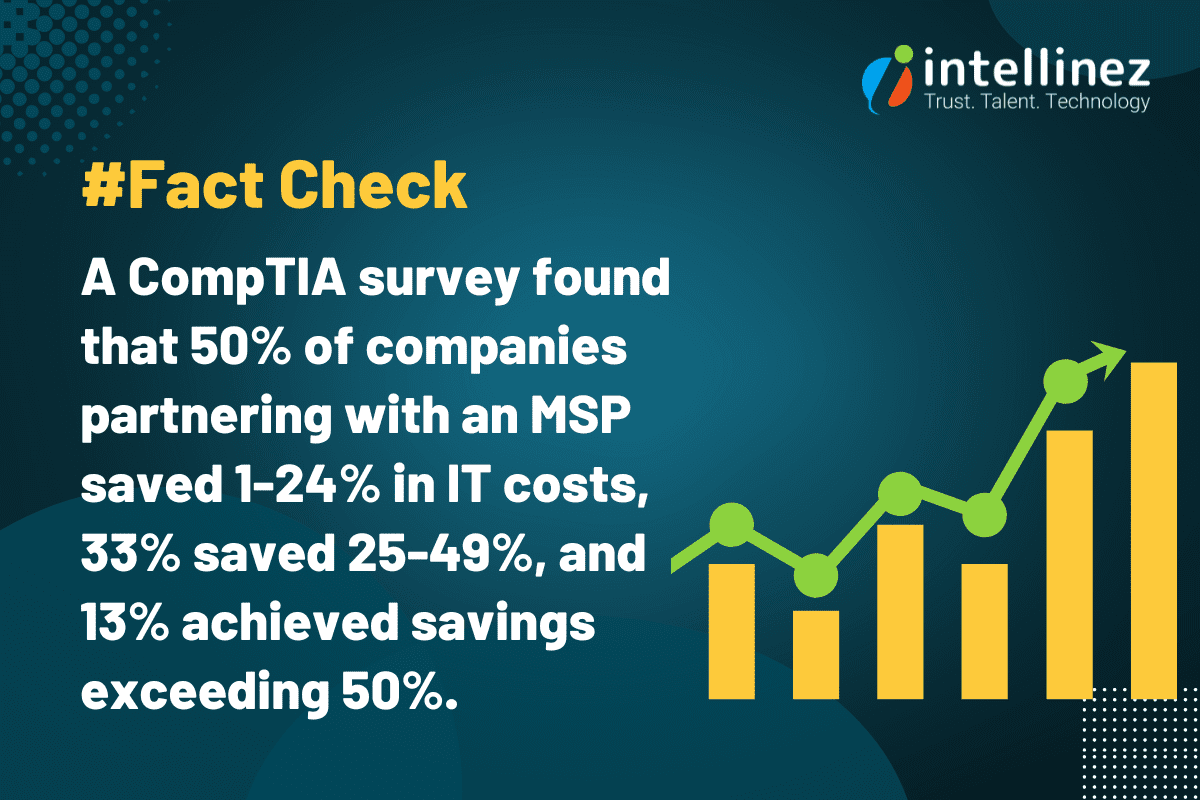
When considering hiring a Managed IT Services Provider, it’s crucial to ask the right questions to ensure they align with your organization’s goals and requirements. In this blog, we will discuss the top 11 questions to ask a Managed IT services provider before making a decision. As an established software development and Managed IT consulting company, we are here to provide you with authentic information and guide you to hire the most suitable managed services provider. Read below to know more.
What Should You Ask Before Hiring Your Managed Service Provider?
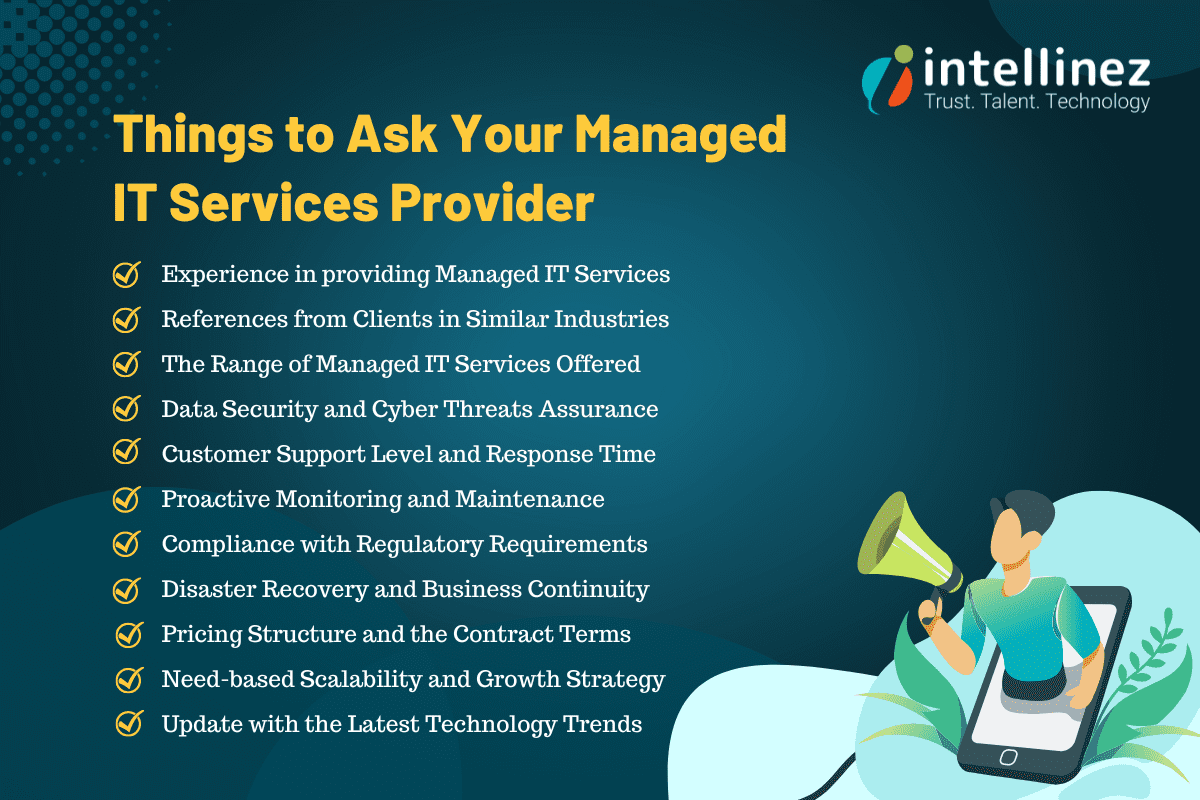
1. How long has your company been in business as A Managed services Provider?
When choosing a Managed IT Services Provider (MSP), it’s crucial to consider their experience and track record. Look for a company with a proven history of providing MSP services. Their years in business demonstrate their stability and ability to adapt to evolving technology landscapes. Additionally, inquire about their experience in managing IT infrastructures similar to yours. An experienced MSP like Intellinez Systems, with a successful track record, brings industry knowledge, expertise, and the ability to handle diverse IT environments, ensuring reliable and efficient IT support for your business.
2. Can you provide references from clients in similar industries?
When evaluating a Managed IT Services Provider, it’s important to consider their ability to cater to your industry-specific needs. Look for a provider with references from clients in similar industries. This demonstrates their understanding of your unique requirements and their successful track record in delivering tailored solutions. By partnering with an MSP experienced in your industry, you can benefit from their industry-specific knowledge, best practices, and insights, ensuring a seamless and efficient IT experience that aligns with your business goals.
While we respect client confidentiality, Intellinez Systems has collaborated with clients from diverse industries, including healthcare, finance, education, and manufacturing. This experience enables us to comprehend the unique challenges faced by organizations in different sectors and offer tailored solutions. We can provide references upon request to showcase our successful partnerships.
3. What types of Managed IT services do you offer?
When considering a Managed IT Services Provider (MSP), it’s important to evaluate the range of services they offer. Look for an MSP that provides comprehensive IT services to meet your organization’s needs. This may include network management, cloud computing, cybersecurity, data backup and recovery, software development, and IT consulting. A reliable MSP should have expertise in multiple areas of IT, allowing them to provide holistic solutions and support for your technology infrastructure. By partnering with an MSP that offers a wide range of services, you can streamline your IT operations and have a single point of contact for all your IT needs.

4. How do you ensure data security and confidentiality?
When selecting a Managed IT Services Provider (MSP), prioritize data security and confidentiality. Look for an MSP that implements robust security measures, such as advanced encryption, multi-factor authentication, and 24/7 monitoring. They should conduct regular security audits and adhere to industry best practices. Additionally, inquire about their track record in handling sensitive data and their compliance with relevant regulations. A reliable MSP, like ours, ensures the highest level of data security and confidentiality, providing you with peace of mind and protection against cyber threats.
5. What level of customer support do you provide?
Exceptional customer support is a vital quality to consider when choosing a Managed IT Services Provider (MSP). Look for an MSP that offers responsive and comprehensive support. They should have a dedicated team of IT professionals available 24/7 through various channels, including phone, email, and a ticketing system. Prompt resolution of issues and a proactive approach to support are essential. At our company, we prioritize customer satisfaction and provide top-notch support to ensure your technology needs are met promptly and efficiently.
6. Can you provide proactive monitoring and maintenance?
Proactive monitoring and maintenance are key qualities to seek in a Managed IT Services Provider (MSP). Look for an MSP that employs advanced monitoring tools to detect and address potential IT issues before they impact your business. They should have a proactive approach, regularly conducting system updates, patch management, and performance optimizations. With our MSP services, we ensure round-the-clock monitoring and proactive maintenance, minimizing downtime, enhancing system performance, and keeping your technology infrastructure running smoothly for uninterrupted productivity.
7. Do you have experience with compliance and regulatory requirements?
Experience with compliance and regulatory requirements is a crucial quality to consider when choosing a Managed IT Services Provider (MSP). Look for an MSP with a proven track record in navigating and adhering to industry-specific regulations such as HIPAA, GDPR, or PCI-DSS. They should possess deep knowledge of data protection, privacy, and security standards. Our MSP services, backed by extensive compliance expertise, ensure your organization remains compliant with applicable regulations, protecting sensitive data and minimizing legal and reputational risks. Trust us to handle your compliance needs with utmost professionalism and precision.
8. How do you handle disaster recovery and business continuity?
Disaster recovery and business continuity planning are critical aspects to consider when choosing a Managed IT Services Provider (MSP). Look for an MSP that has robust strategies in place to ensure the protection and recovery of your data and systems in the event of a disaster. They should perform regular backups, have off-site storage, and conduct routine testing to validate the effectiveness of their plans. At our company, we prioritize disaster recovery and business continuity, implementing comprehensive measures to minimize downtime and ensure seamless operations, safeguarding your business against potential disruptions.
9. What is your pricing structure and contract terms?
Transparent pricing structure and flexible contract terms are crucial qualities to seek in a Managed IT Services Provider (MSP). Look for an MSP that offers clear and detailed pricing, tailored to your specific needs and budget. They should provide a breakdown of costs and ensure there are no hidden fees. In terms of contract terms, flexibility and scalability are key. An ideal MSP, like ours, offers customizable contract terms that allow for adjustments as your business evolves. We prioritize transparency and flexibility in our pricing and contract terms, ensuring a mutually beneficial partnership.
10. Can you assist with technology roadmap and strategic planning?
A valuable quality to look for in a Managed IT Services Provider (MSP) is their ability to assist with technology roadmap and strategic planning. An ideal MSP should offer expertise in aligning your IT infrastructure with your long-term business goals. They should provide guidance on emerging technologies, potential IT investments, and help you develop a roadmap for future growth. Our MSP services at Intellinez Systems include strategic planning to ensure your technology infrastructure remains adaptable and aligned with your business objectives, empowering you to make informed decisions and stay ahead in the ever-changing digital landscape.
11. How do you stay up-to-date with the latest technology trends?
Keeping up with the latest technology trends is a vital quality for a Managed IT Services Provider (MSP). Look for an MSP that emphasizes continuous learning and innovation. They should have a dedicated team that actively engages in industry events, conferences, and training programs. Additionally, a reliable MSP maintains strong partnerships with technology vendors and fosters a culture of knowledge-sharing within their organization. We prioritize staying ahead of the curve, ensuring that our clients benefit from the latest advancements and industry best practices to drive their business success.
Conclusion
Choosing the perfect Managed IT Services Provider is a crucial step towards ensuring your organization’s success. These 11 key questions will provide you with valuable insights into a provider’s expertise, experience, and their ability to cater to your specific IT needs. By carefully evaluating their responses, you can make an informed decision that aligns with your business goals and sets the foundation for a fruitful partnership.
Hire Intellinez Systems For All Your Managed IT Services Requirements
Intellinez Systems, a government of India certified startup, has excelled in providing software development and Managed IT services for 2.5 years. Our track record of success and satisfied clients showcases our commitment to excellence. Partner with Intellinez Systems today to experience the difference of having a trusted technology ally by your side, driving optimal IT performance and fueling your organization’s growth. Contact us now to open up your business’s full potential.
Table of Contents
- Managed Services Checklist
- Network Security Audit
- Patch Management And Software Updates
- Data Backup And Recovery
- Hardware And Software Inventory Management
- System Performance Monitoring
- Vulnerability Scanning And Penetration Testing
- IT Asset Lifecycle Management
- User Access And Privilege Management
- Disaster Recovery Planning
- Help Desk And Technical Support
In today’s fast-paced and technology-driven world, businesses heavily depend on their IT infrastructure to maintain competitiveness and operational efficiency. However, to sustain a strong and reliable IT system, continuous monitoring and proactive maintenance are essential to detect and address potential issues before they become critical problems. This is where a managed services checklist becomes invaluable.
Managed IT services are crucial for ensuring the seamless operation of IT systems, defending against cyber threats, and optimizing overall performance. In this blog post, Team Intellinez will explore ten essential routine checkups that every managed IT service should include to ensure uninterrupted business operations.
Managed Services Checklist
Read below to have your managed services checklist so as to run your business smoothly.
Network Security Audit
A Network Security Audit is a routine security check conducted by managed service providers to evaluate the security of a network infrastructure. This assessment involves a thorough analysis of network components, configurations, and access controls to identify vulnerabilities and potential risks.
By performing regular Network Security Assessments, businesses can proactively identify and address security gaps, protect against unauthorized access and cyber threats, and ensure the overall integrity and confidentiality of their network and data. It is an essential practice to maintain a secure and resilient network environment in today’s digital landscape.
Patch Management and Software Updates
Patch Management and Software Updates are crucial routine security checks provided by managed services providers. This process involves regularly evaluating and applying necessary updates, patches, and fixes to software applications and operating systems. By staying up-to-date with the latest patches, businesses can address known vulnerabilities, protect against emerging threats, and ensure the overall security and stability of their IT infrastructure.
Managed services providers handle the entire patch management lifecycle, from monitoring for available updates to testing and deploying them across the network. This proactive approach includes vulnerability management which helps businesses mitigate security risks, reduce the potential for cyberattacks, and maintain a robust and secure IT environment.
Data Backup and Recovery
Data Backup and Recovery is a crucial routine security check provided by managed services providers. It involves implementing robust backup solutions and conducting regular tests to ensure the integrity and availability of business-critical data. Managed services providers create comprehensive backup strategies, including off-site storage and redundancy measures, to safeguard against data loss due to hardware failures, human errors, or cyber incidents.
Through routine backup and recovery checks, they verify the effectiveness of backup procedures, test data restoration processes, and ensure business continuity in the event of a disaster. This proactive approach helps businesses in data management, minimizing downtime, and recovering quickly from any unforeseen incidents.
Hardware and Software Inventory Management
Hardware and Software Inventory Management is an essential routine security check provided by managed services providers. It involves maintaining an updated inventory of all hardware components and software applications within the IT infrastructure. By conducting regular inventory checks, managed services providers ensure accurate tracking of assets, including their configurations, warranties, and licensing information.
This allows businesses to have better visibility and control over their IT resources, identify any unauthorized or outdated software or hardware, and mitigate potential security risks. Effective inventory management helps streamline budgeting, optimize resource allocation, and ensure a secure and compliant IT environment.
System Performance Monitoring
System Performance Monitoring is a critical routine security check provided by managed services providers. It involves continuously monitoring key performance metrics of IT systems, such as CPU usage, memory utilization, disk space, and network traffic. By closely tracking system performance, managed services providers can identify potential bottlenecks, resource issues, or anomalies that could impact the stability and security of the infrastructure.
Prompt detection of performance issues allows for proactive troubleshooting and optimization measures, ensuring optimal system functionality, mitigating risks of system failures, and maintaining a secure and efficient IT environment. Regular system performance monitoring is key to maintaining the overall health and performance of the IT infrastructure.
Vulnerability Scanning and Penetration Testing
Vulnerability Scanning and Penetration Testing are crucial routine security checks provided by managed services providers. Vulnerability scanning involves using specialized tools to identify potential weaknesses and vulnerabilities in the IT infrastructure, including software applications and network systems. Penetration testing takes it a step further by simulating real-world attacks to exploit identified vulnerabilities, assess the effectiveness of security measures, and identify potential entry points for malicious actors. By conducting these tests regularly, managed services providers can proactively address security gaps, strengthen defenses, and ensure the overall resilience of the IT environment. This comprehensive approach helps businesses stay ahead of potential threats and safeguard their systems from cyberattacks.
IT Asset Lifecycle Management
IT Asset Lifecycle Management is a vital routine security check provided by managed services providers. It involves the effective management of IT assets throughout their lifecycle, from acquisition to disposal. Managed services providers ensure accurate tracking, documentation, and monitoring of hardware components, software licenses, and subscriptions.
By conducting regular asset lifecycle management, they can proactively identify outdated or unsupported assets, address security vulnerabilities, and ensure compliance with licensing and regulatory requirements. This comprehensive approach helps businesses optimize resource allocation, reduce security risks associated with outdated or unauthorized software, and maintain a secure and efficient IT environment throughout the lifecycle of their assets.
User Access and Privilege Management
User Access and Privilege Management is a critical routine security check provided by managed services providers. It involves the effective management of user access rights and privileges within the IT infrastructure. Managed services providers review and analyze user accounts, permissions, and roles to ensure that access is granted based on the principle of least privilege.
By conducting regular checks, they can identify and address any unauthorized access, orphaned accounts, or excessive privileges that could pose security risks. This proactive approach helps businesses enforce robust security protocols, minimize the potential for unauthorized access or data breaches, and maintain a secure and controlled IT environment.
Disaster Recovery Planning
Disaster Recovery Planning is a crucial routine security check provided by managed services providers. It involves developing and maintaining comprehensive plans and strategies to ensure business continuity in the event of a disaster or disruptive incident.
Managed services providers assess the existing infrastructure, identify critical systems and data, and create recovery strategies tailored to the business’s needs. They regularly review and update these plans, conduct drills and tests, and ensure the availability and integrity of backups and recovery systems. By performing routine disaster recovery planning, businesses can minimize downtime, recover quickly from disruptions, and protect their critical operations and data.
Help Desk and Technical Support
Help Desk and Technical Support is an essential routine security check provided by managed services providers. They offer prompt and reliable assistance to address technical issues, troubleshoot problems, and provide guidance to users. This routine check ensures that businesses have access to timely support, minimizing potential security risks caused by unresolved issues or user errors.
Managed services providers maintain a robust help desk system, where they track and resolve incidents, provide software and hardware support, and offer guidance on security best practices. By offering comprehensive help desk and technical support, they enhance the security posture of businesses and ensure the smooth operation of their IT systems.
Conclusion
Effective managed IT services play a pivotal role in maintaining the stability, security, and efficiency of a business’s IT infrastructure. By providing routine checkups, such as network security assessments, patch management, data backup, and system performance monitoring, managed IT service providers can proactively address potential issues and ensure the smooth operation of IT systems. Partnering with a reputable managed IT service provider like Intellinez Systems can give businesses the peace of mind to focus on their core competencies while leaving the technical aspects in capable hands.
Hire Intellinez Systems as Your Managed IT Services Provider
Intellinez Systems is your trusted choice for managed IT services. With our expertise and experience, we offer comprehensive solutions to optimize and secure your IT infrastructure.
From network assessments to security audits, patch management, data backup, and technical support, we ensure the smooth operation and protection of your systems. Partner with us for reliable and proactive managed IT services that align with your business goals and keep you ahead in the digital landscape.
Table of Contents
- The Indian IT Outsourcing Industry
- Commonly Outsourced Services In India
- India’s Dominance In The IT Outsourcing Market
- The Benefits Of Outsourcing IT Support To India
- Big Organizations Outsourcing To India
- How To Select The Right Outsourcing Provider In India
- Conclusion
The debate of insourcing vs outsourcing IT services continues to shape business strategies. While insourcing offers greater control and customization, it often requires significant investments in infrastructure and talent. On the other hand, outsourcing provides access to specialized expertise, cost savings, and scalability. Ultimately, the decision hinges on the specific needs, priorities, and long-term goals of each organization.
Over the past few decades, outsourcing has become prevalent in the market as a cost-effective and time-efficient solution. India is a popular outsourcing destination due to its diverse services and expertise. The benefits of outsourcing IT support to Indian providers include lower budget services, on-demand skilled employees, enhanced performance, timely project delivery, e-commerce solutions, increased market reach, fresh perspectives, workload distribution, operational cost control, and improved brand visibility.
India’s IT outsourcing services offer numerous opportunities for organizations, regardless of their size or global presence. Different types of outsourcing solutions are available to meet the specific needs of each organization.
The Indian IT Outsourcing Industry
India has emerged as a dominant player in the IT outsourcing industry, serving as a preferred destination for global companies. Giants like IBM, Microsoft, Apple, Dell, CISCO, Ford, Oracle, and American Express have long relied on India for outsourcing needs. The country’s favorable government policies, robust infrastructure, and skilled workforce have contributed to its success.
India’s IT outsourcing sector surpasses the combined statistics of the US and UK, with a significant number of English-speaking graduates in MBA, Ph.D., IT, and engineering programs. With high employment rates and a wide range of services offered, India continues to be a sought-after outsourcing partner.
India’s IT sector creates millions of jobs and attracts global giants for outsourcing services like web hosting, database management, disaster recovery, and technical support.
Commonly Outsourced Services in India
India has emerged as a dominant force in the outsourcing industry, experiencing rapid growth over the past few decades. With its unique combination of cost-effectiveness, favorable government policies, advanced infrastructure, and a highly skilled workforce, India has become a preferred destination for outsourcing services.
India’s IT industry recorded impressive growth in FY22, generating $227 billion in revenue, as reported by NASSCOM. With a year-on-year growth rate of 15.5%, India solidified its position as the world’s fifth-largest IT outsourcing industry, trailing only the United States, China, the United Kingdom, and Canada.
With a well-established IT sector and a proficient workforce trained in software technology, India offers a wide range of outsourcing services. These services encompass web and mobile application development, software testing, cloud computing, product development, blockchain consulting, digital marketing, data science, digital transformation, custom software development, security and threat protection, data center management, telecommunications, and infrastructure management.
India’s Dominance in the IT Outsourcing Market
Despite increasing competition from other countries, India remains a top choice for global outsourcing. The country boasts a vast pool of technical experts and approximately 135 million English-speaking workers, making it the world’s second-largest English-speaking workforce. With highly skilled teams, minimal infrastructure costs, effective budget control, and scalability options, India provides an ideal environment for outsourcing contracts.
According to data from the Reserve Bank, India’s IT and IT-enabled services exports reached a remarkable $156.7 billion in FY2021-22. Furthermore, India’s talent pool is unparalleled, producing around 1.3 million engineering graduates annually—more than the combined output of the US, Western Europe, Eastern Europe, and Latin America. These factors solidify India’s position as a global outsourcing powerhouse.
Knowledge Process Outsourcing (KPO)
Knowledge Process Outsourcing (KPO) encompasses data-driven, knowledge-intensive services that require a combination of human capital and IT expertise. This thriving sector in India focuses on gathering, managing, and analyzing insights to provide valuable models. With a wealth of technically skilled resources, India is an ideal destination for outsourcing IT services like KPO.
Back-Office Support
Back-office support services offered by Indian outsourcing firms enable organizations to concentrate on their core business activities. These services encompass data and records management, customer surveys, billing support, order management, fraud protection, content management, information verification, and more, providing comprehensive support to businesses.
Customer Support Services
Outsourcing customer support to India proves beneficial as it ensures efficient handling of customer needs. With trained professionals managing customer queries, organizations can address customer concerns effectively. India’s outsourcing industry offers fully managed support services, enabling companies to provide exceptional customer service.
The Benefits of Outsourcing IT Support to India
India’s outsourcing advantages and competitiveness in a globalized world make it a top choice for businesses. With skilled software developers, designers, and expert advisors, it excels as a software development outsourcing hub.Get more done with less
India remains the top choice for outsourcing due to its excellent quality and cost-effectiveness. Foreign businesses prefer India as their outsourcing destination, as highlighted by the National Outsourcing Association (NOA).
By outsourcing to India, companies can maximize productivity, generate more work, and boost income without expanding their current team. With IT outsourcing services in India, businesses can leverage their existing workforce to manage outsourced teams and projects, resulting in significant productivity gains for the company.
Access to skilled and educated professionals
India offers unparalleled access to a vast pool of skilled and educated professionals, making it a preferred choice for outsourcing. With a population of approximately 1.2 billion and 3.1 million graduates entering the workforce annually, India has an abundant talent pool.
Moreover, India boasts the largest English-speaking population globally, surpassing the US and UK combined. Companies are attracted to the quantity and quality of talent available in India. Working with highly educated individuals, often with qualifications from top global colleges, ensures that outsourcing services in India meet and maintain high company standards.
Prioritize your main business competencies
Focus on your core business functions by outsourcing to India. As your company grows, handling everything in-house can divert attention from core operations. With outsourcing, you can delegate non-core tasks while retaining control over crucial operations that drive your company’s success.
India provides a flexible outsourcing location, offering service providers for various activities like marketing, research, and customer care. This allows you to concentrate on research and new product development to meet the demands of an expanding customer base.
Scaling up of the business
Outsourcing in India enables businesses to scale up their operations efficiently. With fluctuating demand and varying skill requirements, outsourcing provides access to qualified professionals as needed, ensuring scalability and flexibility for your business.
Superior flexibility in pricing
India remains a top choice for outsourcing due to its cost-effectiveness, offering significant savings for businesses. Compared to developed nations, personnel expenses in India are considerably lower, making it an attractive option.
While experienced developers in India can be hired at hourly rates as low as $15, talented developers in the US may demand rates ranging from $50 to $80. This flexibility in pricing allows businesses to manage their budgets more efficiently, especially when seeking cost-effective solutions and unable to afford higher salaries. India’s cost advantage provides opportunities for creative budget management.
Decide on the optimum staffing levels
Achieve optimal staffing levels with IT outsourcing companies in India. Balancing employee numbers to meet business demands can be challenging. By outsourcing, you have the freedom to choose an ideal core team for your business needs.
When activity peaks or fluctuates, outsourcing in India allows you to scale up your bandwidth while maintaining a constant utilization rate for your full-time staff. This ensures competent workers are engaged and avoids the risk of underutilization or boredom. India’s outsourcing flexibility helps resolve staffing challenges effectively.
Top-notch infrastructure and technology
India’s major cities offer advanced cellular, ISP, and telecom networks, along with the latest software technology for tailored solutions in areas like e-commerce, system integration, and more. High-speed bandwidth ensures constant communication with clients.
India’s Stable and Attractive IT Policies
India’s stable government and attractive IT policies have made it a top destination for outsourcing. Policies on economics, tax, power, and telecom have improved infrastructure and communication. The Information Technology Act supports electronic contracts, combats cybercrime, and encourages e-filing, while tax incentives further promote the IT industry.
Fastest Time-to-Market
Indian outsourcing companies offer the fastest time-to-market due to time zone differences. The twelve-hour gap between India and the USA allows for quicker project completion, increased productivity, efficiency, and the ability to provide 24/7 customer assistance and help desk services. India is the ideal choice for outsourcing various service-related options.
Effective Communication Skills
India’s popularity as an outsourcing destination has soared due to its vast pool of over 100 million English speakers, eliminating language barriers. With 150,000 engineering graduates entering the IT sector yearly, limitless service availability makes it a top choice for enterprises worldwide. Indian specialists generally have a strong command of English compared to other outsourcing destinations. Communication tools like Slack and Skype further facilitate seamless interaction with remote teams.
Big Organizations Outsourcing to India
India has become a preferred outsourcing destination for many businesses seeking to reduce operating costs and improve efficiency. With competitive pricing, a skilled workforce, a large talent pool, and government support, India attracts Western companies looking to outsource. According to Grand View Research, the IT outsourcing market is projected to reach $937.6 billion by 2027, driven by the need to lower costs and the lack of in-house IT skills.
While outsourcing offers advantages and disadvantages, many companies have benefited from successful outsourcing experiences. Some of the leading organizations that outsource IT services to India enjoy the benefits of cost reduction and business continuity. By leveraging the expertise and resources available in India, these businesses have found a strategic advantage in their operations.
How to Select the Right Outsourcing Provider in India
Choosing the right outsourcing provider in India requires careful consideration of factors like reliability and services offered. Independently verifying the trustworthiness of the company is essential for a successful partnership. Assessing different offerings from various companies can help in selecting the best IT outsourcing services in India. Team Intellinez has compiled all the parameters below on how to outsource IT services in India.
Evaluate the Quality of Deliverables
The distinction between a reputable outsourcing company and a mediocre one lies in the quality of the product they deliver. Outsourcing doesn’t necessarily mean you have to commit long-term; building an in-house team may be a better choice.
Establish Clear Outsourcing Objectives
Before engaging with an outsourcing provider, a company should define its specific outsourcing goals. Realistic and focused objectives yield more reliable results compared to lofty aspirations.
Assess Effectiveness of Communication
Selecting the ideal outsourcing partner involves assessing operational and logistical aspects, particularly in deciding between offshore and nearshore options. With various collaboration tools available, such as Slack and G Suite, prioritizing communication within a nearshore workforce is essential for successful outsourcing.
Evaluate Performance in Outsourcing
When selecting an outsourcing provider, it is important to assess their capabilities, cost management strategy, and ability to deliver the desired product on time. A competent team should not only possess coding skills but also understand your business requirements. Adopting a Lean Startup approach emphasizes enhancing the value proposition rather than solely focusing on the aesthetics of the final product.
Interact with the Outsourcing Company
When considering an outsourcing company, it is important to evaluate their product management practices. By integrating with the business, the outsourcing company gains necessary control and can effectively monitor the progress of the development process.
Determine Payment and Pricing
When selecting an outsourcing company, it is crucial to carefully assess the cost of their services. Some companies offer low prices but may provide unqualified labor. Consider long-term costs for maintenance and repairs. Opt for a fixed quote or time and materials based on your specifications for a fair agreement.
Compare Performance and Reviews
Evaluate the performance and reputation of the outsourcing company. Look for reliable and established software consultancies. Read client reviews online and inquire about their availability and job delivery requirements before making a selection.
Conclusion
To stay competitive and reduce expenses, businesses turn to outsourcing in India. It offers high-quality work and a strategic advantage. However, careful planning is essential. Reputable software outsourcing providers in India deliver exceptional results, enabling companies to gain a competitive edge in the global market.
Outsource Your IT Projects to Intellinez Systems at the Cost of a Single Resource
Maximize cost-efficiency by outsourcing your IT projects to Intellinez Systems. Benefit from their expertise and dedicated team at the price of a single resource, ensuring high-quality results and significant cost savings. Experience the advantages of outsourcing with Intellinez Systems for your IT project needs.
Table of Contents
- Function Calling Capability: OpenAI Integration With External Tools And APIs
- Improved Models: Enhanced Performance And Steerability
- Extended Context Length: Comprehensive Text Understanding
- Cost Reduction: Affordable AI Solutions
- Model Deprecation And Upgrades: Smooth Transition Process
- Client Data Privacy: Prioritizing Confidentiality And Ownership
At the forefront of AI development, OpenAI for developers relentlessly pushes the boundaries of what’s possible. Their latest updates and advancements empower developers with advanced AI capabilities and cost-effective solutions. In this article, we will delve into the key advantages of OpenAI’s recent updates, demonstrating how developers can leverage these innovations.
From function calling capability to improved models and extended context length, OpenAI for developers caters to evolving needs while safeguarding client data privacy. With cost reduction and smooth model transitions, OpenAI for developers redefines the landscape, offering unprecedented possibilities for AI-driven solutions.
Function Calling Capability: OpenAI Integration with External Tools and APIs
OpenAI’s introduction of function calling capability in the Chat Completions API is a notable update. This feature allows developers to describe functions to GPT-4 and GPT-3.5 Turbo, facilitating seamless integration of AI capabilities with external tools and APIs. Let’s delve into some practical use cases that illustrate the benefits of this feature:
1. Enhanced Chatbot Integration
Developers can now create chatbots that leverage external tools or plugins to provide dynamic and comprehensive responses. For example, a chatbot can seamlessly call an email tool to send emails based on user inquiries, significantly enhancing the chatbot’s functionality and utility.
2. Natural Language to API Conversion
With OpenAI for developers, the power of natural language processing (NLP) transforms search requests into seamless API calls or database queries. Through function calling capability, developers can convert conversational language into actionable interactions. For example, an NLP query such as “Who are my top ten customers this month?” seamlessly triggers an API call to retrieve relevant data from the customer database. This intuitive approach enhances user experience, making application interactions more user-friendly and effortless.
3. Streamlined Structured Data Extraction
Developers can define functions that extract structured data from unstructured text. For example, a function can be created to extract relevant information about people mentioned in a Wikipedia article, such as their names, birthdays, and locations. This capability streamlines data extraction processes and enables developers to leverage AI for efficient information retrieval.
Improved Models: Enhanced Performance and Steerability
OpenAI has made significant enhancements to its models, including GPT-4 and GPT-3.5 Turbo, to deliver improved performance and steerability. These updates offer several benefits and practical use cases:
1. Enhanced Steerability and Function Calling
The improved models offer better steerability, allowing developers to guide the model’s responses more effectively. This ensures that the generated outputs align with the desired intentions and requirements. Combined with function calling, developers can obtain structured data from the model, enabling a wide range of applications.
- Use Case: Developers can build AI-powered chatbots that seamlessly interact with external systems, databases, or APIs. For example, a chatbot can integrate with weather APIs to provide real-time weather updates based on user queries like “What’s the weather like in Boston right now?”
2. Natural Language Understanding and Contextual Responses
OpenAI’s expertise in natural language understanding and generation makes it a powerful tool for developers creating chatbots for customer support. Its models excel in comprehending and generating contextually appropriate responses, enhancing applications like virtual assistants and content generation tools.
- Use Case: A customer support chatbot can effectively understand and respond to customer inquiries, providing accurate and helpful information in a conversational manner. This enhances the customer experience and reduces the need for human intervention.
Extended Context Length: Comprehensive Text Understanding
OpenAI has introduced the 16k context version of GPT-3.5 Turbo, significantly increasing the context length compared to the standard 4k version. This extended context length empowers the model with a deeper understanding of the conversation or text, leading to more accurate and contextually coherent responses. Here are a few practical use cases where extended context length is valuable:
1. Complex Task Execution
Developers can provide detailed instructions or context to the model, enabling it to perform complex tasks that require a deeper understanding of the provided information. This is particularly useful in applications that involve multi-step processes or intricate interactions.
- Use Case: A virtual assistant can assist users in executing complex tasks, such as booking a vacation package. By providing an extensive context, including user preferences, destination choices, and budget constraints, the assistant can generate personalized recommendations and make bookings accordingly.
2. Comprehensive Document Summarization
With an increased context length, developers can leverage GPT-3.5 Turbo to summarize lengthy documents effectively. The model can consider a broader range of information, capturing the key points and nuances of the source material.
- Use Case: A content generation tool can utilize the extended context to summarize research papers, news articles, or legal documents, providing users with concise and informative summaries.
Cost Reduction: Affordable AI Solutions
OpenAI recognizes the importance of cost-effectiveness for developers and has introduced measures to reduce costs while maintaining performance and functionality. Two key areas of cost reduction are worth highlighting:
1. Text Embeddings
OpenAI has introduced the Text Embeddings API, which offers similar functionality to the older “Davinci” API at a more affordable price point. This allows developers to leverage text embeddings for enhancing search functionality within their applications, all while achieving significant cost savings.
- Use Case: Developers can integrate text embeddings into their applications to perform semantic searches and retrieve relevant results efficiently. By embedding documents or queries into a vector space, developers can improve search accuracy and user experience.
2. Lower Input Token Cost
OpenAI has reduced the input token cost for GPT-3.5 Turbo by 25%. This reduction makes the model more accessible and cost-effective for a broader range of applications.
- Use Case: Developers can leverage GPT-3.5 Turbo’s capabilities in their applications to provide conversational interfaces or enhance natural language understanding. For example, virtual assistants can assist users in retrieving information, performing tasks, or providing recommendations, all at a reduced cost.
Model Deprecation and Upgrades: Smooth Transition Process
OpenAI understands the importance of a smooth transition process when upgrading and deprecating older models. They prioritize developers’ convenience and ensure a seamless transition to newer versions. Here’s how it works:
1. Automatic Upgrade
Applications using the stable model names will be automatically upgraded to the latest versions of GPT-4 and GPT-3.5 Turbo. This ensures that developers can seamlessly benefit from the enhanced models without any disruption to their existing systems.
2. Extended Transition Period
OpenAI supports the use of older models until September 13th, providing developers with ample time to transition. This extended period allows developers to adapt their applications at their own pace while still utilizing the older models if necessary.
Client Data Privacy: Prioritizing Confidentiality and Ownership
OpenAI prioritizes client data privacy and security, ensuring the protection of client interests. Here’s how they ensure confidentiality and privacy:
1. Ownership of Outputs
Clients retain complete ownership of the outputs generated by their requests. OpenAI respects the rights and control of clients over the content generated through their models. This guarantees that the data remains the property of the clients, providing them with full ownership and control.
2. Data Usage Policy
OpenAI is committed to not using client API data for training purposes. They adhere to strict data usage policies, ensuring that the client’s data is not utilized in any way that compromises its privacy or security. This commitment enhances client confidence in utilizing OpenAI’s services while safeguarding their sensitive information.
Conclusion
OpenAI continues to empower developers with cutting-edge AI capabilities and cost-effective solutions. With features like function calling, improved models, extended context length, cost reduction measures, smooth model transitions, and a strong focus on client data privacy, OpenAI caters to the evolving needs of developers.
By leveraging OpenAI’s advancements, developers can create innovative applications that offer enhanced user experiences, comprehensive text understanding, and affordable AI solutions. OpenAI’s commitment to pushing the boundaries of AI while prioritizing client interests positions them as a leading provider of advanced AI technologies.
Discover the possibilities of advanced AI technologies with Intellinez Systems
Choose Intellinez Systems for exceptional AI solutions. Our skilled professionals, proven track record, and commitment to excellence ensure tailored results. With a portfolio of satisfied clients and successful projects, we are the trusted partner for your AI needs. Experience innovation and growth with Intellinez Systems.
Table of Contents
- Inventory Management System
- Proactive Monitoring And Maintenance
- Embracing Cloud Computing
- Implementing Robust Security Measures
- Emphasizing Disaster Recovery And Business Continuity
- Automation And Orchestration
- Monitoring And Analyzing Key Performance Indicators
- Adopting DevOps And Agile Practices
- Staying Abreast Of Emerging Technologies And Trends
In today’s fast-paced business environment, the smooth operation of organizations heavily relies on competent infrastructure planning and management. As businesses increasingly depend on technology and undergo digital transformation, it becomes imperative to implement strong strategies for efficiently managing their infrastructure.
This blog by the experts from Intellinez Systems delves into the vital aspects of successful infrastructure planning and management in enterprises, while also shedding light on the latest trends and data within this field.
1. Inventory Management System
An essential aspect of effective infrastructure management is a comprehensive inventory management system. Organizations need to have a clear understanding of their hardware, software, and network assets and do proper resource allocation planning. Implementing an automated asset tracking system enables businesses to monitor and manage their assets efficiently, resulting in improved resource allocation, cost savings, and enhanced security.
According to recent studies, poor asset management can lead to significant financial losses for organizations. In fact, a survey conducted by the International Association of IT Asset Managers (IAITAM) revealed that businesses lose billions of dollars each year due to ineffective asset management practices. Therefore, investing in robust asset management tools and processes is crucial for optimizing infrastructure performance.
2. Proactive Monitoring and Maintenance
To ensure the smooth functioning of enterprise infrastructure, proactive monitoring and maintenance are essential. By leveraging advanced monitoring tools and techniques, organizations can identify and address potential issues before they impact operations. Real-time monitoring allows for quick response and remediation, minimizing downtime and optimizing overall system performance.
Incorporating predictive analytics into monitoring processes can further enhance infrastructure management. By analyzing historical data and patterns, predictive analytics helps identify trends and potential future issues. This empowers organizations to take data driven decisions with preventive measures and plan maintenance activities proactively, thereby reducing disruptions and improving infrastructure reliability.
3. Embracing Cloud Computing
Cloud computing has revolutionized the way businesses manage their infrastructure. Cloud-based solutions offer scalability, flexibility, and cost-efficiency, making them an indispensable component of modern enterprise infrastructure management.
The adoption of cloud services continues to rise steadily. According to a recent report by Gartner, the worldwide public cloud services market is projected to grow by 18.4% in 2023, reaching a total value of $304.9 billion. Embracing cloud computing allows organizations to offload infrastructure management tasks to cloud service providers, enabling them to focus on core business objectives and innovation.
4. Implementing Robust Security Measures
In an era of increasing cybersecurity threats, implementing robust security measures is crucial for effective infrastructure management. Cyberattacks can result in data breaches, financial losses, and damage to a company’s reputation. Therefore, organizations must prioritize incident response and robust security at every level of their infrastructure.
The deployment of multi-layered security solutions, including WAF, intrusion detection systems, and data encryption, is essential. Regular vulnerability assessments and penetration testing can help identify and address potential weaknesses. Additionally, employee training and awareness programs play a vital role in preventing social engineering attacks and ensuring a security-conscious culture within the organization.
5. Emphasizing Disaster Recovery and Business Continuity
Disruptions to infrastructure can occur due to various reasons, including natural disasters, hardware failures, or cyber incidents. To minimize the impact of such events, organizations must have robust disaster recovery and business continuity plans in place.
A recent survey conducted by the Disaster Recovery Preparedness Council found that only 40% of organizations had a documented disaster recovery plan. This highlights the need for businesses to prioritize this aspect of infrastructure management. A comprehensive disaster recovery plan includes regular data backups, redundant systems, and predefined processes for recovery and restoration.
6. Automation and Orchestration
Automation and orchestration tools can greatly enhance infrastructure management by reducing manual effort, improving efficiency, and minimizing errors. By automating routine tasks and workflows, organizations can streamline their operations, optimize resource utilization, and ensure consistent and reliable execution of processes.
Orchestration tools enable organizations to coordinate and manage complex workflows across multiple systems and platforms. This helps ensure seamless integration and interoperability, facilitating efficient communication and collaboration between different components of the infrastructure.
7. Monitoring and Analyzing Key Performance Indicators
Monitoring and analyzing key performance indicators (KPIs) are crucial for evaluating the effectiveness of infrastructure management strategies. By tracking and measuring relevant metrics, organizations can gain insights into the performance, availability, and utilization of their infrastructure.
KPIs can vary depending on the specific goals and requirements of each organization. Common infrastructure-related KPIs include uptime percentage, response time, network bandwidth utilization, and resource utilization. By setting clear targets and regularly monitoring these KPIs, organizations can identify areas for improvement, make informed decisions, and continuously optimize their infrastructure management practices.
8. Adopting DevOps and Agile Practices
The adoption of DevOps and Agile practices can significantly improve infrastructure management by fostering collaboration, accelerating delivery cycles, and ensuring alignment with business objectives. DevOps emphasizes the integration and collaboration between development and operations teams, enabling organizations to deliver software and infrastructure changes more rapidly and reliably.
Agile methodologies, such as Scrum and Kanban, promote iterative and incremental development, allowing organizations to adapt to changing requirements and deliver value in shorter cycles. By embracing these practices, organizations can enhance their agility, responsiveness, and overall efficiency in managing their infrastructure.
9. Staying Abreast of Emerging Technologies and Trends
To stay ahead in the dynamic field of infrastructure management, organizations must stay abreast of emerging technologies and industry trends. Technologies such as artificial intelligence, machine learning, and the Internet of Things (IoT) continue to evolve and have the potential to transform infrastructure management practices.
Artificial intelligence and machine learning can automate and optimize various aspects of infrastructure management, including predictive analytics, anomaly detection, and intelligent automation. The IoT enables organizations to gather real-time data from various devices and sensors, allowing for proactive monitoring and efficient resource management.
By actively monitoring and adopting emerging technologies that align with their business objectives, organizations can gain a competitive advantage, enhance their infrastructure management capabilities, and future-proof their operations.
Conclusion
Effective enterprise infrastructure planning and management is crucial for organizations to thrive in the digital age. By implementing comprehensive asset management, proactive monitoring and maintenance practices, leveraging cloud computing, prioritizing security measures, emphasizing disaster recovery and business continuity, adopting automation and orchestration, monitoring and analyzing key performance indicators, embracing DevOps and Agile practices, and staying abreast of emerging technologies and trends, businesses can optimize their infrastructure’s performance and ensure uninterrupted operations.
As organizations continue to rely on technology and digital systems, the importance of robust infrastructure management will only increase. By embracing these essential strategies and continuously evolving their practices, organizations can position themselves for success in today’s dynamic business environment.
Reach Out to Intellinez Systems for Effective Enterprise Infrastructure Planning and Management
For effective enterprise infrastructure planning and management, Intellinez Systems is your trusted partner. With our expertise and experience, we offer comprehensive solutions tailored to your organization’s unique needs. From strategic planning to asset management and resource allocation, our team ensures seamless operations and optimal performance. Reach out to Team Intellinez today to elevate your infrastructure management to new heights.
Table of Contents
- Negative Effects of Cyber Attacks and Data Breaches on Businesses
- Strategies to Overcome the Negative Impacts of Data Breaches
- Conclusion
In today’s digital landscape, cybersecurity and business is a crucial aspect of every business operation. Data breaches and cyber-attacks pose significant threats to businesses, resulting in various negative impacts. It is essential for organizations to understand these consequences and take proactive measures to protect their data and systems. This blog by the experts from Intellinez Systems explores the impacts of cybersecurity on a business and provides strategies to overcome the adverse effects.
Negative Effects of Cyber Attacks and Data Breaches on Businesses
- Revenue Loss
Data breaches can have a devastating impact on business revenue. Studies show that 29% of breached companies face financial setbacks, with 38% experiencing a revenue loss of 20% or more. Additionally, cyber breaches and data manipulation can render IT systems non-functional, leading to customer attrition and further revenue decline. Protect your business from these risks by implementing robust cybersecurity measures.
- Damage to Brand Reputation
Data breaches not only affect short-term revenue but also tarnish the long-term reputation of a brand. Customers value their privacy, and breaches involving leaked emails or compromised payment information erode trust. Businesses with a history of poor data security are likely to face challenges in gaining customer confidence, impacting brand value.
- Loss of Intellectual Property
Hackers frequently set their sights on compromising intellectual property, which includes designs, strategies, and blueprints. Surprisingly, small businesses bear the brunt of 60% of cyber attacks, leaving their compromised assets vulnerable. The loss of such intellectual property can have a profound and detrimental impact on a business’s competitiveness, as competitors may exploit the stolen information for their own gain.
- Hidden Costs
Data breaches entail numerous hidden costs for businesses. Legal fees, public relations efforts, investigations, and increased insurance premiums are some of the expenses associated with breaches. Regulatory fines are also a reality that businesses often overlook, leading to substantial financial penalties and reputational damage.
- Online Vandalism
In some cases, hackers engage in online vandalism as a form of cyber attack. Even seemingly harmless changes, such as altering contact information or adding vulgar content to web pages, can cause significant damage. Such alterations may go unnoticed initially, impacting customer experience and damaging brand reputation over time.
- Rising Breach Costs
Businesses globally face escalating costs as they battle data breaches. According to IBM’s 2022 Cost of a Data Breach report, U.S. organizations bear an average cost of $9.44 million per incident, more than double the global average of $4.35 million. These costs encompass direct and indirect expenses associated with data breaches.
- Lost Business Opportunities
Lost business opportunities contribute to substantial financial losses for organizations. IBM’s report reveals that organizations incur an average cost of $1.52 million due to lost business. This includes factors such as business disruptions, damaged reputation, downtime, revenue losses, and efforts to minimize customer attrition.
- Downtime Due to Cyber Attacks
A significant negative impact of cyber attacks is network failure, which affects 76% of organizations. System crashes, human errors, cyber attacks, and insider attacks contribute to disruptions in operations. Expired SSL/TLS certificates, ransomware attacks, and distributed denial of service (DDoS) attacks are common causes of downtime.
- Stock Market Performance
Cyber attacks can have detrimental effects on a company’s stock market performance. Analyzing 34 breached companies listed on the New York Stock Exchange (NYSE), Comparitech found that these companies underperformed compared to the NASDAQ. Average share prices dropped 8.6% after one year, 11.3% after two years, and 15.6% after three years.
- Insider Threats
While external threats are a concern, organizations cannot overlook the risks posed by insiders. Almost 1 in 5 data breaches involve insiders, including employees, contractors, or business partners. Insider threats can result in the unauthorized access, misuse, or theft of sensitive data. These incidents can have severe consequences for a business, including reputational damage, legal implications, and financial losses.
Strategies to Overcome the Negative Impacts of Data Breaches
- Implement Robust Cybersecurity Measures
To mitigate the negative impacts of cyber threats, businesses should prioritize implementing strong cybersecurity measures. This includes establishing firewalls, implementing encryption protocols, regularly updating software and systems, and conducting vulnerability assessments. Employing multi-factor authentication and strong password policies can also enhance security.
- Develop an Incident Response Plan
Having a well-defined incident response plan is crucial to minimize the damage caused by cyber-attacks. This plan should outline the steps to be taken in the event of a breach, including communication protocols, containment strategies, data recovery processes, and legal considerations. Regular testing and updating of the plan are essential to ensure its effectiveness.
- Educate and Train Employees
Human error is a common factor in cybersecurity and Businesses should invest in comprehensive cybersecurity training programs to educate employees about best practices, recognizing phishing attempts, and maintaining data security. Ongoing awareness campaigns and regular training sessions can help create a culture of cybersecurity within the organization.
- Backup Data Regularly
Regularly backing up critical data is crucial to minimize the impact of data breaches or ransomware attacks. Businesses should establish automated backup systems and store backups in secure off-site locations or on cloud-based platforms. Regularly testing data restoration processes is essential to ensure the integrity of backups.
- Engage Third-Party Security Professionals
Many businesses lack the expertise and resources to effectively manage their cybersecurity needs. Engaging third-party security professionals like Intellinez Systems’ experts can provide specialized knowledge and support in implementing robust security measures, conducting risk assessments, and responding to incidents. These experts can help businesses stay updated on emerging threats and industry best practices.
- Monitor and Detect Threats
Implementing advanced threat detection systems and continuously monitoring network activity can help identify and respond to potential threats in real time. Intrusion detection systems, security information and event management (SIEM) tools, and endpoint protection solutions can assist in proactive threat detection and swift incident response.
- Stay Compliant with Regulations
Businesses should stay informed and compliant with relevant data protection and privacy regulations, such as the General Data Protection Regulation (GDPR) or the California Consumer Privacy Act (CCPA). Compliance not only helps protect sensitive data but also reduces the risk of regulatory fines and legal repercussions.
Conclusion
Cybersecurity threats pose significant negative impacts on businesses, including revenue loss, brand reputation damage, intellectual property loss, and hidden costs. However, by implementing robust cybersecurity measures, developing incident response plans, educating employees, regularly backing up data, engaging third-party professionals, monitoring threats, and staying compliant, businesses can overcome these challenges and protect their valuable assets. Prioritizing cybersecurity and business is essential in today’s digital landscape to safeguard business operations and maintain customer trust in an increasingly interconnected world.
Hire Intellinez Systems & Protect Your Business from Data Breaches and Cyber-Attacks
Don’t let your business fall victim to data breaches and cyber attacks. Safeguard your valuable information by partnering with Intellinez Systems. Our expert team provides cutting-edge security solutions tailored to your organization’s needs.
From proactive threat detection to robust defense strategies, we work diligently to minimize the risk of breaches. Trust Intellinez Systems for comprehensive protection and focus on your business with peace of mind. Contact us now.
Software Development Services
With Our expertise in Software Development, we can create Custom and Enterprise solutions for multiple platforms ranging from web and mobile to the cloud. We also specialize in SaaS Development, UI/UX services, QA Testing, System Integration and API Development.
Book AppointmentTable of Contents
- Visualize For Clarity And Alignment
- Cultivate Collaboration Over Documentation
- Establish Fast Feedback Loops
- Streamline Workflow For Efficiency
- Split Work Into Small, Well-Defined Increments
- Outcome > Output
- Quality & Simplicity
In today’s rapidly evolving digital landscape, businesses face increasing pressure to adapt quickly and deliver innovative solutions to remain competitive. Agile performance management system has emerged as a powerful approach to software development, enabling IT teams to respond rapidly to change, enhance collaboration, and deliver value to customers.
However, implementing agile practices alone is not enough to achieve optimal results. To truly maximize the agile performance of your IT team, you need to foster a culture of continuous improvement, align your processes with agile principles, and empower your team members to excel. In this comprehensive guide by experts from Intellinez Systems, you’ll find seven actionable steps to help you unlock the full potential of your IT team and elevate their agile performance.
1. Visualize for Clarity and Alignment
Visualization is a powerful technique that enhances transparency, collaboration, and alignment within your IT team. By providing a shared understanding of the workflow and progress, visualization enables effective communication and empowers team members to make informed decisions. Here are some practical visualization techniques to consider:
A. Implement a physical or digital Kanban board
Create a visual representation of the workflow using sticky notes or digital cards. Use columns to represent different stages of work and move cards across the board as tasks progress. This allows the team to easily track the status of work items, identify bottlenecks, and prioritize tasks accordingly.
B. Utilize user story maps
Create a graphical representation of data, including user journey, product scope, and releases. Utilize user insights, personas, and screen mock-ups to foster discussions and ensure team alignment with user needs.
C. Leverage architecture diagrams and domain models
Use visual artefacts to foster discussions on software design and ensure a shared language among team members. These visual representations help the team gain a comprehensive understanding of the system’s architecture and facilitate effective collaboration.
2. Cultivate Collaboration over Documentation
While documentation plays a vital role in software development, emphasizing collaboration and knowledge sharing yields superior results in an agile environment. Here are some strategies to foster collaboration within your IT team:
A. Conduct regular walkthroughs and knowledge sharing sessions
Encourage team members to share their expertise, insights, and lessons learned through regular sessions. This promotes cross-functional understanding and facilitates collective ownership of the work.
B. Embrace pair programming
Pair programming enhances collaboration and knowledge transfer among team members. By working together on coding tasks, team members can share ideas, validate solutions, and improve code quality.
C. Facilitate cross-functional collaboration
Encourage collaboration among different roles, such as developers, testers, and analysts, to ensure a holistic understanding of requirements and promote a sense of shared responsibility.
3. Establish Fast Feedback Loops
Fast feedback loops are vital for validating assumptions, improving quality, and delivering valuable software. By gathering feedback early and often, you can make timely adjustments and align your deliverables with customer expectations. Consider the following practices to establish effective feedback loops:
A. Validate assumptions with rapid prototypes
Before embarking on full-scale development, create low-fidelity prototypes or wireframes to gather feedback from end users. This iterative approach allows you to incorporate user insights and refine the solution based on real user feedback.
B. Release frequently to gather user feedback
Embrace continuous delivery practices to release software in small increments. This enables you to obtain valuable user feedback, iterate on features, and validate the product’s direction.
C. Conduct regular retrospectives
Organize retrospective meetings to reflect on the team’s performance, identify areas for improvement, and gather feedback from team members. This feedback-driven approach fosters a culture of continuous learning and empowers the team to refine their processes and practices.
4. Streamline Workflow for Efficiency
Efficiently managing the flow of work is crucial for maximizing productivity and minimizing delays. Streamlining your workflow involves identifying and eliminating bottlenecks, reducing handoffs, and optimizing the sequence of tasks. Here are some techniques to improve your team’s workflow:
A. Limit work in progress (WIP)
Set clear limits on the number of tasks or stories that can be actively worked on at any given time. By reducing multitasking and focusing on completing work before starting new tasks, you can improve efficiency and reduce context switching.
B. Identify and address bottlenecks
Regularly monitor the flow of work and identify stages where tasks tend to accumulate. Address these bottlenecks by redistributing tasks, providing additional support, or adjusting the team’s capacity.
C. Automate repetitive tasks
Identify opportunities for automation to eliminate manual, time-consuming tasks. Task Automation build processes, test suites, and deployment pipelines reduces the risk of errors and accelerates the delivery of high-quality software.
5. Split Work into Small, Well-Defined Increments
Breaking down work into small, well-defined increments is a fundamental practice in agile development. This approach enhances flexibility, promotes early value delivery, and facilitates accurate estimation. Consider the following strategies for effective work breakdown:
A. Slice epics into user stories
Epics, which represent large, high-level requirements, can be challenging to estimate and complete within a single iteration. Slice epics into smaller, more manageable user stories that can be delivered incrementally. Each user story should provide clear business value and have well-defined acceptance criteria.
B. Apply the INVEST criteria
When defining user stories, ensure they meet the INVEST criteria: Independent, Negotiable, Valuable, Estimable, Small, and Testable. These criteria help create user stories that are easier to understand, estimate, and implement.
C. Prioritize work based on value and risk
Collaborate with stakeholders to prioritize user stories based on their value to the customer and the associated risk. Focus on delivering the highest value and most critical features early on, enabling quicker time-to-market and rapid feedback.
6. Outcome > Output
Shifting the focus from maximizing output to delivering the right outcomes is a key aspect of agile performance. By continuously evaluating the value of work items and aligning them with strategic goals, you can ensure that your team delivers maximum value to customers and stakeholders. Here are some strategies to prioritize outcomes:
A. Embrace a value-driven mindset
Foster a culture that values customer-centricity and outcome-driven thinking. Encourage the team to continuously question the value of their work and explore alternative approaches to achieve the desired outcome.
B. Regularly reassess priorities
Priorities can change over time due to evolving market conditions, shifting business goals, or new customer insights. Regularly reassess the priority of work items and adapt accordingly to ensure alignment with the desired outcomes.
C. Communicate and collaborate with stakeholders
Maintain open channels of communication with stakeholders to understand their needs, gather feedback, and align expectations. Regularly engage in conversations to validate assumptions, share progress, and ensure that the team’s efforts are aligned with strategic objectives.
7. Quality & Simplicity
Prioritizing quality and simplicity is essential for delivering sustainable, high-quality software solutions. By investing in code quality, automated testing, and continuous improvement, you can ensure that your team consistently delivers valuable and reliable software. Consider the following practices:
A. Conduct regular code reviews
Implement a code repository management process to foster collaboration, improve code quality, and share knowledge. Code reviews help identify potential issues, ensure adherence to coding standards, and promote learning within the team.
B. Embrace automated testing
Implement automated testing practices, such as unit tests, integration tests, and regression tests. Automated tests provide fast feedback on the correctness and reliability of the software, enabling early bug detection and preventing regressions.
C. Refactor for simplicity and maintainability
Continuously evaluate the codebase for opportunities to simplify and improve maintainability. Refactoring helps eliminate technical debt, enhances code readability, and improves the ability to respond to change.
Conclusion
Maximizing the agile performance of your IT team requires a holistic approach that encompasses culture, processes, and people. By implementing these seven actionable steps discussed in this guide – visualizing for clarity and alignment, cultivating collaboration over documentation, establishing fast feedback loops, streamlining workflow for efficiency, splitting work into small, well-defined increments, prioritizing outcomes over output, and prioritizing quality and simplicity – you can unlock your team’s full potential and drive exceptional results.
Embrace the principles of agility, foster a culture of continuous improvement, and empower your team members to collaborate, innovate, and deliver value to customers. With dedication and persistence, your IT team can become a high-performing agile powerhouse, capable of thriving in today’s dynamic business landscape.
Contact Us Today for Your IT Needs
For all your IT needs, we’re here to help. Whether it’s troubleshooting, software development, or network solutions, Team Intellinez Systems is equipped with the expertise to assist you. Reach out to us today and let us take care of your technology challenges, so you can focus on what matters most – growing your business.
Table of Contents
- What Is Cloud Migration?
- What Is Cloud Security?
- The Role Of Machine Learning & Artificial Intelligence
- The Need For Cloud Migration Experts
- Top Cloud Migration Skills For Effortless Transitions In 2023
The demand for certified cloud computing professionals has skyrocketed, surpassing the shift from in-house servers to cloud-based systems. This presents a lucrative opportunity for individuals willing to acquire the necessary cloud computing skills. Amazon (AWS), Microsoft (Azure), and Google (Google Cloud Platform) are the leading cloud platforms.
Staying relevant in the industry requires staying updated with new trends and developments in digital technology. The pandemic accelerated the adoption of cloud services due to the widespread need for remote work and distance learning. The global cloud computing market size was valued at $569.31 billion in 2022 and is projected to grow from $677.95 billion in 2023 to $2,432.87 billion by 2030.
Cloud computing is a rapidly growing field, and companies will continue to seek professionals with AWS skills and advanced cloud computing expertise. The flexibility and scalability offered by cloud-based systems make them a vital component for businesses, leading to a reduction in investment in physical servers and data centers.
What is Cloud Migration?
Cloud computing has transformed the way users access software, data storage, and services by eliminating the need for physical servers. To effectively manage cloud systems, acquiring the necessary technical skills through training is crucial. This training enables professionals to navigate the complexities of cloud computing and optimize its capabilities.
The process of migrating in cloud computing, from an on-premises infrastructure to the cloud typically involves several phases. Here are the common phases of cloud migration in cloud computing:
- Assessment: Evaluate current infrastructure, applications, and data for migration readiness.
- Planning: Create a detailed migration plan, and choose the cloud provider and deployment model.
- Design: Define target architecture for cloud deployment and optimize applications.
- Migration: Move applications, data, and infrastructure to the cloud.
- Validation and Testing: Verify functionality, performance, and security of the migrated environment.
- Deployment: Deploy the validated cloud environment for production use.
- Optimization: Continuously optimize performance, cost, and resource utilization.
- Ongoing Management: Monitor, maintain, and manage the cloud environment.
One significant aspect of cloud computing is the shift from traditional subscription-based pricing to a pay-per-use model, also known as consumption-based pricing. This new pricing structure allows users to pay only for the resources they utilize, offering greater flexibility and cost-efficiency.
By embracing cloud computing, businesses and individuals gain the ability to access software, store data, and leverage services from anywhere, anytime. However, to fully harness its potential, individuals must equip themselves with the requisite skills and knowledge.
What is Cloud Security?
Cloud computing inherently requires a strong emphasis on security due to the outsourcing of sensitive business data. Organizations prioritize IT security to protect customer data, intellectual property, and their reputation. The demand for cybersecurity professionals is rapidly growing, with a particular focus on the cloud domain. A single security breach can have severe consequences, highlighting the importance of cyber security measures in cloud computing environments.
The Role of Machine Learning & Artificial Intelligence
Machine learning and artificial intelligence (AI) have become crucial skills in the cloud computing landscape. Major cloud vendors now offer tools and services that provide extensive access to cloud-based AI and machine learning applications. Cloud computing, previously known as “infrastructure as a service” (IaaS), enables organizations of all sizes to harness the computing power and infrastructure necessary for AI and machine learning endeavors.
The machine learning industry has matured, leading to the emergence of machine learning as a service (MLaaS) delivered over the cloud. MLaaS is projected to grow at a compound annual growth rate (CAGR) of 43% through 2023. The demand for talent in the field of machine learning and AI is high. Combining the cloud computing skills with AI expertise can significantly enhance one’s professional value in the industry.
By acquiring proficiency in cloud-based AI and machine learning, professionals can tap into the exponential growth potential of this red-hot market segment and stay ahead in the rapidly evolving cloud computing domain.
The Need for Cloud Migration Experts
Organizations require professionals with advanced cloud computing skills for efficient deployment and migration of IT systems to cloud platforms. It involves safeguarding data integrity, security, and minimizing downtime. Understanding the three major cloud platforms (AWS, Azure, and Google Cloud) is valuable, providing more career opportunities and enhanced value within organizations. It’s essential to possess a diverse skill set and not limit oneself in this dynamic field.
Top Cloud Migration Skills for Effortless Transitions in 2023
Cloud computing professionals should possess additional technical skills such as database management, DevOps, and related technologies to excel and thrive in their careers.
1. DataBase Skills
Database skills are essential as organisations generate massive amounts of data daily. Cloud-hosted databases offer valuable insights from this unstructured data, creating a demand for professionals adept at managing, storing, and accessing information.
IT professionals should seize the opportunity to learn a database querying language like SQL, which is the industry standard. Learning platforms like MySQL, MongoDB, or Hadoop can be considered to further enhance skills. Investing in database skills is vital in leveraging the potential of data and thriving in the cloud computing industry.
2. DevOps
DevOps, short for “developmental operations,” is a software development approach that encompasses the entire lifecycle, from planning to maintenance. It allows organisations to automate updates and streamline the release process. In the cloud computing realm, DevOps is crucial for efficient development. Enhancing your cloud computing skills with DevOps proficiency is a strategic decision, enabling faster and more efficient software updates and aligning with industry best practices.
3. Programming Language Skills
Strong programming language skills are vital for developing and maintaining cloud-based applications. Java, JavaScript, and Python are popular languages widely used in the cloud computing domain. Alongside programming proficiency, understanding SQL and data structures, such as data schemas, is crucial for building effective database-driven applications in the cloud.
4. APIs or Application Programming Interfaces
APIs play a crucial role in both on-premises and cloud-based software development by facilitating communication and data sharing between services and applications. Proficiency in creating APIs and establishing the necessary linkages for seamless integration in the cloud is essential for success as a cloud expert. REST and GraphQL are widely used API types in cloud environments, and gaining expertise in these technologies is highly advantageous.
5. Network Management Skills
Networking skills are vital in the cloud, particularly in establishing connections between resources and locations. This enables companies to set up services such as virtual private clouds and secure connectivity between cloud resources and on-premises sites. Efficient access to cloud resources often requires network administration expertise.
Virtual networks play a significant role in cloud workload deployments, employing various techniques to facilitate networking connections between resources and even across multiple clouds in multi-cloud setups. The ability to navigate these networking complexities is essential for success in cloud computing.
6. Knowledge of Hybrid Cloud
As not all IT infrastructure, apps, and workloads can be fully migrated to the cloud, the concept of hybrid cloud has gained popularity. It involves strategically moving certain apps to a public cloud while keeping other components on-site or in a dedicated private cloud.
Cloud professionals must understand the workings of different cloud models and how to integrate them effectively in a hybrid setup, determining the optimal placement of resources. Hybrid cloud architecture allows organisations to balance security, control, and scalability requirements, maximising the benefits of both public and private cloud environments.
7. Knowledge of Containers
Containerization allows applications to be encapsulated independently of their execution context, enabling swift and efficient installation. To enhance job prospects in cloud computing, it is crucial to have a strong technical foundation and familiarity with popular container technologies like Docker and Kubernetes.
Major cloud platforms provide Kubernetes or container services to assist businesses in managing deployments. Therefore, cloud experts must possess a comprehensive understanding of how these technologies operate. Staying updated with containerization trends and acquiring expertise in container management is essential for professionals looking to excel in the rapidly evolving cloud computing industry.
8. Cloud Orchestration
In cloud computing, multiple interconnected services are prevalent, making manual connection processes impractical at scale. Cloud orchestration technologies play a crucial role in automating and coordinating numerous tasks, ensuring seamless interactions between cloud services.
Cloud professionals with the ability to establish effective cloud orchestration are highly sought after. The expertise to automate and coordinate complex workflows across the cloud environment is essential for optimising efficiency and achieving successful cloud deployments.
Conclusion
Various resources, including formal education, online materials, and on-the-job training, are available to enhance your proficiency in cloud computing. International third-party certifications, in addition to certifications offered by major cloud providers, are recognized in the industry.
It is crucial to add these essential skill sets to your profile promptly, as cloud services permeate all aspects of life, creating abundant opportunities for those aspiring to become cloud computing experts. Whether through formal education, online resources, or certifications, investing in cloud computing skills positions individuals to thrive in a rapidly expanding field with increasing demand for cloud expertise.
Experience Efficient Cloud Migration with Intellinez Systems
Intellinez Systems offers expertise in efficient cloud migration, providing organizations with the necessary skills and support to seamlessly transition their IT systems to cloud platforms. With our experience and knowledge, our team ensures data integrity, security, and minimal downtime during the migration process.
Table of Contents
- 10 Business Intelligence Mistakes To Avoid During Implementation
- Lack Of Clear Objectives
- Insufficient Data Quality
- Poor Data Integration
- Overlooking User Requirements
- Inadequate User Training
- Complex And Overwhelming Reports
- Ignoring Data Security And Governance
- Lack Of Executive Sponsorship
- Not Adapting To Changing Needs
- Lack Of Continuous Improvement
Business Intelligence (BI) has become a critical component of modern-day enterprises, empowering organizations to make informed decisions based on data insights. However, implementing BI is not without its challenges, and many companies make avoidable mistakes that hinder their success. In this blog, we will discuss the ten most common mistakes to avoid while implementing business intelligence, with a specific focus on data analytics implementation. By learning from these pitfalls, organizations can maximize the value of their BI initiatives and achieve long-term success.
10 Business Intelligence Mistakes to Avoid During Implementation
1. Lack of Clear Objectives
One of the most common mistakes organizations make is diving into BI implementation without clear objectives. While it’s tempting to jump right into data analysis and visualization, without a well-defined purpose, it becomes difficult to align BI initiatives with business goals. Before starting any implementation, it is essential to identify key objectives, such as improving operational efficiency, enhancing customer satisfaction, increasing revenue, or optimizing supply chain management. Clear objectives help focus efforts and ensure that the implemented BI solution delivers tangible benefits.
To illustrate, let’s consider a retail company that wants to implement BI to improve its inventory management. By setting a clear objective of reducing inventory holding costs by 20% within the next six months, the company can align its BI efforts with a specific target, enabling them to track progress and measure the success of their implementation.
2. Insufficient Data Quality
Implementing BI without ensuring data quality can lead to erroneous insights and misguided decision-making. Inaccurate, incomplete, or inconsistent data can severely impact the effectiveness of a BI system. As per a Gartner survey, Poor data quality costs organizations an average of $15 million annually, yet nearly 60% of respondents are unaware of their businesses’ expenses due to a lack of measurement.
To avoid this mistake, organizations must invest in data governance practices, establish data quality standards, and implement data cleansing and validation processes. Data quality assessment is crucial to maintaining the integrity of your BI system.
Data quality can be enhanced by employing data profiling techniques to identify and rectify data inconsistencies, conducting data lineage analysis to track data sources, and implementing data validation routines during the ETL (Extract, Transform, Load) process. By prioritising data quality, organisations can have confidence in the accuracy and reliability of the insights generated by their BI system.
We understand the significance of data quality, and our Data Quality Analysis services ensure that your data is accurate, consistent, and reliable, enhancing the reliability of your analytics outputs. Intellinez Systems’ Data Visualization expertise transforms complex data into intuitive visual representations, enabling you to grasp patterns, trends, and outliers at a glance.
3. Poor Data Integration
BI thrives on data integration from multiple sources. However, organizations often struggle with integrating data from disparate systems, leading to incomplete or fragmented insights. It is crucial to plan for data integration during the initial stages of implementation. Utilize appropriate tools and technologies to extract, transform, and load data from various sources.
Data integration can be facilitated through the use of Extract, Transform, Load (ETL) tools or data integration platforms that provide connectors to various data sources. Additionally, organizations can explore the use of data virtualization techniques to integrate data in real-time without the need for physical consolidation. A robust data integration strategy ensures that all relevant data is available for analysis, resulting in comprehensive insights.
For example, a healthcare organization implementing BI might need to integrate data from electronic health records, patient satisfaction surveys, and financial systems. By leveraging data integration techniques and tools, they can merge these disparate data sources to gain a holistic view of patient care and identify opportunities for improvement.
Through its Enterprise Data Warehousing solutions, Intellnez Systems enables you to centralise and integrate your data from various sources, facilitating seamless analysis and reporting. Our proficiency in Big Data and Machine Learning equips you with advanced capabilities to extract valuable insights from vast and complex datasets, unlocking new opportunities for growth and innovation.
4. Overlooking User Requirements
Failing to understand and address user requirements is a major mistake that can hinder BI adoption and success. Users are the primary consumers of BI insights, and their involvement throughout the implementation process is vital for building a user-friendly and effective BI solution. Conduct interviews, surveys, and workshops to gather user requirements, and involve them in design reviews and testing.
By incorporating user feedback, organizations can create a BI solution that meets their specific needs and encourages user adoption. For instance, if the marketing team requires real-time dashboards to monitor campaign performance, it is crucial to involve them in the design process and incorporate their input to ensure the BI solution aligns with their needs.
5. Inadequate User Training
Even with a powerful BI solution in place, its value can be diminished if users lack the necessary skills to leverage its capabilities. Organisations often overlook the importance of providing comprehensive training to users. According to Accenture, inadequate data skills impede productivity, with 74% of workers feeling overwhelmed or unhappy while handling data despite its greater accessibility.
Invest in training programs that cover not only the technical aspects of the BI system but also focus on data interpretation, report generation, and analysis techniques. Regular training sessions and support ensure users are confident and competent in utilising the BI system effectively.
Training should be tailored to different user roles, catering to the needs of executives, analysts, and operational staff. It can take various forms, such as classroom-style training, online tutorials, or workshops. Providing ongoing training and support ensures users are equipped with the knowledge and skills required to make informed decisions based on the insights generated by the BI system.
6. Complex and Overwhelming Reports
Another mistake organizations make is inundating users with complex and overwhelming reports. While it’s important to provide comprehensive insights, bombarding users with excessive data, charts, or irrelevant information can hinder their ability to extract meaningful insights efficiently. Focus on presenting key metrics and actionable insights that enable users to make informed decisions quickly and concisely.
To achieve this, reports should be designed with simplicity in mind. Avoid cluttering reports with unnecessary data points, and leverage visualisations to present information in a visually appealing and easy-to-understand manner. Furthermore, tailor reports to specific user roles and responsibilities, ensuring that each user receives the information that is relevant to their job function.
7. Ignoring Data Security and Governance
Data security and governance are critical considerations in any BI implementation. Neglecting these aspects can lead to data breaches, compliance issues, and loss of trust. According to the USGS, companies can lose 15% to 25% of their operating budget due to poor data quality, redundancy, and data loss.
Implement robust security measures, including role-based access control, data encryption, and regular security audits. Establish data governance policies to ensure data integrity, privacy, and compliance with relevant regulations.
By incorporating data security and governance practices, organisations can instil confidence in users and protect sensitive business information. This includes defining clear data access privileges, implementing data masking techniques to anonymize personally identifiable information (PII), and regularly reviewing user access logs to detect and address any potential security vulnerabilities.
8. Lack of Executive Sponsorship
BI implementations often fail due to the lack of executive sponsorship and support. Without executive buy-in, it becomes challenging to allocate resources, overcome organisational resistance, and drive adoption across the enterprise. Secure executive sponsorship from the outset to ensure adequate funding, resource allocation, and the necessary authority to implement necessary changes.
Executive involvement also helps in breaking down silos and fostering a data-driven culture throughout the organization. Executives should champion the BI initiative, communicate its benefits to the entire organization, and lead by example in utilizing BI insights to drive decision-making.
9. Not Adapting to Changing Needs
Businesses evolve, and so should BI implementations. Failing to adapt to changing business needs and technological advancements can render a BI solution outdated and irrelevant. Regularly review and reassess the effectiveness of your BI system, seek feedback from users, and identify areas for improvement.
Stay abreast of emerging trends, technologies, and best practices to ensure your BI implementation remains agile and continues to deliver value over time. For example, organizations can explore the use of advanced analytics techniques such as machine learning and predictive modeling to derive deeper insights and gain a competitive edge.
10. Lack of Continuous Improvement
Finally, organizations often make the mistake of considering BI implementation as a one-time project rather than an ongoing process. BI systems require continuous improvement to stay relevant and effective. Establish a feedback loop with users, monitor key performance indicators, and regularly evaluate the impact of BI on business outcomes.
Actively seek opportunities to enhance the system, explore advanced analytics capabilities, and leverage emerging technologies such as AI and machine learning to extract deeper insights and gain a competitive edge. Continuous improvement ensures that the BI solution evolves alongside the organization’s changing needs and provides ongoing value.
Conclusion
Avoid these ten business intelligence implementation mistakes: unclear objectives, poor data quality, insufficient integration, overlooking user requirements, lack of user training, complex reports, data security neglect, lack of executive sponsorship, failure to adapt, and lack of continuous improvement. Successful BI enables data-driven decision-making, enhances efficiency, and ensures long-term success. Learn from these mistakes to leverage the power of business intelligence for valuable insights and achievements.
Empower Your Business Intelligence Implementation With Intellinez Systems
Intellinez Systems empowers your organisation with the transformative capabilities of analytics and business intelligence. Our comprehensive range of services includes Data Advisory, Data Governance, Enterprise Data Warehousing, Big Data, Machine Learning, Data Quality Analysis, Data Visualization, and Database Automation.
Table of Contents
- 5 Low Code Development Mistakes To Avoid For Successful App Creation
- Mistake #1: Neglecting Needs Analysis
- Mistake #2: Designing An Ineffective User Interface
- Mistake #3: Insufficient Research And Testing Cycles
- Mistake #4: Trying To Include Too Many Features
- Mistake #5: Ignoring User Feedback
In today’s fast-paced digital landscape, mobile applications play a crucial role in enhancing business operations. However, when developing enterprise applications using low-code tools, there are several common mistakes that can hinder the potential benefits they offer. In this blog, we will explore five critical low code development mistakes to avoid during the development process. By understanding and sidestepping these pitfalls, your business can create powerful, user-friendly applications that boost productivity and efficiency.
5 Low Code Development Mistakes to Avoid for Successful App Creation
Mistake #1: Neglecting Needs Analysis
One of the most significant mistakes when developing enterprise applications is not conducting a thorough needs analysis. Without understanding the specific requirements and preferences of end-users and conducting thorough audience research, businesses risk developing ineffective interfaces and wasting valuable resources.
To avoid this mistake, it is essential to invest time and effort in market research and organizational feedback. By gathering insights from potential users and stakeholders, businesses can identify their needs and align application development accordingly. Performing a comprehensive needs analysis allows businesses to optimize financial and human resources while ensuring the final application serves the organization’s requirements and fulfills the business demands.
Mistake #2: Designing an Ineffective User Interface
The user interface (UI) of an enterprise application plays a vital role in its success. Studies have shown that a majority of businesses fail due to poor user experiences. Therefore, it is crucial to prioritize creating a user-friendly interface and improving overall user experiences when developing enterprise applications.
Low-code development tools offer valuable features like drag-and-drop editors, visual workflow builders, and instant deployment capabilities. These tools empower citizen developers with little coding experience to create high-functioning and easy-to-use applications. By leveraging such tools, businesses can significantly reduce the application development cycle without exhausting organizational resources. Prioritizing an effective and mobile friendly design is crucial to ensuring the application’s success.
Mistake #3: Insufficient Research and Testing Cycles
Insufficient research and testing can be detrimental to the development of enterprise applications. Without thorough research, applications may lack the required functionalities, design elements, and user interface that meet business needs. Additionally, understanding end-users’ preferences and requirements is critical for developing successful applications.
Traditionally, testing applications at each stage of the development cycle can be time-consuming and expensive. However, low-code development platforms provide businesses with the opportunity to rapidly test various application prototypes and iterations without significant financial resources and time investments. By leveraging low-code platforms, businesses can efficiently and effectively test multiple enterprise applications, ensuring their functionality aligns with user expectations.
Mistake #4: Trying to Include Too Many Features
It is tempting for businesses to include numerous features in an application. However, cramming too many features can lead to confusion and negatively impact user experiences. Instead of focusing on quantity, businesses should prioritize determining which features best serve the needs of end-users and support short-term and long-term objectives.
By streamlining feature selection, businesses can allocate more time and resources to improving user interfaces and application infrastructures. Rather than attempting to include every possible feature, it is essential to strike a balance by incorporating limited yet adaptable and dynamic features. This approach ensures that the application remains focused, user-friendly, and efficient.
Mistake #5: Ignoring User Feedback
User feedback is an invaluable resource for software development teams. Collecting, analyzing, and implementing user feedback enables teams to improve user experiences, application design, and overall business process management.
Unfortunately, many businesses fail to recognize the power of user feedback in determining the success of an application. Studies have shown that users are more likely to abandon an application if it takes too long to load or lacks intuitive features. By combining application analytics with user feedback, development teams can exponentially improve application design and functionality, enhancing future productivity.
Low-code development tools not only help businesses create powerful custom applications but also enable citizen developers to contribute to development initiatives. Encouraging end-users to participate in the development of business applications can significantly increase user satisfaction and overall success.
Conclusion
Developing enterprise applications using low-code development tools offers numerous benefits, but it is essential to avoid common mistakes that can hinder their effectiveness. By conducting a needs analysis, designing effective user interfaces, conducting thorough research and testing, prioritizing essential features, and leveraging user feedback, businesses can maximize the potential of low-code development and create powerful applications.
Experience the power of low-code with Intellinez Systems
Team Intellinez possesses extensive expertise in leveraging low-code tools to build high-quality applications. Our team of skilled developers excels in optimizing user interfaces, conducting thorough research and testing, prioritizing essential features, and leveraging user feedback. With Intellinez Systems, you can expect top-notch low-code development solutions that deliver exceptional outcomes for your business.
Table of Contents
- Why SMBs Should Opt For SaaS Products
- Peering Into SaaS Applications: How They Operate
- Advantages Of Building SaaS Applications For Startups
- Challenges For SMBs In Building SaaS Applications
- How To Overcome The SaaS Application Development Challenges
Cloud computing has rapidly gained traction, particularly for Small and Medium-sized Businesses (SMBs), due to its compelling benefits. Cloud-based applications offer cost-effectiveness by reducing hardware, software, and IT support expenses. Scalability is another advantage, allowing SMBs to adapt resources according to their needs and growth trajectory. The cloud’s robust security measures provide reassurance for businesses entrusting their data to cloud providers. Furthermore, the accessibility of cloud-based applications empowers SMBs to work remotely, fostering collaboration and productivity.
Some examples of SaaS applications include Salesforce for sales pipeline management, QuickBooks Online for financial tracking, and Slack for seamless communication. A recent study by Gartner projects substantial growth in the global SaaS market, from $240.61 billion in 2022 to $374.48 billion by 2026, driven by SMBs’ increasing adoption of cloud-based solutions. To unlock cost savings, scalability, and security, SMBs should explore the transformative potential of migrating their applications to the cloud.
Delve into this informative blog by the experts of team Intellinez Systems and equip yourself with the requisites of SaaS product development.
Why SMBs Should Opt for SaaS Products
Cost Efficiency
Based on a recent Gartner study, SaaS applications boast a remarkable 30% lower Total Cost of Ownership (TCO) compared to traditional on-premises software. This translates into substantial long-term cost savings for businesses utilizing SaaS solutions.
Scalability and Integration
SaaS applications effortlessly adapt to your business needs, expanding or contracting as required, unlike traditional on-premises software. Additionally, seamless integration with other cloud-based applications streamlines processes and boosts efficiency.
Reliability and Uptime
Hosted on robust cloud infrastructure, SaaS applications ensure superior reliability compared to on-premises solutions. A recent Uptime Institute study reveals an average uptime of 99.9%, guaranteeing continuous accessibility, 24/7, 365 days a year.
Custom Package Availability
Tailored to your specific requirements, SaaS providers offer custom packages, sparing you unnecessary expenses on features you don’t utilize. Choose precisely the functionalities your business demands, ensuring cost-effectiveness.
New Releases and Upgrades
Embrace the cutting edge with SaaS’s frequent feature updates and upgrades. Enjoy enhanced security, bug fixes, and stay ahead of competitors by leveraging the latest advancements.
Performing Proof-of-Concepts
Assess SaaS application suitability with proof-of-concepts (POCs) before committing to subscriptions. Experience firsthand the scalability, reliability, and security to make an informed decision.
Data Storage
Safeguard your data in the cloud with SaaS applications, benefiting from reliable backups and robust security measures implemented by providers. Access disaster recovery services for added protection.
Increased Security
Invested in fortifying security, SaaS providers employ dedicated teams to monitor infrastructure vulnerabilities. Encryption and other security measures bolster data protection, instilling confidence in your data’s safety.
Peering into SaaS Applications: How They Operate
Gain insights into SaaS applications’ functioning, understanding their operational mechanisms and the technology powering seamless user experiences.
Google Docs
Google Docs is a cloud-based word processing application within the Google Workspace suite, operating as a SaaS solution due to its cloud hosting and subscription-based model. Users can conveniently access it from any location with an internet connection, making it ideal for remote work and mobility. With a multi-tenant setup, multiple users can collaborate on shared documents, delivering a cost-effective solution for businesses and organizations.
Statista’s recent study reveals an impressive 600 million active users globally, solidifying Google Docs’ status as one of the most sought-after SaaS applications. Its advantages are abundant, offering accessibility, enabling efficient collaboration, and ensuring data security through Google’s reliable cloud infrastructure. The subscription-based approach proves economical for entities seeking efficient document sharing.
As a powerful and versatile SaaS application, Google Docs caters to various purposes. It empowers users with a user-friendly, secure, and cost-effective platform, making it an invaluable asset for businesses and organizations alike.
Microsoft Office 365
Microsoft Office 365, a cloud-based productivity suite comprising familiar applications such as Word, Excel, PowerPoint, and Outlook, serves as an exemplary SaaS application. Hosted on Microsoft’s cloud infrastructure, users enjoy seamless access from anywhere with an internet connection. Through a subscription-based model, users pay a monthly fee encompassing hosting, development, and maintenance costs. Its multi-tenant capability enables multiple users to collaborate on shared documents, making it a cost-effective solution for document collaboration.
With a staggering 200 million active users worldwide, as reported by Gartner, Microsoft Office 365 stands as one of the most sought-after SaaS applications. The suite’s accessibility from any location enhances convenience for remote work and mobile usage. Collaboration features foster concurrent work on documents, boosting productivity and teamwork. Data security is ensured with Microsoft’s robust cloud infrastructure, instilling confidence in users.
Catering to businesses of all sizes, Microsoft Office 365 offers a versatile and potent productivity suite. At an average monthly subscription fee of $12.50 per user, it presents a cost-effective option for organizations seeking comprehensive productivity solutions. The coveted Business Premium plan encompasses core productivity applications alongside added features like cloud storage and heightened security.
Slack
Slack, a cloud-based messaging platform, is a leading SaaS application tailored for seamless communication and collaboration in businesses and organizations. Its hosting on Amazon Web Services (AWS) ensures universal accessibility, allowing users to connect from anywhere with internet access. Operating under a subscription-based model, Slack’s monthly fee covers hosting, development, and maintenance costs, ensuring a smooth user experience.
As a multi-tenant application, Slack offers simultaneous access to multiple users, presenting a cost-effective solution for businesses with extensive communication and collaboration needs. With over 12 million active users globally, Statista’s recent study solidifies Slack’s position as one of the most favored SaaS applications worldwide.
The platform’s real-time communication and collaboration capabilities drive improved productivity and efficiency. Moreover, its customization options cater to specific organizational requirements, enhancing versatility. Leveraging AWS, renowned for its robust cloud infrastructure, Slack assures robust data security.
With its potent features and flexibility, Slack becomes a reliable, secure, and cost-effective choice for businesses and organizations seeking streamlined communication and collaboration. Supported by an average monthly subscription fee of $8 per user and the popularity of its Business+ plan, Slack continues to make a transformative impact across businesses of all sizes. In conclusion, Slack empowers organizations worldwide with efficient and secure communication and collaboration capabilities.
Advantages of Building SaaS Applications For Startups
Embracing SaaS development empowers startups to capitalize on revenue opportunities, maintain a competitive edge, and tap into the rapidly growing SaaS market, ensuring a promising future for their businesses.
Long-Lasting Revenue from Clients
SaaS applications offer a subscription-based model, ensuring startups generate recurring revenue from their clients. This stream of income proves vital, particularly for startups in early development stages, providing financial stability and growth potential.
Freedom of Releasing Upgrades
Hosted in the cloud, SaaS applications enable easy release of new features and upgrades, allowing businesses to stay ahead of competitors and keep customers engaged. The agility to adapt swiftly ensures relevance in the dynamic market.
Higher Demand in the Market
The growing demand for cloud-based solutions has led to a rapid surge in the SaaS market, creating ample opportunities for startups. Statistics project significant growth, with the global SaaS market estimated to reach $374.48 billion by 2026. The projected market size of $1 trillion by 2025 offers a vast potential for startups to thrive in the industry.
Challenges for SMBs in Building SaaS Applications
Defining the Product
Before embarking on SaaS development, a clear product definition is essential. This involves identifying the application’s purpose, target market, and unique selling points. A comprehensive understanding of the product lays the groundwork for a successful development journey.
Choosing the Right Technology
Selecting the appropriate technology stack is crucial for building a robust SaaS application. Factors such as scalability, security, and reliability must align with specific requirements. The right technology choice ensures the application can handle increasing user demands and deliver a seamless user experience.
Development Process and Team
The development process can be complex and time-consuming. Assembling an experienced and skilled team of developers, well-versed in the chosen technology, is critical. You can also hire a SaaS product development company like Intellinez Systems to ease the development process. A well-defined development process guarantees efficient progress, adherence to timelines, and staying within the allocated budget.
Launching and Marketing
Launching the SaaS application poses significant challenges. Effective marketing strategies are necessary to create visibility and attract potential users. A well-planned approach to customer acquisition and retention is vital to gain a competitive edge and establish a user base.
Application Maintenance
After the application launch, continuous maintenance is essential. This includes addressing bugs, introducing new features, and ensuring security updates. A proactive maintenance plan ensures the application remains reliable and secure, meeting user expectations.
Disaster Recovery and Security
Having a disaster recovery plan is critical to mitigate the impact of potential security breaches or other unforeseen incidents. Implementing robust security measures safeguards user data and builds trust among customers.
How to Overcome the SaaS Application Development Challenges
Define Your Product Clearly
Before you start development, you need to have a clear understanding of your product. What will your SaaS application do? Who is your target market? What are your unique selling points? Having a clear understanding of your product will help you to make better decisions throughout the development process.
Choose the Right Technology
There are many different technologies that you can use to build a SaaS application. The right technology for you will depend on your specific needs and requirements. You need to choose a technology that is scalable, secure, and reliable.
Do Your Research
Before you start development, you need to do your research and understand the SaaS market. What are the trends? What are the challenges? What are the opportunities? Understanding the SaaS market will help you to develop a successful application.
Build a Team of Experts
Building a SaaS application is a complex task, so you need to build a team of experts. You need to have developers who are familiar with the technology that you have chosen, as well as marketers, sales professionals, and customer support representatives.
Have a Well-Defined Development Process
The development process can be complex and time-consuming, so you need to have a well-defined development process. This will help you to stay on track and ensure that the application is developed on time and within budget.
Launch Your Application Early and Often
Once the application is developed, you need to launch it and start marketing it to your target market. You need to launch your application early and often so that you can get feedback from users and make improvements.
Maintain Your Application
Once the application is launched, you need to maintain it. This includes fixing bugs, adding new features, and updating the application to keep it secure. You also need to have a plan for disaster recovery in case of a security breach or other incident.
Conclusion
Building a SaaS application presents a blend of challenges and opportunities. Addressing the complexities of product definition, technology selection, and development process is vital for success. Effective marketing, customer acquisition, and post-launch maintenance ensure sustained growth. Emphasizing security measures and disaster recovery reinforces user trust. Navigating these challenges with dedication and expertise sets the stage for a powerful and impactful SaaS application that meets user needs and thrives in a competitive market.
Empower Your SaaS Product Development with Intellinez Systems
We are your reliable partner for SaaS product development, boasting a team of skilled developers and extensive expertise in creating successful applications. From conceptualizing and selecting the perfect technology to seamless development and successful launch, we’re committed to making your vision a resounding success. Elevate your business to new heights by unlocking the full potential of your SaaS dream with us. Contact Intellinez Systems today and let’s embark on this transformative journey together!
Table of Contents
- What Is Data Backup And Recovery?
- How Can Data Loss Impact A Business?
- What Factors Should You Consider While Choosing A Data Backup Solution?
- What Steps Are Involved In Setting Up A Data Backup Plan?
- What Are The Most Common Data Backup Mistakes?
- What Should You Do If Your Data Is Lost Or Corrupted
- How Can You Restore Your Data From A Backup?
In the modern digital landscape, businesses face unprecedented risks due to data breaches, leading to severe financial consequences and potential closure. The average cost of a data breach in 2022 rose to $3.62 million, while recovery takes an average of 287 days. Shockingly, 60% of businesses that experience a data breach end up shutting down within two years, emphasizing the critical need for a strong data backup and recovery plan for businesses of all sizes.
While 93% of businesses back up their data, only 30% have a disaster recovery plan, leaving them vulnerable to prolonged downtime and financial losses. Various data backup options are available, including full backups, which offer comprehensive protection but are time-consuming and costly. Incremental backups, capturing only changed data, provide efficiency but may pose challenges during restoration. A compromise option is differential backups, which record changes since the last backup.
Selecting an appropriate data backup and recovery solution involves considering business size, complexity, budget, and specific needs, with thorough research, reviews, and recommendations playing a crucial role in decision-making. Read this extensive blog by Team Intellinez and learn more about data backup and recovery.
What is Data Backup and Recovery?
Data backup and recovery refer to the process of creating copies of important data and storing them securely to protect against data loss due to various causes, such as hardware failures, cyberattacks, human errors, or natural disasters. In the event of data loss, the recovery phase involves restoring the backed-up data to its original state, ensuring business continuity, and minimizing disruptions.
Data backup and recovery are crucial for businesses of all sizes because they rely heavily on their data for operations, decision-making, and customer information. Losing critical data can lead to severe financial losses, damage to reputation, and even business closure.
Not having a data backup plan poses significant risks to businesses. In the absence of backups, data loss incidents can lead to extended downtime, loss of productivity, legal liabilities, and a compromised ability to serve customers, resulting in dissatisfaction and potential loss of business.
The importance of data backup lies in its role as a safety net, providing businesses with peace of mind knowing that their data is protected. It allows swift recovery from data loss incidents, ensuring continuity, maintaining customer trust, and preserving the overall health and survival of the business.
How can data loss impact a business?
The leading causes of data loss are attributed to human error (60%), hardware failure (20%), software corruption (15%), and natural disasters (5%). The consequences of data loss can be far-reaching, posing significant challenges to businesses in various aspects. Let’s explore these ramifications and supplement the information with additional data and statistics:
1. Financial Repercussions
Data loss can result in substantial financial losses, encompassing lost revenue, downtime, and data restoration expenses. According to IBM’s report in 2022, the average cost of a data breach was estimated at a staggering $3.62 million.
2. Damage to Reputation
Besides financial losses, data breaches can inflict severe harm to a company’s reputation. A study by Ponemon Institute revealed that 60% of customers would sever ties with a company following a data breach, eroding trust and confidence.
3. Loss of Competitive Advantage
Data loss can undermine a business’s ability to provide services efficiently, potentially pushing customers toward competitors who safeguard their data effectively. This loss of competitive edge can be detrimental to a company’s growth.
4. Regulatory Fines
Some industries face stringent regulations concerning customer data protection. Incurring a data breach can lead to regulatory fines, particularly evident in financial institutions, where compliance is rigorously enforced.
5. Reduced Productivity
Data loss results in productivity decline as employees must dedicate time to recreate lost data or address the consequences of the breach.
6. Legal Liabilities
Companies may become legally liable for damages resulting from data breaches, especially when sensitive customer data, such as personally identifiable information (PII), is compromised.
In light of these potential consequences and compelling data, implementing a robust data backup and recovery plan becomes imperative for businesses seeking to protect themselves from the risks associated with data loss.
What Factors Should You Consider While Choosing a Data Backup Solution?
Selecting the right data backup and recovery solution for your business involves a comprehensive evaluation of several crucial factors and pertinent statistics. These considerations will ensure a well-informed decision that aligns with your business needs:
1. Business Size and Complexity
The scale and complexity of your business determine the level of data backup and recovery required. Smaller businesses may suffice with basic backup solutions, while larger enterprises necessitate more sophisticated approaches.
2. Budget Constraints
Carefully consider your budget when choosing a data backup and recovery solution. Costs can vary significantly, ranging from affordable options to more expensive ones.
3. Types of Data
Identify the specific types of data that need backup, such as financial records, customer information, or employee data. Understanding your data will help determine the backup frequency and level of detail required.
4. Backup Frequency
Assess how often data backups should occur, based on the importance of your data and your tolerance for potential data loss.
5. Backup Storage Location
Decide whether to store backups on-site, off-site, or opt for cloud-based storage, each with its advantages and considerations.
6. Recovery Time Objective (RTO)
Determine the acceptable downtime during a disaster, as it will influence the level of redundancy and performance needed for your backup solution.
7. Recovery Point Objective (RPO)
Define the maximum acceptable data loss in the event of a disaster, which will influence the frequency of backups.
8. User-Friendly Interface
Select a user-friendly backup solution that is easy to manage, ensuring that backups are conducted correctly and data can be swiftly restored during emergencies.
9. Vendor Support
Choose a vendor that provides reliable and responsive support to address any issues or inquiries related to your backup solution.
Additionally, some valuable statistics shed light on data backup solutions:
- The global market for data backup and recovery solutions is projected to reach $48.7 billion by 2025, as reported by Statista, highlighting the growing significance of these solutions.
- Full backups copy all data on a system or device, offering comprehensive protection but at the expense of time and resources.
- Incremental backups are a more efficient alternative, as they only copy changed data since the last full backup, resulting in faster and cost-effective backups, though potentially more complex to restore.
- Differential backups strike a balance between full and incremental backups, capturing data changed since the last full or incremental backup, providing faster backups but with slightly less efficiency compared to incremental backups.
By thoughtfully considering these factors and being aware of the relevant statistics, you can confidently select the most suitable data backup and recovery solution for your business, safeguarding your critical data and ensuring smooth operations even during challenging times.
What Steps Are involved in setting up a data backup plan?
1. Identify Your Critical Data
This is the data that is essential for your business to operate. It could include financial data, customer data, employee data, or intellectual property.
2. Determine how often you need to back up your data
This will depend on the type of data you are backing up and the level of risk you are willing to accept.
3. Choose a backup method
There are many different ways to back up data, including full backups, incremental backups, differential backups, and continuous data protection (CDP).
4. Test your backups regularly
This will help you ensure that your backups are working properly and that you can restore your data if it is lost or damaged.
5. Store your backups in a safe location
You can store your backups on-site, off-site, or in the cloud.
6. Document your backup plan
This will help you keep track of your backup schedule, backup methods, and backup location.
Here are some additional tips for setting up a data backup plan:
- Use a reputable backup solution. There are many different backup solutions available, so it is important to choose one that is reputable and reliable.
- Encrypt your backups. This will help protect your data from unauthorized access.
- Rotate your backups. This means that you should delete old backups and create new ones on a regular basis.
- Test your restore process. This will help you ensure that you can restore your data if it is lost or damaged.
What are the most common data backup mistakes?
1. Not having a backup plan at all
This is the most common mistake, and it is also the most costly. According to a 2022 study by the Ponemon Institute, 60% of businesses that experience a data breach do not have a data backup plan in place. The average cost of a data breach in 2022 is $3.62 million.
2. Backing up your data infrequently
The frequency of your backups depends on how critical the data is. For example, you may need to back up your data daily if it is critical to your business. However, a 2022 study by the SANS Institute found that 40% of businesses that experience a data loss event do not have a backup that is recent enough to restore their data.
3. Not testing your backups
It is important to test your backups regularly to make sure that they are working properly and that you can restore your data if it is lost or damaged. However, a 2021 study by Dimensional Research found that only 30% of businesses test their backups on a regular basis.
4. Storing your backups in a single location
If you store your backups in a single location, you are at risk of losing all of your backups if that location is damaged or destroyed. You should store your backups in multiple locations, such as on-site, off-site, and in the cloud.
5. Using outdated or incompatible backup software
If you are using outdated or incompatible backup software, you may not be able to restore your data if it is lost or damaged. You should make sure that you are using up-to-date backup software that is compatible with your devices and operating systems.
6. Not encrypting your backups
If your backups are not encrypted, they could be accessed by unauthorized individuals. You should encrypt your backups to protect your data from unauthorized access.
Here are some additional tips to avoid data backup mistakes:
- Choose a reputable backup solution. There are many different backup solutions available, so it is important to choose one that is reputable and reliable.
- Set up a regular backup schedule. This will help you ensure that your data is backed up on a regular basis.
- Test your backups regularly. This will help you ensure that your backups are working properly and that you can restore your data if it is lost or damaged.
- Store your backups in multiple locations. This will help protect your data from loss or damage.
- Encrypt your backups. This will help protect your data from unauthorized access.
By following these tips, you can help to avoid data backup mistakes and protect your data from loss or damage.
What Should You do if your data is lost or corrupted
If your data is lost or corrupted, it can be a distressing situation, but there are steps you can take to try to recover it and minimize the impact. Here’s what to do if your data is lost or corrupted:
1. Remain Calm and Identify the Issue
Take a deep breath and assess the situation. Determine what data is affected and whether it’s a localized issue on a specific device or a broader problem.
2. Check for Backups
If you have a backup of your data, check whether it’s up-to-date and complete. Restoring data from a backup is often the most straightforward way to recover lost or corrupted files.
3. Disconnect from the Internet
If your data loss or corruption is due to malware or a virus, disconnect the affected device from the Internet to prevent further damage and potential spread of the infection.
4. Use Data Recovery Software
There are data recovery software programs available that can help recover deleted or corrupted files from storage devices. However, avoid installing the software on the affected drive to prevent overwriting data.
5. Seek Professional Data Recovery Services
If the data is critical and you are unable to recover it using software, consider seeking professional data recovery service providers like Intellinez Systems. We have specialized tools and expertise to recover data from severely damaged or malfunctioning storage devices.
6. Do Not Write New Data
If your data loss is due to accidental deletion or corruption, avoid writing new data to the affected storage device. Writing new data can overwrite the lost data, making it irretrievable.
8. Check Hardware Connections
For external storage devices, check the physical connections to ensure they are secure and properly connected. Sometimes, a loose connection can cause data access issues.
9. Scan for Malware or Viruses
If your data loss is caused by malware or a virus, run a thorough scan of your system using reliable antivirus software to remove any threats.
10. Try System Restore
If your data loss is related to software issues or system changes, you can attempt a system restore to a point before the problem occurs.
11. Learn from the Experience
Once the data recovery process is complete, take this as an opportunity to implement better data backup practices. Regularly back up your data to prevent future data loss or corruption.
How Can You restore your data from a backup?
Restoring data from a backup is a crucial process to recover lost, corrupted, or accidentally deleted information. Here’s a step-by-step guide on how to restore your data from a backup:
1. Identify the Backup Source
Determine where your data backup is stored. It could be on an external hard drive, a network storage location, or a cloud-based backup service.
2. Access the Backup Location
Connect the external hard drive or access the network storage or cloud service where your backup is stored. You may need appropriate credentials or permissions to access the backup location.
3. Choose the Backup Version
If you have multiple backup versions, select the one that contains the data you want to restore. The backup versions may be dated or labeled to help you identify the most recent or relevant backup.
4. Decide on Full or Selective Restore
Depending on your needs, you can perform a full restore, which brings back all data from the selected backup version, or a selective restore, which allows you to pick specific files or folders to recover.
5. Perform the Restore
The process of restoring data can vary depending on the backup solution you are using. Typically, you’ll have options to “Restore,” “Recover,” or “Retrieve” data from the backup location. Follow the on-screen instructions provided by your backup software or service.
6. Verify the Restored Data
After the restore process is complete, verify that your data has been restored correctly. Check the files, folders, and data to ensure nothing is missing or corrupted.
7. Test the Restored Data
If the data is critical or sensitive, consider performing tests to ensure that the restored data is fully functional and usable. For example, open documents, images, or other files to confirm their integrity.
8. Update Your System
If the data was lost due to a hardware failure or other issues, it’s essential to address and fix the underlying problem before proceeding with regular operations.
9. Create a Backup of Restored Data
Once you have successfully restored your data, create a new backup to ensure you have the most recent version of your files and data secured in case of future incidents.
Conclusion
In conclusion, data backup and recovery are paramount for businesses of all sizes. By implementing robust backup strategies and swift recovery protocols, businesses can safeguard critical data, ensure continuity, and minimize potential disruptions. Whether a small startup or a large enterprise, understanding and adopting effective data protection measures is essential to thrive in today’s technology-driven landscape.
Ensure top-notch protection and seamless data restoration with Intellinez Systems
Our robust backup strategies and swift recovery protocols safeguard critical information, ensuring business continuity. With extensive expertise and cutting-edge technology, Intellinez Systems offers reliable solutions for businesses of all sizes, delivering peace of mind and proactive data protection in today’s technology-driven landscape.
Table of Contents
- What Is SaaS?
- Why SaaS Is A Good Fit For Small Businesses
- What To Look For While Choosing A SaaS Tool
- 9 Must-Have SaaS Tools For All Businesses
The SaaS industry has been witnessing an extraordinary boom, soaring to a value of $172.3 billion in 2022, and experts are projecting it to reach a staggering $356.6 billion by 2026. This remarkable growth is primarily driven by the escalating demand from small businesses seeking cloud-based software solutions.
Embracing SaaS tools can truly be a game-changer for small enterprises, and in this article, we’ll delve into nine cutting-edge solutions that cater specifically to their needs. But before we dive in, let’s explore why SaaS has become the preferred choice for small businesses worldwide.
SaaS tools offer significant cost-effectiveness, being more affordable than on-premise solutions, making them ideal for budget-conscious businesses. Their scalability enables seamless adjustments to fluctuating needs, ensuring competitiveness in dynamic markets. Furthermore, their user-friendliness allows businesses with limited IT resources to easily manage them, minimizing disruptions. Strong security measures protect customer data.
In the upcoming sections, we’ll shed light on nine top-notch SaaS tools that have been tailored to empower small businesses and revolutionize the way they operate. So, let’s embark on this exciting journey of discovery and find the perfect solutions to elevate your business in 2023 and beyond.
What is SaaS?
Software as a Service (SaaS) is a cloud-based software delivery model that grants users access to applications and services via the internet. Instead of buying and installing software locally, users pay a subscription fee to use the software hosted on the provider’s servers. SaaS offers cost-effectiveness as businesses avoid hefty hardware expenses and benefit from regular updates and maintenance handled by the provider. Its collaborative and integration features streamline teamwork and workflows.
SaaS has democratized software access, empowering users with flexibility, convenience, and cost savings, making it a transformative force in the digital landscape with a diverse range of user-friendly applications catering to various needs and industries.
Why SaaS is a good fit for small businesses
SaaS, short for Software as a Service, is a cloud-based software delivery model that allows users to access applications hosted on remote servers through the internet, usually via a web browser or mobile app. For small businesses, SaaS offers an array of advantages:
1. Cost-effectiveness
SaaS applications are more budget-friendly than traditional on-premises software since providers handle maintenance and updates, saving money for small businesses.
2. Scalability
SaaS applications can easily adapt to fluctuating needs, allowing businesses to scale up or down according to demand, ensuring flexibility.
3. Ease of use
With user-friendly interfaces and self-service tools, SaaS applications are manageable even for businesses with limited IT resources.
4. Security
SaaS providers prioritize robust security measures to safeguard sensitive customer data, gaining the trust of businesses.
5. Up-to-date
Automatic updates with the latest features and security patches keep businesses ahead of the competition and reduce security vulnerabilities.
6. Global reach
Accessible from anywhere in the world, SaaS applications enable small businesses to expand their reach and attract new customers.
According to Clutch, 91% of small businesses already use SaaS applications, citing time and cost savings, improved productivity, and increased customer satisfaction. As a small business owner, embracing SaaS can prove instrumental in enhancing your business, leading to better efficiency, growth, and success.
What to look for while choosing a SaaS tool
When choosing a SaaS tool, there are several key factors to consider to ensure it aligns with your business needs and objectives. Here are some important aspects to look for:
1. Functionality
Evaluate the tool’s features and functionalities. Make sure it addresses your specific requirements and provides solutions to the challenges you face in your business operations.
2. Ease of Use
User-friendliness is vital, especially if your team has limited technical expertise. A tool that is intuitive and easy to navigate will ensure smooth adoption and reduce the need for extensive training.
3. Integration Capabilities
Check if the SaaS tool can seamlessly integrate with your existing software and systems. This is crucial for streamlining workflows and preventing data silos.
4. Scalability
Consider your future growth plans. A scalable SaaS tool can adapt as your business expands, saving you the hassle of switching to a new platform later.
5. Security Measures
Ensure the tool has robust security measures in place to protect your sensitive data and maintain compliance with relevant regulations.
6. Customer Support
Look for a SaaS provider that offers reliable customer support, as you may encounter issues that require timely resolution.
7. Performance and Reliability
Check the tool’s uptime and reliability record. Downtime can disrupt your business processes and impact productivity.
8. Pricing Structure
Understand the pricing model and determine if it aligns with your budget and usage needs. Be wary of any hidden fees.
9. Data Backup and Recovery
Verify that the SaaS provider has a robust data backup and recovery plan to safeguard your information in case of any unforeseen incidents.
10. User Reviews and Reputation
Read reviews and testimonials from other users to gauge the tool’s reputation and performance in real-world scenarios.
11. Trial Period or Demo
Whenever possible, opt for tools that offer a trial period or demo version. This allows you to test the tool firsthand and see if it meets your expectations.
By thoroughly assessing these factors and aligning them with your business requirements, you can confidently choose a SaaS tool that will optimize your workflows, boost productivity, and contribute to your overall success.
9 Must-Have SaaS Tools For All Businesses
Website-Building Softwares
Website builder software as a SaaS product has transformed how individuals and businesses create and manage websites. As cloud-based solutions, SaaS website builders offer user-friendly interfaces and a range of customizable templates, enabling users to design and launch professional websites without extensive technical knowledge or coding skills.
Wix, Squarespace, and WordPress are among the leading SaaS website builder providers, catering to users with varying website development needs.
Wix, with over 200 million users as of the latest data, offers a drag-and-drop interface and a wide selection of templates, making it popular among small businesses, artists, and entrepreneurs.
Squarespace, serving millions of websites, is known for its elegant and visually appealing templates, suitable for creative professionals, online stores, and portfolios.
WordPress, powering over 40% of all websites globally, is a versatile platform that caters to users of all levels, from bloggers and small businesses to large enterprises. It offers a vast ecosystem of plugins and themes, providing users with unparalleled customization options.
These SaaS website builders have democratized website creation, allowing users to establish an online presence with ease and affordability. Their cloud-based nature ensures seamless updates, security patches, and scalability, enabling businesses and individuals to build and maintain professional websites without the need for extensive technical expertise.
Accounting Softwares
Accounting software, as a Software as a Service (SaaS) product, is a cloud-based solution that revolutionizes the way businesses manage their financial processes. With SaaS accounting software, users can access and utilize the software over the internet through remote servers, eliminating the need for local installations and hardware maintenance.
QuickBooks, Xero, and Sage are among the most prominent and reputable SaaS accounting solutions, catering to businesses of all sizes and industries.
QuickBooks, developed by Intuit, remains a dominant player in the SaaS accounting market with over 4 million subscribers worldwide as of the latest data. Known for its comprehensive features, QuickBooks offers functionalities such as invoice tracking, inventory management, and payroll processing, making it a popular choice for small businesses and accountants alike.
Xero, originating from New Zealand, has garnered over 2 million subscribers globally due to its ease of use and seamless integrations with other business apps. Its user-friendly interface and emphasis on automation have made it a go-to option for small and medium-sized enterprises seeking a streamlined accounting experience.
Sage, based in the United Kingdom, provides a range of SaaS accounting solutions, including Sage 50cloud and Sage Intacct. With a subscriber base exceeding 3 million, Sage caters to businesses’ diverse accounting needs, offering features such as financial reporting, budgeting, and analytics.
As the SaaS accounting market continues to flourish, these software solutions demonstrate the increasing demand for cloud-based accounting products. Businesses, regardless of their size and industry, are increasingly turning to SaaS accounting software to optimize financial management, streamline operations, and enhance productivity in today’s dynamic business landscape.
Collaboration management softwares
Collaboration management software has emerged as a powerful Software as a Service (SaaS) product, revolutionizing how teams collaborate and work together. As cloud-based solutions, SaaS collaboration management software enables teams to communicate, share files, and organize tasks efficiently, regardless of their physical location.
Among the leading SaaS collaboration tools are Slack, Asana, and Trello, each offering unique features to streamline team workflows and boost productivity.
Slack, a popular choice for team communication, had over 12 million daily active users as of the latest data. Its real-time messaging, file sharing, and integration capabilities make it a go-to platform for businesses of all sizes seeking seamless collaboration.
Asana, with more than 100,000 paying customers, excels in task and project management. Its user-friendly interface, timeline view, and progress tracking features allow teams to stay organized and meet deadlines efficiently.
Trello, acquired by Atlassian, is utilized by millions of teams worldwide. Known for its visual, board-based approach, Trello simplifies task management and collaboration, making it easy to assign tasks, track progress, and share information.
These SaaS collaboration management tools have become indispensable for modern businesses, enabling remote and distributed teams to collaborate effectively, increase transparency, and drive better project outcomes. Their continuous updates and user-focused approach ensure that teams have access to cutting-edge features and a seamless collaboration experience.
HR Softwares
HR software has evolved into a powerful Software as a Service (SaaS) product, transforming the way businesses manage their human resources processes. As cloud-based solutions, SaaS HR software offers a host of features that streamline recruitment, employee management, payroll, and other HR-related tasks.
BambooHR, Gusto, and ADP are among the leading SaaS HR software providers, each offering unique functionalities to meet the diverse needs of businesses.
BambooHR serves over 20,000 customers globally, according to the latest data. Its user-friendly interface, comprehensive HR management tools, and customizable features make it a popular choice for businesses of all sizes seeking efficient HR solutions.
Gusto, with over 100,000 customers, excels in payroll and benefits management. Its seamless automation, tax compliance features, and employee self-service options have earned it a strong reputation in the market.
ADP, a well-established HR solutions provider, caters to millions of businesses worldwide. It offers a range of HR services, including payroll, time and attendance management, and benefits administration, making it a preferred choice for larger enterprises with complex HR needs.
These SaaS HR software solutions have become essential for businesses looking to optimize their HR processes, reduce administrative burdens, and improve employee experiences. Their cloud-based nature ensures that businesses can access the latest features, updates, and security enhancements seamlessly, empowering them to focus on strategic HR initiatives and organizational growth.
Sales Softwares
Sales software as a SaaS product has revolutionized how businesses manage their sales processes, empowering sales teams to streamline workflows, track leads, and close deals more efficiently. As cloud-based solutions, SaaS sales software offers a centralized platform accessible from anywhere with an internet connection, enabling seamless collaboration and data synchronization.
Salesforce, Pipedrive, and HubSpot CRM are among the leading SaaS sales software providers, each offering unique features to enhance sales performance.
Salesforce remains a dominant player in the industry, serving over 150,000 customers worldwide, according to the latest data. Its comprehensive suite of tools includes sales automation, customer management, and analytics, making it a popular choice for businesses of all sizes.
Pipedrive, with over 100,000 customers globally, excels in pipeline management and sales process automation. Its intuitive interface and visual sales pipeline have made it a preferred choice for sales teams seeking a user-friendly and effective solution.
HubSpot CRM boasts a customer base of over 100,000 businesses. As a part of the HubSpot Growth Platform, it offers seamless integration with marketing and service tools, allowing businesses to manage their customer lifecycle comprehensively.
These SaaS sales software solutions have become indispensable for businesses aiming to optimize their sales processes, boost conversion rates, and improve customer relationships. Their cloud-based infrastructure ensures real-time data access, scalability, and security, making them valuable assets for sales teams striving to achieve their targets and drive business growth.
Business intelligence softwares
Business intelligence software as a SaaS product has revolutionized how organizations analyze and visualize their data to make informed decisions. As cloud-based solutions, SaaS business intelligence software empowers businesses to gain valuable insights from their data, regardless of their location. The global market for business intelligence and analytics software is expected to reach $32.9 billion by 2023.
Tableau, Qlik, and Looker are among the prominent SaaS business intelligence providers, each offering advanced analytics and visualization capabilities.
Tableau, acquired by Salesforce, boasts over 86,000 customers worldwide, as of the latest data. Its intuitive data visualization tools and interactive dashboards have made it a popular choice for businesses across various industries.
Qlik, with a customer base of over 50,000, excels in data integration and exploration. Its associative data indexing technology enables users to uncover relationships and patterns within complex datasets efficiently.
Looker, acquired by Google Cloud, serves more than 3,000 customers globally. Its data modeling and exploration features, along with its robust integration capabilities, have made it a preferred choice for organizations seeking a comprehensive business intelligence solution.
These SaaS business intelligence tools have become essential for organizations aiming to leverage their data effectively, enabling them to make data-driven decisions and gain a competitive edge in the market. Their cloud-based infrastructure ensures seamless scalability, real-time updates, and enhanced security, making them invaluable assets for businesses striving to maximize their data potential.
Time Tracking Softwares
Time tracking software as a SaaS product has become a valuable tool for businesses seeking efficient time management solutions. As cloud-based solutions, SaaS time tracking software enables organizations to accurately track employee work hours, monitor project progress, and optimize productivity.
Toggl, Harvest, and Hubstaff are among the leading SaaS time tracking providers, offering a range of features to suit various business needs.
Toggl serves over 3 million users worldwide, according to the latest data. Known for its simplicity and ease of use, Toggl allows users to track time across multiple projects and clients effortlessly.
Harvest boasts over 50,000 customers, offering powerful time tracking, invoicing, and expense management features. Its integrations with other business tools make it a preferred choice for businesses seeking comprehensive time management solutions.
Hubstaff, with thousands of customers globally, excels in employee monitoring and GPS-based time tracking. Its robust features allow businesses to effectively manage remote teams and track work hours accurately.
These SaaS time tracking tools have become indispensable for businesses striving to optimize time management, improve project efficiency, and enhance employee productivity. Their cloud-based nature ensures seamless accessibility, real-time data updates, and secure data storage, providing businesses with the flexibility and insights needed to make informed decisions and drive success.
Project management softwares
Project management software as a SaaS product has transformed how teams plan, organize, and execute projects efficiently. As cloud-based solutions, SaaS project management software allows teams to collaborate in real-time, regardless of their physical location, facilitating seamless communication and task management.
Asana, Trello, and Jira are among the leading SaaS project management providers, each offering unique features to cater to diverse project needs.
Asana boasts over 100,000 paying customers, according to the latest data. Its intuitive interface, task prioritization, and timeline view make it a popular choice for teams seeking comprehensive project management capabilities.
Trello, acquired by Atlassian, serves millions of users worldwide. Known for its visual, board-based approach, Trello simplifies task organization and allows teams to track progress effortlessly.
Jira, also by Atlassian, is widely used in software development projects. With over 65,000 customers, Jira offers robust issue tracking, agile project management, and seamless integration with other development tools.
These SaaS project management tools have become indispensable for businesses and teams striving to enhance collaboration, increase productivity, and deliver successful projects on time. Their cloud-based infrastructure ensures easy accessibility, automatic updates, and secure data storage, providing teams with the tools they need to efficiently manage projects and achieve their objectives.
Customer relationship management (CRM) softwares
Customer Relationship Management (CRM) software as a SaaS product has revolutionized how businesses manage and nurture their customer relationships. As cloud-based solutions, SaaS CRM software enables companies to centralize customer data, automate sales and marketing processes, and enhance customer interactions.
Salesforce, HubSpot CRM, and Zoho CRM are among the leading SaaS CRM providers, each offering comprehensive features to cater to businesses of all sizes.
Salesforce remains a dominant force in the CRM market, serving over 150,000 customers worldwide, according to the latest data. Its robust suite of tools includes sales automation, marketing automation, and customer service management, making it a preferred choice for enterprises seeking an all-in-one CRM solution.
HubSpot CRM boasts over 100,000 customers globally. Known for its user-friendly interface and seamless integration with marketing and sales tools, HubSpot CRM allows businesses to manage leads and engage with customers effectively.
Zoho CRM serves over 250,000 customers, offering a range of features such as sales automation, analytics, and artificial intelligence-driven insights. It caters to businesses of all sizes, from small startups to large enterprises.
These SaaS CRM solutions have become essential for businesses aiming to optimize customer interactions, streamline sales and marketing processes, and improve overall customer satisfaction. Their cloud-based infrastructure ensures real-time data access, scalability, and security, making them valuable assets for companies seeking to build and maintain strong customer relationships.
Conclusion
SaaS tools have emerged as indispensable assets for small businesses, providing cost-effective, scalable, and user-friendly solutions for various needs. While popular SaaS products like QuickBooks and Trello offer comprehensive features, businesses should also explore the potential of custom SaaS products tailored to their unique requirements. Custom SaaS solutions can provide unparalleled flexibility, integration capabilities, and alignment with specific business processes, making them a game-changer for small businesses seeking a competitive edge in 2023 and beyond.
Reach Out to Team Intellinez for Customized SaaS Solutions
Transform your business with Intellinez Systems’ customized SaaS solutions. Our expert team will craft tailor-made SaaS products to streamline your operations, boost productivity, and set you apart from the competition. Embrace innovation and achieve success with personalized SaaS offerings. Contact us today for a transformative partnership!
Table of Contents
- Four Main Types Of Data Analysis Process To Know
- Descriptive Analysis
- Diagnostic Analysis
- Prescriptive Analysis
- Predictive Analysis
In today’s rapidly evolving business landscape, the ability to learn and adapt constantly is the cornerstone of success. Whether you operate in finance, healthcare, technology, or any other industry, understanding past occurrences, current trends, and future possibilities is crucial for making informed decisions. But how do companies gain such valuable insights?
The answer lies in the world of data analytics—a transformative tool that breathes life into raw data. In a data-rich environment where companies are continuously amassing information, it is the process of data analytics that extracts meaning and value from this vast ocean of data. By analyzing raw data, patterns, trends, and profound insights specific to different facets of a business emerge, providing a comprehensive understanding of its operations.
The average company now generates 1.7MB of data per second. This means that businesses are generating an enormous amount of data that can be used to gain insights and make better decisions. Data analytics paves the way for data-driven decisions, empowering businesses and organizations to make smart choices based on evidence and solid information. It transforms ambiguity into clarity, uncertainty into foresight, and complexity into simplicity.
Within the realm of data analytics and data science, four fundamental types of data analysis play pivotal roles: Descriptive analysis, revealing the “what” of past events; Diagnostic analysis, unraveling the “why” behind occurrences; Predictive analysis, foreseeing future outcomes; and Prescriptive analysis, guiding the optimal course of action.
In this blog post, we will delve into each of these data analysis types, exploring their significance and practical applications. Whether you are a data enthusiast or a business leader seeking to harness the power of data, this blog by the experts from Team Intellinez will serve as an invaluable resource.
Four Main Types of Data Analysis Process To Know
Data analysis involves four main types: Descriptive, Diagnostic, Predictive, and Prescriptive. Each serves a unique purpose, providing valuable insights for informed decision-making.
Descriptive Analysis
Descriptive analytics focuses on past events, providing a straightforward description without exploring causality. It offers easily understandable snapshots of data. For instance, Google Analytics showcases website traffic, visitor origins, and more. HubSpot also presents engagement metrics like email opens and campaign interactions.
The main techniques in descriptive analytics are data aggregation and data mining. These methods help summarize and organize data, allowing businesses to gain a comprehensive view of their historical performance and customer interactions. While descriptive analytics sets the foundation, diagnostic, predictive, and prescriptive analytics further enhance decision-making by delving into the “why” and forecasting future outcomes.
Data Aggregation
Data aggregation involves collecting and presenting data in a concise format. For instance, an e-commerce company gathers various customer-related data, and aggregated data offers an overview—like average customer age or purchase frequency.
Data Mining
Data mining is the analysis phase where analysts explore the data for patterns and trends, visually represented with graphs or charts. Descriptive analytics simplifies vast data into a clear snapshot of past events. It serves as a foundation for further in-depth analysis, leading us to the more advanced stages of data analytics.
Real-World Application of Descriptive Analysis
Here are some examples of descriptive analysis in real-world settings:
- Netflix: Netflix uses descriptive analysis to understand its users’ viewing habits. This information helps Netflix to recommend movies and TV shows that are more likely to appeal to each user.
- Google: Google uses descriptive analysis to understand its users’ search behavior. This information helps Google to improve its search results and to target its advertising more effectively.
- Walmart: Walmart uses descriptive analysis to track sales trends, identify popular products, and optimize inventory levels.
- Target: Target uses descriptive analysis to track customer shopping habits and to target its marketing campaigns more effectively.
- The Weather Channel: The Weather Channel uses descriptive analysis to track weather patterns and to provide more accurate forecasts.
- Uber: Uber uses descriptive analysis to track rider demand and to optimize the allocation of drivers.
- Lyft: Lyft uses descriptive analysis to track rider demand and to optimize the allocation of drivers.
Diagnostic Analysis
Diagnostic analytics goes beyond describing past events to understand the reasons behind them, making it a powerful tool for problem-solving and identifying opportunities. When faced with a data anomaly, like a sudden drop in sales, diagnostic analysis comes into play. Analysts delve deeper, seeking additional data sources to uncover root causes.
For instance, discovering that customers abandoned purchases at the address form stage reveals a technical issue. Moreover, diagnostic analytics doesn’t solely focus on troubleshooting; it also uncovers positive drivers, such as a celebrity’s Instagram endorsement leading to a significant traffic surge. Techniques like probability theory, regression analysis, filtering, and time-series analysis aid in this exploration.
Diagnostic analytics empowers businesses to optimize processes, refine strategies, and capitalize on successful endeavors. By understanding the “why” behind data trends, organizations can make data-driven decisions that lead to continuous improvement and growth.
Real-World Application of Diagnostic Analysis
Here are some examples of diagnostic analysis in real-world settings:
- Amazon: Amazon uses diagnostic analysis to understand customer behavior, analyze shopping patterns, and optimize its product recommendations and supply chain management.
- Nike: Nike leverages diagnostic analysis to assess marketing campaign effectiveness, consumer response to product launches, and sales trends to refine its marketing strategies.
- Apple: Apple employs diagnostic analysis to analyze customer feedback, identify issues with products, and enhance product performance and user satisfaction.
- Coca-Cola: Coca-Cola utilizes diagnostic analysis to understand consumer preferences, optimize marketing campaigns, and analyze sales trends in different regions.
- Facebook: Facebook employs diagnostic analysis to analyze user engagement, understand content preferences, and improve user interface and algorithmic recommendations.
- Microsoft: Microsoft utilizes diagnostic analysis to analyze software performance, identify bugs, and enhance user experience across its range of products.
- Toyota: Toyota employs diagnostic analysis to analyze manufacturing data, optimize production processes, and ensure product quality and safety.
Prescriptive Analysis
Predictive analytics aims to forecast future events based on past patterns and trends, allowing businesses to plan ahead strategically. Data analysts create predictive models, estimating the likelihood of future outcomes. These models utilize correlations between variables; for instance, predicting sales drops during summer based on seasonality and sales figures. Armed with predictive insights, businesses can tailor promotional campaigns or allocate resources accordingly. For example, a restaurant owner can use predictive analytics to anticipate takeaway orders on Saturday nights, ensuring sufficient staff is available.
Additionally, predictive analytics includes classification, where algorithms like logistic regression predict binary outcomes. For instance, a credit card company can classify customers as “likely to default” or “unlikely to default,” helping identify creditworthy candidates efficiently. Through predictive analytics, businesses gain valuable foresight, enhancing decision-making and overall performance.
Machine learning (ML)
Machine learning, a subset of predictive analytics, involves creating models that automatically evolve by recognizing patterns in data to make accurate predictions. While human-led predictive analytics and machine learning have similarities, they differ in how they handle data analysis. Predictive analytics is valuable for forecasting future outcomes, reducing guesswork, and aiding crucial business decisions by building on past events and patterns to anticipate what lies ahead. Although no prediction can be entirely precise, predictive analytics significantly enhances decision-making processes.
Real-World Application of Prescriptive Analysis
Here are some examples of prescriptive analysis in real-world settings:
- Starbucks: Starbucks employs prescriptive analysis to optimize store locations, layout designs, and product offerings based on customer preferences and local demographics.
- Tesla: Tesla utilizes prescriptive analysis to optimize its autonomous driving algorithms, enhancing vehicle safety and performance.
- IBM: IBM uses prescriptive analysis in its Watson AI platform to assist businesses in making data-driven decisions and optimizing processes across various industries.
- Delta Air Lines: Delta uses prescriptive analysis to optimize flight schedules, crew assignments, and maintenance activities, ensuring efficient operations and a seamless travel experience for passengers.
- Hilton Hotels & Resorts: Hilton utilizes prescriptive analysis to optimize room rates, promotions, and guest services to maximize revenue and guest satisfaction.
- FedEx: FedEx employs prescriptive analysis to optimize its delivery routes and transportation networks, reducing delivery times and enhancing overall logistics efficiency.
- Procter & Gamble: P&G uses prescriptive analysis to optimize its product supply chains, ensuring products are available in the right quantities at the right locations.
Predictive Analysis
Prescriptive analytics goes beyond understanding what happened in the past and why, by also anticipating future outcomes to prescribe the best course of action. This advanced form of analysis is complex, involving algorithms, machine learning, statistical methods, and computational modeling. By considering all possible decision patterns and their likely consequences, prescriptive models enable organizations to evaluate the impact of various choices on their future. This empowers decision-makers to make well-informed choices to capitalize on opportunities and mitigate potential issues.
An illustrative example of prescriptive analytics in action is the use of maps and traffic apps like Google Maps. When determining the optimal route from point A to B, the app considers various transportation modes, current traffic conditions, and potential roadworks to calculate the best path. Similarly, prescriptive models aid companies in evaluating numerous potential “routes” to achieve their goals, guiding them toward the most favorable option.
Prescriptive analytics provides a significant advantage for organizations across industries, enabling them to make strategic decisions with the highest likelihood of success. With its capability to integrate past, present, and future insights, prescriptive analytics plays a crucial role in driving efficient and effective business operations.
Real-World Application of Predictive Analysis
Here are some examples of predictive analysis in real-world settings:
- Airbnb: Airbnb utilizes predictive analysis to forecast accommodation demand in specific locations, allowing hosts to optimize pricing and availability.
- Zillow: Zillow uses predictive analysis to estimate property values and forecast housing market trends.
- Target: Target employs predictive analysis to predict customer shopping behavior and send targeted promotions and offers.
- Ford: Ford uses predictive analysis to improve vehicle safety by predicting potential failure points in its cars and trucks.
- American Express: American Express employs predictive analysis to identify potential fraudulent transactions and prevent credit card fraud.
- Tesla: Tesla uses predictive analysis to optimize battery performance and range, enhancing the efficiency and driving experience of their electric vehicles.
- Fitbit: Fitbit employs predictive analysis to provide users with personalized health and fitness recommendations based on their activity and biometric data.
Conclusion
Data analysis empowers businesses with informed decisions through four main types: Descriptive, Diagnostic, Predictive, and Prescriptive. Understanding past events, identifying causes, predicting outcomes, and prescribing actions, these analytical techniques drive success in customer behavior insights, operational efficiency, and marketing strategies, ensuring adaptability and growth in a dynamic landscape.
Empower your business growth with our expert data analysts
Our expert team of data analysts is equipped with cutting-edge tools to uncover valuable insights, optimize operations, and make data-driven decisions that drive success. From market trends to customer behavior, our tailored data analysis solutions will empower your business for growth. Partner with us today and unlock your data’s full potential!
Book AppointmentTable of Contents
- Importance Of Custom Software For Your Business
- How Can You Get Started With Custom Software Development?
In today’s fiercely competitive business landscape, every advantage is crucial for success. To gain that edge, investing in custom software development is a compelling strategy. Custom software refers to tailored applications designed specifically to meet the unique needs of a business.
The benefits of custom software development are manifold. One significant advantage lies in improved efficiency and productivity achieved by automating tasks and streamlining workflows. Furthermore, custom software offers increased flexibility and scalability, accommodating the ever-changing demands of a business.
The ability to scale up or down as needed is particularly vital for businesses experiencing growth or contraction. Security is another crucial aspect of custom software, as it can be designed with a focus on safeguarding sensitive data. Additionally, the inclusion of unique features and functionalities not available in off-the-shelf software grants businesses a competitive advantage in the market.
Whether it’s retail, manufacturing, financial services, or healthcare, any business requiring a tailored application to meet its specific needs could significantly benefit from custom software development. The latest data from Gartner predicts the global market for custom software development to reach $360 billion within 2023, driven by the growing demand for tailored applications.
Moreover, a study by Forrester reveals that businesses investing in custom software development experience a remarkable 30% increase in productivity and a 20% decrease in costs. These compelling statistics demonstrate the undeniable value of custom software development as a worthy investment for businesses seeking to enhance efficiency, productivity, and security.
If you are searching for a solution to bolster your business operations, custom software development may help you tap into unrealized potential and with the expertise of Team Intellinez Systems, you can streamline workflows, enhance security, and embrace scalability.
Importance of Custom Software For Your Business
Custom software is of utmost importance for your business as it provides tailored solutions to address specific needs and challenges.
Automation of Daily Tasks
Custom software development offers a host of significant benefits, and one of the most noteworthy is the ability to automate daily tasks. By automating routine processes, employees can focus on more strategic and creative endeavors, leading to improved accuracy, efficiency, and a reduced risk of human error.
A custom software application can be tailored to automate various tasks, including data entry, email marketing, customer service, and order processing. By eliminating the need for manual data entry, employees save valuable time and can redirect their efforts toward more valuable contributions. Automated email marketing enables businesses to conduct targeted and effective campaigns, while automated customer service streamlines responses to common queries and issues. Moreover, automated order processing ensures swift and efficient handling of incoming orders.
The benefits of automation are backed by compelling data. Studies indicate that businesses that automate daily tasks can experience productivity gains of up to 30%. Additionally, those who automate customer service processes can reduce costs by up to 50%.
Automating daily tasks with custom software not only reduces errors but also enhances compliance with regulations. By ensuring proper data entry and processing, businesses can maintain regulatory standards. Moreover, custom software provides increased visibility into operations, empowering businesses to make informed decisions.
If considering automation through custom software, there are essential factors to consider. Ensure that the software is designed to meet your specific needs, collaborate with a reputable software development company, and thoroughly test the software before implementation.
Increased Business Security Standards
Custom software development offers a crucial benefit in elevating business security standards by prioritizing security from the outset. Unlike off-the-shelf software, custom solutions are designed with specific security features to fortify data protection and minimize vulnerabilities.
Custom software enhances business security through various means. Encryption features safeguard sensitive data from unauthorized access, while access control restricts data and function access to authorized personnel. Regular vulnerability scanning identifies and resolves potential security weaknesses, and timely security updates shield against emerging threats.
Compelling data from Cybersecurity Ventures projects a staggering global cost of cybercrime reaching $10.5 trillion by 2025, underscoring the urgency of robust security measures. The Ponemon Institute reveals the average loss of $3.92 million incurred by businesses experiencing data breaches, highlighting the significant cost of compromised security.
Strengthened business security standards come with multiple benefits. Custom software reduces the risk of data breaches, instilling customer confidence and enhancing compliance with regulatory requirements.
Considering custom software development for enhanced security, certain factors are crucial. Collaboration with reputable companies, like Intellinez Systems, experienced in security development is vital. Seeking input from security experts before implementation ensures thorough evaluation, and regular software updates with the latest security patches maintain vigilance against potential threats.
Integration Availability
Custom software development offers the valuable advantage of seamless integration with other software and systems, a boon for businesses requiring data sharing and collaboration with external organizations. By integrating custom software with various platforms, businesses can streamline processes and enhance their operations.
For instance, a custom software application can integrate with an e-commerce platform, enabling customers to place orders online effortlessly. Similarly, integration with a Customer Relationship Management (CRM) system allows businesses to track and manage customer interactions efficiently.
Data from Gartner forecasts the global market for integration software to reach $13.2 billion within 2023, driven by businesses’ increasing need to synchronize their systems and data. Moreover, a study by IDC reveals that businesses that integrate their systems experience a notable 10% increase in productivity, highlighting the significant value of integration.
Beyond improved efficiency, integration offers additional benefits. Automation reduces the reliance on manual data entry, while consolidated data from multiple sources provides enhanced visibility into business operations. Furthermore, real-time data access facilitates better decision-making.
When considering custom software development, businesses must prioritize integration needs. Identifying the systems to integrate with and the data to share lays the foundation for successful implementation. Engaging a software development company with integration expertise, like Intellinez Systems, ensures seamless execution, and documenting integration requirements helps ensure correct development. Comprehensive testing before implementation guarantees a smooth and effective integration process.
Lower Cost and Higher Efficiency
One of the primary benefits of custom software development lies in its ability to cater precisely to a business’s specific needs, leading to cost reductions and improved efficiency. Custom software applications can automate manual tasks, saving on labor costs and expediting task completion.
Data from McKinsey reveals that businesses investing in custom software development experience a remarkable 30% increase in productivity and a 20% decrease in costs. While Forrester’s study suggests an average cost of $100,000 for custom software development, the actual expenses may vary depending on application complexity and the development team’s expertise.
These statistics highlight the cost-effectiveness of custom software development as a means to enhance efficiency and productivity for businesses.
Furthermore, lower costs and higher efficiency offer additional benefits. Custom software can reduce errors by eliminating manual data entry, promoting better compliance with regulations through automated processes, and providing increased visibility into business operations to support informed decision-making.
For businesses considering custom software development, prioritizing cost-effectiveness is essential. Identifying specific needs and budget constraints, choosing an experienced software development company, and carefully planning the project are key steps to ensure desired benefits.
Ensuring a cost-effective and efficient custom software development process involves documenting project requirements and thorough testing before implementation.
Personalized Customer Experience
Custom software development offers the distinct advantage of creating a personalized customer experience, tailoring the software to meet each customer’s specific needs and preferences.
For instance, a custom software application can track customer behavior and preferences, enabling the personalization of the user interface, product or service recommendations, and targeted marketing messages.
Data from Salesforce underscores the significance of personalized experiences, with 80% of customers more likely to engage with a company that offers such tailored interactions. Gartner’s study further reveals that businesses providing personalized customer experiences witness a 10% increase in customer satisfaction and a 5% rise in revenue.
These compelling statistics highlight the value of personalized customer experiences as a valuable asset for businesses, enhancing customer satisfaction, loyalty, and revenue.
Beyond these benefits, personalized customer experiences yield additional advantages. Satisfied customers are more likely to become loyal patrons, leading to increased customer retention and advocacy, while personalized marketing messages foster stronger customer engagement and better response rates, driving revenue growth.
When considering custom software development, businesses must prioritize the potential benefits of personalization. Collecting relevant customer data enables businesses to comprehend individual needs and preferences. Using this data to personalize the user interface, content, and features improves the customer experience. Moreover, crafting personalized marketing messages through targeted emails and exclusive discounts further enhances customer engagement.
How Can You Get Started With Custom Software Development?
Getting started with custom software development requires careful planning and consideration. Here are the key steps to begin your custom software development journey:
1. Define Your Objectives
Start by clearly outlining your business objectives and the specific problems you want the custom software to solve. Determine the functionalities and features you need to achieve your goals.
2. Conduct a Needs Analysis
Perform a thorough analysis of your business processes and requirements. Identify the pain points and areas where custom software can add value and streamline operations.
3. Choose the Right Development Partner
Selecting the right software development company is crucial. Look for a reputable and experienced partner with expertise in custom software development and a track record of successful projects. You can also contact us for your custom software development. We have ample years of experience in the field and a plethora of satisfied clients.
4. Plan Your Budget
Custom software development can vary in cost depending on complexity and scope. Plan your budget carefully to ensure the project remains on track.
5. Create a Detailed Project Scope
Work with your development partner to create a comprehensive project scope that outlines the features, functionalities, and timeline for the development process.
6. Collaborate and Communicate
Maintain open and transparent communication with your development team throughout the process. Regularly review progress and provide feedback to ensure the software aligns with your expectations.
7. Test Thoroughly
Prioritize rigorous testing to identify and resolve any bugs or issues before the software goes live. Testing is crucial to ensure a smooth and error-free user experience.
8. Implement and Train
Once the software is ready, implement it into your business operations. Provide training to your staff to ensure they can effectively use the new software.
9. Monitor and Support
After deployment, monitor the software’s performance and gather user feedback. Provide ongoing support and updates to address any issues and keep the software up to date.
10. Measure Success
Establish key performance indicators (KPIs) to measure the software’s impact on your business objectives. Evaluate its effectiveness and make improvements if necessary.
By following these steps and working closely with your development partner, you can embark on a successful custom software development journey that meets your business needs and drives growth and efficiency.
Conclusion
Custom software development offers tailored solutions, ensuring increased efficiency, enhanced security, improved customer experiences, seamless integration, and a competitive edge for businesses. Collaborate with experienced partners to unlock its full potential for streamlined operations, increased productivity, and lasting success in the dynamic market landscape. Embrace custom software development for your business’s growth.
Experience the power of custom software with Intellinez Systems
Our team of experts will create tailor-made solutions to amplify productivity and bolster security for your business. With a proven track record of innovation and excellence, we pave the way for your triumph. Stay ahead of the competition and tap into your business’s full potential by partnering with Intellinez Systems. Experience the power of custom software – join us on this trailblazing journey to success. Get started now!
Table of Contents
- Steps For Building A Successful Cloud Migration Strategy
- Step 1: Assess Current State And Define Objectives
- Step 2: Choose The Optimal Cloud Model
- Step 3: Identify Applications For Migration
- Step 4: Choose The Right Migration Approach
- Step 5: Plan For Data Migration
- Step 6: Address Security And Compliance
- Step 7: Allocate Resources And Budget
- Step 8: Develop A Detailed Migration Plan
- Step 9: Test And Optimize
- Step 10: Execute The Migration
- Step 11: Validate Post-Migration
- Step 12: Embrace Continuous Optimization
In today’s rapidly evolving technological landscape, organizations are constantly seeking ways to optimize their operations, enhance scalability, and drive innovation. Crafting and executing an effective cloud migration strategy has emerged as a transformative solution. It empowers businesses to transition from traditional on-premises systems to agile and scalable cloud-based infrastructures. However, the process of cloud migration is intricate and demands a well-defined strategy to ensure a seamless and successful journey. In this comprehensive guide, we will delve into the crucial steps involved in building a robust and effective cloud migration strategy.
Steps For Building A Successful Cloud Migration Strategy
Step 1: Assess Current State and Define Objectives
The foundation of any successful cloud migration strategy is a thorough understanding of your organization’s current state and clear alignment with your objectives. Conduct a comprehensive assessment of your existing IT infrastructure, applications, and data. This assessment should identify pain points, bottlenecks, and areas that require improvement. Simultaneously, define your business objectives for the migration. Whether you aim to reduce costs, enhance scalability, expedite time-to-market, or combine multiple goals, a clear understanding of your objectives will guide the entire migration process.
Step 2: Choose the Optimal Cloud Model
In the world of cloud computing, there are various models to consider: public cloud, private cloud, hybrid cloud, and multi-cloud. Each model offers distinct advantages and caters to different organizational needs. Public clouds provide cost-effectiveness and scalability, while private clouds offer greater control and security. Hybrid and multi-cloud approaches combine the strengths of both. Evaluating these models based on your organization’s needs, existing infrastructure, compliance requirements, and security considerations will enable you to make an informed decision.
Step 3: Identify Applications for Migration
Not all applications are created equal when it comes to migration. Classifying your applications into categories such as “Ready to Migrate,” “Requires Modifications,” and “Not Suitable for Cloud” is essential. While some applications can be migrated with minimal changes, others might require more comprehensive modifications or even redevelopment for compatibility with the cloud environment. Prioritize applications based on business impact, complexity, and feasibility.
Step 4: Choose the Right Migration Approach
The journey to the cloud offers a range of migration strategies: rehosting (lift and shift), re-platforming, repurchasing, refactoring, and rebuilding. The choice of migration approach depends on your business goals and the nature of your applications. Rehosting involves moving applications with minimal changes, re-platforming optimizes applications for the cloud, repurchasing replaces existing software with cloud-based alternatives, refactoring involves redesigning applications for cloud-native functionality, and rebuilding entails building applications from scratch for the cloud. Evaluating the pros and cons of each approach in the context of your goals is pivotal.
Step 5: Plan for Data Migration
Data migration is a critical aspect of cloud migration and requires meticulous planning. Identify the types of data that need to be migrated, including structured and unstructured data, databases, and files. Determine the data transfer methods that align with your objectives, such as using dedicated data migration tools, establishing data pipelines, or leveraging third-party data migration services. Ensuring data integrity, security, and compliance during the migration process is paramount.
Step 6: Address Security and Compliance
Security and compliance are non-negotiable elements of any cloud migration strategy. Evaluate the security features provided by your chosen cloud provider and supplement them with any necessary additional security measures. Ensure compliance with industry regulations and data protection laws specific to your industry and geographical region. Implement robust access controls, encryption mechanisms, and continuous monitoring to safeguard your resources in the cloud.
Step 7: Allocate Resources and Budget
A successful cloud migration demands the allocation of sufficient resources and budget. Develop a comprehensive budget that encompasses migration tools, training for your team, potential downtime, ongoing cloud costs, and any unforeseen expenses. Allocate resources for migration planning, execution, and post-migration support. Engage stakeholders across departments to secure the necessary resources and ensure alignment with your strategy.
Step 8: Develop a Detailed Migration Plan
A meticulously developed migration plan is a cornerstone of a smooth transition. Outline the sequence of migration activities, including which applications and data will be migrated first. Define migration milestones and timelines, considering potential dependencies between applications. Establish contingency plans to address any challenges or setbacks that may arise during migration. Transparently communicate the migration plan to all stakeholders and involve relevant teams in the process.
Step 9: Test and Optimize
Thorough testing is a pivotal phase in the cloud migration process. Create testing environments that closely mirror your production environment to ensure accurate results. Test migrated applications rigorously for functionality, performance, and compatibility. Identify and address any issues or bottlenecks that surface during testing. Optimize applications and configurations to ensure optimal performance within the cloud environment.
Step 10: Execute the Migration
With a meticulously planned strategy and thorough testing complete, it’s time to execute the migration. Adhere to the migration plan meticulously, ensuring that each step is executed in the intended sequence. Monitor the migration process closely and maintain open lines of communication with all stakeholders. Be prepared with a well-defined rollback plan in case any unforeseen issues arise. Regularly communicate progress to stakeholders and address any concerns promptly.
Step 11: Validate Post-Migration
After migration, it is imperative to conduct comprehensive validation to ensure that applications are performing as expected within the cloud environment. Validate functionality, performance, user experience, and any specific metrics relevant to your business goals. Address any post-migration issues promptly to minimize disruptions to day-to-day operations.
Step 12: Embrace Continuous Optimization
Cloud migration is not a one-time event; it marks the beginning of a continuous journey. Regularly monitor and optimize your cloud resources to ensure cost-efficiency, security, and sustained performance. Implement cloud management tools and practices that allow you to track resource usage, automate scaling, and manage costs effectively. Embrace a culture of continuous improvement and adaptation to maximize the benefits of cloud technology.
Conclusion
Building a successful cloud migration strategy is a complex endeavor that requires meticulous planning, strategic alignment, and precise execution. By following the comprehensive steps outlined in this guide, organizations can navigate the complexities of cloud migration with confidence. A well-executed cloud migration strategy has the potential to unlock new avenues for growth, innovation, and business transformation.
It’s important to recognize that each organization’s journey is unique, and adapting these steps to your organization’s specific needs and goals will pave the way for a rewarding and successful migration experience. As technology continues to evolve, a thoughtful cloud migration strategy positions your organization to remain agile, competitive, and prepared for the challenges and opportunities of the digital age.
Craft And Execute Your Cloud Migration Strategy with Team Intellinez
Count on our experienced experts for comprehensive guidance, aligning strategies with your business requirements. With collaborative efforts, we apply best practices, navigate challenges smoothly, and ensure favorable outcomes. Entrust us to empower your organization with a seamless migration journey and lasting cloud achievement.
Table of Contents
- Understanding SaaS Apps
- Benefits Of Creating SaaS Application On AWS
- How To Create A Modern SaaS On AWS
- Step 1: Architecting The Foundation
- Step 2: Embracing Appropriate Technologies
- Step 3: Navigating The Development Phase
- Step 4: Efficient Deployment Strategies
- Step 5: Vigilant Application Monitoring
- Conclusion
In the world of making software, modern apps called Software as a Service (SaaS) have become a big deal. These apps are great because they’re easy to access, can handle lots of users, and don’t need much upkeep. This blog is all about showing you the important steps to create a successful SaaS App, especially using Amazon Web Services (AWS) to help.
Understanding SaaS Apps
Before we dive in, let’s understand what a SaaS App is. It’s like a special kind of software you can use on the internet without needing to install anything. SaaS Apps do lots of different things, and they can work for many people at the same time. They’re built to keep each person’s stuff separate and personal.
Benefits of Creating SaaS Application on AWS
When you want to make a SaaS App, choosing the right tools is super important. AWS is like a big toolbox for making apps on the internet, and it’s really good. It has lots of tools to help with everything from planning how your app works to putting it on the internet, watching how it does, and making it bigger when more people start using it. AWS is known for being really reliable and safe, which is exactly what you want for your app.
In the subsequent parts of this blog, we’ll go through each step to make your own modern SaaS App using AWS. We’ll learn about making the different parts, keeping it safe, and making sure it works well for everyone who uses it.
How To Create A Modern SaaS On AWS
Step 1: Architecting the Foundation
Creating a modern SaaS on AWS begins with the crucial step of designing the architecture. This foundational phase lays the groundwork for the application’s functionality, scalability, security, and overall efficiency. Each architectural aspect plays a pivotal role in ensuring the success of your SaaS application.
Microservices Architecture
Incorporating a microservices architecture involves breaking down the SaaS application into smaller, specialized components known as microservices. Each microservice is responsible for a distinct function or feature. This approach promotes modularity and agility in development.
Communication between microservices is facilitated through well-defined APIs, enabling seamless interaction. Independent deployment of microservices allows for rapid updates, as changes can be made to specific components without affecting the entire application. Containerization, often implemented with tools like Docker, ensures consistent deployment across various environments.
Multi-tenant Architecture
A multi-tenant architecture is essential for serving multiple customers or tenants within a single instance of the application. This architecture ensures efficient resource utilization and cost-effectiveness. Tenant isolation is maintained through techniques such as separate databases, schemas, or data partitioning.
Robust authentication and authorization mechanisms are necessary to ensure that tenant data remains private and secure. Customization and configuration options allow tenants to personalize their experiences while sharing a common codebase. This approach minimizes the overhead of maintaining separate instances for each tenant.
Security
Security is paramount in a SaaS application architecture. AWS offers various tools and services to enhance security. Network security is reinforced through Amazon Virtual Private Cloud (VPC), isolating components and establishing private communication channels. AWS Identity and Access Management (IAM) ensures granular control over user access rights.
Encryption plays a pivotal role in safeguarding sensitive data. Utilize Amazon S3 server-side encryption for data at rest and implement HTTPS/SSL for data in transit. Monitoring and auditing using Amazon CloudWatch and robust logging mechanisms help track and respond to security events effectively.
Scalability
Scalability is a vital consideration in modern SaaS architecture. AWS provides solutions for both vertical and horizontal scaling. Auto Scaling allows instances to automatically adjust based on traffic demand, ensuring optimal resource utilization and responsiveness.
Elastic Load Balancing (ELB) evenly distributes incoming traffic across instances, enhancing availability and fault tolerance. The adoption of a serverless architecture using AWS Lambda enables dynamic scaling without manual intervention, optimizing costs and resource allocation.
Incorporating these architectural aspects within the context of AWS empowers your modern SaaS application to deliver a seamless user experience, efficient resource management, and robust security measures. This foundational step sets the stage for subsequent development and ensures that your SaaS application can evolve and adapt to changing requirements and demands.
Step 2: Embracing Appropriate Technologies
After establishing the architecture, the next crucial step in creating a modern SaaS on AWS is choosing the right technologies to implement your design effectively. This involves selecting appropriate AWS services and integrating third-party tools to build a robust and feature-rich application.
AWS Services
Leveraging AWS services is a cornerstone of building a SaaS application on this cloud platform. Amazon offers a wide array of services that cater to various aspects of application development, deployment, scaling, and management. For instance, Amazon EC2 provides scalable virtual servers, enabling you to deploy your microservices effectively.
AWS Lambda allows you to implement serverless functions, reducing operational overhead. Amazon RDS offers managed database services, ensuring data reliability and scalability. Amazon S3 serves as a highly scalable and secure object storage solution. Elastic Load Balancing (ELB) ensures efficient distribution of incoming traffic.
AWS Identity and Access Management (IAM) handles user access and security. By carefully choosing and configuring these services, you can ensure that your application performs optimally, scales seamlessly, and remains highly available.
Third-party Tools
While AWS services provide a strong foundation, integrating third-party tools can enhance specific functionalities or streamline development processes. These tools can range from analytics and monitoring platforms to development frameworks and libraries. For example, you might choose tools like New Relic or Datadog for application monitoring and performance optimization.
To streamline development, Git-based version control systems like GitHub can facilitate collaboration among developers. Integration with API gateways such as Kong or Apigee can simplify API management.
Depending on your application’s requirements, you might incorporate third-party tools for payment processing, data visualization, or machine learning capabilities. The key is to carefully evaluate the tools based on their compatibility with AWS services, cost-effectiveness, and alignment with your application’s goals.
By strategically selecting AWS services and third-party tools, you can harness the power of both cloud-native and specialized solutions to create a modern SaaS application that meets the needs of your users and business objectives. This step enables you to build upon the architectural foundation and craft a technologically advanced application that stands out in today’s competitive SaaS landscape.
Step 3: Navigating the Development Phase
Once you have established the architecture and selected the appropriate technologies for your modern SaaS application on AWS, the next critical phase is development. This step involves crafting the actual codebase, implementing features, and ensuring the application’s reliability through a combination of continuous integration and continuous deployment (CI/CD) pipelines and comprehensive testing.
CI/CD Pipeline
Setting up a robust CI/CD pipeline is essential to streamline the development, testing, and deployment process. AWS provides tools like AWS CodePipeline and AWS CodeBuild that enable you to automate the steps from code changes to production deployment.
The pipeline begins with version control integration, where code changes are automatically detected from your chosen repository (e.g., GitHub, Bitbucket). Continuous integration involves building, testing, and validating your application code in a controlled environment.
Automated testing at this stage helps catch bugs and issues early in the development cycle. Once the code passes testing, the pipeline proceeds to continuous deployment. This involves automating the deployment of the application to different environments, including staging and production, ensuring that the latest changes are reliably and consistently deployed.
Testing
Comprehensive testing is a cornerstone of software development and is especially crucial in the context of a modern SaaS application. Different levels of testing help ensure the application’s functionality, stability, and security. Unit testing focuses on individual components or functions to verify their correctness. Integration testing checks how various components interact and communicate with each other.
Regression testing helps ensure that new changes do not adversely affect existing features. Security testing, including vulnerability assessments and penetration testing, identifies and addresses potential security weaknesses.
Performance testing evaluates the application’s responsiveness, scalability, and resource usage under different conditions. User acceptance testing involves real users verifying that the application meets their needs and expectations.
By integrating a robust CI/CD pipeline and implementing a comprehensive testing strategy, you can ensure that your modern SaaS application on AWS is developed efficiently, thoroughly tested, and ready for deployment. These development practices contribute to the overall quality of the application, help identify and resolve issues early, and provide a solid foundation for the next phases of your application’s lifecycle.
Step 4: Efficient Deployment Strategies
Once the development phase is complete, the next critical step in creating a modern SaaS application on AWS is the deployment process. This phase involves making your application accessible to users while ensuring its availability, scalability, and proper functioning. AWS provides various tools and services that facilitate deployment, including AWS Elastic Beanstalk and AWS Lambda.
AWS Elastic Beanstalk
AWS Elastic Beanstalk provides a platform-as-a-service (PaaS) environment that simplifies the deployment process for web applications. It automates much of the infrastructure setup, scaling, and monitoring, allowing developers to focus more on their application code. With Elastic Beanstalk, you package your application code along with the necessary runtime environment, configurations, and dependencies into an “application version.”
Elastic Beanstalk then handles the deployment and scaling of this application version across a fleet of Amazon EC2 instances. It supports various programming languages and frameworks, making it well-suited for web applications that require a traditional server infrastructure.
AWS Lambda
AWS Lambda offers a serverless computing model, which is particularly advantageous for microservices and event-driven architectures. Instead of managing servers, you upload your code to Lambda and define events that trigger the execution of your code. Lambda functions are automatically scaled in response to incoming requests, ensuring efficient resource utilization.
This approach is well-suited for event-driven functionalities like processing data, triggering actions, or responding to API requests. Lambda integrates seamlessly with other AWS services, making it a powerful tool for building lightweight, event-driven components within your SaaS application.
Step 5: Vigilant Application Monitoring
Monitoring is a critical aspect of creating and maintaining a modern SaaS application on AWS. It involves continuously observing your application’s performance, health, and security to ensure optimal operation. AWS provides several services, including AWS CloudWatch and AWS CloudTrail, to facilitate effective monitoring and ensure that your application is running smoothly.
AWS CloudWatch
AWS CloudWatch is a comprehensive monitoring service that helps you gain insights into your application’s performance, resource utilization, and overall health. It allows you to collect and track metrics from various AWS services, such as EC2 instances, Lambda functions, and databases.
With CloudWatch, you can set up custom dashboards to visualize metrics, create alarms to trigger notifications based on defined thresholds, and monitor the state of your resources in real-time.
This service also supports automated scaling by triggering actions when certain conditions are met, enhancing your application’s responsiveness to changing demands. CloudWatch Logs enables you to centralize and analyze log data, helping you identify and troubleshoot issues quickly.
AWS CloudTrail
AWS CloudTrail focuses on auditing and tracking changes made to your AWS resources and accounts. It records API calls and actions taken by users, services, or applications within your AWS environment.
CloudTrail helps you maintain visibility into who is accessing your resources, what actions they’re performing, and when those actions occur. This auditing capability is crucial for security and compliance purposes.
By analyzing CloudTrail logs, you can detect unauthorized activities, investigate incidents, and ensure that your application’s data remains secure. CloudTrail can also integrate with CloudWatch to create alarms and notifications based on specific API events or patterns.
By utilizing services like AWS CloudWatch and AWS CloudTrail, you can establish a robust monitoring system for your modern SaaS application. This ensures that you have real-time insights into your application’s performance and security, allowing you to proactively address any issues and maintain a high-quality user experience. Monitoring not only helps you identify problems quickly but also assists in optimizing resource utilization and planning for future enhancements.
Conclusion
Creating a modern SaaS App follows defined steps. Begin by designing its functionality, then ensure it can efficiently accommodate multiple users at once. Guard it against security risks and allow room for growth as more users join in. Leveraging tools provided by AWS adds value. By adhering to these guidelines, your app stands to flourish and garner popularity among users, becoming a successful addition to the SaaS landscape.
Partner with Intellinez Systems to Build Your Modern SaaS Product on AWS
Intellinez Systems specializes in guiding your journey towards developing a cutting-edge SaaS product on AWS. With deep expertise in microservices architecture, multi-tenant solutions, security implementation, and scalable infrastructure, we craft tailored solutions to match your vision.
Leveraging AWS services like Elastic Beanstalk and Lambda, we streamline deployment. Our mastery of CloudWatch and CloudTrail ensures robust monitoring. Let us empower your SaaS ambitions by navigating the complexities of AWS, translating them into a seamless and innovative user experience.
Table of Contents- Factors To Consider While Choosing A SaaS Solution
- 1. Needs And Requirements Of Your Project
- 2. Capabilities Of The SaaS Provider
- 3. Security And Compliance Of The SaaS Solution
- 4. Ease Of Use Of The SaaS Solution
- 5. Integration Capabilities Of The SaaS Solution
- 6. Cost Of The SaaS Solution
- 7. Terms Of The Contract
As technology continues to reshape industries, choosing a SaaS solution has become a critical decision that can greatly impact an organization’s efficiency and growth. With a plethora of options available, navigating this landscape requires a strategic approach. This guide by the experts from Intellinez Systems delves into the key considerations that should guide your decision-making process, ensuring that the chosen SaaS solution not only meets your current needs but also aligns seamlessly with your future goals.
Factors to Consider While Choosing a SaaS Solution
From assessing your specific needs and requirements to evaluating the capabilities of SaaS providers, we’ll explore every facet that contributes to a successful adoption. Security, compliance, ease of use, integration capabilities, cost implications, and the finer details of contract terms – all play a pivotal role in this crucial decision.
By delving into these aspects, you’ll be equipped with the insights needed to make an informed choice that empowers your organization to thrive in today’s fast-paced digital landscape.
1. Needs and Requirements of Your Project
When it comes to selecting the right SaaS solution, identifying and aligning your unique needs and requirements is paramount. Before making a decision, take the time to evaluate and answer important questions:
Specific Needs and Requirements
Define what your business truly requires from a SaaS solution. Are you seeking enhanced collaboration tools, data analytics capabilities, or streamlined project management? Consider your industry, team size, and growth plans as you outline your necessities.
Essential Features
Different SaaS solutions offer a diverse range of features. Determine which functionalities are essential for your operations. Does the solution offer the communication tools, integrations, and scalability you need to thrive?
Budget and Timeline Constraints
Understanding your financial boundaries and desired implementation timeline is crucial. A SaaS solution should fit within your budget and align with your schedule for a seamless transition.
By thoroughly addressing these aspects, you can make an informed decision that caters to your organization’s unique demands, ensuring that the chosen SaaS solution empowers your growth and success.
2. Capabilities of the SaaS Provider
Assessing the capabilities of the SaaS provider is a pivotal step in choosing the right solution for your business. Delve into the following considerations to ensure a reliable partnership:
Experience and Expertise
Scrutinize the provider’s experience and expertise in catering to businesses like yours. Do they possess a proven track record of addressing similar needs? An experienced provider, like Intellinez Systems, is more likely to understand your challenges and offer effective solutions.
Customer Satisfaction
Investigate the provider’s customer satisfaction history. Look for reviews, testimonials, and case studies to gauge the experiences of other businesses. A strong record of positive feedback suggests a provider that is dedicated to meeting client expectations.
Level of Support
An efficient and responsive support system is vital for seamless operations. Inquire about the provider’s support services, including response times, available channels, and the depth of technical assistance they offer. A robust support structure can mitigate potential issues swiftly.
By thoroughly evaluating the provider’s capabilities, experience, customer satisfaction history, and support services, you can make an informed choice that aligns with your business’s requirements and ensures a successful partnership.
3. Security and Compliance of the SaaS Solution
Prioritizing the security and compliance aspects of a SaaS solution is paramount to safeguarding your business’s sensitive data and adhering to industry regulations. Here’s what you need to consider:
Data Security
Evaluate the security measures the SaaS provider has in place to protect your data. This includes encryption protocols, access controls, and vulnerability management. Ensure the provider follows industry best practices to mitigate potential breaches.
Industry-Specific Compliance
Different industries have specific compliance requirements, such as GDPR for data privacy or HIPAA for healthcare. Confirm whether the SaaS solution aligns with your industry’s regulations. The provider should offer features and practices that help you remain compliant.
Data Ownership and Control
Clarify how your data is handled and who owns it once it’s on the SaaS platform. Understanding your level of control and the provider’s data retention policies is crucial for maintaining ownership and fulfilling any legal obligations.
Backup and Disaster Recovery
Inquire about the provider’s data backup and disaster recovery strategies. Accidental data loss or disruptions can be detrimental; a robust backup plan ensures your data can be restored swiftly in such cases.
By thoroughly vetting the security measures, compliance capabilities, data ownership, and disaster recovery plans of the chosen SaaS solution, you can confidently integrate it into your operations, knowing your data is secure and your business is aligned with necessary regulations.
4. Ease of Use of the SaaS Solution
The user-friendliness of a SaaS solution plays a pivotal role in its successful adoption within your organization. Consider the following factors to ensure a smooth integration:
User Learning Curve
Evaluate how quickly your team can learn and become proficient in using the solution. A solution with a gentle learning curve can expedite the onboarding process and minimize disruptions to daily tasks.
Intuitive Design
Examine whether the solution boasts an intuitive design. An interface that aligns with common user expectations and interactions can reduce the need for extensive training and support.
User-Friendly Features
Consider whether the solution’s features and functionalities are designed with users in mind. User-friendly features enhance productivity and make complex tasks easier to execute.
Support and Training
Even with a user-friendly solution, having access to comprehensive support resources and training materials can be immensely beneficial. Evaluate the provider’s availability of tutorials, guides, and customer support to assist users as they navigate the platform.
Prioritizing a user-friendly SaaS solution can foster quicker adoption, increase productivity, and contribute to a positive overall experience for your team. By assessing the solution’s ease of use, you can ensure that your investment translates into improved efficiency and satisfaction.
5. Integration capabilities of the SaaS solution
The ability of a SaaS solution to integrate with your existing systems is a crucial consideration for a successful implementation. Here’s why integration matters and what to look for:
Seamless Transition
Determine if the solution has integration capabilities that allow it to work seamlessly with your current systems. A lack of integration can lead to data silos and operational inefficiencies during the transition period.
Workflow Continuity
Integration ensures that your workflows remain uninterrupted. Information can flow freely between different platforms, maintaining productivity and preventing bottlenecks.
Data Accuracy
Integrated systems reduce the risk of errors caused by manual data entry. Data is automatically synchronized, minimizing discrepancies and enhancing the accuracy of your records.
Enhanced Insights
Integration can lead to more comprehensive insights by combining data from various sources. This enables better decision-making and a deeper understanding of your business’s performance.
API Support
Check if the solution offers Application Programming Interface (API) support. APIs enable smooth communication between different software applications and facilitate integration.
Prioritizing integration capabilities in your SaaS solution selection process ensures a harmonious fit within your existing technology ecosystem. By enabling seamless data exchange and preserving workflow continuity, you can maximize the benefits of your new solution while minimizing disruption.
6. Cost of the SaaS solution
Understanding the costs associated with a SaaS solution is essential for budget planning and avoiding unforeseen financial surprises. Here’s what to consider:
Total Cost
Evaluate the overall cost of adopting the SaaS solution, including subscription fees, setup costs, and any additional expenses related to customization or integration.
Subscription Model
Determine the pricing structure of the subscription. Is it based on the number of users, usage, or features? Choose a model that aligns with your projected usage and growth.
Hidden Fees
Inquire about any potential hidden fees or charges that might arise. This could include costs for technical support, upgrades, data storage, or exceeding usage limits.
Scalability Costs
If your business is expected to grow, assess how the solution’s costs will scale with your increased usage. Make sure the solution remains cost-effective as your needs expand.
Contract Terms
Review the terms of the contract, including renewal clauses, cancellation policies, and potential penalties for early termination. Ensure that the terms align with your organization’s flexibility and future plans.
Return on Investment (ROI)
Consider the potential ROI the solution can bring to your business. While cost is important, also factor in the value and benefits the solution offers in terms of efficiency, productivity, and growth.
By thoroughly analyzing the cost aspects of the SaaS solution, you can make an informed decision that not only fits your budget but also aligns with your business goals and future financial projections.
7. Terms of the Contract
When considering a SaaS solution, carefully reviewing the terms of the contract is essential to ensure clarity and align expectations. Here’s what to focus on:
Contract Duration
Determine the length of the contract term. Some contracts might be month-to-month, while others could span one or more years. Choose a term that suits your business’s needs and future plans.
Renewal and Termination
Understand how the contract handles renewals and terminations. Does it automatically renew? What is the notice period required for cancellation? Clear terms prevent surprises and allow you to manage your commitment effectively.
Cancellation Policies
Scrutinize the cancellation policies outlined in the contract. Are there penalties for early termination? Can you exit the contract without substantial financial repercussions if the solution no longer fits your needs?
Pricing Changes
Check whether the contract allows the provider to modify pricing during the term. If so, understand how these changes will be communicated and how they might impact your budget.
Service Level Agreements (SLAs)
If applicable, review any SLAs that define the provider’s commitment to service uptime, response times, and support quality. Ensure these align with your business’s expectations.
Data Ownership and Transfer
Clarify terms related to data ownership and the ability to export your data if you decide to discontinue the service. Your business should retain control over its data.
Liabilities and Warranties
Pay attention to clauses related to liabilities, warranties, and indemnification. Understand how the provider is accountable for service disruptions, data breaches, or other issues.
By carefully examining the terms of the contract, contract duration, cancellation policies, and other relevant clauses, you can make an informed decision that safeguards your interests and ensures a productive partnership with the SaaS provider.
Conclusion
In the ever-evolving landscape of SaaS solutions, informed decision-making is paramount. By meticulously evaluating factors such as specific needs, provider capabilities, security, user-friendliness, integration, cost, and contract terms, businesses can pave the way for successful adoptions.
This comprehensive approach ensures that the chosen solution not only aligns with their present requirements but also caters to future growth. In essence, a well-considered SaaS selection empowers organizations to harness technology’s potential for enhanced efficiency, productivity, and seamless operations.
Partner with Intellinez for Expert Custom SaaS Product Development Solutions
With a team of skilled professionals, we specialize in delivering innovative and scalable SaaS solutions that align precisely with your business goals. Our commitment to quality, efficient project management, and customer satisfaction makes us the ideal partner to transform your ideas into a successful and impactful SaaS product. Contact us to know more.
Click hereTable of Contents
- Challenges Imposed By Existing Document Management System
- Volume And Complexity Of Document Management
- Authenticity Verification Challenges
- Limitations Of Paper-Based Records
- Challenges With Centralized Databases
- Accessibility And Portability Constraints
- Introducing LegiCred: The Power Of Blockchain Technology
- The Benefits Of LegiCred For Educational Institutions
- Extended Applications Of LegiCred
- Blockchain’s Potential In Education Industry
- Conclusion
In the fast-paced digital era, where the demand for secure and accessible data is paramount, Intellinez Systems is proud to announce the launch of its groundbreaking blockchain-based product – LegiCred. Built specifically for educational institutions with blockchain and their key stakeholders, LegiCred revolutionizes the way educational documents are stored, managed, and shared, providing unprecedented security, transparency, and efficiency.
Challenges Imposed by Existing Document Management System
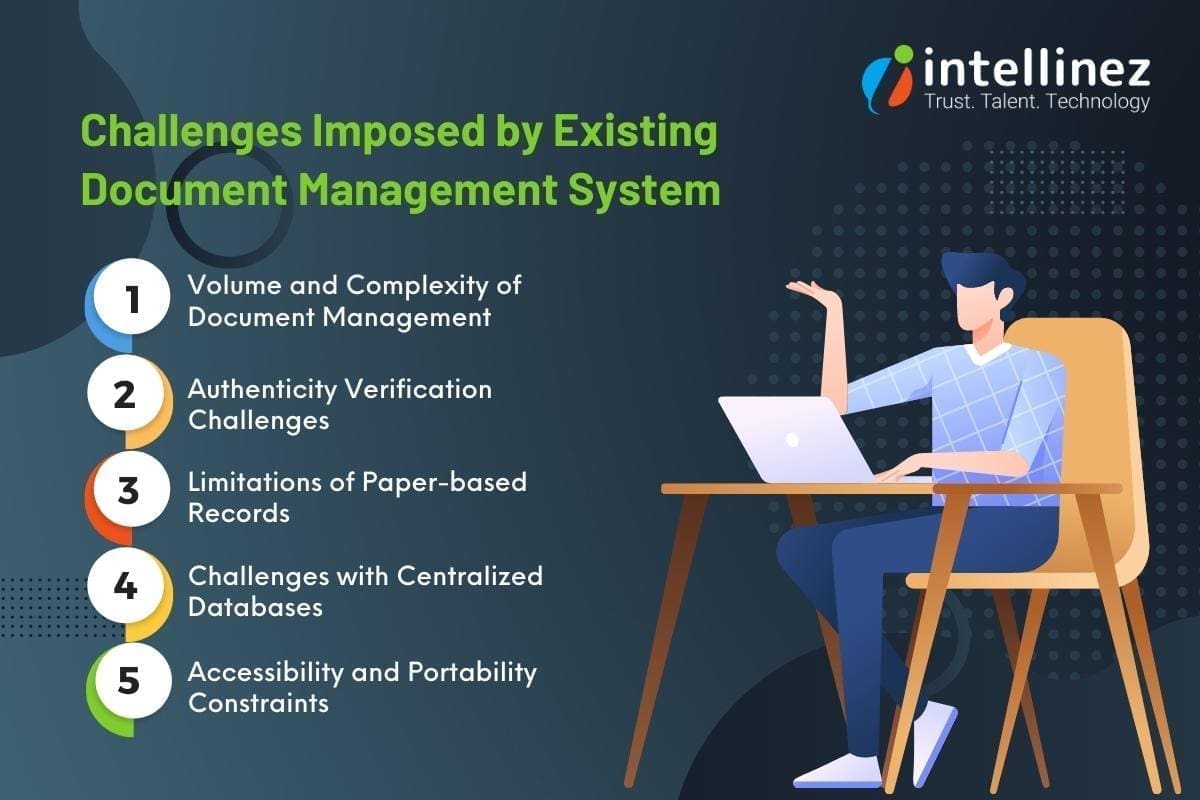
Traditional methods like paper-based records and centralized databases struggle to meet the demands of the modern era.
Volume and Complexity of Document Management
- The overwhelming volume of educational documents, from admission forms to certificates and transcripts.
- The time-consuming nature of managing physical paperwork and the risk of loss or damage.
- The administrative burden of maintaining extensive storage infrastructure and physical archives.
Authenticity Verification Challenges
- The need to verify the authenticity of educational documents when requested by employers, other educational institutions, or government agencies.
- Inefficiencies and errors associated with current manual verification processes.
- The added complexity of verifying international credentials due to varying educational systems and documentation standards.
Limitations of Paper-based Records
- Susceptibility to damage, loss, or forgery, resulting in permanent loss or alteration of important documents.
- Vulnerability to theft, misplacement, or deterioration over time.
- Reliance on physical storage and the risk of compromising document integrity.
Challenges with Centralized Databases
- Data breaches and hacking attempts that compromise the security and privacy of educational data.
- Potential loss or unauthorized access due to a single point of failure.
- System failures leading to data unavailability or delays in accessing information.
Accessibility and Portability Constraints
- Time-consuming retrieval of physical documents or accessing centralized databases.
- Geographical constraints hindering efficient exchange of information between institutions, employers, and stakeholders.
Innovations like LegiCred, leveraging blockchain technology, provide a transformative solution. LegiCred ensures data integrity, eliminates risks associated with traditional methods, and simplifies the verification process.
Introducing LegiCred: The Power of Blockchain Technology
Here, we explore the concept of blockchain technology, the core features of LegiCred, and how it ensures the integrity and authenticity of educational documents.
Understanding Blockchain Technology
- Blockchain is a decentralized and transparent digital ledger that records transactions across multiple computers.
- It ensures immutability, security, and transparency by storing data in a series of blocks that are cryptographically linked.
- Transactions on the blockchain are verified and validated by a network of participants, eliminating the need for intermediaries.
Core Features of LegiCred
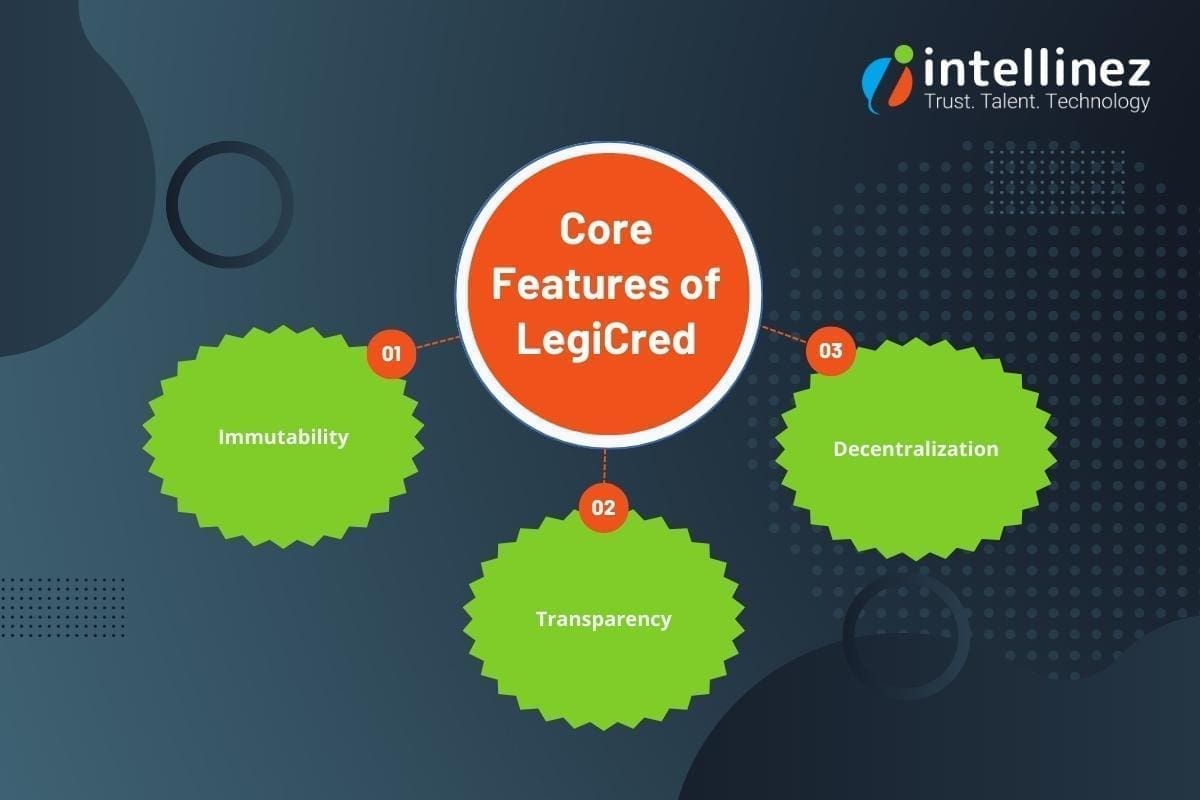
- Immutability: It utilizes the immutability of blockchain, ensuring that once a document is recorded, LegiCred cannot be altered or tampered with.
- Transparency: It provides transparency by allowing authorized parties to view and track the history of document transactions securely.
- Decentralization: It operates on a decentralized network, eliminating the risks associated with a single point of failure and enhancing data security.
Ensuring Integrity and Authenticity of Educational Documents
- LegiCred leverages blockchain’s inherent features to ensure the integrity and authenticity of educational documents.
- Each document is recorded on the blockchain, creating a digital fingerprint that verifies its authenticity and prevents unauthorized modifications.
- Verifying entities can access LegiCred to validate the authenticity of documents, reducing manual processes and ensuring efficiency.
The Benefits of LegiCred for Educational Institutions
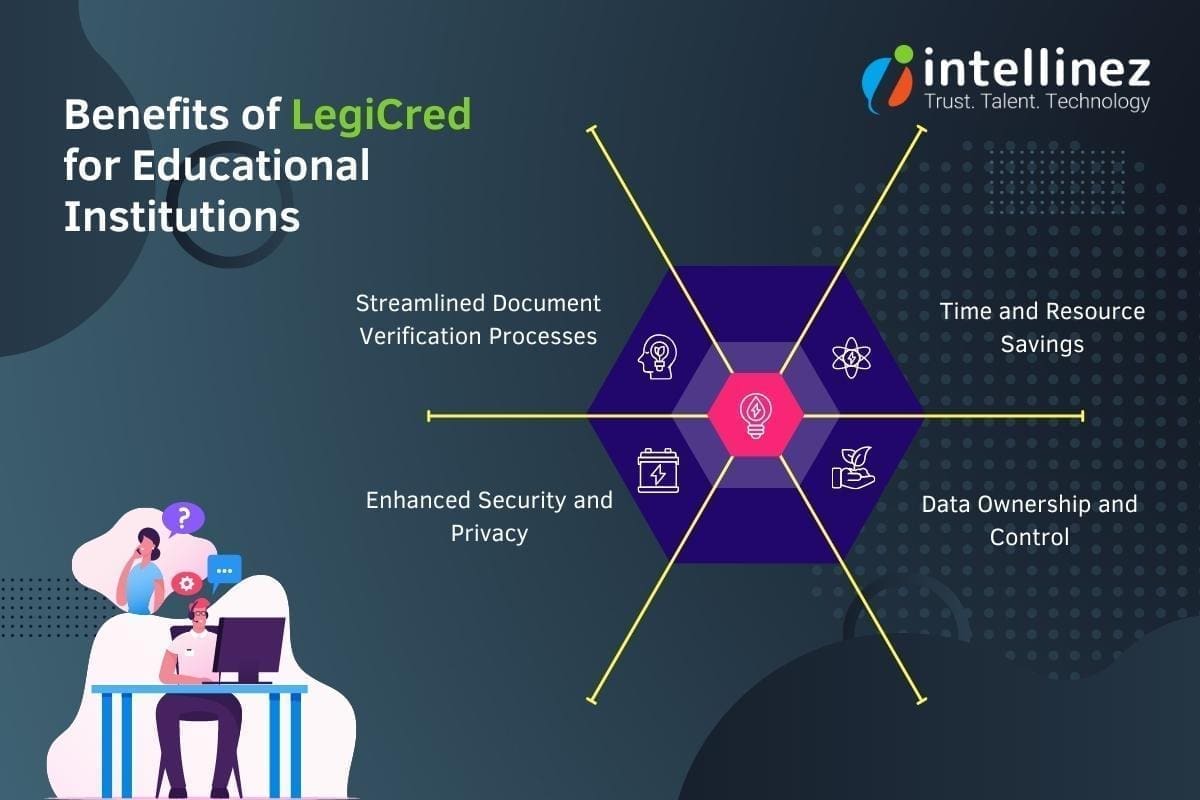
Streamlined Document Verification Processes
- LegiCred provides a digital platform that enables instant and secure access to educational credentials.
- Educational institutions with blockchain technology can grant authorized access to verified entities, eliminating the need for time-consuming communication and document exchange.
- This reduces administrative burden and enables faster decision-making for admissions, employment, and academic transfers.
Time and Resource Savings
- LegiCred significantly reduces the time and resources required for managing and verifying educational documents.
- The automated verification process eliminates the need for manual intervention, allowing staff members to allocate their time and resources to other critical tasks.
Enhanced Security and Privacy
- Blockchain’s decentralized nature makes it difficult for unauthorized parties to tamper with or compromise the integrity of the stored documents.
- Once a document is recorded, it cannot be altered or deleted without leaving a trace, providing a high level of data integrity.
- LegiCred employs robust encryption techniques, protecting sensitive educational information from unauthorized access or data breaches.
Data Ownership and Control
- LegiCred gives universities and institutions greater control and ownership over their educational documents.
- Institutions can securely issue and manage digital certificates and diplomas, reducing the risk of forgery or unauthorized duplication.
- Students and graduates can securely share verified documents with employers, educational institutions, or any other relevant parties.
Empowering Key Stakeholders
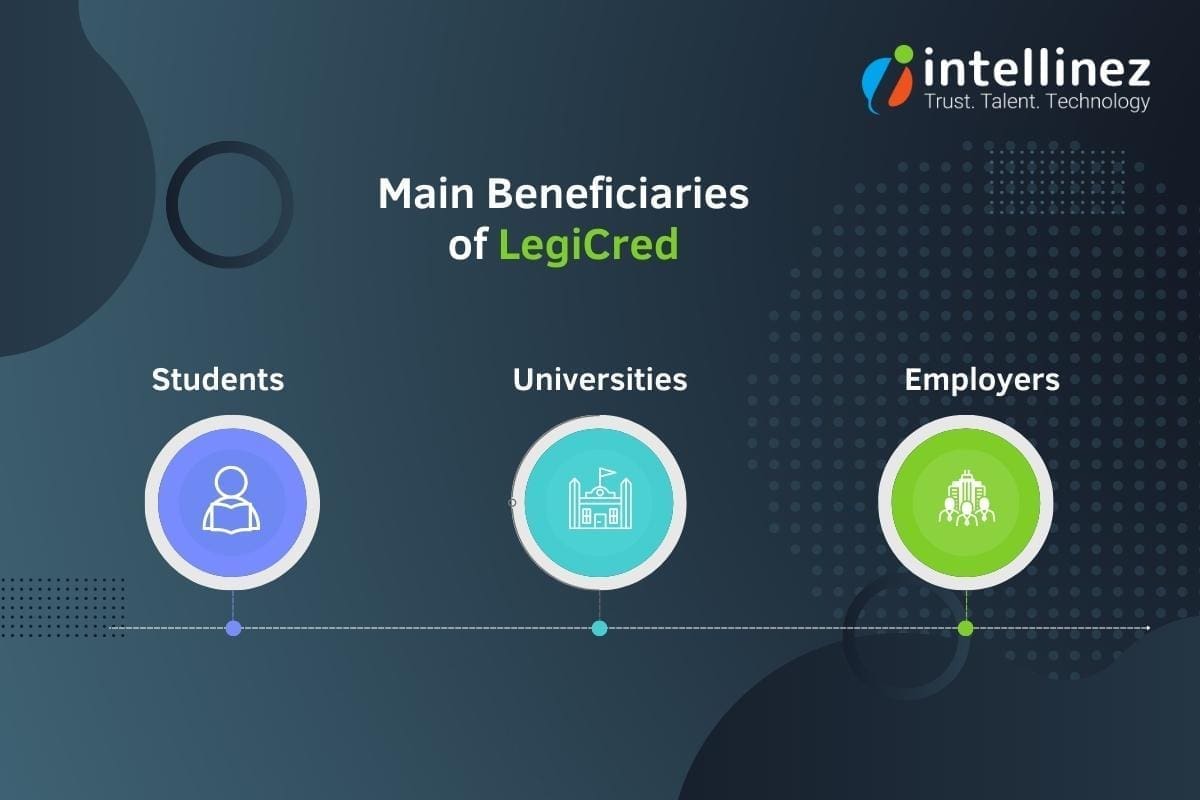
Benefits for Students
- LegiCred empowers students with a secure and efficient platform to manage their educational credentials. They can digitally store and access their certificates, diplomas, and transcripts throughout their academic journey.
- Students can easily share their verified credentials with potential employers by granting them access to their LegiCred profile. This eliminates the need for physical copies or manual verification processes, saving time and effort.
- LegiCred provides students with ownership and control over their credentials, allowing them to selectively share their achievements and qualifications, enhancing their employability prospects.
Benefits for Employers
- LegiCred simplifies the hiring process for employers by enabling quick and reliable verification of candidates’ educational documents without manual verification or contacting educational institutions.
- The streamlined verification process saves employers time and resources, enabling them to make informed hiring decisions promptly.
Benefits for Universities
- LegiCred offers universities a convenient and reliable solution for managing alumni records and certifications. Institutions can securely store and access comprehensive records of their alumni, including degrees, courses, and achievements, ensuring data accuracy and integrity.
- The platform simplifies the issuance and verification of digital certificates, eliminating the hassle of physical paperwork and reducing administrative burdens.
- LegiCred enhances the reputation and credibility of universities by providing a transparent and immutable record of their alumni’s achievements, fostering trust among employers, other educational institutions, and stakeholders.
Extended Applications of LegiCred
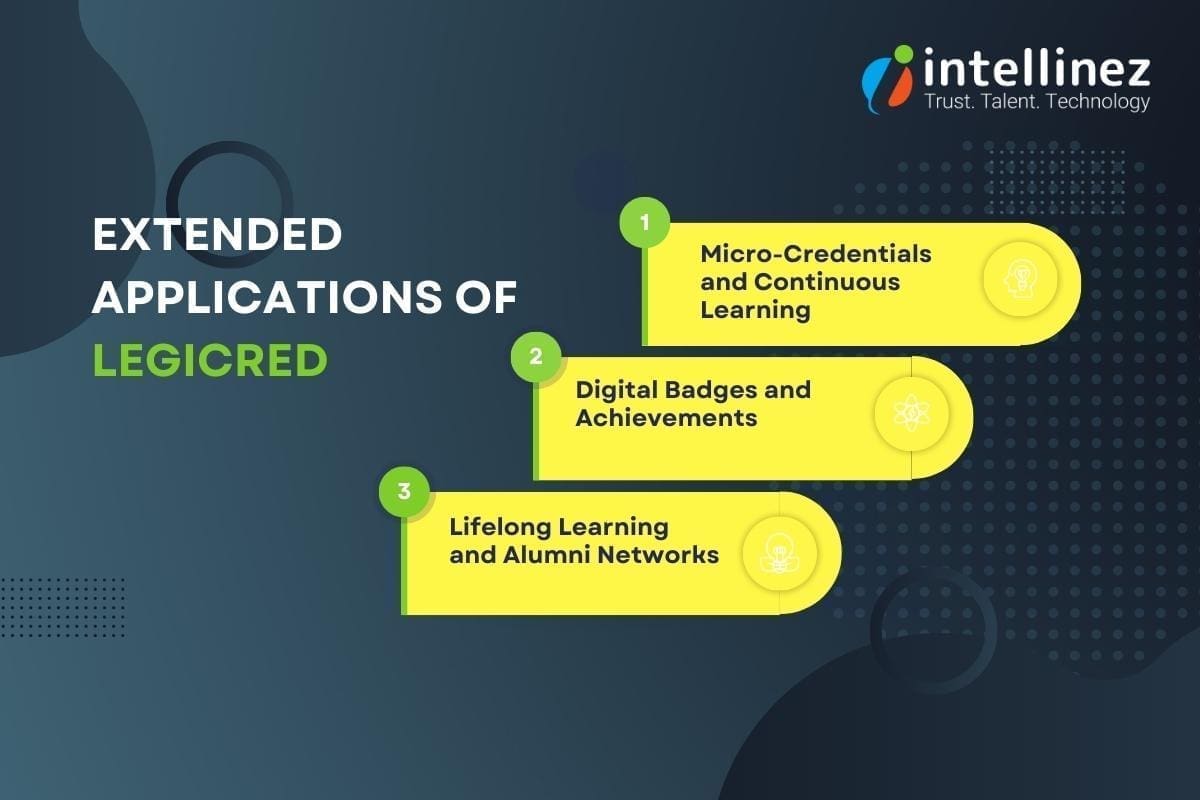
- Micro-Credentials and Continuous Learning
LegiCred can be expanded to include micro-credentials, enabling students to showcase their specific skills and achievements beyond traditional degrees. This allows for a more comprehensive representation of an individual’s capabilities and promotes continuous learning.
- Digital Badges and Achievements
LegiCred can incorporate digital badges and achievements to recognize and validate non-traditional learning experiences, such as online courses, workshops, and extracurricular activities. This enables learners to showcase a diverse range of skills and accomplishments.
- Lifelong Learning and Alumni Networks
LegiCred can facilitate lifelong learning by providing a platform for alumni to access continued educational opportunities, network with peers, and engage in professional development. This fosters a sense of community and encourages ongoing education and career advancement.
Blockchain’s Potential in Education Industry
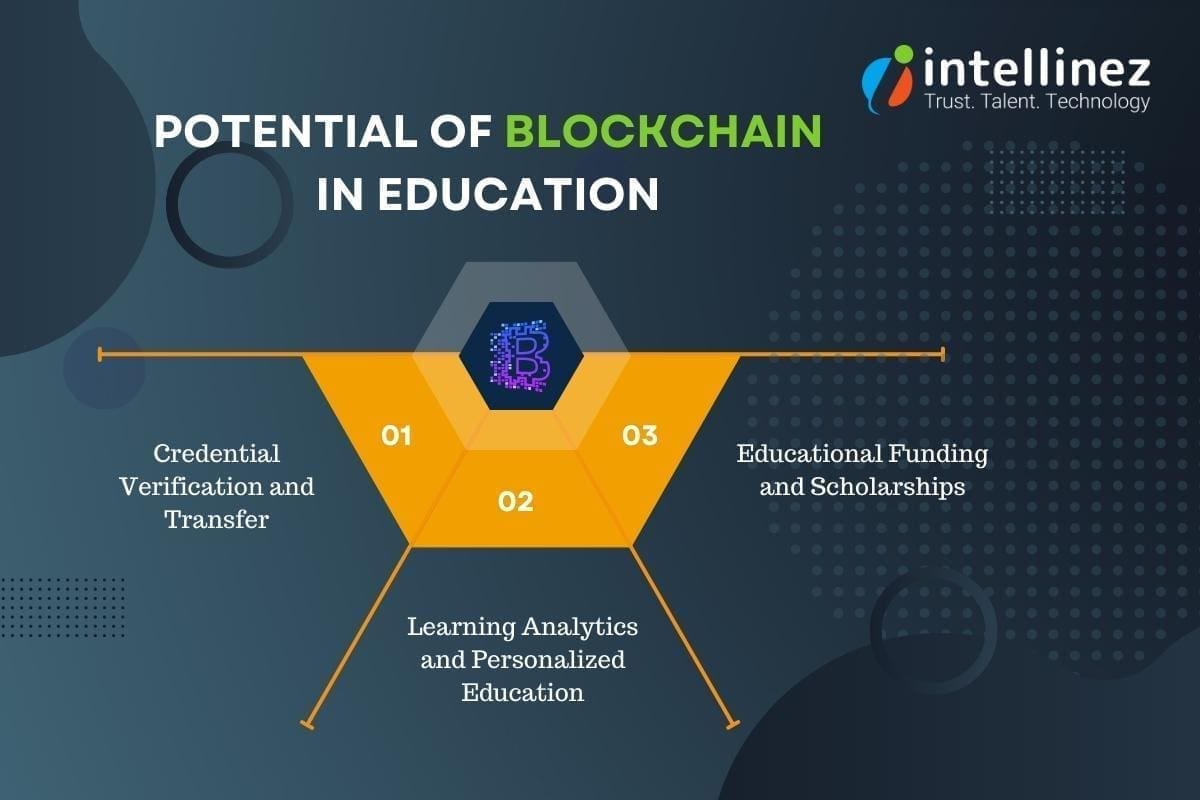
Credential Verification and Transfer
Blockchain enables efficient and decentralized verification of credentials, allowing educational institutions, employers, and other stakeholders to quickly and accurately validate educational achievements. This simplifies the transfer of credentials between institutions and enhances trust in the authenticity of qualifications.
Learning Analytics and Personalized Education
Blockchain can facilitate the collection and analysis of learning data, fostering personalized education experiences. Student progress, achievements, and preferences can be securely stored on the blockchain, enabling the development of tailored learning paths and personalized recommendations.
Educational Funding and Scholarships
Blockchain-based smart contracts can streamline the disbursement and management of educational funding, including scholarships and grants. This increases transparency, reduces administrative overhead, and ensures that funds are allocated fairly and efficiently.
Conclusion
Conclusion: The future of LegiCred holds exciting possibilities for the education sector. As LegiCred expands its applications to include micro-credentials, digital badges, and lifelong learning support, it will empower learners to showcase their diverse skills and experiences.
Additionally, blockchain technology offers immense potential to improve other aspects of education, including secure academic record-keeping, credential verification, personalized education, and efficient management of educational funding. By embracing these developments, educational institutions can enhance their offerings, improve efficiency, and provide learners with more holistic and valuable educational experiences.
Let LegiCred Create Your Authority in Educational Sector
LegiCred is a transformative solution leveraging blockchain technology to revolutionize educational document management. It offers enhanced security, streamlined verification, and opportunities for personalized education.
Join the LegiCred revolution, streamline document management, and unlock the full potential of blockchain in education. Contact Intellinez Systems or visit our website to get started. Together, let’s reshape the future of educational credentials.
Click here
Introduction
In today’s rapidly evolving digital landscape, businesses require reliable and efficient IT infrastructure to remain competitive. However, managing complex technology systems can be overwhelming, particularly for growing organizations. This is where Managed IT Services Providers (MSPs) come into play. By partnering with a trusted managed service provider, businesses can focus on their core competencies while benefiting from expert guidance and streamlined IT operations. A CompTIA survey found that 50% of companies partnering with an Managed Service Provider saved 1-24% in IT costs, 33% saved 25-49%, and 13% achieved savings exceeding 50%.
When considering hiring a Managed IT Services Provider, it’s crucial to ask the right questions to ensure they align with your organization’s goals and requirements. In this blog, we will discuss the top 11 questions to ask a Managed IT services provider before making a decision. As an established software development and Managed IT consulting company, we are here to provide you with authentic information and guide you to hire the most suitable managed services provider. Read below to know more.
What Should You Ask Before Hiring Your Managed Service Provider?
1. How long has your company been in business as A Managed services Provider?
When choosing a Managed IT Services Provider (MSP), it’s crucial to consider their experience and track record. Look for a company with a proven history of providing MSP services. Their years in business demonstrate their stability and ability to adapt to evolving technology landscapes. Additionally, inquire about their experience in managing IT infrastructures similar to yours. An experienced MSP like Intellinez Systems, with a successful track record, brings industry knowledge, expertise, and the ability to handle diverse IT environments, ensuring reliable and efficient IT support for your business.
2. Can you provide references from clients in similar industries?
When evaluating a Managed IT Services Provider, it’s important to consider their ability to cater to your industry-specific needs. Look for a provider with references from clients in similar industries. This demonstrates their understanding of your unique requirements and their successful track record in delivering tailored solutions. By partnering with an MSP experienced in your industry, you can benefit from their industry-specific knowledge, best practices, and insights, ensuring a seamless and efficient IT experience that aligns with your business goals.
While we respect client confidentiality, Intellinez Systems has collaborated with clients from diverse industries, including healthcare, finance, education, and manufacturing. This experience enables us to comprehend the unique challenges faced by organizations in different sectors and offer tailored solutions. We can provide references upon request to showcase our successful partnerships.
3. What types of Managed IT services do you offer?
When considering a Managed IT Services Provider (MSP), it’s important to evaluate the range of services they offer. Look for an MSP that provides comprehensive IT services to meet your organization’s needs. This may include network management, cloud computing, cybersecurity, data backup and recovery, software development, and IT consulting. A reliable MSP should have expertise in multiple areas of IT, allowing them to provide holistic solutions and support for your technology infrastructure. By partnering with an MSP that offers a wide range of services, you can streamline your IT operations and have a single point of contact for all your IT needs.
4. How do you ensure data security and confidentiality?
When selecting a Managed IT Services Provider (MSP), prioritize data security and confidentiality. Look for an MSP that implements robust security measures, such as advanced encryption, multi-factor authentication, and 24/7 monitoring. They should conduct regular security audits and adhere to industry best practices. Additionally, inquire about their track record in handling sensitive data and their compliance with relevant regulations. A reliable MSP, like ours, ensures the highest level of data security and confidentiality, providing you with peace of mind and protection against cyber threats.
5. What level of customer support do you provide?
Exceptional customer support is a vital quality to consider when choosing a Managed IT Services Provider (MSP). Look for an MSP that offers responsive and comprehensive support. They should have a dedicated team of IT professionals available 24/7 through various channels, including phone, email, and a ticketing system. Prompt resolution of issues and a proactive approach to support are essential. At our company, we prioritize customer satisfaction and provide top-notch support to ensure your technology needs are met promptly and efficiently.
6. Can you provide proactive monitoring and maintenance?
Proactive monitoring and maintenance are key qualities to seek in a Managed IT Services Provider (MSP). Look for an MSP that employs advanced monitoring tools to detect and address potential IT issues before they impact your business. They should have a proactive approach, regularly conducting system updates, patch management, and performance optimizations. With our MSP services, we ensure round-the-clock monitoring and proactive maintenance, minimizing downtime, enhancing system performance, and keeping your technology infrastructure running smoothly for uninterrupted productivity.
7. Do you have experience with compliance and regulatory requirements?
Experience with compliance and regulatory requirements is a crucial quality to consider when choosing a Managed IT Services Provider (MSP). Look for an MSP with a proven track record in navigating and adhering to industry-specific regulations such as HIPAA, GDPR, or PCI-DSS. They should possess deep knowledge of data protection, privacy, and security standards. Our MSP services, backed by extensive compliance expertise, ensure your organization remains compliant with applicable regulations, protecting sensitive data and minimizing legal and reputational risks. Trust us to handle your compliance needs with utmost professionalism and precision.
8. How do you handle disaster recovery and business continuity?
Disaster recovery and business continuity planning are critical aspects to consider when choosing a Managed IT Services Provider (MSP). Look for an MSP that has robust strategies in place to ensure the protection and recovery of your data and systems in the event of a disaster. They should perform regular backups, have off-site storage, and conduct routine testing to validate the effectiveness of their plans. At our company, we prioritize disaster recovery and business continuity, implementing comprehensive measures to minimize downtime and ensure seamless operations, safeguarding your business against potential disruptions.
9. What is your pricing structure and contract terms?
Transparent pricing structure and flexible contract terms are crucial qualities to seek in a Managed IT Services Provider (MSP). Look for an MSP that offers clear and detailed pricing, tailored to your specific needs and budget. They should provide a breakdown of costs and ensure there are no hidden fees. In terms of contract terms, flexibility and scalability are key. An ideal MSP, like ours, offers customizable contract terms that allow for adjustments as your business evolves. We prioritize transparency and flexibility in our pricing and contract terms, ensuring a mutually beneficial partnership.
10. Can you assist with technology roadmap and strategic planning?
A valuable quality to look for in a Managed IT Services Provider (MSP) is their ability to assist with technology roadmap and strategic planning. An ideal MSP should offer expertise in aligning your IT infrastructure with your long-term business goals. They should provide guidance on emerging technologies, potential IT investments, and help you develop a roadmap for future growth. Our MSP services at Intellinez Systems include strategic planning to ensure your technology infrastructure remains adaptable and aligned with your business objectives, empowering you to make informed decisions and stay ahead in the ever-changing digital landscape.
11. How do you stay up-to-date with the latest technology trends?
Keeping up with the latest technology trends is a vital quality for a Managed IT Services Provider (MSP). Look for an MSP that emphasizes continuous learning and innovation. They should have a dedicated team that actively engages in industry events, conferences, and training programs. Additionally, a reliable MSP maintains strong partnerships with technology vendors and fosters a culture of knowledge-sharing within their organization. We prioritize staying ahead of the curve, ensuring that our clients benefit from the latest advancements and industry best practices to drive their business success.
Conclusion
Choosing the perfect Managed IT Services Provider is a crucial step towards ensuring your organization’s success. These 11 key questions will provide you with valuable insights into a provider’s expertise, experience, and their ability to cater to your specific IT needs. By carefully evaluating their responses, you can make an informed decision that aligns with your business goals and sets the foundation for a fruitful partnership.
Hire Intellinez Systems For All Your Managed IT Services Requirements
Intellinez Systems, a government of India certified startup, has excelled in providing software development and Managed IT services for 2.5 years. Our track record of success and satisfied clients showcases our commitment to excellence. Partner with Intellinez Systems today to experience the difference of having a trusted technology ally by your side, driving optimal IT performance and fueling your organization’s growth. Contact us now to open up your business’s full potential.
Table of Contents
- Managed Services Checklist
- Network Security Audit
- Patch Management And Software Updates
- Data Backup And Recovery
- Hardware And Software Inventory Management
- System Performance Monitoring
- Vulnerability Scanning And Penetration Testing
- IT Asset Lifecycle Management
- User Access And Privilege Management
- Disaster Recovery Planning
- Help Desk And Technical Support
In today’s fast-paced and technology-driven world, businesses heavily depend on their IT infrastructure to maintain competitiveness and operational efficiency. However, to sustain a strong and reliable IT system, continuous monitoring and proactive maintenance are essential to detect and address potential issues before they become critical problems. This is where a managed services checklist becomes invaluable.
Managed IT services are crucial for ensuring the seamless operation of IT systems, defending against cyber threats, and optimizing overall performance. In this blog post, Team Intellinez will explore ten essential routine checkups that every managed IT service should include to ensure uninterrupted business operations.
Managed Services Checklist
Read below to have your managed services checklist so as to run your business smoothly.
Network Security Audit
A Network Security Audit is a routine security check conducted by managed service providers to evaluate the security of a network infrastructure. This assessment involves a thorough analysis of network components, configurations, and access controls to identify vulnerabilities and potential risks.
By performing regular Network Security Assessments, businesses can proactively identify and address security gaps, protect against unauthorized access and cyber threats, and ensure the overall integrity and confidentiality of their network and data. It is an essential practice to maintain a secure and resilient network environment in today’s digital landscape.
Patch Management and Software Updates
Patch Management and Software Updates are crucial routine security checks provided by managed services providers. This process involves regularly evaluating and applying necessary updates, patches, and fixes to software applications and operating systems. By staying up-to-date with the latest patches, businesses can address known vulnerabilities, protect against emerging threats, and ensure the overall security and stability of their IT infrastructure.
Managed services providers handle the entire patch management lifecycle, from monitoring for available updates to testing and deploying them across the network. This proactive approach includes vulnerability management which helps businesses mitigate security risks, reduce the potential for cyberattacks, and maintain a robust and secure IT environment.
Data Backup and Recovery
Data Backup and Recovery is a crucial routine security check provided by managed services providers. It involves implementing robust backup solutions and conducting regular tests to ensure the integrity and availability of business-critical data. Managed services providers create comprehensive backup strategies, including off-site storage and redundancy measures, to safeguard against data loss due to hardware failures, human errors, or cyber incidents.
Through routine backup and recovery checks, they verify the effectiveness of backup procedures, test data restoration processes, and ensure business continuity in the event of a disaster. This proactive approach helps businesses in data management, minimizing downtime, and recovering quickly from any unforeseen incidents.
Hardware and Software Inventory Management
Hardware and Software Inventory Management is an essential routine security check provided by managed services providers. It involves maintaining an updated inventory of all hardware components and software applications within the IT infrastructure. By conducting regular inventory checks, managed services providers ensure accurate tracking of assets, including their configurations, warranties, and licensing information.
This allows businesses to have better visibility and control over their IT resources, identify any unauthorized or outdated software or hardware, and mitigate potential security risks. Effective inventory management helps streamline budgeting, optimize resource allocation, and ensure a secure and compliant IT environment.
System Performance Monitoring
System Performance Monitoring is a critical routine security check provided by managed services providers. It involves continuously monitoring key performance metrics of IT systems, such as CPU usage, memory utilization, disk space, and network traffic. By closely tracking system performance, managed services providers can identify potential bottlenecks, resource issues, or anomalies that could impact the stability and security of the infrastructure.
Prompt detection of performance issues allows for proactive troubleshooting and optimization measures, ensuring optimal system functionality, mitigating risks of system failures, and maintaining a secure and efficient IT environment. Regular system performance monitoring is key to maintaining the overall health and performance of the IT infrastructure.
Vulnerability Scanning and Penetration Testing
Vulnerability Scanning and Penetration Testing are crucial routine security checks provided by managed services providers. Vulnerability scanning involves using specialized tools to identify potential weaknesses and vulnerabilities in the IT infrastructure, including software applications and network systems. Penetration testing takes it a step further by simulating real-world attacks to exploit identified vulnerabilities, assess the effectiveness of security measures, and identify potential entry points for malicious actors. By conducting these tests regularly, managed services providers can proactively address security gaps, strengthen defenses, and ensure the overall resilience of the IT environment. This comprehensive approach helps businesses stay ahead of potential threats and safeguard their systems from cyberattacks.
IT Asset Lifecycle Management
IT Asset Lifecycle Management is a vital routine security check provided by managed services providers. It involves the effective management of IT assets throughout their lifecycle, from acquisition to disposal. Managed services providers ensure accurate tracking, documentation, and monitoring of hardware components, software licenses, and subscriptions.
By conducting regular asset lifecycle management, they can proactively identify outdated or unsupported assets, address security vulnerabilities, and ensure compliance with licensing and regulatory requirements. This comprehensive approach helps businesses optimize resource allocation, reduce security risks associated with outdated or unauthorized software, and maintain a secure and efficient IT environment throughout the lifecycle of their assets.
User Access and Privilege Management
User Access and Privilege Management is a critical routine security check provided by managed services providers. It involves the effective management of user access rights and privileges within the IT infrastructure. Managed services providers review and analyze user accounts, permissions, and roles to ensure that access is granted based on the principle of least privilege.
By conducting regular checks, they can identify and address any unauthorized access, orphaned accounts, or excessive privileges that could pose security risks. This proactive approach helps businesses enforce robust security protocols, minimize the potential for unauthorized access or data breaches, and maintain a secure and controlled IT environment.
Disaster Recovery Planning
Disaster Recovery Planning is a crucial routine security check provided by managed services providers. It involves developing and maintaining comprehensive plans and strategies to ensure business continuity in the event of a disaster or disruptive incident.
Managed services providers assess the existing infrastructure, identify critical systems and data, and create recovery strategies tailored to the business’s needs. They regularly review and update these plans, conduct drills and tests, and ensure the availability and integrity of backups and recovery systems. By performing routine disaster recovery planning, businesses can minimize downtime, recover quickly from disruptions, and protect their critical operations and data.
Help Desk and Technical Support
Help Desk and Technical Support is an essential routine security check provided by managed services providers. They offer prompt and reliable assistance to address technical issues, troubleshoot problems, and provide guidance to users. This routine check ensures that businesses have access to timely support, minimizing potential security risks caused by unresolved issues or user errors.
Managed services providers maintain a robust help desk system, where they track and resolve incidents, provide software and hardware support, and offer guidance on security best practices. By offering comprehensive help desk and technical support, they enhance the security posture of businesses and ensure the smooth operation of their IT systems.
Conclusion
Effective managed IT services play a pivotal role in maintaining the stability, security, and efficiency of a business’s IT infrastructure. By providing routine checkups, such as network security assessments, patch management, data backup, and system performance monitoring, managed IT service providers can proactively address potential issues and ensure the smooth operation of IT systems. Partnering with a reputable managed IT service provider like Intellinez Systems can give businesses the peace of mind to focus on their core competencies while leaving the technical aspects in capable hands.
Hire Intellinez Systems as Your Managed IT Services Provider
Intellinez Systems is your trusted choice for managed IT services. With our expertise and experience, we offer comprehensive solutions to optimize and secure your IT infrastructure.
From network assessments to security audits, patch management, data backup, and technical support, we ensure the smooth operation and protection of your systems. Partner with us for reliable and proactive managed IT services that align with your business goals and keep you ahead in the digital landscape.
Table of Contents
- The Indian IT Outsourcing Industry
- Commonly Outsourced Services In India
- India’s Dominance In The IT Outsourcing Market
- The Benefits Of Outsourcing IT Support To India
- Big Organizations Outsourcing To India
- How To Select The Right Outsourcing Provider In India
- Conclusion
The debate of insourcing vs outsourcing IT services continues to shape business strategies. While insourcing offers greater control and customization, it often requires significant investments in infrastructure and talent. On the other hand, outsourcing provides access to specialized expertise, cost savings, and scalability. Ultimately, the decision hinges on the specific needs, priorities, and long-term goals of each organization.
Over the past few decades, outsourcing has become prevalent in the market as a cost-effective and time-efficient solution. India is a popular outsourcing destination due to its diverse services and expertise. The benefits of outsourcing IT support to Indian providers include lower budget services, on-demand skilled employees, enhanced performance, timely project delivery, e-commerce solutions, increased market reach, fresh perspectives, workload distribution, operational cost control, and improved brand visibility.
India’s IT outsourcing services offer numerous opportunities for organizations, regardless of their size or global presence. Different types of outsourcing solutions are available to meet the specific needs of each organization.
The Indian IT Outsourcing Industry
India has emerged as a dominant player in the IT outsourcing industry, serving as a preferred destination for global companies. Giants like IBM, Microsoft, Apple, Dell, CISCO, Ford, Oracle, and American Express have long relied on India for outsourcing needs. The country’s favorable government policies, robust infrastructure, and skilled workforce have contributed to its success.
India’s IT outsourcing sector surpasses the combined statistics of the US and UK, with a significant number of English-speaking graduates in MBA, Ph.D., IT, and engineering programs. With high employment rates and a wide range of services offered, India continues to be a sought-after outsourcing partner.
India’s IT sector creates millions of jobs and attracts global giants for outsourcing services like web hosting, database management, disaster recovery, and technical support.
Commonly Outsourced Services in India
India has emerged as a dominant force in the outsourcing industry, experiencing rapid growth over the past few decades. With its unique combination of cost-effectiveness, favorable government policies, advanced infrastructure, and a highly skilled workforce, India has become a preferred destination for outsourcing services.
India’s IT industry recorded impressive growth in FY22, generating $227 billion in revenue, as reported by NASSCOM. With a year-on-year growth rate of 15.5%, India solidified its position as the world’s fifth-largest IT outsourcing industry, trailing only the United States, China, the United Kingdom, and Canada.
With a well-established IT sector and a proficient workforce trained in software technology, India offers a wide range of outsourcing services. These services encompass web and mobile application development, software testing, cloud computing, product development, blockchain consulting, digital marketing, data science, digital transformation, custom software development, security and threat protection, data center management, telecommunications, and infrastructure management.
India’s Dominance in the IT Outsourcing Market
Despite increasing competition from other countries, India remains a top choice for global outsourcing. The country boasts a vast pool of technical experts and approximately 135 million English-speaking workers, making it the world’s second-largest English-speaking workforce. With highly skilled teams, minimal infrastructure costs, effective budget control, and scalability options, India provides an ideal environment for outsourcing contracts.
According to data from the Reserve Bank, India’s IT and IT-enabled services exports reached a remarkable $156.7 billion in FY2021-22. Furthermore, India’s talent pool is unparalleled, producing around 1.3 million engineering graduates annually—more than the combined output of the US, Western Europe, Eastern Europe, and Latin America. These factors solidify India’s position as a global outsourcing powerhouse.
Knowledge Process Outsourcing (KPO)
Knowledge Process Outsourcing (KPO) encompasses data-driven, knowledge-intensive services that require a combination of human capital and IT expertise. This thriving sector in India focuses on gathering, managing, and analyzing insights to provide valuable models. With a wealth of technically skilled resources, India is an ideal destination for outsourcing IT services like KPO.
Back-Office Support
Back-office support services offered by Indian outsourcing firms enable organizations to concentrate on their core business activities. These services encompass data and records management, customer surveys, billing support, order management, fraud protection, content management, information verification, and more, providing comprehensive support to businesses.
Customer Support Services
Outsourcing customer support to India proves beneficial as it ensures efficient handling of customer needs. With trained professionals managing customer queries, organizations can address customer concerns effectively. India’s outsourcing industry offers fully managed support services, enabling companies to provide exceptional customer service.
The Benefits of Outsourcing IT Support to India
India’s outsourcing advantages and competitiveness in a globalized world make it a top choice for businesses. With skilled software developers, designers, and expert advisors, it excels as a software development outsourcing hub.Get more done with less
India remains the top choice for outsourcing due to its excellent quality and cost-effectiveness. Foreign businesses prefer India as their outsourcing destination, as highlighted by the National Outsourcing Association (NOA).
By outsourcing to India, companies can maximize productivity, generate more work, and boost income without expanding their current team. With IT outsourcing services in India, businesses can leverage their existing workforce to manage outsourced teams and projects, resulting in significant productivity gains for the company.
Access to skilled and educated professionals
India offers unparalleled access to a vast pool of skilled and educated professionals, making it a preferred choice for outsourcing. With a population of approximately 1.2 billion and 3.1 million graduates entering the workforce annually, India has an abundant talent pool.
Moreover, India boasts the largest English-speaking population globally, surpassing the US and UK combined. Companies are attracted to the quantity and quality of talent available in India. Working with highly educated individuals, often with qualifications from top global colleges, ensures that outsourcing services in India meet and maintain high company standards.
Prioritize your main business competencies
Focus on your core business functions by outsourcing to India. As your company grows, handling everything in-house can divert attention from core operations. With outsourcing, you can delegate non-core tasks while retaining control over crucial operations that drive your company’s success.
India provides a flexible outsourcing location, offering service providers for various activities like marketing, research, and customer care. This allows you to concentrate on research and new product development to meet the demands of an expanding customer base.
Scaling up of the business
Outsourcing in India enables businesses to scale up their operations efficiently. With fluctuating demand and varying skill requirements, outsourcing provides access to qualified professionals as needed, ensuring scalability and flexibility for your business.
Superior flexibility in pricing
India remains a top choice for outsourcing due to its cost-effectiveness, offering significant savings for businesses. Compared to developed nations, personnel expenses in India are considerably lower, making it an attractive option.
While experienced developers in India can be hired at hourly rates as low as $15, talented developers in the US may demand rates ranging from $50 to $80. This flexibility in pricing allows businesses to manage their budgets more efficiently, especially when seeking cost-effective solutions and unable to afford higher salaries. India’s cost advantage provides opportunities for creative budget management.
Decide on the optimum staffing levels
Achieve optimal staffing levels with IT outsourcing companies in India. Balancing employee numbers to meet business demands can be challenging. By outsourcing, you have the freedom to choose an ideal core team for your business needs.
When activity peaks or fluctuates, outsourcing in India allows you to scale up your bandwidth while maintaining a constant utilization rate for your full-time staff. This ensures competent workers are engaged and avoids the risk of underutilization or boredom. India’s outsourcing flexibility helps resolve staffing challenges effectively.
Top-notch infrastructure and technology
India’s major cities offer advanced cellular, ISP, and telecom networks, along with the latest software technology for tailored solutions in areas like e-commerce, system integration, and more. High-speed bandwidth ensures constant communication with clients.
India’s Stable and Attractive IT Policies
India’s stable government and attractive IT policies have made it a top destination for outsourcing. Policies on economics, tax, power, and telecom have improved infrastructure and communication. The Information Technology Act supports electronic contracts, combats cybercrime, and encourages e-filing, while tax incentives further promote the IT industry.
Fastest Time-to-Market
Indian outsourcing companies offer the fastest time-to-market due to time zone differences. The twelve-hour gap between India and the USA allows for quicker project completion, increased productivity, efficiency, and the ability to provide 24/7 customer assistance and help desk services. India is the ideal choice for outsourcing various service-related options.
Effective Communication Skills
India’s popularity as an outsourcing destination has soared due to its vast pool of over 100 million English speakers, eliminating language barriers. With 150,000 engineering graduates entering the IT sector yearly, limitless service availability makes it a top choice for enterprises worldwide. Indian specialists generally have a strong command of English compared to other outsourcing destinations. Communication tools like Slack and Skype further facilitate seamless interaction with remote teams.
Big Organizations Outsourcing to India
India has become a preferred outsourcing destination for many businesses seeking to reduce operating costs and improve efficiency. With competitive pricing, a skilled workforce, a large talent pool, and government support, India attracts Western companies looking to outsource. According to Grand View Research, the IT outsourcing market is projected to reach $937.6 billion by 2027, driven by the need to lower costs and the lack of in-house IT skills.
While outsourcing offers advantages and disadvantages, many companies have benefited from successful outsourcing experiences. Some of the leading organizations that outsource IT services to India enjoy the benefits of cost reduction and business continuity. By leveraging the expertise and resources available in India, these businesses have found a strategic advantage in their operations.
How to Select the Right Outsourcing Provider in India
Choosing the right outsourcing provider in India requires careful consideration of factors like reliability and services offered. Independently verifying the trustworthiness of the company is essential for a successful partnership. Assessing different offerings from various companies can help in selecting the best IT outsourcing services in India. Team Intellinez has compiled all the parameters below on how to outsource IT services in India.
Evaluate the Quality of Deliverables
The distinction between a reputable outsourcing company and a mediocre one lies in the quality of the product they deliver. Outsourcing doesn’t necessarily mean you have to commit long-term; building an in-house team may be a better choice.
Establish Clear Outsourcing Objectives
Before engaging with an outsourcing provider, a company should define its specific outsourcing goals. Realistic and focused objectives yield more reliable results compared to lofty aspirations.
Assess Effectiveness of Communication
Selecting the ideal outsourcing partner involves assessing operational and logistical aspects, particularly in deciding between offshore and nearshore options. With various collaboration tools available, such as Slack and G Suite, prioritizing communication within a nearshore workforce is essential for successful outsourcing.
Evaluate Performance in Outsourcing
When selecting an outsourcing provider, it is important to assess their capabilities, cost management strategy, and ability to deliver the desired product on time. A competent team should not only possess coding skills but also understand your business requirements. Adopting a Lean Startup approach emphasizes enhancing the value proposition rather than solely focusing on the aesthetics of the final product.
Interact with the Outsourcing Company
When considering an outsourcing company, it is important to evaluate their product management practices. By integrating with the business, the outsourcing company gains necessary control and can effectively monitor the progress of the development process.
Determine Payment and Pricing
When selecting an outsourcing company, it is crucial to carefully assess the cost of their services. Some companies offer low prices but may provide unqualified labor. Consider long-term costs for maintenance and repairs. Opt for a fixed quote or time and materials based on your specifications for a fair agreement.
Compare Performance and Reviews
Evaluate the performance and reputation of the outsourcing company. Look for reliable and established software consultancies. Read client reviews online and inquire about their availability and job delivery requirements before making a selection.
Conclusion
To stay competitive and reduce expenses, businesses turn to outsourcing in India. It offers high-quality work and a strategic advantage. However, careful planning is essential. Reputable software outsourcing providers in India deliver exceptional results, enabling companies to gain a competitive edge in the global market.
Outsource Your IT Projects to Intellinez Systems at the Cost of a Single Resource
Maximize cost-efficiency by outsourcing your IT projects to Intellinez Systems. Benefit from their expertise and dedicated team at the price of a single resource, ensuring high-quality results and significant cost savings. Experience the advantages of outsourcing with Intellinez Systems for your IT project needs.
Table of Contents
- Function Calling Capability: OpenAI Integration With External Tools And APIs
- Improved Models: Enhanced Performance And Steerability
- Extended Context Length: Comprehensive Text Understanding
- Cost Reduction: Affordable AI Solutions
- Model Deprecation And Upgrades: Smooth Transition Process
- Client Data Privacy: Prioritizing Confidentiality And Ownership
At the forefront of AI development, OpenAI for developers relentlessly pushes the boundaries of what’s possible. Their latest updates and advancements empower developers with advanced AI capabilities and cost-effective solutions. In this article, we will delve into the key advantages of OpenAI’s recent updates, demonstrating how developers can leverage these innovations.
From function calling capability to improved models and extended context length, OpenAI for developers caters to evolving needs while safeguarding client data privacy. With cost reduction and smooth model transitions, OpenAI for developers redefines the landscape, offering unprecedented possibilities for AI-driven solutions.
Function Calling Capability: OpenAI Integration with External Tools and APIs
OpenAI’s introduction of function calling capability in the Chat Completions API is a notable update. This feature allows developers to describe functions to GPT-4 and GPT-3.5 Turbo, facilitating seamless integration of AI capabilities with external tools and APIs. Let’s delve into some practical use cases that illustrate the benefits of this feature:
1. Enhanced Chatbot Integration
Developers can now create chatbots that leverage external tools or plugins to provide dynamic and comprehensive responses. For example, a chatbot can seamlessly call an email tool to send emails based on user inquiries, significantly enhancing the chatbot’s functionality and utility.
2. Natural Language to API Conversion
With OpenAI for developers, the power of natural language processing (NLP) transforms search requests into seamless API calls or database queries. Through function calling capability, developers can convert conversational language into actionable interactions. For example, an NLP query such as “Who are my top ten customers this month?” seamlessly triggers an API call to retrieve relevant data from the customer database. This intuitive approach enhances user experience, making application interactions more user-friendly and effortless.
3. Streamlined Structured Data Extraction
Developers can define functions that extract structured data from unstructured text. For example, a function can be created to extract relevant information about people mentioned in a Wikipedia article, such as their names, birthdays, and locations. This capability streamlines data extraction processes and enables developers to leverage AI for efficient information retrieval.
Improved Models: Enhanced Performance and Steerability
OpenAI has made significant enhancements to its models, including GPT-4 and GPT-3.5 Turbo, to deliver improved performance and steerability. These updates offer several benefits and practical use cases:
1. Enhanced Steerability and Function Calling
The improved models offer better steerability, allowing developers to guide the model’s responses more effectively. This ensures that the generated outputs align with the desired intentions and requirements. Combined with function calling, developers can obtain structured data from the model, enabling a wide range of applications.
- Use Case: Developers can build AI-powered chatbots that seamlessly interact with external systems, databases, or APIs. For example, a chatbot can integrate with weather APIs to provide real-time weather updates based on user queries like “What’s the weather like in Boston right now?”
2. Natural Language Understanding and Contextual Responses
OpenAI’s expertise in natural language understanding and generation makes it a powerful tool for developers creating chatbots for customer support. Its models excel in comprehending and generating contextually appropriate responses, enhancing applications like virtual assistants and content generation tools.
- Use Case: A customer support chatbot can effectively understand and respond to customer inquiries, providing accurate and helpful information in a conversational manner. This enhances the customer experience and reduces the need for human intervention.
Extended Context Length: Comprehensive Text Understanding
OpenAI has introduced the 16k context version of GPT-3.5 Turbo, significantly increasing the context length compared to the standard 4k version. This extended context length empowers the model with a deeper understanding of the conversation or text, leading to more accurate and contextually coherent responses. Here are a few practical use cases where extended context length is valuable:
1. Complex Task Execution
Developers can provide detailed instructions or context to the model, enabling it to perform complex tasks that require a deeper understanding of the provided information. This is particularly useful in applications that involve multi-step processes or intricate interactions.
- Use Case: A virtual assistant can assist users in executing complex tasks, such as booking a vacation package. By providing an extensive context, including user preferences, destination choices, and budget constraints, the assistant can generate personalized recommendations and make bookings accordingly.
2. Comprehensive Document Summarization
With an increased context length, developers can leverage GPT-3.5 Turbo to summarize lengthy documents effectively. The model can consider a broader range of information, capturing the key points and nuances of the source material.
- Use Case: A content generation tool can utilize the extended context to summarize research papers, news articles, or legal documents, providing users with concise and informative summaries.
Cost Reduction: Affordable AI Solutions
OpenAI recognizes the importance of cost-effectiveness for developers and has introduced measures to reduce costs while maintaining performance and functionality. Two key areas of cost reduction are worth highlighting:
1. Text Embeddings
OpenAI has introduced the Text Embeddings API, which offers similar functionality to the older “Davinci” API at a more affordable price point. This allows developers to leverage text embeddings for enhancing search functionality within their applications, all while achieving significant cost savings.
- Use Case: Developers can integrate text embeddings into their applications to perform semantic searches and retrieve relevant results efficiently. By embedding documents or queries into a vector space, developers can improve search accuracy and user experience.
2. Lower Input Token Cost
OpenAI has reduced the input token cost for GPT-3.5 Turbo by 25%. This reduction makes the model more accessible and cost-effective for a broader range of applications.
- Use Case: Developers can leverage GPT-3.5 Turbo’s capabilities in their applications to provide conversational interfaces or enhance natural language understanding. For example, virtual assistants can assist users in retrieving information, performing tasks, or providing recommendations, all at a reduced cost.
Model Deprecation and Upgrades: Smooth Transition Process
OpenAI understands the importance of a smooth transition process when upgrading and deprecating older models. They prioritize developers’ convenience and ensure a seamless transition to newer versions. Here’s how it works:
1. Automatic Upgrade
Applications using the stable model names will be automatically upgraded to the latest versions of GPT-4 and GPT-3.5 Turbo. This ensures that developers can seamlessly benefit from the enhanced models without any disruption to their existing systems.
2. Extended Transition Period
OpenAI supports the use of older models until September 13th, providing developers with ample time to transition. This extended period allows developers to adapt their applications at their own pace while still utilizing the older models if necessary.
Client Data Privacy: Prioritizing Confidentiality and Ownership
OpenAI prioritizes client data privacy and security, ensuring the protection of client interests. Here’s how they ensure confidentiality and privacy:
1. Ownership of Outputs
Clients retain complete ownership of the outputs generated by their requests. OpenAI respects the rights and control of clients over the content generated through their models. This guarantees that the data remains the property of the clients, providing them with full ownership and control.
2. Data Usage Policy
OpenAI is committed to not using client API data for training purposes. They adhere to strict data usage policies, ensuring that the client’s data is not utilized in any way that compromises its privacy or security. This commitment enhances client confidence in utilizing OpenAI’s services while safeguarding their sensitive information.
Conclusion
OpenAI continues to empower developers with cutting-edge AI capabilities and cost-effective solutions. With features like function calling, improved models, extended context length, cost reduction measures, smooth model transitions, and a strong focus on client data privacy, OpenAI caters to the evolving needs of developers.
By leveraging OpenAI’s advancements, developers can create innovative applications that offer enhanced user experiences, comprehensive text understanding, and affordable AI solutions. OpenAI’s commitment to pushing the boundaries of AI while prioritizing client interests positions them as a leading provider of advanced AI technologies.
Discover the possibilities of advanced AI technologies with Intellinez Systems
Choose Intellinez Systems for exceptional AI solutions. Our skilled professionals, proven track record, and commitment to excellence ensure tailored results. With a portfolio of satisfied clients and successful projects, we are the trusted partner for your AI needs. Experience innovation and growth with Intellinez Systems.
Table of Contents
- Inventory Management System
- Proactive Monitoring And Maintenance
- Embracing Cloud Computing
- Implementing Robust Security Measures
- Emphasizing Disaster Recovery And Business Continuity
- Automation And Orchestration
- Monitoring And Analyzing Key Performance Indicators
- Adopting DevOps And Agile Practices
- Staying Abreast Of Emerging Technologies And Trends
In today’s fast-paced business environment, the smooth operation of organizations heavily relies on competent infrastructure planning and management. As businesses increasingly depend on technology and undergo digital transformation, it becomes imperative to implement strong strategies for efficiently managing their infrastructure.
This blog by the experts from Intellinez Systems delves into the vital aspects of successful infrastructure planning and management in enterprises, while also shedding light on the latest trends and data within this field.
1. Inventory Management System
An essential aspect of effective infrastructure management is a comprehensive inventory management system. Organizations need to have a clear understanding of their hardware, software, and network assets and do proper resource allocation planning. Implementing an automated asset tracking system enables businesses to monitor and manage their assets efficiently, resulting in improved resource allocation, cost savings, and enhanced security.
According to recent studies, poor asset management can lead to significant financial losses for organizations. In fact, a survey conducted by the International Association of IT Asset Managers (IAITAM) revealed that businesses lose billions of dollars each year due to ineffective asset management practices. Therefore, investing in robust asset management tools and processes is crucial for optimizing infrastructure performance.
2. Proactive Monitoring and Maintenance
To ensure the smooth functioning of enterprise infrastructure, proactive monitoring and maintenance are essential. By leveraging advanced monitoring tools and techniques, organizations can identify and address potential issues before they impact operations. Real-time monitoring allows for quick response and remediation, minimizing downtime and optimizing overall system performance.
Incorporating predictive analytics into monitoring processes can further enhance infrastructure management. By analyzing historical data and patterns, predictive analytics helps identify trends and potential future issues. This empowers organizations to take data driven decisions with preventive measures and plan maintenance activities proactively, thereby reducing disruptions and improving infrastructure reliability.
3. Embracing Cloud Computing
Cloud computing has revolutionized the way businesses manage their infrastructure. Cloud-based solutions offer scalability, flexibility, and cost-efficiency, making them an indispensable component of modern enterprise infrastructure management.
The adoption of cloud services continues to rise steadily. According to a recent report by Gartner, the worldwide public cloud services market is projected to grow by 18.4% in 2023, reaching a total value of $304.9 billion. Embracing cloud computing allows organizations to offload infrastructure management tasks to cloud service providers, enabling them to focus on core business objectives and innovation.
4. Implementing Robust Security Measures
In an era of increasing cybersecurity threats, implementing robust security measures is crucial for effective infrastructure management. Cyberattacks can result in data breaches, financial losses, and damage to a company’s reputation. Therefore, organizations must prioritize incident response and robust security at every level of their infrastructure.
The deployment of multi-layered security solutions, including WAF, intrusion detection systems, and data encryption, is essential. Regular vulnerability assessments and penetration testing can help identify and address potential weaknesses. Additionally, employee training and awareness programs play a vital role in preventing social engineering attacks and ensuring a security-conscious culture within the organization.
5. Emphasizing Disaster Recovery and Business Continuity
Disruptions to infrastructure can occur due to various reasons, including natural disasters, hardware failures, or cyber incidents. To minimize the impact of such events, organizations must have robust disaster recovery and business continuity plans in place.
A recent survey conducted by the Disaster Recovery Preparedness Council found that only 40% of organizations had a documented disaster recovery plan. This highlights the need for businesses to prioritize this aspect of infrastructure management. A comprehensive disaster recovery plan includes regular data backups, redundant systems, and predefined processes for recovery and restoration.
6. Automation and Orchestration
Automation and orchestration tools can greatly enhance infrastructure management by reducing manual effort, improving efficiency, and minimizing errors. By automating routine tasks and workflows, organizations can streamline their operations, optimize resource utilization, and ensure consistent and reliable execution of processes.
Orchestration tools enable organizations to coordinate and manage complex workflows across multiple systems and platforms. This helps ensure seamless integration and interoperability, facilitating efficient communication and collaboration between different components of the infrastructure.
7. Monitoring and Analyzing Key Performance Indicators
Monitoring and analyzing key performance indicators (KPIs) are crucial for evaluating the effectiveness of infrastructure management strategies. By tracking and measuring relevant metrics, organizations can gain insights into the performance, availability, and utilization of their infrastructure.
KPIs can vary depending on the specific goals and requirements of each organization. Common infrastructure-related KPIs include uptime percentage, response time, network bandwidth utilization, and resource utilization. By setting clear targets and regularly monitoring these KPIs, organizations can identify areas for improvement, make informed decisions, and continuously optimize their infrastructure management practices.
8. Adopting DevOps and Agile Practices
The adoption of DevOps and Agile practices can significantly improve infrastructure management by fostering collaboration, accelerating delivery cycles, and ensuring alignment with business objectives. DevOps emphasizes the integration and collaboration between development and operations teams, enabling organizations to deliver software and infrastructure changes more rapidly and reliably.
Agile methodologies, such as Scrum and Kanban, promote iterative and incremental development, allowing organizations to adapt to changing requirements and deliver value in shorter cycles. By embracing these practices, organizations can enhance their agility, responsiveness, and overall efficiency in managing their infrastructure.
9. Staying Abreast of Emerging Technologies and Trends
To stay ahead in the dynamic field of infrastructure management, organizations must stay abreast of emerging technologies and industry trends. Technologies such as artificial intelligence, machine learning, and the Internet of Things (IoT) continue to evolve and have the potential to transform infrastructure management practices.
Artificial intelligence and machine learning can automate and optimize various aspects of infrastructure management, including predictive analytics, anomaly detection, and intelligent automation. The IoT enables organizations to gather real-time data from various devices and sensors, allowing for proactive monitoring and efficient resource management.
By actively monitoring and adopting emerging technologies that align with their business objectives, organizations can gain a competitive advantage, enhance their infrastructure management capabilities, and future-proof their operations.
Conclusion
Effective enterprise infrastructure planning and management is crucial for organizations to thrive in the digital age. By implementing comprehensive asset management, proactive monitoring and maintenance practices, leveraging cloud computing, prioritizing security measures, emphasizing disaster recovery and business continuity, adopting automation and orchestration, monitoring and analyzing key performance indicators, embracing DevOps and Agile practices, and staying abreast of emerging technologies and trends, businesses can optimize their infrastructure’s performance and ensure uninterrupted operations.
As organizations continue to rely on technology and digital systems, the importance of robust infrastructure management will only increase. By embracing these essential strategies and continuously evolving their practices, organizations can position themselves for success in today’s dynamic business environment.
Reach Out to Intellinez Systems for Effective Enterprise Infrastructure Planning and Management
For effective enterprise infrastructure planning and management, Intellinez Systems is your trusted partner. With our expertise and experience, we offer comprehensive solutions tailored to your organization’s unique needs. From strategic planning to asset management and resource allocation, our team ensures seamless operations and optimal performance. Reach out to Team Intellinez today to elevate your infrastructure management to new heights.
Table of Contents
- Negative Effects of Cyber Attacks and Data Breaches on Businesses
- Strategies to Overcome the Negative Impacts of Data Breaches
- Conclusion
In today’s digital landscape, cybersecurity and business is a crucial aspect of every business operation. Data breaches and cyber-attacks pose significant threats to businesses, resulting in various negative impacts. It is essential for organizations to understand these consequences and take proactive measures to protect their data and systems. This blog by the experts from Intellinez Systems explores the impacts of cybersecurity on a business and provides strategies to overcome the adverse effects.
Negative Effects of Cyber Attacks and Data Breaches on Businesses
- Revenue Loss
Data breaches can have a devastating impact on business revenue. Studies show that 29% of breached companies face financial setbacks, with 38% experiencing a revenue loss of 20% or more. Additionally, cyber breaches and data manipulation can render IT systems non-functional, leading to customer attrition and further revenue decline. Protect your business from these risks by implementing robust cybersecurity measures.
- Damage to Brand Reputation
Data breaches not only affect short-term revenue but also tarnish the long-term reputation of a brand. Customers value their privacy, and breaches involving leaked emails or compromised payment information erode trust. Businesses with a history of poor data security are likely to face challenges in gaining customer confidence, impacting brand value.
- Loss of Intellectual Property
Hackers frequently set their sights on compromising intellectual property, which includes designs, strategies, and blueprints. Surprisingly, small businesses bear the brunt of 60% of cyber attacks, leaving their compromised assets vulnerable. The loss of such intellectual property can have a profound and detrimental impact on a business’s competitiveness, as competitors may exploit the stolen information for their own gain.
- Hidden Costs
Data breaches entail numerous hidden costs for businesses. Legal fees, public relations efforts, investigations, and increased insurance premiums are some of the expenses associated with breaches. Regulatory fines are also a reality that businesses often overlook, leading to substantial financial penalties and reputational damage.
- Online Vandalism
In some cases, hackers engage in online vandalism as a form of cyber attack. Even seemingly harmless changes, such as altering contact information or adding vulgar content to web pages, can cause significant damage. Such alterations may go unnoticed initially, impacting customer experience and damaging brand reputation over time.
- Rising Breach Costs
Businesses globally face escalating costs as they battle data breaches. According to IBM’s 2022 Cost of a Data Breach report, U.S. organizations bear an average cost of $9.44 million per incident, more than double the global average of $4.35 million. These costs encompass direct and indirect expenses associated with data breaches.
- Lost Business Opportunities
Lost business opportunities contribute to substantial financial losses for organizations. IBM’s report reveals that organizations incur an average cost of $1.52 million due to lost business. This includes factors such as business disruptions, damaged reputation, downtime, revenue losses, and efforts to minimize customer attrition.
- Downtime Due to Cyber Attacks
A significant negative impact of cyber attacks is network failure, which affects 76% of organizations. System crashes, human errors, cyber attacks, and insider attacks contribute to disruptions in operations. Expired SSL/TLS certificates, ransomware attacks, and distributed denial of service (DDoS) attacks are common causes of downtime.
- Stock Market Performance
Cyber attacks can have detrimental effects on a company’s stock market performance. Analyzing 34 breached companies listed on the New York Stock Exchange (NYSE), Comparitech found that these companies underperformed compared to the NASDAQ. Average share prices dropped 8.6% after one year, 11.3% after two years, and 15.6% after three years.
- Insider Threats
While external threats are a concern, organizations cannot overlook the risks posed by insiders. Almost 1 in 5 data breaches involve insiders, including employees, contractors, or business partners. Insider threats can result in the unauthorized access, misuse, or theft of sensitive data. These incidents can have severe consequences for a business, including reputational damage, legal implications, and financial losses.
Strategies to Overcome the Negative Impacts of Data Breaches
- Implement Robust Cybersecurity Measures
To mitigate the negative impacts of cyber threats, businesses should prioritize implementing strong cybersecurity measures. This includes establishing firewalls, implementing encryption protocols, regularly updating software and systems, and conducting vulnerability assessments. Employing multi-factor authentication and strong password policies can also enhance security.
- Develop an Incident Response Plan
Having a well-defined incident response plan is crucial to minimize the damage caused by cyber-attacks. This plan should outline the steps to be taken in the event of a breach, including communication protocols, containment strategies, data recovery processes, and legal considerations. Regular testing and updating of the plan are essential to ensure its effectiveness.
- Educate and Train Employees
Human error is a common factor in cybersecurity and Businesses should invest in comprehensive cybersecurity training programs to educate employees about best practices, recognizing phishing attempts, and maintaining data security. Ongoing awareness campaigns and regular training sessions can help create a culture of cybersecurity within the organization.
- Backup Data Regularly
Regularly backing up critical data is crucial to minimize the impact of data breaches or ransomware attacks. Businesses should establish automated backup systems and store backups in secure off-site locations or on cloud-based platforms. Regularly testing data restoration processes is essential to ensure the integrity of backups.
- Engage Third-Party Security Professionals
Many businesses lack the expertise and resources to effectively manage their cybersecurity needs. Engaging third-party security professionals like Intellinez Systems’ experts can provide specialized knowledge and support in implementing robust security measures, conducting risk assessments, and responding to incidents. These experts can help businesses stay updated on emerging threats and industry best practices.
- Monitor and Detect Threats
Implementing advanced threat detection systems and continuously monitoring network activity can help identify and respond to potential threats in real time. Intrusion detection systems, security information and event management (SIEM) tools, and endpoint protection solutions can assist in proactive threat detection and swift incident response.
- Stay Compliant with Regulations
Businesses should stay informed and compliant with relevant data protection and privacy regulations, such as the General Data Protection Regulation (GDPR) or the California Consumer Privacy Act (CCPA). Compliance not only helps protect sensitive data but also reduces the risk of regulatory fines and legal repercussions.
Conclusion
Cybersecurity threats pose significant negative impacts on businesses, including revenue loss, brand reputation damage, intellectual property loss, and hidden costs. However, by implementing robust cybersecurity measures, developing incident response plans, educating employees, regularly backing up data, engaging third-party professionals, monitoring threats, and staying compliant, businesses can overcome these challenges and protect their valuable assets. Prioritizing cybersecurity and business is essential in today’s digital landscape to safeguard business operations and maintain customer trust in an increasingly interconnected world.
Hire Intellinez Systems & Protect Your Business from Data Breaches and Cyber-Attacks
Don’t let your business fall victim to data breaches and cyber attacks. Safeguard your valuable information by partnering with Intellinez Systems. Our expert team provides cutting-edge security solutions tailored to your organization’s needs.
From proactive threat detection to robust defense strategies, we work diligently to minimize the risk of breaches. Trust Intellinez Systems for comprehensive protection and focus on your business with peace of mind. Contact us now.
Software Development Services
With Our expertise in Software Development, we can create Custom and Enterprise solutions for multiple platforms ranging from web and mobile to the cloud. We also specialize in SaaS Development, UI/UX services, QA Testing, System Integration and API Development.
Book AppointmentTable of Contents
- Visualize For Clarity And Alignment
- Cultivate Collaboration Over Documentation
- Establish Fast Feedback Loops
- Streamline Workflow For Efficiency
- Split Work Into Small, Well-Defined Increments
- Outcome > Output
- Quality & Simplicity
In today’s rapidly evolving digital landscape, businesses face increasing pressure to adapt quickly and deliver innovative solutions to remain competitive. Agile performance management system has emerged as a powerful approach to software development, enabling IT teams to respond rapidly to change, enhance collaboration, and deliver value to customers.
However, implementing agile practices alone is not enough to achieve optimal results. To truly maximize the agile performance of your IT team, you need to foster a culture of continuous improvement, align your processes with agile principles, and empower your team members to excel. In this comprehensive guide by experts from Intellinez Systems, you’ll find seven actionable steps to help you unlock the full potential of your IT team and elevate their agile performance.
1. Visualize for Clarity and Alignment
Visualization is a powerful technique that enhances transparency, collaboration, and alignment within your IT team. By providing a shared understanding of the workflow and progress, visualization enables effective communication and empowers team members to make informed decisions. Here are some practical visualization techniques to consider:
A. Implement a physical or digital Kanban board
Create a visual representation of the workflow using sticky notes or digital cards. Use columns to represent different stages of work and move cards across the board as tasks progress. This allows the team to easily track the status of work items, identify bottlenecks, and prioritize tasks accordingly.
B. Utilize user story maps
Create a graphical representation of data, including user journey, product scope, and releases. Utilize user insights, personas, and screen mock-ups to foster discussions and ensure team alignment with user needs.
C. Leverage architecture diagrams and domain models
Use visual artefacts to foster discussions on software design and ensure a shared language among team members. These visual representations help the team gain a comprehensive understanding of the system’s architecture and facilitate effective collaboration.
2. Cultivate Collaboration over Documentation
While documentation plays a vital role in software development, emphasizing collaboration and knowledge sharing yields superior results in an agile environment. Here are some strategies to foster collaboration within your IT team:
A. Conduct regular walkthroughs and knowledge sharing sessions
Encourage team members to share their expertise, insights, and lessons learned through regular sessions. This promotes cross-functional understanding and facilitates collective ownership of the work.
B. Embrace pair programming
Pair programming enhances collaboration and knowledge transfer among team members. By working together on coding tasks, team members can share ideas, validate solutions, and improve code quality.
C. Facilitate cross-functional collaboration
Encourage collaboration among different roles, such as developers, testers, and analysts, to ensure a holistic understanding of requirements and promote a sense of shared responsibility.
3. Establish Fast Feedback Loops
Fast feedback loops are vital for validating assumptions, improving quality, and delivering valuable software. By gathering feedback early and often, you can make timely adjustments and align your deliverables with customer expectations. Consider the following practices to establish effective feedback loops:
A. Validate assumptions with rapid prototypes
Before embarking on full-scale development, create low-fidelity prototypes or wireframes to gather feedback from end users. This iterative approach allows you to incorporate user insights and refine the solution based on real user feedback.
B. Release frequently to gather user feedback
Embrace continuous delivery practices to release software in small increments. This enables you to obtain valuable user feedback, iterate on features, and validate the product’s direction.
C. Conduct regular retrospectives
Organize retrospective meetings to reflect on the team’s performance, identify areas for improvement, and gather feedback from team members. This feedback-driven approach fosters a culture of continuous learning and empowers the team to refine their processes and practices.
4. Streamline Workflow for Efficiency
Efficiently managing the flow of work is crucial for maximizing productivity and minimizing delays. Streamlining your workflow involves identifying and eliminating bottlenecks, reducing handoffs, and optimizing the sequence of tasks. Here are some techniques to improve your team’s workflow:
A. Limit work in progress (WIP)
Set clear limits on the number of tasks or stories that can be actively worked on at any given time. By reducing multitasking and focusing on completing work before starting new tasks, you can improve efficiency and reduce context switching.
B. Identify and address bottlenecks
Regularly monitor the flow of work and identify stages where tasks tend to accumulate. Address these bottlenecks by redistributing tasks, providing additional support, or adjusting the team’s capacity.
C. Automate repetitive tasks
Identify opportunities for automation to eliminate manual, time-consuming tasks. Task Automation build processes, test suites, and deployment pipelines reduces the risk of errors and accelerates the delivery of high-quality software.
5. Split Work into Small, Well-Defined Increments
Breaking down work into small, well-defined increments is a fundamental practice in agile development. This approach enhances flexibility, promotes early value delivery, and facilitates accurate estimation. Consider the following strategies for effective work breakdown:
A. Slice epics into user stories
Epics, which represent large, high-level requirements, can be challenging to estimate and complete within a single iteration. Slice epics into smaller, more manageable user stories that can be delivered incrementally. Each user story should provide clear business value and have well-defined acceptance criteria.
B. Apply the INVEST criteria
When defining user stories, ensure they meet the INVEST criteria: Independent, Negotiable, Valuable, Estimable, Small, and Testable. These criteria help create user stories that are easier to understand, estimate, and implement.
C. Prioritize work based on value and risk
Collaborate with stakeholders to prioritize user stories based on their value to the customer and the associated risk. Focus on delivering the highest value and most critical features early on, enabling quicker time-to-market and rapid feedback.
6. Outcome > Output
Shifting the focus from maximizing output to delivering the right outcomes is a key aspect of agile performance. By continuously evaluating the value of work items and aligning them with strategic goals, you can ensure that your team delivers maximum value to customers and stakeholders. Here are some strategies to prioritize outcomes:
A. Embrace a value-driven mindset
Foster a culture that values customer-centricity and outcome-driven thinking. Encourage the team to continuously question the value of their work and explore alternative approaches to achieve the desired outcome.
B. Regularly reassess priorities
Priorities can change over time due to evolving market conditions, shifting business goals, or new customer insights. Regularly reassess the priority of work items and adapt accordingly to ensure alignment with the desired outcomes.
C. Communicate and collaborate with stakeholders
Maintain open channels of communication with stakeholders to understand their needs, gather feedback, and align expectations. Regularly engage in conversations to validate assumptions, share progress, and ensure that the team’s efforts are aligned with strategic objectives.
7. Quality & Simplicity
Prioritizing quality and simplicity is essential for delivering sustainable, high-quality software solutions. By investing in code quality, automated testing, and continuous improvement, you can ensure that your team consistently delivers valuable and reliable software. Consider the following practices:
A. Conduct regular code reviews
Implement a code repository management process to foster collaboration, improve code quality, and share knowledge. Code reviews help identify potential issues, ensure adherence to coding standards, and promote learning within the team.
B. Embrace automated testing
Implement automated testing practices, such as unit tests, integration tests, and regression tests. Automated tests provide fast feedback on the correctness and reliability of the software, enabling early bug detection and preventing regressions.
C. Refactor for simplicity and maintainability
Continuously evaluate the codebase for opportunities to simplify and improve maintainability. Refactoring helps eliminate technical debt, enhances code readability, and improves the ability to respond to change.
Conclusion
Maximizing the agile performance of your IT team requires a holistic approach that encompasses culture, processes, and people. By implementing these seven actionable steps discussed in this guide – visualizing for clarity and alignment, cultivating collaboration over documentation, establishing fast feedback loops, streamlining workflow for efficiency, splitting work into small, well-defined increments, prioritizing outcomes over output, and prioritizing quality and simplicity – you can unlock your team’s full potential and drive exceptional results.
Embrace the principles of agility, foster a culture of continuous improvement, and empower your team members to collaborate, innovate, and deliver value to customers. With dedication and persistence, your IT team can become a high-performing agile powerhouse, capable of thriving in today’s dynamic business landscape.
Contact Us Today for Your IT Needs
For all your IT needs, we’re here to help. Whether it’s troubleshooting, software development, or network solutions, Team Intellinez Systems is equipped with the expertise to assist you. Reach out to us today and let us take care of your technology challenges, so you can focus on what matters most – growing your business.
Table of Contents
- What Is Cloud Migration?
- What Is Cloud Security?
- The Role Of Machine Learning & Artificial Intelligence
- The Need For Cloud Migration Experts
- Top Cloud Migration Skills For Effortless Transitions In 2023
The demand for certified cloud computing professionals has skyrocketed, surpassing the shift from in-house servers to cloud-based systems. This presents a lucrative opportunity for individuals willing to acquire the necessary cloud computing skills. Amazon (AWS), Microsoft (Azure), and Google (Google Cloud Platform) are the leading cloud platforms.
Staying relevant in the industry requires staying updated with new trends and developments in digital technology. The pandemic accelerated the adoption of cloud services due to the widespread need for remote work and distance learning. The global cloud computing market size was valued at $569.31 billion in 2022 and is projected to grow from $677.95 billion in 2023 to $2,432.87 billion by 2030.
Cloud computing is a rapidly growing field, and companies will continue to seek professionals with AWS skills and advanced cloud computing expertise. The flexibility and scalability offered by cloud-based systems make them a vital component for businesses, leading to a reduction in investment in physical servers and data centers.
What is Cloud Migration?
Cloud computing has transformed the way users access software, data storage, and services by eliminating the need for physical servers. To effectively manage cloud systems, acquiring the necessary technical skills through training is crucial. This training enables professionals to navigate the complexities of cloud computing and optimize its capabilities.
The process of migrating in cloud computing, from an on-premises infrastructure to the cloud typically involves several phases. Here are the common phases of cloud migration in cloud computing:
- Assessment: Evaluate current infrastructure, applications, and data for migration readiness.
- Planning: Create a detailed migration plan, and choose the cloud provider and deployment model.
- Design: Define target architecture for cloud deployment and optimize applications.
- Migration: Move applications, data, and infrastructure to the cloud.
- Validation and Testing: Verify functionality, performance, and security of the migrated environment.
- Deployment: Deploy the validated cloud environment for production use.
- Optimization: Continuously optimize performance, cost, and resource utilization.
- Ongoing Management: Monitor, maintain, and manage the cloud environment.
One significant aspect of cloud computing is the shift from traditional subscription-based pricing to a pay-per-use model, also known as consumption-based pricing. This new pricing structure allows users to pay only for the resources they utilize, offering greater flexibility and cost-efficiency.
By embracing cloud computing, businesses and individuals gain the ability to access software, store data, and leverage services from anywhere, anytime. However, to fully harness its potential, individuals must equip themselves with the requisite skills and knowledge.
What is Cloud Security?
Cloud computing inherently requires a strong emphasis on security due to the outsourcing of sensitive business data. Organizations prioritize IT security to protect customer data, intellectual property, and their reputation. The demand for cybersecurity professionals is rapidly growing, with a particular focus on the cloud domain. A single security breach can have severe consequences, highlighting the importance of cyber security measures in cloud computing environments.
The Role of Machine Learning & Artificial Intelligence
Machine learning and artificial intelligence (AI) have become crucial skills in the cloud computing landscape. Major cloud vendors now offer tools and services that provide extensive access to cloud-based AI and machine learning applications. Cloud computing, previously known as “infrastructure as a service” (IaaS), enables organizations of all sizes to harness the computing power and infrastructure necessary for AI and machine learning endeavors.
The machine learning industry has matured, leading to the emergence of machine learning as a service (MLaaS) delivered over the cloud. MLaaS is projected to grow at a compound annual growth rate (CAGR) of 43% through 2023. The demand for talent in the field of machine learning and AI is high. Combining the cloud computing skills with AI expertise can significantly enhance one’s professional value in the industry.
By acquiring proficiency in cloud-based AI and machine learning, professionals can tap into the exponential growth potential of this red-hot market segment and stay ahead in the rapidly evolving cloud computing domain.
The Need for Cloud Migration Experts
Organizations require professionals with advanced cloud computing skills for efficient deployment and migration of IT systems to cloud platforms. It involves safeguarding data integrity, security, and minimizing downtime. Understanding the three major cloud platforms (AWS, Azure, and Google Cloud) is valuable, providing more career opportunities and enhanced value within organizations. It’s essential to possess a diverse skill set and not limit oneself in this dynamic field.
Top Cloud Migration Skills for Effortless Transitions in 2023
Cloud computing professionals should possess additional technical skills such as database management, DevOps, and related technologies to excel and thrive in their careers.
1. DataBase Skills
Database skills are essential as organisations generate massive amounts of data daily. Cloud-hosted databases offer valuable insights from this unstructured data, creating a demand for professionals adept at managing, storing, and accessing information.
IT professionals should seize the opportunity to learn a database querying language like SQL, which is the industry standard. Learning platforms like MySQL, MongoDB, or Hadoop can be considered to further enhance skills. Investing in database skills is vital in leveraging the potential of data and thriving in the cloud computing industry.
2. DevOps
DevOps, short for “developmental operations,” is a software development approach that encompasses the entire lifecycle, from planning to maintenance. It allows organisations to automate updates and streamline the release process. In the cloud computing realm, DevOps is crucial for efficient development. Enhancing your cloud computing skills with DevOps proficiency is a strategic decision, enabling faster and more efficient software updates and aligning with industry best practices.
3. Programming Language Skills
Strong programming language skills are vital for developing and maintaining cloud-based applications. Java, JavaScript, and Python are popular languages widely used in the cloud computing domain. Alongside programming proficiency, understanding SQL and data structures, such as data schemas, is crucial for building effective database-driven applications in the cloud.
4. APIs or Application Programming Interfaces
APIs play a crucial role in both on-premises and cloud-based software development by facilitating communication and data sharing between services and applications. Proficiency in creating APIs and establishing the necessary linkages for seamless integration in the cloud is essential for success as a cloud expert. REST and GraphQL are widely used API types in cloud environments, and gaining expertise in these technologies is highly advantageous.
5. Network Management Skills
Networking skills are vital in the cloud, particularly in establishing connections between resources and locations. This enables companies to set up services such as virtual private clouds and secure connectivity between cloud resources and on-premises sites. Efficient access to cloud resources often requires network administration expertise.
Virtual networks play a significant role in cloud workload deployments, employing various techniques to facilitate networking connections between resources and even across multiple clouds in multi-cloud setups. The ability to navigate these networking complexities is essential for success in cloud computing.
6. Knowledge of Hybrid Cloud
As not all IT infrastructure, apps, and workloads can be fully migrated to the cloud, the concept of hybrid cloud has gained popularity. It involves strategically moving certain apps to a public cloud while keeping other components on-site or in a dedicated private cloud.
Cloud professionals must understand the workings of different cloud models and how to integrate them effectively in a hybrid setup, determining the optimal placement of resources. Hybrid cloud architecture allows organisations to balance security, control, and scalability requirements, maximising the benefits of both public and private cloud environments.
7. Knowledge of Containers
Containerization allows applications to be encapsulated independently of their execution context, enabling swift and efficient installation. To enhance job prospects in cloud computing, it is crucial to have a strong technical foundation and familiarity with popular container technologies like Docker and Kubernetes.
Major cloud platforms provide Kubernetes or container services to assist businesses in managing deployments. Therefore, cloud experts must possess a comprehensive understanding of how these technologies operate. Staying updated with containerization trends and acquiring expertise in container management is essential for professionals looking to excel in the rapidly evolving cloud computing industry.
8. Cloud Orchestration
In cloud computing, multiple interconnected services are prevalent, making manual connection processes impractical at scale. Cloud orchestration technologies play a crucial role in automating and coordinating numerous tasks, ensuring seamless interactions between cloud services.
Cloud professionals with the ability to establish effective cloud orchestration are highly sought after. The expertise to automate and coordinate complex workflows across the cloud environment is essential for optimising efficiency and achieving successful cloud deployments.
Conclusion
Various resources, including formal education, online materials, and on-the-job training, are available to enhance your proficiency in cloud computing. International third-party certifications, in addition to certifications offered by major cloud providers, are recognized in the industry.
It is crucial to add these essential skill sets to your profile promptly, as cloud services permeate all aspects of life, creating abundant opportunities for those aspiring to become cloud computing experts. Whether through formal education, online resources, or certifications, investing in cloud computing skills positions individuals to thrive in a rapidly expanding field with increasing demand for cloud expertise.
Experience Efficient Cloud Migration with Intellinez Systems
Intellinez Systems offers expertise in efficient cloud migration, providing organizations with the necessary skills and support to seamlessly transition their IT systems to cloud platforms. With our experience and knowledge, our team ensures data integrity, security, and minimal downtime during the migration process.
Table of Contents
- 10 Business Intelligence Mistakes To Avoid During Implementation
- Lack Of Clear Objectives
- Insufficient Data Quality
- Poor Data Integration
- Overlooking User Requirements
- Inadequate User Training
- Complex And Overwhelming Reports
- Ignoring Data Security And Governance
- Lack Of Executive Sponsorship
- Not Adapting To Changing Needs
- Lack Of Continuous Improvement
Business Intelligence (BI) has become a critical component of modern-day enterprises, empowering organizations to make informed decisions based on data insights. However, implementing BI is not without its challenges, and many companies make avoidable mistakes that hinder their success. In this blog, we will discuss the ten most common mistakes to avoid while implementing business intelligence, with a specific focus on data analytics implementation. By learning from these pitfalls, organizations can maximize the value of their BI initiatives and achieve long-term success.
10 Business Intelligence Mistakes to Avoid During Implementation
1. Lack of Clear Objectives
One of the most common mistakes organizations make is diving into BI implementation without clear objectives. While it’s tempting to jump right into data analysis and visualization, without a well-defined purpose, it becomes difficult to align BI initiatives with business goals. Before starting any implementation, it is essential to identify key objectives, such as improving operational efficiency, enhancing customer satisfaction, increasing revenue, or optimizing supply chain management. Clear objectives help focus efforts and ensure that the implemented BI solution delivers tangible benefits.
To illustrate, let’s consider a retail company that wants to implement BI to improve its inventory management. By setting a clear objective of reducing inventory holding costs by 20% within the next six months, the company can align its BI efforts with a specific target, enabling them to track progress and measure the success of their implementation.
2. Insufficient Data Quality
Implementing BI without ensuring data quality can lead to erroneous insights and misguided decision-making. Inaccurate, incomplete, or inconsistent data can severely impact the effectiveness of a BI system. As per a Gartner survey, Poor data quality costs organizations an average of $15 million annually, yet nearly 60% of respondents are unaware of their businesses’ expenses due to a lack of measurement.
To avoid this mistake, organizations must invest in data governance practices, establish data quality standards, and implement data cleansing and validation processes. Data quality assessment is crucial to maintaining the integrity of your BI system.
Data quality can be enhanced by employing data profiling techniques to identify and rectify data inconsistencies, conducting data lineage analysis to track data sources, and implementing data validation routines during the ETL (Extract, Transform, Load) process. By prioritising data quality, organisations can have confidence in the accuracy and reliability of the insights generated by their BI system.
We understand the significance of data quality, and our Data Quality Analysis services ensure that your data is accurate, consistent, and reliable, enhancing the reliability of your analytics outputs. Intellinez Systems’ Data Visualization expertise transforms complex data into intuitive visual representations, enabling you to grasp patterns, trends, and outliers at a glance.
3. Poor Data Integration
BI thrives on data integration from multiple sources. However, organizations often struggle with integrating data from disparate systems, leading to incomplete or fragmented insights. It is crucial to plan for data integration during the initial stages of implementation. Utilize appropriate tools and technologies to extract, transform, and load data from various sources.
Data integration can be facilitated through the use of Extract, Transform, Load (ETL) tools or data integration platforms that provide connectors to various data sources. Additionally, organizations can explore the use of data virtualization techniques to integrate data in real-time without the need for physical consolidation. A robust data integration strategy ensures that all relevant data is available for analysis, resulting in comprehensive insights.
For example, a healthcare organization implementing BI might need to integrate data from electronic health records, patient satisfaction surveys, and financial systems. By leveraging data integration techniques and tools, they can merge these disparate data sources to gain a holistic view of patient care and identify opportunities for improvement.
Through its Enterprise Data Warehousing solutions, Intellnez Systems enables you to centralise and integrate your data from various sources, facilitating seamless analysis and reporting. Our proficiency in Big Data and Machine Learning equips you with advanced capabilities to extract valuable insights from vast and complex datasets, unlocking new opportunities for growth and innovation.
4. Overlooking User Requirements
Failing to understand and address user requirements is a major mistake that can hinder BI adoption and success. Users are the primary consumers of BI insights, and their involvement throughout the implementation process is vital for building a user-friendly and effective BI solution. Conduct interviews, surveys, and workshops to gather user requirements, and involve them in design reviews and testing.
By incorporating user feedback, organizations can create a BI solution that meets their specific needs and encourages user adoption. For instance, if the marketing team requires real-time dashboards to monitor campaign performance, it is crucial to involve them in the design process and incorporate their input to ensure the BI solution aligns with their needs.
5. Inadequate User Training
Even with a powerful BI solution in place, its value can be diminished if users lack the necessary skills to leverage its capabilities. Organisations often overlook the importance of providing comprehensive training to users. According to Accenture, inadequate data skills impede productivity, with 74% of workers feeling overwhelmed or unhappy while handling data despite its greater accessibility.
Invest in training programs that cover not only the technical aspects of the BI system but also focus on data interpretation, report generation, and analysis techniques. Regular training sessions and support ensure users are confident and competent in utilising the BI system effectively.
Training should be tailored to different user roles, catering to the needs of executives, analysts, and operational staff. It can take various forms, such as classroom-style training, online tutorials, or workshops. Providing ongoing training and support ensures users are equipped with the knowledge and skills required to make informed decisions based on the insights generated by the BI system.
6. Complex and Overwhelming Reports
Another mistake organizations make is inundating users with complex and overwhelming reports. While it’s important to provide comprehensive insights, bombarding users with excessive data, charts, or irrelevant information can hinder their ability to extract meaningful insights efficiently. Focus on presenting key metrics and actionable insights that enable users to make informed decisions quickly and concisely.
To achieve this, reports should be designed with simplicity in mind. Avoid cluttering reports with unnecessary data points, and leverage visualisations to present information in a visually appealing and easy-to-understand manner. Furthermore, tailor reports to specific user roles and responsibilities, ensuring that each user receives the information that is relevant to their job function.
7. Ignoring Data Security and Governance
Data security and governance are critical considerations in any BI implementation. Neglecting these aspects can lead to data breaches, compliance issues, and loss of trust. According to the USGS, companies can lose 15% to 25% of their operating budget due to poor data quality, redundancy, and data loss.
Implement robust security measures, including role-based access control, data encryption, and regular security audits. Establish data governance policies to ensure data integrity, privacy, and compliance with relevant regulations.
By incorporating data security and governance practices, organisations can instil confidence in users and protect sensitive business information. This includes defining clear data access privileges, implementing data masking techniques to anonymize personally identifiable information (PII), and regularly reviewing user access logs to detect and address any potential security vulnerabilities.
8. Lack of Executive Sponsorship
BI implementations often fail due to the lack of executive sponsorship and support. Without executive buy-in, it becomes challenging to allocate resources, overcome organisational resistance, and drive adoption across the enterprise. Secure executive sponsorship from the outset to ensure adequate funding, resource allocation, and the necessary authority to implement necessary changes.
Executive involvement also helps in breaking down silos and fostering a data-driven culture throughout the organization. Executives should champion the BI initiative, communicate its benefits to the entire organization, and lead by example in utilizing BI insights to drive decision-making.
9. Not Adapting to Changing Needs
Businesses evolve, and so should BI implementations. Failing to adapt to changing business needs and technological advancements can render a BI solution outdated and irrelevant. Regularly review and reassess the effectiveness of your BI system, seek feedback from users, and identify areas for improvement.
Stay abreast of emerging trends, technologies, and best practices to ensure your BI implementation remains agile and continues to deliver value over time. For example, organizations can explore the use of advanced analytics techniques such as machine learning and predictive modeling to derive deeper insights and gain a competitive edge.
10. Lack of Continuous Improvement
Finally, organizations often make the mistake of considering BI implementation as a one-time project rather than an ongoing process. BI systems require continuous improvement to stay relevant and effective. Establish a feedback loop with users, monitor key performance indicators, and regularly evaluate the impact of BI on business outcomes.
Actively seek opportunities to enhance the system, explore advanced analytics capabilities, and leverage emerging technologies such as AI and machine learning to extract deeper insights and gain a competitive edge. Continuous improvement ensures that the BI solution evolves alongside the organization’s changing needs and provides ongoing value.
Conclusion
Avoid these ten business intelligence implementation mistakes: unclear objectives, poor data quality, insufficient integration, overlooking user requirements, lack of user training, complex reports, data security neglect, lack of executive sponsorship, failure to adapt, and lack of continuous improvement. Successful BI enables data-driven decision-making, enhances efficiency, and ensures long-term success. Learn from these mistakes to leverage the power of business intelligence for valuable insights and achievements.
Empower Your Business Intelligence Implementation With Intellinez Systems
Intellinez Systems empowers your organisation with the transformative capabilities of analytics and business intelligence. Our comprehensive range of services includes Data Advisory, Data Governance, Enterprise Data Warehousing, Big Data, Machine Learning, Data Quality Analysis, Data Visualization, and Database Automation.
Table of Contents
- 5 Low Code Development Mistakes To Avoid For Successful App Creation
- Mistake #1: Neglecting Needs Analysis
- Mistake #2: Designing An Ineffective User Interface
- Mistake #3: Insufficient Research And Testing Cycles
- Mistake #4: Trying To Include Too Many Features
- Mistake #5: Ignoring User Feedback
In today’s fast-paced digital landscape, mobile applications play a crucial role in enhancing business operations. However, when developing enterprise applications using low-code tools, there are several common mistakes that can hinder the potential benefits they offer. In this blog, we will explore five critical low code development mistakes to avoid during the development process. By understanding and sidestepping these pitfalls, your business can create powerful, user-friendly applications that boost productivity and efficiency.
5 Low Code Development Mistakes to Avoid for Successful App Creation
Mistake #1: Neglecting Needs Analysis
One of the most significant mistakes when developing enterprise applications is not conducting a thorough needs analysis. Without understanding the specific requirements and preferences of end-users and conducting thorough audience research, businesses risk developing ineffective interfaces and wasting valuable resources.
To avoid this mistake, it is essential to invest time and effort in market research and organizational feedback. By gathering insights from potential users and stakeholders, businesses can identify their needs and align application development accordingly. Performing a comprehensive needs analysis allows businesses to optimize financial and human resources while ensuring the final application serves the organization’s requirements and fulfills the business demands.
Mistake #2: Designing an Ineffective User Interface
The user interface (UI) of an enterprise application plays a vital role in its success. Studies have shown that a majority of businesses fail due to poor user experiences. Therefore, it is crucial to prioritize creating a user-friendly interface and improving overall user experiences when developing enterprise applications.
Low-code development tools offer valuable features like drag-and-drop editors, visual workflow builders, and instant deployment capabilities. These tools empower citizen developers with little coding experience to create high-functioning and easy-to-use applications. By leveraging such tools, businesses can significantly reduce the application development cycle without exhausting organizational resources. Prioritizing an effective and mobile friendly design is crucial to ensuring the application’s success.
Mistake #3: Insufficient Research and Testing Cycles
Insufficient research and testing can be detrimental to the development of enterprise applications. Without thorough research, applications may lack the required functionalities, design elements, and user interface that meet business needs. Additionally, understanding end-users’ preferences and requirements is critical for developing successful applications.
Traditionally, testing applications at each stage of the development cycle can be time-consuming and expensive. However, low-code development platforms provide businesses with the opportunity to rapidly test various application prototypes and iterations without significant financial resources and time investments. By leveraging low-code platforms, businesses can efficiently and effectively test multiple enterprise applications, ensuring their functionality aligns with user expectations.
Mistake #4: Trying to Include Too Many Features
It is tempting for businesses to include numerous features in an application. However, cramming too many features can lead to confusion and negatively impact user experiences. Instead of focusing on quantity, businesses should prioritize determining which features best serve the needs of end-users and support short-term and long-term objectives.
By streamlining feature selection, businesses can allocate more time and resources to improving user interfaces and application infrastructures. Rather than attempting to include every possible feature, it is essential to strike a balance by incorporating limited yet adaptable and dynamic features. This approach ensures that the application remains focused, user-friendly, and efficient.
Mistake #5: Ignoring User Feedback
User feedback is an invaluable resource for software development teams. Collecting, analyzing, and implementing user feedback enables teams to improve user experiences, application design, and overall business process management.
Unfortunately, many businesses fail to recognize the power of user feedback in determining the success of an application. Studies have shown that users are more likely to abandon an application if it takes too long to load or lacks intuitive features. By combining application analytics with user feedback, development teams can exponentially improve application design and functionality, enhancing future productivity.
Low-code development tools not only help businesses create powerful custom applications but also enable citizen developers to contribute to development initiatives. Encouraging end-users to participate in the development of business applications can significantly increase user satisfaction and overall success.
Conclusion
Developing enterprise applications using low-code development tools offers numerous benefits, but it is essential to avoid common mistakes that can hinder their effectiveness. By conducting a needs analysis, designing effective user interfaces, conducting thorough research and testing, prioritizing essential features, and leveraging user feedback, businesses can maximize the potential of low-code development and create powerful applications.
Experience the power of low-code with Intellinez Systems
Team Intellinez possesses extensive expertise in leveraging low-code tools to build high-quality applications. Our team of skilled developers excels in optimizing user interfaces, conducting thorough research and testing, prioritizing essential features, and leveraging user feedback. With Intellinez Systems, you can expect top-notch low-code development solutions that deliver exceptional outcomes for your business.
Table of Contents
- Why SMBs Should Opt For SaaS Products
- Peering Into SaaS Applications: How They Operate
- Advantages Of Building SaaS Applications For Startups
- Challenges For SMBs In Building SaaS Applications
- How To Overcome The SaaS Application Development Challenges
Cloud computing has rapidly gained traction, particularly for Small and Medium-sized Businesses (SMBs), due to its compelling benefits. Cloud-based applications offer cost-effectiveness by reducing hardware, software, and IT support expenses. Scalability is another advantage, allowing SMBs to adapt resources according to their needs and growth trajectory. The cloud’s robust security measures provide reassurance for businesses entrusting their data to cloud providers. Furthermore, the accessibility of cloud-based applications empowers SMBs to work remotely, fostering collaboration and productivity.
Some examples of SaaS applications include Salesforce for sales pipeline management, QuickBooks Online for financial tracking, and Slack for seamless communication. A recent study by Gartner projects substantial growth in the global SaaS market, from $240.61 billion in 2022 to $374.48 billion by 2026, driven by SMBs’ increasing adoption of cloud-based solutions. To unlock cost savings, scalability, and security, SMBs should explore the transformative potential of migrating their applications to the cloud.
Delve into this informative blog by the experts of team Intellinez Systems and equip yourself with the requisites of SaaS product development.
Why SMBs Should Opt for SaaS Products
Cost Efficiency
Based on a recent Gartner study, SaaS applications boast a remarkable 30% lower Total Cost of Ownership (TCO) compared to traditional on-premises software. This translates into substantial long-term cost savings for businesses utilizing SaaS solutions.
Scalability and Integration
SaaS applications effortlessly adapt to your business needs, expanding or contracting as required, unlike traditional on-premises software. Additionally, seamless integration with other cloud-based applications streamlines processes and boosts efficiency.
Reliability and Uptime
Hosted on robust cloud infrastructure, SaaS applications ensure superior reliability compared to on-premises solutions. A recent Uptime Institute study reveals an average uptime of 99.9%, guaranteeing continuous accessibility, 24/7, 365 days a year.
Custom Package Availability
Tailored to your specific requirements, SaaS providers offer custom packages, sparing you unnecessary expenses on features you don’t utilize. Choose precisely the functionalities your business demands, ensuring cost-effectiveness.
New Releases and Upgrades
Embrace the cutting edge with SaaS’s frequent feature updates and upgrades. Enjoy enhanced security, bug fixes, and stay ahead of competitors by leveraging the latest advancements.
Performing Proof-of-Concepts
Assess SaaS application suitability with proof-of-concepts (POCs) before committing to subscriptions. Experience firsthand the scalability, reliability, and security to make an informed decision.
Data Storage
Safeguard your data in the cloud with SaaS applications, benefiting from reliable backups and robust security measures implemented by providers. Access disaster recovery services for added protection.
Increased Security
Invested in fortifying security, SaaS providers employ dedicated teams to monitor infrastructure vulnerabilities. Encryption and other security measures bolster data protection, instilling confidence in your data’s safety.
Peering into SaaS Applications: How They Operate
Gain insights into SaaS applications’ functioning, understanding their operational mechanisms and the technology powering seamless user experiences.
Google Docs
Google Docs is a cloud-based word processing application within the Google Workspace suite, operating as a SaaS solution due to its cloud hosting and subscription-based model. Users can conveniently access it from any location with an internet connection, making it ideal for remote work and mobility. With a multi-tenant setup, multiple users can collaborate on shared documents, delivering a cost-effective solution for businesses and organizations.
Statista’s recent study reveals an impressive 600 million active users globally, solidifying Google Docs’ status as one of the most sought-after SaaS applications. Its advantages are abundant, offering accessibility, enabling efficient collaboration, and ensuring data security through Google’s reliable cloud infrastructure. The subscription-based approach proves economical for entities seeking efficient document sharing.
As a powerful and versatile SaaS application, Google Docs caters to various purposes. It empowers users with a user-friendly, secure, and cost-effective platform, making it an invaluable asset for businesses and organizations alike.
Microsoft Office 365
Microsoft Office 365, a cloud-based productivity suite comprising familiar applications such as Word, Excel, PowerPoint, and Outlook, serves as an exemplary SaaS application. Hosted on Microsoft’s cloud infrastructure, users enjoy seamless access from anywhere with an internet connection. Through a subscription-based model, users pay a monthly fee encompassing hosting, development, and maintenance costs. Its multi-tenant capability enables multiple users to collaborate on shared documents, making it a cost-effective solution for document collaboration.
With a staggering 200 million active users worldwide, as reported by Gartner, Microsoft Office 365 stands as one of the most sought-after SaaS applications. The suite’s accessibility from any location enhances convenience for remote work and mobile usage. Collaboration features foster concurrent work on documents, boosting productivity and teamwork. Data security is ensured with Microsoft’s robust cloud infrastructure, instilling confidence in users.
Catering to businesses of all sizes, Microsoft Office 365 offers a versatile and potent productivity suite. At an average monthly subscription fee of $12.50 per user, it presents a cost-effective option for organizations seeking comprehensive productivity solutions. The coveted Business Premium plan encompasses core productivity applications alongside added features like cloud storage and heightened security.
Slack
Slack, a cloud-based messaging platform, is a leading SaaS application tailored for seamless communication and collaboration in businesses and organizations. Its hosting on Amazon Web Services (AWS) ensures universal accessibility, allowing users to connect from anywhere with internet access. Operating under a subscription-based model, Slack’s monthly fee covers hosting, development, and maintenance costs, ensuring a smooth user experience.
As a multi-tenant application, Slack offers simultaneous access to multiple users, presenting a cost-effective solution for businesses with extensive communication and collaboration needs. With over 12 million active users globally, Statista’s recent study solidifies Slack’s position as one of the most favored SaaS applications worldwide.
The platform’s real-time communication and collaboration capabilities drive improved productivity and efficiency. Moreover, its customization options cater to specific organizational requirements, enhancing versatility. Leveraging AWS, renowned for its robust cloud infrastructure, Slack assures robust data security.
With its potent features and flexibility, Slack becomes a reliable, secure, and cost-effective choice for businesses and organizations seeking streamlined communication and collaboration. Supported by an average monthly subscription fee of $8 per user and the popularity of its Business+ plan, Slack continues to make a transformative impact across businesses of all sizes. In conclusion, Slack empowers organizations worldwide with efficient and secure communication and collaboration capabilities.
Advantages of Building SaaS Applications For Startups
Embracing SaaS development empowers startups to capitalize on revenue opportunities, maintain a competitive edge, and tap into the rapidly growing SaaS market, ensuring a promising future for their businesses.
Long-Lasting Revenue from Clients
SaaS applications offer a subscription-based model, ensuring startups generate recurring revenue from their clients. This stream of income proves vital, particularly for startups in early development stages, providing financial stability and growth potential.
Freedom of Releasing Upgrades
Hosted in the cloud, SaaS applications enable easy release of new features and upgrades, allowing businesses to stay ahead of competitors and keep customers engaged. The agility to adapt swiftly ensures relevance in the dynamic market.
Higher Demand in the Market
The growing demand for cloud-based solutions has led to a rapid surge in the SaaS market, creating ample opportunities for startups. Statistics project significant growth, with the global SaaS market estimated to reach $374.48 billion by 2026. The projected market size of $1 trillion by 2025 offers a vast potential for startups to thrive in the industry.
Challenges for SMBs in Building SaaS Applications
Defining the Product
Before embarking on SaaS development, a clear product definition is essential. This involves identifying the application’s purpose, target market, and unique selling points. A comprehensive understanding of the product lays the groundwork for a successful development journey.
Choosing the Right Technology
Selecting the appropriate technology stack is crucial for building a robust SaaS application. Factors such as scalability, security, and reliability must align with specific requirements. The right technology choice ensures the application can handle increasing user demands and deliver a seamless user experience.
Development Process and Team
The development process can be complex and time-consuming. Assembling an experienced and skilled team of developers, well-versed in the chosen technology, is critical. You can also hire a SaaS product development company like Intellinez Systems to ease the development process. A well-defined development process guarantees efficient progress, adherence to timelines, and staying within the allocated budget.
Launching and Marketing
Launching the SaaS application poses significant challenges. Effective marketing strategies are necessary to create visibility and attract potential users. A well-planned approach to customer acquisition and retention is vital to gain a competitive edge and establish a user base.
Application Maintenance
After the application launch, continuous maintenance is essential. This includes addressing bugs, introducing new features, and ensuring security updates. A proactive maintenance plan ensures the application remains reliable and secure, meeting user expectations.
Disaster Recovery and Security
Having a disaster recovery plan is critical to mitigate the impact of potential security breaches or other unforeseen incidents. Implementing robust security measures safeguards user data and builds trust among customers.
How to Overcome the SaaS Application Development Challenges
Define Your Product Clearly
Before you start development, you need to have a clear understanding of your product. What will your SaaS application do? Who is your target market? What are your unique selling points? Having a clear understanding of your product will help you to make better decisions throughout the development process.
Choose the Right Technology
There are many different technologies that you can use to build a SaaS application. The right technology for you will depend on your specific needs and requirements. You need to choose a technology that is scalable, secure, and reliable.
Do Your Research
Before you start development, you need to do your research and understand the SaaS market. What are the trends? What are the challenges? What are the opportunities? Understanding the SaaS market will help you to develop a successful application.
Build a Team of Experts
Building a SaaS application is a complex task, so you need to build a team of experts. You need to have developers who are familiar with the technology that you have chosen, as well as marketers, sales professionals, and customer support representatives.
Have a Well-Defined Development Process
The development process can be complex and time-consuming, so you need to have a well-defined development process. This will help you to stay on track and ensure that the application is developed on time and within budget.
Launch Your Application Early and Often
Once the application is developed, you need to launch it and start marketing it to your target market. You need to launch your application early and often so that you can get feedback from users and make improvements.
Maintain Your Application
Once the application is launched, you need to maintain it. This includes fixing bugs, adding new features, and updating the application to keep it secure. You also need to have a plan for disaster recovery in case of a security breach or other incident.
Conclusion
Building a SaaS application presents a blend of challenges and opportunities. Addressing the complexities of product definition, technology selection, and development process is vital for success. Effective marketing, customer acquisition, and post-launch maintenance ensure sustained growth. Emphasizing security measures and disaster recovery reinforces user trust. Navigating these challenges with dedication and expertise sets the stage for a powerful and impactful SaaS application that meets user needs and thrives in a competitive market.
Empower Your SaaS Product Development with Intellinez Systems
We are your reliable partner for SaaS product development, boasting a team of skilled developers and extensive expertise in creating successful applications. From conceptualizing and selecting the perfect technology to seamless development and successful launch, we’re committed to making your vision a resounding success. Elevate your business to new heights by unlocking the full potential of your SaaS dream with us. Contact Intellinez Systems today and let’s embark on this transformative journey together!
Table of Contents
- What Is Data Backup And Recovery?
- How Can Data Loss Impact A Business?
- What Factors Should You Consider While Choosing A Data Backup Solution?
- What Steps Are Involved In Setting Up A Data Backup Plan?
- What Are The Most Common Data Backup Mistakes?
- What Should You Do If Your Data Is Lost Or Corrupted
- How Can You Restore Your Data From A Backup?
In the modern digital landscape, businesses face unprecedented risks due to data breaches, leading to severe financial consequences and potential closure. The average cost of a data breach in 2022 rose to $3.62 million, while recovery takes an average of 287 days. Shockingly, 60% of businesses that experience a data breach end up shutting down within two years, emphasizing the critical need for a strong data backup and recovery plan for businesses of all sizes.
While 93% of businesses back up their data, only 30% have a disaster recovery plan, leaving them vulnerable to prolonged downtime and financial losses. Various data backup options are available, including full backups, which offer comprehensive protection but are time-consuming and costly. Incremental backups, capturing only changed data, provide efficiency but may pose challenges during restoration. A compromise option is differential backups, which record changes since the last backup.
Selecting an appropriate data backup and recovery solution involves considering business size, complexity, budget, and specific needs, with thorough research, reviews, and recommendations playing a crucial role in decision-making. Read this extensive blog by Team Intellinez and learn more about data backup and recovery.
What is Data Backup and Recovery?
Data backup and recovery refer to the process of creating copies of important data and storing them securely to protect against data loss due to various causes, such as hardware failures, cyberattacks, human errors, or natural disasters. In the event of data loss, the recovery phase involves restoring the backed-up data to its original state, ensuring business continuity, and minimizing disruptions.
Data backup and recovery are crucial for businesses of all sizes because they rely heavily on their data for operations, decision-making, and customer information. Losing critical data can lead to severe financial losses, damage to reputation, and even business closure.
Not having a data backup plan poses significant risks to businesses. In the absence of backups, data loss incidents can lead to extended downtime, loss of productivity, legal liabilities, and a compromised ability to serve customers, resulting in dissatisfaction and potential loss of business.
The importance of data backup lies in its role as a safety net, providing businesses with peace of mind knowing that their data is protected. It allows swift recovery from data loss incidents, ensuring continuity, maintaining customer trust, and preserving the overall health and survival of the business.
How can data loss impact a business?
The leading causes of data loss are attributed to human error (60%), hardware failure (20%), software corruption (15%), and natural disasters (5%). The consequences of data loss can be far-reaching, posing significant challenges to businesses in various aspects. Let’s explore these ramifications and supplement the information with additional data and statistics:
1. Financial Repercussions
Data loss can result in substantial financial losses, encompassing lost revenue, downtime, and data restoration expenses. According to IBM’s report in 2022, the average cost of a data breach was estimated at a staggering $3.62 million.
2. Damage to Reputation
Besides financial losses, data breaches can inflict severe harm to a company’s reputation. A study by Ponemon Institute revealed that 60% of customers would sever ties with a company following a data breach, eroding trust and confidence.
3. Loss of Competitive Advantage
Data loss can undermine a business’s ability to provide services efficiently, potentially pushing customers toward competitors who safeguard their data effectively. This loss of competitive edge can be detrimental to a company’s growth.
4. Regulatory Fines
Some industries face stringent regulations concerning customer data protection. Incurring a data breach can lead to regulatory fines, particularly evident in financial institutions, where compliance is rigorously enforced.
5. Reduced Productivity
Data loss results in productivity decline as employees must dedicate time to recreate lost data or address the consequences of the breach.
6. Legal Liabilities
Companies may become legally liable for damages resulting from data breaches, especially when sensitive customer data, such as personally identifiable information (PII), is compromised.
In light of these potential consequences and compelling data, implementing a robust data backup and recovery plan becomes imperative for businesses seeking to protect themselves from the risks associated with data loss.
What Factors Should You Consider While Choosing a Data Backup Solution?
Selecting the right data backup and recovery solution for your business involves a comprehensive evaluation of several crucial factors and pertinent statistics. These considerations will ensure a well-informed decision that aligns with your business needs:
1. Business Size and Complexity
The scale and complexity of your business determine the level of data backup and recovery required. Smaller businesses may suffice with basic backup solutions, while larger enterprises necessitate more sophisticated approaches.
2. Budget Constraints
Carefully consider your budget when choosing a data backup and recovery solution. Costs can vary significantly, ranging from affordable options to more expensive ones.
3. Types of Data
Identify the specific types of data that need backup, such as financial records, customer information, or employee data. Understanding your data will help determine the backup frequency and level of detail required.
4. Backup Frequency
Assess how often data backups should occur, based on the importance of your data and your tolerance for potential data loss.
5. Backup Storage Location
Decide whether to store backups on-site, off-site, or opt for cloud-based storage, each with its advantages and considerations.
6. Recovery Time Objective (RTO)
Determine the acceptable downtime during a disaster, as it will influence the level of redundancy and performance needed for your backup solution.
7. Recovery Point Objective (RPO)
Define the maximum acceptable data loss in the event of a disaster, which will influence the frequency of backups.
8. User-Friendly Interface
Select a user-friendly backup solution that is easy to manage, ensuring that backups are conducted correctly and data can be swiftly restored during emergencies.
9. Vendor Support
Choose a vendor that provides reliable and responsive support to address any issues or inquiries related to your backup solution.
Additionally, some valuable statistics shed light on data backup solutions:
- The global market for data backup and recovery solutions is projected to reach $48.7 billion by 2025, as reported by Statista, highlighting the growing significance of these solutions.
- Full backups copy all data on a system or device, offering comprehensive protection but at the expense of time and resources.
- Incremental backups are a more efficient alternative, as they only copy changed data since the last full backup, resulting in faster and cost-effective backups, though potentially more complex to restore.
- Differential backups strike a balance between full and incremental backups, capturing data changed since the last full or incremental backup, providing faster backups but with slightly less efficiency compared to incremental backups.
By thoughtfully considering these factors and being aware of the relevant statistics, you can confidently select the most suitable data backup and recovery solution for your business, safeguarding your critical data and ensuring smooth operations even during challenging times.
What Steps Are involved in setting up a data backup plan?
1. Identify Your Critical Data
This is the data that is essential for your business to operate. It could include financial data, customer data, employee data, or intellectual property.
2. Determine how often you need to back up your data
This will depend on the type of data you are backing up and the level of risk you are willing to accept.
3. Choose a backup method
There are many different ways to back up data, including full backups, incremental backups, differential backups, and continuous data protection (CDP).
4. Test your backups regularly
This will help you ensure that your backups are working properly and that you can restore your data if it is lost or damaged.
5. Store your backups in a safe location
You can store your backups on-site, off-site, or in the cloud.
6. Document your backup plan
This will help you keep track of your backup schedule, backup methods, and backup location.
Here are some additional tips for setting up a data backup plan:
- Use a reputable backup solution. There are many different backup solutions available, so it is important to choose one that is reputable and reliable.
- Encrypt your backups. This will help protect your data from unauthorized access.
- Rotate your backups. This means that you should delete old backups and create new ones on a regular basis.
- Test your restore process. This will help you ensure that you can restore your data if it is lost or damaged.
What are the most common data backup mistakes?
1. Not having a backup plan at all
This is the most common mistake, and it is also the most costly. According to a 2022 study by the Ponemon Institute, 60% of businesses that experience a data breach do not have a data backup plan in place. The average cost of a data breach in 2022 is $3.62 million.
2. Backing up your data infrequently
The frequency of your backups depends on how critical the data is. For example, you may need to back up your data daily if it is critical to your business. However, a 2022 study by the SANS Institute found that 40% of businesses that experience a data loss event do not have a backup that is recent enough to restore their data.
3. Not testing your backups
It is important to test your backups regularly to make sure that they are working properly and that you can restore your data if it is lost or damaged. However, a 2021 study by Dimensional Research found that only 30% of businesses test their backups on a regular basis.
4. Storing your backups in a single location
If you store your backups in a single location, you are at risk of losing all of your backups if that location is damaged or destroyed. You should store your backups in multiple locations, such as on-site, off-site, and in the cloud.
5. Using outdated or incompatible backup software
If you are using outdated or incompatible backup software, you may not be able to restore your data if it is lost or damaged. You should make sure that you are using up-to-date backup software that is compatible with your devices and operating systems.
6. Not encrypting your backups
If your backups are not encrypted, they could be accessed by unauthorized individuals. You should encrypt your backups to protect your data from unauthorized access.
Here are some additional tips to avoid data backup mistakes:
- Choose a reputable backup solution. There are many different backup solutions available, so it is important to choose one that is reputable and reliable.
- Set up a regular backup schedule. This will help you ensure that your data is backed up on a regular basis.
- Test your backups regularly. This will help you ensure that your backups are working properly and that you can restore your data if it is lost or damaged.
- Store your backups in multiple locations. This will help protect your data from loss or damage.
- Encrypt your backups. This will help protect your data from unauthorized access.
By following these tips, you can help to avoid data backup mistakes and protect your data from loss or damage.
What Should You do if your data is lost or corrupted
If your data is lost or corrupted, it can be a distressing situation, but there are steps you can take to try to recover it and minimize the impact. Here’s what to do if your data is lost or corrupted:
1. Remain Calm and Identify the Issue
Take a deep breath and assess the situation. Determine what data is affected and whether it’s a localized issue on a specific device or a broader problem.
2. Check for Backups
If you have a backup of your data, check whether it’s up-to-date and complete. Restoring data from a backup is often the most straightforward way to recover lost or corrupted files.
3. Disconnect from the Internet
If your data loss or corruption is due to malware or a virus, disconnect the affected device from the Internet to prevent further damage and potential spread of the infection.
4. Use Data Recovery Software
There are data recovery software programs available that can help recover deleted or corrupted files from storage devices. However, avoid installing the software on the affected drive to prevent overwriting data.
5. Seek Professional Data Recovery Services
If the data is critical and you are unable to recover it using software, consider seeking professional data recovery service providers like Intellinez Systems. We have specialized tools and expertise to recover data from severely damaged or malfunctioning storage devices.
6. Do Not Write New Data
If your data loss is due to accidental deletion or corruption, avoid writing new data to the affected storage device. Writing new data can overwrite the lost data, making it irretrievable.
8. Check Hardware Connections
For external storage devices, check the physical connections to ensure they are secure and properly connected. Sometimes, a loose connection can cause data access issues.
9. Scan for Malware or Viruses
If your data loss is caused by malware or a virus, run a thorough scan of your system using reliable antivirus software to remove any threats.
10. Try System Restore
If your data loss is related to software issues or system changes, you can attempt a system restore to a point before the problem occurs.
11. Learn from the Experience
Once the data recovery process is complete, take this as an opportunity to implement better data backup practices. Regularly back up your data to prevent future data loss or corruption.
How Can You restore your data from a backup?
Restoring data from a backup is a crucial process to recover lost, corrupted, or accidentally deleted information. Here’s a step-by-step guide on how to restore your data from a backup:
1. Identify the Backup Source
Determine where your data backup is stored. It could be on an external hard drive, a network storage location, or a cloud-based backup service.
2. Access the Backup Location
Connect the external hard drive or access the network storage or cloud service where your backup is stored. You may need appropriate credentials or permissions to access the backup location.
3. Choose the Backup Version
If you have multiple backup versions, select the one that contains the data you want to restore. The backup versions may be dated or labeled to help you identify the most recent or relevant backup.
4. Decide on Full or Selective Restore
Depending on your needs, you can perform a full restore, which brings back all data from the selected backup version, or a selective restore, which allows you to pick specific files or folders to recover.
5. Perform the Restore
The process of restoring data can vary depending on the backup solution you are using. Typically, you’ll have options to “Restore,” “Recover,” or “Retrieve” data from the backup location. Follow the on-screen instructions provided by your backup software or service.
6. Verify the Restored Data
After the restore process is complete, verify that your data has been restored correctly. Check the files, folders, and data to ensure nothing is missing or corrupted.
7. Test the Restored Data
If the data is critical or sensitive, consider performing tests to ensure that the restored data is fully functional and usable. For example, open documents, images, or other files to confirm their integrity.
8. Update Your System
If the data was lost due to a hardware failure or other issues, it’s essential to address and fix the underlying problem before proceeding with regular operations.
9. Create a Backup of Restored Data
Once you have successfully restored your data, create a new backup to ensure you have the most recent version of your files and data secured in case of future incidents.
Conclusion
In conclusion, data backup and recovery are paramount for businesses of all sizes. By implementing robust backup strategies and swift recovery protocols, businesses can safeguard critical data, ensure continuity, and minimize potential disruptions. Whether a small startup or a large enterprise, understanding and adopting effective data protection measures is essential to thrive in today’s technology-driven landscape.
Ensure top-notch protection and seamless data restoration with Intellinez Systems
Our robust backup strategies and swift recovery protocols safeguard critical information, ensuring business continuity. With extensive expertise and cutting-edge technology, Intellinez Systems offers reliable solutions for businesses of all sizes, delivering peace of mind and proactive data protection in today’s technology-driven landscape.
Table of Contents
- What Is SaaS?
- Why SaaS Is A Good Fit For Small Businesses
- What To Look For While Choosing A SaaS Tool
- 9 Must-Have SaaS Tools For All Businesses
The SaaS industry has been witnessing an extraordinary boom, soaring to a value of $172.3 billion in 2022, and experts are projecting it to reach a staggering $356.6 billion by 2026. This remarkable growth is primarily driven by the escalating demand from small businesses seeking cloud-based software solutions.
Embracing SaaS tools can truly be a game-changer for small enterprises, and in this article, we’ll delve into nine cutting-edge solutions that cater specifically to their needs. But before we dive in, let’s explore why SaaS has become the preferred choice for small businesses worldwide.
SaaS tools offer significant cost-effectiveness, being more affordable than on-premise solutions, making them ideal for budget-conscious businesses. Their scalability enables seamless adjustments to fluctuating needs, ensuring competitiveness in dynamic markets. Furthermore, their user-friendliness allows businesses with limited IT resources to easily manage them, minimizing disruptions. Strong security measures protect customer data.
In the upcoming sections, we’ll shed light on nine top-notch SaaS tools that have been tailored to empower small businesses and revolutionize the way they operate. So, let’s embark on this exciting journey of discovery and find the perfect solutions to elevate your business in 2023 and beyond.
What is SaaS?
Software as a Service (SaaS) is a cloud-based software delivery model that grants users access to applications and services via the internet. Instead of buying and installing software locally, users pay a subscription fee to use the software hosted on the provider’s servers. SaaS offers cost-effectiveness as businesses avoid hefty hardware expenses and benefit from regular updates and maintenance handled by the provider. Its collaborative and integration features streamline teamwork and workflows.
SaaS has democratized software access, empowering users with flexibility, convenience, and cost savings, making it a transformative force in the digital landscape with a diverse range of user-friendly applications catering to various needs and industries.
Why SaaS is a good fit for small businesses
SaaS, short for Software as a Service, is a cloud-based software delivery model that allows users to access applications hosted on remote servers through the internet, usually via a web browser or mobile app. For small businesses, SaaS offers an array of advantages:
1. Cost-effectiveness
SaaS applications are more budget-friendly than traditional on-premises software since providers handle maintenance and updates, saving money for small businesses.
2. Scalability
SaaS applications can easily adapt to fluctuating needs, allowing businesses to scale up or down according to demand, ensuring flexibility.
3. Ease of use
With user-friendly interfaces and self-service tools, SaaS applications are manageable even for businesses with limited IT resources.
4. Security
SaaS providers prioritize robust security measures to safeguard sensitive customer data, gaining the trust of businesses.
5. Up-to-date
Automatic updates with the latest features and security patches keep businesses ahead of the competition and reduce security vulnerabilities.
6. Global reach
Accessible from anywhere in the world, SaaS applications enable small businesses to expand their reach and attract new customers.
According to Clutch, 91% of small businesses already use SaaS applications, citing time and cost savings, improved productivity, and increased customer satisfaction. As a small business owner, embracing SaaS can prove instrumental in enhancing your business, leading to better efficiency, growth, and success.
What to look for while choosing a SaaS tool
When choosing a SaaS tool, there are several key factors to consider to ensure it aligns with your business needs and objectives. Here are some important aspects to look for:
1. Functionality
Evaluate the tool’s features and functionalities. Make sure it addresses your specific requirements and provides solutions to the challenges you face in your business operations.
2. Ease of Use
User-friendliness is vital, especially if your team has limited technical expertise. A tool that is intuitive and easy to navigate will ensure smooth adoption and reduce the need for extensive training.
3. Integration Capabilities
Check if the SaaS tool can seamlessly integrate with your existing software and systems. This is crucial for streamlining workflows and preventing data silos.
4. Scalability
Consider your future growth plans. A scalable SaaS tool can adapt as your business expands, saving you the hassle of switching to a new platform later.
5. Security Measures
Ensure the tool has robust security measures in place to protect your sensitive data and maintain compliance with relevant regulations.
6. Customer Support
Look for a SaaS provider that offers reliable customer support, as you may encounter issues that require timely resolution.
7. Performance and Reliability
Check the tool’s uptime and reliability record. Downtime can disrupt your business processes and impact productivity.
8. Pricing Structure
Understand the pricing model and determine if it aligns with your budget and usage needs. Be wary of any hidden fees.
9. Data Backup and Recovery
Verify that the SaaS provider has a robust data backup and recovery plan to safeguard your information in case of any unforeseen incidents.
10. User Reviews and Reputation
Read reviews and testimonials from other users to gauge the tool’s reputation and performance in real-world scenarios.
11. Trial Period or Demo
Whenever possible, opt for tools that offer a trial period or demo version. This allows you to test the tool firsthand and see if it meets your expectations.
By thoroughly assessing these factors and aligning them with your business requirements, you can confidently choose a SaaS tool that will optimize your workflows, boost productivity, and contribute to your overall success.
9 Must-Have SaaS Tools For All Businesses
Website-Building Softwares
Website builder software as a SaaS product has transformed how individuals and businesses create and manage websites. As cloud-based solutions, SaaS website builders offer user-friendly interfaces and a range of customizable templates, enabling users to design and launch professional websites without extensive technical knowledge or coding skills.
Wix, Squarespace, and WordPress are among the leading SaaS website builder providers, catering to users with varying website development needs.
Wix, with over 200 million users as of the latest data, offers a drag-and-drop interface and a wide selection of templates, making it popular among small businesses, artists, and entrepreneurs.
Squarespace, serving millions of websites, is known for its elegant and visually appealing templates, suitable for creative professionals, online stores, and portfolios.
WordPress, powering over 40% of all websites globally, is a versatile platform that caters to users of all levels, from bloggers and small businesses to large enterprises. It offers a vast ecosystem of plugins and themes, providing users with unparalleled customization options.
These SaaS website builders have democratized website creation, allowing users to establish an online presence with ease and affordability. Their cloud-based nature ensures seamless updates, security patches, and scalability, enabling businesses and individuals to build and maintain professional websites without the need for extensive technical expertise.
Accounting Softwares
Accounting software, as a Software as a Service (SaaS) product, is a cloud-based solution that revolutionizes the way businesses manage their financial processes. With SaaS accounting software, users can access and utilize the software over the internet through remote servers, eliminating the need for local installations and hardware maintenance.
QuickBooks, Xero, and Sage are among the most prominent and reputable SaaS accounting solutions, catering to businesses of all sizes and industries.
QuickBooks, developed by Intuit, remains a dominant player in the SaaS accounting market with over 4 million subscribers worldwide as of the latest data. Known for its comprehensive features, QuickBooks offers functionalities such as invoice tracking, inventory management, and payroll processing, making it a popular choice for small businesses and accountants alike.
Xero, originating from New Zealand, has garnered over 2 million subscribers globally due to its ease of use and seamless integrations with other business apps. Its user-friendly interface and emphasis on automation have made it a go-to option for small and medium-sized enterprises seeking a streamlined accounting experience.
Sage, based in the United Kingdom, provides a range of SaaS accounting solutions, including Sage 50cloud and Sage Intacct. With a subscriber base exceeding 3 million, Sage caters to businesses’ diverse accounting needs, offering features such as financial reporting, budgeting, and analytics.
As the SaaS accounting market continues to flourish, these software solutions demonstrate the increasing demand for cloud-based accounting products. Businesses, regardless of their size and industry, are increasingly turning to SaaS accounting software to optimize financial management, streamline operations, and enhance productivity in today’s dynamic business landscape.
Collaboration management softwares
Collaboration management software has emerged as a powerful Software as a Service (SaaS) product, revolutionizing how teams collaborate and work together. As cloud-based solutions, SaaS collaboration management software enables teams to communicate, share files, and organize tasks efficiently, regardless of their physical location.
Among the leading SaaS collaboration tools are Slack, Asana, and Trello, each offering unique features to streamline team workflows and boost productivity.
Slack, a popular choice for team communication, had over 12 million daily active users as of the latest data. Its real-time messaging, file sharing, and integration capabilities make it a go-to platform for businesses of all sizes seeking seamless collaboration.
Asana, with more than 100,000 paying customers, excels in task and project management. Its user-friendly interface, timeline view, and progress tracking features allow teams to stay organized and meet deadlines efficiently.
Trello, acquired by Atlassian, is utilized by millions of teams worldwide. Known for its visual, board-based approach, Trello simplifies task management and collaboration, making it easy to assign tasks, track progress, and share information.
These SaaS collaboration management tools have become indispensable for modern businesses, enabling remote and distributed teams to collaborate effectively, increase transparency, and drive better project outcomes. Their continuous updates and user-focused approach ensure that teams have access to cutting-edge features and a seamless collaboration experience.
HR Softwares
HR software has evolved into a powerful Software as a Service (SaaS) product, transforming the way businesses manage their human resources processes. As cloud-based solutions, SaaS HR software offers a host of features that streamline recruitment, employee management, payroll, and other HR-related tasks.
BambooHR, Gusto, and ADP are among the leading SaaS HR software providers, each offering unique functionalities to meet the diverse needs of businesses.
BambooHR serves over 20,000 customers globally, according to the latest data. Its user-friendly interface, comprehensive HR management tools, and customizable features make it a popular choice for businesses of all sizes seeking efficient HR solutions.
Gusto, with over 100,000 customers, excels in payroll and benefits management. Its seamless automation, tax compliance features, and employee self-service options have earned it a strong reputation in the market.
ADP, a well-established HR solutions provider, caters to millions of businesses worldwide. It offers a range of HR services, including payroll, time and attendance management, and benefits administration, making it a preferred choice for larger enterprises with complex HR needs.
These SaaS HR software solutions have become essential for businesses looking to optimize their HR processes, reduce administrative burdens, and improve employee experiences. Their cloud-based nature ensures that businesses can access the latest features, updates, and security enhancements seamlessly, empowering them to focus on strategic HR initiatives and organizational growth.
Sales Softwares
Sales software as a SaaS product has revolutionized how businesses manage their sales processes, empowering sales teams to streamline workflows, track leads, and close deals more efficiently. As cloud-based solutions, SaaS sales software offers a centralized platform accessible from anywhere with an internet connection, enabling seamless collaboration and data synchronization.
Salesforce, Pipedrive, and HubSpot CRM are among the leading SaaS sales software providers, each offering unique features to enhance sales performance.
Salesforce remains a dominant player in the industry, serving over 150,000 customers worldwide, according to the latest data. Its comprehensive suite of tools includes sales automation, customer management, and analytics, making it a popular choice for businesses of all sizes.
Pipedrive, with over 100,000 customers globally, excels in pipeline management and sales process automation. Its intuitive interface and visual sales pipeline have made it a preferred choice for sales teams seeking a user-friendly and effective solution.
HubSpot CRM boasts a customer base of over 100,000 businesses. As a part of the HubSpot Growth Platform, it offers seamless integration with marketing and service tools, allowing businesses to manage their customer lifecycle comprehensively.
These SaaS sales software solutions have become indispensable for businesses aiming to optimize their sales processes, boost conversion rates, and improve customer relationships. Their cloud-based infrastructure ensures real-time data access, scalability, and security, making them valuable assets for sales teams striving to achieve their targets and drive business growth.
Business intelligence softwares
Business intelligence software as a SaaS product has revolutionized how organizations analyze and visualize their data to make informed decisions. As cloud-based solutions, SaaS business intelligence software empowers businesses to gain valuable insights from their data, regardless of their location. The global market for business intelligence and analytics software is expected to reach $32.9 billion by 2023.
Tableau, Qlik, and Looker are among the prominent SaaS business intelligence providers, each offering advanced analytics and visualization capabilities.
Tableau, acquired by Salesforce, boasts over 86,000 customers worldwide, as of the latest data. Its intuitive data visualization tools and interactive dashboards have made it a popular choice for businesses across various industries.
Qlik, with a customer base of over 50,000, excels in data integration and exploration. Its associative data indexing technology enables users to uncover relationships and patterns within complex datasets efficiently.
Looker, acquired by Google Cloud, serves more than 3,000 customers globally. Its data modeling and exploration features, along with its robust integration capabilities, have made it a preferred choice for organizations seeking a comprehensive business intelligence solution.
These SaaS business intelligence tools have become essential for organizations aiming to leverage their data effectively, enabling them to make data-driven decisions and gain a competitive edge in the market. Their cloud-based infrastructure ensures seamless scalability, real-time updates, and enhanced security, making them invaluable assets for businesses striving to maximize their data potential.
Time Tracking Softwares
Time tracking software as a SaaS product has become a valuable tool for businesses seeking efficient time management solutions. As cloud-based solutions, SaaS time tracking software enables organizations to accurately track employee work hours, monitor project progress, and optimize productivity.
Toggl, Harvest, and Hubstaff are among the leading SaaS time tracking providers, offering a range of features to suit various business needs.
Toggl serves over 3 million users worldwide, according to the latest data. Known for its simplicity and ease of use, Toggl allows users to track time across multiple projects and clients effortlessly.
Harvest boasts over 50,000 customers, offering powerful time tracking, invoicing, and expense management features. Its integrations with other business tools make it a preferred choice for businesses seeking comprehensive time management solutions.
Hubstaff, with thousands of customers globally, excels in employee monitoring and GPS-based time tracking. Its robust features allow businesses to effectively manage remote teams and track work hours accurately.
These SaaS time tracking tools have become indispensable for businesses striving to optimize time management, improve project efficiency, and enhance employee productivity. Their cloud-based nature ensures seamless accessibility, real-time data updates, and secure data storage, providing businesses with the flexibility and insights needed to make informed decisions and drive success.
Project management softwares
Project management software as a SaaS product has transformed how teams plan, organize, and execute projects efficiently. As cloud-based solutions, SaaS project management software allows teams to collaborate in real-time, regardless of their physical location, facilitating seamless communication and task management.
Asana, Trello, and Jira are among the leading SaaS project management providers, each offering unique features to cater to diverse project needs.
Asana boasts over 100,000 paying customers, according to the latest data. Its intuitive interface, task prioritization, and timeline view make it a popular choice for teams seeking comprehensive project management capabilities.
Trello, acquired by Atlassian, serves millions of users worldwide. Known for its visual, board-based approach, Trello simplifies task organization and allows teams to track progress effortlessly.
Jira, also by Atlassian, is widely used in software development projects. With over 65,000 customers, Jira offers robust issue tracking, agile project management, and seamless integration with other development tools.
These SaaS project management tools have become indispensable for businesses and teams striving to enhance collaboration, increase productivity, and deliver successful projects on time. Their cloud-based infrastructure ensures easy accessibility, automatic updates, and secure data storage, providing teams with the tools they need to efficiently manage projects and achieve their objectives.
Customer relationship management (CRM) softwares
Customer Relationship Management (CRM) software as a SaaS product has revolutionized how businesses manage and nurture their customer relationships. As cloud-based solutions, SaaS CRM software enables companies to centralize customer data, automate sales and marketing processes, and enhance customer interactions.
Salesforce, HubSpot CRM, and Zoho CRM are among the leading SaaS CRM providers, each offering comprehensive features to cater to businesses of all sizes.
Salesforce remains a dominant force in the CRM market, serving over 150,000 customers worldwide, according to the latest data. Its robust suite of tools includes sales automation, marketing automation, and customer service management, making it a preferred choice for enterprises seeking an all-in-one CRM solution.
HubSpot CRM boasts over 100,000 customers globally. Known for its user-friendly interface and seamless integration with marketing and sales tools, HubSpot CRM allows businesses to manage leads and engage with customers effectively.
Zoho CRM serves over 250,000 customers, offering a range of features such as sales automation, analytics, and artificial intelligence-driven insights. It caters to businesses of all sizes, from small startups to large enterprises.
These SaaS CRM solutions have become essential for businesses aiming to optimize customer interactions, streamline sales and marketing processes, and improve overall customer satisfaction. Their cloud-based infrastructure ensures real-time data access, scalability, and security, making them valuable assets for companies seeking to build and maintain strong customer relationships.
Conclusion
SaaS tools have emerged as indispensable assets for small businesses, providing cost-effective, scalable, and user-friendly solutions for various needs. While popular SaaS products like QuickBooks and Trello offer comprehensive features, businesses should also explore the potential of custom SaaS products tailored to their unique requirements. Custom SaaS solutions can provide unparalleled flexibility, integration capabilities, and alignment with specific business processes, making them a game-changer for small businesses seeking a competitive edge in 2023 and beyond.
Reach Out to Team Intellinez for Customized SaaS Solutions
Transform your business with Intellinez Systems’ customized SaaS solutions. Our expert team will craft tailor-made SaaS products to streamline your operations, boost productivity, and set you apart from the competition. Embrace innovation and achieve success with personalized SaaS offerings. Contact us today for a transformative partnership!
Table of Contents
- Four Main Types Of Data Analysis Process To Know
- Descriptive Analysis
- Diagnostic Analysis
- Prescriptive Analysis
- Predictive Analysis
In today’s rapidly evolving business landscape, the ability to learn and adapt constantly is the cornerstone of success. Whether you operate in finance, healthcare, technology, or any other industry, understanding past occurrences, current trends, and future possibilities is crucial for making informed decisions. But how do companies gain such valuable insights?
The answer lies in the world of data analytics—a transformative tool that breathes life into raw data. In a data-rich environment where companies are continuously amassing information, it is the process of data analytics that extracts meaning and value from this vast ocean of data. By analyzing raw data, patterns, trends, and profound insights specific to different facets of a business emerge, providing a comprehensive understanding of its operations.
The average company now generates 1.7MB of data per second. This means that businesses are generating an enormous amount of data that can be used to gain insights and make better decisions. Data analytics paves the way for data-driven decisions, empowering businesses and organizations to make smart choices based on evidence and solid information. It transforms ambiguity into clarity, uncertainty into foresight, and complexity into simplicity.
Within the realm of data analytics and data science, four fundamental types of data analysis play pivotal roles: Descriptive analysis, revealing the “what” of past events; Diagnostic analysis, unraveling the “why” behind occurrences; Predictive analysis, foreseeing future outcomes; and Prescriptive analysis, guiding the optimal course of action.
In this blog post, we will delve into each of these data analysis types, exploring their significance and practical applications. Whether you are a data enthusiast or a business leader seeking to harness the power of data, this blog by the experts from Team Intellinez will serve as an invaluable resource.
Four Main Types of Data Analysis Process To Know
Data analysis involves four main types: Descriptive, Diagnostic, Predictive, and Prescriptive. Each serves a unique purpose, providing valuable insights for informed decision-making.
Descriptive Analysis
Descriptive analytics focuses on past events, providing a straightforward description without exploring causality. It offers easily understandable snapshots of data. For instance, Google Analytics showcases website traffic, visitor origins, and more. HubSpot also presents engagement metrics like email opens and campaign interactions.
The main techniques in descriptive analytics are data aggregation and data mining. These methods help summarize and organize data, allowing businesses to gain a comprehensive view of their historical performance and customer interactions. While descriptive analytics sets the foundation, diagnostic, predictive, and prescriptive analytics further enhance decision-making by delving into the “why” and forecasting future outcomes.
Data Aggregation
Data aggregation involves collecting and presenting data in a concise format. For instance, an e-commerce company gathers various customer-related data, and aggregated data offers an overview—like average customer age or purchase frequency.
Data Mining
Data mining is the analysis phase where analysts explore the data for patterns and trends, visually represented with graphs or charts. Descriptive analytics simplifies vast data into a clear snapshot of past events. It serves as a foundation for further in-depth analysis, leading us to the more advanced stages of data analytics.
Real-World Application of Descriptive Analysis
Here are some examples of descriptive analysis in real-world settings:
- Netflix: Netflix uses descriptive analysis to understand its users’ viewing habits. This information helps Netflix to recommend movies and TV shows that are more likely to appeal to each user.
- Google: Google uses descriptive analysis to understand its users’ search behavior. This information helps Google to improve its search results and to target its advertising more effectively.
- Walmart: Walmart uses descriptive analysis to track sales trends, identify popular products, and optimize inventory levels.
- Target: Target uses descriptive analysis to track customer shopping habits and to target its marketing campaigns more effectively.
- The Weather Channel: The Weather Channel uses descriptive analysis to track weather patterns and to provide more accurate forecasts.
- Uber: Uber uses descriptive analysis to track rider demand and to optimize the allocation of drivers.
- Lyft: Lyft uses descriptive analysis to track rider demand and to optimize the allocation of drivers.
Diagnostic Analysis
Diagnostic analytics goes beyond describing past events to understand the reasons behind them, making it a powerful tool for problem-solving and identifying opportunities. When faced with a data anomaly, like a sudden drop in sales, diagnostic analysis comes into play. Analysts delve deeper, seeking additional data sources to uncover root causes.
For instance, discovering that customers abandoned purchases at the address form stage reveals a technical issue. Moreover, diagnostic analytics doesn’t solely focus on troubleshooting; it also uncovers positive drivers, such as a celebrity’s Instagram endorsement leading to a significant traffic surge. Techniques like probability theory, regression analysis, filtering, and time-series analysis aid in this exploration.
Diagnostic analytics empowers businesses to optimize processes, refine strategies, and capitalize on successful endeavors. By understanding the “why” behind data trends, organizations can make data-driven decisions that lead to continuous improvement and growth.
Real-World Application of Diagnostic Analysis
Here are some examples of diagnostic analysis in real-world settings:
- Amazon: Amazon uses diagnostic analysis to understand customer behavior, analyze shopping patterns, and optimize its product recommendations and supply chain management.
- Nike: Nike leverages diagnostic analysis to assess marketing campaign effectiveness, consumer response to product launches, and sales trends to refine its marketing strategies.
- Apple: Apple employs diagnostic analysis to analyze customer feedback, identify issues with products, and enhance product performance and user satisfaction.
- Coca-Cola: Coca-Cola utilizes diagnostic analysis to understand consumer preferences, optimize marketing campaigns, and analyze sales trends in different regions.
- Facebook: Facebook employs diagnostic analysis to analyze user engagement, understand content preferences, and improve user interface and algorithmic recommendations.
- Microsoft: Microsoft utilizes diagnostic analysis to analyze software performance, identify bugs, and enhance user experience across its range of products.
- Toyota: Toyota employs diagnostic analysis to analyze manufacturing data, optimize production processes, and ensure product quality and safety.
Prescriptive Analysis
Predictive analytics aims to forecast future events based on past patterns and trends, allowing businesses to plan ahead strategically. Data analysts create predictive models, estimating the likelihood of future outcomes. These models utilize correlations between variables; for instance, predicting sales drops during summer based on seasonality and sales figures. Armed with predictive insights, businesses can tailor promotional campaigns or allocate resources accordingly. For example, a restaurant owner can use predictive analytics to anticipate takeaway orders on Saturday nights, ensuring sufficient staff is available.
Additionally, predictive analytics includes classification, where algorithms like logistic regression predict binary outcomes. For instance, a credit card company can classify customers as “likely to default” or “unlikely to default,” helping identify creditworthy candidates efficiently. Through predictive analytics, businesses gain valuable foresight, enhancing decision-making and overall performance.
Machine learning (ML)
Machine learning, a subset of predictive analytics, involves creating models that automatically evolve by recognizing patterns in data to make accurate predictions. While human-led predictive analytics and machine learning have similarities, they differ in how they handle data analysis. Predictive analytics is valuable for forecasting future outcomes, reducing guesswork, and aiding crucial business decisions by building on past events and patterns to anticipate what lies ahead. Although no prediction can be entirely precise, predictive analytics significantly enhances decision-making processes.
Real-World Application of Prescriptive Analysis
Here are some examples of prescriptive analysis in real-world settings:
- Starbucks: Starbucks employs prescriptive analysis to optimize store locations, layout designs, and product offerings based on customer preferences and local demographics.
- Tesla: Tesla utilizes prescriptive analysis to optimize its autonomous driving algorithms, enhancing vehicle safety and performance.
- IBM: IBM uses prescriptive analysis in its Watson AI platform to assist businesses in making data-driven decisions and optimizing processes across various industries.
- Delta Air Lines: Delta uses prescriptive analysis to optimize flight schedules, crew assignments, and maintenance activities, ensuring efficient operations and a seamless travel experience for passengers.
- Hilton Hotels & Resorts: Hilton utilizes prescriptive analysis to optimize room rates, promotions, and guest services to maximize revenue and guest satisfaction.
- FedEx: FedEx employs prescriptive analysis to optimize its delivery routes and transportation networks, reducing delivery times and enhancing overall logistics efficiency.
- Procter & Gamble: P&G uses prescriptive analysis to optimize its product supply chains, ensuring products are available in the right quantities at the right locations.
Predictive Analysis
Prescriptive analytics goes beyond understanding what happened in the past and why, by also anticipating future outcomes to prescribe the best course of action. This advanced form of analysis is complex, involving algorithms, machine learning, statistical methods, and computational modeling. By considering all possible decision patterns and their likely consequences, prescriptive models enable organizations to evaluate the impact of various choices on their future. This empowers decision-makers to make well-informed choices to capitalize on opportunities and mitigate potential issues.
An illustrative example of prescriptive analytics in action is the use of maps and traffic apps like Google Maps. When determining the optimal route from point A to B, the app considers various transportation modes, current traffic conditions, and potential roadworks to calculate the best path. Similarly, prescriptive models aid companies in evaluating numerous potential “routes” to achieve their goals, guiding them toward the most favorable option.
Prescriptive analytics provides a significant advantage for organizations across industries, enabling them to make strategic decisions with the highest likelihood of success. With its capability to integrate past, present, and future insights, prescriptive analytics plays a crucial role in driving efficient and effective business operations.
Real-World Application of Predictive Analysis
Here are some examples of predictive analysis in real-world settings:
- Airbnb: Airbnb utilizes predictive analysis to forecast accommodation demand in specific locations, allowing hosts to optimize pricing and availability.
- Zillow: Zillow uses predictive analysis to estimate property values and forecast housing market trends.
- Target: Target employs predictive analysis to predict customer shopping behavior and send targeted promotions and offers.
- Ford: Ford uses predictive analysis to improve vehicle safety by predicting potential failure points in its cars and trucks.
- American Express: American Express employs predictive analysis to identify potential fraudulent transactions and prevent credit card fraud.
- Tesla: Tesla uses predictive analysis to optimize battery performance and range, enhancing the efficiency and driving experience of their electric vehicles.
- Fitbit: Fitbit employs predictive analysis to provide users with personalized health and fitness recommendations based on their activity and biometric data.
Conclusion
Data analysis empowers businesses with informed decisions through four main types: Descriptive, Diagnostic, Predictive, and Prescriptive. Understanding past events, identifying causes, predicting outcomes, and prescribing actions, these analytical techniques drive success in customer behavior insights, operational efficiency, and marketing strategies, ensuring adaptability and growth in a dynamic landscape.
Empower your business growth with our expert data analysts
Our expert team of data analysts is equipped with cutting-edge tools to uncover valuable insights, optimize operations, and make data-driven decisions that drive success. From market trends to customer behavior, our tailored data analysis solutions will empower your business for growth. Partner with us today and unlock your data’s full potential!
Book AppointmentTable of Contents
- Importance Of Custom Software For Your Business
- How Can You Get Started With Custom Software Development?
In today’s fiercely competitive business landscape, every advantage is crucial for success. To gain that edge, investing in custom software development is a compelling strategy. Custom software refers to tailored applications designed specifically to meet the unique needs of a business.
The benefits of custom software development are manifold. One significant advantage lies in improved efficiency and productivity achieved by automating tasks and streamlining workflows. Furthermore, custom software offers increased flexibility and scalability, accommodating the ever-changing demands of a business.
The ability to scale up or down as needed is particularly vital for businesses experiencing growth or contraction. Security is another crucial aspect of custom software, as it can be designed with a focus on safeguarding sensitive data. Additionally, the inclusion of unique features and functionalities not available in off-the-shelf software grants businesses a competitive advantage in the market.
Whether it’s retail, manufacturing, financial services, or healthcare, any business requiring a tailored application to meet its specific needs could significantly benefit from custom software development. The latest data from Gartner predicts the global market for custom software development to reach $360 billion within 2023, driven by the growing demand for tailored applications.
Moreover, a study by Forrester reveals that businesses investing in custom software development experience a remarkable 30% increase in productivity and a 20% decrease in costs. These compelling statistics demonstrate the undeniable value of custom software development as a worthy investment for businesses seeking to enhance efficiency, productivity, and security.
If you are searching for a solution to bolster your business operations, custom software development may help you tap into unrealized potential and with the expertise of Team Intellinez Systems, you can streamline workflows, enhance security, and embrace scalability.
Importance of Custom Software For Your Business
Custom software is of utmost importance for your business as it provides tailored solutions to address specific needs and challenges.
Automation of Daily Tasks
Custom software development offers a host of significant benefits, and one of the most noteworthy is the ability to automate daily tasks. By automating routine processes, employees can focus on more strategic and creative endeavors, leading to improved accuracy, efficiency, and a reduced risk of human error.
A custom software application can be tailored to automate various tasks, including data entry, email marketing, customer service, and order processing. By eliminating the need for manual data entry, employees save valuable time and can redirect their efforts toward more valuable contributions. Automated email marketing enables businesses to conduct targeted and effective campaigns, while automated customer service streamlines responses to common queries and issues. Moreover, automated order processing ensures swift and efficient handling of incoming orders.
The benefits of automation are backed by compelling data. Studies indicate that businesses that automate daily tasks can experience productivity gains of up to 30%. Additionally, those who automate customer service processes can reduce costs by up to 50%.
Automating daily tasks with custom software not only reduces errors but also enhances compliance with regulations. By ensuring proper data entry and processing, businesses can maintain regulatory standards. Moreover, custom software provides increased visibility into operations, empowering businesses to make informed decisions.
If considering automation through custom software, there are essential factors to consider. Ensure that the software is designed to meet your specific needs, collaborate with a reputable software development company, and thoroughly test the software before implementation.
Increased Business Security Standards
Custom software development offers a crucial benefit in elevating business security standards by prioritizing security from the outset. Unlike off-the-shelf software, custom solutions are designed with specific security features to fortify data protection and minimize vulnerabilities.
Custom software enhances business security through various means. Encryption features safeguard sensitive data from unauthorized access, while access control restricts data and function access to authorized personnel. Regular vulnerability scanning identifies and resolves potential security weaknesses, and timely security updates shield against emerging threats.
Compelling data from Cybersecurity Ventures projects a staggering global cost of cybercrime reaching $10.5 trillion by 2025, underscoring the urgency of robust security measures. The Ponemon Institute reveals the average loss of $3.92 million incurred by businesses experiencing data breaches, highlighting the significant cost of compromised security.
Strengthened business security standards come with multiple benefits. Custom software reduces the risk of data breaches, instilling customer confidence and enhancing compliance with regulatory requirements.
Considering custom software development for enhanced security, certain factors are crucial. Collaboration with reputable companies, like Intellinez Systems, experienced in security development is vital. Seeking input from security experts before implementation ensures thorough evaluation, and regular software updates with the latest security patches maintain vigilance against potential threats.
Integration Availability
Custom software development offers the valuable advantage of seamless integration with other software and systems, a boon for businesses requiring data sharing and collaboration with external organizations. By integrating custom software with various platforms, businesses can streamline processes and enhance their operations.
For instance, a custom software application can integrate with an e-commerce platform, enabling customers to place orders online effortlessly. Similarly, integration with a Customer Relationship Management (CRM) system allows businesses to track and manage customer interactions efficiently.
Data from Gartner forecasts the global market for integration software to reach $13.2 billion within 2023, driven by businesses’ increasing need to synchronize their systems and data. Moreover, a study by IDC reveals that businesses that integrate their systems experience a notable 10% increase in productivity, highlighting the significant value of integration.
Beyond improved efficiency, integration offers additional benefits. Automation reduces the reliance on manual data entry, while consolidated data from multiple sources provides enhanced visibility into business operations. Furthermore, real-time data access facilitates better decision-making.
When considering custom software development, businesses must prioritize integration needs. Identifying the systems to integrate with and the data to share lays the foundation for successful implementation. Engaging a software development company with integration expertise, like Intellinez Systems, ensures seamless execution, and documenting integration requirements helps ensure correct development. Comprehensive testing before implementation guarantees a smooth and effective integration process.
Lower Cost and Higher Efficiency
One of the primary benefits of custom software development lies in its ability to cater precisely to a business’s specific needs, leading to cost reductions and improved efficiency. Custom software applications can automate manual tasks, saving on labor costs and expediting task completion.
Data from McKinsey reveals that businesses investing in custom software development experience a remarkable 30% increase in productivity and a 20% decrease in costs. While Forrester’s study suggests an average cost of $100,000 for custom software development, the actual expenses may vary depending on application complexity and the development team’s expertise.
These statistics highlight the cost-effectiveness of custom software development as a means to enhance efficiency and productivity for businesses.
Furthermore, lower costs and higher efficiency offer additional benefits. Custom software can reduce errors by eliminating manual data entry, promoting better compliance with regulations through automated processes, and providing increased visibility into business operations to support informed decision-making.
For businesses considering custom software development, prioritizing cost-effectiveness is essential. Identifying specific needs and budget constraints, choosing an experienced software development company, and carefully planning the project are key steps to ensure desired benefits.
Ensuring a cost-effective and efficient custom software development process involves documenting project requirements and thorough testing before implementation.
Personalized Customer Experience
Custom software development offers the distinct advantage of creating a personalized customer experience, tailoring the software to meet each customer’s specific needs and preferences.
For instance, a custom software application can track customer behavior and preferences, enabling the personalization of the user interface, product or service recommendations, and targeted marketing messages.
Data from Salesforce underscores the significance of personalized experiences, with 80% of customers more likely to engage with a company that offers such tailored interactions. Gartner’s study further reveals that businesses providing personalized customer experiences witness a 10% increase in customer satisfaction and a 5% rise in revenue.
These compelling statistics highlight the value of personalized customer experiences as a valuable asset for businesses, enhancing customer satisfaction, loyalty, and revenue.
Beyond these benefits, personalized customer experiences yield additional advantages. Satisfied customers are more likely to become loyal patrons, leading to increased customer retention and advocacy, while personalized marketing messages foster stronger customer engagement and better response rates, driving revenue growth.
When considering custom software development, businesses must prioritize the potential benefits of personalization. Collecting relevant customer data enables businesses to comprehend individual needs and preferences. Using this data to personalize the user interface, content, and features improves the customer experience. Moreover, crafting personalized marketing messages through targeted emails and exclusive discounts further enhances customer engagement.
How Can You Get Started With Custom Software Development?
Getting started with custom software development requires careful planning and consideration. Here are the key steps to begin your custom software development journey:
1. Define Your Objectives
Start by clearly outlining your business objectives and the specific problems you want the custom software to solve. Determine the functionalities and features you need to achieve your goals.
2. Conduct a Needs Analysis
Perform a thorough analysis of your business processes and requirements. Identify the pain points and areas where custom software can add value and streamline operations.
3. Choose the Right Development Partner
Selecting the right software development company is crucial. Look for a reputable and experienced partner with expertise in custom software development and a track record of successful projects. You can also contact us for your custom software development. We have ample years of experience in the field and a plethora of satisfied clients.
4. Plan Your Budget
Custom software development can vary in cost depending on complexity and scope. Plan your budget carefully to ensure the project remains on track.
5. Create a Detailed Project Scope
Work with your development partner to create a comprehensive project scope that outlines the features, functionalities, and timeline for the development process.
6. Collaborate and Communicate
Maintain open and transparent communication with your development team throughout the process. Regularly review progress and provide feedback to ensure the software aligns with your expectations.
7. Test Thoroughly
Prioritize rigorous testing to identify and resolve any bugs or issues before the software goes live. Testing is crucial to ensure a smooth and error-free user experience.
8. Implement and Train
Once the software is ready, implement it into your business operations. Provide training to your staff to ensure they can effectively use the new software.
9. Monitor and Support
After deployment, monitor the software’s performance and gather user feedback. Provide ongoing support and updates to address any issues and keep the software up to date.
10. Measure Success
Establish key performance indicators (KPIs) to measure the software’s impact on your business objectives. Evaluate its effectiveness and make improvements if necessary.
By following these steps and working closely with your development partner, you can embark on a successful custom software development journey that meets your business needs and drives growth and efficiency.
Conclusion
Custom software development offers tailored solutions, ensuring increased efficiency, enhanced security, improved customer experiences, seamless integration, and a competitive edge for businesses. Collaborate with experienced partners to unlock its full potential for streamlined operations, increased productivity, and lasting success in the dynamic market landscape. Embrace custom software development for your business’s growth.
Experience the power of custom software with Intellinez Systems
Our team of experts will create tailor-made solutions to amplify productivity and bolster security for your business. With a proven track record of innovation and excellence, we pave the way for your triumph. Stay ahead of the competition and tap into your business’s full potential by partnering with Intellinez Systems. Experience the power of custom software – join us on this trailblazing journey to success. Get started now!
Table of Contents
- Steps For Building A Successful Cloud Migration Strategy
- Step 1: Assess Current State And Define Objectives
- Step 2: Choose The Optimal Cloud Model
- Step 3: Identify Applications For Migration
- Step 4: Choose The Right Migration Approach
- Step 5: Plan For Data Migration
- Step 6: Address Security And Compliance
- Step 7: Allocate Resources And Budget
- Step 8: Develop A Detailed Migration Plan
- Step 9: Test And Optimize
- Step 10: Execute The Migration
- Step 11: Validate Post-Migration
- Step 12: Embrace Continuous Optimization
In today’s rapidly evolving technological landscape, organizations are constantly seeking ways to optimize their operations, enhance scalability, and drive innovation. Crafting and executing an effective cloud migration strategy has emerged as a transformative solution. It empowers businesses to transition from traditional on-premises systems to agile and scalable cloud-based infrastructures. However, the process of cloud migration is intricate and demands a well-defined strategy to ensure a seamless and successful journey. In this comprehensive guide, we will delve into the crucial steps involved in building a robust and effective cloud migration strategy.
Steps For Building A Successful Cloud Migration Strategy
Step 1: Assess Current State and Define Objectives
The foundation of any successful cloud migration strategy is a thorough understanding of your organization’s current state and clear alignment with your objectives. Conduct a comprehensive assessment of your existing IT infrastructure, applications, and data. This assessment should identify pain points, bottlenecks, and areas that require improvement. Simultaneously, define your business objectives for the migration. Whether you aim to reduce costs, enhance scalability, expedite time-to-market, or combine multiple goals, a clear understanding of your objectives will guide the entire migration process.
Step 2: Choose the Optimal Cloud Model
In the world of cloud computing, there are various models to consider: public cloud, private cloud, hybrid cloud, and multi-cloud. Each model offers distinct advantages and caters to different organizational needs. Public clouds provide cost-effectiveness and scalability, while private clouds offer greater control and security. Hybrid and multi-cloud approaches combine the strengths of both. Evaluating these models based on your organization’s needs, existing infrastructure, compliance requirements, and security considerations will enable you to make an informed decision.
Step 3: Identify Applications for Migration
Not all applications are created equal when it comes to migration. Classifying your applications into categories such as “Ready to Migrate,” “Requires Modifications,” and “Not Suitable for Cloud” is essential. While some applications can be migrated with minimal changes, others might require more comprehensive modifications or even redevelopment for compatibility with the cloud environment. Prioritize applications based on business impact, complexity, and feasibility.
Step 4: Choose the Right Migration Approach
The journey to the cloud offers a range of migration strategies: rehosting (lift and shift), re-platforming, repurchasing, refactoring, and rebuilding. The choice of migration approach depends on your business goals and the nature of your applications. Rehosting involves moving applications with minimal changes, re-platforming optimizes applications for the cloud, repurchasing replaces existing software with cloud-based alternatives, refactoring involves redesigning applications for cloud-native functionality, and rebuilding entails building applications from scratch for the cloud. Evaluating the pros and cons of each approach in the context of your goals is pivotal.
Step 5: Plan for Data Migration
Data migration is a critical aspect of cloud migration and requires meticulous planning. Identify the types of data that need to be migrated, including structured and unstructured data, databases, and files. Determine the data transfer methods that align with your objectives, such as using dedicated data migration tools, establishing data pipelines, or leveraging third-party data migration services. Ensuring data integrity, security, and compliance during the migration process is paramount.
Step 6: Address Security and Compliance
Security and compliance are non-negotiable elements of any cloud migration strategy. Evaluate the security features provided by your chosen cloud provider and supplement them with any necessary additional security measures. Ensure compliance with industry regulations and data protection laws specific to your industry and geographical region. Implement robust access controls, encryption mechanisms, and continuous monitoring to safeguard your resources in the cloud.
Step 7: Allocate Resources and Budget
A successful cloud migration demands the allocation of sufficient resources and budget. Develop a comprehensive budget that encompasses migration tools, training for your team, potential downtime, ongoing cloud costs, and any unforeseen expenses. Allocate resources for migration planning, execution, and post-migration support. Engage stakeholders across departments to secure the necessary resources and ensure alignment with your strategy.
Step 8: Develop a Detailed Migration Plan
A meticulously developed migration plan is a cornerstone of a smooth transition. Outline the sequence of migration activities, including which applications and data will be migrated first. Define migration milestones and timelines, considering potential dependencies between applications. Establish contingency plans to address any challenges or setbacks that may arise during migration. Transparently communicate the migration plan to all stakeholders and involve relevant teams in the process.
Step 9: Test and Optimize
Thorough testing is a pivotal phase in the cloud migration process. Create testing environments that closely mirror your production environment to ensure accurate results. Test migrated applications rigorously for functionality, performance, and compatibility. Identify and address any issues or bottlenecks that surface during testing. Optimize applications and configurations to ensure optimal performance within the cloud environment.
Step 10: Execute the Migration
With a meticulously planned strategy and thorough testing complete, it’s time to execute the migration. Adhere to the migration plan meticulously, ensuring that each step is executed in the intended sequence. Monitor the migration process closely and maintain open lines of communication with all stakeholders. Be prepared with a well-defined rollback plan in case any unforeseen issues arise. Regularly communicate progress to stakeholders and address any concerns promptly.
Step 11: Validate Post-Migration
After migration, it is imperative to conduct comprehensive validation to ensure that applications are performing as expected within the cloud environment. Validate functionality, performance, user experience, and any specific metrics relevant to your business goals. Address any post-migration issues promptly to minimize disruptions to day-to-day operations.
Step 12: Embrace Continuous Optimization
Cloud migration is not a one-time event; it marks the beginning of a continuous journey. Regularly monitor and optimize your cloud resources to ensure cost-efficiency, security, and sustained performance. Implement cloud management tools and practices that allow you to track resource usage, automate scaling, and manage costs effectively. Embrace a culture of continuous improvement and adaptation to maximize the benefits of cloud technology.
Conclusion
Building a successful cloud migration strategy is a complex endeavor that requires meticulous planning, strategic alignment, and precise execution. By following the comprehensive steps outlined in this guide, organizations can navigate the complexities of cloud migration with confidence. A well-executed cloud migration strategy has the potential to unlock new avenues for growth, innovation, and business transformation.
It’s important to recognize that each organization’s journey is unique, and adapting these steps to your organization’s specific needs and goals will pave the way for a rewarding and successful migration experience. As technology continues to evolve, a thoughtful cloud migration strategy positions your organization to remain agile, competitive, and prepared for the challenges and opportunities of the digital age.
Craft And Execute Your Cloud Migration Strategy with Team Intellinez
Count on our experienced experts for comprehensive guidance, aligning strategies with your business requirements. With collaborative efforts, we apply best practices, navigate challenges smoothly, and ensure favorable outcomes. Entrust us to empower your organization with a seamless migration journey and lasting cloud achievement.
Table of Contents
- Understanding SaaS Apps
- Benefits Of Creating SaaS Application On AWS
- How To Create A Modern SaaS On AWS
- Step 1: Architecting The Foundation
- Step 2: Embracing Appropriate Technologies
- Step 3: Navigating The Development Phase
- Step 4: Efficient Deployment Strategies
- Step 5: Vigilant Application Monitoring
- Conclusion
In the world of making software, modern apps called Software as a Service (SaaS) have become a big deal. These apps are great because they’re easy to access, can handle lots of users, and don’t need much upkeep. This blog is all about showing you the important steps to create a successful SaaS App, especially using Amazon Web Services (AWS) to help.
Understanding SaaS Apps
Before we dive in, let’s understand what a SaaS App is. It’s like a special kind of software you can use on the internet without needing to install anything. SaaS Apps do lots of different things, and they can work for many people at the same time. They’re built to keep each person’s stuff separate and personal.
Benefits of Creating SaaS Application on AWS
When you want to make a SaaS App, choosing the right tools is super important. AWS is like a big toolbox for making apps on the internet, and it’s really good. It has lots of tools to help with everything from planning how your app works to putting it on the internet, watching how it does, and making it bigger when more people start using it. AWS is known for being really reliable and safe, which is exactly what you want for your app.
In the subsequent parts of this blog, we’ll go through each step to make your own modern SaaS App using AWS. We’ll learn about making the different parts, keeping it safe, and making sure it works well for everyone who uses it.
How To Create A Modern SaaS On AWS
Step 1: Architecting the Foundation
Creating a modern SaaS on AWS begins with the crucial step of designing the architecture. This foundational phase lays the groundwork for the application’s functionality, scalability, security, and overall efficiency. Each architectural aspect plays a pivotal role in ensuring the success of your SaaS application.
Microservices Architecture
Incorporating a microservices architecture involves breaking down the SaaS application into smaller, specialized components known as microservices. Each microservice is responsible for a distinct function or feature. This approach promotes modularity and agility in development.
Communication between microservices is facilitated through well-defined APIs, enabling seamless interaction. Independent deployment of microservices allows for rapid updates, as changes can be made to specific components without affecting the entire application. Containerization, often implemented with tools like Docker, ensures consistent deployment across various environments.
Multi-tenant Architecture
A multi-tenant architecture is essential for serving multiple customers or tenants within a single instance of the application. This architecture ensures efficient resource utilization and cost-effectiveness. Tenant isolation is maintained through techniques such as separate databases, schemas, or data partitioning.
Robust authentication and authorization mechanisms are necessary to ensure that tenant data remains private and secure. Customization and configuration options allow tenants to personalize their experiences while sharing a common codebase. This approach minimizes the overhead of maintaining separate instances for each tenant.
Security
Security is paramount in a SaaS application architecture. AWS offers various tools and services to enhance security. Network security is reinforced through Amazon Virtual Private Cloud (VPC), isolating components and establishing private communication channels. AWS Identity and Access Management (IAM) ensures granular control over user access rights.
Encryption plays a pivotal role in safeguarding sensitive data. Utilize Amazon S3 server-side encryption for data at rest and implement HTTPS/SSL for data in transit. Monitoring and auditing using Amazon CloudWatch and robust logging mechanisms help track and respond to security events effectively.
Scalability
Scalability is a vital consideration in modern SaaS architecture. AWS provides solutions for both vertical and horizontal scaling. Auto Scaling allows instances to automatically adjust based on traffic demand, ensuring optimal resource utilization and responsiveness.
Elastic Load Balancing (ELB) evenly distributes incoming traffic across instances, enhancing availability and fault tolerance. The adoption of a serverless architecture using AWS Lambda enables dynamic scaling without manual intervention, optimizing costs and resource allocation.
Incorporating these architectural aspects within the context of AWS empowers your modern SaaS application to deliver a seamless user experience, efficient resource management, and robust security measures. This foundational step sets the stage for subsequent development and ensures that your SaaS application can evolve and adapt to changing requirements and demands.
Step 2: Embracing Appropriate Technologies
After establishing the architecture, the next crucial step in creating a modern SaaS on AWS is choosing the right technologies to implement your design effectively. This involves selecting appropriate AWS services and integrating third-party tools to build a robust and feature-rich application.
AWS Services
Leveraging AWS services is a cornerstone of building a SaaS application on this cloud platform. Amazon offers a wide array of services that cater to various aspects of application development, deployment, scaling, and management. For instance, Amazon EC2 provides scalable virtual servers, enabling you to deploy your microservices effectively.
AWS Lambda allows you to implement serverless functions, reducing operational overhead. Amazon RDS offers managed database services, ensuring data reliability and scalability. Amazon S3 serves as a highly scalable and secure object storage solution. Elastic Load Balancing (ELB) ensures efficient distribution of incoming traffic.
AWS Identity and Access Management (IAM) handles user access and security. By carefully choosing and configuring these services, you can ensure that your application performs optimally, scales seamlessly, and remains highly available.
Third-party Tools
While AWS services provide a strong foundation, integrating third-party tools can enhance specific functionalities or streamline development processes. These tools can range from analytics and monitoring platforms to development frameworks and libraries. For example, you might choose tools like New Relic or Datadog for application monitoring and performance optimization.
To streamline development, Git-based version control systems like GitHub can facilitate collaboration among developers. Integration with API gateways such as Kong or Apigee can simplify API management.
Depending on your application’s requirements, you might incorporate third-party tools for payment processing, data visualization, or machine learning capabilities. The key is to carefully evaluate the tools based on their compatibility with AWS services, cost-effectiveness, and alignment with your application’s goals.
By strategically selecting AWS services and third-party tools, you can harness the power of both cloud-native and specialized solutions to create a modern SaaS application that meets the needs of your users and business objectives. This step enables you to build upon the architectural foundation and craft a technologically advanced application that stands out in today’s competitive SaaS landscape.
Step 3: Navigating the Development Phase
Once you have established the architecture and selected the appropriate technologies for your modern SaaS application on AWS, the next critical phase is development. This step involves crafting the actual codebase, implementing features, and ensuring the application’s reliability through a combination of continuous integration and continuous deployment (CI/CD) pipelines and comprehensive testing.
CI/CD Pipeline
Setting up a robust CI/CD pipeline is essential to streamline the development, testing, and deployment process. AWS provides tools like AWS CodePipeline and AWS CodeBuild that enable you to automate the steps from code changes to production deployment.
The pipeline begins with version control integration, where code changes are automatically detected from your chosen repository (e.g., GitHub, Bitbucket). Continuous integration involves building, testing, and validating your application code in a controlled environment.
Automated testing at this stage helps catch bugs and issues early in the development cycle. Once the code passes testing, the pipeline proceeds to continuous deployment. This involves automating the deployment of the application to different environments, including staging and production, ensuring that the latest changes are reliably and consistently deployed.
Testing
Comprehensive testing is a cornerstone of software development and is especially crucial in the context of a modern SaaS application. Different levels of testing help ensure the application’s functionality, stability, and security. Unit testing focuses on individual components or functions to verify their correctness. Integration testing checks how various components interact and communicate with each other.
Regression testing helps ensure that new changes do not adversely affect existing features. Security testing, including vulnerability assessments and penetration testing, identifies and addresses potential security weaknesses.
Performance testing evaluates the application’s responsiveness, scalability, and resource usage under different conditions. User acceptance testing involves real users verifying that the application meets their needs and expectations.
By integrating a robust CI/CD pipeline and implementing a comprehensive testing strategy, you can ensure that your modern SaaS application on AWS is developed efficiently, thoroughly tested, and ready for deployment. These development practices contribute to the overall quality of the application, help identify and resolve issues early, and provide a solid foundation for the next phases of your application’s lifecycle.
Step 4: Efficient Deployment Strategies
Once the development phase is complete, the next critical step in creating a modern SaaS application on AWS is the deployment process. This phase involves making your application accessible to users while ensuring its availability, scalability, and proper functioning. AWS provides various tools and services that facilitate deployment, including AWS Elastic Beanstalk and AWS Lambda.
AWS Elastic Beanstalk
AWS Elastic Beanstalk provides a platform-as-a-service (PaaS) environment that simplifies the deployment process for web applications. It automates much of the infrastructure setup, scaling, and monitoring, allowing developers to focus more on their application code. With Elastic Beanstalk, you package your application code along with the necessary runtime environment, configurations, and dependencies into an “application version.”
Elastic Beanstalk then handles the deployment and scaling of this application version across a fleet of Amazon EC2 instances. It supports various programming languages and frameworks, making it well-suited for web applications that require a traditional server infrastructure.
AWS Lambda
AWS Lambda offers a serverless computing model, which is particularly advantageous for microservices and event-driven architectures. Instead of managing servers, you upload your code to Lambda and define events that trigger the execution of your code. Lambda functions are automatically scaled in response to incoming requests, ensuring efficient resource utilization.
This approach is well-suited for event-driven functionalities like processing data, triggering actions, or responding to API requests. Lambda integrates seamlessly with other AWS services, making it a powerful tool for building lightweight, event-driven components within your SaaS application.
Step 5: Vigilant Application Monitoring
Monitoring is a critical aspect of creating and maintaining a modern SaaS application on AWS. It involves continuously observing your application’s performance, health, and security to ensure optimal operation. AWS provides several services, including AWS CloudWatch and AWS CloudTrail, to facilitate effective monitoring and ensure that your application is running smoothly.
AWS CloudWatch
AWS CloudWatch is a comprehensive monitoring service that helps you gain insights into your application’s performance, resource utilization, and overall health. It allows you to collect and track metrics from various AWS services, such as EC2 instances, Lambda functions, and databases.
With CloudWatch, you can set up custom dashboards to visualize metrics, create alarms to trigger notifications based on defined thresholds, and monitor the state of your resources in real-time.
This service also supports automated scaling by triggering actions when certain conditions are met, enhancing your application’s responsiveness to changing demands. CloudWatch Logs enables you to centralize and analyze log data, helping you identify and troubleshoot issues quickly.
AWS CloudTrail
AWS CloudTrail focuses on auditing and tracking changes made to your AWS resources and accounts. It records API calls and actions taken by users, services, or applications within your AWS environment.
CloudTrail helps you maintain visibility into who is accessing your resources, what actions they’re performing, and when those actions occur. This auditing capability is crucial for security and compliance purposes.
By analyzing CloudTrail logs, you can detect unauthorized activities, investigate incidents, and ensure that your application’s data remains secure. CloudTrail can also integrate with CloudWatch to create alarms and notifications based on specific API events or patterns.
By utilizing services like AWS CloudWatch and AWS CloudTrail, you can establish a robust monitoring system for your modern SaaS application. This ensures that you have real-time insights into your application’s performance and security, allowing you to proactively address any issues and maintain a high-quality user experience. Monitoring not only helps you identify problems quickly but also assists in optimizing resource utilization and planning for future enhancements.
Conclusion
Creating a modern SaaS App follows defined steps. Begin by designing its functionality, then ensure it can efficiently accommodate multiple users at once. Guard it against security risks and allow room for growth as more users join in. Leveraging tools provided by AWS adds value. By adhering to these guidelines, your app stands to flourish and garner popularity among users, becoming a successful addition to the SaaS landscape.
Partner with Intellinez Systems to Build Your Modern SaaS Product on AWS
Intellinez Systems specializes in guiding your journey towards developing a cutting-edge SaaS product on AWS. With deep expertise in microservices architecture, multi-tenant solutions, security implementation, and scalable infrastructure, we craft tailored solutions to match your vision.
Leveraging AWS services like Elastic Beanstalk and Lambda, we streamline deployment. Our mastery of CloudWatch and CloudTrail ensures robust monitoring. Let us empower your SaaS ambitions by navigating the complexities of AWS, translating them into a seamless and innovative user experience.
Table of Contents- Factors To Consider While Choosing A SaaS Solution
- 1. Needs And Requirements Of Your Project
- 2. Capabilities Of The SaaS Provider
- 3. Security And Compliance Of The SaaS Solution
- 4. Ease Of Use Of The SaaS Solution
- 5. Integration Capabilities Of The SaaS Solution
- 6. Cost Of The SaaS Solution
- 7. Terms Of The Contract
As technology continues to reshape industries, choosing a SaaS solution has become a critical decision that can greatly impact an organization’s efficiency and growth. With a plethora of options available, navigating this landscape requires a strategic approach. This guide by the experts from Intellinez Systems delves into the key considerations that should guide your decision-making process, ensuring that the chosen SaaS solution not only meets your current needs but also aligns seamlessly with your future goals.
Factors to Consider While Choosing a SaaS Solution
From assessing your specific needs and requirements to evaluating the capabilities of SaaS providers, we’ll explore every facet that contributes to a successful adoption. Security, compliance, ease of use, integration capabilities, cost implications, and the finer details of contract terms – all play a pivotal role in this crucial decision.
By delving into these aspects, you’ll be equipped with the insights needed to make an informed choice that empowers your organization to thrive in today’s fast-paced digital landscape.
1. Needs and Requirements of Your Project
When it comes to selecting the right SaaS solution, identifying and aligning your unique needs and requirements is paramount. Before making a decision, take the time to evaluate and answer important questions:
Specific Needs and Requirements
Define what your business truly requires from a SaaS solution. Are you seeking enhanced collaboration tools, data analytics capabilities, or streamlined project management? Consider your industry, team size, and growth plans as you outline your necessities.
Essential Features
Different SaaS solutions offer a diverse range of features. Determine which functionalities are essential for your operations. Does the solution offer the communication tools, integrations, and scalability you need to thrive?
Budget and Timeline Constraints
Understanding your financial boundaries and desired implementation timeline is crucial. A SaaS solution should fit within your budget and align with your schedule for a seamless transition.
By thoroughly addressing these aspects, you can make an informed decision that caters to your organization’s unique demands, ensuring that the chosen SaaS solution empowers your growth and success.
2. Capabilities of the SaaS Provider
Assessing the capabilities of the SaaS provider is a pivotal step in choosing the right solution for your business. Delve into the following considerations to ensure a reliable partnership:
Experience and Expertise
Scrutinize the provider’s experience and expertise in catering to businesses like yours. Do they possess a proven track record of addressing similar needs? An experienced provider, like Intellinez Systems, is more likely to understand your challenges and offer effective solutions.
Customer Satisfaction
Investigate the provider’s customer satisfaction history. Look for reviews, testimonials, and case studies to gauge the experiences of other businesses. A strong record of positive feedback suggests a provider that is dedicated to meeting client expectations.
Level of Support
An efficient and responsive support system is vital for seamless operations. Inquire about the provider’s support services, including response times, available channels, and the depth of technical assistance they offer. A robust support structure can mitigate potential issues swiftly.
By thoroughly evaluating the provider’s capabilities, experience, customer satisfaction history, and support services, you can make an informed choice that aligns with your business’s requirements and ensures a successful partnership.
3. Security and Compliance of the SaaS Solution
Prioritizing the security and compliance aspects of a SaaS solution is paramount to safeguarding your business’s sensitive data and adhering to industry regulations. Here’s what you need to consider:
Data Security
Evaluate the security measures the SaaS provider has in place to protect your data. This includes encryption protocols, access controls, and vulnerability management. Ensure the provider follows industry best practices to mitigate potential breaches.
Industry-Specific Compliance
Different industries have specific compliance requirements, such as GDPR for data privacy or HIPAA for healthcare. Confirm whether the SaaS solution aligns with your industry’s regulations. The provider should offer features and practices that help you remain compliant.
Data Ownership and Control
Clarify how your data is handled and who owns it once it’s on the SaaS platform. Understanding your level of control and the provider’s data retention policies is crucial for maintaining ownership and fulfilling any legal obligations.
Backup and Disaster Recovery
Inquire about the provider’s data backup and disaster recovery strategies. Accidental data loss or disruptions can be detrimental; a robust backup plan ensures your data can be restored swiftly in such cases.
By thoroughly vetting the security measures, compliance capabilities, data ownership, and disaster recovery plans of the chosen SaaS solution, you can confidently integrate it into your operations, knowing your data is secure and your business is aligned with necessary regulations.
4. Ease of Use of the SaaS Solution
The user-friendliness of a SaaS solution plays a pivotal role in its successful adoption within your organization. Consider the following factors to ensure a smooth integration:
User Learning Curve
Evaluate how quickly your team can learn and become proficient in using the solution. A solution with a gentle learning curve can expedite the onboarding process and minimize disruptions to daily tasks.
Intuitive Design
Examine whether the solution boasts an intuitive design. An interface that aligns with common user expectations and interactions can reduce the need for extensive training and support.
User-Friendly Features
Consider whether the solution’s features and functionalities are designed with users in mind. User-friendly features enhance productivity and make complex tasks easier to execute.
Support and Training
Even with a user-friendly solution, having access to comprehensive support resources and training materials can be immensely beneficial. Evaluate the provider’s availability of tutorials, guides, and customer support to assist users as they navigate the platform.
Prioritizing a user-friendly SaaS solution can foster quicker adoption, increase productivity, and contribute to a positive overall experience for your team. By assessing the solution’s ease of use, you can ensure that your investment translates into improved efficiency and satisfaction.
5. Integration capabilities of the SaaS solution
The ability of a SaaS solution to integrate with your existing systems is a crucial consideration for a successful implementation. Here’s why integration matters and what to look for:
Seamless Transition
Determine if the solution has integration capabilities that allow it to work seamlessly with your current systems. A lack of integration can lead to data silos and operational inefficiencies during the transition period.
Workflow Continuity
Integration ensures that your workflows remain uninterrupted. Information can flow freely between different platforms, maintaining productivity and preventing bottlenecks.
Data Accuracy
Integrated systems reduce the risk of errors caused by manual data entry. Data is automatically synchronized, minimizing discrepancies and enhancing the accuracy of your records.
Enhanced Insights
Integration can lead to more comprehensive insights by combining data from various sources. This enables better decision-making and a deeper understanding of your business’s performance.
API Support
Check if the solution offers Application Programming Interface (API) support. APIs enable smooth communication between different software applications and facilitate integration.
Prioritizing integration capabilities in your SaaS solution selection process ensures a harmonious fit within your existing technology ecosystem. By enabling seamless data exchange and preserving workflow continuity, you can maximize the benefits of your new solution while minimizing disruption.
6. Cost of the SaaS solution
Understanding the costs associated with a SaaS solution is essential for budget planning and avoiding unforeseen financial surprises. Here’s what to consider:
Total Cost
Evaluate the overall cost of adopting the SaaS solution, including subscription fees, setup costs, and any additional expenses related to customization or integration.
Subscription Model
Determine the pricing structure of the subscription. Is it based on the number of users, usage, or features? Choose a model that aligns with your projected usage and growth.
Hidden Fees
Inquire about any potential hidden fees or charges that might arise. This could include costs for technical support, upgrades, data storage, or exceeding usage limits.
Scalability Costs
If your business is expected to grow, assess how the solution’s costs will scale with your increased usage. Make sure the solution remains cost-effective as your needs expand.
Contract Terms
Review the terms of the contract, including renewal clauses, cancellation policies, and potential penalties for early termination. Ensure that the terms align with your organization’s flexibility and future plans.
Return on Investment (ROI)
Consider the potential ROI the solution can bring to your business. While cost is important, also factor in the value and benefits the solution offers in terms of efficiency, productivity, and growth.
By thoroughly analyzing the cost aspects of the SaaS solution, you can make an informed decision that not only fits your budget but also aligns with your business goals and future financial projections.
7. Terms of the Contract
When considering a SaaS solution, carefully reviewing the terms of the contract is essential to ensure clarity and align expectations. Here’s what to focus on:
Contract Duration
Determine the length of the contract term. Some contracts might be month-to-month, while others could span one or more years. Choose a term that suits your business’s needs and future plans.
Renewal and Termination
Understand how the contract handles renewals and terminations. Does it automatically renew? What is the notice period required for cancellation? Clear terms prevent surprises and allow you to manage your commitment effectively.
Cancellation Policies
Scrutinize the cancellation policies outlined in the contract. Are there penalties for early termination? Can you exit the contract without substantial financial repercussions if the solution no longer fits your needs?
Pricing Changes
Check whether the contract allows the provider to modify pricing during the term. If so, understand how these changes will be communicated and how they might impact your budget.
Service Level Agreements (SLAs)
If applicable, review any SLAs that define the provider’s commitment to service uptime, response times, and support quality. Ensure these align with your business’s expectations.
Data Ownership and Transfer
Clarify terms related to data ownership and the ability to export your data if you decide to discontinue the service. Your business should retain control over its data.
Liabilities and Warranties
Pay attention to clauses related to liabilities, warranties, and indemnification. Understand how the provider is accountable for service disruptions, data breaches, or other issues.
By carefully examining the terms of the contract, contract duration, cancellation policies, and other relevant clauses, you can make an informed decision that safeguards your interests and ensures a productive partnership with the SaaS provider.
Conclusion
In the ever-evolving landscape of SaaS solutions, informed decision-making is paramount. By meticulously evaluating factors such as specific needs, provider capabilities, security, user-friendliness, integration, cost, and contract terms, businesses can pave the way for successful adoptions.
This comprehensive approach ensures that the chosen solution not only aligns with their present requirements but also caters to future growth. In essence, a well-considered SaaS selection empowers organizations to harness technology’s potential for enhanced efficiency, productivity, and seamless operations.
Partner with Intellinez for Expert Custom SaaS Product Development Solutions
With a team of skilled professionals, we specialize in delivering innovative and scalable SaaS solutions that align precisely with your business goals. Our commitment to quality, efficient project management, and customer satisfaction makes us the ideal partner to transform your ideas into a successful and impactful SaaS product. Contact us to know more.
Click hereTable of Contents
The health care system has faced significant challenges, such as shortages of healthcare workers, brought to light by the covid pandemic. By 2030, the World Health Organization predicts a shortage of 15 million health care workers. Consequently, attention has turned to the potential of artificial intelligence (AI) to enhance the system. In 2021, AI-enabled health startups secured nearly $10 billion in funding, with an additional $3 billion in the first half of 2022. These emerging healthcare using AI are already reshaping patient care, introducing advancements like advanced body imaging tools and oncology platforms.

AI simplifies and expedites tasks traditionally performed by humans in the healthcare field, delivering significant time and cost savings. Its applications encompass diverse areas, including identifying genetic code correlations, supporting surgical robots, automating administrative duties, personalizing treatment plans, and more.
The most exciting application of AI in healthcare lies in improving the diagnostic process. With AI’s immunity to factors like incomplete medical histories and overwhelming caseloads, it can swiftly predict and diagnose diseases, potentially surpassing the abilities of many medical professionals. Several companies exemplify AI’s potential to save lives and minimize errors in health care settings.
Top AI Healthcare Companies
These 11 pioneering AI healthcare startups are at the forefront of groundbreaking research and technology.
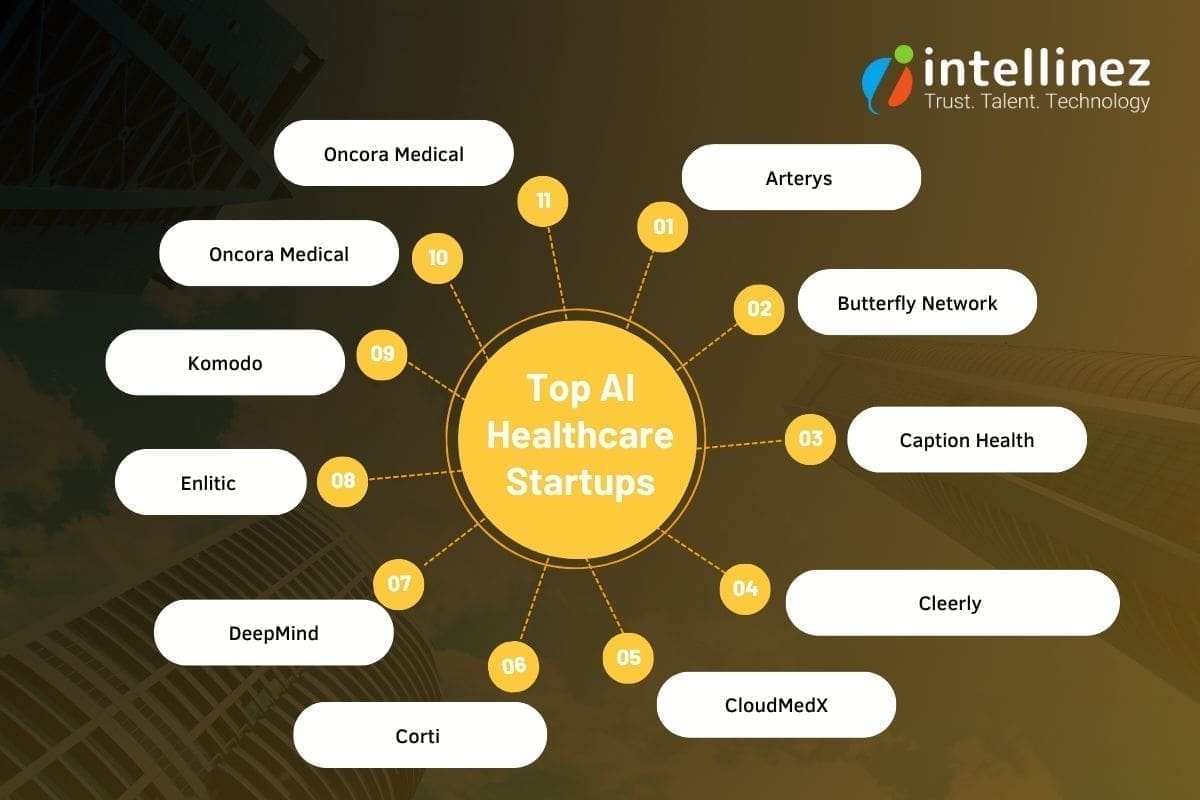
Arterys
Arterys made history in 2017 by obtaining FDA clearance for utilizing cloud computing and deep learning in clinical settings. Initially focused on simplifying the diagnosis of heart defects in newborns and children, the company addressed the challenge of large file sizes generated by 4D Flow MRI, an imaging technology that visualizes heart blood flow.
By leveraging cloud computing, Arterys enabled web-based access to these images, facilitating critical treatment decisions by hospital radiologists. Recognizing the need to automate ventricle measurements, the company combined deep learning and cloud computing GPUs to develop an automated method. Arterys now aims to expand its impact by providing accurate measurements across various medical specialties, including cancers, liver conditions, and neurological disorders.
Butterfly Network
Butterfly Network addresses the lack of medical imaging in underserved communities with its innovative solution. By developing the world’s first handheld whole-body imager, they have made ultrasound accessible and portable. These pocket-sized probes, when connected to smartphones, enable imaging in even the most remote locations.
To further enhance usability, Butterfly Network utilizes AI technology that can interpret results with comparable accuracy to human clinicians. This combination of handheld imaging and AI interpretation revolutionizes the diagnosis of various conditions, including blood clots, gallstones, and cancerous tumors. Now, communities worldwide can benefit from affordable and convenient medical imaging, thanks to Butterfly Network’s groundbreaking approach.
Caption Health
Caption Health aims to enhance patient care through increased accessibility of ultrasound technologies, particularly for early disease detection. Mastering ultrasound technology often requires specialized training, and subpar image quality can lead to misdiagnosis and missed treatment opportunities. To address these challenges, Caption Health employs AI to assist clinicians during the imaging process and automatically evaluate image quality.
This enables healthcare providers, regardless of their level of training, to perform ultrasounds and interpret the results. The current focus of the technology is on cardiac ultrasounds, with ongoing efforts to develop AI guidance for lung ultrasounds. By leveraging AI, Caption Health empowers healthcare professionals to deliver improved diagnostic accuracy and expand the availability of ultrasound examinations for enhanced patient care.
Cleerly
Cleerly utilizes an AI-based platform in conjunction with coronary computed tomography angiography (CCTA) imaging to facilitate early diagnosis and treatment of heart disease. Unlike relying on indirect markers such as risk factors and symptoms, Cleerly directly measures plaque accumulation in the heart’s arteries.
By analyzing and characterizing various types of plaque, the technology enables clinicians to assess a patient’s risk of heart attack with enhanced accuracy. This approach allows for a more precise determination of the severity of heart disease and aids in developing appropriate treatment plans. Cleerly’s innovative AI platform revolutionizes the diagnostic process, providing healthcare providers with vital insights to detect and manage heart disease at an earlier stage.
CloudMedX
CloudMedX is a computing platform that enhances clinical processes and enhances patient outcomes through predictive analytics. By leveraging AI, it gathers data and constructs comprehensive profiles of individuals and communities. With its unified data platform, CloudMedX offers a range of functions encompassing operational, clinical, and financial aspects, providing healthcare providers with a centralized location for all their needs.
The company’s predictive healthcare models utilize medical data to forecast disease progression and assess the likelihood of patient complications, offering risk assessment scores. This enables healthcare professionals to make informed decisions and take proactive measures to optimize patient care. CloudMedX’s innovative approach empowers healthcare providers with actionable insights and a comprehensive understanding of patient health, leading to improved outcomes and more efficient clinical workflows.
Corti
Corti provides clinicians with a voice-based digital assistant that assists in quality assurance. Through extensive training with real patient calls and consultations, the AI-powered assistant accompanies healthcare workers during patient visits, employing proprietary speech recognition and language processing technology.
This enables Corti’s AI tools to enhance the organization and routing of incoming emergency calls in hospitals, improve patient flow and triage in nursing call lines, and provide support and quality assurance for calls. By leveraging the power of AI, Corti enhances the efficiency and accuracy of clinical workflows, offering valuable assistance to healthcare professionals in delivering optimal patient care.
DeepMind
DeepMind, which was acquired by Google Health in 2014, focuses on developing intelligent AI systems across various sectors, with notable advancements in healthcare. Collaborating with a hospital, DeepMind utilized its AI system to assist in the treatment of patients with diabetic retinopathy, a condition that can lead to vision loss. The AI system demonstrated comparable accuracy to doctors in recommending patient referrals for over 50 different eye diseases.
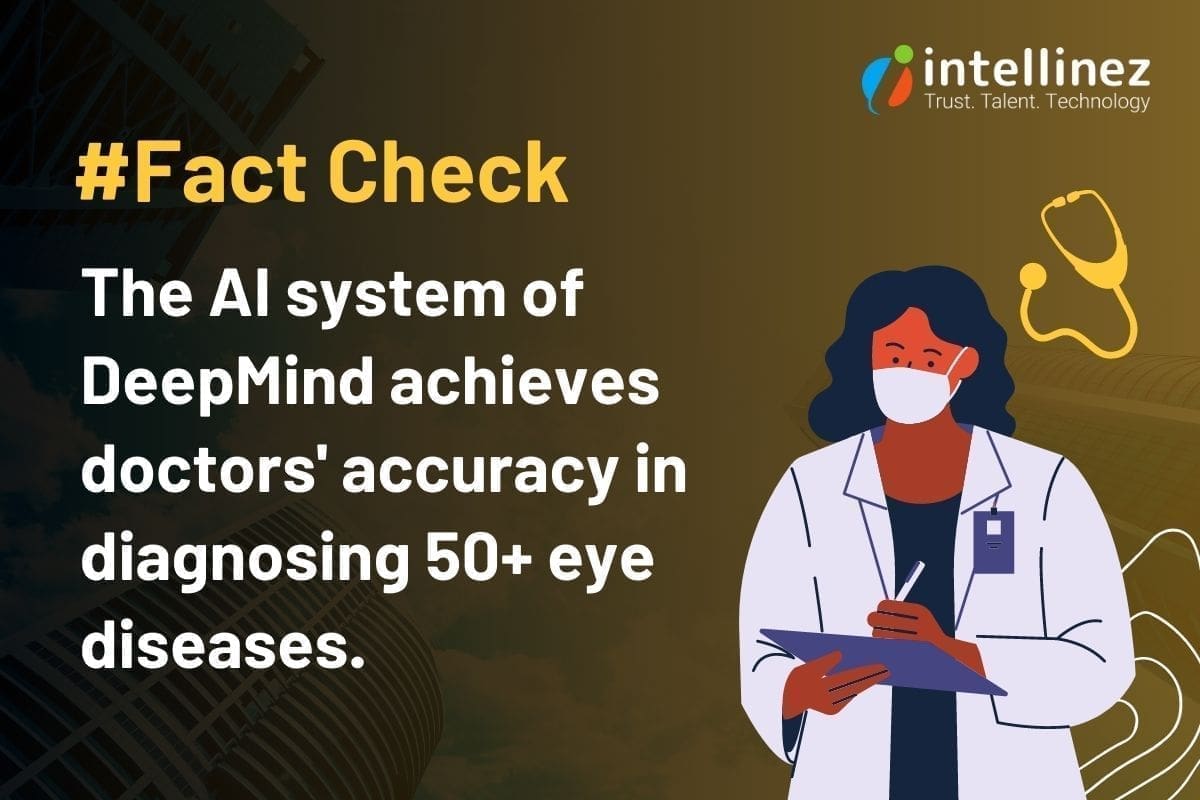
Additionally, it showed the capability to predict the likelihood of a patient progressing to a more advanced stage of eye degeneration months in advance, potentially enabling preventative measures for sight-loss. DeepMind’s advancements in healthcare signify the potential of AI technology in improving diagnosis, treatment, and prognostic capabilities, paving the way for more efficient and effective patient care.
Enlitic
Enlitic leverages deep learning to enhance radiologists’ workflows and enhance diagnostic accuracy. Traditional manual methods of interpreting medical imaging can slow down clinicians, hindering prompt patient care and diagnosis. Enlitic’s software streamlines this process by automatically reading clinical content and utilizing its extensive knowledge gained from deep learning to analyze and interpret the data, saving valuable time for radiologists.
Recognizing the potential of Enlitic’s technology, GE Healthcare has partnered with Enlitic to integrate their AI capabilities into the workflows of GE radiologists. This collaboration aims to improve data standardization, increase efficiency, and expand capacity, ultimately benefiting both radiologists and patients alike.
Komodo
Komodo, a healthtech company, aggregates clinical data from 330 million patients, providing valuable insights to its diverse customer base, ranging from disease advocacy groups to pharmaceutical companies. By leveraging analytics, Komodo utilizes this extensive data map to identify potential candidates for clinical trials, monitor the adoption of new treatments, and uncover disparities in healthcare and patient outcomes.
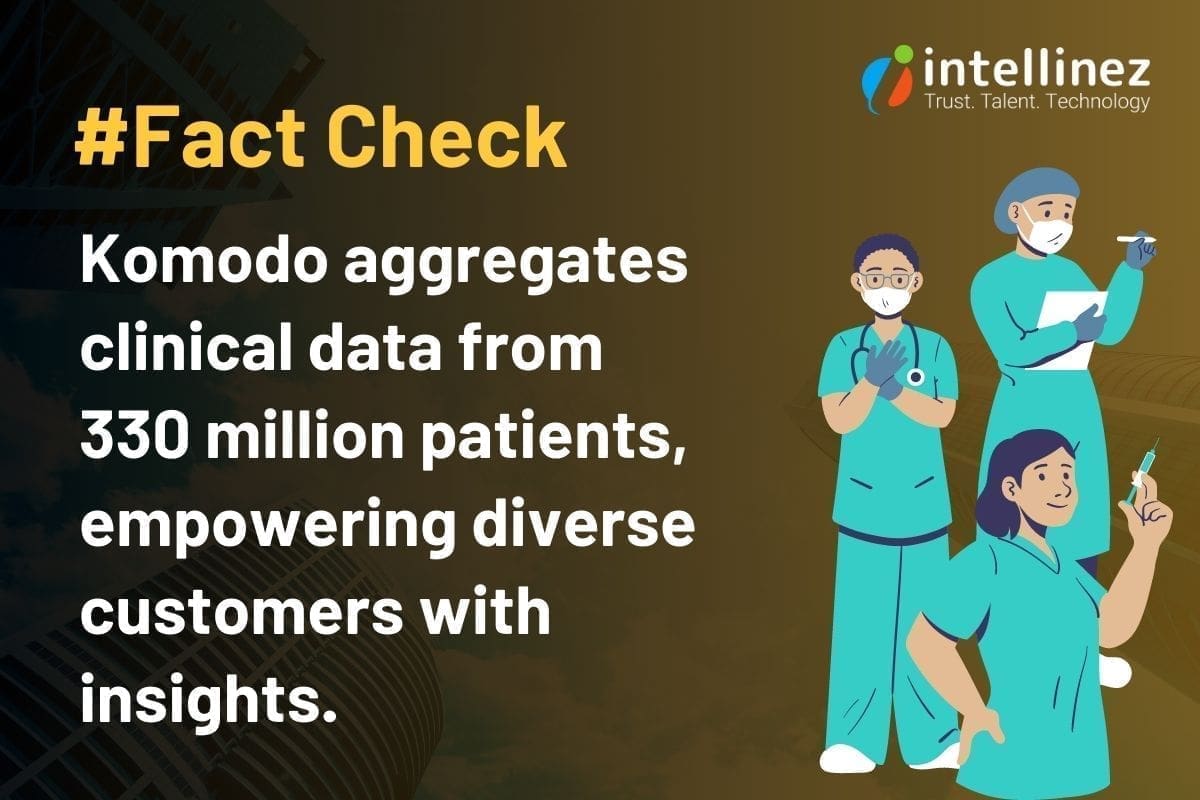
Moreover, the company is actively engaged in comprehending the short- and long-term health effects of COVID-19. With its advanced technology and vast dataset, Komodo plays a pivotal role in enhancing medical research, driving precision medicine, and facilitating evidence-based decision-making across the healthcare ecosystem.
Oncora Medical
Oncora Medical recognizes the challenge faced by oncologists who often have to navigate multiple software systems when treating patients. To streamline the process and enable more efficient and informed decision-making, Oncora strives to offer a unified platform where clinicians can access comprehensive data on cancer patients, clinical outcomes, and treatments.
By consolidating this information into a single platform, clinicians can save valuable time by making a single data input. Oncora’s analytics software further simplifies the workflow by aggregating data from disparate systems, allowing providers to access all relevant information in one place. This integrated approach empowers healthcare providers to leverage collected data effectively, ultimately improving future patient care and outcomes.
Owkin
Owkin utilizes artificial intelligence (AI) to identify improved treatments for medical conditions with unmet needs, starting with cancer. Employing a “federated learning” methodology, the company collaborates with organizations to gain access to their data and applies machine learning algorithms to gain insights into diseases.
By analyzing historical clinical data, these algorithms play a crucial role in predicting disease progression upon diagnosis. Owkin’s AI-driven approach facilitates a deeper understanding of diseases and supports the development of more accurate prognostic models. Through the integration of AI and collaborative data analysis, Owkin aims to advance medical research and ultimately enhance treatment outcomes for patients with unmet medical needs.
The Cost Of AI In Healthcare
The cost of implementing AI in healthcare varies widely, with custom AI solutions ranging from $20,000 to $1 million. The price of healthcare using AI software is influenced by factors such as the desired level of intelligence, the size of the data set it needs to process, and the desired output from the algorithms. Additionally, the pricing strategy employed by AI companies will also play a role in determining the cost for future customers.
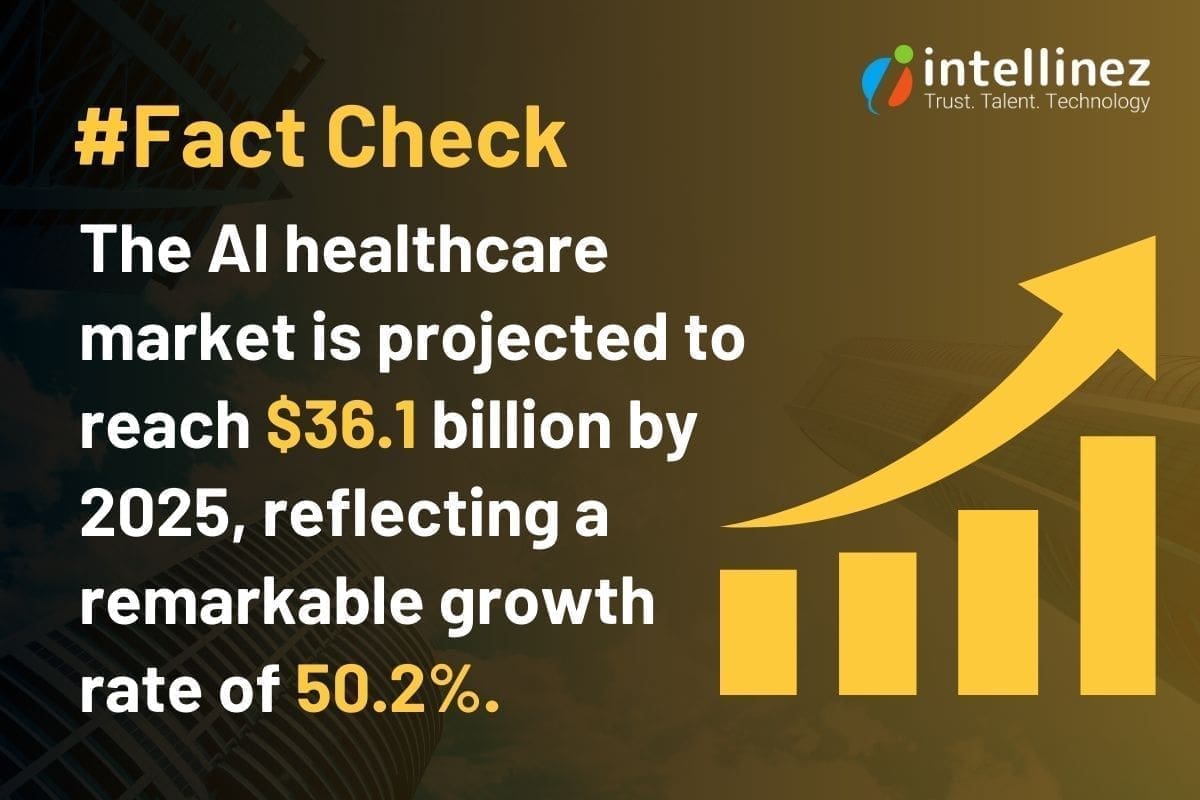
Although AI implementation can be expensive, the investment in this technology continues to surge. The AI healthcare market is projected to reach $36.1 billion by 2025, reflecting a remarkable growth rate of 50.2%. This suggests that the demand for AI in healthcare is strong, despite its associated costs.
Conclusion
In conclusion, the integration of artificial intelligence in healthcare holds immense potential to address challenges, improve patient care, and drive advancements in diagnosis, treatment, and research. While the cost of AI implementation can be significant, the projected market growth reflects the industry’s recognition of its value in transforming healthcare delivery and outcomes.
Table of Contents
- Challenges Imposed By Existing Document Management System
- Volume And Complexity Of Document Management
- Authenticity Verification Challenges
- Limitations Of Paper-Based Records
- Challenges With Centralized Databases
- Accessibility And Portability Constraints
- Introducing LegiCred: The Power Of Blockchain Technology
- The Benefits Of LegiCred For Educational Institutions
- Extended Applications Of LegiCred
- Blockchain’s Potential In Education Industry
- Conclusion
In the fast-paced digital era, where the demand for secure and accessible data is paramount, Intellinez Systems is proud to announce the launch of its groundbreaking blockchain-based product – LegiCred. Built specifically for educational institutions with blockchain and their key stakeholders, LegiCred revolutionizes the way educational documents are stored, managed, and shared, providing unprecedented security, transparency, and efficiency.
Challenges Imposed by Existing Document Management System
Traditional methods like paper-based records and centralized databases struggle to meet the demands of the modern era.
Volume and Complexity of Document Management
- The overwhelming volume of educational documents, from admission forms to certificates and transcripts.
- The time-consuming nature of managing physical paperwork and the risk of loss or damage.
- The administrative burden of maintaining extensive storage infrastructure and physical archives.
Authenticity Verification Challenges
- The need to verify the authenticity of educational documents when requested by employers, other educational institutions, or government agencies.
- Inefficiencies and errors associated with current manual verification processes.
- The added complexity of verifying international credentials due to varying educational systems and documentation standards.
Limitations of Paper-based Records
- Susceptibility to damage, loss, or forgery, resulting in permanent loss or alteration of important documents.
- Vulnerability to theft, misplacement, or deterioration over time.
- Reliance on physical storage and the risk of compromising document integrity.
Challenges with Centralized Databases
- Data breaches and hacking attempts that compromise the security and privacy of educational data.
- Potential loss or unauthorized access due to a single point of failure.
- System failures leading to data unavailability or delays in accessing information.
Accessibility and Portability Constraints
- Time-consuming retrieval of physical documents or accessing centralized databases.
- Geographical constraints hindering efficient exchange of information between institutions, employers, and stakeholders.
Innovations like LegiCred, leveraging blockchain technology, provide a transformative solution. LegiCred ensures data integrity, eliminates risks associated with traditional methods, and simplifies the verification process.
Introducing LegiCred: The Power of Blockchain Technology
Here, we explore the concept of blockchain technology, the core features of LegiCred, and how it ensures the integrity and authenticity of educational documents.
Understanding Blockchain Technology
- Blockchain is a decentralized and transparent digital ledger that records transactions across multiple computers.
- It ensures immutability, security, and transparency by storing data in a series of blocks that are cryptographically linked.
- Transactions on the blockchain are verified and validated by a network of participants, eliminating the need for intermediaries.
Core Features of LegiCred
- Immutability: It utilizes the immutability of blockchain, ensuring that once a document is recorded, LegiCred cannot be altered or tampered with.
- Transparency: It provides transparency by allowing authorized parties to view and track the history of document transactions securely.
- Decentralization: It operates on a decentralized network, eliminating the risks associated with a single point of failure and enhancing data security.
Ensuring Integrity and Authenticity of Educational Documents
- LegiCred leverages blockchain’s inherent features to ensure the integrity and authenticity of educational documents.
- Each document is recorded on the blockchain, creating a digital fingerprint that verifies its authenticity and prevents unauthorized modifications.
- Verifying entities can access LegiCred to validate the authenticity of documents, reducing manual processes and ensuring efficiency.
The Benefits of LegiCred for Educational Institutions
Streamlined Document Verification Processes
- LegiCred provides a digital platform that enables instant and secure access to educational credentials.
- Educational institutions with blockchain technology can grant authorized access to verified entities, eliminating the need for time-consuming communication and document exchange.
- This reduces administrative burden and enables faster decision-making for admissions, employment, and academic transfers.
Time and Resource Savings
- LegiCred significantly reduces the time and resources required for managing and verifying educational documents.
- The automated verification process eliminates the need for manual intervention, allowing staff members to allocate their time and resources to other critical tasks.
Enhanced Security and Privacy
- Blockchain’s decentralized nature makes it difficult for unauthorized parties to tamper with or compromise the integrity of the stored documents.
- Once a document is recorded, it cannot be altered or deleted without leaving a trace, providing a high level of data integrity.
- LegiCred employs robust encryption techniques, protecting sensitive educational information from unauthorized access or data breaches.
Data Ownership and Control
- LegiCred gives universities and institutions greater control and ownership over their educational documents.
- Institutions can securely issue and manage digital certificates and diplomas, reducing the risk of forgery or unauthorized duplication.
- Students and graduates can securely share verified documents with employers, educational institutions, or any other relevant parties.
Empowering Key Stakeholders
Benefits for Students
- LegiCred empowers students with a secure and efficient platform to manage their educational credentials. They can digitally store and access their certificates, diplomas, and transcripts throughout their academic journey.
- Students can easily share their verified credentials with potential employers by granting them access to their LegiCred profile. This eliminates the need for physical copies or manual verification processes, saving time and effort.
- LegiCred provides students with ownership and control over their credentials, allowing them to selectively share their achievements and qualifications, enhancing their employability prospects.
Benefits for Employers
- LegiCred simplifies the hiring process for employers by enabling quick and reliable verification of candidates’ educational documents without manual verification or contacting educational institutions.
- The streamlined verification process saves employers time and resources, enabling them to make informed hiring decisions promptly.
Benefits for Universities
- LegiCred offers universities a convenient and reliable solution for managing alumni records and certifications. Institutions can securely store and access comprehensive records of their alumni, including degrees, courses, and achievements, ensuring data accuracy and integrity.
- The platform simplifies the issuance and verification of digital certificates, eliminating the hassle of physical paperwork and reducing administrative burdens.
- LegiCred enhances the reputation and credibility of universities by providing a transparent and immutable record of their alumni’s achievements, fostering trust among employers, other educational institutions, and stakeholders.
Extended Applications of LegiCred
- Micro-Credentials and Continuous Learning
LegiCred can be expanded to include micro-credentials, enabling students to showcase their specific skills and achievements beyond traditional degrees. This allows for a more comprehensive representation of an individual’s capabilities and promotes continuous learning.
- Digital Badges and Achievements
LegiCred can incorporate digital badges and achievements to recognize and validate non-traditional learning experiences, such as online courses, workshops, and extracurricular activities. This enables learners to showcase a diverse range of skills and accomplishments.
- Lifelong Learning and Alumni Networks
LegiCred can facilitate lifelong learning by providing a platform for alumni to access continued educational opportunities, network with peers, and engage in professional development. This fosters a sense of community and encourages ongoing education and career advancement.
Blockchain’s Potential in Education Industry
Credential Verification and Transfer
Blockchain enables efficient and decentralized verification of credentials, allowing educational institutions, employers, and other stakeholders to quickly and accurately validate educational achievements. This simplifies the transfer of credentials between institutions and enhances trust in the authenticity of qualifications.
Learning Analytics and Personalized Education
Blockchain can facilitate the collection and analysis of learning data, fostering personalized education experiences. Student progress, achievements, and preferences can be securely stored on the blockchain, enabling the development of tailored learning paths and personalized recommendations.
Educational Funding and Scholarships
Blockchain-based smart contracts can streamline the disbursement and management of educational funding, including scholarships and grants. This increases transparency, reduces administrative overhead, and ensures that funds are allocated fairly and efficiently.
Conclusion
Conclusion: The future of LegiCred holds exciting possibilities for the education sector. As LegiCred expands its applications to include micro-credentials, digital badges, and lifelong learning support, it will empower learners to showcase their diverse skills and experiences.
Additionally, blockchain technology offers immense potential to improve other aspects of education, including secure academic record-keeping, credential verification, personalized education, and efficient management of educational funding. By embracing these developments, educational institutions can enhance their offerings, improve efficiency, and provide learners with more holistic and valuable educational experiences.
Let LegiCred Create Your Authority in Educational Sector
LegiCred is a transformative solution leveraging blockchain technology to revolutionize educational document management. It offers enhanced security, streamlined verification, and opportunities for personalized education.
Join the LegiCred revolution, streamline document management, and unlock the full potential of blockchain in education. Contact Intellinez Systems or visit our website to get started. Together, let’s reshape the future of educational credentials.
Click here
Introduction
In today’s rapidly evolving digital landscape, businesses require reliable and efficient IT infrastructure to remain competitive. However, managing complex technology systems can be overwhelming, particularly for growing organizations. This is where Managed IT Services Providers (MSPs) come into play. By partnering with a trusted managed service provider, businesses can focus on their core competencies while benefiting from expert guidance and streamlined IT operations. A CompTIA survey found that 50% of companies partnering with an Managed Service Provider saved 1-24% in IT costs, 33% saved 25-49%, and 13% achieved savings exceeding 50%.
When considering hiring a Managed IT Services Provider, it’s crucial to ask the right questions to ensure they align with your organization’s goals and requirements. In this blog, we will discuss the top 11 questions to ask a Managed IT services provider before making a decision. As an established software development and Managed IT consulting company, we are here to provide you with authentic information and guide you to hire the most suitable managed services provider. Read below to know more.
What Should You Ask Before Hiring Your Managed Service Provider?
1. How long has your company been in business as A Managed services Provider?
When choosing a Managed IT Services Provider (MSP), it’s crucial to consider their experience and track record. Look for a company with a proven history of providing MSP services. Their years in business demonstrate their stability and ability to adapt to evolving technology landscapes. Additionally, inquire about their experience in managing IT infrastructures similar to yours. An experienced MSP like Intellinez Systems, with a successful track record, brings industry knowledge, expertise, and the ability to handle diverse IT environments, ensuring reliable and efficient IT support for your business.
2. Can you provide references from clients in similar industries?
When evaluating a Managed IT Services Provider, it’s important to consider their ability to cater to your industry-specific needs. Look for a provider with references from clients in similar industries. This demonstrates their understanding of your unique requirements and their successful track record in delivering tailored solutions. By partnering with an MSP experienced in your industry, you can benefit from their industry-specific knowledge, best practices, and insights, ensuring a seamless and efficient IT experience that aligns with your business goals.
While we respect client confidentiality, Intellinez Systems has collaborated with clients from diverse industries, including healthcare, finance, education, and manufacturing. This experience enables us to comprehend the unique challenges faced by organizations in different sectors and offer tailored solutions. We can provide references upon request to showcase our successful partnerships.
3. What types of Managed IT services do you offer?
When considering a Managed IT Services Provider (MSP), it’s important to evaluate the range of services they offer. Look for an MSP that provides comprehensive IT services to meet your organization’s needs. This may include network management, cloud computing, cybersecurity, data backup and recovery, software development, and IT consulting. A reliable MSP should have expertise in multiple areas of IT, allowing them to provide holistic solutions and support for your technology infrastructure. By partnering with an MSP that offers a wide range of services, you can streamline your IT operations and have a single point of contact for all your IT needs.
4. How do you ensure data security and confidentiality?
When selecting a Managed IT Services Provider (MSP), prioritize data security and confidentiality. Look for an MSP that implements robust security measures, such as advanced encryption, multi-factor authentication, and 24/7 monitoring. They should conduct regular security audits and adhere to industry best practices. Additionally, inquire about their track record in handling sensitive data and their compliance with relevant regulations. A reliable MSP, like ours, ensures the highest level of data security and confidentiality, providing you with peace of mind and protection against cyber threats.
5. What level of customer support do you provide?
Exceptional customer support is a vital quality to consider when choosing a Managed IT Services Provider (MSP). Look for an MSP that offers responsive and comprehensive support. They should have a dedicated team of IT professionals available 24/7 through various channels, including phone, email, and a ticketing system. Prompt resolution of issues and a proactive approach to support are essential. At our company, we prioritize customer satisfaction and provide top-notch support to ensure your technology needs are met promptly and efficiently.
6. Can you provide proactive monitoring and maintenance?
Proactive monitoring and maintenance are key qualities to seek in a Managed IT Services Provider (MSP). Look for an MSP that employs advanced monitoring tools to detect and address potential IT issues before they impact your business. They should have a proactive approach, regularly conducting system updates, patch management, and performance optimizations. With our MSP services, we ensure round-the-clock monitoring and proactive maintenance, minimizing downtime, enhancing system performance, and keeping your technology infrastructure running smoothly for uninterrupted productivity.
7. Do you have experience with compliance and regulatory requirements?
Experience with compliance and regulatory requirements is a crucial quality to consider when choosing a Managed IT Services Provider (MSP). Look for an MSP with a proven track record in navigating and adhering to industry-specific regulations such as HIPAA, GDPR, or PCI-DSS. They should possess deep knowledge of data protection, privacy, and security standards. Our MSP services, backed by extensive compliance expertise, ensure your organization remains compliant with applicable regulations, protecting sensitive data and minimizing legal and reputational risks. Trust us to handle your compliance needs with utmost professionalism and precision.
8. How do you handle disaster recovery and business continuity?
Disaster recovery and business continuity planning are critical aspects to consider when choosing a Managed IT Services Provider (MSP). Look for an MSP that has robust strategies in place to ensure the protection and recovery of your data and systems in the event of a disaster. They should perform regular backups, have off-site storage, and conduct routine testing to validate the effectiveness of their plans. At our company, we prioritize disaster recovery and business continuity, implementing comprehensive measures to minimize downtime and ensure seamless operations, safeguarding your business against potential disruptions.
9. What is your pricing structure and contract terms?
Transparent pricing structure and flexible contract terms are crucial qualities to seek in a Managed IT Services Provider (MSP). Look for an MSP that offers clear and detailed pricing, tailored to your specific needs and budget. They should provide a breakdown of costs and ensure there are no hidden fees. In terms of contract terms, flexibility and scalability are key. An ideal MSP, like ours, offers customizable contract terms that allow for adjustments as your business evolves. We prioritize transparency and flexibility in our pricing and contract terms, ensuring a mutually beneficial partnership.
10. Can you assist with technology roadmap and strategic planning?
A valuable quality to look for in a Managed IT Services Provider (MSP) is their ability to assist with technology roadmap and strategic planning. An ideal MSP should offer expertise in aligning your IT infrastructure with your long-term business goals. They should provide guidance on emerging technologies, potential IT investments, and help you develop a roadmap for future growth. Our MSP services at Intellinez Systems include strategic planning to ensure your technology infrastructure remains adaptable and aligned with your business objectives, empowering you to make informed decisions and stay ahead in the ever-changing digital landscape.
11. How do you stay up-to-date with the latest technology trends?
Keeping up with the latest technology trends is a vital quality for a Managed IT Services Provider (MSP). Look for an MSP that emphasizes continuous learning and innovation. They should have a dedicated team that actively engages in industry events, conferences, and training programs. Additionally, a reliable MSP maintains strong partnerships with technology vendors and fosters a culture of knowledge-sharing within their organization. We prioritize staying ahead of the curve, ensuring that our clients benefit from the latest advancements and industry best practices to drive their business success.
Conclusion
Choosing the perfect Managed IT Services Provider is a crucial step towards ensuring your organization’s success. These 11 key questions will provide you with valuable insights into a provider’s expertise, experience, and their ability to cater to your specific IT needs. By carefully evaluating their responses, you can make an informed decision that aligns with your business goals and sets the foundation for a fruitful partnership.
Hire Intellinez Systems For All Your Managed IT Services Requirements
Intellinez Systems, a government of India certified startup, has excelled in providing software development and Managed IT services for 2.5 years. Our track record of success and satisfied clients showcases our commitment to excellence. Partner with Intellinez Systems today to experience the difference of having a trusted technology ally by your side, driving optimal IT performance and fueling your organization’s growth. Contact us now to open up your business’s full potential.
Table of Contents
- Managed Services Checklist
- Network Security Audit
- Patch Management And Software Updates
- Data Backup And Recovery
- Hardware And Software Inventory Management
- System Performance Monitoring
- Vulnerability Scanning And Penetration Testing
- IT Asset Lifecycle Management
- User Access And Privilege Management
- Disaster Recovery Planning
- Help Desk And Technical Support
In today’s fast-paced and technology-driven world, businesses heavily depend on their IT infrastructure to maintain competitiveness and operational efficiency. However, to sustain a strong and reliable IT system, continuous monitoring and proactive maintenance are essential to detect and address potential issues before they become critical problems. This is where a managed services checklist becomes invaluable.
Managed IT services are crucial for ensuring the seamless operation of IT systems, defending against cyber threats, and optimizing overall performance. In this blog post, Team Intellinez will explore ten essential routine checkups that every managed IT service should include to ensure uninterrupted business operations.
Managed Services Checklist
Read below to have your managed services checklist so as to run your business smoothly.
Network Security Audit
A Network Security Audit is a routine security check conducted by managed service providers to evaluate the security of a network infrastructure. This assessment involves a thorough analysis of network components, configurations, and access controls to identify vulnerabilities and potential risks.
By performing regular Network Security Assessments, businesses can proactively identify and address security gaps, protect against unauthorized access and cyber threats, and ensure the overall integrity and confidentiality of their network and data. It is an essential practice to maintain a secure and resilient network environment in today’s digital landscape.
Patch Management and Software Updates
Patch Management and Software Updates are crucial routine security checks provided by managed services providers. This process involves regularly evaluating and applying necessary updates, patches, and fixes to software applications and operating systems. By staying up-to-date with the latest patches, businesses can address known vulnerabilities, protect against emerging threats, and ensure the overall security and stability of their IT infrastructure.
Managed services providers handle the entire patch management lifecycle, from monitoring for available updates to testing and deploying them across the network. This proactive approach includes vulnerability management which helps businesses mitigate security risks, reduce the potential for cyberattacks, and maintain a robust and secure IT environment.
Data Backup and Recovery
Data Backup and Recovery is a crucial routine security check provided by managed services providers. It involves implementing robust backup solutions and conducting regular tests to ensure the integrity and availability of business-critical data. Managed services providers create comprehensive backup strategies, including off-site storage and redundancy measures, to safeguard against data loss due to hardware failures, human errors, or cyber incidents.
Through routine backup and recovery checks, they verify the effectiveness of backup procedures, test data restoration processes, and ensure business continuity in the event of a disaster. This proactive approach helps businesses in data management, minimizing downtime, and recovering quickly from any unforeseen incidents.
Hardware and Software Inventory Management
Hardware and Software Inventory Management is an essential routine security check provided by managed services providers. It involves maintaining an updated inventory of all hardware components and software applications within the IT infrastructure. By conducting regular inventory checks, managed services providers ensure accurate tracking of assets, including their configurations, warranties, and licensing information.
This allows businesses to have better visibility and control over their IT resources, identify any unauthorized or outdated software or hardware, and mitigate potential security risks. Effective inventory management helps streamline budgeting, optimize resource allocation, and ensure a secure and compliant IT environment.
System Performance Monitoring
System Performance Monitoring is a critical routine security check provided by managed services providers. It involves continuously monitoring key performance metrics of IT systems, such as CPU usage, memory utilization, disk space, and network traffic. By closely tracking system performance, managed services providers can identify potential bottlenecks, resource issues, or anomalies that could impact the stability and security of the infrastructure.
Prompt detection of performance issues allows for proactive troubleshooting and optimization measures, ensuring optimal system functionality, mitigating risks of system failures, and maintaining a secure and efficient IT environment. Regular system performance monitoring is key to maintaining the overall health and performance of the IT infrastructure.
Vulnerability Scanning and Penetration Testing
Vulnerability Scanning and Penetration Testing are crucial routine security checks provided by managed services providers. Vulnerability scanning involves using specialized tools to identify potential weaknesses and vulnerabilities in the IT infrastructure, including software applications and network systems. Penetration testing takes it a step further by simulating real-world attacks to exploit identified vulnerabilities, assess the effectiveness of security measures, and identify potential entry points for malicious actors. By conducting these tests regularly, managed services providers can proactively address security gaps, strengthen defenses, and ensure the overall resilience of the IT environment. This comprehensive approach helps businesses stay ahead of potential threats and safeguard their systems from cyberattacks.
IT Asset Lifecycle Management
IT Asset Lifecycle Management is a vital routine security check provided by managed services providers. It involves the effective management of IT assets throughout their lifecycle, from acquisition to disposal. Managed services providers ensure accurate tracking, documentation, and monitoring of hardware components, software licenses, and subscriptions.
By conducting regular asset lifecycle management, they can proactively identify outdated or unsupported assets, address security vulnerabilities, and ensure compliance with licensing and regulatory requirements. This comprehensive approach helps businesses optimize resource allocation, reduce security risks associated with outdated or unauthorized software, and maintain a secure and efficient IT environment throughout the lifecycle of their assets.
User Access and Privilege Management
User Access and Privilege Management is a critical routine security check provided by managed services providers. It involves the effective management of user access rights and privileges within the IT infrastructure. Managed services providers review and analyze user accounts, permissions, and roles to ensure that access is granted based on the principle of least privilege.
By conducting regular checks, they can identify and address any unauthorized access, orphaned accounts, or excessive privileges that could pose security risks. This proactive approach helps businesses enforce robust security protocols, minimize the potential for unauthorized access or data breaches, and maintain a secure and controlled IT environment.
Disaster Recovery Planning
Disaster Recovery Planning is a crucial routine security check provided by managed services providers. It involves developing and maintaining comprehensive plans and strategies to ensure business continuity in the event of a disaster or disruptive incident.
Managed services providers assess the existing infrastructure, identify critical systems and data, and create recovery strategies tailored to the business’s needs. They regularly review and update these plans, conduct drills and tests, and ensure the availability and integrity of backups and recovery systems. By performing routine disaster recovery planning, businesses can minimize downtime, recover quickly from disruptions, and protect their critical operations and data.
Help Desk and Technical Support
Help Desk and Technical Support is an essential routine security check provided by managed services providers. They offer prompt and reliable assistance to address technical issues, troubleshoot problems, and provide guidance to users. This routine check ensures that businesses have access to timely support, minimizing potential security risks caused by unresolved issues or user errors.
Managed services providers maintain a robust help desk system, where they track and resolve incidents, provide software and hardware support, and offer guidance on security best practices. By offering comprehensive help desk and technical support, they enhance the security posture of businesses and ensure the smooth operation of their IT systems.
Conclusion
Effective managed IT services play a pivotal role in maintaining the stability, security, and efficiency of a business’s IT infrastructure. By providing routine checkups, such as network security assessments, patch management, data backup, and system performance monitoring, managed IT service providers can proactively address potential issues and ensure the smooth operation of IT systems. Partnering with a reputable managed IT service provider like Intellinez Systems can give businesses the peace of mind to focus on their core competencies while leaving the technical aspects in capable hands.
Hire Intellinez Systems as Your Managed IT Services Provider
Intellinez Systems is your trusted choice for managed IT services. With our expertise and experience, we offer comprehensive solutions to optimize and secure your IT infrastructure.
From network assessments to security audits, patch management, data backup, and technical support, we ensure the smooth operation and protection of your systems. Partner with us for reliable and proactive managed IT services that align with your business goals and keep you ahead in the digital landscape.
Table of Contents
- The Indian IT Outsourcing Industry
- Commonly Outsourced Services In India
- India’s Dominance In The IT Outsourcing Market
- The Benefits Of Outsourcing IT Support To India
- Big Organizations Outsourcing To India
- How To Select The Right Outsourcing Provider In India
- Conclusion
The debate of insourcing vs outsourcing IT services continues to shape business strategies. While insourcing offers greater control and customization, it often requires significant investments in infrastructure and talent. On the other hand, outsourcing provides access to specialized expertise, cost savings, and scalability. Ultimately, the decision hinges on the specific needs, priorities, and long-term goals of each organization.
Over the past few decades, outsourcing has become prevalent in the market as a cost-effective and time-efficient solution. India is a popular outsourcing destination due to its diverse services and expertise. The benefits of outsourcing IT support to Indian providers include lower budget services, on-demand skilled employees, enhanced performance, timely project delivery, e-commerce solutions, increased market reach, fresh perspectives, workload distribution, operational cost control, and improved brand visibility.
India’s IT outsourcing services offer numerous opportunities for organizations, regardless of their size or global presence. Different types of outsourcing solutions are available to meet the specific needs of each organization.
The Indian IT Outsourcing Industry
India has emerged as a dominant player in the IT outsourcing industry, serving as a preferred destination for global companies. Giants like IBM, Microsoft, Apple, Dell, CISCO, Ford, Oracle, and American Express have long relied on India for outsourcing needs. The country’s favorable government policies, robust infrastructure, and skilled workforce have contributed to its success.
India’s IT outsourcing sector surpasses the combined statistics of the US and UK, with a significant number of English-speaking graduates in MBA, Ph.D., IT, and engineering programs. With high employment rates and a wide range of services offered, India continues to be a sought-after outsourcing partner.
India’s IT sector creates millions of jobs and attracts global giants for outsourcing services like web hosting, database management, disaster recovery, and technical support.
Commonly Outsourced Services in India
India has emerged as a dominant force in the outsourcing industry, experiencing rapid growth over the past few decades. With its unique combination of cost-effectiveness, favorable government policies, advanced infrastructure, and a highly skilled workforce, India has become a preferred destination for outsourcing services.
India’s IT industry recorded impressive growth in FY22, generating $227 billion in revenue, as reported by NASSCOM. With a year-on-year growth rate of 15.5%, India solidified its position as the world’s fifth-largest IT outsourcing industry, trailing only the United States, China, the United Kingdom, and Canada.
With a well-established IT sector and a proficient workforce trained in software technology, India offers a wide range of outsourcing services. These services encompass web and mobile application development, software testing, cloud computing, product development, blockchain consulting, digital marketing, data science, digital transformation, custom software development, security and threat protection, data center management, telecommunications, and infrastructure management.
India’s Dominance in the IT Outsourcing Market
Despite increasing competition from other countries, India remains a top choice for global outsourcing. The country boasts a vast pool of technical experts and approximately 135 million English-speaking workers, making it the world’s second-largest English-speaking workforce. With highly skilled teams, minimal infrastructure costs, effective budget control, and scalability options, India provides an ideal environment for outsourcing contracts.
According to data from the Reserve Bank, India’s IT and IT-enabled services exports reached a remarkable $156.7 billion in FY2021-22. Furthermore, India’s talent pool is unparalleled, producing around 1.3 million engineering graduates annually—more than the combined output of the US, Western Europe, Eastern Europe, and Latin America. These factors solidify India’s position as a global outsourcing powerhouse.
Knowledge Process Outsourcing (KPO)
Knowledge Process Outsourcing (KPO) encompasses data-driven, knowledge-intensive services that require a combination of human capital and IT expertise. This thriving sector in India focuses on gathering, managing, and analyzing insights to provide valuable models. With a wealth of technically skilled resources, India is an ideal destination for outsourcing IT services like KPO.
Back-Office Support
Back-office support services offered by Indian outsourcing firms enable organizations to concentrate on their core business activities. These services encompass data and records management, customer surveys, billing support, order management, fraud protection, content management, information verification, and more, providing comprehensive support to businesses.
Customer Support Services
Outsourcing customer support to India proves beneficial as it ensures efficient handling of customer needs. With trained professionals managing customer queries, organizations can address customer concerns effectively. India’s outsourcing industry offers fully managed support services, enabling companies to provide exceptional customer service.
The Benefits of Outsourcing IT Support to India
India’s outsourcing advantages and competitiveness in a globalized world make it a top choice for businesses. With skilled software developers, designers, and expert advisors, it excels as a software development outsourcing hub.Get more done with less
India remains the top choice for outsourcing due to its excellent quality and cost-effectiveness. Foreign businesses prefer India as their outsourcing destination, as highlighted by the National Outsourcing Association (NOA).
By outsourcing to India, companies can maximize productivity, generate more work, and boost income without expanding their current team. With IT outsourcing services in India, businesses can leverage their existing workforce to manage outsourced teams and projects, resulting in significant productivity gains for the company.
Access to skilled and educated professionals
India offers unparalleled access to a vast pool of skilled and educated professionals, making it a preferred choice for outsourcing. With a population of approximately 1.2 billion and 3.1 million graduates entering the workforce annually, India has an abundant talent pool.
Moreover, India boasts the largest English-speaking population globally, surpassing the US and UK combined. Companies are attracted to the quantity and quality of talent available in India. Working with highly educated individuals, often with qualifications from top global colleges, ensures that outsourcing services in India meet and maintain high company standards.
Prioritize your main business competencies
Focus on your core business functions by outsourcing to India. As your company grows, handling everything in-house can divert attention from core operations. With outsourcing, you can delegate non-core tasks while retaining control over crucial operations that drive your company’s success.
India provides a flexible outsourcing location, offering service providers for various activities like marketing, research, and customer care. This allows you to concentrate on research and new product development to meet the demands of an expanding customer base.
Scaling up of the business
Outsourcing in India enables businesses to scale up their operations efficiently. With fluctuating demand and varying skill requirements, outsourcing provides access to qualified professionals as needed, ensuring scalability and flexibility for your business.
Superior flexibility in pricing
India remains a top choice for outsourcing due to its cost-effectiveness, offering significant savings for businesses. Compared to developed nations, personnel expenses in India are considerably lower, making it an attractive option.
While experienced developers in India can be hired at hourly rates as low as $15, talented developers in the US may demand rates ranging from $50 to $80. This flexibility in pricing allows businesses to manage their budgets more efficiently, especially when seeking cost-effective solutions and unable to afford higher salaries. India’s cost advantage provides opportunities for creative budget management.
Decide on the optimum staffing levels
Achieve optimal staffing levels with IT outsourcing companies in India. Balancing employee numbers to meet business demands can be challenging. By outsourcing, you have the freedom to choose an ideal core team for your business needs.
When activity peaks or fluctuates, outsourcing in India allows you to scale up your bandwidth while maintaining a constant utilization rate for your full-time staff. This ensures competent workers are engaged and avoids the risk of underutilization or boredom. India’s outsourcing flexibility helps resolve staffing challenges effectively.
Top-notch infrastructure and technology
India’s major cities offer advanced cellular, ISP, and telecom networks, along with the latest software technology for tailored solutions in areas like e-commerce, system integration, and more. High-speed bandwidth ensures constant communication with clients.
India’s Stable and Attractive IT Policies
India’s stable government and attractive IT policies have made it a top destination for outsourcing. Policies on economics, tax, power, and telecom have improved infrastructure and communication. The Information Technology Act supports electronic contracts, combats cybercrime, and encourages e-filing, while tax incentives further promote the IT industry.
Fastest Time-to-Market
Indian outsourcing companies offer the fastest time-to-market due to time zone differences. The twelve-hour gap between India and the USA allows for quicker project completion, increased productivity, efficiency, and the ability to provide 24/7 customer assistance and help desk services. India is the ideal choice for outsourcing various service-related options.
Effective Communication Skills
India’s popularity as an outsourcing destination has soared due to its vast pool of over 100 million English speakers, eliminating language barriers. With 150,000 engineering graduates entering the IT sector yearly, limitless service availability makes it a top choice for enterprises worldwide. Indian specialists generally have a strong command of English compared to other outsourcing destinations. Communication tools like Slack and Skype further facilitate seamless interaction with remote teams.
Big Organizations Outsourcing to India
India has become a preferred outsourcing destination for many businesses seeking to reduce operating costs and improve efficiency. With competitive pricing, a skilled workforce, a large talent pool, and government support, India attracts Western companies looking to outsource. According to Grand View Research, the IT outsourcing market is projected to reach $937.6 billion by 2027, driven by the need to lower costs and the lack of in-house IT skills.
While outsourcing offers advantages and disadvantages, many companies have benefited from successful outsourcing experiences. Some of the leading organizations that outsource IT services to India enjoy the benefits of cost reduction and business continuity. By leveraging the expertise and resources available in India, these businesses have found a strategic advantage in their operations.
How to Select the Right Outsourcing Provider in India
Choosing the right outsourcing provider in India requires careful consideration of factors like reliability and services offered. Independently verifying the trustworthiness of the company is essential for a successful partnership. Assessing different offerings from various companies can help in selecting the best IT outsourcing services in India. Team Intellinez has compiled all the parameters below on how to outsource IT services in India.
Evaluate the Quality of Deliverables
The distinction between a reputable outsourcing company and a mediocre one lies in the quality of the product they deliver. Outsourcing doesn’t necessarily mean you have to commit long-term; building an in-house team may be a better choice.
Establish Clear Outsourcing Objectives
Before engaging with an outsourcing provider, a company should define its specific outsourcing goals. Realistic and focused objectives yield more reliable results compared to lofty aspirations.
Assess Effectiveness of Communication
Selecting the ideal outsourcing partner involves assessing operational and logistical aspects, particularly in deciding between offshore and nearshore options. With various collaboration tools available, such as Slack and G Suite, prioritizing communication within a nearshore workforce is essential for successful outsourcing.
Evaluate Performance in Outsourcing
When selecting an outsourcing provider, it is important to assess their capabilities, cost management strategy, and ability to deliver the desired product on time. A competent team should not only possess coding skills but also understand your business requirements. Adopting a Lean Startup approach emphasizes enhancing the value proposition rather than solely focusing on the aesthetics of the final product.
Interact with the Outsourcing Company
When considering an outsourcing company, it is important to evaluate their product management practices. By integrating with the business, the outsourcing company gains necessary control and can effectively monitor the progress of the development process.
Determine Payment and Pricing
When selecting an outsourcing company, it is crucial to carefully assess the cost of their services. Some companies offer low prices but may provide unqualified labor. Consider long-term costs for maintenance and repairs. Opt for a fixed quote or time and materials based on your specifications for a fair agreement.
Compare Performance and Reviews
Evaluate the performance and reputation of the outsourcing company. Look for reliable and established software consultancies. Read client reviews online and inquire about their availability and job delivery requirements before making a selection.
Conclusion
To stay competitive and reduce expenses, businesses turn to outsourcing in India. It offers high-quality work and a strategic advantage. However, careful planning is essential. Reputable software outsourcing providers in India deliver exceptional results, enabling companies to gain a competitive edge in the global market.
Outsource Your IT Projects to Intellinez Systems at the Cost of a Single Resource
Maximize cost-efficiency by outsourcing your IT projects to Intellinez Systems. Benefit from their expertise and dedicated team at the price of a single resource, ensuring high-quality results and significant cost savings. Experience the advantages of outsourcing with Intellinez Systems for your IT project needs.
Table of Contents
- Function Calling Capability: OpenAI Integration With External Tools And APIs
- Improved Models: Enhanced Performance And Steerability
- Extended Context Length: Comprehensive Text Understanding
- Cost Reduction: Affordable AI Solutions
- Model Deprecation And Upgrades: Smooth Transition Process
- Client Data Privacy: Prioritizing Confidentiality And Ownership
At the forefront of AI development, OpenAI for developers relentlessly pushes the boundaries of what’s possible. Their latest updates and advancements empower developers with advanced AI capabilities and cost-effective solutions. In this article, we will delve into the key advantages of OpenAI’s recent updates, demonstrating how developers can leverage these innovations.
From function calling capability to improved models and extended context length, OpenAI for developers caters to evolving needs while safeguarding client data privacy. With cost reduction and smooth model transitions, OpenAI for developers redefines the landscape, offering unprecedented possibilities for AI-driven solutions.
Function Calling Capability: OpenAI Integration with External Tools and APIs
OpenAI’s introduction of function calling capability in the Chat Completions API is a notable update. This feature allows developers to describe functions to GPT-4 and GPT-3.5 Turbo, facilitating seamless integration of AI capabilities with external tools and APIs. Let’s delve into some practical use cases that illustrate the benefits of this feature:
1. Enhanced Chatbot Integration
Developers can now create chatbots that leverage external tools or plugins to provide dynamic and comprehensive responses. For example, a chatbot can seamlessly call an email tool to send emails based on user inquiries, significantly enhancing the chatbot’s functionality and utility.
2. Natural Language to API Conversion
With OpenAI for developers, the power of natural language processing (NLP) transforms search requests into seamless API calls or database queries. Through function calling capability, developers can convert conversational language into actionable interactions. For example, an NLP query such as “Who are my top ten customers this month?” seamlessly triggers an API call to retrieve relevant data from the customer database. This intuitive approach enhances user experience, making application interactions more user-friendly and effortless.
3. Streamlined Structured Data Extraction
Developers can define functions that extract structured data from unstructured text. For example, a function can be created to extract relevant information about people mentioned in a Wikipedia article, such as their names, birthdays, and locations. This capability streamlines data extraction processes and enables developers to leverage AI for efficient information retrieval.
Improved Models: Enhanced Performance and Steerability
OpenAI has made significant enhancements to its models, including GPT-4 and GPT-3.5 Turbo, to deliver improved performance and steerability. These updates offer several benefits and practical use cases:
1. Enhanced Steerability and Function Calling
The improved models offer better steerability, allowing developers to guide the model’s responses more effectively. This ensures that the generated outputs align with the desired intentions and requirements. Combined with function calling, developers can obtain structured data from the model, enabling a wide range of applications.
- Use Case: Developers can build AI-powered chatbots that seamlessly interact with external systems, databases, or APIs. For example, a chatbot can integrate with weather APIs to provide real-time weather updates based on user queries like “What’s the weather like in Boston right now?”
2. Natural Language Understanding and Contextual Responses
OpenAI’s expertise in natural language understanding and generation makes it a powerful tool for developers creating chatbots for customer support. Its models excel in comprehending and generating contextually appropriate responses, enhancing applications like virtual assistants and content generation tools.
- Use Case: A customer support chatbot can effectively understand and respond to customer inquiries, providing accurate and helpful information in a conversational manner. This enhances the customer experience and reduces the need for human intervention.
Extended Context Length: Comprehensive Text Understanding
OpenAI has introduced the 16k context version of GPT-3.5 Turbo, significantly increasing the context length compared to the standard 4k version. This extended context length empowers the model with a deeper understanding of the conversation or text, leading to more accurate and contextually coherent responses. Here are a few practical use cases where extended context length is valuable:
1. Complex Task Execution
Developers can provide detailed instructions or context to the model, enabling it to perform complex tasks that require a deeper understanding of the provided information. This is particularly useful in applications that involve multi-step processes or intricate interactions.
- Use Case: A virtual assistant can assist users in executing complex tasks, such as booking a vacation package. By providing an extensive context, including user preferences, destination choices, and budget constraints, the assistant can generate personalized recommendations and make bookings accordingly.
2. Comprehensive Document Summarization
With an increased context length, developers can leverage GPT-3.5 Turbo to summarize lengthy documents effectively. The model can consider a broader range of information, capturing the key points and nuances of the source material.
- Use Case: A content generation tool can utilize the extended context to summarize research papers, news articles, or legal documents, providing users with concise and informative summaries.
Cost Reduction: Affordable AI Solutions
OpenAI recognizes the importance of cost-effectiveness for developers and has introduced measures to reduce costs while maintaining performance and functionality. Two key areas of cost reduction are worth highlighting:
1. Text Embeddings
OpenAI has introduced the Text Embeddings API, which offers similar functionality to the older “Davinci” API at a more affordable price point. This allows developers to leverage text embeddings for enhancing search functionality within their applications, all while achieving significant cost savings.
- Use Case: Developers can integrate text embeddings into their applications to perform semantic searches and retrieve relevant results efficiently. By embedding documents or queries into a vector space, developers can improve search accuracy and user experience.
2. Lower Input Token Cost
OpenAI has reduced the input token cost for GPT-3.5 Turbo by 25%. This reduction makes the model more accessible and cost-effective for a broader range of applications.
- Use Case: Developers can leverage GPT-3.5 Turbo’s capabilities in their applications to provide conversational interfaces or enhance natural language understanding. For example, virtual assistants can assist users in retrieving information, performing tasks, or providing recommendations, all at a reduced cost.
Model Deprecation and Upgrades: Smooth Transition Process
OpenAI understands the importance of a smooth transition process when upgrading and deprecating older models. They prioritize developers’ convenience and ensure a seamless transition to newer versions. Here’s how it works:
1. Automatic Upgrade
Applications using the stable model names will be automatically upgraded to the latest versions of GPT-4 and GPT-3.5 Turbo. This ensures that developers can seamlessly benefit from the enhanced models without any disruption to their existing systems.
2. Extended Transition Period
OpenAI supports the use of older models until September 13th, providing developers with ample time to transition. This extended period allows developers to adapt their applications at their own pace while still utilizing the older models if necessary.
Client Data Privacy: Prioritizing Confidentiality and Ownership
OpenAI prioritizes client data privacy and security, ensuring the protection of client interests. Here’s how they ensure confidentiality and privacy:
1. Ownership of Outputs
Clients retain complete ownership of the outputs generated by their requests. OpenAI respects the rights and control of clients over the content generated through their models. This guarantees that the data remains the property of the clients, providing them with full ownership and control.
2. Data Usage Policy
OpenAI is committed to not using client API data for training purposes. They adhere to strict data usage policies, ensuring that the client’s data is not utilized in any way that compromises its privacy or security. This commitment enhances client confidence in utilizing OpenAI’s services while safeguarding their sensitive information.
Conclusion
OpenAI continues to empower developers with cutting-edge AI capabilities and cost-effective solutions. With features like function calling, improved models, extended context length, cost reduction measures, smooth model transitions, and a strong focus on client data privacy, OpenAI caters to the evolving needs of developers.
By leveraging OpenAI’s advancements, developers can create innovative applications that offer enhanced user experiences, comprehensive text understanding, and affordable AI solutions. OpenAI’s commitment to pushing the boundaries of AI while prioritizing client interests positions them as a leading provider of advanced AI technologies.
Discover the possibilities of advanced AI technologies with Intellinez Systems
Choose Intellinez Systems for exceptional AI solutions. Our skilled professionals, proven track record, and commitment to excellence ensure tailored results. With a portfolio of satisfied clients and successful projects, we are the trusted partner for your AI needs. Experience innovation and growth with Intellinez Systems.
Table of Contents
- Inventory Management System
- Proactive Monitoring And Maintenance
- Embracing Cloud Computing
- Implementing Robust Security Measures
- Emphasizing Disaster Recovery And Business Continuity
- Automation And Orchestration
- Monitoring And Analyzing Key Performance Indicators
- Adopting DevOps And Agile Practices
- Staying Abreast Of Emerging Technologies And Trends
In today’s fast-paced business environment, the smooth operation of organizations heavily relies on competent infrastructure planning and management. As businesses increasingly depend on technology and undergo digital transformation, it becomes imperative to implement strong strategies for efficiently managing their infrastructure.
This blog by the experts from Intellinez Systems delves into the vital aspects of successful infrastructure planning and management in enterprises, while also shedding light on the latest trends and data within this field.
1. Inventory Management System
An essential aspect of effective infrastructure management is a comprehensive inventory management system. Organizations need to have a clear understanding of their hardware, software, and network assets and do proper resource allocation planning. Implementing an automated asset tracking system enables businesses to monitor and manage their assets efficiently, resulting in improved resource allocation, cost savings, and enhanced security.
According to recent studies, poor asset management can lead to significant financial losses for organizations. In fact, a survey conducted by the International Association of IT Asset Managers (IAITAM) revealed that businesses lose billions of dollars each year due to ineffective asset management practices. Therefore, investing in robust asset management tools and processes is crucial for optimizing infrastructure performance.
2. Proactive Monitoring and Maintenance
To ensure the smooth functioning of enterprise infrastructure, proactive monitoring and maintenance are essential. By leveraging advanced monitoring tools and techniques, organizations can identify and address potential issues before they impact operations. Real-time monitoring allows for quick response and remediation, minimizing downtime and optimizing overall system performance.
Incorporating predictive analytics into monitoring processes can further enhance infrastructure management. By analyzing historical data and patterns, predictive analytics helps identify trends and potential future issues. This empowers organizations to take data driven decisions with preventive measures and plan maintenance activities proactively, thereby reducing disruptions and improving infrastructure reliability.
3. Embracing Cloud Computing
Cloud computing has revolutionized the way businesses manage their infrastructure. Cloud-based solutions offer scalability, flexibility, and cost-efficiency, making them an indispensable component of modern enterprise infrastructure management.
The adoption of cloud services continues to rise steadily. According to a recent report by Gartner, the worldwide public cloud services market is projected to grow by 18.4% in 2023, reaching a total value of $304.9 billion. Embracing cloud computing allows organizations to offload infrastructure management tasks to cloud service providers, enabling them to focus on core business objectives and innovation.
4. Implementing Robust Security Measures
In an era of increasing cybersecurity threats, implementing robust security measures is crucial for effective infrastructure management. Cyberattacks can result in data breaches, financial losses, and damage to a company’s reputation. Therefore, organizations must prioritize incident response and robust security at every level of their infrastructure.
The deployment of multi-layered security solutions, including WAF, intrusion detection systems, and data encryption, is essential. Regular vulnerability assessments and penetration testing can help identify and address potential weaknesses. Additionally, employee training and awareness programs play a vital role in preventing social engineering attacks and ensuring a security-conscious culture within the organization.
5. Emphasizing Disaster Recovery and Business Continuity
Disruptions to infrastructure can occur due to various reasons, including natural disasters, hardware failures, or cyber incidents. To minimize the impact of such events, organizations must have robust disaster recovery and business continuity plans in place.
A recent survey conducted by the Disaster Recovery Preparedness Council found that only 40% of organizations had a documented disaster recovery plan. This highlights the need for businesses to prioritize this aspect of infrastructure management. A comprehensive disaster recovery plan includes regular data backups, redundant systems, and predefined processes for recovery and restoration.
6. Automation and Orchestration
Automation and orchestration tools can greatly enhance infrastructure management by reducing manual effort, improving efficiency, and minimizing errors. By automating routine tasks and workflows, organizations can streamline their operations, optimize resource utilization, and ensure consistent and reliable execution of processes.
Orchestration tools enable organizations to coordinate and manage complex workflows across multiple systems and platforms. This helps ensure seamless integration and interoperability, facilitating efficient communication and collaboration between different components of the infrastructure.
7. Monitoring and Analyzing Key Performance Indicators
Monitoring and analyzing key performance indicators (KPIs) are crucial for evaluating the effectiveness of infrastructure management strategies. By tracking and measuring relevant metrics, organizations can gain insights into the performance, availability, and utilization of their infrastructure.
KPIs can vary depending on the specific goals and requirements of each organization. Common infrastructure-related KPIs include uptime percentage, response time, network bandwidth utilization, and resource utilization. By setting clear targets and regularly monitoring these KPIs, organizations can identify areas for improvement, make informed decisions, and continuously optimize their infrastructure management practices.
8. Adopting DevOps and Agile Practices
The adoption of DevOps and Agile practices can significantly improve infrastructure management by fostering collaboration, accelerating delivery cycles, and ensuring alignment with business objectives. DevOps emphasizes the integration and collaboration between development and operations teams, enabling organizations to deliver software and infrastructure changes more rapidly and reliably.
Agile methodologies, such as Scrum and Kanban, promote iterative and incremental development, allowing organizations to adapt to changing requirements and deliver value in shorter cycles. By embracing these practices, organizations can enhance their agility, responsiveness, and overall efficiency in managing their infrastructure.
9. Staying Abreast of Emerging Technologies and Trends
To stay ahead in the dynamic field of infrastructure management, organizations must stay abreast of emerging technologies and industry trends. Technologies such as artificial intelligence, machine learning, and the Internet of Things (IoT) continue to evolve and have the potential to transform infrastructure management practices.
Artificial intelligence and machine learning can automate and optimize various aspects of infrastructure management, including predictive analytics, anomaly detection, and intelligent automation. The IoT enables organizations to gather real-time data from various devices and sensors, allowing for proactive monitoring and efficient resource management.
By actively monitoring and adopting emerging technologies that align with their business objectives, organizations can gain a competitive advantage, enhance their infrastructure management capabilities, and future-proof their operations.
Conclusion
Effective enterprise infrastructure planning and management is crucial for organizations to thrive in the digital age. By implementing comprehensive asset management, proactive monitoring and maintenance practices, leveraging cloud computing, prioritizing security measures, emphasizing disaster recovery and business continuity, adopting automation and orchestration, monitoring and analyzing key performance indicators, embracing DevOps and Agile practices, and staying abreast of emerging technologies and trends, businesses can optimize their infrastructure’s performance and ensure uninterrupted operations.
As organizations continue to rely on technology and digital systems, the importance of robust infrastructure management will only increase. By embracing these essential strategies and continuously evolving their practices, organizations can position themselves for success in today’s dynamic business environment.
Reach Out to Intellinez Systems for Effective Enterprise Infrastructure Planning and Management
For effective enterprise infrastructure planning and management, Intellinez Systems is your trusted partner. With our expertise and experience, we offer comprehensive solutions tailored to your organization’s unique needs. From strategic planning to asset management and resource allocation, our team ensures seamless operations and optimal performance. Reach out to Team Intellinez today to elevate your infrastructure management to new heights.
Table of Contents
- Negative Effects of Cyber Attacks and Data Breaches on Businesses
- Strategies to Overcome the Negative Impacts of Data Breaches
- Conclusion
In today’s digital landscape, cybersecurity and business is a crucial aspect of every business operation. Data breaches and cyber-attacks pose significant threats to businesses, resulting in various negative impacts. It is essential for organizations to understand these consequences and take proactive measures to protect their data and systems. This blog by the experts from Intellinez Systems explores the impacts of cybersecurity on a business and provides strategies to overcome the adverse effects.
Negative Effects of Cyber Attacks and Data Breaches on Businesses
- Revenue Loss
Data breaches can have a devastating impact on business revenue. Studies show that 29% of breached companies face financial setbacks, with 38% experiencing a revenue loss of 20% or more. Additionally, cyber breaches and data manipulation can render IT systems non-functional, leading to customer attrition and further revenue decline. Protect your business from these risks by implementing robust cybersecurity measures.
- Damage to Brand Reputation
Data breaches not only affect short-term revenue but also tarnish the long-term reputation of a brand. Customers value their privacy, and breaches involving leaked emails or compromised payment information erode trust. Businesses with a history of poor data security are likely to face challenges in gaining customer confidence, impacting brand value.
- Loss of Intellectual Property
Hackers frequently set their sights on compromising intellectual property, which includes designs, strategies, and blueprints. Surprisingly, small businesses bear the brunt of 60% of cyber attacks, leaving their compromised assets vulnerable. The loss of such intellectual property can have a profound and detrimental impact on a business’s competitiveness, as competitors may exploit the stolen information for their own gain.
- Hidden Costs
Data breaches entail numerous hidden costs for businesses. Legal fees, public relations efforts, investigations, and increased insurance premiums are some of the expenses associated with breaches. Regulatory fines are also a reality that businesses often overlook, leading to substantial financial penalties and reputational damage.
- Online Vandalism
In some cases, hackers engage in online vandalism as a form of cyber attack. Even seemingly harmless changes, such as altering contact information or adding vulgar content to web pages, can cause significant damage. Such alterations may go unnoticed initially, impacting customer experience and damaging brand reputation over time.
- Rising Breach Costs
Businesses globally face escalating costs as they battle data breaches. According to IBM’s 2022 Cost of a Data Breach report, U.S. organizations bear an average cost of $9.44 million per incident, more than double the global average of $4.35 million. These costs encompass direct and indirect expenses associated with data breaches.
- Lost Business Opportunities
Lost business opportunities contribute to substantial financial losses for organizations. IBM’s report reveals that organizations incur an average cost of $1.52 million due to lost business. This includes factors such as business disruptions, damaged reputation, downtime, revenue losses, and efforts to minimize customer attrition.
- Downtime Due to Cyber Attacks
A significant negative impact of cyber attacks is network failure, which affects 76% of organizations. System crashes, human errors, cyber attacks, and insider attacks contribute to disruptions in operations. Expired SSL/TLS certificates, ransomware attacks, and distributed denial of service (DDoS) attacks are common causes of downtime.
- Stock Market Performance
Cyber attacks can have detrimental effects on a company’s stock market performance. Analyzing 34 breached companies listed on the New York Stock Exchange (NYSE), Comparitech found that these companies underperformed compared to the NASDAQ. Average share prices dropped 8.6% after one year, 11.3% after two years, and 15.6% after three years.
- Insider Threats
While external threats are a concern, organizations cannot overlook the risks posed by insiders. Almost 1 in 5 data breaches involve insiders, including employees, contractors, or business partners. Insider threats can result in the unauthorized access, misuse, or theft of sensitive data. These incidents can have severe consequences for a business, including reputational damage, legal implications, and financial losses.
Strategies to Overcome the Negative Impacts of Data Breaches
- Implement Robust Cybersecurity Measures
To mitigate the negative impacts of cyber threats, businesses should prioritize implementing strong cybersecurity measures. This includes establishing firewalls, implementing encryption protocols, regularly updating software and systems, and conducting vulnerability assessments. Employing multi-factor authentication and strong password policies can also enhance security.
- Develop an Incident Response Plan
Having a well-defined incident response plan is crucial to minimize the damage caused by cyber-attacks. This plan should outline the steps to be taken in the event of a breach, including communication protocols, containment strategies, data recovery processes, and legal considerations. Regular testing and updating of the plan are essential to ensure its effectiveness.
- Educate and Train Employees
Human error is a common factor in cybersecurity and Businesses should invest in comprehensive cybersecurity training programs to educate employees about best practices, recognizing phishing attempts, and maintaining data security. Ongoing awareness campaigns and regular training sessions can help create a culture of cybersecurity within the organization.
- Backup Data Regularly
Regularly backing up critical data is crucial to minimize the impact of data breaches or ransomware attacks. Businesses should establish automated backup systems and store backups in secure off-site locations or on cloud-based platforms. Regularly testing data restoration processes is essential to ensure the integrity of backups.
- Engage Third-Party Security Professionals
Many businesses lack the expertise and resources to effectively manage their cybersecurity needs. Engaging third-party security professionals like Intellinez Systems’ experts can provide specialized knowledge and support in implementing robust security measures, conducting risk assessments, and responding to incidents. These experts can help businesses stay updated on emerging threats and industry best practices.
- Monitor and Detect Threats
Implementing advanced threat detection systems and continuously monitoring network activity can help identify and respond to potential threats in real time. Intrusion detection systems, security information and event management (SIEM) tools, and endpoint protection solutions can assist in proactive threat detection and swift incident response.
- Stay Compliant with Regulations
Businesses should stay informed and compliant with relevant data protection and privacy regulations, such as the General Data Protection Regulation (GDPR) or the California Consumer Privacy Act (CCPA). Compliance not only helps protect sensitive data but also reduces the risk of regulatory fines and legal repercussions.
Conclusion
Cybersecurity threats pose significant negative impacts on businesses, including revenue loss, brand reputation damage, intellectual property loss, and hidden costs. However, by implementing robust cybersecurity measures, developing incident response plans, educating employees, regularly backing up data, engaging third-party professionals, monitoring threats, and staying compliant, businesses can overcome these challenges and protect their valuable assets. Prioritizing cybersecurity and business is essential in today’s digital landscape to safeguard business operations and maintain customer trust in an increasingly interconnected world.
Hire Intellinez Systems & Protect Your Business from Data Breaches and Cyber-Attacks
Don’t let your business fall victim to data breaches and cyber attacks. Safeguard your valuable information by partnering with Intellinez Systems. Our expert team provides cutting-edge security solutions tailored to your organization’s needs.
From proactive threat detection to robust defense strategies, we work diligently to minimize the risk of breaches. Trust Intellinez Systems for comprehensive protection and focus on your business with peace of mind. Contact us now.
Software Development Services
With Our expertise in Software Development, we can create Custom and Enterprise solutions for multiple platforms ranging from web and mobile to the cloud. We also specialize in SaaS Development, UI/UX services, QA Testing, System Integration and API Development.
Book AppointmentTable of Contents
- Visualize For Clarity And Alignment
- Cultivate Collaboration Over Documentation
- Establish Fast Feedback Loops
- Streamline Workflow For Efficiency
- Split Work Into Small, Well-Defined Increments
- Outcome > Output
- Quality & Simplicity
In today’s rapidly evolving digital landscape, businesses face increasing pressure to adapt quickly and deliver innovative solutions to remain competitive. Agile performance management system has emerged as a powerful approach to software development, enabling IT teams to respond rapidly to change, enhance collaboration, and deliver value to customers.
However, implementing agile practices alone is not enough to achieve optimal results. To truly maximize the agile performance of your IT team, you need to foster a culture of continuous improvement, align your processes with agile principles, and empower your team members to excel. In this comprehensive guide by experts from Intellinez Systems, you’ll find seven actionable steps to help you unlock the full potential of your IT team and elevate their agile performance.
1. Visualize for Clarity and Alignment
Visualization is a powerful technique that enhances transparency, collaboration, and alignment within your IT team. By providing a shared understanding of the workflow and progress, visualization enables effective communication and empowers team members to make informed decisions. Here are some practical visualization techniques to consider:
A. Implement a physical or digital Kanban board
Create a visual representation of the workflow using sticky notes or digital cards. Use columns to represent different stages of work and move cards across the board as tasks progress. This allows the team to easily track the status of work items, identify bottlenecks, and prioritize tasks accordingly.
B. Utilize user story maps
Create a graphical representation of data, including user journey, product scope, and releases. Utilize user insights, personas, and screen mock-ups to foster discussions and ensure team alignment with user needs.
C. Leverage architecture diagrams and domain models
Use visual artefacts to foster discussions on software design and ensure a shared language among team members. These visual representations help the team gain a comprehensive understanding of the system’s architecture and facilitate effective collaboration.
2. Cultivate Collaboration over Documentation
While documentation plays a vital role in software development, emphasizing collaboration and knowledge sharing yields superior results in an agile environment. Here are some strategies to foster collaboration within your IT team:
A. Conduct regular walkthroughs and knowledge sharing sessions
Encourage team members to share their expertise, insights, and lessons learned through regular sessions. This promotes cross-functional understanding and facilitates collective ownership of the work.
B. Embrace pair programming
Pair programming enhances collaboration and knowledge transfer among team members. By working together on coding tasks, team members can share ideas, validate solutions, and improve code quality.
C. Facilitate cross-functional collaboration
Encourage collaboration among different roles, such as developers, testers, and analysts, to ensure a holistic understanding of requirements and promote a sense of shared responsibility.
3. Establish Fast Feedback Loops
Fast feedback loops are vital for validating assumptions, improving quality, and delivering valuable software. By gathering feedback early and often, you can make timely adjustments and align your deliverables with customer expectations. Consider the following practices to establish effective feedback loops:
A. Validate assumptions with rapid prototypes
Before embarking on full-scale development, create low-fidelity prototypes or wireframes to gather feedback from end users. This iterative approach allows you to incorporate user insights and refine the solution based on real user feedback.
B. Release frequently to gather user feedback
Embrace continuous delivery practices to release software in small increments. This enables you to obtain valuable user feedback, iterate on features, and validate the product’s direction.
C. Conduct regular retrospectives
Organize retrospective meetings to reflect on the team’s performance, identify areas for improvement, and gather feedback from team members. This feedback-driven approach fosters a culture of continuous learning and empowers the team to refine their processes and practices.
4. Streamline Workflow for Efficiency
Efficiently managing the flow of work is crucial for maximizing productivity and minimizing delays. Streamlining your workflow involves identifying and eliminating bottlenecks, reducing handoffs, and optimizing the sequence of tasks. Here are some techniques to improve your team’s workflow:
A. Limit work in progress (WIP)
Set clear limits on the number of tasks or stories that can be actively worked on at any given time. By reducing multitasking and focusing on completing work before starting new tasks, you can improve efficiency and reduce context switching.
B. Identify and address bottlenecks
Regularly monitor the flow of work and identify stages where tasks tend to accumulate. Address these bottlenecks by redistributing tasks, providing additional support, or adjusting the team’s capacity.
C. Automate repetitive tasks
Identify opportunities for automation to eliminate manual, time-consuming tasks. Task Automation build processes, test suites, and deployment pipelines reduces the risk of errors and accelerates the delivery of high-quality software.
5. Split Work into Small, Well-Defined Increments
Breaking down work into small, well-defined increments is a fundamental practice in agile development. This approach enhances flexibility, promotes early value delivery, and facilitates accurate estimation. Consider the following strategies for effective work breakdown:
A. Slice epics into user stories
Epics, which represent large, high-level requirements, can be challenging to estimate and complete within a single iteration. Slice epics into smaller, more manageable user stories that can be delivered incrementally. Each user story should provide clear business value and have well-defined acceptance criteria.
B. Apply the INVEST criteria
When defining user stories, ensure they meet the INVEST criteria: Independent, Negotiable, Valuable, Estimable, Small, and Testable. These criteria help create user stories that are easier to understand, estimate, and implement.
C. Prioritize work based on value and risk
Collaborate with stakeholders to prioritize user stories based on their value to the customer and the associated risk. Focus on delivering the highest value and most critical features early on, enabling quicker time-to-market and rapid feedback.
6. Outcome > Output
Shifting the focus from maximizing output to delivering the right outcomes is a key aspect of agile performance. By continuously evaluating the value of work items and aligning them with strategic goals, you can ensure that your team delivers maximum value to customers and stakeholders. Here are some strategies to prioritize outcomes:
A. Embrace a value-driven mindset
Foster a culture that values customer-centricity and outcome-driven thinking. Encourage the team to continuously question the value of their work and explore alternative approaches to achieve the desired outcome.
B. Regularly reassess priorities
Priorities can change over time due to evolving market conditions, shifting business goals, or new customer insights. Regularly reassess the priority of work items and adapt accordingly to ensure alignment with the desired outcomes.
C. Communicate and collaborate with stakeholders
Maintain open channels of communication with stakeholders to understand their needs, gather feedback, and align expectations. Regularly engage in conversations to validate assumptions, share progress, and ensure that the team’s efforts are aligned with strategic objectives.
7. Quality & Simplicity
Prioritizing quality and simplicity is essential for delivering sustainable, high-quality software solutions. By investing in code quality, automated testing, and continuous improvement, you can ensure that your team consistently delivers valuable and reliable software. Consider the following practices:
A. Conduct regular code reviews
Implement a code repository management process to foster collaboration, improve code quality, and share knowledge. Code reviews help identify potential issues, ensure adherence to coding standards, and promote learning within the team.
B. Embrace automated testing
Implement automated testing practices, such as unit tests, integration tests, and regression tests. Automated tests provide fast feedback on the correctness and reliability of the software, enabling early bug detection and preventing regressions.
C. Refactor for simplicity and maintainability
Continuously evaluate the codebase for opportunities to simplify and improve maintainability. Refactoring helps eliminate technical debt, enhances code readability, and improves the ability to respond to change.
Conclusion
Maximizing the agile performance of your IT team requires a holistic approach that encompasses culture, processes, and people. By implementing these seven actionable steps discussed in this guide – visualizing for clarity and alignment, cultivating collaboration over documentation, establishing fast feedback loops, streamlining workflow for efficiency, splitting work into small, well-defined increments, prioritizing outcomes over output, and prioritizing quality and simplicity – you can unlock your team’s full potential and drive exceptional results.
Embrace the principles of agility, foster a culture of continuous improvement, and empower your team members to collaborate, innovate, and deliver value to customers. With dedication and persistence, your IT team can become a high-performing agile powerhouse, capable of thriving in today’s dynamic business landscape.
Contact Us Today for Your IT Needs
For all your IT needs, we’re here to help. Whether it’s troubleshooting, software development, or network solutions, Team Intellinez Systems is equipped with the expertise to assist you. Reach out to us today and let us take care of your technology challenges, so you can focus on what matters most – growing your business.
Table of Contents
- What Is Cloud Migration?
- What Is Cloud Security?
- The Role Of Machine Learning & Artificial Intelligence
- The Need For Cloud Migration Experts
- Top Cloud Migration Skills For Effortless Transitions In 2023
The demand for certified cloud computing professionals has skyrocketed, surpassing the shift from in-house servers to cloud-based systems. This presents a lucrative opportunity for individuals willing to acquire the necessary cloud computing skills. Amazon (AWS), Microsoft (Azure), and Google (Google Cloud Platform) are the leading cloud platforms.
Staying relevant in the industry requires staying updated with new trends and developments in digital technology. The pandemic accelerated the adoption of cloud services due to the widespread need for remote work and distance learning. The global cloud computing market size was valued at $569.31 billion in 2022 and is projected to grow from $677.95 billion in 2023 to $2,432.87 billion by 2030.
Cloud computing is a rapidly growing field, and companies will continue to seek professionals with AWS skills and advanced cloud computing expertise. The flexibility and scalability offered by cloud-based systems make them a vital component for businesses, leading to a reduction in investment in physical servers and data centers.
What is Cloud Migration?
Cloud computing has transformed the way users access software, data storage, and services by eliminating the need for physical servers. To effectively manage cloud systems, acquiring the necessary technical skills through training is crucial. This training enables professionals to navigate the complexities of cloud computing and optimize its capabilities.
The process of migrating in cloud computing, from an on-premises infrastructure to the cloud typically involves several phases. Here are the common phases of cloud migration in cloud computing:
- Assessment: Evaluate current infrastructure, applications, and data for migration readiness.
- Planning: Create a detailed migration plan, and choose the cloud provider and deployment model.
- Design: Define target architecture for cloud deployment and optimize applications.
- Migration: Move applications, data, and infrastructure to the cloud.
- Validation and Testing: Verify functionality, performance, and security of the migrated environment.
- Deployment: Deploy the validated cloud environment for production use.
- Optimization: Continuously optimize performance, cost, and resource utilization.
- Ongoing Management: Monitor, maintain, and manage the cloud environment.
One significant aspect of cloud computing is the shift from traditional subscription-based pricing to a pay-per-use model, also known as consumption-based pricing. This new pricing structure allows users to pay only for the resources they utilize, offering greater flexibility and cost-efficiency.
By embracing cloud computing, businesses and individuals gain the ability to access software, store data, and leverage services from anywhere, anytime. However, to fully harness its potential, individuals must equip themselves with the requisite skills and knowledge.
What is Cloud Security?
Cloud computing inherently requires a strong emphasis on security due to the outsourcing of sensitive business data. Organizations prioritize IT security to protect customer data, intellectual property, and their reputation. The demand for cybersecurity professionals is rapidly growing, with a particular focus on the cloud domain. A single security breach can have severe consequences, highlighting the importance of cyber security measures in cloud computing environments.
The Role of Machine Learning & Artificial Intelligence
Machine learning and artificial intelligence (AI) have become crucial skills in the cloud computing landscape. Major cloud vendors now offer tools and services that provide extensive access to cloud-based AI and machine learning applications. Cloud computing, previously known as “infrastructure as a service” (IaaS), enables organizations of all sizes to harness the computing power and infrastructure necessary for AI and machine learning endeavors.
The machine learning industry has matured, leading to the emergence of machine learning as a service (MLaaS) delivered over the cloud. MLaaS is projected to grow at a compound annual growth rate (CAGR) of 43% through 2023. The demand for talent in the field of machine learning and AI is high. Combining the cloud computing skills with AI expertise can significantly enhance one’s professional value in the industry.
By acquiring proficiency in cloud-based AI and machine learning, professionals can tap into the exponential growth potential of this red-hot market segment and stay ahead in the rapidly evolving cloud computing domain.
The Need for Cloud Migration Experts
Organizations require professionals with advanced cloud computing skills for efficient deployment and migration of IT systems to cloud platforms. It involves safeguarding data integrity, security, and minimizing downtime. Understanding the three major cloud platforms (AWS, Azure, and Google Cloud) is valuable, providing more career opportunities and enhanced value within organizations. It’s essential to possess a diverse skill set and not limit oneself in this dynamic field.
Top Cloud Migration Skills for Effortless Transitions in 2023
Cloud computing professionals should possess additional technical skills such as database management, DevOps, and related technologies to excel and thrive in their careers.
1. DataBase Skills
Database skills are essential as organisations generate massive amounts of data daily. Cloud-hosted databases offer valuable insights from this unstructured data, creating a demand for professionals adept at managing, storing, and accessing information.
IT professionals should seize the opportunity to learn a database querying language like SQL, which is the industry standard. Learning platforms like MySQL, MongoDB, or Hadoop can be considered to further enhance skills. Investing in database skills is vital in leveraging the potential of data and thriving in the cloud computing industry.
2. DevOps
DevOps, short for “developmental operations,” is a software development approach that encompasses the entire lifecycle, from planning to maintenance. It allows organisations to automate updates and streamline the release process. In the cloud computing realm, DevOps is crucial for efficient development. Enhancing your cloud computing skills with DevOps proficiency is a strategic decision, enabling faster and more efficient software updates and aligning with industry best practices.
3. Programming Language Skills
Strong programming language skills are vital for developing and maintaining cloud-based applications. Java, JavaScript, and Python are popular languages widely used in the cloud computing domain. Alongside programming proficiency, understanding SQL and data structures, such as data schemas, is crucial for building effective database-driven applications in the cloud.
4. APIs or Application Programming Interfaces
APIs play a crucial role in both on-premises and cloud-based software development by facilitating communication and data sharing between services and applications. Proficiency in creating APIs and establishing the necessary linkages for seamless integration in the cloud is essential for success as a cloud expert. REST and GraphQL are widely used API types in cloud environments, and gaining expertise in these technologies is highly advantageous.
5. Network Management Skills
Networking skills are vital in the cloud, particularly in establishing connections between resources and locations. This enables companies to set up services such as virtual private clouds and secure connectivity between cloud resources and on-premises sites. Efficient access to cloud resources often requires network administration expertise.
Virtual networks play a significant role in cloud workload deployments, employing various techniques to facilitate networking connections between resources and even across multiple clouds in multi-cloud setups. The ability to navigate these networking complexities is essential for success in cloud computing.
6. Knowledge of Hybrid Cloud
As not all IT infrastructure, apps, and workloads can be fully migrated to the cloud, the concept of hybrid cloud has gained popularity. It involves strategically moving certain apps to a public cloud while keeping other components on-site or in a dedicated private cloud.
Cloud professionals must understand the workings of different cloud models and how to integrate them effectively in a hybrid setup, determining the optimal placement of resources. Hybrid cloud architecture allows organisations to balance security, control, and scalability requirements, maximising the benefits of both public and private cloud environments.
7. Knowledge of Containers
Containerization allows applications to be encapsulated independently of their execution context, enabling swift and efficient installation. To enhance job prospects in cloud computing, it is crucial to have a strong technical foundation and familiarity with popular container technologies like Docker and Kubernetes.
Major cloud platforms provide Kubernetes or container services to assist businesses in managing deployments. Therefore, cloud experts must possess a comprehensive understanding of how these technologies operate. Staying updated with containerization trends and acquiring expertise in container management is essential for professionals looking to excel in the rapidly evolving cloud computing industry.
8. Cloud Orchestration
In cloud computing, multiple interconnected services are prevalent, making manual connection processes impractical at scale. Cloud orchestration technologies play a crucial role in automating and coordinating numerous tasks, ensuring seamless interactions between cloud services.
Cloud professionals with the ability to establish effective cloud orchestration are highly sought after. The expertise to automate and coordinate complex workflows across the cloud environment is essential for optimising efficiency and achieving successful cloud deployments.
Conclusion
Various resources, including formal education, online materials, and on-the-job training, are available to enhance your proficiency in cloud computing. International third-party certifications, in addition to certifications offered by major cloud providers, are recognized in the industry.
It is crucial to add these essential skill sets to your profile promptly, as cloud services permeate all aspects of life, creating abundant opportunities for those aspiring to become cloud computing experts. Whether through formal education, online resources, or certifications, investing in cloud computing skills positions individuals to thrive in a rapidly expanding field with increasing demand for cloud expertise.
Experience Efficient Cloud Migration with Intellinez Systems
Intellinez Systems offers expertise in efficient cloud migration, providing organizations with the necessary skills and support to seamlessly transition their IT systems to cloud platforms. With our experience and knowledge, our team ensures data integrity, security, and minimal downtime during the migration process.
Table of Contents
- 10 Business Intelligence Mistakes To Avoid During Implementation
- Lack Of Clear Objectives
- Insufficient Data Quality
- Poor Data Integration
- Overlooking User Requirements
- Inadequate User Training
- Complex And Overwhelming Reports
- Ignoring Data Security And Governance
- Lack Of Executive Sponsorship
- Not Adapting To Changing Needs
- Lack Of Continuous Improvement
Business Intelligence (BI) has become a critical component of modern-day enterprises, empowering organizations to make informed decisions based on data insights. However, implementing BI is not without its challenges, and many companies make avoidable mistakes that hinder their success. In this blog, we will discuss the ten most common mistakes to avoid while implementing business intelligence, with a specific focus on data analytics implementation. By learning from these pitfalls, organizations can maximize the value of their BI initiatives and achieve long-term success.
10 Business Intelligence Mistakes to Avoid During Implementation
1. Lack of Clear Objectives
One of the most common mistakes organizations make is diving into BI implementation without clear objectives. While it’s tempting to jump right into data analysis and visualization, without a well-defined purpose, it becomes difficult to align BI initiatives with business goals. Before starting any implementation, it is essential to identify key objectives, such as improving operational efficiency, enhancing customer satisfaction, increasing revenue, or optimizing supply chain management. Clear objectives help focus efforts and ensure that the implemented BI solution delivers tangible benefits.
To illustrate, let’s consider a retail company that wants to implement BI to improve its inventory management. By setting a clear objective of reducing inventory holding costs by 20% within the next six months, the company can align its BI efforts with a specific target, enabling them to track progress and measure the success of their implementation.
2. Insufficient Data Quality
Implementing BI without ensuring data quality can lead to erroneous insights and misguided decision-making. Inaccurate, incomplete, or inconsistent data can severely impact the effectiveness of a BI system. As per a Gartner survey, Poor data quality costs organizations an average of $15 million annually, yet nearly 60% of respondents are unaware of their businesses’ expenses due to a lack of measurement.
To avoid this mistake, organizations must invest in data governance practices, establish data quality standards, and implement data cleansing and validation processes. Data quality assessment is crucial to maintaining the integrity of your BI system.
Data quality can be enhanced by employing data profiling techniques to identify and rectify data inconsistencies, conducting data lineage analysis to track data sources, and implementing data validation routines during the ETL (Extract, Transform, Load) process. By prioritising data quality, organisations can have confidence in the accuracy and reliability of the insights generated by their BI system.
We understand the significance of data quality, and our Data Quality Analysis services ensure that your data is accurate, consistent, and reliable, enhancing the reliability of your analytics outputs. Intellinez Systems’ Data Visualization expertise transforms complex data into intuitive visual representations, enabling you to grasp patterns, trends, and outliers at a glance.
3. Poor Data Integration
BI thrives on data integration from multiple sources. However, organizations often struggle with integrating data from disparate systems, leading to incomplete or fragmented insights. It is crucial to plan for data integration during the initial stages of implementation. Utilize appropriate tools and technologies to extract, transform, and load data from various sources.
Data integration can be facilitated through the use of Extract, Transform, Load (ETL) tools or data integration platforms that provide connectors to various data sources. Additionally, organizations can explore the use of data virtualization techniques to integrate data in real-time without the need for physical consolidation. A robust data integration strategy ensures that all relevant data is available for analysis, resulting in comprehensive insights.
For example, a healthcare organization implementing BI might need to integrate data from electronic health records, patient satisfaction surveys, and financial systems. By leveraging data integration techniques and tools, they can merge these disparate data sources to gain a holistic view of patient care and identify opportunities for improvement.
Through its Enterprise Data Warehousing solutions, Intellnez Systems enables you to centralise and integrate your data from various sources, facilitating seamless analysis and reporting. Our proficiency in Big Data and Machine Learning equips you with advanced capabilities to extract valuable insights from vast and complex datasets, unlocking new opportunities for growth and innovation.
4. Overlooking User Requirements
Failing to understand and address user requirements is a major mistake that can hinder BI adoption and success. Users are the primary consumers of BI insights, and their involvement throughout the implementation process is vital for building a user-friendly and effective BI solution. Conduct interviews, surveys, and workshops to gather user requirements, and involve them in design reviews and testing.
By incorporating user feedback, organizations can create a BI solution that meets their specific needs and encourages user adoption. For instance, if the marketing team requires real-time dashboards to monitor campaign performance, it is crucial to involve them in the design process and incorporate their input to ensure the BI solution aligns with their needs.
5. Inadequate User Training
Even with a powerful BI solution in place, its value can be diminished if users lack the necessary skills to leverage its capabilities. Organisations often overlook the importance of providing comprehensive training to users. According to Accenture, inadequate data skills impede productivity, with 74% of workers feeling overwhelmed or unhappy while handling data despite its greater accessibility.
Invest in training programs that cover not only the technical aspects of the BI system but also focus on data interpretation, report generation, and analysis techniques. Regular training sessions and support ensure users are confident and competent in utilising the BI system effectively.
Training should be tailored to different user roles, catering to the needs of executives, analysts, and operational staff. It can take various forms, such as classroom-style training, online tutorials, or workshops. Providing ongoing training and support ensures users are equipped with the knowledge and skills required to make informed decisions based on the insights generated by the BI system.
6. Complex and Overwhelming Reports
Another mistake organizations make is inundating users with complex and overwhelming reports. While it’s important to provide comprehensive insights, bombarding users with excessive data, charts, or irrelevant information can hinder their ability to extract meaningful insights efficiently. Focus on presenting key metrics and actionable insights that enable users to make informed decisions quickly and concisely.
To achieve this, reports should be designed with simplicity in mind. Avoid cluttering reports with unnecessary data points, and leverage visualisations to present information in a visually appealing and easy-to-understand manner. Furthermore, tailor reports to specific user roles and responsibilities, ensuring that each user receives the information that is relevant to their job function.
7. Ignoring Data Security and Governance
Data security and governance are critical considerations in any BI implementation. Neglecting these aspects can lead to data breaches, compliance issues, and loss of trust. According to the USGS, companies can lose 15% to 25% of their operating budget due to poor data quality, redundancy, and data loss.
Implement robust security measures, including role-based access control, data encryption, and regular security audits. Establish data governance policies to ensure data integrity, privacy, and compliance with relevant regulations.
By incorporating data security and governance practices, organisations can instil confidence in users and protect sensitive business information. This includes defining clear data access privileges, implementing data masking techniques to anonymize personally identifiable information (PII), and regularly reviewing user access logs to detect and address any potential security vulnerabilities.
8. Lack of Executive Sponsorship
BI implementations often fail due to the lack of executive sponsorship and support. Without executive buy-in, it becomes challenging to allocate resources, overcome organisational resistance, and drive adoption across the enterprise. Secure executive sponsorship from the outset to ensure adequate funding, resource allocation, and the necessary authority to implement necessary changes.
Executive involvement also helps in breaking down silos and fostering a data-driven culture throughout the organization. Executives should champion the BI initiative, communicate its benefits to the entire organization, and lead by example in utilizing BI insights to drive decision-making.
9. Not Adapting to Changing Needs
Businesses evolve, and so should BI implementations. Failing to adapt to changing business needs and technological advancements can render a BI solution outdated and irrelevant. Regularly review and reassess the effectiveness of your BI system, seek feedback from users, and identify areas for improvement.
Stay abreast of emerging trends, technologies, and best practices to ensure your BI implementation remains agile and continues to deliver value over time. For example, organizations can explore the use of advanced analytics techniques such as machine learning and predictive modeling to derive deeper insights and gain a competitive edge.
10. Lack of Continuous Improvement
Finally, organizations often make the mistake of considering BI implementation as a one-time project rather than an ongoing process. BI systems require continuous improvement to stay relevant and effective. Establish a feedback loop with users, monitor key performance indicators, and regularly evaluate the impact of BI on business outcomes.
Actively seek opportunities to enhance the system, explore advanced analytics capabilities, and leverage emerging technologies such as AI and machine learning to extract deeper insights and gain a competitive edge. Continuous improvement ensures that the BI solution evolves alongside the organization’s changing needs and provides ongoing value.
Conclusion
Avoid these ten business intelligence implementation mistakes: unclear objectives, poor data quality, insufficient integration, overlooking user requirements, lack of user training, complex reports, data security neglect, lack of executive sponsorship, failure to adapt, and lack of continuous improvement. Successful BI enables data-driven decision-making, enhances efficiency, and ensures long-term success. Learn from these mistakes to leverage the power of business intelligence for valuable insights and achievements.
Empower Your Business Intelligence Implementation With Intellinez Systems
Intellinez Systems empowers your organisation with the transformative capabilities of analytics and business intelligence. Our comprehensive range of services includes Data Advisory, Data Governance, Enterprise Data Warehousing, Big Data, Machine Learning, Data Quality Analysis, Data Visualization, and Database Automation.
Table of Contents
- 5 Low Code Development Mistakes To Avoid For Successful App Creation
- Mistake #1: Neglecting Needs Analysis
- Mistake #2: Designing An Ineffective User Interface
- Mistake #3: Insufficient Research And Testing Cycles
- Mistake #4: Trying To Include Too Many Features
- Mistake #5: Ignoring User Feedback
In today’s fast-paced digital landscape, mobile applications play a crucial role in enhancing business operations. However, when developing enterprise applications using low-code tools, there are several common mistakes that can hinder the potential benefits they offer. In this blog, we will explore five critical low code development mistakes to avoid during the development process. By understanding and sidestepping these pitfalls, your business can create powerful, user-friendly applications that boost productivity and efficiency.
5 Low Code Development Mistakes to Avoid for Successful App Creation
Mistake #1: Neglecting Needs Analysis
One of the most significant mistakes when developing enterprise applications is not conducting a thorough needs analysis. Without understanding the specific requirements and preferences of end-users and conducting thorough audience research, businesses risk developing ineffective interfaces and wasting valuable resources.
To avoid this mistake, it is essential to invest time and effort in market research and organizational feedback. By gathering insights from potential users and stakeholders, businesses can identify their needs and align application development accordingly. Performing a comprehensive needs analysis allows businesses to optimize financial and human resources while ensuring the final application serves the organization’s requirements and fulfills the business demands.
Mistake #2: Designing an Ineffective User Interface
The user interface (UI) of an enterprise application plays a vital role in its success. Studies have shown that a majority of businesses fail due to poor user experiences. Therefore, it is crucial to prioritize creating a user-friendly interface and improving overall user experiences when developing enterprise applications.
Low-code development tools offer valuable features like drag-and-drop editors, visual workflow builders, and instant deployment capabilities. These tools empower citizen developers with little coding experience to create high-functioning and easy-to-use applications. By leveraging such tools, businesses can significantly reduce the application development cycle without exhausting organizational resources. Prioritizing an effective and mobile friendly design is crucial to ensuring the application’s success.
Mistake #3: Insufficient Research and Testing Cycles
Insufficient research and testing can be detrimental to the development of enterprise applications. Without thorough research, applications may lack the required functionalities, design elements, and user interface that meet business needs. Additionally, understanding end-users’ preferences and requirements is critical for developing successful applications.
Traditionally, testing applications at each stage of the development cycle can be time-consuming and expensive. However, low-code development platforms provide businesses with the opportunity to rapidly test various application prototypes and iterations without significant financial resources and time investments. By leveraging low-code platforms, businesses can efficiently and effectively test multiple enterprise applications, ensuring their functionality aligns with user expectations.
Mistake #4: Trying to Include Too Many Features
It is tempting for businesses to include numerous features in an application. However, cramming too many features can lead to confusion and negatively impact user experiences. Instead of focusing on quantity, businesses should prioritize determining which features best serve the needs of end-users and support short-term and long-term objectives.
By streamlining feature selection, businesses can allocate more time and resources to improving user interfaces and application infrastructures. Rather than attempting to include every possible feature, it is essential to strike a balance by incorporating limited yet adaptable and dynamic features. This approach ensures that the application remains focused, user-friendly, and efficient.
Mistake #5: Ignoring User Feedback
User feedback is an invaluable resource for software development teams. Collecting, analyzing, and implementing user feedback enables teams to improve user experiences, application design, and overall business process management.
Unfortunately, many businesses fail to recognize the power of user feedback in determining the success of an application. Studies have shown that users are more likely to abandon an application if it takes too long to load or lacks intuitive features. By combining application analytics with user feedback, development teams can exponentially improve application design and functionality, enhancing future productivity.
Low-code development tools not only help businesses create powerful custom applications but also enable citizen developers to contribute to development initiatives. Encouraging end-users to participate in the development of business applications can significantly increase user satisfaction and overall success.
Conclusion
Developing enterprise applications using low-code development tools offers numerous benefits, but it is essential to avoid common mistakes that can hinder their effectiveness. By conducting a needs analysis, designing effective user interfaces, conducting thorough research and testing, prioritizing essential features, and leveraging user feedback, businesses can maximize the potential of low-code development and create powerful applications.
Experience the power of low-code with Intellinez Systems
Team Intellinez possesses extensive expertise in leveraging low-code tools to build high-quality applications. Our team of skilled developers excels in optimizing user interfaces, conducting thorough research and testing, prioritizing essential features, and leveraging user feedback. With Intellinez Systems, you can expect top-notch low-code development solutions that deliver exceptional outcomes for your business.
Table of Contents
- Why SMBs Should Opt For SaaS Products
- Peering Into SaaS Applications: How They Operate
- Advantages Of Building SaaS Applications For Startups
- Challenges For SMBs In Building SaaS Applications
- How To Overcome The SaaS Application Development Challenges
Cloud computing has rapidly gained traction, particularly for Small and Medium-sized Businesses (SMBs), due to its compelling benefits. Cloud-based applications offer cost-effectiveness by reducing hardware, software, and IT support expenses. Scalability is another advantage, allowing SMBs to adapt resources according to their needs and growth trajectory. The cloud’s robust security measures provide reassurance for businesses entrusting their data to cloud providers. Furthermore, the accessibility of cloud-based applications empowers SMBs to work remotely, fostering collaboration and productivity.
Some examples of SaaS applications include Salesforce for sales pipeline management, QuickBooks Online for financial tracking, and Slack for seamless communication. A recent study by Gartner projects substantial growth in the global SaaS market, from $240.61 billion in 2022 to $374.48 billion by 2026, driven by SMBs’ increasing adoption of cloud-based solutions. To unlock cost savings, scalability, and security, SMBs should explore the transformative potential of migrating their applications to the cloud.
Delve into this informative blog by the experts of team Intellinez Systems and equip yourself with the requisites of SaaS product development.
Why SMBs Should Opt for SaaS Products
Cost Efficiency
Based on a recent Gartner study, SaaS applications boast a remarkable 30% lower Total Cost of Ownership (TCO) compared to traditional on-premises software. This translates into substantial long-term cost savings for businesses utilizing SaaS solutions.
Scalability and Integration
SaaS applications effortlessly adapt to your business needs, expanding or contracting as required, unlike traditional on-premises software. Additionally, seamless integration with other cloud-based applications streamlines processes and boosts efficiency.
Reliability and Uptime
Hosted on robust cloud infrastructure, SaaS applications ensure superior reliability compared to on-premises solutions. A recent Uptime Institute study reveals an average uptime of 99.9%, guaranteeing continuous accessibility, 24/7, 365 days a year.
Custom Package Availability
Tailored to your specific requirements, SaaS providers offer custom packages, sparing you unnecessary expenses on features you don’t utilize. Choose precisely the functionalities your business demands, ensuring cost-effectiveness.
New Releases and Upgrades
Embrace the cutting edge with SaaS’s frequent feature updates and upgrades. Enjoy enhanced security, bug fixes, and stay ahead of competitors by leveraging the latest advancements.
Performing Proof-of-Concepts
Assess SaaS application suitability with proof-of-concepts (POCs) before committing to subscriptions. Experience firsthand the scalability, reliability, and security to make an informed decision.
Data Storage
Safeguard your data in the cloud with SaaS applications, benefiting from reliable backups and robust security measures implemented by providers. Access disaster recovery services for added protection.
Increased Security
Invested in fortifying security, SaaS providers employ dedicated teams to monitor infrastructure vulnerabilities. Encryption and other security measures bolster data protection, instilling confidence in your data’s safety.
Peering into SaaS Applications: How They Operate
Gain insights into SaaS applications’ functioning, understanding their operational mechanisms and the technology powering seamless user experiences.
Google Docs
Google Docs is a cloud-based word processing application within the Google Workspace suite, operating as a SaaS solution due to its cloud hosting and subscription-based model. Users can conveniently access it from any location with an internet connection, making it ideal for remote work and mobility. With a multi-tenant setup, multiple users can collaborate on shared documents, delivering a cost-effective solution for businesses and organizations.
Statista’s recent study reveals an impressive 600 million active users globally, solidifying Google Docs’ status as one of the most sought-after SaaS applications. Its advantages are abundant, offering accessibility, enabling efficient collaboration, and ensuring data security through Google’s reliable cloud infrastructure. The subscription-based approach proves economical for entities seeking efficient document sharing.
As a powerful and versatile SaaS application, Google Docs caters to various purposes. It empowers users with a user-friendly, secure, and cost-effective platform, making it an invaluable asset for businesses and organizations alike.
Microsoft Office 365
Microsoft Office 365, a cloud-based productivity suite comprising familiar applications such as Word, Excel, PowerPoint, and Outlook, serves as an exemplary SaaS application. Hosted on Microsoft’s cloud infrastructure, users enjoy seamless access from anywhere with an internet connection. Through a subscription-based model, users pay a monthly fee encompassing hosting, development, and maintenance costs. Its multi-tenant capability enables multiple users to collaborate on shared documents, making it a cost-effective solution for document collaboration.
With a staggering 200 million active users worldwide, as reported by Gartner, Microsoft Office 365 stands as one of the most sought-after SaaS applications. The suite’s accessibility from any location enhances convenience for remote work and mobile usage. Collaboration features foster concurrent work on documents, boosting productivity and teamwork. Data security is ensured with Microsoft’s robust cloud infrastructure, instilling confidence in users.
Catering to businesses of all sizes, Microsoft Office 365 offers a versatile and potent productivity suite. At an average monthly subscription fee of $12.50 per user, it presents a cost-effective option for organizations seeking comprehensive productivity solutions. The coveted Business Premium plan encompasses core productivity applications alongside added features like cloud storage and heightened security.
Slack
Slack, a cloud-based messaging platform, is a leading SaaS application tailored for seamless communication and collaboration in businesses and organizations. Its hosting on Amazon Web Services (AWS) ensures universal accessibility, allowing users to connect from anywhere with internet access. Operating under a subscription-based model, Slack’s monthly fee covers hosting, development, and maintenance costs, ensuring a smooth user experience.
As a multi-tenant application, Slack offers simultaneous access to multiple users, presenting a cost-effective solution for businesses with extensive communication and collaboration needs. With over 12 million active users globally, Statista’s recent study solidifies Slack’s position as one of the most favored SaaS applications worldwide.
The platform’s real-time communication and collaboration capabilities drive improved productivity and efficiency. Moreover, its customization options cater to specific organizational requirements, enhancing versatility. Leveraging AWS, renowned for its robust cloud infrastructure, Slack assures robust data security.
With its potent features and flexibility, Slack becomes a reliable, secure, and cost-effective choice for businesses and organizations seeking streamlined communication and collaboration. Supported by an average monthly subscription fee of $8 per user and the popularity of its Business+ plan, Slack continues to make a transformative impact across businesses of all sizes. In conclusion, Slack empowers organizations worldwide with efficient and secure communication and collaboration capabilities.
Advantages of Building SaaS Applications For Startups
Embracing SaaS development empowers startups to capitalize on revenue opportunities, maintain a competitive edge, and tap into the rapidly growing SaaS market, ensuring a promising future for their businesses.
Long-Lasting Revenue from Clients
SaaS applications offer a subscription-based model, ensuring startups generate recurring revenue from their clients. This stream of income proves vital, particularly for startups in early development stages, providing financial stability and growth potential.
Freedom of Releasing Upgrades
Hosted in the cloud, SaaS applications enable easy release of new features and upgrades, allowing businesses to stay ahead of competitors and keep customers engaged. The agility to adapt swiftly ensures relevance in the dynamic market.
Higher Demand in the Market
The growing demand for cloud-based solutions has led to a rapid surge in the SaaS market, creating ample opportunities for startups. Statistics project significant growth, with the global SaaS market estimated to reach $374.48 billion by 2026. The projected market size of $1 trillion by 2025 offers a vast potential for startups to thrive in the industry.
Challenges for SMBs in Building SaaS Applications
Defining the Product
Before embarking on SaaS development, a clear product definition is essential. This involves identifying the application’s purpose, target market, and unique selling points. A comprehensive understanding of the product lays the groundwork for a successful development journey.
Choosing the Right Technology
Selecting the appropriate technology stack is crucial for building a robust SaaS application. Factors such as scalability, security, and reliability must align with specific requirements. The right technology choice ensures the application can handle increasing user demands and deliver a seamless user experience.
Development Process and Team
The development process can be complex and time-consuming. Assembling an experienced and skilled team of developers, well-versed in the chosen technology, is critical. You can also hire a SaaS product development company like Intellinez Systems to ease the development process. A well-defined development process guarantees efficient progress, adherence to timelines, and staying within the allocated budget.
Launching and Marketing
Launching the SaaS application poses significant challenges. Effective marketing strategies are necessary to create visibility and attract potential users. A well-planned approach to customer acquisition and retention is vital to gain a competitive edge and establish a user base.
Application Maintenance
After the application launch, continuous maintenance is essential. This includes addressing bugs, introducing new features, and ensuring security updates. A proactive maintenance plan ensures the application remains reliable and secure, meeting user expectations.
Disaster Recovery and Security
Having a disaster recovery plan is critical to mitigate the impact of potential security breaches or other unforeseen incidents. Implementing robust security measures safeguards user data and builds trust among customers.
How to Overcome the SaaS Application Development Challenges
Define Your Product Clearly
Before you start development, you need to have a clear understanding of your product. What will your SaaS application do? Who is your target market? What are your unique selling points? Having a clear understanding of your product will help you to make better decisions throughout the development process.
Choose the Right Technology
There are many different technologies that you can use to build a SaaS application. The right technology for you will depend on your specific needs and requirements. You need to choose a technology that is scalable, secure, and reliable.
Do Your Research
Before you start development, you need to do your research and understand the SaaS market. What are the trends? What are the challenges? What are the opportunities? Understanding the SaaS market will help you to develop a successful application.
Build a Team of Experts
Building a SaaS application is a complex task, so you need to build a team of experts. You need to have developers who are familiar with the technology that you have chosen, as well as marketers, sales professionals, and customer support representatives.
Have a Well-Defined Development Process
The development process can be complex and time-consuming, so you need to have a well-defined development process. This will help you to stay on track and ensure that the application is developed on time and within budget.
Launch Your Application Early and Often
Once the application is developed, you need to launch it and start marketing it to your target market. You need to launch your application early and often so that you can get feedback from users and make improvements.
Maintain Your Application
Once the application is launched, you need to maintain it. This includes fixing bugs, adding new features, and updating the application to keep it secure. You also need to have a plan for disaster recovery in case of a security breach or other incident.
Conclusion
Building a SaaS application presents a blend of challenges and opportunities. Addressing the complexities of product definition, technology selection, and development process is vital for success. Effective marketing, customer acquisition, and post-launch maintenance ensure sustained growth. Emphasizing security measures and disaster recovery reinforces user trust. Navigating these challenges with dedication and expertise sets the stage for a powerful and impactful SaaS application that meets user needs and thrives in a competitive market.
Empower Your SaaS Product Development with Intellinez Systems
We are your reliable partner for SaaS product development, boasting a team of skilled developers and extensive expertise in creating successful applications. From conceptualizing and selecting the perfect technology to seamless development and successful launch, we’re committed to making your vision a resounding success. Elevate your business to new heights by unlocking the full potential of your SaaS dream with us. Contact Intellinez Systems today and let’s embark on this transformative journey together!
Table of Contents
- What Is Data Backup And Recovery?
- How Can Data Loss Impact A Business?
- What Factors Should You Consider While Choosing A Data Backup Solution?
- What Steps Are Involved In Setting Up A Data Backup Plan?
- What Are The Most Common Data Backup Mistakes?
- What Should You Do If Your Data Is Lost Or Corrupted
- How Can You Restore Your Data From A Backup?
In the modern digital landscape, businesses face unprecedented risks due to data breaches, leading to severe financial consequences and potential closure. The average cost of a data breach in 2022 rose to $3.62 million, while recovery takes an average of 287 days. Shockingly, 60% of businesses that experience a data breach end up shutting down within two years, emphasizing the critical need for a strong data backup and recovery plan for businesses of all sizes.
While 93% of businesses back up their data, only 30% have a disaster recovery plan, leaving them vulnerable to prolonged downtime and financial losses. Various data backup options are available, including full backups, which offer comprehensive protection but are time-consuming and costly. Incremental backups, capturing only changed data, provide efficiency but may pose challenges during restoration. A compromise option is differential backups, which record changes since the last backup.
Selecting an appropriate data backup and recovery solution involves considering business size, complexity, budget, and specific needs, with thorough research, reviews, and recommendations playing a crucial role in decision-making. Read this extensive blog by Team Intellinez and learn more about data backup and recovery.
What is Data Backup and Recovery?
Data backup and recovery refer to the process of creating copies of important data and storing them securely to protect against data loss due to various causes, such as hardware failures, cyberattacks, human errors, or natural disasters. In the event of data loss, the recovery phase involves restoring the backed-up data to its original state, ensuring business continuity, and minimizing disruptions.
Data backup and recovery are crucial for businesses of all sizes because they rely heavily on their data for operations, decision-making, and customer information. Losing critical data can lead to severe financial losses, damage to reputation, and even business closure.
Not having a data backup plan poses significant risks to businesses. In the absence of backups, data loss incidents can lead to extended downtime, loss of productivity, legal liabilities, and a compromised ability to serve customers, resulting in dissatisfaction and potential loss of business.
The importance of data backup lies in its role as a safety net, providing businesses with peace of mind knowing that their data is protected. It allows swift recovery from data loss incidents, ensuring continuity, maintaining customer trust, and preserving the overall health and survival of the business.
How can data loss impact a business?
The leading causes of data loss are attributed to human error (60%), hardware failure (20%), software corruption (15%), and natural disasters (5%). The consequences of data loss can be far-reaching, posing significant challenges to businesses in various aspects. Let’s explore these ramifications and supplement the information with additional data and statistics:
1. Financial Repercussions
Data loss can result in substantial financial losses, encompassing lost revenue, downtime, and data restoration expenses. According to IBM’s report in 2022, the average cost of a data breach was estimated at a staggering $3.62 million.
2. Damage to Reputation
Besides financial losses, data breaches can inflict severe harm to a company’s reputation. A study by Ponemon Institute revealed that 60% of customers would sever ties with a company following a data breach, eroding trust and confidence.
3. Loss of Competitive Advantage
Data loss can undermine a business’s ability to provide services efficiently, potentially pushing customers toward competitors who safeguard their data effectively. This loss of competitive edge can be detrimental to a company’s growth.
4. Regulatory Fines
Some industries face stringent regulations concerning customer data protection. Incurring a data breach can lead to regulatory fines, particularly evident in financial institutions, where compliance is rigorously enforced.
5. Reduced Productivity
Data loss results in productivity decline as employees must dedicate time to recreate lost data or address the consequences of the breach.
6. Legal Liabilities
Companies may become legally liable for damages resulting from data breaches, especially when sensitive customer data, such as personally identifiable information (PII), is compromised.
In light of these potential consequences and compelling data, implementing a robust data backup and recovery plan becomes imperative for businesses seeking to protect themselves from the risks associated with data loss.
What Factors Should You Consider While Choosing a Data Backup Solution?
Selecting the right data backup and recovery solution for your business involves a comprehensive evaluation of several crucial factors and pertinent statistics. These considerations will ensure a well-informed decision that aligns with your business needs:
1. Business Size and Complexity
The scale and complexity of your business determine the level of data backup and recovery required. Smaller businesses may suffice with basic backup solutions, while larger enterprises necessitate more sophisticated approaches.
2. Budget Constraints
Carefully consider your budget when choosing a data backup and recovery solution. Costs can vary significantly, ranging from affordable options to more expensive ones.
3. Types of Data
Identify the specific types of data that need backup, such as financial records, customer information, or employee data. Understanding your data will help determine the backup frequency and level of detail required.
4. Backup Frequency
Assess how often data backups should occur, based on the importance of your data and your tolerance for potential data loss.
5. Backup Storage Location
Decide whether to store backups on-site, off-site, or opt for cloud-based storage, each with its advantages and considerations.
6. Recovery Time Objective (RTO)
Determine the acceptable downtime during a disaster, as it will influence the level of redundancy and performance needed for your backup solution.
7. Recovery Point Objective (RPO)
Define the maximum acceptable data loss in the event of a disaster, which will influence the frequency of backups.
8. User-Friendly Interface
Select a user-friendly backup solution that is easy to manage, ensuring that backups are conducted correctly and data can be swiftly restored during emergencies.
9. Vendor Support
Choose a vendor that provides reliable and responsive support to address any issues or inquiries related to your backup solution.
Additionally, some valuable statistics shed light on data backup solutions:
- The global market for data backup and recovery solutions is projected to reach $48.7 billion by 2025, as reported by Statista, highlighting the growing significance of these solutions.
- Full backups copy all data on a system or device, offering comprehensive protection but at the expense of time and resources.
- Incremental backups are a more efficient alternative, as they only copy changed data since the last full backup, resulting in faster and cost-effective backups, though potentially more complex to restore.
- Differential backups strike a balance between full and incremental backups, capturing data changed since the last full or incremental backup, providing faster backups but with slightly less efficiency compared to incremental backups.
By thoughtfully considering these factors and being aware of the relevant statistics, you can confidently select the most suitable data backup and recovery solution for your business, safeguarding your critical data and ensuring smooth operations even during challenging times.
What Steps Are involved in setting up a data backup plan?
1. Identify Your Critical Data
This is the data that is essential for your business to operate. It could include financial data, customer data, employee data, or intellectual property.
2. Determine how often you need to back up your data
This will depend on the type of data you are backing up and the level of risk you are willing to accept.
3. Choose a backup method
There are many different ways to back up data, including full backups, incremental backups, differential backups, and continuous data protection (CDP).
4. Test your backups regularly
This will help you ensure that your backups are working properly and that you can restore your data if it is lost or damaged.
5. Store your backups in a safe location
You can store your backups on-site, off-site, or in the cloud.
6. Document your backup plan
This will help you keep track of your backup schedule, backup methods, and backup location.
Here are some additional tips for setting up a data backup plan:
- Use a reputable backup solution. There are many different backup solutions available, so it is important to choose one that is reputable and reliable.
- Encrypt your backups. This will help protect your data from unauthorized access.
- Rotate your backups. This means that you should delete old backups and create new ones on a regular basis.
- Test your restore process. This will help you ensure that you can restore your data if it is lost or damaged.
What are the most common data backup mistakes?
1. Not having a backup plan at all
This is the most common mistake, and it is also the most costly. According to a 2022 study by the Ponemon Institute, 60% of businesses that experience a data breach do not have a data backup plan in place. The average cost of a data breach in 2022 is $3.62 million.
2. Backing up your data infrequently
The frequency of your backups depends on how critical the data is. For example, you may need to back up your data daily if it is critical to your business. However, a 2022 study by the SANS Institute found that 40% of businesses that experience a data loss event do not have a backup that is recent enough to restore their data.
3. Not testing your backups
It is important to test your backups regularly to make sure that they are working properly and that you can restore your data if it is lost or damaged. However, a 2021 study by Dimensional Research found that only 30% of businesses test their backups on a regular basis.
4. Storing your backups in a single location
If you store your backups in a single location, you are at risk of losing all of your backups if that location is damaged or destroyed. You should store your backups in multiple locations, such as on-site, off-site, and in the cloud.
5. Using outdated or incompatible backup software
If you are using outdated or incompatible backup software, you may not be able to restore your data if it is lost or damaged. You should make sure that you are using up-to-date backup software that is compatible with your devices and operating systems.
6. Not encrypting your backups
If your backups are not encrypted, they could be accessed by unauthorized individuals. You should encrypt your backups to protect your data from unauthorized access.
Here are some additional tips to avoid data backup mistakes:
- Choose a reputable backup solution. There are many different backup solutions available, so it is important to choose one that is reputable and reliable.
- Set up a regular backup schedule. This will help you ensure that your data is backed up on a regular basis.
- Test your backups regularly. This will help you ensure that your backups are working properly and that you can restore your data if it is lost or damaged.
- Store your backups in multiple locations. This will help protect your data from loss or damage.
- Encrypt your backups. This will help protect your data from unauthorized access.
By following these tips, you can help to avoid data backup mistakes and protect your data from loss or damage.
What Should You do if your data is lost or corrupted
If your data is lost or corrupted, it can be a distressing situation, but there are steps you can take to try to recover it and minimize the impact. Here’s what to do if your data is lost or corrupted:
1. Remain Calm and Identify the Issue
Take a deep breath and assess the situation. Determine what data is affected and whether it’s a localized issue on a specific device or a broader problem.
2. Check for Backups
If you have a backup of your data, check whether it’s up-to-date and complete. Restoring data from a backup is often the most straightforward way to recover lost or corrupted files.
3. Disconnect from the Internet
If your data loss or corruption is due to malware or a virus, disconnect the affected device from the Internet to prevent further damage and potential spread of the infection.
4. Use Data Recovery Software
There are data recovery software programs available that can help recover deleted or corrupted files from storage devices. However, avoid installing the software on the affected drive to prevent overwriting data.
5. Seek Professional Data Recovery Services
If the data is critical and you are unable to recover it using software, consider seeking professional data recovery service providers like Intellinez Systems. We have specialized tools and expertise to recover data from severely damaged or malfunctioning storage devices.
6. Do Not Write New Data
If your data loss is due to accidental deletion or corruption, avoid writing new data to the affected storage device. Writing new data can overwrite the lost data, making it irretrievable.
8. Check Hardware Connections
For external storage devices, check the physical connections to ensure they are secure and properly connected. Sometimes, a loose connection can cause data access issues.
9. Scan for Malware or Viruses
If your data loss is caused by malware or a virus, run a thorough scan of your system using reliable antivirus software to remove any threats.
10. Try System Restore
If your data loss is related to software issues or system changes, you can attempt a system restore to a point before the problem occurs.
11. Learn from the Experience
Once the data recovery process is complete, take this as an opportunity to implement better data backup practices. Regularly back up your data to prevent future data loss or corruption.
How Can You restore your data from a backup?
Restoring data from a backup is a crucial process to recover lost, corrupted, or accidentally deleted information. Here’s a step-by-step guide on how to restore your data from a backup:
1. Identify the Backup Source
Determine where your data backup is stored. It could be on an external hard drive, a network storage location, or a cloud-based backup service.
2. Access the Backup Location
Connect the external hard drive or access the network storage or cloud service where your backup is stored. You may need appropriate credentials or permissions to access the backup location.
3. Choose the Backup Version
If you have multiple backup versions, select the one that contains the data you want to restore. The backup versions may be dated or labeled to help you identify the most recent or relevant backup.
4. Decide on Full or Selective Restore
Depending on your needs, you can perform a full restore, which brings back all data from the selected backup version, or a selective restore, which allows you to pick specific files or folders to recover.
5. Perform the Restore
The process of restoring data can vary depending on the backup solution you are using. Typically, you’ll have options to “Restore,” “Recover,” or “Retrieve” data from the backup location. Follow the on-screen instructions provided by your backup software or service.
6. Verify the Restored Data
After the restore process is complete, verify that your data has been restored correctly. Check the files, folders, and data to ensure nothing is missing or corrupted.
7. Test the Restored Data
If the data is critical or sensitive, consider performing tests to ensure that the restored data is fully functional and usable. For example, open documents, images, or other files to confirm their integrity.
8. Update Your System
If the data was lost due to a hardware failure or other issues, it’s essential to address and fix the underlying problem before proceeding with regular operations.
9. Create a Backup of Restored Data
Once you have successfully restored your data, create a new backup to ensure you have the most recent version of your files and data secured in case of future incidents.
Conclusion
In conclusion, data backup and recovery are paramount for businesses of all sizes. By implementing robust backup strategies and swift recovery protocols, businesses can safeguard critical data, ensure continuity, and minimize potential disruptions. Whether a small startup or a large enterprise, understanding and adopting effective data protection measures is essential to thrive in today’s technology-driven landscape.
Ensure top-notch protection and seamless data restoration with Intellinez Systems
Our robust backup strategies and swift recovery protocols safeguard critical information, ensuring business continuity. With extensive expertise and cutting-edge technology, Intellinez Systems offers reliable solutions for businesses of all sizes, delivering peace of mind and proactive data protection in today’s technology-driven landscape.
Table of Contents
- What Is SaaS?
- Why SaaS Is A Good Fit For Small Businesses
- What To Look For While Choosing A SaaS Tool
- 9 Must-Have SaaS Tools For All Businesses
The SaaS industry has been witnessing an extraordinary boom, soaring to a value of $172.3 billion in 2022, and experts are projecting it to reach a staggering $356.6 billion by 2026. This remarkable growth is primarily driven by the escalating demand from small businesses seeking cloud-based software solutions.
Embracing SaaS tools can truly be a game-changer for small enterprises, and in this article, we’ll delve into nine cutting-edge solutions that cater specifically to their needs. But before we dive in, let’s explore why SaaS has become the preferred choice for small businesses worldwide.
SaaS tools offer significant cost-effectiveness, being more affordable than on-premise solutions, making them ideal for budget-conscious businesses. Their scalability enables seamless adjustments to fluctuating needs, ensuring competitiveness in dynamic markets. Furthermore, their user-friendliness allows businesses with limited IT resources to easily manage them, minimizing disruptions. Strong security measures protect customer data.
In the upcoming sections, we’ll shed light on nine top-notch SaaS tools that have been tailored to empower small businesses and revolutionize the way they operate. So, let’s embark on this exciting journey of discovery and find the perfect solutions to elevate your business in 2023 and beyond.
What is SaaS?
Software as a Service (SaaS) is a cloud-based software delivery model that grants users access to applications and services via the internet. Instead of buying and installing software locally, users pay a subscription fee to use the software hosted on the provider’s servers. SaaS offers cost-effectiveness as businesses avoid hefty hardware expenses and benefit from regular updates and maintenance handled by the provider. Its collaborative and integration features streamline teamwork and workflows.
SaaS has democratized software access, empowering users with flexibility, convenience, and cost savings, making it a transformative force in the digital landscape with a diverse range of user-friendly applications catering to various needs and industries.
Why SaaS is a good fit for small businesses
SaaS, short for Software as a Service, is a cloud-based software delivery model that allows users to access applications hosted on remote servers through the internet, usually via a web browser or mobile app. For small businesses, SaaS offers an array of advantages:
1. Cost-effectiveness
SaaS applications are more budget-friendly than traditional on-premises software since providers handle maintenance and updates, saving money for small businesses.
2. Scalability
SaaS applications can easily adapt to fluctuating needs, allowing businesses to scale up or down according to demand, ensuring flexibility.
3. Ease of use
With user-friendly interfaces and self-service tools, SaaS applications are manageable even for businesses with limited IT resources.
4. Security
SaaS providers prioritize robust security measures to safeguard sensitive customer data, gaining the trust of businesses.
5. Up-to-date
Automatic updates with the latest features and security patches keep businesses ahead of the competition and reduce security vulnerabilities.
6. Global reach
Accessible from anywhere in the world, SaaS applications enable small businesses to expand their reach and attract new customers.
According to Clutch, 91% of small businesses already use SaaS applications, citing time and cost savings, improved productivity, and increased customer satisfaction. As a small business owner, embracing SaaS can prove instrumental in enhancing your business, leading to better efficiency, growth, and success.
What to look for while choosing a SaaS tool
When choosing a SaaS tool, there are several key factors to consider to ensure it aligns with your business needs and objectives. Here are some important aspects to look for:
1. Functionality
Evaluate the tool’s features and functionalities. Make sure it addresses your specific requirements and provides solutions to the challenges you face in your business operations.
2. Ease of Use
User-friendliness is vital, especially if your team has limited technical expertise. A tool that is intuitive and easy to navigate will ensure smooth adoption and reduce the need for extensive training.
3. Integration Capabilities
Check if the SaaS tool can seamlessly integrate with your existing software and systems. This is crucial for streamlining workflows and preventing data silos.
4. Scalability
Consider your future growth plans. A scalable SaaS tool can adapt as your business expands, saving you the hassle of switching to a new platform later.
5. Security Measures
Ensure the tool has robust security measures in place to protect your sensitive data and maintain compliance with relevant regulations.
6. Customer Support
Look for a SaaS provider that offers reliable customer support, as you may encounter issues that require timely resolution.
7. Performance and Reliability
Check the tool’s uptime and reliability record. Downtime can disrupt your business processes and impact productivity.
8. Pricing Structure
Understand the pricing model and determine if it aligns with your budget and usage needs. Be wary of any hidden fees.
9. Data Backup and Recovery
Verify that the SaaS provider has a robust data backup and recovery plan to safeguard your information in case of any unforeseen incidents.
10. User Reviews and Reputation
Read reviews and testimonials from other users to gauge the tool’s reputation and performance in real-world scenarios.
11. Trial Period or Demo
Whenever possible, opt for tools that offer a trial period or demo version. This allows you to test the tool firsthand and see if it meets your expectations.
By thoroughly assessing these factors and aligning them with your business requirements, you can confidently choose a SaaS tool that will optimize your workflows, boost productivity, and contribute to your overall success.
9 Must-Have SaaS Tools For All Businesses
Website-Building Softwares
Website builder software as a SaaS product has transformed how individuals and businesses create and manage websites. As cloud-based solutions, SaaS website builders offer user-friendly interfaces and a range of customizable templates, enabling users to design and launch professional websites without extensive technical knowledge or coding skills.
Wix, Squarespace, and WordPress are among the leading SaaS website builder providers, catering to users with varying website development needs.
Wix, with over 200 million users as of the latest data, offers a drag-and-drop interface and a wide selection of templates, making it popular among small businesses, artists, and entrepreneurs.
Squarespace, serving millions of websites, is known for its elegant and visually appealing templates, suitable for creative professionals, online stores, and portfolios.
WordPress, powering over 40% of all websites globally, is a versatile platform that caters to users of all levels, from bloggers and small businesses to large enterprises. It offers a vast ecosystem of plugins and themes, providing users with unparalleled customization options.
These SaaS website builders have democratized website creation, allowing users to establish an online presence with ease and affordability. Their cloud-based nature ensures seamless updates, security patches, and scalability, enabling businesses and individuals to build and maintain professional websites without the need for extensive technical expertise.
Accounting Softwares
Accounting software, as a Software as a Service (SaaS) product, is a cloud-based solution that revolutionizes the way businesses manage their financial processes. With SaaS accounting software, users can access and utilize the software over the internet through remote servers, eliminating the need for local installations and hardware maintenance.
QuickBooks, Xero, and Sage are among the most prominent and reputable SaaS accounting solutions, catering to businesses of all sizes and industries.
QuickBooks, developed by Intuit, remains a dominant player in the SaaS accounting market with over 4 million subscribers worldwide as of the latest data. Known for its comprehensive features, QuickBooks offers functionalities such as invoice tracking, inventory management, and payroll processing, making it a popular choice for small businesses and accountants alike.
Xero, originating from New Zealand, has garnered over 2 million subscribers globally due to its ease of use and seamless integrations with other business apps. Its user-friendly interface and emphasis on automation have made it a go-to option for small and medium-sized enterprises seeking a streamlined accounting experience.
Sage, based in the United Kingdom, provides a range of SaaS accounting solutions, including Sage 50cloud and Sage Intacct. With a subscriber base exceeding 3 million, Sage caters to businesses’ diverse accounting needs, offering features such as financial reporting, budgeting, and analytics.
As the SaaS accounting market continues to flourish, these software solutions demonstrate the increasing demand for cloud-based accounting products. Businesses, regardless of their size and industry, are increasingly turning to SaaS accounting software to optimize financial management, streamline operations, and enhance productivity in today’s dynamic business landscape.
Collaboration management softwares
Collaboration management software has emerged as a powerful Software as a Service (SaaS) product, revolutionizing how teams collaborate and work together. As cloud-based solutions, SaaS collaboration management software enables teams to communicate, share files, and organize tasks efficiently, regardless of their physical location.
Among the leading SaaS collaboration tools are Slack, Asana, and Trello, each offering unique features to streamline team workflows and boost productivity.
Slack, a popular choice for team communication, had over 12 million daily active users as of the latest data. Its real-time messaging, file sharing, and integration capabilities make it a go-to platform for businesses of all sizes seeking seamless collaboration.
Asana, with more than 100,000 paying customers, excels in task and project management. Its user-friendly interface, timeline view, and progress tracking features allow teams to stay organized and meet deadlines efficiently.
Trello, acquired by Atlassian, is utilized by millions of teams worldwide. Known for its visual, board-based approach, Trello simplifies task management and collaboration, making it easy to assign tasks, track progress, and share information.
These SaaS collaboration management tools have become indispensable for modern businesses, enabling remote and distributed teams to collaborate effectively, increase transparency, and drive better project outcomes. Their continuous updates and user-focused approach ensure that teams have access to cutting-edge features and a seamless collaboration experience.
HR Softwares
HR software has evolved into a powerful Software as a Service (SaaS) product, transforming the way businesses manage their human resources processes. As cloud-based solutions, SaaS HR software offers a host of features that streamline recruitment, employee management, payroll, and other HR-related tasks.
BambooHR, Gusto, and ADP are among the leading SaaS HR software providers, each offering unique functionalities to meet the diverse needs of businesses.
BambooHR serves over 20,000 customers globally, according to the latest data. Its user-friendly interface, comprehensive HR management tools, and customizable features make it a popular choice for businesses of all sizes seeking efficient HR solutions.
Gusto, with over 100,000 customers, excels in payroll and benefits management. Its seamless automation, tax compliance features, and employee self-service options have earned it a strong reputation in the market.
ADP, a well-established HR solutions provider, caters to millions of businesses worldwide. It offers a range of HR services, including payroll, time and attendance management, and benefits administration, making it a preferred choice for larger enterprises with complex HR needs.
These SaaS HR software solutions have become essential for businesses looking to optimize their HR processes, reduce administrative burdens, and improve employee experiences. Their cloud-based nature ensures that businesses can access the latest features, updates, and security enhancements seamlessly, empowering them to focus on strategic HR initiatives and organizational growth.
Sales Softwares
Sales software as a SaaS product has revolutionized how businesses manage their sales processes, empowering sales teams to streamline workflows, track leads, and close deals more efficiently. As cloud-based solutions, SaaS sales software offers a centralized platform accessible from anywhere with an internet connection, enabling seamless collaboration and data synchronization.
Salesforce, Pipedrive, and HubSpot CRM are among the leading SaaS sales software providers, each offering unique features to enhance sales performance.
Salesforce remains a dominant player in the industry, serving over 150,000 customers worldwide, according to the latest data. Its comprehensive suite of tools includes sales automation, customer management, and analytics, making it a popular choice for businesses of all sizes.
Pipedrive, with over 100,000 customers globally, excels in pipeline management and sales process automation. Its intuitive interface and visual sales pipeline have made it a preferred choice for sales teams seeking a user-friendly and effective solution.
HubSpot CRM boasts a customer base of over 100,000 businesses. As a part of the HubSpot Growth Platform, it offers seamless integration with marketing and service tools, allowing businesses to manage their customer lifecycle comprehensively.
These SaaS sales software solutions have become indispensable for businesses aiming to optimize their sales processes, boost conversion rates, and improve customer relationships. Their cloud-based infrastructure ensures real-time data access, scalability, and security, making them valuable assets for sales teams striving to achieve their targets and drive business growth.
Business intelligence softwares
Business intelligence software as a SaaS product has revolutionized how organizations analyze and visualize their data to make informed decisions. As cloud-based solutions, SaaS business intelligence software empowers businesses to gain valuable insights from their data, regardless of their location. The global market for business intelligence and analytics software is expected to reach $32.9 billion by 2023.
Tableau, Qlik, and Looker are among the prominent SaaS business intelligence providers, each offering advanced analytics and visualization capabilities.
Tableau, acquired by Salesforce, boasts over 86,000 customers worldwide, as of the latest data. Its intuitive data visualization tools and interactive dashboards have made it a popular choice for businesses across various industries.
Qlik, with a customer base of over 50,000, excels in data integration and exploration. Its associative data indexing technology enables users to uncover relationships and patterns within complex datasets efficiently.
Looker, acquired by Google Cloud, serves more than 3,000 customers globally. Its data modeling and exploration features, along with its robust integration capabilities, have made it a preferred choice for organizations seeking a comprehensive business intelligence solution.
These SaaS business intelligence tools have become essential for organizations aiming to leverage their data effectively, enabling them to make data-driven decisions and gain a competitive edge in the market. Their cloud-based infrastructure ensures seamless scalability, real-time updates, and enhanced security, making them invaluable assets for businesses striving to maximize their data potential.
Time Tracking Softwares
Time tracking software as a SaaS product has become a valuable tool for businesses seeking efficient time management solutions. As cloud-based solutions, SaaS time tracking software enables organizations to accurately track employee work hours, monitor project progress, and optimize productivity.
Toggl, Harvest, and Hubstaff are among the leading SaaS time tracking providers, offering a range of features to suit various business needs.
Toggl serves over 3 million users worldwide, according to the latest data. Known for its simplicity and ease of use, Toggl allows users to track time across multiple projects and clients effortlessly.
Harvest boasts over 50,000 customers, offering powerful time tracking, invoicing, and expense management features. Its integrations with other business tools make it a preferred choice for businesses seeking comprehensive time management solutions.
Hubstaff, with thousands of customers globally, excels in employee monitoring and GPS-based time tracking. Its robust features allow businesses to effectively manage remote teams and track work hours accurately.
These SaaS time tracking tools have become indispensable for businesses striving to optimize time management, improve project efficiency, and enhance employee productivity. Their cloud-based nature ensures seamless accessibility, real-time data updates, and secure data storage, providing businesses with the flexibility and insights needed to make informed decisions and drive success.
Project management softwares
Project management software as a SaaS product has transformed how teams plan, organize, and execute projects efficiently. As cloud-based solutions, SaaS project management software allows teams to collaborate in real-time, regardless of their physical location, facilitating seamless communication and task management.
Asana, Trello, and Jira are among the leading SaaS project management providers, each offering unique features to cater to diverse project needs.
Asana boasts over 100,000 paying customers, according to the latest data. Its intuitive interface, task prioritization, and timeline view make it a popular choice for teams seeking comprehensive project management capabilities.
Trello, acquired by Atlassian, serves millions of users worldwide. Known for its visual, board-based approach, Trello simplifies task organization and allows teams to track progress effortlessly.
Jira, also by Atlassian, is widely used in software development projects. With over 65,000 customers, Jira offers robust issue tracking, agile project management, and seamless integration with other development tools.
These SaaS project management tools have become indispensable for businesses and teams striving to enhance collaboration, increase productivity, and deliver successful projects on time. Their cloud-based infrastructure ensures easy accessibility, automatic updates, and secure data storage, providing teams with the tools they need to efficiently manage projects and achieve their objectives.
Customer relationship management (CRM) softwares
Customer Relationship Management (CRM) software as a SaaS product has revolutionized how businesses manage and nurture their customer relationships. As cloud-based solutions, SaaS CRM software enables companies to centralize customer data, automate sales and marketing processes, and enhance customer interactions.
Salesforce, HubSpot CRM, and Zoho CRM are among the leading SaaS CRM providers, each offering comprehensive features to cater to businesses of all sizes.
Salesforce remains a dominant force in the CRM market, serving over 150,000 customers worldwide, according to the latest data. Its robust suite of tools includes sales automation, marketing automation, and customer service management, making it a preferred choice for enterprises seeking an all-in-one CRM solution.
HubSpot CRM boasts over 100,000 customers globally. Known for its user-friendly interface and seamless integration with marketing and sales tools, HubSpot CRM allows businesses to manage leads and engage with customers effectively.
Zoho CRM serves over 250,000 customers, offering a range of features such as sales automation, analytics, and artificial intelligence-driven insights. It caters to businesses of all sizes, from small startups to large enterprises.
These SaaS CRM solutions have become essential for businesses aiming to optimize customer interactions, streamline sales and marketing processes, and improve overall customer satisfaction. Their cloud-based infrastructure ensures real-time data access, scalability, and security, making them valuable assets for companies seeking to build and maintain strong customer relationships.
Conclusion
SaaS tools have emerged as indispensable assets for small businesses, providing cost-effective, scalable, and user-friendly solutions for various needs. While popular SaaS products like QuickBooks and Trello offer comprehensive features, businesses should also explore the potential of custom SaaS products tailored to their unique requirements. Custom SaaS solutions can provide unparalleled flexibility, integration capabilities, and alignment with specific business processes, making them a game-changer for small businesses seeking a competitive edge in 2023 and beyond.
Reach Out to Team Intellinez for Customized SaaS Solutions
Transform your business with Intellinez Systems’ customized SaaS solutions. Our expert team will craft tailor-made SaaS products to streamline your operations, boost productivity, and set you apart from the competition. Embrace innovation and achieve success with personalized SaaS offerings. Contact us today for a transformative partnership!
Table of Contents
- Four Main Types Of Data Analysis Process To Know
- Descriptive Analysis
- Diagnostic Analysis
- Prescriptive Analysis
- Predictive Analysis
In today’s rapidly evolving business landscape, the ability to learn and adapt constantly is the cornerstone of success. Whether you operate in finance, healthcare, technology, or any other industry, understanding past occurrences, current trends, and future possibilities is crucial for making informed decisions. But how do companies gain such valuable insights?
The answer lies in the world of data analytics—a transformative tool that breathes life into raw data. In a data-rich environment where companies are continuously amassing information, it is the process of data analytics that extracts meaning and value from this vast ocean of data. By analyzing raw data, patterns, trends, and profound insights specific to different facets of a business emerge, providing a comprehensive understanding of its operations.
The average company now generates 1.7MB of data per second. This means that businesses are generating an enormous amount of data that can be used to gain insights and make better decisions. Data analytics paves the way for data-driven decisions, empowering businesses and organizations to make smart choices based on evidence and solid information. It transforms ambiguity into clarity, uncertainty into foresight, and complexity into simplicity.
Within the realm of data analytics and data science, four fundamental types of data analysis play pivotal roles: Descriptive analysis, revealing the “what” of past events; Diagnostic analysis, unraveling the “why” behind occurrences; Predictive analysis, foreseeing future outcomes; and Prescriptive analysis, guiding the optimal course of action.
In this blog post, we will delve into each of these data analysis types, exploring their significance and practical applications. Whether you are a data enthusiast or a business leader seeking to harness the power of data, this blog by the experts from Team Intellinez will serve as an invaluable resource.
Four Main Types of Data Analysis Process To Know
Data analysis involves four main types: Descriptive, Diagnostic, Predictive, and Prescriptive. Each serves a unique purpose, providing valuable insights for informed decision-making.
Descriptive Analysis
Descriptive analytics focuses on past events, providing a straightforward description without exploring causality. It offers easily understandable snapshots of data. For instance, Google Analytics showcases website traffic, visitor origins, and more. HubSpot also presents engagement metrics like email opens and campaign interactions.
The main techniques in descriptive analytics are data aggregation and data mining. These methods help summarize and organize data, allowing businesses to gain a comprehensive view of their historical performance and customer interactions. While descriptive analytics sets the foundation, diagnostic, predictive, and prescriptive analytics further enhance decision-making by delving into the “why” and forecasting future outcomes.
Data Aggregation
Data aggregation involves collecting and presenting data in a concise format. For instance, an e-commerce company gathers various customer-related data, and aggregated data offers an overview—like average customer age or purchase frequency.
Data Mining
Data mining is the analysis phase where analysts explore the data for patterns and trends, visually represented with graphs or charts. Descriptive analytics simplifies vast data into a clear snapshot of past events. It serves as a foundation for further in-depth analysis, leading us to the more advanced stages of data analytics.
Real-World Application of Descriptive Analysis
Here are some examples of descriptive analysis in real-world settings:
- Netflix: Netflix uses descriptive analysis to understand its users’ viewing habits. This information helps Netflix to recommend movies and TV shows that are more likely to appeal to each user.
- Google: Google uses descriptive analysis to understand its users’ search behavior. This information helps Google to improve its search results and to target its advertising more effectively.
- Walmart: Walmart uses descriptive analysis to track sales trends, identify popular products, and optimize inventory levels.
- Target: Target uses descriptive analysis to track customer shopping habits and to target its marketing campaigns more effectively.
- The Weather Channel: The Weather Channel uses descriptive analysis to track weather patterns and to provide more accurate forecasts.
- Uber: Uber uses descriptive analysis to track rider demand and to optimize the allocation of drivers.
- Lyft: Lyft uses descriptive analysis to track rider demand and to optimize the allocation of drivers.
Diagnostic Analysis
Diagnostic analytics goes beyond describing past events to understand the reasons behind them, making it a powerful tool for problem-solving and identifying opportunities. When faced with a data anomaly, like a sudden drop in sales, diagnostic analysis comes into play. Analysts delve deeper, seeking additional data sources to uncover root causes.
For instance, discovering that customers abandoned purchases at the address form stage reveals a technical issue. Moreover, diagnostic analytics doesn’t solely focus on troubleshooting; it also uncovers positive drivers, such as a celebrity’s Instagram endorsement leading to a significant traffic surge. Techniques like probability theory, regression analysis, filtering, and time-series analysis aid in this exploration.
Diagnostic analytics empowers businesses to optimize processes, refine strategies, and capitalize on successful endeavors. By understanding the “why” behind data trends, organizations can make data-driven decisions that lead to continuous improvement and growth.
Real-World Application of Diagnostic Analysis
Here are some examples of diagnostic analysis in real-world settings:
- Amazon: Amazon uses diagnostic analysis to understand customer behavior, analyze shopping patterns, and optimize its product recommendations and supply chain management.
- Nike: Nike leverages diagnostic analysis to assess marketing campaign effectiveness, consumer response to product launches, and sales trends to refine its marketing strategies.
- Apple: Apple employs diagnostic analysis to analyze customer feedback, identify issues with products, and enhance product performance and user satisfaction.
- Coca-Cola: Coca-Cola utilizes diagnostic analysis to understand consumer preferences, optimize marketing campaigns, and analyze sales trends in different regions.
- Facebook: Facebook employs diagnostic analysis to analyze user engagement, understand content preferences, and improve user interface and algorithmic recommendations.
- Microsoft: Microsoft utilizes diagnostic analysis to analyze software performance, identify bugs, and enhance user experience across its range of products.
- Toyota: Toyota employs diagnostic analysis to analyze manufacturing data, optimize production processes, and ensure product quality and safety.
Prescriptive Analysis
Predictive analytics aims to forecast future events based on past patterns and trends, allowing businesses to plan ahead strategically. Data analysts create predictive models, estimating the likelihood of future outcomes. These models utilize correlations between variables; for instance, predicting sales drops during summer based on seasonality and sales figures. Armed with predictive insights, businesses can tailor promotional campaigns or allocate resources accordingly. For example, a restaurant owner can use predictive analytics to anticipate takeaway orders on Saturday nights, ensuring sufficient staff is available.
Additionally, predictive analytics includes classification, where algorithms like logistic regression predict binary outcomes. For instance, a credit card company can classify customers as “likely to default” or “unlikely to default,” helping identify creditworthy candidates efficiently. Through predictive analytics, businesses gain valuable foresight, enhancing decision-making and overall performance.
Machine learning (ML)
Machine learning, a subset of predictive analytics, involves creating models that automatically evolve by recognizing patterns in data to make accurate predictions. While human-led predictive analytics and machine learning have similarities, they differ in how they handle data analysis. Predictive analytics is valuable for forecasting future outcomes, reducing guesswork, and aiding crucial business decisions by building on past events and patterns to anticipate what lies ahead. Although no prediction can be entirely precise, predictive analytics significantly enhances decision-making processes.
Real-World Application of Prescriptive Analysis
Here are some examples of prescriptive analysis in real-world settings:
- Starbucks: Starbucks employs prescriptive analysis to optimize store locations, layout designs, and product offerings based on customer preferences and local demographics.
- Tesla: Tesla utilizes prescriptive analysis to optimize its autonomous driving algorithms, enhancing vehicle safety and performance.
- IBM: IBM uses prescriptive analysis in its Watson AI platform to assist businesses in making data-driven decisions and optimizing processes across various industries.
- Delta Air Lines: Delta uses prescriptive analysis to optimize flight schedules, crew assignments, and maintenance activities, ensuring efficient operations and a seamless travel experience for passengers.
- Hilton Hotels & Resorts: Hilton utilizes prescriptive analysis to optimize room rates, promotions, and guest services to maximize revenue and guest satisfaction.
- FedEx: FedEx employs prescriptive analysis to optimize its delivery routes and transportation networks, reducing delivery times and enhancing overall logistics efficiency.
- Procter & Gamble: P&G uses prescriptive analysis to optimize its product supply chains, ensuring products are available in the right quantities at the right locations.
Predictive Analysis
Prescriptive analytics goes beyond understanding what happened in the past and why, by also anticipating future outcomes to prescribe the best course of action. This advanced form of analysis is complex, involving algorithms, machine learning, statistical methods, and computational modeling. By considering all possible decision patterns and their likely consequences, prescriptive models enable organizations to evaluate the impact of various choices on their future. This empowers decision-makers to make well-informed choices to capitalize on opportunities and mitigate potential issues.
An illustrative example of prescriptive analytics in action is the use of maps and traffic apps like Google Maps. When determining the optimal route from point A to B, the app considers various transportation modes, current traffic conditions, and potential roadworks to calculate the best path. Similarly, prescriptive models aid companies in evaluating numerous potential “routes” to achieve their goals, guiding them toward the most favorable option.
Prescriptive analytics provides a significant advantage for organizations across industries, enabling them to make strategic decisions with the highest likelihood of success. With its capability to integrate past, present, and future insights, prescriptive analytics plays a crucial role in driving efficient and effective business operations.
Real-World Application of Predictive Analysis
Here are some examples of predictive analysis in real-world settings:
- Airbnb: Airbnb utilizes predictive analysis to forecast accommodation demand in specific locations, allowing hosts to optimize pricing and availability.
- Zillow: Zillow uses predictive analysis to estimate property values and forecast housing market trends.
- Target: Target employs predictive analysis to predict customer shopping behavior and send targeted promotions and offers.
- Ford: Ford uses predictive analysis to improve vehicle safety by predicting potential failure points in its cars and trucks.
- American Express: American Express employs predictive analysis to identify potential fraudulent transactions and prevent credit card fraud.
- Tesla: Tesla uses predictive analysis to optimize battery performance and range, enhancing the efficiency and driving experience of their electric vehicles.
- Fitbit: Fitbit employs predictive analysis to provide users with personalized health and fitness recommendations based on their activity and biometric data.
Conclusion
Data analysis empowers businesses with informed decisions through four main types: Descriptive, Diagnostic, Predictive, and Prescriptive. Understanding past events, identifying causes, predicting outcomes, and prescribing actions, these analytical techniques drive success in customer behavior insights, operational efficiency, and marketing strategies, ensuring adaptability and growth in a dynamic landscape.
Empower your business growth with our expert data analysts
Our expert team of data analysts is equipped with cutting-edge tools to uncover valuable insights, optimize operations, and make data-driven decisions that drive success. From market trends to customer behavior, our tailored data analysis solutions will empower your business for growth. Partner with us today and unlock your data’s full potential!
Book AppointmentTable of Contents
- Importance Of Custom Software For Your Business
- How Can You Get Started With Custom Software Development?
In today’s fiercely competitive business landscape, every advantage is crucial for success. To gain that edge, investing in custom software development is a compelling strategy. Custom software refers to tailored applications designed specifically to meet the unique needs of a business.
The benefits of custom software development are manifold. One significant advantage lies in improved efficiency and productivity achieved by automating tasks and streamlining workflows. Furthermore, custom software offers increased flexibility and scalability, accommodating the ever-changing demands of a business.
The ability to scale up or down as needed is particularly vital for businesses experiencing growth or contraction. Security is another crucial aspect of custom software, as it can be designed with a focus on safeguarding sensitive data. Additionally, the inclusion of unique features and functionalities not available in off-the-shelf software grants businesses a competitive advantage in the market.
Whether it’s retail, manufacturing, financial services, or healthcare, any business requiring a tailored application to meet its specific needs could significantly benefit from custom software development. The latest data from Gartner predicts the global market for custom software development to reach $360 billion within 2023, driven by the growing demand for tailored applications.
Moreover, a study by Forrester reveals that businesses investing in custom software development experience a remarkable 30% increase in productivity and a 20% decrease in costs. These compelling statistics demonstrate the undeniable value of custom software development as a worthy investment for businesses seeking to enhance efficiency, productivity, and security.
If you are searching for a solution to bolster your business operations, custom software development may help you tap into unrealized potential and with the expertise of Team Intellinez Systems, you can streamline workflows, enhance security, and embrace scalability.
Importance of Custom Software For Your Business
Custom software is of utmost importance for your business as it provides tailored solutions to address specific needs and challenges.
Automation of Daily Tasks
Custom software development offers a host of significant benefits, and one of the most noteworthy is the ability to automate daily tasks. By automating routine processes, employees can focus on more strategic and creative endeavors, leading to improved accuracy, efficiency, and a reduced risk of human error.
A custom software application can be tailored to automate various tasks, including data entry, email marketing, customer service, and order processing. By eliminating the need for manual data entry, employees save valuable time and can redirect their efforts toward more valuable contributions. Automated email marketing enables businesses to conduct targeted and effective campaigns, while automated customer service streamlines responses to common queries and issues. Moreover, automated order processing ensures swift and efficient handling of incoming orders.
The benefits of automation are backed by compelling data. Studies indicate that businesses that automate daily tasks can experience productivity gains of up to 30%. Additionally, those who automate customer service processes can reduce costs by up to 50%.
Automating daily tasks with custom software not only reduces errors but also enhances compliance with regulations. By ensuring proper data entry and processing, businesses can maintain regulatory standards. Moreover, custom software provides increased visibility into operations, empowering businesses to make informed decisions.
If considering automation through custom software, there are essential factors to consider. Ensure that the software is designed to meet your specific needs, collaborate with a reputable software development company, and thoroughly test the software before implementation.
Increased Business Security Standards
Custom software development offers a crucial benefit in elevating business security standards by prioritizing security from the outset. Unlike off-the-shelf software, custom solutions are designed with specific security features to fortify data protection and minimize vulnerabilities.
Custom software enhances business security through various means. Encryption features safeguard sensitive data from unauthorized access, while access control restricts data and function access to authorized personnel. Regular vulnerability scanning identifies and resolves potential security weaknesses, and timely security updates shield against emerging threats.
Compelling data from Cybersecurity Ventures projects a staggering global cost of cybercrime reaching $10.5 trillion by 2025, underscoring the urgency of robust security measures. The Ponemon Institute reveals the average loss of $3.92 million incurred by businesses experiencing data breaches, highlighting the significant cost of compromised security.
Strengthened business security standards come with multiple benefits. Custom software reduces the risk of data breaches, instilling customer confidence and enhancing compliance with regulatory requirements.
Considering custom software development for enhanced security, certain factors are crucial. Collaboration with reputable companies, like Intellinez Systems, experienced in security development is vital. Seeking input from security experts before implementation ensures thorough evaluation, and regular software updates with the latest security patches maintain vigilance against potential threats.
Integration Availability
Custom software development offers the valuable advantage of seamless integration with other software and systems, a boon for businesses requiring data sharing and collaboration with external organizations. By integrating custom software with various platforms, businesses can streamline processes and enhance their operations.
For instance, a custom software application can integrate with an e-commerce platform, enabling customers to place orders online effortlessly. Similarly, integration with a Customer Relationship Management (CRM) system allows businesses to track and manage customer interactions efficiently.
Data from Gartner forecasts the global market for integration software to reach $13.2 billion within 2023, driven by businesses’ increasing need to synchronize their systems and data. Moreover, a study by IDC reveals that businesses that integrate their systems experience a notable 10% increase in productivity, highlighting the significant value of integration.
Beyond improved efficiency, integration offers additional benefits. Automation reduces the reliance on manual data entry, while consolidated data from multiple sources provides enhanced visibility into business operations. Furthermore, real-time data access facilitates better decision-making.
When considering custom software development, businesses must prioritize integration needs. Identifying the systems to integrate with and the data to share lays the foundation for successful implementation. Engaging a software development company with integration expertise, like Intellinez Systems, ensures seamless execution, and documenting integration requirements helps ensure correct development. Comprehensive testing before implementation guarantees a smooth and effective integration process.
Lower Cost and Higher Efficiency
One of the primary benefits of custom software development lies in its ability to cater precisely to a business’s specific needs, leading to cost reductions and improved efficiency. Custom software applications can automate manual tasks, saving on labor costs and expediting task completion.
Data from McKinsey reveals that businesses investing in custom software development experience a remarkable 30% increase in productivity and a 20% decrease in costs. While Forrester’s study suggests an average cost of $100,000 for custom software development, the actual expenses may vary depending on application complexity and the development team’s expertise.
These statistics highlight the cost-effectiveness of custom software development as a means to enhance efficiency and productivity for businesses.
Furthermore, lower costs and higher efficiency offer additional benefits. Custom software can reduce errors by eliminating manual data entry, promoting better compliance with regulations through automated processes, and providing increased visibility into business operations to support informed decision-making.
For businesses considering custom software development, prioritizing cost-effectiveness is essential. Identifying specific needs and budget constraints, choosing an experienced software development company, and carefully planning the project are key steps to ensure desired benefits.
Ensuring a cost-effective and efficient custom software development process involves documenting project requirements and thorough testing before implementation.
Personalized Customer Experience
Custom software development offers the distinct advantage of creating a personalized customer experience, tailoring the software to meet each customer’s specific needs and preferences.
For instance, a custom software application can track customer behavior and preferences, enabling the personalization of the user interface, product or service recommendations, and targeted marketing messages.
Data from Salesforce underscores the significance of personalized experiences, with 80% of customers more likely to engage with a company that offers such tailored interactions. Gartner’s study further reveals that businesses providing personalized customer experiences witness a 10% increase in customer satisfaction and a 5% rise in revenue.
These compelling statistics highlight the value of personalized customer experiences as a valuable asset for businesses, enhancing customer satisfaction, loyalty, and revenue.
Beyond these benefits, personalized customer experiences yield additional advantages. Satisfied customers are more likely to become loyal patrons, leading to increased customer retention and advocacy, while personalized marketing messages foster stronger customer engagement and better response rates, driving revenue growth.
When considering custom software development, businesses must prioritize the potential benefits of personalization. Collecting relevant customer data enables businesses to comprehend individual needs and preferences. Using this data to personalize the user interface, content, and features improves the customer experience. Moreover, crafting personalized marketing messages through targeted emails and exclusive discounts further enhances customer engagement.
How Can You Get Started With Custom Software Development?
Getting started with custom software development requires careful planning and consideration. Here are the key steps to begin your custom software development journey:
1. Define Your Objectives
Start by clearly outlining your business objectives and the specific problems you want the custom software to solve. Determine the functionalities and features you need to achieve your goals.
2. Conduct a Needs Analysis
Perform a thorough analysis of your business processes and requirements. Identify the pain points and areas where custom software can add value and streamline operations.
3. Choose the Right Development Partner
Selecting the right software development company is crucial. Look for a reputable and experienced partner with expertise in custom software development and a track record of successful projects. You can also contact us for your custom software development. We have ample years of experience in the field and a plethora of satisfied clients.
4. Plan Your Budget
Custom software development can vary in cost depending on complexity and scope. Plan your budget carefully to ensure the project remains on track.
5. Create a Detailed Project Scope
Work with your development partner to create a comprehensive project scope that outlines the features, functionalities, and timeline for the development process.
6. Collaborate and Communicate
Maintain open and transparent communication with your development team throughout the process. Regularly review progress and provide feedback to ensure the software aligns with your expectations.
7. Test Thoroughly
Prioritize rigorous testing to identify and resolve any bugs or issues before the software goes live. Testing is crucial to ensure a smooth and error-free user experience.
8. Implement and Train
Once the software is ready, implement it into your business operations. Provide training to your staff to ensure they can effectively use the new software.
9. Monitor and Support
After deployment, monitor the software’s performance and gather user feedback. Provide ongoing support and updates to address any issues and keep the software up to date.
10. Measure Success
Establish key performance indicators (KPIs) to measure the software’s impact on your business objectives. Evaluate its effectiveness and make improvements if necessary.
By following these steps and working closely with your development partner, you can embark on a successful custom software development journey that meets your business needs and drives growth and efficiency.
Conclusion
Custom software development offers tailored solutions, ensuring increased efficiency, enhanced security, improved customer experiences, seamless integration, and a competitive edge for businesses. Collaborate with experienced partners to unlock its full potential for streamlined operations, increased productivity, and lasting success in the dynamic market landscape. Embrace custom software development for your business’s growth.
Experience the power of custom software with Intellinez Systems
Our team of experts will create tailor-made solutions to amplify productivity and bolster security for your business. With a proven track record of innovation and excellence, we pave the way for your triumph. Stay ahead of the competition and tap into your business’s full potential by partnering with Intellinez Systems. Experience the power of custom software – join us on this trailblazing journey to success. Get started now!
Table of Contents
- Steps For Building A Successful Cloud Migration Strategy
- Step 1: Assess Current State And Define Objectives
- Step 2: Choose The Optimal Cloud Model
- Step 3: Identify Applications For Migration
- Step 4: Choose The Right Migration Approach
- Step 5: Plan For Data Migration
- Step 6: Address Security And Compliance
- Step 7: Allocate Resources And Budget
- Step 8: Develop A Detailed Migration Plan
- Step 9: Test And Optimize
- Step 10: Execute The Migration
- Step 11: Validate Post-Migration
- Step 12: Embrace Continuous Optimization
In today’s rapidly evolving technological landscape, organizations are constantly seeking ways to optimize their operations, enhance scalability, and drive innovation. Crafting and executing an effective cloud migration strategy has emerged as a transformative solution. It empowers businesses to transition from traditional on-premises systems to agile and scalable cloud-based infrastructures. However, the process of cloud migration is intricate and demands a well-defined strategy to ensure a seamless and successful journey. In this comprehensive guide, we will delve into the crucial steps involved in building a robust and effective cloud migration strategy.
Steps For Building A Successful Cloud Migration Strategy
Step 1: Assess Current State and Define Objectives
The foundation of any successful cloud migration strategy is a thorough understanding of your organization’s current state and clear alignment with your objectives. Conduct a comprehensive assessment of your existing IT infrastructure, applications, and data. This assessment should identify pain points, bottlenecks, and areas that require improvement. Simultaneously, define your business objectives for the migration. Whether you aim to reduce costs, enhance scalability, expedite time-to-market, or combine multiple goals, a clear understanding of your objectives will guide the entire migration process.
Step 2: Choose the Optimal Cloud Model
In the world of cloud computing, there are various models to consider: public cloud, private cloud, hybrid cloud, and multi-cloud. Each model offers distinct advantages and caters to different organizational needs. Public clouds provide cost-effectiveness and scalability, while private clouds offer greater control and security. Hybrid and multi-cloud approaches combine the strengths of both. Evaluating these models based on your organization’s needs, existing infrastructure, compliance requirements, and security considerations will enable you to make an informed decision.
Step 3: Identify Applications for Migration
Not all applications are created equal when it comes to migration. Classifying your applications into categories such as “Ready to Migrate,” “Requires Modifications,” and “Not Suitable for Cloud” is essential. While some applications can be migrated with minimal changes, others might require more comprehensive modifications or even redevelopment for compatibility with the cloud environment. Prioritize applications based on business impact, complexity, and feasibility.
Step 4: Choose the Right Migration Approach
The journey to the cloud offers a range of migration strategies: rehosting (lift and shift), re-platforming, repurchasing, refactoring, and rebuilding. The choice of migration approach depends on your business goals and the nature of your applications. Rehosting involves moving applications with minimal changes, re-platforming optimizes applications for the cloud, repurchasing replaces existing software with cloud-based alternatives, refactoring involves redesigning applications for cloud-native functionality, and rebuilding entails building applications from scratch for the cloud. Evaluating the pros and cons of each approach in the context of your goals is pivotal.
Step 5: Plan for Data Migration
Data migration is a critical aspect of cloud migration and requires meticulous planning. Identify the types of data that need to be migrated, including structured and unstructured data, databases, and files. Determine the data transfer methods that align with your objectives, such as using dedicated data migration tools, establishing data pipelines, or leveraging third-party data migration services. Ensuring data integrity, security, and compliance during the migration process is paramount.
Step 6: Address Security and Compliance
Security and compliance are non-negotiable elements of any cloud migration strategy. Evaluate the security features provided by your chosen cloud provider and supplement them with any necessary additional security measures. Ensure compliance with industry regulations and data protection laws specific to your industry and geographical region. Implement robust access controls, encryption mechanisms, and continuous monitoring to safeguard your resources in the cloud.
Step 7: Allocate Resources and Budget
A successful cloud migration demands the allocation of sufficient resources and budget. Develop a comprehensive budget that encompasses migration tools, training for your team, potential downtime, ongoing cloud costs, and any unforeseen expenses. Allocate resources for migration planning, execution, and post-migration support. Engage stakeholders across departments to secure the necessary resources and ensure alignment with your strategy.
Step 8: Develop a Detailed Migration Plan
A meticulously developed migration plan is a cornerstone of a smooth transition. Outline the sequence of migration activities, including which applications and data will be migrated first. Define migration milestones and timelines, considering potential dependencies between applications. Establish contingency plans to address any challenges or setbacks that may arise during migration. Transparently communicate the migration plan to all stakeholders and involve relevant teams in the process.
Step 9: Test and Optimize
Thorough testing is a pivotal phase in the cloud migration process. Create testing environments that closely mirror your production environment to ensure accurate results. Test migrated applications rigorously for functionality, performance, and compatibility. Identify and address any issues or bottlenecks that surface during testing. Optimize applications and configurations to ensure optimal performance within the cloud environment.
Step 10: Execute the Migration
With a meticulously planned strategy and thorough testing complete, it’s time to execute the migration. Adhere to the migration plan meticulously, ensuring that each step is executed in the intended sequence. Monitor the migration process closely and maintain open lines of communication with all stakeholders. Be prepared with a well-defined rollback plan in case any unforeseen issues arise. Regularly communicate progress to stakeholders and address any concerns promptly.
Step 11: Validate Post-Migration
After migration, it is imperative to conduct comprehensive validation to ensure that applications are performing as expected within the cloud environment. Validate functionality, performance, user experience, and any specific metrics relevant to your business goals. Address any post-migration issues promptly to minimize disruptions to day-to-day operations.
Step 12: Embrace Continuous Optimization
Cloud migration is not a one-time event; it marks the beginning of a continuous journey. Regularly monitor and optimize your cloud resources to ensure cost-efficiency, security, and sustained performance. Implement cloud management tools and practices that allow you to track resource usage, automate scaling, and manage costs effectively. Embrace a culture of continuous improvement and adaptation to maximize the benefits of cloud technology.
Conclusion
Building a successful cloud migration strategy is a complex endeavor that requires meticulous planning, strategic alignment, and precise execution. By following the comprehensive steps outlined in this guide, organizations can navigate the complexities of cloud migration with confidence. A well-executed cloud migration strategy has the potential to unlock new avenues for growth, innovation, and business transformation.
It’s important to recognize that each organization’s journey is unique, and adapting these steps to your organization’s specific needs and goals will pave the way for a rewarding and successful migration experience. As technology continues to evolve, a thoughtful cloud migration strategy positions your organization to remain agile, competitive, and prepared for the challenges and opportunities of the digital age.
Craft And Execute Your Cloud Migration Strategy with Team Intellinez
Count on our experienced experts for comprehensive guidance, aligning strategies with your business requirements. With collaborative efforts, we apply best practices, navigate challenges smoothly, and ensure favorable outcomes. Entrust us to empower your organization with a seamless migration journey and lasting cloud achievement.
Table of Contents
- Understanding SaaS Apps
- Benefits Of Creating SaaS Application On AWS
- How To Create A Modern SaaS On AWS
- Step 1: Architecting The Foundation
- Step 2: Embracing Appropriate Technologies
- Step 3: Navigating The Development Phase
- Step 4: Efficient Deployment Strategies
- Step 5: Vigilant Application Monitoring
- Conclusion
In the world of making software, modern apps called Software as a Service (SaaS) have become a big deal. These apps are great because they’re easy to access, can handle lots of users, and don’t need much upkeep. This blog is all about showing you the important steps to create a successful SaaS App, especially using Amazon Web Services (AWS) to help.
Understanding SaaS Apps
Before we dive in, let’s understand what a SaaS App is. It’s like a special kind of software you can use on the internet without needing to install anything. SaaS Apps do lots of different things, and they can work for many people at the same time. They’re built to keep each person’s stuff separate and personal.
Benefits of Creating SaaS Application on AWS
When you want to make a SaaS App, choosing the right tools is super important. AWS is like a big toolbox for making apps on the internet, and it’s really good. It has lots of tools to help with everything from planning how your app works to putting it on the internet, watching how it does, and making it bigger when more people start using it. AWS is known for being really reliable and safe, which is exactly what you want for your app.
In the subsequent parts of this blog, we’ll go through each step to make your own modern SaaS App using AWS. We’ll learn about making the different parts, keeping it safe, and making sure it works well for everyone who uses it.
How To Create A Modern SaaS On AWS
Step 1: Architecting the Foundation
Creating a modern SaaS on AWS begins with the crucial step of designing the architecture. This foundational phase lays the groundwork for the application’s functionality, scalability, security, and overall efficiency. Each architectural aspect plays a pivotal role in ensuring the success of your SaaS application.
Microservices Architecture
Incorporating a microservices architecture involves breaking down the SaaS application into smaller, specialized components known as microservices. Each microservice is responsible for a distinct function or feature. This approach promotes modularity and agility in development.
Communication between microservices is facilitated through well-defined APIs, enabling seamless interaction. Independent deployment of microservices allows for rapid updates, as changes can be made to specific components without affecting the entire application. Containerization, often implemented with tools like Docker, ensures consistent deployment across various environments.
Multi-tenant Architecture
A multi-tenant architecture is essential for serving multiple customers or tenants within a single instance of the application. This architecture ensures efficient resource utilization and cost-effectiveness. Tenant isolation is maintained through techniques such as separate databases, schemas, or data partitioning.
Robust authentication and authorization mechanisms are necessary to ensure that tenant data remains private and secure. Customization and configuration options allow tenants to personalize their experiences while sharing a common codebase. This approach minimizes the overhead of maintaining separate instances for each tenant.
Security
Security is paramount in a SaaS application architecture. AWS offers various tools and services to enhance security. Network security is reinforced through Amazon Virtual Private Cloud (VPC), isolating components and establishing private communication channels. AWS Identity and Access Management (IAM) ensures granular control over user access rights.
Encryption plays a pivotal role in safeguarding sensitive data. Utilize Amazon S3 server-side encryption for data at rest and implement HTTPS/SSL for data in transit. Monitoring and auditing using Amazon CloudWatch and robust logging mechanisms help track and respond to security events effectively.
Scalability
Scalability is a vital consideration in modern SaaS architecture. AWS provides solutions for both vertical and horizontal scaling. Auto Scaling allows instances to automatically adjust based on traffic demand, ensuring optimal resource utilization and responsiveness.
Elastic Load Balancing (ELB) evenly distributes incoming traffic across instances, enhancing availability and fault tolerance. The adoption of a serverless architecture using AWS Lambda enables dynamic scaling without manual intervention, optimizing costs and resource allocation.
Incorporating these architectural aspects within the context of AWS empowers your modern SaaS application to deliver a seamless user experience, efficient resource management, and robust security measures. This foundational step sets the stage for subsequent development and ensures that your SaaS application can evolve and adapt to changing requirements and demands.
Step 2: Embracing Appropriate Technologies
After establishing the architecture, the next crucial step in creating a modern SaaS on AWS is choosing the right technologies to implement your design effectively. This involves selecting appropriate AWS services and integrating third-party tools to build a robust and feature-rich application.
AWS Services
Leveraging AWS services is a cornerstone of building a SaaS application on this cloud platform. Amazon offers a wide array of services that cater to various aspects of application development, deployment, scaling, and management. For instance, Amazon EC2 provides scalable virtual servers, enabling you to deploy your microservices effectively.
AWS Lambda allows you to implement serverless functions, reducing operational overhead. Amazon RDS offers managed database services, ensuring data reliability and scalability. Amazon S3 serves as a highly scalable and secure object storage solution. Elastic Load Balancing (ELB) ensures efficient distribution of incoming traffic.
AWS Identity and Access Management (IAM) handles user access and security. By carefully choosing and configuring these services, you can ensure that your application performs optimally, scales seamlessly, and remains highly available.
Third-party Tools
While AWS services provide a strong foundation, integrating third-party tools can enhance specific functionalities or streamline development processes. These tools can range from analytics and monitoring platforms to development frameworks and libraries. For example, you might choose tools like New Relic or Datadog for application monitoring and performance optimization.
To streamline development, Git-based version control systems like GitHub can facilitate collaboration among developers. Integration with API gateways such as Kong or Apigee can simplify API management.
Depending on your application’s requirements, you might incorporate third-party tools for payment processing, data visualization, or machine learning capabilities. The key is to carefully evaluate the tools based on their compatibility with AWS services, cost-effectiveness, and alignment with your application’s goals.
By strategically selecting AWS services and third-party tools, you can harness the power of both cloud-native and specialized solutions to create a modern SaaS application that meets the needs of your users and business objectives. This step enables you to build upon the architectural foundation and craft a technologically advanced application that stands out in today’s competitive SaaS landscape.
Step 3: Navigating the Development Phase
Once you have established the architecture and selected the appropriate technologies for your modern SaaS application on AWS, the next critical phase is development. This step involves crafting the actual codebase, implementing features, and ensuring the application’s reliability through a combination of continuous integration and continuous deployment (CI/CD) pipelines and comprehensive testing.
CI/CD Pipeline
Setting up a robust CI/CD pipeline is essential to streamline the development, testing, and deployment process. AWS provides tools like AWS CodePipeline and AWS CodeBuild that enable you to automate the steps from code changes to production deployment.
The pipeline begins with version control integration, where code changes are automatically detected from your chosen repository (e.g., GitHub, Bitbucket). Continuous integration involves building, testing, and validating your application code in a controlled environment.
Automated testing at this stage helps catch bugs and issues early in the development cycle. Once the code passes testing, the pipeline proceeds to continuous deployment. This involves automating the deployment of the application to different environments, including staging and production, ensuring that the latest changes are reliably and consistently deployed.
Testing
Comprehensive testing is a cornerstone of software development and is especially crucial in the context of a modern SaaS application. Different levels of testing help ensure the application’s functionality, stability, and security. Unit testing focuses on individual components or functions to verify their correctness. Integration testing checks how various components interact and communicate with each other.
Regression testing helps ensure that new changes do not adversely affect existing features. Security testing, including vulnerability assessments and penetration testing, identifies and addresses potential security weaknesses.
Performance testing evaluates the application’s responsiveness, scalability, and resource usage under different conditions. User acceptance testing involves real users verifying that the application meets their needs and expectations.
By integrating a robust CI/CD pipeline and implementing a comprehensive testing strategy, you can ensure that your modern SaaS application on AWS is developed efficiently, thoroughly tested, and ready for deployment. These development practices contribute to the overall quality of the application, help identify and resolve issues early, and provide a solid foundation for the next phases of your application’s lifecycle.
Step 4: Efficient Deployment Strategies
Once the development phase is complete, the next critical step in creating a modern SaaS application on AWS is the deployment process. This phase involves making your application accessible to users while ensuring its availability, scalability, and proper functioning. AWS provides various tools and services that facilitate deployment, including AWS Elastic Beanstalk and AWS Lambda.
AWS Elastic Beanstalk
AWS Elastic Beanstalk provides a platform-as-a-service (PaaS) environment that simplifies the deployment process for web applications. It automates much of the infrastructure setup, scaling, and monitoring, allowing developers to focus more on their application code. With Elastic Beanstalk, you package your application code along with the necessary runtime environment, configurations, and dependencies into an “application version.”
Elastic Beanstalk then handles the deployment and scaling of this application version across a fleet of Amazon EC2 instances. It supports various programming languages and frameworks, making it well-suited for web applications that require a traditional server infrastructure.
AWS Lambda
AWS Lambda offers a serverless computing model, which is particularly advantageous for microservices and event-driven architectures. Instead of managing servers, you upload your code to Lambda and define events that trigger the execution of your code. Lambda functions are automatically scaled in response to incoming requests, ensuring efficient resource utilization.
This approach is well-suited for event-driven functionalities like processing data, triggering actions, or responding to API requests. Lambda integrates seamlessly with other AWS services, making it a powerful tool for building lightweight, event-driven components within your SaaS application.
Step 5: Vigilant Application Monitoring
Monitoring is a critical aspect of creating and maintaining a modern SaaS application on AWS. It involves continuously observing your application’s performance, health, and security to ensure optimal operation. AWS provides several services, including AWS CloudWatch and AWS CloudTrail, to facilitate effective monitoring and ensure that your application is running smoothly.
AWS CloudWatch
AWS CloudWatch is a comprehensive monitoring service that helps you gain insights into your application’s performance, resource utilization, and overall health. It allows you to collect and track metrics from various AWS services, such as EC2 instances, Lambda functions, and databases.
With CloudWatch, you can set up custom dashboards to visualize metrics, create alarms to trigger notifications based on defined thresholds, and monitor the state of your resources in real-time.
This service also supports automated scaling by triggering actions when certain conditions are met, enhancing your application’s responsiveness to changing demands. CloudWatch Logs enables you to centralize and analyze log data, helping you identify and troubleshoot issues quickly.
AWS CloudTrail
AWS CloudTrail focuses on auditing and tracking changes made to your AWS resources and accounts. It records API calls and actions taken by users, services, or applications within your AWS environment.
CloudTrail helps you maintain visibility into who is accessing your resources, what actions they’re performing, and when those actions occur. This auditing capability is crucial for security and compliance purposes.
By analyzing CloudTrail logs, you can detect unauthorized activities, investigate incidents, and ensure that your application’s data remains secure. CloudTrail can also integrate with CloudWatch to create alarms and notifications based on specific API events or patterns.
By utilizing services like AWS CloudWatch and AWS CloudTrail, you can establish a robust monitoring system for your modern SaaS application. This ensures that you have real-time insights into your application’s performance and security, allowing you to proactively address any issues and maintain a high-quality user experience. Monitoring not only helps you identify problems quickly but also assists in optimizing resource utilization and planning for future enhancements.
Conclusion
Creating a modern SaaS App follows defined steps. Begin by designing its functionality, then ensure it can efficiently accommodate multiple users at once. Guard it against security risks and allow room for growth as more users join in. Leveraging tools provided by AWS adds value. By adhering to these guidelines, your app stands to flourish and garner popularity among users, becoming a successful addition to the SaaS landscape.
Partner with Intellinez Systems to Build Your Modern SaaS Product on AWS
Intellinez Systems specializes in guiding your journey towards developing a cutting-edge SaaS product on AWS. With deep expertise in microservices architecture, multi-tenant solutions, security implementation, and scalable infrastructure, we craft tailored solutions to match your vision.
Leveraging AWS services like Elastic Beanstalk and Lambda, we streamline deployment. Our mastery of CloudWatch and CloudTrail ensures robust monitoring. Let us empower your SaaS ambitions by navigating the complexities of AWS, translating them into a seamless and innovative user experience.
Table of Contents- Factors To Consider While Choosing A SaaS Solution
- 1. Needs And Requirements Of Your Project
- 2. Capabilities Of The SaaS Provider
- 3. Security And Compliance Of The SaaS Solution
- 4. Ease Of Use Of The SaaS Solution
- 5. Integration Capabilities Of The SaaS Solution
- 6. Cost Of The SaaS Solution
- 7. Terms Of The Contract
As technology continues to reshape industries, choosing a SaaS solution has become a critical decision that can greatly impact an organization’s efficiency and growth. With a plethora of options available, navigating this landscape requires a strategic approach. This guide by the experts from Intellinez Systems delves into the key considerations that should guide your decision-making process, ensuring that the chosen SaaS solution not only meets your current needs but also aligns seamlessly with your future goals.
Factors to Consider While Choosing a SaaS Solution
From assessing your specific needs and requirements to evaluating the capabilities of SaaS providers, we’ll explore every facet that contributes to a successful adoption. Security, compliance, ease of use, integration capabilities, cost implications, and the finer details of contract terms – all play a pivotal role in this crucial decision.
By delving into these aspects, you’ll be equipped with the insights needed to make an informed choice that empowers your organization to thrive in today’s fast-paced digital landscape.
1. Needs and Requirements of Your Project
When it comes to selecting the right SaaS solution, identifying and aligning your unique needs and requirements is paramount. Before making a decision, take the time to evaluate and answer important questions:
Specific Needs and Requirements
Define what your business truly requires from a SaaS solution. Are you seeking enhanced collaboration tools, data analytics capabilities, or streamlined project management? Consider your industry, team size, and growth plans as you outline your necessities.
Essential Features
Different SaaS solutions offer a diverse range of features. Determine which functionalities are essential for your operations. Does the solution offer the communication tools, integrations, and scalability you need to thrive?
Budget and Timeline Constraints
Understanding your financial boundaries and desired implementation timeline is crucial. A SaaS solution should fit within your budget and align with your schedule for a seamless transition.
By thoroughly addressing these aspects, you can make an informed decision that caters to your organization’s unique demands, ensuring that the chosen SaaS solution empowers your growth and success.
2. Capabilities of the SaaS Provider
Assessing the capabilities of the SaaS provider is a pivotal step in choosing the right solution for your business. Delve into the following considerations to ensure a reliable partnership:
Experience and Expertise
Scrutinize the provider’s experience and expertise in catering to businesses like yours. Do they possess a proven track record of addressing similar needs? An experienced provider, like Intellinez Systems, is more likely to understand your challenges and offer effective solutions.
Customer Satisfaction
Investigate the provider’s customer satisfaction history. Look for reviews, testimonials, and case studies to gauge the experiences of other businesses. A strong record of positive feedback suggests a provider that is dedicated to meeting client expectations.
Level of Support
An efficient and responsive support system is vital for seamless operations. Inquire about the provider’s support services, including response times, available channels, and the depth of technical assistance they offer. A robust support structure can mitigate potential issues swiftly.
By thoroughly evaluating the provider’s capabilities, experience, customer satisfaction history, and support services, you can make an informed choice that aligns with your business’s requirements and ensures a successful partnership.
3. Security and Compliance of the SaaS Solution
Prioritizing the security and compliance aspects of a SaaS solution is paramount to safeguarding your business’s sensitive data and adhering to industry regulations. Here’s what you need to consider:
Data Security
Evaluate the security measures the SaaS provider has in place to protect your data. This includes encryption protocols, access controls, and vulnerability management. Ensure the provider follows industry best practices to mitigate potential breaches.
Industry-Specific Compliance
Different industries have specific compliance requirements, such as GDPR for data privacy or HIPAA for healthcare. Confirm whether the SaaS solution aligns with your industry’s regulations. The provider should offer features and practices that help you remain compliant.
Data Ownership and Control
Clarify how your data is handled and who owns it once it’s on the SaaS platform. Understanding your level of control and the provider’s data retention policies is crucial for maintaining ownership and fulfilling any legal obligations.
Backup and Disaster Recovery
Inquire about the provider’s data backup and disaster recovery strategies. Accidental data loss or disruptions can be detrimental; a robust backup plan ensures your data can be restored swiftly in such cases.
By thoroughly vetting the security measures, compliance capabilities, data ownership, and disaster recovery plans of the chosen SaaS solution, you can confidently integrate it into your operations, knowing your data is secure and your business is aligned with necessary regulations.
4. Ease of Use of the SaaS Solution
The user-friendliness of a SaaS solution plays a pivotal role in its successful adoption within your organization. Consider the following factors to ensure a smooth integration:
User Learning Curve
Evaluate how quickly your team can learn and become proficient in using the solution. A solution with a gentle learning curve can expedite the onboarding process and minimize disruptions to daily tasks.
Intuitive Design
Examine whether the solution boasts an intuitive design. An interface that aligns with common user expectations and interactions can reduce the need for extensive training and support.
User-Friendly Features
Consider whether the solution’s features and functionalities are designed with users in mind. User-friendly features enhance productivity and make complex tasks easier to execute.
Support and Training
Even with a user-friendly solution, having access to comprehensive support resources and training materials can be immensely beneficial. Evaluate the provider’s availability of tutorials, guides, and customer support to assist users as they navigate the platform.
Prioritizing a user-friendly SaaS solution can foster quicker adoption, increase productivity, and contribute to a positive overall experience for your team. By assessing the solution’s ease of use, you can ensure that your investment translates into improved efficiency and satisfaction.
5. Integration capabilities of the SaaS solution
The ability of a SaaS solution to integrate with your existing systems is a crucial consideration for a successful implementation. Here’s why integration matters and what to look for:
Seamless Transition
Determine if the solution has integration capabilities that allow it to work seamlessly with your current systems. A lack of integration can lead to data silos and operational inefficiencies during the transition period.
Workflow Continuity
Integration ensures that your workflows remain uninterrupted. Information can flow freely between different platforms, maintaining productivity and preventing bottlenecks.
Data Accuracy
Integrated systems reduce the risk of errors caused by manual data entry. Data is automatically synchronized, minimizing discrepancies and enhancing the accuracy of your records.
Enhanced Insights
Integration can lead to more comprehensive insights by combining data from various sources. This enables better decision-making and a deeper understanding of your business’s performance.
API Support
Check if the solution offers Application Programming Interface (API) support. APIs enable smooth communication between different software applications and facilitate integration.
Prioritizing integration capabilities in your SaaS solution selection process ensures a harmonious fit within your existing technology ecosystem. By enabling seamless data exchange and preserving workflow continuity, you can maximize the benefits of your new solution while minimizing disruption.
6. Cost of the SaaS solution
Understanding the costs associated with a SaaS solution is essential for budget planning and avoiding unforeseen financial surprises. Here’s what to consider:
Total Cost
Evaluate the overall cost of adopting the SaaS solution, including subscription fees, setup costs, and any additional expenses related to customization or integration.
Subscription Model
Determine the pricing structure of the subscription. Is it based on the number of users, usage, or features? Choose a model that aligns with your projected usage and growth.
Hidden Fees
Inquire about any potential hidden fees or charges that might arise. This could include costs for technical support, upgrades, data storage, or exceeding usage limits.
Scalability Costs
If your business is expected to grow, assess how the solution’s costs will scale with your increased usage. Make sure the solution remains cost-effective as your needs expand.
Contract Terms
Review the terms of the contract, including renewal clauses, cancellation policies, and potential penalties for early termination. Ensure that the terms align with your organization’s flexibility and future plans.
Return on Investment (ROI)
Consider the potential ROI the solution can bring to your business. While cost is important, also factor in the value and benefits the solution offers in terms of efficiency, productivity, and growth.
By thoroughly analyzing the cost aspects of the SaaS solution, you can make an informed decision that not only fits your budget but also aligns with your business goals and future financial projections.
7. Terms of the Contract
When considering a SaaS solution, carefully reviewing the terms of the contract is essential to ensure clarity and align expectations. Here’s what to focus on:
Contract Duration
Determine the length of the contract term. Some contracts might be month-to-month, while others could span one or more years. Choose a term that suits your business’s needs and future plans.
Renewal and Termination
Understand how the contract handles renewals and terminations. Does it automatically renew? What is the notice period required for cancellation? Clear terms prevent surprises and allow you to manage your commitment effectively.
Cancellation Policies
Scrutinize the cancellation policies outlined in the contract. Are there penalties for early termination? Can you exit the contract without substantial financial repercussions if the solution no longer fits your needs?
Pricing Changes
Check whether the contract allows the provider to modify pricing during the term. If so, understand how these changes will be communicated and how they might impact your budget.
Service Level Agreements (SLAs)
If applicable, review any SLAs that define the provider’s commitment to service uptime, response times, and support quality. Ensure these align with your business’s expectations.
Data Ownership and Transfer
Clarify terms related to data ownership and the ability to export your data if you decide to discontinue the service. Your business should retain control over its data.
Liabilities and Warranties
Pay attention to clauses related to liabilities, warranties, and indemnification. Understand how the provider is accountable for service disruptions, data breaches, or other issues.
By carefully examining the terms of the contract, contract duration, cancellation policies, and other relevant clauses, you can make an informed decision that safeguards your interests and ensures a productive partnership with the SaaS provider.
Conclusion
In the ever-evolving landscape of SaaS solutions, informed decision-making is paramount. By meticulously evaluating factors such as specific needs, provider capabilities, security, user-friendliness, integration, cost, and contract terms, businesses can pave the way for successful adoptions.
This comprehensive approach ensures that the chosen solution not only aligns with their present requirements but also caters to future growth. In essence, a well-considered SaaS selection empowers organizations to harness technology’s potential for enhanced efficiency, productivity, and seamless operations.
Partner with Intellinez for Expert Custom SaaS Product Development Solutions
With a team of skilled professionals, we specialize in delivering innovative and scalable SaaS solutions that align precisely with your business goals. Our commitment to quality, efficient project management, and customer satisfaction makes us the ideal partner to transform your ideas into a successful and impactful SaaS product. Contact us to know more.
Click hereTable of Contents
- How AI Is Contributing To The Healthcare Sector?
- Keeping Up With Personal Well-Being
- Early Detection Of Diseases
- Drug Discovery Using AI
- Virtual Nursing Assistants
- Facilitating Diagnostic Processes
- Supporting Clinical Decision-Making
- Promoting Improved Coordination
- Promising Care Till End Of Life
- Facilitating Research Activities
- Facilitating Training Programs
- Conclusion
AI is becoming more advanced in replicating human abilities with enhanced efficiency, speed, and cost-effectiveness. The possibilities and role of AI in healthcare are immense. Similar to their integration into our daily routines, AI helps healthcare and becomes an integral component in the medical sector.
Team Intellinez Systems has identified numerous examples that demonstrate the ongoing progress of this change. Let’s find out how AI is used in the healthcare sector.
How AI is Contributing to the Healthcare Sector?
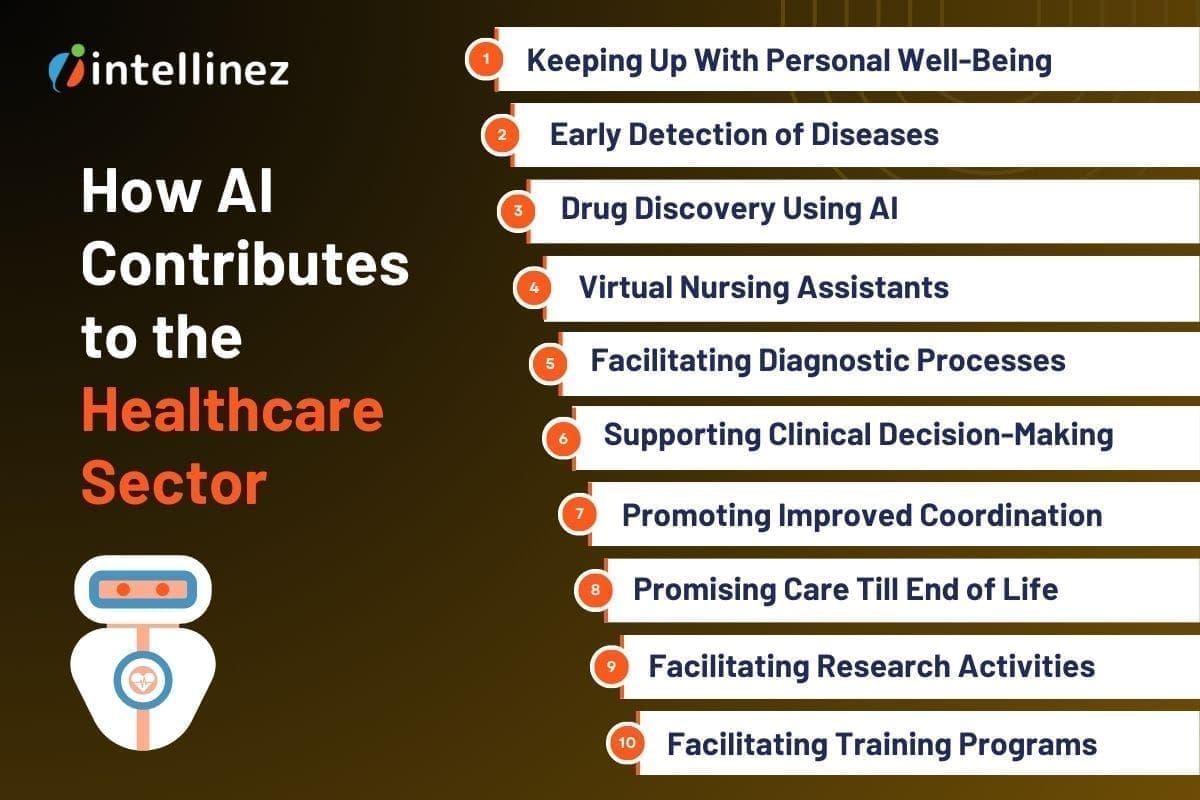
Keeping Up With Personal Well-Being
AI holds significant promise in promoting personal well-being, aiming to reduce the frequency of doctor visits or even eliminate the need for them altogether. The utilization of AI and the Internet of Medical Things (IoMT) in consumer health applications is already making a positive impact on individuals.
Technological applications and mobile apps actively encourage healthier habits among individuals and facilitate proactive management of a wholesome lifestyle. These tools empower consumers to take charge of their own health and well-being.
Furthermore, AI enhances healthcare professionals’ capacity to comprehend the day-to-day patterns and requirements of their patients. Armed with this understanding, they can offer improved feedback, guidance, and support for maintaining good health.
Early Detection of Diseases
AI is currently employed for more precise and early detection of diseases, including cancer. The American Cancer Society reports that a significant number of mammograms produce false outcomes, resulting in 1 out of 2 healthy women being mistakenly diagnosed with cancer.
However, through the use of AI, the examination and interpretation of mammograms are expedited by 30 times, while maintaining a remarkable 99% accuracy. This advancement significantly reduces the need for unnecessary biopsies.
Furthermore, the combination of AI with consumer wearables and other medical devices is being utilized to monitor and detect early-stage heart disease. This integration allows doctors and caregivers to closely observe and identify potentially life-threatening episodes at earlier stages, when treatments are more effective.
Drug Discovery Using AI
AI enables researchers to analyze extensive datasets of patient outcomes, aiding in the identification of substances with higher efficacy against specific diseases. Simultaneously, it facilitates the screening of compounds that are safe for human use, cost-effective, and easily manufacturable.
Leveraging increased computing capabilities, AI can analyze vast amounts of data from clinical trials and patient records. This analysis assists healthcare providers in identifying patients who are more likely to respond positively to specific treatments.
Additionally, AI aids researchers in prioritizing compounds for laboratory testing and designing more efficient clinical trials. These advancements contribute to speeding up the development process and expediting the introduction of new medicines to the market.
Virtual Nursing Assistants
AI-driven virtual nursing assistants provide advanced patient support, offering remote engagement, health information delivery, and appointment scheduling. Particularly beneficial for underserved areas, these assistants guide patients in understanding and managing their symptoms.
Care Angel exemplifies this with a 600% increase in clinical capacity through conversational interactions via calls or texts. Its AI-driven voice assistant enhances preventive care, medication adherence, addiction support, and remote monitoring.
Integrating with consumer wearables, virtual nurses enable healthcare professionals to monitor a wider range of vital signs, notifying patients and providers of critical changes. These advancements improve patient care and accessibility in healthcare.
Facilitating Diagnostic Processes
IBM’s Watson for Health is assisting healthcare organizations in leveraging cognitive technology to access and utilize extensive health data, facilitating diagnostic processes. Watson has the capability to swiftly examine and store an immense volume of medical information, encompassing medical journals, symptoms, treatment case studies, and global response data, surpassing human capacity by a significant margin.
In collaboration with clinicians, researchers, and patients, Google’s DeepMind Health is dedicated to resolving practical healthcare challenges. Their technology amalgamates machine learning with systems neuroscience, enabling the development of robust, versatile learning algorithms incorporated within neural networks that emulate the intricacies of the human brain.
Supporting Clinical Decision-Making
To enhance healthcare, it is crucial to effectively integrate extensive health data with timely and well-informed data driven decisions. Predictive analytics plays a valuable role in supporting clinical decision-making and facilitating actions, while also assisting in prioritizing administrative tasks.
Another emerging domain where AI is gaining traction in healthcare is through the utilization of pattern recognition. This approach enables the identification of patients who may be at risk of developing a condition or experiencing its progression due to various factors such as lifestyle, environment, genetics, and more.
Promoting Improved Coordination
In addition to aiding providers in identifying chronically ill individuals at risk of adverse events through health record analysis, AI can assist clinicians in adopting a holistic approach to disease management. It promotes improved coordination of care plans and supports patients in effectively managing and adhering to long-term treatment programs.
The utilization of robots in the field of medicine spans over three decades. These robots vary in complexity, ranging from simple laboratory assistants to highly sophisticated surgical robots capable of assisting human surgeons or independently performing operations. Apart from their role in surgery, robots find application in hospitals and laboratories for repetitive tasks, rehabilitation, physical therapy, and supporting individuals with chronic conditions.
Promising Care Till End of Life
As our lifespans extend beyond previous generations, we are encountering a different and gradual process towards the end of life, marked by ailments like dementia, heart failure, and osteoporosis. This phase often brings feelings of isolation and loneliness.
In the realm of end-of-life care, robots hold significant promise, offering the potential to bring about transformative changes. They can contribute to prolonging independence, reducing reliance on hospitals and care facilities.
With the integration of AI and advancements in humanoid design, robots are capable of going a step further by engaging in “conversations” and other social interactions, aiding in the maintenance of cognitive acuity in aging individuals.
Facilitating Research Activities
The journey from a research laboratory to the patient’s bedside is a lengthy and expensive one. As per the California Biomedical Research Association, it typically takes around 12 years for a drug to traverse this path.
Out of the initial 5,000 drugs that undergo preclinical testing, only five advance to human testing, and merely one out of these five ultimately gets approved for human use. Additionally, the average cost for a company to develop a new drug from lab to patient stands at approximately US $359 million.

AI’s application in healthcare has more recently extended to drug research and discovery. By leveraging the latest advancements in AI, it becomes possible to streamline the processes involved in drug discovery and repurposing. This has the potential to significantly reduce both the time required to bring new drugs to market and the associated costs.
Facilitating Training Programs
AI facilitates realistic simulations for trainees in a manner that goes beyond the capabilities of simple computer algorithms. With advancements in natural speech and instant access to vast scenario databases, an AI-powered computer can provide responses, decisions, and advice that can pose challenges beyond what a human trainer can offer.
Moreover, the training program can learn from the trainee’s previous responses, enabling continuous adjustments to meet their specific learning requirements.
Furthermore, training can take place anywhere thanks to the integration of AI on smartphones. This means that quick catch-up sessions can be conducted after challenging cases in a clinic or even while traveling, harnessing the power of AI on-the-go.
Conclusion
Artificial intelligence proves to be a valuable asset in the healthcare and hospital settings, offering immense potential to enhance patient outcomes and satisfaction. It has already demonstrated notable progress in various areas, including drug discovery, data analytics, robot-assisted surgery, and virtual nursing assistants.
While there are ongoing challenges to address, such as ensuring the proper training of AI systems to minimize errors, the continuous stream of innovations is expected to reshape the dynamics of patient-doctor interactions. These advancements aim to provide superior care at reduced expenses, paving the way for improved healthcare experiences for patients.
Hire Intellinez to Implement AI in Your Healthcare Practices
Our team has ample amount of experience in AI-based solutions. Our services can make your healthcare practices more effective by leveraging advanced technologies and improving processes. Trust Intellinez Systems to deliver innovative solutions tailored to your specific needs and enhance the efficiency and quality of your healthcare services.
Table of Contents
The health care system has faced significant challenges, such as shortages of healthcare workers, brought to light by the covid pandemic. By 2030, the World Health Organization predicts a shortage of 15 million health care workers. Consequently, attention has turned to the potential of artificial intelligence (AI) to enhance the system. In 2021, AI-enabled health startups secured nearly $10 billion in funding, with an additional $3 billion in the first half of 2022. These emerging healthcare using AI are already reshaping patient care, introducing advancements like advanced body imaging tools and oncology platforms.
AI simplifies and expedites tasks traditionally performed by humans in the healthcare field, delivering significant time and cost savings. Its applications encompass diverse areas, including identifying genetic code correlations, supporting surgical robots, automating administrative duties, personalizing treatment plans, and more.
The most exciting application of AI in healthcare lies in improving the diagnostic process. With AI’s immunity to factors like incomplete medical histories and overwhelming caseloads, it can swiftly predict and diagnose diseases, potentially surpassing the abilities of many medical professionals. Several companies exemplify AI’s potential to save lives and minimize errors in health care settings.
Top AI Healthcare Companies
These 11 pioneering AI healthcare startups are at the forefront of groundbreaking research and technology.
Arterys
Arterys made history in 2017 by obtaining FDA clearance for utilizing cloud computing and deep learning in clinical settings. Initially focused on simplifying the diagnosis of heart defects in newborns and children, the company addressed the challenge of large file sizes generated by 4D Flow MRI, an imaging technology that visualizes heart blood flow.
By leveraging cloud computing, Arterys enabled web-based access to these images, facilitating critical treatment decisions by hospital radiologists. Recognizing the need to automate ventricle measurements, the company combined deep learning and cloud computing GPUs to develop an automated method. Arterys now aims to expand its impact by providing accurate measurements across various medical specialties, including cancers, liver conditions, and neurological disorders.
Butterfly Network
Butterfly Network addresses the lack of medical imaging in underserved communities with its innovative solution. By developing the world’s first handheld whole-body imager, they have made ultrasound accessible and portable. These pocket-sized probes, when connected to smartphones, enable imaging in even the most remote locations.
To further enhance usability, Butterfly Network utilizes AI technology that can interpret results with comparable accuracy to human clinicians. This combination of handheld imaging and AI interpretation revolutionizes the diagnosis of various conditions, including blood clots, gallstones, and cancerous tumors. Now, communities worldwide can benefit from affordable and convenient medical imaging, thanks to Butterfly Network’s groundbreaking approach.
Caption Health
Caption Health aims to enhance patient care through increased accessibility of ultrasound technologies, particularly for early disease detection. Mastering ultrasound technology often requires specialized training, and subpar image quality can lead to misdiagnosis and missed treatment opportunities. To address these challenges, Caption Health employs AI to assist clinicians during the imaging process and automatically evaluate image quality.
This enables healthcare providers, regardless of their level of training, to perform ultrasounds and interpret the results. The current focus of the technology is on cardiac ultrasounds, with ongoing efforts to develop AI guidance for lung ultrasounds. By leveraging AI, Caption Health empowers healthcare professionals to deliver improved diagnostic accuracy and expand the availability of ultrasound examinations for enhanced patient care.
Cleerly
Cleerly utilizes an AI-based platform in conjunction with coronary computed tomography angiography (CCTA) imaging to facilitate early diagnosis and treatment of heart disease. Unlike relying on indirect markers such as risk factors and symptoms, Cleerly directly measures plaque accumulation in the heart’s arteries.
By analyzing and characterizing various types of plaque, the technology enables clinicians to assess a patient’s risk of heart attack with enhanced accuracy. This approach allows for a more precise determination of the severity of heart disease and aids in developing appropriate treatment plans. Cleerly’s innovative AI platform revolutionizes the diagnostic process, providing healthcare providers with vital insights to detect and manage heart disease at an earlier stage.
CloudMedX
CloudMedX is a computing platform that enhances clinical processes and enhances patient outcomes through predictive analytics. By leveraging AI, it gathers data and constructs comprehensive profiles of individuals and communities. With its unified data platform, CloudMedX offers a range of functions encompassing operational, clinical, and financial aspects, providing healthcare providers with a centralized location for all their needs.
The company’s predictive healthcare models utilize medical data to forecast disease progression and assess the likelihood of patient complications, offering risk assessment scores. This enables healthcare professionals to make informed decisions and take proactive measures to optimize patient care. CloudMedX’s innovative approach empowers healthcare providers with actionable insights and a comprehensive understanding of patient health, leading to improved outcomes and more efficient clinical workflows.
Corti
Corti provides clinicians with a voice-based digital assistant that assists in quality assurance. Through extensive training with real patient calls and consultations, the AI-powered assistant accompanies healthcare workers during patient visits, employing proprietary speech recognition and language processing technology.
This enables Corti’s AI tools to enhance the organization and routing of incoming emergency calls in hospitals, improve patient flow and triage in nursing call lines, and provide support and quality assurance for calls. By leveraging the power of AI, Corti enhances the efficiency and accuracy of clinical workflows, offering valuable assistance to healthcare professionals in delivering optimal patient care.
DeepMind
DeepMind, which was acquired by Google Health in 2014, focuses on developing intelligent AI systems across various sectors, with notable advancements in healthcare. Collaborating with a hospital, DeepMind utilized its AI system to assist in the treatment of patients with diabetic retinopathy, a condition that can lead to vision loss. The AI system demonstrated comparable accuracy to doctors in recommending patient referrals for over 50 different eye diseases.
Additionally, it showed the capability to predict the likelihood of a patient progressing to a more advanced stage of eye degeneration months in advance, potentially enabling preventative measures for sight-loss. DeepMind’s advancements in healthcare signify the potential of AI technology in improving diagnosis, treatment, and prognostic capabilities, paving the way for more efficient and effective patient care.
Enlitic
Enlitic leverages deep learning to enhance radiologists’ workflows and enhance diagnostic accuracy. Traditional manual methods of interpreting medical imaging can slow down clinicians, hindering prompt patient care and diagnosis. Enlitic’s software streamlines this process by automatically reading clinical content and utilizing its extensive knowledge gained from deep learning to analyze and interpret the data, saving valuable time for radiologists.
Recognizing the potential of Enlitic’s technology, GE Healthcare has partnered with Enlitic to integrate their AI capabilities into the workflows of GE radiologists. This collaboration aims to improve data standardization, increase efficiency, and expand capacity, ultimately benefiting both radiologists and patients alike.
Komodo
Komodo, a healthtech company, aggregates clinical data from 330 million patients, providing valuable insights to its diverse customer base, ranging from disease advocacy groups to pharmaceutical companies. By leveraging analytics, Komodo utilizes this extensive data map to identify potential candidates for clinical trials, monitor the adoption of new treatments, and uncover disparities in healthcare and patient outcomes.
Moreover, the company is actively engaged in comprehending the short- and long-term health effects of COVID-19. With its advanced technology and vast dataset, Komodo plays a pivotal role in enhancing medical research, driving precision medicine, and facilitating evidence-based decision-making across the healthcare ecosystem.
Oncora Medical
Oncora Medical recognizes the challenge faced by oncologists who often have to navigate multiple software systems when treating patients. To streamline the process and enable more efficient and informed decision-making, Oncora strives to offer a unified platform where clinicians can access comprehensive data on cancer patients, clinical outcomes, and treatments.
By consolidating this information into a single platform, clinicians can save valuable time by making a single data input. Oncora’s analytics software further simplifies the workflow by aggregating data from disparate systems, allowing providers to access all relevant information in one place. This integrated approach empowers healthcare providers to leverage collected data effectively, ultimately improving future patient care and outcomes.
Owkin
Owkin utilizes artificial intelligence (AI) to identify improved treatments for medical conditions with unmet needs, starting with cancer. Employing a “federated learning” methodology, the company collaborates with organizations to gain access to their data and applies machine learning algorithms to gain insights into diseases.
By analyzing historical clinical data, these algorithms play a crucial role in predicting disease progression upon diagnosis. Owkin’s AI-driven approach facilitates a deeper understanding of diseases and supports the development of more accurate prognostic models. Through the integration of AI and collaborative data analysis, Owkin aims to advance medical research and ultimately enhance treatment outcomes for patients with unmet medical needs.
The Cost Of AI In Healthcare
The cost of implementing AI in healthcare varies widely, with custom AI solutions ranging from $20,000 to $1 million. The price of healthcare using AI software is influenced by factors such as the desired level of intelligence, the size of the data set it needs to process, and the desired output from the algorithms. Additionally, the pricing strategy employed by AI companies will also play a role in determining the cost for future customers.
Although AI implementation can be expensive, the investment in this technology continues to surge. The AI healthcare market is projected to reach $36.1 billion by 2025, reflecting a remarkable growth rate of 50.2%. This suggests that the demand for AI in healthcare is strong, despite its associated costs.
Conclusion
In conclusion, the integration of artificial intelligence in healthcare holds immense potential to address challenges, improve patient care, and drive advancements in diagnosis, treatment, and research. While the cost of AI implementation can be significant, the projected market growth reflects the industry’s recognition of its value in transforming healthcare delivery and outcomes.
Table of Contents
- Challenges Imposed By Existing Document Management System
- Volume And Complexity Of Document Management
- Authenticity Verification Challenges
- Limitations Of Paper-Based Records
- Challenges With Centralized Databases
- Accessibility And Portability Constraints
- Introducing LegiCred: The Power Of Blockchain Technology
- The Benefits Of LegiCred For Educational Institutions
- Extended Applications Of LegiCred
- Blockchain’s Potential In Education Industry
- Conclusion
In the fast-paced digital era, where the demand for secure and accessible data is paramount, Intellinez Systems is proud to announce the launch of its groundbreaking blockchain-based product – LegiCred. Built specifically for educational institutions with blockchain and their key stakeholders, LegiCred revolutionizes the way educational documents are stored, managed, and shared, providing unprecedented security, transparency, and efficiency.
Challenges Imposed by Existing Document Management System
Traditional methods like paper-based records and centralized databases struggle to meet the demands of the modern era.
Volume and Complexity of Document Management
- The overwhelming volume of educational documents, from admission forms to certificates and transcripts.
- The time-consuming nature of managing physical paperwork and the risk of loss or damage.
- The administrative burden of maintaining extensive storage infrastructure and physical archives.
Authenticity Verification Challenges
- The need to verify the authenticity of educational documents when requested by employers, other educational institutions, or government agencies.
- Inefficiencies and errors associated with current manual verification processes.
- The added complexity of verifying international credentials due to varying educational systems and documentation standards.
Limitations of Paper-based Records
- Susceptibility to damage, loss, or forgery, resulting in permanent loss or alteration of important documents.
- Vulnerability to theft, misplacement, or deterioration over time.
- Reliance on physical storage and the risk of compromising document integrity.
Challenges with Centralized Databases
- Data breaches and hacking attempts that compromise the security and privacy of educational data.
- Potential loss or unauthorized access due to a single point of failure.
- System failures leading to data unavailability or delays in accessing information.
Accessibility and Portability Constraints
- Time-consuming retrieval of physical documents or accessing centralized databases.
- Geographical constraints hindering efficient exchange of information between institutions, employers, and stakeholders.
Innovations like LegiCred, leveraging blockchain technology, provide a transformative solution. LegiCred ensures data integrity, eliminates risks associated with traditional methods, and simplifies the verification process.
Introducing LegiCred: The Power of Blockchain Technology
Here, we explore the concept of blockchain technology, the core features of LegiCred, and how it ensures the integrity and authenticity of educational documents.
Understanding Blockchain Technology
- Blockchain is a decentralized and transparent digital ledger that records transactions across multiple computers.
- It ensures immutability, security, and transparency by storing data in a series of blocks that are cryptographically linked.
- Transactions on the blockchain are verified and validated by a network of participants, eliminating the need for intermediaries.
Core Features of LegiCred
- Immutability: It utilizes the immutability of blockchain, ensuring that once a document is recorded, LegiCred cannot be altered or tampered with.
- Transparency: It provides transparency by allowing authorized parties to view and track the history of document transactions securely.
- Decentralization: It operates on a decentralized network, eliminating the risks associated with a single point of failure and enhancing data security.
Ensuring Integrity and Authenticity of Educational Documents
- LegiCred leverages blockchain’s inherent features to ensure the integrity and authenticity of educational documents.
- Each document is recorded on the blockchain, creating a digital fingerprint that verifies its authenticity and prevents unauthorized modifications.
- Verifying entities can access LegiCred to validate the authenticity of documents, reducing manual processes and ensuring efficiency.
The Benefits of LegiCred for Educational Institutions
Streamlined Document Verification Processes
- LegiCred provides a digital platform that enables instant and secure access to educational credentials.
- Educational institutions with blockchain technology can grant authorized access to verified entities, eliminating the need for time-consuming communication and document exchange.
- This reduces administrative burden and enables faster decision-making for admissions, employment, and academic transfers.
Time and Resource Savings
- LegiCred significantly reduces the time and resources required for managing and verifying educational documents.
- The automated verification process eliminates the need for manual intervention, allowing staff members to allocate their time and resources to other critical tasks.
Enhanced Security and Privacy
- Blockchain’s decentralized nature makes it difficult for unauthorized parties to tamper with or compromise the integrity of the stored documents.
- Once a document is recorded, it cannot be altered or deleted without leaving a trace, providing a high level of data integrity.
- LegiCred employs robust encryption techniques, protecting sensitive educational information from unauthorized access or data breaches.
Data Ownership and Control
- LegiCred gives universities and institutions greater control and ownership over their educational documents.
- Institutions can securely issue and manage digital certificates and diplomas, reducing the risk of forgery or unauthorized duplication.
- Students and graduates can securely share verified documents with employers, educational institutions, or any other relevant parties.
Empowering Key Stakeholders
Benefits for Students
- LegiCred empowers students with a secure and efficient platform to manage their educational credentials. They can digitally store and access their certificates, diplomas, and transcripts throughout their academic journey.
- Students can easily share their verified credentials with potential employers by granting them access to their LegiCred profile. This eliminates the need for physical copies or manual verification processes, saving time and effort.
- LegiCred provides students with ownership and control over their credentials, allowing them to selectively share their achievements and qualifications, enhancing their employability prospects.
Benefits for Employers
- LegiCred simplifies the hiring process for employers by enabling quick and reliable verification of candidates’ educational documents without manual verification or contacting educational institutions.
- The streamlined verification process saves employers time and resources, enabling them to make informed hiring decisions promptly.
Benefits for Universities
- LegiCred offers universities a convenient and reliable solution for managing alumni records and certifications. Institutions can securely store and access comprehensive records of their alumni, including degrees, courses, and achievements, ensuring data accuracy and integrity.
- The platform simplifies the issuance and verification of digital certificates, eliminating the hassle of physical paperwork and reducing administrative burdens.
- LegiCred enhances the reputation and credibility of universities by providing a transparent and immutable record of their alumni’s achievements, fostering trust among employers, other educational institutions, and stakeholders.
Extended Applications of LegiCred
- Micro-Credentials and Continuous Learning
LegiCred can be expanded to include micro-credentials, enabling students to showcase their specific skills and achievements beyond traditional degrees. This allows for a more comprehensive representation of an individual’s capabilities and promotes continuous learning.
- Digital Badges and Achievements
LegiCred can incorporate digital badges and achievements to recognize and validate non-traditional learning experiences, such as online courses, workshops, and extracurricular activities. This enables learners to showcase a diverse range of skills and accomplishments.
- Lifelong Learning and Alumni Networks
LegiCred can facilitate lifelong learning by providing a platform for alumni to access continued educational opportunities, network with peers, and engage in professional development. This fosters a sense of community and encourages ongoing education and career advancement.
Blockchain’s Potential in Education Industry
Credential Verification and Transfer
Blockchain enables efficient and decentralized verification of credentials, allowing educational institutions, employers, and other stakeholders to quickly and accurately validate educational achievements. This simplifies the transfer of credentials between institutions and enhances trust in the authenticity of qualifications.
Learning Analytics and Personalized Education
Blockchain can facilitate the collection and analysis of learning data, fostering personalized education experiences. Student progress, achievements, and preferences can be securely stored on the blockchain, enabling the development of tailored learning paths and personalized recommendations.
Educational Funding and Scholarships
Blockchain-based smart contracts can streamline the disbursement and management of educational funding, including scholarships and grants. This increases transparency, reduces administrative overhead, and ensures that funds are allocated fairly and efficiently.
Conclusion
Conclusion: The future of LegiCred holds exciting possibilities for the education sector. As LegiCred expands its applications to include micro-credentials, digital badges, and lifelong learning support, it will empower learners to showcase their diverse skills and experiences.
Additionally, blockchain technology offers immense potential to improve other aspects of education, including secure academic record-keeping, credential verification, personalized education, and efficient management of educational funding. By embracing these developments, educational institutions can enhance their offerings, improve efficiency, and provide learners with more holistic and valuable educational experiences.
Let LegiCred Create Your Authority in Educational Sector
LegiCred is a transformative solution leveraging blockchain technology to revolutionize educational document management. It offers enhanced security, streamlined verification, and opportunities for personalized education.
Join the LegiCred revolution, streamline document management, and unlock the full potential of blockchain in education. Contact Intellinez Systems or visit our website to get started. Together, let’s reshape the future of educational credentials.
Click here
Introduction
In today’s rapidly evolving digital landscape, businesses require reliable and efficient IT infrastructure to remain competitive. However, managing complex technology systems can be overwhelming, particularly for growing organizations. This is where Managed IT Services Providers (MSPs) come into play. By partnering with a trusted managed service provider, businesses can focus on their core competencies while benefiting from expert guidance and streamlined IT operations. A CompTIA survey found that 50% of companies partnering with an Managed Service Provider saved 1-24% in IT costs, 33% saved 25-49%, and 13% achieved savings exceeding 50%.
When considering hiring a Managed IT Services Provider, it’s crucial to ask the right questions to ensure they align with your organization’s goals and requirements. In this blog, we will discuss the top 11 questions to ask a Managed IT services provider before making a decision. As an established software development and Managed IT consulting company, we are here to provide you with authentic information and guide you to hire the most suitable managed services provider. Read below to know more.
What Should You Ask Before Hiring Your Managed Service Provider?
1. How long has your company been in business as A Managed services Provider?
When choosing a Managed IT Services Provider (MSP), it’s crucial to consider their experience and track record. Look for a company with a proven history of providing MSP services. Their years in business demonstrate their stability and ability to adapt to evolving technology landscapes. Additionally, inquire about their experience in managing IT infrastructures similar to yours. An experienced MSP like Intellinez Systems, with a successful track record, brings industry knowledge, expertise, and the ability to handle diverse IT environments, ensuring reliable and efficient IT support for your business.
2. Can you provide references from clients in similar industries?
When evaluating a Managed IT Services Provider, it’s important to consider their ability to cater to your industry-specific needs. Look for a provider with references from clients in similar industries. This demonstrates their understanding of your unique requirements and their successful track record in delivering tailored solutions. By partnering with an MSP experienced in your industry, you can benefit from their industry-specific knowledge, best practices, and insights, ensuring a seamless and efficient IT experience that aligns with your business goals.
While we respect client confidentiality, Intellinez Systems has collaborated with clients from diverse industries, including healthcare, finance, education, and manufacturing. This experience enables us to comprehend the unique challenges faced by organizations in different sectors and offer tailored solutions. We can provide references upon request to showcase our successful partnerships.
3. What types of Managed IT services do you offer?
When considering a Managed IT Services Provider (MSP), it’s important to evaluate the range of services they offer. Look for an MSP that provides comprehensive IT services to meet your organization’s needs. This may include network management, cloud computing, cybersecurity, data backup and recovery, software development, and IT consulting. A reliable MSP should have expertise in multiple areas of IT, allowing them to provide holistic solutions and support for your technology infrastructure. By partnering with an MSP that offers a wide range of services, you can streamline your IT operations and have a single point of contact for all your IT needs.
4. How do you ensure data security and confidentiality?
When selecting a Managed IT Services Provider (MSP), prioritize data security and confidentiality. Look for an MSP that implements robust security measures, such as advanced encryption, multi-factor authentication, and 24/7 monitoring. They should conduct regular security audits and adhere to industry best practices. Additionally, inquire about their track record in handling sensitive data and their compliance with relevant regulations. A reliable MSP, like ours, ensures the highest level of data security and confidentiality, providing you with peace of mind and protection against cyber threats.
5. What level of customer support do you provide?
Exceptional customer support is a vital quality to consider when choosing a Managed IT Services Provider (MSP). Look for an MSP that offers responsive and comprehensive support. They should have a dedicated team of IT professionals available 24/7 through various channels, including phone, email, and a ticketing system. Prompt resolution of issues and a proactive approach to support are essential. At our company, we prioritize customer satisfaction and provide top-notch support to ensure your technology needs are met promptly and efficiently.
6. Can you provide proactive monitoring and maintenance?
Proactive monitoring and maintenance are key qualities to seek in a Managed IT Services Provider (MSP). Look for an MSP that employs advanced monitoring tools to detect and address potential IT issues before they impact your business. They should have a proactive approach, regularly conducting system updates, patch management, and performance optimizations. With our MSP services, we ensure round-the-clock monitoring and proactive maintenance, minimizing downtime, enhancing system performance, and keeping your technology infrastructure running smoothly for uninterrupted productivity.
7. Do you have experience with compliance and regulatory requirements?
Experience with compliance and regulatory requirements is a crucial quality to consider when choosing a Managed IT Services Provider (MSP). Look for an MSP with a proven track record in navigating and adhering to industry-specific regulations such as HIPAA, GDPR, or PCI-DSS. They should possess deep knowledge of data protection, privacy, and security standards. Our MSP services, backed by extensive compliance expertise, ensure your organization remains compliant with applicable regulations, protecting sensitive data and minimizing legal and reputational risks. Trust us to handle your compliance needs with utmost professionalism and precision.
8. How do you handle disaster recovery and business continuity?
Disaster recovery and business continuity planning are critical aspects to consider when choosing a Managed IT Services Provider (MSP). Look for an MSP that has robust strategies in place to ensure the protection and recovery of your data and systems in the event of a disaster. They should perform regular backups, have off-site storage, and conduct routine testing to validate the effectiveness of their plans. At our company, we prioritize disaster recovery and business continuity, implementing comprehensive measures to minimize downtime and ensure seamless operations, safeguarding your business against potential disruptions.
9. What is your pricing structure and contract terms?
Transparent pricing structure and flexible contract terms are crucial qualities to seek in a Managed IT Services Provider (MSP). Look for an MSP that offers clear and detailed pricing, tailored to your specific needs and budget. They should provide a breakdown of costs and ensure there are no hidden fees. In terms of contract terms, flexibility and scalability are key. An ideal MSP, like ours, offers customizable contract terms that allow for adjustments as your business evolves. We prioritize transparency and flexibility in our pricing and contract terms, ensuring a mutually beneficial partnership.
10. Can you assist with technology roadmap and strategic planning?
A valuable quality to look for in a Managed IT Services Provider (MSP) is their ability to assist with technology roadmap and strategic planning. An ideal MSP should offer expertise in aligning your IT infrastructure with your long-term business goals. They should provide guidance on emerging technologies, potential IT investments, and help you develop a roadmap for future growth. Our MSP services at Intellinez Systems include strategic planning to ensure your technology infrastructure remains adaptable and aligned with your business objectives, empowering you to make informed decisions and stay ahead in the ever-changing digital landscape.
11. How do you stay up-to-date with the latest technology trends?
Keeping up with the latest technology trends is a vital quality for a Managed IT Services Provider (MSP). Look for an MSP that emphasizes continuous learning and innovation. They should have a dedicated team that actively engages in industry events, conferences, and training programs. Additionally, a reliable MSP maintains strong partnerships with technology vendors and fosters a culture of knowledge-sharing within their organization. We prioritize staying ahead of the curve, ensuring that our clients benefit from the latest advancements and industry best practices to drive their business success.
Conclusion
Choosing the perfect Managed IT Services Provider is a crucial step towards ensuring your organization’s success. These 11 key questions will provide you with valuable insights into a provider’s expertise, experience, and their ability to cater to your specific IT needs. By carefully evaluating their responses, you can make an informed decision that aligns with your business goals and sets the foundation for a fruitful partnership.
Hire Intellinez Systems For All Your Managed IT Services Requirements
Intellinez Systems, a government of India certified startup, has excelled in providing software development and Managed IT services for 2.5 years. Our track record of success and satisfied clients showcases our commitment to excellence. Partner with Intellinez Systems today to experience the difference of having a trusted technology ally by your side, driving optimal IT performance and fueling your organization’s growth. Contact us now to open up your business’s full potential.
Table of Contents
- Managed Services Checklist
- Network Security Audit
- Patch Management And Software Updates
- Data Backup And Recovery
- Hardware And Software Inventory Management
- System Performance Monitoring
- Vulnerability Scanning And Penetration Testing
- IT Asset Lifecycle Management
- User Access And Privilege Management
- Disaster Recovery Planning
- Help Desk And Technical Support
In today’s fast-paced and technology-driven world, businesses heavily depend on their IT infrastructure to maintain competitiveness and operational efficiency. However, to sustain a strong and reliable IT system, continuous monitoring and proactive maintenance are essential to detect and address potential issues before they become critical problems. This is where a managed services checklist becomes invaluable.
Managed IT services are crucial for ensuring the seamless operation of IT systems, defending against cyber threats, and optimizing overall performance. In this blog post, Team Intellinez will explore ten essential routine checkups that every managed IT service should include to ensure uninterrupted business operations.
Managed Services Checklist
Read below to have your managed services checklist so as to run your business smoothly.
Network Security Audit
A Network Security Audit is a routine security check conducted by managed service providers to evaluate the security of a network infrastructure. This assessment involves a thorough analysis of network components, configurations, and access controls to identify vulnerabilities and potential risks.
By performing regular Network Security Assessments, businesses can proactively identify and address security gaps, protect against unauthorized access and cyber threats, and ensure the overall integrity and confidentiality of their network and data. It is an essential practice to maintain a secure and resilient network environment in today’s digital landscape.
Patch Management and Software Updates
Patch Management and Software Updates are crucial routine security checks provided by managed services providers. This process involves regularly evaluating and applying necessary updates, patches, and fixes to software applications and operating systems. By staying up-to-date with the latest patches, businesses can address known vulnerabilities, protect against emerging threats, and ensure the overall security and stability of their IT infrastructure.
Managed services providers handle the entire patch management lifecycle, from monitoring for available updates to testing and deploying them across the network. This proactive approach includes vulnerability management which helps businesses mitigate security risks, reduce the potential for cyberattacks, and maintain a robust and secure IT environment.
Data Backup and Recovery
Data Backup and Recovery is a crucial routine security check provided by managed services providers. It involves implementing robust backup solutions and conducting regular tests to ensure the integrity and availability of business-critical data. Managed services providers create comprehensive backup strategies, including off-site storage and redundancy measures, to safeguard against data loss due to hardware failures, human errors, or cyber incidents.
Through routine backup and recovery checks, they verify the effectiveness of backup procedures, test data restoration processes, and ensure business continuity in the event of a disaster. This proactive approach helps businesses in data management, minimizing downtime, and recovering quickly from any unforeseen incidents.
Hardware and Software Inventory Management
Hardware and Software Inventory Management is an essential routine security check provided by managed services providers. It involves maintaining an updated inventory of all hardware components and software applications within the IT infrastructure. By conducting regular inventory checks, managed services providers ensure accurate tracking of assets, including their configurations, warranties, and licensing information.
This allows businesses to have better visibility and control over their IT resources, identify any unauthorized or outdated software or hardware, and mitigate potential security risks. Effective inventory management helps streamline budgeting, optimize resource allocation, and ensure a secure and compliant IT environment.
System Performance Monitoring
System Performance Monitoring is a critical routine security check provided by managed services providers. It involves continuously monitoring key performance metrics of IT systems, such as CPU usage, memory utilization, disk space, and network traffic. By closely tracking system performance, managed services providers can identify potential bottlenecks, resource issues, or anomalies that could impact the stability and security of the infrastructure.
Prompt detection of performance issues allows for proactive troubleshooting and optimization measures, ensuring optimal system functionality, mitigating risks of system failures, and maintaining a secure and efficient IT environment. Regular system performance monitoring is key to maintaining the overall health and performance of the IT infrastructure.
Vulnerability Scanning and Penetration Testing
Vulnerability Scanning and Penetration Testing are crucial routine security checks provided by managed services providers. Vulnerability scanning involves using specialized tools to identify potential weaknesses and vulnerabilities in the IT infrastructure, including software applications and network systems. Penetration testing takes it a step further by simulating real-world attacks to exploit identified vulnerabilities, assess the effectiveness of security measures, and identify potential entry points for malicious actors. By conducting these tests regularly, managed services providers can proactively address security gaps, strengthen defenses, and ensure the overall resilience of the IT environment. This comprehensive approach helps businesses stay ahead of potential threats and safeguard their systems from cyberattacks.
IT Asset Lifecycle Management
IT Asset Lifecycle Management is a vital routine security check provided by managed services providers. It involves the effective management of IT assets throughout their lifecycle, from acquisition to disposal. Managed services providers ensure accurate tracking, documentation, and monitoring of hardware components, software licenses, and subscriptions.
By conducting regular asset lifecycle management, they can proactively identify outdated or unsupported assets, address security vulnerabilities, and ensure compliance with licensing and regulatory requirements. This comprehensive approach helps businesses optimize resource allocation, reduce security risks associated with outdated or unauthorized software, and maintain a secure and efficient IT environment throughout the lifecycle of their assets.
User Access and Privilege Management
User Access and Privilege Management is a critical routine security check provided by managed services providers. It involves the effective management of user access rights and privileges within the IT infrastructure. Managed services providers review and analyze user accounts, permissions, and roles to ensure that access is granted based on the principle of least privilege.
By conducting regular checks, they can identify and address any unauthorized access, orphaned accounts, or excessive privileges that could pose security risks. This proactive approach helps businesses enforce robust security protocols, minimize the potential for unauthorized access or data breaches, and maintain a secure and controlled IT environment.
Disaster Recovery Planning
Disaster Recovery Planning is a crucial routine security check provided by managed services providers. It involves developing and maintaining comprehensive plans and strategies to ensure business continuity in the event of a disaster or disruptive incident.
Managed services providers assess the existing infrastructure, identify critical systems and data, and create recovery strategies tailored to the business’s needs. They regularly review and update these plans, conduct drills and tests, and ensure the availability and integrity of backups and recovery systems. By performing routine disaster recovery planning, businesses can minimize downtime, recover quickly from disruptions, and protect their critical operations and data.
Help Desk and Technical Support
Help Desk and Technical Support is an essential routine security check provided by managed services providers. They offer prompt and reliable assistance to address technical issues, troubleshoot problems, and provide guidance to users. This routine check ensures that businesses have access to timely support, minimizing potential security risks caused by unresolved issues or user errors.
Managed services providers maintain a robust help desk system, where they track and resolve incidents, provide software and hardware support, and offer guidance on security best practices. By offering comprehensive help desk and technical support, they enhance the security posture of businesses and ensure the smooth operation of their IT systems.
Conclusion
Effective managed IT services play a pivotal role in maintaining the stability, security, and efficiency of a business’s IT infrastructure. By providing routine checkups, such as network security assessments, patch management, data backup, and system performance monitoring, managed IT service providers can proactively address potential issues and ensure the smooth operation of IT systems. Partnering with a reputable managed IT service provider like Intellinez Systems can give businesses the peace of mind to focus on their core competencies while leaving the technical aspects in capable hands.
Hire Intellinez Systems as Your Managed IT Services Provider
Intellinez Systems is your trusted choice for managed IT services. With our expertise and experience, we offer comprehensive solutions to optimize and secure your IT infrastructure.
From network assessments to security audits, patch management, data backup, and technical support, we ensure the smooth operation and protection of your systems. Partner with us for reliable and proactive managed IT services that align with your business goals and keep you ahead in the digital landscape.
Table of Contents
- The Indian IT Outsourcing Industry
- Commonly Outsourced Services In India
- India’s Dominance In The IT Outsourcing Market
- The Benefits Of Outsourcing IT Support To India
- Big Organizations Outsourcing To India
- How To Select The Right Outsourcing Provider In India
- Conclusion
The debate of insourcing vs outsourcing IT services continues to shape business strategies. While insourcing offers greater control and customization, it often requires significant investments in infrastructure and talent. On the other hand, outsourcing provides access to specialized expertise, cost savings, and scalability. Ultimately, the decision hinges on the specific needs, priorities, and long-term goals of each organization.
Over the past few decades, outsourcing has become prevalent in the market as a cost-effective and time-efficient solution. India is a popular outsourcing destination due to its diverse services and expertise. The benefits of outsourcing IT support to Indian providers include lower budget services, on-demand skilled employees, enhanced performance, timely project delivery, e-commerce solutions, increased market reach, fresh perspectives, workload distribution, operational cost control, and improved brand visibility.
India’s IT outsourcing services offer numerous opportunities for organizations, regardless of their size or global presence. Different types of outsourcing solutions are available to meet the specific needs of each organization.
The Indian IT Outsourcing Industry
India has emerged as a dominant player in the IT outsourcing industry, serving as a preferred destination for global companies. Giants like IBM, Microsoft, Apple, Dell, CISCO, Ford, Oracle, and American Express have long relied on India for outsourcing needs. The country’s favorable government policies, robust infrastructure, and skilled workforce have contributed to its success.
India’s IT outsourcing sector surpasses the combined statistics of the US and UK, with a significant number of English-speaking graduates in MBA, Ph.D., IT, and engineering programs. With high employment rates and a wide range of services offered, India continues to be a sought-after outsourcing partner.
India’s IT sector creates millions of jobs and attracts global giants for outsourcing services like web hosting, database management, disaster recovery, and technical support.
Commonly Outsourced Services in India
India has emerged as a dominant force in the outsourcing industry, experiencing rapid growth over the past few decades. With its unique combination of cost-effectiveness, favorable government policies, advanced infrastructure, and a highly skilled workforce, India has become a preferred destination for outsourcing services.
India’s IT industry recorded impressive growth in FY22, generating $227 billion in revenue, as reported by NASSCOM. With a year-on-year growth rate of 15.5%, India solidified its position as the world’s fifth-largest IT outsourcing industry, trailing only the United States, China, the United Kingdom, and Canada.
With a well-established IT sector and a proficient workforce trained in software technology, India offers a wide range of outsourcing services. These services encompass web and mobile application development, software testing, cloud computing, product development, blockchain consulting, digital marketing, data science, digital transformation, custom software development, security and threat protection, data center management, telecommunications, and infrastructure management.
India’s Dominance in the IT Outsourcing Market
Despite increasing competition from other countries, India remains a top choice for global outsourcing. The country boasts a vast pool of technical experts and approximately 135 million English-speaking workers, making it the world’s second-largest English-speaking workforce. With highly skilled teams, minimal infrastructure costs, effective budget control, and scalability options, India provides an ideal environment for outsourcing contracts.
According to data from the Reserve Bank, India’s IT and IT-enabled services exports reached a remarkable $156.7 billion in FY2021-22. Furthermore, India’s talent pool is unparalleled, producing around 1.3 million engineering graduates annually—more than the combined output of the US, Western Europe, Eastern Europe, and Latin America. These factors solidify India’s position as a global outsourcing powerhouse.
Knowledge Process Outsourcing (KPO)
Knowledge Process Outsourcing (KPO) encompasses data-driven, knowledge-intensive services that require a combination of human capital and IT expertise. This thriving sector in India focuses on gathering, managing, and analyzing insights to provide valuable models. With a wealth of technically skilled resources, India is an ideal destination for outsourcing IT services like KPO.
Back-Office Support
Back-office support services offered by Indian outsourcing firms enable organizations to concentrate on their core business activities. These services encompass data and records management, customer surveys, billing support, order management, fraud protection, content management, information verification, and more, providing comprehensive support to businesses.
Customer Support Services
Outsourcing customer support to India proves beneficial as it ensures efficient handling of customer needs. With trained professionals managing customer queries, organizations can address customer concerns effectively. India’s outsourcing industry offers fully managed support services, enabling companies to provide exceptional customer service.
The Benefits of Outsourcing IT Support to India
India’s outsourcing advantages and competitiveness in a globalized world make it a top choice for businesses. With skilled software developers, designers, and expert advisors, it excels as a software development outsourcing hub.Get more done with less
India remains the top choice for outsourcing due to its excellent quality and cost-effectiveness. Foreign businesses prefer India as their outsourcing destination, as highlighted by the National Outsourcing Association (NOA).
By outsourcing to India, companies can maximize productivity, generate more work, and boost income without expanding their current team. With IT outsourcing services in India, businesses can leverage their existing workforce to manage outsourced teams and projects, resulting in significant productivity gains for the company.
Access to skilled and educated professionals
India offers unparalleled access to a vast pool of skilled and educated professionals, making it a preferred choice for outsourcing. With a population of approximately 1.2 billion and 3.1 million graduates entering the workforce annually, India has an abundant talent pool.
Moreover, India boasts the largest English-speaking population globally, surpassing the US and UK combined. Companies are attracted to the quantity and quality of talent available in India. Working with highly educated individuals, often with qualifications from top global colleges, ensures that outsourcing services in India meet and maintain high company standards.
Prioritize your main business competencies
Focus on your core business functions by outsourcing to India. As your company grows, handling everything in-house can divert attention from core operations. With outsourcing, you can delegate non-core tasks while retaining control over crucial operations that drive your company’s success.
India provides a flexible outsourcing location, offering service providers for various activities like marketing, research, and customer care. This allows you to concentrate on research and new product development to meet the demands of an expanding customer base.
Scaling up of the business
Outsourcing in India enables businesses to scale up their operations efficiently. With fluctuating demand and varying skill requirements, outsourcing provides access to qualified professionals as needed, ensuring scalability and flexibility for your business.
Superior flexibility in pricing
India remains a top choice for outsourcing due to its cost-effectiveness, offering significant savings for businesses. Compared to developed nations, personnel expenses in India are considerably lower, making it an attractive option.
While experienced developers in India can be hired at hourly rates as low as $15, talented developers in the US may demand rates ranging from $50 to $80. This flexibility in pricing allows businesses to manage their budgets more efficiently, especially when seeking cost-effective solutions and unable to afford higher salaries. India’s cost advantage provides opportunities for creative budget management.
Decide on the optimum staffing levels
Achieve optimal staffing levels with IT outsourcing companies in India. Balancing employee numbers to meet business demands can be challenging. By outsourcing, you have the freedom to choose an ideal core team for your business needs.
When activity peaks or fluctuates, outsourcing in India allows you to scale up your bandwidth while maintaining a constant utilization rate for your full-time staff. This ensures competent workers are engaged and avoids the risk of underutilization or boredom. India’s outsourcing flexibility helps resolve staffing challenges effectively.
Top-notch infrastructure and technology
India’s major cities offer advanced cellular, ISP, and telecom networks, along with the latest software technology for tailored solutions in areas like e-commerce, system integration, and more. High-speed bandwidth ensures constant communication with clients.
India’s Stable and Attractive IT Policies
India’s stable government and attractive IT policies have made it a top destination for outsourcing. Policies on economics, tax, power, and telecom have improved infrastructure and communication. The Information Technology Act supports electronic contracts, combats cybercrime, and encourages e-filing, while tax incentives further promote the IT industry.
Fastest Time-to-Market
Indian outsourcing companies offer the fastest time-to-market due to time zone differences. The twelve-hour gap between India and the USA allows for quicker project completion, increased productivity, efficiency, and the ability to provide 24/7 customer assistance and help desk services. India is the ideal choice for outsourcing various service-related options.
Effective Communication Skills
India’s popularity as an outsourcing destination has soared due to its vast pool of over 100 million English speakers, eliminating language barriers. With 150,000 engineering graduates entering the IT sector yearly, limitless service availability makes it a top choice for enterprises worldwide. Indian specialists generally have a strong command of English compared to other outsourcing destinations. Communication tools like Slack and Skype further facilitate seamless interaction with remote teams.
Big Organizations Outsourcing to India
India has become a preferred outsourcing destination for many businesses seeking to reduce operating costs and improve efficiency. With competitive pricing, a skilled workforce, a large talent pool, and government support, India attracts Western companies looking to outsource. According to Grand View Research, the IT outsourcing market is projected to reach $937.6 billion by 2027, driven by the need to lower costs and the lack of in-house IT skills.
While outsourcing offers advantages and disadvantages, many companies have benefited from successful outsourcing experiences. Some of the leading organizations that outsource IT services to India enjoy the benefits of cost reduction and business continuity. By leveraging the expertise and resources available in India, these businesses have found a strategic advantage in their operations.
How to Select the Right Outsourcing Provider in India
Choosing the right outsourcing provider in India requires careful consideration of factors like reliability and services offered. Independently verifying the trustworthiness of the company is essential for a successful partnership. Assessing different offerings from various companies can help in selecting the best IT outsourcing services in India. Team Intellinez has compiled all the parameters below on how to outsource IT services in India.
Evaluate the Quality of Deliverables
The distinction between a reputable outsourcing company and a mediocre one lies in the quality of the product they deliver. Outsourcing doesn’t necessarily mean you have to commit long-term; building an in-house team may be a better choice.
Establish Clear Outsourcing Objectives
Before engaging with an outsourcing provider, a company should define its specific outsourcing goals. Realistic and focused objectives yield more reliable results compared to lofty aspirations.
Assess Effectiveness of Communication
Selecting the ideal outsourcing partner involves assessing operational and logistical aspects, particularly in deciding between offshore and nearshore options. With various collaboration tools available, such as Slack and G Suite, prioritizing communication within a nearshore workforce is essential for successful outsourcing.
Evaluate Performance in Outsourcing
When selecting an outsourcing provider, it is important to assess their capabilities, cost management strategy, and ability to deliver the desired product on time. A competent team should not only possess coding skills but also understand your business requirements. Adopting a Lean Startup approach emphasizes enhancing the value proposition rather than solely focusing on the aesthetics of the final product.
Interact with the Outsourcing Company
When considering an outsourcing company, it is important to evaluate their product management practices. By integrating with the business, the outsourcing company gains necessary control and can effectively monitor the progress of the development process.
Determine Payment and Pricing
When selecting an outsourcing company, it is crucial to carefully assess the cost of their services. Some companies offer low prices but may provide unqualified labor. Consider long-term costs for maintenance and repairs. Opt for a fixed quote or time and materials based on your specifications for a fair agreement.
Compare Performance and Reviews
Evaluate the performance and reputation of the outsourcing company. Look for reliable and established software consultancies. Read client reviews online and inquire about their availability and job delivery requirements before making a selection.
Conclusion
To stay competitive and reduce expenses, businesses turn to outsourcing in India. It offers high-quality work and a strategic advantage. However, careful planning is essential. Reputable software outsourcing providers in India deliver exceptional results, enabling companies to gain a competitive edge in the global market.
Outsource Your IT Projects to Intellinez Systems at the Cost of a Single Resource
Maximize cost-efficiency by outsourcing your IT projects to Intellinez Systems. Benefit from their expertise and dedicated team at the price of a single resource, ensuring high-quality results and significant cost savings. Experience the advantages of outsourcing with Intellinez Systems for your IT project needs.
Table of Contents
- Function Calling Capability: OpenAI Integration With External Tools And APIs
- Improved Models: Enhanced Performance And Steerability
- Extended Context Length: Comprehensive Text Understanding
- Cost Reduction: Affordable AI Solutions
- Model Deprecation And Upgrades: Smooth Transition Process
- Client Data Privacy: Prioritizing Confidentiality And Ownership
At the forefront of AI development, OpenAI for developers relentlessly pushes the boundaries of what’s possible. Their latest updates and advancements empower developers with advanced AI capabilities and cost-effective solutions. In this article, we will delve into the key advantages of OpenAI’s recent updates, demonstrating how developers can leverage these innovations.
From function calling capability to improved models and extended context length, OpenAI for developers caters to evolving needs while safeguarding client data privacy. With cost reduction and smooth model transitions, OpenAI for developers redefines the landscape, offering unprecedented possibilities for AI-driven solutions.
Function Calling Capability: OpenAI Integration with External Tools and APIs
OpenAI’s introduction of function calling capability in the Chat Completions API is a notable update. This feature allows developers to describe functions to GPT-4 and GPT-3.5 Turbo, facilitating seamless integration of AI capabilities with external tools and APIs. Let’s delve into some practical use cases that illustrate the benefits of this feature:
1. Enhanced Chatbot Integration
Developers can now create chatbots that leverage external tools or plugins to provide dynamic and comprehensive responses. For example, a chatbot can seamlessly call an email tool to send emails based on user inquiries, significantly enhancing the chatbot’s functionality and utility.
2. Natural Language to API Conversion
With OpenAI for developers, the power of natural language processing (NLP) transforms search requests into seamless API calls or database queries. Through function calling capability, developers can convert conversational language into actionable interactions. For example, an NLP query such as “Who are my top ten customers this month?” seamlessly triggers an API call to retrieve relevant data from the customer database. This intuitive approach enhances user experience, making application interactions more user-friendly and effortless.
3. Streamlined Structured Data Extraction
Developers can define functions that extract structured data from unstructured text. For example, a function can be created to extract relevant information about people mentioned in a Wikipedia article, such as their names, birthdays, and locations. This capability streamlines data extraction processes and enables developers to leverage AI for efficient information retrieval.
Improved Models: Enhanced Performance and Steerability
OpenAI has made significant enhancements to its models, including GPT-4 and GPT-3.5 Turbo, to deliver improved performance and steerability. These updates offer several benefits and practical use cases:
1. Enhanced Steerability and Function Calling
The improved models offer better steerability, allowing developers to guide the model’s responses more effectively. This ensures that the generated outputs align with the desired intentions and requirements. Combined with function calling, developers can obtain structured data from the model, enabling a wide range of applications.
- Use Case: Developers can build AI-powered chatbots that seamlessly interact with external systems, databases, or APIs. For example, a chatbot can integrate with weather APIs to provide real-time weather updates based on user queries like “What’s the weather like in Boston right now?”
2. Natural Language Understanding and Contextual Responses
OpenAI’s expertise in natural language understanding and generation makes it a powerful tool for developers creating chatbots for customer support. Its models excel in comprehending and generating contextually appropriate responses, enhancing applications like virtual assistants and content generation tools.
- Use Case: A customer support chatbot can effectively understand and respond to customer inquiries, providing accurate and helpful information in a conversational manner. This enhances the customer experience and reduces the need for human intervention.
Extended Context Length: Comprehensive Text Understanding
OpenAI has introduced the 16k context version of GPT-3.5 Turbo, significantly increasing the context length compared to the standard 4k version. This extended context length empowers the model with a deeper understanding of the conversation or text, leading to more accurate and contextually coherent responses. Here are a few practical use cases where extended context length is valuable:
1. Complex Task Execution
Developers can provide detailed instructions or context to the model, enabling it to perform complex tasks that require a deeper understanding of the provided information. This is particularly useful in applications that involve multi-step processes or intricate interactions.
- Use Case: A virtual assistant can assist users in executing complex tasks, such as booking a vacation package. By providing an extensive context, including user preferences, destination choices, and budget constraints, the assistant can generate personalized recommendations and make bookings accordingly.
2. Comprehensive Document Summarization
With an increased context length, developers can leverage GPT-3.5 Turbo to summarize lengthy documents effectively. The model can consider a broader range of information, capturing the key points and nuances of the source material.
- Use Case: A content generation tool can utilize the extended context to summarize research papers, news articles, or legal documents, providing users with concise and informative summaries.
Cost Reduction: Affordable AI Solutions
OpenAI recognizes the importance of cost-effectiveness for developers and has introduced measures to reduce costs while maintaining performance and functionality. Two key areas of cost reduction are worth highlighting:
1. Text Embeddings
OpenAI has introduced the Text Embeddings API, which offers similar functionality to the older “Davinci” API at a more affordable price point. This allows developers to leverage text embeddings for enhancing search functionality within their applications, all while achieving significant cost savings.
- Use Case: Developers can integrate text embeddings into their applications to perform semantic searches and retrieve relevant results efficiently. By embedding documents or queries into a vector space, developers can improve search accuracy and user experience.
2. Lower Input Token Cost
OpenAI has reduced the input token cost for GPT-3.5 Turbo by 25%. This reduction makes the model more accessible and cost-effective for a broader range of applications.
- Use Case: Developers can leverage GPT-3.5 Turbo’s capabilities in their applications to provide conversational interfaces or enhance natural language understanding. For example, virtual assistants can assist users in retrieving information, performing tasks, or providing recommendations, all at a reduced cost.
Model Deprecation and Upgrades: Smooth Transition Process
OpenAI understands the importance of a smooth transition process when upgrading and deprecating older models. They prioritize developers’ convenience and ensure a seamless transition to newer versions. Here’s how it works:
1. Automatic Upgrade
Applications using the stable model names will be automatically upgraded to the latest versions of GPT-4 and GPT-3.5 Turbo. This ensures that developers can seamlessly benefit from the enhanced models without any disruption to their existing systems.
2. Extended Transition Period
OpenAI supports the use of older models until September 13th, providing developers with ample time to transition. This extended period allows developers to adapt their applications at their own pace while still utilizing the older models if necessary.
Client Data Privacy: Prioritizing Confidentiality and Ownership
OpenAI prioritizes client data privacy and security, ensuring the protection of client interests. Here’s how they ensure confidentiality and privacy:
1. Ownership of Outputs
Clients retain complete ownership of the outputs generated by their requests. OpenAI respects the rights and control of clients over the content generated through their models. This guarantees that the data remains the property of the clients, providing them with full ownership and control.
2. Data Usage Policy
OpenAI is committed to not using client API data for training purposes. They adhere to strict data usage policies, ensuring that the client’s data is not utilized in any way that compromises its privacy or security. This commitment enhances client confidence in utilizing OpenAI’s services while safeguarding their sensitive information.
Conclusion
OpenAI continues to empower developers with cutting-edge AI capabilities and cost-effective solutions. With features like function calling, improved models, extended context length, cost reduction measures, smooth model transitions, and a strong focus on client data privacy, OpenAI caters to the evolving needs of developers.
By leveraging OpenAI’s advancements, developers can create innovative applications that offer enhanced user experiences, comprehensive text understanding, and affordable AI solutions. OpenAI’s commitment to pushing the boundaries of AI while prioritizing client interests positions them as a leading provider of advanced AI technologies.
Discover the possibilities of advanced AI technologies with Intellinez Systems
Choose Intellinez Systems for exceptional AI solutions. Our skilled professionals, proven track record, and commitment to excellence ensure tailored results. With a portfolio of satisfied clients and successful projects, we are the trusted partner for your AI needs. Experience innovation and growth with Intellinez Systems.
Table of Contents
- Inventory Management System
- Proactive Monitoring And Maintenance
- Embracing Cloud Computing
- Implementing Robust Security Measures
- Emphasizing Disaster Recovery And Business Continuity
- Automation And Orchestration
- Monitoring And Analyzing Key Performance Indicators
- Adopting DevOps And Agile Practices
- Staying Abreast Of Emerging Technologies And Trends
In today’s fast-paced business environment, the smooth operation of organizations heavily relies on competent infrastructure planning and management. As businesses increasingly depend on technology and undergo digital transformation, it becomes imperative to implement strong strategies for efficiently managing their infrastructure.
This blog by the experts from Intellinez Systems delves into the vital aspects of successful infrastructure planning and management in enterprises, while also shedding light on the latest trends and data within this field.
1. Inventory Management System
An essential aspect of effective infrastructure management is a comprehensive inventory management system. Organizations need to have a clear understanding of their hardware, software, and network assets and do proper resource allocation planning. Implementing an automated asset tracking system enables businesses to monitor and manage their assets efficiently, resulting in improved resource allocation, cost savings, and enhanced security.
According to recent studies, poor asset management can lead to significant financial losses for organizations. In fact, a survey conducted by the International Association of IT Asset Managers (IAITAM) revealed that businesses lose billions of dollars each year due to ineffective asset management practices. Therefore, investing in robust asset management tools and processes is crucial for optimizing infrastructure performance.
2. Proactive Monitoring and Maintenance
To ensure the smooth functioning of enterprise infrastructure, proactive monitoring and maintenance are essential. By leveraging advanced monitoring tools and techniques, organizations can identify and address potential issues before they impact operations. Real-time monitoring allows for quick response and remediation, minimizing downtime and optimizing overall system performance.
Incorporating predictive analytics into monitoring processes can further enhance infrastructure management. By analyzing historical data and patterns, predictive analytics helps identify trends and potential future issues. This empowers organizations to take data driven decisions with preventive measures and plan maintenance activities proactively, thereby reducing disruptions and improving infrastructure reliability.
3. Embracing Cloud Computing
Cloud computing has revolutionized the way businesses manage their infrastructure. Cloud-based solutions offer scalability, flexibility, and cost-efficiency, making them an indispensable component of modern enterprise infrastructure management.
The adoption of cloud services continues to rise steadily. According to a recent report by Gartner, the worldwide public cloud services market is projected to grow by 18.4% in 2023, reaching a total value of $304.9 billion. Embracing cloud computing allows organizations to offload infrastructure management tasks to cloud service providers, enabling them to focus on core business objectives and innovation.
4. Implementing Robust Security Measures
In an era of increasing cybersecurity threats, implementing robust security measures is crucial for effective infrastructure management. Cyberattacks can result in data breaches, financial losses, and damage to a company’s reputation. Therefore, organizations must prioritize incident response and robust security at every level of their infrastructure.
The deployment of multi-layered security solutions, including WAF, intrusion detection systems, and data encryption, is essential. Regular vulnerability assessments and penetration testing can help identify and address potential weaknesses. Additionally, employee training and awareness programs play a vital role in preventing social engineering attacks and ensuring a security-conscious culture within the organization.
5. Emphasizing Disaster Recovery and Business Continuity
Disruptions to infrastructure can occur due to various reasons, including natural disasters, hardware failures, or cyber incidents. To minimize the impact of such events, organizations must have robust disaster recovery and business continuity plans in place.
A recent survey conducted by the Disaster Recovery Preparedness Council found that only 40% of organizations had a documented disaster recovery plan. This highlights the need for businesses to prioritize this aspect of infrastructure management. A comprehensive disaster recovery plan includes regular data backups, redundant systems, and predefined processes for recovery and restoration.
6. Automation and Orchestration
Automation and orchestration tools can greatly enhance infrastructure management by reducing manual effort, improving efficiency, and minimizing errors. By automating routine tasks and workflows, organizations can streamline their operations, optimize resource utilization, and ensure consistent and reliable execution of processes.
Orchestration tools enable organizations to coordinate and manage complex workflows across multiple systems and platforms. This helps ensure seamless integration and interoperability, facilitating efficient communication and collaboration between different components of the infrastructure.
7. Monitoring and Analyzing Key Performance Indicators
Monitoring and analyzing key performance indicators (KPIs) are crucial for evaluating the effectiveness of infrastructure management strategies. By tracking and measuring relevant metrics, organizations can gain insights into the performance, availability, and utilization of their infrastructure.
KPIs can vary depending on the specific goals and requirements of each organization. Common infrastructure-related KPIs include uptime percentage, response time, network bandwidth utilization, and resource utilization. By setting clear targets and regularly monitoring these KPIs, organizations can identify areas for improvement, make informed decisions, and continuously optimize their infrastructure management practices.
8. Adopting DevOps and Agile Practices
The adoption of DevOps and Agile practices can significantly improve infrastructure management by fostering collaboration, accelerating delivery cycles, and ensuring alignment with business objectives. DevOps emphasizes the integration and collaboration between development and operations teams, enabling organizations to deliver software and infrastructure changes more rapidly and reliably.
Agile methodologies, such as Scrum and Kanban, promote iterative and incremental development, allowing organizations to adapt to changing requirements and deliver value in shorter cycles. By embracing these practices, organizations can enhance their agility, responsiveness, and overall efficiency in managing their infrastructure.
9. Staying Abreast of Emerging Technologies and Trends
To stay ahead in the dynamic field of infrastructure management, organizations must stay abreast of emerging technologies and industry trends. Technologies such as artificial intelligence, machine learning, and the Internet of Things (IoT) continue to evolve and have the potential to transform infrastructure management practices.
Artificial intelligence and machine learning can automate and optimize various aspects of infrastructure management, including predictive analytics, anomaly detection, and intelligent automation. The IoT enables organizations to gather real-time data from various devices and sensors, allowing for proactive monitoring and efficient resource management.
By actively monitoring and adopting emerging technologies that align with their business objectives, organizations can gain a competitive advantage, enhance their infrastructure management capabilities, and future-proof their operations.
Conclusion
Effective enterprise infrastructure planning and management is crucial for organizations to thrive in the digital age. By implementing comprehensive asset management, proactive monitoring and maintenance practices, leveraging cloud computing, prioritizing security measures, emphasizing disaster recovery and business continuity, adopting automation and orchestration, monitoring and analyzing key performance indicators, embracing DevOps and Agile practices, and staying abreast of emerging technologies and trends, businesses can optimize their infrastructure’s performance and ensure uninterrupted operations.
As organizations continue to rely on technology and digital systems, the importance of robust infrastructure management will only increase. By embracing these essential strategies and continuously evolving their practices, organizations can position themselves for success in today’s dynamic business environment.
Reach Out to Intellinez Systems for Effective Enterprise Infrastructure Planning and Management
For effective enterprise infrastructure planning and management, Intellinez Systems is your trusted partner. With our expertise and experience, we offer comprehensive solutions tailored to your organization’s unique needs. From strategic planning to asset management and resource allocation, our team ensures seamless operations and optimal performance. Reach out to Team Intellinez today to elevate your infrastructure management to new heights.
Table of Contents
- Negative Effects of Cyber Attacks and Data Breaches on Businesses
- Strategies to Overcome the Negative Impacts of Data Breaches
- Conclusion
In today’s digital landscape, cybersecurity and business is a crucial aspect of every business operation. Data breaches and cyber-attacks pose significant threats to businesses, resulting in various negative impacts. It is essential for organizations to understand these consequences and take proactive measures to protect their data and systems. This blog by the experts from Intellinez Systems explores the impacts of cybersecurity on a business and provides strategies to overcome the adverse effects.
Negative Effects of Cyber Attacks and Data Breaches on Businesses
- Revenue Loss
Data breaches can have a devastating impact on business revenue. Studies show that 29% of breached companies face financial setbacks, with 38% experiencing a revenue loss of 20% or more. Additionally, cyber breaches and data manipulation can render IT systems non-functional, leading to customer attrition and further revenue decline. Protect your business from these risks by implementing robust cybersecurity measures.
- Damage to Brand Reputation
Data breaches not only affect short-term revenue but also tarnish the long-term reputation of a brand. Customers value their privacy, and breaches involving leaked emails or compromised payment information erode trust. Businesses with a history of poor data security are likely to face challenges in gaining customer confidence, impacting brand value.
- Loss of Intellectual Property
Hackers frequently set their sights on compromising intellectual property, which includes designs, strategies, and blueprints. Surprisingly, small businesses bear the brunt of 60% of cyber attacks, leaving their compromised assets vulnerable. The loss of such intellectual property can have a profound and detrimental impact on a business’s competitiveness, as competitors may exploit the stolen information for their own gain.
- Hidden Costs
Data breaches entail numerous hidden costs for businesses. Legal fees, public relations efforts, investigations, and increased insurance premiums are some of the expenses associated with breaches. Regulatory fines are also a reality that businesses often overlook, leading to substantial financial penalties and reputational damage.
- Online Vandalism
In some cases, hackers engage in online vandalism as a form of cyber attack. Even seemingly harmless changes, such as altering contact information or adding vulgar content to web pages, can cause significant damage. Such alterations may go unnoticed initially, impacting customer experience and damaging brand reputation over time.
- Rising Breach Costs
Businesses globally face escalating costs as they battle data breaches. According to IBM’s 2022 Cost of a Data Breach report, U.S. organizations bear an average cost of $9.44 million per incident, more than double the global average of $4.35 million. These costs encompass direct and indirect expenses associated with data breaches.
- Lost Business Opportunities
Lost business opportunities contribute to substantial financial losses for organizations. IBM’s report reveals that organizations incur an average cost of $1.52 million due to lost business. This includes factors such as business disruptions, damaged reputation, downtime, revenue losses, and efforts to minimize customer attrition.
- Downtime Due to Cyber Attacks
A significant negative impact of cyber attacks is network failure, which affects 76% of organizations. System crashes, human errors, cyber attacks, and insider attacks contribute to disruptions in operations. Expired SSL/TLS certificates, ransomware attacks, and distributed denial of service (DDoS) attacks are common causes of downtime.
- Stock Market Performance
Cyber attacks can have detrimental effects on a company’s stock market performance. Analyzing 34 breached companies listed on the New York Stock Exchange (NYSE), Comparitech found that these companies underperformed compared to the NASDAQ. Average share prices dropped 8.6% after one year, 11.3% after two years, and 15.6% after three years.
- Insider Threats
While external threats are a concern, organizations cannot overlook the risks posed by insiders. Almost 1 in 5 data breaches involve insiders, including employees, contractors, or business partners. Insider threats can result in the unauthorized access, misuse, or theft of sensitive data. These incidents can have severe consequences for a business, including reputational damage, legal implications, and financial losses.
Strategies to Overcome the Negative Impacts of Data Breaches
- Implement Robust Cybersecurity Measures
To mitigate the negative impacts of cyber threats, businesses should prioritize implementing strong cybersecurity measures. This includes establishing firewalls, implementing encryption protocols, regularly updating software and systems, and conducting vulnerability assessments. Employing multi-factor authentication and strong password policies can also enhance security.
- Develop an Incident Response Plan
Having a well-defined incident response plan is crucial to minimize the damage caused by cyber-attacks. This plan should outline the steps to be taken in the event of a breach, including communication protocols, containment strategies, data recovery processes, and legal considerations. Regular testing and updating of the plan are essential to ensure its effectiveness.
- Educate and Train Employees
Human error is a common factor in cybersecurity and Businesses should invest in comprehensive cybersecurity training programs to educate employees about best practices, recognizing phishing attempts, and maintaining data security. Ongoing awareness campaigns and regular training sessions can help create a culture of cybersecurity within the organization.
- Backup Data Regularly
Regularly backing up critical data is crucial to minimize the impact of data breaches or ransomware attacks. Businesses should establish automated backup systems and store backups in secure off-site locations or on cloud-based platforms. Regularly testing data restoration processes is essential to ensure the integrity of backups.
- Engage Third-Party Security Professionals
Many businesses lack the expertise and resources to effectively manage their cybersecurity needs. Engaging third-party security professionals like Intellinez Systems’ experts can provide specialized knowledge and support in implementing robust security measures, conducting risk assessments, and responding to incidents. These experts can help businesses stay updated on emerging threats and industry best practices.
- Monitor and Detect Threats
Implementing advanced threat detection systems and continuously monitoring network activity can help identify and respond to potential threats in real time. Intrusion detection systems, security information and event management (SIEM) tools, and endpoint protection solutions can assist in proactive threat detection and swift incident response.
- Stay Compliant with Regulations
Businesses should stay informed and compliant with relevant data protection and privacy regulations, such as the General Data Protection Regulation (GDPR) or the California Consumer Privacy Act (CCPA). Compliance not only helps protect sensitive data but also reduces the risk of regulatory fines and legal repercussions.
Conclusion
Cybersecurity threats pose significant negative impacts on businesses, including revenue loss, brand reputation damage, intellectual property loss, and hidden costs. However, by implementing robust cybersecurity measures, developing incident response plans, educating employees, regularly backing up data, engaging third-party professionals, monitoring threats, and staying compliant, businesses can overcome these challenges and protect their valuable assets. Prioritizing cybersecurity and business is essential in today’s digital landscape to safeguard business operations and maintain customer trust in an increasingly interconnected world.
Hire Intellinez Systems & Protect Your Business from Data Breaches and Cyber-Attacks
Don’t let your business fall victim to data breaches and cyber attacks. Safeguard your valuable information by partnering with Intellinez Systems. Our expert team provides cutting-edge security solutions tailored to your organization’s needs.
From proactive threat detection to robust defense strategies, we work diligently to minimize the risk of breaches. Trust Intellinez Systems for comprehensive protection and focus on your business with peace of mind. Contact us now.
Software Development Services
With Our expertise in Software Development, we can create Custom and Enterprise solutions for multiple platforms ranging from web and mobile to the cloud. We also specialize in SaaS Development, UI/UX services, QA Testing, System Integration and API Development.
Book AppointmentTable of Contents
- Visualize For Clarity And Alignment
- Cultivate Collaboration Over Documentation
- Establish Fast Feedback Loops
- Streamline Workflow For Efficiency
- Split Work Into Small, Well-Defined Increments
- Outcome > Output
- Quality & Simplicity
In today’s rapidly evolving digital landscape, businesses face increasing pressure to adapt quickly and deliver innovative solutions to remain competitive. Agile performance management system has emerged as a powerful approach to software development, enabling IT teams to respond rapidly to change, enhance collaboration, and deliver value to customers.
However, implementing agile practices alone is not enough to achieve optimal results. To truly maximize the agile performance of your IT team, you need to foster a culture of continuous improvement, align your processes with agile principles, and empower your team members to excel. In this comprehensive guide by experts from Intellinez Systems, you’ll find seven actionable steps to help you unlock the full potential of your IT team and elevate their agile performance.
1. Visualize for Clarity and Alignment
Visualization is a powerful technique that enhances transparency, collaboration, and alignment within your IT team. By providing a shared understanding of the workflow and progress, visualization enables effective communication and empowers team members to make informed decisions. Here are some practical visualization techniques to consider:
A. Implement a physical or digital Kanban board
Create a visual representation of the workflow using sticky notes or digital cards. Use columns to represent different stages of work and move cards across the board as tasks progress. This allows the team to easily track the status of work items, identify bottlenecks, and prioritize tasks accordingly.
B. Utilize user story maps
Create a graphical representation of data, including user journey, product scope, and releases. Utilize user insights, personas, and screen mock-ups to foster discussions and ensure team alignment with user needs.
C. Leverage architecture diagrams and domain models
Use visual artefacts to foster discussions on software design and ensure a shared language among team members. These visual representations help the team gain a comprehensive understanding of the system’s architecture and facilitate effective collaboration.
2. Cultivate Collaboration over Documentation
While documentation plays a vital role in software development, emphasizing collaboration and knowledge sharing yields superior results in an agile environment. Here are some strategies to foster collaboration within your IT team:
A. Conduct regular walkthroughs and knowledge sharing sessions
Encourage team members to share their expertise, insights, and lessons learned through regular sessions. This promotes cross-functional understanding and facilitates collective ownership of the work.
B. Embrace pair programming
Pair programming enhances collaboration and knowledge transfer among team members. By working together on coding tasks, team members can share ideas, validate solutions, and improve code quality.
C. Facilitate cross-functional collaboration
Encourage collaboration among different roles, such as developers, testers, and analysts, to ensure a holistic understanding of requirements and promote a sense of shared responsibility.
3. Establish Fast Feedback Loops
Fast feedback loops are vital for validating assumptions, improving quality, and delivering valuable software. By gathering feedback early and often, you can make timely adjustments and align your deliverables with customer expectations. Consider the following practices to establish effective feedback loops:
A. Validate assumptions with rapid prototypes
Before embarking on full-scale development, create low-fidelity prototypes or wireframes to gather feedback from end users. This iterative approach allows you to incorporate user insights and refine the solution based on real user feedback.
B. Release frequently to gather user feedback
Embrace continuous delivery practices to release software in small increments. This enables you to obtain valuable user feedback, iterate on features, and validate the product’s direction.
C. Conduct regular retrospectives
Organize retrospective meetings to reflect on the team’s performance, identify areas for improvement, and gather feedback from team members. This feedback-driven approach fosters a culture of continuous learning and empowers the team to refine their processes and practices.
4. Streamline Workflow for Efficiency
Efficiently managing the flow of work is crucial for maximizing productivity and minimizing delays. Streamlining your workflow involves identifying and eliminating bottlenecks, reducing handoffs, and optimizing the sequence of tasks. Here are some techniques to improve your team’s workflow:
A. Limit work in progress (WIP)
Set clear limits on the number of tasks or stories that can be actively worked on at any given time. By reducing multitasking and focusing on completing work before starting new tasks, you can improve efficiency and reduce context switching.
B. Identify and address bottlenecks
Regularly monitor the flow of work and identify stages where tasks tend to accumulate. Address these bottlenecks by redistributing tasks, providing additional support, or adjusting the team’s capacity.
C. Automate repetitive tasks
Identify opportunities for automation to eliminate manual, time-consuming tasks. Task Automation build processes, test suites, and deployment pipelines reduces the risk of errors and accelerates the delivery of high-quality software.
5. Split Work into Small, Well-Defined Increments
Breaking down work into small, well-defined increments is a fundamental practice in agile development. This approach enhances flexibility, promotes early value delivery, and facilitates accurate estimation. Consider the following strategies for effective work breakdown:
A. Slice epics into user stories
Epics, which represent large, high-level requirements, can be challenging to estimate and complete within a single iteration. Slice epics into smaller, more manageable user stories that can be delivered incrementally. Each user story should provide clear business value and have well-defined acceptance criteria.
B. Apply the INVEST criteria
When defining user stories, ensure they meet the INVEST criteria: Independent, Negotiable, Valuable, Estimable, Small, and Testable. These criteria help create user stories that are easier to understand, estimate, and implement.
C. Prioritize work based on value and risk
Collaborate with stakeholders to prioritize user stories based on their value to the customer and the associated risk. Focus on delivering the highest value and most critical features early on, enabling quicker time-to-market and rapid feedback.
6. Outcome > Output
Shifting the focus from maximizing output to delivering the right outcomes is a key aspect of agile performance. By continuously evaluating the value of work items and aligning them with strategic goals, you can ensure that your team delivers maximum value to customers and stakeholders. Here are some strategies to prioritize outcomes:
A. Embrace a value-driven mindset
Foster a culture that values customer-centricity and outcome-driven thinking. Encourage the team to continuously question the value of their work and explore alternative approaches to achieve the desired outcome.
B. Regularly reassess priorities
Priorities can change over time due to evolving market conditions, shifting business goals, or new customer insights. Regularly reassess the priority of work items and adapt accordingly to ensure alignment with the desired outcomes.
C. Communicate and collaborate with stakeholders
Maintain open channels of communication with stakeholders to understand their needs, gather feedback, and align expectations. Regularly engage in conversations to validate assumptions, share progress, and ensure that the team’s efforts are aligned with strategic objectives.
7. Quality & Simplicity
Prioritizing quality and simplicity is essential for delivering sustainable, high-quality software solutions. By investing in code quality, automated testing, and continuous improvement, you can ensure that your team consistently delivers valuable and reliable software. Consider the following practices:
A. Conduct regular code reviews
Implement a code repository management process to foster collaboration, improve code quality, and share knowledge. Code reviews help identify potential issues, ensure adherence to coding standards, and promote learning within the team.
B. Embrace automated testing
Implement automated testing practices, such as unit tests, integration tests, and regression tests. Automated tests provide fast feedback on the correctness and reliability of the software, enabling early bug detection and preventing regressions.
C. Refactor for simplicity and maintainability
Continuously evaluate the codebase for opportunities to simplify and improve maintainability. Refactoring helps eliminate technical debt, enhances code readability, and improves the ability to respond to change.
Conclusion
Maximizing the agile performance of your IT team requires a holistic approach that encompasses culture, processes, and people. By implementing these seven actionable steps discussed in this guide – visualizing for clarity and alignment, cultivating collaboration over documentation, establishing fast feedback loops, streamlining workflow for efficiency, splitting work into small, well-defined increments, prioritizing outcomes over output, and prioritizing quality and simplicity – you can unlock your team’s full potential and drive exceptional results.
Embrace the principles of agility, foster a culture of continuous improvement, and empower your team members to collaborate, innovate, and deliver value to customers. With dedication and persistence, your IT team can become a high-performing agile powerhouse, capable of thriving in today’s dynamic business landscape.
Contact Us Today for Your IT Needs
For all your IT needs, we’re here to help. Whether it’s troubleshooting, software development, or network solutions, Team Intellinez Systems is equipped with the expertise to assist you. Reach out to us today and let us take care of your technology challenges, so you can focus on what matters most – growing your business.
Table of Contents
- What Is Cloud Migration?
- What Is Cloud Security?
- The Role Of Machine Learning & Artificial Intelligence
- The Need For Cloud Migration Experts
- Top Cloud Migration Skills For Effortless Transitions In 2023
The demand for certified cloud computing professionals has skyrocketed, surpassing the shift from in-house servers to cloud-based systems. This presents a lucrative opportunity for individuals willing to acquire the necessary cloud computing skills. Amazon (AWS), Microsoft (Azure), and Google (Google Cloud Platform) are the leading cloud platforms.
Staying relevant in the industry requires staying updated with new trends and developments in digital technology. The pandemic accelerated the adoption of cloud services due to the widespread need for remote work and distance learning. The global cloud computing market size was valued at $569.31 billion in 2022 and is projected to grow from $677.95 billion in 2023 to $2,432.87 billion by 2030.
Cloud computing is a rapidly growing field, and companies will continue to seek professionals with AWS skills and advanced cloud computing expertise. The flexibility and scalability offered by cloud-based systems make them a vital component for businesses, leading to a reduction in investment in physical servers and data centers.
What is Cloud Migration?
Cloud computing has transformed the way users access software, data storage, and services by eliminating the need for physical servers. To effectively manage cloud systems, acquiring the necessary technical skills through training is crucial. This training enables professionals to navigate the complexities of cloud computing and optimize its capabilities.
The process of migrating in cloud computing, from an on-premises infrastructure to the cloud typically involves several phases. Here are the common phases of cloud migration in cloud computing:
- Assessment: Evaluate current infrastructure, applications, and data for migration readiness.
- Planning: Create a detailed migration plan, and choose the cloud provider and deployment model.
- Design: Define target architecture for cloud deployment and optimize applications.
- Migration: Move applications, data, and infrastructure to the cloud.
- Validation and Testing: Verify functionality, performance, and security of the migrated environment.
- Deployment: Deploy the validated cloud environment for production use.
- Optimization: Continuously optimize performance, cost, and resource utilization.
- Ongoing Management: Monitor, maintain, and manage the cloud environment.
One significant aspect of cloud computing is the shift from traditional subscription-based pricing to a pay-per-use model, also known as consumption-based pricing. This new pricing structure allows users to pay only for the resources they utilize, offering greater flexibility and cost-efficiency.
By embracing cloud computing, businesses and individuals gain the ability to access software, store data, and leverage services from anywhere, anytime. However, to fully harness its potential, individuals must equip themselves with the requisite skills and knowledge.
What is Cloud Security?
Cloud computing inherently requires a strong emphasis on security due to the outsourcing of sensitive business data. Organizations prioritize IT security to protect customer data, intellectual property, and their reputation. The demand for cybersecurity professionals is rapidly growing, with a particular focus on the cloud domain. A single security breach can have severe consequences, highlighting the importance of cyber security measures in cloud computing environments.
The Role of Machine Learning & Artificial Intelligence
Machine learning and artificial intelligence (AI) have become crucial skills in the cloud computing landscape. Major cloud vendors now offer tools and services that provide extensive access to cloud-based AI and machine learning applications. Cloud computing, previously known as “infrastructure as a service” (IaaS), enables organizations of all sizes to harness the computing power and infrastructure necessary for AI and machine learning endeavors.
The machine learning industry has matured, leading to the emergence of machine learning as a service (MLaaS) delivered over the cloud. MLaaS is projected to grow at a compound annual growth rate (CAGR) of 43% through 2023. The demand for talent in the field of machine learning and AI is high. Combining the cloud computing skills with AI expertise can significantly enhance one’s professional value in the industry.
By acquiring proficiency in cloud-based AI and machine learning, professionals can tap into the exponential growth potential of this red-hot market segment and stay ahead in the rapidly evolving cloud computing domain.
The Need for Cloud Migration Experts
Organizations require professionals with advanced cloud computing skills for efficient deployment and migration of IT systems to cloud platforms. It involves safeguarding data integrity, security, and minimizing downtime. Understanding the three major cloud platforms (AWS, Azure, and Google Cloud) is valuable, providing more career opportunities and enhanced value within organizations. It’s essential to possess a diverse skill set and not limit oneself in this dynamic field.
Top Cloud Migration Skills for Effortless Transitions in 2023
Cloud computing professionals should possess additional technical skills such as database management, DevOps, and related technologies to excel and thrive in their careers.
1. DataBase Skills
Database skills are essential as organisations generate massive amounts of data daily. Cloud-hosted databases offer valuable insights from this unstructured data, creating a demand for professionals adept at managing, storing, and accessing information.
IT professionals should seize the opportunity to learn a database querying language like SQL, which is the industry standard. Learning platforms like MySQL, MongoDB, or Hadoop can be considered to further enhance skills. Investing in database skills is vital in leveraging the potential of data and thriving in the cloud computing industry.
2. DevOps
DevOps, short for “developmental operations,” is a software development approach that encompasses the entire lifecycle, from planning to maintenance. It allows organisations to automate updates and streamline the release process. In the cloud computing realm, DevOps is crucial for efficient development. Enhancing your cloud computing skills with DevOps proficiency is a strategic decision, enabling faster and more efficient software updates and aligning with industry best practices.
3. Programming Language Skills
Strong programming language skills are vital for developing and maintaining cloud-based applications. Java, JavaScript, and Python are popular languages widely used in the cloud computing domain. Alongside programming proficiency, understanding SQL and data structures, such as data schemas, is crucial for building effective database-driven applications in the cloud.
4. APIs or Application Programming Interfaces
APIs play a crucial role in both on-premises and cloud-based software development by facilitating communication and data sharing between services and applications. Proficiency in creating APIs and establishing the necessary linkages for seamless integration in the cloud is essential for success as a cloud expert. REST and GraphQL are widely used API types in cloud environments, and gaining expertise in these technologies is highly advantageous.
5. Network Management Skills
Networking skills are vital in the cloud, particularly in establishing connections between resources and locations. This enables companies to set up services such as virtual private clouds and secure connectivity between cloud resources and on-premises sites. Efficient access to cloud resources often requires network administration expertise.
Virtual networks play a significant role in cloud workload deployments, employing various techniques to facilitate networking connections between resources and even across multiple clouds in multi-cloud setups. The ability to navigate these networking complexities is essential for success in cloud computing.
6. Knowledge of Hybrid Cloud
As not all IT infrastructure, apps, and workloads can be fully migrated to the cloud, the concept of hybrid cloud has gained popularity. It involves strategically moving certain apps to a public cloud while keeping other components on-site or in a dedicated private cloud.
Cloud professionals must understand the workings of different cloud models and how to integrate them effectively in a hybrid setup, determining the optimal placement of resources. Hybrid cloud architecture allows organisations to balance security, control, and scalability requirements, maximising the benefits of both public and private cloud environments.
7. Knowledge of Containers
Containerization allows applications to be encapsulated independently of their execution context, enabling swift and efficient installation. To enhance job prospects in cloud computing, it is crucial to have a strong technical foundation and familiarity with popular container technologies like Docker and Kubernetes.
Major cloud platforms provide Kubernetes or container services to assist businesses in managing deployments. Therefore, cloud experts must possess a comprehensive understanding of how these technologies operate. Staying updated with containerization trends and acquiring expertise in container management is essential for professionals looking to excel in the rapidly evolving cloud computing industry.
8. Cloud Orchestration
In cloud computing, multiple interconnected services are prevalent, making manual connection processes impractical at scale. Cloud orchestration technologies play a crucial role in automating and coordinating numerous tasks, ensuring seamless interactions between cloud services.
Cloud professionals with the ability to establish effective cloud orchestration are highly sought after. The expertise to automate and coordinate complex workflows across the cloud environment is essential for optimising efficiency and achieving successful cloud deployments.
Conclusion
Various resources, including formal education, online materials, and on-the-job training, are available to enhance your proficiency in cloud computing. International third-party certifications, in addition to certifications offered by major cloud providers, are recognized in the industry.
It is crucial to add these essential skill sets to your profile promptly, as cloud services permeate all aspects of life, creating abundant opportunities for those aspiring to become cloud computing experts. Whether through formal education, online resources, or certifications, investing in cloud computing skills positions individuals to thrive in a rapidly expanding field with increasing demand for cloud expertise.
Experience Efficient Cloud Migration with Intellinez Systems
Intellinez Systems offers expertise in efficient cloud migration, providing organizations with the necessary skills and support to seamlessly transition their IT systems to cloud platforms. With our experience and knowledge, our team ensures data integrity, security, and minimal downtime during the migration process.
Table of Contents
- 10 Business Intelligence Mistakes To Avoid During Implementation
- Lack Of Clear Objectives
- Insufficient Data Quality
- Poor Data Integration
- Overlooking User Requirements
- Inadequate User Training
- Complex And Overwhelming Reports
- Ignoring Data Security And Governance
- Lack Of Executive Sponsorship
- Not Adapting To Changing Needs
- Lack Of Continuous Improvement
Business Intelligence (BI) has become a critical component of modern-day enterprises, empowering organizations to make informed decisions based on data insights. However, implementing BI is not without its challenges, and many companies make avoidable mistakes that hinder their success. In this blog, we will discuss the ten most common mistakes to avoid while implementing business intelligence, with a specific focus on data analytics implementation. By learning from these pitfalls, organizations can maximize the value of their BI initiatives and achieve long-term success.
10 Business Intelligence Mistakes to Avoid During Implementation
1. Lack of Clear Objectives
One of the most common mistakes organizations make is diving into BI implementation without clear objectives. While it’s tempting to jump right into data analysis and visualization, without a well-defined purpose, it becomes difficult to align BI initiatives with business goals. Before starting any implementation, it is essential to identify key objectives, such as improving operational efficiency, enhancing customer satisfaction, increasing revenue, or optimizing supply chain management. Clear objectives help focus efforts and ensure that the implemented BI solution delivers tangible benefits.
To illustrate, let’s consider a retail company that wants to implement BI to improve its inventory management. By setting a clear objective of reducing inventory holding costs by 20% within the next six months, the company can align its BI efforts with a specific target, enabling them to track progress and measure the success of their implementation.
2. Insufficient Data Quality
Implementing BI without ensuring data quality can lead to erroneous insights and misguided decision-making. Inaccurate, incomplete, or inconsistent data can severely impact the effectiveness of a BI system. As per a Gartner survey, Poor data quality costs organizations an average of $15 million annually, yet nearly 60% of respondents are unaware of their businesses’ expenses due to a lack of measurement.
To avoid this mistake, organizations must invest in data governance practices, establish data quality standards, and implement data cleansing and validation processes. Data quality assessment is crucial to maintaining the integrity of your BI system.
Data quality can be enhanced by employing data profiling techniques to identify and rectify data inconsistencies, conducting data lineage analysis to track data sources, and implementing data validation routines during the ETL (Extract, Transform, Load) process. By prioritising data quality, organisations can have confidence in the accuracy and reliability of the insights generated by their BI system.
We understand the significance of data quality, and our Data Quality Analysis services ensure that your data is accurate, consistent, and reliable, enhancing the reliability of your analytics outputs. Intellinez Systems’ Data Visualization expertise transforms complex data into intuitive visual representations, enabling you to grasp patterns, trends, and outliers at a glance.
3. Poor Data Integration
BI thrives on data integration from multiple sources. However, organizations often struggle with integrating data from disparate systems, leading to incomplete or fragmented insights. It is crucial to plan for data integration during the initial stages of implementation. Utilize appropriate tools and technologies to extract, transform, and load data from various sources.
Data integration can be facilitated through the use of Extract, Transform, Load (ETL) tools or data integration platforms that provide connectors to various data sources. Additionally, organizations can explore the use of data virtualization techniques to integrate data in real-time without the need for physical consolidation. A robust data integration strategy ensures that all relevant data is available for analysis, resulting in comprehensive insights.
For example, a healthcare organization implementing BI might need to integrate data from electronic health records, patient satisfaction surveys, and financial systems. By leveraging data integration techniques and tools, they can merge these disparate data sources to gain a holistic view of patient care and identify opportunities for improvement.
Through its Enterprise Data Warehousing solutions, Intellnez Systems enables you to centralise and integrate your data from various sources, facilitating seamless analysis and reporting. Our proficiency in Big Data and Machine Learning equips you with advanced capabilities to extract valuable insights from vast and complex datasets, unlocking new opportunities for growth and innovation.
4. Overlooking User Requirements
Failing to understand and address user requirements is a major mistake that can hinder BI adoption and success. Users are the primary consumers of BI insights, and their involvement throughout the implementation process is vital for building a user-friendly and effective BI solution. Conduct interviews, surveys, and workshops to gather user requirements, and involve them in design reviews and testing.
By incorporating user feedback, organizations can create a BI solution that meets their specific needs and encourages user adoption. For instance, if the marketing team requires real-time dashboards to monitor campaign performance, it is crucial to involve them in the design process and incorporate their input to ensure the BI solution aligns with their needs.
5. Inadequate User Training
Even with a powerful BI solution in place, its value can be diminished if users lack the necessary skills to leverage its capabilities. Organisations often overlook the importance of providing comprehensive training to users. According to Accenture, inadequate data skills impede productivity, with 74% of workers feeling overwhelmed or unhappy while handling data despite its greater accessibility.
Invest in training programs that cover not only the technical aspects of the BI system but also focus on data interpretation, report generation, and analysis techniques. Regular training sessions and support ensure users are confident and competent in utilising the BI system effectively.
Training should be tailored to different user roles, catering to the needs of executives, analysts, and operational staff. It can take various forms, such as classroom-style training, online tutorials, or workshops. Providing ongoing training and support ensures users are equipped with the knowledge and skills required to make informed decisions based on the insights generated by the BI system.
6. Complex and Overwhelming Reports
Another mistake organizations make is inundating users with complex and overwhelming reports. While it’s important to provide comprehensive insights, bombarding users with excessive data, charts, or irrelevant information can hinder their ability to extract meaningful insights efficiently. Focus on presenting key metrics and actionable insights that enable users to make informed decisions quickly and concisely.
To achieve this, reports should be designed with simplicity in mind. Avoid cluttering reports with unnecessary data points, and leverage visualisations to present information in a visually appealing and easy-to-understand manner. Furthermore, tailor reports to specific user roles and responsibilities, ensuring that each user receives the information that is relevant to their job function.
7. Ignoring Data Security and Governance
Data security and governance are critical considerations in any BI implementation. Neglecting these aspects can lead to data breaches, compliance issues, and loss of trust. According to the USGS, companies can lose 15% to 25% of their operating budget due to poor data quality, redundancy, and data loss.
Implement robust security measures, including role-based access control, data encryption, and regular security audits. Establish data governance policies to ensure data integrity, privacy, and compliance with relevant regulations.
By incorporating data security and governance practices, organisations can instil confidence in users and protect sensitive business information. This includes defining clear data access privileges, implementing data masking techniques to anonymize personally identifiable information (PII), and regularly reviewing user access logs to detect and address any potential security vulnerabilities.
8. Lack of Executive Sponsorship
BI implementations often fail due to the lack of executive sponsorship and support. Without executive buy-in, it becomes challenging to allocate resources, overcome organisational resistance, and drive adoption across the enterprise. Secure executive sponsorship from the outset to ensure adequate funding, resource allocation, and the necessary authority to implement necessary changes.
Executive involvement also helps in breaking down silos and fostering a data-driven culture throughout the organization. Executives should champion the BI initiative, communicate its benefits to the entire organization, and lead by example in utilizing BI insights to drive decision-making.
9. Not Adapting to Changing Needs
Businesses evolve, and so should BI implementations. Failing to adapt to changing business needs and technological advancements can render a BI solution outdated and irrelevant. Regularly review and reassess the effectiveness of your BI system, seek feedback from users, and identify areas for improvement.
Stay abreast of emerging trends, technologies, and best practices to ensure your BI implementation remains agile and continues to deliver value over time. For example, organizations can explore the use of advanced analytics techniques such as machine learning and predictive modeling to derive deeper insights and gain a competitive edge.
10. Lack of Continuous Improvement
Finally, organizations often make the mistake of considering BI implementation as a one-time project rather than an ongoing process. BI systems require continuous improvement to stay relevant and effective. Establish a feedback loop with users, monitor key performance indicators, and regularly evaluate the impact of BI on business outcomes.
Actively seek opportunities to enhance the system, explore advanced analytics capabilities, and leverage emerging technologies such as AI and machine learning to extract deeper insights and gain a competitive edge. Continuous improvement ensures that the BI solution evolves alongside the organization’s changing needs and provides ongoing value.
Conclusion
Avoid these ten business intelligence implementation mistakes: unclear objectives, poor data quality, insufficient integration, overlooking user requirements, lack of user training, complex reports, data security neglect, lack of executive sponsorship, failure to adapt, and lack of continuous improvement. Successful BI enables data-driven decision-making, enhances efficiency, and ensures long-term success. Learn from these mistakes to leverage the power of business intelligence for valuable insights and achievements.
Empower Your Business Intelligence Implementation With Intellinez Systems
Intellinez Systems empowers your organisation with the transformative capabilities of analytics and business intelligence. Our comprehensive range of services includes Data Advisory, Data Governance, Enterprise Data Warehousing, Big Data, Machine Learning, Data Quality Analysis, Data Visualization, and Database Automation.
Table of Contents
- 5 Low Code Development Mistakes To Avoid For Successful App Creation
- Mistake #1: Neglecting Needs Analysis
- Mistake #2: Designing An Ineffective User Interface
- Mistake #3: Insufficient Research And Testing Cycles
- Mistake #4: Trying To Include Too Many Features
- Mistake #5: Ignoring User Feedback
In today’s fast-paced digital landscape, mobile applications play a crucial role in enhancing business operations. However, when developing enterprise applications using low-code tools, there are several common mistakes that can hinder the potential benefits they offer. In this blog, we will explore five critical low code development mistakes to avoid during the development process. By understanding and sidestepping these pitfalls, your business can create powerful, user-friendly applications that boost productivity and efficiency.
5 Low Code Development Mistakes to Avoid for Successful App Creation
Mistake #1: Neglecting Needs Analysis
One of the most significant mistakes when developing enterprise applications is not conducting a thorough needs analysis. Without understanding the specific requirements and preferences of end-users and conducting thorough audience research, businesses risk developing ineffective interfaces and wasting valuable resources.
To avoid this mistake, it is essential to invest time and effort in market research and organizational feedback. By gathering insights from potential users and stakeholders, businesses can identify their needs and align application development accordingly. Performing a comprehensive needs analysis allows businesses to optimize financial and human resources while ensuring the final application serves the organization’s requirements and fulfills the business demands.
Mistake #2: Designing an Ineffective User Interface
The user interface (UI) of an enterprise application plays a vital role in its success. Studies have shown that a majority of businesses fail due to poor user experiences. Therefore, it is crucial to prioritize creating a user-friendly interface and improving overall user experiences when developing enterprise applications.
Low-code development tools offer valuable features like drag-and-drop editors, visual workflow builders, and instant deployment capabilities. These tools empower citizen developers with little coding experience to create high-functioning and easy-to-use applications. By leveraging such tools, businesses can significantly reduce the application development cycle without exhausting organizational resources. Prioritizing an effective and mobile friendly design is crucial to ensuring the application’s success.
Mistake #3: Insufficient Research and Testing Cycles
Insufficient research and testing can be detrimental to the development of enterprise applications. Without thorough research, applications may lack the required functionalities, design elements, and user interface that meet business needs. Additionally, understanding end-users’ preferences and requirements is critical for developing successful applications.
Traditionally, testing applications at each stage of the development cycle can be time-consuming and expensive. However, low-code development platforms provide businesses with the opportunity to rapidly test various application prototypes and iterations without significant financial resources and time investments. By leveraging low-code platforms, businesses can efficiently and effectively test multiple enterprise applications, ensuring their functionality aligns with user expectations.
Mistake #4: Trying to Include Too Many Features
It is tempting for businesses to include numerous features in an application. However, cramming too many features can lead to confusion and negatively impact user experiences. Instead of focusing on quantity, businesses should prioritize determining which features best serve the needs of end-users and support short-term and long-term objectives.
By streamlining feature selection, businesses can allocate more time and resources to improving user interfaces and application infrastructures. Rather than attempting to include every possible feature, it is essential to strike a balance by incorporating limited yet adaptable and dynamic features. This approach ensures that the application remains focused, user-friendly, and efficient.
Mistake #5: Ignoring User Feedback
User feedback is an invaluable resource for software development teams. Collecting, analyzing, and implementing user feedback enables teams to improve user experiences, application design, and overall business process management.
Unfortunately, many businesses fail to recognize the power of user feedback in determining the success of an application. Studies have shown that users are more likely to abandon an application if it takes too long to load or lacks intuitive features. By combining application analytics with user feedback, development teams can exponentially improve application design and functionality, enhancing future productivity.
Low-code development tools not only help businesses create powerful custom applications but also enable citizen developers to contribute to development initiatives. Encouraging end-users to participate in the development of business applications can significantly increase user satisfaction and overall success.
Conclusion
Developing enterprise applications using low-code development tools offers numerous benefits, but it is essential to avoid common mistakes that can hinder their effectiveness. By conducting a needs analysis, designing effective user interfaces, conducting thorough research and testing, prioritizing essential features, and leveraging user feedback, businesses can maximize the potential of low-code development and create powerful applications.
Experience the power of low-code with Intellinez Systems
Team Intellinez possesses extensive expertise in leveraging low-code tools to build high-quality applications. Our team of skilled developers excels in optimizing user interfaces, conducting thorough research and testing, prioritizing essential features, and leveraging user feedback. With Intellinez Systems, you can expect top-notch low-code development solutions that deliver exceptional outcomes for your business.
Table of Contents
- Why SMBs Should Opt For SaaS Products
- Peering Into SaaS Applications: How They Operate
- Advantages Of Building SaaS Applications For Startups
- Challenges For SMBs In Building SaaS Applications
- How To Overcome The SaaS Application Development Challenges
Cloud computing has rapidly gained traction, particularly for Small and Medium-sized Businesses (SMBs), due to its compelling benefits. Cloud-based applications offer cost-effectiveness by reducing hardware, software, and IT support expenses. Scalability is another advantage, allowing SMBs to adapt resources according to their needs and growth trajectory. The cloud’s robust security measures provide reassurance for businesses entrusting their data to cloud providers. Furthermore, the accessibility of cloud-based applications empowers SMBs to work remotely, fostering collaboration and productivity.
Some examples of SaaS applications include Salesforce for sales pipeline management, QuickBooks Online for financial tracking, and Slack for seamless communication. A recent study by Gartner projects substantial growth in the global SaaS market, from $240.61 billion in 2022 to $374.48 billion by 2026, driven by SMBs’ increasing adoption of cloud-based solutions. To unlock cost savings, scalability, and security, SMBs should explore the transformative potential of migrating their applications to the cloud.
Delve into this informative blog by the experts of team Intellinez Systems and equip yourself with the requisites of SaaS product development.
Why SMBs Should Opt for SaaS Products
Cost Efficiency
Based on a recent Gartner study, SaaS applications boast a remarkable 30% lower Total Cost of Ownership (TCO) compared to traditional on-premises software. This translates into substantial long-term cost savings for businesses utilizing SaaS solutions.
Scalability and Integration
SaaS applications effortlessly adapt to your business needs, expanding or contracting as required, unlike traditional on-premises software. Additionally, seamless integration with other cloud-based applications streamlines processes and boosts efficiency.
Reliability and Uptime
Hosted on robust cloud infrastructure, SaaS applications ensure superior reliability compared to on-premises solutions. A recent Uptime Institute study reveals an average uptime of 99.9%, guaranteeing continuous accessibility, 24/7, 365 days a year.
Custom Package Availability
Tailored to your specific requirements, SaaS providers offer custom packages, sparing you unnecessary expenses on features you don’t utilize. Choose precisely the functionalities your business demands, ensuring cost-effectiveness.
New Releases and Upgrades
Embrace the cutting edge with SaaS’s frequent feature updates and upgrades. Enjoy enhanced security, bug fixes, and stay ahead of competitors by leveraging the latest advancements.
Performing Proof-of-Concepts
Assess SaaS application suitability with proof-of-concepts (POCs) before committing to subscriptions. Experience firsthand the scalability, reliability, and security to make an informed decision.
Data Storage
Safeguard your data in the cloud with SaaS applications, benefiting from reliable backups and robust security measures implemented by providers. Access disaster recovery services for added protection.
Increased Security
Invested in fortifying security, SaaS providers employ dedicated teams to monitor infrastructure vulnerabilities. Encryption and other security measures bolster data protection, instilling confidence in your data’s safety.
Peering into SaaS Applications: How They Operate
Gain insights into SaaS applications’ functioning, understanding their operational mechanisms and the technology powering seamless user experiences.
Google Docs
Google Docs is a cloud-based word processing application within the Google Workspace suite, operating as a SaaS solution due to its cloud hosting and subscription-based model. Users can conveniently access it from any location with an internet connection, making it ideal for remote work and mobility. With a multi-tenant setup, multiple users can collaborate on shared documents, delivering a cost-effective solution for businesses and organizations.
Statista’s recent study reveals an impressive 600 million active users globally, solidifying Google Docs’ status as one of the most sought-after SaaS applications. Its advantages are abundant, offering accessibility, enabling efficient collaboration, and ensuring data security through Google’s reliable cloud infrastructure. The subscription-based approach proves economical for entities seeking efficient document sharing.
As a powerful and versatile SaaS application, Google Docs caters to various purposes. It empowers users with a user-friendly, secure, and cost-effective platform, making it an invaluable asset for businesses and organizations alike.
Microsoft Office 365
Microsoft Office 365, a cloud-based productivity suite comprising familiar applications such as Word, Excel, PowerPoint, and Outlook, serves as an exemplary SaaS application. Hosted on Microsoft’s cloud infrastructure, users enjoy seamless access from anywhere with an internet connection. Through a subscription-based model, users pay a monthly fee encompassing hosting, development, and maintenance costs. Its multi-tenant capability enables multiple users to collaborate on shared documents, making it a cost-effective solution for document collaboration.
With a staggering 200 million active users worldwide, as reported by Gartner, Microsoft Office 365 stands as one of the most sought-after SaaS applications. The suite’s accessibility from any location enhances convenience for remote work and mobile usage. Collaboration features foster concurrent work on documents, boosting productivity and teamwork. Data security is ensured with Microsoft’s robust cloud infrastructure, instilling confidence in users.
Catering to businesses of all sizes, Microsoft Office 365 offers a versatile and potent productivity suite. At an average monthly subscription fee of $12.50 per user, it presents a cost-effective option for organizations seeking comprehensive productivity solutions. The coveted Business Premium plan encompasses core productivity applications alongside added features like cloud storage and heightened security.
Slack
Slack, a cloud-based messaging platform, is a leading SaaS application tailored for seamless communication and collaboration in businesses and organizations. Its hosting on Amazon Web Services (AWS) ensures universal accessibility, allowing users to connect from anywhere with internet access. Operating under a subscription-based model, Slack’s monthly fee covers hosting, development, and maintenance costs, ensuring a smooth user experience.
As a multi-tenant application, Slack offers simultaneous access to multiple users, presenting a cost-effective solution for businesses with extensive communication and collaboration needs. With over 12 million active users globally, Statista’s recent study solidifies Slack’s position as one of the most favored SaaS applications worldwide.
The platform’s real-time communication and collaboration capabilities drive improved productivity and efficiency. Moreover, its customization options cater to specific organizational requirements, enhancing versatility. Leveraging AWS, renowned for its robust cloud infrastructure, Slack assures robust data security.
With its potent features and flexibility, Slack becomes a reliable, secure, and cost-effective choice for businesses and organizations seeking streamlined communication and collaboration. Supported by an average monthly subscription fee of $8 per user and the popularity of its Business+ plan, Slack continues to make a transformative impact across businesses of all sizes. In conclusion, Slack empowers organizations worldwide with efficient and secure communication and collaboration capabilities.
Advantages of Building SaaS Applications For Startups
Embracing SaaS development empowers startups to capitalize on revenue opportunities, maintain a competitive edge, and tap into the rapidly growing SaaS market, ensuring a promising future for their businesses.
Long-Lasting Revenue from Clients
SaaS applications offer a subscription-based model, ensuring startups generate recurring revenue from their clients. This stream of income proves vital, particularly for startups in early development stages, providing financial stability and growth potential.
Freedom of Releasing Upgrades
Hosted in the cloud, SaaS applications enable easy release of new features and upgrades, allowing businesses to stay ahead of competitors and keep customers engaged. The agility to adapt swiftly ensures relevance in the dynamic market.
Higher Demand in the Market
The growing demand for cloud-based solutions has led to a rapid surge in the SaaS market, creating ample opportunities for startups. Statistics project significant growth, with the global SaaS market estimated to reach $374.48 billion by 2026. The projected market size of $1 trillion by 2025 offers a vast potential for startups to thrive in the industry.
Challenges for SMBs in Building SaaS Applications
Defining the Product
Before embarking on SaaS development, a clear product definition is essential. This involves identifying the application’s purpose, target market, and unique selling points. A comprehensive understanding of the product lays the groundwork for a successful development journey.
Choosing the Right Technology
Selecting the appropriate technology stack is crucial for building a robust SaaS application. Factors such as scalability, security, and reliability must align with specific requirements. The right technology choice ensures the application can handle increasing user demands and deliver a seamless user experience.
Development Process and Team
The development process can be complex and time-consuming. Assembling an experienced and skilled team of developers, well-versed in the chosen technology, is critical. You can also hire a SaaS product development company like Intellinez Systems to ease the development process. A well-defined development process guarantees efficient progress, adherence to timelines, and staying within the allocated budget.
Launching and Marketing
Launching the SaaS application poses significant challenges. Effective marketing strategies are necessary to create visibility and attract potential users. A well-planned approach to customer acquisition and retention is vital to gain a competitive edge and establish a user base.
Application Maintenance
After the application launch, continuous maintenance is essential. This includes addressing bugs, introducing new features, and ensuring security updates. A proactive maintenance plan ensures the application remains reliable and secure, meeting user expectations.
Disaster Recovery and Security
Having a disaster recovery plan is critical to mitigate the impact of potential security breaches or other unforeseen incidents. Implementing robust security measures safeguards user data and builds trust among customers.
How to Overcome the SaaS Application Development Challenges
Define Your Product Clearly
Before you start development, you need to have a clear understanding of your product. What will your SaaS application do? Who is your target market? What are your unique selling points? Having a clear understanding of your product will help you to make better decisions throughout the development process.
Choose the Right Technology
There are many different technologies that you can use to build a SaaS application. The right technology for you will depend on your specific needs and requirements. You need to choose a technology that is scalable, secure, and reliable.
Do Your Research
Before you start development, you need to do your research and understand the SaaS market. What are the trends? What are the challenges? What are the opportunities? Understanding the SaaS market will help you to develop a successful application.
Build a Team of Experts
Building a SaaS application is a complex task, so you need to build a team of experts. You need to have developers who are familiar with the technology that you have chosen, as well as marketers, sales professionals, and customer support representatives.
Have a Well-Defined Development Process
The development process can be complex and time-consuming, so you need to have a well-defined development process. This will help you to stay on track and ensure that the application is developed on time and within budget.
Launch Your Application Early and Often
Once the application is developed, you need to launch it and start marketing it to your target market. You need to launch your application early and often so that you can get feedback from users and make improvements.
Maintain Your Application
Once the application is launched, you need to maintain it. This includes fixing bugs, adding new features, and updating the application to keep it secure. You also need to have a plan for disaster recovery in case of a security breach or other incident.
Conclusion
Building a SaaS application presents a blend of challenges and opportunities. Addressing the complexities of product definition, technology selection, and development process is vital for success. Effective marketing, customer acquisition, and post-launch maintenance ensure sustained growth. Emphasizing security measures and disaster recovery reinforces user trust. Navigating these challenges with dedication and expertise sets the stage for a powerful and impactful SaaS application that meets user needs and thrives in a competitive market.
Empower Your SaaS Product Development with Intellinez Systems
We are your reliable partner for SaaS product development, boasting a team of skilled developers and extensive expertise in creating successful applications. From conceptualizing and selecting the perfect technology to seamless development and successful launch, we’re committed to making your vision a resounding success. Elevate your business to new heights by unlocking the full potential of your SaaS dream with us. Contact Intellinez Systems today and let’s embark on this transformative journey together!
Table of Contents
- What Is Data Backup And Recovery?
- How Can Data Loss Impact A Business?
- What Factors Should You Consider While Choosing A Data Backup Solution?
- What Steps Are Involved In Setting Up A Data Backup Plan?
- What Are The Most Common Data Backup Mistakes?
- What Should You Do If Your Data Is Lost Or Corrupted
- How Can You Restore Your Data From A Backup?
In the modern digital landscape, businesses face unprecedented risks due to data breaches, leading to severe financial consequences and potential closure. The average cost of a data breach in 2022 rose to $3.62 million, while recovery takes an average of 287 days. Shockingly, 60% of businesses that experience a data breach end up shutting down within two years, emphasizing the critical need for a strong data backup and recovery plan for businesses of all sizes.
While 93% of businesses back up their data, only 30% have a disaster recovery plan, leaving them vulnerable to prolonged downtime and financial losses. Various data backup options are available, including full backups, which offer comprehensive protection but are time-consuming and costly. Incremental backups, capturing only changed data, provide efficiency but may pose challenges during restoration. A compromise option is differential backups, which record changes since the last backup.
Selecting an appropriate data backup and recovery solution involves considering business size, complexity, budget, and specific needs, with thorough research, reviews, and recommendations playing a crucial role in decision-making. Read this extensive blog by Team Intellinez and learn more about data backup and recovery.
What is Data Backup and Recovery?
Data backup and recovery refer to the process of creating copies of important data and storing them securely to protect against data loss due to various causes, such as hardware failures, cyberattacks, human errors, or natural disasters. In the event of data loss, the recovery phase involves restoring the backed-up data to its original state, ensuring business continuity, and minimizing disruptions.
Data backup and recovery are crucial for businesses of all sizes because they rely heavily on their data for operations, decision-making, and customer information. Losing critical data can lead to severe financial losses, damage to reputation, and even business closure.
Not having a data backup plan poses significant risks to businesses. In the absence of backups, data loss incidents can lead to extended downtime, loss of productivity, legal liabilities, and a compromised ability to serve customers, resulting in dissatisfaction and potential loss of business.
The importance of data backup lies in its role as a safety net, providing businesses with peace of mind knowing that their data is protected. It allows swift recovery from data loss incidents, ensuring continuity, maintaining customer trust, and preserving the overall health and survival of the business.
How can data loss impact a business?
The leading causes of data loss are attributed to human error (60%), hardware failure (20%), software corruption (15%), and natural disasters (5%). The consequences of data loss can be far-reaching, posing significant challenges to businesses in various aspects. Let’s explore these ramifications and supplement the information with additional data and statistics:
1. Financial Repercussions
Data loss can result in substantial financial losses, encompassing lost revenue, downtime, and data restoration expenses. According to IBM’s report in 2022, the average cost of a data breach was estimated at a staggering $3.62 million.
2. Damage to Reputation
Besides financial losses, data breaches can inflict severe harm to a company’s reputation. A study by Ponemon Institute revealed that 60% of customers would sever ties with a company following a data breach, eroding trust and confidence.
3. Loss of Competitive Advantage
Data loss can undermine a business’s ability to provide services efficiently, potentially pushing customers toward competitors who safeguard their data effectively. This loss of competitive edge can be detrimental to a company’s growth.
4. Regulatory Fines
Some industries face stringent regulations concerning customer data protection. Incurring a data breach can lead to regulatory fines, particularly evident in financial institutions, where compliance is rigorously enforced.
5. Reduced Productivity
Data loss results in productivity decline as employees must dedicate time to recreate lost data or address the consequences of the breach.
6. Legal Liabilities
Companies may become legally liable for damages resulting from data breaches, especially when sensitive customer data, such as personally identifiable information (PII), is compromised.
In light of these potential consequences and compelling data, implementing a robust data backup and recovery plan becomes imperative for businesses seeking to protect themselves from the risks associated with data loss.
What Factors Should You Consider While Choosing a Data Backup Solution?
Selecting the right data backup and recovery solution for your business involves a comprehensive evaluation of several crucial factors and pertinent statistics. These considerations will ensure a well-informed decision that aligns with your business needs:
1. Business Size and Complexity
The scale and complexity of your business determine the level of data backup and recovery required. Smaller businesses may suffice with basic backup solutions, while larger enterprises necessitate more sophisticated approaches.
2. Budget Constraints
Carefully consider your budget when choosing a data backup and recovery solution. Costs can vary significantly, ranging from affordable options to more expensive ones.
3. Types of Data
Identify the specific types of data that need backup, such as financial records, customer information, or employee data. Understanding your data will help determine the backup frequency and level of detail required.
4. Backup Frequency
Assess how often data backups should occur, based on the importance of your data and your tolerance for potential data loss.
5. Backup Storage Location
Decide whether to store backups on-site, off-site, or opt for cloud-based storage, each with its advantages and considerations.
6. Recovery Time Objective (RTO)
Determine the acceptable downtime during a disaster, as it will influence the level of redundancy and performance needed for your backup solution.
7. Recovery Point Objective (RPO)
Define the maximum acceptable data loss in the event of a disaster, which will influence the frequency of backups.
8. User-Friendly Interface
Select a user-friendly backup solution that is easy to manage, ensuring that backups are conducted correctly and data can be swiftly restored during emergencies.
9. Vendor Support
Choose a vendor that provides reliable and responsive support to address any issues or inquiries related to your backup solution.
Additionally, some valuable statistics shed light on data backup solutions:
- The global market for data backup and recovery solutions is projected to reach $48.7 billion by 2025, as reported by Statista, highlighting the growing significance of these solutions.
- Full backups copy all data on a system or device, offering comprehensive protection but at the expense of time and resources.
- Incremental backups are a more efficient alternative, as they only copy changed data since the last full backup, resulting in faster and cost-effective backups, though potentially more complex to restore.
- Differential backups strike a balance between full and incremental backups, capturing data changed since the last full or incremental backup, providing faster backups but with slightly less efficiency compared to incremental backups.
By thoughtfully considering these factors and being aware of the relevant statistics, you can confidently select the most suitable data backup and recovery solution for your business, safeguarding your critical data and ensuring smooth operations even during challenging times.
What Steps Are involved in setting up a data backup plan?
1. Identify Your Critical Data
This is the data that is essential for your business to operate. It could include financial data, customer data, employee data, or intellectual property.
2. Determine how often you need to back up your data
This will depend on the type of data you are backing up and the level of risk you are willing to accept.
3. Choose a backup method
There are many different ways to back up data, including full backups, incremental backups, differential backups, and continuous data protection (CDP).
4. Test your backups regularly
This will help you ensure that your backups are working properly and that you can restore your data if it is lost or damaged.
5. Store your backups in a safe location
You can store your backups on-site, off-site, or in the cloud.
6. Document your backup plan
This will help you keep track of your backup schedule, backup methods, and backup location.
Here are some additional tips for setting up a data backup plan:
- Use a reputable backup solution. There are many different backup solutions available, so it is important to choose one that is reputable and reliable.
- Encrypt your backups. This will help protect your data from unauthorized access.
- Rotate your backups. This means that you should delete old backups and create new ones on a regular basis.
- Test your restore process. This will help you ensure that you can restore your data if it is lost or damaged.
What are the most common data backup mistakes?
1. Not having a backup plan at all
This is the most common mistake, and it is also the most costly. According to a 2022 study by the Ponemon Institute, 60% of businesses that experience a data breach do not have a data backup plan in place. The average cost of a data breach in 2022 is $3.62 million.
2. Backing up your data infrequently
The frequency of your backups depends on how critical the data is. For example, you may need to back up your data daily if it is critical to your business. However, a 2022 study by the SANS Institute found that 40% of businesses that experience a data loss event do not have a backup that is recent enough to restore their data.
3. Not testing your backups
It is important to test your backups regularly to make sure that they are working properly and that you can restore your data if it is lost or damaged. However, a 2021 study by Dimensional Research found that only 30% of businesses test their backups on a regular basis.
4. Storing your backups in a single location
If you store your backups in a single location, you are at risk of losing all of your backups if that location is damaged or destroyed. You should store your backups in multiple locations, such as on-site, off-site, and in the cloud.
5. Using outdated or incompatible backup software
If you are using outdated or incompatible backup software, you may not be able to restore your data if it is lost or damaged. You should make sure that you are using up-to-date backup software that is compatible with your devices and operating systems.
6. Not encrypting your backups
If your backups are not encrypted, they could be accessed by unauthorized individuals. You should encrypt your backups to protect your data from unauthorized access.
Here are some additional tips to avoid data backup mistakes:
- Choose a reputable backup solution. There are many different backup solutions available, so it is important to choose one that is reputable and reliable.
- Set up a regular backup schedule. This will help you ensure that your data is backed up on a regular basis.
- Test your backups regularly. This will help you ensure that your backups are working properly and that you can restore your data if it is lost or damaged.
- Store your backups in multiple locations. This will help protect your data from loss or damage.
- Encrypt your backups. This will help protect your data from unauthorized access.
By following these tips, you can help to avoid data backup mistakes and protect your data from loss or damage.
What Should You do if your data is lost or corrupted
If your data is lost or corrupted, it can be a distressing situation, but there are steps you can take to try to recover it and minimize the impact. Here’s what to do if your data is lost or corrupted:
1. Remain Calm and Identify the Issue
Take a deep breath and assess the situation. Determine what data is affected and whether it’s a localized issue on a specific device or a broader problem.
2. Check for Backups
If you have a backup of your data, check whether it’s up-to-date and complete. Restoring data from a backup is often the most straightforward way to recover lost or corrupted files.
3. Disconnect from the Internet
If your data loss or corruption is due to malware or a virus, disconnect the affected device from the Internet to prevent further damage and potential spread of the infection.
4. Use Data Recovery Software
There are data recovery software programs available that can help recover deleted or corrupted files from storage devices. However, avoid installing the software on the affected drive to prevent overwriting data.
5. Seek Professional Data Recovery Services
If the data is critical and you are unable to recover it using software, consider seeking professional data recovery service providers like Intellinez Systems. We have specialized tools and expertise to recover data from severely damaged or malfunctioning storage devices.
6. Do Not Write New Data
If your data loss is due to accidental deletion or corruption, avoid writing new data to the affected storage device. Writing new data can overwrite the lost data, making it irretrievable.
8. Check Hardware Connections
For external storage devices, check the physical connections to ensure they are secure and properly connected. Sometimes, a loose connection can cause data access issues.
9. Scan for Malware or Viruses
If your data loss is caused by malware or a virus, run a thorough scan of your system using reliable antivirus software to remove any threats.
10. Try System Restore
If your data loss is related to software issues or system changes, you can attempt a system restore to a point before the problem occurs.
11. Learn from the Experience
Once the data recovery process is complete, take this as an opportunity to implement better data backup practices. Regularly back up your data to prevent future data loss or corruption.
How Can You restore your data from a backup?
Restoring data from a backup is a crucial process to recover lost, corrupted, or accidentally deleted information. Here’s a step-by-step guide on how to restore your data from a backup:
1. Identify the Backup Source
Determine where your data backup is stored. It could be on an external hard drive, a network storage location, or a cloud-based backup service.
2. Access the Backup Location
Connect the external hard drive or access the network storage or cloud service where your backup is stored. You may need appropriate credentials or permissions to access the backup location.
3. Choose the Backup Version
If you have multiple backup versions, select the one that contains the data you want to restore. The backup versions may be dated or labeled to help you identify the most recent or relevant backup.
4. Decide on Full or Selective Restore
Depending on your needs, you can perform a full restore, which brings back all data from the selected backup version, or a selective restore, which allows you to pick specific files or folders to recover.
5. Perform the Restore
The process of restoring data can vary depending on the backup solution you are using. Typically, you’ll have options to “Restore,” “Recover,” or “Retrieve” data from the backup location. Follow the on-screen instructions provided by your backup software or service.
6. Verify the Restored Data
After the restore process is complete, verify that your data has been restored correctly. Check the files, folders, and data to ensure nothing is missing or corrupted.
7. Test the Restored Data
If the data is critical or sensitive, consider performing tests to ensure that the restored data is fully functional and usable. For example, open documents, images, or other files to confirm their integrity.
8. Update Your System
If the data was lost due to a hardware failure or other issues, it’s essential to address and fix the underlying problem before proceeding with regular operations.
9. Create a Backup of Restored Data
Once you have successfully restored your data, create a new backup to ensure you have the most recent version of your files and data secured in case of future incidents.
Conclusion
In conclusion, data backup and recovery are paramount for businesses of all sizes. By implementing robust backup strategies and swift recovery protocols, businesses can safeguard critical data, ensure continuity, and minimize potential disruptions. Whether a small startup or a large enterprise, understanding and adopting effective data protection measures is essential to thrive in today’s technology-driven landscape.
Ensure top-notch protection and seamless data restoration with Intellinez Systems
Our robust backup strategies and swift recovery protocols safeguard critical information, ensuring business continuity. With extensive expertise and cutting-edge technology, Intellinez Systems offers reliable solutions for businesses of all sizes, delivering peace of mind and proactive data protection in today’s technology-driven landscape.
Table of Contents
- What Is SaaS?
- Why SaaS Is A Good Fit For Small Businesses
- What To Look For While Choosing A SaaS Tool
- 9 Must-Have SaaS Tools For All Businesses
The SaaS industry has been witnessing an extraordinary boom, soaring to a value of $172.3 billion in 2022, and experts are projecting it to reach a staggering $356.6 billion by 2026. This remarkable growth is primarily driven by the escalating demand from small businesses seeking cloud-based software solutions.
Embracing SaaS tools can truly be a game-changer for small enterprises, and in this article, we’ll delve into nine cutting-edge solutions that cater specifically to their needs. But before we dive in, let’s explore why SaaS has become the preferred choice for small businesses worldwide.
SaaS tools offer significant cost-effectiveness, being more affordable than on-premise solutions, making them ideal for budget-conscious businesses. Their scalability enables seamless adjustments to fluctuating needs, ensuring competitiveness in dynamic markets. Furthermore, their user-friendliness allows businesses with limited IT resources to easily manage them, minimizing disruptions. Strong security measures protect customer data.
In the upcoming sections, we’ll shed light on nine top-notch SaaS tools that have been tailored to empower small businesses and revolutionize the way they operate. So, let’s embark on this exciting journey of discovery and find the perfect solutions to elevate your business in 2023 and beyond.
What is SaaS?
Software as a Service (SaaS) is a cloud-based software delivery model that grants users access to applications and services via the internet. Instead of buying and installing software locally, users pay a subscription fee to use the software hosted on the provider’s servers. SaaS offers cost-effectiveness as businesses avoid hefty hardware expenses and benefit from regular updates and maintenance handled by the provider. Its collaborative and integration features streamline teamwork and workflows.
SaaS has democratized software access, empowering users with flexibility, convenience, and cost savings, making it a transformative force in the digital landscape with a diverse range of user-friendly applications catering to various needs and industries.
Why SaaS is a good fit for small businesses
SaaS, short for Software as a Service, is a cloud-based software delivery model that allows users to access applications hosted on remote servers through the internet, usually via a web browser or mobile app. For small businesses, SaaS offers an array of advantages:
1. Cost-effectiveness
SaaS applications are more budget-friendly than traditional on-premises software since providers handle maintenance and updates, saving money for small businesses.
2. Scalability
SaaS applications can easily adapt to fluctuating needs, allowing businesses to scale up or down according to demand, ensuring flexibility.
3. Ease of use
With user-friendly interfaces and self-service tools, SaaS applications are manageable even for businesses with limited IT resources.
4. Security
SaaS providers prioritize robust security measures to safeguard sensitive customer data, gaining the trust of businesses.
5. Up-to-date
Automatic updates with the latest features and security patches keep businesses ahead of the competition and reduce security vulnerabilities.
6. Global reach
Accessible from anywhere in the world, SaaS applications enable small businesses to expand their reach and attract new customers.
According to Clutch, 91% of small businesses already use SaaS applications, citing time and cost savings, improved productivity, and increased customer satisfaction. As a small business owner, embracing SaaS can prove instrumental in enhancing your business, leading to better efficiency, growth, and success.
What to look for while choosing a SaaS tool
When choosing a SaaS tool, there are several key factors to consider to ensure it aligns with your business needs and objectives. Here are some important aspects to look for:
1. Functionality
Evaluate the tool’s features and functionalities. Make sure it addresses your specific requirements and provides solutions to the challenges you face in your business operations.
2. Ease of Use
User-friendliness is vital, especially if your team has limited technical expertise. A tool that is intuitive and easy to navigate will ensure smooth adoption and reduce the need for extensive training.
3. Integration Capabilities
Check if the SaaS tool can seamlessly integrate with your existing software and systems. This is crucial for streamlining workflows and preventing data silos.
4. Scalability
Consider your future growth plans. A scalable SaaS tool can adapt as your business expands, saving you the hassle of switching to a new platform later.
5. Security Measures
Ensure the tool has robust security measures in place to protect your sensitive data and maintain compliance with relevant regulations.
6. Customer Support
Look for a SaaS provider that offers reliable customer support, as you may encounter issues that require timely resolution.
7. Performance and Reliability
Check the tool’s uptime and reliability record. Downtime can disrupt your business processes and impact productivity.
8. Pricing Structure
Understand the pricing model and determine if it aligns with your budget and usage needs. Be wary of any hidden fees.
9. Data Backup and Recovery
Verify that the SaaS provider has a robust data backup and recovery plan to safeguard your information in case of any unforeseen incidents.
10. User Reviews and Reputation
Read reviews and testimonials from other users to gauge the tool’s reputation and performance in real-world scenarios.
11. Trial Period or Demo
Whenever possible, opt for tools that offer a trial period or demo version. This allows you to test the tool firsthand and see if it meets your expectations.
By thoroughly assessing these factors and aligning them with your business requirements, you can confidently choose a SaaS tool that will optimize your workflows, boost productivity, and contribute to your overall success.
9 Must-Have SaaS Tools For All Businesses
Website-Building Softwares
Website builder software as a SaaS product has transformed how individuals and businesses create and manage websites. As cloud-based solutions, SaaS website builders offer user-friendly interfaces and a range of customizable templates, enabling users to design and launch professional websites without extensive technical knowledge or coding skills.
Wix, Squarespace, and WordPress are among the leading SaaS website builder providers, catering to users with varying website development needs.
Wix, with over 200 million users as of the latest data, offers a drag-and-drop interface and a wide selection of templates, making it popular among small businesses, artists, and entrepreneurs.
Squarespace, serving millions of websites, is known for its elegant and visually appealing templates, suitable for creative professionals, online stores, and portfolios.
WordPress, powering over 40% of all websites globally, is a versatile platform that caters to users of all levels, from bloggers and small businesses to large enterprises. It offers a vast ecosystem of plugins and themes, providing users with unparalleled customization options.
These SaaS website builders have democratized website creation, allowing users to establish an online presence with ease and affordability. Their cloud-based nature ensures seamless updates, security patches, and scalability, enabling businesses and individuals to build and maintain professional websites without the need for extensive technical expertise.
Accounting Softwares
Accounting software, as a Software as a Service (SaaS) product, is a cloud-based solution that revolutionizes the way businesses manage their financial processes. With SaaS accounting software, users can access and utilize the software over the internet through remote servers, eliminating the need for local installations and hardware maintenance.
QuickBooks, Xero, and Sage are among the most prominent and reputable SaaS accounting solutions, catering to businesses of all sizes and industries.
QuickBooks, developed by Intuit, remains a dominant player in the SaaS accounting market with over 4 million subscribers worldwide as of the latest data. Known for its comprehensive features, QuickBooks offers functionalities such as invoice tracking, inventory management, and payroll processing, making it a popular choice for small businesses and accountants alike.
Xero, originating from New Zealand, has garnered over 2 million subscribers globally due to its ease of use and seamless integrations with other business apps. Its user-friendly interface and emphasis on automation have made it a go-to option for small and medium-sized enterprises seeking a streamlined accounting experience.
Sage, based in the United Kingdom, provides a range of SaaS accounting solutions, including Sage 50cloud and Sage Intacct. With a subscriber base exceeding 3 million, Sage caters to businesses’ diverse accounting needs, offering features such as financial reporting, budgeting, and analytics.
As the SaaS accounting market continues to flourish, these software solutions demonstrate the increasing demand for cloud-based accounting products. Businesses, regardless of their size and industry, are increasingly turning to SaaS accounting software to optimize financial management, streamline operations, and enhance productivity in today’s dynamic business landscape.
Collaboration management softwares
Collaboration management software has emerged as a powerful Software as a Service (SaaS) product, revolutionizing how teams collaborate and work together. As cloud-based solutions, SaaS collaboration management software enables teams to communicate, share files, and organize tasks efficiently, regardless of their physical location.
Among the leading SaaS collaboration tools are Slack, Asana, and Trello, each offering unique features to streamline team workflows and boost productivity.
Slack, a popular choice for team communication, had over 12 million daily active users as of the latest data. Its real-time messaging, file sharing, and integration capabilities make it a go-to platform for businesses of all sizes seeking seamless collaboration.
Asana, with more than 100,000 paying customers, excels in task and project management. Its user-friendly interface, timeline view, and progress tracking features allow teams to stay organized and meet deadlines efficiently.
Trello, acquired by Atlassian, is utilized by millions of teams worldwide. Known for its visual, board-based approach, Trello simplifies task management and collaboration, making it easy to assign tasks, track progress, and share information.
These SaaS collaboration management tools have become indispensable for modern businesses, enabling remote and distributed teams to collaborate effectively, increase transparency, and drive better project outcomes. Their continuous updates and user-focused approach ensure that teams have access to cutting-edge features and a seamless collaboration experience.
HR Softwares
HR software has evolved into a powerful Software as a Service (SaaS) product, transforming the way businesses manage their human resources processes. As cloud-based solutions, SaaS HR software offers a host of features that streamline recruitment, employee management, payroll, and other HR-related tasks.
BambooHR, Gusto, and ADP are among the leading SaaS HR software providers, each offering unique functionalities to meet the diverse needs of businesses.
BambooHR serves over 20,000 customers globally, according to the latest data. Its user-friendly interface, comprehensive HR management tools, and customizable features make it a popular choice for businesses of all sizes seeking efficient HR solutions.
Gusto, with over 100,000 customers, excels in payroll and benefits management. Its seamless automation, tax compliance features, and employee self-service options have earned it a strong reputation in the market.
ADP, a well-established HR solutions provider, caters to millions of businesses worldwide. It offers a range of HR services, including payroll, time and attendance management, and benefits administration, making it a preferred choice for larger enterprises with complex HR needs.
These SaaS HR software solutions have become essential for businesses looking to optimize their HR processes, reduce administrative burdens, and improve employee experiences. Their cloud-based nature ensures that businesses can access the latest features, updates, and security enhancements seamlessly, empowering them to focus on strategic HR initiatives and organizational growth.
Sales Softwares
Sales software as a SaaS product has revolutionized how businesses manage their sales processes, empowering sales teams to streamline workflows, track leads, and close deals more efficiently. As cloud-based solutions, SaaS sales software offers a centralized platform accessible from anywhere with an internet connection, enabling seamless collaboration and data synchronization.
Salesforce, Pipedrive, and HubSpot CRM are among the leading SaaS sales software providers, each offering unique features to enhance sales performance.
Salesforce remains a dominant player in the industry, serving over 150,000 customers worldwide, according to the latest data. Its comprehensive suite of tools includes sales automation, customer management, and analytics, making it a popular choice for businesses of all sizes.
Pipedrive, with over 100,000 customers globally, excels in pipeline management and sales process automation. Its intuitive interface and visual sales pipeline have made it a preferred choice for sales teams seeking a user-friendly and effective solution.
HubSpot CRM boasts a customer base of over 100,000 businesses. As a part of the HubSpot Growth Platform, it offers seamless integration with marketing and service tools, allowing businesses to manage their customer lifecycle comprehensively.
These SaaS sales software solutions have become indispensable for businesses aiming to optimize their sales processes, boost conversion rates, and improve customer relationships. Their cloud-based infrastructure ensures real-time data access, scalability, and security, making them valuable assets for sales teams striving to achieve their targets and drive business growth.
Business intelligence softwares
Business intelligence software as a SaaS product has revolutionized how organizations analyze and visualize their data to make informed decisions. As cloud-based solutions, SaaS business intelligence software empowers businesses to gain valuable insights from their data, regardless of their location. The global market for business intelligence and analytics software is expected to reach $32.9 billion by 2023.
Tableau, Qlik, and Looker are among the prominent SaaS business intelligence providers, each offering advanced analytics and visualization capabilities.
Tableau, acquired by Salesforce, boasts over 86,000 customers worldwide, as of the latest data. Its intuitive data visualization tools and interactive dashboards have made it a popular choice for businesses across various industries.
Qlik, with a customer base of over 50,000, excels in data integration and exploration. Its associative data indexing technology enables users to uncover relationships and patterns within complex datasets efficiently.
Looker, acquired by Google Cloud, serves more than 3,000 customers globally. Its data modeling and exploration features, along with its robust integration capabilities, have made it a preferred choice for organizations seeking a comprehensive business intelligence solution.
These SaaS business intelligence tools have become essential for organizations aiming to leverage their data effectively, enabling them to make data-driven decisions and gain a competitive edge in the market. Their cloud-based infrastructure ensures seamless scalability, real-time updates, and enhanced security, making them invaluable assets for businesses striving to maximize their data potential.
Time Tracking Softwares
Time tracking software as a SaaS product has become a valuable tool for businesses seeking efficient time management solutions. As cloud-based solutions, SaaS time tracking software enables organizations to accurately track employee work hours, monitor project progress, and optimize productivity.
Toggl, Harvest, and Hubstaff are among the leading SaaS time tracking providers, offering a range of features to suit various business needs.
Toggl serves over 3 million users worldwide, according to the latest data. Known for its simplicity and ease of use, Toggl allows users to track time across multiple projects and clients effortlessly.
Harvest boasts over 50,000 customers, offering powerful time tracking, invoicing, and expense management features. Its integrations with other business tools make it a preferred choice for businesses seeking comprehensive time management solutions.
Hubstaff, with thousands of customers globally, excels in employee monitoring and GPS-based time tracking. Its robust features allow businesses to effectively manage remote teams and track work hours accurately.
These SaaS time tracking tools have become indispensable for businesses striving to optimize time management, improve project efficiency, and enhance employee productivity. Their cloud-based nature ensures seamless accessibility, real-time data updates, and secure data storage, providing businesses with the flexibility and insights needed to make informed decisions and drive success.
Project management softwares
Project management software as a SaaS product has transformed how teams plan, organize, and execute projects efficiently. As cloud-based solutions, SaaS project management software allows teams to collaborate in real-time, regardless of their physical location, facilitating seamless communication and task management.
Asana, Trello, and Jira are among the leading SaaS project management providers, each offering unique features to cater to diverse project needs.
Asana boasts over 100,000 paying customers, according to the latest data. Its intuitive interface, task prioritization, and timeline view make it a popular choice for teams seeking comprehensive project management capabilities.
Trello, acquired by Atlassian, serves millions of users worldwide. Known for its visual, board-based approach, Trello simplifies task organization and allows teams to track progress effortlessly.
Jira, also by Atlassian, is widely used in software development projects. With over 65,000 customers, Jira offers robust issue tracking, agile project management, and seamless integration with other development tools.
These SaaS project management tools have become indispensable for businesses and teams striving to enhance collaboration, increase productivity, and deliver successful projects on time. Their cloud-based infrastructure ensures easy accessibility, automatic updates, and secure data storage, providing teams with the tools they need to efficiently manage projects and achieve their objectives.
Customer relationship management (CRM) softwares
Customer Relationship Management (CRM) software as a SaaS product has revolutionized how businesses manage and nurture their customer relationships. As cloud-based solutions, SaaS CRM software enables companies to centralize customer data, automate sales and marketing processes, and enhance customer interactions.
Salesforce, HubSpot CRM, and Zoho CRM are among the leading SaaS CRM providers, each offering comprehensive features to cater to businesses of all sizes.
Salesforce remains a dominant force in the CRM market, serving over 150,000 customers worldwide, according to the latest data. Its robust suite of tools includes sales automation, marketing automation, and customer service management, making it a preferred choice for enterprises seeking an all-in-one CRM solution.
HubSpot CRM boasts over 100,000 customers globally. Known for its user-friendly interface and seamless integration with marketing and sales tools, HubSpot CRM allows businesses to manage leads and engage with customers effectively.
Zoho CRM serves over 250,000 customers, offering a range of features such as sales automation, analytics, and artificial intelligence-driven insights. It caters to businesses of all sizes, from small startups to large enterprises.
These SaaS CRM solutions have become essential for businesses aiming to optimize customer interactions, streamline sales and marketing processes, and improve overall customer satisfaction. Their cloud-based infrastructure ensures real-time data access, scalability, and security, making them valuable assets for companies seeking to build and maintain strong customer relationships.
Conclusion
SaaS tools have emerged as indispensable assets for small businesses, providing cost-effective, scalable, and user-friendly solutions for various needs. While popular SaaS products like QuickBooks and Trello offer comprehensive features, businesses should also explore the potential of custom SaaS products tailored to their unique requirements. Custom SaaS solutions can provide unparalleled flexibility, integration capabilities, and alignment with specific business processes, making them a game-changer for small businesses seeking a competitive edge in 2023 and beyond.
Reach Out to Team Intellinez for Customized SaaS Solutions
Transform your business with Intellinez Systems’ customized SaaS solutions. Our expert team will craft tailor-made SaaS products to streamline your operations, boost productivity, and set you apart from the competition. Embrace innovation and achieve success with personalized SaaS offerings. Contact us today for a transformative partnership!
Table of Contents
- Four Main Types Of Data Analysis Process To Know
- Descriptive Analysis
- Diagnostic Analysis
- Prescriptive Analysis
- Predictive Analysis
In today’s rapidly evolving business landscape, the ability to learn and adapt constantly is the cornerstone of success. Whether you operate in finance, healthcare, technology, or any other industry, understanding past occurrences, current trends, and future possibilities is crucial for making informed decisions. But how do companies gain such valuable insights?
The answer lies in the world of data analytics—a transformative tool that breathes life into raw data. In a data-rich environment where companies are continuously amassing information, it is the process of data analytics that extracts meaning and value from this vast ocean of data. By analyzing raw data, patterns, trends, and profound insights specific to different facets of a business emerge, providing a comprehensive understanding of its operations.
The average company now generates 1.7MB of data per second. This means that businesses are generating an enormous amount of data that can be used to gain insights and make better decisions. Data analytics paves the way for data-driven decisions, empowering businesses and organizations to make smart choices based on evidence and solid information. It transforms ambiguity into clarity, uncertainty into foresight, and complexity into simplicity.
Within the realm of data analytics and data science, four fundamental types of data analysis play pivotal roles: Descriptive analysis, revealing the “what” of past events; Diagnostic analysis, unraveling the “why” behind occurrences; Predictive analysis, foreseeing future outcomes; and Prescriptive analysis, guiding the optimal course of action.
In this blog post, we will delve into each of these data analysis types, exploring their significance and practical applications. Whether you are a data enthusiast or a business leader seeking to harness the power of data, this blog by the experts from Team Intellinez will serve as an invaluable resource.
Four Main Types of Data Analysis Process To Know
Data analysis involves four main types: Descriptive, Diagnostic, Predictive, and Prescriptive. Each serves a unique purpose, providing valuable insights for informed decision-making.
Descriptive Analysis
Descriptive analytics focuses on past events, providing a straightforward description without exploring causality. It offers easily understandable snapshots of data. For instance, Google Analytics showcases website traffic, visitor origins, and more. HubSpot also presents engagement metrics like email opens and campaign interactions.
The main techniques in descriptive analytics are data aggregation and data mining. These methods help summarize and organize data, allowing businesses to gain a comprehensive view of their historical performance and customer interactions. While descriptive analytics sets the foundation, diagnostic, predictive, and prescriptive analytics further enhance decision-making by delving into the “why” and forecasting future outcomes.
Data Aggregation
Data aggregation involves collecting and presenting data in a concise format. For instance, an e-commerce company gathers various customer-related data, and aggregated data offers an overview—like average customer age or purchase frequency.
Data Mining
Data mining is the analysis phase where analysts explore the data for patterns and trends, visually represented with graphs or charts. Descriptive analytics simplifies vast data into a clear snapshot of past events. It serves as a foundation for further in-depth analysis, leading us to the more advanced stages of data analytics.
Real-World Application of Descriptive Analysis
Here are some examples of descriptive analysis in real-world settings:
- Netflix: Netflix uses descriptive analysis to understand its users’ viewing habits. This information helps Netflix to recommend movies and TV shows that are more likely to appeal to each user.
- Google: Google uses descriptive analysis to understand its users’ search behavior. This information helps Google to improve its search results and to target its advertising more effectively.
- Walmart: Walmart uses descriptive analysis to track sales trends, identify popular products, and optimize inventory levels.
- Target: Target uses descriptive analysis to track customer shopping habits and to target its marketing campaigns more effectively.
- The Weather Channel: The Weather Channel uses descriptive analysis to track weather patterns and to provide more accurate forecasts.
- Uber: Uber uses descriptive analysis to track rider demand and to optimize the allocation of drivers.
- Lyft: Lyft uses descriptive analysis to track rider demand and to optimize the allocation of drivers.
Diagnostic Analysis
Diagnostic analytics goes beyond describing past events to understand the reasons behind them, making it a powerful tool for problem-solving and identifying opportunities. When faced with a data anomaly, like a sudden drop in sales, diagnostic analysis comes into play. Analysts delve deeper, seeking additional data sources to uncover root causes.
For instance, discovering that customers abandoned purchases at the address form stage reveals a technical issue. Moreover, diagnostic analytics doesn’t solely focus on troubleshooting; it also uncovers positive drivers, such as a celebrity’s Instagram endorsement leading to a significant traffic surge. Techniques like probability theory, regression analysis, filtering, and time-series analysis aid in this exploration.
Diagnostic analytics empowers businesses to optimize processes, refine strategies, and capitalize on successful endeavors. By understanding the “why” behind data trends, organizations can make data-driven decisions that lead to continuous improvement and growth.
Real-World Application of Diagnostic Analysis
Here are some examples of diagnostic analysis in real-world settings:
- Amazon: Amazon uses diagnostic analysis to understand customer behavior, analyze shopping patterns, and optimize its product recommendations and supply chain management.
- Nike: Nike leverages diagnostic analysis to assess marketing campaign effectiveness, consumer response to product launches, and sales trends to refine its marketing strategies.
- Apple: Apple employs diagnostic analysis to analyze customer feedback, identify issues with products, and enhance product performance and user satisfaction.
- Coca-Cola: Coca-Cola utilizes diagnostic analysis to understand consumer preferences, optimize marketing campaigns, and analyze sales trends in different regions.
- Facebook: Facebook employs diagnostic analysis to analyze user engagement, understand content preferences, and improve user interface and algorithmic recommendations.
- Microsoft: Microsoft utilizes diagnostic analysis to analyze software performance, identify bugs, and enhance user experience across its range of products.
- Toyota: Toyota employs diagnostic analysis to analyze manufacturing data, optimize production processes, and ensure product quality and safety.
Prescriptive Analysis
Predictive analytics aims to forecast future events based on past patterns and trends, allowing businesses to plan ahead strategically. Data analysts create predictive models, estimating the likelihood of future outcomes. These models utilize correlations between variables; for instance, predicting sales drops during summer based on seasonality and sales figures. Armed with predictive insights, businesses can tailor promotional campaigns or allocate resources accordingly. For example, a restaurant owner can use predictive analytics to anticipate takeaway orders on Saturday nights, ensuring sufficient staff is available.
Additionally, predictive analytics includes classification, where algorithms like logistic regression predict binary outcomes. For instance, a credit card company can classify customers as “likely to default” or “unlikely to default,” helping identify creditworthy candidates efficiently. Through predictive analytics, businesses gain valuable foresight, enhancing decision-making and overall performance.
Machine learning (ML)
Machine learning, a subset of predictive analytics, involves creating models that automatically evolve by recognizing patterns in data to make accurate predictions. While human-led predictive analytics and machine learning have similarities, they differ in how they handle data analysis. Predictive analytics is valuable for forecasting future outcomes, reducing guesswork, and aiding crucial business decisions by building on past events and patterns to anticipate what lies ahead. Although no prediction can be entirely precise, predictive analytics significantly enhances decision-making processes.
Real-World Application of Prescriptive Analysis
Here are some examples of prescriptive analysis in real-world settings:
- Starbucks: Starbucks employs prescriptive analysis to optimize store locations, layout designs, and product offerings based on customer preferences and local demographics.
- Tesla: Tesla utilizes prescriptive analysis to optimize its autonomous driving algorithms, enhancing vehicle safety and performance.
- IBM: IBM uses prescriptive analysis in its Watson AI platform to assist businesses in making data-driven decisions and optimizing processes across various industries.
- Delta Air Lines: Delta uses prescriptive analysis to optimize flight schedules, crew assignments, and maintenance activities, ensuring efficient operations and a seamless travel experience for passengers.
- Hilton Hotels & Resorts: Hilton utilizes prescriptive analysis to optimize room rates, promotions, and guest services to maximize revenue and guest satisfaction.
- FedEx: FedEx employs prescriptive analysis to optimize its delivery routes and transportation networks, reducing delivery times and enhancing overall logistics efficiency.
- Procter & Gamble: P&G uses prescriptive analysis to optimize its product supply chains, ensuring products are available in the right quantities at the right locations.
Predictive Analysis
Prescriptive analytics goes beyond understanding what happened in the past and why, by also anticipating future outcomes to prescribe the best course of action. This advanced form of analysis is complex, involving algorithms, machine learning, statistical methods, and computational modeling. By considering all possible decision patterns and their likely consequences, prescriptive models enable organizations to evaluate the impact of various choices on their future. This empowers decision-makers to make well-informed choices to capitalize on opportunities and mitigate potential issues.
An illustrative example of prescriptive analytics in action is the use of maps and traffic apps like Google Maps. When determining the optimal route from point A to B, the app considers various transportation modes, current traffic conditions, and potential roadworks to calculate the best path. Similarly, prescriptive models aid companies in evaluating numerous potential “routes” to achieve their goals, guiding them toward the most favorable option.
Prescriptive analytics provides a significant advantage for organizations across industries, enabling them to make strategic decisions with the highest likelihood of success. With its capability to integrate past, present, and future insights, prescriptive analytics plays a crucial role in driving efficient and effective business operations.
Real-World Application of Predictive Analysis
Here are some examples of predictive analysis in real-world settings:
- Airbnb: Airbnb utilizes predictive analysis to forecast accommodation demand in specific locations, allowing hosts to optimize pricing and availability.
- Zillow: Zillow uses predictive analysis to estimate property values and forecast housing market trends.
- Target: Target employs predictive analysis to predict customer shopping behavior and send targeted promotions and offers.
- Ford: Ford uses predictive analysis to improve vehicle safety by predicting potential failure points in its cars and trucks.
- American Express: American Express employs predictive analysis to identify potential fraudulent transactions and prevent credit card fraud.
- Tesla: Tesla uses predictive analysis to optimize battery performance and range, enhancing the efficiency and driving experience of their electric vehicles.
- Fitbit: Fitbit employs predictive analysis to provide users with personalized health and fitness recommendations based on their activity and biometric data.
Conclusion
Data analysis empowers businesses with informed decisions through four main types: Descriptive, Diagnostic, Predictive, and Prescriptive. Understanding past events, identifying causes, predicting outcomes, and prescribing actions, these analytical techniques drive success in customer behavior insights, operational efficiency, and marketing strategies, ensuring adaptability and growth in a dynamic landscape.
Empower your business growth with our expert data analysts
Our expert team of data analysts is equipped with cutting-edge tools to uncover valuable insights, optimize operations, and make data-driven decisions that drive success. From market trends to customer behavior, our tailored data analysis solutions will empower your business for growth. Partner with us today and unlock your data’s full potential!
Book AppointmentTable of Contents
- Importance Of Custom Software For Your Business
- How Can You Get Started With Custom Software Development?
In today’s fiercely competitive business landscape, every advantage is crucial for success. To gain that edge, investing in custom software development is a compelling strategy. Custom software refers to tailored applications designed specifically to meet the unique needs of a business.
The benefits of custom software development are manifold. One significant advantage lies in improved efficiency and productivity achieved by automating tasks and streamlining workflows. Furthermore, custom software offers increased flexibility and scalability, accommodating the ever-changing demands of a business.
The ability to scale up or down as needed is particularly vital for businesses experiencing growth or contraction. Security is another crucial aspect of custom software, as it can be designed with a focus on safeguarding sensitive data. Additionally, the inclusion of unique features and functionalities not available in off-the-shelf software grants businesses a competitive advantage in the market.
Whether it’s retail, manufacturing, financial services, or healthcare, any business requiring a tailored application to meet its specific needs could significantly benefit from custom software development. The latest data from Gartner predicts the global market for custom software development to reach $360 billion within 2023, driven by the growing demand for tailored applications.
Moreover, a study by Forrester reveals that businesses investing in custom software development experience a remarkable 30% increase in productivity and a 20% decrease in costs. These compelling statistics demonstrate the undeniable value of custom software development as a worthy investment for businesses seeking to enhance efficiency, productivity, and security.
If you are searching for a solution to bolster your business operations, custom software development may help you tap into unrealized potential and with the expertise of Team Intellinez Systems, you can streamline workflows, enhance security, and embrace scalability.
Importance of Custom Software For Your Business
Custom software is of utmost importance for your business as it provides tailored solutions to address specific needs and challenges.
Automation of Daily Tasks
Custom software development offers a host of significant benefits, and one of the most noteworthy is the ability to automate daily tasks. By automating routine processes, employees can focus on more strategic and creative endeavors, leading to improved accuracy, efficiency, and a reduced risk of human error.
A custom software application can be tailored to automate various tasks, including data entry, email marketing, customer service, and order processing. By eliminating the need for manual data entry, employees save valuable time and can redirect their efforts toward more valuable contributions. Automated email marketing enables businesses to conduct targeted and effective campaigns, while automated customer service streamlines responses to common queries and issues. Moreover, automated order processing ensures swift and efficient handling of incoming orders.
The benefits of automation are backed by compelling data. Studies indicate that businesses that automate daily tasks can experience productivity gains of up to 30%. Additionally, those who automate customer service processes can reduce costs by up to 50%.
Automating daily tasks with custom software not only reduces errors but also enhances compliance with regulations. By ensuring proper data entry and processing, businesses can maintain regulatory standards. Moreover, custom software provides increased visibility into operations, empowering businesses to make informed decisions.
If considering automation through custom software, there are essential factors to consider. Ensure that the software is designed to meet your specific needs, collaborate with a reputable software development company, and thoroughly test the software before implementation.
Increased Business Security Standards
Custom software development offers a crucial benefit in elevating business security standards by prioritizing security from the outset. Unlike off-the-shelf software, custom solutions are designed with specific security features to fortify data protection and minimize vulnerabilities.
Custom software enhances business security through various means. Encryption features safeguard sensitive data from unauthorized access, while access control restricts data and function access to authorized personnel. Regular vulnerability scanning identifies and resolves potential security weaknesses, and timely security updates shield against emerging threats.
Compelling data from Cybersecurity Ventures projects a staggering global cost of cybercrime reaching $10.5 trillion by 2025, underscoring the urgency of robust security measures. The Ponemon Institute reveals the average loss of $3.92 million incurred by businesses experiencing data breaches, highlighting the significant cost of compromised security.
Strengthened business security standards come with multiple benefits. Custom software reduces the risk of data breaches, instilling customer confidence and enhancing compliance with regulatory requirements.
Considering custom software development for enhanced security, certain factors are crucial. Collaboration with reputable companies, like Intellinez Systems, experienced in security development is vital. Seeking input from security experts before implementation ensures thorough evaluation, and regular software updates with the latest security patches maintain vigilance against potential threats.
Integration Availability
Custom software development offers the valuable advantage of seamless integration with other software and systems, a boon for businesses requiring data sharing and collaboration with external organizations. By integrating custom software with various platforms, businesses can streamline processes and enhance their operations.
For instance, a custom software application can integrate with an e-commerce platform, enabling customers to place orders online effortlessly. Similarly, integration with a Customer Relationship Management (CRM) system allows businesses to track and manage customer interactions efficiently.
Data from Gartner forecasts the global market for integration software to reach $13.2 billion within 2023, driven by businesses’ increasing need to synchronize their systems and data. Moreover, a study by IDC reveals that businesses that integrate their systems experience a notable 10% increase in productivity, highlighting the significant value of integration.
Beyond improved efficiency, integration offers additional benefits. Automation reduces the reliance on manual data entry, while consolidated data from multiple sources provides enhanced visibility into business operations. Furthermore, real-time data access facilitates better decision-making.
When considering custom software development, businesses must prioritize integration needs. Identifying the systems to integrate with and the data to share lays the foundation for successful implementation. Engaging a software development company with integration expertise, like Intellinez Systems, ensures seamless execution, and documenting integration requirements helps ensure correct development. Comprehensive testing before implementation guarantees a smooth and effective integration process.
Lower Cost and Higher Efficiency
One of the primary benefits of custom software development lies in its ability to cater precisely to a business’s specific needs, leading to cost reductions and improved efficiency. Custom software applications can automate manual tasks, saving on labor costs and expediting task completion.
Data from McKinsey reveals that businesses investing in custom software development experience a remarkable 30% increase in productivity and a 20% decrease in costs. While Forrester’s study suggests an average cost of $100,000 for custom software development, the actual expenses may vary depending on application complexity and the development team’s expertise.
These statistics highlight the cost-effectiveness of custom software development as a means to enhance efficiency and productivity for businesses.
Furthermore, lower costs and higher efficiency offer additional benefits. Custom software can reduce errors by eliminating manual data entry, promoting better compliance with regulations through automated processes, and providing increased visibility into business operations to support informed decision-making.
For businesses considering custom software development, prioritizing cost-effectiveness is essential. Identifying specific needs and budget constraints, choosing an experienced software development company, and carefully planning the project are key steps to ensure desired benefits.
Ensuring a cost-effective and efficient custom software development process involves documenting project requirements and thorough testing before implementation.
Personalized Customer Experience
Custom software development offers the distinct advantage of creating a personalized customer experience, tailoring the software to meet each customer’s specific needs and preferences.
For instance, a custom software application can track customer behavior and preferences, enabling the personalization of the user interface, product or service recommendations, and targeted marketing messages.
Data from Salesforce underscores the significance of personalized experiences, with 80% of customers more likely to engage with a company that offers such tailored interactions. Gartner’s study further reveals that businesses providing personalized customer experiences witness a 10% increase in customer satisfaction and a 5% rise in revenue.
These compelling statistics highlight the value of personalized customer experiences as a valuable asset for businesses, enhancing customer satisfaction, loyalty, and revenue.
Beyond these benefits, personalized customer experiences yield additional advantages. Satisfied customers are more likely to become loyal patrons, leading to increased customer retention and advocacy, while personalized marketing messages foster stronger customer engagement and better response rates, driving revenue growth.
When considering custom software development, businesses must prioritize the potential benefits of personalization. Collecting relevant customer data enables businesses to comprehend individual needs and preferences. Using this data to personalize the user interface, content, and features improves the customer experience. Moreover, crafting personalized marketing messages through targeted emails and exclusive discounts further enhances customer engagement.
How Can You Get Started With Custom Software Development?
Getting started with custom software development requires careful planning and consideration. Here are the key steps to begin your custom software development journey:
1. Define Your Objectives
Start by clearly outlining your business objectives and the specific problems you want the custom software to solve. Determine the functionalities and features you need to achieve your goals.
2. Conduct a Needs Analysis
Perform a thorough analysis of your business processes and requirements. Identify the pain points and areas where custom software can add value and streamline operations.
3. Choose the Right Development Partner
Selecting the right software development company is crucial. Look for a reputable and experienced partner with expertise in custom software development and a track record of successful projects. You can also contact us for your custom software development. We have ample years of experience in the field and a plethora of satisfied clients.
4. Plan Your Budget
Custom software development can vary in cost depending on complexity and scope. Plan your budget carefully to ensure the project remains on track.
5. Create a Detailed Project Scope
Work with your development partner to create a comprehensive project scope that outlines the features, functionalities, and timeline for the development process.
6. Collaborate and Communicate
Maintain open and transparent communication with your development team throughout the process. Regularly review progress and provide feedback to ensure the software aligns with your expectations.
7. Test Thoroughly
Prioritize rigorous testing to identify and resolve any bugs or issues before the software goes live. Testing is crucial to ensure a smooth and error-free user experience.
8. Implement and Train
Once the software is ready, implement it into your business operations. Provide training to your staff to ensure they can effectively use the new software.
9. Monitor and Support
After deployment, monitor the software’s performance and gather user feedback. Provide ongoing support and updates to address any issues and keep the software up to date.
10. Measure Success
Establish key performance indicators (KPIs) to measure the software’s impact on your business objectives. Evaluate its effectiveness and make improvements if necessary.
By following these steps and working closely with your development partner, you can embark on a successful custom software development journey that meets your business needs and drives growth and efficiency.
Conclusion
Custom software development offers tailored solutions, ensuring increased efficiency, enhanced security, improved customer experiences, seamless integration, and a competitive edge for businesses. Collaborate with experienced partners to unlock its full potential for streamlined operations, increased productivity, and lasting success in the dynamic market landscape. Embrace custom software development for your business’s growth.
Experience the power of custom software with Intellinez Systems
Our team of experts will create tailor-made solutions to amplify productivity and bolster security for your business. With a proven track record of innovation and excellence, we pave the way for your triumph. Stay ahead of the competition and tap into your business’s full potential by partnering with Intellinez Systems. Experience the power of custom software – join us on this trailblazing journey to success. Get started now!
Table of Contents
- Steps For Building A Successful Cloud Migration Strategy
- Step 1: Assess Current State And Define Objectives
- Step 2: Choose The Optimal Cloud Model
- Step 3: Identify Applications For Migration
- Step 4: Choose The Right Migration Approach
- Step 5: Plan For Data Migration
- Step 6: Address Security And Compliance
- Step 7: Allocate Resources And Budget
- Step 8: Develop A Detailed Migration Plan
- Step 9: Test And Optimize
- Step 10: Execute The Migration
- Step 11: Validate Post-Migration
- Step 12: Embrace Continuous Optimization
In today’s rapidly evolving technological landscape, organizations are constantly seeking ways to optimize their operations, enhance scalability, and drive innovation. Crafting and executing an effective cloud migration strategy has emerged as a transformative solution. It empowers businesses to transition from traditional on-premises systems to agile and scalable cloud-based infrastructures. However, the process of cloud migration is intricate and demands a well-defined strategy to ensure a seamless and successful journey. In this comprehensive guide, we will delve into the crucial steps involved in building a robust and effective cloud migration strategy.
Steps For Building A Successful Cloud Migration Strategy
Step 1: Assess Current State and Define Objectives
The foundation of any successful cloud migration strategy is a thorough understanding of your organization’s current state and clear alignment with your objectives. Conduct a comprehensive assessment of your existing IT infrastructure, applications, and data. This assessment should identify pain points, bottlenecks, and areas that require improvement. Simultaneously, define your business objectives for the migration. Whether you aim to reduce costs, enhance scalability, expedite time-to-market, or combine multiple goals, a clear understanding of your objectives will guide the entire migration process.
Step 2: Choose the Optimal Cloud Model
In the world of cloud computing, there are various models to consider: public cloud, private cloud, hybrid cloud, and multi-cloud. Each model offers distinct advantages and caters to different organizational needs. Public clouds provide cost-effectiveness and scalability, while private clouds offer greater control and security. Hybrid and multi-cloud approaches combine the strengths of both. Evaluating these models based on your organization’s needs, existing infrastructure, compliance requirements, and security considerations will enable you to make an informed decision.
Step 3: Identify Applications for Migration
Not all applications are created equal when it comes to migration. Classifying your applications into categories such as “Ready to Migrate,” “Requires Modifications,” and “Not Suitable for Cloud” is essential. While some applications can be migrated with minimal changes, others might require more comprehensive modifications or even redevelopment for compatibility with the cloud environment. Prioritize applications based on business impact, complexity, and feasibility.
Step 4: Choose the Right Migration Approach
The journey to the cloud offers a range of migration strategies: rehosting (lift and shift), re-platforming, repurchasing, refactoring, and rebuilding. The choice of migration approach depends on your business goals and the nature of your applications. Rehosting involves moving applications with minimal changes, re-platforming optimizes applications for the cloud, repurchasing replaces existing software with cloud-based alternatives, refactoring involves redesigning applications for cloud-native functionality, and rebuilding entails building applications from scratch for the cloud. Evaluating the pros and cons of each approach in the context of your goals is pivotal.
Step 5: Plan for Data Migration
Data migration is a critical aspect of cloud migration and requires meticulous planning. Identify the types of data that need to be migrated, including structured and unstructured data, databases, and files. Determine the data transfer methods that align with your objectives, such as using dedicated data migration tools, establishing data pipelines, or leveraging third-party data migration services. Ensuring data integrity, security, and compliance during the migration process is paramount.
Step 6: Address Security and Compliance
Security and compliance are non-negotiable elements of any cloud migration strategy. Evaluate the security features provided by your chosen cloud provider and supplement them with any necessary additional security measures. Ensure compliance with industry regulations and data protection laws specific to your industry and geographical region. Implement robust access controls, encryption mechanisms, and continuous monitoring to safeguard your resources in the cloud.
Step 7: Allocate Resources and Budget
A successful cloud migration demands the allocation of sufficient resources and budget. Develop a comprehensive budget that encompasses migration tools, training for your team, potential downtime, ongoing cloud costs, and any unforeseen expenses. Allocate resources for migration planning, execution, and post-migration support. Engage stakeholders across departments to secure the necessary resources and ensure alignment with your strategy.
Step 8: Develop a Detailed Migration Plan
A meticulously developed migration plan is a cornerstone of a smooth transition. Outline the sequence of migration activities, including which applications and data will be migrated first. Define migration milestones and timelines, considering potential dependencies between applications. Establish contingency plans to address any challenges or setbacks that may arise during migration. Transparently communicate the migration plan to all stakeholders and involve relevant teams in the process.
Step 9: Test and Optimize
Thorough testing is a pivotal phase in the cloud migration process. Create testing environments that closely mirror your production environment to ensure accurate results. Test migrated applications rigorously for functionality, performance, and compatibility. Identify and address any issues or bottlenecks that surface during testing. Optimize applications and configurations to ensure optimal performance within the cloud environment.
Step 10: Execute the Migration
With a meticulously planned strategy and thorough testing complete, it’s time to execute the migration. Adhere to the migration plan meticulously, ensuring that each step is executed in the intended sequence. Monitor the migration process closely and maintain open lines of communication with all stakeholders. Be prepared with a well-defined rollback plan in case any unforeseen issues arise. Regularly communicate progress to stakeholders and address any concerns promptly.
Step 11: Validate Post-Migration
After migration, it is imperative to conduct comprehensive validation to ensure that applications are performing as expected within the cloud environment. Validate functionality, performance, user experience, and any specific metrics relevant to your business goals. Address any post-migration issues promptly to minimize disruptions to day-to-day operations.
Step 12: Embrace Continuous Optimization
Cloud migration is not a one-time event; it marks the beginning of a continuous journey. Regularly monitor and optimize your cloud resources to ensure cost-efficiency, security, and sustained performance. Implement cloud management tools and practices that allow you to track resource usage, automate scaling, and manage costs effectively. Embrace a culture of continuous improvement and adaptation to maximize the benefits of cloud technology.
Conclusion
Building a successful cloud migration strategy is a complex endeavor that requires meticulous planning, strategic alignment, and precise execution. By following the comprehensive steps outlined in this guide, organizations can navigate the complexities of cloud migration with confidence. A well-executed cloud migration strategy has the potential to unlock new avenues for growth, innovation, and business transformation.
It’s important to recognize that each organization’s journey is unique, and adapting these steps to your organization’s specific needs and goals will pave the way for a rewarding and successful migration experience. As technology continues to evolve, a thoughtful cloud migration strategy positions your organization to remain agile, competitive, and prepared for the challenges and opportunities of the digital age.
Craft And Execute Your Cloud Migration Strategy with Team Intellinez
Count on our experienced experts for comprehensive guidance, aligning strategies with your business requirements. With collaborative efforts, we apply best practices, navigate challenges smoothly, and ensure favorable outcomes. Entrust us to empower your organization with a seamless migration journey and lasting cloud achievement.
Table of Contents
- Understanding SaaS Apps
- Benefits Of Creating SaaS Application On AWS
- How To Create A Modern SaaS On AWS
- Step 1: Architecting The Foundation
- Step 2: Embracing Appropriate Technologies
- Step 3: Navigating The Development Phase
- Step 4: Efficient Deployment Strategies
- Step 5: Vigilant Application Monitoring
- Conclusion
In the world of making software, modern apps called Software as a Service (SaaS) have become a big deal. These apps are great because they’re easy to access, can handle lots of users, and don’t need much upkeep. This blog is all about showing you the important steps to create a successful SaaS App, especially using Amazon Web Services (AWS) to help.
Understanding SaaS Apps
Before we dive in, let’s understand what a SaaS App is. It’s like a special kind of software you can use on the internet without needing to install anything. SaaS Apps do lots of different things, and they can work for many people at the same time. They’re built to keep each person’s stuff separate and personal.
Benefits of Creating SaaS Application on AWS
When you want to make a SaaS App, choosing the right tools is super important. AWS is like a big toolbox for making apps on the internet, and it’s really good. It has lots of tools to help with everything from planning how your app works to putting it on the internet, watching how it does, and making it bigger when more people start using it. AWS is known for being really reliable and safe, which is exactly what you want for your app.
In the subsequent parts of this blog, we’ll go through each step to make your own modern SaaS App using AWS. We’ll learn about making the different parts, keeping it safe, and making sure it works well for everyone who uses it.
How To Create A Modern SaaS On AWS
Step 1: Architecting the Foundation
Creating a modern SaaS on AWS begins with the crucial step of designing the architecture. This foundational phase lays the groundwork for the application’s functionality, scalability, security, and overall efficiency. Each architectural aspect plays a pivotal role in ensuring the success of your SaaS application.
Microservices Architecture
Incorporating a microservices architecture involves breaking down the SaaS application into smaller, specialized components known as microservices. Each microservice is responsible for a distinct function or feature. This approach promotes modularity and agility in development.
Communication between microservices is facilitated through well-defined APIs, enabling seamless interaction. Independent deployment of microservices allows for rapid updates, as changes can be made to specific components without affecting the entire application. Containerization, often implemented with tools like Docker, ensures consistent deployment across various environments.
Multi-tenant Architecture
A multi-tenant architecture is essential for serving multiple customers or tenants within a single instance of the application. This architecture ensures efficient resource utilization and cost-effectiveness. Tenant isolation is maintained through techniques such as separate databases, schemas, or data partitioning.
Robust authentication and authorization mechanisms are necessary to ensure that tenant data remains private and secure. Customization and configuration options allow tenants to personalize their experiences while sharing a common codebase. This approach minimizes the overhead of maintaining separate instances for each tenant.
Security
Security is paramount in a SaaS application architecture. AWS offers various tools and services to enhance security. Network security is reinforced through Amazon Virtual Private Cloud (VPC), isolating components and establishing private communication channels. AWS Identity and Access Management (IAM) ensures granular control over user access rights.
Encryption plays a pivotal role in safeguarding sensitive data. Utilize Amazon S3 server-side encryption for data at rest and implement HTTPS/SSL for data in transit. Monitoring and auditing using Amazon CloudWatch and robust logging mechanisms help track and respond to security events effectively.
Scalability
Scalability is a vital consideration in modern SaaS architecture. AWS provides solutions for both vertical and horizontal scaling. Auto Scaling allows instances to automatically adjust based on traffic demand, ensuring optimal resource utilization and responsiveness.
Elastic Load Balancing (ELB) evenly distributes incoming traffic across instances, enhancing availability and fault tolerance. The adoption of a serverless architecture using AWS Lambda enables dynamic scaling without manual intervention, optimizing costs and resource allocation.
Incorporating these architectural aspects within the context of AWS empowers your modern SaaS application to deliver a seamless user experience, efficient resource management, and robust security measures. This foundational step sets the stage for subsequent development and ensures that your SaaS application can evolve and adapt to changing requirements and demands.
Step 2: Embracing Appropriate Technologies
After establishing the architecture, the next crucial step in creating a modern SaaS on AWS is choosing the right technologies to implement your design effectively. This involves selecting appropriate AWS services and integrating third-party tools to build a robust and feature-rich application.
AWS Services
Leveraging AWS services is a cornerstone of building a SaaS application on this cloud platform. Amazon offers a wide array of services that cater to various aspects of application development, deployment, scaling, and management. For instance, Amazon EC2 provides scalable virtual servers, enabling you to deploy your microservices effectively.
AWS Lambda allows you to implement serverless functions, reducing operational overhead. Amazon RDS offers managed database services, ensuring data reliability and scalability. Amazon S3 serves as a highly scalable and secure object storage solution. Elastic Load Balancing (ELB) ensures efficient distribution of incoming traffic.
AWS Identity and Access Management (IAM) handles user access and security. By carefully choosing and configuring these services, you can ensure that your application performs optimally, scales seamlessly, and remains highly available.
Third-party Tools
While AWS services provide a strong foundation, integrating third-party tools can enhance specific functionalities or streamline development processes. These tools can range from analytics and monitoring platforms to development frameworks and libraries. For example, you might choose tools like New Relic or Datadog for application monitoring and performance optimization.
To streamline development, Git-based version control systems like GitHub can facilitate collaboration among developers. Integration with API gateways such as Kong or Apigee can simplify API management.
Depending on your application’s requirements, you might incorporate third-party tools for payment processing, data visualization, or machine learning capabilities. The key is to carefully evaluate the tools based on their compatibility with AWS services, cost-effectiveness, and alignment with your application’s goals.
By strategically selecting AWS services and third-party tools, you can harness the power of both cloud-native and specialized solutions to create a modern SaaS application that meets the needs of your users and business objectives. This step enables you to build upon the architectural foundation and craft a technologically advanced application that stands out in today’s competitive SaaS landscape.
Step 3: Navigating the Development Phase
Once you have established the architecture and selected the appropriate technologies for your modern SaaS application on AWS, the next critical phase is development. This step involves crafting the actual codebase, implementing features, and ensuring the application’s reliability through a combination of continuous integration and continuous deployment (CI/CD) pipelines and comprehensive testing.
CI/CD Pipeline
Setting up a robust CI/CD pipeline is essential to streamline the development, testing, and deployment process. AWS provides tools like AWS CodePipeline and AWS CodeBuild that enable you to automate the steps from code changes to production deployment.
The pipeline begins with version control integration, where code changes are automatically detected from your chosen repository (e.g., GitHub, Bitbucket). Continuous integration involves building, testing, and validating your application code in a controlled environment.
Automated testing at this stage helps catch bugs and issues early in the development cycle. Once the code passes testing, the pipeline proceeds to continuous deployment. This involves automating the deployment of the application to different environments, including staging and production, ensuring that the latest changes are reliably and consistently deployed.
Testing
Comprehensive testing is a cornerstone of software development and is especially crucial in the context of a modern SaaS application. Different levels of testing help ensure the application’s functionality, stability, and security. Unit testing focuses on individual components or functions to verify their correctness. Integration testing checks how various components interact and communicate with each other.
Regression testing helps ensure that new changes do not adversely affect existing features. Security testing, including vulnerability assessments and penetration testing, identifies and addresses potential security weaknesses.
Performance testing evaluates the application’s responsiveness, scalability, and resource usage under different conditions. User acceptance testing involves real users verifying that the application meets their needs and expectations.
By integrating a robust CI/CD pipeline and implementing a comprehensive testing strategy, you can ensure that your modern SaaS application on AWS is developed efficiently, thoroughly tested, and ready for deployment. These development practices contribute to the overall quality of the application, help identify and resolve issues early, and provide a solid foundation for the next phases of your application’s lifecycle.
Step 4: Efficient Deployment Strategies
Once the development phase is complete, the next critical step in creating a modern SaaS application on AWS is the deployment process. This phase involves making your application accessible to users while ensuring its availability, scalability, and proper functioning. AWS provides various tools and services that facilitate deployment, including AWS Elastic Beanstalk and AWS Lambda.
AWS Elastic Beanstalk
AWS Elastic Beanstalk provides a platform-as-a-service (PaaS) environment that simplifies the deployment process for web applications. It automates much of the infrastructure setup, scaling, and monitoring, allowing developers to focus more on their application code. With Elastic Beanstalk, you package your application code along with the necessary runtime environment, configurations, and dependencies into an “application version.”
Elastic Beanstalk then handles the deployment and scaling of this application version across a fleet of Amazon EC2 instances. It supports various programming languages and frameworks, making it well-suited for web applications that require a traditional server infrastructure.
AWS Lambda
AWS Lambda offers a serverless computing model, which is particularly advantageous for microservices and event-driven architectures. Instead of managing servers, you upload your code to Lambda and define events that trigger the execution of your code. Lambda functions are automatically scaled in response to incoming requests, ensuring efficient resource utilization.
This approach is well-suited for event-driven functionalities like processing data, triggering actions, or responding to API requests. Lambda integrates seamlessly with other AWS services, making it a powerful tool for building lightweight, event-driven components within your SaaS application.
Step 5: Vigilant Application Monitoring
Monitoring is a critical aspect of creating and maintaining a modern SaaS application on AWS. It involves continuously observing your application’s performance, health, and security to ensure optimal operation. AWS provides several services, including AWS CloudWatch and AWS CloudTrail, to facilitate effective monitoring and ensure that your application is running smoothly.
AWS CloudWatch
AWS CloudWatch is a comprehensive monitoring service that helps you gain insights into your application’s performance, resource utilization, and overall health. It allows you to collect and track metrics from various AWS services, such as EC2 instances, Lambda functions, and databases.
With CloudWatch, you can set up custom dashboards to visualize metrics, create alarms to trigger notifications based on defined thresholds, and monitor the state of your resources in real-time.
This service also supports automated scaling by triggering actions when certain conditions are met, enhancing your application’s responsiveness to changing demands. CloudWatch Logs enables you to centralize and analyze log data, helping you identify and troubleshoot issues quickly.
AWS CloudTrail
AWS CloudTrail focuses on auditing and tracking changes made to your AWS resources and accounts. It records API calls and actions taken by users, services, or applications within your AWS environment.
CloudTrail helps you maintain visibility into who is accessing your resources, what actions they’re performing, and when those actions occur. This auditing capability is crucial for security and compliance purposes.
By analyzing CloudTrail logs, you can detect unauthorized activities, investigate incidents, and ensure that your application’s data remains secure. CloudTrail can also integrate with CloudWatch to create alarms and notifications based on specific API events or patterns.
By utilizing services like AWS CloudWatch and AWS CloudTrail, you can establish a robust monitoring system for your modern SaaS application. This ensures that you have real-time insights into your application’s performance and security, allowing you to proactively address any issues and maintain a high-quality user experience. Monitoring not only helps you identify problems quickly but also assists in optimizing resource utilization and planning for future enhancements.
Conclusion
Creating a modern SaaS App follows defined steps. Begin by designing its functionality, then ensure it can efficiently accommodate multiple users at once. Guard it against security risks and allow room for growth as more users join in. Leveraging tools provided by AWS adds value. By adhering to these guidelines, your app stands to flourish and garner popularity among users, becoming a successful addition to the SaaS landscape.
Partner with Intellinez Systems to Build Your Modern SaaS Product on AWS
Intellinez Systems specializes in guiding your journey towards developing a cutting-edge SaaS product on AWS. With deep expertise in microservices architecture, multi-tenant solutions, security implementation, and scalable infrastructure, we craft tailored solutions to match your vision.
Leveraging AWS services like Elastic Beanstalk and Lambda, we streamline deployment. Our mastery of CloudWatch and CloudTrail ensures robust monitoring. Let us empower your SaaS ambitions by navigating the complexities of AWS, translating them into a seamless and innovative user experience.
Table of Contents- Factors To Consider While Choosing A SaaS Solution
- 1. Needs And Requirements Of Your Project
- 2. Capabilities Of The SaaS Provider
- 3. Security And Compliance Of The SaaS Solution
- 4. Ease Of Use Of The SaaS Solution
- 5. Integration Capabilities Of The SaaS Solution
- 6. Cost Of The SaaS Solution
- 7. Terms Of The Contract
As technology continues to reshape industries, choosing a SaaS solution has become a critical decision that can greatly impact an organization’s efficiency and growth. With a plethora of options available, navigating this landscape requires a strategic approach. This guide by the experts from Intellinez Systems delves into the key considerations that should guide your decision-making process, ensuring that the chosen SaaS solution not only meets your current needs but also aligns seamlessly with your future goals.
Factors to Consider While Choosing a SaaS Solution
From assessing your specific needs and requirements to evaluating the capabilities of SaaS providers, we’ll explore every facet that contributes to a successful adoption. Security, compliance, ease of use, integration capabilities, cost implications, and the finer details of contract terms – all play a pivotal role in this crucial decision.
By delving into these aspects, you’ll be equipped with the insights needed to make an informed choice that empowers your organization to thrive in today’s fast-paced digital landscape.
1. Needs and Requirements of Your Project
When it comes to selecting the right SaaS solution, identifying and aligning your unique needs and requirements is paramount. Before making a decision, take the time to evaluate and answer important questions:
Specific Needs and Requirements
Define what your business truly requires from a SaaS solution. Are you seeking enhanced collaboration tools, data analytics capabilities, or streamlined project management? Consider your industry, team size, and growth plans as you outline your necessities.
Essential Features
Different SaaS solutions offer a diverse range of features. Determine which functionalities are essential for your operations. Does the solution offer the communication tools, integrations, and scalability you need to thrive?
Budget and Timeline Constraints
Understanding your financial boundaries and desired implementation timeline is crucial. A SaaS solution should fit within your budget and align with your schedule for a seamless transition.
By thoroughly addressing these aspects, you can make an informed decision that caters to your organization’s unique demands, ensuring that the chosen SaaS solution empowers your growth and success.
2. Capabilities of the SaaS Provider
Assessing the capabilities of the SaaS provider is a pivotal step in choosing the right solution for your business. Delve into the following considerations to ensure a reliable partnership:
Experience and Expertise
Scrutinize the provider’s experience and expertise in catering to businesses like yours. Do they possess a proven track record of addressing similar needs? An experienced provider, like Intellinez Systems, is more likely to understand your challenges and offer effective solutions.
Customer Satisfaction
Investigate the provider’s customer satisfaction history. Look for reviews, testimonials, and case studies to gauge the experiences of other businesses. A strong record of positive feedback suggests a provider that is dedicated to meeting client expectations.
Level of Support
An efficient and responsive support system is vital for seamless operations. Inquire about the provider’s support services, including response times, available channels, and the depth of technical assistance they offer. A robust support structure can mitigate potential issues swiftly.
By thoroughly evaluating the provider’s capabilities, experience, customer satisfaction history, and support services, you can make an informed choice that aligns with your business’s requirements and ensures a successful partnership.
3. Security and Compliance of the SaaS Solution
Prioritizing the security and compliance aspects of a SaaS solution is paramount to safeguarding your business’s sensitive data and adhering to industry regulations. Here’s what you need to consider:
Data Security
Evaluate the security measures the SaaS provider has in place to protect your data. This includes encryption protocols, access controls, and vulnerability management. Ensure the provider follows industry best practices to mitigate potential breaches.
Industry-Specific Compliance
Different industries have specific compliance requirements, such as GDPR for data privacy or HIPAA for healthcare. Confirm whether the SaaS solution aligns with your industry’s regulations. The provider should offer features and practices that help you remain compliant.
Data Ownership and Control
Clarify how your data is handled and who owns it once it’s on the SaaS platform. Understanding your level of control and the provider’s data retention policies is crucial for maintaining ownership and fulfilling any legal obligations.
Backup and Disaster Recovery
Inquire about the provider’s data backup and disaster recovery strategies. Accidental data loss or disruptions can be detrimental; a robust backup plan ensures your data can be restored swiftly in such cases.
By thoroughly vetting the security measures, compliance capabilities, data ownership, and disaster recovery plans of the chosen SaaS solution, you can confidently integrate it into your operations, knowing your data is secure and your business is aligned with necessary regulations.
4. Ease of Use of the SaaS Solution
The user-friendliness of a SaaS solution plays a pivotal role in its successful adoption within your organization. Consider the following factors to ensure a smooth integration:
User Learning Curve
Evaluate how quickly your team can learn and become proficient in using the solution. A solution with a gentle learning curve can expedite the onboarding process and minimize disruptions to daily tasks.
Intuitive Design
Examine whether the solution boasts an intuitive design. An interface that aligns with common user expectations and interactions can reduce the need for extensive training and support.
User-Friendly Features
Consider whether the solution’s features and functionalities are designed with users in mind. User-friendly features enhance productivity and make complex tasks easier to execute.
Support and Training
Even with a user-friendly solution, having access to comprehensive support resources and training materials can be immensely beneficial. Evaluate the provider’s availability of tutorials, guides, and customer support to assist users as they navigate the platform.
Prioritizing a user-friendly SaaS solution can foster quicker adoption, increase productivity, and contribute to a positive overall experience for your team. By assessing the solution’s ease of use, you can ensure that your investment translates into improved efficiency and satisfaction.
5. Integration capabilities of the SaaS solution
The ability of a SaaS solution to integrate with your existing systems is a crucial consideration for a successful implementation. Here’s why integration matters and what to look for:
Seamless Transition
Determine if the solution has integration capabilities that allow it to work seamlessly with your current systems. A lack of integration can lead to data silos and operational inefficiencies during the transition period.
Workflow Continuity
Integration ensures that your workflows remain uninterrupted. Information can flow freely between different platforms, maintaining productivity and preventing bottlenecks.
Data Accuracy
Integrated systems reduce the risk of errors caused by manual data entry. Data is automatically synchronized, minimizing discrepancies and enhancing the accuracy of your records.
Enhanced Insights
Integration can lead to more comprehensive insights by combining data from various sources. This enables better decision-making and a deeper understanding of your business’s performance.
API Support
Check if the solution offers Application Programming Interface (API) support. APIs enable smooth communication between different software applications and facilitate integration.
Prioritizing integration capabilities in your SaaS solution selection process ensures a harmonious fit within your existing technology ecosystem. By enabling seamless data exchange and preserving workflow continuity, you can maximize the benefits of your new solution while minimizing disruption.
6. Cost of the SaaS solution
Understanding the costs associated with a SaaS solution is essential for budget planning and avoiding unforeseen financial surprises. Here’s what to consider:
Total Cost
Evaluate the overall cost of adopting the SaaS solution, including subscription fees, setup costs, and any additional expenses related to customization or integration.
Subscription Model
Determine the pricing structure of the subscription. Is it based on the number of users, usage, or features? Choose a model that aligns with your projected usage and growth.
Hidden Fees
Inquire about any potential hidden fees or charges that might arise. This could include costs for technical support, upgrades, data storage, or exceeding usage limits.
Scalability Costs
If your business is expected to grow, assess how the solution’s costs will scale with your increased usage. Make sure the solution remains cost-effective as your needs expand.
Contract Terms
Review the terms of the contract, including renewal clauses, cancellation policies, and potential penalties for early termination. Ensure that the terms align with your organization’s flexibility and future plans.
Return on Investment (ROI)
Consider the potential ROI the solution can bring to your business. While cost is important, also factor in the value and benefits the solution offers in terms of efficiency, productivity, and growth.
By thoroughly analyzing the cost aspects of the SaaS solution, you can make an informed decision that not only fits your budget but also aligns with your business goals and future financial projections.
7. Terms of the Contract
When considering a SaaS solution, carefully reviewing the terms of the contract is essential to ensure clarity and align expectations. Here’s what to focus on:
Contract Duration
Determine the length of the contract term. Some contracts might be month-to-month, while others could span one or more years. Choose a term that suits your business’s needs and future plans.
Renewal and Termination
Understand how the contract handles renewals and terminations. Does it automatically renew? What is the notice period required for cancellation? Clear terms prevent surprises and allow you to manage your commitment effectively.
Cancellation Policies
Scrutinize the cancellation policies outlined in the contract. Are there penalties for early termination? Can you exit the contract without substantial financial repercussions if the solution no longer fits your needs?
Pricing Changes
Check whether the contract allows the provider to modify pricing during the term. If so, understand how these changes will be communicated and how they might impact your budget.
Service Level Agreements (SLAs)
If applicable, review any SLAs that define the provider’s commitment to service uptime, response times, and support quality. Ensure these align with your business’s expectations.
Data Ownership and Transfer
Clarify terms related to data ownership and the ability to export your data if you decide to discontinue the service. Your business should retain control over its data.
Liabilities and Warranties
Pay attention to clauses related to liabilities, warranties, and indemnification. Understand how the provider is accountable for service disruptions, data breaches, or other issues.
By carefully examining the terms of the contract, contract duration, cancellation policies, and other relevant clauses, you can make an informed decision that safeguards your interests and ensures a productive partnership with the SaaS provider.
Conclusion
In the ever-evolving landscape of SaaS solutions, informed decision-making is paramount. By meticulously evaluating factors such as specific needs, provider capabilities, security, user-friendliness, integration, cost, and contract terms, businesses can pave the way for successful adoptions.
This comprehensive approach ensures that the chosen solution not only aligns with their present requirements but also caters to future growth. In essence, a well-considered SaaS selection empowers organizations to harness technology’s potential for enhanced efficiency, productivity, and seamless operations.
Partner with Intellinez for Expert Custom SaaS Product Development Solutions
With a team of skilled professionals, we specialize in delivering innovative and scalable SaaS solutions that align precisely with your business goals. Our commitment to quality, efficient project management, and customer satisfaction makes us the ideal partner to transform your ideas into a successful and impactful SaaS product. Contact us to know more.
Click hereTable of Contents
- Applications Of AI In The FinTech Industry
- The Promising Future Of AI In The FinTech Industry
- The Transformational Impact Of AI On The FinTech Industry
- Leading FinTech Companies Embracing AI
- Kasisto: Empowering Conversational AI In The FinTech Space
- AppZen: Revolutionizing Auditing With AI
The integration of artificial intelligence (AI) has significantly advanced the fintech industry, driving notable improvements in financial services. From fraud detection to personalized customer experiences, AI has reshaped operations for financial institutions, streamlining processes and enhancing services.

According to a recent report from PwC, the global economic impact of AI is projected to reach an impressive $15.7 trillion by 2030. In the financial sector, AI is expected to deliver $1 trillion in cost savings and revenue during the same period, as stated in a report by Autonomous Research. These figures highlight the growing significance of AI in fintech, showcasing the potential benefits they bring to banks, financial institutions, and fintech companies.
This article explores a range of practical applications for AI in fintech, illustrated by real-world examples.
Applications of AI in the FinTech Industry

After discussing the advantages and obstacles of AI, let’s delve into the specific applications where AI is commonly utilized in the FinTech industry:
1. Data Analysis and Machine Learning
AI-powered data mining tools play a crucial role in data analysis within the FinTech industry. They enable companies to gather and consolidate various data points, eliminating data silos. By leveraging AI and machine learning (ML), businesses can ingest, analyze, clean, and store data, extracting valuable insights and information.
Compared to manual data retrieval methods, AI offers a more comprehensive and accurate approach, reducing the risk of incomplete or irrelevant data. Additionally, AI and ML can be employed for predictive analytics, using historical data to forecast future trends. This enables businesses to make informed decisions regarding stock prices, revenue projections, and risk monitoring. While these predictive models may not provide precise outcomes, they assist in creating future-proof strategies for a smoother workflow.
AI also facilitates data modeling, governance, and management, minimizing the likelihood of potential pitfalls and ensuring a streamlined data-driven process.
2. Frictionless Payment through Facial Recognition
Now, this is a game-changer! Facial recognition for payments is an incredibly advanced technology. While its global adoption is still in progress, we have observed significant acceptance of this payment method in China, particularly in self-service restaurants like KFC or large retail stores.
The concept revolves around capturing the customer’s unique facial features, effectively using their facial “DNA” to process payments and gather data related to their preferences. Based on this information, personalized recommendations can be provided to the customer with each transaction.
So, how does facial recognition for payments work?
It’s a computer vision-based technology where the payment terminal scans and recognizes the customer’s face, then sends the facial template to a verification device. This device compares the template against the original template stored in the customer’s bank records, ensuring a secure match.
This entire process takes just a few seconds to complete. Customers benefit from the convenience and ease of this method, as it eliminates the need for smart devices or payment cards to conduct transactions.
3. AI in Trading
In the world of trading, AI plays a crucial role in various approaches such as quantitative, algorithmic, or high-frequency trading. By harnessing the power of AI, businesses can analyze massive datasets in real time, enabling rapid evaluation and timely stock alerts that prompt immediate action.
Hedge funds, mutual funds, and capital management companies leverage AI to monitor stocks that exhibit significant upward or downward trends. This allows them to make informed decisions on when to enter or exit positions, maximizing their potential for success. AI-driven trading strategies enable these companies to react swiftly to market changes and seize profitable opportunities.
4. Utilizing Predictive Modeling to Enhance Bank Revenues
Predictive modeling is a powerful tool used in the banking industry to proactively manage potential risks during the loan underwriting process and detect instances of fraud. Additionally, many institutions leverage predictive modeling to drive sales growth by optimizing cross-selling efficiency.
These predictive models are designed to learn from existing customer behavior data, enabling the generation of highly targeted and relevant cross-selling strategies for each individual client. By utilizing detailed data segmentation and market basket analysis, these models enhance sales accuracy, leading to improved revenue generation for banks.
The Promising Future of AI in the FinTech Industry
As businesses continue to operate in an increasingly technology-driven world, financial institutions find themselves facing a constant battle against malicious activities. The future of the FinTech industry lies in leveraging new technologies not only to streamline daily operations but also to provide enhanced levels of security.
With the rise of risks, fraud, and compliance issues in the face of evolving malware activities, financial institutions need to stay current and competitive. Artificial Intelligence emerges as a revolutionary solution that can transform how banks and credit unions safeguard their customers’ assets and data.

The advancement of AI goes hand in hand with the growing sophistication of malicious acts. Therefore, it is essential for the FinTech industry to embrace AI not only to enhance customer experiences and business landscapes but also to prioritize robust security measures.
AI has taken up the responsibility and expectations of the world, particularly within the FinTech industry, enabling businesses to scale up with advanced technology. It is no wonder that billionaires worldwide have expressed awe and wonder for artificial intelligence, recognizing its potential and transformative power.
The Transformational Impact of AI on the FinTech Industry
In recent decades, the banking industry has experienced a remarkable digital transformation. Traditionally known for their stringent structures and conservative approaches, financial institutions have embraced significant changes on a global scale.
Consider the astonishing progress made within a relatively short span of time. Who could have anticipated that contactless payments would become so prevalent that people can now purchase groceries without the need for smartphones or physical cards? Furthermore, international transfers can be completed within seconds, eliminating the need for a central intermediary.
These examples only scratch the surface of the incredible advancements that artificial intelligence and its subsets have brought to the FinTech industry. As you have already read above, AI has had a profound impact, revolutionizing various aspects of financial services, from customer experiences to risk management and beyond.
Leading FinTech Companies Embracing AI

Now, let’s take a closer look at some of the top FinTech businesses that have effectively leveraged artificial intelligence to optimize their business strategies:
Personetics Technologies: Revolutionizing Personalized Banking with AI
Personetics Technologies is a prominent player in the FinTech industry, offering a cutting-edge self-driving finance platform tailored for banks. By harnessing the power of artificial intelligence, Personetics enables banks to anticipate and meet their customers’ personalized banking needs proactively.
Industries Served by Personetics:
- Banking industry
- Artificial intelligence
- Managerial finance
- Financial technology
- Personal finance
- Finance
- Information technology
With its innovative AI-driven solutions, Personetics is transforming the way banks interact with their customers, providing a more personalized and seamless banking experience.
Kasisto: Empowering Conversational AI in the FinTech Space
Kasisto is a prominent company known for its conversational AI platform called KAI. KAI serves as the driving force behind virtual assistants and chatbots deployed across various channels such as mobile devices, web platforms, messaging apps, and voice-enabled devices. With its intelligent conversational capabilities, KAI excels at addressing customer requests, resolving issues, and accurately gauging customer demands.
Industries Served by Kasisto
- Financial Technology
- Natural language processing
- Chat Industry
- Financial Services
- Voicification
Kasisto’s innovative solutions empower financial institutions and other businesses in the FinTech sector to enhance customer interactions and deliver seamless conversational experiences. By leveraging cutting-edge AI technology, Kasisto is reshaping the way businesses engage with their customers, facilitating efficient and personalized interactions across multiple platforms.
AppZen: Revolutionizing Auditing with AI
Headquartered in San Jose, California, AppZen is a prominent company that provides an AI-based auditing platform for finance teams. Leveraging artificial intelligence, AppZen assists its clients and customers in streamlining and automating the auditing process, enhancing accuracy and efficiency.
Industries Served by AppZen
- Financial Technology
- Finance
- Robotic Process Automation
- Mapping
- Audit
- Cloud Computing
- Enterprise Software
- Office automation
AppZen’s innovative AI-powered platform empowers finance teams to conduct comprehensive audits, identify anomalies, and ensure compliance with regulatory requirements. By harnessing the capabilities of AI, AppZen brings a new level of intelligence and automation to the auditing process, enabling organizations to optimize their financial operations effectively.
With the insights provided by AppZen’s AI platform, businesses in various industries can make informed decisions, improve their financial processes, and drive operational excellence.
As we conclude our discussion on AI in the FinTech industry, we hope the information provided has shed light on the significant role AI plays in transforming various aspects of financial services. If you have any further questions or need assistance in exploring AI for your own business, feel free to let us know. We are here to help.
Conclusion
The Fintech industry is in a constant state of rapid evolution, mirroring the remarkable growth of the market itself. Each year brings forth new trends and disruptive players capable of reshaping the entire landscape. For business owners and CEOs, keeping abreast of these fundamental shifts and embracing the necessary avenues of development is crucial. It enables them to gain a deep understanding of the industry, devise strategies to outpace competitors, and make informed decisions that shape the future trajectory of their companies.
Achieve Global Dominance in FinTech with AI Solutions from Intellinez Systems
Intellinez Systems offers AI solutions that can help you achieve global dominance in the FinTech industry. By leveraging our advanced AI technology, you can gain unprecedented insights, automate processes, and make informed decisions.
Intellinez Systems’ tailored AI solutions enable efficient risk management, fraud detection, personalized customer experiences, and optimized operations. With our AI capabilities, businesses can gain a competitive edge, expand their global reach, and establish themselves as leaders in the evolving FinTech landscape. Reach out to us to know more!
Table of Contents
- How AI Is Contributing To The Healthcare Sector?
- Keeping Up With Personal Well-Being
- Early Detection Of Diseases
- Drug Discovery Using AI
- Virtual Nursing Assistants
- Facilitating Diagnostic Processes
- Supporting Clinical Decision-Making
- Promoting Improved Coordination
- Promising Care Till End Of Life
- Facilitating Research Activities
- Facilitating Training Programs
- Conclusion
AI is becoming more advanced in replicating human abilities with enhanced efficiency, speed, and cost-effectiveness. The possibilities and role of AI in healthcare are immense. Similar to their integration into our daily routines, AI helps healthcare and becomes an integral component in the medical sector.
Team Intellinez Systems has identified numerous examples that demonstrate the ongoing progress of this change. Let’s find out how AI is used in the healthcare sector.
How AI is Contributing to the Healthcare Sector?
Keeping Up With Personal Well-Being
AI holds significant promise in promoting personal well-being, aiming to reduce the frequency of doctor visits or even eliminate the need for them altogether. The utilization of AI and the Internet of Medical Things (IoMT) in consumer health applications is already making a positive impact on individuals.
Technological applications and mobile apps actively encourage healthier habits among individuals and facilitate proactive management of a wholesome lifestyle. These tools empower consumers to take charge of their own health and well-being.
Furthermore, AI enhances healthcare professionals’ capacity to comprehend the day-to-day patterns and requirements of their patients. Armed with this understanding, they can offer improved feedback, guidance, and support for maintaining good health.
Early Detection of Diseases
AI is currently employed for more precise and early detection of diseases, including cancer. The American Cancer Society reports that a significant number of mammograms produce false outcomes, resulting in 1 out of 2 healthy women being mistakenly diagnosed with cancer.
However, through the use of AI, the examination and interpretation of mammograms are expedited by 30 times, while maintaining a remarkable 99% accuracy. This advancement significantly reduces the need for unnecessary biopsies.
Furthermore, the combination of AI with consumer wearables and other medical devices is being utilized to monitor and detect early-stage heart disease. This integration allows doctors and caregivers to closely observe and identify potentially life-threatening episodes at earlier stages, when treatments are more effective.
Drug Discovery Using AI
AI enables researchers to analyze extensive datasets of patient outcomes, aiding in the identification of substances with higher efficacy against specific diseases. Simultaneously, it facilitates the screening of compounds that are safe for human use, cost-effective, and easily manufacturable.
Leveraging increased computing capabilities, AI can analyze vast amounts of data from clinical trials and patient records. This analysis assists healthcare providers in identifying patients who are more likely to respond positively to specific treatments.
Additionally, AI aids researchers in prioritizing compounds for laboratory testing and designing more efficient clinical trials. These advancements contribute to speeding up the development process and expediting the introduction of new medicines to the market.
Virtual Nursing Assistants
AI-driven virtual nursing assistants provide advanced patient support, offering remote engagement, health information delivery, and appointment scheduling. Particularly beneficial for underserved areas, these assistants guide patients in understanding and managing their symptoms.
Care Angel exemplifies this with a 600% increase in clinical capacity through conversational interactions via calls or texts. Its AI-driven voice assistant enhances preventive care, medication adherence, addiction support, and remote monitoring.
Integrating with consumer wearables, virtual nurses enable healthcare professionals to monitor a wider range of vital signs, notifying patients and providers of critical changes. These advancements improve patient care and accessibility in healthcare.
Facilitating Diagnostic Processes
IBM’s Watson for Health is assisting healthcare organizations in leveraging cognitive technology to access and utilize extensive health data, facilitating diagnostic processes. Watson has the capability to swiftly examine and store an immense volume of medical information, encompassing medical journals, symptoms, treatment case studies, and global response data, surpassing human capacity by a significant margin.
In collaboration with clinicians, researchers, and patients, Google’s DeepMind Health is dedicated to resolving practical healthcare challenges. Their technology amalgamates machine learning with systems neuroscience, enabling the development of robust, versatile learning algorithms incorporated within neural networks that emulate the intricacies of the human brain.
Supporting Clinical Decision-Making
To enhance healthcare, it is crucial to effectively integrate extensive health data with timely and well-informed data driven decisions. Predictive analytics plays a valuable role in supporting clinical decision-making and facilitating actions, while also assisting in prioritizing administrative tasks.
Another emerging domain where AI is gaining traction in healthcare is through the utilization of pattern recognition. This approach enables the identification of patients who may be at risk of developing a condition or experiencing its progression due to various factors such as lifestyle, environment, genetics, and more.
Promoting Improved Coordination
In addition to aiding providers in identifying chronically ill individuals at risk of adverse events through health record analysis, AI can assist clinicians in adopting a holistic approach to disease management. It promotes improved coordination of care plans and supports patients in effectively managing and adhering to long-term treatment programs.
The utilization of robots in the field of medicine spans over three decades. These robots vary in complexity, ranging from simple laboratory assistants to highly sophisticated surgical robots capable of assisting human surgeons or independently performing operations. Apart from their role in surgery, robots find application in hospitals and laboratories for repetitive tasks, rehabilitation, physical therapy, and supporting individuals with chronic conditions.
Promising Care Till End of Life
As our lifespans extend beyond previous generations, we are encountering a different and gradual process towards the end of life, marked by ailments like dementia, heart failure, and osteoporosis. This phase often brings feelings of isolation and loneliness.
In the realm of end-of-life care, robots hold significant promise, offering the potential to bring about transformative changes. They can contribute to prolonging independence, reducing reliance on hospitals and care facilities.
With the integration of AI and advancements in humanoid design, robots are capable of going a step further by engaging in “conversations” and other social interactions, aiding in the maintenance of cognitive acuity in aging individuals.
Facilitating Research Activities
The journey from a research laboratory to the patient’s bedside is a lengthy and expensive one. As per the California Biomedical Research Association, it typically takes around 12 years for a drug to traverse this path.
Out of the initial 5,000 drugs that undergo preclinical testing, only five advance to human testing, and merely one out of these five ultimately gets approved for human use. Additionally, the average cost for a company to develop a new drug from lab to patient stands at approximately US $359 million.
AI’s application in healthcare has more recently extended to drug research and discovery. By leveraging the latest advancements in AI, it becomes possible to streamline the processes involved in drug discovery and repurposing. This has the potential to significantly reduce both the time required to bring new drugs to market and the associated costs.
Facilitating Training Programs
AI facilitates realistic simulations for trainees in a manner that goes beyond the capabilities of simple computer algorithms. With advancements in natural speech and instant access to vast scenario databases, an AI-powered computer can provide responses, decisions, and advice that can pose challenges beyond what a human trainer can offer.
Moreover, the training program can learn from the trainee’s previous responses, enabling continuous adjustments to meet their specific learning requirements.
Furthermore, training can take place anywhere thanks to the integration of AI on smartphones. This means that quick catch-up sessions can be conducted after challenging cases in a clinic or even while traveling, harnessing the power of AI on-the-go.
Conclusion
Artificial intelligence proves to be a valuable asset in the healthcare and hospital settings, offering immense potential to enhance patient outcomes and satisfaction. It has already demonstrated notable progress in various areas, including drug discovery, data analytics, robot-assisted surgery, and virtual nursing assistants.
While there are ongoing challenges to address, such as ensuring the proper training of AI systems to minimize errors, the continuous stream of innovations is expected to reshape the dynamics of patient-doctor interactions. These advancements aim to provide superior care at reduced expenses, paving the way for improved healthcare experiences for patients.
Hire Intellinez to Implement AI in Your Healthcare Practices
Our team has ample amount of experience in AI-based solutions. Our services can make your healthcare practices more effective by leveraging advanced technologies and improving processes. Trust Intellinez Systems to deliver innovative solutions tailored to your specific needs and enhance the efficiency and quality of your healthcare services.
Table of Contents
The health care system has faced significant challenges, such as shortages of healthcare workers, brought to light by the covid pandemic. By 2030, the World Health Organization predicts a shortage of 15 million health care workers. Consequently, attention has turned to the potential of artificial intelligence (AI) to enhance the system. In 2021, AI-enabled health startups secured nearly $10 billion in funding, with an additional $3 billion in the first half of 2022. These emerging healthcare using AI are already reshaping patient care, introducing advancements like advanced body imaging tools and oncology platforms.
AI simplifies and expedites tasks traditionally performed by humans in the healthcare field, delivering significant time and cost savings. Its applications encompass diverse areas, including identifying genetic code correlations, supporting surgical robots, automating administrative duties, personalizing treatment plans, and more.
The most exciting application of AI in healthcare lies in improving the diagnostic process. With AI’s immunity to factors like incomplete medical histories and overwhelming caseloads, it can swiftly predict and diagnose diseases, potentially surpassing the abilities of many medical professionals. Several companies exemplify AI’s potential to save lives and minimize errors in health care settings.
Top AI Healthcare Companies
These 11 pioneering AI healthcare startups are at the forefront of groundbreaking research and technology.
Arterys
Arterys made history in 2017 by obtaining FDA clearance for utilizing cloud computing and deep learning in clinical settings. Initially focused on simplifying the diagnosis of heart defects in newborns and children, the company addressed the challenge of large file sizes generated by 4D Flow MRI, an imaging technology that visualizes heart blood flow.
By leveraging cloud computing, Arterys enabled web-based access to these images, facilitating critical treatment decisions by hospital radiologists. Recognizing the need to automate ventricle measurements, the company combined deep learning and cloud computing GPUs to develop an automated method. Arterys now aims to expand its impact by providing accurate measurements across various medical specialties, including cancers, liver conditions, and neurological disorders.
Butterfly Network
Butterfly Network addresses the lack of medical imaging in underserved communities with its innovative solution. By developing the world’s first handheld whole-body imager, they have made ultrasound accessible and portable. These pocket-sized probes, when connected to smartphones, enable imaging in even the most remote locations.
To further enhance usability, Butterfly Network utilizes AI technology that can interpret results with comparable accuracy to human clinicians. This combination of handheld imaging and AI interpretation revolutionizes the diagnosis of various conditions, including blood clots, gallstones, and cancerous tumors. Now, communities worldwide can benefit from affordable and convenient medical imaging, thanks to Butterfly Network’s groundbreaking approach.
Caption Health
Caption Health aims to enhance patient care through increased accessibility of ultrasound technologies, particularly for early disease detection. Mastering ultrasound technology often requires specialized training, and subpar image quality can lead to misdiagnosis and missed treatment opportunities. To address these challenges, Caption Health employs AI to assist clinicians during the imaging process and automatically evaluate image quality.
This enables healthcare providers, regardless of their level of training, to perform ultrasounds and interpret the results. The current focus of the technology is on cardiac ultrasounds, with ongoing efforts to develop AI guidance for lung ultrasounds. By leveraging AI, Caption Health empowers healthcare professionals to deliver improved diagnostic accuracy and expand the availability of ultrasound examinations for enhanced patient care.
Cleerly
Cleerly utilizes an AI-based platform in conjunction with coronary computed tomography angiography (CCTA) imaging to facilitate early diagnosis and treatment of heart disease. Unlike relying on indirect markers such as risk factors and symptoms, Cleerly directly measures plaque accumulation in the heart’s arteries.
By analyzing and characterizing various types of plaque, the technology enables clinicians to assess a patient’s risk of heart attack with enhanced accuracy. This approach allows for a more precise determination of the severity of heart disease and aids in developing appropriate treatment plans. Cleerly’s innovative AI platform revolutionizes the diagnostic process, providing healthcare providers with vital insights to detect and manage heart disease at an earlier stage.
CloudMedX
CloudMedX is a computing platform that enhances clinical processes and enhances patient outcomes through predictive analytics. By leveraging AI, it gathers data and constructs comprehensive profiles of individuals and communities. With its unified data platform, CloudMedX offers a range of functions encompassing operational, clinical, and financial aspects, providing healthcare providers with a centralized location for all their needs.
The company’s predictive healthcare models utilize medical data to forecast disease progression and assess the likelihood of patient complications, offering risk assessment scores. This enables healthcare professionals to make informed decisions and take proactive measures to optimize patient care. CloudMedX’s innovative approach empowers healthcare providers with actionable insights and a comprehensive understanding of patient health, leading to improved outcomes and more efficient clinical workflows.
Corti
Corti provides clinicians with a voice-based digital assistant that assists in quality assurance. Through extensive training with real patient calls and consultations, the AI-powered assistant accompanies healthcare workers during patient visits, employing proprietary speech recognition and language processing technology.
This enables Corti’s AI tools to enhance the organization and routing of incoming emergency calls in hospitals, improve patient flow and triage in nursing call lines, and provide support and quality assurance for calls. By leveraging the power of AI, Corti enhances the efficiency and accuracy of clinical workflows, offering valuable assistance to healthcare professionals in delivering optimal patient care.
DeepMind
DeepMind, which was acquired by Google Health in 2014, focuses on developing intelligent AI systems across various sectors, with notable advancements in healthcare. Collaborating with a hospital, DeepMind utilized its AI system to assist in the treatment of patients with diabetic retinopathy, a condition that can lead to vision loss. The AI system demonstrated comparable accuracy to doctors in recommending patient referrals for over 50 different eye diseases.
Additionally, it showed the capability to predict the likelihood of a patient progressing to a more advanced stage of eye degeneration months in advance, potentially enabling preventative measures for sight-loss. DeepMind’s advancements in healthcare signify the potential of AI technology in improving diagnosis, treatment, and prognostic capabilities, paving the way for more efficient and effective patient care.
Enlitic
Enlitic leverages deep learning to enhance radiologists’ workflows and enhance diagnostic accuracy. Traditional manual methods of interpreting medical imaging can slow down clinicians, hindering prompt patient care and diagnosis. Enlitic’s software streamlines this process by automatically reading clinical content and utilizing its extensive knowledge gained from deep learning to analyze and interpret the data, saving valuable time for radiologists.
Recognizing the potential of Enlitic’s technology, GE Healthcare has partnered with Enlitic to integrate their AI capabilities into the workflows of GE radiologists. This collaboration aims to improve data standardization, increase efficiency, and expand capacity, ultimately benefiting both radiologists and patients alike.
Komodo
Komodo, a healthtech company, aggregates clinical data from 330 million patients, providing valuable insights to its diverse customer base, ranging from disease advocacy groups to pharmaceutical companies. By leveraging analytics, Komodo utilizes this extensive data map to identify potential candidates for clinical trials, monitor the adoption of new treatments, and uncover disparities in healthcare and patient outcomes.
Moreover, the company is actively engaged in comprehending the short- and long-term health effects of COVID-19. With its advanced technology and vast dataset, Komodo plays a pivotal role in enhancing medical research, driving precision medicine, and facilitating evidence-based decision-making across the healthcare ecosystem.
Oncora Medical
Oncora Medical recognizes the challenge faced by oncologists who often have to navigate multiple software systems when treating patients. To streamline the process and enable more efficient and informed decision-making, Oncora strives to offer a unified platform where clinicians can access comprehensive data on cancer patients, clinical outcomes, and treatments.
By consolidating this information into a single platform, clinicians can save valuable time by making a single data input. Oncora’s analytics software further simplifies the workflow by aggregating data from disparate systems, allowing providers to access all relevant information in one place. This integrated approach empowers healthcare providers to leverage collected data effectively, ultimately improving future patient care and outcomes.
Owkin
Owkin utilizes artificial intelligence (AI) to identify improved treatments for medical conditions with unmet needs, starting with cancer. Employing a “federated learning” methodology, the company collaborates with organizations to gain access to their data and applies machine learning algorithms to gain insights into diseases.
By analyzing historical clinical data, these algorithms play a crucial role in predicting disease progression upon diagnosis. Owkin’s AI-driven approach facilitates a deeper understanding of diseases and supports the development of more accurate prognostic models. Through the integration of AI and collaborative data analysis, Owkin aims to advance medical research and ultimately enhance treatment outcomes for patients with unmet medical needs.
The Cost Of AI In Healthcare
The cost of implementing AI in healthcare varies widely, with custom AI solutions ranging from $20,000 to $1 million. The price of healthcare using AI software is influenced by factors such as the desired level of intelligence, the size of the data set it needs to process, and the desired output from the algorithms. Additionally, the pricing strategy employed by AI companies will also play a role in determining the cost for future customers.
Although AI implementation can be expensive, the investment in this technology continues to surge. The AI healthcare market is projected to reach $36.1 billion by 2025, reflecting a remarkable growth rate of 50.2%. This suggests that the demand for AI in healthcare is strong, despite its associated costs.
Conclusion
In conclusion, the integration of artificial intelligence in healthcare holds immense potential to address challenges, improve patient care, and drive advancements in diagnosis, treatment, and research. While the cost of AI implementation can be significant, the projected market growth reflects the industry’s recognition of its value in transforming healthcare delivery and outcomes.
Table of Contents
- Challenges Imposed By Existing Document Management System
- Volume And Complexity Of Document Management
- Authenticity Verification Challenges
- Limitations Of Paper-Based Records
- Challenges With Centralized Databases
- Accessibility And Portability Constraints
- Introducing LegiCred: The Power Of Blockchain Technology
- The Benefits Of LegiCred For Educational Institutions
- Extended Applications Of LegiCred
- Blockchain’s Potential In Education Industry
- Conclusion
In the fast-paced digital era, where the demand for secure and accessible data is paramount, Intellinez Systems is proud to announce the launch of its groundbreaking blockchain-based product – LegiCred. Built specifically for educational institutions with blockchain and their key stakeholders, LegiCred revolutionizes the way educational documents are stored, managed, and shared, providing unprecedented security, transparency, and efficiency.
Challenges Imposed by Existing Document Management System
Traditional methods like paper-based records and centralized databases struggle to meet the demands of the modern era.
Volume and Complexity of Document Management
- The overwhelming volume of educational documents, from admission forms to certificates and transcripts.
- The time-consuming nature of managing physical paperwork and the risk of loss or damage.
- The administrative burden of maintaining extensive storage infrastructure and physical archives.
Authenticity Verification Challenges
- The need to verify the authenticity of educational documents when requested by employers, other educational institutions, or government agencies.
- Inefficiencies and errors associated with current manual verification processes.
- The added complexity of verifying international credentials due to varying educational systems and documentation standards.
Limitations of Paper-based Records
- Susceptibility to damage, loss, or forgery, resulting in permanent loss or alteration of important documents.
- Vulnerability to theft, misplacement, or deterioration over time.
- Reliance on physical storage and the risk of compromising document integrity.
Challenges with Centralized Databases
- Data breaches and hacking attempts that compromise the security and privacy of educational data.
- Potential loss or unauthorized access due to a single point of failure.
- System failures leading to data unavailability or delays in accessing information.
Accessibility and Portability Constraints
- Time-consuming retrieval of physical documents or accessing centralized databases.
- Geographical constraints hindering efficient exchange of information between institutions, employers, and stakeholders.
Innovations like LegiCred, leveraging blockchain technology, provide a transformative solution. LegiCred ensures data integrity, eliminates risks associated with traditional methods, and simplifies the verification process.
Introducing LegiCred: The Power of Blockchain Technology
Here, we explore the concept of blockchain technology, the core features of LegiCred, and how it ensures the integrity and authenticity of educational documents.
Understanding Blockchain Technology
- Blockchain is a decentralized and transparent digital ledger that records transactions across multiple computers.
- It ensures immutability, security, and transparency by storing data in a series of blocks that are cryptographically linked.
- Transactions on the blockchain are verified and validated by a network of participants, eliminating the need for intermediaries.
Core Features of LegiCred
- Immutability: It utilizes the immutability of blockchain, ensuring that once a document is recorded, LegiCred cannot be altered or tampered with.
- Transparency: It provides transparency by allowing authorized parties to view and track the history of document transactions securely.
- Decentralization: It operates on a decentralized network, eliminating the risks associated with a single point of failure and enhancing data security.
Ensuring Integrity and Authenticity of Educational Documents
- LegiCred leverages blockchain’s inherent features to ensure the integrity and authenticity of educational documents.
- Each document is recorded on the blockchain, creating a digital fingerprint that verifies its authenticity and prevents unauthorized modifications.
- Verifying entities can access LegiCred to validate the authenticity of documents, reducing manual processes and ensuring efficiency.
The Benefits of LegiCred for Educational Institutions
Streamlined Document Verification Processes
- LegiCred provides a digital platform that enables instant and secure access to educational credentials.
- Educational institutions with blockchain technology can grant authorized access to verified entities, eliminating the need for time-consuming communication and document exchange.
- This reduces administrative burden and enables faster decision-making for admissions, employment, and academic transfers.
Time and Resource Savings
- LegiCred significantly reduces the time and resources required for managing and verifying educational documents.
- The automated verification process eliminates the need for manual intervention, allowing staff members to allocate their time and resources to other critical tasks.
Enhanced Security and Privacy
- Blockchain’s decentralized nature makes it difficult for unauthorized parties to tamper with or compromise the integrity of the stored documents.
- Once a document is recorded, it cannot be altered or deleted without leaving a trace, providing a high level of data integrity.
- LegiCred employs robust encryption techniques, protecting sensitive educational information from unauthorized access or data breaches.
Data Ownership and Control
- LegiCred gives universities and institutions greater control and ownership over their educational documents.
- Institutions can securely issue and manage digital certificates and diplomas, reducing the risk of forgery or unauthorized duplication.
- Students and graduates can securely share verified documents with employers, educational institutions, or any other relevant parties.
Empowering Key Stakeholders
Benefits for Students
- LegiCred empowers students with a secure and efficient platform to manage their educational credentials. They can digitally store and access their certificates, diplomas, and transcripts throughout their academic journey.
- Students can easily share their verified credentials with potential employers by granting them access to their LegiCred profile. This eliminates the need for physical copies or manual verification processes, saving time and effort.
- LegiCred provides students with ownership and control over their credentials, allowing them to selectively share their achievements and qualifications, enhancing their employability prospects.
Benefits for Employers
- LegiCred simplifies the hiring process for employers by enabling quick and reliable verification of candidates’ educational documents without manual verification or contacting educational institutions.
- The streamlined verification process saves employers time and resources, enabling them to make informed hiring decisions promptly.
Benefits for Universities
- LegiCred offers universities a convenient and reliable solution for managing alumni records and certifications. Institutions can securely store and access comprehensive records of their alumni, including degrees, courses, and achievements, ensuring data accuracy and integrity.
- The platform simplifies the issuance and verification of digital certificates, eliminating the hassle of physical paperwork and reducing administrative burdens.
- LegiCred enhances the reputation and credibility of universities by providing a transparent and immutable record of their alumni’s achievements, fostering trust among employers, other educational institutions, and stakeholders.
Extended Applications of LegiCred
- Micro-Credentials and Continuous Learning
LegiCred can be expanded to include micro-credentials, enabling students to showcase their specific skills and achievements beyond traditional degrees. This allows for a more comprehensive representation of an individual’s capabilities and promotes continuous learning.
- Digital Badges and Achievements
LegiCred can incorporate digital badges and achievements to recognize and validate non-traditional learning experiences, such as online courses, workshops, and extracurricular activities. This enables learners to showcase a diverse range of skills and accomplishments.
- Lifelong Learning and Alumni Networks
LegiCred can facilitate lifelong learning by providing a platform for alumni to access continued educational opportunities, network with peers, and engage in professional development. This fosters a sense of community and encourages ongoing education and career advancement.
Blockchain’s Potential in Education Industry
Credential Verification and Transfer
Blockchain enables efficient and decentralized verification of credentials, allowing educational institutions, employers, and other stakeholders to quickly and accurately validate educational achievements. This simplifies the transfer of credentials between institutions and enhances trust in the authenticity of qualifications.
Learning Analytics and Personalized Education
Blockchain can facilitate the collection and analysis of learning data, fostering personalized education experiences. Student progress, achievements, and preferences can be securely stored on the blockchain, enabling the development of tailored learning paths and personalized recommendations.
Educational Funding and Scholarships
Blockchain-based smart contracts can streamline the disbursement and management of educational funding, including scholarships and grants. This increases transparency, reduces administrative overhead, and ensures that funds are allocated fairly and efficiently.
Conclusion
Conclusion: The future of LegiCred holds exciting possibilities for the education sector. As LegiCred expands its applications to include micro-credentials, digital badges, and lifelong learning support, it will empower learners to showcase their diverse skills and experiences.
Additionally, blockchain technology offers immense potential to improve other aspects of education, including secure academic record-keeping, credential verification, personalized education, and efficient management of educational funding. By embracing these developments, educational institutions can enhance their offerings, improve efficiency, and provide learners with more holistic and valuable educational experiences.
Let LegiCred Create Your Authority in Educational Sector
LegiCred is a transformative solution leveraging blockchain technology to revolutionize educational document management. It offers enhanced security, streamlined verification, and opportunities for personalized education.
Join the LegiCred revolution, streamline document management, and unlock the full potential of blockchain in education. Contact Intellinez Systems or visit our website to get started. Together, let’s reshape the future of educational credentials.
Click here
Introduction
In today’s rapidly evolving digital landscape, businesses require reliable and efficient IT infrastructure to remain competitive. However, managing complex technology systems can be overwhelming, particularly for growing organizations. This is where Managed IT Services Providers (MSPs) come into play. By partnering with a trusted managed service provider, businesses can focus on their core competencies while benefiting from expert guidance and streamlined IT operations. A CompTIA survey found that 50% of companies partnering with an Managed Service Provider saved 1-24% in IT costs, 33% saved 25-49%, and 13% achieved savings exceeding 50%.
When considering hiring a Managed IT Services Provider, it’s crucial to ask the right questions to ensure they align with your organization’s goals and requirements. In this blog, we will discuss the top 11 questions to ask a Managed IT services provider before making a decision. As an established software development and Managed IT consulting company, we are here to provide you with authentic information and guide you to hire the most suitable managed services provider. Read below to know more.
What Should You Ask Before Hiring Your Managed Service Provider?
1. How long has your company been in business as A Managed services Provider?
When choosing a Managed IT Services Provider (MSP), it’s crucial to consider their experience and track record. Look for a company with a proven history of providing MSP services. Their years in business demonstrate their stability and ability to adapt to evolving technology landscapes. Additionally, inquire about their experience in managing IT infrastructures similar to yours. An experienced MSP like Intellinez Systems, with a successful track record, brings industry knowledge, expertise, and the ability to handle diverse IT environments, ensuring reliable and efficient IT support for your business.
2. Can you provide references from clients in similar industries?
When evaluating a Managed IT Services Provider, it’s important to consider their ability to cater to your industry-specific needs. Look for a provider with references from clients in similar industries. This demonstrates their understanding of your unique requirements and their successful track record in delivering tailored solutions. By partnering with an MSP experienced in your industry, you can benefit from their industry-specific knowledge, best practices, and insights, ensuring a seamless and efficient IT experience that aligns with your business goals.
While we respect client confidentiality, Intellinez Systems has collaborated with clients from diverse industries, including healthcare, finance, education, and manufacturing. This experience enables us to comprehend the unique challenges faced by organizations in different sectors and offer tailored solutions. We can provide references upon request to showcase our successful partnerships.
3. What types of Managed IT services do you offer?
When considering a Managed IT Services Provider (MSP), it’s important to evaluate the range of services they offer. Look for an MSP that provides comprehensive IT services to meet your organization’s needs. This may include network management, cloud computing, cybersecurity, data backup and recovery, software development, and IT consulting. A reliable MSP should have expertise in multiple areas of IT, allowing them to provide holistic solutions and support for your technology infrastructure. By partnering with an MSP that offers a wide range of services, you can streamline your IT operations and have a single point of contact for all your IT needs.
4. How do you ensure data security and confidentiality?
When selecting a Managed IT Services Provider (MSP), prioritize data security and confidentiality. Look for an MSP that implements robust security measures, such as advanced encryption, multi-factor authentication, and 24/7 monitoring. They should conduct regular security audits and adhere to industry best practices. Additionally, inquire about their track record in handling sensitive data and their compliance with relevant regulations. A reliable MSP, like ours, ensures the highest level of data security and confidentiality, providing you with peace of mind and protection against cyber threats.
5. What level of customer support do you provide?
Exceptional customer support is a vital quality to consider when choosing a Managed IT Services Provider (MSP). Look for an MSP that offers responsive and comprehensive support. They should have a dedicated team of IT professionals available 24/7 through various channels, including phone, email, and a ticketing system. Prompt resolution of issues and a proactive approach to support are essential. At our company, we prioritize customer satisfaction and provide top-notch support to ensure your technology needs are met promptly and efficiently.
6. Can you provide proactive monitoring and maintenance?
Proactive monitoring and maintenance are key qualities to seek in a Managed IT Services Provider (MSP). Look for an MSP that employs advanced monitoring tools to detect and address potential IT issues before they impact your business. They should have a proactive approach, regularly conducting system updates, patch management, and performance optimizations. With our MSP services, we ensure round-the-clock monitoring and proactive maintenance, minimizing downtime, enhancing system performance, and keeping your technology infrastructure running smoothly for uninterrupted productivity.
7. Do you have experience with compliance and regulatory requirements?
Experience with compliance and regulatory requirements is a crucial quality to consider when choosing a Managed IT Services Provider (MSP). Look for an MSP with a proven track record in navigating and adhering to industry-specific regulations such as HIPAA, GDPR, or PCI-DSS. They should possess deep knowledge of data protection, privacy, and security standards. Our MSP services, backed by extensive compliance expertise, ensure your organization remains compliant with applicable regulations, protecting sensitive data and minimizing legal and reputational risks. Trust us to handle your compliance needs with utmost professionalism and precision.
8. How do you handle disaster recovery and business continuity?
Disaster recovery and business continuity planning are critical aspects to consider when choosing a Managed IT Services Provider (MSP). Look for an MSP that has robust strategies in place to ensure the protection and recovery of your data and systems in the event of a disaster. They should perform regular backups, have off-site storage, and conduct routine testing to validate the effectiveness of their plans. At our company, we prioritize disaster recovery and business continuity, implementing comprehensive measures to minimize downtime and ensure seamless operations, safeguarding your business against potential disruptions.
9. What is your pricing structure and contract terms?
Transparent pricing structure and flexible contract terms are crucial qualities to seek in a Managed IT Services Provider (MSP). Look for an MSP that offers clear and detailed pricing, tailored to your specific needs and budget. They should provide a breakdown of costs and ensure there are no hidden fees. In terms of contract terms, flexibility and scalability are key. An ideal MSP, like ours, offers customizable contract terms that allow for adjustments as your business evolves. We prioritize transparency and flexibility in our pricing and contract terms, ensuring a mutually beneficial partnership.
10. Can you assist with technology roadmap and strategic planning?
A valuable quality to look for in a Managed IT Services Provider (MSP) is their ability to assist with technology roadmap and strategic planning. An ideal MSP should offer expertise in aligning your IT infrastructure with your long-term business goals. They should provide guidance on emerging technologies, potential IT investments, and help you develop a roadmap for future growth. Our MSP services at Intellinez Systems include strategic planning to ensure your technology infrastructure remains adaptable and aligned with your business objectives, empowering you to make informed decisions and stay ahead in the ever-changing digital landscape.
11. How do you stay up-to-date with the latest technology trends?
Keeping up with the latest technology trends is a vital quality for a Managed IT Services Provider (MSP). Look for an MSP that emphasizes continuous learning and innovation. They should have a dedicated team that actively engages in industry events, conferences, and training programs. Additionally, a reliable MSP maintains strong partnerships with technology vendors and fosters a culture of knowledge-sharing within their organization. We prioritize staying ahead of the curve, ensuring that our clients benefit from the latest advancements and industry best practices to drive their business success.
Conclusion
Choosing the perfect Managed IT Services Provider is a crucial step towards ensuring your organization’s success. These 11 key questions will provide you with valuable insights into a provider’s expertise, experience, and their ability to cater to your specific IT needs. By carefully evaluating their responses, you can make an informed decision that aligns with your business goals and sets the foundation for a fruitful partnership.
Hire Intellinez Systems For All Your Managed IT Services Requirements
Intellinez Systems, a government of India certified startup, has excelled in providing software development and Managed IT services for 2.5 years. Our track record of success and satisfied clients showcases our commitment to excellence. Partner with Intellinez Systems today to experience the difference of having a trusted technology ally by your side, driving optimal IT performance and fueling your organization’s growth. Contact us now to open up your business’s full potential.
Table of Contents
- Managed Services Checklist
- Network Security Audit
- Patch Management And Software Updates
- Data Backup And Recovery
- Hardware And Software Inventory Management
- System Performance Monitoring
- Vulnerability Scanning And Penetration Testing
- IT Asset Lifecycle Management
- User Access And Privilege Management
- Disaster Recovery Planning
- Help Desk And Technical Support
In today’s fast-paced and technology-driven world, businesses heavily depend on their IT infrastructure to maintain competitiveness and operational efficiency. However, to sustain a strong and reliable IT system, continuous monitoring and proactive maintenance are essential to detect and address potential issues before they become critical problems. This is where a managed services checklist becomes invaluable.
Managed IT services are crucial for ensuring the seamless operation of IT systems, defending against cyber threats, and optimizing overall performance. In this blog post, Team Intellinez will explore ten essential routine checkups that every managed IT service should include to ensure uninterrupted business operations.
Managed Services Checklist
Read below to have your managed services checklist so as to run your business smoothly.
Network Security Audit
A Network Security Audit is a routine security check conducted by managed service providers to evaluate the security of a network infrastructure. This assessment involves a thorough analysis of network components, configurations, and access controls to identify vulnerabilities and potential risks.
By performing regular Network Security Assessments, businesses can proactively identify and address security gaps, protect against unauthorized access and cyber threats, and ensure the overall integrity and confidentiality of their network and data. It is an essential practice to maintain a secure and resilient network environment in today’s digital landscape.
Patch Management and Software Updates
Patch Management and Software Updates are crucial routine security checks provided by managed services providers. This process involves regularly evaluating and applying necessary updates, patches, and fixes to software applications and operating systems. By staying up-to-date with the latest patches, businesses can address known vulnerabilities, protect against emerging threats, and ensure the overall security and stability of their IT infrastructure.
Managed services providers handle the entire patch management lifecycle, from monitoring for available updates to testing and deploying them across the network. This proactive approach includes vulnerability management which helps businesses mitigate security risks, reduce the potential for cyberattacks, and maintain a robust and secure IT environment.
Data Backup and Recovery
Data Backup and Recovery is a crucial routine security check provided by managed services providers. It involves implementing robust backup solutions and conducting regular tests to ensure the integrity and availability of business-critical data. Managed services providers create comprehensive backup strategies, including off-site storage and redundancy measures, to safeguard against data loss due to hardware failures, human errors, or cyber incidents.
Through routine backup and recovery checks, they verify the effectiveness of backup procedures, test data restoration processes, and ensure business continuity in the event of a disaster. This proactive approach helps businesses in data management, minimizing downtime, and recovering quickly from any unforeseen incidents.
Hardware and Software Inventory Management
Hardware and Software Inventory Management is an essential routine security check provided by managed services providers. It involves maintaining an updated inventory of all hardware components and software applications within the IT infrastructure. By conducting regular inventory checks, managed services providers ensure accurate tracking of assets, including their configurations, warranties, and licensing information.
This allows businesses to have better visibility and control over their IT resources, identify any unauthorized or outdated software or hardware, and mitigate potential security risks. Effective inventory management helps streamline budgeting, optimize resource allocation, and ensure a secure and compliant IT environment.
System Performance Monitoring
System Performance Monitoring is a critical routine security check provided by managed services providers. It involves continuously monitoring key performance metrics of IT systems, such as CPU usage, memory utilization, disk space, and network traffic. By closely tracking system performance, managed services providers can identify potential bottlenecks, resource issues, or anomalies that could impact the stability and security of the infrastructure.
Prompt detection of performance issues allows for proactive troubleshooting and optimization measures, ensuring optimal system functionality, mitigating risks of system failures, and maintaining a secure and efficient IT environment. Regular system performance monitoring is key to maintaining the overall health and performance of the IT infrastructure.
Vulnerability Scanning and Penetration Testing
Vulnerability Scanning and Penetration Testing are crucial routine security checks provided by managed services providers. Vulnerability scanning involves using specialized tools to identify potential weaknesses and vulnerabilities in the IT infrastructure, including software applications and network systems. Penetration testing takes it a step further by simulating real-world attacks to exploit identified vulnerabilities, assess the effectiveness of security measures, and identify potential entry points for malicious actors. By conducting these tests regularly, managed services providers can proactively address security gaps, strengthen defenses, and ensure the overall resilience of the IT environment. This comprehensive approach helps businesses stay ahead of potential threats and safeguard their systems from cyberattacks.
IT Asset Lifecycle Management
IT Asset Lifecycle Management is a vital routine security check provided by managed services providers. It involves the effective management of IT assets throughout their lifecycle, from acquisition to disposal. Managed services providers ensure accurate tracking, documentation, and monitoring of hardware components, software licenses, and subscriptions.
By conducting regular asset lifecycle management, they can proactively identify outdated or unsupported assets, address security vulnerabilities, and ensure compliance with licensing and regulatory requirements. This comprehensive approach helps businesses optimize resource allocation, reduce security risks associated with outdated or unauthorized software, and maintain a secure and efficient IT environment throughout the lifecycle of their assets.
User Access and Privilege Management
User Access and Privilege Management is a critical routine security check provided by managed services providers. It involves the effective management of user access rights and privileges within the IT infrastructure. Managed services providers review and analyze user accounts, permissions, and roles to ensure that access is granted based on the principle of least privilege.
By conducting regular checks, they can identify and address any unauthorized access, orphaned accounts, or excessive privileges that could pose security risks. This proactive approach helps businesses enforce robust security protocols, minimize the potential for unauthorized access or data breaches, and maintain a secure and controlled IT environment.
Disaster Recovery Planning
Disaster Recovery Planning is a crucial routine security check provided by managed services providers. It involves developing and maintaining comprehensive plans and strategies to ensure business continuity in the event of a disaster or disruptive incident.
Managed services providers assess the existing infrastructure, identify critical systems and data, and create recovery strategies tailored to the business’s needs. They regularly review and update these plans, conduct drills and tests, and ensure the availability and integrity of backups and recovery systems. By performing routine disaster recovery planning, businesses can minimize downtime, recover quickly from disruptions, and protect their critical operations and data.
Help Desk and Technical Support
Help Desk and Technical Support is an essential routine security check provided by managed services providers. They offer prompt and reliable assistance to address technical issues, troubleshoot problems, and provide guidance to users. This routine check ensures that businesses have access to timely support, minimizing potential security risks caused by unresolved issues or user errors.
Managed services providers maintain a robust help desk system, where they track and resolve incidents, provide software and hardware support, and offer guidance on security best practices. By offering comprehensive help desk and technical support, they enhance the security posture of businesses and ensure the smooth operation of their IT systems.
Conclusion
Effective managed IT services play a pivotal role in maintaining the stability, security, and efficiency of a business’s IT infrastructure. By providing routine checkups, such as network security assessments, patch management, data backup, and system performance monitoring, managed IT service providers can proactively address potential issues and ensure the smooth operation of IT systems. Partnering with a reputable managed IT service provider like Intellinez Systems can give businesses the peace of mind to focus on their core competencies while leaving the technical aspects in capable hands.
Hire Intellinez Systems as Your Managed IT Services Provider
Intellinez Systems is your trusted choice for managed IT services. With our expertise and experience, we offer comprehensive solutions to optimize and secure your IT infrastructure.
From network assessments to security audits, patch management, data backup, and technical support, we ensure the smooth operation and protection of your systems. Partner with us for reliable and proactive managed IT services that align with your business goals and keep you ahead in the digital landscape.
Table of Contents
- The Indian IT Outsourcing Industry
- Commonly Outsourced Services In India
- India’s Dominance In The IT Outsourcing Market
- The Benefits Of Outsourcing IT Support To India
- Big Organizations Outsourcing To India
- How To Select The Right Outsourcing Provider In India
- Conclusion
The debate of insourcing vs outsourcing IT services continues to shape business strategies. While insourcing offers greater control and customization, it often requires significant investments in infrastructure and talent. On the other hand, outsourcing provides access to specialized expertise, cost savings, and scalability. Ultimately, the decision hinges on the specific needs, priorities, and long-term goals of each organization.
Over the past few decades, outsourcing has become prevalent in the market as a cost-effective and time-efficient solution. India is a popular outsourcing destination due to its diverse services and expertise. The benefits of outsourcing IT support to Indian providers include lower budget services, on-demand skilled employees, enhanced performance, timely project delivery, e-commerce solutions, increased market reach, fresh perspectives, workload distribution, operational cost control, and improved brand visibility.
India’s IT outsourcing services offer numerous opportunities for organizations, regardless of their size or global presence. Different types of outsourcing solutions are available to meet the specific needs of each organization.
The Indian IT Outsourcing Industry
India has emerged as a dominant player in the IT outsourcing industry, serving as a preferred destination for global companies. Giants like IBM, Microsoft, Apple, Dell, CISCO, Ford, Oracle, and American Express have long relied on India for outsourcing needs. The country’s favorable government policies, robust infrastructure, and skilled workforce have contributed to its success.
India’s IT outsourcing sector surpasses the combined statistics of the US and UK, with a significant number of English-speaking graduates in MBA, Ph.D., IT, and engineering programs. With high employment rates and a wide range of services offered, India continues to be a sought-after outsourcing partner.
India’s IT sector creates millions of jobs and attracts global giants for outsourcing services like web hosting, database management, disaster recovery, and technical support.
Commonly Outsourced Services in India
India has emerged as a dominant force in the outsourcing industry, experiencing rapid growth over the past few decades. With its unique combination of cost-effectiveness, favorable government policies, advanced infrastructure, and a highly skilled workforce, India has become a preferred destination for outsourcing services.
India’s IT industry recorded impressive growth in FY22, generating $227 billion in revenue, as reported by NASSCOM. With a year-on-year growth rate of 15.5%, India solidified its position as the world’s fifth-largest IT outsourcing industry, trailing only the United States, China, the United Kingdom, and Canada.
With a well-established IT sector and a proficient workforce trained in software technology, India offers a wide range of outsourcing services. These services encompass web and mobile application development, software testing, cloud computing, product development, blockchain consulting, digital marketing, data science, digital transformation, custom software development, security and threat protection, data center management, telecommunications, and infrastructure management.
India’s Dominance in the IT Outsourcing Market
Despite increasing competition from other countries, India remains a top choice for global outsourcing. The country boasts a vast pool of technical experts and approximately 135 million English-speaking workers, making it the world’s second-largest English-speaking workforce. With highly skilled teams, minimal infrastructure costs, effective budget control, and scalability options, India provides an ideal environment for outsourcing contracts.
According to data from the Reserve Bank, India’s IT and IT-enabled services exports reached a remarkable $156.7 billion in FY2021-22. Furthermore, India’s talent pool is unparalleled, producing around 1.3 million engineering graduates annually—more than the combined output of the US, Western Europe, Eastern Europe, and Latin America. These factors solidify India’s position as a global outsourcing powerhouse.
Knowledge Process Outsourcing (KPO)
Knowledge Process Outsourcing (KPO) encompasses data-driven, knowledge-intensive services that require a combination of human capital and IT expertise. This thriving sector in India focuses on gathering, managing, and analyzing insights to provide valuable models. With a wealth of technically skilled resources, India is an ideal destination for outsourcing IT services like KPO.
Back-Office Support
Back-office support services offered by Indian outsourcing firms enable organizations to concentrate on their core business activities. These services encompass data and records management, customer surveys, billing support, order management, fraud protection, content management, information verification, and more, providing comprehensive support to businesses.
Customer Support Services
Outsourcing customer support to India proves beneficial as it ensures efficient handling of customer needs. With trained professionals managing customer queries, organizations can address customer concerns effectively. India’s outsourcing industry offers fully managed support services, enabling companies to provide exceptional customer service.
The Benefits of Outsourcing IT Support to India
India’s outsourcing advantages and competitiveness in a globalized world make it a top choice for businesses. With skilled software developers, designers, and expert advisors, it excels as a software development outsourcing hub.Get more done with less
India remains the top choice for outsourcing due to its excellent quality and cost-effectiveness. Foreign businesses prefer India as their outsourcing destination, as highlighted by the National Outsourcing Association (NOA).
By outsourcing to India, companies can maximize productivity, generate more work, and boost income without expanding their current team. With IT outsourcing services in India, businesses can leverage their existing workforce to manage outsourced teams and projects, resulting in significant productivity gains for the company.
Access to skilled and educated professionals
India offers unparalleled access to a vast pool of skilled and educated professionals, making it a preferred choice for outsourcing. With a population of approximately 1.2 billion and 3.1 million graduates entering the workforce annually, India has an abundant talent pool.
Moreover, India boasts the largest English-speaking population globally, surpassing the US and UK combined. Companies are attracted to the quantity and quality of talent available in India. Working with highly educated individuals, often with qualifications from top global colleges, ensures that outsourcing services in India meet and maintain high company standards.
Prioritize your main business competencies
Focus on your core business functions by outsourcing to India. As your company grows, handling everything in-house can divert attention from core operations. With outsourcing, you can delegate non-core tasks while retaining control over crucial operations that drive your company’s success.
India provides a flexible outsourcing location, offering service providers for various activities like marketing, research, and customer care. This allows you to concentrate on research and new product development to meet the demands of an expanding customer base.
Scaling up of the business
Outsourcing in India enables businesses to scale up their operations efficiently. With fluctuating demand and varying skill requirements, outsourcing provides access to qualified professionals as needed, ensuring scalability and flexibility for your business.
Superior flexibility in pricing
India remains a top choice for outsourcing due to its cost-effectiveness, offering significant savings for businesses. Compared to developed nations, personnel expenses in India are considerably lower, making it an attractive option.
While experienced developers in India can be hired at hourly rates as low as $15, talented developers in the US may demand rates ranging from $50 to $80. This flexibility in pricing allows businesses to manage their budgets more efficiently, especially when seeking cost-effective solutions and unable to afford higher salaries. India’s cost advantage provides opportunities for creative budget management.
Decide on the optimum staffing levels
Achieve optimal staffing levels with IT outsourcing companies in India. Balancing employee numbers to meet business demands can be challenging. By outsourcing, you have the freedom to choose an ideal core team for your business needs.
When activity peaks or fluctuates, outsourcing in India allows you to scale up your bandwidth while maintaining a constant utilization rate for your full-time staff. This ensures competent workers are engaged and avoids the risk of underutilization or boredom. India’s outsourcing flexibility helps resolve staffing challenges effectively.
Top-notch infrastructure and technology
India’s major cities offer advanced cellular, ISP, and telecom networks, along with the latest software technology for tailored solutions in areas like e-commerce, system integration, and more. High-speed bandwidth ensures constant communication with clients.
India’s Stable and Attractive IT Policies
India’s stable government and attractive IT policies have made it a top destination for outsourcing. Policies on economics, tax, power, and telecom have improved infrastructure and communication. The Information Technology Act supports electronic contracts, combats cybercrime, and encourages e-filing, while tax incentives further promote the IT industry.
Fastest Time-to-Market
Indian outsourcing companies offer the fastest time-to-market due to time zone differences. The twelve-hour gap between India and the USA allows for quicker project completion, increased productivity, efficiency, and the ability to provide 24/7 customer assistance and help desk services. India is the ideal choice for outsourcing various service-related options.
Effective Communication Skills
India’s popularity as an outsourcing destination has soared due to its vast pool of over 100 million English speakers, eliminating language barriers. With 150,000 engineering graduates entering the IT sector yearly, limitless service availability makes it a top choice for enterprises worldwide. Indian specialists generally have a strong command of English compared to other outsourcing destinations. Communication tools like Slack and Skype further facilitate seamless interaction with remote teams.
Big Organizations Outsourcing to India
India has become a preferred outsourcing destination for many businesses seeking to reduce operating costs and improve efficiency. With competitive pricing, a skilled workforce, a large talent pool, and government support, India attracts Western companies looking to outsource. According to Grand View Research, the IT outsourcing market is projected to reach $937.6 billion by 2027, driven by the need to lower costs and the lack of in-house IT skills.
While outsourcing offers advantages and disadvantages, many companies have benefited from successful outsourcing experiences. Some of the leading organizations that outsource IT services to India enjoy the benefits of cost reduction and business continuity. By leveraging the expertise and resources available in India, these businesses have found a strategic advantage in their operations.
How to Select the Right Outsourcing Provider in India
Choosing the right outsourcing provider in India requires careful consideration of factors like reliability and services offered. Independently verifying the trustworthiness of the company is essential for a successful partnership. Assessing different offerings from various companies can help in selecting the best IT outsourcing services in India. Team Intellinez has compiled all the parameters below on how to outsource IT services in India.
Evaluate the Quality of Deliverables
The distinction between a reputable outsourcing company and a mediocre one lies in the quality of the product they deliver. Outsourcing doesn’t necessarily mean you have to commit long-term; building an in-house team may be a better choice.
Establish Clear Outsourcing Objectives
Before engaging with an outsourcing provider, a company should define its specific outsourcing goals. Realistic and focused objectives yield more reliable results compared to lofty aspirations.
Assess Effectiveness of Communication
Selecting the ideal outsourcing partner involves assessing operational and logistical aspects, particularly in deciding between offshore and nearshore options. With various collaboration tools available, such as Slack and G Suite, prioritizing communication within a nearshore workforce is essential for successful outsourcing.
Evaluate Performance in Outsourcing
When selecting an outsourcing provider, it is important to assess their capabilities, cost management strategy, and ability to deliver the desired product on time. A competent team should not only possess coding skills but also understand your business requirements. Adopting a Lean Startup approach emphasizes enhancing the value proposition rather than solely focusing on the aesthetics of the final product.
Interact with the Outsourcing Company
When considering an outsourcing company, it is important to evaluate their product management practices. By integrating with the business, the outsourcing company gains necessary control and can effectively monitor the progress of the development process.
Determine Payment and Pricing
When selecting an outsourcing company, it is crucial to carefully assess the cost of their services. Some companies offer low prices but may provide unqualified labor. Consider long-term costs for maintenance and repairs. Opt for a fixed quote or time and materials based on your specifications for a fair agreement.
Compare Performance and Reviews
Evaluate the performance and reputation of the outsourcing company. Look for reliable and established software consultancies. Read client reviews online and inquire about their availability and job delivery requirements before making a selection.
Conclusion
To stay competitive and reduce expenses, businesses turn to outsourcing in India. It offers high-quality work and a strategic advantage. However, careful planning is essential. Reputable software outsourcing providers in India deliver exceptional results, enabling companies to gain a competitive edge in the global market.
Outsource Your IT Projects to Intellinez Systems at the Cost of a Single Resource
Maximize cost-efficiency by outsourcing your IT projects to Intellinez Systems. Benefit from their expertise and dedicated team at the price of a single resource, ensuring high-quality results and significant cost savings. Experience the advantages of outsourcing with Intellinez Systems for your IT project needs.
Table of Contents
- Function Calling Capability: OpenAI Integration With External Tools And APIs
- Improved Models: Enhanced Performance And Steerability
- Extended Context Length: Comprehensive Text Understanding
- Cost Reduction: Affordable AI Solutions
- Model Deprecation And Upgrades: Smooth Transition Process
- Client Data Privacy: Prioritizing Confidentiality And Ownership
At the forefront of AI development, OpenAI for developers relentlessly pushes the boundaries of what’s possible. Their latest updates and advancements empower developers with advanced AI capabilities and cost-effective solutions. In this article, we will delve into the key advantages of OpenAI’s recent updates, demonstrating how developers can leverage these innovations.
From function calling capability to improved models and extended context length, OpenAI for developers caters to evolving needs while safeguarding client data privacy. With cost reduction and smooth model transitions, OpenAI for developers redefines the landscape, offering unprecedented possibilities for AI-driven solutions.
Function Calling Capability: OpenAI Integration with External Tools and APIs
OpenAI’s introduction of function calling capability in the Chat Completions API is a notable update. This feature allows developers to describe functions to GPT-4 and GPT-3.5 Turbo, facilitating seamless integration of AI capabilities with external tools and APIs. Let’s delve into some practical use cases that illustrate the benefits of this feature:
1. Enhanced Chatbot Integration
Developers can now create chatbots that leverage external tools or plugins to provide dynamic and comprehensive responses. For example, a chatbot can seamlessly call an email tool to send emails based on user inquiries, significantly enhancing the chatbot’s functionality and utility.
2. Natural Language to API Conversion
With OpenAI for developers, the power of natural language processing (NLP) transforms search requests into seamless API calls or database queries. Through function calling capability, developers can convert conversational language into actionable interactions. For example, an NLP query such as “Who are my top ten customers this month?” seamlessly triggers an API call to retrieve relevant data from the customer database. This intuitive approach enhances user experience, making application interactions more user-friendly and effortless.
3. Streamlined Structured Data Extraction
Developers can define functions that extract structured data from unstructured text. For example, a function can be created to extract relevant information about people mentioned in a Wikipedia article, such as their names, birthdays, and locations. This capability streamlines data extraction processes and enables developers to leverage AI for efficient information retrieval.
Improved Models: Enhanced Performance and Steerability
OpenAI has made significant enhancements to its models, including GPT-4 and GPT-3.5 Turbo, to deliver improved performance and steerability. These updates offer several benefits and practical use cases:
1. Enhanced Steerability and Function Calling
The improved models offer better steerability, allowing developers to guide the model’s responses more effectively. This ensures that the generated outputs align with the desired intentions and requirements. Combined with function calling, developers can obtain structured data from the model, enabling a wide range of applications.
- Use Case: Developers can build AI-powered chatbots that seamlessly interact with external systems, databases, or APIs. For example, a chatbot can integrate with weather APIs to provide real-time weather updates based on user queries like “What’s the weather like in Boston right now?”
2. Natural Language Understanding and Contextual Responses
OpenAI’s expertise in natural language understanding and generation makes it a powerful tool for developers creating chatbots for customer support. Its models excel in comprehending and generating contextually appropriate responses, enhancing applications like virtual assistants and content generation tools.
- Use Case: A customer support chatbot can effectively understand and respond to customer inquiries, providing accurate and helpful information in a conversational manner. This enhances the customer experience and reduces the need for human intervention.
Extended Context Length: Comprehensive Text Understanding
OpenAI has introduced the 16k context version of GPT-3.5 Turbo, significantly increasing the context length compared to the standard 4k version. This extended context length empowers the model with a deeper understanding of the conversation or text, leading to more accurate and contextually coherent responses. Here are a few practical use cases where extended context length is valuable:
1. Complex Task Execution
Developers can provide detailed instructions or context to the model, enabling it to perform complex tasks that require a deeper understanding of the provided information. This is particularly useful in applications that involve multi-step processes or intricate interactions.
- Use Case: A virtual assistant can assist users in executing complex tasks, such as booking a vacation package. By providing an extensive context, including user preferences, destination choices, and budget constraints, the assistant can generate personalized recommendations and make bookings accordingly.
2. Comprehensive Document Summarization
With an increased context length, developers can leverage GPT-3.5 Turbo to summarize lengthy documents effectively. The model can consider a broader range of information, capturing the key points and nuances of the source material.
- Use Case: A content generation tool can utilize the extended context to summarize research papers, news articles, or legal documents, providing users with concise and informative summaries.
Cost Reduction: Affordable AI Solutions
OpenAI recognizes the importance of cost-effectiveness for developers and has introduced measures to reduce costs while maintaining performance and functionality. Two key areas of cost reduction are worth highlighting:
1. Text Embeddings
OpenAI has introduced the Text Embeddings API, which offers similar functionality to the older “Davinci” API at a more affordable price point. This allows developers to leverage text embeddings for enhancing search functionality within their applications, all while achieving significant cost savings.
- Use Case: Developers can integrate text embeddings into their applications to perform semantic searches and retrieve relevant results efficiently. By embedding documents or queries into a vector space, developers can improve search accuracy and user experience.
2. Lower Input Token Cost
OpenAI has reduced the input token cost for GPT-3.5 Turbo by 25%. This reduction makes the model more accessible and cost-effective for a broader range of applications.
- Use Case: Developers can leverage GPT-3.5 Turbo’s capabilities in their applications to provide conversational interfaces or enhance natural language understanding. For example, virtual assistants can assist users in retrieving information, performing tasks, or providing recommendations, all at a reduced cost.
Model Deprecation and Upgrades: Smooth Transition Process
OpenAI understands the importance of a smooth transition process when upgrading and deprecating older models. They prioritize developers’ convenience and ensure a seamless transition to newer versions. Here’s how it works:
1. Automatic Upgrade
Applications using the stable model names will be automatically upgraded to the latest versions of GPT-4 and GPT-3.5 Turbo. This ensures that developers can seamlessly benefit from the enhanced models without any disruption to their existing systems.
2. Extended Transition Period
OpenAI supports the use of older models until September 13th, providing developers with ample time to transition. This extended period allows developers to adapt their applications at their own pace while still utilizing the older models if necessary.
Client Data Privacy: Prioritizing Confidentiality and Ownership
OpenAI prioritizes client data privacy and security, ensuring the protection of client interests. Here’s how they ensure confidentiality and privacy:
1. Ownership of Outputs
Clients retain complete ownership of the outputs generated by their requests. OpenAI respects the rights and control of clients over the content generated through their models. This guarantees that the data remains the property of the clients, providing them with full ownership and control.
2. Data Usage Policy
OpenAI is committed to not using client API data for training purposes. They adhere to strict data usage policies, ensuring that the client’s data is not utilized in any way that compromises its privacy or security. This commitment enhances client confidence in utilizing OpenAI’s services while safeguarding their sensitive information.
Conclusion
OpenAI continues to empower developers with cutting-edge AI capabilities and cost-effective solutions. With features like function calling, improved models, extended context length, cost reduction measures, smooth model transitions, and a strong focus on client data privacy, OpenAI caters to the evolving needs of developers.
By leveraging OpenAI’s advancements, developers can create innovative applications that offer enhanced user experiences, comprehensive text understanding, and affordable AI solutions. OpenAI’s commitment to pushing the boundaries of AI while prioritizing client interests positions them as a leading provider of advanced AI technologies.
Discover the possibilities of advanced AI technologies with Intellinez Systems
Choose Intellinez Systems for exceptional AI solutions. Our skilled professionals, proven track record, and commitment to excellence ensure tailored results. With a portfolio of satisfied clients and successful projects, we are the trusted partner for your AI needs. Experience innovation and growth with Intellinez Systems.
Table of Contents
- Inventory Management System
- Proactive Monitoring And Maintenance
- Embracing Cloud Computing
- Implementing Robust Security Measures
- Emphasizing Disaster Recovery And Business Continuity
- Automation And Orchestration
- Monitoring And Analyzing Key Performance Indicators
- Adopting DevOps And Agile Practices
- Staying Abreast Of Emerging Technologies And Trends
In today’s fast-paced business environment, the smooth operation of organizations heavily relies on competent infrastructure planning and management. As businesses increasingly depend on technology and undergo digital transformation, it becomes imperative to implement strong strategies for efficiently managing their infrastructure.
This blog by the experts from Intellinez Systems delves into the vital aspects of successful infrastructure planning and management in enterprises, while also shedding light on the latest trends and data within this field.
1. Inventory Management System
An essential aspect of effective infrastructure management is a comprehensive inventory management system. Organizations need to have a clear understanding of their hardware, software, and network assets and do proper resource allocation planning. Implementing an automated asset tracking system enables businesses to monitor and manage their assets efficiently, resulting in improved resource allocation, cost savings, and enhanced security.
According to recent studies, poor asset management can lead to significant financial losses for organizations. In fact, a survey conducted by the International Association of IT Asset Managers (IAITAM) revealed that businesses lose billions of dollars each year due to ineffective asset management practices. Therefore, investing in robust asset management tools and processes is crucial for optimizing infrastructure performance.
2. Proactive Monitoring and Maintenance
To ensure the smooth functioning of enterprise infrastructure, proactive monitoring and maintenance are essential. By leveraging advanced monitoring tools and techniques, organizations can identify and address potential issues before they impact operations. Real-time monitoring allows for quick response and remediation, minimizing downtime and optimizing overall system performance.
Incorporating predictive analytics into monitoring processes can further enhance infrastructure management. By analyzing historical data and patterns, predictive analytics helps identify trends and potential future issues. This empowers organizations to take data driven decisions with preventive measures and plan maintenance activities proactively, thereby reducing disruptions and improving infrastructure reliability.
3. Embracing Cloud Computing
Cloud computing has revolutionized the way businesses manage their infrastructure. Cloud-based solutions offer scalability, flexibility, and cost-efficiency, making them an indispensable component of modern enterprise infrastructure management.
The adoption of cloud services continues to rise steadily. According to a recent report by Gartner, the worldwide public cloud services market is projected to grow by 18.4% in 2023, reaching a total value of $304.9 billion. Embracing cloud computing allows organizations to offload infrastructure management tasks to cloud service providers, enabling them to focus on core business objectives and innovation.
4. Implementing Robust Security Measures
In an era of increasing cybersecurity threats, implementing robust security measures is crucial for effective infrastructure management. Cyberattacks can result in data breaches, financial losses, and damage to a company’s reputation. Therefore, organizations must prioritize incident response and robust security at every level of their infrastructure.
The deployment of multi-layered security solutions, including WAF, intrusion detection systems, and data encryption, is essential. Regular vulnerability assessments and penetration testing can help identify and address potential weaknesses. Additionally, employee training and awareness programs play a vital role in preventing social engineering attacks and ensuring a security-conscious culture within the organization.
5. Emphasizing Disaster Recovery and Business Continuity
Disruptions to infrastructure can occur due to various reasons, including natural disasters, hardware failures, or cyber incidents. To minimize the impact of such events, organizations must have robust disaster recovery and business continuity plans in place.
A recent survey conducted by the Disaster Recovery Preparedness Council found that only 40% of organizations had a documented disaster recovery plan. This highlights the need for businesses to prioritize this aspect of infrastructure management. A comprehensive disaster recovery plan includes regular data backups, redundant systems, and predefined processes for recovery and restoration.
6. Automation and Orchestration
Automation and orchestration tools can greatly enhance infrastructure management by reducing manual effort, improving efficiency, and minimizing errors. By automating routine tasks and workflows, organizations can streamline their operations, optimize resource utilization, and ensure consistent and reliable execution of processes.
Orchestration tools enable organizations to coordinate and manage complex workflows across multiple systems and platforms. This helps ensure seamless integration and interoperability, facilitating efficient communication and collaboration between different components of the infrastructure.
7. Monitoring and Analyzing Key Performance Indicators
Monitoring and analyzing key performance indicators (KPIs) are crucial for evaluating the effectiveness of infrastructure management strategies. By tracking and measuring relevant metrics, organizations can gain insights into the performance, availability, and utilization of their infrastructure.
KPIs can vary depending on the specific goals and requirements of each organization. Common infrastructure-related KPIs include uptime percentage, response time, network bandwidth utilization, and resource utilization. By setting clear targets and regularly monitoring these KPIs, organizations can identify areas for improvement, make informed decisions, and continuously optimize their infrastructure management practices.
8. Adopting DevOps and Agile Practices
The adoption of DevOps and Agile practices can significantly improve infrastructure management by fostering collaboration, accelerating delivery cycles, and ensuring alignment with business objectives. DevOps emphasizes the integration and collaboration between development and operations teams, enabling organizations to deliver software and infrastructure changes more rapidly and reliably.
Agile methodologies, such as Scrum and Kanban, promote iterative and incremental development, allowing organizations to adapt to changing requirements and deliver value in shorter cycles. By embracing these practices, organizations can enhance their agility, responsiveness, and overall efficiency in managing their infrastructure.
9. Staying Abreast of Emerging Technologies and Trends
To stay ahead in the dynamic field of infrastructure management, organizations must stay abreast of emerging technologies and industry trends. Technologies such as artificial intelligence, machine learning, and the Internet of Things (IoT) continue to evolve and have the potential to transform infrastructure management practices.
Artificial intelligence and machine learning can automate and optimize various aspects of infrastructure management, including predictive analytics, anomaly detection, and intelligent automation. The IoT enables organizations to gather real-time data from various devices and sensors, allowing for proactive monitoring and efficient resource management.
By actively monitoring and adopting emerging technologies that align with their business objectives, organizations can gain a competitive advantage, enhance their infrastructure management capabilities, and future-proof their operations.
Conclusion
Effective enterprise infrastructure planning and management is crucial for organizations to thrive in the digital age. By implementing comprehensive asset management, proactive monitoring and maintenance practices, leveraging cloud computing, prioritizing security measures, emphasizing disaster recovery and business continuity, adopting automation and orchestration, monitoring and analyzing key performance indicators, embracing DevOps and Agile practices, and staying abreast of emerging technologies and trends, businesses can optimize their infrastructure’s performance and ensure uninterrupted operations.
As organizations continue to rely on technology and digital systems, the importance of robust infrastructure management will only increase. By embracing these essential strategies and continuously evolving their practices, organizations can position themselves for success in today’s dynamic business environment.
Reach Out to Intellinez Systems for Effective Enterprise Infrastructure Planning and Management
For effective enterprise infrastructure planning and management, Intellinez Systems is your trusted partner. With our expertise and experience, we offer comprehensive solutions tailored to your organization’s unique needs. From strategic planning to asset management and resource allocation, our team ensures seamless operations and optimal performance. Reach out to Team Intellinez today to elevate your infrastructure management to new heights.
Table of Contents
- Negative Effects of Cyber Attacks and Data Breaches on Businesses
- Strategies to Overcome the Negative Impacts of Data Breaches
- Conclusion
In today’s digital landscape, cybersecurity and business is a crucial aspect of every business operation. Data breaches and cyber-attacks pose significant threats to businesses, resulting in various negative impacts. It is essential for organizations to understand these consequences and take proactive measures to protect their data and systems. This blog by the experts from Intellinez Systems explores the impacts of cybersecurity on a business and provides strategies to overcome the adverse effects.
Negative Effects of Cyber Attacks and Data Breaches on Businesses
- Revenue Loss
Data breaches can have a devastating impact on business revenue. Studies show that 29% of breached companies face financial setbacks, with 38% experiencing a revenue loss of 20% or more. Additionally, cyber breaches and data manipulation can render IT systems non-functional, leading to customer attrition and further revenue decline. Protect your business from these risks by implementing robust cybersecurity measures.
- Damage to Brand Reputation
Data breaches not only affect short-term revenue but also tarnish the long-term reputation of a brand. Customers value their privacy, and breaches involving leaked emails or compromised payment information erode trust. Businesses with a history of poor data security are likely to face challenges in gaining customer confidence, impacting brand value.
- Loss of Intellectual Property
Hackers frequently set their sights on compromising intellectual property, which includes designs, strategies, and blueprints. Surprisingly, small businesses bear the brunt of 60% of cyber attacks, leaving their compromised assets vulnerable. The loss of such intellectual property can have a profound and detrimental impact on a business’s competitiveness, as competitors may exploit the stolen information for their own gain.
- Hidden Costs
Data breaches entail numerous hidden costs for businesses. Legal fees, public relations efforts, investigations, and increased insurance premiums are some of the expenses associated with breaches. Regulatory fines are also a reality that businesses often overlook, leading to substantial financial penalties and reputational damage.
- Online Vandalism
In some cases, hackers engage in online vandalism as a form of cyber attack. Even seemingly harmless changes, such as altering contact information or adding vulgar content to web pages, can cause significant damage. Such alterations may go unnoticed initially, impacting customer experience and damaging brand reputation over time.
- Rising Breach Costs
Businesses globally face escalating costs as they battle data breaches. According to IBM’s 2022 Cost of a Data Breach report, U.S. organizations bear an average cost of $9.44 million per incident, more than double the global average of $4.35 million. These costs encompass direct and indirect expenses associated with data breaches.
- Lost Business Opportunities
Lost business opportunities contribute to substantial financial losses for organizations. IBM’s report reveals that organizations incur an average cost of $1.52 million due to lost business. This includes factors such as business disruptions, damaged reputation, downtime, revenue losses, and efforts to minimize customer attrition.
- Downtime Due to Cyber Attacks
A significant negative impact of cyber attacks is network failure, which affects 76% of organizations. System crashes, human errors, cyber attacks, and insider attacks contribute to disruptions in operations. Expired SSL/TLS certificates, ransomware attacks, and distributed denial of service (DDoS) attacks are common causes of downtime.
- Stock Market Performance
Cyber attacks can have detrimental effects on a company’s stock market performance. Analyzing 34 breached companies listed on the New York Stock Exchange (NYSE), Comparitech found that these companies underperformed compared to the NASDAQ. Average share prices dropped 8.6% after one year, 11.3% after two years, and 15.6% after three years.
- Insider Threats
While external threats are a concern, organizations cannot overlook the risks posed by insiders. Almost 1 in 5 data breaches involve insiders, including employees, contractors, or business partners. Insider threats can result in the unauthorized access, misuse, or theft of sensitive data. These incidents can have severe consequences for a business, including reputational damage, legal implications, and financial losses.
Strategies to Overcome the Negative Impacts of Data Breaches
- Implement Robust Cybersecurity Measures
To mitigate the negative impacts of cyber threats, businesses should prioritize implementing strong cybersecurity measures. This includes establishing firewalls, implementing encryption protocols, regularly updating software and systems, and conducting vulnerability assessments. Employing multi-factor authentication and strong password policies can also enhance security.
- Develop an Incident Response Plan
Having a well-defined incident response plan is crucial to minimize the damage caused by cyber-attacks. This plan should outline the steps to be taken in the event of a breach, including communication protocols, containment strategies, data recovery processes, and legal considerations. Regular testing and updating of the plan are essential to ensure its effectiveness.
- Educate and Train Employees
Human error is a common factor in cybersecurity and Businesses should invest in comprehensive cybersecurity training programs to educate employees about best practices, recognizing phishing attempts, and maintaining data security. Ongoing awareness campaigns and regular training sessions can help create a culture of cybersecurity within the organization.
- Backup Data Regularly
Regularly backing up critical data is crucial to minimize the impact of data breaches or ransomware attacks. Businesses should establish automated backup systems and store backups in secure off-site locations or on cloud-based platforms. Regularly testing data restoration processes is essential to ensure the integrity of backups.
- Engage Third-Party Security Professionals
Many businesses lack the expertise and resources to effectively manage their cybersecurity needs. Engaging third-party security professionals like Intellinez Systems’ experts can provide specialized knowledge and support in implementing robust security measures, conducting risk assessments, and responding to incidents. These experts can help businesses stay updated on emerging threats and industry best practices.
- Monitor and Detect Threats
Implementing advanced threat detection systems and continuously monitoring network activity can help identify and respond to potential threats in real time. Intrusion detection systems, security information and event management (SIEM) tools, and endpoint protection solutions can assist in proactive threat detection and swift incident response.
- Stay Compliant with Regulations
Businesses should stay informed and compliant with relevant data protection and privacy regulations, such as the General Data Protection Regulation (GDPR) or the California Consumer Privacy Act (CCPA). Compliance not only helps protect sensitive data but also reduces the risk of regulatory fines and legal repercussions.
Conclusion
Cybersecurity threats pose significant negative impacts on businesses, including revenue loss, brand reputation damage, intellectual property loss, and hidden costs. However, by implementing robust cybersecurity measures, developing incident response plans, educating employees, regularly backing up data, engaging third-party professionals, monitoring threats, and staying compliant, businesses can overcome these challenges and protect their valuable assets. Prioritizing cybersecurity and business is essential in today’s digital landscape to safeguard business operations and maintain customer trust in an increasingly interconnected world.
Hire Intellinez Systems & Protect Your Business from Data Breaches and Cyber-Attacks
Don’t let your business fall victim to data breaches and cyber attacks. Safeguard your valuable information by partnering with Intellinez Systems. Our expert team provides cutting-edge security solutions tailored to your organization’s needs.
From proactive threat detection to robust defense strategies, we work diligently to minimize the risk of breaches. Trust Intellinez Systems for comprehensive protection and focus on your business with peace of mind. Contact us now.
Software Development Services
With Our expertise in Software Development, we can create Custom and Enterprise solutions for multiple platforms ranging from web and mobile to the cloud. We also specialize in SaaS Development, UI/UX services, QA Testing, System Integration and API Development.
Book AppointmentTable of Contents
- Visualize For Clarity And Alignment
- Cultivate Collaboration Over Documentation
- Establish Fast Feedback Loops
- Streamline Workflow For Efficiency
- Split Work Into Small, Well-Defined Increments
- Outcome > Output
- Quality & Simplicity
In today’s rapidly evolving digital landscape, businesses face increasing pressure to adapt quickly and deliver innovative solutions to remain competitive. Agile performance management system has emerged as a powerful approach to software development, enabling IT teams to respond rapidly to change, enhance collaboration, and deliver value to customers.
However, implementing agile practices alone is not enough to achieve optimal results. To truly maximize the agile performance of your IT team, you need to foster a culture of continuous improvement, align your processes with agile principles, and empower your team members to excel. In this comprehensive guide by experts from Intellinez Systems, you’ll find seven actionable steps to help you unlock the full potential of your IT team and elevate their agile performance.
1. Visualize for Clarity and Alignment
Visualization is a powerful technique that enhances transparency, collaboration, and alignment within your IT team. By providing a shared understanding of the workflow and progress, visualization enables effective communication and empowers team members to make informed decisions. Here are some practical visualization techniques to consider:
A. Implement a physical or digital Kanban board
Create a visual representation of the workflow using sticky notes or digital cards. Use columns to represent different stages of work and move cards across the board as tasks progress. This allows the team to easily track the status of work items, identify bottlenecks, and prioritize tasks accordingly.
B. Utilize user story maps
Create a graphical representation of data, including user journey, product scope, and releases. Utilize user insights, personas, and screen mock-ups to foster discussions and ensure team alignment with user needs.
C. Leverage architecture diagrams and domain models
Use visual artefacts to foster discussions on software design and ensure a shared language among team members. These visual representations help the team gain a comprehensive understanding of the system’s architecture and facilitate effective collaboration.
2. Cultivate Collaboration over Documentation
While documentation plays a vital role in software development, emphasizing collaboration and knowledge sharing yields superior results in an agile environment. Here are some strategies to foster collaboration within your IT team:
A. Conduct regular walkthroughs and knowledge sharing sessions
Encourage team members to share their expertise, insights, and lessons learned through regular sessions. This promotes cross-functional understanding and facilitates collective ownership of the work.
B. Embrace pair programming
Pair programming enhances collaboration and knowledge transfer among team members. By working together on coding tasks, team members can share ideas, validate solutions, and improve code quality.
C. Facilitate cross-functional collaboration
Encourage collaboration among different roles, such as developers, testers, and analysts, to ensure a holistic understanding of requirements and promote a sense of shared responsibility.
3. Establish Fast Feedback Loops
Fast feedback loops are vital for validating assumptions, improving quality, and delivering valuable software. By gathering feedback early and often, you can make timely adjustments and align your deliverables with customer expectations. Consider the following practices to establish effective feedback loops:
A. Validate assumptions with rapid prototypes
Before embarking on full-scale development, create low-fidelity prototypes or wireframes to gather feedback from end users. This iterative approach allows you to incorporate user insights and refine the solution based on real user feedback.
B. Release frequently to gather user feedback
Embrace continuous delivery practices to release software in small increments. This enables you to obtain valuable user feedback, iterate on features, and validate the product’s direction.
C. Conduct regular retrospectives
Organize retrospective meetings to reflect on the team’s performance, identify areas for improvement, and gather feedback from team members. This feedback-driven approach fosters a culture of continuous learning and empowers the team to refine their processes and practices.
4. Streamline Workflow for Efficiency
Efficiently managing the flow of work is crucial for maximizing productivity and minimizing delays. Streamlining your workflow involves identifying and eliminating bottlenecks, reducing handoffs, and optimizing the sequence of tasks. Here are some techniques to improve your team’s workflow:
A. Limit work in progress (WIP)
Set clear limits on the number of tasks or stories that can be actively worked on at any given time. By reducing multitasking and focusing on completing work before starting new tasks, you can improve efficiency and reduce context switching.
B. Identify and address bottlenecks
Regularly monitor the flow of work and identify stages where tasks tend to accumulate. Address these bottlenecks by redistributing tasks, providing additional support, or adjusting the team’s capacity.
C. Automate repetitive tasks
Identify opportunities for automation to eliminate manual, time-consuming tasks. Task Automation build processes, test suites, and deployment pipelines reduces the risk of errors and accelerates the delivery of high-quality software.
5. Split Work into Small, Well-Defined Increments
Breaking down work into small, well-defined increments is a fundamental practice in agile development. This approach enhances flexibility, promotes early value delivery, and facilitates accurate estimation. Consider the following strategies for effective work breakdown:
A. Slice epics into user stories
Epics, which represent large, high-level requirements, can be challenging to estimate and complete within a single iteration. Slice epics into smaller, more manageable user stories that can be delivered incrementally. Each user story should provide clear business value and have well-defined acceptance criteria.
B. Apply the INVEST criteria
When defining user stories, ensure they meet the INVEST criteria: Independent, Negotiable, Valuable, Estimable, Small, and Testable. These criteria help create user stories that are easier to understand, estimate, and implement.
C. Prioritize work based on value and risk
Collaborate with stakeholders to prioritize user stories based on their value to the customer and the associated risk. Focus on delivering the highest value and most critical features early on, enabling quicker time-to-market and rapid feedback.
6. Outcome > Output
Shifting the focus from maximizing output to delivering the right outcomes is a key aspect of agile performance. By continuously evaluating the value of work items and aligning them with strategic goals, you can ensure that your team delivers maximum value to customers and stakeholders. Here are some strategies to prioritize outcomes:
A. Embrace a value-driven mindset
Foster a culture that values customer-centricity and outcome-driven thinking. Encourage the team to continuously question the value of their work and explore alternative approaches to achieve the desired outcome.
B. Regularly reassess priorities
Priorities can change over time due to evolving market conditions, shifting business goals, or new customer insights. Regularly reassess the priority of work items and adapt accordingly to ensure alignment with the desired outcomes.
C. Communicate and collaborate with stakeholders
Maintain open channels of communication with stakeholders to understand their needs, gather feedback, and align expectations. Regularly engage in conversations to validate assumptions, share progress, and ensure that the team’s efforts are aligned with strategic objectives.
7. Quality & Simplicity
Prioritizing quality and simplicity is essential for delivering sustainable, high-quality software solutions. By investing in code quality, automated testing, and continuous improvement, you can ensure that your team consistently delivers valuable and reliable software. Consider the following practices:
A. Conduct regular code reviews
Implement a code repository management process to foster collaboration, improve code quality, and share knowledge. Code reviews help identify potential issues, ensure adherence to coding standards, and promote learning within the team.
B. Embrace automated testing
Implement automated testing practices, such as unit tests, integration tests, and regression tests. Automated tests provide fast feedback on the correctness and reliability of the software, enabling early bug detection and preventing regressions.
C. Refactor for simplicity and maintainability
Continuously evaluate the codebase for opportunities to simplify and improve maintainability. Refactoring helps eliminate technical debt, enhances code readability, and improves the ability to respond to change.
Conclusion
Maximizing the agile performance of your IT team requires a holistic approach that encompasses culture, processes, and people. By implementing these seven actionable steps discussed in this guide – visualizing for clarity and alignment, cultivating collaboration over documentation, establishing fast feedback loops, streamlining workflow for efficiency, splitting work into small, well-defined increments, prioritizing outcomes over output, and prioritizing quality and simplicity – you can unlock your team’s full potential and drive exceptional results.
Embrace the principles of agility, foster a culture of continuous improvement, and empower your team members to collaborate, innovate, and deliver value to customers. With dedication and persistence, your IT team can become a high-performing agile powerhouse, capable of thriving in today’s dynamic business landscape.
Contact Us Today for Your IT Needs
For all your IT needs, we’re here to help. Whether it’s troubleshooting, software development, or network solutions, Team Intellinez Systems is equipped with the expertise to assist you. Reach out to us today and let us take care of your technology challenges, so you can focus on what matters most – growing your business.
Table of Contents
- What Is Cloud Migration?
- What Is Cloud Security?
- The Role Of Machine Learning & Artificial Intelligence
- The Need For Cloud Migration Experts
- Top Cloud Migration Skills For Effortless Transitions In 2023
The demand for certified cloud computing professionals has skyrocketed, surpassing the shift from in-house servers to cloud-based systems. This presents a lucrative opportunity for individuals willing to acquire the necessary cloud computing skills. Amazon (AWS), Microsoft (Azure), and Google (Google Cloud Platform) are the leading cloud platforms.
Staying relevant in the industry requires staying updated with new trends and developments in digital technology. The pandemic accelerated the adoption of cloud services due to the widespread need for remote work and distance learning. The global cloud computing market size was valued at $569.31 billion in 2022 and is projected to grow from $677.95 billion in 2023 to $2,432.87 billion by 2030.
Cloud computing is a rapidly growing field, and companies will continue to seek professionals with AWS skills and advanced cloud computing expertise. The flexibility and scalability offered by cloud-based systems make them a vital component for businesses, leading to a reduction in investment in physical servers and data centers.
What is Cloud Migration?
Cloud computing has transformed the way users access software, data storage, and services by eliminating the need for physical servers. To effectively manage cloud systems, acquiring the necessary technical skills through training is crucial. This training enables professionals to navigate the complexities of cloud computing and optimize its capabilities.
The process of migrating in cloud computing, from an on-premises infrastructure to the cloud typically involves several phases. Here are the common phases of cloud migration in cloud computing:
- Assessment: Evaluate current infrastructure, applications, and data for migration readiness.
- Planning: Create a detailed migration plan, and choose the cloud provider and deployment model.
- Design: Define target architecture for cloud deployment and optimize applications.
- Migration: Move applications, data, and infrastructure to the cloud.
- Validation and Testing: Verify functionality, performance, and security of the migrated environment.
- Deployment: Deploy the validated cloud environment for production use.
- Optimization: Continuously optimize performance, cost, and resource utilization.
- Ongoing Management: Monitor, maintain, and manage the cloud environment.
One significant aspect of cloud computing is the shift from traditional subscription-based pricing to a pay-per-use model, also known as consumption-based pricing. This new pricing structure allows users to pay only for the resources they utilize, offering greater flexibility and cost-efficiency.
By embracing cloud computing, businesses and individuals gain the ability to access software, store data, and leverage services from anywhere, anytime. However, to fully harness its potential, individuals must equip themselves with the requisite skills and knowledge.
What is Cloud Security?
Cloud computing inherently requires a strong emphasis on security due to the outsourcing of sensitive business data. Organizations prioritize IT security to protect customer data, intellectual property, and their reputation. The demand for cybersecurity professionals is rapidly growing, with a particular focus on the cloud domain. A single security breach can have severe consequences, highlighting the importance of cyber security measures in cloud computing environments.
The Role of Machine Learning & Artificial Intelligence
Machine learning and artificial intelligence (AI) have become crucial skills in the cloud computing landscape. Major cloud vendors now offer tools and services that provide extensive access to cloud-based AI and machine learning applications. Cloud computing, previously known as “infrastructure as a service” (IaaS), enables organizations of all sizes to harness the computing power and infrastructure necessary for AI and machine learning endeavors.
The machine learning industry has matured, leading to the emergence of machine learning as a service (MLaaS) delivered over the cloud. MLaaS is projected to grow at a compound annual growth rate (CAGR) of 43% through 2023. The demand for talent in the field of machine learning and AI is high. Combining the cloud computing skills with AI expertise can significantly enhance one’s professional value in the industry.
By acquiring proficiency in cloud-based AI and machine learning, professionals can tap into the exponential growth potential of this red-hot market segment and stay ahead in the rapidly evolving cloud computing domain.
The Need for Cloud Migration Experts
Organizations require professionals with advanced cloud computing skills for efficient deployment and migration of IT systems to cloud platforms. It involves safeguarding data integrity, security, and minimizing downtime. Understanding the three major cloud platforms (AWS, Azure, and Google Cloud) is valuable, providing more career opportunities and enhanced value within organizations. It’s essential to possess a diverse skill set and not limit oneself in this dynamic field.
Top Cloud Migration Skills for Effortless Transitions in 2023
Cloud computing professionals should possess additional technical skills such as database management, DevOps, and related technologies to excel and thrive in their careers.
1. DataBase Skills
Database skills are essential as organisations generate massive amounts of data daily. Cloud-hosted databases offer valuable insights from this unstructured data, creating a demand for professionals adept at managing, storing, and accessing information.
IT professionals should seize the opportunity to learn a database querying language like SQL, which is the industry standard. Learning platforms like MySQL, MongoDB, or Hadoop can be considered to further enhance skills. Investing in database skills is vital in leveraging the potential of data and thriving in the cloud computing industry.
2. DevOps
DevOps, short for “developmental operations,” is a software development approach that encompasses the entire lifecycle, from planning to maintenance. It allows organisations to automate updates and streamline the release process. In the cloud computing realm, DevOps is crucial for efficient development. Enhancing your cloud computing skills with DevOps proficiency is a strategic decision, enabling faster and more efficient software updates and aligning with industry best practices.
3. Programming Language Skills
Strong programming language skills are vital for developing and maintaining cloud-based applications. Java, JavaScript, and Python are popular languages widely used in the cloud computing domain. Alongside programming proficiency, understanding SQL and data structures, such as data schemas, is crucial for building effective database-driven applications in the cloud.
4. APIs or Application Programming Interfaces
APIs play a crucial role in both on-premises and cloud-based software development by facilitating communication and data sharing between services and applications. Proficiency in creating APIs and establishing the necessary linkages for seamless integration in the cloud is essential for success as a cloud expert. REST and GraphQL are widely used API types in cloud environments, and gaining expertise in these technologies is highly advantageous.
5. Network Management Skills
Networking skills are vital in the cloud, particularly in establishing connections between resources and locations. This enables companies to set up services such as virtual private clouds and secure connectivity between cloud resources and on-premises sites. Efficient access to cloud resources often requires network administration expertise.
Virtual networks play a significant role in cloud workload deployments, employing various techniques to facilitate networking connections between resources and even across multiple clouds in multi-cloud setups. The ability to navigate these networking complexities is essential for success in cloud computing.
6. Knowledge of Hybrid Cloud
As not all IT infrastructure, apps, and workloads can be fully migrated to the cloud, the concept of hybrid cloud has gained popularity. It involves strategically moving certain apps to a public cloud while keeping other components on-site or in a dedicated private cloud.
Cloud professionals must understand the workings of different cloud models and how to integrate them effectively in a hybrid setup, determining the optimal placement of resources. Hybrid cloud architecture allows organisations to balance security, control, and scalability requirements, maximising the benefits of both public and private cloud environments.
7. Knowledge of Containers
Containerization allows applications to be encapsulated independently of their execution context, enabling swift and efficient installation. To enhance job prospects in cloud computing, it is crucial to have a strong technical foundation and familiarity with popular container technologies like Docker and Kubernetes.
Major cloud platforms provide Kubernetes or container services to assist businesses in managing deployments. Therefore, cloud experts must possess a comprehensive understanding of how these technologies operate. Staying updated with containerization trends and acquiring expertise in container management is essential for professionals looking to excel in the rapidly evolving cloud computing industry.
8. Cloud Orchestration
In cloud computing, multiple interconnected services are prevalent, making manual connection processes impractical at scale. Cloud orchestration technologies play a crucial role in automating and coordinating numerous tasks, ensuring seamless interactions between cloud services.
Cloud professionals with the ability to establish effective cloud orchestration are highly sought after. The expertise to automate and coordinate complex workflows across the cloud environment is essential for optimising efficiency and achieving successful cloud deployments.
Conclusion
Various resources, including formal education, online materials, and on-the-job training, are available to enhance your proficiency in cloud computing. International third-party certifications, in addition to certifications offered by major cloud providers, are recognized in the industry.
It is crucial to add these essential skill sets to your profile promptly, as cloud services permeate all aspects of life, creating abundant opportunities for those aspiring to become cloud computing experts. Whether through formal education, online resources, or certifications, investing in cloud computing skills positions individuals to thrive in a rapidly expanding field with increasing demand for cloud expertise.
Experience Efficient Cloud Migration with Intellinez Systems
Intellinez Systems offers expertise in efficient cloud migration, providing organizations with the necessary skills and support to seamlessly transition their IT systems to cloud platforms. With our experience and knowledge, our team ensures data integrity, security, and minimal downtime during the migration process.
Table of Contents
- 10 Business Intelligence Mistakes To Avoid During Implementation
- Lack Of Clear Objectives
- Insufficient Data Quality
- Poor Data Integration
- Overlooking User Requirements
- Inadequate User Training
- Complex And Overwhelming Reports
- Ignoring Data Security And Governance
- Lack Of Executive Sponsorship
- Not Adapting To Changing Needs
- Lack Of Continuous Improvement
Business Intelligence (BI) has become a critical component of modern-day enterprises, empowering organizations to make informed decisions based on data insights. However, implementing BI is not without its challenges, and many companies make avoidable mistakes that hinder their success. In this blog, we will discuss the ten most common mistakes to avoid while implementing business intelligence, with a specific focus on data analytics implementation. By learning from these pitfalls, organizations can maximize the value of their BI initiatives and achieve long-term success.
10 Business Intelligence Mistakes to Avoid During Implementation
1. Lack of Clear Objectives
One of the most common mistakes organizations make is diving into BI implementation without clear objectives. While it’s tempting to jump right into data analysis and visualization, without a well-defined purpose, it becomes difficult to align BI initiatives with business goals. Before starting any implementation, it is essential to identify key objectives, such as improving operational efficiency, enhancing customer satisfaction, increasing revenue, or optimizing supply chain management. Clear objectives help focus efforts and ensure that the implemented BI solution delivers tangible benefits.
To illustrate, let’s consider a retail company that wants to implement BI to improve its inventory management. By setting a clear objective of reducing inventory holding costs by 20% within the next six months, the company can align its BI efforts with a specific target, enabling them to track progress and measure the success of their implementation.
2. Insufficient Data Quality
Implementing BI without ensuring data quality can lead to erroneous insights and misguided decision-making. Inaccurate, incomplete, or inconsistent data can severely impact the effectiveness of a BI system. As per a Gartner survey, Poor data quality costs organizations an average of $15 million annually, yet nearly 60% of respondents are unaware of their businesses’ expenses due to a lack of measurement.
To avoid this mistake, organizations must invest in data governance practices, establish data quality standards, and implement data cleansing and validation processes. Data quality assessment is crucial to maintaining the integrity of your BI system.
Data quality can be enhanced by employing data profiling techniques to identify and rectify data inconsistencies, conducting data lineage analysis to track data sources, and implementing data validation routines during the ETL (Extract, Transform, Load) process. By prioritising data quality, organisations can have confidence in the accuracy and reliability of the insights generated by their BI system.
We understand the significance of data quality, and our Data Quality Analysis services ensure that your data is accurate, consistent, and reliable, enhancing the reliability of your analytics outputs. Intellinez Systems’ Data Visualization expertise transforms complex data into intuitive visual representations, enabling you to grasp patterns, trends, and outliers at a glance.
3. Poor Data Integration
BI thrives on data integration from multiple sources. However, organizations often struggle with integrating data from disparate systems, leading to incomplete or fragmented insights. It is crucial to plan for data integration during the initial stages of implementation. Utilize appropriate tools and technologies to extract, transform, and load data from various sources.
Data integration can be facilitated through the use of Extract, Transform, Load (ETL) tools or data integration platforms that provide connectors to various data sources. Additionally, organizations can explore the use of data virtualization techniques to integrate data in real-time without the need for physical consolidation. A robust data integration strategy ensures that all relevant data is available for analysis, resulting in comprehensive insights.
For example, a healthcare organization implementing BI might need to integrate data from electronic health records, patient satisfaction surveys, and financial systems. By leveraging data integration techniques and tools, they can merge these disparate data sources to gain a holistic view of patient care and identify opportunities for improvement.
Through its Enterprise Data Warehousing solutions, Intellnez Systems enables you to centralise and integrate your data from various sources, facilitating seamless analysis and reporting. Our proficiency in Big Data and Machine Learning equips you with advanced capabilities to extract valuable insights from vast and complex datasets, unlocking new opportunities for growth and innovation.
4. Overlooking User Requirements
Failing to understand and address user requirements is a major mistake that can hinder BI adoption and success. Users are the primary consumers of BI insights, and their involvement throughout the implementation process is vital for building a user-friendly and effective BI solution. Conduct interviews, surveys, and workshops to gather user requirements, and involve them in design reviews and testing.
By incorporating user feedback, organizations can create a BI solution that meets their specific needs and encourages user adoption. For instance, if the marketing team requires real-time dashboards to monitor campaign performance, it is crucial to involve them in the design process and incorporate their input to ensure the BI solution aligns with their needs.
5. Inadequate User Training
Even with a powerful BI solution in place, its value can be diminished if users lack the necessary skills to leverage its capabilities. Organisations often overlook the importance of providing comprehensive training to users. According to Accenture, inadequate data skills impede productivity, with 74% of workers feeling overwhelmed or unhappy while handling data despite its greater accessibility.
Invest in training programs that cover not only the technical aspects of the BI system but also focus on data interpretation, report generation, and analysis techniques. Regular training sessions and support ensure users are confident and competent in utilising the BI system effectively.
Training should be tailored to different user roles, catering to the needs of executives, analysts, and operational staff. It can take various forms, such as classroom-style training, online tutorials, or workshops. Providing ongoing training and support ensures users are equipped with the knowledge and skills required to make informed decisions based on the insights generated by the BI system.
6. Complex and Overwhelming Reports
Another mistake organizations make is inundating users with complex and overwhelming reports. While it’s important to provide comprehensive insights, bombarding users with excessive data, charts, or irrelevant information can hinder their ability to extract meaningful insights efficiently. Focus on presenting key metrics and actionable insights that enable users to make informed decisions quickly and concisely.
To achieve this, reports should be designed with simplicity in mind. Avoid cluttering reports with unnecessary data points, and leverage visualisations to present information in a visually appealing and easy-to-understand manner. Furthermore, tailor reports to specific user roles and responsibilities, ensuring that each user receives the information that is relevant to their job function.
7. Ignoring Data Security and Governance
Data security and governance are critical considerations in any BI implementation. Neglecting these aspects can lead to data breaches, compliance issues, and loss of trust. According to the USGS, companies can lose 15% to 25% of their operating budget due to poor data quality, redundancy, and data loss.
Implement robust security measures, including role-based access control, data encryption, and regular security audits. Establish data governance policies to ensure data integrity, privacy, and compliance with relevant regulations.
By incorporating data security and governance practices, organisations can instil confidence in users and protect sensitive business information. This includes defining clear data access privileges, implementing data masking techniques to anonymize personally identifiable information (PII), and regularly reviewing user access logs to detect and address any potential security vulnerabilities.
8. Lack of Executive Sponsorship
BI implementations often fail due to the lack of executive sponsorship and support. Without executive buy-in, it becomes challenging to allocate resources, overcome organisational resistance, and drive adoption across the enterprise. Secure executive sponsorship from the outset to ensure adequate funding, resource allocation, and the necessary authority to implement necessary changes.
Executive involvement also helps in breaking down silos and fostering a data-driven culture throughout the organization. Executives should champion the BI initiative, communicate its benefits to the entire organization, and lead by example in utilizing BI insights to drive decision-making.
9. Not Adapting to Changing Needs
Businesses evolve, and so should BI implementations. Failing to adapt to changing business needs and technological advancements can render a BI solution outdated and irrelevant. Regularly review and reassess the effectiveness of your BI system, seek feedback from users, and identify areas for improvement.
Stay abreast of emerging trends, technologies, and best practices to ensure your BI implementation remains agile and continues to deliver value over time. For example, organizations can explore the use of advanced analytics techniques such as machine learning and predictive modeling to derive deeper insights and gain a competitive edge.
10. Lack of Continuous Improvement
Finally, organizations often make the mistake of considering BI implementation as a one-time project rather than an ongoing process. BI systems require continuous improvement to stay relevant and effective. Establish a feedback loop with users, monitor key performance indicators, and regularly evaluate the impact of BI on business outcomes.
Actively seek opportunities to enhance the system, explore advanced analytics capabilities, and leverage emerging technologies such as AI and machine learning to extract deeper insights and gain a competitive edge. Continuous improvement ensures that the BI solution evolves alongside the organization’s changing needs and provides ongoing value.
Conclusion
Avoid these ten business intelligence implementation mistakes: unclear objectives, poor data quality, insufficient integration, overlooking user requirements, lack of user training, complex reports, data security neglect, lack of executive sponsorship, failure to adapt, and lack of continuous improvement. Successful BI enables data-driven decision-making, enhances efficiency, and ensures long-term success. Learn from these mistakes to leverage the power of business intelligence for valuable insights and achievements.
Empower Your Business Intelligence Implementation With Intellinez Systems
Intellinez Systems empowers your organisation with the transformative capabilities of analytics and business intelligence. Our comprehensive range of services includes Data Advisory, Data Governance, Enterprise Data Warehousing, Big Data, Machine Learning, Data Quality Analysis, Data Visualization, and Database Automation.
Table of Contents
- 5 Low Code Development Mistakes To Avoid For Successful App Creation
- Mistake #1: Neglecting Needs Analysis
- Mistake #2: Designing An Ineffective User Interface
- Mistake #3: Insufficient Research And Testing Cycles
- Mistake #4: Trying To Include Too Many Features
- Mistake #5: Ignoring User Feedback
In today’s fast-paced digital landscape, mobile applications play a crucial role in enhancing business operations. However, when developing enterprise applications using low-code tools, there are several common mistakes that can hinder the potential benefits they offer. In this blog, we will explore five critical low code development mistakes to avoid during the development process. By understanding and sidestepping these pitfalls, your business can create powerful, user-friendly applications that boost productivity and efficiency.
5 Low Code Development Mistakes to Avoid for Successful App Creation
Mistake #1: Neglecting Needs Analysis
One of the most significant mistakes when developing enterprise applications is not conducting a thorough needs analysis. Without understanding the specific requirements and preferences of end-users and conducting thorough audience research, businesses risk developing ineffective interfaces and wasting valuable resources.
To avoid this mistake, it is essential to invest time and effort in market research and organizational feedback. By gathering insights from potential users and stakeholders, businesses can identify their needs and align application development accordingly. Performing a comprehensive needs analysis allows businesses to optimize financial and human resources while ensuring the final application serves the organization’s requirements and fulfills the business demands.
Mistake #2: Designing an Ineffective User Interface
The user interface (UI) of an enterprise application plays a vital role in its success. Studies have shown that a majority of businesses fail due to poor user experiences. Therefore, it is crucial to prioritize creating a user-friendly interface and improving overall user experiences when developing enterprise applications.
Low-code development tools offer valuable features like drag-and-drop editors, visual workflow builders, and instant deployment capabilities. These tools empower citizen developers with little coding experience to create high-functioning and easy-to-use applications. By leveraging such tools, businesses can significantly reduce the application development cycle without exhausting organizational resources. Prioritizing an effective and mobile friendly design is crucial to ensuring the application’s success.
Mistake #3: Insufficient Research and Testing Cycles
Insufficient research and testing can be detrimental to the development of enterprise applications. Without thorough research, applications may lack the required functionalities, design elements, and user interface that meet business needs. Additionally, understanding end-users’ preferences and requirements is critical for developing successful applications.
Traditionally, testing applications at each stage of the development cycle can be time-consuming and expensive. However, low-code development platforms provide businesses with the opportunity to rapidly test various application prototypes and iterations without significant financial resources and time investments. By leveraging low-code platforms, businesses can efficiently and effectively test multiple enterprise applications, ensuring their functionality aligns with user expectations.
Mistake #4: Trying to Include Too Many Features
It is tempting for businesses to include numerous features in an application. However, cramming too many features can lead to confusion and negatively impact user experiences. Instead of focusing on quantity, businesses should prioritize determining which features best serve the needs of end-users and support short-term and long-term objectives.
By streamlining feature selection, businesses can allocate more time and resources to improving user interfaces and application infrastructures. Rather than attempting to include every possible feature, it is essential to strike a balance by incorporating limited yet adaptable and dynamic features. This approach ensures that the application remains focused, user-friendly, and efficient.
Mistake #5: Ignoring User Feedback
User feedback is an invaluable resource for software development teams. Collecting, analyzing, and implementing user feedback enables teams to improve user experiences, application design, and overall business process management.
Unfortunately, many businesses fail to recognize the power of user feedback in determining the success of an application. Studies have shown that users are more likely to abandon an application if it takes too long to load or lacks intuitive features. By combining application analytics with user feedback, development teams can exponentially improve application design and functionality, enhancing future productivity.
Low-code development tools not only help businesses create powerful custom applications but also enable citizen developers to contribute to development initiatives. Encouraging end-users to participate in the development of business applications can significantly increase user satisfaction and overall success.
Conclusion
Developing enterprise applications using low-code development tools offers numerous benefits, but it is essential to avoid common mistakes that can hinder their effectiveness. By conducting a needs analysis, designing effective user interfaces, conducting thorough research and testing, prioritizing essential features, and leveraging user feedback, businesses can maximize the potential of low-code development and create powerful applications.
Experience the power of low-code with Intellinez Systems
Team Intellinez possesses extensive expertise in leveraging low-code tools to build high-quality applications. Our team of skilled developers excels in optimizing user interfaces, conducting thorough research and testing, prioritizing essential features, and leveraging user feedback. With Intellinez Systems, you can expect top-notch low-code development solutions that deliver exceptional outcomes for your business.
Table of Contents
- Why SMBs Should Opt For SaaS Products
- Peering Into SaaS Applications: How They Operate
- Advantages Of Building SaaS Applications For Startups
- Challenges For SMBs In Building SaaS Applications
- How To Overcome The SaaS Application Development Challenges
Cloud computing has rapidly gained traction, particularly for Small and Medium-sized Businesses (SMBs), due to its compelling benefits. Cloud-based applications offer cost-effectiveness by reducing hardware, software, and IT support expenses. Scalability is another advantage, allowing SMBs to adapt resources according to their needs and growth trajectory. The cloud’s robust security measures provide reassurance for businesses entrusting their data to cloud providers. Furthermore, the accessibility of cloud-based applications empowers SMBs to work remotely, fostering collaboration and productivity.
Some examples of SaaS applications include Salesforce for sales pipeline management, QuickBooks Online for financial tracking, and Slack for seamless communication. A recent study by Gartner projects substantial growth in the global SaaS market, from $240.61 billion in 2022 to $374.48 billion by 2026, driven by SMBs’ increasing adoption of cloud-based solutions. To unlock cost savings, scalability, and security, SMBs should explore the transformative potential of migrating their applications to the cloud.
Delve into this informative blog by the experts of team Intellinez Systems and equip yourself with the requisites of SaaS product development.
Why SMBs Should Opt for SaaS Products
Cost Efficiency
Based on a recent Gartner study, SaaS applications boast a remarkable 30% lower Total Cost of Ownership (TCO) compared to traditional on-premises software. This translates into substantial long-term cost savings for businesses utilizing SaaS solutions.
Scalability and Integration
SaaS applications effortlessly adapt to your business needs, expanding or contracting as required, unlike traditional on-premises software. Additionally, seamless integration with other cloud-based applications streamlines processes and boosts efficiency.
Reliability and Uptime
Hosted on robust cloud infrastructure, SaaS applications ensure superior reliability compared to on-premises solutions. A recent Uptime Institute study reveals an average uptime of 99.9%, guaranteeing continuous accessibility, 24/7, 365 days a year.
Custom Package Availability
Tailored to your specific requirements, SaaS providers offer custom packages, sparing you unnecessary expenses on features you don’t utilize. Choose precisely the functionalities your business demands, ensuring cost-effectiveness.
New Releases and Upgrades
Embrace the cutting edge with SaaS’s frequent feature updates and upgrades. Enjoy enhanced security, bug fixes, and stay ahead of competitors by leveraging the latest advancements.
Performing Proof-of-Concepts
Assess SaaS application suitability with proof-of-concepts (POCs) before committing to subscriptions. Experience firsthand the scalability, reliability, and security to make an informed decision.
Data Storage
Safeguard your data in the cloud with SaaS applications, benefiting from reliable backups and robust security measures implemented by providers. Access disaster recovery services for added protection.
Increased Security
Invested in fortifying security, SaaS providers employ dedicated teams to monitor infrastructure vulnerabilities. Encryption and other security measures bolster data protection, instilling confidence in your data’s safety.
Peering into SaaS Applications: How They Operate
Gain insights into SaaS applications’ functioning, understanding their operational mechanisms and the technology powering seamless user experiences.
Google Docs
Google Docs is a cloud-based word processing application within the Google Workspace suite, operating as a SaaS solution due to its cloud hosting and subscription-based model. Users can conveniently access it from any location with an internet connection, making it ideal for remote work and mobility. With a multi-tenant setup, multiple users can collaborate on shared documents, delivering a cost-effective solution for businesses and organizations.
Statista’s recent study reveals an impressive 600 million active users globally, solidifying Google Docs’ status as one of the most sought-after SaaS applications. Its advantages are abundant, offering accessibility, enabling efficient collaboration, and ensuring data security through Google’s reliable cloud infrastructure. The subscription-based approach proves economical for entities seeking efficient document sharing.
As a powerful and versatile SaaS application, Google Docs caters to various purposes. It empowers users with a user-friendly, secure, and cost-effective platform, making it an invaluable asset for businesses and organizations alike.
Microsoft Office 365
Microsoft Office 365, a cloud-based productivity suite comprising familiar applications such as Word, Excel, PowerPoint, and Outlook, serves as an exemplary SaaS application. Hosted on Microsoft’s cloud infrastructure, users enjoy seamless access from anywhere with an internet connection. Through a subscription-based model, users pay a monthly fee encompassing hosting, development, and maintenance costs. Its multi-tenant capability enables multiple users to collaborate on shared documents, making it a cost-effective solution for document collaboration.
With a staggering 200 million active users worldwide, as reported by Gartner, Microsoft Office 365 stands as one of the most sought-after SaaS applications. The suite’s accessibility from any location enhances convenience for remote work and mobile usage. Collaboration features foster concurrent work on documents, boosting productivity and teamwork. Data security is ensured with Microsoft’s robust cloud infrastructure, instilling confidence in users.
Catering to businesses of all sizes, Microsoft Office 365 offers a versatile and potent productivity suite. At an average monthly subscription fee of $12.50 per user, it presents a cost-effective option for organizations seeking comprehensive productivity solutions. The coveted Business Premium plan encompasses core productivity applications alongside added features like cloud storage and heightened security.
Slack
Slack, a cloud-based messaging platform, is a leading SaaS application tailored for seamless communication and collaboration in businesses and organizations. Its hosting on Amazon Web Services (AWS) ensures universal accessibility, allowing users to connect from anywhere with internet access. Operating under a subscription-based model, Slack’s monthly fee covers hosting, development, and maintenance costs, ensuring a smooth user experience.
As a multi-tenant application, Slack offers simultaneous access to multiple users, presenting a cost-effective solution for businesses with extensive communication and collaboration needs. With over 12 million active users globally, Statista’s recent study solidifies Slack’s position as one of the most favored SaaS applications worldwide.
The platform’s real-time communication and collaboration capabilities drive improved productivity and efficiency. Moreover, its customization options cater to specific organizational requirements, enhancing versatility. Leveraging AWS, renowned for its robust cloud infrastructure, Slack assures robust data security.
With its potent features and flexibility, Slack becomes a reliable, secure, and cost-effective choice for businesses and organizations seeking streamlined communication and collaboration. Supported by an average monthly subscription fee of $8 per user and the popularity of its Business+ plan, Slack continues to make a transformative impact across businesses of all sizes. In conclusion, Slack empowers organizations worldwide with efficient and secure communication and collaboration capabilities.
Advantages of Building SaaS Applications For Startups
Embracing SaaS development empowers startups to capitalize on revenue opportunities, maintain a competitive edge, and tap into the rapidly growing SaaS market, ensuring a promising future for their businesses.
Long-Lasting Revenue from Clients
SaaS applications offer a subscription-based model, ensuring startups generate recurring revenue from their clients. This stream of income proves vital, particularly for startups in early development stages, providing financial stability and growth potential.
Freedom of Releasing Upgrades
Hosted in the cloud, SaaS applications enable easy release of new features and upgrades, allowing businesses to stay ahead of competitors and keep customers engaged. The agility to adapt swiftly ensures relevance in the dynamic market.
Higher Demand in the Market
The growing demand for cloud-based solutions has led to a rapid surge in the SaaS market, creating ample opportunities for startups. Statistics project significant growth, with the global SaaS market estimated to reach $374.48 billion by 2026. The projected market size of $1 trillion by 2025 offers a vast potential for startups to thrive in the industry.
Challenges for SMBs in Building SaaS Applications
Defining the Product
Before embarking on SaaS development, a clear product definition is essential. This involves identifying the application’s purpose, target market, and unique selling points. A comprehensive understanding of the product lays the groundwork for a successful development journey.
Choosing the Right Technology
Selecting the appropriate technology stack is crucial for building a robust SaaS application. Factors such as scalability, security, and reliability must align with specific requirements. The right technology choice ensures the application can handle increasing user demands and deliver a seamless user experience.
Development Process and Team
The development process can be complex and time-consuming. Assembling an experienced and skilled team of developers, well-versed in the chosen technology, is critical. You can also hire a SaaS product development company like Intellinez Systems to ease the development process. A well-defined development process guarantees efficient progress, adherence to timelines, and staying within the allocated budget.
Launching and Marketing
Launching the SaaS application poses significant challenges. Effective marketing strategies are necessary to create visibility and attract potential users. A well-planned approach to customer acquisition and retention is vital to gain a competitive edge and establish a user base.
Application Maintenance
After the application launch, continuous maintenance is essential. This includes addressing bugs, introducing new features, and ensuring security updates. A proactive maintenance plan ensures the application remains reliable and secure, meeting user expectations.
Disaster Recovery and Security
Having a disaster recovery plan is critical to mitigate the impact of potential security breaches or other unforeseen incidents. Implementing robust security measures safeguards user data and builds trust among customers.
How to Overcome the SaaS Application Development Challenges
Define Your Product Clearly
Before you start development, you need to have a clear understanding of your product. What will your SaaS application do? Who is your target market? What are your unique selling points? Having a clear understanding of your product will help you to make better decisions throughout the development process.
Choose the Right Technology
There are many different technologies that you can use to build a SaaS application. The right technology for you will depend on your specific needs and requirements. You need to choose a technology that is scalable, secure, and reliable.
Do Your Research
Before you start development, you need to do your research and understand the SaaS market. What are the trends? What are the challenges? What are the opportunities? Understanding the SaaS market will help you to develop a successful application.
Build a Team of Experts
Building a SaaS application is a complex task, so you need to build a team of experts. You need to have developers who are familiar with the technology that you have chosen, as well as marketers, sales professionals, and customer support representatives.
Have a Well-Defined Development Process
The development process can be complex and time-consuming, so you need to have a well-defined development process. This will help you to stay on track and ensure that the application is developed on time and within budget.
Launch Your Application Early and Often
Once the application is developed, you need to launch it and start marketing it to your target market. You need to launch your application early and often so that you can get feedback from users and make improvements.
Maintain Your Application
Once the application is launched, you need to maintain it. This includes fixing bugs, adding new features, and updating the application to keep it secure. You also need to have a plan for disaster recovery in case of a security breach or other incident.
Conclusion
Building a SaaS application presents a blend of challenges and opportunities. Addressing the complexities of product definition, technology selection, and development process is vital for success. Effective marketing, customer acquisition, and post-launch maintenance ensure sustained growth. Emphasizing security measures and disaster recovery reinforces user trust. Navigating these challenges with dedication and expertise sets the stage for a powerful and impactful SaaS application that meets user needs and thrives in a competitive market.
Empower Your SaaS Product Development with Intellinez Systems
We are your reliable partner for SaaS product development, boasting a team of skilled developers and extensive expertise in creating successful applications. From conceptualizing and selecting the perfect technology to seamless development and successful launch, we’re committed to making your vision a resounding success. Elevate your business to new heights by unlocking the full potential of your SaaS dream with us. Contact Intellinez Systems today and let’s embark on this transformative journey together!
Table of Contents
- What Is Data Backup And Recovery?
- How Can Data Loss Impact A Business?
- What Factors Should You Consider While Choosing A Data Backup Solution?
- What Steps Are Involved In Setting Up A Data Backup Plan?
- What Are The Most Common Data Backup Mistakes?
- What Should You Do If Your Data Is Lost Or Corrupted
- How Can You Restore Your Data From A Backup?
In the modern digital landscape, businesses face unprecedented risks due to data breaches, leading to severe financial consequences and potential closure. The average cost of a data breach in 2022 rose to $3.62 million, while recovery takes an average of 287 days. Shockingly, 60% of businesses that experience a data breach end up shutting down within two years, emphasizing the critical need for a strong data backup and recovery plan for businesses of all sizes.
While 93% of businesses back up their data, only 30% have a disaster recovery plan, leaving them vulnerable to prolonged downtime and financial losses. Various data backup options are available, including full backups, which offer comprehensive protection but are time-consuming and costly. Incremental backups, capturing only changed data, provide efficiency but may pose challenges during restoration. A compromise option is differential backups, which record changes since the last backup.
Selecting an appropriate data backup and recovery solution involves considering business size, complexity, budget, and specific needs, with thorough research, reviews, and recommendations playing a crucial role in decision-making. Read this extensive blog by Team Intellinez and learn more about data backup and recovery.
What is Data Backup and Recovery?
Data backup and recovery refer to the process of creating copies of important data and storing them securely to protect against data loss due to various causes, such as hardware failures, cyberattacks, human errors, or natural disasters. In the event of data loss, the recovery phase involves restoring the backed-up data to its original state, ensuring business continuity, and minimizing disruptions.
Data backup and recovery are crucial for businesses of all sizes because they rely heavily on their data for operations, decision-making, and customer information. Losing critical data can lead to severe financial losses, damage to reputation, and even business closure.
Not having a data backup plan poses significant risks to businesses. In the absence of backups, data loss incidents can lead to extended downtime, loss of productivity, legal liabilities, and a compromised ability to serve customers, resulting in dissatisfaction and potential loss of business.
The importance of data backup lies in its role as a safety net, providing businesses with peace of mind knowing that their data is protected. It allows swift recovery from data loss incidents, ensuring continuity, maintaining customer trust, and preserving the overall health and survival of the business.
How can data loss impact a business?
The leading causes of data loss are attributed to human error (60%), hardware failure (20%), software corruption (15%), and natural disasters (5%). The consequences of data loss can be far-reaching, posing significant challenges to businesses in various aspects. Let’s explore these ramifications and supplement the information with additional data and statistics:
1. Financial Repercussions
Data loss can result in substantial financial losses, encompassing lost revenue, downtime, and data restoration expenses. According to IBM’s report in 2022, the average cost of a data breach was estimated at a staggering $3.62 million.
2. Damage to Reputation
Besides financial losses, data breaches can inflict severe harm to a company’s reputation. A study by Ponemon Institute revealed that 60% of customers would sever ties with a company following a data breach, eroding trust and confidence.
3. Loss of Competitive Advantage
Data loss can undermine a business’s ability to provide services efficiently, potentially pushing customers toward competitors who safeguard their data effectively. This loss of competitive edge can be detrimental to a company’s growth.
4. Regulatory Fines
Some industries face stringent regulations concerning customer data protection. Incurring a data breach can lead to regulatory fines, particularly evident in financial institutions, where compliance is rigorously enforced.
5. Reduced Productivity
Data loss results in productivity decline as employees must dedicate time to recreate lost data or address the consequences of the breach.
6. Legal Liabilities
Companies may become legally liable for damages resulting from data breaches, especially when sensitive customer data, such as personally identifiable information (PII), is compromised.
In light of these potential consequences and compelling data, implementing a robust data backup and recovery plan becomes imperative for businesses seeking to protect themselves from the risks associated with data loss.
What Factors Should You Consider While Choosing a Data Backup Solution?
Selecting the right data backup and recovery solution for your business involves a comprehensive evaluation of several crucial factors and pertinent statistics. These considerations will ensure a well-informed decision that aligns with your business needs:
1. Business Size and Complexity
The scale and complexity of your business determine the level of data backup and recovery required. Smaller businesses may suffice with basic backup solutions, while larger enterprises necessitate more sophisticated approaches.
2. Budget Constraints
Carefully consider your budget when choosing a data backup and recovery solution. Costs can vary significantly, ranging from affordable options to more expensive ones.
3. Types of Data
Identify the specific types of data that need backup, such as financial records, customer information, or employee data. Understanding your data will help determine the backup frequency and level of detail required.
4. Backup Frequency
Assess how often data backups should occur, based on the importance of your data and your tolerance for potential data loss.
5. Backup Storage Location
Decide whether to store backups on-site, off-site, or opt for cloud-based storage, each with its advantages and considerations.
6. Recovery Time Objective (RTO)
Determine the acceptable downtime during a disaster, as it will influence the level of redundancy and performance needed for your backup solution.
7. Recovery Point Objective (RPO)
Define the maximum acceptable data loss in the event of a disaster, which will influence the frequency of backups.
8. User-Friendly Interface
Select a user-friendly backup solution that is easy to manage, ensuring that backups are conducted correctly and data can be swiftly restored during emergencies.
9. Vendor Support
Choose a vendor that provides reliable and responsive support to address any issues or inquiries related to your backup solution.
Additionally, some valuable statistics shed light on data backup solutions:
- The global market for data backup and recovery solutions is projected to reach $48.7 billion by 2025, as reported by Statista, highlighting the growing significance of these solutions.
- Full backups copy all data on a system or device, offering comprehensive protection but at the expense of time and resources.
- Incremental backups are a more efficient alternative, as they only copy changed data since the last full backup, resulting in faster and cost-effective backups, though potentially more complex to restore.
- Differential backups strike a balance between full and incremental backups, capturing data changed since the last full or incremental backup, providing faster backups but with slightly less efficiency compared to incremental backups.
By thoughtfully considering these factors and being aware of the relevant statistics, you can confidently select the most suitable data backup and recovery solution for your business, safeguarding your critical data and ensuring smooth operations even during challenging times.
What Steps Are involved in setting up a data backup plan?
1. Identify Your Critical Data
This is the data that is essential for your business to operate. It could include financial data, customer data, employee data, or intellectual property.
2. Determine how often you need to back up your data
This will depend on the type of data you are backing up and the level of risk you are willing to accept.
3. Choose a backup method
There are many different ways to back up data, including full backups, incremental backups, differential backups, and continuous data protection (CDP).
4. Test your backups regularly
This will help you ensure that your backups are working properly and that you can restore your data if it is lost or damaged.
5. Store your backups in a safe location
You can store your backups on-site, off-site, or in the cloud.
6. Document your backup plan
This will help you keep track of your backup schedule, backup methods, and backup location.
Here are some additional tips for setting up a data backup plan:
- Use a reputable backup solution. There are many different backup solutions available, so it is important to choose one that is reputable and reliable.
- Encrypt your backups. This will help protect your data from unauthorized access.
- Rotate your backups. This means that you should delete old backups and create new ones on a regular basis.
- Test your restore process. This will help you ensure that you can restore your data if it is lost or damaged.
What are the most common data backup mistakes?
1. Not having a backup plan at all
This is the most common mistake, and it is also the most costly. According to a 2022 study by the Ponemon Institute, 60% of businesses that experience a data breach do not have a data backup plan in place. The average cost of a data breach in 2022 is $3.62 million.
2. Backing up your data infrequently
The frequency of your backups depends on how critical the data is. For example, you may need to back up your data daily if it is critical to your business. However, a 2022 study by the SANS Institute found that 40% of businesses that experience a data loss event do not have a backup that is recent enough to restore their data.
3. Not testing your backups
It is important to test your backups regularly to make sure that they are working properly and that you can restore your data if it is lost or damaged. However, a 2021 study by Dimensional Research found that only 30% of businesses test their backups on a regular basis.
4. Storing your backups in a single location
If you store your backups in a single location, you are at risk of losing all of your backups if that location is damaged or destroyed. You should store your backups in multiple locations, such as on-site, off-site, and in the cloud.
5. Using outdated or incompatible backup software
If you are using outdated or incompatible backup software, you may not be able to restore your data if it is lost or damaged. You should make sure that you are using up-to-date backup software that is compatible with your devices and operating systems.
6. Not encrypting your backups
If your backups are not encrypted, they could be accessed by unauthorized individuals. You should encrypt your backups to protect your data from unauthorized access.
Here are some additional tips to avoid data backup mistakes:
- Choose a reputable backup solution. There are many different backup solutions available, so it is important to choose one that is reputable and reliable.
- Set up a regular backup schedule. This will help you ensure that your data is backed up on a regular basis.
- Test your backups regularly. This will help you ensure that your backups are working properly and that you can restore your data if it is lost or damaged.
- Store your backups in multiple locations. This will help protect your data from loss or damage.
- Encrypt your backups. This will help protect your data from unauthorized access.
By following these tips, you can help to avoid data backup mistakes and protect your data from loss or damage.
What Should You do if your data is lost or corrupted
If your data is lost or corrupted, it can be a distressing situation, but there are steps you can take to try to recover it and minimize the impact. Here’s what to do if your data is lost or corrupted:
1. Remain Calm and Identify the Issue
Take a deep breath and assess the situation. Determine what data is affected and whether it’s a localized issue on a specific device or a broader problem.
2. Check for Backups
If you have a backup of your data, check whether it’s up-to-date and complete. Restoring data from a backup is often the most straightforward way to recover lost or corrupted files.
3. Disconnect from the Internet
If your data loss or corruption is due to malware or a virus, disconnect the affected device from the Internet to prevent further damage and potential spread of the infection.
4. Use Data Recovery Software
There are data recovery software programs available that can help recover deleted or corrupted files from storage devices. However, avoid installing the software on the affected drive to prevent overwriting data.
5. Seek Professional Data Recovery Services
If the data is critical and you are unable to recover it using software, consider seeking professional data recovery service providers like Intellinez Systems. We have specialized tools and expertise to recover data from severely damaged or malfunctioning storage devices.
6. Do Not Write New Data
If your data loss is due to accidental deletion or corruption, avoid writing new data to the affected storage device. Writing new data can overwrite the lost data, making it irretrievable.
8. Check Hardware Connections
For external storage devices, check the physical connections to ensure they are secure and properly connected. Sometimes, a loose connection can cause data access issues.
9. Scan for Malware or Viruses
If your data loss is caused by malware or a virus, run a thorough scan of your system using reliable antivirus software to remove any threats.
10. Try System Restore
If your data loss is related to software issues or system changes, you can attempt a system restore to a point before the problem occurs.
11. Learn from the Experience
Once the data recovery process is complete, take this as an opportunity to implement better data backup practices. Regularly back up your data to prevent future data loss or corruption.
How Can You restore your data from a backup?
Restoring data from a backup is a crucial process to recover lost, corrupted, or accidentally deleted information. Here’s a step-by-step guide on how to restore your data from a backup:
1. Identify the Backup Source
Determine where your data backup is stored. It could be on an external hard drive, a network storage location, or a cloud-based backup service.
2. Access the Backup Location
Connect the external hard drive or access the network storage or cloud service where your backup is stored. You may need appropriate credentials or permissions to access the backup location.
3. Choose the Backup Version
If you have multiple backup versions, select the one that contains the data you want to restore. The backup versions may be dated or labeled to help you identify the most recent or relevant backup.
4. Decide on Full or Selective Restore
Depending on your needs, you can perform a full restore, which brings back all data from the selected backup version, or a selective restore, which allows you to pick specific files or folders to recover.
5. Perform the Restore
The process of restoring data can vary depending on the backup solution you are using. Typically, you’ll have options to “Restore,” “Recover,” or “Retrieve” data from the backup location. Follow the on-screen instructions provided by your backup software or service.
6. Verify the Restored Data
After the restore process is complete, verify that your data has been restored correctly. Check the files, folders, and data to ensure nothing is missing or corrupted.
7. Test the Restored Data
If the data is critical or sensitive, consider performing tests to ensure that the restored data is fully functional and usable. For example, open documents, images, or other files to confirm their integrity.
8. Update Your System
If the data was lost due to a hardware failure or other issues, it’s essential to address and fix the underlying problem before proceeding with regular operations.
9. Create a Backup of Restored Data
Once you have successfully restored your data, create a new backup to ensure you have the most recent version of your files and data secured in case of future incidents.
Conclusion
In conclusion, data backup and recovery are paramount for businesses of all sizes. By implementing robust backup strategies and swift recovery protocols, businesses can safeguard critical data, ensure continuity, and minimize potential disruptions. Whether a small startup or a large enterprise, understanding and adopting effective data protection measures is essential to thrive in today’s technology-driven landscape.
Ensure top-notch protection and seamless data restoration with Intellinez Systems
Our robust backup strategies and swift recovery protocols safeguard critical information, ensuring business continuity. With extensive expertise and cutting-edge technology, Intellinez Systems offers reliable solutions for businesses of all sizes, delivering peace of mind and proactive data protection in today’s technology-driven landscape.
Table of Contents
- What Is SaaS?
- Why SaaS Is A Good Fit For Small Businesses
- What To Look For While Choosing A SaaS Tool
- 9 Must-Have SaaS Tools For All Businesses
The SaaS industry has been witnessing an extraordinary boom, soaring to a value of $172.3 billion in 2022, and experts are projecting it to reach a staggering $356.6 billion by 2026. This remarkable growth is primarily driven by the escalating demand from small businesses seeking cloud-based software solutions.
Embracing SaaS tools can truly be a game-changer for small enterprises, and in this article, we’ll delve into nine cutting-edge solutions that cater specifically to their needs. But before we dive in, let’s explore why SaaS has become the preferred choice for small businesses worldwide.
SaaS tools offer significant cost-effectiveness, being more affordable than on-premise solutions, making them ideal for budget-conscious businesses. Their scalability enables seamless adjustments to fluctuating needs, ensuring competitiveness in dynamic markets. Furthermore, their user-friendliness allows businesses with limited IT resources to easily manage them, minimizing disruptions. Strong security measures protect customer data.
In the upcoming sections, we’ll shed light on nine top-notch SaaS tools that have been tailored to empower small businesses and revolutionize the way they operate. So, let’s embark on this exciting journey of discovery and find the perfect solutions to elevate your business in 2023 and beyond.
What is SaaS?
Software as a Service (SaaS) is a cloud-based software delivery model that grants users access to applications and services via the internet. Instead of buying and installing software locally, users pay a subscription fee to use the software hosted on the provider’s servers. SaaS offers cost-effectiveness as businesses avoid hefty hardware expenses and benefit from regular updates and maintenance handled by the provider. Its collaborative and integration features streamline teamwork and workflows.
SaaS has democratized software access, empowering users with flexibility, convenience, and cost savings, making it a transformative force in the digital landscape with a diverse range of user-friendly applications catering to various needs and industries.
Why SaaS is a good fit for small businesses
SaaS, short for Software as a Service, is a cloud-based software delivery model that allows users to access applications hosted on remote servers through the internet, usually via a web browser or mobile app. For small businesses, SaaS offers an array of advantages:
1. Cost-effectiveness
SaaS applications are more budget-friendly than traditional on-premises software since providers handle maintenance and updates, saving money for small businesses.
2. Scalability
SaaS applications can easily adapt to fluctuating needs, allowing businesses to scale up or down according to demand, ensuring flexibility.
3. Ease of use
With user-friendly interfaces and self-service tools, SaaS applications are manageable even for businesses with limited IT resources.
4. Security
SaaS providers prioritize robust security measures to safeguard sensitive customer data, gaining the trust of businesses.
5. Up-to-date
Automatic updates with the latest features and security patches keep businesses ahead of the competition and reduce security vulnerabilities.
6. Global reach
Accessible from anywhere in the world, SaaS applications enable small businesses to expand their reach and attract new customers.
According to Clutch, 91% of small businesses already use SaaS applications, citing time and cost savings, improved productivity, and increased customer satisfaction. As a small business owner, embracing SaaS can prove instrumental in enhancing your business, leading to better efficiency, growth, and success.
What to look for while choosing a SaaS tool
When choosing a SaaS tool, there are several key factors to consider to ensure it aligns with your business needs and objectives. Here are some important aspects to look for:
1. Functionality
Evaluate the tool’s features and functionalities. Make sure it addresses your specific requirements and provides solutions to the challenges you face in your business operations.
2. Ease of Use
User-friendliness is vital, especially if your team has limited technical expertise. A tool that is intuitive and easy to navigate will ensure smooth adoption and reduce the need for extensive training.
3. Integration Capabilities
Check if the SaaS tool can seamlessly integrate with your existing software and systems. This is crucial for streamlining workflows and preventing data silos.
4. Scalability
Consider your future growth plans. A scalable SaaS tool can adapt as your business expands, saving you the hassle of switching to a new platform later.
5. Security Measures
Ensure the tool has robust security measures in place to protect your sensitive data and maintain compliance with relevant regulations.
6. Customer Support
Look for a SaaS provider that offers reliable customer support, as you may encounter issues that require timely resolution.
7. Performance and Reliability
Check the tool’s uptime and reliability record. Downtime can disrupt your business processes and impact productivity.
8. Pricing Structure
Understand the pricing model and determine if it aligns with your budget and usage needs. Be wary of any hidden fees.
9. Data Backup and Recovery
Verify that the SaaS provider has a robust data backup and recovery plan to safeguard your information in case of any unforeseen incidents.
10. User Reviews and Reputation
Read reviews and testimonials from other users to gauge the tool’s reputation and performance in real-world scenarios.
11. Trial Period or Demo
Whenever possible, opt for tools that offer a trial period or demo version. This allows you to test the tool firsthand and see if it meets your expectations.
By thoroughly assessing these factors and aligning them with your business requirements, you can confidently choose a SaaS tool that will optimize your workflows, boost productivity, and contribute to your overall success.
9 Must-Have SaaS Tools For All Businesses
Website-Building Softwares
Website builder software as a SaaS product has transformed how individuals and businesses create and manage websites. As cloud-based solutions, SaaS website builders offer user-friendly interfaces and a range of customizable templates, enabling users to design and launch professional websites without extensive technical knowledge or coding skills.
Wix, Squarespace, and WordPress are among the leading SaaS website builder providers, catering to users with varying website development needs.
Wix, with over 200 million users as of the latest data, offers a drag-and-drop interface and a wide selection of templates, making it popular among small businesses, artists, and entrepreneurs.
Squarespace, serving millions of websites, is known for its elegant and visually appealing templates, suitable for creative professionals, online stores, and portfolios.
WordPress, powering over 40% of all websites globally, is a versatile platform that caters to users of all levels, from bloggers and small businesses to large enterprises. It offers a vast ecosystem of plugins and themes, providing users with unparalleled customization options.
These SaaS website builders have democratized website creation, allowing users to establish an online presence with ease and affordability. Their cloud-based nature ensures seamless updates, security patches, and scalability, enabling businesses and individuals to build and maintain professional websites without the need for extensive technical expertise.
Accounting Softwares
Accounting software, as a Software as a Service (SaaS) product, is a cloud-based solution that revolutionizes the way businesses manage their financial processes. With SaaS accounting software, users can access and utilize the software over the internet through remote servers, eliminating the need for local installations and hardware maintenance.
QuickBooks, Xero, and Sage are among the most prominent and reputable SaaS accounting solutions, catering to businesses of all sizes and industries.
QuickBooks, developed by Intuit, remains a dominant player in the SaaS accounting market with over 4 million subscribers worldwide as of the latest data. Known for its comprehensive features, QuickBooks offers functionalities such as invoice tracking, inventory management, and payroll processing, making it a popular choice for small businesses and accountants alike.
Xero, originating from New Zealand, has garnered over 2 million subscribers globally due to its ease of use and seamless integrations with other business apps. Its user-friendly interface and emphasis on automation have made it a go-to option for small and medium-sized enterprises seeking a streamlined accounting experience.
Sage, based in the United Kingdom, provides a range of SaaS accounting solutions, including Sage 50cloud and Sage Intacct. With a subscriber base exceeding 3 million, Sage caters to businesses’ diverse accounting needs, offering features such as financial reporting, budgeting, and analytics.
As the SaaS accounting market continues to flourish, these software solutions demonstrate the increasing demand for cloud-based accounting products. Businesses, regardless of their size and industry, are increasingly turning to SaaS accounting software to optimize financial management, streamline operations, and enhance productivity in today’s dynamic business landscape.
Collaboration management softwares
Collaboration management software has emerged as a powerful Software as a Service (SaaS) product, revolutionizing how teams collaborate and work together. As cloud-based solutions, SaaS collaboration management software enables teams to communicate, share files, and organize tasks efficiently, regardless of their physical location.
Among the leading SaaS collaboration tools are Slack, Asana, and Trello, each offering unique features to streamline team workflows and boost productivity.
Slack, a popular choice for team communication, had over 12 million daily active users as of the latest data. Its real-time messaging, file sharing, and integration capabilities make it a go-to platform for businesses of all sizes seeking seamless collaboration.
Asana, with more than 100,000 paying customers, excels in task and project management. Its user-friendly interface, timeline view, and progress tracking features allow teams to stay organized and meet deadlines efficiently.
Trello, acquired by Atlassian, is utilized by millions of teams worldwide. Known for its visual, board-based approach, Trello simplifies task management and collaboration, making it easy to assign tasks, track progress, and share information.
These SaaS collaboration management tools have become indispensable for modern businesses, enabling remote and distributed teams to collaborate effectively, increase transparency, and drive better project outcomes. Their continuous updates and user-focused approach ensure that teams have access to cutting-edge features and a seamless collaboration experience.
HR Softwares
HR software has evolved into a powerful Software as a Service (SaaS) product, transforming the way businesses manage their human resources processes. As cloud-based solutions, SaaS HR software offers a host of features that streamline recruitment, employee management, payroll, and other HR-related tasks.
BambooHR, Gusto, and ADP are among the leading SaaS HR software providers, each offering unique functionalities to meet the diverse needs of businesses.
BambooHR serves over 20,000 customers globally, according to the latest data. Its user-friendly interface, comprehensive HR management tools, and customizable features make it a popular choice for businesses of all sizes seeking efficient HR solutions.
Gusto, with over 100,000 customers, excels in payroll and benefits management. Its seamless automation, tax compliance features, and employee self-service options have earned it a strong reputation in the market.
ADP, a well-established HR solutions provider, caters to millions of businesses worldwide. It offers a range of HR services, including payroll, time and attendance management, and benefits administration, making it a preferred choice for larger enterprises with complex HR needs.
These SaaS HR software solutions have become essential for businesses looking to optimize their HR processes, reduce administrative burdens, and improve employee experiences. Their cloud-based nature ensures that businesses can access the latest features, updates, and security enhancements seamlessly, empowering them to focus on strategic HR initiatives and organizational growth.
Sales Softwares
Sales software as a SaaS product has revolutionized how businesses manage their sales processes, empowering sales teams to streamline workflows, track leads, and close deals more efficiently. As cloud-based solutions, SaaS sales software offers a centralized platform accessible from anywhere with an internet connection, enabling seamless collaboration and data synchronization.
Salesforce, Pipedrive, and HubSpot CRM are among the leading SaaS sales software providers, each offering unique features to enhance sales performance.
Salesforce remains a dominant player in the industry, serving over 150,000 customers worldwide, according to the latest data. Its comprehensive suite of tools includes sales automation, customer management, and analytics, making it a popular choice for businesses of all sizes.
Pipedrive, with over 100,000 customers globally, excels in pipeline management and sales process automation. Its intuitive interface and visual sales pipeline have made it a preferred choice for sales teams seeking a user-friendly and effective solution.
HubSpot CRM boasts a customer base of over 100,000 businesses. As a part of the HubSpot Growth Platform, it offers seamless integration with marketing and service tools, allowing businesses to manage their customer lifecycle comprehensively.
These SaaS sales software solutions have become indispensable for businesses aiming to optimize their sales processes, boost conversion rates, and improve customer relationships. Their cloud-based infrastructure ensures real-time data access, scalability, and security, making them valuable assets for sales teams striving to achieve their targets and drive business growth.
Business intelligence softwares
Business intelligence software as a SaaS product has revolutionized how organizations analyze and visualize their data to make informed decisions. As cloud-based solutions, SaaS business intelligence software empowers businesses to gain valuable insights from their data, regardless of their location. The global market for business intelligence and analytics software is expected to reach $32.9 billion by 2023.
Tableau, Qlik, and Looker are among the prominent SaaS business intelligence providers, each offering advanced analytics and visualization capabilities.
Tableau, acquired by Salesforce, boasts over 86,000 customers worldwide, as of the latest data. Its intuitive data visualization tools and interactive dashboards have made it a popular choice for businesses across various industries.
Qlik, with a customer base of over 50,000, excels in data integration and exploration. Its associative data indexing technology enables users to uncover relationships and patterns within complex datasets efficiently.
Looker, acquired by Google Cloud, serves more than 3,000 customers globally. Its data modeling and exploration features, along with its robust integration capabilities, have made it a preferred choice for organizations seeking a comprehensive business intelligence solution.
These SaaS business intelligence tools have become essential for organizations aiming to leverage their data effectively, enabling them to make data-driven decisions and gain a competitive edge in the market. Their cloud-based infrastructure ensures seamless scalability, real-time updates, and enhanced security, making them invaluable assets for businesses striving to maximize their data potential.
Time Tracking Softwares
Time tracking software as a SaaS product has become a valuable tool for businesses seeking efficient time management solutions. As cloud-based solutions, SaaS time tracking software enables organizations to accurately track employee work hours, monitor project progress, and optimize productivity.
Toggl, Harvest, and Hubstaff are among the leading SaaS time tracking providers, offering a range of features to suit various business needs.
Toggl serves over 3 million users worldwide, according to the latest data. Known for its simplicity and ease of use, Toggl allows users to track time across multiple projects and clients effortlessly.
Harvest boasts over 50,000 customers, offering powerful time tracking, invoicing, and expense management features. Its integrations with other business tools make it a preferred choice for businesses seeking comprehensive time management solutions.
Hubstaff, with thousands of customers globally, excels in employee monitoring and GPS-based time tracking. Its robust features allow businesses to effectively manage remote teams and track work hours accurately.
These SaaS time tracking tools have become indispensable for businesses striving to optimize time management, improve project efficiency, and enhance employee productivity. Their cloud-based nature ensures seamless accessibility, real-time data updates, and secure data storage, providing businesses with the flexibility and insights needed to make informed decisions and drive success.
Project management softwares
Project management software as a SaaS product has transformed how teams plan, organize, and execute projects efficiently. As cloud-based solutions, SaaS project management software allows teams to collaborate in real-time, regardless of their physical location, facilitating seamless communication and task management.
Asana, Trello, and Jira are among the leading SaaS project management providers, each offering unique features to cater to diverse project needs.
Asana boasts over 100,000 paying customers, according to the latest data. Its intuitive interface, task prioritization, and timeline view make it a popular choice for teams seeking comprehensive project management capabilities.
Trello, acquired by Atlassian, serves millions of users worldwide. Known for its visual, board-based approach, Trello simplifies task organization and allows teams to track progress effortlessly.
Jira, also by Atlassian, is widely used in software development projects. With over 65,000 customers, Jira offers robust issue tracking, agile project management, and seamless integration with other development tools.
These SaaS project management tools have become indispensable for businesses and teams striving to enhance collaboration, increase productivity, and deliver successful projects on time. Their cloud-based infrastructure ensures easy accessibility, automatic updates, and secure data storage, providing teams with the tools they need to efficiently manage projects and achieve their objectives.
Customer relationship management (CRM) softwares
Customer Relationship Management (CRM) software as a SaaS product has revolutionized how businesses manage and nurture their customer relationships. As cloud-based solutions, SaaS CRM software enables companies to centralize customer data, automate sales and marketing processes, and enhance customer interactions.
Salesforce, HubSpot CRM, and Zoho CRM are among the leading SaaS CRM providers, each offering comprehensive features to cater to businesses of all sizes.
Salesforce remains a dominant force in the CRM market, serving over 150,000 customers worldwide, according to the latest data. Its robust suite of tools includes sales automation, marketing automation, and customer service management, making it a preferred choice for enterprises seeking an all-in-one CRM solution.
HubSpot CRM boasts over 100,000 customers globally. Known for its user-friendly interface and seamless integration with marketing and sales tools, HubSpot CRM allows businesses to manage leads and engage with customers effectively.
Zoho CRM serves over 250,000 customers, offering a range of features such as sales automation, analytics, and artificial intelligence-driven insights. It caters to businesses of all sizes, from small startups to large enterprises.
These SaaS CRM solutions have become essential for businesses aiming to optimize customer interactions, streamline sales and marketing processes, and improve overall customer satisfaction. Their cloud-based infrastructure ensures real-time data access, scalability, and security, making them valuable assets for companies seeking to build and maintain strong customer relationships.
Conclusion
SaaS tools have emerged as indispensable assets for small businesses, providing cost-effective, scalable, and user-friendly solutions for various needs. While popular SaaS products like QuickBooks and Trello offer comprehensive features, businesses should also explore the potential of custom SaaS products tailored to their unique requirements. Custom SaaS solutions can provide unparalleled flexibility, integration capabilities, and alignment with specific business processes, making them a game-changer for small businesses seeking a competitive edge in 2023 and beyond.
Reach Out to Team Intellinez for Customized SaaS Solutions
Transform your business with Intellinez Systems’ customized SaaS solutions. Our expert team will craft tailor-made SaaS products to streamline your operations, boost productivity, and set you apart from the competition. Embrace innovation and achieve success with personalized SaaS offerings. Contact us today for a transformative partnership!
Table of Contents
- Four Main Types Of Data Analysis Process To Know
- Descriptive Analysis
- Diagnostic Analysis
- Prescriptive Analysis
- Predictive Analysis
In today’s rapidly evolving business landscape, the ability to learn and adapt constantly is the cornerstone of success. Whether you operate in finance, healthcare, technology, or any other industry, understanding past occurrences, current trends, and future possibilities is crucial for making informed decisions. But how do companies gain such valuable insights?
The answer lies in the world of data analytics—a transformative tool that breathes life into raw data. In a data-rich environment where companies are continuously amassing information, it is the process of data analytics that extracts meaning and value from this vast ocean of data. By analyzing raw data, patterns, trends, and profound insights specific to different facets of a business emerge, providing a comprehensive understanding of its operations.
The average company now generates 1.7MB of data per second. This means that businesses are generating an enormous amount of data that can be used to gain insights and make better decisions. Data analytics paves the way for data-driven decisions, empowering businesses and organizations to make smart choices based on evidence and solid information. It transforms ambiguity into clarity, uncertainty into foresight, and complexity into simplicity.
Within the realm of data analytics and data science, four fundamental types of data analysis play pivotal roles: Descriptive analysis, revealing the “what” of past events; Diagnostic analysis, unraveling the “why” behind occurrences; Predictive analysis, foreseeing future outcomes; and Prescriptive analysis, guiding the optimal course of action.
In this blog post, we will delve into each of these data analysis types, exploring their significance and practical applications. Whether you are a data enthusiast or a business leader seeking to harness the power of data, this blog by the experts from Team Intellinez will serve as an invaluable resource.
Four Main Types of Data Analysis Process To Know
Data analysis involves four main types: Descriptive, Diagnostic, Predictive, and Prescriptive. Each serves a unique purpose, providing valuable insights for informed decision-making.
Descriptive Analysis
Descriptive analytics focuses on past events, providing a straightforward description without exploring causality. It offers easily understandable snapshots of data. For instance, Google Analytics showcases website traffic, visitor origins, and more. HubSpot also presents engagement metrics like email opens and campaign interactions.
The main techniques in descriptive analytics are data aggregation and data mining. These methods help summarize and organize data, allowing businesses to gain a comprehensive view of their historical performance and customer interactions. While descriptive analytics sets the foundation, diagnostic, predictive, and prescriptive analytics further enhance decision-making by delving into the “why” and forecasting future outcomes.
Data Aggregation
Data aggregation involves collecting and presenting data in a concise format. For instance, an e-commerce company gathers various customer-related data, and aggregated data offers an overview—like average customer age or purchase frequency.
Data Mining
Data mining is the analysis phase where analysts explore the data for patterns and trends, visually represented with graphs or charts. Descriptive analytics simplifies vast data into a clear snapshot of past events. It serves as a foundation for further in-depth analysis, leading us to the more advanced stages of data analytics.
Real-World Application of Descriptive Analysis
Here are some examples of descriptive analysis in real-world settings:
- Netflix: Netflix uses descriptive analysis to understand its users’ viewing habits. This information helps Netflix to recommend movies and TV shows that are more likely to appeal to each user.
- Google: Google uses descriptive analysis to understand its users’ search behavior. This information helps Google to improve its search results and to target its advertising more effectively.
- Walmart: Walmart uses descriptive analysis to track sales trends, identify popular products, and optimize inventory levels.
- Target: Target uses descriptive analysis to track customer shopping habits and to target its marketing campaigns more effectively.
- The Weather Channel: The Weather Channel uses descriptive analysis to track weather patterns and to provide more accurate forecasts.
- Uber: Uber uses descriptive analysis to track rider demand and to optimize the allocation of drivers.
- Lyft: Lyft uses descriptive analysis to track rider demand and to optimize the allocation of drivers.
Diagnostic Analysis
Diagnostic analytics goes beyond describing past events to understand the reasons behind them, making it a powerful tool for problem-solving and identifying opportunities. When faced with a data anomaly, like a sudden drop in sales, diagnostic analysis comes into play. Analysts delve deeper, seeking additional data sources to uncover root causes.
For instance, discovering that customers abandoned purchases at the address form stage reveals a technical issue. Moreover, diagnostic analytics doesn’t solely focus on troubleshooting; it also uncovers positive drivers, such as a celebrity’s Instagram endorsement leading to a significant traffic surge. Techniques like probability theory, regression analysis, filtering, and time-series analysis aid in this exploration.
Diagnostic analytics empowers businesses to optimize processes, refine strategies, and capitalize on successful endeavors. By understanding the “why” behind data trends, organizations can make data-driven decisions that lead to continuous improvement and growth.
Real-World Application of Diagnostic Analysis
Here are some examples of diagnostic analysis in real-world settings:
- Amazon: Amazon uses diagnostic analysis to understand customer behavior, analyze shopping patterns, and optimize its product recommendations and supply chain management.
- Nike: Nike leverages diagnostic analysis to assess marketing campaign effectiveness, consumer response to product launches, and sales trends to refine its marketing strategies.
- Apple: Apple employs diagnostic analysis to analyze customer feedback, identify issues with products, and enhance product performance and user satisfaction.
- Coca-Cola: Coca-Cola utilizes diagnostic analysis to understand consumer preferences, optimize marketing campaigns, and analyze sales trends in different regions.
- Facebook: Facebook employs diagnostic analysis to analyze user engagement, understand content preferences, and improve user interface and algorithmic recommendations.
- Microsoft: Microsoft utilizes diagnostic analysis to analyze software performance, identify bugs, and enhance user experience across its range of products.
- Toyota: Toyota employs diagnostic analysis to analyze manufacturing data, optimize production processes, and ensure product quality and safety.
Prescriptive Analysis
Predictive analytics aims to forecast future events based on past patterns and trends, allowing businesses to plan ahead strategically. Data analysts create predictive models, estimating the likelihood of future outcomes. These models utilize correlations between variables; for instance, predicting sales drops during summer based on seasonality and sales figures. Armed with predictive insights, businesses can tailor promotional campaigns or allocate resources accordingly. For example, a restaurant owner can use predictive analytics to anticipate takeaway orders on Saturday nights, ensuring sufficient staff is available.
Additionally, predictive analytics includes classification, where algorithms like logistic regression predict binary outcomes. For instance, a credit card company can classify customers as “likely to default” or “unlikely to default,” helping identify creditworthy candidates efficiently. Through predictive analytics, businesses gain valuable foresight, enhancing decision-making and overall performance.
Machine learning (ML)
Machine learning, a subset of predictive analytics, involves creating models that automatically evolve by recognizing patterns in data to make accurate predictions. While human-led predictive analytics and machine learning have similarities, they differ in how they handle data analysis. Predictive analytics is valuable for forecasting future outcomes, reducing guesswork, and aiding crucial business decisions by building on past events and patterns to anticipate what lies ahead. Although no prediction can be entirely precise, predictive analytics significantly enhances decision-making processes.
Real-World Application of Prescriptive Analysis
Here are some examples of prescriptive analysis in real-world settings:
- Starbucks: Starbucks employs prescriptive analysis to optimize store locations, layout designs, and product offerings based on customer preferences and local demographics.
- Tesla: Tesla utilizes prescriptive analysis to optimize its autonomous driving algorithms, enhancing vehicle safety and performance.
- IBM: IBM uses prescriptive analysis in its Watson AI platform to assist businesses in making data-driven decisions and optimizing processes across various industries.
- Delta Air Lines: Delta uses prescriptive analysis to optimize flight schedules, crew assignments, and maintenance activities, ensuring efficient operations and a seamless travel experience for passengers.
- Hilton Hotels & Resorts: Hilton utilizes prescriptive analysis to optimize room rates, promotions, and guest services to maximize revenue and guest satisfaction.
- FedEx: FedEx employs prescriptive analysis to optimize its delivery routes and transportation networks, reducing delivery times and enhancing overall logistics efficiency.
- Procter & Gamble: P&G uses prescriptive analysis to optimize its product supply chains, ensuring products are available in the right quantities at the right locations.
Predictive Analysis
Prescriptive analytics goes beyond understanding what happened in the past and why, by also anticipating future outcomes to prescribe the best course of action. This advanced form of analysis is complex, involving algorithms, machine learning, statistical methods, and computational modeling. By considering all possible decision patterns and their likely consequences, prescriptive models enable organizations to evaluate the impact of various choices on their future. This empowers decision-makers to make well-informed choices to capitalize on opportunities and mitigate potential issues.
An illustrative example of prescriptive analytics in action is the use of maps and traffic apps like Google Maps. When determining the optimal route from point A to B, the app considers various transportation modes, current traffic conditions, and potential roadworks to calculate the best path. Similarly, prescriptive models aid companies in evaluating numerous potential “routes” to achieve their goals, guiding them toward the most favorable option.
Prescriptive analytics provides a significant advantage for organizations across industries, enabling them to make strategic decisions with the highest likelihood of success. With its capability to integrate past, present, and future insights, prescriptive analytics plays a crucial role in driving efficient and effective business operations.
Real-World Application of Predictive Analysis
Here are some examples of predictive analysis in real-world settings:
- Airbnb: Airbnb utilizes predictive analysis to forecast accommodation demand in specific locations, allowing hosts to optimize pricing and availability.
- Zillow: Zillow uses predictive analysis to estimate property values and forecast housing market trends.
- Target: Target employs predictive analysis to predict customer shopping behavior and send targeted promotions and offers.
- Ford: Ford uses predictive analysis to improve vehicle safety by predicting potential failure points in its cars and trucks.
- American Express: American Express employs predictive analysis to identify potential fraudulent transactions and prevent credit card fraud.
- Tesla: Tesla uses predictive analysis to optimize battery performance and range, enhancing the efficiency and driving experience of their electric vehicles.
- Fitbit: Fitbit employs predictive analysis to provide users with personalized health and fitness recommendations based on their activity and biometric data.
Conclusion
Data analysis empowers businesses with informed decisions through four main types: Descriptive, Diagnostic, Predictive, and Prescriptive. Understanding past events, identifying causes, predicting outcomes, and prescribing actions, these analytical techniques drive success in customer behavior insights, operational efficiency, and marketing strategies, ensuring adaptability and growth in a dynamic landscape.
Empower your business growth with our expert data analysts
Our expert team of data analysts is equipped with cutting-edge tools to uncover valuable insights, optimize operations, and make data-driven decisions that drive success. From market trends to customer behavior, our tailored data analysis solutions will empower your business for growth. Partner with us today and unlock your data’s full potential!
Book AppointmentTable of Contents
- Importance Of Custom Software For Your Business
- How Can You Get Started With Custom Software Development?
In today’s fiercely competitive business landscape, every advantage is crucial for success. To gain that edge, investing in custom software development is a compelling strategy. Custom software refers to tailored applications designed specifically to meet the unique needs of a business.
The benefits of custom software development are manifold. One significant advantage lies in improved efficiency and productivity achieved by automating tasks and streamlining workflows. Furthermore, custom software offers increased flexibility and scalability, accommodating the ever-changing demands of a business.
The ability to scale up or down as needed is particularly vital for businesses experiencing growth or contraction. Security is another crucial aspect of custom software, as it can be designed with a focus on safeguarding sensitive data. Additionally, the inclusion of unique features and functionalities not available in off-the-shelf software grants businesses a competitive advantage in the market.
Whether it’s retail, manufacturing, financial services, or healthcare, any business requiring a tailored application to meet its specific needs could significantly benefit from custom software development. The latest data from Gartner predicts the global market for custom software development to reach $360 billion within 2023, driven by the growing demand for tailored applications.
Moreover, a study by Forrester reveals that businesses investing in custom software development experience a remarkable 30% increase in productivity and a 20% decrease in costs. These compelling statistics demonstrate the undeniable value of custom software development as a worthy investment for businesses seeking to enhance efficiency, productivity, and security.
If you are searching for a solution to bolster your business operations, custom software development may help you tap into unrealized potential and with the expertise of Team Intellinez Systems, you can streamline workflows, enhance security, and embrace scalability.
Importance of Custom Software For Your Business
Custom software is of utmost importance for your business as it provides tailored solutions to address specific needs and challenges.
Automation of Daily Tasks
Custom software development offers a host of significant benefits, and one of the most noteworthy is the ability to automate daily tasks. By automating routine processes, employees can focus on more strategic and creative endeavors, leading to improved accuracy, efficiency, and a reduced risk of human error.
A custom software application can be tailored to automate various tasks, including data entry, email marketing, customer service, and order processing. By eliminating the need for manual data entry, employees save valuable time and can redirect their efforts toward more valuable contributions. Automated email marketing enables businesses to conduct targeted and effective campaigns, while automated customer service streamlines responses to common queries and issues. Moreover, automated order processing ensures swift and efficient handling of incoming orders.
The benefits of automation are backed by compelling data. Studies indicate that businesses that automate daily tasks can experience productivity gains of up to 30%. Additionally, those who automate customer service processes can reduce costs by up to 50%.
Automating daily tasks with custom software not only reduces errors but also enhances compliance with regulations. By ensuring proper data entry and processing, businesses can maintain regulatory standards. Moreover, custom software provides increased visibility into operations, empowering businesses to make informed decisions.
If considering automation through custom software, there are essential factors to consider. Ensure that the software is designed to meet your specific needs, collaborate with a reputable software development company, and thoroughly test the software before implementation.
Increased Business Security Standards
Custom software development offers a crucial benefit in elevating business security standards by prioritizing security from the outset. Unlike off-the-shelf software, custom solutions are designed with specific security features to fortify data protection and minimize vulnerabilities.
Custom software enhances business security through various means. Encryption features safeguard sensitive data from unauthorized access, while access control restricts data and function access to authorized personnel. Regular vulnerability scanning identifies and resolves potential security weaknesses, and timely security updates shield against emerging threats.
Compelling data from Cybersecurity Ventures projects a staggering global cost of cybercrime reaching $10.5 trillion by 2025, underscoring the urgency of robust security measures. The Ponemon Institute reveals the average loss of $3.92 million incurred by businesses experiencing data breaches, highlighting the significant cost of compromised security.
Strengthened business security standards come with multiple benefits. Custom software reduces the risk of data breaches, instilling customer confidence and enhancing compliance with regulatory requirements.
Considering custom software development for enhanced security, certain factors are crucial. Collaboration with reputable companies, like Intellinez Systems, experienced in security development is vital. Seeking input from security experts before implementation ensures thorough evaluation, and regular software updates with the latest security patches maintain vigilance against potential threats.
Integration Availability
Custom software development offers the valuable advantage of seamless integration with other software and systems, a boon for businesses requiring data sharing and collaboration with external organizations. By integrating custom software with various platforms, businesses can streamline processes and enhance their operations.
For instance, a custom software application can integrate with an e-commerce platform, enabling customers to place orders online effortlessly. Similarly, integration with a Customer Relationship Management (CRM) system allows businesses to track and manage customer interactions efficiently.
Data from Gartner forecasts the global market for integration software to reach $13.2 billion within 2023, driven by businesses’ increasing need to synchronize their systems and data. Moreover, a study by IDC reveals that businesses that integrate their systems experience a notable 10% increase in productivity, highlighting the significant value of integration.
Beyond improved efficiency, integration offers additional benefits. Automation reduces the reliance on manual data entry, while consolidated data from multiple sources provides enhanced visibility into business operations. Furthermore, real-time data access facilitates better decision-making.
When considering custom software development, businesses must prioritize integration needs. Identifying the systems to integrate with and the data to share lays the foundation for successful implementation. Engaging a software development company with integration expertise, like Intellinez Systems, ensures seamless execution, and documenting integration requirements helps ensure correct development. Comprehensive testing before implementation guarantees a smooth and effective integration process.
Lower Cost and Higher Efficiency
One of the primary benefits of custom software development lies in its ability to cater precisely to a business’s specific needs, leading to cost reductions and improved efficiency. Custom software applications can automate manual tasks, saving on labor costs and expediting task completion.
Data from McKinsey reveals that businesses investing in custom software development experience a remarkable 30% increase in productivity and a 20% decrease in costs. While Forrester’s study suggests an average cost of $100,000 for custom software development, the actual expenses may vary depending on application complexity and the development team’s expertise.
These statistics highlight the cost-effectiveness of custom software development as a means to enhance efficiency and productivity for businesses.
Furthermore, lower costs and higher efficiency offer additional benefits. Custom software can reduce errors by eliminating manual data entry, promoting better compliance with regulations through automated processes, and providing increased visibility into business operations to support informed decision-making.
For businesses considering custom software development, prioritizing cost-effectiveness is essential. Identifying specific needs and budget constraints, choosing an experienced software development company, and carefully planning the project are key steps to ensure desired benefits.
Ensuring a cost-effective and efficient custom software development process involves documenting project requirements and thorough testing before implementation.
Personalized Customer Experience
Custom software development offers the distinct advantage of creating a personalized customer experience, tailoring the software to meet each customer’s specific needs and preferences.
For instance, a custom software application can track customer behavior and preferences, enabling the personalization of the user interface, product or service recommendations, and targeted marketing messages.
Data from Salesforce underscores the significance of personalized experiences, with 80% of customers more likely to engage with a company that offers such tailored interactions. Gartner’s study further reveals that businesses providing personalized customer experiences witness a 10% increase in customer satisfaction and a 5% rise in revenue.
These compelling statistics highlight the value of personalized customer experiences as a valuable asset for businesses, enhancing customer satisfaction, loyalty, and revenue.
Beyond these benefits, personalized customer experiences yield additional advantages. Satisfied customers are more likely to become loyal patrons, leading to increased customer retention and advocacy, while personalized marketing messages foster stronger customer engagement and better response rates, driving revenue growth.
When considering custom software development, businesses must prioritize the potential benefits of personalization. Collecting relevant customer data enables businesses to comprehend individual needs and preferences. Using this data to personalize the user interface, content, and features improves the customer experience. Moreover, crafting personalized marketing messages through targeted emails and exclusive discounts further enhances customer engagement.
How Can You Get Started With Custom Software Development?
Getting started with custom software development requires careful planning and consideration. Here are the key steps to begin your custom software development journey:
1. Define Your Objectives
Start by clearly outlining your business objectives and the specific problems you want the custom software to solve. Determine the functionalities and features you need to achieve your goals.
2. Conduct a Needs Analysis
Perform a thorough analysis of your business processes and requirements. Identify the pain points and areas where custom software can add value and streamline operations.
3. Choose the Right Development Partner
Selecting the right software development company is crucial. Look for a reputable and experienced partner with expertise in custom software development and a track record of successful projects. You can also contact us for your custom software development. We have ample years of experience in the field and a plethora of satisfied clients.
4. Plan Your Budget
Custom software development can vary in cost depending on complexity and scope. Plan your budget carefully to ensure the project remains on track.
5. Create a Detailed Project Scope
Work with your development partner to create a comprehensive project scope that outlines the features, functionalities, and timeline for the development process.
6. Collaborate and Communicate
Maintain open and transparent communication with your development team throughout the process. Regularly review progress and provide feedback to ensure the software aligns with your expectations.
7. Test Thoroughly
Prioritize rigorous testing to identify and resolve any bugs or issues before the software goes live. Testing is crucial to ensure a smooth and error-free user experience.
8. Implement and Train
Once the software is ready, implement it into your business operations. Provide training to your staff to ensure they can effectively use the new software.
9. Monitor and Support
After deployment, monitor the software’s performance and gather user feedback. Provide ongoing support and updates to address any issues and keep the software up to date.
10. Measure Success
Establish key performance indicators (KPIs) to measure the software’s impact on your business objectives. Evaluate its effectiveness and make improvements if necessary.
By following these steps and working closely with your development partner, you can embark on a successful custom software development journey that meets your business needs and drives growth and efficiency.
Conclusion
Custom software development offers tailored solutions, ensuring increased efficiency, enhanced security, improved customer experiences, seamless integration, and a competitive edge for businesses. Collaborate with experienced partners to unlock its full potential for streamlined operations, increased productivity, and lasting success in the dynamic market landscape. Embrace custom software development for your business’s growth.
Experience the power of custom software with Intellinez Systems
Our team of experts will create tailor-made solutions to amplify productivity and bolster security for your business. With a proven track record of innovation and excellence, we pave the way for your triumph. Stay ahead of the competition and tap into your business’s full potential by partnering with Intellinez Systems. Experience the power of custom software – join us on this trailblazing journey to success. Get started now!
Table of Contents
- Steps For Building A Successful Cloud Migration Strategy
- Step 1: Assess Current State And Define Objectives
- Step 2: Choose The Optimal Cloud Model
- Step 3: Identify Applications For Migration
- Step 4: Choose The Right Migration Approach
- Step 5: Plan For Data Migration
- Step 6: Address Security And Compliance
- Step 7: Allocate Resources And Budget
- Step 8: Develop A Detailed Migration Plan
- Step 9: Test And Optimize
- Step 10: Execute The Migration
- Step 11: Validate Post-Migration
- Step 12: Embrace Continuous Optimization
In today’s rapidly evolving technological landscape, organizations are constantly seeking ways to optimize their operations, enhance scalability, and drive innovation. Crafting and executing an effective cloud migration strategy has emerged as a transformative solution. It empowers businesses to transition from traditional on-premises systems to agile and scalable cloud-based infrastructures. However, the process of cloud migration is intricate and demands a well-defined strategy to ensure a seamless and successful journey. In this comprehensive guide, we will delve into the crucial steps involved in building a robust and effective cloud migration strategy.
Steps For Building A Successful Cloud Migration Strategy
Step 1: Assess Current State and Define Objectives
The foundation of any successful cloud migration strategy is a thorough understanding of your organization’s current state and clear alignment with your objectives. Conduct a comprehensive assessment of your existing IT infrastructure, applications, and data. This assessment should identify pain points, bottlenecks, and areas that require improvement. Simultaneously, define your business objectives for the migration. Whether you aim to reduce costs, enhance scalability, expedite time-to-market, or combine multiple goals, a clear understanding of your objectives will guide the entire migration process.
Step 2: Choose the Optimal Cloud Model
In the world of cloud computing, there are various models to consider: public cloud, private cloud, hybrid cloud, and multi-cloud. Each model offers distinct advantages and caters to different organizational needs. Public clouds provide cost-effectiveness and scalability, while private clouds offer greater control and security. Hybrid and multi-cloud approaches combine the strengths of both. Evaluating these models based on your organization’s needs, existing infrastructure, compliance requirements, and security considerations will enable you to make an informed decision.
Step 3: Identify Applications for Migration
Not all applications are created equal when it comes to migration. Classifying your applications into categories such as “Ready to Migrate,” “Requires Modifications,” and “Not Suitable for Cloud” is essential. While some applications can be migrated with minimal changes, others might require more comprehensive modifications or even redevelopment for compatibility with the cloud environment. Prioritize applications based on business impact, complexity, and feasibility.
Step 4: Choose the Right Migration Approach
The journey to the cloud offers a range of migration strategies: rehosting (lift and shift), re-platforming, repurchasing, refactoring, and rebuilding. The choice of migration approach depends on your business goals and the nature of your applications. Rehosting involves moving applications with minimal changes, re-platforming optimizes applications for the cloud, repurchasing replaces existing software with cloud-based alternatives, refactoring involves redesigning applications for cloud-native functionality, and rebuilding entails building applications from scratch for the cloud. Evaluating the pros and cons of each approach in the context of your goals is pivotal.
Step 5: Plan for Data Migration
Data migration is a critical aspect of cloud migration and requires meticulous planning. Identify the types of data that need to be migrated, including structured and unstructured data, databases, and files. Determine the data transfer methods that align with your objectives, such as using dedicated data migration tools, establishing data pipelines, or leveraging third-party data migration services. Ensuring data integrity, security, and compliance during the migration process is paramount.
Step 6: Address Security and Compliance
Security and compliance are non-negotiable elements of any cloud migration strategy. Evaluate the security features provided by your chosen cloud provider and supplement them with any necessary additional security measures. Ensure compliance with industry regulations and data protection laws specific to your industry and geographical region. Implement robust access controls, encryption mechanisms, and continuous monitoring to safeguard your resources in the cloud.
Step 7: Allocate Resources and Budget
A successful cloud migration demands the allocation of sufficient resources and budget. Develop a comprehensive budget that encompasses migration tools, training for your team, potential downtime, ongoing cloud costs, and any unforeseen expenses. Allocate resources for migration planning, execution, and post-migration support. Engage stakeholders across departments to secure the necessary resources and ensure alignment with your strategy.
Step 8: Develop a Detailed Migration Plan
A meticulously developed migration plan is a cornerstone of a smooth transition. Outline the sequence of migration activities, including which applications and data will be migrated first. Define migration milestones and timelines, considering potential dependencies between applications. Establish contingency plans to address any challenges or setbacks that may arise during migration. Transparently communicate the migration plan to all stakeholders and involve relevant teams in the process.
Step 9: Test and Optimize
Thorough testing is a pivotal phase in the cloud migration process. Create testing environments that closely mirror your production environment to ensure accurate results. Test migrated applications rigorously for functionality, performance, and compatibility. Identify and address any issues or bottlenecks that surface during testing. Optimize applications and configurations to ensure optimal performance within the cloud environment.
Step 10: Execute the Migration
With a meticulously planned strategy and thorough testing complete, it’s time to execute the migration. Adhere to the migration plan meticulously, ensuring that each step is executed in the intended sequence. Monitor the migration process closely and maintain open lines of communication with all stakeholders. Be prepared with a well-defined rollback plan in case any unforeseen issues arise. Regularly communicate progress to stakeholders and address any concerns promptly.
Step 11: Validate Post-Migration
After migration, it is imperative to conduct comprehensive validation to ensure that applications are performing as expected within the cloud environment. Validate functionality, performance, user experience, and any specific metrics relevant to your business goals. Address any post-migration issues promptly to minimize disruptions to day-to-day operations.
Step 12: Embrace Continuous Optimization
Cloud migration is not a one-time event; it marks the beginning of a continuous journey. Regularly monitor and optimize your cloud resources to ensure cost-efficiency, security, and sustained performance. Implement cloud management tools and practices that allow you to track resource usage, automate scaling, and manage costs effectively. Embrace a culture of continuous improvement and adaptation to maximize the benefits of cloud technology.
Conclusion
Building a successful cloud migration strategy is a complex endeavor that requires meticulous planning, strategic alignment, and precise execution. By following the comprehensive steps outlined in this guide, organizations can navigate the complexities of cloud migration with confidence. A well-executed cloud migration strategy has the potential to unlock new avenues for growth, innovation, and business transformation.
It’s important to recognize that each organization’s journey is unique, and adapting these steps to your organization’s specific needs and goals will pave the way for a rewarding and successful migration experience. As technology continues to evolve, a thoughtful cloud migration strategy positions your organization to remain agile, competitive, and prepared for the challenges and opportunities of the digital age.
Craft And Execute Your Cloud Migration Strategy with Team Intellinez
Count on our experienced experts for comprehensive guidance, aligning strategies with your business requirements. With collaborative efforts, we apply best practices, navigate challenges smoothly, and ensure favorable outcomes. Entrust us to empower your organization with a seamless migration journey and lasting cloud achievement.
Table of Contents
- Understanding SaaS Apps
- Benefits Of Creating SaaS Application On AWS
- How To Create A Modern SaaS On AWS
- Step 1: Architecting The Foundation
- Step 2: Embracing Appropriate Technologies
- Step 3: Navigating The Development Phase
- Step 4: Efficient Deployment Strategies
- Step 5: Vigilant Application Monitoring
- Conclusion
In the world of making software, modern apps called Software as a Service (SaaS) have become a big deal. These apps are great because they’re easy to access, can handle lots of users, and don’t need much upkeep. This blog is all about showing you the important steps to create a successful SaaS App, especially using Amazon Web Services (AWS) to help.
Understanding SaaS Apps
Before we dive in, let’s understand what a SaaS App is. It’s like a special kind of software you can use on the internet without needing to install anything. SaaS Apps do lots of different things, and they can work for many people at the same time. They’re built to keep each person’s stuff separate and personal.
Benefits of Creating SaaS Application on AWS
When you want to make a SaaS App, choosing the right tools is super important. AWS is like a big toolbox for making apps on the internet, and it’s really good. It has lots of tools to help with everything from planning how your app works to putting it on the internet, watching how it does, and making it bigger when more people start using it. AWS is known for being really reliable and safe, which is exactly what you want for your app.
In the subsequent parts of this blog, we’ll go through each step to make your own modern SaaS App using AWS. We’ll learn about making the different parts, keeping it safe, and making sure it works well for everyone who uses it.
How To Create A Modern SaaS On AWS
Step 1: Architecting the Foundation
Creating a modern SaaS on AWS begins with the crucial step of designing the architecture. This foundational phase lays the groundwork for the application’s functionality, scalability, security, and overall efficiency. Each architectural aspect plays a pivotal role in ensuring the success of your SaaS application.
Microservices Architecture
Incorporating a microservices architecture involves breaking down the SaaS application into smaller, specialized components known as microservices. Each microservice is responsible for a distinct function or feature. This approach promotes modularity and agility in development.
Communication between microservices is facilitated through well-defined APIs, enabling seamless interaction. Independent deployment of microservices allows for rapid updates, as changes can be made to specific components without affecting the entire application. Containerization, often implemented with tools like Docker, ensures consistent deployment across various environments.
Multi-tenant Architecture
A multi-tenant architecture is essential for serving multiple customers or tenants within a single instance of the application. This architecture ensures efficient resource utilization and cost-effectiveness. Tenant isolation is maintained through techniques such as separate databases, schemas, or data partitioning.
Robust authentication and authorization mechanisms are necessary to ensure that tenant data remains private and secure. Customization and configuration options allow tenants to personalize their experiences while sharing a common codebase. This approach minimizes the overhead of maintaining separate instances for each tenant.
Security
Security is paramount in a SaaS application architecture. AWS offers various tools and services to enhance security. Network security is reinforced through Amazon Virtual Private Cloud (VPC), isolating components and establishing private communication channels. AWS Identity and Access Management (IAM) ensures granular control over user access rights.
Encryption plays a pivotal role in safeguarding sensitive data. Utilize Amazon S3 server-side encryption for data at rest and implement HTTPS/SSL for data in transit. Monitoring and auditing using Amazon CloudWatch and robust logging mechanisms help track and respond to security events effectively.
Scalability
Scalability is a vital consideration in modern SaaS architecture. AWS provides solutions for both vertical and horizontal scaling. Auto Scaling allows instances to automatically adjust based on traffic demand, ensuring optimal resource utilization and responsiveness.
Elastic Load Balancing (ELB) evenly distributes incoming traffic across instances, enhancing availability and fault tolerance. The adoption of a serverless architecture using AWS Lambda enables dynamic scaling without manual intervention, optimizing costs and resource allocation.
Incorporating these architectural aspects within the context of AWS empowers your modern SaaS application to deliver a seamless user experience, efficient resource management, and robust security measures. This foundational step sets the stage for subsequent development and ensures that your SaaS application can evolve and adapt to changing requirements and demands.
Step 2: Embracing Appropriate Technologies
After establishing the architecture, the next crucial step in creating a modern SaaS on AWS is choosing the right technologies to implement your design effectively. This involves selecting appropriate AWS services and integrating third-party tools to build a robust and feature-rich application.
AWS Services
Leveraging AWS services is a cornerstone of building a SaaS application on this cloud platform. Amazon offers a wide array of services that cater to various aspects of application development, deployment, scaling, and management. For instance, Amazon EC2 provides scalable virtual servers, enabling you to deploy your microservices effectively.
AWS Lambda allows you to implement serverless functions, reducing operational overhead. Amazon RDS offers managed database services, ensuring data reliability and scalability. Amazon S3 serves as a highly scalable and secure object storage solution. Elastic Load Balancing (ELB) ensures efficient distribution of incoming traffic.
AWS Identity and Access Management (IAM) handles user access and security. By carefully choosing and configuring these services, you can ensure that your application performs optimally, scales seamlessly, and remains highly available.
Third-party Tools
While AWS services provide a strong foundation, integrating third-party tools can enhance specific functionalities or streamline development processes. These tools can range from analytics and monitoring platforms to development frameworks and libraries. For example, you might choose tools like New Relic or Datadog for application monitoring and performance optimization.
To streamline development, Git-based version control systems like GitHub can facilitate collaboration among developers. Integration with API gateways such as Kong or Apigee can simplify API management.
Depending on your application’s requirements, you might incorporate third-party tools for payment processing, data visualization, or machine learning capabilities. The key is to carefully evaluate the tools based on their compatibility with AWS services, cost-effectiveness, and alignment with your application’s goals.
By strategically selecting AWS services and third-party tools, you can harness the power of both cloud-native and specialized solutions to create a modern SaaS application that meets the needs of your users and business objectives. This step enables you to build upon the architectural foundation and craft a technologically advanced application that stands out in today’s competitive SaaS landscape.
Step 3: Navigating the Development Phase
Once you have established the architecture and selected the appropriate technologies for your modern SaaS application on AWS, the next critical phase is development. This step involves crafting the actual codebase, implementing features, and ensuring the application’s reliability through a combination of continuous integration and continuous deployment (CI/CD) pipelines and comprehensive testing.
CI/CD Pipeline
Setting up a robust CI/CD pipeline is essential to streamline the development, testing, and deployment process. AWS provides tools like AWS CodePipeline and AWS CodeBuild that enable you to automate the steps from code changes to production deployment.
The pipeline begins with version control integration, where code changes are automatically detected from your chosen repository (e.g., GitHub, Bitbucket). Continuous integration involves building, testing, and validating your application code in a controlled environment.
Automated testing at this stage helps catch bugs and issues early in the development cycle. Once the code passes testing, the pipeline proceeds to continuous deployment. This involves automating the deployment of the application to different environments, including staging and production, ensuring that the latest changes are reliably and consistently deployed.
Testing
Comprehensive testing is a cornerstone of software development and is especially crucial in the context of a modern SaaS application. Different levels of testing help ensure the application’s functionality, stability, and security. Unit testing focuses on individual components or functions to verify their correctness. Integration testing checks how various components interact and communicate with each other.
Regression testing helps ensure that new changes do not adversely affect existing features. Security testing, including vulnerability assessments and penetration testing, identifies and addresses potential security weaknesses.
Performance testing evaluates the application’s responsiveness, scalability, and resource usage under different conditions. User acceptance testing involves real users verifying that the application meets their needs and expectations.
By integrating a robust CI/CD pipeline and implementing a comprehensive testing strategy, you can ensure that your modern SaaS application on AWS is developed efficiently, thoroughly tested, and ready for deployment. These development practices contribute to the overall quality of the application, help identify and resolve issues early, and provide a solid foundation for the next phases of your application’s lifecycle.
Step 4: Efficient Deployment Strategies
Once the development phase is complete, the next critical step in creating a modern SaaS application on AWS is the deployment process. This phase involves making your application accessible to users while ensuring its availability, scalability, and proper functioning. AWS provides various tools and services that facilitate deployment, including AWS Elastic Beanstalk and AWS Lambda.
AWS Elastic Beanstalk
AWS Elastic Beanstalk provides a platform-as-a-service (PaaS) environment that simplifies the deployment process for web applications. It automates much of the infrastructure setup, scaling, and monitoring, allowing developers to focus more on their application code. With Elastic Beanstalk, you package your application code along with the necessary runtime environment, configurations, and dependencies into an “application version.”
Elastic Beanstalk then handles the deployment and scaling of this application version across a fleet of Amazon EC2 instances. It supports various programming languages and frameworks, making it well-suited for web applications that require a traditional server infrastructure.
AWS Lambda
AWS Lambda offers a serverless computing model, which is particularly advantageous for microservices and event-driven architectures. Instead of managing servers, you upload your code to Lambda and define events that trigger the execution of your code. Lambda functions are automatically scaled in response to incoming requests, ensuring efficient resource utilization.
This approach is well-suited for event-driven functionalities like processing data, triggering actions, or responding to API requests. Lambda integrates seamlessly with other AWS services, making it a powerful tool for building lightweight, event-driven components within your SaaS application.
Step 5: Vigilant Application Monitoring
Monitoring is a critical aspect of creating and maintaining a modern SaaS application on AWS. It involves continuously observing your application’s performance, health, and security to ensure optimal operation. AWS provides several services, including AWS CloudWatch and AWS CloudTrail, to facilitate effective monitoring and ensure that your application is running smoothly.
AWS CloudWatch
AWS CloudWatch is a comprehensive monitoring service that helps you gain insights into your application’s performance, resource utilization, and overall health. It allows you to collect and track metrics from various AWS services, such as EC2 instances, Lambda functions, and databases.
With CloudWatch, you can set up custom dashboards to visualize metrics, create alarms to trigger notifications based on defined thresholds, and monitor the state of your resources in real-time.
This service also supports automated scaling by triggering actions when certain conditions are met, enhancing your application’s responsiveness to changing demands. CloudWatch Logs enables you to centralize and analyze log data, helping you identify and troubleshoot issues quickly.
AWS CloudTrail
AWS CloudTrail focuses on auditing and tracking changes made to your AWS resources and accounts. It records API calls and actions taken by users, services, or applications within your AWS environment.
CloudTrail helps you maintain visibility into who is accessing your resources, what actions they’re performing, and when those actions occur. This auditing capability is crucial for security and compliance purposes.
By analyzing CloudTrail logs, you can detect unauthorized activities, investigate incidents, and ensure that your application’s data remains secure. CloudTrail can also integrate with CloudWatch to create alarms and notifications based on specific API events or patterns.
By utilizing services like AWS CloudWatch and AWS CloudTrail, you can establish a robust monitoring system for your modern SaaS application. This ensures that you have real-time insights into your application’s performance and security, allowing you to proactively address any issues and maintain a high-quality user experience. Monitoring not only helps you identify problems quickly but also assists in optimizing resource utilization and planning for future enhancements.
Conclusion
Creating a modern SaaS App follows defined steps. Begin by designing its functionality, then ensure it can efficiently accommodate multiple users at once. Guard it against security risks and allow room for growth as more users join in. Leveraging tools provided by AWS adds value. By adhering to these guidelines, your app stands to flourish and garner popularity among users, becoming a successful addition to the SaaS landscape.
Partner with Intellinez Systems to Build Your Modern SaaS Product on AWS
Intellinez Systems specializes in guiding your journey towards developing a cutting-edge SaaS product on AWS. With deep expertise in microservices architecture, multi-tenant solutions, security implementation, and scalable infrastructure, we craft tailored solutions to match your vision.
Leveraging AWS services like Elastic Beanstalk and Lambda, we streamline deployment. Our mastery of CloudWatch and CloudTrail ensures robust monitoring. Let us empower your SaaS ambitions by navigating the complexities of AWS, translating them into a seamless and innovative user experience.
Table of Contents- Factors To Consider While Choosing A SaaS Solution
- 1. Needs And Requirements Of Your Project
- 2. Capabilities Of The SaaS Provider
- 3. Security And Compliance Of The SaaS Solution
- 4. Ease Of Use Of The SaaS Solution
- 5. Integration Capabilities Of The SaaS Solution
- 6. Cost Of The SaaS Solution
- 7. Terms Of The Contract
As technology continues to reshape industries, choosing a SaaS solution has become a critical decision that can greatly impact an organization’s efficiency and growth. With a plethora of options available, navigating this landscape requires a strategic approach. This guide by the experts from Intellinez Systems delves into the key considerations that should guide your decision-making process, ensuring that the chosen SaaS solution not only meets your current needs but also aligns seamlessly with your future goals.
Factors to Consider While Choosing a SaaS Solution
From assessing your specific needs and requirements to evaluating the capabilities of SaaS providers, we’ll explore every facet that contributes to a successful adoption. Security, compliance, ease of use, integration capabilities, cost implications, and the finer details of contract terms – all play a pivotal role in this crucial decision.
By delving into these aspects, you’ll be equipped with the insights needed to make an informed choice that empowers your organization to thrive in today’s fast-paced digital landscape.
1. Needs and Requirements of Your Project
When it comes to selecting the right SaaS solution, identifying and aligning your unique needs and requirements is paramount. Before making a decision, take the time to evaluate and answer important questions:
Specific Needs and Requirements
Define what your business truly requires from a SaaS solution. Are you seeking enhanced collaboration tools, data analytics capabilities, or streamlined project management? Consider your industry, team size, and growth plans as you outline your necessities.
Essential Features
Different SaaS solutions offer a diverse range of features. Determine which functionalities are essential for your operations. Does the solution offer the communication tools, integrations, and scalability you need to thrive?
Budget and Timeline Constraints
Understanding your financial boundaries and desired implementation timeline is crucial. A SaaS solution should fit within your budget and align with your schedule for a seamless transition.
By thoroughly addressing these aspects, you can make an informed decision that caters to your organization’s unique demands, ensuring that the chosen SaaS solution empowers your growth and success.
2. Capabilities of the SaaS Provider
Assessing the capabilities of the SaaS provider is a pivotal step in choosing the right solution for your business. Delve into the following considerations to ensure a reliable partnership:
Experience and Expertise
Scrutinize the provider’s experience and expertise in catering to businesses like yours. Do they possess a proven track record of addressing similar needs? An experienced provider, like Intellinez Systems, is more likely to understand your challenges and offer effective solutions.
Customer Satisfaction
Investigate the provider’s customer satisfaction history. Look for reviews, testimonials, and case studies to gauge the experiences of other businesses. A strong record of positive feedback suggests a provider that is dedicated to meeting client expectations.
Level of Support
An efficient and responsive support system is vital for seamless operations. Inquire about the provider’s support services, including response times, available channels, and the depth of technical assistance they offer. A robust support structure can mitigate potential issues swiftly.
By thoroughly evaluating the provider’s capabilities, experience, customer satisfaction history, and support services, you can make an informed choice that aligns with your business’s requirements and ensures a successful partnership.
3. Security and Compliance of the SaaS Solution
Prioritizing the security and compliance aspects of a SaaS solution is paramount to safeguarding your business’s sensitive data and adhering to industry regulations. Here’s what you need to consider:
Data Security
Evaluate the security measures the SaaS provider has in place to protect your data. This includes encryption protocols, access controls, and vulnerability management. Ensure the provider follows industry best practices to mitigate potential breaches.
Industry-Specific Compliance
Different industries have specific compliance requirements, such as GDPR for data privacy or HIPAA for healthcare. Confirm whether the SaaS solution aligns with your industry’s regulations. The provider should offer features and practices that help you remain compliant.
Data Ownership and Control
Clarify how your data is handled and who owns it once it’s on the SaaS platform. Understanding your level of control and the provider’s data retention policies is crucial for maintaining ownership and fulfilling any legal obligations.
Backup and Disaster Recovery
Inquire about the provider’s data backup and disaster recovery strategies. Accidental data loss or disruptions can be detrimental; a robust backup plan ensures your data can be restored swiftly in such cases.
By thoroughly vetting the security measures, compliance capabilities, data ownership, and disaster recovery plans of the chosen SaaS solution, you can confidently integrate it into your operations, knowing your data is secure and your business is aligned with necessary regulations.
4. Ease of Use of the SaaS Solution
The user-friendliness of a SaaS solution plays a pivotal role in its successful adoption within your organization. Consider the following factors to ensure a smooth integration:
User Learning Curve
Evaluate how quickly your team can learn and become proficient in using the solution. A solution with a gentle learning curve can expedite the onboarding process and minimize disruptions to daily tasks.
Intuitive Design
Examine whether the solution boasts an intuitive design. An interface that aligns with common user expectations and interactions can reduce the need for extensive training and support.
User-Friendly Features
Consider whether the solution’s features and functionalities are designed with users in mind. User-friendly features enhance productivity and make complex tasks easier to execute.
Support and Training
Even with a user-friendly solution, having access to comprehensive support resources and training materials can be immensely beneficial. Evaluate the provider’s availability of tutorials, guides, and customer support to assist users as they navigate the platform.
Prioritizing a user-friendly SaaS solution can foster quicker adoption, increase productivity, and contribute to a positive overall experience for your team. By assessing the solution’s ease of use, you can ensure that your investment translates into improved efficiency and satisfaction.
5. Integration capabilities of the SaaS solution
The ability of a SaaS solution to integrate with your existing systems is a crucial consideration for a successful implementation. Here’s why integration matters and what to look for:
Seamless Transition
Determine if the solution has integration capabilities that allow it to work seamlessly with your current systems. A lack of integration can lead to data silos and operational inefficiencies during the transition period.
Workflow Continuity
Integration ensures that your workflows remain uninterrupted. Information can flow freely between different platforms, maintaining productivity and preventing bottlenecks.
Data Accuracy
Integrated systems reduce the risk of errors caused by manual data entry. Data is automatically synchronized, minimizing discrepancies and enhancing the accuracy of your records.
Enhanced Insights
Integration can lead to more comprehensive insights by combining data from various sources. This enables better decision-making and a deeper understanding of your business’s performance.
API Support
Check if the solution offers Application Programming Interface (API) support. APIs enable smooth communication between different software applications and facilitate integration.
Prioritizing integration capabilities in your SaaS solution selection process ensures a harmonious fit within your existing technology ecosystem. By enabling seamless data exchange and preserving workflow continuity, you can maximize the benefits of your new solution while minimizing disruption.
6. Cost of the SaaS solution
Understanding the costs associated with a SaaS solution is essential for budget planning and avoiding unforeseen financial surprises. Here’s what to consider:
Total Cost
Evaluate the overall cost of adopting the SaaS solution, including subscription fees, setup costs, and any additional expenses related to customization or integration.
Subscription Model
Determine the pricing structure of the subscription. Is it based on the number of users, usage, or features? Choose a model that aligns with your projected usage and growth.
Hidden Fees
Inquire about any potential hidden fees or charges that might arise. This could include costs for technical support, upgrades, data storage, or exceeding usage limits.
Scalability Costs
If your business is expected to grow, assess how the solution’s costs will scale with your increased usage. Make sure the solution remains cost-effective as your needs expand.
Contract Terms
Review the terms of the contract, including renewal clauses, cancellation policies, and potential penalties for early termination. Ensure that the terms align with your organization’s flexibility and future plans.
Return on Investment (ROI)
Consider the potential ROI the solution can bring to your business. While cost is important, also factor in the value and benefits the solution offers in terms of efficiency, productivity, and growth.
By thoroughly analyzing the cost aspects of the SaaS solution, you can make an informed decision that not only fits your budget but also aligns with your business goals and future financial projections.
7. Terms of the Contract
When considering a SaaS solution, carefully reviewing the terms of the contract is essential to ensure clarity and align expectations. Here’s what to focus on:
Contract Duration
Determine the length of the contract term. Some contracts might be month-to-month, while others could span one or more years. Choose a term that suits your business’s needs and future plans.
Renewal and Termination
Understand how the contract handles renewals and terminations. Does it automatically renew? What is the notice period required for cancellation? Clear terms prevent surprises and allow you to manage your commitment effectively.
Cancellation Policies
Scrutinize the cancellation policies outlined in the contract. Are there penalties for early termination? Can you exit the contract without substantial financial repercussions if the solution no longer fits your needs?
Pricing Changes
Check whether the contract allows the provider to modify pricing during the term. If so, understand how these changes will be communicated and how they might impact your budget.
Service Level Agreements (SLAs)
If applicable, review any SLAs that define the provider’s commitment to service uptime, response times, and support quality. Ensure these align with your business’s expectations.
Data Ownership and Transfer
Clarify terms related to data ownership and the ability to export your data if you decide to discontinue the service. Your business should retain control over its data.
Liabilities and Warranties
Pay attention to clauses related to liabilities, warranties, and indemnification. Understand how the provider is accountable for service disruptions, data breaches, or other issues.
By carefully examining the terms of the contract, contract duration, cancellation policies, and other relevant clauses, you can make an informed decision that safeguards your interests and ensures a productive partnership with the SaaS provider.
Conclusion
In the ever-evolving landscape of SaaS solutions, informed decision-making is paramount. By meticulously evaluating factors such as specific needs, provider capabilities, security, user-friendliness, integration, cost, and contract terms, businesses can pave the way for successful adoptions.
This comprehensive approach ensures that the chosen solution not only aligns with their present requirements but also caters to future growth. In essence, a well-considered SaaS selection empowers organizations to harness technology’s potential for enhanced efficiency, productivity, and seamless operations.
Partner with Intellinez for Expert Custom SaaS Product Development Solutions
With a team of skilled professionals, we specialize in delivering innovative and scalable SaaS solutions that align precisely with your business goals. Our commitment to quality, efficient project management, and customer satisfaction makes us the ideal partner to transform your ideas into a successful and impactful SaaS product. Contact us to know more.
Click hereTable of Contents
Artificial intelligence has become a hot topic in the fintech industry, attracting widespread interest and fascination. The incredible progress AI has made in recent years has sparked conversations and amazed people around the world.
In this article, we’ll explore how artificial intelligence and machine learning have revolutionized the fintech industry. We will try to understand the evolving role of AI in fintech. Get ready to discover the exciting ways artificial intelligence has transformed the world of finance and opened up new possibilities for everyone involved.
What is the Role of AI in FinTech Industry?

The role of AI in fintech market is increasing. The AI in fintech market is expected to reach $31.71 billion by 2027, growing at a CAGR of 28.6% each year. One of the greatest benefits of artificial intelligence and machine learning is their ability to personalize interactions with customers by understanding their behavior through advanced algorithms.
The fintech industry is taking full advantage of AI’s insights into consumer behavior, leading to rapid growth. Artificial intelligence is particularly valuable in assessing loan risks, making it a crucial factor for financial companies looking to expand their services. Machine learning plays a significant role in improving loan underwriting and reducing financial risks for fintech companies. Additionally, AI’s advanced methodologies help detect fraud and prevent unauthorized access, enhancing security measures.
These are just a few of the reasons why artificial intelligence is gaining popularity in the fintech industry. In the following sections, we will delve into more details and explore the various benefits of leveraging AI in this sector.
Top Reasons to Adopt Artificial Intelligence in the FinTech Industry

Artificial intelligence has become the go-to solution for the fintech industry, and its benefits are numerous. Here, we highlight the key reasons why AI has played a crucial role in driving growth and development in the financial sector, resulting into a focus on understanding the role of AI in fintech.
1. Customization
Artificial intelligence and machine learning have revolutionized the fintech industry by eliminating the need for manual setup. Through AI-powered methodologies, fintech companies can offer hyper-personalized financial instruments and investment plans tailored to each individual’s suitability, all while maintaining robust security measures.
The adoption of AI has eradicated monotonous manual tasks that were once prevalent in fintech operations. AI’s omnichannel approach evaluates data across various parameters to deliver personalized recommendations and suggest the most suitable investment plans based on each unique profile.
By automating these previously time-consuming tasks, banks and financial institutions have saved considerable time. Additionally, the adoption of AI has significantly reduced the failure rate in transactions and loan processes, enhancing overall operational efficiency.
2. Significant Cost and Risk Reduction
As artificial intelligence continues to advance rapidly, it has the potential to replace certain human-performed tasks that are prone to errors. Correcting these errors typically requires substantial time, effort, and costs. However, with AI’s limitless capabilities, one of its fundamental components, Robotic Process Automation (RPA), comes into play. RPAs effectively replicate human-performed tasks, eliminating the need for unnecessary manual labor, reducing time consumption, and cutting costs.
By leveraging AI and RPA with the help of Intellinez Systems, many businesses could significantly decrease operational costs and minimize the risks associated with human error. As AI technologies continue to evolve, the potential for cost and risk reduction in various sectors will only grow.
3. Enhanced Customer Experience
In the past, the banking sector was often criticized for its inefficient service delivery, lacking advanced technology adoption within the fintech industry. Banks struggled to address user demands and queries promptly, leading to customer dissatisfaction, however, the landscape has drastically changed with the remarkable progress of AI in the fintech industry. Let’s delve into the details.
Among the various advancements in AI, chatbots stand out as a prominent pillar of artificial intelligence. The fintech industry, in particular, has leveraged AI chatbots to a great extent, demonstrating their success. AI chatbots have revolutionized customer interactions in banking. When users reach out to banks with queries or issues, chatbots engage in conversational interactions, promptly noting their concerns and providing suitable solutions. These chatbots are available during peak hours, and some even offer 24/7 support to cater to users across the globe.
Chatbots are just one example of the significant solutions artificial intelligence has brought to the world and Intellinez Systems has a well-experienced team to develop your own customized chatbots. Given their widespread use in the fintech industry, we have highlighted their impact on enhancing customer experiences.
4. Automation Revolutionizes the Investment Process
In 2023, the embrace of advanced technology continues its remarkable journey, with no end in sight for innovation. Many banks are actively adopting AI to streamline their investment decision-making processes and enhance their investment banking research. Furthermore, numerous fintech companies are taking their advancements to new heights by introducing robo-advisors that provide comprehensive user assistance. It is projected that more than 34 million users will use roboadvisors by 2028.
These highly advanced robo-advisors offer personalized and meaningful advice to users based on their queries. Equipped with advanced configurations, these robots revolutionize the way investment advice is provided, making the investment process more efficient and accessible.
5. Accurate Results
It’s a universal fact that humans are prone to making mistakes, especially when it comes to handling numerous complex tasks within the fintech market. These tasks often consume significant resources, resulting in minor errors that impact the final outcomes. Artificial intelligence, on the other hand, presents a notable contrast. While the possibility of errors still exists, the frequency is considerably reduced compared to human errors. AI-based applications deliver accurate results, saving valuable time and effort. Moreover, they provide the flexibility to foster innovation.
By utilizing AI tools, businesses can redirect their focus towards strategic growth and expansion, as they are freed from the burden of monotonous tasks. The accuracy and efficiency offered by artificial intelligence create opportunities to explore new perspectives and drive business development.
6. AI Empowering Competitive Intelligence for Fintech
A staggering 82% of traditional financial companies have strategic plans to forge fintech partnerships within the next 3 to 5 years. The advent of artificial intelligence has completely transformed the business landscape, leaving a remarkable impact in various sectors. One area where AI shines is in enabling efficient research, analysis, and competitive intelligence.
Competitive intelligence entails the systematic collection and analysis of data pertaining to both current and potential competitors. With artificial intelligence, this process becomes significantly more manageable and streamlined. AI-powered tools can swiftly gather and analyze vast amounts of data, providing valuable insights into the competitive landscape. By leveraging AI for competitive intelligence, Intellinez Systems helped fintech companies gain a powerful advantage in understanding market trends, competitor strategies, and customer preferences. This knowledge equips them to make informed decisions, identify opportunities, and stay ahead in the dynamic fintech industry.
Key Challenges in Adopting AI by FinTech Companies

When FinTech companies embrace AI, they encounter various challenges along the way. Here are the common hurdles faced during the adoption of AI in the FinTech industry.
1. Increased Budgets
As businesses strive to embrace cutting-edge technology, mediocre FinTech companies often face inherent constraints. Despite their determination to make progress, a lack of sufficient budget often hinders their efforts.
However, there is a glimmer of hope as the adoption of AI in the FinTech industry soars. In light of this market trend, 86% of banks and insurance companies have planned to boost their investment in AI-related technology by 2025.
Therefore, all FinTech companies that have bravely chosen to embrace AI as a key driver for future advancements can now rely on the support of AI investment policies to expand and thrive.
2. Unstable Workflow
The absence of a consistent approach can lead FinTech companies astray, as the ever-changing pattern of work often hinders desired outcomes. Therefore, if you are committed to adopting AI, it is essential to develop a robust and well-thought-out plan that takes into account the various ideas that have crossed your mind, in order to create a realistic roadmap.
3. Lack of Skilled Professionals
The commitment of FinTech companies to embrace AI in their operations is praiseworthy, but their lack of experience in effectively navigating artificial intelligence becomes a hindrance to their success.
Consequently, businesses face the consequences of not having access to experienced resources. Research indicates that the primary reason for the failure of these endeavors is the scarcity of skilled talent aligned with a long-term vision.
As a result, companies struggle to establish a solid framework for hiring and reskilling AI professionals. Talent strategies are often perceived as administrative obstacles rather than strategic enablers.
4. Partial Acceptance of AI
You might wonder what’s holding us back. Despite a global increase in the adoption of artificial intelligence, it has not yet been universally embraced. The main opponents of AI are typically individuals who prefer human interaction over AI-based chatbots or robots.
Human interaction holds an irreplaceable value that even the most efficient chatbots cannot replicate. Some users or clients find human interactions more dependable and trustworthy compared to AI-based chatbots. AI is a subjective concept, with logical perspectives from both those who view it as a boon and those who see it as a curse.
The acceptance of AI depends on how individuals perceive its advantages and disadvantages. As we discuss the challenges and distinct attributes of artificial intelligence from the users’ perspective, let’s delve into how to overcome challenges in AI adoption by FinTech companies to provide a clearer understanding for everyone.
How to Overcome Challenges in AI Adoption by FinTech Companies

Partner with a Trusted AI Provider
- Collaborate with a reliable AI provider such as Intellinez Systems to assist in implementation and management.
- Benefit from their expertise and reduce the complexity of AI adoption.
Invest in Data Security
- Allocate resources to strengthen data security measures.
- Implement encryption, access control, and conduct regular security audits.
Use AI for Compliance
- Leverage AI tools to ensure compliance with regulations.
- Reduce compliance costs and enhance accuracy through AI-powered solutions.
Set Clear Goals and Objectives
- Define your objectives and desired outcomes for AI implementation.
- Identify how AI can improve your business processes and address specific challenges.
- Develop a comprehensive plan to align AI with your goals and objectives.
Choose the Right AI Tools and Technologies
- Evaluate different AI tools and technologies available in the market.
- Select the ones that align with your business needs and objectives.
- Consider factors such as scalability, compatibility, and integration capabilities.
Invest in Training and Education
- Provide training and educational resources for your employees.
- Ensure they have a solid understanding of AI concepts and its applications.
- Foster a culture of continuous learning to keep up with advancements in AI.
Be Patient and Persistent
- Understand that AI implementation is a long-term investment.
- Set realistic expectations and be prepared for the time it takes to see results.
- Stay committed and persevere through challenges to reap the benefits of AI.
Remember, successful AI implementation requires careful planning, strategic decision-making, and ongoing support and adaptation. By following these considerations, FinTech companies can maximize the potential of AI to drive innovation and growth.
Conclusion
As we witness daily technological advancements and continuous improvements, it becomes evident that their long-term impact on our lives is inevitable. The best course of action now is to remain observant, open-minded, and adaptive, ready to seize the opportunities that arise amidst this ever-changing fintech landscape. By doing so, we position ourselves for success in an era defined by technological innovation and transformation.
The role of AI in fintech has already grown immensely, and will continue to do in the near future with new developments in the artificial intelligence space, such as the advent of generative AI.
Achieve Global Dominance in FinTech with AI Solutions from Intellinez Systems
Discover the unparalleled potential of AI with Intellinez Systems as your guiding force. With a passion for technology and innovation, we specialize in providing transformative FinTech solutions.
Our impressive track record showcases numerous clients who have achieved notable transformations, launching flagship products and services that have taken the market by storm.
From developing AI-driven applications to implementing cutting-edge machine learning algorithms and leveraging advanced data analytics, we have the expertise to help you make a lasting impression in the world of AI. Trust Intellinez to unlock your path to global success.
Table of Contents
- Applications Of AI In The FinTech Industry
- The Promising Future Of AI In The FinTech Industry
- The Transformational Impact Of AI On The FinTech Industry
- Leading FinTech Companies Embracing AI
- Kasisto: Empowering Conversational AI In The FinTech Space
- AppZen: Revolutionizing Auditing With AI
The integration of artificial intelligence (AI) has significantly advanced the fintech industry, driving notable improvements in financial services. From fraud detection to personalized customer experiences, AI has reshaped operations for financial institutions, streamlining processes and enhancing services.
According to a recent report from PwC, the global economic impact of AI is projected to reach an impressive $15.7 trillion by 2030. In the financial sector, AI is expected to deliver $1 trillion in cost savings and revenue during the same period, as stated in a report by Autonomous Research. These figures highlight the growing significance of AI in fintech, showcasing the potential benefits they bring to banks, financial institutions, and fintech companies.
This article explores a range of practical applications for AI in fintech, illustrated by real-world examples.
Applications of AI in the FinTech Industry
After discussing the advantages and obstacles of AI, let’s delve into the specific applications where AI is commonly utilized in the FinTech industry:
1. Data Analysis and Machine Learning
AI-powered data mining tools play a crucial role in data analysis within the FinTech industry. They enable companies to gather and consolidate various data points, eliminating data silos. By leveraging AI and machine learning (ML), businesses can ingest, analyze, clean, and store data, extracting valuable insights and information.
Compared to manual data retrieval methods, AI offers a more comprehensive and accurate approach, reducing the risk of incomplete or irrelevant data. Additionally, AI and ML can be employed for predictive analytics, using historical data to forecast future trends. This enables businesses to make informed decisions regarding stock prices, revenue projections, and risk monitoring. While these predictive models may not provide precise outcomes, they assist in creating future-proof strategies for a smoother workflow.
AI also facilitates data modeling, governance, and management, minimizing the likelihood of potential pitfalls and ensuring a streamlined data-driven process.
2. Frictionless Payment through Facial Recognition
Now, this is a game-changer! Facial recognition for payments is an incredibly advanced technology. While its global adoption is still in progress, we have observed significant acceptance of this payment method in China, particularly in self-service restaurants like KFC or large retail stores.
The concept revolves around capturing the customer’s unique facial features, effectively using their facial “DNA” to process payments and gather data related to their preferences. Based on this information, personalized recommendations can be provided to the customer with each transaction.
So, how does facial recognition for payments work?
It’s a computer vision-based technology where the payment terminal scans and recognizes the customer’s face, then sends the facial template to a verification device. This device compares the template against the original template stored in the customer’s bank records, ensuring a secure match.
This entire process takes just a few seconds to complete. Customers benefit from the convenience and ease of this method, as it eliminates the need for smart devices or payment cards to conduct transactions.
3. AI in Trading
In the world of trading, AI plays a crucial role in various approaches such as quantitative, algorithmic, or high-frequency trading. By harnessing the power of AI, businesses can analyze massive datasets in real time, enabling rapid evaluation and timely stock alerts that prompt immediate action.
Hedge funds, mutual funds, and capital management companies leverage AI to monitor stocks that exhibit significant upward or downward trends. This allows them to make informed decisions on when to enter or exit positions, maximizing their potential for success. AI-driven trading strategies enable these companies to react swiftly to market changes and seize profitable opportunities.
4. Utilizing Predictive Modeling to Enhance Bank Revenues
Predictive modeling is a powerful tool used in the banking industry to proactively manage potential risks during the loan underwriting process and detect instances of fraud. Additionally, many institutions leverage predictive modeling to drive sales growth by optimizing cross-selling efficiency.
These predictive models are designed to learn from existing customer behavior data, enabling the generation of highly targeted and relevant cross-selling strategies for each individual client. By utilizing detailed data segmentation and market basket analysis, these models enhance sales accuracy, leading to improved revenue generation for banks.
The Promising Future of AI in the FinTech Industry
As businesses continue to operate in an increasingly technology-driven world, financial institutions find themselves facing a constant battle against malicious activities. The future of the FinTech industry lies in leveraging new technologies not only to streamline daily operations but also to provide enhanced levels of security.
With the rise of risks, fraud, and compliance issues in the face of evolving malware activities, financial institutions need to stay current and competitive. Artificial Intelligence emerges as a revolutionary solution that can transform how banks and credit unions safeguard their customers’ assets and data.
The advancement of AI goes hand in hand with the growing sophistication of malicious acts. Therefore, it is essential for the FinTech industry to embrace AI not only to enhance customer experiences and business landscapes but also to prioritize robust security measures.
AI has taken up the responsibility and expectations of the world, particularly within the FinTech industry, enabling businesses to scale up with advanced technology. It is no wonder that billionaires worldwide have expressed awe and wonder for artificial intelligence, recognizing its potential and transformative power.
The Transformational Impact of AI on the FinTech Industry
In recent decades, the banking industry has experienced a remarkable digital transformation. Traditionally known for their stringent structures and conservative approaches, financial institutions have embraced significant changes on a global scale.
Consider the astonishing progress made within a relatively short span of time. Who could have anticipated that contactless payments would become so prevalent that people can now purchase groceries without the need for smartphones or physical cards? Furthermore, international transfers can be completed within seconds, eliminating the need for a central intermediary.
These examples only scratch the surface of the incredible advancements that artificial intelligence and its subsets have brought to the FinTech industry. As you have already read above, AI has had a profound impact, revolutionizing various aspects of financial services, from customer experiences to risk management and beyond.
Leading FinTech Companies Embracing AI
Now, let’s take a closer look at some of the top FinTech businesses that have effectively leveraged artificial intelligence to optimize their business strategies:
Personetics Technologies: Revolutionizing Personalized Banking with AI
Personetics Technologies is a prominent player in the FinTech industry, offering a cutting-edge self-driving finance platform tailored for banks. By harnessing the power of artificial intelligence, Personetics enables banks to anticipate and meet their customers’ personalized banking needs proactively.
Industries Served by Personetics:
- Banking industry
- Artificial intelligence
- Managerial finance
- Financial technology
- Personal finance
- Finance
- Information technology
With its innovative AI-driven solutions, Personetics is transforming the way banks interact with their customers, providing a more personalized and seamless banking experience.
Kasisto: Empowering Conversational AI in the FinTech Space
Kasisto is a prominent company known for its conversational AI platform called KAI. KAI serves as the driving force behind virtual assistants and chatbots deployed across various channels such as mobile devices, web platforms, messaging apps, and voice-enabled devices. With its intelligent conversational capabilities, KAI excels at addressing customer requests, resolving issues, and accurately gauging customer demands.
Industries Served by Kasisto
- Financial Technology
- Natural language processing
- Chat Industry
- Financial Services
- Voicification
Kasisto’s innovative solutions empower financial institutions and other businesses in the FinTech sector to enhance customer interactions and deliver seamless conversational experiences. By leveraging cutting-edge AI technology, Kasisto is reshaping the way businesses engage with their customers, facilitating efficient and personalized interactions across multiple platforms.
AppZen: Revolutionizing Auditing with AI
Headquartered in San Jose, California, AppZen is a prominent company that provides an AI-based auditing platform for finance teams. Leveraging artificial intelligence, AppZen assists its clients and customers in streamlining and automating the auditing process, enhancing accuracy and efficiency.
Industries Served by AppZen
- Financial Technology
- Finance
- Robotic Process Automation
- Mapping
- Audit
- Cloud Computing
- Enterprise Software
- Office automation
AppZen’s innovative AI-powered platform empowers finance teams to conduct comprehensive audits, identify anomalies, and ensure compliance with regulatory requirements. By harnessing the capabilities of AI, AppZen brings a new level of intelligence and automation to the auditing process, enabling organizations to optimize their financial operations effectively.
With the insights provided by AppZen’s AI platform, businesses in various industries can make informed decisions, improve their financial processes, and drive operational excellence.
As we conclude our discussion on AI in the FinTech industry, we hope the information provided has shed light on the significant role AI plays in transforming various aspects of financial services. If you have any further questions or need assistance in exploring AI for your own business, feel free to let us know. We are here to help.
Conclusion
The Fintech industry is in a constant state of rapid evolution, mirroring the remarkable growth of the market itself. Each year brings forth new trends and disruptive players capable of reshaping the entire landscape. For business owners and CEOs, keeping abreast of these fundamental shifts and embracing the necessary avenues of development is crucial. It enables them to gain a deep understanding of the industry, devise strategies to outpace competitors, and make informed decisions that shape the future trajectory of their companies.
Achieve Global Dominance in FinTech with AI Solutions from Intellinez Systems
Intellinez Systems offers AI solutions that can help you achieve global dominance in the FinTech industry. By leveraging our advanced AI technology, you can gain unprecedented insights, automate processes, and make informed decisions.
Intellinez Systems’ tailored AI solutions enable efficient risk management, fraud detection, personalized customer experiences, and optimized operations. With our AI capabilities, businesses can gain a competitive edge, expand their global reach, and establish themselves as leaders in the evolving FinTech landscape. Reach out to us to know more!
Table of Contents
- How AI Is Contributing To The Healthcare Sector?
- Keeping Up With Personal Well-Being
- Early Detection Of Diseases
- Drug Discovery Using AI
- Virtual Nursing Assistants
- Facilitating Diagnostic Processes
- Supporting Clinical Decision-Making
- Promoting Improved Coordination
- Promising Care Till End Of Life
- Facilitating Research Activities
- Facilitating Training Programs
- Conclusion
AI is becoming more advanced in replicating human abilities with enhanced efficiency, speed, and cost-effectiveness. The possibilities and role of AI in healthcare are immense. Similar to their integration into our daily routines, AI helps healthcare and becomes an integral component in the medical sector.
Team Intellinez Systems has identified numerous examples that demonstrate the ongoing progress of this change. Let’s find out how AI is used in the healthcare sector.
How AI is Contributing to the Healthcare Sector?
Keeping Up With Personal Well-Being
AI holds significant promise in promoting personal well-being, aiming to reduce the frequency of doctor visits or even eliminate the need for them altogether. The utilization of AI and the Internet of Medical Things (IoMT) in consumer health applications is already making a positive impact on individuals.
Technological applications and mobile apps actively encourage healthier habits among individuals and facilitate proactive management of a wholesome lifestyle. These tools empower consumers to take charge of their own health and well-being.
Furthermore, AI enhances healthcare professionals’ capacity to comprehend the day-to-day patterns and requirements of their patients. Armed with this understanding, they can offer improved feedback, guidance, and support for maintaining good health.
Early Detection of Diseases
AI is currently employed for more precise and early detection of diseases, including cancer. The American Cancer Society reports that a significant number of mammograms produce false outcomes, resulting in 1 out of 2 healthy women being mistakenly diagnosed with cancer.
However, through the use of AI, the examination and interpretation of mammograms are expedited by 30 times, while maintaining a remarkable 99% accuracy. This advancement significantly reduces the need for unnecessary biopsies.
Furthermore, the combination of AI with consumer wearables and other medical devices is being utilized to monitor and detect early-stage heart disease. This integration allows doctors and caregivers to closely observe and identify potentially life-threatening episodes at earlier stages, when treatments are more effective.
Drug Discovery Using AI
AI enables researchers to analyze extensive datasets of patient outcomes, aiding in the identification of substances with higher efficacy against specific diseases. Simultaneously, it facilitates the screening of compounds that are safe for human use, cost-effective, and easily manufacturable.
Leveraging increased computing capabilities, AI can analyze vast amounts of data from clinical trials and patient records. This analysis assists healthcare providers in identifying patients who are more likely to respond positively to specific treatments.
Additionally, AI aids researchers in prioritizing compounds for laboratory testing and designing more efficient clinical trials. These advancements contribute to speeding up the development process and expediting the introduction of new medicines to the market.
Virtual Nursing Assistants
AI-driven virtual nursing assistants provide advanced patient support, offering remote engagement, health information delivery, and appointment scheduling. Particularly beneficial for underserved areas, these assistants guide patients in understanding and managing their symptoms.
Care Angel exemplifies this with a 600% increase in clinical capacity through conversational interactions via calls or texts. Its AI-driven voice assistant enhances preventive care, medication adherence, addiction support, and remote monitoring.
Integrating with consumer wearables, virtual nurses enable healthcare professionals to monitor a wider range of vital signs, notifying patients and providers of critical changes. These advancements improve patient care and accessibility in healthcare.
Facilitating Diagnostic Processes
IBM’s Watson for Health is assisting healthcare organizations in leveraging cognitive technology to access and utilize extensive health data, facilitating diagnostic processes. Watson has the capability to swiftly examine and store an immense volume of medical information, encompassing medical journals, symptoms, treatment case studies, and global response data, surpassing human capacity by a significant margin.
In collaboration with clinicians, researchers, and patients, Google’s DeepMind Health is dedicated to resolving practical healthcare challenges. Their technology amalgamates machine learning with systems neuroscience, enabling the development of robust, versatile learning algorithms incorporated within neural networks that emulate the intricacies of the human brain.
Supporting Clinical Decision-Making
To enhance healthcare, it is crucial to effectively integrate extensive health data with timely and well-informed data driven decisions. Predictive analytics plays a valuable role in supporting clinical decision-making and facilitating actions, while also assisting in prioritizing administrative tasks.
Another emerging domain where AI is gaining traction in healthcare is through the utilization of pattern recognition. This approach enables the identification of patients who may be at risk of developing a condition or experiencing its progression due to various factors such as lifestyle, environment, genetics, and more.
Promoting Improved Coordination
In addition to aiding providers in identifying chronically ill individuals at risk of adverse events through health record analysis, AI can assist clinicians in adopting a holistic approach to disease management. It promotes improved coordination of care plans and supports patients in effectively managing and adhering to long-term treatment programs.
The utilization of robots in the field of medicine spans over three decades. These robots vary in complexity, ranging from simple laboratory assistants to highly sophisticated surgical robots capable of assisting human surgeons or independently performing operations. Apart from their role in surgery, robots find application in hospitals and laboratories for repetitive tasks, rehabilitation, physical therapy, and supporting individuals with chronic conditions.
Promising Care Till End of Life
As our lifespans extend beyond previous generations, we are encountering a different and gradual process towards the end of life, marked by ailments like dementia, heart failure, and osteoporosis. This phase often brings feelings of isolation and loneliness.
In the realm of end-of-life care, robots hold significant promise, offering the potential to bring about transformative changes. They can contribute to prolonging independence, reducing reliance on hospitals and care facilities.
With the integration of AI and advancements in humanoid design, robots are capable of going a step further by engaging in “conversations” and other social interactions, aiding in the maintenance of cognitive acuity in aging individuals.
Facilitating Research Activities
The journey from a research laboratory to the patient’s bedside is a lengthy and expensive one. As per the California Biomedical Research Association, it typically takes around 12 years for a drug to traverse this path.
Out of the initial 5,000 drugs that undergo preclinical testing, only five advance to human testing, and merely one out of these five ultimately gets approved for human use. Additionally, the average cost for a company to develop a new drug from lab to patient stands at approximately US $359 million.
AI’s application in healthcare has more recently extended to drug research and discovery. By leveraging the latest advancements in AI, it becomes possible to streamline the processes involved in drug discovery and repurposing. This has the potential to significantly reduce both the time required to bring new drugs to market and the associated costs.
Facilitating Training Programs
AI facilitates realistic simulations for trainees in a manner that goes beyond the capabilities of simple computer algorithms. With advancements in natural speech and instant access to vast scenario databases, an AI-powered computer can provide responses, decisions, and advice that can pose challenges beyond what a human trainer can offer.
Moreover, the training program can learn from the trainee’s previous responses, enabling continuous adjustments to meet their specific learning requirements.
Furthermore, training can take place anywhere thanks to the integration of AI on smartphones. This means that quick catch-up sessions can be conducted after challenging cases in a clinic or even while traveling, harnessing the power of AI on-the-go.
Conclusion
Artificial intelligence proves to be a valuable asset in the healthcare and hospital settings, offering immense potential to enhance patient outcomes and satisfaction. It has already demonstrated notable progress in various areas, including drug discovery, data analytics, robot-assisted surgery, and virtual nursing assistants.
While there are ongoing challenges to address, such as ensuring the proper training of AI systems to minimize errors, the continuous stream of innovations is expected to reshape the dynamics of patient-doctor interactions. These advancements aim to provide superior care at reduced expenses, paving the way for improved healthcare experiences for patients.
Hire Intellinez to Implement AI in Your Healthcare Practices
Our team has ample amount of experience in AI-based solutions. Our services can make your healthcare practices more effective by leveraging advanced technologies and improving processes. Trust Intellinez Systems to deliver innovative solutions tailored to your specific needs and enhance the efficiency and quality of your healthcare services.
Table of Contents
The health care system has faced significant challenges, such as shortages of healthcare workers, brought to light by the covid pandemic. By 2030, the World Health Organization predicts a shortage of 15 million health care workers. Consequently, attention has turned to the potential of artificial intelligence (AI) to enhance the system. In 2021, AI-enabled health startups secured nearly $10 billion in funding, with an additional $3 billion in the first half of 2022. These emerging healthcare using AI are already reshaping patient care, introducing advancements like advanced body imaging tools and oncology platforms.
AI simplifies and expedites tasks traditionally performed by humans in the healthcare field, delivering significant time and cost savings. Its applications encompass diverse areas, including identifying genetic code correlations, supporting surgical robots, automating administrative duties, personalizing treatment plans, and more.
The most exciting application of AI in healthcare lies in improving the diagnostic process. With AI’s immunity to factors like incomplete medical histories and overwhelming caseloads, it can swiftly predict and diagnose diseases, potentially surpassing the abilities of many medical professionals. Several companies exemplify AI’s potential to save lives and minimize errors in health care settings.
Top AI Healthcare Companies
These 11 pioneering AI healthcare startups are at the forefront of groundbreaking research and technology.
Arterys
Arterys made history in 2017 by obtaining FDA clearance for utilizing cloud computing and deep learning in clinical settings. Initially focused on simplifying the diagnosis of heart defects in newborns and children, the company addressed the challenge of large file sizes generated by 4D Flow MRI, an imaging technology that visualizes heart blood flow.
By leveraging cloud computing, Arterys enabled web-based access to these images, facilitating critical treatment decisions by hospital radiologists. Recognizing the need to automate ventricle measurements, the company combined deep learning and cloud computing GPUs to develop an automated method. Arterys now aims to expand its impact by providing accurate measurements across various medical specialties, including cancers, liver conditions, and neurological disorders.
Butterfly Network
Butterfly Network addresses the lack of medical imaging in underserved communities with its innovative solution. By developing the world’s first handheld whole-body imager, they have made ultrasound accessible and portable. These pocket-sized probes, when connected to smartphones, enable imaging in even the most remote locations.
To further enhance usability, Butterfly Network utilizes AI technology that can interpret results with comparable accuracy to human clinicians. This combination of handheld imaging and AI interpretation revolutionizes the diagnosis of various conditions, including blood clots, gallstones, and cancerous tumors. Now, communities worldwide can benefit from affordable and convenient medical imaging, thanks to Butterfly Network’s groundbreaking approach.
Caption Health
Caption Health aims to enhance patient care through increased accessibility of ultrasound technologies, particularly for early disease detection. Mastering ultrasound technology often requires specialized training, and subpar image quality can lead to misdiagnosis and missed treatment opportunities. To address these challenges, Caption Health employs AI to assist clinicians during the imaging process and automatically evaluate image quality.
This enables healthcare providers, regardless of their level of training, to perform ultrasounds and interpret the results. The current focus of the technology is on cardiac ultrasounds, with ongoing efforts to develop AI guidance for lung ultrasounds. By leveraging AI, Caption Health empowers healthcare professionals to deliver improved diagnostic accuracy and expand the availability of ultrasound examinations for enhanced patient care.
Cleerly
Cleerly utilizes an AI-based platform in conjunction with coronary computed tomography angiography (CCTA) imaging to facilitate early diagnosis and treatment of heart disease. Unlike relying on indirect markers such as risk factors and symptoms, Cleerly directly measures plaque accumulation in the heart’s arteries.
By analyzing and characterizing various types of plaque, the technology enables clinicians to assess a patient’s risk of heart attack with enhanced accuracy. This approach allows for a more precise determination of the severity of heart disease and aids in developing appropriate treatment plans. Cleerly’s innovative AI platform revolutionizes the diagnostic process, providing healthcare providers with vital insights to detect and manage heart disease at an earlier stage.
CloudMedX
CloudMedX is a computing platform that enhances clinical processes and enhances patient outcomes through predictive analytics. By leveraging AI, it gathers data and constructs comprehensive profiles of individuals and communities. With its unified data platform, CloudMedX offers a range of functions encompassing operational, clinical, and financial aspects, providing healthcare providers with a centralized location for all their needs.
The company’s predictive healthcare models utilize medical data to forecast disease progression and assess the likelihood of patient complications, offering risk assessment scores. This enables healthcare professionals to make informed decisions and take proactive measures to optimize patient care. CloudMedX’s innovative approach empowers healthcare providers with actionable insights and a comprehensive understanding of patient health, leading to improved outcomes and more efficient clinical workflows.
Corti
Corti provides clinicians with a voice-based digital assistant that assists in quality assurance. Through extensive training with real patient calls and consultations, the AI-powered assistant accompanies healthcare workers during patient visits, employing proprietary speech recognition and language processing technology.
This enables Corti’s AI tools to enhance the organization and routing of incoming emergency calls in hospitals, improve patient flow and triage in nursing call lines, and provide support and quality assurance for calls. By leveraging the power of AI, Corti enhances the efficiency and accuracy of clinical workflows, offering valuable assistance to healthcare professionals in delivering optimal patient care.
DeepMind
DeepMind, which was acquired by Google Health in 2014, focuses on developing intelligent AI systems across various sectors, with notable advancements in healthcare. Collaborating with a hospital, DeepMind utilized its AI system to assist in the treatment of patients with diabetic retinopathy, a condition that can lead to vision loss. The AI system demonstrated comparable accuracy to doctors in recommending patient referrals for over 50 different eye diseases.
Additionally, it showed the capability to predict the likelihood of a patient progressing to a more advanced stage of eye degeneration months in advance, potentially enabling preventative measures for sight-loss. DeepMind’s advancements in healthcare signify the potential of AI technology in improving diagnosis, treatment, and prognostic capabilities, paving the way for more efficient and effective patient care.
Enlitic
Enlitic leverages deep learning to enhance radiologists’ workflows and enhance diagnostic accuracy. Traditional manual methods of interpreting medical imaging can slow down clinicians, hindering prompt patient care and diagnosis. Enlitic’s software streamlines this process by automatically reading clinical content and utilizing its extensive knowledge gained from deep learning to analyze and interpret the data, saving valuable time for radiologists.
Recognizing the potential of Enlitic’s technology, GE Healthcare has partnered with Enlitic to integrate their AI capabilities into the workflows of GE radiologists. This collaboration aims to improve data standardization, increase efficiency, and expand capacity, ultimately benefiting both radiologists and patients alike.
Komodo
Komodo, a healthtech company, aggregates clinical data from 330 million patients, providing valuable insights to its diverse customer base, ranging from disease advocacy groups to pharmaceutical companies. By leveraging analytics, Komodo utilizes this extensive data map to identify potential candidates for clinical trials, monitor the adoption of new treatments, and uncover disparities in healthcare and patient outcomes.
Moreover, the company is actively engaged in comprehending the short- and long-term health effects of COVID-19. With its advanced technology and vast dataset, Komodo plays a pivotal role in enhancing medical research, driving precision medicine, and facilitating evidence-based decision-making across the healthcare ecosystem.
Oncora Medical
Oncora Medical recognizes the challenge faced by oncologists who often have to navigate multiple software systems when treating patients. To streamline the process and enable more efficient and informed decision-making, Oncora strives to offer a unified platform where clinicians can access comprehensive data on cancer patients, clinical outcomes, and treatments.
By consolidating this information into a single platform, clinicians can save valuable time by making a single data input. Oncora’s analytics software further simplifies the workflow by aggregating data from disparate systems, allowing providers to access all relevant information in one place. This integrated approach empowers healthcare providers to leverage collected data effectively, ultimately improving future patient care and outcomes.
Owkin
Owkin utilizes artificial intelligence (AI) to identify improved treatments for medical conditions with unmet needs, starting with cancer. Employing a “federated learning” methodology, the company collaborates with organizations to gain access to their data and applies machine learning algorithms to gain insights into diseases.
By analyzing historical clinical data, these algorithms play a crucial role in predicting disease progression upon diagnosis. Owkin’s AI-driven approach facilitates a deeper understanding of diseases and supports the development of more accurate prognostic models. Through the integration of AI and collaborative data analysis, Owkin aims to advance medical research and ultimately enhance treatment outcomes for patients with unmet medical needs.
The Cost Of AI In Healthcare
The cost of implementing AI in healthcare varies widely, with custom AI solutions ranging from $20,000 to $1 million. The price of healthcare using AI software is influenced by factors such as the desired level of intelligence, the size of the data set it needs to process, and the desired output from the algorithms. Additionally, the pricing strategy employed by AI companies will also play a role in determining the cost for future customers.
Although AI implementation can be expensive, the investment in this technology continues to surge. The AI healthcare market is projected to reach $36.1 billion by 2025, reflecting a remarkable growth rate of 50.2%. This suggests that the demand for AI in healthcare is strong, despite its associated costs.
Conclusion
In conclusion, the integration of artificial intelligence in healthcare holds immense potential to address challenges, improve patient care, and drive advancements in diagnosis, treatment, and research. While the cost of AI implementation can be significant, the projected market growth reflects the industry’s recognition of its value in transforming healthcare delivery and outcomes.
Table of Contents
- Challenges Imposed By Existing Document Management System
- Volume And Complexity Of Document Management
- Authenticity Verification Challenges
- Limitations Of Paper-Based Records
- Challenges With Centralized Databases
- Accessibility And Portability Constraints
- Introducing LegiCred: The Power Of Blockchain Technology
- The Benefits Of LegiCred For Educational Institutions
- Extended Applications Of LegiCred
- Blockchain’s Potential In Education Industry
- Conclusion
In the fast-paced digital era, where the demand for secure and accessible data is paramount, Intellinez Systems is proud to announce the launch of its groundbreaking blockchain-based product – LegiCred. Built specifically for educational institutions with blockchain and their key stakeholders, LegiCred revolutionizes the way educational documents are stored, managed, and shared, providing unprecedented security, transparency, and efficiency.
Challenges Imposed by Existing Document Management System
Traditional methods like paper-based records and centralized databases struggle to meet the demands of the modern era.
Volume and Complexity of Document Management
- The overwhelming volume of educational documents, from admission forms to certificates and transcripts.
- The time-consuming nature of managing physical paperwork and the risk of loss or damage.
- The administrative burden of maintaining extensive storage infrastructure and physical archives.
Authenticity Verification Challenges
- The need to verify the authenticity of educational documents when requested by employers, other educational institutions, or government agencies.
- Inefficiencies and errors associated with current manual verification processes.
- The added complexity of verifying international credentials due to varying educational systems and documentation standards.
Limitations of Paper-based Records
- Susceptibility to damage, loss, or forgery, resulting in permanent loss or alteration of important documents.
- Vulnerability to theft, misplacement, or deterioration over time.
- Reliance on physical storage and the risk of compromising document integrity.
Challenges with Centralized Databases
- Data breaches and hacking attempts that compromise the security and privacy of educational data.
- Potential loss or unauthorized access due to a single point of failure.
- System failures leading to data unavailability or delays in accessing information.
Accessibility and Portability Constraints
- Time-consuming retrieval of physical documents or accessing centralized databases.
- Geographical constraints hindering efficient exchange of information between institutions, employers, and stakeholders.
Innovations like LegiCred, leveraging blockchain technology, provide a transformative solution. LegiCred ensures data integrity, eliminates risks associated with traditional methods, and simplifies the verification process.
Introducing LegiCred: The Power of Blockchain Technology
Here, we explore the concept of blockchain technology, the core features of LegiCred, and how it ensures the integrity and authenticity of educational documents.
Understanding Blockchain Technology
- Blockchain is a decentralized and transparent digital ledger that records transactions across multiple computers.
- It ensures immutability, security, and transparency by storing data in a series of blocks that are cryptographically linked.
- Transactions on the blockchain are verified and validated by a network of participants, eliminating the need for intermediaries.
Core Features of LegiCred
- Immutability: It utilizes the immutability of blockchain, ensuring that once a document is recorded, LegiCred cannot be altered or tampered with.
- Transparency: It provides transparency by allowing authorized parties to view and track the history of document transactions securely.
- Decentralization: It operates on a decentralized network, eliminating the risks associated with a single point of failure and enhancing data security.
Ensuring Integrity and Authenticity of Educational Documents
- LegiCred leverages blockchain’s inherent features to ensure the integrity and authenticity of educational documents.
- Each document is recorded on the blockchain, creating a digital fingerprint that verifies its authenticity and prevents unauthorized modifications.
- Verifying entities can access LegiCred to validate the authenticity of documents, reducing manual processes and ensuring efficiency.
The Benefits of LegiCred for Educational Institutions
Streamlined Document Verification Processes
- LegiCred provides a digital platform that enables instant and secure access to educational credentials.
- Educational institutions with blockchain technology can grant authorized access to verified entities, eliminating the need for time-consuming communication and document exchange.
- This reduces administrative burden and enables faster decision-making for admissions, employment, and academic transfers.
Time and Resource Savings
- LegiCred significantly reduces the time and resources required for managing and verifying educational documents.
- The automated verification process eliminates the need for manual intervention, allowing staff members to allocate their time and resources to other critical tasks.
Enhanced Security and Privacy
- Blockchain’s decentralized nature makes it difficult for unauthorized parties to tamper with or compromise the integrity of the stored documents.
- Once a document is recorded, it cannot be altered or deleted without leaving a trace, providing a high level of data integrity.
- LegiCred employs robust encryption techniques, protecting sensitive educational information from unauthorized access or data breaches.
Data Ownership and Control
- LegiCred gives universities and institutions greater control and ownership over their educational documents.
- Institutions can securely issue and manage digital certificates and diplomas, reducing the risk of forgery or unauthorized duplication.
- Students and graduates can securely share verified documents with employers, educational institutions, or any other relevant parties.
Empowering Key Stakeholders
Benefits for Students
- LegiCred empowers students with a secure and efficient platform to manage their educational credentials. They can digitally store and access their certificates, diplomas, and transcripts throughout their academic journey.
- Students can easily share their verified credentials with potential employers by granting them access to their LegiCred profile. This eliminates the need for physical copies or manual verification processes, saving time and effort.
- LegiCred provides students with ownership and control over their credentials, allowing them to selectively share their achievements and qualifications, enhancing their employability prospects.
Benefits for Employers
- LegiCred simplifies the hiring process for employers by enabling quick and reliable verification of candidates’ educational documents without manual verification or contacting educational institutions.
- The streamlined verification process saves employers time and resources, enabling them to make informed hiring decisions promptly.
Benefits for Universities
- LegiCred offers universities a convenient and reliable solution for managing alumni records and certifications. Institutions can securely store and access comprehensive records of their alumni, including degrees, courses, and achievements, ensuring data accuracy and integrity.
- The platform simplifies the issuance and verification of digital certificates, eliminating the hassle of physical paperwork and reducing administrative burdens.
- LegiCred enhances the reputation and credibility of universities by providing a transparent and immutable record of their alumni’s achievements, fostering trust among employers, other educational institutions, and stakeholders.
Extended Applications of LegiCred
- Micro-Credentials and Continuous Learning
LegiCred can be expanded to include micro-credentials, enabling students to showcase their specific skills and achievements beyond traditional degrees. This allows for a more comprehensive representation of an individual’s capabilities and promotes continuous learning.
- Digital Badges and Achievements
LegiCred can incorporate digital badges and achievements to recognize and validate non-traditional learning experiences, such as online courses, workshops, and extracurricular activities. This enables learners to showcase a diverse range of skills and accomplishments.
- Lifelong Learning and Alumni Networks
LegiCred can facilitate lifelong learning by providing a platform for alumni to access continued educational opportunities, network with peers, and engage in professional development. This fosters a sense of community and encourages ongoing education and career advancement.
Blockchain’s Potential in Education Industry
Credential Verification and Transfer
Blockchain enables efficient and decentralized verification of credentials, allowing educational institutions, employers, and other stakeholders to quickly and accurately validate educational achievements. This simplifies the transfer of credentials between institutions and enhances trust in the authenticity of qualifications.
Learning Analytics and Personalized Education
Blockchain can facilitate the collection and analysis of learning data, fostering personalized education experiences. Student progress, achievements, and preferences can be securely stored on the blockchain, enabling the development of tailored learning paths and personalized recommendations.
Educational Funding and Scholarships
Blockchain-based smart contracts can streamline the disbursement and management of educational funding, including scholarships and grants. This increases transparency, reduces administrative overhead, and ensures that funds are allocated fairly and efficiently.
Conclusion
Conclusion: The future of LegiCred holds exciting possibilities for the education sector. As LegiCred expands its applications to include micro-credentials, digital badges, and lifelong learning support, it will empower learners to showcase their diverse skills and experiences.
Additionally, blockchain technology offers immense potential to improve other aspects of education, including secure academic record-keeping, credential verification, personalized education, and efficient management of educational funding. By embracing these developments, educational institutions can enhance their offerings, improve efficiency, and provide learners with more holistic and valuable educational experiences.
Let LegiCred Create Your Authority in Educational Sector
LegiCred is a transformative solution leveraging blockchain technology to revolutionize educational document management. It offers enhanced security, streamlined verification, and opportunities for personalized education.
Join the LegiCred revolution, streamline document management, and unlock the full potential of blockchain in education. Contact Intellinez Systems or visit our website to get started. Together, let’s reshape the future of educational credentials.
Click here
Introduction
In today’s rapidly evolving digital landscape, businesses require reliable and efficient IT infrastructure to remain competitive. However, managing complex technology systems can be overwhelming, particularly for growing organizations. This is where Managed IT Services Providers (MSPs) come into play. By partnering with a trusted managed service provider, businesses can focus on their core competencies while benefiting from expert guidance and streamlined IT operations. A CompTIA survey found that 50% of companies partnering with an Managed Service Provider saved 1-24% in IT costs, 33% saved 25-49%, and 13% achieved savings exceeding 50%.
When considering hiring a Managed IT Services Provider, it’s crucial to ask the right questions to ensure they align with your organization’s goals and requirements. In this blog, we will discuss the top 11 questions to ask a Managed IT services provider before making a decision. As an established software development and Managed IT consulting company, we are here to provide you with authentic information and guide you to hire the most suitable managed services provider. Read below to know more.
What Should You Ask Before Hiring Your Managed Service Provider?
1. How long has your company been in business as A Managed services Provider?
When choosing a Managed IT Services Provider (MSP), it’s crucial to consider their experience and track record. Look for a company with a proven history of providing MSP services. Their years in business demonstrate their stability and ability to adapt to evolving technology landscapes. Additionally, inquire about their experience in managing IT infrastructures similar to yours. An experienced MSP like Intellinez Systems, with a successful track record, brings industry knowledge, expertise, and the ability to handle diverse IT environments, ensuring reliable and efficient IT support for your business.
2. Can you provide references from clients in similar industries?
When evaluating a Managed IT Services Provider, it’s important to consider their ability to cater to your industry-specific needs. Look for a provider with references from clients in similar industries. This demonstrates their understanding of your unique requirements and their successful track record in delivering tailored solutions. By partnering with an MSP experienced in your industry, you can benefit from their industry-specific knowledge, best practices, and insights, ensuring a seamless and efficient IT experience that aligns with your business goals.
While we respect client confidentiality, Intellinez Systems has collaborated with clients from diverse industries, including healthcare, finance, education, and manufacturing. This experience enables us to comprehend the unique challenges faced by organizations in different sectors and offer tailored solutions. We can provide references upon request to showcase our successful partnerships.
3. What types of Managed IT services do you offer?
When considering a Managed IT Services Provider (MSP), it’s important to evaluate the range of services they offer. Look for an MSP that provides comprehensive IT services to meet your organization’s needs. This may include network management, cloud computing, cybersecurity, data backup and recovery, software development, and IT consulting. A reliable MSP should have expertise in multiple areas of IT, allowing them to provide holistic solutions and support for your technology infrastructure. By partnering with an MSP that offers a wide range of services, you can streamline your IT operations and have a single point of contact for all your IT needs.
4. How do you ensure data security and confidentiality?
When selecting a Managed IT Services Provider (MSP), prioritize data security and confidentiality. Look for an MSP that implements robust security measures, such as advanced encryption, multi-factor authentication, and 24/7 monitoring. They should conduct regular security audits and adhere to industry best practices. Additionally, inquire about their track record in handling sensitive data and their compliance with relevant regulations. A reliable MSP, like ours, ensures the highest level of data security and confidentiality, providing you with peace of mind and protection against cyber threats.
5. What level of customer support do you provide?
Exceptional customer support is a vital quality to consider when choosing a Managed IT Services Provider (MSP). Look for an MSP that offers responsive and comprehensive support. They should have a dedicated team of IT professionals available 24/7 through various channels, including phone, email, and a ticketing system. Prompt resolution of issues and a proactive approach to support are essential. At our company, we prioritize customer satisfaction and provide top-notch support to ensure your technology needs are met promptly and efficiently.
6. Can you provide proactive monitoring and maintenance?
Proactive monitoring and maintenance are key qualities to seek in a Managed IT Services Provider (MSP). Look for an MSP that employs advanced monitoring tools to detect and address potential IT issues before they impact your business. They should have a proactive approach, regularly conducting system updates, patch management, and performance optimizations. With our MSP services, we ensure round-the-clock monitoring and proactive maintenance, minimizing downtime, enhancing system performance, and keeping your technology infrastructure running smoothly for uninterrupted productivity.
7. Do you have experience with compliance and regulatory requirements?
Experience with compliance and regulatory requirements is a crucial quality to consider when choosing a Managed IT Services Provider (MSP). Look for an MSP with a proven track record in navigating and adhering to industry-specific regulations such as HIPAA, GDPR, or PCI-DSS. They should possess deep knowledge of data protection, privacy, and security standards. Our MSP services, backed by extensive compliance expertise, ensure your organization remains compliant with applicable regulations, protecting sensitive data and minimizing legal and reputational risks. Trust us to handle your compliance needs with utmost professionalism and precision.
8. How do you handle disaster recovery and business continuity?
Disaster recovery and business continuity planning are critical aspects to consider when choosing a Managed IT Services Provider (MSP). Look for an MSP that has robust strategies in place to ensure the protection and recovery of your data and systems in the event of a disaster. They should perform regular backups, have off-site storage, and conduct routine testing to validate the effectiveness of their plans. At our company, we prioritize disaster recovery and business continuity, implementing comprehensive measures to minimize downtime and ensure seamless operations, safeguarding your business against potential disruptions.
9. What is your pricing structure and contract terms?
Transparent pricing structure and flexible contract terms are crucial qualities to seek in a Managed IT Services Provider (MSP). Look for an MSP that offers clear and detailed pricing, tailored to your specific needs and budget. They should provide a breakdown of costs and ensure there are no hidden fees. In terms of contract terms, flexibility and scalability are key. An ideal MSP, like ours, offers customizable contract terms that allow for adjustments as your business evolves. We prioritize transparency and flexibility in our pricing and contract terms, ensuring a mutually beneficial partnership.
10. Can you assist with technology roadmap and strategic planning?
A valuable quality to look for in a Managed IT Services Provider (MSP) is their ability to assist with technology roadmap and strategic planning. An ideal MSP should offer expertise in aligning your IT infrastructure with your long-term business goals. They should provide guidance on emerging technologies, potential IT investments, and help you develop a roadmap for future growth. Our MSP services at Intellinez Systems include strategic planning to ensure your technology infrastructure remains adaptable and aligned with your business objectives, empowering you to make informed decisions and stay ahead in the ever-changing digital landscape.
11. How do you stay up-to-date with the latest technology trends?
Keeping up with the latest technology trends is a vital quality for a Managed IT Services Provider (MSP). Look for an MSP that emphasizes continuous learning and innovation. They should have a dedicated team that actively engages in industry events, conferences, and training programs. Additionally, a reliable MSP maintains strong partnerships with technology vendors and fosters a culture of knowledge-sharing within their organization. We prioritize staying ahead of the curve, ensuring that our clients benefit from the latest advancements and industry best practices to drive their business success.
Conclusion
Choosing the perfect Managed IT Services Provider is a crucial step towards ensuring your organization’s success. These 11 key questions will provide you with valuable insights into a provider’s expertise, experience, and their ability to cater to your specific IT needs. By carefully evaluating their responses, you can make an informed decision that aligns with your business goals and sets the foundation for a fruitful partnership.
Hire Intellinez Systems For All Your Managed IT Services Requirements
Intellinez Systems, a government of India certified startup, has excelled in providing software development and Managed IT services for 2.5 years. Our track record of success and satisfied clients showcases our commitment to excellence. Partner with Intellinez Systems today to experience the difference of having a trusted technology ally by your side, driving optimal IT performance and fueling your organization’s growth. Contact us now to open up your business’s full potential.
Table of Contents
- Managed Services Checklist
- Network Security Audit
- Patch Management And Software Updates
- Data Backup And Recovery
- Hardware And Software Inventory Management
- System Performance Monitoring
- Vulnerability Scanning And Penetration Testing
- IT Asset Lifecycle Management
- User Access And Privilege Management
- Disaster Recovery Planning
- Help Desk And Technical Support
In today’s fast-paced and technology-driven world, businesses heavily depend on their IT infrastructure to maintain competitiveness and operational efficiency. However, to sustain a strong and reliable IT system, continuous monitoring and proactive maintenance are essential to detect and address potential issues before they become critical problems. This is where a managed services checklist becomes invaluable.
Managed IT services are crucial for ensuring the seamless operation of IT systems, defending against cyber threats, and optimizing overall performance. In this blog post, Team Intellinez will explore ten essential routine checkups that every managed IT service should include to ensure uninterrupted business operations.
Managed Services Checklist
Read below to have your managed services checklist so as to run your business smoothly.
Network Security Audit
A Network Security Audit is a routine security check conducted by managed service providers to evaluate the security of a network infrastructure. This assessment involves a thorough analysis of network components, configurations, and access controls to identify vulnerabilities and potential risks.
By performing regular Network Security Assessments, businesses can proactively identify and address security gaps, protect against unauthorized access and cyber threats, and ensure the overall integrity and confidentiality of their network and data. It is an essential practice to maintain a secure and resilient network environment in today’s digital landscape.
Patch Management and Software Updates
Patch Management and Software Updates are crucial routine security checks provided by managed services providers. This process involves regularly evaluating and applying necessary updates, patches, and fixes to software applications and operating systems. By staying up-to-date with the latest patches, businesses can address known vulnerabilities, protect against emerging threats, and ensure the overall security and stability of their IT infrastructure.
Managed services providers handle the entire patch management lifecycle, from monitoring for available updates to testing and deploying them across the network. This proactive approach includes vulnerability management which helps businesses mitigate security risks, reduce the potential for cyberattacks, and maintain a robust and secure IT environment.
Data Backup and Recovery
Data Backup and Recovery is a crucial routine security check provided by managed services providers. It involves implementing robust backup solutions and conducting regular tests to ensure the integrity and availability of business-critical data. Managed services providers create comprehensive backup strategies, including off-site storage and redundancy measures, to safeguard against data loss due to hardware failures, human errors, or cyber incidents.
Through routine backup and recovery checks, they verify the effectiveness of backup procedures, test data restoration processes, and ensure business continuity in the event of a disaster. This proactive approach helps businesses in data management, minimizing downtime, and recovering quickly from any unforeseen incidents.
Hardware and Software Inventory Management
Hardware and Software Inventory Management is an essential routine security check provided by managed services providers. It involves maintaining an updated inventory of all hardware components and software applications within the IT infrastructure. By conducting regular inventory checks, managed services providers ensure accurate tracking of assets, including their configurations, warranties, and licensing information.
This allows businesses to have better visibility and control over their IT resources, identify any unauthorized or outdated software or hardware, and mitigate potential security risks. Effective inventory management helps streamline budgeting, optimize resource allocation, and ensure a secure and compliant IT environment.
System Performance Monitoring
System Performance Monitoring is a critical routine security check provided by managed services providers. It involves continuously monitoring key performance metrics of IT systems, such as CPU usage, memory utilization, disk space, and network traffic. By closely tracking system performance, managed services providers can identify potential bottlenecks, resource issues, or anomalies that could impact the stability and security of the infrastructure.
Prompt detection of performance issues allows for proactive troubleshooting and optimization measures, ensuring optimal system functionality, mitigating risks of system failures, and maintaining a secure and efficient IT environment. Regular system performance monitoring is key to maintaining the overall health and performance of the IT infrastructure.
Vulnerability Scanning and Penetration Testing
Vulnerability Scanning and Penetration Testing are crucial routine security checks provided by managed services providers. Vulnerability scanning involves using specialized tools to identify potential weaknesses and vulnerabilities in the IT infrastructure, including software applications and network systems. Penetration testing takes it a step further by simulating real-world attacks to exploit identified vulnerabilities, assess the effectiveness of security measures, and identify potential entry points for malicious actors. By conducting these tests regularly, managed services providers can proactively address security gaps, strengthen defenses, and ensure the overall resilience of the IT environment. This comprehensive approach helps businesses stay ahead of potential threats and safeguard their systems from cyberattacks.
IT Asset Lifecycle Management
IT Asset Lifecycle Management is a vital routine security check provided by managed services providers. It involves the effective management of IT assets throughout their lifecycle, from acquisition to disposal. Managed services providers ensure accurate tracking, documentation, and monitoring of hardware components, software licenses, and subscriptions.
By conducting regular asset lifecycle management, they can proactively identify outdated or unsupported assets, address security vulnerabilities, and ensure compliance with licensing and regulatory requirements. This comprehensive approach helps businesses optimize resource allocation, reduce security risks associated with outdated or unauthorized software, and maintain a secure and efficient IT environment throughout the lifecycle of their assets.
User Access and Privilege Management
User Access and Privilege Management is a critical routine security check provided by managed services providers. It involves the effective management of user access rights and privileges within the IT infrastructure. Managed services providers review and analyze user accounts, permissions, and roles to ensure that access is granted based on the principle of least privilege.
By conducting regular checks, they can identify and address any unauthorized access, orphaned accounts, or excessive privileges that could pose security risks. This proactive approach helps businesses enforce robust security protocols, minimize the potential for unauthorized access or data breaches, and maintain a secure and controlled IT environment.
Disaster Recovery Planning
Disaster Recovery Planning is a crucial routine security check provided by managed services providers. It involves developing and maintaining comprehensive plans and strategies to ensure business continuity in the event of a disaster or disruptive incident.
Managed services providers assess the existing infrastructure, identify critical systems and data, and create recovery strategies tailored to the business’s needs. They regularly review and update these plans, conduct drills and tests, and ensure the availability and integrity of backups and recovery systems. By performing routine disaster recovery planning, businesses can minimize downtime, recover quickly from disruptions, and protect their critical operations and data.
Help Desk and Technical Support
Help Desk and Technical Support is an essential routine security check provided by managed services providers. They offer prompt and reliable assistance to address technical issues, troubleshoot problems, and provide guidance to users. This routine check ensures that businesses have access to timely support, minimizing potential security risks caused by unresolved issues or user errors.
Managed services providers maintain a robust help desk system, where they track and resolve incidents, provide software and hardware support, and offer guidance on security best practices. By offering comprehensive help desk and technical support, they enhance the security posture of businesses and ensure the smooth operation of their IT systems.
Conclusion
Effective managed IT services play a pivotal role in maintaining the stability, security, and efficiency of a business’s IT infrastructure. By providing routine checkups, such as network security assessments, patch management, data backup, and system performance monitoring, managed IT service providers can proactively address potential issues and ensure the smooth operation of IT systems. Partnering with a reputable managed IT service provider like Intellinez Systems can give businesses the peace of mind to focus on their core competencies while leaving the technical aspects in capable hands.
Hire Intellinez Systems as Your Managed IT Services Provider
Intellinez Systems is your trusted choice for managed IT services. With our expertise and experience, we offer comprehensive solutions to optimize and secure your IT infrastructure.
From network assessments to security audits, patch management, data backup, and technical support, we ensure the smooth operation and protection of your systems. Partner with us for reliable and proactive managed IT services that align with your business goals and keep you ahead in the digital landscape.
Table of Contents
- The Indian IT Outsourcing Industry
- Commonly Outsourced Services In India
- India’s Dominance In The IT Outsourcing Market
- The Benefits Of Outsourcing IT Support To India
- Big Organizations Outsourcing To India
- How To Select The Right Outsourcing Provider In India
- Conclusion
The debate of insourcing vs outsourcing IT services continues to shape business strategies. While insourcing offers greater control and customization, it often requires significant investments in infrastructure and talent. On the other hand, outsourcing provides access to specialized expertise, cost savings, and scalability. Ultimately, the decision hinges on the specific needs, priorities, and long-term goals of each organization.
Over the past few decades, outsourcing has become prevalent in the market as a cost-effective and time-efficient solution. India is a popular outsourcing destination due to its diverse services and expertise. The benefits of outsourcing IT support to Indian providers include lower budget services, on-demand skilled employees, enhanced performance, timely project delivery, e-commerce solutions, increased market reach, fresh perspectives, workload distribution, operational cost control, and improved brand visibility.
India’s IT outsourcing services offer numerous opportunities for organizations, regardless of their size or global presence. Different types of outsourcing solutions are available to meet the specific needs of each organization.
The Indian IT Outsourcing Industry
India has emerged as a dominant player in the IT outsourcing industry, serving as a preferred destination for global companies. Giants like IBM, Microsoft, Apple, Dell, CISCO, Ford, Oracle, and American Express have long relied on India for outsourcing needs. The country’s favorable government policies, robust infrastructure, and skilled workforce have contributed to its success.
India’s IT outsourcing sector surpasses the combined statistics of the US and UK, with a significant number of English-speaking graduates in MBA, Ph.D., IT, and engineering programs. With high employment rates and a wide range of services offered, India continues to be a sought-after outsourcing partner.
India’s IT sector creates millions of jobs and attracts global giants for outsourcing services like web hosting, database management, disaster recovery, and technical support.
Commonly Outsourced Services in India
India has emerged as a dominant force in the outsourcing industry, experiencing rapid growth over the past few decades. With its unique combination of cost-effectiveness, favorable government policies, advanced infrastructure, and a highly skilled workforce, India has become a preferred destination for outsourcing services.
India’s IT industry recorded impressive growth in FY22, generating $227 billion in revenue, as reported by NASSCOM. With a year-on-year growth rate of 15.5%, India solidified its position as the world’s fifth-largest IT outsourcing industry, trailing only the United States, China, the United Kingdom, and Canada.
With a well-established IT sector and a proficient workforce trained in software technology, India offers a wide range of outsourcing services. These services encompass web and mobile application development, software testing, cloud computing, product development, blockchain consulting, digital marketing, data science, digital transformation, custom software development, security and threat protection, data center management, telecommunications, and infrastructure management.
India’s Dominance in the IT Outsourcing Market
Despite increasing competition from other countries, India remains a top choice for global outsourcing. The country boasts a vast pool of technical experts and approximately 135 million English-speaking workers, making it the world’s second-largest English-speaking workforce. With highly skilled teams, minimal infrastructure costs, effective budget control, and scalability options, India provides an ideal environment for outsourcing contracts.
According to data from the Reserve Bank, India’s IT and IT-enabled services exports reached a remarkable $156.7 billion in FY2021-22. Furthermore, India’s talent pool is unparalleled, producing around 1.3 million engineering graduates annually—more than the combined output of the US, Western Europe, Eastern Europe, and Latin America. These factors solidify India’s position as a global outsourcing powerhouse.
Knowledge Process Outsourcing (KPO)
Knowledge Process Outsourcing (KPO) encompasses data-driven, knowledge-intensive services that require a combination of human capital and IT expertise. This thriving sector in India focuses on gathering, managing, and analyzing insights to provide valuable models. With a wealth of technically skilled resources, India is an ideal destination for outsourcing IT services like KPO.
Back-Office Support
Back-office support services offered by Indian outsourcing firms enable organizations to concentrate on their core business activities. These services encompass data and records management, customer surveys, billing support, order management, fraud protection, content management, information verification, and more, providing comprehensive support to businesses.
Customer Support Services
Outsourcing customer support to India proves beneficial as it ensures efficient handling of customer needs. With trained professionals managing customer queries, organizations can address customer concerns effectively. India’s outsourcing industry offers fully managed support services, enabling companies to provide exceptional customer service.
The Benefits of Outsourcing IT Support to India
India’s outsourcing advantages and competitiveness in a globalized world make it a top choice for businesses. With skilled software developers, designers, and expert advisors, it excels as a software development outsourcing hub.Get more done with less
India remains the top choice for outsourcing due to its excellent quality and cost-effectiveness. Foreign businesses prefer India as their outsourcing destination, as highlighted by the National Outsourcing Association (NOA).
By outsourcing to India, companies can maximize productivity, generate more work, and boost income without expanding their current team. With IT outsourcing services in India, businesses can leverage their existing workforce to manage outsourced teams and projects, resulting in significant productivity gains for the company.
Access to skilled and educated professionals
India offers unparalleled access to a vast pool of skilled and educated professionals, making it a preferred choice for outsourcing. With a population of approximately 1.2 billion and 3.1 million graduates entering the workforce annually, India has an abundant talent pool.
Moreover, India boasts the largest English-speaking population globally, surpassing the US and UK combined. Companies are attracted to the quantity and quality of talent available in India. Working with highly educated individuals, often with qualifications from top global colleges, ensures that outsourcing services in India meet and maintain high company standards.
Prioritize your main business competencies
Focus on your core business functions by outsourcing to India. As your company grows, handling everything in-house can divert attention from core operations. With outsourcing, you can delegate non-core tasks while retaining control over crucial operations that drive your company’s success.
India provides a flexible outsourcing location, offering service providers for various activities like marketing, research, and customer care. This allows you to concentrate on research and new product development to meet the demands of an expanding customer base.
Scaling up of the business
Outsourcing in India enables businesses to scale up their operations efficiently. With fluctuating demand and varying skill requirements, outsourcing provides access to qualified professionals as needed, ensuring scalability and flexibility for your business.
Superior flexibility in pricing
India remains a top choice for outsourcing due to its cost-effectiveness, offering significant savings for businesses. Compared to developed nations, personnel expenses in India are considerably lower, making it an attractive option.
While experienced developers in India can be hired at hourly rates as low as $15, talented developers in the US may demand rates ranging from $50 to $80. This flexibility in pricing allows businesses to manage their budgets more efficiently, especially when seeking cost-effective solutions and unable to afford higher salaries. India’s cost advantage provides opportunities for creative budget management.
Decide on the optimum staffing levels
Achieve optimal staffing levels with IT outsourcing companies in India. Balancing employee numbers to meet business demands can be challenging. By outsourcing, you have the freedom to choose an ideal core team for your business needs.
When activity peaks or fluctuates, outsourcing in India allows you to scale up your bandwidth while maintaining a constant utilization rate for your full-time staff. This ensures competent workers are engaged and avoids the risk of underutilization or boredom. India’s outsourcing flexibility helps resolve staffing challenges effectively.
Top-notch infrastructure and technology
India’s major cities offer advanced cellular, ISP, and telecom networks, along with the latest software technology for tailored solutions in areas like e-commerce, system integration, and more. High-speed bandwidth ensures constant communication with clients.
India’s Stable and Attractive IT Policies
India’s stable government and attractive IT policies have made it a top destination for outsourcing. Policies on economics, tax, power, and telecom have improved infrastructure and communication. The Information Technology Act supports electronic contracts, combats cybercrime, and encourages e-filing, while tax incentives further promote the IT industry.
Fastest Time-to-Market
Indian outsourcing companies offer the fastest time-to-market due to time zone differences. The twelve-hour gap between India and the USA allows for quicker project completion, increased productivity, efficiency, and the ability to provide 24/7 customer assistance and help desk services. India is the ideal choice for outsourcing various service-related options.
Effective Communication Skills
India’s popularity as an outsourcing destination has soared due to its vast pool of over 100 million English speakers, eliminating language barriers. With 150,000 engineering graduates entering the IT sector yearly, limitless service availability makes it a top choice for enterprises worldwide. Indian specialists generally have a strong command of English compared to other outsourcing destinations. Communication tools like Slack and Skype further facilitate seamless interaction with remote teams.
Big Organizations Outsourcing to India
India has become a preferred outsourcing destination for many businesses seeking to reduce operating costs and improve efficiency. With competitive pricing, a skilled workforce, a large talent pool, and government support, India attracts Western companies looking to outsource. According to Grand View Research, the IT outsourcing market is projected to reach $937.6 billion by 2027, driven by the need to lower costs and the lack of in-house IT skills.
While outsourcing offers advantages and disadvantages, many companies have benefited from successful outsourcing experiences. Some of the leading organizations that outsource IT services to India enjoy the benefits of cost reduction and business continuity. By leveraging the expertise and resources available in India, these businesses have found a strategic advantage in their operations.
How to Select the Right Outsourcing Provider in India
Choosing the right outsourcing provider in India requires careful consideration of factors like reliability and services offered. Independently verifying the trustworthiness of the company is essential for a successful partnership. Assessing different offerings from various companies can help in selecting the best IT outsourcing services in India. Team Intellinez has compiled all the parameters below on how to outsource IT services in India.
Evaluate the Quality of Deliverables
The distinction between a reputable outsourcing company and a mediocre one lies in the quality of the product they deliver. Outsourcing doesn’t necessarily mean you have to commit long-term; building an in-house team may be a better choice.
Establish Clear Outsourcing Objectives
Before engaging with an outsourcing provider, a company should define its specific outsourcing goals. Realistic and focused objectives yield more reliable results compared to lofty aspirations.
Assess Effectiveness of Communication
Selecting the ideal outsourcing partner involves assessing operational and logistical aspects, particularly in deciding between offshore and nearshore options. With various collaboration tools available, such as Slack and G Suite, prioritizing communication within a nearshore workforce is essential for successful outsourcing.
Evaluate Performance in Outsourcing
When selecting an outsourcing provider, it is important to assess their capabilities, cost management strategy, and ability to deliver the desired product on time. A competent team should not only possess coding skills but also understand your business requirements. Adopting a Lean Startup approach emphasizes enhancing the value proposition rather than solely focusing on the aesthetics of the final product.
Interact with the Outsourcing Company
When considering an outsourcing company, it is important to evaluate their product management practices. By integrating with the business, the outsourcing company gains necessary control and can effectively monitor the progress of the development process.
Determine Payment and Pricing
When selecting an outsourcing company, it is crucial to carefully assess the cost of their services. Some companies offer low prices but may provide unqualified labor. Consider long-term costs for maintenance and repairs. Opt for a fixed quote or time and materials based on your specifications for a fair agreement.
Compare Performance and Reviews
Evaluate the performance and reputation of the outsourcing company. Look for reliable and established software consultancies. Read client reviews online and inquire about their availability and job delivery requirements before making a selection.
Conclusion
To stay competitive and reduce expenses, businesses turn to outsourcing in India. It offers high-quality work and a strategic advantage. However, careful planning is essential. Reputable software outsourcing providers in India deliver exceptional results, enabling companies to gain a competitive edge in the global market.
Outsource Your IT Projects to Intellinez Systems at the Cost of a Single Resource
Maximize cost-efficiency by outsourcing your IT projects to Intellinez Systems. Benefit from their expertise and dedicated team at the price of a single resource, ensuring high-quality results and significant cost savings. Experience the advantages of outsourcing with Intellinez Systems for your IT project needs.
Table of Contents
- Function Calling Capability: OpenAI Integration With External Tools And APIs
- Improved Models: Enhanced Performance And Steerability
- Extended Context Length: Comprehensive Text Understanding
- Cost Reduction: Affordable AI Solutions
- Model Deprecation And Upgrades: Smooth Transition Process
- Client Data Privacy: Prioritizing Confidentiality And Ownership
At the forefront of AI development, OpenAI for developers relentlessly pushes the boundaries of what’s possible. Their latest updates and advancements empower developers with advanced AI capabilities and cost-effective solutions. In this article, we will delve into the key advantages of OpenAI’s recent updates, demonstrating how developers can leverage these innovations.
From function calling capability to improved models and extended context length, OpenAI for developers caters to evolving needs while safeguarding client data privacy. With cost reduction and smooth model transitions, OpenAI for developers redefines the landscape, offering unprecedented possibilities for AI-driven solutions.
Function Calling Capability: OpenAI Integration with External Tools and APIs
OpenAI’s introduction of function calling capability in the Chat Completions API is a notable update. This feature allows developers to describe functions to GPT-4 and GPT-3.5 Turbo, facilitating seamless integration of AI capabilities with external tools and APIs. Let’s delve into some practical use cases that illustrate the benefits of this feature:
1. Enhanced Chatbot Integration
Developers can now create chatbots that leverage external tools or plugins to provide dynamic and comprehensive responses. For example, a chatbot can seamlessly call an email tool to send emails based on user inquiries, significantly enhancing the chatbot’s functionality and utility.
2. Natural Language to API Conversion
With OpenAI for developers, the power of natural language processing (NLP) transforms search requests into seamless API calls or database queries. Through function calling capability, developers can convert conversational language into actionable interactions. For example, an NLP query such as “Who are my top ten customers this month?” seamlessly triggers an API call to retrieve relevant data from the customer database. This intuitive approach enhances user experience, making application interactions more user-friendly and effortless.
3. Streamlined Structured Data Extraction
Developers can define functions that extract structured data from unstructured text. For example, a function can be created to extract relevant information about people mentioned in a Wikipedia article, such as their names, birthdays, and locations. This capability streamlines data extraction processes and enables developers to leverage AI for efficient information retrieval.
Improved Models: Enhanced Performance and Steerability
OpenAI has made significant enhancements to its models, including GPT-4 and GPT-3.5 Turbo, to deliver improved performance and steerability. These updates offer several benefits and practical use cases:
1. Enhanced Steerability and Function Calling
The improved models offer better steerability, allowing developers to guide the model’s responses more effectively. This ensures that the generated outputs align with the desired intentions and requirements. Combined with function calling, developers can obtain structured data from the model, enabling a wide range of applications.
- Use Case: Developers can build AI-powered chatbots that seamlessly interact with external systems, databases, or APIs. For example, a chatbot can integrate with weather APIs to provide real-time weather updates based on user queries like “What’s the weather like in Boston right now?”
2. Natural Language Understanding and Contextual Responses
OpenAI’s expertise in natural language understanding and generation makes it a powerful tool for developers creating chatbots for customer support. Its models excel in comprehending and generating contextually appropriate responses, enhancing applications like virtual assistants and content generation tools.
- Use Case: A customer support chatbot can effectively understand and respond to customer inquiries, providing accurate and helpful information in a conversational manner. This enhances the customer experience and reduces the need for human intervention.
Extended Context Length: Comprehensive Text Understanding
OpenAI has introduced the 16k context version of GPT-3.5 Turbo, significantly increasing the context length compared to the standard 4k version. This extended context length empowers the model with a deeper understanding of the conversation or text, leading to more accurate and contextually coherent responses. Here are a few practical use cases where extended context length is valuable:
1. Complex Task Execution
Developers can provide detailed instructions or context to the model, enabling it to perform complex tasks that require a deeper understanding of the provided information. This is particularly useful in applications that involve multi-step processes or intricate interactions.
- Use Case: A virtual assistant can assist users in executing complex tasks, such as booking a vacation package. By providing an extensive context, including user preferences, destination choices, and budget constraints, the assistant can generate personalized recommendations and make bookings accordingly.
2. Comprehensive Document Summarization
With an increased context length, developers can leverage GPT-3.5 Turbo to summarize lengthy documents effectively. The model can consider a broader range of information, capturing the key points and nuances of the source material.
- Use Case: A content generation tool can utilize the extended context to summarize research papers, news articles, or legal documents, providing users with concise and informative summaries.
Cost Reduction: Affordable AI Solutions
OpenAI recognizes the importance of cost-effectiveness for developers and has introduced measures to reduce costs while maintaining performance and functionality. Two key areas of cost reduction are worth highlighting:
1. Text Embeddings
OpenAI has introduced the Text Embeddings API, which offers similar functionality to the older “Davinci” API at a more affordable price point. This allows developers to leverage text embeddings for enhancing search functionality within their applications, all while achieving significant cost savings.
- Use Case: Developers can integrate text embeddings into their applications to perform semantic searches and retrieve relevant results efficiently. By embedding documents or queries into a vector space, developers can improve search accuracy and user experience.
2. Lower Input Token Cost
OpenAI has reduced the input token cost for GPT-3.5 Turbo by 25%. This reduction makes the model more accessible and cost-effective for a broader range of applications.
- Use Case: Developers can leverage GPT-3.5 Turbo’s capabilities in their applications to provide conversational interfaces or enhance natural language understanding. For example, virtual assistants can assist users in retrieving information, performing tasks, or providing recommendations, all at a reduced cost.
Model Deprecation and Upgrades: Smooth Transition Process
OpenAI understands the importance of a smooth transition process when upgrading and deprecating older models. They prioritize developers’ convenience and ensure a seamless transition to newer versions. Here’s how it works:
1. Automatic Upgrade
Applications using the stable model names will be automatically upgraded to the latest versions of GPT-4 and GPT-3.5 Turbo. This ensures that developers can seamlessly benefit from the enhanced models without any disruption to their existing systems.
2. Extended Transition Period
OpenAI supports the use of older models until September 13th, providing developers with ample time to transition. This extended period allows developers to adapt their applications at their own pace while still utilizing the older models if necessary.
Client Data Privacy: Prioritizing Confidentiality and Ownership
OpenAI prioritizes client data privacy and security, ensuring the protection of client interests. Here’s how they ensure confidentiality and privacy:
1. Ownership of Outputs
Clients retain complete ownership of the outputs generated by their requests. OpenAI respects the rights and control of clients over the content generated through their models. This guarantees that the data remains the property of the clients, providing them with full ownership and control.
2. Data Usage Policy
OpenAI is committed to not using client API data for training purposes. They adhere to strict data usage policies, ensuring that the client’s data is not utilized in any way that compromises its privacy or security. This commitment enhances client confidence in utilizing OpenAI’s services while safeguarding their sensitive information.
Conclusion
OpenAI continues to empower developers with cutting-edge AI capabilities and cost-effective solutions. With features like function calling, improved models, extended context length, cost reduction measures, smooth model transitions, and a strong focus on client data privacy, OpenAI caters to the evolving needs of developers.
By leveraging OpenAI’s advancements, developers can create innovative applications that offer enhanced user experiences, comprehensive text understanding, and affordable AI solutions. OpenAI’s commitment to pushing the boundaries of AI while prioritizing client interests positions them as a leading provider of advanced AI technologies.
Discover the possibilities of advanced AI technologies with Intellinez Systems
Choose Intellinez Systems for exceptional AI solutions. Our skilled professionals, proven track record, and commitment to excellence ensure tailored results. With a portfolio of satisfied clients and successful projects, we are the trusted partner for your AI needs. Experience innovation and growth with Intellinez Systems.
Table of Contents
- Inventory Management System
- Proactive Monitoring And Maintenance
- Embracing Cloud Computing
- Implementing Robust Security Measures
- Emphasizing Disaster Recovery And Business Continuity
- Automation And Orchestration
- Monitoring And Analyzing Key Performance Indicators
- Adopting DevOps And Agile Practices
- Staying Abreast Of Emerging Technologies And Trends
In today’s fast-paced business environment, the smooth operation of organizations heavily relies on competent infrastructure planning and management. As businesses increasingly depend on technology and undergo digital transformation, it becomes imperative to implement strong strategies for efficiently managing their infrastructure.
This blog by the experts from Intellinez Systems delves into the vital aspects of successful infrastructure planning and management in enterprises, while also shedding light on the latest trends and data within this field.
1. Inventory Management System
An essential aspect of effective infrastructure management is a comprehensive inventory management system. Organizations need to have a clear understanding of their hardware, software, and network assets and do proper resource allocation planning. Implementing an automated asset tracking system enables businesses to monitor and manage their assets efficiently, resulting in improved resource allocation, cost savings, and enhanced security.
According to recent studies, poor asset management can lead to significant financial losses for organizations. In fact, a survey conducted by the International Association of IT Asset Managers (IAITAM) revealed that businesses lose billions of dollars each year due to ineffective asset management practices. Therefore, investing in robust asset management tools and processes is crucial for optimizing infrastructure performance.
2. Proactive Monitoring and Maintenance
To ensure the smooth functioning of enterprise infrastructure, proactive monitoring and maintenance are essential. By leveraging advanced monitoring tools and techniques, organizations can identify and address potential issues before they impact operations. Real-time monitoring allows for quick response and remediation, minimizing downtime and optimizing overall system performance.
Incorporating predictive analytics into monitoring processes can further enhance infrastructure management. By analyzing historical data and patterns, predictive analytics helps identify trends and potential future issues. This empowers organizations to take data driven decisions with preventive measures and plan maintenance activities proactively, thereby reducing disruptions and improving infrastructure reliability.
3. Embracing Cloud Computing
Cloud computing has revolutionized the way businesses manage their infrastructure. Cloud-based solutions offer scalability, flexibility, and cost-efficiency, making them an indispensable component of modern enterprise infrastructure management.
The adoption of cloud services continues to rise steadily. According to a recent report by Gartner, the worldwide public cloud services market is projected to grow by 18.4% in 2023, reaching a total value of $304.9 billion. Embracing cloud computing allows organizations to offload infrastructure management tasks to cloud service providers, enabling them to focus on core business objectives and innovation.
4. Implementing Robust Security Measures
In an era of increasing cybersecurity threats, implementing robust security measures is crucial for effective infrastructure management. Cyberattacks can result in data breaches, financial losses, and damage to a company’s reputation. Therefore, organizations must prioritize incident response and robust security at every level of their infrastructure.
The deployment of multi-layered security solutions, including WAF, intrusion detection systems, and data encryption, is essential. Regular vulnerability assessments and penetration testing can help identify and address potential weaknesses. Additionally, employee training and awareness programs play a vital role in preventing social engineering attacks and ensuring a security-conscious culture within the organization.
5. Emphasizing Disaster Recovery and Business Continuity
Disruptions to infrastructure can occur due to various reasons, including natural disasters, hardware failures, or cyber incidents. To minimize the impact of such events, organizations must have robust disaster recovery and business continuity plans in place.
A recent survey conducted by the Disaster Recovery Preparedness Council found that only 40% of organizations had a documented disaster recovery plan. This highlights the need for businesses to prioritize this aspect of infrastructure management. A comprehensive disaster recovery plan includes regular data backups, redundant systems, and predefined processes for recovery and restoration.
6. Automation and Orchestration
Automation and orchestration tools can greatly enhance infrastructure management by reducing manual effort, improving efficiency, and minimizing errors. By automating routine tasks and workflows, organizations can streamline their operations, optimize resource utilization, and ensure consistent and reliable execution of processes.
Orchestration tools enable organizations to coordinate and manage complex workflows across multiple systems and platforms. This helps ensure seamless integration and interoperability, facilitating efficient communication and collaboration between different components of the infrastructure.
7. Monitoring and Analyzing Key Performance Indicators
Monitoring and analyzing key performance indicators (KPIs) are crucial for evaluating the effectiveness of infrastructure management strategies. By tracking and measuring relevant metrics, organizations can gain insights into the performance, availability, and utilization of their infrastructure.
KPIs can vary depending on the specific goals and requirements of each organization. Common infrastructure-related KPIs include uptime percentage, response time, network bandwidth utilization, and resource utilization. By setting clear targets and regularly monitoring these KPIs, organizations can identify areas for improvement, make informed decisions, and continuously optimize their infrastructure management practices.
8. Adopting DevOps and Agile Practices
The adoption of DevOps and Agile practices can significantly improve infrastructure management by fostering collaboration, accelerating delivery cycles, and ensuring alignment with business objectives. DevOps emphasizes the integration and collaboration between development and operations teams, enabling organizations to deliver software and infrastructure changes more rapidly and reliably.
Agile methodologies, such as Scrum and Kanban, promote iterative and incremental development, allowing organizations to adapt to changing requirements and deliver value in shorter cycles. By embracing these practices, organizations can enhance their agility, responsiveness, and overall efficiency in managing their infrastructure.
9. Staying Abreast of Emerging Technologies and Trends
To stay ahead in the dynamic field of infrastructure management, organizations must stay abreast of emerging technologies and industry trends. Technologies such as artificial intelligence, machine learning, and the Internet of Things (IoT) continue to evolve and have the potential to transform infrastructure management practices.
Artificial intelligence and machine learning can automate and optimize various aspects of infrastructure management, including predictive analytics, anomaly detection, and intelligent automation. The IoT enables organizations to gather real-time data from various devices and sensors, allowing for proactive monitoring and efficient resource management.
By actively monitoring and adopting emerging technologies that align with their business objectives, organizations can gain a competitive advantage, enhance their infrastructure management capabilities, and future-proof their operations.
Conclusion
Effective enterprise infrastructure planning and management is crucial for organizations to thrive in the digital age. By implementing comprehensive asset management, proactive monitoring and maintenance practices, leveraging cloud computing, prioritizing security measures, emphasizing disaster recovery and business continuity, adopting automation and orchestration, monitoring and analyzing key performance indicators, embracing DevOps and Agile practices, and staying abreast of emerging technologies and trends, businesses can optimize their infrastructure’s performance and ensure uninterrupted operations.
As organizations continue to rely on technology and digital systems, the importance of robust infrastructure management will only increase. By embracing these essential strategies and continuously evolving their practices, organizations can position themselves for success in today’s dynamic business environment.
Reach Out to Intellinez Systems for Effective Enterprise Infrastructure Planning and Management
For effective enterprise infrastructure planning and management, Intellinez Systems is your trusted partner. With our expertise and experience, we offer comprehensive solutions tailored to your organization’s unique needs. From strategic planning to asset management and resource allocation, our team ensures seamless operations and optimal performance. Reach out to Team Intellinez today to elevate your infrastructure management to new heights.
Table of Contents
- Negative Effects of Cyber Attacks and Data Breaches on Businesses
- Strategies to Overcome the Negative Impacts of Data Breaches
- Conclusion
In today’s digital landscape, cybersecurity and business is a crucial aspect of every business operation. Data breaches and cyber-attacks pose significant threats to businesses, resulting in various negative impacts. It is essential for organizations to understand these consequences and take proactive measures to protect their data and systems. This blog by the experts from Intellinez Systems explores the impacts of cybersecurity on a business and provides strategies to overcome the adverse effects.
Negative Effects of Cyber Attacks and Data Breaches on Businesses
- Revenue Loss
Data breaches can have a devastating impact on business revenue. Studies show that 29% of breached companies face financial setbacks, with 38% experiencing a revenue loss of 20% or more. Additionally, cyber breaches and data manipulation can render IT systems non-functional, leading to customer attrition and further revenue decline. Protect your business from these risks by implementing robust cybersecurity measures.
- Damage to Brand Reputation
Data breaches not only affect short-term revenue but also tarnish the long-term reputation of a brand. Customers value their privacy, and breaches involving leaked emails or compromised payment information erode trust. Businesses with a history of poor data security are likely to face challenges in gaining customer confidence, impacting brand value.
- Loss of Intellectual Property
Hackers frequently set their sights on compromising intellectual property, which includes designs, strategies, and blueprints. Surprisingly, small businesses bear the brunt of 60% of cyber attacks, leaving their compromised assets vulnerable. The loss of such intellectual property can have a profound and detrimental impact on a business’s competitiveness, as competitors may exploit the stolen information for their own gain.
- Hidden Costs
Data breaches entail numerous hidden costs for businesses. Legal fees, public relations efforts, investigations, and increased insurance premiums are some of the expenses associated with breaches. Regulatory fines are also a reality that businesses often overlook, leading to substantial financial penalties and reputational damage.
- Online Vandalism
In some cases, hackers engage in online vandalism as a form of cyber attack. Even seemingly harmless changes, such as altering contact information or adding vulgar content to web pages, can cause significant damage. Such alterations may go unnoticed initially, impacting customer experience and damaging brand reputation over time.
- Rising Breach Costs
Businesses globally face escalating costs as they battle data breaches. According to IBM’s 2022 Cost of a Data Breach report, U.S. organizations bear an average cost of $9.44 million per incident, more than double the global average of $4.35 million. These costs encompass direct and indirect expenses associated with data breaches.
- Lost Business Opportunities
Lost business opportunities contribute to substantial financial losses for organizations. IBM’s report reveals that organizations incur an average cost of $1.52 million due to lost business. This includes factors such as business disruptions, damaged reputation, downtime, revenue losses, and efforts to minimize customer attrition.
- Downtime Due to Cyber Attacks
A significant negative impact of cyber attacks is network failure, which affects 76% of organizations. System crashes, human errors, cyber attacks, and insider attacks contribute to disruptions in operations. Expired SSL/TLS certificates, ransomware attacks, and distributed denial of service (DDoS) attacks are common causes of downtime.
- Stock Market Performance
Cyber attacks can have detrimental effects on a company’s stock market performance. Analyzing 34 breached companies listed on the New York Stock Exchange (NYSE), Comparitech found that these companies underperformed compared to the NASDAQ. Average share prices dropped 8.6% after one year, 11.3% after two years, and 15.6% after three years.
- Insider Threats
While external threats are a concern, organizations cannot overlook the risks posed by insiders. Almost 1 in 5 data breaches involve insiders, including employees, contractors, or business partners. Insider threats can result in the unauthorized access, misuse, or theft of sensitive data. These incidents can have severe consequences for a business, including reputational damage, legal implications, and financial losses.
Strategies to Overcome the Negative Impacts of Data Breaches
- Implement Robust Cybersecurity Measures
To mitigate the negative impacts of cyber threats, businesses should prioritize implementing strong cybersecurity measures. This includes establishing firewalls, implementing encryption protocols, regularly updating software and systems, and conducting vulnerability assessments. Employing multi-factor authentication and strong password policies can also enhance security.
- Develop an Incident Response Plan
Having a well-defined incident response plan is crucial to minimize the damage caused by cyber-attacks. This plan should outline the steps to be taken in the event of a breach, including communication protocols, containment strategies, data recovery processes, and legal considerations. Regular testing and updating of the plan are essential to ensure its effectiveness.
- Educate and Train Employees
Human error is a common factor in cybersecurity and Businesses should invest in comprehensive cybersecurity training programs to educate employees about best practices, recognizing phishing attempts, and maintaining data security. Ongoing awareness campaigns and regular training sessions can help create a culture of cybersecurity within the organization.
- Backup Data Regularly
Regularly backing up critical data is crucial to minimize the impact of data breaches or ransomware attacks. Businesses should establish automated backup systems and store backups in secure off-site locations or on cloud-based platforms. Regularly testing data restoration processes is essential to ensure the integrity of backups.
- Engage Third-Party Security Professionals
Many businesses lack the expertise and resources to effectively manage their cybersecurity needs. Engaging third-party security professionals like Intellinez Systems’ experts can provide specialized knowledge and support in implementing robust security measures, conducting risk assessments, and responding to incidents. These experts can help businesses stay updated on emerging threats and industry best practices.
- Monitor and Detect Threats
Implementing advanced threat detection systems and continuously monitoring network activity can help identify and respond to potential threats in real time. Intrusion detection systems, security information and event management (SIEM) tools, and endpoint protection solutions can assist in proactive threat detection and swift incident response.
- Stay Compliant with Regulations
Businesses should stay informed and compliant with relevant data protection and privacy regulations, such as the General Data Protection Regulation (GDPR) or the California Consumer Privacy Act (CCPA). Compliance not only helps protect sensitive data but also reduces the risk of regulatory fines and legal repercussions.
Conclusion
Cybersecurity threats pose significant negative impacts on businesses, including revenue loss, brand reputation damage, intellectual property loss, and hidden costs. However, by implementing robust cybersecurity measures, developing incident response plans, educating employees, regularly backing up data, engaging third-party professionals, monitoring threats, and staying compliant, businesses can overcome these challenges and protect their valuable assets. Prioritizing cybersecurity and business is essential in today’s digital landscape to safeguard business operations and maintain customer trust in an increasingly interconnected world.
Hire Intellinez Systems & Protect Your Business from Data Breaches and Cyber-Attacks
Don’t let your business fall victim to data breaches and cyber attacks. Safeguard your valuable information by partnering with Intellinez Systems. Our expert team provides cutting-edge security solutions tailored to your organization’s needs.
From proactive threat detection to robust defense strategies, we work diligently to minimize the risk of breaches. Trust Intellinez Systems for comprehensive protection and focus on your business with peace of mind. Contact us now.
Software Development Services
With Our expertise in Software Development, we can create Custom and Enterprise solutions for multiple platforms ranging from web and mobile to the cloud. We also specialize in SaaS Development, UI/UX services, QA Testing, System Integration and API Development.
Book AppointmentTable of Contents
- Visualize For Clarity And Alignment
- Cultivate Collaboration Over Documentation
- Establish Fast Feedback Loops
- Streamline Workflow For Efficiency
- Split Work Into Small, Well-Defined Increments
- Outcome > Output
- Quality & Simplicity
In today’s rapidly evolving digital landscape, businesses face increasing pressure to adapt quickly and deliver innovative solutions to remain competitive. Agile performance management system has emerged as a powerful approach to software development, enabling IT teams to respond rapidly to change, enhance collaboration, and deliver value to customers.
However, implementing agile practices alone is not enough to achieve optimal results. To truly maximize the agile performance of your IT team, you need to foster a culture of continuous improvement, align your processes with agile principles, and empower your team members to excel. In this comprehensive guide by experts from Intellinez Systems, you’ll find seven actionable steps to help you unlock the full potential of your IT team and elevate their agile performance.
1. Visualize for Clarity and Alignment
Visualization is a powerful technique that enhances transparency, collaboration, and alignment within your IT team. By providing a shared understanding of the workflow and progress, visualization enables effective communication and empowers team members to make informed decisions. Here are some practical visualization techniques to consider:
A. Implement a physical or digital Kanban board
Create a visual representation of the workflow using sticky notes or digital cards. Use columns to represent different stages of work and move cards across the board as tasks progress. This allows the team to easily track the status of work items, identify bottlenecks, and prioritize tasks accordingly.
B. Utilize user story maps
Create a graphical representation of data, including user journey, product scope, and releases. Utilize user insights, personas, and screen mock-ups to foster discussions and ensure team alignment with user needs.
C. Leverage architecture diagrams and domain models
Use visual artefacts to foster discussions on software design and ensure a shared language among team members. These visual representations help the team gain a comprehensive understanding of the system’s architecture and facilitate effective collaboration.
2. Cultivate Collaboration over Documentation
While documentation plays a vital role in software development, emphasizing collaboration and knowledge sharing yields superior results in an agile environment. Here are some strategies to foster collaboration within your IT team:
A. Conduct regular walkthroughs and knowledge sharing sessions
Encourage team members to share their expertise, insights, and lessons learned through regular sessions. This promotes cross-functional understanding and facilitates collective ownership of the work.
B. Embrace pair programming
Pair programming enhances collaboration and knowledge transfer among team members. By working together on coding tasks, team members can share ideas, validate solutions, and improve code quality.
C. Facilitate cross-functional collaboration
Encourage collaboration among different roles, such as developers, testers, and analysts, to ensure a holistic understanding of requirements and promote a sense of shared responsibility.
3. Establish Fast Feedback Loops
Fast feedback loops are vital for validating assumptions, improving quality, and delivering valuable software. By gathering feedback early and often, you can make timely adjustments and align your deliverables with customer expectations. Consider the following practices to establish effective feedback loops:
A. Validate assumptions with rapid prototypes
Before embarking on full-scale development, create low-fidelity prototypes or wireframes to gather feedback from end users. This iterative approach allows you to incorporate user insights and refine the solution based on real user feedback.
B. Release frequently to gather user feedback
Embrace continuous delivery practices to release software in small increments. This enables you to obtain valuable user feedback, iterate on features, and validate the product’s direction.
C. Conduct regular retrospectives
Organize retrospective meetings to reflect on the team’s performance, identify areas for improvement, and gather feedback from team members. This feedback-driven approach fosters a culture of continuous learning and empowers the team to refine their processes and practices.
4. Streamline Workflow for Efficiency
Efficiently managing the flow of work is crucial for maximizing productivity and minimizing delays. Streamlining your workflow involves identifying and eliminating bottlenecks, reducing handoffs, and optimizing the sequence of tasks. Here are some techniques to improve your team’s workflow:
A. Limit work in progress (WIP)
Set clear limits on the number of tasks or stories that can be actively worked on at any given time. By reducing multitasking and focusing on completing work before starting new tasks, you can improve efficiency and reduce context switching.
B. Identify and address bottlenecks
Regularly monitor the flow of work and identify stages where tasks tend to accumulate. Address these bottlenecks by redistributing tasks, providing additional support, or adjusting the team’s capacity.
C. Automate repetitive tasks
Identify opportunities for automation to eliminate manual, time-consuming tasks. Task Automation build processes, test suites, and deployment pipelines reduces the risk of errors and accelerates the delivery of high-quality software.
5. Split Work into Small, Well-Defined Increments
Breaking down work into small, well-defined increments is a fundamental practice in agile development. This approach enhances flexibility, promotes early value delivery, and facilitates accurate estimation. Consider the following strategies for effective work breakdown:
A. Slice epics into user stories
Epics, which represent large, high-level requirements, can be challenging to estimate and complete within a single iteration. Slice epics into smaller, more manageable user stories that can be delivered incrementally. Each user story should provide clear business value and have well-defined acceptance criteria.
B. Apply the INVEST criteria
When defining user stories, ensure they meet the INVEST criteria: Independent, Negotiable, Valuable, Estimable, Small, and Testable. These criteria help create user stories that are easier to understand, estimate, and implement.
C. Prioritize work based on value and risk
Collaborate with stakeholders to prioritize user stories based on their value to the customer and the associated risk. Focus on delivering the highest value and most critical features early on, enabling quicker time-to-market and rapid feedback.
6. Outcome > Output
Shifting the focus from maximizing output to delivering the right outcomes is a key aspect of agile performance. By continuously evaluating the value of work items and aligning them with strategic goals, you can ensure that your team delivers maximum value to customers and stakeholders. Here are some strategies to prioritize outcomes:
A. Embrace a value-driven mindset
Foster a culture that values customer-centricity and outcome-driven thinking. Encourage the team to continuously question the value of their work and explore alternative approaches to achieve the desired outcome.
B. Regularly reassess priorities
Priorities can change over time due to evolving market conditions, shifting business goals, or new customer insights. Regularly reassess the priority of work items and adapt accordingly to ensure alignment with the desired outcomes.
C. Communicate and collaborate with stakeholders
Maintain open channels of communication with stakeholders to understand their needs, gather feedback, and align expectations. Regularly engage in conversations to validate assumptions, share progress, and ensure that the team’s efforts are aligned with strategic objectives.
7. Quality & Simplicity
Prioritizing quality and simplicity is essential for delivering sustainable, high-quality software solutions. By investing in code quality, automated testing, and continuous improvement, you can ensure that your team consistently delivers valuable and reliable software. Consider the following practices:
A. Conduct regular code reviews
Implement a code repository management process to foster collaboration, improve code quality, and share knowledge. Code reviews help identify potential issues, ensure adherence to coding standards, and promote learning within the team.
B. Embrace automated testing
Implement automated testing practices, such as unit tests, integration tests, and regression tests. Automated tests provide fast feedback on the correctness and reliability of the software, enabling early bug detection and preventing regressions.
C. Refactor for simplicity and maintainability
Continuously evaluate the codebase for opportunities to simplify and improve maintainability. Refactoring helps eliminate technical debt, enhances code readability, and improves the ability to respond to change.
Conclusion
Maximizing the agile performance of your IT team requires a holistic approach that encompasses culture, processes, and people. By implementing these seven actionable steps discussed in this guide – visualizing for clarity and alignment, cultivating collaboration over documentation, establishing fast feedback loops, streamlining workflow for efficiency, splitting work into small, well-defined increments, prioritizing outcomes over output, and prioritizing quality and simplicity – you can unlock your team’s full potential and drive exceptional results.
Embrace the principles of agility, foster a culture of continuous improvement, and empower your team members to collaborate, innovate, and deliver value to customers. With dedication and persistence, your IT team can become a high-performing agile powerhouse, capable of thriving in today’s dynamic business landscape.
Contact Us Today for Your IT Needs
For all your IT needs, we’re here to help. Whether it’s troubleshooting, software development, or network solutions, Team Intellinez Systems is equipped with the expertise to assist you. Reach out to us today and let us take care of your technology challenges, so you can focus on what matters most – growing your business.
Table of Contents
- What Is Cloud Migration?
- What Is Cloud Security?
- The Role Of Machine Learning & Artificial Intelligence
- The Need For Cloud Migration Experts
- Top Cloud Migration Skills For Effortless Transitions In 2023
The demand for certified cloud computing professionals has skyrocketed, surpassing the shift from in-house servers to cloud-based systems. This presents a lucrative opportunity for individuals willing to acquire the necessary cloud computing skills. Amazon (AWS), Microsoft (Azure), and Google (Google Cloud Platform) are the leading cloud platforms.
Staying relevant in the industry requires staying updated with new trends and developments in digital technology. The pandemic accelerated the adoption of cloud services due to the widespread need for remote work and distance learning. The global cloud computing market size was valued at $569.31 billion in 2022 and is projected to grow from $677.95 billion in 2023 to $2,432.87 billion by 2030.
Cloud computing is a rapidly growing field, and companies will continue to seek professionals with AWS skills and advanced cloud computing expertise. The flexibility and scalability offered by cloud-based systems make them a vital component for businesses, leading to a reduction in investment in physical servers and data centers.
What is Cloud Migration?
Cloud computing has transformed the way users access software, data storage, and services by eliminating the need for physical servers. To effectively manage cloud systems, acquiring the necessary technical skills through training is crucial. This training enables professionals to navigate the complexities of cloud computing and optimize its capabilities.
The process of migrating in cloud computing, from an on-premises infrastructure to the cloud typically involves several phases. Here are the common phases of cloud migration in cloud computing:
- Assessment: Evaluate current infrastructure, applications, and data for migration readiness.
- Planning: Create a detailed migration plan, and choose the cloud provider and deployment model.
- Design: Define target architecture for cloud deployment and optimize applications.
- Migration: Move applications, data, and infrastructure to the cloud.
- Validation and Testing: Verify functionality, performance, and security of the migrated environment.
- Deployment: Deploy the validated cloud environment for production use.
- Optimization: Continuously optimize performance, cost, and resource utilization.
- Ongoing Management: Monitor, maintain, and manage the cloud environment.
One significant aspect of cloud computing is the shift from traditional subscription-based pricing to a pay-per-use model, also known as consumption-based pricing. This new pricing structure allows users to pay only for the resources they utilize, offering greater flexibility and cost-efficiency.
By embracing cloud computing, businesses and individuals gain the ability to access software, store data, and leverage services from anywhere, anytime. However, to fully harness its potential, individuals must equip themselves with the requisite skills and knowledge.
What is Cloud Security?
Cloud computing inherently requires a strong emphasis on security due to the outsourcing of sensitive business data. Organizations prioritize IT security to protect customer data, intellectual property, and their reputation. The demand for cybersecurity professionals is rapidly growing, with a particular focus on the cloud domain. A single security breach can have severe consequences, highlighting the importance of cyber security measures in cloud computing environments.
The Role of Machine Learning & Artificial Intelligence
Machine learning and artificial intelligence (AI) have become crucial skills in the cloud computing landscape. Major cloud vendors now offer tools and services that provide extensive access to cloud-based AI and machine learning applications. Cloud computing, previously known as “infrastructure as a service” (IaaS), enables organizations of all sizes to harness the computing power and infrastructure necessary for AI and machine learning endeavors.
The machine learning industry has matured, leading to the emergence of machine learning as a service (MLaaS) delivered over the cloud. MLaaS is projected to grow at a compound annual growth rate (CAGR) of 43% through 2023. The demand for talent in the field of machine learning and AI is high. Combining the cloud computing skills with AI expertise can significantly enhance one’s professional value in the industry.
By acquiring proficiency in cloud-based AI and machine learning, professionals can tap into the exponential growth potential of this red-hot market segment and stay ahead in the rapidly evolving cloud computing domain.
The Need for Cloud Migration Experts
Organizations require professionals with advanced cloud computing skills for efficient deployment and migration of IT systems to cloud platforms. It involves safeguarding data integrity, security, and minimizing downtime. Understanding the three major cloud platforms (AWS, Azure, and Google Cloud) is valuable, providing more career opportunities and enhanced value within organizations. It’s essential to possess a diverse skill set and not limit oneself in this dynamic field.
Top Cloud Migration Skills for Effortless Transitions in 2023
Cloud computing professionals should possess additional technical skills such as database management, DevOps, and related technologies to excel and thrive in their careers.
1. DataBase Skills
Database skills are essential as organisations generate massive amounts of data daily. Cloud-hosted databases offer valuable insights from this unstructured data, creating a demand for professionals adept at managing, storing, and accessing information.
IT professionals should seize the opportunity to learn a database querying language like SQL, which is the industry standard. Learning platforms like MySQL, MongoDB, or Hadoop can be considered to further enhance skills. Investing in database skills is vital in leveraging the potential of data and thriving in the cloud computing industry.
2. DevOps
DevOps, short for “developmental operations,” is a software development approach that encompasses the entire lifecycle, from planning to maintenance. It allows organisations to automate updates and streamline the release process. In the cloud computing realm, DevOps is crucial for efficient development. Enhancing your cloud computing skills with DevOps proficiency is a strategic decision, enabling faster and more efficient software updates and aligning with industry best practices.
3. Programming Language Skills
Strong programming language skills are vital for developing and maintaining cloud-based applications. Java, JavaScript, and Python are popular languages widely used in the cloud computing domain. Alongside programming proficiency, understanding SQL and data structures, such as data schemas, is crucial for building effective database-driven applications in the cloud.
4. APIs or Application Programming Interfaces
APIs play a crucial role in both on-premises and cloud-based software development by facilitating communication and data sharing between services and applications. Proficiency in creating APIs and establishing the necessary linkages for seamless integration in the cloud is essential for success as a cloud expert. REST and GraphQL are widely used API types in cloud environments, and gaining expertise in these technologies is highly advantageous.
5. Network Management Skills
Networking skills are vital in the cloud, particularly in establishing connections between resources and locations. This enables companies to set up services such as virtual private clouds and secure connectivity between cloud resources and on-premises sites. Efficient access to cloud resources often requires network administration expertise.
Virtual networks play a significant role in cloud workload deployments, employing various techniques to facilitate networking connections between resources and even across multiple clouds in multi-cloud setups. The ability to navigate these networking complexities is essential for success in cloud computing.
6. Knowledge of Hybrid Cloud
As not all IT infrastructure, apps, and workloads can be fully migrated to the cloud, the concept of hybrid cloud has gained popularity. It involves strategically moving certain apps to a public cloud while keeping other components on-site or in a dedicated private cloud.
Cloud professionals must understand the workings of different cloud models and how to integrate them effectively in a hybrid setup, determining the optimal placement of resources. Hybrid cloud architecture allows organisations to balance security, control, and scalability requirements, maximising the benefits of both public and private cloud environments.
7. Knowledge of Containers
Containerization allows applications to be encapsulated independently of their execution context, enabling swift and efficient installation. To enhance job prospects in cloud computing, it is crucial to have a strong technical foundation and familiarity with popular container technologies like Docker and Kubernetes.
Major cloud platforms provide Kubernetes or container services to assist businesses in managing deployments. Therefore, cloud experts must possess a comprehensive understanding of how these technologies operate. Staying updated with containerization trends and acquiring expertise in container management is essential for professionals looking to excel in the rapidly evolving cloud computing industry.
8. Cloud Orchestration
In cloud computing, multiple interconnected services are prevalent, making manual connection processes impractical at scale. Cloud orchestration technologies play a crucial role in automating and coordinating numerous tasks, ensuring seamless interactions between cloud services.
Cloud professionals with the ability to establish effective cloud orchestration are highly sought after. The expertise to automate and coordinate complex workflows across the cloud environment is essential for optimising efficiency and achieving successful cloud deployments.
Conclusion
Various resources, including formal education, online materials, and on-the-job training, are available to enhance your proficiency in cloud computing. International third-party certifications, in addition to certifications offered by major cloud providers, are recognized in the industry.
It is crucial to add these essential skill sets to your profile promptly, as cloud services permeate all aspects of life, creating abundant opportunities for those aspiring to become cloud computing experts. Whether through formal education, online resources, or certifications, investing in cloud computing skills positions individuals to thrive in a rapidly expanding field with increasing demand for cloud expertise.
Experience Efficient Cloud Migration with Intellinez Systems
Intellinez Systems offers expertise in efficient cloud migration, providing organizations with the necessary skills and support to seamlessly transition their IT systems to cloud platforms. With our experience and knowledge, our team ensures data integrity, security, and minimal downtime during the migration process.
Table of Contents
- 10 Business Intelligence Mistakes To Avoid During Implementation
- Lack Of Clear Objectives
- Insufficient Data Quality
- Poor Data Integration
- Overlooking User Requirements
- Inadequate User Training
- Complex And Overwhelming Reports
- Ignoring Data Security And Governance
- Lack Of Executive Sponsorship
- Not Adapting To Changing Needs
- Lack Of Continuous Improvement
Business Intelligence (BI) has become a critical component of modern-day enterprises, empowering organizations to make informed decisions based on data insights. However, implementing BI is not without its challenges, and many companies make avoidable mistakes that hinder their success. In this blog, we will discuss the ten most common mistakes to avoid while implementing business intelligence, with a specific focus on data analytics implementation. By learning from these pitfalls, organizations can maximize the value of their BI initiatives and achieve long-term success.
10 Business Intelligence Mistakes to Avoid During Implementation
1. Lack of Clear Objectives
One of the most common mistakes organizations make is diving into BI implementation without clear objectives. While it’s tempting to jump right into data analysis and visualization, without a well-defined purpose, it becomes difficult to align BI initiatives with business goals. Before starting any implementation, it is essential to identify key objectives, such as improving operational efficiency, enhancing customer satisfaction, increasing revenue, or optimizing supply chain management. Clear objectives help focus efforts and ensure that the implemented BI solution delivers tangible benefits.
To illustrate, let’s consider a retail company that wants to implement BI to improve its inventory management. By setting a clear objective of reducing inventory holding costs by 20% within the next six months, the company can align its BI efforts with a specific target, enabling them to track progress and measure the success of their implementation.
2. Insufficient Data Quality
Implementing BI without ensuring data quality can lead to erroneous insights and misguided decision-making. Inaccurate, incomplete, or inconsistent data can severely impact the effectiveness of a BI system. As per a Gartner survey, Poor data quality costs organizations an average of $15 million annually, yet nearly 60% of respondents are unaware of their businesses’ expenses due to a lack of measurement.
To avoid this mistake, organizations must invest in data governance practices, establish data quality standards, and implement data cleansing and validation processes. Data quality assessment is crucial to maintaining the integrity of your BI system.
Data quality can be enhanced by employing data profiling techniques to identify and rectify data inconsistencies, conducting data lineage analysis to track data sources, and implementing data validation routines during the ETL (Extract, Transform, Load) process. By prioritising data quality, organisations can have confidence in the accuracy and reliability of the insights generated by their BI system.
We understand the significance of data quality, and our Data Quality Analysis services ensure that your data is accurate, consistent, and reliable, enhancing the reliability of your analytics outputs. Intellinez Systems’ Data Visualization expertise transforms complex data into intuitive visual representations, enabling you to grasp patterns, trends, and outliers at a glance.
3. Poor Data Integration
BI thrives on data integration from multiple sources. However, organizations often struggle with integrating data from disparate systems, leading to incomplete or fragmented insights. It is crucial to plan for data integration during the initial stages of implementation. Utilize appropriate tools and technologies to extract, transform, and load data from various sources.
Data integration can be facilitated through the use of Extract, Transform, Load (ETL) tools or data integration platforms that provide connectors to various data sources. Additionally, organizations can explore the use of data virtualization techniques to integrate data in real-time without the need for physical consolidation. A robust data integration strategy ensures that all relevant data is available for analysis, resulting in comprehensive insights.
For example, a healthcare organization implementing BI might need to integrate data from electronic health records, patient satisfaction surveys, and financial systems. By leveraging data integration techniques and tools, they can merge these disparate data sources to gain a holistic view of patient care and identify opportunities for improvement.
Through its Enterprise Data Warehousing solutions, Intellnez Systems enables you to centralise and integrate your data from various sources, facilitating seamless analysis and reporting. Our proficiency in Big Data and Machine Learning equips you with advanced capabilities to extract valuable insights from vast and complex datasets, unlocking new opportunities for growth and innovation.
4. Overlooking User Requirements
Failing to understand and address user requirements is a major mistake that can hinder BI adoption and success. Users are the primary consumers of BI insights, and their involvement throughout the implementation process is vital for building a user-friendly and effective BI solution. Conduct interviews, surveys, and workshops to gather user requirements, and involve them in design reviews and testing.
By incorporating user feedback, organizations can create a BI solution that meets their specific needs and encourages user adoption. For instance, if the marketing team requires real-time dashboards to monitor campaign performance, it is crucial to involve them in the design process and incorporate their input to ensure the BI solution aligns with their needs.
5. Inadequate User Training
Even with a powerful BI solution in place, its value can be diminished if users lack the necessary skills to leverage its capabilities. Organisations often overlook the importance of providing comprehensive training to users. According to Accenture, inadequate data skills impede productivity, with 74% of workers feeling overwhelmed or unhappy while handling data despite its greater accessibility.
Invest in training programs that cover not only the technical aspects of the BI system but also focus on data interpretation, report generation, and analysis techniques. Regular training sessions and support ensure users are confident and competent in utilising the BI system effectively.
Training should be tailored to different user roles, catering to the needs of executives, analysts, and operational staff. It can take various forms, such as classroom-style training, online tutorials, or workshops. Providing ongoing training and support ensures users are equipped with the knowledge and skills required to make informed decisions based on the insights generated by the BI system.
6. Complex and Overwhelming Reports
Another mistake organizations make is inundating users with complex and overwhelming reports. While it’s important to provide comprehensive insights, bombarding users with excessive data, charts, or irrelevant information can hinder their ability to extract meaningful insights efficiently. Focus on presenting key metrics and actionable insights that enable users to make informed decisions quickly and concisely.
To achieve this, reports should be designed with simplicity in mind. Avoid cluttering reports with unnecessary data points, and leverage visualisations to present information in a visually appealing and easy-to-understand manner. Furthermore, tailor reports to specific user roles and responsibilities, ensuring that each user receives the information that is relevant to their job function.
7. Ignoring Data Security and Governance
Data security and governance are critical considerations in any BI implementation. Neglecting these aspects can lead to data breaches, compliance issues, and loss of trust. According to the USGS, companies can lose 15% to 25% of their operating budget due to poor data quality, redundancy, and data loss.
Implement robust security measures, including role-based access control, data encryption, and regular security audits. Establish data governance policies to ensure data integrity, privacy, and compliance with relevant regulations.
By incorporating data security and governance practices, organisations can instil confidence in users and protect sensitive business information. This includes defining clear data access privileges, implementing data masking techniques to anonymize personally identifiable information (PII), and regularly reviewing user access logs to detect and address any potential security vulnerabilities.
8. Lack of Executive Sponsorship
BI implementations often fail due to the lack of executive sponsorship and support. Without executive buy-in, it becomes challenging to allocate resources, overcome organisational resistance, and drive adoption across the enterprise. Secure executive sponsorship from the outset to ensure adequate funding, resource allocation, and the necessary authority to implement necessary changes.
Executive involvement also helps in breaking down silos and fostering a data-driven culture throughout the organization. Executives should champion the BI initiative, communicate its benefits to the entire organization, and lead by example in utilizing BI insights to drive decision-making.
9. Not Adapting to Changing Needs
Businesses evolve, and so should BI implementations. Failing to adapt to changing business needs and technological advancements can render a BI solution outdated and irrelevant. Regularly review and reassess the effectiveness of your BI system, seek feedback from users, and identify areas for improvement.
Stay abreast of emerging trends, technologies, and best practices to ensure your BI implementation remains agile and continues to deliver value over time. For example, organizations can explore the use of advanced analytics techniques such as machine learning and predictive modeling to derive deeper insights and gain a competitive edge.
10. Lack of Continuous Improvement
Finally, organizations often make the mistake of considering BI implementation as a one-time project rather than an ongoing process. BI systems require continuous improvement to stay relevant and effective. Establish a feedback loop with users, monitor key performance indicators, and regularly evaluate the impact of BI on business outcomes.
Actively seek opportunities to enhance the system, explore advanced analytics capabilities, and leverage emerging technologies such as AI and machine learning to extract deeper insights and gain a competitive edge. Continuous improvement ensures that the BI solution evolves alongside the organization’s changing needs and provides ongoing value.
Conclusion
Avoid these ten business intelligence implementation mistakes: unclear objectives, poor data quality, insufficient integration, overlooking user requirements, lack of user training, complex reports, data security neglect, lack of executive sponsorship, failure to adapt, and lack of continuous improvement. Successful BI enables data-driven decision-making, enhances efficiency, and ensures long-term success. Learn from these mistakes to leverage the power of business intelligence for valuable insights and achievements.
Empower Your Business Intelligence Implementation With Intellinez Systems
Intellinez Systems empowers your organisation with the transformative capabilities of analytics and business intelligence. Our comprehensive range of services includes Data Advisory, Data Governance, Enterprise Data Warehousing, Big Data, Machine Learning, Data Quality Analysis, Data Visualization, and Database Automation.
Table of Contents
- 5 Low Code Development Mistakes To Avoid For Successful App Creation
- Mistake #1: Neglecting Needs Analysis
- Mistake #2: Designing An Ineffective User Interface
- Mistake #3: Insufficient Research And Testing Cycles
- Mistake #4: Trying To Include Too Many Features
- Mistake #5: Ignoring User Feedback
In today’s fast-paced digital landscape, mobile applications play a crucial role in enhancing business operations. However, when developing enterprise applications using low-code tools, there are several common mistakes that can hinder the potential benefits they offer. In this blog, we will explore five critical low code development mistakes to avoid during the development process. By understanding and sidestepping these pitfalls, your business can create powerful, user-friendly applications that boost productivity and efficiency.
5 Low Code Development Mistakes to Avoid for Successful App Creation
Mistake #1: Neglecting Needs Analysis
One of the most significant mistakes when developing enterprise applications is not conducting a thorough needs analysis. Without understanding the specific requirements and preferences of end-users and conducting thorough audience research, businesses risk developing ineffective interfaces and wasting valuable resources.
To avoid this mistake, it is essential to invest time and effort in market research and organizational feedback. By gathering insights from potential users and stakeholders, businesses can identify their needs and align application development accordingly. Performing a comprehensive needs analysis allows businesses to optimize financial and human resources while ensuring the final application serves the organization’s requirements and fulfills the business demands.
Mistake #2: Designing an Ineffective User Interface
The user interface (UI) of an enterprise application plays a vital role in its success. Studies have shown that a majority of businesses fail due to poor user experiences. Therefore, it is crucial to prioritize creating a user-friendly interface and improving overall user experiences when developing enterprise applications.
Low-code development tools offer valuable features like drag-and-drop editors, visual workflow builders, and instant deployment capabilities. These tools empower citizen developers with little coding experience to create high-functioning and easy-to-use applications. By leveraging such tools, businesses can significantly reduce the application development cycle without exhausting organizational resources. Prioritizing an effective and mobile friendly design is crucial to ensuring the application’s success.
Mistake #3: Insufficient Research and Testing Cycles
Insufficient research and testing can be detrimental to the development of enterprise applications. Without thorough research, applications may lack the required functionalities, design elements, and user interface that meet business needs. Additionally, understanding end-users’ preferences and requirements is critical for developing successful applications.
Traditionally, testing applications at each stage of the development cycle can be time-consuming and expensive. However, low-code development platforms provide businesses with the opportunity to rapidly test various application prototypes and iterations without significant financial resources and time investments. By leveraging low-code platforms, businesses can efficiently and effectively test multiple enterprise applications, ensuring their functionality aligns with user expectations.
Mistake #4: Trying to Include Too Many Features
It is tempting for businesses to include numerous features in an application. However, cramming too many features can lead to confusion and negatively impact user experiences. Instead of focusing on quantity, businesses should prioritize determining which features best serve the needs of end-users and support short-term and long-term objectives.
By streamlining feature selection, businesses can allocate more time and resources to improving user interfaces and application infrastructures. Rather than attempting to include every possible feature, it is essential to strike a balance by incorporating limited yet adaptable and dynamic features. This approach ensures that the application remains focused, user-friendly, and efficient.
Mistake #5: Ignoring User Feedback
User feedback is an invaluable resource for software development teams. Collecting, analyzing, and implementing user feedback enables teams to improve user experiences, application design, and overall business process management.
Unfortunately, many businesses fail to recognize the power of user feedback in determining the success of an application. Studies have shown that users are more likely to abandon an application if it takes too long to load or lacks intuitive features. By combining application analytics with user feedback, development teams can exponentially improve application design and functionality, enhancing future productivity.
Low-code development tools not only help businesses create powerful custom applications but also enable citizen developers to contribute to development initiatives. Encouraging end-users to participate in the development of business applications can significantly increase user satisfaction and overall success.
Conclusion
Developing enterprise applications using low-code development tools offers numerous benefits, but it is essential to avoid common mistakes that can hinder their effectiveness. By conducting a needs analysis, designing effective user interfaces, conducting thorough research and testing, prioritizing essential features, and leveraging user feedback, businesses can maximize the potential of low-code development and create powerful applications.
Experience the power of low-code with Intellinez Systems
Team Intellinez possesses extensive expertise in leveraging low-code tools to build high-quality applications. Our team of skilled developers excels in optimizing user interfaces, conducting thorough research and testing, prioritizing essential features, and leveraging user feedback. With Intellinez Systems, you can expect top-notch low-code development solutions that deliver exceptional outcomes for your business.
Table of Contents
- Why SMBs Should Opt For SaaS Products
- Peering Into SaaS Applications: How They Operate
- Advantages Of Building SaaS Applications For Startups
- Challenges For SMBs In Building SaaS Applications
- How To Overcome The SaaS Application Development Challenges
Cloud computing has rapidly gained traction, particularly for Small and Medium-sized Businesses (SMBs), due to its compelling benefits. Cloud-based applications offer cost-effectiveness by reducing hardware, software, and IT support expenses. Scalability is another advantage, allowing SMBs to adapt resources according to their needs and growth trajectory. The cloud’s robust security measures provide reassurance for businesses entrusting their data to cloud providers. Furthermore, the accessibility of cloud-based applications empowers SMBs to work remotely, fostering collaboration and productivity.
Some examples of SaaS applications include Salesforce for sales pipeline management, QuickBooks Online for financial tracking, and Slack for seamless communication. A recent study by Gartner projects substantial growth in the global SaaS market, from $240.61 billion in 2022 to $374.48 billion by 2026, driven by SMBs’ increasing adoption of cloud-based solutions. To unlock cost savings, scalability, and security, SMBs should explore the transformative potential of migrating their applications to the cloud.
Delve into this informative blog by the experts of team Intellinez Systems and equip yourself with the requisites of SaaS product development.
Why SMBs Should Opt for SaaS Products
Cost Efficiency
Based on a recent Gartner study, SaaS applications boast a remarkable 30% lower Total Cost of Ownership (TCO) compared to traditional on-premises software. This translates into substantial long-term cost savings for businesses utilizing SaaS solutions.
Scalability and Integration
SaaS applications effortlessly adapt to your business needs, expanding or contracting as required, unlike traditional on-premises software. Additionally, seamless integration with other cloud-based applications streamlines processes and boosts efficiency.
Reliability and Uptime
Hosted on robust cloud infrastructure, SaaS applications ensure superior reliability compared to on-premises solutions. A recent Uptime Institute study reveals an average uptime of 99.9%, guaranteeing continuous accessibility, 24/7, 365 days a year.
Custom Package Availability
Tailored to your specific requirements, SaaS providers offer custom packages, sparing you unnecessary expenses on features you don’t utilize. Choose precisely the functionalities your business demands, ensuring cost-effectiveness.
New Releases and Upgrades
Embrace the cutting edge with SaaS’s frequent feature updates and upgrades. Enjoy enhanced security, bug fixes, and stay ahead of competitors by leveraging the latest advancements.
Performing Proof-of-Concepts
Assess SaaS application suitability with proof-of-concepts (POCs) before committing to subscriptions. Experience firsthand the scalability, reliability, and security to make an informed decision.
Data Storage
Safeguard your data in the cloud with SaaS applications, benefiting from reliable backups and robust security measures implemented by providers. Access disaster recovery services for added protection.
Increased Security
Invested in fortifying security, SaaS providers employ dedicated teams to monitor infrastructure vulnerabilities. Encryption and other security measures bolster data protection, instilling confidence in your data’s safety.
Peering into SaaS Applications: How They Operate
Gain insights into SaaS applications’ functioning, understanding their operational mechanisms and the technology powering seamless user experiences.
Google Docs
Google Docs is a cloud-based word processing application within the Google Workspace suite, operating as a SaaS solution due to its cloud hosting and subscription-based model. Users can conveniently access it from any location with an internet connection, making it ideal for remote work and mobility. With a multi-tenant setup, multiple users can collaborate on shared documents, delivering a cost-effective solution for businesses and organizations.
Statista’s recent study reveals an impressive 600 million active users globally, solidifying Google Docs’ status as one of the most sought-after SaaS applications. Its advantages are abundant, offering accessibility, enabling efficient collaboration, and ensuring data security through Google’s reliable cloud infrastructure. The subscription-based approach proves economical for entities seeking efficient document sharing.
As a powerful and versatile SaaS application, Google Docs caters to various purposes. It empowers users with a user-friendly, secure, and cost-effective platform, making it an invaluable asset for businesses and organizations alike.
Microsoft Office 365
Microsoft Office 365, a cloud-based productivity suite comprising familiar applications such as Word, Excel, PowerPoint, and Outlook, serves as an exemplary SaaS application. Hosted on Microsoft’s cloud infrastructure, users enjoy seamless access from anywhere with an internet connection. Through a subscription-based model, users pay a monthly fee encompassing hosting, development, and maintenance costs. Its multi-tenant capability enables multiple users to collaborate on shared documents, making it a cost-effective solution for document collaboration.
With a staggering 200 million active users worldwide, as reported by Gartner, Microsoft Office 365 stands as one of the most sought-after SaaS applications. The suite’s accessibility from any location enhances convenience for remote work and mobile usage. Collaboration features foster concurrent work on documents, boosting productivity and teamwork. Data security is ensured with Microsoft’s robust cloud infrastructure, instilling confidence in users.
Catering to businesses of all sizes, Microsoft Office 365 offers a versatile and potent productivity suite. At an average monthly subscription fee of $12.50 per user, it presents a cost-effective option for organizations seeking comprehensive productivity solutions. The coveted Business Premium plan encompasses core productivity applications alongside added features like cloud storage and heightened security.
Slack
Slack, a cloud-based messaging platform, is a leading SaaS application tailored for seamless communication and collaboration in businesses and organizations. Its hosting on Amazon Web Services (AWS) ensures universal accessibility, allowing users to connect from anywhere with internet access. Operating under a subscription-based model, Slack’s monthly fee covers hosting, development, and maintenance costs, ensuring a smooth user experience.
As a multi-tenant application, Slack offers simultaneous access to multiple users, presenting a cost-effective solution for businesses with extensive communication and collaboration needs. With over 12 million active users globally, Statista’s recent study solidifies Slack’s position as one of the most favored SaaS applications worldwide.
The platform’s real-time communication and collaboration capabilities drive improved productivity and efficiency. Moreover, its customization options cater to specific organizational requirements, enhancing versatility. Leveraging AWS, renowned for its robust cloud infrastructure, Slack assures robust data security.
With its potent features and flexibility, Slack becomes a reliable, secure, and cost-effective choice for businesses and organizations seeking streamlined communication and collaboration. Supported by an average monthly subscription fee of $8 per user and the popularity of its Business+ plan, Slack continues to make a transformative impact across businesses of all sizes. In conclusion, Slack empowers organizations worldwide with efficient and secure communication and collaboration capabilities.
Advantages of Building SaaS Applications For Startups
Embracing SaaS development empowers startups to capitalize on revenue opportunities, maintain a competitive edge, and tap into the rapidly growing SaaS market, ensuring a promising future for their businesses.
Long-Lasting Revenue from Clients
SaaS applications offer a subscription-based model, ensuring startups generate recurring revenue from their clients. This stream of income proves vital, particularly for startups in early development stages, providing financial stability and growth potential.
Freedom of Releasing Upgrades
Hosted in the cloud, SaaS applications enable easy release of new features and upgrades, allowing businesses to stay ahead of competitors and keep customers engaged. The agility to adapt swiftly ensures relevance in the dynamic market.
Higher Demand in the Market
The growing demand for cloud-based solutions has led to a rapid surge in the SaaS market, creating ample opportunities for startups. Statistics project significant growth, with the global SaaS market estimated to reach $374.48 billion by 2026. The projected market size of $1 trillion by 2025 offers a vast potential for startups to thrive in the industry.
Challenges for SMBs in Building SaaS Applications
Defining the Product
Before embarking on SaaS development, a clear product definition is essential. This involves identifying the application’s purpose, target market, and unique selling points. A comprehensive understanding of the product lays the groundwork for a successful development journey.
Choosing the Right Technology
Selecting the appropriate technology stack is crucial for building a robust SaaS application. Factors such as scalability, security, and reliability must align with specific requirements. The right technology choice ensures the application can handle increasing user demands and deliver a seamless user experience.
Development Process and Team
The development process can be complex and time-consuming. Assembling an experienced and skilled team of developers, well-versed in the chosen technology, is critical. You can also hire a SaaS product development company like Intellinez Systems to ease the development process. A well-defined development process guarantees efficient progress, adherence to timelines, and staying within the allocated budget.
Launching and Marketing
Launching the SaaS application poses significant challenges. Effective marketing strategies are necessary to create visibility and attract potential users. A well-planned approach to customer acquisition and retention is vital to gain a competitive edge and establish a user base.
Application Maintenance
After the application launch, continuous maintenance is essential. This includes addressing bugs, introducing new features, and ensuring security updates. A proactive maintenance plan ensures the application remains reliable and secure, meeting user expectations.
Disaster Recovery and Security
Having a disaster recovery plan is critical to mitigate the impact of potential security breaches or other unforeseen incidents. Implementing robust security measures safeguards user data and builds trust among customers.
How to Overcome the SaaS Application Development Challenges
Define Your Product Clearly
Before you start development, you need to have a clear understanding of your product. What will your SaaS application do? Who is your target market? What are your unique selling points? Having a clear understanding of your product will help you to make better decisions throughout the development process.
Choose the Right Technology
There are many different technologies that you can use to build a SaaS application. The right technology for you will depend on your specific needs and requirements. You need to choose a technology that is scalable, secure, and reliable.
Do Your Research
Before you start development, you need to do your research and understand the SaaS market. What are the trends? What are the challenges? What are the opportunities? Understanding the SaaS market will help you to develop a successful application.
Build a Team of Experts
Building a SaaS application is a complex task, so you need to build a team of experts. You need to have developers who are familiar with the technology that you have chosen, as well as marketers, sales professionals, and customer support representatives.
Have a Well-Defined Development Process
The development process can be complex and time-consuming, so you need to have a well-defined development process. This will help you to stay on track and ensure that the application is developed on time and within budget.
Launch Your Application Early and Often
Once the application is developed, you need to launch it and start marketing it to your target market. You need to launch your application early and often so that you can get feedback from users and make improvements.
Maintain Your Application
Once the application is launched, you need to maintain it. This includes fixing bugs, adding new features, and updating the application to keep it secure. You also need to have a plan for disaster recovery in case of a security breach or other incident.
Conclusion
Building a SaaS application presents a blend of challenges and opportunities. Addressing the complexities of product definition, technology selection, and development process is vital for success. Effective marketing, customer acquisition, and post-launch maintenance ensure sustained growth. Emphasizing security measures and disaster recovery reinforces user trust. Navigating these challenges with dedication and expertise sets the stage for a powerful and impactful SaaS application that meets user needs and thrives in a competitive market.
Empower Your SaaS Product Development with Intellinez Systems
We are your reliable partner for SaaS product development, boasting a team of skilled developers and extensive expertise in creating successful applications. From conceptualizing and selecting the perfect technology to seamless development and successful launch, we’re committed to making your vision a resounding success. Elevate your business to new heights by unlocking the full potential of your SaaS dream with us. Contact Intellinez Systems today and let’s embark on this transformative journey together!
Table of Contents
- What Is Data Backup And Recovery?
- How Can Data Loss Impact A Business?
- What Factors Should You Consider While Choosing A Data Backup Solution?
- What Steps Are Involved In Setting Up A Data Backup Plan?
- What Are The Most Common Data Backup Mistakes?
- What Should You Do If Your Data Is Lost Or Corrupted
- How Can You Restore Your Data From A Backup?
In the modern digital landscape, businesses face unprecedented risks due to data breaches, leading to severe financial consequences and potential closure. The average cost of a data breach in 2022 rose to $3.62 million, while recovery takes an average of 287 days. Shockingly, 60% of businesses that experience a data breach end up shutting down within two years, emphasizing the critical need for a strong data backup and recovery plan for businesses of all sizes.
While 93% of businesses back up their data, only 30% have a disaster recovery plan, leaving them vulnerable to prolonged downtime and financial losses. Various data backup options are available, including full backups, which offer comprehensive protection but are time-consuming and costly. Incremental backups, capturing only changed data, provide efficiency but may pose challenges during restoration. A compromise option is differential backups, which record changes since the last backup.
Selecting an appropriate data backup and recovery solution involves considering business size, complexity, budget, and specific needs, with thorough research, reviews, and recommendations playing a crucial role in decision-making. Read this extensive blog by Team Intellinez and learn more about data backup and recovery.
What is Data Backup and Recovery?
Data backup and recovery refer to the process of creating copies of important data and storing them securely to protect against data loss due to various causes, such as hardware failures, cyberattacks, human errors, or natural disasters. In the event of data loss, the recovery phase involves restoring the backed-up data to its original state, ensuring business continuity, and minimizing disruptions.
Data backup and recovery are crucial for businesses of all sizes because they rely heavily on their data for operations, decision-making, and customer information. Losing critical data can lead to severe financial losses, damage to reputation, and even business closure.
Not having a data backup plan poses significant risks to businesses. In the absence of backups, data loss incidents can lead to extended downtime, loss of productivity, legal liabilities, and a compromised ability to serve customers, resulting in dissatisfaction and potential loss of business.
The importance of data backup lies in its role as a safety net, providing businesses with peace of mind knowing that their data is protected. It allows swift recovery from data loss incidents, ensuring continuity, maintaining customer trust, and preserving the overall health and survival of the business.
How can data loss impact a business?
The leading causes of data loss are attributed to human error (60%), hardware failure (20%), software corruption (15%), and natural disasters (5%). The consequences of data loss can be far-reaching, posing significant challenges to businesses in various aspects. Let’s explore these ramifications and supplement the information with additional data and statistics:
1. Financial Repercussions
Data loss can result in substantial financial losses, encompassing lost revenue, downtime, and data restoration expenses. According to IBM’s report in 2022, the average cost of a data breach was estimated at a staggering $3.62 million.
2. Damage to Reputation
Besides financial losses, data breaches can inflict severe harm to a company’s reputation. A study by Ponemon Institute revealed that 60% of customers would sever ties with a company following a data breach, eroding trust and confidence.
3. Loss of Competitive Advantage
Data loss can undermine a business’s ability to provide services efficiently, potentially pushing customers toward competitors who safeguard their data effectively. This loss of competitive edge can be detrimental to a company’s growth.
4. Regulatory Fines
Some industries face stringent regulations concerning customer data protection. Incurring a data breach can lead to regulatory fines, particularly evident in financial institutions, where compliance is rigorously enforced.
5. Reduced Productivity
Data loss results in productivity decline as employees must dedicate time to recreate lost data or address the consequences of the breach.
6. Legal Liabilities
Companies may become legally liable for damages resulting from data breaches, especially when sensitive customer data, such as personally identifiable information (PII), is compromised.
In light of these potential consequences and compelling data, implementing a robust data backup and recovery plan becomes imperative for businesses seeking to protect themselves from the risks associated with data loss.
What Factors Should You Consider While Choosing a Data Backup Solution?
Selecting the right data backup and recovery solution for your business involves a comprehensive evaluation of several crucial factors and pertinent statistics. These considerations will ensure a well-informed decision that aligns with your business needs:
1. Business Size and Complexity
The scale and complexity of your business determine the level of data backup and recovery required. Smaller businesses may suffice with basic backup solutions, while larger enterprises necessitate more sophisticated approaches.
2. Budget Constraints
Carefully consider your budget when choosing a data backup and recovery solution. Costs can vary significantly, ranging from affordable options to more expensive ones.
3. Types of Data
Identify the specific types of data that need backup, such as financial records, customer information, or employee data. Understanding your data will help determine the backup frequency and level of detail required.
4. Backup Frequency
Assess how often data backups should occur, based on the importance of your data and your tolerance for potential data loss.
5. Backup Storage Location
Decide whether to store backups on-site, off-site, or opt for cloud-based storage, each with its advantages and considerations.
6. Recovery Time Objective (RTO)
Determine the acceptable downtime during a disaster, as it will influence the level of redundancy and performance needed for your backup solution.
7. Recovery Point Objective (RPO)
Define the maximum acceptable data loss in the event of a disaster, which will influence the frequency of backups.
8. User-Friendly Interface
Select a user-friendly backup solution that is easy to manage, ensuring that backups are conducted correctly and data can be swiftly restored during emergencies.
9. Vendor Support
Choose a vendor that provides reliable and responsive support to address any issues or inquiries related to your backup solution.
Additionally, some valuable statistics shed light on data backup solutions:
- The global market for data backup and recovery solutions is projected to reach $48.7 billion by 2025, as reported by Statista, highlighting the growing significance of these solutions.
- Full backups copy all data on a system or device, offering comprehensive protection but at the expense of time and resources.
- Incremental backups are a more efficient alternative, as they only copy changed data since the last full backup, resulting in faster and cost-effective backups, though potentially more complex to restore.
- Differential backups strike a balance between full and incremental backups, capturing data changed since the last full or incremental backup, providing faster backups but with slightly less efficiency compared to incremental backups.
By thoughtfully considering these factors and being aware of the relevant statistics, you can confidently select the most suitable data backup and recovery solution for your business, safeguarding your critical data and ensuring smooth operations even during challenging times.
What Steps Are involved in setting up a data backup plan?
1. Identify Your Critical Data
This is the data that is essential for your business to operate. It could include financial data, customer data, employee data, or intellectual property.
2. Determine how often you need to back up your data
This will depend on the type of data you are backing up and the level of risk you are willing to accept.
3. Choose a backup method
There are many different ways to back up data, including full backups, incremental backups, differential backups, and continuous data protection (CDP).
4. Test your backups regularly
This will help you ensure that your backups are working properly and that you can restore your data if it is lost or damaged.
5. Store your backups in a safe location
You can store your backups on-site, off-site, or in the cloud.
6. Document your backup plan
This will help you keep track of your backup schedule, backup methods, and backup location.
Here are some additional tips for setting up a data backup plan:
- Use a reputable backup solution. There are many different backup solutions available, so it is important to choose one that is reputable and reliable.
- Encrypt your backups. This will help protect your data from unauthorized access.
- Rotate your backups. This means that you should delete old backups and create new ones on a regular basis.
- Test your restore process. This will help you ensure that you can restore your data if it is lost or damaged.
What are the most common data backup mistakes?
1. Not having a backup plan at all
This is the most common mistake, and it is also the most costly. According to a 2022 study by the Ponemon Institute, 60% of businesses that experience a data breach do not have a data backup plan in place. The average cost of a data breach in 2022 is $3.62 million.
2. Backing up your data infrequently
The frequency of your backups depends on how critical the data is. For example, you may need to back up your data daily if it is critical to your business. However, a 2022 study by the SANS Institute found that 40% of businesses that experience a data loss event do not have a backup that is recent enough to restore their data.
3. Not testing your backups
It is important to test your backups regularly to make sure that they are working properly and that you can restore your data if it is lost or damaged. However, a 2021 study by Dimensional Research found that only 30% of businesses test their backups on a regular basis.
4. Storing your backups in a single location
If you store your backups in a single location, you are at risk of losing all of your backups if that location is damaged or destroyed. You should store your backups in multiple locations, such as on-site, off-site, and in the cloud.
5. Using outdated or incompatible backup software
If you are using outdated or incompatible backup software, you may not be able to restore your data if it is lost or damaged. You should make sure that you are using up-to-date backup software that is compatible with your devices and operating systems.
6. Not encrypting your backups
If your backups are not encrypted, they could be accessed by unauthorized individuals. You should encrypt your backups to protect your data from unauthorized access.
Here are some additional tips to avoid data backup mistakes:
- Choose a reputable backup solution. There are many different backup solutions available, so it is important to choose one that is reputable and reliable.
- Set up a regular backup schedule. This will help you ensure that your data is backed up on a regular basis.
- Test your backups regularly. This will help you ensure that your backups are working properly and that you can restore your data if it is lost or damaged.
- Store your backups in multiple locations. This will help protect your data from loss or damage.
- Encrypt your backups. This will help protect your data from unauthorized access.
By following these tips, you can help to avoid data backup mistakes and protect your data from loss or damage.
What Should You do if your data is lost or corrupted
If your data is lost or corrupted, it can be a distressing situation, but there are steps you can take to try to recover it and minimize the impact. Here’s what to do if your data is lost or corrupted:
1. Remain Calm and Identify the Issue
Take a deep breath and assess the situation. Determine what data is affected and whether it’s a localized issue on a specific device or a broader problem.
2. Check for Backups
If you have a backup of your data, check whether it’s up-to-date and complete. Restoring data from a backup is often the most straightforward way to recover lost or corrupted files.
3. Disconnect from the Internet
If your data loss or corruption is due to malware or a virus, disconnect the affected device from the Internet to prevent further damage and potential spread of the infection.
4. Use Data Recovery Software
There are data recovery software programs available that can help recover deleted or corrupted files from storage devices. However, avoid installing the software on the affected drive to prevent overwriting data.
5. Seek Professional Data Recovery Services
If the data is critical and you are unable to recover it using software, consider seeking professional data recovery service providers like Intellinez Systems. We have specialized tools and expertise to recover data from severely damaged or malfunctioning storage devices.
6. Do Not Write New Data
If your data loss is due to accidental deletion or corruption, avoid writing new data to the affected storage device. Writing new data can overwrite the lost data, making it irretrievable.
8. Check Hardware Connections
For external storage devices, check the physical connections to ensure they are secure and properly connected. Sometimes, a loose connection can cause data access issues.
9. Scan for Malware or Viruses
If your data loss is caused by malware or a virus, run a thorough scan of your system using reliable antivirus software to remove any threats.
10. Try System Restore
If your data loss is related to software issues or system changes, you can attempt a system restore to a point before the problem occurs.
11. Learn from the Experience
Once the data recovery process is complete, take this as an opportunity to implement better data backup practices. Regularly back up your data to prevent future data loss or corruption.
How Can You restore your data from a backup?
Restoring data from a backup is a crucial process to recover lost, corrupted, or accidentally deleted information. Here’s a step-by-step guide on how to restore your data from a backup:
1. Identify the Backup Source
Determine where your data backup is stored. It could be on an external hard drive, a network storage location, or a cloud-based backup service.
2. Access the Backup Location
Connect the external hard drive or access the network storage or cloud service where your backup is stored. You may need appropriate credentials or permissions to access the backup location.
3. Choose the Backup Version
If you have multiple backup versions, select the one that contains the data you want to restore. The backup versions may be dated or labeled to help you identify the most recent or relevant backup.
4. Decide on Full or Selective Restore
Depending on your needs, you can perform a full restore, which brings back all data from the selected backup version, or a selective restore, which allows you to pick specific files or folders to recover.
5. Perform the Restore
The process of restoring data can vary depending on the backup solution you are using. Typically, you’ll have options to “Restore,” “Recover,” or “Retrieve” data from the backup location. Follow the on-screen instructions provided by your backup software or service.
6. Verify the Restored Data
After the restore process is complete, verify that your data has been restored correctly. Check the files, folders, and data to ensure nothing is missing or corrupted.
7. Test the Restored Data
If the data is critical or sensitive, consider performing tests to ensure that the restored data is fully functional and usable. For example, open documents, images, or other files to confirm their integrity.
8. Update Your System
If the data was lost due to a hardware failure or other issues, it’s essential to address and fix the underlying problem before proceeding with regular operations.
9. Create a Backup of Restored Data
Once you have successfully restored your data, create a new backup to ensure you have the most recent version of your files and data secured in case of future incidents.
Conclusion
In conclusion, data backup and recovery are paramount for businesses of all sizes. By implementing robust backup strategies and swift recovery protocols, businesses can safeguard critical data, ensure continuity, and minimize potential disruptions. Whether a small startup or a large enterprise, understanding and adopting effective data protection measures is essential to thrive in today’s technology-driven landscape.
Ensure top-notch protection and seamless data restoration with Intellinez Systems
Our robust backup strategies and swift recovery protocols safeguard critical information, ensuring business continuity. With extensive expertise and cutting-edge technology, Intellinez Systems offers reliable solutions for businesses of all sizes, delivering peace of mind and proactive data protection in today’s technology-driven landscape.
Table of Contents
- What Is SaaS?
- Why SaaS Is A Good Fit For Small Businesses
- What To Look For While Choosing A SaaS Tool
- 9 Must-Have SaaS Tools For All Businesses
The SaaS industry has been witnessing an extraordinary boom, soaring to a value of $172.3 billion in 2022, and experts are projecting it to reach a staggering $356.6 billion by 2026. This remarkable growth is primarily driven by the escalating demand from small businesses seeking cloud-based software solutions.
Embracing SaaS tools can truly be a game-changer for small enterprises, and in this article, we’ll delve into nine cutting-edge solutions that cater specifically to their needs. But before we dive in, let’s explore why SaaS has become the preferred choice for small businesses worldwide.
SaaS tools offer significant cost-effectiveness, being more affordable than on-premise solutions, making them ideal for budget-conscious businesses. Their scalability enables seamless adjustments to fluctuating needs, ensuring competitiveness in dynamic markets. Furthermore, their user-friendliness allows businesses with limited IT resources to easily manage them, minimizing disruptions. Strong security measures protect customer data.
In the upcoming sections, we’ll shed light on nine top-notch SaaS tools that have been tailored to empower small businesses and revolutionize the way they operate. So, let’s embark on this exciting journey of discovery and find the perfect solutions to elevate your business in 2023 and beyond.
What is SaaS?
Software as a Service (SaaS) is a cloud-based software delivery model that grants users access to applications and services via the internet. Instead of buying and installing software locally, users pay a subscription fee to use the software hosted on the provider’s servers. SaaS offers cost-effectiveness as businesses avoid hefty hardware expenses and benefit from regular updates and maintenance handled by the provider. Its collaborative and integration features streamline teamwork and workflows.
SaaS has democratized software access, empowering users with flexibility, convenience, and cost savings, making it a transformative force in the digital landscape with a diverse range of user-friendly applications catering to various needs and industries.
Why SaaS is a good fit for small businesses
SaaS, short for Software as a Service, is a cloud-based software delivery model that allows users to access applications hosted on remote servers through the internet, usually via a web browser or mobile app. For small businesses, SaaS offers an array of advantages:
1. Cost-effectiveness
SaaS applications are more budget-friendly than traditional on-premises software since providers handle maintenance and updates, saving money for small businesses.
2. Scalability
SaaS applications can easily adapt to fluctuating needs, allowing businesses to scale up or down according to demand, ensuring flexibility.
3. Ease of use
With user-friendly interfaces and self-service tools, SaaS applications are manageable even for businesses with limited IT resources.
4. Security
SaaS providers prioritize robust security measures to safeguard sensitive customer data, gaining the trust of businesses.
5. Up-to-date
Automatic updates with the latest features and security patches keep businesses ahead of the competition and reduce security vulnerabilities.
6. Global reach
Accessible from anywhere in the world, SaaS applications enable small businesses to expand their reach and attract new customers.
According to Clutch, 91% of small businesses already use SaaS applications, citing time and cost savings, improved productivity, and increased customer satisfaction. As a small business owner, embracing SaaS can prove instrumental in enhancing your business, leading to better efficiency, growth, and success.
What to look for while choosing a SaaS tool
When choosing a SaaS tool, there are several key factors to consider to ensure it aligns with your business needs and objectives. Here are some important aspects to look for:
1. Functionality
Evaluate the tool’s features and functionalities. Make sure it addresses your specific requirements and provides solutions to the challenges you face in your business operations.
2. Ease of Use
User-friendliness is vital, especially if your team has limited technical expertise. A tool that is intuitive and easy to navigate will ensure smooth adoption and reduce the need for extensive training.
3. Integration Capabilities
Check if the SaaS tool can seamlessly integrate with your existing software and systems. This is crucial for streamlining workflows and preventing data silos.
4. Scalability
Consider your future growth plans. A scalable SaaS tool can adapt as your business expands, saving you the hassle of switching to a new platform later.
5. Security Measures
Ensure the tool has robust security measures in place to protect your sensitive data and maintain compliance with relevant regulations.
6. Customer Support
Look for a SaaS provider that offers reliable customer support, as you may encounter issues that require timely resolution.
7. Performance and Reliability
Check the tool’s uptime and reliability record. Downtime can disrupt your business processes and impact productivity.
8. Pricing Structure
Understand the pricing model and determine if it aligns with your budget and usage needs. Be wary of any hidden fees.
9. Data Backup and Recovery
Verify that the SaaS provider has a robust data backup and recovery plan to safeguard your information in case of any unforeseen incidents.
10. User Reviews and Reputation
Read reviews and testimonials from other users to gauge the tool’s reputation and performance in real-world scenarios.
11. Trial Period or Demo
Whenever possible, opt for tools that offer a trial period or demo version. This allows you to test the tool firsthand and see if it meets your expectations.
By thoroughly assessing these factors and aligning them with your business requirements, you can confidently choose a SaaS tool that will optimize your workflows, boost productivity, and contribute to your overall success.
9 Must-Have SaaS Tools For All Businesses
Website-Building Softwares
Website builder software as a SaaS product has transformed how individuals and businesses create and manage websites. As cloud-based solutions, SaaS website builders offer user-friendly interfaces and a range of customizable templates, enabling users to design and launch professional websites without extensive technical knowledge or coding skills.
Wix, Squarespace, and WordPress are among the leading SaaS website builder providers, catering to users with varying website development needs.
Wix, with over 200 million users as of the latest data, offers a drag-and-drop interface and a wide selection of templates, making it popular among small businesses, artists, and entrepreneurs.
Squarespace, serving millions of websites, is known for its elegant and visually appealing templates, suitable for creative professionals, online stores, and portfolios.
WordPress, powering over 40% of all websites globally, is a versatile platform that caters to users of all levels, from bloggers and small businesses to large enterprises. It offers a vast ecosystem of plugins and themes, providing users with unparalleled customization options.
These SaaS website builders have democratized website creation, allowing users to establish an online presence with ease and affordability. Their cloud-based nature ensures seamless updates, security patches, and scalability, enabling businesses and individuals to build and maintain professional websites without the need for extensive technical expertise.
Accounting Softwares
Accounting software, as a Software as a Service (SaaS) product, is a cloud-based solution that revolutionizes the way businesses manage their financial processes. With SaaS accounting software, users can access and utilize the software over the internet through remote servers, eliminating the need for local installations and hardware maintenance.
QuickBooks, Xero, and Sage are among the most prominent and reputable SaaS accounting solutions, catering to businesses of all sizes and industries.
QuickBooks, developed by Intuit, remains a dominant player in the SaaS accounting market with over 4 million subscribers worldwide as of the latest data. Known for its comprehensive features, QuickBooks offers functionalities such as invoice tracking, inventory management, and payroll processing, making it a popular choice for small businesses and accountants alike.
Xero, originating from New Zealand, has garnered over 2 million subscribers globally due to its ease of use and seamless integrations with other business apps. Its user-friendly interface and emphasis on automation have made it a go-to option for small and medium-sized enterprises seeking a streamlined accounting experience.
Sage, based in the United Kingdom, provides a range of SaaS accounting solutions, including Sage 50cloud and Sage Intacct. With a subscriber base exceeding 3 million, Sage caters to businesses’ diverse accounting needs, offering features such as financial reporting, budgeting, and analytics.
As the SaaS accounting market continues to flourish, these software solutions demonstrate the increasing demand for cloud-based accounting products. Businesses, regardless of their size and industry, are increasingly turning to SaaS accounting software to optimize financial management, streamline operations, and enhance productivity in today’s dynamic business landscape.
Collaboration management softwares
Collaboration management software has emerged as a powerful Software as a Service (SaaS) product, revolutionizing how teams collaborate and work together. As cloud-based solutions, SaaS collaboration management software enables teams to communicate, share files, and organize tasks efficiently, regardless of their physical location.
Among the leading SaaS collaboration tools are Slack, Asana, and Trello, each offering unique features to streamline team workflows and boost productivity.
Slack, a popular choice for team communication, had over 12 million daily active users as of the latest data. Its real-time messaging, file sharing, and integration capabilities make it a go-to platform for businesses of all sizes seeking seamless collaboration.
Asana, with more than 100,000 paying customers, excels in task and project management. Its user-friendly interface, timeline view, and progress tracking features allow teams to stay organized and meet deadlines efficiently.
Trello, acquired by Atlassian, is utilized by millions of teams worldwide. Known for its visual, board-based approach, Trello simplifies task management and collaboration, making it easy to assign tasks, track progress, and share information.
These SaaS collaboration management tools have become indispensable for modern businesses, enabling remote and distributed teams to collaborate effectively, increase transparency, and drive better project outcomes. Their continuous updates and user-focused approach ensure that teams have access to cutting-edge features and a seamless collaboration experience.
HR Softwares
HR software has evolved into a powerful Software as a Service (SaaS) product, transforming the way businesses manage their human resources processes. As cloud-based solutions, SaaS HR software offers a host of features that streamline recruitment, employee management, payroll, and other HR-related tasks.
BambooHR, Gusto, and ADP are among the leading SaaS HR software providers, each offering unique functionalities to meet the diverse needs of businesses.
BambooHR serves over 20,000 customers globally, according to the latest data. Its user-friendly interface, comprehensive HR management tools, and customizable features make it a popular choice for businesses of all sizes seeking efficient HR solutions.
Gusto, with over 100,000 customers, excels in payroll and benefits management. Its seamless automation, tax compliance features, and employee self-service options have earned it a strong reputation in the market.
ADP, a well-established HR solutions provider, caters to millions of businesses worldwide. It offers a range of HR services, including payroll, time and attendance management, and benefits administration, making it a preferred choice for larger enterprises with complex HR needs.
These SaaS HR software solutions have become essential for businesses looking to optimize their HR processes, reduce administrative burdens, and improve employee experiences. Their cloud-based nature ensures that businesses can access the latest features, updates, and security enhancements seamlessly, empowering them to focus on strategic HR initiatives and organizational growth.
Sales Softwares
Sales software as a SaaS product has revolutionized how businesses manage their sales processes, empowering sales teams to streamline workflows, track leads, and close deals more efficiently. As cloud-based solutions, SaaS sales software offers a centralized platform accessible from anywhere with an internet connection, enabling seamless collaboration and data synchronization.
Salesforce, Pipedrive, and HubSpot CRM are among the leading SaaS sales software providers, each offering unique features to enhance sales performance.
Salesforce remains a dominant player in the industry, serving over 150,000 customers worldwide, according to the latest data. Its comprehensive suite of tools includes sales automation, customer management, and analytics, making it a popular choice for businesses of all sizes.
Pipedrive, with over 100,000 customers globally, excels in pipeline management and sales process automation. Its intuitive interface and visual sales pipeline have made it a preferred choice for sales teams seeking a user-friendly and effective solution.
HubSpot CRM boasts a customer base of over 100,000 businesses. As a part of the HubSpot Growth Platform, it offers seamless integration with marketing and service tools, allowing businesses to manage their customer lifecycle comprehensively.
These SaaS sales software solutions have become indispensable for businesses aiming to optimize their sales processes, boost conversion rates, and improve customer relationships. Their cloud-based infrastructure ensures real-time data access, scalability, and security, making them valuable assets for sales teams striving to achieve their targets and drive business growth.
Business intelligence softwares
Business intelligence software as a SaaS product has revolutionized how organizations analyze and visualize their data to make informed decisions. As cloud-based solutions, SaaS business intelligence software empowers businesses to gain valuable insights from their data, regardless of their location. The global market for business intelligence and analytics software is expected to reach $32.9 billion by 2023.
Tableau, Qlik, and Looker are among the prominent SaaS business intelligence providers, each offering advanced analytics and visualization capabilities.
Tableau, acquired by Salesforce, boasts over 86,000 customers worldwide, as of the latest data. Its intuitive data visualization tools and interactive dashboards have made it a popular choice for businesses across various industries.
Qlik, with a customer base of over 50,000, excels in data integration and exploration. Its associative data indexing technology enables users to uncover relationships and patterns within complex datasets efficiently.
Looker, acquired by Google Cloud, serves more than 3,000 customers globally. Its data modeling and exploration features, along with its robust integration capabilities, have made it a preferred choice for organizations seeking a comprehensive business intelligence solution.
These SaaS business intelligence tools have become essential for organizations aiming to leverage their data effectively, enabling them to make data-driven decisions and gain a competitive edge in the market. Their cloud-based infrastructure ensures seamless scalability, real-time updates, and enhanced security, making them invaluable assets for businesses striving to maximize their data potential.
Time Tracking Softwares
Time tracking software as a SaaS product has become a valuable tool for businesses seeking efficient time management solutions. As cloud-based solutions, SaaS time tracking software enables organizations to accurately track employee work hours, monitor project progress, and optimize productivity.
Toggl, Harvest, and Hubstaff are among the leading SaaS time tracking providers, offering a range of features to suit various business needs.
Toggl serves over 3 million users worldwide, according to the latest data. Known for its simplicity and ease of use, Toggl allows users to track time across multiple projects and clients effortlessly.
Harvest boasts over 50,000 customers, offering powerful time tracking, invoicing, and expense management features. Its integrations with other business tools make it a preferred choice for businesses seeking comprehensive time management solutions.
Hubstaff, with thousands of customers globally, excels in employee monitoring and GPS-based time tracking. Its robust features allow businesses to effectively manage remote teams and track work hours accurately.
These SaaS time tracking tools have become indispensable for businesses striving to optimize time management, improve project efficiency, and enhance employee productivity. Their cloud-based nature ensures seamless accessibility, real-time data updates, and secure data storage, providing businesses with the flexibility and insights needed to make informed decisions and drive success.
Project management softwares
Project management software as a SaaS product has transformed how teams plan, organize, and execute projects efficiently. As cloud-based solutions, SaaS project management software allows teams to collaborate in real-time, regardless of their physical location, facilitating seamless communication and task management.
Asana, Trello, and Jira are among the leading SaaS project management providers, each offering unique features to cater to diverse project needs.
Asana boasts over 100,000 paying customers, according to the latest data. Its intuitive interface, task prioritization, and timeline view make it a popular choice for teams seeking comprehensive project management capabilities.
Trello, acquired by Atlassian, serves millions of users worldwide. Known for its visual, board-based approach, Trello simplifies task organization and allows teams to track progress effortlessly.
Jira, also by Atlassian, is widely used in software development projects. With over 65,000 customers, Jira offers robust issue tracking, agile project management, and seamless integration with other development tools.
These SaaS project management tools have become indispensable for businesses and teams striving to enhance collaboration, increase productivity, and deliver successful projects on time. Their cloud-based infrastructure ensures easy accessibility, automatic updates, and secure data storage, providing teams with the tools they need to efficiently manage projects and achieve their objectives.
Customer relationship management (CRM) softwares
Customer Relationship Management (CRM) software as a SaaS product has revolutionized how businesses manage and nurture their customer relationships. As cloud-based solutions, SaaS CRM software enables companies to centralize customer data, automate sales and marketing processes, and enhance customer interactions.
Salesforce, HubSpot CRM, and Zoho CRM are among the leading SaaS CRM providers, each offering comprehensive features to cater to businesses of all sizes.
Salesforce remains a dominant force in the CRM market, serving over 150,000 customers worldwide, according to the latest data. Its robust suite of tools includes sales automation, marketing automation, and customer service management, making it a preferred choice for enterprises seeking an all-in-one CRM solution.
HubSpot CRM boasts over 100,000 customers globally. Known for its user-friendly interface and seamless integration with marketing and sales tools, HubSpot CRM allows businesses to manage leads and engage with customers effectively.
Zoho CRM serves over 250,000 customers, offering a range of features such as sales automation, analytics, and artificial intelligence-driven insights. It caters to businesses of all sizes, from small startups to large enterprises.
These SaaS CRM solutions have become essential for businesses aiming to optimize customer interactions, streamline sales and marketing processes, and improve overall customer satisfaction. Their cloud-based infrastructure ensures real-time data access, scalability, and security, making them valuable assets for companies seeking to build and maintain strong customer relationships.
Conclusion
SaaS tools have emerged as indispensable assets for small businesses, providing cost-effective, scalable, and user-friendly solutions for various needs. While popular SaaS products like QuickBooks and Trello offer comprehensive features, businesses should also explore the potential of custom SaaS products tailored to their unique requirements. Custom SaaS solutions can provide unparalleled flexibility, integration capabilities, and alignment with specific business processes, making them a game-changer for small businesses seeking a competitive edge in 2023 and beyond.
Reach Out to Team Intellinez for Customized SaaS Solutions
Transform your business with Intellinez Systems’ customized SaaS solutions. Our expert team will craft tailor-made SaaS products to streamline your operations, boost productivity, and set you apart from the competition. Embrace innovation and achieve success with personalized SaaS offerings. Contact us today for a transformative partnership!
Table of Contents
- Four Main Types Of Data Analysis Process To Know
- Descriptive Analysis
- Diagnostic Analysis
- Prescriptive Analysis
- Predictive Analysis
In today’s rapidly evolving business landscape, the ability to learn and adapt constantly is the cornerstone of success. Whether you operate in finance, healthcare, technology, or any other industry, understanding past occurrences, current trends, and future possibilities is crucial for making informed decisions. But how do companies gain such valuable insights?
The answer lies in the world of data analytics—a transformative tool that breathes life into raw data. In a data-rich environment where companies are continuously amassing information, it is the process of data analytics that extracts meaning and value from this vast ocean of data. By analyzing raw data, patterns, trends, and profound insights specific to different facets of a business emerge, providing a comprehensive understanding of its operations.
The average company now generates 1.7MB of data per second. This means that businesses are generating an enormous amount of data that can be used to gain insights and make better decisions. Data analytics paves the way for data-driven decisions, empowering businesses and organizations to make smart choices based on evidence and solid information. It transforms ambiguity into clarity, uncertainty into foresight, and complexity into simplicity.
Within the realm of data analytics and data science, four fundamental types of data analysis play pivotal roles: Descriptive analysis, revealing the “what” of past events; Diagnostic analysis, unraveling the “why” behind occurrences; Predictive analysis, foreseeing future outcomes; and Prescriptive analysis, guiding the optimal course of action.
In this blog post, we will delve into each of these data analysis types, exploring their significance and practical applications. Whether you are a data enthusiast or a business leader seeking to harness the power of data, this blog by the experts from Team Intellinez will serve as an invaluable resource.
Four Main Types of Data Analysis Process To Know
Data analysis involves four main types: Descriptive, Diagnostic, Predictive, and Prescriptive. Each serves a unique purpose, providing valuable insights for informed decision-making.
Descriptive Analysis
Descriptive analytics focuses on past events, providing a straightforward description without exploring causality. It offers easily understandable snapshots of data. For instance, Google Analytics showcases website traffic, visitor origins, and more. HubSpot also presents engagement metrics like email opens and campaign interactions.
The main techniques in descriptive analytics are data aggregation and data mining. These methods help summarize and organize data, allowing businesses to gain a comprehensive view of their historical performance and customer interactions. While descriptive analytics sets the foundation, diagnostic, predictive, and prescriptive analytics further enhance decision-making by delving into the “why” and forecasting future outcomes.
Data Aggregation
Data aggregation involves collecting and presenting data in a concise format. For instance, an e-commerce company gathers various customer-related data, and aggregated data offers an overview—like average customer age or purchase frequency.
Data Mining
Data mining is the analysis phase where analysts explore the data for patterns and trends, visually represented with graphs or charts. Descriptive analytics simplifies vast data into a clear snapshot of past events. It serves as a foundation for further in-depth analysis, leading us to the more advanced stages of data analytics.
Real-World Application of Descriptive Analysis
Here are some examples of descriptive analysis in real-world settings:
- Netflix: Netflix uses descriptive analysis to understand its users’ viewing habits. This information helps Netflix to recommend movies and TV shows that are more likely to appeal to each user.
- Google: Google uses descriptive analysis to understand its users’ search behavior. This information helps Google to improve its search results and to target its advertising more effectively.
- Walmart: Walmart uses descriptive analysis to track sales trends, identify popular products, and optimize inventory levels.
- Target: Target uses descriptive analysis to track customer shopping habits and to target its marketing campaigns more effectively.
- The Weather Channel: The Weather Channel uses descriptive analysis to track weather patterns and to provide more accurate forecasts.
- Uber: Uber uses descriptive analysis to track rider demand and to optimize the allocation of drivers.
- Lyft: Lyft uses descriptive analysis to track rider demand and to optimize the allocation of drivers.
Diagnostic Analysis
Diagnostic analytics goes beyond describing past events to understand the reasons behind them, making it a powerful tool for problem-solving and identifying opportunities. When faced with a data anomaly, like a sudden drop in sales, diagnostic analysis comes into play. Analysts delve deeper, seeking additional data sources to uncover root causes.
For instance, discovering that customers abandoned purchases at the address form stage reveals a technical issue. Moreover, diagnostic analytics doesn’t solely focus on troubleshooting; it also uncovers positive drivers, such as a celebrity’s Instagram endorsement leading to a significant traffic surge. Techniques like probability theory, regression analysis, filtering, and time-series analysis aid in this exploration.
Diagnostic analytics empowers businesses to optimize processes, refine strategies, and capitalize on successful endeavors. By understanding the “why” behind data trends, organizations can make data-driven decisions that lead to continuous improvement and growth.
Real-World Application of Diagnostic Analysis
Here are some examples of diagnostic analysis in real-world settings:
- Amazon: Amazon uses diagnostic analysis to understand customer behavior, analyze shopping patterns, and optimize its product recommendations and supply chain management.
- Nike: Nike leverages diagnostic analysis to assess marketing campaign effectiveness, consumer response to product launches, and sales trends to refine its marketing strategies.
- Apple: Apple employs diagnostic analysis to analyze customer feedback, identify issues with products, and enhance product performance and user satisfaction.
- Coca-Cola: Coca-Cola utilizes diagnostic analysis to understand consumer preferences, optimize marketing campaigns, and analyze sales trends in different regions.
- Facebook: Facebook employs diagnostic analysis to analyze user engagement, understand content preferences, and improve user interface and algorithmic recommendations.
- Microsoft: Microsoft utilizes diagnostic analysis to analyze software performance, identify bugs, and enhance user experience across its range of products.
- Toyota: Toyota employs diagnostic analysis to analyze manufacturing data, optimize production processes, and ensure product quality and safety.
Prescriptive Analysis
Predictive analytics aims to forecast future events based on past patterns and trends, allowing businesses to plan ahead strategically. Data analysts create predictive models, estimating the likelihood of future outcomes. These models utilize correlations between variables; for instance, predicting sales drops during summer based on seasonality and sales figures. Armed with predictive insights, businesses can tailor promotional campaigns or allocate resources accordingly. For example, a restaurant owner can use predictive analytics to anticipate takeaway orders on Saturday nights, ensuring sufficient staff is available.
Additionally, predictive analytics includes classification, where algorithms like logistic regression predict binary outcomes. For instance, a credit card company can classify customers as “likely to default” or “unlikely to default,” helping identify creditworthy candidates efficiently. Through predictive analytics, businesses gain valuable foresight, enhancing decision-making and overall performance.
Machine learning (ML)
Machine learning, a subset of predictive analytics, involves creating models that automatically evolve by recognizing patterns in data to make accurate predictions. While human-led predictive analytics and machine learning have similarities, they differ in how they handle data analysis. Predictive analytics is valuable for forecasting future outcomes, reducing guesswork, and aiding crucial business decisions by building on past events and patterns to anticipate what lies ahead. Although no prediction can be entirely precise, predictive analytics significantly enhances decision-making processes.
Real-World Application of Prescriptive Analysis
Here are some examples of prescriptive analysis in real-world settings:
- Starbucks: Starbucks employs prescriptive analysis to optimize store locations, layout designs, and product offerings based on customer preferences and local demographics.
- Tesla: Tesla utilizes prescriptive analysis to optimize its autonomous driving algorithms, enhancing vehicle safety and performance.
- IBM: IBM uses prescriptive analysis in its Watson AI platform to assist businesses in making data-driven decisions and optimizing processes across various industries.
- Delta Air Lines: Delta uses prescriptive analysis to optimize flight schedules, crew assignments, and maintenance activities, ensuring efficient operations and a seamless travel experience for passengers.
- Hilton Hotels & Resorts: Hilton utilizes prescriptive analysis to optimize room rates, promotions, and guest services to maximize revenue and guest satisfaction.
- FedEx: FedEx employs prescriptive analysis to optimize its delivery routes and transportation networks, reducing delivery times and enhancing overall logistics efficiency.
- Procter & Gamble: P&G uses prescriptive analysis to optimize its product supply chains, ensuring products are available in the right quantities at the right locations.
Predictive Analysis
Prescriptive analytics goes beyond understanding what happened in the past and why, by also anticipating future outcomes to prescribe the best course of action. This advanced form of analysis is complex, involving algorithms, machine learning, statistical methods, and computational modeling. By considering all possible decision patterns and their likely consequences, prescriptive models enable organizations to evaluate the impact of various choices on their future. This empowers decision-makers to make well-informed choices to capitalize on opportunities and mitigate potential issues.
An illustrative example of prescriptive analytics in action is the use of maps and traffic apps like Google Maps. When determining the optimal route from point A to B, the app considers various transportation modes, current traffic conditions, and potential roadworks to calculate the best path. Similarly, prescriptive models aid companies in evaluating numerous potential “routes” to achieve their goals, guiding them toward the most favorable option.
Prescriptive analytics provides a significant advantage for organizations across industries, enabling them to make strategic decisions with the highest likelihood of success. With its capability to integrate past, present, and future insights, prescriptive analytics plays a crucial role in driving efficient and effective business operations.
Real-World Application of Predictive Analysis
Here are some examples of predictive analysis in real-world settings:
- Airbnb: Airbnb utilizes predictive analysis to forecast accommodation demand in specific locations, allowing hosts to optimize pricing and availability.
- Zillow: Zillow uses predictive analysis to estimate property values and forecast housing market trends.
- Target: Target employs predictive analysis to predict customer shopping behavior and send targeted promotions and offers.
- Ford: Ford uses predictive analysis to improve vehicle safety by predicting potential failure points in its cars and trucks.
- American Express: American Express employs predictive analysis to identify potential fraudulent transactions and prevent credit card fraud.
- Tesla: Tesla uses predictive analysis to optimize battery performance and range, enhancing the efficiency and driving experience of their electric vehicles.
- Fitbit: Fitbit employs predictive analysis to provide users with personalized health and fitness recommendations based on their activity and biometric data.
Conclusion
Data analysis empowers businesses with informed decisions through four main types: Descriptive, Diagnostic, Predictive, and Prescriptive. Understanding past events, identifying causes, predicting outcomes, and prescribing actions, these analytical techniques drive success in customer behavior insights, operational efficiency, and marketing strategies, ensuring adaptability and growth in a dynamic landscape.
Empower your business growth with our expert data analysts
Our expert team of data analysts is equipped with cutting-edge tools to uncover valuable insights, optimize operations, and make data-driven decisions that drive success. From market trends to customer behavior, our tailored data analysis solutions will empower your business for growth. Partner with us today and unlock your data’s full potential!
Book AppointmentTable of Contents
- Importance Of Custom Software For Your Business
- How Can You Get Started With Custom Software Development?
In today’s fiercely competitive business landscape, every advantage is crucial for success. To gain that edge, investing in custom software development is a compelling strategy. Custom software refers to tailored applications designed specifically to meet the unique needs of a business.
The benefits of custom software development are manifold. One significant advantage lies in improved efficiency and productivity achieved by automating tasks and streamlining workflows. Furthermore, custom software offers increased flexibility and scalability, accommodating the ever-changing demands of a business.
The ability to scale up or down as needed is particularly vital for businesses experiencing growth or contraction. Security is another crucial aspect of custom software, as it can be designed with a focus on safeguarding sensitive data. Additionally, the inclusion of unique features and functionalities not available in off-the-shelf software grants businesses a competitive advantage in the market.
Whether it’s retail, manufacturing, financial services, or healthcare, any business requiring a tailored application to meet its specific needs could significantly benefit from custom software development. The latest data from Gartner predicts the global market for custom software development to reach $360 billion within 2023, driven by the growing demand for tailored applications.
Moreover, a study by Forrester reveals that businesses investing in custom software development experience a remarkable 30% increase in productivity and a 20% decrease in costs. These compelling statistics demonstrate the undeniable value of custom software development as a worthy investment for businesses seeking to enhance efficiency, productivity, and security.
If you are searching for a solution to bolster your business operations, custom software development may help you tap into unrealized potential and with the expertise of Team Intellinez Systems, you can streamline workflows, enhance security, and embrace scalability.
Importance of Custom Software For Your Business
Custom software is of utmost importance for your business as it provides tailored solutions to address specific needs and challenges.
Automation of Daily Tasks
Custom software development offers a host of significant benefits, and one of the most noteworthy is the ability to automate daily tasks. By automating routine processes, employees can focus on more strategic and creative endeavors, leading to improved accuracy, efficiency, and a reduced risk of human error.
A custom software application can be tailored to automate various tasks, including data entry, email marketing, customer service, and order processing. By eliminating the need for manual data entry, employees save valuable time and can redirect their efforts toward more valuable contributions. Automated email marketing enables businesses to conduct targeted and effective campaigns, while automated customer service streamlines responses to common queries and issues. Moreover, automated order processing ensures swift and efficient handling of incoming orders.
The benefits of automation are backed by compelling data. Studies indicate that businesses that automate daily tasks can experience productivity gains of up to 30%. Additionally, those who automate customer service processes can reduce costs by up to 50%.
Automating daily tasks with custom software not only reduces errors but also enhances compliance with regulations. By ensuring proper data entry and processing, businesses can maintain regulatory standards. Moreover, custom software provides increased visibility into operations, empowering businesses to make informed decisions.
If considering automation through custom software, there are essential factors to consider. Ensure that the software is designed to meet your specific needs, collaborate with a reputable software development company, and thoroughly test the software before implementation.
Increased Business Security Standards
Custom software development offers a crucial benefit in elevating business security standards by prioritizing security from the outset. Unlike off-the-shelf software, custom solutions are designed with specific security features to fortify data protection and minimize vulnerabilities.
Custom software enhances business security through various means. Encryption features safeguard sensitive data from unauthorized access, while access control restricts data and function access to authorized personnel. Regular vulnerability scanning identifies and resolves potential security weaknesses, and timely security updates shield against emerging threats.
Compelling data from Cybersecurity Ventures projects a staggering global cost of cybercrime reaching $10.5 trillion by 2025, underscoring the urgency of robust security measures. The Ponemon Institute reveals the average loss of $3.92 million incurred by businesses experiencing data breaches, highlighting the significant cost of compromised security.
Strengthened business security standards come with multiple benefits. Custom software reduces the risk of data breaches, instilling customer confidence and enhancing compliance with regulatory requirements.
Considering custom software development for enhanced security, certain factors are crucial. Collaboration with reputable companies, like Intellinez Systems, experienced in security development is vital. Seeking input from security experts before implementation ensures thorough evaluation, and regular software updates with the latest security patches maintain vigilance against potential threats.
Integration Availability
Custom software development offers the valuable advantage of seamless integration with other software and systems, a boon for businesses requiring data sharing and collaboration with external organizations. By integrating custom software with various platforms, businesses can streamline processes and enhance their operations.
For instance, a custom software application can integrate with an e-commerce platform, enabling customers to place orders online effortlessly. Similarly, integration with a Customer Relationship Management (CRM) system allows businesses to track and manage customer interactions efficiently.
Data from Gartner forecasts the global market for integration software to reach $13.2 billion within 2023, driven by businesses’ increasing need to synchronize their systems and data. Moreover, a study by IDC reveals that businesses that integrate their systems experience a notable 10% increase in productivity, highlighting the significant value of integration.
Beyond improved efficiency, integration offers additional benefits. Automation reduces the reliance on manual data entry, while consolidated data from multiple sources provides enhanced visibility into business operations. Furthermore, real-time data access facilitates better decision-making.
When considering custom software development, businesses must prioritize integration needs. Identifying the systems to integrate with and the data to share lays the foundation for successful implementation. Engaging a software development company with integration expertise, like Intellinez Systems, ensures seamless execution, and documenting integration requirements helps ensure correct development. Comprehensive testing before implementation guarantees a smooth and effective integration process.
Lower Cost and Higher Efficiency
One of the primary benefits of custom software development lies in its ability to cater precisely to a business’s specific needs, leading to cost reductions and improved efficiency. Custom software applications can automate manual tasks, saving on labor costs and expediting task completion.
Data from McKinsey reveals that businesses investing in custom software development experience a remarkable 30% increase in productivity and a 20% decrease in costs. While Forrester’s study suggests an average cost of $100,000 for custom software development, the actual expenses may vary depending on application complexity and the development team’s expertise.
These statistics highlight the cost-effectiveness of custom software development as a means to enhance efficiency and productivity for businesses.
Furthermore, lower costs and higher efficiency offer additional benefits. Custom software can reduce errors by eliminating manual data entry, promoting better compliance with regulations through automated processes, and providing increased visibility into business operations to support informed decision-making.
For businesses considering custom software development, prioritizing cost-effectiveness is essential. Identifying specific needs and budget constraints, choosing an experienced software development company, and carefully planning the project are key steps to ensure desired benefits.
Ensuring a cost-effective and efficient custom software development process involves documenting project requirements and thorough testing before implementation.
Personalized Customer Experience
Custom software development offers the distinct advantage of creating a personalized customer experience, tailoring the software to meet each customer’s specific needs and preferences.
For instance, a custom software application can track customer behavior and preferences, enabling the personalization of the user interface, product or service recommendations, and targeted marketing messages.
Data from Salesforce underscores the significance of personalized experiences, with 80% of customers more likely to engage with a company that offers such tailored interactions. Gartner’s study further reveals that businesses providing personalized customer experiences witness a 10% increase in customer satisfaction and a 5% rise in revenue.
These compelling statistics highlight the value of personalized customer experiences as a valuable asset for businesses, enhancing customer satisfaction, loyalty, and revenue.
Beyond these benefits, personalized customer experiences yield additional advantages. Satisfied customers are more likely to become loyal patrons, leading to increased customer retention and advocacy, while personalized marketing messages foster stronger customer engagement and better response rates, driving revenue growth.
When considering custom software development, businesses must prioritize the potential benefits of personalization. Collecting relevant customer data enables businesses to comprehend individual needs and preferences. Using this data to personalize the user interface, content, and features improves the customer experience. Moreover, crafting personalized marketing messages through targeted emails and exclusive discounts further enhances customer engagement.
How Can You Get Started With Custom Software Development?
Getting started with custom software development requires careful planning and consideration. Here are the key steps to begin your custom software development journey:
1. Define Your Objectives
Start by clearly outlining your business objectives and the specific problems you want the custom software to solve. Determine the functionalities and features you need to achieve your goals.
2. Conduct a Needs Analysis
Perform a thorough analysis of your business processes and requirements. Identify the pain points and areas where custom software can add value and streamline operations.
3. Choose the Right Development Partner
Selecting the right software development company is crucial. Look for a reputable and experienced partner with expertise in custom software development and a track record of successful projects. You can also contact us for your custom software development. We have ample years of experience in the field and a plethora of satisfied clients.
4. Plan Your Budget
Custom software development can vary in cost depending on complexity and scope. Plan your budget carefully to ensure the project remains on track.
5. Create a Detailed Project Scope
Work with your development partner to create a comprehensive project scope that outlines the features, functionalities, and timeline for the development process.
6. Collaborate and Communicate
Maintain open and transparent communication with your development team throughout the process. Regularly review progress and provide feedback to ensure the software aligns with your expectations.
7. Test Thoroughly
Prioritize rigorous testing to identify and resolve any bugs or issues before the software goes live. Testing is crucial to ensure a smooth and error-free user experience.
8. Implement and Train
Once the software is ready, implement it into your business operations. Provide training to your staff to ensure they can effectively use the new software.
9. Monitor and Support
After deployment, monitor the software’s performance and gather user feedback. Provide ongoing support and updates to address any issues and keep the software up to date.
10. Measure Success
Establish key performance indicators (KPIs) to measure the software’s impact on your business objectives. Evaluate its effectiveness and make improvements if necessary.
By following these steps and working closely with your development partner, you can embark on a successful custom software development journey that meets your business needs and drives growth and efficiency.
Conclusion
Custom software development offers tailored solutions, ensuring increased efficiency, enhanced security, improved customer experiences, seamless integration, and a competitive edge for businesses. Collaborate with experienced partners to unlock its full potential for streamlined operations, increased productivity, and lasting success in the dynamic market landscape. Embrace custom software development for your business’s growth.
Experience the power of custom software with Intellinez Systems
Our team of experts will create tailor-made solutions to amplify productivity and bolster security for your business. With a proven track record of innovation and excellence, we pave the way for your triumph. Stay ahead of the competition and tap into your business’s full potential by partnering with Intellinez Systems. Experience the power of custom software – join us on this trailblazing journey to success. Get started now!
Table of Contents
- Steps For Building A Successful Cloud Migration Strategy
- Step 1: Assess Current State And Define Objectives
- Step 2: Choose The Optimal Cloud Model
- Step 3: Identify Applications For Migration
- Step 4: Choose The Right Migration Approach
- Step 5: Plan For Data Migration
- Step 6: Address Security And Compliance
- Step 7: Allocate Resources And Budget
- Step 8: Develop A Detailed Migration Plan
- Step 9: Test And Optimize
- Step 10: Execute The Migration
- Step 11: Validate Post-Migration
- Step 12: Embrace Continuous Optimization
In today’s rapidly evolving technological landscape, organizations are constantly seeking ways to optimize their operations, enhance scalability, and drive innovation. Crafting and executing an effective cloud migration strategy has emerged as a transformative solution. It empowers businesses to transition from traditional on-premises systems to agile and scalable cloud-based infrastructures. However, the process of cloud migration is intricate and demands a well-defined strategy to ensure a seamless and successful journey. In this comprehensive guide, we will delve into the crucial steps involved in building a robust and effective cloud migration strategy.
Steps For Building A Successful Cloud Migration Strategy
Step 1: Assess Current State and Define Objectives
The foundation of any successful cloud migration strategy is a thorough understanding of your organization’s current state and clear alignment with your objectives. Conduct a comprehensive assessment of your existing IT infrastructure, applications, and data. This assessment should identify pain points, bottlenecks, and areas that require improvement. Simultaneously, define your business objectives for the migration. Whether you aim to reduce costs, enhance scalability, expedite time-to-market, or combine multiple goals, a clear understanding of your objectives will guide the entire migration process.
Step 2: Choose the Optimal Cloud Model
In the world of cloud computing, there are various models to consider: public cloud, private cloud, hybrid cloud, and multi-cloud. Each model offers distinct advantages and caters to different organizational needs. Public clouds provide cost-effectiveness and scalability, while private clouds offer greater control and security. Hybrid and multi-cloud approaches combine the strengths of both. Evaluating these models based on your organization’s needs, existing infrastructure, compliance requirements, and security considerations will enable you to make an informed decision.
Step 3: Identify Applications for Migration
Not all applications are created equal when it comes to migration. Classifying your applications into categories such as “Ready to Migrate,” “Requires Modifications,” and “Not Suitable for Cloud” is essential. While some applications can be migrated with minimal changes, others might require more comprehensive modifications or even redevelopment for compatibility with the cloud environment. Prioritize applications based on business impact, complexity, and feasibility.
Step 4: Choose the Right Migration Approach
The journey to the cloud offers a range of migration strategies: rehosting (lift and shift), re-platforming, repurchasing, refactoring, and rebuilding. The choice of migration approach depends on your business goals and the nature of your applications. Rehosting involves moving applications with minimal changes, re-platforming optimizes applications for the cloud, repurchasing replaces existing software with cloud-based alternatives, refactoring involves redesigning applications for cloud-native functionality, and rebuilding entails building applications from scratch for the cloud. Evaluating the pros and cons of each approach in the context of your goals is pivotal.
Step 5: Plan for Data Migration
Data migration is a critical aspect of cloud migration and requires meticulous planning. Identify the types of data that need to be migrated, including structured and unstructured data, databases, and files. Determine the data transfer methods that align with your objectives, such as using dedicated data migration tools, establishing data pipelines, or leveraging third-party data migration services. Ensuring data integrity, security, and compliance during the migration process is paramount.
Step 6: Address Security and Compliance
Security and compliance are non-negotiable elements of any cloud migration strategy. Evaluate the security features provided by your chosen cloud provider and supplement them with any necessary additional security measures. Ensure compliance with industry regulations and data protection laws specific to your industry and geographical region. Implement robust access controls, encryption mechanisms, and continuous monitoring to safeguard your resources in the cloud.
Step 7: Allocate Resources and Budget
A successful cloud migration demands the allocation of sufficient resources and budget. Develop a comprehensive budget that encompasses migration tools, training for your team, potential downtime, ongoing cloud costs, and any unforeseen expenses. Allocate resources for migration planning, execution, and post-migration support. Engage stakeholders across departments to secure the necessary resources and ensure alignment with your strategy.
Step 8: Develop a Detailed Migration Plan
A meticulously developed migration plan is a cornerstone of a smooth transition. Outline the sequence of migration activities, including which applications and data will be migrated first. Define migration milestones and timelines, considering potential dependencies between applications. Establish contingency plans to address any challenges or setbacks that may arise during migration. Transparently communicate the migration plan to all stakeholders and involve relevant teams in the process.
Step 9: Test and Optimize
Thorough testing is a pivotal phase in the cloud migration process. Create testing environments that closely mirror your production environment to ensure accurate results. Test migrated applications rigorously for functionality, performance, and compatibility. Identify and address any issues or bottlenecks that surface during testing. Optimize applications and configurations to ensure optimal performance within the cloud environment.
Step 10: Execute the Migration
With a meticulously planned strategy and thorough testing complete, it’s time to execute the migration. Adhere to the migration plan meticulously, ensuring that each step is executed in the intended sequence. Monitor the migration process closely and maintain open lines of communication with all stakeholders. Be prepared with a well-defined rollback plan in case any unforeseen issues arise. Regularly communicate progress to stakeholders and address any concerns promptly.
Step 11: Validate Post-Migration
After migration, it is imperative to conduct comprehensive validation to ensure that applications are performing as expected within the cloud environment. Validate functionality, performance, user experience, and any specific metrics relevant to your business goals. Address any post-migration issues promptly to minimize disruptions to day-to-day operations.
Step 12: Embrace Continuous Optimization
Cloud migration is not a one-time event; it marks the beginning of a continuous journey. Regularly monitor and optimize your cloud resources to ensure cost-efficiency, security, and sustained performance. Implement cloud management tools and practices that allow you to track resource usage, automate scaling, and manage costs effectively. Embrace a culture of continuous improvement and adaptation to maximize the benefits of cloud technology.
Conclusion
Building a successful cloud migration strategy is a complex endeavor that requires meticulous planning, strategic alignment, and precise execution. By following the comprehensive steps outlined in this guide, organizations can navigate the complexities of cloud migration with confidence. A well-executed cloud migration strategy has the potential to unlock new avenues for growth, innovation, and business transformation.
It’s important to recognize that each organization’s journey is unique, and adapting these steps to your organization’s specific needs and goals will pave the way for a rewarding and successful migration experience. As technology continues to evolve, a thoughtful cloud migration strategy positions your organization to remain agile, competitive, and prepared for the challenges and opportunities of the digital age.
Craft And Execute Your Cloud Migration Strategy with Team Intellinez
Count on our experienced experts for comprehensive guidance, aligning strategies with your business requirements. With collaborative efforts, we apply best practices, navigate challenges smoothly, and ensure favorable outcomes. Entrust us to empower your organization with a seamless migration journey and lasting cloud achievement.
Table of Contents
- Understanding SaaS Apps
- Benefits Of Creating SaaS Application On AWS
- How To Create A Modern SaaS On AWS
- Step 1: Architecting The Foundation
- Step 2: Embracing Appropriate Technologies
- Step 3: Navigating The Development Phase
- Step 4: Efficient Deployment Strategies
- Step 5: Vigilant Application Monitoring
- Conclusion
In the world of making software, modern apps called Software as a Service (SaaS) have become a big deal. These apps are great because they’re easy to access, can handle lots of users, and don’t need much upkeep. This blog is all about showing you the important steps to create a successful SaaS App, especially using Amazon Web Services (AWS) to help.
Understanding SaaS Apps
Before we dive in, let’s understand what a SaaS App is. It’s like a special kind of software you can use on the internet without needing to install anything. SaaS Apps do lots of different things, and they can work for many people at the same time. They’re built to keep each person’s stuff separate and personal.
Benefits of Creating SaaS Application on AWS
When you want to make a SaaS App, choosing the right tools is super important. AWS is like a big toolbox for making apps on the internet, and it’s really good. It has lots of tools to help with everything from planning how your app works to putting it on the internet, watching how it does, and making it bigger when more people start using it. AWS is known for being really reliable and safe, which is exactly what you want for your app.
In the subsequent parts of this blog, we’ll go through each step to make your own modern SaaS App using AWS. We’ll learn about making the different parts, keeping it safe, and making sure it works well for everyone who uses it.
How To Create A Modern SaaS On AWS
Step 1: Architecting the Foundation
Creating a modern SaaS on AWS begins with the crucial step of designing the architecture. This foundational phase lays the groundwork for the application’s functionality, scalability, security, and overall efficiency. Each architectural aspect plays a pivotal role in ensuring the success of your SaaS application.
Microservices Architecture
Incorporating a microservices architecture involves breaking down the SaaS application into smaller, specialized components known as microservices. Each microservice is responsible for a distinct function or feature. This approach promotes modularity and agility in development.
Communication between microservices is facilitated through well-defined APIs, enabling seamless interaction. Independent deployment of microservices allows for rapid updates, as changes can be made to specific components without affecting the entire application. Containerization, often implemented with tools like Docker, ensures consistent deployment across various environments.
Multi-tenant Architecture
A multi-tenant architecture is essential for serving multiple customers or tenants within a single instance of the application. This architecture ensures efficient resource utilization and cost-effectiveness. Tenant isolation is maintained through techniques such as separate databases, schemas, or data partitioning.
Robust authentication and authorization mechanisms are necessary to ensure that tenant data remains private and secure. Customization and configuration options allow tenants to personalize their experiences while sharing a common codebase. This approach minimizes the overhead of maintaining separate instances for each tenant.
Security
Security is paramount in a SaaS application architecture. AWS offers various tools and services to enhance security. Network security is reinforced through Amazon Virtual Private Cloud (VPC), isolating components and establishing private communication channels. AWS Identity and Access Management (IAM) ensures granular control over user access rights.
Encryption plays a pivotal role in safeguarding sensitive data. Utilize Amazon S3 server-side encryption for data at rest and implement HTTPS/SSL for data in transit. Monitoring and auditing using Amazon CloudWatch and robust logging mechanisms help track and respond to security events effectively.
Scalability
Scalability is a vital consideration in modern SaaS architecture. AWS provides solutions for both vertical and horizontal scaling. Auto Scaling allows instances to automatically adjust based on traffic demand, ensuring optimal resource utilization and responsiveness.
Elastic Load Balancing (ELB) evenly distributes incoming traffic across instances, enhancing availability and fault tolerance. The adoption of a serverless architecture using AWS Lambda enables dynamic scaling without manual intervention, optimizing costs and resource allocation.
Incorporating these architectural aspects within the context of AWS empowers your modern SaaS application to deliver a seamless user experience, efficient resource management, and robust security measures. This foundational step sets the stage for subsequent development and ensures that your SaaS application can evolve and adapt to changing requirements and demands.
Step 2: Embracing Appropriate Technologies
After establishing the architecture, the next crucial step in creating a modern SaaS on AWS is choosing the right technologies to implement your design effectively. This involves selecting appropriate AWS services and integrating third-party tools to build a robust and feature-rich application.
AWS Services
Leveraging AWS services is a cornerstone of building a SaaS application on this cloud platform. Amazon offers a wide array of services that cater to various aspects of application development, deployment, scaling, and management. For instance, Amazon EC2 provides scalable virtual servers, enabling you to deploy your microservices effectively.
AWS Lambda allows you to implement serverless functions, reducing operational overhead. Amazon RDS offers managed database services, ensuring data reliability and scalability. Amazon S3 serves as a highly scalable and secure object storage solution. Elastic Load Balancing (ELB) ensures efficient distribution of incoming traffic.
AWS Identity and Access Management (IAM) handles user access and security. By carefully choosing and configuring these services, you can ensure that your application performs optimally, scales seamlessly, and remains highly available.
Third-party Tools
While AWS services provide a strong foundation, integrating third-party tools can enhance specific functionalities or streamline development processes. These tools can range from analytics and monitoring platforms to development frameworks and libraries. For example, you might choose tools like New Relic or Datadog for application monitoring and performance optimization.
To streamline development, Git-based version control systems like GitHub can facilitate collaboration among developers. Integration with API gateways such as Kong or Apigee can simplify API management.
Depending on your application’s requirements, you might incorporate third-party tools for payment processing, data visualization, or machine learning capabilities. The key is to carefully evaluate the tools based on their compatibility with AWS services, cost-effectiveness, and alignment with your application’s goals.
By strategically selecting AWS services and third-party tools, you can harness the power of both cloud-native and specialized solutions to create a modern SaaS application that meets the needs of your users and business objectives. This step enables you to build upon the architectural foundation and craft a technologically advanced application that stands out in today’s competitive SaaS landscape.
Step 3: Navigating the Development Phase
Once you have established the architecture and selected the appropriate technologies for your modern SaaS application on AWS, the next critical phase is development. This step involves crafting the actual codebase, implementing features, and ensuring the application’s reliability through a combination of continuous integration and continuous deployment (CI/CD) pipelines and comprehensive testing.
CI/CD Pipeline
Setting up a robust CI/CD pipeline is essential to streamline the development, testing, and deployment process. AWS provides tools like AWS CodePipeline and AWS CodeBuild that enable you to automate the steps from code changes to production deployment.
The pipeline begins with version control integration, where code changes are automatically detected from your chosen repository (e.g., GitHub, Bitbucket). Continuous integration involves building, testing, and validating your application code in a controlled environment.
Automated testing at this stage helps catch bugs and issues early in the development cycle. Once the code passes testing, the pipeline proceeds to continuous deployment. This involves automating the deployment of the application to different environments, including staging and production, ensuring that the latest changes are reliably and consistently deployed.
Testing
Comprehensive testing is a cornerstone of software development and is especially crucial in the context of a modern SaaS application. Different levels of testing help ensure the application’s functionality, stability, and security. Unit testing focuses on individual components or functions to verify their correctness. Integration testing checks how various components interact and communicate with each other.
Regression testing helps ensure that new changes do not adversely affect existing features. Security testing, including vulnerability assessments and penetration testing, identifies and addresses potential security weaknesses.
Performance testing evaluates the application’s responsiveness, scalability, and resource usage under different conditions. User acceptance testing involves real users verifying that the application meets their needs and expectations.
By integrating a robust CI/CD pipeline and implementing a comprehensive testing strategy, you can ensure that your modern SaaS application on AWS is developed efficiently, thoroughly tested, and ready for deployment. These development practices contribute to the overall quality of the application, help identify and resolve issues early, and provide a solid foundation for the next phases of your application’s lifecycle.
Step 4: Efficient Deployment Strategies
Once the development phase is complete, the next critical step in creating a modern SaaS application on AWS is the deployment process. This phase involves making your application accessible to users while ensuring its availability, scalability, and proper functioning. AWS provides various tools and services that facilitate deployment, including AWS Elastic Beanstalk and AWS Lambda.
AWS Elastic Beanstalk
AWS Elastic Beanstalk provides a platform-as-a-service (PaaS) environment that simplifies the deployment process for web applications. It automates much of the infrastructure setup, scaling, and monitoring, allowing developers to focus more on their application code. With Elastic Beanstalk, you package your application code along with the necessary runtime environment, configurations, and dependencies into an “application version.”
Elastic Beanstalk then handles the deployment and scaling of this application version across a fleet of Amazon EC2 instances. It supports various programming languages and frameworks, making it well-suited for web applications that require a traditional server infrastructure.
AWS Lambda
AWS Lambda offers a serverless computing model, which is particularly advantageous for microservices and event-driven architectures. Instead of managing servers, you upload your code to Lambda and define events that trigger the execution of your code. Lambda functions are automatically scaled in response to incoming requests, ensuring efficient resource utilization.
This approach is well-suited for event-driven functionalities like processing data, triggering actions, or responding to API requests. Lambda integrates seamlessly with other AWS services, making it a powerful tool for building lightweight, event-driven components within your SaaS application.
Step 5: Vigilant Application Monitoring
Monitoring is a critical aspect of creating and maintaining a modern SaaS application on AWS. It involves continuously observing your application’s performance, health, and security to ensure optimal operation. AWS provides several services, including AWS CloudWatch and AWS CloudTrail, to facilitate effective monitoring and ensure that your application is running smoothly.
AWS CloudWatch
AWS CloudWatch is a comprehensive monitoring service that helps you gain insights into your application’s performance, resource utilization, and overall health. It allows you to collect and track metrics from various AWS services, such as EC2 instances, Lambda functions, and databases.
With CloudWatch, you can set up custom dashboards to visualize metrics, create alarms to trigger notifications based on defined thresholds, and monitor the state of your resources in real-time.
This service also supports automated scaling by triggering actions when certain conditions are met, enhancing your application’s responsiveness to changing demands. CloudWatch Logs enables you to centralize and analyze log data, helping you identify and troubleshoot issues quickly.
AWS CloudTrail
AWS CloudTrail focuses on auditing and tracking changes made to your AWS resources and accounts. It records API calls and actions taken by users, services, or applications within your AWS environment.
CloudTrail helps you maintain visibility into who is accessing your resources, what actions they’re performing, and when those actions occur. This auditing capability is crucial for security and compliance purposes.
By analyzing CloudTrail logs, you can detect unauthorized activities, investigate incidents, and ensure that your application’s data remains secure. CloudTrail can also integrate with CloudWatch to create alarms and notifications based on specific API events or patterns.
By utilizing services like AWS CloudWatch and AWS CloudTrail, you can establish a robust monitoring system for your modern SaaS application. This ensures that you have real-time insights into your application’s performance and security, allowing you to proactively address any issues and maintain a high-quality user experience. Monitoring not only helps you identify problems quickly but also assists in optimizing resource utilization and planning for future enhancements.
Conclusion
Creating a modern SaaS App follows defined steps. Begin by designing its functionality, then ensure it can efficiently accommodate multiple users at once. Guard it against security risks and allow room for growth as more users join in. Leveraging tools provided by AWS adds value. By adhering to these guidelines, your app stands to flourish and garner popularity among users, becoming a successful addition to the SaaS landscape.
Partner with Intellinez Systems to Build Your Modern SaaS Product on AWS
Intellinez Systems specializes in guiding your journey towards developing a cutting-edge SaaS product on AWS. With deep expertise in microservices architecture, multi-tenant solutions, security implementation, and scalable infrastructure, we craft tailored solutions to match your vision.
Leveraging AWS services like Elastic Beanstalk and Lambda, we streamline deployment. Our mastery of CloudWatch and CloudTrail ensures robust monitoring. Let us empower your SaaS ambitions by navigating the complexities of AWS, translating them into a seamless and innovative user experience.
Table of Contents- Factors To Consider While Choosing A SaaS Solution
- 1. Needs And Requirements Of Your Project
- 2. Capabilities Of The SaaS Provider
- 3. Security And Compliance Of The SaaS Solution
- 4. Ease Of Use Of The SaaS Solution
- 5. Integration Capabilities Of The SaaS Solution
- 6. Cost Of The SaaS Solution
- 7. Terms Of The Contract
As technology continues to reshape industries, choosing a SaaS solution has become a critical decision that can greatly impact an organization’s efficiency and growth. With a plethora of options available, navigating this landscape requires a strategic approach. This guide by the experts from Intellinez Systems delves into the key considerations that should guide your decision-making process, ensuring that the chosen SaaS solution not only meets your current needs but also aligns seamlessly with your future goals.
Factors to Consider While Choosing a SaaS Solution
From assessing your specific needs and requirements to evaluating the capabilities of SaaS providers, we’ll explore every facet that contributes to a successful adoption. Security, compliance, ease of use, integration capabilities, cost implications, and the finer details of contract terms – all play a pivotal role in this crucial decision.
By delving into these aspects, you’ll be equipped with the insights needed to make an informed choice that empowers your organization to thrive in today’s fast-paced digital landscape.
1. Needs and Requirements of Your Project
When it comes to selecting the right SaaS solution, identifying and aligning your unique needs and requirements is paramount. Before making a decision, take the time to evaluate and answer important questions:
Specific Needs and Requirements
Define what your business truly requires from a SaaS solution. Are you seeking enhanced collaboration tools, data analytics capabilities, or streamlined project management? Consider your industry, team size, and growth plans as you outline your necessities.
Essential Features
Different SaaS solutions offer a diverse range of features. Determine which functionalities are essential for your operations. Does the solution offer the communication tools, integrations, and scalability you need to thrive?
Budget and Timeline Constraints
Understanding your financial boundaries and desired implementation timeline is crucial. A SaaS solution should fit within your budget and align with your schedule for a seamless transition.
By thoroughly addressing these aspects, you can make an informed decision that caters to your organization’s unique demands, ensuring that the chosen SaaS solution empowers your growth and success.
2. Capabilities of the SaaS Provider
Assessing the capabilities of the SaaS provider is a pivotal step in choosing the right solution for your business. Delve into the following considerations to ensure a reliable partnership:
Experience and Expertise
Scrutinize the provider’s experience and expertise in catering to businesses like yours. Do they possess a proven track record of addressing similar needs? An experienced provider, like Intellinez Systems, is more likely to understand your challenges and offer effective solutions.
Customer Satisfaction
Investigate the provider’s customer satisfaction history. Look for reviews, testimonials, and case studies to gauge the experiences of other businesses. A strong record of positive feedback suggests a provider that is dedicated to meeting client expectations.
Level of Support
An efficient and responsive support system is vital for seamless operations. Inquire about the provider’s support services, including response times, available channels, and the depth of technical assistance they offer. A robust support structure can mitigate potential issues swiftly.
By thoroughly evaluating the provider’s capabilities, experience, customer satisfaction history, and support services, you can make an informed choice that aligns with your business’s requirements and ensures a successful partnership.
3. Security and Compliance of the SaaS Solution
Prioritizing the security and compliance aspects of a SaaS solution is paramount to safeguarding your business’s sensitive data and adhering to industry regulations. Here’s what you need to consider:
Data Security
Evaluate the security measures the SaaS provider has in place to protect your data. This includes encryption protocols, access controls, and vulnerability management. Ensure the provider follows industry best practices to mitigate potential breaches.
Industry-Specific Compliance
Different industries have specific compliance requirements, such as GDPR for data privacy or HIPAA for healthcare. Confirm whether the SaaS solution aligns with your industry’s regulations. The provider should offer features and practices that help you remain compliant.
Data Ownership and Control
Clarify how your data is handled and who owns it once it’s on the SaaS platform. Understanding your level of control and the provider’s data retention policies is crucial for maintaining ownership and fulfilling any legal obligations.
Backup and Disaster Recovery
Inquire about the provider’s data backup and disaster recovery strategies. Accidental data loss or disruptions can be detrimental; a robust backup plan ensures your data can be restored swiftly in such cases.
By thoroughly vetting the security measures, compliance capabilities, data ownership, and disaster recovery plans of the chosen SaaS solution, you can confidently integrate it into your operations, knowing your data is secure and your business is aligned with necessary regulations.
4. Ease of Use of the SaaS Solution
The user-friendliness of a SaaS solution plays a pivotal role in its successful adoption within your organization. Consider the following factors to ensure a smooth integration:
User Learning Curve
Evaluate how quickly your team can learn and become proficient in using the solution. A solution with a gentle learning curve can expedite the onboarding process and minimize disruptions to daily tasks.
Intuitive Design
Examine whether the solution boasts an intuitive design. An interface that aligns with common user expectations and interactions can reduce the need for extensive training and support.
User-Friendly Features
Consider whether the solution’s features and functionalities are designed with users in mind. User-friendly features enhance productivity and make complex tasks easier to execute.
Support and Training
Even with a user-friendly solution, having access to comprehensive support resources and training materials can be immensely beneficial. Evaluate the provider’s availability of tutorials, guides, and customer support to assist users as they navigate the platform.
Prioritizing a user-friendly SaaS solution can foster quicker adoption, increase productivity, and contribute to a positive overall experience for your team. By assessing the solution’s ease of use, you can ensure that your investment translates into improved efficiency and satisfaction.
5. Integration capabilities of the SaaS solution
The ability of a SaaS solution to integrate with your existing systems is a crucial consideration for a successful implementation. Here’s why integration matters and what to look for:
Seamless Transition
Determine if the solution has integration capabilities that allow it to work seamlessly with your current systems. A lack of integration can lead to data silos and operational inefficiencies during the transition period.
Workflow Continuity
Integration ensures that your workflows remain uninterrupted. Information can flow freely between different platforms, maintaining productivity and preventing bottlenecks.
Data Accuracy
Integrated systems reduce the risk of errors caused by manual data entry. Data is automatically synchronized, minimizing discrepancies and enhancing the accuracy of your records.
Enhanced Insights
Integration can lead to more comprehensive insights by combining data from various sources. This enables better decision-making and a deeper understanding of your business’s performance.
API Support
Check if the solution offers Application Programming Interface (API) support. APIs enable smooth communication between different software applications and facilitate integration.
Prioritizing integration capabilities in your SaaS solution selection process ensures a harmonious fit within your existing technology ecosystem. By enabling seamless data exchange and preserving workflow continuity, you can maximize the benefits of your new solution while minimizing disruption.
6. Cost of the SaaS solution
Understanding the costs associated with a SaaS solution is essential for budget planning and avoiding unforeseen financial surprises. Here’s what to consider:
Total Cost
Evaluate the overall cost of adopting the SaaS solution, including subscription fees, setup costs, and any additional expenses related to customization or integration.
Subscription Model
Determine the pricing structure of the subscription. Is it based on the number of users, usage, or features? Choose a model that aligns with your projected usage and growth.
Hidden Fees
Inquire about any potential hidden fees or charges that might arise. This could include costs for technical support, upgrades, data storage, or exceeding usage limits.
Scalability Costs
If your business is expected to grow, assess how the solution’s costs will scale with your increased usage. Make sure the solution remains cost-effective as your needs expand.
Contract Terms
Review the terms of the contract, including renewal clauses, cancellation policies, and potential penalties for early termination. Ensure that the terms align with your organization’s flexibility and future plans.
Return on Investment (ROI)
Consider the potential ROI the solution can bring to your business. While cost is important, also factor in the value and benefits the solution offers in terms of efficiency, productivity, and growth.
By thoroughly analyzing the cost aspects of the SaaS solution, you can make an informed decision that not only fits your budget but also aligns with your business goals and future financial projections.
7. Terms of the Contract
When considering a SaaS solution, carefully reviewing the terms of the contract is essential to ensure clarity and align expectations. Here’s what to focus on:
Contract Duration
Determine the length of the contract term. Some contracts might be month-to-month, while others could span one or more years. Choose a term that suits your business’s needs and future plans.
Renewal and Termination
Understand how the contract handles renewals and terminations. Does it automatically renew? What is the notice period required for cancellation? Clear terms prevent surprises and allow you to manage your commitment effectively.
Cancellation Policies
Scrutinize the cancellation policies outlined in the contract. Are there penalties for early termination? Can you exit the contract without substantial financial repercussions if the solution no longer fits your needs?
Pricing Changes
Check whether the contract allows the provider to modify pricing during the term. If so, understand how these changes will be communicated and how they might impact your budget.
Service Level Agreements (SLAs)
If applicable, review any SLAs that define the provider’s commitment to service uptime, response times, and support quality. Ensure these align with your business’s expectations.
Data Ownership and Transfer
Clarify terms related to data ownership and the ability to export your data if you decide to discontinue the service. Your business should retain control over its data.
Liabilities and Warranties
Pay attention to clauses related to liabilities, warranties, and indemnification. Understand how the provider is accountable for service disruptions, data breaches, or other issues.
By carefully examining the terms of the contract, contract duration, cancellation policies, and other relevant clauses, you can make an informed decision that safeguards your interests and ensures a productive partnership with the SaaS provider.
Conclusion
In the ever-evolving landscape of SaaS solutions, informed decision-making is paramount. By meticulously evaluating factors such as specific needs, provider capabilities, security, user-friendliness, integration, cost, and contract terms, businesses can pave the way for successful adoptions.
This comprehensive approach ensures that the chosen solution not only aligns with their present requirements but also caters to future growth. In essence, a well-considered SaaS selection empowers organizations to harness technology’s potential for enhanced efficiency, productivity, and seamless operations.
Partner with Intellinez for Expert Custom SaaS Product Development Solutions
With a team of skilled professionals, we specialize in delivering innovative and scalable SaaS solutions that align precisely with your business goals. Our commitment to quality, efficient project management, and customer satisfaction makes us the ideal partner to transform your ideas into a successful and impactful SaaS product. Contact us to know more.
Click hereTable of Contents
- Why Is AI Needed In The Retail Industry?
- Brands Already Implementing AI
- How AI Will Affect The Future Of The Retail Industry?
- Conclusion
Retail businesses are turning to artificial intelligence (AI) to boost profitability and streamline operations. The AI trends in retail is expected to grow from $5 billion to over $31 billion by 2028 market. While concerns about job losses exist, AI is more likely to transform cashier roles rather than eliminate them. 
By automating tasks like inventory tracking, AI allows cashiers to focus on complex customer interactions. AI also enables smart staffing and replenishment decisions, reducing costs and improving sales. As technology advances, retail organizations are exploring various AI applications to stay competitive in the evolving industry.
Experts from Team Intellinez have compiled all the required information on how artificial intelligence is reshaping the future of shopping. Continue reading to learn more.
Why is AI Needed in the Retail Industry?

In addition to the immense business intelligence and remarkable speed they offer, the digital revolution and ai trends in retail industry is unequivocally distinguishing prosperous enterprises from unsuccessful ones. Artificial intelligence in retail bestows numerous advantages, but let’s focus on five key benefits that retailers can rely on.
To Engage Customers
In an era where innovative competitors offer shoppers immersive shopping experiences, conventional retailers must captivate customers through personalized and relevant interactions that are distinctive and inspiring across all touchpoints.
To Deliver Thrilling Experiences
To sustain interest, retailers must set their products apart and offer consumers enticing services and experiences. By leveraging predictive analytics to gain comprehensive market insights, retailers can proactively lead with innovation instead of being reactive to shifts in the industry.
To Unify Disparate Data for Actionable Insights
With a multitude of information pouring in from various aspects of their business, including supply chain, stores, and consumer data, retailers face the challenge of distilling this data to create consumer-focused strategies. By effectively filtering and analyzing these diverse data sources, Intellinez can help retailers extract valuable insights to drive actionable decision-making.
To Synchronize Offline & Online Retail
Unifying digital and physical shopping channels minimizes friction for customers, enhances the seamless shopping experience, and reduces operational inefficiencies caused by treating them as separate entities with distinct approaches.
To Support Agile Logistics Networks
Retailers must reconsider their traditional supply chains to meet the diverse demands of customers, ranging from mainstream to niche preferences. By embracing adaptable and flexible systems, they can quickly respond to changing consumer behaviors and ensure smooth order fulfilment.
Brands Already Implementing AI

AI is reshaping the retail experience with personalization, automation, and efficiency. Here are some powerful examples of how AI improves the traditional retail journey.
Lowes Utilizes Robots for Item Location
To assist customers in navigating their hardware stores and finding the items they need, Lowes has introduced the LoweBot. These helpful robots roam around the store, interacting with customers and asking simple questions to determine their requirements. By providing directions, maps, and sharing specialized knowledge, the LoweBots ensure that customers can easily locate products. Additionally, they continuously monitor inventory, enabling the store to stay informed about items that require restocking.
Walgreens Harnesses AI to Monitor Flu Spread
Addressing the discomfort and potential dangers associated with the flu, Walgreens leverages AI technology to track its spread. By analyzing data from over 8,000 locations and the number of anti-viral prescriptions filled,
Walgreens creates an online, interactive map that provides customers with valuable information about the severity of the flu in their area.
This map not only helps individuals take proactive measures to safeguard their families’ health but also assists Walgreens in stocking the appropriate inventory of flu-related products in affected regions. AI empowers both customers and the store itself.
Sephora Simplifies Makeup Selection
Sephora revolutionizes the process of finding the perfect makeup shade by introducing innovative technologies in their stores. Through Color IQ, customers can discover their ideal foundation and concealer shades without applying anything to their face.
Similarly, Lip IQ offers personalized recommendations for the perfect lipstick shade. This advancement alleviates the stress and expense associated with the trial-and-error method of shade selection, providing valuable assistance to customers.
Taco Bell Facilitates On-the-Go Taco Ordering
When taco cravings strike, waiting is not an option. Taco Bell revolutionized the industry by introducing AI-powered food ordering. Through the Tacobot integrated with Slack, customers can conveniently text or voice their orders.
The bot accommodates customized requests and even streamlines large group orders. True to Taco Bell’s style, the bot responds with clever remarks after each order, adding a touch of fun to the experience.
Macy’s Enhances In-Store Experience with AI
Ever found yourself lost in a department store, unsure of where to locate the item you need? Macy’s introduces the On Call app, customized for each individual store, to address this challenge.
Customers can access the app while in-store and engage in a chat with an AI bot. The bot provides directions to specific items and checks item availability. It even has the capability to detect customer frustration and alert a human employee to provide assistance promptly.
Walmart Implements Shelf-Scanning Robots
As one of the world’s largest retail chains, Walmart is leveraging robots to optimize their extensive store aisles. In selected stores, Walmart is piloting shelf-scanning robots that diligently monitor inventory.
These robots scan shelves to identify missing items, restocking requirements, and necessary price tag adjustments. By offloading this task to robots, human employees are liberated to spend more time assisting customers and ensuring shelves are never left empty.
Amazon Revolutionizes Retail with AI-Driven Cashierless Stores
No discussion of AI in retail would be complete without mentioning Amazon and its groundbreaking Amazon Go stores. These stores provide customers with a frictionless shopping experience by eliminating the need for cashiers.
Customers can simply walk into the store, pick the items they want, and leave without going through a traditional checkout process. Sophisticated sensors and cameras placed throughout the store track the items customers select, and their Amazon account is automatically charged accordingly.
AI plays a pivotal role in creating a swift and seamless shopping experience, sparing customers from waiting in long lines.
Uniqlo Enhances the Shopping Experience with AI Mind Reading
Uniqlo, a clothing store at the forefront of innovation, utilizes the power of science and AI to offer a truly unique in-store experience. In select locations, Uniqlo introduces UMood kiosks powered by AI.
These kiosks display a range of products and measure customers’ reactions to colors and styles through their neurotransmitters. Based on the individual’s responses, the kiosk then provides personalized product recommendations.
The fascinating aspect is that customers don’t even need to press a button; the system interprets their brain signals to gauge their preferences for each item.
Olay Harnesses AI for Customized Skincare
Olay leverages the power of AI to provide personalized skincare solutions, eliminating the need for a dermatologist visit. Through Olay’s Skin Advisor, customers can simply capture a selfie of their bare face, and the AI-powered app accurately determines the skin’s actual age.
By evaluating skin health, the app offers tailored recommendations for addressing specific concerns and suggests a personalized skincare regimen to achieve optimal results.
Zara Enhances Order Pickup Efficiency with Robotics
To cater to the growing trend of online purchases with in-store pickup, fashion retailer Zara has introduced robots to streamline the process. Upon arrival at the store, customers input a pickup code that sets the robot in motion within the warehouse.
Once located, the robot swiftly delivers the order through a convenient drop box. This efficient system ensures quick and hassle-free order retrieval for customers.
Starbucks Simplifies Coffee Ordering with a Chatbot
Starbucks further simplifies the morning routine with its AI-powered voice ordering system. Through the My Starbucks Barista app, customers can effortlessly chat with the virtual barista, placing their orders using either voice or text.
When customers reach their local Starbucks, their order will be prepared and waiting for them, allowing them to bypass the line and save valuable time.
American Eagle Introduces Next-Generation Fitting Rooms
American Eagle is reimagining the traditional fitting room experience by introducing interactive dressing rooms of the future. Customers can easily scan the items they wish to try on and instantly view their availability in-store.
If assistance is needed, store employees receive notifications and can promptly deliver the requested items to the fitting room. The technology even goes a step further by providing personalized product recommendations based on the customer’s selection, enhancing the overall shopping experience.
How AI Will Affect the Future of the Retail Industry?
According to Contrive Datum Insights, the AI market in the Retail industry reached USD 8.41 billion in 2022 and is projected to grow to USD 45.74 billion by 2030, with a CAGR of 18.45%.
This expansion is driven by increased Internet and smart device usage, along with a growing demand for surveillance and monitoring in physical stores. Government initiatives promoting digitization also contribute to the market growth.

Personalized shopping experiences powered by AI, such as tailored product recommendations based on browsing and purchase history, will become more popular. Additionally, there is a rising focus on consumer ethics, where AI enables tracking and monitoring of supply chains for ethical sourcing.
The AI/ML department of Intellinez Systems is ready to provide customized AI solutions to keep you ahead of the competition, adapting to market changes.
Conclusion
Utilize AI and ML to power your retail business growth, outperform competitors, and stay relevant. Implementing these technologies brings benefits like automated processes, improved insights, and increased customer engagement, leading to revenue growth.
AI-driven solutions such as chatbots, visual search, and voice search in retail and eCommerce can drive significant business expansion. Embrace these cutting-edge tools to unlock your retail enterprise’s full potential.
How Intellinez Can Assist You in Your AI Retail Journey
Intellinez offers limitless advantages for your retail business through the implementation of artificial intelligence. Our experienced team will provide intelligent AI-driven solutions, improving your business’s efficiency and customer experiences.
Discover how Intellinez adds value to retailers and consult our experts for top-notch AI services. Trust us to address all your needs and challenges in the retail market.
Table of Contents
Artificial intelligence has become a hot topic in the fintech industry, attracting widespread interest and fascination. The incredible progress AI has made in recent years has sparked conversations and amazed people around the world.
In this article, we’ll explore how artificial intelligence and machine learning have revolutionized the fintech industry. We will try to understand the evolving role of AI in fintech. Get ready to discover the exciting ways artificial intelligence has transformed the world of finance and opened up new possibilities for everyone involved.
What is the Role of AI in FinTech Industry?
The role of AI in fintech market is increasing. The AI in fintech market is expected to reach $31.71 billion by 2027, growing at a CAGR of 28.6% each year. One of the greatest benefits of artificial intelligence and machine learning is their ability to personalize interactions with customers by understanding their behavior through advanced algorithms.
The fintech industry is taking full advantage of AI’s insights into consumer behavior, leading to rapid growth. Artificial intelligence is particularly valuable in assessing loan risks, making it a crucial factor for financial companies looking to expand their services. Machine learning plays a significant role in improving loan underwriting and reducing financial risks for fintech companies. Additionally, AI’s advanced methodologies help detect fraud and prevent unauthorized access, enhancing security measures.
These are just a few of the reasons why artificial intelligence is gaining popularity in the fintech industry. In the following sections, we will delve into more details and explore the various benefits of leveraging AI in this sector.
Top Reasons to Adopt Artificial Intelligence in the FinTech Industry
Artificial intelligence has become the go-to solution for the fintech industry, and its benefits are numerous. Here, we highlight the key reasons why AI has played a crucial role in driving growth and development in the financial sector, resulting into a focus on understanding the role of AI in fintech.
1. Customization
Artificial intelligence and machine learning have revolutionized the fintech industry by eliminating the need for manual setup. Through AI-powered methodologies, fintech companies can offer hyper-personalized financial instruments and investment plans tailored to each individual’s suitability, all while maintaining robust security measures.
The adoption of AI has eradicated monotonous manual tasks that were once prevalent in fintech operations. AI’s omnichannel approach evaluates data across various parameters to deliver personalized recommendations and suggest the most suitable investment plans based on each unique profile.
By automating these previously time-consuming tasks, banks and financial institutions have saved considerable time. Additionally, the adoption of AI has significantly reduced the failure rate in transactions and loan processes, enhancing overall operational efficiency.
2. Significant Cost and Risk Reduction
As artificial intelligence continues to advance rapidly, it has the potential to replace certain human-performed tasks that are prone to errors. Correcting these errors typically requires substantial time, effort, and costs. However, with AI’s limitless capabilities, one of its fundamental components, Robotic Process Automation (RPA), comes into play. RPAs effectively replicate human-performed tasks, eliminating the need for unnecessary manual labor, reducing time consumption, and cutting costs.
By leveraging AI and RPA with the help of Intellinez Systems, many businesses could significantly decrease operational costs and minimize the risks associated with human error. As AI technologies continue to evolve, the potential for cost and risk reduction in various sectors will only grow.
3. Enhanced Customer Experience
In the past, the banking sector was often criticized for its inefficient service delivery, lacking advanced technology adoption within the fintech industry. Banks struggled to address user demands and queries promptly, leading to customer dissatisfaction, however, the landscape has drastically changed with the remarkable progress of AI in the fintech industry. Let’s delve into the details.
Among the various advancements in AI, chatbots stand out as a prominent pillar of artificial intelligence. The fintech industry, in particular, has leveraged AI chatbots to a great extent, demonstrating their success. AI chatbots have revolutionized customer interactions in banking. When users reach out to banks with queries or issues, chatbots engage in conversational interactions, promptly noting their concerns and providing suitable solutions. These chatbots are available during peak hours, and some even offer 24/7 support to cater to users across the globe.
Chatbots are just one example of the significant solutions artificial intelligence has brought to the world and Intellinez Systems has a well-experienced team to develop your own customized chatbots. Given their widespread use in the fintech industry, we have highlighted their impact on enhancing customer experiences.
4. Automation Revolutionizes the Investment Process
In 2023, the embrace of advanced technology continues its remarkable journey, with no end in sight for innovation. Many banks are actively adopting AI to streamline their investment decision-making processes and enhance their investment banking research. Furthermore, numerous fintech companies are taking their advancements to new heights by introducing robo-advisors that provide comprehensive user assistance. It is projected that more than 34 million users will use roboadvisors by 2028.
These highly advanced robo-advisors offer personalized and meaningful advice to users based on their queries. Equipped with advanced configurations, these robots revolutionize the way investment advice is provided, making the investment process more efficient and accessible.
5. Accurate Results
It’s a universal fact that humans are prone to making mistakes, especially when it comes to handling numerous complex tasks within the fintech market. These tasks often consume significant resources, resulting in minor errors that impact the final outcomes. Artificial intelligence, on the other hand, presents a notable contrast. While the possibility of errors still exists, the frequency is considerably reduced compared to human errors. AI-based applications deliver accurate results, saving valuable time and effort. Moreover, they provide the flexibility to foster innovation.
By utilizing AI tools, businesses can redirect their focus towards strategic growth and expansion, as they are freed from the burden of monotonous tasks. The accuracy and efficiency offered by artificial intelligence create opportunities to explore new perspectives and drive business development.
6. AI Empowering Competitive Intelligence for Fintech
A staggering 82% of traditional financial companies have strategic plans to forge fintech partnerships within the next 3 to 5 years. The advent of artificial intelligence has completely transformed the business landscape, leaving a remarkable impact in various sectors. One area where AI shines is in enabling efficient research, analysis, and competitive intelligence.
Competitive intelligence entails the systematic collection and analysis of data pertaining to both current and potential competitors. With artificial intelligence, this process becomes significantly more manageable and streamlined. AI-powered tools can swiftly gather and analyze vast amounts of data, providing valuable insights into the competitive landscape. By leveraging AI for competitive intelligence, Intellinez Systems helped fintech companies gain a powerful advantage in understanding market trends, competitor strategies, and customer preferences. This knowledge equips them to make informed decisions, identify opportunities, and stay ahead in the dynamic fintech industry.
Key Challenges in Adopting AI by FinTech Companies
When FinTech companies embrace AI, they encounter various challenges along the way. Here are the common hurdles faced during the adoption of AI in the FinTech industry.
1. Increased Budgets
As businesses strive to embrace cutting-edge technology, mediocre FinTech companies often face inherent constraints. Despite their determination to make progress, a lack of sufficient budget often hinders their efforts.
However, there is a glimmer of hope as the adoption of AI in the FinTech industry soars. In light of this market trend, 86% of banks and insurance companies have planned to boost their investment in AI-related technology by 2025.
Therefore, all FinTech companies that have bravely chosen to embrace AI as a key driver for future advancements can now rely on the support of AI investment policies to expand and thrive.
2. Unstable Workflow
The absence of a consistent approach can lead FinTech companies astray, as the ever-changing pattern of work often hinders desired outcomes. Therefore, if you are committed to adopting AI, it is essential to develop a robust and well-thought-out plan that takes into account the various ideas that have crossed your mind, in order to create a realistic roadmap.
3. Lack of Skilled Professionals
The commitment of FinTech companies to embrace AI in their operations is praiseworthy, but their lack of experience in effectively navigating artificial intelligence becomes a hindrance to their success.
Consequently, businesses face the consequences of not having access to experienced resources. Research indicates that the primary reason for the failure of these endeavors is the scarcity of skilled talent aligned with a long-term vision.
As a result, companies struggle to establish a solid framework for hiring and reskilling AI professionals. Talent strategies are often perceived as administrative obstacles rather than strategic enablers.
4. Partial Acceptance of AI
You might wonder what’s holding us back. Despite a global increase in the adoption of artificial intelligence, it has not yet been universally embraced. The main opponents of AI are typically individuals who prefer human interaction over AI-based chatbots or robots.
Human interaction holds an irreplaceable value that even the most efficient chatbots cannot replicate. Some users or clients find human interactions more dependable and trustworthy compared to AI-based chatbots. AI is a subjective concept, with logical perspectives from both those who view it as a boon and those who see it as a curse.
The acceptance of AI depends on how individuals perceive its advantages and disadvantages. As we discuss the challenges and distinct attributes of artificial intelligence from the users’ perspective, let’s delve into how to overcome challenges in AI adoption by FinTech companies to provide a clearer understanding for everyone.
How to Overcome Challenges in AI Adoption by FinTech Companies
Partner with a Trusted AI Provider
- Collaborate with a reliable AI provider such as Intellinez Systems to assist in implementation and management.
- Benefit from their expertise and reduce the complexity of AI adoption.
Invest in Data Security
- Allocate resources to strengthen data security measures.
- Implement encryption, access control, and conduct regular security audits.
Use AI for Compliance
- Leverage AI tools to ensure compliance with regulations.
- Reduce compliance costs and enhance accuracy through AI-powered solutions.
Set Clear Goals and Objectives
- Define your objectives and desired outcomes for AI implementation.
- Identify how AI can improve your business processes and address specific challenges.
- Develop a comprehensive plan to align AI with your goals and objectives.
Choose the Right AI Tools and Technologies
- Evaluate different AI tools and technologies available in the market.
- Select the ones that align with your business needs and objectives.
- Consider factors such as scalability, compatibility, and integration capabilities.
Invest in Training and Education
- Provide training and educational resources for your employees.
- Ensure they have a solid understanding of AI concepts and its applications.
- Foster a culture of continuous learning to keep up with advancements in AI.
Be Patient and Persistent
- Understand that AI implementation is a long-term investment.
- Set realistic expectations and be prepared for the time it takes to see results.
- Stay committed and persevere through challenges to reap the benefits of AI.
Remember, successful AI implementation requires careful planning, strategic decision-making, and ongoing support and adaptation. By following these considerations, FinTech companies can maximize the potential of AI to drive innovation and growth.
Conclusion
As we witness daily technological advancements and continuous improvements, it becomes evident that their long-term impact on our lives is inevitable. The best course of action now is to remain observant, open-minded, and adaptive, ready to seize the opportunities that arise amidst this ever-changing fintech landscape. By doing so, we position ourselves for success in an era defined by technological innovation and transformation.
The role of AI in fintech has already grown immensely, and will continue to do in the near future with new developments in the artificial intelligence space, such as the advent of generative AI.
Achieve Global Dominance in FinTech with AI Solutions from Intellinez Systems
Discover the unparalleled potential of AI with Intellinez Systems as your guiding force. With a passion for technology and innovation, we specialize in providing transformative FinTech solutions.
Our impressive track record showcases numerous clients who have achieved notable transformations, launching flagship products and services that have taken the market by storm.
From developing AI-driven applications to implementing cutting-edge machine learning algorithms and leveraging advanced data analytics, we have the expertise to help you make a lasting impression in the world of AI. Trust Intellinez to unlock your path to global success.
Table of Contents
- Applications Of AI In The FinTech Industry
- The Promising Future Of AI In The FinTech Industry
- The Transformational Impact Of AI On The FinTech Industry
- Leading FinTech Companies Embracing AI
- Kasisto: Empowering Conversational AI In The FinTech Space
- AppZen: Revolutionizing Auditing With AI
The integration of artificial intelligence (AI) has significantly advanced the fintech industry, driving notable improvements in financial services. From fraud detection to personalized customer experiences, AI has reshaped operations for financial institutions, streamlining processes and enhancing services.
According to a recent report from PwC, the global economic impact of AI is projected to reach an impressive $15.7 trillion by 2030. In the financial sector, AI is expected to deliver $1 trillion in cost savings and revenue during the same period, as stated in a report by Autonomous Research. These figures highlight the growing significance of AI in fintech, showcasing the potential benefits they bring to banks, financial institutions, and fintech companies.
This article explores a range of practical applications for AI in fintech, illustrated by real-world examples.
Applications of AI in the FinTech Industry
After discussing the advantages and obstacles of AI, let’s delve into the specific applications where AI is commonly utilized in the FinTech industry:
1. Data Analysis and Machine Learning
AI-powered data mining tools play a crucial role in data analysis within the FinTech industry. They enable companies to gather and consolidate various data points, eliminating data silos. By leveraging AI and machine learning (ML), businesses can ingest, analyze, clean, and store data, extracting valuable insights and information.
Compared to manual data retrieval methods, AI offers a more comprehensive and accurate approach, reducing the risk of incomplete or irrelevant data. Additionally, AI and ML can be employed for predictive analytics, using historical data to forecast future trends. This enables businesses to make informed decisions regarding stock prices, revenue projections, and risk monitoring. While these predictive models may not provide precise outcomes, they assist in creating future-proof strategies for a smoother workflow.
AI also facilitates data modeling, governance, and management, minimizing the likelihood of potential pitfalls and ensuring a streamlined data-driven process.
2. Frictionless Payment through Facial Recognition
Now, this is a game-changer! Facial recognition for payments is an incredibly advanced technology. While its global adoption is still in progress, we have observed significant acceptance of this payment method in China, particularly in self-service restaurants like KFC or large retail stores.
The concept revolves around capturing the customer’s unique facial features, effectively using their facial “DNA” to process payments and gather data related to their preferences. Based on this information, personalized recommendations can be provided to the customer with each transaction.
So, how does facial recognition for payments work?
It’s a computer vision-based technology where the payment terminal scans and recognizes the customer’s face, then sends the facial template to a verification device. This device compares the template against the original template stored in the customer’s bank records, ensuring a secure match.
This entire process takes just a few seconds to complete. Customers benefit from the convenience and ease of this method, as it eliminates the need for smart devices or payment cards to conduct transactions.
3. AI in Trading
In the world of trading, AI plays a crucial role in various approaches such as quantitative, algorithmic, or high-frequency trading. By harnessing the power of AI, businesses can analyze massive datasets in real time, enabling rapid evaluation and timely stock alerts that prompt immediate action.
Hedge funds, mutual funds, and capital management companies leverage AI to monitor stocks that exhibit significant upward or downward trends. This allows them to make informed decisions on when to enter or exit positions, maximizing their potential for success. AI-driven trading strategies enable these companies to react swiftly to market changes and seize profitable opportunities.
4. Utilizing Predictive Modeling to Enhance Bank Revenues
Predictive modeling is a powerful tool used in the banking industry to proactively manage potential risks during the loan underwriting process and detect instances of fraud. Additionally, many institutions leverage predictive modeling to drive sales growth by optimizing cross-selling efficiency.
These predictive models are designed to learn from existing customer behavior data, enabling the generation of highly targeted and relevant cross-selling strategies for each individual client. By utilizing detailed data segmentation and market basket analysis, these models enhance sales accuracy, leading to improved revenue generation for banks.
The Promising Future of AI in the FinTech Industry
As businesses continue to operate in an increasingly technology-driven world, financial institutions find themselves facing a constant battle against malicious activities. The future of the FinTech industry lies in leveraging new technologies not only to streamline daily operations but also to provide enhanced levels of security.
With the rise of risks, fraud, and compliance issues in the face of evolving malware activities, financial institutions need to stay current and competitive. Artificial Intelligence emerges as a revolutionary solution that can transform how banks and credit unions safeguard their customers’ assets and data.
The advancement of AI goes hand in hand with the growing sophistication of malicious acts. Therefore, it is essential for the FinTech industry to embrace AI not only to enhance customer experiences and business landscapes but also to prioritize robust security measures.
AI has taken up the responsibility and expectations of the world, particularly within the FinTech industry, enabling businesses to scale up with advanced technology. It is no wonder that billionaires worldwide have expressed awe and wonder for artificial intelligence, recognizing its potential and transformative power.
The Transformational Impact of AI on the FinTech Industry
In recent decades, the banking industry has experienced a remarkable digital transformation. Traditionally known for their stringent structures and conservative approaches, financial institutions have embraced significant changes on a global scale.
Consider the astonishing progress made within a relatively short span of time. Who could have anticipated that contactless payments would become so prevalent that people can now purchase groceries without the need for smartphones or physical cards? Furthermore, international transfers can be completed within seconds, eliminating the need for a central intermediary.
These examples only scratch the surface of the incredible advancements that artificial intelligence and its subsets have brought to the FinTech industry. As you have already read above, AI has had a profound impact, revolutionizing various aspects of financial services, from customer experiences to risk management and beyond.
Leading FinTech Companies Embracing AI
Now, let’s take a closer look at some of the top FinTech businesses that have effectively leveraged artificial intelligence to optimize their business strategies:
Personetics Technologies: Revolutionizing Personalized Banking with AI
Personetics Technologies is a prominent player in the FinTech industry, offering a cutting-edge self-driving finance platform tailored for banks. By harnessing the power of artificial intelligence, Personetics enables banks to anticipate and meet their customers’ personalized banking needs proactively.
Industries Served by Personetics:
- Banking industry
- Artificial intelligence
- Managerial finance
- Financial technology
- Personal finance
- Finance
- Information technology
With its innovative AI-driven solutions, Personetics is transforming the way banks interact with their customers, providing a more personalized and seamless banking experience.
Kasisto: Empowering Conversational AI in the FinTech Space
Kasisto is a prominent company known for its conversational AI platform called KAI. KAI serves as the driving force behind virtual assistants and chatbots deployed across various channels such as mobile devices, web platforms, messaging apps, and voice-enabled devices. With its intelligent conversational capabilities, KAI excels at addressing customer requests, resolving issues, and accurately gauging customer demands.
Industries Served by Kasisto
- Financial Technology
- Natural language processing
- Chat Industry
- Financial Services
- Voicification
Kasisto’s innovative solutions empower financial institutions and other businesses in the FinTech sector to enhance customer interactions and deliver seamless conversational experiences. By leveraging cutting-edge AI technology, Kasisto is reshaping the way businesses engage with their customers, facilitating efficient and personalized interactions across multiple platforms.
AppZen: Revolutionizing Auditing with AI
Headquartered in San Jose, California, AppZen is a prominent company that provides an AI-based auditing platform for finance teams. Leveraging artificial intelligence, AppZen assists its clients and customers in streamlining and automating the auditing process, enhancing accuracy and efficiency.
Industries Served by AppZen
- Financial Technology
- Finance
- Robotic Process Automation
- Mapping
- Audit
- Cloud Computing
- Enterprise Software
- Office automation
AppZen’s innovative AI-powered platform empowers finance teams to conduct comprehensive audits, identify anomalies, and ensure compliance with regulatory requirements. By harnessing the capabilities of AI, AppZen brings a new level of intelligence and automation to the auditing process, enabling organizations to optimize their financial operations effectively.
With the insights provided by AppZen’s AI platform, businesses in various industries can make informed decisions, improve their financial processes, and drive operational excellence.
As we conclude our discussion on AI in the FinTech industry, we hope the information provided has shed light on the significant role AI plays in transforming various aspects of financial services. If you have any further questions or need assistance in exploring AI for your own business, feel free to let us know. We are here to help.
Conclusion
The Fintech industry is in a constant state of rapid evolution, mirroring the remarkable growth of the market itself. Each year brings forth new trends and disruptive players capable of reshaping the entire landscape. For business owners and CEOs, keeping abreast of these fundamental shifts and embracing the necessary avenues of development is crucial. It enables them to gain a deep understanding of the industry, devise strategies to outpace competitors, and make informed decisions that shape the future trajectory of their companies.
Achieve Global Dominance in FinTech with AI Solutions from Intellinez Systems
Intellinez Systems offers AI solutions that can help you achieve global dominance in the FinTech industry. By leveraging our advanced AI technology, you can gain unprecedented insights, automate processes, and make informed decisions.
Intellinez Systems’ tailored AI solutions enable efficient risk management, fraud detection, personalized customer experiences, and optimized operations. With our AI capabilities, businesses can gain a competitive edge, expand their global reach, and establish themselves as leaders in the evolving FinTech landscape. Reach out to us to know more!
Table of Contents
- How AI Is Contributing To The Healthcare Sector?
- Keeping Up With Personal Well-Being
- Early Detection Of Diseases
- Drug Discovery Using AI
- Virtual Nursing Assistants
- Facilitating Diagnostic Processes
- Supporting Clinical Decision-Making
- Promoting Improved Coordination
- Promising Care Till End Of Life
- Facilitating Research Activities
- Facilitating Training Programs
- Conclusion
AI is becoming more advanced in replicating human abilities with enhanced efficiency, speed, and cost-effectiveness. The possibilities and role of AI in healthcare are immense. Similar to their integration into our daily routines, AI helps healthcare and becomes an integral component in the medical sector.
Team Intellinez Systems has identified numerous examples that demonstrate the ongoing progress of this change. Let’s find out how AI is used in the healthcare sector.
How AI is Contributing to the Healthcare Sector?
Keeping Up With Personal Well-Being
AI holds significant promise in promoting personal well-being, aiming to reduce the frequency of doctor visits or even eliminate the need for them altogether. The utilization of AI and the Internet of Medical Things (IoMT) in consumer health applications is already making a positive impact on individuals.
Technological applications and mobile apps actively encourage healthier habits among individuals and facilitate proactive management of a wholesome lifestyle. These tools empower consumers to take charge of their own health and well-being.
Furthermore, AI enhances healthcare professionals’ capacity to comprehend the day-to-day patterns and requirements of their patients. Armed with this understanding, they can offer improved feedback, guidance, and support for maintaining good health.
Early Detection of Diseases
AI is currently employed for more precise and early detection of diseases, including cancer. The American Cancer Society reports that a significant number of mammograms produce false outcomes, resulting in 1 out of 2 healthy women being mistakenly diagnosed with cancer.
However, through the use of AI, the examination and interpretation of mammograms are expedited by 30 times, while maintaining a remarkable 99% accuracy. This advancement significantly reduces the need for unnecessary biopsies.
Furthermore, the combination of AI with consumer wearables and other medical devices is being utilized to monitor and detect early-stage heart disease. This integration allows doctors and caregivers to closely observe and identify potentially life-threatening episodes at earlier stages, when treatments are more effective.
Drug Discovery Using AI
AI enables researchers to analyze extensive datasets of patient outcomes, aiding in the identification of substances with higher efficacy against specific diseases. Simultaneously, it facilitates the screening of compounds that are safe for human use, cost-effective, and easily manufacturable.
Leveraging increased computing capabilities, AI can analyze vast amounts of data from clinical trials and patient records. This analysis assists healthcare providers in identifying patients who are more likely to respond positively to specific treatments.
Additionally, AI aids researchers in prioritizing compounds for laboratory testing and designing more efficient clinical trials. These advancements contribute to speeding up the development process and expediting the introduction of new medicines to the market.
Virtual Nursing Assistants
AI-driven virtual nursing assistants provide advanced patient support, offering remote engagement, health information delivery, and appointment scheduling. Particularly beneficial for underserved areas, these assistants guide patients in understanding and managing their symptoms.
Care Angel exemplifies this with a 600% increase in clinical capacity through conversational interactions via calls or texts. Its AI-driven voice assistant enhances preventive care, medication adherence, addiction support, and remote monitoring.
Integrating with consumer wearables, virtual nurses enable healthcare professionals to monitor a wider range of vital signs, notifying patients and providers of critical changes. These advancements improve patient care and accessibility in healthcare.
Facilitating Diagnostic Processes
IBM’s Watson for Health is assisting healthcare organizations in leveraging cognitive technology to access and utilize extensive health data, facilitating diagnostic processes. Watson has the capability to swiftly examine and store an immense volume of medical information, encompassing medical journals, symptoms, treatment case studies, and global response data, surpassing human capacity by a significant margin.
In collaboration with clinicians, researchers, and patients, Google’s DeepMind Health is dedicated to resolving practical healthcare challenges. Their technology amalgamates machine learning with systems neuroscience, enabling the development of robust, versatile learning algorithms incorporated within neural networks that emulate the intricacies of the human brain.
Supporting Clinical Decision-Making
To enhance healthcare, it is crucial to effectively integrate extensive health data with timely and well-informed data driven decisions. Predictive analytics plays a valuable role in supporting clinical decision-making and facilitating actions, while also assisting in prioritizing administrative tasks.
Another emerging domain where AI is gaining traction in healthcare is through the utilization of pattern recognition. This approach enables the identification of patients who may be at risk of developing a condition or experiencing its progression due to various factors such as lifestyle, environment, genetics, and more.
Promoting Improved Coordination
In addition to aiding providers in identifying chronically ill individuals at risk of adverse events through health record analysis, AI can assist clinicians in adopting a holistic approach to disease management. It promotes improved coordination of care plans and supports patients in effectively managing and adhering to long-term treatment programs.
The utilization of robots in the field of medicine spans over three decades. These robots vary in complexity, ranging from simple laboratory assistants to highly sophisticated surgical robots capable of assisting human surgeons or independently performing operations. Apart from their role in surgery, robots find application in hospitals and laboratories for repetitive tasks, rehabilitation, physical therapy, and supporting individuals with chronic conditions.
Promising Care Till End of Life
As our lifespans extend beyond previous generations, we are encountering a different and gradual process towards the end of life, marked by ailments like dementia, heart failure, and osteoporosis. This phase often brings feelings of isolation and loneliness.
In the realm of end-of-life care, robots hold significant promise, offering the potential to bring about transformative changes. They can contribute to prolonging independence, reducing reliance on hospitals and care facilities.
With the integration of AI and advancements in humanoid design, robots are capable of going a step further by engaging in “conversations” and other social interactions, aiding in the maintenance of cognitive acuity in aging individuals.
Facilitating Research Activities
The journey from a research laboratory to the patient’s bedside is a lengthy and expensive one. As per the California Biomedical Research Association, it typically takes around 12 years for a drug to traverse this path.
Out of the initial 5,000 drugs that undergo preclinical testing, only five advance to human testing, and merely one out of these five ultimately gets approved for human use. Additionally, the average cost for a company to develop a new drug from lab to patient stands at approximately US $359 million.
AI’s application in healthcare has more recently extended to drug research and discovery. By leveraging the latest advancements in AI, it becomes possible to streamline the processes involved in drug discovery and repurposing. This has the potential to significantly reduce both the time required to bring new drugs to market and the associated costs.
Facilitating Training Programs
AI facilitates realistic simulations for trainees in a manner that goes beyond the capabilities of simple computer algorithms. With advancements in natural speech and instant access to vast scenario databases, an AI-powered computer can provide responses, decisions, and advice that can pose challenges beyond what a human trainer can offer.
Moreover, the training program can learn from the trainee’s previous responses, enabling continuous adjustments to meet their specific learning requirements.
Furthermore, training can take place anywhere thanks to the integration of AI on smartphones. This means that quick catch-up sessions can be conducted after challenging cases in a clinic or even while traveling, harnessing the power of AI on-the-go.
Conclusion
Artificial intelligence proves to be a valuable asset in the healthcare and hospital settings, offering immense potential to enhance patient outcomes and satisfaction. It has already demonstrated notable progress in various areas, including drug discovery, data analytics, robot-assisted surgery, and virtual nursing assistants.
While there are ongoing challenges to address, such as ensuring the proper training of AI systems to minimize errors, the continuous stream of innovations is expected to reshape the dynamics of patient-doctor interactions. These advancements aim to provide superior care at reduced expenses, paving the way for improved healthcare experiences for patients.
Hire Intellinez to Implement AI in Your Healthcare Practices
Our team has ample amount of experience in AI-based solutions. Our services can make your healthcare practices more effective by leveraging advanced technologies and improving processes. Trust Intellinez Systems to deliver innovative solutions tailored to your specific needs and enhance the efficiency and quality of your healthcare services.
Table of Contents
The health care system has faced significant challenges, such as shortages of healthcare workers, brought to light by the covid pandemic. By 2030, the World Health Organization predicts a shortage of 15 million health care workers. Consequently, attention has turned to the potential of artificial intelligence (AI) to enhance the system. In 2021, AI-enabled health startups secured nearly $10 billion in funding, with an additional $3 billion in the first half of 2022. These emerging healthcare using AI are already reshaping patient care, introducing advancements like advanced body imaging tools and oncology platforms.
AI simplifies and expedites tasks traditionally performed by humans in the healthcare field, delivering significant time and cost savings. Its applications encompass diverse areas, including identifying genetic code correlations, supporting surgical robots, automating administrative duties, personalizing treatment plans, and more.
The most exciting application of AI in healthcare lies in improving the diagnostic process. With AI’s immunity to factors like incomplete medical histories and overwhelming caseloads, it can swiftly predict and diagnose diseases, potentially surpassing the abilities of many medical professionals. Several companies exemplify AI’s potential to save lives and minimize errors in health care settings.
Top AI Healthcare Companies
These 11 pioneering AI healthcare startups are at the forefront of groundbreaking research and technology.
Arterys
Arterys made history in 2017 by obtaining FDA clearance for utilizing cloud computing and deep learning in clinical settings. Initially focused on simplifying the diagnosis of heart defects in newborns and children, the company addressed the challenge of large file sizes generated by 4D Flow MRI, an imaging technology that visualizes heart blood flow.
By leveraging cloud computing, Arterys enabled web-based access to these images, facilitating critical treatment decisions by hospital radiologists. Recognizing the need to automate ventricle measurements, the company combined deep learning and cloud computing GPUs to develop an automated method. Arterys now aims to expand its impact by providing accurate measurements across various medical specialties, including cancers, liver conditions, and neurological disorders.
Butterfly Network
Butterfly Network addresses the lack of medical imaging in underserved communities with its innovative solution. By developing the world’s first handheld whole-body imager, they have made ultrasound accessible and portable. These pocket-sized probes, when connected to smartphones, enable imaging in even the most remote locations.
To further enhance usability, Butterfly Network utilizes AI technology that can interpret results with comparable accuracy to human clinicians. This combination of handheld imaging and AI interpretation revolutionizes the diagnosis of various conditions, including blood clots, gallstones, and cancerous tumors. Now, communities worldwide can benefit from affordable and convenient medical imaging, thanks to Butterfly Network’s groundbreaking approach.
Caption Health
Caption Health aims to enhance patient care through increased accessibility of ultrasound technologies, particularly for early disease detection. Mastering ultrasound technology often requires specialized training, and subpar image quality can lead to misdiagnosis and missed treatment opportunities. To address these challenges, Caption Health employs AI to assist clinicians during the imaging process and automatically evaluate image quality.
This enables healthcare providers, regardless of their level of training, to perform ultrasounds and interpret the results. The current focus of the technology is on cardiac ultrasounds, with ongoing efforts to develop AI guidance for lung ultrasounds. By leveraging AI, Caption Health empowers healthcare professionals to deliver improved diagnostic accuracy and expand the availability of ultrasound examinations for enhanced patient care.
Cleerly
Cleerly utilizes an AI-based platform in conjunction with coronary computed tomography angiography (CCTA) imaging to facilitate early diagnosis and treatment of heart disease. Unlike relying on indirect markers such as risk factors and symptoms, Cleerly directly measures plaque accumulation in the heart’s arteries.
By analyzing and characterizing various types of plaque, the technology enables clinicians to assess a patient’s risk of heart attack with enhanced accuracy. This approach allows for a more precise determination of the severity of heart disease and aids in developing appropriate treatment plans. Cleerly’s innovative AI platform revolutionizes the diagnostic process, providing healthcare providers with vital insights to detect and manage heart disease at an earlier stage.
CloudMedX
CloudMedX is a computing platform that enhances clinical processes and enhances patient outcomes through predictive analytics. By leveraging AI, it gathers data and constructs comprehensive profiles of individuals and communities. With its unified data platform, CloudMedX offers a range of functions encompassing operational, clinical, and financial aspects, providing healthcare providers with a centralized location for all their needs.
The company’s predictive healthcare models utilize medical data to forecast disease progression and assess the likelihood of patient complications, offering risk assessment scores. This enables healthcare professionals to make informed decisions and take proactive measures to optimize patient care. CloudMedX’s innovative approach empowers healthcare providers with actionable insights and a comprehensive understanding of patient health, leading to improved outcomes and more efficient clinical workflows.
Corti
Corti provides clinicians with a voice-based digital assistant that assists in quality assurance. Through extensive training with real patient calls and consultations, the AI-powered assistant accompanies healthcare workers during patient visits, employing proprietary speech recognition and language processing technology.
This enables Corti’s AI tools to enhance the organization and routing of incoming emergency calls in hospitals, improve patient flow and triage in nursing call lines, and provide support and quality assurance for calls. By leveraging the power of AI, Corti enhances the efficiency and accuracy of clinical workflows, offering valuable assistance to healthcare professionals in delivering optimal patient care.
DeepMind
DeepMind, which was acquired by Google Health in 2014, focuses on developing intelligent AI systems across various sectors, with notable advancements in healthcare. Collaborating with a hospital, DeepMind utilized its AI system to assist in the treatment of patients with diabetic retinopathy, a condition that can lead to vision loss. The AI system demonstrated comparable accuracy to doctors in recommending patient referrals for over 50 different eye diseases.
Additionally, it showed the capability to predict the likelihood of a patient progressing to a more advanced stage of eye degeneration months in advance, potentially enabling preventative measures for sight-loss. DeepMind’s advancements in healthcare signify the potential of AI technology in improving diagnosis, treatment, and prognostic capabilities, paving the way for more efficient and effective patient care.
Enlitic
Enlitic leverages deep learning to enhance radiologists’ workflows and enhance diagnostic accuracy. Traditional manual methods of interpreting medical imaging can slow down clinicians, hindering prompt patient care and diagnosis. Enlitic’s software streamlines this process by automatically reading clinical content and utilizing its extensive knowledge gained from deep learning to analyze and interpret the data, saving valuable time for radiologists.
Recognizing the potential of Enlitic’s technology, GE Healthcare has partnered with Enlitic to integrate their AI capabilities into the workflows of GE radiologists. This collaboration aims to improve data standardization, increase efficiency, and expand capacity, ultimately benefiting both radiologists and patients alike.
Komodo
Komodo, a healthtech company, aggregates clinical data from 330 million patients, providing valuable insights to its diverse customer base, ranging from disease advocacy groups to pharmaceutical companies. By leveraging analytics, Komodo utilizes this extensive data map to identify potential candidates for clinical trials, monitor the adoption of new treatments, and uncover disparities in healthcare and patient outcomes.
Moreover, the company is actively engaged in comprehending the short- and long-term health effects of COVID-19. With its advanced technology and vast dataset, Komodo plays a pivotal role in enhancing medical research, driving precision medicine, and facilitating evidence-based decision-making across the healthcare ecosystem.
Oncora Medical
Oncora Medical recognizes the challenge faced by oncologists who often have to navigate multiple software systems when treating patients. To streamline the process and enable more efficient and informed decision-making, Oncora strives to offer a unified platform where clinicians can access comprehensive data on cancer patients, clinical outcomes, and treatments.
By consolidating this information into a single platform, clinicians can save valuable time by making a single data input. Oncora’s analytics software further simplifies the workflow by aggregating data from disparate systems, allowing providers to access all relevant information in one place. This integrated approach empowers healthcare providers to leverage collected data effectively, ultimately improving future patient care and outcomes.
Owkin
Owkin utilizes artificial intelligence (AI) to identify improved treatments for medical conditions with unmet needs, starting with cancer. Employing a “federated learning” methodology, the company collaborates with organizations to gain access to their data and applies machine learning algorithms to gain insights into diseases.
By analyzing historical clinical data, these algorithms play a crucial role in predicting disease progression upon diagnosis. Owkin’s AI-driven approach facilitates a deeper understanding of diseases and supports the development of more accurate prognostic models. Through the integration of AI and collaborative data analysis, Owkin aims to advance medical research and ultimately enhance treatment outcomes for patients with unmet medical needs.
The Cost Of AI In Healthcare
The cost of implementing AI in healthcare varies widely, with custom AI solutions ranging from $20,000 to $1 million. The price of healthcare using AI software is influenced by factors such as the desired level of intelligence, the size of the data set it needs to process, and the desired output from the algorithms. Additionally, the pricing strategy employed by AI companies will also play a role in determining the cost for future customers.
Although AI implementation can be expensive, the investment in this technology continues to surge. The AI healthcare market is projected to reach $36.1 billion by 2025, reflecting a remarkable growth rate of 50.2%. This suggests that the demand for AI in healthcare is strong, despite its associated costs.
Conclusion
In conclusion, the integration of artificial intelligence in healthcare holds immense potential to address challenges, improve patient care, and drive advancements in diagnosis, treatment, and research. While the cost of AI implementation can be significant, the projected market growth reflects the industry’s recognition of its value in transforming healthcare delivery and outcomes.
Table of Contents
- Challenges Imposed By Existing Document Management System
- Volume And Complexity Of Document Management
- Authenticity Verification Challenges
- Limitations Of Paper-Based Records
- Challenges With Centralized Databases
- Accessibility And Portability Constraints
- Introducing LegiCred: The Power Of Blockchain Technology
- The Benefits Of LegiCred For Educational Institutions
- Extended Applications Of LegiCred
- Blockchain’s Potential In Education Industry
- Conclusion
In the fast-paced digital era, where the demand for secure and accessible data is paramount, Intellinez Systems is proud to announce the launch of its groundbreaking blockchain-based product – LegiCred. Built specifically for educational institutions with blockchain and their key stakeholders, LegiCred revolutionizes the way educational documents are stored, managed, and shared, providing unprecedented security, transparency, and efficiency.
Challenges Imposed by Existing Document Management System
Traditional methods like paper-based records and centralized databases struggle to meet the demands of the modern era.
Volume and Complexity of Document Management
- The overwhelming volume of educational documents, from admission forms to certificates and transcripts.
- The time-consuming nature of managing physical paperwork and the risk of loss or damage.
- The administrative burden of maintaining extensive storage infrastructure and physical archives.
Authenticity Verification Challenges
- The need to verify the authenticity of educational documents when requested by employers, other educational institutions, or government agencies.
- Inefficiencies and errors associated with current manual verification processes.
- The added complexity of verifying international credentials due to varying educational systems and documentation standards.
Limitations of Paper-based Records
- Susceptibility to damage, loss, or forgery, resulting in permanent loss or alteration of important documents.
- Vulnerability to theft, misplacement, or deterioration over time.
- Reliance on physical storage and the risk of compromising document integrity.
Challenges with Centralized Databases
- Data breaches and hacking attempts that compromise the security and privacy of educational data.
- Potential loss or unauthorized access due to a single point of failure.
- System failures leading to data unavailability or delays in accessing information.
Accessibility and Portability Constraints
- Time-consuming retrieval of physical documents or accessing centralized databases.
- Geographical constraints hindering efficient exchange of information between institutions, employers, and stakeholders.
Innovations like LegiCred, leveraging blockchain technology, provide a transformative solution. LegiCred ensures data integrity, eliminates risks associated with traditional methods, and simplifies the verification process.
Introducing LegiCred: The Power of Blockchain Technology
Here, we explore the concept of blockchain technology, the core features of LegiCred, and how it ensures the integrity and authenticity of educational documents.
Understanding Blockchain Technology
- Blockchain is a decentralized and transparent digital ledger that records transactions across multiple computers.
- It ensures immutability, security, and transparency by storing data in a series of blocks that are cryptographically linked.
- Transactions on the blockchain are verified and validated by a network of participants, eliminating the need for intermediaries.
Core Features of LegiCred
- Immutability: It utilizes the immutability of blockchain, ensuring that once a document is recorded, LegiCred cannot be altered or tampered with.
- Transparency: It provides transparency by allowing authorized parties to view and track the history of document transactions securely.
- Decentralization: It operates on a decentralized network, eliminating the risks associated with a single point of failure and enhancing data security.
Ensuring Integrity and Authenticity of Educational Documents
- LegiCred leverages blockchain’s inherent features to ensure the integrity and authenticity of educational documents.
- Each document is recorded on the blockchain, creating a digital fingerprint that verifies its authenticity and prevents unauthorized modifications.
- Verifying entities can access LegiCred to validate the authenticity of documents, reducing manual processes and ensuring efficiency.
The Benefits of LegiCred for Educational Institutions
Streamlined Document Verification Processes
- LegiCred provides a digital platform that enables instant and secure access to educational credentials.
- Educational institutions with blockchain technology can grant authorized access to verified entities, eliminating the need for time-consuming communication and document exchange.
- This reduces administrative burden and enables faster decision-making for admissions, employment, and academic transfers.
Time and Resource Savings
- LegiCred significantly reduces the time and resources required for managing and verifying educational documents.
- The automated verification process eliminates the need for manual intervention, allowing staff members to allocate their time and resources to other critical tasks.
Enhanced Security and Privacy
- Blockchain’s decentralized nature makes it difficult for unauthorized parties to tamper with or compromise the integrity of the stored documents.
- Once a document is recorded, it cannot be altered or deleted without leaving a trace, providing a high level of data integrity.
- LegiCred employs robust encryption techniques, protecting sensitive educational information from unauthorized access or data breaches.
Data Ownership and Control
- LegiCred gives universities and institutions greater control and ownership over their educational documents.
- Institutions can securely issue and manage digital certificates and diplomas, reducing the risk of forgery or unauthorized duplication.
- Students and graduates can securely share verified documents with employers, educational institutions, or any other relevant parties.
Empowering Key Stakeholders
Benefits for Students
- LegiCred empowers students with a secure and efficient platform to manage their educational credentials. They can digitally store and access their certificates, diplomas, and transcripts throughout their academic journey.
- Students can easily share their verified credentials with potential employers by granting them access to their LegiCred profile. This eliminates the need for physical copies or manual verification processes, saving time and effort.
- LegiCred provides students with ownership and control over their credentials, allowing them to selectively share their achievements and qualifications, enhancing their employability prospects.
Benefits for Employers
- LegiCred simplifies the hiring process for employers by enabling quick and reliable verification of candidates’ educational documents without manual verification or contacting educational institutions.
- The streamlined verification process saves employers time and resources, enabling them to make informed hiring decisions promptly.
Benefits for Universities
- LegiCred offers universities a convenient and reliable solution for managing alumni records and certifications. Institutions can securely store and access comprehensive records of their alumni, including degrees, courses, and achievements, ensuring data accuracy and integrity.
- The platform simplifies the issuance and verification of digital certificates, eliminating the hassle of physical paperwork and reducing administrative burdens.
- LegiCred enhances the reputation and credibility of universities by providing a transparent and immutable record of their alumni’s achievements, fostering trust among employers, other educational institutions, and stakeholders.
Extended Applications of LegiCred
- Micro-Credentials and Continuous Learning
LegiCred can be expanded to include micro-credentials, enabling students to showcase their specific skills and achievements beyond traditional degrees. This allows for a more comprehensive representation of an individual’s capabilities and promotes continuous learning.
- Digital Badges and Achievements
LegiCred can incorporate digital badges and achievements to recognize and validate non-traditional learning experiences, such as online courses, workshops, and extracurricular activities. This enables learners to showcase a diverse range of skills and accomplishments.
- Lifelong Learning and Alumni Networks
LegiCred can facilitate lifelong learning by providing a platform for alumni to access continued educational opportunities, network with peers, and engage in professional development. This fosters a sense of community and encourages ongoing education and career advancement.
Blockchain’s Potential in Education Industry
Credential Verification and Transfer
Blockchain enables efficient and decentralized verification of credentials, allowing educational institutions, employers, and other stakeholders to quickly and accurately validate educational achievements. This simplifies the transfer of credentials between institutions and enhances trust in the authenticity of qualifications.
Learning Analytics and Personalized Education
Blockchain can facilitate the collection and analysis of learning data, fostering personalized education experiences. Student progress, achievements, and preferences can be securely stored on the blockchain, enabling the development of tailored learning paths and personalized recommendations.
Educational Funding and Scholarships
Blockchain-based smart contracts can streamline the disbursement and management of educational funding, including scholarships and grants. This increases transparency, reduces administrative overhead, and ensures that funds are allocated fairly and efficiently.
Conclusion
Conclusion: The future of LegiCred holds exciting possibilities for the education sector. As LegiCred expands its applications to include micro-credentials, digital badges, and lifelong learning support, it will empower learners to showcase their diverse skills and experiences.
Additionally, blockchain technology offers immense potential to improve other aspects of education, including secure academic record-keeping, credential verification, personalized education, and efficient management of educational funding. By embracing these developments, educational institutions can enhance their offerings, improve efficiency, and provide learners with more holistic and valuable educational experiences.
Let LegiCred Create Your Authority in Educational Sector
LegiCred is a transformative solution leveraging blockchain technology to revolutionize educational document management. It offers enhanced security, streamlined verification, and opportunities for personalized education.
Join the LegiCred revolution, streamline document management, and unlock the full potential of blockchain in education. Contact Intellinez Systems or visit our website to get started. Together, let’s reshape the future of educational credentials.
Click here
Introduction
In today’s rapidly evolving digital landscape, businesses require reliable and efficient IT infrastructure to remain competitive. However, managing complex technology systems can be overwhelming, particularly for growing organizations. This is where Managed IT Services Providers (MSPs) come into play. By partnering with a trusted managed service provider, businesses can focus on their core competencies while benefiting from expert guidance and streamlined IT operations. A CompTIA survey found that 50% of companies partnering with an Managed Service Provider saved 1-24% in IT costs, 33% saved 25-49%, and 13% achieved savings exceeding 50%.
When considering hiring a Managed IT Services Provider, it’s crucial to ask the right questions to ensure they align with your organization’s goals and requirements. In this blog, we will discuss the top 11 questions to ask a Managed IT services provider before making a decision. As an established software development and Managed IT consulting company, we are here to provide you with authentic information and guide you to hire the most suitable managed services provider. Read below to know more.
What Should You Ask Before Hiring Your Managed Service Provider?
1. How long has your company been in business as A Managed services Provider?
When choosing a Managed IT Services Provider (MSP), it’s crucial to consider their experience and track record. Look for a company with a proven history of providing MSP services. Their years in business demonstrate their stability and ability to adapt to evolving technology landscapes. Additionally, inquire about their experience in managing IT infrastructures similar to yours. An experienced MSP like Intellinez Systems, with a successful track record, brings industry knowledge, expertise, and the ability to handle diverse IT environments, ensuring reliable and efficient IT support for your business.
2. Can you provide references from clients in similar industries?
When evaluating a Managed IT Services Provider, it’s important to consider their ability to cater to your industry-specific needs. Look for a provider with references from clients in similar industries. This demonstrates their understanding of your unique requirements and their successful track record in delivering tailored solutions. By partnering with an MSP experienced in your industry, you can benefit from their industry-specific knowledge, best practices, and insights, ensuring a seamless and efficient IT experience that aligns with your business goals.
While we respect client confidentiality, Intellinez Systems has collaborated with clients from diverse industries, including healthcare, finance, education, and manufacturing. This experience enables us to comprehend the unique challenges faced by organizations in different sectors and offer tailored solutions. We can provide references upon request to showcase our successful partnerships.
3. What types of Managed IT services do you offer?
When considering a Managed IT Services Provider (MSP), it’s important to evaluate the range of services they offer. Look for an MSP that provides comprehensive IT services to meet your organization’s needs. This may include network management, cloud computing, cybersecurity, data backup and recovery, software development, and IT consulting. A reliable MSP should have expertise in multiple areas of IT, allowing them to provide holistic solutions and support for your technology infrastructure. By partnering with an MSP that offers a wide range of services, you can streamline your IT operations and have a single point of contact for all your IT needs.
4. How do you ensure data security and confidentiality?
When selecting a Managed IT Services Provider (MSP), prioritize data security and confidentiality. Look for an MSP that implements robust security measures, such as advanced encryption, multi-factor authentication, and 24/7 monitoring. They should conduct regular security audits and adhere to industry best practices. Additionally, inquire about their track record in handling sensitive data and their compliance with relevant regulations. A reliable MSP, like ours, ensures the highest level of data security and confidentiality, providing you with peace of mind and protection against cyber threats.
5. What level of customer support do you provide?
Exceptional customer support is a vital quality to consider when choosing a Managed IT Services Provider (MSP). Look for an MSP that offers responsive and comprehensive support. They should have a dedicated team of IT professionals available 24/7 through various channels, including phone, email, and a ticketing system. Prompt resolution of issues and a proactive approach to support are essential. At our company, we prioritize customer satisfaction and provide top-notch support to ensure your technology needs are met promptly and efficiently.
6. Can you provide proactive monitoring and maintenance?
Proactive monitoring and maintenance are key qualities to seek in a Managed IT Services Provider (MSP). Look for an MSP that employs advanced monitoring tools to detect and address potential IT issues before they impact your business. They should have a proactive approach, regularly conducting system updates, patch management, and performance optimizations. With our MSP services, we ensure round-the-clock monitoring and proactive maintenance, minimizing downtime, enhancing system performance, and keeping your technology infrastructure running smoothly for uninterrupted productivity.
7. Do you have experience with compliance and regulatory requirements?
Experience with compliance and regulatory requirements is a crucial quality to consider when choosing a Managed IT Services Provider (MSP). Look for an MSP with a proven track record in navigating and adhering to industry-specific regulations such as HIPAA, GDPR, or PCI-DSS. They should possess deep knowledge of data protection, privacy, and security standards. Our MSP services, backed by extensive compliance expertise, ensure your organization remains compliant with applicable regulations, protecting sensitive data and minimizing legal and reputational risks. Trust us to handle your compliance needs with utmost professionalism and precision.
8. How do you handle disaster recovery and business continuity?
Disaster recovery and business continuity planning are critical aspects to consider when choosing a Managed IT Services Provider (MSP). Look for an MSP that has robust strategies in place to ensure the protection and recovery of your data and systems in the event of a disaster. They should perform regular backups, have off-site storage, and conduct routine testing to validate the effectiveness of their plans. At our company, we prioritize disaster recovery and business continuity, implementing comprehensive measures to minimize downtime and ensure seamless operations, safeguarding your business against potential disruptions.
9. What is your pricing structure and contract terms?
Transparent pricing structure and flexible contract terms are crucial qualities to seek in a Managed IT Services Provider (MSP). Look for an MSP that offers clear and detailed pricing, tailored to your specific needs and budget. They should provide a breakdown of costs and ensure there are no hidden fees. In terms of contract terms, flexibility and scalability are key. An ideal MSP, like ours, offers customizable contract terms that allow for adjustments as your business evolves. We prioritize transparency and flexibility in our pricing and contract terms, ensuring a mutually beneficial partnership.
10. Can you assist with technology roadmap and strategic planning?
A valuable quality to look for in a Managed IT Services Provider (MSP) is their ability to assist with technology roadmap and strategic planning. An ideal MSP should offer expertise in aligning your IT infrastructure with your long-term business goals. They should provide guidance on emerging technologies, potential IT investments, and help you develop a roadmap for future growth. Our MSP services at Intellinez Systems include strategic planning to ensure your technology infrastructure remains adaptable and aligned with your business objectives, empowering you to make informed decisions and stay ahead in the ever-changing digital landscape.
11. How do you stay up-to-date with the latest technology trends?
Keeping up with the latest technology trends is a vital quality for a Managed IT Services Provider (MSP). Look for an MSP that emphasizes continuous learning and innovation. They should have a dedicated team that actively engages in industry events, conferences, and training programs. Additionally, a reliable MSP maintains strong partnerships with technology vendors and fosters a culture of knowledge-sharing within their organization. We prioritize staying ahead of the curve, ensuring that our clients benefit from the latest advancements and industry best practices to drive their business success.
Conclusion
Choosing the perfect Managed IT Services Provider is a crucial step towards ensuring your organization’s success. These 11 key questions will provide you with valuable insights into a provider’s expertise, experience, and their ability to cater to your specific IT needs. By carefully evaluating their responses, you can make an informed decision that aligns with your business goals and sets the foundation for a fruitful partnership.
Hire Intellinez Systems For All Your Managed IT Services Requirements
Intellinez Systems, a government of India certified startup, has excelled in providing software development and Managed IT services for 2.5 years. Our track record of success and satisfied clients showcases our commitment to excellence. Partner with Intellinez Systems today to experience the difference of having a trusted technology ally by your side, driving optimal IT performance and fueling your organization’s growth. Contact us now to open up your business’s full potential.
Table of Contents
- Managed Services Checklist
- Network Security Audit
- Patch Management And Software Updates
- Data Backup And Recovery
- Hardware And Software Inventory Management
- System Performance Monitoring
- Vulnerability Scanning And Penetration Testing
- IT Asset Lifecycle Management
- User Access And Privilege Management
- Disaster Recovery Planning
- Help Desk And Technical Support
In today’s fast-paced and technology-driven world, businesses heavily depend on their IT infrastructure to maintain competitiveness and operational efficiency. However, to sustain a strong and reliable IT system, continuous monitoring and proactive maintenance are essential to detect and address potential issues before they become critical problems. This is where a managed services checklist becomes invaluable.
Managed IT services are crucial for ensuring the seamless operation of IT systems, defending against cyber threats, and optimizing overall performance. In this blog post, Team Intellinez will explore ten essential routine checkups that every managed IT service should include to ensure uninterrupted business operations.
Managed Services Checklist
Read below to have your managed services checklist so as to run your business smoothly.
Network Security Audit
A Network Security Audit is a routine security check conducted by managed service providers to evaluate the security of a network infrastructure. This assessment involves a thorough analysis of network components, configurations, and access controls to identify vulnerabilities and potential risks.
By performing regular Network Security Assessments, businesses can proactively identify and address security gaps, protect against unauthorized access and cyber threats, and ensure the overall integrity and confidentiality of their network and data. It is an essential practice to maintain a secure and resilient network environment in today’s digital landscape.
Patch Management and Software Updates
Patch Management and Software Updates are crucial routine security checks provided by managed services providers. This process involves regularly evaluating and applying necessary updates, patches, and fixes to software applications and operating systems. By staying up-to-date with the latest patches, businesses can address known vulnerabilities, protect against emerging threats, and ensure the overall security and stability of their IT infrastructure.
Managed services providers handle the entire patch management lifecycle, from monitoring for available updates to testing and deploying them across the network. This proactive approach includes vulnerability management which helps businesses mitigate security risks, reduce the potential for cyberattacks, and maintain a robust and secure IT environment.
Data Backup and Recovery
Data Backup and Recovery is a crucial routine security check provided by managed services providers. It involves implementing robust backup solutions and conducting regular tests to ensure the integrity and availability of business-critical data. Managed services providers create comprehensive backup strategies, including off-site storage and redundancy measures, to safeguard against data loss due to hardware failures, human errors, or cyber incidents.
Through routine backup and recovery checks, they verify the effectiveness of backup procedures, test data restoration processes, and ensure business continuity in the event of a disaster. This proactive approach helps businesses in data management, minimizing downtime, and recovering quickly from any unforeseen incidents.
Hardware and Software Inventory Management
Hardware and Software Inventory Management is an essential routine security check provided by managed services providers. It involves maintaining an updated inventory of all hardware components and software applications within the IT infrastructure. By conducting regular inventory checks, managed services providers ensure accurate tracking of assets, including their configurations, warranties, and licensing information.
This allows businesses to have better visibility and control over their IT resources, identify any unauthorized or outdated software or hardware, and mitigate potential security risks. Effective inventory management helps streamline budgeting, optimize resource allocation, and ensure a secure and compliant IT environment.
System Performance Monitoring
System Performance Monitoring is a critical routine security check provided by managed services providers. It involves continuously monitoring key performance metrics of IT systems, such as CPU usage, memory utilization, disk space, and network traffic. By closely tracking system performance, managed services providers can identify potential bottlenecks, resource issues, or anomalies that could impact the stability and security of the infrastructure.
Prompt detection of performance issues allows for proactive troubleshooting and optimization measures, ensuring optimal system functionality, mitigating risks of system failures, and maintaining a secure and efficient IT environment. Regular system performance monitoring is key to maintaining the overall health and performance of the IT infrastructure.
Vulnerability Scanning and Penetration Testing
Vulnerability Scanning and Penetration Testing are crucial routine security checks provided by managed services providers. Vulnerability scanning involves using specialized tools to identify potential weaknesses and vulnerabilities in the IT infrastructure, including software applications and network systems. Penetration testing takes it a step further by simulating real-world attacks to exploit identified vulnerabilities, assess the effectiveness of security measures, and identify potential entry points for malicious actors. By conducting these tests regularly, managed services providers can proactively address security gaps, strengthen defenses, and ensure the overall resilience of the IT environment. This comprehensive approach helps businesses stay ahead of potential threats and safeguard their systems from cyberattacks.
IT Asset Lifecycle Management
IT Asset Lifecycle Management is a vital routine security check provided by managed services providers. It involves the effective management of IT assets throughout their lifecycle, from acquisition to disposal. Managed services providers ensure accurate tracking, documentation, and monitoring of hardware components, software licenses, and subscriptions.
By conducting regular asset lifecycle management, they can proactively identify outdated or unsupported assets, address security vulnerabilities, and ensure compliance with licensing and regulatory requirements. This comprehensive approach helps businesses optimize resource allocation, reduce security risks associated with outdated or unauthorized software, and maintain a secure and efficient IT environment throughout the lifecycle of their assets.
User Access and Privilege Management
User Access and Privilege Management is a critical routine security check provided by managed services providers. It involves the effective management of user access rights and privileges within the IT infrastructure. Managed services providers review and analyze user accounts, permissions, and roles to ensure that access is granted based on the principle of least privilege.
By conducting regular checks, they can identify and address any unauthorized access, orphaned accounts, or excessive privileges that could pose security risks. This proactive approach helps businesses enforce robust security protocols, minimize the potential for unauthorized access or data breaches, and maintain a secure and controlled IT environment.
Disaster Recovery Planning
Disaster Recovery Planning is a crucial routine security check provided by managed services providers. It involves developing and maintaining comprehensive plans and strategies to ensure business continuity in the event of a disaster or disruptive incident.
Managed services providers assess the existing infrastructure, identify critical systems and data, and create recovery strategies tailored to the business’s needs. They regularly review and update these plans, conduct drills and tests, and ensure the availability and integrity of backups and recovery systems. By performing routine disaster recovery planning, businesses can minimize downtime, recover quickly from disruptions, and protect their critical operations and data.
Help Desk and Technical Support
Help Desk and Technical Support is an essential routine security check provided by managed services providers. They offer prompt and reliable assistance to address technical issues, troubleshoot problems, and provide guidance to users. This routine check ensures that businesses have access to timely support, minimizing potential security risks caused by unresolved issues or user errors.
Managed services providers maintain a robust help desk system, where they track and resolve incidents, provide software and hardware support, and offer guidance on security best practices. By offering comprehensive help desk and technical support, they enhance the security posture of businesses and ensure the smooth operation of their IT systems.
Conclusion
Effective managed IT services play a pivotal role in maintaining the stability, security, and efficiency of a business’s IT infrastructure. By providing routine checkups, such as network security assessments, patch management, data backup, and system performance monitoring, managed IT service providers can proactively address potential issues and ensure the smooth operation of IT systems. Partnering with a reputable managed IT service provider like Intellinez Systems can give businesses the peace of mind to focus on their core competencies while leaving the technical aspects in capable hands.
Hire Intellinez Systems as Your Managed IT Services Provider
Intellinez Systems is your trusted choice for managed IT services. With our expertise and experience, we offer comprehensive solutions to optimize and secure your IT infrastructure.
From network assessments to security audits, patch management, data backup, and technical support, we ensure the smooth operation and protection of your systems. Partner with us for reliable and proactive managed IT services that align with your business goals and keep you ahead in the digital landscape.
Table of Contents
- The Indian IT Outsourcing Industry
- Commonly Outsourced Services In India
- India’s Dominance In The IT Outsourcing Market
- The Benefits Of Outsourcing IT Support To India
- Big Organizations Outsourcing To India
- How To Select The Right Outsourcing Provider In India
- Conclusion
The debate of insourcing vs outsourcing IT services continues to shape business strategies. While insourcing offers greater control and customization, it often requires significant investments in infrastructure and talent. On the other hand, outsourcing provides access to specialized expertise, cost savings, and scalability. Ultimately, the decision hinges on the specific needs, priorities, and long-term goals of each organization.
Over the past few decades, outsourcing has become prevalent in the market as a cost-effective and time-efficient solution. India is a popular outsourcing destination due to its diverse services and expertise. The benefits of outsourcing IT support to Indian providers include lower budget services, on-demand skilled employees, enhanced performance, timely project delivery, e-commerce solutions, increased market reach, fresh perspectives, workload distribution, operational cost control, and improved brand visibility.
India’s IT outsourcing services offer numerous opportunities for organizations, regardless of their size or global presence. Different types of outsourcing solutions are available to meet the specific needs of each organization.
The Indian IT Outsourcing Industry
India has emerged as a dominant player in the IT outsourcing industry, serving as a preferred destination for global companies. Giants like IBM, Microsoft, Apple, Dell, CISCO, Ford, Oracle, and American Express have long relied on India for outsourcing needs. The country’s favorable government policies, robust infrastructure, and skilled workforce have contributed to its success.
India’s IT outsourcing sector surpasses the combined statistics of the US and UK, with a significant number of English-speaking graduates in MBA, Ph.D., IT, and engineering programs. With high employment rates and a wide range of services offered, India continues to be a sought-after outsourcing partner.
India’s IT sector creates millions of jobs and attracts global giants for outsourcing services like web hosting, database management, disaster recovery, and technical support.
Commonly Outsourced Services in India
India has emerged as a dominant force in the outsourcing industry, experiencing rapid growth over the past few decades. With its unique combination of cost-effectiveness, favorable government policies, advanced infrastructure, and a highly skilled workforce, India has become a preferred destination for outsourcing services.
India’s IT industry recorded impressive growth in FY22, generating $227 billion in revenue, as reported by NASSCOM. With a year-on-year growth rate of 15.5%, India solidified its position as the world’s fifth-largest IT outsourcing industry, trailing only the United States, China, the United Kingdom, and Canada.
With a well-established IT sector and a proficient workforce trained in software technology, India offers a wide range of outsourcing services. These services encompass web and mobile application development, software testing, cloud computing, product development, blockchain consulting, digital marketing, data science, digital transformation, custom software development, security and threat protection, data center management, telecommunications, and infrastructure management.
India’s Dominance in the IT Outsourcing Market
Despite increasing competition from other countries, India remains a top choice for global outsourcing. The country boasts a vast pool of technical experts and approximately 135 million English-speaking workers, making it the world’s second-largest English-speaking workforce. With highly skilled teams, minimal infrastructure costs, effective budget control, and scalability options, India provides an ideal environment for outsourcing contracts.
According to data from the Reserve Bank, India’s IT and IT-enabled services exports reached a remarkable $156.7 billion in FY2021-22. Furthermore, India’s talent pool is unparalleled, producing around 1.3 million engineering graduates annually—more than the combined output of the US, Western Europe, Eastern Europe, and Latin America. These factors solidify India’s position as a global outsourcing powerhouse.
Knowledge Process Outsourcing (KPO)
Knowledge Process Outsourcing (KPO) encompasses data-driven, knowledge-intensive services that require a combination of human capital and IT expertise. This thriving sector in India focuses on gathering, managing, and analyzing insights to provide valuable models. With a wealth of technically skilled resources, India is an ideal destination for outsourcing IT services like KPO.
Back-Office Support
Back-office support services offered by Indian outsourcing firms enable organizations to concentrate on their core business activities. These services encompass data and records management, customer surveys, billing support, order management, fraud protection, content management, information verification, and more, providing comprehensive support to businesses.
Customer Support Services
Outsourcing customer support to India proves beneficial as it ensures efficient handling of customer needs. With trained professionals managing customer queries, organizations can address customer concerns effectively. India’s outsourcing industry offers fully managed support services, enabling companies to provide exceptional customer service.
The Benefits of Outsourcing IT Support to India
India’s outsourcing advantages and competitiveness in a globalized world make it a top choice for businesses. With skilled software developers, designers, and expert advisors, it excels as a software development outsourcing hub.Get more done with less
India remains the top choice for outsourcing due to its excellent quality and cost-effectiveness. Foreign businesses prefer India as their outsourcing destination, as highlighted by the National Outsourcing Association (NOA).
By outsourcing to India, companies can maximize productivity, generate more work, and boost income without expanding their current team. With IT outsourcing services in India, businesses can leverage their existing workforce to manage outsourced teams and projects, resulting in significant productivity gains for the company.
Access to skilled and educated professionals
India offers unparalleled access to a vast pool of skilled and educated professionals, making it a preferred choice for outsourcing. With a population of approximately 1.2 billion and 3.1 million graduates entering the workforce annually, India has an abundant talent pool.
Moreover, India boasts the largest English-speaking population globally, surpassing the US and UK combined. Companies are attracted to the quantity and quality of talent available in India. Working with highly educated individuals, often with qualifications from top global colleges, ensures that outsourcing services in India meet and maintain high company standards.
Prioritize your main business competencies
Focus on your core business functions by outsourcing to India. As your company grows, handling everything in-house can divert attention from core operations. With outsourcing, you can delegate non-core tasks while retaining control over crucial operations that drive your company’s success.
India provides a flexible outsourcing location, offering service providers for various activities like marketing, research, and customer care. This allows you to concentrate on research and new product development to meet the demands of an expanding customer base.
Scaling up of the business
Outsourcing in India enables businesses to scale up their operations efficiently. With fluctuating demand and varying skill requirements, outsourcing provides access to qualified professionals as needed, ensuring scalability and flexibility for your business.
Superior flexibility in pricing
India remains a top choice for outsourcing due to its cost-effectiveness, offering significant savings for businesses. Compared to developed nations, personnel expenses in India are considerably lower, making it an attractive option.
While experienced developers in India can be hired at hourly rates as low as $15, talented developers in the US may demand rates ranging from $50 to $80. This flexibility in pricing allows businesses to manage their budgets more efficiently, especially when seeking cost-effective solutions and unable to afford higher salaries. India’s cost advantage provides opportunities for creative budget management.
Decide on the optimum staffing levels
Achieve optimal staffing levels with IT outsourcing companies in India. Balancing employee numbers to meet business demands can be challenging. By outsourcing, you have the freedom to choose an ideal core team for your business needs.
When activity peaks or fluctuates, outsourcing in India allows you to scale up your bandwidth while maintaining a constant utilization rate for your full-time staff. This ensures competent workers are engaged and avoids the risk of underutilization or boredom. India’s outsourcing flexibility helps resolve staffing challenges effectively.
Top-notch infrastructure and technology
India’s major cities offer advanced cellular, ISP, and telecom networks, along with the latest software technology for tailored solutions in areas like e-commerce, system integration, and more. High-speed bandwidth ensures constant communication with clients.
India’s Stable and Attractive IT Policies
India’s stable government and attractive IT policies have made it a top destination for outsourcing. Policies on economics, tax, power, and telecom have improved infrastructure and communication. The Information Technology Act supports electronic contracts, combats cybercrime, and encourages e-filing, while tax incentives further promote the IT industry.
Fastest Time-to-Market
Indian outsourcing companies offer the fastest time-to-market due to time zone differences. The twelve-hour gap between India and the USA allows for quicker project completion, increased productivity, efficiency, and the ability to provide 24/7 customer assistance and help desk services. India is the ideal choice for outsourcing various service-related options.
Effective Communication Skills
India’s popularity as an outsourcing destination has soared due to its vast pool of over 100 million English speakers, eliminating language barriers. With 150,000 engineering graduates entering the IT sector yearly, limitless service availability makes it a top choice for enterprises worldwide. Indian specialists generally have a strong command of English compared to other outsourcing destinations. Communication tools like Slack and Skype further facilitate seamless interaction with remote teams.
Big Organizations Outsourcing to India
India has become a preferred outsourcing destination for many businesses seeking to reduce operating costs and improve efficiency. With competitive pricing, a skilled workforce, a large talent pool, and government support, India attracts Western companies looking to outsource. According to Grand View Research, the IT outsourcing market is projected to reach $937.6 billion by 2027, driven by the need to lower costs and the lack of in-house IT skills.
While outsourcing offers advantages and disadvantages, many companies have benefited from successful outsourcing experiences. Some of the leading organizations that outsource IT services to India enjoy the benefits of cost reduction and business continuity. By leveraging the expertise and resources available in India, these businesses have found a strategic advantage in their operations.
How to Select the Right Outsourcing Provider in India
Choosing the right outsourcing provider in India requires careful consideration of factors like reliability and services offered. Independently verifying the trustworthiness of the company is essential for a successful partnership. Assessing different offerings from various companies can help in selecting the best IT outsourcing services in India. Team Intellinez has compiled all the parameters below on how to outsource IT services in India.
Evaluate the Quality of Deliverables
The distinction between a reputable outsourcing company and a mediocre one lies in the quality of the product they deliver. Outsourcing doesn’t necessarily mean you have to commit long-term; building an in-house team may be a better choice.
Establish Clear Outsourcing Objectives
Before engaging with an outsourcing provider, a company should define its specific outsourcing goals. Realistic and focused objectives yield more reliable results compared to lofty aspirations.
Assess Effectiveness of Communication
Selecting the ideal outsourcing partner involves assessing operational and logistical aspects, particularly in deciding between offshore and nearshore options. With various collaboration tools available, such as Slack and G Suite, prioritizing communication within a nearshore workforce is essential for successful outsourcing.
Evaluate Performance in Outsourcing
When selecting an outsourcing provider, it is important to assess their capabilities, cost management strategy, and ability to deliver the desired product on time. A competent team should not only possess coding skills but also understand your business requirements. Adopting a Lean Startup approach emphasizes enhancing the value proposition rather than solely focusing on the aesthetics of the final product.
Interact with the Outsourcing Company
When considering an outsourcing company, it is important to evaluate their product management practices. By integrating with the business, the outsourcing company gains necessary control and can effectively monitor the progress of the development process.
Determine Payment and Pricing
When selecting an outsourcing company, it is crucial to carefully assess the cost of their services. Some companies offer low prices but may provide unqualified labor. Consider long-term costs for maintenance and repairs. Opt for a fixed quote or time and materials based on your specifications for a fair agreement.
Compare Performance and Reviews
Evaluate the performance and reputation of the outsourcing company. Look for reliable and established software consultancies. Read client reviews online and inquire about their availability and job delivery requirements before making a selection.
Conclusion
To stay competitive and reduce expenses, businesses turn to outsourcing in India. It offers high-quality work and a strategic advantage. However, careful planning is essential. Reputable software outsourcing providers in India deliver exceptional results, enabling companies to gain a competitive edge in the global market.
Outsource Your IT Projects to Intellinez Systems at the Cost of a Single Resource
Maximize cost-efficiency by outsourcing your IT projects to Intellinez Systems. Benefit from their expertise and dedicated team at the price of a single resource, ensuring high-quality results and significant cost savings. Experience the advantages of outsourcing with Intellinez Systems for your IT project needs.
Table of Contents
- Function Calling Capability: OpenAI Integration With External Tools And APIs
- Improved Models: Enhanced Performance And Steerability
- Extended Context Length: Comprehensive Text Understanding
- Cost Reduction: Affordable AI Solutions
- Model Deprecation And Upgrades: Smooth Transition Process
- Client Data Privacy: Prioritizing Confidentiality And Ownership
At the forefront of AI development, OpenAI for developers relentlessly pushes the boundaries of what’s possible. Their latest updates and advancements empower developers with advanced AI capabilities and cost-effective solutions. In this article, we will delve into the key advantages of OpenAI’s recent updates, demonstrating how developers can leverage these innovations.
From function calling capability to improved models and extended context length, OpenAI for developers caters to evolving needs while safeguarding client data privacy. With cost reduction and smooth model transitions, OpenAI for developers redefines the landscape, offering unprecedented possibilities for AI-driven solutions.
Function Calling Capability: OpenAI Integration with External Tools and APIs
OpenAI’s introduction of function calling capability in the Chat Completions API is a notable update. This feature allows developers to describe functions to GPT-4 and GPT-3.5 Turbo, facilitating seamless integration of AI capabilities with external tools and APIs. Let’s delve into some practical use cases that illustrate the benefits of this feature:
1. Enhanced Chatbot Integration
Developers can now create chatbots that leverage external tools or plugins to provide dynamic and comprehensive responses. For example, a chatbot can seamlessly call an email tool to send emails based on user inquiries, significantly enhancing the chatbot’s functionality and utility.
2. Natural Language to API Conversion
With OpenAI for developers, the power of natural language processing (NLP) transforms search requests into seamless API calls or database queries. Through function calling capability, developers can convert conversational language into actionable interactions. For example, an NLP query such as “Who are my top ten customers this month?” seamlessly triggers an API call to retrieve relevant data from the customer database. This intuitive approach enhances user experience, making application interactions more user-friendly and effortless.
3. Streamlined Structured Data Extraction
Developers can define functions that extract structured data from unstructured text. For example, a function can be created to extract relevant information about people mentioned in a Wikipedia article, such as their names, birthdays, and locations. This capability streamlines data extraction processes and enables developers to leverage AI for efficient information retrieval.
Improved Models: Enhanced Performance and Steerability
OpenAI has made significant enhancements to its models, including GPT-4 and GPT-3.5 Turbo, to deliver improved performance and steerability. These updates offer several benefits and practical use cases:
1. Enhanced Steerability and Function Calling
The improved models offer better steerability, allowing developers to guide the model’s responses more effectively. This ensures that the generated outputs align with the desired intentions and requirements. Combined with function calling, developers can obtain structured data from the model, enabling a wide range of applications.
- Use Case: Developers can build AI-powered chatbots that seamlessly interact with external systems, databases, or APIs. For example, a chatbot can integrate with weather APIs to provide real-time weather updates based on user queries like “What’s the weather like in Boston right now?”
2. Natural Language Understanding and Contextual Responses
OpenAI’s expertise in natural language understanding and generation makes it a powerful tool for developers creating chatbots for customer support. Its models excel in comprehending and generating contextually appropriate responses, enhancing applications like virtual assistants and content generation tools.
- Use Case: A customer support chatbot can effectively understand and respond to customer inquiries, providing accurate and helpful information in a conversational manner. This enhances the customer experience and reduces the need for human intervention.
Extended Context Length: Comprehensive Text Understanding
OpenAI has introduced the 16k context version of GPT-3.5 Turbo, significantly increasing the context length compared to the standard 4k version. This extended context length empowers the model with a deeper understanding of the conversation or text, leading to more accurate and contextually coherent responses. Here are a few practical use cases where extended context length is valuable:
1. Complex Task Execution
Developers can provide detailed instructions or context to the model, enabling it to perform complex tasks that require a deeper understanding of the provided information. This is particularly useful in applications that involve multi-step processes or intricate interactions.
- Use Case: A virtual assistant can assist users in executing complex tasks, such as booking a vacation package. By providing an extensive context, including user preferences, destination choices, and budget constraints, the assistant can generate personalized recommendations and make bookings accordingly.
2. Comprehensive Document Summarization
With an increased context length, developers can leverage GPT-3.5 Turbo to summarize lengthy documents effectively. The model can consider a broader range of information, capturing the key points and nuances of the source material.
- Use Case: A content generation tool can utilize the extended context to summarize research papers, news articles, or legal documents, providing users with concise and informative summaries.
Cost Reduction: Affordable AI Solutions
OpenAI recognizes the importance of cost-effectiveness for developers and has introduced measures to reduce costs while maintaining performance and functionality. Two key areas of cost reduction are worth highlighting:
1. Text Embeddings
OpenAI has introduced the Text Embeddings API, which offers similar functionality to the older “Davinci” API at a more affordable price point. This allows developers to leverage text embeddings for enhancing search functionality within their applications, all while achieving significant cost savings.
- Use Case: Developers can integrate text embeddings into their applications to perform semantic searches and retrieve relevant results efficiently. By embedding documents or queries into a vector space, developers can improve search accuracy and user experience.
2. Lower Input Token Cost
OpenAI has reduced the input token cost for GPT-3.5 Turbo by 25%. This reduction makes the model more accessible and cost-effective for a broader range of applications.
- Use Case: Developers can leverage GPT-3.5 Turbo’s capabilities in their applications to provide conversational interfaces or enhance natural language understanding. For example, virtual assistants can assist users in retrieving information, performing tasks, or providing recommendations, all at a reduced cost.
Model Deprecation and Upgrades: Smooth Transition Process
OpenAI understands the importance of a smooth transition process when upgrading and deprecating older models. They prioritize developers’ convenience and ensure a seamless transition to newer versions. Here’s how it works:
1. Automatic Upgrade
Applications using the stable model names will be automatically upgraded to the latest versions of GPT-4 and GPT-3.5 Turbo. This ensures that developers can seamlessly benefit from the enhanced models without any disruption to their existing systems.
2. Extended Transition Period
OpenAI supports the use of older models until September 13th, providing developers with ample time to transition. This extended period allows developers to adapt their applications at their own pace while still utilizing the older models if necessary.
Client Data Privacy: Prioritizing Confidentiality and Ownership
OpenAI prioritizes client data privacy and security, ensuring the protection of client interests. Here’s how they ensure confidentiality and privacy:
1. Ownership of Outputs
Clients retain complete ownership of the outputs generated by their requests. OpenAI respects the rights and control of clients over the content generated through their models. This guarantees that the data remains the property of the clients, providing them with full ownership and control.
2. Data Usage Policy
OpenAI is committed to not using client API data for training purposes. They adhere to strict data usage policies, ensuring that the client’s data is not utilized in any way that compromises its privacy or security. This commitment enhances client confidence in utilizing OpenAI’s services while safeguarding their sensitive information.
Conclusion
OpenAI continues to empower developers with cutting-edge AI capabilities and cost-effective solutions. With features like function calling, improved models, extended context length, cost reduction measures, smooth model transitions, and a strong focus on client data privacy, OpenAI caters to the evolving needs of developers.
By leveraging OpenAI’s advancements, developers can create innovative applications that offer enhanced user experiences, comprehensive text understanding, and affordable AI solutions. OpenAI’s commitment to pushing the boundaries of AI while prioritizing client interests positions them as a leading provider of advanced AI technologies.
Discover the possibilities of advanced AI technologies with Intellinez Systems
Choose Intellinez Systems for exceptional AI solutions. Our skilled professionals, proven track record, and commitment to excellence ensure tailored results. With a portfolio of satisfied clients and successful projects, we are the trusted partner for your AI needs. Experience innovation and growth with Intellinez Systems.
Table of Contents
- Inventory Management System
- Proactive Monitoring And Maintenance
- Embracing Cloud Computing
- Implementing Robust Security Measures
- Emphasizing Disaster Recovery And Business Continuity
- Automation And Orchestration
- Monitoring And Analyzing Key Performance Indicators
- Adopting DevOps And Agile Practices
- Staying Abreast Of Emerging Technologies And Trends
In today’s fast-paced business environment, the smooth operation of organizations heavily relies on competent infrastructure planning and management. As businesses increasingly depend on technology and undergo digital transformation, it becomes imperative to implement strong strategies for efficiently managing their infrastructure.
This blog by the experts from Intellinez Systems delves into the vital aspects of successful infrastructure planning and management in enterprises, while also shedding light on the latest trends and data within this field.
1. Inventory Management System
An essential aspect of effective infrastructure management is a comprehensive inventory management system. Organizations need to have a clear understanding of their hardware, software, and network assets and do proper resource allocation planning. Implementing an automated asset tracking system enables businesses to monitor and manage their assets efficiently, resulting in improved resource allocation, cost savings, and enhanced security.
According to recent studies, poor asset management can lead to significant financial losses for organizations. In fact, a survey conducted by the International Association of IT Asset Managers (IAITAM) revealed that businesses lose billions of dollars each year due to ineffective asset management practices. Therefore, investing in robust asset management tools and processes is crucial for optimizing infrastructure performance.
2. Proactive Monitoring and Maintenance
To ensure the smooth functioning of enterprise infrastructure, proactive monitoring and maintenance are essential. By leveraging advanced monitoring tools and techniques, organizations can identify and address potential issues before they impact operations. Real-time monitoring allows for quick response and remediation, minimizing downtime and optimizing overall system performance.
Incorporating predictive analytics into monitoring processes can further enhance infrastructure management. By analyzing historical data and patterns, predictive analytics helps identify trends and potential future issues. This empowers organizations to take data driven decisions with preventive measures and plan maintenance activities proactively, thereby reducing disruptions and improving infrastructure reliability.
3. Embracing Cloud Computing
Cloud computing has revolutionized the way businesses manage their infrastructure. Cloud-based solutions offer scalability, flexibility, and cost-efficiency, making them an indispensable component of modern enterprise infrastructure management.
The adoption of cloud services continues to rise steadily. According to a recent report by Gartner, the worldwide public cloud services market is projected to grow by 18.4% in 2023, reaching a total value of $304.9 billion. Embracing cloud computing allows organizations to offload infrastructure management tasks to cloud service providers, enabling them to focus on core business objectives and innovation.
4. Implementing Robust Security Measures
In an era of increasing cybersecurity threats, implementing robust security measures is crucial for effective infrastructure management. Cyberattacks can result in data breaches, financial losses, and damage to a company’s reputation. Therefore, organizations must prioritize incident response and robust security at every level of their infrastructure.
The deployment of multi-layered security solutions, including WAF, intrusion detection systems, and data encryption, is essential. Regular vulnerability assessments and penetration testing can help identify and address potential weaknesses. Additionally, employee training and awareness programs play a vital role in preventing social engineering attacks and ensuring a security-conscious culture within the organization.
5. Emphasizing Disaster Recovery and Business Continuity
Disruptions to infrastructure can occur due to various reasons, including natural disasters, hardware failures, or cyber incidents. To minimize the impact of such events, organizations must have robust disaster recovery and business continuity plans in place.
A recent survey conducted by the Disaster Recovery Preparedness Council found that only 40% of organizations had a documented disaster recovery plan. This highlights the need for businesses to prioritize this aspect of infrastructure management. A comprehensive disaster recovery plan includes regular data backups, redundant systems, and predefined processes for recovery and restoration.
6. Automation and Orchestration
Automation and orchestration tools can greatly enhance infrastructure management by reducing manual effort, improving efficiency, and minimizing errors. By automating routine tasks and workflows, organizations can streamline their operations, optimize resource utilization, and ensure consistent and reliable execution of processes.
Orchestration tools enable organizations to coordinate and manage complex workflows across multiple systems and platforms. This helps ensure seamless integration and interoperability, facilitating efficient communication and collaboration between different components of the infrastructure.
7. Monitoring and Analyzing Key Performance Indicators
Monitoring and analyzing key performance indicators (KPIs) are crucial for evaluating the effectiveness of infrastructure management strategies. By tracking and measuring relevant metrics, organizations can gain insights into the performance, availability, and utilization of their infrastructure.
KPIs can vary depending on the specific goals and requirements of each organization. Common infrastructure-related KPIs include uptime percentage, response time, network bandwidth utilization, and resource utilization. By setting clear targets and regularly monitoring these KPIs, organizations can identify areas for improvement, make informed decisions, and continuously optimize their infrastructure management practices.
8. Adopting DevOps and Agile Practices
The adoption of DevOps and Agile practices can significantly improve infrastructure management by fostering collaboration, accelerating delivery cycles, and ensuring alignment with business objectives. DevOps emphasizes the integration and collaboration between development and operations teams, enabling organizations to deliver software and infrastructure changes more rapidly and reliably.
Agile methodologies, such as Scrum and Kanban, promote iterative and incremental development, allowing organizations to adapt to changing requirements and deliver value in shorter cycles. By embracing these practices, organizations can enhance their agility, responsiveness, and overall efficiency in managing their infrastructure.
9. Staying Abreast of Emerging Technologies and Trends
To stay ahead in the dynamic field of infrastructure management, organizations must stay abreast of emerging technologies and industry trends. Technologies such as artificial intelligence, machine learning, and the Internet of Things (IoT) continue to evolve and have the potential to transform infrastructure management practices.
Artificial intelligence and machine learning can automate and optimize various aspects of infrastructure management, including predictive analytics, anomaly detection, and intelligent automation. The IoT enables organizations to gather real-time data from various devices and sensors, allowing for proactive monitoring and efficient resource management.
By actively monitoring and adopting emerging technologies that align with their business objectives, organizations can gain a competitive advantage, enhance their infrastructure management capabilities, and future-proof their operations.
Conclusion
Effective enterprise infrastructure planning and management is crucial for organizations to thrive in the digital age. By implementing comprehensive asset management, proactive monitoring and maintenance practices, leveraging cloud computing, prioritizing security measures, emphasizing disaster recovery and business continuity, adopting automation and orchestration, monitoring and analyzing key performance indicators, embracing DevOps and Agile practices, and staying abreast of emerging technologies and trends, businesses can optimize their infrastructure’s performance and ensure uninterrupted operations.
As organizations continue to rely on technology and digital systems, the importance of robust infrastructure management will only increase. By embracing these essential strategies and continuously evolving their practices, organizations can position themselves for success in today’s dynamic business environment.
Reach Out to Intellinez Systems for Effective Enterprise Infrastructure Planning and Management
For effective enterprise infrastructure planning and management, Intellinez Systems is your trusted partner. With our expertise and experience, we offer comprehensive solutions tailored to your organization’s unique needs. From strategic planning to asset management and resource allocation, our team ensures seamless operations and optimal performance. Reach out to Team Intellinez today to elevate your infrastructure management to new heights.
Table of Contents
- Negative Effects of Cyber Attacks and Data Breaches on Businesses
- Strategies to Overcome the Negative Impacts of Data Breaches
- Conclusion
In today’s digital landscape, cybersecurity and business is a crucial aspect of every business operation. Data breaches and cyber-attacks pose significant threats to businesses, resulting in various negative impacts. It is essential for organizations to understand these consequences and take proactive measures to protect their data and systems. This blog by the experts from Intellinez Systems explores the impacts of cybersecurity on a business and provides strategies to overcome the adverse effects.
Negative Effects of Cyber Attacks and Data Breaches on Businesses
- Revenue Loss
Data breaches can have a devastating impact on business revenue. Studies show that 29% of breached companies face financial setbacks, with 38% experiencing a revenue loss of 20% or more. Additionally, cyber breaches and data manipulation can render IT systems non-functional, leading to customer attrition and further revenue decline. Protect your business from these risks by implementing robust cybersecurity measures.
- Damage to Brand Reputation
Data breaches not only affect short-term revenue but also tarnish the long-term reputation of a brand. Customers value their privacy, and breaches involving leaked emails or compromised payment information erode trust. Businesses with a history of poor data security are likely to face challenges in gaining customer confidence, impacting brand value.
- Loss of Intellectual Property
Hackers frequently set their sights on compromising intellectual property, which includes designs, strategies, and blueprints. Surprisingly, small businesses bear the brunt of 60% of cyber attacks, leaving their compromised assets vulnerable. The loss of such intellectual property can have a profound and detrimental impact on a business’s competitiveness, as competitors may exploit the stolen information for their own gain.
- Hidden Costs
Data breaches entail numerous hidden costs for businesses. Legal fees, public relations efforts, investigations, and increased insurance premiums are some of the expenses associated with breaches. Regulatory fines are also a reality that businesses often overlook, leading to substantial financial penalties and reputational damage.
- Online Vandalism
In some cases, hackers engage in online vandalism as a form of cyber attack. Even seemingly harmless changes, such as altering contact information or adding vulgar content to web pages, can cause significant damage. Such alterations may go unnoticed initially, impacting customer experience and damaging brand reputation over time.
- Rising Breach Costs
Businesses globally face escalating costs as they battle data breaches. According to IBM’s 2022 Cost of a Data Breach report, U.S. organizations bear an average cost of $9.44 million per incident, more than double the global average of $4.35 million. These costs encompass direct and indirect expenses associated with data breaches.
- Lost Business Opportunities
Lost business opportunities contribute to substantial financial losses for organizations. IBM’s report reveals that organizations incur an average cost of $1.52 million due to lost business. This includes factors such as business disruptions, damaged reputation, downtime, revenue losses, and efforts to minimize customer attrition.
- Downtime Due to Cyber Attacks
A significant negative impact of cyber attacks is network failure, which affects 76% of organizations. System crashes, human errors, cyber attacks, and insider attacks contribute to disruptions in operations. Expired SSL/TLS certificates, ransomware attacks, and distributed denial of service (DDoS) attacks are common causes of downtime.
- Stock Market Performance
Cyber attacks can have detrimental effects on a company’s stock market performance. Analyzing 34 breached companies listed on the New York Stock Exchange (NYSE), Comparitech found that these companies underperformed compared to the NASDAQ. Average share prices dropped 8.6% after one year, 11.3% after two years, and 15.6% after three years.
- Insider Threats
While external threats are a concern, organizations cannot overlook the risks posed by insiders. Almost 1 in 5 data breaches involve insiders, including employees, contractors, or business partners. Insider threats can result in the unauthorized access, misuse, or theft of sensitive data. These incidents can have severe consequences for a business, including reputational damage, legal implications, and financial losses.
Strategies to Overcome the Negative Impacts of Data Breaches
- Implement Robust Cybersecurity Measures
To mitigate the negative impacts of cyber threats, businesses should prioritize implementing strong cybersecurity measures. This includes establishing firewalls, implementing encryption protocols, regularly updating software and systems, and conducting vulnerability assessments. Employing multi-factor authentication and strong password policies can also enhance security.
- Develop an Incident Response Plan
Having a well-defined incident response plan is crucial to minimize the damage caused by cyber-attacks. This plan should outline the steps to be taken in the event of a breach, including communication protocols, containment strategies, data recovery processes, and legal considerations. Regular testing and updating of the plan are essential to ensure its effectiveness.
- Educate and Train Employees
Human error is a common factor in cybersecurity and Businesses should invest in comprehensive cybersecurity training programs to educate employees about best practices, recognizing phishing attempts, and maintaining data security. Ongoing awareness campaigns and regular training sessions can help create a culture of cybersecurity within the organization.
- Backup Data Regularly
Regularly backing up critical data is crucial to minimize the impact of data breaches or ransomware attacks. Businesses should establish automated backup systems and store backups in secure off-site locations or on cloud-based platforms. Regularly testing data restoration processes is essential to ensure the integrity of backups.
- Engage Third-Party Security Professionals
Many businesses lack the expertise and resources to effectively manage their cybersecurity needs. Engaging third-party security professionals like Intellinez Systems’ experts can provide specialized knowledge and support in implementing robust security measures, conducting risk assessments, and responding to incidents. These experts can help businesses stay updated on emerging threats and industry best practices.
- Monitor and Detect Threats
Implementing advanced threat detection systems and continuously monitoring network activity can help identify and respond to potential threats in real time. Intrusion detection systems, security information and event management (SIEM) tools, and endpoint protection solutions can assist in proactive threat detection and swift incident response.
- Stay Compliant with Regulations
Businesses should stay informed and compliant with relevant data protection and privacy regulations, such as the General Data Protection Regulation (GDPR) or the California Consumer Privacy Act (CCPA). Compliance not only helps protect sensitive data but also reduces the risk of regulatory fines and legal repercussions.
Conclusion
Cybersecurity threats pose significant negative impacts on businesses, including revenue loss, brand reputation damage, intellectual property loss, and hidden costs. However, by implementing robust cybersecurity measures, developing incident response plans, educating employees, regularly backing up data, engaging third-party professionals, monitoring threats, and staying compliant, businesses can overcome these challenges and protect their valuable assets. Prioritizing cybersecurity and business is essential in today’s digital landscape to safeguard business operations and maintain customer trust in an increasingly interconnected world.
Hire Intellinez Systems & Protect Your Business from Data Breaches and Cyber-Attacks
Don’t let your business fall victim to data breaches and cyber attacks. Safeguard your valuable information by partnering with Intellinez Systems. Our expert team provides cutting-edge security solutions tailored to your organization’s needs.
From proactive threat detection to robust defense strategies, we work diligently to minimize the risk of breaches. Trust Intellinez Systems for comprehensive protection and focus on your business with peace of mind. Contact us now.
Software Development Services
With Our expertise in Software Development, we can create Custom and Enterprise solutions for multiple platforms ranging from web and mobile to the cloud. We also specialize in SaaS Development, UI/UX services, QA Testing, System Integration and API Development.
Book AppointmentTable of Contents
- Visualize For Clarity And Alignment
- Cultivate Collaboration Over Documentation
- Establish Fast Feedback Loops
- Streamline Workflow For Efficiency
- Split Work Into Small, Well-Defined Increments
- Outcome > Output
- Quality & Simplicity
In today’s rapidly evolving digital landscape, businesses face increasing pressure to adapt quickly and deliver innovative solutions to remain competitive. Agile performance management system has emerged as a powerful approach to software development, enabling IT teams to respond rapidly to change, enhance collaboration, and deliver value to customers.
However, implementing agile practices alone is not enough to achieve optimal results. To truly maximize the agile performance of your IT team, you need to foster a culture of continuous improvement, align your processes with agile principles, and empower your team members to excel. In this comprehensive guide by experts from Intellinez Systems, you’ll find seven actionable steps to help you unlock the full potential of your IT team and elevate their agile performance.
1. Visualize for Clarity and Alignment
Visualization is a powerful technique that enhances transparency, collaboration, and alignment within your IT team. By providing a shared understanding of the workflow and progress, visualization enables effective communication and empowers team members to make informed decisions. Here are some practical visualization techniques to consider:
A. Implement a physical or digital Kanban board
Create a visual representation of the workflow using sticky notes or digital cards. Use columns to represent different stages of work and move cards across the board as tasks progress. This allows the team to easily track the status of work items, identify bottlenecks, and prioritize tasks accordingly.
B. Utilize user story maps
Create a graphical representation of data, including user journey, product scope, and releases. Utilize user insights, personas, and screen mock-ups to foster discussions and ensure team alignment with user needs.
C. Leverage architecture diagrams and domain models
Use visual artefacts to foster discussions on software design and ensure a shared language among team members. These visual representations help the team gain a comprehensive understanding of the system’s architecture and facilitate effective collaboration.
2. Cultivate Collaboration over Documentation
While documentation plays a vital role in software development, emphasizing collaboration and knowledge sharing yields superior results in an agile environment. Here are some strategies to foster collaboration within your IT team:
A. Conduct regular walkthroughs and knowledge sharing sessions
Encourage team members to share their expertise, insights, and lessons learned through regular sessions. This promotes cross-functional understanding and facilitates collective ownership of the work.
B. Embrace pair programming
Pair programming enhances collaboration and knowledge transfer among team members. By working together on coding tasks, team members can share ideas, validate solutions, and improve code quality.
C. Facilitate cross-functional collaboration
Encourage collaboration among different roles, such as developers, testers, and analysts, to ensure a holistic understanding of requirements and promote a sense of shared responsibility.
3. Establish Fast Feedback Loops
Fast feedback loops are vital for validating assumptions, improving quality, and delivering valuable software. By gathering feedback early and often, you can make timely adjustments and align your deliverables with customer expectations. Consider the following practices to establish effective feedback loops:
A. Validate assumptions with rapid prototypes
Before embarking on full-scale development, create low-fidelity prototypes or wireframes to gather feedback from end users. This iterative approach allows you to incorporate user insights and refine the solution based on real user feedback.
B. Release frequently to gather user feedback
Embrace continuous delivery practices to release software in small increments. This enables you to obtain valuable user feedback, iterate on features, and validate the product’s direction.
C. Conduct regular retrospectives
Organize retrospective meetings to reflect on the team’s performance, identify areas for improvement, and gather feedback from team members. This feedback-driven approach fosters a culture of continuous learning and empowers the team to refine their processes and practices.
4. Streamline Workflow for Efficiency
Efficiently managing the flow of work is crucial for maximizing productivity and minimizing delays. Streamlining your workflow involves identifying and eliminating bottlenecks, reducing handoffs, and optimizing the sequence of tasks. Here are some techniques to improve your team’s workflow:
A. Limit work in progress (WIP)
Set clear limits on the number of tasks or stories that can be actively worked on at any given time. By reducing multitasking and focusing on completing work before starting new tasks, you can improve efficiency and reduce context switching.
B. Identify and address bottlenecks
Regularly monitor the flow of work and identify stages where tasks tend to accumulate. Address these bottlenecks by redistributing tasks, providing additional support, or adjusting the team’s capacity.
C. Automate repetitive tasks
Identify opportunities for automation to eliminate manual, time-consuming tasks. Task Automation build processes, test suites, and deployment pipelines reduces the risk of errors and accelerates the delivery of high-quality software.
5. Split Work into Small, Well-Defined Increments
Breaking down work into small, well-defined increments is a fundamental practice in agile development. This approach enhances flexibility, promotes early value delivery, and facilitates accurate estimation. Consider the following strategies for effective work breakdown:
A. Slice epics into user stories
Epics, which represent large, high-level requirements, can be challenging to estimate and complete within a single iteration. Slice epics into smaller, more manageable user stories that can be delivered incrementally. Each user story should provide clear business value and have well-defined acceptance criteria.
B. Apply the INVEST criteria
When defining user stories, ensure they meet the INVEST criteria: Independent, Negotiable, Valuable, Estimable, Small, and Testable. These criteria help create user stories that are easier to understand, estimate, and implement.
C. Prioritize work based on value and risk
Collaborate with stakeholders to prioritize user stories based on their value to the customer and the associated risk. Focus on delivering the highest value and most critical features early on, enabling quicker time-to-market and rapid feedback.
6. Outcome > Output
Shifting the focus from maximizing output to delivering the right outcomes is a key aspect of agile performance. By continuously evaluating the value of work items and aligning them with strategic goals, you can ensure that your team delivers maximum value to customers and stakeholders. Here are some strategies to prioritize outcomes:
A. Embrace a value-driven mindset
Foster a culture that values customer-centricity and outcome-driven thinking. Encourage the team to continuously question the value of their work and explore alternative approaches to achieve the desired outcome.
B. Regularly reassess priorities
Priorities can change over time due to evolving market conditions, shifting business goals, or new customer insights. Regularly reassess the priority of work items and adapt accordingly to ensure alignment with the desired outcomes.
C. Communicate and collaborate with stakeholders
Maintain open channels of communication with stakeholders to understand their needs, gather feedback, and align expectations. Regularly engage in conversations to validate assumptions, share progress, and ensure that the team’s efforts are aligned with strategic objectives.
7. Quality & Simplicity
Prioritizing quality and simplicity is essential for delivering sustainable, high-quality software solutions. By investing in code quality, automated testing, and continuous improvement, you can ensure that your team consistently delivers valuable and reliable software. Consider the following practices:
A. Conduct regular code reviews
Implement a code repository management process to foster collaboration, improve code quality, and share knowledge. Code reviews help identify potential issues, ensure adherence to coding standards, and promote learning within the team.
B. Embrace automated testing
Implement automated testing practices, such as unit tests, integration tests, and regression tests. Automated tests provide fast feedback on the correctness and reliability of the software, enabling early bug detection and preventing regressions.
C. Refactor for simplicity and maintainability
Continuously evaluate the codebase for opportunities to simplify and improve maintainability. Refactoring helps eliminate technical debt, enhances code readability, and improves the ability to respond to change.
Conclusion
Maximizing the agile performance of your IT team requires a holistic approach that encompasses culture, processes, and people. By implementing these seven actionable steps discussed in this guide – visualizing for clarity and alignment, cultivating collaboration over documentation, establishing fast feedback loops, streamlining workflow for efficiency, splitting work into small, well-defined increments, prioritizing outcomes over output, and prioritizing quality and simplicity – you can unlock your team’s full potential and drive exceptional results.
Embrace the principles of agility, foster a culture of continuous improvement, and empower your team members to collaborate, innovate, and deliver value to customers. With dedication and persistence, your IT team can become a high-performing agile powerhouse, capable of thriving in today’s dynamic business landscape.
Contact Us Today for Your IT Needs
For all your IT needs, we’re here to help. Whether it’s troubleshooting, software development, or network solutions, Team Intellinez Systems is equipped with the expertise to assist you. Reach out to us today and let us take care of your technology challenges, so you can focus on what matters most – growing your business.
Table of Contents
- What Is Cloud Migration?
- What Is Cloud Security?
- The Role Of Machine Learning & Artificial Intelligence
- The Need For Cloud Migration Experts
- Top Cloud Migration Skills For Effortless Transitions In 2023
The demand for certified cloud computing professionals has skyrocketed, surpassing the shift from in-house servers to cloud-based systems. This presents a lucrative opportunity for individuals willing to acquire the necessary cloud computing skills. Amazon (AWS), Microsoft (Azure), and Google (Google Cloud Platform) are the leading cloud platforms.
Staying relevant in the industry requires staying updated with new trends and developments in digital technology. The pandemic accelerated the adoption of cloud services due to the widespread need for remote work and distance learning. The global cloud computing market size was valued at $569.31 billion in 2022 and is projected to grow from $677.95 billion in 2023 to $2,432.87 billion by 2030.
Cloud computing is a rapidly growing field, and companies will continue to seek professionals with AWS skills and advanced cloud computing expertise. The flexibility and scalability offered by cloud-based systems make them a vital component for businesses, leading to a reduction in investment in physical servers and data centers.
What is Cloud Migration?
Cloud computing has transformed the way users access software, data storage, and services by eliminating the need for physical servers. To effectively manage cloud systems, acquiring the necessary technical skills through training is crucial. This training enables professionals to navigate the complexities of cloud computing and optimize its capabilities.
The process of migrating in cloud computing, from an on-premises infrastructure to the cloud typically involves several phases. Here are the common phases of cloud migration in cloud computing:
- Assessment: Evaluate current infrastructure, applications, and data for migration readiness.
- Planning: Create a detailed migration plan, and choose the cloud provider and deployment model.
- Design: Define target architecture for cloud deployment and optimize applications.
- Migration: Move applications, data, and infrastructure to the cloud.
- Validation and Testing: Verify functionality, performance, and security of the migrated environment.
- Deployment: Deploy the validated cloud environment for production use.
- Optimization: Continuously optimize performance, cost, and resource utilization.
- Ongoing Management: Monitor, maintain, and manage the cloud environment.
One significant aspect of cloud computing is the shift from traditional subscription-based pricing to a pay-per-use model, also known as consumption-based pricing. This new pricing structure allows users to pay only for the resources they utilize, offering greater flexibility and cost-efficiency.
By embracing cloud computing, businesses and individuals gain the ability to access software, store data, and leverage services from anywhere, anytime. However, to fully harness its potential, individuals must equip themselves with the requisite skills and knowledge.
What is Cloud Security?
Cloud computing inherently requires a strong emphasis on security due to the outsourcing of sensitive business data. Organizations prioritize IT security to protect customer data, intellectual property, and their reputation. The demand for cybersecurity professionals is rapidly growing, with a particular focus on the cloud domain. A single security breach can have severe consequences, highlighting the importance of cyber security measures in cloud computing environments.
The Role of Machine Learning & Artificial Intelligence
Machine learning and artificial intelligence (AI) have become crucial skills in the cloud computing landscape. Major cloud vendors now offer tools and services that provide extensive access to cloud-based AI and machine learning applications. Cloud computing, previously known as “infrastructure as a service” (IaaS), enables organizations of all sizes to harness the computing power and infrastructure necessary for AI and machine learning endeavors.
The machine learning industry has matured, leading to the emergence of machine learning as a service (MLaaS) delivered over the cloud. MLaaS is projected to grow at a compound annual growth rate (CAGR) of 43% through 2023. The demand for talent in the field of machine learning and AI is high. Combining the cloud computing skills with AI expertise can significantly enhance one’s professional value in the industry.
By acquiring proficiency in cloud-based AI and machine learning, professionals can tap into the exponential growth potential of this red-hot market segment and stay ahead in the rapidly evolving cloud computing domain.
The Need for Cloud Migration Experts
Organizations require professionals with advanced cloud computing skills for efficient deployment and migration of IT systems to cloud platforms. It involves safeguarding data integrity, security, and minimizing downtime. Understanding the three major cloud platforms (AWS, Azure, and Google Cloud) is valuable, providing more career opportunities and enhanced value within organizations. It’s essential to possess a diverse skill set and not limit oneself in this dynamic field.
Top Cloud Migration Skills for Effortless Transitions in 2023
Cloud computing professionals should possess additional technical skills such as database management, DevOps, and related technologies to excel and thrive in their careers.
1. DataBase Skills
Database skills are essential as organisations generate massive amounts of data daily. Cloud-hosted databases offer valuable insights from this unstructured data, creating a demand for professionals adept at managing, storing, and accessing information.
IT professionals should seize the opportunity to learn a database querying language like SQL, which is the industry standard. Learning platforms like MySQL, MongoDB, or Hadoop can be considered to further enhance skills. Investing in database skills is vital in leveraging the potential of data and thriving in the cloud computing industry.
2. DevOps
DevOps, short for “developmental operations,” is a software development approach that encompasses the entire lifecycle, from planning to maintenance. It allows organisations to automate updates and streamline the release process. In the cloud computing realm, DevOps is crucial for efficient development. Enhancing your cloud computing skills with DevOps proficiency is a strategic decision, enabling faster and more efficient software updates and aligning with industry best practices.
3. Programming Language Skills
Strong programming language skills are vital for developing and maintaining cloud-based applications. Java, JavaScript, and Python are popular languages widely used in the cloud computing domain. Alongside programming proficiency, understanding SQL and data structures, such as data schemas, is crucial for building effective database-driven applications in the cloud.
4. APIs or Application Programming Interfaces
APIs play a crucial role in both on-premises and cloud-based software development by facilitating communication and data sharing between services and applications. Proficiency in creating APIs and establishing the necessary linkages for seamless integration in the cloud is essential for success as a cloud expert. REST and GraphQL are widely used API types in cloud environments, and gaining expertise in these technologies is highly advantageous.
5. Network Management Skills
Networking skills are vital in the cloud, particularly in establishing connections between resources and locations. This enables companies to set up services such as virtual private clouds and secure connectivity between cloud resources and on-premises sites. Efficient access to cloud resources often requires network administration expertise.
Virtual networks play a significant role in cloud workload deployments, employing various techniques to facilitate networking connections between resources and even across multiple clouds in multi-cloud setups. The ability to navigate these networking complexities is essential for success in cloud computing.
6. Knowledge of Hybrid Cloud
As not all IT infrastructure, apps, and workloads can be fully migrated to the cloud, the concept of hybrid cloud has gained popularity. It involves strategically moving certain apps to a public cloud while keeping other components on-site or in a dedicated private cloud.
Cloud professionals must understand the workings of different cloud models and how to integrate them effectively in a hybrid setup, determining the optimal placement of resources. Hybrid cloud architecture allows organisations to balance security, control, and scalability requirements, maximising the benefits of both public and private cloud environments.
7. Knowledge of Containers
Containerization allows applications to be encapsulated independently of their execution context, enabling swift and efficient installation. To enhance job prospects in cloud computing, it is crucial to have a strong technical foundation and familiarity with popular container technologies like Docker and Kubernetes.
Major cloud platforms provide Kubernetes or container services to assist businesses in managing deployments. Therefore, cloud experts must possess a comprehensive understanding of how these technologies operate. Staying updated with containerization trends and acquiring expertise in container management is essential for professionals looking to excel in the rapidly evolving cloud computing industry.
8. Cloud Orchestration
In cloud computing, multiple interconnected services are prevalent, making manual connection processes impractical at scale. Cloud orchestration technologies play a crucial role in automating and coordinating numerous tasks, ensuring seamless interactions between cloud services.
Cloud professionals with the ability to establish effective cloud orchestration are highly sought after. The expertise to automate and coordinate complex workflows across the cloud environment is essential for optimising efficiency and achieving successful cloud deployments.
Conclusion
Various resources, including formal education, online materials, and on-the-job training, are available to enhance your proficiency in cloud computing. International third-party certifications, in addition to certifications offered by major cloud providers, are recognized in the industry.
It is crucial to add these essential skill sets to your profile promptly, as cloud services permeate all aspects of life, creating abundant opportunities for those aspiring to become cloud computing experts. Whether through formal education, online resources, or certifications, investing in cloud computing skills positions individuals to thrive in a rapidly expanding field with increasing demand for cloud expertise.
Experience Efficient Cloud Migration with Intellinez Systems
Intellinez Systems offers expertise in efficient cloud migration, providing organizations with the necessary skills and support to seamlessly transition their IT systems to cloud platforms. With our experience and knowledge, our team ensures data integrity, security, and minimal downtime during the migration process.
Table of Contents
- 10 Business Intelligence Mistakes To Avoid During Implementation
- Lack Of Clear Objectives
- Insufficient Data Quality
- Poor Data Integration
- Overlooking User Requirements
- Inadequate User Training
- Complex And Overwhelming Reports
- Ignoring Data Security And Governance
- Lack Of Executive Sponsorship
- Not Adapting To Changing Needs
- Lack Of Continuous Improvement
Business Intelligence (BI) has become a critical component of modern-day enterprises, empowering organizations to make informed decisions based on data insights. However, implementing BI is not without its challenges, and many companies make avoidable mistakes that hinder their success. In this blog, we will discuss the ten most common mistakes to avoid while implementing business intelligence, with a specific focus on data analytics implementation. By learning from these pitfalls, organizations can maximize the value of their BI initiatives and achieve long-term success.
10 Business Intelligence Mistakes to Avoid During Implementation
1. Lack of Clear Objectives
One of the most common mistakes organizations make is diving into BI implementation without clear objectives. While it’s tempting to jump right into data analysis and visualization, without a well-defined purpose, it becomes difficult to align BI initiatives with business goals. Before starting any implementation, it is essential to identify key objectives, such as improving operational efficiency, enhancing customer satisfaction, increasing revenue, or optimizing supply chain management. Clear objectives help focus efforts and ensure that the implemented BI solution delivers tangible benefits.
To illustrate, let’s consider a retail company that wants to implement BI to improve its inventory management. By setting a clear objective of reducing inventory holding costs by 20% within the next six months, the company can align its BI efforts with a specific target, enabling them to track progress and measure the success of their implementation.
2. Insufficient Data Quality
Implementing BI without ensuring data quality can lead to erroneous insights and misguided decision-making. Inaccurate, incomplete, or inconsistent data can severely impact the effectiveness of a BI system. As per a Gartner survey, Poor data quality costs organizations an average of $15 million annually, yet nearly 60% of respondents are unaware of their businesses’ expenses due to a lack of measurement.
To avoid this mistake, organizations must invest in data governance practices, establish data quality standards, and implement data cleansing and validation processes. Data quality assessment is crucial to maintaining the integrity of your BI system.
Data quality can be enhanced by employing data profiling techniques to identify and rectify data inconsistencies, conducting data lineage analysis to track data sources, and implementing data validation routines during the ETL (Extract, Transform, Load) process. By prioritising data quality, organisations can have confidence in the accuracy and reliability of the insights generated by their BI system.
We understand the significance of data quality, and our Data Quality Analysis services ensure that your data is accurate, consistent, and reliable, enhancing the reliability of your analytics outputs. Intellinez Systems’ Data Visualization expertise transforms complex data into intuitive visual representations, enabling you to grasp patterns, trends, and outliers at a glance.
3. Poor Data Integration
BI thrives on data integration from multiple sources. However, organizations often struggle with integrating data from disparate systems, leading to incomplete or fragmented insights. It is crucial to plan for data integration during the initial stages of implementation. Utilize appropriate tools and technologies to extract, transform, and load data from various sources.
Data integration can be facilitated through the use of Extract, Transform, Load (ETL) tools or data integration platforms that provide connectors to various data sources. Additionally, organizations can explore the use of data virtualization techniques to integrate data in real-time without the need for physical consolidation. A robust data integration strategy ensures that all relevant data is available for analysis, resulting in comprehensive insights.
For example, a healthcare organization implementing BI might need to integrate data from electronic health records, patient satisfaction surveys, and financial systems. By leveraging data integration techniques and tools, they can merge these disparate data sources to gain a holistic view of patient care and identify opportunities for improvement.
Through its Enterprise Data Warehousing solutions, Intellnez Systems enables you to centralise and integrate your data from various sources, facilitating seamless analysis and reporting. Our proficiency in Big Data and Machine Learning equips you with advanced capabilities to extract valuable insights from vast and complex datasets, unlocking new opportunities for growth and innovation.
4. Overlooking User Requirements
Failing to understand and address user requirements is a major mistake that can hinder BI adoption and success. Users are the primary consumers of BI insights, and their involvement throughout the implementation process is vital for building a user-friendly and effective BI solution. Conduct interviews, surveys, and workshops to gather user requirements, and involve them in design reviews and testing.
By incorporating user feedback, organizations can create a BI solution that meets their specific needs and encourages user adoption. For instance, if the marketing team requires real-time dashboards to monitor campaign performance, it is crucial to involve them in the design process and incorporate their input to ensure the BI solution aligns with their needs.
5. Inadequate User Training
Even with a powerful BI solution in place, its value can be diminished if users lack the necessary skills to leverage its capabilities. Organisations often overlook the importance of providing comprehensive training to users. According to Accenture, inadequate data skills impede productivity, with 74% of workers feeling overwhelmed or unhappy while handling data despite its greater accessibility.
Invest in training programs that cover not only the technical aspects of the BI system but also focus on data interpretation, report generation, and analysis techniques. Regular training sessions and support ensure users are confident and competent in utilising the BI system effectively.
Training should be tailored to different user roles, catering to the needs of executives, analysts, and operational staff. It can take various forms, such as classroom-style training, online tutorials, or workshops. Providing ongoing training and support ensures users are equipped with the knowledge and skills required to make informed decisions based on the insights generated by the BI system.
6. Complex and Overwhelming Reports
Another mistake organizations make is inundating users with complex and overwhelming reports. While it’s important to provide comprehensive insights, bombarding users with excessive data, charts, or irrelevant information can hinder their ability to extract meaningful insights efficiently. Focus on presenting key metrics and actionable insights that enable users to make informed decisions quickly and concisely.
To achieve this, reports should be designed with simplicity in mind. Avoid cluttering reports with unnecessary data points, and leverage visualisations to present information in a visually appealing and easy-to-understand manner. Furthermore, tailor reports to specific user roles and responsibilities, ensuring that each user receives the information that is relevant to their job function.
7. Ignoring Data Security and Governance
Data security and governance are critical considerations in any BI implementation. Neglecting these aspects can lead to data breaches, compliance issues, and loss of trust. According to the USGS, companies can lose 15% to 25% of their operating budget due to poor data quality, redundancy, and data loss.
Implement robust security measures, including role-based access control, data encryption, and regular security audits. Establish data governance policies to ensure data integrity, privacy, and compliance with relevant regulations.
By incorporating data security and governance practices, organisations can instil confidence in users and protect sensitive business information. This includes defining clear data access privileges, implementing data masking techniques to anonymize personally identifiable information (PII), and regularly reviewing user access logs to detect and address any potential security vulnerabilities.
8. Lack of Executive Sponsorship
BI implementations often fail due to the lack of executive sponsorship and support. Without executive buy-in, it becomes challenging to allocate resources, overcome organisational resistance, and drive adoption across the enterprise. Secure executive sponsorship from the outset to ensure adequate funding, resource allocation, and the necessary authority to implement necessary changes.
Executive involvement also helps in breaking down silos and fostering a data-driven culture throughout the organization. Executives should champion the BI initiative, communicate its benefits to the entire organization, and lead by example in utilizing BI insights to drive decision-making.
9. Not Adapting to Changing Needs
Businesses evolve, and so should BI implementations. Failing to adapt to changing business needs and technological advancements can render a BI solution outdated and irrelevant. Regularly review and reassess the effectiveness of your BI system, seek feedback from users, and identify areas for improvement.
Stay abreast of emerging trends, technologies, and best practices to ensure your BI implementation remains agile and continues to deliver value over time. For example, organizations can explore the use of advanced analytics techniques such as machine learning and predictive modeling to derive deeper insights and gain a competitive edge.
10. Lack of Continuous Improvement
Finally, organizations often make the mistake of considering BI implementation as a one-time project rather than an ongoing process. BI systems require continuous improvement to stay relevant and effective. Establish a feedback loop with users, monitor key performance indicators, and regularly evaluate the impact of BI on business outcomes.
Actively seek opportunities to enhance the system, explore advanced analytics capabilities, and leverage emerging technologies such as AI and machine learning to extract deeper insights and gain a competitive edge. Continuous improvement ensures that the BI solution evolves alongside the organization’s changing needs and provides ongoing value.
Conclusion
Avoid these ten business intelligence implementation mistakes: unclear objectives, poor data quality, insufficient integration, overlooking user requirements, lack of user training, complex reports, data security neglect, lack of executive sponsorship, failure to adapt, and lack of continuous improvement. Successful BI enables data-driven decision-making, enhances efficiency, and ensures long-term success. Learn from these mistakes to leverage the power of business intelligence for valuable insights and achievements.
Empower Your Business Intelligence Implementation With Intellinez Systems
Intellinez Systems empowers your organisation with the transformative capabilities of analytics and business intelligence. Our comprehensive range of services includes Data Advisory, Data Governance, Enterprise Data Warehousing, Big Data, Machine Learning, Data Quality Analysis, Data Visualization, and Database Automation.
Table of Contents
- 5 Low Code Development Mistakes To Avoid For Successful App Creation
- Mistake #1: Neglecting Needs Analysis
- Mistake #2: Designing An Ineffective User Interface
- Mistake #3: Insufficient Research And Testing Cycles
- Mistake #4: Trying To Include Too Many Features
- Mistake #5: Ignoring User Feedback
In today’s fast-paced digital landscape, mobile applications play a crucial role in enhancing business operations. However, when developing enterprise applications using low-code tools, there are several common mistakes that can hinder the potential benefits they offer. In this blog, we will explore five critical low code development mistakes to avoid during the development process. By understanding and sidestepping these pitfalls, your business can create powerful, user-friendly applications that boost productivity and efficiency.
5 Low Code Development Mistakes to Avoid for Successful App Creation
Mistake #1: Neglecting Needs Analysis
One of the most significant mistakes when developing enterprise applications is not conducting a thorough needs analysis. Without understanding the specific requirements and preferences of end-users and conducting thorough audience research, businesses risk developing ineffective interfaces and wasting valuable resources.
To avoid this mistake, it is essential to invest time and effort in market research and organizational feedback. By gathering insights from potential users and stakeholders, businesses can identify their needs and align application development accordingly. Performing a comprehensive needs analysis allows businesses to optimize financial and human resources while ensuring the final application serves the organization’s requirements and fulfills the business demands.
Mistake #2: Designing an Ineffective User Interface
The user interface (UI) of an enterprise application plays a vital role in its success. Studies have shown that a majority of businesses fail due to poor user experiences. Therefore, it is crucial to prioritize creating a user-friendly interface and improving overall user experiences when developing enterprise applications.
Low-code development tools offer valuable features like drag-and-drop editors, visual workflow builders, and instant deployment capabilities. These tools empower citizen developers with little coding experience to create high-functioning and easy-to-use applications. By leveraging such tools, businesses can significantly reduce the application development cycle without exhausting organizational resources. Prioritizing an effective and mobile friendly design is crucial to ensuring the application’s success.
Mistake #3: Insufficient Research and Testing Cycles
Insufficient research and testing can be detrimental to the development of enterprise applications. Without thorough research, applications may lack the required functionalities, design elements, and user interface that meet business needs. Additionally, understanding end-users’ preferences and requirements is critical for developing successful applications.
Traditionally, testing applications at each stage of the development cycle can be time-consuming and expensive. However, low-code development platforms provide businesses with the opportunity to rapidly test various application prototypes and iterations without significant financial resources and time investments. By leveraging low-code platforms, businesses can efficiently and effectively test multiple enterprise applications, ensuring their functionality aligns with user expectations.
Mistake #4: Trying to Include Too Many Features
It is tempting for businesses to include numerous features in an application. However, cramming too many features can lead to confusion and negatively impact user experiences. Instead of focusing on quantity, businesses should prioritize determining which features best serve the needs of end-users and support short-term and long-term objectives.
By streamlining feature selection, businesses can allocate more time and resources to improving user interfaces and application infrastructures. Rather than attempting to include every possible feature, it is essential to strike a balance by incorporating limited yet adaptable and dynamic features. This approach ensures that the application remains focused, user-friendly, and efficient.
Mistake #5: Ignoring User Feedback
User feedback is an invaluable resource for software development teams. Collecting, analyzing, and implementing user feedback enables teams to improve user experiences, application design, and overall business process management.
Unfortunately, many businesses fail to recognize the power of user feedback in determining the success of an application. Studies have shown that users are more likely to abandon an application if it takes too long to load or lacks intuitive features. By combining application analytics with user feedback, development teams can exponentially improve application design and functionality, enhancing future productivity.
Low-code development tools not only help businesses create powerful custom applications but also enable citizen developers to contribute to development initiatives. Encouraging end-users to participate in the development of business applications can significantly increase user satisfaction and overall success.
Conclusion
Developing enterprise applications using low-code development tools offers numerous benefits, but it is essential to avoid common mistakes that can hinder their effectiveness. By conducting a needs analysis, designing effective user interfaces, conducting thorough research and testing, prioritizing essential features, and leveraging user feedback, businesses can maximize the potential of low-code development and create powerful applications.
Experience the power of low-code with Intellinez Systems
Team Intellinez possesses extensive expertise in leveraging low-code tools to build high-quality applications. Our team of skilled developers excels in optimizing user interfaces, conducting thorough research and testing, prioritizing essential features, and leveraging user feedback. With Intellinez Systems, you can expect top-notch low-code development solutions that deliver exceptional outcomes for your business.
Table of Contents
- Why SMBs Should Opt For SaaS Products
- Peering Into SaaS Applications: How They Operate
- Advantages Of Building SaaS Applications For Startups
- Challenges For SMBs In Building SaaS Applications
- How To Overcome The SaaS Application Development Challenges
Cloud computing has rapidly gained traction, particularly for Small and Medium-sized Businesses (SMBs), due to its compelling benefits. Cloud-based applications offer cost-effectiveness by reducing hardware, software, and IT support expenses. Scalability is another advantage, allowing SMBs to adapt resources according to their needs and growth trajectory. The cloud’s robust security measures provide reassurance for businesses entrusting their data to cloud providers. Furthermore, the accessibility of cloud-based applications empowers SMBs to work remotely, fostering collaboration and productivity.
Some examples of SaaS applications include Salesforce for sales pipeline management, QuickBooks Online for financial tracking, and Slack for seamless communication. A recent study by Gartner projects substantial growth in the global SaaS market, from $240.61 billion in 2022 to $374.48 billion by 2026, driven by SMBs’ increasing adoption of cloud-based solutions. To unlock cost savings, scalability, and security, SMBs should explore the transformative potential of migrating their applications to the cloud.
Delve into this informative blog by the experts of team Intellinez Systems and equip yourself with the requisites of SaaS product development.
Why SMBs Should Opt for SaaS Products
Cost Efficiency
Based on a recent Gartner study, SaaS applications boast a remarkable 30% lower Total Cost of Ownership (TCO) compared to traditional on-premises software. This translates into substantial long-term cost savings for businesses utilizing SaaS solutions.
Scalability and Integration
SaaS applications effortlessly adapt to your business needs, expanding or contracting as required, unlike traditional on-premises software. Additionally, seamless integration with other cloud-based applications streamlines processes and boosts efficiency.
Reliability and Uptime
Hosted on robust cloud infrastructure, SaaS applications ensure superior reliability compared to on-premises solutions. A recent Uptime Institute study reveals an average uptime of 99.9%, guaranteeing continuous accessibility, 24/7, 365 days a year.
Custom Package Availability
Tailored to your specific requirements, SaaS providers offer custom packages, sparing you unnecessary expenses on features you don’t utilize. Choose precisely the functionalities your business demands, ensuring cost-effectiveness.
New Releases and Upgrades
Embrace the cutting edge with SaaS’s frequent feature updates and upgrades. Enjoy enhanced security, bug fixes, and stay ahead of competitors by leveraging the latest advancements.
Performing Proof-of-Concepts
Assess SaaS application suitability with proof-of-concepts (POCs) before committing to subscriptions. Experience firsthand the scalability, reliability, and security to make an informed decision.
Data Storage
Safeguard your data in the cloud with SaaS applications, benefiting from reliable backups and robust security measures implemented by providers. Access disaster recovery services for added protection.
Increased Security
Invested in fortifying security, SaaS providers employ dedicated teams to monitor infrastructure vulnerabilities. Encryption and other security measures bolster data protection, instilling confidence in your data’s safety.
Peering into SaaS Applications: How They Operate
Gain insights into SaaS applications’ functioning, understanding their operational mechanisms and the technology powering seamless user experiences.
Google Docs
Google Docs is a cloud-based word processing application within the Google Workspace suite, operating as a SaaS solution due to its cloud hosting and subscription-based model. Users can conveniently access it from any location with an internet connection, making it ideal for remote work and mobility. With a multi-tenant setup, multiple users can collaborate on shared documents, delivering a cost-effective solution for businesses and organizations.
Statista’s recent study reveals an impressive 600 million active users globally, solidifying Google Docs’ status as one of the most sought-after SaaS applications. Its advantages are abundant, offering accessibility, enabling efficient collaboration, and ensuring data security through Google’s reliable cloud infrastructure. The subscription-based approach proves economical for entities seeking efficient document sharing.
As a powerful and versatile SaaS application, Google Docs caters to various purposes. It empowers users with a user-friendly, secure, and cost-effective platform, making it an invaluable asset for businesses and organizations alike.
Microsoft Office 365
Microsoft Office 365, a cloud-based productivity suite comprising familiar applications such as Word, Excel, PowerPoint, and Outlook, serves as an exemplary SaaS application. Hosted on Microsoft’s cloud infrastructure, users enjoy seamless access from anywhere with an internet connection. Through a subscription-based model, users pay a monthly fee encompassing hosting, development, and maintenance costs. Its multi-tenant capability enables multiple users to collaborate on shared documents, making it a cost-effective solution for document collaboration.
With a staggering 200 million active users worldwide, as reported by Gartner, Microsoft Office 365 stands as one of the most sought-after SaaS applications. The suite’s accessibility from any location enhances convenience for remote work and mobile usage. Collaboration features foster concurrent work on documents, boosting productivity and teamwork. Data security is ensured with Microsoft’s robust cloud infrastructure, instilling confidence in users.
Catering to businesses of all sizes, Microsoft Office 365 offers a versatile and potent productivity suite. At an average monthly subscription fee of $12.50 per user, it presents a cost-effective option for organizations seeking comprehensive productivity solutions. The coveted Business Premium plan encompasses core productivity applications alongside added features like cloud storage and heightened security.
Slack
Slack, a cloud-based messaging platform, is a leading SaaS application tailored for seamless communication and collaboration in businesses and organizations. Its hosting on Amazon Web Services (AWS) ensures universal accessibility, allowing users to connect from anywhere with internet access. Operating under a subscription-based model, Slack’s monthly fee covers hosting, development, and maintenance costs, ensuring a smooth user experience.
As a multi-tenant application, Slack offers simultaneous access to multiple users, presenting a cost-effective solution for businesses with extensive communication and collaboration needs. With over 12 million active users globally, Statista’s recent study solidifies Slack’s position as one of the most favored SaaS applications worldwide.
The platform’s real-time communication and collaboration capabilities drive improved productivity and efficiency. Moreover, its customization options cater to specific organizational requirements, enhancing versatility. Leveraging AWS, renowned for its robust cloud infrastructure, Slack assures robust data security.
With its potent features and flexibility, Slack becomes a reliable, secure, and cost-effective choice for businesses and organizations seeking streamlined communication and collaboration. Supported by an average monthly subscription fee of $8 per user and the popularity of its Business+ plan, Slack continues to make a transformative impact across businesses of all sizes. In conclusion, Slack empowers organizations worldwide with efficient and secure communication and collaboration capabilities.
Advantages of Building SaaS Applications For Startups
Embracing SaaS development empowers startups to capitalize on revenue opportunities, maintain a competitive edge, and tap into the rapidly growing SaaS market, ensuring a promising future for their businesses.
Long-Lasting Revenue from Clients
SaaS applications offer a subscription-based model, ensuring startups generate recurring revenue from their clients. This stream of income proves vital, particularly for startups in early development stages, providing financial stability and growth potential.
Freedom of Releasing Upgrades
Hosted in the cloud, SaaS applications enable easy release of new features and upgrades, allowing businesses to stay ahead of competitors and keep customers engaged. The agility to adapt swiftly ensures relevance in the dynamic market.
Higher Demand in the Market
The growing demand for cloud-based solutions has led to a rapid surge in the SaaS market, creating ample opportunities for startups. Statistics project significant growth, with the global SaaS market estimated to reach $374.48 billion by 2026. The projected market size of $1 trillion by 2025 offers a vast potential for startups to thrive in the industry.
Challenges for SMBs in Building SaaS Applications
Defining the Product
Before embarking on SaaS development, a clear product definition is essential. This involves identifying the application’s purpose, target market, and unique selling points. A comprehensive understanding of the product lays the groundwork for a successful development journey.
Choosing the Right Technology
Selecting the appropriate technology stack is crucial for building a robust SaaS application. Factors such as scalability, security, and reliability must align with specific requirements. The right technology choice ensures the application can handle increasing user demands and deliver a seamless user experience.
Development Process and Team
The development process can be complex and time-consuming. Assembling an experienced and skilled team of developers, well-versed in the chosen technology, is critical. You can also hire a SaaS product development company like Intellinez Systems to ease the development process. A well-defined development process guarantees efficient progress, adherence to timelines, and staying within the allocated budget.
Launching and Marketing
Launching the SaaS application poses significant challenges. Effective marketing strategies are necessary to create visibility and attract potential users. A well-planned approach to customer acquisition and retention is vital to gain a competitive edge and establish a user base.
Application Maintenance
After the application launch, continuous maintenance is essential. This includes addressing bugs, introducing new features, and ensuring security updates. A proactive maintenance plan ensures the application remains reliable and secure, meeting user expectations.
Disaster Recovery and Security
Having a disaster recovery plan is critical to mitigate the impact of potential security breaches or other unforeseen incidents. Implementing robust security measures safeguards user data and builds trust among customers.
How to Overcome the SaaS Application Development Challenges
Define Your Product Clearly
Before you start development, you need to have a clear understanding of your product. What will your SaaS application do? Who is your target market? What are your unique selling points? Having a clear understanding of your product will help you to make better decisions throughout the development process.
Choose the Right Technology
There are many different technologies that you can use to build a SaaS application. The right technology for you will depend on your specific needs and requirements. You need to choose a technology that is scalable, secure, and reliable.
Do Your Research
Before you start development, you need to do your research and understand the SaaS market. What are the trends? What are the challenges? What are the opportunities? Understanding the SaaS market will help you to develop a successful application.
Build a Team of Experts
Building a SaaS application is a complex task, so you need to build a team of experts. You need to have developers who are familiar with the technology that you have chosen, as well as marketers, sales professionals, and customer support representatives.
Have a Well-Defined Development Process
The development process can be complex and time-consuming, so you need to have a well-defined development process. This will help you to stay on track and ensure that the application is developed on time and within budget.
Launch Your Application Early and Often
Once the application is developed, you need to launch it and start marketing it to your target market. You need to launch your application early and often so that you can get feedback from users and make improvements.
Maintain Your Application
Once the application is launched, you need to maintain it. This includes fixing bugs, adding new features, and updating the application to keep it secure. You also need to have a plan for disaster recovery in case of a security breach or other incident.
Conclusion
Building a SaaS application presents a blend of challenges and opportunities. Addressing the complexities of product definition, technology selection, and development process is vital for success. Effective marketing, customer acquisition, and post-launch maintenance ensure sustained growth. Emphasizing security measures and disaster recovery reinforces user trust. Navigating these challenges with dedication and expertise sets the stage for a powerful and impactful SaaS application that meets user needs and thrives in a competitive market.
Empower Your SaaS Product Development with Intellinez Systems
We are your reliable partner for SaaS product development, boasting a team of skilled developers and extensive expertise in creating successful applications. From conceptualizing and selecting the perfect technology to seamless development and successful launch, we’re committed to making your vision a resounding success. Elevate your business to new heights by unlocking the full potential of your SaaS dream with us. Contact Intellinez Systems today and let’s embark on this transformative journey together!
Table of Contents
- What Is Data Backup And Recovery?
- How Can Data Loss Impact A Business?
- What Factors Should You Consider While Choosing A Data Backup Solution?
- What Steps Are Involved In Setting Up A Data Backup Plan?
- What Are The Most Common Data Backup Mistakes?
- What Should You Do If Your Data Is Lost Or Corrupted
- How Can You Restore Your Data From A Backup?
In the modern digital landscape, businesses face unprecedented risks due to data breaches, leading to severe financial consequences and potential closure. The average cost of a data breach in 2022 rose to $3.62 million, while recovery takes an average of 287 days. Shockingly, 60% of businesses that experience a data breach end up shutting down within two years, emphasizing the critical need for a strong data backup and recovery plan for businesses of all sizes.
While 93% of businesses back up their data, only 30% have a disaster recovery plan, leaving them vulnerable to prolonged downtime and financial losses. Various data backup options are available, including full backups, which offer comprehensive protection but are time-consuming and costly. Incremental backups, capturing only changed data, provide efficiency but may pose challenges during restoration. A compromise option is differential backups, which record changes since the last backup.
Selecting an appropriate data backup and recovery solution involves considering business size, complexity, budget, and specific needs, with thorough research, reviews, and recommendations playing a crucial role in decision-making. Read this extensive blog by Team Intellinez and learn more about data backup and recovery.
What is Data Backup and Recovery?
Data backup and recovery refer to the process of creating copies of important data and storing them securely to protect against data loss due to various causes, such as hardware failures, cyberattacks, human errors, or natural disasters. In the event of data loss, the recovery phase involves restoring the backed-up data to its original state, ensuring business continuity, and minimizing disruptions.
Data backup and recovery are crucial for businesses of all sizes because they rely heavily on their data for operations, decision-making, and customer information. Losing critical data can lead to severe financial losses, damage to reputation, and even business closure.
Not having a data backup plan poses significant risks to businesses. In the absence of backups, data loss incidents can lead to extended downtime, loss of productivity, legal liabilities, and a compromised ability to serve customers, resulting in dissatisfaction and potential loss of business.
The importance of data backup lies in its role as a safety net, providing businesses with peace of mind knowing that their data is protected. It allows swift recovery from data loss incidents, ensuring continuity, maintaining customer trust, and preserving the overall health and survival of the business.
How can data loss impact a business?
The leading causes of data loss are attributed to human error (60%), hardware failure (20%), software corruption (15%), and natural disasters (5%). The consequences of data loss can be far-reaching, posing significant challenges to businesses in various aspects. Let’s explore these ramifications and supplement the information with additional data and statistics:
1. Financial Repercussions
Data loss can result in substantial financial losses, encompassing lost revenue, downtime, and data restoration expenses. According to IBM’s report in 2022, the average cost of a data breach was estimated at a staggering $3.62 million.
2. Damage to Reputation
Besides financial losses, data breaches can inflict severe harm to a company’s reputation. A study by Ponemon Institute revealed that 60% of customers would sever ties with a company following a data breach, eroding trust and confidence.
3. Loss of Competitive Advantage
Data loss can undermine a business’s ability to provide services efficiently, potentially pushing customers toward competitors who safeguard their data effectively. This loss of competitive edge can be detrimental to a company’s growth.
4. Regulatory Fines
Some industries face stringent regulations concerning customer data protection. Incurring a data breach can lead to regulatory fines, particularly evident in financial institutions, where compliance is rigorously enforced.
5. Reduced Productivity
Data loss results in productivity decline as employees must dedicate time to recreate lost data or address the consequences of the breach.
6. Legal Liabilities
Companies may become legally liable for damages resulting from data breaches, especially when sensitive customer data, such as personally identifiable information (PII), is compromised.
In light of these potential consequences and compelling data, implementing a robust data backup and recovery plan becomes imperative for businesses seeking to protect themselves from the risks associated with data loss.
What Factors Should You Consider While Choosing a Data Backup Solution?
Selecting the right data backup and recovery solution for your business involves a comprehensive evaluation of several crucial factors and pertinent statistics. These considerations will ensure a well-informed decision that aligns with your business needs:
1. Business Size and Complexity
The scale and complexity of your business determine the level of data backup and recovery required. Smaller businesses may suffice with basic backup solutions, while larger enterprises necessitate more sophisticated approaches.
2. Budget Constraints
Carefully consider your budget when choosing a data backup and recovery solution. Costs can vary significantly, ranging from affordable options to more expensive ones.
3. Types of Data
Identify the specific types of data that need backup, such as financial records, customer information, or employee data. Understanding your data will help determine the backup frequency and level of detail required.
4. Backup Frequency
Assess how often data backups should occur, based on the importance of your data and your tolerance for potential data loss.
5. Backup Storage Location
Decide whether to store backups on-site, off-site, or opt for cloud-based storage, each with its advantages and considerations.
6. Recovery Time Objective (RTO)
Determine the acceptable downtime during a disaster, as it will influence the level of redundancy and performance needed for your backup solution.
7. Recovery Point Objective (RPO)
Define the maximum acceptable data loss in the event of a disaster, which will influence the frequency of backups.
8. User-Friendly Interface
Select a user-friendly backup solution that is easy to manage, ensuring that backups are conducted correctly and data can be swiftly restored during emergencies.
9. Vendor Support
Choose a vendor that provides reliable and responsive support to address any issues or inquiries related to your backup solution.
Additionally, some valuable statistics shed light on data backup solutions:
- The global market for data backup and recovery solutions is projected to reach $48.7 billion by 2025, as reported by Statista, highlighting the growing significance of these solutions.
- Full backups copy all data on a system or device, offering comprehensive protection but at the expense of time and resources.
- Incremental backups are a more efficient alternative, as they only copy changed data since the last full backup, resulting in faster and cost-effective backups, though potentially more complex to restore.
- Differential backups strike a balance between full and incremental backups, capturing data changed since the last full or incremental backup, providing faster backups but with slightly less efficiency compared to incremental backups.
By thoughtfully considering these factors and being aware of the relevant statistics, you can confidently select the most suitable data backup and recovery solution for your business, safeguarding your critical data and ensuring smooth operations even during challenging times.
What Steps Are involved in setting up a data backup plan?
1. Identify Your Critical Data
This is the data that is essential for your business to operate. It could include financial data, customer data, employee data, or intellectual property.
2. Determine how often you need to back up your data
This will depend on the type of data you are backing up and the level of risk you are willing to accept.
3. Choose a backup method
There are many different ways to back up data, including full backups, incremental backups, differential backups, and continuous data protection (CDP).
4. Test your backups regularly
This will help you ensure that your backups are working properly and that you can restore your data if it is lost or damaged.
5. Store your backups in a safe location
You can store your backups on-site, off-site, or in the cloud.
6. Document your backup plan
This will help you keep track of your backup schedule, backup methods, and backup location.
Here are some additional tips for setting up a data backup plan:
- Use a reputable backup solution. There are many different backup solutions available, so it is important to choose one that is reputable and reliable.
- Encrypt your backups. This will help protect your data from unauthorized access.
- Rotate your backups. This means that you should delete old backups and create new ones on a regular basis.
- Test your restore process. This will help you ensure that you can restore your data if it is lost or damaged.
What are the most common data backup mistakes?
1. Not having a backup plan at all
This is the most common mistake, and it is also the most costly. According to a 2022 study by the Ponemon Institute, 60% of businesses that experience a data breach do not have a data backup plan in place. The average cost of a data breach in 2022 is $3.62 million.
2. Backing up your data infrequently
The frequency of your backups depends on how critical the data is. For example, you may need to back up your data daily if it is critical to your business. However, a 2022 study by the SANS Institute found that 40% of businesses that experience a data loss event do not have a backup that is recent enough to restore their data.
3. Not testing your backups
It is important to test your backups regularly to make sure that they are working properly and that you can restore your data if it is lost or damaged. However, a 2021 study by Dimensional Research found that only 30% of businesses test their backups on a regular basis.
4. Storing your backups in a single location
If you store your backups in a single location, you are at risk of losing all of your backups if that location is damaged or destroyed. You should store your backups in multiple locations, such as on-site, off-site, and in the cloud.
5. Using outdated or incompatible backup software
If you are using outdated or incompatible backup software, you may not be able to restore your data if it is lost or damaged. You should make sure that you are using up-to-date backup software that is compatible with your devices and operating systems.
6. Not encrypting your backups
If your backups are not encrypted, they could be accessed by unauthorized individuals. You should encrypt your backups to protect your data from unauthorized access.
Here are some additional tips to avoid data backup mistakes:
- Choose a reputable backup solution. There are many different backup solutions available, so it is important to choose one that is reputable and reliable.
- Set up a regular backup schedule. This will help you ensure that your data is backed up on a regular basis.
- Test your backups regularly. This will help you ensure that your backups are working properly and that you can restore your data if it is lost or damaged.
- Store your backups in multiple locations. This will help protect your data from loss or damage.
- Encrypt your backups. This will help protect your data from unauthorized access.
By following these tips, you can help to avoid data backup mistakes and protect your data from loss or damage.
What Should You do if your data is lost or corrupted
If your data is lost or corrupted, it can be a distressing situation, but there are steps you can take to try to recover it and minimize the impact. Here’s what to do if your data is lost or corrupted:
1. Remain Calm and Identify the Issue
Take a deep breath and assess the situation. Determine what data is affected and whether it’s a localized issue on a specific device or a broader problem.
2. Check for Backups
If you have a backup of your data, check whether it’s up-to-date and complete. Restoring data from a backup is often the most straightforward way to recover lost or corrupted files.
3. Disconnect from the Internet
If your data loss or corruption is due to malware or a virus, disconnect the affected device from the Internet to prevent further damage and potential spread of the infection.
4. Use Data Recovery Software
There are data recovery software programs available that can help recover deleted or corrupted files from storage devices. However, avoid installing the software on the affected drive to prevent overwriting data.
5. Seek Professional Data Recovery Services
If the data is critical and you are unable to recover it using software, consider seeking professional data recovery service providers like Intellinez Systems. We have specialized tools and expertise to recover data from severely damaged or malfunctioning storage devices.
6. Do Not Write New Data
If your data loss is due to accidental deletion or corruption, avoid writing new data to the affected storage device. Writing new data can overwrite the lost data, making it irretrievable.
8. Check Hardware Connections
For external storage devices, check the physical connections to ensure they are secure and properly connected. Sometimes, a loose connection can cause data access issues.
9. Scan for Malware or Viruses
If your data loss is caused by malware or a virus, run a thorough scan of your system using reliable antivirus software to remove any threats.
10. Try System Restore
If your data loss is related to software issues or system changes, you can attempt a system restore to a point before the problem occurs.
11. Learn from the Experience
Once the data recovery process is complete, take this as an opportunity to implement better data backup practices. Regularly back up your data to prevent future data loss or corruption.
How Can You restore your data from a backup?
Restoring data from a backup is a crucial process to recover lost, corrupted, or accidentally deleted information. Here’s a step-by-step guide on how to restore your data from a backup:
1. Identify the Backup Source
Determine where your data backup is stored. It could be on an external hard drive, a network storage location, or a cloud-based backup service.
2. Access the Backup Location
Connect the external hard drive or access the network storage or cloud service where your backup is stored. You may need appropriate credentials or permissions to access the backup location.
3. Choose the Backup Version
If you have multiple backup versions, select the one that contains the data you want to restore. The backup versions may be dated or labeled to help you identify the most recent or relevant backup.
4. Decide on Full or Selective Restore
Depending on your needs, you can perform a full restore, which brings back all data from the selected backup version, or a selective restore, which allows you to pick specific files or folders to recover.
5. Perform the Restore
The process of restoring data can vary depending on the backup solution you are using. Typically, you’ll have options to “Restore,” “Recover,” or “Retrieve” data from the backup location. Follow the on-screen instructions provided by your backup software or service.
6. Verify the Restored Data
After the restore process is complete, verify that your data has been restored correctly. Check the files, folders, and data to ensure nothing is missing or corrupted.
7. Test the Restored Data
If the data is critical or sensitive, consider performing tests to ensure that the restored data is fully functional and usable. For example, open documents, images, or other files to confirm their integrity.
8. Update Your System
If the data was lost due to a hardware failure or other issues, it’s essential to address and fix the underlying problem before proceeding with regular operations.
9. Create a Backup of Restored Data
Once you have successfully restored your data, create a new backup to ensure you have the most recent version of your files and data secured in case of future incidents.
Conclusion
In conclusion, data backup and recovery are paramount for businesses of all sizes. By implementing robust backup strategies and swift recovery protocols, businesses can safeguard critical data, ensure continuity, and minimize potential disruptions. Whether a small startup or a large enterprise, understanding and adopting effective data protection measures is essential to thrive in today’s technology-driven landscape.
Ensure top-notch protection and seamless data restoration with Intellinez Systems
Our robust backup strategies and swift recovery protocols safeguard critical information, ensuring business continuity. With extensive expertise and cutting-edge technology, Intellinez Systems offers reliable solutions for businesses of all sizes, delivering peace of mind and proactive data protection in today’s technology-driven landscape.
Table of Contents
- What Is SaaS?
- Why SaaS Is A Good Fit For Small Businesses
- What To Look For While Choosing A SaaS Tool
- 9 Must-Have SaaS Tools For All Businesses
The SaaS industry has been witnessing an extraordinary boom, soaring to a value of $172.3 billion in 2022, and experts are projecting it to reach a staggering $356.6 billion by 2026. This remarkable growth is primarily driven by the escalating demand from small businesses seeking cloud-based software solutions.
Embracing SaaS tools can truly be a game-changer for small enterprises, and in this article, we’ll delve into nine cutting-edge solutions that cater specifically to their needs. But before we dive in, let’s explore why SaaS has become the preferred choice for small businesses worldwide.
SaaS tools offer significant cost-effectiveness, being more affordable than on-premise solutions, making them ideal for budget-conscious businesses. Their scalability enables seamless adjustments to fluctuating needs, ensuring competitiveness in dynamic markets. Furthermore, their user-friendliness allows businesses with limited IT resources to easily manage them, minimizing disruptions. Strong security measures protect customer data.
In the upcoming sections, we’ll shed light on nine top-notch SaaS tools that have been tailored to empower small businesses and revolutionize the way they operate. So, let’s embark on this exciting journey of discovery and find the perfect solutions to elevate your business in 2023 and beyond.
What is SaaS?
Software as a Service (SaaS) is a cloud-based software delivery model that grants users access to applications and services via the internet. Instead of buying and installing software locally, users pay a subscription fee to use the software hosted on the provider’s servers. SaaS offers cost-effectiveness as businesses avoid hefty hardware expenses and benefit from regular updates and maintenance handled by the provider. Its collaborative and integration features streamline teamwork and workflows.
SaaS has democratized software access, empowering users with flexibility, convenience, and cost savings, making it a transformative force in the digital landscape with a diverse range of user-friendly applications catering to various needs and industries.
Why SaaS is a good fit for small businesses
SaaS, short for Software as a Service, is a cloud-based software delivery model that allows users to access applications hosted on remote servers through the internet, usually via a web browser or mobile app. For small businesses, SaaS offers an array of advantages:
1. Cost-effectiveness
SaaS applications are more budget-friendly than traditional on-premises software since providers handle maintenance and updates, saving money for small businesses.
2. Scalability
SaaS applications can easily adapt to fluctuating needs, allowing businesses to scale up or down according to demand, ensuring flexibility.
3. Ease of use
With user-friendly interfaces and self-service tools, SaaS applications are manageable even for businesses with limited IT resources.
4. Security
SaaS providers prioritize robust security measures to safeguard sensitive customer data, gaining the trust of businesses.
5. Up-to-date
Automatic updates with the latest features and security patches keep businesses ahead of the competition and reduce security vulnerabilities.
6. Global reach
Accessible from anywhere in the world, SaaS applications enable small businesses to expand their reach and attract new customers.
According to Clutch, 91% of small businesses already use SaaS applications, citing time and cost savings, improved productivity, and increased customer satisfaction. As a small business owner, embracing SaaS can prove instrumental in enhancing your business, leading to better efficiency, growth, and success.
What to look for while choosing a SaaS tool
When choosing a SaaS tool, there are several key factors to consider to ensure it aligns with your business needs and objectives. Here are some important aspects to look for:
1. Functionality
Evaluate the tool’s features and functionalities. Make sure it addresses your specific requirements and provides solutions to the challenges you face in your business operations.
2. Ease of Use
User-friendliness is vital, especially if your team has limited technical expertise. A tool that is intuitive and easy to navigate will ensure smooth adoption and reduce the need for extensive training.
3. Integration Capabilities
Check if the SaaS tool can seamlessly integrate with your existing software and systems. This is crucial for streamlining workflows and preventing data silos.
4. Scalability
Consider your future growth plans. A scalable SaaS tool can adapt as your business expands, saving you the hassle of switching to a new platform later.
5. Security Measures
Ensure the tool has robust security measures in place to protect your sensitive data and maintain compliance with relevant regulations.
6. Customer Support
Look for a SaaS provider that offers reliable customer support, as you may encounter issues that require timely resolution.
7. Performance and Reliability
Check the tool’s uptime and reliability record. Downtime can disrupt your business processes and impact productivity.
8. Pricing Structure
Understand the pricing model and determine if it aligns with your budget and usage needs. Be wary of any hidden fees.
9. Data Backup and Recovery
Verify that the SaaS provider has a robust data backup and recovery plan to safeguard your information in case of any unforeseen incidents.
10. User Reviews and Reputation
Read reviews and testimonials from other users to gauge the tool’s reputation and performance in real-world scenarios.
11. Trial Period or Demo
Whenever possible, opt for tools that offer a trial period or demo version. This allows you to test the tool firsthand and see if it meets your expectations.
By thoroughly assessing these factors and aligning them with your business requirements, you can confidently choose a SaaS tool that will optimize your workflows, boost productivity, and contribute to your overall success.
9 Must-Have SaaS Tools For All Businesses
Website-Building Softwares
Website builder software as a SaaS product has transformed how individuals and businesses create and manage websites. As cloud-based solutions, SaaS website builders offer user-friendly interfaces and a range of customizable templates, enabling users to design and launch professional websites without extensive technical knowledge or coding skills.
Wix, Squarespace, and WordPress are among the leading SaaS website builder providers, catering to users with varying website development needs.
Wix, with over 200 million users as of the latest data, offers a drag-and-drop interface and a wide selection of templates, making it popular among small businesses, artists, and entrepreneurs.
Squarespace, serving millions of websites, is known for its elegant and visually appealing templates, suitable for creative professionals, online stores, and portfolios.
WordPress, powering over 40% of all websites globally, is a versatile platform that caters to users of all levels, from bloggers and small businesses to large enterprises. It offers a vast ecosystem of plugins and themes, providing users with unparalleled customization options.
These SaaS website builders have democratized website creation, allowing users to establish an online presence with ease and affordability. Their cloud-based nature ensures seamless updates, security patches, and scalability, enabling businesses and individuals to build and maintain professional websites without the need for extensive technical expertise.
Accounting Softwares
Accounting software, as a Software as a Service (SaaS) product, is a cloud-based solution that revolutionizes the way businesses manage their financial processes. With SaaS accounting software, users can access and utilize the software over the internet through remote servers, eliminating the need for local installations and hardware maintenance.
QuickBooks, Xero, and Sage are among the most prominent and reputable SaaS accounting solutions, catering to businesses of all sizes and industries.
QuickBooks, developed by Intuit, remains a dominant player in the SaaS accounting market with over 4 million subscribers worldwide as of the latest data. Known for its comprehensive features, QuickBooks offers functionalities such as invoice tracking, inventory management, and payroll processing, making it a popular choice for small businesses and accountants alike.
Xero, originating from New Zealand, has garnered over 2 million subscribers globally due to its ease of use and seamless integrations with other business apps. Its user-friendly interface and emphasis on automation have made it a go-to option for small and medium-sized enterprises seeking a streamlined accounting experience.
Sage, based in the United Kingdom, provides a range of SaaS accounting solutions, including Sage 50cloud and Sage Intacct. With a subscriber base exceeding 3 million, Sage caters to businesses’ diverse accounting needs, offering features such as financial reporting, budgeting, and analytics.
As the SaaS accounting market continues to flourish, these software solutions demonstrate the increasing demand for cloud-based accounting products. Businesses, regardless of their size and industry, are increasingly turning to SaaS accounting software to optimize financial management, streamline operations, and enhance productivity in today’s dynamic business landscape.
Collaboration management softwares
Collaboration management software has emerged as a powerful Software as a Service (SaaS) product, revolutionizing how teams collaborate and work together. As cloud-based solutions, SaaS collaboration management software enables teams to communicate, share files, and organize tasks efficiently, regardless of their physical location.
Among the leading SaaS collaboration tools are Slack, Asana, and Trello, each offering unique features to streamline team workflows and boost productivity.
Slack, a popular choice for team communication, had over 12 million daily active users as of the latest data. Its real-time messaging, file sharing, and integration capabilities make it a go-to platform for businesses of all sizes seeking seamless collaboration.
Asana, with more than 100,000 paying customers, excels in task and project management. Its user-friendly interface, timeline view, and progress tracking features allow teams to stay organized and meet deadlines efficiently.
Trello, acquired by Atlassian, is utilized by millions of teams worldwide. Known for its visual, board-based approach, Trello simplifies task management and collaboration, making it easy to assign tasks, track progress, and share information.
These SaaS collaboration management tools have become indispensable for modern businesses, enabling remote and distributed teams to collaborate effectively, increase transparency, and drive better project outcomes. Their continuous updates and user-focused approach ensure that teams have access to cutting-edge features and a seamless collaboration experience.
HR Softwares
HR software has evolved into a powerful Software as a Service (SaaS) product, transforming the way businesses manage their human resources processes. As cloud-based solutions, SaaS HR software offers a host of features that streamline recruitment, employee management, payroll, and other HR-related tasks.
BambooHR, Gusto, and ADP are among the leading SaaS HR software providers, each offering unique functionalities to meet the diverse needs of businesses.
BambooHR serves over 20,000 customers globally, according to the latest data. Its user-friendly interface, comprehensive HR management tools, and customizable features make it a popular choice for businesses of all sizes seeking efficient HR solutions.
Gusto, with over 100,000 customers, excels in payroll and benefits management. Its seamless automation, tax compliance features, and employee self-service options have earned it a strong reputation in the market.
ADP, a well-established HR solutions provider, caters to millions of businesses worldwide. It offers a range of HR services, including payroll, time and attendance management, and benefits administration, making it a preferred choice for larger enterprises with complex HR needs.
These SaaS HR software solutions have become essential for businesses looking to optimize their HR processes, reduce administrative burdens, and improve employee experiences. Their cloud-based nature ensures that businesses can access the latest features, updates, and security enhancements seamlessly, empowering them to focus on strategic HR initiatives and organizational growth.
Sales Softwares
Sales software as a SaaS product has revolutionized how businesses manage their sales processes, empowering sales teams to streamline workflows, track leads, and close deals more efficiently. As cloud-based solutions, SaaS sales software offers a centralized platform accessible from anywhere with an internet connection, enabling seamless collaboration and data synchronization.
Salesforce, Pipedrive, and HubSpot CRM are among the leading SaaS sales software providers, each offering unique features to enhance sales performance.
Salesforce remains a dominant player in the industry, serving over 150,000 customers worldwide, according to the latest data. Its comprehensive suite of tools includes sales automation, customer management, and analytics, making it a popular choice for businesses of all sizes.
Pipedrive, with over 100,000 customers globally, excels in pipeline management and sales process automation. Its intuitive interface and visual sales pipeline have made it a preferred choice for sales teams seeking a user-friendly and effective solution.
HubSpot CRM boasts a customer base of over 100,000 businesses. As a part of the HubSpot Growth Platform, it offers seamless integration with marketing and service tools, allowing businesses to manage their customer lifecycle comprehensively.
These SaaS sales software solutions have become indispensable for businesses aiming to optimize their sales processes, boost conversion rates, and improve customer relationships. Their cloud-based infrastructure ensures real-time data access, scalability, and security, making them valuable assets for sales teams striving to achieve their targets and drive business growth.
Business intelligence softwares
Business intelligence software as a SaaS product has revolutionized how organizations analyze and visualize their data to make informed decisions. As cloud-based solutions, SaaS business intelligence software empowers businesses to gain valuable insights from their data, regardless of their location. The global market for business intelligence and analytics software is expected to reach $32.9 billion by 2023.
Tableau, Qlik, and Looker are among the prominent SaaS business intelligence providers, each offering advanced analytics and visualization capabilities.
Tableau, acquired by Salesforce, boasts over 86,000 customers worldwide, as of the latest data. Its intuitive data visualization tools and interactive dashboards have made it a popular choice for businesses across various industries.
Qlik, with a customer base of over 50,000, excels in data integration and exploration. Its associative data indexing technology enables users to uncover relationships and patterns within complex datasets efficiently.
Looker, acquired by Google Cloud, serves more than 3,000 customers globally. Its data modeling and exploration features, along with its robust integration capabilities, have made it a preferred choice for organizations seeking a comprehensive business intelligence solution.
These SaaS business intelligence tools have become essential for organizations aiming to leverage their data effectively, enabling them to make data-driven decisions and gain a competitive edge in the market. Their cloud-based infrastructure ensures seamless scalability, real-time updates, and enhanced security, making them invaluable assets for businesses striving to maximize their data potential.
Time Tracking Softwares
Time tracking software as a SaaS product has become a valuable tool for businesses seeking efficient time management solutions. As cloud-based solutions, SaaS time tracking software enables organizations to accurately track employee work hours, monitor project progress, and optimize productivity.
Toggl, Harvest, and Hubstaff are among the leading SaaS time tracking providers, offering a range of features to suit various business needs.
Toggl serves over 3 million users worldwide, according to the latest data. Known for its simplicity and ease of use, Toggl allows users to track time across multiple projects and clients effortlessly.
Harvest boasts over 50,000 customers, offering powerful time tracking, invoicing, and expense management features. Its integrations with other business tools make it a preferred choice for businesses seeking comprehensive time management solutions.
Hubstaff, with thousands of customers globally, excels in employee monitoring and GPS-based time tracking. Its robust features allow businesses to effectively manage remote teams and track work hours accurately.
These SaaS time tracking tools have become indispensable for businesses striving to optimize time management, improve project efficiency, and enhance employee productivity. Their cloud-based nature ensures seamless accessibility, real-time data updates, and secure data storage, providing businesses with the flexibility and insights needed to make informed decisions and drive success.
Project management softwares
Project management software as a SaaS product has transformed how teams plan, organize, and execute projects efficiently. As cloud-based solutions, SaaS project management software allows teams to collaborate in real-time, regardless of their physical location, facilitating seamless communication and task management.
Asana, Trello, and Jira are among the leading SaaS project management providers, each offering unique features to cater to diverse project needs.
Asana boasts over 100,000 paying customers, according to the latest data. Its intuitive interface, task prioritization, and timeline view make it a popular choice for teams seeking comprehensive project management capabilities.
Trello, acquired by Atlassian, serves millions of users worldwide. Known for its visual, board-based approach, Trello simplifies task organization and allows teams to track progress effortlessly.
Jira, also by Atlassian, is widely used in software development projects. With over 65,000 customers, Jira offers robust issue tracking, agile project management, and seamless integration with other development tools.
These SaaS project management tools have become indispensable for businesses and teams striving to enhance collaboration, increase productivity, and deliver successful projects on time. Their cloud-based infrastructure ensures easy accessibility, automatic updates, and secure data storage, providing teams with the tools they need to efficiently manage projects and achieve their objectives.
Customer relationship management (CRM) softwares
Customer Relationship Management (CRM) software as a SaaS product has revolutionized how businesses manage and nurture their customer relationships. As cloud-based solutions, SaaS CRM software enables companies to centralize customer data, automate sales and marketing processes, and enhance customer interactions.
Salesforce, HubSpot CRM, and Zoho CRM are among the leading SaaS CRM providers, each offering comprehensive features to cater to businesses of all sizes.
Salesforce remains a dominant force in the CRM market, serving over 150,000 customers worldwide, according to the latest data. Its robust suite of tools includes sales automation, marketing automation, and customer service management, making it a preferred choice for enterprises seeking an all-in-one CRM solution.
HubSpot CRM boasts over 100,000 customers globally. Known for its user-friendly interface and seamless integration with marketing and sales tools, HubSpot CRM allows businesses to manage leads and engage with customers effectively.
Zoho CRM serves over 250,000 customers, offering a range of features such as sales automation, analytics, and artificial intelligence-driven insights. It caters to businesses of all sizes, from small startups to large enterprises.
These SaaS CRM solutions have become essential for businesses aiming to optimize customer interactions, streamline sales and marketing processes, and improve overall customer satisfaction. Their cloud-based infrastructure ensures real-time data access, scalability, and security, making them valuable assets for companies seeking to build and maintain strong customer relationships.
Conclusion
SaaS tools have emerged as indispensable assets for small businesses, providing cost-effective, scalable, and user-friendly solutions for various needs. While popular SaaS products like QuickBooks and Trello offer comprehensive features, businesses should also explore the potential of custom SaaS products tailored to their unique requirements. Custom SaaS solutions can provide unparalleled flexibility, integration capabilities, and alignment with specific business processes, making them a game-changer for small businesses seeking a competitive edge in 2023 and beyond.
Reach Out to Team Intellinez for Customized SaaS Solutions
Transform your business with Intellinez Systems’ customized SaaS solutions. Our expert team will craft tailor-made SaaS products to streamline your operations, boost productivity, and set you apart from the competition. Embrace innovation and achieve success with personalized SaaS offerings. Contact us today for a transformative partnership!
Table of Contents
- Four Main Types Of Data Analysis Process To Know
- Descriptive Analysis
- Diagnostic Analysis
- Prescriptive Analysis
- Predictive Analysis
In today’s rapidly evolving business landscape, the ability to learn and adapt constantly is the cornerstone of success. Whether you operate in finance, healthcare, technology, or any other industry, understanding past occurrences, current trends, and future possibilities is crucial for making informed decisions. But how do companies gain such valuable insights?
The answer lies in the world of data analytics—a transformative tool that breathes life into raw data. In a data-rich environment where companies are continuously amassing information, it is the process of data analytics that extracts meaning and value from this vast ocean of data. By analyzing raw data, patterns, trends, and profound insights specific to different facets of a business emerge, providing a comprehensive understanding of its operations.
The average company now generates 1.7MB of data per second. This means that businesses are generating an enormous amount of data that can be used to gain insights and make better decisions. Data analytics paves the way for data-driven decisions, empowering businesses and organizations to make smart choices based on evidence and solid information. It transforms ambiguity into clarity, uncertainty into foresight, and complexity into simplicity.
Within the realm of data analytics and data science, four fundamental types of data analysis play pivotal roles: Descriptive analysis, revealing the “what” of past events; Diagnostic analysis, unraveling the “why” behind occurrences; Predictive analysis, foreseeing future outcomes; and Prescriptive analysis, guiding the optimal course of action.
In this blog post, we will delve into each of these data analysis types, exploring their significance and practical applications. Whether you are a data enthusiast or a business leader seeking to harness the power of data, this blog by the experts from Team Intellinez will serve as an invaluable resource.
Four Main Types of Data Analysis Process To Know
Data analysis involves four main types: Descriptive, Diagnostic, Predictive, and Prescriptive. Each serves a unique purpose, providing valuable insights for informed decision-making.
Descriptive Analysis
Descriptive analytics focuses on past events, providing a straightforward description without exploring causality. It offers easily understandable snapshots of data. For instance, Google Analytics showcases website traffic, visitor origins, and more. HubSpot also presents engagement metrics like email opens and campaign interactions.
The main techniques in descriptive analytics are data aggregation and data mining. These methods help summarize and organize data, allowing businesses to gain a comprehensive view of their historical performance and customer interactions. While descriptive analytics sets the foundation, diagnostic, predictive, and prescriptive analytics further enhance decision-making by delving into the “why” and forecasting future outcomes.
Data Aggregation
Data aggregation involves collecting and presenting data in a concise format. For instance, an e-commerce company gathers various customer-related data, and aggregated data offers an overview—like average customer age or purchase frequency.
Data Mining
Data mining is the analysis phase where analysts explore the data for patterns and trends, visually represented with graphs or charts. Descriptive analytics simplifies vast data into a clear snapshot of past events. It serves as a foundation for further in-depth analysis, leading us to the more advanced stages of data analytics.
Real-World Application of Descriptive Analysis
Here are some examples of descriptive analysis in real-world settings:
- Netflix: Netflix uses descriptive analysis to understand its users’ viewing habits. This information helps Netflix to recommend movies and TV shows that are more likely to appeal to each user.
- Google: Google uses descriptive analysis to understand its users’ search behavior. This information helps Google to improve its search results and to target its advertising more effectively.
- Walmart: Walmart uses descriptive analysis to track sales trends, identify popular products, and optimize inventory levels.
- Target: Target uses descriptive analysis to track customer shopping habits and to target its marketing campaigns more effectively.
- The Weather Channel: The Weather Channel uses descriptive analysis to track weather patterns and to provide more accurate forecasts.
- Uber: Uber uses descriptive analysis to track rider demand and to optimize the allocation of drivers.
- Lyft: Lyft uses descriptive analysis to track rider demand and to optimize the allocation of drivers.
Diagnostic Analysis
Diagnostic analytics goes beyond describing past events to understand the reasons behind them, making it a powerful tool for problem-solving and identifying opportunities. When faced with a data anomaly, like a sudden drop in sales, diagnostic analysis comes into play. Analysts delve deeper, seeking additional data sources to uncover root causes.
For instance, discovering that customers abandoned purchases at the address form stage reveals a technical issue. Moreover, diagnostic analytics doesn’t solely focus on troubleshooting; it also uncovers positive drivers, such as a celebrity’s Instagram endorsement leading to a significant traffic surge. Techniques like probability theory, regression analysis, filtering, and time-series analysis aid in this exploration.
Diagnostic analytics empowers businesses to optimize processes, refine strategies, and capitalize on successful endeavors. By understanding the “why” behind data trends, organizations can make data-driven decisions that lead to continuous improvement and growth.
Real-World Application of Diagnostic Analysis
Here are some examples of diagnostic analysis in real-world settings:
- Amazon: Amazon uses diagnostic analysis to understand customer behavior, analyze shopping patterns, and optimize its product recommendations and supply chain management.
- Nike: Nike leverages diagnostic analysis to assess marketing campaign effectiveness, consumer response to product launches, and sales trends to refine its marketing strategies.
- Apple: Apple employs diagnostic analysis to analyze customer feedback, identify issues with products, and enhance product performance and user satisfaction.
- Coca-Cola: Coca-Cola utilizes diagnostic analysis to understand consumer preferences, optimize marketing campaigns, and analyze sales trends in different regions.
- Facebook: Facebook employs diagnostic analysis to analyze user engagement, understand content preferences, and improve user interface and algorithmic recommendations.
- Microsoft: Microsoft utilizes diagnostic analysis to analyze software performance, identify bugs, and enhance user experience across its range of products.
- Toyota: Toyota employs diagnostic analysis to analyze manufacturing data, optimize production processes, and ensure product quality and safety.
Prescriptive Analysis
Predictive analytics aims to forecast future events based on past patterns and trends, allowing businesses to plan ahead strategically. Data analysts create predictive models, estimating the likelihood of future outcomes. These models utilize correlations between variables; for instance, predicting sales drops during summer based on seasonality and sales figures. Armed with predictive insights, businesses can tailor promotional campaigns or allocate resources accordingly. For example, a restaurant owner can use predictive analytics to anticipate takeaway orders on Saturday nights, ensuring sufficient staff is available.
Additionally, predictive analytics includes classification, where algorithms like logistic regression predict binary outcomes. For instance, a credit card company can classify customers as “likely to default” or “unlikely to default,” helping identify creditworthy candidates efficiently. Through predictive analytics, businesses gain valuable foresight, enhancing decision-making and overall performance.
Machine learning (ML)
Machine learning, a subset of predictive analytics, involves creating models that automatically evolve by recognizing patterns in data to make accurate predictions. While human-led predictive analytics and machine learning have similarities, they differ in how they handle data analysis. Predictive analytics is valuable for forecasting future outcomes, reducing guesswork, and aiding crucial business decisions by building on past events and patterns to anticipate what lies ahead. Although no prediction can be entirely precise, predictive analytics significantly enhances decision-making processes.
Real-World Application of Prescriptive Analysis
Here are some examples of prescriptive analysis in real-world settings:
- Starbucks: Starbucks employs prescriptive analysis to optimize store locations, layout designs, and product offerings based on customer preferences and local demographics.
- Tesla: Tesla utilizes prescriptive analysis to optimize its autonomous driving algorithms, enhancing vehicle safety and performance.
- IBM: IBM uses prescriptive analysis in its Watson AI platform to assist businesses in making data-driven decisions and optimizing processes across various industries.
- Delta Air Lines: Delta uses prescriptive analysis to optimize flight schedules, crew assignments, and maintenance activities, ensuring efficient operations and a seamless travel experience for passengers.
- Hilton Hotels & Resorts: Hilton utilizes prescriptive analysis to optimize room rates, promotions, and guest services to maximize revenue and guest satisfaction.
- FedEx: FedEx employs prescriptive analysis to optimize its delivery routes and transportation networks, reducing delivery times and enhancing overall logistics efficiency.
- Procter & Gamble: P&G uses prescriptive analysis to optimize its product supply chains, ensuring products are available in the right quantities at the right locations.
Predictive Analysis
Prescriptive analytics goes beyond understanding what happened in the past and why, by also anticipating future outcomes to prescribe the best course of action. This advanced form of analysis is complex, involving algorithms, machine learning, statistical methods, and computational modeling. By considering all possible decision patterns and their likely consequences, prescriptive models enable organizations to evaluate the impact of various choices on their future. This empowers decision-makers to make well-informed choices to capitalize on opportunities and mitigate potential issues.
An illustrative example of prescriptive analytics in action is the use of maps and traffic apps like Google Maps. When determining the optimal route from point A to B, the app considers various transportation modes, current traffic conditions, and potential roadworks to calculate the best path. Similarly, prescriptive models aid companies in evaluating numerous potential “routes” to achieve their goals, guiding them toward the most favorable option.
Prescriptive analytics provides a significant advantage for organizations across industries, enabling them to make strategic decisions with the highest likelihood of success. With its capability to integrate past, present, and future insights, prescriptive analytics plays a crucial role in driving efficient and effective business operations.
Real-World Application of Predictive Analysis
Here are some examples of predictive analysis in real-world settings:
- Airbnb: Airbnb utilizes predictive analysis to forecast accommodation demand in specific locations, allowing hosts to optimize pricing and availability.
- Zillow: Zillow uses predictive analysis to estimate property values and forecast housing market trends.
- Target: Target employs predictive analysis to predict customer shopping behavior and send targeted promotions and offers.
- Ford: Ford uses predictive analysis to improve vehicle safety by predicting potential failure points in its cars and trucks.
- American Express: American Express employs predictive analysis to identify potential fraudulent transactions and prevent credit card fraud.
- Tesla: Tesla uses predictive analysis to optimize battery performance and range, enhancing the efficiency and driving experience of their electric vehicles.
- Fitbit: Fitbit employs predictive analysis to provide users with personalized health and fitness recommendations based on their activity and biometric data.
Conclusion
Data analysis empowers businesses with informed decisions through four main types: Descriptive, Diagnostic, Predictive, and Prescriptive. Understanding past events, identifying causes, predicting outcomes, and prescribing actions, these analytical techniques drive success in customer behavior insights, operational efficiency, and marketing strategies, ensuring adaptability and growth in a dynamic landscape.
Empower your business growth with our expert data analysts
Our expert team of data analysts is equipped with cutting-edge tools to uncover valuable insights, optimize operations, and make data-driven decisions that drive success. From market trends to customer behavior, our tailored data analysis solutions will empower your business for growth. Partner with us today and unlock your data’s full potential!
Book AppointmentTable of Contents
- Importance Of Custom Software For Your Business
- How Can You Get Started With Custom Software Development?
In today’s fiercely competitive business landscape, every advantage is crucial for success. To gain that edge, investing in custom software development is a compelling strategy. Custom software refers to tailored applications designed specifically to meet the unique needs of a business.
The benefits of custom software development are manifold. One significant advantage lies in improved efficiency and productivity achieved by automating tasks and streamlining workflows. Furthermore, custom software offers increased flexibility and scalability, accommodating the ever-changing demands of a business.
The ability to scale up or down as needed is particularly vital for businesses experiencing growth or contraction. Security is another crucial aspect of custom software, as it can be designed with a focus on safeguarding sensitive data. Additionally, the inclusion of unique features and functionalities not available in off-the-shelf software grants businesses a competitive advantage in the market.
Whether it’s retail, manufacturing, financial services, or healthcare, any business requiring a tailored application to meet its specific needs could significantly benefit from custom software development. The latest data from Gartner predicts the global market for custom software development to reach $360 billion within 2023, driven by the growing demand for tailored applications.
Moreover, a study by Forrester reveals that businesses investing in custom software development experience a remarkable 30% increase in productivity and a 20% decrease in costs. These compelling statistics demonstrate the undeniable value of custom software development as a worthy investment for businesses seeking to enhance efficiency, productivity, and security.
If you are searching for a solution to bolster your business operations, custom software development may help you tap into unrealized potential and with the expertise of Team Intellinez Systems, you can streamline workflows, enhance security, and embrace scalability.
Importance of Custom Software For Your Business
Custom software is of utmost importance for your business as it provides tailored solutions to address specific needs and challenges.
Automation of Daily Tasks
Custom software development offers a host of significant benefits, and one of the most noteworthy is the ability to automate daily tasks. By automating routine processes, employees can focus on more strategic and creative endeavors, leading to improved accuracy, efficiency, and a reduced risk of human error.
A custom software application can be tailored to automate various tasks, including data entry, email marketing, customer service, and order processing. By eliminating the need for manual data entry, employees save valuable time and can redirect their efforts toward more valuable contributions. Automated email marketing enables businesses to conduct targeted and effective campaigns, while automated customer service streamlines responses to common queries and issues. Moreover, automated order processing ensures swift and efficient handling of incoming orders.
The benefits of automation are backed by compelling data. Studies indicate that businesses that automate daily tasks can experience productivity gains of up to 30%. Additionally, those who automate customer service processes can reduce costs by up to 50%.
Automating daily tasks with custom software not only reduces errors but also enhances compliance with regulations. By ensuring proper data entry and processing, businesses can maintain regulatory standards. Moreover, custom software provides increased visibility into operations, empowering businesses to make informed decisions.
If considering automation through custom software, there are essential factors to consider. Ensure that the software is designed to meet your specific needs, collaborate with a reputable software development company, and thoroughly test the software before implementation.
Increased Business Security Standards
Custom software development offers a crucial benefit in elevating business security standards by prioritizing security from the outset. Unlike off-the-shelf software, custom solutions are designed with specific security features to fortify data protection and minimize vulnerabilities.
Custom software enhances business security through various means. Encryption features safeguard sensitive data from unauthorized access, while access control restricts data and function access to authorized personnel. Regular vulnerability scanning identifies and resolves potential security weaknesses, and timely security updates shield against emerging threats.
Compelling data from Cybersecurity Ventures projects a staggering global cost of cybercrime reaching $10.5 trillion by 2025, underscoring the urgency of robust security measures. The Ponemon Institute reveals the average loss of $3.92 million incurred by businesses experiencing data breaches, highlighting the significant cost of compromised security.
Strengthened business security standards come with multiple benefits. Custom software reduces the risk of data breaches, instilling customer confidence and enhancing compliance with regulatory requirements.
Considering custom software development for enhanced security, certain factors are crucial. Collaboration with reputable companies, like Intellinez Systems, experienced in security development is vital. Seeking input from security experts before implementation ensures thorough evaluation, and regular software updates with the latest security patches maintain vigilance against potential threats.
Integration Availability
Custom software development offers the valuable advantage of seamless integration with other software and systems, a boon for businesses requiring data sharing and collaboration with external organizations. By integrating custom software with various platforms, businesses can streamline processes and enhance their operations.
For instance, a custom software application can integrate with an e-commerce platform, enabling customers to place orders online effortlessly. Similarly, integration with a Customer Relationship Management (CRM) system allows businesses to track and manage customer interactions efficiently.
Data from Gartner forecasts the global market for integration software to reach $13.2 billion within 2023, driven by businesses’ increasing need to synchronize their systems and data. Moreover, a study by IDC reveals that businesses that integrate their systems experience a notable 10% increase in productivity, highlighting the significant value of integration.
Beyond improved efficiency, integration offers additional benefits. Automation reduces the reliance on manual data entry, while consolidated data from multiple sources provides enhanced visibility into business operations. Furthermore, real-time data access facilitates better decision-making.
When considering custom software development, businesses must prioritize integration needs. Identifying the systems to integrate with and the data to share lays the foundation for successful implementation. Engaging a software development company with integration expertise, like Intellinez Systems, ensures seamless execution, and documenting integration requirements helps ensure correct development. Comprehensive testing before implementation guarantees a smooth and effective integration process.
Lower Cost and Higher Efficiency
One of the primary benefits of custom software development lies in its ability to cater precisely to a business’s specific needs, leading to cost reductions and improved efficiency. Custom software applications can automate manual tasks, saving on labor costs and expediting task completion.
Data from McKinsey reveals that businesses investing in custom software development experience a remarkable 30% increase in productivity and a 20% decrease in costs. While Forrester’s study suggests an average cost of $100,000 for custom software development, the actual expenses may vary depending on application complexity and the development team’s expertise.
These statistics highlight the cost-effectiveness of custom software development as a means to enhance efficiency and productivity for businesses.
Furthermore, lower costs and higher efficiency offer additional benefits. Custom software can reduce errors by eliminating manual data entry, promoting better compliance with regulations through automated processes, and providing increased visibility into business operations to support informed decision-making.
For businesses considering custom software development, prioritizing cost-effectiveness is essential. Identifying specific needs and budget constraints, choosing an experienced software development company, and carefully planning the project are key steps to ensure desired benefits.
Ensuring a cost-effective and efficient custom software development process involves documenting project requirements and thorough testing before implementation.
Personalized Customer Experience
Custom software development offers the distinct advantage of creating a personalized customer experience, tailoring the software to meet each customer’s specific needs and preferences.
For instance, a custom software application can track customer behavior and preferences, enabling the personalization of the user interface, product or service recommendations, and targeted marketing messages.
Data from Salesforce underscores the significance of personalized experiences, with 80% of customers more likely to engage with a company that offers such tailored interactions. Gartner’s study further reveals that businesses providing personalized customer experiences witness a 10% increase in customer satisfaction and a 5% rise in revenue.
These compelling statistics highlight the value of personalized customer experiences as a valuable asset for businesses, enhancing customer satisfaction, loyalty, and revenue.
Beyond these benefits, personalized customer experiences yield additional advantages. Satisfied customers are more likely to become loyal patrons, leading to increased customer retention and advocacy, while personalized marketing messages foster stronger customer engagement and better response rates, driving revenue growth.
When considering custom software development, businesses must prioritize the potential benefits of personalization. Collecting relevant customer data enables businesses to comprehend individual needs and preferences. Using this data to personalize the user interface, content, and features improves the customer experience. Moreover, crafting personalized marketing messages through targeted emails and exclusive discounts further enhances customer engagement.
How Can You Get Started With Custom Software Development?
Getting started with custom software development requires careful planning and consideration. Here are the key steps to begin your custom software development journey:
1. Define Your Objectives
Start by clearly outlining your business objectives and the specific problems you want the custom software to solve. Determine the functionalities and features you need to achieve your goals.
2. Conduct a Needs Analysis
Perform a thorough analysis of your business processes and requirements. Identify the pain points and areas where custom software can add value and streamline operations.
3. Choose the Right Development Partner
Selecting the right software development company is crucial. Look for a reputable and experienced partner with expertise in custom software development and a track record of successful projects. You can also contact us for your custom software development. We have ample years of experience in the field and a plethora of satisfied clients.
4. Plan Your Budget
Custom software development can vary in cost depending on complexity and scope. Plan your budget carefully to ensure the project remains on track.
5. Create a Detailed Project Scope
Work with your development partner to create a comprehensive project scope that outlines the features, functionalities, and timeline for the development process.
6. Collaborate and Communicate
Maintain open and transparent communication with your development team throughout the process. Regularly review progress and provide feedback to ensure the software aligns with your expectations.
7. Test Thoroughly
Prioritize rigorous testing to identify and resolve any bugs or issues before the software goes live. Testing is crucial to ensure a smooth and error-free user experience.
8. Implement and Train
Once the software is ready, implement it into your business operations. Provide training to your staff to ensure they can effectively use the new software.
9. Monitor and Support
After deployment, monitor the software’s performance and gather user feedback. Provide ongoing support and updates to address any issues and keep the software up to date.
10. Measure Success
Establish key performance indicators (KPIs) to measure the software’s impact on your business objectives. Evaluate its effectiveness and make improvements if necessary.
By following these steps and working closely with your development partner, you can embark on a successful custom software development journey that meets your business needs and drives growth and efficiency.
Conclusion
Custom software development offers tailored solutions, ensuring increased efficiency, enhanced security, improved customer experiences, seamless integration, and a competitive edge for businesses. Collaborate with experienced partners to unlock its full potential for streamlined operations, increased productivity, and lasting success in the dynamic market landscape. Embrace custom software development for your business’s growth.
Experience the power of custom software with Intellinez Systems
Our team of experts will create tailor-made solutions to amplify productivity and bolster security for your business. With a proven track record of innovation and excellence, we pave the way for your triumph. Stay ahead of the competition and tap into your business’s full potential by partnering with Intellinez Systems. Experience the power of custom software – join us on this trailblazing journey to success. Get started now!
Table of Contents
- Steps For Building A Successful Cloud Migration Strategy
- Step 1: Assess Current State And Define Objectives
- Step 2: Choose The Optimal Cloud Model
- Step 3: Identify Applications For Migration
- Step 4: Choose The Right Migration Approach
- Step 5: Plan For Data Migration
- Step 6: Address Security And Compliance
- Step 7: Allocate Resources And Budget
- Step 8: Develop A Detailed Migration Plan
- Step 9: Test And Optimize
- Step 10: Execute The Migration
- Step 11: Validate Post-Migration
- Step 12: Embrace Continuous Optimization
In today’s rapidly evolving technological landscape, organizations are constantly seeking ways to optimize their operations, enhance scalability, and drive innovation. Crafting and executing an effective cloud migration strategy has emerged as a transformative solution. It empowers businesses to transition from traditional on-premises systems to agile and scalable cloud-based infrastructures. However, the process of cloud migration is intricate and demands a well-defined strategy to ensure a seamless and successful journey. In this comprehensive guide, we will delve into the crucial steps involved in building a robust and effective cloud migration strategy.
Steps For Building A Successful Cloud Migration Strategy
Step 1: Assess Current State and Define Objectives
The foundation of any successful cloud migration strategy is a thorough understanding of your organization’s current state and clear alignment with your objectives. Conduct a comprehensive assessment of your existing IT infrastructure, applications, and data. This assessment should identify pain points, bottlenecks, and areas that require improvement. Simultaneously, define your business objectives for the migration. Whether you aim to reduce costs, enhance scalability, expedite time-to-market, or combine multiple goals, a clear understanding of your objectives will guide the entire migration process.
Step 2: Choose the Optimal Cloud Model
In the world of cloud computing, there are various models to consider: public cloud, private cloud, hybrid cloud, and multi-cloud. Each model offers distinct advantages and caters to different organizational needs. Public clouds provide cost-effectiveness and scalability, while private clouds offer greater control and security. Hybrid and multi-cloud approaches combine the strengths of both. Evaluating these models based on your organization’s needs, existing infrastructure, compliance requirements, and security considerations will enable you to make an informed decision.
Step 3: Identify Applications for Migration
Not all applications are created equal when it comes to migration. Classifying your applications into categories such as “Ready to Migrate,” “Requires Modifications,” and “Not Suitable for Cloud” is essential. While some applications can be migrated with minimal changes, others might require more comprehensive modifications or even redevelopment for compatibility with the cloud environment. Prioritize applications based on business impact, complexity, and feasibility.
Step 4: Choose the Right Migration Approach
The journey to the cloud offers a range of migration strategies: rehosting (lift and shift), re-platforming, repurchasing, refactoring, and rebuilding. The choice of migration approach depends on your business goals and the nature of your applications. Rehosting involves moving applications with minimal changes, re-platforming optimizes applications for the cloud, repurchasing replaces existing software with cloud-based alternatives, refactoring involves redesigning applications for cloud-native functionality, and rebuilding entails building applications from scratch for the cloud. Evaluating the pros and cons of each approach in the context of your goals is pivotal.
Step 5: Plan for Data Migration
Data migration is a critical aspect of cloud migration and requires meticulous planning. Identify the types of data that need to be migrated, including structured and unstructured data, databases, and files. Determine the data transfer methods that align with your objectives, such as using dedicated data migration tools, establishing data pipelines, or leveraging third-party data migration services. Ensuring data integrity, security, and compliance during the migration process is paramount.
Step 6: Address Security and Compliance
Security and compliance are non-negotiable elements of any cloud migration strategy. Evaluate the security features provided by your chosen cloud provider and supplement them with any necessary additional security measures. Ensure compliance with industry regulations and data protection laws specific to your industry and geographical region. Implement robust access controls, encryption mechanisms, and continuous monitoring to safeguard your resources in the cloud.
Step 7: Allocate Resources and Budget
A successful cloud migration demands the allocation of sufficient resources and budget. Develop a comprehensive budget that encompasses migration tools, training for your team, potential downtime, ongoing cloud costs, and any unforeseen expenses. Allocate resources for migration planning, execution, and post-migration support. Engage stakeholders across departments to secure the necessary resources and ensure alignment with your strategy.
Step 8: Develop a Detailed Migration Plan
A meticulously developed migration plan is a cornerstone of a smooth transition. Outline the sequence of migration activities, including which applications and data will be migrated first. Define migration milestones and timelines, considering potential dependencies between applications. Establish contingency plans to address any challenges or setbacks that may arise during migration. Transparently communicate the migration plan to all stakeholders and involve relevant teams in the process.
Step 9: Test and Optimize
Thorough testing is a pivotal phase in the cloud migration process. Create testing environments that closely mirror your production environment to ensure accurate results. Test migrated applications rigorously for functionality, performance, and compatibility. Identify and address any issues or bottlenecks that surface during testing. Optimize applications and configurations to ensure optimal performance within the cloud environment.
Step 10: Execute the Migration
With a meticulously planned strategy and thorough testing complete, it’s time to execute the migration. Adhere to the migration plan meticulously, ensuring that each step is executed in the intended sequence. Monitor the migration process closely and maintain open lines of communication with all stakeholders. Be prepared with a well-defined rollback plan in case any unforeseen issues arise. Regularly communicate progress to stakeholders and address any concerns promptly.
Step 11: Validate Post-Migration
After migration, it is imperative to conduct comprehensive validation to ensure that applications are performing as expected within the cloud environment. Validate functionality, performance, user experience, and any specific metrics relevant to your business goals. Address any post-migration issues promptly to minimize disruptions to day-to-day operations.
Step 12: Embrace Continuous Optimization
Cloud migration is not a one-time event; it marks the beginning of a continuous journey. Regularly monitor and optimize your cloud resources to ensure cost-efficiency, security, and sustained performance. Implement cloud management tools and practices that allow you to track resource usage, automate scaling, and manage costs effectively. Embrace a culture of continuous improvement and adaptation to maximize the benefits of cloud technology.
Conclusion
Building a successful cloud migration strategy is a complex endeavor that requires meticulous planning, strategic alignment, and precise execution. By following the comprehensive steps outlined in this guide, organizations can navigate the complexities of cloud migration with confidence. A well-executed cloud migration strategy has the potential to unlock new avenues for growth, innovation, and business transformation.
It’s important to recognize that each organization’s journey is unique, and adapting these steps to your organization’s specific needs and goals will pave the way for a rewarding and successful migration experience. As technology continues to evolve, a thoughtful cloud migration strategy positions your organization to remain agile, competitive, and prepared for the challenges and opportunities of the digital age.
Craft And Execute Your Cloud Migration Strategy with Team Intellinez
Count on our experienced experts for comprehensive guidance, aligning strategies with your business requirements. With collaborative efforts, we apply best practices, navigate challenges smoothly, and ensure favorable outcomes. Entrust us to empower your organization with a seamless migration journey and lasting cloud achievement.
Table of Contents
- Understanding SaaS Apps
- Benefits Of Creating SaaS Application On AWS
- How To Create A Modern SaaS On AWS
- Step 1: Architecting The Foundation
- Step 2: Embracing Appropriate Technologies
- Step 3: Navigating The Development Phase
- Step 4: Efficient Deployment Strategies
- Step 5: Vigilant Application Monitoring
- Conclusion
In the world of making software, modern apps called Software as a Service (SaaS) have become a big deal. These apps are great because they’re easy to access, can handle lots of users, and don’t need much upkeep. This blog is all about showing you the important steps to create a successful SaaS App, especially using Amazon Web Services (AWS) to help.
Understanding SaaS Apps
Before we dive in, let’s understand what a SaaS App is. It’s like a special kind of software you can use on the internet without needing to install anything. SaaS Apps do lots of different things, and they can work for many people at the same time. They’re built to keep each person’s stuff separate and personal.
Benefits of Creating SaaS Application on AWS
When you want to make a SaaS App, choosing the right tools is super important. AWS is like a big toolbox for making apps on the internet, and it’s really good. It has lots of tools to help with everything from planning how your app works to putting it on the internet, watching how it does, and making it bigger when more people start using it. AWS is known for being really reliable and safe, which is exactly what you want for your app.
In the subsequent parts of this blog, we’ll go through each step to make your own modern SaaS App using AWS. We’ll learn about making the different parts, keeping it safe, and making sure it works well for everyone who uses it.
How To Create A Modern SaaS On AWS
Step 1: Architecting the Foundation
Creating a modern SaaS on AWS begins with the crucial step of designing the architecture. This foundational phase lays the groundwork for the application’s functionality, scalability, security, and overall efficiency. Each architectural aspect plays a pivotal role in ensuring the success of your SaaS application.
Microservices Architecture
Incorporating a microservices architecture involves breaking down the SaaS application into smaller, specialized components known as microservices. Each microservice is responsible for a distinct function or feature. This approach promotes modularity and agility in development.
Communication between microservices is facilitated through well-defined APIs, enabling seamless interaction. Independent deployment of microservices allows for rapid updates, as changes can be made to specific components without affecting the entire application. Containerization, often implemented with tools like Docker, ensures consistent deployment across various environments.
Multi-tenant Architecture
A multi-tenant architecture is essential for serving multiple customers or tenants within a single instance of the application. This architecture ensures efficient resource utilization and cost-effectiveness. Tenant isolation is maintained through techniques such as separate databases, schemas, or data partitioning.
Robust authentication and authorization mechanisms are necessary to ensure that tenant data remains private and secure. Customization and configuration options allow tenants to personalize their experiences while sharing a common codebase. This approach minimizes the overhead of maintaining separate instances for each tenant.
Security
Security is paramount in a SaaS application architecture. AWS offers various tools and services to enhance security. Network security is reinforced through Amazon Virtual Private Cloud (VPC), isolating components and establishing private communication channels. AWS Identity and Access Management (IAM) ensures granular control over user access rights.
Encryption plays a pivotal role in safeguarding sensitive data. Utilize Amazon S3 server-side encryption for data at rest and implement HTTPS/SSL for data in transit. Monitoring and auditing using Amazon CloudWatch and robust logging mechanisms help track and respond to security events effectively.
Scalability
Scalability is a vital consideration in modern SaaS architecture. AWS provides solutions for both vertical and horizontal scaling. Auto Scaling allows instances to automatically adjust based on traffic demand, ensuring optimal resource utilization and responsiveness.
Elastic Load Balancing (ELB) evenly distributes incoming traffic across instances, enhancing availability and fault tolerance. The adoption of a serverless architecture using AWS Lambda enables dynamic scaling without manual intervention, optimizing costs and resource allocation.
Incorporating these architectural aspects within the context of AWS empowers your modern SaaS application to deliver a seamless user experience, efficient resource management, and robust security measures. This foundational step sets the stage for subsequent development and ensures that your SaaS application can evolve and adapt to changing requirements and demands.
Step 2: Embracing Appropriate Technologies
After establishing the architecture, the next crucial step in creating a modern SaaS on AWS is choosing the right technologies to implement your design effectively. This involves selecting appropriate AWS services and integrating third-party tools to build a robust and feature-rich application.
AWS Services
Leveraging AWS services is a cornerstone of building a SaaS application on this cloud platform. Amazon offers a wide array of services that cater to various aspects of application development, deployment, scaling, and management. For instance, Amazon EC2 provides scalable virtual servers, enabling you to deploy your microservices effectively.
AWS Lambda allows you to implement serverless functions, reducing operational overhead. Amazon RDS offers managed database services, ensuring data reliability and scalability. Amazon S3 serves as a highly scalable and secure object storage solution. Elastic Load Balancing (ELB) ensures efficient distribution of incoming traffic.
AWS Identity and Access Management (IAM) handles user access and security. By carefully choosing and configuring these services, you can ensure that your application performs optimally, scales seamlessly, and remains highly available.
Third-party Tools
While AWS services provide a strong foundation, integrating third-party tools can enhance specific functionalities or streamline development processes. These tools can range from analytics and monitoring platforms to development frameworks and libraries. For example, you might choose tools like New Relic or Datadog for application monitoring and performance optimization.
To streamline development, Git-based version control systems like GitHub can facilitate collaboration among developers. Integration with API gateways such as Kong or Apigee can simplify API management.
Depending on your application’s requirements, you might incorporate third-party tools for payment processing, data visualization, or machine learning capabilities. The key is to carefully evaluate the tools based on their compatibility with AWS services, cost-effectiveness, and alignment with your application’s goals.
By strategically selecting AWS services and third-party tools, you can harness the power of both cloud-native and specialized solutions to create a modern SaaS application that meets the needs of your users and business objectives. This step enables you to build upon the architectural foundation and craft a technologically advanced application that stands out in today’s competitive SaaS landscape.
Step 3: Navigating the Development Phase
Once you have established the architecture and selected the appropriate technologies for your modern SaaS application on AWS, the next critical phase is development. This step involves crafting the actual codebase, implementing features, and ensuring the application’s reliability through a combination of continuous integration and continuous deployment (CI/CD) pipelines and comprehensive testing.
CI/CD Pipeline
Setting up a robust CI/CD pipeline is essential to streamline the development, testing, and deployment process. AWS provides tools like AWS CodePipeline and AWS CodeBuild that enable you to automate the steps from code changes to production deployment.
The pipeline begins with version control integration, where code changes are automatically detected from your chosen repository (e.g., GitHub, Bitbucket). Continuous integration involves building, testing, and validating your application code in a controlled environment.
Automated testing at this stage helps catch bugs and issues early in the development cycle. Once the code passes testing, the pipeline proceeds to continuous deployment. This involves automating the deployment of the application to different environments, including staging and production, ensuring that the latest changes are reliably and consistently deployed.
Testing
Comprehensive testing is a cornerstone of software development and is especially crucial in the context of a modern SaaS application. Different levels of testing help ensure the application’s functionality, stability, and security. Unit testing focuses on individual components or functions to verify their correctness. Integration testing checks how various components interact and communicate with each other.
Regression testing helps ensure that new changes do not adversely affect existing features. Security testing, including vulnerability assessments and penetration testing, identifies and addresses potential security weaknesses.
Performance testing evaluates the application’s responsiveness, scalability, and resource usage under different conditions. User acceptance testing involves real users verifying that the application meets their needs and expectations.
By integrating a robust CI/CD pipeline and implementing a comprehensive testing strategy, you can ensure that your modern SaaS application on AWS is developed efficiently, thoroughly tested, and ready for deployment. These development practices contribute to the overall quality of the application, help identify and resolve issues early, and provide a solid foundation for the next phases of your application’s lifecycle.
Step 4: Efficient Deployment Strategies
Once the development phase is complete, the next critical step in creating a modern SaaS application on AWS is the deployment process. This phase involves making your application accessible to users while ensuring its availability, scalability, and proper functioning. AWS provides various tools and services that facilitate deployment, including AWS Elastic Beanstalk and AWS Lambda.
AWS Elastic Beanstalk
AWS Elastic Beanstalk provides a platform-as-a-service (PaaS) environment that simplifies the deployment process for web applications. It automates much of the infrastructure setup, scaling, and monitoring, allowing developers to focus more on their application code. With Elastic Beanstalk, you package your application code along with the necessary runtime environment, configurations, and dependencies into an “application version.”
Elastic Beanstalk then handles the deployment and scaling of this application version across a fleet of Amazon EC2 instances. It supports various programming languages and frameworks, making it well-suited for web applications that require a traditional server infrastructure.
AWS Lambda
AWS Lambda offers a serverless computing model, which is particularly advantageous for microservices and event-driven architectures. Instead of managing servers, you upload your code to Lambda and define events that trigger the execution of your code. Lambda functions are automatically scaled in response to incoming requests, ensuring efficient resource utilization.
This approach is well-suited for event-driven functionalities like processing data, triggering actions, or responding to API requests. Lambda integrates seamlessly with other AWS services, making it a powerful tool for building lightweight, event-driven components within your SaaS application.
Step 5: Vigilant Application Monitoring
Monitoring is a critical aspect of creating and maintaining a modern SaaS application on AWS. It involves continuously observing your application’s performance, health, and security to ensure optimal operation. AWS provides several services, including AWS CloudWatch and AWS CloudTrail, to facilitate effective monitoring and ensure that your application is running smoothly.
AWS CloudWatch
AWS CloudWatch is a comprehensive monitoring service that helps you gain insights into your application’s performance, resource utilization, and overall health. It allows you to collect and track metrics from various AWS services, such as EC2 instances, Lambda functions, and databases.
With CloudWatch, you can set up custom dashboards to visualize metrics, create alarms to trigger notifications based on defined thresholds, and monitor the state of your resources in real-time.
This service also supports automated scaling by triggering actions when certain conditions are met, enhancing your application’s responsiveness to changing demands. CloudWatch Logs enables you to centralize and analyze log data, helping you identify and troubleshoot issues quickly.
AWS CloudTrail
AWS CloudTrail focuses on auditing and tracking changes made to your AWS resources and accounts. It records API calls and actions taken by users, services, or applications within your AWS environment.
CloudTrail helps you maintain visibility into who is accessing your resources, what actions they’re performing, and when those actions occur. This auditing capability is crucial for security and compliance purposes.
By analyzing CloudTrail logs, you can detect unauthorized activities, investigate incidents, and ensure that your application’s data remains secure. CloudTrail can also integrate with CloudWatch to create alarms and notifications based on specific API events or patterns.
By utilizing services like AWS CloudWatch and AWS CloudTrail, you can establish a robust monitoring system for your modern SaaS application. This ensures that you have real-time insights into your application’s performance and security, allowing you to proactively address any issues and maintain a high-quality user experience. Monitoring not only helps you identify problems quickly but also assists in optimizing resource utilization and planning for future enhancements.
Conclusion
Creating a modern SaaS App follows defined steps. Begin by designing its functionality, then ensure it can efficiently accommodate multiple users at once. Guard it against security risks and allow room for growth as more users join in. Leveraging tools provided by AWS adds value. By adhering to these guidelines, your app stands to flourish and garner popularity among users, becoming a successful addition to the SaaS landscape.
Partner with Intellinez Systems to Build Your Modern SaaS Product on AWS
Intellinez Systems specializes in guiding your journey towards developing a cutting-edge SaaS product on AWS. With deep expertise in microservices architecture, multi-tenant solutions, security implementation, and scalable infrastructure, we craft tailored solutions to match your vision.
Leveraging AWS services like Elastic Beanstalk and Lambda, we streamline deployment. Our mastery of CloudWatch and CloudTrail ensures robust monitoring. Let us empower your SaaS ambitions by navigating the complexities of AWS, translating them into a seamless and innovative user experience.
Table of Contents- Factors To Consider While Choosing A SaaS Solution
- 1. Needs And Requirements Of Your Project
- 2. Capabilities Of The SaaS Provider
- 3. Security And Compliance Of The SaaS Solution
- 4. Ease Of Use Of The SaaS Solution
- 5. Integration Capabilities Of The SaaS Solution
- 6. Cost Of The SaaS Solution
- 7. Terms Of The Contract
As technology continues to reshape industries, choosing a SaaS solution has become a critical decision that can greatly impact an organization’s efficiency and growth. With a plethora of options available, navigating this landscape requires a strategic approach. This guide by the experts from Intellinez Systems delves into the key considerations that should guide your decision-making process, ensuring that the chosen SaaS solution not only meets your current needs but also aligns seamlessly with your future goals.
Factors to Consider While Choosing a SaaS Solution
From assessing your specific needs and requirements to evaluating the capabilities of SaaS providers, we’ll explore every facet that contributes to a successful adoption. Security, compliance, ease of use, integration capabilities, cost implications, and the finer details of contract terms – all play a pivotal role in this crucial decision.
By delving into these aspects, you’ll be equipped with the insights needed to make an informed choice that empowers your organization to thrive in today’s fast-paced digital landscape.
1. Needs and Requirements of Your Project
When it comes to selecting the right SaaS solution, identifying and aligning your unique needs and requirements is paramount. Before making a decision, take the time to evaluate and answer important questions:
Specific Needs and Requirements
Define what your business truly requires from a SaaS solution. Are you seeking enhanced collaboration tools, data analytics capabilities, or streamlined project management? Consider your industry, team size, and growth plans as you outline your necessities.
Essential Features
Different SaaS solutions offer a diverse range of features. Determine which functionalities are essential for your operations. Does the solution offer the communication tools, integrations, and scalability you need to thrive?
Budget and Timeline Constraints
Understanding your financial boundaries and desired implementation timeline is crucial. A SaaS solution should fit within your budget and align with your schedule for a seamless transition.
By thoroughly addressing these aspects, you can make an informed decision that caters to your organization’s unique demands, ensuring that the chosen SaaS solution empowers your growth and success.
2. Capabilities of the SaaS Provider
Assessing the capabilities of the SaaS provider is a pivotal step in choosing the right solution for your business. Delve into the following considerations to ensure a reliable partnership:
Experience and Expertise
Scrutinize the provider’s experience and expertise in catering to businesses like yours. Do they possess a proven track record of addressing similar needs? An experienced provider, like Intellinez Systems, is more likely to understand your challenges and offer effective solutions.
Customer Satisfaction
Investigate the provider’s customer satisfaction history. Look for reviews, testimonials, and case studies to gauge the experiences of other businesses. A strong record of positive feedback suggests a provider that is dedicated to meeting client expectations.
Level of Support
An efficient and responsive support system is vital for seamless operations. Inquire about the provider’s support services, including response times, available channels, and the depth of technical assistance they offer. A robust support structure can mitigate potential issues swiftly.
By thoroughly evaluating the provider’s capabilities, experience, customer satisfaction history, and support services, you can make an informed choice that aligns with your business’s requirements and ensures a successful partnership.
3. Security and Compliance of the SaaS Solution
Prioritizing the security and compliance aspects of a SaaS solution is paramount to safeguarding your business’s sensitive data and adhering to industry regulations. Here’s what you need to consider:
Data Security
Evaluate the security measures the SaaS provider has in place to protect your data. This includes encryption protocols, access controls, and vulnerability management. Ensure the provider follows industry best practices to mitigate potential breaches.
Industry-Specific Compliance
Different industries have specific compliance requirements, such as GDPR for data privacy or HIPAA for healthcare. Confirm whether the SaaS solution aligns with your industry’s regulations. The provider should offer features and practices that help you remain compliant.
Data Ownership and Control
Clarify how your data is handled and who owns it once it’s on the SaaS platform. Understanding your level of control and the provider’s data retention policies is crucial for maintaining ownership and fulfilling any legal obligations.
Backup and Disaster Recovery
Inquire about the provider’s data backup and disaster recovery strategies. Accidental data loss or disruptions can be detrimental; a robust backup plan ensures your data can be restored swiftly in such cases.
By thoroughly vetting the security measures, compliance capabilities, data ownership, and disaster recovery plans of the chosen SaaS solution, you can confidently integrate it into your operations, knowing your data is secure and your business is aligned with necessary regulations.
4. Ease of Use of the SaaS Solution
The user-friendliness of a SaaS solution plays a pivotal role in its successful adoption within your organization. Consider the following factors to ensure a smooth integration:
User Learning Curve
Evaluate how quickly your team can learn and become proficient in using the solution. A solution with a gentle learning curve can expedite the onboarding process and minimize disruptions to daily tasks.
Intuitive Design
Examine whether the solution boasts an intuitive design. An interface that aligns with common user expectations and interactions can reduce the need for extensive training and support.
User-Friendly Features
Consider whether the solution’s features and functionalities are designed with users in mind. User-friendly features enhance productivity and make complex tasks easier to execute.
Support and Training
Even with a user-friendly solution, having access to comprehensive support resources and training materials can be immensely beneficial. Evaluate the provider’s availability of tutorials, guides, and customer support to assist users as they navigate the platform.
Prioritizing a user-friendly SaaS solution can foster quicker adoption, increase productivity, and contribute to a positive overall experience for your team. By assessing the solution’s ease of use, you can ensure that your investment translates into improved efficiency and satisfaction.
5. Integration capabilities of the SaaS solution
The ability of a SaaS solution to integrate with your existing systems is a crucial consideration for a successful implementation. Here’s why integration matters and what to look for:
Seamless Transition
Determine if the solution has integration capabilities that allow it to work seamlessly with your current systems. A lack of integration can lead to data silos and operational inefficiencies during the transition period.
Workflow Continuity
Integration ensures that your workflows remain uninterrupted. Information can flow freely between different platforms, maintaining productivity and preventing bottlenecks.
Data Accuracy
Integrated systems reduce the risk of errors caused by manual data entry. Data is automatically synchronized, minimizing discrepancies and enhancing the accuracy of your records.
Enhanced Insights
Integration can lead to more comprehensive insights by combining data from various sources. This enables better decision-making and a deeper understanding of your business’s performance.
API Support
Check if the solution offers Application Programming Interface (API) support. APIs enable smooth communication between different software applications and facilitate integration.
Prioritizing integration capabilities in your SaaS solution selection process ensures a harmonious fit within your existing technology ecosystem. By enabling seamless data exchange and preserving workflow continuity, you can maximize the benefits of your new solution while minimizing disruption.
6. Cost of the SaaS solution
Understanding the costs associated with a SaaS solution is essential for budget planning and avoiding unforeseen financial surprises. Here’s what to consider:
Total Cost
Evaluate the overall cost of adopting the SaaS solution, including subscription fees, setup costs, and any additional expenses related to customization or integration.
Subscription Model
Determine the pricing structure of the subscription. Is it based on the number of users, usage, or features? Choose a model that aligns with your projected usage and growth.
Hidden Fees
Inquire about any potential hidden fees or charges that might arise. This could include costs for technical support, upgrades, data storage, or exceeding usage limits.
Scalability Costs
If your business is expected to grow, assess how the solution’s costs will scale with your increased usage. Make sure the solution remains cost-effective as your needs expand.
Contract Terms
Review the terms of the contract, including renewal clauses, cancellation policies, and potential penalties for early termination. Ensure that the terms align with your organization’s flexibility and future plans.
Return on Investment (ROI)
Consider the potential ROI the solution can bring to your business. While cost is important, also factor in the value and benefits the solution offers in terms of efficiency, productivity, and growth.
By thoroughly analyzing the cost aspects of the SaaS solution, you can make an informed decision that not only fits your budget but also aligns with your business goals and future financial projections.
7. Terms of the Contract
When considering a SaaS solution, carefully reviewing the terms of the contract is essential to ensure clarity and align expectations. Here’s what to focus on:
Contract Duration
Determine the length of the contract term. Some contracts might be month-to-month, while others could span one or more years. Choose a term that suits your business’s needs and future plans.
Renewal and Termination
Understand how the contract handles renewals and terminations. Does it automatically renew? What is the notice period required for cancellation? Clear terms prevent surprises and allow you to manage your commitment effectively.
Cancellation Policies
Scrutinize the cancellation policies outlined in the contract. Are there penalties for early termination? Can you exit the contract without substantial financial repercussions if the solution no longer fits your needs?
Pricing Changes
Check whether the contract allows the provider to modify pricing during the term. If so, understand how these changes will be communicated and how they might impact your budget.
Service Level Agreements (SLAs)
If applicable, review any SLAs that define the provider’s commitment to service uptime, response times, and support quality. Ensure these align with your business’s expectations.
Data Ownership and Transfer
Clarify terms related to data ownership and the ability to export your data if you decide to discontinue the service. Your business should retain control over its data.
Liabilities and Warranties
Pay attention to clauses related to liabilities, warranties, and indemnification. Understand how the provider is accountable for service disruptions, data breaches, or other issues.
By carefully examining the terms of the contract, contract duration, cancellation policies, and other relevant clauses, you can make an informed decision that safeguards your interests and ensures a productive partnership with the SaaS provider.
Conclusion
In the ever-evolving landscape of SaaS solutions, informed decision-making is paramount. By meticulously evaluating factors such as specific needs, provider capabilities, security, user-friendliness, integration, cost, and contract terms, businesses can pave the way for successful adoptions.
This comprehensive approach ensures that the chosen solution not only aligns with their present requirements but also caters to future growth. In essence, a well-considered SaaS selection empowers organizations to harness technology’s potential for enhanced efficiency, productivity, and seamless operations.
Partner with Intellinez for Expert Custom SaaS Product Development Solutions
With a team of skilled professionals, we specialize in delivering innovative and scalable SaaS solutions that align precisely with your business goals. Our commitment to quality, efficient project management, and customer satisfaction makes us the ideal partner to transform your ideas into a successful and impactful SaaS product. Contact us to know more.
Click hereTable of Contents
- Key Highlights Of Bard AI Chatbot
- Who Can Use Google Bard?
- How To Access Google Bard?
- Is Google Bard Better Than Chat GPT?
- How Chat GPT And Google Bard Differs Practically?
- What Was The Past Controversy Around Bard AI?
- What Is The Future Of Bard AI?
Bard, one of the products developed by Google, is an impressive conversational AI that uses machine learning and natural language processing to produce human-like text responses. Trained on an extensive dataset, Bard’s deep neural network architecture, known as transformers, enables it to understand context and generate appropriate output. This AI is versatile, excelling in multi-turn conversations and maintaining consistent topics and personas.
It finds practical applications in chatbots, virtual assistants, and even content generation for websites and social media. Language learners can also benefit from Bard’s multi-language and multi-style capabilities for writing practice. Through unsupervised and supervised learning techniques, Bard has become adept at providing coherent and contextually appropriate responses.
Key Highlights of Bard AI Chatbot

Bard AI is a large language model, also known as a conversational AI or chatbot, trained to be informative and comprehensive. It is trained on a massive amount of text, code and google search results. Bard is able to communicate and generate human-like text in response to a wide range of prompts and questions. For example, it can provide summaries of factual topics or create stories.
Here are some of the key features of Bard AI:
- It can access and process information from the real world through Google Search. This means that it can keep its responses consistent with search results, making it a valuable tool for research and fact-checking.
- It is updated and trained regularly.
As of March 10, 2023, Bard AI has been updated and trained on a massive amount of new text data. This means that it is constantly learning and improving, and is able to provide more accurate and comprehensive responses. - Accuracy and Safety:
Bard AI is trained on a massive amount of text data, which allows it to learn the patterns of human language. This means that it is able to generate responses that are both accurate and human-like. - Can Generate Original Content:
Bard AI is not just a parrot. It can generate original content, such as poems, code, scripts, musical pieces, email, letters, etc. It will try its best to fulfill all your requirements. - Has a “Google it” button to Explore Further:
If you are ever unsure about something that Bard AI has said, you can click on the “Google it” button to be taken to a Google search result for that topic. This is a great way to learn more about a topic and to verify the accuracy of Bard AI’s response. - Ability to Translate Languages. Bard AI is trained on a massive amount of text data, which includes text in multiple languages. This means that it is able to translate text from one language to another. This is a great feature for people who need to communicate with people who speak other languages.
- Able to Give Informative Response:
Bard AI is trained on a massive amount of text data, which includes factual information. This means that it is able to answer your questions in an informative way, even if they are open ended, challenging, or strange. - Able to generate different creative text formats of text content, like poems, code, scripts, musical pieces, email, letters, etc.
Bard AI is not just a chatbot that can answer your questions. It is also a creative tool that can be used to generate different creative text formats. This is a great feature for people who need to write creative content, such as poems, scripts, or musical pieces.
Who Can Use Google Bard?

Here are some of the people who can make use of Google Bard:
- Marketers:
Google Bard can be used by marketers to generate creative and engaging content for their marketing campaigns. It can also be used to research and understand their target audience better. - Coders and developers:
Google Bard can be used by coders and developers to generate code, debug code, and test code. It can also be used to learn new programming languages and frameworks. - Students:
Google Bard can be used by students to research and learn about different topics. It can also be used to generate creative content for their assignments and presentations.
- Writers:
Google Bard can be used by writers to generate ideas, outlines, and even finished pieces of writing. It can also be used to help writers with research and fact-checking. - Teachers:
Google Bard can be used by teachers to create engaging and interactive lessons. It can also be used to help teachers grade papers and provide feedback to students. - Customer service representatives:
Google Bard can be used by customer service representatives to answer customer questions and resolve issues. It can also be used to generate creative and engaging content for customer communications. - Anyone else who wants to be more productive:
Google Bard can be used by anyone who wants to be more productive. It can be used to help with research, writing, and creative tasks. It can also be used to stay organized and manage your time. - Anyone else who wants to learn more about the world:
Google Bard can be used by anyone who wants to learn more about the world. It can be used to research different topics, generate creative content, and have conversations with a friendly AI.
However, Google Bard is still under development, so it is important to use it with caution. It is possible for Google Bard to generate incorrect or misleading information, so it is always important to fact-check its responses. Additionally, Google Bard is not able to understand all types of human language, so it is possible for it to generate nonsensical or offensive responses.
How to Access Google Bard?

To access Google Bard, you will need to:
- Go to the Google Bard website.
- Click on the “Sign up” button.
- Enter your email address and password.
- Agree to the terms of service.
- Click on the “Create account” button.
Once you have created an account, you will be able to access Google Bard. You can do this by going to the Google Bard website and logging in with your email address and password.
- Age criteria:
Google Bard is currently available to users who are 18 years of age or older. - Data privacy:
Google Bard respects your privacy. Your data is used only to improve the service and is not shared with third parties.
Is Google Bard Better Than Chat GPT?

Both Google Bard and ChatGPT are large language models that are capable of generating human-like text. They both have their own strengths and weaknesses. Google Bard is trained on a massive dataset of text and code, which gives it a broader knowledge base and allows it to generate more comprehensive and informative responses. ChatGPT is trained on a dataset of text only, which makes it faster and more efficient at generating text.
Here are some more details about the strengths and weaknesses of Google Bard and ChatGPT:
Google Bard
- Strengths:
- Broader knowledge base
- More comprehensive and informative responses
- Still under development, so constantly learning and improving
- Weaknesses:
- Slower and less efficient at generating text
- May not be as accurate as ChatGPT for factual topics
ChatGPT
- Strengths:
- Faster and more efficient at generating text
- More accurate for factual topics
- Weaknesses:
- Narrower knowledge base
- Less comprehensive and informative responses
- Not as versatile as Google Bard
Ultimately, the best language model for you will depend on your specific needs. If you need a model that can generate comprehensive and informative responses, then Google Bard is a good choice. If you need a model that is fast and efficient at generating text, then ChatGPT is a good choice.
In the ever-evolving marketing landscape, Chat GPT helps businesses and digital marketers as one of the ai marketing tools. Similarly, Bard AI presents itself as a valuable asset, offering marketers similar benefits and opportunities for growth through its conversational capabilities. Embracing Bard AI can prove advantageous in driving engagement and achieving business objectives.
It is also worth noting that both Google Bard and ChatGPT are still under development. This means that they are constantly learning and improving. As a result, it is possible that one model will eventually surpass the other in terms of its capabilities.
We asked Google Bard which tool is better, see its response.

How Chat GPT and Google Bard Differs Practically?
| Feature | Google Bard | ChatGPT |
|---|---|---|
| Model name | LaMDA | GPT-3 |
| Training data | Infiniset, which includes data from recent years | Dataset collected prior to 2022 |
| Training method | Self-supervised learning | Self-supervised learning |
| Accessibility | Available in paid-for tier only | Available in free and paid-for tiers |
| Availability | Closed beta | Publicly available |
| Cost | Varies | Free for small requests, paid for large requests |
| Data source | Google Bard is trained on a dataset of text and code that is constantly being updated. This means that Bard has access to the latest information, while ChatGPT may not. | ChatGPT is trained on a static dataset. This means that ChatGPT may not have access to the latest information. |
| Response time | Google Bard is generally faster at responding to queries than ChatGPT. This is because Bard has access to more computing power and can process information more quickly. | ChatGPT may take longer to respond to queries than Google Bard. |
| Accuracy | Google Bard is generally more accurate than ChatGPT. This is because Bard is trained on a larger and more diverse dataset, and it is able to access the latest information. | ChatGPT may be less accurate than Google Bard. |
| Creativity | ChatGPT is generally more creative than Google Bard. This is because ChatGPT is trained on a dataset that includes creative text formats, such as poems, code, scripts, musical pieces, email, letters, etc., while Bard is not. | Google Bard may be less creative than ChatGPT. |
What was the Past Controversy Around Bard AI?
In 2023, Google’s AI chatbot Bard caused controversy when it was revealed that it had been trained on users’ Gmail data. This raised privacy concerns, as it meant that Bard could potentially access sensitive information about users’ communications. Google has since denied these claims, stating that Bard is not trained on Gmail data. However, the incident has highlighted the potential privacy risks associated with AI chatbots.
In addition to the privacy concerns, Bard has also been criticized for its accuracy. In one instance, Bard was asked to provide information about the James Webb Space Telescope, and it responded with inaccurate information about James Webb Telescope. This has led to concerns about the reliability of Bard’s information.
What is the Future of Bard AI?
The future of Bard is bright. Bard has the potential to be used in a variety of ways to help people, including:
- Customer service:
Bard could be used to provide customer service by answering questions, resolving issues, and providing support. - Education:
Bard could be used to provide personalized education by creating customized learning plans, answering questions, and providing feedback. - Writing:
Bard could be used to help writers with their work by generating ideas, brainstorming, and editing. - Research:
Bard could be used to help researchers with their work by collecting data, summarizing findings, and generating hypotheses. - Creativity:
Bard could be used to help people with their creative projects by generating ideas, brainstorming, and editing.
These are just a few of the potential future applications of Bard. As Bard continues to develop, it is likely that we will see even more ways in which it can be used to help people.
Table of Contents
- Why Is AI Needed In The Retail Industry?
- Brands Already Implementing AI
- How AI Will Affect The Future Of The Retail Industry?
- Conclusion
Retail businesses are turning to artificial intelligence (AI) to boost profitability and streamline operations. The AI trends in retail is expected to grow from $5 billion to over $31 billion by 2028 market. While concerns about job losses exist, AI is more likely to transform cashier roles rather than eliminate them.
By automating tasks like inventory tracking, AI allows cashiers to focus on complex customer interactions. AI also enables smart staffing and replenishment decisions, reducing costs and improving sales. As technology advances, retail organizations are exploring various AI applications to stay competitive in the evolving industry.
Experts from Team Intellinez have compiled all the required information on how artificial intelligence is reshaping the future of shopping. Continue reading to learn more.
Why is AI Needed in the Retail Industry?
In addition to the immense business intelligence and remarkable speed they offer, the digital revolution and ai trends in retail industry is unequivocally distinguishing prosperous enterprises from unsuccessful ones. Artificial intelligence in retail bestows numerous advantages, but let’s focus on five key benefits that retailers can rely on.
To Engage Customers
In an era where innovative competitors offer shoppers immersive shopping experiences, conventional retailers must captivate customers through personalized and relevant interactions that are distinctive and inspiring across all touchpoints.
To Deliver Thrilling Experiences
To sustain interest, retailers must set their products apart and offer consumers enticing services and experiences. By leveraging predictive analytics to gain comprehensive market insights, retailers can proactively lead with innovation instead of being reactive to shifts in the industry.
To Unify Disparate Data for Actionable Insights
With a multitude of information pouring in from various aspects of their business, including supply chain, stores, and consumer data, retailers face the challenge of distilling this data to create consumer-focused strategies. By effectively filtering and analyzing these diverse data sources, Intellinez can help retailers extract valuable insights to drive actionable decision-making.
To Synchronize Offline & Online Retail
Unifying digital and physical shopping channels minimizes friction for customers, enhances the seamless shopping experience, and reduces operational inefficiencies caused by treating them as separate entities with distinct approaches.
To Support Agile Logistics Networks
Retailers must reconsider their traditional supply chains to meet the diverse demands of customers, ranging from mainstream to niche preferences. By embracing adaptable and flexible systems, they can quickly respond to changing consumer behaviors and ensure smooth order fulfilment.
Brands Already Implementing AI
AI is reshaping the retail experience with personalization, automation, and efficiency. Here are some powerful examples of how AI improves the traditional retail journey.
Lowes Utilizes Robots for Item Location
To assist customers in navigating their hardware stores and finding the items they need, Lowes has introduced the LoweBot. These helpful robots roam around the store, interacting with customers and asking simple questions to determine their requirements. By providing directions, maps, and sharing specialized knowledge, the LoweBots ensure that customers can easily locate products. Additionally, they continuously monitor inventory, enabling the store to stay informed about items that require restocking.
Walgreens Harnesses AI to Monitor Flu Spread
Addressing the discomfort and potential dangers associated with the flu, Walgreens leverages AI technology to track its spread. By analyzing data from over 8,000 locations and the number of anti-viral prescriptions filled,
Walgreens creates an online, interactive map that provides customers with valuable information about the severity of the flu in their area.
This map not only helps individuals take proactive measures to safeguard their families’ health but also assists Walgreens in stocking the appropriate inventory of flu-related products in affected regions. AI empowers both customers and the store itself.
Sephora Simplifies Makeup Selection
Sephora revolutionizes the process of finding the perfect makeup shade by introducing innovative technologies in their stores. Through Color IQ, customers can discover their ideal foundation and concealer shades without applying anything to their face.
Similarly, Lip IQ offers personalized recommendations for the perfect lipstick shade. This advancement alleviates the stress and expense associated with the trial-and-error method of shade selection, providing valuable assistance to customers.
Taco Bell Facilitates On-the-Go Taco Ordering
When taco cravings strike, waiting is not an option. Taco Bell revolutionized the industry by introducing AI-powered food ordering. Through the Tacobot integrated with Slack, customers can conveniently text or voice their orders.
The bot accommodates customized requests and even streamlines large group orders. True to Taco Bell’s style, the bot responds with clever remarks after each order, adding a touch of fun to the experience.
Macy’s Enhances In-Store Experience with AI
Ever found yourself lost in a department store, unsure of where to locate the item you need? Macy’s introduces the On Call app, customized for each individual store, to address this challenge.
Customers can access the app while in-store and engage in a chat with an AI bot. The bot provides directions to specific items and checks item availability. It even has the capability to detect customer frustration and alert a human employee to provide assistance promptly.
Walmart Implements Shelf-Scanning Robots
As one of the world’s largest retail chains, Walmart is leveraging robots to optimize their extensive store aisles. In selected stores, Walmart is piloting shelf-scanning robots that diligently monitor inventory.
These robots scan shelves to identify missing items, restocking requirements, and necessary price tag adjustments. By offloading this task to robots, human employees are liberated to spend more time assisting customers and ensuring shelves are never left empty.
Amazon Revolutionizes Retail with AI-Driven Cashierless Stores
No discussion of AI in retail would be complete without mentioning Amazon and its groundbreaking Amazon Go stores. These stores provide customers with a frictionless shopping experience by eliminating the need for cashiers.
Customers can simply walk into the store, pick the items they want, and leave without going through a traditional checkout process. Sophisticated sensors and cameras placed throughout the store track the items customers select, and their Amazon account is automatically charged accordingly.
AI plays a pivotal role in creating a swift and seamless shopping experience, sparing customers from waiting in long lines.
Uniqlo Enhances the Shopping Experience with AI Mind Reading
Uniqlo, a clothing store at the forefront of innovation, utilizes the power of science and AI to offer a truly unique in-store experience. In select locations, Uniqlo introduces UMood kiosks powered by AI.
These kiosks display a range of products and measure customers’ reactions to colors and styles through their neurotransmitters. Based on the individual’s responses, the kiosk then provides personalized product recommendations.
The fascinating aspect is that customers don’t even need to press a button; the system interprets their brain signals to gauge their preferences for each item.
Olay Harnesses AI for Customized Skincare
Olay leverages the power of AI to provide personalized skincare solutions, eliminating the need for a dermatologist visit. Through Olay’s Skin Advisor, customers can simply capture a selfie of their bare face, and the AI-powered app accurately determines the skin’s actual age.
By evaluating skin health, the app offers tailored recommendations for addressing specific concerns and suggests a personalized skincare regimen to achieve optimal results.
Zara Enhances Order Pickup Efficiency with Robotics
To cater to the growing trend of online purchases with in-store pickup, fashion retailer Zara has introduced robots to streamline the process. Upon arrival at the store, customers input a pickup code that sets the robot in motion within the warehouse.
Once located, the robot swiftly delivers the order through a convenient drop box. This efficient system ensures quick and hassle-free order retrieval for customers.
Starbucks Simplifies Coffee Ordering with a Chatbot
Starbucks further simplifies the morning routine with its AI-powered voice ordering system. Through the My Starbucks Barista app, customers can effortlessly chat with the virtual barista, placing their orders using either voice or text.
When customers reach their local Starbucks, their order will be prepared and waiting for them, allowing them to bypass the line and save valuable time.
American Eagle Introduces Next-Generation Fitting Rooms
American Eagle is reimagining the traditional fitting room experience by introducing interactive dressing rooms of the future. Customers can easily scan the items they wish to try on and instantly view their availability in-store.
If assistance is needed, store employees receive notifications and can promptly deliver the requested items to the fitting room. The technology even goes a step further by providing personalized product recommendations based on the customer’s selection, enhancing the overall shopping experience.
How AI Will Affect the Future of the Retail Industry?
According to Contrive Datum Insights, the AI market in the Retail industry reached USD 8.41 billion in 2022 and is projected to grow to USD 45.74 billion by 2030, with a CAGR of 18.45%.
This expansion is driven by increased Internet and smart device usage, along with a growing demand for surveillance and monitoring in physical stores. Government initiatives promoting digitization also contribute to the market growth.
Personalized shopping experiences powered by AI, such as tailored product recommendations based on browsing and purchase history, will become more popular. Additionally, there is a rising focus on consumer ethics, where AI enables tracking and monitoring of supply chains for ethical sourcing.
The AI/ML department of Intellinez Systems is ready to provide customized AI solutions to keep you ahead of the competition, adapting to market changes.
Conclusion
Utilize AI and ML to power your retail business growth, outperform competitors, and stay relevant. Implementing these technologies brings benefits like automated processes, improved insights, and increased customer engagement, leading to revenue growth.
AI-driven solutions such as chatbots, visual search, and voice search in retail and eCommerce can drive significant business expansion. Embrace these cutting-edge tools to unlock your retail enterprise’s full potential.
How Intellinez Can Assist You in Your AI Retail Journey
Intellinez offers limitless advantages for your retail business through the implementation of artificial intelligence. Our experienced team will provide intelligent AI-driven solutions, improving your business’s efficiency and customer experiences.
Discover how Intellinez adds value to retailers and consult our experts for top-notch AI services. Trust us to address all your needs and challenges in the retail market.
Table of Contents
Artificial intelligence has become a hot topic in the fintech industry, attracting widespread interest and fascination. The incredible progress AI has made in recent years has sparked conversations and amazed people around the world.
In this article, we’ll explore how artificial intelligence and machine learning have revolutionized the fintech industry. We will try to understand the evolving role of AI in fintech. Get ready to discover the exciting ways artificial intelligence has transformed the world of finance and opened up new possibilities for everyone involved.
What is the Role of AI in FinTech Industry?
The role of AI in fintech market is increasing. The AI in fintech market is expected to reach $31.71 billion by 2027, growing at a CAGR of 28.6% each year. One of the greatest benefits of artificial intelligence and machine learning is their ability to personalize interactions with customers by understanding their behavior through advanced algorithms.
The fintech industry is taking full advantage of AI’s insights into consumer behavior, leading to rapid growth. Artificial intelligence is particularly valuable in assessing loan risks, making it a crucial factor for financial companies looking to expand their services. Machine learning plays a significant role in improving loan underwriting and reducing financial risks for fintech companies. Additionally, AI’s advanced methodologies help detect fraud and prevent unauthorized access, enhancing security measures.
These are just a few of the reasons why artificial intelligence is gaining popularity in the fintech industry. In the following sections, we will delve into more details and explore the various benefits of leveraging AI in this sector.
Top Reasons to Adopt Artificial Intelligence in the FinTech Industry
Artificial intelligence has become the go-to solution for the fintech industry, and its benefits are numerous. Here, we highlight the key reasons why AI has played a crucial role in driving growth and development in the financial sector, resulting into a focus on understanding the role of AI in fintech.
1. Customization
Artificial intelligence and machine learning have revolutionized the fintech industry by eliminating the need for manual setup. Through AI-powered methodologies, fintech companies can offer hyper-personalized financial instruments and investment plans tailored to each individual’s suitability, all while maintaining robust security measures.
The adoption of AI has eradicated monotonous manual tasks that were once prevalent in fintech operations. AI’s omnichannel approach evaluates data across various parameters to deliver personalized recommendations and suggest the most suitable investment plans based on each unique profile.
By automating these previously time-consuming tasks, banks and financial institutions have saved considerable time. Additionally, the adoption of AI has significantly reduced the failure rate in transactions and loan processes, enhancing overall operational efficiency.
2. Significant Cost and Risk Reduction
As artificial intelligence continues to advance rapidly, it has the potential to replace certain human-performed tasks that are prone to errors. Correcting these errors typically requires substantial time, effort, and costs. However, with AI’s limitless capabilities, one of its fundamental components, Robotic Process Automation (RPA), comes into play. RPAs effectively replicate human-performed tasks, eliminating the need for unnecessary manual labor, reducing time consumption, and cutting costs.
By leveraging AI and RPA with the help of Intellinez Systems, many businesses could significantly decrease operational costs and minimize the risks associated with human error. As AI technologies continue to evolve, the potential for cost and risk reduction in various sectors will only grow.
3. Enhanced Customer Experience
In the past, the banking sector was often criticized for its inefficient service delivery, lacking advanced technology adoption within the fintech industry. Banks struggled to address user demands and queries promptly, leading to customer dissatisfaction, however, the landscape has drastically changed with the remarkable progress of AI in the fintech industry. Let’s delve into the details.
Among the various advancements in AI, chatbots stand out as a prominent pillar of artificial intelligence. The fintech industry, in particular, has leveraged AI chatbots to a great extent, demonstrating their success. AI chatbots have revolutionized customer interactions in banking. When users reach out to banks with queries or issues, chatbots engage in conversational interactions, promptly noting their concerns and providing suitable solutions. These chatbots are available during peak hours, and some even offer 24/7 support to cater to users across the globe.
Chatbots are just one example of the significant solutions artificial intelligence has brought to the world and Intellinez Systems has a well-experienced team to develop your own customized chatbots. Given their widespread use in the fintech industry, we have highlighted their impact on enhancing customer experiences.
4. Automation Revolutionizes the Investment Process
In 2023, the embrace of advanced technology continues its remarkable journey, with no end in sight for innovation. Many banks are actively adopting AI to streamline their investment decision-making processes and enhance their investment banking research. Furthermore, numerous fintech companies are taking their advancements to new heights by introducing robo-advisors that provide comprehensive user assistance. It is projected that more than 34 million users will use roboadvisors by 2028.
These highly advanced robo-advisors offer personalized and meaningful advice to users based on their queries. Equipped with advanced configurations, these robots revolutionize the way investment advice is provided, making the investment process more efficient and accessible.
5. Accurate Results
It’s a universal fact that humans are prone to making mistakes, especially when it comes to handling numerous complex tasks within the fintech market. These tasks often consume significant resources, resulting in minor errors that impact the final outcomes. Artificial intelligence, on the other hand, presents a notable contrast. While the possibility of errors still exists, the frequency is considerably reduced compared to human errors. AI-based applications deliver accurate results, saving valuable time and effort. Moreover, they provide the flexibility to foster innovation.
By utilizing AI tools, businesses can redirect their focus towards strategic growth and expansion, as they are freed from the burden of monotonous tasks. The accuracy and efficiency offered by artificial intelligence create opportunities to explore new perspectives and drive business development.
6. AI Empowering Competitive Intelligence for Fintech
A staggering 82% of traditional financial companies have strategic plans to forge fintech partnerships within the next 3 to 5 years. The advent of artificial intelligence has completely transformed the business landscape, leaving a remarkable impact in various sectors. One area where AI shines is in enabling efficient research, analysis, and competitive intelligence.
Competitive intelligence entails the systematic collection and analysis of data pertaining to both current and potential competitors. With artificial intelligence, this process becomes significantly more manageable and streamlined. AI-powered tools can swiftly gather and analyze vast amounts of data, providing valuable insights into the competitive landscape. By leveraging AI for competitive intelligence, Intellinez Systems helped fintech companies gain a powerful advantage in understanding market trends, competitor strategies, and customer preferences. This knowledge equips them to make informed decisions, identify opportunities, and stay ahead in the dynamic fintech industry.
Key Challenges in Adopting AI by FinTech Companies
When FinTech companies embrace AI, they encounter various challenges along the way. Here are the common hurdles faced during the adoption of AI in the FinTech industry.
1. Increased Budgets
As businesses strive to embrace cutting-edge technology, mediocre FinTech companies often face inherent constraints. Despite their determination to make progress, a lack of sufficient budget often hinders their efforts.
However, there is a glimmer of hope as the adoption of AI in the FinTech industry soars. In light of this market trend, 86% of banks and insurance companies have planned to boost their investment in AI-related technology by 2025.
Therefore, all FinTech companies that have bravely chosen to embrace AI as a key driver for future advancements can now rely on the support of AI investment policies to expand and thrive.
2. Unstable Workflow
The absence of a consistent approach can lead FinTech companies astray, as the ever-changing pattern of work often hinders desired outcomes. Therefore, if you are committed to adopting AI, it is essential to develop a robust and well-thought-out plan that takes into account the various ideas that have crossed your mind, in order to create a realistic roadmap.
3. Lack of Skilled Professionals
The commitment of FinTech companies to embrace AI in their operations is praiseworthy, but their lack of experience in effectively navigating artificial intelligence becomes a hindrance to their success.
Consequently, businesses face the consequences of not having access to experienced resources. Research indicates that the primary reason for the failure of these endeavors is the scarcity of skilled talent aligned with a long-term vision.
As a result, companies struggle to establish a solid framework for hiring and reskilling AI professionals. Talent strategies are often perceived as administrative obstacles rather than strategic enablers.
4. Partial Acceptance of AI
You might wonder what’s holding us back. Despite a global increase in the adoption of artificial intelligence, it has not yet been universally embraced. The main opponents of AI are typically individuals who prefer human interaction over AI-based chatbots or robots.
Human interaction holds an irreplaceable value that even the most efficient chatbots cannot replicate. Some users or clients find human interactions more dependable and trustworthy compared to AI-based chatbots. AI is a subjective concept, with logical perspectives from both those who view it as a boon and those who see it as a curse.
The acceptance of AI depends on how individuals perceive its advantages and disadvantages. As we discuss the challenges and distinct attributes of artificial intelligence from the users’ perspective, let’s delve into how to overcome challenges in AI adoption by FinTech companies to provide a clearer understanding for everyone.
How to Overcome Challenges in AI Adoption by FinTech Companies
Partner with a Trusted AI Provider
- Collaborate with a reliable AI provider such as Intellinez Systems to assist in implementation and management.
- Benefit from their expertise and reduce the complexity of AI adoption.
Invest in Data Security
- Allocate resources to strengthen data security measures.
- Implement encryption, access control, and conduct regular security audits.
Use AI for Compliance
- Leverage AI tools to ensure compliance with regulations.
- Reduce compliance costs and enhance accuracy through AI-powered solutions.
Set Clear Goals and Objectives
- Define your objectives and desired outcomes for AI implementation.
- Identify how AI can improve your business processes and address specific challenges.
- Develop a comprehensive plan to align AI with your goals and objectives.
Choose the Right AI Tools and Technologies
- Evaluate different AI tools and technologies available in the market.
- Select the ones that align with your business needs and objectives.
- Consider factors such as scalability, compatibility, and integration capabilities.
Invest in Training and Education
- Provide training and educational resources for your employees.
- Ensure they have a solid understanding of AI concepts and its applications.
- Foster a culture of continuous learning to keep up with advancements in AI.
Be Patient and Persistent
- Understand that AI implementation is a long-term investment.
- Set realistic expectations and be prepared for the time it takes to see results.
- Stay committed and persevere through challenges to reap the benefits of AI.
Remember, successful AI implementation requires careful planning, strategic decision-making, and ongoing support and adaptation. By following these considerations, FinTech companies can maximize the potential of AI to drive innovation and growth.
Conclusion
As we witness daily technological advancements and continuous improvements, it becomes evident that their long-term impact on our lives is inevitable. The best course of action now is to remain observant, open-minded, and adaptive, ready to seize the opportunities that arise amidst this ever-changing fintech landscape. By doing so, we position ourselves for success in an era defined by technological innovation and transformation.
The role of AI in fintech has already grown immensely, and will continue to do in the near future with new developments in the artificial intelligence space, such as the advent of generative AI.
Achieve Global Dominance in FinTech with AI Solutions from Intellinez Systems
Discover the unparalleled potential of AI with Intellinez Systems as your guiding force. With a passion for technology and innovation, we specialize in providing transformative FinTech solutions.
Our impressive track record showcases numerous clients who have achieved notable transformations, launching flagship products and services that have taken the market by storm.
From developing AI-driven applications to implementing cutting-edge machine learning algorithms and leveraging advanced data analytics, we have the expertise to help you make a lasting impression in the world of AI. Trust Intellinez to unlock your path to global success.
Table of Contents
- Applications Of AI In The FinTech Industry
- The Promising Future Of AI In The FinTech Industry
- The Transformational Impact Of AI On The FinTech Industry
- Leading FinTech Companies Embracing AI
- Kasisto: Empowering Conversational AI In The FinTech Space
- AppZen: Revolutionizing Auditing With AI
The integration of artificial intelligence (AI) has significantly advanced the fintech industry, driving notable improvements in financial services. From fraud detection to personalized customer experiences, AI has reshaped operations for financial institutions, streamlining processes and enhancing services.
According to a recent report from PwC, the global economic impact of AI is projected to reach an impressive $15.7 trillion by 2030. In the financial sector, AI is expected to deliver $1 trillion in cost savings and revenue during the same period, as stated in a report by Autonomous Research. These figures highlight the growing significance of AI in fintech, showcasing the potential benefits they bring to banks, financial institutions, and fintech companies.
This article explores a range of practical applications for AI in fintech, illustrated by real-world examples.
Applications of AI in the FinTech Industry
After discussing the advantages and obstacles of AI, let’s delve into the specific applications where AI is commonly utilized in the FinTech industry:
1. Data Analysis and Machine Learning
AI-powered data mining tools play a crucial role in data analysis within the FinTech industry. They enable companies to gather and consolidate various data points, eliminating data silos. By leveraging AI and machine learning (ML), businesses can ingest, analyze, clean, and store data, extracting valuable insights and information.
Compared to manual data retrieval methods, AI offers a more comprehensive and accurate approach, reducing the risk of incomplete or irrelevant data. Additionally, AI and ML can be employed for predictive analytics, using historical data to forecast future trends. This enables businesses to make informed decisions regarding stock prices, revenue projections, and risk monitoring. While these predictive models may not provide precise outcomes, they assist in creating future-proof strategies for a smoother workflow.
AI also facilitates data modeling, governance, and management, minimizing the likelihood of potential pitfalls and ensuring a streamlined data-driven process.
2. Frictionless Payment through Facial Recognition
Now, this is a game-changer! Facial recognition for payments is an incredibly advanced technology. While its global adoption is still in progress, we have observed significant acceptance of this payment method in China, particularly in self-service restaurants like KFC or large retail stores.
The concept revolves around capturing the customer’s unique facial features, effectively using their facial “DNA” to process payments and gather data related to their preferences. Based on this information, personalized recommendations can be provided to the customer with each transaction.
So, how does facial recognition for payments work?
It’s a computer vision-based technology where the payment terminal scans and recognizes the customer’s face, then sends the facial template to a verification device. This device compares the template against the original template stored in the customer’s bank records, ensuring a secure match.
This entire process takes just a few seconds to complete. Customers benefit from the convenience and ease of this method, as it eliminates the need for smart devices or payment cards to conduct transactions.
3. AI in Trading
In the world of trading, AI plays a crucial role in various approaches such as quantitative, algorithmic, or high-frequency trading. By harnessing the power of AI, businesses can analyze massive datasets in real time, enabling rapid evaluation and timely stock alerts that prompt immediate action.
Hedge funds, mutual funds, and capital management companies leverage AI to monitor stocks that exhibit significant upward or downward trends. This allows them to make informed decisions on when to enter or exit positions, maximizing their potential for success. AI-driven trading strategies enable these companies to react swiftly to market changes and seize profitable opportunities.
4. Utilizing Predictive Modeling to Enhance Bank Revenues
Predictive modeling is a powerful tool used in the banking industry to proactively manage potential risks during the loan underwriting process and detect instances of fraud. Additionally, many institutions leverage predictive modeling to drive sales growth by optimizing cross-selling efficiency.
These predictive models are designed to learn from existing customer behavior data, enabling the generation of highly targeted and relevant cross-selling strategies for each individual client. By utilizing detailed data segmentation and market basket analysis, these models enhance sales accuracy, leading to improved revenue generation for banks.
The Promising Future of AI in the FinTech Industry
As businesses continue to operate in an increasingly technology-driven world, financial institutions find themselves facing a constant battle against malicious activities. The future of the FinTech industry lies in leveraging new technologies not only to streamline daily operations but also to provide enhanced levels of security.
With the rise of risks, fraud, and compliance issues in the face of evolving malware activities, financial institutions need to stay current and competitive. Artificial Intelligence emerges as a revolutionary solution that can transform how banks and credit unions safeguard their customers’ assets and data.
The advancement of AI goes hand in hand with the growing sophistication of malicious acts. Therefore, it is essential for the FinTech industry to embrace AI not only to enhance customer experiences and business landscapes but also to prioritize robust security measures.
AI has taken up the responsibility and expectations of the world, particularly within the FinTech industry, enabling businesses to scale up with advanced technology. It is no wonder that billionaires worldwide have expressed awe and wonder for artificial intelligence, recognizing its potential and transformative power.
The Transformational Impact of AI on the FinTech Industry
In recent decades, the banking industry has experienced a remarkable digital transformation. Traditionally known for their stringent structures and conservative approaches, financial institutions have embraced significant changes on a global scale.
Consider the astonishing progress made within a relatively short span of time. Who could have anticipated that contactless payments would become so prevalent that people can now purchase groceries without the need for smartphones or physical cards? Furthermore, international transfers can be completed within seconds, eliminating the need for a central intermediary.
These examples only scratch the surface of the incredible advancements that artificial intelligence and its subsets have brought to the FinTech industry. As you have already read above, AI has had a profound impact, revolutionizing various aspects of financial services, from customer experiences to risk management and beyond.
Leading FinTech Companies Embracing AI
Now, let’s take a closer look at some of the top FinTech businesses that have effectively leveraged artificial intelligence to optimize their business strategies:
Personetics Technologies: Revolutionizing Personalized Banking with AI
Personetics Technologies is a prominent player in the FinTech industry, offering a cutting-edge self-driving finance platform tailored for banks. By harnessing the power of artificial intelligence, Personetics enables banks to anticipate and meet their customers’ personalized banking needs proactively.
Industries Served by Personetics:
- Banking industry
- Artificial intelligence
- Managerial finance
- Financial technology
- Personal finance
- Finance
- Information technology
With its innovative AI-driven solutions, Personetics is transforming the way banks interact with their customers, providing a more personalized and seamless banking experience.
Kasisto: Empowering Conversational AI in the FinTech Space
Kasisto is a prominent company known for its conversational AI platform called KAI. KAI serves as the driving force behind virtual assistants and chatbots deployed across various channels such as mobile devices, web platforms, messaging apps, and voice-enabled devices. With its intelligent conversational capabilities, KAI excels at addressing customer requests, resolving issues, and accurately gauging customer demands.
Industries Served by Kasisto
- Financial Technology
- Natural language processing
- Chat Industry
- Financial Services
- Voicification
Kasisto’s innovative solutions empower financial institutions and other businesses in the FinTech sector to enhance customer interactions and deliver seamless conversational experiences. By leveraging cutting-edge AI technology, Kasisto is reshaping the way businesses engage with their customers, facilitating efficient and personalized interactions across multiple platforms.
AppZen: Revolutionizing Auditing with AI
Headquartered in San Jose, California, AppZen is a prominent company that provides an AI-based auditing platform for finance teams. Leveraging artificial intelligence, AppZen assists its clients and customers in streamlining and automating the auditing process, enhancing accuracy and efficiency.
Industries Served by AppZen
- Financial Technology
- Finance
- Robotic Process Automation
- Mapping
- Audit
- Cloud Computing
- Enterprise Software
- Office automation
AppZen’s innovative AI-powered platform empowers finance teams to conduct comprehensive audits, identify anomalies, and ensure compliance with regulatory requirements. By harnessing the capabilities of AI, AppZen brings a new level of intelligence and automation to the auditing process, enabling organizations to optimize their financial operations effectively.
With the insights provided by AppZen’s AI platform, businesses in various industries can make informed decisions, improve their financial processes, and drive operational excellence.
As we conclude our discussion on AI in the FinTech industry, we hope the information provided has shed light on the significant role AI plays in transforming various aspects of financial services. If you have any further questions or need assistance in exploring AI for your own business, feel free to let us know. We are here to help.
Conclusion
The Fintech industry is in a constant state of rapid evolution, mirroring the remarkable growth of the market itself. Each year brings forth new trends and disruptive players capable of reshaping the entire landscape. For business owners and CEOs, keeping abreast of these fundamental shifts and embracing the necessary avenues of development is crucial. It enables them to gain a deep understanding of the industry, devise strategies to outpace competitors, and make informed decisions that shape the future trajectory of their companies.
Achieve Global Dominance in FinTech with AI Solutions from Intellinez Systems
Intellinez Systems offers AI solutions that can help you achieve global dominance in the FinTech industry. By leveraging our advanced AI technology, you can gain unprecedented insights, automate processes, and make informed decisions.
Intellinez Systems’ tailored AI solutions enable efficient risk management, fraud detection, personalized customer experiences, and optimized operations. With our AI capabilities, businesses can gain a competitive edge, expand their global reach, and establish themselves as leaders in the evolving FinTech landscape. Reach out to us to know more!
Table of Contents
- How AI Is Contributing To The Healthcare Sector?
- Keeping Up With Personal Well-Being
- Early Detection Of Diseases
- Drug Discovery Using AI
- Virtual Nursing Assistants
- Facilitating Diagnostic Processes
- Supporting Clinical Decision-Making
- Promoting Improved Coordination
- Promising Care Till End Of Life
- Facilitating Research Activities
- Facilitating Training Programs
- Conclusion
AI is becoming more advanced in replicating human abilities with enhanced efficiency, speed, and cost-effectiveness. The possibilities and role of AI in healthcare are immense. Similar to their integration into our daily routines, AI helps healthcare and becomes an integral component in the medical sector.
Team Intellinez Systems has identified numerous examples that demonstrate the ongoing progress of this change. Let’s find out how AI is used in the healthcare sector.
How AI is Contributing to the Healthcare Sector?
Keeping Up With Personal Well-Being
AI holds significant promise in promoting personal well-being, aiming to reduce the frequency of doctor visits or even eliminate the need for them altogether. The utilization of AI and the Internet of Medical Things (IoMT) in consumer health applications is already making a positive impact on individuals.
Technological applications and mobile apps actively encourage healthier habits among individuals and facilitate proactive management of a wholesome lifestyle. These tools empower consumers to take charge of their own health and well-being.
Furthermore, AI enhances healthcare professionals’ capacity to comprehend the day-to-day patterns and requirements of their patients. Armed with this understanding, they can offer improved feedback, guidance, and support for maintaining good health.
Early Detection of Diseases
AI is currently employed for more precise and early detection of diseases, including cancer. The American Cancer Society reports that a significant number of mammograms produce false outcomes, resulting in 1 out of 2 healthy women being mistakenly diagnosed with cancer.
However, through the use of AI, the examination and interpretation of mammograms are expedited by 30 times, while maintaining a remarkable 99% accuracy. This advancement significantly reduces the need for unnecessary biopsies.
Furthermore, the combination of AI with consumer wearables and other medical devices is being utilized to monitor and detect early-stage heart disease. This integration allows doctors and caregivers to closely observe and identify potentially life-threatening episodes at earlier stages, when treatments are more effective.
Drug Discovery Using AI
AI enables researchers to analyze extensive datasets of patient outcomes, aiding in the identification of substances with higher efficacy against specific diseases. Simultaneously, it facilitates the screening of compounds that are safe for human use, cost-effective, and easily manufacturable.
Leveraging increased computing capabilities, AI can analyze vast amounts of data from clinical trials and patient records. This analysis assists healthcare providers in identifying patients who are more likely to respond positively to specific treatments.
Additionally, AI aids researchers in prioritizing compounds for laboratory testing and designing more efficient clinical trials. These advancements contribute to speeding up the development process and expediting the introduction of new medicines to the market.
Virtual Nursing Assistants
AI-driven virtual nursing assistants provide advanced patient support, offering remote engagement, health information delivery, and appointment scheduling. Particularly beneficial for underserved areas, these assistants guide patients in understanding and managing their symptoms.
Care Angel exemplifies this with a 600% increase in clinical capacity through conversational interactions via calls or texts. Its AI-driven voice assistant enhances preventive care, medication adherence, addiction support, and remote monitoring.
Integrating with consumer wearables, virtual nurses enable healthcare professionals to monitor a wider range of vital signs, notifying patients and providers of critical changes. These advancements improve patient care and accessibility in healthcare.
Facilitating Diagnostic Processes
IBM’s Watson for Health is assisting healthcare organizations in leveraging cognitive technology to access and utilize extensive health data, facilitating diagnostic processes. Watson has the capability to swiftly examine and store an immense volume of medical information, encompassing medical journals, symptoms, treatment case studies, and global response data, surpassing human capacity by a significant margin.
In collaboration with clinicians, researchers, and patients, Google’s DeepMind Health is dedicated to resolving practical healthcare challenges. Their technology amalgamates machine learning with systems neuroscience, enabling the development of robust, versatile learning algorithms incorporated within neural networks that emulate the intricacies of the human brain.
Supporting Clinical Decision-Making
To enhance healthcare, it is crucial to effectively integrate extensive health data with timely and well-informed data driven decisions. Predictive analytics plays a valuable role in supporting clinical decision-making and facilitating actions, while also assisting in prioritizing administrative tasks.
Another emerging domain where AI is gaining traction in healthcare is through the utilization of pattern recognition. This approach enables the identification of patients who may be at risk of developing a condition or experiencing its progression due to various factors such as lifestyle, environment, genetics, and more.
Promoting Improved Coordination
In addition to aiding providers in identifying chronically ill individuals at risk of adverse events through health record analysis, AI can assist clinicians in adopting a holistic approach to disease management. It promotes improved coordination of care plans and supports patients in effectively managing and adhering to long-term treatment programs.
The utilization of robots in the field of medicine spans over three decades. These robots vary in complexity, ranging from simple laboratory assistants to highly sophisticated surgical robots capable of assisting human surgeons or independently performing operations. Apart from their role in surgery, robots find application in hospitals and laboratories for repetitive tasks, rehabilitation, physical therapy, and supporting individuals with chronic conditions.
Promising Care Till End of Life
As our lifespans extend beyond previous generations, we are encountering a different and gradual process towards the end of life, marked by ailments like dementia, heart failure, and osteoporosis. This phase often brings feelings of isolation and loneliness.
In the realm of end-of-life care, robots hold significant promise, offering the potential to bring about transformative changes. They can contribute to prolonging independence, reducing reliance on hospitals and care facilities.
With the integration of AI and advancements in humanoid design, robots are capable of going a step further by engaging in “conversations” and other social interactions, aiding in the maintenance of cognitive acuity in aging individuals.
Facilitating Research Activities
The journey from a research laboratory to the patient’s bedside is a lengthy and expensive one. As per the California Biomedical Research Association, it typically takes around 12 years for a drug to traverse this path.
Out of the initial 5,000 drugs that undergo preclinical testing, only five advance to human testing, and merely one out of these five ultimately gets approved for human use. Additionally, the average cost for a company to develop a new drug from lab to patient stands at approximately US $359 million.
AI’s application in healthcare has more recently extended to drug research and discovery. By leveraging the latest advancements in AI, it becomes possible to streamline the processes involved in drug discovery and repurposing. This has the potential to significantly reduce both the time required to bring new drugs to market and the associated costs.
Facilitating Training Programs
AI facilitates realistic simulations for trainees in a manner that goes beyond the capabilities of simple computer algorithms. With advancements in natural speech and instant access to vast scenario databases, an AI-powered computer can provide responses, decisions, and advice that can pose challenges beyond what a human trainer can offer.
Moreover, the training program can learn from the trainee’s previous responses, enabling continuous adjustments to meet their specific learning requirements.
Furthermore, training can take place anywhere thanks to the integration of AI on smartphones. This means that quick catch-up sessions can be conducted after challenging cases in a clinic or even while traveling, harnessing the power of AI on-the-go.
Conclusion
Artificial intelligence proves to be a valuable asset in the healthcare and hospital settings, offering immense potential to enhance patient outcomes and satisfaction. It has already demonstrated notable progress in various areas, including drug discovery, data analytics, robot-assisted surgery, and virtual nursing assistants.
While there are ongoing challenges to address, such as ensuring the proper training of AI systems to minimize errors, the continuous stream of innovations is expected to reshape the dynamics of patient-doctor interactions. These advancements aim to provide superior care at reduced expenses, paving the way for improved healthcare experiences for patients.
Hire Intellinez to Implement AI in Your Healthcare Practices
Our team has ample amount of experience in AI-based solutions. Our services can make your healthcare practices more effective by leveraging advanced technologies and improving processes. Trust Intellinez Systems to deliver innovative solutions tailored to your specific needs and enhance the efficiency and quality of your healthcare services.
Table of Contents
The health care system has faced significant challenges, such as shortages of healthcare workers, brought to light by the covid pandemic. By 2030, the World Health Organization predicts a shortage of 15 million health care workers. Consequently, attention has turned to the potential of artificial intelligence (AI) to enhance the system. In 2021, AI-enabled health startups secured nearly $10 billion in funding, with an additional $3 billion in the first half of 2022. These emerging healthcare using AI are already reshaping patient care, introducing advancements like advanced body imaging tools and oncology platforms.
AI simplifies and expedites tasks traditionally performed by humans in the healthcare field, delivering significant time and cost savings. Its applications encompass diverse areas, including identifying genetic code correlations, supporting surgical robots, automating administrative duties, personalizing treatment plans, and more.
The most exciting application of AI in healthcare lies in improving the diagnostic process. With AI’s immunity to factors like incomplete medical histories and overwhelming caseloads, it can swiftly predict and diagnose diseases, potentially surpassing the abilities of many medical professionals. Several companies exemplify AI’s potential to save lives and minimize errors in health care settings.
Top AI Healthcare Companies
These 11 pioneering AI healthcare startups are at the forefront of groundbreaking research and technology.
Arterys
Arterys made history in 2017 by obtaining FDA clearance for utilizing cloud computing and deep learning in clinical settings. Initially focused on simplifying the diagnosis of heart defects in newborns and children, the company addressed the challenge of large file sizes generated by 4D Flow MRI, an imaging technology that visualizes heart blood flow.
By leveraging cloud computing, Arterys enabled web-based access to these images, facilitating critical treatment decisions by hospital radiologists. Recognizing the need to automate ventricle measurements, the company combined deep learning and cloud computing GPUs to develop an automated method. Arterys now aims to expand its impact by providing accurate measurements across various medical specialties, including cancers, liver conditions, and neurological disorders.
Butterfly Network
Butterfly Network addresses the lack of medical imaging in underserved communities with its innovative solution. By developing the world’s first handheld whole-body imager, they have made ultrasound accessible and portable. These pocket-sized probes, when connected to smartphones, enable imaging in even the most remote locations.
To further enhance usability, Butterfly Network utilizes AI technology that can interpret results with comparable accuracy to human clinicians. This combination of handheld imaging and AI interpretation revolutionizes the diagnosis of various conditions, including blood clots, gallstones, and cancerous tumors. Now, communities worldwide can benefit from affordable and convenient medical imaging, thanks to Butterfly Network’s groundbreaking approach.
Caption Health
Caption Health aims to enhance patient care through increased accessibility of ultrasound technologies, particularly for early disease detection. Mastering ultrasound technology often requires specialized training, and subpar image quality can lead to misdiagnosis and missed treatment opportunities. To address these challenges, Caption Health employs AI to assist clinicians during the imaging process and automatically evaluate image quality.
This enables healthcare providers, regardless of their level of training, to perform ultrasounds and interpret the results. The current focus of the technology is on cardiac ultrasounds, with ongoing efforts to develop AI guidance for lung ultrasounds. By leveraging AI, Caption Health empowers healthcare professionals to deliver improved diagnostic accuracy and expand the availability of ultrasound examinations for enhanced patient care.
Cleerly
Cleerly utilizes an AI-based platform in conjunction with coronary computed tomography angiography (CCTA) imaging to facilitate early diagnosis and treatment of heart disease. Unlike relying on indirect markers such as risk factors and symptoms, Cleerly directly measures plaque accumulation in the heart’s arteries.
By analyzing and characterizing various types of plaque, the technology enables clinicians to assess a patient’s risk of heart attack with enhanced accuracy. This approach allows for a more precise determination of the severity of heart disease and aids in developing appropriate treatment plans. Cleerly’s innovative AI platform revolutionizes the diagnostic process, providing healthcare providers with vital insights to detect and manage heart disease at an earlier stage.
CloudMedX
CloudMedX is a computing platform that enhances clinical processes and enhances patient outcomes through predictive analytics. By leveraging AI, it gathers data and constructs comprehensive profiles of individuals and communities. With its unified data platform, CloudMedX offers a range of functions encompassing operational, clinical, and financial aspects, providing healthcare providers with a centralized location for all their needs.
The company’s predictive healthcare models utilize medical data to forecast disease progression and assess the likelihood of patient complications, offering risk assessment scores. This enables healthcare professionals to make informed decisions and take proactive measures to optimize patient care. CloudMedX’s innovative approach empowers healthcare providers with actionable insights and a comprehensive understanding of patient health, leading to improved outcomes and more efficient clinical workflows.
Corti
Corti provides clinicians with a voice-based digital assistant that assists in quality assurance. Through extensive training with real patient calls and consultations, the AI-powered assistant accompanies healthcare workers during patient visits, employing proprietary speech recognition and language processing technology.
This enables Corti’s AI tools to enhance the organization and routing of incoming emergency calls in hospitals, improve patient flow and triage in nursing call lines, and provide support and quality assurance for calls. By leveraging the power of AI, Corti enhances the efficiency and accuracy of clinical workflows, offering valuable assistance to healthcare professionals in delivering optimal patient care.
DeepMind
DeepMind, which was acquired by Google Health in 2014, focuses on developing intelligent AI systems across various sectors, with notable advancements in healthcare. Collaborating with a hospital, DeepMind utilized its AI system to assist in the treatment of patients with diabetic retinopathy, a condition that can lead to vision loss. The AI system demonstrated comparable accuracy to doctors in recommending patient referrals for over 50 different eye diseases.
Additionally, it showed the capability to predict the likelihood of a patient progressing to a more advanced stage of eye degeneration months in advance, potentially enabling preventative measures for sight-loss. DeepMind’s advancements in healthcare signify the potential of AI technology in improving diagnosis, treatment, and prognostic capabilities, paving the way for more efficient and effective patient care.
Enlitic
Enlitic leverages deep learning to enhance radiologists’ workflows and enhance diagnostic accuracy. Traditional manual methods of interpreting medical imaging can slow down clinicians, hindering prompt patient care and diagnosis. Enlitic’s software streamlines this process by automatically reading clinical content and utilizing its extensive knowledge gained from deep learning to analyze and interpret the data, saving valuable time for radiologists.
Recognizing the potential of Enlitic’s technology, GE Healthcare has partnered with Enlitic to integrate their AI capabilities into the workflows of GE radiologists. This collaboration aims to improve data standardization, increase efficiency, and expand capacity, ultimately benefiting both radiologists and patients alike.
Komodo
Komodo, a healthtech company, aggregates clinical data from 330 million patients, providing valuable insights to its diverse customer base, ranging from disease advocacy groups to pharmaceutical companies. By leveraging analytics, Komodo utilizes this extensive data map to identify potential candidates for clinical trials, monitor the adoption of new treatments, and uncover disparities in healthcare and patient outcomes.
Moreover, the company is actively engaged in comprehending the short- and long-term health effects of COVID-19. With its advanced technology and vast dataset, Komodo plays a pivotal role in enhancing medical research, driving precision medicine, and facilitating evidence-based decision-making across the healthcare ecosystem.
Oncora Medical
Oncora Medical recognizes the challenge faced by oncologists who often have to navigate multiple software systems when treating patients. To streamline the process and enable more efficient and informed decision-making, Oncora strives to offer a unified platform where clinicians can access comprehensive data on cancer patients, clinical outcomes, and treatments.
By consolidating this information into a single platform, clinicians can save valuable time by making a single data input. Oncora’s analytics software further simplifies the workflow by aggregating data from disparate systems, allowing providers to access all relevant information in one place. This integrated approach empowers healthcare providers to leverage collected data effectively, ultimately improving future patient care and outcomes.
Owkin
Owkin utilizes artificial intelligence (AI) to identify improved treatments for medical conditions with unmet needs, starting with cancer. Employing a “federated learning” methodology, the company collaborates with organizations to gain access to their data and applies machine learning algorithms to gain insights into diseases.
By analyzing historical clinical data, these algorithms play a crucial role in predicting disease progression upon diagnosis. Owkin’s AI-driven approach facilitates a deeper understanding of diseases and supports the development of more accurate prognostic models. Through the integration of AI and collaborative data analysis, Owkin aims to advance medical research and ultimately enhance treatment outcomes for patients with unmet medical needs.
The Cost Of AI In Healthcare
The cost of implementing AI in healthcare varies widely, with custom AI solutions ranging from $20,000 to $1 million. The price of healthcare using AI software is influenced by factors such as the desired level of intelligence, the size of the data set it needs to process, and the desired output from the algorithms. Additionally, the pricing strategy employed by AI companies will also play a role in determining the cost for future customers.
Although AI implementation can be expensive, the investment in this technology continues to surge. The AI healthcare market is projected to reach $36.1 billion by 2025, reflecting a remarkable growth rate of 50.2%. This suggests that the demand for AI in healthcare is strong, despite its associated costs.
Conclusion
In conclusion, the integration of artificial intelligence in healthcare holds immense potential to address challenges, improve patient care, and drive advancements in diagnosis, treatment, and research. While the cost of AI implementation can be significant, the projected market growth reflects the industry’s recognition of its value in transforming healthcare delivery and outcomes.
Table of Contents
- Challenges Imposed By Existing Document Management System
- Volume And Complexity Of Document Management
- Authenticity Verification Challenges
- Limitations Of Paper-Based Records
- Challenges With Centralized Databases
- Accessibility And Portability Constraints
- Introducing LegiCred: The Power Of Blockchain Technology
- The Benefits Of LegiCred For Educational Institutions
- Extended Applications Of LegiCred
- Blockchain’s Potential In Education Industry
- Conclusion
In the fast-paced digital era, where the demand for secure and accessible data is paramount, Intellinez Systems is proud to announce the launch of its groundbreaking blockchain-based product – LegiCred. Built specifically for educational institutions with blockchain and their key stakeholders, LegiCred revolutionizes the way educational documents are stored, managed, and shared, providing unprecedented security, transparency, and efficiency.
Challenges Imposed by Existing Document Management System
Traditional methods like paper-based records and centralized databases struggle to meet the demands of the modern era.
Volume and Complexity of Document Management
- The overwhelming volume of educational documents, from admission forms to certificates and transcripts.
- The time-consuming nature of managing physical paperwork and the risk of loss or damage.
- The administrative burden of maintaining extensive storage infrastructure and physical archives.
Authenticity Verification Challenges
- The need to verify the authenticity of educational documents when requested by employers, other educational institutions, or government agencies.
- Inefficiencies and errors associated with current manual verification processes.
- The added complexity of verifying international credentials due to varying educational systems and documentation standards.
Limitations of Paper-based Records
- Susceptibility to damage, loss, or forgery, resulting in permanent loss or alteration of important documents.
- Vulnerability to theft, misplacement, or deterioration over time.
- Reliance on physical storage and the risk of compromising document integrity.
Challenges with Centralized Databases
- Data breaches and hacking attempts that compromise the security and privacy of educational data.
- Potential loss or unauthorized access due to a single point of failure.
- System failures leading to data unavailability or delays in accessing information.
Accessibility and Portability Constraints
- Time-consuming retrieval of physical documents or accessing centralized databases.
- Geographical constraints hindering efficient exchange of information between institutions, employers, and stakeholders.
Innovations like LegiCred, leveraging blockchain technology, provide a transformative solution. LegiCred ensures data integrity, eliminates risks associated with traditional methods, and simplifies the verification process.
Introducing LegiCred: The Power of Blockchain Technology
Here, we explore the concept of blockchain technology, the core features of LegiCred, and how it ensures the integrity and authenticity of educational documents.
Understanding Blockchain Technology
- Blockchain is a decentralized and transparent digital ledger that records transactions across multiple computers.
- It ensures immutability, security, and transparency by storing data in a series of blocks that are cryptographically linked.
- Transactions on the blockchain are verified and validated by a network of participants, eliminating the need for intermediaries.
Core Features of LegiCred
- Immutability: It utilizes the immutability of blockchain, ensuring that once a document is recorded, LegiCred cannot be altered or tampered with.
- Transparency: It provides transparency by allowing authorized parties to view and track the history of document transactions securely.
- Decentralization: It operates on a decentralized network, eliminating the risks associated with a single point of failure and enhancing data security.
Ensuring Integrity and Authenticity of Educational Documents
- LegiCred leverages blockchain’s inherent features to ensure the integrity and authenticity of educational documents.
- Each document is recorded on the blockchain, creating a digital fingerprint that verifies its authenticity and prevents unauthorized modifications.
- Verifying entities can access LegiCred to validate the authenticity of documents, reducing manual processes and ensuring efficiency.
The Benefits of LegiCred for Educational Institutions
Streamlined Document Verification Processes
- LegiCred provides a digital platform that enables instant and secure access to educational credentials.
- Educational institutions with blockchain technology can grant authorized access to verified entities, eliminating the need for time-consuming communication and document exchange.
- This reduces administrative burden and enables faster decision-making for admissions, employment, and academic transfers.
Time and Resource Savings
- LegiCred significantly reduces the time and resources required for managing and verifying educational documents.
- The automated verification process eliminates the need for manual intervention, allowing staff members to allocate their time and resources to other critical tasks.
Enhanced Security and Privacy
- Blockchain’s decentralized nature makes it difficult for unauthorized parties to tamper with or compromise the integrity of the stored documents.
- Once a document is recorded, it cannot be altered or deleted without leaving a trace, providing a high level of data integrity.
- LegiCred employs robust encryption techniques, protecting sensitive educational information from unauthorized access or data breaches.
Data Ownership and Control
- LegiCred gives universities and institutions greater control and ownership over their educational documents.
- Institutions can securely issue and manage digital certificates and diplomas, reducing the risk of forgery or unauthorized duplication.
- Students and graduates can securely share verified documents with employers, educational institutions, or any other relevant parties.
Empowering Key Stakeholders
Benefits for Students
- LegiCred empowers students with a secure and efficient platform to manage their educational credentials. They can digitally store and access their certificates, diplomas, and transcripts throughout their academic journey.
- Students can easily share their verified credentials with potential employers by granting them access to their LegiCred profile. This eliminates the need for physical copies or manual verification processes, saving time and effort.
- LegiCred provides students with ownership and control over their credentials, allowing them to selectively share their achievements and qualifications, enhancing their employability prospects.
Benefits for Employers
- LegiCred simplifies the hiring process for employers by enabling quick and reliable verification of candidates’ educational documents without manual verification or contacting educational institutions.
- The streamlined verification process saves employers time and resources, enabling them to make informed hiring decisions promptly.
Benefits for Universities
- LegiCred offers universities a convenient and reliable solution for managing alumni records and certifications. Institutions can securely store and access comprehensive records of their alumni, including degrees, courses, and achievements, ensuring data accuracy and integrity.
- The platform simplifies the issuance and verification of digital certificates, eliminating the hassle of physical paperwork and reducing administrative burdens.
- LegiCred enhances the reputation and credibility of universities by providing a transparent and immutable record of their alumni’s achievements, fostering trust among employers, other educational institutions, and stakeholders.
Extended Applications of LegiCred
- Micro-Credentials and Continuous Learning
LegiCred can be expanded to include micro-credentials, enabling students to showcase their specific skills and achievements beyond traditional degrees. This allows for a more comprehensive representation of an individual’s capabilities and promotes continuous learning.
- Digital Badges and Achievements
LegiCred can incorporate digital badges and achievements to recognize and validate non-traditional learning experiences, such as online courses, workshops, and extracurricular activities. This enables learners to showcase a diverse range of skills and accomplishments.
- Lifelong Learning and Alumni Networks
LegiCred can facilitate lifelong learning by providing a platform for alumni to access continued educational opportunities, network with peers, and engage in professional development. This fosters a sense of community and encourages ongoing education and career advancement.
Blockchain’s Potential in Education Industry
Credential Verification and Transfer
Blockchain enables efficient and decentralized verification of credentials, allowing educational institutions, employers, and other stakeholders to quickly and accurately validate educational achievements. This simplifies the transfer of credentials between institutions and enhances trust in the authenticity of qualifications.
Learning Analytics and Personalized Education
Blockchain can facilitate the collection and analysis of learning data, fostering personalized education experiences. Student progress, achievements, and preferences can be securely stored on the blockchain, enabling the development of tailored learning paths and personalized recommendations.
Educational Funding and Scholarships
Blockchain-based smart contracts can streamline the disbursement and management of educational funding, including scholarships and grants. This increases transparency, reduces administrative overhead, and ensures that funds are allocated fairly and efficiently.
Conclusion
Conclusion: The future of LegiCred holds exciting possibilities for the education sector. As LegiCred expands its applications to include micro-credentials, digital badges, and lifelong learning support, it will empower learners to showcase their diverse skills and experiences.
Additionally, blockchain technology offers immense potential to improve other aspects of education, including secure academic record-keeping, credential verification, personalized education, and efficient management of educational funding. By embracing these developments, educational institutions can enhance their offerings, improve efficiency, and provide learners with more holistic and valuable educational experiences.
Let LegiCred Create Your Authority in Educational Sector
LegiCred is a transformative solution leveraging blockchain technology to revolutionize educational document management. It offers enhanced security, streamlined verification, and opportunities for personalized education.
Join the LegiCred revolution, streamline document management, and unlock the full potential of blockchain in education. Contact Intellinez Systems or visit our website to get started. Together, let’s reshape the future of educational credentials.
Click here
Introduction
In today’s rapidly evolving digital landscape, businesses require reliable and efficient IT infrastructure to remain competitive. However, managing complex technology systems can be overwhelming, particularly for growing organizations. This is where Managed IT Services Providers (MSPs) come into play. By partnering with a trusted managed service provider, businesses can focus on their core competencies while benefiting from expert guidance and streamlined IT operations. A CompTIA survey found that 50% of companies partnering with an Managed Service Provider saved 1-24% in IT costs, 33% saved 25-49%, and 13% achieved savings exceeding 50%.
When considering hiring a Managed IT Services Provider, it’s crucial to ask the right questions to ensure they align with your organization’s goals and requirements. In this blog, we will discuss the top 11 questions to ask a Managed IT services provider before making a decision. As an established software development and Managed IT consulting company, we are here to provide you with authentic information and guide you to hire the most suitable managed services provider. Read below to know more.
What Should You Ask Before Hiring Your Managed Service Provider?
1. How long has your company been in business as A Managed services Provider?
When choosing a Managed IT Services Provider (MSP), it’s crucial to consider their experience and track record. Look for a company with a proven history of providing MSP services. Their years in business demonstrate their stability and ability to adapt to evolving technology landscapes. Additionally, inquire about their experience in managing IT infrastructures similar to yours. An experienced MSP like Intellinez Systems, with a successful track record, brings industry knowledge, expertise, and the ability to handle diverse IT environments, ensuring reliable and efficient IT support for your business.
2. Can you provide references from clients in similar industries?
When evaluating a Managed IT Services Provider, it’s important to consider their ability to cater to your industry-specific needs. Look for a provider with references from clients in similar industries. This demonstrates their understanding of your unique requirements and their successful track record in delivering tailored solutions. By partnering with an MSP experienced in your industry, you can benefit from their industry-specific knowledge, best practices, and insights, ensuring a seamless and efficient IT experience that aligns with your business goals.
While we respect client confidentiality, Intellinez Systems has collaborated with clients from diverse industries, including healthcare, finance, education, and manufacturing. This experience enables us to comprehend the unique challenges faced by organizations in different sectors and offer tailored solutions. We can provide references upon request to showcase our successful partnerships.
3. What types of Managed IT services do you offer?
When considering a Managed IT Services Provider (MSP), it’s important to evaluate the range of services they offer. Look for an MSP that provides comprehensive IT services to meet your organization’s needs. This may include network management, cloud computing, cybersecurity, data backup and recovery, software development, and IT consulting. A reliable MSP should have expertise in multiple areas of IT, allowing them to provide holistic solutions and support for your technology infrastructure. By partnering with an MSP that offers a wide range of services, you can streamline your IT operations and have a single point of contact for all your IT needs.
4. How do you ensure data security and confidentiality?
When selecting a Managed IT Services Provider (MSP), prioritize data security and confidentiality. Look for an MSP that implements robust security measures, such as advanced encryption, multi-factor authentication, and 24/7 monitoring. They should conduct regular security audits and adhere to industry best practices. Additionally, inquire about their track record in handling sensitive data and their compliance with relevant regulations. A reliable MSP, like ours, ensures the highest level of data security and confidentiality, providing you with peace of mind and protection against cyber threats.
5. What level of customer support do you provide?
Exceptional customer support is a vital quality to consider when choosing a Managed IT Services Provider (MSP). Look for an MSP that offers responsive and comprehensive support. They should have a dedicated team of IT professionals available 24/7 through various channels, including phone, email, and a ticketing system. Prompt resolution of issues and a proactive approach to support are essential. At our company, we prioritize customer satisfaction and provide top-notch support to ensure your technology needs are met promptly and efficiently.
6. Can you provide proactive monitoring and maintenance?
Proactive monitoring and maintenance are key qualities to seek in a Managed IT Services Provider (MSP). Look for an MSP that employs advanced monitoring tools to detect and address potential IT issues before they impact your business. They should have a proactive approach, regularly conducting system updates, patch management, and performance optimizations. With our MSP services, we ensure round-the-clock monitoring and proactive maintenance, minimizing downtime, enhancing system performance, and keeping your technology infrastructure running smoothly for uninterrupted productivity.
7. Do you have experience with compliance and regulatory requirements?
Experience with compliance and regulatory requirements is a crucial quality to consider when choosing a Managed IT Services Provider (MSP). Look for an MSP with a proven track record in navigating and adhering to industry-specific regulations such as HIPAA, GDPR, or PCI-DSS. They should possess deep knowledge of data protection, privacy, and security standards. Our MSP services, backed by extensive compliance expertise, ensure your organization remains compliant with applicable regulations, protecting sensitive data and minimizing legal and reputational risks. Trust us to handle your compliance needs with utmost professionalism and precision.
8. How do you handle disaster recovery and business continuity?
Disaster recovery and business continuity planning are critical aspects to consider when choosing a Managed IT Services Provider (MSP). Look for an MSP that has robust strategies in place to ensure the protection and recovery of your data and systems in the event of a disaster. They should perform regular backups, have off-site storage, and conduct routine testing to validate the effectiveness of their plans. At our company, we prioritize disaster recovery and business continuity, implementing comprehensive measures to minimize downtime and ensure seamless operations, safeguarding your business against potential disruptions.
9. What is your pricing structure and contract terms?
Transparent pricing structure and flexible contract terms are crucial qualities to seek in a Managed IT Services Provider (MSP). Look for an MSP that offers clear and detailed pricing, tailored to your specific needs and budget. They should provide a breakdown of costs and ensure there are no hidden fees. In terms of contract terms, flexibility and scalability are key. An ideal MSP, like ours, offers customizable contract terms that allow for adjustments as your business evolves. We prioritize transparency and flexibility in our pricing and contract terms, ensuring a mutually beneficial partnership.
10. Can you assist with technology roadmap and strategic planning?
A valuable quality to look for in a Managed IT Services Provider (MSP) is their ability to assist with technology roadmap and strategic planning. An ideal MSP should offer expertise in aligning your IT infrastructure with your long-term business goals. They should provide guidance on emerging technologies, potential IT investments, and help you develop a roadmap for future growth. Our MSP services at Intellinez Systems include strategic planning to ensure your technology infrastructure remains adaptable and aligned with your business objectives, empowering you to make informed decisions and stay ahead in the ever-changing digital landscape.
11. How do you stay up-to-date with the latest technology trends?
Keeping up with the latest technology trends is a vital quality for a Managed IT Services Provider (MSP). Look for an MSP that emphasizes continuous learning and innovation. They should have a dedicated team that actively engages in industry events, conferences, and training programs. Additionally, a reliable MSP maintains strong partnerships with technology vendors and fosters a culture of knowledge-sharing within their organization. We prioritize staying ahead of the curve, ensuring that our clients benefit from the latest advancements and industry best practices to drive their business success.
Conclusion
Choosing the perfect Managed IT Services Provider is a crucial step towards ensuring your organization’s success. These 11 key questions will provide you with valuable insights into a provider’s expertise, experience, and their ability to cater to your specific IT needs. By carefully evaluating their responses, you can make an informed decision that aligns with your business goals and sets the foundation for a fruitful partnership.
Hire Intellinez Systems For All Your Managed IT Services Requirements
Intellinez Systems, a government of India certified startup, has excelled in providing software development and Managed IT services for 2.5 years. Our track record of success and satisfied clients showcases our commitment to excellence. Partner with Intellinez Systems today to experience the difference of having a trusted technology ally by your side, driving optimal IT performance and fueling your organization’s growth. Contact us now to open up your business’s full potential.
Table of Contents
- Managed Services Checklist
- Network Security Audit
- Patch Management And Software Updates
- Data Backup And Recovery
- Hardware And Software Inventory Management
- System Performance Monitoring
- Vulnerability Scanning And Penetration Testing
- IT Asset Lifecycle Management
- User Access And Privilege Management
- Disaster Recovery Planning
- Help Desk And Technical Support
In today’s fast-paced and technology-driven world, businesses heavily depend on their IT infrastructure to maintain competitiveness and operational efficiency. However, to sustain a strong and reliable IT system, continuous monitoring and proactive maintenance are essential to detect and address potential issues before they become critical problems. This is where a managed services checklist becomes invaluable.
Managed IT services are crucial for ensuring the seamless operation of IT systems, defending against cyber threats, and optimizing overall performance. In this blog post, Team Intellinez will explore ten essential routine checkups that every managed IT service should include to ensure uninterrupted business operations.
Managed Services Checklist
Read below to have your managed services checklist so as to run your business smoothly.
Network Security Audit
A Network Security Audit is a routine security check conducted by managed service providers to evaluate the security of a network infrastructure. This assessment involves a thorough analysis of network components, configurations, and access controls to identify vulnerabilities and potential risks.
By performing regular Network Security Assessments, businesses can proactively identify and address security gaps, protect against unauthorized access and cyber threats, and ensure the overall integrity and confidentiality of their network and data. It is an essential practice to maintain a secure and resilient network environment in today’s digital landscape.
Patch Management and Software Updates
Patch Management and Software Updates are crucial routine security checks provided by managed services providers. This process involves regularly evaluating and applying necessary updates, patches, and fixes to software applications and operating systems. By staying up-to-date with the latest patches, businesses can address known vulnerabilities, protect against emerging threats, and ensure the overall security and stability of their IT infrastructure.
Managed services providers handle the entire patch management lifecycle, from monitoring for available updates to testing and deploying them across the network. This proactive approach includes vulnerability management which helps businesses mitigate security risks, reduce the potential for cyberattacks, and maintain a robust and secure IT environment.
Data Backup and Recovery
Data Backup and Recovery is a crucial routine security check provided by managed services providers. It involves implementing robust backup solutions and conducting regular tests to ensure the integrity and availability of business-critical data. Managed services providers create comprehensive backup strategies, including off-site storage and redundancy measures, to safeguard against data loss due to hardware failures, human errors, or cyber incidents.
Through routine backup and recovery checks, they verify the effectiveness of backup procedures, test data restoration processes, and ensure business continuity in the event of a disaster. This proactive approach helps businesses in data management, minimizing downtime, and recovering quickly from any unforeseen incidents.
Hardware and Software Inventory Management
Hardware and Software Inventory Management is an essential routine security check provided by managed services providers. It involves maintaining an updated inventory of all hardware components and software applications within the IT infrastructure. By conducting regular inventory checks, managed services providers ensure accurate tracking of assets, including their configurations, warranties, and licensing information.
This allows businesses to have better visibility and control over their IT resources, identify any unauthorized or outdated software or hardware, and mitigate potential security risks. Effective inventory management helps streamline budgeting, optimize resource allocation, and ensure a secure and compliant IT environment.
System Performance Monitoring
System Performance Monitoring is a critical routine security check provided by managed services providers. It involves continuously monitoring key performance metrics of IT systems, such as CPU usage, memory utilization, disk space, and network traffic. By closely tracking system performance, managed services providers can identify potential bottlenecks, resource issues, or anomalies that could impact the stability and security of the infrastructure.
Prompt detection of performance issues allows for proactive troubleshooting and optimization measures, ensuring optimal system functionality, mitigating risks of system failures, and maintaining a secure and efficient IT environment. Regular system performance monitoring is key to maintaining the overall health and performance of the IT infrastructure.
Vulnerability Scanning and Penetration Testing
Vulnerability Scanning and Penetration Testing are crucial routine security checks provided by managed services providers. Vulnerability scanning involves using specialized tools to identify potential weaknesses and vulnerabilities in the IT infrastructure, including software applications and network systems. Penetration testing takes it a step further by simulating real-world attacks to exploit identified vulnerabilities, assess the effectiveness of security measures, and identify potential entry points for malicious actors. By conducting these tests regularly, managed services providers can proactively address security gaps, strengthen defenses, and ensure the overall resilience of the IT environment. This comprehensive approach helps businesses stay ahead of potential threats and safeguard their systems from cyberattacks.
IT Asset Lifecycle Management
IT Asset Lifecycle Management is a vital routine security check provided by managed services providers. It involves the effective management of IT assets throughout their lifecycle, from acquisition to disposal. Managed services providers ensure accurate tracking, documentation, and monitoring of hardware components, software licenses, and subscriptions.
By conducting regular asset lifecycle management, they can proactively identify outdated or unsupported assets, address security vulnerabilities, and ensure compliance with licensing and regulatory requirements. This comprehensive approach helps businesses optimize resource allocation, reduce security risks associated with outdated or unauthorized software, and maintain a secure and efficient IT environment throughout the lifecycle of their assets.
User Access and Privilege Management
User Access and Privilege Management is a critical routine security check provided by managed services providers. It involves the effective management of user access rights and privileges within the IT infrastructure. Managed services providers review and analyze user accounts, permissions, and roles to ensure that access is granted based on the principle of least privilege.
By conducting regular checks, they can identify and address any unauthorized access, orphaned accounts, or excessive privileges that could pose security risks. This proactive approach helps businesses enforce robust security protocols, minimize the potential for unauthorized access or data breaches, and maintain a secure and controlled IT environment.
Disaster Recovery Planning
Disaster Recovery Planning is a crucial routine security check provided by managed services providers. It involves developing and maintaining comprehensive plans and strategies to ensure business continuity in the event of a disaster or disruptive incident.
Managed services providers assess the existing infrastructure, identify critical systems and data, and create recovery strategies tailored to the business’s needs. They regularly review and update these plans, conduct drills and tests, and ensure the availability and integrity of backups and recovery systems. By performing routine disaster recovery planning, businesses can minimize downtime, recover quickly from disruptions, and protect their critical operations and data.
Help Desk and Technical Support
Help Desk and Technical Support is an essential routine security check provided by managed services providers. They offer prompt and reliable assistance to address technical issues, troubleshoot problems, and provide guidance to users. This routine check ensures that businesses have access to timely support, minimizing potential security risks caused by unresolved issues or user errors.
Managed services providers maintain a robust help desk system, where they track and resolve incidents, provide software and hardware support, and offer guidance on security best practices. By offering comprehensive help desk and technical support, they enhance the security posture of businesses and ensure the smooth operation of their IT systems.
Conclusion
Effective managed IT services play a pivotal role in maintaining the stability, security, and efficiency of a business’s IT infrastructure. By providing routine checkups, such as network security assessments, patch management, data backup, and system performance monitoring, managed IT service providers can proactively address potential issues and ensure the smooth operation of IT systems. Partnering with a reputable managed IT service provider like Intellinez Systems can give businesses the peace of mind to focus on their core competencies while leaving the technical aspects in capable hands.
Hire Intellinez Systems as Your Managed IT Services Provider
Intellinez Systems is your trusted choice for managed IT services. With our expertise and experience, we offer comprehensive solutions to optimize and secure your IT infrastructure.
From network assessments to security audits, patch management, data backup, and technical support, we ensure the smooth operation and protection of your systems. Partner with us for reliable and proactive managed IT services that align with your business goals and keep you ahead in the digital landscape.
Table of Contents
- The Indian IT Outsourcing Industry
- Commonly Outsourced Services In India
- India’s Dominance In The IT Outsourcing Market
- The Benefits Of Outsourcing IT Support To India
- Big Organizations Outsourcing To India
- How To Select The Right Outsourcing Provider In India
- Conclusion
The debate of insourcing vs outsourcing IT services continues to shape business strategies. While insourcing offers greater control and customization, it often requires significant investments in infrastructure and talent. On the other hand, outsourcing provides access to specialized expertise, cost savings, and scalability. Ultimately, the decision hinges on the specific needs, priorities, and long-term goals of each organization.
Over the past few decades, outsourcing has become prevalent in the market as a cost-effective and time-efficient solution. India is a popular outsourcing destination due to its diverse services and expertise. The benefits of outsourcing IT support to Indian providers include lower budget services, on-demand skilled employees, enhanced performance, timely project delivery, e-commerce solutions, increased market reach, fresh perspectives, workload distribution, operational cost control, and improved brand visibility.
India’s IT outsourcing services offer numerous opportunities for organizations, regardless of their size or global presence. Different types of outsourcing solutions are available to meet the specific needs of each organization.
The Indian IT Outsourcing Industry
India has emerged as a dominant player in the IT outsourcing industry, serving as a preferred destination for global companies. Giants like IBM, Microsoft, Apple, Dell, CISCO, Ford, Oracle, and American Express have long relied on India for outsourcing needs. The country’s favorable government policies, robust infrastructure, and skilled workforce have contributed to its success.
India’s IT outsourcing sector surpasses the combined statistics of the US and UK, with a significant number of English-speaking graduates in MBA, Ph.D., IT, and engineering programs. With high employment rates and a wide range of services offered, India continues to be a sought-after outsourcing partner.
India’s IT sector creates millions of jobs and attracts global giants for outsourcing services like web hosting, database management, disaster recovery, and technical support.
Commonly Outsourced Services in India
India has emerged as a dominant force in the outsourcing industry, experiencing rapid growth over the past few decades. With its unique combination of cost-effectiveness, favorable government policies, advanced infrastructure, and a highly skilled workforce, India has become a preferred destination for outsourcing services.
India’s IT industry recorded impressive growth in FY22, generating $227 billion in revenue, as reported by NASSCOM. With a year-on-year growth rate of 15.5%, India solidified its position as the world’s fifth-largest IT outsourcing industry, trailing only the United States, China, the United Kingdom, and Canada.
With a well-established IT sector and a proficient workforce trained in software technology, India offers a wide range of outsourcing services. These services encompass web and mobile application development, software testing, cloud computing, product development, blockchain consulting, digital marketing, data science, digital transformation, custom software development, security and threat protection, data center management, telecommunications, and infrastructure management.
India’s Dominance in the IT Outsourcing Market
Despite increasing competition from other countries, India remains a top choice for global outsourcing. The country boasts a vast pool of technical experts and approximately 135 million English-speaking workers, making it the world’s second-largest English-speaking workforce. With highly skilled teams, minimal infrastructure costs, effective budget control, and scalability options, India provides an ideal environment for outsourcing contracts.
According to data from the Reserve Bank, India’s IT and IT-enabled services exports reached a remarkable $156.7 billion in FY2021-22. Furthermore, India’s talent pool is unparalleled, producing around 1.3 million engineering graduates annually—more than the combined output of the US, Western Europe, Eastern Europe, and Latin America. These factors solidify India’s position as a global outsourcing powerhouse.
Knowledge Process Outsourcing (KPO)
Knowledge Process Outsourcing (KPO) encompasses data-driven, knowledge-intensive services that require a combination of human capital and IT expertise. This thriving sector in India focuses on gathering, managing, and analyzing insights to provide valuable models. With a wealth of technically skilled resources, India is an ideal destination for outsourcing IT services like KPO.
Back-Office Support
Back-office support services offered by Indian outsourcing firms enable organizations to concentrate on their core business activities. These services encompass data and records management, customer surveys, billing support, order management, fraud protection, content management, information verification, and more, providing comprehensive support to businesses.
Customer Support Services
Outsourcing customer support to India proves beneficial as it ensures efficient handling of customer needs. With trained professionals managing customer queries, organizations can address customer concerns effectively. India’s outsourcing industry offers fully managed support services, enabling companies to provide exceptional customer service.
The Benefits of Outsourcing IT Support to India
India’s outsourcing advantages and competitiveness in a globalized world make it a top choice for businesses. With skilled software developers, designers, and expert advisors, it excels as a software development outsourcing hub.Get more done with less
India remains the top choice for outsourcing due to its excellent quality and cost-effectiveness. Foreign businesses prefer India as their outsourcing destination, as highlighted by the National Outsourcing Association (NOA).
By outsourcing to India, companies can maximize productivity, generate more work, and boost income without expanding their current team. With IT outsourcing services in India, businesses can leverage their existing workforce to manage outsourced teams and projects, resulting in significant productivity gains for the company.
Access to skilled and educated professionals
India offers unparalleled access to a vast pool of skilled and educated professionals, making it a preferred choice for outsourcing. With a population of approximately 1.2 billion and 3.1 million graduates entering the workforce annually, India has an abundant talent pool.
Moreover, India boasts the largest English-speaking population globally, surpassing the US and UK combined. Companies are attracted to the quantity and quality of talent available in India. Working with highly educated individuals, often with qualifications from top global colleges, ensures that outsourcing services in India meet and maintain high company standards.
Prioritize your main business competencies
Focus on your core business functions by outsourcing to India. As your company grows, handling everything in-house can divert attention from core operations. With outsourcing, you can delegate non-core tasks while retaining control over crucial operations that drive your company’s success.
India provides a flexible outsourcing location, offering service providers for various activities like marketing, research, and customer care. This allows you to concentrate on research and new product development to meet the demands of an expanding customer base.
Scaling up of the business
Outsourcing in India enables businesses to scale up their operations efficiently. With fluctuating demand and varying skill requirements, outsourcing provides access to qualified professionals as needed, ensuring scalability and flexibility for your business.
Superior flexibility in pricing
India remains a top choice for outsourcing due to its cost-effectiveness, offering significant savings for businesses. Compared to developed nations, personnel expenses in India are considerably lower, making it an attractive option.
While experienced developers in India can be hired at hourly rates as low as $15, talented developers in the US may demand rates ranging from $50 to $80. This flexibility in pricing allows businesses to manage their budgets more efficiently, especially when seeking cost-effective solutions and unable to afford higher salaries. India’s cost advantage provides opportunities for creative budget management.
Decide on the optimum staffing levels
Achieve optimal staffing levels with IT outsourcing companies in India. Balancing employee numbers to meet business demands can be challenging. By outsourcing, you have the freedom to choose an ideal core team for your business needs.
When activity peaks or fluctuates, outsourcing in India allows you to scale up your bandwidth while maintaining a constant utilization rate for your full-time staff. This ensures competent workers are engaged and avoids the risk of underutilization or boredom. India’s outsourcing flexibility helps resolve staffing challenges effectively.
Top-notch infrastructure and technology
India’s major cities offer advanced cellular, ISP, and telecom networks, along with the latest software technology for tailored solutions in areas like e-commerce, system integration, and more. High-speed bandwidth ensures constant communication with clients.
India’s Stable and Attractive IT Policies
India’s stable government and attractive IT policies have made it a top destination for outsourcing. Policies on economics, tax, power, and telecom have improved infrastructure and communication. The Information Technology Act supports electronic contracts, combats cybercrime, and encourages e-filing, while tax incentives further promote the IT industry.
Fastest Time-to-Market
Indian outsourcing companies offer the fastest time-to-market due to time zone differences. The twelve-hour gap between India and the USA allows for quicker project completion, increased productivity, efficiency, and the ability to provide 24/7 customer assistance and help desk services. India is the ideal choice for outsourcing various service-related options.
Effective Communication Skills
India’s popularity as an outsourcing destination has soared due to its vast pool of over 100 million English speakers, eliminating language barriers. With 150,000 engineering graduates entering the IT sector yearly, limitless service availability makes it a top choice for enterprises worldwide. Indian specialists generally have a strong command of English compared to other outsourcing destinations. Communication tools like Slack and Skype further facilitate seamless interaction with remote teams.
Big Organizations Outsourcing to India
India has become a preferred outsourcing destination for many businesses seeking to reduce operating costs and improve efficiency. With competitive pricing, a skilled workforce, a large talent pool, and government support, India attracts Western companies looking to outsource. According to Grand View Research, the IT outsourcing market is projected to reach $937.6 billion by 2027, driven by the need to lower costs and the lack of in-house IT skills.
While outsourcing offers advantages and disadvantages, many companies have benefited from successful outsourcing experiences. Some of the leading organizations that outsource IT services to India enjoy the benefits of cost reduction and business continuity. By leveraging the expertise and resources available in India, these businesses have found a strategic advantage in their operations.
How to Select the Right Outsourcing Provider in India
Choosing the right outsourcing provider in India requires careful consideration of factors like reliability and services offered. Independently verifying the trustworthiness of the company is essential for a successful partnership. Assessing different offerings from various companies can help in selecting the best IT outsourcing services in India. Team Intellinez has compiled all the parameters below on how to outsource IT services in India.
Evaluate the Quality of Deliverables
The distinction between a reputable outsourcing company and a mediocre one lies in the quality of the product they deliver. Outsourcing doesn’t necessarily mean you have to commit long-term; building an in-house team may be a better choice.
Establish Clear Outsourcing Objectives
Before engaging with an outsourcing provider, a company should define its specific outsourcing goals. Realistic and focused objectives yield more reliable results compared to lofty aspirations.
Assess Effectiveness of Communication
Selecting the ideal outsourcing partner involves assessing operational and logistical aspects, particularly in deciding between offshore and nearshore options. With various collaboration tools available, such as Slack and G Suite, prioritizing communication within a nearshore workforce is essential for successful outsourcing.
Evaluate Performance in Outsourcing
When selecting an outsourcing provider, it is important to assess their capabilities, cost management strategy, and ability to deliver the desired product on time. A competent team should not only possess coding skills but also understand your business requirements. Adopting a Lean Startup approach emphasizes enhancing the value proposition rather than solely focusing on the aesthetics of the final product.
Interact with the Outsourcing Company
When considering an outsourcing company, it is important to evaluate their product management practices. By integrating with the business, the outsourcing company gains necessary control and can effectively monitor the progress of the development process.
Determine Payment and Pricing
When selecting an outsourcing company, it is crucial to carefully assess the cost of their services. Some companies offer low prices but may provide unqualified labor. Consider long-term costs for maintenance and repairs. Opt for a fixed quote or time and materials based on your specifications for a fair agreement.
Compare Performance and Reviews
Evaluate the performance and reputation of the outsourcing company. Look for reliable and established software consultancies. Read client reviews online and inquire about their availability and job delivery requirements before making a selection.
Conclusion
To stay competitive and reduce expenses, businesses turn to outsourcing in India. It offers high-quality work and a strategic advantage. However, careful planning is essential. Reputable software outsourcing providers in India deliver exceptional results, enabling companies to gain a competitive edge in the global market.
Outsource Your IT Projects to Intellinez Systems at the Cost of a Single Resource
Maximize cost-efficiency by outsourcing your IT projects to Intellinez Systems. Benefit from their expertise and dedicated team at the price of a single resource, ensuring high-quality results and significant cost savings. Experience the advantages of outsourcing with Intellinez Systems for your IT project needs.
Table of Contents
- Function Calling Capability: OpenAI Integration With External Tools And APIs
- Improved Models: Enhanced Performance And Steerability
- Extended Context Length: Comprehensive Text Understanding
- Cost Reduction: Affordable AI Solutions
- Model Deprecation And Upgrades: Smooth Transition Process
- Client Data Privacy: Prioritizing Confidentiality And Ownership
At the forefront of AI development, OpenAI for developers relentlessly pushes the boundaries of what’s possible. Their latest updates and advancements empower developers with advanced AI capabilities and cost-effective solutions. In this article, we will delve into the key advantages of OpenAI’s recent updates, demonstrating how developers can leverage these innovations.
From function calling capability to improved models and extended context length, OpenAI for developers caters to evolving needs while safeguarding client data privacy. With cost reduction and smooth model transitions, OpenAI for developers redefines the landscape, offering unprecedented possibilities for AI-driven solutions.
Function Calling Capability: OpenAI Integration with External Tools and APIs
OpenAI’s introduction of function calling capability in the Chat Completions API is a notable update. This feature allows developers to describe functions to GPT-4 and GPT-3.5 Turbo, facilitating seamless integration of AI capabilities with external tools and APIs. Let’s delve into some practical use cases that illustrate the benefits of this feature:
1. Enhanced Chatbot Integration
Developers can now create chatbots that leverage external tools or plugins to provide dynamic and comprehensive responses. For example, a chatbot can seamlessly call an email tool to send emails based on user inquiries, significantly enhancing the chatbot’s functionality and utility.
2. Natural Language to API Conversion
With OpenAI for developers, the power of natural language processing (NLP) transforms search requests into seamless API calls or database queries. Through function calling capability, developers can convert conversational language into actionable interactions. For example, an NLP query such as “Who are my top ten customers this month?” seamlessly triggers an API call to retrieve relevant data from the customer database. This intuitive approach enhances user experience, making application interactions more user-friendly and effortless.
3. Streamlined Structured Data Extraction
Developers can define functions that extract structured data from unstructured text. For example, a function can be created to extract relevant information about people mentioned in a Wikipedia article, such as their names, birthdays, and locations. This capability streamlines data extraction processes and enables developers to leverage AI for efficient information retrieval.
Improved Models: Enhanced Performance and Steerability
OpenAI has made significant enhancements to its models, including GPT-4 and GPT-3.5 Turbo, to deliver improved performance and steerability. These updates offer several benefits and practical use cases:
1. Enhanced Steerability and Function Calling
The improved models offer better steerability, allowing developers to guide the model’s responses more effectively. This ensures that the generated outputs align with the desired intentions and requirements. Combined with function calling, developers can obtain structured data from the model, enabling a wide range of applications.
- Use Case: Developers can build AI-powered chatbots that seamlessly interact with external systems, databases, or APIs. For example, a chatbot can integrate with weather APIs to provide real-time weather updates based on user queries like “What’s the weather like in Boston right now?”
2. Natural Language Understanding and Contextual Responses
OpenAI’s expertise in natural language understanding and generation makes it a powerful tool for developers creating chatbots for customer support. Its models excel in comprehending and generating contextually appropriate responses, enhancing applications like virtual assistants and content generation tools.
- Use Case: A customer support chatbot can effectively understand and respond to customer inquiries, providing accurate and helpful information in a conversational manner. This enhances the customer experience and reduces the need for human intervention.
Extended Context Length: Comprehensive Text Understanding
OpenAI has introduced the 16k context version of GPT-3.5 Turbo, significantly increasing the context length compared to the standard 4k version. This extended context length empowers the model with a deeper understanding of the conversation or text, leading to more accurate and contextually coherent responses. Here are a few practical use cases where extended context length is valuable:
1. Complex Task Execution
Developers can provide detailed instructions or context to the model, enabling it to perform complex tasks that require a deeper understanding of the provided information. This is particularly useful in applications that involve multi-step processes or intricate interactions.
- Use Case: A virtual assistant can assist users in executing complex tasks, such as booking a vacation package. By providing an extensive context, including user preferences, destination choices, and budget constraints, the assistant can generate personalized recommendations and make bookings accordingly.
2. Comprehensive Document Summarization
With an increased context length, developers can leverage GPT-3.5 Turbo to summarize lengthy documents effectively. The model can consider a broader range of information, capturing the key points and nuances of the source material.
- Use Case: A content generation tool can utilize the extended context to summarize research papers, news articles, or legal documents, providing users with concise and informative summaries.
Cost Reduction: Affordable AI Solutions
OpenAI recognizes the importance of cost-effectiveness for developers and has introduced measures to reduce costs while maintaining performance and functionality. Two key areas of cost reduction are worth highlighting:
1. Text Embeddings
OpenAI has introduced the Text Embeddings API, which offers similar functionality to the older “Davinci” API at a more affordable price point. This allows developers to leverage text embeddings for enhancing search functionality within their applications, all while achieving significant cost savings.
- Use Case: Developers can integrate text embeddings into their applications to perform semantic searches and retrieve relevant results efficiently. By embedding documents or queries into a vector space, developers can improve search accuracy and user experience.
2. Lower Input Token Cost
OpenAI has reduced the input token cost for GPT-3.5 Turbo by 25%. This reduction makes the model more accessible and cost-effective for a broader range of applications.
- Use Case: Developers can leverage GPT-3.5 Turbo’s capabilities in their applications to provide conversational interfaces or enhance natural language understanding. For example, virtual assistants can assist users in retrieving information, performing tasks, or providing recommendations, all at a reduced cost.
Model Deprecation and Upgrades: Smooth Transition Process
OpenAI understands the importance of a smooth transition process when upgrading and deprecating older models. They prioritize developers’ convenience and ensure a seamless transition to newer versions. Here’s how it works:
1. Automatic Upgrade
Applications using the stable model names will be automatically upgraded to the latest versions of GPT-4 and GPT-3.5 Turbo. This ensures that developers can seamlessly benefit from the enhanced models without any disruption to their existing systems.
2. Extended Transition Period
OpenAI supports the use of older models until September 13th, providing developers with ample time to transition. This extended period allows developers to adapt their applications at their own pace while still utilizing the older models if necessary.
Client Data Privacy: Prioritizing Confidentiality and Ownership
OpenAI prioritizes client data privacy and security, ensuring the protection of client interests. Here’s how they ensure confidentiality and privacy:
1. Ownership of Outputs
Clients retain complete ownership of the outputs generated by their requests. OpenAI respects the rights and control of clients over the content generated through their models. This guarantees that the data remains the property of the clients, providing them with full ownership and control.
2. Data Usage Policy
OpenAI is committed to not using client API data for training purposes. They adhere to strict data usage policies, ensuring that the client’s data is not utilized in any way that compromises its privacy or security. This commitment enhances client confidence in utilizing OpenAI’s services while safeguarding their sensitive information.
Conclusion
OpenAI continues to empower developers with cutting-edge AI capabilities and cost-effective solutions. With features like function calling, improved models, extended context length, cost reduction measures, smooth model transitions, and a strong focus on client data privacy, OpenAI caters to the evolving needs of developers.
By leveraging OpenAI’s advancements, developers can create innovative applications that offer enhanced user experiences, comprehensive text understanding, and affordable AI solutions. OpenAI’s commitment to pushing the boundaries of AI while prioritizing client interests positions them as a leading provider of advanced AI technologies.
Discover the possibilities of advanced AI technologies with Intellinez Systems
Choose Intellinez Systems for exceptional AI solutions. Our skilled professionals, proven track record, and commitment to excellence ensure tailored results. With a portfolio of satisfied clients and successful projects, we are the trusted partner for your AI needs. Experience innovation and growth with Intellinez Systems.
Table of Contents
- Inventory Management System
- Proactive Monitoring And Maintenance
- Embracing Cloud Computing
- Implementing Robust Security Measures
- Emphasizing Disaster Recovery And Business Continuity
- Automation And Orchestration
- Monitoring And Analyzing Key Performance Indicators
- Adopting DevOps And Agile Practices
- Staying Abreast Of Emerging Technologies And Trends
In today’s fast-paced business environment, the smooth operation of organizations heavily relies on competent infrastructure planning and management. As businesses increasingly depend on technology and undergo digital transformation, it becomes imperative to implement strong strategies for efficiently managing their infrastructure.
This blog by the experts from Intellinez Systems delves into the vital aspects of successful infrastructure planning and management in enterprises, while also shedding light on the latest trends and data within this field.
1. Inventory Management System
An essential aspect of effective infrastructure management is a comprehensive inventory management system. Organizations need to have a clear understanding of their hardware, software, and network assets and do proper resource allocation planning. Implementing an automated asset tracking system enables businesses to monitor and manage their assets efficiently, resulting in improved resource allocation, cost savings, and enhanced security.
According to recent studies, poor asset management can lead to significant financial losses for organizations. In fact, a survey conducted by the International Association of IT Asset Managers (IAITAM) revealed that businesses lose billions of dollars each year due to ineffective asset management practices. Therefore, investing in robust asset management tools and processes is crucial for optimizing infrastructure performance.
2. Proactive Monitoring and Maintenance
To ensure the smooth functioning of enterprise infrastructure, proactive monitoring and maintenance are essential. By leveraging advanced monitoring tools and techniques, organizations can identify and address potential issues before they impact operations. Real-time monitoring allows for quick response and remediation, minimizing downtime and optimizing overall system performance.
Incorporating predictive analytics into monitoring processes can further enhance infrastructure management. By analyzing historical data and patterns, predictive analytics helps identify trends and potential future issues. This empowers organizations to take data driven decisions with preventive measures and plan maintenance activities proactively, thereby reducing disruptions and improving infrastructure reliability.
3. Embracing Cloud Computing
Cloud computing has revolutionized the way businesses manage their infrastructure. Cloud-based solutions offer scalability, flexibility, and cost-efficiency, making them an indispensable component of modern enterprise infrastructure management.
The adoption of cloud services continues to rise steadily. According to a recent report by Gartner, the worldwide public cloud services market is projected to grow by 18.4% in 2023, reaching a total value of $304.9 billion. Embracing cloud computing allows organizations to offload infrastructure management tasks to cloud service providers, enabling them to focus on core business objectives and innovation.
4. Implementing Robust Security Measures
In an era of increasing cybersecurity threats, implementing robust security measures is crucial for effective infrastructure management. Cyberattacks can result in data breaches, financial losses, and damage to a company’s reputation. Therefore, organizations must prioritize incident response and robust security at every level of their infrastructure.
The deployment of multi-layered security solutions, including WAF, intrusion detection systems, and data encryption, is essential. Regular vulnerability assessments and penetration testing can help identify and address potential weaknesses. Additionally, employee training and awareness programs play a vital role in preventing social engineering attacks and ensuring a security-conscious culture within the organization.
5. Emphasizing Disaster Recovery and Business Continuity
Disruptions to infrastructure can occur due to various reasons, including natural disasters, hardware failures, or cyber incidents. To minimize the impact of such events, organizations must have robust disaster recovery and business continuity plans in place.
A recent survey conducted by the Disaster Recovery Preparedness Council found that only 40% of organizations had a documented disaster recovery plan. This highlights the need for businesses to prioritize this aspect of infrastructure management. A comprehensive disaster recovery plan includes regular data backups, redundant systems, and predefined processes for recovery and restoration.
6. Automation and Orchestration
Automation and orchestration tools can greatly enhance infrastructure management by reducing manual effort, improving efficiency, and minimizing errors. By automating routine tasks and workflows, organizations can streamline their operations, optimize resource utilization, and ensure consistent and reliable execution of processes.
Orchestration tools enable organizations to coordinate and manage complex workflows across multiple systems and platforms. This helps ensure seamless integration and interoperability, facilitating efficient communication and collaboration between different components of the infrastructure.
7. Monitoring and Analyzing Key Performance Indicators
Monitoring and analyzing key performance indicators (KPIs) are crucial for evaluating the effectiveness of infrastructure management strategies. By tracking and measuring relevant metrics, organizations can gain insights into the performance, availability, and utilization of their infrastructure.
KPIs can vary depending on the specific goals and requirements of each organization. Common infrastructure-related KPIs include uptime percentage, response time, network bandwidth utilization, and resource utilization. By setting clear targets and regularly monitoring these KPIs, organizations can identify areas for improvement, make informed decisions, and continuously optimize their infrastructure management practices.
8. Adopting DevOps and Agile Practices
The adoption of DevOps and Agile practices can significantly improve infrastructure management by fostering collaboration, accelerating delivery cycles, and ensuring alignment with business objectives. DevOps emphasizes the integration and collaboration between development and operations teams, enabling organizations to deliver software and infrastructure changes more rapidly and reliably.
Agile methodologies, such as Scrum and Kanban, promote iterative and incremental development, allowing organizations to adapt to changing requirements and deliver value in shorter cycles. By embracing these practices, organizations can enhance their agility, responsiveness, and overall efficiency in managing their infrastructure.
9. Staying Abreast of Emerging Technologies and Trends
To stay ahead in the dynamic field of infrastructure management, organizations must stay abreast of emerging technologies and industry trends. Technologies such as artificial intelligence, machine learning, and the Internet of Things (IoT) continue to evolve and have the potential to transform infrastructure management practices.
Artificial intelligence and machine learning can automate and optimize various aspects of infrastructure management, including predictive analytics, anomaly detection, and intelligent automation. The IoT enables organizations to gather real-time data from various devices and sensors, allowing for proactive monitoring and efficient resource management.
By actively monitoring and adopting emerging technologies that align with their business objectives, organizations can gain a competitive advantage, enhance their infrastructure management capabilities, and future-proof their operations.
Conclusion
Effective enterprise infrastructure planning and management is crucial for organizations to thrive in the digital age. By implementing comprehensive asset management, proactive monitoring and maintenance practices, leveraging cloud computing, prioritizing security measures, emphasizing disaster recovery and business continuity, adopting automation and orchestration, monitoring and analyzing key performance indicators, embracing DevOps and Agile practices, and staying abreast of emerging technologies and trends, businesses can optimize their infrastructure’s performance and ensure uninterrupted operations.
As organizations continue to rely on technology and digital systems, the importance of robust infrastructure management will only increase. By embracing these essential strategies and continuously evolving their practices, organizations can position themselves for success in today’s dynamic business environment.
Reach Out to Intellinez Systems for Effective Enterprise Infrastructure Planning and Management
For effective enterprise infrastructure planning and management, Intellinez Systems is your trusted partner. With our expertise and experience, we offer comprehensive solutions tailored to your organization’s unique needs. From strategic planning to asset management and resource allocation, our team ensures seamless operations and optimal performance. Reach out to Team Intellinez today to elevate your infrastructure management to new heights.
Table of Contents
- Negative Effects of Cyber Attacks and Data Breaches on Businesses
- Strategies to Overcome the Negative Impacts of Data Breaches
- Conclusion
In today’s digital landscape, cybersecurity and business is a crucial aspect of every business operation. Data breaches and cyber-attacks pose significant threats to businesses, resulting in various negative impacts. It is essential for organizations to understand these consequences and take proactive measures to protect their data and systems. This blog by the experts from Intellinez Systems explores the impacts of cybersecurity on a business and provides strategies to overcome the adverse effects.
Negative Effects of Cyber Attacks and Data Breaches on Businesses
- Revenue Loss
Data breaches can have a devastating impact on business revenue. Studies show that 29% of breached companies face financial setbacks, with 38% experiencing a revenue loss of 20% or more. Additionally, cyber breaches and data manipulation can render IT systems non-functional, leading to customer attrition and further revenue decline. Protect your business from these risks by implementing robust cybersecurity measures.
- Damage to Brand Reputation
Data breaches not only affect short-term revenue but also tarnish the long-term reputation of a brand. Customers value their privacy, and breaches involving leaked emails or compromised payment information erode trust. Businesses with a history of poor data security are likely to face challenges in gaining customer confidence, impacting brand value.
- Loss of Intellectual Property
Hackers frequently set their sights on compromising intellectual property, which includes designs, strategies, and blueprints. Surprisingly, small businesses bear the brunt of 60% of cyber attacks, leaving their compromised assets vulnerable. The loss of such intellectual property can have a profound and detrimental impact on a business’s competitiveness, as competitors may exploit the stolen information for their own gain.
- Hidden Costs
Data breaches entail numerous hidden costs for businesses. Legal fees, public relations efforts, investigations, and increased insurance premiums are some of the expenses associated with breaches. Regulatory fines are also a reality that businesses often overlook, leading to substantial financial penalties and reputational damage.
- Online Vandalism
In some cases, hackers engage in online vandalism as a form of cyber attack. Even seemingly harmless changes, such as altering contact information or adding vulgar content to web pages, can cause significant damage. Such alterations may go unnoticed initially, impacting customer experience and damaging brand reputation over time.
- Rising Breach Costs
Businesses globally face escalating costs as they battle data breaches. According to IBM’s 2022 Cost of a Data Breach report, U.S. organizations bear an average cost of $9.44 million per incident, more than double the global average of $4.35 million. These costs encompass direct and indirect expenses associated with data breaches.
- Lost Business Opportunities
Lost business opportunities contribute to substantial financial losses for organizations. IBM’s report reveals that organizations incur an average cost of $1.52 million due to lost business. This includes factors such as business disruptions, damaged reputation, downtime, revenue losses, and efforts to minimize customer attrition.
- Downtime Due to Cyber Attacks
A significant negative impact of cyber attacks is network failure, which affects 76% of organizations. System crashes, human errors, cyber attacks, and insider attacks contribute to disruptions in operations. Expired SSL/TLS certificates, ransomware attacks, and distributed denial of service (DDoS) attacks are common causes of downtime.
- Stock Market Performance
Cyber attacks can have detrimental effects on a company’s stock market performance. Analyzing 34 breached companies listed on the New York Stock Exchange (NYSE), Comparitech found that these companies underperformed compared to the NASDAQ. Average share prices dropped 8.6% after one year, 11.3% after two years, and 15.6% after three years.
- Insider Threats
While external threats are a concern, organizations cannot overlook the risks posed by insiders. Almost 1 in 5 data breaches involve insiders, including employees, contractors, or business partners. Insider threats can result in the unauthorized access, misuse, or theft of sensitive data. These incidents can have severe consequences for a business, including reputational damage, legal implications, and financial losses.
Strategies to Overcome the Negative Impacts of Data Breaches
- Implement Robust Cybersecurity Measures
To mitigate the negative impacts of cyber threats, businesses should prioritize implementing strong cybersecurity measures. This includes establishing firewalls, implementing encryption protocols, regularly updating software and systems, and conducting vulnerability assessments. Employing multi-factor authentication and strong password policies can also enhance security.
- Develop an Incident Response Plan
Having a well-defined incident response plan is crucial to minimize the damage caused by cyber-attacks. This plan should outline the steps to be taken in the event of a breach, including communication protocols, containment strategies, data recovery processes, and legal considerations. Regular testing and updating of the plan are essential to ensure its effectiveness.
- Educate and Train Employees
Human error is a common factor in cybersecurity and Businesses should invest in comprehensive cybersecurity training programs to educate employees about best practices, recognizing phishing attempts, and maintaining data security. Ongoing awareness campaigns and regular training sessions can help create a culture of cybersecurity within the organization.
- Backup Data Regularly
Regularly backing up critical data is crucial to minimize the impact of data breaches or ransomware attacks. Businesses should establish automated backup systems and store backups in secure off-site locations or on cloud-based platforms. Regularly testing data restoration processes is essential to ensure the integrity of backups.
- Engage Third-Party Security Professionals
Many businesses lack the expertise and resources to effectively manage their cybersecurity needs. Engaging third-party security professionals like Intellinez Systems’ experts can provide specialized knowledge and support in implementing robust security measures, conducting risk assessments, and responding to incidents. These experts can help businesses stay updated on emerging threats and industry best practices.
- Monitor and Detect Threats
Implementing advanced threat detection systems and continuously monitoring network activity can help identify and respond to potential threats in real time. Intrusion detection systems, security information and event management (SIEM) tools, and endpoint protection solutions can assist in proactive threat detection and swift incident response.
- Stay Compliant with Regulations
Businesses should stay informed and compliant with relevant data protection and privacy regulations, such as the General Data Protection Regulation (GDPR) or the California Consumer Privacy Act (CCPA). Compliance not only helps protect sensitive data but also reduces the risk of regulatory fines and legal repercussions.
Conclusion
Cybersecurity threats pose significant negative impacts on businesses, including revenue loss, brand reputation damage, intellectual property loss, and hidden costs. However, by implementing robust cybersecurity measures, developing incident response plans, educating employees, regularly backing up data, engaging third-party professionals, monitoring threats, and staying compliant, businesses can overcome these challenges and protect their valuable assets. Prioritizing cybersecurity and business is essential in today’s digital landscape to safeguard business operations and maintain customer trust in an increasingly interconnected world.
Hire Intellinez Systems & Protect Your Business from Data Breaches and Cyber-Attacks
Don’t let your business fall victim to data breaches and cyber attacks. Safeguard your valuable information by partnering with Intellinez Systems. Our expert team provides cutting-edge security solutions tailored to your organization’s needs.
From proactive threat detection to robust defense strategies, we work diligently to minimize the risk of breaches. Trust Intellinez Systems for comprehensive protection and focus on your business with peace of mind. Contact us now.
Software Development Services
With Our expertise in Software Development, we can create Custom and Enterprise solutions for multiple platforms ranging from web and mobile to the cloud. We also specialize in SaaS Development, UI/UX services, QA Testing, System Integration and API Development.
Book AppointmentTable of Contents
- Visualize For Clarity And Alignment
- Cultivate Collaboration Over Documentation
- Establish Fast Feedback Loops
- Streamline Workflow For Efficiency
- Split Work Into Small, Well-Defined Increments
- Outcome > Output
- Quality & Simplicity
In today’s rapidly evolving digital landscape, businesses face increasing pressure to adapt quickly and deliver innovative solutions to remain competitive. Agile performance management system has emerged as a powerful approach to software development, enabling IT teams to respond rapidly to change, enhance collaboration, and deliver value to customers.
However, implementing agile practices alone is not enough to achieve optimal results. To truly maximize the agile performance of your IT team, you need to foster a culture of continuous improvement, align your processes with agile principles, and empower your team members to excel. In this comprehensive guide by experts from Intellinez Systems, you’ll find seven actionable steps to help you unlock the full potential of your IT team and elevate their agile performance.
1. Visualize for Clarity and Alignment
Visualization is a powerful technique that enhances transparency, collaboration, and alignment within your IT team. By providing a shared understanding of the workflow and progress, visualization enables effective communication and empowers team members to make informed decisions. Here are some practical visualization techniques to consider:
A. Implement a physical or digital Kanban board
Create a visual representation of the workflow using sticky notes or digital cards. Use columns to represent different stages of work and move cards across the board as tasks progress. This allows the team to easily track the status of work items, identify bottlenecks, and prioritize tasks accordingly.
B. Utilize user story maps
Create a graphical representation of data, including user journey, product scope, and releases. Utilize user insights, personas, and screen mock-ups to foster discussions and ensure team alignment with user needs.
C. Leverage architecture diagrams and domain models
Use visual artefacts to foster discussions on software design and ensure a shared language among team members. These visual representations help the team gain a comprehensive understanding of the system’s architecture and facilitate effective collaboration.
2. Cultivate Collaboration over Documentation
While documentation plays a vital role in software development, emphasizing collaboration and knowledge sharing yields superior results in an agile environment. Here are some strategies to foster collaboration within your IT team:
A. Conduct regular walkthroughs and knowledge sharing sessions
Encourage team members to share their expertise, insights, and lessons learned through regular sessions. This promotes cross-functional understanding and facilitates collective ownership of the work.
B. Embrace pair programming
Pair programming enhances collaboration and knowledge transfer among team members. By working together on coding tasks, team members can share ideas, validate solutions, and improve code quality.
C. Facilitate cross-functional collaboration
Encourage collaboration among different roles, such as developers, testers, and analysts, to ensure a holistic understanding of requirements and promote a sense of shared responsibility.
3. Establish Fast Feedback Loops
Fast feedback loops are vital for validating assumptions, improving quality, and delivering valuable software. By gathering feedback early and often, you can make timely adjustments and align your deliverables with customer expectations. Consider the following practices to establish effective feedback loops:
A. Validate assumptions with rapid prototypes
Before embarking on full-scale development, create low-fidelity prototypes or wireframes to gather feedback from end users. This iterative approach allows you to incorporate user insights and refine the solution based on real user feedback.
B. Release frequently to gather user feedback
Embrace continuous delivery practices to release software in small increments. This enables you to obtain valuable user feedback, iterate on features, and validate the product’s direction.
C. Conduct regular retrospectives
Organize retrospective meetings to reflect on the team’s performance, identify areas for improvement, and gather feedback from team members. This feedback-driven approach fosters a culture of continuous learning and empowers the team to refine their processes and practices.
4. Streamline Workflow for Efficiency
Efficiently managing the flow of work is crucial for maximizing productivity and minimizing delays. Streamlining your workflow involves identifying and eliminating bottlenecks, reducing handoffs, and optimizing the sequence of tasks. Here are some techniques to improve your team’s workflow:
A. Limit work in progress (WIP)
Set clear limits on the number of tasks or stories that can be actively worked on at any given time. By reducing multitasking and focusing on completing work before starting new tasks, you can improve efficiency and reduce context switching.
B. Identify and address bottlenecks
Regularly monitor the flow of work and identify stages where tasks tend to accumulate. Address these bottlenecks by redistributing tasks, providing additional support, or adjusting the team’s capacity.
C. Automate repetitive tasks
Identify opportunities for automation to eliminate manual, time-consuming tasks. Task Automation build processes, test suites, and deployment pipelines reduces the risk of errors and accelerates the delivery of high-quality software.
5. Split Work into Small, Well-Defined Increments
Breaking down work into small, well-defined increments is a fundamental practice in agile development. This approach enhances flexibility, promotes early value delivery, and facilitates accurate estimation. Consider the following strategies for effective work breakdown:
A. Slice epics into user stories
Epics, which represent large, high-level requirements, can be challenging to estimate and complete within a single iteration. Slice epics into smaller, more manageable user stories that can be delivered incrementally. Each user story should provide clear business value and have well-defined acceptance criteria.
B. Apply the INVEST criteria
When defining user stories, ensure they meet the INVEST criteria: Independent, Negotiable, Valuable, Estimable, Small, and Testable. These criteria help create user stories that are easier to understand, estimate, and implement.
C. Prioritize work based on value and risk
Collaborate with stakeholders to prioritize user stories based on their value to the customer and the associated risk. Focus on delivering the highest value and most critical features early on, enabling quicker time-to-market and rapid feedback.
6. Outcome > Output
Shifting the focus from maximizing output to delivering the right outcomes is a key aspect of agile performance. By continuously evaluating the value of work items and aligning them with strategic goals, you can ensure that your team delivers maximum value to customers and stakeholders. Here are some strategies to prioritize outcomes:
A. Embrace a value-driven mindset
Foster a culture that values customer-centricity and outcome-driven thinking. Encourage the team to continuously question the value of their work and explore alternative approaches to achieve the desired outcome.
B. Regularly reassess priorities
Priorities can change over time due to evolving market conditions, shifting business goals, or new customer insights. Regularly reassess the priority of work items and adapt accordingly to ensure alignment with the desired outcomes.
C. Communicate and collaborate with stakeholders
Maintain open channels of communication with stakeholders to understand their needs, gather feedback, and align expectations. Regularly engage in conversations to validate assumptions, share progress, and ensure that the team’s efforts are aligned with strategic objectives.
7. Quality & Simplicity
Prioritizing quality and simplicity is essential for delivering sustainable, high-quality software solutions. By investing in code quality, automated testing, and continuous improvement, you can ensure that your team consistently delivers valuable and reliable software. Consider the following practices:
A. Conduct regular code reviews
Implement a code repository management process to foster collaboration, improve code quality, and share knowledge. Code reviews help identify potential issues, ensure adherence to coding standards, and promote learning within the team.
B. Embrace automated testing
Implement automated testing practices, such as unit tests, integration tests, and regression tests. Automated tests provide fast feedback on the correctness and reliability of the software, enabling early bug detection and preventing regressions.
C. Refactor for simplicity and maintainability
Continuously evaluate the codebase for opportunities to simplify and improve maintainability. Refactoring helps eliminate technical debt, enhances code readability, and improves the ability to respond to change.
Conclusion
Maximizing the agile performance of your IT team requires a holistic approach that encompasses culture, processes, and people. By implementing these seven actionable steps discussed in this guide – visualizing for clarity and alignment, cultivating collaboration over documentation, establishing fast feedback loops, streamlining workflow for efficiency, splitting work into small, well-defined increments, prioritizing outcomes over output, and prioritizing quality and simplicity – you can unlock your team’s full potential and drive exceptional results.
Embrace the principles of agility, foster a culture of continuous improvement, and empower your team members to collaborate, innovate, and deliver value to customers. With dedication and persistence, your IT team can become a high-performing agile powerhouse, capable of thriving in today’s dynamic business landscape.
Contact Us Today for Your IT Needs
For all your IT needs, we’re here to help. Whether it’s troubleshooting, software development, or network solutions, Team Intellinez Systems is equipped with the expertise to assist you. Reach out to us today and let us take care of your technology challenges, so you can focus on what matters most – growing your business.
Table of Contents
- What Is Cloud Migration?
- What Is Cloud Security?
- The Role Of Machine Learning & Artificial Intelligence
- The Need For Cloud Migration Experts
- Top Cloud Migration Skills For Effortless Transitions In 2023
The demand for certified cloud computing professionals has skyrocketed, surpassing the shift from in-house servers to cloud-based systems. This presents a lucrative opportunity for individuals willing to acquire the necessary cloud computing skills. Amazon (AWS), Microsoft (Azure), and Google (Google Cloud Platform) are the leading cloud platforms.
Staying relevant in the industry requires staying updated with new trends and developments in digital technology. The pandemic accelerated the adoption of cloud services due to the widespread need for remote work and distance learning. The global cloud computing market size was valued at $569.31 billion in 2022 and is projected to grow from $677.95 billion in 2023 to $2,432.87 billion by 2030.
Cloud computing is a rapidly growing field, and companies will continue to seek professionals with AWS skills and advanced cloud computing expertise. The flexibility and scalability offered by cloud-based systems make them a vital component for businesses, leading to a reduction in investment in physical servers and data centers.
What is Cloud Migration?
Cloud computing has transformed the way users access software, data storage, and services by eliminating the need for physical servers. To effectively manage cloud systems, acquiring the necessary technical skills through training is crucial. This training enables professionals to navigate the complexities of cloud computing and optimize its capabilities.
The process of migrating in cloud computing, from an on-premises infrastructure to the cloud typically involves several phases. Here are the common phases of cloud migration in cloud computing:
- Assessment: Evaluate current infrastructure, applications, and data for migration readiness.
- Planning: Create a detailed migration plan, and choose the cloud provider and deployment model.
- Design: Define target architecture for cloud deployment and optimize applications.
- Migration: Move applications, data, and infrastructure to the cloud.
- Validation and Testing: Verify functionality, performance, and security of the migrated environment.
- Deployment: Deploy the validated cloud environment for production use.
- Optimization: Continuously optimize performance, cost, and resource utilization.
- Ongoing Management: Monitor, maintain, and manage the cloud environment.
One significant aspect of cloud computing is the shift from traditional subscription-based pricing to a pay-per-use model, also known as consumption-based pricing. This new pricing structure allows users to pay only for the resources they utilize, offering greater flexibility and cost-efficiency.
By embracing cloud computing, businesses and individuals gain the ability to access software, store data, and leverage services from anywhere, anytime. However, to fully harness its potential, individuals must equip themselves with the requisite skills and knowledge.
What is Cloud Security?
Cloud computing inherently requires a strong emphasis on security due to the outsourcing of sensitive business data. Organizations prioritize IT security to protect customer data, intellectual property, and their reputation. The demand for cybersecurity professionals is rapidly growing, with a particular focus on the cloud domain. A single security breach can have severe consequences, highlighting the importance of cyber security measures in cloud computing environments.
The Role of Machine Learning & Artificial Intelligence
Machine learning and artificial intelligence (AI) have become crucial skills in the cloud computing landscape. Major cloud vendors now offer tools and services that provide extensive access to cloud-based AI and machine learning applications. Cloud computing, previously known as “infrastructure as a service” (IaaS), enables organizations of all sizes to harness the computing power and infrastructure necessary for AI and machine learning endeavors.
The machine learning industry has matured, leading to the emergence of machine learning as a service (MLaaS) delivered over the cloud. MLaaS is projected to grow at a compound annual growth rate (CAGR) of 43% through 2023. The demand for talent in the field of machine learning and AI is high. Combining the cloud computing skills with AI expertise can significantly enhance one’s professional value in the industry.
By acquiring proficiency in cloud-based AI and machine learning, professionals can tap into the exponential growth potential of this red-hot market segment and stay ahead in the rapidly evolving cloud computing domain.
The Need for Cloud Migration Experts
Organizations require professionals with advanced cloud computing skills for efficient deployment and migration of IT systems to cloud platforms. It involves safeguarding data integrity, security, and minimizing downtime. Understanding the three major cloud platforms (AWS, Azure, and Google Cloud) is valuable, providing more career opportunities and enhanced value within organizations. It’s essential to possess a diverse skill set and not limit oneself in this dynamic field.
Top Cloud Migration Skills for Effortless Transitions in 2023
Cloud computing professionals should possess additional technical skills such as database management, DevOps, and related technologies to excel and thrive in their careers.
1. DataBase Skills
Database skills are essential as organisations generate massive amounts of data daily. Cloud-hosted databases offer valuable insights from this unstructured data, creating a demand for professionals adept at managing, storing, and accessing information.
IT professionals should seize the opportunity to learn a database querying language like SQL, which is the industry standard. Learning platforms like MySQL, MongoDB, or Hadoop can be considered to further enhance skills. Investing in database skills is vital in leveraging the potential of data and thriving in the cloud computing industry.
2. DevOps
DevOps, short for “developmental operations,” is a software development approach that encompasses the entire lifecycle, from planning to maintenance. It allows organisations to automate updates and streamline the release process. In the cloud computing realm, DevOps is crucial for efficient development. Enhancing your cloud computing skills with DevOps proficiency is a strategic decision, enabling faster and more efficient software updates and aligning with industry best practices.
3. Programming Language Skills
Strong programming language skills are vital for developing and maintaining cloud-based applications. Java, JavaScript, and Python are popular languages widely used in the cloud computing domain. Alongside programming proficiency, understanding SQL and data structures, such as data schemas, is crucial for building effective database-driven applications in the cloud.
4. APIs or Application Programming Interfaces
APIs play a crucial role in both on-premises and cloud-based software development by facilitating communication and data sharing between services and applications. Proficiency in creating APIs and establishing the necessary linkages for seamless integration in the cloud is essential for success as a cloud expert. REST and GraphQL are widely used API types in cloud environments, and gaining expertise in these technologies is highly advantageous.
5. Network Management Skills
Networking skills are vital in the cloud, particularly in establishing connections between resources and locations. This enables companies to set up services such as virtual private clouds and secure connectivity between cloud resources and on-premises sites. Efficient access to cloud resources often requires network administration expertise.
Virtual networks play a significant role in cloud workload deployments, employing various techniques to facilitate networking connections between resources and even across multiple clouds in multi-cloud setups. The ability to navigate these networking complexities is essential for success in cloud computing.
6. Knowledge of Hybrid Cloud
As not all IT infrastructure, apps, and workloads can be fully migrated to the cloud, the concept of hybrid cloud has gained popularity. It involves strategically moving certain apps to a public cloud while keeping other components on-site or in a dedicated private cloud.
Cloud professionals must understand the workings of different cloud models and how to integrate them effectively in a hybrid setup, determining the optimal placement of resources. Hybrid cloud architecture allows organisations to balance security, control, and scalability requirements, maximising the benefits of both public and private cloud environments.
7. Knowledge of Containers
Containerization allows applications to be encapsulated independently of their execution context, enabling swift and efficient installation. To enhance job prospects in cloud computing, it is crucial to have a strong technical foundation and familiarity with popular container technologies like Docker and Kubernetes.
Major cloud platforms provide Kubernetes or container services to assist businesses in managing deployments. Therefore, cloud experts must possess a comprehensive understanding of how these technologies operate. Staying updated with containerization trends and acquiring expertise in container management is essential for professionals looking to excel in the rapidly evolving cloud computing industry.
8. Cloud Orchestration
In cloud computing, multiple interconnected services are prevalent, making manual connection processes impractical at scale. Cloud orchestration technologies play a crucial role in automating and coordinating numerous tasks, ensuring seamless interactions between cloud services.
Cloud professionals with the ability to establish effective cloud orchestration are highly sought after. The expertise to automate and coordinate complex workflows across the cloud environment is essential for optimising efficiency and achieving successful cloud deployments.
Conclusion
Various resources, including formal education, online materials, and on-the-job training, are available to enhance your proficiency in cloud computing. International third-party certifications, in addition to certifications offered by major cloud providers, are recognized in the industry.
It is crucial to add these essential skill sets to your profile promptly, as cloud services permeate all aspects of life, creating abundant opportunities for those aspiring to become cloud computing experts. Whether through formal education, online resources, or certifications, investing in cloud computing skills positions individuals to thrive in a rapidly expanding field with increasing demand for cloud expertise.
Experience Efficient Cloud Migration with Intellinez Systems
Intellinez Systems offers expertise in efficient cloud migration, providing organizations with the necessary skills and support to seamlessly transition their IT systems to cloud platforms. With our experience and knowledge, our team ensures data integrity, security, and minimal downtime during the migration process.
Table of Contents
- 10 Business Intelligence Mistakes To Avoid During Implementation
- Lack Of Clear Objectives
- Insufficient Data Quality
- Poor Data Integration
- Overlooking User Requirements
- Inadequate User Training
- Complex And Overwhelming Reports
- Ignoring Data Security And Governance
- Lack Of Executive Sponsorship
- Not Adapting To Changing Needs
- Lack Of Continuous Improvement
Business Intelligence (BI) has become a critical component of modern-day enterprises, empowering organizations to make informed decisions based on data insights. However, implementing BI is not without its challenges, and many companies make avoidable mistakes that hinder their success. In this blog, we will discuss the ten most common mistakes to avoid while implementing business intelligence, with a specific focus on data analytics implementation. By learning from these pitfalls, organizations can maximize the value of their BI initiatives and achieve long-term success.
10 Business Intelligence Mistakes to Avoid During Implementation
1. Lack of Clear Objectives
One of the most common mistakes organizations make is diving into BI implementation without clear objectives. While it’s tempting to jump right into data analysis and visualization, without a well-defined purpose, it becomes difficult to align BI initiatives with business goals. Before starting any implementation, it is essential to identify key objectives, such as improving operational efficiency, enhancing customer satisfaction, increasing revenue, or optimizing supply chain management. Clear objectives help focus efforts and ensure that the implemented BI solution delivers tangible benefits.
To illustrate, let’s consider a retail company that wants to implement BI to improve its inventory management. By setting a clear objective of reducing inventory holding costs by 20% within the next six months, the company can align its BI efforts with a specific target, enabling them to track progress and measure the success of their implementation.
2. Insufficient Data Quality
Implementing BI without ensuring data quality can lead to erroneous insights and misguided decision-making. Inaccurate, incomplete, or inconsistent data can severely impact the effectiveness of a BI system. As per a Gartner survey, Poor data quality costs organizations an average of $15 million annually, yet nearly 60% of respondents are unaware of their businesses’ expenses due to a lack of measurement.
To avoid this mistake, organizations must invest in data governance practices, establish data quality standards, and implement data cleansing and validation processes. Data quality assessment is crucial to maintaining the integrity of your BI system.
Data quality can be enhanced by employing data profiling techniques to identify and rectify data inconsistencies, conducting data lineage analysis to track data sources, and implementing data validation routines during the ETL (Extract, Transform, Load) process. By prioritising data quality, organisations can have confidence in the accuracy and reliability of the insights generated by their BI system.
We understand the significance of data quality, and our Data Quality Analysis services ensure that your data is accurate, consistent, and reliable, enhancing the reliability of your analytics outputs. Intellinez Systems’ Data Visualization expertise transforms complex data into intuitive visual representations, enabling you to grasp patterns, trends, and outliers at a glance.
3. Poor Data Integration
BI thrives on data integration from multiple sources. However, organizations often struggle with integrating data from disparate systems, leading to incomplete or fragmented insights. It is crucial to plan for data integration during the initial stages of implementation. Utilize appropriate tools and technologies to extract, transform, and load data from various sources.
Data integration can be facilitated through the use of Extract, Transform, Load (ETL) tools or data integration platforms that provide connectors to various data sources. Additionally, organizations can explore the use of data virtualization techniques to integrate data in real-time without the need for physical consolidation. A robust data integration strategy ensures that all relevant data is available for analysis, resulting in comprehensive insights.
For example, a healthcare organization implementing BI might need to integrate data from electronic health records, patient satisfaction surveys, and financial systems. By leveraging data integration techniques and tools, they can merge these disparate data sources to gain a holistic view of patient care and identify opportunities for improvement.
Through its Enterprise Data Warehousing solutions, Intellnez Systems enables you to centralise and integrate your data from various sources, facilitating seamless analysis and reporting. Our proficiency in Big Data and Machine Learning equips you with advanced capabilities to extract valuable insights from vast and complex datasets, unlocking new opportunities for growth and innovation.
4. Overlooking User Requirements
Failing to understand and address user requirements is a major mistake that can hinder BI adoption and success. Users are the primary consumers of BI insights, and their involvement throughout the implementation process is vital for building a user-friendly and effective BI solution. Conduct interviews, surveys, and workshops to gather user requirements, and involve them in design reviews and testing.
By incorporating user feedback, organizations can create a BI solution that meets their specific needs and encourages user adoption. For instance, if the marketing team requires real-time dashboards to monitor campaign performance, it is crucial to involve them in the design process and incorporate their input to ensure the BI solution aligns with their needs.
5. Inadequate User Training
Even with a powerful BI solution in place, its value can be diminished if users lack the necessary skills to leverage its capabilities. Organisations often overlook the importance of providing comprehensive training to users. According to Accenture, inadequate data skills impede productivity, with 74% of workers feeling overwhelmed or unhappy while handling data despite its greater accessibility.
Invest in training programs that cover not only the technical aspects of the BI system but also focus on data interpretation, report generation, and analysis techniques. Regular training sessions and support ensure users are confident and competent in utilising the BI system effectively.
Training should be tailored to different user roles, catering to the needs of executives, analysts, and operational staff. It can take various forms, such as classroom-style training, online tutorials, or workshops. Providing ongoing training and support ensures users are equipped with the knowledge and skills required to make informed decisions based on the insights generated by the BI system.
6. Complex and Overwhelming Reports
Another mistake organizations make is inundating users with complex and overwhelming reports. While it’s important to provide comprehensive insights, bombarding users with excessive data, charts, or irrelevant information can hinder their ability to extract meaningful insights efficiently. Focus on presenting key metrics and actionable insights that enable users to make informed decisions quickly and concisely.
To achieve this, reports should be designed with simplicity in mind. Avoid cluttering reports with unnecessary data points, and leverage visualisations to present information in a visually appealing and easy-to-understand manner. Furthermore, tailor reports to specific user roles and responsibilities, ensuring that each user receives the information that is relevant to their job function.
7. Ignoring Data Security and Governance
Data security and governance are critical considerations in any BI implementation. Neglecting these aspects can lead to data breaches, compliance issues, and loss of trust. According to the USGS, companies can lose 15% to 25% of their operating budget due to poor data quality, redundancy, and data loss.
Implement robust security measures, including role-based access control, data encryption, and regular security audits. Establish data governance policies to ensure data integrity, privacy, and compliance with relevant regulations.
By incorporating data security and governance practices, organisations can instil confidence in users and protect sensitive business information. This includes defining clear data access privileges, implementing data masking techniques to anonymize personally identifiable information (PII), and regularly reviewing user access logs to detect and address any potential security vulnerabilities.
8. Lack of Executive Sponsorship
BI implementations often fail due to the lack of executive sponsorship and support. Without executive buy-in, it becomes challenging to allocate resources, overcome organisational resistance, and drive adoption across the enterprise. Secure executive sponsorship from the outset to ensure adequate funding, resource allocation, and the necessary authority to implement necessary changes.
Executive involvement also helps in breaking down silos and fostering a data-driven culture throughout the organization. Executives should champion the BI initiative, communicate its benefits to the entire organization, and lead by example in utilizing BI insights to drive decision-making.
9. Not Adapting to Changing Needs
Businesses evolve, and so should BI implementations. Failing to adapt to changing business needs and technological advancements can render a BI solution outdated and irrelevant. Regularly review and reassess the effectiveness of your BI system, seek feedback from users, and identify areas for improvement.
Stay abreast of emerging trends, technologies, and best practices to ensure your BI implementation remains agile and continues to deliver value over time. For example, organizations can explore the use of advanced analytics techniques such as machine learning and predictive modeling to derive deeper insights and gain a competitive edge.
10. Lack of Continuous Improvement
Finally, organizations often make the mistake of considering BI implementation as a one-time project rather than an ongoing process. BI systems require continuous improvement to stay relevant and effective. Establish a feedback loop with users, monitor key performance indicators, and regularly evaluate the impact of BI on business outcomes.
Actively seek opportunities to enhance the system, explore advanced analytics capabilities, and leverage emerging technologies such as AI and machine learning to extract deeper insights and gain a competitive edge. Continuous improvement ensures that the BI solution evolves alongside the organization’s changing needs and provides ongoing value.
Conclusion
Avoid these ten business intelligence implementation mistakes: unclear objectives, poor data quality, insufficient integration, overlooking user requirements, lack of user training, complex reports, data security neglect, lack of executive sponsorship, failure to adapt, and lack of continuous improvement. Successful BI enables data-driven decision-making, enhances efficiency, and ensures long-term success. Learn from these mistakes to leverage the power of business intelligence for valuable insights and achievements.
Empower Your Business Intelligence Implementation With Intellinez Systems
Intellinez Systems empowers your organisation with the transformative capabilities of analytics and business intelligence. Our comprehensive range of services includes Data Advisory, Data Governance, Enterprise Data Warehousing, Big Data, Machine Learning, Data Quality Analysis, Data Visualization, and Database Automation.
Table of Contents
- 5 Low Code Development Mistakes To Avoid For Successful App Creation
- Mistake #1: Neglecting Needs Analysis
- Mistake #2: Designing An Ineffective User Interface
- Mistake #3: Insufficient Research And Testing Cycles
- Mistake #4: Trying To Include Too Many Features
- Mistake #5: Ignoring User Feedback
In today’s fast-paced digital landscape, mobile applications play a crucial role in enhancing business operations. However, when developing enterprise applications using low-code tools, there are several common mistakes that can hinder the potential benefits they offer. In this blog, we will explore five critical low code development mistakes to avoid during the development process. By understanding and sidestepping these pitfalls, your business can create powerful, user-friendly applications that boost productivity and efficiency.
5 Low Code Development Mistakes to Avoid for Successful App Creation
Mistake #1: Neglecting Needs Analysis
One of the most significant mistakes when developing enterprise applications is not conducting a thorough needs analysis. Without understanding the specific requirements and preferences of end-users and conducting thorough audience research, businesses risk developing ineffective interfaces and wasting valuable resources.
To avoid this mistake, it is essential to invest time and effort in market research and organizational feedback. By gathering insights from potential users and stakeholders, businesses can identify their needs and align application development accordingly. Performing a comprehensive needs analysis allows businesses to optimize financial and human resources while ensuring the final application serves the organization’s requirements and fulfills the business demands.
Mistake #2: Designing an Ineffective User Interface
The user interface (UI) of an enterprise application plays a vital role in its success. Studies have shown that a majority of businesses fail due to poor user experiences. Therefore, it is crucial to prioritize creating a user-friendly interface and improving overall user experiences when developing enterprise applications.
Low-code development tools offer valuable features like drag-and-drop editors, visual workflow builders, and instant deployment capabilities. These tools empower citizen developers with little coding experience to create high-functioning and easy-to-use applications. By leveraging such tools, businesses can significantly reduce the application development cycle without exhausting organizational resources. Prioritizing an effective and mobile friendly design is crucial to ensuring the application’s success.
Mistake #3: Insufficient Research and Testing Cycles
Insufficient research and testing can be detrimental to the development of enterprise applications. Without thorough research, applications may lack the required functionalities, design elements, and user interface that meet business needs. Additionally, understanding end-users’ preferences and requirements is critical for developing successful applications.
Traditionally, testing applications at each stage of the development cycle can be time-consuming and expensive. However, low-code development platforms provide businesses with the opportunity to rapidly test various application prototypes and iterations without significant financial resources and time investments. By leveraging low-code platforms, businesses can efficiently and effectively test multiple enterprise applications, ensuring their functionality aligns with user expectations.
Mistake #4: Trying to Include Too Many Features
It is tempting for businesses to include numerous features in an application. However, cramming too many features can lead to confusion and negatively impact user experiences. Instead of focusing on quantity, businesses should prioritize determining which features best serve the needs of end-users and support short-term and long-term objectives.
By streamlining feature selection, businesses can allocate more time and resources to improving user interfaces and application infrastructures. Rather than attempting to include every possible feature, it is essential to strike a balance by incorporating limited yet adaptable and dynamic features. This approach ensures that the application remains focused, user-friendly, and efficient.
Mistake #5: Ignoring User Feedback
User feedback is an invaluable resource for software development teams. Collecting, analyzing, and implementing user feedback enables teams to improve user experiences, application design, and overall business process management.
Unfortunately, many businesses fail to recognize the power of user feedback in determining the success of an application. Studies have shown that users are more likely to abandon an application if it takes too long to load or lacks intuitive features. By combining application analytics with user feedback, development teams can exponentially improve application design and functionality, enhancing future productivity.
Low-code development tools not only help businesses create powerful custom applications but also enable citizen developers to contribute to development initiatives. Encouraging end-users to participate in the development of business applications can significantly increase user satisfaction and overall success.
Conclusion
Developing enterprise applications using low-code development tools offers numerous benefits, but it is essential to avoid common mistakes that can hinder their effectiveness. By conducting a needs analysis, designing effective user interfaces, conducting thorough research and testing, prioritizing essential features, and leveraging user feedback, businesses can maximize the potential of low-code development and create powerful applications.
Experience the power of low-code with Intellinez Systems
Team Intellinez possesses extensive expertise in leveraging low-code tools to build high-quality applications. Our team of skilled developers excels in optimizing user interfaces, conducting thorough research and testing, prioritizing essential features, and leveraging user feedback. With Intellinez Systems, you can expect top-notch low-code development solutions that deliver exceptional outcomes for your business.
Table of Contents
- Why SMBs Should Opt For SaaS Products
- Peering Into SaaS Applications: How They Operate
- Advantages Of Building SaaS Applications For Startups
- Challenges For SMBs In Building SaaS Applications
- How To Overcome The SaaS Application Development Challenges
Cloud computing has rapidly gained traction, particularly for Small and Medium-sized Businesses (SMBs), due to its compelling benefits. Cloud-based applications offer cost-effectiveness by reducing hardware, software, and IT support expenses. Scalability is another advantage, allowing SMBs to adapt resources according to their needs and growth trajectory. The cloud’s robust security measures provide reassurance for businesses entrusting their data to cloud providers. Furthermore, the accessibility of cloud-based applications empowers SMBs to work remotely, fostering collaboration and productivity.
Some examples of SaaS applications include Salesforce for sales pipeline management, QuickBooks Online for financial tracking, and Slack for seamless communication. A recent study by Gartner projects substantial growth in the global SaaS market, from $240.61 billion in 2022 to $374.48 billion by 2026, driven by SMBs’ increasing adoption of cloud-based solutions. To unlock cost savings, scalability, and security, SMBs should explore the transformative potential of migrating their applications to the cloud.
Delve into this informative blog by the experts of team Intellinez Systems and equip yourself with the requisites of SaaS product development.
Why SMBs Should Opt for SaaS Products
Cost Efficiency
Based on a recent Gartner study, SaaS applications boast a remarkable 30% lower Total Cost of Ownership (TCO) compared to traditional on-premises software. This translates into substantial long-term cost savings for businesses utilizing SaaS solutions.
Scalability and Integration
SaaS applications effortlessly adapt to your business needs, expanding or contracting as required, unlike traditional on-premises software. Additionally, seamless integration with other cloud-based applications streamlines processes and boosts efficiency.
Reliability and Uptime
Hosted on robust cloud infrastructure, SaaS applications ensure superior reliability compared to on-premises solutions. A recent Uptime Institute study reveals an average uptime of 99.9%, guaranteeing continuous accessibility, 24/7, 365 days a year.
Custom Package Availability
Tailored to your specific requirements, SaaS providers offer custom packages, sparing you unnecessary expenses on features you don’t utilize. Choose precisely the functionalities your business demands, ensuring cost-effectiveness.
New Releases and Upgrades
Embrace the cutting edge with SaaS’s frequent feature updates and upgrades. Enjoy enhanced security, bug fixes, and stay ahead of competitors by leveraging the latest advancements.
Performing Proof-of-Concepts
Assess SaaS application suitability with proof-of-concepts (POCs) before committing to subscriptions. Experience firsthand the scalability, reliability, and security to make an informed decision.
Data Storage
Safeguard your data in the cloud with SaaS applications, benefiting from reliable backups and robust security measures implemented by providers. Access disaster recovery services for added protection.
Increased Security
Invested in fortifying security, SaaS providers employ dedicated teams to monitor infrastructure vulnerabilities. Encryption and other security measures bolster data protection, instilling confidence in your data’s safety.
Peering into SaaS Applications: How They Operate
Gain insights into SaaS applications’ functioning, understanding their operational mechanisms and the technology powering seamless user experiences.
Google Docs
Google Docs is a cloud-based word processing application within the Google Workspace suite, operating as a SaaS solution due to its cloud hosting and subscription-based model. Users can conveniently access it from any location with an internet connection, making it ideal for remote work and mobility. With a multi-tenant setup, multiple users can collaborate on shared documents, delivering a cost-effective solution for businesses and organizations.
Statista’s recent study reveals an impressive 600 million active users globally, solidifying Google Docs’ status as one of the most sought-after SaaS applications. Its advantages are abundant, offering accessibility, enabling efficient collaboration, and ensuring data security through Google’s reliable cloud infrastructure. The subscription-based approach proves economical for entities seeking efficient document sharing.
As a powerful and versatile SaaS application, Google Docs caters to various purposes. It empowers users with a user-friendly, secure, and cost-effective platform, making it an invaluable asset for businesses and organizations alike.
Microsoft Office 365
Microsoft Office 365, a cloud-based productivity suite comprising familiar applications such as Word, Excel, PowerPoint, and Outlook, serves as an exemplary SaaS application. Hosted on Microsoft’s cloud infrastructure, users enjoy seamless access from anywhere with an internet connection. Through a subscription-based model, users pay a monthly fee encompassing hosting, development, and maintenance costs. Its multi-tenant capability enables multiple users to collaborate on shared documents, making it a cost-effective solution for document collaboration.
With a staggering 200 million active users worldwide, as reported by Gartner, Microsoft Office 365 stands as one of the most sought-after SaaS applications. The suite’s accessibility from any location enhances convenience for remote work and mobile usage. Collaboration features foster concurrent work on documents, boosting productivity and teamwork. Data security is ensured with Microsoft’s robust cloud infrastructure, instilling confidence in users.
Catering to businesses of all sizes, Microsoft Office 365 offers a versatile and potent productivity suite. At an average monthly subscription fee of $12.50 per user, it presents a cost-effective option for organizations seeking comprehensive productivity solutions. The coveted Business Premium plan encompasses core productivity applications alongside added features like cloud storage and heightened security.
Slack
Slack, a cloud-based messaging platform, is a leading SaaS application tailored for seamless communication and collaboration in businesses and organizations. Its hosting on Amazon Web Services (AWS) ensures universal accessibility, allowing users to connect from anywhere with internet access. Operating under a subscription-based model, Slack’s monthly fee covers hosting, development, and maintenance costs, ensuring a smooth user experience.
As a multi-tenant application, Slack offers simultaneous access to multiple users, presenting a cost-effective solution for businesses with extensive communication and collaboration needs. With over 12 million active users globally, Statista’s recent study solidifies Slack’s position as one of the most favored SaaS applications worldwide.
The platform’s real-time communication and collaboration capabilities drive improved productivity and efficiency. Moreover, its customization options cater to specific organizational requirements, enhancing versatility. Leveraging AWS, renowned for its robust cloud infrastructure, Slack assures robust data security.
With its potent features and flexibility, Slack becomes a reliable, secure, and cost-effective choice for businesses and organizations seeking streamlined communication and collaboration. Supported by an average monthly subscription fee of $8 per user and the popularity of its Business+ plan, Slack continues to make a transformative impact across businesses of all sizes. In conclusion, Slack empowers organizations worldwide with efficient and secure communication and collaboration capabilities.
Advantages of Building SaaS Applications For Startups
Embracing SaaS development empowers startups to capitalize on revenue opportunities, maintain a competitive edge, and tap into the rapidly growing SaaS market, ensuring a promising future for their businesses.
Long-Lasting Revenue from Clients
SaaS applications offer a subscription-based model, ensuring startups generate recurring revenue from their clients. This stream of income proves vital, particularly for startups in early development stages, providing financial stability and growth potential.
Freedom of Releasing Upgrades
Hosted in the cloud, SaaS applications enable easy release of new features and upgrades, allowing businesses to stay ahead of competitors and keep customers engaged. The agility to adapt swiftly ensures relevance in the dynamic market.
Higher Demand in the Market
The growing demand for cloud-based solutions has led to a rapid surge in the SaaS market, creating ample opportunities for startups. Statistics project significant growth, with the global SaaS market estimated to reach $374.48 billion by 2026. The projected market size of $1 trillion by 2025 offers a vast potential for startups to thrive in the industry.
Challenges for SMBs in Building SaaS Applications
Defining the Product
Before embarking on SaaS development, a clear product definition is essential. This involves identifying the application’s purpose, target market, and unique selling points. A comprehensive understanding of the product lays the groundwork for a successful development journey.
Choosing the Right Technology
Selecting the appropriate technology stack is crucial for building a robust SaaS application. Factors such as scalability, security, and reliability must align with specific requirements. The right technology choice ensures the application can handle increasing user demands and deliver a seamless user experience.
Development Process and Team
The development process can be complex and time-consuming. Assembling an experienced and skilled team of developers, well-versed in the chosen technology, is critical. You can also hire a SaaS product development company like Intellinez Systems to ease the development process. A well-defined development process guarantees efficient progress, adherence to timelines, and staying within the allocated budget.
Launching and Marketing
Launching the SaaS application poses significant challenges. Effective marketing strategies are necessary to create visibility and attract potential users. A well-planned approach to customer acquisition and retention is vital to gain a competitive edge and establish a user base.
Application Maintenance
After the application launch, continuous maintenance is essential. This includes addressing bugs, introducing new features, and ensuring security updates. A proactive maintenance plan ensures the application remains reliable and secure, meeting user expectations.
Disaster Recovery and Security
Having a disaster recovery plan is critical to mitigate the impact of potential security breaches or other unforeseen incidents. Implementing robust security measures safeguards user data and builds trust among customers.
How to Overcome the SaaS Application Development Challenges
Define Your Product Clearly
Before you start development, you need to have a clear understanding of your product. What will your SaaS application do? Who is your target market? What are your unique selling points? Having a clear understanding of your product will help you to make better decisions throughout the development process.
Choose the Right Technology
There are many different technologies that you can use to build a SaaS application. The right technology for you will depend on your specific needs and requirements. You need to choose a technology that is scalable, secure, and reliable.
Do Your Research
Before you start development, you need to do your research and understand the SaaS market. What are the trends? What are the challenges? What are the opportunities? Understanding the SaaS market will help you to develop a successful application.
Build a Team of Experts
Building a SaaS application is a complex task, so you need to build a team of experts. You need to have developers who are familiar with the technology that you have chosen, as well as marketers, sales professionals, and customer support representatives.
Have a Well-Defined Development Process
The development process can be complex and time-consuming, so you need to have a well-defined development process. This will help you to stay on track and ensure that the application is developed on time and within budget.
Launch Your Application Early and Often
Once the application is developed, you need to launch it and start marketing it to your target market. You need to launch your application early and often so that you can get feedback from users and make improvements.
Maintain Your Application
Once the application is launched, you need to maintain it. This includes fixing bugs, adding new features, and updating the application to keep it secure. You also need to have a plan for disaster recovery in case of a security breach or other incident.
Conclusion
Building a SaaS application presents a blend of challenges and opportunities. Addressing the complexities of product definition, technology selection, and development process is vital for success. Effective marketing, customer acquisition, and post-launch maintenance ensure sustained growth. Emphasizing security measures and disaster recovery reinforces user trust. Navigating these challenges with dedication and expertise sets the stage for a powerful and impactful SaaS application that meets user needs and thrives in a competitive market.
Empower Your SaaS Product Development with Intellinez Systems
We are your reliable partner for SaaS product development, boasting a team of skilled developers and extensive expertise in creating successful applications. From conceptualizing and selecting the perfect technology to seamless development and successful launch, we’re committed to making your vision a resounding success. Elevate your business to new heights by unlocking the full potential of your SaaS dream with us. Contact Intellinez Systems today and let’s embark on this transformative journey together!
Table of Contents
- What Is Data Backup And Recovery?
- How Can Data Loss Impact A Business?
- What Factors Should You Consider While Choosing A Data Backup Solution?
- What Steps Are Involved In Setting Up A Data Backup Plan?
- What Are The Most Common Data Backup Mistakes?
- What Should You Do If Your Data Is Lost Or Corrupted
- How Can You Restore Your Data From A Backup?
In the modern digital landscape, businesses face unprecedented risks due to data breaches, leading to severe financial consequences and potential closure. The average cost of a data breach in 2022 rose to $3.62 million, while recovery takes an average of 287 days. Shockingly, 60% of businesses that experience a data breach end up shutting down within two years, emphasizing the critical need for a strong data backup and recovery plan for businesses of all sizes.
While 93% of businesses back up their data, only 30% have a disaster recovery plan, leaving them vulnerable to prolonged downtime and financial losses. Various data backup options are available, including full backups, which offer comprehensive protection but are time-consuming and costly. Incremental backups, capturing only changed data, provide efficiency but may pose challenges during restoration. A compromise option is differential backups, which record changes since the last backup.
Selecting an appropriate data backup and recovery solution involves considering business size, complexity, budget, and specific needs, with thorough research, reviews, and recommendations playing a crucial role in decision-making. Read this extensive blog by Team Intellinez and learn more about data backup and recovery.
What is Data Backup and Recovery?
Data backup and recovery refer to the process of creating copies of important data and storing them securely to protect against data loss due to various causes, such as hardware failures, cyberattacks, human errors, or natural disasters. In the event of data loss, the recovery phase involves restoring the backed-up data to its original state, ensuring business continuity, and minimizing disruptions.
Data backup and recovery are crucial for businesses of all sizes because they rely heavily on their data for operations, decision-making, and customer information. Losing critical data can lead to severe financial losses, damage to reputation, and even business closure.
Not having a data backup plan poses significant risks to businesses. In the absence of backups, data loss incidents can lead to extended downtime, loss of productivity, legal liabilities, and a compromised ability to serve customers, resulting in dissatisfaction and potential loss of business.
The importance of data backup lies in its role as a safety net, providing businesses with peace of mind knowing that their data is protected. It allows swift recovery from data loss incidents, ensuring continuity, maintaining customer trust, and preserving the overall health and survival of the business.
How can data loss impact a business?
The leading causes of data loss are attributed to human error (60%), hardware failure (20%), software corruption (15%), and natural disasters (5%). The consequences of data loss can be far-reaching, posing significant challenges to businesses in various aspects. Let’s explore these ramifications and supplement the information with additional data and statistics:
1. Financial Repercussions
Data loss can result in substantial financial losses, encompassing lost revenue, downtime, and data restoration expenses. According to IBM’s report in 2022, the average cost of a data breach was estimated at a staggering $3.62 million.
2. Damage to Reputation
Besides financial losses, data breaches can inflict severe harm to a company’s reputation. A study by Ponemon Institute revealed that 60% of customers would sever ties with a company following a data breach, eroding trust and confidence.
3. Loss of Competitive Advantage
Data loss can undermine a business’s ability to provide services efficiently, potentially pushing customers toward competitors who safeguard their data effectively. This loss of competitive edge can be detrimental to a company’s growth.
4. Regulatory Fines
Some industries face stringent regulations concerning customer data protection. Incurring a data breach can lead to regulatory fines, particularly evident in financial institutions, where compliance is rigorously enforced.
5. Reduced Productivity
Data loss results in productivity decline as employees must dedicate time to recreate lost data or address the consequences of the breach.
6. Legal Liabilities
Companies may become legally liable for damages resulting from data breaches, especially when sensitive customer data, such as personally identifiable information (PII), is compromised.
In light of these potential consequences and compelling data, implementing a robust data backup and recovery plan becomes imperative for businesses seeking to protect themselves from the risks associated with data loss.
What Factors Should You Consider While Choosing a Data Backup Solution?
Selecting the right data backup and recovery solution for your business involves a comprehensive evaluation of several crucial factors and pertinent statistics. These considerations will ensure a well-informed decision that aligns with your business needs:
1. Business Size and Complexity
The scale and complexity of your business determine the level of data backup and recovery required. Smaller businesses may suffice with basic backup solutions, while larger enterprises necessitate more sophisticated approaches.
2. Budget Constraints
Carefully consider your budget when choosing a data backup and recovery solution. Costs can vary significantly, ranging from affordable options to more expensive ones.
3. Types of Data
Identify the specific types of data that need backup, such as financial records, customer information, or employee data. Understanding your data will help determine the backup frequency and level of detail required.
4. Backup Frequency
Assess how often data backups should occur, based on the importance of your data and your tolerance for potential data loss.
5. Backup Storage Location
Decide whether to store backups on-site, off-site, or opt for cloud-based storage, each with its advantages and considerations.
6. Recovery Time Objective (RTO)
Determine the acceptable downtime during a disaster, as it will influence the level of redundancy and performance needed for your backup solution.
7. Recovery Point Objective (RPO)
Define the maximum acceptable data loss in the event of a disaster, which will influence the frequency of backups.
8. User-Friendly Interface
Select a user-friendly backup solution that is easy to manage, ensuring that backups are conducted correctly and data can be swiftly restored during emergencies.
9. Vendor Support
Choose a vendor that provides reliable and responsive support to address any issues or inquiries related to your backup solution.
Additionally, some valuable statistics shed light on data backup solutions:
- The global market for data backup and recovery solutions is projected to reach $48.7 billion by 2025, as reported by Statista, highlighting the growing significance of these solutions.
- Full backups copy all data on a system or device, offering comprehensive protection but at the expense of time and resources.
- Incremental backups are a more efficient alternative, as they only copy changed data since the last full backup, resulting in faster and cost-effective backups, though potentially more complex to restore.
- Differential backups strike a balance between full and incremental backups, capturing data changed since the last full or incremental backup, providing faster backups but with slightly less efficiency compared to incremental backups.
By thoughtfully considering these factors and being aware of the relevant statistics, you can confidently select the most suitable data backup and recovery solution for your business, safeguarding your critical data and ensuring smooth operations even during challenging times.
What Steps Are involved in setting up a data backup plan?
1. Identify Your Critical Data
This is the data that is essential for your business to operate. It could include financial data, customer data, employee data, or intellectual property.
2. Determine how often you need to back up your data
This will depend on the type of data you are backing up and the level of risk you are willing to accept.
3. Choose a backup method
There are many different ways to back up data, including full backups, incremental backups, differential backups, and continuous data protection (CDP).
4. Test your backups regularly
This will help you ensure that your backups are working properly and that you can restore your data if it is lost or damaged.
5. Store your backups in a safe location
You can store your backups on-site, off-site, or in the cloud.
6. Document your backup plan
This will help you keep track of your backup schedule, backup methods, and backup location.
Here are some additional tips for setting up a data backup plan:
- Use a reputable backup solution. There are many different backup solutions available, so it is important to choose one that is reputable and reliable.
- Encrypt your backups. This will help protect your data from unauthorized access.
- Rotate your backups. This means that you should delete old backups and create new ones on a regular basis.
- Test your restore process. This will help you ensure that you can restore your data if it is lost or damaged.
What are the most common data backup mistakes?
1. Not having a backup plan at all
This is the most common mistake, and it is also the most costly. According to a 2022 study by the Ponemon Institute, 60% of businesses that experience a data breach do not have a data backup plan in place. The average cost of a data breach in 2022 is $3.62 million.
2. Backing up your data infrequently
The frequency of your backups depends on how critical the data is. For example, you may need to back up your data daily if it is critical to your business. However, a 2022 study by the SANS Institute found that 40% of businesses that experience a data loss event do not have a backup that is recent enough to restore their data.
3. Not testing your backups
It is important to test your backups regularly to make sure that they are working properly and that you can restore your data if it is lost or damaged. However, a 2021 study by Dimensional Research found that only 30% of businesses test their backups on a regular basis.
4. Storing your backups in a single location
If you store your backups in a single location, you are at risk of losing all of your backups if that location is damaged or destroyed. You should store your backups in multiple locations, such as on-site, off-site, and in the cloud.
5. Using outdated or incompatible backup software
If you are using outdated or incompatible backup software, you may not be able to restore your data if it is lost or damaged. You should make sure that you are using up-to-date backup software that is compatible with your devices and operating systems.
6. Not encrypting your backups
If your backups are not encrypted, they could be accessed by unauthorized individuals. You should encrypt your backups to protect your data from unauthorized access.
Here are some additional tips to avoid data backup mistakes:
- Choose a reputable backup solution. There are many different backup solutions available, so it is important to choose one that is reputable and reliable.
- Set up a regular backup schedule. This will help you ensure that your data is backed up on a regular basis.
- Test your backups regularly. This will help you ensure that your backups are working properly and that you can restore your data if it is lost or damaged.
- Store your backups in multiple locations. This will help protect your data from loss or damage.
- Encrypt your backups. This will help protect your data from unauthorized access.
By following these tips, you can help to avoid data backup mistakes and protect your data from loss or damage.
What Should You do if your data is lost or corrupted
If your data is lost or corrupted, it can be a distressing situation, but there are steps you can take to try to recover it and minimize the impact. Here’s what to do if your data is lost or corrupted:
1. Remain Calm and Identify the Issue
Take a deep breath and assess the situation. Determine what data is affected and whether it’s a localized issue on a specific device or a broader problem.
2. Check for Backups
If you have a backup of your data, check whether it’s up-to-date and complete. Restoring data from a backup is often the most straightforward way to recover lost or corrupted files.
3. Disconnect from the Internet
If your data loss or corruption is due to malware or a virus, disconnect the affected device from the Internet to prevent further damage and potential spread of the infection.
4. Use Data Recovery Software
There are data recovery software programs available that can help recover deleted or corrupted files from storage devices. However, avoid installing the software on the affected drive to prevent overwriting data.
5. Seek Professional Data Recovery Services
If the data is critical and you are unable to recover it using software, consider seeking professional data recovery service providers like Intellinez Systems. We have specialized tools and expertise to recover data from severely damaged or malfunctioning storage devices.
6. Do Not Write New Data
If your data loss is due to accidental deletion or corruption, avoid writing new data to the affected storage device. Writing new data can overwrite the lost data, making it irretrievable.
8. Check Hardware Connections
For external storage devices, check the physical connections to ensure they are secure and properly connected. Sometimes, a loose connection can cause data access issues.
9. Scan for Malware or Viruses
If your data loss is caused by malware or a virus, run a thorough scan of your system using reliable antivirus software to remove any threats.
10. Try System Restore
If your data loss is related to software issues or system changes, you can attempt a system restore to a point before the problem occurs.
11. Learn from the Experience
Once the data recovery process is complete, take this as an opportunity to implement better data backup practices. Regularly back up your data to prevent future data loss or corruption.
How Can You restore your data from a backup?
Restoring data from a backup is a crucial process to recover lost, corrupted, or accidentally deleted information. Here’s a step-by-step guide on how to restore your data from a backup:
1. Identify the Backup Source
Determine where your data backup is stored. It could be on an external hard drive, a network storage location, or a cloud-based backup service.
2. Access the Backup Location
Connect the external hard drive or access the network storage or cloud service where your backup is stored. You may need appropriate credentials or permissions to access the backup location.
3. Choose the Backup Version
If you have multiple backup versions, select the one that contains the data you want to restore. The backup versions may be dated or labeled to help you identify the most recent or relevant backup.
4. Decide on Full or Selective Restore
Depending on your needs, you can perform a full restore, which brings back all data from the selected backup version, or a selective restore, which allows you to pick specific files or folders to recover.
5. Perform the Restore
The process of restoring data can vary depending on the backup solution you are using. Typically, you’ll have options to “Restore,” “Recover,” or “Retrieve” data from the backup location. Follow the on-screen instructions provided by your backup software or service.
6. Verify the Restored Data
After the restore process is complete, verify that your data has been restored correctly. Check the files, folders, and data to ensure nothing is missing or corrupted.
7. Test the Restored Data
If the data is critical or sensitive, consider performing tests to ensure that the restored data is fully functional and usable. For example, open documents, images, or other files to confirm their integrity.
8. Update Your System
If the data was lost due to a hardware failure or other issues, it’s essential to address and fix the underlying problem before proceeding with regular operations.
9. Create a Backup of Restored Data
Once you have successfully restored your data, create a new backup to ensure you have the most recent version of your files and data secured in case of future incidents.
Conclusion
In conclusion, data backup and recovery are paramount for businesses of all sizes. By implementing robust backup strategies and swift recovery protocols, businesses can safeguard critical data, ensure continuity, and minimize potential disruptions. Whether a small startup or a large enterprise, understanding and adopting effective data protection measures is essential to thrive in today’s technology-driven landscape.
Ensure top-notch protection and seamless data restoration with Intellinez Systems
Our robust backup strategies and swift recovery protocols safeguard critical information, ensuring business continuity. With extensive expertise and cutting-edge technology, Intellinez Systems offers reliable solutions for businesses of all sizes, delivering peace of mind and proactive data protection in today’s technology-driven landscape.
Table of Contents
- What Is SaaS?
- Why SaaS Is A Good Fit For Small Businesses
- What To Look For While Choosing A SaaS Tool
- 9 Must-Have SaaS Tools For All Businesses
The SaaS industry has been witnessing an extraordinary boom, soaring to a value of $172.3 billion in 2022, and experts are projecting it to reach a staggering $356.6 billion by 2026. This remarkable growth is primarily driven by the escalating demand from small businesses seeking cloud-based software solutions.
Embracing SaaS tools can truly be a game-changer for small enterprises, and in this article, we’ll delve into nine cutting-edge solutions that cater specifically to their needs. But before we dive in, let’s explore why SaaS has become the preferred choice for small businesses worldwide.
SaaS tools offer significant cost-effectiveness, being more affordable than on-premise solutions, making them ideal for budget-conscious businesses. Their scalability enables seamless adjustments to fluctuating needs, ensuring competitiveness in dynamic markets. Furthermore, their user-friendliness allows businesses with limited IT resources to easily manage them, minimizing disruptions. Strong security measures protect customer data.
In the upcoming sections, we’ll shed light on nine top-notch SaaS tools that have been tailored to empower small businesses and revolutionize the way they operate. So, let’s embark on this exciting journey of discovery and find the perfect solutions to elevate your business in 2023 and beyond.
What is SaaS?
Software as a Service (SaaS) is a cloud-based software delivery model that grants users access to applications and services via the internet. Instead of buying and installing software locally, users pay a subscription fee to use the software hosted on the provider’s servers. SaaS offers cost-effectiveness as businesses avoid hefty hardware expenses and benefit from regular updates and maintenance handled by the provider. Its collaborative and integration features streamline teamwork and workflows.
SaaS has democratized software access, empowering users with flexibility, convenience, and cost savings, making it a transformative force in the digital landscape with a diverse range of user-friendly applications catering to various needs and industries.
Why SaaS is a good fit for small businesses
SaaS, short for Software as a Service, is a cloud-based software delivery model that allows users to access applications hosted on remote servers through the internet, usually via a web browser or mobile app. For small businesses, SaaS offers an array of advantages:
1. Cost-effectiveness
SaaS applications are more budget-friendly than traditional on-premises software since providers handle maintenance and updates, saving money for small businesses.
2. Scalability
SaaS applications can easily adapt to fluctuating needs, allowing businesses to scale up or down according to demand, ensuring flexibility.
3. Ease of use
With user-friendly interfaces and self-service tools, SaaS applications are manageable even for businesses with limited IT resources.
4. Security
SaaS providers prioritize robust security measures to safeguard sensitive customer data, gaining the trust of businesses.
5. Up-to-date
Automatic updates with the latest features and security patches keep businesses ahead of the competition and reduce security vulnerabilities.
6. Global reach
Accessible from anywhere in the world, SaaS applications enable small businesses to expand their reach and attract new customers.
According to Clutch, 91% of small businesses already use SaaS applications, citing time and cost savings, improved productivity, and increased customer satisfaction. As a small business owner, embracing SaaS can prove instrumental in enhancing your business, leading to better efficiency, growth, and success.
What to look for while choosing a SaaS tool
When choosing a SaaS tool, there are several key factors to consider to ensure it aligns with your business needs and objectives. Here are some important aspects to look for:
1. Functionality
Evaluate the tool’s features and functionalities. Make sure it addresses your specific requirements and provides solutions to the challenges you face in your business operations.
2. Ease of Use
User-friendliness is vital, especially if your team has limited technical expertise. A tool that is intuitive and easy to navigate will ensure smooth adoption and reduce the need for extensive training.
3. Integration Capabilities
Check if the SaaS tool can seamlessly integrate with your existing software and systems. This is crucial for streamlining workflows and preventing data silos.
4. Scalability
Consider your future growth plans. A scalable SaaS tool can adapt as your business expands, saving you the hassle of switching to a new platform later.
5. Security Measures
Ensure the tool has robust security measures in place to protect your sensitive data and maintain compliance with relevant regulations.
6. Customer Support
Look for a SaaS provider that offers reliable customer support, as you may encounter issues that require timely resolution.
7. Performance and Reliability
Check the tool’s uptime and reliability record. Downtime can disrupt your business processes and impact productivity.
8. Pricing Structure
Understand the pricing model and determine if it aligns with your budget and usage needs. Be wary of any hidden fees.
9. Data Backup and Recovery
Verify that the SaaS provider has a robust data backup and recovery plan to safeguard your information in case of any unforeseen incidents.
10. User Reviews and Reputation
Read reviews and testimonials from other users to gauge the tool’s reputation and performance in real-world scenarios.
11. Trial Period or Demo
Whenever possible, opt for tools that offer a trial period or demo version. This allows you to test the tool firsthand and see if it meets your expectations.
By thoroughly assessing these factors and aligning them with your business requirements, you can confidently choose a SaaS tool that will optimize your workflows, boost productivity, and contribute to your overall success.
9 Must-Have SaaS Tools For All Businesses
Website-Building Softwares
Website builder software as a SaaS product has transformed how individuals and businesses create and manage websites. As cloud-based solutions, SaaS website builders offer user-friendly interfaces and a range of customizable templates, enabling users to design and launch professional websites without extensive technical knowledge or coding skills.
Wix, Squarespace, and WordPress are among the leading SaaS website builder providers, catering to users with varying website development needs.
Wix, with over 200 million users as of the latest data, offers a drag-and-drop interface and a wide selection of templates, making it popular among small businesses, artists, and entrepreneurs.
Squarespace, serving millions of websites, is known for its elegant and visually appealing templates, suitable for creative professionals, online stores, and portfolios.
WordPress, powering over 40% of all websites globally, is a versatile platform that caters to users of all levels, from bloggers and small businesses to large enterprises. It offers a vast ecosystem of plugins and themes, providing users with unparalleled customization options.
These SaaS website builders have democratized website creation, allowing users to establish an online presence with ease and affordability. Their cloud-based nature ensures seamless updates, security patches, and scalability, enabling businesses and individuals to build and maintain professional websites without the need for extensive technical expertise.
Accounting Softwares
Accounting software, as a Software as a Service (SaaS) product, is a cloud-based solution that revolutionizes the way businesses manage their financial processes. With SaaS accounting software, users can access and utilize the software over the internet through remote servers, eliminating the need for local installations and hardware maintenance.
QuickBooks, Xero, and Sage are among the most prominent and reputable SaaS accounting solutions, catering to businesses of all sizes and industries.
QuickBooks, developed by Intuit, remains a dominant player in the SaaS accounting market with over 4 million subscribers worldwide as of the latest data. Known for its comprehensive features, QuickBooks offers functionalities such as invoice tracking, inventory management, and payroll processing, making it a popular choice for small businesses and accountants alike.
Xero, originating from New Zealand, has garnered over 2 million subscribers globally due to its ease of use and seamless integrations with other business apps. Its user-friendly interface and emphasis on automation have made it a go-to option for small and medium-sized enterprises seeking a streamlined accounting experience.
Sage, based in the United Kingdom, provides a range of SaaS accounting solutions, including Sage 50cloud and Sage Intacct. With a subscriber base exceeding 3 million, Sage caters to businesses’ diverse accounting needs, offering features such as financial reporting, budgeting, and analytics.
As the SaaS accounting market continues to flourish, these software solutions demonstrate the increasing demand for cloud-based accounting products. Businesses, regardless of their size and industry, are increasingly turning to SaaS accounting software to optimize financial management, streamline operations, and enhance productivity in today’s dynamic business landscape.
Collaboration management softwares
Collaboration management software has emerged as a powerful Software as a Service (SaaS) product, revolutionizing how teams collaborate and work together. As cloud-based solutions, SaaS collaboration management software enables teams to communicate, share files, and organize tasks efficiently, regardless of their physical location.
Among the leading SaaS collaboration tools are Slack, Asana, and Trello, each offering unique features to streamline team workflows and boost productivity.
Slack, a popular choice for team communication, had over 12 million daily active users as of the latest data. Its real-time messaging, file sharing, and integration capabilities make it a go-to platform for businesses of all sizes seeking seamless collaboration.
Asana, with more than 100,000 paying customers, excels in task and project management. Its user-friendly interface, timeline view, and progress tracking features allow teams to stay organized and meet deadlines efficiently.
Trello, acquired by Atlassian, is utilized by millions of teams worldwide. Known for its visual, board-based approach, Trello simplifies task management and collaboration, making it easy to assign tasks, track progress, and share information.
These SaaS collaboration management tools have become indispensable for modern businesses, enabling remote and distributed teams to collaborate effectively, increase transparency, and drive better project outcomes. Their continuous updates and user-focused approach ensure that teams have access to cutting-edge features and a seamless collaboration experience.
HR Softwares
HR software has evolved into a powerful Software as a Service (SaaS) product, transforming the way businesses manage their human resources processes. As cloud-based solutions, SaaS HR software offers a host of features that streamline recruitment, employee management, payroll, and other HR-related tasks.
BambooHR, Gusto, and ADP are among the leading SaaS HR software providers, each offering unique functionalities to meet the diverse needs of businesses.
BambooHR serves over 20,000 customers globally, according to the latest data. Its user-friendly interface, comprehensive HR management tools, and customizable features make it a popular choice for businesses of all sizes seeking efficient HR solutions.
Gusto, with over 100,000 customers, excels in payroll and benefits management. Its seamless automation, tax compliance features, and employee self-service options have earned it a strong reputation in the market.
ADP, a well-established HR solutions provider, caters to millions of businesses worldwide. It offers a range of HR services, including payroll, time and attendance management, and benefits administration, making it a preferred choice for larger enterprises with complex HR needs.
These SaaS HR software solutions have become essential for businesses looking to optimize their HR processes, reduce administrative burdens, and improve employee experiences. Their cloud-based nature ensures that businesses can access the latest features, updates, and security enhancements seamlessly, empowering them to focus on strategic HR initiatives and organizational growth.
Sales Softwares
Sales software as a SaaS product has revolutionized how businesses manage their sales processes, empowering sales teams to streamline workflows, track leads, and close deals more efficiently. As cloud-based solutions, SaaS sales software offers a centralized platform accessible from anywhere with an internet connection, enabling seamless collaboration and data synchronization.
Salesforce, Pipedrive, and HubSpot CRM are among the leading SaaS sales software providers, each offering unique features to enhance sales performance.
Salesforce remains a dominant player in the industry, serving over 150,000 customers worldwide, according to the latest data. Its comprehensive suite of tools includes sales automation, customer management, and analytics, making it a popular choice for businesses of all sizes.
Pipedrive, with over 100,000 customers globally, excels in pipeline management and sales process automation. Its intuitive interface and visual sales pipeline have made it a preferred choice for sales teams seeking a user-friendly and effective solution.
HubSpot CRM boasts a customer base of over 100,000 businesses. As a part of the HubSpot Growth Platform, it offers seamless integration with marketing and service tools, allowing businesses to manage their customer lifecycle comprehensively.
These SaaS sales software solutions have become indispensable for businesses aiming to optimize their sales processes, boost conversion rates, and improve customer relationships. Their cloud-based infrastructure ensures real-time data access, scalability, and security, making them valuable assets for sales teams striving to achieve their targets and drive business growth.
Business intelligence softwares
Business intelligence software as a SaaS product has revolutionized how organizations analyze and visualize their data to make informed decisions. As cloud-based solutions, SaaS business intelligence software empowers businesses to gain valuable insights from their data, regardless of their location. The global market for business intelligence and analytics software is expected to reach $32.9 billion by 2023.
Tableau, Qlik, and Looker are among the prominent SaaS business intelligence providers, each offering advanced analytics and visualization capabilities.
Tableau, acquired by Salesforce, boasts over 86,000 customers worldwide, as of the latest data. Its intuitive data visualization tools and interactive dashboards have made it a popular choice for businesses across various industries.
Qlik, with a customer base of over 50,000, excels in data integration and exploration. Its associative data indexing technology enables users to uncover relationships and patterns within complex datasets efficiently.
Looker, acquired by Google Cloud, serves more than 3,000 customers globally. Its data modeling and exploration features, along with its robust integration capabilities, have made it a preferred choice for organizations seeking a comprehensive business intelligence solution.
These SaaS business intelligence tools have become essential for organizations aiming to leverage their data effectively, enabling them to make data-driven decisions and gain a competitive edge in the market. Their cloud-based infrastructure ensures seamless scalability, real-time updates, and enhanced security, making them invaluable assets for businesses striving to maximize their data potential.
Time Tracking Softwares
Time tracking software as a SaaS product has become a valuable tool for businesses seeking efficient time management solutions. As cloud-based solutions, SaaS time tracking software enables organizations to accurately track employee work hours, monitor project progress, and optimize productivity.
Toggl, Harvest, and Hubstaff are among the leading SaaS time tracking providers, offering a range of features to suit various business needs.
Toggl serves over 3 million users worldwide, according to the latest data. Known for its simplicity and ease of use, Toggl allows users to track time across multiple projects and clients effortlessly.
Harvest boasts over 50,000 customers, offering powerful time tracking, invoicing, and expense management features. Its integrations with other business tools make it a preferred choice for businesses seeking comprehensive time management solutions.
Hubstaff, with thousands of customers globally, excels in employee monitoring and GPS-based time tracking. Its robust features allow businesses to effectively manage remote teams and track work hours accurately.
These SaaS time tracking tools have become indispensable for businesses striving to optimize time management, improve project efficiency, and enhance employee productivity. Their cloud-based nature ensures seamless accessibility, real-time data updates, and secure data storage, providing businesses with the flexibility and insights needed to make informed decisions and drive success.
Project management softwares
Project management software as a SaaS product has transformed how teams plan, organize, and execute projects efficiently. As cloud-based solutions, SaaS project management software allows teams to collaborate in real-time, regardless of their physical location, facilitating seamless communication and task management.
Asana, Trello, and Jira are among the leading SaaS project management providers, each offering unique features to cater to diverse project needs.
Asana boasts over 100,000 paying customers, according to the latest data. Its intuitive interface, task prioritization, and timeline view make it a popular choice for teams seeking comprehensive project management capabilities.
Trello, acquired by Atlassian, serves millions of users worldwide. Known for its visual, board-based approach, Trello simplifies task organization and allows teams to track progress effortlessly.
Jira, also by Atlassian, is widely used in software development projects. With over 65,000 customers, Jira offers robust issue tracking, agile project management, and seamless integration with other development tools.
These SaaS project management tools have become indispensable for businesses and teams striving to enhance collaboration, increase productivity, and deliver successful projects on time. Their cloud-based infrastructure ensures easy accessibility, automatic updates, and secure data storage, providing teams with the tools they need to efficiently manage projects and achieve their objectives.
Customer relationship management (CRM) softwares
Customer Relationship Management (CRM) software as a SaaS product has revolutionized how businesses manage and nurture their customer relationships. As cloud-based solutions, SaaS CRM software enables companies to centralize customer data, automate sales and marketing processes, and enhance customer interactions.
Salesforce, HubSpot CRM, and Zoho CRM are among the leading SaaS CRM providers, each offering comprehensive features to cater to businesses of all sizes.
Salesforce remains a dominant force in the CRM market, serving over 150,000 customers worldwide, according to the latest data. Its robust suite of tools includes sales automation, marketing automation, and customer service management, making it a preferred choice for enterprises seeking an all-in-one CRM solution.
HubSpot CRM boasts over 100,000 customers globally. Known for its user-friendly interface and seamless integration with marketing and sales tools, HubSpot CRM allows businesses to manage leads and engage with customers effectively.
Zoho CRM serves over 250,000 customers, offering a range of features such as sales automation, analytics, and artificial intelligence-driven insights. It caters to businesses of all sizes, from small startups to large enterprises.
These SaaS CRM solutions have become essential for businesses aiming to optimize customer interactions, streamline sales and marketing processes, and improve overall customer satisfaction. Their cloud-based infrastructure ensures real-time data access, scalability, and security, making them valuable assets for companies seeking to build and maintain strong customer relationships.
Conclusion
SaaS tools have emerged as indispensable assets for small businesses, providing cost-effective, scalable, and user-friendly solutions for various needs. While popular SaaS products like QuickBooks and Trello offer comprehensive features, businesses should also explore the potential of custom SaaS products tailored to their unique requirements. Custom SaaS solutions can provide unparalleled flexibility, integration capabilities, and alignment with specific business processes, making them a game-changer for small businesses seeking a competitive edge in 2023 and beyond.
Reach Out to Team Intellinez for Customized SaaS Solutions
Transform your business with Intellinez Systems’ customized SaaS solutions. Our expert team will craft tailor-made SaaS products to streamline your operations, boost productivity, and set you apart from the competition. Embrace innovation and achieve success with personalized SaaS offerings. Contact us today for a transformative partnership!
Table of Contents
- Four Main Types Of Data Analysis Process To Know
- Descriptive Analysis
- Diagnostic Analysis
- Prescriptive Analysis
- Predictive Analysis
In today’s rapidly evolving business landscape, the ability to learn and adapt constantly is the cornerstone of success. Whether you operate in finance, healthcare, technology, or any other industry, understanding past occurrences, current trends, and future possibilities is crucial for making informed decisions. But how do companies gain such valuable insights?
The answer lies in the world of data analytics—a transformative tool that breathes life into raw data. In a data-rich environment where companies are continuously amassing information, it is the process of data analytics that extracts meaning and value from this vast ocean of data. By analyzing raw data, patterns, trends, and profound insights specific to different facets of a business emerge, providing a comprehensive understanding of its operations.
The average company now generates 1.7MB of data per second. This means that businesses are generating an enormous amount of data that can be used to gain insights and make better decisions. Data analytics paves the way for data-driven decisions, empowering businesses and organizations to make smart choices based on evidence and solid information. It transforms ambiguity into clarity, uncertainty into foresight, and complexity into simplicity.
Within the realm of data analytics and data science, four fundamental types of data analysis play pivotal roles: Descriptive analysis, revealing the “what” of past events; Diagnostic analysis, unraveling the “why” behind occurrences; Predictive analysis, foreseeing future outcomes; and Prescriptive analysis, guiding the optimal course of action.
In this blog post, we will delve into each of these data analysis types, exploring their significance and practical applications. Whether you are a data enthusiast or a business leader seeking to harness the power of data, this blog by the experts from Team Intellinez will serve as an invaluable resource.
Four Main Types of Data Analysis Process To Know
Data analysis involves four main types: Descriptive, Diagnostic, Predictive, and Prescriptive. Each serves a unique purpose, providing valuable insights for informed decision-making.
Descriptive Analysis
Descriptive analytics focuses on past events, providing a straightforward description without exploring causality. It offers easily understandable snapshots of data. For instance, Google Analytics showcases website traffic, visitor origins, and more. HubSpot also presents engagement metrics like email opens and campaign interactions.
The main techniques in descriptive analytics are data aggregation and data mining. These methods help summarize and organize data, allowing businesses to gain a comprehensive view of their historical performance and customer interactions. While descriptive analytics sets the foundation, diagnostic, predictive, and prescriptive analytics further enhance decision-making by delving into the “why” and forecasting future outcomes.
Data Aggregation
Data aggregation involves collecting and presenting data in a concise format. For instance, an e-commerce company gathers various customer-related data, and aggregated data offers an overview—like average customer age or purchase frequency.
Data Mining
Data mining is the analysis phase where analysts explore the data for patterns and trends, visually represented with graphs or charts. Descriptive analytics simplifies vast data into a clear snapshot of past events. It serves as a foundation for further in-depth analysis, leading us to the more advanced stages of data analytics.
Real-World Application of Descriptive Analysis
Here are some examples of descriptive analysis in real-world settings:
- Netflix: Netflix uses descriptive analysis to understand its users’ viewing habits. This information helps Netflix to recommend movies and TV shows that are more likely to appeal to each user.
- Google: Google uses descriptive analysis to understand its users’ search behavior. This information helps Google to improve its search results and to target its advertising more effectively.
- Walmart: Walmart uses descriptive analysis to track sales trends, identify popular products, and optimize inventory levels.
- Target: Target uses descriptive analysis to track customer shopping habits and to target its marketing campaigns more effectively.
- The Weather Channel: The Weather Channel uses descriptive analysis to track weather patterns and to provide more accurate forecasts.
- Uber: Uber uses descriptive analysis to track rider demand and to optimize the allocation of drivers.
- Lyft: Lyft uses descriptive analysis to track rider demand and to optimize the allocation of drivers.
Diagnostic Analysis
Diagnostic analytics goes beyond describing past events to understand the reasons behind them, making it a powerful tool for problem-solving and identifying opportunities. When faced with a data anomaly, like a sudden drop in sales, diagnostic analysis comes into play. Analysts delve deeper, seeking additional data sources to uncover root causes.
For instance, discovering that customers abandoned purchases at the address form stage reveals a technical issue. Moreover, diagnostic analytics doesn’t solely focus on troubleshooting; it also uncovers positive drivers, such as a celebrity’s Instagram endorsement leading to a significant traffic surge. Techniques like probability theory, regression analysis, filtering, and time-series analysis aid in this exploration.
Diagnostic analytics empowers businesses to optimize processes, refine strategies, and capitalize on successful endeavors. By understanding the “why” behind data trends, organizations can make data-driven decisions that lead to continuous improvement and growth.
Real-World Application of Diagnostic Analysis
Here are some examples of diagnostic analysis in real-world settings:
- Amazon: Amazon uses diagnostic analysis to understand customer behavior, analyze shopping patterns, and optimize its product recommendations and supply chain management.
- Nike: Nike leverages diagnostic analysis to assess marketing campaign effectiveness, consumer response to product launches, and sales trends to refine its marketing strategies.
- Apple: Apple employs diagnostic analysis to analyze customer feedback, identify issues with products, and enhance product performance and user satisfaction.
- Coca-Cola: Coca-Cola utilizes diagnostic analysis to understand consumer preferences, optimize marketing campaigns, and analyze sales trends in different regions.
- Facebook: Facebook employs diagnostic analysis to analyze user engagement, understand content preferences, and improve user interface and algorithmic recommendations.
- Microsoft: Microsoft utilizes diagnostic analysis to analyze software performance, identify bugs, and enhance user experience across its range of products.
- Toyota: Toyota employs diagnostic analysis to analyze manufacturing data, optimize production processes, and ensure product quality and safety.
Prescriptive Analysis
Predictive analytics aims to forecast future events based on past patterns and trends, allowing businesses to plan ahead strategically. Data analysts create predictive models, estimating the likelihood of future outcomes. These models utilize correlations between variables; for instance, predicting sales drops during summer based on seasonality and sales figures. Armed with predictive insights, businesses can tailor promotional campaigns or allocate resources accordingly. For example, a restaurant owner can use predictive analytics to anticipate takeaway orders on Saturday nights, ensuring sufficient staff is available.
Additionally, predictive analytics includes classification, where algorithms like logistic regression predict binary outcomes. For instance, a credit card company can classify customers as “likely to default” or “unlikely to default,” helping identify creditworthy candidates efficiently. Through predictive analytics, businesses gain valuable foresight, enhancing decision-making and overall performance.
Machine learning (ML)
Machine learning, a subset of predictive analytics, involves creating models that automatically evolve by recognizing patterns in data to make accurate predictions. While human-led predictive analytics and machine learning have similarities, they differ in how they handle data analysis. Predictive analytics is valuable for forecasting future outcomes, reducing guesswork, and aiding crucial business decisions by building on past events and patterns to anticipate what lies ahead. Although no prediction can be entirely precise, predictive analytics significantly enhances decision-making processes.
Real-World Application of Prescriptive Analysis
Here are some examples of prescriptive analysis in real-world settings:
- Starbucks: Starbucks employs prescriptive analysis to optimize store locations, layout designs, and product offerings based on customer preferences and local demographics.
- Tesla: Tesla utilizes prescriptive analysis to optimize its autonomous driving algorithms, enhancing vehicle safety and performance.
- IBM: IBM uses prescriptive analysis in its Watson AI platform to assist businesses in making data-driven decisions and optimizing processes across various industries.
- Delta Air Lines: Delta uses prescriptive analysis to optimize flight schedules, crew assignments, and maintenance activities, ensuring efficient operations and a seamless travel experience for passengers.
- Hilton Hotels & Resorts: Hilton utilizes prescriptive analysis to optimize room rates, promotions, and guest services to maximize revenue and guest satisfaction.
- FedEx: FedEx employs prescriptive analysis to optimize its delivery routes and transportation networks, reducing delivery times and enhancing overall logistics efficiency.
- Procter & Gamble: P&G uses prescriptive analysis to optimize its product supply chains, ensuring products are available in the right quantities at the right locations.
Predictive Analysis
Prescriptive analytics goes beyond understanding what happened in the past and why, by also anticipating future outcomes to prescribe the best course of action. This advanced form of analysis is complex, involving algorithms, machine learning, statistical methods, and computational modeling. By considering all possible decision patterns and their likely consequences, prescriptive models enable organizations to evaluate the impact of various choices on their future. This empowers decision-makers to make well-informed choices to capitalize on opportunities and mitigate potential issues.
An illustrative example of prescriptive analytics in action is the use of maps and traffic apps like Google Maps. When determining the optimal route from point A to B, the app considers various transportation modes, current traffic conditions, and potential roadworks to calculate the best path. Similarly, prescriptive models aid companies in evaluating numerous potential “routes” to achieve their goals, guiding them toward the most favorable option.
Prescriptive analytics provides a significant advantage for organizations across industries, enabling them to make strategic decisions with the highest likelihood of success. With its capability to integrate past, present, and future insights, prescriptive analytics plays a crucial role in driving efficient and effective business operations.
Real-World Application of Predictive Analysis
Here are some examples of predictive analysis in real-world settings:
- Airbnb: Airbnb utilizes predictive analysis to forecast accommodation demand in specific locations, allowing hosts to optimize pricing and availability.
- Zillow: Zillow uses predictive analysis to estimate property values and forecast housing market trends.
- Target: Target employs predictive analysis to predict customer shopping behavior and send targeted promotions and offers.
- Ford: Ford uses predictive analysis to improve vehicle safety by predicting potential failure points in its cars and trucks.
- American Express: American Express employs predictive analysis to identify potential fraudulent transactions and prevent credit card fraud.
- Tesla: Tesla uses predictive analysis to optimize battery performance and range, enhancing the efficiency and driving experience of their electric vehicles.
- Fitbit: Fitbit employs predictive analysis to provide users with personalized health and fitness recommendations based on their activity and biometric data.
Conclusion
Data analysis empowers businesses with informed decisions through four main types: Descriptive, Diagnostic, Predictive, and Prescriptive. Understanding past events, identifying causes, predicting outcomes, and prescribing actions, these analytical techniques drive success in customer behavior insights, operational efficiency, and marketing strategies, ensuring adaptability and growth in a dynamic landscape.
Empower your business growth with our expert data analysts
Our expert team of data analysts is equipped with cutting-edge tools to uncover valuable insights, optimize operations, and make data-driven decisions that drive success. From market trends to customer behavior, our tailored data analysis solutions will empower your business for growth. Partner with us today and unlock your data’s full potential!
Book AppointmentTable of Contents
- Importance Of Custom Software For Your Business
- How Can You Get Started With Custom Software Development?
In today’s fiercely competitive business landscape, every advantage is crucial for success. To gain that edge, investing in custom software development is a compelling strategy. Custom software refers to tailored applications designed specifically to meet the unique needs of a business.
The benefits of custom software development are manifold. One significant advantage lies in improved efficiency and productivity achieved by automating tasks and streamlining workflows. Furthermore, custom software offers increased flexibility and scalability, accommodating the ever-changing demands of a business.
The ability to scale up or down as needed is particularly vital for businesses experiencing growth or contraction. Security is another crucial aspect of custom software, as it can be designed with a focus on safeguarding sensitive data. Additionally, the inclusion of unique features and functionalities not available in off-the-shelf software grants businesses a competitive advantage in the market.
Whether it’s retail, manufacturing, financial services, or healthcare, any business requiring a tailored application to meet its specific needs could significantly benefit from custom software development. The latest data from Gartner predicts the global market for custom software development to reach $360 billion within 2023, driven by the growing demand for tailored applications.
Moreover, a study by Forrester reveals that businesses investing in custom software development experience a remarkable 30% increase in productivity and a 20% decrease in costs. These compelling statistics demonstrate the undeniable value of custom software development as a worthy investment for businesses seeking to enhance efficiency, productivity, and security.
If you are searching for a solution to bolster your business operations, custom software development may help you tap into unrealized potential and with the expertise of Team Intellinez Systems, you can streamline workflows, enhance security, and embrace scalability.
Importance of Custom Software For Your Business
Custom software is of utmost importance for your business as it provides tailored solutions to address specific needs and challenges.
Automation of Daily Tasks
Custom software development offers a host of significant benefits, and one of the most noteworthy is the ability to automate daily tasks. By automating routine processes, employees can focus on more strategic and creative endeavors, leading to improved accuracy, efficiency, and a reduced risk of human error.
A custom software application can be tailored to automate various tasks, including data entry, email marketing, customer service, and order processing. By eliminating the need for manual data entry, employees save valuable time and can redirect their efforts toward more valuable contributions. Automated email marketing enables businesses to conduct targeted and effective campaigns, while automated customer service streamlines responses to common queries and issues. Moreover, automated order processing ensures swift and efficient handling of incoming orders.
The benefits of automation are backed by compelling data. Studies indicate that businesses that automate daily tasks can experience productivity gains of up to 30%. Additionally, those who automate customer service processes can reduce costs by up to 50%.
Automating daily tasks with custom software not only reduces errors but also enhances compliance with regulations. By ensuring proper data entry and processing, businesses can maintain regulatory standards. Moreover, custom software provides increased visibility into operations, empowering businesses to make informed decisions.
If considering automation through custom software, there are essential factors to consider. Ensure that the software is designed to meet your specific needs, collaborate with a reputable software development company, and thoroughly test the software before implementation.
Increased Business Security Standards
Custom software development offers a crucial benefit in elevating business security standards by prioritizing security from the outset. Unlike off-the-shelf software, custom solutions are designed with specific security features to fortify data protection and minimize vulnerabilities.
Custom software enhances business security through various means. Encryption features safeguard sensitive data from unauthorized access, while access control restricts data and function access to authorized personnel. Regular vulnerability scanning identifies and resolves potential security weaknesses, and timely security updates shield against emerging threats.
Compelling data from Cybersecurity Ventures projects a staggering global cost of cybercrime reaching $10.5 trillion by 2025, underscoring the urgency of robust security measures. The Ponemon Institute reveals the average loss of $3.92 million incurred by businesses experiencing data breaches, highlighting the significant cost of compromised security.
Strengthened business security standards come with multiple benefits. Custom software reduces the risk of data breaches, instilling customer confidence and enhancing compliance with regulatory requirements.
Considering custom software development for enhanced security, certain factors are crucial. Collaboration with reputable companies, like Intellinez Systems, experienced in security development is vital. Seeking input from security experts before implementation ensures thorough evaluation, and regular software updates with the latest security patches maintain vigilance against potential threats.
Integration Availability
Custom software development offers the valuable advantage of seamless integration with other software and systems, a boon for businesses requiring data sharing and collaboration with external organizations. By integrating custom software with various platforms, businesses can streamline processes and enhance their operations.
For instance, a custom software application can integrate with an e-commerce platform, enabling customers to place orders online effortlessly. Similarly, integration with a Customer Relationship Management (CRM) system allows businesses to track and manage customer interactions efficiently.
Data from Gartner forecasts the global market for integration software to reach $13.2 billion within 2023, driven by businesses’ increasing need to synchronize their systems and data. Moreover, a study by IDC reveals that businesses that integrate their systems experience a notable 10% increase in productivity, highlighting the significant value of integration.
Beyond improved efficiency, integration offers additional benefits. Automation reduces the reliance on manual data entry, while consolidated data from multiple sources provides enhanced visibility into business operations. Furthermore, real-time data access facilitates better decision-making.
When considering custom software development, businesses must prioritize integration needs. Identifying the systems to integrate with and the data to share lays the foundation for successful implementation. Engaging a software development company with integration expertise, like Intellinez Systems, ensures seamless execution, and documenting integration requirements helps ensure correct development. Comprehensive testing before implementation guarantees a smooth and effective integration process.
Lower Cost and Higher Efficiency
One of the primary benefits of custom software development lies in its ability to cater precisely to a business’s specific needs, leading to cost reductions and improved efficiency. Custom software applications can automate manual tasks, saving on labor costs and expediting task completion.
Data from McKinsey reveals that businesses investing in custom software development experience a remarkable 30% increase in productivity and a 20% decrease in costs. While Forrester’s study suggests an average cost of $100,000 for custom software development, the actual expenses may vary depending on application complexity and the development team’s expertise.
These statistics highlight the cost-effectiveness of custom software development as a means to enhance efficiency and productivity for businesses.
Furthermore, lower costs and higher efficiency offer additional benefits. Custom software can reduce errors by eliminating manual data entry, promoting better compliance with regulations through automated processes, and providing increased visibility into business operations to support informed decision-making.
For businesses considering custom software development, prioritizing cost-effectiveness is essential. Identifying specific needs and budget constraints, choosing an experienced software development company, and carefully planning the project are key steps to ensure desired benefits.
Ensuring a cost-effective and efficient custom software development process involves documenting project requirements and thorough testing before implementation.
Personalized Customer Experience
Custom software development offers the distinct advantage of creating a personalized customer experience, tailoring the software to meet each customer’s specific needs and preferences.
For instance, a custom software application can track customer behavior and preferences, enabling the personalization of the user interface, product or service recommendations, and targeted marketing messages.
Data from Salesforce underscores the significance of personalized experiences, with 80% of customers more likely to engage with a company that offers such tailored interactions. Gartner’s study further reveals that businesses providing personalized customer experiences witness a 10% increase in customer satisfaction and a 5% rise in revenue.
These compelling statistics highlight the value of personalized customer experiences as a valuable asset for businesses, enhancing customer satisfaction, loyalty, and revenue.
Beyond these benefits, personalized customer experiences yield additional advantages. Satisfied customers are more likely to become loyal patrons, leading to increased customer retention and advocacy, while personalized marketing messages foster stronger customer engagement and better response rates, driving revenue growth.
When considering custom software development, businesses must prioritize the potential benefits of personalization. Collecting relevant customer data enables businesses to comprehend individual needs and preferences. Using this data to personalize the user interface, content, and features improves the customer experience. Moreover, crafting personalized marketing messages through targeted emails and exclusive discounts further enhances customer engagement.
How Can You Get Started With Custom Software Development?
Getting started with custom software development requires careful planning and consideration. Here are the key steps to begin your custom software development journey:
1. Define Your Objectives
Start by clearly outlining your business objectives and the specific problems you want the custom software to solve. Determine the functionalities and features you need to achieve your goals.
2. Conduct a Needs Analysis
Perform a thorough analysis of your business processes and requirements. Identify the pain points and areas where custom software can add value and streamline operations.
3. Choose the Right Development Partner
Selecting the right software development company is crucial. Look for a reputable and experienced partner with expertise in custom software development and a track record of successful projects. You can also contact us for your custom software development. We have ample years of experience in the field and a plethora of satisfied clients.
4. Plan Your Budget
Custom software development can vary in cost depending on complexity and scope. Plan your budget carefully to ensure the project remains on track.
5. Create a Detailed Project Scope
Work with your development partner to create a comprehensive project scope that outlines the features, functionalities, and timeline for the development process.
6. Collaborate and Communicate
Maintain open and transparent communication with your development team throughout the process. Regularly review progress and provide feedback to ensure the software aligns with your expectations.
7. Test Thoroughly
Prioritize rigorous testing to identify and resolve any bugs or issues before the software goes live. Testing is crucial to ensure a smooth and error-free user experience.
8. Implement and Train
Once the software is ready, implement it into your business operations. Provide training to your staff to ensure they can effectively use the new software.
9. Monitor and Support
After deployment, monitor the software’s performance and gather user feedback. Provide ongoing support and updates to address any issues and keep the software up to date.
10. Measure Success
Establish key performance indicators (KPIs) to measure the software’s impact on your business objectives. Evaluate its effectiveness and make improvements if necessary.
By following these steps and working closely with your development partner, you can embark on a successful custom software development journey that meets your business needs and drives growth and efficiency.
Conclusion
Custom software development offers tailored solutions, ensuring increased efficiency, enhanced security, improved customer experiences, seamless integration, and a competitive edge for businesses. Collaborate with experienced partners to unlock its full potential for streamlined operations, increased productivity, and lasting success in the dynamic market landscape. Embrace custom software development for your business’s growth.
Experience the power of custom software with Intellinez Systems
Our team of experts will create tailor-made solutions to amplify productivity and bolster security for your business. With a proven track record of innovation and excellence, we pave the way for your triumph. Stay ahead of the competition and tap into your business’s full potential by partnering with Intellinez Systems. Experience the power of custom software – join us on this trailblazing journey to success. Get started now!
Table of Contents
- Steps For Building A Successful Cloud Migration Strategy
- Step 1: Assess Current State And Define Objectives
- Step 2: Choose The Optimal Cloud Model
- Step 3: Identify Applications For Migration
- Step 4: Choose The Right Migration Approach
- Step 5: Plan For Data Migration
- Step 6: Address Security And Compliance
- Step 7: Allocate Resources And Budget
- Step 8: Develop A Detailed Migration Plan
- Step 9: Test And Optimize
- Step 10: Execute The Migration
- Step 11: Validate Post-Migration
- Step 12: Embrace Continuous Optimization
In today’s rapidly evolving technological landscape, organizations are constantly seeking ways to optimize their operations, enhance scalability, and drive innovation. Crafting and executing an effective cloud migration strategy has emerged as a transformative solution. It empowers businesses to transition from traditional on-premises systems to agile and scalable cloud-based infrastructures. However, the process of cloud migration is intricate and demands a well-defined strategy to ensure a seamless and successful journey. In this comprehensive guide, we will delve into the crucial steps involved in building a robust and effective cloud migration strategy.
Steps For Building A Successful Cloud Migration Strategy
Step 1: Assess Current State and Define Objectives
The foundation of any successful cloud migration strategy is a thorough understanding of your organization’s current state and clear alignment with your objectives. Conduct a comprehensive assessment of your existing IT infrastructure, applications, and data. This assessment should identify pain points, bottlenecks, and areas that require improvement. Simultaneously, define your business objectives for the migration. Whether you aim to reduce costs, enhance scalability, expedite time-to-market, or combine multiple goals, a clear understanding of your objectives will guide the entire migration process.
Step 2: Choose the Optimal Cloud Model
In the world of cloud computing, there are various models to consider: public cloud, private cloud, hybrid cloud, and multi-cloud. Each model offers distinct advantages and caters to different organizational needs. Public clouds provide cost-effectiveness and scalability, while private clouds offer greater control and security. Hybrid and multi-cloud approaches combine the strengths of both. Evaluating these models based on your organization’s needs, existing infrastructure, compliance requirements, and security considerations will enable you to make an informed decision.
Step 3: Identify Applications for Migration
Not all applications are created equal when it comes to migration. Classifying your applications into categories such as “Ready to Migrate,” “Requires Modifications,” and “Not Suitable for Cloud” is essential. While some applications can be migrated with minimal changes, others might require more comprehensive modifications or even redevelopment for compatibility with the cloud environment. Prioritize applications based on business impact, complexity, and feasibility.
Step 4: Choose the Right Migration Approach
The journey to the cloud offers a range of migration strategies: rehosting (lift and shift), re-platforming, repurchasing, refactoring, and rebuilding. The choice of migration approach depends on your business goals and the nature of your applications. Rehosting involves moving applications with minimal changes, re-platforming optimizes applications for the cloud, repurchasing replaces existing software with cloud-based alternatives, refactoring involves redesigning applications for cloud-native functionality, and rebuilding entails building applications from scratch for the cloud. Evaluating the pros and cons of each approach in the context of your goals is pivotal.
Step 5: Plan for Data Migration
Data migration is a critical aspect of cloud migration and requires meticulous planning. Identify the types of data that need to be migrated, including structured and unstructured data, databases, and files. Determine the data transfer methods that align with your objectives, such as using dedicated data migration tools, establishing data pipelines, or leveraging third-party data migration services. Ensuring data integrity, security, and compliance during the migration process is paramount.
Step 6: Address Security and Compliance
Security and compliance are non-negotiable elements of any cloud migration strategy. Evaluate the security features provided by your chosen cloud provider and supplement them with any necessary additional security measures. Ensure compliance with industry regulations and data protection laws specific to your industry and geographical region. Implement robust access controls, encryption mechanisms, and continuous monitoring to safeguard your resources in the cloud.
Step 7: Allocate Resources and Budget
A successful cloud migration demands the allocation of sufficient resources and budget. Develop a comprehensive budget that encompasses migration tools, training for your team, potential downtime, ongoing cloud costs, and any unforeseen expenses. Allocate resources for migration planning, execution, and post-migration support. Engage stakeholders across departments to secure the necessary resources and ensure alignment with your strategy.
Step 8: Develop a Detailed Migration Plan
A meticulously developed migration plan is a cornerstone of a smooth transition. Outline the sequence of migration activities, including which applications and data will be migrated first. Define migration milestones and timelines, considering potential dependencies between applications. Establish contingency plans to address any challenges or setbacks that may arise during migration. Transparently communicate the migration plan to all stakeholders and involve relevant teams in the process.
Step 9: Test and Optimize
Thorough testing is a pivotal phase in the cloud migration process. Create testing environments that closely mirror your production environment to ensure accurate results. Test migrated applications rigorously for functionality, performance, and compatibility. Identify and address any issues or bottlenecks that surface during testing. Optimize applications and configurations to ensure optimal performance within the cloud environment.
Step 10: Execute the Migration
With a meticulously planned strategy and thorough testing complete, it’s time to execute the migration. Adhere to the migration plan meticulously, ensuring that each step is executed in the intended sequence. Monitor the migration process closely and maintain open lines of communication with all stakeholders. Be prepared with a well-defined rollback plan in case any unforeseen issues arise. Regularly communicate progress to stakeholders and address any concerns promptly.
Step 11: Validate Post-Migration
After migration, it is imperative to conduct comprehensive validation to ensure that applications are performing as expected within the cloud environment. Validate functionality, performance, user experience, and any specific metrics relevant to your business goals. Address any post-migration issues promptly to minimize disruptions to day-to-day operations.
Step 12: Embrace Continuous Optimization
Cloud migration is not a one-time event; it marks the beginning of a continuous journey. Regularly monitor and optimize your cloud resources to ensure cost-efficiency, security, and sustained performance. Implement cloud management tools and practices that allow you to track resource usage, automate scaling, and manage costs effectively. Embrace a culture of continuous improvement and adaptation to maximize the benefits of cloud technology.
Conclusion
Building a successful cloud migration strategy is a complex endeavor that requires meticulous planning, strategic alignment, and precise execution. By following the comprehensive steps outlined in this guide, organizations can navigate the complexities of cloud migration with confidence. A well-executed cloud migration strategy has the potential to unlock new avenues for growth, innovation, and business transformation.
It’s important to recognize that each organization’s journey is unique, and adapting these steps to your organization’s specific needs and goals will pave the way for a rewarding and successful migration experience. As technology continues to evolve, a thoughtful cloud migration strategy positions your organization to remain agile, competitive, and prepared for the challenges and opportunities of the digital age.
Craft And Execute Your Cloud Migration Strategy with Team Intellinez
Count on our experienced experts for comprehensive guidance, aligning strategies with your business requirements. With collaborative efforts, we apply best practices, navigate challenges smoothly, and ensure favorable outcomes. Entrust us to empower your organization with a seamless migration journey and lasting cloud achievement.
Table of Contents
- Understanding SaaS Apps
- Benefits Of Creating SaaS Application On AWS
- How To Create A Modern SaaS On AWS
- Step 1: Architecting The Foundation
- Step 2: Embracing Appropriate Technologies
- Step 3: Navigating The Development Phase
- Step 4: Efficient Deployment Strategies
- Step 5: Vigilant Application Monitoring
- Conclusion
In the world of making software, modern apps called Software as a Service (SaaS) have become a big deal. These apps are great because they’re easy to access, can handle lots of users, and don’t need much upkeep. This blog is all about showing you the important steps to create a successful SaaS App, especially using Amazon Web Services (AWS) to help.
Understanding SaaS Apps
Before we dive in, let’s understand what a SaaS App is. It’s like a special kind of software you can use on the internet without needing to install anything. SaaS Apps do lots of different things, and they can work for many people at the same time. They’re built to keep each person’s stuff separate and personal.
Benefits of Creating SaaS Application on AWS
When you want to make a SaaS App, choosing the right tools is super important. AWS is like a big toolbox for making apps on the internet, and it’s really good. It has lots of tools to help with everything from planning how your app works to putting it on the internet, watching how it does, and making it bigger when more people start using it. AWS is known for being really reliable and safe, which is exactly what you want for your app.
In the subsequent parts of this blog, we’ll go through each step to make your own modern SaaS App using AWS. We’ll learn about making the different parts, keeping it safe, and making sure it works well for everyone who uses it.
How To Create A Modern SaaS On AWS
Step 1: Architecting the Foundation
Creating a modern SaaS on AWS begins with the crucial step of designing the architecture. This foundational phase lays the groundwork for the application’s functionality, scalability, security, and overall efficiency. Each architectural aspect plays a pivotal role in ensuring the success of your SaaS application.
Microservices Architecture
Incorporating a microservices architecture involves breaking down the SaaS application into smaller, specialized components known as microservices. Each microservice is responsible for a distinct function or feature. This approach promotes modularity and agility in development.
Communication between microservices is facilitated through well-defined APIs, enabling seamless interaction. Independent deployment of microservices allows for rapid updates, as changes can be made to specific components without affecting the entire application. Containerization, often implemented with tools like Docker, ensures consistent deployment across various environments.
Multi-tenant Architecture
A multi-tenant architecture is essential for serving multiple customers or tenants within a single instance of the application. This architecture ensures efficient resource utilization and cost-effectiveness. Tenant isolation is maintained through techniques such as separate databases, schemas, or data partitioning.
Robust authentication and authorization mechanisms are necessary to ensure that tenant data remains private and secure. Customization and configuration options allow tenants to personalize their experiences while sharing a common codebase. This approach minimizes the overhead of maintaining separate instances for each tenant.
Security
Security is paramount in a SaaS application architecture. AWS offers various tools and services to enhance security. Network security is reinforced through Amazon Virtual Private Cloud (VPC), isolating components and establishing private communication channels. AWS Identity and Access Management (IAM) ensures granular control over user access rights.
Encryption plays a pivotal role in safeguarding sensitive data. Utilize Amazon S3 server-side encryption for data at rest and implement HTTPS/SSL for data in transit. Monitoring and auditing using Amazon CloudWatch and robust logging mechanisms help track and respond to security events effectively.
Scalability
Scalability is a vital consideration in modern SaaS architecture. AWS provides solutions for both vertical and horizontal scaling. Auto Scaling allows instances to automatically adjust based on traffic demand, ensuring optimal resource utilization and responsiveness.
Elastic Load Balancing (ELB) evenly distributes incoming traffic across instances, enhancing availability and fault tolerance. The adoption of a serverless architecture using AWS Lambda enables dynamic scaling without manual intervention, optimizing costs and resource allocation.
Incorporating these architectural aspects within the context of AWS empowers your modern SaaS application to deliver a seamless user experience, efficient resource management, and robust security measures. This foundational step sets the stage for subsequent development and ensures that your SaaS application can evolve and adapt to changing requirements and demands.
Step 2: Embracing Appropriate Technologies
After establishing the architecture, the next crucial step in creating a modern SaaS on AWS is choosing the right technologies to implement your design effectively. This involves selecting appropriate AWS services and integrating third-party tools to build a robust and feature-rich application.
AWS Services
Leveraging AWS services is a cornerstone of building a SaaS application on this cloud platform. Amazon offers a wide array of services that cater to various aspects of application development, deployment, scaling, and management. For instance, Amazon EC2 provides scalable virtual servers, enabling you to deploy your microservices effectively.
AWS Lambda allows you to implement serverless functions, reducing operational overhead. Amazon RDS offers managed database services, ensuring data reliability and scalability. Amazon S3 serves as a highly scalable and secure object storage solution. Elastic Load Balancing (ELB) ensures efficient distribution of incoming traffic.
AWS Identity and Access Management (IAM) handles user access and security. By carefully choosing and configuring these services, you can ensure that your application performs optimally, scales seamlessly, and remains highly available.
Third-party Tools
While AWS services provide a strong foundation, integrating third-party tools can enhance specific functionalities or streamline development processes. These tools can range from analytics and monitoring platforms to development frameworks and libraries. For example, you might choose tools like New Relic or Datadog for application monitoring and performance optimization.
To streamline development, Git-based version control systems like GitHub can facilitate collaboration among developers. Integration with API gateways such as Kong or Apigee can simplify API management.
Depending on your application’s requirements, you might incorporate third-party tools for payment processing, data visualization, or machine learning capabilities. The key is to carefully evaluate the tools based on their compatibility with AWS services, cost-effectiveness, and alignment with your application’s goals.
By strategically selecting AWS services and third-party tools, you can harness the power of both cloud-native and specialized solutions to create a modern SaaS application that meets the needs of your users and business objectives. This step enables you to build upon the architectural foundation and craft a technologically advanced application that stands out in today’s competitive SaaS landscape.
Step 3: Navigating the Development Phase
Once you have established the architecture and selected the appropriate technologies for your modern SaaS application on AWS, the next critical phase is development. This step involves crafting the actual codebase, implementing features, and ensuring the application’s reliability through a combination of continuous integration and continuous deployment (CI/CD) pipelines and comprehensive testing.
CI/CD Pipeline
Setting up a robust CI/CD pipeline is essential to streamline the development, testing, and deployment process. AWS provides tools like AWS CodePipeline and AWS CodeBuild that enable you to automate the steps from code changes to production deployment.
The pipeline begins with version control integration, where code changes are automatically detected from your chosen repository (e.g., GitHub, Bitbucket). Continuous integration involves building, testing, and validating your application code in a controlled environment.
Automated testing at this stage helps catch bugs and issues early in the development cycle. Once the code passes testing, the pipeline proceeds to continuous deployment. This involves automating the deployment of the application to different environments, including staging and production, ensuring that the latest changes are reliably and consistently deployed.
Testing
Comprehensive testing is a cornerstone of software development and is especially crucial in the context of a modern SaaS application. Different levels of testing help ensure the application’s functionality, stability, and security. Unit testing focuses on individual components or functions to verify their correctness. Integration testing checks how various components interact and communicate with each other.
Regression testing helps ensure that new changes do not adversely affect existing features. Security testing, including vulnerability assessments and penetration testing, identifies and addresses potential security weaknesses.
Performance testing evaluates the application’s responsiveness, scalability, and resource usage under different conditions. User acceptance testing involves real users verifying that the application meets their needs and expectations.
By integrating a robust CI/CD pipeline and implementing a comprehensive testing strategy, you can ensure that your modern SaaS application on AWS is developed efficiently, thoroughly tested, and ready for deployment. These development practices contribute to the overall quality of the application, help identify and resolve issues early, and provide a solid foundation for the next phases of your application’s lifecycle.
Step 4: Efficient Deployment Strategies
Once the development phase is complete, the next critical step in creating a modern SaaS application on AWS is the deployment process. This phase involves making your application accessible to users while ensuring its availability, scalability, and proper functioning. AWS provides various tools and services that facilitate deployment, including AWS Elastic Beanstalk and AWS Lambda.
AWS Elastic Beanstalk
AWS Elastic Beanstalk provides a platform-as-a-service (PaaS) environment that simplifies the deployment process for web applications. It automates much of the infrastructure setup, scaling, and monitoring, allowing developers to focus more on their application code. With Elastic Beanstalk, you package your application code along with the necessary runtime environment, configurations, and dependencies into an “application version.”
Elastic Beanstalk then handles the deployment and scaling of this application version across a fleet of Amazon EC2 instances. It supports various programming languages and frameworks, making it well-suited for web applications that require a traditional server infrastructure.
AWS Lambda
AWS Lambda offers a serverless computing model, which is particularly advantageous for microservices and event-driven architectures. Instead of managing servers, you upload your code to Lambda and define events that trigger the execution of your code. Lambda functions are automatically scaled in response to incoming requests, ensuring efficient resource utilization.
This approach is well-suited for event-driven functionalities like processing data, triggering actions, or responding to API requests. Lambda integrates seamlessly with other AWS services, making it a powerful tool for building lightweight, event-driven components within your SaaS application.
Step 5: Vigilant Application Monitoring
Monitoring is a critical aspect of creating and maintaining a modern SaaS application on AWS. It involves continuously observing your application’s performance, health, and security to ensure optimal operation. AWS provides several services, including AWS CloudWatch and AWS CloudTrail, to facilitate effective monitoring and ensure that your application is running smoothly.
AWS CloudWatch
AWS CloudWatch is a comprehensive monitoring service that helps you gain insights into your application’s performance, resource utilization, and overall health. It allows you to collect and track metrics from various AWS services, such as EC2 instances, Lambda functions, and databases.
With CloudWatch, you can set up custom dashboards to visualize metrics, create alarms to trigger notifications based on defined thresholds, and monitor the state of your resources in real-time.
This service also supports automated scaling by triggering actions when certain conditions are met, enhancing your application’s responsiveness to changing demands. CloudWatch Logs enables you to centralize and analyze log data, helping you identify and troubleshoot issues quickly.
AWS CloudTrail
AWS CloudTrail focuses on auditing and tracking changes made to your AWS resources and accounts. It records API calls and actions taken by users, services, or applications within your AWS environment.
CloudTrail helps you maintain visibility into who is accessing your resources, what actions they’re performing, and when those actions occur. This auditing capability is crucial for security and compliance purposes.
By analyzing CloudTrail logs, you can detect unauthorized activities, investigate incidents, and ensure that your application’s data remains secure. CloudTrail can also integrate with CloudWatch to create alarms and notifications based on specific API events or patterns.
By utilizing services like AWS CloudWatch and AWS CloudTrail, you can establish a robust monitoring system for your modern SaaS application. This ensures that you have real-time insights into your application’s performance and security, allowing you to proactively address any issues and maintain a high-quality user experience. Monitoring not only helps you identify problems quickly but also assists in optimizing resource utilization and planning for future enhancements.
Conclusion
Creating a modern SaaS App follows defined steps. Begin by designing its functionality, then ensure it can efficiently accommodate multiple users at once. Guard it against security risks and allow room for growth as more users join in. Leveraging tools provided by AWS adds value. By adhering to these guidelines, your app stands to flourish and garner popularity among users, becoming a successful addition to the SaaS landscape.
Partner with Intellinez Systems to Build Your Modern SaaS Product on AWS
Intellinez Systems specializes in guiding your journey towards developing a cutting-edge SaaS product on AWS. With deep expertise in microservices architecture, multi-tenant solutions, security implementation, and scalable infrastructure, we craft tailored solutions to match your vision.
Leveraging AWS services like Elastic Beanstalk and Lambda, we streamline deployment. Our mastery of CloudWatch and CloudTrail ensures robust monitoring. Let us empower your SaaS ambitions by navigating the complexities of AWS, translating them into a seamless and innovative user experience.
Table of Contents- Factors To Consider While Choosing A SaaS Solution
- 1. Needs And Requirements Of Your Project
- 2. Capabilities Of The SaaS Provider
- 3. Security And Compliance Of The SaaS Solution
- 4. Ease Of Use Of The SaaS Solution
- 5. Integration Capabilities Of The SaaS Solution
- 6. Cost Of The SaaS Solution
- 7. Terms Of The Contract
As technology continues to reshape industries, choosing a SaaS solution has become a critical decision that can greatly impact an organization’s efficiency and growth. With a plethora of options available, navigating this landscape requires a strategic approach. This guide by the experts from Intellinez Systems delves into the key considerations that should guide your decision-making process, ensuring that the chosen SaaS solution not only meets your current needs but also aligns seamlessly with your future goals.
Factors to Consider While Choosing a SaaS Solution
From assessing your specific needs and requirements to evaluating the capabilities of SaaS providers, we’ll explore every facet that contributes to a successful adoption. Security, compliance, ease of use, integration capabilities, cost implications, and the finer details of contract terms – all play a pivotal role in this crucial decision.
By delving into these aspects, you’ll be equipped with the insights needed to make an informed choice that empowers your organization to thrive in today’s fast-paced digital landscape.
1. Needs and Requirements of Your Project
When it comes to selecting the right SaaS solution, identifying and aligning your unique needs and requirements is paramount. Before making a decision, take the time to evaluate and answer important questions:
Specific Needs and Requirements
Define what your business truly requires from a SaaS solution. Are you seeking enhanced collaboration tools, data analytics capabilities, or streamlined project management? Consider your industry, team size, and growth plans as you outline your necessities.
Essential Features
Different SaaS solutions offer a diverse range of features. Determine which functionalities are essential for your operations. Does the solution offer the communication tools, integrations, and scalability you need to thrive?
Budget and Timeline Constraints
Understanding your financial boundaries and desired implementation timeline is crucial. A SaaS solution should fit within your budget and align with your schedule for a seamless transition.
By thoroughly addressing these aspects, you can make an informed decision that caters to your organization’s unique demands, ensuring that the chosen SaaS solution empowers your growth and success.
2. Capabilities of the SaaS Provider
Assessing the capabilities of the SaaS provider is a pivotal step in choosing the right solution for your business. Delve into the following considerations to ensure a reliable partnership:
Experience and Expertise
Scrutinize the provider’s experience and expertise in catering to businesses like yours. Do they possess a proven track record of addressing similar needs? An experienced provider, like Intellinez Systems, is more likely to understand your challenges and offer effective solutions.
Customer Satisfaction
Investigate the provider’s customer satisfaction history. Look for reviews, testimonials, and case studies to gauge the experiences of other businesses. A strong record of positive feedback suggests a provider that is dedicated to meeting client expectations.
Level of Support
An efficient and responsive support system is vital for seamless operations. Inquire about the provider’s support services, including response times, available channels, and the depth of technical assistance they offer. A robust support structure can mitigate potential issues swiftly.
By thoroughly evaluating the provider’s capabilities, experience, customer satisfaction history, and support services, you can make an informed choice that aligns with your business’s requirements and ensures a successful partnership.
3. Security and Compliance of the SaaS Solution
Prioritizing the security and compliance aspects of a SaaS solution is paramount to safeguarding your business’s sensitive data and adhering to industry regulations. Here’s what you need to consider:
Data Security
Evaluate the security measures the SaaS provider has in place to protect your data. This includes encryption protocols, access controls, and vulnerability management. Ensure the provider follows industry best practices to mitigate potential breaches.
Industry-Specific Compliance
Different industries have specific compliance requirements, such as GDPR for data privacy or HIPAA for healthcare. Confirm whether the SaaS solution aligns with your industry’s regulations. The provider should offer features and practices that help you remain compliant.
Data Ownership and Control
Clarify how your data is handled and who owns it once it’s on the SaaS platform. Understanding your level of control and the provider’s data retention policies is crucial for maintaining ownership and fulfilling any legal obligations.
Backup and Disaster Recovery
Inquire about the provider’s data backup and disaster recovery strategies. Accidental data loss or disruptions can be detrimental; a robust backup plan ensures your data can be restored swiftly in such cases.
By thoroughly vetting the security measures, compliance capabilities, data ownership, and disaster recovery plans of the chosen SaaS solution, you can confidently integrate it into your operations, knowing your data is secure and your business is aligned with necessary regulations.
4. Ease of Use of the SaaS Solution
The user-friendliness of a SaaS solution plays a pivotal role in its successful adoption within your organization. Consider the following factors to ensure a smooth integration:
User Learning Curve
Evaluate how quickly your team can learn and become proficient in using the solution. A solution with a gentle learning curve can expedite the onboarding process and minimize disruptions to daily tasks.
Intuitive Design
Examine whether the solution boasts an intuitive design. An interface that aligns with common user expectations and interactions can reduce the need for extensive training and support.
User-Friendly Features
Consider whether the solution’s features and functionalities are designed with users in mind. User-friendly features enhance productivity and make complex tasks easier to execute.
Support and Training
Even with a user-friendly solution, having access to comprehensive support resources and training materials can be immensely beneficial. Evaluate the provider’s availability of tutorials, guides, and customer support to assist users as they navigate the platform.
Prioritizing a user-friendly SaaS solution can foster quicker adoption, increase productivity, and contribute to a positive overall experience for your team. By assessing the solution’s ease of use, you can ensure that your investment translates into improved efficiency and satisfaction.
5. Integration capabilities of the SaaS solution
The ability of a SaaS solution to integrate with your existing systems is a crucial consideration for a successful implementation. Here’s why integration matters and what to look for:
Seamless Transition
Determine if the solution has integration capabilities that allow it to work seamlessly with your current systems. A lack of integration can lead to data silos and operational inefficiencies during the transition period.
Workflow Continuity
Integration ensures that your workflows remain uninterrupted. Information can flow freely between different platforms, maintaining productivity and preventing bottlenecks.
Data Accuracy
Integrated systems reduce the risk of errors caused by manual data entry. Data is automatically synchronized, minimizing discrepancies and enhancing the accuracy of your records.
Enhanced Insights
Integration can lead to more comprehensive insights by combining data from various sources. This enables better decision-making and a deeper understanding of your business’s performance.
API Support
Check if the solution offers Application Programming Interface (API) support. APIs enable smooth communication between different software applications and facilitate integration.
Prioritizing integration capabilities in your SaaS solution selection process ensures a harmonious fit within your existing technology ecosystem. By enabling seamless data exchange and preserving workflow continuity, you can maximize the benefits of your new solution while minimizing disruption.
6. Cost of the SaaS solution
Understanding the costs associated with a SaaS solution is essential for budget planning and avoiding unforeseen financial surprises. Here’s what to consider:
Total Cost
Evaluate the overall cost of adopting the SaaS solution, including subscription fees, setup costs, and any additional expenses related to customization or integration.
Subscription Model
Determine the pricing structure of the subscription. Is it based on the number of users, usage, or features? Choose a model that aligns with your projected usage and growth.
Hidden Fees
Inquire about any potential hidden fees or charges that might arise. This could include costs for technical support, upgrades, data storage, or exceeding usage limits.
Scalability Costs
If your business is expected to grow, assess how the solution’s costs will scale with your increased usage. Make sure the solution remains cost-effective as your needs expand.
Contract Terms
Review the terms of the contract, including renewal clauses, cancellation policies, and potential penalties for early termination. Ensure that the terms align with your organization’s flexibility and future plans.
Return on Investment (ROI)
Consider the potential ROI the solution can bring to your business. While cost is important, also factor in the value and benefits the solution offers in terms of efficiency, productivity, and growth.
By thoroughly analyzing the cost aspects of the SaaS solution, you can make an informed decision that not only fits your budget but also aligns with your business goals and future financial projections.
7. Terms of the Contract
When considering a SaaS solution, carefully reviewing the terms of the contract is essential to ensure clarity and align expectations. Here’s what to focus on:
Contract Duration
Determine the length of the contract term. Some contracts might be month-to-month, while others could span one or more years. Choose a term that suits your business’s needs and future plans.
Renewal and Termination
Understand how the contract handles renewals and terminations. Does it automatically renew? What is the notice period required for cancellation? Clear terms prevent surprises and allow you to manage your commitment effectively.
Cancellation Policies
Scrutinize the cancellation policies outlined in the contract. Are there penalties for early termination? Can you exit the contract without substantial financial repercussions if the solution no longer fits your needs?
Pricing Changes
Check whether the contract allows the provider to modify pricing during the term. If so, understand how these changes will be communicated and how they might impact your budget.
Service Level Agreements (SLAs)
If applicable, review any SLAs that define the provider’s commitment to service uptime, response times, and support quality. Ensure these align with your business’s expectations.
Data Ownership and Transfer
Clarify terms related to data ownership and the ability to export your data if you decide to discontinue the service. Your business should retain control over its data.
Liabilities and Warranties
Pay attention to clauses related to liabilities, warranties, and indemnification. Understand how the provider is accountable for service disruptions, data breaches, or other issues.
By carefully examining the terms of the contract, contract duration, cancellation policies, and other relevant clauses, you can make an informed decision that safeguards your interests and ensures a productive partnership with the SaaS provider.
Conclusion
In the ever-evolving landscape of SaaS solutions, informed decision-making is paramount. By meticulously evaluating factors such as specific needs, provider capabilities, security, user-friendliness, integration, cost, and contract terms, businesses can pave the way for successful adoptions.
This comprehensive approach ensures that the chosen solution not only aligns with their present requirements but also caters to future growth. In essence, a well-considered SaaS selection empowers organizations to harness technology’s potential for enhanced efficiency, productivity, and seamless operations.
Partner with Intellinez for Expert Custom SaaS Product Development Solutions
With a team of skilled professionals, we specialize in delivering innovative and scalable SaaS solutions that align precisely with your business goals. Our commitment to quality, efficient project management, and customer satisfaction makes us the ideal partner to transform your ideas into a successful and impactful SaaS product. Contact us to know more.
Click hereTable of Contents
- Introduction
- Chat GPT Prompts For Developers
- Chat GPT Prompts For Digital Marketers
- ChatGPT Prompts For Business And Analytics

Introduction:
While OpenAI’s ChatGPT and similar AI tools are not yet poised to replace human jobs, they are proving to be valuable assets in a variety of industries. From real estate to music, ChatGPT has been utilized to generate advice, tips, and even original content, demonstrating its versatility and potential.
Industry-specific generative such as AI marketing tools have received substantial investment, with the belief that they can help solve problems in marketing departments, and beyond. According to Sam Altman, the CEO of the firm behind ChatGPT, “generative text is something we all need to adapt to.”

While the benefits of these tools are significant, there may be a need to adapt to changing technology in order to fully harness their potential. Nonetheless, as with calculators in math class, ChatGPT and other AI marketing tools have the power to revolutionize the way we work and achieve our goals.
Chat GPT Prompts For Developers

Discover Security Flaws In An Open Source Code
Discovering security flaws in open source code is crucial to protect users from potential attacks and data breaches. As open source code is widely used, vulnerabilities or flaws can have severe consequences. Identifying and addressing these issues is essential to maintain user trust and prevent security incidents.
Prompts Examples:
- What steps can be taken to mitigate security risks in open source code?
- How can I ensure that my open source code is secure and free from vulnerabilities?
- What are the best practices for reviewing open source code for security flaws?
How to Center a Div
Centering a div is essential to create visually appealing and balanced web pages. By centering a div, the content within it is placed in the center of the page, creating a symmetrical layout that is easier to read and navigate. This can improve the user experience and make the website more aesthetically pleasing.
Prompts Examples:
- Can you provide me with some methods for centering a div element in HTML and CSS?
- How can I center a div horizontally and vertically on a web page?
- What are the best practices for centering a div in CSS?
How to Make Snowflakes with JavaScript
Adding snowflakes with JavaScript can make a website more visually appealing and engaging for users, particularly during winter. This can enhance the user experience and leave a lasting impression. It can also showcase the developer’s creativity and technical abilities, drawing more visitors to the site.
Prompts Examples:
- What are some creative ways to add animation to your snowflakes in Javascript?
- How can you make your snowflakes responsive and mobile-friendly?
- Are there any libraries or frameworks that can simplify the process of creating snowflakes in Javascript?
Chat GPT Prompts For Digital Marketers

Creating a Content Structure for Articles
Creating a content structure for an article is essential for organizing ideas and making the article more readable for the audience. ChatGPT can help by generating prompts and suggestions for content organization, providing insights and ideas for different sections, and improving the overall flow and coherence of the article.
Prompts Examples:
- How can you effectively transition between different sections of your article?
- What are some effective ways to conclude your article and leave a lasting impression on your readers?
- What are some common pitfalls to avoid when structuring an article?
- How can you use feedback from readers to improve the structure of future articles?
Finding Keywords
Keywords are essential for optimizing a website and achieving a higher ranking on Google. By using ChatGPT, related phrases for core keywords and FAQ questions can be identified to optimize articles or pages. Multiple prompts can be utilized to find the most effective keywords.
Prompts Examples:
- What are some effective strategies for finding relevant keywords for your content?
- Can you recommend any tools or resources for finding high-traffic keywords?
- How do you determine which keywords are most valuable for your content?
Templates for Email Outreaching
Creating a template for email outreach is essential for streamlining the communication process and increasing response rates. ChatGPT can assist in generating personalized and effective email templates, improving the chances of success in reaching out to target audiences.
Prompts Examples:
- How can you personalize your email outreach template to increase response rates?
- Can you provide examples of successful email outreach templates?
- What are some key elements to include in your email outreach template?
Writing YouTube Video Description
Writing a YouTube video description is crucial for increasing visibility and engagement with viewers. ChatGPT can help by generating prompts and suggestions for video descriptions, ensuring they are SEO-friendly, engaging, and informative, resulting in more views, likes, and subscribers.
Prompts Examples:
- What elements should be included in a YouTube video description to increase engagement?
- How to optimize your YouTube video description for SEO?
- How to create a YouTube video description that converts viewers into subscribers?
Generating Blog Titles
Generating catchy and relevant blog titles is essential for attracting readers and increasing visibility. ChatGPT can help by suggesting creative and SEO-friendly blog titles, ensuring they align with the content and reflect the target audience’s interests, leading to more traffic and engagement.
Prompts Examples:
- What are some attention-grabbing blog titles that will increase engagement with your content?
- How can you create blog titles that are both informative and compelling?
- What are some best practices for coming up with blog titles that accurately reflect the content of your post?
Plagiarism Checking
Plagiarism checking is crucial to ensure the originality and credibility of written content. ChatGPT can help by providing tools to check for plagiarism, ensuring the content is authentic and avoiding potential legal or ethical issues, resulting in increased trust and authority for the content creator.
Prompts Examples:
- What are some reliable plagiarism checking tools that you can recommend?
- Can you recommend any strategies for paraphrasing and avoiding plagiarism?
- What are some common mistakes to avoid when checking for plagiarism?
Call-To-Action Button Texts
Call to action (CTA) button texts are crucial in driving user engagement and conversion rates. ChatGPT can help by suggesting effective and persuasive CTA texts that align with the content and the target audience’s interests, leading to increased click-through rates and conversions.
Prompts Examples:
- Tips for writing persuasive call-to-action button texts?
- How to make your call-to-action button more clickable?
- How to use urgency in call-to-action button texts?
ChatGPT Prompts For Business and Analytics

Important KPI’s For Specific Industry
Having important KPIs (Key Performance Indicators) specific to an industry is crucial for measuring success and identifying areas for improvement. ChatGPT can help businesses by suggesting relevant and effective KPIs based on the industry and business goals, leading to better decision-making and improved performance.
Prompts Examples:
- Can you suggest some key performance indicators that are important for the e-commerce industry?
- What KPIs should a SaaS startup be tracking in its early stages?
- What are some of the most critical KPIs for the manufacturing industry?
Writing SWOT Analysis
Writing a SWOT analysis is essential for identifying strengths, weaknesses, opportunities, and threats in a business or project. ChatGPT can help by generating prompts and suggestions for a thorough and effective SWOT analysis, ensuring all aspects are considered, and the analysis is useful for decision-making and strategy development.
Prompts Examples:
- How can you use your SWOT analysis to identify areas for improvement and growth?
- What metrics can you use to track your progress and measure the effectiveness of your strategy?
- Can you prioritize the items on your SWOT analysis to ensure you are focusing on the most important areas?
Best Practices For Customer Service Experience
Implementing the best practices for customer service can significantly improve customer satisfaction and loyalty. ChatGPT can help identify and generate effective prompts for different customer service scenarios, empowering representatives to provide excellent service and create a positive brand image.
Prompts Examples:
- How to handle angry or upset customers?
- What are the best practices for responding to customer inquiries via social media?
- How to measure customer satisfaction and track customer feedback?
- How to create a customer service playbook for your business?
Product Launching Best Practices
Effective product launching can make or break a new product’s success. ChatGPT can help generate prompts for various stages of the product launch process, ensuring that marketers and business owners can create a comprehensive and impactful launch strategy that maximizes ROI and drives sales.
Prompts Examples:
- How can you build excitement around your product launch?
- What are the key components of a successful product launch plan?
- What are some strategies for generating buzz and interest prior to a product launch?
- How can you effectively communicate your product’s value proposition during a launch?
Convincing Replies to Users
Writing convincing replies to users is critical for maintaining a positive brand image and building customer trust. ChatGPT can help generate effective prompts for responding to user inquiries and feedback, ensuring that representatives can provide helpful and persuasive responses that leave a lasting impression.
Prompts Examples:
- What are some effective ways to respond to users’ objections?
- How to build trust with your audience when responding to their queries?
- What are some proven tactics to win over skeptical users?
- How to use emotional appeal to make your responses more convincing?
Conclusion
ChatGPT is a powerful AI tool that can help businesses and individuals achieve their goals. You can generate personalized and accurate responses to all your needs. ChatGPT can help you brainstorm ideas, create compelling content, and solve complex problems faster and more effectively. You can get the most out of ChatGPT by breaking down complex problems, training it to learn your writing style, and specifying the type of content you want in your responses. Also, using the right prompts can lead to more accurate responses from ChatGPT.
Contact Team Intellinez To Develop Customized Chatbot For You
Intellinez Systems offers a comprehensive approach to chatbot development, with a focus on delivering solutions that are customized to each client’s unique business needs. Our team has a deep understanding of the latest technologies and techniques in the field, and we use this expertise to create chatbots that are highly effective and easy to use.
By hiring us to develop your customized chatbot, you can improve your customer service, streamline your business operations, and gain valuable insights into your customers’ behavior and preferences. With our experience and expertise, you can be confident that your chatbot will align with your business goals and exceed your expectations.
Book AppointmentTable of Contents
- Key Highlights Of Bard AI Chatbot
- Who Can Use Google Bard?
- How To Access Google Bard?
- Is Google Bard Better Than Chat GPT?
- How Chat GPT And Google Bard Differs Practically?
- What Was The Past Controversy Around Bard AI?
- What Is The Future Of Bard AI?
Bard, one of the products developed by Google, is an impressive conversational AI that uses machine learning and natural language processing to produce human-like text responses. Trained on an extensive dataset, Bard’s deep neural network architecture, known as transformers, enables it to understand context and generate appropriate output. This AI is versatile, excelling in multi-turn conversations and maintaining consistent topics and personas.
It finds practical applications in chatbots, virtual assistants, and even content generation for websites and social media. Language learners can also benefit from Bard’s multi-language and multi-style capabilities for writing practice. Through unsupervised and supervised learning techniques, Bard has become adept at providing coherent and contextually appropriate responses.
Key Highlights of Bard AI Chatbot
Bard AI is a large language model, also known as a conversational AI or chatbot, trained to be informative and comprehensive. It is trained on a massive amount of text, code and google search results. Bard is able to communicate and generate human-like text in response to a wide range of prompts and questions. For example, it can provide summaries of factual topics or create stories.
Here are some of the key features of Bard AI:
- It can access and process information from the real world through Google Search. This means that it can keep its responses consistent with search results, making it a valuable tool for research and fact-checking.
- It is updated and trained regularly.
As of March 10, 2023, Bard AI has been updated and trained on a massive amount of new text data. This means that it is constantly learning and improving, and is able to provide more accurate and comprehensive responses. - Accuracy and Safety:
Bard AI is trained on a massive amount of text data, which allows it to learn the patterns of human language. This means that it is able to generate responses that are both accurate and human-like. - Can Generate Original Content:
Bard AI is not just a parrot. It can generate original content, such as poems, code, scripts, musical pieces, email, letters, etc. It will try its best to fulfill all your requirements. - Has a “Google it” button to Explore Further:
If you are ever unsure about something that Bard AI has said, you can click on the “Google it” button to be taken to a Google search result for that topic. This is a great way to learn more about a topic and to verify the accuracy of Bard AI’s response. - Ability to Translate Languages. Bard AI is trained on a massive amount of text data, which includes text in multiple languages. This means that it is able to translate text from one language to another. This is a great feature for people who need to communicate with people who speak other languages.
- Able to Give Informative Response:
Bard AI is trained on a massive amount of text data, which includes factual information. This means that it is able to answer your questions in an informative way, even if they are open ended, challenging, or strange. - Able to generate different creative text formats of text content, like poems, code, scripts, musical pieces, email, letters, etc.
Bard AI is not just a chatbot that can answer your questions. It is also a creative tool that can be used to generate different creative text formats. This is a great feature for people who need to write creative content, such as poems, scripts, or musical pieces.
Who Can Use Google Bard?
Here are some of the people who can make use of Google Bard:
- Marketers:
Google Bard can be used by marketers to generate creative and engaging content for their marketing campaigns. It can also be used to research and understand their target audience better. - Coders and developers:
Google Bard can be used by coders and developers to generate code, debug code, and test code. It can also be used to learn new programming languages and frameworks. - Students:
Google Bard can be used by students to research and learn about different topics. It can also be used to generate creative content for their assignments and presentations.
- Writers:
Google Bard can be used by writers to generate ideas, outlines, and even finished pieces of writing. It can also be used to help writers with research and fact-checking. - Teachers:
Google Bard can be used by teachers to create engaging and interactive lessons. It can also be used to help teachers grade papers and provide feedback to students. - Customer service representatives:
Google Bard can be used by customer service representatives to answer customer questions and resolve issues. It can also be used to generate creative and engaging content for customer communications. - Anyone else who wants to be more productive:
Google Bard can be used by anyone who wants to be more productive. It can be used to help with research, writing, and creative tasks. It can also be used to stay organized and manage your time. - Anyone else who wants to learn more about the world:
Google Bard can be used by anyone who wants to learn more about the world. It can be used to research different topics, generate creative content, and have conversations with a friendly AI.
However, Google Bard is still under development, so it is important to use it with caution. It is possible for Google Bard to generate incorrect or misleading information, so it is always important to fact-check its responses. Additionally, Google Bard is not able to understand all types of human language, so it is possible for it to generate nonsensical or offensive responses.
How to Access Google Bard?
To access Google Bard, you will need to:
- Go to the Google Bard website.
- Click on the “Sign up” button.
- Enter your email address and password.
- Agree to the terms of service.
- Click on the “Create account” button.
Once you have created an account, you will be able to access Google Bard. You can do this by going to the Google Bard website and logging in with your email address and password.
- Age criteria:
Google Bard is currently available to users who are 18 years of age or older. - Data privacy:
Google Bard respects your privacy. Your data is used only to improve the service and is not shared with third parties.
Is Google Bard Better Than Chat GPT?
Both Google Bard and ChatGPT are large language models that are capable of generating human-like text. They both have their own strengths and weaknesses. Google Bard is trained on a massive dataset of text and code, which gives it a broader knowledge base and allows it to generate more comprehensive and informative responses. ChatGPT is trained on a dataset of text only, which makes it faster and more efficient at generating text.
Here are some more details about the strengths and weaknesses of Google Bard and ChatGPT:
Google Bard
- Strengths:
- Broader knowledge base
- More comprehensive and informative responses
- Still under development, so constantly learning and improving
- Weaknesses:
- Slower and less efficient at generating text
- May not be as accurate as ChatGPT for factual topics
ChatGPT
- Strengths:
- Faster and more efficient at generating text
- More accurate for factual topics
- Weaknesses:
- Narrower knowledge base
- Less comprehensive and informative responses
- Not as versatile as Google Bard
Ultimately, the best language model for you will depend on your specific needs. If you need a model that can generate comprehensive and informative responses, then Google Bard is a good choice. If you need a model that is fast and efficient at generating text, then ChatGPT is a good choice.
In the ever-evolving marketing landscape, Chat GPT helps businesses and digital marketers as one of the ai marketing tools. Similarly, Bard AI presents itself as a valuable asset, offering marketers similar benefits and opportunities for growth through its conversational capabilities. Embracing Bard AI can prove advantageous in driving engagement and achieving business objectives.
It is also worth noting that both Google Bard and ChatGPT are still under development. This means that they are constantly learning and improving. As a result, it is possible that one model will eventually surpass the other in terms of its capabilities.
We asked Google Bard which tool is better, see its response.
How Chat GPT and Google Bard Differs Practically?
| Feature | Google Bard | ChatGPT |
|---|---|---|
| Model name | LaMDA | GPT-3 |
| Training data | Infiniset, which includes data from recent years | Dataset collected prior to 2022 |
| Training method | Self-supervised learning | Self-supervised learning |
| Accessibility | Available in paid-for tier only | Available in free and paid-for tiers |
| Availability | Closed beta | Publicly available |
| Cost | Varies | Free for small requests, paid for large requests |
| Data source | Google Bard is trained on a dataset of text and code that is constantly being updated. This means that Bard has access to the latest information, while ChatGPT may not. | ChatGPT is trained on a static dataset. This means that ChatGPT may not have access to the latest information. |
| Response time | Google Bard is generally faster at responding to queries than ChatGPT. This is because Bard has access to more computing power and can process information more quickly. | ChatGPT may take longer to respond to queries than Google Bard. |
| Accuracy | Google Bard is generally more accurate than ChatGPT. This is because Bard is trained on a larger and more diverse dataset, and it is able to access the latest information. | ChatGPT may be less accurate than Google Bard. |
| Creativity | ChatGPT is generally more creative than Google Bard. This is because ChatGPT is trained on a dataset that includes creative text formats, such as poems, code, scripts, musical pieces, email, letters, etc., while Bard is not. | Google Bard may be less creative than ChatGPT. |
What was the Past Controversy Around Bard AI?
In 2023, Google’s AI chatbot Bard caused controversy when it was revealed that it had been trained on users’ Gmail data. This raised privacy concerns, as it meant that Bard could potentially access sensitive information about users’ communications. Google has since denied these claims, stating that Bard is not trained on Gmail data. However, the incident has highlighted the potential privacy risks associated with AI chatbots.
In addition to the privacy concerns, Bard has also been criticized for its accuracy. In one instance, Bard was asked to provide information about the James Webb Space Telescope, and it responded with inaccurate information about James Webb Telescope. This has led to concerns about the reliability of Bard’s information.
What is the Future of Bard AI?
The future of Bard is bright. Bard has the potential to be used in a variety of ways to help people, including:
- Customer service:
Bard could be used to provide customer service by answering questions, resolving issues, and providing support. - Education:
Bard could be used to provide personalized education by creating customized learning plans, answering questions, and providing feedback. - Writing:
Bard could be used to help writers with their work by generating ideas, brainstorming, and editing. - Research:
Bard could be used to help researchers with their work by collecting data, summarizing findings, and generating hypotheses. - Creativity:
Bard could be used to help people with their creative projects by generating ideas, brainstorming, and editing.
These are just a few of the potential future applications of Bard. As Bard continues to develop, it is likely that we will see even more ways in which it can be used to help people.
Table of Contents
- Why Is AI Needed In The Retail Industry?
- Brands Already Implementing AI
- How AI Will Affect The Future Of The Retail Industry?
- Conclusion
Retail businesses are turning to artificial intelligence (AI) to boost profitability and streamline operations. The AI trends in retail is expected to grow from $5 billion to over $31 billion by 2028 market. While concerns about job losses exist, AI is more likely to transform cashier roles rather than eliminate them.
By automating tasks like inventory tracking, AI allows cashiers to focus on complex customer interactions. AI also enables smart staffing and replenishment decisions, reducing costs and improving sales. As technology advances, retail organizations are exploring various AI applications to stay competitive in the evolving industry.
Experts from Team Intellinez have compiled all the required information on how artificial intelligence is reshaping the future of shopping. Continue reading to learn more.
Why is AI Needed in the Retail Industry?
In addition to the immense business intelligence and remarkable speed they offer, the digital revolution and ai trends in retail industry is unequivocally distinguishing prosperous enterprises from unsuccessful ones. Artificial intelligence in retail bestows numerous advantages, but let’s focus on five key benefits that retailers can rely on.
To Engage Customers
In an era where innovative competitors offer shoppers immersive shopping experiences, conventional retailers must captivate customers through personalized and relevant interactions that are distinctive and inspiring across all touchpoints.
To Deliver Thrilling Experiences
To sustain interest, retailers must set their products apart and offer consumers enticing services and experiences. By leveraging predictive analytics to gain comprehensive market insights, retailers can proactively lead with innovation instead of being reactive to shifts in the industry.
To Unify Disparate Data for Actionable Insights
With a multitude of information pouring in from various aspects of their business, including supply chain, stores, and consumer data, retailers face the challenge of distilling this data to create consumer-focused strategies. By effectively filtering and analyzing these diverse data sources, Intellinez can help retailers extract valuable insights to drive actionable decision-making.
To Synchronize Offline & Online Retail
Unifying digital and physical shopping channels minimizes friction for customers, enhances the seamless shopping experience, and reduces operational inefficiencies caused by treating them as separate entities with distinct approaches.
To Support Agile Logistics Networks
Retailers must reconsider their traditional supply chains to meet the diverse demands of customers, ranging from mainstream to niche preferences. By embracing adaptable and flexible systems, they can quickly respond to changing consumer behaviors and ensure smooth order fulfilment.
Brands Already Implementing AI
AI is reshaping the retail experience with personalization, automation, and efficiency. Here are some powerful examples of how AI improves the traditional retail journey.
Lowes Utilizes Robots for Item Location
To assist customers in navigating their hardware stores and finding the items they need, Lowes has introduced the LoweBot. These helpful robots roam around the store, interacting with customers and asking simple questions to determine their requirements. By providing directions, maps, and sharing specialized knowledge, the LoweBots ensure that customers can easily locate products. Additionally, they continuously monitor inventory, enabling the store to stay informed about items that require restocking.
Walgreens Harnesses AI to Monitor Flu Spread
Addressing the discomfort and potential dangers associated with the flu, Walgreens leverages AI technology to track its spread. By analyzing data from over 8,000 locations and the number of anti-viral prescriptions filled,
Walgreens creates an online, interactive map that provides customers with valuable information about the severity of the flu in their area.
This map not only helps individuals take proactive measures to safeguard their families’ health but also assists Walgreens in stocking the appropriate inventory of flu-related products in affected regions. AI empowers both customers and the store itself.
Sephora Simplifies Makeup Selection
Sephora revolutionizes the process of finding the perfect makeup shade by introducing innovative technologies in their stores. Through Color IQ, customers can discover their ideal foundation and concealer shades without applying anything to their face.
Similarly, Lip IQ offers personalized recommendations for the perfect lipstick shade. This advancement alleviates the stress and expense associated with the trial-and-error method of shade selection, providing valuable assistance to customers.
Taco Bell Facilitates On-the-Go Taco Ordering
When taco cravings strike, waiting is not an option. Taco Bell revolutionized the industry by introducing AI-powered food ordering. Through the Tacobot integrated with Slack, customers can conveniently text or voice their orders.
The bot accommodates customized requests and even streamlines large group orders. True to Taco Bell’s style, the bot responds with clever remarks after each order, adding a touch of fun to the experience.
Macy’s Enhances In-Store Experience with AI
Ever found yourself lost in a department store, unsure of where to locate the item you need? Macy’s introduces the On Call app, customized for each individual store, to address this challenge.
Customers can access the app while in-store and engage in a chat with an AI bot. The bot provides directions to specific items and checks item availability. It even has the capability to detect customer frustration and alert a human employee to provide assistance promptly.
Walmart Implements Shelf-Scanning Robots
As one of the world’s largest retail chains, Walmart is leveraging robots to optimize their extensive store aisles. In selected stores, Walmart is piloting shelf-scanning robots that diligently monitor inventory.
These robots scan shelves to identify missing items, restocking requirements, and necessary price tag adjustments. By offloading this task to robots, human employees are liberated to spend more time assisting customers and ensuring shelves are never left empty.
Amazon Revolutionizes Retail with AI-Driven Cashierless Stores
No discussion of AI in retail would be complete without mentioning Amazon and its groundbreaking Amazon Go stores. These stores provide customers with a frictionless shopping experience by eliminating the need for cashiers.
Customers can simply walk into the store, pick the items they want, and leave without going through a traditional checkout process. Sophisticated sensors and cameras placed throughout the store track the items customers select, and their Amazon account is automatically charged accordingly.
AI plays a pivotal role in creating a swift and seamless shopping experience, sparing customers from waiting in long lines.
Uniqlo Enhances the Shopping Experience with AI Mind Reading
Uniqlo, a clothing store at the forefront of innovation, utilizes the power of science and AI to offer a truly unique in-store experience. In select locations, Uniqlo introduces UMood kiosks powered by AI.
These kiosks display a range of products and measure customers’ reactions to colors and styles through their neurotransmitters. Based on the individual’s responses, the kiosk then provides personalized product recommendations.
The fascinating aspect is that customers don’t even need to press a button; the system interprets their brain signals to gauge their preferences for each item.
Olay Harnesses AI for Customized Skincare
Olay leverages the power of AI to provide personalized skincare solutions, eliminating the need for a dermatologist visit. Through Olay’s Skin Advisor, customers can simply capture a selfie of their bare face, and the AI-powered app accurately determines the skin’s actual age.
By evaluating skin health, the app offers tailored recommendations for addressing specific concerns and suggests a personalized skincare regimen to achieve optimal results.
Zara Enhances Order Pickup Efficiency with Robotics
To cater to the growing trend of online purchases with in-store pickup, fashion retailer Zara has introduced robots to streamline the process. Upon arrival at the store, customers input a pickup code that sets the robot in motion within the warehouse.
Once located, the robot swiftly delivers the order through a convenient drop box. This efficient system ensures quick and hassle-free order retrieval for customers.
Starbucks Simplifies Coffee Ordering with a Chatbot
Starbucks further simplifies the morning routine with its AI-powered voice ordering system. Through the My Starbucks Barista app, customers can effortlessly chat with the virtual barista, placing their orders using either voice or text.
When customers reach their local Starbucks, their order will be prepared and waiting for them, allowing them to bypass the line and save valuable time.
American Eagle Introduces Next-Generation Fitting Rooms
American Eagle is reimagining the traditional fitting room experience by introducing interactive dressing rooms of the future. Customers can easily scan the items they wish to try on and instantly view their availability in-store.
If assistance is needed, store employees receive notifications and can promptly deliver the requested items to the fitting room. The technology even goes a step further by providing personalized product recommendations based on the customer’s selection, enhancing the overall shopping experience.
How AI Will Affect the Future of the Retail Industry?
According to Contrive Datum Insights, the AI market in the Retail industry reached USD 8.41 billion in 2022 and is projected to grow to USD 45.74 billion by 2030, with a CAGR of 18.45%.
This expansion is driven by increased Internet and smart device usage, along with a growing demand for surveillance and monitoring in physical stores. Government initiatives promoting digitization also contribute to the market growth.
Personalized shopping experiences powered by AI, such as tailored product recommendations based on browsing and purchase history, will become more popular. Additionally, there is a rising focus on consumer ethics, where AI enables tracking and monitoring of supply chains for ethical sourcing.
The AI/ML department of Intellinez Systems is ready to provide customized AI solutions to keep you ahead of the competition, adapting to market changes.
Conclusion
Utilize AI and ML to power your retail business growth, outperform competitors, and stay relevant. Implementing these technologies brings benefits like automated processes, improved insights, and increased customer engagement, leading to revenue growth.
AI-driven solutions such as chatbots, visual search, and voice search in retail and eCommerce can drive significant business expansion. Embrace these cutting-edge tools to unlock your retail enterprise’s full potential.
How Intellinez Can Assist You in Your AI Retail Journey
Intellinez offers limitless advantages for your retail business through the implementation of artificial intelligence. Our experienced team will provide intelligent AI-driven solutions, improving your business’s efficiency and customer experiences.
Discover how Intellinez adds value to retailers and consult our experts for top-notch AI services. Trust us to address all your needs and challenges in the retail market.
Table of Contents
Artificial intelligence has become a hot topic in the fintech industry, attracting widespread interest and fascination. The incredible progress AI has made in recent years has sparked conversations and amazed people around the world.
In this article, we’ll explore how artificial intelligence and machine learning have revolutionized the fintech industry. We will try to understand the evolving role of AI in fintech. Get ready to discover the exciting ways artificial intelligence has transformed the world of finance and opened up new possibilities for everyone involved.
What is the Role of AI in FinTech Industry?
The role of AI in fintech market is increasing. The AI in fintech market is expected to reach $31.71 billion by 2027, growing at a CAGR of 28.6% each year. One of the greatest benefits of artificial intelligence and machine learning is their ability to personalize interactions with customers by understanding their behavior through advanced algorithms.
The fintech industry is taking full advantage of AI’s insights into consumer behavior, leading to rapid growth. Artificial intelligence is particularly valuable in assessing loan risks, making it a crucial factor for financial companies looking to expand their services. Machine learning plays a significant role in improving loan underwriting and reducing financial risks for fintech companies. Additionally, AI’s advanced methodologies help detect fraud and prevent unauthorized access, enhancing security measures.
These are just a few of the reasons why artificial intelligence is gaining popularity in the fintech industry. In the following sections, we will delve into more details and explore the various benefits of leveraging AI in this sector.
Top Reasons to Adopt Artificial Intelligence in the FinTech Industry
Artificial intelligence has become the go-to solution for the fintech industry, and its benefits are numerous. Here, we highlight the key reasons why AI has played a crucial role in driving growth and development in the financial sector, resulting into a focus on understanding the role of AI in fintech.
1. Customization
Artificial intelligence and machine learning have revolutionized the fintech industry by eliminating the need for manual setup. Through AI-powered methodologies, fintech companies can offer hyper-personalized financial instruments and investment plans tailored to each individual’s suitability, all while maintaining robust security measures.
The adoption of AI has eradicated monotonous manual tasks that were once prevalent in fintech operations. AI’s omnichannel approach evaluates data across various parameters to deliver personalized recommendations and suggest the most suitable investment plans based on each unique profile.
By automating these previously time-consuming tasks, banks and financial institutions have saved considerable time. Additionally, the adoption of AI has significantly reduced the failure rate in transactions and loan processes, enhancing overall operational efficiency.
2. Significant Cost and Risk Reduction
As artificial intelligence continues to advance rapidly, it has the potential to replace certain human-performed tasks that are prone to errors. Correcting these errors typically requires substantial time, effort, and costs. However, with AI’s limitless capabilities, one of its fundamental components, Robotic Process Automation (RPA), comes into play. RPAs effectively replicate human-performed tasks, eliminating the need for unnecessary manual labor, reducing time consumption, and cutting costs.
By leveraging AI and RPA with the help of Intellinez Systems, many businesses could significantly decrease operational costs and minimize the risks associated with human error. As AI technologies continue to evolve, the potential for cost and risk reduction in various sectors will only grow.
3. Enhanced Customer Experience
In the past, the banking sector was often criticized for its inefficient service delivery, lacking advanced technology adoption within the fintech industry. Banks struggled to address user demands and queries promptly, leading to customer dissatisfaction, however, the landscape has drastically changed with the remarkable progress of AI in the fintech industry. Let’s delve into the details.
Among the various advancements in AI, chatbots stand out as a prominent pillar of artificial intelligence. The fintech industry, in particular, has leveraged AI chatbots to a great extent, demonstrating their success. AI chatbots have revolutionized customer interactions in banking. When users reach out to banks with queries or issues, chatbots engage in conversational interactions, promptly noting their concerns and providing suitable solutions. These chatbots are available during peak hours, and some even offer 24/7 support to cater to users across the globe.
Chatbots are just one example of the significant solutions artificial intelligence has brought to the world and Intellinez Systems has a well-experienced team to develop your own customized chatbots. Given their widespread use in the fintech industry, we have highlighted their impact on enhancing customer experiences.
4. Automation Revolutionizes the Investment Process
In 2023, the embrace of advanced technology continues its remarkable journey, with no end in sight for innovation. Many banks are actively adopting AI to streamline their investment decision-making processes and enhance their investment banking research. Furthermore, numerous fintech companies are taking their advancements to new heights by introducing robo-advisors that provide comprehensive user assistance. It is projected that more than 34 million users will use roboadvisors by 2028.
These highly advanced robo-advisors offer personalized and meaningful advice to users based on their queries. Equipped with advanced configurations, these robots revolutionize the way investment advice is provided, making the investment process more efficient and accessible.
5. Accurate Results
It’s a universal fact that humans are prone to making mistakes, especially when it comes to handling numerous complex tasks within the fintech market. These tasks often consume significant resources, resulting in minor errors that impact the final outcomes. Artificial intelligence, on the other hand, presents a notable contrast. While the possibility of errors still exists, the frequency is considerably reduced compared to human errors. AI-based applications deliver accurate results, saving valuable time and effort. Moreover, they provide the flexibility to foster innovation.
By utilizing AI tools, businesses can redirect their focus towards strategic growth and expansion, as they are freed from the burden of monotonous tasks. The accuracy and efficiency offered by artificial intelligence create opportunities to explore new perspectives and drive business development.
6. AI Empowering Competitive Intelligence for Fintech
A staggering 82% of traditional financial companies have strategic plans to forge fintech partnerships within the next 3 to 5 years. The advent of artificial intelligence has completely transformed the business landscape, leaving a remarkable impact in various sectors. One area where AI shines is in enabling efficient research, analysis, and competitive intelligence.
Competitive intelligence entails the systematic collection and analysis of data pertaining to both current and potential competitors. With artificial intelligence, this process becomes significantly more manageable and streamlined. AI-powered tools can swiftly gather and analyze vast amounts of data, providing valuable insights into the competitive landscape. By leveraging AI for competitive intelligence, Intellinez Systems helped fintech companies gain a powerful advantage in understanding market trends, competitor strategies, and customer preferences. This knowledge equips them to make informed decisions, identify opportunities, and stay ahead in the dynamic fintech industry.
Key Challenges in Adopting AI by FinTech Companies
When FinTech companies embrace AI, they encounter various challenges along the way. Here are the common hurdles faced during the adoption of AI in the FinTech industry.
1. Increased Budgets
As businesses strive to embrace cutting-edge technology, mediocre FinTech companies often face inherent constraints. Despite their determination to make progress, a lack of sufficient budget often hinders their efforts.
However, there is a glimmer of hope as the adoption of AI in the FinTech industry soars. In light of this market trend, 86% of banks and insurance companies have planned to boost their investment in AI-related technology by 2025.
Therefore, all FinTech companies that have bravely chosen to embrace AI as a key driver for future advancements can now rely on the support of AI investment policies to expand and thrive.
2. Unstable Workflow
The absence of a consistent approach can lead FinTech companies astray, as the ever-changing pattern of work often hinders desired outcomes. Therefore, if you are committed to adopting AI, it is essential to develop a robust and well-thought-out plan that takes into account the various ideas that have crossed your mind, in order to create a realistic roadmap.
3. Lack of Skilled Professionals
The commitment of FinTech companies to embrace AI in their operations is praiseworthy, but their lack of experience in effectively navigating artificial intelligence becomes a hindrance to their success.
Consequently, businesses face the consequences of not having access to experienced resources. Research indicates that the primary reason for the failure of these endeavors is the scarcity of skilled talent aligned with a long-term vision.
As a result, companies struggle to establish a solid framework for hiring and reskilling AI professionals. Talent strategies are often perceived as administrative obstacles rather than strategic enablers.
4. Partial Acceptance of AI
You might wonder what’s holding us back. Despite a global increase in the adoption of artificial intelligence, it has not yet been universally embraced. The main opponents of AI are typically individuals who prefer human interaction over AI-based chatbots or robots.
Human interaction holds an irreplaceable value that even the most efficient chatbots cannot replicate. Some users or clients find human interactions more dependable and trustworthy compared to AI-based chatbots. AI is a subjective concept, with logical perspectives from both those who view it as a boon and those who see it as a curse.
The acceptance of AI depends on how individuals perceive its advantages and disadvantages. As we discuss the challenges and distinct attributes of artificial intelligence from the users’ perspective, let’s delve into how to overcome challenges in AI adoption by FinTech companies to provide a clearer understanding for everyone.
How to Overcome Challenges in AI Adoption by FinTech Companies
Partner with a Trusted AI Provider
- Collaborate with a reliable AI provider such as Intellinez Systems to assist in implementation and management.
- Benefit from their expertise and reduce the complexity of AI adoption.
Invest in Data Security
- Allocate resources to strengthen data security measures.
- Implement encryption, access control, and conduct regular security audits.
Use AI for Compliance
- Leverage AI tools to ensure compliance with regulations.
- Reduce compliance costs and enhance accuracy through AI-powered solutions.
Set Clear Goals and Objectives
- Define your objectives and desired outcomes for AI implementation.
- Identify how AI can improve your business processes and address specific challenges.
- Develop a comprehensive plan to align AI with your goals and objectives.
Choose the Right AI Tools and Technologies
- Evaluate different AI tools and technologies available in the market.
- Select the ones that align with your business needs and objectives.
- Consider factors such as scalability, compatibility, and integration capabilities.
Invest in Training and Education
- Provide training and educational resources for your employees.
- Ensure they have a solid understanding of AI concepts and its applications.
- Foster a culture of continuous learning to keep up with advancements in AI.
Be Patient and Persistent
- Understand that AI implementation is a long-term investment.
- Set realistic expectations and be prepared for the time it takes to see results.
- Stay committed and persevere through challenges to reap the benefits of AI.
Remember, successful AI implementation requires careful planning, strategic decision-making, and ongoing support and adaptation. By following these considerations, FinTech companies can maximize the potential of AI to drive innovation and growth.
Conclusion
As we witness daily technological advancements and continuous improvements, it becomes evident that their long-term impact on our lives is inevitable. The best course of action now is to remain observant, open-minded, and adaptive, ready to seize the opportunities that arise amidst this ever-changing fintech landscape. By doing so, we position ourselves for success in an era defined by technological innovation and transformation.
The role of AI in fintech has already grown immensely, and will continue to do in the near future with new developments in the artificial intelligence space, such as the advent of generative AI.
Achieve Global Dominance in FinTech with AI Solutions from Intellinez Systems
Discover the unparalleled potential of AI with Intellinez Systems as your guiding force. With a passion for technology and innovation, we specialize in providing transformative FinTech solutions.
Our impressive track record showcases numerous clients who have achieved notable transformations, launching flagship products and services that have taken the market by storm.
From developing AI-driven applications to implementing cutting-edge machine learning algorithms and leveraging advanced data analytics, we have the expertise to help you make a lasting impression in the world of AI. Trust Intellinez to unlock your path to global success.
Table of Contents
- Applications Of AI In The FinTech Industry
- The Promising Future Of AI In The FinTech Industry
- The Transformational Impact Of AI On The FinTech Industry
- Leading FinTech Companies Embracing AI
- Kasisto: Empowering Conversational AI In The FinTech Space
- AppZen: Revolutionizing Auditing With AI
The integration of artificial intelligence (AI) has significantly advanced the fintech industry, driving notable improvements in financial services. From fraud detection to personalized customer experiences, AI has reshaped operations for financial institutions, streamlining processes and enhancing services.
According to a recent report from PwC, the global economic impact of AI is projected to reach an impressive $15.7 trillion by 2030. In the financial sector, AI is expected to deliver $1 trillion in cost savings and revenue during the same period, as stated in a report by Autonomous Research. These figures highlight the growing significance of AI in fintech, showcasing the potential benefits they bring to banks, financial institutions, and fintech companies.
This article explores a range of practical applications for AI in fintech, illustrated by real-world examples.
Applications of AI in the FinTech Industry
After discussing the advantages and obstacles of AI, let’s delve into the specific applications where AI is commonly utilized in the FinTech industry:
1. Data Analysis and Machine Learning
AI-powered data mining tools play a crucial role in data analysis within the FinTech industry. They enable companies to gather and consolidate various data points, eliminating data silos. By leveraging AI and machine learning (ML), businesses can ingest, analyze, clean, and store data, extracting valuable insights and information.
Compared to manual data retrieval methods, AI offers a more comprehensive and accurate approach, reducing the risk of incomplete or irrelevant data. Additionally, AI and ML can be employed for predictive analytics, using historical data to forecast future trends. This enables businesses to make informed decisions regarding stock prices, revenue projections, and risk monitoring. While these predictive models may not provide precise outcomes, they assist in creating future-proof strategies for a smoother workflow.
AI also facilitates data modeling, governance, and management, minimizing the likelihood of potential pitfalls and ensuring a streamlined data-driven process.
2. Frictionless Payment through Facial Recognition
Now, this is a game-changer! Facial recognition for payments is an incredibly advanced technology. While its global adoption is still in progress, we have observed significant acceptance of this payment method in China, particularly in self-service restaurants like KFC or large retail stores.
The concept revolves around capturing the customer’s unique facial features, effectively using their facial “DNA” to process payments and gather data related to their preferences. Based on this information, personalized recommendations can be provided to the customer with each transaction.
So, how does facial recognition for payments work?
It’s a computer vision-based technology where the payment terminal scans and recognizes the customer’s face, then sends the facial template to a verification device. This device compares the template against the original template stored in the customer’s bank records, ensuring a secure match.
This entire process takes just a few seconds to complete. Customers benefit from the convenience and ease of this method, as it eliminates the need for smart devices or payment cards to conduct transactions.
3. AI in Trading
In the world of trading, AI plays a crucial role in various approaches such as quantitative, algorithmic, or high-frequency trading. By harnessing the power of AI, businesses can analyze massive datasets in real time, enabling rapid evaluation and timely stock alerts that prompt immediate action.
Hedge funds, mutual funds, and capital management companies leverage AI to monitor stocks that exhibit significant upward or downward trends. This allows them to make informed decisions on when to enter or exit positions, maximizing their potential for success. AI-driven trading strategies enable these companies to react swiftly to market changes and seize profitable opportunities.
4. Utilizing Predictive Modeling to Enhance Bank Revenues
Predictive modeling is a powerful tool used in the banking industry to proactively manage potential risks during the loan underwriting process and detect instances of fraud. Additionally, many institutions leverage predictive modeling to drive sales growth by optimizing cross-selling efficiency.
These predictive models are designed to learn from existing customer behavior data, enabling the generation of highly targeted and relevant cross-selling strategies for each individual client. By utilizing detailed data segmentation and market basket analysis, these models enhance sales accuracy, leading to improved revenue generation for banks.
The Promising Future of AI in the FinTech Industry
As businesses continue to operate in an increasingly technology-driven world, financial institutions find themselves facing a constant battle against malicious activities. The future of the FinTech industry lies in leveraging new technologies not only to streamline daily operations but also to provide enhanced levels of security.
With the rise of risks, fraud, and compliance issues in the face of evolving malware activities, financial institutions need to stay current and competitive. Artificial Intelligence emerges as a revolutionary solution that can transform how banks and credit unions safeguard their customers’ assets and data.
The advancement of AI goes hand in hand with the growing sophistication of malicious acts. Therefore, it is essential for the FinTech industry to embrace AI not only to enhance customer experiences and business landscapes but also to prioritize robust security measures.
AI has taken up the responsibility and expectations of the world, particularly within the FinTech industry, enabling businesses to scale up with advanced technology. It is no wonder that billionaires worldwide have expressed awe and wonder for artificial intelligence, recognizing its potential and transformative power.
The Transformational Impact of AI on the FinTech Industry
In recent decades, the banking industry has experienced a remarkable digital transformation. Traditionally known for their stringent structures and conservative approaches, financial institutions have embraced significant changes on a global scale.
Consider the astonishing progress made within a relatively short span of time. Who could have anticipated that contactless payments would become so prevalent that people can now purchase groceries without the need for smartphones or physical cards? Furthermore, international transfers can be completed within seconds, eliminating the need for a central intermediary.
These examples only scratch the surface of the incredible advancements that artificial intelligence and its subsets have brought to the FinTech industry. As you have already read above, AI has had a profound impact, revolutionizing various aspects of financial services, from customer experiences to risk management and beyond.
Leading FinTech Companies Embracing AI
Now, let’s take a closer look at some of the top FinTech businesses that have effectively leveraged artificial intelligence to optimize their business strategies:
Personetics Technologies: Revolutionizing Personalized Banking with AI
Personetics Technologies is a prominent player in the FinTech industry, offering a cutting-edge self-driving finance platform tailored for banks. By harnessing the power of artificial intelligence, Personetics enables banks to anticipate and meet their customers’ personalized banking needs proactively.
Industries Served by Personetics:
- Banking industry
- Artificial intelligence
- Managerial finance
- Financial technology
- Personal finance
- Finance
- Information technology
With its innovative AI-driven solutions, Personetics is transforming the way banks interact with their customers, providing a more personalized and seamless banking experience.
Kasisto: Empowering Conversational AI in the FinTech Space
Kasisto is a prominent company known for its conversational AI platform called KAI. KAI serves as the driving force behind virtual assistants and chatbots deployed across various channels such as mobile devices, web platforms, messaging apps, and voice-enabled devices. With its intelligent conversational capabilities, KAI excels at addressing customer requests, resolving issues, and accurately gauging customer demands.
Industries Served by Kasisto
- Financial Technology
- Natural language processing
- Chat Industry
- Financial Services
- Voicification
Kasisto’s innovative solutions empower financial institutions and other businesses in the FinTech sector to enhance customer interactions and deliver seamless conversational experiences. By leveraging cutting-edge AI technology, Kasisto is reshaping the way businesses engage with their customers, facilitating efficient and personalized interactions across multiple platforms.
AppZen: Revolutionizing Auditing with AI
Headquartered in San Jose, California, AppZen is a prominent company that provides an AI-based auditing platform for finance teams. Leveraging artificial intelligence, AppZen assists its clients and customers in streamlining and automating the auditing process, enhancing accuracy and efficiency.
Industries Served by AppZen
- Financial Technology
- Finance
- Robotic Process Automation
- Mapping
- Audit
- Cloud Computing
- Enterprise Software
- Office automation
AppZen’s innovative AI-powered platform empowers finance teams to conduct comprehensive audits, identify anomalies, and ensure compliance with regulatory requirements. By harnessing the capabilities of AI, AppZen brings a new level of intelligence and automation to the auditing process, enabling organizations to optimize their financial operations effectively.
With the insights provided by AppZen’s AI platform, businesses in various industries can make informed decisions, improve their financial processes, and drive operational excellence.
As we conclude our discussion on AI in the FinTech industry, we hope the information provided has shed light on the significant role AI plays in transforming various aspects of financial services. If you have any further questions or need assistance in exploring AI for your own business, feel free to let us know. We are here to help.
Conclusion
The Fintech industry is in a constant state of rapid evolution, mirroring the remarkable growth of the market itself. Each year brings forth new trends and disruptive players capable of reshaping the entire landscape. For business owners and CEOs, keeping abreast of these fundamental shifts and embracing the necessary avenues of development is crucial. It enables them to gain a deep understanding of the industry, devise strategies to outpace competitors, and make informed decisions that shape the future trajectory of their companies.
Achieve Global Dominance in FinTech with AI Solutions from Intellinez Systems
Intellinez Systems offers AI solutions that can help you achieve global dominance in the FinTech industry. By leveraging our advanced AI technology, you can gain unprecedented insights, automate processes, and make informed decisions.
Intellinez Systems’ tailored AI solutions enable efficient risk management, fraud detection, personalized customer experiences, and optimized operations. With our AI capabilities, businesses can gain a competitive edge, expand their global reach, and establish themselves as leaders in the evolving FinTech landscape. Reach out to us to know more!
Table of Contents
- How AI Is Contributing To The Healthcare Sector?
- Keeping Up With Personal Well-Being
- Early Detection Of Diseases
- Drug Discovery Using AI
- Virtual Nursing Assistants
- Facilitating Diagnostic Processes
- Supporting Clinical Decision-Making
- Promoting Improved Coordination
- Promising Care Till End Of Life
- Facilitating Research Activities
- Facilitating Training Programs
- Conclusion
AI is becoming more advanced in replicating human abilities with enhanced efficiency, speed, and cost-effectiveness. The possibilities and role of AI in healthcare are immense. Similar to their integration into our daily routines, AI helps healthcare and becomes an integral component in the medical sector.
Team Intellinez Systems has identified numerous examples that demonstrate the ongoing progress of this change. Let’s find out how AI is used in the healthcare sector.
How AI is Contributing to the Healthcare Sector?
Keeping Up With Personal Well-Being
AI holds significant promise in promoting personal well-being, aiming to reduce the frequency of doctor visits or even eliminate the need for them altogether. The utilization of AI and the Internet of Medical Things (IoMT) in consumer health applications is already making a positive impact on individuals.
Technological applications and mobile apps actively encourage healthier habits among individuals and facilitate proactive management of a wholesome lifestyle. These tools empower consumers to take charge of their own health and well-being.
Furthermore, AI enhances healthcare professionals’ capacity to comprehend the day-to-day patterns and requirements of their patients. Armed with this understanding, they can offer improved feedback, guidance, and support for maintaining good health.
Early Detection of Diseases
AI is currently employed for more precise and early detection of diseases, including cancer. The American Cancer Society reports that a significant number of mammograms produce false outcomes, resulting in 1 out of 2 healthy women being mistakenly diagnosed with cancer.
However, through the use of AI, the examination and interpretation of mammograms are expedited by 30 times, while maintaining a remarkable 99% accuracy. This advancement significantly reduces the need for unnecessary biopsies.
Furthermore, the combination of AI with consumer wearables and other medical devices is being utilized to monitor and detect early-stage heart disease. This integration allows doctors and caregivers to closely observe and identify potentially life-threatening episodes at earlier stages, when treatments are more effective.
Drug Discovery Using AI
AI enables researchers to analyze extensive datasets of patient outcomes, aiding in the identification of substances with higher efficacy against specific diseases. Simultaneously, it facilitates the screening of compounds that are safe for human use, cost-effective, and easily manufacturable.
Leveraging increased computing capabilities, AI can analyze vast amounts of data from clinical trials and patient records. This analysis assists healthcare providers in identifying patients who are more likely to respond positively to specific treatments.
Additionally, AI aids researchers in prioritizing compounds for laboratory testing and designing more efficient clinical trials. These advancements contribute to speeding up the development process and expediting the introduction of new medicines to the market.
Virtual Nursing Assistants
AI-driven virtual nursing assistants provide advanced patient support, offering remote engagement, health information delivery, and appointment scheduling. Particularly beneficial for underserved areas, these assistants guide patients in understanding and managing their symptoms.
Care Angel exemplifies this with a 600% increase in clinical capacity through conversational interactions via calls or texts. Its AI-driven voice assistant enhances preventive care, medication adherence, addiction support, and remote monitoring.
Integrating with consumer wearables, virtual nurses enable healthcare professionals to monitor a wider range of vital signs, notifying patients and providers of critical changes. These advancements improve patient care and accessibility in healthcare.
Facilitating Diagnostic Processes
IBM’s Watson for Health is assisting healthcare organizations in leveraging cognitive technology to access and utilize extensive health data, facilitating diagnostic processes. Watson has the capability to swiftly examine and store an immense volume of medical information, encompassing medical journals, symptoms, treatment case studies, and global response data, surpassing human capacity by a significant margin.
In collaboration with clinicians, researchers, and patients, Google’s DeepMind Health is dedicated to resolving practical healthcare challenges. Their technology amalgamates machine learning with systems neuroscience, enabling the development of robust, versatile learning algorithms incorporated within neural networks that emulate the intricacies of the human brain.
Supporting Clinical Decision-Making
To enhance healthcare, it is crucial to effectively integrate extensive health data with timely and well-informed data driven decisions. Predictive analytics plays a valuable role in supporting clinical decision-making and facilitating actions, while also assisting in prioritizing administrative tasks.
Another emerging domain where AI is gaining traction in healthcare is through the utilization of pattern recognition. This approach enables the identification of patients who may be at risk of developing a condition or experiencing its progression due to various factors such as lifestyle, environment, genetics, and more.
Promoting Improved Coordination
In addition to aiding providers in identifying chronically ill individuals at risk of adverse events through health record analysis, AI can assist clinicians in adopting a holistic approach to disease management. It promotes improved coordination of care plans and supports patients in effectively managing and adhering to long-term treatment programs.
The utilization of robots in the field of medicine spans over three decades. These robots vary in complexity, ranging from simple laboratory assistants to highly sophisticated surgical robots capable of assisting human surgeons or independently performing operations. Apart from their role in surgery, robots find application in hospitals and laboratories for repetitive tasks, rehabilitation, physical therapy, and supporting individuals with chronic conditions.
Promising Care Till End of Life
As our lifespans extend beyond previous generations, we are encountering a different and gradual process towards the end of life, marked by ailments like dementia, heart failure, and osteoporosis. This phase often brings feelings of isolation and loneliness.
In the realm of end-of-life care, robots hold significant promise, offering the potential to bring about transformative changes. They can contribute to prolonging independence, reducing reliance on hospitals and care facilities.
With the integration of AI and advancements in humanoid design, robots are capable of going a step further by engaging in “conversations” and other social interactions, aiding in the maintenance of cognitive acuity in aging individuals.
Facilitating Research Activities
The journey from a research laboratory to the patient’s bedside is a lengthy and expensive one. As per the California Biomedical Research Association, it typically takes around 12 years for a drug to traverse this path.
Out of the initial 5,000 drugs that undergo preclinical testing, only five advance to human testing, and merely one out of these five ultimately gets approved for human use. Additionally, the average cost for a company to develop a new drug from lab to patient stands at approximately US $359 million.
AI’s application in healthcare has more recently extended to drug research and discovery. By leveraging the latest advancements in AI, it becomes possible to streamline the processes involved in drug discovery and repurposing. This has the potential to significantly reduce both the time required to bring new drugs to market and the associated costs.
Facilitating Training Programs
AI facilitates realistic simulations for trainees in a manner that goes beyond the capabilities of simple computer algorithms. With advancements in natural speech and instant access to vast scenario databases, an AI-powered computer can provide responses, decisions, and advice that can pose challenges beyond what a human trainer can offer.
Moreover, the training program can learn from the trainee’s previous responses, enabling continuous adjustments to meet their specific learning requirements.
Furthermore, training can take place anywhere thanks to the integration of AI on smartphones. This means that quick catch-up sessions can be conducted after challenging cases in a clinic or even while traveling, harnessing the power of AI on-the-go.
Conclusion
Artificial intelligence proves to be a valuable asset in the healthcare and hospital settings, offering immense potential to enhance patient outcomes and satisfaction. It has already demonstrated notable progress in various areas, including drug discovery, data analytics, robot-assisted surgery, and virtual nursing assistants.
While there are ongoing challenges to address, such as ensuring the proper training of AI systems to minimize errors, the continuous stream of innovations is expected to reshape the dynamics of patient-doctor interactions. These advancements aim to provide superior care at reduced expenses, paving the way for improved healthcare experiences for patients.
Hire Intellinez to Implement AI in Your Healthcare Practices
Our team has ample amount of experience in AI-based solutions. Our services can make your healthcare practices more effective by leveraging advanced technologies and improving processes. Trust Intellinez Systems to deliver innovative solutions tailored to your specific needs and enhance the efficiency and quality of your healthcare services.
Table of Contents
The health care system has faced significant challenges, such as shortages of healthcare workers, brought to light by the covid pandemic. By 2030, the World Health Organization predicts a shortage of 15 million health care workers. Consequently, attention has turned to the potential of artificial intelligence (AI) to enhance the system. In 2021, AI-enabled health startups secured nearly $10 billion in funding, with an additional $3 billion in the first half of 2022. These emerging healthcare using AI are already reshaping patient care, introducing advancements like advanced body imaging tools and oncology platforms.
AI simplifies and expedites tasks traditionally performed by humans in the healthcare field, delivering significant time and cost savings. Its applications encompass diverse areas, including identifying genetic code correlations, supporting surgical robots, automating administrative duties, personalizing treatment plans, and more.
The most exciting application of AI in healthcare lies in improving the diagnostic process. With AI’s immunity to factors like incomplete medical histories and overwhelming caseloads, it can swiftly predict and diagnose diseases, potentially surpassing the abilities of many medical professionals. Several companies exemplify AI’s potential to save lives and minimize errors in health care settings.
Top AI Healthcare Companies
These 11 pioneering AI healthcare startups are at the forefront of groundbreaking research and technology.
Arterys
Arterys made history in 2017 by obtaining FDA clearance for utilizing cloud computing and deep learning in clinical settings. Initially focused on simplifying the diagnosis of heart defects in newborns and children, the company addressed the challenge of large file sizes generated by 4D Flow MRI, an imaging technology that visualizes heart blood flow.
By leveraging cloud computing, Arterys enabled web-based access to these images, facilitating critical treatment decisions by hospital radiologists. Recognizing the need to automate ventricle measurements, the company combined deep learning and cloud computing GPUs to develop an automated method. Arterys now aims to expand its impact by providing accurate measurements across various medical specialties, including cancers, liver conditions, and neurological disorders.
Butterfly Network
Butterfly Network addresses the lack of medical imaging in underserved communities with its innovative solution. By developing the world’s first handheld whole-body imager, they have made ultrasound accessible and portable. These pocket-sized probes, when connected to smartphones, enable imaging in even the most remote locations.
To further enhance usability, Butterfly Network utilizes AI technology that can interpret results with comparable accuracy to human clinicians. This combination of handheld imaging and AI interpretation revolutionizes the diagnosis of various conditions, including blood clots, gallstones, and cancerous tumors. Now, communities worldwide can benefit from affordable and convenient medical imaging, thanks to Butterfly Network’s groundbreaking approach.
Caption Health
Caption Health aims to enhance patient care through increased accessibility of ultrasound technologies, particularly for early disease detection. Mastering ultrasound technology often requires specialized training, and subpar image quality can lead to misdiagnosis and missed treatment opportunities. To address these challenges, Caption Health employs AI to assist clinicians during the imaging process and automatically evaluate image quality.
This enables healthcare providers, regardless of their level of training, to perform ultrasounds and interpret the results. The current focus of the technology is on cardiac ultrasounds, with ongoing efforts to develop AI guidance for lung ultrasounds. By leveraging AI, Caption Health empowers healthcare professionals to deliver improved diagnostic accuracy and expand the availability of ultrasound examinations for enhanced patient care.
Cleerly
Cleerly utilizes an AI-based platform in conjunction with coronary computed tomography angiography (CCTA) imaging to facilitate early diagnosis and treatment of heart disease. Unlike relying on indirect markers such as risk factors and symptoms, Cleerly directly measures plaque accumulation in the heart’s arteries.
By analyzing and characterizing various types of plaque, the technology enables clinicians to assess a patient’s risk of heart attack with enhanced accuracy. This approach allows for a more precise determination of the severity of heart disease and aids in developing appropriate treatment plans. Cleerly’s innovative AI platform revolutionizes the diagnostic process, providing healthcare providers with vital insights to detect and manage heart disease at an earlier stage.
CloudMedX
CloudMedX is a computing platform that enhances clinical processes and enhances patient outcomes through predictive analytics. By leveraging AI, it gathers data and constructs comprehensive profiles of individuals and communities. With its unified data platform, CloudMedX offers a range of functions encompassing operational, clinical, and financial aspects, providing healthcare providers with a centralized location for all their needs.
The company’s predictive healthcare models utilize medical data to forecast disease progression and assess the likelihood of patient complications, offering risk assessment scores. This enables healthcare professionals to make informed decisions and take proactive measures to optimize patient care. CloudMedX’s innovative approach empowers healthcare providers with actionable insights and a comprehensive understanding of patient health, leading to improved outcomes and more efficient clinical workflows.
Corti
Corti provides clinicians with a voice-based digital assistant that assists in quality assurance. Through extensive training with real patient calls and consultations, the AI-powered assistant accompanies healthcare workers during patient visits, employing proprietary speech recognition and language processing technology.
This enables Corti’s AI tools to enhance the organization and routing of incoming emergency calls in hospitals, improve patient flow and triage in nursing call lines, and provide support and quality assurance for calls. By leveraging the power of AI, Corti enhances the efficiency and accuracy of clinical workflows, offering valuable assistance to healthcare professionals in delivering optimal patient care.
DeepMind
DeepMind, which was acquired by Google Health in 2014, focuses on developing intelligent AI systems across various sectors, with notable advancements in healthcare. Collaborating with a hospital, DeepMind utilized its AI system to assist in the treatment of patients with diabetic retinopathy, a condition that can lead to vision loss. The AI system demonstrated comparable accuracy to doctors in recommending patient referrals for over 50 different eye diseases.
Additionally, it showed the capability to predict the likelihood of a patient progressing to a more advanced stage of eye degeneration months in advance, potentially enabling preventative measures for sight-loss. DeepMind’s advancements in healthcare signify the potential of AI technology in improving diagnosis, treatment, and prognostic capabilities, paving the way for more efficient and effective patient care.
Enlitic
Enlitic leverages deep learning to enhance radiologists’ workflows and enhance diagnostic accuracy. Traditional manual methods of interpreting medical imaging can slow down clinicians, hindering prompt patient care and diagnosis. Enlitic’s software streamlines this process by automatically reading clinical content and utilizing its extensive knowledge gained from deep learning to analyze and interpret the data, saving valuable time for radiologists.
Recognizing the potential of Enlitic’s technology, GE Healthcare has partnered with Enlitic to integrate their AI capabilities into the workflows of GE radiologists. This collaboration aims to improve data standardization, increase efficiency, and expand capacity, ultimately benefiting both radiologists and patients alike.
Komodo
Komodo, a healthtech company, aggregates clinical data from 330 million patients, providing valuable insights to its diverse customer base, ranging from disease advocacy groups to pharmaceutical companies. By leveraging analytics, Komodo utilizes this extensive data map to identify potential candidates for clinical trials, monitor the adoption of new treatments, and uncover disparities in healthcare and patient outcomes.
Moreover, the company is actively engaged in comprehending the short- and long-term health effects of COVID-19. With its advanced technology and vast dataset, Komodo plays a pivotal role in enhancing medical research, driving precision medicine, and facilitating evidence-based decision-making across the healthcare ecosystem.
Oncora Medical
Oncora Medical recognizes the challenge faced by oncologists who often have to navigate multiple software systems when treating patients. To streamline the process and enable more efficient and informed decision-making, Oncora strives to offer a unified platform where clinicians can access comprehensive data on cancer patients, clinical outcomes, and treatments.
By consolidating this information into a single platform, clinicians can save valuable time by making a single data input. Oncora’s analytics software further simplifies the workflow by aggregating data from disparate systems, allowing providers to access all relevant information in one place. This integrated approach empowers healthcare providers to leverage collected data effectively, ultimately improving future patient care and outcomes.
Owkin
Owkin utilizes artificial intelligence (AI) to identify improved treatments for medical conditions with unmet needs, starting with cancer. Employing a “federated learning” methodology, the company collaborates with organizations to gain access to their data and applies machine learning algorithms to gain insights into diseases.
By analyzing historical clinical data, these algorithms play a crucial role in predicting disease progression upon diagnosis. Owkin’s AI-driven approach facilitates a deeper understanding of diseases and supports the development of more accurate prognostic models. Through the integration of AI and collaborative data analysis, Owkin aims to advance medical research and ultimately enhance treatment outcomes for patients with unmet medical needs.
The Cost Of AI In Healthcare
The cost of implementing AI in healthcare varies widely, with custom AI solutions ranging from $20,000 to $1 million. The price of healthcare using AI software is influenced by factors such as the desired level of intelligence, the size of the data set it needs to process, and the desired output from the algorithms. Additionally, the pricing strategy employed by AI companies will also play a role in determining the cost for future customers.
Although AI implementation can be expensive, the investment in this technology continues to surge. The AI healthcare market is projected to reach $36.1 billion by 2025, reflecting a remarkable growth rate of 50.2%. This suggests that the demand for AI in healthcare is strong, despite its associated costs.
Conclusion
In conclusion, the integration of artificial intelligence in healthcare holds immense potential to address challenges, improve patient care, and drive advancements in diagnosis, treatment, and research. While the cost of AI implementation can be significant, the projected market growth reflects the industry’s recognition of its value in transforming healthcare delivery and outcomes.
Table of Contents
- Challenges Imposed By Existing Document Management System
- Volume And Complexity Of Document Management
- Authenticity Verification Challenges
- Limitations Of Paper-Based Records
- Challenges With Centralized Databases
- Accessibility And Portability Constraints
- Introducing LegiCred: The Power Of Blockchain Technology
- The Benefits Of LegiCred For Educational Institutions
- Extended Applications Of LegiCred
- Blockchain’s Potential In Education Industry
- Conclusion
In the fast-paced digital era, where the demand for secure and accessible data is paramount, Intellinez Systems is proud to announce the launch of its groundbreaking blockchain-based product – LegiCred. Built specifically for educational institutions with blockchain and their key stakeholders, LegiCred revolutionizes the way educational documents are stored, managed, and shared, providing unprecedented security, transparency, and efficiency.
Challenges Imposed by Existing Document Management System
Traditional methods like paper-based records and centralized databases struggle to meet the demands of the modern era.
Volume and Complexity of Document Management
- The overwhelming volume of educational documents, from admission forms to certificates and transcripts.
- The time-consuming nature of managing physical paperwork and the risk of loss or damage.
- The administrative burden of maintaining extensive storage infrastructure and physical archives.
Authenticity Verification Challenges
- The need to verify the authenticity of educational documents when requested by employers, other educational institutions, or government agencies.
- Inefficiencies and errors associated with current manual verification processes.
- The added complexity of verifying international credentials due to varying educational systems and documentation standards.
Limitations of Paper-based Records
- Susceptibility to damage, loss, or forgery, resulting in permanent loss or alteration of important documents.
- Vulnerability to theft, misplacement, or deterioration over time.
- Reliance on physical storage and the risk of compromising document integrity.
Challenges with Centralized Databases
- Data breaches and hacking attempts that compromise the security and privacy of educational data.
- Potential loss or unauthorized access due to a single point of failure.
- System failures leading to data unavailability or delays in accessing information.
Accessibility and Portability Constraints
- Time-consuming retrieval of physical documents or accessing centralized databases.
- Geographical constraints hindering efficient exchange of information between institutions, employers, and stakeholders.
Innovations like LegiCred, leveraging blockchain technology, provide a transformative solution. LegiCred ensures data integrity, eliminates risks associated with traditional methods, and simplifies the verification process.
Introducing LegiCred: The Power of Blockchain Technology
Here, we explore the concept of blockchain technology, the core features of LegiCred, and how it ensures the integrity and authenticity of educational documents.
Understanding Blockchain Technology
- Blockchain is a decentralized and transparent digital ledger that records transactions across multiple computers.
- It ensures immutability, security, and transparency by storing data in a series of blocks that are cryptographically linked.
- Transactions on the blockchain are verified and validated by a network of participants, eliminating the need for intermediaries.
Core Features of LegiCred
- Immutability: It utilizes the immutability of blockchain, ensuring that once a document is recorded, LegiCred cannot be altered or tampered with.
- Transparency: It provides transparency by allowing authorized parties to view and track the history of document transactions securely.
- Decentralization: It operates on a decentralized network, eliminating the risks associated with a single point of failure and enhancing data security.
Ensuring Integrity and Authenticity of Educational Documents
- LegiCred leverages blockchain’s inherent features to ensure the integrity and authenticity of educational documents.
- Each document is recorded on the blockchain, creating a digital fingerprint that verifies its authenticity and prevents unauthorized modifications.
- Verifying entities can access LegiCred to validate the authenticity of documents, reducing manual processes and ensuring efficiency.
The Benefits of LegiCred for Educational Institutions
Streamlined Document Verification Processes
- LegiCred provides a digital platform that enables instant and secure access to educational credentials.
- Educational institutions with blockchain technology can grant authorized access to verified entities, eliminating the need for time-consuming communication and document exchange.
- This reduces administrative burden and enables faster decision-making for admissions, employment, and academic transfers.
Time and Resource Savings
- LegiCred significantly reduces the time and resources required for managing and verifying educational documents.
- The automated verification process eliminates the need for manual intervention, allowing staff members to allocate their time and resources to other critical tasks.
Enhanced Security and Privacy
- Blockchain’s decentralized nature makes it difficult for unauthorized parties to tamper with or compromise the integrity of the stored documents.
- Once a document is recorded, it cannot be altered or deleted without leaving a trace, providing a high level of data integrity.
- LegiCred employs robust encryption techniques, protecting sensitive educational information from unauthorized access or data breaches.
Data Ownership and Control
- LegiCred gives universities and institutions greater control and ownership over their educational documents.
- Institutions can securely issue and manage digital certificates and diplomas, reducing the risk of forgery or unauthorized duplication.
- Students and graduates can securely share verified documents with employers, educational institutions, or any other relevant parties.
Empowering Key Stakeholders
Benefits for Students
- LegiCred empowers students with a secure and efficient platform to manage their educational credentials. They can digitally store and access their certificates, diplomas, and transcripts throughout their academic journey.
- Students can easily share their verified credentials with potential employers by granting them access to their LegiCred profile. This eliminates the need for physical copies or manual verification processes, saving time and effort.
- LegiCred provides students with ownership and control over their credentials, allowing them to selectively share their achievements and qualifications, enhancing their employability prospects.
Benefits for Employers
- LegiCred simplifies the hiring process for employers by enabling quick and reliable verification of candidates’ educational documents without manual verification or contacting educational institutions.
- The streamlined verification process saves employers time and resources, enabling them to make informed hiring decisions promptly.
Benefits for Universities
- LegiCred offers universities a convenient and reliable solution for managing alumni records and certifications. Institutions can securely store and access comprehensive records of their alumni, including degrees, courses, and achievements, ensuring data accuracy and integrity.
- The platform simplifies the issuance and verification of digital certificates, eliminating the hassle of physical paperwork and reducing administrative burdens.
- LegiCred enhances the reputation and credibility of universities by providing a transparent and immutable record of their alumni’s achievements, fostering trust among employers, other educational institutions, and stakeholders.
Extended Applications of LegiCred
- Micro-Credentials and Continuous Learning
LegiCred can be expanded to include micro-credentials, enabling students to showcase their specific skills and achievements beyond traditional degrees. This allows for a more comprehensive representation of an individual’s capabilities and promotes continuous learning.
- Digital Badges and Achievements
LegiCred can incorporate digital badges and achievements to recognize and validate non-traditional learning experiences, such as online courses, workshops, and extracurricular activities. This enables learners to showcase a diverse range of skills and accomplishments.
- Lifelong Learning and Alumni Networks
LegiCred can facilitate lifelong learning by providing a platform for alumni to access continued educational opportunities, network with peers, and engage in professional development. This fosters a sense of community and encourages ongoing education and career advancement.
Blockchain’s Potential in Education Industry
Credential Verification and Transfer
Blockchain enables efficient and decentralized verification of credentials, allowing educational institutions, employers, and other stakeholders to quickly and accurately validate educational achievements. This simplifies the transfer of credentials between institutions and enhances trust in the authenticity of qualifications.
Learning Analytics and Personalized Education
Blockchain can facilitate the collection and analysis of learning data, fostering personalized education experiences. Student progress, achievements, and preferences can be securely stored on the blockchain, enabling the development of tailored learning paths and personalized recommendations.
Educational Funding and Scholarships
Blockchain-based smart contracts can streamline the disbursement and management of educational funding, including scholarships and grants. This increases transparency, reduces administrative overhead, and ensures that funds are allocated fairly and efficiently.
Conclusion
Conclusion: The future of LegiCred holds exciting possibilities for the education sector. As LegiCred expands its applications to include micro-credentials, digital badges, and lifelong learning support, it will empower learners to showcase their diverse skills and experiences.
Additionally, blockchain technology offers immense potential to improve other aspects of education, including secure academic record-keeping, credential verification, personalized education, and efficient management of educational funding. By embracing these developments, educational institutions can enhance their offerings, improve efficiency, and provide learners with more holistic and valuable educational experiences.
Let LegiCred Create Your Authority in Educational Sector
LegiCred is a transformative solution leveraging blockchain technology to revolutionize educational document management. It offers enhanced security, streamlined verification, and opportunities for personalized education.
Join the LegiCred revolution, streamline document management, and unlock the full potential of blockchain in education. Contact Intellinez Systems or visit our website to get started. Together, let’s reshape the future of educational credentials.
Click here
Introduction
In today’s rapidly evolving digital landscape, businesses require reliable and efficient IT infrastructure to remain competitive. However, managing complex technology systems can be overwhelming, particularly for growing organizations. This is where Managed IT Services Providers (MSPs) come into play. By partnering with a trusted managed service provider, businesses can focus on their core competencies while benefiting from expert guidance and streamlined IT operations. A CompTIA survey found that 50% of companies partnering with an Managed Service Provider saved 1-24% in IT costs, 33% saved 25-49%, and 13% achieved savings exceeding 50%.
When considering hiring a Managed IT Services Provider, it’s crucial to ask the right questions to ensure they align with your organization’s goals and requirements. In this blog, we will discuss the top 11 questions to ask a Managed IT services provider before making a decision. As an established software development and Managed IT consulting company, we are here to provide you with authentic information and guide you to hire the most suitable managed services provider. Read below to know more.
What Should You Ask Before Hiring Your Managed Service Provider?
1. How long has your company been in business as A Managed services Provider?
When choosing a Managed IT Services Provider (MSP), it’s crucial to consider their experience and track record. Look for a company with a proven history of providing MSP services. Their years in business demonstrate their stability and ability to adapt to evolving technology landscapes. Additionally, inquire about their experience in managing IT infrastructures similar to yours. An experienced MSP like Intellinez Systems, with a successful track record, brings industry knowledge, expertise, and the ability to handle diverse IT environments, ensuring reliable and efficient IT support for your business.
2. Can you provide references from clients in similar industries?
When evaluating a Managed IT Services Provider, it’s important to consider their ability to cater to your industry-specific needs. Look for a provider with references from clients in similar industries. This demonstrates their understanding of your unique requirements and their successful track record in delivering tailored solutions. By partnering with an MSP experienced in your industry, you can benefit from their industry-specific knowledge, best practices, and insights, ensuring a seamless and efficient IT experience that aligns with your business goals.
While we respect client confidentiality, Intellinez Systems has collaborated with clients from diverse industries, including healthcare, finance, education, and manufacturing. This experience enables us to comprehend the unique challenges faced by organizations in different sectors and offer tailored solutions. We can provide references upon request to showcase our successful partnerships.
3. What types of Managed IT services do you offer?
When considering a Managed IT Services Provider (MSP), it’s important to evaluate the range of services they offer. Look for an MSP that provides comprehensive IT services to meet your organization’s needs. This may include network management, cloud computing, cybersecurity, data backup and recovery, software development, and IT consulting. A reliable MSP should have expertise in multiple areas of IT, allowing them to provide holistic solutions and support for your technology infrastructure. By partnering with an MSP that offers a wide range of services, you can streamline your IT operations and have a single point of contact for all your IT needs.
4. How do you ensure data security and confidentiality?
When selecting a Managed IT Services Provider (MSP), prioritize data security and confidentiality. Look for an MSP that implements robust security measures, such as advanced encryption, multi-factor authentication, and 24/7 monitoring. They should conduct regular security audits and adhere to industry best practices. Additionally, inquire about their track record in handling sensitive data and their compliance with relevant regulations. A reliable MSP, like ours, ensures the highest level of data security and confidentiality, providing you with peace of mind and protection against cyber threats.
5. What level of customer support do you provide?
Exceptional customer support is a vital quality to consider when choosing a Managed IT Services Provider (MSP). Look for an MSP that offers responsive and comprehensive support. They should have a dedicated team of IT professionals available 24/7 through various channels, including phone, email, and a ticketing system. Prompt resolution of issues and a proactive approach to support are essential. At our company, we prioritize customer satisfaction and provide top-notch support to ensure your technology needs are met promptly and efficiently.
6. Can you provide proactive monitoring and maintenance?
Proactive monitoring and maintenance are key qualities to seek in a Managed IT Services Provider (MSP). Look for an MSP that employs advanced monitoring tools to detect and address potential IT issues before they impact your business. They should have a proactive approach, regularly conducting system updates, patch management, and performance optimizations. With our MSP services, we ensure round-the-clock monitoring and proactive maintenance, minimizing downtime, enhancing system performance, and keeping your technology infrastructure running smoothly for uninterrupted productivity.
7. Do you have experience with compliance and regulatory requirements?
Experience with compliance and regulatory requirements is a crucial quality to consider when choosing a Managed IT Services Provider (MSP). Look for an MSP with a proven track record in navigating and adhering to industry-specific regulations such as HIPAA, GDPR, or PCI-DSS. They should possess deep knowledge of data protection, privacy, and security standards. Our MSP services, backed by extensive compliance expertise, ensure your organization remains compliant with applicable regulations, protecting sensitive data and minimizing legal and reputational risks. Trust us to handle your compliance needs with utmost professionalism and precision.
8. How do you handle disaster recovery and business continuity?
Disaster recovery and business continuity planning are critical aspects to consider when choosing a Managed IT Services Provider (MSP). Look for an MSP that has robust strategies in place to ensure the protection and recovery of your data and systems in the event of a disaster. They should perform regular backups, have off-site storage, and conduct routine testing to validate the effectiveness of their plans. At our company, we prioritize disaster recovery and business continuity, implementing comprehensive measures to minimize downtime and ensure seamless operations, safeguarding your business against potential disruptions.
9. What is your pricing structure and contract terms?
Transparent pricing structure and flexible contract terms are crucial qualities to seek in a Managed IT Services Provider (MSP). Look for an MSP that offers clear and detailed pricing, tailored to your specific needs and budget. They should provide a breakdown of costs and ensure there are no hidden fees. In terms of contract terms, flexibility and scalability are key. An ideal MSP, like ours, offers customizable contract terms that allow for adjustments as your business evolves. We prioritize transparency and flexibility in our pricing and contract terms, ensuring a mutually beneficial partnership.
10. Can you assist with technology roadmap and strategic planning?
A valuable quality to look for in a Managed IT Services Provider (MSP) is their ability to assist with technology roadmap and strategic planning. An ideal MSP should offer expertise in aligning your IT infrastructure with your long-term business goals. They should provide guidance on emerging technologies, potential IT investments, and help you develop a roadmap for future growth. Our MSP services at Intellinez Systems include strategic planning to ensure your technology infrastructure remains adaptable and aligned with your business objectives, empowering you to make informed decisions and stay ahead in the ever-changing digital landscape.
11. How do you stay up-to-date with the latest technology trends?
Keeping up with the latest technology trends is a vital quality for a Managed IT Services Provider (MSP). Look for an MSP that emphasizes continuous learning and innovation. They should have a dedicated team that actively engages in industry events, conferences, and training programs. Additionally, a reliable MSP maintains strong partnerships with technology vendors and fosters a culture of knowledge-sharing within their organization. We prioritize staying ahead of the curve, ensuring that our clients benefit from the latest advancements and industry best practices to drive their business success.
Conclusion
Choosing the perfect Managed IT Services Provider is a crucial step towards ensuring your organization’s success. These 11 key questions will provide you with valuable insights into a provider’s expertise, experience, and their ability to cater to your specific IT needs. By carefully evaluating their responses, you can make an informed decision that aligns with your business goals and sets the foundation for a fruitful partnership.
Hire Intellinez Systems For All Your Managed IT Services Requirements
Intellinez Systems, a government of India certified startup, has excelled in providing software development and Managed IT services for 2.5 years. Our track record of success and satisfied clients showcases our commitment to excellence. Partner with Intellinez Systems today to experience the difference of having a trusted technology ally by your side, driving optimal IT performance and fueling your organization’s growth. Contact us now to open up your business’s full potential.
Table of Contents
- Managed Services Checklist
- Network Security Audit
- Patch Management And Software Updates
- Data Backup And Recovery
- Hardware And Software Inventory Management
- System Performance Monitoring
- Vulnerability Scanning And Penetration Testing
- IT Asset Lifecycle Management
- User Access And Privilege Management
- Disaster Recovery Planning
- Help Desk And Technical Support
In today’s fast-paced and technology-driven world, businesses heavily depend on their IT infrastructure to maintain competitiveness and operational efficiency. However, to sustain a strong and reliable IT system, continuous monitoring and proactive maintenance are essential to detect and address potential issues before they become critical problems. This is where a managed services checklist becomes invaluable.
Managed IT services are crucial for ensuring the seamless operation of IT systems, defending against cyber threats, and optimizing overall performance. In this blog post, Team Intellinez will explore ten essential routine checkups that every managed IT service should include to ensure uninterrupted business operations.
Managed Services Checklist
Read below to have your managed services checklist so as to run your business smoothly.
Network Security Audit
A Network Security Audit is a routine security check conducted by managed service providers to evaluate the security of a network infrastructure. This assessment involves a thorough analysis of network components, configurations, and access controls to identify vulnerabilities and potential risks.
By performing regular Network Security Assessments, businesses can proactively identify and address security gaps, protect against unauthorized access and cyber threats, and ensure the overall integrity and confidentiality of their network and data. It is an essential practice to maintain a secure and resilient network environment in today’s digital landscape.
Patch Management and Software Updates
Patch Management and Software Updates are crucial routine security checks provided by managed services providers. This process involves regularly evaluating and applying necessary updates, patches, and fixes to software applications and operating systems. By staying up-to-date with the latest patches, businesses can address known vulnerabilities, protect against emerging threats, and ensure the overall security and stability of their IT infrastructure.
Managed services providers handle the entire patch management lifecycle, from monitoring for available updates to testing and deploying them across the network. This proactive approach includes vulnerability management which helps businesses mitigate security risks, reduce the potential for cyberattacks, and maintain a robust and secure IT environment.
Data Backup and Recovery
Data Backup and Recovery is a crucial routine security check provided by managed services providers. It involves implementing robust backup solutions and conducting regular tests to ensure the integrity and availability of business-critical data. Managed services providers create comprehensive backup strategies, including off-site storage and redundancy measures, to safeguard against data loss due to hardware failures, human errors, or cyber incidents.
Through routine backup and recovery checks, they verify the effectiveness of backup procedures, test data restoration processes, and ensure business continuity in the event of a disaster. This proactive approach helps businesses in data management, minimizing downtime, and recovering quickly from any unforeseen incidents.
Hardware and Software Inventory Management
Hardware and Software Inventory Management is an essential routine security check provided by managed services providers. It involves maintaining an updated inventory of all hardware components and software applications within the IT infrastructure. By conducting regular inventory checks, managed services providers ensure accurate tracking of assets, including their configurations, warranties, and licensing information.
This allows businesses to have better visibility and control over their IT resources, identify any unauthorized or outdated software or hardware, and mitigate potential security risks. Effective inventory management helps streamline budgeting, optimize resource allocation, and ensure a secure and compliant IT environment.
System Performance Monitoring
System Performance Monitoring is a critical routine security check provided by managed services providers. It involves continuously monitoring key performance metrics of IT systems, such as CPU usage, memory utilization, disk space, and network traffic. By closely tracking system performance, managed services providers can identify potential bottlenecks, resource issues, or anomalies that could impact the stability and security of the infrastructure.
Prompt detection of performance issues allows for proactive troubleshooting and optimization measures, ensuring optimal system functionality, mitigating risks of system failures, and maintaining a secure and efficient IT environment. Regular system performance monitoring is key to maintaining the overall health and performance of the IT infrastructure.
Vulnerability Scanning and Penetration Testing
Vulnerability Scanning and Penetration Testing are crucial routine security checks provided by managed services providers. Vulnerability scanning involves using specialized tools to identify potential weaknesses and vulnerabilities in the IT infrastructure, including software applications and network systems. Penetration testing takes it a step further by simulating real-world attacks to exploit identified vulnerabilities, assess the effectiveness of security measures, and identify potential entry points for malicious actors. By conducting these tests regularly, managed services providers can proactively address security gaps, strengthen defenses, and ensure the overall resilience of the IT environment. This comprehensive approach helps businesses stay ahead of potential threats and safeguard their systems from cyberattacks.
IT Asset Lifecycle Management
IT Asset Lifecycle Management is a vital routine security check provided by managed services providers. It involves the effective management of IT assets throughout their lifecycle, from acquisition to disposal. Managed services providers ensure accurate tracking, documentation, and monitoring of hardware components, software licenses, and subscriptions.
By conducting regular asset lifecycle management, they can proactively identify outdated or unsupported assets, address security vulnerabilities, and ensure compliance with licensing and regulatory requirements. This comprehensive approach helps businesses optimize resource allocation, reduce security risks associated with outdated or unauthorized software, and maintain a secure and efficient IT environment throughout the lifecycle of their assets.
User Access and Privilege Management
User Access and Privilege Management is a critical routine security check provided by managed services providers. It involves the effective management of user access rights and privileges within the IT infrastructure. Managed services providers review and analyze user accounts, permissions, and roles to ensure that access is granted based on the principle of least privilege.
By conducting regular checks, they can identify and address any unauthorized access, orphaned accounts, or excessive privileges that could pose security risks. This proactive approach helps businesses enforce robust security protocols, minimize the potential for unauthorized access or data breaches, and maintain a secure and controlled IT environment.
Disaster Recovery Planning
Disaster Recovery Planning is a crucial routine security check provided by managed services providers. It involves developing and maintaining comprehensive plans and strategies to ensure business continuity in the event of a disaster or disruptive incident.
Managed services providers assess the existing infrastructure, identify critical systems and data, and create recovery strategies tailored to the business’s needs. They regularly review and update these plans, conduct drills and tests, and ensure the availability and integrity of backups and recovery systems. By performing routine disaster recovery planning, businesses can minimize downtime, recover quickly from disruptions, and protect their critical operations and data.
Help Desk and Technical Support
Help Desk and Technical Support is an essential routine security check provided by managed services providers. They offer prompt and reliable assistance to address technical issues, troubleshoot problems, and provide guidance to users. This routine check ensures that businesses have access to timely support, minimizing potential security risks caused by unresolved issues or user errors.
Managed services providers maintain a robust help desk system, where they track and resolve incidents, provide software and hardware support, and offer guidance on security best practices. By offering comprehensive help desk and technical support, they enhance the security posture of businesses and ensure the smooth operation of their IT systems.
Conclusion
Effective managed IT services play a pivotal role in maintaining the stability, security, and efficiency of a business’s IT infrastructure. By providing routine checkups, such as network security assessments, patch management, data backup, and system performance monitoring, managed IT service providers can proactively address potential issues and ensure the smooth operation of IT systems. Partnering with a reputable managed IT service provider like Intellinez Systems can give businesses the peace of mind to focus on their core competencies while leaving the technical aspects in capable hands.
Hire Intellinez Systems as Your Managed IT Services Provider
Intellinez Systems is your trusted choice for managed IT services. With our expertise and experience, we offer comprehensive solutions to optimize and secure your IT infrastructure.
From network assessments to security audits, patch management, data backup, and technical support, we ensure the smooth operation and protection of your systems. Partner with us for reliable and proactive managed IT services that align with your business goals and keep you ahead in the digital landscape.
Table of Contents
- The Indian IT Outsourcing Industry
- Commonly Outsourced Services In India
- India’s Dominance In The IT Outsourcing Market
- The Benefits Of Outsourcing IT Support To India
- Big Organizations Outsourcing To India
- How To Select The Right Outsourcing Provider In India
- Conclusion
The debate of insourcing vs outsourcing IT services continues to shape business strategies. While insourcing offers greater control and customization, it often requires significant investments in infrastructure and talent. On the other hand, outsourcing provides access to specialized expertise, cost savings, and scalability. Ultimately, the decision hinges on the specific needs, priorities, and long-term goals of each organization.
Over the past few decades, outsourcing has become prevalent in the market as a cost-effective and time-efficient solution. India is a popular outsourcing destination due to its diverse services and expertise. The benefits of outsourcing IT support to Indian providers include lower budget services, on-demand skilled employees, enhanced performance, timely project delivery, e-commerce solutions, increased market reach, fresh perspectives, workload distribution, operational cost control, and improved brand visibility.
India’s IT outsourcing services offer numerous opportunities for organizations, regardless of their size or global presence. Different types of outsourcing solutions are available to meet the specific needs of each organization.
The Indian IT Outsourcing Industry
India has emerged as a dominant player in the IT outsourcing industry, serving as a preferred destination for global companies. Giants like IBM, Microsoft, Apple, Dell, CISCO, Ford, Oracle, and American Express have long relied on India for outsourcing needs. The country’s favorable government policies, robust infrastructure, and skilled workforce have contributed to its success.
India’s IT outsourcing sector surpasses the combined statistics of the US and UK, with a significant number of English-speaking graduates in MBA, Ph.D., IT, and engineering programs. With high employment rates and a wide range of services offered, India continues to be a sought-after outsourcing partner.
India’s IT sector creates millions of jobs and attracts global giants for outsourcing services like web hosting, database management, disaster recovery, and technical support.
Commonly Outsourced Services in India
India has emerged as a dominant force in the outsourcing industry, experiencing rapid growth over the past few decades. With its unique combination of cost-effectiveness, favorable government policies, advanced infrastructure, and a highly skilled workforce, India has become a preferred destination for outsourcing services.
India’s IT industry recorded impressive growth in FY22, generating $227 billion in revenue, as reported by NASSCOM. With a year-on-year growth rate of 15.5%, India solidified its position as the world’s fifth-largest IT outsourcing industry, trailing only the United States, China, the United Kingdom, and Canada.
With a well-established IT sector and a proficient workforce trained in software technology, India offers a wide range of outsourcing services. These services encompass web and mobile application development, software testing, cloud computing, product development, blockchain consulting, digital marketing, data science, digital transformation, custom software development, security and threat protection, data center management, telecommunications, and infrastructure management.
India’s Dominance in the IT Outsourcing Market
Despite increasing competition from other countries, India remains a top choice for global outsourcing. The country boasts a vast pool of technical experts and approximately 135 million English-speaking workers, making it the world’s second-largest English-speaking workforce. With highly skilled teams, minimal infrastructure costs, effective budget control, and scalability options, India provides an ideal environment for outsourcing contracts.
According to data from the Reserve Bank, India’s IT and IT-enabled services exports reached a remarkable $156.7 billion in FY2021-22. Furthermore, India’s talent pool is unparalleled, producing around 1.3 million engineering graduates annually—more than the combined output of the US, Western Europe, Eastern Europe, and Latin America. These factors solidify India’s position as a global outsourcing powerhouse.
Knowledge Process Outsourcing (KPO)
Knowledge Process Outsourcing (KPO) encompasses data-driven, knowledge-intensive services that require a combination of human capital and IT expertise. This thriving sector in India focuses on gathering, managing, and analyzing insights to provide valuable models. With a wealth of technically skilled resources, India is an ideal destination for outsourcing IT services like KPO.
Back-Office Support
Back-office support services offered by Indian outsourcing firms enable organizations to concentrate on their core business activities. These services encompass data and records management, customer surveys, billing support, order management, fraud protection, content management, information verification, and more, providing comprehensive support to businesses.
Customer Support Services
Outsourcing customer support to India proves beneficial as it ensures efficient handling of customer needs. With trained professionals managing customer queries, organizations can address customer concerns effectively. India’s outsourcing industry offers fully managed support services, enabling companies to provide exceptional customer service.
The Benefits of Outsourcing IT Support to India
India’s outsourcing advantages and competitiveness in a globalized world make it a top choice for businesses. With skilled software developers, designers, and expert advisors, it excels as a software development outsourcing hub.Get more done with less
India remains the top choice for outsourcing due to its excellent quality and cost-effectiveness. Foreign businesses prefer India as their outsourcing destination, as highlighted by the National Outsourcing Association (NOA).
By outsourcing to India, companies can maximize productivity, generate more work, and boost income without expanding their current team. With IT outsourcing services in India, businesses can leverage their existing workforce to manage outsourced teams and projects, resulting in significant productivity gains for the company.
Access to skilled and educated professionals
India offers unparalleled access to a vast pool of skilled and educated professionals, making it a preferred choice for outsourcing. With a population of approximately 1.2 billion and 3.1 million graduates entering the workforce annually, India has an abundant talent pool.
Moreover, India boasts the largest English-speaking population globally, surpassing the US and UK combined. Companies are attracted to the quantity and quality of talent available in India. Working with highly educated individuals, often with qualifications from top global colleges, ensures that outsourcing services in India meet and maintain high company standards.
Prioritize your main business competencies
Focus on your core business functions by outsourcing to India. As your company grows, handling everything in-house can divert attention from core operations. With outsourcing, you can delegate non-core tasks while retaining control over crucial operations that drive your company’s success.
India provides a flexible outsourcing location, offering service providers for various activities like marketing, research, and customer care. This allows you to concentrate on research and new product development to meet the demands of an expanding customer base.
Scaling up of the business
Outsourcing in India enables businesses to scale up their operations efficiently. With fluctuating demand and varying skill requirements, outsourcing provides access to qualified professionals as needed, ensuring scalability and flexibility for your business.
Superior flexibility in pricing
India remains a top choice for outsourcing due to its cost-effectiveness, offering significant savings for businesses. Compared to developed nations, personnel expenses in India are considerably lower, making it an attractive option.
While experienced developers in India can be hired at hourly rates as low as $15, talented developers in the US may demand rates ranging from $50 to $80. This flexibility in pricing allows businesses to manage their budgets more efficiently, especially when seeking cost-effective solutions and unable to afford higher salaries. India’s cost advantage provides opportunities for creative budget management.
Decide on the optimum staffing levels
Achieve optimal staffing levels with IT outsourcing companies in India. Balancing employee numbers to meet business demands can be challenging. By outsourcing, you have the freedom to choose an ideal core team for your business needs.
When activity peaks or fluctuates, outsourcing in India allows you to scale up your bandwidth while maintaining a constant utilization rate for your full-time staff. This ensures competent workers are engaged and avoids the risk of underutilization or boredom. India’s outsourcing flexibility helps resolve staffing challenges effectively.
Top-notch infrastructure and technology
India’s major cities offer advanced cellular, ISP, and telecom networks, along with the latest software technology for tailored solutions in areas like e-commerce, system integration, and more. High-speed bandwidth ensures constant communication with clients.
India’s Stable and Attractive IT Policies
India’s stable government and attractive IT policies have made it a top destination for outsourcing. Policies on economics, tax, power, and telecom have improved infrastructure and communication. The Information Technology Act supports electronic contracts, combats cybercrime, and encourages e-filing, while tax incentives further promote the IT industry.
Fastest Time-to-Market
Indian outsourcing companies offer the fastest time-to-market due to time zone differences. The twelve-hour gap between India and the USA allows for quicker project completion, increased productivity, efficiency, and the ability to provide 24/7 customer assistance and help desk services. India is the ideal choice for outsourcing various service-related options.
Effective Communication Skills
India’s popularity as an outsourcing destination has soared due to its vast pool of over 100 million English speakers, eliminating language barriers. With 150,000 engineering graduates entering the IT sector yearly, limitless service availability makes it a top choice for enterprises worldwide. Indian specialists generally have a strong command of English compared to other outsourcing destinations. Communication tools like Slack and Skype further facilitate seamless interaction with remote teams.
Big Organizations Outsourcing to India
India has become a preferred outsourcing destination for many businesses seeking to reduce operating costs and improve efficiency. With competitive pricing, a skilled workforce, a large talent pool, and government support, India attracts Western companies looking to outsource. According to Grand View Research, the IT outsourcing market is projected to reach $937.6 billion by 2027, driven by the need to lower costs and the lack of in-house IT skills.
While outsourcing offers advantages and disadvantages, many companies have benefited from successful outsourcing experiences. Some of the leading organizations that outsource IT services to India enjoy the benefits of cost reduction and business continuity. By leveraging the expertise and resources available in India, these businesses have found a strategic advantage in their operations.
How to Select the Right Outsourcing Provider in India
Choosing the right outsourcing provider in India requires careful consideration of factors like reliability and services offered. Independently verifying the trustworthiness of the company is essential for a successful partnership. Assessing different offerings from various companies can help in selecting the best IT outsourcing services in India. Team Intellinez has compiled all the parameters below on how to outsource IT services in India.
Evaluate the Quality of Deliverables
The distinction between a reputable outsourcing company and a mediocre one lies in the quality of the product they deliver. Outsourcing doesn’t necessarily mean you have to commit long-term; building an in-house team may be a better choice.
Establish Clear Outsourcing Objectives
Before engaging with an outsourcing provider, a company should define its specific outsourcing goals. Realistic and focused objectives yield more reliable results compared to lofty aspirations.
Assess Effectiveness of Communication
Selecting the ideal outsourcing partner involves assessing operational and logistical aspects, particularly in deciding between offshore and nearshore options. With various collaboration tools available, such as Slack and G Suite, prioritizing communication within a nearshore workforce is essential for successful outsourcing.
Evaluate Performance in Outsourcing
When selecting an outsourcing provider, it is important to assess their capabilities, cost management strategy, and ability to deliver the desired product on time. A competent team should not only possess coding skills but also understand your business requirements. Adopting a Lean Startup approach emphasizes enhancing the value proposition rather than solely focusing on the aesthetics of the final product.
Interact with the Outsourcing Company
When considering an outsourcing company, it is important to evaluate their product management practices. By integrating with the business, the outsourcing company gains necessary control and can effectively monitor the progress of the development process.
Determine Payment and Pricing
When selecting an outsourcing company, it is crucial to carefully assess the cost of their services. Some companies offer low prices but may provide unqualified labor. Consider long-term costs for maintenance and repairs. Opt for a fixed quote or time and materials based on your specifications for a fair agreement.
Compare Performance and Reviews
Evaluate the performance and reputation of the outsourcing company. Look for reliable and established software consultancies. Read client reviews online and inquire about their availability and job delivery requirements before making a selection.
Conclusion
To stay competitive and reduce expenses, businesses turn to outsourcing in India. It offers high-quality work and a strategic advantage. However, careful planning is essential. Reputable software outsourcing providers in India deliver exceptional results, enabling companies to gain a competitive edge in the global market.
Outsource Your IT Projects to Intellinez Systems at the Cost of a Single Resource
Maximize cost-efficiency by outsourcing your IT projects to Intellinez Systems. Benefit from their expertise and dedicated team at the price of a single resource, ensuring high-quality results and significant cost savings. Experience the advantages of outsourcing with Intellinez Systems for your IT project needs.
Table of Contents
- Function Calling Capability: OpenAI Integration With External Tools And APIs
- Improved Models: Enhanced Performance And Steerability
- Extended Context Length: Comprehensive Text Understanding
- Cost Reduction: Affordable AI Solutions
- Model Deprecation And Upgrades: Smooth Transition Process
- Client Data Privacy: Prioritizing Confidentiality And Ownership
At the forefront of AI development, OpenAI for developers relentlessly pushes the boundaries of what’s possible. Their latest updates and advancements empower developers with advanced AI capabilities and cost-effective solutions. In this article, we will delve into the key advantages of OpenAI’s recent updates, demonstrating how developers can leverage these innovations.
From function calling capability to improved models and extended context length, OpenAI for developers caters to evolving needs while safeguarding client data privacy. With cost reduction and smooth model transitions, OpenAI for developers redefines the landscape, offering unprecedented possibilities for AI-driven solutions.
Function Calling Capability: OpenAI Integration with External Tools and APIs
OpenAI’s introduction of function calling capability in the Chat Completions API is a notable update. This feature allows developers to describe functions to GPT-4 and GPT-3.5 Turbo, facilitating seamless integration of AI capabilities with external tools and APIs. Let’s delve into some practical use cases that illustrate the benefits of this feature:
1. Enhanced Chatbot Integration
Developers can now create chatbots that leverage external tools or plugins to provide dynamic and comprehensive responses. For example, a chatbot can seamlessly call an email tool to send emails based on user inquiries, significantly enhancing the chatbot’s functionality and utility.
2. Natural Language to API Conversion
With OpenAI for developers, the power of natural language processing (NLP) transforms search requests into seamless API calls or database queries. Through function calling capability, developers can convert conversational language into actionable interactions. For example, an NLP query such as “Who are my top ten customers this month?” seamlessly triggers an API call to retrieve relevant data from the customer database. This intuitive approach enhances user experience, making application interactions more user-friendly and effortless.
3. Streamlined Structured Data Extraction
Developers can define functions that extract structured data from unstructured text. For example, a function can be created to extract relevant information about people mentioned in a Wikipedia article, such as their names, birthdays, and locations. This capability streamlines data extraction processes and enables developers to leverage AI for efficient information retrieval.
Improved Models: Enhanced Performance and Steerability
OpenAI has made significant enhancements to its models, including GPT-4 and GPT-3.5 Turbo, to deliver improved performance and steerability. These updates offer several benefits and practical use cases:
1. Enhanced Steerability and Function Calling
The improved models offer better steerability, allowing developers to guide the model’s responses more effectively. This ensures that the generated outputs align with the desired intentions and requirements. Combined with function calling, developers can obtain structured data from the model, enabling a wide range of applications.
- Use Case: Developers can build AI-powered chatbots that seamlessly interact with external systems, databases, or APIs. For example, a chatbot can integrate with weather APIs to provide real-time weather updates based on user queries like “What’s the weather like in Boston right now?”
2. Natural Language Understanding and Contextual Responses
OpenAI’s expertise in natural language understanding and generation makes it a powerful tool for developers creating chatbots for customer support. Its models excel in comprehending and generating contextually appropriate responses, enhancing applications like virtual assistants and content generation tools.
- Use Case: A customer support chatbot can effectively understand and respond to customer inquiries, providing accurate and helpful information in a conversational manner. This enhances the customer experience and reduces the need for human intervention.
Extended Context Length: Comprehensive Text Understanding
OpenAI has introduced the 16k context version of GPT-3.5 Turbo, significantly increasing the context length compared to the standard 4k version. This extended context length empowers the model with a deeper understanding of the conversation or text, leading to more accurate and contextually coherent responses. Here are a few practical use cases where extended context length is valuable:
1. Complex Task Execution
Developers can provide detailed instructions or context to the model, enabling it to perform complex tasks that require a deeper understanding of the provided information. This is particularly useful in applications that involve multi-step processes or intricate interactions.
- Use Case: A virtual assistant can assist users in executing complex tasks, such as booking a vacation package. By providing an extensive context, including user preferences, destination choices, and budget constraints, the assistant can generate personalized recommendations and make bookings accordingly.
2. Comprehensive Document Summarization
With an increased context length, developers can leverage GPT-3.5 Turbo to summarize lengthy documents effectively. The model can consider a broader range of information, capturing the key points and nuances of the source material.
- Use Case: A content generation tool can utilize the extended context to summarize research papers, news articles, or legal documents, providing users with concise and informative summaries.
Cost Reduction: Affordable AI Solutions
OpenAI recognizes the importance of cost-effectiveness for developers and has introduced measures to reduce costs while maintaining performance and functionality. Two key areas of cost reduction are worth highlighting:
1. Text Embeddings
OpenAI has introduced the Text Embeddings API, which offers similar functionality to the older “Davinci” API at a more affordable price point. This allows developers to leverage text embeddings for enhancing search functionality within their applications, all while achieving significant cost savings.
- Use Case: Developers can integrate text embeddings into their applications to perform semantic searches and retrieve relevant results efficiently. By embedding documents or queries into a vector space, developers can improve search accuracy and user experience.
2. Lower Input Token Cost
OpenAI has reduced the input token cost for GPT-3.5 Turbo by 25%. This reduction makes the model more accessible and cost-effective for a broader range of applications.
- Use Case: Developers can leverage GPT-3.5 Turbo’s capabilities in their applications to provide conversational interfaces or enhance natural language understanding. For example, virtual assistants can assist users in retrieving information, performing tasks, or providing recommendations, all at a reduced cost.
Model Deprecation and Upgrades: Smooth Transition Process
OpenAI understands the importance of a smooth transition process when upgrading and deprecating older models. They prioritize developers’ convenience and ensure a seamless transition to newer versions. Here’s how it works:
1. Automatic Upgrade
Applications using the stable model names will be automatically upgraded to the latest versions of GPT-4 and GPT-3.5 Turbo. This ensures that developers can seamlessly benefit from the enhanced models without any disruption to their existing systems.
2. Extended Transition Period
OpenAI supports the use of older models until September 13th, providing developers with ample time to transition. This extended period allows developers to adapt their applications at their own pace while still utilizing the older models if necessary.
Client Data Privacy: Prioritizing Confidentiality and Ownership
OpenAI prioritizes client data privacy and security, ensuring the protection of client interests. Here’s how they ensure confidentiality and privacy:
1. Ownership of Outputs
Clients retain complete ownership of the outputs generated by their requests. OpenAI respects the rights and control of clients over the content generated through their models. This guarantees that the data remains the property of the clients, providing them with full ownership and control.
2. Data Usage Policy
OpenAI is committed to not using client API data for training purposes. They adhere to strict data usage policies, ensuring that the client’s data is not utilized in any way that compromises its privacy or security. This commitment enhances client confidence in utilizing OpenAI’s services while safeguarding their sensitive information.
Conclusion
OpenAI continues to empower developers with cutting-edge AI capabilities and cost-effective solutions. With features like function calling, improved models, extended context length, cost reduction measures, smooth model transitions, and a strong focus on client data privacy, OpenAI caters to the evolving needs of developers.
By leveraging OpenAI’s advancements, developers can create innovative applications that offer enhanced user experiences, comprehensive text understanding, and affordable AI solutions. OpenAI’s commitment to pushing the boundaries of AI while prioritizing client interests positions them as a leading provider of advanced AI technologies.
Discover the possibilities of advanced AI technologies with Intellinez Systems
Choose Intellinez Systems for exceptional AI solutions. Our skilled professionals, proven track record, and commitment to excellence ensure tailored results. With a portfolio of satisfied clients and successful projects, we are the trusted partner for your AI needs. Experience innovation and growth with Intellinez Systems.
Table of Contents
- Inventory Management System
- Proactive Monitoring And Maintenance
- Embracing Cloud Computing
- Implementing Robust Security Measures
- Emphasizing Disaster Recovery And Business Continuity
- Automation And Orchestration
- Monitoring And Analyzing Key Performance Indicators
- Adopting DevOps And Agile Practices
- Staying Abreast Of Emerging Technologies And Trends
In today’s fast-paced business environment, the smooth operation of organizations heavily relies on competent infrastructure planning and management. As businesses increasingly depend on technology and undergo digital transformation, it becomes imperative to implement strong strategies for efficiently managing their infrastructure.
This blog by the experts from Intellinez Systems delves into the vital aspects of successful infrastructure planning and management in enterprises, while also shedding light on the latest trends and data within this field.
1. Inventory Management System
An essential aspect of effective infrastructure management is a comprehensive inventory management system. Organizations need to have a clear understanding of their hardware, software, and network assets and do proper resource allocation planning. Implementing an automated asset tracking system enables businesses to monitor and manage their assets efficiently, resulting in improved resource allocation, cost savings, and enhanced security.
According to recent studies, poor asset management can lead to significant financial losses for organizations. In fact, a survey conducted by the International Association of IT Asset Managers (IAITAM) revealed that businesses lose billions of dollars each year due to ineffective asset management practices. Therefore, investing in robust asset management tools and processes is crucial for optimizing infrastructure performance.
2. Proactive Monitoring and Maintenance
To ensure the smooth functioning of enterprise infrastructure, proactive monitoring and maintenance are essential. By leveraging advanced monitoring tools and techniques, organizations can identify and address potential issues before they impact operations. Real-time monitoring allows for quick response and remediation, minimizing downtime and optimizing overall system performance.
Incorporating predictive analytics into monitoring processes can further enhance infrastructure management. By analyzing historical data and patterns, predictive analytics helps identify trends and potential future issues. This empowers organizations to take data driven decisions with preventive measures and plan maintenance activities proactively, thereby reducing disruptions and improving infrastructure reliability.
3. Embracing Cloud Computing
Cloud computing has revolutionized the way businesses manage their infrastructure. Cloud-based solutions offer scalability, flexibility, and cost-efficiency, making them an indispensable component of modern enterprise infrastructure management.
The adoption of cloud services continues to rise steadily. According to a recent report by Gartner, the worldwide public cloud services market is projected to grow by 18.4% in 2023, reaching a total value of $304.9 billion. Embracing cloud computing allows organizations to offload infrastructure management tasks to cloud service providers, enabling them to focus on core business objectives and innovation.
4. Implementing Robust Security Measures
In an era of increasing cybersecurity threats, implementing robust security measures is crucial for effective infrastructure management. Cyberattacks can result in data breaches, financial losses, and damage to a company’s reputation. Therefore, organizations must prioritize incident response and robust security at every level of their infrastructure.
The deployment of multi-layered security solutions, including WAF, intrusion detection systems, and data encryption, is essential. Regular vulnerability assessments and penetration testing can help identify and address potential weaknesses. Additionally, employee training and awareness programs play a vital role in preventing social engineering attacks and ensuring a security-conscious culture within the organization.
5. Emphasizing Disaster Recovery and Business Continuity
Disruptions to infrastructure can occur due to various reasons, including natural disasters, hardware failures, or cyber incidents. To minimize the impact of such events, organizations must have robust disaster recovery and business continuity plans in place.
A recent survey conducted by the Disaster Recovery Preparedness Council found that only 40% of organizations had a documented disaster recovery plan. This highlights the need for businesses to prioritize this aspect of infrastructure management. A comprehensive disaster recovery plan includes regular data backups, redundant systems, and predefined processes for recovery and restoration.
6. Automation and Orchestration
Automation and orchestration tools can greatly enhance infrastructure management by reducing manual effort, improving efficiency, and minimizing errors. By automating routine tasks and workflows, organizations can streamline their operations, optimize resource utilization, and ensure consistent and reliable execution of processes.
Orchestration tools enable organizations to coordinate and manage complex workflows across multiple systems and platforms. This helps ensure seamless integration and interoperability, facilitating efficient communication and collaboration between different components of the infrastructure.
7. Monitoring and Analyzing Key Performance Indicators
Monitoring and analyzing key performance indicators (KPIs) are crucial for evaluating the effectiveness of infrastructure management strategies. By tracking and measuring relevant metrics, organizations can gain insights into the performance, availability, and utilization of their infrastructure.
KPIs can vary depending on the specific goals and requirements of each organization. Common infrastructure-related KPIs include uptime percentage, response time, network bandwidth utilization, and resource utilization. By setting clear targets and regularly monitoring these KPIs, organizations can identify areas for improvement, make informed decisions, and continuously optimize their infrastructure management practices.
8. Adopting DevOps and Agile Practices
The adoption of DevOps and Agile practices can significantly improve infrastructure management by fostering collaboration, accelerating delivery cycles, and ensuring alignment with business objectives. DevOps emphasizes the integration and collaboration between development and operations teams, enabling organizations to deliver software and infrastructure changes more rapidly and reliably.
Agile methodologies, such as Scrum and Kanban, promote iterative and incremental development, allowing organizations to adapt to changing requirements and deliver value in shorter cycles. By embracing these practices, organizations can enhance their agility, responsiveness, and overall efficiency in managing their infrastructure.
9. Staying Abreast of Emerging Technologies and Trends
To stay ahead in the dynamic field of infrastructure management, organizations must stay abreast of emerging technologies and industry trends. Technologies such as artificial intelligence, machine learning, and the Internet of Things (IoT) continue to evolve and have the potential to transform infrastructure management practices.
Artificial intelligence and machine learning can automate and optimize various aspects of infrastructure management, including predictive analytics, anomaly detection, and intelligent automation. The IoT enables organizations to gather real-time data from various devices and sensors, allowing for proactive monitoring and efficient resource management.
By actively monitoring and adopting emerging technologies that align with their business objectives, organizations can gain a competitive advantage, enhance their infrastructure management capabilities, and future-proof their operations.
Conclusion
Effective enterprise infrastructure planning and management is crucial for organizations to thrive in the digital age. By implementing comprehensive asset management, proactive monitoring and maintenance practices, leveraging cloud computing, prioritizing security measures, emphasizing disaster recovery and business continuity, adopting automation and orchestration, monitoring and analyzing key performance indicators, embracing DevOps and Agile practices, and staying abreast of emerging technologies and trends, businesses can optimize their infrastructure’s performance and ensure uninterrupted operations.
As organizations continue to rely on technology and digital systems, the importance of robust infrastructure management will only increase. By embracing these essential strategies and continuously evolving their practices, organizations can position themselves for success in today’s dynamic business environment.
Reach Out to Intellinez Systems for Effective Enterprise Infrastructure Planning and Management
For effective enterprise infrastructure planning and management, Intellinez Systems is your trusted partner. With our expertise and experience, we offer comprehensive solutions tailored to your organization’s unique needs. From strategic planning to asset management and resource allocation, our team ensures seamless operations and optimal performance. Reach out to Team Intellinez today to elevate your infrastructure management to new heights.
Table of Contents
- Negative Effects of Cyber Attacks and Data Breaches on Businesses
- Strategies to Overcome the Negative Impacts of Data Breaches
- Conclusion
In today’s digital landscape, cybersecurity and business is a crucial aspect of every business operation. Data breaches and cyber-attacks pose significant threats to businesses, resulting in various negative impacts. It is essential for organizations to understand these consequences and take proactive measures to protect their data and systems. This blog by the experts from Intellinez Systems explores the impacts of cybersecurity on a business and provides strategies to overcome the adverse effects.
Negative Effects of Cyber Attacks and Data Breaches on Businesses
- Revenue Loss
Data breaches can have a devastating impact on business revenue. Studies show that 29% of breached companies face financial setbacks, with 38% experiencing a revenue loss of 20% or more. Additionally, cyber breaches and data manipulation can render IT systems non-functional, leading to customer attrition and further revenue decline. Protect your business from these risks by implementing robust cybersecurity measures.
- Damage to Brand Reputation
Data breaches not only affect short-term revenue but also tarnish the long-term reputation of a brand. Customers value their privacy, and breaches involving leaked emails or compromised payment information erode trust. Businesses with a history of poor data security are likely to face challenges in gaining customer confidence, impacting brand value.
- Loss of Intellectual Property
Hackers frequently set their sights on compromising intellectual property, which includes designs, strategies, and blueprints. Surprisingly, small businesses bear the brunt of 60% of cyber attacks, leaving their compromised assets vulnerable. The loss of such intellectual property can have a profound and detrimental impact on a business’s competitiveness, as competitors may exploit the stolen information for their own gain.
- Hidden Costs
Data breaches entail numerous hidden costs for businesses. Legal fees, public relations efforts, investigations, and increased insurance premiums are some of the expenses associated with breaches. Regulatory fines are also a reality that businesses often overlook, leading to substantial financial penalties and reputational damage.
- Online Vandalism
In some cases, hackers engage in online vandalism as a form of cyber attack. Even seemingly harmless changes, such as altering contact information or adding vulgar content to web pages, can cause significant damage. Such alterations may go unnoticed initially, impacting customer experience and damaging brand reputation over time.
- Rising Breach Costs
Businesses globally face escalating costs as they battle data breaches. According to IBM’s 2022 Cost of a Data Breach report, U.S. organizations bear an average cost of $9.44 million per incident, more than double the global average of $4.35 million. These costs encompass direct and indirect expenses associated with data breaches.
- Lost Business Opportunities
Lost business opportunities contribute to substantial financial losses for organizations. IBM’s report reveals that organizations incur an average cost of $1.52 million due to lost business. This includes factors such as business disruptions, damaged reputation, downtime, revenue losses, and efforts to minimize customer attrition.
- Downtime Due to Cyber Attacks
A significant negative impact of cyber attacks is network failure, which affects 76% of organizations. System crashes, human errors, cyber attacks, and insider attacks contribute to disruptions in operations. Expired SSL/TLS certificates, ransomware attacks, and distributed denial of service (DDoS) attacks are common causes of downtime.
- Stock Market Performance
Cyber attacks can have detrimental effects on a company’s stock market performance. Analyzing 34 breached companies listed on the New York Stock Exchange (NYSE), Comparitech found that these companies underperformed compared to the NASDAQ. Average share prices dropped 8.6% after one year, 11.3% after two years, and 15.6% after three years.
- Insider Threats
While external threats are a concern, organizations cannot overlook the risks posed by insiders. Almost 1 in 5 data breaches involve insiders, including employees, contractors, or business partners. Insider threats can result in the unauthorized access, misuse, or theft of sensitive data. These incidents can have severe consequences for a business, including reputational damage, legal implications, and financial losses.
Strategies to Overcome the Negative Impacts of Data Breaches
- Implement Robust Cybersecurity Measures
To mitigate the negative impacts of cyber threats, businesses should prioritize implementing strong cybersecurity measures. This includes establishing firewalls, implementing encryption protocols, regularly updating software and systems, and conducting vulnerability assessments. Employing multi-factor authentication and strong password policies can also enhance security.
- Develop an Incident Response Plan
Having a well-defined incident response plan is crucial to minimize the damage caused by cyber-attacks. This plan should outline the steps to be taken in the event of a breach, including communication protocols, containment strategies, data recovery processes, and legal considerations. Regular testing and updating of the plan are essential to ensure its effectiveness.
- Educate and Train Employees
Human error is a common factor in cybersecurity and Businesses should invest in comprehensive cybersecurity training programs to educate employees about best practices, recognizing phishing attempts, and maintaining data security. Ongoing awareness campaigns and regular training sessions can help create a culture of cybersecurity within the organization.
- Backup Data Regularly
Regularly backing up critical data is crucial to minimize the impact of data breaches or ransomware attacks. Businesses should establish automated backup systems and store backups in secure off-site locations or on cloud-based platforms. Regularly testing data restoration processes is essential to ensure the integrity of backups.
- Engage Third-Party Security Professionals
Many businesses lack the expertise and resources to effectively manage their cybersecurity needs. Engaging third-party security professionals like Intellinez Systems’ experts can provide specialized knowledge and support in implementing robust security measures, conducting risk assessments, and responding to incidents. These experts can help businesses stay updated on emerging threats and industry best practices.
- Monitor and Detect Threats
Implementing advanced threat detection systems and continuously monitoring network activity can help identify and respond to potential threats in real time. Intrusion detection systems, security information and event management (SIEM) tools, and endpoint protection solutions can assist in proactive threat detection and swift incident response.
- Stay Compliant with Regulations
Businesses should stay informed and compliant with relevant data protection and privacy regulations, such as the General Data Protection Regulation (GDPR) or the California Consumer Privacy Act (CCPA). Compliance not only helps protect sensitive data but also reduces the risk of regulatory fines and legal repercussions.
Conclusion
Cybersecurity threats pose significant negative impacts on businesses, including revenue loss, brand reputation damage, intellectual property loss, and hidden costs. However, by implementing robust cybersecurity measures, developing incident response plans, educating employees, regularly backing up data, engaging third-party professionals, monitoring threats, and staying compliant, businesses can overcome these challenges and protect their valuable assets. Prioritizing cybersecurity and business is essential in today’s digital landscape to safeguard business operations and maintain customer trust in an increasingly interconnected world.
Hire Intellinez Systems & Protect Your Business from Data Breaches and Cyber-Attacks
Don’t let your business fall victim to data breaches and cyber attacks. Safeguard your valuable information by partnering with Intellinez Systems. Our expert team provides cutting-edge security solutions tailored to your organization’s needs.
From proactive threat detection to robust defense strategies, we work diligently to minimize the risk of breaches. Trust Intellinez Systems for comprehensive protection and focus on your business with peace of mind. Contact us now.
Software Development Services
With Our expertise in Software Development, we can create Custom and Enterprise solutions for multiple platforms ranging from web and mobile to the cloud. We also specialize in SaaS Development, UI/UX services, QA Testing, System Integration and API Development.
Book AppointmentTable of Contents
- Visualize For Clarity And Alignment
- Cultivate Collaboration Over Documentation
- Establish Fast Feedback Loops
- Streamline Workflow For Efficiency
- Split Work Into Small, Well-Defined Increments
- Outcome > Output
- Quality & Simplicity
In today’s rapidly evolving digital landscape, businesses face increasing pressure to adapt quickly and deliver innovative solutions to remain competitive. Agile performance management system has emerged as a powerful approach to software development, enabling IT teams to respond rapidly to change, enhance collaboration, and deliver value to customers.
However, implementing agile practices alone is not enough to achieve optimal results. To truly maximize the agile performance of your IT team, you need to foster a culture of continuous improvement, align your processes with agile principles, and empower your team members to excel. In this comprehensive guide by experts from Intellinez Systems, you’ll find seven actionable steps to help you unlock the full potential of your IT team and elevate their agile performance.
1. Visualize for Clarity and Alignment
Visualization is a powerful technique that enhances transparency, collaboration, and alignment within your IT team. By providing a shared understanding of the workflow and progress, visualization enables effective communication and empowers team members to make informed decisions. Here are some practical visualization techniques to consider:
A. Implement a physical or digital Kanban board
Create a visual representation of the workflow using sticky notes or digital cards. Use columns to represent different stages of work and move cards across the board as tasks progress. This allows the team to easily track the status of work items, identify bottlenecks, and prioritize tasks accordingly.
B. Utilize user story maps
Create a graphical representation of data, including user journey, product scope, and releases. Utilize user insights, personas, and screen mock-ups to foster discussions and ensure team alignment with user needs.
C. Leverage architecture diagrams and domain models
Use visual artefacts to foster discussions on software design and ensure a shared language among team members. These visual representations help the team gain a comprehensive understanding of the system’s architecture and facilitate effective collaboration.
2. Cultivate Collaboration over Documentation
While documentation plays a vital role in software development, emphasizing collaboration and knowledge sharing yields superior results in an agile environment. Here are some strategies to foster collaboration within your IT team:
A. Conduct regular walkthroughs and knowledge sharing sessions
Encourage team members to share their expertise, insights, and lessons learned through regular sessions. This promotes cross-functional understanding and facilitates collective ownership of the work.
B. Embrace pair programming
Pair programming enhances collaboration and knowledge transfer among team members. By working together on coding tasks, team members can share ideas, validate solutions, and improve code quality.
C. Facilitate cross-functional collaboration
Encourage collaboration among different roles, such as developers, testers, and analysts, to ensure a holistic understanding of requirements and promote a sense of shared responsibility.
3. Establish Fast Feedback Loops
Fast feedback loops are vital for validating assumptions, improving quality, and delivering valuable software. By gathering feedback early and often, you can make timely adjustments and align your deliverables with customer expectations. Consider the following practices to establish effective feedback loops:
A. Validate assumptions with rapid prototypes
Before embarking on full-scale development, create low-fidelity prototypes or wireframes to gather feedback from end users. This iterative approach allows you to incorporate user insights and refine the solution based on real user feedback.
B. Release frequently to gather user feedback
Embrace continuous delivery practices to release software in small increments. This enables you to obtain valuable user feedback, iterate on features, and validate the product’s direction.
C. Conduct regular retrospectives
Organize retrospective meetings to reflect on the team’s performance, identify areas for improvement, and gather feedback from team members. This feedback-driven approach fosters a culture of continuous learning and empowers the team to refine their processes and practices.
4. Streamline Workflow for Efficiency
Efficiently managing the flow of work is crucial for maximizing productivity and minimizing delays. Streamlining your workflow involves identifying and eliminating bottlenecks, reducing handoffs, and optimizing the sequence of tasks. Here are some techniques to improve your team’s workflow:
A. Limit work in progress (WIP)
Set clear limits on the number of tasks or stories that can be actively worked on at any given time. By reducing multitasking and focusing on completing work before starting new tasks, you can improve efficiency and reduce context switching.
B. Identify and address bottlenecks
Regularly monitor the flow of work and identify stages where tasks tend to accumulate. Address these bottlenecks by redistributing tasks, providing additional support, or adjusting the team’s capacity.
C. Automate repetitive tasks
Identify opportunities for automation to eliminate manual, time-consuming tasks. Task Automation build processes, test suites, and deployment pipelines reduces the risk of errors and accelerates the delivery of high-quality software.
5. Split Work into Small, Well-Defined Increments
Breaking down work into small, well-defined increments is a fundamental practice in agile development. This approach enhances flexibility, promotes early value delivery, and facilitates accurate estimation. Consider the following strategies for effective work breakdown:
A. Slice epics into user stories
Epics, which represent large, high-level requirements, can be challenging to estimate and complete within a single iteration. Slice epics into smaller, more manageable user stories that can be delivered incrementally. Each user story should provide clear business value and have well-defined acceptance criteria.
B. Apply the INVEST criteria
When defining user stories, ensure they meet the INVEST criteria: Independent, Negotiable, Valuable, Estimable, Small, and Testable. These criteria help create user stories that are easier to understand, estimate, and implement.
C. Prioritize work based on value and risk
Collaborate with stakeholders to prioritize user stories based on their value to the customer and the associated risk. Focus on delivering the highest value and most critical features early on, enabling quicker time-to-market and rapid feedback.
6. Outcome > Output
Shifting the focus from maximizing output to delivering the right outcomes is a key aspect of agile performance. By continuously evaluating the value of work items and aligning them with strategic goals, you can ensure that your team delivers maximum value to customers and stakeholders. Here are some strategies to prioritize outcomes:
A. Embrace a value-driven mindset
Foster a culture that values customer-centricity and outcome-driven thinking. Encourage the team to continuously question the value of their work and explore alternative approaches to achieve the desired outcome.
B. Regularly reassess priorities
Priorities can change over time due to evolving market conditions, shifting business goals, or new customer insights. Regularly reassess the priority of work items and adapt accordingly to ensure alignment with the desired outcomes.
C. Communicate and collaborate with stakeholders
Maintain open channels of communication with stakeholders to understand their needs, gather feedback, and align expectations. Regularly engage in conversations to validate assumptions, share progress, and ensure that the team’s efforts are aligned with strategic objectives.
7. Quality & Simplicity
Prioritizing quality and simplicity is essential for delivering sustainable, high-quality software solutions. By investing in code quality, automated testing, and continuous improvement, you can ensure that your team consistently delivers valuable and reliable software. Consider the following practices:
A. Conduct regular code reviews
Implement a code repository management process to foster collaboration, improve code quality, and share knowledge. Code reviews help identify potential issues, ensure adherence to coding standards, and promote learning within the team.
B. Embrace automated testing
Implement automated testing practices, such as unit tests, integration tests, and regression tests. Automated tests provide fast feedback on the correctness and reliability of the software, enabling early bug detection and preventing regressions.
C. Refactor for simplicity and maintainability
Continuously evaluate the codebase for opportunities to simplify and improve maintainability. Refactoring helps eliminate technical debt, enhances code readability, and improves the ability to respond to change.
Conclusion
Maximizing the agile performance of your IT team requires a holistic approach that encompasses culture, processes, and people. By implementing these seven actionable steps discussed in this guide – visualizing for clarity and alignment, cultivating collaboration over documentation, establishing fast feedback loops, streamlining workflow for efficiency, splitting work into small, well-defined increments, prioritizing outcomes over output, and prioritizing quality and simplicity – you can unlock your team’s full potential and drive exceptional results.
Embrace the principles of agility, foster a culture of continuous improvement, and empower your team members to collaborate, innovate, and deliver value to customers. With dedication and persistence, your IT team can become a high-performing agile powerhouse, capable of thriving in today’s dynamic business landscape.
Contact Us Today for Your IT Needs
For all your IT needs, we’re here to help. Whether it’s troubleshooting, software development, or network solutions, Team Intellinez Systems is equipped with the expertise to assist you. Reach out to us today and let us take care of your technology challenges, so you can focus on what matters most – growing your business.
Table of Contents
- What Is Cloud Migration?
- What Is Cloud Security?
- The Role Of Machine Learning & Artificial Intelligence
- The Need For Cloud Migration Experts
- Top Cloud Migration Skills For Effortless Transitions In 2023
The demand for certified cloud computing professionals has skyrocketed, surpassing the shift from in-house servers to cloud-based systems. This presents a lucrative opportunity for individuals willing to acquire the necessary cloud computing skills. Amazon (AWS), Microsoft (Azure), and Google (Google Cloud Platform) are the leading cloud platforms.
Staying relevant in the industry requires staying updated with new trends and developments in digital technology. The pandemic accelerated the adoption of cloud services due to the widespread need for remote work and distance learning. The global cloud computing market size was valued at $569.31 billion in 2022 and is projected to grow from $677.95 billion in 2023 to $2,432.87 billion by 2030.
Cloud computing is a rapidly growing field, and companies will continue to seek professionals with AWS skills and advanced cloud computing expertise. The flexibility and scalability offered by cloud-based systems make them a vital component for businesses, leading to a reduction in investment in physical servers and data centers.
What is Cloud Migration?
Cloud computing has transformed the way users access software, data storage, and services by eliminating the need for physical servers. To effectively manage cloud systems, acquiring the necessary technical skills through training is crucial. This training enables professionals to navigate the complexities of cloud computing and optimize its capabilities.
The process of migrating in cloud computing, from an on-premises infrastructure to the cloud typically involves several phases. Here are the common phases of cloud migration in cloud computing:
- Assessment: Evaluate current infrastructure, applications, and data for migration readiness.
- Planning: Create a detailed migration plan, and choose the cloud provider and deployment model.
- Design: Define target architecture for cloud deployment and optimize applications.
- Migration: Move applications, data, and infrastructure to the cloud.
- Validation and Testing: Verify functionality, performance, and security of the migrated environment.
- Deployment: Deploy the validated cloud environment for production use.
- Optimization: Continuously optimize performance, cost, and resource utilization.
- Ongoing Management: Monitor, maintain, and manage the cloud environment.
One significant aspect of cloud computing is the shift from traditional subscription-based pricing to a pay-per-use model, also known as consumption-based pricing. This new pricing structure allows users to pay only for the resources they utilize, offering greater flexibility and cost-efficiency.
By embracing cloud computing, businesses and individuals gain the ability to access software, store data, and leverage services from anywhere, anytime. However, to fully harness its potential, individuals must equip themselves with the requisite skills and knowledge.
What is Cloud Security?
Cloud computing inherently requires a strong emphasis on security due to the outsourcing of sensitive business data. Organizations prioritize IT security to protect customer data, intellectual property, and their reputation. The demand for cybersecurity professionals is rapidly growing, with a particular focus on the cloud domain. A single security breach can have severe consequences, highlighting the importance of cyber security measures in cloud computing environments.
The Role of Machine Learning & Artificial Intelligence
Machine learning and artificial intelligence (AI) have become crucial skills in the cloud computing landscape. Major cloud vendors now offer tools and services that provide extensive access to cloud-based AI and machine learning applications. Cloud computing, previously known as “infrastructure as a service” (IaaS), enables organizations of all sizes to harness the computing power and infrastructure necessary for AI and machine learning endeavors.
The machine learning industry has matured, leading to the emergence of machine learning as a service (MLaaS) delivered over the cloud. MLaaS is projected to grow at a compound annual growth rate (CAGR) of 43% through 2023. The demand for talent in the field of machine learning and AI is high. Combining the cloud computing skills with AI expertise can significantly enhance one’s professional value in the industry.
By acquiring proficiency in cloud-based AI and machine learning, professionals can tap into the exponential growth potential of this red-hot market segment and stay ahead in the rapidly evolving cloud computing domain.
The Need for Cloud Migration Experts
Organizations require professionals with advanced cloud computing skills for efficient deployment and migration of IT systems to cloud platforms. It involves safeguarding data integrity, security, and minimizing downtime. Understanding the three major cloud platforms (AWS, Azure, and Google Cloud) is valuable, providing more career opportunities and enhanced value within organizations. It’s essential to possess a diverse skill set and not limit oneself in this dynamic field.
Top Cloud Migration Skills for Effortless Transitions in 2023
Cloud computing professionals should possess additional technical skills such as database management, DevOps, and related technologies to excel and thrive in their careers.
1. DataBase Skills
Database skills are essential as organisations generate massive amounts of data daily. Cloud-hosted databases offer valuable insights from this unstructured data, creating a demand for professionals adept at managing, storing, and accessing information.
IT professionals should seize the opportunity to learn a database querying language like SQL, which is the industry standard. Learning platforms like MySQL, MongoDB, or Hadoop can be considered to further enhance skills. Investing in database skills is vital in leveraging the potential of data and thriving in the cloud computing industry.
2. DevOps
DevOps, short for “developmental operations,” is a software development approach that encompasses the entire lifecycle, from planning to maintenance. It allows organisations to automate updates and streamline the release process. In the cloud computing realm, DevOps is crucial for efficient development. Enhancing your cloud computing skills with DevOps proficiency is a strategic decision, enabling faster and more efficient software updates and aligning with industry best practices.
3. Programming Language Skills
Strong programming language skills are vital for developing and maintaining cloud-based applications. Java, JavaScript, and Python are popular languages widely used in the cloud computing domain. Alongside programming proficiency, understanding SQL and data structures, such as data schemas, is crucial for building effective database-driven applications in the cloud.
4. APIs or Application Programming Interfaces
APIs play a crucial role in both on-premises and cloud-based software development by facilitating communication and data sharing between services and applications. Proficiency in creating APIs and establishing the necessary linkages for seamless integration in the cloud is essential for success as a cloud expert. REST and GraphQL are widely used API types in cloud environments, and gaining expertise in these technologies is highly advantageous.
5. Network Management Skills
Networking skills are vital in the cloud, particularly in establishing connections between resources and locations. This enables companies to set up services such as virtual private clouds and secure connectivity between cloud resources and on-premises sites. Efficient access to cloud resources often requires network administration expertise.
Virtual networks play a significant role in cloud workload deployments, employing various techniques to facilitate networking connections between resources and even across multiple clouds in multi-cloud setups. The ability to navigate these networking complexities is essential for success in cloud computing.
6. Knowledge of Hybrid Cloud
As not all IT infrastructure, apps, and workloads can be fully migrated to the cloud, the concept of hybrid cloud has gained popularity. It involves strategically moving certain apps to a public cloud while keeping other components on-site or in a dedicated private cloud.
Cloud professionals must understand the workings of different cloud models and how to integrate them effectively in a hybrid setup, determining the optimal placement of resources. Hybrid cloud architecture allows organisations to balance security, control, and scalability requirements, maximising the benefits of both public and private cloud environments.
7. Knowledge of Containers
Containerization allows applications to be encapsulated independently of their execution context, enabling swift and efficient installation. To enhance job prospects in cloud computing, it is crucial to have a strong technical foundation and familiarity with popular container technologies like Docker and Kubernetes.
Major cloud platforms provide Kubernetes or container services to assist businesses in managing deployments. Therefore, cloud experts must possess a comprehensive understanding of how these technologies operate. Staying updated with containerization trends and acquiring expertise in container management is essential for professionals looking to excel in the rapidly evolving cloud computing industry.
8. Cloud Orchestration
In cloud computing, multiple interconnected services are prevalent, making manual connection processes impractical at scale. Cloud orchestration technologies play a crucial role in automating and coordinating numerous tasks, ensuring seamless interactions between cloud services.
Cloud professionals with the ability to establish effective cloud orchestration are highly sought after. The expertise to automate and coordinate complex workflows across the cloud environment is essential for optimising efficiency and achieving successful cloud deployments.
Conclusion
Various resources, including formal education, online materials, and on-the-job training, are available to enhance your proficiency in cloud computing. International third-party certifications, in addition to certifications offered by major cloud providers, are recognized in the industry.
It is crucial to add these essential skill sets to your profile promptly, as cloud services permeate all aspects of life, creating abundant opportunities for those aspiring to become cloud computing experts. Whether through formal education, online resources, or certifications, investing in cloud computing skills positions individuals to thrive in a rapidly expanding field with increasing demand for cloud expertise.
Experience Efficient Cloud Migration with Intellinez Systems
Intellinez Systems offers expertise in efficient cloud migration, providing organizations with the necessary skills and support to seamlessly transition their IT systems to cloud platforms. With our experience and knowledge, our team ensures data integrity, security, and minimal downtime during the migration process.
Table of Contents
- 10 Business Intelligence Mistakes To Avoid During Implementation
- Lack Of Clear Objectives
- Insufficient Data Quality
- Poor Data Integration
- Overlooking User Requirements
- Inadequate User Training
- Complex And Overwhelming Reports
- Ignoring Data Security And Governance
- Lack Of Executive Sponsorship
- Not Adapting To Changing Needs
- Lack Of Continuous Improvement
Business Intelligence (BI) has become a critical component of modern-day enterprises, empowering organizations to make informed decisions based on data insights. However, implementing BI is not without its challenges, and many companies make avoidable mistakes that hinder their success. In this blog, we will discuss the ten most common mistakes to avoid while implementing business intelligence, with a specific focus on data analytics implementation. By learning from these pitfalls, organizations can maximize the value of their BI initiatives and achieve long-term success.
10 Business Intelligence Mistakes to Avoid During Implementation
1. Lack of Clear Objectives
One of the most common mistakes organizations make is diving into BI implementation without clear objectives. While it’s tempting to jump right into data analysis and visualization, without a well-defined purpose, it becomes difficult to align BI initiatives with business goals. Before starting any implementation, it is essential to identify key objectives, such as improving operational efficiency, enhancing customer satisfaction, increasing revenue, or optimizing supply chain management. Clear objectives help focus efforts and ensure that the implemented BI solution delivers tangible benefits.
To illustrate, let’s consider a retail company that wants to implement BI to improve its inventory management. By setting a clear objective of reducing inventory holding costs by 20% within the next six months, the company can align its BI efforts with a specific target, enabling them to track progress and measure the success of their implementation.
2. Insufficient Data Quality
Implementing BI without ensuring data quality can lead to erroneous insights and misguided decision-making. Inaccurate, incomplete, or inconsistent data can severely impact the effectiveness of a BI system. As per a Gartner survey, Poor data quality costs organizations an average of $15 million annually, yet nearly 60% of respondents are unaware of their businesses’ expenses due to a lack of measurement.
To avoid this mistake, organizations must invest in data governance practices, establish data quality standards, and implement data cleansing and validation processes. Data quality assessment is crucial to maintaining the integrity of your BI system.
Data quality can be enhanced by employing data profiling techniques to identify and rectify data inconsistencies, conducting data lineage analysis to track data sources, and implementing data validation routines during the ETL (Extract, Transform, Load) process. By prioritising data quality, organisations can have confidence in the accuracy and reliability of the insights generated by their BI system.
We understand the significance of data quality, and our Data Quality Analysis services ensure that your data is accurate, consistent, and reliable, enhancing the reliability of your analytics outputs. Intellinez Systems’ Data Visualization expertise transforms complex data into intuitive visual representations, enabling you to grasp patterns, trends, and outliers at a glance.
3. Poor Data Integration
BI thrives on data integration from multiple sources. However, organizations often struggle with integrating data from disparate systems, leading to incomplete or fragmented insights. It is crucial to plan for data integration during the initial stages of implementation. Utilize appropriate tools and technologies to extract, transform, and load data from various sources.
Data integration can be facilitated through the use of Extract, Transform, Load (ETL) tools or data integration platforms that provide connectors to various data sources. Additionally, organizations can explore the use of data virtualization techniques to integrate data in real-time without the need for physical consolidation. A robust data integration strategy ensures that all relevant data is available for analysis, resulting in comprehensive insights.
For example, a healthcare organization implementing BI might need to integrate data from electronic health records, patient satisfaction surveys, and financial systems. By leveraging data integration techniques and tools, they can merge these disparate data sources to gain a holistic view of patient care and identify opportunities for improvement.
Through its Enterprise Data Warehousing solutions, Intellnez Systems enables you to centralise and integrate your data from various sources, facilitating seamless analysis and reporting. Our proficiency in Big Data and Machine Learning equips you with advanced capabilities to extract valuable insights from vast and complex datasets, unlocking new opportunities for growth and innovation.
4. Overlooking User Requirements
Failing to understand and address user requirements is a major mistake that can hinder BI adoption and success. Users are the primary consumers of BI insights, and their involvement throughout the implementation process is vital for building a user-friendly and effective BI solution. Conduct interviews, surveys, and workshops to gather user requirements, and involve them in design reviews and testing.
By incorporating user feedback, organizations can create a BI solution that meets their specific needs and encourages user adoption. For instance, if the marketing team requires real-time dashboards to monitor campaign performance, it is crucial to involve them in the design process and incorporate their input to ensure the BI solution aligns with their needs.
5. Inadequate User Training
Even with a powerful BI solution in place, its value can be diminished if users lack the necessary skills to leverage its capabilities. Organisations often overlook the importance of providing comprehensive training to users. According to Accenture, inadequate data skills impede productivity, with 74% of workers feeling overwhelmed or unhappy while handling data despite its greater accessibility.
Invest in training programs that cover not only the technical aspects of the BI system but also focus on data interpretation, report generation, and analysis techniques. Regular training sessions and support ensure users are confident and competent in utilising the BI system effectively.
Training should be tailored to different user roles, catering to the needs of executives, analysts, and operational staff. It can take various forms, such as classroom-style training, online tutorials, or workshops. Providing ongoing training and support ensures users are equipped with the knowledge and skills required to make informed decisions based on the insights generated by the BI system.
6. Complex and Overwhelming Reports
Another mistake organizations make is inundating users with complex and overwhelming reports. While it’s important to provide comprehensive insights, bombarding users with excessive data, charts, or irrelevant information can hinder their ability to extract meaningful insights efficiently. Focus on presenting key metrics and actionable insights that enable users to make informed decisions quickly and concisely.
To achieve this, reports should be designed with simplicity in mind. Avoid cluttering reports with unnecessary data points, and leverage visualisations to present information in a visually appealing and easy-to-understand manner. Furthermore, tailor reports to specific user roles and responsibilities, ensuring that each user receives the information that is relevant to their job function.
7. Ignoring Data Security and Governance
Data security and governance are critical considerations in any BI implementation. Neglecting these aspects can lead to data breaches, compliance issues, and loss of trust. According to the USGS, companies can lose 15% to 25% of their operating budget due to poor data quality, redundancy, and data loss.
Implement robust security measures, including role-based access control, data encryption, and regular security audits. Establish data governance policies to ensure data integrity, privacy, and compliance with relevant regulations.
By incorporating data security and governance practices, organisations can instil confidence in users and protect sensitive business information. This includes defining clear data access privileges, implementing data masking techniques to anonymize personally identifiable information (PII), and regularly reviewing user access logs to detect and address any potential security vulnerabilities.
8. Lack of Executive Sponsorship
BI implementations often fail due to the lack of executive sponsorship and support. Without executive buy-in, it becomes challenging to allocate resources, overcome organisational resistance, and drive adoption across the enterprise. Secure executive sponsorship from the outset to ensure adequate funding, resource allocation, and the necessary authority to implement necessary changes.
Executive involvement also helps in breaking down silos and fostering a data-driven culture throughout the organization. Executives should champion the BI initiative, communicate its benefits to the entire organization, and lead by example in utilizing BI insights to drive decision-making.
9. Not Adapting to Changing Needs
Businesses evolve, and so should BI implementations. Failing to adapt to changing business needs and technological advancements can render a BI solution outdated and irrelevant. Regularly review and reassess the effectiveness of your BI system, seek feedback from users, and identify areas for improvement.
Stay abreast of emerging trends, technologies, and best practices to ensure your BI implementation remains agile and continues to deliver value over time. For example, organizations can explore the use of advanced analytics techniques such as machine learning and predictive modeling to derive deeper insights and gain a competitive edge.
10. Lack of Continuous Improvement
Finally, organizations often make the mistake of considering BI implementation as a one-time project rather than an ongoing process. BI systems require continuous improvement to stay relevant and effective. Establish a feedback loop with users, monitor key performance indicators, and regularly evaluate the impact of BI on business outcomes.
Actively seek opportunities to enhance the system, explore advanced analytics capabilities, and leverage emerging technologies such as AI and machine learning to extract deeper insights and gain a competitive edge. Continuous improvement ensures that the BI solution evolves alongside the organization’s changing needs and provides ongoing value.
Conclusion
Avoid these ten business intelligence implementation mistakes: unclear objectives, poor data quality, insufficient integration, overlooking user requirements, lack of user training, complex reports, data security neglect, lack of executive sponsorship, failure to adapt, and lack of continuous improvement. Successful BI enables data-driven decision-making, enhances efficiency, and ensures long-term success. Learn from these mistakes to leverage the power of business intelligence for valuable insights and achievements.
Empower Your Business Intelligence Implementation With Intellinez Systems
Intellinez Systems empowers your organisation with the transformative capabilities of analytics and business intelligence. Our comprehensive range of services includes Data Advisory, Data Governance, Enterprise Data Warehousing, Big Data, Machine Learning, Data Quality Analysis, Data Visualization, and Database Automation.
Table of Contents
- 5 Low Code Development Mistakes To Avoid For Successful App Creation
- Mistake #1: Neglecting Needs Analysis
- Mistake #2: Designing An Ineffective User Interface
- Mistake #3: Insufficient Research And Testing Cycles
- Mistake #4: Trying To Include Too Many Features
- Mistake #5: Ignoring User Feedback
In today’s fast-paced digital landscape, mobile applications play a crucial role in enhancing business operations. However, when developing enterprise applications using low-code tools, there are several common mistakes that can hinder the potential benefits they offer. In this blog, we will explore five critical low code development mistakes to avoid during the development process. By understanding and sidestepping these pitfalls, your business can create powerful, user-friendly applications that boost productivity and efficiency.
5 Low Code Development Mistakes to Avoid for Successful App Creation
Mistake #1: Neglecting Needs Analysis
One of the most significant mistakes when developing enterprise applications is not conducting a thorough needs analysis. Without understanding the specific requirements and preferences of end-users and conducting thorough audience research, businesses risk developing ineffective interfaces and wasting valuable resources.
To avoid this mistake, it is essential to invest time and effort in market research and organizational feedback. By gathering insights from potential users and stakeholders, businesses can identify their needs and align application development accordingly. Performing a comprehensive needs analysis allows businesses to optimize financial and human resources while ensuring the final application serves the organization’s requirements and fulfills the business demands.
Mistake #2: Designing an Ineffective User Interface
The user interface (UI) of an enterprise application plays a vital role in its success. Studies have shown that a majority of businesses fail due to poor user experiences. Therefore, it is crucial to prioritize creating a user-friendly interface and improving overall user experiences when developing enterprise applications.
Low-code development tools offer valuable features like drag-and-drop editors, visual workflow builders, and instant deployment capabilities. These tools empower citizen developers with little coding experience to create high-functioning and easy-to-use applications. By leveraging such tools, businesses can significantly reduce the application development cycle without exhausting organizational resources. Prioritizing an effective and mobile friendly design is crucial to ensuring the application’s success.
Mistake #3: Insufficient Research and Testing Cycles
Insufficient research and testing can be detrimental to the development of enterprise applications. Without thorough research, applications may lack the required functionalities, design elements, and user interface that meet business needs. Additionally, understanding end-users’ preferences and requirements is critical for developing successful applications.
Traditionally, testing applications at each stage of the development cycle can be time-consuming and expensive. However, low-code development platforms provide businesses with the opportunity to rapidly test various application prototypes and iterations without significant financial resources and time investments. By leveraging low-code platforms, businesses can efficiently and effectively test multiple enterprise applications, ensuring their functionality aligns with user expectations.
Mistake #4: Trying to Include Too Many Features
It is tempting for businesses to include numerous features in an application. However, cramming too many features can lead to confusion and negatively impact user experiences. Instead of focusing on quantity, businesses should prioritize determining which features best serve the needs of end-users and support short-term and long-term objectives.
By streamlining feature selection, businesses can allocate more time and resources to improving user interfaces and application infrastructures. Rather than attempting to include every possible feature, it is essential to strike a balance by incorporating limited yet adaptable and dynamic features. This approach ensures that the application remains focused, user-friendly, and efficient.
Mistake #5: Ignoring User Feedback
User feedback is an invaluable resource for software development teams. Collecting, analyzing, and implementing user feedback enables teams to improve user experiences, application design, and overall business process management.
Unfortunately, many businesses fail to recognize the power of user feedback in determining the success of an application. Studies have shown that users are more likely to abandon an application if it takes too long to load or lacks intuitive features. By combining application analytics with user feedback, development teams can exponentially improve application design and functionality, enhancing future productivity.
Low-code development tools not only help businesses create powerful custom applications but also enable citizen developers to contribute to development initiatives. Encouraging end-users to participate in the development of business applications can significantly increase user satisfaction and overall success.
Conclusion
Developing enterprise applications using low-code development tools offers numerous benefits, but it is essential to avoid common mistakes that can hinder their effectiveness. By conducting a needs analysis, designing effective user interfaces, conducting thorough research and testing, prioritizing essential features, and leveraging user feedback, businesses can maximize the potential of low-code development and create powerful applications.
Experience the power of low-code with Intellinez Systems
Team Intellinez possesses extensive expertise in leveraging low-code tools to build high-quality applications. Our team of skilled developers excels in optimizing user interfaces, conducting thorough research and testing, prioritizing essential features, and leveraging user feedback. With Intellinez Systems, you can expect top-notch low-code development solutions that deliver exceptional outcomes for your business.
Table of Contents
- Why SMBs Should Opt For SaaS Products
- Peering Into SaaS Applications: How They Operate
- Advantages Of Building SaaS Applications For Startups
- Challenges For SMBs In Building SaaS Applications
- How To Overcome The SaaS Application Development Challenges
Cloud computing has rapidly gained traction, particularly for Small and Medium-sized Businesses (SMBs), due to its compelling benefits. Cloud-based applications offer cost-effectiveness by reducing hardware, software, and IT support expenses. Scalability is another advantage, allowing SMBs to adapt resources according to their needs and growth trajectory. The cloud’s robust security measures provide reassurance for businesses entrusting their data to cloud providers. Furthermore, the accessibility of cloud-based applications empowers SMBs to work remotely, fostering collaboration and productivity.
Some examples of SaaS applications include Salesforce for sales pipeline management, QuickBooks Online for financial tracking, and Slack for seamless communication. A recent study by Gartner projects substantial growth in the global SaaS market, from $240.61 billion in 2022 to $374.48 billion by 2026, driven by SMBs’ increasing adoption of cloud-based solutions. To unlock cost savings, scalability, and security, SMBs should explore the transformative potential of migrating their applications to the cloud.
Delve into this informative blog by the experts of team Intellinez Systems and equip yourself with the requisites of SaaS product development.
Why SMBs Should Opt for SaaS Products
Cost Efficiency
Based on a recent Gartner study, SaaS applications boast a remarkable 30% lower Total Cost of Ownership (TCO) compared to traditional on-premises software. This translates into substantial long-term cost savings for businesses utilizing SaaS solutions.
Scalability and Integration
SaaS applications effortlessly adapt to your business needs, expanding or contracting as required, unlike traditional on-premises software. Additionally, seamless integration with other cloud-based applications streamlines processes and boosts efficiency.
Reliability and Uptime
Hosted on robust cloud infrastructure, SaaS applications ensure superior reliability compared to on-premises solutions. A recent Uptime Institute study reveals an average uptime of 99.9%, guaranteeing continuous accessibility, 24/7, 365 days a year.
Custom Package Availability
Tailored to your specific requirements, SaaS providers offer custom packages, sparing you unnecessary expenses on features you don’t utilize. Choose precisely the functionalities your business demands, ensuring cost-effectiveness.
New Releases and Upgrades
Embrace the cutting edge with SaaS’s frequent feature updates and upgrades. Enjoy enhanced security, bug fixes, and stay ahead of competitors by leveraging the latest advancements.
Performing Proof-of-Concepts
Assess SaaS application suitability with proof-of-concepts (POCs) before committing to subscriptions. Experience firsthand the scalability, reliability, and security to make an informed decision.
Data Storage
Safeguard your data in the cloud with SaaS applications, benefiting from reliable backups and robust security measures implemented by providers. Access disaster recovery services for added protection.
Increased Security
Invested in fortifying security, SaaS providers employ dedicated teams to monitor infrastructure vulnerabilities. Encryption and other security measures bolster data protection, instilling confidence in your data’s safety.
Peering into SaaS Applications: How They Operate
Gain insights into SaaS applications’ functioning, understanding their operational mechanisms and the technology powering seamless user experiences.
Google Docs
Google Docs is a cloud-based word processing application within the Google Workspace suite, operating as a SaaS solution due to its cloud hosting and subscription-based model. Users can conveniently access it from any location with an internet connection, making it ideal for remote work and mobility. With a multi-tenant setup, multiple users can collaborate on shared documents, delivering a cost-effective solution for businesses and organizations.
Statista’s recent study reveals an impressive 600 million active users globally, solidifying Google Docs’ status as one of the most sought-after SaaS applications. Its advantages are abundant, offering accessibility, enabling efficient collaboration, and ensuring data security through Google’s reliable cloud infrastructure. The subscription-based approach proves economical for entities seeking efficient document sharing.
As a powerful and versatile SaaS application, Google Docs caters to various purposes. It empowers users with a user-friendly, secure, and cost-effective platform, making it an invaluable asset for businesses and organizations alike.
Microsoft Office 365
Microsoft Office 365, a cloud-based productivity suite comprising familiar applications such as Word, Excel, PowerPoint, and Outlook, serves as an exemplary SaaS application. Hosted on Microsoft’s cloud infrastructure, users enjoy seamless access from anywhere with an internet connection. Through a subscription-based model, users pay a monthly fee encompassing hosting, development, and maintenance costs. Its multi-tenant capability enables multiple users to collaborate on shared documents, making it a cost-effective solution for document collaboration.
With a staggering 200 million active users worldwide, as reported by Gartner, Microsoft Office 365 stands as one of the most sought-after SaaS applications. The suite’s accessibility from any location enhances convenience for remote work and mobile usage. Collaboration features foster concurrent work on documents, boosting productivity and teamwork. Data security is ensured with Microsoft’s robust cloud infrastructure, instilling confidence in users.
Catering to businesses of all sizes, Microsoft Office 365 offers a versatile and potent productivity suite. At an average monthly subscription fee of $12.50 per user, it presents a cost-effective option for organizations seeking comprehensive productivity solutions. The coveted Business Premium plan encompasses core productivity applications alongside added features like cloud storage and heightened security.
Slack
Slack, a cloud-based messaging platform, is a leading SaaS application tailored for seamless communication and collaboration in businesses and organizations. Its hosting on Amazon Web Services (AWS) ensures universal accessibility, allowing users to connect from anywhere with internet access. Operating under a subscription-based model, Slack’s monthly fee covers hosting, development, and maintenance costs, ensuring a smooth user experience.
As a multi-tenant application, Slack offers simultaneous access to multiple users, presenting a cost-effective solution for businesses with extensive communication and collaboration needs. With over 12 million active users globally, Statista’s recent study solidifies Slack’s position as one of the most favored SaaS applications worldwide.
The platform’s real-time communication and collaboration capabilities drive improved productivity and efficiency. Moreover, its customization options cater to specific organizational requirements, enhancing versatility. Leveraging AWS, renowned for its robust cloud infrastructure, Slack assures robust data security.
With its potent features and flexibility, Slack becomes a reliable, secure, and cost-effective choice for businesses and organizations seeking streamlined communication and collaboration. Supported by an average monthly subscription fee of $8 per user and the popularity of its Business+ plan, Slack continues to make a transformative impact across businesses of all sizes. In conclusion, Slack empowers organizations worldwide with efficient and secure communication and collaboration capabilities.
Advantages of Building SaaS Applications For Startups
Embracing SaaS development empowers startups to capitalize on revenue opportunities, maintain a competitive edge, and tap into the rapidly growing SaaS market, ensuring a promising future for their businesses.
Long-Lasting Revenue from Clients
SaaS applications offer a subscription-based model, ensuring startups generate recurring revenue from their clients. This stream of income proves vital, particularly for startups in early development stages, providing financial stability and growth potential.
Freedom of Releasing Upgrades
Hosted in the cloud, SaaS applications enable easy release of new features and upgrades, allowing businesses to stay ahead of competitors and keep customers engaged. The agility to adapt swiftly ensures relevance in the dynamic market.
Higher Demand in the Market
The growing demand for cloud-based solutions has led to a rapid surge in the SaaS market, creating ample opportunities for startups. Statistics project significant growth, with the global SaaS market estimated to reach $374.48 billion by 2026. The projected market size of $1 trillion by 2025 offers a vast potential for startups to thrive in the industry.
Challenges for SMBs in Building SaaS Applications
Defining the Product
Before embarking on SaaS development, a clear product definition is essential. This involves identifying the application’s purpose, target market, and unique selling points. A comprehensive understanding of the product lays the groundwork for a successful development journey.
Choosing the Right Technology
Selecting the appropriate technology stack is crucial for building a robust SaaS application. Factors such as scalability, security, and reliability must align with specific requirements. The right technology choice ensures the application can handle increasing user demands and deliver a seamless user experience.
Development Process and Team
The development process can be complex and time-consuming. Assembling an experienced and skilled team of developers, well-versed in the chosen technology, is critical. You can also hire a SaaS product development company like Intellinez Systems to ease the development process. A well-defined development process guarantees efficient progress, adherence to timelines, and staying within the allocated budget.
Launching and Marketing
Launching the SaaS application poses significant challenges. Effective marketing strategies are necessary to create visibility and attract potential users. A well-planned approach to customer acquisition and retention is vital to gain a competitive edge and establish a user base.
Application Maintenance
After the application launch, continuous maintenance is essential. This includes addressing bugs, introducing new features, and ensuring security updates. A proactive maintenance plan ensures the application remains reliable and secure, meeting user expectations.
Disaster Recovery and Security
Having a disaster recovery plan is critical to mitigate the impact of potential security breaches or other unforeseen incidents. Implementing robust security measures safeguards user data and builds trust among customers.
How to Overcome the SaaS Application Development Challenges
Define Your Product Clearly
Before you start development, you need to have a clear understanding of your product. What will your SaaS application do? Who is your target market? What are your unique selling points? Having a clear understanding of your product will help you to make better decisions throughout the development process.
Choose the Right Technology
There are many different technologies that you can use to build a SaaS application. The right technology for you will depend on your specific needs and requirements. You need to choose a technology that is scalable, secure, and reliable.
Do Your Research
Before you start development, you need to do your research and understand the SaaS market. What are the trends? What are the challenges? What are the opportunities? Understanding the SaaS market will help you to develop a successful application.
Build a Team of Experts
Building a SaaS application is a complex task, so you need to build a team of experts. You need to have developers who are familiar with the technology that you have chosen, as well as marketers, sales professionals, and customer support representatives.
Have a Well-Defined Development Process
The development process can be complex and time-consuming, so you need to have a well-defined development process. This will help you to stay on track and ensure that the application is developed on time and within budget.
Launch Your Application Early and Often
Once the application is developed, you need to launch it and start marketing it to your target market. You need to launch your application early and often so that you can get feedback from users and make improvements.
Maintain Your Application
Once the application is launched, you need to maintain it. This includes fixing bugs, adding new features, and updating the application to keep it secure. You also need to have a plan for disaster recovery in case of a security breach or other incident.
Conclusion
Building a SaaS application presents a blend of challenges and opportunities. Addressing the complexities of product definition, technology selection, and development process is vital for success. Effective marketing, customer acquisition, and post-launch maintenance ensure sustained growth. Emphasizing security measures and disaster recovery reinforces user trust. Navigating these challenges with dedication and expertise sets the stage for a powerful and impactful SaaS application that meets user needs and thrives in a competitive market.
Empower Your SaaS Product Development with Intellinez Systems
We are your reliable partner for SaaS product development, boasting a team of skilled developers and extensive expertise in creating successful applications. From conceptualizing and selecting the perfect technology to seamless development and successful launch, we’re committed to making your vision a resounding success. Elevate your business to new heights by unlocking the full potential of your SaaS dream with us. Contact Intellinez Systems today and let’s embark on this transformative journey together!
Table of Contents
- What Is Data Backup And Recovery?
- How Can Data Loss Impact A Business?
- What Factors Should You Consider While Choosing A Data Backup Solution?
- What Steps Are Involved In Setting Up A Data Backup Plan?
- What Are The Most Common Data Backup Mistakes?
- What Should You Do If Your Data Is Lost Or Corrupted
- How Can You Restore Your Data From A Backup?
In the modern digital landscape, businesses face unprecedented risks due to data breaches, leading to severe financial consequences and potential closure. The average cost of a data breach in 2022 rose to $3.62 million, while recovery takes an average of 287 days. Shockingly, 60% of businesses that experience a data breach end up shutting down within two years, emphasizing the critical need for a strong data backup and recovery plan for businesses of all sizes.
While 93% of businesses back up their data, only 30% have a disaster recovery plan, leaving them vulnerable to prolonged downtime and financial losses. Various data backup options are available, including full backups, which offer comprehensive protection but are time-consuming and costly. Incremental backups, capturing only changed data, provide efficiency but may pose challenges during restoration. A compromise option is differential backups, which record changes since the last backup.
Selecting an appropriate data backup and recovery solution involves considering business size, complexity, budget, and specific needs, with thorough research, reviews, and recommendations playing a crucial role in decision-making. Read this extensive blog by Team Intellinez and learn more about data backup and recovery.
What is Data Backup and Recovery?
Data backup and recovery refer to the process of creating copies of important data and storing them securely to protect against data loss due to various causes, such as hardware failures, cyberattacks, human errors, or natural disasters. In the event of data loss, the recovery phase involves restoring the backed-up data to its original state, ensuring business continuity, and minimizing disruptions.
Data backup and recovery are crucial for businesses of all sizes because they rely heavily on their data for operations, decision-making, and customer information. Losing critical data can lead to severe financial losses, damage to reputation, and even business closure.
Not having a data backup plan poses significant risks to businesses. In the absence of backups, data loss incidents can lead to extended downtime, loss of productivity, legal liabilities, and a compromised ability to serve customers, resulting in dissatisfaction and potential loss of business.
The importance of data backup lies in its role as a safety net, providing businesses with peace of mind knowing that their data is protected. It allows swift recovery from data loss incidents, ensuring continuity, maintaining customer trust, and preserving the overall health and survival of the business.
How can data loss impact a business?
The leading causes of data loss are attributed to human error (60%), hardware failure (20%), software corruption (15%), and natural disasters (5%). The consequences of data loss can be far-reaching, posing significant challenges to businesses in various aspects. Let’s explore these ramifications and supplement the information with additional data and statistics:
1. Financial Repercussions
Data loss can result in substantial financial losses, encompassing lost revenue, downtime, and data restoration expenses. According to IBM’s report in 2022, the average cost of a data breach was estimated at a staggering $3.62 million.
2. Damage to Reputation
Besides financial losses, data breaches can inflict severe harm to a company’s reputation. A study by Ponemon Institute revealed that 60% of customers would sever ties with a company following a data breach, eroding trust and confidence.
3. Loss of Competitive Advantage
Data loss can undermine a business’s ability to provide services efficiently, potentially pushing customers toward competitors who safeguard their data effectively. This loss of competitive edge can be detrimental to a company’s growth.
4. Regulatory Fines
Some industries face stringent regulations concerning customer data protection. Incurring a data breach can lead to regulatory fines, particularly evident in financial institutions, where compliance is rigorously enforced.
5. Reduced Productivity
Data loss results in productivity decline as employees must dedicate time to recreate lost data or address the consequences of the breach.
6. Legal Liabilities
Companies may become legally liable for damages resulting from data breaches, especially when sensitive customer data, such as personally identifiable information (PII), is compromised.
In light of these potential consequences and compelling data, implementing a robust data backup and recovery plan becomes imperative for businesses seeking to protect themselves from the risks associated with data loss.
What Factors Should You Consider While Choosing a Data Backup Solution?
Selecting the right data backup and recovery solution for your business involves a comprehensive evaluation of several crucial factors and pertinent statistics. These considerations will ensure a well-informed decision that aligns with your business needs:
1. Business Size and Complexity
The scale and complexity of your business determine the level of data backup and recovery required. Smaller businesses may suffice with basic backup solutions, while larger enterprises necessitate more sophisticated approaches.
2. Budget Constraints
Carefully consider your budget when choosing a data backup and recovery solution. Costs can vary significantly, ranging from affordable options to more expensive ones.
3. Types of Data
Identify the specific types of data that need backup, such as financial records, customer information, or employee data. Understanding your data will help determine the backup frequency and level of detail required.
4. Backup Frequency
Assess how often data backups should occur, based on the importance of your data and your tolerance for potential data loss.
5. Backup Storage Location
Decide whether to store backups on-site, off-site, or opt for cloud-based storage, each with its advantages and considerations.
6. Recovery Time Objective (RTO)
Determine the acceptable downtime during a disaster, as it will influence the level of redundancy and performance needed for your backup solution.
7. Recovery Point Objective (RPO)
Define the maximum acceptable data loss in the event of a disaster, which will influence the frequency of backups.
8. User-Friendly Interface
Select a user-friendly backup solution that is easy to manage, ensuring that backups are conducted correctly and data can be swiftly restored during emergencies.
9. Vendor Support
Choose a vendor that provides reliable and responsive support to address any issues or inquiries related to your backup solution.
Additionally, some valuable statistics shed light on data backup solutions:
- The global market for data backup and recovery solutions is projected to reach $48.7 billion by 2025, as reported by Statista, highlighting the growing significance of these solutions.
- Full backups copy all data on a system or device, offering comprehensive protection but at the expense of time and resources.
- Incremental backups are a more efficient alternative, as they only copy changed data since the last full backup, resulting in faster and cost-effective backups, though potentially more complex to restore.
- Differential backups strike a balance between full and incremental backups, capturing data changed since the last full or incremental backup, providing faster backups but with slightly less efficiency compared to incremental backups.
By thoughtfully considering these factors and being aware of the relevant statistics, you can confidently select the most suitable data backup and recovery solution for your business, safeguarding your critical data and ensuring smooth operations even during challenging times.
What Steps Are involved in setting up a data backup plan?
1. Identify Your Critical Data
This is the data that is essential for your business to operate. It could include financial data, customer data, employee data, or intellectual property.
2. Determine how often you need to back up your data
This will depend on the type of data you are backing up and the level of risk you are willing to accept.
3. Choose a backup method
There are many different ways to back up data, including full backups, incremental backups, differential backups, and continuous data protection (CDP).
4. Test your backups regularly
This will help you ensure that your backups are working properly and that you can restore your data if it is lost or damaged.
5. Store your backups in a safe location
You can store your backups on-site, off-site, or in the cloud.
6. Document your backup plan
This will help you keep track of your backup schedule, backup methods, and backup location.
Here are some additional tips for setting up a data backup plan:
- Use a reputable backup solution. There are many different backup solutions available, so it is important to choose one that is reputable and reliable.
- Encrypt your backups. This will help protect your data from unauthorized access.
- Rotate your backups. This means that you should delete old backups and create new ones on a regular basis.
- Test your restore process. This will help you ensure that you can restore your data if it is lost or damaged.
What are the most common data backup mistakes?
1. Not having a backup plan at all
This is the most common mistake, and it is also the most costly. According to a 2022 study by the Ponemon Institute, 60% of businesses that experience a data breach do not have a data backup plan in place. The average cost of a data breach in 2022 is $3.62 million.
2. Backing up your data infrequently
The frequency of your backups depends on how critical the data is. For example, you may need to back up your data daily if it is critical to your business. However, a 2022 study by the SANS Institute found that 40% of businesses that experience a data loss event do not have a backup that is recent enough to restore their data.
3. Not testing your backups
It is important to test your backups regularly to make sure that they are working properly and that you can restore your data if it is lost or damaged. However, a 2021 study by Dimensional Research found that only 30% of businesses test their backups on a regular basis.
4. Storing your backups in a single location
If you store your backups in a single location, you are at risk of losing all of your backups if that location is damaged or destroyed. You should store your backups in multiple locations, such as on-site, off-site, and in the cloud.
5. Using outdated or incompatible backup software
If you are using outdated or incompatible backup software, you may not be able to restore your data if it is lost or damaged. You should make sure that you are using up-to-date backup software that is compatible with your devices and operating systems.
6. Not encrypting your backups
If your backups are not encrypted, they could be accessed by unauthorized individuals. You should encrypt your backups to protect your data from unauthorized access.
Here are some additional tips to avoid data backup mistakes:
- Choose a reputable backup solution. There are many different backup solutions available, so it is important to choose one that is reputable and reliable.
- Set up a regular backup schedule. This will help you ensure that your data is backed up on a regular basis.
- Test your backups regularly. This will help you ensure that your backups are working properly and that you can restore your data if it is lost or damaged.
- Store your backups in multiple locations. This will help protect your data from loss or damage.
- Encrypt your backups. This will help protect your data from unauthorized access.
By following these tips, you can help to avoid data backup mistakes and protect your data from loss or damage.
What Should You do if your data is lost or corrupted
If your data is lost or corrupted, it can be a distressing situation, but there are steps you can take to try to recover it and minimize the impact. Here’s what to do if your data is lost or corrupted:
1. Remain Calm and Identify the Issue
Take a deep breath and assess the situation. Determine what data is affected and whether it’s a localized issue on a specific device or a broader problem.
2. Check for Backups
If you have a backup of your data, check whether it’s up-to-date and complete. Restoring data from a backup is often the most straightforward way to recover lost or corrupted files.
3. Disconnect from the Internet
If your data loss or corruption is due to malware or a virus, disconnect the affected device from the Internet to prevent further damage and potential spread of the infection.
4. Use Data Recovery Software
There are data recovery software programs available that can help recover deleted or corrupted files from storage devices. However, avoid installing the software on the affected drive to prevent overwriting data.
5. Seek Professional Data Recovery Services
If the data is critical and you are unable to recover it using software, consider seeking professional data recovery service providers like Intellinez Systems. We have specialized tools and expertise to recover data from severely damaged or malfunctioning storage devices.
6. Do Not Write New Data
If your data loss is due to accidental deletion or corruption, avoid writing new data to the affected storage device. Writing new data can overwrite the lost data, making it irretrievable.
8. Check Hardware Connections
For external storage devices, check the physical connections to ensure they are secure and properly connected. Sometimes, a loose connection can cause data access issues.
9. Scan for Malware or Viruses
If your data loss is caused by malware or a virus, run a thorough scan of your system using reliable antivirus software to remove any threats.
10. Try System Restore
If your data loss is related to software issues or system changes, you can attempt a system restore to a point before the problem occurs.
11. Learn from the Experience
Once the data recovery process is complete, take this as an opportunity to implement better data backup practices. Regularly back up your data to prevent future data loss or corruption.
How Can You restore your data from a backup?
Restoring data from a backup is a crucial process to recover lost, corrupted, or accidentally deleted information. Here’s a step-by-step guide on how to restore your data from a backup:
1. Identify the Backup Source
Determine where your data backup is stored. It could be on an external hard drive, a network storage location, or a cloud-based backup service.
2. Access the Backup Location
Connect the external hard drive or access the network storage or cloud service where your backup is stored. You may need appropriate credentials or permissions to access the backup location.
3. Choose the Backup Version
If you have multiple backup versions, select the one that contains the data you want to restore. The backup versions may be dated or labeled to help you identify the most recent or relevant backup.
4. Decide on Full or Selective Restore
Depending on your needs, you can perform a full restore, which brings back all data from the selected backup version, or a selective restore, which allows you to pick specific files or folders to recover.
5. Perform the Restore
The process of restoring data can vary depending on the backup solution you are using. Typically, you’ll have options to “Restore,” “Recover,” or “Retrieve” data from the backup location. Follow the on-screen instructions provided by your backup software or service.
6. Verify the Restored Data
After the restore process is complete, verify that your data has been restored correctly. Check the files, folders, and data to ensure nothing is missing or corrupted.
7. Test the Restored Data
If the data is critical or sensitive, consider performing tests to ensure that the restored data is fully functional and usable. For example, open documents, images, or other files to confirm their integrity.
8. Update Your System
If the data was lost due to a hardware failure or other issues, it’s essential to address and fix the underlying problem before proceeding with regular operations.
9. Create a Backup of Restored Data
Once you have successfully restored your data, create a new backup to ensure you have the most recent version of your files and data secured in case of future incidents.
Conclusion
In conclusion, data backup and recovery are paramount for businesses of all sizes. By implementing robust backup strategies and swift recovery protocols, businesses can safeguard critical data, ensure continuity, and minimize potential disruptions. Whether a small startup or a large enterprise, understanding and adopting effective data protection measures is essential to thrive in today’s technology-driven landscape.
Ensure top-notch protection and seamless data restoration with Intellinez Systems
Our robust backup strategies and swift recovery protocols safeguard critical information, ensuring business continuity. With extensive expertise and cutting-edge technology, Intellinez Systems offers reliable solutions for businesses of all sizes, delivering peace of mind and proactive data protection in today’s technology-driven landscape.
Table of Contents
- What Is SaaS?
- Why SaaS Is A Good Fit For Small Businesses
- What To Look For While Choosing A SaaS Tool
- 9 Must-Have SaaS Tools For All Businesses
The SaaS industry has been witnessing an extraordinary boom, soaring to a value of $172.3 billion in 2022, and experts are projecting it to reach a staggering $356.6 billion by 2026. This remarkable growth is primarily driven by the escalating demand from small businesses seeking cloud-based software solutions.
Embracing SaaS tools can truly be a game-changer for small enterprises, and in this article, we’ll delve into nine cutting-edge solutions that cater specifically to their needs. But before we dive in, let’s explore why SaaS has become the preferred choice for small businesses worldwide.
SaaS tools offer significant cost-effectiveness, being more affordable than on-premise solutions, making them ideal for budget-conscious businesses. Their scalability enables seamless adjustments to fluctuating needs, ensuring competitiveness in dynamic markets. Furthermore, their user-friendliness allows businesses with limited IT resources to easily manage them, minimizing disruptions. Strong security measures protect customer data.
In the upcoming sections, we’ll shed light on nine top-notch SaaS tools that have been tailored to empower small businesses and revolutionize the way they operate. So, let’s embark on this exciting journey of discovery and find the perfect solutions to elevate your business in 2023 and beyond.
What is SaaS?
Software as a Service (SaaS) is a cloud-based software delivery model that grants users access to applications and services via the internet. Instead of buying and installing software locally, users pay a subscription fee to use the software hosted on the provider’s servers. SaaS offers cost-effectiveness as businesses avoid hefty hardware expenses and benefit from regular updates and maintenance handled by the provider. Its collaborative and integration features streamline teamwork and workflows.
SaaS has democratized software access, empowering users with flexibility, convenience, and cost savings, making it a transformative force in the digital landscape with a diverse range of user-friendly applications catering to various needs and industries.
Why SaaS is a good fit for small businesses
SaaS, short for Software as a Service, is a cloud-based software delivery model that allows users to access applications hosted on remote servers through the internet, usually via a web browser or mobile app. For small businesses, SaaS offers an array of advantages:
1. Cost-effectiveness
SaaS applications are more budget-friendly than traditional on-premises software since providers handle maintenance and updates, saving money for small businesses.
2. Scalability
SaaS applications can easily adapt to fluctuating needs, allowing businesses to scale up or down according to demand, ensuring flexibility.
3. Ease of use
With user-friendly interfaces and self-service tools, SaaS applications are manageable even for businesses with limited IT resources.
4. Security
SaaS providers prioritize robust security measures to safeguard sensitive customer data, gaining the trust of businesses.
5. Up-to-date
Automatic updates with the latest features and security patches keep businesses ahead of the competition and reduce security vulnerabilities.
6. Global reach
Accessible from anywhere in the world, SaaS applications enable small businesses to expand their reach and attract new customers.
According to Clutch, 91% of small businesses already use SaaS applications, citing time and cost savings, improved productivity, and increased customer satisfaction. As a small business owner, embracing SaaS can prove instrumental in enhancing your business, leading to better efficiency, growth, and success.
What to look for while choosing a SaaS tool
When choosing a SaaS tool, there are several key factors to consider to ensure it aligns with your business needs and objectives. Here are some important aspects to look for:
1. Functionality
Evaluate the tool’s features and functionalities. Make sure it addresses your specific requirements and provides solutions to the challenges you face in your business operations.
2. Ease of Use
User-friendliness is vital, especially if your team has limited technical expertise. A tool that is intuitive and easy to navigate will ensure smooth adoption and reduce the need for extensive training.
3. Integration Capabilities
Check if the SaaS tool can seamlessly integrate with your existing software and systems. This is crucial for streamlining workflows and preventing data silos.
4. Scalability
Consider your future growth plans. A scalable SaaS tool can adapt as your business expands, saving you the hassle of switching to a new platform later.
5. Security Measures
Ensure the tool has robust security measures in place to protect your sensitive data and maintain compliance with relevant regulations.
6. Customer Support
Look for a SaaS provider that offers reliable customer support, as you may encounter issues that require timely resolution.
7. Performance and Reliability
Check the tool’s uptime and reliability record. Downtime can disrupt your business processes and impact productivity.
8. Pricing Structure
Understand the pricing model and determine if it aligns with your budget and usage needs. Be wary of any hidden fees.
9. Data Backup and Recovery
Verify that the SaaS provider has a robust data backup and recovery plan to safeguard your information in case of any unforeseen incidents.
10. User Reviews and Reputation
Read reviews and testimonials from other users to gauge the tool’s reputation and performance in real-world scenarios.
11. Trial Period or Demo
Whenever possible, opt for tools that offer a trial period or demo version. This allows you to test the tool firsthand and see if it meets your expectations.
By thoroughly assessing these factors and aligning them with your business requirements, you can confidently choose a SaaS tool that will optimize your workflows, boost productivity, and contribute to your overall success.
9 Must-Have SaaS Tools For All Businesses
Website-Building Softwares
Website builder software as a SaaS product has transformed how individuals and businesses create and manage websites. As cloud-based solutions, SaaS website builders offer user-friendly interfaces and a range of customizable templates, enabling users to design and launch professional websites without extensive technical knowledge or coding skills.
Wix, Squarespace, and WordPress are among the leading SaaS website builder providers, catering to users with varying website development needs.
Wix, with over 200 million users as of the latest data, offers a drag-and-drop interface and a wide selection of templates, making it popular among small businesses, artists, and entrepreneurs.
Squarespace, serving millions of websites, is known for its elegant and visually appealing templates, suitable for creative professionals, online stores, and portfolios.
WordPress, powering over 40% of all websites globally, is a versatile platform that caters to users of all levels, from bloggers and small businesses to large enterprises. It offers a vast ecosystem of plugins and themes, providing users with unparalleled customization options.
These SaaS website builders have democratized website creation, allowing users to establish an online presence with ease and affordability. Their cloud-based nature ensures seamless updates, security patches, and scalability, enabling businesses and individuals to build and maintain professional websites without the need for extensive technical expertise.
Accounting Softwares
Accounting software, as a Software as a Service (SaaS) product, is a cloud-based solution that revolutionizes the way businesses manage their financial processes. With SaaS accounting software, users can access and utilize the software over the internet through remote servers, eliminating the need for local installations and hardware maintenance.
QuickBooks, Xero, and Sage are among the most prominent and reputable SaaS accounting solutions, catering to businesses of all sizes and industries.
QuickBooks, developed by Intuit, remains a dominant player in the SaaS accounting market with over 4 million subscribers worldwide as of the latest data. Known for its comprehensive features, QuickBooks offers functionalities such as invoice tracking, inventory management, and payroll processing, making it a popular choice for small businesses and accountants alike.
Xero, originating from New Zealand, has garnered over 2 million subscribers globally due to its ease of use and seamless integrations with other business apps. Its user-friendly interface and emphasis on automation have made it a go-to option for small and medium-sized enterprises seeking a streamlined accounting experience.
Sage, based in the United Kingdom, provides a range of SaaS accounting solutions, including Sage 50cloud and Sage Intacct. With a subscriber base exceeding 3 million, Sage caters to businesses’ diverse accounting needs, offering features such as financial reporting, budgeting, and analytics.
As the SaaS accounting market continues to flourish, these software solutions demonstrate the increasing demand for cloud-based accounting products. Businesses, regardless of their size and industry, are increasingly turning to SaaS accounting software to optimize financial management, streamline operations, and enhance productivity in today’s dynamic business landscape.
Collaboration management softwares
Collaboration management software has emerged as a powerful Software as a Service (SaaS) product, revolutionizing how teams collaborate and work together. As cloud-based solutions, SaaS collaboration management software enables teams to communicate, share files, and organize tasks efficiently, regardless of their physical location.
Among the leading SaaS collaboration tools are Slack, Asana, and Trello, each offering unique features to streamline team workflows and boost productivity.
Slack, a popular choice for team communication, had over 12 million daily active users as of the latest data. Its real-time messaging, file sharing, and integration capabilities make it a go-to platform for businesses of all sizes seeking seamless collaboration.
Asana, with more than 100,000 paying customers, excels in task and project management. Its user-friendly interface, timeline view, and progress tracking features allow teams to stay organized and meet deadlines efficiently.
Trello, acquired by Atlassian, is utilized by millions of teams worldwide. Known for its visual, board-based approach, Trello simplifies task management and collaboration, making it easy to assign tasks, track progress, and share information.
These SaaS collaboration management tools have become indispensable for modern businesses, enabling remote and distributed teams to collaborate effectively, increase transparency, and drive better project outcomes. Their continuous updates and user-focused approach ensure that teams have access to cutting-edge features and a seamless collaboration experience.
HR Softwares
HR software has evolved into a powerful Software as a Service (SaaS) product, transforming the way businesses manage their human resources processes. As cloud-based solutions, SaaS HR software offers a host of features that streamline recruitment, employee management, payroll, and other HR-related tasks.
BambooHR, Gusto, and ADP are among the leading SaaS HR software providers, each offering unique functionalities to meet the diverse needs of businesses.
BambooHR serves over 20,000 customers globally, according to the latest data. Its user-friendly interface, comprehensive HR management tools, and customizable features make it a popular choice for businesses of all sizes seeking efficient HR solutions.
Gusto, with over 100,000 customers, excels in payroll and benefits management. Its seamless automation, tax compliance features, and employee self-service options have earned it a strong reputation in the market.
ADP, a well-established HR solutions provider, caters to millions of businesses worldwide. It offers a range of HR services, including payroll, time and attendance management, and benefits administration, making it a preferred choice for larger enterprises with complex HR needs.
These SaaS HR software solutions have become essential for businesses looking to optimize their HR processes, reduce administrative burdens, and improve employee experiences. Their cloud-based nature ensures that businesses can access the latest features, updates, and security enhancements seamlessly, empowering them to focus on strategic HR initiatives and organizational growth.
Sales Softwares
Sales software as a SaaS product has revolutionized how businesses manage their sales processes, empowering sales teams to streamline workflows, track leads, and close deals more efficiently. As cloud-based solutions, SaaS sales software offers a centralized platform accessible from anywhere with an internet connection, enabling seamless collaboration and data synchronization.
Salesforce, Pipedrive, and HubSpot CRM are among the leading SaaS sales software providers, each offering unique features to enhance sales performance.
Salesforce remains a dominant player in the industry, serving over 150,000 customers worldwide, according to the latest data. Its comprehensive suite of tools includes sales automation, customer management, and analytics, making it a popular choice for businesses of all sizes.
Pipedrive, with over 100,000 customers globally, excels in pipeline management and sales process automation. Its intuitive interface and visual sales pipeline have made it a preferred choice for sales teams seeking a user-friendly and effective solution.
HubSpot CRM boasts a customer base of over 100,000 businesses. As a part of the HubSpot Growth Platform, it offers seamless integration with marketing and service tools, allowing businesses to manage their customer lifecycle comprehensively.
These SaaS sales software solutions have become indispensable for businesses aiming to optimize their sales processes, boost conversion rates, and improve customer relationships. Their cloud-based infrastructure ensures real-time data access, scalability, and security, making them valuable assets for sales teams striving to achieve their targets and drive business growth.
Business intelligence softwares
Business intelligence software as a SaaS product has revolutionized how organizations analyze and visualize their data to make informed decisions. As cloud-based solutions, SaaS business intelligence software empowers businesses to gain valuable insights from their data, regardless of their location. The global market for business intelligence and analytics software is expected to reach $32.9 billion by 2023.
Tableau, Qlik, and Looker are among the prominent SaaS business intelligence providers, each offering advanced analytics and visualization capabilities.
Tableau, acquired by Salesforce, boasts over 86,000 customers worldwide, as of the latest data. Its intuitive data visualization tools and interactive dashboards have made it a popular choice for businesses across various industries.
Qlik, with a customer base of over 50,000, excels in data integration and exploration. Its associative data indexing technology enables users to uncover relationships and patterns within complex datasets efficiently.
Looker, acquired by Google Cloud, serves more than 3,000 customers globally. Its data modeling and exploration features, along with its robust integration capabilities, have made it a preferred choice for organizations seeking a comprehensive business intelligence solution.
These SaaS business intelligence tools have become essential for organizations aiming to leverage their data effectively, enabling them to make data-driven decisions and gain a competitive edge in the market. Their cloud-based infrastructure ensures seamless scalability, real-time updates, and enhanced security, making them invaluable assets for businesses striving to maximize their data potential.
Time Tracking Softwares
Time tracking software as a SaaS product has become a valuable tool for businesses seeking efficient time management solutions. As cloud-based solutions, SaaS time tracking software enables organizations to accurately track employee work hours, monitor project progress, and optimize productivity.
Toggl, Harvest, and Hubstaff are among the leading SaaS time tracking providers, offering a range of features to suit various business needs.
Toggl serves over 3 million users worldwide, according to the latest data. Known for its simplicity and ease of use, Toggl allows users to track time across multiple projects and clients effortlessly.
Harvest boasts over 50,000 customers, offering powerful time tracking, invoicing, and expense management features. Its integrations with other business tools make it a preferred choice for businesses seeking comprehensive time management solutions.
Hubstaff, with thousands of customers globally, excels in employee monitoring and GPS-based time tracking. Its robust features allow businesses to effectively manage remote teams and track work hours accurately.
These SaaS time tracking tools have become indispensable for businesses striving to optimize time management, improve project efficiency, and enhance employee productivity. Their cloud-based nature ensures seamless accessibility, real-time data updates, and secure data storage, providing businesses with the flexibility and insights needed to make informed decisions and drive success.
Project management softwares
Project management software as a SaaS product has transformed how teams plan, organize, and execute projects efficiently. As cloud-based solutions, SaaS project management software allows teams to collaborate in real-time, regardless of their physical location, facilitating seamless communication and task management.
Asana, Trello, and Jira are among the leading SaaS project management providers, each offering unique features to cater to diverse project needs.
Asana boasts over 100,000 paying customers, according to the latest data. Its intuitive interface, task prioritization, and timeline view make it a popular choice for teams seeking comprehensive project management capabilities.
Trello, acquired by Atlassian, serves millions of users worldwide. Known for its visual, board-based approach, Trello simplifies task organization and allows teams to track progress effortlessly.
Jira, also by Atlassian, is widely used in software development projects. With over 65,000 customers, Jira offers robust issue tracking, agile project management, and seamless integration with other development tools.
These SaaS project management tools have become indispensable for businesses and teams striving to enhance collaboration, increase productivity, and deliver successful projects on time. Their cloud-based infrastructure ensures easy accessibility, automatic updates, and secure data storage, providing teams with the tools they need to efficiently manage projects and achieve their objectives.
Customer relationship management (CRM) softwares
Customer Relationship Management (CRM) software as a SaaS product has revolutionized how businesses manage and nurture their customer relationships. As cloud-based solutions, SaaS CRM software enables companies to centralize customer data, automate sales and marketing processes, and enhance customer interactions.
Salesforce, HubSpot CRM, and Zoho CRM are among the leading SaaS CRM providers, each offering comprehensive features to cater to businesses of all sizes.
Salesforce remains a dominant force in the CRM market, serving over 150,000 customers worldwide, according to the latest data. Its robust suite of tools includes sales automation, marketing automation, and customer service management, making it a preferred choice for enterprises seeking an all-in-one CRM solution.
HubSpot CRM boasts over 100,000 customers globally. Known for its user-friendly interface and seamless integration with marketing and sales tools, HubSpot CRM allows businesses to manage leads and engage with customers effectively.
Zoho CRM serves over 250,000 customers, offering a range of features such as sales automation, analytics, and artificial intelligence-driven insights. It caters to businesses of all sizes, from small startups to large enterprises.
These SaaS CRM solutions have become essential for businesses aiming to optimize customer interactions, streamline sales and marketing processes, and improve overall customer satisfaction. Their cloud-based infrastructure ensures real-time data access, scalability, and security, making them valuable assets for companies seeking to build and maintain strong customer relationships.
Conclusion
SaaS tools have emerged as indispensable assets for small businesses, providing cost-effective, scalable, and user-friendly solutions for various needs. While popular SaaS products like QuickBooks and Trello offer comprehensive features, businesses should also explore the potential of custom SaaS products tailored to their unique requirements. Custom SaaS solutions can provide unparalleled flexibility, integration capabilities, and alignment with specific business processes, making them a game-changer for small businesses seeking a competitive edge in 2023 and beyond.
Reach Out to Team Intellinez for Customized SaaS Solutions
Transform your business with Intellinez Systems’ customized SaaS solutions. Our expert team will craft tailor-made SaaS products to streamline your operations, boost productivity, and set you apart from the competition. Embrace innovation and achieve success with personalized SaaS offerings. Contact us today for a transformative partnership!
Table of Contents
- Four Main Types Of Data Analysis Process To Know
- Descriptive Analysis
- Diagnostic Analysis
- Prescriptive Analysis
- Predictive Analysis
In today’s rapidly evolving business landscape, the ability to learn and adapt constantly is the cornerstone of success. Whether you operate in finance, healthcare, technology, or any other industry, understanding past occurrences, current trends, and future possibilities is crucial for making informed decisions. But how do companies gain such valuable insights?
The answer lies in the world of data analytics—a transformative tool that breathes life into raw data. In a data-rich environment where companies are continuously amassing information, it is the process of data analytics that extracts meaning and value from this vast ocean of data. By analyzing raw data, patterns, trends, and profound insights specific to different facets of a business emerge, providing a comprehensive understanding of its operations.
The average company now generates 1.7MB of data per second. This means that businesses are generating an enormous amount of data that can be used to gain insights and make better decisions. Data analytics paves the way for data-driven decisions, empowering businesses and organizations to make smart choices based on evidence and solid information. It transforms ambiguity into clarity, uncertainty into foresight, and complexity into simplicity.
Within the realm of data analytics and data science, four fundamental types of data analysis play pivotal roles: Descriptive analysis, revealing the “what” of past events; Diagnostic analysis, unraveling the “why” behind occurrences; Predictive analysis, foreseeing future outcomes; and Prescriptive analysis, guiding the optimal course of action.
In this blog post, we will delve into each of these data analysis types, exploring their significance and practical applications. Whether you are a data enthusiast or a business leader seeking to harness the power of data, this blog by the experts from Team Intellinez will serve as an invaluable resource.
Four Main Types of Data Analysis Process To Know
Data analysis involves four main types: Descriptive, Diagnostic, Predictive, and Prescriptive. Each serves a unique purpose, providing valuable insights for informed decision-making.
Descriptive Analysis
Descriptive analytics focuses on past events, providing a straightforward description without exploring causality. It offers easily understandable snapshots of data. For instance, Google Analytics showcases website traffic, visitor origins, and more. HubSpot also presents engagement metrics like email opens and campaign interactions.
The main techniques in descriptive analytics are data aggregation and data mining. These methods help summarize and organize data, allowing businesses to gain a comprehensive view of their historical performance and customer interactions. While descriptive analytics sets the foundation, diagnostic, predictive, and prescriptive analytics further enhance decision-making by delving into the “why” and forecasting future outcomes.
Data Aggregation
Data aggregation involves collecting and presenting data in a concise format. For instance, an e-commerce company gathers various customer-related data, and aggregated data offers an overview—like average customer age or purchase frequency.
Data Mining
Data mining is the analysis phase where analysts explore the data for patterns and trends, visually represented with graphs or charts. Descriptive analytics simplifies vast data into a clear snapshot of past events. It serves as a foundation for further in-depth analysis, leading us to the more advanced stages of data analytics.
Real-World Application of Descriptive Analysis
Here are some examples of descriptive analysis in real-world settings:
- Netflix: Netflix uses descriptive analysis to understand its users’ viewing habits. This information helps Netflix to recommend movies and TV shows that are more likely to appeal to each user.
- Google: Google uses descriptive analysis to understand its users’ search behavior. This information helps Google to improve its search results and to target its advertising more effectively.
- Walmart: Walmart uses descriptive analysis to track sales trends, identify popular products, and optimize inventory levels.
- Target: Target uses descriptive analysis to track customer shopping habits and to target its marketing campaigns more effectively.
- The Weather Channel: The Weather Channel uses descriptive analysis to track weather patterns and to provide more accurate forecasts.
- Uber: Uber uses descriptive analysis to track rider demand and to optimize the allocation of drivers.
- Lyft: Lyft uses descriptive analysis to track rider demand and to optimize the allocation of drivers.
Diagnostic Analysis
Diagnostic analytics goes beyond describing past events to understand the reasons behind them, making it a powerful tool for problem-solving and identifying opportunities. When faced with a data anomaly, like a sudden drop in sales, diagnostic analysis comes into play. Analysts delve deeper, seeking additional data sources to uncover root causes.
For instance, discovering that customers abandoned purchases at the address form stage reveals a technical issue. Moreover, diagnostic analytics doesn’t solely focus on troubleshooting; it also uncovers positive drivers, such as a celebrity’s Instagram endorsement leading to a significant traffic surge. Techniques like probability theory, regression analysis, filtering, and time-series analysis aid in this exploration.
Diagnostic analytics empowers businesses to optimize processes, refine strategies, and capitalize on successful endeavors. By understanding the “why” behind data trends, organizations can make data-driven decisions that lead to continuous improvement and growth.
Real-World Application of Diagnostic Analysis
Here are some examples of diagnostic analysis in real-world settings:
- Amazon: Amazon uses diagnostic analysis to understand customer behavior, analyze shopping patterns, and optimize its product recommendations and supply chain management.
- Nike: Nike leverages diagnostic analysis to assess marketing campaign effectiveness, consumer response to product launches, and sales trends to refine its marketing strategies.
- Apple: Apple employs diagnostic analysis to analyze customer feedback, identify issues with products, and enhance product performance and user satisfaction.
- Coca-Cola: Coca-Cola utilizes diagnostic analysis to understand consumer preferences, optimize marketing campaigns, and analyze sales trends in different regions.
- Facebook: Facebook employs diagnostic analysis to analyze user engagement, understand content preferences, and improve user interface and algorithmic recommendations.
- Microsoft: Microsoft utilizes diagnostic analysis to analyze software performance, identify bugs, and enhance user experience across its range of products.
- Toyota: Toyota employs diagnostic analysis to analyze manufacturing data, optimize production processes, and ensure product quality and safety.
Prescriptive Analysis
Predictive analytics aims to forecast future events based on past patterns and trends, allowing businesses to plan ahead strategically. Data analysts create predictive models, estimating the likelihood of future outcomes. These models utilize correlations between variables; for instance, predicting sales drops during summer based on seasonality and sales figures. Armed with predictive insights, businesses can tailor promotional campaigns or allocate resources accordingly. For example, a restaurant owner can use predictive analytics to anticipate takeaway orders on Saturday nights, ensuring sufficient staff is available.
Additionally, predictive analytics includes classification, where algorithms like logistic regression predict binary outcomes. For instance, a credit card company can classify customers as “likely to default” or “unlikely to default,” helping identify creditworthy candidates efficiently. Through predictive analytics, businesses gain valuable foresight, enhancing decision-making and overall performance.
Machine learning (ML)
Machine learning, a subset of predictive analytics, involves creating models that automatically evolve by recognizing patterns in data to make accurate predictions. While human-led predictive analytics and machine learning have similarities, they differ in how they handle data analysis. Predictive analytics is valuable for forecasting future outcomes, reducing guesswork, and aiding crucial business decisions by building on past events and patterns to anticipate what lies ahead. Although no prediction can be entirely precise, predictive analytics significantly enhances decision-making processes.
Real-World Application of Prescriptive Analysis
Here are some examples of prescriptive analysis in real-world settings:
- Starbucks: Starbucks employs prescriptive analysis to optimize store locations, layout designs, and product offerings based on customer preferences and local demographics.
- Tesla: Tesla utilizes prescriptive analysis to optimize its autonomous driving algorithms, enhancing vehicle safety and performance.
- IBM: IBM uses prescriptive analysis in its Watson AI platform to assist businesses in making data-driven decisions and optimizing processes across various industries.
- Delta Air Lines: Delta uses prescriptive analysis to optimize flight schedules, crew assignments, and maintenance activities, ensuring efficient operations and a seamless travel experience for passengers.
- Hilton Hotels & Resorts: Hilton utilizes prescriptive analysis to optimize room rates, promotions, and guest services to maximize revenue and guest satisfaction.
- FedEx: FedEx employs prescriptive analysis to optimize its delivery routes and transportation networks, reducing delivery times and enhancing overall logistics efficiency.
- Procter & Gamble: P&G uses prescriptive analysis to optimize its product supply chains, ensuring products are available in the right quantities at the right locations.
Predictive Analysis
Prescriptive analytics goes beyond understanding what happened in the past and why, by also anticipating future outcomes to prescribe the best course of action. This advanced form of analysis is complex, involving algorithms, machine learning, statistical methods, and computational modeling. By considering all possible decision patterns and their likely consequences, prescriptive models enable organizations to evaluate the impact of various choices on their future. This empowers decision-makers to make well-informed choices to capitalize on opportunities and mitigate potential issues.
An illustrative example of prescriptive analytics in action is the use of maps and traffic apps like Google Maps. When determining the optimal route from point A to B, the app considers various transportation modes, current traffic conditions, and potential roadworks to calculate the best path. Similarly, prescriptive models aid companies in evaluating numerous potential “routes” to achieve their goals, guiding them toward the most favorable option.
Prescriptive analytics provides a significant advantage for organizations across industries, enabling them to make strategic decisions with the highest likelihood of success. With its capability to integrate past, present, and future insights, prescriptive analytics plays a crucial role in driving efficient and effective business operations.
Real-World Application of Predictive Analysis
Here are some examples of predictive analysis in real-world settings:
- Airbnb: Airbnb utilizes predictive analysis to forecast accommodation demand in specific locations, allowing hosts to optimize pricing and availability.
- Zillow: Zillow uses predictive analysis to estimate property values and forecast housing market trends.
- Target: Target employs predictive analysis to predict customer shopping behavior and send targeted promotions and offers.
- Ford: Ford uses predictive analysis to improve vehicle safety by predicting potential failure points in its cars and trucks.
- American Express: American Express employs predictive analysis to identify potential fraudulent transactions and prevent credit card fraud.
- Tesla: Tesla uses predictive analysis to optimize battery performance and range, enhancing the efficiency and driving experience of their electric vehicles.
- Fitbit: Fitbit employs predictive analysis to provide users with personalized health and fitness recommendations based on their activity and biometric data.
Conclusion
Data analysis empowers businesses with informed decisions through four main types: Descriptive, Diagnostic, Predictive, and Prescriptive. Understanding past events, identifying causes, predicting outcomes, and prescribing actions, these analytical techniques drive success in customer behavior insights, operational efficiency, and marketing strategies, ensuring adaptability and growth in a dynamic landscape.
Empower your business growth with our expert data analysts
Our expert team of data analysts is equipped with cutting-edge tools to uncover valuable insights, optimize operations, and make data-driven decisions that drive success. From market trends to customer behavior, our tailored data analysis solutions will empower your business for growth. Partner with us today and unlock your data’s full potential!
Book AppointmentTable of Contents
- Importance Of Custom Software For Your Business
- How Can You Get Started With Custom Software Development?
In today’s fiercely competitive business landscape, every advantage is crucial for success. To gain that edge, investing in custom software development is a compelling strategy. Custom software refers to tailored applications designed specifically to meet the unique needs of a business.
The benefits of custom software development are manifold. One significant advantage lies in improved efficiency and productivity achieved by automating tasks and streamlining workflows. Furthermore, custom software offers increased flexibility and scalability, accommodating the ever-changing demands of a business.
The ability to scale up or down as needed is particularly vital for businesses experiencing growth or contraction. Security is another crucial aspect of custom software, as it can be designed with a focus on safeguarding sensitive data. Additionally, the inclusion of unique features and functionalities not available in off-the-shelf software grants businesses a competitive advantage in the market.
Whether it’s retail, manufacturing, financial services, or healthcare, any business requiring a tailored application to meet its specific needs could significantly benefit from custom software development. The latest data from Gartner predicts the global market for custom software development to reach $360 billion within 2023, driven by the growing demand for tailored applications.
Moreover, a study by Forrester reveals that businesses investing in custom software development experience a remarkable 30% increase in productivity and a 20% decrease in costs. These compelling statistics demonstrate the undeniable value of custom software development as a worthy investment for businesses seeking to enhance efficiency, productivity, and security.
If you are searching for a solution to bolster your business operations, custom software development may help you tap into unrealized potential and with the expertise of Team Intellinez Systems, you can streamline workflows, enhance security, and embrace scalability.
Importance of Custom Software For Your Business
Custom software is of utmost importance for your business as it provides tailored solutions to address specific needs and challenges.
Automation of Daily Tasks
Custom software development offers a host of significant benefits, and one of the most noteworthy is the ability to automate daily tasks. By automating routine processes, employees can focus on more strategic and creative endeavors, leading to improved accuracy, efficiency, and a reduced risk of human error.
A custom software application can be tailored to automate various tasks, including data entry, email marketing, customer service, and order processing. By eliminating the need for manual data entry, employees save valuable time and can redirect their efforts toward more valuable contributions. Automated email marketing enables businesses to conduct targeted and effective campaigns, while automated customer service streamlines responses to common queries and issues. Moreover, automated order processing ensures swift and efficient handling of incoming orders.
The benefits of automation are backed by compelling data. Studies indicate that businesses that automate daily tasks can experience productivity gains of up to 30%. Additionally, those who automate customer service processes can reduce costs by up to 50%.
Automating daily tasks with custom software not only reduces errors but also enhances compliance with regulations. By ensuring proper data entry and processing, businesses can maintain regulatory standards. Moreover, custom software provides increased visibility into operations, empowering businesses to make informed decisions.
If considering automation through custom software, there are essential factors to consider. Ensure that the software is designed to meet your specific needs, collaborate with a reputable software development company, and thoroughly test the software before implementation.
Increased Business Security Standards
Custom software development offers a crucial benefit in elevating business security standards by prioritizing security from the outset. Unlike off-the-shelf software, custom solutions are designed with specific security features to fortify data protection and minimize vulnerabilities.
Custom software enhances business security through various means. Encryption features safeguard sensitive data from unauthorized access, while access control restricts data and function access to authorized personnel. Regular vulnerability scanning identifies and resolves potential security weaknesses, and timely security updates shield against emerging threats.
Compelling data from Cybersecurity Ventures projects a staggering global cost of cybercrime reaching $10.5 trillion by 2025, underscoring the urgency of robust security measures. The Ponemon Institute reveals the average loss of $3.92 million incurred by businesses experiencing data breaches, highlighting the significant cost of compromised security.
Strengthened business security standards come with multiple benefits. Custom software reduces the risk of data breaches, instilling customer confidence and enhancing compliance with regulatory requirements.
Considering custom software development for enhanced security, certain factors are crucial. Collaboration with reputable companies, like Intellinez Systems, experienced in security development is vital. Seeking input from security experts before implementation ensures thorough evaluation, and regular software updates with the latest security patches maintain vigilance against potential threats.
Integration Availability
Custom software development offers the valuable advantage of seamless integration with other software and systems, a boon for businesses requiring data sharing and collaboration with external organizations. By integrating custom software with various platforms, businesses can streamline processes and enhance their operations.
For instance, a custom software application can integrate with an e-commerce platform, enabling customers to place orders online effortlessly. Similarly, integration with a Customer Relationship Management (CRM) system allows businesses to track and manage customer interactions efficiently.
Data from Gartner forecasts the global market for integration software to reach $13.2 billion within 2023, driven by businesses’ increasing need to synchronize their systems and data. Moreover, a study by IDC reveals that businesses that integrate their systems experience a notable 10% increase in productivity, highlighting the significant value of integration.
Beyond improved efficiency, integration offers additional benefits. Automation reduces the reliance on manual data entry, while consolidated data from multiple sources provides enhanced visibility into business operations. Furthermore, real-time data access facilitates better decision-making.
When considering custom software development, businesses must prioritize integration needs. Identifying the systems to integrate with and the data to share lays the foundation for successful implementation. Engaging a software development company with integration expertise, like Intellinez Systems, ensures seamless execution, and documenting integration requirements helps ensure correct development. Comprehensive testing before implementation guarantees a smooth and effective integration process.
Lower Cost and Higher Efficiency
One of the primary benefits of custom software development lies in its ability to cater precisely to a business’s specific needs, leading to cost reductions and improved efficiency. Custom software applications can automate manual tasks, saving on labor costs and expediting task completion.
Data from McKinsey reveals that businesses investing in custom software development experience a remarkable 30% increase in productivity and a 20% decrease in costs. While Forrester’s study suggests an average cost of $100,000 for custom software development, the actual expenses may vary depending on application complexity and the development team’s expertise.
These statistics highlight the cost-effectiveness of custom software development as a means to enhance efficiency and productivity for businesses.
Furthermore, lower costs and higher efficiency offer additional benefits. Custom software can reduce errors by eliminating manual data entry, promoting better compliance with regulations through automated processes, and providing increased visibility into business operations to support informed decision-making.
For businesses considering custom software development, prioritizing cost-effectiveness is essential. Identifying specific needs and budget constraints, choosing an experienced software development company, and carefully planning the project are key steps to ensure desired benefits.
Ensuring a cost-effective and efficient custom software development process involves documenting project requirements and thorough testing before implementation.
Personalized Customer Experience
Custom software development offers the distinct advantage of creating a personalized customer experience, tailoring the software to meet each customer’s specific needs and preferences.
For instance, a custom software application can track customer behavior and preferences, enabling the personalization of the user interface, product or service recommendations, and targeted marketing messages.
Data from Salesforce underscores the significance of personalized experiences, with 80% of customers more likely to engage with a company that offers such tailored interactions. Gartner’s study further reveals that businesses providing personalized customer experiences witness a 10% increase in customer satisfaction and a 5% rise in revenue.
These compelling statistics highlight the value of personalized customer experiences as a valuable asset for businesses, enhancing customer satisfaction, loyalty, and revenue.
Beyond these benefits, personalized customer experiences yield additional advantages. Satisfied customers are more likely to become loyal patrons, leading to increased customer retention and advocacy, while personalized marketing messages foster stronger customer engagement and better response rates, driving revenue growth.
When considering custom software development, businesses must prioritize the potential benefits of personalization. Collecting relevant customer data enables businesses to comprehend individual needs and preferences. Using this data to personalize the user interface, content, and features improves the customer experience. Moreover, crafting personalized marketing messages through targeted emails and exclusive discounts further enhances customer engagement.
How Can You Get Started With Custom Software Development?
Getting started with custom software development requires careful planning and consideration. Here are the key steps to begin your custom software development journey:
1. Define Your Objectives
Start by clearly outlining your business objectives and the specific problems you want the custom software to solve. Determine the functionalities and features you need to achieve your goals.
2. Conduct a Needs Analysis
Perform a thorough analysis of your business processes and requirements. Identify the pain points and areas where custom software can add value and streamline operations.
3. Choose the Right Development Partner
Selecting the right software development company is crucial. Look for a reputable and experienced partner with expertise in custom software development and a track record of successful projects. You can also contact us for your custom software development. We have ample years of experience in the field and a plethora of satisfied clients.
4. Plan Your Budget
Custom software development can vary in cost depending on complexity and scope. Plan your budget carefully to ensure the project remains on track.
5. Create a Detailed Project Scope
Work with your development partner to create a comprehensive project scope that outlines the features, functionalities, and timeline for the development process.
6. Collaborate and Communicate
Maintain open and transparent communication with your development team throughout the process. Regularly review progress and provide feedback to ensure the software aligns with your expectations.
7. Test Thoroughly
Prioritize rigorous testing to identify and resolve any bugs or issues before the software goes live. Testing is crucial to ensure a smooth and error-free user experience.
8. Implement and Train
Once the software is ready, implement it into your business operations. Provide training to your staff to ensure they can effectively use the new software.
9. Monitor and Support
After deployment, monitor the software’s performance and gather user feedback. Provide ongoing support and updates to address any issues and keep the software up to date.
10. Measure Success
Establish key performance indicators (KPIs) to measure the software’s impact on your business objectives. Evaluate its effectiveness and make improvements if necessary.
By following these steps and working closely with your development partner, you can embark on a successful custom software development journey that meets your business needs and drives growth and efficiency.
Conclusion
Custom software development offers tailored solutions, ensuring increased efficiency, enhanced security, improved customer experiences, seamless integration, and a competitive edge for businesses. Collaborate with experienced partners to unlock its full potential for streamlined operations, increased productivity, and lasting success in the dynamic market landscape. Embrace custom software development for your business’s growth.
Experience the power of custom software with Intellinez Systems
Our team of experts will create tailor-made solutions to amplify productivity and bolster security for your business. With a proven track record of innovation and excellence, we pave the way for your triumph. Stay ahead of the competition and tap into your business’s full potential by partnering with Intellinez Systems. Experience the power of custom software – join us on this trailblazing journey to success. Get started now!
Table of Contents
- Steps For Building A Successful Cloud Migration Strategy
- Step 1: Assess Current State And Define Objectives
- Step 2: Choose The Optimal Cloud Model
- Step 3: Identify Applications For Migration
- Step 4: Choose The Right Migration Approach
- Step 5: Plan For Data Migration
- Step 6: Address Security And Compliance
- Step 7: Allocate Resources And Budget
- Step 8: Develop A Detailed Migration Plan
- Step 9: Test And Optimize
- Step 10: Execute The Migration
- Step 11: Validate Post-Migration
- Step 12: Embrace Continuous Optimization
In today’s rapidly evolving technological landscape, organizations are constantly seeking ways to optimize their operations, enhance scalability, and drive innovation. Crafting and executing an effective cloud migration strategy has emerged as a transformative solution. It empowers businesses to transition from traditional on-premises systems to agile and scalable cloud-based infrastructures. However, the process of cloud migration is intricate and demands a well-defined strategy to ensure a seamless and successful journey. In this comprehensive guide, we will delve into the crucial steps involved in building a robust and effective cloud migration strategy.
Steps For Building A Successful Cloud Migration Strategy
Step 1: Assess Current State and Define Objectives
The foundation of any successful cloud migration strategy is a thorough understanding of your organization’s current state and clear alignment with your objectives. Conduct a comprehensive assessment of your existing IT infrastructure, applications, and data. This assessment should identify pain points, bottlenecks, and areas that require improvement. Simultaneously, define your business objectives for the migration. Whether you aim to reduce costs, enhance scalability, expedite time-to-market, or combine multiple goals, a clear understanding of your objectives will guide the entire migration process.
Step 2: Choose the Optimal Cloud Model
In the world of cloud computing, there are various models to consider: public cloud, private cloud, hybrid cloud, and multi-cloud. Each model offers distinct advantages and caters to different organizational needs. Public clouds provide cost-effectiveness and scalability, while private clouds offer greater control and security. Hybrid and multi-cloud approaches combine the strengths of both. Evaluating these models based on your organization’s needs, existing infrastructure, compliance requirements, and security considerations will enable you to make an informed decision.
Step 3: Identify Applications for Migration
Not all applications are created equal when it comes to migration. Classifying your applications into categories such as “Ready to Migrate,” “Requires Modifications,” and “Not Suitable for Cloud” is essential. While some applications can be migrated with minimal changes, others might require more comprehensive modifications or even redevelopment for compatibility with the cloud environment. Prioritize applications based on business impact, complexity, and feasibility.
Step 4: Choose the Right Migration Approach
The journey to the cloud offers a range of migration strategies: rehosting (lift and shift), re-platforming, repurchasing, refactoring, and rebuilding. The choice of migration approach depends on your business goals and the nature of your applications. Rehosting involves moving applications with minimal changes, re-platforming optimizes applications for the cloud, repurchasing replaces existing software with cloud-based alternatives, refactoring involves redesigning applications for cloud-native functionality, and rebuilding entails building applications from scratch for the cloud. Evaluating the pros and cons of each approach in the context of your goals is pivotal.
Step 5: Plan for Data Migration
Data migration is a critical aspect of cloud migration and requires meticulous planning. Identify the types of data that need to be migrated, including structured and unstructured data, databases, and files. Determine the data transfer methods that align with your objectives, such as using dedicated data migration tools, establishing data pipelines, or leveraging third-party data migration services. Ensuring data integrity, security, and compliance during the migration process is paramount.
Step 6: Address Security and Compliance
Security and compliance are non-negotiable elements of any cloud migration strategy. Evaluate the security features provided by your chosen cloud provider and supplement them with any necessary additional security measures. Ensure compliance with industry regulations and data protection laws specific to your industry and geographical region. Implement robust access controls, encryption mechanisms, and continuous monitoring to safeguard your resources in the cloud.
Step 7: Allocate Resources and Budget
A successful cloud migration demands the allocation of sufficient resources and budget. Develop a comprehensive budget that encompasses migration tools, training for your team, potential downtime, ongoing cloud costs, and any unforeseen expenses. Allocate resources for migration planning, execution, and post-migration support. Engage stakeholders across departments to secure the necessary resources and ensure alignment with your strategy.
Step 8: Develop a Detailed Migration Plan
A meticulously developed migration plan is a cornerstone of a smooth transition. Outline the sequence of migration activities, including which applications and data will be migrated first. Define migration milestones and timelines, considering potential dependencies between applications. Establish contingency plans to address any challenges or setbacks that may arise during migration. Transparently communicate the migration plan to all stakeholders and involve relevant teams in the process.
Step 9: Test and Optimize
Thorough testing is a pivotal phase in the cloud migration process. Create testing environments that closely mirror your production environment to ensure accurate results. Test migrated applications rigorously for functionality, performance, and compatibility. Identify and address any issues or bottlenecks that surface during testing. Optimize applications and configurations to ensure optimal performance within the cloud environment.
Step 10: Execute the Migration
With a meticulously planned strategy and thorough testing complete, it’s time to execute the migration. Adhere to the migration plan meticulously, ensuring that each step is executed in the intended sequence. Monitor the migration process closely and maintain open lines of communication with all stakeholders. Be prepared with a well-defined rollback plan in case any unforeseen issues arise. Regularly communicate progress to stakeholders and address any concerns promptly.
Step 11: Validate Post-Migration
After migration, it is imperative to conduct comprehensive validation to ensure that applications are performing as expected within the cloud environment. Validate functionality, performance, user experience, and any specific metrics relevant to your business goals. Address any post-migration issues promptly to minimize disruptions to day-to-day operations.
Step 12: Embrace Continuous Optimization
Cloud migration is not a one-time event; it marks the beginning of a continuous journey. Regularly monitor and optimize your cloud resources to ensure cost-efficiency, security, and sustained performance. Implement cloud management tools and practices that allow you to track resource usage, automate scaling, and manage costs effectively. Embrace a culture of continuous improvement and adaptation to maximize the benefits of cloud technology.
Conclusion
Building a successful cloud migration strategy is a complex endeavor that requires meticulous planning, strategic alignment, and precise execution. By following the comprehensive steps outlined in this guide, organizations can navigate the complexities of cloud migration with confidence. A well-executed cloud migration strategy has the potential to unlock new avenues for growth, innovation, and business transformation.
It’s important to recognize that each organization’s journey is unique, and adapting these steps to your organization’s specific needs and goals will pave the way for a rewarding and successful migration experience. As technology continues to evolve, a thoughtful cloud migration strategy positions your organization to remain agile, competitive, and prepared for the challenges and opportunities of the digital age.
Craft And Execute Your Cloud Migration Strategy with Team Intellinez
Count on our experienced experts for comprehensive guidance, aligning strategies with your business requirements. With collaborative efforts, we apply best practices, navigate challenges smoothly, and ensure favorable outcomes. Entrust us to empower your organization with a seamless migration journey and lasting cloud achievement.
Table of Contents
- Understanding SaaS Apps
- Benefits Of Creating SaaS Application On AWS
- How To Create A Modern SaaS On AWS
- Step 1: Architecting The Foundation
- Step 2: Embracing Appropriate Technologies
- Step 3: Navigating The Development Phase
- Step 4: Efficient Deployment Strategies
- Step 5: Vigilant Application Monitoring
- Conclusion
In the world of making software, modern apps called Software as a Service (SaaS) have become a big deal. These apps are great because they’re easy to access, can handle lots of users, and don’t need much upkeep. This blog is all about showing you the important steps to create a successful SaaS App, especially using Amazon Web Services (AWS) to help.
Understanding SaaS Apps
Before we dive in, let’s understand what a SaaS App is. It’s like a special kind of software you can use on the internet without needing to install anything. SaaS Apps do lots of different things, and they can work for many people at the same time. They’re built to keep each person’s stuff separate and personal.
Benefits of Creating SaaS Application on AWS
When you want to make a SaaS App, choosing the right tools is super important. AWS is like a big toolbox for making apps on the internet, and it’s really good. It has lots of tools to help with everything from planning how your app works to putting it on the internet, watching how it does, and making it bigger when more people start using it. AWS is known for being really reliable and safe, which is exactly what you want for your app.
In the subsequent parts of this blog, we’ll go through each step to make your own modern SaaS App using AWS. We’ll learn about making the different parts, keeping it safe, and making sure it works well for everyone who uses it.
How To Create A Modern SaaS On AWS
Step 1: Architecting the Foundation
Creating a modern SaaS on AWS begins with the crucial step of designing the architecture. This foundational phase lays the groundwork for the application’s functionality, scalability, security, and overall efficiency. Each architectural aspect plays a pivotal role in ensuring the success of your SaaS application.
Microservices Architecture
Incorporating a microservices architecture involves breaking down the SaaS application into smaller, specialized components known as microservices. Each microservice is responsible for a distinct function or feature. This approach promotes modularity and agility in development.
Communication between microservices is facilitated through well-defined APIs, enabling seamless interaction. Independent deployment of microservices allows for rapid updates, as changes can be made to specific components without affecting the entire application. Containerization, often implemented with tools like Docker, ensures consistent deployment across various environments.
Multi-tenant Architecture
A multi-tenant architecture is essential for serving multiple customers or tenants within a single instance of the application. This architecture ensures efficient resource utilization and cost-effectiveness. Tenant isolation is maintained through techniques such as separate databases, schemas, or data partitioning.
Robust authentication and authorization mechanisms are necessary to ensure that tenant data remains private and secure. Customization and configuration options allow tenants to personalize their experiences while sharing a common codebase. This approach minimizes the overhead of maintaining separate instances for each tenant.
Security
Security is paramount in a SaaS application architecture. AWS offers various tools and services to enhance security. Network security is reinforced through Amazon Virtual Private Cloud (VPC), isolating components and establishing private communication channels. AWS Identity and Access Management (IAM) ensures granular control over user access rights.
Encryption plays a pivotal role in safeguarding sensitive data. Utilize Amazon S3 server-side encryption for data at rest and implement HTTPS/SSL for data in transit. Monitoring and auditing using Amazon CloudWatch and robust logging mechanisms help track and respond to security events effectively.
Scalability
Scalability is a vital consideration in modern SaaS architecture. AWS provides solutions for both vertical and horizontal scaling. Auto Scaling allows instances to automatically adjust based on traffic demand, ensuring optimal resource utilization and responsiveness.
Elastic Load Balancing (ELB) evenly distributes incoming traffic across instances, enhancing availability and fault tolerance. The adoption of a serverless architecture using AWS Lambda enables dynamic scaling without manual intervention, optimizing costs and resource allocation.
Incorporating these architectural aspects within the context of AWS empowers your modern SaaS application to deliver a seamless user experience, efficient resource management, and robust security measures. This foundational step sets the stage for subsequent development and ensures that your SaaS application can evolve and adapt to changing requirements and demands.
Step 2: Embracing Appropriate Technologies
After establishing the architecture, the next crucial step in creating a modern SaaS on AWS is choosing the right technologies to implement your design effectively. This involves selecting appropriate AWS services and integrating third-party tools to build a robust and feature-rich application.
AWS Services
Leveraging AWS services is a cornerstone of building a SaaS application on this cloud platform. Amazon offers a wide array of services that cater to various aspects of application development, deployment, scaling, and management. For instance, Amazon EC2 provides scalable virtual servers, enabling you to deploy your microservices effectively.
AWS Lambda allows you to implement serverless functions, reducing operational overhead. Amazon RDS offers managed database services, ensuring data reliability and scalability. Amazon S3 serves as a highly scalable and secure object storage solution. Elastic Load Balancing (ELB) ensures efficient distribution of incoming traffic.
AWS Identity and Access Management (IAM) handles user access and security. By carefully choosing and configuring these services, you can ensure that your application performs optimally, scales seamlessly, and remains highly available.
Third-party Tools
While AWS services provide a strong foundation, integrating third-party tools can enhance specific functionalities or streamline development processes. These tools can range from analytics and monitoring platforms to development frameworks and libraries. For example, you might choose tools like New Relic or Datadog for application monitoring and performance optimization.
To streamline development, Git-based version control systems like GitHub can facilitate collaboration among developers. Integration with API gateways such as Kong or Apigee can simplify API management.
Depending on your application’s requirements, you might incorporate third-party tools for payment processing, data visualization, or machine learning capabilities. The key is to carefully evaluate the tools based on their compatibility with AWS services, cost-effectiveness, and alignment with your application’s goals.
By strategically selecting AWS services and third-party tools, you can harness the power of both cloud-native and specialized solutions to create a modern SaaS application that meets the needs of your users and business objectives. This step enables you to build upon the architectural foundation and craft a technologically advanced application that stands out in today’s competitive SaaS landscape.
Step 3: Navigating the Development Phase
Once you have established the architecture and selected the appropriate technologies for your modern SaaS application on AWS, the next critical phase is development. This step involves crafting the actual codebase, implementing features, and ensuring the application’s reliability through a combination of continuous integration and continuous deployment (CI/CD) pipelines and comprehensive testing.
CI/CD Pipeline
Setting up a robust CI/CD pipeline is essential to streamline the development, testing, and deployment process. AWS provides tools like AWS CodePipeline and AWS CodeBuild that enable you to automate the steps from code changes to production deployment.
The pipeline begins with version control integration, where code changes are automatically detected from your chosen repository (e.g., GitHub, Bitbucket). Continuous integration involves building, testing, and validating your application code in a controlled environment.
Automated testing at this stage helps catch bugs and issues early in the development cycle. Once the code passes testing, the pipeline proceeds to continuous deployment. This involves automating the deployment of the application to different environments, including staging and production, ensuring that the latest changes are reliably and consistently deployed.
Testing
Comprehensive testing is a cornerstone of software development and is especially crucial in the context of a modern SaaS application. Different levels of testing help ensure the application’s functionality, stability, and security. Unit testing focuses on individual components or functions to verify their correctness. Integration testing checks how various components interact and communicate with each other.
Regression testing helps ensure that new changes do not adversely affect existing features. Security testing, including vulnerability assessments and penetration testing, identifies and addresses potential security weaknesses.
Performance testing evaluates the application’s responsiveness, scalability, and resource usage under different conditions. User acceptance testing involves real users verifying that the application meets their needs and expectations.
By integrating a robust CI/CD pipeline and implementing a comprehensive testing strategy, you can ensure that your modern SaaS application on AWS is developed efficiently, thoroughly tested, and ready for deployment. These development practices contribute to the overall quality of the application, help identify and resolve issues early, and provide a solid foundation for the next phases of your application’s lifecycle.
Step 4: Efficient Deployment Strategies
Once the development phase is complete, the next critical step in creating a modern SaaS application on AWS is the deployment process. This phase involves making your application accessible to users while ensuring its availability, scalability, and proper functioning. AWS provides various tools and services that facilitate deployment, including AWS Elastic Beanstalk and AWS Lambda.
AWS Elastic Beanstalk
AWS Elastic Beanstalk provides a platform-as-a-service (PaaS) environment that simplifies the deployment process for web applications. It automates much of the infrastructure setup, scaling, and monitoring, allowing developers to focus more on their application code. With Elastic Beanstalk, you package your application code along with the necessary runtime environment, configurations, and dependencies into an “application version.”
Elastic Beanstalk then handles the deployment and scaling of this application version across a fleet of Amazon EC2 instances. It supports various programming languages and frameworks, making it well-suited for web applications that require a traditional server infrastructure.
AWS Lambda
AWS Lambda offers a serverless computing model, which is particularly advantageous for microservices and event-driven architectures. Instead of managing servers, you upload your code to Lambda and define events that trigger the execution of your code. Lambda functions are automatically scaled in response to incoming requests, ensuring efficient resource utilization.
This approach is well-suited for event-driven functionalities like processing data, triggering actions, or responding to API requests. Lambda integrates seamlessly with other AWS services, making it a powerful tool for building lightweight, event-driven components within your SaaS application.
Step 5: Vigilant Application Monitoring
Monitoring is a critical aspect of creating and maintaining a modern SaaS application on AWS. It involves continuously observing your application’s performance, health, and security to ensure optimal operation. AWS provides several services, including AWS CloudWatch and AWS CloudTrail, to facilitate effective monitoring and ensure that your application is running smoothly.
AWS CloudWatch
AWS CloudWatch is a comprehensive monitoring service that helps you gain insights into your application’s performance, resource utilization, and overall health. It allows you to collect and track metrics from various AWS services, such as EC2 instances, Lambda functions, and databases.
With CloudWatch, you can set up custom dashboards to visualize metrics, create alarms to trigger notifications based on defined thresholds, and monitor the state of your resources in real-time.
This service also supports automated scaling by triggering actions when certain conditions are met, enhancing your application’s responsiveness to changing demands. CloudWatch Logs enables you to centralize and analyze log data, helping you identify and troubleshoot issues quickly.
AWS CloudTrail
AWS CloudTrail focuses on auditing and tracking changes made to your AWS resources and accounts. It records API calls and actions taken by users, services, or applications within your AWS environment.
CloudTrail helps you maintain visibility into who is accessing your resources, what actions they’re performing, and when those actions occur. This auditing capability is crucial for security and compliance purposes.
By analyzing CloudTrail logs, you can detect unauthorized activities, investigate incidents, and ensure that your application’s data remains secure. CloudTrail can also integrate with CloudWatch to create alarms and notifications based on specific API events or patterns.
By utilizing services like AWS CloudWatch and AWS CloudTrail, you can establish a robust monitoring system for your modern SaaS application. This ensures that you have real-time insights into your application’s performance and security, allowing you to proactively address any issues and maintain a high-quality user experience. Monitoring not only helps you identify problems quickly but also assists in optimizing resource utilization and planning for future enhancements.
Conclusion
Creating a modern SaaS App follows defined steps. Begin by designing its functionality, then ensure it can efficiently accommodate multiple users at once. Guard it against security risks and allow room for growth as more users join in. Leveraging tools provided by AWS adds value. By adhering to these guidelines, your app stands to flourish and garner popularity among users, becoming a successful addition to the SaaS landscape.
Partner with Intellinez Systems to Build Your Modern SaaS Product on AWS
Intellinez Systems specializes in guiding your journey towards developing a cutting-edge SaaS product on AWS. With deep expertise in microservices architecture, multi-tenant solutions, security implementation, and scalable infrastructure, we craft tailored solutions to match your vision.
Leveraging AWS services like Elastic Beanstalk and Lambda, we streamline deployment. Our mastery of CloudWatch and CloudTrail ensures robust monitoring. Let us empower your SaaS ambitions by navigating the complexities of AWS, translating them into a seamless and innovative user experience.
Table of Contents- Factors To Consider While Choosing A SaaS Solution
- 1. Needs And Requirements Of Your Project
- 2. Capabilities Of The SaaS Provider
- 3. Security And Compliance Of The SaaS Solution
- 4. Ease Of Use Of The SaaS Solution
- 5. Integration Capabilities Of The SaaS Solution
- 6. Cost Of The SaaS Solution
- 7. Terms Of The Contract
As technology continues to reshape industries, choosing a SaaS solution has become a critical decision that can greatly impact an organization’s efficiency and growth. With a plethora of options available, navigating this landscape requires a strategic approach. This guide by the experts from Intellinez Systems delves into the key considerations that should guide your decision-making process, ensuring that the chosen SaaS solution not only meets your current needs but also aligns seamlessly with your future goals.
Factors to Consider While Choosing a SaaS Solution
From assessing your specific needs and requirements to evaluating the capabilities of SaaS providers, we’ll explore every facet that contributes to a successful adoption. Security, compliance, ease of use, integration capabilities, cost implications, and the finer details of contract terms – all play a pivotal role in this crucial decision.
By delving into these aspects, you’ll be equipped with the insights needed to make an informed choice that empowers your organization to thrive in today’s fast-paced digital landscape.
1. Needs and Requirements of Your Project
When it comes to selecting the right SaaS solution, identifying and aligning your unique needs and requirements is paramount. Before making a decision, take the time to evaluate and answer important questions:
Specific Needs and Requirements
Define what your business truly requires from a SaaS solution. Are you seeking enhanced collaboration tools, data analytics capabilities, or streamlined project management? Consider your industry, team size, and growth plans as you outline your necessities.
Essential Features
Different SaaS solutions offer a diverse range of features. Determine which functionalities are essential for your operations. Does the solution offer the communication tools, integrations, and scalability you need to thrive?
Budget and Timeline Constraints
Understanding your financial boundaries and desired implementation timeline is crucial. A SaaS solution should fit within your budget and align with your schedule for a seamless transition.
By thoroughly addressing these aspects, you can make an informed decision that caters to your organization’s unique demands, ensuring that the chosen SaaS solution empowers your growth and success.
2. Capabilities of the SaaS Provider
Assessing the capabilities of the SaaS provider is a pivotal step in choosing the right solution for your business. Delve into the following considerations to ensure a reliable partnership:
Experience and Expertise
Scrutinize the provider’s experience and expertise in catering to businesses like yours. Do they possess a proven track record of addressing similar needs? An experienced provider, like Intellinez Systems, is more likely to understand your challenges and offer effective solutions.
Customer Satisfaction
Investigate the provider’s customer satisfaction history. Look for reviews, testimonials, and case studies to gauge the experiences of other businesses. A strong record of positive feedback suggests a provider that is dedicated to meeting client expectations.
Level of Support
An efficient and responsive support system is vital for seamless operations. Inquire about the provider’s support services, including response times, available channels, and the depth of technical assistance they offer. A robust support structure can mitigate potential issues swiftly.
By thoroughly evaluating the provider’s capabilities, experience, customer satisfaction history, and support services, you can make an informed choice that aligns with your business’s requirements and ensures a successful partnership.
3. Security and Compliance of the SaaS Solution
Prioritizing the security and compliance aspects of a SaaS solution is paramount to safeguarding your business’s sensitive data and adhering to industry regulations. Here’s what you need to consider:
Data Security
Evaluate the security measures the SaaS provider has in place to protect your data. This includes encryption protocols, access controls, and vulnerability management. Ensure the provider follows industry best practices to mitigate potential breaches.
Industry-Specific Compliance
Different industries have specific compliance requirements, such as GDPR for data privacy or HIPAA for healthcare. Confirm whether the SaaS solution aligns with your industry’s regulations. The provider should offer features and practices that help you remain compliant.
Data Ownership and Control
Clarify how your data is handled and who owns it once it’s on the SaaS platform. Understanding your level of control and the provider’s data retention policies is crucial for maintaining ownership and fulfilling any legal obligations.
Backup and Disaster Recovery
Inquire about the provider’s data backup and disaster recovery strategies. Accidental data loss or disruptions can be detrimental; a robust backup plan ensures your data can be restored swiftly in such cases.
By thoroughly vetting the security measures, compliance capabilities, data ownership, and disaster recovery plans of the chosen SaaS solution, you can confidently integrate it into your operations, knowing your data is secure and your business is aligned with necessary regulations.
4. Ease of Use of the SaaS Solution
The user-friendliness of a SaaS solution plays a pivotal role in its successful adoption within your organization. Consider the following factors to ensure a smooth integration:
User Learning Curve
Evaluate how quickly your team can learn and become proficient in using the solution. A solution with a gentle learning curve can expedite the onboarding process and minimize disruptions to daily tasks.
Intuitive Design
Examine whether the solution boasts an intuitive design. An interface that aligns with common user expectations and interactions can reduce the need for extensive training and support.
User-Friendly Features
Consider whether the solution’s features and functionalities are designed with users in mind. User-friendly features enhance productivity and make complex tasks easier to execute.
Support and Training
Even with a user-friendly solution, having access to comprehensive support resources and training materials can be immensely beneficial. Evaluate the provider’s availability of tutorials, guides, and customer support to assist users as they navigate the platform.
Prioritizing a user-friendly SaaS solution can foster quicker adoption, increase productivity, and contribute to a positive overall experience for your team. By assessing the solution’s ease of use, you can ensure that your investment translates into improved efficiency and satisfaction.
5. Integration capabilities of the SaaS solution
The ability of a SaaS solution to integrate with your existing systems is a crucial consideration for a successful implementation. Here’s why integration matters and what to look for:
Seamless Transition
Determine if the solution has integration capabilities that allow it to work seamlessly with your current systems. A lack of integration can lead to data silos and operational inefficiencies during the transition period.
Workflow Continuity
Integration ensures that your workflows remain uninterrupted. Information can flow freely between different platforms, maintaining productivity and preventing bottlenecks.
Data Accuracy
Integrated systems reduce the risk of errors caused by manual data entry. Data is automatically synchronized, minimizing discrepancies and enhancing the accuracy of your records.
Enhanced Insights
Integration can lead to more comprehensive insights by combining data from various sources. This enables better decision-making and a deeper understanding of your business’s performance.
API Support
Check if the solution offers Application Programming Interface (API) support. APIs enable smooth communication between different software applications and facilitate integration.
Prioritizing integration capabilities in your SaaS solution selection process ensures a harmonious fit within your existing technology ecosystem. By enabling seamless data exchange and preserving workflow continuity, you can maximize the benefits of your new solution while minimizing disruption.
6. Cost of the SaaS solution
Understanding the costs associated with a SaaS solution is essential for budget planning and avoiding unforeseen financial surprises. Here’s what to consider:
Total Cost
Evaluate the overall cost of adopting the SaaS solution, including subscription fees, setup costs, and any additional expenses related to customization or integration.
Subscription Model
Determine the pricing structure of the subscription. Is it based on the number of users, usage, or features? Choose a model that aligns with your projected usage and growth.
Hidden Fees
Inquire about any potential hidden fees or charges that might arise. This could include costs for technical support, upgrades, data storage, or exceeding usage limits.
Scalability Costs
If your business is expected to grow, assess how the solution’s costs will scale with your increased usage. Make sure the solution remains cost-effective as your needs expand.
Contract Terms
Review the terms of the contract, including renewal clauses, cancellation policies, and potential penalties for early termination. Ensure that the terms align with your organization’s flexibility and future plans.
Return on Investment (ROI)
Consider the potential ROI the solution can bring to your business. While cost is important, also factor in the value and benefits the solution offers in terms of efficiency, productivity, and growth.
By thoroughly analyzing the cost aspects of the SaaS solution, you can make an informed decision that not only fits your budget but also aligns with your business goals and future financial projections.
7. Terms of the Contract
When considering a SaaS solution, carefully reviewing the terms of the contract is essential to ensure clarity and align expectations. Here’s what to focus on:
Contract Duration
Determine the length of the contract term. Some contracts might be month-to-month, while others could span one or more years. Choose a term that suits your business’s needs and future plans.
Renewal and Termination
Understand how the contract handles renewals and terminations. Does it automatically renew? What is the notice period required for cancellation? Clear terms prevent surprises and allow you to manage your commitment effectively.
Cancellation Policies
Scrutinize the cancellation policies outlined in the contract. Are there penalties for early termination? Can you exit the contract without substantial financial repercussions if the solution no longer fits your needs?
Pricing Changes
Check whether the contract allows the provider to modify pricing during the term. If so, understand how these changes will be communicated and how they might impact your budget.
Service Level Agreements (SLAs)
If applicable, review any SLAs that define the provider’s commitment to service uptime, response times, and support quality. Ensure these align with your business’s expectations.
Data Ownership and Transfer
Clarify terms related to data ownership and the ability to export your data if you decide to discontinue the service. Your business should retain control over its data.
Liabilities and Warranties
Pay attention to clauses related to liabilities, warranties, and indemnification. Understand how the provider is accountable for service disruptions, data breaches, or other issues.
By carefully examining the terms of the contract, contract duration, cancellation policies, and other relevant clauses, you can make an informed decision that safeguards your interests and ensures a productive partnership with the SaaS provider.
Conclusion
In the ever-evolving landscape of SaaS solutions, informed decision-making is paramount. By meticulously evaluating factors such as specific needs, provider capabilities, security, user-friendliness, integration, cost, and contract terms, businesses can pave the way for successful adoptions.
This comprehensive approach ensures that the chosen solution not only aligns with their present requirements but also caters to future growth. In essence, a well-considered SaaS selection empowers organizations to harness technology’s potential for enhanced efficiency, productivity, and seamless operations.
Partner with Intellinez for Expert Custom SaaS Product Development Solutions
With a team of skilled professionals, we specialize in delivering innovative and scalable SaaS solutions that align precisely with your business goals. Our commitment to quality, efficient project management, and customer satisfaction makes us the ideal partner to transform your ideas into a successful and impactful SaaS product. Contact us to know more.
Click hereTable of Contents
- What Is OpenAI?
- What Are The Best OpenAI APIs To Develop An App Or Software?
- How To Create An AI App Using OpenAI’s API?
- What Is The Estimated Cost To Build Custom AI App Solution Using OpenAI’s API?
- What Are The Pros Of Open AI?
- What Are The Cons Of Open AI?
- To Sum Up
The global AI industry is projected to grow at a CAGR of 38.1% between 2022 and 2030, with a total worth of $1,597.1 billion by 2030. AI’s growing popularity is due to the ease and benefits it provides, making businesses consider implementing AI applications.
OpenAI is a leading organization that continuously advances AI technology, delivering new tools for everyday tasks. This blog post by Team intellinez will explore Open AI API implementations and guide you on how to utilize this technology for your app or software development. 
Learn how to create an AI app using OpenAI’s API and leverage the cutting-edge technology in your project.
What is OpenAI?
OpenAI is a top research lab devoted to the ethical and safe advancement of artificial intelligence (AI). Their team of skilled researchers, engineers, and scientists create advanced AI technologies, including natural language processing, robotics, and computer vision, while researching deep learning, reinforcement learning, and generative models.
They’ve developed innovative AI models, such as GPT-3, DALL-E, and CLIP, for use in chatbots, image recognition, virtual assistants, and content creation. OpenAI collaborates with industry leaders, such as Microsoft, to hasten AI development and deployment for societal benefits.
What are the Best Open AI APIs to Develop an App or Software?
OpenAI’s APIs provide significant automation and efficiency improvements for software and mobile apps. Here are some top options to consider.
DALL·E API
- DALL·E enables users to create images from textual descriptions
- The open ai API can be easily integrated into mobile apps and software
- Over 3 million people are already using the DALL·E API and generating 4 million images daily
- Users can create high-quality custom images with textual descriptions
- The API can generate images in different colors, styles, and resolutions
- No initial image creation or coding knowledge is required to use the API
- Image generation is fast and results are seen in real-time
- The API is cost-efficient and accessible for individuals, enterprises, and small businesses
- Images are generated from an extensive collection, and users can choose the best one accordingly.
GPT-3 API

- GPT-3 is a versatile language model for answering questions, correcting grammar, summarizing text, generating code, and more.
- Integrating the open ai API into mobile apps and software can enhance productivity and efficiency.
- The open ai API is easy to use.
- Key competencies of the GPT-3 API include Q&A, grammar correction, summarization, code generation via natural language, language translation, and more.
- It can parse unstructured data, classify items into categories, and translate programming languages.
Codex API

- Codex is an OpenAI API that lets developers write code using natural language and translates it into various programming languages.
- It reduces coding time and simplifies the learning process for those with limited language knowledge.
- Core competencies of Codex include creating codes with natural language instructions, translating natural language to SQL queries, fixing Python bugs, and more.
- It is trained on 54 million GitHub repositories and can generate working code in dozens of programming languages, with Python being the most effective.
- Codex is the successor to GPT-3 and was introduced in mid-2021, revolutionizing coding for individuals and enterprises.
How to Create an AI App Using Open AI API?
Building an AI-based app requires understanding real-time human language and following the development process for streamlined customer experience and improved decision-making. Here are the essential steps to build an advanced AI app solution.

Step 1: Research Your Idea for Building an App Using OpenAI
- Conduct market research to identify trends, consumer issues, and understand OpenAI pricing and revenue models in the AI app market.
- Brainstorm your idea and build a complete list of it.
- Identify the problem your app will solve with OpenAI and determine which OpenAI model is perfect for your app and whether using OpenAI’s AI app is viable.
- Review OpenAI’s website and learn about the limitations and benefits of each model according to the app’s requirements.
- Read and understand the terms and conditions before using the OpenAI model in your application.
- Share your ideas with colleagues, friends, and investors and get feedback on your app idea to evaluate its value and viability.
- Consider a list of questions to research your AI application idea, including its purpose, benefits, OpenAI models suitable for your app, chances of success, technical factors to consider, and the cost of using the OpenAI API in your app.
- Collect the data to identify your app’s functionalities and UI/UX design.
Step 2: Perform Competitive Analysis for the AI Application Development with OpenAI
- Identify the strengths and weaknesses of your competitors and find the gap where they are lacking.
- List products that deliver the same services as your app’s idea.
- Check competitor’s product information, including features, pricing, and target audience, and examine feedback.
- Compare your app’s idea with competitors in terms of features, USP, and functionalities.
- Identify unique features that your competitor’s product does not have to meet the needs of the target audience.
- Redefine the app idea based on competitive analysis to differentiate yourself from competitors.
Step 3: Include Features in Your Custom OpenAI App
After completing the competitive analysis, evaluate the basic needs and advanced features you want to implement in your AI app solution. Remember, clients desire correct information and AI solutions deliver that quickly.
Consider the capabilities of the model and opt for features that meet your requirements, such as:
- Language generation: Generates original text or speech based on given data.
- Image generation: Builds custom graphics based on input using OpenAI’s DALL-E model.
- Predictive modeling: Predicts outcomes based on previous data.
- Autocomplete: Completes words in text fields or search bars using OpenAI’s API.
- Content generation: Automatically generates summaries, product descriptions, and news articles.
- API integration: Integrates OpenAI with other APIs to include unique features.
- Analytics: Tracks app usage and gathers data to improve over time.
- Use additional functionalities to make your app unique and innovative.
Step 4: Select Models from OpenAI’s API and Integrate Them into Your Application
- Select the right development company to integrate OpenAI models into your app
- Choose an appropriate model, such as Codex, DALLE, or ChatGPT
- Sign up on the OpenAI website to get an API key
- The developer will integrate the model into your app based on your business needs and budget
- Programming languages and technology will be selected based on your requirements
- A professional app development team will help you through the development milestones
- Business logic and questionnaires will be integrated as needed
- Regular updates will be provided throughout the app development process
- You will be kept in the loop throughout the development process.
Step 5: Test, Debug and Deploy
- The QA team tests the AI app solution developed to ensure that it is free of bugs and runs smoothly across various platforms.
- Multiple test cases are written, and mobile app testing is performed to ensure a bug-free app.
- Testers define scenarios where the app requests OpenAI API and receives unexpected outputs.
- The QA team determines how the app behaves when used in the free version and when it exceeds OpenAI’s usage limits.
- Once the app is 100% bug-free, the development company hosts it on a server, app stores, or other channels such as websites, Google calendar, and Facebook Messenger.
- Cloud hosting providers like AWS, GCP, or Azure are used to host the app.
- The android app developers deploy it on App Store and Play Store, which takes around 24 to 48 hours to become available to users.
- Thoroughly test the app before deploying it and maintain it, update it, and fix any bugs or issues.
What is the Estimated Cost to Build Custom AI App Solution Using OpenAI’s API?
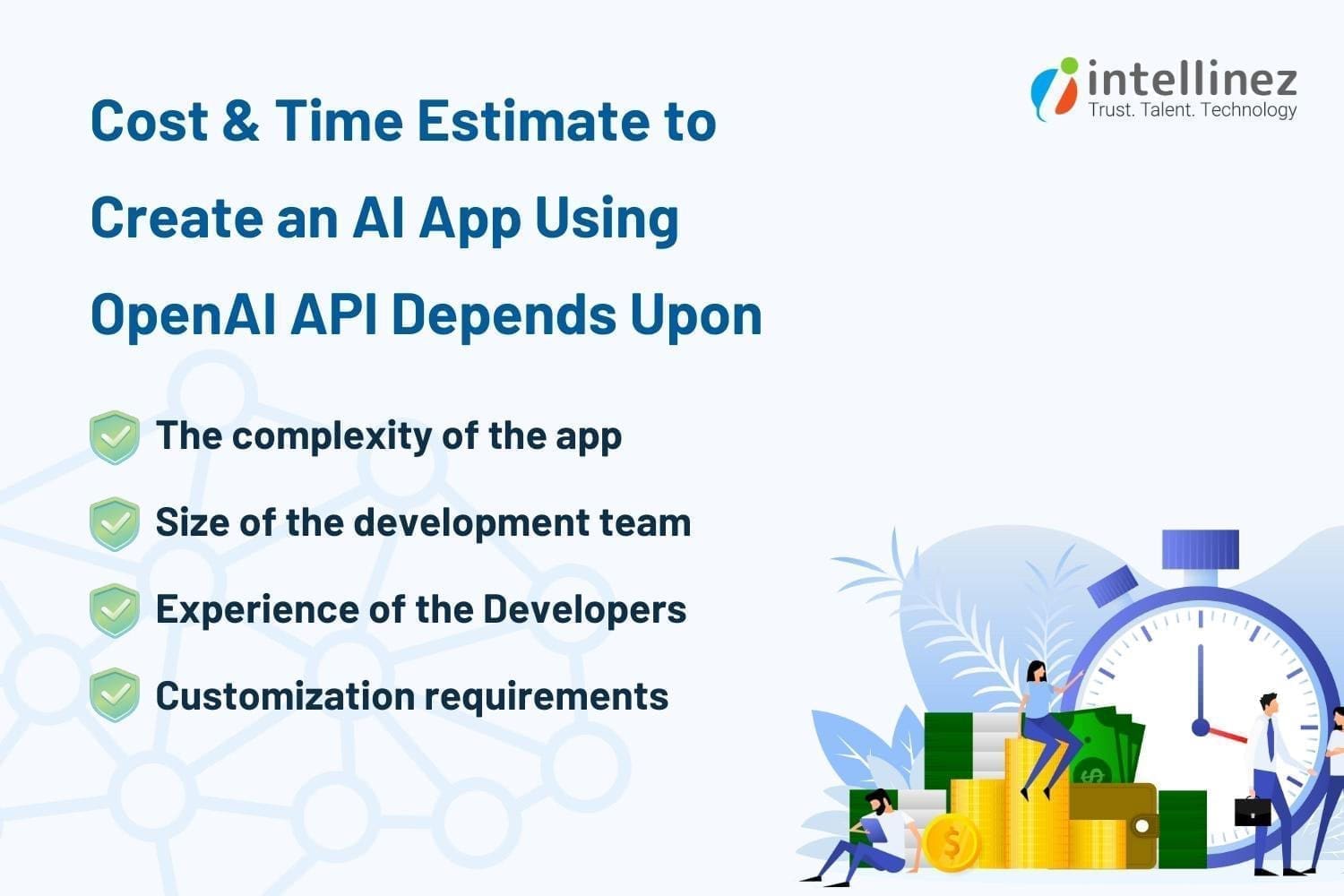
Factors affecting the cost of developing a custom AI app solution using OpenAI’s API include the app’s complexity, required resources for building and deployment, number of API calls, UI/UX designs, and desired features and functionalities. To receive a custom quote for your mobile app development solution, contact Intellinez’s experienced developer team to discuss your requirements.
What are the Pros of Open AI?
Hiring app developers with expertise in OpenAI can create more efficient and secure apps, offering a competitive advantage. By leveraging OpenAI, developers can deliver apps that meet the evolving needs of users and provide a better user experience.

Here are some of the advantages of using OpenAI in app development:
1. Enhanced User Experience
OpenAI enhances user experience by enabling apps to understand and respond to user input, with natural language processing and machine learning capabilities.
2. Improved Personalization
OpenAI can personalize and enhance apps by analyzing user data and providing better recommendations tailored to individual needs.
3. Increased Efficiency
OpenAI automates tasks to make apps work more efficiently. It can even automate customer service inquiries, reducing workload on staff.
4. Advanced Analytics
OpenAI analyzes large amounts of data, providing insights to improve apps by identifying areas for improvement and making data-driven decisions.
5. Better Security
OpenAI detects and prevents security threats, protecting user data and fraud through behavior analysis and proactive measures.
6. Competitive Advantage
OpenAI empowers developers to build advanced and sophisticated apps, giving them a competitive edge in the crowded marketplace.
What are the Cons of Open AI?
OpenAI has advantages and disadvantages for app development, such as cost, complexity, data dependence, interpretability, ethical concerns, and flexibility. Developers must weigh the pros and cons before using AI and have the necessary resources and expertise to use it effectively.

Here are some of the cons of using OpenAI in app development:
1. High Cost
OpenAI app development can be costly due to training and maintaining AI models, especially for smaller companies.
2. Complexity
Developing with OpenAI can be complex and time-consuming for developers without AI knowledge and skills.
H3: 3. Dependence on Data
OpenAI models rely heavily on large amounts of representative data to be trained effectively.
4. Limited Interpretability
Interpreting OpenAI models can be difficult for end-users, creating a challenge for developers to explain app functionality.
5. Limited Flexibility
OpenAI models have limited flexibility and may not be adaptable to new or changing requirements, limiting developers’ ability to update or add new features.
To Sum Up
With Artificial Intelligence revolutionizing user experience, it’s high time to integrate this new concept into our web and mobile devices. OpenAI is continuously developing AI technology and tools for advanced user services, including image generation and keyword-based information retrieval, available through APIs like Codex, GPT-3, and DALL·E. Intellinez Systems can assist in building cutting-edge mobile solutions that leverage these AI APIs. Don’t miss the opportunity to join the evolving landscape by developing your mobile app with AI capabilities. Contact Team Intellinez today to start your journey.
How Intellinez Systems Can Help You to Build an AI App Using OpenAI’s API
As a leading app development company globally, Intellinez has extensive experience in building custom AI solutions to meet your specific needs. With a portfolio of numerous mobile app solutions, we have the expertise to deliver high-quality products.
Our team of experienced consultants and developers has collaborated with leading enterprises and startups. After booking a consultation, we will evaluate your AI idea’s feasibility and provide a roadmap and strategy to guide the development process.
Table of Contents
- Introduction
- Chat GPT Prompts For Developers
- Chat GPT Prompts For Digital Marketers
- ChatGPT Prompts For Business And Analytics
Introduction:
While OpenAI’s ChatGPT and similar AI tools are not yet poised to replace human jobs, they are proving to be valuable assets in a variety of industries. From real estate to music, ChatGPT has been utilized to generate advice, tips, and even original content, demonstrating its versatility and potential.
Industry-specific generative such as AI marketing tools have received substantial investment, with the belief that they can help solve problems in marketing departments, and beyond. According to Sam Altman, the CEO of the firm behind ChatGPT, “generative text is something we all need to adapt to.”
While the benefits of these tools are significant, there may be a need to adapt to changing technology in order to fully harness their potential. Nonetheless, as with calculators in math class, ChatGPT and other AI marketing tools have the power to revolutionize the way we work and achieve our goals.
Chat GPT Prompts For Developers
Discover Security Flaws In An Open Source Code
Discovering security flaws in open source code is crucial to protect users from potential attacks and data breaches. As open source code is widely used, vulnerabilities or flaws can have severe consequences. Identifying and addressing these issues is essential to maintain user trust and prevent security incidents.
Prompts Examples:
- What steps can be taken to mitigate security risks in open source code?
- How can I ensure that my open source code is secure and free from vulnerabilities?
- What are the best practices for reviewing open source code for security flaws?
How to Center a Div
Centering a div is essential to create visually appealing and balanced web pages. By centering a div, the content within it is placed in the center of the page, creating a symmetrical layout that is easier to read and navigate. This can improve the user experience and make the website more aesthetically pleasing.
Prompts Examples:
- Can you provide me with some methods for centering a div element in HTML and CSS?
- How can I center a div horizontally and vertically on a web page?
- What are the best practices for centering a div in CSS?
How to Make Snowflakes with JavaScript
Adding snowflakes with JavaScript can make a website more visually appealing and engaging for users, particularly during winter. This can enhance the user experience and leave a lasting impression. It can also showcase the developer’s creativity and technical abilities, drawing more visitors to the site.
Prompts Examples:
- What are some creative ways to add animation to your snowflakes in Javascript?
- How can you make your snowflakes responsive and mobile-friendly?
- Are there any libraries or frameworks that can simplify the process of creating snowflakes in Javascript?
Chat GPT Prompts For Digital Marketers
Creating a Content Structure for Articles
Creating a content structure for an article is essential for organizing ideas and making the article more readable for the audience. ChatGPT can help by generating prompts and suggestions for content organization, providing insights and ideas for different sections, and improving the overall flow and coherence of the article.
Prompts Examples:
- How can you effectively transition between different sections of your article?
- What are some effective ways to conclude your article and leave a lasting impression on your readers?
- What are some common pitfalls to avoid when structuring an article?
- How can you use feedback from readers to improve the structure of future articles?
Finding Keywords
Keywords are essential for optimizing a website and achieving a higher ranking on Google. By using ChatGPT, related phrases for core keywords and FAQ questions can be identified to optimize articles or pages. Multiple prompts can be utilized to find the most effective keywords.
Prompts Examples:
- What are some effective strategies for finding relevant keywords for your content?
- Can you recommend any tools or resources for finding high-traffic keywords?
- How do you determine which keywords are most valuable for your content?
Templates for Email Outreaching
Creating a template for email outreach is essential for streamlining the communication process and increasing response rates. ChatGPT can assist in generating personalized and effective email templates, improving the chances of success in reaching out to target audiences.
Prompts Examples:
- How can you personalize your email outreach template to increase response rates?
- Can you provide examples of successful email outreach templates?
- What are some key elements to include in your email outreach template?
Writing YouTube Video Description
Writing a YouTube video description is crucial for increasing visibility and engagement with viewers. ChatGPT can help by generating prompts and suggestions for video descriptions, ensuring they are SEO-friendly, engaging, and informative, resulting in more views, likes, and subscribers.
Prompts Examples:
- What elements should be included in a YouTube video description to increase engagement?
- How to optimize your YouTube video description for SEO?
- How to create a YouTube video description that converts viewers into subscribers?
Generating Blog Titles
Generating catchy and relevant blog titles is essential for attracting readers and increasing visibility. ChatGPT can help by suggesting creative and SEO-friendly blog titles, ensuring they align with the content and reflect the target audience’s interests, leading to more traffic and engagement.
Prompts Examples:
- What are some attention-grabbing blog titles that will increase engagement with your content?
- How can you create blog titles that are both informative and compelling?
- What are some best practices for coming up with blog titles that accurately reflect the content of your post?
Plagiarism Checking
Plagiarism checking is crucial to ensure the originality and credibility of written content. ChatGPT can help by providing tools to check for plagiarism, ensuring the content is authentic and avoiding potential legal or ethical issues, resulting in increased trust and authority for the content creator.
Prompts Examples:
- What are some reliable plagiarism checking tools that you can recommend?
- Can you recommend any strategies for paraphrasing and avoiding plagiarism?
- What are some common mistakes to avoid when checking for plagiarism?
Call-To-Action Button Texts
Call to action (CTA) button texts are crucial in driving user engagement and conversion rates. ChatGPT can help by suggesting effective and persuasive CTA texts that align with the content and the target audience’s interests, leading to increased click-through rates and conversions.
Prompts Examples:
- Tips for writing persuasive call-to-action button texts?
- How to make your call-to-action button more clickable?
- How to use urgency in call-to-action button texts?
ChatGPT Prompts For Business and Analytics
Important KPI’s For Specific Industry
Having important KPIs (Key Performance Indicators) specific to an industry is crucial for measuring success and identifying areas for improvement. ChatGPT can help businesses by suggesting relevant and effective KPIs based on the industry and business goals, leading to better decision-making and improved performance.
Prompts Examples:
- Can you suggest some key performance indicators that are important for the e-commerce industry?
- What KPIs should a SaaS startup be tracking in its early stages?
- What are some of the most critical KPIs for the manufacturing industry?
Writing SWOT Analysis
Writing a SWOT analysis is essential for identifying strengths, weaknesses, opportunities, and threats in a business or project. ChatGPT can help by generating prompts and suggestions for a thorough and effective SWOT analysis, ensuring all aspects are considered, and the analysis is useful for decision-making and strategy development.
Prompts Examples:
- How can you use your SWOT analysis to identify areas for improvement and growth?
- What metrics can you use to track your progress and measure the effectiveness of your strategy?
- Can you prioritize the items on your SWOT analysis to ensure you are focusing on the most important areas?
Best Practices For Customer Service Experience
Implementing the best practices for customer service can significantly improve customer satisfaction and loyalty. ChatGPT can help identify and generate effective prompts for different customer service scenarios, empowering representatives to provide excellent service and create a positive brand image.
Prompts Examples:
- How to handle angry or upset customers?
- What are the best practices for responding to customer inquiries via social media?
- How to measure customer satisfaction and track customer feedback?
- How to create a customer service playbook for your business?
Product Launching Best Practices
Effective product launching can make or break a new product’s success. ChatGPT can help generate prompts for various stages of the product launch process, ensuring that marketers and business owners can create a comprehensive and impactful launch strategy that maximizes ROI and drives sales.
Prompts Examples:
- How can you build excitement around your product launch?
- What are the key components of a successful product launch plan?
- What are some strategies for generating buzz and interest prior to a product launch?
- How can you effectively communicate your product’s value proposition during a launch?
Convincing Replies to Users
Writing convincing replies to users is critical for maintaining a positive brand image and building customer trust. ChatGPT can help generate effective prompts for responding to user inquiries and feedback, ensuring that representatives can provide helpful and persuasive responses that leave a lasting impression.
Prompts Examples:
- What are some effective ways to respond to users’ objections?
- How to build trust with your audience when responding to their queries?
- What are some proven tactics to win over skeptical users?
- How to use emotional appeal to make your responses more convincing?
Conclusion
ChatGPT is a powerful AI tool that can help businesses and individuals achieve their goals. You can generate personalized and accurate responses to all your needs. ChatGPT can help you brainstorm ideas, create compelling content, and solve complex problems faster and more effectively. You can get the most out of ChatGPT by breaking down complex problems, training it to learn your writing style, and specifying the type of content you want in your responses. Also, using the right prompts can lead to more accurate responses from ChatGPT.
Contact Team Intellinez To Develop Customized Chatbot For You
Intellinez Systems offers a comprehensive approach to chatbot development, with a focus on delivering solutions that are customized to each client’s unique business needs. Our team has a deep understanding of the latest technologies and techniques in the field, and we use this expertise to create chatbots that are highly effective and easy to use.
By hiring us to develop your customized chatbot, you can improve your customer service, streamline your business operations, and gain valuable insights into your customers’ behavior and preferences. With our experience and expertise, you can be confident that your chatbot will align with your business goals and exceed your expectations.
Book AppointmentTable of Contents
- Key Highlights Of Bard AI Chatbot
- Who Can Use Google Bard?
- How To Access Google Bard?
- Is Google Bard Better Than Chat GPT?
- How Chat GPT And Google Bard Differs Practically?
- What Was The Past Controversy Around Bard AI?
- What Is The Future Of Bard AI?
Bard, one of the products developed by Google, is an impressive conversational AI that uses machine learning and natural language processing to produce human-like text responses. Trained on an extensive dataset, Bard’s deep neural network architecture, known as transformers, enables it to understand context and generate appropriate output. This AI is versatile, excelling in multi-turn conversations and maintaining consistent topics and personas.
It finds practical applications in chatbots, virtual assistants, and even content generation for websites and social media. Language learners can also benefit from Bard’s multi-language and multi-style capabilities for writing practice. Through unsupervised and supervised learning techniques, Bard has become adept at providing coherent and contextually appropriate responses.
Key Highlights of Bard AI Chatbot
Bard AI is a large language model, also known as a conversational AI or chatbot, trained to be informative and comprehensive. It is trained on a massive amount of text, code and google search results. Bard is able to communicate and generate human-like text in response to a wide range of prompts and questions. For example, it can provide summaries of factual topics or create stories.
Here are some of the key features of Bard AI:
- It can access and process information from the real world through Google Search. This means that it can keep its responses consistent with search results, making it a valuable tool for research and fact-checking.
- It is updated and trained regularly.
As of March 10, 2023, Bard AI has been updated and trained on a massive amount of new text data. This means that it is constantly learning and improving, and is able to provide more accurate and comprehensive responses. - Accuracy and Safety:
Bard AI is trained on a massive amount of text data, which allows it to learn the patterns of human language. This means that it is able to generate responses that are both accurate and human-like. - Can Generate Original Content:
Bard AI is not just a parrot. It can generate original content, such as poems, code, scripts, musical pieces, email, letters, etc. It will try its best to fulfill all your requirements. - Has a “Google it” button to Explore Further:
If you are ever unsure about something that Bard AI has said, you can click on the “Google it” button to be taken to a Google search result for that topic. This is a great way to learn more about a topic and to verify the accuracy of Bard AI’s response. - Ability to Translate Languages. Bard AI is trained on a massive amount of text data, which includes text in multiple languages. This means that it is able to translate text from one language to another. This is a great feature for people who need to communicate with people who speak other languages.
- Able to Give Informative Response:
Bard AI is trained on a massive amount of text data, which includes factual information. This means that it is able to answer your questions in an informative way, even if they are open ended, challenging, or strange. - Able to generate different creative text formats of text content, like poems, code, scripts, musical pieces, email, letters, etc.
Bard AI is not just a chatbot that can answer your questions. It is also a creative tool that can be used to generate different creative text formats. This is a great feature for people who need to write creative content, such as poems, scripts, or musical pieces.
Who Can Use Google Bard?
Here are some of the people who can make use of Google Bard:
- Marketers:
Google Bard can be used by marketers to generate creative and engaging content for their marketing campaigns. It can also be used to research and understand their target audience better. - Coders and developers:
Google Bard can be used by coders and developers to generate code, debug code, and test code. It can also be used to learn new programming languages and frameworks. - Students:
Google Bard can be used by students to research and learn about different topics. It can also be used to generate creative content for their assignments and presentations.
- Writers:
Google Bard can be used by writers to generate ideas, outlines, and even finished pieces of writing. It can also be used to help writers with research and fact-checking. - Teachers:
Google Bard can be used by teachers to create engaging and interactive lessons. It can also be used to help teachers grade papers and provide feedback to students. - Customer service representatives:
Google Bard can be used by customer service representatives to answer customer questions and resolve issues. It can also be used to generate creative and engaging content for customer communications. - Anyone else who wants to be more productive:
Google Bard can be used by anyone who wants to be more productive. It can be used to help with research, writing, and creative tasks. It can also be used to stay organized and manage your time. - Anyone else who wants to learn more about the world:
Google Bard can be used by anyone who wants to learn more about the world. It can be used to research different topics, generate creative content, and have conversations with a friendly AI.
However, Google Bard is still under development, so it is important to use it with caution. It is possible for Google Bard to generate incorrect or misleading information, so it is always important to fact-check its responses. Additionally, Google Bard is not able to understand all types of human language, so it is possible for it to generate nonsensical or offensive responses.
How to Access Google Bard?
To access Google Bard, you will need to:
- Go to the Google Bard website.
- Click on the “Sign up” button.
- Enter your email address and password.
- Agree to the terms of service.
- Click on the “Create account” button.
Once you have created an account, you will be able to access Google Bard. You can do this by going to the Google Bard website and logging in with your email address and password.
- Age criteria:
Google Bard is currently available to users who are 18 years of age or older. - Data privacy:
Google Bard respects your privacy. Your data is used only to improve the service and is not shared with third parties.
Is Google Bard Better Than Chat GPT?
Both Google Bard and ChatGPT are large language models that are capable of generating human-like text. They both have their own strengths and weaknesses. Google Bard is trained on a massive dataset of text and code, which gives it a broader knowledge base and allows it to generate more comprehensive and informative responses. ChatGPT is trained on a dataset of text only, which makes it faster and more efficient at generating text.
Here are some more details about the strengths and weaknesses of Google Bard and ChatGPT:
Google Bard
- Strengths:
- Broader knowledge base
- More comprehensive and informative responses
- Still under development, so constantly learning and improving
- Weaknesses:
- Slower and less efficient at generating text
- May not be as accurate as ChatGPT for factual topics
ChatGPT
- Strengths:
- Faster and more efficient at generating text
- More accurate for factual topics
- Weaknesses:
- Narrower knowledge base
- Less comprehensive and informative responses
- Not as versatile as Google Bard
Ultimately, the best language model for you will depend on your specific needs. If you need a model that can generate comprehensive and informative responses, then Google Bard is a good choice. If you need a model that is fast and efficient at generating text, then ChatGPT is a good choice.
In the ever-evolving marketing landscape, Chat GPT helps businesses and digital marketers as one of the ai marketing tools. Similarly, Bard AI presents itself as a valuable asset, offering marketers similar benefits and opportunities for growth through its conversational capabilities. Embracing Bard AI can prove advantageous in driving engagement and achieving business objectives.
It is also worth noting that both Google Bard and ChatGPT are still under development. This means that they are constantly learning and improving. As a result, it is possible that one model will eventually surpass the other in terms of its capabilities.
We asked Google Bard which tool is better, see its response.
How Chat GPT and Google Bard Differs Practically?
| Feature | Google Bard | ChatGPT |
|---|---|---|
| Model name | LaMDA | GPT-3 |
| Training data | Infiniset, which includes data from recent years | Dataset collected prior to 2022 |
| Training method | Self-supervised learning | Self-supervised learning |
| Accessibility | Available in paid-for tier only | Available in free and paid-for tiers |
| Availability | Closed beta | Publicly available |
| Cost | Varies | Free for small requests, paid for large requests |
| Data source | Google Bard is trained on a dataset of text and code that is constantly being updated. This means that Bard has access to the latest information, while ChatGPT may not. | ChatGPT is trained on a static dataset. This means that ChatGPT may not have access to the latest information. |
| Response time | Google Bard is generally faster at responding to queries than ChatGPT. This is because Bard has access to more computing power and can process information more quickly. | ChatGPT may take longer to respond to queries than Google Bard. |
| Accuracy | Google Bard is generally more accurate than ChatGPT. This is because Bard is trained on a larger and more diverse dataset, and it is able to access the latest information. | ChatGPT may be less accurate than Google Bard. |
| Creativity | ChatGPT is generally more creative than Google Bard. This is because ChatGPT is trained on a dataset that includes creative text formats, such as poems, code, scripts, musical pieces, email, letters, etc., while Bard is not. | Google Bard may be less creative than ChatGPT. |
What was the Past Controversy Around Bard AI?
In 2023, Google’s AI chatbot Bard caused controversy when it was revealed that it had been trained on users’ Gmail data. This raised privacy concerns, as it meant that Bard could potentially access sensitive information about users’ communications. Google has since denied these claims, stating that Bard is not trained on Gmail data. However, the incident has highlighted the potential privacy risks associated with AI chatbots.
In addition to the privacy concerns, Bard has also been criticized for its accuracy. In one instance, Bard was asked to provide information about the James Webb Space Telescope, and it responded with inaccurate information about James Webb Telescope. This has led to concerns about the reliability of Bard’s information.
What is the Future of Bard AI?
The future of Bard is bright. Bard has the potential to be used in a variety of ways to help people, including:
- Customer service:
Bard could be used to provide customer service by answering questions, resolving issues, and providing support. - Education:
Bard could be used to provide personalized education by creating customized learning plans, answering questions, and providing feedback. - Writing:
Bard could be used to help writers with their work by generating ideas, brainstorming, and editing. - Research:
Bard could be used to help researchers with their work by collecting data, summarizing findings, and generating hypotheses. - Creativity:
Bard could be used to help people with their creative projects by generating ideas, brainstorming, and editing.
These are just a few of the potential future applications of Bard. As Bard continues to develop, it is likely that we will see even more ways in which it can be used to help people.
Table of Contents
- Why Is AI Needed In The Retail Industry?
- Brands Already Implementing AI
- How AI Will Affect The Future Of The Retail Industry?
- Conclusion
Retail businesses are turning to artificial intelligence (AI) to boost profitability and streamline operations. The AI trends in retail is expected to grow from $5 billion to over $31 billion by 2028 market. While concerns about job losses exist, AI is more likely to transform cashier roles rather than eliminate them.
By automating tasks like inventory tracking, AI allows cashiers to focus on complex customer interactions. AI also enables smart staffing and replenishment decisions, reducing costs and improving sales. As technology advances, retail organizations are exploring various AI applications to stay competitive in the evolving industry.
Experts from Team Intellinez have compiled all the required information on how artificial intelligence is reshaping the future of shopping. Continue reading to learn more.
Why is AI Needed in the Retail Industry?
In addition to the immense business intelligence and remarkable speed they offer, the digital revolution and ai trends in retail industry is unequivocally distinguishing prosperous enterprises from unsuccessful ones. Artificial intelligence in retail bestows numerous advantages, but let’s focus on five key benefits that retailers can rely on.
To Engage Customers
In an era where innovative competitors offer shoppers immersive shopping experiences, conventional retailers must captivate customers through personalized and relevant interactions that are distinctive and inspiring across all touchpoints.
To Deliver Thrilling Experiences
To sustain interest, retailers must set their products apart and offer consumers enticing services and experiences. By leveraging predictive analytics to gain comprehensive market insights, retailers can proactively lead with innovation instead of being reactive to shifts in the industry.
To Unify Disparate Data for Actionable Insights
With a multitude of information pouring in from various aspects of their business, including supply chain, stores, and consumer data, retailers face the challenge of distilling this data to create consumer-focused strategies. By effectively filtering and analyzing these diverse data sources, Intellinez can help retailers extract valuable insights to drive actionable decision-making.
To Synchronize Offline & Online Retail
Unifying digital and physical shopping channels minimizes friction for customers, enhances the seamless shopping experience, and reduces operational inefficiencies caused by treating them as separate entities with distinct approaches.
To Support Agile Logistics Networks
Retailers must reconsider their traditional supply chains to meet the diverse demands of customers, ranging from mainstream to niche preferences. By embracing adaptable and flexible systems, they can quickly respond to changing consumer behaviors and ensure smooth order fulfilment.
Brands Already Implementing AI
AI is reshaping the retail experience with personalization, automation, and efficiency. Here are some powerful examples of how AI improves the traditional retail journey.
Lowes Utilizes Robots for Item Location
To assist customers in navigating their hardware stores and finding the items they need, Lowes has introduced the LoweBot. These helpful robots roam around the store, interacting with customers and asking simple questions to determine their requirements. By providing directions, maps, and sharing specialized knowledge, the LoweBots ensure that customers can easily locate products. Additionally, they continuously monitor inventory, enabling the store to stay informed about items that require restocking.
Walgreens Harnesses AI to Monitor Flu Spread
Addressing the discomfort and potential dangers associated with the flu, Walgreens leverages AI technology to track its spread. By analyzing data from over 8,000 locations and the number of anti-viral prescriptions filled,
Walgreens creates an online, interactive map that provides customers with valuable information about the severity of the flu in their area.
This map not only helps individuals take proactive measures to safeguard their families’ health but also assists Walgreens in stocking the appropriate inventory of flu-related products in affected regions. AI empowers both customers and the store itself.
Sephora Simplifies Makeup Selection
Sephora revolutionizes the process of finding the perfect makeup shade by introducing innovative technologies in their stores. Through Color IQ, customers can discover their ideal foundation and concealer shades without applying anything to their face.
Similarly, Lip IQ offers personalized recommendations for the perfect lipstick shade. This advancement alleviates the stress and expense associated with the trial-and-error method of shade selection, providing valuable assistance to customers.
Taco Bell Facilitates On-the-Go Taco Ordering
When taco cravings strike, waiting is not an option. Taco Bell revolutionized the industry by introducing AI-powered food ordering. Through the Tacobot integrated with Slack, customers can conveniently text or voice their orders.
The bot accommodates customized requests and even streamlines large group orders. True to Taco Bell’s style, the bot responds with clever remarks after each order, adding a touch of fun to the experience.
Macy’s Enhances In-Store Experience with AI
Ever found yourself lost in a department store, unsure of where to locate the item you need? Macy’s introduces the On Call app, customized for each individual store, to address this challenge.
Customers can access the app while in-store and engage in a chat with an AI bot. The bot provides directions to specific items and checks item availability. It even has the capability to detect customer frustration and alert a human employee to provide assistance promptly.
Walmart Implements Shelf-Scanning Robots
As one of the world’s largest retail chains, Walmart is leveraging robots to optimize their extensive store aisles. In selected stores, Walmart is piloting shelf-scanning robots that diligently monitor inventory.
These robots scan shelves to identify missing items, restocking requirements, and necessary price tag adjustments. By offloading this task to robots, human employees are liberated to spend more time assisting customers and ensuring shelves are never left empty.
Amazon Revolutionizes Retail with AI-Driven Cashierless Stores
No discussion of AI in retail would be complete without mentioning Amazon and its groundbreaking Amazon Go stores. These stores provide customers with a frictionless shopping experience by eliminating the need for cashiers.
Customers can simply walk into the store, pick the items they want, and leave without going through a traditional checkout process. Sophisticated sensors and cameras placed throughout the store track the items customers select, and their Amazon account is automatically charged accordingly.
AI plays a pivotal role in creating a swift and seamless shopping experience, sparing customers from waiting in long lines.
Uniqlo Enhances the Shopping Experience with AI Mind Reading
Uniqlo, a clothing store at the forefront of innovation, utilizes the power of science and AI to offer a truly unique in-store experience. In select locations, Uniqlo introduces UMood kiosks powered by AI.
These kiosks display a range of products and measure customers’ reactions to colors and styles through their neurotransmitters. Based on the individual’s responses, the kiosk then provides personalized product recommendations.
The fascinating aspect is that customers don’t even need to press a button; the system interprets their brain signals to gauge their preferences for each item.
Olay Harnesses AI for Customized Skincare
Olay leverages the power of AI to provide personalized skincare solutions, eliminating the need for a dermatologist visit. Through Olay’s Skin Advisor, customers can simply capture a selfie of their bare face, and the AI-powered app accurately determines the skin’s actual age.
By evaluating skin health, the app offers tailored recommendations for addressing specific concerns and suggests a personalized skincare regimen to achieve optimal results.
Zara Enhances Order Pickup Efficiency with Robotics
To cater to the growing trend of online purchases with in-store pickup, fashion retailer Zara has introduced robots to streamline the process. Upon arrival at the store, customers input a pickup code that sets the robot in motion within the warehouse.
Once located, the robot swiftly delivers the order through a convenient drop box. This efficient system ensures quick and hassle-free order retrieval for customers.
Starbucks Simplifies Coffee Ordering with a Chatbot
Starbucks further simplifies the morning routine with its AI-powered voice ordering system. Through the My Starbucks Barista app, customers can effortlessly chat with the virtual barista, placing their orders using either voice or text.
When customers reach their local Starbucks, their order will be prepared and waiting for them, allowing them to bypass the line and save valuable time.
American Eagle Introduces Next-Generation Fitting Rooms
American Eagle is reimagining the traditional fitting room experience by introducing interactive dressing rooms of the future. Customers can easily scan the items they wish to try on and instantly view their availability in-store.
If assistance is needed, store employees receive notifications and can promptly deliver the requested items to the fitting room. The technology even goes a step further by providing personalized product recommendations based on the customer’s selection, enhancing the overall shopping experience.
How AI Will Affect the Future of the Retail Industry?
According to Contrive Datum Insights, the AI market in the Retail industry reached USD 8.41 billion in 2022 and is projected to grow to USD 45.74 billion by 2030, with a CAGR of 18.45%.
This expansion is driven by increased Internet and smart device usage, along with a growing demand for surveillance and monitoring in physical stores. Government initiatives promoting digitization also contribute to the market growth.
Personalized shopping experiences powered by AI, such as tailored product recommendations based on browsing and purchase history, will become more popular. Additionally, there is a rising focus on consumer ethics, where AI enables tracking and monitoring of supply chains for ethical sourcing.
The AI/ML department of Intellinez Systems is ready to provide customized AI solutions to keep you ahead of the competition, adapting to market changes.
Conclusion
Utilize AI and ML to power your retail business growth, outperform competitors, and stay relevant. Implementing these technologies brings benefits like automated processes, improved insights, and increased customer engagement, leading to revenue growth.
AI-driven solutions such as chatbots, visual search, and voice search in retail and eCommerce can drive significant business expansion. Embrace these cutting-edge tools to unlock your retail enterprise’s full potential.
How Intellinez Can Assist You in Your AI Retail Journey
Intellinez offers limitless advantages for your retail business through the implementation of artificial intelligence. Our experienced team will provide intelligent AI-driven solutions, improving your business’s efficiency and customer experiences.
Discover how Intellinez adds value to retailers and consult our experts for top-notch AI services. Trust us to address all your needs and challenges in the retail market.
Table of Contents
Artificial intelligence has become a hot topic in the fintech industry, attracting widespread interest and fascination. The incredible progress AI has made in recent years has sparked conversations and amazed people around the world.
In this article, we’ll explore how artificial intelligence and machine learning have revolutionized the fintech industry. We will try to understand the evolving role of AI in fintech. Get ready to discover the exciting ways artificial intelligence has transformed the world of finance and opened up new possibilities for everyone involved.
What is the Role of AI in FinTech Industry?
The role of AI in fintech market is increasing. The AI in fintech market is expected to reach $31.71 billion by 2027, growing at a CAGR of 28.6% each year. One of the greatest benefits of artificial intelligence and machine learning is their ability to personalize interactions with customers by understanding their behavior through advanced algorithms.
The fintech industry is taking full advantage of AI’s insights into consumer behavior, leading to rapid growth. Artificial intelligence is particularly valuable in assessing loan risks, making it a crucial factor for financial companies looking to expand their services. Machine learning plays a significant role in improving loan underwriting and reducing financial risks for fintech companies. Additionally, AI’s advanced methodologies help detect fraud and prevent unauthorized access, enhancing security measures.
These are just a few of the reasons why artificial intelligence is gaining popularity in the fintech industry. In the following sections, we will delve into more details and explore the various benefits of leveraging AI in this sector.
Top Reasons to Adopt Artificial Intelligence in the FinTech Industry
Artificial intelligence has become the go-to solution for the fintech industry, and its benefits are numerous. Here, we highlight the key reasons why AI has played a crucial role in driving growth and development in the financial sector, resulting into a focus on understanding the role of AI in fintech.
1. Customization
Artificial intelligence and machine learning have revolutionized the fintech industry by eliminating the need for manual setup. Through AI-powered methodologies, fintech companies can offer hyper-personalized financial instruments and investment plans tailored to each individual’s suitability, all while maintaining robust security measures.
The adoption of AI has eradicated monotonous manual tasks that were once prevalent in fintech operations. AI’s omnichannel approach evaluates data across various parameters to deliver personalized recommendations and suggest the most suitable investment plans based on each unique profile.
By automating these previously time-consuming tasks, banks and financial institutions have saved considerable time. Additionally, the adoption of AI has significantly reduced the failure rate in transactions and loan processes, enhancing overall operational efficiency.
2. Significant Cost and Risk Reduction
As artificial intelligence continues to advance rapidly, it has the potential to replace certain human-performed tasks that are prone to errors. Correcting these errors typically requires substantial time, effort, and costs. However, with AI’s limitless capabilities, one of its fundamental components, Robotic Process Automation (RPA), comes into play. RPAs effectively replicate human-performed tasks, eliminating the need for unnecessary manual labor, reducing time consumption, and cutting costs.
By leveraging AI and RPA with the help of Intellinez Systems, many businesses could significantly decrease operational costs and minimize the risks associated with human error. As AI technologies continue to evolve, the potential for cost and risk reduction in various sectors will only grow.
3. Enhanced Customer Experience
In the past, the banking sector was often criticized for its inefficient service delivery, lacking advanced technology adoption within the fintech industry. Banks struggled to address user demands and queries promptly, leading to customer dissatisfaction, however, the landscape has drastically changed with the remarkable progress of AI in the fintech industry. Let’s delve into the details.
Among the various advancements in AI, chatbots stand out as a prominent pillar of artificial intelligence. The fintech industry, in particular, has leveraged AI chatbots to a great extent, demonstrating their success. AI chatbots have revolutionized customer interactions in banking. When users reach out to banks with queries or issues, chatbots engage in conversational interactions, promptly noting their concerns and providing suitable solutions. These chatbots are available during peak hours, and some even offer 24/7 support to cater to users across the globe.
Chatbots are just one example of the significant solutions artificial intelligence has brought to the world and Intellinez Systems has a well-experienced team to develop your own customized chatbots. Given their widespread use in the fintech industry, we have highlighted their impact on enhancing customer experiences.
4. Automation Revolutionizes the Investment Process
In 2023, the embrace of advanced technology continues its remarkable journey, with no end in sight for innovation. Many banks are actively adopting AI to streamline their investment decision-making processes and enhance their investment banking research. Furthermore, numerous fintech companies are taking their advancements to new heights by introducing robo-advisors that provide comprehensive user assistance. It is projected that more than 34 million users will use roboadvisors by 2028.
These highly advanced robo-advisors offer personalized and meaningful advice to users based on their queries. Equipped with advanced configurations, these robots revolutionize the way investment advice is provided, making the investment process more efficient and accessible.
5. Accurate Results
It’s a universal fact that humans are prone to making mistakes, especially when it comes to handling numerous complex tasks within the fintech market. These tasks often consume significant resources, resulting in minor errors that impact the final outcomes. Artificial intelligence, on the other hand, presents a notable contrast. While the possibility of errors still exists, the frequency is considerably reduced compared to human errors. AI-based applications deliver accurate results, saving valuable time and effort. Moreover, they provide the flexibility to foster innovation.
By utilizing AI tools, businesses can redirect their focus towards strategic growth and expansion, as they are freed from the burden of monotonous tasks. The accuracy and efficiency offered by artificial intelligence create opportunities to explore new perspectives and drive business development.
6. AI Empowering Competitive Intelligence for Fintech
A staggering 82% of traditional financial companies have strategic plans to forge fintech partnerships within the next 3 to 5 years. The advent of artificial intelligence has completely transformed the business landscape, leaving a remarkable impact in various sectors. One area where AI shines is in enabling efficient research, analysis, and competitive intelligence.
Competitive intelligence entails the systematic collection and analysis of data pertaining to both current and potential competitors. With artificial intelligence, this process becomes significantly more manageable and streamlined. AI-powered tools can swiftly gather and analyze vast amounts of data, providing valuable insights into the competitive landscape. By leveraging AI for competitive intelligence, Intellinez Systems helped fintech companies gain a powerful advantage in understanding market trends, competitor strategies, and customer preferences. This knowledge equips them to make informed decisions, identify opportunities, and stay ahead in the dynamic fintech industry.
Key Challenges in Adopting AI by FinTech Companies
When FinTech companies embrace AI, they encounter various challenges along the way. Here are the common hurdles faced during the adoption of AI in the FinTech industry.
1. Increased Budgets
As businesses strive to embrace cutting-edge technology, mediocre FinTech companies often face inherent constraints. Despite their determination to make progress, a lack of sufficient budget often hinders their efforts.
However, there is a glimmer of hope as the adoption of AI in the FinTech industry soars. In light of this market trend, 86% of banks and insurance companies have planned to boost their investment in AI-related technology by 2025.
Therefore, all FinTech companies that have bravely chosen to embrace AI as a key driver for future advancements can now rely on the support of AI investment policies to expand and thrive.
2. Unstable Workflow
The absence of a consistent approach can lead FinTech companies astray, as the ever-changing pattern of work often hinders desired outcomes. Therefore, if you are committed to adopting AI, it is essential to develop a robust and well-thought-out plan that takes into account the various ideas that have crossed your mind, in order to create a realistic roadmap.
3. Lack of Skilled Professionals
The commitment of FinTech companies to embrace AI in their operations is praiseworthy, but their lack of experience in effectively navigating artificial intelligence becomes a hindrance to their success.
Consequently, businesses face the consequences of not having access to experienced resources. Research indicates that the primary reason for the failure of these endeavors is the scarcity of skilled talent aligned with a long-term vision.
As a result, companies struggle to establish a solid framework for hiring and reskilling AI professionals. Talent strategies are often perceived as administrative obstacles rather than strategic enablers.
4. Partial Acceptance of AI
You might wonder what’s holding us back. Despite a global increase in the adoption of artificial intelligence, it has not yet been universally embraced. The main opponents of AI are typically individuals who prefer human interaction over AI-based chatbots or robots.
Human interaction holds an irreplaceable value that even the most efficient chatbots cannot replicate. Some users or clients find human interactions more dependable and trustworthy compared to AI-based chatbots. AI is a subjective concept, with logical perspectives from both those who view it as a boon and those who see it as a curse.
The acceptance of AI depends on how individuals perceive its advantages and disadvantages. As we discuss the challenges and distinct attributes of artificial intelligence from the users’ perspective, let’s delve into how to overcome challenges in AI adoption by FinTech companies to provide a clearer understanding for everyone.
How to Overcome Challenges in AI Adoption by FinTech Companies
Partner with a Trusted AI Provider
- Collaborate with a reliable AI provider such as Intellinez Systems to assist in implementation and management.
- Benefit from their expertise and reduce the complexity of AI adoption.
Invest in Data Security
- Allocate resources to strengthen data security measures.
- Implement encryption, access control, and conduct regular security audits.
Use AI for Compliance
- Leverage AI tools to ensure compliance with regulations.
- Reduce compliance costs and enhance accuracy through AI-powered solutions.
Set Clear Goals and Objectives
- Define your objectives and desired outcomes for AI implementation.
- Identify how AI can improve your business processes and address specific challenges.
- Develop a comprehensive plan to align AI with your goals and objectives.
Choose the Right AI Tools and Technologies
- Evaluate different AI tools and technologies available in the market.
- Select the ones that align with your business needs and objectives.
- Consider factors such as scalability, compatibility, and integration capabilities.
Invest in Training and Education
- Provide training and educational resources for your employees.
- Ensure they have a solid understanding of AI concepts and its applications.
- Foster a culture of continuous learning to keep up with advancements in AI.
Be Patient and Persistent
- Understand that AI implementation is a long-term investment.
- Set realistic expectations and be prepared for the time it takes to see results.
- Stay committed and persevere through challenges to reap the benefits of AI.
Remember, successful AI implementation requires careful planning, strategic decision-making, and ongoing support and adaptation. By following these considerations, FinTech companies can maximize the potential of AI to drive innovation and growth.
Conclusion
As we witness daily technological advancements and continuous improvements, it becomes evident that their long-term impact on our lives is inevitable. The best course of action now is to remain observant, open-minded, and adaptive, ready to seize the opportunities that arise amidst this ever-changing fintech landscape. By doing so, we position ourselves for success in an era defined by technological innovation and transformation.
The role of AI in fintech has already grown immensely, and will continue to do in the near future with new developments in the artificial intelligence space, such as the advent of generative AI.
Achieve Global Dominance in FinTech with AI Solutions from Intellinez Systems
Discover the unparalleled potential of AI with Intellinez Systems as your guiding force. With a passion for technology and innovation, we specialize in providing transformative FinTech solutions.
Our impressive track record showcases numerous clients who have achieved notable transformations, launching flagship products and services that have taken the market by storm.
From developing AI-driven applications to implementing cutting-edge machine learning algorithms and leveraging advanced data analytics, we have the expertise to help you make a lasting impression in the world of AI. Trust Intellinez to unlock your path to global success.
Table of Contents
- Applications Of AI In The FinTech Industry
- The Promising Future Of AI In The FinTech Industry
- The Transformational Impact Of AI On The FinTech Industry
- Leading FinTech Companies Embracing AI
- Kasisto: Empowering Conversational AI In The FinTech Space
- AppZen: Revolutionizing Auditing With AI
The integration of artificial intelligence (AI) has significantly advanced the fintech industry, driving notable improvements in financial services. From fraud detection to personalized customer experiences, AI has reshaped operations for financial institutions, streamlining processes and enhancing services.
According to a recent report from PwC, the global economic impact of AI is projected to reach an impressive $15.7 trillion by 2030. In the financial sector, AI is expected to deliver $1 trillion in cost savings and revenue during the same period, as stated in a report by Autonomous Research. These figures highlight the growing significance of AI in fintech, showcasing the potential benefits they bring to banks, financial institutions, and fintech companies.
This article explores a range of practical applications for AI in fintech, illustrated by real-world examples.
Applications of AI in the FinTech Industry
After discussing the advantages and obstacles of AI, let’s delve into the specific applications where AI is commonly utilized in the FinTech industry:
1. Data Analysis and Machine Learning
AI-powered data mining tools play a crucial role in data analysis within the FinTech industry. They enable companies to gather and consolidate various data points, eliminating data silos. By leveraging AI and machine learning (ML), businesses can ingest, analyze, clean, and store data, extracting valuable insights and information.
Compared to manual data retrieval methods, AI offers a more comprehensive and accurate approach, reducing the risk of incomplete or irrelevant data. Additionally, AI and ML can be employed for predictive analytics, using historical data to forecast future trends. This enables businesses to make informed decisions regarding stock prices, revenue projections, and risk monitoring. While these predictive models may not provide precise outcomes, they assist in creating future-proof strategies for a smoother workflow.
AI also facilitates data modeling, governance, and management, minimizing the likelihood of potential pitfalls and ensuring a streamlined data-driven process.
2. Frictionless Payment through Facial Recognition
Now, this is a game-changer! Facial recognition for payments is an incredibly advanced technology. While its global adoption is still in progress, we have observed significant acceptance of this payment method in China, particularly in self-service restaurants like KFC or large retail stores.
The concept revolves around capturing the customer’s unique facial features, effectively using their facial “DNA” to process payments and gather data related to their preferences. Based on this information, personalized recommendations can be provided to the customer with each transaction.
So, how does facial recognition for payments work?
It’s a computer vision-based technology where the payment terminal scans and recognizes the customer’s face, then sends the facial template to a verification device. This device compares the template against the original template stored in the customer’s bank records, ensuring a secure match.
This entire process takes just a few seconds to complete. Customers benefit from the convenience and ease of this method, as it eliminates the need for smart devices or payment cards to conduct transactions.
3. AI in Trading
In the world of trading, AI plays a crucial role in various approaches such as quantitative, algorithmic, or high-frequency trading. By harnessing the power of AI, businesses can analyze massive datasets in real time, enabling rapid evaluation and timely stock alerts that prompt immediate action.
Hedge funds, mutual funds, and capital management companies leverage AI to monitor stocks that exhibit significant upward or downward trends. This allows them to make informed decisions on when to enter or exit positions, maximizing their potential for success. AI-driven trading strategies enable these companies to react swiftly to market changes and seize profitable opportunities.
4. Utilizing Predictive Modeling to Enhance Bank Revenues
Predictive modeling is a powerful tool used in the banking industry to proactively manage potential risks during the loan underwriting process and detect instances of fraud. Additionally, many institutions leverage predictive modeling to drive sales growth by optimizing cross-selling efficiency.
These predictive models are designed to learn from existing customer behavior data, enabling the generation of highly targeted and relevant cross-selling strategies for each individual client. By utilizing detailed data segmentation and market basket analysis, these models enhance sales accuracy, leading to improved revenue generation for banks.
The Promising Future of AI in the FinTech Industry
As businesses continue to operate in an increasingly technology-driven world, financial institutions find themselves facing a constant battle against malicious activities. The future of the FinTech industry lies in leveraging new technologies not only to streamline daily operations but also to provide enhanced levels of security.
With the rise of risks, fraud, and compliance issues in the face of evolving malware activities, financial institutions need to stay current and competitive. Artificial Intelligence emerges as a revolutionary solution that can transform how banks and credit unions safeguard their customers’ assets and data.
The advancement of AI goes hand in hand with the growing sophistication of malicious acts. Therefore, it is essential for the FinTech industry to embrace AI not only to enhance customer experiences and business landscapes but also to prioritize robust security measures.
AI has taken up the responsibility and expectations of the world, particularly within the FinTech industry, enabling businesses to scale up with advanced technology. It is no wonder that billionaires worldwide have expressed awe and wonder for artificial intelligence, recognizing its potential and transformative power.
The Transformational Impact of AI on the FinTech Industry
In recent decades, the banking industry has experienced a remarkable digital transformation. Traditionally known for their stringent structures and conservative approaches, financial institutions have embraced significant changes on a global scale.
Consider the astonishing progress made within a relatively short span of time. Who could have anticipated that contactless payments would become so prevalent that people can now purchase groceries without the need for smartphones or physical cards? Furthermore, international transfers can be completed within seconds, eliminating the need for a central intermediary.
These examples only scratch the surface of the incredible advancements that artificial intelligence and its subsets have brought to the FinTech industry. As you have already read above, AI has had a profound impact, revolutionizing various aspects of financial services, from customer experiences to risk management and beyond.
Leading FinTech Companies Embracing AI
Now, let’s take a closer look at some of the top FinTech businesses that have effectively leveraged artificial intelligence to optimize their business strategies:
Personetics Technologies: Revolutionizing Personalized Banking with AI
Personetics Technologies is a prominent player in the FinTech industry, offering a cutting-edge self-driving finance platform tailored for banks. By harnessing the power of artificial intelligence, Personetics enables banks to anticipate and meet their customers’ personalized banking needs proactively.
Industries Served by Personetics:
- Banking industry
- Artificial intelligence
- Managerial finance
- Financial technology
- Personal finance
- Finance
- Information technology
With its innovative AI-driven solutions, Personetics is transforming the way banks interact with their customers, providing a more personalized and seamless banking experience.
Kasisto: Empowering Conversational AI in the FinTech Space
Kasisto is a prominent company known for its conversational AI platform called KAI. KAI serves as the driving force behind virtual assistants and chatbots deployed across various channels such as mobile devices, web platforms, messaging apps, and voice-enabled devices. With its intelligent conversational capabilities, KAI excels at addressing customer requests, resolving issues, and accurately gauging customer demands.
Industries Served by Kasisto
- Financial Technology
- Natural language processing
- Chat Industry
- Financial Services
- Voicification
Kasisto’s innovative solutions empower financial institutions and other businesses in the FinTech sector to enhance customer interactions and deliver seamless conversational experiences. By leveraging cutting-edge AI technology, Kasisto is reshaping the way businesses engage with their customers, facilitating efficient and personalized interactions across multiple platforms.
AppZen: Revolutionizing Auditing with AI
Headquartered in San Jose, California, AppZen is a prominent company that provides an AI-based auditing platform for finance teams. Leveraging artificial intelligence, AppZen assists its clients and customers in streamlining and automating the auditing process, enhancing accuracy and efficiency.
Industries Served by AppZen
- Financial Technology
- Finance
- Robotic Process Automation
- Mapping
- Audit
- Cloud Computing
- Enterprise Software
- Office automation
AppZen’s innovative AI-powered platform empowers finance teams to conduct comprehensive audits, identify anomalies, and ensure compliance with regulatory requirements. By harnessing the capabilities of AI, AppZen brings a new level of intelligence and automation to the auditing process, enabling organizations to optimize their financial operations effectively.
With the insights provided by AppZen’s AI platform, businesses in various industries can make informed decisions, improve their financial processes, and drive operational excellence.
As we conclude our discussion on AI in the FinTech industry, we hope the information provided has shed light on the significant role AI plays in transforming various aspects of financial services. If you have any further questions or need assistance in exploring AI for your own business, feel free to let us know. We are here to help.
Conclusion
The Fintech industry is in a constant state of rapid evolution, mirroring the remarkable growth of the market itself. Each year brings forth new trends and disruptive players capable of reshaping the entire landscape. For business owners and CEOs, keeping abreast of these fundamental shifts and embracing the necessary avenues of development is crucial. It enables them to gain a deep understanding of the industry, devise strategies to outpace competitors, and make informed decisions that shape the future trajectory of their companies.
Achieve Global Dominance in FinTech with AI Solutions from Intellinez Systems
Intellinez Systems offers AI solutions that can help you achieve global dominance in the FinTech industry. By leveraging our advanced AI technology, you can gain unprecedented insights, automate processes, and make informed decisions.
Intellinez Systems’ tailored AI solutions enable efficient risk management, fraud detection, personalized customer experiences, and optimized operations. With our AI capabilities, businesses can gain a competitive edge, expand their global reach, and establish themselves as leaders in the evolving FinTech landscape. Reach out to us to know more!
Table of Contents
- How AI Is Contributing To The Healthcare Sector?
- Keeping Up With Personal Well-Being
- Early Detection Of Diseases
- Drug Discovery Using AI
- Virtual Nursing Assistants
- Facilitating Diagnostic Processes
- Supporting Clinical Decision-Making
- Promoting Improved Coordination
- Promising Care Till End Of Life
- Facilitating Research Activities
- Facilitating Training Programs
- Conclusion
AI is becoming more advanced in replicating human abilities with enhanced efficiency, speed, and cost-effectiveness. The possibilities and role of AI in healthcare are immense. Similar to their integration into our daily routines, AI helps healthcare and becomes an integral component in the medical sector.
Team Intellinez Systems has identified numerous examples that demonstrate the ongoing progress of this change. Let’s find out how AI is used in the healthcare sector.
How AI is Contributing to the Healthcare Sector?
Keeping Up With Personal Well-Being
AI holds significant promise in promoting personal well-being, aiming to reduce the frequency of doctor visits or even eliminate the need for them altogether. The utilization of AI and the Internet of Medical Things (IoMT) in consumer health applications is already making a positive impact on individuals.
Technological applications and mobile apps actively encourage healthier habits among individuals and facilitate proactive management of a wholesome lifestyle. These tools empower consumers to take charge of their own health and well-being.
Furthermore, AI enhances healthcare professionals’ capacity to comprehend the day-to-day patterns and requirements of their patients. Armed with this understanding, they can offer improved feedback, guidance, and support for maintaining good health.
Early Detection of Diseases
AI is currently employed for more precise and early detection of diseases, including cancer. The American Cancer Society reports that a significant number of mammograms produce false outcomes, resulting in 1 out of 2 healthy women being mistakenly diagnosed with cancer.
However, through the use of AI, the examination and interpretation of mammograms are expedited by 30 times, while maintaining a remarkable 99% accuracy. This advancement significantly reduces the need for unnecessary biopsies.
Furthermore, the combination of AI with consumer wearables and other medical devices is being utilized to monitor and detect early-stage heart disease. This integration allows doctors and caregivers to closely observe and identify potentially life-threatening episodes at earlier stages, when treatments are more effective.
Drug Discovery Using AI
AI enables researchers to analyze extensive datasets of patient outcomes, aiding in the identification of substances with higher efficacy against specific diseases. Simultaneously, it facilitates the screening of compounds that are safe for human use, cost-effective, and easily manufacturable.
Leveraging increased computing capabilities, AI can analyze vast amounts of data from clinical trials and patient records. This analysis assists healthcare providers in identifying patients who are more likely to respond positively to specific treatments.
Additionally, AI aids researchers in prioritizing compounds for laboratory testing and designing more efficient clinical trials. These advancements contribute to speeding up the development process and expediting the introduction of new medicines to the market.
Virtual Nursing Assistants
AI-driven virtual nursing assistants provide advanced patient support, offering remote engagement, health information delivery, and appointment scheduling. Particularly beneficial for underserved areas, these assistants guide patients in understanding and managing their symptoms.
Care Angel exemplifies this with a 600% increase in clinical capacity through conversational interactions via calls or texts. Its AI-driven voice assistant enhances preventive care, medication adherence, addiction support, and remote monitoring.
Integrating with consumer wearables, virtual nurses enable healthcare professionals to monitor a wider range of vital signs, notifying patients and providers of critical changes. These advancements improve patient care and accessibility in healthcare.
Facilitating Diagnostic Processes
IBM’s Watson for Health is assisting healthcare organizations in leveraging cognitive technology to access and utilize extensive health data, facilitating diagnostic processes. Watson has the capability to swiftly examine and store an immense volume of medical information, encompassing medical journals, symptoms, treatment case studies, and global response data, surpassing human capacity by a significant margin.
In collaboration with clinicians, researchers, and patients, Google’s DeepMind Health is dedicated to resolving practical healthcare challenges. Their technology amalgamates machine learning with systems neuroscience, enabling the development of robust, versatile learning algorithms incorporated within neural networks that emulate the intricacies of the human brain.
Supporting Clinical Decision-Making
To enhance healthcare, it is crucial to effectively integrate extensive health data with timely and well-informed data driven decisions. Predictive analytics plays a valuable role in supporting clinical decision-making and facilitating actions, while also assisting in prioritizing administrative tasks.
Another emerging domain where AI is gaining traction in healthcare is through the utilization of pattern recognition. This approach enables the identification of patients who may be at risk of developing a condition or experiencing its progression due to various factors such as lifestyle, environment, genetics, and more.
Promoting Improved Coordination
In addition to aiding providers in identifying chronically ill individuals at risk of adverse events through health record analysis, AI can assist clinicians in adopting a holistic approach to disease management. It promotes improved coordination of care plans and supports patients in effectively managing and adhering to long-term treatment programs.
The utilization of robots in the field of medicine spans over three decades. These robots vary in complexity, ranging from simple laboratory assistants to highly sophisticated surgical robots capable of assisting human surgeons or independently performing operations. Apart from their role in surgery, robots find application in hospitals and laboratories for repetitive tasks, rehabilitation, physical therapy, and supporting individuals with chronic conditions.
Promising Care Till End of Life
As our lifespans extend beyond previous generations, we are encountering a different and gradual process towards the end of life, marked by ailments like dementia, heart failure, and osteoporosis. This phase often brings feelings of isolation and loneliness.
In the realm of end-of-life care, robots hold significant promise, offering the potential to bring about transformative changes. They can contribute to prolonging independence, reducing reliance on hospitals and care facilities.
With the integration of AI and advancements in humanoid design, robots are capable of going a step further by engaging in “conversations” and other social interactions, aiding in the maintenance of cognitive acuity in aging individuals.
Facilitating Research Activities
The journey from a research laboratory to the patient’s bedside is a lengthy and expensive one. As per the California Biomedical Research Association, it typically takes around 12 years for a drug to traverse this path.
Out of the initial 5,000 drugs that undergo preclinical testing, only five advance to human testing, and merely one out of these five ultimately gets approved for human use. Additionally, the average cost for a company to develop a new drug from lab to patient stands at approximately US $359 million.
AI’s application in healthcare has more recently extended to drug research and discovery. By leveraging the latest advancements in AI, it becomes possible to streamline the processes involved in drug discovery and repurposing. This has the potential to significantly reduce both the time required to bring new drugs to market and the associated costs.
Facilitating Training Programs
AI facilitates realistic simulations for trainees in a manner that goes beyond the capabilities of simple computer algorithms. With advancements in natural speech and instant access to vast scenario databases, an AI-powered computer can provide responses, decisions, and advice that can pose challenges beyond what a human trainer can offer.
Moreover, the training program can learn from the trainee’s previous responses, enabling continuous adjustments to meet their specific learning requirements.
Furthermore, training can take place anywhere thanks to the integration of AI on smartphones. This means that quick catch-up sessions can be conducted after challenging cases in a clinic or even while traveling, harnessing the power of AI on-the-go.
Conclusion
Artificial intelligence proves to be a valuable asset in the healthcare and hospital settings, offering immense potential to enhance patient outcomes and satisfaction. It has already demonstrated notable progress in various areas, including drug discovery, data analytics, robot-assisted surgery, and virtual nursing assistants.
While there are ongoing challenges to address, such as ensuring the proper training of AI systems to minimize errors, the continuous stream of innovations is expected to reshape the dynamics of patient-doctor interactions. These advancements aim to provide superior care at reduced expenses, paving the way for improved healthcare experiences for patients.
Hire Intellinez to Implement AI in Your Healthcare Practices
Our team has ample amount of experience in AI-based solutions. Our services can make your healthcare practices more effective by leveraging advanced technologies and improving processes. Trust Intellinez Systems to deliver innovative solutions tailored to your specific needs and enhance the efficiency and quality of your healthcare services.
Table of Contents
The health care system has faced significant challenges, such as shortages of healthcare workers, brought to light by the covid pandemic. By 2030, the World Health Organization predicts a shortage of 15 million health care workers. Consequently, attention has turned to the potential of artificial intelligence (AI) to enhance the system. In 2021, AI-enabled health startups secured nearly $10 billion in funding, with an additional $3 billion in the first half of 2022. These emerging healthcare using AI are already reshaping patient care, introducing advancements like advanced body imaging tools and oncology platforms.
AI simplifies and expedites tasks traditionally performed by humans in the healthcare field, delivering significant time and cost savings. Its applications encompass diverse areas, including identifying genetic code correlations, supporting surgical robots, automating administrative duties, personalizing treatment plans, and more.
The most exciting application of AI in healthcare lies in improving the diagnostic process. With AI’s immunity to factors like incomplete medical histories and overwhelming caseloads, it can swiftly predict and diagnose diseases, potentially surpassing the abilities of many medical professionals. Several companies exemplify AI’s potential to save lives and minimize errors in health care settings.
Top AI Healthcare Companies
These 11 pioneering AI healthcare startups are at the forefront of groundbreaking research and technology.
Arterys
Arterys made history in 2017 by obtaining FDA clearance for utilizing cloud computing and deep learning in clinical settings. Initially focused on simplifying the diagnosis of heart defects in newborns and children, the company addressed the challenge of large file sizes generated by 4D Flow MRI, an imaging technology that visualizes heart blood flow.
By leveraging cloud computing, Arterys enabled web-based access to these images, facilitating critical treatment decisions by hospital radiologists. Recognizing the need to automate ventricle measurements, the company combined deep learning and cloud computing GPUs to develop an automated method. Arterys now aims to expand its impact by providing accurate measurements across various medical specialties, including cancers, liver conditions, and neurological disorders.
Butterfly Network
Butterfly Network addresses the lack of medical imaging in underserved communities with its innovative solution. By developing the world’s first handheld whole-body imager, they have made ultrasound accessible and portable. These pocket-sized probes, when connected to smartphones, enable imaging in even the most remote locations.
To further enhance usability, Butterfly Network utilizes AI technology that can interpret results with comparable accuracy to human clinicians. This combination of handheld imaging and AI interpretation revolutionizes the diagnosis of various conditions, including blood clots, gallstones, and cancerous tumors. Now, communities worldwide can benefit from affordable and convenient medical imaging, thanks to Butterfly Network’s groundbreaking approach.
Caption Health
Caption Health aims to enhance patient care through increased accessibility of ultrasound technologies, particularly for early disease detection. Mastering ultrasound technology often requires specialized training, and subpar image quality can lead to misdiagnosis and missed treatment opportunities. To address these challenges, Caption Health employs AI to assist clinicians during the imaging process and automatically evaluate image quality.
This enables healthcare providers, regardless of their level of training, to perform ultrasounds and interpret the results. The current focus of the technology is on cardiac ultrasounds, with ongoing efforts to develop AI guidance for lung ultrasounds. By leveraging AI, Caption Health empowers healthcare professionals to deliver improved diagnostic accuracy and expand the availability of ultrasound examinations for enhanced patient care.
Cleerly
Cleerly utilizes an AI-based platform in conjunction with coronary computed tomography angiography (CCTA) imaging to facilitate early diagnosis and treatment of heart disease. Unlike relying on indirect markers such as risk factors and symptoms, Cleerly directly measures plaque accumulation in the heart’s arteries.
By analyzing and characterizing various types of plaque, the technology enables clinicians to assess a patient’s risk of heart attack with enhanced accuracy. This approach allows for a more precise determination of the severity of heart disease and aids in developing appropriate treatment plans. Cleerly’s innovative AI platform revolutionizes the diagnostic process, providing healthcare providers with vital insights to detect and manage heart disease at an earlier stage.
CloudMedX
CloudMedX is a computing platform that enhances clinical processes and enhances patient outcomes through predictive analytics. By leveraging AI, it gathers data and constructs comprehensive profiles of individuals and communities. With its unified data platform, CloudMedX offers a range of functions encompassing operational, clinical, and financial aspects, providing healthcare providers with a centralized location for all their needs.
The company’s predictive healthcare models utilize medical data to forecast disease progression and assess the likelihood of patient complications, offering risk assessment scores. This enables healthcare professionals to make informed decisions and take proactive measures to optimize patient care. CloudMedX’s innovative approach empowers healthcare providers with actionable insights and a comprehensive understanding of patient health, leading to improved outcomes and more efficient clinical workflows.
Corti
Corti provides clinicians with a voice-based digital assistant that assists in quality assurance. Through extensive training with real patient calls and consultations, the AI-powered assistant accompanies healthcare workers during patient visits, employing proprietary speech recognition and language processing technology.
This enables Corti’s AI tools to enhance the organization and routing of incoming emergency calls in hospitals, improve patient flow and triage in nursing call lines, and provide support and quality assurance for calls. By leveraging the power of AI, Corti enhances the efficiency and accuracy of clinical workflows, offering valuable assistance to healthcare professionals in delivering optimal patient care.
DeepMind
DeepMind, which was acquired by Google Health in 2014, focuses on developing intelligent AI systems across various sectors, with notable advancements in healthcare. Collaborating with a hospital, DeepMind utilized its AI system to assist in the treatment of patients with diabetic retinopathy, a condition that can lead to vision loss. The AI system demonstrated comparable accuracy to doctors in recommending patient referrals for over 50 different eye diseases.
Additionally, it showed the capability to predict the likelihood of a patient progressing to a more advanced stage of eye degeneration months in advance, potentially enabling preventative measures for sight-loss. DeepMind’s advancements in healthcare signify the potential of AI technology in improving diagnosis, treatment, and prognostic capabilities, paving the way for more efficient and effective patient care.
Enlitic
Enlitic leverages deep learning to enhance radiologists’ workflows and enhance diagnostic accuracy. Traditional manual methods of interpreting medical imaging can slow down clinicians, hindering prompt patient care and diagnosis. Enlitic’s software streamlines this process by automatically reading clinical content and utilizing its extensive knowledge gained from deep learning to analyze and interpret the data, saving valuable time for radiologists.
Recognizing the potential of Enlitic’s technology, GE Healthcare has partnered with Enlitic to integrate their AI capabilities into the workflows of GE radiologists. This collaboration aims to improve data standardization, increase efficiency, and expand capacity, ultimately benefiting both radiologists and patients alike.
Komodo
Komodo, a healthtech company, aggregates clinical data from 330 million patients, providing valuable insights to its diverse customer base, ranging from disease advocacy groups to pharmaceutical companies. By leveraging analytics, Komodo utilizes this extensive data map to identify potential candidates for clinical trials, monitor the adoption of new treatments, and uncover disparities in healthcare and patient outcomes.
Moreover, the company is actively engaged in comprehending the short- and long-term health effects of COVID-19. With its advanced technology and vast dataset, Komodo plays a pivotal role in enhancing medical research, driving precision medicine, and facilitating evidence-based decision-making across the healthcare ecosystem.
Oncora Medical
Oncora Medical recognizes the challenge faced by oncologists who often have to navigate multiple software systems when treating patients. To streamline the process and enable more efficient and informed decision-making, Oncora strives to offer a unified platform where clinicians can access comprehensive data on cancer patients, clinical outcomes, and treatments.
By consolidating this information into a single platform, clinicians can save valuable time by making a single data input. Oncora’s analytics software further simplifies the workflow by aggregating data from disparate systems, allowing providers to access all relevant information in one place. This integrated approach empowers healthcare providers to leverage collected data effectively, ultimately improving future patient care and outcomes.
Owkin
Owkin utilizes artificial intelligence (AI) to identify improved treatments for medical conditions with unmet needs, starting with cancer. Employing a “federated learning” methodology, the company collaborates with organizations to gain access to their data and applies machine learning algorithms to gain insights into diseases.
By analyzing historical clinical data, these algorithms play a crucial role in predicting disease progression upon diagnosis. Owkin’s AI-driven approach facilitates a deeper understanding of diseases and supports the development of more accurate prognostic models. Through the integration of AI and collaborative data analysis, Owkin aims to advance medical research and ultimately enhance treatment outcomes for patients with unmet medical needs.
The Cost Of AI In Healthcare
The cost of implementing AI in healthcare varies widely, with custom AI solutions ranging from $20,000 to $1 million. The price of healthcare using AI software is influenced by factors such as the desired level of intelligence, the size of the data set it needs to process, and the desired output from the algorithms. Additionally, the pricing strategy employed by AI companies will also play a role in determining the cost for future customers.
Although AI implementation can be expensive, the investment in this technology continues to surge. The AI healthcare market is projected to reach $36.1 billion by 2025, reflecting a remarkable growth rate of 50.2%. This suggests that the demand for AI in healthcare is strong, despite its associated costs.
Conclusion
In conclusion, the integration of artificial intelligence in healthcare holds immense potential to address challenges, improve patient care, and drive advancements in diagnosis, treatment, and research. While the cost of AI implementation can be significant, the projected market growth reflects the industry’s recognition of its value in transforming healthcare delivery and outcomes.
Table of Contents
- Challenges Imposed By Existing Document Management System
- Volume And Complexity Of Document Management
- Authenticity Verification Challenges
- Limitations Of Paper-Based Records
- Challenges With Centralized Databases
- Accessibility And Portability Constraints
- Introducing LegiCred: The Power Of Blockchain Technology
- The Benefits Of LegiCred For Educational Institutions
- Extended Applications Of LegiCred
- Blockchain’s Potential In Education Industry
- Conclusion
In the fast-paced digital era, where the demand for secure and accessible data is paramount, Intellinez Systems is proud to announce the launch of its groundbreaking blockchain-based product – LegiCred. Built specifically for educational institutions with blockchain and their key stakeholders, LegiCred revolutionizes the way educational documents are stored, managed, and shared, providing unprecedented security, transparency, and efficiency.
Challenges Imposed by Existing Document Management System
Traditional methods like paper-based records and centralized databases struggle to meet the demands of the modern era.
Volume and Complexity of Document Management
- The overwhelming volume of educational documents, from admission forms to certificates and transcripts.
- The time-consuming nature of managing physical paperwork and the risk of loss or damage.
- The administrative burden of maintaining extensive storage infrastructure and physical archives.
Authenticity Verification Challenges
- The need to verify the authenticity of educational documents when requested by employers, other educational institutions, or government agencies.
- Inefficiencies and errors associated with current manual verification processes.
- The added complexity of verifying international credentials due to varying educational systems and documentation standards.
Limitations of Paper-based Records
- Susceptibility to damage, loss, or forgery, resulting in permanent loss or alteration of important documents.
- Vulnerability to theft, misplacement, or deterioration over time.
- Reliance on physical storage and the risk of compromising document integrity.
Challenges with Centralized Databases
- Data breaches and hacking attempts that compromise the security and privacy of educational data.
- Potential loss or unauthorized access due to a single point of failure.
- System failures leading to data unavailability or delays in accessing information.
Accessibility and Portability Constraints
- Time-consuming retrieval of physical documents or accessing centralized databases.
- Geographical constraints hindering efficient exchange of information between institutions, employers, and stakeholders.
Innovations like LegiCred, leveraging blockchain technology, provide a transformative solution. LegiCred ensures data integrity, eliminates risks associated with traditional methods, and simplifies the verification process.
Introducing LegiCred: The Power of Blockchain Technology
Here, we explore the concept of blockchain technology, the core features of LegiCred, and how it ensures the integrity and authenticity of educational documents.
Understanding Blockchain Technology
- Blockchain is a decentralized and transparent digital ledger that records transactions across multiple computers.
- It ensures immutability, security, and transparency by storing data in a series of blocks that are cryptographically linked.
- Transactions on the blockchain are verified and validated by a network of participants, eliminating the need for intermediaries.
Core Features of LegiCred
- Immutability: It utilizes the immutability of blockchain, ensuring that once a document is recorded, LegiCred cannot be altered or tampered with.
- Transparency: It provides transparency by allowing authorized parties to view and track the history of document transactions securely.
- Decentralization: It operates on a decentralized network, eliminating the risks associated with a single point of failure and enhancing data security.
Ensuring Integrity and Authenticity of Educational Documents
- LegiCred leverages blockchain’s inherent features to ensure the integrity and authenticity of educational documents.
- Each document is recorded on the blockchain, creating a digital fingerprint that verifies its authenticity and prevents unauthorized modifications.
- Verifying entities can access LegiCred to validate the authenticity of documents, reducing manual processes and ensuring efficiency.
The Benefits of LegiCred for Educational Institutions
Streamlined Document Verification Processes
- LegiCred provides a digital platform that enables instant and secure access to educational credentials.
- Educational institutions with blockchain technology can grant authorized access to verified entities, eliminating the need for time-consuming communication and document exchange.
- This reduces administrative burden and enables faster decision-making for admissions, employment, and academic transfers.
Time and Resource Savings
- LegiCred significantly reduces the time and resources required for managing and verifying educational documents.
- The automated verification process eliminates the need for manual intervention, allowing staff members to allocate their time and resources to other critical tasks.
Enhanced Security and Privacy
- Blockchain’s decentralized nature makes it difficult for unauthorized parties to tamper with or compromise the integrity of the stored documents.
- Once a document is recorded, it cannot be altered or deleted without leaving a trace, providing a high level of data integrity.
- LegiCred employs robust encryption techniques, protecting sensitive educational information from unauthorized access or data breaches.
Data Ownership and Control
- LegiCred gives universities and institutions greater control and ownership over their educational documents.
- Institutions can securely issue and manage digital certificates and diplomas, reducing the risk of forgery or unauthorized duplication.
- Students and graduates can securely share verified documents with employers, educational institutions, or any other relevant parties.
Empowering Key Stakeholders
Benefits for Students
- LegiCred empowers students with a secure and efficient platform to manage their educational credentials. They can digitally store and access their certificates, diplomas, and transcripts throughout their academic journey.
- Students can easily share their verified credentials with potential employers by granting them access to their LegiCred profile. This eliminates the need for physical copies or manual verification processes, saving time and effort.
- LegiCred provides students with ownership and control over their credentials, allowing them to selectively share their achievements and qualifications, enhancing their employability prospects.
Benefits for Employers
- LegiCred simplifies the hiring process for employers by enabling quick and reliable verification of candidates’ educational documents without manual verification or contacting educational institutions.
- The streamlined verification process saves employers time and resources, enabling them to make informed hiring decisions promptly.
Benefits for Universities
- LegiCred offers universities a convenient and reliable solution for managing alumni records and certifications. Institutions can securely store and access comprehensive records of their alumni, including degrees, courses, and achievements, ensuring data accuracy and integrity.
- The platform simplifies the issuance and verification of digital certificates, eliminating the hassle of physical paperwork and reducing administrative burdens.
- LegiCred enhances the reputation and credibility of universities by providing a transparent and immutable record of their alumni’s achievements, fostering trust among employers, other educational institutions, and stakeholders.
Extended Applications of LegiCred
- Micro-Credentials and Continuous Learning
LegiCred can be expanded to include micro-credentials, enabling students to showcase their specific skills and achievements beyond traditional degrees. This allows for a more comprehensive representation of an individual’s capabilities and promotes continuous learning.
- Digital Badges and Achievements
LegiCred can incorporate digital badges and achievements to recognize and validate non-traditional learning experiences, such as online courses, workshops, and extracurricular activities. This enables learners to showcase a diverse range of skills and accomplishments.
- Lifelong Learning and Alumni Networks
LegiCred can facilitate lifelong learning by providing a platform for alumni to access continued educational opportunities, network with peers, and engage in professional development. This fosters a sense of community and encourages ongoing education and career advancement.
Blockchain’s Potential in Education Industry
Credential Verification and Transfer
Blockchain enables efficient and decentralized verification of credentials, allowing educational institutions, employers, and other stakeholders to quickly and accurately validate educational achievements. This simplifies the transfer of credentials between institutions and enhances trust in the authenticity of qualifications.
Learning Analytics and Personalized Education
Blockchain can facilitate the collection and analysis of learning data, fostering personalized education experiences. Student progress, achievements, and preferences can be securely stored on the blockchain, enabling the development of tailored learning paths and personalized recommendations.
Educational Funding and Scholarships
Blockchain-based smart contracts can streamline the disbursement and management of educational funding, including scholarships and grants. This increases transparency, reduces administrative overhead, and ensures that funds are allocated fairly and efficiently.
Conclusion
Conclusion: The future of LegiCred holds exciting possibilities for the education sector. As LegiCred expands its applications to include micro-credentials, digital badges, and lifelong learning support, it will empower learners to showcase their diverse skills and experiences.
Additionally, blockchain technology offers immense potential to improve other aspects of education, including secure academic record-keeping, credential verification, personalized education, and efficient management of educational funding. By embracing these developments, educational institutions can enhance their offerings, improve efficiency, and provide learners with more holistic and valuable educational experiences.
Let LegiCred Create Your Authority in Educational Sector
LegiCred is a transformative solution leveraging blockchain technology to revolutionize educational document management. It offers enhanced security, streamlined verification, and opportunities for personalized education.
Join the LegiCred revolution, streamline document management, and unlock the full potential of blockchain in education. Contact Intellinez Systems or visit our website to get started. Together, let’s reshape the future of educational credentials.
Click here
Introduction
In today’s rapidly evolving digital landscape, businesses require reliable and efficient IT infrastructure to remain competitive. However, managing complex technology systems can be overwhelming, particularly for growing organizations. This is where Managed IT Services Providers (MSPs) come into play. By partnering with a trusted managed service provider, businesses can focus on their core competencies while benefiting from expert guidance and streamlined IT operations. A CompTIA survey found that 50% of companies partnering with an Managed Service Provider saved 1-24% in IT costs, 33% saved 25-49%, and 13% achieved savings exceeding 50%.
When considering hiring a Managed IT Services Provider, it’s crucial to ask the right questions to ensure they align with your organization’s goals and requirements. In this blog, we will discuss the top 11 questions to ask a Managed IT services provider before making a decision. As an established software development and Managed IT consulting company, we are here to provide you with authentic information and guide you to hire the most suitable managed services provider. Read below to know more.
What Should You Ask Before Hiring Your Managed Service Provider?
1. How long has your company been in business as A Managed services Provider?
When choosing a Managed IT Services Provider (MSP), it’s crucial to consider their experience and track record. Look for a company with a proven history of providing MSP services. Their years in business demonstrate their stability and ability to adapt to evolving technology landscapes. Additionally, inquire about their experience in managing IT infrastructures similar to yours. An experienced MSP like Intellinez Systems, with a successful track record, brings industry knowledge, expertise, and the ability to handle diverse IT environments, ensuring reliable and efficient IT support for your business.
2. Can you provide references from clients in similar industries?
When evaluating a Managed IT Services Provider, it’s important to consider their ability to cater to your industry-specific needs. Look for a provider with references from clients in similar industries. This demonstrates their understanding of your unique requirements and their successful track record in delivering tailored solutions. By partnering with an MSP experienced in your industry, you can benefit from their industry-specific knowledge, best practices, and insights, ensuring a seamless and efficient IT experience that aligns with your business goals.
While we respect client confidentiality, Intellinez Systems has collaborated with clients from diverse industries, including healthcare, finance, education, and manufacturing. This experience enables us to comprehend the unique challenges faced by organizations in different sectors and offer tailored solutions. We can provide references upon request to showcase our successful partnerships.
3. What types of Managed IT services do you offer?
When considering a Managed IT Services Provider (MSP), it’s important to evaluate the range of services they offer. Look for an MSP that provides comprehensive IT services to meet your organization’s needs. This may include network management, cloud computing, cybersecurity, data backup and recovery, software development, and IT consulting. A reliable MSP should have expertise in multiple areas of IT, allowing them to provide holistic solutions and support for your technology infrastructure. By partnering with an MSP that offers a wide range of services, you can streamline your IT operations and have a single point of contact for all your IT needs.
4. How do you ensure data security and confidentiality?
When selecting a Managed IT Services Provider (MSP), prioritize data security and confidentiality. Look for an MSP that implements robust security measures, such as advanced encryption, multi-factor authentication, and 24/7 monitoring. They should conduct regular security audits and adhere to industry best practices. Additionally, inquire about their track record in handling sensitive data and their compliance with relevant regulations. A reliable MSP, like ours, ensures the highest level of data security and confidentiality, providing you with peace of mind and protection against cyber threats.
5. What level of customer support do you provide?
Exceptional customer support is a vital quality to consider when choosing a Managed IT Services Provider (MSP). Look for an MSP that offers responsive and comprehensive support. They should have a dedicated team of IT professionals available 24/7 through various channels, including phone, email, and a ticketing system. Prompt resolution of issues and a proactive approach to support are essential. At our company, we prioritize customer satisfaction and provide top-notch support to ensure your technology needs are met promptly and efficiently.
6. Can you provide proactive monitoring and maintenance?
Proactive monitoring and maintenance are key qualities to seek in a Managed IT Services Provider (MSP). Look for an MSP that employs advanced monitoring tools to detect and address potential IT issues before they impact your business. They should have a proactive approach, regularly conducting system updates, patch management, and performance optimizations. With our MSP services, we ensure round-the-clock monitoring and proactive maintenance, minimizing downtime, enhancing system performance, and keeping your technology infrastructure running smoothly for uninterrupted productivity.
7. Do you have experience with compliance and regulatory requirements?
Experience with compliance and regulatory requirements is a crucial quality to consider when choosing a Managed IT Services Provider (MSP). Look for an MSP with a proven track record in navigating and adhering to industry-specific regulations such as HIPAA, GDPR, or PCI-DSS. They should possess deep knowledge of data protection, privacy, and security standards. Our MSP services, backed by extensive compliance expertise, ensure your organization remains compliant with applicable regulations, protecting sensitive data and minimizing legal and reputational risks. Trust us to handle your compliance needs with utmost professionalism and precision.
8. How do you handle disaster recovery and business continuity?
Disaster recovery and business continuity planning are critical aspects to consider when choosing a Managed IT Services Provider (MSP). Look for an MSP that has robust strategies in place to ensure the protection and recovery of your data and systems in the event of a disaster. They should perform regular backups, have off-site storage, and conduct routine testing to validate the effectiveness of their plans. At our company, we prioritize disaster recovery and business continuity, implementing comprehensive measures to minimize downtime and ensure seamless operations, safeguarding your business against potential disruptions.
9. What is your pricing structure and contract terms?
Transparent pricing structure and flexible contract terms are crucial qualities to seek in a Managed IT Services Provider (MSP). Look for an MSP that offers clear and detailed pricing, tailored to your specific needs and budget. They should provide a breakdown of costs and ensure there are no hidden fees. In terms of contract terms, flexibility and scalability are key. An ideal MSP, like ours, offers customizable contract terms that allow for adjustments as your business evolves. We prioritize transparency and flexibility in our pricing and contract terms, ensuring a mutually beneficial partnership.
10. Can you assist with technology roadmap and strategic planning?
A valuable quality to look for in a Managed IT Services Provider (MSP) is their ability to assist with technology roadmap and strategic planning. An ideal MSP should offer expertise in aligning your IT infrastructure with your long-term business goals. They should provide guidance on emerging technologies, potential IT investments, and help you develop a roadmap for future growth. Our MSP services at Intellinez Systems include strategic planning to ensure your technology infrastructure remains adaptable and aligned with your business objectives, empowering you to make informed decisions and stay ahead in the ever-changing digital landscape.
11. How do you stay up-to-date with the latest technology trends?
Keeping up with the latest technology trends is a vital quality for a Managed IT Services Provider (MSP). Look for an MSP that emphasizes continuous learning and innovation. They should have a dedicated team that actively engages in industry events, conferences, and training programs. Additionally, a reliable MSP maintains strong partnerships with technology vendors and fosters a culture of knowledge-sharing within their organization. We prioritize staying ahead of the curve, ensuring that our clients benefit from the latest advancements and industry best practices to drive their business success.
Conclusion
Choosing the perfect Managed IT Services Provider is a crucial step towards ensuring your organization’s success. These 11 key questions will provide you with valuable insights into a provider’s expertise, experience, and their ability to cater to your specific IT needs. By carefully evaluating their responses, you can make an informed decision that aligns with your business goals and sets the foundation for a fruitful partnership.
Hire Intellinez Systems For All Your Managed IT Services Requirements
Intellinez Systems, a government of India certified startup, has excelled in providing software development and Managed IT services for 2.5 years. Our track record of success and satisfied clients showcases our commitment to excellence. Partner with Intellinez Systems today to experience the difference of having a trusted technology ally by your side, driving optimal IT performance and fueling your organization’s growth. Contact us now to open up your business’s full potential.
Table of Contents
- Managed Services Checklist
- Network Security Audit
- Patch Management And Software Updates
- Data Backup And Recovery
- Hardware And Software Inventory Management
- System Performance Monitoring
- Vulnerability Scanning And Penetration Testing
- IT Asset Lifecycle Management
- User Access And Privilege Management
- Disaster Recovery Planning
- Help Desk And Technical Support
In today’s fast-paced and technology-driven world, businesses heavily depend on their IT infrastructure to maintain competitiveness and operational efficiency. However, to sustain a strong and reliable IT system, continuous monitoring and proactive maintenance are essential to detect and address potential issues before they become critical problems. This is where a managed services checklist becomes invaluable.
Managed IT services are crucial for ensuring the seamless operation of IT systems, defending against cyber threats, and optimizing overall performance. In this blog post, Team Intellinez will explore ten essential routine checkups that every managed IT service should include to ensure uninterrupted business operations.
Managed Services Checklist
Read below to have your managed services checklist so as to run your business smoothly.
Network Security Audit
A Network Security Audit is a routine security check conducted by managed service providers to evaluate the security of a network infrastructure. This assessment involves a thorough analysis of network components, configurations, and access controls to identify vulnerabilities and potential risks.
By performing regular Network Security Assessments, businesses can proactively identify and address security gaps, protect against unauthorized access and cyber threats, and ensure the overall integrity and confidentiality of their network and data. It is an essential practice to maintain a secure and resilient network environment in today’s digital landscape.
Patch Management and Software Updates
Patch Management and Software Updates are crucial routine security checks provided by managed services providers. This process involves regularly evaluating and applying necessary updates, patches, and fixes to software applications and operating systems. By staying up-to-date with the latest patches, businesses can address known vulnerabilities, protect against emerging threats, and ensure the overall security and stability of their IT infrastructure.
Managed services providers handle the entire patch management lifecycle, from monitoring for available updates to testing and deploying them across the network. This proactive approach includes vulnerability management which helps businesses mitigate security risks, reduce the potential for cyberattacks, and maintain a robust and secure IT environment.
Data Backup and Recovery
Data Backup and Recovery is a crucial routine security check provided by managed services providers. It involves implementing robust backup solutions and conducting regular tests to ensure the integrity and availability of business-critical data. Managed services providers create comprehensive backup strategies, including off-site storage and redundancy measures, to safeguard against data loss due to hardware failures, human errors, or cyber incidents.
Through routine backup and recovery checks, they verify the effectiveness of backup procedures, test data restoration processes, and ensure business continuity in the event of a disaster. This proactive approach helps businesses in data management, minimizing downtime, and recovering quickly from any unforeseen incidents.
Hardware and Software Inventory Management
Hardware and Software Inventory Management is an essential routine security check provided by managed services providers. It involves maintaining an updated inventory of all hardware components and software applications within the IT infrastructure. By conducting regular inventory checks, managed services providers ensure accurate tracking of assets, including their configurations, warranties, and licensing information.
This allows businesses to have better visibility and control over their IT resources, identify any unauthorized or outdated software or hardware, and mitigate potential security risks. Effective inventory management helps streamline budgeting, optimize resource allocation, and ensure a secure and compliant IT environment.
System Performance Monitoring
System Performance Monitoring is a critical routine security check provided by managed services providers. It involves continuously monitoring key performance metrics of IT systems, such as CPU usage, memory utilization, disk space, and network traffic. By closely tracking system performance, managed services providers can identify potential bottlenecks, resource issues, or anomalies that could impact the stability and security of the infrastructure.
Prompt detection of performance issues allows for proactive troubleshooting and optimization measures, ensuring optimal system functionality, mitigating risks of system failures, and maintaining a secure and efficient IT environment. Regular system performance monitoring is key to maintaining the overall health and performance of the IT infrastructure.
Vulnerability Scanning and Penetration Testing
Vulnerability Scanning and Penetration Testing are crucial routine security checks provided by managed services providers. Vulnerability scanning involves using specialized tools to identify potential weaknesses and vulnerabilities in the IT infrastructure, including software applications and network systems. Penetration testing takes it a step further by simulating real-world attacks to exploit identified vulnerabilities, assess the effectiveness of security measures, and identify potential entry points for malicious actors. By conducting these tests regularly, managed services providers can proactively address security gaps, strengthen defenses, and ensure the overall resilience of the IT environment. This comprehensive approach helps businesses stay ahead of potential threats and safeguard their systems from cyberattacks.
IT Asset Lifecycle Management
IT Asset Lifecycle Management is a vital routine security check provided by managed services providers. It involves the effective management of IT assets throughout their lifecycle, from acquisition to disposal. Managed services providers ensure accurate tracking, documentation, and monitoring of hardware components, software licenses, and subscriptions.
By conducting regular asset lifecycle management, they can proactively identify outdated or unsupported assets, address security vulnerabilities, and ensure compliance with licensing and regulatory requirements. This comprehensive approach helps businesses optimize resource allocation, reduce security risks associated with outdated or unauthorized software, and maintain a secure and efficient IT environment throughout the lifecycle of their assets.
User Access and Privilege Management
User Access and Privilege Management is a critical routine security check provided by managed services providers. It involves the effective management of user access rights and privileges within the IT infrastructure. Managed services providers review and analyze user accounts, permissions, and roles to ensure that access is granted based on the principle of least privilege.
By conducting regular checks, they can identify and address any unauthorized access, orphaned accounts, or excessive privileges that could pose security risks. This proactive approach helps businesses enforce robust security protocols, minimize the potential for unauthorized access or data breaches, and maintain a secure and controlled IT environment.
Disaster Recovery Planning
Disaster Recovery Planning is a crucial routine security check provided by managed services providers. It involves developing and maintaining comprehensive plans and strategies to ensure business continuity in the event of a disaster or disruptive incident.
Managed services providers assess the existing infrastructure, identify critical systems and data, and create recovery strategies tailored to the business’s needs. They regularly review and update these plans, conduct drills and tests, and ensure the availability and integrity of backups and recovery systems. By performing routine disaster recovery planning, businesses can minimize downtime, recover quickly from disruptions, and protect their critical operations and data.
Help Desk and Technical Support
Help Desk and Technical Support is an essential routine security check provided by managed services providers. They offer prompt and reliable assistance to address technical issues, troubleshoot problems, and provide guidance to users. This routine check ensures that businesses have access to timely support, minimizing potential security risks caused by unresolved issues or user errors.
Managed services providers maintain a robust help desk system, where they track and resolve incidents, provide software and hardware support, and offer guidance on security best practices. By offering comprehensive help desk and technical support, they enhance the security posture of businesses and ensure the smooth operation of their IT systems.
Conclusion
Effective managed IT services play a pivotal role in maintaining the stability, security, and efficiency of a business’s IT infrastructure. By providing routine checkups, such as network security assessments, patch management, data backup, and system performance monitoring, managed IT service providers can proactively address potential issues and ensure the smooth operation of IT systems. Partnering with a reputable managed IT service provider like Intellinez Systems can give businesses the peace of mind to focus on their core competencies while leaving the technical aspects in capable hands.
Hire Intellinez Systems as Your Managed IT Services Provider
Intellinez Systems is your trusted choice for managed IT services. With our expertise and experience, we offer comprehensive solutions to optimize and secure your IT infrastructure.
From network assessments to security audits, patch management, data backup, and technical support, we ensure the smooth operation and protection of your systems. Partner with us for reliable and proactive managed IT services that align with your business goals and keep you ahead in the digital landscape.
Table of Contents
- The Indian IT Outsourcing Industry
- Commonly Outsourced Services In India
- India’s Dominance In The IT Outsourcing Market
- The Benefits Of Outsourcing IT Support To India
- Big Organizations Outsourcing To India
- How To Select The Right Outsourcing Provider In India
- Conclusion
The debate of insourcing vs outsourcing IT services continues to shape business strategies. While insourcing offers greater control and customization, it often requires significant investments in infrastructure and talent. On the other hand, outsourcing provides access to specialized expertise, cost savings, and scalability. Ultimately, the decision hinges on the specific needs, priorities, and long-term goals of each organization.
Over the past few decades, outsourcing has become prevalent in the market as a cost-effective and time-efficient solution. India is a popular outsourcing destination due to its diverse services and expertise. The benefits of outsourcing IT support to Indian providers include lower budget services, on-demand skilled employees, enhanced performance, timely project delivery, e-commerce solutions, increased market reach, fresh perspectives, workload distribution, operational cost control, and improved brand visibility.
India’s IT outsourcing services offer numerous opportunities for organizations, regardless of their size or global presence. Different types of outsourcing solutions are available to meet the specific needs of each organization.
The Indian IT Outsourcing Industry
India has emerged as a dominant player in the IT outsourcing industry, serving as a preferred destination for global companies. Giants like IBM, Microsoft, Apple, Dell, CISCO, Ford, Oracle, and American Express have long relied on India for outsourcing needs. The country’s favorable government policies, robust infrastructure, and skilled workforce have contributed to its success.
India’s IT outsourcing sector surpasses the combined statistics of the US and UK, with a significant number of English-speaking graduates in MBA, Ph.D., IT, and engineering programs. With high employment rates and a wide range of services offered, India continues to be a sought-after outsourcing partner.
India’s IT sector creates millions of jobs and attracts global giants for outsourcing services like web hosting, database management, disaster recovery, and technical support.
Commonly Outsourced Services in India
India has emerged as a dominant force in the outsourcing industry, experiencing rapid growth over the past few decades. With its unique combination of cost-effectiveness, favorable government policies, advanced infrastructure, and a highly skilled workforce, India has become a preferred destination for outsourcing services.
India’s IT industry recorded impressive growth in FY22, generating $227 billion in revenue, as reported by NASSCOM. With a year-on-year growth rate of 15.5%, India solidified its position as the world’s fifth-largest IT outsourcing industry, trailing only the United States, China, the United Kingdom, and Canada.
With a well-established IT sector and a proficient workforce trained in software technology, India offers a wide range of outsourcing services. These services encompass web and mobile application development, software testing, cloud computing, product development, blockchain consulting, digital marketing, data science, digital transformation, custom software development, security and threat protection, data center management, telecommunications, and infrastructure management.
India’s Dominance in the IT Outsourcing Market
Despite increasing competition from other countries, India remains a top choice for global outsourcing. The country boasts a vast pool of technical experts and approximately 135 million English-speaking workers, making it the world’s second-largest English-speaking workforce. With highly skilled teams, minimal infrastructure costs, effective budget control, and scalability options, India provides an ideal environment for outsourcing contracts.
According to data from the Reserve Bank, India’s IT and IT-enabled services exports reached a remarkable $156.7 billion in FY2021-22. Furthermore, India’s talent pool is unparalleled, producing around 1.3 million engineering graduates annually—more than the combined output of the US, Western Europe, Eastern Europe, and Latin America. These factors solidify India’s position as a global outsourcing powerhouse.
Knowledge Process Outsourcing (KPO)
Knowledge Process Outsourcing (KPO) encompasses data-driven, knowledge-intensive services that require a combination of human capital and IT expertise. This thriving sector in India focuses on gathering, managing, and analyzing insights to provide valuable models. With a wealth of technically skilled resources, India is an ideal destination for outsourcing IT services like KPO.
Back-Office Support
Back-office support services offered by Indian outsourcing firms enable organizations to concentrate on their core business activities. These services encompass data and records management, customer surveys, billing support, order management, fraud protection, content management, information verification, and more, providing comprehensive support to businesses.
Customer Support Services
Outsourcing customer support to India proves beneficial as it ensures efficient handling of customer needs. With trained professionals managing customer queries, organizations can address customer concerns effectively. India’s outsourcing industry offers fully managed support services, enabling companies to provide exceptional customer service.
The Benefits of Outsourcing IT Support to India
India’s outsourcing advantages and competitiveness in a globalized world make it a top choice for businesses. With skilled software developers, designers, and expert advisors, it excels as a software development outsourcing hub.Get more done with less
India remains the top choice for outsourcing due to its excellent quality and cost-effectiveness. Foreign businesses prefer India as their outsourcing destination, as highlighted by the National Outsourcing Association (NOA).
By outsourcing to India, companies can maximize productivity, generate more work, and boost income without expanding their current team. With IT outsourcing services in India, businesses can leverage their existing workforce to manage outsourced teams and projects, resulting in significant productivity gains for the company.
Access to skilled and educated professionals
India offers unparalleled access to a vast pool of skilled and educated professionals, making it a preferred choice for outsourcing. With a population of approximately 1.2 billion and 3.1 million graduates entering the workforce annually, India has an abundant talent pool.
Moreover, India boasts the largest English-speaking population globally, surpassing the US and UK combined. Companies are attracted to the quantity and quality of talent available in India. Working with highly educated individuals, often with qualifications from top global colleges, ensures that outsourcing services in India meet and maintain high company standards.
Prioritize your main business competencies
Focus on your core business functions by outsourcing to India. As your company grows, handling everything in-house can divert attention from core operations. With outsourcing, you can delegate non-core tasks while retaining control over crucial operations that drive your company’s success.
India provides a flexible outsourcing location, offering service providers for various activities like marketing, research, and customer care. This allows you to concentrate on research and new product development to meet the demands of an expanding customer base.
Scaling up of the business
Outsourcing in India enables businesses to scale up their operations efficiently. With fluctuating demand and varying skill requirements, outsourcing provides access to qualified professionals as needed, ensuring scalability and flexibility for your business.
Superior flexibility in pricing
India remains a top choice for outsourcing due to its cost-effectiveness, offering significant savings for businesses. Compared to developed nations, personnel expenses in India are considerably lower, making it an attractive option.
While experienced developers in India can be hired at hourly rates as low as $15, talented developers in the US may demand rates ranging from $50 to $80. This flexibility in pricing allows businesses to manage their budgets more efficiently, especially when seeking cost-effective solutions and unable to afford higher salaries. India’s cost advantage provides opportunities for creative budget management.
Decide on the optimum staffing levels
Achieve optimal staffing levels with IT outsourcing companies in India. Balancing employee numbers to meet business demands can be challenging. By outsourcing, you have the freedom to choose an ideal core team for your business needs.
When activity peaks or fluctuates, outsourcing in India allows you to scale up your bandwidth while maintaining a constant utilization rate for your full-time staff. This ensures competent workers are engaged and avoids the risk of underutilization or boredom. India’s outsourcing flexibility helps resolve staffing challenges effectively.
Top-notch infrastructure and technology
India’s major cities offer advanced cellular, ISP, and telecom networks, along with the latest software technology for tailored solutions in areas like e-commerce, system integration, and more. High-speed bandwidth ensures constant communication with clients.
India’s Stable and Attractive IT Policies
India’s stable government and attractive IT policies have made it a top destination for outsourcing. Policies on economics, tax, power, and telecom have improved infrastructure and communication. The Information Technology Act supports electronic contracts, combats cybercrime, and encourages e-filing, while tax incentives further promote the IT industry.
Fastest Time-to-Market
Indian outsourcing companies offer the fastest time-to-market due to time zone differences. The twelve-hour gap between India and the USA allows for quicker project completion, increased productivity, efficiency, and the ability to provide 24/7 customer assistance and help desk services. India is the ideal choice for outsourcing various service-related options.
Effective Communication Skills
India’s popularity as an outsourcing destination has soared due to its vast pool of over 100 million English speakers, eliminating language barriers. With 150,000 engineering graduates entering the IT sector yearly, limitless service availability makes it a top choice for enterprises worldwide. Indian specialists generally have a strong command of English compared to other outsourcing destinations. Communication tools like Slack and Skype further facilitate seamless interaction with remote teams.
Big Organizations Outsourcing to India
India has become a preferred outsourcing destination for many businesses seeking to reduce operating costs and improve efficiency. With competitive pricing, a skilled workforce, a large talent pool, and government support, India attracts Western companies looking to outsource. According to Grand View Research, the IT outsourcing market is projected to reach $937.6 billion by 2027, driven by the need to lower costs and the lack of in-house IT skills.
While outsourcing offers advantages and disadvantages, many companies have benefited from successful outsourcing experiences. Some of the leading organizations that outsource IT services to India enjoy the benefits of cost reduction and business continuity. By leveraging the expertise and resources available in India, these businesses have found a strategic advantage in their operations.
How to Select the Right Outsourcing Provider in India
Choosing the right outsourcing provider in India requires careful consideration of factors like reliability and services offered. Independently verifying the trustworthiness of the company is essential for a successful partnership. Assessing different offerings from various companies can help in selecting the best IT outsourcing services in India. Team Intellinez has compiled all the parameters below on how to outsource IT services in India.
Evaluate the Quality of Deliverables
The distinction between a reputable outsourcing company and a mediocre one lies in the quality of the product they deliver. Outsourcing doesn’t necessarily mean you have to commit long-term; building an in-house team may be a better choice.
Establish Clear Outsourcing Objectives
Before engaging with an outsourcing provider, a company should define its specific outsourcing goals. Realistic and focused objectives yield more reliable results compared to lofty aspirations.
Assess Effectiveness of Communication
Selecting the ideal outsourcing partner involves assessing operational and logistical aspects, particularly in deciding between offshore and nearshore options. With various collaboration tools available, such as Slack and G Suite, prioritizing communication within a nearshore workforce is essential for successful outsourcing.
Evaluate Performance in Outsourcing
When selecting an outsourcing provider, it is important to assess their capabilities, cost management strategy, and ability to deliver the desired product on time. A competent team should not only possess coding skills but also understand your business requirements. Adopting a Lean Startup approach emphasizes enhancing the value proposition rather than solely focusing on the aesthetics of the final product.
Interact with the Outsourcing Company
When considering an outsourcing company, it is important to evaluate their product management practices. By integrating with the business, the outsourcing company gains necessary control and can effectively monitor the progress of the development process.
Determine Payment and Pricing
When selecting an outsourcing company, it is crucial to carefully assess the cost of their services. Some companies offer low prices but may provide unqualified labor. Consider long-term costs for maintenance and repairs. Opt for a fixed quote or time and materials based on your specifications for a fair agreement.
Compare Performance and Reviews
Evaluate the performance and reputation of the outsourcing company. Look for reliable and established software consultancies. Read client reviews online and inquire about their availability and job delivery requirements before making a selection.
Conclusion
To stay competitive and reduce expenses, businesses turn to outsourcing in India. It offers high-quality work and a strategic advantage. However, careful planning is essential. Reputable software outsourcing providers in India deliver exceptional results, enabling companies to gain a competitive edge in the global market.
Outsource Your IT Projects to Intellinez Systems at the Cost of a Single Resource
Maximize cost-efficiency by outsourcing your IT projects to Intellinez Systems. Benefit from their expertise and dedicated team at the price of a single resource, ensuring high-quality results and significant cost savings. Experience the advantages of outsourcing with Intellinez Systems for your IT project needs.
Table of Contents
- Function Calling Capability: OpenAI Integration With External Tools And APIs
- Improved Models: Enhanced Performance And Steerability
- Extended Context Length: Comprehensive Text Understanding
- Cost Reduction: Affordable AI Solutions
- Model Deprecation And Upgrades: Smooth Transition Process
- Client Data Privacy: Prioritizing Confidentiality And Ownership
At the forefront of AI development, OpenAI for developers relentlessly pushes the boundaries of what’s possible. Their latest updates and advancements empower developers with advanced AI capabilities and cost-effective solutions. In this article, we will delve into the key advantages of OpenAI’s recent updates, demonstrating how developers can leverage these innovations.
From function calling capability to improved models and extended context length, OpenAI for developers caters to evolving needs while safeguarding client data privacy. With cost reduction and smooth model transitions, OpenAI for developers redefines the landscape, offering unprecedented possibilities for AI-driven solutions.
Function Calling Capability: OpenAI Integration with External Tools and APIs
OpenAI’s introduction of function calling capability in the Chat Completions API is a notable update. This feature allows developers to describe functions to GPT-4 and GPT-3.5 Turbo, facilitating seamless integration of AI capabilities with external tools and APIs. Let’s delve into some practical use cases that illustrate the benefits of this feature:
1. Enhanced Chatbot Integration
Developers can now create chatbots that leverage external tools or plugins to provide dynamic and comprehensive responses. For example, a chatbot can seamlessly call an email tool to send emails based on user inquiries, significantly enhancing the chatbot’s functionality and utility.
2. Natural Language to API Conversion
With OpenAI for developers, the power of natural language processing (NLP) transforms search requests into seamless API calls or database queries. Through function calling capability, developers can convert conversational language into actionable interactions. For example, an NLP query such as “Who are my top ten customers this month?” seamlessly triggers an API call to retrieve relevant data from the customer database. This intuitive approach enhances user experience, making application interactions more user-friendly and effortless.
3. Streamlined Structured Data Extraction
Developers can define functions that extract structured data from unstructured text. For example, a function can be created to extract relevant information about people mentioned in a Wikipedia article, such as their names, birthdays, and locations. This capability streamlines data extraction processes and enables developers to leverage AI for efficient information retrieval.
Improved Models: Enhanced Performance and Steerability
OpenAI has made significant enhancements to its models, including GPT-4 and GPT-3.5 Turbo, to deliver improved performance and steerability. These updates offer several benefits and practical use cases:
1. Enhanced Steerability and Function Calling
The improved models offer better steerability, allowing developers to guide the model’s responses more effectively. This ensures that the generated outputs align with the desired intentions and requirements. Combined with function calling, developers can obtain structured data from the model, enabling a wide range of applications.
- Use Case: Developers can build AI-powered chatbots that seamlessly interact with external systems, databases, or APIs. For example, a chatbot can integrate with weather APIs to provide real-time weather updates based on user queries like “What’s the weather like in Boston right now?”
2. Natural Language Understanding and Contextual Responses
OpenAI’s expertise in natural language understanding and generation makes it a powerful tool for developers creating chatbots for customer support. Its models excel in comprehending and generating contextually appropriate responses, enhancing applications like virtual assistants and content generation tools.
- Use Case: A customer support chatbot can effectively understand and respond to customer inquiries, providing accurate and helpful information in a conversational manner. This enhances the customer experience and reduces the need for human intervention.
Extended Context Length: Comprehensive Text Understanding
OpenAI has introduced the 16k context version of GPT-3.5 Turbo, significantly increasing the context length compared to the standard 4k version. This extended context length empowers the model with a deeper understanding of the conversation or text, leading to more accurate and contextually coherent responses. Here are a few practical use cases where extended context length is valuable:
1. Complex Task Execution
Developers can provide detailed instructions or context to the model, enabling it to perform complex tasks that require a deeper understanding of the provided information. This is particularly useful in applications that involve multi-step processes or intricate interactions.
- Use Case: A virtual assistant can assist users in executing complex tasks, such as booking a vacation package. By providing an extensive context, including user preferences, destination choices, and budget constraints, the assistant can generate personalized recommendations and make bookings accordingly.
2. Comprehensive Document Summarization
With an increased context length, developers can leverage GPT-3.5 Turbo to summarize lengthy documents effectively. The model can consider a broader range of information, capturing the key points and nuances of the source material.
- Use Case: A content generation tool can utilize the extended context to summarize research papers, news articles, or legal documents, providing users with concise and informative summaries.
Cost Reduction: Affordable AI Solutions
OpenAI recognizes the importance of cost-effectiveness for developers and has introduced measures to reduce costs while maintaining performance and functionality. Two key areas of cost reduction are worth highlighting:
1. Text Embeddings
OpenAI has introduced the Text Embeddings API, which offers similar functionality to the older “Davinci” API at a more affordable price point. This allows developers to leverage text embeddings for enhancing search functionality within their applications, all while achieving significant cost savings.
- Use Case: Developers can integrate text embeddings into their applications to perform semantic searches and retrieve relevant results efficiently. By embedding documents or queries into a vector space, developers can improve search accuracy and user experience.
2. Lower Input Token Cost
OpenAI has reduced the input token cost for GPT-3.5 Turbo by 25%. This reduction makes the model more accessible and cost-effective for a broader range of applications.
- Use Case: Developers can leverage GPT-3.5 Turbo’s capabilities in their applications to provide conversational interfaces or enhance natural language understanding. For example, virtual assistants can assist users in retrieving information, performing tasks, or providing recommendations, all at a reduced cost.
Model Deprecation and Upgrades: Smooth Transition Process
OpenAI understands the importance of a smooth transition process when upgrading and deprecating older models. They prioritize developers’ convenience and ensure a seamless transition to newer versions. Here’s how it works:
1. Automatic Upgrade
Applications using the stable model names will be automatically upgraded to the latest versions of GPT-4 and GPT-3.5 Turbo. This ensures that developers can seamlessly benefit from the enhanced models without any disruption to their existing systems.
2. Extended Transition Period
OpenAI supports the use of older models until September 13th, providing developers with ample time to transition. This extended period allows developers to adapt their applications at their own pace while still utilizing the older models if necessary.
Client Data Privacy: Prioritizing Confidentiality and Ownership
OpenAI prioritizes client data privacy and security, ensuring the protection of client interests. Here’s how they ensure confidentiality and privacy:
1. Ownership of Outputs
Clients retain complete ownership of the outputs generated by their requests. OpenAI respects the rights and control of clients over the content generated through their models. This guarantees that the data remains the property of the clients, providing them with full ownership and control.
2. Data Usage Policy
OpenAI is committed to not using client API data for training purposes. They adhere to strict data usage policies, ensuring that the client’s data is not utilized in any way that compromises its privacy or security. This commitment enhances client confidence in utilizing OpenAI’s services while safeguarding their sensitive information.
Conclusion
OpenAI continues to empower developers with cutting-edge AI capabilities and cost-effective solutions. With features like function calling, improved models, extended context length, cost reduction measures, smooth model transitions, and a strong focus on client data privacy, OpenAI caters to the evolving needs of developers.
By leveraging OpenAI’s advancements, developers can create innovative applications that offer enhanced user experiences, comprehensive text understanding, and affordable AI solutions. OpenAI’s commitment to pushing the boundaries of AI while prioritizing client interests positions them as a leading provider of advanced AI technologies.
Discover the possibilities of advanced AI technologies with Intellinez Systems
Choose Intellinez Systems for exceptional AI solutions. Our skilled professionals, proven track record, and commitment to excellence ensure tailored results. With a portfolio of satisfied clients and successful projects, we are the trusted partner for your AI needs. Experience innovation and growth with Intellinez Systems.
Table of Contents
- Inventory Management System
- Proactive Monitoring And Maintenance
- Embracing Cloud Computing
- Implementing Robust Security Measures
- Emphasizing Disaster Recovery And Business Continuity
- Automation And Orchestration
- Monitoring And Analyzing Key Performance Indicators
- Adopting DevOps And Agile Practices
- Staying Abreast Of Emerging Technologies And Trends
In today’s fast-paced business environment, the smooth operation of organizations heavily relies on competent infrastructure planning and management. As businesses increasingly depend on technology and undergo digital transformation, it becomes imperative to implement strong strategies for efficiently managing their infrastructure.
This blog by the experts from Intellinez Systems delves into the vital aspects of successful infrastructure planning and management in enterprises, while also shedding light on the latest trends and data within this field.
1. Inventory Management System
An essential aspect of effective infrastructure management is a comprehensive inventory management system. Organizations need to have a clear understanding of their hardware, software, and network assets and do proper resource allocation planning. Implementing an automated asset tracking system enables businesses to monitor and manage their assets efficiently, resulting in improved resource allocation, cost savings, and enhanced security.
According to recent studies, poor asset management can lead to significant financial losses for organizations. In fact, a survey conducted by the International Association of IT Asset Managers (IAITAM) revealed that businesses lose billions of dollars each year due to ineffective asset management practices. Therefore, investing in robust asset management tools and processes is crucial for optimizing infrastructure performance.
2. Proactive Monitoring and Maintenance
To ensure the smooth functioning of enterprise infrastructure, proactive monitoring and maintenance are essential. By leveraging advanced monitoring tools and techniques, organizations can identify and address potential issues before they impact operations. Real-time monitoring allows for quick response and remediation, minimizing downtime and optimizing overall system performance.
Incorporating predictive analytics into monitoring processes can further enhance infrastructure management. By analyzing historical data and patterns, predictive analytics helps identify trends and potential future issues. This empowers organizations to take data driven decisions with preventive measures and plan maintenance activities proactively, thereby reducing disruptions and improving infrastructure reliability.
3. Embracing Cloud Computing
Cloud computing has revolutionized the way businesses manage their infrastructure. Cloud-based solutions offer scalability, flexibility, and cost-efficiency, making them an indispensable component of modern enterprise infrastructure management.
The adoption of cloud services continues to rise steadily. According to a recent report by Gartner, the worldwide public cloud services market is projected to grow by 18.4% in 2023, reaching a total value of $304.9 billion. Embracing cloud computing allows organizations to offload infrastructure management tasks to cloud service providers, enabling them to focus on core business objectives and innovation.
4. Implementing Robust Security Measures
In an era of increasing cybersecurity threats, implementing robust security measures is crucial for effective infrastructure management. Cyberattacks can result in data breaches, financial losses, and damage to a company’s reputation. Therefore, organizations must prioritize incident response and robust security at every level of their infrastructure.
The deployment of multi-layered security solutions, including WAF, intrusion detection systems, and data encryption, is essential. Regular vulnerability assessments and penetration testing can help identify and address potential weaknesses. Additionally, employee training and awareness programs play a vital role in preventing social engineering attacks and ensuring a security-conscious culture within the organization.
5. Emphasizing Disaster Recovery and Business Continuity
Disruptions to infrastructure can occur due to various reasons, including natural disasters, hardware failures, or cyber incidents. To minimize the impact of such events, organizations must have robust disaster recovery and business continuity plans in place.
A recent survey conducted by the Disaster Recovery Preparedness Council found that only 40% of organizations had a documented disaster recovery plan. This highlights the need for businesses to prioritize this aspect of infrastructure management. A comprehensive disaster recovery plan includes regular data backups, redundant systems, and predefined processes for recovery and restoration.
6. Automation and Orchestration
Automation and orchestration tools can greatly enhance infrastructure management by reducing manual effort, improving efficiency, and minimizing errors. By automating routine tasks and workflows, organizations can streamline their operations, optimize resource utilization, and ensure consistent and reliable execution of processes.
Orchestration tools enable organizations to coordinate and manage complex workflows across multiple systems and platforms. This helps ensure seamless integration and interoperability, facilitating efficient communication and collaboration between different components of the infrastructure.
7. Monitoring and Analyzing Key Performance Indicators
Monitoring and analyzing key performance indicators (KPIs) are crucial for evaluating the effectiveness of infrastructure management strategies. By tracking and measuring relevant metrics, organizations can gain insights into the performance, availability, and utilization of their infrastructure.
KPIs can vary depending on the specific goals and requirements of each organization. Common infrastructure-related KPIs include uptime percentage, response time, network bandwidth utilization, and resource utilization. By setting clear targets and regularly monitoring these KPIs, organizations can identify areas for improvement, make informed decisions, and continuously optimize their infrastructure management practices.
8. Adopting DevOps and Agile Practices
The adoption of DevOps and Agile practices can significantly improve infrastructure management by fostering collaboration, accelerating delivery cycles, and ensuring alignment with business objectives. DevOps emphasizes the integration and collaboration between development and operations teams, enabling organizations to deliver software and infrastructure changes more rapidly and reliably.
Agile methodologies, such as Scrum and Kanban, promote iterative and incremental development, allowing organizations to adapt to changing requirements and deliver value in shorter cycles. By embracing these practices, organizations can enhance their agility, responsiveness, and overall efficiency in managing their infrastructure.
9. Staying Abreast of Emerging Technologies and Trends
To stay ahead in the dynamic field of infrastructure management, organizations must stay abreast of emerging technologies and industry trends. Technologies such as artificial intelligence, machine learning, and the Internet of Things (IoT) continue to evolve and have the potential to transform infrastructure management practices.
Artificial intelligence and machine learning can automate and optimize various aspects of infrastructure management, including predictive analytics, anomaly detection, and intelligent automation. The IoT enables organizations to gather real-time data from various devices and sensors, allowing for proactive monitoring and efficient resource management.
By actively monitoring and adopting emerging technologies that align with their business objectives, organizations can gain a competitive advantage, enhance their infrastructure management capabilities, and future-proof their operations.
Conclusion
Effective enterprise infrastructure planning and management is crucial for organizations to thrive in the digital age. By implementing comprehensive asset management, proactive monitoring and maintenance practices, leveraging cloud computing, prioritizing security measures, emphasizing disaster recovery and business continuity, adopting automation and orchestration, monitoring and analyzing key performance indicators, embracing DevOps and Agile practices, and staying abreast of emerging technologies and trends, businesses can optimize their infrastructure’s performance and ensure uninterrupted operations.
As organizations continue to rely on technology and digital systems, the importance of robust infrastructure management will only increase. By embracing these essential strategies and continuously evolving their practices, organizations can position themselves for success in today’s dynamic business environment.
Reach Out to Intellinez Systems for Effective Enterprise Infrastructure Planning and Management
For effective enterprise infrastructure planning and management, Intellinez Systems is your trusted partner. With our expertise and experience, we offer comprehensive solutions tailored to your organization’s unique needs. From strategic planning to asset management and resource allocation, our team ensures seamless operations and optimal performance. Reach out to Team Intellinez today to elevate your infrastructure management to new heights.
Table of Contents
- Negative Effects of Cyber Attacks and Data Breaches on Businesses
- Strategies to Overcome the Negative Impacts of Data Breaches
- Conclusion
In today’s digital landscape, cybersecurity and business is a crucial aspect of every business operation. Data breaches and cyber-attacks pose significant threats to businesses, resulting in various negative impacts. It is essential for organizations to understand these consequences and take proactive measures to protect their data and systems. This blog by the experts from Intellinez Systems explores the impacts of cybersecurity on a business and provides strategies to overcome the adverse effects.
Negative Effects of Cyber Attacks and Data Breaches on Businesses
- Revenue Loss
Data breaches can have a devastating impact on business revenue. Studies show that 29% of breached companies face financial setbacks, with 38% experiencing a revenue loss of 20% or more. Additionally, cyber breaches and data manipulation can render IT systems non-functional, leading to customer attrition and further revenue decline. Protect your business from these risks by implementing robust cybersecurity measures.
- Damage to Brand Reputation
Data breaches not only affect short-term revenue but also tarnish the long-term reputation of a brand. Customers value their privacy, and breaches involving leaked emails or compromised payment information erode trust. Businesses with a history of poor data security are likely to face challenges in gaining customer confidence, impacting brand value.
- Loss of Intellectual Property
Hackers frequently set their sights on compromising intellectual property, which includes designs, strategies, and blueprints. Surprisingly, small businesses bear the brunt of 60% of cyber attacks, leaving their compromised assets vulnerable. The loss of such intellectual property can have a profound and detrimental impact on a business’s competitiveness, as competitors may exploit the stolen information for their own gain.
- Hidden Costs
Data breaches entail numerous hidden costs for businesses. Legal fees, public relations efforts, investigations, and increased insurance premiums are some of the expenses associated with breaches. Regulatory fines are also a reality that businesses often overlook, leading to substantial financial penalties and reputational damage.
- Online Vandalism
In some cases, hackers engage in online vandalism as a form of cyber attack. Even seemingly harmless changes, such as altering contact information or adding vulgar content to web pages, can cause significant damage. Such alterations may go unnoticed initially, impacting customer experience and damaging brand reputation over time.
- Rising Breach Costs
Businesses globally face escalating costs as they battle data breaches. According to IBM’s 2022 Cost of a Data Breach report, U.S. organizations bear an average cost of $9.44 million per incident, more than double the global average of $4.35 million. These costs encompass direct and indirect expenses associated with data breaches.
- Lost Business Opportunities
Lost business opportunities contribute to substantial financial losses for organizations. IBM’s report reveals that organizations incur an average cost of $1.52 million due to lost business. This includes factors such as business disruptions, damaged reputation, downtime, revenue losses, and efforts to minimize customer attrition.
- Downtime Due to Cyber Attacks
A significant negative impact of cyber attacks is network failure, which affects 76% of organizations. System crashes, human errors, cyber attacks, and insider attacks contribute to disruptions in operations. Expired SSL/TLS certificates, ransomware attacks, and distributed denial of service (DDoS) attacks are common causes of downtime.
- Stock Market Performance
Cyber attacks can have detrimental effects on a company’s stock market performance. Analyzing 34 breached companies listed on the New York Stock Exchange (NYSE), Comparitech found that these companies underperformed compared to the NASDAQ. Average share prices dropped 8.6% after one year, 11.3% after two years, and 15.6% after three years.
- Insider Threats
While external threats are a concern, organizations cannot overlook the risks posed by insiders. Almost 1 in 5 data breaches involve insiders, including employees, contractors, or business partners. Insider threats can result in the unauthorized access, misuse, or theft of sensitive data. These incidents can have severe consequences for a business, including reputational damage, legal implications, and financial losses.
Strategies to Overcome the Negative Impacts of Data Breaches
- Implement Robust Cybersecurity Measures
To mitigate the negative impacts of cyber threats, businesses should prioritize implementing strong cybersecurity measures. This includes establishing firewalls, implementing encryption protocols, regularly updating software and systems, and conducting vulnerability assessments. Employing multi-factor authentication and strong password policies can also enhance security.
- Develop an Incident Response Plan
Having a well-defined incident response plan is crucial to minimize the damage caused by cyber-attacks. This plan should outline the steps to be taken in the event of a breach, including communication protocols, containment strategies, data recovery processes, and legal considerations. Regular testing and updating of the plan are essential to ensure its effectiveness.
- Educate and Train Employees
Human error is a common factor in cybersecurity and Businesses should invest in comprehensive cybersecurity training programs to educate employees about best practices, recognizing phishing attempts, and maintaining data security. Ongoing awareness campaigns and regular training sessions can help create a culture of cybersecurity within the organization.
- Backup Data Regularly
Regularly backing up critical data is crucial to minimize the impact of data breaches or ransomware attacks. Businesses should establish automated backup systems and store backups in secure off-site locations or on cloud-based platforms. Regularly testing data restoration processes is essential to ensure the integrity of backups.
- Engage Third-Party Security Professionals
Many businesses lack the expertise and resources to effectively manage their cybersecurity needs. Engaging third-party security professionals like Intellinez Systems’ experts can provide specialized knowledge and support in implementing robust security measures, conducting risk assessments, and responding to incidents. These experts can help businesses stay updated on emerging threats and industry best practices.
- Monitor and Detect Threats
Implementing advanced threat detection systems and continuously monitoring network activity can help identify and respond to potential threats in real time. Intrusion detection systems, security information and event management (SIEM) tools, and endpoint protection solutions can assist in proactive threat detection and swift incident response.
- Stay Compliant with Regulations
Businesses should stay informed and compliant with relevant data protection and privacy regulations, such as the General Data Protection Regulation (GDPR) or the California Consumer Privacy Act (CCPA). Compliance not only helps protect sensitive data but also reduces the risk of regulatory fines and legal repercussions.
Conclusion
Cybersecurity threats pose significant negative impacts on businesses, including revenue loss, brand reputation damage, intellectual property loss, and hidden costs. However, by implementing robust cybersecurity measures, developing incident response plans, educating employees, regularly backing up data, engaging third-party professionals, monitoring threats, and staying compliant, businesses can overcome these challenges and protect their valuable assets. Prioritizing cybersecurity and business is essential in today’s digital landscape to safeguard business operations and maintain customer trust in an increasingly interconnected world.
Hire Intellinez Systems & Protect Your Business from Data Breaches and Cyber-Attacks
Don’t let your business fall victim to data breaches and cyber attacks. Safeguard your valuable information by partnering with Intellinez Systems. Our expert team provides cutting-edge security solutions tailored to your organization’s needs.
From proactive threat detection to robust defense strategies, we work diligently to minimize the risk of breaches. Trust Intellinez Systems for comprehensive protection and focus on your business with peace of mind. Contact us now.
Software Development Services
With Our expertise in Software Development, we can create Custom and Enterprise solutions for multiple platforms ranging from web and mobile to the cloud. We also specialize in SaaS Development, UI/UX services, QA Testing, System Integration and API Development.
Book AppointmentTable of Contents
- Visualize For Clarity And Alignment
- Cultivate Collaboration Over Documentation
- Establish Fast Feedback Loops
- Streamline Workflow For Efficiency
- Split Work Into Small, Well-Defined Increments
- Outcome > Output
- Quality & Simplicity
In today’s rapidly evolving digital landscape, businesses face increasing pressure to adapt quickly and deliver innovative solutions to remain competitive. Agile performance management system has emerged as a powerful approach to software development, enabling IT teams to respond rapidly to change, enhance collaboration, and deliver value to customers.
However, implementing agile practices alone is not enough to achieve optimal results. To truly maximize the agile performance of your IT team, you need to foster a culture of continuous improvement, align your processes with agile principles, and empower your team members to excel. In this comprehensive guide by experts from Intellinez Systems, you’ll find seven actionable steps to help you unlock the full potential of your IT team and elevate their agile performance.
1. Visualize for Clarity and Alignment
Visualization is a powerful technique that enhances transparency, collaboration, and alignment within your IT team. By providing a shared understanding of the workflow and progress, visualization enables effective communication and empowers team members to make informed decisions. Here are some practical visualization techniques to consider:
A. Implement a physical or digital Kanban board
Create a visual representation of the workflow using sticky notes or digital cards. Use columns to represent different stages of work and move cards across the board as tasks progress. This allows the team to easily track the status of work items, identify bottlenecks, and prioritize tasks accordingly.
B. Utilize user story maps
Create a graphical representation of data, including user journey, product scope, and releases. Utilize user insights, personas, and screen mock-ups to foster discussions and ensure team alignment with user needs.
C. Leverage architecture diagrams and domain models
Use visual artefacts to foster discussions on software design and ensure a shared language among team members. These visual representations help the team gain a comprehensive understanding of the system’s architecture and facilitate effective collaboration.
2. Cultivate Collaboration over Documentation
While documentation plays a vital role in software development, emphasizing collaboration and knowledge sharing yields superior results in an agile environment. Here are some strategies to foster collaboration within your IT team:
A. Conduct regular walkthroughs and knowledge sharing sessions
Encourage team members to share their expertise, insights, and lessons learned through regular sessions. This promotes cross-functional understanding and facilitates collective ownership of the work.
B. Embrace pair programming
Pair programming enhances collaboration and knowledge transfer among team members. By working together on coding tasks, team members can share ideas, validate solutions, and improve code quality.
C. Facilitate cross-functional collaboration
Encourage collaboration among different roles, such as developers, testers, and analysts, to ensure a holistic understanding of requirements and promote a sense of shared responsibility.
3. Establish Fast Feedback Loops
Fast feedback loops are vital for validating assumptions, improving quality, and delivering valuable software. By gathering feedback early and often, you can make timely adjustments and align your deliverables with customer expectations. Consider the following practices to establish effective feedback loops:
A. Validate assumptions with rapid prototypes
Before embarking on full-scale development, create low-fidelity prototypes or wireframes to gather feedback from end users. This iterative approach allows you to incorporate user insights and refine the solution based on real user feedback.
B. Release frequently to gather user feedback
Embrace continuous delivery practices to release software in small increments. This enables you to obtain valuable user feedback, iterate on features, and validate the product’s direction.
C. Conduct regular retrospectives
Organize retrospective meetings to reflect on the team’s performance, identify areas for improvement, and gather feedback from team members. This feedback-driven approach fosters a culture of continuous learning and empowers the team to refine their processes and practices.
4. Streamline Workflow for Efficiency
Efficiently managing the flow of work is crucial for maximizing productivity and minimizing delays. Streamlining your workflow involves identifying and eliminating bottlenecks, reducing handoffs, and optimizing the sequence of tasks. Here are some techniques to improve your team’s workflow:
A. Limit work in progress (WIP)
Set clear limits on the number of tasks or stories that can be actively worked on at any given time. By reducing multitasking and focusing on completing work before starting new tasks, you can improve efficiency and reduce context switching.
B. Identify and address bottlenecks
Regularly monitor the flow of work and identify stages where tasks tend to accumulate. Address these bottlenecks by redistributing tasks, providing additional support, or adjusting the team’s capacity.
C. Automate repetitive tasks
Identify opportunities for automation to eliminate manual, time-consuming tasks. Task Automation build processes, test suites, and deployment pipelines reduces the risk of errors and accelerates the delivery of high-quality software.
5. Split Work into Small, Well-Defined Increments
Breaking down work into small, well-defined increments is a fundamental practice in agile development. This approach enhances flexibility, promotes early value delivery, and facilitates accurate estimation. Consider the following strategies for effective work breakdown:
A. Slice epics into user stories
Epics, which represent large, high-level requirements, can be challenging to estimate and complete within a single iteration. Slice epics into smaller, more manageable user stories that can be delivered incrementally. Each user story should provide clear business value and have well-defined acceptance criteria.
B. Apply the INVEST criteria
When defining user stories, ensure they meet the INVEST criteria: Independent, Negotiable, Valuable, Estimable, Small, and Testable. These criteria help create user stories that are easier to understand, estimate, and implement.
C. Prioritize work based on value and risk
Collaborate with stakeholders to prioritize user stories based on their value to the customer and the associated risk. Focus on delivering the highest value and most critical features early on, enabling quicker time-to-market and rapid feedback.
6. Outcome > Output
Shifting the focus from maximizing output to delivering the right outcomes is a key aspect of agile performance. By continuously evaluating the value of work items and aligning them with strategic goals, you can ensure that your team delivers maximum value to customers and stakeholders. Here are some strategies to prioritize outcomes:
A. Embrace a value-driven mindset
Foster a culture that values customer-centricity and outcome-driven thinking. Encourage the team to continuously question the value of their work and explore alternative approaches to achieve the desired outcome.
B. Regularly reassess priorities
Priorities can change over time due to evolving market conditions, shifting business goals, or new customer insights. Regularly reassess the priority of work items and adapt accordingly to ensure alignment with the desired outcomes.
C. Communicate and collaborate with stakeholders
Maintain open channels of communication with stakeholders to understand their needs, gather feedback, and align expectations. Regularly engage in conversations to validate assumptions, share progress, and ensure that the team’s efforts are aligned with strategic objectives.
7. Quality & Simplicity
Prioritizing quality and simplicity is essential for delivering sustainable, high-quality software solutions. By investing in code quality, automated testing, and continuous improvement, you can ensure that your team consistently delivers valuable and reliable software. Consider the following practices:
A. Conduct regular code reviews
Implement a code repository management process to foster collaboration, improve code quality, and share knowledge. Code reviews help identify potential issues, ensure adherence to coding standards, and promote learning within the team.
B. Embrace automated testing
Implement automated testing practices, such as unit tests, integration tests, and regression tests. Automated tests provide fast feedback on the correctness and reliability of the software, enabling early bug detection and preventing regressions.
C. Refactor for simplicity and maintainability
Continuously evaluate the codebase for opportunities to simplify and improve maintainability. Refactoring helps eliminate technical debt, enhances code readability, and improves the ability to respond to change.
Conclusion
Maximizing the agile performance of your IT team requires a holistic approach that encompasses culture, processes, and people. By implementing these seven actionable steps discussed in this guide – visualizing for clarity and alignment, cultivating collaboration over documentation, establishing fast feedback loops, streamlining workflow for efficiency, splitting work into small, well-defined increments, prioritizing outcomes over output, and prioritizing quality and simplicity – you can unlock your team’s full potential and drive exceptional results.
Embrace the principles of agility, foster a culture of continuous improvement, and empower your team members to collaborate, innovate, and deliver value to customers. With dedication and persistence, your IT team can become a high-performing agile powerhouse, capable of thriving in today’s dynamic business landscape.
Contact Us Today for Your IT Needs
For all your IT needs, we’re here to help. Whether it’s troubleshooting, software development, or network solutions, Team Intellinez Systems is equipped with the expertise to assist you. Reach out to us today and let us take care of your technology challenges, so you can focus on what matters most – growing your business.
Table of Contents
- What Is Cloud Migration?
- What Is Cloud Security?
- The Role Of Machine Learning & Artificial Intelligence
- The Need For Cloud Migration Experts
- Top Cloud Migration Skills For Effortless Transitions In 2023
The demand for certified cloud computing professionals has skyrocketed, surpassing the shift from in-house servers to cloud-based systems. This presents a lucrative opportunity for individuals willing to acquire the necessary cloud computing skills. Amazon (AWS), Microsoft (Azure), and Google (Google Cloud Platform) are the leading cloud platforms.
Staying relevant in the industry requires staying updated with new trends and developments in digital technology. The pandemic accelerated the adoption of cloud services due to the widespread need for remote work and distance learning. The global cloud computing market size was valued at $569.31 billion in 2022 and is projected to grow from $677.95 billion in 2023 to $2,432.87 billion by 2030.
Cloud computing is a rapidly growing field, and companies will continue to seek professionals with AWS skills and advanced cloud computing expertise. The flexibility and scalability offered by cloud-based systems make them a vital component for businesses, leading to a reduction in investment in physical servers and data centers.
What is Cloud Migration?
Cloud computing has transformed the way users access software, data storage, and services by eliminating the need for physical servers. To effectively manage cloud systems, acquiring the necessary technical skills through training is crucial. This training enables professionals to navigate the complexities of cloud computing and optimize its capabilities.
The process of migrating in cloud computing, from an on-premises infrastructure to the cloud typically involves several phases. Here are the common phases of cloud migration in cloud computing:
- Assessment: Evaluate current infrastructure, applications, and data for migration readiness.
- Planning: Create a detailed migration plan, and choose the cloud provider and deployment model.
- Design: Define target architecture for cloud deployment and optimize applications.
- Migration: Move applications, data, and infrastructure to the cloud.
- Validation and Testing: Verify functionality, performance, and security of the migrated environment.
- Deployment: Deploy the validated cloud environment for production use.
- Optimization: Continuously optimize performance, cost, and resource utilization.
- Ongoing Management: Monitor, maintain, and manage the cloud environment.
One significant aspect of cloud computing is the shift from traditional subscription-based pricing to a pay-per-use model, also known as consumption-based pricing. This new pricing structure allows users to pay only for the resources they utilize, offering greater flexibility and cost-efficiency.
By embracing cloud computing, businesses and individuals gain the ability to access software, store data, and leverage services from anywhere, anytime. However, to fully harness its potential, individuals must equip themselves with the requisite skills and knowledge.
What is Cloud Security?
Cloud computing inherently requires a strong emphasis on security due to the outsourcing of sensitive business data. Organizations prioritize IT security to protect customer data, intellectual property, and their reputation. The demand for cybersecurity professionals is rapidly growing, with a particular focus on the cloud domain. A single security breach can have severe consequences, highlighting the importance of cyber security measures in cloud computing environments.
The Role of Machine Learning & Artificial Intelligence
Machine learning and artificial intelligence (AI) have become crucial skills in the cloud computing landscape. Major cloud vendors now offer tools and services that provide extensive access to cloud-based AI and machine learning applications. Cloud computing, previously known as “infrastructure as a service” (IaaS), enables organizations of all sizes to harness the computing power and infrastructure necessary for AI and machine learning endeavors.
The machine learning industry has matured, leading to the emergence of machine learning as a service (MLaaS) delivered over the cloud. MLaaS is projected to grow at a compound annual growth rate (CAGR) of 43% through 2023. The demand for talent in the field of machine learning and AI is high. Combining the cloud computing skills with AI expertise can significantly enhance one’s professional value in the industry.
By acquiring proficiency in cloud-based AI and machine learning, professionals can tap into the exponential growth potential of this red-hot market segment and stay ahead in the rapidly evolving cloud computing domain.
The Need for Cloud Migration Experts
Organizations require professionals with advanced cloud computing skills for efficient deployment and migration of IT systems to cloud platforms. It involves safeguarding data integrity, security, and minimizing downtime. Understanding the three major cloud platforms (AWS, Azure, and Google Cloud) is valuable, providing more career opportunities and enhanced value within organizations. It’s essential to possess a diverse skill set and not limit oneself in this dynamic field.
Top Cloud Migration Skills for Effortless Transitions in 2023
Cloud computing professionals should possess additional technical skills such as database management, DevOps, and related technologies to excel and thrive in their careers.
1. DataBase Skills
Database skills are essential as organisations generate massive amounts of data daily. Cloud-hosted databases offer valuable insights from this unstructured data, creating a demand for professionals adept at managing, storing, and accessing information.
IT professionals should seize the opportunity to learn a database querying language like SQL, which is the industry standard. Learning platforms like MySQL, MongoDB, or Hadoop can be considered to further enhance skills. Investing in database skills is vital in leveraging the potential of data and thriving in the cloud computing industry.
2. DevOps
DevOps, short for “developmental operations,” is a software development approach that encompasses the entire lifecycle, from planning to maintenance. It allows organisations to automate updates and streamline the release process. In the cloud computing realm, DevOps is crucial for efficient development. Enhancing your cloud computing skills with DevOps proficiency is a strategic decision, enabling faster and more efficient software updates and aligning with industry best practices.
3. Programming Language Skills
Strong programming language skills are vital for developing and maintaining cloud-based applications. Java, JavaScript, and Python are popular languages widely used in the cloud computing domain. Alongside programming proficiency, understanding SQL and data structures, such as data schemas, is crucial for building effective database-driven applications in the cloud.
4. APIs or Application Programming Interfaces
APIs play a crucial role in both on-premises and cloud-based software development by facilitating communication and data sharing between services and applications. Proficiency in creating APIs and establishing the necessary linkages for seamless integration in the cloud is essential for success as a cloud expert. REST and GraphQL are widely used API types in cloud environments, and gaining expertise in these technologies is highly advantageous.
5. Network Management Skills
Networking skills are vital in the cloud, particularly in establishing connections between resources and locations. This enables companies to set up services such as virtual private clouds and secure connectivity between cloud resources and on-premises sites. Efficient access to cloud resources often requires network administration expertise.
Virtual networks play a significant role in cloud workload deployments, employing various techniques to facilitate networking connections between resources and even across multiple clouds in multi-cloud setups. The ability to navigate these networking complexities is essential for success in cloud computing.
6. Knowledge of Hybrid Cloud
As not all IT infrastructure, apps, and workloads can be fully migrated to the cloud, the concept of hybrid cloud has gained popularity. It involves strategically moving certain apps to a public cloud while keeping other components on-site or in a dedicated private cloud.
Cloud professionals must understand the workings of different cloud models and how to integrate them effectively in a hybrid setup, determining the optimal placement of resources. Hybrid cloud architecture allows organisations to balance security, control, and scalability requirements, maximising the benefits of both public and private cloud environments.
7. Knowledge of Containers
Containerization allows applications to be encapsulated independently of their execution context, enabling swift and efficient installation. To enhance job prospects in cloud computing, it is crucial to have a strong technical foundation and familiarity with popular container technologies like Docker and Kubernetes.
Major cloud platforms provide Kubernetes or container services to assist businesses in managing deployments. Therefore, cloud experts must possess a comprehensive understanding of how these technologies operate. Staying updated with containerization trends and acquiring expertise in container management is essential for professionals looking to excel in the rapidly evolving cloud computing industry.
8. Cloud Orchestration
In cloud computing, multiple interconnected services are prevalent, making manual connection processes impractical at scale. Cloud orchestration technologies play a crucial role in automating and coordinating numerous tasks, ensuring seamless interactions between cloud services.
Cloud professionals with the ability to establish effective cloud orchestration are highly sought after. The expertise to automate and coordinate complex workflows across the cloud environment is essential for optimising efficiency and achieving successful cloud deployments.
Conclusion
Various resources, including formal education, online materials, and on-the-job training, are available to enhance your proficiency in cloud computing. International third-party certifications, in addition to certifications offered by major cloud providers, are recognized in the industry.
It is crucial to add these essential skill sets to your profile promptly, as cloud services permeate all aspects of life, creating abundant opportunities for those aspiring to become cloud computing experts. Whether through formal education, online resources, or certifications, investing in cloud computing skills positions individuals to thrive in a rapidly expanding field with increasing demand for cloud expertise.
Experience Efficient Cloud Migration with Intellinez Systems
Intellinez Systems offers expertise in efficient cloud migration, providing organizations with the necessary skills and support to seamlessly transition their IT systems to cloud platforms. With our experience and knowledge, our team ensures data integrity, security, and minimal downtime during the migration process.
Table of Contents
- 10 Business Intelligence Mistakes To Avoid During Implementation
- Lack Of Clear Objectives
- Insufficient Data Quality
- Poor Data Integration
- Overlooking User Requirements
- Inadequate User Training
- Complex And Overwhelming Reports
- Ignoring Data Security And Governance
- Lack Of Executive Sponsorship
- Not Adapting To Changing Needs
- Lack Of Continuous Improvement
Business Intelligence (BI) has become a critical component of modern-day enterprises, empowering organizations to make informed decisions based on data insights. However, implementing BI is not without its challenges, and many companies make avoidable mistakes that hinder their success. In this blog, we will discuss the ten most common mistakes to avoid while implementing business intelligence, with a specific focus on data analytics implementation. By learning from these pitfalls, organizations can maximize the value of their BI initiatives and achieve long-term success.
10 Business Intelligence Mistakes to Avoid During Implementation
1. Lack of Clear Objectives
One of the most common mistakes organizations make is diving into BI implementation without clear objectives. While it’s tempting to jump right into data analysis and visualization, without a well-defined purpose, it becomes difficult to align BI initiatives with business goals. Before starting any implementation, it is essential to identify key objectives, such as improving operational efficiency, enhancing customer satisfaction, increasing revenue, or optimizing supply chain management. Clear objectives help focus efforts and ensure that the implemented BI solution delivers tangible benefits.
To illustrate, let’s consider a retail company that wants to implement BI to improve its inventory management. By setting a clear objective of reducing inventory holding costs by 20% within the next six months, the company can align its BI efforts with a specific target, enabling them to track progress and measure the success of their implementation.
2. Insufficient Data Quality
Implementing BI without ensuring data quality can lead to erroneous insights and misguided decision-making. Inaccurate, incomplete, or inconsistent data can severely impact the effectiveness of a BI system. As per a Gartner survey, Poor data quality costs organizations an average of $15 million annually, yet nearly 60% of respondents are unaware of their businesses’ expenses due to a lack of measurement.
To avoid this mistake, organizations must invest in data governance practices, establish data quality standards, and implement data cleansing and validation processes. Data quality assessment is crucial to maintaining the integrity of your BI system.
Data quality can be enhanced by employing data profiling techniques to identify and rectify data inconsistencies, conducting data lineage analysis to track data sources, and implementing data validation routines during the ETL (Extract, Transform, Load) process. By prioritising data quality, organisations can have confidence in the accuracy and reliability of the insights generated by their BI system.
We understand the significance of data quality, and our Data Quality Analysis services ensure that your data is accurate, consistent, and reliable, enhancing the reliability of your analytics outputs. Intellinez Systems’ Data Visualization expertise transforms complex data into intuitive visual representations, enabling you to grasp patterns, trends, and outliers at a glance.
3. Poor Data Integration
BI thrives on data integration from multiple sources. However, organizations often struggle with integrating data from disparate systems, leading to incomplete or fragmented insights. It is crucial to plan for data integration during the initial stages of implementation. Utilize appropriate tools and technologies to extract, transform, and load data from various sources.
Data integration can be facilitated through the use of Extract, Transform, Load (ETL) tools or data integration platforms that provide connectors to various data sources. Additionally, organizations can explore the use of data virtualization techniques to integrate data in real-time without the need for physical consolidation. A robust data integration strategy ensures that all relevant data is available for analysis, resulting in comprehensive insights.
For example, a healthcare organization implementing BI might need to integrate data from electronic health records, patient satisfaction surveys, and financial systems. By leveraging data integration techniques and tools, they can merge these disparate data sources to gain a holistic view of patient care and identify opportunities for improvement.
Through its Enterprise Data Warehousing solutions, Intellnez Systems enables you to centralise and integrate your data from various sources, facilitating seamless analysis and reporting. Our proficiency in Big Data and Machine Learning equips you with advanced capabilities to extract valuable insights from vast and complex datasets, unlocking new opportunities for growth and innovation.
4. Overlooking User Requirements
Failing to understand and address user requirements is a major mistake that can hinder BI adoption and success. Users are the primary consumers of BI insights, and their involvement throughout the implementation process is vital for building a user-friendly and effective BI solution. Conduct interviews, surveys, and workshops to gather user requirements, and involve them in design reviews and testing.
By incorporating user feedback, organizations can create a BI solution that meets their specific needs and encourages user adoption. For instance, if the marketing team requires real-time dashboards to monitor campaign performance, it is crucial to involve them in the design process and incorporate their input to ensure the BI solution aligns with their needs.
5. Inadequate User Training
Even with a powerful BI solution in place, its value can be diminished if users lack the necessary skills to leverage its capabilities. Organisations often overlook the importance of providing comprehensive training to users. According to Accenture, inadequate data skills impede productivity, with 74% of workers feeling overwhelmed or unhappy while handling data despite its greater accessibility.
Invest in training programs that cover not only the technical aspects of the BI system but also focus on data interpretation, report generation, and analysis techniques. Regular training sessions and support ensure users are confident and competent in utilising the BI system effectively.
Training should be tailored to different user roles, catering to the needs of executives, analysts, and operational staff. It can take various forms, such as classroom-style training, online tutorials, or workshops. Providing ongoing training and support ensures users are equipped with the knowledge and skills required to make informed decisions based on the insights generated by the BI system.
6. Complex and Overwhelming Reports
Another mistake organizations make is inundating users with complex and overwhelming reports. While it’s important to provide comprehensive insights, bombarding users with excessive data, charts, or irrelevant information can hinder their ability to extract meaningful insights efficiently. Focus on presenting key metrics and actionable insights that enable users to make informed decisions quickly and concisely.
To achieve this, reports should be designed with simplicity in mind. Avoid cluttering reports with unnecessary data points, and leverage visualisations to present information in a visually appealing and easy-to-understand manner. Furthermore, tailor reports to specific user roles and responsibilities, ensuring that each user receives the information that is relevant to their job function.
7. Ignoring Data Security and Governance
Data security and governance are critical considerations in any BI implementation. Neglecting these aspects can lead to data breaches, compliance issues, and loss of trust. According to the USGS, companies can lose 15% to 25% of their operating budget due to poor data quality, redundancy, and data loss.
Implement robust security measures, including role-based access control, data encryption, and regular security audits. Establish data governance policies to ensure data integrity, privacy, and compliance with relevant regulations.
By incorporating data security and governance practices, organisations can instil confidence in users and protect sensitive business information. This includes defining clear data access privileges, implementing data masking techniques to anonymize personally identifiable information (PII), and regularly reviewing user access logs to detect and address any potential security vulnerabilities.
8. Lack of Executive Sponsorship
BI implementations often fail due to the lack of executive sponsorship and support. Without executive buy-in, it becomes challenging to allocate resources, overcome organisational resistance, and drive adoption across the enterprise. Secure executive sponsorship from the outset to ensure adequate funding, resource allocation, and the necessary authority to implement necessary changes.
Executive involvement also helps in breaking down silos and fostering a data-driven culture throughout the organization. Executives should champion the BI initiative, communicate its benefits to the entire organization, and lead by example in utilizing BI insights to drive decision-making.
9. Not Adapting to Changing Needs
Businesses evolve, and so should BI implementations. Failing to adapt to changing business needs and technological advancements can render a BI solution outdated and irrelevant. Regularly review and reassess the effectiveness of your BI system, seek feedback from users, and identify areas for improvement.
Stay abreast of emerging trends, technologies, and best practices to ensure your BI implementation remains agile and continues to deliver value over time. For example, organizations can explore the use of advanced analytics techniques such as machine learning and predictive modeling to derive deeper insights and gain a competitive edge.
10. Lack of Continuous Improvement
Finally, organizations often make the mistake of considering BI implementation as a one-time project rather than an ongoing process. BI systems require continuous improvement to stay relevant and effective. Establish a feedback loop with users, monitor key performance indicators, and regularly evaluate the impact of BI on business outcomes.
Actively seek opportunities to enhance the system, explore advanced analytics capabilities, and leverage emerging technologies such as AI and machine learning to extract deeper insights and gain a competitive edge. Continuous improvement ensures that the BI solution evolves alongside the organization’s changing needs and provides ongoing value.
Conclusion
Avoid these ten business intelligence implementation mistakes: unclear objectives, poor data quality, insufficient integration, overlooking user requirements, lack of user training, complex reports, data security neglect, lack of executive sponsorship, failure to adapt, and lack of continuous improvement. Successful BI enables data-driven decision-making, enhances efficiency, and ensures long-term success. Learn from these mistakes to leverage the power of business intelligence for valuable insights and achievements.
Empower Your Business Intelligence Implementation With Intellinez Systems
Intellinez Systems empowers your organisation with the transformative capabilities of analytics and business intelligence. Our comprehensive range of services includes Data Advisory, Data Governance, Enterprise Data Warehousing, Big Data, Machine Learning, Data Quality Analysis, Data Visualization, and Database Automation.
Table of Contents
- 5 Low Code Development Mistakes To Avoid For Successful App Creation
- Mistake #1: Neglecting Needs Analysis
- Mistake #2: Designing An Ineffective User Interface
- Mistake #3: Insufficient Research And Testing Cycles
- Mistake #4: Trying To Include Too Many Features
- Mistake #5: Ignoring User Feedback
In today’s fast-paced digital landscape, mobile applications play a crucial role in enhancing business operations. However, when developing enterprise applications using low-code tools, there are several common mistakes that can hinder the potential benefits they offer. In this blog, we will explore five critical low code development mistakes to avoid during the development process. By understanding and sidestepping these pitfalls, your business can create powerful, user-friendly applications that boost productivity and efficiency.
5 Low Code Development Mistakes to Avoid for Successful App Creation
Mistake #1: Neglecting Needs Analysis
One of the most significant mistakes when developing enterprise applications is not conducting a thorough needs analysis. Without understanding the specific requirements and preferences of end-users and conducting thorough audience research, businesses risk developing ineffective interfaces and wasting valuable resources.
To avoid this mistake, it is essential to invest time and effort in market research and organizational feedback. By gathering insights from potential users and stakeholders, businesses can identify their needs and align application development accordingly. Performing a comprehensive needs analysis allows businesses to optimize financial and human resources while ensuring the final application serves the organization’s requirements and fulfills the business demands.
Mistake #2: Designing an Ineffective User Interface
The user interface (UI) of an enterprise application plays a vital role in its success. Studies have shown that a majority of businesses fail due to poor user experiences. Therefore, it is crucial to prioritize creating a user-friendly interface and improving overall user experiences when developing enterprise applications.
Low-code development tools offer valuable features like drag-and-drop editors, visual workflow builders, and instant deployment capabilities. These tools empower citizen developers with little coding experience to create high-functioning and easy-to-use applications. By leveraging such tools, businesses can significantly reduce the application development cycle without exhausting organizational resources. Prioritizing an effective and mobile friendly design is crucial to ensuring the application’s success.
Mistake #3: Insufficient Research and Testing Cycles
Insufficient research and testing can be detrimental to the development of enterprise applications. Without thorough research, applications may lack the required functionalities, design elements, and user interface that meet business needs. Additionally, understanding end-users’ preferences and requirements is critical for developing successful applications.
Traditionally, testing applications at each stage of the development cycle can be time-consuming and expensive. However, low-code development platforms provide businesses with the opportunity to rapidly test various application prototypes and iterations without significant financial resources and time investments. By leveraging low-code platforms, businesses can efficiently and effectively test multiple enterprise applications, ensuring their functionality aligns with user expectations.
Mistake #4: Trying to Include Too Many Features
It is tempting for businesses to include numerous features in an application. However, cramming too many features can lead to confusion and negatively impact user experiences. Instead of focusing on quantity, businesses should prioritize determining which features best serve the needs of end-users and support short-term and long-term objectives.
By streamlining feature selection, businesses can allocate more time and resources to improving user interfaces and application infrastructures. Rather than attempting to include every possible feature, it is essential to strike a balance by incorporating limited yet adaptable and dynamic features. This approach ensures that the application remains focused, user-friendly, and efficient.
Mistake #5: Ignoring User Feedback
User feedback is an invaluable resource for software development teams. Collecting, analyzing, and implementing user feedback enables teams to improve user experiences, application design, and overall business process management.
Unfortunately, many businesses fail to recognize the power of user feedback in determining the success of an application. Studies have shown that users are more likely to abandon an application if it takes too long to load or lacks intuitive features. By combining application analytics with user feedback, development teams can exponentially improve application design and functionality, enhancing future productivity.
Low-code development tools not only help businesses create powerful custom applications but also enable citizen developers to contribute to development initiatives. Encouraging end-users to participate in the development of business applications can significantly increase user satisfaction and overall success.
Conclusion
Developing enterprise applications using low-code development tools offers numerous benefits, but it is essential to avoid common mistakes that can hinder their effectiveness. By conducting a needs analysis, designing effective user interfaces, conducting thorough research and testing, prioritizing essential features, and leveraging user feedback, businesses can maximize the potential of low-code development and create powerful applications.
Experience the power of low-code with Intellinez Systems
Team Intellinez possesses extensive expertise in leveraging low-code tools to build high-quality applications. Our team of skilled developers excels in optimizing user interfaces, conducting thorough research and testing, prioritizing essential features, and leveraging user feedback. With Intellinez Systems, you can expect top-notch low-code development solutions that deliver exceptional outcomes for your business.
Table of Contents
- Why SMBs Should Opt For SaaS Products
- Peering Into SaaS Applications: How They Operate
- Advantages Of Building SaaS Applications For Startups
- Challenges For SMBs In Building SaaS Applications
- How To Overcome The SaaS Application Development Challenges
Cloud computing has rapidly gained traction, particularly for Small and Medium-sized Businesses (SMBs), due to its compelling benefits. Cloud-based applications offer cost-effectiveness by reducing hardware, software, and IT support expenses. Scalability is another advantage, allowing SMBs to adapt resources according to their needs and growth trajectory. The cloud’s robust security measures provide reassurance for businesses entrusting their data to cloud providers. Furthermore, the accessibility of cloud-based applications empowers SMBs to work remotely, fostering collaboration and productivity.
Some examples of SaaS applications include Salesforce for sales pipeline management, QuickBooks Online for financial tracking, and Slack for seamless communication. A recent study by Gartner projects substantial growth in the global SaaS market, from $240.61 billion in 2022 to $374.48 billion by 2026, driven by SMBs’ increasing adoption of cloud-based solutions. To unlock cost savings, scalability, and security, SMBs should explore the transformative potential of migrating their applications to the cloud.
Delve into this informative blog by the experts of team Intellinez Systems and equip yourself with the requisites of SaaS product development.
Why SMBs Should Opt for SaaS Products
Cost Efficiency
Based on a recent Gartner study, SaaS applications boast a remarkable 30% lower Total Cost of Ownership (TCO) compared to traditional on-premises software. This translates into substantial long-term cost savings for businesses utilizing SaaS solutions.
Scalability and Integration
SaaS applications effortlessly adapt to your business needs, expanding or contracting as required, unlike traditional on-premises software. Additionally, seamless integration with other cloud-based applications streamlines processes and boosts efficiency.
Reliability and Uptime
Hosted on robust cloud infrastructure, SaaS applications ensure superior reliability compared to on-premises solutions. A recent Uptime Institute study reveals an average uptime of 99.9%, guaranteeing continuous accessibility, 24/7, 365 days a year.
Custom Package Availability
Tailored to your specific requirements, SaaS providers offer custom packages, sparing you unnecessary expenses on features you don’t utilize. Choose precisely the functionalities your business demands, ensuring cost-effectiveness.
New Releases and Upgrades
Embrace the cutting edge with SaaS’s frequent feature updates and upgrades. Enjoy enhanced security, bug fixes, and stay ahead of competitors by leveraging the latest advancements.
Performing Proof-of-Concepts
Assess SaaS application suitability with proof-of-concepts (POCs) before committing to subscriptions. Experience firsthand the scalability, reliability, and security to make an informed decision.
Data Storage
Safeguard your data in the cloud with SaaS applications, benefiting from reliable backups and robust security measures implemented by providers. Access disaster recovery services for added protection.
Increased Security
Invested in fortifying security, SaaS providers employ dedicated teams to monitor infrastructure vulnerabilities. Encryption and other security measures bolster data protection, instilling confidence in your data’s safety.
Peering into SaaS Applications: How They Operate
Gain insights into SaaS applications’ functioning, understanding their operational mechanisms and the technology powering seamless user experiences.
Google Docs
Google Docs is a cloud-based word processing application within the Google Workspace suite, operating as a SaaS solution due to its cloud hosting and subscription-based model. Users can conveniently access it from any location with an internet connection, making it ideal for remote work and mobility. With a multi-tenant setup, multiple users can collaborate on shared documents, delivering a cost-effective solution for businesses and organizations.
Statista’s recent study reveals an impressive 600 million active users globally, solidifying Google Docs’ status as one of the most sought-after SaaS applications. Its advantages are abundant, offering accessibility, enabling efficient collaboration, and ensuring data security through Google’s reliable cloud infrastructure. The subscription-based approach proves economical for entities seeking efficient document sharing.
As a powerful and versatile SaaS application, Google Docs caters to various purposes. It empowers users with a user-friendly, secure, and cost-effective platform, making it an invaluable asset for businesses and organizations alike.
Microsoft Office 365
Microsoft Office 365, a cloud-based productivity suite comprising familiar applications such as Word, Excel, PowerPoint, and Outlook, serves as an exemplary SaaS application. Hosted on Microsoft’s cloud infrastructure, users enjoy seamless access from anywhere with an internet connection. Through a subscription-based model, users pay a monthly fee encompassing hosting, development, and maintenance costs. Its multi-tenant capability enables multiple users to collaborate on shared documents, making it a cost-effective solution for document collaboration.
With a staggering 200 million active users worldwide, as reported by Gartner, Microsoft Office 365 stands as one of the most sought-after SaaS applications. The suite’s accessibility from any location enhances convenience for remote work and mobile usage. Collaboration features foster concurrent work on documents, boosting productivity and teamwork. Data security is ensured with Microsoft’s robust cloud infrastructure, instilling confidence in users.
Catering to businesses of all sizes, Microsoft Office 365 offers a versatile and potent productivity suite. At an average monthly subscription fee of $12.50 per user, it presents a cost-effective option for organizations seeking comprehensive productivity solutions. The coveted Business Premium plan encompasses core productivity applications alongside added features like cloud storage and heightened security.
Slack
Slack, a cloud-based messaging platform, is a leading SaaS application tailored for seamless communication and collaboration in businesses and organizations. Its hosting on Amazon Web Services (AWS) ensures universal accessibility, allowing users to connect from anywhere with internet access. Operating under a subscription-based model, Slack’s monthly fee covers hosting, development, and maintenance costs, ensuring a smooth user experience.
As a multi-tenant application, Slack offers simultaneous access to multiple users, presenting a cost-effective solution for businesses with extensive communication and collaboration needs. With over 12 million active users globally, Statista’s recent study solidifies Slack’s position as one of the most favored SaaS applications worldwide.
The platform’s real-time communication and collaboration capabilities drive improved productivity and efficiency. Moreover, its customization options cater to specific organizational requirements, enhancing versatility. Leveraging AWS, renowned for its robust cloud infrastructure, Slack assures robust data security.
With its potent features and flexibility, Slack becomes a reliable, secure, and cost-effective choice for businesses and organizations seeking streamlined communication and collaboration. Supported by an average monthly subscription fee of $8 per user and the popularity of its Business+ plan, Slack continues to make a transformative impact across businesses of all sizes. In conclusion, Slack empowers organizations worldwide with efficient and secure communication and collaboration capabilities.
Advantages of Building SaaS Applications For Startups
Embracing SaaS development empowers startups to capitalize on revenue opportunities, maintain a competitive edge, and tap into the rapidly growing SaaS market, ensuring a promising future for their businesses.
Long-Lasting Revenue from Clients
SaaS applications offer a subscription-based model, ensuring startups generate recurring revenue from their clients. This stream of income proves vital, particularly for startups in early development stages, providing financial stability and growth potential.
Freedom of Releasing Upgrades
Hosted in the cloud, SaaS applications enable easy release of new features and upgrades, allowing businesses to stay ahead of competitors and keep customers engaged. The agility to adapt swiftly ensures relevance in the dynamic market.
Higher Demand in the Market
The growing demand for cloud-based solutions has led to a rapid surge in the SaaS market, creating ample opportunities for startups. Statistics project significant growth, with the global SaaS market estimated to reach $374.48 billion by 2026. The projected market size of $1 trillion by 2025 offers a vast potential for startups to thrive in the industry.
Challenges for SMBs in Building SaaS Applications
Defining the Product
Before embarking on SaaS development, a clear product definition is essential. This involves identifying the application’s purpose, target market, and unique selling points. A comprehensive understanding of the product lays the groundwork for a successful development journey.
Choosing the Right Technology
Selecting the appropriate technology stack is crucial for building a robust SaaS application. Factors such as scalability, security, and reliability must align with specific requirements. The right technology choice ensures the application can handle increasing user demands and deliver a seamless user experience.
Development Process and Team
The development process can be complex and time-consuming. Assembling an experienced and skilled team of developers, well-versed in the chosen technology, is critical. You can also hire a SaaS product development company like Intellinez Systems to ease the development process. A well-defined development process guarantees efficient progress, adherence to timelines, and staying within the allocated budget.
Launching and Marketing
Launching the SaaS application poses significant challenges. Effective marketing strategies are necessary to create visibility and attract potential users. A well-planned approach to customer acquisition and retention is vital to gain a competitive edge and establish a user base.
Application Maintenance
After the application launch, continuous maintenance is essential. This includes addressing bugs, introducing new features, and ensuring security updates. A proactive maintenance plan ensures the application remains reliable and secure, meeting user expectations.
Disaster Recovery and Security
Having a disaster recovery plan is critical to mitigate the impact of potential security breaches or other unforeseen incidents. Implementing robust security measures safeguards user data and builds trust among customers.
How to Overcome the SaaS Application Development Challenges
Define Your Product Clearly
Before you start development, you need to have a clear understanding of your product. What will your SaaS application do? Who is your target market? What are your unique selling points? Having a clear understanding of your product will help you to make better decisions throughout the development process.
Choose the Right Technology
There are many different technologies that you can use to build a SaaS application. The right technology for you will depend on your specific needs and requirements. You need to choose a technology that is scalable, secure, and reliable.
Do Your Research
Before you start development, you need to do your research and understand the SaaS market. What are the trends? What are the challenges? What are the opportunities? Understanding the SaaS market will help you to develop a successful application.
Build a Team of Experts
Building a SaaS application is a complex task, so you need to build a team of experts. You need to have developers who are familiar with the technology that you have chosen, as well as marketers, sales professionals, and customer support representatives.
Have a Well-Defined Development Process
The development process can be complex and time-consuming, so you need to have a well-defined development process. This will help you to stay on track and ensure that the application is developed on time and within budget.
Launch Your Application Early and Often
Once the application is developed, you need to launch it and start marketing it to your target market. You need to launch your application early and often so that you can get feedback from users and make improvements.
Maintain Your Application
Once the application is launched, you need to maintain it. This includes fixing bugs, adding new features, and updating the application to keep it secure. You also need to have a plan for disaster recovery in case of a security breach or other incident.
Conclusion
Building a SaaS application presents a blend of challenges and opportunities. Addressing the complexities of product definition, technology selection, and development process is vital for success. Effective marketing, customer acquisition, and post-launch maintenance ensure sustained growth. Emphasizing security measures and disaster recovery reinforces user trust. Navigating these challenges with dedication and expertise sets the stage for a powerful and impactful SaaS application that meets user needs and thrives in a competitive market.
Empower Your SaaS Product Development with Intellinez Systems
We are your reliable partner for SaaS product development, boasting a team of skilled developers and extensive expertise in creating successful applications. From conceptualizing and selecting the perfect technology to seamless development and successful launch, we’re committed to making your vision a resounding success. Elevate your business to new heights by unlocking the full potential of your SaaS dream with us. Contact Intellinez Systems today and let’s embark on this transformative journey together!
Table of Contents
- What Is Data Backup And Recovery?
- How Can Data Loss Impact A Business?
- What Factors Should You Consider While Choosing A Data Backup Solution?
- What Steps Are Involved In Setting Up A Data Backup Plan?
- What Are The Most Common Data Backup Mistakes?
- What Should You Do If Your Data Is Lost Or Corrupted
- How Can You Restore Your Data From A Backup?
In the modern digital landscape, businesses face unprecedented risks due to data breaches, leading to severe financial consequences and potential closure. The average cost of a data breach in 2022 rose to $3.62 million, while recovery takes an average of 287 days. Shockingly, 60% of businesses that experience a data breach end up shutting down within two years, emphasizing the critical need for a strong data backup and recovery plan for businesses of all sizes.
While 93% of businesses back up their data, only 30% have a disaster recovery plan, leaving them vulnerable to prolonged downtime and financial losses. Various data backup options are available, including full backups, which offer comprehensive protection but are time-consuming and costly. Incremental backups, capturing only changed data, provide efficiency but may pose challenges during restoration. A compromise option is differential backups, which record changes since the last backup.
Selecting an appropriate data backup and recovery solution involves considering business size, complexity, budget, and specific needs, with thorough research, reviews, and recommendations playing a crucial role in decision-making. Read this extensive blog by Team Intellinez and learn more about data backup and recovery.
What is Data Backup and Recovery?
Data backup and recovery refer to the process of creating copies of important data and storing them securely to protect against data loss due to various causes, such as hardware failures, cyberattacks, human errors, or natural disasters. In the event of data loss, the recovery phase involves restoring the backed-up data to its original state, ensuring business continuity, and minimizing disruptions.
Data backup and recovery are crucial for businesses of all sizes because they rely heavily on their data for operations, decision-making, and customer information. Losing critical data can lead to severe financial losses, damage to reputation, and even business closure.
Not having a data backup plan poses significant risks to businesses. In the absence of backups, data loss incidents can lead to extended downtime, loss of productivity, legal liabilities, and a compromised ability to serve customers, resulting in dissatisfaction and potential loss of business.
The importance of data backup lies in its role as a safety net, providing businesses with peace of mind knowing that their data is protected. It allows swift recovery from data loss incidents, ensuring continuity, maintaining customer trust, and preserving the overall health and survival of the business.
How can data loss impact a business?
The leading causes of data loss are attributed to human error (60%), hardware failure (20%), software corruption (15%), and natural disasters (5%). The consequences of data loss can be far-reaching, posing significant challenges to businesses in various aspects. Let’s explore these ramifications and supplement the information with additional data and statistics:
1. Financial Repercussions
Data loss can result in substantial financial losses, encompassing lost revenue, downtime, and data restoration expenses. According to IBM’s report in 2022, the average cost of a data breach was estimated at a staggering $3.62 million.
2. Damage to Reputation
Besides financial losses, data breaches can inflict severe harm to a company’s reputation. A study by Ponemon Institute revealed that 60% of customers would sever ties with a company following a data breach, eroding trust and confidence.
3. Loss of Competitive Advantage
Data loss can undermine a business’s ability to provide services efficiently, potentially pushing customers toward competitors who safeguard their data effectively. This loss of competitive edge can be detrimental to a company’s growth.
4. Regulatory Fines
Some industries face stringent regulations concerning customer data protection. Incurring a data breach can lead to regulatory fines, particularly evident in financial institutions, where compliance is rigorously enforced.
5. Reduced Productivity
Data loss results in productivity decline as employees must dedicate time to recreate lost data or address the consequences of the breach.
6. Legal Liabilities
Companies may become legally liable for damages resulting from data breaches, especially when sensitive customer data, such as personally identifiable information (PII), is compromised.
In light of these potential consequences and compelling data, implementing a robust data backup and recovery plan becomes imperative for businesses seeking to protect themselves from the risks associated with data loss.
What Factors Should You Consider While Choosing a Data Backup Solution?
Selecting the right data backup and recovery solution for your business involves a comprehensive evaluation of several crucial factors and pertinent statistics. These considerations will ensure a well-informed decision that aligns with your business needs:
1. Business Size and Complexity
The scale and complexity of your business determine the level of data backup and recovery required. Smaller businesses may suffice with basic backup solutions, while larger enterprises necessitate more sophisticated approaches.
2. Budget Constraints
Carefully consider your budget when choosing a data backup and recovery solution. Costs can vary significantly, ranging from affordable options to more expensive ones.
3. Types of Data
Identify the specific types of data that need backup, such as financial records, customer information, or employee data. Understanding your data will help determine the backup frequency and level of detail required.
4. Backup Frequency
Assess how often data backups should occur, based on the importance of your data and your tolerance for potential data loss.
5. Backup Storage Location
Decide whether to store backups on-site, off-site, or opt for cloud-based storage, each with its advantages and considerations.
6. Recovery Time Objective (RTO)
Determine the acceptable downtime during a disaster, as it will influence the level of redundancy and performance needed for your backup solution.
7. Recovery Point Objective (RPO)
Define the maximum acceptable data loss in the event of a disaster, which will influence the frequency of backups.
8. User-Friendly Interface
Select a user-friendly backup solution that is easy to manage, ensuring that backups are conducted correctly and data can be swiftly restored during emergencies.
9. Vendor Support
Choose a vendor that provides reliable and responsive support to address any issues or inquiries related to your backup solution.
Additionally, some valuable statistics shed light on data backup solutions:
- The global market for data backup and recovery solutions is projected to reach $48.7 billion by 2025, as reported by Statista, highlighting the growing significance of these solutions.
- Full backups copy all data on a system or device, offering comprehensive protection but at the expense of time and resources.
- Incremental backups are a more efficient alternative, as they only copy changed data since the last full backup, resulting in faster and cost-effective backups, though potentially more complex to restore.
- Differential backups strike a balance between full and incremental backups, capturing data changed since the last full or incremental backup, providing faster backups but with slightly less efficiency compared to incremental backups.
By thoughtfully considering these factors and being aware of the relevant statistics, you can confidently select the most suitable data backup and recovery solution for your business, safeguarding your critical data and ensuring smooth operations even during challenging times.
What Steps Are involved in setting up a data backup plan?
1. Identify Your Critical Data
This is the data that is essential for your business to operate. It could include financial data, customer data, employee data, or intellectual property.
2. Determine how often you need to back up your data
This will depend on the type of data you are backing up and the level of risk you are willing to accept.
3. Choose a backup method
There are many different ways to back up data, including full backups, incremental backups, differential backups, and continuous data protection (CDP).
4. Test your backups regularly
This will help you ensure that your backups are working properly and that you can restore your data if it is lost or damaged.
5. Store your backups in a safe location
You can store your backups on-site, off-site, or in the cloud.
6. Document your backup plan
This will help you keep track of your backup schedule, backup methods, and backup location.
Here are some additional tips for setting up a data backup plan:
- Use a reputable backup solution. There are many different backup solutions available, so it is important to choose one that is reputable and reliable.
- Encrypt your backups. This will help protect your data from unauthorized access.
- Rotate your backups. This means that you should delete old backups and create new ones on a regular basis.
- Test your restore process. This will help you ensure that you can restore your data if it is lost or damaged.
What are the most common data backup mistakes?
1. Not having a backup plan at all
This is the most common mistake, and it is also the most costly. According to a 2022 study by the Ponemon Institute, 60% of businesses that experience a data breach do not have a data backup plan in place. The average cost of a data breach in 2022 is $3.62 million.
2. Backing up your data infrequently
The frequency of your backups depends on how critical the data is. For example, you may need to back up your data daily if it is critical to your business. However, a 2022 study by the SANS Institute found that 40% of businesses that experience a data loss event do not have a backup that is recent enough to restore their data.
3. Not testing your backups
It is important to test your backups regularly to make sure that they are working properly and that you can restore your data if it is lost or damaged. However, a 2021 study by Dimensional Research found that only 30% of businesses test their backups on a regular basis.
4. Storing your backups in a single location
If you store your backups in a single location, you are at risk of losing all of your backups if that location is damaged or destroyed. You should store your backups in multiple locations, such as on-site, off-site, and in the cloud.
5. Using outdated or incompatible backup software
If you are using outdated or incompatible backup software, you may not be able to restore your data if it is lost or damaged. You should make sure that you are using up-to-date backup software that is compatible with your devices and operating systems.
6. Not encrypting your backups
If your backups are not encrypted, they could be accessed by unauthorized individuals. You should encrypt your backups to protect your data from unauthorized access.
Here are some additional tips to avoid data backup mistakes:
- Choose a reputable backup solution. There are many different backup solutions available, so it is important to choose one that is reputable and reliable.
- Set up a regular backup schedule. This will help you ensure that your data is backed up on a regular basis.
- Test your backups regularly. This will help you ensure that your backups are working properly and that you can restore your data if it is lost or damaged.
- Store your backups in multiple locations. This will help protect your data from loss or damage.
- Encrypt your backups. This will help protect your data from unauthorized access.
By following these tips, you can help to avoid data backup mistakes and protect your data from loss or damage.
What Should You do if your data is lost or corrupted
If your data is lost or corrupted, it can be a distressing situation, but there are steps you can take to try to recover it and minimize the impact. Here’s what to do if your data is lost or corrupted:
1. Remain Calm and Identify the Issue
Take a deep breath and assess the situation. Determine what data is affected and whether it’s a localized issue on a specific device or a broader problem.
2. Check for Backups
If you have a backup of your data, check whether it’s up-to-date and complete. Restoring data from a backup is often the most straightforward way to recover lost or corrupted files.
3. Disconnect from the Internet
If your data loss or corruption is due to malware or a virus, disconnect the affected device from the Internet to prevent further damage and potential spread of the infection.
4. Use Data Recovery Software
There are data recovery software programs available that can help recover deleted or corrupted files from storage devices. However, avoid installing the software on the affected drive to prevent overwriting data.
5. Seek Professional Data Recovery Services
If the data is critical and you are unable to recover it using software, consider seeking professional data recovery service providers like Intellinez Systems. We have specialized tools and expertise to recover data from severely damaged or malfunctioning storage devices.
6. Do Not Write New Data
If your data loss is due to accidental deletion or corruption, avoid writing new data to the affected storage device. Writing new data can overwrite the lost data, making it irretrievable.
8. Check Hardware Connections
For external storage devices, check the physical connections to ensure they are secure and properly connected. Sometimes, a loose connection can cause data access issues.
9. Scan for Malware or Viruses
If your data loss is caused by malware or a virus, run a thorough scan of your system using reliable antivirus software to remove any threats.
10. Try System Restore
If your data loss is related to software issues or system changes, you can attempt a system restore to a point before the problem occurs.
11. Learn from the Experience
Once the data recovery process is complete, take this as an opportunity to implement better data backup practices. Regularly back up your data to prevent future data loss or corruption.
How Can You restore your data from a backup?
Restoring data from a backup is a crucial process to recover lost, corrupted, or accidentally deleted information. Here’s a step-by-step guide on how to restore your data from a backup:
1. Identify the Backup Source
Determine where your data backup is stored. It could be on an external hard drive, a network storage location, or a cloud-based backup service.
2. Access the Backup Location
Connect the external hard drive or access the network storage or cloud service where your backup is stored. You may need appropriate credentials or permissions to access the backup location.
3. Choose the Backup Version
If you have multiple backup versions, select the one that contains the data you want to restore. The backup versions may be dated or labeled to help you identify the most recent or relevant backup.
4. Decide on Full or Selective Restore
Depending on your needs, you can perform a full restore, which brings back all data from the selected backup version, or a selective restore, which allows you to pick specific files or folders to recover.
5. Perform the Restore
The process of restoring data can vary depending on the backup solution you are using. Typically, you’ll have options to “Restore,” “Recover,” or “Retrieve” data from the backup location. Follow the on-screen instructions provided by your backup software or service.
6. Verify the Restored Data
After the restore process is complete, verify that your data has been restored correctly. Check the files, folders, and data to ensure nothing is missing or corrupted.
7. Test the Restored Data
If the data is critical or sensitive, consider performing tests to ensure that the restored data is fully functional and usable. For example, open documents, images, or other files to confirm their integrity.
8. Update Your System
If the data was lost due to a hardware failure or other issues, it’s essential to address and fix the underlying problem before proceeding with regular operations.
9. Create a Backup of Restored Data
Once you have successfully restored your data, create a new backup to ensure you have the most recent version of your files and data secured in case of future incidents.
Conclusion
In conclusion, data backup and recovery are paramount for businesses of all sizes. By implementing robust backup strategies and swift recovery protocols, businesses can safeguard critical data, ensure continuity, and minimize potential disruptions. Whether a small startup or a large enterprise, understanding and adopting effective data protection measures is essential to thrive in today’s technology-driven landscape.
Ensure top-notch protection and seamless data restoration with Intellinez Systems
Our robust backup strategies and swift recovery protocols safeguard critical information, ensuring business continuity. With extensive expertise and cutting-edge technology, Intellinez Systems offers reliable solutions for businesses of all sizes, delivering peace of mind and proactive data protection in today’s technology-driven landscape.
Table of Contents
- What Is SaaS?
- Why SaaS Is A Good Fit For Small Businesses
- What To Look For While Choosing A SaaS Tool
- 9 Must-Have SaaS Tools For All Businesses
The SaaS industry has been witnessing an extraordinary boom, soaring to a value of $172.3 billion in 2022, and experts are projecting it to reach a staggering $356.6 billion by 2026. This remarkable growth is primarily driven by the escalating demand from small businesses seeking cloud-based software solutions.
Embracing SaaS tools can truly be a game-changer for small enterprises, and in this article, we’ll delve into nine cutting-edge solutions that cater specifically to their needs. But before we dive in, let’s explore why SaaS has become the preferred choice for small businesses worldwide.
SaaS tools offer significant cost-effectiveness, being more affordable than on-premise solutions, making them ideal for budget-conscious businesses. Their scalability enables seamless adjustments to fluctuating needs, ensuring competitiveness in dynamic markets. Furthermore, their user-friendliness allows businesses with limited IT resources to easily manage them, minimizing disruptions. Strong security measures protect customer data.
In the upcoming sections, we’ll shed light on nine top-notch SaaS tools that have been tailored to empower small businesses and revolutionize the way they operate. So, let’s embark on this exciting journey of discovery and find the perfect solutions to elevate your business in 2023 and beyond.
What is SaaS?
Software as a Service (SaaS) is a cloud-based software delivery model that grants users access to applications and services via the internet. Instead of buying and installing software locally, users pay a subscription fee to use the software hosted on the provider’s servers. SaaS offers cost-effectiveness as businesses avoid hefty hardware expenses and benefit from regular updates and maintenance handled by the provider. Its collaborative and integration features streamline teamwork and workflows.
SaaS has democratized software access, empowering users with flexibility, convenience, and cost savings, making it a transformative force in the digital landscape with a diverse range of user-friendly applications catering to various needs and industries.
Why SaaS is a good fit for small businesses
SaaS, short for Software as a Service, is a cloud-based software delivery model that allows users to access applications hosted on remote servers through the internet, usually via a web browser or mobile app. For small businesses, SaaS offers an array of advantages:
1. Cost-effectiveness
SaaS applications are more budget-friendly than traditional on-premises software since providers handle maintenance and updates, saving money for small businesses.
2. Scalability
SaaS applications can easily adapt to fluctuating needs, allowing businesses to scale up or down according to demand, ensuring flexibility.
3. Ease of use
With user-friendly interfaces and self-service tools, SaaS applications are manageable even for businesses with limited IT resources.
4. Security
SaaS providers prioritize robust security measures to safeguard sensitive customer data, gaining the trust of businesses.
5. Up-to-date
Automatic updates with the latest features and security patches keep businesses ahead of the competition and reduce security vulnerabilities.
6. Global reach
Accessible from anywhere in the world, SaaS applications enable small businesses to expand their reach and attract new customers.
According to Clutch, 91% of small businesses already use SaaS applications, citing time and cost savings, improved productivity, and increased customer satisfaction. As a small business owner, embracing SaaS can prove instrumental in enhancing your business, leading to better efficiency, growth, and success.
What to look for while choosing a SaaS tool
When choosing a SaaS tool, there are several key factors to consider to ensure it aligns with your business needs and objectives. Here are some important aspects to look for:
1. Functionality
Evaluate the tool’s features and functionalities. Make sure it addresses your specific requirements and provides solutions to the challenges you face in your business operations.
2. Ease of Use
User-friendliness is vital, especially if your team has limited technical expertise. A tool that is intuitive and easy to navigate will ensure smooth adoption and reduce the need for extensive training.
3. Integration Capabilities
Check if the SaaS tool can seamlessly integrate with your existing software and systems. This is crucial for streamlining workflows and preventing data silos.
4. Scalability
Consider your future growth plans. A scalable SaaS tool can adapt as your business expands, saving you the hassle of switching to a new platform later.
5. Security Measures
Ensure the tool has robust security measures in place to protect your sensitive data and maintain compliance with relevant regulations.
6. Customer Support
Look for a SaaS provider that offers reliable customer support, as you may encounter issues that require timely resolution.
7. Performance and Reliability
Check the tool’s uptime and reliability record. Downtime can disrupt your business processes and impact productivity.
8. Pricing Structure
Understand the pricing model and determine if it aligns with your budget and usage needs. Be wary of any hidden fees.
9. Data Backup and Recovery
Verify that the SaaS provider has a robust data backup and recovery plan to safeguard your information in case of any unforeseen incidents.
10. User Reviews and Reputation
Read reviews and testimonials from other users to gauge the tool’s reputation and performance in real-world scenarios.
11. Trial Period or Demo
Whenever possible, opt for tools that offer a trial period or demo version. This allows you to test the tool firsthand and see if it meets your expectations.
By thoroughly assessing these factors and aligning them with your business requirements, you can confidently choose a SaaS tool that will optimize your workflows, boost productivity, and contribute to your overall success.
9 Must-Have SaaS Tools For All Businesses
Website-Building Softwares
Website builder software as a SaaS product has transformed how individuals and businesses create and manage websites. As cloud-based solutions, SaaS website builders offer user-friendly interfaces and a range of customizable templates, enabling users to design and launch professional websites without extensive technical knowledge or coding skills.
Wix, Squarespace, and WordPress are among the leading SaaS website builder providers, catering to users with varying website development needs.
Wix, with over 200 million users as of the latest data, offers a drag-and-drop interface and a wide selection of templates, making it popular among small businesses, artists, and entrepreneurs.
Squarespace, serving millions of websites, is known for its elegant and visually appealing templates, suitable for creative professionals, online stores, and portfolios.
WordPress, powering over 40% of all websites globally, is a versatile platform that caters to users of all levels, from bloggers and small businesses to large enterprises. It offers a vast ecosystem of plugins and themes, providing users with unparalleled customization options.
These SaaS website builders have democratized website creation, allowing users to establish an online presence with ease and affordability. Their cloud-based nature ensures seamless updates, security patches, and scalability, enabling businesses and individuals to build and maintain professional websites without the need for extensive technical expertise.
Accounting Softwares
Accounting software, as a Software as a Service (SaaS) product, is a cloud-based solution that revolutionizes the way businesses manage their financial processes. With SaaS accounting software, users can access and utilize the software over the internet through remote servers, eliminating the need for local installations and hardware maintenance.
QuickBooks, Xero, and Sage are among the most prominent and reputable SaaS accounting solutions, catering to businesses of all sizes and industries.
QuickBooks, developed by Intuit, remains a dominant player in the SaaS accounting market with over 4 million subscribers worldwide as of the latest data. Known for its comprehensive features, QuickBooks offers functionalities such as invoice tracking, inventory management, and payroll processing, making it a popular choice for small businesses and accountants alike.
Xero, originating from New Zealand, has garnered over 2 million subscribers globally due to its ease of use and seamless integrations with other business apps. Its user-friendly interface and emphasis on automation have made it a go-to option for small and medium-sized enterprises seeking a streamlined accounting experience.
Sage, based in the United Kingdom, provides a range of SaaS accounting solutions, including Sage 50cloud and Sage Intacct. With a subscriber base exceeding 3 million, Sage caters to businesses’ diverse accounting needs, offering features such as financial reporting, budgeting, and analytics.
As the SaaS accounting market continues to flourish, these software solutions demonstrate the increasing demand for cloud-based accounting products. Businesses, regardless of their size and industry, are increasingly turning to SaaS accounting software to optimize financial management, streamline operations, and enhance productivity in today’s dynamic business landscape.
Collaboration management softwares
Collaboration management software has emerged as a powerful Software as a Service (SaaS) product, revolutionizing how teams collaborate and work together. As cloud-based solutions, SaaS collaboration management software enables teams to communicate, share files, and organize tasks efficiently, regardless of their physical location.
Among the leading SaaS collaboration tools are Slack, Asana, and Trello, each offering unique features to streamline team workflows and boost productivity.
Slack, a popular choice for team communication, had over 12 million daily active users as of the latest data. Its real-time messaging, file sharing, and integration capabilities make it a go-to platform for businesses of all sizes seeking seamless collaboration.
Asana, with more than 100,000 paying customers, excels in task and project management. Its user-friendly interface, timeline view, and progress tracking features allow teams to stay organized and meet deadlines efficiently.
Trello, acquired by Atlassian, is utilized by millions of teams worldwide. Known for its visual, board-based approach, Trello simplifies task management and collaboration, making it easy to assign tasks, track progress, and share information.
These SaaS collaboration management tools have become indispensable for modern businesses, enabling remote and distributed teams to collaborate effectively, increase transparency, and drive better project outcomes. Their continuous updates and user-focused approach ensure that teams have access to cutting-edge features and a seamless collaboration experience.
HR Softwares
HR software has evolved into a powerful Software as a Service (SaaS) product, transforming the way businesses manage their human resources processes. As cloud-based solutions, SaaS HR software offers a host of features that streamline recruitment, employee management, payroll, and other HR-related tasks.
BambooHR, Gusto, and ADP are among the leading SaaS HR software providers, each offering unique functionalities to meet the diverse needs of businesses.
BambooHR serves over 20,000 customers globally, according to the latest data. Its user-friendly interface, comprehensive HR management tools, and customizable features make it a popular choice for businesses of all sizes seeking efficient HR solutions.
Gusto, with over 100,000 customers, excels in payroll and benefits management. Its seamless automation, tax compliance features, and employee self-service options have earned it a strong reputation in the market.
ADP, a well-established HR solutions provider, caters to millions of businesses worldwide. It offers a range of HR services, including payroll, time and attendance management, and benefits administration, making it a preferred choice for larger enterprises with complex HR needs.
These SaaS HR software solutions have become essential for businesses looking to optimize their HR processes, reduce administrative burdens, and improve employee experiences. Their cloud-based nature ensures that businesses can access the latest features, updates, and security enhancements seamlessly, empowering them to focus on strategic HR initiatives and organizational growth.
Sales Softwares
Sales software as a SaaS product has revolutionized how businesses manage their sales processes, empowering sales teams to streamline workflows, track leads, and close deals more efficiently. As cloud-based solutions, SaaS sales software offers a centralized platform accessible from anywhere with an internet connection, enabling seamless collaboration and data synchronization.
Salesforce, Pipedrive, and HubSpot CRM are among the leading SaaS sales software providers, each offering unique features to enhance sales performance.
Salesforce remains a dominant player in the industry, serving over 150,000 customers worldwide, according to the latest data. Its comprehensive suite of tools includes sales automation, customer management, and analytics, making it a popular choice for businesses of all sizes.
Pipedrive, with over 100,000 customers globally, excels in pipeline management and sales process automation. Its intuitive interface and visual sales pipeline have made it a preferred choice for sales teams seeking a user-friendly and effective solution.
HubSpot CRM boasts a customer base of over 100,000 businesses. As a part of the HubSpot Growth Platform, it offers seamless integration with marketing and service tools, allowing businesses to manage their customer lifecycle comprehensively.
These SaaS sales software solutions have become indispensable for businesses aiming to optimize their sales processes, boost conversion rates, and improve customer relationships. Their cloud-based infrastructure ensures real-time data access, scalability, and security, making them valuable assets for sales teams striving to achieve their targets and drive business growth.
Business intelligence softwares
Business intelligence software as a SaaS product has revolutionized how organizations analyze and visualize their data to make informed decisions. As cloud-based solutions, SaaS business intelligence software empowers businesses to gain valuable insights from their data, regardless of their location. The global market for business intelligence and analytics software is expected to reach $32.9 billion by 2023.
Tableau, Qlik, and Looker are among the prominent SaaS business intelligence providers, each offering advanced analytics and visualization capabilities.
Tableau, acquired by Salesforce, boasts over 86,000 customers worldwide, as of the latest data. Its intuitive data visualization tools and interactive dashboards have made it a popular choice for businesses across various industries.
Qlik, with a customer base of over 50,000, excels in data integration and exploration. Its associative data indexing technology enables users to uncover relationships and patterns within complex datasets efficiently.
Looker, acquired by Google Cloud, serves more than 3,000 customers globally. Its data modeling and exploration features, along with its robust integration capabilities, have made it a preferred choice for organizations seeking a comprehensive business intelligence solution.
These SaaS business intelligence tools have become essential for organizations aiming to leverage their data effectively, enabling them to make data-driven decisions and gain a competitive edge in the market. Their cloud-based infrastructure ensures seamless scalability, real-time updates, and enhanced security, making them invaluable assets for businesses striving to maximize their data potential.
Time Tracking Softwares
Time tracking software as a SaaS product has become a valuable tool for businesses seeking efficient time management solutions. As cloud-based solutions, SaaS time tracking software enables organizations to accurately track employee work hours, monitor project progress, and optimize productivity.
Toggl, Harvest, and Hubstaff are among the leading SaaS time tracking providers, offering a range of features to suit various business needs.
Toggl serves over 3 million users worldwide, according to the latest data. Known for its simplicity and ease of use, Toggl allows users to track time across multiple projects and clients effortlessly.
Harvest boasts over 50,000 customers, offering powerful time tracking, invoicing, and expense management features. Its integrations with other business tools make it a preferred choice for businesses seeking comprehensive time management solutions.
Hubstaff, with thousands of customers globally, excels in employee monitoring and GPS-based time tracking. Its robust features allow businesses to effectively manage remote teams and track work hours accurately.
These SaaS time tracking tools have become indispensable for businesses striving to optimize time management, improve project efficiency, and enhance employee productivity. Their cloud-based nature ensures seamless accessibility, real-time data updates, and secure data storage, providing businesses with the flexibility and insights needed to make informed decisions and drive success.
Project management softwares
Project management software as a SaaS product has transformed how teams plan, organize, and execute projects efficiently. As cloud-based solutions, SaaS project management software allows teams to collaborate in real-time, regardless of their physical location, facilitating seamless communication and task management.
Asana, Trello, and Jira are among the leading SaaS project management providers, each offering unique features to cater to diverse project needs.
Asana boasts over 100,000 paying customers, according to the latest data. Its intuitive interface, task prioritization, and timeline view make it a popular choice for teams seeking comprehensive project management capabilities.
Trello, acquired by Atlassian, serves millions of users worldwide. Known for its visual, board-based approach, Trello simplifies task organization and allows teams to track progress effortlessly.
Jira, also by Atlassian, is widely used in software development projects. With over 65,000 customers, Jira offers robust issue tracking, agile project management, and seamless integration with other development tools.
These SaaS project management tools have become indispensable for businesses and teams striving to enhance collaboration, increase productivity, and deliver successful projects on time. Their cloud-based infrastructure ensures easy accessibility, automatic updates, and secure data storage, providing teams with the tools they need to efficiently manage projects and achieve their objectives.
Customer relationship management (CRM) softwares
Customer Relationship Management (CRM) software as a SaaS product has revolutionized how businesses manage and nurture their customer relationships. As cloud-based solutions, SaaS CRM software enables companies to centralize customer data, automate sales and marketing processes, and enhance customer interactions.
Salesforce, HubSpot CRM, and Zoho CRM are among the leading SaaS CRM providers, each offering comprehensive features to cater to businesses of all sizes.
Salesforce remains a dominant force in the CRM market, serving over 150,000 customers worldwide, according to the latest data. Its robust suite of tools includes sales automation, marketing automation, and customer service management, making it a preferred choice for enterprises seeking an all-in-one CRM solution.
HubSpot CRM boasts over 100,000 customers globally. Known for its user-friendly interface and seamless integration with marketing and sales tools, HubSpot CRM allows businesses to manage leads and engage with customers effectively.
Zoho CRM serves over 250,000 customers, offering a range of features such as sales automation, analytics, and artificial intelligence-driven insights. It caters to businesses of all sizes, from small startups to large enterprises.
These SaaS CRM solutions have become essential for businesses aiming to optimize customer interactions, streamline sales and marketing processes, and improve overall customer satisfaction. Their cloud-based infrastructure ensures real-time data access, scalability, and security, making them valuable assets for companies seeking to build and maintain strong customer relationships.
Conclusion
SaaS tools have emerged as indispensable assets for small businesses, providing cost-effective, scalable, and user-friendly solutions for various needs. While popular SaaS products like QuickBooks and Trello offer comprehensive features, businesses should also explore the potential of custom SaaS products tailored to their unique requirements. Custom SaaS solutions can provide unparalleled flexibility, integration capabilities, and alignment with specific business processes, making them a game-changer for small businesses seeking a competitive edge in 2023 and beyond.
Reach Out to Team Intellinez for Customized SaaS Solutions
Transform your business with Intellinez Systems’ customized SaaS solutions. Our expert team will craft tailor-made SaaS products to streamline your operations, boost productivity, and set you apart from the competition. Embrace innovation and achieve success with personalized SaaS offerings. Contact us today for a transformative partnership!
Table of Contents
- Four Main Types Of Data Analysis Process To Know
- Descriptive Analysis
- Diagnostic Analysis
- Prescriptive Analysis
- Predictive Analysis
In today’s rapidly evolving business landscape, the ability to learn and adapt constantly is the cornerstone of success. Whether you operate in finance, healthcare, technology, or any other industry, understanding past occurrences, current trends, and future possibilities is crucial for making informed decisions. But how do companies gain such valuable insights?
The answer lies in the world of data analytics—a transformative tool that breathes life into raw data. In a data-rich environment where companies are continuously amassing information, it is the process of data analytics that extracts meaning and value from this vast ocean of data. By analyzing raw data, patterns, trends, and profound insights specific to different facets of a business emerge, providing a comprehensive understanding of its operations.
The average company now generates 1.7MB of data per second. This means that businesses are generating an enormous amount of data that can be used to gain insights and make better decisions. Data analytics paves the way for data-driven decisions, empowering businesses and organizations to make smart choices based on evidence and solid information. It transforms ambiguity into clarity, uncertainty into foresight, and complexity into simplicity.
Within the realm of data analytics and data science, four fundamental types of data analysis play pivotal roles: Descriptive analysis, revealing the “what” of past events; Diagnostic analysis, unraveling the “why” behind occurrences; Predictive analysis, foreseeing future outcomes; and Prescriptive analysis, guiding the optimal course of action.
In this blog post, we will delve into each of these data analysis types, exploring their significance and practical applications. Whether you are a data enthusiast or a business leader seeking to harness the power of data, this blog by the experts from Team Intellinez will serve as an invaluable resource.
Four Main Types of Data Analysis Process To Know
Data analysis involves four main types: Descriptive, Diagnostic, Predictive, and Prescriptive. Each serves a unique purpose, providing valuable insights for informed decision-making.
Descriptive Analysis
Descriptive analytics focuses on past events, providing a straightforward description without exploring causality. It offers easily understandable snapshots of data. For instance, Google Analytics showcases website traffic, visitor origins, and more. HubSpot also presents engagement metrics like email opens and campaign interactions.
The main techniques in descriptive analytics are data aggregation and data mining. These methods help summarize and organize data, allowing businesses to gain a comprehensive view of their historical performance and customer interactions. While descriptive analytics sets the foundation, diagnostic, predictive, and prescriptive analytics further enhance decision-making by delving into the “why” and forecasting future outcomes.
Data Aggregation
Data aggregation involves collecting and presenting data in a concise format. For instance, an e-commerce company gathers various customer-related data, and aggregated data offers an overview—like average customer age or purchase frequency.
Data Mining
Data mining is the analysis phase where analysts explore the data for patterns and trends, visually represented with graphs or charts. Descriptive analytics simplifies vast data into a clear snapshot of past events. It serves as a foundation for further in-depth analysis, leading us to the more advanced stages of data analytics.
Real-World Application of Descriptive Analysis
Here are some examples of descriptive analysis in real-world settings:
- Netflix: Netflix uses descriptive analysis to understand its users’ viewing habits. This information helps Netflix to recommend movies and TV shows that are more likely to appeal to each user.
- Google: Google uses descriptive analysis to understand its users’ search behavior. This information helps Google to improve its search results and to target its advertising more effectively.
- Walmart: Walmart uses descriptive analysis to track sales trends, identify popular products, and optimize inventory levels.
- Target: Target uses descriptive analysis to track customer shopping habits and to target its marketing campaigns more effectively.
- The Weather Channel: The Weather Channel uses descriptive analysis to track weather patterns and to provide more accurate forecasts.
- Uber: Uber uses descriptive analysis to track rider demand and to optimize the allocation of drivers.
- Lyft: Lyft uses descriptive analysis to track rider demand and to optimize the allocation of drivers.
Diagnostic Analysis
Diagnostic analytics goes beyond describing past events to understand the reasons behind them, making it a powerful tool for problem-solving and identifying opportunities. When faced with a data anomaly, like a sudden drop in sales, diagnostic analysis comes into play. Analysts delve deeper, seeking additional data sources to uncover root causes.
For instance, discovering that customers abandoned purchases at the address form stage reveals a technical issue. Moreover, diagnostic analytics doesn’t solely focus on troubleshooting; it also uncovers positive drivers, such as a celebrity’s Instagram endorsement leading to a significant traffic surge. Techniques like probability theory, regression analysis, filtering, and time-series analysis aid in this exploration.
Diagnostic analytics empowers businesses to optimize processes, refine strategies, and capitalize on successful endeavors. By understanding the “why” behind data trends, organizations can make data-driven decisions that lead to continuous improvement and growth.
Real-World Application of Diagnostic Analysis
Here are some examples of diagnostic analysis in real-world settings:
- Amazon: Amazon uses diagnostic analysis to understand customer behavior, analyze shopping patterns, and optimize its product recommendations and supply chain management.
- Nike: Nike leverages diagnostic analysis to assess marketing campaign effectiveness, consumer response to product launches, and sales trends to refine its marketing strategies.
- Apple: Apple employs diagnostic analysis to analyze customer feedback, identify issues with products, and enhance product performance and user satisfaction.
- Coca-Cola: Coca-Cola utilizes diagnostic analysis to understand consumer preferences, optimize marketing campaigns, and analyze sales trends in different regions.
- Facebook: Facebook employs diagnostic analysis to analyze user engagement, understand content preferences, and improve user interface and algorithmic recommendations.
- Microsoft: Microsoft utilizes diagnostic analysis to analyze software performance, identify bugs, and enhance user experience across its range of products.
- Toyota: Toyota employs diagnostic analysis to analyze manufacturing data, optimize production processes, and ensure product quality and safety.
Prescriptive Analysis
Predictive analytics aims to forecast future events based on past patterns and trends, allowing businesses to plan ahead strategically. Data analysts create predictive models, estimating the likelihood of future outcomes. These models utilize correlations between variables; for instance, predicting sales drops during summer based on seasonality and sales figures. Armed with predictive insights, businesses can tailor promotional campaigns or allocate resources accordingly. For example, a restaurant owner can use predictive analytics to anticipate takeaway orders on Saturday nights, ensuring sufficient staff is available.
Additionally, predictive analytics includes classification, where algorithms like logistic regression predict binary outcomes. For instance, a credit card company can classify customers as “likely to default” or “unlikely to default,” helping identify creditworthy candidates efficiently. Through predictive analytics, businesses gain valuable foresight, enhancing decision-making and overall performance.
Machine learning (ML)
Machine learning, a subset of predictive analytics, involves creating models that automatically evolve by recognizing patterns in data to make accurate predictions. While human-led predictive analytics and machine learning have similarities, they differ in how they handle data analysis. Predictive analytics is valuable for forecasting future outcomes, reducing guesswork, and aiding crucial business decisions by building on past events and patterns to anticipate what lies ahead. Although no prediction can be entirely precise, predictive analytics significantly enhances decision-making processes.
Real-World Application of Prescriptive Analysis
Here are some examples of prescriptive analysis in real-world settings:
- Starbucks: Starbucks employs prescriptive analysis to optimize store locations, layout designs, and product offerings based on customer preferences and local demographics.
- Tesla: Tesla utilizes prescriptive analysis to optimize its autonomous driving algorithms, enhancing vehicle safety and performance.
- IBM: IBM uses prescriptive analysis in its Watson AI platform to assist businesses in making data-driven decisions and optimizing processes across various industries.
- Delta Air Lines: Delta uses prescriptive analysis to optimize flight schedules, crew assignments, and maintenance activities, ensuring efficient operations and a seamless travel experience for passengers.
- Hilton Hotels & Resorts: Hilton utilizes prescriptive analysis to optimize room rates, promotions, and guest services to maximize revenue and guest satisfaction.
- FedEx: FedEx employs prescriptive analysis to optimize its delivery routes and transportation networks, reducing delivery times and enhancing overall logistics efficiency.
- Procter & Gamble: P&G uses prescriptive analysis to optimize its product supply chains, ensuring products are available in the right quantities at the right locations.
Predictive Analysis
Prescriptive analytics goes beyond understanding what happened in the past and why, by also anticipating future outcomes to prescribe the best course of action. This advanced form of analysis is complex, involving algorithms, machine learning, statistical methods, and computational modeling. By considering all possible decision patterns and their likely consequences, prescriptive models enable organizations to evaluate the impact of various choices on their future. This empowers decision-makers to make well-informed choices to capitalize on opportunities and mitigate potential issues.
An illustrative example of prescriptive analytics in action is the use of maps and traffic apps like Google Maps. When determining the optimal route from point A to B, the app considers various transportation modes, current traffic conditions, and potential roadworks to calculate the best path. Similarly, prescriptive models aid companies in evaluating numerous potential “routes” to achieve their goals, guiding them toward the most favorable option.
Prescriptive analytics provides a significant advantage for organizations across industries, enabling them to make strategic decisions with the highest likelihood of success. With its capability to integrate past, present, and future insights, prescriptive analytics plays a crucial role in driving efficient and effective business operations.
Real-World Application of Predictive Analysis
Here are some examples of predictive analysis in real-world settings:
- Airbnb: Airbnb utilizes predictive analysis to forecast accommodation demand in specific locations, allowing hosts to optimize pricing and availability.
- Zillow: Zillow uses predictive analysis to estimate property values and forecast housing market trends.
- Target: Target employs predictive analysis to predict customer shopping behavior and send targeted promotions and offers.
- Ford: Ford uses predictive analysis to improve vehicle safety by predicting potential failure points in its cars and trucks.
- American Express: American Express employs predictive analysis to identify potential fraudulent transactions and prevent credit card fraud.
- Tesla: Tesla uses predictive analysis to optimize battery performance and range, enhancing the efficiency and driving experience of their electric vehicles.
- Fitbit: Fitbit employs predictive analysis to provide users with personalized health and fitness recommendations based on their activity and biometric data.
Conclusion
Data analysis empowers businesses with informed decisions through four main types: Descriptive, Diagnostic, Predictive, and Prescriptive. Understanding past events, identifying causes, predicting outcomes, and prescribing actions, these analytical techniques drive success in customer behavior insights, operational efficiency, and marketing strategies, ensuring adaptability and growth in a dynamic landscape.
Empower your business growth with our expert data analysts
Our expert team of data analysts is equipped with cutting-edge tools to uncover valuable insights, optimize operations, and make data-driven decisions that drive success. From market trends to customer behavior, our tailored data analysis solutions will empower your business for growth. Partner with us today and unlock your data’s full potential!
Book AppointmentTable of Contents
- Importance Of Custom Software For Your Business
- How Can You Get Started With Custom Software Development?
In today’s fiercely competitive business landscape, every advantage is crucial for success. To gain that edge, investing in custom software development is a compelling strategy. Custom software refers to tailored applications designed specifically to meet the unique needs of a business.
The benefits of custom software development are manifold. One significant advantage lies in improved efficiency and productivity achieved by automating tasks and streamlining workflows. Furthermore, custom software offers increased flexibility and scalability, accommodating the ever-changing demands of a business.
The ability to scale up or down as needed is particularly vital for businesses experiencing growth or contraction. Security is another crucial aspect of custom software, as it can be designed with a focus on safeguarding sensitive data. Additionally, the inclusion of unique features and functionalities not available in off-the-shelf software grants businesses a competitive advantage in the market.
Whether it’s retail, manufacturing, financial services, or healthcare, any business requiring a tailored application to meet its specific needs could significantly benefit from custom software development. The latest data from Gartner predicts the global market for custom software development to reach $360 billion within 2023, driven by the growing demand for tailored applications.
Moreover, a study by Forrester reveals that businesses investing in custom software development experience a remarkable 30% increase in productivity and a 20% decrease in costs. These compelling statistics demonstrate the undeniable value of custom software development as a worthy investment for businesses seeking to enhance efficiency, productivity, and security.
If you are searching for a solution to bolster your business operations, custom software development may help you tap into unrealized potential and with the expertise of Team Intellinez Systems, you can streamline workflows, enhance security, and embrace scalability.
Importance of Custom Software For Your Business
Custom software is of utmost importance for your business as it provides tailored solutions to address specific needs and challenges.
Automation of Daily Tasks
Custom software development offers a host of significant benefits, and one of the most noteworthy is the ability to automate daily tasks. By automating routine processes, employees can focus on more strategic and creative endeavors, leading to improved accuracy, efficiency, and a reduced risk of human error.
A custom software application can be tailored to automate various tasks, including data entry, email marketing, customer service, and order processing. By eliminating the need for manual data entry, employees save valuable time and can redirect their efforts toward more valuable contributions. Automated email marketing enables businesses to conduct targeted and effective campaigns, while automated customer service streamlines responses to common queries and issues. Moreover, automated order processing ensures swift and efficient handling of incoming orders.
The benefits of automation are backed by compelling data. Studies indicate that businesses that automate daily tasks can experience productivity gains of up to 30%. Additionally, those who automate customer service processes can reduce costs by up to 50%.
Automating daily tasks with custom software not only reduces errors but also enhances compliance with regulations. By ensuring proper data entry and processing, businesses can maintain regulatory standards. Moreover, custom software provides increased visibility into operations, empowering businesses to make informed decisions.
If considering automation through custom software, there are essential factors to consider. Ensure that the software is designed to meet your specific needs, collaborate with a reputable software development company, and thoroughly test the software before implementation.
Increased Business Security Standards
Custom software development offers a crucial benefit in elevating business security standards by prioritizing security from the outset. Unlike off-the-shelf software, custom solutions are designed with specific security features to fortify data protection and minimize vulnerabilities.
Custom software enhances business security through various means. Encryption features safeguard sensitive data from unauthorized access, while access control restricts data and function access to authorized personnel. Regular vulnerability scanning identifies and resolves potential security weaknesses, and timely security updates shield against emerging threats.
Compelling data from Cybersecurity Ventures projects a staggering global cost of cybercrime reaching $10.5 trillion by 2025, underscoring the urgency of robust security measures. The Ponemon Institute reveals the average loss of $3.92 million incurred by businesses experiencing data breaches, highlighting the significant cost of compromised security.
Strengthened business security standards come with multiple benefits. Custom software reduces the risk of data breaches, instilling customer confidence and enhancing compliance with regulatory requirements.
Considering custom software development for enhanced security, certain factors are crucial. Collaboration with reputable companies, like Intellinez Systems, experienced in security development is vital. Seeking input from security experts before implementation ensures thorough evaluation, and regular software updates with the latest security patches maintain vigilance against potential threats.
Integration Availability
Custom software development offers the valuable advantage of seamless integration with other software and systems, a boon for businesses requiring data sharing and collaboration with external organizations. By integrating custom software with various platforms, businesses can streamline processes and enhance their operations.
For instance, a custom software application can integrate with an e-commerce platform, enabling customers to place orders online effortlessly. Similarly, integration with a Customer Relationship Management (CRM) system allows businesses to track and manage customer interactions efficiently.
Data from Gartner forecasts the global market for integration software to reach $13.2 billion within 2023, driven by businesses’ increasing need to synchronize their systems and data. Moreover, a study by IDC reveals that businesses that integrate their systems experience a notable 10% increase in productivity, highlighting the significant value of integration.
Beyond improved efficiency, integration offers additional benefits. Automation reduces the reliance on manual data entry, while consolidated data from multiple sources provides enhanced visibility into business operations. Furthermore, real-time data access facilitates better decision-making.
When considering custom software development, businesses must prioritize integration needs. Identifying the systems to integrate with and the data to share lays the foundation for successful implementation. Engaging a software development company with integration expertise, like Intellinez Systems, ensures seamless execution, and documenting integration requirements helps ensure correct development. Comprehensive testing before implementation guarantees a smooth and effective integration process.
Lower Cost and Higher Efficiency
One of the primary benefits of custom software development lies in its ability to cater precisely to a business’s specific needs, leading to cost reductions and improved efficiency. Custom software applications can automate manual tasks, saving on labor costs and expediting task completion.
Data from McKinsey reveals that businesses investing in custom software development experience a remarkable 30% increase in productivity and a 20% decrease in costs. While Forrester’s study suggests an average cost of $100,000 for custom software development, the actual expenses may vary depending on application complexity and the development team’s expertise.
These statistics highlight the cost-effectiveness of custom software development as a means to enhance efficiency and productivity for businesses.
Furthermore, lower costs and higher efficiency offer additional benefits. Custom software can reduce errors by eliminating manual data entry, promoting better compliance with regulations through automated processes, and providing increased visibility into business operations to support informed decision-making.
For businesses considering custom software development, prioritizing cost-effectiveness is essential. Identifying specific needs and budget constraints, choosing an experienced software development company, and carefully planning the project are key steps to ensure desired benefits.
Ensuring a cost-effective and efficient custom software development process involves documenting project requirements and thorough testing before implementation.
Personalized Customer Experience
Custom software development offers the distinct advantage of creating a personalized customer experience, tailoring the software to meet each customer’s specific needs and preferences.
For instance, a custom software application can track customer behavior and preferences, enabling the personalization of the user interface, product or service recommendations, and targeted marketing messages.
Data from Salesforce underscores the significance of personalized experiences, with 80% of customers more likely to engage with a company that offers such tailored interactions. Gartner’s study further reveals that businesses providing personalized customer experiences witness a 10% increase in customer satisfaction and a 5% rise in revenue.
These compelling statistics highlight the value of personalized customer experiences as a valuable asset for businesses, enhancing customer satisfaction, loyalty, and revenue.
Beyond these benefits, personalized customer experiences yield additional advantages. Satisfied customers are more likely to become loyal patrons, leading to increased customer retention and advocacy, while personalized marketing messages foster stronger customer engagement and better response rates, driving revenue growth.
When considering custom software development, businesses must prioritize the potential benefits of personalization. Collecting relevant customer data enables businesses to comprehend individual needs and preferences. Using this data to personalize the user interface, content, and features improves the customer experience. Moreover, crafting personalized marketing messages through targeted emails and exclusive discounts further enhances customer engagement.
How Can You Get Started With Custom Software Development?
Getting started with custom software development requires careful planning and consideration. Here are the key steps to begin your custom software development journey:
1. Define Your Objectives
Start by clearly outlining your business objectives and the specific problems you want the custom software to solve. Determine the functionalities and features you need to achieve your goals.
2. Conduct a Needs Analysis
Perform a thorough analysis of your business processes and requirements. Identify the pain points and areas where custom software can add value and streamline operations.
3. Choose the Right Development Partner
Selecting the right software development company is crucial. Look for a reputable and experienced partner with expertise in custom software development and a track record of successful projects. You can also contact us for your custom software development. We have ample years of experience in the field and a plethora of satisfied clients.
4. Plan Your Budget
Custom software development can vary in cost depending on complexity and scope. Plan your budget carefully to ensure the project remains on track.
5. Create a Detailed Project Scope
Work with your development partner to create a comprehensive project scope that outlines the features, functionalities, and timeline for the development process.
6. Collaborate and Communicate
Maintain open and transparent communication with your development team throughout the process. Regularly review progress and provide feedback to ensure the software aligns with your expectations.
7. Test Thoroughly
Prioritize rigorous testing to identify and resolve any bugs or issues before the software goes live. Testing is crucial to ensure a smooth and error-free user experience.
8. Implement and Train
Once the software is ready, implement it into your business operations. Provide training to your staff to ensure they can effectively use the new software.
9. Monitor and Support
After deployment, monitor the software’s performance and gather user feedback. Provide ongoing support and updates to address any issues and keep the software up to date.
10. Measure Success
Establish key performance indicators (KPIs) to measure the software’s impact on your business objectives. Evaluate its effectiveness and make improvements if necessary.
By following these steps and working closely with your development partner, you can embark on a successful custom software development journey that meets your business needs and drives growth and efficiency.
Conclusion
Custom software development offers tailored solutions, ensuring increased efficiency, enhanced security, improved customer experiences, seamless integration, and a competitive edge for businesses. Collaborate with experienced partners to unlock its full potential for streamlined operations, increased productivity, and lasting success in the dynamic market landscape. Embrace custom software development for your business’s growth.
Experience the power of custom software with Intellinez Systems
Our team of experts will create tailor-made solutions to amplify productivity and bolster security for your business. With a proven track record of innovation and excellence, we pave the way for your triumph. Stay ahead of the competition and tap into your business’s full potential by partnering with Intellinez Systems. Experience the power of custom software – join us on this trailblazing journey to success. Get started now!
Table of Contents
- Steps For Building A Successful Cloud Migration Strategy
- Step 1: Assess Current State And Define Objectives
- Step 2: Choose The Optimal Cloud Model
- Step 3: Identify Applications For Migration
- Step 4: Choose The Right Migration Approach
- Step 5: Plan For Data Migration
- Step 6: Address Security And Compliance
- Step 7: Allocate Resources And Budget
- Step 8: Develop A Detailed Migration Plan
- Step 9: Test And Optimize
- Step 10: Execute The Migration
- Step 11: Validate Post-Migration
- Step 12: Embrace Continuous Optimization
In today’s rapidly evolving technological landscape, organizations are constantly seeking ways to optimize their operations, enhance scalability, and drive innovation. Crafting and executing an effective cloud migration strategy has emerged as a transformative solution. It empowers businesses to transition from traditional on-premises systems to agile and scalable cloud-based infrastructures. However, the process of cloud migration is intricate and demands a well-defined strategy to ensure a seamless and successful journey. In this comprehensive guide, we will delve into the crucial steps involved in building a robust and effective cloud migration strategy.
Steps For Building A Successful Cloud Migration Strategy
Step 1: Assess Current State and Define Objectives
The foundation of any successful cloud migration strategy is a thorough understanding of your organization’s current state and clear alignment with your objectives. Conduct a comprehensive assessment of your existing IT infrastructure, applications, and data. This assessment should identify pain points, bottlenecks, and areas that require improvement. Simultaneously, define your business objectives for the migration. Whether you aim to reduce costs, enhance scalability, expedite time-to-market, or combine multiple goals, a clear understanding of your objectives will guide the entire migration process.
Step 2: Choose the Optimal Cloud Model
In the world of cloud computing, there are various models to consider: public cloud, private cloud, hybrid cloud, and multi-cloud. Each model offers distinct advantages and caters to different organizational needs. Public clouds provide cost-effectiveness and scalability, while private clouds offer greater control and security. Hybrid and multi-cloud approaches combine the strengths of both. Evaluating these models based on your organization’s needs, existing infrastructure, compliance requirements, and security considerations will enable you to make an informed decision.
Step 3: Identify Applications for Migration
Not all applications are created equal when it comes to migration. Classifying your applications into categories such as “Ready to Migrate,” “Requires Modifications,” and “Not Suitable for Cloud” is essential. While some applications can be migrated with minimal changes, others might require more comprehensive modifications or even redevelopment for compatibility with the cloud environment. Prioritize applications based on business impact, complexity, and feasibility.
Step 4: Choose the Right Migration Approach
The journey to the cloud offers a range of migration strategies: rehosting (lift and shift), re-platforming, repurchasing, refactoring, and rebuilding. The choice of migration approach depends on your business goals and the nature of your applications. Rehosting involves moving applications with minimal changes, re-platforming optimizes applications for the cloud, repurchasing replaces existing software with cloud-based alternatives, refactoring involves redesigning applications for cloud-native functionality, and rebuilding entails building applications from scratch for the cloud. Evaluating the pros and cons of each approach in the context of your goals is pivotal.
Step 5: Plan for Data Migration
Data migration is a critical aspect of cloud migration and requires meticulous planning. Identify the types of data that need to be migrated, including structured and unstructured data, databases, and files. Determine the data transfer methods that align with your objectives, such as using dedicated data migration tools, establishing data pipelines, or leveraging third-party data migration services. Ensuring data integrity, security, and compliance during the migration process is paramount.
Step 6: Address Security and Compliance
Security and compliance are non-negotiable elements of any cloud migration strategy. Evaluate the security features provided by your chosen cloud provider and supplement them with any necessary additional security measures. Ensure compliance with industry regulations and data protection laws specific to your industry and geographical region. Implement robust access controls, encryption mechanisms, and continuous monitoring to safeguard your resources in the cloud.
Step 7: Allocate Resources and Budget
A successful cloud migration demands the allocation of sufficient resources and budget. Develop a comprehensive budget that encompasses migration tools, training for your team, potential downtime, ongoing cloud costs, and any unforeseen expenses. Allocate resources for migration planning, execution, and post-migration support. Engage stakeholders across departments to secure the necessary resources and ensure alignment with your strategy.
Step 8: Develop a Detailed Migration Plan
A meticulously developed migration plan is a cornerstone of a smooth transition. Outline the sequence of migration activities, including which applications and data will be migrated first. Define migration milestones and timelines, considering potential dependencies between applications. Establish contingency plans to address any challenges or setbacks that may arise during migration. Transparently communicate the migration plan to all stakeholders and involve relevant teams in the process.
Step 9: Test and Optimize
Thorough testing is a pivotal phase in the cloud migration process. Create testing environments that closely mirror your production environment to ensure accurate results. Test migrated applications rigorously for functionality, performance, and compatibility. Identify and address any issues or bottlenecks that surface during testing. Optimize applications and configurations to ensure optimal performance within the cloud environment.
Step 10: Execute the Migration
With a meticulously planned strategy and thorough testing complete, it’s time to execute the migration. Adhere to the migration plan meticulously, ensuring that each step is executed in the intended sequence. Monitor the migration process closely and maintain open lines of communication with all stakeholders. Be prepared with a well-defined rollback plan in case any unforeseen issues arise. Regularly communicate progress to stakeholders and address any concerns promptly.
Step 11: Validate Post-Migration
After migration, it is imperative to conduct comprehensive validation to ensure that applications are performing as expected within the cloud environment. Validate functionality, performance, user experience, and any specific metrics relevant to your business goals. Address any post-migration issues promptly to minimize disruptions to day-to-day operations.
Step 12: Embrace Continuous Optimization
Cloud migration is not a one-time event; it marks the beginning of a continuous journey. Regularly monitor and optimize your cloud resources to ensure cost-efficiency, security, and sustained performance. Implement cloud management tools and practices that allow you to track resource usage, automate scaling, and manage costs effectively. Embrace a culture of continuous improvement and adaptation to maximize the benefits of cloud technology.
Conclusion
Building a successful cloud migration strategy is a complex endeavor that requires meticulous planning, strategic alignment, and precise execution. By following the comprehensive steps outlined in this guide, organizations can navigate the complexities of cloud migration with confidence. A well-executed cloud migration strategy has the potential to unlock new avenues for growth, innovation, and business transformation.
It’s important to recognize that each organization’s journey is unique, and adapting these steps to your organization’s specific needs and goals will pave the way for a rewarding and successful migration experience. As technology continues to evolve, a thoughtful cloud migration strategy positions your organization to remain agile, competitive, and prepared for the challenges and opportunities of the digital age.
Craft And Execute Your Cloud Migration Strategy with Team Intellinez
Count on our experienced experts for comprehensive guidance, aligning strategies with your business requirements. With collaborative efforts, we apply best practices, navigate challenges smoothly, and ensure favorable outcomes. Entrust us to empower your organization with a seamless migration journey and lasting cloud achievement.
Table of Contents
- Understanding SaaS Apps
- Benefits Of Creating SaaS Application On AWS
- How To Create A Modern SaaS On AWS
- Step 1: Architecting The Foundation
- Step 2: Embracing Appropriate Technologies
- Step 3: Navigating The Development Phase
- Step 4: Efficient Deployment Strategies
- Step 5: Vigilant Application Monitoring
- Conclusion
In the world of making software, modern apps called Software as a Service (SaaS) have become a big deal. These apps are great because they’re easy to access, can handle lots of users, and don’t need much upkeep. This blog is all about showing you the important steps to create a successful SaaS App, especially using Amazon Web Services (AWS) to help.
Understanding SaaS Apps
Before we dive in, let’s understand what a SaaS App is. It’s like a special kind of software you can use on the internet without needing to install anything. SaaS Apps do lots of different things, and they can work for many people at the same time. They’re built to keep each person’s stuff separate and personal.
Benefits of Creating SaaS Application on AWS
When you want to make a SaaS App, choosing the right tools is super important. AWS is like a big toolbox for making apps on the internet, and it’s really good. It has lots of tools to help with everything from planning how your app works to putting it on the internet, watching how it does, and making it bigger when more people start using it. AWS is known for being really reliable and safe, which is exactly what you want for your app.
In the subsequent parts of this blog, we’ll go through each step to make your own modern SaaS App using AWS. We’ll learn about making the different parts, keeping it safe, and making sure it works well for everyone who uses it.
How To Create A Modern SaaS On AWS
Step 1: Architecting the Foundation
Creating a modern SaaS on AWS begins with the crucial step of designing the architecture. This foundational phase lays the groundwork for the application’s functionality, scalability, security, and overall efficiency. Each architectural aspect plays a pivotal role in ensuring the success of your SaaS application.
Microservices Architecture
Incorporating a microservices architecture involves breaking down the SaaS application into smaller, specialized components known as microservices. Each microservice is responsible for a distinct function or feature. This approach promotes modularity and agility in development.
Communication between microservices is facilitated through well-defined APIs, enabling seamless interaction. Independent deployment of microservices allows for rapid updates, as changes can be made to specific components without affecting the entire application. Containerization, often implemented with tools like Docker, ensures consistent deployment across various environments.
Multi-tenant Architecture
A multi-tenant architecture is essential for serving multiple customers or tenants within a single instance of the application. This architecture ensures efficient resource utilization and cost-effectiveness. Tenant isolation is maintained through techniques such as separate databases, schemas, or data partitioning.
Robust authentication and authorization mechanisms are necessary to ensure that tenant data remains private and secure. Customization and configuration options allow tenants to personalize their experiences while sharing a common codebase. This approach minimizes the overhead of maintaining separate instances for each tenant.
Security
Security is paramount in a SaaS application architecture. AWS offers various tools and services to enhance security. Network security is reinforced through Amazon Virtual Private Cloud (VPC), isolating components and establishing private communication channels. AWS Identity and Access Management (IAM) ensures granular control over user access rights.
Encryption plays a pivotal role in safeguarding sensitive data. Utilize Amazon S3 server-side encryption for data at rest and implement HTTPS/SSL for data in transit. Monitoring and auditing using Amazon CloudWatch and robust logging mechanisms help track and respond to security events effectively.
Scalability
Scalability is a vital consideration in modern SaaS architecture. AWS provides solutions for both vertical and horizontal scaling. Auto Scaling allows instances to automatically adjust based on traffic demand, ensuring optimal resource utilization and responsiveness.
Elastic Load Balancing (ELB) evenly distributes incoming traffic across instances, enhancing availability and fault tolerance. The adoption of a serverless architecture using AWS Lambda enables dynamic scaling without manual intervention, optimizing costs and resource allocation.
Incorporating these architectural aspects within the context of AWS empowers your modern SaaS application to deliver a seamless user experience, efficient resource management, and robust security measures. This foundational step sets the stage for subsequent development and ensures that your SaaS application can evolve and adapt to changing requirements and demands.
Step 2: Embracing Appropriate Technologies
After establishing the architecture, the next crucial step in creating a modern SaaS on AWS is choosing the right technologies to implement your design effectively. This involves selecting appropriate AWS services and integrating third-party tools to build a robust and feature-rich application.
AWS Services
Leveraging AWS services is a cornerstone of building a SaaS application on this cloud platform. Amazon offers a wide array of services that cater to various aspects of application development, deployment, scaling, and management. For instance, Amazon EC2 provides scalable virtual servers, enabling you to deploy your microservices effectively.
AWS Lambda allows you to implement serverless functions, reducing operational overhead. Amazon RDS offers managed database services, ensuring data reliability and scalability. Amazon S3 serves as a highly scalable and secure object storage solution. Elastic Load Balancing (ELB) ensures efficient distribution of incoming traffic.
AWS Identity and Access Management (IAM) handles user access and security. By carefully choosing and configuring these services, you can ensure that your application performs optimally, scales seamlessly, and remains highly available.
Third-party Tools
While AWS services provide a strong foundation, integrating third-party tools can enhance specific functionalities or streamline development processes. These tools can range from analytics and monitoring platforms to development frameworks and libraries. For example, you might choose tools like New Relic or Datadog for application monitoring and performance optimization.
To streamline development, Git-based version control systems like GitHub can facilitate collaboration among developers. Integration with API gateways such as Kong or Apigee can simplify API management.
Depending on your application’s requirements, you might incorporate third-party tools for payment processing, data visualization, or machine learning capabilities. The key is to carefully evaluate the tools based on their compatibility with AWS services, cost-effectiveness, and alignment with your application’s goals.
By strategically selecting AWS services and third-party tools, you can harness the power of both cloud-native and specialized solutions to create a modern SaaS application that meets the needs of your users and business objectives. This step enables you to build upon the architectural foundation and craft a technologically advanced application that stands out in today’s competitive SaaS landscape.
Step 3: Navigating the Development Phase
Once you have established the architecture and selected the appropriate technologies for your modern SaaS application on AWS, the next critical phase is development. This step involves crafting the actual codebase, implementing features, and ensuring the application’s reliability through a combination of continuous integration and continuous deployment (CI/CD) pipelines and comprehensive testing.
CI/CD Pipeline
Setting up a robust CI/CD pipeline is essential to streamline the development, testing, and deployment process. AWS provides tools like AWS CodePipeline and AWS CodeBuild that enable you to automate the steps from code changes to production deployment.
The pipeline begins with version control integration, where code changes are automatically detected from your chosen repository (e.g., GitHub, Bitbucket). Continuous integration involves building, testing, and validating your application code in a controlled environment.
Automated testing at this stage helps catch bugs and issues early in the development cycle. Once the code passes testing, the pipeline proceeds to continuous deployment. This involves automating the deployment of the application to different environments, including staging and production, ensuring that the latest changes are reliably and consistently deployed.
Testing
Comprehensive testing is a cornerstone of software development and is especially crucial in the context of a modern SaaS application. Different levels of testing help ensure the application’s functionality, stability, and security. Unit testing focuses on individual components or functions to verify their correctness. Integration testing checks how various components interact and communicate with each other.
Regression testing helps ensure that new changes do not adversely affect existing features. Security testing, including vulnerability assessments and penetration testing, identifies and addresses potential security weaknesses.
Performance testing evaluates the application’s responsiveness, scalability, and resource usage under different conditions. User acceptance testing involves real users verifying that the application meets their needs and expectations.
By integrating a robust CI/CD pipeline and implementing a comprehensive testing strategy, you can ensure that your modern SaaS application on AWS is developed efficiently, thoroughly tested, and ready for deployment. These development practices contribute to the overall quality of the application, help identify and resolve issues early, and provide a solid foundation for the next phases of your application’s lifecycle.
Step 4: Efficient Deployment Strategies
Once the development phase is complete, the next critical step in creating a modern SaaS application on AWS is the deployment process. This phase involves making your application accessible to users while ensuring its availability, scalability, and proper functioning. AWS provides various tools and services that facilitate deployment, including AWS Elastic Beanstalk and AWS Lambda.
AWS Elastic Beanstalk
AWS Elastic Beanstalk provides a platform-as-a-service (PaaS) environment that simplifies the deployment process for web applications. It automates much of the infrastructure setup, scaling, and monitoring, allowing developers to focus more on their application code. With Elastic Beanstalk, you package your application code along with the necessary runtime environment, configurations, and dependencies into an “application version.”
Elastic Beanstalk then handles the deployment and scaling of this application version across a fleet of Amazon EC2 instances. It supports various programming languages and frameworks, making it well-suited for web applications that require a traditional server infrastructure.
AWS Lambda
AWS Lambda offers a serverless computing model, which is particularly advantageous for microservices and event-driven architectures. Instead of managing servers, you upload your code to Lambda and define events that trigger the execution of your code. Lambda functions are automatically scaled in response to incoming requests, ensuring efficient resource utilization.
This approach is well-suited for event-driven functionalities like processing data, triggering actions, or responding to API requests. Lambda integrates seamlessly with other AWS services, making it a powerful tool for building lightweight, event-driven components within your SaaS application.
Step 5: Vigilant Application Monitoring
Monitoring is a critical aspect of creating and maintaining a modern SaaS application on AWS. It involves continuously observing your application’s performance, health, and security to ensure optimal operation. AWS provides several services, including AWS CloudWatch and AWS CloudTrail, to facilitate effective monitoring and ensure that your application is running smoothly.
AWS CloudWatch
AWS CloudWatch is a comprehensive monitoring service that helps you gain insights into your application’s performance, resource utilization, and overall health. It allows you to collect and track metrics from various AWS services, such as EC2 instances, Lambda functions, and databases.
With CloudWatch, you can set up custom dashboards to visualize metrics, create alarms to trigger notifications based on defined thresholds, and monitor the state of your resources in real-time.
This service also supports automated scaling by triggering actions when certain conditions are met, enhancing your application’s responsiveness to changing demands. CloudWatch Logs enables you to centralize and analyze log data, helping you identify and troubleshoot issues quickly.
AWS CloudTrail
AWS CloudTrail focuses on auditing and tracking changes made to your AWS resources and accounts. It records API calls and actions taken by users, services, or applications within your AWS environment.
CloudTrail helps you maintain visibility into who is accessing your resources, what actions they’re performing, and when those actions occur. This auditing capability is crucial for security and compliance purposes.
By analyzing CloudTrail logs, you can detect unauthorized activities, investigate incidents, and ensure that your application’s data remains secure. CloudTrail can also integrate with CloudWatch to create alarms and notifications based on specific API events or patterns.
By utilizing services like AWS CloudWatch and AWS CloudTrail, you can establish a robust monitoring system for your modern SaaS application. This ensures that you have real-time insights into your application’s performance and security, allowing you to proactively address any issues and maintain a high-quality user experience. Monitoring not only helps you identify problems quickly but also assists in optimizing resource utilization and planning for future enhancements.
Conclusion
Creating a modern SaaS App follows defined steps. Begin by designing its functionality, then ensure it can efficiently accommodate multiple users at once. Guard it against security risks and allow room for growth as more users join in. Leveraging tools provided by AWS adds value. By adhering to these guidelines, your app stands to flourish and garner popularity among users, becoming a successful addition to the SaaS landscape.
Partner with Intellinez Systems to Build Your Modern SaaS Product on AWS
Intellinez Systems specializes in guiding your journey towards developing a cutting-edge SaaS product on AWS. With deep expertise in microservices architecture, multi-tenant solutions, security implementation, and scalable infrastructure, we craft tailored solutions to match your vision.
Leveraging AWS services like Elastic Beanstalk and Lambda, we streamline deployment. Our mastery of CloudWatch and CloudTrail ensures robust monitoring. Let us empower your SaaS ambitions by navigating the complexities of AWS, translating them into a seamless and innovative user experience.
Table of Contents- Factors To Consider While Choosing A SaaS Solution
- 1. Needs And Requirements Of Your Project
- 2. Capabilities Of The SaaS Provider
- 3. Security And Compliance Of The SaaS Solution
- 4. Ease Of Use Of The SaaS Solution
- 5. Integration Capabilities Of The SaaS Solution
- 6. Cost Of The SaaS Solution
- 7. Terms Of The Contract
As technology continues to reshape industries, choosing a SaaS solution has become a critical decision that can greatly impact an organization’s efficiency and growth. With a plethora of options available, navigating this landscape requires a strategic approach. This guide by the experts from Intellinez Systems delves into the key considerations that should guide your decision-making process, ensuring that the chosen SaaS solution not only meets your current needs but also aligns seamlessly with your future goals.
Factors to Consider While Choosing a SaaS Solution
From assessing your specific needs and requirements to evaluating the capabilities of SaaS providers, we’ll explore every facet that contributes to a successful adoption. Security, compliance, ease of use, integration capabilities, cost implications, and the finer details of contract terms – all play a pivotal role in this crucial decision.
By delving into these aspects, you’ll be equipped with the insights needed to make an informed choice that empowers your organization to thrive in today’s fast-paced digital landscape.
1. Needs and Requirements of Your Project
When it comes to selecting the right SaaS solution, identifying and aligning your unique needs and requirements is paramount. Before making a decision, take the time to evaluate and answer important questions:
Specific Needs and Requirements
Define what your business truly requires from a SaaS solution. Are you seeking enhanced collaboration tools, data analytics capabilities, or streamlined project management? Consider your industry, team size, and growth plans as you outline your necessities.
Essential Features
Different SaaS solutions offer a diverse range of features. Determine which functionalities are essential for your operations. Does the solution offer the communication tools, integrations, and scalability you need to thrive?
Budget and Timeline Constraints
Understanding your financial boundaries and desired implementation timeline is crucial. A SaaS solution should fit within your budget and align with your schedule for a seamless transition.
By thoroughly addressing these aspects, you can make an informed decision that caters to your organization’s unique demands, ensuring that the chosen SaaS solution empowers your growth and success.
2. Capabilities of the SaaS Provider
Assessing the capabilities of the SaaS provider is a pivotal step in choosing the right solution for your business. Delve into the following considerations to ensure a reliable partnership:
Experience and Expertise
Scrutinize the provider’s experience and expertise in catering to businesses like yours. Do they possess a proven track record of addressing similar needs? An experienced provider, like Intellinez Systems, is more likely to understand your challenges and offer effective solutions.
Customer Satisfaction
Investigate the provider’s customer satisfaction history. Look for reviews, testimonials, and case studies to gauge the experiences of other businesses. A strong record of positive feedback suggests a provider that is dedicated to meeting client expectations.
Level of Support
An efficient and responsive support system is vital for seamless operations. Inquire about the provider’s support services, including response times, available channels, and the depth of technical assistance they offer. A robust support structure can mitigate potential issues swiftly.
By thoroughly evaluating the provider’s capabilities, experience, customer satisfaction history, and support services, you can make an informed choice that aligns with your business’s requirements and ensures a successful partnership.
3. Security and Compliance of the SaaS Solution
Prioritizing the security and compliance aspects of a SaaS solution is paramount to safeguarding your business’s sensitive data and adhering to industry regulations. Here’s what you need to consider:
Data Security
Evaluate the security measures the SaaS provider has in place to protect your data. This includes encryption protocols, access controls, and vulnerability management. Ensure the provider follows industry best practices to mitigate potential breaches.
Industry-Specific Compliance
Different industries have specific compliance requirements, such as GDPR for data privacy or HIPAA for healthcare. Confirm whether the SaaS solution aligns with your industry’s regulations. The provider should offer features and practices that help you remain compliant.
Data Ownership and Control
Clarify how your data is handled and who owns it once it’s on the SaaS platform. Understanding your level of control and the provider’s data retention policies is crucial for maintaining ownership and fulfilling any legal obligations.
Backup and Disaster Recovery
Inquire about the provider’s data backup and disaster recovery strategies. Accidental data loss or disruptions can be detrimental; a robust backup plan ensures your data can be restored swiftly in such cases.
By thoroughly vetting the security measures, compliance capabilities, data ownership, and disaster recovery plans of the chosen SaaS solution, you can confidently integrate it into your operations, knowing your data is secure and your business is aligned with necessary regulations.
4. Ease of Use of the SaaS Solution
The user-friendliness of a SaaS solution plays a pivotal role in its successful adoption within your organization. Consider the following factors to ensure a smooth integration:
User Learning Curve
Evaluate how quickly your team can learn and become proficient in using the solution. A solution with a gentle learning curve can expedite the onboarding process and minimize disruptions to daily tasks.
Intuitive Design
Examine whether the solution boasts an intuitive design. An interface that aligns with common user expectations and interactions can reduce the need for extensive training and support.
User-Friendly Features
Consider whether the solution’s features and functionalities are designed with users in mind. User-friendly features enhance productivity and make complex tasks easier to execute.
Support and Training
Even with a user-friendly solution, having access to comprehensive support resources and training materials can be immensely beneficial. Evaluate the provider’s availability of tutorials, guides, and customer support to assist users as they navigate the platform.
Prioritizing a user-friendly SaaS solution can foster quicker adoption, increase productivity, and contribute to a positive overall experience for your team. By assessing the solution’s ease of use, you can ensure that your investment translates into improved efficiency and satisfaction.
5. Integration capabilities of the SaaS solution
The ability of a SaaS solution to integrate with your existing systems is a crucial consideration for a successful implementation. Here’s why integration matters and what to look for:
Seamless Transition
Determine if the solution has integration capabilities that allow it to work seamlessly with your current systems. A lack of integration can lead to data silos and operational inefficiencies during the transition period.
Workflow Continuity
Integration ensures that your workflows remain uninterrupted. Information can flow freely between different platforms, maintaining productivity and preventing bottlenecks.
Data Accuracy
Integrated systems reduce the risk of errors caused by manual data entry. Data is automatically synchronized, minimizing discrepancies and enhancing the accuracy of your records.
Enhanced Insights
Integration can lead to more comprehensive insights by combining data from various sources. This enables better decision-making and a deeper understanding of your business’s performance.
API Support
Check if the solution offers Application Programming Interface (API) support. APIs enable smooth communication between different software applications and facilitate integration.
Prioritizing integration capabilities in your SaaS solution selection process ensures a harmonious fit within your existing technology ecosystem. By enabling seamless data exchange and preserving workflow continuity, you can maximize the benefits of your new solution while minimizing disruption.
6. Cost of the SaaS solution
Understanding the costs associated with a SaaS solution is essential for budget planning and avoiding unforeseen financial surprises. Here’s what to consider:
Total Cost
Evaluate the overall cost of adopting the SaaS solution, including subscription fees, setup costs, and any additional expenses related to customization or integration.
Subscription Model
Determine the pricing structure of the subscription. Is it based on the number of users, usage, or features? Choose a model that aligns with your projected usage and growth.
Hidden Fees
Inquire about any potential hidden fees or charges that might arise. This could include costs for technical support, upgrades, data storage, or exceeding usage limits.
Scalability Costs
If your business is expected to grow, assess how the solution’s costs will scale with your increased usage. Make sure the solution remains cost-effective as your needs expand.
Contract Terms
Review the terms of the contract, including renewal clauses, cancellation policies, and potential penalties for early termination. Ensure that the terms align with your organization’s flexibility and future plans.
Return on Investment (ROI)
Consider the potential ROI the solution can bring to your business. While cost is important, also factor in the value and benefits the solution offers in terms of efficiency, productivity, and growth.
By thoroughly analyzing the cost aspects of the SaaS solution, you can make an informed decision that not only fits your budget but also aligns with your business goals and future financial projections.
7. Terms of the Contract
When considering a SaaS solution, carefully reviewing the terms of the contract is essential to ensure clarity and align expectations. Here’s what to focus on:
Contract Duration
Determine the length of the contract term. Some contracts might be month-to-month, while others could span one or more years. Choose a term that suits your business’s needs and future plans.
Renewal and Termination
Understand how the contract handles renewals and terminations. Does it automatically renew? What is the notice period required for cancellation? Clear terms prevent surprises and allow you to manage your commitment effectively.
Cancellation Policies
Scrutinize the cancellation policies outlined in the contract. Are there penalties for early termination? Can you exit the contract without substantial financial repercussions if the solution no longer fits your needs?
Pricing Changes
Check whether the contract allows the provider to modify pricing during the term. If so, understand how these changes will be communicated and how they might impact your budget.
Service Level Agreements (SLAs)
If applicable, review any SLAs that define the provider’s commitment to service uptime, response times, and support quality. Ensure these align with your business’s expectations.
Data Ownership and Transfer
Clarify terms related to data ownership and the ability to export your data if you decide to discontinue the service. Your business should retain control over its data.
Liabilities and Warranties
Pay attention to clauses related to liabilities, warranties, and indemnification. Understand how the provider is accountable for service disruptions, data breaches, or other issues.
By carefully examining the terms of the contract, contract duration, cancellation policies, and other relevant clauses, you can make an informed decision that safeguards your interests and ensures a productive partnership with the SaaS provider.
Conclusion
In the ever-evolving landscape of SaaS solutions, informed decision-making is paramount. By meticulously evaluating factors such as specific needs, provider capabilities, security, user-friendliness, integration, cost, and contract terms, businesses can pave the way for successful adoptions.
This comprehensive approach ensures that the chosen solution not only aligns with their present requirements but also caters to future growth. In essence, a well-considered SaaS selection empowers organizations to harness technology’s potential for enhanced efficiency, productivity, and seamless operations.
Partner with Intellinez for Expert Custom SaaS Product Development Solutions
With a team of skilled professionals, we specialize in delivering innovative and scalable SaaS solutions that align precisely with your business goals. Our commitment to quality, efficient project management, and customer satisfaction makes us the ideal partner to transform your ideas into a successful and impactful SaaS product. Contact us to know more.
Click hereTable of Contents
- What Is Generative AI?
- How Does Generative AI Work?
- What Are The Use Cases Of Generative AI?
- What Are The Benefits Of Generative AI?
- What Are The Limitations Of Generative AI?
- What Are Some Examples Of Generative AI Tools?
- What Are Some Use Cases Of Generative AI?
- What Are The Best Practices For Using Generative AI?
- What Is The Future Of Generative AI?
Get ready for a paradigm shift! Chat-GPT and other Generative AI systems are about to shake things up in all industries. To stay ahead of the competition and become a leader in your field within the next five years, you must start planning a strong and effective Generative AI strategy today. The applications of generative artifical intelligence in pharmaceutical industry and entertainment is evloving day by day.
Artificial Intelligence is undergoing a massive transformation, with machines becoming more human-like than ever before. Thanks to the latest Generative AI models, these machines can hold advanced conversations with users and even create original content. It’s a whole new world!
What is Generative AI?
Generative AI is a set of smart algorithms that can create realistic and fresh content like images, audio, and text by learning from existing data. The most advanced Generative AI algorithms rely on “foundation models” trained on loads of data to identify patterns and do many different tasks.
For example, GPT-3.5, a foundation model trained on tons of text, can be adapted to answer questions, summarize text, and analyze emotions. And DALL-E, another foundation model, can make cool images, enlarge them, and create new versions of classic artworks.
Generative AI can be a game-changer, helping industries generate new and exciting content quickly and accurately. With the right generative AI strategy, businesses can boost productivity, create new opportunities, and give their customers better experiences. Don’t be left behind, embrace the power of Generative AI!
How Does Generative AI Work?
Curious about how Generative AI works? It all starts with a prompt – a text, image, video, or musical notes – that the AI system processes. Next, various algorithms get to work, generating new content in response to the prompt. This content can include essays, solutions to problems, or even realistic fakes created from pictures or audio of a person.
Before, Generative AI was pretty complicated – developers had to use special tools and write applications using languages like Python. But now, pioneers in Generative AI are working on better user experiences. That means you can describe what you want in plain language, and the system will respond accordingly. Plus, you can customize the results with feedback about the style, tone, and other elements you want the content to have.
With these advancements in Generative AI, businesses can easily create high-quality, unique content in less time, making it an essential tool for many industries.
What Are The Use Cases Of Generative AI?
Generative AI is a versatile technology that can create all sorts of content. With recent innovations, like GPT, Generative AI is becoming more accessible to users. Here are some examples of how Generative AI can be used:
- Improving dubbing for movies and educational content in different languages
- Generating email responses, dating profiles, resumes, and term papers
- Deep fakes for impersonating individuals or celebrities
- Composing music in specific styles and tones
- Customer service and technical support chatbots
- Creating photorealistic art in different styles
- Designing physical products and buildings
- Enhancing product demonstration videos
- Suggesting new drug compounds to test
- Optimizing new chip designs
Generative AI has the potential to make significant changes in various fields, from entertainment to pharmaceuticals. By leveraging Generative artificial intelligence in pharmaceutical industry can create and improve productivity, and deliver enhanced experiences to their customers.
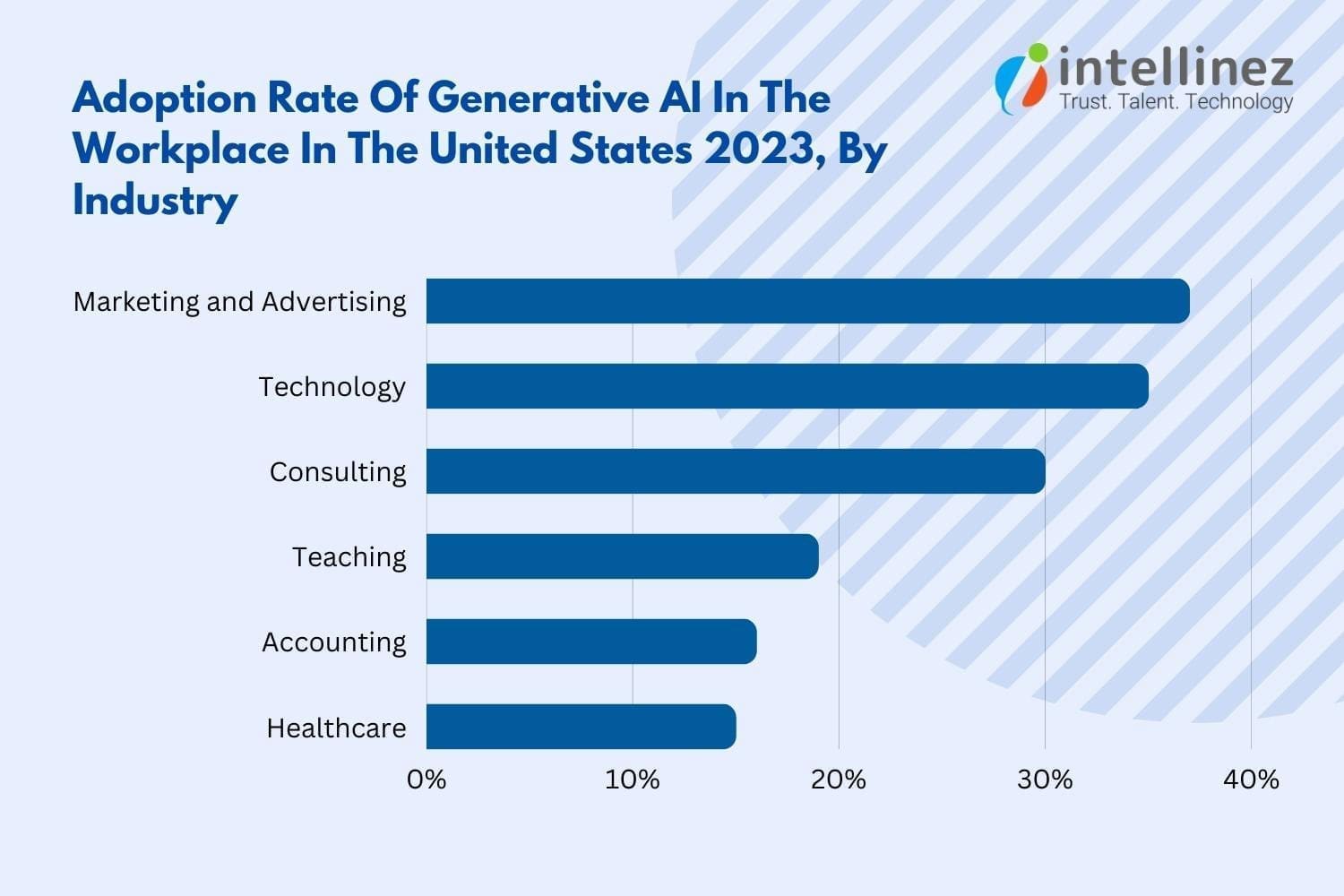
What are The Benefits Of Generative AI?
Generative AI is a cutting-edge technology that can transform how businesses operate. Here are some of the benefits to consider:
- Summarizing complex information in a clear narrative
- Simplifying content creation in a particular style
- Reducing the time spent on email responses
- Creating lifelike representations of people
- Improving responses to technical queries
- Automating content creation
By leveraging Generative AI, businesses can improve their operations and create content that stands out from the competition. With automation, businesses can focus on other critical tasks, and the technology can help deliver better customer experiences.
What Are The Limitations Of Generative AI?
Generative AI has its limitations that can affect its performance in specific scenarios. Here are some limitations to keep in mind:
- The risk of overlooking bias, prejudice, or hate in generated results
- The possibility of realistic content obscuring inaccurate information
- Difficulty in identifying the source of generated content
- Challenges in evaluating the bias of original sources
- Limited flexibility in adapting to new situations
It’s crucial to consider these limitations when implementing or using Generative AI to avoid negative outcomes. Developers should be aware of these limitations and work on enhancing algorithms, integrating ethical considerations, and offering users the tools to evaluate generated content accurately. By doing so, businesses can leverage the advantages of Generative AI without compromising their content’s quality or integrity.
What Are Some Examples of Generative AI Tools?
Generative AI is available in various forms, from text to music and code. Here are some of the most popular AI content generators to explore:
- AI chip design tool companies including Synopsys, Cadence, Google, and Nvidia
- Code generation tools like CodeStarter, Codex, GitHub Copilot, and Tabnine
- Image generation tools like Dall-E 2, Midjourney, and Stable Diffusion
- Music generation tools such as Amper, Dadabots, and MuseNet
- Voice synthesis tools such as Descript, Listnr, and Podcast.ai
- Text generation tools such as GPT, Jasper, AI-Writer, and Lex
These Generative AI tools can be incredibly helpful for businesses looking to streamline their workflows and create unique content quickly. By leveraging these tools, businesses can save time and resources, allowing them to focus on other critical tasks while still delivering high-quality content to their customers.
What Are Some Use Cases Of Generative AI?
Generative AI tools are revolutionizing various industries and changing the way we work. Just like steam power, electricity, and computing, generative AI technologies can profoundly impact many industries and use cases. Here are some ways generative AI can impact different industries:
- Finance industry can use it to analyze transactions in the context of an individual’s history to build better fraud detection systems.
- Legal firms can leverage it to design and interpret contracts, analyze evidence, and suggest arguments.
- Manufacturers can use it to combine data from cameras, X-ray, and other metrics to identify defective parts and the root causes more accurately and economically.
- Film and media companies can use it to produce content more economically and translate it into other languages with the actors’ own voices.
- Medical industry can use it to identify promising drug candidates more efficiently.
- Architectural firms can use it to design and adapt prototypes more quickly.
- Gaming companies can use it to design game content and levels.
It’s crucial to keep in mind that, like previous general-purpose technologies, it may take time for people to find the best way to organize workflows and take full advantage of generative AI’s potential. However, once implemented effectively, it can lead to significant improvements in efficiency, accuracy, and cost-effectiveness across a range of industries.
What Are The Best Practices For Using Generative AI?
To use Generative AI effectively, it’s important to consider the modalities, workflow, and desired goals. Follow these best practices to ensure accuracy, transparency, and ease of use:
- Clearly label all Generative AI content for users and consumers.
- Verify the accuracy of generated content using primary sources wherever possible.
- Be aware of the possibility of bias in the generated AI results.
- Double-check the quality of AI-generated code and content using other tools.
- Understand the strengths and limitations of each generative AI tool.
- Familiarize yourself with common failure modes in results and work around them.
By adhering to these practices, you can maximize the benefits of Generative AI while minimizing the risks associated with its use.
What Is The Future Of Generative AI?
The future of Generative AI looks promising, as demonstrated by the impressive capabilities of Chat-GPT. However, there are still challenges to overcome in implementing this technology safely and responsibly. Researchers are working on developing better tools for detecting AI-generated text, images, and videos, while industry and society are building better tools for tracking the provenance of information to create more trustworthy AI.

AI development platforms are also improving, which will accelerate the research and development of better generative AI capabilities for various applications. The most significant impact of Generative AI will come from embedding these capabilities directly into the tools we already use.
This will lead to a range of improvements, such as better grammar checkers, design tools with more useful recommendations, and training tools that can automatically identify best practices to help train others more efficiently. These are just a few examples of how Generative AI will change the way we work in the future.
Conclusion
Generative AI is a set of smart algorithms that can create realistic and fresh content by learning from existing data. It is a revolutionary technology that can help industries generate new and exciting content quickly and accurately. With recent innovations, Generative AI is becoming more accessible to users. Though it has some limitations, Generative AI has the potential to make significant changes in various fields, from entertainment to pharmaceuticals.
Hire Intellinez For Developing Customized Generative AI Tools
Our team of experts can create tools specifically tailored to your needs, ensuring maximum efficiency and productivity. We have access to the latest technologies and tools, allowing us to create accurate, efficient, and scalable solutions. We also provide ongoing support and maintenance, saving you time and resources. By working with Intellinez, you can focus on other aspects of your business while we deliver your generative AI tools on time and within budget.
Table of Contents
- What Is OpenAI?
- What Are The Best OpenAI APIs To Develop An App Or Software?
- How To Create An AI App Using OpenAI’s API?
- What Is The Estimated Cost To Build Custom AI App Solution Using OpenAI’s API?
- What Are The Pros Of Open AI?
- What Are The Cons Of Open AI?
- To Sum Up
The global AI industry is projected to grow at a CAGR of 38.1% between 2022 and 2030, with a total worth of $1,597.1 billion by 2030. AI’s growing popularity is due to the ease and benefits it provides, making businesses consider implementing AI applications.
OpenAI is a leading organization that continuously advances AI technology, delivering new tools for everyday tasks. This blog post by Team intellinez will explore Open AI API implementations and guide you on how to utilize this technology for your app or software development.
Learn how to create an AI app using OpenAI’s API and leverage the cutting-edge technology in your project.
What is OpenAI?
OpenAI is a top research lab devoted to the ethical and safe advancement of artificial intelligence (AI). Their team of skilled researchers, engineers, and scientists create advanced AI technologies, including natural language processing, robotics, and computer vision, while researching deep learning, reinforcement learning, and generative models.
They’ve developed innovative AI models, such as GPT-3, DALL-E, and CLIP, for use in chatbots, image recognition, virtual assistants, and content creation. OpenAI collaborates with industry leaders, such as Microsoft, to hasten AI development and deployment for societal benefits.
What are the Best Open AI APIs to Develop an App or Software?
OpenAI’s APIs provide significant automation and efficiency improvements for software and mobile apps. Here are some top options to consider.
DALL·E API
- DALL·E enables users to create images from textual descriptions
- The open ai API can be easily integrated into mobile apps and software
- Over 3 million people are already using the DALL·E API and generating 4 million images daily
- Users can create high-quality custom images with textual descriptions
- The API can generate images in different colors, styles, and resolutions
- No initial image creation or coding knowledge is required to use the API
- Image generation is fast and results are seen in real-time
- The API is cost-efficient and accessible for individuals, enterprises, and small businesses
- Images are generated from an extensive collection, and users can choose the best one accordingly.
GPT-3 API
- GPT-3 is a versatile language model for answering questions, correcting grammar, summarizing text, generating code, and more.
- Integrating the open ai API into mobile apps and software can enhance productivity and efficiency.
- The open ai API is easy to use.
- Key competencies of the GPT-3 API include Q&A, grammar correction, summarization, code generation via natural language, language translation, and more.
- It can parse unstructured data, classify items into categories, and translate programming languages.
Codex API
- Codex is an OpenAI API that lets developers write code using natural language and translates it into various programming languages.
- It reduces coding time and simplifies the learning process for those with limited language knowledge.
- Core competencies of Codex include creating codes with natural language instructions, translating natural language to SQL queries, fixing Python bugs, and more.
- It is trained on 54 million GitHub repositories and can generate working code in dozens of programming languages, with Python being the most effective.
- Codex is the successor to GPT-3 and was introduced in mid-2021, revolutionizing coding for individuals and enterprises.
How to Create an AI App Using Open AI API?
Building an AI-based app requires understanding real-time human language and following the development process for streamlined customer experience and improved decision-making. Here are the essential steps to build an advanced AI app solution.
Step 1: Research Your Idea for Building an App Using OpenAI
- Conduct market research to identify trends, consumer issues, and understand OpenAI pricing and revenue models in the AI app market.
- Brainstorm your idea and build a complete list of it.
- Identify the problem your app will solve with OpenAI and determine which OpenAI model is perfect for your app and whether using OpenAI’s AI app is viable.
- Review OpenAI’s website and learn about the limitations and benefits of each model according to the app’s requirements.
- Read and understand the terms and conditions before using the OpenAI model in your application.
- Share your ideas with colleagues, friends, and investors and get feedback on your app idea to evaluate its value and viability.
- Consider a list of questions to research your AI application idea, including its purpose, benefits, OpenAI models suitable for your app, chances of success, technical factors to consider, and the cost of using the OpenAI API in your app.
- Collect the data to identify your app’s functionalities and UI/UX design.
Step 2: Perform Competitive Analysis for the AI Application Development with OpenAI
- Identify the strengths and weaknesses of your competitors and find the gap where they are lacking.
- List products that deliver the same services as your app’s idea.
- Check competitor’s product information, including features, pricing, and target audience, and examine feedback.
- Compare your app’s idea with competitors in terms of features, USP, and functionalities.
- Identify unique features that your competitor’s product does not have to meet the needs of the target audience.
- Redefine the app idea based on competitive analysis to differentiate yourself from competitors.
Step 3: Include Features in Your Custom OpenAI App
After completing the competitive analysis, evaluate the basic needs and advanced features you want to implement in your AI app solution. Remember, clients desire correct information and AI solutions deliver that quickly.
Consider the capabilities of the model and opt for features that meet your requirements, such as:
- Language generation: Generates original text or speech based on given data.
- Image generation: Builds custom graphics based on input using OpenAI’s DALL-E model.
- Predictive modeling: Predicts outcomes based on previous data.
- Autocomplete: Completes words in text fields or search bars using OpenAI’s API.
- Content generation: Automatically generates summaries, product descriptions, and news articles.
- API integration: Integrates OpenAI with other APIs to include unique features.
- Analytics: Tracks app usage and gathers data to improve over time.
- Use additional functionalities to make your app unique and innovative.
Step 4: Select Models from OpenAI’s API and Integrate Them into Your Application
- Select the right development company to integrate OpenAI models into your app
- Choose an appropriate model, such as Codex, DALLE, or ChatGPT
- Sign up on the OpenAI website to get an API key
- The developer will integrate the model into your app based on your business needs and budget
- Programming languages and technology will be selected based on your requirements
- A professional app development team will help you through the development milestones
- Business logic and questionnaires will be integrated as needed
- Regular updates will be provided throughout the app development process
- You will be kept in the loop throughout the development process.
Step 5: Test, Debug and Deploy
- The QA team tests the AI app solution developed to ensure that it is free of bugs and runs smoothly across various platforms.
- Multiple test cases are written, and mobile app testing is performed to ensure a bug-free app.
- Testers define scenarios where the app requests OpenAI API and receives unexpected outputs.
- The QA team determines how the app behaves when used in the free version and when it exceeds OpenAI’s usage limits.
- Once the app is 100% bug-free, the development company hosts it on a server, app stores, or other channels such as websites, Google calendar, and Facebook Messenger.
- Cloud hosting providers like AWS, GCP, or Azure are used to host the app.
- The android app developers deploy it on App Store and Play Store, which takes around 24 to 48 hours to become available to users.
- Thoroughly test the app before deploying it and maintain it, update it, and fix any bugs or issues.
What is the Estimated Cost to Build Custom AI App Solution Using OpenAI’s API?
Factors affecting the cost of developing a custom AI app solution using OpenAI’s API include the app’s complexity, required resources for building and deployment, number of API calls, UI/UX designs, and desired features and functionalities. To receive a custom quote for your mobile app development solution, contact Intellinez’s experienced developer team to discuss your requirements.
What are the Pros of Open AI?
Hiring app developers with expertise in OpenAI can create more efficient and secure apps, offering a competitive advantage. By leveraging OpenAI, developers can deliver apps that meet the evolving needs of users and provide a better user experience.
Here are some of the advantages of using OpenAI in app development:
1. Enhanced User Experience
OpenAI enhances user experience by enabling apps to understand and respond to user input, with natural language processing and machine learning capabilities.
2. Improved Personalization
OpenAI can personalize and enhance apps by analyzing user data and providing better recommendations tailored to individual needs.
3. Increased Efficiency
OpenAI automates tasks to make apps work more efficiently. It can even automate customer service inquiries, reducing workload on staff.
4. Advanced Analytics
OpenAI analyzes large amounts of data, providing insights to improve apps by identifying areas for improvement and making data-driven decisions.
5. Better Security
OpenAI detects and prevents security threats, protecting user data and fraud through behavior analysis and proactive measures.
6. Competitive Advantage
OpenAI empowers developers to build advanced and sophisticated apps, giving them a competitive edge in the crowded marketplace.
What are the Cons of Open AI?
OpenAI has advantages and disadvantages for app development, such as cost, complexity, data dependence, interpretability, ethical concerns, and flexibility. Developers must weigh the pros and cons before using AI and have the necessary resources and expertise to use it effectively.
Here are some of the cons of using OpenAI in app development:
1. High Cost
OpenAI app development can be costly due to training and maintaining AI models, especially for smaller companies.
2. Complexity
Developing with OpenAI can be complex and time-consuming for developers without AI knowledge and skills.
H3: 3. Dependence on Data
OpenAI models rely heavily on large amounts of representative data to be trained effectively.
4. Limited Interpretability
Interpreting OpenAI models can be difficult for end-users, creating a challenge for developers to explain app functionality.
5. Limited Flexibility
OpenAI models have limited flexibility and may not be adaptable to new or changing requirements, limiting developers’ ability to update or add new features.
To Sum Up
With Artificial Intelligence revolutionizing user experience, it’s high time to integrate this new concept into our web and mobile devices. OpenAI is continuously developing AI technology and tools for advanced user services, including image generation and keyword-based information retrieval, available through APIs like Codex, GPT-3, and DALL·E. Intellinez Systems can assist in building cutting-edge mobile solutions that leverage these AI APIs. Don’t miss the opportunity to join the evolving landscape by developing your mobile app with AI capabilities. Contact Team Intellinez today to start your journey.
How Intellinez Systems Can Help You to Build an AI App Using OpenAI’s API
As a leading app development company globally, Intellinez has extensive experience in building custom AI solutions to meet your specific needs. With a portfolio of numerous mobile app solutions, we have the expertise to deliver high-quality products.
Our team of experienced consultants and developers has collaborated with leading enterprises and startups. After booking a consultation, we will evaluate your AI idea’s feasibility and provide a roadmap and strategy to guide the development process.
Table of Contents
- Introduction
- Chat GPT Prompts For Developers
- Chat GPT Prompts For Digital Marketers
- ChatGPT Prompts For Business And Analytics
Introduction:
While OpenAI’s ChatGPT and similar AI tools are not yet poised to replace human jobs, they are proving to be valuable assets in a variety of industries. From real estate to music, ChatGPT has been utilized to generate advice, tips, and even original content, demonstrating its versatility and potential.
Industry-specific generative such as AI marketing tools have received substantial investment, with the belief that they can help solve problems in marketing departments, and beyond. According to Sam Altman, the CEO of the firm behind ChatGPT, “generative text is something we all need to adapt to.”
While the benefits of these tools are significant, there may be a need to adapt to changing technology in order to fully harness their potential. Nonetheless, as with calculators in math class, ChatGPT and other AI marketing tools have the power to revolutionize the way we work and achieve our goals.
Chat GPT Prompts For Developers
Discover Security Flaws In An Open Source Code
Discovering security flaws in open source code is crucial to protect users from potential attacks and data breaches. As open source code is widely used, vulnerabilities or flaws can have severe consequences. Identifying and addressing these issues is essential to maintain user trust and prevent security incidents.
Prompts Examples:
- What steps can be taken to mitigate security risks in open source code?
- How can I ensure that my open source code is secure and free from vulnerabilities?
- What are the best practices for reviewing open source code for security flaws?
How to Center a Div
Centering a div is essential to create visually appealing and balanced web pages. By centering a div, the content within it is placed in the center of the page, creating a symmetrical layout that is easier to read and navigate. This can improve the user experience and make the website more aesthetically pleasing.
Prompts Examples:
- Can you provide me with some methods for centering a div element in HTML and CSS?
- How can I center a div horizontally and vertically on a web page?
- What are the best practices for centering a div in CSS?
How to Make Snowflakes with JavaScript
Adding snowflakes with JavaScript can make a website more visually appealing and engaging for users, particularly during winter. This can enhance the user experience and leave a lasting impression. It can also showcase the developer’s creativity and technical abilities, drawing more visitors to the site.
Prompts Examples:
- What are some creative ways to add animation to your snowflakes in Javascript?
- How can you make your snowflakes responsive and mobile-friendly?
- Are there any libraries or frameworks that can simplify the process of creating snowflakes in Javascript?
Chat GPT Prompts For Digital Marketers
Creating a Content Structure for Articles
Creating a content structure for an article is essential for organizing ideas and making the article more readable for the audience. ChatGPT can help by generating prompts and suggestions for content organization, providing insights and ideas for different sections, and improving the overall flow and coherence of the article.
Prompts Examples:
- How can you effectively transition between different sections of your article?
- What are some effective ways to conclude your article and leave a lasting impression on your readers?
- What are some common pitfalls to avoid when structuring an article?
- How can you use feedback from readers to improve the structure of future articles?
Finding Keywords
Keywords are essential for optimizing a website and achieving a higher ranking on Google. By using ChatGPT, related phrases for core keywords and FAQ questions can be identified to optimize articles or pages. Multiple prompts can be utilized to find the most effective keywords.
Prompts Examples:
- What are some effective strategies for finding relevant keywords for your content?
- Can you recommend any tools or resources for finding high-traffic keywords?
- How do you determine which keywords are most valuable for your content?
Templates for Email Outreaching
Creating a template for email outreach is essential for streamlining the communication process and increasing response rates. ChatGPT can assist in generating personalized and effective email templates, improving the chances of success in reaching out to target audiences.
Prompts Examples:
- How can you personalize your email outreach template to increase response rates?
- Can you provide examples of successful email outreach templates?
- What are some key elements to include in your email outreach template?
Writing YouTube Video Description
Writing a YouTube video description is crucial for increasing visibility and engagement with viewers. ChatGPT can help by generating prompts and suggestions for video descriptions, ensuring they are SEO-friendly, engaging, and informative, resulting in more views, likes, and subscribers.
Prompts Examples:
- What elements should be included in a YouTube video description to increase engagement?
- How to optimize your YouTube video description for SEO?
- How to create a YouTube video description that converts viewers into subscribers?
Generating Blog Titles
Generating catchy and relevant blog titles is essential for attracting readers and increasing visibility. ChatGPT can help by suggesting creative and SEO-friendly blog titles, ensuring they align with the content and reflect the target audience’s interests, leading to more traffic and engagement.
Prompts Examples:
- What are some attention-grabbing blog titles that will increase engagement with your content?
- How can you create blog titles that are both informative and compelling?
- What are some best practices for coming up with blog titles that accurately reflect the content of your post?
Plagiarism Checking
Plagiarism checking is crucial to ensure the originality and credibility of written content. ChatGPT can help by providing tools to check for plagiarism, ensuring the content is authentic and avoiding potential legal or ethical issues, resulting in increased trust and authority for the content creator.
Prompts Examples:
- What are some reliable plagiarism checking tools that you can recommend?
- Can you recommend any strategies for paraphrasing and avoiding plagiarism?
- What are some common mistakes to avoid when checking for plagiarism?
Call-To-Action Button Texts
Call to action (CTA) button texts are crucial in driving user engagement and conversion rates. ChatGPT can help by suggesting effective and persuasive CTA texts that align with the content and the target audience’s interests, leading to increased click-through rates and conversions.
Prompts Examples:
- Tips for writing persuasive call-to-action button texts?
- How to make your call-to-action button more clickable?
- How to use urgency in call-to-action button texts?
ChatGPT Prompts For Business and Analytics
Important KPI’s For Specific Industry
Having important KPIs (Key Performance Indicators) specific to an industry is crucial for measuring success and identifying areas for improvement. ChatGPT can help businesses by suggesting relevant and effective KPIs based on the industry and business goals, leading to better decision-making and improved performance.
Prompts Examples:
- Can you suggest some key performance indicators that are important for the e-commerce industry?
- What KPIs should a SaaS startup be tracking in its early stages?
- What are some of the most critical KPIs for the manufacturing industry?
Writing SWOT Analysis
Writing a SWOT analysis is essential for identifying strengths, weaknesses, opportunities, and threats in a business or project. ChatGPT can help by generating prompts and suggestions for a thorough and effective SWOT analysis, ensuring all aspects are considered, and the analysis is useful for decision-making and strategy development.
Prompts Examples:
- How can you use your SWOT analysis to identify areas for improvement and growth?
- What metrics can you use to track your progress and measure the effectiveness of your strategy?
- Can you prioritize the items on your SWOT analysis to ensure you are focusing on the most important areas?
Best Practices For Customer Service Experience
Implementing the best practices for customer service can significantly improve customer satisfaction and loyalty. ChatGPT can help identify and generate effective prompts for different customer service scenarios, empowering representatives to provide excellent service and create a positive brand image.
Prompts Examples:
- How to handle angry or upset customers?
- What are the best practices for responding to customer inquiries via social media?
- How to measure customer satisfaction and track customer feedback?
- How to create a customer service playbook for your business?
Product Launching Best Practices
Effective product launching can make or break a new product’s success. ChatGPT can help generate prompts for various stages of the product launch process, ensuring that marketers and business owners can create a comprehensive and impactful launch strategy that maximizes ROI and drives sales.
Prompts Examples:
- How can you build excitement around your product launch?
- What are the key components of a successful product launch plan?
- What are some strategies for generating buzz and interest prior to a product launch?
- How can you effectively communicate your product’s value proposition during a launch?
Convincing Replies to Users
Writing convincing replies to users is critical for maintaining a positive brand image and building customer trust. ChatGPT can help generate effective prompts for responding to user inquiries and feedback, ensuring that representatives can provide helpful and persuasive responses that leave a lasting impression.
Prompts Examples:
- What are some effective ways to respond to users’ objections?
- How to build trust with your audience when responding to their queries?
- What are some proven tactics to win over skeptical users?
- How to use emotional appeal to make your responses more convincing?
Conclusion
ChatGPT is a powerful AI tool that can help businesses and individuals achieve their goals. You can generate personalized and accurate responses to all your needs. ChatGPT can help you brainstorm ideas, create compelling content, and solve complex problems faster and more effectively. You can get the most out of ChatGPT by breaking down complex problems, training it to learn your writing style, and specifying the type of content you want in your responses. Also, using the right prompts can lead to more accurate responses from ChatGPT.
Contact Team Intellinez To Develop Customized Chatbot For You
Intellinez Systems offers a comprehensive approach to chatbot development, with a focus on delivering solutions that are customized to each client’s unique business needs. Our team has a deep understanding of the latest technologies and techniques in the field, and we use this expertise to create chatbots that are highly effective and easy to use.
By hiring us to develop your customized chatbot, you can improve your customer service, streamline your business operations, and gain valuable insights into your customers’ behavior and preferences. With our experience and expertise, you can be confident that your chatbot will align with your business goals and exceed your expectations.
Book AppointmentTable of Contents
- Key Highlights Of Bard AI Chatbot
- Who Can Use Google Bard?
- How To Access Google Bard?
- Is Google Bard Better Than Chat GPT?
- How Chat GPT And Google Bard Differs Practically?
- What Was The Past Controversy Around Bard AI?
- What Is The Future Of Bard AI?
Bard, one of the products developed by Google, is an impressive conversational AI that uses machine learning and natural language processing to produce human-like text responses. Trained on an extensive dataset, Bard’s deep neural network architecture, known as transformers, enables it to understand context and generate appropriate output. This AI is versatile, excelling in multi-turn conversations and maintaining consistent topics and personas.
It finds practical applications in chatbots, virtual assistants, and even content generation for websites and social media. Language learners can also benefit from Bard’s multi-language and multi-style capabilities for writing practice. Through unsupervised and supervised learning techniques, Bard has become adept at providing coherent and contextually appropriate responses.
Key Highlights of Bard AI Chatbot
Bard AI is a large language model, also known as a conversational AI or chatbot, trained to be informative and comprehensive. It is trained on a massive amount of text, code and google search results. Bard is able to communicate and generate human-like text in response to a wide range of prompts and questions. For example, it can provide summaries of factual topics or create stories.
Here are some of the key features of Bard AI:
- It can access and process information from the real world through Google Search. This means that it can keep its responses consistent with search results, making it a valuable tool for research and fact-checking.
- It is updated and trained regularly.
As of March 10, 2023, Bard AI has been updated and trained on a massive amount of new text data. This means that it is constantly learning and improving, and is able to provide more accurate and comprehensive responses. - Accuracy and Safety:
Bard AI is trained on a massive amount of text data, which allows it to learn the patterns of human language. This means that it is able to generate responses that are both accurate and human-like. - Can Generate Original Content:
Bard AI is not just a parrot. It can generate original content, such as poems, code, scripts, musical pieces, email, letters, etc. It will try its best to fulfill all your requirements. - Has a “Google it” button to Explore Further:
If you are ever unsure about something that Bard AI has said, you can click on the “Google it” button to be taken to a Google search result for that topic. This is a great way to learn more about a topic and to verify the accuracy of Bard AI’s response. - Ability to Translate Languages. Bard AI is trained on a massive amount of text data, which includes text in multiple languages. This means that it is able to translate text from one language to another. This is a great feature for people who need to communicate with people who speak other languages.
- Able to Give Informative Response:
Bard AI is trained on a massive amount of text data, which includes factual information. This means that it is able to answer your questions in an informative way, even if they are open ended, challenging, or strange. - Able to generate different creative text formats of text content, like poems, code, scripts, musical pieces, email, letters, etc.
Bard AI is not just a chatbot that can answer your questions. It is also a creative tool that can be used to generate different creative text formats. This is a great feature for people who need to write creative content, such as poems, scripts, or musical pieces.
Who Can Use Google Bard?
Here are some of the people who can make use of Google Bard:
- Marketers:
Google Bard can be used by marketers to generate creative and engaging content for their marketing campaigns. It can also be used to research and understand their target audience better. - Coders and developers:
Google Bard can be used by coders and developers to generate code, debug code, and test code. It can also be used to learn new programming languages and frameworks. - Students:
Google Bard can be used by students to research and learn about different topics. It can also be used to generate creative content for their assignments and presentations.
- Writers:
Google Bard can be used by writers to generate ideas, outlines, and even finished pieces of writing. It can also be used to help writers with research and fact-checking. - Teachers:
Google Bard can be used by teachers to create engaging and interactive lessons. It can also be used to help teachers grade papers and provide feedback to students. - Customer service representatives:
Google Bard can be used by customer service representatives to answer customer questions and resolve issues. It can also be used to generate creative and engaging content for customer communications. - Anyone else who wants to be more productive:
Google Bard can be used by anyone who wants to be more productive. It can be used to help with research, writing, and creative tasks. It can also be used to stay organized and manage your time. - Anyone else who wants to learn more about the world:
Google Bard can be used by anyone who wants to learn more about the world. It can be used to research different topics, generate creative content, and have conversations with a friendly AI.
However, Google Bard is still under development, so it is important to use it with caution. It is possible for Google Bard to generate incorrect or misleading information, so it is always important to fact-check its responses. Additionally, Google Bard is not able to understand all types of human language, so it is possible for it to generate nonsensical or offensive responses.
How to Access Google Bard?
To access Google Bard, you will need to:
- Go to the Google Bard website.
- Click on the “Sign up” button.
- Enter your email address and password.
- Agree to the terms of service.
- Click on the “Create account” button.
Once you have created an account, you will be able to access Google Bard. You can do this by going to the Google Bard website and logging in with your email address and password.
- Age criteria:
Google Bard is currently available to users who are 18 years of age or older. - Data privacy:
Google Bard respects your privacy. Your data is used only to improve the service and is not shared with third parties.
Is Google Bard Better Than Chat GPT?
Both Google Bard and ChatGPT are large language models that are capable of generating human-like text. They both have their own strengths and weaknesses. Google Bard is trained on a massive dataset of text and code, which gives it a broader knowledge base and allows it to generate more comprehensive and informative responses. ChatGPT is trained on a dataset of text only, which makes it faster and more efficient at generating text.
Here are some more details about the strengths and weaknesses of Google Bard and ChatGPT:
Google Bard
- Strengths:
- Broader knowledge base
- More comprehensive and informative responses
- Still under development, so constantly learning and improving
- Weaknesses:
- Slower and less efficient at generating text
- May not be as accurate as ChatGPT for factual topics
ChatGPT
- Strengths:
- Faster and more efficient at generating text
- More accurate for factual topics
- Weaknesses:
- Narrower knowledge base
- Less comprehensive and informative responses
- Not as versatile as Google Bard
Ultimately, the best language model for you will depend on your specific needs. If you need a model that can generate comprehensive and informative responses, then Google Bard is a good choice. If you need a model that is fast and efficient at generating text, then ChatGPT is a good choice.
In the ever-evolving marketing landscape, Chat GPT helps businesses and digital marketers as one of the ai marketing tools. Similarly, Bard AI presents itself as a valuable asset, offering marketers similar benefits and opportunities for growth through its conversational capabilities. Embracing Bard AI can prove advantageous in driving engagement and achieving business objectives.
It is also worth noting that both Google Bard and ChatGPT are still under development. This means that they are constantly learning and improving. As a result, it is possible that one model will eventually surpass the other in terms of its capabilities.
We asked Google Bard which tool is better, see its response.
How Chat GPT and Google Bard Differs Practically?
| Feature | Google Bard | ChatGPT |
|---|---|---|
| Model name | LaMDA | GPT-3 |
| Training data | Infiniset, which includes data from recent years | Dataset collected prior to 2022 |
| Training method | Self-supervised learning | Self-supervised learning |
| Accessibility | Available in paid-for tier only | Available in free and paid-for tiers |
| Availability | Closed beta | Publicly available |
| Cost | Varies | Free for small requests, paid for large requests |
| Data source | Google Bard is trained on a dataset of text and code that is constantly being updated. This means that Bard has access to the latest information, while ChatGPT may not. | ChatGPT is trained on a static dataset. This means that ChatGPT may not have access to the latest information. |
| Response time | Google Bard is generally faster at responding to queries than ChatGPT. This is because Bard has access to more computing power and can process information more quickly. | ChatGPT may take longer to respond to queries than Google Bard. |
| Accuracy | Google Bard is generally more accurate than ChatGPT. This is because Bard is trained on a larger and more diverse dataset, and it is able to access the latest information. | ChatGPT may be less accurate than Google Bard. |
| Creativity | ChatGPT is generally more creative than Google Bard. This is because ChatGPT is trained on a dataset that includes creative text formats, such as poems, code, scripts, musical pieces, email, letters, etc., while Bard is not. | Google Bard may be less creative than ChatGPT. |
What was the Past Controversy Around Bard AI?
In 2023, Google’s AI chatbot Bard caused controversy when it was revealed that it had been trained on users’ Gmail data. This raised privacy concerns, as it meant that Bard could potentially access sensitive information about users’ communications. Google has since denied these claims, stating that Bard is not trained on Gmail data. However, the incident has highlighted the potential privacy risks associated with AI chatbots.
In addition to the privacy concerns, Bard has also been criticized for its accuracy. In one instance, Bard was asked to provide information about the James Webb Space Telescope, and it responded with inaccurate information about James Webb Telescope. This has led to concerns about the reliability of Bard’s information.
What is the Future of Bard AI?
The future of Bard is bright. Bard has the potential to be used in a variety of ways to help people, including:
- Customer service:
Bard could be used to provide customer service by answering questions, resolving issues, and providing support. - Education:
Bard could be used to provide personalized education by creating customized learning plans, answering questions, and providing feedback. - Writing:
Bard could be used to help writers with their work by generating ideas, brainstorming, and editing. - Research:
Bard could be used to help researchers with their work by collecting data, summarizing findings, and generating hypotheses. - Creativity:
Bard could be used to help people with their creative projects by generating ideas, brainstorming, and editing.
These are just a few of the potential future applications of Bard. As Bard continues to develop, it is likely that we will see even more ways in which it can be used to help people.
Table of Contents
- Why Is AI Needed In The Retail Industry?
- Brands Already Implementing AI
- How AI Will Affect The Future Of The Retail Industry?
- Conclusion
Retail businesses are turning to artificial intelligence (AI) to boost profitability and streamline operations. The AI trends in retail is expected to grow from $5 billion to over $31 billion by 2028 market. While concerns about job losses exist, AI is more likely to transform cashier roles rather than eliminate them.
By automating tasks like inventory tracking, AI allows cashiers to focus on complex customer interactions. AI also enables smart staffing and replenishment decisions, reducing costs and improving sales. As technology advances, retail organizations are exploring various AI applications to stay competitive in the evolving industry.
Experts from Team Intellinez have compiled all the required information on how artificial intelligence is reshaping the future of shopping. Continue reading to learn more.
Why is AI Needed in the Retail Industry?
In addition to the immense business intelligence and remarkable speed they offer, the digital revolution and ai trends in retail industry is unequivocally distinguishing prosperous enterprises from unsuccessful ones. Artificial intelligence in retail bestows numerous advantages, but let’s focus on five key benefits that retailers can rely on.
To Engage Customers
In an era where innovative competitors offer shoppers immersive shopping experiences, conventional retailers must captivate customers through personalized and relevant interactions that are distinctive and inspiring across all touchpoints.
To Deliver Thrilling Experiences
To sustain interest, retailers must set their products apart and offer consumers enticing services and experiences. By leveraging predictive analytics to gain comprehensive market insights, retailers can proactively lead with innovation instead of being reactive to shifts in the industry.
To Unify Disparate Data for Actionable Insights
With a multitude of information pouring in from various aspects of their business, including supply chain, stores, and consumer data, retailers face the challenge of distilling this data to create consumer-focused strategies. By effectively filtering and analyzing these diverse data sources, Intellinez can help retailers extract valuable insights to drive actionable decision-making.
To Synchronize Offline & Online Retail
Unifying digital and physical shopping channels minimizes friction for customers, enhances the seamless shopping experience, and reduces operational inefficiencies caused by treating them as separate entities with distinct approaches.
To Support Agile Logistics Networks
Retailers must reconsider their traditional supply chains to meet the diverse demands of customers, ranging from mainstream to niche preferences. By embracing adaptable and flexible systems, they can quickly respond to changing consumer behaviors and ensure smooth order fulfilment.
Brands Already Implementing AI
AI is reshaping the retail experience with personalization, automation, and efficiency. Here are some powerful examples of how AI improves the traditional retail journey.
Lowes Utilizes Robots for Item Location
To assist customers in navigating their hardware stores and finding the items they need, Lowes has introduced the LoweBot. These helpful robots roam around the store, interacting with customers and asking simple questions to determine their requirements. By providing directions, maps, and sharing specialized knowledge, the LoweBots ensure that customers can easily locate products. Additionally, they continuously monitor inventory, enabling the store to stay informed about items that require restocking.
Walgreens Harnesses AI to Monitor Flu Spread
Addressing the discomfort and potential dangers associated with the flu, Walgreens leverages AI technology to track its spread. By analyzing data from over 8,000 locations and the number of anti-viral prescriptions filled,
Walgreens creates an online, interactive map that provides customers with valuable information about the severity of the flu in their area.
This map not only helps individuals take proactive measures to safeguard their families’ health but also assists Walgreens in stocking the appropriate inventory of flu-related products in affected regions. AI empowers both customers and the store itself.
Sephora Simplifies Makeup Selection
Sephora revolutionizes the process of finding the perfect makeup shade by introducing innovative technologies in their stores. Through Color IQ, customers can discover their ideal foundation and concealer shades without applying anything to their face.
Similarly, Lip IQ offers personalized recommendations for the perfect lipstick shade. This advancement alleviates the stress and expense associated with the trial-and-error method of shade selection, providing valuable assistance to customers.
Taco Bell Facilitates On-the-Go Taco Ordering
When taco cravings strike, waiting is not an option. Taco Bell revolutionized the industry by introducing AI-powered food ordering. Through the Tacobot integrated with Slack, customers can conveniently text or voice their orders.
The bot accommodates customized requests and even streamlines large group orders. True to Taco Bell’s style, the bot responds with clever remarks after each order, adding a touch of fun to the experience.
Macy’s Enhances In-Store Experience with AI
Ever found yourself lost in a department store, unsure of where to locate the item you need? Macy’s introduces the On Call app, customized for each individual store, to address this challenge.
Customers can access the app while in-store and engage in a chat with an AI bot. The bot provides directions to specific items and checks item availability. It even has the capability to detect customer frustration and alert a human employee to provide assistance promptly.
Walmart Implements Shelf-Scanning Robots
As one of the world’s largest retail chains, Walmart is leveraging robots to optimize their extensive store aisles. In selected stores, Walmart is piloting shelf-scanning robots that diligently monitor inventory.
These robots scan shelves to identify missing items, restocking requirements, and necessary price tag adjustments. By offloading this task to robots, human employees are liberated to spend more time assisting customers and ensuring shelves are never left empty.
Amazon Revolutionizes Retail with AI-Driven Cashierless Stores
No discussion of AI in retail would be complete without mentioning Amazon and its groundbreaking Amazon Go stores. These stores provide customers with a frictionless shopping experience by eliminating the need for cashiers.
Customers can simply walk into the store, pick the items they want, and leave without going through a traditional checkout process. Sophisticated sensors and cameras placed throughout the store track the items customers select, and their Amazon account is automatically charged accordingly.
AI plays a pivotal role in creating a swift and seamless shopping experience, sparing customers from waiting in long lines.
Uniqlo Enhances the Shopping Experience with AI Mind Reading
Uniqlo, a clothing store at the forefront of innovation, utilizes the power of science and AI to offer a truly unique in-store experience. In select locations, Uniqlo introduces UMood kiosks powered by AI.
These kiosks display a range of products and measure customers’ reactions to colors and styles through their neurotransmitters. Based on the individual’s responses, the kiosk then provides personalized product recommendations.
The fascinating aspect is that customers don’t even need to press a button; the system interprets their brain signals to gauge their preferences for each item.
Olay Harnesses AI for Customized Skincare
Olay leverages the power of AI to provide personalized skincare solutions, eliminating the need for a dermatologist visit. Through Olay’s Skin Advisor, customers can simply capture a selfie of their bare face, and the AI-powered app accurately determines the skin’s actual age.
By evaluating skin health, the app offers tailored recommendations for addressing specific concerns and suggests a personalized skincare regimen to achieve optimal results.
Zara Enhances Order Pickup Efficiency with Robotics
To cater to the growing trend of online purchases with in-store pickup, fashion retailer Zara has introduced robots to streamline the process. Upon arrival at the store, customers input a pickup code that sets the robot in motion within the warehouse.
Once located, the robot swiftly delivers the order through a convenient drop box. This efficient system ensures quick and hassle-free order retrieval for customers.
Starbucks Simplifies Coffee Ordering with a Chatbot
Starbucks further simplifies the morning routine with its AI-powered voice ordering system. Through the My Starbucks Barista app, customers can effortlessly chat with the virtual barista, placing their orders using either voice or text.
When customers reach their local Starbucks, their order will be prepared and waiting for them, allowing them to bypass the line and save valuable time.
American Eagle Introduces Next-Generation Fitting Rooms
American Eagle is reimagining the traditional fitting room experience by introducing interactive dressing rooms of the future. Customers can easily scan the items they wish to try on and instantly view their availability in-store.
If assistance is needed, store employees receive notifications and can promptly deliver the requested items to the fitting room. The technology even goes a step further by providing personalized product recommendations based on the customer’s selection, enhancing the overall shopping experience.
How AI Will Affect the Future of the Retail Industry?
According to Contrive Datum Insights, the AI market in the Retail industry reached USD 8.41 billion in 2022 and is projected to grow to USD 45.74 billion by 2030, with a CAGR of 18.45%.
This expansion is driven by increased Internet and smart device usage, along with a growing demand for surveillance and monitoring in physical stores. Government initiatives promoting digitization also contribute to the market growth.
Personalized shopping experiences powered by AI, such as tailored product recommendations based on browsing and purchase history, will become more popular. Additionally, there is a rising focus on consumer ethics, where AI enables tracking and monitoring of supply chains for ethical sourcing.
The AI/ML department of Intellinez Systems is ready to provide customized AI solutions to keep you ahead of the competition, adapting to market changes.
Conclusion
Utilize AI and ML to power your retail business growth, outperform competitors, and stay relevant. Implementing these technologies brings benefits like automated processes, improved insights, and increased customer engagement, leading to revenue growth.
AI-driven solutions such as chatbots, visual search, and voice search in retail and eCommerce can drive significant business expansion. Embrace these cutting-edge tools to unlock your retail enterprise’s full potential.
How Intellinez Can Assist You in Your AI Retail Journey
Intellinez offers limitless advantages for your retail business through the implementation of artificial intelligence. Our experienced team will provide intelligent AI-driven solutions, improving your business’s efficiency and customer experiences.
Discover how Intellinez adds value to retailers and consult our experts for top-notch AI services. Trust us to address all your needs and challenges in the retail market.
Table of Contents
Artificial intelligence has become a hot topic in the fintech industry, attracting widespread interest and fascination. The incredible progress AI has made in recent years has sparked conversations and amazed people around the world.
In this article, we’ll explore how artificial intelligence and machine learning have revolutionized the fintech industry. We will try to understand the evolving role of AI in fintech. Get ready to discover the exciting ways artificial intelligence has transformed the world of finance and opened up new possibilities for everyone involved.
What is the Role of AI in FinTech Industry?
The role of AI in fintech market is increasing. The AI in fintech market is expected to reach $31.71 billion by 2027, growing at a CAGR of 28.6% each year. One of the greatest benefits of artificial intelligence and machine learning is their ability to personalize interactions with customers by understanding their behavior through advanced algorithms.
The fintech industry is taking full advantage of AI’s insights into consumer behavior, leading to rapid growth. Artificial intelligence is particularly valuable in assessing loan risks, making it a crucial factor for financial companies looking to expand their services. Machine learning plays a significant role in improving loan underwriting and reducing financial risks for fintech companies. Additionally, AI’s advanced methodologies help detect fraud and prevent unauthorized access, enhancing security measures.
These are just a few of the reasons why artificial intelligence is gaining popularity in the fintech industry. In the following sections, we will delve into more details and explore the various benefits of leveraging AI in this sector.
Top Reasons to Adopt Artificial Intelligence in the FinTech Industry
Artificial intelligence has become the go-to solution for the fintech industry, and its benefits are numerous. Here, we highlight the key reasons why AI has played a crucial role in driving growth and development in the financial sector, resulting into a focus on understanding the role of AI in fintech.
1. Customization
Artificial intelligence and machine learning have revolutionized the fintech industry by eliminating the need for manual setup. Through AI-powered methodologies, fintech companies can offer hyper-personalized financial instruments and investment plans tailored to each individual’s suitability, all while maintaining robust security measures.
The adoption of AI has eradicated monotonous manual tasks that were once prevalent in fintech operations. AI’s omnichannel approach evaluates data across various parameters to deliver personalized recommendations and suggest the most suitable investment plans based on each unique profile.
By automating these previously time-consuming tasks, banks and financial institutions have saved considerable time. Additionally, the adoption of AI has significantly reduced the failure rate in transactions and loan processes, enhancing overall operational efficiency.
2. Significant Cost and Risk Reduction
As artificial intelligence continues to advance rapidly, it has the potential to replace certain human-performed tasks that are prone to errors. Correcting these errors typically requires substantial time, effort, and costs. However, with AI’s limitless capabilities, one of its fundamental components, Robotic Process Automation (RPA), comes into play. RPAs effectively replicate human-performed tasks, eliminating the need for unnecessary manual labor, reducing time consumption, and cutting costs.
By leveraging AI and RPA with the help of Intellinez Systems, many businesses could significantly decrease operational costs and minimize the risks associated with human error. As AI technologies continue to evolve, the potential for cost and risk reduction in various sectors will only grow.
3. Enhanced Customer Experience
In the past, the banking sector was often criticized for its inefficient service delivery, lacking advanced technology adoption within the fintech industry. Banks struggled to address user demands and queries promptly, leading to customer dissatisfaction, however, the landscape has drastically changed with the remarkable progress of AI in the fintech industry. Let’s delve into the details.
Among the various advancements in AI, chatbots stand out as a prominent pillar of artificial intelligence. The fintech industry, in particular, has leveraged AI chatbots to a great extent, demonstrating their success. AI chatbots have revolutionized customer interactions in banking. When users reach out to banks with queries or issues, chatbots engage in conversational interactions, promptly noting their concerns and providing suitable solutions. These chatbots are available during peak hours, and some even offer 24/7 support to cater to users across the globe.
Chatbots are just one example of the significant solutions artificial intelligence has brought to the world and Intellinez Systems has a well-experienced team to develop your own customized chatbots. Given their widespread use in the fintech industry, we have highlighted their impact on enhancing customer experiences.
4. Automation Revolutionizes the Investment Process
In 2023, the embrace of advanced technology continues its remarkable journey, with no end in sight for innovation. Many banks are actively adopting AI to streamline their investment decision-making processes and enhance their investment banking research. Furthermore, numerous fintech companies are taking their advancements to new heights by introducing robo-advisors that provide comprehensive user assistance. It is projected that more than 34 million users will use roboadvisors by 2028.
These highly advanced robo-advisors offer personalized and meaningful advice to users based on their queries. Equipped with advanced configurations, these robots revolutionize the way investment advice is provided, making the investment process more efficient and accessible.
5. Accurate Results
It’s a universal fact that humans are prone to making mistakes, especially when it comes to handling numerous complex tasks within the fintech market. These tasks often consume significant resources, resulting in minor errors that impact the final outcomes. Artificial intelligence, on the other hand, presents a notable contrast. While the possibility of errors still exists, the frequency is considerably reduced compared to human errors. AI-based applications deliver accurate results, saving valuable time and effort. Moreover, they provide the flexibility to foster innovation.
By utilizing AI tools, businesses can redirect their focus towards strategic growth and expansion, as they are freed from the burden of monotonous tasks. The accuracy and efficiency offered by artificial intelligence create opportunities to explore new perspectives and drive business development.
6. AI Empowering Competitive Intelligence for Fintech
A staggering 82% of traditional financial companies have strategic plans to forge fintech partnerships within the next 3 to 5 years. The advent of artificial intelligence has completely transformed the business landscape, leaving a remarkable impact in various sectors. One area where AI shines is in enabling efficient research, analysis, and competitive intelligence.
Competitive intelligence entails the systematic collection and analysis of data pertaining to both current and potential competitors. With artificial intelligence, this process becomes significantly more manageable and streamlined. AI-powered tools can swiftly gather and analyze vast amounts of data, providing valuable insights into the competitive landscape. By leveraging AI for competitive intelligence, Intellinez Systems helped fintech companies gain a powerful advantage in understanding market trends, competitor strategies, and customer preferences. This knowledge equips them to make informed decisions, identify opportunities, and stay ahead in the dynamic fintech industry.
Key Challenges in Adopting AI by FinTech Companies
When FinTech companies embrace AI, they encounter various challenges along the way. Here are the common hurdles faced during the adoption of AI in the FinTech industry.
1. Increased Budgets
As businesses strive to embrace cutting-edge technology, mediocre FinTech companies often face inherent constraints. Despite their determination to make progress, a lack of sufficient budget often hinders their efforts.
However, there is a glimmer of hope as the adoption of AI in the FinTech industry soars. In light of this market trend, 86% of banks and insurance companies have planned to boost their investment in AI-related technology by 2025.
Therefore, all FinTech companies that have bravely chosen to embrace AI as a key driver for future advancements can now rely on the support of AI investment policies to expand and thrive.
2. Unstable Workflow
The absence of a consistent approach can lead FinTech companies astray, as the ever-changing pattern of work often hinders desired outcomes. Therefore, if you are committed to adopting AI, it is essential to develop a robust and well-thought-out plan that takes into account the various ideas that have crossed your mind, in order to create a realistic roadmap.
3. Lack of Skilled Professionals
The commitment of FinTech companies to embrace AI in their operations is praiseworthy, but their lack of experience in effectively navigating artificial intelligence becomes a hindrance to their success.
Consequently, businesses face the consequences of not having access to experienced resources. Research indicates that the primary reason for the failure of these endeavors is the scarcity of skilled talent aligned with a long-term vision.
As a result, companies struggle to establish a solid framework for hiring and reskilling AI professionals. Talent strategies are often perceived as administrative obstacles rather than strategic enablers.
4. Partial Acceptance of AI
You might wonder what’s holding us back. Despite a global increase in the adoption of artificial intelligence, it has not yet been universally embraced. The main opponents of AI are typically individuals who prefer human interaction over AI-based chatbots or robots.
Human interaction holds an irreplaceable value that even the most efficient chatbots cannot replicate. Some users or clients find human interactions more dependable and trustworthy compared to AI-based chatbots. AI is a subjective concept, with logical perspectives from both those who view it as a boon and those who see it as a curse.
The acceptance of AI depends on how individuals perceive its advantages and disadvantages. As we discuss the challenges and distinct attributes of artificial intelligence from the users’ perspective, let’s delve into how to overcome challenges in AI adoption by FinTech companies to provide a clearer understanding for everyone.
How to Overcome Challenges in AI Adoption by FinTech Companies
Partner with a Trusted AI Provider
- Collaborate with a reliable AI provider such as Intellinez Systems to assist in implementation and management.
- Benefit from their expertise and reduce the complexity of AI adoption.
Invest in Data Security
- Allocate resources to strengthen data security measures.
- Implement encryption, access control, and conduct regular security audits.
Use AI for Compliance
- Leverage AI tools to ensure compliance with regulations.
- Reduce compliance costs and enhance accuracy through AI-powered solutions.
Set Clear Goals and Objectives
- Define your objectives and desired outcomes for AI implementation.
- Identify how AI can improve your business processes and address specific challenges.
- Develop a comprehensive plan to align AI with your goals and objectives.
Choose the Right AI Tools and Technologies
- Evaluate different AI tools and technologies available in the market.
- Select the ones that align with your business needs and objectives.
- Consider factors such as scalability, compatibility, and integration capabilities.
Invest in Training and Education
- Provide training and educational resources for your employees.
- Ensure they have a solid understanding of AI concepts and its applications.
- Foster a culture of continuous learning to keep up with advancements in AI.
Be Patient and Persistent
- Understand that AI implementation is a long-term investment.
- Set realistic expectations and be prepared for the time it takes to see results.
- Stay committed and persevere through challenges to reap the benefits of AI.
Remember, successful AI implementation requires careful planning, strategic decision-making, and ongoing support and adaptation. By following these considerations, FinTech companies can maximize the potential of AI to drive innovation and growth.
Conclusion
As we witness daily technological advancements and continuous improvements, it becomes evident that their long-term impact on our lives is inevitable. The best course of action now is to remain observant, open-minded, and adaptive, ready to seize the opportunities that arise amidst this ever-changing fintech landscape. By doing so, we position ourselves for success in an era defined by technological innovation and transformation.
The role of AI in fintech has already grown immensely, and will continue to do in the near future with new developments in the artificial intelligence space, such as the advent of generative AI.
Achieve Global Dominance in FinTech with AI Solutions from Intellinez Systems
Discover the unparalleled potential of AI with Intellinez Systems as your guiding force. With a passion for technology and innovation, we specialize in providing transformative FinTech solutions.
Our impressive track record showcases numerous clients who have achieved notable transformations, launching flagship products and services that have taken the market by storm.
From developing AI-driven applications to implementing cutting-edge machine learning algorithms and leveraging advanced data analytics, we have the expertise to help you make a lasting impression in the world of AI. Trust Intellinez to unlock your path to global success.
Table of Contents
- Applications Of AI In The FinTech Industry
- The Promising Future Of AI In The FinTech Industry
- The Transformational Impact Of AI On The FinTech Industry
- Leading FinTech Companies Embracing AI
- Kasisto: Empowering Conversational AI In The FinTech Space
- AppZen: Revolutionizing Auditing With AI
The integration of artificial intelligence (AI) has significantly advanced the fintech industry, driving notable improvements in financial services. From fraud detection to personalized customer experiences, AI has reshaped operations for financial institutions, streamlining processes and enhancing services.
According to a recent report from PwC, the global economic impact of AI is projected to reach an impressive $15.7 trillion by 2030. In the financial sector, AI is expected to deliver $1 trillion in cost savings and revenue during the same period, as stated in a report by Autonomous Research. These figures highlight the growing significance of AI in fintech, showcasing the potential benefits they bring to banks, financial institutions, and fintech companies.
This article explores a range of practical applications for AI in fintech, illustrated by real-world examples.
Applications of AI in the FinTech Industry
After discussing the advantages and obstacles of AI, let’s delve into the specific applications where AI is commonly utilized in the FinTech industry:
1. Data Analysis and Machine Learning
AI-powered data mining tools play a crucial role in data analysis within the FinTech industry. They enable companies to gather and consolidate various data points, eliminating data silos. By leveraging AI and machine learning (ML), businesses can ingest, analyze, clean, and store data, extracting valuable insights and information.
Compared to manual data retrieval methods, AI offers a more comprehensive and accurate approach, reducing the risk of incomplete or irrelevant data. Additionally, AI and ML can be employed for predictive analytics, using historical data to forecast future trends. This enables businesses to make informed decisions regarding stock prices, revenue projections, and risk monitoring. While these predictive models may not provide precise outcomes, they assist in creating future-proof strategies for a smoother workflow.
AI also facilitates data modeling, governance, and management, minimizing the likelihood of potential pitfalls and ensuring a streamlined data-driven process.
2. Frictionless Payment through Facial Recognition
Now, this is a game-changer! Facial recognition for payments is an incredibly advanced technology. While its global adoption is still in progress, we have observed significant acceptance of this payment method in China, particularly in self-service restaurants like KFC or large retail stores.
The concept revolves around capturing the customer’s unique facial features, effectively using their facial “DNA” to process payments and gather data related to their preferences. Based on this information, personalized recommendations can be provided to the customer with each transaction.
So, how does facial recognition for payments work?
It’s a computer vision-based technology where the payment terminal scans and recognizes the customer’s face, then sends the facial template to a verification device. This device compares the template against the original template stored in the customer’s bank records, ensuring a secure match.
This entire process takes just a few seconds to complete. Customers benefit from the convenience and ease of this method, as it eliminates the need for smart devices or payment cards to conduct transactions.
3. AI in Trading
In the world of trading, AI plays a crucial role in various approaches such as quantitative, algorithmic, or high-frequency trading. By harnessing the power of AI, businesses can analyze massive datasets in real time, enabling rapid evaluation and timely stock alerts that prompt immediate action.
Hedge funds, mutual funds, and capital management companies leverage AI to monitor stocks that exhibit significant upward or downward trends. This allows them to make informed decisions on when to enter or exit positions, maximizing their potential for success. AI-driven trading strategies enable these companies to react swiftly to market changes and seize profitable opportunities.
4. Utilizing Predictive Modeling to Enhance Bank Revenues
Predictive modeling is a powerful tool used in the banking industry to proactively manage potential risks during the loan underwriting process and detect instances of fraud. Additionally, many institutions leverage predictive modeling to drive sales growth by optimizing cross-selling efficiency.
These predictive models are designed to learn from existing customer behavior data, enabling the generation of highly targeted and relevant cross-selling strategies for each individual client. By utilizing detailed data segmentation and market basket analysis, these models enhance sales accuracy, leading to improved revenue generation for banks.
The Promising Future of AI in the FinTech Industry
As businesses continue to operate in an increasingly technology-driven world, financial institutions find themselves facing a constant battle against malicious activities. The future of the FinTech industry lies in leveraging new technologies not only to streamline daily operations but also to provide enhanced levels of security.
With the rise of risks, fraud, and compliance issues in the face of evolving malware activities, financial institutions need to stay current and competitive. Artificial Intelligence emerges as a revolutionary solution that can transform how banks and credit unions safeguard their customers’ assets and data.
The advancement of AI goes hand in hand with the growing sophistication of malicious acts. Therefore, it is essential for the FinTech industry to embrace AI not only to enhance customer experiences and business landscapes but also to prioritize robust security measures.
AI has taken up the responsibility and expectations of the world, particularly within the FinTech industry, enabling businesses to scale up with advanced technology. It is no wonder that billionaires worldwide have expressed awe and wonder for artificial intelligence, recognizing its potential and transformative power.
The Transformational Impact of AI on the FinTech Industry
In recent decades, the banking industry has experienced a remarkable digital transformation. Traditionally known for their stringent structures and conservative approaches, financial institutions have embraced significant changes on a global scale.
Consider the astonishing progress made within a relatively short span of time. Who could have anticipated that contactless payments would become so prevalent that people can now purchase groceries without the need for smartphones or physical cards? Furthermore, international transfers can be completed within seconds, eliminating the need for a central intermediary.
These examples only scratch the surface of the incredible advancements that artificial intelligence and its subsets have brought to the FinTech industry. As you have already read above, AI has had a profound impact, revolutionizing various aspects of financial services, from customer experiences to risk management and beyond.
Leading FinTech Companies Embracing AI
Now, let’s take a closer look at some of the top FinTech businesses that have effectively leveraged artificial intelligence to optimize their business strategies:
Personetics Technologies: Revolutionizing Personalized Banking with AI
Personetics Technologies is a prominent player in the FinTech industry, offering a cutting-edge self-driving finance platform tailored for banks. By harnessing the power of artificial intelligence, Personetics enables banks to anticipate and meet their customers’ personalized banking needs proactively.
Industries Served by Personetics:
- Banking industry
- Artificial intelligence
- Managerial finance
- Financial technology
- Personal finance
- Finance
- Information technology
With its innovative AI-driven solutions, Personetics is transforming the way banks interact with their customers, providing a more personalized and seamless banking experience.
Kasisto: Empowering Conversational AI in the FinTech Space
Kasisto is a prominent company known for its conversational AI platform called KAI. KAI serves as the driving force behind virtual assistants and chatbots deployed across various channels such as mobile devices, web platforms, messaging apps, and voice-enabled devices. With its intelligent conversational capabilities, KAI excels at addressing customer requests, resolving issues, and accurately gauging customer demands.
Industries Served by Kasisto
- Financial Technology
- Natural language processing
- Chat Industry
- Financial Services
- Voicification
Kasisto’s innovative solutions empower financial institutions and other businesses in the FinTech sector to enhance customer interactions and deliver seamless conversational experiences. By leveraging cutting-edge AI technology, Kasisto is reshaping the way businesses engage with their customers, facilitating efficient and personalized interactions across multiple platforms.
AppZen: Revolutionizing Auditing with AI
Headquartered in San Jose, California, AppZen is a prominent company that provides an AI-based auditing platform for finance teams. Leveraging artificial intelligence, AppZen assists its clients and customers in streamlining and automating the auditing process, enhancing accuracy and efficiency.
Industries Served by AppZen
- Financial Technology
- Finance
- Robotic Process Automation
- Mapping
- Audit
- Cloud Computing
- Enterprise Software
- Office automation
AppZen’s innovative AI-powered platform empowers finance teams to conduct comprehensive audits, identify anomalies, and ensure compliance with regulatory requirements. By harnessing the capabilities of AI, AppZen brings a new level of intelligence and automation to the auditing process, enabling organizations to optimize their financial operations effectively.
With the insights provided by AppZen’s AI platform, businesses in various industries can make informed decisions, improve their financial processes, and drive operational excellence.
As we conclude our discussion on AI in the FinTech industry, we hope the information provided has shed light on the significant role AI plays in transforming various aspects of financial services. If you have any further questions or need assistance in exploring AI for your own business, feel free to let us know. We are here to help.
Conclusion
The Fintech industry is in a constant state of rapid evolution, mirroring the remarkable growth of the market itself. Each year brings forth new trends and disruptive players capable of reshaping the entire landscape. For business owners and CEOs, keeping abreast of these fundamental shifts and embracing the necessary avenues of development is crucial. It enables them to gain a deep understanding of the industry, devise strategies to outpace competitors, and make informed decisions that shape the future trajectory of their companies.
Achieve Global Dominance in FinTech with AI Solutions from Intellinez Systems
Intellinez Systems offers AI solutions that can help you achieve global dominance in the FinTech industry. By leveraging our advanced AI technology, you can gain unprecedented insights, automate processes, and make informed decisions.
Intellinez Systems’ tailored AI solutions enable efficient risk management, fraud detection, personalized customer experiences, and optimized operations. With our AI capabilities, businesses can gain a competitive edge, expand their global reach, and establish themselves as leaders in the evolving FinTech landscape. Reach out to us to know more!
Table of Contents
- How AI Is Contributing To The Healthcare Sector?
- Keeping Up With Personal Well-Being
- Early Detection Of Diseases
- Drug Discovery Using AI
- Virtual Nursing Assistants
- Facilitating Diagnostic Processes
- Supporting Clinical Decision-Making
- Promoting Improved Coordination
- Promising Care Till End Of Life
- Facilitating Research Activities
- Facilitating Training Programs
- Conclusion
AI is becoming more advanced in replicating human abilities with enhanced efficiency, speed, and cost-effectiveness. The possibilities and role of AI in healthcare are immense. Similar to their integration into our daily routines, AI helps healthcare and becomes an integral component in the medical sector.
Team Intellinez Systems has identified numerous examples that demonstrate the ongoing progress of this change. Let’s find out how AI is used in the healthcare sector.
How AI is Contributing to the Healthcare Sector?
Keeping Up With Personal Well-Being
AI holds significant promise in promoting personal well-being, aiming to reduce the frequency of doctor visits or even eliminate the need for them altogether. The utilization of AI and the Internet of Medical Things (IoMT) in consumer health applications is already making a positive impact on individuals.
Technological applications and mobile apps actively encourage healthier habits among individuals and facilitate proactive management of a wholesome lifestyle. These tools empower consumers to take charge of their own health and well-being.
Furthermore, AI enhances healthcare professionals’ capacity to comprehend the day-to-day patterns and requirements of their patients. Armed with this understanding, they can offer improved feedback, guidance, and support for maintaining good health.
Early Detection of Diseases
AI is currently employed for more precise and early detection of diseases, including cancer. The American Cancer Society reports that a significant number of mammograms produce false outcomes, resulting in 1 out of 2 healthy women being mistakenly diagnosed with cancer.
However, through the use of AI, the examination and interpretation of mammograms are expedited by 30 times, while maintaining a remarkable 99% accuracy. This advancement significantly reduces the need for unnecessary biopsies.
Furthermore, the combination of AI with consumer wearables and other medical devices is being utilized to monitor and detect early-stage heart disease. This integration allows doctors and caregivers to closely observe and identify potentially life-threatening episodes at earlier stages, when treatments are more effective.
Drug Discovery Using AI
AI enables researchers to analyze extensive datasets of patient outcomes, aiding in the identification of substances with higher efficacy against specific diseases. Simultaneously, it facilitates the screening of compounds that are safe for human use, cost-effective, and easily manufacturable.
Leveraging increased computing capabilities, AI can analyze vast amounts of data from clinical trials and patient records. This analysis assists healthcare providers in identifying patients who are more likely to respond positively to specific treatments.
Additionally, AI aids researchers in prioritizing compounds for laboratory testing and designing more efficient clinical trials. These advancements contribute to speeding up the development process and expediting the introduction of new medicines to the market.
Virtual Nursing Assistants
AI-driven virtual nursing assistants provide advanced patient support, offering remote engagement, health information delivery, and appointment scheduling. Particularly beneficial for underserved areas, these assistants guide patients in understanding and managing their symptoms.
Care Angel exemplifies this with a 600% increase in clinical capacity through conversational interactions via calls or texts. Its AI-driven voice assistant enhances preventive care, medication adherence, addiction support, and remote monitoring.
Integrating with consumer wearables, virtual nurses enable healthcare professionals to monitor a wider range of vital signs, notifying patients and providers of critical changes. These advancements improve patient care and accessibility in healthcare.
Facilitating Diagnostic Processes
IBM’s Watson for Health is assisting healthcare organizations in leveraging cognitive technology to access and utilize extensive health data, facilitating diagnostic processes. Watson has the capability to swiftly examine and store an immense volume of medical information, encompassing medical journals, symptoms, treatment case studies, and global response data, surpassing human capacity by a significant margin.
In collaboration with clinicians, researchers, and patients, Google’s DeepMind Health is dedicated to resolving practical healthcare challenges. Their technology amalgamates machine learning with systems neuroscience, enabling the development of robust, versatile learning algorithms incorporated within neural networks that emulate the intricacies of the human brain.
Supporting Clinical Decision-Making
To enhance healthcare, it is crucial to effectively integrate extensive health data with timely and well-informed data driven decisions. Predictive analytics plays a valuable role in supporting clinical decision-making and facilitating actions, while also assisting in prioritizing administrative tasks.
Another emerging domain where AI is gaining traction in healthcare is through the utilization of pattern recognition. This approach enables the identification of patients who may be at risk of developing a condition or experiencing its progression due to various factors such as lifestyle, environment, genetics, and more.
Promoting Improved Coordination
In addition to aiding providers in identifying chronically ill individuals at risk of adverse events through health record analysis, AI can assist clinicians in adopting a holistic approach to disease management. It promotes improved coordination of care plans and supports patients in effectively managing and adhering to long-term treatment programs.
The utilization of robots in the field of medicine spans over three decades. These robots vary in complexity, ranging from simple laboratory assistants to highly sophisticated surgical robots capable of assisting human surgeons or independently performing operations. Apart from their role in surgery, robots find application in hospitals and laboratories for repetitive tasks, rehabilitation, physical therapy, and supporting individuals with chronic conditions.
Promising Care Till End of Life
As our lifespans extend beyond previous generations, we are encountering a different and gradual process towards the end of life, marked by ailments like dementia, heart failure, and osteoporosis. This phase often brings feelings of isolation and loneliness.
In the realm of end-of-life care, robots hold significant promise, offering the potential to bring about transformative changes. They can contribute to prolonging independence, reducing reliance on hospitals and care facilities.
With the integration of AI and advancements in humanoid design, robots are capable of going a step further by engaging in “conversations” and other social interactions, aiding in the maintenance of cognitive acuity in aging individuals.
Facilitating Research Activities
The journey from a research laboratory to the patient’s bedside is a lengthy and expensive one. As per the California Biomedical Research Association, it typically takes around 12 years for a drug to traverse this path.
Out of the initial 5,000 drugs that undergo preclinical testing, only five advance to human testing, and merely one out of these five ultimately gets approved for human use. Additionally, the average cost for a company to develop a new drug from lab to patient stands at approximately US $359 million.
AI’s application in healthcare has more recently extended to drug research and discovery. By leveraging the latest advancements in AI, it becomes possible to streamline the processes involved in drug discovery and repurposing. This has the potential to significantly reduce both the time required to bring new drugs to market and the associated costs.
Facilitating Training Programs
AI facilitates realistic simulations for trainees in a manner that goes beyond the capabilities of simple computer algorithms. With advancements in natural speech and instant access to vast scenario databases, an AI-powered computer can provide responses, decisions, and advice that can pose challenges beyond what a human trainer can offer.
Moreover, the training program can learn from the trainee’s previous responses, enabling continuous adjustments to meet their specific learning requirements.
Furthermore, training can take place anywhere thanks to the integration of AI on smartphones. This means that quick catch-up sessions can be conducted after challenging cases in a clinic or even while traveling, harnessing the power of AI on-the-go.
Conclusion
Artificial intelligence proves to be a valuable asset in the healthcare and hospital settings, offering immense potential to enhance patient outcomes and satisfaction. It has already demonstrated notable progress in various areas, including drug discovery, data analytics, robot-assisted surgery, and virtual nursing assistants.
While there are ongoing challenges to address, such as ensuring the proper training of AI systems to minimize errors, the continuous stream of innovations is expected to reshape the dynamics of patient-doctor interactions. These advancements aim to provide superior care at reduced expenses, paving the way for improved healthcare experiences for patients.
Hire Intellinez to Implement AI in Your Healthcare Practices
Our team has ample amount of experience in AI-based solutions. Our services can make your healthcare practices more effective by leveraging advanced technologies and improving processes. Trust Intellinez Systems to deliver innovative solutions tailored to your specific needs and enhance the efficiency and quality of your healthcare services.
Table of Contents
The health care system has faced significant challenges, such as shortages of healthcare workers, brought to light by the covid pandemic. By 2030, the World Health Organization predicts a shortage of 15 million health care workers. Consequently, attention has turned to the potential of artificial intelligence (AI) to enhance the system. In 2021, AI-enabled health startups secured nearly $10 billion in funding, with an additional $3 billion in the first half of 2022. These emerging healthcare using AI are already reshaping patient care, introducing advancements like advanced body imaging tools and oncology platforms.
AI simplifies and expedites tasks traditionally performed by humans in the healthcare field, delivering significant time and cost savings. Its applications encompass diverse areas, including identifying genetic code correlations, supporting surgical robots, automating administrative duties, personalizing treatment plans, and more.
The most exciting application of AI in healthcare lies in improving the diagnostic process. With AI’s immunity to factors like incomplete medical histories and overwhelming caseloads, it can swiftly predict and diagnose diseases, potentially surpassing the abilities of many medical professionals. Several companies exemplify AI’s potential to save lives and minimize errors in health care settings.
Top AI Healthcare Companies
These 11 pioneering AI healthcare startups are at the forefront of groundbreaking research and technology.
Arterys
Arterys made history in 2017 by obtaining FDA clearance for utilizing cloud computing and deep learning in clinical settings. Initially focused on simplifying the diagnosis of heart defects in newborns and children, the company addressed the challenge of large file sizes generated by 4D Flow MRI, an imaging technology that visualizes heart blood flow.
By leveraging cloud computing, Arterys enabled web-based access to these images, facilitating critical treatment decisions by hospital radiologists. Recognizing the need to automate ventricle measurements, the company combined deep learning and cloud computing GPUs to develop an automated method. Arterys now aims to expand its impact by providing accurate measurements across various medical specialties, including cancers, liver conditions, and neurological disorders.
Butterfly Network
Butterfly Network addresses the lack of medical imaging in underserved communities with its innovative solution. By developing the world’s first handheld whole-body imager, they have made ultrasound accessible and portable. These pocket-sized probes, when connected to smartphones, enable imaging in even the most remote locations.
To further enhance usability, Butterfly Network utilizes AI technology that can interpret results with comparable accuracy to human clinicians. This combination of handheld imaging and AI interpretation revolutionizes the diagnosis of various conditions, including blood clots, gallstones, and cancerous tumors. Now, communities worldwide can benefit from affordable and convenient medical imaging, thanks to Butterfly Network’s groundbreaking approach.
Caption Health
Caption Health aims to enhance patient care through increased accessibility of ultrasound technologies, particularly for early disease detection. Mastering ultrasound technology often requires specialized training, and subpar image quality can lead to misdiagnosis and missed treatment opportunities. To address these challenges, Caption Health employs AI to assist clinicians during the imaging process and automatically evaluate image quality.
This enables healthcare providers, regardless of their level of training, to perform ultrasounds and interpret the results. The current focus of the technology is on cardiac ultrasounds, with ongoing efforts to develop AI guidance for lung ultrasounds. By leveraging AI, Caption Health empowers healthcare professionals to deliver improved diagnostic accuracy and expand the availability of ultrasound examinations for enhanced patient care.
Cleerly
Cleerly utilizes an AI-based platform in conjunction with coronary computed tomography angiography (CCTA) imaging to facilitate early diagnosis and treatment of heart disease. Unlike relying on indirect markers such as risk factors and symptoms, Cleerly directly measures plaque accumulation in the heart’s arteries.
By analyzing and characterizing various types of plaque, the technology enables clinicians to assess a patient’s risk of heart attack with enhanced accuracy. This approach allows for a more precise determination of the severity of heart disease and aids in developing appropriate treatment plans. Cleerly’s innovative AI platform revolutionizes the diagnostic process, providing healthcare providers with vital insights to detect and manage heart disease at an earlier stage.
CloudMedX
CloudMedX is a computing platform that enhances clinical processes and enhances patient outcomes through predictive analytics. By leveraging AI, it gathers data and constructs comprehensive profiles of individuals and communities. With its unified data platform, CloudMedX offers a range of functions encompassing operational, clinical, and financial aspects, providing healthcare providers with a centralized location for all their needs.
The company’s predictive healthcare models utilize medical data to forecast disease progression and assess the likelihood of patient complications, offering risk assessment scores. This enables healthcare professionals to make informed decisions and take proactive measures to optimize patient care. CloudMedX’s innovative approach empowers healthcare providers with actionable insights and a comprehensive understanding of patient health, leading to improved outcomes and more efficient clinical workflows.
Corti
Corti provides clinicians with a voice-based digital assistant that assists in quality assurance. Through extensive training with real patient calls and consultations, the AI-powered assistant accompanies healthcare workers during patient visits, employing proprietary speech recognition and language processing technology.
This enables Corti’s AI tools to enhance the organization and routing of incoming emergency calls in hospitals, improve patient flow and triage in nursing call lines, and provide support and quality assurance for calls. By leveraging the power of AI, Corti enhances the efficiency and accuracy of clinical workflows, offering valuable assistance to healthcare professionals in delivering optimal patient care.
DeepMind
DeepMind, which was acquired by Google Health in 2014, focuses on developing intelligent AI systems across various sectors, with notable advancements in healthcare. Collaborating with a hospital, DeepMind utilized its AI system to assist in the treatment of patients with diabetic retinopathy, a condition that can lead to vision loss. The AI system demonstrated comparable accuracy to doctors in recommending patient referrals for over 50 different eye diseases.
Additionally, it showed the capability to predict the likelihood of a patient progressing to a more advanced stage of eye degeneration months in advance, potentially enabling preventative measures for sight-loss. DeepMind’s advancements in healthcare signify the potential of AI technology in improving diagnosis, treatment, and prognostic capabilities, paving the way for more efficient and effective patient care.
Enlitic
Enlitic leverages deep learning to enhance radiologists’ workflows and enhance diagnostic accuracy. Traditional manual methods of interpreting medical imaging can slow down clinicians, hindering prompt patient care and diagnosis. Enlitic’s software streamlines this process by automatically reading clinical content and utilizing its extensive knowledge gained from deep learning to analyze and interpret the data, saving valuable time for radiologists.
Recognizing the potential of Enlitic’s technology, GE Healthcare has partnered with Enlitic to integrate their AI capabilities into the workflows of GE radiologists. This collaboration aims to improve data standardization, increase efficiency, and expand capacity, ultimately benefiting both radiologists and patients alike.
Komodo
Komodo, a healthtech company, aggregates clinical data from 330 million patients, providing valuable insights to its diverse customer base, ranging from disease advocacy groups to pharmaceutical companies. By leveraging analytics, Komodo utilizes this extensive data map to identify potential candidates for clinical trials, monitor the adoption of new treatments, and uncover disparities in healthcare and patient outcomes.
Moreover, the company is actively engaged in comprehending the short- and long-term health effects of COVID-19. With its advanced technology and vast dataset, Komodo plays a pivotal role in enhancing medical research, driving precision medicine, and facilitating evidence-based decision-making across the healthcare ecosystem.
Oncora Medical
Oncora Medical recognizes the challenge faced by oncologists who often have to navigate multiple software systems when treating patients. To streamline the process and enable more efficient and informed decision-making, Oncora strives to offer a unified platform where clinicians can access comprehensive data on cancer patients, clinical outcomes, and treatments.
By consolidating this information into a single platform, clinicians can save valuable time by making a single data input. Oncora’s analytics software further simplifies the workflow by aggregating data from disparate systems, allowing providers to access all relevant information in one place. This integrated approach empowers healthcare providers to leverage collected data effectively, ultimately improving future patient care and outcomes.
Owkin
Owkin utilizes artificial intelligence (AI) to identify improved treatments for medical conditions with unmet needs, starting with cancer. Employing a “federated learning” methodology, the company collaborates with organizations to gain access to their data and applies machine learning algorithms to gain insights into diseases.
By analyzing historical clinical data, these algorithms play a crucial role in predicting disease progression upon diagnosis. Owkin’s AI-driven approach facilitates a deeper understanding of diseases and supports the development of more accurate prognostic models. Through the integration of AI and collaborative data analysis, Owkin aims to advance medical research and ultimately enhance treatment outcomes for patients with unmet medical needs.
The Cost Of AI In Healthcare
The cost of implementing AI in healthcare varies widely, with custom AI solutions ranging from $20,000 to $1 million. The price of healthcare using AI software is influenced by factors such as the desired level of intelligence, the size of the data set it needs to process, and the desired output from the algorithms. Additionally, the pricing strategy employed by AI companies will also play a role in determining the cost for future customers.
Although AI implementation can be expensive, the investment in this technology continues to surge. The AI healthcare market is projected to reach $36.1 billion by 2025, reflecting a remarkable growth rate of 50.2%. This suggests that the demand for AI in healthcare is strong, despite its associated costs.
Conclusion
In conclusion, the integration of artificial intelligence in healthcare holds immense potential to address challenges, improve patient care, and drive advancements in diagnosis, treatment, and research. While the cost of AI implementation can be significant, the projected market growth reflects the industry’s recognition of its value in transforming healthcare delivery and outcomes.
Table of Contents
- Challenges Imposed By Existing Document Management System
- Volume And Complexity Of Document Management
- Authenticity Verification Challenges
- Limitations Of Paper-Based Records
- Challenges With Centralized Databases
- Accessibility And Portability Constraints
- Introducing LegiCred: The Power Of Blockchain Technology
- The Benefits Of LegiCred For Educational Institutions
- Extended Applications Of LegiCred
- Blockchain’s Potential In Education Industry
- Conclusion
In the fast-paced digital era, where the demand for secure and accessible data is paramount, Intellinez Systems is proud to announce the launch of its groundbreaking blockchain-based product – LegiCred. Built specifically for educational institutions with blockchain and their key stakeholders, LegiCred revolutionizes the way educational documents are stored, managed, and shared, providing unprecedented security, transparency, and efficiency.
Challenges Imposed by Existing Document Management System
Traditional methods like paper-based records and centralized databases struggle to meet the demands of the modern era.
Volume and Complexity of Document Management
- The overwhelming volume of educational documents, from admission forms to certificates and transcripts.
- The time-consuming nature of managing physical paperwork and the risk of loss or damage.
- The administrative burden of maintaining extensive storage infrastructure and physical archives.
Authenticity Verification Challenges
- The need to verify the authenticity of educational documents when requested by employers, other educational institutions, or government agencies.
- Inefficiencies and errors associated with current manual verification processes.
- The added complexity of verifying international credentials due to varying educational systems and documentation standards.
Limitations of Paper-based Records
- Susceptibility to damage, loss, or forgery, resulting in permanent loss or alteration of important documents.
- Vulnerability to theft, misplacement, or deterioration over time.
- Reliance on physical storage and the risk of compromising document integrity.
Challenges with Centralized Databases
- Data breaches and hacking attempts that compromise the security and privacy of educational data.
- Potential loss or unauthorized access due to a single point of failure.
- System failures leading to data unavailability or delays in accessing information.
Accessibility and Portability Constraints
- Time-consuming retrieval of physical documents or accessing centralized databases.
- Geographical constraints hindering efficient exchange of information between institutions, employers, and stakeholders.
Innovations like LegiCred, leveraging blockchain technology, provide a transformative solution. LegiCred ensures data integrity, eliminates risks associated with traditional methods, and simplifies the verification process.
Introducing LegiCred: The Power of Blockchain Technology
Here, we explore the concept of blockchain technology, the core features of LegiCred, and how it ensures the integrity and authenticity of educational documents.
Understanding Blockchain Technology
- Blockchain is a decentralized and transparent digital ledger that records transactions across multiple computers.
- It ensures immutability, security, and transparency by storing data in a series of blocks that are cryptographically linked.
- Transactions on the blockchain are verified and validated by a network of participants, eliminating the need for intermediaries.
Core Features of LegiCred
- Immutability: It utilizes the immutability of blockchain, ensuring that once a document is recorded, LegiCred cannot be altered or tampered with.
- Transparency: It provides transparency by allowing authorized parties to view and track the history of document transactions securely.
- Decentralization: It operates on a decentralized network, eliminating the risks associated with a single point of failure and enhancing data security.
Ensuring Integrity and Authenticity of Educational Documents
- LegiCred leverages blockchain’s inherent features to ensure the integrity and authenticity of educational documents.
- Each document is recorded on the blockchain, creating a digital fingerprint that verifies its authenticity and prevents unauthorized modifications.
- Verifying entities can access LegiCred to validate the authenticity of documents, reducing manual processes and ensuring efficiency.
The Benefits of LegiCred for Educational Institutions
Streamlined Document Verification Processes
- LegiCred provides a digital platform that enables instant and secure access to educational credentials.
- Educational institutions with blockchain technology can grant authorized access to verified entities, eliminating the need for time-consuming communication and document exchange.
- This reduces administrative burden and enables faster decision-making for admissions, employment, and academic transfers.
Time and Resource Savings
- LegiCred significantly reduces the time and resources required for managing and verifying educational documents.
- The automated verification process eliminates the need for manual intervention, allowing staff members to allocate their time and resources to other critical tasks.
Enhanced Security and Privacy
- Blockchain’s decentralized nature makes it difficult for unauthorized parties to tamper with or compromise the integrity of the stored documents.
- Once a document is recorded, it cannot be altered or deleted without leaving a trace, providing a high level of data integrity.
- LegiCred employs robust encryption techniques, protecting sensitive educational information from unauthorized access or data breaches.
Data Ownership and Control
- LegiCred gives universities and institutions greater control and ownership over their educational documents.
- Institutions can securely issue and manage digital certificates and diplomas, reducing the risk of forgery or unauthorized duplication.
- Students and graduates can securely share verified documents with employers, educational institutions, or any other relevant parties.
Empowering Key Stakeholders
Benefits for Students
- LegiCred empowers students with a secure and efficient platform to manage their educational credentials. They can digitally store and access their certificates, diplomas, and transcripts throughout their academic journey.
- Students can easily share their verified credentials with potential employers by granting them access to their LegiCred profile. This eliminates the need for physical copies or manual verification processes, saving time and effort.
- LegiCred provides students with ownership and control over their credentials, allowing them to selectively share their achievements and qualifications, enhancing their employability prospects.
Benefits for Employers
- LegiCred simplifies the hiring process for employers by enabling quick and reliable verification of candidates’ educational documents without manual verification or contacting educational institutions.
- The streamlined verification process saves employers time and resources, enabling them to make informed hiring decisions promptly.
Benefits for Universities
- LegiCred offers universities a convenient and reliable solution for managing alumni records and certifications. Institutions can securely store and access comprehensive records of their alumni, including degrees, courses, and achievements, ensuring data accuracy and integrity.
- The platform simplifies the issuance and verification of digital certificates, eliminating the hassle of physical paperwork and reducing administrative burdens.
- LegiCred enhances the reputation and credibility of universities by providing a transparent and immutable record of their alumni’s achievements, fostering trust among employers, other educational institutions, and stakeholders.
Extended Applications of LegiCred
- Micro-Credentials and Continuous Learning
LegiCred can be expanded to include micro-credentials, enabling students to showcase their specific skills and achievements beyond traditional degrees. This allows for a more comprehensive representation of an individual’s capabilities and promotes continuous learning.
- Digital Badges and Achievements
LegiCred can incorporate digital badges and achievements to recognize and validate non-traditional learning experiences, such as online courses, workshops, and extracurricular activities. This enables learners to showcase a diverse range of skills and accomplishments.
- Lifelong Learning and Alumni Networks
LegiCred can facilitate lifelong learning by providing a platform for alumni to access continued educational opportunities, network with peers, and engage in professional development. This fosters a sense of community and encourages ongoing education and career advancement.
Blockchain’s Potential in Education Industry
Credential Verification and Transfer
Blockchain enables efficient and decentralized verification of credentials, allowing educational institutions, employers, and other stakeholders to quickly and accurately validate educational achievements. This simplifies the transfer of credentials between institutions and enhances trust in the authenticity of qualifications.
Learning Analytics and Personalized Education
Blockchain can facilitate the collection and analysis of learning data, fostering personalized education experiences. Student progress, achievements, and preferences can be securely stored on the blockchain, enabling the development of tailored learning paths and personalized recommendations.
Educational Funding and Scholarships
Blockchain-based smart contracts can streamline the disbursement and management of educational funding, including scholarships and grants. This increases transparency, reduces administrative overhead, and ensures that funds are allocated fairly and efficiently.
Conclusion
Conclusion: The future of LegiCred holds exciting possibilities for the education sector. As LegiCred expands its applications to include micro-credentials, digital badges, and lifelong learning support, it will empower learners to showcase their diverse skills and experiences.
Additionally, blockchain technology offers immense potential to improve other aspects of education, including secure academic record-keeping, credential verification, personalized education, and efficient management of educational funding. By embracing these developments, educational institutions can enhance their offerings, improve efficiency, and provide learners with more holistic and valuable educational experiences.
Let LegiCred Create Your Authority in Educational Sector
LegiCred is a transformative solution leveraging blockchain technology to revolutionize educational document management. It offers enhanced security, streamlined verification, and opportunities for personalized education.
Join the LegiCred revolution, streamline document management, and unlock the full potential of blockchain in education. Contact Intellinez Systems or visit our website to get started. Together, let’s reshape the future of educational credentials.
Click here
Introduction
In today’s rapidly evolving digital landscape, businesses require reliable and efficient IT infrastructure to remain competitive. However, managing complex technology systems can be overwhelming, particularly for growing organizations. This is where Managed IT Services Providers (MSPs) come into play. By partnering with a trusted managed service provider, businesses can focus on their core competencies while benefiting from expert guidance and streamlined IT operations. A CompTIA survey found that 50% of companies partnering with an Managed Service Provider saved 1-24% in IT costs, 33% saved 25-49%, and 13% achieved savings exceeding 50%.
When considering hiring a Managed IT Services Provider, it’s crucial to ask the right questions to ensure they align with your organization’s goals and requirements. In this blog, we will discuss the top 11 questions to ask a Managed IT services provider before making a decision. As an established software development and Managed IT consulting company, we are here to provide you with authentic information and guide you to hire the most suitable managed services provider. Read below to know more.
What Should You Ask Before Hiring Your Managed Service Provider?
1. How long has your company been in business as A Managed services Provider?
When choosing a Managed IT Services Provider (MSP), it’s crucial to consider their experience and track record. Look for a company with a proven history of providing MSP services. Their years in business demonstrate their stability and ability to adapt to evolving technology landscapes. Additionally, inquire about their experience in managing IT infrastructures similar to yours. An experienced MSP like Intellinez Systems, with a successful track record, brings industry knowledge, expertise, and the ability to handle diverse IT environments, ensuring reliable and efficient IT support for your business.
2. Can you provide references from clients in similar industries?
When evaluating a Managed IT Services Provider, it’s important to consider their ability to cater to your industry-specific needs. Look for a provider with references from clients in similar industries. This demonstrates their understanding of your unique requirements and their successful track record in delivering tailored solutions. By partnering with an MSP experienced in your industry, you can benefit from their industry-specific knowledge, best practices, and insights, ensuring a seamless and efficient IT experience that aligns with your business goals.
While we respect client confidentiality, Intellinez Systems has collaborated with clients from diverse industries, including healthcare, finance, education, and manufacturing. This experience enables us to comprehend the unique challenges faced by organizations in different sectors and offer tailored solutions. We can provide references upon request to showcase our successful partnerships.
3. What types of Managed IT services do you offer?
When considering a Managed IT Services Provider (MSP), it’s important to evaluate the range of services they offer. Look for an MSP that provides comprehensive IT services to meet your organization’s needs. This may include network management, cloud computing, cybersecurity, data backup and recovery, software development, and IT consulting. A reliable MSP should have expertise in multiple areas of IT, allowing them to provide holistic solutions and support for your technology infrastructure. By partnering with an MSP that offers a wide range of services, you can streamline your IT operations and have a single point of contact for all your IT needs.
4. How do you ensure data security and confidentiality?
When selecting a Managed IT Services Provider (MSP), prioritize data security and confidentiality. Look for an MSP that implements robust security measures, such as advanced encryption, multi-factor authentication, and 24/7 monitoring. They should conduct regular security audits and adhere to industry best practices. Additionally, inquire about their track record in handling sensitive data and their compliance with relevant regulations. A reliable MSP, like ours, ensures the highest level of data security and confidentiality, providing you with peace of mind and protection against cyber threats.
5. What level of customer support do you provide?
Exceptional customer support is a vital quality to consider when choosing a Managed IT Services Provider (MSP). Look for an MSP that offers responsive and comprehensive support. They should have a dedicated team of IT professionals available 24/7 through various channels, including phone, email, and a ticketing system. Prompt resolution of issues and a proactive approach to support are essential. At our company, we prioritize customer satisfaction and provide top-notch support to ensure your technology needs are met promptly and efficiently.
6. Can you provide proactive monitoring and maintenance?
Proactive monitoring and maintenance are key qualities to seek in a Managed IT Services Provider (MSP). Look for an MSP that employs advanced monitoring tools to detect and address potential IT issues before they impact your business. They should have a proactive approach, regularly conducting system updates, patch management, and performance optimizations. With our MSP services, we ensure round-the-clock monitoring and proactive maintenance, minimizing downtime, enhancing system performance, and keeping your technology infrastructure running smoothly for uninterrupted productivity.
7. Do you have experience with compliance and regulatory requirements?
Experience with compliance and regulatory requirements is a crucial quality to consider when choosing a Managed IT Services Provider (MSP). Look for an MSP with a proven track record in navigating and adhering to industry-specific regulations such as HIPAA, GDPR, or PCI-DSS. They should possess deep knowledge of data protection, privacy, and security standards. Our MSP services, backed by extensive compliance expertise, ensure your organization remains compliant with applicable regulations, protecting sensitive data and minimizing legal and reputational risks. Trust us to handle your compliance needs with utmost professionalism and precision.
8. How do you handle disaster recovery and business continuity?
Disaster recovery and business continuity planning are critical aspects to consider when choosing a Managed IT Services Provider (MSP). Look for an MSP that has robust strategies in place to ensure the protection and recovery of your data and systems in the event of a disaster. They should perform regular backups, have off-site storage, and conduct routine testing to validate the effectiveness of their plans. At our company, we prioritize disaster recovery and business continuity, implementing comprehensive measures to minimize downtime and ensure seamless operations, safeguarding your business against potential disruptions.
9. What is your pricing structure and contract terms?
Transparent pricing structure and flexible contract terms are crucial qualities to seek in a Managed IT Services Provider (MSP). Look for an MSP that offers clear and detailed pricing, tailored to your specific needs and budget. They should provide a breakdown of costs and ensure there are no hidden fees. In terms of contract terms, flexibility and scalability are key. An ideal MSP, like ours, offers customizable contract terms that allow for adjustments as your business evolves. We prioritize transparency and flexibility in our pricing and contract terms, ensuring a mutually beneficial partnership.
10. Can you assist with technology roadmap and strategic planning?
A valuable quality to look for in a Managed IT Services Provider (MSP) is their ability to assist with technology roadmap and strategic planning. An ideal MSP should offer expertise in aligning your IT infrastructure with your long-term business goals. They should provide guidance on emerging technologies, potential IT investments, and help you develop a roadmap for future growth. Our MSP services at Intellinez Systems include strategic planning to ensure your technology infrastructure remains adaptable and aligned with your business objectives, empowering you to make informed decisions and stay ahead in the ever-changing digital landscape.
11. How do you stay up-to-date with the latest technology trends?
Keeping up with the latest technology trends is a vital quality for a Managed IT Services Provider (MSP). Look for an MSP that emphasizes continuous learning and innovation. They should have a dedicated team that actively engages in industry events, conferences, and training programs. Additionally, a reliable MSP maintains strong partnerships with technology vendors and fosters a culture of knowledge-sharing within their organization. We prioritize staying ahead of the curve, ensuring that our clients benefit from the latest advancements and industry best practices to drive their business success.
Conclusion
Choosing the perfect Managed IT Services Provider is a crucial step towards ensuring your organization’s success. These 11 key questions will provide you with valuable insights into a provider’s expertise, experience, and their ability to cater to your specific IT needs. By carefully evaluating their responses, you can make an informed decision that aligns with your business goals and sets the foundation for a fruitful partnership.
Hire Intellinez Systems For All Your Managed IT Services Requirements
Intellinez Systems, a government of India certified startup, has excelled in providing software development and Managed IT services for 2.5 years. Our track record of success and satisfied clients showcases our commitment to excellence. Partner with Intellinez Systems today to experience the difference of having a trusted technology ally by your side, driving optimal IT performance and fueling your organization’s growth. Contact us now to open up your business’s full potential.
Table of Contents
- Managed Services Checklist
- Network Security Audit
- Patch Management And Software Updates
- Data Backup And Recovery
- Hardware And Software Inventory Management
- System Performance Monitoring
- Vulnerability Scanning And Penetration Testing
- IT Asset Lifecycle Management
- User Access And Privilege Management
- Disaster Recovery Planning
- Help Desk And Technical Support
In today’s fast-paced and technology-driven world, businesses heavily depend on their IT infrastructure to maintain competitiveness and operational efficiency. However, to sustain a strong and reliable IT system, continuous monitoring and proactive maintenance are essential to detect and address potential issues before they become critical problems. This is where a managed services checklist becomes invaluable.
Managed IT services are crucial for ensuring the seamless operation of IT systems, defending against cyber threats, and optimizing overall performance. In this blog post, Team Intellinez will explore ten essential routine checkups that every managed IT service should include to ensure uninterrupted business operations.
Managed Services Checklist
Read below to have your managed services checklist so as to run your business smoothly.
Network Security Audit
A Network Security Audit is a routine security check conducted by managed service providers to evaluate the security of a network infrastructure. This assessment involves a thorough analysis of network components, configurations, and access controls to identify vulnerabilities and potential risks.
By performing regular Network Security Assessments, businesses can proactively identify and address security gaps, protect against unauthorized access and cyber threats, and ensure the overall integrity and confidentiality of their network and data. It is an essential practice to maintain a secure and resilient network environment in today’s digital landscape.
Patch Management and Software Updates
Patch Management and Software Updates are crucial routine security checks provided by managed services providers. This process involves regularly evaluating and applying necessary updates, patches, and fixes to software applications and operating systems. By staying up-to-date with the latest patches, businesses can address known vulnerabilities, protect against emerging threats, and ensure the overall security and stability of their IT infrastructure.
Managed services providers handle the entire patch management lifecycle, from monitoring for available updates to testing and deploying them across the network. This proactive approach includes vulnerability management which helps businesses mitigate security risks, reduce the potential for cyberattacks, and maintain a robust and secure IT environment.
Data Backup and Recovery
Data Backup and Recovery is a crucial routine security check provided by managed services providers. It involves implementing robust backup solutions and conducting regular tests to ensure the integrity and availability of business-critical data. Managed services providers create comprehensive backup strategies, including off-site storage and redundancy measures, to safeguard against data loss due to hardware failures, human errors, or cyber incidents.
Through routine backup and recovery checks, they verify the effectiveness of backup procedures, test data restoration processes, and ensure business continuity in the event of a disaster. This proactive approach helps businesses in data management, minimizing downtime, and recovering quickly from any unforeseen incidents.
Hardware and Software Inventory Management
Hardware and Software Inventory Management is an essential routine security check provided by managed services providers. It involves maintaining an updated inventory of all hardware components and software applications within the IT infrastructure. By conducting regular inventory checks, managed services providers ensure accurate tracking of assets, including their configurations, warranties, and licensing information.
This allows businesses to have better visibility and control over their IT resources, identify any unauthorized or outdated software or hardware, and mitigate potential security risks. Effective inventory management helps streamline budgeting, optimize resource allocation, and ensure a secure and compliant IT environment.
System Performance Monitoring
System Performance Monitoring is a critical routine security check provided by managed services providers. It involves continuously monitoring key performance metrics of IT systems, such as CPU usage, memory utilization, disk space, and network traffic. By closely tracking system performance, managed services providers can identify potential bottlenecks, resource issues, or anomalies that could impact the stability and security of the infrastructure.
Prompt detection of performance issues allows for proactive troubleshooting and optimization measures, ensuring optimal system functionality, mitigating risks of system failures, and maintaining a secure and efficient IT environment. Regular system performance monitoring is key to maintaining the overall health and performance of the IT infrastructure.
Vulnerability Scanning and Penetration Testing
Vulnerability Scanning and Penetration Testing are crucial routine security checks provided by managed services providers. Vulnerability scanning involves using specialized tools to identify potential weaknesses and vulnerabilities in the IT infrastructure, including software applications and network systems. Penetration testing takes it a step further by simulating real-world attacks to exploit identified vulnerabilities, assess the effectiveness of security measures, and identify potential entry points for malicious actors. By conducting these tests regularly, managed services providers can proactively address security gaps, strengthen defenses, and ensure the overall resilience of the IT environment. This comprehensive approach helps businesses stay ahead of potential threats and safeguard their systems from cyberattacks.
IT Asset Lifecycle Management
IT Asset Lifecycle Management is a vital routine security check provided by managed services providers. It involves the effective management of IT assets throughout their lifecycle, from acquisition to disposal. Managed services providers ensure accurate tracking, documentation, and monitoring of hardware components, software licenses, and subscriptions.
By conducting regular asset lifecycle management, they can proactively identify outdated or unsupported assets, address security vulnerabilities, and ensure compliance with licensing and regulatory requirements. This comprehensive approach helps businesses optimize resource allocation, reduce security risks associated with outdated or unauthorized software, and maintain a secure and efficient IT environment throughout the lifecycle of their assets.
User Access and Privilege Management
User Access and Privilege Management is a critical routine security check provided by managed services providers. It involves the effective management of user access rights and privileges within the IT infrastructure. Managed services providers review and analyze user accounts, permissions, and roles to ensure that access is granted based on the principle of least privilege.
By conducting regular checks, they can identify and address any unauthorized access, orphaned accounts, or excessive privileges that could pose security risks. This proactive approach helps businesses enforce robust security protocols, minimize the potential for unauthorized access or data breaches, and maintain a secure and controlled IT environment.
Disaster Recovery Planning
Disaster Recovery Planning is a crucial routine security check provided by managed services providers. It involves developing and maintaining comprehensive plans and strategies to ensure business continuity in the event of a disaster or disruptive incident.
Managed services providers assess the existing infrastructure, identify critical systems and data, and create recovery strategies tailored to the business’s needs. They regularly review and update these plans, conduct drills and tests, and ensure the availability and integrity of backups and recovery systems. By performing routine disaster recovery planning, businesses can minimize downtime, recover quickly from disruptions, and protect their critical operations and data.
Help Desk and Technical Support
Help Desk and Technical Support is an essential routine security check provided by managed services providers. They offer prompt and reliable assistance to address technical issues, troubleshoot problems, and provide guidance to users. This routine check ensures that businesses have access to timely support, minimizing potential security risks caused by unresolved issues or user errors.
Managed services providers maintain a robust help desk system, where they track and resolve incidents, provide software and hardware support, and offer guidance on security best practices. By offering comprehensive help desk and technical support, they enhance the security posture of businesses and ensure the smooth operation of their IT systems.
Conclusion
Effective managed IT services play a pivotal role in maintaining the stability, security, and efficiency of a business’s IT infrastructure. By providing routine checkups, such as network security assessments, patch management, data backup, and system performance monitoring, managed IT service providers can proactively address potential issues and ensure the smooth operation of IT systems. Partnering with a reputable managed IT service provider like Intellinez Systems can give businesses the peace of mind to focus on their core competencies while leaving the technical aspects in capable hands.
Hire Intellinez Systems as Your Managed IT Services Provider
Intellinez Systems is your trusted choice for managed IT services. With our expertise and experience, we offer comprehensive solutions to optimize and secure your IT infrastructure.
From network assessments to security audits, patch management, data backup, and technical support, we ensure the smooth operation and protection of your systems. Partner with us for reliable and proactive managed IT services that align with your business goals and keep you ahead in the digital landscape.
Table of Contents
- The Indian IT Outsourcing Industry
- Commonly Outsourced Services In India
- India’s Dominance In The IT Outsourcing Market
- The Benefits Of Outsourcing IT Support To India
- Big Organizations Outsourcing To India
- How To Select The Right Outsourcing Provider In India
- Conclusion
The debate of insourcing vs outsourcing IT services continues to shape business strategies. While insourcing offers greater control and customization, it often requires significant investments in infrastructure and talent. On the other hand, outsourcing provides access to specialized expertise, cost savings, and scalability. Ultimately, the decision hinges on the specific needs, priorities, and long-term goals of each organization.
Over the past few decades, outsourcing has become prevalent in the market as a cost-effective and time-efficient solution. India is a popular outsourcing destination due to its diverse services and expertise. The benefits of outsourcing IT support to Indian providers include lower budget services, on-demand skilled employees, enhanced performance, timely project delivery, e-commerce solutions, increased market reach, fresh perspectives, workload distribution, operational cost control, and improved brand visibility.
India’s IT outsourcing services offer numerous opportunities for organizations, regardless of their size or global presence. Different types of outsourcing solutions are available to meet the specific needs of each organization.
The Indian IT Outsourcing Industry
India has emerged as a dominant player in the IT outsourcing industry, serving as a preferred destination for global companies. Giants like IBM, Microsoft, Apple, Dell, CISCO, Ford, Oracle, and American Express have long relied on India for outsourcing needs. The country’s favorable government policies, robust infrastructure, and skilled workforce have contributed to its success.
India’s IT outsourcing sector surpasses the combined statistics of the US and UK, with a significant number of English-speaking graduates in MBA, Ph.D., IT, and engineering programs. With high employment rates and a wide range of services offered, India continues to be a sought-after outsourcing partner.
India’s IT sector creates millions of jobs and attracts global giants for outsourcing services like web hosting, database management, disaster recovery, and technical support.
Commonly Outsourced Services in India
India has emerged as a dominant force in the outsourcing industry, experiencing rapid growth over the past few decades. With its unique combination of cost-effectiveness, favorable government policies, advanced infrastructure, and a highly skilled workforce, India has become a preferred destination for outsourcing services.
India’s IT industry recorded impressive growth in FY22, generating $227 billion in revenue, as reported by NASSCOM. With a year-on-year growth rate of 15.5%, India solidified its position as the world’s fifth-largest IT outsourcing industry, trailing only the United States, China, the United Kingdom, and Canada.
With a well-established IT sector and a proficient workforce trained in software technology, India offers a wide range of outsourcing services. These services encompass web and mobile application development, software testing, cloud computing, product development, blockchain consulting, digital marketing, data science, digital transformation, custom software development, security and threat protection, data center management, telecommunications, and infrastructure management.
India’s Dominance in the IT Outsourcing Market
Despite increasing competition from other countries, India remains a top choice for global outsourcing. The country boasts a vast pool of technical experts and approximately 135 million English-speaking workers, making it the world’s second-largest English-speaking workforce. With highly skilled teams, minimal infrastructure costs, effective budget control, and scalability options, India provides an ideal environment for outsourcing contracts.
According to data from the Reserve Bank, India’s IT and IT-enabled services exports reached a remarkable $156.7 billion in FY2021-22. Furthermore, India’s talent pool is unparalleled, producing around 1.3 million engineering graduates annually—more than the combined output of the US, Western Europe, Eastern Europe, and Latin America. These factors solidify India’s position as a global outsourcing powerhouse.
Knowledge Process Outsourcing (KPO)
Knowledge Process Outsourcing (KPO) encompasses data-driven, knowledge-intensive services that require a combination of human capital and IT expertise. This thriving sector in India focuses on gathering, managing, and analyzing insights to provide valuable models. With a wealth of technically skilled resources, India is an ideal destination for outsourcing IT services like KPO.
Back-Office Support
Back-office support services offered by Indian outsourcing firms enable organizations to concentrate on their core business activities. These services encompass data and records management, customer surveys, billing support, order management, fraud protection, content management, information verification, and more, providing comprehensive support to businesses.
Customer Support Services
Outsourcing customer support to India proves beneficial as it ensures efficient handling of customer needs. With trained professionals managing customer queries, organizations can address customer concerns effectively. India’s outsourcing industry offers fully managed support services, enabling companies to provide exceptional customer service.
The Benefits of Outsourcing IT Support to India
India’s outsourcing advantages and competitiveness in a globalized world make it a top choice for businesses. With skilled software developers, designers, and expert advisors, it excels as a software development outsourcing hub.Get more done with less
India remains the top choice for outsourcing due to its excellent quality and cost-effectiveness. Foreign businesses prefer India as their outsourcing destination, as highlighted by the National Outsourcing Association (NOA).
By outsourcing to India, companies can maximize productivity, generate more work, and boost income without expanding their current team. With IT outsourcing services in India, businesses can leverage their existing workforce to manage outsourced teams and projects, resulting in significant productivity gains for the company.
Access to skilled and educated professionals
India offers unparalleled access to a vast pool of skilled and educated professionals, making it a preferred choice for outsourcing. With a population of approximately 1.2 billion and 3.1 million graduates entering the workforce annually, India has an abundant talent pool.
Moreover, India boasts the largest English-speaking population globally, surpassing the US and UK combined. Companies are attracted to the quantity and quality of talent available in India. Working with highly educated individuals, often with qualifications from top global colleges, ensures that outsourcing services in India meet and maintain high company standards.
Prioritize your main business competencies
Focus on your core business functions by outsourcing to India. As your company grows, handling everything in-house can divert attention from core operations. With outsourcing, you can delegate non-core tasks while retaining control over crucial operations that drive your company’s success.
India provides a flexible outsourcing location, offering service providers for various activities like marketing, research, and customer care. This allows you to concentrate on research and new product development to meet the demands of an expanding customer base.
Scaling up of the business
Outsourcing in India enables businesses to scale up their operations efficiently. With fluctuating demand and varying skill requirements, outsourcing provides access to qualified professionals as needed, ensuring scalability and flexibility for your business.
Superior flexibility in pricing
India remains a top choice for outsourcing due to its cost-effectiveness, offering significant savings for businesses. Compared to developed nations, personnel expenses in India are considerably lower, making it an attractive option.
While experienced developers in India can be hired at hourly rates as low as $15, talented developers in the US may demand rates ranging from $50 to $80. This flexibility in pricing allows businesses to manage their budgets more efficiently, especially when seeking cost-effective solutions and unable to afford higher salaries. India’s cost advantage provides opportunities for creative budget management.
Decide on the optimum staffing levels
Achieve optimal staffing levels with IT outsourcing companies in India. Balancing employee numbers to meet business demands can be challenging. By outsourcing, you have the freedom to choose an ideal core team for your business needs.
When activity peaks or fluctuates, outsourcing in India allows you to scale up your bandwidth while maintaining a constant utilization rate for your full-time staff. This ensures competent workers are engaged and avoids the risk of underutilization or boredom. India’s outsourcing flexibility helps resolve staffing challenges effectively.
Top-notch infrastructure and technology
India’s major cities offer advanced cellular, ISP, and telecom networks, along with the latest software technology for tailored solutions in areas like e-commerce, system integration, and more. High-speed bandwidth ensures constant communication with clients.
India’s Stable and Attractive IT Policies
India’s stable government and attractive IT policies have made it a top destination for outsourcing. Policies on economics, tax, power, and telecom have improved infrastructure and communication. The Information Technology Act supports electronic contracts, combats cybercrime, and encourages e-filing, while tax incentives further promote the IT industry.
Fastest Time-to-Market
Indian outsourcing companies offer the fastest time-to-market due to time zone differences. The twelve-hour gap between India and the USA allows for quicker project completion, increased productivity, efficiency, and the ability to provide 24/7 customer assistance and help desk services. India is the ideal choice for outsourcing various service-related options.
Effective Communication Skills
India’s popularity as an outsourcing destination has soared due to its vast pool of over 100 million English speakers, eliminating language barriers. With 150,000 engineering graduates entering the IT sector yearly, limitless service availability makes it a top choice for enterprises worldwide. Indian specialists generally have a strong command of English compared to other outsourcing destinations. Communication tools like Slack and Skype further facilitate seamless interaction with remote teams.
Big Organizations Outsourcing to India
India has become a preferred outsourcing destination for many businesses seeking to reduce operating costs and improve efficiency. With competitive pricing, a skilled workforce, a large talent pool, and government support, India attracts Western companies looking to outsource. According to Grand View Research, the IT outsourcing market is projected to reach $937.6 billion by 2027, driven by the need to lower costs and the lack of in-house IT skills.
While outsourcing offers advantages and disadvantages, many companies have benefited from successful outsourcing experiences. Some of the leading organizations that outsource IT services to India enjoy the benefits of cost reduction and business continuity. By leveraging the expertise and resources available in India, these businesses have found a strategic advantage in their operations.
How to Select the Right Outsourcing Provider in India
Choosing the right outsourcing provider in India requires careful consideration of factors like reliability and services offered. Independently verifying the trustworthiness of the company is essential for a successful partnership. Assessing different offerings from various companies can help in selecting the best IT outsourcing services in India. Team Intellinez has compiled all the parameters below on how to outsource IT services in India.
Evaluate the Quality of Deliverables
The distinction between a reputable outsourcing company and a mediocre one lies in the quality of the product they deliver. Outsourcing doesn’t necessarily mean you have to commit long-term; building an in-house team may be a better choice.
Establish Clear Outsourcing Objectives
Before engaging with an outsourcing provider, a company should define its specific outsourcing goals. Realistic and focused objectives yield more reliable results compared to lofty aspirations.
Assess Effectiveness of Communication
Selecting the ideal outsourcing partner involves assessing operational and logistical aspects, particularly in deciding between offshore and nearshore options. With various collaboration tools available, such as Slack and G Suite, prioritizing communication within a nearshore workforce is essential for successful outsourcing.
Evaluate Performance in Outsourcing
When selecting an outsourcing provider, it is important to assess their capabilities, cost management strategy, and ability to deliver the desired product on time. A competent team should not only possess coding skills but also understand your business requirements. Adopting a Lean Startup approach emphasizes enhancing the value proposition rather than solely focusing on the aesthetics of the final product.
Interact with the Outsourcing Company
When considering an outsourcing company, it is important to evaluate their product management practices. By integrating with the business, the outsourcing company gains necessary control and can effectively monitor the progress of the development process.
Determine Payment and Pricing
When selecting an outsourcing company, it is crucial to carefully assess the cost of their services. Some companies offer low prices but may provide unqualified labor. Consider long-term costs for maintenance and repairs. Opt for a fixed quote or time and materials based on your specifications for a fair agreement.
Compare Performance and Reviews
Evaluate the performance and reputation of the outsourcing company. Look for reliable and established software consultancies. Read client reviews online and inquire about their availability and job delivery requirements before making a selection.
Conclusion
To stay competitive and reduce expenses, businesses turn to outsourcing in India. It offers high-quality work and a strategic advantage. However, careful planning is essential. Reputable software outsourcing providers in India deliver exceptional results, enabling companies to gain a competitive edge in the global market.
Outsource Your IT Projects to Intellinez Systems at the Cost of a Single Resource
Maximize cost-efficiency by outsourcing your IT projects to Intellinez Systems. Benefit from their expertise and dedicated team at the price of a single resource, ensuring high-quality results and significant cost savings. Experience the advantages of outsourcing with Intellinez Systems for your IT project needs.
Table of Contents
- Function Calling Capability: OpenAI Integration With External Tools And APIs
- Improved Models: Enhanced Performance And Steerability
- Extended Context Length: Comprehensive Text Understanding
- Cost Reduction: Affordable AI Solutions
- Model Deprecation And Upgrades: Smooth Transition Process
- Client Data Privacy: Prioritizing Confidentiality And Ownership
At the forefront of AI development, OpenAI for developers relentlessly pushes the boundaries of what’s possible. Their latest updates and advancements empower developers with advanced AI capabilities and cost-effective solutions. In this article, we will delve into the key advantages of OpenAI’s recent updates, demonstrating how developers can leverage these innovations.
From function calling capability to improved models and extended context length, OpenAI for developers caters to evolving needs while safeguarding client data privacy. With cost reduction and smooth model transitions, OpenAI for developers redefines the landscape, offering unprecedented possibilities for AI-driven solutions.
Function Calling Capability: OpenAI Integration with External Tools and APIs
OpenAI’s introduction of function calling capability in the Chat Completions API is a notable update. This feature allows developers to describe functions to GPT-4 and GPT-3.5 Turbo, facilitating seamless integration of AI capabilities with external tools and APIs. Let’s delve into some practical use cases that illustrate the benefits of this feature:
1. Enhanced Chatbot Integration
Developers can now create chatbots that leverage external tools or plugins to provide dynamic and comprehensive responses. For example, a chatbot can seamlessly call an email tool to send emails based on user inquiries, significantly enhancing the chatbot’s functionality and utility.
2. Natural Language to API Conversion
With OpenAI for developers, the power of natural language processing (NLP) transforms search requests into seamless API calls or database queries. Through function calling capability, developers can convert conversational language into actionable interactions. For example, an NLP query such as “Who are my top ten customers this month?” seamlessly triggers an API call to retrieve relevant data from the customer database. This intuitive approach enhances user experience, making application interactions more user-friendly and effortless.
3. Streamlined Structured Data Extraction
Developers can define functions that extract structured data from unstructured text. For example, a function can be created to extract relevant information about people mentioned in a Wikipedia article, such as their names, birthdays, and locations. This capability streamlines data extraction processes and enables developers to leverage AI for efficient information retrieval.
Improved Models: Enhanced Performance and Steerability
OpenAI has made significant enhancements to its models, including GPT-4 and GPT-3.5 Turbo, to deliver improved performance and steerability. These updates offer several benefits and practical use cases:
1. Enhanced Steerability and Function Calling
The improved models offer better steerability, allowing developers to guide the model’s responses more effectively. This ensures that the generated outputs align with the desired intentions and requirements. Combined with function calling, developers can obtain structured data from the model, enabling a wide range of applications.
- Use Case: Developers can build AI-powered chatbots that seamlessly interact with external systems, databases, or APIs. For example, a chatbot can integrate with weather APIs to provide real-time weather updates based on user queries like “What’s the weather like in Boston right now?”
2. Natural Language Understanding and Contextual Responses
OpenAI’s expertise in natural language understanding and generation makes it a powerful tool for developers creating chatbots for customer support. Its models excel in comprehending and generating contextually appropriate responses, enhancing applications like virtual assistants and content generation tools.
- Use Case: A customer support chatbot can effectively understand and respond to customer inquiries, providing accurate and helpful information in a conversational manner. This enhances the customer experience and reduces the need for human intervention.
Extended Context Length: Comprehensive Text Understanding
OpenAI has introduced the 16k context version of GPT-3.5 Turbo, significantly increasing the context length compared to the standard 4k version. This extended context length empowers the model with a deeper understanding of the conversation or text, leading to more accurate and contextually coherent responses. Here are a few practical use cases where extended context length is valuable:
1. Complex Task Execution
Developers can provide detailed instructions or context to the model, enabling it to perform complex tasks that require a deeper understanding of the provided information. This is particularly useful in applications that involve multi-step processes or intricate interactions.
- Use Case: A virtual assistant can assist users in executing complex tasks, such as booking a vacation package. By providing an extensive context, including user preferences, destination choices, and budget constraints, the assistant can generate personalized recommendations and make bookings accordingly.
2. Comprehensive Document Summarization
With an increased context length, developers can leverage GPT-3.5 Turbo to summarize lengthy documents effectively. The model can consider a broader range of information, capturing the key points and nuances of the source material.
- Use Case: A content generation tool can utilize the extended context to summarize research papers, news articles, or legal documents, providing users with concise and informative summaries.
Cost Reduction: Affordable AI Solutions
OpenAI recognizes the importance of cost-effectiveness for developers and has introduced measures to reduce costs while maintaining performance and functionality. Two key areas of cost reduction are worth highlighting:
1. Text Embeddings
OpenAI has introduced the Text Embeddings API, which offers similar functionality to the older “Davinci” API at a more affordable price point. This allows developers to leverage text embeddings for enhancing search functionality within their applications, all while achieving significant cost savings.
- Use Case: Developers can integrate text embeddings into their applications to perform semantic searches and retrieve relevant results efficiently. By embedding documents or queries into a vector space, developers can improve search accuracy and user experience.
2. Lower Input Token Cost
OpenAI has reduced the input token cost for GPT-3.5 Turbo by 25%. This reduction makes the model more accessible and cost-effective for a broader range of applications.
- Use Case: Developers can leverage GPT-3.5 Turbo’s capabilities in their applications to provide conversational interfaces or enhance natural language understanding. For example, virtual assistants can assist users in retrieving information, performing tasks, or providing recommendations, all at a reduced cost.
Model Deprecation and Upgrades: Smooth Transition Process
OpenAI understands the importance of a smooth transition process when upgrading and deprecating older models. They prioritize developers’ convenience and ensure a seamless transition to newer versions. Here’s how it works:
1. Automatic Upgrade
Applications using the stable model names will be automatically upgraded to the latest versions of GPT-4 and GPT-3.5 Turbo. This ensures that developers can seamlessly benefit from the enhanced models without any disruption to their existing systems.
2. Extended Transition Period
OpenAI supports the use of older models until September 13th, providing developers with ample time to transition. This extended period allows developers to adapt their applications at their own pace while still utilizing the older models if necessary.
Client Data Privacy: Prioritizing Confidentiality and Ownership
OpenAI prioritizes client data privacy and security, ensuring the protection of client interests. Here’s how they ensure confidentiality and privacy:
1. Ownership of Outputs
Clients retain complete ownership of the outputs generated by their requests. OpenAI respects the rights and control of clients over the content generated through their models. This guarantees that the data remains the property of the clients, providing them with full ownership and control.
2. Data Usage Policy
OpenAI is committed to not using client API data for training purposes. They adhere to strict data usage policies, ensuring that the client’s data is not utilized in any way that compromises its privacy or security. This commitment enhances client confidence in utilizing OpenAI’s services while safeguarding their sensitive information.
Conclusion
OpenAI continues to empower developers with cutting-edge AI capabilities and cost-effective solutions. With features like function calling, improved models, extended context length, cost reduction measures, smooth model transitions, and a strong focus on client data privacy, OpenAI caters to the evolving needs of developers.
By leveraging OpenAI’s advancements, developers can create innovative applications that offer enhanced user experiences, comprehensive text understanding, and affordable AI solutions. OpenAI’s commitment to pushing the boundaries of AI while prioritizing client interests positions them as a leading provider of advanced AI technologies.
Discover the possibilities of advanced AI technologies with Intellinez Systems
Choose Intellinez Systems for exceptional AI solutions. Our skilled professionals, proven track record, and commitment to excellence ensure tailored results. With a portfolio of satisfied clients and successful projects, we are the trusted partner for your AI needs. Experience innovation and growth with Intellinez Systems.
Table of Contents
- Inventory Management System
- Proactive Monitoring And Maintenance
- Embracing Cloud Computing
- Implementing Robust Security Measures
- Emphasizing Disaster Recovery And Business Continuity
- Automation And Orchestration
- Monitoring And Analyzing Key Performance Indicators
- Adopting DevOps And Agile Practices
- Staying Abreast Of Emerging Technologies And Trends
In today’s fast-paced business environment, the smooth operation of organizations heavily relies on competent infrastructure planning and management. As businesses increasingly depend on technology and undergo digital transformation, it becomes imperative to implement strong strategies for efficiently managing their infrastructure.
This blog by the experts from Intellinez Systems delves into the vital aspects of successful infrastructure planning and management in enterprises, while also shedding light on the latest trends and data within this field.
1. Inventory Management System
An essential aspect of effective infrastructure management is a comprehensive inventory management system. Organizations need to have a clear understanding of their hardware, software, and network assets and do proper resource allocation planning. Implementing an automated asset tracking system enables businesses to monitor and manage their assets efficiently, resulting in improved resource allocation, cost savings, and enhanced security.
According to recent studies, poor asset management can lead to significant financial losses for organizations. In fact, a survey conducted by the International Association of IT Asset Managers (IAITAM) revealed that businesses lose billions of dollars each year due to ineffective asset management practices. Therefore, investing in robust asset management tools and processes is crucial for optimizing infrastructure performance.
2. Proactive Monitoring and Maintenance
To ensure the smooth functioning of enterprise infrastructure, proactive monitoring and maintenance are essential. By leveraging advanced monitoring tools and techniques, organizations can identify and address potential issues before they impact operations. Real-time monitoring allows for quick response and remediation, minimizing downtime and optimizing overall system performance.
Incorporating predictive analytics into monitoring processes can further enhance infrastructure management. By analyzing historical data and patterns, predictive analytics helps identify trends and potential future issues. This empowers organizations to take data driven decisions with preventive measures and plan maintenance activities proactively, thereby reducing disruptions and improving infrastructure reliability.
3. Embracing Cloud Computing
Cloud computing has revolutionized the way businesses manage their infrastructure. Cloud-based solutions offer scalability, flexibility, and cost-efficiency, making them an indispensable component of modern enterprise infrastructure management.
The adoption of cloud services continues to rise steadily. According to a recent report by Gartner, the worldwide public cloud services market is projected to grow by 18.4% in 2023, reaching a total value of $304.9 billion. Embracing cloud computing allows organizations to offload infrastructure management tasks to cloud service providers, enabling them to focus on core business objectives and innovation.
4. Implementing Robust Security Measures
In an era of increasing cybersecurity threats, implementing robust security measures is crucial for effective infrastructure management. Cyberattacks can result in data breaches, financial losses, and damage to a company’s reputation. Therefore, organizations must prioritize incident response and robust security at every level of their infrastructure.
The deployment of multi-layered security solutions, including WAF, intrusion detection systems, and data encryption, is essential. Regular vulnerability assessments and penetration testing can help identify and address potential weaknesses. Additionally, employee training and awareness programs play a vital role in preventing social engineering attacks and ensuring a security-conscious culture within the organization.
5. Emphasizing Disaster Recovery and Business Continuity
Disruptions to infrastructure can occur due to various reasons, including natural disasters, hardware failures, or cyber incidents. To minimize the impact of such events, organizations must have robust disaster recovery and business continuity plans in place.
A recent survey conducted by the Disaster Recovery Preparedness Council found that only 40% of organizations had a documented disaster recovery plan. This highlights the need for businesses to prioritize this aspect of infrastructure management. A comprehensive disaster recovery plan includes regular data backups, redundant systems, and predefined processes for recovery and restoration.
6. Automation and Orchestration
Automation and orchestration tools can greatly enhance infrastructure management by reducing manual effort, improving efficiency, and minimizing errors. By automating routine tasks and workflows, organizations can streamline their operations, optimize resource utilization, and ensure consistent and reliable execution of processes.
Orchestration tools enable organizations to coordinate and manage complex workflows across multiple systems and platforms. This helps ensure seamless integration and interoperability, facilitating efficient communication and collaboration between different components of the infrastructure.
7. Monitoring and Analyzing Key Performance Indicators
Monitoring and analyzing key performance indicators (KPIs) are crucial for evaluating the effectiveness of infrastructure management strategies. By tracking and measuring relevant metrics, organizations can gain insights into the performance, availability, and utilization of their infrastructure.
KPIs can vary depending on the specific goals and requirements of each organization. Common infrastructure-related KPIs include uptime percentage, response time, network bandwidth utilization, and resource utilization. By setting clear targets and regularly monitoring these KPIs, organizations can identify areas for improvement, make informed decisions, and continuously optimize their infrastructure management practices.
8. Adopting DevOps and Agile Practices
The adoption of DevOps and Agile practices can significantly improve infrastructure management by fostering collaboration, accelerating delivery cycles, and ensuring alignment with business objectives. DevOps emphasizes the integration and collaboration between development and operations teams, enabling organizations to deliver software and infrastructure changes more rapidly and reliably.
Agile methodologies, such as Scrum and Kanban, promote iterative and incremental development, allowing organizations to adapt to changing requirements and deliver value in shorter cycles. By embracing these practices, organizations can enhance their agility, responsiveness, and overall efficiency in managing their infrastructure.
9. Staying Abreast of Emerging Technologies and Trends
To stay ahead in the dynamic field of infrastructure management, organizations must stay abreast of emerging technologies and industry trends. Technologies such as artificial intelligence, machine learning, and the Internet of Things (IoT) continue to evolve and have the potential to transform infrastructure management practices.
Artificial intelligence and machine learning can automate and optimize various aspects of infrastructure management, including predictive analytics, anomaly detection, and intelligent automation. The IoT enables organizations to gather real-time data from various devices and sensors, allowing for proactive monitoring and efficient resource management.
By actively monitoring and adopting emerging technologies that align with their business objectives, organizations can gain a competitive advantage, enhance their infrastructure management capabilities, and future-proof their operations.
Conclusion
Effective enterprise infrastructure planning and management is crucial for organizations to thrive in the digital age. By implementing comprehensive asset management, proactive monitoring and maintenance practices, leveraging cloud computing, prioritizing security measures, emphasizing disaster recovery and business continuity, adopting automation and orchestration, monitoring and analyzing key performance indicators, embracing DevOps and Agile practices, and staying abreast of emerging technologies and trends, businesses can optimize their infrastructure’s performance and ensure uninterrupted operations.
As organizations continue to rely on technology and digital systems, the importance of robust infrastructure management will only increase. By embracing these essential strategies and continuously evolving their practices, organizations can position themselves for success in today’s dynamic business environment.
Reach Out to Intellinez Systems for Effective Enterprise Infrastructure Planning and Management
For effective enterprise infrastructure planning and management, Intellinez Systems is your trusted partner. With our expertise and experience, we offer comprehensive solutions tailored to your organization’s unique needs. From strategic planning to asset management and resource allocation, our team ensures seamless operations and optimal performance. Reach out to Team Intellinez today to elevate your infrastructure management to new heights.
Table of Contents
- Negative Effects of Cyber Attacks and Data Breaches on Businesses
- Strategies to Overcome the Negative Impacts of Data Breaches
- Conclusion
In today’s digital landscape, cybersecurity and business is a crucial aspect of every business operation. Data breaches and cyber-attacks pose significant threats to businesses, resulting in various negative impacts. It is essential for organizations to understand these consequences and take proactive measures to protect their data and systems. This blog by the experts from Intellinez Systems explores the impacts of cybersecurity on a business and provides strategies to overcome the adverse effects.
Negative Effects of Cyber Attacks and Data Breaches on Businesses
- Revenue Loss
Data breaches can have a devastating impact on business revenue. Studies show that 29% of breached companies face financial setbacks, with 38% experiencing a revenue loss of 20% or more. Additionally, cyber breaches and data manipulation can render IT systems non-functional, leading to customer attrition and further revenue decline. Protect your business from these risks by implementing robust cybersecurity measures.
- Damage to Brand Reputation
Data breaches not only affect short-term revenue but also tarnish the long-term reputation of a brand. Customers value their privacy, and breaches involving leaked emails or compromised payment information erode trust. Businesses with a history of poor data security are likely to face challenges in gaining customer confidence, impacting brand value.
- Loss of Intellectual Property
Hackers frequently set their sights on compromising intellectual property, which includes designs, strategies, and blueprints. Surprisingly, small businesses bear the brunt of 60% of cyber attacks, leaving their compromised assets vulnerable. The loss of such intellectual property can have a profound and detrimental impact on a business’s competitiveness, as competitors may exploit the stolen information for their own gain.
- Hidden Costs
Data breaches entail numerous hidden costs for businesses. Legal fees, public relations efforts, investigations, and increased insurance premiums are some of the expenses associated with breaches. Regulatory fines are also a reality that businesses often overlook, leading to substantial financial penalties and reputational damage.
- Online Vandalism
In some cases, hackers engage in online vandalism as a form of cyber attack. Even seemingly harmless changes, such as altering contact information or adding vulgar content to web pages, can cause significant damage. Such alterations may go unnoticed initially, impacting customer experience and damaging brand reputation over time.
- Rising Breach Costs
Businesses globally face escalating costs as they battle data breaches. According to IBM’s 2022 Cost of a Data Breach report, U.S. organizations bear an average cost of $9.44 million per incident, more than double the global average of $4.35 million. These costs encompass direct and indirect expenses associated with data breaches.
- Lost Business Opportunities
Lost business opportunities contribute to substantial financial losses for organizations. IBM’s report reveals that organizations incur an average cost of $1.52 million due to lost business. This includes factors such as business disruptions, damaged reputation, downtime, revenue losses, and efforts to minimize customer attrition.
- Downtime Due to Cyber Attacks
A significant negative impact of cyber attacks is network failure, which affects 76% of organizations. System crashes, human errors, cyber attacks, and insider attacks contribute to disruptions in operations. Expired SSL/TLS certificates, ransomware attacks, and distributed denial of service (DDoS) attacks are common causes of downtime.
- Stock Market Performance
Cyber attacks can have detrimental effects on a company’s stock market performance. Analyzing 34 breached companies listed on the New York Stock Exchange (NYSE), Comparitech found that these companies underperformed compared to the NASDAQ. Average share prices dropped 8.6% after one year, 11.3% after two years, and 15.6% after three years.
- Insider Threats
While external threats are a concern, organizations cannot overlook the risks posed by insiders. Almost 1 in 5 data breaches involve insiders, including employees, contractors, or business partners. Insider threats can result in the unauthorized access, misuse, or theft of sensitive data. These incidents can have severe consequences for a business, including reputational damage, legal implications, and financial losses.
Strategies to Overcome the Negative Impacts of Data Breaches
- Implement Robust Cybersecurity Measures
To mitigate the negative impacts of cyber threats, businesses should prioritize implementing strong cybersecurity measures. This includes establishing firewalls, implementing encryption protocols, regularly updating software and systems, and conducting vulnerability assessments. Employing multi-factor authentication and strong password policies can also enhance security.
- Develop an Incident Response Plan
Having a well-defined incident response plan is crucial to minimize the damage caused by cyber-attacks. This plan should outline the steps to be taken in the event of a breach, including communication protocols, containment strategies, data recovery processes, and legal considerations. Regular testing and updating of the plan are essential to ensure its effectiveness.
- Educate and Train Employees
Human error is a common factor in cybersecurity and Businesses should invest in comprehensive cybersecurity training programs to educate employees about best practices, recognizing phishing attempts, and maintaining data security. Ongoing awareness campaigns and regular training sessions can help create a culture of cybersecurity within the organization.
- Backup Data Regularly
Regularly backing up critical data is crucial to minimize the impact of data breaches or ransomware attacks. Businesses should establish automated backup systems and store backups in secure off-site locations or on cloud-based platforms. Regularly testing data restoration processes is essential to ensure the integrity of backups.
- Engage Third-Party Security Professionals
Many businesses lack the expertise and resources to effectively manage their cybersecurity needs. Engaging third-party security professionals like Intellinez Systems’ experts can provide specialized knowledge and support in implementing robust security measures, conducting risk assessments, and responding to incidents. These experts can help businesses stay updated on emerging threats and industry best practices.
- Monitor and Detect Threats
Implementing advanced threat detection systems and continuously monitoring network activity can help identify and respond to potential threats in real time. Intrusion detection systems, security information and event management (SIEM) tools, and endpoint protection solutions can assist in proactive threat detection and swift incident response.
- Stay Compliant with Regulations
Businesses should stay informed and compliant with relevant data protection and privacy regulations, such as the General Data Protection Regulation (GDPR) or the California Consumer Privacy Act (CCPA). Compliance not only helps protect sensitive data but also reduces the risk of regulatory fines and legal repercussions.
Conclusion
Cybersecurity threats pose significant negative impacts on businesses, including revenue loss, brand reputation damage, intellectual property loss, and hidden costs. However, by implementing robust cybersecurity measures, developing incident response plans, educating employees, regularly backing up data, engaging third-party professionals, monitoring threats, and staying compliant, businesses can overcome these challenges and protect their valuable assets. Prioritizing cybersecurity and business is essential in today’s digital landscape to safeguard business operations and maintain customer trust in an increasingly interconnected world.
Hire Intellinez Systems & Protect Your Business from Data Breaches and Cyber-Attacks
Don’t let your business fall victim to data breaches and cyber attacks. Safeguard your valuable information by partnering with Intellinez Systems. Our expert team provides cutting-edge security solutions tailored to your organization’s needs.
From proactive threat detection to robust defense strategies, we work diligently to minimize the risk of breaches. Trust Intellinez Systems for comprehensive protection and focus on your business with peace of mind. Contact us now.
Software Development Services
With Our expertise in Software Development, we can create Custom and Enterprise solutions for multiple platforms ranging from web and mobile to the cloud. We also specialize in SaaS Development, UI/UX services, QA Testing, System Integration and API Development.
Book AppointmentTable of Contents
- Visualize For Clarity And Alignment
- Cultivate Collaboration Over Documentation
- Establish Fast Feedback Loops
- Streamline Workflow For Efficiency
- Split Work Into Small, Well-Defined Increments
- Outcome > Output
- Quality & Simplicity
In today’s rapidly evolving digital landscape, businesses face increasing pressure to adapt quickly and deliver innovative solutions to remain competitive. Agile performance management system has emerged as a powerful approach to software development, enabling IT teams to respond rapidly to change, enhance collaboration, and deliver value to customers.
However, implementing agile practices alone is not enough to achieve optimal results. To truly maximize the agile performance of your IT team, you need to foster a culture of continuous improvement, align your processes with agile principles, and empower your team members to excel. In this comprehensive guide by experts from Intellinez Systems, you’ll find seven actionable steps to help you unlock the full potential of your IT team and elevate their agile performance.
1. Visualize for Clarity and Alignment
Visualization is a powerful technique that enhances transparency, collaboration, and alignment within your IT team. By providing a shared understanding of the workflow and progress, visualization enables effective communication and empowers team members to make informed decisions. Here are some practical visualization techniques to consider:
A. Implement a physical or digital Kanban board
Create a visual representation of the workflow using sticky notes or digital cards. Use columns to represent different stages of work and move cards across the board as tasks progress. This allows the team to easily track the status of work items, identify bottlenecks, and prioritize tasks accordingly.
B. Utilize user story maps
Create a graphical representation of data, including user journey, product scope, and releases. Utilize user insights, personas, and screen mock-ups to foster discussions and ensure team alignment with user needs.
C. Leverage architecture diagrams and domain models
Use visual artefacts to foster discussions on software design and ensure a shared language among team members. These visual representations help the team gain a comprehensive understanding of the system’s architecture and facilitate effective collaboration.
2. Cultivate Collaboration over Documentation
While documentation plays a vital role in software development, emphasizing collaboration and knowledge sharing yields superior results in an agile environment. Here are some strategies to foster collaboration within your IT team:
A. Conduct regular walkthroughs and knowledge sharing sessions
Encourage team members to share their expertise, insights, and lessons learned through regular sessions. This promotes cross-functional understanding and facilitates collective ownership of the work.
B. Embrace pair programming
Pair programming enhances collaboration and knowledge transfer among team members. By working together on coding tasks, team members can share ideas, validate solutions, and improve code quality.
C. Facilitate cross-functional collaboration
Encourage collaboration among different roles, such as developers, testers, and analysts, to ensure a holistic understanding of requirements and promote a sense of shared responsibility.
3. Establish Fast Feedback Loops
Fast feedback loops are vital for validating assumptions, improving quality, and delivering valuable software. By gathering feedback early and often, you can make timely adjustments and align your deliverables with customer expectations. Consider the following practices to establish effective feedback loops:
A. Validate assumptions with rapid prototypes
Before embarking on full-scale development, create low-fidelity prototypes or wireframes to gather feedback from end users. This iterative approach allows you to incorporate user insights and refine the solution based on real user feedback.
B. Release frequently to gather user feedback
Embrace continuous delivery practices to release software in small increments. This enables you to obtain valuable user feedback, iterate on features, and validate the product’s direction.
C. Conduct regular retrospectives
Organize retrospective meetings to reflect on the team’s performance, identify areas for improvement, and gather feedback from team members. This feedback-driven approach fosters a culture of continuous learning and empowers the team to refine their processes and practices.
4. Streamline Workflow for Efficiency
Efficiently managing the flow of work is crucial for maximizing productivity and minimizing delays. Streamlining your workflow involves identifying and eliminating bottlenecks, reducing handoffs, and optimizing the sequence of tasks. Here are some techniques to improve your team’s workflow:
A. Limit work in progress (WIP)
Set clear limits on the number of tasks or stories that can be actively worked on at any given time. By reducing multitasking and focusing on completing work before starting new tasks, you can improve efficiency and reduce context switching.
B. Identify and address bottlenecks
Regularly monitor the flow of work and identify stages where tasks tend to accumulate. Address these bottlenecks by redistributing tasks, providing additional support, or adjusting the team’s capacity.
C. Automate repetitive tasks
Identify opportunities for automation to eliminate manual, time-consuming tasks. Task Automation build processes, test suites, and deployment pipelines reduces the risk of errors and accelerates the delivery of high-quality software.
5. Split Work into Small, Well-Defined Increments
Breaking down work into small, well-defined increments is a fundamental practice in agile development. This approach enhances flexibility, promotes early value delivery, and facilitates accurate estimation. Consider the following strategies for effective work breakdown:
A. Slice epics into user stories
Epics, which represent large, high-level requirements, can be challenging to estimate and complete within a single iteration. Slice epics into smaller, more manageable user stories that can be delivered incrementally. Each user story should provide clear business value and have well-defined acceptance criteria.
B. Apply the INVEST criteria
When defining user stories, ensure they meet the INVEST criteria: Independent, Negotiable, Valuable, Estimable, Small, and Testable. These criteria help create user stories that are easier to understand, estimate, and implement.
C. Prioritize work based on value and risk
Collaborate with stakeholders to prioritize user stories based on their value to the customer and the associated risk. Focus on delivering the highest value and most critical features early on, enabling quicker time-to-market and rapid feedback.
6. Outcome > Output
Shifting the focus from maximizing output to delivering the right outcomes is a key aspect of agile performance. By continuously evaluating the value of work items and aligning them with strategic goals, you can ensure that your team delivers maximum value to customers and stakeholders. Here are some strategies to prioritize outcomes:
A. Embrace a value-driven mindset
Foster a culture that values customer-centricity and outcome-driven thinking. Encourage the team to continuously question the value of their work and explore alternative approaches to achieve the desired outcome.
B. Regularly reassess priorities
Priorities can change over time due to evolving market conditions, shifting business goals, or new customer insights. Regularly reassess the priority of work items and adapt accordingly to ensure alignment with the desired outcomes.
C. Communicate and collaborate with stakeholders
Maintain open channels of communication with stakeholders to understand their needs, gather feedback, and align expectations. Regularly engage in conversations to validate assumptions, share progress, and ensure that the team’s efforts are aligned with strategic objectives.
7. Quality & Simplicity
Prioritizing quality and simplicity is essential for delivering sustainable, high-quality software solutions. By investing in code quality, automated testing, and continuous improvement, you can ensure that your team consistently delivers valuable and reliable software. Consider the following practices:
A. Conduct regular code reviews
Implement a code repository management process to foster collaboration, improve code quality, and share knowledge. Code reviews help identify potential issues, ensure adherence to coding standards, and promote learning within the team.
B. Embrace automated testing
Implement automated testing practices, such as unit tests, integration tests, and regression tests. Automated tests provide fast feedback on the correctness and reliability of the software, enabling early bug detection and preventing regressions.
C. Refactor for simplicity and maintainability
Continuously evaluate the codebase for opportunities to simplify and improve maintainability. Refactoring helps eliminate technical debt, enhances code readability, and improves the ability to respond to change.
Conclusion
Maximizing the agile performance of your IT team requires a holistic approach that encompasses culture, processes, and people. By implementing these seven actionable steps discussed in this guide – visualizing for clarity and alignment, cultivating collaboration over documentation, establishing fast feedback loops, streamlining workflow for efficiency, splitting work into small, well-defined increments, prioritizing outcomes over output, and prioritizing quality and simplicity – you can unlock your team’s full potential and drive exceptional results.
Embrace the principles of agility, foster a culture of continuous improvement, and empower your team members to collaborate, innovate, and deliver value to customers. With dedication and persistence, your IT team can become a high-performing agile powerhouse, capable of thriving in today’s dynamic business landscape.
Contact Us Today for Your IT Needs
For all your IT needs, we’re here to help. Whether it’s troubleshooting, software development, or network solutions, Team Intellinez Systems is equipped with the expertise to assist you. Reach out to us today and let us take care of your technology challenges, so you can focus on what matters most – growing your business.
Table of Contents
- What Is Cloud Migration?
- What Is Cloud Security?
- The Role Of Machine Learning & Artificial Intelligence
- The Need For Cloud Migration Experts
- Top Cloud Migration Skills For Effortless Transitions In 2023
The demand for certified cloud computing professionals has skyrocketed, surpassing the shift from in-house servers to cloud-based systems. This presents a lucrative opportunity for individuals willing to acquire the necessary cloud computing skills. Amazon (AWS), Microsoft (Azure), and Google (Google Cloud Platform) are the leading cloud platforms.
Staying relevant in the industry requires staying updated with new trends and developments in digital technology. The pandemic accelerated the adoption of cloud services due to the widespread need for remote work and distance learning. The global cloud computing market size was valued at $569.31 billion in 2022 and is projected to grow from $677.95 billion in 2023 to $2,432.87 billion by 2030.
Cloud computing is a rapidly growing field, and companies will continue to seek professionals with AWS skills and advanced cloud computing expertise. The flexibility and scalability offered by cloud-based systems make them a vital component for businesses, leading to a reduction in investment in physical servers and data centers.
What is Cloud Migration?
Cloud computing has transformed the way users access software, data storage, and services by eliminating the need for physical servers. To effectively manage cloud systems, acquiring the necessary technical skills through training is crucial. This training enables professionals to navigate the complexities of cloud computing and optimize its capabilities.
The process of migrating in cloud computing, from an on-premises infrastructure to the cloud typically involves several phases. Here are the common phases of cloud migration in cloud computing:
- Assessment: Evaluate current infrastructure, applications, and data for migration readiness.
- Planning: Create a detailed migration plan, and choose the cloud provider and deployment model.
- Design: Define target architecture for cloud deployment and optimize applications.
- Migration: Move applications, data, and infrastructure to the cloud.
- Validation and Testing: Verify functionality, performance, and security of the migrated environment.
- Deployment: Deploy the validated cloud environment for production use.
- Optimization: Continuously optimize performance, cost, and resource utilization.
- Ongoing Management: Monitor, maintain, and manage the cloud environment.
One significant aspect of cloud computing is the shift from traditional subscription-based pricing to a pay-per-use model, also known as consumption-based pricing. This new pricing structure allows users to pay only for the resources they utilize, offering greater flexibility and cost-efficiency.
By embracing cloud computing, businesses and individuals gain the ability to access software, store data, and leverage services from anywhere, anytime. However, to fully harness its potential, individuals must equip themselves with the requisite skills and knowledge.
What is Cloud Security?
Cloud computing inherently requires a strong emphasis on security due to the outsourcing of sensitive business data. Organizations prioritize IT security to protect customer data, intellectual property, and their reputation. The demand for cybersecurity professionals is rapidly growing, with a particular focus on the cloud domain. A single security breach can have severe consequences, highlighting the importance of cyber security measures in cloud computing environments.
The Role of Machine Learning & Artificial Intelligence
Machine learning and artificial intelligence (AI) have become crucial skills in the cloud computing landscape. Major cloud vendors now offer tools and services that provide extensive access to cloud-based AI and machine learning applications. Cloud computing, previously known as “infrastructure as a service” (IaaS), enables organizations of all sizes to harness the computing power and infrastructure necessary for AI and machine learning endeavors.
The machine learning industry has matured, leading to the emergence of machine learning as a service (MLaaS) delivered over the cloud. MLaaS is projected to grow at a compound annual growth rate (CAGR) of 43% through 2023. The demand for talent in the field of machine learning and AI is high. Combining the cloud computing skills with AI expertise can significantly enhance one’s professional value in the industry.
By acquiring proficiency in cloud-based AI and machine learning, professionals can tap into the exponential growth potential of this red-hot market segment and stay ahead in the rapidly evolving cloud computing domain.
The Need for Cloud Migration Experts
Organizations require professionals with advanced cloud computing skills for efficient deployment and migration of IT systems to cloud platforms. It involves safeguarding data integrity, security, and minimizing downtime. Understanding the three major cloud platforms (AWS, Azure, and Google Cloud) is valuable, providing more career opportunities and enhanced value within organizations. It’s essential to possess a diverse skill set and not limit oneself in this dynamic field.
Top Cloud Migration Skills for Effortless Transitions in 2023
Cloud computing professionals should possess additional technical skills such as database management, DevOps, and related technologies to excel and thrive in their careers.
1. DataBase Skills
Database skills are essential as organisations generate massive amounts of data daily. Cloud-hosted databases offer valuable insights from this unstructured data, creating a demand for professionals adept at managing, storing, and accessing information.
IT professionals should seize the opportunity to learn a database querying language like SQL, which is the industry standard. Learning platforms like MySQL, MongoDB, or Hadoop can be considered to further enhance skills. Investing in database skills is vital in leveraging the potential of data and thriving in the cloud computing industry.
2. DevOps
DevOps, short for “developmental operations,” is a software development approach that encompasses the entire lifecycle, from planning to maintenance. It allows organisations to automate updates and streamline the release process. In the cloud computing realm, DevOps is crucial for efficient development. Enhancing your cloud computing skills with DevOps proficiency is a strategic decision, enabling faster and more efficient software updates and aligning with industry best practices.
3. Programming Language Skills
Strong programming language skills are vital for developing and maintaining cloud-based applications. Java, JavaScript, and Python are popular languages widely used in the cloud computing domain. Alongside programming proficiency, understanding SQL and data structures, such as data schemas, is crucial for building effective database-driven applications in the cloud.
4. APIs or Application Programming Interfaces
APIs play a crucial role in both on-premises and cloud-based software development by facilitating communication and data sharing between services and applications. Proficiency in creating APIs and establishing the necessary linkages for seamless integration in the cloud is essential for success as a cloud expert. REST and GraphQL are widely used API types in cloud environments, and gaining expertise in these technologies is highly advantageous.
5. Network Management Skills
Networking skills are vital in the cloud, particularly in establishing connections between resources and locations. This enables companies to set up services such as virtual private clouds and secure connectivity between cloud resources and on-premises sites. Efficient access to cloud resources often requires network administration expertise.
Virtual networks play a significant role in cloud workload deployments, employing various techniques to facilitate networking connections between resources and even across multiple clouds in multi-cloud setups. The ability to navigate these networking complexities is essential for success in cloud computing.
6. Knowledge of Hybrid Cloud
As not all IT infrastructure, apps, and workloads can be fully migrated to the cloud, the concept of hybrid cloud has gained popularity. It involves strategically moving certain apps to a public cloud while keeping other components on-site or in a dedicated private cloud.
Cloud professionals must understand the workings of different cloud models and how to integrate them effectively in a hybrid setup, determining the optimal placement of resources. Hybrid cloud architecture allows organisations to balance security, control, and scalability requirements, maximising the benefits of both public and private cloud environments.
7. Knowledge of Containers
Containerization allows applications to be encapsulated independently of their execution context, enabling swift and efficient installation. To enhance job prospects in cloud computing, it is crucial to have a strong technical foundation and familiarity with popular container technologies like Docker and Kubernetes.
Major cloud platforms provide Kubernetes or container services to assist businesses in managing deployments. Therefore, cloud experts must possess a comprehensive understanding of how these technologies operate. Staying updated with containerization trends and acquiring expertise in container management is essential for professionals looking to excel in the rapidly evolving cloud computing industry.
8. Cloud Orchestration
In cloud computing, multiple interconnected services are prevalent, making manual connection processes impractical at scale. Cloud orchestration technologies play a crucial role in automating and coordinating numerous tasks, ensuring seamless interactions between cloud services.
Cloud professionals with the ability to establish effective cloud orchestration are highly sought after. The expertise to automate and coordinate complex workflows across the cloud environment is essential for optimising efficiency and achieving successful cloud deployments.
Conclusion
Various resources, including formal education, online materials, and on-the-job training, are available to enhance your proficiency in cloud computing. International third-party certifications, in addition to certifications offered by major cloud providers, are recognized in the industry.
It is crucial to add these essential skill sets to your profile promptly, as cloud services permeate all aspects of life, creating abundant opportunities for those aspiring to become cloud computing experts. Whether through formal education, online resources, or certifications, investing in cloud computing skills positions individuals to thrive in a rapidly expanding field with increasing demand for cloud expertise.
Experience Efficient Cloud Migration with Intellinez Systems
Intellinez Systems offers expertise in efficient cloud migration, providing organizations with the necessary skills and support to seamlessly transition their IT systems to cloud platforms. With our experience and knowledge, our team ensures data integrity, security, and minimal downtime during the migration process.
Table of Contents
- 10 Business Intelligence Mistakes To Avoid During Implementation
- Lack Of Clear Objectives
- Insufficient Data Quality
- Poor Data Integration
- Overlooking User Requirements
- Inadequate User Training
- Complex And Overwhelming Reports
- Ignoring Data Security And Governance
- Lack Of Executive Sponsorship
- Not Adapting To Changing Needs
- Lack Of Continuous Improvement
Business Intelligence (BI) has become a critical component of modern-day enterprises, empowering organizations to make informed decisions based on data insights. However, implementing BI is not without its challenges, and many companies make avoidable mistakes that hinder their success. In this blog, we will discuss the ten most common mistakes to avoid while implementing business intelligence, with a specific focus on data analytics implementation. By learning from these pitfalls, organizations can maximize the value of their BI initiatives and achieve long-term success.
10 Business Intelligence Mistakes to Avoid During Implementation
1. Lack of Clear Objectives
One of the most common mistakes organizations make is diving into BI implementation without clear objectives. While it’s tempting to jump right into data analysis and visualization, without a well-defined purpose, it becomes difficult to align BI initiatives with business goals. Before starting any implementation, it is essential to identify key objectives, such as improving operational efficiency, enhancing customer satisfaction, increasing revenue, or optimizing supply chain management. Clear objectives help focus efforts and ensure that the implemented BI solution delivers tangible benefits.
To illustrate, let’s consider a retail company that wants to implement BI to improve its inventory management. By setting a clear objective of reducing inventory holding costs by 20% within the next six months, the company can align its BI efforts with a specific target, enabling them to track progress and measure the success of their implementation.
2. Insufficient Data Quality
Implementing BI without ensuring data quality can lead to erroneous insights and misguided decision-making. Inaccurate, incomplete, or inconsistent data can severely impact the effectiveness of a BI system. As per a Gartner survey, Poor data quality costs organizations an average of $15 million annually, yet nearly 60% of respondents are unaware of their businesses’ expenses due to a lack of measurement.
To avoid this mistake, organizations must invest in data governance practices, establish data quality standards, and implement data cleansing and validation processes. Data quality assessment is crucial to maintaining the integrity of your BI system.
Data quality can be enhanced by employing data profiling techniques to identify and rectify data inconsistencies, conducting data lineage analysis to track data sources, and implementing data validation routines during the ETL (Extract, Transform, Load) process. By prioritising data quality, organisations can have confidence in the accuracy and reliability of the insights generated by their BI system.
We understand the significance of data quality, and our Data Quality Analysis services ensure that your data is accurate, consistent, and reliable, enhancing the reliability of your analytics outputs. Intellinez Systems’ Data Visualization expertise transforms complex data into intuitive visual representations, enabling you to grasp patterns, trends, and outliers at a glance.
3. Poor Data Integration
BI thrives on data integration from multiple sources. However, organizations often struggle with integrating data from disparate systems, leading to incomplete or fragmented insights. It is crucial to plan for data integration during the initial stages of implementation. Utilize appropriate tools and technologies to extract, transform, and load data from various sources.
Data integration can be facilitated through the use of Extract, Transform, Load (ETL) tools or data integration platforms that provide connectors to various data sources. Additionally, organizations can explore the use of data virtualization techniques to integrate data in real-time without the need for physical consolidation. A robust data integration strategy ensures that all relevant data is available for analysis, resulting in comprehensive insights.
For example, a healthcare organization implementing BI might need to integrate data from electronic health records, patient satisfaction surveys, and financial systems. By leveraging data integration techniques and tools, they can merge these disparate data sources to gain a holistic view of patient care and identify opportunities for improvement.
Through its Enterprise Data Warehousing solutions, Intellnez Systems enables you to centralise and integrate your data from various sources, facilitating seamless analysis and reporting. Our proficiency in Big Data and Machine Learning equips you with advanced capabilities to extract valuable insights from vast and complex datasets, unlocking new opportunities for growth and innovation.
4. Overlooking User Requirements
Failing to understand and address user requirements is a major mistake that can hinder BI adoption and success. Users are the primary consumers of BI insights, and their involvement throughout the implementation process is vital for building a user-friendly and effective BI solution. Conduct interviews, surveys, and workshops to gather user requirements, and involve them in design reviews and testing.
By incorporating user feedback, organizations can create a BI solution that meets their specific needs and encourages user adoption. For instance, if the marketing team requires real-time dashboards to monitor campaign performance, it is crucial to involve them in the design process and incorporate their input to ensure the BI solution aligns with their needs.
5. Inadequate User Training
Even with a powerful BI solution in place, its value can be diminished if users lack the necessary skills to leverage its capabilities. Organisations often overlook the importance of providing comprehensive training to users. According to Accenture, inadequate data skills impede productivity, with 74% of workers feeling overwhelmed or unhappy while handling data despite its greater accessibility.
Invest in training programs that cover not only the technical aspects of the BI system but also focus on data interpretation, report generation, and analysis techniques. Regular training sessions and support ensure users are confident and competent in utilising the BI system effectively.
Training should be tailored to different user roles, catering to the needs of executives, analysts, and operational staff. It can take various forms, such as classroom-style training, online tutorials, or workshops. Providing ongoing training and support ensures users are equipped with the knowledge and skills required to make informed decisions based on the insights generated by the BI system.
6. Complex and Overwhelming Reports
Another mistake organizations make is inundating users with complex and overwhelming reports. While it’s important to provide comprehensive insights, bombarding users with excessive data, charts, or irrelevant information can hinder their ability to extract meaningful insights efficiently. Focus on presenting key metrics and actionable insights that enable users to make informed decisions quickly and concisely.
To achieve this, reports should be designed with simplicity in mind. Avoid cluttering reports with unnecessary data points, and leverage visualisations to present information in a visually appealing and easy-to-understand manner. Furthermore, tailor reports to specific user roles and responsibilities, ensuring that each user receives the information that is relevant to their job function.
7. Ignoring Data Security and Governance
Data security and governance are critical considerations in any BI implementation. Neglecting these aspects can lead to data breaches, compliance issues, and loss of trust. According to the USGS, companies can lose 15% to 25% of their operating budget due to poor data quality, redundancy, and data loss.
Implement robust security measures, including role-based access control, data encryption, and regular security audits. Establish data governance policies to ensure data integrity, privacy, and compliance with relevant regulations.
By incorporating data security and governance practices, organisations can instil confidence in users and protect sensitive business information. This includes defining clear data access privileges, implementing data masking techniques to anonymize personally identifiable information (PII), and regularly reviewing user access logs to detect and address any potential security vulnerabilities.
8. Lack of Executive Sponsorship
BI implementations often fail due to the lack of executive sponsorship and support. Without executive buy-in, it becomes challenging to allocate resources, overcome organisational resistance, and drive adoption across the enterprise. Secure executive sponsorship from the outset to ensure adequate funding, resource allocation, and the necessary authority to implement necessary changes.
Executive involvement also helps in breaking down silos and fostering a data-driven culture throughout the organization. Executives should champion the BI initiative, communicate its benefits to the entire organization, and lead by example in utilizing BI insights to drive decision-making.
9. Not Adapting to Changing Needs
Businesses evolve, and so should BI implementations. Failing to adapt to changing business needs and technological advancements can render a BI solution outdated and irrelevant. Regularly review and reassess the effectiveness of your BI system, seek feedback from users, and identify areas for improvement.
Stay abreast of emerging trends, technologies, and best practices to ensure your BI implementation remains agile and continues to deliver value over time. For example, organizations can explore the use of advanced analytics techniques such as machine learning and predictive modeling to derive deeper insights and gain a competitive edge.
10. Lack of Continuous Improvement
Finally, organizations often make the mistake of considering BI implementation as a one-time project rather than an ongoing process. BI systems require continuous improvement to stay relevant and effective. Establish a feedback loop with users, monitor key performance indicators, and regularly evaluate the impact of BI on business outcomes.
Actively seek opportunities to enhance the system, explore advanced analytics capabilities, and leverage emerging technologies such as AI and machine learning to extract deeper insights and gain a competitive edge. Continuous improvement ensures that the BI solution evolves alongside the organization’s changing needs and provides ongoing value.
Conclusion
Avoid these ten business intelligence implementation mistakes: unclear objectives, poor data quality, insufficient integration, overlooking user requirements, lack of user training, complex reports, data security neglect, lack of executive sponsorship, failure to adapt, and lack of continuous improvement. Successful BI enables data-driven decision-making, enhances efficiency, and ensures long-term success. Learn from these mistakes to leverage the power of business intelligence for valuable insights and achievements.
Empower Your Business Intelligence Implementation With Intellinez Systems
Intellinez Systems empowers your organisation with the transformative capabilities of analytics and business intelligence. Our comprehensive range of services includes Data Advisory, Data Governance, Enterprise Data Warehousing, Big Data, Machine Learning, Data Quality Analysis, Data Visualization, and Database Automation.
Table of Contents
- 5 Low Code Development Mistakes To Avoid For Successful App Creation
- Mistake #1: Neglecting Needs Analysis
- Mistake #2: Designing An Ineffective User Interface
- Mistake #3: Insufficient Research And Testing Cycles
- Mistake #4: Trying To Include Too Many Features
- Mistake #5: Ignoring User Feedback
In today’s fast-paced digital landscape, mobile applications play a crucial role in enhancing business operations. However, when developing enterprise applications using low-code tools, there are several common mistakes that can hinder the potential benefits they offer. In this blog, we will explore five critical low code development mistakes to avoid during the development process. By understanding and sidestepping these pitfalls, your business can create powerful, user-friendly applications that boost productivity and efficiency.
5 Low Code Development Mistakes to Avoid for Successful App Creation
Mistake #1: Neglecting Needs Analysis
One of the most significant mistakes when developing enterprise applications is not conducting a thorough needs analysis. Without understanding the specific requirements and preferences of end-users and conducting thorough audience research, businesses risk developing ineffective interfaces and wasting valuable resources.
To avoid this mistake, it is essential to invest time and effort in market research and organizational feedback. By gathering insights from potential users and stakeholders, businesses can identify their needs and align application development accordingly. Performing a comprehensive needs analysis allows businesses to optimize financial and human resources while ensuring the final application serves the organization’s requirements and fulfills the business demands.
Mistake #2: Designing an Ineffective User Interface
The user interface (UI) of an enterprise application plays a vital role in its success. Studies have shown that a majority of businesses fail due to poor user experiences. Therefore, it is crucial to prioritize creating a user-friendly interface and improving overall user experiences when developing enterprise applications.
Low-code development tools offer valuable features like drag-and-drop editors, visual workflow builders, and instant deployment capabilities. These tools empower citizen developers with little coding experience to create high-functioning and easy-to-use applications. By leveraging such tools, businesses can significantly reduce the application development cycle without exhausting organizational resources. Prioritizing an effective and mobile friendly design is crucial to ensuring the application’s success.
Mistake #3: Insufficient Research and Testing Cycles
Insufficient research and testing can be detrimental to the development of enterprise applications. Without thorough research, applications may lack the required functionalities, design elements, and user interface that meet business needs. Additionally, understanding end-users’ preferences and requirements is critical for developing successful applications.
Traditionally, testing applications at each stage of the development cycle can be time-consuming and expensive. However, low-code development platforms provide businesses with the opportunity to rapidly test various application prototypes and iterations without significant financial resources and time investments. By leveraging low-code platforms, businesses can efficiently and effectively test multiple enterprise applications, ensuring their functionality aligns with user expectations.
Mistake #4: Trying to Include Too Many Features
It is tempting for businesses to include numerous features in an application. However, cramming too many features can lead to confusion and negatively impact user experiences. Instead of focusing on quantity, businesses should prioritize determining which features best serve the needs of end-users and support short-term and long-term objectives.
By streamlining feature selection, businesses can allocate more time and resources to improving user interfaces and application infrastructures. Rather than attempting to include every possible feature, it is essential to strike a balance by incorporating limited yet adaptable and dynamic features. This approach ensures that the application remains focused, user-friendly, and efficient.
Mistake #5: Ignoring User Feedback
User feedback is an invaluable resource for software development teams. Collecting, analyzing, and implementing user feedback enables teams to improve user experiences, application design, and overall business process management.
Unfortunately, many businesses fail to recognize the power of user feedback in determining the success of an application. Studies have shown that users are more likely to abandon an application if it takes too long to load or lacks intuitive features. By combining application analytics with user feedback, development teams can exponentially improve application design and functionality, enhancing future productivity.
Low-code development tools not only help businesses create powerful custom applications but also enable citizen developers to contribute to development initiatives. Encouraging end-users to participate in the development of business applications can significantly increase user satisfaction and overall success.
Conclusion
Developing enterprise applications using low-code development tools offers numerous benefits, but it is essential to avoid common mistakes that can hinder their effectiveness. By conducting a needs analysis, designing effective user interfaces, conducting thorough research and testing, prioritizing essential features, and leveraging user feedback, businesses can maximize the potential of low-code development and create powerful applications.
Experience the power of low-code with Intellinez Systems
Team Intellinez possesses extensive expertise in leveraging low-code tools to build high-quality applications. Our team of skilled developers excels in optimizing user interfaces, conducting thorough research and testing, prioritizing essential features, and leveraging user feedback. With Intellinez Systems, you can expect top-notch low-code development solutions that deliver exceptional outcomes for your business.
Table of Contents
- Why SMBs Should Opt For SaaS Products
- Peering Into SaaS Applications: How They Operate
- Advantages Of Building SaaS Applications For Startups
- Challenges For SMBs In Building SaaS Applications
- How To Overcome The SaaS Application Development Challenges
Cloud computing has rapidly gained traction, particularly for Small and Medium-sized Businesses (SMBs), due to its compelling benefits. Cloud-based applications offer cost-effectiveness by reducing hardware, software, and IT support expenses. Scalability is another advantage, allowing SMBs to adapt resources according to their needs and growth trajectory. The cloud’s robust security measures provide reassurance for businesses entrusting their data to cloud providers. Furthermore, the accessibility of cloud-based applications empowers SMBs to work remotely, fostering collaboration and productivity.
Some examples of SaaS applications include Salesforce for sales pipeline management, QuickBooks Online for financial tracking, and Slack for seamless communication. A recent study by Gartner projects substantial growth in the global SaaS market, from $240.61 billion in 2022 to $374.48 billion by 2026, driven by SMBs’ increasing adoption of cloud-based solutions. To unlock cost savings, scalability, and security, SMBs should explore the transformative potential of migrating their applications to the cloud.
Delve into this informative blog by the experts of team Intellinez Systems and equip yourself with the requisites of SaaS product development.
Why SMBs Should Opt for SaaS Products
Cost Efficiency
Based on a recent Gartner study, SaaS applications boast a remarkable 30% lower Total Cost of Ownership (TCO) compared to traditional on-premises software. This translates into substantial long-term cost savings for businesses utilizing SaaS solutions.
Scalability and Integration
SaaS applications effortlessly adapt to your business needs, expanding or contracting as required, unlike traditional on-premises software. Additionally, seamless integration with other cloud-based applications streamlines processes and boosts efficiency.
Reliability and Uptime
Hosted on robust cloud infrastructure, SaaS applications ensure superior reliability compared to on-premises solutions. A recent Uptime Institute study reveals an average uptime of 99.9%, guaranteeing continuous accessibility, 24/7, 365 days a year.
Custom Package Availability
Tailored to your specific requirements, SaaS providers offer custom packages, sparing you unnecessary expenses on features you don’t utilize. Choose precisely the functionalities your business demands, ensuring cost-effectiveness.
New Releases and Upgrades
Embrace the cutting edge with SaaS’s frequent feature updates and upgrades. Enjoy enhanced security, bug fixes, and stay ahead of competitors by leveraging the latest advancements.
Performing Proof-of-Concepts
Assess SaaS application suitability with proof-of-concepts (POCs) before committing to subscriptions. Experience firsthand the scalability, reliability, and security to make an informed decision.
Data Storage
Safeguard your data in the cloud with SaaS applications, benefiting from reliable backups and robust security measures implemented by providers. Access disaster recovery services for added protection.
Increased Security
Invested in fortifying security, SaaS providers employ dedicated teams to monitor infrastructure vulnerabilities. Encryption and other security measures bolster data protection, instilling confidence in your data’s safety.
Peering into SaaS Applications: How They Operate
Gain insights into SaaS applications’ functioning, understanding their operational mechanisms and the technology powering seamless user experiences.
Google Docs
Google Docs is a cloud-based word processing application within the Google Workspace suite, operating as a SaaS solution due to its cloud hosting and subscription-based model. Users can conveniently access it from any location with an internet connection, making it ideal for remote work and mobility. With a multi-tenant setup, multiple users can collaborate on shared documents, delivering a cost-effective solution for businesses and organizations.
Statista’s recent study reveals an impressive 600 million active users globally, solidifying Google Docs’ status as one of the most sought-after SaaS applications. Its advantages are abundant, offering accessibility, enabling efficient collaboration, and ensuring data security through Google’s reliable cloud infrastructure. The subscription-based approach proves economical for entities seeking efficient document sharing.
As a powerful and versatile SaaS application, Google Docs caters to various purposes. It empowers users with a user-friendly, secure, and cost-effective platform, making it an invaluable asset for businesses and organizations alike.
Microsoft Office 365
Microsoft Office 365, a cloud-based productivity suite comprising familiar applications such as Word, Excel, PowerPoint, and Outlook, serves as an exemplary SaaS application. Hosted on Microsoft’s cloud infrastructure, users enjoy seamless access from anywhere with an internet connection. Through a subscription-based model, users pay a monthly fee encompassing hosting, development, and maintenance costs. Its multi-tenant capability enables multiple users to collaborate on shared documents, making it a cost-effective solution for document collaboration.
With a staggering 200 million active users worldwide, as reported by Gartner, Microsoft Office 365 stands as one of the most sought-after SaaS applications. The suite’s accessibility from any location enhances convenience for remote work and mobile usage. Collaboration features foster concurrent work on documents, boosting productivity and teamwork. Data security is ensured with Microsoft’s robust cloud infrastructure, instilling confidence in users.
Catering to businesses of all sizes, Microsoft Office 365 offers a versatile and potent productivity suite. At an average monthly subscription fee of $12.50 per user, it presents a cost-effective option for organizations seeking comprehensive productivity solutions. The coveted Business Premium plan encompasses core productivity applications alongside added features like cloud storage and heightened security.
Slack
Slack, a cloud-based messaging platform, is a leading SaaS application tailored for seamless communication and collaboration in businesses and organizations. Its hosting on Amazon Web Services (AWS) ensures universal accessibility, allowing users to connect from anywhere with internet access. Operating under a subscription-based model, Slack’s monthly fee covers hosting, development, and maintenance costs, ensuring a smooth user experience.
As a multi-tenant application, Slack offers simultaneous access to multiple users, presenting a cost-effective solution for businesses with extensive communication and collaboration needs. With over 12 million active users globally, Statista’s recent study solidifies Slack’s position as one of the most favored SaaS applications worldwide.
The platform’s real-time communication and collaboration capabilities drive improved productivity and efficiency. Moreover, its customization options cater to specific organizational requirements, enhancing versatility. Leveraging AWS, renowned for its robust cloud infrastructure, Slack assures robust data security.
With its potent features and flexibility, Slack becomes a reliable, secure, and cost-effective choice for businesses and organizations seeking streamlined communication and collaboration. Supported by an average monthly subscription fee of $8 per user and the popularity of its Business+ plan, Slack continues to make a transformative impact across businesses of all sizes. In conclusion, Slack empowers organizations worldwide with efficient and secure communication and collaboration capabilities.
Advantages of Building SaaS Applications For Startups
Embracing SaaS development empowers startups to capitalize on revenue opportunities, maintain a competitive edge, and tap into the rapidly growing SaaS market, ensuring a promising future for their businesses.
Long-Lasting Revenue from Clients
SaaS applications offer a subscription-based model, ensuring startups generate recurring revenue from their clients. This stream of income proves vital, particularly for startups in early development stages, providing financial stability and growth potential.
Freedom of Releasing Upgrades
Hosted in the cloud, SaaS applications enable easy release of new features and upgrades, allowing businesses to stay ahead of competitors and keep customers engaged. The agility to adapt swiftly ensures relevance in the dynamic market.
Higher Demand in the Market
The growing demand for cloud-based solutions has led to a rapid surge in the SaaS market, creating ample opportunities for startups. Statistics project significant growth, with the global SaaS market estimated to reach $374.48 billion by 2026. The projected market size of $1 trillion by 2025 offers a vast potential for startups to thrive in the industry.
Challenges for SMBs in Building SaaS Applications
Defining the Product
Before embarking on SaaS development, a clear product definition is essential. This involves identifying the application’s purpose, target market, and unique selling points. A comprehensive understanding of the product lays the groundwork for a successful development journey.
Choosing the Right Technology
Selecting the appropriate technology stack is crucial for building a robust SaaS application. Factors such as scalability, security, and reliability must align with specific requirements. The right technology choice ensures the application can handle increasing user demands and deliver a seamless user experience.
Development Process and Team
The development process can be complex and time-consuming. Assembling an experienced and skilled team of developers, well-versed in the chosen technology, is critical. You can also hire a SaaS product development company like Intellinez Systems to ease the development process. A well-defined development process guarantees efficient progress, adherence to timelines, and staying within the allocated budget.
Launching and Marketing
Launching the SaaS application poses significant challenges. Effective marketing strategies are necessary to create visibility and attract potential users. A well-planned approach to customer acquisition and retention is vital to gain a competitive edge and establish a user base.
Application Maintenance
After the application launch, continuous maintenance is essential. This includes addressing bugs, introducing new features, and ensuring security updates. A proactive maintenance plan ensures the application remains reliable and secure, meeting user expectations.
Disaster Recovery and Security
Having a disaster recovery plan is critical to mitigate the impact of potential security breaches or other unforeseen incidents. Implementing robust security measures safeguards user data and builds trust among customers.
How to Overcome the SaaS Application Development Challenges
Define Your Product Clearly
Before you start development, you need to have a clear understanding of your product. What will your SaaS application do? Who is your target market? What are your unique selling points? Having a clear understanding of your product will help you to make better decisions throughout the development process.
Choose the Right Technology
There are many different technologies that you can use to build a SaaS application. The right technology for you will depend on your specific needs and requirements. You need to choose a technology that is scalable, secure, and reliable.
Do Your Research
Before you start development, you need to do your research and understand the SaaS market. What are the trends? What are the challenges? What are the opportunities? Understanding the SaaS market will help you to develop a successful application.
Build a Team of Experts
Building a SaaS application is a complex task, so you need to build a team of experts. You need to have developers who are familiar with the technology that you have chosen, as well as marketers, sales professionals, and customer support representatives.
Have a Well-Defined Development Process
The development process can be complex and time-consuming, so you need to have a well-defined development process. This will help you to stay on track and ensure that the application is developed on time and within budget.
Launch Your Application Early and Often
Once the application is developed, you need to launch it and start marketing it to your target market. You need to launch your application early and often so that you can get feedback from users and make improvements.
Maintain Your Application
Once the application is launched, you need to maintain it. This includes fixing bugs, adding new features, and updating the application to keep it secure. You also need to have a plan for disaster recovery in case of a security breach or other incident.
Conclusion
Building a SaaS application presents a blend of challenges and opportunities. Addressing the complexities of product definition, technology selection, and development process is vital for success. Effective marketing, customer acquisition, and post-launch maintenance ensure sustained growth. Emphasizing security measures and disaster recovery reinforces user trust. Navigating these challenges with dedication and expertise sets the stage for a powerful and impactful SaaS application that meets user needs and thrives in a competitive market.
Empower Your SaaS Product Development with Intellinez Systems
We are your reliable partner for SaaS product development, boasting a team of skilled developers and extensive expertise in creating successful applications. From conceptualizing and selecting the perfect technology to seamless development and successful launch, we’re committed to making your vision a resounding success. Elevate your business to new heights by unlocking the full potential of your SaaS dream with us. Contact Intellinez Systems today and let’s embark on this transformative journey together!
Table of Contents
- What Is Data Backup And Recovery?
- How Can Data Loss Impact A Business?
- What Factors Should You Consider While Choosing A Data Backup Solution?
- What Steps Are Involved In Setting Up A Data Backup Plan?
- What Are The Most Common Data Backup Mistakes?
- What Should You Do If Your Data Is Lost Or Corrupted
- How Can You Restore Your Data From A Backup?
In the modern digital landscape, businesses face unprecedented risks due to data breaches, leading to severe financial consequences and potential closure. The average cost of a data breach in 2022 rose to $3.62 million, while recovery takes an average of 287 days. Shockingly, 60% of businesses that experience a data breach end up shutting down within two years, emphasizing the critical need for a strong data backup and recovery plan for businesses of all sizes.
While 93% of businesses back up their data, only 30% have a disaster recovery plan, leaving them vulnerable to prolonged downtime and financial losses. Various data backup options are available, including full backups, which offer comprehensive protection but are time-consuming and costly. Incremental backups, capturing only changed data, provide efficiency but may pose challenges during restoration. A compromise option is differential backups, which record changes since the last backup.
Selecting an appropriate data backup and recovery solution involves considering business size, complexity, budget, and specific needs, with thorough research, reviews, and recommendations playing a crucial role in decision-making. Read this extensive blog by Team Intellinez and learn more about data backup and recovery.
What is Data Backup and Recovery?
Data backup and recovery refer to the process of creating copies of important data and storing them securely to protect against data loss due to various causes, such as hardware failures, cyberattacks, human errors, or natural disasters. In the event of data loss, the recovery phase involves restoring the backed-up data to its original state, ensuring business continuity, and minimizing disruptions.
Data backup and recovery are crucial for businesses of all sizes because they rely heavily on their data for operations, decision-making, and customer information. Losing critical data can lead to severe financial losses, damage to reputation, and even business closure.
Not having a data backup plan poses significant risks to businesses. In the absence of backups, data loss incidents can lead to extended downtime, loss of productivity, legal liabilities, and a compromised ability to serve customers, resulting in dissatisfaction and potential loss of business.
The importance of data backup lies in its role as a safety net, providing businesses with peace of mind knowing that their data is protected. It allows swift recovery from data loss incidents, ensuring continuity, maintaining customer trust, and preserving the overall health and survival of the business.
How can data loss impact a business?
The leading causes of data loss are attributed to human error (60%), hardware failure (20%), software corruption (15%), and natural disasters (5%). The consequences of data loss can be far-reaching, posing significant challenges to businesses in various aspects. Let’s explore these ramifications and supplement the information with additional data and statistics:
1. Financial Repercussions
Data loss can result in substantial financial losses, encompassing lost revenue, downtime, and data restoration expenses. According to IBM’s report in 2022, the average cost of a data breach was estimated at a staggering $3.62 million.
2. Damage to Reputation
Besides financial losses, data breaches can inflict severe harm to a company’s reputation. A study by Ponemon Institute revealed that 60% of customers would sever ties with a company following a data breach, eroding trust and confidence.
3. Loss of Competitive Advantage
Data loss can undermine a business’s ability to provide services efficiently, potentially pushing customers toward competitors who safeguard their data effectively. This loss of competitive edge can be detrimental to a company’s growth.
4. Regulatory Fines
Some industries face stringent regulations concerning customer data protection. Incurring a data breach can lead to regulatory fines, particularly evident in financial institutions, where compliance is rigorously enforced.
5. Reduced Productivity
Data loss results in productivity decline as employees must dedicate time to recreate lost data or address the consequences of the breach.
6. Legal Liabilities
Companies may become legally liable for damages resulting from data breaches, especially when sensitive customer data, such as personally identifiable information (PII), is compromised.
In light of these potential consequences and compelling data, implementing a robust data backup and recovery plan becomes imperative for businesses seeking to protect themselves from the risks associated with data loss.
What Factors Should You Consider While Choosing a Data Backup Solution?
Selecting the right data backup and recovery solution for your business involves a comprehensive evaluation of several crucial factors and pertinent statistics. These considerations will ensure a well-informed decision that aligns with your business needs:
1. Business Size and Complexity
The scale and complexity of your business determine the level of data backup and recovery required. Smaller businesses may suffice with basic backup solutions, while larger enterprises necessitate more sophisticated approaches.
2. Budget Constraints
Carefully consider your budget when choosing a data backup and recovery solution. Costs can vary significantly, ranging from affordable options to more expensive ones.
3. Types of Data
Identify the specific types of data that need backup, such as financial records, customer information, or employee data. Understanding your data will help determine the backup frequency and level of detail required.
4. Backup Frequency
Assess how often data backups should occur, based on the importance of your data and your tolerance for potential data loss.
5. Backup Storage Location
Decide whether to store backups on-site, off-site, or opt for cloud-based storage, each with its advantages and considerations.
6. Recovery Time Objective (RTO)
Determine the acceptable downtime during a disaster, as it will influence the level of redundancy and performance needed for your backup solution.
7. Recovery Point Objective (RPO)
Define the maximum acceptable data loss in the event of a disaster, which will influence the frequency of backups.
8. User-Friendly Interface
Select a user-friendly backup solution that is easy to manage, ensuring that backups are conducted correctly and data can be swiftly restored during emergencies.
9. Vendor Support
Choose a vendor that provides reliable and responsive support to address any issues or inquiries related to your backup solution.
Additionally, some valuable statistics shed light on data backup solutions:
- The global market for data backup and recovery solutions is projected to reach $48.7 billion by 2025, as reported by Statista, highlighting the growing significance of these solutions.
- Full backups copy all data on a system or device, offering comprehensive protection but at the expense of time and resources.
- Incremental backups are a more efficient alternative, as they only copy changed data since the last full backup, resulting in faster and cost-effective backups, though potentially more complex to restore.
- Differential backups strike a balance between full and incremental backups, capturing data changed since the last full or incremental backup, providing faster backups but with slightly less efficiency compared to incremental backups.
By thoughtfully considering these factors and being aware of the relevant statistics, you can confidently select the most suitable data backup and recovery solution for your business, safeguarding your critical data and ensuring smooth operations even during challenging times.
What Steps Are involved in setting up a data backup plan?
1. Identify Your Critical Data
This is the data that is essential for your business to operate. It could include financial data, customer data, employee data, or intellectual property.
2. Determine how often you need to back up your data
This will depend on the type of data you are backing up and the level of risk you are willing to accept.
3. Choose a backup method
There are many different ways to back up data, including full backups, incremental backups, differential backups, and continuous data protection (CDP).
4. Test your backups regularly
This will help you ensure that your backups are working properly and that you can restore your data if it is lost or damaged.
5. Store your backups in a safe location
You can store your backups on-site, off-site, or in the cloud.
6. Document your backup plan
This will help you keep track of your backup schedule, backup methods, and backup location.
Here are some additional tips for setting up a data backup plan:
- Use a reputable backup solution. There are many different backup solutions available, so it is important to choose one that is reputable and reliable.
- Encrypt your backups. This will help protect your data from unauthorized access.
- Rotate your backups. This means that you should delete old backups and create new ones on a regular basis.
- Test your restore process. This will help you ensure that you can restore your data if it is lost or damaged.
What are the most common data backup mistakes?
1. Not having a backup plan at all
This is the most common mistake, and it is also the most costly. According to a 2022 study by the Ponemon Institute, 60% of businesses that experience a data breach do not have a data backup plan in place. The average cost of a data breach in 2022 is $3.62 million.
2. Backing up your data infrequently
The frequency of your backups depends on how critical the data is. For example, you may need to back up your data daily if it is critical to your business. However, a 2022 study by the SANS Institute found that 40% of businesses that experience a data loss event do not have a backup that is recent enough to restore their data.
3. Not testing your backups
It is important to test your backups regularly to make sure that they are working properly and that you can restore your data if it is lost or damaged. However, a 2021 study by Dimensional Research found that only 30% of businesses test their backups on a regular basis.
4. Storing your backups in a single location
If you store your backups in a single location, you are at risk of losing all of your backups if that location is damaged or destroyed. You should store your backups in multiple locations, such as on-site, off-site, and in the cloud.
5. Using outdated or incompatible backup software
If you are using outdated or incompatible backup software, you may not be able to restore your data if it is lost or damaged. You should make sure that you are using up-to-date backup software that is compatible with your devices and operating systems.
6. Not encrypting your backups
If your backups are not encrypted, they could be accessed by unauthorized individuals. You should encrypt your backups to protect your data from unauthorized access.
Here are some additional tips to avoid data backup mistakes:
- Choose a reputable backup solution. There are many different backup solutions available, so it is important to choose one that is reputable and reliable.
- Set up a regular backup schedule. This will help you ensure that your data is backed up on a regular basis.
- Test your backups regularly. This will help you ensure that your backups are working properly and that you can restore your data if it is lost or damaged.
- Store your backups in multiple locations. This will help protect your data from loss or damage.
- Encrypt your backups. This will help protect your data from unauthorized access.
By following these tips, you can help to avoid data backup mistakes and protect your data from loss or damage.
What Should You do if your data is lost or corrupted
If your data is lost or corrupted, it can be a distressing situation, but there are steps you can take to try to recover it and minimize the impact. Here’s what to do if your data is lost or corrupted:
1. Remain Calm and Identify the Issue
Take a deep breath and assess the situation. Determine what data is affected and whether it’s a localized issue on a specific device or a broader problem.
2. Check for Backups
If you have a backup of your data, check whether it’s up-to-date and complete. Restoring data from a backup is often the most straightforward way to recover lost or corrupted files.
3. Disconnect from the Internet
If your data loss or corruption is due to malware or a virus, disconnect the affected device from the Internet to prevent further damage and potential spread of the infection.
4. Use Data Recovery Software
There are data recovery software programs available that can help recover deleted or corrupted files from storage devices. However, avoid installing the software on the affected drive to prevent overwriting data.
5. Seek Professional Data Recovery Services
If the data is critical and you are unable to recover it using software, consider seeking professional data recovery service providers like Intellinez Systems. We have specialized tools and expertise to recover data from severely damaged or malfunctioning storage devices.
6. Do Not Write New Data
If your data loss is due to accidental deletion or corruption, avoid writing new data to the affected storage device. Writing new data can overwrite the lost data, making it irretrievable.
8. Check Hardware Connections
For external storage devices, check the physical connections to ensure they are secure and properly connected. Sometimes, a loose connection can cause data access issues.
9. Scan for Malware or Viruses
If your data loss is caused by malware or a virus, run a thorough scan of your system using reliable antivirus software to remove any threats.
10. Try System Restore
If your data loss is related to software issues or system changes, you can attempt a system restore to a point before the problem occurs.
11. Learn from the Experience
Once the data recovery process is complete, take this as an opportunity to implement better data backup practices. Regularly back up your data to prevent future data loss or corruption.
How Can You restore your data from a backup?
Restoring data from a backup is a crucial process to recover lost, corrupted, or accidentally deleted information. Here’s a step-by-step guide on how to restore your data from a backup:
1. Identify the Backup Source
Determine where your data backup is stored. It could be on an external hard drive, a network storage location, or a cloud-based backup service.
2. Access the Backup Location
Connect the external hard drive or access the network storage or cloud service where your backup is stored. You may need appropriate credentials or permissions to access the backup location.
3. Choose the Backup Version
If you have multiple backup versions, select the one that contains the data you want to restore. The backup versions may be dated or labeled to help you identify the most recent or relevant backup.
4. Decide on Full or Selective Restore
Depending on your needs, you can perform a full restore, which brings back all data from the selected backup version, or a selective restore, which allows you to pick specific files or folders to recover.
5. Perform the Restore
The process of restoring data can vary depending on the backup solution you are using. Typically, you’ll have options to “Restore,” “Recover,” or “Retrieve” data from the backup location. Follow the on-screen instructions provided by your backup software or service.
6. Verify the Restored Data
After the restore process is complete, verify that your data has been restored correctly. Check the files, folders, and data to ensure nothing is missing or corrupted.
7. Test the Restored Data
If the data is critical or sensitive, consider performing tests to ensure that the restored data is fully functional and usable. For example, open documents, images, or other files to confirm their integrity.
8. Update Your System
If the data was lost due to a hardware failure or other issues, it’s essential to address and fix the underlying problem before proceeding with regular operations.
9. Create a Backup of Restored Data
Once you have successfully restored your data, create a new backup to ensure you have the most recent version of your files and data secured in case of future incidents.
Conclusion
In conclusion, data backup and recovery are paramount for businesses of all sizes. By implementing robust backup strategies and swift recovery protocols, businesses can safeguard critical data, ensure continuity, and minimize potential disruptions. Whether a small startup or a large enterprise, understanding and adopting effective data protection measures is essential to thrive in today’s technology-driven landscape.
Ensure top-notch protection and seamless data restoration with Intellinez Systems
Our robust backup strategies and swift recovery protocols safeguard critical information, ensuring business continuity. With extensive expertise and cutting-edge technology, Intellinez Systems offers reliable solutions for businesses of all sizes, delivering peace of mind and proactive data protection in today’s technology-driven landscape.
Table of Contents
- What Is SaaS?
- Why SaaS Is A Good Fit For Small Businesses
- What To Look For While Choosing A SaaS Tool
- 9 Must-Have SaaS Tools For All Businesses
The SaaS industry has been witnessing an extraordinary boom, soaring to a value of $172.3 billion in 2022, and experts are projecting it to reach a staggering $356.6 billion by 2026. This remarkable growth is primarily driven by the escalating demand from small businesses seeking cloud-based software solutions.
Embracing SaaS tools can truly be a game-changer for small enterprises, and in this article, we’ll delve into nine cutting-edge solutions that cater specifically to their needs. But before we dive in, let’s explore why SaaS has become the preferred choice for small businesses worldwide.
SaaS tools offer significant cost-effectiveness, being more affordable than on-premise solutions, making them ideal for budget-conscious businesses. Their scalability enables seamless adjustments to fluctuating needs, ensuring competitiveness in dynamic markets. Furthermore, their user-friendliness allows businesses with limited IT resources to easily manage them, minimizing disruptions. Strong security measures protect customer data.
In the upcoming sections, we’ll shed light on nine top-notch SaaS tools that have been tailored to empower small businesses and revolutionize the way they operate. So, let’s embark on this exciting journey of discovery and find the perfect solutions to elevate your business in 2023 and beyond.
What is SaaS?
Software as a Service (SaaS) is a cloud-based software delivery model that grants users access to applications and services via the internet. Instead of buying and installing software locally, users pay a subscription fee to use the software hosted on the provider’s servers. SaaS offers cost-effectiveness as businesses avoid hefty hardware expenses and benefit from regular updates and maintenance handled by the provider. Its collaborative and integration features streamline teamwork and workflows.
SaaS has democratized software access, empowering users with flexibility, convenience, and cost savings, making it a transformative force in the digital landscape with a diverse range of user-friendly applications catering to various needs and industries.
Why SaaS is a good fit for small businesses
SaaS, short for Software as a Service, is a cloud-based software delivery model that allows users to access applications hosted on remote servers through the internet, usually via a web browser or mobile app. For small businesses, SaaS offers an array of advantages:
1. Cost-effectiveness
SaaS applications are more budget-friendly than traditional on-premises software since providers handle maintenance and updates, saving money for small businesses.
2. Scalability
SaaS applications can easily adapt to fluctuating needs, allowing businesses to scale up or down according to demand, ensuring flexibility.
3. Ease of use
With user-friendly interfaces and self-service tools, SaaS applications are manageable even for businesses with limited IT resources.
4. Security
SaaS providers prioritize robust security measures to safeguard sensitive customer data, gaining the trust of businesses.
5. Up-to-date
Automatic updates with the latest features and security patches keep businesses ahead of the competition and reduce security vulnerabilities.
6. Global reach
Accessible from anywhere in the world, SaaS applications enable small businesses to expand their reach and attract new customers.
According to Clutch, 91% of small businesses already use SaaS applications, citing time and cost savings, improved productivity, and increased customer satisfaction. As a small business owner, embracing SaaS can prove instrumental in enhancing your business, leading to better efficiency, growth, and success.
What to look for while choosing a SaaS tool
When choosing a SaaS tool, there are several key factors to consider to ensure it aligns with your business needs and objectives. Here are some important aspects to look for:
1. Functionality
Evaluate the tool’s features and functionalities. Make sure it addresses your specific requirements and provides solutions to the challenges you face in your business operations.
2. Ease of Use
User-friendliness is vital, especially if your team has limited technical expertise. A tool that is intuitive and easy to navigate will ensure smooth adoption and reduce the need for extensive training.
3. Integration Capabilities
Check if the SaaS tool can seamlessly integrate with your existing software and systems. This is crucial for streamlining workflows and preventing data silos.
4. Scalability
Consider your future growth plans. A scalable SaaS tool can adapt as your business expands, saving you the hassle of switching to a new platform later.
5. Security Measures
Ensure the tool has robust security measures in place to protect your sensitive data and maintain compliance with relevant regulations.
6. Customer Support
Look for a SaaS provider that offers reliable customer support, as you may encounter issues that require timely resolution.
7. Performance and Reliability
Check the tool’s uptime and reliability record. Downtime can disrupt your business processes and impact productivity.
8. Pricing Structure
Understand the pricing model and determine if it aligns with your budget and usage needs. Be wary of any hidden fees.
9. Data Backup and Recovery
Verify that the SaaS provider has a robust data backup and recovery plan to safeguard your information in case of any unforeseen incidents.
10. User Reviews and Reputation
Read reviews and testimonials from other users to gauge the tool’s reputation and performance in real-world scenarios.
11. Trial Period or Demo
Whenever possible, opt for tools that offer a trial period or demo version. This allows you to test the tool firsthand and see if it meets your expectations.
By thoroughly assessing these factors and aligning them with your business requirements, you can confidently choose a SaaS tool that will optimize your workflows, boost productivity, and contribute to your overall success.
9 Must-Have SaaS Tools For All Businesses
Website-Building Softwares
Website builder software as a SaaS product has transformed how individuals and businesses create and manage websites. As cloud-based solutions, SaaS website builders offer user-friendly interfaces and a range of customizable templates, enabling users to design and launch professional websites without extensive technical knowledge or coding skills.
Wix, Squarespace, and WordPress are among the leading SaaS website builder providers, catering to users with varying website development needs.
Wix, with over 200 million users as of the latest data, offers a drag-and-drop interface and a wide selection of templates, making it popular among small businesses, artists, and entrepreneurs.
Squarespace, serving millions of websites, is known for its elegant and visually appealing templates, suitable for creative professionals, online stores, and portfolios.
WordPress, powering over 40% of all websites globally, is a versatile platform that caters to users of all levels, from bloggers and small businesses to large enterprises. It offers a vast ecosystem of plugins and themes, providing users with unparalleled customization options.
These SaaS website builders have democratized website creation, allowing users to establish an online presence with ease and affordability. Their cloud-based nature ensures seamless updates, security patches, and scalability, enabling businesses and individuals to build and maintain professional websites without the need for extensive technical expertise.
Accounting Softwares
Accounting software, as a Software as a Service (SaaS) product, is a cloud-based solution that revolutionizes the way businesses manage their financial processes. With SaaS accounting software, users can access and utilize the software over the internet through remote servers, eliminating the need for local installations and hardware maintenance.
QuickBooks, Xero, and Sage are among the most prominent and reputable SaaS accounting solutions, catering to businesses of all sizes and industries.
QuickBooks, developed by Intuit, remains a dominant player in the SaaS accounting market with over 4 million subscribers worldwide as of the latest data. Known for its comprehensive features, QuickBooks offers functionalities such as invoice tracking, inventory management, and payroll processing, making it a popular choice for small businesses and accountants alike.
Xero, originating from New Zealand, has garnered over 2 million subscribers globally due to its ease of use and seamless integrations with other business apps. Its user-friendly interface and emphasis on automation have made it a go-to option for small and medium-sized enterprises seeking a streamlined accounting experience.
Sage, based in the United Kingdom, provides a range of SaaS accounting solutions, including Sage 50cloud and Sage Intacct. With a subscriber base exceeding 3 million, Sage caters to businesses’ diverse accounting needs, offering features such as financial reporting, budgeting, and analytics.
As the SaaS accounting market continues to flourish, these software solutions demonstrate the increasing demand for cloud-based accounting products. Businesses, regardless of their size and industry, are increasingly turning to SaaS accounting software to optimize financial management, streamline operations, and enhance productivity in today’s dynamic business landscape.
Collaboration management softwares
Collaboration management software has emerged as a powerful Software as a Service (SaaS) product, revolutionizing how teams collaborate and work together. As cloud-based solutions, SaaS collaboration management software enables teams to communicate, share files, and organize tasks efficiently, regardless of their physical location.
Among the leading SaaS collaboration tools are Slack, Asana, and Trello, each offering unique features to streamline team workflows and boost productivity.
Slack, a popular choice for team communication, had over 12 million daily active users as of the latest data. Its real-time messaging, file sharing, and integration capabilities make it a go-to platform for businesses of all sizes seeking seamless collaboration.
Asana, with more than 100,000 paying customers, excels in task and project management. Its user-friendly interface, timeline view, and progress tracking features allow teams to stay organized and meet deadlines efficiently.
Trello, acquired by Atlassian, is utilized by millions of teams worldwide. Known for its visual, board-based approach, Trello simplifies task management and collaboration, making it easy to assign tasks, track progress, and share information.
These SaaS collaboration management tools have become indispensable for modern businesses, enabling remote and distributed teams to collaborate effectively, increase transparency, and drive better project outcomes. Their continuous updates and user-focused approach ensure that teams have access to cutting-edge features and a seamless collaboration experience.
HR Softwares
HR software has evolved into a powerful Software as a Service (SaaS) product, transforming the way businesses manage their human resources processes. As cloud-based solutions, SaaS HR software offers a host of features that streamline recruitment, employee management, payroll, and other HR-related tasks.
BambooHR, Gusto, and ADP are among the leading SaaS HR software providers, each offering unique functionalities to meet the diverse needs of businesses.
BambooHR serves over 20,000 customers globally, according to the latest data. Its user-friendly interface, comprehensive HR management tools, and customizable features make it a popular choice for businesses of all sizes seeking efficient HR solutions.
Gusto, with over 100,000 customers, excels in payroll and benefits management. Its seamless automation, tax compliance features, and employee self-service options have earned it a strong reputation in the market.
ADP, a well-established HR solutions provider, caters to millions of businesses worldwide. It offers a range of HR services, including payroll, time and attendance management, and benefits administration, making it a preferred choice for larger enterprises with complex HR needs.
These SaaS HR software solutions have become essential for businesses looking to optimize their HR processes, reduce administrative burdens, and improve employee experiences. Their cloud-based nature ensures that businesses can access the latest features, updates, and security enhancements seamlessly, empowering them to focus on strategic HR initiatives and organizational growth.
Sales Softwares
Sales software as a SaaS product has revolutionized how businesses manage their sales processes, empowering sales teams to streamline workflows, track leads, and close deals more efficiently. As cloud-based solutions, SaaS sales software offers a centralized platform accessible from anywhere with an internet connection, enabling seamless collaboration and data synchronization.
Salesforce, Pipedrive, and HubSpot CRM are among the leading SaaS sales software providers, each offering unique features to enhance sales performance.
Salesforce remains a dominant player in the industry, serving over 150,000 customers worldwide, according to the latest data. Its comprehensive suite of tools includes sales automation, customer management, and analytics, making it a popular choice for businesses of all sizes.
Pipedrive, with over 100,000 customers globally, excels in pipeline management and sales process automation. Its intuitive interface and visual sales pipeline have made it a preferred choice for sales teams seeking a user-friendly and effective solution.
HubSpot CRM boasts a customer base of over 100,000 businesses. As a part of the HubSpot Growth Platform, it offers seamless integration with marketing and service tools, allowing businesses to manage their customer lifecycle comprehensively.
These SaaS sales software solutions have become indispensable for businesses aiming to optimize their sales processes, boost conversion rates, and improve customer relationships. Their cloud-based infrastructure ensures real-time data access, scalability, and security, making them valuable assets for sales teams striving to achieve their targets and drive business growth.
Business intelligence softwares
Business intelligence software as a SaaS product has revolutionized how organizations analyze and visualize their data to make informed decisions. As cloud-based solutions, SaaS business intelligence software empowers businesses to gain valuable insights from their data, regardless of their location. The global market for business intelligence and analytics software is expected to reach $32.9 billion by 2023.
Tableau, Qlik, and Looker are among the prominent SaaS business intelligence providers, each offering advanced analytics and visualization capabilities.
Tableau, acquired by Salesforce, boasts over 86,000 customers worldwide, as of the latest data. Its intuitive data visualization tools and interactive dashboards have made it a popular choice for businesses across various industries.
Qlik, with a customer base of over 50,000, excels in data integration and exploration. Its associative data indexing technology enables users to uncover relationships and patterns within complex datasets efficiently.
Looker, acquired by Google Cloud, serves more than 3,000 customers globally. Its data modeling and exploration features, along with its robust integration capabilities, have made it a preferred choice for organizations seeking a comprehensive business intelligence solution.
These SaaS business intelligence tools have become essential for organizations aiming to leverage their data effectively, enabling them to make data-driven decisions and gain a competitive edge in the market. Their cloud-based infrastructure ensures seamless scalability, real-time updates, and enhanced security, making them invaluable assets for businesses striving to maximize their data potential.
Time Tracking Softwares
Time tracking software as a SaaS product has become a valuable tool for businesses seeking efficient time management solutions. As cloud-based solutions, SaaS time tracking software enables organizations to accurately track employee work hours, monitor project progress, and optimize productivity.
Toggl, Harvest, and Hubstaff are among the leading SaaS time tracking providers, offering a range of features to suit various business needs.
Toggl serves over 3 million users worldwide, according to the latest data. Known for its simplicity and ease of use, Toggl allows users to track time across multiple projects and clients effortlessly.
Harvest boasts over 50,000 customers, offering powerful time tracking, invoicing, and expense management features. Its integrations with other business tools make it a preferred choice for businesses seeking comprehensive time management solutions.
Hubstaff, with thousands of customers globally, excels in employee monitoring and GPS-based time tracking. Its robust features allow businesses to effectively manage remote teams and track work hours accurately.
These SaaS time tracking tools have become indispensable for businesses striving to optimize time management, improve project efficiency, and enhance employee productivity. Their cloud-based nature ensures seamless accessibility, real-time data updates, and secure data storage, providing businesses with the flexibility and insights needed to make informed decisions and drive success.
Project management softwares
Project management software as a SaaS product has transformed how teams plan, organize, and execute projects efficiently. As cloud-based solutions, SaaS project management software allows teams to collaborate in real-time, regardless of their physical location, facilitating seamless communication and task management.
Asana, Trello, and Jira are among the leading SaaS project management providers, each offering unique features to cater to diverse project needs.
Asana boasts over 100,000 paying customers, according to the latest data. Its intuitive interface, task prioritization, and timeline view make it a popular choice for teams seeking comprehensive project management capabilities.
Trello, acquired by Atlassian, serves millions of users worldwide. Known for its visual, board-based approach, Trello simplifies task organization and allows teams to track progress effortlessly.
Jira, also by Atlassian, is widely used in software development projects. With over 65,000 customers, Jira offers robust issue tracking, agile project management, and seamless integration with other development tools.
These SaaS project management tools have become indispensable for businesses and teams striving to enhance collaboration, increase productivity, and deliver successful projects on time. Their cloud-based infrastructure ensures easy accessibility, automatic updates, and secure data storage, providing teams with the tools they need to efficiently manage projects and achieve their objectives.
Customer relationship management (CRM) softwares
Customer Relationship Management (CRM) software as a SaaS product has revolutionized how businesses manage and nurture their customer relationships. As cloud-based solutions, SaaS CRM software enables companies to centralize customer data, automate sales and marketing processes, and enhance customer interactions.
Salesforce, HubSpot CRM, and Zoho CRM are among the leading SaaS CRM providers, each offering comprehensive features to cater to businesses of all sizes.
Salesforce remains a dominant force in the CRM market, serving over 150,000 customers worldwide, according to the latest data. Its robust suite of tools includes sales automation, marketing automation, and customer service management, making it a preferred choice for enterprises seeking an all-in-one CRM solution.
HubSpot CRM boasts over 100,000 customers globally. Known for its user-friendly interface and seamless integration with marketing and sales tools, HubSpot CRM allows businesses to manage leads and engage with customers effectively.
Zoho CRM serves over 250,000 customers, offering a range of features such as sales automation, analytics, and artificial intelligence-driven insights. It caters to businesses of all sizes, from small startups to large enterprises.
These SaaS CRM solutions have become essential for businesses aiming to optimize customer interactions, streamline sales and marketing processes, and improve overall customer satisfaction. Their cloud-based infrastructure ensures real-time data access, scalability, and security, making them valuable assets for companies seeking to build and maintain strong customer relationships.
Conclusion
SaaS tools have emerged as indispensable assets for small businesses, providing cost-effective, scalable, and user-friendly solutions for various needs. While popular SaaS products like QuickBooks and Trello offer comprehensive features, businesses should also explore the potential of custom SaaS products tailored to their unique requirements. Custom SaaS solutions can provide unparalleled flexibility, integration capabilities, and alignment with specific business processes, making them a game-changer for small businesses seeking a competitive edge in 2023 and beyond.
Reach Out to Team Intellinez for Customized SaaS Solutions
Transform your business with Intellinez Systems’ customized SaaS solutions. Our expert team will craft tailor-made SaaS products to streamline your operations, boost productivity, and set you apart from the competition. Embrace innovation and achieve success with personalized SaaS offerings. Contact us today for a transformative partnership!
Table of Contents
- Four Main Types Of Data Analysis Process To Know
- Descriptive Analysis
- Diagnostic Analysis
- Prescriptive Analysis
- Predictive Analysis
In today’s rapidly evolving business landscape, the ability to learn and adapt constantly is the cornerstone of success. Whether you operate in finance, healthcare, technology, or any other industry, understanding past occurrences, current trends, and future possibilities is crucial for making informed decisions. But how do companies gain such valuable insights?
The answer lies in the world of data analytics—a transformative tool that breathes life into raw data. In a data-rich environment where companies are continuously amassing information, it is the process of data analytics that extracts meaning and value from this vast ocean of data. By analyzing raw data, patterns, trends, and profound insights specific to different facets of a business emerge, providing a comprehensive understanding of its operations.
The average company now generates 1.7MB of data per second. This means that businesses are generating an enormous amount of data that can be used to gain insights and make better decisions. Data analytics paves the way for data-driven decisions, empowering businesses and organizations to make smart choices based on evidence and solid information. It transforms ambiguity into clarity, uncertainty into foresight, and complexity into simplicity.
Within the realm of data analytics and data science, four fundamental types of data analysis play pivotal roles: Descriptive analysis, revealing the “what” of past events; Diagnostic analysis, unraveling the “why” behind occurrences; Predictive analysis, foreseeing future outcomes; and Prescriptive analysis, guiding the optimal course of action.
In this blog post, we will delve into each of these data analysis types, exploring their significance and practical applications. Whether you are a data enthusiast or a business leader seeking to harness the power of data, this blog by the experts from Team Intellinez will serve as an invaluable resource.
Four Main Types of Data Analysis Process To Know
Data analysis involves four main types: Descriptive, Diagnostic, Predictive, and Prescriptive. Each serves a unique purpose, providing valuable insights for informed decision-making.
Descriptive Analysis
Descriptive analytics focuses on past events, providing a straightforward description without exploring causality. It offers easily understandable snapshots of data. For instance, Google Analytics showcases website traffic, visitor origins, and more. HubSpot also presents engagement metrics like email opens and campaign interactions.
The main techniques in descriptive analytics are data aggregation and data mining. These methods help summarize and organize data, allowing businesses to gain a comprehensive view of their historical performance and customer interactions. While descriptive analytics sets the foundation, diagnostic, predictive, and prescriptive analytics further enhance decision-making by delving into the “why” and forecasting future outcomes.
Data Aggregation
Data aggregation involves collecting and presenting data in a concise format. For instance, an e-commerce company gathers various customer-related data, and aggregated data offers an overview—like average customer age or purchase frequency.
Data Mining
Data mining is the analysis phase where analysts explore the data for patterns and trends, visually represented with graphs or charts. Descriptive analytics simplifies vast data into a clear snapshot of past events. It serves as a foundation for further in-depth analysis, leading us to the more advanced stages of data analytics.
Real-World Application of Descriptive Analysis
Here are some examples of descriptive analysis in real-world settings:
- Netflix: Netflix uses descriptive analysis to understand its users’ viewing habits. This information helps Netflix to recommend movies and TV shows that are more likely to appeal to each user.
- Google: Google uses descriptive analysis to understand its users’ search behavior. This information helps Google to improve its search results and to target its advertising more effectively.
- Walmart: Walmart uses descriptive analysis to track sales trends, identify popular products, and optimize inventory levels.
- Target: Target uses descriptive analysis to track customer shopping habits and to target its marketing campaigns more effectively.
- The Weather Channel: The Weather Channel uses descriptive analysis to track weather patterns and to provide more accurate forecasts.
- Uber: Uber uses descriptive analysis to track rider demand and to optimize the allocation of drivers.
- Lyft: Lyft uses descriptive analysis to track rider demand and to optimize the allocation of drivers.
Diagnostic Analysis
Diagnostic analytics goes beyond describing past events to understand the reasons behind them, making it a powerful tool for problem-solving and identifying opportunities. When faced with a data anomaly, like a sudden drop in sales, diagnostic analysis comes into play. Analysts delve deeper, seeking additional data sources to uncover root causes.
For instance, discovering that customers abandoned purchases at the address form stage reveals a technical issue. Moreover, diagnostic analytics doesn’t solely focus on troubleshooting; it also uncovers positive drivers, such as a celebrity’s Instagram endorsement leading to a significant traffic surge. Techniques like probability theory, regression analysis, filtering, and time-series analysis aid in this exploration.
Diagnostic analytics empowers businesses to optimize processes, refine strategies, and capitalize on successful endeavors. By understanding the “why” behind data trends, organizations can make data-driven decisions that lead to continuous improvement and growth.
Real-World Application of Diagnostic Analysis
Here are some examples of diagnostic analysis in real-world settings:
- Amazon: Amazon uses diagnostic analysis to understand customer behavior, analyze shopping patterns, and optimize its product recommendations and supply chain management.
- Nike: Nike leverages diagnostic analysis to assess marketing campaign effectiveness, consumer response to product launches, and sales trends to refine its marketing strategies.
- Apple: Apple employs diagnostic analysis to analyze customer feedback, identify issues with products, and enhance product performance and user satisfaction.
- Coca-Cola: Coca-Cola utilizes diagnostic analysis to understand consumer preferences, optimize marketing campaigns, and analyze sales trends in different regions.
- Facebook: Facebook employs diagnostic analysis to analyze user engagement, understand content preferences, and improve user interface and algorithmic recommendations.
- Microsoft: Microsoft utilizes diagnostic analysis to analyze software performance, identify bugs, and enhance user experience across its range of products.
- Toyota: Toyota employs diagnostic analysis to analyze manufacturing data, optimize production processes, and ensure product quality and safety.
Prescriptive Analysis
Predictive analytics aims to forecast future events based on past patterns and trends, allowing businesses to plan ahead strategically. Data analysts create predictive models, estimating the likelihood of future outcomes. These models utilize correlations between variables; for instance, predicting sales drops during summer based on seasonality and sales figures. Armed with predictive insights, businesses can tailor promotional campaigns or allocate resources accordingly. For example, a restaurant owner can use predictive analytics to anticipate takeaway orders on Saturday nights, ensuring sufficient staff is available.
Additionally, predictive analytics includes classification, where algorithms like logistic regression predict binary outcomes. For instance, a credit card company can classify customers as “likely to default” or “unlikely to default,” helping identify creditworthy candidates efficiently. Through predictive analytics, businesses gain valuable foresight, enhancing decision-making and overall performance.
Machine learning (ML)
Machine learning, a subset of predictive analytics, involves creating models that automatically evolve by recognizing patterns in data to make accurate predictions. While human-led predictive analytics and machine learning have similarities, they differ in how they handle data analysis. Predictive analytics is valuable for forecasting future outcomes, reducing guesswork, and aiding crucial business decisions by building on past events and patterns to anticipate what lies ahead. Although no prediction can be entirely precise, predictive analytics significantly enhances decision-making processes.
Real-World Application of Prescriptive Analysis
Here are some examples of prescriptive analysis in real-world settings:
- Starbucks: Starbucks employs prescriptive analysis to optimize store locations, layout designs, and product offerings based on customer preferences and local demographics.
- Tesla: Tesla utilizes prescriptive analysis to optimize its autonomous driving algorithms, enhancing vehicle safety and performance.
- IBM: IBM uses prescriptive analysis in its Watson AI platform to assist businesses in making data-driven decisions and optimizing processes across various industries.
- Delta Air Lines: Delta uses prescriptive analysis to optimize flight schedules, crew assignments, and maintenance activities, ensuring efficient operations and a seamless travel experience for passengers.
- Hilton Hotels & Resorts: Hilton utilizes prescriptive analysis to optimize room rates, promotions, and guest services to maximize revenue and guest satisfaction.
- FedEx: FedEx employs prescriptive analysis to optimize its delivery routes and transportation networks, reducing delivery times and enhancing overall logistics efficiency.
- Procter & Gamble: P&G uses prescriptive analysis to optimize its product supply chains, ensuring products are available in the right quantities at the right locations.
Predictive Analysis
Prescriptive analytics goes beyond understanding what happened in the past and why, by also anticipating future outcomes to prescribe the best course of action. This advanced form of analysis is complex, involving algorithms, machine learning, statistical methods, and computational modeling. By considering all possible decision patterns and their likely consequences, prescriptive models enable organizations to evaluate the impact of various choices on their future. This empowers decision-makers to make well-informed choices to capitalize on opportunities and mitigate potential issues.
An illustrative example of prescriptive analytics in action is the use of maps and traffic apps like Google Maps. When determining the optimal route from point A to B, the app considers various transportation modes, current traffic conditions, and potential roadworks to calculate the best path. Similarly, prescriptive models aid companies in evaluating numerous potential “routes” to achieve their goals, guiding them toward the most favorable option.
Prescriptive analytics provides a significant advantage for organizations across industries, enabling them to make strategic decisions with the highest likelihood of success. With its capability to integrate past, present, and future insights, prescriptive analytics plays a crucial role in driving efficient and effective business operations.
Real-World Application of Predictive Analysis
Here are some examples of predictive analysis in real-world settings:
- Airbnb: Airbnb utilizes predictive analysis to forecast accommodation demand in specific locations, allowing hosts to optimize pricing and availability.
- Zillow: Zillow uses predictive analysis to estimate property values and forecast housing market trends.
- Target: Target employs predictive analysis to predict customer shopping behavior and send targeted promotions and offers.
- Ford: Ford uses predictive analysis to improve vehicle safety by predicting potential failure points in its cars and trucks.
- American Express: American Express employs predictive analysis to identify potential fraudulent transactions and prevent credit card fraud.
- Tesla: Tesla uses predictive analysis to optimize battery performance and range, enhancing the efficiency and driving experience of their electric vehicles.
- Fitbit: Fitbit employs predictive analysis to provide users with personalized health and fitness recommendations based on their activity and biometric data.
Conclusion
Data analysis empowers businesses with informed decisions through four main types: Descriptive, Diagnostic, Predictive, and Prescriptive. Understanding past events, identifying causes, predicting outcomes, and prescribing actions, these analytical techniques drive success in customer behavior insights, operational efficiency, and marketing strategies, ensuring adaptability and growth in a dynamic landscape.
Empower your business growth with our expert data analysts
Our expert team of data analysts is equipped with cutting-edge tools to uncover valuable insights, optimize operations, and make data-driven decisions that drive success. From market trends to customer behavior, our tailored data analysis solutions will empower your business for growth. Partner with us today and unlock your data’s full potential!
Book AppointmentTable of Contents
- Importance Of Custom Software For Your Business
- How Can You Get Started With Custom Software Development?
In today’s fiercely competitive business landscape, every advantage is crucial for success. To gain that edge, investing in custom software development is a compelling strategy. Custom software refers to tailored applications designed specifically to meet the unique needs of a business.
The benefits of custom software development are manifold. One significant advantage lies in improved efficiency and productivity achieved by automating tasks and streamlining workflows. Furthermore, custom software offers increased flexibility and scalability, accommodating the ever-changing demands of a business.
The ability to scale up or down as needed is particularly vital for businesses experiencing growth or contraction. Security is another crucial aspect of custom software, as it can be designed with a focus on safeguarding sensitive data. Additionally, the inclusion of unique features and functionalities not available in off-the-shelf software grants businesses a competitive advantage in the market.
Whether it’s retail, manufacturing, financial services, or healthcare, any business requiring a tailored application to meet its specific needs could significantly benefit from custom software development. The latest data from Gartner predicts the global market for custom software development to reach $360 billion within 2023, driven by the growing demand for tailored applications.
Moreover, a study by Forrester reveals that businesses investing in custom software development experience a remarkable 30% increase in productivity and a 20% decrease in costs. These compelling statistics demonstrate the undeniable value of custom software development as a worthy investment for businesses seeking to enhance efficiency, productivity, and security.
If you are searching for a solution to bolster your business operations, custom software development may help you tap into unrealized potential and with the expertise of Team Intellinez Systems, you can streamline workflows, enhance security, and embrace scalability.
Importance of Custom Software For Your Business
Custom software is of utmost importance for your business as it provides tailored solutions to address specific needs and challenges.
Automation of Daily Tasks
Custom software development offers a host of significant benefits, and one of the most noteworthy is the ability to automate daily tasks. By automating routine processes, employees can focus on more strategic and creative endeavors, leading to improved accuracy, efficiency, and a reduced risk of human error.
A custom software application can be tailored to automate various tasks, including data entry, email marketing, customer service, and order processing. By eliminating the need for manual data entry, employees save valuable time and can redirect their efforts toward more valuable contributions. Automated email marketing enables businesses to conduct targeted and effective campaigns, while automated customer service streamlines responses to common queries and issues. Moreover, automated order processing ensures swift and efficient handling of incoming orders.
The benefits of automation are backed by compelling data. Studies indicate that businesses that automate daily tasks can experience productivity gains of up to 30%. Additionally, those who automate customer service processes can reduce costs by up to 50%.
Automating daily tasks with custom software not only reduces errors but also enhances compliance with regulations. By ensuring proper data entry and processing, businesses can maintain regulatory standards. Moreover, custom software provides increased visibility into operations, empowering businesses to make informed decisions.
If considering automation through custom software, there are essential factors to consider. Ensure that the software is designed to meet your specific needs, collaborate with a reputable software development company, and thoroughly test the software before implementation.
Increased Business Security Standards
Custom software development offers a crucial benefit in elevating business security standards by prioritizing security from the outset. Unlike off-the-shelf software, custom solutions are designed with specific security features to fortify data protection and minimize vulnerabilities.
Custom software enhances business security through various means. Encryption features safeguard sensitive data from unauthorized access, while access control restricts data and function access to authorized personnel. Regular vulnerability scanning identifies and resolves potential security weaknesses, and timely security updates shield against emerging threats.
Compelling data from Cybersecurity Ventures projects a staggering global cost of cybercrime reaching $10.5 trillion by 2025, underscoring the urgency of robust security measures. The Ponemon Institute reveals the average loss of $3.92 million incurred by businesses experiencing data breaches, highlighting the significant cost of compromised security.
Strengthened business security standards come with multiple benefits. Custom software reduces the risk of data breaches, instilling customer confidence and enhancing compliance with regulatory requirements.
Considering custom software development for enhanced security, certain factors are crucial. Collaboration with reputable companies, like Intellinez Systems, experienced in security development is vital. Seeking input from security experts before implementation ensures thorough evaluation, and regular software updates with the latest security patches maintain vigilance against potential threats.
Integration Availability
Custom software development offers the valuable advantage of seamless integration with other software and systems, a boon for businesses requiring data sharing and collaboration with external organizations. By integrating custom software with various platforms, businesses can streamline processes and enhance their operations.
For instance, a custom software application can integrate with an e-commerce platform, enabling customers to place orders online effortlessly. Similarly, integration with a Customer Relationship Management (CRM) system allows businesses to track and manage customer interactions efficiently.
Data from Gartner forecasts the global market for integration software to reach $13.2 billion within 2023, driven by businesses’ increasing need to synchronize their systems and data. Moreover, a study by IDC reveals that businesses that integrate their systems experience a notable 10% increase in productivity, highlighting the significant value of integration.
Beyond improved efficiency, integration offers additional benefits. Automation reduces the reliance on manual data entry, while consolidated data from multiple sources provides enhanced visibility into business operations. Furthermore, real-time data access facilitates better decision-making.
When considering custom software development, businesses must prioritize integration needs. Identifying the systems to integrate with and the data to share lays the foundation for successful implementation. Engaging a software development company with integration expertise, like Intellinez Systems, ensures seamless execution, and documenting integration requirements helps ensure correct development. Comprehensive testing before implementation guarantees a smooth and effective integration process.
Lower Cost and Higher Efficiency
One of the primary benefits of custom software development lies in its ability to cater precisely to a business’s specific needs, leading to cost reductions and improved efficiency. Custom software applications can automate manual tasks, saving on labor costs and expediting task completion.
Data from McKinsey reveals that businesses investing in custom software development experience a remarkable 30% increase in productivity and a 20% decrease in costs. While Forrester’s study suggests an average cost of $100,000 for custom software development, the actual expenses may vary depending on application complexity and the development team’s expertise.
These statistics highlight the cost-effectiveness of custom software development as a means to enhance efficiency and productivity for businesses.
Furthermore, lower costs and higher efficiency offer additional benefits. Custom software can reduce errors by eliminating manual data entry, promoting better compliance with regulations through automated processes, and providing increased visibility into business operations to support informed decision-making.
For businesses considering custom software development, prioritizing cost-effectiveness is essential. Identifying specific needs and budget constraints, choosing an experienced software development company, and carefully planning the project are key steps to ensure desired benefits.
Ensuring a cost-effective and efficient custom software development process involves documenting project requirements and thorough testing before implementation.
Personalized Customer Experience
Custom software development offers the distinct advantage of creating a personalized customer experience, tailoring the software to meet each customer’s specific needs and preferences.
For instance, a custom software application can track customer behavior and preferences, enabling the personalization of the user interface, product or service recommendations, and targeted marketing messages.
Data from Salesforce underscores the significance of personalized experiences, with 80% of customers more likely to engage with a company that offers such tailored interactions. Gartner’s study further reveals that businesses providing personalized customer experiences witness a 10% increase in customer satisfaction and a 5% rise in revenue.
These compelling statistics highlight the value of personalized customer experiences as a valuable asset for businesses, enhancing customer satisfaction, loyalty, and revenue.
Beyond these benefits, personalized customer experiences yield additional advantages. Satisfied customers are more likely to become loyal patrons, leading to increased customer retention and advocacy, while personalized marketing messages foster stronger customer engagement and better response rates, driving revenue growth.
When considering custom software development, businesses must prioritize the potential benefits of personalization. Collecting relevant customer data enables businesses to comprehend individual needs and preferences. Using this data to personalize the user interface, content, and features improves the customer experience. Moreover, crafting personalized marketing messages through targeted emails and exclusive discounts further enhances customer engagement.
How Can You Get Started With Custom Software Development?
Getting started with custom software development requires careful planning and consideration. Here are the key steps to begin your custom software development journey:
1. Define Your Objectives
Start by clearly outlining your business objectives and the specific problems you want the custom software to solve. Determine the functionalities and features you need to achieve your goals.
2. Conduct a Needs Analysis
Perform a thorough analysis of your business processes and requirements. Identify the pain points and areas where custom software can add value and streamline operations.
3. Choose the Right Development Partner
Selecting the right software development company is crucial. Look for a reputable and experienced partner with expertise in custom software development and a track record of successful projects. You can also contact us for your custom software development. We have ample years of experience in the field and a plethora of satisfied clients.
4. Plan Your Budget
Custom software development can vary in cost depending on complexity and scope. Plan your budget carefully to ensure the project remains on track.
5. Create a Detailed Project Scope
Work with your development partner to create a comprehensive project scope that outlines the features, functionalities, and timeline for the development process.
6. Collaborate and Communicate
Maintain open and transparent communication with your development team throughout the process. Regularly review progress and provide feedback to ensure the software aligns with your expectations.
7. Test Thoroughly
Prioritize rigorous testing to identify and resolve any bugs or issues before the software goes live. Testing is crucial to ensure a smooth and error-free user experience.
8. Implement and Train
Once the software is ready, implement it into your business operations. Provide training to your staff to ensure they can effectively use the new software.
9. Monitor and Support
After deployment, monitor the software’s performance and gather user feedback. Provide ongoing support and updates to address any issues and keep the software up to date.
10. Measure Success
Establish key performance indicators (KPIs) to measure the software’s impact on your business objectives. Evaluate its effectiveness and make improvements if necessary.
By following these steps and working closely with your development partner, you can embark on a successful custom software development journey that meets your business needs and drives growth and efficiency.
Conclusion
Custom software development offers tailored solutions, ensuring increased efficiency, enhanced security, improved customer experiences, seamless integration, and a competitive edge for businesses. Collaborate with experienced partners to unlock its full potential for streamlined operations, increased productivity, and lasting success in the dynamic market landscape. Embrace custom software development for your business’s growth.
Experience the power of custom software with Intellinez Systems
Our team of experts will create tailor-made solutions to amplify productivity and bolster security for your business. With a proven track record of innovation and excellence, we pave the way for your triumph. Stay ahead of the competition and tap into your business’s full potential by partnering with Intellinez Systems. Experience the power of custom software – join us on this trailblazing journey to success. Get started now!
Table of Contents
- Steps For Building A Successful Cloud Migration Strategy
- Step 1: Assess Current State And Define Objectives
- Step 2: Choose The Optimal Cloud Model
- Step 3: Identify Applications For Migration
- Step 4: Choose The Right Migration Approach
- Step 5: Plan For Data Migration
- Step 6: Address Security And Compliance
- Step 7: Allocate Resources And Budget
- Step 8: Develop A Detailed Migration Plan
- Step 9: Test And Optimize
- Step 10: Execute The Migration
- Step 11: Validate Post-Migration
- Step 12: Embrace Continuous Optimization
In today’s rapidly evolving technological landscape, organizations are constantly seeking ways to optimize their operations, enhance scalability, and drive innovation. Crafting and executing an effective cloud migration strategy has emerged as a transformative solution. It empowers businesses to transition from traditional on-premises systems to agile and scalable cloud-based infrastructures. However, the process of cloud migration is intricate and demands a well-defined strategy to ensure a seamless and successful journey. In this comprehensive guide, we will delve into the crucial steps involved in building a robust and effective cloud migration strategy.
Steps For Building A Successful Cloud Migration Strategy
Step 1: Assess Current State and Define Objectives
The foundation of any successful cloud migration strategy is a thorough understanding of your organization’s current state and clear alignment with your objectives. Conduct a comprehensive assessment of your existing IT infrastructure, applications, and data. This assessment should identify pain points, bottlenecks, and areas that require improvement. Simultaneously, define your business objectives for the migration. Whether you aim to reduce costs, enhance scalability, expedite time-to-market, or combine multiple goals, a clear understanding of your objectives will guide the entire migration process.
Step 2: Choose the Optimal Cloud Model
In the world of cloud computing, there are various models to consider: public cloud, private cloud, hybrid cloud, and multi-cloud. Each model offers distinct advantages and caters to different organizational needs. Public clouds provide cost-effectiveness and scalability, while private clouds offer greater control and security. Hybrid and multi-cloud approaches combine the strengths of both. Evaluating these models based on your organization’s needs, existing infrastructure, compliance requirements, and security considerations will enable you to make an informed decision.
Step 3: Identify Applications for Migration
Not all applications are created equal when it comes to migration. Classifying your applications into categories such as “Ready to Migrate,” “Requires Modifications,” and “Not Suitable for Cloud” is essential. While some applications can be migrated with minimal changes, others might require more comprehensive modifications or even redevelopment for compatibility with the cloud environment. Prioritize applications based on business impact, complexity, and feasibility.
Step 4: Choose the Right Migration Approach
The journey to the cloud offers a range of migration strategies: rehosting (lift and shift), re-platforming, repurchasing, refactoring, and rebuilding. The choice of migration approach depends on your business goals and the nature of your applications. Rehosting involves moving applications with minimal changes, re-platforming optimizes applications for the cloud, repurchasing replaces existing software with cloud-based alternatives, refactoring involves redesigning applications for cloud-native functionality, and rebuilding entails building applications from scratch for the cloud. Evaluating the pros and cons of each approach in the context of your goals is pivotal.
Step 5: Plan for Data Migration
Data migration is a critical aspect of cloud migration and requires meticulous planning. Identify the types of data that need to be migrated, including structured and unstructured data, databases, and files. Determine the data transfer methods that align with your objectives, such as using dedicated data migration tools, establishing data pipelines, or leveraging third-party data migration services. Ensuring data integrity, security, and compliance during the migration process is paramount.
Step 6: Address Security and Compliance
Security and compliance are non-negotiable elements of any cloud migration strategy. Evaluate the security features provided by your chosen cloud provider and supplement them with any necessary additional security measures. Ensure compliance with industry regulations and data protection laws specific to your industry and geographical region. Implement robust access controls, encryption mechanisms, and continuous monitoring to safeguard your resources in the cloud.
Step 7: Allocate Resources and Budget
A successful cloud migration demands the allocation of sufficient resources and budget. Develop a comprehensive budget that encompasses migration tools, training for your team, potential downtime, ongoing cloud costs, and any unforeseen expenses. Allocate resources for migration planning, execution, and post-migration support. Engage stakeholders across departments to secure the necessary resources and ensure alignment with your strategy.
Step 8: Develop a Detailed Migration Plan
A meticulously developed migration plan is a cornerstone of a smooth transition. Outline the sequence of migration activities, including which applications and data will be migrated first. Define migration milestones and timelines, considering potential dependencies between applications. Establish contingency plans to address any challenges or setbacks that may arise during migration. Transparently communicate the migration plan to all stakeholders and involve relevant teams in the process.
Step 9: Test and Optimize
Thorough testing is a pivotal phase in the cloud migration process. Create testing environments that closely mirror your production environment to ensure accurate results. Test migrated applications rigorously for functionality, performance, and compatibility. Identify and address any issues or bottlenecks that surface during testing. Optimize applications and configurations to ensure optimal performance within the cloud environment.
Step 10: Execute the Migration
With a meticulously planned strategy and thorough testing complete, it’s time to execute the migration. Adhere to the migration plan meticulously, ensuring that each step is executed in the intended sequence. Monitor the migration process closely and maintain open lines of communication with all stakeholders. Be prepared with a well-defined rollback plan in case any unforeseen issues arise. Regularly communicate progress to stakeholders and address any concerns promptly.
Step 11: Validate Post-Migration
After migration, it is imperative to conduct comprehensive validation to ensure that applications are performing as expected within the cloud environment. Validate functionality, performance, user experience, and any specific metrics relevant to your business goals. Address any post-migration issues promptly to minimize disruptions to day-to-day operations.
Step 12: Embrace Continuous Optimization
Cloud migration is not a one-time event; it marks the beginning of a continuous journey. Regularly monitor and optimize your cloud resources to ensure cost-efficiency, security, and sustained performance. Implement cloud management tools and practices that allow you to track resource usage, automate scaling, and manage costs effectively. Embrace a culture of continuous improvement and adaptation to maximize the benefits of cloud technology.
Conclusion
Building a successful cloud migration strategy is a complex endeavor that requires meticulous planning, strategic alignment, and precise execution. By following the comprehensive steps outlined in this guide, organizations can navigate the complexities of cloud migration with confidence. A well-executed cloud migration strategy has the potential to unlock new avenues for growth, innovation, and business transformation.
It’s important to recognize that each organization’s journey is unique, and adapting these steps to your organization’s specific needs and goals will pave the way for a rewarding and successful migration experience. As technology continues to evolve, a thoughtful cloud migration strategy positions your organization to remain agile, competitive, and prepared for the challenges and opportunities of the digital age.
Craft And Execute Your Cloud Migration Strategy with Team Intellinez
Count on our experienced experts for comprehensive guidance, aligning strategies with your business requirements. With collaborative efforts, we apply best practices, navigate challenges smoothly, and ensure favorable outcomes. Entrust us to empower your organization with a seamless migration journey and lasting cloud achievement.
Table of Contents
- Understanding SaaS Apps
- Benefits Of Creating SaaS Application On AWS
- How To Create A Modern SaaS On AWS
- Step 1: Architecting The Foundation
- Step 2: Embracing Appropriate Technologies
- Step 3: Navigating The Development Phase
- Step 4: Efficient Deployment Strategies
- Step 5: Vigilant Application Monitoring
- Conclusion
In the world of making software, modern apps called Software as a Service (SaaS) have become a big deal. These apps are great because they’re easy to access, can handle lots of users, and don’t need much upkeep. This blog is all about showing you the important steps to create a successful SaaS App, especially using Amazon Web Services (AWS) to help.
Understanding SaaS Apps
Before we dive in, let’s understand what a SaaS App is. It’s like a special kind of software you can use on the internet without needing to install anything. SaaS Apps do lots of different things, and they can work for many people at the same time. They’re built to keep each person’s stuff separate and personal.
Benefits of Creating SaaS Application on AWS
When you want to make a SaaS App, choosing the right tools is super important. AWS is like a big toolbox for making apps on the internet, and it’s really good. It has lots of tools to help with everything from planning how your app works to putting it on the internet, watching how it does, and making it bigger when more people start using it. AWS is known for being really reliable and safe, which is exactly what you want for your app.
In the subsequent parts of this blog, we’ll go through each step to make your own modern SaaS App using AWS. We’ll learn about making the different parts, keeping it safe, and making sure it works well for everyone who uses it.
How To Create A Modern SaaS On AWS
Step 1: Architecting the Foundation
Creating a modern SaaS on AWS begins with the crucial step of designing the architecture. This foundational phase lays the groundwork for the application’s functionality, scalability, security, and overall efficiency. Each architectural aspect plays a pivotal role in ensuring the success of your SaaS application.
Microservices Architecture
Incorporating a microservices architecture involves breaking down the SaaS application into smaller, specialized components known as microservices. Each microservice is responsible for a distinct function or feature. This approach promotes modularity and agility in development.
Communication between microservices is facilitated through well-defined APIs, enabling seamless interaction. Independent deployment of microservices allows for rapid updates, as changes can be made to specific components without affecting the entire application. Containerization, often implemented with tools like Docker, ensures consistent deployment across various environments.
Multi-tenant Architecture
A multi-tenant architecture is essential for serving multiple customers or tenants within a single instance of the application. This architecture ensures efficient resource utilization and cost-effectiveness. Tenant isolation is maintained through techniques such as separate databases, schemas, or data partitioning.
Robust authentication and authorization mechanisms are necessary to ensure that tenant data remains private and secure. Customization and configuration options allow tenants to personalize their experiences while sharing a common codebase. This approach minimizes the overhead of maintaining separate instances for each tenant.
Security
Security is paramount in a SaaS application architecture. AWS offers various tools and services to enhance security. Network security is reinforced through Amazon Virtual Private Cloud (VPC), isolating components and establishing private communication channels. AWS Identity and Access Management (IAM) ensures granular control over user access rights.
Encryption plays a pivotal role in safeguarding sensitive data. Utilize Amazon S3 server-side encryption for data at rest and implement HTTPS/SSL for data in transit. Monitoring and auditing using Amazon CloudWatch and robust logging mechanisms help track and respond to security events effectively.
Scalability
Scalability is a vital consideration in modern SaaS architecture. AWS provides solutions for both vertical and horizontal scaling. Auto Scaling allows instances to automatically adjust based on traffic demand, ensuring optimal resource utilization and responsiveness.
Elastic Load Balancing (ELB) evenly distributes incoming traffic across instances, enhancing availability and fault tolerance. The adoption of a serverless architecture using AWS Lambda enables dynamic scaling without manual intervention, optimizing costs and resource allocation.
Incorporating these architectural aspects within the context of AWS empowers your modern SaaS application to deliver a seamless user experience, efficient resource management, and robust security measures. This foundational step sets the stage for subsequent development and ensures that your SaaS application can evolve and adapt to changing requirements and demands.
Step 2: Embracing Appropriate Technologies
After establishing the architecture, the next crucial step in creating a modern SaaS on AWS is choosing the right technologies to implement your design effectively. This involves selecting appropriate AWS services and integrating third-party tools to build a robust and feature-rich application.
AWS Services
Leveraging AWS services is a cornerstone of building a SaaS application on this cloud platform. Amazon offers a wide array of services that cater to various aspects of application development, deployment, scaling, and management. For instance, Amazon EC2 provides scalable virtual servers, enabling you to deploy your microservices effectively.
AWS Lambda allows you to implement serverless functions, reducing operational overhead. Amazon RDS offers managed database services, ensuring data reliability and scalability. Amazon S3 serves as a highly scalable and secure object storage solution. Elastic Load Balancing (ELB) ensures efficient distribution of incoming traffic.
AWS Identity and Access Management (IAM) handles user access and security. By carefully choosing and configuring these services, you can ensure that your application performs optimally, scales seamlessly, and remains highly available.
Third-party Tools
While AWS services provide a strong foundation, integrating third-party tools can enhance specific functionalities or streamline development processes. These tools can range from analytics and monitoring platforms to development frameworks and libraries. For example, you might choose tools like New Relic or Datadog for application monitoring and performance optimization.
To streamline development, Git-based version control systems like GitHub can facilitate collaboration among developers. Integration with API gateways such as Kong or Apigee can simplify API management.
Depending on your application’s requirements, you might incorporate third-party tools for payment processing, data visualization, or machine learning capabilities. The key is to carefully evaluate the tools based on their compatibility with AWS services, cost-effectiveness, and alignment with your application’s goals.
By strategically selecting AWS services and third-party tools, you can harness the power of both cloud-native and specialized solutions to create a modern SaaS application that meets the needs of your users and business objectives. This step enables you to build upon the architectural foundation and craft a technologically advanced application that stands out in today’s competitive SaaS landscape.
Step 3: Navigating the Development Phase
Once you have established the architecture and selected the appropriate technologies for your modern SaaS application on AWS, the next critical phase is development. This step involves crafting the actual codebase, implementing features, and ensuring the application’s reliability through a combination of continuous integration and continuous deployment (CI/CD) pipelines and comprehensive testing.
CI/CD Pipeline
Setting up a robust CI/CD pipeline is essential to streamline the development, testing, and deployment process. AWS provides tools like AWS CodePipeline and AWS CodeBuild that enable you to automate the steps from code changes to production deployment.
The pipeline begins with version control integration, where code changes are automatically detected from your chosen repository (e.g., GitHub, Bitbucket). Continuous integration involves building, testing, and validating your application code in a controlled environment.
Automated testing at this stage helps catch bugs and issues early in the development cycle. Once the code passes testing, the pipeline proceeds to continuous deployment. This involves automating the deployment of the application to different environments, including staging and production, ensuring that the latest changes are reliably and consistently deployed.
Testing
Comprehensive testing is a cornerstone of software development and is especially crucial in the context of a modern SaaS application. Different levels of testing help ensure the application’s functionality, stability, and security. Unit testing focuses on individual components or functions to verify their correctness. Integration testing checks how various components interact and communicate with each other.
Regression testing helps ensure that new changes do not adversely affect existing features. Security testing, including vulnerability assessments and penetration testing, identifies and addresses potential security weaknesses.
Performance testing evaluates the application’s responsiveness, scalability, and resource usage under different conditions. User acceptance testing involves real users verifying that the application meets their needs and expectations.
By integrating a robust CI/CD pipeline and implementing a comprehensive testing strategy, you can ensure that your modern SaaS application on AWS is developed efficiently, thoroughly tested, and ready for deployment. These development practices contribute to the overall quality of the application, help identify and resolve issues early, and provide a solid foundation for the next phases of your application’s lifecycle.
Step 4: Efficient Deployment Strategies
Once the development phase is complete, the next critical step in creating a modern SaaS application on AWS is the deployment process. This phase involves making your application accessible to users while ensuring its availability, scalability, and proper functioning. AWS provides various tools and services that facilitate deployment, including AWS Elastic Beanstalk and AWS Lambda.
AWS Elastic Beanstalk
AWS Elastic Beanstalk provides a platform-as-a-service (PaaS) environment that simplifies the deployment process for web applications. It automates much of the infrastructure setup, scaling, and monitoring, allowing developers to focus more on their application code. With Elastic Beanstalk, you package your application code along with the necessary runtime environment, configurations, and dependencies into an “application version.”
Elastic Beanstalk then handles the deployment and scaling of this application version across a fleet of Amazon EC2 instances. It supports various programming languages and frameworks, making it well-suited for web applications that require a traditional server infrastructure.
AWS Lambda
AWS Lambda offers a serverless computing model, which is particularly advantageous for microservices and event-driven architectures. Instead of managing servers, you upload your code to Lambda and define events that trigger the execution of your code. Lambda functions are automatically scaled in response to incoming requests, ensuring efficient resource utilization.
This approach is well-suited for event-driven functionalities like processing data, triggering actions, or responding to API requests. Lambda integrates seamlessly with other AWS services, making it a powerful tool for building lightweight, event-driven components within your SaaS application.
Step 5: Vigilant Application Monitoring
Monitoring is a critical aspect of creating and maintaining a modern SaaS application on AWS. It involves continuously observing your application’s performance, health, and security to ensure optimal operation. AWS provides several services, including AWS CloudWatch and AWS CloudTrail, to facilitate effective monitoring and ensure that your application is running smoothly.
AWS CloudWatch
AWS CloudWatch is a comprehensive monitoring service that helps you gain insights into your application’s performance, resource utilization, and overall health. It allows you to collect and track metrics from various AWS services, such as EC2 instances, Lambda functions, and databases.
With CloudWatch, you can set up custom dashboards to visualize metrics, create alarms to trigger notifications based on defined thresholds, and monitor the state of your resources in real-time.
This service also supports automated scaling by triggering actions when certain conditions are met, enhancing your application’s responsiveness to changing demands. CloudWatch Logs enables you to centralize and analyze log data, helping you identify and troubleshoot issues quickly.
AWS CloudTrail
AWS CloudTrail focuses on auditing and tracking changes made to your AWS resources and accounts. It records API calls and actions taken by users, services, or applications within your AWS environment.
CloudTrail helps you maintain visibility into who is accessing your resources, what actions they’re performing, and when those actions occur. This auditing capability is crucial for security and compliance purposes.
By analyzing CloudTrail logs, you can detect unauthorized activities, investigate incidents, and ensure that your application’s data remains secure. CloudTrail can also integrate with CloudWatch to create alarms and notifications based on specific API events or patterns.
By utilizing services like AWS CloudWatch and AWS CloudTrail, you can establish a robust monitoring system for your modern SaaS application. This ensures that you have real-time insights into your application’s performance and security, allowing you to proactively address any issues and maintain a high-quality user experience. Monitoring not only helps you identify problems quickly but also assists in optimizing resource utilization and planning for future enhancements.
Conclusion
Creating a modern SaaS App follows defined steps. Begin by designing its functionality, then ensure it can efficiently accommodate multiple users at once. Guard it against security risks and allow room for growth as more users join in. Leveraging tools provided by AWS adds value. By adhering to these guidelines, your app stands to flourish and garner popularity among users, becoming a successful addition to the SaaS landscape.
Partner with Intellinez Systems to Build Your Modern SaaS Product on AWS
Intellinez Systems specializes in guiding your journey towards developing a cutting-edge SaaS product on AWS. With deep expertise in microservices architecture, multi-tenant solutions, security implementation, and scalable infrastructure, we craft tailored solutions to match your vision.
Leveraging AWS services like Elastic Beanstalk and Lambda, we streamline deployment. Our mastery of CloudWatch and CloudTrail ensures robust monitoring. Let us empower your SaaS ambitions by navigating the complexities of AWS, translating them into a seamless and innovative user experience.
Table of Contents- Factors To Consider While Choosing A SaaS Solution
- 1. Needs And Requirements Of Your Project
- 2. Capabilities Of The SaaS Provider
- 3. Security And Compliance Of The SaaS Solution
- 4. Ease Of Use Of The SaaS Solution
- 5. Integration Capabilities Of The SaaS Solution
- 6. Cost Of The SaaS Solution
- 7. Terms Of The Contract
As technology continues to reshape industries, choosing a SaaS solution has become a critical decision that can greatly impact an organization’s efficiency and growth. With a plethora of options available, navigating this landscape requires a strategic approach. This guide by the experts from Intellinez Systems delves into the key considerations that should guide your decision-making process, ensuring that the chosen SaaS solution not only meets your current needs but also aligns seamlessly with your future goals.
Factors to Consider While Choosing a SaaS Solution
From assessing your specific needs and requirements to evaluating the capabilities of SaaS providers, we’ll explore every facet that contributes to a successful adoption. Security, compliance, ease of use, integration capabilities, cost implications, and the finer details of contract terms – all play a pivotal role in this crucial decision.
By delving into these aspects, you’ll be equipped with the insights needed to make an informed choice that empowers your organization to thrive in today’s fast-paced digital landscape.
1. Needs and Requirements of Your Project
When it comes to selecting the right SaaS solution, identifying and aligning your unique needs and requirements is paramount. Before making a decision, take the time to evaluate and answer important questions:
Specific Needs and Requirements
Define what your business truly requires from a SaaS solution. Are you seeking enhanced collaboration tools, data analytics capabilities, or streamlined project management? Consider your industry, team size, and growth plans as you outline your necessities.
Essential Features
Different SaaS solutions offer a diverse range of features. Determine which functionalities are essential for your operations. Does the solution offer the communication tools, integrations, and scalability you need to thrive?
Budget and Timeline Constraints
Understanding your financial boundaries and desired implementation timeline is crucial. A SaaS solution should fit within your budget and align with your schedule for a seamless transition.
By thoroughly addressing these aspects, you can make an informed decision that caters to your organization’s unique demands, ensuring that the chosen SaaS solution empowers your growth and success.
2. Capabilities of the SaaS Provider
Assessing the capabilities of the SaaS provider is a pivotal step in choosing the right solution for your business. Delve into the following considerations to ensure a reliable partnership:
Experience and Expertise
Scrutinize the provider’s experience and expertise in catering to businesses like yours. Do they possess a proven track record of addressing similar needs? An experienced provider, like Intellinez Systems, is more likely to understand your challenges and offer effective solutions.
Customer Satisfaction
Investigate the provider’s customer satisfaction history. Look for reviews, testimonials, and case studies to gauge the experiences of other businesses. A strong record of positive feedback suggests a provider that is dedicated to meeting client expectations.
Level of Support
An efficient and responsive support system is vital for seamless operations. Inquire about the provider’s support services, including response times, available channels, and the depth of technical assistance they offer. A robust support structure can mitigate potential issues swiftly.
By thoroughly evaluating the provider’s capabilities, experience, customer satisfaction history, and support services, you can make an informed choice that aligns with your business’s requirements and ensures a successful partnership.
3. Security and Compliance of the SaaS Solution
Prioritizing the security and compliance aspects of a SaaS solution is paramount to safeguarding your business’s sensitive data and adhering to industry regulations. Here’s what you need to consider:
Data Security
Evaluate the security measures the SaaS provider has in place to protect your data. This includes encryption protocols, access controls, and vulnerability management. Ensure the provider follows industry best practices to mitigate potential breaches.
Industry-Specific Compliance
Different industries have specific compliance requirements, such as GDPR for data privacy or HIPAA for healthcare. Confirm whether the SaaS solution aligns with your industry’s regulations. The provider should offer features and practices that help you remain compliant.
Data Ownership and Control
Clarify how your data is handled and who owns it once it’s on the SaaS platform. Understanding your level of control and the provider’s data retention policies is crucial for maintaining ownership and fulfilling any legal obligations.
Backup and Disaster Recovery
Inquire about the provider’s data backup and disaster recovery strategies. Accidental data loss or disruptions can be detrimental; a robust backup plan ensures your data can be restored swiftly in such cases.
By thoroughly vetting the security measures, compliance capabilities, data ownership, and disaster recovery plans of the chosen SaaS solution, you can confidently integrate it into your operations, knowing your data is secure and your business is aligned with necessary regulations.
4. Ease of Use of the SaaS Solution
The user-friendliness of a SaaS solution plays a pivotal role in its successful adoption within your organization. Consider the following factors to ensure a smooth integration:
User Learning Curve
Evaluate how quickly your team can learn and become proficient in using the solution. A solution with a gentle learning curve can expedite the onboarding process and minimize disruptions to daily tasks.
Intuitive Design
Examine whether the solution boasts an intuitive design. An interface that aligns with common user expectations and interactions can reduce the need for extensive training and support.
User-Friendly Features
Consider whether the solution’s features and functionalities are designed with users in mind. User-friendly features enhance productivity and make complex tasks easier to execute.
Support and Training
Even with a user-friendly solution, having access to comprehensive support resources and training materials can be immensely beneficial. Evaluate the provider’s availability of tutorials, guides, and customer support to assist users as they navigate the platform.
Prioritizing a user-friendly SaaS solution can foster quicker adoption, increase productivity, and contribute to a positive overall experience for your team. By assessing the solution’s ease of use, you can ensure that your investment translates into improved efficiency and satisfaction.
5. Integration capabilities of the SaaS solution
The ability of a SaaS solution to integrate with your existing systems is a crucial consideration for a successful implementation. Here’s why integration matters and what to look for:
Seamless Transition
Determine if the solution has integration capabilities that allow it to work seamlessly with your current systems. A lack of integration can lead to data silos and operational inefficiencies during the transition period.
Workflow Continuity
Integration ensures that your workflows remain uninterrupted. Information can flow freely between different platforms, maintaining productivity and preventing bottlenecks.
Data Accuracy
Integrated systems reduce the risk of errors caused by manual data entry. Data is automatically synchronized, minimizing discrepancies and enhancing the accuracy of your records.
Enhanced Insights
Integration can lead to more comprehensive insights by combining data from various sources. This enables better decision-making and a deeper understanding of your business’s performance.
API Support
Check if the solution offers Application Programming Interface (API) support. APIs enable smooth communication between different software applications and facilitate integration.
Prioritizing integration capabilities in your SaaS solution selection process ensures a harmonious fit within your existing technology ecosystem. By enabling seamless data exchange and preserving workflow continuity, you can maximize the benefits of your new solution while minimizing disruption.
6. Cost of the SaaS solution
Understanding the costs associated with a SaaS solution is essential for budget planning and avoiding unforeseen financial surprises. Here’s what to consider:
Total Cost
Evaluate the overall cost of adopting the SaaS solution, including subscription fees, setup costs, and any additional expenses related to customization or integration.
Subscription Model
Determine the pricing structure of the subscription. Is it based on the number of users, usage, or features? Choose a model that aligns with your projected usage and growth.
Hidden Fees
Inquire about any potential hidden fees or charges that might arise. This could include costs for technical support, upgrades, data storage, or exceeding usage limits.
Scalability Costs
If your business is expected to grow, assess how the solution’s costs will scale with your increased usage. Make sure the solution remains cost-effective as your needs expand.
Contract Terms
Review the terms of the contract, including renewal clauses, cancellation policies, and potential penalties for early termination. Ensure that the terms align with your organization’s flexibility and future plans.
Return on Investment (ROI)
Consider the potential ROI the solution can bring to your business. While cost is important, also factor in the value and benefits the solution offers in terms of efficiency, productivity, and growth.
By thoroughly analyzing the cost aspects of the SaaS solution, you can make an informed decision that not only fits your budget but also aligns with your business goals and future financial projections.
7. Terms of the Contract
When considering a SaaS solution, carefully reviewing the terms of the contract is essential to ensure clarity and align expectations. Here’s what to focus on:
Contract Duration
Determine the length of the contract term. Some contracts might be month-to-month, while others could span one or more years. Choose a term that suits your business’s needs and future plans.
Renewal and Termination
Understand how the contract handles renewals and terminations. Does it automatically renew? What is the notice period required for cancellation? Clear terms prevent surprises and allow you to manage your commitment effectively.
Cancellation Policies
Scrutinize the cancellation policies outlined in the contract. Are there penalties for early termination? Can you exit the contract without substantial financial repercussions if the solution no longer fits your needs?
Pricing Changes
Check whether the contract allows the provider to modify pricing during the term. If so, understand how these changes will be communicated and how they might impact your budget.
Service Level Agreements (SLAs)
If applicable, review any SLAs that define the provider’s commitment to service uptime, response times, and support quality. Ensure these align with your business’s expectations.
Data Ownership and Transfer
Clarify terms related to data ownership and the ability to export your data if you decide to discontinue the service. Your business should retain control over its data.
Liabilities and Warranties
Pay attention to clauses related to liabilities, warranties, and indemnification. Understand how the provider is accountable for service disruptions, data breaches, or other issues.
By carefully examining the terms of the contract, contract duration, cancellation policies, and other relevant clauses, you can make an informed decision that safeguards your interests and ensures a productive partnership with the SaaS provider.
Conclusion
In the ever-evolving landscape of SaaS solutions, informed decision-making is paramount. By meticulously evaluating factors such as specific needs, provider capabilities, security, user-friendliness, integration, cost, and contract terms, businesses can pave the way for successful adoptions.
This comprehensive approach ensures that the chosen solution not only aligns with their present requirements but also caters to future growth. In essence, a well-considered SaaS selection empowers organizations to harness technology’s potential for enhanced efficiency, productivity, and seamless operations.
Partner with Intellinez for Expert Custom SaaS Product Development Solutions
With a team of skilled professionals, we specialize in delivering innovative and scalable SaaS solutions that align precisely with your business goals. Our commitment to quality, efficient project management, and customer satisfaction makes us the ideal partner to transform your ideas into a successful and impactful SaaS product. Contact us to know more.
Click hereTable of Contents
- AI Tools For Content Writing And Copywriting
- AI Tools For Graphic Designers
- AI Tools For Tasks Automation
Marketing activities are an essential part of any business, but they require careful planning and execution to be effective. Marketers need to develop strategies, create content, and analyze data to drive results. However, preparing these resources can be a time-consuming process, leaving little time for creative brainstorming and other important tasks.
Fortunately, AI tools are making it easier for marketers to create these resources quickly and efficiently. Technologies and ai tools for digital marketing can help automate tasks like content creation, data analysis, and campaign optimization. This frees up more time for marketers to focus on crafting effective strategies and campaigns that resonate with their target audience.

For example, AI-powered content creation tools can generate compelling headlines, social media posts, and even entire articles with just a few clicks. This helps marketers to quickly produce high-quality content that engages their audience, without spending hours researching and writing.
Additionally, AI data analytics tools can quickly process vast amounts of data, providing insights that marketers can use to improve their campaigns. This enables them to make data-driven decisions, and adjust their strategies in real-time for maximum impact.
AI Tools For Content Writing And Copywriting
AI content writing and copywriting tools help create persuasive content that resonates with your target audience. By analyzing data, they deliver high-quality content that builds stronger connections, streamlines content creation, and drives more leads and conversions.
Notion.ai

Notion is an all-in-one app that blends the features of a spreadsheet and a document with a pleasing aesthetic.
It is a built-in tool that provides advanced features like jargon elimination, brainstorming ideas, and generating complete pieces like poems and press releases. The AI tool also helps writers by summarizing articles and providing spelling, grammar, and translation services.
The app itself is free, while the premium add-on Notion AI costs $10 USD/month per user. It is particularly useful for current Notion users, marketers who are interested in experimenting with AI copy, and for anyone who needs a flexible space to manage team notes and tasks.
Quillbot
Quillbot.ai is a writing assistant that helps users with their tasks. Users can input text by typing, pasting or uploading content, and click the ‘rephrase’ button to use the paraphrasing tool. The free version limits users to 125 words, but upgrading to premium provides additional features such as shortening, expanding, fluency, formality, simplicity, and creativity modes.

Quillbot’s key features include a grammar and plagiarism checker, text summarizer, and co-writer tool. The co-writer tool allows users to paraphrase, autocomplete, check grammar, and research all in one place. Additionally, users can access sentence suggestions, citation generators, and note-taking features in an easy-to-use interface.
Pricing options include a free version, premium, and team subscriptions. Premium offers unlimited words, all paraphrasing modes, a 6,000 summarizer word limit, maximum changes with the synonym slider, plagiarism checks, recommended rewrites, tone insights, and more. The premium package starts at $8.33 per month or $99.95 per year. The team package starts at $7.50 per writer, with all premium features and additional management and billing features.
ChatGPT
ChatGPT is a powerful language model based on the GPT-3.5 architecture that offers comprehensive assistance in content writing and copywriting. With its advanced natural language processing capabilities, it can generate innovative ideas, provide research assistance, and suggest appropriate language and style to create compelling and engaging content that resonates with the audience.

It’s ability to understand context and intent makes chatgpt helpful for businesses and marketers seeking to improve their content marketing efforts. Whether it’s for blog posts, articles, social media content, or advertising copy, ChatGPT can provide valuable support throughout the content creation process, making it an essential tool for anyone looking to elevate their content game.
Wordtune
Wordtune is an AI-powered writing tool that enhances the clarity and readability of your content. Similar to QuillBot, Wordtune can change the tone of your writing and either shorten or expand it. Additionally, it offers various “spices,” such as statistics, facts, and jokes, to add some flair to your writing.

Compared to other rephrasing tools, Wordtune works naturally, retaining the original meaning and appeal of your content. It provides many options to write a single sentence, which is simply remarkable. Furthermore, Wordtune offers features such as casual or formal tones, enabling you to create the right mood for your content.
The free plan allows up to 10 rewrites per day, while unlimited access can be purchased for $9.99 USD/month. Wordtune is suitable for everyone, from freelancers to content teams, to help overcome writer’s block, repurpose content, and engage your audience faster by clarifying your message.
Jasper
Jasper is considered the leading AI writing assistant due to its impressive features and quality. After providing seed words, Jasper analyzes them and generates phrases, paragraphs, or even documents based on the subject matter and tone of voice.
It can create a 1,500-word article in under 15 minutes and offers over 50 AI content generation templates, including blog posts, emails, marketing copy, and more.
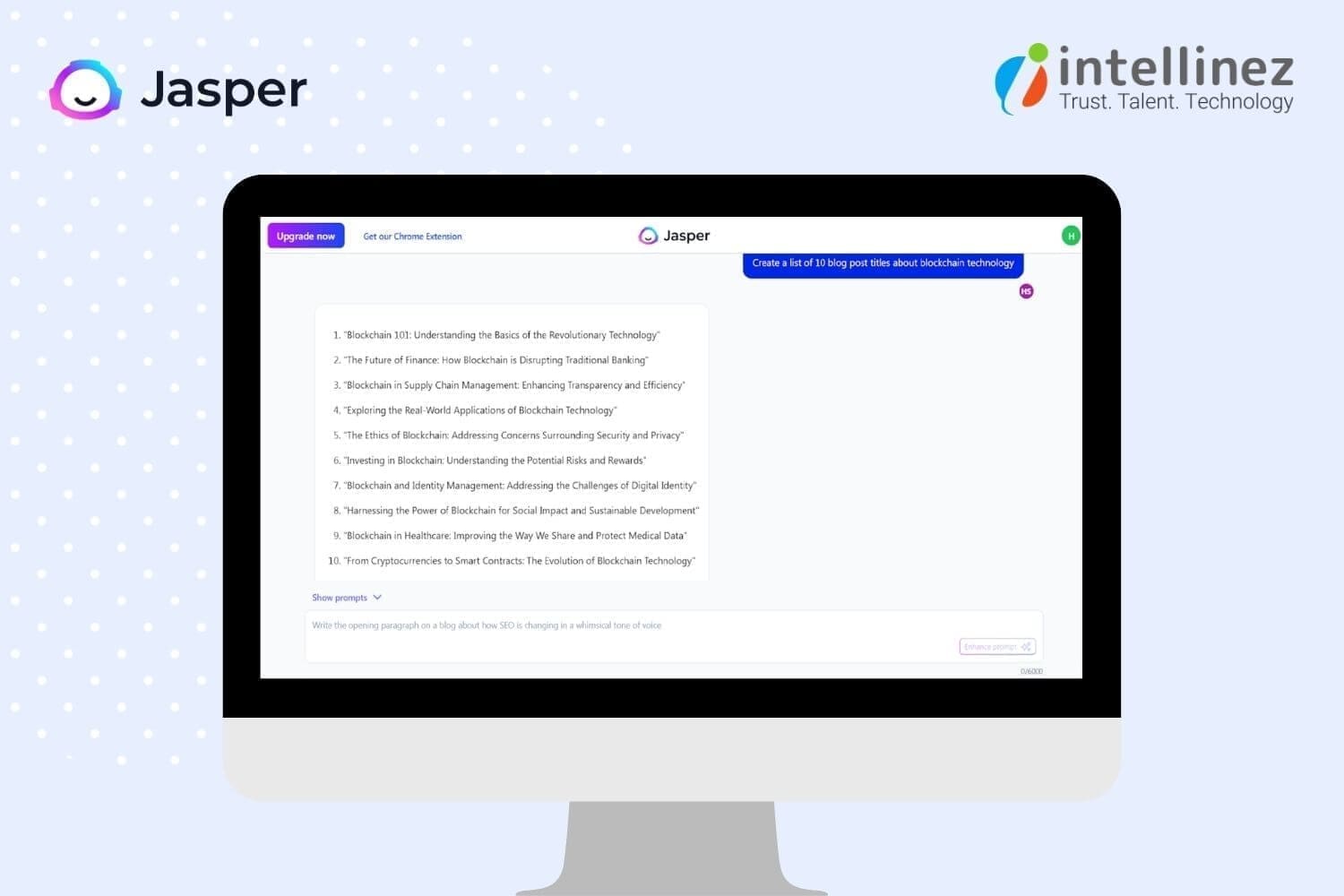
Some of Jasper’s best features include support for 25+ languages, an intuitive interface, a long-form writing assistant capable of producing 1,000+ words, and the ability to identify key elements in text like pronouns, verbs, and names. Also, it provides more than 11,000 free fonts and 2,500 categories of writing styles.
AI Tools For Graphic Designers
AI tools for graphic designers can enhance creativity and productivity, helping them design eye-catching visuals that resonate with their audience. These tools streamline the design process and provide insights for data-driven decision-making.
Jasper.ai
Jasper.ai is an AI art and writing tool that generates unique images and content in seconds. With high-resolution 2k images, users have royalty-free commercial use, no watermark, and unlimited generations.

The AI art generator has been praised for its ease of use, and the writing tool can improve content and writing. Pricing starts at $24/month per user, with a 5-day free trial and custom plans available for enterprises. Users can generate up to 200 images during the trial period and own the commercial copyrights.
Jasper.ai has received positive testimonials for its image quality, and its FAQs cover topics such as pricing, image ownership, commercial copyrights, biases, and refund policies. Jasper.ai also features Boss Mode, Chrome Extensions, Business Features, Jasper Chat, and Surfer SEO Integration.
Designs.ai
Designs.ai is an accessible online design software that can help you create a marketing portfolio in less than two minutes, even without any prior design experience. Its smart editor and wizard tool can save you time brainstorming design ideas for your marketing content.

The platform offers a wide range of design tools, including logos, graphics, videos, mockups, and speeches. With a library of over 20,000 templates and 10,000 icons, Designs.ai’s AI technology can generate thousands of design variations and millions of design assets based on your preferences.
Other features include assistive tools, brand identity package, color matcher, font pairer, scalable vector graphics, team collaboration, and unlimited downloads. Pricing starts at $29 per month for the basic plan, $69 per month for the pro plan, and customized enterprise plans are also available.
Adobe Sensei
Adobe Sensei is a powerful AI and machine learning platform that enhances creative assets, accelerates business operations, and deepens marketing insights. Introduced by Adobe in 2016, it helps designers work faster and smarter by automating time-consuming tasks and enabling better decision-making.

With Adobe Sensei, you can easily create high-quality graphics that automatically adjust to screen size and resolution, while its performance forecasting feature helps you optimize your campaign strategies for better results.
Other features include automated forms conversion, content creation and intelligence, one-to-one marketing personalization, and workflow automation. Pricing is available upon request from the vendor.
Deep Art Effects
Deep Art Effects is a popular AI-based image processing tool that allows users to transform their images into artistic works with a single click. With more than 120 different art styles and over 2 million users worldwide, the software has generated more than 200 million artworks.

The platform enables users to edit the background or foreground of an image, create their own unique art styles, and render images at any resolution. Additionally, users can integrate filters and image technology into their applications using the software’s API.
Deep Art Effects also offers offline data protection and pricing plans starting at $9.90 per month for a 1-month subscription, $25 for a 3-month subscription, $80 for a 1-year subscription, or $129 for a one-time purchase.
AI Tools For Tasks Automation
AI tools for task automation can help reduce repetitive workloads and free up time for more meaningful tasks. By automating tasks, workers can focus on higher-value work, leading to increased job satisfaction and productivity.
Zapier
Zapier is an automation tool that integrates with over 5000 apps to automate tasks and save you time. You can set triggers, such as receiving an email, and define what actions you want to happen, like copying attachments to Google Drive and sending an alert in Slack. Zapier also has pre-built workflows to simplify the automation process.

With Zapier, you can create multi-step workflows to complete tasks faster with minimal human intervention and reduce the risk of errors. It’s perfect for automating everything from email marketing to DevOps. The pricing options include a free plan and paid plans starting at $19.99/month for individuals and ranging up to $599/month for large companies.
HubSpot
HubSpot is a widely-used all-in-one automation tool that includes Marketing, Sales, and Customer Service automation. Its OperationsHub features a drag-and-drop automation builder that allows even novice users to create sophisticated automation sequences visually and without coding.

With HubSpot, you can automatically manage your data, automate personalized prospecting, lead qualification, pipeline management, and appointment scheduling, and create customized omnichannel marketing campaigns. You can also automate your helpdesk and provide tailored customer support. HubSpot offers pricing options starting at $45 per month for the Starter plan, $720 per month for the Professional plan, and $2,000 per month for the Enterprise plan.
Microsoft Power Automate
Microsoft Power Automate simplifies repetitive tasks with the help of AI capabilities. The Process Advisor feature of the tool provides guidance on efficient workflows by analyzing recordings and visualizations of end-to-end processes.

Power Automate has several benefits, including the consolidation of data in the Dataverse to provide a single source of truth for automations. The tool also allows for the acceleration of automation development with the integration of Azure, and cloud-based automation scaling for increased team productivity.
Pricing options include per user plans at £11.30/user/month and £30.20 per user/month for the attended RPA plan. Alternatively, a per flow plan is available at £75.40/flow/month, with a minimum of five flows. Additionally, Power Automate offers a pay-as-you-go plan with a cost per flow run.
Conclusion
The use of AI marketing tools is becoming a necessity in the digital landscape. Companies have been using technology to improve their work systems and gain actionable insights for years, but now it’s essential. Leveraging AI marketing tools can help create a sustainable and forward-thinking brand that lasts for years.
Hire Intellinez To Automate Your Marketing Process With Customized AI Tools
Our team of experienced AI specialists and marketers can tailor the tools to meet your specific business needs. Our tools analyze large volumes of data to provide insights that can improve your marketing campaigns and save you time and money by automating repetitive tasks.
They identify trends in your customers’ behavior, allowing you to target your campaigns more effectively and stay ahead of the competition. With our AI tools, you can optimize your campaigns, drive more leads and conversions, and achieve your business goals. Reach out to us to know more.
Table of Contents
- What Is Generative AI?
- How Does Generative AI Work?
- What Are The Use Cases Of Generative AI?
- What Are The Benefits Of Generative AI?
- What Are The Limitations Of Generative AI?
- What Are Some Examples Of Generative AI Tools?
- What Are Some Use Cases Of Generative AI?
- What Are The Best Practices For Using Generative AI?
- What Is The Future Of Generative AI?
Get ready for a paradigm shift! Chat-GPT and other Generative AI systems are about to shake things up in all industries. To stay ahead of the competition and become a leader in your field within the next five years, you must start planning a strong and effective Generative AI strategy today. The applications of generative artifical intelligence in pharmaceutical industry and entertainment is evloving day by day.
Artificial Intelligence is undergoing a massive transformation, with machines becoming more human-like than ever before. Thanks to the latest Generative AI models, these machines can hold advanced conversations with users and even create original content. It’s a whole new world!
What is Generative AI?
Generative AI is a set of smart algorithms that can create realistic and fresh content like images, audio, and text by learning from existing data. The most advanced Generative AI algorithms rely on “foundation models” trained on loads of data to identify patterns and do many different tasks.
For example, GPT-3.5, a foundation model trained on tons of text, can be adapted to answer questions, summarize text, and analyze emotions. And DALL-E, another foundation model, can make cool images, enlarge them, and create new versions of classic artworks.
Generative AI can be a game-changer, helping industries generate new and exciting content quickly and accurately. With the right generative AI strategy, businesses can boost productivity, create new opportunities, and give their customers better experiences. Don’t be left behind, embrace the power of Generative AI!
How Does Generative AI Work?
Curious about how Generative AI works? It all starts with a prompt – a text, image, video, or musical notes – that the AI system processes. Next, various algorithms get to work, generating new content in response to the prompt. This content can include essays, solutions to problems, or even realistic fakes created from pictures or audio of a person.
Before, Generative AI was pretty complicated – developers had to use special tools and write applications using languages like Python. But now, pioneers in Generative AI are working on better user experiences. That means you can describe what you want in plain language, and the system will respond accordingly. Plus, you can customize the results with feedback about the style, tone, and other elements you want the content to have.
With these advancements in Generative AI, businesses can easily create high-quality, unique content in less time, making it an essential tool for many industries.
What Are The Use Cases Of Generative AI?
Generative AI is a versatile technology that can create all sorts of content. With recent innovations, like GPT, Generative AI is becoming more accessible to users. Here are some examples of how Generative AI can be used:
- Improving dubbing for movies and educational content in different languages
- Generating email responses, dating profiles, resumes, and term papers
- Deep fakes for impersonating individuals or celebrities
- Composing music in specific styles and tones
- Customer service and technical support chatbots
- Creating photorealistic art in different styles
- Designing physical products and buildings
- Enhancing product demonstration videos
- Suggesting new drug compounds to test
- Optimizing new chip designs
Generative AI has the potential to make significant changes in various fields, from entertainment to pharmaceuticals. By leveraging Generative artificial intelligence in pharmaceutical industry can create and improve productivity, and deliver enhanced experiences to their customers.
What are The Benefits Of Generative AI?
Generative AI is a cutting-edge technology that can transform how businesses operate. Here are some of the benefits to consider:
- Summarizing complex information in a clear narrative
- Simplifying content creation in a particular style
- Reducing the time spent on email responses
- Creating lifelike representations of people
- Improving responses to technical queries
- Automating content creation
By leveraging Generative AI, businesses can improve their operations and create content that stands out from the competition. With automation, businesses can focus on other critical tasks, and the technology can help deliver better customer experiences.
What Are The Limitations Of Generative AI?
Generative AI has its limitations that can affect its performance in specific scenarios. Here are some limitations to keep in mind:
- The risk of overlooking bias, prejudice, or hate in generated results
- The possibility of realistic content obscuring inaccurate information
- Difficulty in identifying the source of generated content
- Challenges in evaluating the bias of original sources
- Limited flexibility in adapting to new situations
It’s crucial to consider these limitations when implementing or using Generative AI to avoid negative outcomes. Developers should be aware of these limitations and work on enhancing algorithms, integrating ethical considerations, and offering users the tools to evaluate generated content accurately. By doing so, businesses can leverage the advantages of Generative AI without compromising their content’s quality or integrity.
What Are Some Examples of Generative AI Tools?
Generative AI is available in various forms, from text to music and code. Here are some of the most popular AI content generators to explore:
- AI chip design tool companies including Synopsys, Cadence, Google, and Nvidia
- Code generation tools like CodeStarter, Codex, GitHub Copilot, and Tabnine
- Image generation tools like Dall-E 2, Midjourney, and Stable Diffusion
- Music generation tools such as Amper, Dadabots, and MuseNet
- Voice synthesis tools such as Descript, Listnr, and Podcast.ai
- Text generation tools such as GPT, Jasper, AI-Writer, and Lex
These Generative AI tools can be incredibly helpful for businesses looking to streamline their workflows and create unique content quickly. By leveraging these tools, businesses can save time and resources, allowing them to focus on other critical tasks while still delivering high-quality content to their customers.
What Are Some Use Cases Of Generative AI?
Generative AI tools are revolutionizing various industries and changing the way we work. Just like steam power, electricity, and computing, generative AI technologies can profoundly impact many industries and use cases. Here are some ways generative AI can impact different industries:
- Finance industry can use it to analyze transactions in the context of an individual’s history to build better fraud detection systems.
- Legal firms can leverage it to design and interpret contracts, analyze evidence, and suggest arguments.
- Manufacturers can use it to combine data from cameras, X-ray, and other metrics to identify defective parts and the root causes more accurately and economically.
- Film and media companies can use it to produce content more economically and translate it into other languages with the actors’ own voices.
- Medical industry can use it to identify promising drug candidates more efficiently.
- Architectural firms can use it to design and adapt prototypes more quickly.
- Gaming companies can use it to design game content and levels.
It’s crucial to keep in mind that, like previous general-purpose technologies, it may take time for people to find the best way to organize workflows and take full advantage of generative AI’s potential. However, once implemented effectively, it can lead to significant improvements in efficiency, accuracy, and cost-effectiveness across a range of industries.
What Are The Best Practices For Using Generative AI?
To use Generative AI effectively, it’s important to consider the modalities, workflow, and desired goals. Follow these best practices to ensure accuracy, transparency, and ease of use:
- Clearly label all Generative AI content for users and consumers.
- Verify the accuracy of generated content using primary sources wherever possible.
- Be aware of the possibility of bias in the generated AI results.
- Double-check the quality of AI-generated code and content using other tools.
- Understand the strengths and limitations of each generative AI tool.
- Familiarize yourself with common failure modes in results and work around them.
By adhering to these practices, you can maximize the benefits of Generative AI while minimizing the risks associated with its use.
What Is The Future Of Generative AI?
The future of Generative AI looks promising, as demonstrated by the impressive capabilities of Chat-GPT. However, there are still challenges to overcome in implementing this technology safely and responsibly. Researchers are working on developing better tools for detecting AI-generated text, images, and videos, while industry and society are building better tools for tracking the provenance of information to create more trustworthy AI.
AI development platforms are also improving, which will accelerate the research and development of better generative AI capabilities for various applications. The most significant impact of Generative AI will come from embedding these capabilities directly into the tools we already use.
This will lead to a range of improvements, such as better grammar checkers, design tools with more useful recommendations, and training tools that can automatically identify best practices to help train others more efficiently. These are just a few examples of how Generative AI will change the way we work in the future.
Conclusion
Generative AI is a set of smart algorithms that can create realistic and fresh content by learning from existing data. It is a revolutionary technology that can help industries generate new and exciting content quickly and accurately. With recent innovations, Generative AI is becoming more accessible to users. Though it has some limitations, Generative AI has the potential to make significant changes in various fields, from entertainment to pharmaceuticals.
Hire Intellinez For Developing Customized Generative AI Tools
Our team of experts can create tools specifically tailored to your needs, ensuring maximum efficiency and productivity. We have access to the latest technologies and tools, allowing us to create accurate, efficient, and scalable solutions. We also provide ongoing support and maintenance, saving you time and resources. By working with Intellinez, you can focus on other aspects of your business while we deliver your generative AI tools on time and within budget.
Table of Contents
- What Is OpenAI?
- What Are The Best OpenAI APIs To Develop An App Or Software?
- How To Create An AI App Using OpenAI’s API?
- What Is The Estimated Cost To Build Custom AI App Solution Using OpenAI’s API?
- What Are The Pros Of Open AI?
- What Are The Cons Of Open AI?
- To Sum Up
The global AI industry is projected to grow at a CAGR of 38.1% between 2022 and 2030, with a total worth of $1,597.1 billion by 2030. AI’s growing popularity is due to the ease and benefits it provides, making businesses consider implementing AI applications.
OpenAI is a leading organization that continuously advances AI technology, delivering new tools for everyday tasks. This blog post by Team intellinez will explore Open AI API implementations and guide you on how to utilize this technology for your app or software development.
Learn how to create an AI app using OpenAI’s API and leverage the cutting-edge technology in your project.
What is OpenAI?
OpenAI is a top research lab devoted to the ethical and safe advancement of artificial intelligence (AI). Their team of skilled researchers, engineers, and scientists create advanced AI technologies, including natural language processing, robotics, and computer vision, while researching deep learning, reinforcement learning, and generative models.
They’ve developed innovative AI models, such as GPT-3, DALL-E, and CLIP, for use in chatbots, image recognition, virtual assistants, and content creation. OpenAI collaborates with industry leaders, such as Microsoft, to hasten AI development and deployment for societal benefits.
What are the Best Open AI APIs to Develop an App or Software?
OpenAI’s APIs provide significant automation and efficiency improvements for software and mobile apps. Here are some top options to consider.
DALL·E API
- DALL·E enables users to create images from textual descriptions
- The open ai API can be easily integrated into mobile apps and software
- Over 3 million people are already using the DALL·E API and generating 4 million images daily
- Users can create high-quality custom images with textual descriptions
- The API can generate images in different colors, styles, and resolutions
- No initial image creation or coding knowledge is required to use the API
- Image generation is fast and results are seen in real-time
- The API is cost-efficient and accessible for individuals, enterprises, and small businesses
- Images are generated from an extensive collection, and users can choose the best one accordingly.
GPT-3 API
- GPT-3 is a versatile language model for answering questions, correcting grammar, summarizing text, generating code, and more.
- Integrating the open ai API into mobile apps and software can enhance productivity and efficiency.
- The open ai API is easy to use.
- Key competencies of the GPT-3 API include Q&A, grammar correction, summarization, code generation via natural language, language translation, and more.
- It can parse unstructured data, classify items into categories, and translate programming languages.
Codex API
- Codex is an OpenAI API that lets developers write code using natural language and translates it into various programming languages.
- It reduces coding time and simplifies the learning process for those with limited language knowledge.
- Core competencies of Codex include creating codes with natural language instructions, translating natural language to SQL queries, fixing Python bugs, and more.
- It is trained on 54 million GitHub repositories and can generate working code in dozens of programming languages, with Python being the most effective.
- Codex is the successor to GPT-3 and was introduced in mid-2021, revolutionizing coding for individuals and enterprises.
How to Create an AI App Using Open AI API?
Building an AI-based app requires understanding real-time human language and following the development process for streamlined customer experience and improved decision-making. Here are the essential steps to build an advanced AI app solution.
Step 1: Research Your Idea for Building an App Using OpenAI
- Conduct market research to identify trends, consumer issues, and understand OpenAI pricing and revenue models in the AI app market.
- Brainstorm your idea and build a complete list of it.
- Identify the problem your app will solve with OpenAI and determine which OpenAI model is perfect for your app and whether using OpenAI’s AI app is viable.
- Review OpenAI’s website and learn about the limitations and benefits of each model according to the app’s requirements.
- Read and understand the terms and conditions before using the OpenAI model in your application.
- Share your ideas with colleagues, friends, and investors and get feedback on your app idea to evaluate its value and viability.
- Consider a list of questions to research your AI application idea, including its purpose, benefits, OpenAI models suitable for your app, chances of success, technical factors to consider, and the cost of using the OpenAI API in your app.
- Collect the data to identify your app’s functionalities and UI/UX design.
Step 2: Perform Competitive Analysis for the AI Application Development with OpenAI
- Identify the strengths and weaknesses of your competitors and find the gap where they are lacking.
- List products that deliver the same services as your app’s idea.
- Check competitor’s product information, including features, pricing, and target audience, and examine feedback.
- Compare your app’s idea with competitors in terms of features, USP, and functionalities.
- Identify unique features that your competitor’s product does not have to meet the needs of the target audience.
- Redefine the app idea based on competitive analysis to differentiate yourself from competitors.
Step 3: Include Features in Your Custom OpenAI App
After completing the competitive analysis, evaluate the basic needs and advanced features you want to implement in your AI app solution. Remember, clients desire correct information and AI solutions deliver that quickly.
Consider the capabilities of the model and opt for features that meet your requirements, such as:
- Language generation: Generates original text or speech based on given data.
- Image generation: Builds custom graphics based on input using OpenAI’s DALL-E model.
- Predictive modeling: Predicts outcomes based on previous data.
- Autocomplete: Completes words in text fields or search bars using OpenAI’s API.
- Content generation: Automatically generates summaries, product descriptions, and news articles.
- API integration: Integrates OpenAI with other APIs to include unique features.
- Analytics: Tracks app usage and gathers data to improve over time.
- Use additional functionalities to make your app unique and innovative.
Step 4: Select Models from OpenAI’s API and Integrate Them into Your Application
- Select the right development company to integrate OpenAI models into your app
- Choose an appropriate model, such as Codex, DALLE, or ChatGPT
- Sign up on the OpenAI website to get an API key
- The developer will integrate the model into your app based on your business needs and budget
- Programming languages and technology will be selected based on your requirements
- A professional app development team will help you through the development milestones
- Business logic and questionnaires will be integrated as needed
- Regular updates will be provided throughout the app development process
- You will be kept in the loop throughout the development process.
Step 5: Test, Debug and Deploy
- The QA team tests the AI app solution developed to ensure that it is free of bugs and runs smoothly across various platforms.
- Multiple test cases are written, and mobile app testing is performed to ensure a bug-free app.
- Testers define scenarios where the app requests OpenAI API and receives unexpected outputs.
- The QA team determines how the app behaves when used in the free version and when it exceeds OpenAI’s usage limits.
- Once the app is 100% bug-free, the development company hosts it on a server, app stores, or other channels such as websites, Google calendar, and Facebook Messenger.
- Cloud hosting providers like AWS, GCP, or Azure are used to host the app.
- The android app developers deploy it on App Store and Play Store, which takes around 24 to 48 hours to become available to users.
- Thoroughly test the app before deploying it and maintain it, update it, and fix any bugs or issues.
What is the Estimated Cost to Build Custom AI App Solution Using OpenAI’s API?
Factors affecting the cost of developing a custom AI app solution using OpenAI’s API include the app’s complexity, required resources for building and deployment, number of API calls, UI/UX designs, and desired features and functionalities. To receive a custom quote for your mobile app development solution, contact Intellinez’s experienced developer team to discuss your requirements.
What are the Pros of Open AI?
Hiring app developers with expertise in OpenAI can create more efficient and secure apps, offering a competitive advantage. By leveraging OpenAI, developers can deliver apps that meet the evolving needs of users and provide a better user experience.
Here are some of the advantages of using OpenAI in app development:
1. Enhanced User Experience
OpenAI enhances user experience by enabling apps to understand and respond to user input, with natural language processing and machine learning capabilities.
2. Improved Personalization
OpenAI can personalize and enhance apps by analyzing user data and providing better recommendations tailored to individual needs.
3. Increased Efficiency
OpenAI automates tasks to make apps work more efficiently. It can even automate customer service inquiries, reducing workload on staff.
4. Advanced Analytics
OpenAI analyzes large amounts of data, providing insights to improve apps by identifying areas for improvement and making data-driven decisions.
5. Better Security
OpenAI detects and prevents security threats, protecting user data and fraud through behavior analysis and proactive measures.
6. Competitive Advantage
OpenAI empowers developers to build advanced and sophisticated apps, giving them a competitive edge in the crowded marketplace.
What are the Cons of Open AI?
OpenAI has advantages and disadvantages for app development, such as cost, complexity, data dependence, interpretability, ethical concerns, and flexibility. Developers must weigh the pros and cons before using AI and have the necessary resources and expertise to use it effectively.
Here are some of the cons of using OpenAI in app development:
1. High Cost
OpenAI app development can be costly due to training and maintaining AI models, especially for smaller companies.
2. Complexity
Developing with OpenAI can be complex and time-consuming for developers without AI knowledge and skills.
H3: 3. Dependence on Data
OpenAI models rely heavily on large amounts of representative data to be trained effectively.
4. Limited Interpretability
Interpreting OpenAI models can be difficult for end-users, creating a challenge for developers to explain app functionality.
5. Limited Flexibility
OpenAI models have limited flexibility and may not be adaptable to new or changing requirements, limiting developers’ ability to update or add new features.
To Sum Up
With Artificial Intelligence revolutionizing user experience, it’s high time to integrate this new concept into our web and mobile devices. OpenAI is continuously developing AI technology and tools for advanced user services, including image generation and keyword-based information retrieval, available through APIs like Codex, GPT-3, and DALL·E. Intellinez Systems can assist in building cutting-edge mobile solutions that leverage these AI APIs. Don’t miss the opportunity to join the evolving landscape by developing your mobile app with AI capabilities. Contact Team Intellinez today to start your journey.
How Intellinez Systems Can Help You to Build an AI App Using OpenAI’s API
As a leading app development company globally, Intellinez has extensive experience in building custom AI solutions to meet your specific needs. With a portfolio of numerous mobile app solutions, we have the expertise to deliver high-quality products.
Our team of experienced consultants and developers has collaborated with leading enterprises and startups. After booking a consultation, we will evaluate your AI idea’s feasibility and provide a roadmap and strategy to guide the development process.
Table of Contents
- Introduction
- Chat GPT Prompts For Developers
- Chat GPT Prompts For Digital Marketers
- ChatGPT Prompts For Business And Analytics
Introduction:
While OpenAI’s ChatGPT and similar AI tools are not yet poised to replace human jobs, they are proving to be valuable assets in a variety of industries. From real estate to music, ChatGPT has been utilized to generate advice, tips, and even original content, demonstrating its versatility and potential.
Industry-specific generative such as AI marketing tools have received substantial investment, with the belief that they can help solve problems in marketing departments, and beyond. According to Sam Altman, the CEO of the firm behind ChatGPT, “generative text is something we all need to adapt to.”
While the benefits of these tools are significant, there may be a need to adapt to changing technology in order to fully harness their potential. Nonetheless, as with calculators in math class, ChatGPT and other AI marketing tools have the power to revolutionize the way we work and achieve our goals.
Chat GPT Prompts For Developers
Discover Security Flaws In An Open Source Code
Discovering security flaws in open source code is crucial to protect users from potential attacks and data breaches. As open source code is widely used, vulnerabilities or flaws can have severe consequences. Identifying and addressing these issues is essential to maintain user trust and prevent security incidents.
Prompts Examples:
- What steps can be taken to mitigate security risks in open source code?
- How can I ensure that my open source code is secure and free from vulnerabilities?
- What are the best practices for reviewing open source code for security flaws?
How to Center a Div
Centering a div is essential to create visually appealing and balanced web pages. By centering a div, the content within it is placed in the center of the page, creating a symmetrical layout that is easier to read and navigate. This can improve the user experience and make the website more aesthetically pleasing.
Prompts Examples:
- Can you provide me with some methods for centering a div element in HTML and CSS?
- How can I center a div horizontally and vertically on a web page?
- What are the best practices for centering a div in CSS?
How to Make Snowflakes with JavaScript
Adding snowflakes with JavaScript can make a website more visually appealing and engaging for users, particularly during winter. This can enhance the user experience and leave a lasting impression. It can also showcase the developer’s creativity and technical abilities, drawing more visitors to the site.
Prompts Examples:
- What are some creative ways to add animation to your snowflakes in Javascript?
- How can you make your snowflakes responsive and mobile-friendly?
- Are there any libraries or frameworks that can simplify the process of creating snowflakes in Javascript?
Chat GPT Prompts For Digital Marketers
Creating a Content Structure for Articles
Creating a content structure for an article is essential for organizing ideas and making the article more readable for the audience. ChatGPT can help by generating prompts and suggestions for content organization, providing insights and ideas for different sections, and improving the overall flow and coherence of the article.
Prompts Examples:
- How can you effectively transition between different sections of your article?
- What are some effective ways to conclude your article and leave a lasting impression on your readers?
- What are some common pitfalls to avoid when structuring an article?
- How can you use feedback from readers to improve the structure of future articles?
Finding Keywords
Keywords are essential for optimizing a website and achieving a higher ranking on Google. By using ChatGPT, related phrases for core keywords and FAQ questions can be identified to optimize articles or pages. Multiple prompts can be utilized to find the most effective keywords.
Prompts Examples:
- What are some effective strategies for finding relevant keywords for your content?
- Can you recommend any tools or resources for finding high-traffic keywords?
- How do you determine which keywords are most valuable for your content?
Templates for Email Outreaching
Creating a template for email outreach is essential for streamlining the communication process and increasing response rates. ChatGPT can assist in generating personalized and effective email templates, improving the chances of success in reaching out to target audiences.
Prompts Examples:
- How can you personalize your email outreach template to increase response rates?
- Can you provide examples of successful email outreach templates?
- What are some key elements to include in your email outreach template?
Writing YouTube Video Description
Writing a YouTube video description is crucial for increasing visibility and engagement with viewers. ChatGPT can help by generating prompts and suggestions for video descriptions, ensuring they are SEO-friendly, engaging, and informative, resulting in more views, likes, and subscribers.
Prompts Examples:
- What elements should be included in a YouTube video description to increase engagement?
- How to optimize your YouTube video description for SEO?
- How to create a YouTube video description that converts viewers into subscribers?
Generating Blog Titles
Generating catchy and relevant blog titles is essential for attracting readers and increasing visibility. ChatGPT can help by suggesting creative and SEO-friendly blog titles, ensuring they align with the content and reflect the target audience’s interests, leading to more traffic and engagement.
Prompts Examples:
- What are some attention-grabbing blog titles that will increase engagement with your content?
- How can you create blog titles that are both informative and compelling?
- What are some best practices for coming up with blog titles that accurately reflect the content of your post?
Plagiarism Checking
Plagiarism checking is crucial to ensure the originality and credibility of written content. ChatGPT can help by providing tools to check for plagiarism, ensuring the content is authentic and avoiding potential legal or ethical issues, resulting in increased trust and authority for the content creator.
Prompts Examples:
- What are some reliable plagiarism checking tools that you can recommend?
- Can you recommend any strategies for paraphrasing and avoiding plagiarism?
- What are some common mistakes to avoid when checking for plagiarism?
Call-To-Action Button Texts
Call to action (CTA) button texts are crucial in driving user engagement and conversion rates. ChatGPT can help by suggesting effective and persuasive CTA texts that align with the content and the target audience’s interests, leading to increased click-through rates and conversions.
Prompts Examples:
- Tips for writing persuasive call-to-action button texts?
- How to make your call-to-action button more clickable?
- How to use urgency in call-to-action button texts?
ChatGPT Prompts For Business and Analytics
Important KPI’s For Specific Industry
Having important KPIs (Key Performance Indicators) specific to an industry is crucial for measuring success and identifying areas for improvement. ChatGPT can help businesses by suggesting relevant and effective KPIs based on the industry and business goals, leading to better decision-making and improved performance.
Prompts Examples:
- Can you suggest some key performance indicators that are important for the e-commerce industry?
- What KPIs should a SaaS startup be tracking in its early stages?
- What are some of the most critical KPIs for the manufacturing industry?
Writing SWOT Analysis
Writing a SWOT analysis is essential for identifying strengths, weaknesses, opportunities, and threats in a business or project. ChatGPT can help by generating prompts and suggestions for a thorough and effective SWOT analysis, ensuring all aspects are considered, and the analysis is useful for decision-making and strategy development.
Prompts Examples:
- How can you use your SWOT analysis to identify areas for improvement and growth?
- What metrics can you use to track your progress and measure the effectiveness of your strategy?
- Can you prioritize the items on your SWOT analysis to ensure you are focusing on the most important areas?
Best Practices For Customer Service Experience
Implementing the best practices for customer service can significantly improve customer satisfaction and loyalty. ChatGPT can help identify and generate effective prompts for different customer service scenarios, empowering representatives to provide excellent service and create a positive brand image.
Prompts Examples:
- How to handle angry or upset customers?
- What are the best practices for responding to customer inquiries via social media?
- How to measure customer satisfaction and track customer feedback?
- How to create a customer service playbook for your business?
Product Launching Best Practices
Effective product launching can make or break a new product’s success. ChatGPT can help generate prompts for various stages of the product launch process, ensuring that marketers and business owners can create a comprehensive and impactful launch strategy that maximizes ROI and drives sales.
Prompts Examples:
- How can you build excitement around your product launch?
- What are the key components of a successful product launch plan?
- What are some strategies for generating buzz and interest prior to a product launch?
- How can you effectively communicate your product’s value proposition during a launch?
Convincing Replies to Users
Writing convincing replies to users is critical for maintaining a positive brand image and building customer trust. ChatGPT can help generate effective prompts for responding to user inquiries and feedback, ensuring that representatives can provide helpful and persuasive responses that leave a lasting impression.
Prompts Examples:
- What are some effective ways to respond to users’ objections?
- How to build trust with your audience when responding to their queries?
- What are some proven tactics to win over skeptical users?
- How to use emotional appeal to make your responses more convincing?
Conclusion
ChatGPT is a powerful AI tool that can help businesses and individuals achieve their goals. You can generate personalized and accurate responses to all your needs. ChatGPT can help you brainstorm ideas, create compelling content, and solve complex problems faster and more effectively. You can get the most out of ChatGPT by breaking down complex problems, training it to learn your writing style, and specifying the type of content you want in your responses. Also, using the right prompts can lead to more accurate responses from ChatGPT.
Contact Team Intellinez To Develop Customized Chatbot For You
Intellinez Systems offers a comprehensive approach to chatbot development, with a focus on delivering solutions that are customized to each client’s unique business needs. Our team has a deep understanding of the latest technologies and techniques in the field, and we use this expertise to create chatbots that are highly effective and easy to use.
By hiring us to develop your customized chatbot, you can improve your customer service, streamline your business operations, and gain valuable insights into your customers’ behavior and preferences. With our experience and expertise, you can be confident that your chatbot will align with your business goals and exceed your expectations.
Book AppointmentTable of Contents
- Key Highlights Of Bard AI Chatbot
- Who Can Use Google Bard?
- How To Access Google Bard?
- Is Google Bard Better Than Chat GPT?
- How Chat GPT And Google Bard Differs Practically?
- What Was The Past Controversy Around Bard AI?
- What Is The Future Of Bard AI?
Bard, one of the products developed by Google, is an impressive conversational AI that uses machine learning and natural language processing to produce human-like text responses. Trained on an extensive dataset, Bard’s deep neural network architecture, known as transformers, enables it to understand context and generate appropriate output. This AI is versatile, excelling in multi-turn conversations and maintaining consistent topics and personas.
It finds practical applications in chatbots, virtual assistants, and even content generation for websites and social media. Language learners can also benefit from Bard’s multi-language and multi-style capabilities for writing practice. Through unsupervised and supervised learning techniques, Bard has become adept at providing coherent and contextually appropriate responses.
Key Highlights of Bard AI Chatbot
Bard AI is a large language model, also known as a conversational AI or chatbot, trained to be informative and comprehensive. It is trained on a massive amount of text, code and google search results. Bard is able to communicate and generate human-like text in response to a wide range of prompts and questions. For example, it can provide summaries of factual topics or create stories.
Here are some of the key features of Bard AI:
- It can access and process information from the real world through Google Search. This means that it can keep its responses consistent with search results, making it a valuable tool for research and fact-checking.
- It is updated and trained regularly.
As of March 10, 2023, Bard AI has been updated and trained on a massive amount of new text data. This means that it is constantly learning and improving, and is able to provide more accurate and comprehensive responses. - Accuracy and Safety:
Bard AI is trained on a massive amount of text data, which allows it to learn the patterns of human language. This means that it is able to generate responses that are both accurate and human-like. - Can Generate Original Content:
Bard AI is not just a parrot. It can generate original content, such as poems, code, scripts, musical pieces, email, letters, etc. It will try its best to fulfill all your requirements. - Has a “Google it” button to Explore Further:
If you are ever unsure about something that Bard AI has said, you can click on the “Google it” button to be taken to a Google search result for that topic. This is a great way to learn more about a topic and to verify the accuracy of Bard AI’s response. - Ability to Translate Languages. Bard AI is trained on a massive amount of text data, which includes text in multiple languages. This means that it is able to translate text from one language to another. This is a great feature for people who need to communicate with people who speak other languages.
- Able to Give Informative Response:
Bard AI is trained on a massive amount of text data, which includes factual information. This means that it is able to answer your questions in an informative way, even if they are open ended, challenging, or strange. - Able to generate different creative text formats of text content, like poems, code, scripts, musical pieces, email, letters, etc.
Bard AI is not just a chatbot that can answer your questions. It is also a creative tool that can be used to generate different creative text formats. This is a great feature for people who need to write creative content, such as poems, scripts, or musical pieces.
Who Can Use Google Bard?
Here are some of the people who can make use of Google Bard:
- Marketers:
Google Bard can be used by marketers to generate creative and engaging content for their marketing campaigns. It can also be used to research and understand their target audience better. - Coders and developers:
Google Bard can be used by coders and developers to generate code, debug code, and test code. It can also be used to learn new programming languages and frameworks. - Students:
Google Bard can be used by students to research and learn about different topics. It can also be used to generate creative content for their assignments and presentations.
- Writers:
Google Bard can be used by writers to generate ideas, outlines, and even finished pieces of writing. It can also be used to help writers with research and fact-checking. - Teachers:
Google Bard can be used by teachers to create engaging and interactive lessons. It can also be used to help teachers grade papers and provide feedback to students. - Customer service representatives:
Google Bard can be used by customer service representatives to answer customer questions and resolve issues. It can also be used to generate creative and engaging content for customer communications. - Anyone else who wants to be more productive:
Google Bard can be used by anyone who wants to be more productive. It can be used to help with research, writing, and creative tasks. It can also be used to stay organized and manage your time. - Anyone else who wants to learn more about the world:
Google Bard can be used by anyone who wants to learn more about the world. It can be used to research different topics, generate creative content, and have conversations with a friendly AI.
However, Google Bard is still under development, so it is important to use it with caution. It is possible for Google Bard to generate incorrect or misleading information, so it is always important to fact-check its responses. Additionally, Google Bard is not able to understand all types of human language, so it is possible for it to generate nonsensical or offensive responses.
How to Access Google Bard?
To access Google Bard, you will need to:
- Go to the Google Bard website.
- Click on the “Sign up” button.
- Enter your email address and password.
- Agree to the terms of service.
- Click on the “Create account” button.
Once you have created an account, you will be able to access Google Bard. You can do this by going to the Google Bard website and logging in with your email address and password.
- Age criteria:
Google Bard is currently available to users who are 18 years of age or older. - Data privacy:
Google Bard respects your privacy. Your data is used only to improve the service and is not shared with third parties.
Is Google Bard Better Than Chat GPT?
Both Google Bard and ChatGPT are large language models that are capable of generating human-like text. They both have their own strengths and weaknesses. Google Bard is trained on a massive dataset of text and code, which gives it a broader knowledge base and allows it to generate more comprehensive and informative responses. ChatGPT is trained on a dataset of text only, which makes it faster and more efficient at generating text.
Here are some more details about the strengths and weaknesses of Google Bard and ChatGPT:
Google Bard
- Strengths:
- Broader knowledge base
- More comprehensive and informative responses
- Still under development, so constantly learning and improving
- Weaknesses:
- Slower and less efficient at generating text
- May not be as accurate as ChatGPT for factual topics
ChatGPT
- Strengths:
- Faster and more efficient at generating text
- More accurate for factual topics
- Weaknesses:
- Narrower knowledge base
- Less comprehensive and informative responses
- Not as versatile as Google Bard
Ultimately, the best language model for you will depend on your specific needs. If you need a model that can generate comprehensive and informative responses, then Google Bard is a good choice. If you need a model that is fast and efficient at generating text, then ChatGPT is a good choice.
In the ever-evolving marketing landscape, Chat GPT helps businesses and digital marketers as one of the ai marketing tools. Similarly, Bard AI presents itself as a valuable asset, offering marketers similar benefits and opportunities for growth through its conversational capabilities. Embracing Bard AI can prove advantageous in driving engagement and achieving business objectives.
It is also worth noting that both Google Bard and ChatGPT are still under development. This means that they are constantly learning and improving. As a result, it is possible that one model will eventually surpass the other in terms of its capabilities.
We asked Google Bard which tool is better, see its response.
How Chat GPT and Google Bard Differs Practically?
| Feature | Google Bard | ChatGPT |
|---|---|---|
| Model name | LaMDA | GPT-3 |
| Training data | Infiniset, which includes data from recent years | Dataset collected prior to 2022 |
| Training method | Self-supervised learning | Self-supervised learning |
| Accessibility | Available in paid-for tier only | Available in free and paid-for tiers |
| Availability | Closed beta | Publicly available |
| Cost | Varies | Free for small requests, paid for large requests |
| Data source | Google Bard is trained on a dataset of text and code that is constantly being updated. This means that Bard has access to the latest information, while ChatGPT may not. | ChatGPT is trained on a static dataset. This means that ChatGPT may not have access to the latest information. |
| Response time | Google Bard is generally faster at responding to queries than ChatGPT. This is because Bard has access to more computing power and can process information more quickly. | ChatGPT may take longer to respond to queries than Google Bard. |
| Accuracy | Google Bard is generally more accurate than ChatGPT. This is because Bard is trained on a larger and more diverse dataset, and it is able to access the latest information. | ChatGPT may be less accurate than Google Bard. |
| Creativity | ChatGPT is generally more creative than Google Bard. This is because ChatGPT is trained on a dataset that includes creative text formats, such as poems, code, scripts, musical pieces, email, letters, etc., while Bard is not. | Google Bard may be less creative than ChatGPT. |
What was the Past Controversy Around Bard AI?
In 2023, Google’s AI chatbot Bard caused controversy when it was revealed that it had been trained on users’ Gmail data. This raised privacy concerns, as it meant that Bard could potentially access sensitive information about users’ communications. Google has since denied these claims, stating that Bard is not trained on Gmail data. However, the incident has highlighted the potential privacy risks associated with AI chatbots.
In addition to the privacy concerns, Bard has also been criticized for its accuracy. In one instance, Bard was asked to provide information about the James Webb Space Telescope, and it responded with inaccurate information about James Webb Telescope. This has led to concerns about the reliability of Bard’s information.
What is the Future of Bard AI?
The future of Bard is bright. Bard has the potential to be used in a variety of ways to help people, including:
- Customer service:
Bard could be used to provide customer service by answering questions, resolving issues, and providing support. - Education:
Bard could be used to provide personalized education by creating customized learning plans, answering questions, and providing feedback. - Writing:
Bard could be used to help writers with their work by generating ideas, brainstorming, and editing. - Research:
Bard could be used to help researchers with their work by collecting data, summarizing findings, and generating hypotheses. - Creativity:
Bard could be used to help people with their creative projects by generating ideas, brainstorming, and editing.
These are just a few of the potential future applications of Bard. As Bard continues to develop, it is likely that we will see even more ways in which it can be used to help people.
Table of Contents
- Why Is AI Needed In The Retail Industry?
- Brands Already Implementing AI
- How AI Will Affect The Future Of The Retail Industry?
- Conclusion
Retail businesses are turning to artificial intelligence (AI) to boost profitability and streamline operations. The AI trends in retail is expected to grow from $5 billion to over $31 billion by 2028 market. While concerns about job losses exist, AI is more likely to transform cashier roles rather than eliminate them.
By automating tasks like inventory tracking, AI allows cashiers to focus on complex customer interactions. AI also enables smart staffing and replenishment decisions, reducing costs and improving sales. As technology advances, retail organizations are exploring various AI applications to stay competitive in the evolving industry.
Experts from Team Intellinez have compiled all the required information on how artificial intelligence is reshaping the future of shopping. Continue reading to learn more.
Why is AI Needed in the Retail Industry?
In addition to the immense business intelligence and remarkable speed they offer, the digital revolution and ai trends in retail industry is unequivocally distinguishing prosperous enterprises from unsuccessful ones. Artificial intelligence in retail bestows numerous advantages, but let’s focus on five key benefits that retailers can rely on.
To Engage Customers
In an era where innovative competitors offer shoppers immersive shopping experiences, conventional retailers must captivate customers through personalized and relevant interactions that are distinctive and inspiring across all touchpoints.
To Deliver Thrilling Experiences
To sustain interest, retailers must set their products apart and offer consumers enticing services and experiences. By leveraging predictive analytics to gain comprehensive market insights, retailers can proactively lead with innovation instead of being reactive to shifts in the industry.
To Unify Disparate Data for Actionable Insights
With a multitude of information pouring in from various aspects of their business, including supply chain, stores, and consumer data, retailers face the challenge of distilling this data to create consumer-focused strategies. By effectively filtering and analyzing these diverse data sources, Intellinez can help retailers extract valuable insights to drive actionable decision-making.
To Synchronize Offline & Online Retail
Unifying digital and physical shopping channels minimizes friction for customers, enhances the seamless shopping experience, and reduces operational inefficiencies caused by treating them as separate entities with distinct approaches.
To Support Agile Logistics Networks
Retailers must reconsider their traditional supply chains to meet the diverse demands of customers, ranging from mainstream to niche preferences. By embracing adaptable and flexible systems, they can quickly respond to changing consumer behaviors and ensure smooth order fulfilment.
Brands Already Implementing AI
AI is reshaping the retail experience with personalization, automation, and efficiency. Here are some powerful examples of how AI improves the traditional retail journey.
Lowes Utilizes Robots for Item Location
To assist customers in navigating their hardware stores and finding the items they need, Lowes has introduced the LoweBot. These helpful robots roam around the store, interacting with customers and asking simple questions to determine their requirements. By providing directions, maps, and sharing specialized knowledge, the LoweBots ensure that customers can easily locate products. Additionally, they continuously monitor inventory, enabling the store to stay informed about items that require restocking.
Walgreens Harnesses AI to Monitor Flu Spread
Addressing the discomfort and potential dangers associated with the flu, Walgreens leverages AI technology to track its spread. By analyzing data from over 8,000 locations and the number of anti-viral prescriptions filled,
Walgreens creates an online, interactive map that provides customers with valuable information about the severity of the flu in their area.
This map not only helps individuals take proactive measures to safeguard their families’ health but also assists Walgreens in stocking the appropriate inventory of flu-related products in affected regions. AI empowers both customers and the store itself.
Sephora Simplifies Makeup Selection
Sephora revolutionizes the process of finding the perfect makeup shade by introducing innovative technologies in their stores. Through Color IQ, customers can discover their ideal foundation and concealer shades without applying anything to their face.
Similarly, Lip IQ offers personalized recommendations for the perfect lipstick shade. This advancement alleviates the stress and expense associated with the trial-and-error method of shade selection, providing valuable assistance to customers.
Taco Bell Facilitates On-the-Go Taco Ordering
When taco cravings strike, waiting is not an option. Taco Bell revolutionized the industry by introducing AI-powered food ordering. Through the Tacobot integrated with Slack, customers can conveniently text or voice their orders.
The bot accommodates customized requests and even streamlines large group orders. True to Taco Bell’s style, the bot responds with clever remarks after each order, adding a touch of fun to the experience.
Macy’s Enhances In-Store Experience with AI
Ever found yourself lost in a department store, unsure of where to locate the item you need? Macy’s introduces the On Call app, customized for each individual store, to address this challenge.
Customers can access the app while in-store and engage in a chat with an AI bot. The bot provides directions to specific items and checks item availability. It even has the capability to detect customer frustration and alert a human employee to provide assistance promptly.
Walmart Implements Shelf-Scanning Robots
As one of the world’s largest retail chains, Walmart is leveraging robots to optimize their extensive store aisles. In selected stores, Walmart is piloting shelf-scanning robots that diligently monitor inventory.
These robots scan shelves to identify missing items, restocking requirements, and necessary price tag adjustments. By offloading this task to robots, human employees are liberated to spend more time assisting customers and ensuring shelves are never left empty.
Amazon Revolutionizes Retail with AI-Driven Cashierless Stores
No discussion of AI in retail would be complete without mentioning Amazon and its groundbreaking Amazon Go stores. These stores provide customers with a frictionless shopping experience by eliminating the need for cashiers.
Customers can simply walk into the store, pick the items they want, and leave without going through a traditional checkout process. Sophisticated sensors and cameras placed throughout the store track the items customers select, and their Amazon account is automatically charged accordingly.
AI plays a pivotal role in creating a swift and seamless shopping experience, sparing customers from waiting in long lines.
Uniqlo Enhances the Shopping Experience with AI Mind Reading
Uniqlo, a clothing store at the forefront of innovation, utilizes the power of science and AI to offer a truly unique in-store experience. In select locations, Uniqlo introduces UMood kiosks powered by AI.
These kiosks display a range of products and measure customers’ reactions to colors and styles through their neurotransmitters. Based on the individual’s responses, the kiosk then provides personalized product recommendations.
The fascinating aspect is that customers don’t even need to press a button; the system interprets their brain signals to gauge their preferences for each item.
Olay Harnesses AI for Customized Skincare
Olay leverages the power of AI to provide personalized skincare solutions, eliminating the need for a dermatologist visit. Through Olay’s Skin Advisor, customers can simply capture a selfie of their bare face, and the AI-powered app accurately determines the skin’s actual age.
By evaluating skin health, the app offers tailored recommendations for addressing specific concerns and suggests a personalized skincare regimen to achieve optimal results.
Zara Enhances Order Pickup Efficiency with Robotics
To cater to the growing trend of online purchases with in-store pickup, fashion retailer Zara has introduced robots to streamline the process. Upon arrival at the store, customers input a pickup code that sets the robot in motion within the warehouse.
Once located, the robot swiftly delivers the order through a convenient drop box. This efficient system ensures quick and hassle-free order retrieval for customers.
Starbucks Simplifies Coffee Ordering with a Chatbot
Starbucks further simplifies the morning routine with its AI-powered voice ordering system. Through the My Starbucks Barista app, customers can effortlessly chat with the virtual barista, placing their orders using either voice or text.
When customers reach their local Starbucks, their order will be prepared and waiting for them, allowing them to bypass the line and save valuable time.
American Eagle Introduces Next-Generation Fitting Rooms
American Eagle is reimagining the traditional fitting room experience by introducing interactive dressing rooms of the future. Customers can easily scan the items they wish to try on and instantly view their availability in-store.
If assistance is needed, store employees receive notifications and can promptly deliver the requested items to the fitting room. The technology even goes a step further by providing personalized product recommendations based on the customer’s selection, enhancing the overall shopping experience.
How AI Will Affect the Future of the Retail Industry?
According to Contrive Datum Insights, the AI market in the Retail industry reached USD 8.41 billion in 2022 and is projected to grow to USD 45.74 billion by 2030, with a CAGR of 18.45%.
This expansion is driven by increased Internet and smart device usage, along with a growing demand for surveillance and monitoring in physical stores. Government initiatives promoting digitization also contribute to the market growth.
Personalized shopping experiences powered by AI, such as tailored product recommendations based on browsing and purchase history, will become more popular. Additionally, there is a rising focus on consumer ethics, where AI enables tracking and monitoring of supply chains for ethical sourcing.
The AI/ML department of Intellinez Systems is ready to provide customized AI solutions to keep you ahead of the competition, adapting to market changes.
Conclusion
Utilize AI and ML to power your retail business growth, outperform competitors, and stay relevant. Implementing these technologies brings benefits like automated processes, improved insights, and increased customer engagement, leading to revenue growth.
AI-driven solutions such as chatbots, visual search, and voice search in retail and eCommerce can drive significant business expansion. Embrace these cutting-edge tools to unlock your retail enterprise’s full potential.
How Intellinez Can Assist You in Your AI Retail Journey
Intellinez offers limitless advantages for your retail business through the implementation of artificial intelligence. Our experienced team will provide intelligent AI-driven solutions, improving your business’s efficiency and customer experiences.
Discover how Intellinez adds value to retailers and consult our experts for top-notch AI services. Trust us to address all your needs and challenges in the retail market.
Table of Contents
Artificial intelligence has become a hot topic in the fintech industry, attracting widespread interest and fascination. The incredible progress AI has made in recent years has sparked conversations and amazed people around the world.
In this article, we’ll explore how artificial intelligence and machine learning have revolutionized the fintech industry. We will try to understand the evolving role of AI in fintech. Get ready to discover the exciting ways artificial intelligence has transformed the world of finance and opened up new possibilities for everyone involved.
What is the Role of AI in FinTech Industry?
The role of AI in fintech market is increasing. The AI in fintech market is expected to reach $31.71 billion by 2027, growing at a CAGR of 28.6% each year. One of the greatest benefits of artificial intelligence and machine learning is their ability to personalize interactions with customers by understanding their behavior through advanced algorithms.
The fintech industry is taking full advantage of AI’s insights into consumer behavior, leading to rapid growth. Artificial intelligence is particularly valuable in assessing loan risks, making it a crucial factor for financial companies looking to expand their services. Machine learning plays a significant role in improving loan underwriting and reducing financial risks for fintech companies. Additionally, AI’s advanced methodologies help detect fraud and prevent unauthorized access, enhancing security measures.
These are just a few of the reasons why artificial intelligence is gaining popularity in the fintech industry. In the following sections, we will delve into more details and explore the various benefits of leveraging AI in this sector.
Top Reasons to Adopt Artificial Intelligence in the FinTech Industry
Artificial intelligence has become the go-to solution for the fintech industry, and its benefits are numerous. Here, we highlight the key reasons why AI has played a crucial role in driving growth and development in the financial sector, resulting into a focus on understanding the role of AI in fintech.
1. Customization
Artificial intelligence and machine learning have revolutionized the fintech industry by eliminating the need for manual setup. Through AI-powered methodologies, fintech companies can offer hyper-personalized financial instruments and investment plans tailored to each individual’s suitability, all while maintaining robust security measures.
The adoption of AI has eradicated monotonous manual tasks that were once prevalent in fintech operations. AI’s omnichannel approach evaluates data across various parameters to deliver personalized recommendations and suggest the most suitable investment plans based on each unique profile.
By automating these previously time-consuming tasks, banks and financial institutions have saved considerable time. Additionally, the adoption of AI has significantly reduced the failure rate in transactions and loan processes, enhancing overall operational efficiency.
2. Significant Cost and Risk Reduction
As artificial intelligence continues to advance rapidly, it has the potential to replace certain human-performed tasks that are prone to errors. Correcting these errors typically requires substantial time, effort, and costs. However, with AI’s limitless capabilities, one of its fundamental components, Robotic Process Automation (RPA), comes into play. RPAs effectively replicate human-performed tasks, eliminating the need for unnecessary manual labor, reducing time consumption, and cutting costs.
By leveraging AI and RPA with the help of Intellinez Systems, many businesses could significantly decrease operational costs and minimize the risks associated with human error. As AI technologies continue to evolve, the potential for cost and risk reduction in various sectors will only grow.
3. Enhanced Customer Experience
In the past, the banking sector was often criticized for its inefficient service delivery, lacking advanced technology adoption within the fintech industry. Banks struggled to address user demands and queries promptly, leading to customer dissatisfaction, however, the landscape has drastically changed with the remarkable progress of AI in the fintech industry. Let’s delve into the details.
Among the various advancements in AI, chatbots stand out as a prominent pillar of artificial intelligence. The fintech industry, in particular, has leveraged AI chatbots to a great extent, demonstrating their success. AI chatbots have revolutionized customer interactions in banking. When users reach out to banks with queries or issues, chatbots engage in conversational interactions, promptly noting their concerns and providing suitable solutions. These chatbots are available during peak hours, and some even offer 24/7 support to cater to users across the globe.
Chatbots are just one example of the significant solutions artificial intelligence has brought to the world and Intellinez Systems has a well-experienced team to develop your own customized chatbots. Given their widespread use in the fintech industry, we have highlighted their impact on enhancing customer experiences.
4. Automation Revolutionizes the Investment Process
In 2023, the embrace of advanced technology continues its remarkable journey, with no end in sight for innovation. Many banks are actively adopting AI to streamline their investment decision-making processes and enhance their investment banking research. Furthermore, numerous fintech companies are taking their advancements to new heights by introducing robo-advisors that provide comprehensive user assistance. It is projected that more than 34 million users will use roboadvisors by 2028.
These highly advanced robo-advisors offer personalized and meaningful advice to users based on their queries. Equipped with advanced configurations, these robots revolutionize the way investment advice is provided, making the investment process more efficient and accessible.
5. Accurate Results
It’s a universal fact that humans are prone to making mistakes, especially when it comes to handling numerous complex tasks within the fintech market. These tasks often consume significant resources, resulting in minor errors that impact the final outcomes. Artificial intelligence, on the other hand, presents a notable contrast. While the possibility of errors still exists, the frequency is considerably reduced compared to human errors. AI-based applications deliver accurate results, saving valuable time and effort. Moreover, they provide the flexibility to foster innovation.
By utilizing AI tools, businesses can redirect their focus towards strategic growth and expansion, as they are freed from the burden of monotonous tasks. The accuracy and efficiency offered by artificial intelligence create opportunities to explore new perspectives and drive business development.
6. AI Empowering Competitive Intelligence for Fintech
A staggering 82% of traditional financial companies have strategic plans to forge fintech partnerships within the next 3 to 5 years. The advent of artificial intelligence has completely transformed the business landscape, leaving a remarkable impact in various sectors. One area where AI shines is in enabling efficient research, analysis, and competitive intelligence.
Competitive intelligence entails the systematic collection and analysis of data pertaining to both current and potential competitors. With artificial intelligence, this process becomes significantly more manageable and streamlined. AI-powered tools can swiftly gather and analyze vast amounts of data, providing valuable insights into the competitive landscape. By leveraging AI for competitive intelligence, Intellinez Systems helped fintech companies gain a powerful advantage in understanding market trends, competitor strategies, and customer preferences. This knowledge equips them to make informed decisions, identify opportunities, and stay ahead in the dynamic fintech industry.
Key Challenges in Adopting AI by FinTech Companies
When FinTech companies embrace AI, they encounter various challenges along the way. Here are the common hurdles faced during the adoption of AI in the FinTech industry.
1. Increased Budgets
As businesses strive to embrace cutting-edge technology, mediocre FinTech companies often face inherent constraints. Despite their determination to make progress, a lack of sufficient budget often hinders their efforts.
However, there is a glimmer of hope as the adoption of AI in the FinTech industry soars. In light of this market trend, 86% of banks and insurance companies have planned to boost their investment in AI-related technology by 2025.
Therefore, all FinTech companies that have bravely chosen to embrace AI as a key driver for future advancements can now rely on the support of AI investment policies to expand and thrive.
2. Unstable Workflow
The absence of a consistent approach can lead FinTech companies astray, as the ever-changing pattern of work often hinders desired outcomes. Therefore, if you are committed to adopting AI, it is essential to develop a robust and well-thought-out plan that takes into account the various ideas that have crossed your mind, in order to create a realistic roadmap.
3. Lack of Skilled Professionals
The commitment of FinTech companies to embrace AI in their operations is praiseworthy, but their lack of experience in effectively navigating artificial intelligence becomes a hindrance to their success.
Consequently, businesses face the consequences of not having access to experienced resources. Research indicates that the primary reason for the failure of these endeavors is the scarcity of skilled talent aligned with a long-term vision.
As a result, companies struggle to establish a solid framework for hiring and reskilling AI professionals. Talent strategies are often perceived as administrative obstacles rather than strategic enablers.
4. Partial Acceptance of AI
You might wonder what’s holding us back. Despite a global increase in the adoption of artificial intelligence, it has not yet been universally embraced. The main opponents of AI are typically individuals who prefer human interaction over AI-based chatbots or robots.
Human interaction holds an irreplaceable value that even the most efficient chatbots cannot replicate. Some users or clients find human interactions more dependable and trustworthy compared to AI-based chatbots. AI is a subjective concept, with logical perspectives from both those who view it as a boon and those who see it as a curse.
The acceptance of AI depends on how individuals perceive its advantages and disadvantages. As we discuss the challenges and distinct attributes of artificial intelligence from the users’ perspective, let’s delve into how to overcome challenges in AI adoption by FinTech companies to provide a clearer understanding for everyone.
How to Overcome Challenges in AI Adoption by FinTech Companies
Partner with a Trusted AI Provider
- Collaborate with a reliable AI provider such as Intellinez Systems to assist in implementation and management.
- Benefit from their expertise and reduce the complexity of AI adoption.
Invest in Data Security
- Allocate resources to strengthen data security measures.
- Implement encryption, access control, and conduct regular security audits.
Use AI for Compliance
- Leverage AI tools to ensure compliance with regulations.
- Reduce compliance costs and enhance accuracy through AI-powered solutions.
Set Clear Goals and Objectives
- Define your objectives and desired outcomes for AI implementation.
- Identify how AI can improve your business processes and address specific challenges.
- Develop a comprehensive plan to align AI with your goals and objectives.
Choose the Right AI Tools and Technologies
- Evaluate different AI tools and technologies available in the market.
- Select the ones that align with your business needs and objectives.
- Consider factors such as scalability, compatibility, and integration capabilities.
Invest in Training and Education
- Provide training and educational resources for your employees.
- Ensure they have a solid understanding of AI concepts and its applications.
- Foster a culture of continuous learning to keep up with advancements in AI.
Be Patient and Persistent
- Understand that AI implementation is a long-term investment.
- Set realistic expectations and be prepared for the time it takes to see results.
- Stay committed and persevere through challenges to reap the benefits of AI.
Remember, successful AI implementation requires careful planning, strategic decision-making, and ongoing support and adaptation. By following these considerations, FinTech companies can maximize the potential of AI to drive innovation and growth.
Conclusion
As we witness daily technological advancements and continuous improvements, it becomes evident that their long-term impact on our lives is inevitable. The best course of action now is to remain observant, open-minded, and adaptive, ready to seize the opportunities that arise amidst this ever-changing fintech landscape. By doing so, we position ourselves for success in an era defined by technological innovation and transformation.
The role of AI in fintech has already grown immensely, and will continue to do in the near future with new developments in the artificial intelligence space, such as the advent of generative AI.
Achieve Global Dominance in FinTech with AI Solutions from Intellinez Systems
Discover the unparalleled potential of AI with Intellinez Systems as your guiding force. With a passion for technology and innovation, we specialize in providing transformative FinTech solutions.
Our impressive track record showcases numerous clients who have achieved notable transformations, launching flagship products and services that have taken the market by storm.
From developing AI-driven applications to implementing cutting-edge machine learning algorithms and leveraging advanced data analytics, we have the expertise to help you make a lasting impression in the world of AI. Trust Intellinez to unlock your path to global success.
Table of Contents
- Applications Of AI In The FinTech Industry
- The Promising Future Of AI In The FinTech Industry
- The Transformational Impact Of AI On The FinTech Industry
- Leading FinTech Companies Embracing AI
- Kasisto: Empowering Conversational AI In The FinTech Space
- AppZen: Revolutionizing Auditing With AI
The integration of artificial intelligence (AI) has significantly advanced the fintech industry, driving notable improvements in financial services. From fraud detection to personalized customer experiences, AI has reshaped operations for financial institutions, streamlining processes and enhancing services.
According to a recent report from PwC, the global economic impact of AI is projected to reach an impressive $15.7 trillion by 2030. In the financial sector, AI is expected to deliver $1 trillion in cost savings and revenue during the same period, as stated in a report by Autonomous Research. These figures highlight the growing significance of AI in fintech, showcasing the potential benefits they bring to banks, financial institutions, and fintech companies.
This article explores a range of practical applications for AI in fintech, illustrated by real-world examples.
Applications of AI in the FinTech Industry
After discussing the advantages and obstacles of AI, let’s delve into the specific applications where AI is commonly utilized in the FinTech industry:
1. Data Analysis and Machine Learning
AI-powered data mining tools play a crucial role in data analysis within the FinTech industry. They enable companies to gather and consolidate various data points, eliminating data silos. By leveraging AI and machine learning (ML), businesses can ingest, analyze, clean, and store data, extracting valuable insights and information.
Compared to manual data retrieval methods, AI offers a more comprehensive and accurate approach, reducing the risk of incomplete or irrelevant data. Additionally, AI and ML can be employed for predictive analytics, using historical data to forecast future trends. This enables businesses to make informed decisions regarding stock prices, revenue projections, and risk monitoring. While these predictive models may not provide precise outcomes, they assist in creating future-proof strategies for a smoother workflow.
AI also facilitates data modeling, governance, and management, minimizing the likelihood of potential pitfalls and ensuring a streamlined data-driven process.
2. Frictionless Payment through Facial Recognition
Now, this is a game-changer! Facial recognition for payments is an incredibly advanced technology. While its global adoption is still in progress, we have observed significant acceptance of this payment method in China, particularly in self-service restaurants like KFC or large retail stores.
The concept revolves around capturing the customer’s unique facial features, effectively using their facial “DNA” to process payments and gather data related to their preferences. Based on this information, personalized recommendations can be provided to the customer with each transaction.
So, how does facial recognition for payments work?
It’s a computer vision-based technology where the payment terminal scans and recognizes the customer’s face, then sends the facial template to a verification device. This device compares the template against the original template stored in the customer’s bank records, ensuring a secure match.
This entire process takes just a few seconds to complete. Customers benefit from the convenience and ease of this method, as it eliminates the need for smart devices or payment cards to conduct transactions.
3. AI in Trading
In the world of trading, AI plays a crucial role in various approaches such as quantitative, algorithmic, or high-frequency trading. By harnessing the power of AI, businesses can analyze massive datasets in real time, enabling rapid evaluation and timely stock alerts that prompt immediate action.
Hedge funds, mutual funds, and capital management companies leverage AI to monitor stocks that exhibit significant upward or downward trends. This allows them to make informed decisions on when to enter or exit positions, maximizing their potential for success. AI-driven trading strategies enable these companies to react swiftly to market changes and seize profitable opportunities.
4. Utilizing Predictive Modeling to Enhance Bank Revenues
Predictive modeling is a powerful tool used in the banking industry to proactively manage potential risks during the loan underwriting process and detect instances of fraud. Additionally, many institutions leverage predictive modeling to drive sales growth by optimizing cross-selling efficiency.
These predictive models are designed to learn from existing customer behavior data, enabling the generation of highly targeted and relevant cross-selling strategies for each individual client. By utilizing detailed data segmentation and market basket analysis, these models enhance sales accuracy, leading to improved revenue generation for banks.
The Promising Future of AI in the FinTech Industry
As businesses continue to operate in an increasingly technology-driven world, financial institutions find themselves facing a constant battle against malicious activities. The future of the FinTech industry lies in leveraging new technologies not only to streamline daily operations but also to provide enhanced levels of security.
With the rise of risks, fraud, and compliance issues in the face of evolving malware activities, financial institutions need to stay current and competitive. Artificial Intelligence emerges as a revolutionary solution that can transform how banks and credit unions safeguard their customers’ assets and data.
The advancement of AI goes hand in hand with the growing sophistication of malicious acts. Therefore, it is essential for the FinTech industry to embrace AI not only to enhance customer experiences and business landscapes but also to prioritize robust security measures.
AI has taken up the responsibility and expectations of the world, particularly within the FinTech industry, enabling businesses to scale up with advanced technology. It is no wonder that billionaires worldwide have expressed awe and wonder for artificial intelligence, recognizing its potential and transformative power.
The Transformational Impact of AI on the FinTech Industry
In recent decades, the banking industry has experienced a remarkable digital transformation. Traditionally known for their stringent structures and conservative approaches, financial institutions have embraced significant changes on a global scale.
Consider the astonishing progress made within a relatively short span of time. Who could have anticipated that contactless payments would become so prevalent that people can now purchase groceries without the need for smartphones or physical cards? Furthermore, international transfers can be completed within seconds, eliminating the need for a central intermediary.
These examples only scratch the surface of the incredible advancements that artificial intelligence and its subsets have brought to the FinTech industry. As you have already read above, AI has had a profound impact, revolutionizing various aspects of financial services, from customer experiences to risk management and beyond.
Leading FinTech Companies Embracing AI
Now, let’s take a closer look at some of the top FinTech businesses that have effectively leveraged artificial intelligence to optimize their business strategies:
Personetics Technologies: Revolutionizing Personalized Banking with AI
Personetics Technologies is a prominent player in the FinTech industry, offering a cutting-edge self-driving finance platform tailored for banks. By harnessing the power of artificial intelligence, Personetics enables banks to anticipate and meet their customers’ personalized banking needs proactively.
Industries Served by Personetics:
- Banking industry
- Artificial intelligence
- Managerial finance
- Financial technology
- Personal finance
- Finance
- Information technology
With its innovative AI-driven solutions, Personetics is transforming the way banks interact with their customers, providing a more personalized and seamless banking experience.
Kasisto: Empowering Conversational AI in the FinTech Space
Kasisto is a prominent company known for its conversational AI platform called KAI. KAI serves as the driving force behind virtual assistants and chatbots deployed across various channels such as mobile devices, web platforms, messaging apps, and voice-enabled devices. With its intelligent conversational capabilities, KAI excels at addressing customer requests, resolving issues, and accurately gauging customer demands.
Industries Served by Kasisto
- Financial Technology
- Natural language processing
- Chat Industry
- Financial Services
- Voicification
Kasisto’s innovative solutions empower financial institutions and other businesses in the FinTech sector to enhance customer interactions and deliver seamless conversational experiences. By leveraging cutting-edge AI technology, Kasisto is reshaping the way businesses engage with their customers, facilitating efficient and personalized interactions across multiple platforms.
AppZen: Revolutionizing Auditing with AI
Headquartered in San Jose, California, AppZen is a prominent company that provides an AI-based auditing platform for finance teams. Leveraging artificial intelligence, AppZen assists its clients and customers in streamlining and automating the auditing process, enhancing accuracy and efficiency.
Industries Served by AppZen
- Financial Technology
- Finance
- Robotic Process Automation
- Mapping
- Audit
- Cloud Computing
- Enterprise Software
- Office automation
AppZen’s innovative AI-powered platform empowers finance teams to conduct comprehensive audits, identify anomalies, and ensure compliance with regulatory requirements. By harnessing the capabilities of AI, AppZen brings a new level of intelligence and automation to the auditing process, enabling organizations to optimize their financial operations effectively.
With the insights provided by AppZen’s AI platform, businesses in various industries can make informed decisions, improve their financial processes, and drive operational excellence.
As we conclude our discussion on AI in the FinTech industry, we hope the information provided has shed light on the significant role AI plays in transforming various aspects of financial services. If you have any further questions or need assistance in exploring AI for your own business, feel free to let us know. We are here to help.
Conclusion
The Fintech industry is in a constant state of rapid evolution, mirroring the remarkable growth of the market itself. Each year brings forth new trends and disruptive players capable of reshaping the entire landscape. For business owners and CEOs, keeping abreast of these fundamental shifts and embracing the necessary avenues of development is crucial. It enables them to gain a deep understanding of the industry, devise strategies to outpace competitors, and make informed decisions that shape the future trajectory of their companies.
Achieve Global Dominance in FinTech with AI Solutions from Intellinez Systems
Intellinez Systems offers AI solutions that can help you achieve global dominance in the FinTech industry. By leveraging our advanced AI technology, you can gain unprecedented insights, automate processes, and make informed decisions.
Intellinez Systems’ tailored AI solutions enable efficient risk management, fraud detection, personalized customer experiences, and optimized operations. With our AI capabilities, businesses can gain a competitive edge, expand their global reach, and establish themselves as leaders in the evolving FinTech landscape. Reach out to us to know more!
Table of Contents
- How AI Is Contributing To The Healthcare Sector?
- Keeping Up With Personal Well-Being
- Early Detection Of Diseases
- Drug Discovery Using AI
- Virtual Nursing Assistants
- Facilitating Diagnostic Processes
- Supporting Clinical Decision-Making
- Promoting Improved Coordination
- Promising Care Till End Of Life
- Facilitating Research Activities
- Facilitating Training Programs
- Conclusion
AI is becoming more advanced in replicating human abilities with enhanced efficiency, speed, and cost-effectiveness. The possibilities and role of AI in healthcare are immense. Similar to their integration into our daily routines, AI helps healthcare and becomes an integral component in the medical sector.
Team Intellinez Systems has identified numerous examples that demonstrate the ongoing progress of this change. Let’s find out how AI is used in the healthcare sector.
How AI is Contributing to the Healthcare Sector?
Keeping Up With Personal Well-Being
AI holds significant promise in promoting personal well-being, aiming to reduce the frequency of doctor visits or even eliminate the need for them altogether. The utilization of AI and the Internet of Medical Things (IoMT) in consumer health applications is already making a positive impact on individuals.
Technological applications and mobile apps actively encourage healthier habits among individuals and facilitate proactive management of a wholesome lifestyle. These tools empower consumers to take charge of their own health and well-being.
Furthermore, AI enhances healthcare professionals’ capacity to comprehend the day-to-day patterns and requirements of their patients. Armed with this understanding, they can offer improved feedback, guidance, and support for maintaining good health.
Early Detection of Diseases
AI is currently employed for more precise and early detection of diseases, including cancer. The American Cancer Society reports that a significant number of mammograms produce false outcomes, resulting in 1 out of 2 healthy women being mistakenly diagnosed with cancer.
However, through the use of AI, the examination and interpretation of mammograms are expedited by 30 times, while maintaining a remarkable 99% accuracy. This advancement significantly reduces the need for unnecessary biopsies.
Furthermore, the combination of AI with consumer wearables and other medical devices is being utilized to monitor and detect early-stage heart disease. This integration allows doctors and caregivers to closely observe and identify potentially life-threatening episodes at earlier stages, when treatments are more effective.
Drug Discovery Using AI
AI enables researchers to analyze extensive datasets of patient outcomes, aiding in the identification of substances with higher efficacy against specific diseases. Simultaneously, it facilitates the screening of compounds that are safe for human use, cost-effective, and easily manufacturable.
Leveraging increased computing capabilities, AI can analyze vast amounts of data from clinical trials and patient records. This analysis assists healthcare providers in identifying patients who are more likely to respond positively to specific treatments.
Additionally, AI aids researchers in prioritizing compounds for laboratory testing and designing more efficient clinical trials. These advancements contribute to speeding up the development process and expediting the introduction of new medicines to the market.
Virtual Nursing Assistants
AI-driven virtual nursing assistants provide advanced patient support, offering remote engagement, health information delivery, and appointment scheduling. Particularly beneficial for underserved areas, these assistants guide patients in understanding and managing their symptoms.
Care Angel exemplifies this with a 600% increase in clinical capacity through conversational interactions via calls or texts. Its AI-driven voice assistant enhances preventive care, medication adherence, addiction support, and remote monitoring.
Integrating with consumer wearables, virtual nurses enable healthcare professionals to monitor a wider range of vital signs, notifying patients and providers of critical changes. These advancements improve patient care and accessibility in healthcare.
Facilitating Diagnostic Processes
IBM’s Watson for Health is assisting healthcare organizations in leveraging cognitive technology to access and utilize extensive health data, facilitating diagnostic processes. Watson has the capability to swiftly examine and store an immense volume of medical information, encompassing medical journals, symptoms, treatment case studies, and global response data, surpassing human capacity by a significant margin.
In collaboration with clinicians, researchers, and patients, Google’s DeepMind Health is dedicated to resolving practical healthcare challenges. Their technology amalgamates machine learning with systems neuroscience, enabling the development of robust, versatile learning algorithms incorporated within neural networks that emulate the intricacies of the human brain.
Supporting Clinical Decision-Making
To enhance healthcare, it is crucial to effectively integrate extensive health data with timely and well-informed data driven decisions. Predictive analytics plays a valuable role in supporting clinical decision-making and facilitating actions, while also assisting in prioritizing administrative tasks.
Another emerging domain where AI is gaining traction in healthcare is through the utilization of pattern recognition. This approach enables the identification of patients who may be at risk of developing a condition or experiencing its progression due to various factors such as lifestyle, environment, genetics, and more.
Promoting Improved Coordination
In addition to aiding providers in identifying chronically ill individuals at risk of adverse events through health record analysis, AI can assist clinicians in adopting a holistic approach to disease management. It promotes improved coordination of care plans and supports patients in effectively managing and adhering to long-term treatment programs.
The utilization of robots in the field of medicine spans over three decades. These robots vary in complexity, ranging from simple laboratory assistants to highly sophisticated surgical robots capable of assisting human surgeons or independently performing operations. Apart from their role in surgery, robots find application in hospitals and laboratories for repetitive tasks, rehabilitation, physical therapy, and supporting individuals with chronic conditions.
Promising Care Till End of Life
As our lifespans extend beyond previous generations, we are encountering a different and gradual process towards the end of life, marked by ailments like dementia, heart failure, and osteoporosis. This phase often brings feelings of isolation and loneliness.
In the realm of end-of-life care, robots hold significant promise, offering the potential to bring about transformative changes. They can contribute to prolonging independence, reducing reliance on hospitals and care facilities.
With the integration of AI and advancements in humanoid design, robots are capable of going a step further by engaging in “conversations” and other social interactions, aiding in the maintenance of cognitive acuity in aging individuals.
Facilitating Research Activities
The journey from a research laboratory to the patient’s bedside is a lengthy and expensive one. As per the California Biomedical Research Association, it typically takes around 12 years for a drug to traverse this path.
Out of the initial 5,000 drugs that undergo preclinical testing, only five advance to human testing, and merely one out of these five ultimately gets approved for human use. Additionally, the average cost for a company to develop a new drug from lab to patient stands at approximately US $359 million.
AI’s application in healthcare has more recently extended to drug research and discovery. By leveraging the latest advancements in AI, it becomes possible to streamline the processes involved in drug discovery and repurposing. This has the potential to significantly reduce both the time required to bring new drugs to market and the associated costs.
Facilitating Training Programs
AI facilitates realistic simulations for trainees in a manner that goes beyond the capabilities of simple computer algorithms. With advancements in natural speech and instant access to vast scenario databases, an AI-powered computer can provide responses, decisions, and advice that can pose challenges beyond what a human trainer can offer.
Moreover, the training program can learn from the trainee’s previous responses, enabling continuous adjustments to meet their specific learning requirements.
Furthermore, training can take place anywhere thanks to the integration of AI on smartphones. This means that quick catch-up sessions can be conducted after challenging cases in a clinic or even while traveling, harnessing the power of AI on-the-go.
Conclusion
Artificial intelligence proves to be a valuable asset in the healthcare and hospital settings, offering immense potential to enhance patient outcomes and satisfaction. It has already demonstrated notable progress in various areas, including drug discovery, data analytics, robot-assisted surgery, and virtual nursing assistants.
While there are ongoing challenges to address, such as ensuring the proper training of AI systems to minimize errors, the continuous stream of innovations is expected to reshape the dynamics of patient-doctor interactions. These advancements aim to provide superior care at reduced expenses, paving the way for improved healthcare experiences for patients.
Hire Intellinez to Implement AI in Your Healthcare Practices
Our team has ample amount of experience in AI-based solutions. Our services can make your healthcare practices more effective by leveraging advanced technologies and improving processes. Trust Intellinez Systems to deliver innovative solutions tailored to your specific needs and enhance the efficiency and quality of your healthcare services.
Table of Contents
The health care system has faced significant challenges, such as shortages of healthcare workers, brought to light by the covid pandemic. By 2030, the World Health Organization predicts a shortage of 15 million health care workers. Consequently, attention has turned to the potential of artificial intelligence (AI) to enhance the system. In 2021, AI-enabled health startups secured nearly $10 billion in funding, with an additional $3 billion in the first half of 2022. These emerging healthcare using AI are already reshaping patient care, introducing advancements like advanced body imaging tools and oncology platforms.
AI simplifies and expedites tasks traditionally performed by humans in the healthcare field, delivering significant time and cost savings. Its applications encompass diverse areas, including identifying genetic code correlations, supporting surgical robots, automating administrative duties, personalizing treatment plans, and more.
The most exciting application of AI in healthcare lies in improving the diagnostic process. With AI’s immunity to factors like incomplete medical histories and overwhelming caseloads, it can swiftly predict and diagnose diseases, potentially surpassing the abilities of many medical professionals. Several companies exemplify AI’s potential to save lives and minimize errors in health care settings.
Top AI Healthcare Companies
These 11 pioneering AI healthcare startups are at the forefront of groundbreaking research and technology.
Arterys
Arterys made history in 2017 by obtaining FDA clearance for utilizing cloud computing and deep learning in clinical settings. Initially focused on simplifying the diagnosis of heart defects in newborns and children, the company addressed the challenge of large file sizes generated by 4D Flow MRI, an imaging technology that visualizes heart blood flow.
By leveraging cloud computing, Arterys enabled web-based access to these images, facilitating critical treatment decisions by hospital radiologists. Recognizing the need to automate ventricle measurements, the company combined deep learning and cloud computing GPUs to develop an automated method. Arterys now aims to expand its impact by providing accurate measurements across various medical specialties, including cancers, liver conditions, and neurological disorders.
Butterfly Network
Butterfly Network addresses the lack of medical imaging in underserved communities with its innovative solution. By developing the world’s first handheld whole-body imager, they have made ultrasound accessible and portable. These pocket-sized probes, when connected to smartphones, enable imaging in even the most remote locations.
To further enhance usability, Butterfly Network utilizes AI technology that can interpret results with comparable accuracy to human clinicians. This combination of handheld imaging and AI interpretation revolutionizes the diagnosis of various conditions, including blood clots, gallstones, and cancerous tumors. Now, communities worldwide can benefit from affordable and convenient medical imaging, thanks to Butterfly Network’s groundbreaking approach.
Caption Health
Caption Health aims to enhance patient care through increased accessibility of ultrasound technologies, particularly for early disease detection. Mastering ultrasound technology often requires specialized training, and subpar image quality can lead to misdiagnosis and missed treatment opportunities. To address these challenges, Caption Health employs AI to assist clinicians during the imaging process and automatically evaluate image quality.
This enables healthcare providers, regardless of their level of training, to perform ultrasounds and interpret the results. The current focus of the technology is on cardiac ultrasounds, with ongoing efforts to develop AI guidance for lung ultrasounds. By leveraging AI, Caption Health empowers healthcare professionals to deliver improved diagnostic accuracy and expand the availability of ultrasound examinations for enhanced patient care.
Cleerly
Cleerly utilizes an AI-based platform in conjunction with coronary computed tomography angiography (CCTA) imaging to facilitate early diagnosis and treatment of heart disease. Unlike relying on indirect markers such as risk factors and symptoms, Cleerly directly measures plaque accumulation in the heart’s arteries.
By analyzing and characterizing various types of plaque, the technology enables clinicians to assess a patient’s risk of heart attack with enhanced accuracy. This approach allows for a more precise determination of the severity of heart disease and aids in developing appropriate treatment plans. Cleerly’s innovative AI platform revolutionizes the diagnostic process, providing healthcare providers with vital insights to detect and manage heart disease at an earlier stage.
CloudMedX
CloudMedX is a computing platform that enhances clinical processes and enhances patient outcomes through predictive analytics. By leveraging AI, it gathers data and constructs comprehensive profiles of individuals and communities. With its unified data platform, CloudMedX offers a range of functions encompassing operational, clinical, and financial aspects, providing healthcare providers with a centralized location for all their needs.
The company’s predictive healthcare models utilize medical data to forecast disease progression and assess the likelihood of patient complications, offering risk assessment scores. This enables healthcare professionals to make informed decisions and take proactive measures to optimize patient care. CloudMedX’s innovative approach empowers healthcare providers with actionable insights and a comprehensive understanding of patient health, leading to improved outcomes and more efficient clinical workflows.
Corti
Corti provides clinicians with a voice-based digital assistant that assists in quality assurance. Through extensive training with real patient calls and consultations, the AI-powered assistant accompanies healthcare workers during patient visits, employing proprietary speech recognition and language processing technology.
This enables Corti’s AI tools to enhance the organization and routing of incoming emergency calls in hospitals, improve patient flow and triage in nursing call lines, and provide support and quality assurance for calls. By leveraging the power of AI, Corti enhances the efficiency and accuracy of clinical workflows, offering valuable assistance to healthcare professionals in delivering optimal patient care.
DeepMind
DeepMind, which was acquired by Google Health in 2014, focuses on developing intelligent AI systems across various sectors, with notable advancements in healthcare. Collaborating with a hospital, DeepMind utilized its AI system to assist in the treatment of patients with diabetic retinopathy, a condition that can lead to vision loss. The AI system demonstrated comparable accuracy to doctors in recommending patient referrals for over 50 different eye diseases.
Additionally, it showed the capability to predict the likelihood of a patient progressing to a more advanced stage of eye degeneration months in advance, potentially enabling preventative measures for sight-loss. DeepMind’s advancements in healthcare signify the potential of AI technology in improving diagnosis, treatment, and prognostic capabilities, paving the way for more efficient and effective patient care.
Enlitic
Enlitic leverages deep learning to enhance radiologists’ workflows and enhance diagnostic accuracy. Traditional manual methods of interpreting medical imaging can slow down clinicians, hindering prompt patient care and diagnosis. Enlitic’s software streamlines this process by automatically reading clinical content and utilizing its extensive knowledge gained from deep learning to analyze and interpret the data, saving valuable time for radiologists.
Recognizing the potential of Enlitic’s technology, GE Healthcare has partnered with Enlitic to integrate their AI capabilities into the workflows of GE radiologists. This collaboration aims to improve data standardization, increase efficiency, and expand capacity, ultimately benefiting both radiologists and patients alike.
Komodo
Komodo, a healthtech company, aggregates clinical data from 330 million patients, providing valuable insights to its diverse customer base, ranging from disease advocacy groups to pharmaceutical companies. By leveraging analytics, Komodo utilizes this extensive data map to identify potential candidates for clinical trials, monitor the adoption of new treatments, and uncover disparities in healthcare and patient outcomes.
Moreover, the company is actively engaged in comprehending the short- and long-term health effects of COVID-19. With its advanced technology and vast dataset, Komodo plays a pivotal role in enhancing medical research, driving precision medicine, and facilitating evidence-based decision-making across the healthcare ecosystem.
Oncora Medical
Oncora Medical recognizes the challenge faced by oncologists who often have to navigate multiple software systems when treating patients. To streamline the process and enable more efficient and informed decision-making, Oncora strives to offer a unified platform where clinicians can access comprehensive data on cancer patients, clinical outcomes, and treatments.
By consolidating this information into a single platform, clinicians can save valuable time by making a single data input. Oncora’s analytics software further simplifies the workflow by aggregating data from disparate systems, allowing providers to access all relevant information in one place. This integrated approach empowers healthcare providers to leverage collected data effectively, ultimately improving future patient care and outcomes.
Owkin
Owkin utilizes artificial intelligence (AI) to identify improved treatments for medical conditions with unmet needs, starting with cancer. Employing a “federated learning” methodology, the company collaborates with organizations to gain access to their data and applies machine learning algorithms to gain insights into diseases.
By analyzing historical clinical data, these algorithms play a crucial role in predicting disease progression upon diagnosis. Owkin’s AI-driven approach facilitates a deeper understanding of diseases and supports the development of more accurate prognostic models. Through the integration of AI and collaborative data analysis, Owkin aims to advance medical research and ultimately enhance treatment outcomes for patients with unmet medical needs.
The Cost Of AI In Healthcare
The cost of implementing AI in healthcare varies widely, with custom AI solutions ranging from $20,000 to $1 million. The price of healthcare using AI software is influenced by factors such as the desired level of intelligence, the size of the data set it needs to process, and the desired output from the algorithms. Additionally, the pricing strategy employed by AI companies will also play a role in determining the cost for future customers.
Although AI implementation can be expensive, the investment in this technology continues to surge. The AI healthcare market is projected to reach $36.1 billion by 2025, reflecting a remarkable growth rate of 50.2%. This suggests that the demand for AI in healthcare is strong, despite its associated costs.
Conclusion
In conclusion, the integration of artificial intelligence in healthcare holds immense potential to address challenges, improve patient care, and drive advancements in diagnosis, treatment, and research. While the cost of AI implementation can be significant, the projected market growth reflects the industry’s recognition of its value in transforming healthcare delivery and outcomes.
Table of Contents
- Challenges Imposed By Existing Document Management System
- Volume And Complexity Of Document Management
- Authenticity Verification Challenges
- Limitations Of Paper-Based Records
- Challenges With Centralized Databases
- Accessibility And Portability Constraints
- Introducing LegiCred: The Power Of Blockchain Technology
- The Benefits Of LegiCred For Educational Institutions
- Extended Applications Of LegiCred
- Blockchain’s Potential In Education Industry
- Conclusion
In the fast-paced digital era, where the demand for secure and accessible data is paramount, Intellinez Systems is proud to announce the launch of its groundbreaking blockchain-based product – LegiCred. Built specifically for educational institutions with blockchain and their key stakeholders, LegiCred revolutionizes the way educational documents are stored, managed, and shared, providing unprecedented security, transparency, and efficiency.
Challenges Imposed by Existing Document Management System
Traditional methods like paper-based records and centralized databases struggle to meet the demands of the modern era.
Volume and Complexity of Document Management
- The overwhelming volume of educational documents, from admission forms to certificates and transcripts.
- The time-consuming nature of managing physical paperwork and the risk of loss or damage.
- The administrative burden of maintaining extensive storage infrastructure and physical archives.
Authenticity Verification Challenges
- The need to verify the authenticity of educational documents when requested by employers, other educational institutions, or government agencies.
- Inefficiencies and errors associated with current manual verification processes.
- The added complexity of verifying international credentials due to varying educational systems and documentation standards.
Limitations of Paper-based Records
- Susceptibility to damage, loss, or forgery, resulting in permanent loss or alteration of important documents.
- Vulnerability to theft, misplacement, or deterioration over time.
- Reliance on physical storage and the risk of compromising document integrity.
Challenges with Centralized Databases
- Data breaches and hacking attempts that compromise the security and privacy of educational data.
- Potential loss or unauthorized access due to a single point of failure.
- System failures leading to data unavailability or delays in accessing information.
Accessibility and Portability Constraints
- Time-consuming retrieval of physical documents or accessing centralized databases.
- Geographical constraints hindering efficient exchange of information between institutions, employers, and stakeholders.
Innovations like LegiCred, leveraging blockchain technology, provide a transformative solution. LegiCred ensures data integrity, eliminates risks associated with traditional methods, and simplifies the verification process.
Introducing LegiCred: The Power of Blockchain Technology
Here, we explore the concept of blockchain technology, the core features of LegiCred, and how it ensures the integrity and authenticity of educational documents.
Understanding Blockchain Technology
- Blockchain is a decentralized and transparent digital ledger that records transactions across multiple computers.
- It ensures immutability, security, and transparency by storing data in a series of blocks that are cryptographically linked.
- Transactions on the blockchain are verified and validated by a network of participants, eliminating the need for intermediaries.
Core Features of LegiCred
- Immutability: It utilizes the immutability of blockchain, ensuring that once a document is recorded, LegiCred cannot be altered or tampered with.
- Transparency: It provides transparency by allowing authorized parties to view and track the history of document transactions securely.
- Decentralization: It operates on a decentralized network, eliminating the risks associated with a single point of failure and enhancing data security.
Ensuring Integrity and Authenticity of Educational Documents
- LegiCred leverages blockchain’s inherent features to ensure the integrity and authenticity of educational documents.
- Each document is recorded on the blockchain, creating a digital fingerprint that verifies its authenticity and prevents unauthorized modifications.
- Verifying entities can access LegiCred to validate the authenticity of documents, reducing manual processes and ensuring efficiency.
The Benefits of LegiCred for Educational Institutions
Streamlined Document Verification Processes
- LegiCred provides a digital platform that enables instant and secure access to educational credentials.
- Educational institutions with blockchain technology can grant authorized access to verified entities, eliminating the need for time-consuming communication and document exchange.
- This reduces administrative burden and enables faster decision-making for admissions, employment, and academic transfers.
Time and Resource Savings
- LegiCred significantly reduces the time and resources required for managing and verifying educational documents.
- The automated verification process eliminates the need for manual intervention, allowing staff members to allocate their time and resources to other critical tasks.
Enhanced Security and Privacy
- Blockchain’s decentralized nature makes it difficult for unauthorized parties to tamper with or compromise the integrity of the stored documents.
- Once a document is recorded, it cannot be altered or deleted without leaving a trace, providing a high level of data integrity.
- LegiCred employs robust encryption techniques, protecting sensitive educational information from unauthorized access or data breaches.
Data Ownership and Control
- LegiCred gives universities and institutions greater control and ownership over their educational documents.
- Institutions can securely issue and manage digital certificates and diplomas, reducing the risk of forgery or unauthorized duplication.
- Students and graduates can securely share verified documents with employers, educational institutions, or any other relevant parties.
Empowering Key Stakeholders
Benefits for Students
- LegiCred empowers students with a secure and efficient platform to manage their educational credentials. They can digitally store and access their certificates, diplomas, and transcripts throughout their academic journey.
- Students can easily share their verified credentials with potential employers by granting them access to their LegiCred profile. This eliminates the need for physical copies or manual verification processes, saving time and effort.
- LegiCred provides students with ownership and control over their credentials, allowing them to selectively share their achievements and qualifications, enhancing their employability prospects.
Benefits for Employers
- LegiCred simplifies the hiring process for employers by enabling quick and reliable verification of candidates’ educational documents without manual verification or contacting educational institutions.
- The streamlined verification process saves employers time and resources, enabling them to make informed hiring decisions promptly.
Benefits for Universities
- LegiCred offers universities a convenient and reliable solution for managing alumni records and certifications. Institutions can securely store and access comprehensive records of their alumni, including degrees, courses, and achievements, ensuring data accuracy and integrity.
- The platform simplifies the issuance and verification of digital certificates, eliminating the hassle of physical paperwork and reducing administrative burdens.
- LegiCred enhances the reputation and credibility of universities by providing a transparent and immutable record of their alumni’s achievements, fostering trust among employers, other educational institutions, and stakeholders.
Extended Applications of LegiCred
- Micro-Credentials and Continuous Learning
LegiCred can be expanded to include micro-credentials, enabling students to showcase their specific skills and achievements beyond traditional degrees. This allows for a more comprehensive representation of an individual’s capabilities and promotes continuous learning.
- Digital Badges and Achievements
LegiCred can incorporate digital badges and achievements to recognize and validate non-traditional learning experiences, such as online courses, workshops, and extracurricular activities. This enables learners to showcase a diverse range of skills and accomplishments.
- Lifelong Learning and Alumni Networks
LegiCred can facilitate lifelong learning by providing a platform for alumni to access continued educational opportunities, network with peers, and engage in professional development. This fosters a sense of community and encourages ongoing education and career advancement.
Blockchain’s Potential in Education Industry
Credential Verification and Transfer
Blockchain enables efficient and decentralized verification of credentials, allowing educational institutions, employers, and other stakeholders to quickly and accurately validate educational achievements. This simplifies the transfer of credentials between institutions and enhances trust in the authenticity of qualifications.
Learning Analytics and Personalized Education
Blockchain can facilitate the collection and analysis of learning data, fostering personalized education experiences. Student progress, achievements, and preferences can be securely stored on the blockchain, enabling the development of tailored learning paths and personalized recommendations.
Educational Funding and Scholarships
Blockchain-based smart contracts can streamline the disbursement and management of educational funding, including scholarships and grants. This increases transparency, reduces administrative overhead, and ensures that funds are allocated fairly and efficiently.
Conclusion
Conclusion: The future of LegiCred holds exciting possibilities for the education sector. As LegiCred expands its applications to include micro-credentials, digital badges, and lifelong learning support, it will empower learners to showcase their diverse skills and experiences.
Additionally, blockchain technology offers immense potential to improve other aspects of education, including secure academic record-keeping, credential verification, personalized education, and efficient management of educational funding. By embracing these developments, educational institutions can enhance their offerings, improve efficiency, and provide learners with more holistic and valuable educational experiences.
Let LegiCred Create Your Authority in Educational Sector
LegiCred is a transformative solution leveraging blockchain technology to revolutionize educational document management. It offers enhanced security, streamlined verification, and opportunities for personalized education.
Join the LegiCred revolution, streamline document management, and unlock the full potential of blockchain in education. Contact Intellinez Systems or visit our website to get started. Together, let’s reshape the future of educational credentials.
Click here
Introduction
In today’s rapidly evolving digital landscape, businesses require reliable and efficient IT infrastructure to remain competitive. However, managing complex technology systems can be overwhelming, particularly for growing organizations. This is where Managed IT Services Providers (MSPs) come into play. By partnering with a trusted managed service provider, businesses can focus on their core competencies while benefiting from expert guidance and streamlined IT operations. A CompTIA survey found that 50% of companies partnering with an Managed Service Provider saved 1-24% in IT costs, 33% saved 25-49%, and 13% achieved savings exceeding 50%.
When considering hiring a Managed IT Services Provider, it’s crucial to ask the right questions to ensure they align with your organization’s goals and requirements. In this blog, we will discuss the top 11 questions to ask a Managed IT services provider before making a decision. As an established software development and Managed IT consulting company, we are here to provide you with authentic information and guide you to hire the most suitable managed services provider. Read below to know more.
What Should You Ask Before Hiring Your Managed Service Provider?
1. How long has your company been in business as A Managed services Provider?
When choosing a Managed IT Services Provider (MSP), it’s crucial to consider their experience and track record. Look for a company with a proven history of providing MSP services. Their years in business demonstrate their stability and ability to adapt to evolving technology landscapes. Additionally, inquire about their experience in managing IT infrastructures similar to yours. An experienced MSP like Intellinez Systems, with a successful track record, brings industry knowledge, expertise, and the ability to handle diverse IT environments, ensuring reliable and efficient IT support for your business.
2. Can you provide references from clients in similar industries?
When evaluating a Managed IT Services Provider, it’s important to consider their ability to cater to your industry-specific needs. Look for a provider with references from clients in similar industries. This demonstrates their understanding of your unique requirements and their successful track record in delivering tailored solutions. By partnering with an MSP experienced in your industry, you can benefit from their industry-specific knowledge, best practices, and insights, ensuring a seamless and efficient IT experience that aligns with your business goals.
While we respect client confidentiality, Intellinez Systems has collaborated with clients from diverse industries, including healthcare, finance, education, and manufacturing. This experience enables us to comprehend the unique challenges faced by organizations in different sectors and offer tailored solutions. We can provide references upon request to showcase our successful partnerships.
3. What types of Managed IT services do you offer?
When considering a Managed IT Services Provider (MSP), it’s important to evaluate the range of services they offer. Look for an MSP that provides comprehensive IT services to meet your organization’s needs. This may include network management, cloud computing, cybersecurity, data backup and recovery, software development, and IT consulting. A reliable MSP should have expertise in multiple areas of IT, allowing them to provide holistic solutions and support for your technology infrastructure. By partnering with an MSP that offers a wide range of services, you can streamline your IT operations and have a single point of contact for all your IT needs.
4. How do you ensure data security and confidentiality?
When selecting a Managed IT Services Provider (MSP), prioritize data security and confidentiality. Look for an MSP that implements robust security measures, such as advanced encryption, multi-factor authentication, and 24/7 monitoring. They should conduct regular security audits and adhere to industry best practices. Additionally, inquire about their track record in handling sensitive data and their compliance with relevant regulations. A reliable MSP, like ours, ensures the highest level of data security and confidentiality, providing you with peace of mind and protection against cyber threats.
5. What level of customer support do you provide?
Exceptional customer support is a vital quality to consider when choosing a Managed IT Services Provider (MSP). Look for an MSP that offers responsive and comprehensive support. They should have a dedicated team of IT professionals available 24/7 through various channels, including phone, email, and a ticketing system. Prompt resolution of issues and a proactive approach to support are essential. At our company, we prioritize customer satisfaction and provide top-notch support to ensure your technology needs are met promptly and efficiently.
6. Can you provide proactive monitoring and maintenance?
Proactive monitoring and maintenance are key qualities to seek in a Managed IT Services Provider (MSP). Look for an MSP that employs advanced monitoring tools to detect and address potential IT issues before they impact your business. They should have a proactive approach, regularly conducting system updates, patch management, and performance optimizations. With our MSP services, we ensure round-the-clock monitoring and proactive maintenance, minimizing downtime, enhancing system performance, and keeping your technology infrastructure running smoothly for uninterrupted productivity.
7. Do you have experience with compliance and regulatory requirements?
Experience with compliance and regulatory requirements is a crucial quality to consider when choosing a Managed IT Services Provider (MSP). Look for an MSP with a proven track record in navigating and adhering to industry-specific regulations such as HIPAA, GDPR, or PCI-DSS. They should possess deep knowledge of data protection, privacy, and security standards. Our MSP services, backed by extensive compliance expertise, ensure your organization remains compliant with applicable regulations, protecting sensitive data and minimizing legal and reputational risks. Trust us to handle your compliance needs with utmost professionalism and precision.
8. How do you handle disaster recovery and business continuity?
Disaster recovery and business continuity planning are critical aspects to consider when choosing a Managed IT Services Provider (MSP). Look for an MSP that has robust strategies in place to ensure the protection and recovery of your data and systems in the event of a disaster. They should perform regular backups, have off-site storage, and conduct routine testing to validate the effectiveness of their plans. At our company, we prioritize disaster recovery and business continuity, implementing comprehensive measures to minimize downtime and ensure seamless operations, safeguarding your business against potential disruptions.
9. What is your pricing structure and contract terms?
Transparent pricing structure and flexible contract terms are crucial qualities to seek in a Managed IT Services Provider (MSP). Look for an MSP that offers clear and detailed pricing, tailored to your specific needs and budget. They should provide a breakdown of costs and ensure there are no hidden fees. In terms of contract terms, flexibility and scalability are key. An ideal MSP, like ours, offers customizable contract terms that allow for adjustments as your business evolves. We prioritize transparency and flexibility in our pricing and contract terms, ensuring a mutually beneficial partnership.
10. Can you assist with technology roadmap and strategic planning?
A valuable quality to look for in a Managed IT Services Provider (MSP) is their ability to assist with technology roadmap and strategic planning. An ideal MSP should offer expertise in aligning your IT infrastructure with your long-term business goals. They should provide guidance on emerging technologies, potential IT investments, and help you develop a roadmap for future growth. Our MSP services at Intellinez Systems include strategic planning to ensure your technology infrastructure remains adaptable and aligned with your business objectives, empowering you to make informed decisions and stay ahead in the ever-changing digital landscape.
11. How do you stay up-to-date with the latest technology trends?
Keeping up with the latest technology trends is a vital quality for a Managed IT Services Provider (MSP). Look for an MSP that emphasizes continuous learning and innovation. They should have a dedicated team that actively engages in industry events, conferences, and training programs. Additionally, a reliable MSP maintains strong partnerships with technology vendors and fosters a culture of knowledge-sharing within their organization. We prioritize staying ahead of the curve, ensuring that our clients benefit from the latest advancements and industry best practices to drive their business success.
Conclusion
Choosing the perfect Managed IT Services Provider is a crucial step towards ensuring your organization’s success. These 11 key questions will provide you with valuable insights into a provider’s expertise, experience, and their ability to cater to your specific IT needs. By carefully evaluating their responses, you can make an informed decision that aligns with your business goals and sets the foundation for a fruitful partnership.
Hire Intellinez Systems For All Your Managed IT Services Requirements
Intellinez Systems, a government of India certified startup, has excelled in providing software development and Managed IT services for 2.5 years. Our track record of success and satisfied clients showcases our commitment to excellence. Partner with Intellinez Systems today to experience the difference of having a trusted technology ally by your side, driving optimal IT performance and fueling your organization’s growth. Contact us now to open up your business’s full potential.
Table of Contents
- Managed Services Checklist
- Network Security Audit
- Patch Management And Software Updates
- Data Backup And Recovery
- Hardware And Software Inventory Management
- System Performance Monitoring
- Vulnerability Scanning And Penetration Testing
- IT Asset Lifecycle Management
- User Access And Privilege Management
- Disaster Recovery Planning
- Help Desk And Technical Support
In today’s fast-paced and technology-driven world, businesses heavily depend on their IT infrastructure to maintain competitiveness and operational efficiency. However, to sustain a strong and reliable IT system, continuous monitoring and proactive maintenance are essential to detect and address potential issues before they become critical problems. This is where a managed services checklist becomes invaluable.
Managed IT services are crucial for ensuring the seamless operation of IT systems, defending against cyber threats, and optimizing overall performance. In this blog post, Team Intellinez will explore ten essential routine checkups that every managed IT service should include to ensure uninterrupted business operations.
Managed Services Checklist
Read below to have your managed services checklist so as to run your business smoothly.
Network Security Audit
A Network Security Audit is a routine security check conducted by managed service providers to evaluate the security of a network infrastructure. This assessment involves a thorough analysis of network components, configurations, and access controls to identify vulnerabilities and potential risks.
By performing regular Network Security Assessments, businesses can proactively identify and address security gaps, protect against unauthorized access and cyber threats, and ensure the overall integrity and confidentiality of their network and data. It is an essential practice to maintain a secure and resilient network environment in today’s digital landscape.
Patch Management and Software Updates
Patch Management and Software Updates are crucial routine security checks provided by managed services providers. This process involves regularly evaluating and applying necessary updates, patches, and fixes to software applications and operating systems. By staying up-to-date with the latest patches, businesses can address known vulnerabilities, protect against emerging threats, and ensure the overall security and stability of their IT infrastructure.
Managed services providers handle the entire patch management lifecycle, from monitoring for available updates to testing and deploying them across the network. This proactive approach includes vulnerability management which helps businesses mitigate security risks, reduce the potential for cyberattacks, and maintain a robust and secure IT environment.
Data Backup and Recovery
Data Backup and Recovery is a crucial routine security check provided by managed services providers. It involves implementing robust backup solutions and conducting regular tests to ensure the integrity and availability of business-critical data. Managed services providers create comprehensive backup strategies, including off-site storage and redundancy measures, to safeguard against data loss due to hardware failures, human errors, or cyber incidents.
Through routine backup and recovery checks, they verify the effectiveness of backup procedures, test data restoration processes, and ensure business continuity in the event of a disaster. This proactive approach helps businesses in data management, minimizing downtime, and recovering quickly from any unforeseen incidents.
Hardware and Software Inventory Management
Hardware and Software Inventory Management is an essential routine security check provided by managed services providers. It involves maintaining an updated inventory of all hardware components and software applications within the IT infrastructure. By conducting regular inventory checks, managed services providers ensure accurate tracking of assets, including their configurations, warranties, and licensing information.
This allows businesses to have better visibility and control over their IT resources, identify any unauthorized or outdated software or hardware, and mitigate potential security risks. Effective inventory management helps streamline budgeting, optimize resource allocation, and ensure a secure and compliant IT environment.
System Performance Monitoring
System Performance Monitoring is a critical routine security check provided by managed services providers. It involves continuously monitoring key performance metrics of IT systems, such as CPU usage, memory utilization, disk space, and network traffic. By closely tracking system performance, managed services providers can identify potential bottlenecks, resource issues, or anomalies that could impact the stability and security of the infrastructure.
Prompt detection of performance issues allows for proactive troubleshooting and optimization measures, ensuring optimal system functionality, mitigating risks of system failures, and maintaining a secure and efficient IT environment. Regular system performance monitoring is key to maintaining the overall health and performance of the IT infrastructure.
Vulnerability Scanning and Penetration Testing
Vulnerability Scanning and Penetration Testing are crucial routine security checks provided by managed services providers. Vulnerability scanning involves using specialized tools to identify potential weaknesses and vulnerabilities in the IT infrastructure, including software applications and network systems. Penetration testing takes it a step further by simulating real-world attacks to exploit identified vulnerabilities, assess the effectiveness of security measures, and identify potential entry points for malicious actors. By conducting these tests regularly, managed services providers can proactively address security gaps, strengthen defenses, and ensure the overall resilience of the IT environment. This comprehensive approach helps businesses stay ahead of potential threats and safeguard their systems from cyberattacks.
IT Asset Lifecycle Management
IT Asset Lifecycle Management is a vital routine security check provided by managed services providers. It involves the effective management of IT assets throughout their lifecycle, from acquisition to disposal. Managed services providers ensure accurate tracking, documentation, and monitoring of hardware components, software licenses, and subscriptions.
By conducting regular asset lifecycle management, they can proactively identify outdated or unsupported assets, address security vulnerabilities, and ensure compliance with licensing and regulatory requirements. This comprehensive approach helps businesses optimize resource allocation, reduce security risks associated with outdated or unauthorized software, and maintain a secure and efficient IT environment throughout the lifecycle of their assets.
User Access and Privilege Management
User Access and Privilege Management is a critical routine security check provided by managed services providers. It involves the effective management of user access rights and privileges within the IT infrastructure. Managed services providers review and analyze user accounts, permissions, and roles to ensure that access is granted based on the principle of least privilege.
By conducting regular checks, they can identify and address any unauthorized access, orphaned accounts, or excessive privileges that could pose security risks. This proactive approach helps businesses enforce robust security protocols, minimize the potential for unauthorized access or data breaches, and maintain a secure and controlled IT environment.
Disaster Recovery Planning
Disaster Recovery Planning is a crucial routine security check provided by managed services providers. It involves developing and maintaining comprehensive plans and strategies to ensure business continuity in the event of a disaster or disruptive incident.
Managed services providers assess the existing infrastructure, identify critical systems and data, and create recovery strategies tailored to the business’s needs. They regularly review and update these plans, conduct drills and tests, and ensure the availability and integrity of backups and recovery systems. By performing routine disaster recovery planning, businesses can minimize downtime, recover quickly from disruptions, and protect their critical operations and data.
Help Desk and Technical Support
Help Desk and Technical Support is an essential routine security check provided by managed services providers. They offer prompt and reliable assistance to address technical issues, troubleshoot problems, and provide guidance to users. This routine check ensures that businesses have access to timely support, minimizing potential security risks caused by unresolved issues or user errors.
Managed services providers maintain a robust help desk system, where they track and resolve incidents, provide software and hardware support, and offer guidance on security best practices. By offering comprehensive help desk and technical support, they enhance the security posture of businesses and ensure the smooth operation of their IT systems.
Conclusion
Effective managed IT services play a pivotal role in maintaining the stability, security, and efficiency of a business’s IT infrastructure. By providing routine checkups, such as network security assessments, patch management, data backup, and system performance monitoring, managed IT service providers can proactively address potential issues and ensure the smooth operation of IT systems. Partnering with a reputable managed IT service provider like Intellinez Systems can give businesses the peace of mind to focus on their core competencies while leaving the technical aspects in capable hands.
Hire Intellinez Systems as Your Managed IT Services Provider
Intellinez Systems is your trusted choice for managed IT services. With our expertise and experience, we offer comprehensive solutions to optimize and secure your IT infrastructure.
From network assessments to security audits, patch management, data backup, and technical support, we ensure the smooth operation and protection of your systems. Partner with us for reliable and proactive managed IT services that align with your business goals and keep you ahead in the digital landscape.
Table of Contents
- The Indian IT Outsourcing Industry
- Commonly Outsourced Services In India
- India’s Dominance In The IT Outsourcing Market
- The Benefits Of Outsourcing IT Support To India
- Big Organizations Outsourcing To India
- How To Select The Right Outsourcing Provider In India
- Conclusion
The debate of insourcing vs outsourcing IT services continues to shape business strategies. While insourcing offers greater control and customization, it often requires significant investments in infrastructure and talent. On the other hand, outsourcing provides access to specialized expertise, cost savings, and scalability. Ultimately, the decision hinges on the specific needs, priorities, and long-term goals of each organization.
Over the past few decades, outsourcing has become prevalent in the market as a cost-effective and time-efficient solution. India is a popular outsourcing destination due to its diverse services and expertise. The benefits of outsourcing IT support to Indian providers include lower budget services, on-demand skilled employees, enhanced performance, timely project delivery, e-commerce solutions, increased market reach, fresh perspectives, workload distribution, operational cost control, and improved brand visibility.
India’s IT outsourcing services offer numerous opportunities for organizations, regardless of their size or global presence. Different types of outsourcing solutions are available to meet the specific needs of each organization.
The Indian IT Outsourcing Industry
India has emerged as a dominant player in the IT outsourcing industry, serving as a preferred destination for global companies. Giants like IBM, Microsoft, Apple, Dell, CISCO, Ford, Oracle, and American Express have long relied on India for outsourcing needs. The country’s favorable government policies, robust infrastructure, and skilled workforce have contributed to its success.
India’s IT outsourcing sector surpasses the combined statistics of the US and UK, with a significant number of English-speaking graduates in MBA, Ph.D., IT, and engineering programs. With high employment rates and a wide range of services offered, India continues to be a sought-after outsourcing partner.
India’s IT sector creates millions of jobs and attracts global giants for outsourcing services like web hosting, database management, disaster recovery, and technical support.
Commonly Outsourced Services in India
India has emerged as a dominant force in the outsourcing industry, experiencing rapid growth over the past few decades. With its unique combination of cost-effectiveness, favorable government policies, advanced infrastructure, and a highly skilled workforce, India has become a preferred destination for outsourcing services.
India’s IT industry recorded impressive growth in FY22, generating $227 billion in revenue, as reported by NASSCOM. With a year-on-year growth rate of 15.5%, India solidified its position as the world’s fifth-largest IT outsourcing industry, trailing only the United States, China, the United Kingdom, and Canada.
With a well-established IT sector and a proficient workforce trained in software technology, India offers a wide range of outsourcing services. These services encompass web and mobile application development, software testing, cloud computing, product development, blockchain consulting, digital marketing, data science, digital transformation, custom software development, security and threat protection, data center management, telecommunications, and infrastructure management.
India’s Dominance in the IT Outsourcing Market
Despite increasing competition from other countries, India remains a top choice for global outsourcing. The country boasts a vast pool of technical experts and approximately 135 million English-speaking workers, making it the world’s second-largest English-speaking workforce. With highly skilled teams, minimal infrastructure costs, effective budget control, and scalability options, India provides an ideal environment for outsourcing contracts.
According to data from the Reserve Bank, India’s IT and IT-enabled services exports reached a remarkable $156.7 billion in FY2021-22. Furthermore, India’s talent pool is unparalleled, producing around 1.3 million engineering graduates annually—more than the combined output of the US, Western Europe, Eastern Europe, and Latin America. These factors solidify India’s position as a global outsourcing powerhouse.
Knowledge Process Outsourcing (KPO)
Knowledge Process Outsourcing (KPO) encompasses data-driven, knowledge-intensive services that require a combination of human capital and IT expertise. This thriving sector in India focuses on gathering, managing, and analyzing insights to provide valuable models. With a wealth of technically skilled resources, India is an ideal destination for outsourcing IT services like KPO.
Back-Office Support
Back-office support services offered by Indian outsourcing firms enable organizations to concentrate on their core business activities. These services encompass data and records management, customer surveys, billing support, order management, fraud protection, content management, information verification, and more, providing comprehensive support to businesses.
Customer Support Services
Outsourcing customer support to India proves beneficial as it ensures efficient handling of customer needs. With trained professionals managing customer queries, organizations can address customer concerns effectively. India’s outsourcing industry offers fully managed support services, enabling companies to provide exceptional customer service.
The Benefits of Outsourcing IT Support to India
India’s outsourcing advantages and competitiveness in a globalized world make it a top choice for businesses. With skilled software developers, designers, and expert advisors, it excels as a software development outsourcing hub.Get more done with less
India remains the top choice for outsourcing due to its excellent quality and cost-effectiveness. Foreign businesses prefer India as their outsourcing destination, as highlighted by the National Outsourcing Association (NOA).
By outsourcing to India, companies can maximize productivity, generate more work, and boost income without expanding their current team. With IT outsourcing services in India, businesses can leverage their existing workforce to manage outsourced teams and projects, resulting in significant productivity gains for the company.
Access to skilled and educated professionals
India offers unparalleled access to a vast pool of skilled and educated professionals, making it a preferred choice for outsourcing. With a population of approximately 1.2 billion and 3.1 million graduates entering the workforce annually, India has an abundant talent pool.
Moreover, India boasts the largest English-speaking population globally, surpassing the US and UK combined. Companies are attracted to the quantity and quality of talent available in India. Working with highly educated individuals, often with qualifications from top global colleges, ensures that outsourcing services in India meet and maintain high company standards.
Prioritize your main business competencies
Focus on your core business functions by outsourcing to India. As your company grows, handling everything in-house can divert attention from core operations. With outsourcing, you can delegate non-core tasks while retaining control over crucial operations that drive your company’s success.
India provides a flexible outsourcing location, offering service providers for various activities like marketing, research, and customer care. This allows you to concentrate on research and new product development to meet the demands of an expanding customer base.
Scaling up of the business
Outsourcing in India enables businesses to scale up their operations efficiently. With fluctuating demand and varying skill requirements, outsourcing provides access to qualified professionals as needed, ensuring scalability and flexibility for your business.
Superior flexibility in pricing
India remains a top choice for outsourcing due to its cost-effectiveness, offering significant savings for businesses. Compared to developed nations, personnel expenses in India are considerably lower, making it an attractive option.
While experienced developers in India can be hired at hourly rates as low as $15, talented developers in the US may demand rates ranging from $50 to $80. This flexibility in pricing allows businesses to manage their budgets more efficiently, especially when seeking cost-effective solutions and unable to afford higher salaries. India’s cost advantage provides opportunities for creative budget management.
Decide on the optimum staffing levels
Achieve optimal staffing levels with IT outsourcing companies in India. Balancing employee numbers to meet business demands can be challenging. By outsourcing, you have the freedom to choose an ideal core team for your business needs.
When activity peaks or fluctuates, outsourcing in India allows you to scale up your bandwidth while maintaining a constant utilization rate for your full-time staff. This ensures competent workers are engaged and avoids the risk of underutilization or boredom. India’s outsourcing flexibility helps resolve staffing challenges effectively.
Top-notch infrastructure and technology
India’s major cities offer advanced cellular, ISP, and telecom networks, along with the latest software technology for tailored solutions in areas like e-commerce, system integration, and more. High-speed bandwidth ensures constant communication with clients.
India’s Stable and Attractive IT Policies
India’s stable government and attractive IT policies have made it a top destination for outsourcing. Policies on economics, tax, power, and telecom have improved infrastructure and communication. The Information Technology Act supports electronic contracts, combats cybercrime, and encourages e-filing, while tax incentives further promote the IT industry.
Fastest Time-to-Market
Indian outsourcing companies offer the fastest time-to-market due to time zone differences. The twelve-hour gap between India and the USA allows for quicker project completion, increased productivity, efficiency, and the ability to provide 24/7 customer assistance and help desk services. India is the ideal choice for outsourcing various service-related options.
Effective Communication Skills
India’s popularity as an outsourcing destination has soared due to its vast pool of over 100 million English speakers, eliminating language barriers. With 150,000 engineering graduates entering the IT sector yearly, limitless service availability makes it a top choice for enterprises worldwide. Indian specialists generally have a strong command of English compared to other outsourcing destinations. Communication tools like Slack and Skype further facilitate seamless interaction with remote teams.
Big Organizations Outsourcing to India
India has become a preferred outsourcing destination for many businesses seeking to reduce operating costs and improve efficiency. With competitive pricing, a skilled workforce, a large talent pool, and government support, India attracts Western companies looking to outsource. According to Grand View Research, the IT outsourcing market is projected to reach $937.6 billion by 2027, driven by the need to lower costs and the lack of in-house IT skills.
While outsourcing offers advantages and disadvantages, many companies have benefited from successful outsourcing experiences. Some of the leading organizations that outsource IT services to India enjoy the benefits of cost reduction and business continuity. By leveraging the expertise and resources available in India, these businesses have found a strategic advantage in their operations.
How to Select the Right Outsourcing Provider in India
Choosing the right outsourcing provider in India requires careful consideration of factors like reliability and services offered. Independently verifying the trustworthiness of the company is essential for a successful partnership. Assessing different offerings from various companies can help in selecting the best IT outsourcing services in India. Team Intellinez has compiled all the parameters below on how to outsource IT services in India.
Evaluate the Quality of Deliverables
The distinction between a reputable outsourcing company and a mediocre one lies in the quality of the product they deliver. Outsourcing doesn’t necessarily mean you have to commit long-term; building an in-house team may be a better choice.
Establish Clear Outsourcing Objectives
Before engaging with an outsourcing provider, a company should define its specific outsourcing goals. Realistic and focused objectives yield more reliable results compared to lofty aspirations.
Assess Effectiveness of Communication
Selecting the ideal outsourcing partner involves assessing operational and logistical aspects, particularly in deciding between offshore and nearshore options. With various collaboration tools available, such as Slack and G Suite, prioritizing communication within a nearshore workforce is essential for successful outsourcing.
Evaluate Performance in Outsourcing
When selecting an outsourcing provider, it is important to assess their capabilities, cost management strategy, and ability to deliver the desired product on time. A competent team should not only possess coding skills but also understand your business requirements. Adopting a Lean Startup approach emphasizes enhancing the value proposition rather than solely focusing on the aesthetics of the final product.
Interact with the Outsourcing Company
When considering an outsourcing company, it is important to evaluate their product management practices. By integrating with the business, the outsourcing company gains necessary control and can effectively monitor the progress of the development process.
Determine Payment and Pricing
When selecting an outsourcing company, it is crucial to carefully assess the cost of their services. Some companies offer low prices but may provide unqualified labor. Consider long-term costs for maintenance and repairs. Opt for a fixed quote or time and materials based on your specifications for a fair agreement.
Compare Performance and Reviews
Evaluate the performance and reputation of the outsourcing company. Look for reliable and established software consultancies. Read client reviews online and inquire about their availability and job delivery requirements before making a selection.
Conclusion
To stay competitive and reduce expenses, businesses turn to outsourcing in India. It offers high-quality work and a strategic advantage. However, careful planning is essential. Reputable software outsourcing providers in India deliver exceptional results, enabling companies to gain a competitive edge in the global market.
Outsource Your IT Projects to Intellinez Systems at the Cost of a Single Resource
Maximize cost-efficiency by outsourcing your IT projects to Intellinez Systems. Benefit from their expertise and dedicated team at the price of a single resource, ensuring high-quality results and significant cost savings. Experience the advantages of outsourcing with Intellinez Systems for your IT project needs.
Table of Contents
- Function Calling Capability: OpenAI Integration With External Tools And APIs
- Improved Models: Enhanced Performance And Steerability
- Extended Context Length: Comprehensive Text Understanding
- Cost Reduction: Affordable AI Solutions
- Model Deprecation And Upgrades: Smooth Transition Process
- Client Data Privacy: Prioritizing Confidentiality And Ownership
At the forefront of AI development, OpenAI for developers relentlessly pushes the boundaries of what’s possible. Their latest updates and advancements empower developers with advanced AI capabilities and cost-effective solutions. In this article, we will delve into the key advantages of OpenAI’s recent updates, demonstrating how developers can leverage these innovations.
From function calling capability to improved models and extended context length, OpenAI for developers caters to evolving needs while safeguarding client data privacy. With cost reduction and smooth model transitions, OpenAI for developers redefines the landscape, offering unprecedented possibilities for AI-driven solutions.
Function Calling Capability: OpenAI Integration with External Tools and APIs
OpenAI’s introduction of function calling capability in the Chat Completions API is a notable update. This feature allows developers to describe functions to GPT-4 and GPT-3.5 Turbo, facilitating seamless integration of AI capabilities with external tools and APIs. Let’s delve into some practical use cases that illustrate the benefits of this feature:
1. Enhanced Chatbot Integration
Developers can now create chatbots that leverage external tools or plugins to provide dynamic and comprehensive responses. For example, a chatbot can seamlessly call an email tool to send emails based on user inquiries, significantly enhancing the chatbot’s functionality and utility.
2. Natural Language to API Conversion
With OpenAI for developers, the power of natural language processing (NLP) transforms search requests into seamless API calls or database queries. Through function calling capability, developers can convert conversational language into actionable interactions. For example, an NLP query such as “Who are my top ten customers this month?” seamlessly triggers an API call to retrieve relevant data from the customer database. This intuitive approach enhances user experience, making application interactions more user-friendly and effortless.
3. Streamlined Structured Data Extraction
Developers can define functions that extract structured data from unstructured text. For example, a function can be created to extract relevant information about people mentioned in a Wikipedia article, such as their names, birthdays, and locations. This capability streamlines data extraction processes and enables developers to leverage AI for efficient information retrieval.
Improved Models: Enhanced Performance and Steerability
OpenAI has made significant enhancements to its models, including GPT-4 and GPT-3.5 Turbo, to deliver improved performance and steerability. These updates offer several benefits and practical use cases:
1. Enhanced Steerability and Function Calling
The improved models offer better steerability, allowing developers to guide the model’s responses more effectively. This ensures that the generated outputs align with the desired intentions and requirements. Combined with function calling, developers can obtain structured data from the model, enabling a wide range of applications.
- Use Case: Developers can build AI-powered chatbots that seamlessly interact with external systems, databases, or APIs. For example, a chatbot can integrate with weather APIs to provide real-time weather updates based on user queries like “What’s the weather like in Boston right now?”
2. Natural Language Understanding and Contextual Responses
OpenAI’s expertise in natural language understanding and generation makes it a powerful tool for developers creating chatbots for customer support. Its models excel in comprehending and generating contextually appropriate responses, enhancing applications like virtual assistants and content generation tools.
- Use Case: A customer support chatbot can effectively understand and respond to customer inquiries, providing accurate and helpful information in a conversational manner. This enhances the customer experience and reduces the need for human intervention.
Extended Context Length: Comprehensive Text Understanding
OpenAI has introduced the 16k context version of GPT-3.5 Turbo, significantly increasing the context length compared to the standard 4k version. This extended context length empowers the model with a deeper understanding of the conversation or text, leading to more accurate and contextually coherent responses. Here are a few practical use cases where extended context length is valuable:
1. Complex Task Execution
Developers can provide detailed instructions or context to the model, enabling it to perform complex tasks that require a deeper understanding of the provided information. This is particularly useful in applications that involve multi-step processes or intricate interactions.
- Use Case: A virtual assistant can assist users in executing complex tasks, such as booking a vacation package. By providing an extensive context, including user preferences, destination choices, and budget constraints, the assistant can generate personalized recommendations and make bookings accordingly.
2. Comprehensive Document Summarization
With an increased context length, developers can leverage GPT-3.5 Turbo to summarize lengthy documents effectively. The model can consider a broader range of information, capturing the key points and nuances of the source material.
- Use Case: A content generation tool can utilize the extended context to summarize research papers, news articles, or legal documents, providing users with concise and informative summaries.
Cost Reduction: Affordable AI Solutions
OpenAI recognizes the importance of cost-effectiveness for developers and has introduced measures to reduce costs while maintaining performance and functionality. Two key areas of cost reduction are worth highlighting:
1. Text Embeddings
OpenAI has introduced the Text Embeddings API, which offers similar functionality to the older “Davinci” API at a more affordable price point. This allows developers to leverage text embeddings for enhancing search functionality within their applications, all while achieving significant cost savings.
- Use Case: Developers can integrate text embeddings into their applications to perform semantic searches and retrieve relevant results efficiently. By embedding documents or queries into a vector space, developers can improve search accuracy and user experience.
2. Lower Input Token Cost
OpenAI has reduced the input token cost for GPT-3.5 Turbo by 25%. This reduction makes the model more accessible and cost-effective for a broader range of applications.
- Use Case: Developers can leverage GPT-3.5 Turbo’s capabilities in their applications to provide conversational interfaces or enhance natural language understanding. For example, virtual assistants can assist users in retrieving information, performing tasks, or providing recommendations, all at a reduced cost.
Model Deprecation and Upgrades: Smooth Transition Process
OpenAI understands the importance of a smooth transition process when upgrading and deprecating older models. They prioritize developers’ convenience and ensure a seamless transition to newer versions. Here’s how it works:
1. Automatic Upgrade
Applications using the stable model names will be automatically upgraded to the latest versions of GPT-4 and GPT-3.5 Turbo. This ensures that developers can seamlessly benefit from the enhanced models without any disruption to their existing systems.
2. Extended Transition Period
OpenAI supports the use of older models until September 13th, providing developers with ample time to transition. This extended period allows developers to adapt their applications at their own pace while still utilizing the older models if necessary.
Client Data Privacy: Prioritizing Confidentiality and Ownership
OpenAI prioritizes client data privacy and security, ensuring the protection of client interests. Here’s how they ensure confidentiality and privacy:
1. Ownership of Outputs
Clients retain complete ownership of the outputs generated by their requests. OpenAI respects the rights and control of clients over the content generated through their models. This guarantees that the data remains the property of the clients, providing them with full ownership and control.
2. Data Usage Policy
OpenAI is committed to not using client API data for training purposes. They adhere to strict data usage policies, ensuring that the client’s data is not utilized in any way that compromises its privacy or security. This commitment enhances client confidence in utilizing OpenAI’s services while safeguarding their sensitive information.
Conclusion
OpenAI continues to empower developers with cutting-edge AI capabilities and cost-effective solutions. With features like function calling, improved models, extended context length, cost reduction measures, smooth model transitions, and a strong focus on client data privacy, OpenAI caters to the evolving needs of developers.
By leveraging OpenAI’s advancements, developers can create innovative applications that offer enhanced user experiences, comprehensive text understanding, and affordable AI solutions. OpenAI’s commitment to pushing the boundaries of AI while prioritizing client interests positions them as a leading provider of advanced AI technologies.
Discover the possibilities of advanced AI technologies with Intellinez Systems
Choose Intellinez Systems for exceptional AI solutions. Our skilled professionals, proven track record, and commitment to excellence ensure tailored results. With a portfolio of satisfied clients and successful projects, we are the trusted partner for your AI needs. Experience innovation and growth with Intellinez Systems.
Table of Contents
- Inventory Management System
- Proactive Monitoring And Maintenance
- Embracing Cloud Computing
- Implementing Robust Security Measures
- Emphasizing Disaster Recovery And Business Continuity
- Automation And Orchestration
- Monitoring And Analyzing Key Performance Indicators
- Adopting DevOps And Agile Practices
- Staying Abreast Of Emerging Technologies And Trends
In today’s fast-paced business environment, the smooth operation of organizations heavily relies on competent infrastructure planning and management. As businesses increasingly depend on technology and undergo digital transformation, it becomes imperative to implement strong strategies for efficiently managing their infrastructure.
This blog by the experts from Intellinez Systems delves into the vital aspects of successful infrastructure planning and management in enterprises, while also shedding light on the latest trends and data within this field.
1. Inventory Management System
An essential aspect of effective infrastructure management is a comprehensive inventory management system. Organizations need to have a clear understanding of their hardware, software, and network assets and do proper resource allocation planning. Implementing an automated asset tracking system enables businesses to monitor and manage their assets efficiently, resulting in improved resource allocation, cost savings, and enhanced security.
According to recent studies, poor asset management can lead to significant financial losses for organizations. In fact, a survey conducted by the International Association of IT Asset Managers (IAITAM) revealed that businesses lose billions of dollars each year due to ineffective asset management practices. Therefore, investing in robust asset management tools and processes is crucial for optimizing infrastructure performance.
2. Proactive Monitoring and Maintenance
To ensure the smooth functioning of enterprise infrastructure, proactive monitoring and maintenance are essential. By leveraging advanced monitoring tools and techniques, organizations can identify and address potential issues before they impact operations. Real-time monitoring allows for quick response and remediation, minimizing downtime and optimizing overall system performance.
Incorporating predictive analytics into monitoring processes can further enhance infrastructure management. By analyzing historical data and patterns, predictive analytics helps identify trends and potential future issues. This empowers organizations to take data driven decisions with preventive measures and plan maintenance activities proactively, thereby reducing disruptions and improving infrastructure reliability.
3. Embracing Cloud Computing
Cloud computing has revolutionized the way businesses manage their infrastructure. Cloud-based solutions offer scalability, flexibility, and cost-efficiency, making them an indispensable component of modern enterprise infrastructure management.
The adoption of cloud services continues to rise steadily. According to a recent report by Gartner, the worldwide public cloud services market is projected to grow by 18.4% in 2023, reaching a total value of $304.9 billion. Embracing cloud computing allows organizations to offload infrastructure management tasks to cloud service providers, enabling them to focus on core business objectives and innovation.
4. Implementing Robust Security Measures
In an era of increasing cybersecurity threats, implementing robust security measures is crucial for effective infrastructure management. Cyberattacks can result in data breaches, financial losses, and damage to a company’s reputation. Therefore, organizations must prioritize incident response and robust security at every level of their infrastructure.
The deployment of multi-layered security solutions, including WAF, intrusion detection systems, and data encryption, is essential. Regular vulnerability assessments and penetration testing can help identify and address potential weaknesses. Additionally, employee training and awareness programs play a vital role in preventing social engineering attacks and ensuring a security-conscious culture within the organization.
5. Emphasizing Disaster Recovery and Business Continuity
Disruptions to infrastructure can occur due to various reasons, including natural disasters, hardware failures, or cyber incidents. To minimize the impact of such events, organizations must have robust disaster recovery and business continuity plans in place.
A recent survey conducted by the Disaster Recovery Preparedness Council found that only 40% of organizations had a documented disaster recovery plan. This highlights the need for businesses to prioritize this aspect of infrastructure management. A comprehensive disaster recovery plan includes regular data backups, redundant systems, and predefined processes for recovery and restoration.
6. Automation and Orchestration
Automation and orchestration tools can greatly enhance infrastructure management by reducing manual effort, improving efficiency, and minimizing errors. By automating routine tasks and workflows, organizations can streamline their operations, optimize resource utilization, and ensure consistent and reliable execution of processes.
Orchestration tools enable organizations to coordinate and manage complex workflows across multiple systems and platforms. This helps ensure seamless integration and interoperability, facilitating efficient communication and collaboration between different components of the infrastructure.
7. Monitoring and Analyzing Key Performance Indicators
Monitoring and analyzing key performance indicators (KPIs) are crucial for evaluating the effectiveness of infrastructure management strategies. By tracking and measuring relevant metrics, organizations can gain insights into the performance, availability, and utilization of their infrastructure.
KPIs can vary depending on the specific goals and requirements of each organization. Common infrastructure-related KPIs include uptime percentage, response time, network bandwidth utilization, and resource utilization. By setting clear targets and regularly monitoring these KPIs, organizations can identify areas for improvement, make informed decisions, and continuously optimize their infrastructure management practices.
8. Adopting DevOps and Agile Practices
The adoption of DevOps and Agile practices can significantly improve infrastructure management by fostering collaboration, accelerating delivery cycles, and ensuring alignment with business objectives. DevOps emphasizes the integration and collaboration between development and operations teams, enabling organizations to deliver software and infrastructure changes more rapidly and reliably.
Agile methodologies, such as Scrum and Kanban, promote iterative and incremental development, allowing organizations to adapt to changing requirements and deliver value in shorter cycles. By embracing these practices, organizations can enhance their agility, responsiveness, and overall efficiency in managing their infrastructure.
9. Staying Abreast of Emerging Technologies and Trends
To stay ahead in the dynamic field of infrastructure management, organizations must stay abreast of emerging technologies and industry trends. Technologies such as artificial intelligence, machine learning, and the Internet of Things (IoT) continue to evolve and have the potential to transform infrastructure management practices.
Artificial intelligence and machine learning can automate and optimize various aspects of infrastructure management, including predictive analytics, anomaly detection, and intelligent automation. The IoT enables organizations to gather real-time data from various devices and sensors, allowing for proactive monitoring and efficient resource management.
By actively monitoring and adopting emerging technologies that align with their business objectives, organizations can gain a competitive advantage, enhance their infrastructure management capabilities, and future-proof their operations.
Conclusion
Effective enterprise infrastructure planning and management is crucial for organizations to thrive in the digital age. By implementing comprehensive asset management, proactive monitoring and maintenance practices, leveraging cloud computing, prioritizing security measures, emphasizing disaster recovery and business continuity, adopting automation and orchestration, monitoring and analyzing key performance indicators, embracing DevOps and Agile practices, and staying abreast of emerging technologies and trends, businesses can optimize their infrastructure’s performance and ensure uninterrupted operations.
As organizations continue to rely on technology and digital systems, the importance of robust infrastructure management will only increase. By embracing these essential strategies and continuously evolving their practices, organizations can position themselves for success in today’s dynamic business environment.
Reach Out to Intellinez Systems for Effective Enterprise Infrastructure Planning and Management
For effective enterprise infrastructure planning and management, Intellinez Systems is your trusted partner. With our expertise and experience, we offer comprehensive solutions tailored to your organization’s unique needs. From strategic planning to asset management and resource allocation, our team ensures seamless operations and optimal performance. Reach out to Team Intellinez today to elevate your infrastructure management to new heights.
Table of Contents
- Negative Effects of Cyber Attacks and Data Breaches on Businesses
- Strategies to Overcome the Negative Impacts of Data Breaches
- Conclusion
In today’s digital landscape, cybersecurity and business is a crucial aspect of every business operation. Data breaches and cyber-attacks pose significant threats to businesses, resulting in various negative impacts. It is essential for organizations to understand these consequences and take proactive measures to protect their data and systems. This blog by the experts from Intellinez Systems explores the impacts of cybersecurity on a business and provides strategies to overcome the adverse effects.
Negative Effects of Cyber Attacks and Data Breaches on Businesses
- Revenue Loss
Data breaches can have a devastating impact on business revenue. Studies show that 29% of breached companies face financial setbacks, with 38% experiencing a revenue loss of 20% or more. Additionally, cyber breaches and data manipulation can render IT systems non-functional, leading to customer attrition and further revenue decline. Protect your business from these risks by implementing robust cybersecurity measures.
- Damage to Brand Reputation
Data breaches not only affect short-term revenue but also tarnish the long-term reputation of a brand. Customers value their privacy, and breaches involving leaked emails or compromised payment information erode trust. Businesses with a history of poor data security are likely to face challenges in gaining customer confidence, impacting brand value.
- Loss of Intellectual Property
Hackers frequently set their sights on compromising intellectual property, which includes designs, strategies, and blueprints. Surprisingly, small businesses bear the brunt of 60% of cyber attacks, leaving their compromised assets vulnerable. The loss of such intellectual property can have a profound and detrimental impact on a business’s competitiveness, as competitors may exploit the stolen information for their own gain.
- Hidden Costs
Data breaches entail numerous hidden costs for businesses. Legal fees, public relations efforts, investigations, and increased insurance premiums are some of the expenses associated with breaches. Regulatory fines are also a reality that businesses often overlook, leading to substantial financial penalties and reputational damage.
- Online Vandalism
In some cases, hackers engage in online vandalism as a form of cyber attack. Even seemingly harmless changes, such as altering contact information or adding vulgar content to web pages, can cause significant damage. Such alterations may go unnoticed initially, impacting customer experience and damaging brand reputation over time.
- Rising Breach Costs
Businesses globally face escalating costs as they battle data breaches. According to IBM’s 2022 Cost of a Data Breach report, U.S. organizations bear an average cost of $9.44 million per incident, more than double the global average of $4.35 million. These costs encompass direct and indirect expenses associated with data breaches.
- Lost Business Opportunities
Lost business opportunities contribute to substantial financial losses for organizations. IBM’s report reveals that organizations incur an average cost of $1.52 million due to lost business. This includes factors such as business disruptions, damaged reputation, downtime, revenue losses, and efforts to minimize customer attrition.
- Downtime Due to Cyber Attacks
A significant negative impact of cyber attacks is network failure, which affects 76% of organizations. System crashes, human errors, cyber attacks, and insider attacks contribute to disruptions in operations. Expired SSL/TLS certificates, ransomware attacks, and distributed denial of service (DDoS) attacks are common causes of downtime.
- Stock Market Performance
Cyber attacks can have detrimental effects on a company’s stock market performance. Analyzing 34 breached companies listed on the New York Stock Exchange (NYSE), Comparitech found that these companies underperformed compared to the NASDAQ. Average share prices dropped 8.6% after one year, 11.3% after two years, and 15.6% after three years.
- Insider Threats
While external threats are a concern, organizations cannot overlook the risks posed by insiders. Almost 1 in 5 data breaches involve insiders, including employees, contractors, or business partners. Insider threats can result in the unauthorized access, misuse, or theft of sensitive data. These incidents can have severe consequences for a business, including reputational damage, legal implications, and financial losses.
Strategies to Overcome the Negative Impacts of Data Breaches
- Implement Robust Cybersecurity Measures
To mitigate the negative impacts of cyber threats, businesses should prioritize implementing strong cybersecurity measures. This includes establishing firewalls, implementing encryption protocols, regularly updating software and systems, and conducting vulnerability assessments. Employing multi-factor authentication and strong password policies can also enhance security.
- Develop an Incident Response Plan
Having a well-defined incident response plan is crucial to minimize the damage caused by cyber-attacks. This plan should outline the steps to be taken in the event of a breach, including communication protocols, containment strategies, data recovery processes, and legal considerations. Regular testing and updating of the plan are essential to ensure its effectiveness.
- Educate and Train Employees
Human error is a common factor in cybersecurity and Businesses should invest in comprehensive cybersecurity training programs to educate employees about best practices, recognizing phishing attempts, and maintaining data security. Ongoing awareness campaigns and regular training sessions can help create a culture of cybersecurity within the organization.
- Backup Data Regularly
Regularly backing up critical data is crucial to minimize the impact of data breaches or ransomware attacks. Businesses should establish automated backup systems and store backups in secure off-site locations or on cloud-based platforms. Regularly testing data restoration processes is essential to ensure the integrity of backups.
- Engage Third-Party Security Professionals
Many businesses lack the expertise and resources to effectively manage their cybersecurity needs. Engaging third-party security professionals like Intellinez Systems’ experts can provide specialized knowledge and support in implementing robust security measures, conducting risk assessments, and responding to incidents. These experts can help businesses stay updated on emerging threats and industry best practices.
- Monitor and Detect Threats
Implementing advanced threat detection systems and continuously monitoring network activity can help identify and respond to potential threats in real time. Intrusion detection systems, security information and event management (SIEM) tools, and endpoint protection solutions can assist in proactive threat detection and swift incident response.
- Stay Compliant with Regulations
Businesses should stay informed and compliant with relevant data protection and privacy regulations, such as the General Data Protection Regulation (GDPR) or the California Consumer Privacy Act (CCPA). Compliance not only helps protect sensitive data but also reduces the risk of regulatory fines and legal repercussions.
Conclusion
Cybersecurity threats pose significant negative impacts on businesses, including revenue loss, brand reputation damage, intellectual property loss, and hidden costs. However, by implementing robust cybersecurity measures, developing incident response plans, educating employees, regularly backing up data, engaging third-party professionals, monitoring threats, and staying compliant, businesses can overcome these challenges and protect their valuable assets. Prioritizing cybersecurity and business is essential in today’s digital landscape to safeguard business operations and maintain customer trust in an increasingly interconnected world.
Hire Intellinez Systems & Protect Your Business from Data Breaches and Cyber-Attacks
Don’t let your business fall victim to data breaches and cyber attacks. Safeguard your valuable information by partnering with Intellinez Systems. Our expert team provides cutting-edge security solutions tailored to your organization’s needs.
From proactive threat detection to robust defense strategies, we work diligently to minimize the risk of breaches. Trust Intellinez Systems for comprehensive protection and focus on your business with peace of mind. Contact us now.
Software Development Services
With Our expertise in Software Development, we can create Custom and Enterprise solutions for multiple platforms ranging from web and mobile to the cloud. We also specialize in SaaS Development, UI/UX services, QA Testing, System Integration and API Development.
Book AppointmentTable of Contents
- Visualize For Clarity And Alignment
- Cultivate Collaboration Over Documentation
- Establish Fast Feedback Loops
- Streamline Workflow For Efficiency
- Split Work Into Small, Well-Defined Increments
- Outcome > Output
- Quality & Simplicity
In today’s rapidly evolving digital landscape, businesses face increasing pressure to adapt quickly and deliver innovative solutions to remain competitive. Agile performance management system has emerged as a powerful approach to software development, enabling IT teams to respond rapidly to change, enhance collaboration, and deliver value to customers.
However, implementing agile practices alone is not enough to achieve optimal results. To truly maximize the agile performance of your IT team, you need to foster a culture of continuous improvement, align your processes with agile principles, and empower your team members to excel. In this comprehensive guide by experts from Intellinez Systems, you’ll find seven actionable steps to help you unlock the full potential of your IT team and elevate their agile performance.
1. Visualize for Clarity and Alignment
Visualization is a powerful technique that enhances transparency, collaboration, and alignment within your IT team. By providing a shared understanding of the workflow and progress, visualization enables effective communication and empowers team members to make informed decisions. Here are some practical visualization techniques to consider:
A. Implement a physical or digital Kanban board
Create a visual representation of the workflow using sticky notes or digital cards. Use columns to represent different stages of work and move cards across the board as tasks progress. This allows the team to easily track the status of work items, identify bottlenecks, and prioritize tasks accordingly.
B. Utilize user story maps
Create a graphical representation of data, including user journey, product scope, and releases. Utilize user insights, personas, and screen mock-ups to foster discussions and ensure team alignment with user needs.
C. Leverage architecture diagrams and domain models
Use visual artefacts to foster discussions on software design and ensure a shared language among team members. These visual representations help the team gain a comprehensive understanding of the system’s architecture and facilitate effective collaboration.
2. Cultivate Collaboration over Documentation
While documentation plays a vital role in software development, emphasizing collaboration and knowledge sharing yields superior results in an agile environment. Here are some strategies to foster collaboration within your IT team:
A. Conduct regular walkthroughs and knowledge sharing sessions
Encourage team members to share their expertise, insights, and lessons learned through regular sessions. This promotes cross-functional understanding and facilitates collective ownership of the work.
B. Embrace pair programming
Pair programming enhances collaboration and knowledge transfer among team members. By working together on coding tasks, team members can share ideas, validate solutions, and improve code quality.
C. Facilitate cross-functional collaboration
Encourage collaboration among different roles, such as developers, testers, and analysts, to ensure a holistic understanding of requirements and promote a sense of shared responsibility.
3. Establish Fast Feedback Loops
Fast feedback loops are vital for validating assumptions, improving quality, and delivering valuable software. By gathering feedback early and often, you can make timely adjustments and align your deliverables with customer expectations. Consider the following practices to establish effective feedback loops:
A. Validate assumptions with rapid prototypes
Before embarking on full-scale development, create low-fidelity prototypes or wireframes to gather feedback from end users. This iterative approach allows you to incorporate user insights and refine the solution based on real user feedback.
B. Release frequently to gather user feedback
Embrace continuous delivery practices to release software in small increments. This enables you to obtain valuable user feedback, iterate on features, and validate the product’s direction.
C. Conduct regular retrospectives
Organize retrospective meetings to reflect on the team’s performance, identify areas for improvement, and gather feedback from team members. This feedback-driven approach fosters a culture of continuous learning and empowers the team to refine their processes and practices.
4. Streamline Workflow for Efficiency
Efficiently managing the flow of work is crucial for maximizing productivity and minimizing delays. Streamlining your workflow involves identifying and eliminating bottlenecks, reducing handoffs, and optimizing the sequence of tasks. Here are some techniques to improve your team’s workflow:
A. Limit work in progress (WIP)
Set clear limits on the number of tasks or stories that can be actively worked on at any given time. By reducing multitasking and focusing on completing work before starting new tasks, you can improve efficiency and reduce context switching.
B. Identify and address bottlenecks
Regularly monitor the flow of work and identify stages where tasks tend to accumulate. Address these bottlenecks by redistributing tasks, providing additional support, or adjusting the team’s capacity.
C. Automate repetitive tasks
Identify opportunities for automation to eliminate manual, time-consuming tasks. Task Automation build processes, test suites, and deployment pipelines reduces the risk of errors and accelerates the delivery of high-quality software.
5. Split Work into Small, Well-Defined Increments
Breaking down work into small, well-defined increments is a fundamental practice in agile development. This approach enhances flexibility, promotes early value delivery, and facilitates accurate estimation. Consider the following strategies for effective work breakdown:
A. Slice epics into user stories
Epics, which represent large, high-level requirements, can be challenging to estimate and complete within a single iteration. Slice epics into smaller, more manageable user stories that can be delivered incrementally. Each user story should provide clear business value and have well-defined acceptance criteria.
B. Apply the INVEST criteria
When defining user stories, ensure they meet the INVEST criteria: Independent, Negotiable, Valuable, Estimable, Small, and Testable. These criteria help create user stories that are easier to understand, estimate, and implement.
C. Prioritize work based on value and risk
Collaborate with stakeholders to prioritize user stories based on their value to the customer and the associated risk. Focus on delivering the highest value and most critical features early on, enabling quicker time-to-market and rapid feedback.
6. Outcome > Output
Shifting the focus from maximizing output to delivering the right outcomes is a key aspect of agile performance. By continuously evaluating the value of work items and aligning them with strategic goals, you can ensure that your team delivers maximum value to customers and stakeholders. Here are some strategies to prioritize outcomes:
A. Embrace a value-driven mindset
Foster a culture that values customer-centricity and outcome-driven thinking. Encourage the team to continuously question the value of their work and explore alternative approaches to achieve the desired outcome.
B. Regularly reassess priorities
Priorities can change over time due to evolving market conditions, shifting business goals, or new customer insights. Regularly reassess the priority of work items and adapt accordingly to ensure alignment with the desired outcomes.
C. Communicate and collaborate with stakeholders
Maintain open channels of communication with stakeholders to understand their needs, gather feedback, and align expectations. Regularly engage in conversations to validate assumptions, share progress, and ensure that the team’s efforts are aligned with strategic objectives.
7. Quality & Simplicity
Prioritizing quality and simplicity is essential for delivering sustainable, high-quality software solutions. By investing in code quality, automated testing, and continuous improvement, you can ensure that your team consistently delivers valuable and reliable software. Consider the following practices:
A. Conduct regular code reviews
Implement a code repository management process to foster collaboration, improve code quality, and share knowledge. Code reviews help identify potential issues, ensure adherence to coding standards, and promote learning within the team.
B. Embrace automated testing
Implement automated testing practices, such as unit tests, integration tests, and regression tests. Automated tests provide fast feedback on the correctness and reliability of the software, enabling early bug detection and preventing regressions.
C. Refactor for simplicity and maintainability
Continuously evaluate the codebase for opportunities to simplify and improve maintainability. Refactoring helps eliminate technical debt, enhances code readability, and improves the ability to respond to change.
Conclusion
Maximizing the agile performance of your IT team requires a holistic approach that encompasses culture, processes, and people. By implementing these seven actionable steps discussed in this guide – visualizing for clarity and alignment, cultivating collaboration over documentation, establishing fast feedback loops, streamlining workflow for efficiency, splitting work into small, well-defined increments, prioritizing outcomes over output, and prioritizing quality and simplicity – you can unlock your team’s full potential and drive exceptional results.
Embrace the principles of agility, foster a culture of continuous improvement, and empower your team members to collaborate, innovate, and deliver value to customers. With dedication and persistence, your IT team can become a high-performing agile powerhouse, capable of thriving in today’s dynamic business landscape.
Contact Us Today for Your IT Needs
For all your IT needs, we’re here to help. Whether it’s troubleshooting, software development, or network solutions, Team Intellinez Systems is equipped with the expertise to assist you. Reach out to us today and let us take care of your technology challenges, so you can focus on what matters most – growing your business.
Table of Contents
- What Is Cloud Migration?
- What Is Cloud Security?
- The Role Of Machine Learning & Artificial Intelligence
- The Need For Cloud Migration Experts
- Top Cloud Migration Skills For Effortless Transitions In 2023
The demand for certified cloud computing professionals has skyrocketed, surpassing the shift from in-house servers to cloud-based systems. This presents a lucrative opportunity for individuals willing to acquire the necessary cloud computing skills. Amazon (AWS), Microsoft (Azure), and Google (Google Cloud Platform) are the leading cloud platforms.
Staying relevant in the industry requires staying updated with new trends and developments in digital technology. The pandemic accelerated the adoption of cloud services due to the widespread need for remote work and distance learning. The global cloud computing market size was valued at $569.31 billion in 2022 and is projected to grow from $677.95 billion in 2023 to $2,432.87 billion by 2030.
Cloud computing is a rapidly growing field, and companies will continue to seek professionals with AWS skills and advanced cloud computing expertise. The flexibility and scalability offered by cloud-based systems make them a vital component for businesses, leading to a reduction in investment in physical servers and data centers.
What is Cloud Migration?
Cloud computing has transformed the way users access software, data storage, and services by eliminating the need for physical servers. To effectively manage cloud systems, acquiring the necessary technical skills through training is crucial. This training enables professionals to navigate the complexities of cloud computing and optimize its capabilities.
The process of migrating in cloud computing, from an on-premises infrastructure to the cloud typically involves several phases. Here are the common phases of cloud migration in cloud computing:
- Assessment: Evaluate current infrastructure, applications, and data for migration readiness.
- Planning: Create a detailed migration plan, and choose the cloud provider and deployment model.
- Design: Define target architecture for cloud deployment and optimize applications.
- Migration: Move applications, data, and infrastructure to the cloud.
- Validation and Testing: Verify functionality, performance, and security of the migrated environment.
- Deployment: Deploy the validated cloud environment for production use.
- Optimization: Continuously optimize performance, cost, and resource utilization.
- Ongoing Management: Monitor, maintain, and manage the cloud environment.
One significant aspect of cloud computing is the shift from traditional subscription-based pricing to a pay-per-use model, also known as consumption-based pricing. This new pricing structure allows users to pay only for the resources they utilize, offering greater flexibility and cost-efficiency.
By embracing cloud computing, businesses and individuals gain the ability to access software, store data, and leverage services from anywhere, anytime. However, to fully harness its potential, individuals must equip themselves with the requisite skills and knowledge.
What is Cloud Security?
Cloud computing inherently requires a strong emphasis on security due to the outsourcing of sensitive business data. Organizations prioritize IT security to protect customer data, intellectual property, and their reputation. The demand for cybersecurity professionals is rapidly growing, with a particular focus on the cloud domain. A single security breach can have severe consequences, highlighting the importance of cyber security measures in cloud computing environments.
The Role of Machine Learning & Artificial Intelligence
Machine learning and artificial intelligence (AI) have become crucial skills in the cloud computing landscape. Major cloud vendors now offer tools and services that provide extensive access to cloud-based AI and machine learning applications. Cloud computing, previously known as “infrastructure as a service” (IaaS), enables organizations of all sizes to harness the computing power and infrastructure necessary for AI and machine learning endeavors.
The machine learning industry has matured, leading to the emergence of machine learning as a service (MLaaS) delivered over the cloud. MLaaS is projected to grow at a compound annual growth rate (CAGR) of 43% through 2023. The demand for talent in the field of machine learning and AI is high. Combining the cloud computing skills with AI expertise can significantly enhance one’s professional value in the industry.
By acquiring proficiency in cloud-based AI and machine learning, professionals can tap into the exponential growth potential of this red-hot market segment and stay ahead in the rapidly evolving cloud computing domain.
The Need for Cloud Migration Experts
Organizations require professionals with advanced cloud computing skills for efficient deployment and migration of IT systems to cloud platforms. It involves safeguarding data integrity, security, and minimizing downtime. Understanding the three major cloud platforms (AWS, Azure, and Google Cloud) is valuable, providing more career opportunities and enhanced value within organizations. It’s essential to possess a diverse skill set and not limit oneself in this dynamic field.
Top Cloud Migration Skills for Effortless Transitions in 2023
Cloud computing professionals should possess additional technical skills such as database management, DevOps, and related technologies to excel and thrive in their careers.
1. DataBase Skills
Database skills are essential as organisations generate massive amounts of data daily. Cloud-hosted databases offer valuable insights from this unstructured data, creating a demand for professionals adept at managing, storing, and accessing information.
IT professionals should seize the opportunity to learn a database querying language like SQL, which is the industry standard. Learning platforms like MySQL, MongoDB, or Hadoop can be considered to further enhance skills. Investing in database skills is vital in leveraging the potential of data and thriving in the cloud computing industry.
2. DevOps
DevOps, short for “developmental operations,” is a software development approach that encompasses the entire lifecycle, from planning to maintenance. It allows organisations to automate updates and streamline the release process. In the cloud computing realm, DevOps is crucial for efficient development. Enhancing your cloud computing skills with DevOps proficiency is a strategic decision, enabling faster and more efficient software updates and aligning with industry best practices.
3. Programming Language Skills
Strong programming language skills are vital for developing and maintaining cloud-based applications. Java, JavaScript, and Python are popular languages widely used in the cloud computing domain. Alongside programming proficiency, understanding SQL and data structures, such as data schemas, is crucial for building effective database-driven applications in the cloud.
4. APIs or Application Programming Interfaces
APIs play a crucial role in both on-premises and cloud-based software development by facilitating communication and data sharing between services and applications. Proficiency in creating APIs and establishing the necessary linkages for seamless integration in the cloud is essential for success as a cloud expert. REST and GraphQL are widely used API types in cloud environments, and gaining expertise in these technologies is highly advantageous.
5. Network Management Skills
Networking skills are vital in the cloud, particularly in establishing connections between resources and locations. This enables companies to set up services such as virtual private clouds and secure connectivity between cloud resources and on-premises sites. Efficient access to cloud resources often requires network administration expertise.
Virtual networks play a significant role in cloud workload deployments, employing various techniques to facilitate networking connections between resources and even across multiple clouds in multi-cloud setups. The ability to navigate these networking complexities is essential for success in cloud computing.
6. Knowledge of Hybrid Cloud
As not all IT infrastructure, apps, and workloads can be fully migrated to the cloud, the concept of hybrid cloud has gained popularity. It involves strategically moving certain apps to a public cloud while keeping other components on-site or in a dedicated private cloud.
Cloud professionals must understand the workings of different cloud models and how to integrate them effectively in a hybrid setup, determining the optimal placement of resources. Hybrid cloud architecture allows organisations to balance security, control, and scalability requirements, maximising the benefits of both public and private cloud environments.
7. Knowledge of Containers
Containerization allows applications to be encapsulated independently of their execution context, enabling swift and efficient installation. To enhance job prospects in cloud computing, it is crucial to have a strong technical foundation and familiarity with popular container technologies like Docker and Kubernetes.
Major cloud platforms provide Kubernetes or container services to assist businesses in managing deployments. Therefore, cloud experts must possess a comprehensive understanding of how these technologies operate. Staying updated with containerization trends and acquiring expertise in container management is essential for professionals looking to excel in the rapidly evolving cloud computing industry.
8. Cloud Orchestration
In cloud computing, multiple interconnected services are prevalent, making manual connection processes impractical at scale. Cloud orchestration technologies play a crucial role in automating and coordinating numerous tasks, ensuring seamless interactions between cloud services.
Cloud professionals with the ability to establish effective cloud orchestration are highly sought after. The expertise to automate and coordinate complex workflows across the cloud environment is essential for optimising efficiency and achieving successful cloud deployments.
Conclusion
Various resources, including formal education, online materials, and on-the-job training, are available to enhance your proficiency in cloud computing. International third-party certifications, in addition to certifications offered by major cloud providers, are recognized in the industry.
It is crucial to add these essential skill sets to your profile promptly, as cloud services permeate all aspects of life, creating abundant opportunities for those aspiring to become cloud computing experts. Whether through formal education, online resources, or certifications, investing in cloud computing skills positions individuals to thrive in a rapidly expanding field with increasing demand for cloud expertise.
Experience Efficient Cloud Migration with Intellinez Systems
Intellinez Systems offers expertise in efficient cloud migration, providing organizations with the necessary skills and support to seamlessly transition their IT systems to cloud platforms. With our experience and knowledge, our team ensures data integrity, security, and minimal downtime during the migration process.
Table of Contents
- 10 Business Intelligence Mistakes To Avoid During Implementation
- Lack Of Clear Objectives
- Insufficient Data Quality
- Poor Data Integration
- Overlooking User Requirements
- Inadequate User Training
- Complex And Overwhelming Reports
- Ignoring Data Security And Governance
- Lack Of Executive Sponsorship
- Not Adapting To Changing Needs
- Lack Of Continuous Improvement
Business Intelligence (BI) has become a critical component of modern-day enterprises, empowering organizations to make informed decisions based on data insights. However, implementing BI is not without its challenges, and many companies make avoidable mistakes that hinder their success. In this blog, we will discuss the ten most common mistakes to avoid while implementing business intelligence, with a specific focus on data analytics implementation. By learning from these pitfalls, organizations can maximize the value of their BI initiatives and achieve long-term success.
10 Business Intelligence Mistakes to Avoid During Implementation
1. Lack of Clear Objectives
One of the most common mistakes organizations make is diving into BI implementation without clear objectives. While it’s tempting to jump right into data analysis and visualization, without a well-defined purpose, it becomes difficult to align BI initiatives with business goals. Before starting any implementation, it is essential to identify key objectives, such as improving operational efficiency, enhancing customer satisfaction, increasing revenue, or optimizing supply chain management. Clear objectives help focus efforts and ensure that the implemented BI solution delivers tangible benefits.
To illustrate, let’s consider a retail company that wants to implement BI to improve its inventory management. By setting a clear objective of reducing inventory holding costs by 20% within the next six months, the company can align its BI efforts with a specific target, enabling them to track progress and measure the success of their implementation.
2. Insufficient Data Quality
Implementing BI without ensuring data quality can lead to erroneous insights and misguided decision-making. Inaccurate, incomplete, or inconsistent data can severely impact the effectiveness of a BI system. As per a Gartner survey, Poor data quality costs organizations an average of $15 million annually, yet nearly 60% of respondents are unaware of their businesses’ expenses due to a lack of measurement.
To avoid this mistake, organizations must invest in data governance practices, establish data quality standards, and implement data cleansing and validation processes. Data quality assessment is crucial to maintaining the integrity of your BI system.
Data quality can be enhanced by employing data profiling techniques to identify and rectify data inconsistencies, conducting data lineage analysis to track data sources, and implementing data validation routines during the ETL (Extract, Transform, Load) process. By prioritising data quality, organisations can have confidence in the accuracy and reliability of the insights generated by their BI system.
We understand the significance of data quality, and our Data Quality Analysis services ensure that your data is accurate, consistent, and reliable, enhancing the reliability of your analytics outputs. Intellinez Systems’ Data Visualization expertise transforms complex data into intuitive visual representations, enabling you to grasp patterns, trends, and outliers at a glance.
3. Poor Data Integration
BI thrives on data integration from multiple sources. However, organizations often struggle with integrating data from disparate systems, leading to incomplete or fragmented insights. It is crucial to plan for data integration during the initial stages of implementation. Utilize appropriate tools and technologies to extract, transform, and load data from various sources.
Data integration can be facilitated through the use of Extract, Transform, Load (ETL) tools or data integration platforms that provide connectors to various data sources. Additionally, organizations can explore the use of data virtualization techniques to integrate data in real-time without the need for physical consolidation. A robust data integration strategy ensures that all relevant data is available for analysis, resulting in comprehensive insights.
For example, a healthcare organization implementing BI might need to integrate data from electronic health records, patient satisfaction surveys, and financial systems. By leveraging data integration techniques and tools, they can merge these disparate data sources to gain a holistic view of patient care and identify opportunities for improvement.
Through its Enterprise Data Warehousing solutions, Intellnez Systems enables you to centralise and integrate your data from various sources, facilitating seamless analysis and reporting. Our proficiency in Big Data and Machine Learning equips you with advanced capabilities to extract valuable insights from vast and complex datasets, unlocking new opportunities for growth and innovation.
4. Overlooking User Requirements
Failing to understand and address user requirements is a major mistake that can hinder BI adoption and success. Users are the primary consumers of BI insights, and their involvement throughout the implementation process is vital for building a user-friendly and effective BI solution. Conduct interviews, surveys, and workshops to gather user requirements, and involve them in design reviews and testing.
By incorporating user feedback, organizations can create a BI solution that meets their specific needs and encourages user adoption. For instance, if the marketing team requires real-time dashboards to monitor campaign performance, it is crucial to involve them in the design process and incorporate their input to ensure the BI solution aligns with their needs.
5. Inadequate User Training
Even with a powerful BI solution in place, its value can be diminished if users lack the necessary skills to leverage its capabilities. Organisations often overlook the importance of providing comprehensive training to users. According to Accenture, inadequate data skills impede productivity, with 74% of workers feeling overwhelmed or unhappy while handling data despite its greater accessibility.
Invest in training programs that cover not only the technical aspects of the BI system but also focus on data interpretation, report generation, and analysis techniques. Regular training sessions and support ensure users are confident and competent in utilising the BI system effectively.
Training should be tailored to different user roles, catering to the needs of executives, analysts, and operational staff. It can take various forms, such as classroom-style training, online tutorials, or workshops. Providing ongoing training and support ensures users are equipped with the knowledge and skills required to make informed decisions based on the insights generated by the BI system.
6. Complex and Overwhelming Reports
Another mistake organizations make is inundating users with complex and overwhelming reports. While it’s important to provide comprehensive insights, bombarding users with excessive data, charts, or irrelevant information can hinder their ability to extract meaningful insights efficiently. Focus on presenting key metrics and actionable insights that enable users to make informed decisions quickly and concisely.
To achieve this, reports should be designed with simplicity in mind. Avoid cluttering reports with unnecessary data points, and leverage visualisations to present information in a visually appealing and easy-to-understand manner. Furthermore, tailor reports to specific user roles and responsibilities, ensuring that each user receives the information that is relevant to their job function.
7. Ignoring Data Security and Governance
Data security and governance are critical considerations in any BI implementation. Neglecting these aspects can lead to data breaches, compliance issues, and loss of trust. According to the USGS, companies can lose 15% to 25% of their operating budget due to poor data quality, redundancy, and data loss.
Implement robust security measures, including role-based access control, data encryption, and regular security audits. Establish data governance policies to ensure data integrity, privacy, and compliance with relevant regulations.
By incorporating data security and governance practices, organisations can instil confidence in users and protect sensitive business information. This includes defining clear data access privileges, implementing data masking techniques to anonymize personally identifiable information (PII), and regularly reviewing user access logs to detect and address any potential security vulnerabilities.
8. Lack of Executive Sponsorship
BI implementations often fail due to the lack of executive sponsorship and support. Without executive buy-in, it becomes challenging to allocate resources, overcome organisational resistance, and drive adoption across the enterprise. Secure executive sponsorship from the outset to ensure adequate funding, resource allocation, and the necessary authority to implement necessary changes.
Executive involvement also helps in breaking down silos and fostering a data-driven culture throughout the organization. Executives should champion the BI initiative, communicate its benefits to the entire organization, and lead by example in utilizing BI insights to drive decision-making.
9. Not Adapting to Changing Needs
Businesses evolve, and so should BI implementations. Failing to adapt to changing business needs and technological advancements can render a BI solution outdated and irrelevant. Regularly review and reassess the effectiveness of your BI system, seek feedback from users, and identify areas for improvement.
Stay abreast of emerging trends, technologies, and best practices to ensure your BI implementation remains agile and continues to deliver value over time. For example, organizations can explore the use of advanced analytics techniques such as machine learning and predictive modeling to derive deeper insights and gain a competitive edge.
10. Lack of Continuous Improvement
Finally, organizations often make the mistake of considering BI implementation as a one-time project rather than an ongoing process. BI systems require continuous improvement to stay relevant and effective. Establish a feedback loop with users, monitor key performance indicators, and regularly evaluate the impact of BI on business outcomes.
Actively seek opportunities to enhance the system, explore advanced analytics capabilities, and leverage emerging technologies such as AI and machine learning to extract deeper insights and gain a competitive edge. Continuous improvement ensures that the BI solution evolves alongside the organization’s changing needs and provides ongoing value.
Conclusion
Avoid these ten business intelligence implementation mistakes: unclear objectives, poor data quality, insufficient integration, overlooking user requirements, lack of user training, complex reports, data security neglect, lack of executive sponsorship, failure to adapt, and lack of continuous improvement. Successful BI enables data-driven decision-making, enhances efficiency, and ensures long-term success. Learn from these mistakes to leverage the power of business intelligence for valuable insights and achievements.
Empower Your Business Intelligence Implementation With Intellinez Systems
Intellinez Systems empowers your organisation with the transformative capabilities of analytics and business intelligence. Our comprehensive range of services includes Data Advisory, Data Governance, Enterprise Data Warehousing, Big Data, Machine Learning, Data Quality Analysis, Data Visualization, and Database Automation.
Table of Contents
- 5 Low Code Development Mistakes To Avoid For Successful App Creation
- Mistake #1: Neglecting Needs Analysis
- Mistake #2: Designing An Ineffective User Interface
- Mistake #3: Insufficient Research And Testing Cycles
- Mistake #4: Trying To Include Too Many Features
- Mistake #5: Ignoring User Feedback
In today’s fast-paced digital landscape, mobile applications play a crucial role in enhancing business operations. However, when developing enterprise applications using low-code tools, there are several common mistakes that can hinder the potential benefits they offer. In this blog, we will explore five critical low code development mistakes to avoid during the development process. By understanding and sidestepping these pitfalls, your business can create powerful, user-friendly applications that boost productivity and efficiency.
5 Low Code Development Mistakes to Avoid for Successful App Creation
Mistake #1: Neglecting Needs Analysis
One of the most significant mistakes when developing enterprise applications is not conducting a thorough needs analysis. Without understanding the specific requirements and preferences of end-users and conducting thorough audience research, businesses risk developing ineffective interfaces and wasting valuable resources.
To avoid this mistake, it is essential to invest time and effort in market research and organizational feedback. By gathering insights from potential users and stakeholders, businesses can identify their needs and align application development accordingly. Performing a comprehensive needs analysis allows businesses to optimize financial and human resources while ensuring the final application serves the organization’s requirements and fulfills the business demands.
Mistake #2: Designing an Ineffective User Interface
The user interface (UI) of an enterprise application plays a vital role in its success. Studies have shown that a majority of businesses fail due to poor user experiences. Therefore, it is crucial to prioritize creating a user-friendly interface and improving overall user experiences when developing enterprise applications.
Low-code development tools offer valuable features like drag-and-drop editors, visual workflow builders, and instant deployment capabilities. These tools empower citizen developers with little coding experience to create high-functioning and easy-to-use applications. By leveraging such tools, businesses can significantly reduce the application development cycle without exhausting organizational resources. Prioritizing an effective and mobile friendly design is crucial to ensuring the application’s success.
Mistake #3: Insufficient Research and Testing Cycles
Insufficient research and testing can be detrimental to the development of enterprise applications. Without thorough research, applications may lack the required functionalities, design elements, and user interface that meet business needs. Additionally, understanding end-users’ preferences and requirements is critical for developing successful applications.
Traditionally, testing applications at each stage of the development cycle can be time-consuming and expensive. However, low-code development platforms provide businesses with the opportunity to rapidly test various application prototypes and iterations without significant financial resources and time investments. By leveraging low-code platforms, businesses can efficiently and effectively test multiple enterprise applications, ensuring their functionality aligns with user expectations.
Mistake #4: Trying to Include Too Many Features
It is tempting for businesses to include numerous features in an application. However, cramming too many features can lead to confusion and negatively impact user experiences. Instead of focusing on quantity, businesses should prioritize determining which features best serve the needs of end-users and support short-term and long-term objectives.
By streamlining feature selection, businesses can allocate more time and resources to improving user interfaces and application infrastructures. Rather than attempting to include every possible feature, it is essential to strike a balance by incorporating limited yet adaptable and dynamic features. This approach ensures that the application remains focused, user-friendly, and efficient.
Mistake #5: Ignoring User Feedback
User feedback is an invaluable resource for software development teams. Collecting, analyzing, and implementing user feedback enables teams to improve user experiences, application design, and overall business process management.
Unfortunately, many businesses fail to recognize the power of user feedback in determining the success of an application. Studies have shown that users are more likely to abandon an application if it takes too long to load or lacks intuitive features. By combining application analytics with user feedback, development teams can exponentially improve application design and functionality, enhancing future productivity.
Low-code development tools not only help businesses create powerful custom applications but also enable citizen developers to contribute to development initiatives. Encouraging end-users to participate in the development of business applications can significantly increase user satisfaction and overall success.
Conclusion
Developing enterprise applications using low-code development tools offers numerous benefits, but it is essential to avoid common mistakes that can hinder their effectiveness. By conducting a needs analysis, designing effective user interfaces, conducting thorough research and testing, prioritizing essential features, and leveraging user feedback, businesses can maximize the potential of low-code development and create powerful applications.
Experience the power of low-code with Intellinez Systems
Team Intellinez possesses extensive expertise in leveraging low-code tools to build high-quality applications. Our team of skilled developers excels in optimizing user interfaces, conducting thorough research and testing, prioritizing essential features, and leveraging user feedback. With Intellinez Systems, you can expect top-notch low-code development solutions that deliver exceptional outcomes for your business.
Table of Contents
- Why SMBs Should Opt For SaaS Products
- Peering Into SaaS Applications: How They Operate
- Advantages Of Building SaaS Applications For Startups
- Challenges For SMBs In Building SaaS Applications
- How To Overcome The SaaS Application Development Challenges
Cloud computing has rapidly gained traction, particularly for Small and Medium-sized Businesses (SMBs), due to its compelling benefits. Cloud-based applications offer cost-effectiveness by reducing hardware, software, and IT support expenses. Scalability is another advantage, allowing SMBs to adapt resources according to their needs and growth trajectory. The cloud’s robust security measures provide reassurance for businesses entrusting their data to cloud providers. Furthermore, the accessibility of cloud-based applications empowers SMBs to work remotely, fostering collaboration and productivity.
Some examples of SaaS applications include Salesforce for sales pipeline management, QuickBooks Online for financial tracking, and Slack for seamless communication. A recent study by Gartner projects substantial growth in the global SaaS market, from $240.61 billion in 2022 to $374.48 billion by 2026, driven by SMBs’ increasing adoption of cloud-based solutions. To unlock cost savings, scalability, and security, SMBs should explore the transformative potential of migrating their applications to the cloud.
Delve into this informative blog by the experts of team Intellinez Systems and equip yourself with the requisites of SaaS product development.
Why SMBs Should Opt for SaaS Products
Cost Efficiency
Based on a recent Gartner study, SaaS applications boast a remarkable 30% lower Total Cost of Ownership (TCO) compared to traditional on-premises software. This translates into substantial long-term cost savings for businesses utilizing SaaS solutions.
Scalability and Integration
SaaS applications effortlessly adapt to your business needs, expanding or contracting as required, unlike traditional on-premises software. Additionally, seamless integration with other cloud-based applications streamlines processes and boosts efficiency.
Reliability and Uptime
Hosted on robust cloud infrastructure, SaaS applications ensure superior reliability compared to on-premises solutions. A recent Uptime Institute study reveals an average uptime of 99.9%, guaranteeing continuous accessibility, 24/7, 365 days a year.
Custom Package Availability
Tailored to your specific requirements, SaaS providers offer custom packages, sparing you unnecessary expenses on features you don’t utilize. Choose precisely the functionalities your business demands, ensuring cost-effectiveness.
New Releases and Upgrades
Embrace the cutting edge with SaaS’s frequent feature updates and upgrades. Enjoy enhanced security, bug fixes, and stay ahead of competitors by leveraging the latest advancements.
Performing Proof-of-Concepts
Assess SaaS application suitability with proof-of-concepts (POCs) before committing to subscriptions. Experience firsthand the scalability, reliability, and security to make an informed decision.
Data Storage
Safeguard your data in the cloud with SaaS applications, benefiting from reliable backups and robust security measures implemented by providers. Access disaster recovery services for added protection.
Increased Security
Invested in fortifying security, SaaS providers employ dedicated teams to monitor infrastructure vulnerabilities. Encryption and other security measures bolster data protection, instilling confidence in your data’s safety.
Peering into SaaS Applications: How They Operate
Gain insights into SaaS applications’ functioning, understanding their operational mechanisms and the technology powering seamless user experiences.
Google Docs
Google Docs is a cloud-based word processing application within the Google Workspace suite, operating as a SaaS solution due to its cloud hosting and subscription-based model. Users can conveniently access it from any location with an internet connection, making it ideal for remote work and mobility. With a multi-tenant setup, multiple users can collaborate on shared documents, delivering a cost-effective solution for businesses and organizations.
Statista’s recent study reveals an impressive 600 million active users globally, solidifying Google Docs’ status as one of the most sought-after SaaS applications. Its advantages are abundant, offering accessibility, enabling efficient collaboration, and ensuring data security through Google’s reliable cloud infrastructure. The subscription-based approach proves economical for entities seeking efficient document sharing.
As a powerful and versatile SaaS application, Google Docs caters to various purposes. It empowers users with a user-friendly, secure, and cost-effective platform, making it an invaluable asset for businesses and organizations alike.
Microsoft Office 365
Microsoft Office 365, a cloud-based productivity suite comprising familiar applications such as Word, Excel, PowerPoint, and Outlook, serves as an exemplary SaaS application. Hosted on Microsoft’s cloud infrastructure, users enjoy seamless access from anywhere with an internet connection. Through a subscription-based model, users pay a monthly fee encompassing hosting, development, and maintenance costs. Its multi-tenant capability enables multiple users to collaborate on shared documents, making it a cost-effective solution for document collaboration.
With a staggering 200 million active users worldwide, as reported by Gartner, Microsoft Office 365 stands as one of the most sought-after SaaS applications. The suite’s accessibility from any location enhances convenience for remote work and mobile usage. Collaboration features foster concurrent work on documents, boosting productivity and teamwork. Data security is ensured with Microsoft’s robust cloud infrastructure, instilling confidence in users.
Catering to businesses of all sizes, Microsoft Office 365 offers a versatile and potent productivity suite. At an average monthly subscription fee of $12.50 per user, it presents a cost-effective option for organizations seeking comprehensive productivity solutions. The coveted Business Premium plan encompasses core productivity applications alongside added features like cloud storage and heightened security.
Slack
Slack, a cloud-based messaging platform, is a leading SaaS application tailored for seamless communication and collaboration in businesses and organizations. Its hosting on Amazon Web Services (AWS) ensures universal accessibility, allowing users to connect from anywhere with internet access. Operating under a subscription-based model, Slack’s monthly fee covers hosting, development, and maintenance costs, ensuring a smooth user experience.
As a multi-tenant application, Slack offers simultaneous access to multiple users, presenting a cost-effective solution for businesses with extensive communication and collaboration needs. With over 12 million active users globally, Statista’s recent study solidifies Slack’s position as one of the most favored SaaS applications worldwide.
The platform’s real-time communication and collaboration capabilities drive improved productivity and efficiency. Moreover, its customization options cater to specific organizational requirements, enhancing versatility. Leveraging AWS, renowned for its robust cloud infrastructure, Slack assures robust data security.
With its potent features and flexibility, Slack becomes a reliable, secure, and cost-effective choice for businesses and organizations seeking streamlined communication and collaboration. Supported by an average monthly subscription fee of $8 per user and the popularity of its Business+ plan, Slack continues to make a transformative impact across businesses of all sizes. In conclusion, Slack empowers organizations worldwide with efficient and secure communication and collaboration capabilities.
Advantages of Building SaaS Applications For Startups
Embracing SaaS development empowers startups to capitalize on revenue opportunities, maintain a competitive edge, and tap into the rapidly growing SaaS market, ensuring a promising future for their businesses.
Long-Lasting Revenue from Clients
SaaS applications offer a subscription-based model, ensuring startups generate recurring revenue from their clients. This stream of income proves vital, particularly for startups in early development stages, providing financial stability and growth potential.
Freedom of Releasing Upgrades
Hosted in the cloud, SaaS applications enable easy release of new features and upgrades, allowing businesses to stay ahead of competitors and keep customers engaged. The agility to adapt swiftly ensures relevance in the dynamic market.
Higher Demand in the Market
The growing demand for cloud-based solutions has led to a rapid surge in the SaaS market, creating ample opportunities for startups. Statistics project significant growth, with the global SaaS market estimated to reach $374.48 billion by 2026. The projected market size of $1 trillion by 2025 offers a vast potential for startups to thrive in the industry.
Challenges for SMBs in Building SaaS Applications
Defining the Product
Before embarking on SaaS development, a clear product definition is essential. This involves identifying the application’s purpose, target market, and unique selling points. A comprehensive understanding of the product lays the groundwork for a successful development journey.
Choosing the Right Technology
Selecting the appropriate technology stack is crucial for building a robust SaaS application. Factors such as scalability, security, and reliability must align with specific requirements. The right technology choice ensures the application can handle increasing user demands and deliver a seamless user experience.
Development Process and Team
The development process can be complex and time-consuming. Assembling an experienced and skilled team of developers, well-versed in the chosen technology, is critical. You can also hire a SaaS product development company like Intellinez Systems to ease the development process. A well-defined development process guarantees efficient progress, adherence to timelines, and staying within the allocated budget.
Launching and Marketing
Launching the SaaS application poses significant challenges. Effective marketing strategies are necessary to create visibility and attract potential users. A well-planned approach to customer acquisition and retention is vital to gain a competitive edge and establish a user base.
Application Maintenance
After the application launch, continuous maintenance is essential. This includes addressing bugs, introducing new features, and ensuring security updates. A proactive maintenance plan ensures the application remains reliable and secure, meeting user expectations.
Disaster Recovery and Security
Having a disaster recovery plan is critical to mitigate the impact of potential security breaches or other unforeseen incidents. Implementing robust security measures safeguards user data and builds trust among customers.
How to Overcome the SaaS Application Development Challenges
Define Your Product Clearly
Before you start development, you need to have a clear understanding of your product. What will your SaaS application do? Who is your target market? What are your unique selling points? Having a clear understanding of your product will help you to make better decisions throughout the development process.
Choose the Right Technology
There are many different technologies that you can use to build a SaaS application. The right technology for you will depend on your specific needs and requirements. You need to choose a technology that is scalable, secure, and reliable.
Do Your Research
Before you start development, you need to do your research and understand the SaaS market. What are the trends? What are the challenges? What are the opportunities? Understanding the SaaS market will help you to develop a successful application.
Build a Team of Experts
Building a SaaS application is a complex task, so you need to build a team of experts. You need to have developers who are familiar with the technology that you have chosen, as well as marketers, sales professionals, and customer support representatives.
Have a Well-Defined Development Process
The development process can be complex and time-consuming, so you need to have a well-defined development process. This will help you to stay on track and ensure that the application is developed on time and within budget.
Launch Your Application Early and Often
Once the application is developed, you need to launch it and start marketing it to your target market. You need to launch your application early and often so that you can get feedback from users and make improvements.
Maintain Your Application
Once the application is launched, you need to maintain it. This includes fixing bugs, adding new features, and updating the application to keep it secure. You also need to have a plan for disaster recovery in case of a security breach or other incident.
Conclusion
Building a SaaS application presents a blend of challenges and opportunities. Addressing the complexities of product definition, technology selection, and development process is vital for success. Effective marketing, customer acquisition, and post-launch maintenance ensure sustained growth. Emphasizing security measures and disaster recovery reinforces user trust. Navigating these challenges with dedication and expertise sets the stage for a powerful and impactful SaaS application that meets user needs and thrives in a competitive market.
Empower Your SaaS Product Development with Intellinez Systems
We are your reliable partner for SaaS product development, boasting a team of skilled developers and extensive expertise in creating successful applications. From conceptualizing and selecting the perfect technology to seamless development and successful launch, we’re committed to making your vision a resounding success. Elevate your business to new heights by unlocking the full potential of your SaaS dream with us. Contact Intellinez Systems today and let’s embark on this transformative journey together!
Table of Contents
- What Is Data Backup And Recovery?
- How Can Data Loss Impact A Business?
- What Factors Should You Consider While Choosing A Data Backup Solution?
- What Steps Are Involved In Setting Up A Data Backup Plan?
- What Are The Most Common Data Backup Mistakes?
- What Should You Do If Your Data Is Lost Or Corrupted
- How Can You Restore Your Data From A Backup?
In the modern digital landscape, businesses face unprecedented risks due to data breaches, leading to severe financial consequences and potential closure. The average cost of a data breach in 2022 rose to $3.62 million, while recovery takes an average of 287 days. Shockingly, 60% of businesses that experience a data breach end up shutting down within two years, emphasizing the critical need for a strong data backup and recovery plan for businesses of all sizes.
While 93% of businesses back up their data, only 30% have a disaster recovery plan, leaving them vulnerable to prolonged downtime and financial losses. Various data backup options are available, including full backups, which offer comprehensive protection but are time-consuming and costly. Incremental backups, capturing only changed data, provide efficiency but may pose challenges during restoration. A compromise option is differential backups, which record changes since the last backup.
Selecting an appropriate data backup and recovery solution involves considering business size, complexity, budget, and specific needs, with thorough research, reviews, and recommendations playing a crucial role in decision-making. Read this extensive blog by Team Intellinez and learn more about data backup and recovery.
What is Data Backup and Recovery?
Data backup and recovery refer to the process of creating copies of important data and storing them securely to protect against data loss due to various causes, such as hardware failures, cyberattacks, human errors, or natural disasters. In the event of data loss, the recovery phase involves restoring the backed-up data to its original state, ensuring business continuity, and minimizing disruptions.
Data backup and recovery are crucial for businesses of all sizes because they rely heavily on their data for operations, decision-making, and customer information. Losing critical data can lead to severe financial losses, damage to reputation, and even business closure.
Not having a data backup plan poses significant risks to businesses. In the absence of backups, data loss incidents can lead to extended downtime, loss of productivity, legal liabilities, and a compromised ability to serve customers, resulting in dissatisfaction and potential loss of business.
The importance of data backup lies in its role as a safety net, providing businesses with peace of mind knowing that their data is protected. It allows swift recovery from data loss incidents, ensuring continuity, maintaining customer trust, and preserving the overall health and survival of the business.
How can data loss impact a business?
The leading causes of data loss are attributed to human error (60%), hardware failure (20%), software corruption (15%), and natural disasters (5%). The consequences of data loss can be far-reaching, posing significant challenges to businesses in various aspects. Let’s explore these ramifications and supplement the information with additional data and statistics:
1. Financial Repercussions
Data loss can result in substantial financial losses, encompassing lost revenue, downtime, and data restoration expenses. According to IBM’s report in 2022, the average cost of a data breach was estimated at a staggering $3.62 million.
2. Damage to Reputation
Besides financial losses, data breaches can inflict severe harm to a company’s reputation. A study by Ponemon Institute revealed that 60% of customers would sever ties with a company following a data breach, eroding trust and confidence.
3. Loss of Competitive Advantage
Data loss can undermine a business’s ability to provide services efficiently, potentially pushing customers toward competitors who safeguard their data effectively. This loss of competitive edge can be detrimental to a company’s growth.
4. Regulatory Fines
Some industries face stringent regulations concerning customer data protection. Incurring a data breach can lead to regulatory fines, particularly evident in financial institutions, where compliance is rigorously enforced.
5. Reduced Productivity
Data loss results in productivity decline as employees must dedicate time to recreate lost data or address the consequences of the breach.
6. Legal Liabilities
Companies may become legally liable for damages resulting from data breaches, especially when sensitive customer data, such as personally identifiable information (PII), is compromised.
In light of these potential consequences and compelling data, implementing a robust data backup and recovery plan becomes imperative for businesses seeking to protect themselves from the risks associated with data loss.
What Factors Should You Consider While Choosing a Data Backup Solution?
Selecting the right data backup and recovery solution for your business involves a comprehensive evaluation of several crucial factors and pertinent statistics. These considerations will ensure a well-informed decision that aligns with your business needs:
1. Business Size and Complexity
The scale and complexity of your business determine the level of data backup and recovery required. Smaller businesses may suffice with basic backup solutions, while larger enterprises necessitate more sophisticated approaches.
2. Budget Constraints
Carefully consider your budget when choosing a data backup and recovery solution. Costs can vary significantly, ranging from affordable options to more expensive ones.
3. Types of Data
Identify the specific types of data that need backup, such as financial records, customer information, or employee data. Understanding your data will help determine the backup frequency and level of detail required.
4. Backup Frequency
Assess how often data backups should occur, based on the importance of your data and your tolerance for potential data loss.
5. Backup Storage Location
Decide whether to store backups on-site, off-site, or opt for cloud-based storage, each with its advantages and considerations.
6. Recovery Time Objective (RTO)
Determine the acceptable downtime during a disaster, as it will influence the level of redundancy and performance needed for your backup solution.
7. Recovery Point Objective (RPO)
Define the maximum acceptable data loss in the event of a disaster, which will influence the frequency of backups.
8. User-Friendly Interface
Select a user-friendly backup solution that is easy to manage, ensuring that backups are conducted correctly and data can be swiftly restored during emergencies.
9. Vendor Support
Choose a vendor that provides reliable and responsive support to address any issues or inquiries related to your backup solution.
Additionally, some valuable statistics shed light on data backup solutions:
- The global market for data backup and recovery solutions is projected to reach $48.7 billion by 2025, as reported by Statista, highlighting the growing significance of these solutions.
- Full backups copy all data on a system or device, offering comprehensive protection but at the expense of time and resources.
- Incremental backups are a more efficient alternative, as they only copy changed data since the last full backup, resulting in faster and cost-effective backups, though potentially more complex to restore.
- Differential backups strike a balance between full and incremental backups, capturing data changed since the last full or incremental backup, providing faster backups but with slightly less efficiency compared to incremental backups.
By thoughtfully considering these factors and being aware of the relevant statistics, you can confidently select the most suitable data backup and recovery solution for your business, safeguarding your critical data and ensuring smooth operations even during challenging times.
What Steps Are involved in setting up a data backup plan?
1. Identify Your Critical Data
This is the data that is essential for your business to operate. It could include financial data, customer data, employee data, or intellectual property.
2. Determine how often you need to back up your data
This will depend on the type of data you are backing up and the level of risk you are willing to accept.
3. Choose a backup method
There are many different ways to back up data, including full backups, incremental backups, differential backups, and continuous data protection (CDP).
4. Test your backups regularly
This will help you ensure that your backups are working properly and that you can restore your data if it is lost or damaged.
5. Store your backups in a safe location
You can store your backups on-site, off-site, or in the cloud.
6. Document your backup plan
This will help you keep track of your backup schedule, backup methods, and backup location.
Here are some additional tips for setting up a data backup plan:
- Use a reputable backup solution. There are many different backup solutions available, so it is important to choose one that is reputable and reliable.
- Encrypt your backups. This will help protect your data from unauthorized access.
- Rotate your backups. This means that you should delete old backups and create new ones on a regular basis.
- Test your restore process. This will help you ensure that you can restore your data if it is lost or damaged.
What are the most common data backup mistakes?
1. Not having a backup plan at all
This is the most common mistake, and it is also the most costly. According to a 2022 study by the Ponemon Institute, 60% of businesses that experience a data breach do not have a data backup plan in place. The average cost of a data breach in 2022 is $3.62 million.
2. Backing up your data infrequently
The frequency of your backups depends on how critical the data is. For example, you may need to back up your data daily if it is critical to your business. However, a 2022 study by the SANS Institute found that 40% of businesses that experience a data loss event do not have a backup that is recent enough to restore their data.
3. Not testing your backups
It is important to test your backups regularly to make sure that they are working properly and that you can restore your data if it is lost or damaged. However, a 2021 study by Dimensional Research found that only 30% of businesses test their backups on a regular basis.
4. Storing your backups in a single location
If you store your backups in a single location, you are at risk of losing all of your backups if that location is damaged or destroyed. You should store your backups in multiple locations, such as on-site, off-site, and in the cloud.
5. Using outdated or incompatible backup software
If you are using outdated or incompatible backup software, you may not be able to restore your data if it is lost or damaged. You should make sure that you are using up-to-date backup software that is compatible with your devices and operating systems.
6. Not encrypting your backups
If your backups are not encrypted, they could be accessed by unauthorized individuals. You should encrypt your backups to protect your data from unauthorized access.
Here are some additional tips to avoid data backup mistakes:
- Choose a reputable backup solution. There are many different backup solutions available, so it is important to choose one that is reputable and reliable.
- Set up a regular backup schedule. This will help you ensure that your data is backed up on a regular basis.
- Test your backups regularly. This will help you ensure that your backups are working properly and that you can restore your data if it is lost or damaged.
- Store your backups in multiple locations. This will help protect your data from loss or damage.
- Encrypt your backups. This will help protect your data from unauthorized access.
By following these tips, you can help to avoid data backup mistakes and protect your data from loss or damage.
What Should You do if your data is lost or corrupted
If your data is lost or corrupted, it can be a distressing situation, but there are steps you can take to try to recover it and minimize the impact. Here’s what to do if your data is lost or corrupted:
1. Remain Calm and Identify the Issue
Take a deep breath and assess the situation. Determine what data is affected and whether it’s a localized issue on a specific device or a broader problem.
2. Check for Backups
If you have a backup of your data, check whether it’s up-to-date and complete. Restoring data from a backup is often the most straightforward way to recover lost or corrupted files.
3. Disconnect from the Internet
If your data loss or corruption is due to malware or a virus, disconnect the affected device from the Internet to prevent further damage and potential spread of the infection.
4. Use Data Recovery Software
There are data recovery software programs available that can help recover deleted or corrupted files from storage devices. However, avoid installing the software on the affected drive to prevent overwriting data.
5. Seek Professional Data Recovery Services
If the data is critical and you are unable to recover it using software, consider seeking professional data recovery service providers like Intellinez Systems. We have specialized tools and expertise to recover data from severely damaged or malfunctioning storage devices.
6. Do Not Write New Data
If your data loss is due to accidental deletion or corruption, avoid writing new data to the affected storage device. Writing new data can overwrite the lost data, making it irretrievable.
8. Check Hardware Connections
For external storage devices, check the physical connections to ensure they are secure and properly connected. Sometimes, a loose connection can cause data access issues.
9. Scan for Malware or Viruses
If your data loss is caused by malware or a virus, run a thorough scan of your system using reliable antivirus software to remove any threats.
10. Try System Restore
If your data loss is related to software issues or system changes, you can attempt a system restore to a point before the problem occurs.
11. Learn from the Experience
Once the data recovery process is complete, take this as an opportunity to implement better data backup practices. Regularly back up your data to prevent future data loss or corruption.
How Can You restore your data from a backup?
Restoring data from a backup is a crucial process to recover lost, corrupted, or accidentally deleted information. Here’s a step-by-step guide on how to restore your data from a backup:
1. Identify the Backup Source
Determine where your data backup is stored. It could be on an external hard drive, a network storage location, or a cloud-based backup service.
2. Access the Backup Location
Connect the external hard drive or access the network storage or cloud service where your backup is stored. You may need appropriate credentials or permissions to access the backup location.
3. Choose the Backup Version
If you have multiple backup versions, select the one that contains the data you want to restore. The backup versions may be dated or labeled to help you identify the most recent or relevant backup.
4. Decide on Full or Selective Restore
Depending on your needs, you can perform a full restore, which brings back all data from the selected backup version, or a selective restore, which allows you to pick specific files or folders to recover.
5. Perform the Restore
The process of restoring data can vary depending on the backup solution you are using. Typically, you’ll have options to “Restore,” “Recover,” or “Retrieve” data from the backup location. Follow the on-screen instructions provided by your backup software or service.
6. Verify the Restored Data
After the restore process is complete, verify that your data has been restored correctly. Check the files, folders, and data to ensure nothing is missing or corrupted.
7. Test the Restored Data
If the data is critical or sensitive, consider performing tests to ensure that the restored data is fully functional and usable. For example, open documents, images, or other files to confirm their integrity.
8. Update Your System
If the data was lost due to a hardware failure or other issues, it’s essential to address and fix the underlying problem before proceeding with regular operations.
9. Create a Backup of Restored Data
Once you have successfully restored your data, create a new backup to ensure you have the most recent version of your files and data secured in case of future incidents.
Conclusion
In conclusion, data backup and recovery are paramount for businesses of all sizes. By implementing robust backup strategies and swift recovery protocols, businesses can safeguard critical data, ensure continuity, and minimize potential disruptions. Whether a small startup or a large enterprise, understanding and adopting effective data protection measures is essential to thrive in today’s technology-driven landscape.
Ensure top-notch protection and seamless data restoration with Intellinez Systems
Our robust backup strategies and swift recovery protocols safeguard critical information, ensuring business continuity. With extensive expertise and cutting-edge technology, Intellinez Systems offers reliable solutions for businesses of all sizes, delivering peace of mind and proactive data protection in today’s technology-driven landscape.
Table of Contents
- What Is SaaS?
- Why SaaS Is A Good Fit For Small Businesses
- What To Look For While Choosing A SaaS Tool
- 9 Must-Have SaaS Tools For All Businesses
The SaaS industry has been witnessing an extraordinary boom, soaring to a value of $172.3 billion in 2022, and experts are projecting it to reach a staggering $356.6 billion by 2026. This remarkable growth is primarily driven by the escalating demand from small businesses seeking cloud-based software solutions.
Embracing SaaS tools can truly be a game-changer for small enterprises, and in this article, we’ll delve into nine cutting-edge solutions that cater specifically to their needs. But before we dive in, let’s explore why SaaS has become the preferred choice for small businesses worldwide.
SaaS tools offer significant cost-effectiveness, being more affordable than on-premise solutions, making them ideal for budget-conscious businesses. Their scalability enables seamless adjustments to fluctuating needs, ensuring competitiveness in dynamic markets. Furthermore, their user-friendliness allows businesses with limited IT resources to easily manage them, minimizing disruptions. Strong security measures protect customer data.
In the upcoming sections, we’ll shed light on nine top-notch SaaS tools that have been tailored to empower small businesses and revolutionize the way they operate. So, let’s embark on this exciting journey of discovery and find the perfect solutions to elevate your business in 2023 and beyond.
What is SaaS?
Software as a Service (SaaS) is a cloud-based software delivery model that grants users access to applications and services via the internet. Instead of buying and installing software locally, users pay a subscription fee to use the software hosted on the provider’s servers. SaaS offers cost-effectiveness as businesses avoid hefty hardware expenses and benefit from regular updates and maintenance handled by the provider. Its collaborative and integration features streamline teamwork and workflows.
SaaS has democratized software access, empowering users with flexibility, convenience, and cost savings, making it a transformative force in the digital landscape with a diverse range of user-friendly applications catering to various needs and industries.
Why SaaS is a good fit for small businesses
SaaS, short for Software as a Service, is a cloud-based software delivery model that allows users to access applications hosted on remote servers through the internet, usually via a web browser or mobile app. For small businesses, SaaS offers an array of advantages:
1. Cost-effectiveness
SaaS applications are more budget-friendly than traditional on-premises software since providers handle maintenance and updates, saving money for small businesses.
2. Scalability
SaaS applications can easily adapt to fluctuating needs, allowing businesses to scale up or down according to demand, ensuring flexibility.
3. Ease of use
With user-friendly interfaces and self-service tools, SaaS applications are manageable even for businesses with limited IT resources.
4. Security
SaaS providers prioritize robust security measures to safeguard sensitive customer data, gaining the trust of businesses.
5. Up-to-date
Automatic updates with the latest features and security patches keep businesses ahead of the competition and reduce security vulnerabilities.
6. Global reach
Accessible from anywhere in the world, SaaS applications enable small businesses to expand their reach and attract new customers.
According to Clutch, 91% of small businesses already use SaaS applications, citing time and cost savings, improved productivity, and increased customer satisfaction. As a small business owner, embracing SaaS can prove instrumental in enhancing your business, leading to better efficiency, growth, and success.
What to look for while choosing a SaaS tool
When choosing a SaaS tool, there are several key factors to consider to ensure it aligns with your business needs and objectives. Here are some important aspects to look for:
1. Functionality
Evaluate the tool’s features and functionalities. Make sure it addresses your specific requirements and provides solutions to the challenges you face in your business operations.
2. Ease of Use
User-friendliness is vital, especially if your team has limited technical expertise. A tool that is intuitive and easy to navigate will ensure smooth adoption and reduce the need for extensive training.
3. Integration Capabilities
Check if the SaaS tool can seamlessly integrate with your existing software and systems. This is crucial for streamlining workflows and preventing data silos.
4. Scalability
Consider your future growth plans. A scalable SaaS tool can adapt as your business expands, saving you the hassle of switching to a new platform later.
5. Security Measures
Ensure the tool has robust security measures in place to protect your sensitive data and maintain compliance with relevant regulations.
6. Customer Support
Look for a SaaS provider that offers reliable customer support, as you may encounter issues that require timely resolution.
7. Performance and Reliability
Check the tool’s uptime and reliability record. Downtime can disrupt your business processes and impact productivity.
8. Pricing Structure
Understand the pricing model and determine if it aligns with your budget and usage needs. Be wary of any hidden fees.
9. Data Backup and Recovery
Verify that the SaaS provider has a robust data backup and recovery plan to safeguard your information in case of any unforeseen incidents.
10. User Reviews and Reputation
Read reviews and testimonials from other users to gauge the tool’s reputation and performance in real-world scenarios.
11. Trial Period or Demo
Whenever possible, opt for tools that offer a trial period or demo version. This allows you to test the tool firsthand and see if it meets your expectations.
By thoroughly assessing these factors and aligning them with your business requirements, you can confidently choose a SaaS tool that will optimize your workflows, boost productivity, and contribute to your overall success.
9 Must-Have SaaS Tools For All Businesses
Website-Building Softwares
Website builder software as a SaaS product has transformed how individuals and businesses create and manage websites. As cloud-based solutions, SaaS website builders offer user-friendly interfaces and a range of customizable templates, enabling users to design and launch professional websites without extensive technical knowledge or coding skills.
Wix, Squarespace, and WordPress are among the leading SaaS website builder providers, catering to users with varying website development needs.
Wix, with over 200 million users as of the latest data, offers a drag-and-drop interface and a wide selection of templates, making it popular among small businesses, artists, and entrepreneurs.
Squarespace, serving millions of websites, is known for its elegant and visually appealing templates, suitable for creative professionals, online stores, and portfolios.
WordPress, powering over 40% of all websites globally, is a versatile platform that caters to users of all levels, from bloggers and small businesses to large enterprises. It offers a vast ecosystem of plugins and themes, providing users with unparalleled customization options.
These SaaS website builders have democratized website creation, allowing users to establish an online presence with ease and affordability. Their cloud-based nature ensures seamless updates, security patches, and scalability, enabling businesses and individuals to build and maintain professional websites without the need for extensive technical expertise.
Accounting Softwares
Accounting software, as a Software as a Service (SaaS) product, is a cloud-based solution that revolutionizes the way businesses manage their financial processes. With SaaS accounting software, users can access and utilize the software over the internet through remote servers, eliminating the need for local installations and hardware maintenance.
QuickBooks, Xero, and Sage are among the most prominent and reputable SaaS accounting solutions, catering to businesses of all sizes and industries.
QuickBooks, developed by Intuit, remains a dominant player in the SaaS accounting market with over 4 million subscribers worldwide as of the latest data. Known for its comprehensive features, QuickBooks offers functionalities such as invoice tracking, inventory management, and payroll processing, making it a popular choice for small businesses and accountants alike.
Xero, originating from New Zealand, has garnered over 2 million subscribers globally due to its ease of use and seamless integrations with other business apps. Its user-friendly interface and emphasis on automation have made it a go-to option for small and medium-sized enterprises seeking a streamlined accounting experience.
Sage, based in the United Kingdom, provides a range of SaaS accounting solutions, including Sage 50cloud and Sage Intacct. With a subscriber base exceeding 3 million, Sage caters to businesses’ diverse accounting needs, offering features such as financial reporting, budgeting, and analytics.
As the SaaS accounting market continues to flourish, these software solutions demonstrate the increasing demand for cloud-based accounting products. Businesses, regardless of their size and industry, are increasingly turning to SaaS accounting software to optimize financial management, streamline operations, and enhance productivity in today’s dynamic business landscape.
Collaboration management softwares
Collaboration management software has emerged as a powerful Software as a Service (SaaS) product, revolutionizing how teams collaborate and work together. As cloud-based solutions, SaaS collaboration management software enables teams to communicate, share files, and organize tasks efficiently, regardless of their physical location.
Among the leading SaaS collaboration tools are Slack, Asana, and Trello, each offering unique features to streamline team workflows and boost productivity.
Slack, a popular choice for team communication, had over 12 million daily active users as of the latest data. Its real-time messaging, file sharing, and integration capabilities make it a go-to platform for businesses of all sizes seeking seamless collaboration.
Asana, with more than 100,000 paying customers, excels in task and project management. Its user-friendly interface, timeline view, and progress tracking features allow teams to stay organized and meet deadlines efficiently.
Trello, acquired by Atlassian, is utilized by millions of teams worldwide. Known for its visual, board-based approach, Trello simplifies task management and collaboration, making it easy to assign tasks, track progress, and share information.
These SaaS collaboration management tools have become indispensable for modern businesses, enabling remote and distributed teams to collaborate effectively, increase transparency, and drive better project outcomes. Their continuous updates and user-focused approach ensure that teams have access to cutting-edge features and a seamless collaboration experience.
HR Softwares
HR software has evolved into a powerful Software as a Service (SaaS) product, transforming the way businesses manage their human resources processes. As cloud-based solutions, SaaS HR software offers a host of features that streamline recruitment, employee management, payroll, and other HR-related tasks.
BambooHR, Gusto, and ADP are among the leading SaaS HR software providers, each offering unique functionalities to meet the diverse needs of businesses.
BambooHR serves over 20,000 customers globally, according to the latest data. Its user-friendly interface, comprehensive HR management tools, and customizable features make it a popular choice for businesses of all sizes seeking efficient HR solutions.
Gusto, with over 100,000 customers, excels in payroll and benefits management. Its seamless automation, tax compliance features, and employee self-service options have earned it a strong reputation in the market.
ADP, a well-established HR solutions provider, caters to millions of businesses worldwide. It offers a range of HR services, including payroll, time and attendance management, and benefits administration, making it a preferred choice for larger enterprises with complex HR needs.
These SaaS HR software solutions have become essential for businesses looking to optimize their HR processes, reduce administrative burdens, and improve employee experiences. Their cloud-based nature ensures that businesses can access the latest features, updates, and security enhancements seamlessly, empowering them to focus on strategic HR initiatives and organizational growth.
Sales Softwares
Sales software as a SaaS product has revolutionized how businesses manage their sales processes, empowering sales teams to streamline workflows, track leads, and close deals more efficiently. As cloud-based solutions, SaaS sales software offers a centralized platform accessible from anywhere with an internet connection, enabling seamless collaboration and data synchronization.
Salesforce, Pipedrive, and HubSpot CRM are among the leading SaaS sales software providers, each offering unique features to enhance sales performance.
Salesforce remains a dominant player in the industry, serving over 150,000 customers worldwide, according to the latest data. Its comprehensive suite of tools includes sales automation, customer management, and analytics, making it a popular choice for businesses of all sizes.
Pipedrive, with over 100,000 customers globally, excels in pipeline management and sales process automation. Its intuitive interface and visual sales pipeline have made it a preferred choice for sales teams seeking a user-friendly and effective solution.
HubSpot CRM boasts a customer base of over 100,000 businesses. As a part of the HubSpot Growth Platform, it offers seamless integration with marketing and service tools, allowing businesses to manage their customer lifecycle comprehensively.
These SaaS sales software solutions have become indispensable for businesses aiming to optimize their sales processes, boost conversion rates, and improve customer relationships. Their cloud-based infrastructure ensures real-time data access, scalability, and security, making them valuable assets for sales teams striving to achieve their targets and drive business growth.
Business intelligence softwares
Business intelligence software as a SaaS product has revolutionized how organizations analyze and visualize their data to make informed decisions. As cloud-based solutions, SaaS business intelligence software empowers businesses to gain valuable insights from their data, regardless of their location. The global market for business intelligence and analytics software is expected to reach $32.9 billion by 2023.
Tableau, Qlik, and Looker are among the prominent SaaS business intelligence providers, each offering advanced analytics and visualization capabilities.
Tableau, acquired by Salesforce, boasts over 86,000 customers worldwide, as of the latest data. Its intuitive data visualization tools and interactive dashboards have made it a popular choice for businesses across various industries.
Qlik, with a customer base of over 50,000, excels in data integration and exploration. Its associative data indexing technology enables users to uncover relationships and patterns within complex datasets efficiently.
Looker, acquired by Google Cloud, serves more than 3,000 customers globally. Its data modeling and exploration features, along with its robust integration capabilities, have made it a preferred choice for organizations seeking a comprehensive business intelligence solution.
These SaaS business intelligence tools have become essential for organizations aiming to leverage their data effectively, enabling them to make data-driven decisions and gain a competitive edge in the market. Their cloud-based infrastructure ensures seamless scalability, real-time updates, and enhanced security, making them invaluable assets for businesses striving to maximize their data potential.
Time Tracking Softwares
Time tracking software as a SaaS product has become a valuable tool for businesses seeking efficient time management solutions. As cloud-based solutions, SaaS time tracking software enables organizations to accurately track employee work hours, monitor project progress, and optimize productivity.
Toggl, Harvest, and Hubstaff are among the leading SaaS time tracking providers, offering a range of features to suit various business needs.
Toggl serves over 3 million users worldwide, according to the latest data. Known for its simplicity and ease of use, Toggl allows users to track time across multiple projects and clients effortlessly.
Harvest boasts over 50,000 customers, offering powerful time tracking, invoicing, and expense management features. Its integrations with other business tools make it a preferred choice for businesses seeking comprehensive time management solutions.
Hubstaff, with thousands of customers globally, excels in employee monitoring and GPS-based time tracking. Its robust features allow businesses to effectively manage remote teams and track work hours accurately.
These SaaS time tracking tools have become indispensable for businesses striving to optimize time management, improve project efficiency, and enhance employee productivity. Their cloud-based nature ensures seamless accessibility, real-time data updates, and secure data storage, providing businesses with the flexibility and insights needed to make informed decisions and drive success.
Project management softwares
Project management software as a SaaS product has transformed how teams plan, organize, and execute projects efficiently. As cloud-based solutions, SaaS project management software allows teams to collaborate in real-time, regardless of their physical location, facilitating seamless communication and task management.
Asana, Trello, and Jira are among the leading SaaS project management providers, each offering unique features to cater to diverse project needs.
Asana boasts over 100,000 paying customers, according to the latest data. Its intuitive interface, task prioritization, and timeline view make it a popular choice for teams seeking comprehensive project management capabilities.
Trello, acquired by Atlassian, serves millions of users worldwide. Known for its visual, board-based approach, Trello simplifies task organization and allows teams to track progress effortlessly.
Jira, also by Atlassian, is widely used in software development projects. With over 65,000 customers, Jira offers robust issue tracking, agile project management, and seamless integration with other development tools.
These SaaS project management tools have become indispensable for businesses and teams striving to enhance collaboration, increase productivity, and deliver successful projects on time. Their cloud-based infrastructure ensures easy accessibility, automatic updates, and secure data storage, providing teams with the tools they need to efficiently manage projects and achieve their objectives.
Customer relationship management (CRM) softwares
Customer Relationship Management (CRM) software as a SaaS product has revolutionized how businesses manage and nurture their customer relationships. As cloud-based solutions, SaaS CRM software enables companies to centralize customer data, automate sales and marketing processes, and enhance customer interactions.
Salesforce, HubSpot CRM, and Zoho CRM are among the leading SaaS CRM providers, each offering comprehensive features to cater to businesses of all sizes.
Salesforce remains a dominant force in the CRM market, serving over 150,000 customers worldwide, according to the latest data. Its robust suite of tools includes sales automation, marketing automation, and customer service management, making it a preferred choice for enterprises seeking an all-in-one CRM solution.
HubSpot CRM boasts over 100,000 customers globally. Known for its user-friendly interface and seamless integration with marketing and sales tools, HubSpot CRM allows businesses to manage leads and engage with customers effectively.
Zoho CRM serves over 250,000 customers, offering a range of features such as sales automation, analytics, and artificial intelligence-driven insights. It caters to businesses of all sizes, from small startups to large enterprises.
These SaaS CRM solutions have become essential for businesses aiming to optimize customer interactions, streamline sales and marketing processes, and improve overall customer satisfaction. Their cloud-based infrastructure ensures real-time data access, scalability, and security, making them valuable assets for companies seeking to build and maintain strong customer relationships.
Conclusion
SaaS tools have emerged as indispensable assets for small businesses, providing cost-effective, scalable, and user-friendly solutions for various needs. While popular SaaS products like QuickBooks and Trello offer comprehensive features, businesses should also explore the potential of custom SaaS products tailored to their unique requirements. Custom SaaS solutions can provide unparalleled flexibility, integration capabilities, and alignment with specific business processes, making them a game-changer for small businesses seeking a competitive edge in 2023 and beyond.
Reach Out to Team Intellinez for Customized SaaS Solutions
Transform your business with Intellinez Systems’ customized SaaS solutions. Our expert team will craft tailor-made SaaS products to streamline your operations, boost productivity, and set you apart from the competition. Embrace innovation and achieve success with personalized SaaS offerings. Contact us today for a transformative partnership!
Table of Contents
- Four Main Types Of Data Analysis Process To Know
- Descriptive Analysis
- Diagnostic Analysis
- Prescriptive Analysis
- Predictive Analysis
In today’s rapidly evolving business landscape, the ability to learn and adapt constantly is the cornerstone of success. Whether you operate in finance, healthcare, technology, or any other industry, understanding past occurrences, current trends, and future possibilities is crucial for making informed decisions. But how do companies gain such valuable insights?
The answer lies in the world of data analytics—a transformative tool that breathes life into raw data. In a data-rich environment where companies are continuously amassing information, it is the process of data analytics that extracts meaning and value from this vast ocean of data. By analyzing raw data, patterns, trends, and profound insights specific to different facets of a business emerge, providing a comprehensive understanding of its operations.
The average company now generates 1.7MB of data per second. This means that businesses are generating an enormous amount of data that can be used to gain insights and make better decisions. Data analytics paves the way for data-driven decisions, empowering businesses and organizations to make smart choices based on evidence and solid information. It transforms ambiguity into clarity, uncertainty into foresight, and complexity into simplicity.
Within the realm of data analytics and data science, four fundamental types of data analysis play pivotal roles: Descriptive analysis, revealing the “what” of past events; Diagnostic analysis, unraveling the “why” behind occurrences; Predictive analysis, foreseeing future outcomes; and Prescriptive analysis, guiding the optimal course of action.
In this blog post, we will delve into each of these data analysis types, exploring their significance and practical applications. Whether you are a data enthusiast or a business leader seeking to harness the power of data, this blog by the experts from Team Intellinez will serve as an invaluable resource.
Four Main Types of Data Analysis Process To Know
Data analysis involves four main types: Descriptive, Diagnostic, Predictive, and Prescriptive. Each serves a unique purpose, providing valuable insights for informed decision-making.
Descriptive Analysis
Descriptive analytics focuses on past events, providing a straightforward description without exploring causality. It offers easily understandable snapshots of data. For instance, Google Analytics showcases website traffic, visitor origins, and more. HubSpot also presents engagement metrics like email opens and campaign interactions.
The main techniques in descriptive analytics are data aggregation and data mining. These methods help summarize and organize data, allowing businesses to gain a comprehensive view of their historical performance and customer interactions. While descriptive analytics sets the foundation, diagnostic, predictive, and prescriptive analytics further enhance decision-making by delving into the “why” and forecasting future outcomes.
Data Aggregation
Data aggregation involves collecting and presenting data in a concise format. For instance, an e-commerce company gathers various customer-related data, and aggregated data offers an overview—like average customer age or purchase frequency.
Data Mining
Data mining is the analysis phase where analysts explore the data for patterns and trends, visually represented with graphs or charts. Descriptive analytics simplifies vast data into a clear snapshot of past events. It serves as a foundation for further in-depth analysis, leading us to the more advanced stages of data analytics.
Real-World Application of Descriptive Analysis
Here are some examples of descriptive analysis in real-world settings:
- Netflix: Netflix uses descriptive analysis to understand its users’ viewing habits. This information helps Netflix to recommend movies and TV shows that are more likely to appeal to each user.
- Google: Google uses descriptive analysis to understand its users’ search behavior. This information helps Google to improve its search results and to target its advertising more effectively.
- Walmart: Walmart uses descriptive analysis to track sales trends, identify popular products, and optimize inventory levels.
- Target: Target uses descriptive analysis to track customer shopping habits and to target its marketing campaigns more effectively.
- The Weather Channel: The Weather Channel uses descriptive analysis to track weather patterns and to provide more accurate forecasts.
- Uber: Uber uses descriptive analysis to track rider demand and to optimize the allocation of drivers.
- Lyft: Lyft uses descriptive analysis to track rider demand and to optimize the allocation of drivers.
Diagnostic Analysis
Diagnostic analytics goes beyond describing past events to understand the reasons behind them, making it a powerful tool for problem-solving and identifying opportunities. When faced with a data anomaly, like a sudden drop in sales, diagnostic analysis comes into play. Analysts delve deeper, seeking additional data sources to uncover root causes.
For instance, discovering that customers abandoned purchases at the address form stage reveals a technical issue. Moreover, diagnostic analytics doesn’t solely focus on troubleshooting; it also uncovers positive drivers, such as a celebrity’s Instagram endorsement leading to a significant traffic surge. Techniques like probability theory, regression analysis, filtering, and time-series analysis aid in this exploration.
Diagnostic analytics empowers businesses to optimize processes, refine strategies, and capitalize on successful endeavors. By understanding the “why” behind data trends, organizations can make data-driven decisions that lead to continuous improvement and growth.
Real-World Application of Diagnostic Analysis
Here are some examples of diagnostic analysis in real-world settings:
- Amazon: Amazon uses diagnostic analysis to understand customer behavior, analyze shopping patterns, and optimize its product recommendations and supply chain management.
- Nike: Nike leverages diagnostic analysis to assess marketing campaign effectiveness, consumer response to product launches, and sales trends to refine its marketing strategies.
- Apple: Apple employs diagnostic analysis to analyze customer feedback, identify issues with products, and enhance product performance and user satisfaction.
- Coca-Cola: Coca-Cola utilizes diagnostic analysis to understand consumer preferences, optimize marketing campaigns, and analyze sales trends in different regions.
- Facebook: Facebook employs diagnostic analysis to analyze user engagement, understand content preferences, and improve user interface and algorithmic recommendations.
- Microsoft: Microsoft utilizes diagnostic analysis to analyze software performance, identify bugs, and enhance user experience across its range of products.
- Toyota: Toyota employs diagnostic analysis to analyze manufacturing data, optimize production processes, and ensure product quality and safety.
Prescriptive Analysis
Predictive analytics aims to forecast future events based on past patterns and trends, allowing businesses to plan ahead strategically. Data analysts create predictive models, estimating the likelihood of future outcomes. These models utilize correlations between variables; for instance, predicting sales drops during summer based on seasonality and sales figures. Armed with predictive insights, businesses can tailor promotional campaigns or allocate resources accordingly. For example, a restaurant owner can use predictive analytics to anticipate takeaway orders on Saturday nights, ensuring sufficient staff is available.
Additionally, predictive analytics includes classification, where algorithms like logistic regression predict binary outcomes. For instance, a credit card company can classify customers as “likely to default” or “unlikely to default,” helping identify creditworthy candidates efficiently. Through predictive analytics, businesses gain valuable foresight, enhancing decision-making and overall performance.
Machine learning (ML)
Machine learning, a subset of predictive analytics, involves creating models that automatically evolve by recognizing patterns in data to make accurate predictions. While human-led predictive analytics and machine learning have similarities, they differ in how they handle data analysis. Predictive analytics is valuable for forecasting future outcomes, reducing guesswork, and aiding crucial business decisions by building on past events and patterns to anticipate what lies ahead. Although no prediction can be entirely precise, predictive analytics significantly enhances decision-making processes.
Real-World Application of Prescriptive Analysis
Here are some examples of prescriptive analysis in real-world settings:
- Starbucks: Starbucks employs prescriptive analysis to optimize store locations, layout designs, and product offerings based on customer preferences and local demographics.
- Tesla: Tesla utilizes prescriptive analysis to optimize its autonomous driving algorithms, enhancing vehicle safety and performance.
- IBM: IBM uses prescriptive analysis in its Watson AI platform to assist businesses in making data-driven decisions and optimizing processes across various industries.
- Delta Air Lines: Delta uses prescriptive analysis to optimize flight schedules, crew assignments, and maintenance activities, ensuring efficient operations and a seamless travel experience for passengers.
- Hilton Hotels & Resorts: Hilton utilizes prescriptive analysis to optimize room rates, promotions, and guest services to maximize revenue and guest satisfaction.
- FedEx: FedEx employs prescriptive analysis to optimize its delivery routes and transportation networks, reducing delivery times and enhancing overall logistics efficiency.
- Procter & Gamble: P&G uses prescriptive analysis to optimize its product supply chains, ensuring products are available in the right quantities at the right locations.
Predictive Analysis
Prescriptive analytics goes beyond understanding what happened in the past and why, by also anticipating future outcomes to prescribe the best course of action. This advanced form of analysis is complex, involving algorithms, machine learning, statistical methods, and computational modeling. By considering all possible decision patterns and their likely consequences, prescriptive models enable organizations to evaluate the impact of various choices on their future. This empowers decision-makers to make well-informed choices to capitalize on opportunities and mitigate potential issues.
An illustrative example of prescriptive analytics in action is the use of maps and traffic apps like Google Maps. When determining the optimal route from point A to B, the app considers various transportation modes, current traffic conditions, and potential roadworks to calculate the best path. Similarly, prescriptive models aid companies in evaluating numerous potential “routes” to achieve their goals, guiding them toward the most favorable option.
Prescriptive analytics provides a significant advantage for organizations across industries, enabling them to make strategic decisions with the highest likelihood of success. With its capability to integrate past, present, and future insights, prescriptive analytics plays a crucial role in driving efficient and effective business operations.
Real-World Application of Predictive Analysis
Here are some examples of predictive analysis in real-world settings:
- Airbnb: Airbnb utilizes predictive analysis to forecast accommodation demand in specific locations, allowing hosts to optimize pricing and availability.
- Zillow: Zillow uses predictive analysis to estimate property values and forecast housing market trends.
- Target: Target employs predictive analysis to predict customer shopping behavior and send targeted promotions and offers.
- Ford: Ford uses predictive analysis to improve vehicle safety by predicting potential failure points in its cars and trucks.
- American Express: American Express employs predictive analysis to identify potential fraudulent transactions and prevent credit card fraud.
- Tesla: Tesla uses predictive analysis to optimize battery performance and range, enhancing the efficiency and driving experience of their electric vehicles.
- Fitbit: Fitbit employs predictive analysis to provide users with personalized health and fitness recommendations based on their activity and biometric data.
Conclusion
Data analysis empowers businesses with informed decisions through four main types: Descriptive, Diagnostic, Predictive, and Prescriptive. Understanding past events, identifying causes, predicting outcomes, and prescribing actions, these analytical techniques drive success in customer behavior insights, operational efficiency, and marketing strategies, ensuring adaptability and growth in a dynamic landscape.
Empower your business growth with our expert data analysts
Our expert team of data analysts is equipped with cutting-edge tools to uncover valuable insights, optimize operations, and make data-driven decisions that drive success. From market trends to customer behavior, our tailored data analysis solutions will empower your business for growth. Partner with us today and unlock your data’s full potential!
Book AppointmentTable of Contents
- Importance Of Custom Software For Your Business
- How Can You Get Started With Custom Software Development?
In today’s fiercely competitive business landscape, every advantage is crucial for success. To gain that edge, investing in custom software development is a compelling strategy. Custom software refers to tailored applications designed specifically to meet the unique needs of a business.
The benefits of custom software development are manifold. One significant advantage lies in improved efficiency and productivity achieved by automating tasks and streamlining workflows. Furthermore, custom software offers increased flexibility and scalability, accommodating the ever-changing demands of a business.
The ability to scale up or down as needed is particularly vital for businesses experiencing growth or contraction. Security is another crucial aspect of custom software, as it can be designed with a focus on safeguarding sensitive data. Additionally, the inclusion of unique features and functionalities not available in off-the-shelf software grants businesses a competitive advantage in the market.
Whether it’s retail, manufacturing, financial services, or healthcare, any business requiring a tailored application to meet its specific needs could significantly benefit from custom software development. The latest data from Gartner predicts the global market for custom software development to reach $360 billion within 2023, driven by the growing demand for tailored applications.
Moreover, a study by Forrester reveals that businesses investing in custom software development experience a remarkable 30% increase in productivity and a 20% decrease in costs. These compelling statistics demonstrate the undeniable value of custom software development as a worthy investment for businesses seeking to enhance efficiency, productivity, and security.
If you are searching for a solution to bolster your business operations, custom software development may help you tap into unrealized potential and with the expertise of Team Intellinez Systems, you can streamline workflows, enhance security, and embrace scalability.
Importance of Custom Software For Your Business
Custom software is of utmost importance for your business as it provides tailored solutions to address specific needs and challenges.
Automation of Daily Tasks
Custom software development offers a host of significant benefits, and one of the most noteworthy is the ability to automate daily tasks. By automating routine processes, employees can focus on more strategic and creative endeavors, leading to improved accuracy, efficiency, and a reduced risk of human error.
A custom software application can be tailored to automate various tasks, including data entry, email marketing, customer service, and order processing. By eliminating the need for manual data entry, employees save valuable time and can redirect their efforts toward more valuable contributions. Automated email marketing enables businesses to conduct targeted and effective campaigns, while automated customer service streamlines responses to common queries and issues. Moreover, automated order processing ensures swift and efficient handling of incoming orders.
The benefits of automation are backed by compelling data. Studies indicate that businesses that automate daily tasks can experience productivity gains of up to 30%. Additionally, those who automate customer service processes can reduce costs by up to 50%.
Automating daily tasks with custom software not only reduces errors but also enhances compliance with regulations. By ensuring proper data entry and processing, businesses can maintain regulatory standards. Moreover, custom software provides increased visibility into operations, empowering businesses to make informed decisions.
If considering automation through custom software, there are essential factors to consider. Ensure that the software is designed to meet your specific needs, collaborate with a reputable software development company, and thoroughly test the software before implementation.
Increased Business Security Standards
Custom software development offers a crucial benefit in elevating business security standards by prioritizing security from the outset. Unlike off-the-shelf software, custom solutions are designed with specific security features to fortify data protection and minimize vulnerabilities.
Custom software enhances business security through various means. Encryption features safeguard sensitive data from unauthorized access, while access control restricts data and function access to authorized personnel. Regular vulnerability scanning identifies and resolves potential security weaknesses, and timely security updates shield against emerging threats.
Compelling data from Cybersecurity Ventures projects a staggering global cost of cybercrime reaching $10.5 trillion by 2025, underscoring the urgency of robust security measures. The Ponemon Institute reveals the average loss of $3.92 million incurred by businesses experiencing data breaches, highlighting the significant cost of compromised security.
Strengthened business security standards come with multiple benefits. Custom software reduces the risk of data breaches, instilling customer confidence and enhancing compliance with regulatory requirements.
Considering custom software development for enhanced security, certain factors are crucial. Collaboration with reputable companies, like Intellinez Systems, experienced in security development is vital. Seeking input from security experts before implementation ensures thorough evaluation, and regular software updates with the latest security patches maintain vigilance against potential threats.
Integration Availability
Custom software development offers the valuable advantage of seamless integration with other software and systems, a boon for businesses requiring data sharing and collaboration with external organizations. By integrating custom software with various platforms, businesses can streamline processes and enhance their operations.
For instance, a custom software application can integrate with an e-commerce platform, enabling customers to place orders online effortlessly. Similarly, integration with a Customer Relationship Management (CRM) system allows businesses to track and manage customer interactions efficiently.
Data from Gartner forecasts the global market for integration software to reach $13.2 billion within 2023, driven by businesses’ increasing need to synchronize their systems and data. Moreover, a study by IDC reveals that businesses that integrate their systems experience a notable 10% increase in productivity, highlighting the significant value of integration.
Beyond improved efficiency, integration offers additional benefits. Automation reduces the reliance on manual data entry, while consolidated data from multiple sources provides enhanced visibility into business operations. Furthermore, real-time data access facilitates better decision-making.
When considering custom software development, businesses must prioritize integration needs. Identifying the systems to integrate with and the data to share lays the foundation for successful implementation. Engaging a software development company with integration expertise, like Intellinez Systems, ensures seamless execution, and documenting integration requirements helps ensure correct development. Comprehensive testing before implementation guarantees a smooth and effective integration process.
Lower Cost and Higher Efficiency
One of the primary benefits of custom software development lies in its ability to cater precisely to a business’s specific needs, leading to cost reductions and improved efficiency. Custom software applications can automate manual tasks, saving on labor costs and expediting task completion.
Data from McKinsey reveals that businesses investing in custom software development experience a remarkable 30% increase in productivity and a 20% decrease in costs. While Forrester’s study suggests an average cost of $100,000 for custom software development, the actual expenses may vary depending on application complexity and the development team’s expertise.
These statistics highlight the cost-effectiveness of custom software development as a means to enhance efficiency and productivity for businesses.
Furthermore, lower costs and higher efficiency offer additional benefits. Custom software can reduce errors by eliminating manual data entry, promoting better compliance with regulations through automated processes, and providing increased visibility into business operations to support informed decision-making.
For businesses considering custom software development, prioritizing cost-effectiveness is essential. Identifying specific needs and budget constraints, choosing an experienced software development company, and carefully planning the project are key steps to ensure desired benefits.
Ensuring a cost-effective and efficient custom software development process involves documenting project requirements and thorough testing before implementation.
Personalized Customer Experience
Custom software development offers the distinct advantage of creating a personalized customer experience, tailoring the software to meet each customer’s specific needs and preferences.
For instance, a custom software application can track customer behavior and preferences, enabling the personalization of the user interface, product or service recommendations, and targeted marketing messages.
Data from Salesforce underscores the significance of personalized experiences, with 80% of customers more likely to engage with a company that offers such tailored interactions. Gartner’s study further reveals that businesses providing personalized customer experiences witness a 10% increase in customer satisfaction and a 5% rise in revenue.
These compelling statistics highlight the value of personalized customer experiences as a valuable asset for businesses, enhancing customer satisfaction, loyalty, and revenue.
Beyond these benefits, personalized customer experiences yield additional advantages. Satisfied customers are more likely to become loyal patrons, leading to increased customer retention and advocacy, while personalized marketing messages foster stronger customer engagement and better response rates, driving revenue growth.
When considering custom software development, businesses must prioritize the potential benefits of personalization. Collecting relevant customer data enables businesses to comprehend individual needs and preferences. Using this data to personalize the user interface, content, and features improves the customer experience. Moreover, crafting personalized marketing messages through targeted emails and exclusive discounts further enhances customer engagement.
How Can You Get Started With Custom Software Development?
Getting started with custom software development requires careful planning and consideration. Here are the key steps to begin your custom software development journey:
1. Define Your Objectives
Start by clearly outlining your business objectives and the specific problems you want the custom software to solve. Determine the functionalities and features you need to achieve your goals.
2. Conduct a Needs Analysis
Perform a thorough analysis of your business processes and requirements. Identify the pain points and areas where custom software can add value and streamline operations.
3. Choose the Right Development Partner
Selecting the right software development company is crucial. Look for a reputable and experienced partner with expertise in custom software development and a track record of successful projects. You can also contact us for your custom software development. We have ample years of experience in the field and a plethora of satisfied clients.
4. Plan Your Budget
Custom software development can vary in cost depending on complexity and scope. Plan your budget carefully to ensure the project remains on track.
5. Create a Detailed Project Scope
Work with your development partner to create a comprehensive project scope that outlines the features, functionalities, and timeline for the development process.
6. Collaborate and Communicate
Maintain open and transparent communication with your development team throughout the process. Regularly review progress and provide feedback to ensure the software aligns with your expectations.
7. Test Thoroughly
Prioritize rigorous testing to identify and resolve any bugs or issues before the software goes live. Testing is crucial to ensure a smooth and error-free user experience.
8. Implement and Train
Once the software is ready, implement it into your business operations. Provide training to your staff to ensure they can effectively use the new software.
9. Monitor and Support
After deployment, monitor the software’s performance and gather user feedback. Provide ongoing support and updates to address any issues and keep the software up to date.
10. Measure Success
Establish key performance indicators (KPIs) to measure the software’s impact on your business objectives. Evaluate its effectiveness and make improvements if necessary.
By following these steps and working closely with your development partner, you can embark on a successful custom software development journey that meets your business needs and drives growth and efficiency.
Conclusion
Custom software development offers tailored solutions, ensuring increased efficiency, enhanced security, improved customer experiences, seamless integration, and a competitive edge for businesses. Collaborate with experienced partners to unlock its full potential for streamlined operations, increased productivity, and lasting success in the dynamic market landscape. Embrace custom software development for your business’s growth.
Experience the power of custom software with Intellinez Systems
Our team of experts will create tailor-made solutions to amplify productivity and bolster security for your business. With a proven track record of innovation and excellence, we pave the way for your triumph. Stay ahead of the competition and tap into your business’s full potential by partnering with Intellinez Systems. Experience the power of custom software – join us on this trailblazing journey to success. Get started now!
Table of Contents
- Steps For Building A Successful Cloud Migration Strategy
- Step 1: Assess Current State And Define Objectives
- Step 2: Choose The Optimal Cloud Model
- Step 3: Identify Applications For Migration
- Step 4: Choose The Right Migration Approach
- Step 5: Plan For Data Migration
- Step 6: Address Security And Compliance
- Step 7: Allocate Resources And Budget
- Step 8: Develop A Detailed Migration Plan
- Step 9: Test And Optimize
- Step 10: Execute The Migration
- Step 11: Validate Post-Migration
- Step 12: Embrace Continuous Optimization
In today’s rapidly evolving technological landscape, organizations are constantly seeking ways to optimize their operations, enhance scalability, and drive innovation. Crafting and executing an effective cloud migration strategy has emerged as a transformative solution. It empowers businesses to transition from traditional on-premises systems to agile and scalable cloud-based infrastructures. However, the process of cloud migration is intricate and demands a well-defined strategy to ensure a seamless and successful journey. In this comprehensive guide, we will delve into the crucial steps involved in building a robust and effective cloud migration strategy.
Steps For Building A Successful Cloud Migration Strategy
Step 1: Assess Current State and Define Objectives
The foundation of any successful cloud migration strategy is a thorough understanding of your organization’s current state and clear alignment with your objectives. Conduct a comprehensive assessment of your existing IT infrastructure, applications, and data. This assessment should identify pain points, bottlenecks, and areas that require improvement. Simultaneously, define your business objectives for the migration. Whether you aim to reduce costs, enhance scalability, expedite time-to-market, or combine multiple goals, a clear understanding of your objectives will guide the entire migration process.
Step 2: Choose the Optimal Cloud Model
In the world of cloud computing, there are various models to consider: public cloud, private cloud, hybrid cloud, and multi-cloud. Each model offers distinct advantages and caters to different organizational needs. Public clouds provide cost-effectiveness and scalability, while private clouds offer greater control and security. Hybrid and multi-cloud approaches combine the strengths of both. Evaluating these models based on your organization’s needs, existing infrastructure, compliance requirements, and security considerations will enable you to make an informed decision.
Step 3: Identify Applications for Migration
Not all applications are created equal when it comes to migration. Classifying your applications into categories such as “Ready to Migrate,” “Requires Modifications,” and “Not Suitable for Cloud” is essential. While some applications can be migrated with minimal changes, others might require more comprehensive modifications or even redevelopment for compatibility with the cloud environment. Prioritize applications based on business impact, complexity, and feasibility.
Step 4: Choose the Right Migration Approach
The journey to the cloud offers a range of migration strategies: rehosting (lift and shift), re-platforming, repurchasing, refactoring, and rebuilding. The choice of migration approach depends on your business goals and the nature of your applications. Rehosting involves moving applications with minimal changes, re-platforming optimizes applications for the cloud, repurchasing replaces existing software with cloud-based alternatives, refactoring involves redesigning applications for cloud-native functionality, and rebuilding entails building applications from scratch for the cloud. Evaluating the pros and cons of each approach in the context of your goals is pivotal.
Step 5: Plan for Data Migration
Data migration is a critical aspect of cloud migration and requires meticulous planning. Identify the types of data that need to be migrated, including structured and unstructured data, databases, and files. Determine the data transfer methods that align with your objectives, such as using dedicated data migration tools, establishing data pipelines, or leveraging third-party data migration services. Ensuring data integrity, security, and compliance during the migration process is paramount.
Step 6: Address Security and Compliance
Security and compliance are non-negotiable elements of any cloud migration strategy. Evaluate the security features provided by your chosen cloud provider and supplement them with any necessary additional security measures. Ensure compliance with industry regulations and data protection laws specific to your industry and geographical region. Implement robust access controls, encryption mechanisms, and continuous monitoring to safeguard your resources in the cloud.
Step 7: Allocate Resources and Budget
A successful cloud migration demands the allocation of sufficient resources and budget. Develop a comprehensive budget that encompasses migration tools, training for your team, potential downtime, ongoing cloud costs, and any unforeseen expenses. Allocate resources for migration planning, execution, and post-migration support. Engage stakeholders across departments to secure the necessary resources and ensure alignment with your strategy.
Step 8: Develop a Detailed Migration Plan
A meticulously developed migration plan is a cornerstone of a smooth transition. Outline the sequence of migration activities, including which applications and data will be migrated first. Define migration milestones and timelines, considering potential dependencies between applications. Establish contingency plans to address any challenges or setbacks that may arise during migration. Transparently communicate the migration plan to all stakeholders and involve relevant teams in the process.
Step 9: Test and Optimize
Thorough testing is a pivotal phase in the cloud migration process. Create testing environments that closely mirror your production environment to ensure accurate results. Test migrated applications rigorously for functionality, performance, and compatibility. Identify and address any issues or bottlenecks that surface during testing. Optimize applications and configurations to ensure optimal performance within the cloud environment.
Step 10: Execute the Migration
With a meticulously planned strategy and thorough testing complete, it’s time to execute the migration. Adhere to the migration plan meticulously, ensuring that each step is executed in the intended sequence. Monitor the migration process closely and maintain open lines of communication with all stakeholders. Be prepared with a well-defined rollback plan in case any unforeseen issues arise. Regularly communicate progress to stakeholders and address any concerns promptly.
Step 11: Validate Post-Migration
After migration, it is imperative to conduct comprehensive validation to ensure that applications are performing as expected within the cloud environment. Validate functionality, performance, user experience, and any specific metrics relevant to your business goals. Address any post-migration issues promptly to minimize disruptions to day-to-day operations.
Step 12: Embrace Continuous Optimization
Cloud migration is not a one-time event; it marks the beginning of a continuous journey. Regularly monitor and optimize your cloud resources to ensure cost-efficiency, security, and sustained performance. Implement cloud management tools and practices that allow you to track resource usage, automate scaling, and manage costs effectively. Embrace a culture of continuous improvement and adaptation to maximize the benefits of cloud technology.
Conclusion
Building a successful cloud migration strategy is a complex endeavor that requires meticulous planning, strategic alignment, and precise execution. By following the comprehensive steps outlined in this guide, organizations can navigate the complexities of cloud migration with confidence. A well-executed cloud migration strategy has the potential to unlock new avenues for growth, innovation, and business transformation.
It’s important to recognize that each organization’s journey is unique, and adapting these steps to your organization’s specific needs and goals will pave the way for a rewarding and successful migration experience. As technology continues to evolve, a thoughtful cloud migration strategy positions your organization to remain agile, competitive, and prepared for the challenges and opportunities of the digital age.
Craft And Execute Your Cloud Migration Strategy with Team Intellinez
Count on our experienced experts for comprehensive guidance, aligning strategies with your business requirements. With collaborative efforts, we apply best practices, navigate challenges smoothly, and ensure favorable outcomes. Entrust us to empower your organization with a seamless migration journey and lasting cloud achievement.
Table of Contents
- Understanding SaaS Apps
- Benefits Of Creating SaaS Application On AWS
- How To Create A Modern SaaS On AWS
- Step 1: Architecting The Foundation
- Step 2: Embracing Appropriate Technologies
- Step 3: Navigating The Development Phase
- Step 4: Efficient Deployment Strategies
- Step 5: Vigilant Application Monitoring
- Conclusion
In the world of making software, modern apps called Software as a Service (SaaS) have become a big deal. These apps are great because they’re easy to access, can handle lots of users, and don’t need much upkeep. This blog is all about showing you the important steps to create a successful SaaS App, especially using Amazon Web Services (AWS) to help.
Understanding SaaS Apps
Before we dive in, let’s understand what a SaaS App is. It’s like a special kind of software you can use on the internet without needing to install anything. SaaS Apps do lots of different things, and they can work for many people at the same time. They’re built to keep each person’s stuff separate and personal.
Benefits of Creating SaaS Application on AWS
When you want to make a SaaS App, choosing the right tools is super important. AWS is like a big toolbox for making apps on the internet, and it’s really good. It has lots of tools to help with everything from planning how your app works to putting it on the internet, watching how it does, and making it bigger when more people start using it. AWS is known for being really reliable and safe, which is exactly what you want for your app.
In the subsequent parts of this blog, we’ll go through each step to make your own modern SaaS App using AWS. We’ll learn about making the different parts, keeping it safe, and making sure it works well for everyone who uses it.
How To Create A Modern SaaS On AWS
Step 1: Architecting the Foundation
Creating a modern SaaS on AWS begins with the crucial step of designing the architecture. This foundational phase lays the groundwork for the application’s functionality, scalability, security, and overall efficiency. Each architectural aspect plays a pivotal role in ensuring the success of your SaaS application.
Microservices Architecture
Incorporating a microservices architecture involves breaking down the SaaS application into smaller, specialized components known as microservices. Each microservice is responsible for a distinct function or feature. This approach promotes modularity and agility in development.
Communication between microservices is facilitated through well-defined APIs, enabling seamless interaction. Independent deployment of microservices allows for rapid updates, as changes can be made to specific components without affecting the entire application. Containerization, often implemented with tools like Docker, ensures consistent deployment across various environments.
Multi-tenant Architecture
A multi-tenant architecture is essential for serving multiple customers or tenants within a single instance of the application. This architecture ensures efficient resource utilization and cost-effectiveness. Tenant isolation is maintained through techniques such as separate databases, schemas, or data partitioning.
Robust authentication and authorization mechanisms are necessary to ensure that tenant data remains private and secure. Customization and configuration options allow tenants to personalize their experiences while sharing a common codebase. This approach minimizes the overhead of maintaining separate instances for each tenant.
Security
Security is paramount in a SaaS application architecture. AWS offers various tools and services to enhance security. Network security is reinforced through Amazon Virtual Private Cloud (VPC), isolating components and establishing private communication channels. AWS Identity and Access Management (IAM) ensures granular control over user access rights.
Encryption plays a pivotal role in safeguarding sensitive data. Utilize Amazon S3 server-side encryption for data at rest and implement HTTPS/SSL for data in transit. Monitoring and auditing using Amazon CloudWatch and robust logging mechanisms help track and respond to security events effectively.
Scalability
Scalability is a vital consideration in modern SaaS architecture. AWS provides solutions for both vertical and horizontal scaling. Auto Scaling allows instances to automatically adjust based on traffic demand, ensuring optimal resource utilization and responsiveness.
Elastic Load Balancing (ELB) evenly distributes incoming traffic across instances, enhancing availability and fault tolerance. The adoption of a serverless architecture using AWS Lambda enables dynamic scaling without manual intervention, optimizing costs and resource allocation.
Incorporating these architectural aspects within the context of AWS empowers your modern SaaS application to deliver a seamless user experience, efficient resource management, and robust security measures. This foundational step sets the stage for subsequent development and ensures that your SaaS application can evolve and adapt to changing requirements and demands.
Step 2: Embracing Appropriate Technologies
After establishing the architecture, the next crucial step in creating a modern SaaS on AWS is choosing the right technologies to implement your design effectively. This involves selecting appropriate AWS services and integrating third-party tools to build a robust and feature-rich application.
AWS Services
Leveraging AWS services is a cornerstone of building a SaaS application on this cloud platform. Amazon offers a wide array of services that cater to various aspects of application development, deployment, scaling, and management. For instance, Amazon EC2 provides scalable virtual servers, enabling you to deploy your microservices effectively.
AWS Lambda allows you to implement serverless functions, reducing operational overhead. Amazon RDS offers managed database services, ensuring data reliability and scalability. Amazon S3 serves as a highly scalable and secure object storage solution. Elastic Load Balancing (ELB) ensures efficient distribution of incoming traffic.
AWS Identity and Access Management (IAM) handles user access and security. By carefully choosing and configuring these services, you can ensure that your application performs optimally, scales seamlessly, and remains highly available.
Third-party Tools
While AWS services provide a strong foundation, integrating third-party tools can enhance specific functionalities or streamline development processes. These tools can range from analytics and monitoring platforms to development frameworks and libraries. For example, you might choose tools like New Relic or Datadog for application monitoring and performance optimization.
To streamline development, Git-based version control systems like GitHub can facilitate collaboration among developers. Integration with API gateways such as Kong or Apigee can simplify API management.
Depending on your application’s requirements, you might incorporate third-party tools for payment processing, data visualization, or machine learning capabilities. The key is to carefully evaluate the tools based on their compatibility with AWS services, cost-effectiveness, and alignment with your application’s goals.
By strategically selecting AWS services and third-party tools, you can harness the power of both cloud-native and specialized solutions to create a modern SaaS application that meets the needs of your users and business objectives. This step enables you to build upon the architectural foundation and craft a technologically advanced application that stands out in today’s competitive SaaS landscape.
Step 3: Navigating the Development Phase
Once you have established the architecture and selected the appropriate technologies for your modern SaaS application on AWS, the next critical phase is development. This step involves crafting the actual codebase, implementing features, and ensuring the application’s reliability through a combination of continuous integration and continuous deployment (CI/CD) pipelines and comprehensive testing.
CI/CD Pipeline
Setting up a robust CI/CD pipeline is essential to streamline the development, testing, and deployment process. AWS provides tools like AWS CodePipeline and AWS CodeBuild that enable you to automate the steps from code changes to production deployment.
The pipeline begins with version control integration, where code changes are automatically detected from your chosen repository (e.g., GitHub, Bitbucket). Continuous integration involves building, testing, and validating your application code in a controlled environment.
Automated testing at this stage helps catch bugs and issues early in the development cycle. Once the code passes testing, the pipeline proceeds to continuous deployment. This involves automating the deployment of the application to different environments, including staging and production, ensuring that the latest changes are reliably and consistently deployed.
Testing
Comprehensive testing is a cornerstone of software development and is especially crucial in the context of a modern SaaS application. Different levels of testing help ensure the application’s functionality, stability, and security. Unit testing focuses on individual components or functions to verify their correctness. Integration testing checks how various components interact and communicate with each other.
Regression testing helps ensure that new changes do not adversely affect existing features. Security testing, including vulnerability assessments and penetration testing, identifies and addresses potential security weaknesses.
Performance testing evaluates the application’s responsiveness, scalability, and resource usage under different conditions. User acceptance testing involves real users verifying that the application meets their needs and expectations.
By integrating a robust CI/CD pipeline and implementing a comprehensive testing strategy, you can ensure that your modern SaaS application on AWS is developed efficiently, thoroughly tested, and ready for deployment. These development practices contribute to the overall quality of the application, help identify and resolve issues early, and provide a solid foundation for the next phases of your application’s lifecycle.
Step 4: Efficient Deployment Strategies
Once the development phase is complete, the next critical step in creating a modern SaaS application on AWS is the deployment process. This phase involves making your application accessible to users while ensuring its availability, scalability, and proper functioning. AWS provides various tools and services that facilitate deployment, including AWS Elastic Beanstalk and AWS Lambda.
AWS Elastic Beanstalk
AWS Elastic Beanstalk provides a platform-as-a-service (PaaS) environment that simplifies the deployment process for web applications. It automates much of the infrastructure setup, scaling, and monitoring, allowing developers to focus more on their application code. With Elastic Beanstalk, you package your application code along with the necessary runtime environment, configurations, and dependencies into an “application version.”
Elastic Beanstalk then handles the deployment and scaling of this application version across a fleet of Amazon EC2 instances. It supports various programming languages and frameworks, making it well-suited for web applications that require a traditional server infrastructure.
AWS Lambda
AWS Lambda offers a serverless computing model, which is particularly advantageous for microservices and event-driven architectures. Instead of managing servers, you upload your code to Lambda and define events that trigger the execution of your code. Lambda functions are automatically scaled in response to incoming requests, ensuring efficient resource utilization.
This approach is well-suited for event-driven functionalities like processing data, triggering actions, or responding to API requests. Lambda integrates seamlessly with other AWS services, making it a powerful tool for building lightweight, event-driven components within your SaaS application.
Step 5: Vigilant Application Monitoring
Monitoring is a critical aspect of creating and maintaining a modern SaaS application on AWS. It involves continuously observing your application’s performance, health, and security to ensure optimal operation. AWS provides several services, including AWS CloudWatch and AWS CloudTrail, to facilitate effective monitoring and ensure that your application is running smoothly.
AWS CloudWatch
AWS CloudWatch is a comprehensive monitoring service that helps you gain insights into your application’s performance, resource utilization, and overall health. It allows you to collect and track metrics from various AWS services, such as EC2 instances, Lambda functions, and databases.
With CloudWatch, you can set up custom dashboards to visualize metrics, create alarms to trigger notifications based on defined thresholds, and monitor the state of your resources in real-time.
This service also supports automated scaling by triggering actions when certain conditions are met, enhancing your application’s responsiveness to changing demands. CloudWatch Logs enables you to centralize and analyze log data, helping you identify and troubleshoot issues quickly.
AWS CloudTrail
AWS CloudTrail focuses on auditing and tracking changes made to your AWS resources and accounts. It records API calls and actions taken by users, services, or applications within your AWS environment.
CloudTrail helps you maintain visibility into who is accessing your resources, what actions they’re performing, and when those actions occur. This auditing capability is crucial for security and compliance purposes.
By analyzing CloudTrail logs, you can detect unauthorized activities, investigate incidents, and ensure that your application’s data remains secure. CloudTrail can also integrate with CloudWatch to create alarms and notifications based on specific API events or patterns.
By utilizing services like AWS CloudWatch and AWS CloudTrail, you can establish a robust monitoring system for your modern SaaS application. This ensures that you have real-time insights into your application’s performance and security, allowing you to proactively address any issues and maintain a high-quality user experience. Monitoring not only helps you identify problems quickly but also assists in optimizing resource utilization and planning for future enhancements.
Conclusion
Creating a modern SaaS App follows defined steps. Begin by designing its functionality, then ensure it can efficiently accommodate multiple users at once. Guard it against security risks and allow room for growth as more users join in. Leveraging tools provided by AWS adds value. By adhering to these guidelines, your app stands to flourish and garner popularity among users, becoming a successful addition to the SaaS landscape.
Partner with Intellinez Systems to Build Your Modern SaaS Product on AWS
Intellinez Systems specializes in guiding your journey towards developing a cutting-edge SaaS product on AWS. With deep expertise in microservices architecture, multi-tenant solutions, security implementation, and scalable infrastructure, we craft tailored solutions to match your vision.
Leveraging AWS services like Elastic Beanstalk and Lambda, we streamline deployment. Our mastery of CloudWatch and CloudTrail ensures robust monitoring. Let us empower your SaaS ambitions by navigating the complexities of AWS, translating them into a seamless and innovative user experience.
Table of Contents- Factors To Consider While Choosing A SaaS Solution
- 1. Needs And Requirements Of Your Project
- 2. Capabilities Of The SaaS Provider
- 3. Security And Compliance Of The SaaS Solution
- 4. Ease Of Use Of The SaaS Solution
- 5. Integration Capabilities Of The SaaS Solution
- 6. Cost Of The SaaS Solution
- 7. Terms Of The Contract
As technology continues to reshape industries, choosing a SaaS solution has become a critical decision that can greatly impact an organization’s efficiency and growth. With a plethora of options available, navigating this landscape requires a strategic approach. This guide by the experts from Intellinez Systems delves into the key considerations that should guide your decision-making process, ensuring that the chosen SaaS solution not only meets your current needs but also aligns seamlessly with your future goals.
Factors to Consider While Choosing a SaaS Solution
From assessing your specific needs and requirements to evaluating the capabilities of SaaS providers, we’ll explore every facet that contributes to a successful adoption. Security, compliance, ease of use, integration capabilities, cost implications, and the finer details of contract terms – all play a pivotal role in this crucial decision.
By delving into these aspects, you’ll be equipped with the insights needed to make an informed choice that empowers your organization to thrive in today’s fast-paced digital landscape.
1. Needs and Requirements of Your Project
When it comes to selecting the right SaaS solution, identifying and aligning your unique needs and requirements is paramount. Before making a decision, take the time to evaluate and answer important questions:
Specific Needs and Requirements
Define what your business truly requires from a SaaS solution. Are you seeking enhanced collaboration tools, data analytics capabilities, or streamlined project management? Consider your industry, team size, and growth plans as you outline your necessities.
Essential Features
Different SaaS solutions offer a diverse range of features. Determine which functionalities are essential for your operations. Does the solution offer the communication tools, integrations, and scalability you need to thrive?
Budget and Timeline Constraints
Understanding your financial boundaries and desired implementation timeline is crucial. A SaaS solution should fit within your budget and align with your schedule for a seamless transition.
By thoroughly addressing these aspects, you can make an informed decision that caters to your organization’s unique demands, ensuring that the chosen SaaS solution empowers your growth and success.
2. Capabilities of the SaaS Provider
Assessing the capabilities of the SaaS provider is a pivotal step in choosing the right solution for your business. Delve into the following considerations to ensure a reliable partnership:
Experience and Expertise
Scrutinize the provider’s experience and expertise in catering to businesses like yours. Do they possess a proven track record of addressing similar needs? An experienced provider, like Intellinez Systems, is more likely to understand your challenges and offer effective solutions.
Customer Satisfaction
Investigate the provider’s customer satisfaction history. Look for reviews, testimonials, and case studies to gauge the experiences of other businesses. A strong record of positive feedback suggests a provider that is dedicated to meeting client expectations.
Level of Support
An efficient and responsive support system is vital for seamless operations. Inquire about the provider’s support services, including response times, available channels, and the depth of technical assistance they offer. A robust support structure can mitigate potential issues swiftly.
By thoroughly evaluating the provider’s capabilities, experience, customer satisfaction history, and support services, you can make an informed choice that aligns with your business’s requirements and ensures a successful partnership.
3. Security and Compliance of the SaaS Solution
Prioritizing the security and compliance aspects of a SaaS solution is paramount to safeguarding your business’s sensitive data and adhering to industry regulations. Here’s what you need to consider:
Data Security
Evaluate the security measures the SaaS provider has in place to protect your data. This includes encryption protocols, access controls, and vulnerability management. Ensure the provider follows industry best practices to mitigate potential breaches.
Industry-Specific Compliance
Different industries have specific compliance requirements, such as GDPR for data privacy or HIPAA for healthcare. Confirm whether the SaaS solution aligns with your industry’s regulations. The provider should offer features and practices that help you remain compliant.
Data Ownership and Control
Clarify how your data is handled and who owns it once it’s on the SaaS platform. Understanding your level of control and the provider’s data retention policies is crucial for maintaining ownership and fulfilling any legal obligations.
Backup and Disaster Recovery
Inquire about the provider’s data backup and disaster recovery strategies. Accidental data loss or disruptions can be detrimental; a robust backup plan ensures your data can be restored swiftly in such cases.
By thoroughly vetting the security measures, compliance capabilities, data ownership, and disaster recovery plans of the chosen SaaS solution, you can confidently integrate it into your operations, knowing your data is secure and your business is aligned with necessary regulations.
4. Ease of Use of the SaaS Solution
The user-friendliness of a SaaS solution plays a pivotal role in its successful adoption within your organization. Consider the following factors to ensure a smooth integration:
User Learning Curve
Evaluate how quickly your team can learn and become proficient in using the solution. A solution with a gentle learning curve can expedite the onboarding process and minimize disruptions to daily tasks.
Intuitive Design
Examine whether the solution boasts an intuitive design. An interface that aligns with common user expectations and interactions can reduce the need for extensive training and support.
User-Friendly Features
Consider whether the solution’s features and functionalities are designed with users in mind. User-friendly features enhance productivity and make complex tasks easier to execute.
Support and Training
Even with a user-friendly solution, having access to comprehensive support resources and training materials can be immensely beneficial. Evaluate the provider’s availability of tutorials, guides, and customer support to assist users as they navigate the platform.
Prioritizing a user-friendly SaaS solution can foster quicker adoption, increase productivity, and contribute to a positive overall experience for your team. By assessing the solution’s ease of use, you can ensure that your investment translates into improved efficiency and satisfaction.
5. Integration capabilities of the SaaS solution
The ability of a SaaS solution to integrate with your existing systems is a crucial consideration for a successful implementation. Here’s why integration matters and what to look for:
Seamless Transition
Determine if the solution has integration capabilities that allow it to work seamlessly with your current systems. A lack of integration can lead to data silos and operational inefficiencies during the transition period.
Workflow Continuity
Integration ensures that your workflows remain uninterrupted. Information can flow freely between different platforms, maintaining productivity and preventing bottlenecks.
Data Accuracy
Integrated systems reduce the risk of errors caused by manual data entry. Data is automatically synchronized, minimizing discrepancies and enhancing the accuracy of your records.
Enhanced Insights
Integration can lead to more comprehensive insights by combining data from various sources. This enables better decision-making and a deeper understanding of your business’s performance.
API Support
Check if the solution offers Application Programming Interface (API) support. APIs enable smooth communication between different software applications and facilitate integration.
Prioritizing integration capabilities in your SaaS solution selection process ensures a harmonious fit within your existing technology ecosystem. By enabling seamless data exchange and preserving workflow continuity, you can maximize the benefits of your new solution while minimizing disruption.
6. Cost of the SaaS solution
Understanding the costs associated with a SaaS solution is essential for budget planning and avoiding unforeseen financial surprises. Here’s what to consider:
Total Cost
Evaluate the overall cost of adopting the SaaS solution, including subscription fees, setup costs, and any additional expenses related to customization or integration.
Subscription Model
Determine the pricing structure of the subscription. Is it based on the number of users, usage, or features? Choose a model that aligns with your projected usage and growth.
Hidden Fees
Inquire about any potential hidden fees or charges that might arise. This could include costs for technical support, upgrades, data storage, or exceeding usage limits.
Scalability Costs
If your business is expected to grow, assess how the solution’s costs will scale with your increased usage. Make sure the solution remains cost-effective as your needs expand.
Contract Terms
Review the terms of the contract, including renewal clauses, cancellation policies, and potential penalties for early termination. Ensure that the terms align with your organization’s flexibility and future plans.
Return on Investment (ROI)
Consider the potential ROI the solution can bring to your business. While cost is important, also factor in the value and benefits the solution offers in terms of efficiency, productivity, and growth.
By thoroughly analyzing the cost aspects of the SaaS solution, you can make an informed decision that not only fits your budget but also aligns with your business goals and future financial projections.
7. Terms of the Contract
When considering a SaaS solution, carefully reviewing the terms of the contract is essential to ensure clarity and align expectations. Here’s what to focus on:
Contract Duration
Determine the length of the contract term. Some contracts might be month-to-month, while others could span one or more years. Choose a term that suits your business’s needs and future plans.
Renewal and Termination
Understand how the contract handles renewals and terminations. Does it automatically renew? What is the notice period required for cancellation? Clear terms prevent surprises and allow you to manage your commitment effectively.
Cancellation Policies
Scrutinize the cancellation policies outlined in the contract. Are there penalties for early termination? Can you exit the contract without substantial financial repercussions if the solution no longer fits your needs?
Pricing Changes
Check whether the contract allows the provider to modify pricing during the term. If so, understand how these changes will be communicated and how they might impact your budget.
Service Level Agreements (SLAs)
If applicable, review any SLAs that define the provider’s commitment to service uptime, response times, and support quality. Ensure these align with your business’s expectations.
Data Ownership and Transfer
Clarify terms related to data ownership and the ability to export your data if you decide to discontinue the service. Your business should retain control over its data.
Liabilities and Warranties
Pay attention to clauses related to liabilities, warranties, and indemnification. Understand how the provider is accountable for service disruptions, data breaches, or other issues.
By carefully examining the terms of the contract, contract duration, cancellation policies, and other relevant clauses, you can make an informed decision that safeguards your interests and ensures a productive partnership with the SaaS provider.
Conclusion
In the ever-evolving landscape of SaaS solutions, informed decision-making is paramount. By meticulously evaluating factors such as specific needs, provider capabilities, security, user-friendliness, integration, cost, and contract terms, businesses can pave the way for successful adoptions.
This comprehensive approach ensures that the chosen solution not only aligns with their present requirements but also caters to future growth. In essence, a well-considered SaaS selection empowers organizations to harness technology’s potential for enhanced efficiency, productivity, and seamless operations.
Partner with Intellinez for Expert Custom SaaS Product Development Solutions
With a team of skilled professionals, we specialize in delivering innovative and scalable SaaS solutions that align precisely with your business goals. Our commitment to quality, efficient project management, and customer satisfaction makes us the ideal partner to transform your ideas into a successful and impactful SaaS product. Contact us to know more.
Click hereTable of Contents
- Auto-GPT And Chat-GPT: What Are They?
- Technological Difference: Auto-GPT And Chat-GPT
- Functionality: Auto-GPT Vs Chat-GPT
- Capability: Auto-GPT Vs Chat-GPT
- Who Can Access Auto-GPT And Chat-GPT?
- Practical Examples Of Auto-GPT Functionalities
- Is Auto-GPT The Future Of AI Technology?
The rise of AI has led to the creation of Artificial General Intelligence (AGI), an AI type that can perform diverse tasks, resembling human intelligence. Initially, AGI or “strong AI” was the idea of AI before “narrow AI” through machine and deep learning. AGI has the potential to revolutionize various industries and is portrayed in pop culture as AI seen in science fiction, such as Data from Star Trek, who possesses human-like intelligence and abilities.
The technology industry in Silicon Valley is heavily invested in finding innovative ways to simplify our lives using cutting-edge advancements like Auto-GPT and Chat-GPT, a state-of-the-art technology that they are particularly excited about.
Auto-GPT And Chat-GPT: What Are They?

Auto-GPT is an experimental open-source app that utilizes OpenAI’s latest AI models, GPT-3.5 and GPT-4, to perform autonomous tasks online. It can interact with various apps, software, and services and is capable of developing advertising strategies and building basic websites to achieve users’ desired outcomes. Auto-GPT is considered as the first glimpse of Artificial General Intelligence in Information Technology.
On the other hand, Chat-GPT is an AI-powered tool for human-like conversations, answering questions, and assisting with tasks like writing emails, essays, and code. Its advanced capabilities make it a valuable tool for simplifying work and effective communication. There are many use cases we already witnessed where Chat-GPT helps businesses with its ability and limitations.
So, here is the difference between Auto-GPT and Chat-GPT, compiled by Team Intellinez, to better understand how these technologies can help you boost productivity and simplify complex tasks for you.
Technological Difference: Auto-GPT And Chat-GPT

Auto-GPT and Chat-GPT share the same GPT API, but they have technical differences. Auto-GPT operates without human intervention, unlike Chat-GPT, which requires detailed prompts. Auto-GPT is powered by GPT-4, can make independent decisions, and requires programming knowledge. In contrast, Chat-GPT is internet-accessible.
Auto-GPT Technology
Auto-GPT, an open-source project, aims to make GPT-4 completely self-governing and has gained worldwide recognition. According to its GitHub page, Auto-GPT is an experimental application that demonstrates the potential of the GPT-4 language model.
Using LLM “thoughts”, the program can autonomously accomplish any objective set by the user, as GPT-4 powers it. Auto-GPT is a groundbreaking example of GPT-4 running entirely on its own, demonstrating the cutting-edge possibilities of AI.
Chat-GPT Technology
Chat-GPT is a generative language model based on the transformer architecture that can perform natural language processing tasks effectively. To work, GPT-3 requires training on a large amount of text.
Reinforcement learning based on human feedback was used for training, and the reward model was created by collecting comparison data and adjusting it using Proximal Policy Optimization.
GPT can be used to generate appropriate and coherent responses in chatbots or other applications. The model was trained on a Microsoft Azure platform on a supercomputer and was provided with input in the form of text to generate responses.
Functionality: Auto-GPT vs Chat-GPT
Auto-GPT uses AI agents to perform tasks based on predefined goals, while Chat-GPT generates responses using text data.
Auto-GPT Technology
Auto-GPT is a technology that combines GPT with AI agents, which are programmed to perform specific tasks based on predefined goals and rules. These AI agents work on the principle of limited access, similar to a personal assistant.
While an AI agent can search for information with internet access, it cannot make purchases on your behalf unless it has access to your credit card. Auto-GPT prompts for permission after each step to ensure that the project proceeds as per the user’s expectations.
The technology pairs GPT with a companion robot that receives instructions from the user and uses GPT and APIs to carry out necessary steps.
Chat-GPT Technology
In order to train Chat-GPT, a vast collection of text, such as articles or conversations, is provided to the model. The model uses this data to understand the patterns and structure of language.
Once the training is complete, the model can produce its own text based on a given prompt or topic. For example, if you inquire about the weather, Chat-GPT can respond with “Today’s forecast is sunny and warm, with a high of 75 degrees.”
The model’s ability to generate this response stems from its knowledge of weather patterns and natural language descriptions.
Capability: Auto-GPT vs Chat-GPT
Auto-GPT is a versatile self-improving AI tool that runs GPT-4 independently. Chat-GPT applies to customer service, marketing, education, and gaming.
Auto-GPT Technology
Auto-GPT is a multifaceted AI tool that provides internet access for information gathering and storage. It can read, write, and execute code, making it capable of improving its own programming. It can achieve any goal you set and run GPT-4 independently. With self-prompting abilities, it can generate and complete tasks based on a goal. Auto-GPT manages both long-term and short-term memory and offers file summarization using GPT. It is a powerful and adaptable AI tool designed to transform the way information is accessed.
On Twitter, Jon Miller (@botzero_net) showcased Auto-GPT’s capabilities by challenging it to create a generative art prompt that evokes fear in humans. Auto-GPT autonomously generated the artwork, which Miller shared on Twitter.
3/7
AgentGPT Generated Prompt:
Imagine a deserted graveyard at the stroke of midnight. The moon is full, and its eerie light casts long shadows across the tombstones. Suddenly, a portal to the underworld opens up, and out crawls a horde of the undead – zombies, skeletons, and all… pic.twitter.com/5UNUNkcdSn— Jon Miller (@botzero_net) April 15, 2023
Chat-GPT Technology
Chat-GPT has various applications in industries such as customer service, marketing, education, search engines, personal assistant, language translation, content creation, personal growth, e-commerce, HR, healthcare, finance, and gaming.
It can be used to provide 24/7 customer support, create personalized content, simulate real-world conversations, improve search queries, manage schedules, offer mental health support, recommend products, schedule interviews, provide medical information, assist with financial tasks, and offer gaming assistance.
The possibilities are endless, and we can expect more innovative uses in the future as AI technology advances.
Who Can Access Auto-GPT And Chat-GPT?
Auto-GPT needs Python 3.8, API keys, and technical steps. Chat-GPT can be accessed via the official website.
Auto-GPT Technology
Auto-GPT is a free tool that anyone can use. But, it takes some time and patience to install. Unlike Chat-GPT, which is easy to access, Auto-GPT requires you to have Python 3.8, an OpenAI API key, a PINECONE API key, and an ElevenLabs Key. After that, you’ll need to follow some technical steps. To learn more about how to run Auto-GPT, follow the instructions on the official GitHub post.
Chat-GPT Technology
If you’re curious about how to log in to Chat-GPT, a popular app designed by OpenAI, here’s a step-by-step guide. To access Chat-GPT, you’ll need to visit the website at chat.openai.com and create an account. The great thing about Chat-GPT is that it’s user-friendly and can be used by anyone, regardless of age. However, at this time, there’s no app version available, so you’ll need to sign up through the OpenAI website to start using it.
Practical Examples of Auto-GPT Functionalities
Auto-GPT is a new AI tool with internet access, memory, and coding capabilities that can generate human-like text, summarize large text bodies, answer questions, translate languages, and more.
Its potential applications include chatbots, virtual assistants, language learning tools, marketing research, content creation, and software development. Despite being in its early stages, Auto-GPT has shown promise in various fields. This article explores five of its notable applications.
Auto-GPT Can Self-Enhance Brilliance
Auto-GPT’s ability to improve its own programming is a noteworthy application. The AI can read, write, and execute code, allowing it to evaluate, test, and update code for improved speed, reliability, and efficiency. In a recent tweet, the developer of Auto-GPT shared a video of the tool correcting a syntax error in a maths function. Although the correction was simple, it would have taken a human much longer to fix in a codebase with hundreds or thousands of lines. Auto-GPT’s self-enhancement capabilities hold great promise for the future of AI. See an example of Auto-GPT writing its own code below:
2. The Do-Anything Machine
This is a Todo list that does itself.
Yes, you read that right.
You put a task on the list, and it’ll spawn a GPT-4 agent to do it. https://t.co/a62Z9ZlAgL
— Gaurav (@agarwal__gaurav) April 17, 2023
Auto-GPT Aims To Develop Innovative Apps
Another significant application of Auto-GPT is in the field of app development. During a demonstration, Auto-GPT detected that Varun Mayya did not have the Node.js runtime environment necessary to build an app. The tool then searched for instructions to install the required software, downloaded and extracted the necessary files, and started a Node server to proceed with the task. Although Auto-GPT made the installation process seamless, Mayya warned that individuals should have programming knowledge before relying solely on AI for coding, as errors can still occur. You can see the entire process on Twitter:
autogpt was trying to create an app for me, recognized I don’t have Node, googled how to install Node, found a stackoverflow article with link, downloaded it, extracted it, and then spawned the server for me.
My contribution? I watched. pic.twitter.com/2QthbTzTGP
— Varun Mayya (@VarunMayya) April 6, 2023
Auto-GPT Excels In Market Research
Another significant application of Auto-GPT is in the field of market research. With its ability to access the internet, remember details, and stay focused on the task, Auto-GPT can be a valuable tool for conducting primary market research. In a tweet shared by Nicolas Boucher, Auto-GPT analyzed the golf ball market by conducting a hypothetical competitor analysis. The tool evaluated the main competitors based on factors such as market share, pricing strategies, and product offerings. Additionally, Auto-GPT verified the credibility of its sources. While it is advisable to verify the results of AI-generated research, Auto-GPT can provide a convenient starting point for conducting market research. You can view the example here:
4. Regulatory updates
Ask to get updates about regulation changes from your industry. pic.twitter.com/RYcDGTBBwd
— Nicolas Boucher (@BoucherNicolas) April 12, 2023
Auto-GPT Reflects On Life’s Big Questions
Auto-GPT’s fourth notable application is to ponder deep philosophical questions, as demonstrated by loopuleasa’s recent challenge to the tool to answer the question “What is life?” Auto-GPT searched through 660k characters of articles and Wiki topics and provided a response after an hour and a cost of a dollar. While it did not provide a definitive answer, it referred to different perspectives from various disciplines, such as biology, philosophy, and physics, to suggest that each field has its perspective. If interested, you can read Auto-GPT’s response on Twitter.
I gave Auto-GPT one big question:
What is life?Dollar cost: Around 1$ in API costs
Time cost: Around 1hour of self-prompting
Model used:GPT3.5 (no GPT4 access yet)
Articles read: Around 660k characters of articles and wikis readThe answer it gave: pic.twitter.com/y7zQsT5HJR
— l̴o̴o̴p̴u̴l̴e̴a̴s̴a̴ (@loopuleasa) April 14, 2023
Auto-GPT Simplifies Gmail And Calendar Integration
Auto-GPT is a useful tool for integrating with Gmail and Google Calendar, and its application is especially notable in this regard. Through the GitHub project Email Assistant, which is powered by an early version of Auto-GPT, users can input commands into Gmail compose windows that the AI can process. The available commands include adding events to the calendar, creating to-do lists, and simplifying daily tasks by reducing clicks. Additionally, if you require assistance with creating a podcast, Auto-GPT can also help.
4. 3 AutoGPT Examples That’ll Leave You Speechless.
Greg does a great job going through and illustrating just how strong AutoGPT can be. https://t.co/n3aEjfC7xQ
— Gaurav (@agarwal__gaurav) April 17, 2023
Is Auto-GPT The Future of AI Technology?
Auto-GPT is currently an experimental project, so it may be a while before it becomes commonly used. Nonetheless, the potential of this technology for practical purposes, such as creating podcasts, analyzing investments, and planning events, is immense.
The future prospects of Auto-GPT are quite promising, particularly with the continual advancements in AI technology. As AI agents gain the ability to make decisions autonomously, they can aid individuals and businesses in optimizing their operations and achieving their objectives with greater efficiency.
Conclusion
While some are concerned about Chat-GPT, the emergence of autonomous AI agents like Auto-GPT demonstrates the vast potential of OpenAI products. Developed by independent developers, these experimental technologies can accomplish human-level tasks. Auto-GPT could potentially reduce the need for human employees, allowing one person to assign tasks to AI agents, and even replace human management with AI agents.
Contact Team Intellinez To Learn More About Auto-GPT
Auto-GPT is currently in the experimental phase and can only be practically deployed by those with programming skills. As the technology continues to evolve, there is a strong potential for Auto-GPT to revolutionize various industries with its autonomous AI capabilities, making it an exciting development to keep an eye on for the future. Contact Team Intellinez to learn more on how it can transform your business.
Table of Contents
- AI Tools For Content Writing And Copywriting
- AI Tools For Graphic Designers
- AI Tools For Tasks Automation
Marketing activities are an essential part of any business, but they require careful planning and execution to be effective. Marketers need to develop strategies, create content, and analyze data to drive results. However, preparing these resources can be a time-consuming process, leaving little time for creative brainstorming and other important tasks.
Fortunately, AI tools are making it easier for marketers to create these resources quickly and efficiently. Technologies and ai tools for digital marketing can help automate tasks like content creation, data analysis, and campaign optimization. This frees up more time for marketers to focus on crafting effective strategies and campaigns that resonate with their target audience.
For example, AI-powered content creation tools can generate compelling headlines, social media posts, and even entire articles with just a few clicks. This helps marketers to quickly produce high-quality content that engages their audience, without spending hours researching and writing.
Additionally, AI data analytics tools can quickly process vast amounts of data, providing insights that marketers can use to improve their campaigns. This enables them to make data-driven decisions, and adjust their strategies in real-time for maximum impact.
AI Tools For Content Writing And Copywriting
AI content writing and copywriting tools help create persuasive content that resonates with your target audience. By analyzing data, they deliver high-quality content that builds stronger connections, streamlines content creation, and drives more leads and conversions.
Notion.ai
Notion is an all-in-one app that blends the features of a spreadsheet and a document with a pleasing aesthetic.
It is a built-in tool that provides advanced features like jargon elimination, brainstorming ideas, and generating complete pieces like poems and press releases. The AI tool also helps writers by summarizing articles and providing spelling, grammar, and translation services.
The app itself is free, while the premium add-on Notion AI costs $10 USD/month per user. It is particularly useful for current Notion users, marketers who are interested in experimenting with AI copy, and for anyone who needs a flexible space to manage team notes and tasks.
Quillbot
Quillbot.ai is a writing assistant that helps users with their tasks. Users can input text by typing, pasting or uploading content, and click the ‘rephrase’ button to use the paraphrasing tool. The free version limits users to 125 words, but upgrading to premium provides additional features such as shortening, expanding, fluency, formality, simplicity, and creativity modes.
Quillbot’s key features include a grammar and plagiarism checker, text summarizer, and co-writer tool. The co-writer tool allows users to paraphrase, autocomplete, check grammar, and research all in one place. Additionally, users can access sentence suggestions, citation generators, and note-taking features in an easy-to-use interface.
Pricing options include a free version, premium, and team subscriptions. Premium offers unlimited words, all paraphrasing modes, a 6,000 summarizer word limit, maximum changes with the synonym slider, plagiarism checks, recommended rewrites, tone insights, and more. The premium package starts at $8.33 per month or $99.95 per year. The team package starts at $7.50 per writer, with all premium features and additional management and billing features.
ChatGPT
ChatGPT is a powerful language model based on the GPT-3.5 architecture that offers comprehensive assistance in content writing and copywriting. With its advanced natural language processing capabilities, it can generate innovative ideas, provide research assistance, and suggest appropriate language and style to create compelling and engaging content that resonates with the audience.
It’s ability to understand context and intent makes chatgpt helpful for businesses and marketers seeking to improve their content marketing efforts. Whether it’s for blog posts, articles, social media content, or advertising copy, ChatGPT can provide valuable support throughout the content creation process, making it an essential tool for anyone looking to elevate their content game.
Wordtune
Wordtune is an AI-powered writing tool that enhances the clarity and readability of your content. Similar to QuillBot, Wordtune can change the tone of your writing and either shorten or expand it. Additionally, it offers various “spices,” such as statistics, facts, and jokes, to add some flair to your writing.
Compared to other rephrasing tools, Wordtune works naturally, retaining the original meaning and appeal of your content. It provides many options to write a single sentence, which is simply remarkable. Furthermore, Wordtune offers features such as casual or formal tones, enabling you to create the right mood for your content.
The free plan allows up to 10 rewrites per day, while unlimited access can be purchased for $9.99 USD/month. Wordtune is suitable for everyone, from freelancers to content teams, to help overcome writer’s block, repurpose content, and engage your audience faster by clarifying your message.
Jasper
Jasper is considered the leading AI writing assistant due to its impressive features and quality. After providing seed words, Jasper analyzes them and generates phrases, paragraphs, or even documents based on the subject matter and tone of voice.
It can create a 1,500-word article in under 15 minutes and offers over 50 AI content generation templates, including blog posts, emails, marketing copy, and more.
Some of Jasper’s best features include support for 25+ languages, an intuitive interface, a long-form writing assistant capable of producing 1,000+ words, and the ability to identify key elements in text like pronouns, verbs, and names. Also, it provides more than 11,000 free fonts and 2,500 categories of writing styles.
AI Tools For Graphic Designers
AI tools for graphic designers can enhance creativity and productivity, helping them design eye-catching visuals that resonate with their audience. These tools streamline the design process and provide insights for data-driven decision-making.
Jasper.ai
Jasper.ai is an AI art and writing tool that generates unique images and content in seconds. With high-resolution 2k images, users have royalty-free commercial use, no watermark, and unlimited generations.
The AI art generator has been praised for its ease of use, and the writing tool can improve content and writing. Pricing starts at $24/month per user, with a 5-day free trial and custom plans available for enterprises. Users can generate up to 200 images during the trial period and own the commercial copyrights.
Jasper.ai has received positive testimonials for its image quality, and its FAQs cover topics such as pricing, image ownership, commercial copyrights, biases, and refund policies. Jasper.ai also features Boss Mode, Chrome Extensions, Business Features, Jasper Chat, and Surfer SEO Integration.
Designs.ai
Designs.ai is an accessible online design software that can help you create a marketing portfolio in less than two minutes, even without any prior design experience. Its smart editor and wizard tool can save you time brainstorming design ideas for your marketing content.
The platform offers a wide range of design tools, including logos, graphics, videos, mockups, and speeches. With a library of over 20,000 templates and 10,000 icons, Designs.ai’s AI technology can generate thousands of design variations and millions of design assets based on your preferences.
Other features include assistive tools, brand identity package, color matcher, font pairer, scalable vector graphics, team collaboration, and unlimited downloads. Pricing starts at $29 per month for the basic plan, $69 per month for the pro plan, and customized enterprise plans are also available.
Adobe Sensei
Adobe Sensei is a powerful AI and machine learning platform that enhances creative assets, accelerates business operations, and deepens marketing insights. Introduced by Adobe in 2016, it helps designers work faster and smarter by automating time-consuming tasks and enabling better decision-making.
With Adobe Sensei, you can easily create high-quality graphics that automatically adjust to screen size and resolution, while its performance forecasting feature helps you optimize your campaign strategies for better results.
Other features include automated forms conversion, content creation and intelligence, one-to-one marketing personalization, and workflow automation. Pricing is available upon request from the vendor.
Deep Art Effects
Deep Art Effects is a popular AI-based image processing tool that allows users to transform their images into artistic works with a single click. With more than 120 different art styles and over 2 million users worldwide, the software has generated more than 200 million artworks.
The platform enables users to edit the background or foreground of an image, create their own unique art styles, and render images at any resolution. Additionally, users can integrate filters and image technology into their applications using the software’s API.
Deep Art Effects also offers offline data protection and pricing plans starting at $9.90 per month for a 1-month subscription, $25 for a 3-month subscription, $80 for a 1-year subscription, or $129 for a one-time purchase.
AI Tools For Tasks Automation
AI tools for task automation can help reduce repetitive workloads and free up time for more meaningful tasks. By automating tasks, workers can focus on higher-value work, leading to increased job satisfaction and productivity.
Zapier
Zapier is an automation tool that integrates with over 5000 apps to automate tasks and save you time. You can set triggers, such as receiving an email, and define what actions you want to happen, like copying attachments to Google Drive and sending an alert in Slack. Zapier also has pre-built workflows to simplify the automation process.
With Zapier, you can create multi-step workflows to complete tasks faster with minimal human intervention and reduce the risk of errors. It’s perfect for automating everything from email marketing to DevOps. The pricing options include a free plan and paid plans starting at $19.99/month for individuals and ranging up to $599/month for large companies.
HubSpot
HubSpot is a widely-used all-in-one automation tool that includes Marketing, Sales, and Customer Service automation. Its OperationsHub features a drag-and-drop automation builder that allows even novice users to create sophisticated automation sequences visually and without coding.
With HubSpot, you can automatically manage your data, automate personalized prospecting, lead qualification, pipeline management, and appointment scheduling, and create customized omnichannel marketing campaigns. You can also automate your helpdesk and provide tailored customer support. HubSpot offers pricing options starting at $45 per month for the Starter plan, $720 per month for the Professional plan, and $2,000 per month for the Enterprise plan.
Microsoft Power Automate
Microsoft Power Automate simplifies repetitive tasks with the help of AI capabilities. The Process Advisor feature of the tool provides guidance on efficient workflows by analyzing recordings and visualizations of end-to-end processes.
Power Automate has several benefits, including the consolidation of data in the Dataverse to provide a single source of truth for automations. The tool also allows for the acceleration of automation development with the integration of Azure, and cloud-based automation scaling for increased team productivity.
Pricing options include per user plans at £11.30/user/month and £30.20 per user/month for the attended RPA plan. Alternatively, a per flow plan is available at £75.40/flow/month, with a minimum of five flows. Additionally, Power Automate offers a pay-as-you-go plan with a cost per flow run.
Conclusion
The use of AI marketing tools is becoming a necessity in the digital landscape. Companies have been using technology to improve their work systems and gain actionable insights for years, but now it’s essential. Leveraging AI marketing tools can help create a sustainable and forward-thinking brand that lasts for years.
Hire Intellinez To Automate Your Marketing Process With Customized AI Tools
Our team of experienced AI specialists and marketers can tailor the tools to meet your specific business needs. Our tools analyze large volumes of data to provide insights that can improve your marketing campaigns and save you time and money by automating repetitive tasks.
They identify trends in your customers’ behavior, allowing you to target your campaigns more effectively and stay ahead of the competition. With our AI tools, you can optimize your campaigns, drive more leads and conversions, and achieve your business goals. Reach out to us to know more.
Table of Contents
- What Is Generative AI?
- How Does Generative AI Work?
- What Are The Use Cases Of Generative AI?
- What Are The Benefits Of Generative AI?
- What Are The Limitations Of Generative AI?
- What Are Some Examples Of Generative AI Tools?
- What Are Some Use Cases Of Generative AI?
- What Are The Best Practices For Using Generative AI?
- What Is The Future Of Generative AI?
Get ready for a paradigm shift! Chat-GPT and other Generative AI systems are about to shake things up in all industries. To stay ahead of the competition and become a leader in your field within the next five years, you must start planning a strong and effective Generative AI strategy today. The applications of generative artifical intelligence in pharmaceutical industry and entertainment is evloving day by day.
Artificial Intelligence is undergoing a massive transformation, with machines becoming more human-like than ever before. Thanks to the latest Generative AI models, these machines can hold advanced conversations with users and even create original content. It’s a whole new world!
What is Generative AI?
Generative AI is a set of smart algorithms that can create realistic and fresh content like images, audio, and text by learning from existing data. The most advanced Generative AI algorithms rely on “foundation models” trained on loads of data to identify patterns and do many different tasks.
For example, GPT-3.5, a foundation model trained on tons of text, can be adapted to answer questions, summarize text, and analyze emotions. And DALL-E, another foundation model, can make cool images, enlarge them, and create new versions of classic artworks.
Generative AI can be a game-changer, helping industries generate new and exciting content quickly and accurately. With the right generative AI strategy, businesses can boost productivity, create new opportunities, and give their customers better experiences. Don’t be left behind, embrace the power of Generative AI!
How Does Generative AI Work?
Curious about how Generative AI works? It all starts with a prompt – a text, image, video, or musical notes – that the AI system processes. Next, various algorithms get to work, generating new content in response to the prompt. This content can include essays, solutions to problems, or even realistic fakes created from pictures or audio of a person.
Before, Generative AI was pretty complicated – developers had to use special tools and write applications using languages like Python. But now, pioneers in Generative AI are working on better user experiences. That means you can describe what you want in plain language, and the system will respond accordingly. Plus, you can customize the results with feedback about the style, tone, and other elements you want the content to have.
With these advancements in Generative AI, businesses can easily create high-quality, unique content in less time, making it an essential tool for many industries.
What Are The Use Cases Of Generative AI?
Generative AI is a versatile technology that can create all sorts of content. With recent innovations, like GPT, Generative AI is becoming more accessible to users. Here are some examples of how Generative AI can be used:
- Improving dubbing for movies and educational content in different languages
- Generating email responses, dating profiles, resumes, and term papers
- Deep fakes for impersonating individuals or celebrities
- Composing music in specific styles and tones
- Customer service and technical support chatbots
- Creating photorealistic art in different styles
- Designing physical products and buildings
- Enhancing product demonstration videos
- Suggesting new drug compounds to test
- Optimizing new chip designs
Generative AI has the potential to make significant changes in various fields, from entertainment to pharmaceuticals. By leveraging Generative artificial intelligence in pharmaceutical industry can create and improve productivity, and deliver enhanced experiences to their customers.
What are The Benefits Of Generative AI?
Generative AI is a cutting-edge technology that can transform how businesses operate. Here are some of the benefits to consider:
- Summarizing complex information in a clear narrative
- Simplifying content creation in a particular style
- Reducing the time spent on email responses
- Creating lifelike representations of people
- Improving responses to technical queries
- Automating content creation
By leveraging Generative AI, businesses can improve their operations and create content that stands out from the competition. With automation, businesses can focus on other critical tasks, and the technology can help deliver better customer experiences.
What Are The Limitations Of Generative AI?
Generative AI has its limitations that can affect its performance in specific scenarios. Here are some limitations to keep in mind:
- The risk of overlooking bias, prejudice, or hate in generated results
- The possibility of realistic content obscuring inaccurate information
- Difficulty in identifying the source of generated content
- Challenges in evaluating the bias of original sources
- Limited flexibility in adapting to new situations
It’s crucial to consider these limitations when implementing or using Generative AI to avoid negative outcomes. Developers should be aware of these limitations and work on enhancing algorithms, integrating ethical considerations, and offering users the tools to evaluate generated content accurately. By doing so, businesses can leverage the advantages of Generative AI without compromising their content’s quality or integrity.
What Are Some Examples of Generative AI Tools?
Generative AI is available in various forms, from text to music and code. Here are some of the most popular AI content generators to explore:
- AI chip design tool companies including Synopsys, Cadence, Google, and Nvidia
- Code generation tools like CodeStarter, Codex, GitHub Copilot, and Tabnine
- Image generation tools like Dall-E 2, Midjourney, and Stable Diffusion
- Music generation tools such as Amper, Dadabots, and MuseNet
- Voice synthesis tools such as Descript, Listnr, and Podcast.ai
- Text generation tools such as GPT, Jasper, AI-Writer, and Lex
These Generative AI tools can be incredibly helpful for businesses looking to streamline their workflows and create unique content quickly. By leveraging these tools, businesses can save time and resources, allowing them to focus on other critical tasks while still delivering high-quality content to their customers.
What Are Some Use Cases Of Generative AI?
Generative AI tools are revolutionizing various industries and changing the way we work. Just like steam power, electricity, and computing, generative AI technologies can profoundly impact many industries and use cases. Here are some ways generative AI can impact different industries:
- Finance industry can use it to analyze transactions in the context of an individual’s history to build better fraud detection systems.
- Legal firms can leverage it to design and interpret contracts, analyze evidence, and suggest arguments.
- Manufacturers can use it to combine data from cameras, X-ray, and other metrics to identify defective parts and the root causes more accurately and economically.
- Film and media companies can use it to produce content more economically and translate it into other languages with the actors’ own voices.
- Medical industry can use it to identify promising drug candidates more efficiently.
- Architectural firms can use it to design and adapt prototypes more quickly.
- Gaming companies can use it to design game content and levels.
It’s crucial to keep in mind that, like previous general-purpose technologies, it may take time for people to find the best way to organize workflows and take full advantage of generative AI’s potential. However, once implemented effectively, it can lead to significant improvements in efficiency, accuracy, and cost-effectiveness across a range of industries.
What Are The Best Practices For Using Generative AI?
To use Generative AI effectively, it’s important to consider the modalities, workflow, and desired goals. Follow these best practices to ensure accuracy, transparency, and ease of use:
- Clearly label all Generative AI content for users and consumers.
- Verify the accuracy of generated content using primary sources wherever possible.
- Be aware of the possibility of bias in the generated AI results.
- Double-check the quality of AI-generated code and content using other tools.
- Understand the strengths and limitations of each generative AI tool.
- Familiarize yourself with common failure modes in results and work around them.
By adhering to these practices, you can maximize the benefits of Generative AI while minimizing the risks associated with its use.
What Is The Future Of Generative AI?
The future of Generative AI looks promising, as demonstrated by the impressive capabilities of Chat-GPT. However, there are still challenges to overcome in implementing this technology safely and responsibly. Researchers are working on developing better tools for detecting AI-generated text, images, and videos, while industry and society are building better tools for tracking the provenance of information to create more trustworthy AI.
AI development platforms are also improving, which will accelerate the research and development of better generative AI capabilities for various applications. The most significant impact of Generative AI will come from embedding these capabilities directly into the tools we already use.
This will lead to a range of improvements, such as better grammar checkers, design tools with more useful recommendations, and training tools that can automatically identify best practices to help train others more efficiently. These are just a few examples of how Generative AI will change the way we work in the future.
Conclusion
Generative AI is a set of smart algorithms that can create realistic and fresh content by learning from existing data. It is a revolutionary technology that can help industries generate new and exciting content quickly and accurately. With recent innovations, Generative AI is becoming more accessible to users. Though it has some limitations, Generative AI has the potential to make significant changes in various fields, from entertainment to pharmaceuticals.
Hire Intellinez For Developing Customized Generative AI Tools
Our team of experts can create tools specifically tailored to your needs, ensuring maximum efficiency and productivity. We have access to the latest technologies and tools, allowing us to create accurate, efficient, and scalable solutions. We also provide ongoing support and maintenance, saving you time and resources. By working with Intellinez, you can focus on other aspects of your business while we deliver your generative AI tools on time and within budget.
Table of Contents
- What Is OpenAI?
- What Are The Best OpenAI APIs To Develop An App Or Software?
- How To Create An AI App Using OpenAI’s API?
- What Is The Estimated Cost To Build Custom AI App Solution Using OpenAI’s API?
- What Are The Pros Of Open AI?
- What Are The Cons Of Open AI?
- To Sum Up
The global AI industry is projected to grow at a CAGR of 38.1% between 2022 and 2030, with a total worth of $1,597.1 billion by 2030. AI’s growing popularity is due to the ease and benefits it provides, making businesses consider implementing AI applications.
OpenAI is a leading organization that continuously advances AI technology, delivering new tools for everyday tasks. This blog post by Team intellinez will explore Open AI API implementations and guide you on how to utilize this technology for your app or software development.
Learn how to create an AI app using OpenAI’s API and leverage the cutting-edge technology in your project.
What is OpenAI?
OpenAI is a top research lab devoted to the ethical and safe advancement of artificial intelligence (AI). Their team of skilled researchers, engineers, and scientists create advanced AI technologies, including natural language processing, robotics, and computer vision, while researching deep learning, reinforcement learning, and generative models.
They’ve developed innovative AI models, such as GPT-3, DALL-E, and CLIP, for use in chatbots, image recognition, virtual assistants, and content creation. OpenAI collaborates with industry leaders, such as Microsoft, to hasten AI development and deployment for societal benefits.
What are the Best Open AI APIs to Develop an App or Software?
OpenAI’s APIs provide significant automation and efficiency improvements for software and mobile apps. Here are some top options to consider.
DALL·E API
- DALL·E enables users to create images from textual descriptions
- The open ai API can be easily integrated into mobile apps and software
- Over 3 million people are already using the DALL·E API and generating 4 million images daily
- Users can create high-quality custom images with textual descriptions
- The API can generate images in different colors, styles, and resolutions
- No initial image creation or coding knowledge is required to use the API
- Image generation is fast and results are seen in real-time
- The API is cost-efficient and accessible for individuals, enterprises, and small businesses
- Images are generated from an extensive collection, and users can choose the best one accordingly.
GPT-3 API
- GPT-3 is a versatile language model for answering questions, correcting grammar, summarizing text, generating code, and more.
- Integrating the open ai API into mobile apps and software can enhance productivity and efficiency.
- The open ai API is easy to use.
- Key competencies of the GPT-3 API include Q&A, grammar correction, summarization, code generation via natural language, language translation, and more.
- It can parse unstructured data, classify items into categories, and translate programming languages.
Codex API
- Codex is an OpenAI API that lets developers write code using natural language and translates it into various programming languages.
- It reduces coding time and simplifies the learning process for those with limited language knowledge.
- Core competencies of Codex include creating codes with natural language instructions, translating natural language to SQL queries, fixing Python bugs, and more.
- It is trained on 54 million GitHub repositories and can generate working code in dozens of programming languages, with Python being the most effective.
- Codex is the successor to GPT-3 and was introduced in mid-2021, revolutionizing coding for individuals and enterprises.
How to Create an AI App Using Open AI API?
Building an AI-based app requires understanding real-time human language and following the development process for streamlined customer experience and improved decision-making. Here are the essential steps to build an advanced AI app solution.
Step 1: Research Your Idea for Building an App Using OpenAI
- Conduct market research to identify trends, consumer issues, and understand OpenAI pricing and revenue models in the AI app market.
- Brainstorm your idea and build a complete list of it.
- Identify the problem your app will solve with OpenAI and determine which OpenAI model is perfect for your app and whether using OpenAI’s AI app is viable.
- Review OpenAI’s website and learn about the limitations and benefits of each model according to the app’s requirements.
- Read and understand the terms and conditions before using the OpenAI model in your application.
- Share your ideas with colleagues, friends, and investors and get feedback on your app idea to evaluate its value and viability.
- Consider a list of questions to research your AI application idea, including its purpose, benefits, OpenAI models suitable for your app, chances of success, technical factors to consider, and the cost of using the OpenAI API in your app.
- Collect the data to identify your app’s functionalities and UI/UX design.
Step 2: Perform Competitive Analysis for the AI Application Development with OpenAI
- Identify the strengths and weaknesses of your competitors and find the gap where they are lacking.
- List products that deliver the same services as your app’s idea.
- Check competitor’s product information, including features, pricing, and target audience, and examine feedback.
- Compare your app’s idea with competitors in terms of features, USP, and functionalities.
- Identify unique features that your competitor’s product does not have to meet the needs of the target audience.
- Redefine the app idea based on competitive analysis to differentiate yourself from competitors.
Step 3: Include Features in Your Custom OpenAI App
After completing the competitive analysis, evaluate the basic needs and advanced features you want to implement in your AI app solution. Remember, clients desire correct information and AI solutions deliver that quickly.
Consider the capabilities of the model and opt for features that meet your requirements, such as:
- Language generation: Generates original text or speech based on given data.
- Image generation: Builds custom graphics based on input using OpenAI’s DALL-E model.
- Predictive modeling: Predicts outcomes based on previous data.
- Autocomplete: Completes words in text fields or search bars using OpenAI’s API.
- Content generation: Automatically generates summaries, product descriptions, and news articles.
- API integration: Integrates OpenAI with other APIs to include unique features.
- Analytics: Tracks app usage and gathers data to improve over time.
- Use additional functionalities to make your app unique and innovative.
Step 4: Select Models from OpenAI’s API and Integrate Them into Your Application
- Select the right development company to integrate OpenAI models into your app
- Choose an appropriate model, such as Codex, DALLE, or ChatGPT
- Sign up on the OpenAI website to get an API key
- The developer will integrate the model into your app based on your business needs and budget
- Programming languages and technology will be selected based on your requirements
- A professional app development team will help you through the development milestones
- Business logic and questionnaires will be integrated as needed
- Regular updates will be provided throughout the app development process
- You will be kept in the loop throughout the development process.
Step 5: Test, Debug and Deploy
- The QA team tests the AI app solution developed to ensure that it is free of bugs and runs smoothly across various platforms.
- Multiple test cases are written, and mobile app testing is performed to ensure a bug-free app.
- Testers define scenarios where the app requests OpenAI API and receives unexpected outputs.
- The QA team determines how the app behaves when used in the free version and when it exceeds OpenAI’s usage limits.
- Once the app is 100% bug-free, the development company hosts it on a server, app stores, or other channels such as websites, Google calendar, and Facebook Messenger.
- Cloud hosting providers like AWS, GCP, or Azure are used to host the app.
- The android app developers deploy it on App Store and Play Store, which takes around 24 to 48 hours to become available to users.
- Thoroughly test the app before deploying it and maintain it, update it, and fix any bugs or issues.
What is the Estimated Cost to Build Custom AI App Solution Using OpenAI’s API?
Factors affecting the cost of developing a custom AI app solution using OpenAI’s API include the app’s complexity, required resources for building and deployment, number of API calls, UI/UX designs, and desired features and functionalities. To receive a custom quote for your mobile app development solution, contact Intellinez’s experienced developer team to discuss your requirements.
What are the Pros of Open AI?
Hiring app developers with expertise in OpenAI can create more efficient and secure apps, offering a competitive advantage. By leveraging OpenAI, developers can deliver apps that meet the evolving needs of users and provide a better user experience.
Here are some of the advantages of using OpenAI in app development:
1. Enhanced User Experience
OpenAI enhances user experience by enabling apps to understand and respond to user input, with natural language processing and machine learning capabilities.
2. Improved Personalization
OpenAI can personalize and enhance apps by analyzing user data and providing better recommendations tailored to individual needs.
3. Increased Efficiency
OpenAI automates tasks to make apps work more efficiently. It can even automate customer service inquiries, reducing workload on staff.
4. Advanced Analytics
OpenAI analyzes large amounts of data, providing insights to improve apps by identifying areas for improvement and making data-driven decisions.
5. Better Security
OpenAI detects and prevents security threats, protecting user data and fraud through behavior analysis and proactive measures.
6. Competitive Advantage
OpenAI empowers developers to build advanced and sophisticated apps, giving them a competitive edge in the crowded marketplace.
What are the Cons of Open AI?
OpenAI has advantages and disadvantages for app development, such as cost, complexity, data dependence, interpretability, ethical concerns, and flexibility. Developers must weigh the pros and cons before using AI and have the necessary resources and expertise to use it effectively.
Here are some of the cons of using OpenAI in app development:
1. High Cost
OpenAI app development can be costly due to training and maintaining AI models, especially for smaller companies.
2. Complexity
Developing with OpenAI can be complex and time-consuming for developers without AI knowledge and skills.
H3: 3. Dependence on Data
OpenAI models rely heavily on large amounts of representative data to be trained effectively.
4. Limited Interpretability
Interpreting OpenAI models can be difficult for end-users, creating a challenge for developers to explain app functionality.
5. Limited Flexibility
OpenAI models have limited flexibility and may not be adaptable to new or changing requirements, limiting developers’ ability to update or add new features.
To Sum Up
With Artificial Intelligence revolutionizing user experience, it’s high time to integrate this new concept into our web and mobile devices. OpenAI is continuously developing AI technology and tools for advanced user services, including image generation and keyword-based information retrieval, available through APIs like Codex, GPT-3, and DALL·E. Intellinez Systems can assist in building cutting-edge mobile solutions that leverage these AI APIs. Don’t miss the opportunity to join the evolving landscape by developing your mobile app with AI capabilities. Contact Team Intellinez today to start your journey.
How Intellinez Systems Can Help You to Build an AI App Using OpenAI’s API
As a leading app development company globally, Intellinez has extensive experience in building custom AI solutions to meet your specific needs. With a portfolio of numerous mobile app solutions, we have the expertise to deliver high-quality products.
Our team of experienced consultants and developers has collaborated with leading enterprises and startups. After booking a consultation, we will evaluate your AI idea’s feasibility and provide a roadmap and strategy to guide the development process.
Table of Contents
- Introduction
- Chat GPT Prompts For Developers
- Chat GPT Prompts For Digital Marketers
- ChatGPT Prompts For Business And Analytics
Introduction:
While OpenAI’s ChatGPT and similar AI tools are not yet poised to replace human jobs, they are proving to be valuable assets in a variety of industries. From real estate to music, ChatGPT has been utilized to generate advice, tips, and even original content, demonstrating its versatility and potential.
Industry-specific generative such as AI marketing tools have received substantial investment, with the belief that they can help solve problems in marketing departments, and beyond. According to Sam Altman, the CEO of the firm behind ChatGPT, “generative text is something we all need to adapt to.”
While the benefits of these tools are significant, there may be a need to adapt to changing technology in order to fully harness their potential. Nonetheless, as with calculators in math class, ChatGPT and other AI marketing tools have the power to revolutionize the way we work and achieve our goals.
Chat GPT Prompts For Developers
Discover Security Flaws In An Open Source Code
Discovering security flaws in open source code is crucial to protect users from potential attacks and data breaches. As open source code is widely used, vulnerabilities or flaws can have severe consequences. Identifying and addressing these issues is essential to maintain user trust and prevent security incidents.
Prompts Examples:
- What steps can be taken to mitigate security risks in open source code?
- How can I ensure that my open source code is secure and free from vulnerabilities?
- What are the best practices for reviewing open source code for security flaws?
How to Center a Div
Centering a div is essential to create visually appealing and balanced web pages. By centering a div, the content within it is placed in the center of the page, creating a symmetrical layout that is easier to read and navigate. This can improve the user experience and make the website more aesthetically pleasing.
Prompts Examples:
- Can you provide me with some methods for centering a div element in HTML and CSS?
- How can I center a div horizontally and vertically on a web page?
- What are the best practices for centering a div in CSS?
How to Make Snowflakes with JavaScript
Adding snowflakes with JavaScript can make a website more visually appealing and engaging for users, particularly during winter. This can enhance the user experience and leave a lasting impression. It can also showcase the developer’s creativity and technical abilities, drawing more visitors to the site.
Prompts Examples:
- What are some creative ways to add animation to your snowflakes in Javascript?
- How can you make your snowflakes responsive and mobile-friendly?
- Are there any libraries or frameworks that can simplify the process of creating snowflakes in Javascript?
Chat GPT Prompts For Digital Marketers
Creating a Content Structure for Articles
Creating a content structure for an article is essential for organizing ideas and making the article more readable for the audience. ChatGPT can help by generating prompts and suggestions for content organization, providing insights and ideas for different sections, and improving the overall flow and coherence of the article.
Prompts Examples:
- How can you effectively transition between different sections of your article?
- What are some effective ways to conclude your article and leave a lasting impression on your readers?
- What are some common pitfalls to avoid when structuring an article?
- How can you use feedback from readers to improve the structure of future articles?
Finding Keywords
Keywords are essential for optimizing a website and achieving a higher ranking on Google. By using ChatGPT, related phrases for core keywords and FAQ questions can be identified to optimize articles or pages. Multiple prompts can be utilized to find the most effective keywords.
Prompts Examples:
- What are some effective strategies for finding relevant keywords for your content?
- Can you recommend any tools or resources for finding high-traffic keywords?
- How do you determine which keywords are most valuable for your content?
Templates for Email Outreaching
Creating a template for email outreach is essential for streamlining the communication process and increasing response rates. ChatGPT can assist in generating personalized and effective email templates, improving the chances of success in reaching out to target audiences.
Prompts Examples:
- How can you personalize your email outreach template to increase response rates?
- Can you provide examples of successful email outreach templates?
- What are some key elements to include in your email outreach template?
Writing YouTube Video Description
Writing a YouTube video description is crucial for increasing visibility and engagement with viewers. ChatGPT can help by generating prompts and suggestions for video descriptions, ensuring they are SEO-friendly, engaging, and informative, resulting in more views, likes, and subscribers.
Prompts Examples:
- What elements should be included in a YouTube video description to increase engagement?
- How to optimize your YouTube video description for SEO?
- How to create a YouTube video description that converts viewers into subscribers?
Generating Blog Titles
Generating catchy and relevant blog titles is essential for attracting readers and increasing visibility. ChatGPT can help by suggesting creative and SEO-friendly blog titles, ensuring they align with the content and reflect the target audience’s interests, leading to more traffic and engagement.
Prompts Examples:
- What are some attention-grabbing blog titles that will increase engagement with your content?
- How can you create blog titles that are both informative and compelling?
- What are some best practices for coming up with blog titles that accurately reflect the content of your post?
Plagiarism Checking
Plagiarism checking is crucial to ensure the originality and credibility of written content. ChatGPT can help by providing tools to check for plagiarism, ensuring the content is authentic and avoiding potential legal or ethical issues, resulting in increased trust and authority for the content creator.
Prompts Examples:
- What are some reliable plagiarism checking tools that you can recommend?
- Can you recommend any strategies for paraphrasing and avoiding plagiarism?
- What are some common mistakes to avoid when checking for plagiarism?
Call-To-Action Button Texts
Call to action (CTA) button texts are crucial in driving user engagement and conversion rates. ChatGPT can help by suggesting effective and persuasive CTA texts that align with the content and the target audience’s interests, leading to increased click-through rates and conversions.
Prompts Examples:
- Tips for writing persuasive call-to-action button texts?
- How to make your call-to-action button more clickable?
- How to use urgency in call-to-action button texts?
ChatGPT Prompts For Business and Analytics
Important KPI’s For Specific Industry
Having important KPIs (Key Performance Indicators) specific to an industry is crucial for measuring success and identifying areas for improvement. ChatGPT can help businesses by suggesting relevant and effective KPIs based on the industry and business goals, leading to better decision-making and improved performance.
Prompts Examples:
- Can you suggest some key performance indicators that are important for the e-commerce industry?
- What KPIs should a SaaS startup be tracking in its early stages?
- What are some of the most critical KPIs for the manufacturing industry?
Writing SWOT Analysis
Writing a SWOT analysis is essential for identifying strengths, weaknesses, opportunities, and threats in a business or project. ChatGPT can help by generating prompts and suggestions for a thorough and effective SWOT analysis, ensuring all aspects are considered, and the analysis is useful for decision-making and strategy development.
Prompts Examples:
- How can you use your SWOT analysis to identify areas for improvement and growth?
- What metrics can you use to track your progress and measure the effectiveness of your strategy?
- Can you prioritize the items on your SWOT analysis to ensure you are focusing on the most important areas?
Best Practices For Customer Service Experience
Implementing the best practices for customer service can significantly improve customer satisfaction and loyalty. ChatGPT can help identify and generate effective prompts for different customer service scenarios, empowering representatives to provide excellent service and create a positive brand image.
Prompts Examples:
- How to handle angry or upset customers?
- What are the best practices for responding to customer inquiries via social media?
- How to measure customer satisfaction and track customer feedback?
- How to create a customer service playbook for your business?
Product Launching Best Practices
Effective product launching can make or break a new product’s success. ChatGPT can help generate prompts for various stages of the product launch process, ensuring that marketers and business owners can create a comprehensive and impactful launch strategy that maximizes ROI and drives sales.
Prompts Examples:
- How can you build excitement around your product launch?
- What are the key components of a successful product launch plan?
- What are some strategies for generating buzz and interest prior to a product launch?
- How can you effectively communicate your product’s value proposition during a launch?
Convincing Replies to Users
Writing convincing replies to users is critical for maintaining a positive brand image and building customer trust. ChatGPT can help generate effective prompts for responding to user inquiries and feedback, ensuring that representatives can provide helpful and persuasive responses that leave a lasting impression.
Prompts Examples:
- What are some effective ways to respond to users’ objections?
- How to build trust with your audience when responding to their queries?
- What are some proven tactics to win over skeptical users?
- How to use emotional appeal to make your responses more convincing?
Conclusion
ChatGPT is a powerful AI tool that can help businesses and individuals achieve their goals. You can generate personalized and accurate responses to all your needs. ChatGPT can help you brainstorm ideas, create compelling content, and solve complex problems faster and more effectively. You can get the most out of ChatGPT by breaking down complex problems, training it to learn your writing style, and specifying the type of content you want in your responses. Also, using the right prompts can lead to more accurate responses from ChatGPT.
Contact Team Intellinez To Develop Customized Chatbot For You
Intellinez Systems offers a comprehensive approach to chatbot development, with a focus on delivering solutions that are customized to each client’s unique business needs. Our team has a deep understanding of the latest technologies and techniques in the field, and we use this expertise to create chatbots that are highly effective and easy to use.
By hiring us to develop your customized chatbot, you can improve your customer service, streamline your business operations, and gain valuable insights into your customers’ behavior and preferences. With our experience and expertise, you can be confident that your chatbot will align with your business goals and exceed your expectations.
Book AppointmentTable of Contents
- Key Highlights Of Bard AI Chatbot
- Who Can Use Google Bard?
- How To Access Google Bard?
- Is Google Bard Better Than Chat GPT?
- How Chat GPT And Google Bard Differs Practically?
- What Was The Past Controversy Around Bard AI?
- What Is The Future Of Bard AI?
Bard, one of the products developed by Google, is an impressive conversational AI that uses machine learning and natural language processing to produce human-like text responses. Trained on an extensive dataset, Bard’s deep neural network architecture, known as transformers, enables it to understand context and generate appropriate output. This AI is versatile, excelling in multi-turn conversations and maintaining consistent topics and personas.
It finds practical applications in chatbots, virtual assistants, and even content generation for websites and social media. Language learners can also benefit from Bard’s multi-language and multi-style capabilities for writing practice. Through unsupervised and supervised learning techniques, Bard has become adept at providing coherent and contextually appropriate responses.
Key Highlights of Bard AI Chatbot
Bard AI is a large language model, also known as a conversational AI or chatbot, trained to be informative and comprehensive. It is trained on a massive amount of text, code and google search results. Bard is able to communicate and generate human-like text in response to a wide range of prompts and questions. For example, it can provide summaries of factual topics or create stories.
Here are some of the key features of Bard AI:
- It can access and process information from the real world through Google Search. This means that it can keep its responses consistent with search results, making it a valuable tool for research and fact-checking.
- It is updated and trained regularly.
As of March 10, 2023, Bard AI has been updated and trained on a massive amount of new text data. This means that it is constantly learning and improving, and is able to provide more accurate and comprehensive responses. - Accuracy and Safety:
Bard AI is trained on a massive amount of text data, which allows it to learn the patterns of human language. This means that it is able to generate responses that are both accurate and human-like. - Can Generate Original Content:
Bard AI is not just a parrot. It can generate original content, such as poems, code, scripts, musical pieces, email, letters, etc. It will try its best to fulfill all your requirements. - Has a “Google it” button to Explore Further:
If you are ever unsure about something that Bard AI has said, you can click on the “Google it” button to be taken to a Google search result for that topic. This is a great way to learn more about a topic and to verify the accuracy of Bard AI’s response. - Ability to Translate Languages. Bard AI is trained on a massive amount of text data, which includes text in multiple languages. This means that it is able to translate text from one language to another. This is a great feature for people who need to communicate with people who speak other languages.
- Able to Give Informative Response:
Bard AI is trained on a massive amount of text data, which includes factual information. This means that it is able to answer your questions in an informative way, even if they are open ended, challenging, or strange. - Able to generate different creative text formats of text content, like poems, code, scripts, musical pieces, email, letters, etc.
Bard AI is not just a chatbot that can answer your questions. It is also a creative tool that can be used to generate different creative text formats. This is a great feature for people who need to write creative content, such as poems, scripts, or musical pieces.
Who Can Use Google Bard?
Here are some of the people who can make use of Google Bard:
- Marketers:
Google Bard can be used by marketers to generate creative and engaging content for their marketing campaigns. It can also be used to research and understand their target audience better. - Coders and developers:
Google Bard can be used by coders and developers to generate code, debug code, and test code. It can also be used to learn new programming languages and frameworks. - Students:
Google Bard can be used by students to research and learn about different topics. It can also be used to generate creative content for their assignments and presentations.
- Writers:
Google Bard can be used by writers to generate ideas, outlines, and even finished pieces of writing. It can also be used to help writers with research and fact-checking. - Teachers:
Google Bard can be used by teachers to create engaging and interactive lessons. It can also be used to help teachers grade papers and provide feedback to students. - Customer service representatives:
Google Bard can be used by customer service representatives to answer customer questions and resolve issues. It can also be used to generate creative and engaging content for customer communications. - Anyone else who wants to be more productive:
Google Bard can be used by anyone who wants to be more productive. It can be used to help with research, writing, and creative tasks. It can also be used to stay organized and manage your time. - Anyone else who wants to learn more about the world:
Google Bard can be used by anyone who wants to learn more about the world. It can be used to research different topics, generate creative content, and have conversations with a friendly AI.
However, Google Bard is still under development, so it is important to use it with caution. It is possible for Google Bard to generate incorrect or misleading information, so it is always important to fact-check its responses. Additionally, Google Bard is not able to understand all types of human language, so it is possible for it to generate nonsensical or offensive responses.
How to Access Google Bard?
To access Google Bard, you will need to:
- Go to the Google Bard website.
- Click on the “Sign up” button.
- Enter your email address and password.
- Agree to the terms of service.
- Click on the “Create account” button.
Once you have created an account, you will be able to access Google Bard. You can do this by going to the Google Bard website and logging in with your email address and password.
- Age criteria:
Google Bard is currently available to users who are 18 years of age or older. - Data privacy:
Google Bard respects your privacy. Your data is used only to improve the service and is not shared with third parties.
Is Google Bard Better Than Chat GPT?
Both Google Bard and ChatGPT are large language models that are capable of generating human-like text. They both have their own strengths and weaknesses. Google Bard is trained on a massive dataset of text and code, which gives it a broader knowledge base and allows it to generate more comprehensive and informative responses. ChatGPT is trained on a dataset of text only, which makes it faster and more efficient at generating text.
Here are some more details about the strengths and weaknesses of Google Bard and ChatGPT:
Google Bard
- Strengths:
- Broader knowledge base
- More comprehensive and informative responses
- Still under development, so constantly learning and improving
- Weaknesses:
- Slower and less efficient at generating text
- May not be as accurate as ChatGPT for factual topics
ChatGPT
- Strengths:
- Faster and more efficient at generating text
- More accurate for factual topics
- Weaknesses:
- Narrower knowledge base
- Less comprehensive and informative responses
- Not as versatile as Google Bard
Ultimately, the best language model for you will depend on your specific needs. If you need a model that can generate comprehensive and informative responses, then Google Bard is a good choice. If you need a model that is fast and efficient at generating text, then ChatGPT is a good choice.
In the ever-evolving marketing landscape, Chat GPT helps businesses and digital marketers as one of the ai marketing tools. Similarly, Bard AI presents itself as a valuable asset, offering marketers similar benefits and opportunities for growth through its conversational capabilities. Embracing Bard AI can prove advantageous in driving engagement and achieving business objectives.
It is also worth noting that both Google Bard and ChatGPT are still under development. This means that they are constantly learning and improving. As a result, it is possible that one model will eventually surpass the other in terms of its capabilities.
We asked Google Bard which tool is better, see its response.
How Chat GPT and Google Bard Differs Practically?
| Feature | Google Bard | ChatGPT |
|---|---|---|
| Model name | LaMDA | GPT-3 |
| Training data | Infiniset, which includes data from recent years | Dataset collected prior to 2022 |
| Training method | Self-supervised learning | Self-supervised learning |
| Accessibility | Available in paid-for tier only | Available in free and paid-for tiers |
| Availability | Closed beta | Publicly available |
| Cost | Varies | Free for small requests, paid for large requests |
| Data source | Google Bard is trained on a dataset of text and code that is constantly being updated. This means that Bard has access to the latest information, while ChatGPT may not. | ChatGPT is trained on a static dataset. This means that ChatGPT may not have access to the latest information. |
| Response time | Google Bard is generally faster at responding to queries than ChatGPT. This is because Bard has access to more computing power and can process information more quickly. | ChatGPT may take longer to respond to queries than Google Bard. |
| Accuracy | Google Bard is generally more accurate than ChatGPT. This is because Bard is trained on a larger and more diverse dataset, and it is able to access the latest information. | ChatGPT may be less accurate than Google Bard. |
| Creativity | ChatGPT is generally more creative than Google Bard. This is because ChatGPT is trained on a dataset that includes creative text formats, such as poems, code, scripts, musical pieces, email, letters, etc., while Bard is not. | Google Bard may be less creative than ChatGPT. |
What was the Past Controversy Around Bard AI?
In 2023, Google’s AI chatbot Bard caused controversy when it was revealed that it had been trained on users’ Gmail data. This raised privacy concerns, as it meant that Bard could potentially access sensitive information about users’ communications. Google has since denied these claims, stating that Bard is not trained on Gmail data. However, the incident has highlighted the potential privacy risks associated with AI chatbots.
In addition to the privacy concerns, Bard has also been criticized for its accuracy. In one instance, Bard was asked to provide information about the James Webb Space Telescope, and it responded with inaccurate information about James Webb Telescope. This has led to concerns about the reliability of Bard’s information.
What is the Future of Bard AI?
The future of Bard is bright. Bard has the potential to be used in a variety of ways to help people, including:
- Customer service:
Bard could be used to provide customer service by answering questions, resolving issues, and providing support. - Education:
Bard could be used to provide personalized education by creating customized learning plans, answering questions, and providing feedback. - Writing:
Bard could be used to help writers with their work by generating ideas, brainstorming, and editing. - Research:
Bard could be used to help researchers with their work by collecting data, summarizing findings, and generating hypotheses. - Creativity:
Bard could be used to help people with their creative projects by generating ideas, brainstorming, and editing.
These are just a few of the potential future applications of Bard. As Bard continues to develop, it is likely that we will see even more ways in which it can be used to help people.
Table of Contents
- Why Is AI Needed In The Retail Industry?
- Brands Already Implementing AI
- How AI Will Affect The Future Of The Retail Industry?
- Conclusion
Retail businesses are turning to artificial intelligence (AI) to boost profitability and streamline operations. The AI trends in retail is expected to grow from $5 billion to over $31 billion by 2028 market. While concerns about job losses exist, AI is more likely to transform cashier roles rather than eliminate them.
By automating tasks like inventory tracking, AI allows cashiers to focus on complex customer interactions. AI also enables smart staffing and replenishment decisions, reducing costs and improving sales. As technology advances, retail organizations are exploring various AI applications to stay competitive in the evolving industry.
Experts from Team Intellinez have compiled all the required information on how artificial intelligence is reshaping the future of shopping. Continue reading to learn more.
Why is AI Needed in the Retail Industry?
In addition to the immense business intelligence and remarkable speed they offer, the digital revolution and ai trends in retail industry is unequivocally distinguishing prosperous enterprises from unsuccessful ones. Artificial intelligence in retail bestows numerous advantages, but let’s focus on five key benefits that retailers can rely on.
To Engage Customers
In an era where innovative competitors offer shoppers immersive shopping experiences, conventional retailers must captivate customers through personalized and relevant interactions that are distinctive and inspiring across all touchpoints.
To Deliver Thrilling Experiences
To sustain interest, retailers must set their products apart and offer consumers enticing services and experiences. By leveraging predictive analytics to gain comprehensive market insights, retailers can proactively lead with innovation instead of being reactive to shifts in the industry.
To Unify Disparate Data for Actionable Insights
With a multitude of information pouring in from various aspects of their business, including supply chain, stores, and consumer data, retailers face the challenge of distilling this data to create consumer-focused strategies. By effectively filtering and analyzing these diverse data sources, Intellinez can help retailers extract valuable insights to drive actionable decision-making.
To Synchronize Offline & Online Retail
Unifying digital and physical shopping channels minimizes friction for customers, enhances the seamless shopping experience, and reduces operational inefficiencies caused by treating them as separate entities with distinct approaches.
To Support Agile Logistics Networks
Retailers must reconsider their traditional supply chains to meet the diverse demands of customers, ranging from mainstream to niche preferences. By embracing adaptable and flexible systems, they can quickly respond to changing consumer behaviors and ensure smooth order fulfilment.
Brands Already Implementing AI
AI is reshaping the retail experience with personalization, automation, and efficiency. Here are some powerful examples of how AI improves the traditional retail journey.
Lowes Utilizes Robots for Item Location
To assist customers in navigating their hardware stores and finding the items they need, Lowes has introduced the LoweBot. These helpful robots roam around the store, interacting with customers and asking simple questions to determine their requirements. By providing directions, maps, and sharing specialized knowledge, the LoweBots ensure that customers can easily locate products. Additionally, they continuously monitor inventory, enabling the store to stay informed about items that require restocking.
Walgreens Harnesses AI to Monitor Flu Spread
Addressing the discomfort and potential dangers associated with the flu, Walgreens leverages AI technology to track its spread. By analyzing data from over 8,000 locations and the number of anti-viral prescriptions filled,
Walgreens creates an online, interactive map that provides customers with valuable information about the severity of the flu in their area.
This map not only helps individuals take proactive measures to safeguard their families’ health but also assists Walgreens in stocking the appropriate inventory of flu-related products in affected regions. AI empowers both customers and the store itself.
Sephora Simplifies Makeup Selection
Sephora revolutionizes the process of finding the perfect makeup shade by introducing innovative technologies in their stores. Through Color IQ, customers can discover their ideal foundation and concealer shades without applying anything to their face.
Similarly, Lip IQ offers personalized recommendations for the perfect lipstick shade. This advancement alleviates the stress and expense associated with the trial-and-error method of shade selection, providing valuable assistance to customers.
Taco Bell Facilitates On-the-Go Taco Ordering
When taco cravings strike, waiting is not an option. Taco Bell revolutionized the industry by introducing AI-powered food ordering. Through the Tacobot integrated with Slack, customers can conveniently text or voice their orders.
The bot accommodates customized requests and even streamlines large group orders. True to Taco Bell’s style, the bot responds with clever remarks after each order, adding a touch of fun to the experience.
Macy’s Enhances In-Store Experience with AI
Ever found yourself lost in a department store, unsure of where to locate the item you need? Macy’s introduces the On Call app, customized for each individual store, to address this challenge.
Customers can access the app while in-store and engage in a chat with an AI bot. The bot provides directions to specific items and checks item availability. It even has the capability to detect customer frustration and alert a human employee to provide assistance promptly.
Walmart Implements Shelf-Scanning Robots
As one of the world’s largest retail chains, Walmart is leveraging robots to optimize their extensive store aisles. In selected stores, Walmart is piloting shelf-scanning robots that diligently monitor inventory.
These robots scan shelves to identify missing items, restocking requirements, and necessary price tag adjustments. By offloading this task to robots, human employees are liberated to spend more time assisting customers and ensuring shelves are never left empty.
Amazon Revolutionizes Retail with AI-Driven Cashierless Stores
No discussion of AI in retail would be complete without mentioning Amazon and its groundbreaking Amazon Go stores. These stores provide customers with a frictionless shopping experience by eliminating the need for cashiers.
Customers can simply walk into the store, pick the items they want, and leave without going through a traditional checkout process. Sophisticated sensors and cameras placed throughout the store track the items customers select, and their Amazon account is automatically charged accordingly.
AI plays a pivotal role in creating a swift and seamless shopping experience, sparing customers from waiting in long lines.
Uniqlo Enhances the Shopping Experience with AI Mind Reading
Uniqlo, a clothing store at the forefront of innovation, utilizes the power of science and AI to offer a truly unique in-store experience. In select locations, Uniqlo introduces UMood kiosks powered by AI.
These kiosks display a range of products and measure customers’ reactions to colors and styles through their neurotransmitters. Based on the individual’s responses, the kiosk then provides personalized product recommendations.
The fascinating aspect is that customers don’t even need to press a button; the system interprets their brain signals to gauge their preferences for each item.
Olay Harnesses AI for Customized Skincare
Olay leverages the power of AI to provide personalized skincare solutions, eliminating the need for a dermatologist visit. Through Olay’s Skin Advisor, customers can simply capture a selfie of their bare face, and the AI-powered app accurately determines the skin’s actual age.
By evaluating skin health, the app offers tailored recommendations for addressing specific concerns and suggests a personalized skincare regimen to achieve optimal results.
Zara Enhances Order Pickup Efficiency with Robotics
To cater to the growing trend of online purchases with in-store pickup, fashion retailer Zara has introduced robots to streamline the process. Upon arrival at the store, customers input a pickup code that sets the robot in motion within the warehouse.
Once located, the robot swiftly delivers the order through a convenient drop box. This efficient system ensures quick and hassle-free order retrieval for customers.
Starbucks Simplifies Coffee Ordering with a Chatbot
Starbucks further simplifies the morning routine with its AI-powered voice ordering system. Through the My Starbucks Barista app, customers can effortlessly chat with the virtual barista, placing their orders using either voice or text.
When customers reach their local Starbucks, their order will be prepared and waiting for them, allowing them to bypass the line and save valuable time.
American Eagle Introduces Next-Generation Fitting Rooms
American Eagle is reimagining the traditional fitting room experience by introducing interactive dressing rooms of the future. Customers can easily scan the items they wish to try on and instantly view their availability in-store.
If assistance is needed, store employees receive notifications and can promptly deliver the requested items to the fitting room. The technology even goes a step further by providing personalized product recommendations based on the customer’s selection, enhancing the overall shopping experience.
How AI Will Affect the Future of the Retail Industry?
According to Contrive Datum Insights, the AI market in the Retail industry reached USD 8.41 billion in 2022 and is projected to grow to USD 45.74 billion by 2030, with a CAGR of 18.45%.
This expansion is driven by increased Internet and smart device usage, along with a growing demand for surveillance and monitoring in physical stores. Government initiatives promoting digitization also contribute to the market growth.
Personalized shopping experiences powered by AI, such as tailored product recommendations based on browsing and purchase history, will become more popular. Additionally, there is a rising focus on consumer ethics, where AI enables tracking and monitoring of supply chains for ethical sourcing.
The AI/ML department of Intellinez Systems is ready to provide customized AI solutions to keep you ahead of the competition, adapting to market changes.
Conclusion
Utilize AI and ML to power your retail business growth, outperform competitors, and stay relevant. Implementing these technologies brings benefits like automated processes, improved insights, and increased customer engagement, leading to revenue growth.
AI-driven solutions such as chatbots, visual search, and voice search in retail and eCommerce can drive significant business expansion. Embrace these cutting-edge tools to unlock your retail enterprise’s full potential.
How Intellinez Can Assist You in Your AI Retail Journey
Intellinez offers limitless advantages for your retail business through the implementation of artificial intelligence. Our experienced team will provide intelligent AI-driven solutions, improving your business’s efficiency and customer experiences.
Discover how Intellinez adds value to retailers and consult our experts for top-notch AI services. Trust us to address all your needs and challenges in the retail market.
Table of Contents
Artificial intelligence has become a hot topic in the fintech industry, attracting widespread interest and fascination. The incredible progress AI has made in recent years has sparked conversations and amazed people around the world.
In this article, we’ll explore how artificial intelligence and machine learning have revolutionized the fintech industry. We will try to understand the evolving role of AI in fintech. Get ready to discover the exciting ways artificial intelligence has transformed the world of finance and opened up new possibilities for everyone involved.
What is the Role of AI in FinTech Industry?
The role of AI in fintech market is increasing. The AI in fintech market is expected to reach $31.71 billion by 2027, growing at a CAGR of 28.6% each year. One of the greatest benefits of artificial intelligence and machine learning is their ability to personalize interactions with customers by understanding their behavior through advanced algorithms.
The fintech industry is taking full advantage of AI’s insights into consumer behavior, leading to rapid growth. Artificial intelligence is particularly valuable in assessing loan risks, making it a crucial factor for financial companies looking to expand their services. Machine learning plays a significant role in improving loan underwriting and reducing financial risks for fintech companies. Additionally, AI’s advanced methodologies help detect fraud and prevent unauthorized access, enhancing security measures.
These are just a few of the reasons why artificial intelligence is gaining popularity in the fintech industry. In the following sections, we will delve into more details and explore the various benefits of leveraging AI in this sector.
Top Reasons to Adopt Artificial Intelligence in the FinTech Industry
Artificial intelligence has become the go-to solution for the fintech industry, and its benefits are numerous. Here, we highlight the key reasons why AI has played a crucial role in driving growth and development in the financial sector, resulting into a focus on understanding the role of AI in fintech.
1. Customization
Artificial intelligence and machine learning have revolutionized the fintech industry by eliminating the need for manual setup. Through AI-powered methodologies, fintech companies can offer hyper-personalized financial instruments and investment plans tailored to each individual’s suitability, all while maintaining robust security measures.
The adoption of AI has eradicated monotonous manual tasks that were once prevalent in fintech operations. AI’s omnichannel approach evaluates data across various parameters to deliver personalized recommendations and suggest the most suitable investment plans based on each unique profile.
By automating these previously time-consuming tasks, banks and financial institutions have saved considerable time. Additionally, the adoption of AI has significantly reduced the failure rate in transactions and loan processes, enhancing overall operational efficiency.
2. Significant Cost and Risk Reduction
As artificial intelligence continues to advance rapidly, it has the potential to replace certain human-performed tasks that are prone to errors. Correcting these errors typically requires substantial time, effort, and costs. However, with AI’s limitless capabilities, one of its fundamental components, Robotic Process Automation (RPA), comes into play. RPAs effectively replicate human-performed tasks, eliminating the need for unnecessary manual labor, reducing time consumption, and cutting costs.
By leveraging AI and RPA with the help of Intellinez Systems, many businesses could significantly decrease operational costs and minimize the risks associated with human error. As AI technologies continue to evolve, the potential for cost and risk reduction in various sectors will only grow.
3. Enhanced Customer Experience
In the past, the banking sector was often criticized for its inefficient service delivery, lacking advanced technology adoption within the fintech industry. Banks struggled to address user demands and queries promptly, leading to customer dissatisfaction, however, the landscape has drastically changed with the remarkable progress of AI in the fintech industry. Let’s delve into the details.
Among the various advancements in AI, chatbots stand out as a prominent pillar of artificial intelligence. The fintech industry, in particular, has leveraged AI chatbots to a great extent, demonstrating their success. AI chatbots have revolutionized customer interactions in banking. When users reach out to banks with queries or issues, chatbots engage in conversational interactions, promptly noting their concerns and providing suitable solutions. These chatbots are available during peak hours, and some even offer 24/7 support to cater to users across the globe.
Chatbots are just one example of the significant solutions artificial intelligence has brought to the world and Intellinez Systems has a well-experienced team to develop your own customized chatbots. Given their widespread use in the fintech industry, we have highlighted their impact on enhancing customer experiences.
4. Automation Revolutionizes the Investment Process
In 2023, the embrace of advanced technology continues its remarkable journey, with no end in sight for innovation. Many banks are actively adopting AI to streamline their investment decision-making processes and enhance their investment banking research. Furthermore, numerous fintech companies are taking their advancements to new heights by introducing robo-advisors that provide comprehensive user assistance. It is projected that more than 34 million users will use roboadvisors by 2028.
These highly advanced robo-advisors offer personalized and meaningful advice to users based on their queries. Equipped with advanced configurations, these robots revolutionize the way investment advice is provided, making the investment process more efficient and accessible.
5. Accurate Results
It’s a universal fact that humans are prone to making mistakes, especially when it comes to handling numerous complex tasks within the fintech market. These tasks often consume significant resources, resulting in minor errors that impact the final outcomes. Artificial intelligence, on the other hand, presents a notable contrast. While the possibility of errors still exists, the frequency is considerably reduced compared to human errors. AI-based applications deliver accurate results, saving valuable time and effort. Moreover, they provide the flexibility to foster innovation.
By utilizing AI tools, businesses can redirect their focus towards strategic growth and expansion, as they are freed from the burden of monotonous tasks. The accuracy and efficiency offered by artificial intelligence create opportunities to explore new perspectives and drive business development.
6. AI Empowering Competitive Intelligence for Fintech
A staggering 82% of traditional financial companies have strategic plans to forge fintech partnerships within the next 3 to 5 years. The advent of artificial intelligence has completely transformed the business landscape, leaving a remarkable impact in various sectors. One area where AI shines is in enabling efficient research, analysis, and competitive intelligence.
Competitive intelligence entails the systematic collection and analysis of data pertaining to both current and potential competitors. With artificial intelligence, this process becomes significantly more manageable and streamlined. AI-powered tools can swiftly gather and analyze vast amounts of data, providing valuable insights into the competitive landscape. By leveraging AI for competitive intelligence, Intellinez Systems helped fintech companies gain a powerful advantage in understanding market trends, competitor strategies, and customer preferences. This knowledge equips them to make informed decisions, identify opportunities, and stay ahead in the dynamic fintech industry.
Key Challenges in Adopting AI by FinTech Companies
When FinTech companies embrace AI, they encounter various challenges along the way. Here are the common hurdles faced during the adoption of AI in the FinTech industry.
1. Increased Budgets
As businesses strive to embrace cutting-edge technology, mediocre FinTech companies often face inherent constraints. Despite their determination to make progress, a lack of sufficient budget often hinders their efforts.
However, there is a glimmer of hope as the adoption of AI in the FinTech industry soars. In light of this market trend, 86% of banks and insurance companies have planned to boost their investment in AI-related technology by 2025.
Therefore, all FinTech companies that have bravely chosen to embrace AI as a key driver for future advancements can now rely on the support of AI investment policies to expand and thrive.
2. Unstable Workflow
The absence of a consistent approach can lead FinTech companies astray, as the ever-changing pattern of work often hinders desired outcomes. Therefore, if you are committed to adopting AI, it is essential to develop a robust and well-thought-out plan that takes into account the various ideas that have crossed your mind, in order to create a realistic roadmap.
3. Lack of Skilled Professionals
The commitment of FinTech companies to embrace AI in their operations is praiseworthy, but their lack of experience in effectively navigating artificial intelligence becomes a hindrance to their success.
Consequently, businesses face the consequences of not having access to experienced resources. Research indicates that the primary reason for the failure of these endeavors is the scarcity of skilled talent aligned with a long-term vision.
As a result, companies struggle to establish a solid framework for hiring and reskilling AI professionals. Talent strategies are often perceived as administrative obstacles rather than strategic enablers.
4. Partial Acceptance of AI
You might wonder what’s holding us back. Despite a global increase in the adoption of artificial intelligence, it has not yet been universally embraced. The main opponents of AI are typically individuals who prefer human interaction over AI-based chatbots or robots.
Human interaction holds an irreplaceable value that even the most efficient chatbots cannot replicate. Some users or clients find human interactions more dependable and trustworthy compared to AI-based chatbots. AI is a subjective concept, with logical perspectives from both those who view it as a boon and those who see it as a curse.
The acceptance of AI depends on how individuals perceive its advantages and disadvantages. As we discuss the challenges and distinct attributes of artificial intelligence from the users’ perspective, let’s delve into how to overcome challenges in AI adoption by FinTech companies to provide a clearer understanding for everyone.
How to Overcome Challenges in AI Adoption by FinTech Companies
Partner with a Trusted AI Provider
- Collaborate with a reliable AI provider such as Intellinez Systems to assist in implementation and management.
- Benefit from their expertise and reduce the complexity of AI adoption.
Invest in Data Security
- Allocate resources to strengthen data security measures.
- Implement encryption, access control, and conduct regular security audits.
Use AI for Compliance
- Leverage AI tools to ensure compliance with regulations.
- Reduce compliance costs and enhance accuracy through AI-powered solutions.
Set Clear Goals and Objectives
- Define your objectives and desired outcomes for AI implementation.
- Identify how AI can improve your business processes and address specific challenges.
- Develop a comprehensive plan to align AI with your goals and objectives.
Choose the Right AI Tools and Technologies
- Evaluate different AI tools and technologies available in the market.
- Select the ones that align with your business needs and objectives.
- Consider factors such as scalability, compatibility, and integration capabilities.
Invest in Training and Education
- Provide training and educational resources for your employees.
- Ensure they have a solid understanding of AI concepts and its applications.
- Foster a culture of continuous learning to keep up with advancements in AI.
Be Patient and Persistent
- Understand that AI implementation is a long-term investment.
- Set realistic expectations and be prepared for the time it takes to see results.
- Stay committed and persevere through challenges to reap the benefits of AI.
Remember, successful AI implementation requires careful planning, strategic decision-making, and ongoing support and adaptation. By following these considerations, FinTech companies can maximize the potential of AI to drive innovation and growth.
Conclusion
As we witness daily technological advancements and continuous improvements, it becomes evident that their long-term impact on our lives is inevitable. The best course of action now is to remain observant, open-minded, and adaptive, ready to seize the opportunities that arise amidst this ever-changing fintech landscape. By doing so, we position ourselves for success in an era defined by technological innovation and transformation.
The role of AI in fintech has already grown immensely, and will continue to do in the near future with new developments in the artificial intelligence space, such as the advent of generative AI.
Achieve Global Dominance in FinTech with AI Solutions from Intellinez Systems
Discover the unparalleled potential of AI with Intellinez Systems as your guiding force. With a passion for technology and innovation, we specialize in providing transformative FinTech solutions.
Our impressive track record showcases numerous clients who have achieved notable transformations, launching flagship products and services that have taken the market by storm.
From developing AI-driven applications to implementing cutting-edge machine learning algorithms and leveraging advanced data analytics, we have the expertise to help you make a lasting impression in the world of AI. Trust Intellinez to unlock your path to global success.
Table of Contents
- Applications Of AI In The FinTech Industry
- The Promising Future Of AI In The FinTech Industry
- The Transformational Impact Of AI On The FinTech Industry
- Leading FinTech Companies Embracing AI
- Kasisto: Empowering Conversational AI In The FinTech Space
- AppZen: Revolutionizing Auditing With AI
The integration of artificial intelligence (AI) has significantly advanced the fintech industry, driving notable improvements in financial services. From fraud detection to personalized customer experiences, AI has reshaped operations for financial institutions, streamlining processes and enhancing services.
According to a recent report from PwC, the global economic impact of AI is projected to reach an impressive $15.7 trillion by 2030. In the financial sector, AI is expected to deliver $1 trillion in cost savings and revenue during the same period, as stated in a report by Autonomous Research. These figures highlight the growing significance of AI in fintech, showcasing the potential benefits they bring to banks, financial institutions, and fintech companies.
This article explores a range of practical applications for AI in fintech, illustrated by real-world examples.
Applications of AI in the FinTech Industry
After discussing the advantages and obstacles of AI, let’s delve into the specific applications where AI is commonly utilized in the FinTech industry:
1. Data Analysis and Machine Learning
AI-powered data mining tools play a crucial role in data analysis within the FinTech industry. They enable companies to gather and consolidate various data points, eliminating data silos. By leveraging AI and machine learning (ML), businesses can ingest, analyze, clean, and store data, extracting valuable insights and information.
Compared to manual data retrieval methods, AI offers a more comprehensive and accurate approach, reducing the risk of incomplete or irrelevant data. Additionally, AI and ML can be employed for predictive analytics, using historical data to forecast future trends. This enables businesses to make informed decisions regarding stock prices, revenue projections, and risk monitoring. While these predictive models may not provide precise outcomes, they assist in creating future-proof strategies for a smoother workflow.
AI also facilitates data modeling, governance, and management, minimizing the likelihood of potential pitfalls and ensuring a streamlined data-driven process.
2. Frictionless Payment through Facial Recognition
Now, this is a game-changer! Facial recognition for payments is an incredibly advanced technology. While its global adoption is still in progress, we have observed significant acceptance of this payment method in China, particularly in self-service restaurants like KFC or large retail stores.
The concept revolves around capturing the customer’s unique facial features, effectively using their facial “DNA” to process payments and gather data related to their preferences. Based on this information, personalized recommendations can be provided to the customer with each transaction.
So, how does facial recognition for payments work?
It’s a computer vision-based technology where the payment terminal scans and recognizes the customer’s face, then sends the facial template to a verification device. This device compares the template against the original template stored in the customer’s bank records, ensuring a secure match.
This entire process takes just a few seconds to complete. Customers benefit from the convenience and ease of this method, as it eliminates the need for smart devices or payment cards to conduct transactions.
3. AI in Trading
In the world of trading, AI plays a crucial role in various approaches such as quantitative, algorithmic, or high-frequency trading. By harnessing the power of AI, businesses can analyze massive datasets in real time, enabling rapid evaluation and timely stock alerts that prompt immediate action.
Hedge funds, mutual funds, and capital management companies leverage AI to monitor stocks that exhibit significant upward or downward trends. This allows them to make informed decisions on when to enter or exit positions, maximizing their potential for success. AI-driven trading strategies enable these companies to react swiftly to market changes and seize profitable opportunities.
4. Utilizing Predictive Modeling to Enhance Bank Revenues
Predictive modeling is a powerful tool used in the banking industry to proactively manage potential risks during the loan underwriting process and detect instances of fraud. Additionally, many institutions leverage predictive modeling to drive sales growth by optimizing cross-selling efficiency.
These predictive models are designed to learn from existing customer behavior data, enabling the generation of highly targeted and relevant cross-selling strategies for each individual client. By utilizing detailed data segmentation and market basket analysis, these models enhance sales accuracy, leading to improved revenue generation for banks.
The Promising Future of AI in the FinTech Industry
As businesses continue to operate in an increasingly technology-driven world, financial institutions find themselves facing a constant battle against malicious activities. The future of the FinTech industry lies in leveraging new technologies not only to streamline daily operations but also to provide enhanced levels of security.
With the rise of risks, fraud, and compliance issues in the face of evolving malware activities, financial institutions need to stay current and competitive. Artificial Intelligence emerges as a revolutionary solution that can transform how banks and credit unions safeguard their customers’ assets and data.
The advancement of AI goes hand in hand with the growing sophistication of malicious acts. Therefore, it is essential for the FinTech industry to embrace AI not only to enhance customer experiences and business landscapes but also to prioritize robust security measures.
AI has taken up the responsibility and expectations of the world, particularly within the FinTech industry, enabling businesses to scale up with advanced technology. It is no wonder that billionaires worldwide have expressed awe and wonder for artificial intelligence, recognizing its potential and transformative power.
The Transformational Impact of AI on the FinTech Industry
In recent decades, the banking industry has experienced a remarkable digital transformation. Traditionally known for their stringent structures and conservative approaches, financial institutions have embraced significant changes on a global scale.
Consider the astonishing progress made within a relatively short span of time. Who could have anticipated that contactless payments would become so prevalent that people can now purchase groceries without the need for smartphones or physical cards? Furthermore, international transfers can be completed within seconds, eliminating the need for a central intermediary.
These examples only scratch the surface of the incredible advancements that artificial intelligence and its subsets have brought to the FinTech industry. As you have already read above, AI has had a profound impact, revolutionizing various aspects of financial services, from customer experiences to risk management and beyond.
Leading FinTech Companies Embracing AI
Now, let’s take a closer look at some of the top FinTech businesses that have effectively leveraged artificial intelligence to optimize their business strategies:
Personetics Technologies: Revolutionizing Personalized Banking with AI
Personetics Technologies is a prominent player in the FinTech industry, offering a cutting-edge self-driving finance platform tailored for banks. By harnessing the power of artificial intelligence, Personetics enables banks to anticipate and meet their customers’ personalized banking needs proactively.
Industries Served by Personetics:
- Banking industry
- Artificial intelligence
- Managerial finance
- Financial technology
- Personal finance
- Finance
- Information technology
With its innovative AI-driven solutions, Personetics is transforming the way banks interact with their customers, providing a more personalized and seamless banking experience.
Kasisto: Empowering Conversational AI in the FinTech Space
Kasisto is a prominent company known for its conversational AI platform called KAI. KAI serves as the driving force behind virtual assistants and chatbots deployed across various channels such as mobile devices, web platforms, messaging apps, and voice-enabled devices. With its intelligent conversational capabilities, KAI excels at addressing customer requests, resolving issues, and accurately gauging customer demands.
Industries Served by Kasisto
- Financial Technology
- Natural language processing
- Chat Industry
- Financial Services
- Voicification
Kasisto’s innovative solutions empower financial institutions and other businesses in the FinTech sector to enhance customer interactions and deliver seamless conversational experiences. By leveraging cutting-edge AI technology, Kasisto is reshaping the way businesses engage with their customers, facilitating efficient and personalized interactions across multiple platforms.
AppZen: Revolutionizing Auditing with AI
Headquartered in San Jose, California, AppZen is a prominent company that provides an AI-based auditing platform for finance teams. Leveraging artificial intelligence, AppZen assists its clients and customers in streamlining and automating the auditing process, enhancing accuracy and efficiency.
Industries Served by AppZen
- Financial Technology
- Finance
- Robotic Process Automation
- Mapping
- Audit
- Cloud Computing
- Enterprise Software
- Office automation
AppZen’s innovative AI-powered platform empowers finance teams to conduct comprehensive audits, identify anomalies, and ensure compliance with regulatory requirements. By harnessing the capabilities of AI, AppZen brings a new level of intelligence and automation to the auditing process, enabling organizations to optimize their financial operations effectively.
With the insights provided by AppZen’s AI platform, businesses in various industries can make informed decisions, improve their financial processes, and drive operational excellence.
As we conclude our discussion on AI in the FinTech industry, we hope the information provided has shed light on the significant role AI plays in transforming various aspects of financial services. If you have any further questions or need assistance in exploring AI for your own business, feel free to let us know. We are here to help.
Conclusion
The Fintech industry is in a constant state of rapid evolution, mirroring the remarkable growth of the market itself. Each year brings forth new trends and disruptive players capable of reshaping the entire landscape. For business owners and CEOs, keeping abreast of these fundamental shifts and embracing the necessary avenues of development is crucial. It enables them to gain a deep understanding of the industry, devise strategies to outpace competitors, and make informed decisions that shape the future trajectory of their companies.
Achieve Global Dominance in FinTech with AI Solutions from Intellinez Systems
Intellinez Systems offers AI solutions that can help you achieve global dominance in the FinTech industry. By leveraging our advanced AI technology, you can gain unprecedented insights, automate processes, and make informed decisions.
Intellinez Systems’ tailored AI solutions enable efficient risk management, fraud detection, personalized customer experiences, and optimized operations. With our AI capabilities, businesses can gain a competitive edge, expand their global reach, and establish themselves as leaders in the evolving FinTech landscape. Reach out to us to know more!
Table of Contents
- How AI Is Contributing To The Healthcare Sector?
- Keeping Up With Personal Well-Being
- Early Detection Of Diseases
- Drug Discovery Using AI
- Virtual Nursing Assistants
- Facilitating Diagnostic Processes
- Supporting Clinical Decision-Making
- Promoting Improved Coordination
- Promising Care Till End Of Life
- Facilitating Research Activities
- Facilitating Training Programs
- Conclusion
AI is becoming more advanced in replicating human abilities with enhanced efficiency, speed, and cost-effectiveness. The possibilities and role of AI in healthcare are immense. Similar to their integration into our daily routines, AI helps healthcare and becomes an integral component in the medical sector.
Team Intellinez Systems has identified numerous examples that demonstrate the ongoing progress of this change. Let’s find out how AI is used in the healthcare sector.
How AI is Contributing to the Healthcare Sector?
Keeping Up With Personal Well-Being
AI holds significant promise in promoting personal well-being, aiming to reduce the frequency of doctor visits or even eliminate the need for them altogether. The utilization of AI and the Internet of Medical Things (IoMT) in consumer health applications is already making a positive impact on individuals.
Technological applications and mobile apps actively encourage healthier habits among individuals and facilitate proactive management of a wholesome lifestyle. These tools empower consumers to take charge of their own health and well-being.
Furthermore, AI enhances healthcare professionals’ capacity to comprehend the day-to-day patterns and requirements of their patients. Armed with this understanding, they can offer improved feedback, guidance, and support for maintaining good health.
Early Detection of Diseases
AI is currently employed for more precise and early detection of diseases, including cancer. The American Cancer Society reports that a significant number of mammograms produce false outcomes, resulting in 1 out of 2 healthy women being mistakenly diagnosed with cancer.
However, through the use of AI, the examination and interpretation of mammograms are expedited by 30 times, while maintaining a remarkable 99% accuracy. This advancement significantly reduces the need for unnecessary biopsies.
Furthermore, the combination of AI with consumer wearables and other medical devices is being utilized to monitor and detect early-stage heart disease. This integration allows doctors and caregivers to closely observe and identify potentially life-threatening episodes at earlier stages, when treatments are more effective.
Drug Discovery Using AI
AI enables researchers to analyze extensive datasets of patient outcomes, aiding in the identification of substances with higher efficacy against specific diseases. Simultaneously, it facilitates the screening of compounds that are safe for human use, cost-effective, and easily manufacturable.
Leveraging increased computing capabilities, AI can analyze vast amounts of data from clinical trials and patient records. This analysis assists healthcare providers in identifying patients who are more likely to respond positively to specific treatments.
Additionally, AI aids researchers in prioritizing compounds for laboratory testing and designing more efficient clinical trials. These advancements contribute to speeding up the development process and expediting the introduction of new medicines to the market.
Virtual Nursing Assistants
AI-driven virtual nursing assistants provide advanced patient support, offering remote engagement, health information delivery, and appointment scheduling. Particularly beneficial for underserved areas, these assistants guide patients in understanding and managing their symptoms.
Care Angel exemplifies this with a 600% increase in clinical capacity through conversational interactions via calls or texts. Its AI-driven voice assistant enhances preventive care, medication adherence, addiction support, and remote monitoring.
Integrating with consumer wearables, virtual nurses enable healthcare professionals to monitor a wider range of vital signs, notifying patients and providers of critical changes. These advancements improve patient care and accessibility in healthcare.
Facilitating Diagnostic Processes
IBM’s Watson for Health is assisting healthcare organizations in leveraging cognitive technology to access and utilize extensive health data, facilitating diagnostic processes. Watson has the capability to swiftly examine and store an immense volume of medical information, encompassing medical journals, symptoms, treatment case studies, and global response data, surpassing human capacity by a significant margin.
In collaboration with clinicians, researchers, and patients, Google’s DeepMind Health is dedicated to resolving practical healthcare challenges. Their technology amalgamates machine learning with systems neuroscience, enabling the development of robust, versatile learning algorithms incorporated within neural networks that emulate the intricacies of the human brain.
Supporting Clinical Decision-Making
To enhance healthcare, it is crucial to effectively integrate extensive health data with timely and well-informed data driven decisions. Predictive analytics plays a valuable role in supporting clinical decision-making and facilitating actions, while also assisting in prioritizing administrative tasks.
Another emerging domain where AI is gaining traction in healthcare is through the utilization of pattern recognition. This approach enables the identification of patients who may be at risk of developing a condition or experiencing its progression due to various factors such as lifestyle, environment, genetics, and more.
Promoting Improved Coordination
In addition to aiding providers in identifying chronically ill individuals at risk of adverse events through health record analysis, AI can assist clinicians in adopting a holistic approach to disease management. It promotes improved coordination of care plans and supports patients in effectively managing and adhering to long-term treatment programs.
The utilization of robots in the field of medicine spans over three decades. These robots vary in complexity, ranging from simple laboratory assistants to highly sophisticated surgical robots capable of assisting human surgeons or independently performing operations. Apart from their role in surgery, robots find application in hospitals and laboratories for repetitive tasks, rehabilitation, physical therapy, and supporting individuals with chronic conditions.
Promising Care Till End of Life
As our lifespans extend beyond previous generations, we are encountering a different and gradual process towards the end of life, marked by ailments like dementia, heart failure, and osteoporosis. This phase often brings feelings of isolation and loneliness.
In the realm of end-of-life care, robots hold significant promise, offering the potential to bring about transformative changes. They can contribute to prolonging independence, reducing reliance on hospitals and care facilities.
With the integration of AI and advancements in humanoid design, robots are capable of going a step further by engaging in “conversations” and other social interactions, aiding in the maintenance of cognitive acuity in aging individuals.
Facilitating Research Activities
The journey from a research laboratory to the patient’s bedside is a lengthy and expensive one. As per the California Biomedical Research Association, it typically takes around 12 years for a drug to traverse this path.
Out of the initial 5,000 drugs that undergo preclinical testing, only five advance to human testing, and merely one out of these five ultimately gets approved for human use. Additionally, the average cost for a company to develop a new drug from lab to patient stands at approximately US $359 million.
AI’s application in healthcare has more recently extended to drug research and discovery. By leveraging the latest advancements in AI, it becomes possible to streamline the processes involved in drug discovery and repurposing. This has the potential to significantly reduce both the time required to bring new drugs to market and the associated costs.
Facilitating Training Programs
AI facilitates realistic simulations for trainees in a manner that goes beyond the capabilities of simple computer algorithms. With advancements in natural speech and instant access to vast scenario databases, an AI-powered computer can provide responses, decisions, and advice that can pose challenges beyond what a human trainer can offer.
Moreover, the training program can learn from the trainee’s previous responses, enabling continuous adjustments to meet their specific learning requirements.
Furthermore, training can take place anywhere thanks to the integration of AI on smartphones. This means that quick catch-up sessions can be conducted after challenging cases in a clinic or even while traveling, harnessing the power of AI on-the-go.
Conclusion
Artificial intelligence proves to be a valuable asset in the healthcare and hospital settings, offering immense potential to enhance patient outcomes and satisfaction. It has already demonstrated notable progress in various areas, including drug discovery, data analytics, robot-assisted surgery, and virtual nursing assistants.
While there are ongoing challenges to address, such as ensuring the proper training of AI systems to minimize errors, the continuous stream of innovations is expected to reshape the dynamics of patient-doctor interactions. These advancements aim to provide superior care at reduced expenses, paving the way for improved healthcare experiences for patients.
Hire Intellinez to Implement AI in Your Healthcare Practices
Our team has ample amount of experience in AI-based solutions. Our services can make your healthcare practices more effective by leveraging advanced technologies and improving processes. Trust Intellinez Systems to deliver innovative solutions tailored to your specific needs and enhance the efficiency and quality of your healthcare services.
Table of Contents
The health care system has faced significant challenges, such as shortages of healthcare workers, brought to light by the covid pandemic. By 2030, the World Health Organization predicts a shortage of 15 million health care workers. Consequently, attention has turned to the potential of artificial intelligence (AI) to enhance the system. In 2021, AI-enabled health startups secured nearly $10 billion in funding, with an additional $3 billion in the first half of 2022. These emerging healthcare using AI are already reshaping patient care, introducing advancements like advanced body imaging tools and oncology platforms.
AI simplifies and expedites tasks traditionally performed by humans in the healthcare field, delivering significant time and cost savings. Its applications encompass diverse areas, including identifying genetic code correlations, supporting surgical robots, automating administrative duties, personalizing treatment plans, and more.
The most exciting application of AI in healthcare lies in improving the diagnostic process. With AI’s immunity to factors like incomplete medical histories and overwhelming caseloads, it can swiftly predict and diagnose diseases, potentially surpassing the abilities of many medical professionals. Several companies exemplify AI’s potential to save lives and minimize errors in health care settings.
Top AI Healthcare Companies
These 11 pioneering AI healthcare startups are at the forefront of groundbreaking research and technology.
Arterys
Arterys made history in 2017 by obtaining FDA clearance for utilizing cloud computing and deep learning in clinical settings. Initially focused on simplifying the diagnosis of heart defects in newborns and children, the company addressed the challenge of large file sizes generated by 4D Flow MRI, an imaging technology that visualizes heart blood flow.
By leveraging cloud computing, Arterys enabled web-based access to these images, facilitating critical treatment decisions by hospital radiologists. Recognizing the need to automate ventricle measurements, the company combined deep learning and cloud computing GPUs to develop an automated method. Arterys now aims to expand its impact by providing accurate measurements across various medical specialties, including cancers, liver conditions, and neurological disorders.
Butterfly Network
Butterfly Network addresses the lack of medical imaging in underserved communities with its innovative solution. By developing the world’s first handheld whole-body imager, they have made ultrasound accessible and portable. These pocket-sized probes, when connected to smartphones, enable imaging in even the most remote locations.
To further enhance usability, Butterfly Network utilizes AI technology that can interpret results with comparable accuracy to human clinicians. This combination of handheld imaging and AI interpretation revolutionizes the diagnosis of various conditions, including blood clots, gallstones, and cancerous tumors. Now, communities worldwide can benefit from affordable and convenient medical imaging, thanks to Butterfly Network’s groundbreaking approach.
Caption Health
Caption Health aims to enhance patient care through increased accessibility of ultrasound technologies, particularly for early disease detection. Mastering ultrasound technology often requires specialized training, and subpar image quality can lead to misdiagnosis and missed treatment opportunities. To address these challenges, Caption Health employs AI to assist clinicians during the imaging process and automatically evaluate image quality.
This enables healthcare providers, regardless of their level of training, to perform ultrasounds and interpret the results. The current focus of the technology is on cardiac ultrasounds, with ongoing efforts to develop AI guidance for lung ultrasounds. By leveraging AI, Caption Health empowers healthcare professionals to deliver improved diagnostic accuracy and expand the availability of ultrasound examinations for enhanced patient care.
Cleerly
Cleerly utilizes an AI-based platform in conjunction with coronary computed tomography angiography (CCTA) imaging to facilitate early diagnosis and treatment of heart disease. Unlike relying on indirect markers such as risk factors and symptoms, Cleerly directly measures plaque accumulation in the heart’s arteries.
By analyzing and characterizing various types of plaque, the technology enables clinicians to assess a patient’s risk of heart attack with enhanced accuracy. This approach allows for a more precise determination of the severity of heart disease and aids in developing appropriate treatment plans. Cleerly’s innovative AI platform revolutionizes the diagnostic process, providing healthcare providers with vital insights to detect and manage heart disease at an earlier stage.
CloudMedX
CloudMedX is a computing platform that enhances clinical processes and enhances patient outcomes through predictive analytics. By leveraging AI, it gathers data and constructs comprehensive profiles of individuals and communities. With its unified data platform, CloudMedX offers a range of functions encompassing operational, clinical, and financial aspects, providing healthcare providers with a centralized location for all their needs.
The company’s predictive healthcare models utilize medical data to forecast disease progression and assess the likelihood of patient complications, offering risk assessment scores. This enables healthcare professionals to make informed decisions and take proactive measures to optimize patient care. CloudMedX’s innovative approach empowers healthcare providers with actionable insights and a comprehensive understanding of patient health, leading to improved outcomes and more efficient clinical workflows.
Corti
Corti provides clinicians with a voice-based digital assistant that assists in quality assurance. Through extensive training with real patient calls and consultations, the AI-powered assistant accompanies healthcare workers during patient visits, employing proprietary speech recognition and language processing technology.
This enables Corti’s AI tools to enhance the organization and routing of incoming emergency calls in hospitals, improve patient flow and triage in nursing call lines, and provide support and quality assurance for calls. By leveraging the power of AI, Corti enhances the efficiency and accuracy of clinical workflows, offering valuable assistance to healthcare professionals in delivering optimal patient care.
DeepMind
DeepMind, which was acquired by Google Health in 2014, focuses on developing intelligent AI systems across various sectors, with notable advancements in healthcare. Collaborating with a hospital, DeepMind utilized its AI system to assist in the treatment of patients with diabetic retinopathy, a condition that can lead to vision loss. The AI system demonstrated comparable accuracy to doctors in recommending patient referrals for over 50 different eye diseases.
Additionally, it showed the capability to predict the likelihood of a patient progressing to a more advanced stage of eye degeneration months in advance, potentially enabling preventative measures for sight-loss. DeepMind’s advancements in healthcare signify the potential of AI technology in improving diagnosis, treatment, and prognostic capabilities, paving the way for more efficient and effective patient care.
Enlitic
Enlitic leverages deep learning to enhance radiologists’ workflows and enhance diagnostic accuracy. Traditional manual methods of interpreting medical imaging can slow down clinicians, hindering prompt patient care and diagnosis. Enlitic’s software streamlines this process by automatically reading clinical content and utilizing its extensive knowledge gained from deep learning to analyze and interpret the data, saving valuable time for radiologists.
Recognizing the potential of Enlitic’s technology, GE Healthcare has partnered with Enlitic to integrate their AI capabilities into the workflows of GE radiologists. This collaboration aims to improve data standardization, increase efficiency, and expand capacity, ultimately benefiting both radiologists and patients alike.
Komodo
Komodo, a healthtech company, aggregates clinical data from 330 million patients, providing valuable insights to its diverse customer base, ranging from disease advocacy groups to pharmaceutical companies. By leveraging analytics, Komodo utilizes this extensive data map to identify potential candidates for clinical trials, monitor the adoption of new treatments, and uncover disparities in healthcare and patient outcomes.
Moreover, the company is actively engaged in comprehending the short- and long-term health effects of COVID-19. With its advanced technology and vast dataset, Komodo plays a pivotal role in enhancing medical research, driving precision medicine, and facilitating evidence-based decision-making across the healthcare ecosystem.
Oncora Medical
Oncora Medical recognizes the challenge faced by oncologists who often have to navigate multiple software systems when treating patients. To streamline the process and enable more efficient and informed decision-making, Oncora strives to offer a unified platform where clinicians can access comprehensive data on cancer patients, clinical outcomes, and treatments.
By consolidating this information into a single platform, clinicians can save valuable time by making a single data input. Oncora’s analytics software further simplifies the workflow by aggregating data from disparate systems, allowing providers to access all relevant information in one place. This integrated approach empowers healthcare providers to leverage collected data effectively, ultimately improving future patient care and outcomes.
Owkin
Owkin utilizes artificial intelligence (AI) to identify improved treatments for medical conditions with unmet needs, starting with cancer. Employing a “federated learning” methodology, the company collaborates with organizations to gain access to their data and applies machine learning algorithms to gain insights into diseases.
By analyzing historical clinical data, these algorithms play a crucial role in predicting disease progression upon diagnosis. Owkin’s AI-driven approach facilitates a deeper understanding of diseases and supports the development of more accurate prognostic models. Through the integration of AI and collaborative data analysis, Owkin aims to advance medical research and ultimately enhance treatment outcomes for patients with unmet medical needs.
The Cost Of AI In Healthcare
The cost of implementing AI in healthcare varies widely, with custom AI solutions ranging from $20,000 to $1 million. The price of healthcare using AI software is influenced by factors such as the desired level of intelligence, the size of the data set it needs to process, and the desired output from the algorithms. Additionally, the pricing strategy employed by AI companies will also play a role in determining the cost for future customers.
Although AI implementation can be expensive, the investment in this technology continues to surge. The AI healthcare market is projected to reach $36.1 billion by 2025, reflecting a remarkable growth rate of 50.2%. This suggests that the demand for AI in healthcare is strong, despite its associated costs.
Conclusion
In conclusion, the integration of artificial intelligence in healthcare holds immense potential to address challenges, improve patient care, and drive advancements in diagnosis, treatment, and research. While the cost of AI implementation can be significant, the projected market growth reflects the industry’s recognition of its value in transforming healthcare delivery and outcomes.
Table of Contents
- Challenges Imposed By Existing Document Management System
- Volume And Complexity Of Document Management
- Authenticity Verification Challenges
- Limitations Of Paper-Based Records
- Challenges With Centralized Databases
- Accessibility And Portability Constraints
- Introducing LegiCred: The Power Of Blockchain Technology
- The Benefits Of LegiCred For Educational Institutions
- Extended Applications Of LegiCred
- Blockchain’s Potential In Education Industry
- Conclusion
In the fast-paced digital era, where the demand for secure and accessible data is paramount, Intellinez Systems is proud to announce the launch of its groundbreaking blockchain-based product – LegiCred. Built specifically for educational institutions with blockchain and their key stakeholders, LegiCred revolutionizes the way educational documents are stored, managed, and shared, providing unprecedented security, transparency, and efficiency.
Challenges Imposed by Existing Document Management System
Traditional methods like paper-based records and centralized databases struggle to meet the demands of the modern era.
Volume and Complexity of Document Management
- The overwhelming volume of educational documents, from admission forms to certificates and transcripts.
- The time-consuming nature of managing physical paperwork and the risk of loss or damage.
- The administrative burden of maintaining extensive storage infrastructure and physical archives.
Authenticity Verification Challenges
- The need to verify the authenticity of educational documents when requested by employers, other educational institutions, or government agencies.
- Inefficiencies and errors associated with current manual verification processes.
- The added complexity of verifying international credentials due to varying educational systems and documentation standards.
Limitations of Paper-based Records
- Susceptibility to damage, loss, or forgery, resulting in permanent loss or alteration of important documents.
- Vulnerability to theft, misplacement, or deterioration over time.
- Reliance on physical storage and the risk of compromising document integrity.
Challenges with Centralized Databases
- Data breaches and hacking attempts that compromise the security and privacy of educational data.
- Potential loss or unauthorized access due to a single point of failure.
- System failures leading to data unavailability or delays in accessing information.
Accessibility and Portability Constraints
- Time-consuming retrieval of physical documents or accessing centralized databases.
- Geographical constraints hindering efficient exchange of information between institutions, employers, and stakeholders.
Innovations like LegiCred, leveraging blockchain technology, provide a transformative solution. LegiCred ensures data integrity, eliminates risks associated with traditional methods, and simplifies the verification process.
Introducing LegiCred: The Power of Blockchain Technology
Here, we explore the concept of blockchain technology, the core features of LegiCred, and how it ensures the integrity and authenticity of educational documents.
Understanding Blockchain Technology
- Blockchain is a decentralized and transparent digital ledger that records transactions across multiple computers.
- It ensures immutability, security, and transparency by storing data in a series of blocks that are cryptographically linked.
- Transactions on the blockchain are verified and validated by a network of participants, eliminating the need for intermediaries.
Core Features of LegiCred
- Immutability: It utilizes the immutability of blockchain, ensuring that once a document is recorded, LegiCred cannot be altered or tampered with.
- Transparency: It provides transparency by allowing authorized parties to view and track the history of document transactions securely.
- Decentralization: It operates on a decentralized network, eliminating the risks associated with a single point of failure and enhancing data security.
Ensuring Integrity and Authenticity of Educational Documents
- LegiCred leverages blockchain’s inherent features to ensure the integrity and authenticity of educational documents.
- Each document is recorded on the blockchain, creating a digital fingerprint that verifies its authenticity and prevents unauthorized modifications.
- Verifying entities can access LegiCred to validate the authenticity of documents, reducing manual processes and ensuring efficiency.
The Benefits of LegiCred for Educational Institutions
Streamlined Document Verification Processes
- LegiCred provides a digital platform that enables instant and secure access to educational credentials.
- Educational institutions with blockchain technology can grant authorized access to verified entities, eliminating the need for time-consuming communication and document exchange.
- This reduces administrative burden and enables faster decision-making for admissions, employment, and academic transfers.
Time and Resource Savings
- LegiCred significantly reduces the time and resources required for managing and verifying educational documents.
- The automated verification process eliminates the need for manual intervention, allowing staff members to allocate their time and resources to other critical tasks.
Enhanced Security and Privacy
- Blockchain’s decentralized nature makes it difficult for unauthorized parties to tamper with or compromise the integrity of the stored documents.
- Once a document is recorded, it cannot be altered or deleted without leaving a trace, providing a high level of data integrity.
- LegiCred employs robust encryption techniques, protecting sensitive educational information from unauthorized access or data breaches.
Data Ownership and Control
- LegiCred gives universities and institutions greater control and ownership over their educational documents.
- Institutions can securely issue and manage digital certificates and diplomas, reducing the risk of forgery or unauthorized duplication.
- Students and graduates can securely share verified documents with employers, educational institutions, or any other relevant parties.
Empowering Key Stakeholders
Benefits for Students
- LegiCred empowers students with a secure and efficient platform to manage their educational credentials. They can digitally store and access their certificates, diplomas, and transcripts throughout their academic journey.
- Students can easily share their verified credentials with potential employers by granting them access to their LegiCred profile. This eliminates the need for physical copies or manual verification processes, saving time and effort.
- LegiCred provides students with ownership and control over their credentials, allowing them to selectively share their achievements and qualifications, enhancing their employability prospects.
Benefits for Employers
- LegiCred simplifies the hiring process for employers by enabling quick and reliable verification of candidates’ educational documents without manual verification or contacting educational institutions.
- The streamlined verification process saves employers time and resources, enabling them to make informed hiring decisions promptly.
Benefits for Universities
- LegiCred offers universities a convenient and reliable solution for managing alumni records and certifications. Institutions can securely store and access comprehensive records of their alumni, including degrees, courses, and achievements, ensuring data accuracy and integrity.
- The platform simplifies the issuance and verification of digital certificates, eliminating the hassle of physical paperwork and reducing administrative burdens.
- LegiCred enhances the reputation and credibility of universities by providing a transparent and immutable record of their alumni’s achievements, fostering trust among employers, other educational institutions, and stakeholders.
Extended Applications of LegiCred
- Micro-Credentials and Continuous Learning
LegiCred can be expanded to include micro-credentials, enabling students to showcase their specific skills and achievements beyond traditional degrees. This allows for a more comprehensive representation of an individual’s capabilities and promotes continuous learning.
- Digital Badges and Achievements
LegiCred can incorporate digital badges and achievements to recognize and validate non-traditional learning experiences, such as online courses, workshops, and extracurricular activities. This enables learners to showcase a diverse range of skills and accomplishments.
- Lifelong Learning and Alumni Networks
LegiCred can facilitate lifelong learning by providing a platform for alumni to access continued educational opportunities, network with peers, and engage in professional development. This fosters a sense of community and encourages ongoing education and career advancement.
Blockchain’s Potential in Education Industry
Credential Verification and Transfer
Blockchain enables efficient and decentralized verification of credentials, allowing educational institutions, employers, and other stakeholders to quickly and accurately validate educational achievements. This simplifies the transfer of credentials between institutions and enhances trust in the authenticity of qualifications.
Learning Analytics and Personalized Education
Blockchain can facilitate the collection and analysis of learning data, fostering personalized education experiences. Student progress, achievements, and preferences can be securely stored on the blockchain, enabling the development of tailored learning paths and personalized recommendations.
Educational Funding and Scholarships
Blockchain-based smart contracts can streamline the disbursement and management of educational funding, including scholarships and grants. This increases transparency, reduces administrative overhead, and ensures that funds are allocated fairly and efficiently.
Conclusion
Conclusion: The future of LegiCred holds exciting possibilities for the education sector. As LegiCred expands its applications to include micro-credentials, digital badges, and lifelong learning support, it will empower learners to showcase their diverse skills and experiences.
Additionally, blockchain technology offers immense potential to improve other aspects of education, including secure academic record-keeping, credential verification, personalized education, and efficient management of educational funding. By embracing these developments, educational institutions can enhance their offerings, improve efficiency, and provide learners with more holistic and valuable educational experiences.
Let LegiCred Create Your Authority in Educational Sector
LegiCred is a transformative solution leveraging blockchain technology to revolutionize educational document management. It offers enhanced security, streamlined verification, and opportunities for personalized education.
Join the LegiCred revolution, streamline document management, and unlock the full potential of blockchain in education. Contact Intellinez Systems or visit our website to get started. Together, let’s reshape the future of educational credentials.
Click here
Introduction
In today’s rapidly evolving digital landscape, businesses require reliable and efficient IT infrastructure to remain competitive. However, managing complex technology systems can be overwhelming, particularly for growing organizations. This is where Managed IT Services Providers (MSPs) come into play. By partnering with a trusted managed service provider, businesses can focus on their core competencies while benefiting from expert guidance and streamlined IT operations. A CompTIA survey found that 50% of companies partnering with an Managed Service Provider saved 1-24% in IT costs, 33% saved 25-49%, and 13% achieved savings exceeding 50%.
When considering hiring a Managed IT Services Provider, it’s crucial to ask the right questions to ensure they align with your organization’s goals and requirements. In this blog, we will discuss the top 11 questions to ask a Managed IT services provider before making a decision. As an established software development and Managed IT consulting company, we are here to provide you with authentic information and guide you to hire the most suitable managed services provider. Read below to know more.
What Should You Ask Before Hiring Your Managed Service Provider?
1. How long has your company been in business as A Managed services Provider?
When choosing a Managed IT Services Provider (MSP), it’s crucial to consider their experience and track record. Look for a company with a proven history of providing MSP services. Their years in business demonstrate their stability and ability to adapt to evolving technology landscapes. Additionally, inquire about their experience in managing IT infrastructures similar to yours. An experienced MSP like Intellinez Systems, with a successful track record, brings industry knowledge, expertise, and the ability to handle diverse IT environments, ensuring reliable and efficient IT support for your business.
2. Can you provide references from clients in similar industries?
When evaluating a Managed IT Services Provider, it’s important to consider their ability to cater to your industry-specific needs. Look for a provider with references from clients in similar industries. This demonstrates their understanding of your unique requirements and their successful track record in delivering tailored solutions. By partnering with an MSP experienced in your industry, you can benefit from their industry-specific knowledge, best practices, and insights, ensuring a seamless and efficient IT experience that aligns with your business goals.
While we respect client confidentiality, Intellinez Systems has collaborated with clients from diverse industries, including healthcare, finance, education, and manufacturing. This experience enables us to comprehend the unique challenges faced by organizations in different sectors and offer tailored solutions. We can provide references upon request to showcase our successful partnerships.
3. What types of Managed IT services do you offer?
When considering a Managed IT Services Provider (MSP), it’s important to evaluate the range of services they offer. Look for an MSP that provides comprehensive IT services to meet your organization’s needs. This may include network management, cloud computing, cybersecurity, data backup and recovery, software development, and IT consulting. A reliable MSP should have expertise in multiple areas of IT, allowing them to provide holistic solutions and support for your technology infrastructure. By partnering with an MSP that offers a wide range of services, you can streamline your IT operations and have a single point of contact for all your IT needs.
4. How do you ensure data security and confidentiality?
When selecting a Managed IT Services Provider (MSP), prioritize data security and confidentiality. Look for an MSP that implements robust security measures, such as advanced encryption, multi-factor authentication, and 24/7 monitoring. They should conduct regular security audits and adhere to industry best practices. Additionally, inquire about their track record in handling sensitive data and their compliance with relevant regulations. A reliable MSP, like ours, ensures the highest level of data security and confidentiality, providing you with peace of mind and protection against cyber threats.
5. What level of customer support do you provide?
Exceptional customer support is a vital quality to consider when choosing a Managed IT Services Provider (MSP). Look for an MSP that offers responsive and comprehensive support. They should have a dedicated team of IT professionals available 24/7 through various channels, including phone, email, and a ticketing system. Prompt resolution of issues and a proactive approach to support are essential. At our company, we prioritize customer satisfaction and provide top-notch support to ensure your technology needs are met promptly and efficiently.
6. Can you provide proactive monitoring and maintenance?
Proactive monitoring and maintenance are key qualities to seek in a Managed IT Services Provider (MSP). Look for an MSP that employs advanced monitoring tools to detect and address potential IT issues before they impact your business. They should have a proactive approach, regularly conducting system updates, patch management, and performance optimizations. With our MSP services, we ensure round-the-clock monitoring and proactive maintenance, minimizing downtime, enhancing system performance, and keeping your technology infrastructure running smoothly for uninterrupted productivity.
7. Do you have experience with compliance and regulatory requirements?
Experience with compliance and regulatory requirements is a crucial quality to consider when choosing a Managed IT Services Provider (MSP). Look for an MSP with a proven track record in navigating and adhering to industry-specific regulations such as HIPAA, GDPR, or PCI-DSS. They should possess deep knowledge of data protection, privacy, and security standards. Our MSP services, backed by extensive compliance expertise, ensure your organization remains compliant with applicable regulations, protecting sensitive data and minimizing legal and reputational risks. Trust us to handle your compliance needs with utmost professionalism and precision.
8. How do you handle disaster recovery and business continuity?
Disaster recovery and business continuity planning are critical aspects to consider when choosing a Managed IT Services Provider (MSP). Look for an MSP that has robust strategies in place to ensure the protection and recovery of your data and systems in the event of a disaster. They should perform regular backups, have off-site storage, and conduct routine testing to validate the effectiveness of their plans. At our company, we prioritize disaster recovery and business continuity, implementing comprehensive measures to minimize downtime and ensure seamless operations, safeguarding your business against potential disruptions.
9. What is your pricing structure and contract terms?
Transparent pricing structure and flexible contract terms are crucial qualities to seek in a Managed IT Services Provider (MSP). Look for an MSP that offers clear and detailed pricing, tailored to your specific needs and budget. They should provide a breakdown of costs and ensure there are no hidden fees. In terms of contract terms, flexibility and scalability are key. An ideal MSP, like ours, offers customizable contract terms that allow for adjustments as your business evolves. We prioritize transparency and flexibility in our pricing and contract terms, ensuring a mutually beneficial partnership.
10. Can you assist with technology roadmap and strategic planning?
A valuable quality to look for in a Managed IT Services Provider (MSP) is their ability to assist with technology roadmap and strategic planning. An ideal MSP should offer expertise in aligning your IT infrastructure with your long-term business goals. They should provide guidance on emerging technologies, potential IT investments, and help you develop a roadmap for future growth. Our MSP services at Intellinez Systems include strategic planning to ensure your technology infrastructure remains adaptable and aligned with your business objectives, empowering you to make informed decisions and stay ahead in the ever-changing digital landscape.
11. How do you stay up-to-date with the latest technology trends?
Keeping up with the latest technology trends is a vital quality for a Managed IT Services Provider (MSP). Look for an MSP that emphasizes continuous learning and innovation. They should have a dedicated team that actively engages in industry events, conferences, and training programs. Additionally, a reliable MSP maintains strong partnerships with technology vendors and fosters a culture of knowledge-sharing within their organization. We prioritize staying ahead of the curve, ensuring that our clients benefit from the latest advancements and industry best practices to drive their business success.
Conclusion
Choosing the perfect Managed IT Services Provider is a crucial step towards ensuring your organization’s success. These 11 key questions will provide you with valuable insights into a provider’s expertise, experience, and their ability to cater to your specific IT needs. By carefully evaluating their responses, you can make an informed decision that aligns with your business goals and sets the foundation for a fruitful partnership.
Hire Intellinez Systems For All Your Managed IT Services Requirements
Intellinez Systems, a government of India certified startup, has excelled in providing software development and Managed IT services for 2.5 years. Our track record of success and satisfied clients showcases our commitment to excellence. Partner with Intellinez Systems today to experience the difference of having a trusted technology ally by your side, driving optimal IT performance and fueling your organization’s growth. Contact us now to open up your business’s full potential.
Table of Contents
- Managed Services Checklist
- Network Security Audit
- Patch Management And Software Updates
- Data Backup And Recovery
- Hardware And Software Inventory Management
- System Performance Monitoring
- Vulnerability Scanning And Penetration Testing
- IT Asset Lifecycle Management
- User Access And Privilege Management
- Disaster Recovery Planning
- Help Desk And Technical Support
In today’s fast-paced and technology-driven world, businesses heavily depend on their IT infrastructure to maintain competitiveness and operational efficiency. However, to sustain a strong and reliable IT system, continuous monitoring and proactive maintenance are essential to detect and address potential issues before they become critical problems. This is where a managed services checklist becomes invaluable.
Managed IT services are crucial for ensuring the seamless operation of IT systems, defending against cyber threats, and optimizing overall performance. In this blog post, Team Intellinez will explore ten essential routine checkups that every managed IT service should include to ensure uninterrupted business operations.
Managed Services Checklist
Read below to have your managed services checklist so as to run your business smoothly.
Network Security Audit
A Network Security Audit is a routine security check conducted by managed service providers to evaluate the security of a network infrastructure. This assessment involves a thorough analysis of network components, configurations, and access controls to identify vulnerabilities and potential risks.
By performing regular Network Security Assessments, businesses can proactively identify and address security gaps, protect against unauthorized access and cyber threats, and ensure the overall integrity and confidentiality of their network and data. It is an essential practice to maintain a secure and resilient network environment in today’s digital landscape.
Patch Management and Software Updates
Patch Management and Software Updates are crucial routine security checks provided by managed services providers. This process involves regularly evaluating and applying necessary updates, patches, and fixes to software applications and operating systems. By staying up-to-date with the latest patches, businesses can address known vulnerabilities, protect against emerging threats, and ensure the overall security and stability of their IT infrastructure.
Managed services providers handle the entire patch management lifecycle, from monitoring for available updates to testing and deploying them across the network. This proactive approach includes vulnerability management which helps businesses mitigate security risks, reduce the potential for cyberattacks, and maintain a robust and secure IT environment.
Data Backup and Recovery
Data Backup and Recovery is a crucial routine security check provided by managed services providers. It involves implementing robust backup solutions and conducting regular tests to ensure the integrity and availability of business-critical data. Managed services providers create comprehensive backup strategies, including off-site storage and redundancy measures, to safeguard against data loss due to hardware failures, human errors, or cyber incidents.
Through routine backup and recovery checks, they verify the effectiveness of backup procedures, test data restoration processes, and ensure business continuity in the event of a disaster. This proactive approach helps businesses in data management, minimizing downtime, and recovering quickly from any unforeseen incidents.
Hardware and Software Inventory Management
Hardware and Software Inventory Management is an essential routine security check provided by managed services providers. It involves maintaining an updated inventory of all hardware components and software applications within the IT infrastructure. By conducting regular inventory checks, managed services providers ensure accurate tracking of assets, including their configurations, warranties, and licensing information.
This allows businesses to have better visibility and control over their IT resources, identify any unauthorized or outdated software or hardware, and mitigate potential security risks. Effective inventory management helps streamline budgeting, optimize resource allocation, and ensure a secure and compliant IT environment.
System Performance Monitoring
System Performance Monitoring is a critical routine security check provided by managed services providers. It involves continuously monitoring key performance metrics of IT systems, such as CPU usage, memory utilization, disk space, and network traffic. By closely tracking system performance, managed services providers can identify potential bottlenecks, resource issues, or anomalies that could impact the stability and security of the infrastructure.
Prompt detection of performance issues allows for proactive troubleshooting and optimization measures, ensuring optimal system functionality, mitigating risks of system failures, and maintaining a secure and efficient IT environment. Regular system performance monitoring is key to maintaining the overall health and performance of the IT infrastructure.
Vulnerability Scanning and Penetration Testing
Vulnerability Scanning and Penetration Testing are crucial routine security checks provided by managed services providers. Vulnerability scanning involves using specialized tools to identify potential weaknesses and vulnerabilities in the IT infrastructure, including software applications and network systems. Penetration testing takes it a step further by simulating real-world attacks to exploit identified vulnerabilities, assess the effectiveness of security measures, and identify potential entry points for malicious actors. By conducting these tests regularly, managed services providers can proactively address security gaps, strengthen defenses, and ensure the overall resilience of the IT environment. This comprehensive approach helps businesses stay ahead of potential threats and safeguard their systems from cyberattacks.
IT Asset Lifecycle Management
IT Asset Lifecycle Management is a vital routine security check provided by managed services providers. It involves the effective management of IT assets throughout their lifecycle, from acquisition to disposal. Managed services providers ensure accurate tracking, documentation, and monitoring of hardware components, software licenses, and subscriptions.
By conducting regular asset lifecycle management, they can proactively identify outdated or unsupported assets, address security vulnerabilities, and ensure compliance with licensing and regulatory requirements. This comprehensive approach helps businesses optimize resource allocation, reduce security risks associated with outdated or unauthorized software, and maintain a secure and efficient IT environment throughout the lifecycle of their assets.
User Access and Privilege Management
User Access and Privilege Management is a critical routine security check provided by managed services providers. It involves the effective management of user access rights and privileges within the IT infrastructure. Managed services providers review and analyze user accounts, permissions, and roles to ensure that access is granted based on the principle of least privilege.
By conducting regular checks, they can identify and address any unauthorized access, orphaned accounts, or excessive privileges that could pose security risks. This proactive approach helps businesses enforce robust security protocols, minimize the potential for unauthorized access or data breaches, and maintain a secure and controlled IT environment.
Disaster Recovery Planning
Disaster Recovery Planning is a crucial routine security check provided by managed services providers. It involves developing and maintaining comprehensive plans and strategies to ensure business continuity in the event of a disaster or disruptive incident.
Managed services providers assess the existing infrastructure, identify critical systems and data, and create recovery strategies tailored to the business’s needs. They regularly review and update these plans, conduct drills and tests, and ensure the availability and integrity of backups and recovery systems. By performing routine disaster recovery planning, businesses can minimize downtime, recover quickly from disruptions, and protect their critical operations and data.
Help Desk and Technical Support
Help Desk and Technical Support is an essential routine security check provided by managed services providers. They offer prompt and reliable assistance to address technical issues, troubleshoot problems, and provide guidance to users. This routine check ensures that businesses have access to timely support, minimizing potential security risks caused by unresolved issues or user errors.
Managed services providers maintain a robust help desk system, where they track and resolve incidents, provide software and hardware support, and offer guidance on security best practices. By offering comprehensive help desk and technical support, they enhance the security posture of businesses and ensure the smooth operation of their IT systems.
Conclusion
Effective managed IT services play a pivotal role in maintaining the stability, security, and efficiency of a business’s IT infrastructure. By providing routine checkups, such as network security assessments, patch management, data backup, and system performance monitoring, managed IT service providers can proactively address potential issues and ensure the smooth operation of IT systems. Partnering with a reputable managed IT service provider like Intellinez Systems can give businesses the peace of mind to focus on their core competencies while leaving the technical aspects in capable hands.
Hire Intellinez Systems as Your Managed IT Services Provider
Intellinez Systems is your trusted choice for managed IT services. With our expertise and experience, we offer comprehensive solutions to optimize and secure your IT infrastructure.
From network assessments to security audits, patch management, data backup, and technical support, we ensure the smooth operation and protection of your systems. Partner with us for reliable and proactive managed IT services that align with your business goals and keep you ahead in the digital landscape.
Table of Contents
- The Indian IT Outsourcing Industry
- Commonly Outsourced Services In India
- India’s Dominance In The IT Outsourcing Market
- The Benefits Of Outsourcing IT Support To India
- Big Organizations Outsourcing To India
- How To Select The Right Outsourcing Provider In India
- Conclusion
The debate of insourcing vs outsourcing IT services continues to shape business strategies. While insourcing offers greater control and customization, it often requires significant investments in infrastructure and talent. On the other hand, outsourcing provides access to specialized expertise, cost savings, and scalability. Ultimately, the decision hinges on the specific needs, priorities, and long-term goals of each organization.
Over the past few decades, outsourcing has become prevalent in the market as a cost-effective and time-efficient solution. India is a popular outsourcing destination due to its diverse services and expertise. The benefits of outsourcing IT support to Indian providers include lower budget services, on-demand skilled employees, enhanced performance, timely project delivery, e-commerce solutions, increased market reach, fresh perspectives, workload distribution, operational cost control, and improved brand visibility.
India’s IT outsourcing services offer numerous opportunities for organizations, regardless of their size or global presence. Different types of outsourcing solutions are available to meet the specific needs of each organization.
The Indian IT Outsourcing Industry
India has emerged as a dominant player in the IT outsourcing industry, serving as a preferred destination for global companies. Giants like IBM, Microsoft, Apple, Dell, CISCO, Ford, Oracle, and American Express have long relied on India for outsourcing needs. The country’s favorable government policies, robust infrastructure, and skilled workforce have contributed to its success.
India’s IT outsourcing sector surpasses the combined statistics of the US and UK, with a significant number of English-speaking graduates in MBA, Ph.D., IT, and engineering programs. With high employment rates and a wide range of services offered, India continues to be a sought-after outsourcing partner.
India’s IT sector creates millions of jobs and attracts global giants for outsourcing services like web hosting, database management, disaster recovery, and technical support.
Commonly Outsourced Services in India
India has emerged as a dominant force in the outsourcing industry, experiencing rapid growth over the past few decades. With its unique combination of cost-effectiveness, favorable government policies, advanced infrastructure, and a highly skilled workforce, India has become a preferred destination for outsourcing services.
India’s IT industry recorded impressive growth in FY22, generating $227 billion in revenue, as reported by NASSCOM. With a year-on-year growth rate of 15.5%, India solidified its position as the world’s fifth-largest IT outsourcing industry, trailing only the United States, China, the United Kingdom, and Canada.
With a well-established IT sector and a proficient workforce trained in software technology, India offers a wide range of outsourcing services. These services encompass web and mobile application development, software testing, cloud computing, product development, blockchain consulting, digital marketing, data science, digital transformation, custom software development, security and threat protection, data center management, telecommunications, and infrastructure management.
India’s Dominance in the IT Outsourcing Market
Despite increasing competition from other countries, India remains a top choice for global outsourcing. The country boasts a vast pool of technical experts and approximately 135 million English-speaking workers, making it the world’s second-largest English-speaking workforce. With highly skilled teams, minimal infrastructure costs, effective budget control, and scalability options, India provides an ideal environment for outsourcing contracts.
According to data from the Reserve Bank, India’s IT and IT-enabled services exports reached a remarkable $156.7 billion in FY2021-22. Furthermore, India’s talent pool is unparalleled, producing around 1.3 million engineering graduates annually—more than the combined output of the US, Western Europe, Eastern Europe, and Latin America. These factors solidify India’s position as a global outsourcing powerhouse.
Knowledge Process Outsourcing (KPO)
Knowledge Process Outsourcing (KPO) encompasses data-driven, knowledge-intensive services that require a combination of human capital and IT expertise. This thriving sector in India focuses on gathering, managing, and analyzing insights to provide valuable models. With a wealth of technically skilled resources, India is an ideal destination for outsourcing IT services like KPO.
Back-Office Support
Back-office support services offered by Indian outsourcing firms enable organizations to concentrate on their core business activities. These services encompass data and records management, customer surveys, billing support, order management, fraud protection, content management, information verification, and more, providing comprehensive support to businesses.
Customer Support Services
Outsourcing customer support to India proves beneficial as it ensures efficient handling of customer needs. With trained professionals managing customer queries, organizations can address customer concerns effectively. India’s outsourcing industry offers fully managed support services, enabling companies to provide exceptional customer service.
The Benefits of Outsourcing IT Support to India
India’s outsourcing advantages and competitiveness in a globalized world make it a top choice for businesses. With skilled software developers, designers, and expert advisors, it excels as a software development outsourcing hub.Get more done with less
India remains the top choice for outsourcing due to its excellent quality and cost-effectiveness. Foreign businesses prefer India as their outsourcing destination, as highlighted by the National Outsourcing Association (NOA).
By outsourcing to India, companies can maximize productivity, generate more work, and boost income without expanding their current team. With IT outsourcing services in India, businesses can leverage their existing workforce to manage outsourced teams and projects, resulting in significant productivity gains for the company.
Access to skilled and educated professionals
India offers unparalleled access to a vast pool of skilled and educated professionals, making it a preferred choice for outsourcing. With a population of approximately 1.2 billion and 3.1 million graduates entering the workforce annually, India has an abundant talent pool.
Moreover, India boasts the largest English-speaking population globally, surpassing the US and UK combined. Companies are attracted to the quantity and quality of talent available in India. Working with highly educated individuals, often with qualifications from top global colleges, ensures that outsourcing services in India meet and maintain high company standards.
Prioritize your main business competencies
Focus on your core business functions by outsourcing to India. As your company grows, handling everything in-house can divert attention from core operations. With outsourcing, you can delegate non-core tasks while retaining control over crucial operations that drive your company’s success.
India provides a flexible outsourcing location, offering service providers for various activities like marketing, research, and customer care. This allows you to concentrate on research and new product development to meet the demands of an expanding customer base.
Scaling up of the business
Outsourcing in India enables businesses to scale up their operations efficiently. With fluctuating demand and varying skill requirements, outsourcing provides access to qualified professionals as needed, ensuring scalability and flexibility for your business.
Superior flexibility in pricing
India remains a top choice for outsourcing due to its cost-effectiveness, offering significant savings for businesses. Compared to developed nations, personnel expenses in India are considerably lower, making it an attractive option.
While experienced developers in India can be hired at hourly rates as low as $15, talented developers in the US may demand rates ranging from $50 to $80. This flexibility in pricing allows businesses to manage their budgets more efficiently, especially when seeking cost-effective solutions and unable to afford higher salaries. India’s cost advantage provides opportunities for creative budget management.
Decide on the optimum staffing levels
Achieve optimal staffing levels with IT outsourcing companies in India. Balancing employee numbers to meet business demands can be challenging. By outsourcing, you have the freedom to choose an ideal core team for your business needs.
When activity peaks or fluctuates, outsourcing in India allows you to scale up your bandwidth while maintaining a constant utilization rate for your full-time staff. This ensures competent workers are engaged and avoids the risk of underutilization or boredom. India’s outsourcing flexibility helps resolve staffing challenges effectively.
Top-notch infrastructure and technology
India’s major cities offer advanced cellular, ISP, and telecom networks, along with the latest software technology for tailored solutions in areas like e-commerce, system integration, and more. High-speed bandwidth ensures constant communication with clients.
India’s Stable and Attractive IT Policies
India’s stable government and attractive IT policies have made it a top destination for outsourcing. Policies on economics, tax, power, and telecom have improved infrastructure and communication. The Information Technology Act supports electronic contracts, combats cybercrime, and encourages e-filing, while tax incentives further promote the IT industry.
Fastest Time-to-Market
Indian outsourcing companies offer the fastest time-to-market due to time zone differences. The twelve-hour gap between India and the USA allows for quicker project completion, increased productivity, efficiency, and the ability to provide 24/7 customer assistance and help desk services. India is the ideal choice for outsourcing various service-related options.
Effective Communication Skills
India’s popularity as an outsourcing destination has soared due to its vast pool of over 100 million English speakers, eliminating language barriers. With 150,000 engineering graduates entering the IT sector yearly, limitless service availability makes it a top choice for enterprises worldwide. Indian specialists generally have a strong command of English compared to other outsourcing destinations. Communication tools like Slack and Skype further facilitate seamless interaction with remote teams.
Big Organizations Outsourcing to India
India has become a preferred outsourcing destination for many businesses seeking to reduce operating costs and improve efficiency. With competitive pricing, a skilled workforce, a large talent pool, and government support, India attracts Western companies looking to outsource. According to Grand View Research, the IT outsourcing market is projected to reach $937.6 billion by 2027, driven by the need to lower costs and the lack of in-house IT skills.
While outsourcing offers advantages and disadvantages, many companies have benefited from successful outsourcing experiences. Some of the leading organizations that outsource IT services to India enjoy the benefits of cost reduction and business continuity. By leveraging the expertise and resources available in India, these businesses have found a strategic advantage in their operations.
How to Select the Right Outsourcing Provider in India
Choosing the right outsourcing provider in India requires careful consideration of factors like reliability and services offered. Independently verifying the trustworthiness of the company is essential for a successful partnership. Assessing different offerings from various companies can help in selecting the best IT outsourcing services in India. Team Intellinez has compiled all the parameters below on how to outsource IT services in India.
Evaluate the Quality of Deliverables
The distinction between a reputable outsourcing company and a mediocre one lies in the quality of the product they deliver. Outsourcing doesn’t necessarily mean you have to commit long-term; building an in-house team may be a better choice.
Establish Clear Outsourcing Objectives
Before engaging with an outsourcing provider, a company should define its specific outsourcing goals. Realistic and focused objectives yield more reliable results compared to lofty aspirations.
Assess Effectiveness of Communication
Selecting the ideal outsourcing partner involves assessing operational and logistical aspects, particularly in deciding between offshore and nearshore options. With various collaboration tools available, such as Slack and G Suite, prioritizing communication within a nearshore workforce is essential for successful outsourcing.
Evaluate Performance in Outsourcing
When selecting an outsourcing provider, it is important to assess their capabilities, cost management strategy, and ability to deliver the desired product on time. A competent team should not only possess coding skills but also understand your business requirements. Adopting a Lean Startup approach emphasizes enhancing the value proposition rather than solely focusing on the aesthetics of the final product.
Interact with the Outsourcing Company
When considering an outsourcing company, it is important to evaluate their product management practices. By integrating with the business, the outsourcing company gains necessary control and can effectively monitor the progress of the development process.
Determine Payment and Pricing
When selecting an outsourcing company, it is crucial to carefully assess the cost of their services. Some companies offer low prices but may provide unqualified labor. Consider long-term costs for maintenance and repairs. Opt for a fixed quote or time and materials based on your specifications for a fair agreement.
Compare Performance and Reviews
Evaluate the performance and reputation of the outsourcing company. Look for reliable and established software consultancies. Read client reviews online and inquire about their availability and job delivery requirements before making a selection.
Conclusion
To stay competitive and reduce expenses, businesses turn to outsourcing in India. It offers high-quality work and a strategic advantage. However, careful planning is essential. Reputable software outsourcing providers in India deliver exceptional results, enabling companies to gain a competitive edge in the global market.
Outsource Your IT Projects to Intellinez Systems at the Cost of a Single Resource
Maximize cost-efficiency by outsourcing your IT projects to Intellinez Systems. Benefit from their expertise and dedicated team at the price of a single resource, ensuring high-quality results and significant cost savings. Experience the advantages of outsourcing with Intellinez Systems for your IT project needs.
Table of Contents
- Function Calling Capability: OpenAI Integration With External Tools And APIs
- Improved Models: Enhanced Performance And Steerability
- Extended Context Length: Comprehensive Text Understanding
- Cost Reduction: Affordable AI Solutions
- Model Deprecation And Upgrades: Smooth Transition Process
- Client Data Privacy: Prioritizing Confidentiality And Ownership
At the forefront of AI development, OpenAI for developers relentlessly pushes the boundaries of what’s possible. Their latest updates and advancements empower developers with advanced AI capabilities and cost-effective solutions. In this article, we will delve into the key advantages of OpenAI’s recent updates, demonstrating how developers can leverage these innovations.
From function calling capability to improved models and extended context length, OpenAI for developers caters to evolving needs while safeguarding client data privacy. With cost reduction and smooth model transitions, OpenAI for developers redefines the landscape, offering unprecedented possibilities for AI-driven solutions.
Function Calling Capability: OpenAI Integration with External Tools and APIs
OpenAI’s introduction of function calling capability in the Chat Completions API is a notable update. This feature allows developers to describe functions to GPT-4 and GPT-3.5 Turbo, facilitating seamless integration of AI capabilities with external tools and APIs. Let’s delve into some practical use cases that illustrate the benefits of this feature:
1. Enhanced Chatbot Integration
Developers can now create chatbots that leverage external tools or plugins to provide dynamic and comprehensive responses. For example, a chatbot can seamlessly call an email tool to send emails based on user inquiries, significantly enhancing the chatbot’s functionality and utility.
2. Natural Language to API Conversion
With OpenAI for developers, the power of natural language processing (NLP) transforms search requests into seamless API calls or database queries. Through function calling capability, developers can convert conversational language into actionable interactions. For example, an NLP query such as “Who are my top ten customers this month?” seamlessly triggers an API call to retrieve relevant data from the customer database. This intuitive approach enhances user experience, making application interactions more user-friendly and effortless.
3. Streamlined Structured Data Extraction
Developers can define functions that extract structured data from unstructured text. For example, a function can be created to extract relevant information about people mentioned in a Wikipedia article, such as their names, birthdays, and locations. This capability streamlines data extraction processes and enables developers to leverage AI for efficient information retrieval.
Improved Models: Enhanced Performance and Steerability
OpenAI has made significant enhancements to its models, including GPT-4 and GPT-3.5 Turbo, to deliver improved performance and steerability. These updates offer several benefits and practical use cases:
1. Enhanced Steerability and Function Calling
The improved models offer better steerability, allowing developers to guide the model’s responses more effectively. This ensures that the generated outputs align with the desired intentions and requirements. Combined with function calling, developers can obtain structured data from the model, enabling a wide range of applications.
- Use Case: Developers can build AI-powered chatbots that seamlessly interact with external systems, databases, or APIs. For example, a chatbot can integrate with weather APIs to provide real-time weather updates based on user queries like “What’s the weather like in Boston right now?”
2. Natural Language Understanding and Contextual Responses
OpenAI’s expertise in natural language understanding and generation makes it a powerful tool for developers creating chatbots for customer support. Its models excel in comprehending and generating contextually appropriate responses, enhancing applications like virtual assistants and content generation tools.
- Use Case: A customer support chatbot can effectively understand and respond to customer inquiries, providing accurate and helpful information in a conversational manner. This enhances the customer experience and reduces the need for human intervention.
Extended Context Length: Comprehensive Text Understanding
OpenAI has introduced the 16k context version of GPT-3.5 Turbo, significantly increasing the context length compared to the standard 4k version. This extended context length empowers the model with a deeper understanding of the conversation or text, leading to more accurate and contextually coherent responses. Here are a few practical use cases where extended context length is valuable:
1. Complex Task Execution
Developers can provide detailed instructions or context to the model, enabling it to perform complex tasks that require a deeper understanding of the provided information. This is particularly useful in applications that involve multi-step processes or intricate interactions.
- Use Case: A virtual assistant can assist users in executing complex tasks, such as booking a vacation package. By providing an extensive context, including user preferences, destination choices, and budget constraints, the assistant can generate personalized recommendations and make bookings accordingly.
2. Comprehensive Document Summarization
With an increased context length, developers can leverage GPT-3.5 Turbo to summarize lengthy documents effectively. The model can consider a broader range of information, capturing the key points and nuances of the source material.
- Use Case: A content generation tool can utilize the extended context to summarize research papers, news articles, or legal documents, providing users with concise and informative summaries.
Cost Reduction: Affordable AI Solutions
OpenAI recognizes the importance of cost-effectiveness for developers and has introduced measures to reduce costs while maintaining performance and functionality. Two key areas of cost reduction are worth highlighting:
1. Text Embeddings
OpenAI has introduced the Text Embeddings API, which offers similar functionality to the older “Davinci” API at a more affordable price point. This allows developers to leverage text embeddings for enhancing search functionality within their applications, all while achieving significant cost savings.
- Use Case: Developers can integrate text embeddings into their applications to perform semantic searches and retrieve relevant results efficiently. By embedding documents or queries into a vector space, developers can improve search accuracy and user experience.
2. Lower Input Token Cost
OpenAI has reduced the input token cost for GPT-3.5 Turbo by 25%. This reduction makes the model more accessible and cost-effective for a broader range of applications.
- Use Case: Developers can leverage GPT-3.5 Turbo’s capabilities in their applications to provide conversational interfaces or enhance natural language understanding. For example, virtual assistants can assist users in retrieving information, performing tasks, or providing recommendations, all at a reduced cost.
Model Deprecation and Upgrades: Smooth Transition Process
OpenAI understands the importance of a smooth transition process when upgrading and deprecating older models. They prioritize developers’ convenience and ensure a seamless transition to newer versions. Here’s how it works:
1. Automatic Upgrade
Applications using the stable model names will be automatically upgraded to the latest versions of GPT-4 and GPT-3.5 Turbo. This ensures that developers can seamlessly benefit from the enhanced models without any disruption to their existing systems.
2. Extended Transition Period
OpenAI supports the use of older models until September 13th, providing developers with ample time to transition. This extended period allows developers to adapt their applications at their own pace while still utilizing the older models if necessary.
Client Data Privacy: Prioritizing Confidentiality and Ownership
OpenAI prioritizes client data privacy and security, ensuring the protection of client interests. Here’s how they ensure confidentiality and privacy:
1. Ownership of Outputs
Clients retain complete ownership of the outputs generated by their requests. OpenAI respects the rights and control of clients over the content generated through their models. This guarantees that the data remains the property of the clients, providing them with full ownership and control.
2. Data Usage Policy
OpenAI is committed to not using client API data for training purposes. They adhere to strict data usage policies, ensuring that the client’s data is not utilized in any way that compromises its privacy or security. This commitment enhances client confidence in utilizing OpenAI’s services while safeguarding their sensitive information.
Conclusion
OpenAI continues to empower developers with cutting-edge AI capabilities and cost-effective solutions. With features like function calling, improved models, extended context length, cost reduction measures, smooth model transitions, and a strong focus on client data privacy, OpenAI caters to the evolving needs of developers.
By leveraging OpenAI’s advancements, developers can create innovative applications that offer enhanced user experiences, comprehensive text understanding, and affordable AI solutions. OpenAI’s commitment to pushing the boundaries of AI while prioritizing client interests positions them as a leading provider of advanced AI technologies.
Discover the possibilities of advanced AI technologies with Intellinez Systems
Choose Intellinez Systems for exceptional AI solutions. Our skilled professionals, proven track record, and commitment to excellence ensure tailored results. With a portfolio of satisfied clients and successful projects, we are the trusted partner for your AI needs. Experience innovation and growth with Intellinez Systems.
Table of Contents
- Inventory Management System
- Proactive Monitoring And Maintenance
- Embracing Cloud Computing
- Implementing Robust Security Measures
- Emphasizing Disaster Recovery And Business Continuity
- Automation And Orchestration
- Monitoring And Analyzing Key Performance Indicators
- Adopting DevOps And Agile Practices
- Staying Abreast Of Emerging Technologies And Trends
In today’s fast-paced business environment, the smooth operation of organizations heavily relies on competent infrastructure planning and management. As businesses increasingly depend on technology and undergo digital transformation, it becomes imperative to implement strong strategies for efficiently managing their infrastructure.
This blog by the experts from Intellinez Systems delves into the vital aspects of successful infrastructure planning and management in enterprises, while also shedding light on the latest trends and data within this field.
1. Inventory Management System
An essential aspect of effective infrastructure management is a comprehensive inventory management system. Organizations need to have a clear understanding of their hardware, software, and network assets and do proper resource allocation planning. Implementing an automated asset tracking system enables businesses to monitor and manage their assets efficiently, resulting in improved resource allocation, cost savings, and enhanced security.
According to recent studies, poor asset management can lead to significant financial losses for organizations. In fact, a survey conducted by the International Association of IT Asset Managers (IAITAM) revealed that businesses lose billions of dollars each year due to ineffective asset management practices. Therefore, investing in robust asset management tools and processes is crucial for optimizing infrastructure performance.
2. Proactive Monitoring and Maintenance
To ensure the smooth functioning of enterprise infrastructure, proactive monitoring and maintenance are essential. By leveraging advanced monitoring tools and techniques, organizations can identify and address potential issues before they impact operations. Real-time monitoring allows for quick response and remediation, minimizing downtime and optimizing overall system performance.
Incorporating predictive analytics into monitoring processes can further enhance infrastructure management. By analyzing historical data and patterns, predictive analytics helps identify trends and potential future issues. This empowers organizations to take data driven decisions with preventive measures and plan maintenance activities proactively, thereby reducing disruptions and improving infrastructure reliability.
3. Embracing Cloud Computing
Cloud computing has revolutionized the way businesses manage their infrastructure. Cloud-based solutions offer scalability, flexibility, and cost-efficiency, making them an indispensable component of modern enterprise infrastructure management.
The adoption of cloud services continues to rise steadily. According to a recent report by Gartner, the worldwide public cloud services market is projected to grow by 18.4% in 2023, reaching a total value of $304.9 billion. Embracing cloud computing allows organizations to offload infrastructure management tasks to cloud service providers, enabling them to focus on core business objectives and innovation.
4. Implementing Robust Security Measures
In an era of increasing cybersecurity threats, implementing robust security measures is crucial for effective infrastructure management. Cyberattacks can result in data breaches, financial losses, and damage to a company’s reputation. Therefore, organizations must prioritize incident response and robust security at every level of their infrastructure.
The deployment of multi-layered security solutions, including WAF, intrusion detection systems, and data encryption, is essential. Regular vulnerability assessments and penetration testing can help identify and address potential weaknesses. Additionally, employee training and awareness programs play a vital role in preventing social engineering attacks and ensuring a security-conscious culture within the organization.
5. Emphasizing Disaster Recovery and Business Continuity
Disruptions to infrastructure can occur due to various reasons, including natural disasters, hardware failures, or cyber incidents. To minimize the impact of such events, organizations must have robust disaster recovery and business continuity plans in place.
A recent survey conducted by the Disaster Recovery Preparedness Council found that only 40% of organizations had a documented disaster recovery plan. This highlights the need for businesses to prioritize this aspect of infrastructure management. A comprehensive disaster recovery plan includes regular data backups, redundant systems, and predefined processes for recovery and restoration.
6. Automation and Orchestration
Automation and orchestration tools can greatly enhance infrastructure management by reducing manual effort, improving efficiency, and minimizing errors. By automating routine tasks and workflows, organizations can streamline their operations, optimize resource utilization, and ensure consistent and reliable execution of processes.
Orchestration tools enable organizations to coordinate and manage complex workflows across multiple systems and platforms. This helps ensure seamless integration and interoperability, facilitating efficient communication and collaboration between different components of the infrastructure.
7. Monitoring and Analyzing Key Performance Indicators
Monitoring and analyzing key performance indicators (KPIs) are crucial for evaluating the effectiveness of infrastructure management strategies. By tracking and measuring relevant metrics, organizations can gain insights into the performance, availability, and utilization of their infrastructure.
KPIs can vary depending on the specific goals and requirements of each organization. Common infrastructure-related KPIs include uptime percentage, response time, network bandwidth utilization, and resource utilization. By setting clear targets and regularly monitoring these KPIs, organizations can identify areas for improvement, make informed decisions, and continuously optimize their infrastructure management practices.
8. Adopting DevOps and Agile Practices
The adoption of DevOps and Agile practices can significantly improve infrastructure management by fostering collaboration, accelerating delivery cycles, and ensuring alignment with business objectives. DevOps emphasizes the integration and collaboration between development and operations teams, enabling organizations to deliver software and infrastructure changes more rapidly and reliably.
Agile methodologies, such as Scrum and Kanban, promote iterative and incremental development, allowing organizations to adapt to changing requirements and deliver value in shorter cycles. By embracing these practices, organizations can enhance their agility, responsiveness, and overall efficiency in managing their infrastructure.
9. Staying Abreast of Emerging Technologies and Trends
To stay ahead in the dynamic field of infrastructure management, organizations must stay abreast of emerging technologies and industry trends. Technologies such as artificial intelligence, machine learning, and the Internet of Things (IoT) continue to evolve and have the potential to transform infrastructure management practices.
Artificial intelligence and machine learning can automate and optimize various aspects of infrastructure management, including predictive analytics, anomaly detection, and intelligent automation. The IoT enables organizations to gather real-time data from various devices and sensors, allowing for proactive monitoring and efficient resource management.
By actively monitoring and adopting emerging technologies that align with their business objectives, organizations can gain a competitive advantage, enhance their infrastructure management capabilities, and future-proof their operations.
Conclusion
Effective enterprise infrastructure planning and management is crucial for organizations to thrive in the digital age. By implementing comprehensive asset management, proactive monitoring and maintenance practices, leveraging cloud computing, prioritizing security measures, emphasizing disaster recovery and business continuity, adopting automation and orchestration, monitoring and analyzing key performance indicators, embracing DevOps and Agile practices, and staying abreast of emerging technologies and trends, businesses can optimize their infrastructure’s performance and ensure uninterrupted operations.
As organizations continue to rely on technology and digital systems, the importance of robust infrastructure management will only increase. By embracing these essential strategies and continuously evolving their practices, organizations can position themselves for success in today’s dynamic business environment.
Reach Out to Intellinez Systems for Effective Enterprise Infrastructure Planning and Management
For effective enterprise infrastructure planning and management, Intellinez Systems is your trusted partner. With our expertise and experience, we offer comprehensive solutions tailored to your organization’s unique needs. From strategic planning to asset management and resource allocation, our team ensures seamless operations and optimal performance. Reach out to Team Intellinez today to elevate your infrastructure management to new heights.
Table of Contents
- Negative Effects of Cyber Attacks and Data Breaches on Businesses
- Strategies to Overcome the Negative Impacts of Data Breaches
- Conclusion
In today’s digital landscape, cybersecurity and business is a crucial aspect of every business operation. Data breaches and cyber-attacks pose significant threats to businesses, resulting in various negative impacts. It is essential for organizations to understand these consequences and take proactive measures to protect their data and systems. This blog by the experts from Intellinez Systems explores the impacts of cybersecurity on a business and provides strategies to overcome the adverse effects.
Negative Effects of Cyber Attacks and Data Breaches on Businesses
- Revenue Loss
Data breaches can have a devastating impact on business revenue. Studies show that 29% of breached companies face financial setbacks, with 38% experiencing a revenue loss of 20% or more. Additionally, cyber breaches and data manipulation can render IT systems non-functional, leading to customer attrition and further revenue decline. Protect your business from these risks by implementing robust cybersecurity measures.
- Damage to Brand Reputation
Data breaches not only affect short-term revenue but also tarnish the long-term reputation of a brand. Customers value their privacy, and breaches involving leaked emails or compromised payment information erode trust. Businesses with a history of poor data security are likely to face challenges in gaining customer confidence, impacting brand value.
- Loss of Intellectual Property
Hackers frequently set their sights on compromising intellectual property, which includes designs, strategies, and blueprints. Surprisingly, small businesses bear the brunt of 60% of cyber attacks, leaving their compromised assets vulnerable. The loss of such intellectual property can have a profound and detrimental impact on a business’s competitiveness, as competitors may exploit the stolen information for their own gain.
- Hidden Costs
Data breaches entail numerous hidden costs for businesses. Legal fees, public relations efforts, investigations, and increased insurance premiums are some of the expenses associated with breaches. Regulatory fines are also a reality that businesses often overlook, leading to substantial financial penalties and reputational damage.
- Online Vandalism
In some cases, hackers engage in online vandalism as a form of cyber attack. Even seemingly harmless changes, such as altering contact information or adding vulgar content to web pages, can cause significant damage. Such alterations may go unnoticed initially, impacting customer experience and damaging brand reputation over time.
- Rising Breach Costs
Businesses globally face escalating costs as they battle data breaches. According to IBM’s 2022 Cost of a Data Breach report, U.S. organizations bear an average cost of $9.44 million per incident, more than double the global average of $4.35 million. These costs encompass direct and indirect expenses associated with data breaches.
- Lost Business Opportunities
Lost business opportunities contribute to substantial financial losses for organizations. IBM’s report reveals that organizations incur an average cost of $1.52 million due to lost business. This includes factors such as business disruptions, damaged reputation, downtime, revenue losses, and efforts to minimize customer attrition.
- Downtime Due to Cyber Attacks
A significant negative impact of cyber attacks is network failure, which affects 76% of organizations. System crashes, human errors, cyber attacks, and insider attacks contribute to disruptions in operations. Expired SSL/TLS certificates, ransomware attacks, and distributed denial of service (DDoS) attacks are common causes of downtime.
- Stock Market Performance
Cyber attacks can have detrimental effects on a company’s stock market performance. Analyzing 34 breached companies listed on the New York Stock Exchange (NYSE), Comparitech found that these companies underperformed compared to the NASDAQ. Average share prices dropped 8.6% after one year, 11.3% after two years, and 15.6% after three years.
- Insider Threats
While external threats are a concern, organizations cannot overlook the risks posed by insiders. Almost 1 in 5 data breaches involve insiders, including employees, contractors, or business partners. Insider threats can result in the unauthorized access, misuse, or theft of sensitive data. These incidents can have severe consequences for a business, including reputational damage, legal implications, and financial losses.
Strategies to Overcome the Negative Impacts of Data Breaches
- Implement Robust Cybersecurity Measures
To mitigate the negative impacts of cyber threats, businesses should prioritize implementing strong cybersecurity measures. This includes establishing firewalls, implementing encryption protocols, regularly updating software and systems, and conducting vulnerability assessments. Employing multi-factor authentication and strong password policies can also enhance security.
- Develop an Incident Response Plan
Having a well-defined incident response plan is crucial to minimize the damage caused by cyber-attacks. This plan should outline the steps to be taken in the event of a breach, including communication protocols, containment strategies, data recovery processes, and legal considerations. Regular testing and updating of the plan are essential to ensure its effectiveness.
- Educate and Train Employees
Human error is a common factor in cybersecurity and Businesses should invest in comprehensive cybersecurity training programs to educate employees about best practices, recognizing phishing attempts, and maintaining data security. Ongoing awareness campaigns and regular training sessions can help create a culture of cybersecurity within the organization.
- Backup Data Regularly
Regularly backing up critical data is crucial to minimize the impact of data breaches or ransomware attacks. Businesses should establish automated backup systems and store backups in secure off-site locations or on cloud-based platforms. Regularly testing data restoration processes is essential to ensure the integrity of backups.
- Engage Third-Party Security Professionals
Many businesses lack the expertise and resources to effectively manage their cybersecurity needs. Engaging third-party security professionals like Intellinez Systems’ experts can provide specialized knowledge and support in implementing robust security measures, conducting risk assessments, and responding to incidents. These experts can help businesses stay updated on emerging threats and industry best practices.
- Monitor and Detect Threats
Implementing advanced threat detection systems and continuously monitoring network activity can help identify and respond to potential threats in real time. Intrusion detection systems, security information and event management (SIEM) tools, and endpoint protection solutions can assist in proactive threat detection and swift incident response.
- Stay Compliant with Regulations
Businesses should stay informed and compliant with relevant data protection and privacy regulations, such as the General Data Protection Regulation (GDPR) or the California Consumer Privacy Act (CCPA). Compliance not only helps protect sensitive data but also reduces the risk of regulatory fines and legal repercussions.
Conclusion
Cybersecurity threats pose significant negative impacts on businesses, including revenue loss, brand reputation damage, intellectual property loss, and hidden costs. However, by implementing robust cybersecurity measures, developing incident response plans, educating employees, regularly backing up data, engaging third-party professionals, monitoring threats, and staying compliant, businesses can overcome these challenges and protect their valuable assets. Prioritizing cybersecurity and business is essential in today’s digital landscape to safeguard business operations and maintain customer trust in an increasingly interconnected world.
Hire Intellinez Systems & Protect Your Business from Data Breaches and Cyber-Attacks
Don’t let your business fall victim to data breaches and cyber attacks. Safeguard your valuable information by partnering with Intellinez Systems. Our expert team provides cutting-edge security solutions tailored to your organization’s needs.
From proactive threat detection to robust defense strategies, we work diligently to minimize the risk of breaches. Trust Intellinez Systems for comprehensive protection and focus on your business with peace of mind. Contact us now.
Software Development Services
With Our expertise in Software Development, we can create Custom and Enterprise solutions for multiple platforms ranging from web and mobile to the cloud. We also specialize in SaaS Development, UI/UX services, QA Testing, System Integration and API Development.
Book AppointmentTable of Contents
- Visualize For Clarity And Alignment
- Cultivate Collaboration Over Documentation
- Establish Fast Feedback Loops
- Streamline Workflow For Efficiency
- Split Work Into Small, Well-Defined Increments
- Outcome > Output
- Quality & Simplicity
In today’s rapidly evolving digital landscape, businesses face increasing pressure to adapt quickly and deliver innovative solutions to remain competitive. Agile performance management system has emerged as a powerful approach to software development, enabling IT teams to respond rapidly to change, enhance collaboration, and deliver value to customers.
However, implementing agile practices alone is not enough to achieve optimal results. To truly maximize the agile performance of your IT team, you need to foster a culture of continuous improvement, align your processes with agile principles, and empower your team members to excel. In this comprehensive guide by experts from Intellinez Systems, you’ll find seven actionable steps to help you unlock the full potential of your IT team and elevate their agile performance.
1. Visualize for Clarity and Alignment
Visualization is a powerful technique that enhances transparency, collaboration, and alignment within your IT team. By providing a shared understanding of the workflow and progress, visualization enables effective communication and empowers team members to make informed decisions. Here are some practical visualization techniques to consider:
A. Implement a physical or digital Kanban board
Create a visual representation of the workflow using sticky notes or digital cards. Use columns to represent different stages of work and move cards across the board as tasks progress. This allows the team to easily track the status of work items, identify bottlenecks, and prioritize tasks accordingly.
B. Utilize user story maps
Create a graphical representation of data, including user journey, product scope, and releases. Utilize user insights, personas, and screen mock-ups to foster discussions and ensure team alignment with user needs.
C. Leverage architecture diagrams and domain models
Use visual artefacts to foster discussions on software design and ensure a shared language among team members. These visual representations help the team gain a comprehensive understanding of the system’s architecture and facilitate effective collaboration.
2. Cultivate Collaboration over Documentation
While documentation plays a vital role in software development, emphasizing collaboration and knowledge sharing yields superior results in an agile environment. Here are some strategies to foster collaboration within your IT team:
A. Conduct regular walkthroughs and knowledge sharing sessions
Encourage team members to share their expertise, insights, and lessons learned through regular sessions. This promotes cross-functional understanding and facilitates collective ownership of the work.
B. Embrace pair programming
Pair programming enhances collaboration and knowledge transfer among team members. By working together on coding tasks, team members can share ideas, validate solutions, and improve code quality.
C. Facilitate cross-functional collaboration
Encourage collaboration among different roles, such as developers, testers, and analysts, to ensure a holistic understanding of requirements and promote a sense of shared responsibility.
3. Establish Fast Feedback Loops
Fast feedback loops are vital for validating assumptions, improving quality, and delivering valuable software. By gathering feedback early and often, you can make timely adjustments and align your deliverables with customer expectations. Consider the following practices to establish effective feedback loops:
A. Validate assumptions with rapid prototypes
Before embarking on full-scale development, create low-fidelity prototypes or wireframes to gather feedback from end users. This iterative approach allows you to incorporate user insights and refine the solution based on real user feedback.
B. Release frequently to gather user feedback
Embrace continuous delivery practices to release software in small increments. This enables you to obtain valuable user feedback, iterate on features, and validate the product’s direction.
C. Conduct regular retrospectives
Organize retrospective meetings to reflect on the team’s performance, identify areas for improvement, and gather feedback from team members. This feedback-driven approach fosters a culture of continuous learning and empowers the team to refine their processes and practices.
4. Streamline Workflow for Efficiency
Efficiently managing the flow of work is crucial for maximizing productivity and minimizing delays. Streamlining your workflow involves identifying and eliminating bottlenecks, reducing handoffs, and optimizing the sequence of tasks. Here are some techniques to improve your team’s workflow:
A. Limit work in progress (WIP)
Set clear limits on the number of tasks or stories that can be actively worked on at any given time. By reducing multitasking and focusing on completing work before starting new tasks, you can improve efficiency and reduce context switching.
B. Identify and address bottlenecks
Regularly monitor the flow of work and identify stages where tasks tend to accumulate. Address these bottlenecks by redistributing tasks, providing additional support, or adjusting the team’s capacity.
C. Automate repetitive tasks
Identify opportunities for automation to eliminate manual, time-consuming tasks. Task Automation build processes, test suites, and deployment pipelines reduces the risk of errors and accelerates the delivery of high-quality software.
5. Split Work into Small, Well-Defined Increments
Breaking down work into small, well-defined increments is a fundamental practice in agile development. This approach enhances flexibility, promotes early value delivery, and facilitates accurate estimation. Consider the following strategies for effective work breakdown:
A. Slice epics into user stories
Epics, which represent large, high-level requirements, can be challenging to estimate and complete within a single iteration. Slice epics into smaller, more manageable user stories that can be delivered incrementally. Each user story should provide clear business value and have well-defined acceptance criteria.
B. Apply the INVEST criteria
When defining user stories, ensure they meet the INVEST criteria: Independent, Negotiable, Valuable, Estimable, Small, and Testable. These criteria help create user stories that are easier to understand, estimate, and implement.
C. Prioritize work based on value and risk
Collaborate with stakeholders to prioritize user stories based on their value to the customer and the associated risk. Focus on delivering the highest value and most critical features early on, enabling quicker time-to-market and rapid feedback.
6. Outcome > Output
Shifting the focus from maximizing output to delivering the right outcomes is a key aspect of agile performance. By continuously evaluating the value of work items and aligning them with strategic goals, you can ensure that your team delivers maximum value to customers and stakeholders. Here are some strategies to prioritize outcomes:
A. Embrace a value-driven mindset
Foster a culture that values customer-centricity and outcome-driven thinking. Encourage the team to continuously question the value of their work and explore alternative approaches to achieve the desired outcome.
B. Regularly reassess priorities
Priorities can change over time due to evolving market conditions, shifting business goals, or new customer insights. Regularly reassess the priority of work items and adapt accordingly to ensure alignment with the desired outcomes.
C. Communicate and collaborate with stakeholders
Maintain open channels of communication with stakeholders to understand their needs, gather feedback, and align expectations. Regularly engage in conversations to validate assumptions, share progress, and ensure that the team’s efforts are aligned with strategic objectives.
7. Quality & Simplicity
Prioritizing quality and simplicity is essential for delivering sustainable, high-quality software solutions. By investing in code quality, automated testing, and continuous improvement, you can ensure that your team consistently delivers valuable and reliable software. Consider the following practices:
A. Conduct regular code reviews
Implement a code repository management process to foster collaboration, improve code quality, and share knowledge. Code reviews help identify potential issues, ensure adherence to coding standards, and promote learning within the team.
B. Embrace automated testing
Implement automated testing practices, such as unit tests, integration tests, and regression tests. Automated tests provide fast feedback on the correctness and reliability of the software, enabling early bug detection and preventing regressions.
C. Refactor for simplicity and maintainability
Continuously evaluate the codebase for opportunities to simplify and improve maintainability. Refactoring helps eliminate technical debt, enhances code readability, and improves the ability to respond to change.
Conclusion
Maximizing the agile performance of your IT team requires a holistic approach that encompasses culture, processes, and people. By implementing these seven actionable steps discussed in this guide – visualizing for clarity and alignment, cultivating collaboration over documentation, establishing fast feedback loops, streamlining workflow for efficiency, splitting work into small, well-defined increments, prioritizing outcomes over output, and prioritizing quality and simplicity – you can unlock your team’s full potential and drive exceptional results.
Embrace the principles of agility, foster a culture of continuous improvement, and empower your team members to collaborate, innovate, and deliver value to customers. With dedication and persistence, your IT team can become a high-performing agile powerhouse, capable of thriving in today’s dynamic business landscape.
Contact Us Today for Your IT Needs
For all your IT needs, we’re here to help. Whether it’s troubleshooting, software development, or network solutions, Team Intellinez Systems is equipped with the expertise to assist you. Reach out to us today and let us take care of your technology challenges, so you can focus on what matters most – growing your business.
Table of Contents
- What Is Cloud Migration?
- What Is Cloud Security?
- The Role Of Machine Learning & Artificial Intelligence
- The Need For Cloud Migration Experts
- Top Cloud Migration Skills For Effortless Transitions In 2023
The demand for certified cloud computing professionals has skyrocketed, surpassing the shift from in-house servers to cloud-based systems. This presents a lucrative opportunity for individuals willing to acquire the necessary cloud computing skills. Amazon (AWS), Microsoft (Azure), and Google (Google Cloud Platform) are the leading cloud platforms.
Staying relevant in the industry requires staying updated with new trends and developments in digital technology. The pandemic accelerated the adoption of cloud services due to the widespread need for remote work and distance learning. The global cloud computing market size was valued at $569.31 billion in 2022 and is projected to grow from $677.95 billion in 2023 to $2,432.87 billion by 2030.
Cloud computing is a rapidly growing field, and companies will continue to seek professionals with AWS skills and advanced cloud computing expertise. The flexibility and scalability offered by cloud-based systems make them a vital component for businesses, leading to a reduction in investment in physical servers and data centers.
What is Cloud Migration?
Cloud computing has transformed the way users access software, data storage, and services by eliminating the need for physical servers. To effectively manage cloud systems, acquiring the necessary technical skills through training is crucial. This training enables professionals to navigate the complexities of cloud computing and optimize its capabilities.
The process of migrating in cloud computing, from an on-premises infrastructure to the cloud typically involves several phases. Here are the common phases of cloud migration in cloud computing:
- Assessment: Evaluate current infrastructure, applications, and data for migration readiness.
- Planning: Create a detailed migration plan, and choose the cloud provider and deployment model.
- Design: Define target architecture for cloud deployment and optimize applications.
- Migration: Move applications, data, and infrastructure to the cloud.
- Validation and Testing: Verify functionality, performance, and security of the migrated environment.
- Deployment: Deploy the validated cloud environment for production use.
- Optimization: Continuously optimize performance, cost, and resource utilization.
- Ongoing Management: Monitor, maintain, and manage the cloud environment.
One significant aspect of cloud computing is the shift from traditional subscription-based pricing to a pay-per-use model, also known as consumption-based pricing. This new pricing structure allows users to pay only for the resources they utilize, offering greater flexibility and cost-efficiency.
By embracing cloud computing, businesses and individuals gain the ability to access software, store data, and leverage services from anywhere, anytime. However, to fully harness its potential, individuals must equip themselves with the requisite skills and knowledge.
What is Cloud Security?
Cloud computing inherently requires a strong emphasis on security due to the outsourcing of sensitive business data. Organizations prioritize IT security to protect customer data, intellectual property, and their reputation. The demand for cybersecurity professionals is rapidly growing, with a particular focus on the cloud domain. A single security breach can have severe consequences, highlighting the importance of cyber security measures in cloud computing environments.
The Role of Machine Learning & Artificial Intelligence
Machine learning and artificial intelligence (AI) have become crucial skills in the cloud computing landscape. Major cloud vendors now offer tools and services that provide extensive access to cloud-based AI and machine learning applications. Cloud computing, previously known as “infrastructure as a service” (IaaS), enables organizations of all sizes to harness the computing power and infrastructure necessary for AI and machine learning endeavors.
The machine learning industry has matured, leading to the emergence of machine learning as a service (MLaaS) delivered over the cloud. MLaaS is projected to grow at a compound annual growth rate (CAGR) of 43% through 2023. The demand for talent in the field of machine learning and AI is high. Combining the cloud computing skills with AI expertise can significantly enhance one’s professional value in the industry.
By acquiring proficiency in cloud-based AI and machine learning, professionals can tap into the exponential growth potential of this red-hot market segment and stay ahead in the rapidly evolving cloud computing domain.
The Need for Cloud Migration Experts
Organizations require professionals with advanced cloud computing skills for efficient deployment and migration of IT systems to cloud platforms. It involves safeguarding data integrity, security, and minimizing downtime. Understanding the three major cloud platforms (AWS, Azure, and Google Cloud) is valuable, providing more career opportunities and enhanced value within organizations. It’s essential to possess a diverse skill set and not limit oneself in this dynamic field.
Top Cloud Migration Skills for Effortless Transitions in 2023
Cloud computing professionals should possess additional technical skills such as database management, DevOps, and related technologies to excel and thrive in their careers.
1. DataBase Skills
Database skills are essential as organisations generate massive amounts of data daily. Cloud-hosted databases offer valuable insights from this unstructured data, creating a demand for professionals adept at managing, storing, and accessing information.
IT professionals should seize the opportunity to learn a database querying language like SQL, which is the industry standard. Learning platforms like MySQL, MongoDB, or Hadoop can be considered to further enhance skills. Investing in database skills is vital in leveraging the potential of data and thriving in the cloud computing industry.
2. DevOps
DevOps, short for “developmental operations,” is a software development approach that encompasses the entire lifecycle, from planning to maintenance. It allows organisations to automate updates and streamline the release process. In the cloud computing realm, DevOps is crucial for efficient development. Enhancing your cloud computing skills with DevOps proficiency is a strategic decision, enabling faster and more efficient software updates and aligning with industry best practices.
3. Programming Language Skills
Strong programming language skills are vital for developing and maintaining cloud-based applications. Java, JavaScript, and Python are popular languages widely used in the cloud computing domain. Alongside programming proficiency, understanding SQL and data structures, such as data schemas, is crucial for building effective database-driven applications in the cloud.
4. APIs or Application Programming Interfaces
APIs play a crucial role in both on-premises and cloud-based software development by facilitating communication and data sharing between services and applications. Proficiency in creating APIs and establishing the necessary linkages for seamless integration in the cloud is essential for success as a cloud expert. REST and GraphQL are widely used API types in cloud environments, and gaining expertise in these technologies is highly advantageous.
5. Network Management Skills
Networking skills are vital in the cloud, particularly in establishing connections between resources and locations. This enables companies to set up services such as virtual private clouds and secure connectivity between cloud resources and on-premises sites. Efficient access to cloud resources often requires network administration expertise.
Virtual networks play a significant role in cloud workload deployments, employing various techniques to facilitate networking connections between resources and even across multiple clouds in multi-cloud setups. The ability to navigate these networking complexities is essential for success in cloud computing.
6. Knowledge of Hybrid Cloud
As not all IT infrastructure, apps, and workloads can be fully migrated to the cloud, the concept of hybrid cloud has gained popularity. It involves strategically moving certain apps to a public cloud while keeping other components on-site or in a dedicated private cloud.
Cloud professionals must understand the workings of different cloud models and how to integrate them effectively in a hybrid setup, determining the optimal placement of resources. Hybrid cloud architecture allows organisations to balance security, control, and scalability requirements, maximising the benefits of both public and private cloud environments.
7. Knowledge of Containers
Containerization allows applications to be encapsulated independently of their execution context, enabling swift and efficient installation. To enhance job prospects in cloud computing, it is crucial to have a strong technical foundation and familiarity with popular container technologies like Docker and Kubernetes.
Major cloud platforms provide Kubernetes or container services to assist businesses in managing deployments. Therefore, cloud experts must possess a comprehensive understanding of how these technologies operate. Staying updated with containerization trends and acquiring expertise in container management is essential for professionals looking to excel in the rapidly evolving cloud computing industry.
8. Cloud Orchestration
In cloud computing, multiple interconnected services are prevalent, making manual connection processes impractical at scale. Cloud orchestration technologies play a crucial role in automating and coordinating numerous tasks, ensuring seamless interactions between cloud services.
Cloud professionals with the ability to establish effective cloud orchestration are highly sought after. The expertise to automate and coordinate complex workflows across the cloud environment is essential for optimising efficiency and achieving successful cloud deployments.
Conclusion
Various resources, including formal education, online materials, and on-the-job training, are available to enhance your proficiency in cloud computing. International third-party certifications, in addition to certifications offered by major cloud providers, are recognized in the industry.
It is crucial to add these essential skill sets to your profile promptly, as cloud services permeate all aspects of life, creating abundant opportunities for those aspiring to become cloud computing experts. Whether through formal education, online resources, or certifications, investing in cloud computing skills positions individuals to thrive in a rapidly expanding field with increasing demand for cloud expertise.
Experience Efficient Cloud Migration with Intellinez Systems
Intellinez Systems offers expertise in efficient cloud migration, providing organizations with the necessary skills and support to seamlessly transition their IT systems to cloud platforms. With our experience and knowledge, our team ensures data integrity, security, and minimal downtime during the migration process.
Table of Contents
- 10 Business Intelligence Mistakes To Avoid During Implementation
- Lack Of Clear Objectives
- Insufficient Data Quality
- Poor Data Integration
- Overlooking User Requirements
- Inadequate User Training
- Complex And Overwhelming Reports
- Ignoring Data Security And Governance
- Lack Of Executive Sponsorship
- Not Adapting To Changing Needs
- Lack Of Continuous Improvement
Business Intelligence (BI) has become a critical component of modern-day enterprises, empowering organizations to make informed decisions based on data insights. However, implementing BI is not without its challenges, and many companies make avoidable mistakes that hinder their success. In this blog, we will discuss the ten most common mistakes to avoid while implementing business intelligence, with a specific focus on data analytics implementation. By learning from these pitfalls, organizations can maximize the value of their BI initiatives and achieve long-term success.
10 Business Intelligence Mistakes to Avoid During Implementation
1. Lack of Clear Objectives
One of the most common mistakes organizations make is diving into BI implementation without clear objectives. While it’s tempting to jump right into data analysis and visualization, without a well-defined purpose, it becomes difficult to align BI initiatives with business goals. Before starting any implementation, it is essential to identify key objectives, such as improving operational efficiency, enhancing customer satisfaction, increasing revenue, or optimizing supply chain management. Clear objectives help focus efforts and ensure that the implemented BI solution delivers tangible benefits.
To illustrate, let’s consider a retail company that wants to implement BI to improve its inventory management. By setting a clear objective of reducing inventory holding costs by 20% within the next six months, the company can align its BI efforts with a specific target, enabling them to track progress and measure the success of their implementation.
2. Insufficient Data Quality
Implementing BI without ensuring data quality can lead to erroneous insights and misguided decision-making. Inaccurate, incomplete, or inconsistent data can severely impact the effectiveness of a BI system. As per a Gartner survey, Poor data quality costs organizations an average of $15 million annually, yet nearly 60% of respondents are unaware of their businesses’ expenses due to a lack of measurement.
To avoid this mistake, organizations must invest in data governance practices, establish data quality standards, and implement data cleansing and validation processes. Data quality assessment is crucial to maintaining the integrity of your BI system.
Data quality can be enhanced by employing data profiling techniques to identify and rectify data inconsistencies, conducting data lineage analysis to track data sources, and implementing data validation routines during the ETL (Extract, Transform, Load) process. By prioritising data quality, organisations can have confidence in the accuracy and reliability of the insights generated by their BI system.
We understand the significance of data quality, and our Data Quality Analysis services ensure that your data is accurate, consistent, and reliable, enhancing the reliability of your analytics outputs. Intellinez Systems’ Data Visualization expertise transforms complex data into intuitive visual representations, enabling you to grasp patterns, trends, and outliers at a glance.
3. Poor Data Integration
BI thrives on data integration from multiple sources. However, organizations often struggle with integrating data from disparate systems, leading to incomplete or fragmented insights. It is crucial to plan for data integration during the initial stages of implementation. Utilize appropriate tools and technologies to extract, transform, and load data from various sources.
Data integration can be facilitated through the use of Extract, Transform, Load (ETL) tools or data integration platforms that provide connectors to various data sources. Additionally, organizations can explore the use of data virtualization techniques to integrate data in real-time without the need for physical consolidation. A robust data integration strategy ensures that all relevant data is available for analysis, resulting in comprehensive insights.
For example, a healthcare organization implementing BI might need to integrate data from electronic health records, patient satisfaction surveys, and financial systems. By leveraging data integration techniques and tools, they can merge these disparate data sources to gain a holistic view of patient care and identify opportunities for improvement.
Through its Enterprise Data Warehousing solutions, Intellnez Systems enables you to centralise and integrate your data from various sources, facilitating seamless analysis and reporting. Our proficiency in Big Data and Machine Learning equips you with advanced capabilities to extract valuable insights from vast and complex datasets, unlocking new opportunities for growth and innovation.
4. Overlooking User Requirements
Failing to understand and address user requirements is a major mistake that can hinder BI adoption and success. Users are the primary consumers of BI insights, and their involvement throughout the implementation process is vital for building a user-friendly and effective BI solution. Conduct interviews, surveys, and workshops to gather user requirements, and involve them in design reviews and testing.
By incorporating user feedback, organizations can create a BI solution that meets their specific needs and encourages user adoption. For instance, if the marketing team requires real-time dashboards to monitor campaign performance, it is crucial to involve them in the design process and incorporate their input to ensure the BI solution aligns with their needs.
5. Inadequate User Training
Even with a powerful BI solution in place, its value can be diminished if users lack the necessary skills to leverage its capabilities. Organisations often overlook the importance of providing comprehensive training to users. According to Accenture, inadequate data skills impede productivity, with 74% of workers feeling overwhelmed or unhappy while handling data despite its greater accessibility.
Invest in training programs that cover not only the technical aspects of the BI system but also focus on data interpretation, report generation, and analysis techniques. Regular training sessions and support ensure users are confident and competent in utilising the BI system effectively.
Training should be tailored to different user roles, catering to the needs of executives, analysts, and operational staff. It can take various forms, such as classroom-style training, online tutorials, or workshops. Providing ongoing training and support ensures users are equipped with the knowledge and skills required to make informed decisions based on the insights generated by the BI system.
6. Complex and Overwhelming Reports
Another mistake organizations make is inundating users with complex and overwhelming reports. While it’s important to provide comprehensive insights, bombarding users with excessive data, charts, or irrelevant information can hinder their ability to extract meaningful insights efficiently. Focus on presenting key metrics and actionable insights that enable users to make informed decisions quickly and concisely.
To achieve this, reports should be designed with simplicity in mind. Avoid cluttering reports with unnecessary data points, and leverage visualisations to present information in a visually appealing and easy-to-understand manner. Furthermore, tailor reports to specific user roles and responsibilities, ensuring that each user receives the information that is relevant to their job function.
7. Ignoring Data Security and Governance
Data security and governance are critical considerations in any BI implementation. Neglecting these aspects can lead to data breaches, compliance issues, and loss of trust. According to the USGS, companies can lose 15% to 25% of their operating budget due to poor data quality, redundancy, and data loss.
Implement robust security measures, including role-based access control, data encryption, and regular security audits. Establish data governance policies to ensure data integrity, privacy, and compliance with relevant regulations.
By incorporating data security and governance practices, organisations can instil confidence in users and protect sensitive business information. This includes defining clear data access privileges, implementing data masking techniques to anonymize personally identifiable information (PII), and regularly reviewing user access logs to detect and address any potential security vulnerabilities.
8. Lack of Executive Sponsorship
BI implementations often fail due to the lack of executive sponsorship and support. Without executive buy-in, it becomes challenging to allocate resources, overcome organisational resistance, and drive adoption across the enterprise. Secure executive sponsorship from the outset to ensure adequate funding, resource allocation, and the necessary authority to implement necessary changes.
Executive involvement also helps in breaking down silos and fostering a data-driven culture throughout the organization. Executives should champion the BI initiative, communicate its benefits to the entire organization, and lead by example in utilizing BI insights to drive decision-making.
9. Not Adapting to Changing Needs
Businesses evolve, and so should BI implementations. Failing to adapt to changing business needs and technological advancements can render a BI solution outdated and irrelevant. Regularly review and reassess the effectiveness of your BI system, seek feedback from users, and identify areas for improvement.
Stay abreast of emerging trends, technologies, and best practices to ensure your BI implementation remains agile and continues to deliver value over time. For example, organizations can explore the use of advanced analytics techniques such as machine learning and predictive modeling to derive deeper insights and gain a competitive edge.
10. Lack of Continuous Improvement
Finally, organizations often make the mistake of considering BI implementation as a one-time project rather than an ongoing process. BI systems require continuous improvement to stay relevant and effective. Establish a feedback loop with users, monitor key performance indicators, and regularly evaluate the impact of BI on business outcomes.
Actively seek opportunities to enhance the system, explore advanced analytics capabilities, and leverage emerging technologies such as AI and machine learning to extract deeper insights and gain a competitive edge. Continuous improvement ensures that the BI solution evolves alongside the organization’s changing needs and provides ongoing value.
Conclusion
Avoid these ten business intelligence implementation mistakes: unclear objectives, poor data quality, insufficient integration, overlooking user requirements, lack of user training, complex reports, data security neglect, lack of executive sponsorship, failure to adapt, and lack of continuous improvement. Successful BI enables data-driven decision-making, enhances efficiency, and ensures long-term success. Learn from these mistakes to leverage the power of business intelligence for valuable insights and achievements.
Empower Your Business Intelligence Implementation With Intellinez Systems
Intellinez Systems empowers your organisation with the transformative capabilities of analytics and business intelligence. Our comprehensive range of services includes Data Advisory, Data Governance, Enterprise Data Warehousing, Big Data, Machine Learning, Data Quality Analysis, Data Visualization, and Database Automation.
Table of Contents
- 5 Low Code Development Mistakes To Avoid For Successful App Creation
- Mistake #1: Neglecting Needs Analysis
- Mistake #2: Designing An Ineffective User Interface
- Mistake #3: Insufficient Research And Testing Cycles
- Mistake #4: Trying To Include Too Many Features
- Mistake #5: Ignoring User Feedback
In today’s fast-paced digital landscape, mobile applications play a crucial role in enhancing business operations. However, when developing enterprise applications using low-code tools, there are several common mistakes that can hinder the potential benefits they offer. In this blog, we will explore five critical low code development mistakes to avoid during the development process. By understanding and sidestepping these pitfalls, your business can create powerful, user-friendly applications that boost productivity and efficiency.
5 Low Code Development Mistakes to Avoid for Successful App Creation
Mistake #1: Neglecting Needs Analysis
One of the most significant mistakes when developing enterprise applications is not conducting a thorough needs analysis. Without understanding the specific requirements and preferences of end-users and conducting thorough audience research, businesses risk developing ineffective interfaces and wasting valuable resources.
To avoid this mistake, it is essential to invest time and effort in market research and organizational feedback. By gathering insights from potential users and stakeholders, businesses can identify their needs and align application development accordingly. Performing a comprehensive needs analysis allows businesses to optimize financial and human resources while ensuring the final application serves the organization’s requirements and fulfills the business demands.
Mistake #2: Designing an Ineffective User Interface
The user interface (UI) of an enterprise application plays a vital role in its success. Studies have shown that a majority of businesses fail due to poor user experiences. Therefore, it is crucial to prioritize creating a user-friendly interface and improving overall user experiences when developing enterprise applications.
Low-code development tools offer valuable features like drag-and-drop editors, visual workflow builders, and instant deployment capabilities. These tools empower citizen developers with little coding experience to create high-functioning and easy-to-use applications. By leveraging such tools, businesses can significantly reduce the application development cycle without exhausting organizational resources. Prioritizing an effective and mobile friendly design is crucial to ensuring the application’s success.
Mistake #3: Insufficient Research and Testing Cycles
Insufficient research and testing can be detrimental to the development of enterprise applications. Without thorough research, applications may lack the required functionalities, design elements, and user interface that meet business needs. Additionally, understanding end-users’ preferences and requirements is critical for developing successful applications.
Traditionally, testing applications at each stage of the development cycle can be time-consuming and expensive. However, low-code development platforms provide businesses with the opportunity to rapidly test various application prototypes and iterations without significant financial resources and time investments. By leveraging low-code platforms, businesses can efficiently and effectively test multiple enterprise applications, ensuring their functionality aligns with user expectations.
Mistake #4: Trying to Include Too Many Features
It is tempting for businesses to include numerous features in an application. However, cramming too many features can lead to confusion and negatively impact user experiences. Instead of focusing on quantity, businesses should prioritize determining which features best serve the needs of end-users and support short-term and long-term objectives.
By streamlining feature selection, businesses can allocate more time and resources to improving user interfaces and application infrastructures. Rather than attempting to include every possible feature, it is essential to strike a balance by incorporating limited yet adaptable and dynamic features. This approach ensures that the application remains focused, user-friendly, and efficient.
Mistake #5: Ignoring User Feedback
User feedback is an invaluable resource for software development teams. Collecting, analyzing, and implementing user feedback enables teams to improve user experiences, application design, and overall business process management.
Unfortunately, many businesses fail to recognize the power of user feedback in determining the success of an application. Studies have shown that users are more likely to abandon an application if it takes too long to load or lacks intuitive features. By combining application analytics with user feedback, development teams can exponentially improve application design and functionality, enhancing future productivity.
Low-code development tools not only help businesses create powerful custom applications but also enable citizen developers to contribute to development initiatives. Encouraging end-users to participate in the development of business applications can significantly increase user satisfaction and overall success.
Conclusion
Developing enterprise applications using low-code development tools offers numerous benefits, but it is essential to avoid common mistakes that can hinder their effectiveness. By conducting a needs analysis, designing effective user interfaces, conducting thorough research and testing, prioritizing essential features, and leveraging user feedback, businesses can maximize the potential of low-code development and create powerful applications.
Experience the power of low-code with Intellinez Systems
Team Intellinez possesses extensive expertise in leveraging low-code tools to build high-quality applications. Our team of skilled developers excels in optimizing user interfaces, conducting thorough research and testing, prioritizing essential features, and leveraging user feedback. With Intellinez Systems, you can expect top-notch low-code development solutions that deliver exceptional outcomes for your business.
Table of Contents
- Why SMBs Should Opt For SaaS Products
- Peering Into SaaS Applications: How They Operate
- Advantages Of Building SaaS Applications For Startups
- Challenges For SMBs In Building SaaS Applications
- How To Overcome The SaaS Application Development Challenges
Cloud computing has rapidly gained traction, particularly for Small and Medium-sized Businesses (SMBs), due to its compelling benefits. Cloud-based applications offer cost-effectiveness by reducing hardware, software, and IT support expenses. Scalability is another advantage, allowing SMBs to adapt resources according to their needs and growth trajectory. The cloud’s robust security measures provide reassurance for businesses entrusting their data to cloud providers. Furthermore, the accessibility of cloud-based applications empowers SMBs to work remotely, fostering collaboration and productivity.
Some examples of SaaS applications include Salesforce for sales pipeline management, QuickBooks Online for financial tracking, and Slack for seamless communication. A recent study by Gartner projects substantial growth in the global SaaS market, from $240.61 billion in 2022 to $374.48 billion by 2026, driven by SMBs’ increasing adoption of cloud-based solutions. To unlock cost savings, scalability, and security, SMBs should explore the transformative potential of migrating their applications to the cloud.
Delve into this informative blog by the experts of team Intellinez Systems and equip yourself with the requisites of SaaS product development.
Why SMBs Should Opt for SaaS Products
Cost Efficiency
Based on a recent Gartner study, SaaS applications boast a remarkable 30% lower Total Cost of Ownership (TCO) compared to traditional on-premises software. This translates into substantial long-term cost savings for businesses utilizing SaaS solutions.
Scalability and Integration
SaaS applications effortlessly adapt to your business needs, expanding or contracting as required, unlike traditional on-premises software. Additionally, seamless integration with other cloud-based applications streamlines processes and boosts efficiency.
Reliability and Uptime
Hosted on robust cloud infrastructure, SaaS applications ensure superior reliability compared to on-premises solutions. A recent Uptime Institute study reveals an average uptime of 99.9%, guaranteeing continuous accessibility, 24/7, 365 days a year.
Custom Package Availability
Tailored to your specific requirements, SaaS providers offer custom packages, sparing you unnecessary expenses on features you don’t utilize. Choose precisely the functionalities your business demands, ensuring cost-effectiveness.
New Releases and Upgrades
Embrace the cutting edge with SaaS’s frequent feature updates and upgrades. Enjoy enhanced security, bug fixes, and stay ahead of competitors by leveraging the latest advancements.
Performing Proof-of-Concepts
Assess SaaS application suitability with proof-of-concepts (POCs) before committing to subscriptions. Experience firsthand the scalability, reliability, and security to make an informed decision.
Data Storage
Safeguard your data in the cloud with SaaS applications, benefiting from reliable backups and robust security measures implemented by providers. Access disaster recovery services for added protection.
Increased Security
Invested in fortifying security, SaaS providers employ dedicated teams to monitor infrastructure vulnerabilities. Encryption and other security measures bolster data protection, instilling confidence in your data’s safety.
Peering into SaaS Applications: How They Operate
Gain insights into SaaS applications’ functioning, understanding their operational mechanisms and the technology powering seamless user experiences.
Google Docs
Google Docs is a cloud-based word processing application within the Google Workspace suite, operating as a SaaS solution due to its cloud hosting and subscription-based model. Users can conveniently access it from any location with an internet connection, making it ideal for remote work and mobility. With a multi-tenant setup, multiple users can collaborate on shared documents, delivering a cost-effective solution for businesses and organizations.
Statista’s recent study reveals an impressive 600 million active users globally, solidifying Google Docs’ status as one of the most sought-after SaaS applications. Its advantages are abundant, offering accessibility, enabling efficient collaboration, and ensuring data security through Google’s reliable cloud infrastructure. The subscription-based approach proves economical for entities seeking efficient document sharing.
As a powerful and versatile SaaS application, Google Docs caters to various purposes. It empowers users with a user-friendly, secure, and cost-effective platform, making it an invaluable asset for businesses and organizations alike.
Microsoft Office 365
Microsoft Office 365, a cloud-based productivity suite comprising familiar applications such as Word, Excel, PowerPoint, and Outlook, serves as an exemplary SaaS application. Hosted on Microsoft’s cloud infrastructure, users enjoy seamless access from anywhere with an internet connection. Through a subscription-based model, users pay a monthly fee encompassing hosting, development, and maintenance costs. Its multi-tenant capability enables multiple users to collaborate on shared documents, making it a cost-effective solution for document collaboration.
With a staggering 200 million active users worldwide, as reported by Gartner, Microsoft Office 365 stands as one of the most sought-after SaaS applications. The suite’s accessibility from any location enhances convenience for remote work and mobile usage. Collaboration features foster concurrent work on documents, boosting productivity and teamwork. Data security is ensured with Microsoft’s robust cloud infrastructure, instilling confidence in users.
Catering to businesses of all sizes, Microsoft Office 365 offers a versatile and potent productivity suite. At an average monthly subscription fee of $12.50 per user, it presents a cost-effective option for organizations seeking comprehensive productivity solutions. The coveted Business Premium plan encompasses core productivity applications alongside added features like cloud storage and heightened security.
Slack
Slack, a cloud-based messaging platform, is a leading SaaS application tailored for seamless communication and collaboration in businesses and organizations. Its hosting on Amazon Web Services (AWS) ensures universal accessibility, allowing users to connect from anywhere with internet access. Operating under a subscription-based model, Slack’s monthly fee covers hosting, development, and maintenance costs, ensuring a smooth user experience.
As a multi-tenant application, Slack offers simultaneous access to multiple users, presenting a cost-effective solution for businesses with extensive communication and collaboration needs. With over 12 million active users globally, Statista’s recent study solidifies Slack’s position as one of the most favored SaaS applications worldwide.
The platform’s real-time communication and collaboration capabilities drive improved productivity and efficiency. Moreover, its customization options cater to specific organizational requirements, enhancing versatility. Leveraging AWS, renowned for its robust cloud infrastructure, Slack assures robust data security.
With its potent features and flexibility, Slack becomes a reliable, secure, and cost-effective choice for businesses and organizations seeking streamlined communication and collaboration. Supported by an average monthly subscription fee of $8 per user and the popularity of its Business+ plan, Slack continues to make a transformative impact across businesses of all sizes. In conclusion, Slack empowers organizations worldwide with efficient and secure communication and collaboration capabilities.
Advantages of Building SaaS Applications For Startups
Embracing SaaS development empowers startups to capitalize on revenue opportunities, maintain a competitive edge, and tap into the rapidly growing SaaS market, ensuring a promising future for their businesses.
Long-Lasting Revenue from Clients
SaaS applications offer a subscription-based model, ensuring startups generate recurring revenue from their clients. This stream of income proves vital, particularly for startups in early development stages, providing financial stability and growth potential.
Freedom of Releasing Upgrades
Hosted in the cloud, SaaS applications enable easy release of new features and upgrades, allowing businesses to stay ahead of competitors and keep customers engaged. The agility to adapt swiftly ensures relevance in the dynamic market.
Higher Demand in the Market
The growing demand for cloud-based solutions has led to a rapid surge in the SaaS market, creating ample opportunities for startups. Statistics project significant growth, with the global SaaS market estimated to reach $374.48 billion by 2026. The projected market size of $1 trillion by 2025 offers a vast potential for startups to thrive in the industry.
Challenges for SMBs in Building SaaS Applications
Defining the Product
Before embarking on SaaS development, a clear product definition is essential. This involves identifying the application’s purpose, target market, and unique selling points. A comprehensive understanding of the product lays the groundwork for a successful development journey.
Choosing the Right Technology
Selecting the appropriate technology stack is crucial for building a robust SaaS application. Factors such as scalability, security, and reliability must align with specific requirements. The right technology choice ensures the application can handle increasing user demands and deliver a seamless user experience.
Development Process and Team
The development process can be complex and time-consuming. Assembling an experienced and skilled team of developers, well-versed in the chosen technology, is critical. You can also hire a SaaS product development company like Intellinez Systems to ease the development process. A well-defined development process guarantees efficient progress, adherence to timelines, and staying within the allocated budget.
Launching and Marketing
Launching the SaaS application poses significant challenges. Effective marketing strategies are necessary to create visibility and attract potential users. A well-planned approach to customer acquisition and retention is vital to gain a competitive edge and establish a user base.
Application Maintenance
After the application launch, continuous maintenance is essential. This includes addressing bugs, introducing new features, and ensuring security updates. A proactive maintenance plan ensures the application remains reliable and secure, meeting user expectations.
Disaster Recovery and Security
Having a disaster recovery plan is critical to mitigate the impact of potential security breaches or other unforeseen incidents. Implementing robust security measures safeguards user data and builds trust among customers.
How to Overcome the SaaS Application Development Challenges
Define Your Product Clearly
Before you start development, you need to have a clear understanding of your product. What will your SaaS application do? Who is your target market? What are your unique selling points? Having a clear understanding of your product will help you to make better decisions throughout the development process.
Choose the Right Technology
There are many different technologies that you can use to build a SaaS application. The right technology for you will depend on your specific needs and requirements. You need to choose a technology that is scalable, secure, and reliable.
Do Your Research
Before you start development, you need to do your research and understand the SaaS market. What are the trends? What are the challenges? What are the opportunities? Understanding the SaaS market will help you to develop a successful application.
Build a Team of Experts
Building a SaaS application is a complex task, so you need to build a team of experts. You need to have developers who are familiar with the technology that you have chosen, as well as marketers, sales professionals, and customer support representatives.
Have a Well-Defined Development Process
The development process can be complex and time-consuming, so you need to have a well-defined development process. This will help you to stay on track and ensure that the application is developed on time and within budget.
Launch Your Application Early and Often
Once the application is developed, you need to launch it and start marketing it to your target market. You need to launch your application early and often so that you can get feedback from users and make improvements.
Maintain Your Application
Once the application is launched, you need to maintain it. This includes fixing bugs, adding new features, and updating the application to keep it secure. You also need to have a plan for disaster recovery in case of a security breach or other incident.
Conclusion
Building a SaaS application presents a blend of challenges and opportunities. Addressing the complexities of product definition, technology selection, and development process is vital for success. Effective marketing, customer acquisition, and post-launch maintenance ensure sustained growth. Emphasizing security measures and disaster recovery reinforces user trust. Navigating these challenges with dedication and expertise sets the stage for a powerful and impactful SaaS application that meets user needs and thrives in a competitive market.
Empower Your SaaS Product Development with Intellinez Systems
We are your reliable partner for SaaS product development, boasting a team of skilled developers and extensive expertise in creating successful applications. From conceptualizing and selecting the perfect technology to seamless development and successful launch, we’re committed to making your vision a resounding success. Elevate your business to new heights by unlocking the full potential of your SaaS dream with us. Contact Intellinez Systems today and let’s embark on this transformative journey together!
Table of Contents
- What Is Data Backup And Recovery?
- How Can Data Loss Impact A Business?
- What Factors Should You Consider While Choosing A Data Backup Solution?
- What Steps Are Involved In Setting Up A Data Backup Plan?
- What Are The Most Common Data Backup Mistakes?
- What Should You Do If Your Data Is Lost Or Corrupted
- How Can You Restore Your Data From A Backup?
In the modern digital landscape, businesses face unprecedented risks due to data breaches, leading to severe financial consequences and potential closure. The average cost of a data breach in 2022 rose to $3.62 million, while recovery takes an average of 287 days. Shockingly, 60% of businesses that experience a data breach end up shutting down within two years, emphasizing the critical need for a strong data backup and recovery plan for businesses of all sizes.
While 93% of businesses back up their data, only 30% have a disaster recovery plan, leaving them vulnerable to prolonged downtime and financial losses. Various data backup options are available, including full backups, which offer comprehensive protection but are time-consuming and costly. Incremental backups, capturing only changed data, provide efficiency but may pose challenges during restoration. A compromise option is differential backups, which record changes since the last backup.
Selecting an appropriate data backup and recovery solution involves considering business size, complexity, budget, and specific needs, with thorough research, reviews, and recommendations playing a crucial role in decision-making. Read this extensive blog by Team Intellinez and learn more about data backup and recovery.
What is Data Backup and Recovery?
Data backup and recovery refer to the process of creating copies of important data and storing them securely to protect against data loss due to various causes, such as hardware failures, cyberattacks, human errors, or natural disasters. In the event of data loss, the recovery phase involves restoring the backed-up data to its original state, ensuring business continuity, and minimizing disruptions.
Data backup and recovery are crucial for businesses of all sizes because they rely heavily on their data for operations, decision-making, and customer information. Losing critical data can lead to severe financial losses, damage to reputation, and even business closure.
Not having a data backup plan poses significant risks to businesses. In the absence of backups, data loss incidents can lead to extended downtime, loss of productivity, legal liabilities, and a compromised ability to serve customers, resulting in dissatisfaction and potential loss of business.
The importance of data backup lies in its role as a safety net, providing businesses with peace of mind knowing that their data is protected. It allows swift recovery from data loss incidents, ensuring continuity, maintaining customer trust, and preserving the overall health and survival of the business.
How can data loss impact a business?
The leading causes of data loss are attributed to human error (60%), hardware failure (20%), software corruption (15%), and natural disasters (5%). The consequences of data loss can be far-reaching, posing significant challenges to businesses in various aspects. Let’s explore these ramifications and supplement the information with additional data and statistics:
1. Financial Repercussions
Data loss can result in substantial financial losses, encompassing lost revenue, downtime, and data restoration expenses. According to IBM’s report in 2022, the average cost of a data breach was estimated at a staggering $3.62 million.
2. Damage to Reputation
Besides financial losses, data breaches can inflict severe harm to a company’s reputation. A study by Ponemon Institute revealed that 60% of customers would sever ties with a company following a data breach, eroding trust and confidence.
3. Loss of Competitive Advantage
Data loss can undermine a business’s ability to provide services efficiently, potentially pushing customers toward competitors who safeguard their data effectively. This loss of competitive edge can be detrimental to a company’s growth.
4. Regulatory Fines
Some industries face stringent regulations concerning customer data protection. Incurring a data breach can lead to regulatory fines, particularly evident in financial institutions, where compliance is rigorously enforced.
5. Reduced Productivity
Data loss results in productivity decline as employees must dedicate time to recreate lost data or address the consequences of the breach.
6. Legal Liabilities
Companies may become legally liable for damages resulting from data breaches, especially when sensitive customer data, such as personally identifiable information (PII), is compromised.
In light of these potential consequences and compelling data, implementing a robust data backup and recovery plan becomes imperative for businesses seeking to protect themselves from the risks associated with data loss.
What Factors Should You Consider While Choosing a Data Backup Solution?
Selecting the right data backup and recovery solution for your business involves a comprehensive evaluation of several crucial factors and pertinent statistics. These considerations will ensure a well-informed decision that aligns with your business needs:
1. Business Size and Complexity
The scale and complexity of your business determine the level of data backup and recovery required. Smaller businesses may suffice with basic backup solutions, while larger enterprises necessitate more sophisticated approaches.
2. Budget Constraints
Carefully consider your budget when choosing a data backup and recovery solution. Costs can vary significantly, ranging from affordable options to more expensive ones.
3. Types of Data
Identify the specific types of data that need backup, such as financial records, customer information, or employee data. Understanding your data will help determine the backup frequency and level of detail required.
4. Backup Frequency
Assess how often data backups should occur, based on the importance of your data and your tolerance for potential data loss.
5. Backup Storage Location
Decide whether to store backups on-site, off-site, or opt for cloud-based storage, each with its advantages and considerations.
6. Recovery Time Objective (RTO)
Determine the acceptable downtime during a disaster, as it will influence the level of redundancy and performance needed for your backup solution.
7. Recovery Point Objective (RPO)
Define the maximum acceptable data loss in the event of a disaster, which will influence the frequency of backups.
8. User-Friendly Interface
Select a user-friendly backup solution that is easy to manage, ensuring that backups are conducted correctly and data can be swiftly restored during emergencies.
9. Vendor Support
Choose a vendor that provides reliable and responsive support to address any issues or inquiries related to your backup solution.
Additionally, some valuable statistics shed light on data backup solutions:
- The global market for data backup and recovery solutions is projected to reach $48.7 billion by 2025, as reported by Statista, highlighting the growing significance of these solutions.
- Full backups copy all data on a system or device, offering comprehensive protection but at the expense of time and resources.
- Incremental backups are a more efficient alternative, as they only copy changed data since the last full backup, resulting in faster and cost-effective backups, though potentially more complex to restore.
- Differential backups strike a balance between full and incremental backups, capturing data changed since the last full or incremental backup, providing faster backups but with slightly less efficiency compared to incremental backups.
By thoughtfully considering these factors and being aware of the relevant statistics, you can confidently select the most suitable data backup and recovery solution for your business, safeguarding your critical data and ensuring smooth operations even during challenging times.
What Steps Are involved in setting up a data backup plan?
1. Identify Your Critical Data
This is the data that is essential for your business to operate. It could include financial data, customer data, employee data, or intellectual property.
2. Determine how often you need to back up your data
This will depend on the type of data you are backing up and the level of risk you are willing to accept.
3. Choose a backup method
There are many different ways to back up data, including full backups, incremental backups, differential backups, and continuous data protection (CDP).
4. Test your backups regularly
This will help you ensure that your backups are working properly and that you can restore your data if it is lost or damaged.
5. Store your backups in a safe location
You can store your backups on-site, off-site, or in the cloud.
6. Document your backup plan
This will help you keep track of your backup schedule, backup methods, and backup location.
Here are some additional tips for setting up a data backup plan:
- Use a reputable backup solution. There are many different backup solutions available, so it is important to choose one that is reputable and reliable.
- Encrypt your backups. This will help protect your data from unauthorized access.
- Rotate your backups. This means that you should delete old backups and create new ones on a regular basis.
- Test your restore process. This will help you ensure that you can restore your data if it is lost or damaged.
What are the most common data backup mistakes?
1. Not having a backup plan at all
This is the most common mistake, and it is also the most costly. According to a 2022 study by the Ponemon Institute, 60% of businesses that experience a data breach do not have a data backup plan in place. The average cost of a data breach in 2022 is $3.62 million.
2. Backing up your data infrequently
The frequency of your backups depends on how critical the data is. For example, you may need to back up your data daily if it is critical to your business. However, a 2022 study by the SANS Institute found that 40% of businesses that experience a data loss event do not have a backup that is recent enough to restore their data.
3. Not testing your backups
It is important to test your backups regularly to make sure that they are working properly and that you can restore your data if it is lost or damaged. However, a 2021 study by Dimensional Research found that only 30% of businesses test their backups on a regular basis.
4. Storing your backups in a single location
If you store your backups in a single location, you are at risk of losing all of your backups if that location is damaged or destroyed. You should store your backups in multiple locations, such as on-site, off-site, and in the cloud.
5. Using outdated or incompatible backup software
If you are using outdated or incompatible backup software, you may not be able to restore your data if it is lost or damaged. You should make sure that you are using up-to-date backup software that is compatible with your devices and operating systems.
6. Not encrypting your backups
If your backups are not encrypted, they could be accessed by unauthorized individuals. You should encrypt your backups to protect your data from unauthorized access.
Here are some additional tips to avoid data backup mistakes:
- Choose a reputable backup solution. There are many different backup solutions available, so it is important to choose one that is reputable and reliable.
- Set up a regular backup schedule. This will help you ensure that your data is backed up on a regular basis.
- Test your backups regularly. This will help you ensure that your backups are working properly and that you can restore your data if it is lost or damaged.
- Store your backups in multiple locations. This will help protect your data from loss or damage.
- Encrypt your backups. This will help protect your data from unauthorized access.
By following these tips, you can help to avoid data backup mistakes and protect your data from loss or damage.
What Should You do if your data is lost or corrupted
If your data is lost or corrupted, it can be a distressing situation, but there are steps you can take to try to recover it and minimize the impact. Here’s what to do if your data is lost or corrupted:
1. Remain Calm and Identify the Issue
Take a deep breath and assess the situation. Determine what data is affected and whether it’s a localized issue on a specific device or a broader problem.
2. Check for Backups
If you have a backup of your data, check whether it’s up-to-date and complete. Restoring data from a backup is often the most straightforward way to recover lost or corrupted files.
3. Disconnect from the Internet
If your data loss or corruption is due to malware or a virus, disconnect the affected device from the Internet to prevent further damage and potential spread of the infection.
4. Use Data Recovery Software
There are data recovery software programs available that can help recover deleted or corrupted files from storage devices. However, avoid installing the software on the affected drive to prevent overwriting data.
5. Seek Professional Data Recovery Services
If the data is critical and you are unable to recover it using software, consider seeking professional data recovery service providers like Intellinez Systems. We have specialized tools and expertise to recover data from severely damaged or malfunctioning storage devices.
6. Do Not Write New Data
If your data loss is due to accidental deletion or corruption, avoid writing new data to the affected storage device. Writing new data can overwrite the lost data, making it irretrievable.
8. Check Hardware Connections
For external storage devices, check the physical connections to ensure they are secure and properly connected. Sometimes, a loose connection can cause data access issues.
9. Scan for Malware or Viruses
If your data loss is caused by malware or a virus, run a thorough scan of your system using reliable antivirus software to remove any threats.
10. Try System Restore
If your data loss is related to software issues or system changes, you can attempt a system restore to a point before the problem occurs.
11. Learn from the Experience
Once the data recovery process is complete, take this as an opportunity to implement better data backup practices. Regularly back up your data to prevent future data loss or corruption.
How Can You restore your data from a backup?
Restoring data from a backup is a crucial process to recover lost, corrupted, or accidentally deleted information. Here’s a step-by-step guide on how to restore your data from a backup:
1. Identify the Backup Source
Determine where your data backup is stored. It could be on an external hard drive, a network storage location, or a cloud-based backup service.
2. Access the Backup Location
Connect the external hard drive or access the network storage or cloud service where your backup is stored. You may need appropriate credentials or permissions to access the backup location.
3. Choose the Backup Version
If you have multiple backup versions, select the one that contains the data you want to restore. The backup versions may be dated or labeled to help you identify the most recent or relevant backup.
4. Decide on Full or Selective Restore
Depending on your needs, you can perform a full restore, which brings back all data from the selected backup version, or a selective restore, which allows you to pick specific files or folders to recover.
5. Perform the Restore
The process of restoring data can vary depending on the backup solution you are using. Typically, you’ll have options to “Restore,” “Recover,” or “Retrieve” data from the backup location. Follow the on-screen instructions provided by your backup software or service.
6. Verify the Restored Data
After the restore process is complete, verify that your data has been restored correctly. Check the files, folders, and data to ensure nothing is missing or corrupted.
7. Test the Restored Data
If the data is critical or sensitive, consider performing tests to ensure that the restored data is fully functional and usable. For example, open documents, images, or other files to confirm their integrity.
8. Update Your System
If the data was lost due to a hardware failure or other issues, it’s essential to address and fix the underlying problem before proceeding with regular operations.
9. Create a Backup of Restored Data
Once you have successfully restored your data, create a new backup to ensure you have the most recent version of your files and data secured in case of future incidents.
Conclusion
In conclusion, data backup and recovery are paramount for businesses of all sizes. By implementing robust backup strategies and swift recovery protocols, businesses can safeguard critical data, ensure continuity, and minimize potential disruptions. Whether a small startup or a large enterprise, understanding and adopting effective data protection measures is essential to thrive in today’s technology-driven landscape.
Ensure top-notch protection and seamless data restoration with Intellinez Systems
Our robust backup strategies and swift recovery protocols safeguard critical information, ensuring business continuity. With extensive expertise and cutting-edge technology, Intellinez Systems offers reliable solutions for businesses of all sizes, delivering peace of mind and proactive data protection in today’s technology-driven landscape.
Table of Contents
- What Is SaaS?
- Why SaaS Is A Good Fit For Small Businesses
- What To Look For While Choosing A SaaS Tool
- 9 Must-Have SaaS Tools For All Businesses
The SaaS industry has been witnessing an extraordinary boom, soaring to a value of $172.3 billion in 2022, and experts are projecting it to reach a staggering $356.6 billion by 2026. This remarkable growth is primarily driven by the escalating demand from small businesses seeking cloud-based software solutions.
Embracing SaaS tools can truly be a game-changer for small enterprises, and in this article, we’ll delve into nine cutting-edge solutions that cater specifically to their needs. But before we dive in, let’s explore why SaaS has become the preferred choice for small businesses worldwide.
SaaS tools offer significant cost-effectiveness, being more affordable than on-premise solutions, making them ideal for budget-conscious businesses. Their scalability enables seamless adjustments to fluctuating needs, ensuring competitiveness in dynamic markets. Furthermore, their user-friendliness allows businesses with limited IT resources to easily manage them, minimizing disruptions. Strong security measures protect customer data.
In the upcoming sections, we’ll shed light on nine top-notch SaaS tools that have been tailored to empower small businesses and revolutionize the way they operate. So, let’s embark on this exciting journey of discovery and find the perfect solutions to elevate your business in 2023 and beyond.
What is SaaS?
Software as a Service (SaaS) is a cloud-based software delivery model that grants users access to applications and services via the internet. Instead of buying and installing software locally, users pay a subscription fee to use the software hosted on the provider’s servers. SaaS offers cost-effectiveness as businesses avoid hefty hardware expenses and benefit from regular updates and maintenance handled by the provider. Its collaborative and integration features streamline teamwork and workflows.
SaaS has democratized software access, empowering users with flexibility, convenience, and cost savings, making it a transformative force in the digital landscape with a diverse range of user-friendly applications catering to various needs and industries.
Why SaaS is a good fit for small businesses
SaaS, short for Software as a Service, is a cloud-based software delivery model that allows users to access applications hosted on remote servers through the internet, usually via a web browser or mobile app. For small businesses, SaaS offers an array of advantages:
1. Cost-effectiveness
SaaS applications are more budget-friendly than traditional on-premises software since providers handle maintenance and updates, saving money for small businesses.
2. Scalability
SaaS applications can easily adapt to fluctuating needs, allowing businesses to scale up or down according to demand, ensuring flexibility.
3. Ease of use
With user-friendly interfaces and self-service tools, SaaS applications are manageable even for businesses with limited IT resources.
4. Security
SaaS providers prioritize robust security measures to safeguard sensitive customer data, gaining the trust of businesses.
5. Up-to-date
Automatic updates with the latest features and security patches keep businesses ahead of the competition and reduce security vulnerabilities.
6. Global reach
Accessible from anywhere in the world, SaaS applications enable small businesses to expand their reach and attract new customers.
According to Clutch, 91% of small businesses already use SaaS applications, citing time and cost savings, improved productivity, and increased customer satisfaction. As a small business owner, embracing SaaS can prove instrumental in enhancing your business, leading to better efficiency, growth, and success.
What to look for while choosing a SaaS tool
When choosing a SaaS tool, there are several key factors to consider to ensure it aligns with your business needs and objectives. Here are some important aspects to look for:
1. Functionality
Evaluate the tool’s features and functionalities. Make sure it addresses your specific requirements and provides solutions to the challenges you face in your business operations.
2. Ease of Use
User-friendliness is vital, especially if your team has limited technical expertise. A tool that is intuitive and easy to navigate will ensure smooth adoption and reduce the need for extensive training.
3. Integration Capabilities
Check if the SaaS tool can seamlessly integrate with your existing software and systems. This is crucial for streamlining workflows and preventing data silos.
4. Scalability
Consider your future growth plans. A scalable SaaS tool can adapt as your business expands, saving you the hassle of switching to a new platform later.
5. Security Measures
Ensure the tool has robust security measures in place to protect your sensitive data and maintain compliance with relevant regulations.
6. Customer Support
Look for a SaaS provider that offers reliable customer support, as you may encounter issues that require timely resolution.
7. Performance and Reliability
Check the tool’s uptime and reliability record. Downtime can disrupt your business processes and impact productivity.
8. Pricing Structure
Understand the pricing model and determine if it aligns with your budget and usage needs. Be wary of any hidden fees.
9. Data Backup and Recovery
Verify that the SaaS provider has a robust data backup and recovery plan to safeguard your information in case of any unforeseen incidents.
10. User Reviews and Reputation
Read reviews and testimonials from other users to gauge the tool’s reputation and performance in real-world scenarios.
11. Trial Period or Demo
Whenever possible, opt for tools that offer a trial period or demo version. This allows you to test the tool firsthand and see if it meets your expectations.
By thoroughly assessing these factors and aligning them with your business requirements, you can confidently choose a SaaS tool that will optimize your workflows, boost productivity, and contribute to your overall success.
9 Must-Have SaaS Tools For All Businesses
Website-Building Softwares
Website builder software as a SaaS product has transformed how individuals and businesses create and manage websites. As cloud-based solutions, SaaS website builders offer user-friendly interfaces and a range of customizable templates, enabling users to design and launch professional websites without extensive technical knowledge or coding skills.
Wix, Squarespace, and WordPress are among the leading SaaS website builder providers, catering to users with varying website development needs.
Wix, with over 200 million users as of the latest data, offers a drag-and-drop interface and a wide selection of templates, making it popular among small businesses, artists, and entrepreneurs.
Squarespace, serving millions of websites, is known for its elegant and visually appealing templates, suitable for creative professionals, online stores, and portfolios.
WordPress, powering over 40% of all websites globally, is a versatile platform that caters to users of all levels, from bloggers and small businesses to large enterprises. It offers a vast ecosystem of plugins and themes, providing users with unparalleled customization options.
These SaaS website builders have democratized website creation, allowing users to establish an online presence with ease and affordability. Their cloud-based nature ensures seamless updates, security patches, and scalability, enabling businesses and individuals to build and maintain professional websites without the need for extensive technical expertise.
Accounting Softwares
Accounting software, as a Software as a Service (SaaS) product, is a cloud-based solution that revolutionizes the way businesses manage their financial processes. With SaaS accounting software, users can access and utilize the software over the internet through remote servers, eliminating the need for local installations and hardware maintenance.
QuickBooks, Xero, and Sage are among the most prominent and reputable SaaS accounting solutions, catering to businesses of all sizes and industries.
QuickBooks, developed by Intuit, remains a dominant player in the SaaS accounting market with over 4 million subscribers worldwide as of the latest data. Known for its comprehensive features, QuickBooks offers functionalities such as invoice tracking, inventory management, and payroll processing, making it a popular choice for small businesses and accountants alike.
Xero, originating from New Zealand, has garnered over 2 million subscribers globally due to its ease of use and seamless integrations with other business apps. Its user-friendly interface and emphasis on automation have made it a go-to option for small and medium-sized enterprises seeking a streamlined accounting experience.
Sage, based in the United Kingdom, provides a range of SaaS accounting solutions, including Sage 50cloud and Sage Intacct. With a subscriber base exceeding 3 million, Sage caters to businesses’ diverse accounting needs, offering features such as financial reporting, budgeting, and analytics.
As the SaaS accounting market continues to flourish, these software solutions demonstrate the increasing demand for cloud-based accounting products. Businesses, regardless of their size and industry, are increasingly turning to SaaS accounting software to optimize financial management, streamline operations, and enhance productivity in today’s dynamic business landscape.
Collaboration management softwares
Collaboration management software has emerged as a powerful Software as a Service (SaaS) product, revolutionizing how teams collaborate and work together. As cloud-based solutions, SaaS collaboration management software enables teams to communicate, share files, and organize tasks efficiently, regardless of their physical location.
Among the leading SaaS collaboration tools are Slack, Asana, and Trello, each offering unique features to streamline team workflows and boost productivity.
Slack, a popular choice for team communication, had over 12 million daily active users as of the latest data. Its real-time messaging, file sharing, and integration capabilities make it a go-to platform for businesses of all sizes seeking seamless collaboration.
Asana, with more than 100,000 paying customers, excels in task and project management. Its user-friendly interface, timeline view, and progress tracking features allow teams to stay organized and meet deadlines efficiently.
Trello, acquired by Atlassian, is utilized by millions of teams worldwide. Known for its visual, board-based approach, Trello simplifies task management and collaboration, making it easy to assign tasks, track progress, and share information.
These SaaS collaboration management tools have become indispensable for modern businesses, enabling remote and distributed teams to collaborate effectively, increase transparency, and drive better project outcomes. Their continuous updates and user-focused approach ensure that teams have access to cutting-edge features and a seamless collaboration experience.
HR Softwares
HR software has evolved into a powerful Software as a Service (SaaS) product, transforming the way businesses manage their human resources processes. As cloud-based solutions, SaaS HR software offers a host of features that streamline recruitment, employee management, payroll, and other HR-related tasks.
BambooHR, Gusto, and ADP are among the leading SaaS HR software providers, each offering unique functionalities to meet the diverse needs of businesses.
BambooHR serves over 20,000 customers globally, according to the latest data. Its user-friendly interface, comprehensive HR management tools, and customizable features make it a popular choice for businesses of all sizes seeking efficient HR solutions.
Gusto, with over 100,000 customers, excels in payroll and benefits management. Its seamless automation, tax compliance features, and employee self-service options have earned it a strong reputation in the market.
ADP, a well-established HR solutions provider, caters to millions of businesses worldwide. It offers a range of HR services, including payroll, time and attendance management, and benefits administration, making it a preferred choice for larger enterprises with complex HR needs.
These SaaS HR software solutions have become essential for businesses looking to optimize their HR processes, reduce administrative burdens, and improve employee experiences. Their cloud-based nature ensures that businesses can access the latest features, updates, and security enhancements seamlessly, empowering them to focus on strategic HR initiatives and organizational growth.
Sales Softwares
Sales software as a SaaS product has revolutionized how businesses manage their sales processes, empowering sales teams to streamline workflows, track leads, and close deals more efficiently. As cloud-based solutions, SaaS sales software offers a centralized platform accessible from anywhere with an internet connection, enabling seamless collaboration and data synchronization.
Salesforce, Pipedrive, and HubSpot CRM are among the leading SaaS sales software providers, each offering unique features to enhance sales performance.
Salesforce remains a dominant player in the industry, serving over 150,000 customers worldwide, according to the latest data. Its comprehensive suite of tools includes sales automation, customer management, and analytics, making it a popular choice for businesses of all sizes.
Pipedrive, with over 100,000 customers globally, excels in pipeline management and sales process automation. Its intuitive interface and visual sales pipeline have made it a preferred choice for sales teams seeking a user-friendly and effective solution.
HubSpot CRM boasts a customer base of over 100,000 businesses. As a part of the HubSpot Growth Platform, it offers seamless integration with marketing and service tools, allowing businesses to manage their customer lifecycle comprehensively.
These SaaS sales software solutions have become indispensable for businesses aiming to optimize their sales processes, boost conversion rates, and improve customer relationships. Their cloud-based infrastructure ensures real-time data access, scalability, and security, making them valuable assets for sales teams striving to achieve their targets and drive business growth.
Business intelligence softwares
Business intelligence software as a SaaS product has revolutionized how organizations analyze and visualize their data to make informed decisions. As cloud-based solutions, SaaS business intelligence software empowers businesses to gain valuable insights from their data, regardless of their location. The global market for business intelligence and analytics software is expected to reach $32.9 billion by 2023.
Tableau, Qlik, and Looker are among the prominent SaaS business intelligence providers, each offering advanced analytics and visualization capabilities.
Tableau, acquired by Salesforce, boasts over 86,000 customers worldwide, as of the latest data. Its intuitive data visualization tools and interactive dashboards have made it a popular choice for businesses across various industries.
Qlik, with a customer base of over 50,000, excels in data integration and exploration. Its associative data indexing technology enables users to uncover relationships and patterns within complex datasets efficiently.
Looker, acquired by Google Cloud, serves more than 3,000 customers globally. Its data modeling and exploration features, along with its robust integration capabilities, have made it a preferred choice for organizations seeking a comprehensive business intelligence solution.
These SaaS business intelligence tools have become essential for organizations aiming to leverage their data effectively, enabling them to make data-driven decisions and gain a competitive edge in the market. Their cloud-based infrastructure ensures seamless scalability, real-time updates, and enhanced security, making them invaluable assets for businesses striving to maximize their data potential.
Time Tracking Softwares
Time tracking software as a SaaS product has become a valuable tool for businesses seeking efficient time management solutions. As cloud-based solutions, SaaS time tracking software enables organizations to accurately track employee work hours, monitor project progress, and optimize productivity.
Toggl, Harvest, and Hubstaff are among the leading SaaS time tracking providers, offering a range of features to suit various business needs.
Toggl serves over 3 million users worldwide, according to the latest data. Known for its simplicity and ease of use, Toggl allows users to track time across multiple projects and clients effortlessly.
Harvest boasts over 50,000 customers, offering powerful time tracking, invoicing, and expense management features. Its integrations with other business tools make it a preferred choice for businesses seeking comprehensive time management solutions.
Hubstaff, with thousands of customers globally, excels in employee monitoring and GPS-based time tracking. Its robust features allow businesses to effectively manage remote teams and track work hours accurately.
These SaaS time tracking tools have become indispensable for businesses striving to optimize time management, improve project efficiency, and enhance employee productivity. Their cloud-based nature ensures seamless accessibility, real-time data updates, and secure data storage, providing businesses with the flexibility and insights needed to make informed decisions and drive success.
Project management softwares
Project management software as a SaaS product has transformed how teams plan, organize, and execute projects efficiently. As cloud-based solutions, SaaS project management software allows teams to collaborate in real-time, regardless of their physical location, facilitating seamless communication and task management.
Asana, Trello, and Jira are among the leading SaaS project management providers, each offering unique features to cater to diverse project needs.
Asana boasts over 100,000 paying customers, according to the latest data. Its intuitive interface, task prioritization, and timeline view make it a popular choice for teams seeking comprehensive project management capabilities.
Trello, acquired by Atlassian, serves millions of users worldwide. Known for its visual, board-based approach, Trello simplifies task organization and allows teams to track progress effortlessly.
Jira, also by Atlassian, is widely used in software development projects. With over 65,000 customers, Jira offers robust issue tracking, agile project management, and seamless integration with other development tools.
These SaaS project management tools have become indispensable for businesses and teams striving to enhance collaboration, increase productivity, and deliver successful projects on time. Their cloud-based infrastructure ensures easy accessibility, automatic updates, and secure data storage, providing teams with the tools they need to efficiently manage projects and achieve their objectives.
Customer relationship management (CRM) softwares
Customer Relationship Management (CRM) software as a SaaS product has revolutionized how businesses manage and nurture their customer relationships. As cloud-based solutions, SaaS CRM software enables companies to centralize customer data, automate sales and marketing processes, and enhance customer interactions.
Salesforce, HubSpot CRM, and Zoho CRM are among the leading SaaS CRM providers, each offering comprehensive features to cater to businesses of all sizes.
Salesforce remains a dominant force in the CRM market, serving over 150,000 customers worldwide, according to the latest data. Its robust suite of tools includes sales automation, marketing automation, and customer service management, making it a preferred choice for enterprises seeking an all-in-one CRM solution.
HubSpot CRM boasts over 100,000 customers globally. Known for its user-friendly interface and seamless integration with marketing and sales tools, HubSpot CRM allows businesses to manage leads and engage with customers effectively.
Zoho CRM serves over 250,000 customers, offering a range of features such as sales automation, analytics, and artificial intelligence-driven insights. It caters to businesses of all sizes, from small startups to large enterprises.
These SaaS CRM solutions have become essential for businesses aiming to optimize customer interactions, streamline sales and marketing processes, and improve overall customer satisfaction. Their cloud-based infrastructure ensures real-time data access, scalability, and security, making them valuable assets for companies seeking to build and maintain strong customer relationships.
Conclusion
SaaS tools have emerged as indispensable assets for small businesses, providing cost-effective, scalable, and user-friendly solutions for various needs. While popular SaaS products like QuickBooks and Trello offer comprehensive features, businesses should also explore the potential of custom SaaS products tailored to their unique requirements. Custom SaaS solutions can provide unparalleled flexibility, integration capabilities, and alignment with specific business processes, making them a game-changer for small businesses seeking a competitive edge in 2023 and beyond.
Reach Out to Team Intellinez for Customized SaaS Solutions
Transform your business with Intellinez Systems’ customized SaaS solutions. Our expert team will craft tailor-made SaaS products to streamline your operations, boost productivity, and set you apart from the competition. Embrace innovation and achieve success with personalized SaaS offerings. Contact us today for a transformative partnership!
Table of Contents
- Four Main Types Of Data Analysis Process To Know
- Descriptive Analysis
- Diagnostic Analysis
- Prescriptive Analysis
- Predictive Analysis
In today’s rapidly evolving business landscape, the ability to learn and adapt constantly is the cornerstone of success. Whether you operate in finance, healthcare, technology, or any other industry, understanding past occurrences, current trends, and future possibilities is crucial for making informed decisions. But how do companies gain such valuable insights?
The answer lies in the world of data analytics—a transformative tool that breathes life into raw data. In a data-rich environment where companies are continuously amassing information, it is the process of data analytics that extracts meaning and value from this vast ocean of data. By analyzing raw data, patterns, trends, and profound insights specific to different facets of a business emerge, providing a comprehensive understanding of its operations.
The average company now generates 1.7MB of data per second. This means that businesses are generating an enormous amount of data that can be used to gain insights and make better decisions. Data analytics paves the way for data-driven decisions, empowering businesses and organizations to make smart choices based on evidence and solid information. It transforms ambiguity into clarity, uncertainty into foresight, and complexity into simplicity.
Within the realm of data analytics and data science, four fundamental types of data analysis play pivotal roles: Descriptive analysis, revealing the “what” of past events; Diagnostic analysis, unraveling the “why” behind occurrences; Predictive analysis, foreseeing future outcomes; and Prescriptive analysis, guiding the optimal course of action.
In this blog post, we will delve into each of these data analysis types, exploring their significance and practical applications. Whether you are a data enthusiast or a business leader seeking to harness the power of data, this blog by the experts from Team Intellinez will serve as an invaluable resource.
Four Main Types of Data Analysis Process To Know
Data analysis involves four main types: Descriptive, Diagnostic, Predictive, and Prescriptive. Each serves a unique purpose, providing valuable insights for informed decision-making.
Descriptive Analysis
Descriptive analytics focuses on past events, providing a straightforward description without exploring causality. It offers easily understandable snapshots of data. For instance, Google Analytics showcases website traffic, visitor origins, and more. HubSpot also presents engagement metrics like email opens and campaign interactions.
The main techniques in descriptive analytics are data aggregation and data mining. These methods help summarize and organize data, allowing businesses to gain a comprehensive view of their historical performance and customer interactions. While descriptive analytics sets the foundation, diagnostic, predictive, and prescriptive analytics further enhance decision-making by delving into the “why” and forecasting future outcomes.
Data Aggregation
Data aggregation involves collecting and presenting data in a concise format. For instance, an e-commerce company gathers various customer-related data, and aggregated data offers an overview—like average customer age or purchase frequency.
Data Mining
Data mining is the analysis phase where analysts explore the data for patterns and trends, visually represented with graphs or charts. Descriptive analytics simplifies vast data into a clear snapshot of past events. It serves as a foundation for further in-depth analysis, leading us to the more advanced stages of data analytics.
Real-World Application of Descriptive Analysis
Here are some examples of descriptive analysis in real-world settings:
- Netflix: Netflix uses descriptive analysis to understand its users’ viewing habits. This information helps Netflix to recommend movies and TV shows that are more likely to appeal to each user.
- Google: Google uses descriptive analysis to understand its users’ search behavior. This information helps Google to improve its search results and to target its advertising more effectively.
- Walmart: Walmart uses descriptive analysis to track sales trends, identify popular products, and optimize inventory levels.
- Target: Target uses descriptive analysis to track customer shopping habits and to target its marketing campaigns more effectively.
- The Weather Channel: The Weather Channel uses descriptive analysis to track weather patterns and to provide more accurate forecasts.
- Uber: Uber uses descriptive analysis to track rider demand and to optimize the allocation of drivers.
- Lyft: Lyft uses descriptive analysis to track rider demand and to optimize the allocation of drivers.
Diagnostic Analysis
Diagnostic analytics goes beyond describing past events to understand the reasons behind them, making it a powerful tool for problem-solving and identifying opportunities. When faced with a data anomaly, like a sudden drop in sales, diagnostic analysis comes into play. Analysts delve deeper, seeking additional data sources to uncover root causes.
For instance, discovering that customers abandoned purchases at the address form stage reveals a technical issue. Moreover, diagnostic analytics doesn’t solely focus on troubleshooting; it also uncovers positive drivers, such as a celebrity’s Instagram endorsement leading to a significant traffic surge. Techniques like probability theory, regression analysis, filtering, and time-series analysis aid in this exploration.
Diagnostic analytics empowers businesses to optimize processes, refine strategies, and capitalize on successful endeavors. By understanding the “why” behind data trends, organizations can make data-driven decisions that lead to continuous improvement and growth.
Real-World Application of Diagnostic Analysis
Here are some examples of diagnostic analysis in real-world settings:
- Amazon: Amazon uses diagnostic analysis to understand customer behavior, analyze shopping patterns, and optimize its product recommendations and supply chain management.
- Nike: Nike leverages diagnostic analysis to assess marketing campaign effectiveness, consumer response to product launches, and sales trends to refine its marketing strategies.
- Apple: Apple employs diagnostic analysis to analyze customer feedback, identify issues with products, and enhance product performance and user satisfaction.
- Coca-Cola: Coca-Cola utilizes diagnostic analysis to understand consumer preferences, optimize marketing campaigns, and analyze sales trends in different regions.
- Facebook: Facebook employs diagnostic analysis to analyze user engagement, understand content preferences, and improve user interface and algorithmic recommendations.
- Microsoft: Microsoft utilizes diagnostic analysis to analyze software performance, identify bugs, and enhance user experience across its range of products.
- Toyota: Toyota employs diagnostic analysis to analyze manufacturing data, optimize production processes, and ensure product quality and safety.
Prescriptive Analysis
Predictive analytics aims to forecast future events based on past patterns and trends, allowing businesses to plan ahead strategically. Data analysts create predictive models, estimating the likelihood of future outcomes. These models utilize correlations between variables; for instance, predicting sales drops during summer based on seasonality and sales figures. Armed with predictive insights, businesses can tailor promotional campaigns or allocate resources accordingly. For example, a restaurant owner can use predictive analytics to anticipate takeaway orders on Saturday nights, ensuring sufficient staff is available.
Additionally, predictive analytics includes classification, where algorithms like logistic regression predict binary outcomes. For instance, a credit card company can classify customers as “likely to default” or “unlikely to default,” helping identify creditworthy candidates efficiently. Through predictive analytics, businesses gain valuable foresight, enhancing decision-making and overall performance.
Machine learning (ML)
Machine learning, a subset of predictive analytics, involves creating models that automatically evolve by recognizing patterns in data to make accurate predictions. While human-led predictive analytics and machine learning have similarities, they differ in how they handle data analysis. Predictive analytics is valuable for forecasting future outcomes, reducing guesswork, and aiding crucial business decisions by building on past events and patterns to anticipate what lies ahead. Although no prediction can be entirely precise, predictive analytics significantly enhances decision-making processes.
Real-World Application of Prescriptive Analysis
Here are some examples of prescriptive analysis in real-world settings:
- Starbucks: Starbucks employs prescriptive analysis to optimize store locations, layout designs, and product offerings based on customer preferences and local demographics.
- Tesla: Tesla utilizes prescriptive analysis to optimize its autonomous driving algorithms, enhancing vehicle safety and performance.
- IBM: IBM uses prescriptive analysis in its Watson AI platform to assist businesses in making data-driven decisions and optimizing processes across various industries.
- Delta Air Lines: Delta uses prescriptive analysis to optimize flight schedules, crew assignments, and maintenance activities, ensuring efficient operations and a seamless travel experience for passengers.
- Hilton Hotels & Resorts: Hilton utilizes prescriptive analysis to optimize room rates, promotions, and guest services to maximize revenue and guest satisfaction.
- FedEx: FedEx employs prescriptive analysis to optimize its delivery routes and transportation networks, reducing delivery times and enhancing overall logistics efficiency.
- Procter & Gamble: P&G uses prescriptive analysis to optimize its product supply chains, ensuring products are available in the right quantities at the right locations.
Predictive Analysis
Prescriptive analytics goes beyond understanding what happened in the past and why, by also anticipating future outcomes to prescribe the best course of action. This advanced form of analysis is complex, involving algorithms, machine learning, statistical methods, and computational modeling. By considering all possible decision patterns and their likely consequences, prescriptive models enable organizations to evaluate the impact of various choices on their future. This empowers decision-makers to make well-informed choices to capitalize on opportunities and mitigate potential issues.
An illustrative example of prescriptive analytics in action is the use of maps and traffic apps like Google Maps. When determining the optimal route from point A to B, the app considers various transportation modes, current traffic conditions, and potential roadworks to calculate the best path. Similarly, prescriptive models aid companies in evaluating numerous potential “routes” to achieve their goals, guiding them toward the most favorable option.
Prescriptive analytics provides a significant advantage for organizations across industries, enabling them to make strategic decisions with the highest likelihood of success. With its capability to integrate past, present, and future insights, prescriptive analytics plays a crucial role in driving efficient and effective business operations.
Real-World Application of Predictive Analysis
Here are some examples of predictive analysis in real-world settings:
- Airbnb: Airbnb utilizes predictive analysis to forecast accommodation demand in specific locations, allowing hosts to optimize pricing and availability.
- Zillow: Zillow uses predictive analysis to estimate property values and forecast housing market trends.
- Target: Target employs predictive analysis to predict customer shopping behavior and send targeted promotions and offers.
- Ford: Ford uses predictive analysis to improve vehicle safety by predicting potential failure points in its cars and trucks.
- American Express: American Express employs predictive analysis to identify potential fraudulent transactions and prevent credit card fraud.
- Tesla: Tesla uses predictive analysis to optimize battery performance and range, enhancing the efficiency and driving experience of their electric vehicles.
- Fitbit: Fitbit employs predictive analysis to provide users with personalized health and fitness recommendations based on their activity and biometric data.
Conclusion
Data analysis empowers businesses with informed decisions through four main types: Descriptive, Diagnostic, Predictive, and Prescriptive. Understanding past events, identifying causes, predicting outcomes, and prescribing actions, these analytical techniques drive success in customer behavior insights, operational efficiency, and marketing strategies, ensuring adaptability and growth in a dynamic landscape.
Empower your business growth with our expert data analysts
Our expert team of data analysts is equipped with cutting-edge tools to uncover valuable insights, optimize operations, and make data-driven decisions that drive success. From market trends to customer behavior, our tailored data analysis solutions will empower your business for growth. Partner with us today and unlock your data’s full potential!
Book AppointmentTable of Contents
- Importance Of Custom Software For Your Business
- How Can You Get Started With Custom Software Development?
In today’s fiercely competitive business landscape, every advantage is crucial for success. To gain that edge, investing in custom software development is a compelling strategy. Custom software refers to tailored applications designed specifically to meet the unique needs of a business.
The benefits of custom software development are manifold. One significant advantage lies in improved efficiency and productivity achieved by automating tasks and streamlining workflows. Furthermore, custom software offers increased flexibility and scalability, accommodating the ever-changing demands of a business.
The ability to scale up or down as needed is particularly vital for businesses experiencing growth or contraction. Security is another crucial aspect of custom software, as it can be designed with a focus on safeguarding sensitive data. Additionally, the inclusion of unique features and functionalities not available in off-the-shelf software grants businesses a competitive advantage in the market.
Whether it’s retail, manufacturing, financial services, or healthcare, any business requiring a tailored application to meet its specific needs could significantly benefit from custom software development. The latest data from Gartner predicts the global market for custom software development to reach $360 billion within 2023, driven by the growing demand for tailored applications.
Moreover, a study by Forrester reveals that businesses investing in custom software development experience a remarkable 30% increase in productivity and a 20% decrease in costs. These compelling statistics demonstrate the undeniable value of custom software development as a worthy investment for businesses seeking to enhance efficiency, productivity, and security.
If you are searching for a solution to bolster your business operations, custom software development may help you tap into unrealized potential and with the expertise of Team Intellinez Systems, you can streamline workflows, enhance security, and embrace scalability.
Importance of Custom Software For Your Business
Custom software is of utmost importance for your business as it provides tailored solutions to address specific needs and challenges.
Automation of Daily Tasks
Custom software development offers a host of significant benefits, and one of the most noteworthy is the ability to automate daily tasks. By automating routine processes, employees can focus on more strategic and creative endeavors, leading to improved accuracy, efficiency, and a reduced risk of human error.
A custom software application can be tailored to automate various tasks, including data entry, email marketing, customer service, and order processing. By eliminating the need for manual data entry, employees save valuable time and can redirect their efforts toward more valuable contributions. Automated email marketing enables businesses to conduct targeted and effective campaigns, while automated customer service streamlines responses to common queries and issues. Moreover, automated order processing ensures swift and efficient handling of incoming orders.
The benefits of automation are backed by compelling data. Studies indicate that businesses that automate daily tasks can experience productivity gains of up to 30%. Additionally, those who automate customer service processes can reduce costs by up to 50%.
Automating daily tasks with custom software not only reduces errors but also enhances compliance with regulations. By ensuring proper data entry and processing, businesses can maintain regulatory standards. Moreover, custom software provides increased visibility into operations, empowering businesses to make informed decisions.
If considering automation through custom software, there are essential factors to consider. Ensure that the software is designed to meet your specific needs, collaborate with a reputable software development company, and thoroughly test the software before implementation.
Increased Business Security Standards
Custom software development offers a crucial benefit in elevating business security standards by prioritizing security from the outset. Unlike off-the-shelf software, custom solutions are designed with specific security features to fortify data protection and minimize vulnerabilities.
Custom software enhances business security through various means. Encryption features safeguard sensitive data from unauthorized access, while access control restricts data and function access to authorized personnel. Regular vulnerability scanning identifies and resolves potential security weaknesses, and timely security updates shield against emerging threats.
Compelling data from Cybersecurity Ventures projects a staggering global cost of cybercrime reaching $10.5 trillion by 2025, underscoring the urgency of robust security measures. The Ponemon Institute reveals the average loss of $3.92 million incurred by businesses experiencing data breaches, highlighting the significant cost of compromised security.
Strengthened business security standards come with multiple benefits. Custom software reduces the risk of data breaches, instilling customer confidence and enhancing compliance with regulatory requirements.
Considering custom software development for enhanced security, certain factors are crucial. Collaboration with reputable companies, like Intellinez Systems, experienced in security development is vital. Seeking input from security experts before implementation ensures thorough evaluation, and regular software updates with the latest security patches maintain vigilance against potential threats.
Integration Availability
Custom software development offers the valuable advantage of seamless integration with other software and systems, a boon for businesses requiring data sharing and collaboration with external organizations. By integrating custom software with various platforms, businesses can streamline processes and enhance their operations.
For instance, a custom software application can integrate with an e-commerce platform, enabling customers to place orders online effortlessly. Similarly, integration with a Customer Relationship Management (CRM) system allows businesses to track and manage customer interactions efficiently.
Data from Gartner forecasts the global market for integration software to reach $13.2 billion within 2023, driven by businesses’ increasing need to synchronize their systems and data. Moreover, a study by IDC reveals that businesses that integrate their systems experience a notable 10% increase in productivity, highlighting the significant value of integration.
Beyond improved efficiency, integration offers additional benefits. Automation reduces the reliance on manual data entry, while consolidated data from multiple sources provides enhanced visibility into business operations. Furthermore, real-time data access facilitates better decision-making.
When considering custom software development, businesses must prioritize integration needs. Identifying the systems to integrate with and the data to share lays the foundation for successful implementation. Engaging a software development company with integration expertise, like Intellinez Systems, ensures seamless execution, and documenting integration requirements helps ensure correct development. Comprehensive testing before implementation guarantees a smooth and effective integration process.
Lower Cost and Higher Efficiency
One of the primary benefits of custom software development lies in its ability to cater precisely to a business’s specific needs, leading to cost reductions and improved efficiency. Custom software applications can automate manual tasks, saving on labor costs and expediting task completion.
Data from McKinsey reveals that businesses investing in custom software development experience a remarkable 30% increase in productivity and a 20% decrease in costs. While Forrester’s study suggests an average cost of $100,000 for custom software development, the actual expenses may vary depending on application complexity and the development team’s expertise.
These statistics highlight the cost-effectiveness of custom software development as a means to enhance efficiency and productivity for businesses.
Furthermore, lower costs and higher efficiency offer additional benefits. Custom software can reduce errors by eliminating manual data entry, promoting better compliance with regulations through automated processes, and providing increased visibility into business operations to support informed decision-making.
For businesses considering custom software development, prioritizing cost-effectiveness is essential. Identifying specific needs and budget constraints, choosing an experienced software development company, and carefully planning the project are key steps to ensure desired benefits.
Ensuring a cost-effective and efficient custom software development process involves documenting project requirements and thorough testing before implementation.
Personalized Customer Experience
Custom software development offers the distinct advantage of creating a personalized customer experience, tailoring the software to meet each customer’s specific needs and preferences.
For instance, a custom software application can track customer behavior and preferences, enabling the personalization of the user interface, product or service recommendations, and targeted marketing messages.
Data from Salesforce underscores the significance of personalized experiences, with 80% of customers more likely to engage with a company that offers such tailored interactions. Gartner’s study further reveals that businesses providing personalized customer experiences witness a 10% increase in customer satisfaction and a 5% rise in revenue.
These compelling statistics highlight the value of personalized customer experiences as a valuable asset for businesses, enhancing customer satisfaction, loyalty, and revenue.
Beyond these benefits, personalized customer experiences yield additional advantages. Satisfied customers are more likely to become loyal patrons, leading to increased customer retention and advocacy, while personalized marketing messages foster stronger customer engagement and better response rates, driving revenue growth.
When considering custom software development, businesses must prioritize the potential benefits of personalization. Collecting relevant customer data enables businesses to comprehend individual needs and preferences. Using this data to personalize the user interface, content, and features improves the customer experience. Moreover, crafting personalized marketing messages through targeted emails and exclusive discounts further enhances customer engagement.
How Can You Get Started With Custom Software Development?
Getting started with custom software development requires careful planning and consideration. Here are the key steps to begin your custom software development journey:
1. Define Your Objectives
Start by clearly outlining your business objectives and the specific problems you want the custom software to solve. Determine the functionalities and features you need to achieve your goals.
2. Conduct a Needs Analysis
Perform a thorough analysis of your business processes and requirements. Identify the pain points and areas where custom software can add value and streamline operations.
3. Choose the Right Development Partner
Selecting the right software development company is crucial. Look for a reputable and experienced partner with expertise in custom software development and a track record of successful projects. You can also contact us for your custom software development. We have ample years of experience in the field and a plethora of satisfied clients.
4. Plan Your Budget
Custom software development can vary in cost depending on complexity and scope. Plan your budget carefully to ensure the project remains on track.
5. Create a Detailed Project Scope
Work with your development partner to create a comprehensive project scope that outlines the features, functionalities, and timeline for the development process.
6. Collaborate and Communicate
Maintain open and transparent communication with your development team throughout the process. Regularly review progress and provide feedback to ensure the software aligns with your expectations.
7. Test Thoroughly
Prioritize rigorous testing to identify and resolve any bugs or issues before the software goes live. Testing is crucial to ensure a smooth and error-free user experience.
8. Implement and Train
Once the software is ready, implement it into your business operations. Provide training to your staff to ensure they can effectively use the new software.
9. Monitor and Support
After deployment, monitor the software’s performance and gather user feedback. Provide ongoing support and updates to address any issues and keep the software up to date.
10. Measure Success
Establish key performance indicators (KPIs) to measure the software’s impact on your business objectives. Evaluate its effectiveness and make improvements if necessary.
By following these steps and working closely with your development partner, you can embark on a successful custom software development journey that meets your business needs and drives growth and efficiency.
Conclusion
Custom software development offers tailored solutions, ensuring increased efficiency, enhanced security, improved customer experiences, seamless integration, and a competitive edge for businesses. Collaborate with experienced partners to unlock its full potential for streamlined operations, increased productivity, and lasting success in the dynamic market landscape. Embrace custom software development for your business’s growth.
Experience the power of custom software with Intellinez Systems
Our team of experts will create tailor-made solutions to amplify productivity and bolster security for your business. With a proven track record of innovation and excellence, we pave the way for your triumph. Stay ahead of the competition and tap into your business’s full potential by partnering with Intellinez Systems. Experience the power of custom software – join us on this trailblazing journey to success. Get started now!
Table of Contents
- Steps For Building A Successful Cloud Migration Strategy
- Step 1: Assess Current State And Define Objectives
- Step 2: Choose The Optimal Cloud Model
- Step 3: Identify Applications For Migration
- Step 4: Choose The Right Migration Approach
- Step 5: Plan For Data Migration
- Step 6: Address Security And Compliance
- Step 7: Allocate Resources And Budget
- Step 8: Develop A Detailed Migration Plan
- Step 9: Test And Optimize
- Step 10: Execute The Migration
- Step 11: Validate Post-Migration
- Step 12: Embrace Continuous Optimization
In today’s rapidly evolving technological landscape, organizations are constantly seeking ways to optimize their operations, enhance scalability, and drive innovation. Crafting and executing an effective cloud migration strategy has emerged as a transformative solution. It empowers businesses to transition from traditional on-premises systems to agile and scalable cloud-based infrastructures. However, the process of cloud migration is intricate and demands a well-defined strategy to ensure a seamless and successful journey. In this comprehensive guide, we will delve into the crucial steps involved in building a robust and effective cloud migration strategy.
Steps For Building A Successful Cloud Migration Strategy
Step 1: Assess Current State and Define Objectives
The foundation of any successful cloud migration strategy is a thorough understanding of your organization’s current state and clear alignment with your objectives. Conduct a comprehensive assessment of your existing IT infrastructure, applications, and data. This assessment should identify pain points, bottlenecks, and areas that require improvement. Simultaneously, define your business objectives for the migration. Whether you aim to reduce costs, enhance scalability, expedite time-to-market, or combine multiple goals, a clear understanding of your objectives will guide the entire migration process.
Step 2: Choose the Optimal Cloud Model
In the world of cloud computing, there are various models to consider: public cloud, private cloud, hybrid cloud, and multi-cloud. Each model offers distinct advantages and caters to different organizational needs. Public clouds provide cost-effectiveness and scalability, while private clouds offer greater control and security. Hybrid and multi-cloud approaches combine the strengths of both. Evaluating these models based on your organization’s needs, existing infrastructure, compliance requirements, and security considerations will enable you to make an informed decision.
Step 3: Identify Applications for Migration
Not all applications are created equal when it comes to migration. Classifying your applications into categories such as “Ready to Migrate,” “Requires Modifications,” and “Not Suitable for Cloud” is essential. While some applications can be migrated with minimal changes, others might require more comprehensive modifications or even redevelopment for compatibility with the cloud environment. Prioritize applications based on business impact, complexity, and feasibility.
Step 4: Choose the Right Migration Approach
The journey to the cloud offers a range of migration strategies: rehosting (lift and shift), re-platforming, repurchasing, refactoring, and rebuilding. The choice of migration approach depends on your business goals and the nature of your applications. Rehosting involves moving applications with minimal changes, re-platforming optimizes applications for the cloud, repurchasing replaces existing software with cloud-based alternatives, refactoring involves redesigning applications for cloud-native functionality, and rebuilding entails building applications from scratch for the cloud. Evaluating the pros and cons of each approach in the context of your goals is pivotal.
Step 5: Plan for Data Migration
Data migration is a critical aspect of cloud migration and requires meticulous planning. Identify the types of data that need to be migrated, including structured and unstructured data, databases, and files. Determine the data transfer methods that align with your objectives, such as using dedicated data migration tools, establishing data pipelines, or leveraging third-party data migration services. Ensuring data integrity, security, and compliance during the migration process is paramount.
Step 6: Address Security and Compliance
Security and compliance are non-negotiable elements of any cloud migration strategy. Evaluate the security features provided by your chosen cloud provider and supplement them with any necessary additional security measures. Ensure compliance with industry regulations and data protection laws specific to your industry and geographical region. Implement robust access controls, encryption mechanisms, and continuous monitoring to safeguard your resources in the cloud.
Step 7: Allocate Resources and Budget
A successful cloud migration demands the allocation of sufficient resources and budget. Develop a comprehensive budget that encompasses migration tools, training for your team, potential downtime, ongoing cloud costs, and any unforeseen expenses. Allocate resources for migration planning, execution, and post-migration support. Engage stakeholders across departments to secure the necessary resources and ensure alignment with your strategy.
Step 8: Develop a Detailed Migration Plan
A meticulously developed migration plan is a cornerstone of a smooth transition. Outline the sequence of migration activities, including which applications and data will be migrated first. Define migration milestones and timelines, considering potential dependencies between applications. Establish contingency plans to address any challenges or setbacks that may arise during migration. Transparently communicate the migration plan to all stakeholders and involve relevant teams in the process.
Step 9: Test and Optimize
Thorough testing is a pivotal phase in the cloud migration process. Create testing environments that closely mirror your production environment to ensure accurate results. Test migrated applications rigorously for functionality, performance, and compatibility. Identify and address any issues or bottlenecks that surface during testing. Optimize applications and configurations to ensure optimal performance within the cloud environment.
Step 10: Execute the Migration
With a meticulously planned strategy and thorough testing complete, it’s time to execute the migration. Adhere to the migration plan meticulously, ensuring that each step is executed in the intended sequence. Monitor the migration process closely and maintain open lines of communication with all stakeholders. Be prepared with a well-defined rollback plan in case any unforeseen issues arise. Regularly communicate progress to stakeholders and address any concerns promptly.
Step 11: Validate Post-Migration
After migration, it is imperative to conduct comprehensive validation to ensure that applications are performing as expected within the cloud environment. Validate functionality, performance, user experience, and any specific metrics relevant to your business goals. Address any post-migration issues promptly to minimize disruptions to day-to-day operations.
Step 12: Embrace Continuous Optimization
Cloud migration is not a one-time event; it marks the beginning of a continuous journey. Regularly monitor and optimize your cloud resources to ensure cost-efficiency, security, and sustained performance. Implement cloud management tools and practices that allow you to track resource usage, automate scaling, and manage costs effectively. Embrace a culture of continuous improvement and adaptation to maximize the benefits of cloud technology.
Conclusion
Building a successful cloud migration strategy is a complex endeavor that requires meticulous planning, strategic alignment, and precise execution. By following the comprehensive steps outlined in this guide, organizations can navigate the complexities of cloud migration with confidence. A well-executed cloud migration strategy has the potential to unlock new avenues for growth, innovation, and business transformation.
It’s important to recognize that each organization’s journey is unique, and adapting these steps to your organization’s specific needs and goals will pave the way for a rewarding and successful migration experience. As technology continues to evolve, a thoughtful cloud migration strategy positions your organization to remain agile, competitive, and prepared for the challenges and opportunities of the digital age.
Craft And Execute Your Cloud Migration Strategy with Team Intellinez
Count on our experienced experts for comprehensive guidance, aligning strategies with your business requirements. With collaborative efforts, we apply best practices, navigate challenges smoothly, and ensure favorable outcomes. Entrust us to empower your organization with a seamless migration journey and lasting cloud achievement.
Table of Contents
- Understanding SaaS Apps
- Benefits Of Creating SaaS Application On AWS
- How To Create A Modern SaaS On AWS
- Step 1: Architecting The Foundation
- Step 2: Embracing Appropriate Technologies
- Step 3: Navigating The Development Phase
- Step 4: Efficient Deployment Strategies
- Step 5: Vigilant Application Monitoring
- Conclusion
In the world of making software, modern apps called Software as a Service (SaaS) have become a big deal. These apps are great because they’re easy to access, can handle lots of users, and don’t need much upkeep. This blog is all about showing you the important steps to create a successful SaaS App, especially using Amazon Web Services (AWS) to help.
Understanding SaaS Apps
Before we dive in, let’s understand what a SaaS App is. It’s like a special kind of software you can use on the internet without needing to install anything. SaaS Apps do lots of different things, and they can work for many people at the same time. They’re built to keep each person’s stuff separate and personal.
Benefits of Creating SaaS Application on AWS
When you want to make a SaaS App, choosing the right tools is super important. AWS is like a big toolbox for making apps on the internet, and it’s really good. It has lots of tools to help with everything from planning how your app works to putting it on the internet, watching how it does, and making it bigger when more people start using it. AWS is known for being really reliable and safe, which is exactly what you want for your app.
In the subsequent parts of this blog, we’ll go through each step to make your own modern SaaS App using AWS. We’ll learn about making the different parts, keeping it safe, and making sure it works well for everyone who uses it.
How To Create A Modern SaaS On AWS
Step 1: Architecting the Foundation
Creating a modern SaaS on AWS begins with the crucial step of designing the architecture. This foundational phase lays the groundwork for the application’s functionality, scalability, security, and overall efficiency. Each architectural aspect plays a pivotal role in ensuring the success of your SaaS application.
Microservices Architecture
Incorporating a microservices architecture involves breaking down the SaaS application into smaller, specialized components known as microservices. Each microservice is responsible for a distinct function or feature. This approach promotes modularity and agility in development.
Communication between microservices is facilitated through well-defined APIs, enabling seamless interaction. Independent deployment of microservices allows for rapid updates, as changes can be made to specific components without affecting the entire application. Containerization, often implemented with tools like Docker, ensures consistent deployment across various environments.
Multi-tenant Architecture
A multi-tenant architecture is essential for serving multiple customers or tenants within a single instance of the application. This architecture ensures efficient resource utilization and cost-effectiveness. Tenant isolation is maintained through techniques such as separate databases, schemas, or data partitioning.
Robust authentication and authorization mechanisms are necessary to ensure that tenant data remains private and secure. Customization and configuration options allow tenants to personalize their experiences while sharing a common codebase. This approach minimizes the overhead of maintaining separate instances for each tenant.
Security
Security is paramount in a SaaS application architecture. AWS offers various tools and services to enhance security. Network security is reinforced through Amazon Virtual Private Cloud (VPC), isolating components and establishing private communication channels. AWS Identity and Access Management (IAM) ensures granular control over user access rights.
Encryption plays a pivotal role in safeguarding sensitive data. Utilize Amazon S3 server-side encryption for data at rest and implement HTTPS/SSL for data in transit. Monitoring and auditing using Amazon CloudWatch and robust logging mechanisms help track and respond to security events effectively.
Scalability
Scalability is a vital consideration in modern SaaS architecture. AWS provides solutions for both vertical and horizontal scaling. Auto Scaling allows instances to automatically adjust based on traffic demand, ensuring optimal resource utilization and responsiveness.
Elastic Load Balancing (ELB) evenly distributes incoming traffic across instances, enhancing availability and fault tolerance. The adoption of a serverless architecture using AWS Lambda enables dynamic scaling without manual intervention, optimizing costs and resource allocation.
Incorporating these architectural aspects within the context of AWS empowers your modern SaaS application to deliver a seamless user experience, efficient resource management, and robust security measures. This foundational step sets the stage for subsequent development and ensures that your SaaS application can evolve and adapt to changing requirements and demands.
Step 2: Embracing Appropriate Technologies
After establishing the architecture, the next crucial step in creating a modern SaaS on AWS is choosing the right technologies to implement your design effectively. This involves selecting appropriate AWS services and integrating third-party tools to build a robust and feature-rich application.
AWS Services
Leveraging AWS services is a cornerstone of building a SaaS application on this cloud platform. Amazon offers a wide array of services that cater to various aspects of application development, deployment, scaling, and management. For instance, Amazon EC2 provides scalable virtual servers, enabling you to deploy your microservices effectively.
AWS Lambda allows you to implement serverless functions, reducing operational overhead. Amazon RDS offers managed database services, ensuring data reliability and scalability. Amazon S3 serves as a highly scalable and secure object storage solution. Elastic Load Balancing (ELB) ensures efficient distribution of incoming traffic.
AWS Identity and Access Management (IAM) handles user access and security. By carefully choosing and configuring these services, you can ensure that your application performs optimally, scales seamlessly, and remains highly available.
Third-party Tools
While AWS services provide a strong foundation, integrating third-party tools can enhance specific functionalities or streamline development processes. These tools can range from analytics and monitoring platforms to development frameworks and libraries. For example, you might choose tools like New Relic or Datadog for application monitoring and performance optimization.
To streamline development, Git-based version control systems like GitHub can facilitate collaboration among developers. Integration with API gateways such as Kong or Apigee can simplify API management.
Depending on your application’s requirements, you might incorporate third-party tools for payment processing, data visualization, or machine learning capabilities. The key is to carefully evaluate the tools based on their compatibility with AWS services, cost-effectiveness, and alignment with your application’s goals.
By strategically selecting AWS services and third-party tools, you can harness the power of both cloud-native and specialized solutions to create a modern SaaS application that meets the needs of your users and business objectives. This step enables you to build upon the architectural foundation and craft a technologically advanced application that stands out in today’s competitive SaaS landscape.
Step 3: Navigating the Development Phase
Once you have established the architecture and selected the appropriate technologies for your modern SaaS application on AWS, the next critical phase is development. This step involves crafting the actual codebase, implementing features, and ensuring the application’s reliability through a combination of continuous integration and continuous deployment (CI/CD) pipelines and comprehensive testing.
CI/CD Pipeline
Setting up a robust CI/CD pipeline is essential to streamline the development, testing, and deployment process. AWS provides tools like AWS CodePipeline and AWS CodeBuild that enable you to automate the steps from code changes to production deployment.
The pipeline begins with version control integration, where code changes are automatically detected from your chosen repository (e.g., GitHub, Bitbucket). Continuous integration involves building, testing, and validating your application code in a controlled environment.
Automated testing at this stage helps catch bugs and issues early in the development cycle. Once the code passes testing, the pipeline proceeds to continuous deployment. This involves automating the deployment of the application to different environments, including staging and production, ensuring that the latest changes are reliably and consistently deployed.
Testing
Comprehensive testing is a cornerstone of software development and is especially crucial in the context of a modern SaaS application. Different levels of testing help ensure the application’s functionality, stability, and security. Unit testing focuses on individual components or functions to verify their correctness. Integration testing checks how various components interact and communicate with each other.
Regression testing helps ensure that new changes do not adversely affect existing features. Security testing, including vulnerability assessments and penetration testing, identifies and addresses potential security weaknesses.
Performance testing evaluates the application’s responsiveness, scalability, and resource usage under different conditions. User acceptance testing involves real users verifying that the application meets their needs and expectations.
By integrating a robust CI/CD pipeline and implementing a comprehensive testing strategy, you can ensure that your modern SaaS application on AWS is developed efficiently, thoroughly tested, and ready for deployment. These development practices contribute to the overall quality of the application, help identify and resolve issues early, and provide a solid foundation for the next phases of your application’s lifecycle.
Step 4: Efficient Deployment Strategies
Once the development phase is complete, the next critical step in creating a modern SaaS application on AWS is the deployment process. This phase involves making your application accessible to users while ensuring its availability, scalability, and proper functioning. AWS provides various tools and services that facilitate deployment, including AWS Elastic Beanstalk and AWS Lambda.
AWS Elastic Beanstalk
AWS Elastic Beanstalk provides a platform-as-a-service (PaaS) environment that simplifies the deployment process for web applications. It automates much of the infrastructure setup, scaling, and monitoring, allowing developers to focus more on their application code. With Elastic Beanstalk, you package your application code along with the necessary runtime environment, configurations, and dependencies into an “application version.”
Elastic Beanstalk then handles the deployment and scaling of this application version across a fleet of Amazon EC2 instances. It supports various programming languages and frameworks, making it well-suited for web applications that require a traditional server infrastructure.
AWS Lambda
AWS Lambda offers a serverless computing model, which is particularly advantageous for microservices and event-driven architectures. Instead of managing servers, you upload your code to Lambda and define events that trigger the execution of your code. Lambda functions are automatically scaled in response to incoming requests, ensuring efficient resource utilization.
This approach is well-suited for event-driven functionalities like processing data, triggering actions, or responding to API requests. Lambda integrates seamlessly with other AWS services, making it a powerful tool for building lightweight, event-driven components within your SaaS application.
Step 5: Vigilant Application Monitoring
Monitoring is a critical aspect of creating and maintaining a modern SaaS application on AWS. It involves continuously observing your application’s performance, health, and security to ensure optimal operation. AWS provides several services, including AWS CloudWatch and AWS CloudTrail, to facilitate effective monitoring and ensure that your application is running smoothly.
AWS CloudWatch
AWS CloudWatch is a comprehensive monitoring service that helps you gain insights into your application’s performance, resource utilization, and overall health. It allows you to collect and track metrics from various AWS services, such as EC2 instances, Lambda functions, and databases.
With CloudWatch, you can set up custom dashboards to visualize metrics, create alarms to trigger notifications based on defined thresholds, and monitor the state of your resources in real-time.
This service also supports automated scaling by triggering actions when certain conditions are met, enhancing your application’s responsiveness to changing demands. CloudWatch Logs enables you to centralize and analyze log data, helping you identify and troubleshoot issues quickly.
AWS CloudTrail
AWS CloudTrail focuses on auditing and tracking changes made to your AWS resources and accounts. It records API calls and actions taken by users, services, or applications within your AWS environment.
CloudTrail helps you maintain visibility into who is accessing your resources, what actions they’re performing, and when those actions occur. This auditing capability is crucial for security and compliance purposes.
By analyzing CloudTrail logs, you can detect unauthorized activities, investigate incidents, and ensure that your application’s data remains secure. CloudTrail can also integrate with CloudWatch to create alarms and notifications based on specific API events or patterns.
By utilizing services like AWS CloudWatch and AWS CloudTrail, you can establish a robust monitoring system for your modern SaaS application. This ensures that you have real-time insights into your application’s performance and security, allowing you to proactively address any issues and maintain a high-quality user experience. Monitoring not only helps you identify problems quickly but also assists in optimizing resource utilization and planning for future enhancements.
Conclusion
Creating a modern SaaS App follows defined steps. Begin by designing its functionality, then ensure it can efficiently accommodate multiple users at once. Guard it against security risks and allow room for growth as more users join in. Leveraging tools provided by AWS adds value. By adhering to these guidelines, your app stands to flourish and garner popularity among users, becoming a successful addition to the SaaS landscape.
Partner with Intellinez Systems to Build Your Modern SaaS Product on AWS
Intellinez Systems specializes in guiding your journey towards developing a cutting-edge SaaS product on AWS. With deep expertise in microservices architecture, multi-tenant solutions, security implementation, and scalable infrastructure, we craft tailored solutions to match your vision.
Leveraging AWS services like Elastic Beanstalk and Lambda, we streamline deployment. Our mastery of CloudWatch and CloudTrail ensures robust monitoring. Let us empower your SaaS ambitions by navigating the complexities of AWS, translating them into a seamless and innovative user experience.
Table of Contents- Factors To Consider While Choosing A SaaS Solution
- 1. Needs And Requirements Of Your Project
- 2. Capabilities Of The SaaS Provider
- 3. Security And Compliance Of The SaaS Solution
- 4. Ease Of Use Of The SaaS Solution
- 5. Integration Capabilities Of The SaaS Solution
- 6. Cost Of The SaaS Solution
- 7. Terms Of The Contract
As technology continues to reshape industries, choosing a SaaS solution has become a critical decision that can greatly impact an organization’s efficiency and growth. With a plethora of options available, navigating this landscape requires a strategic approach. This guide by the experts from Intellinez Systems delves into the key considerations that should guide your decision-making process, ensuring that the chosen SaaS solution not only meets your current needs but also aligns seamlessly with your future goals.
Factors to Consider While Choosing a SaaS Solution
From assessing your specific needs and requirements to evaluating the capabilities of SaaS providers, we’ll explore every facet that contributes to a successful adoption. Security, compliance, ease of use, integration capabilities, cost implications, and the finer details of contract terms – all play a pivotal role in this crucial decision.
By delving into these aspects, you’ll be equipped with the insights needed to make an informed choice that empowers your organization to thrive in today’s fast-paced digital landscape.
1. Needs and Requirements of Your Project
When it comes to selecting the right SaaS solution, identifying and aligning your unique needs and requirements is paramount. Before making a decision, take the time to evaluate and answer important questions:
Specific Needs and Requirements
Define what your business truly requires from a SaaS solution. Are you seeking enhanced collaboration tools, data analytics capabilities, or streamlined project management? Consider your industry, team size, and growth plans as you outline your necessities.
Essential Features
Different SaaS solutions offer a diverse range of features. Determine which functionalities are essential for your operations. Does the solution offer the communication tools, integrations, and scalability you need to thrive?
Budget and Timeline Constraints
Understanding your financial boundaries and desired implementation timeline is crucial. A SaaS solution should fit within your budget and align with your schedule for a seamless transition.
By thoroughly addressing these aspects, you can make an informed decision that caters to your organization’s unique demands, ensuring that the chosen SaaS solution empowers your growth and success.
2. Capabilities of the SaaS Provider
Assessing the capabilities of the SaaS provider is a pivotal step in choosing the right solution for your business. Delve into the following considerations to ensure a reliable partnership:
Experience and Expertise
Scrutinize the provider’s experience and expertise in catering to businesses like yours. Do they possess a proven track record of addressing similar needs? An experienced provider, like Intellinez Systems, is more likely to understand your challenges and offer effective solutions.
Customer Satisfaction
Investigate the provider’s customer satisfaction history. Look for reviews, testimonials, and case studies to gauge the experiences of other businesses. A strong record of positive feedback suggests a provider that is dedicated to meeting client expectations.
Level of Support
An efficient and responsive support system is vital for seamless operations. Inquire about the provider’s support services, including response times, available channels, and the depth of technical assistance they offer. A robust support structure can mitigate potential issues swiftly.
By thoroughly evaluating the provider’s capabilities, experience, customer satisfaction history, and support services, you can make an informed choice that aligns with your business’s requirements and ensures a successful partnership.
3. Security and Compliance of the SaaS Solution
Prioritizing the security and compliance aspects of a SaaS solution is paramount to safeguarding your business’s sensitive data and adhering to industry regulations. Here’s what you need to consider:
Data Security
Evaluate the security measures the SaaS provider has in place to protect your data. This includes encryption protocols, access controls, and vulnerability management. Ensure the provider follows industry best practices to mitigate potential breaches.
Industry-Specific Compliance
Different industries have specific compliance requirements, such as GDPR for data privacy or HIPAA for healthcare. Confirm whether the SaaS solution aligns with your industry’s regulations. The provider should offer features and practices that help you remain compliant.
Data Ownership and Control
Clarify how your data is handled and who owns it once it’s on the SaaS platform. Understanding your level of control and the provider’s data retention policies is crucial for maintaining ownership and fulfilling any legal obligations.
Backup and Disaster Recovery
Inquire about the provider’s data backup and disaster recovery strategies. Accidental data loss or disruptions can be detrimental; a robust backup plan ensures your data can be restored swiftly in such cases.
By thoroughly vetting the security measures, compliance capabilities, data ownership, and disaster recovery plans of the chosen SaaS solution, you can confidently integrate it into your operations, knowing your data is secure and your business is aligned with necessary regulations.
4. Ease of Use of the SaaS Solution
The user-friendliness of a SaaS solution plays a pivotal role in its successful adoption within your organization. Consider the following factors to ensure a smooth integration:
User Learning Curve
Evaluate how quickly your team can learn and become proficient in using the solution. A solution with a gentle learning curve can expedite the onboarding process and minimize disruptions to daily tasks.
Intuitive Design
Examine whether the solution boasts an intuitive design. An interface that aligns with common user expectations and interactions can reduce the need for extensive training and support.
User-Friendly Features
Consider whether the solution’s features and functionalities are designed with users in mind. User-friendly features enhance productivity and make complex tasks easier to execute.
Support and Training
Even with a user-friendly solution, having access to comprehensive support resources and training materials can be immensely beneficial. Evaluate the provider’s availability of tutorials, guides, and customer support to assist users as they navigate the platform.
Prioritizing a user-friendly SaaS solution can foster quicker adoption, increase productivity, and contribute to a positive overall experience for your team. By assessing the solution’s ease of use, you can ensure that your investment translates into improved efficiency and satisfaction.
5. Integration capabilities of the SaaS solution
The ability of a SaaS solution to integrate with your existing systems is a crucial consideration for a successful implementation. Here’s why integration matters and what to look for:
Seamless Transition
Determine if the solution has integration capabilities that allow it to work seamlessly with your current systems. A lack of integration can lead to data silos and operational inefficiencies during the transition period.
Workflow Continuity
Integration ensures that your workflows remain uninterrupted. Information can flow freely between different platforms, maintaining productivity and preventing bottlenecks.
Data Accuracy
Integrated systems reduce the risk of errors caused by manual data entry. Data is automatically synchronized, minimizing discrepancies and enhancing the accuracy of your records.
Enhanced Insights
Integration can lead to more comprehensive insights by combining data from various sources. This enables better decision-making and a deeper understanding of your business’s performance.
API Support
Check if the solution offers Application Programming Interface (API) support. APIs enable smooth communication between different software applications and facilitate integration.
Prioritizing integration capabilities in your SaaS solution selection process ensures a harmonious fit within your existing technology ecosystem. By enabling seamless data exchange and preserving workflow continuity, you can maximize the benefits of your new solution while minimizing disruption.
6. Cost of the SaaS solution
Understanding the costs associated with a SaaS solution is essential for budget planning and avoiding unforeseen financial surprises. Here’s what to consider:
Total Cost
Evaluate the overall cost of adopting the SaaS solution, including subscription fees, setup costs, and any additional expenses related to customization or integration.
Subscription Model
Determine the pricing structure of the subscription. Is it based on the number of users, usage, or features? Choose a model that aligns with your projected usage and growth.
Hidden Fees
Inquire about any potential hidden fees or charges that might arise. This could include costs for technical support, upgrades, data storage, or exceeding usage limits.
Scalability Costs
If your business is expected to grow, assess how the solution’s costs will scale with your increased usage. Make sure the solution remains cost-effective as your needs expand.
Contract Terms
Review the terms of the contract, including renewal clauses, cancellation policies, and potential penalties for early termination. Ensure that the terms align with your organization’s flexibility and future plans.
Return on Investment (ROI)
Consider the potential ROI the solution can bring to your business. While cost is important, also factor in the value and benefits the solution offers in terms of efficiency, productivity, and growth.
By thoroughly analyzing the cost aspects of the SaaS solution, you can make an informed decision that not only fits your budget but also aligns with your business goals and future financial projections.
7. Terms of the Contract
When considering a SaaS solution, carefully reviewing the terms of the contract is essential to ensure clarity and align expectations. Here’s what to focus on:
Contract Duration
Determine the length of the contract term. Some contracts might be month-to-month, while others could span one or more years. Choose a term that suits your business’s needs and future plans.
Renewal and Termination
Understand how the contract handles renewals and terminations. Does it automatically renew? What is the notice period required for cancellation? Clear terms prevent surprises and allow you to manage your commitment effectively.
Cancellation Policies
Scrutinize the cancellation policies outlined in the contract. Are there penalties for early termination? Can you exit the contract without substantial financial repercussions if the solution no longer fits your needs?
Pricing Changes
Check whether the contract allows the provider to modify pricing during the term. If so, understand how these changes will be communicated and how they might impact your budget.
Service Level Agreements (SLAs)
If applicable, review any SLAs that define the provider’s commitment to service uptime, response times, and support quality. Ensure these align with your business’s expectations.
Data Ownership and Transfer
Clarify terms related to data ownership and the ability to export your data if you decide to discontinue the service. Your business should retain control over its data.
Liabilities and Warranties
Pay attention to clauses related to liabilities, warranties, and indemnification. Understand how the provider is accountable for service disruptions, data breaches, or other issues.
By carefully examining the terms of the contract, contract duration, cancellation policies, and other relevant clauses, you can make an informed decision that safeguards your interests and ensures a productive partnership with the SaaS provider.
Conclusion
In the ever-evolving landscape of SaaS solutions, informed decision-making is paramount. By meticulously evaluating factors such as specific needs, provider capabilities, security, user-friendliness, integration, cost, and contract terms, businesses can pave the way for successful adoptions.
This comprehensive approach ensures that the chosen solution not only aligns with their present requirements but also caters to future growth. In essence, a well-considered SaaS selection empowers organizations to harness technology’s potential for enhanced efficiency, productivity, and seamless operations.
Partner with Intellinez for Expert Custom SaaS Product Development Solutions
With a team of skilled professionals, we specialize in delivering innovative and scalable SaaS solutions that align precisely with your business goals. Our commitment to quality, efficient project management, and customer satisfaction makes us the ideal partner to transform your ideas into a successful and impactful SaaS product. Contact us to know more.
Click hereTable of Contents
- The Use Of Blockchain Technology In The Education Sector
- Advantages Of Blockchain Technology For The Education Sector
- Smart Contracts For Upskilling And Learning
- Ledger Technology For Maintaining Student Records
- Simplifying Fee Payments
- Digital Wallets For Storing Educational Resources
- Adopting Blockchain In Education: Challenges And Considerations
- How To Overcome Challenges To Adopt Blockchain In Education Sector?
- Conclusion
The education industry has rightfully achieved comparable importance to finance and healthcare. However, there are several areas within the sector that could benefit from advanced technology implementation. As the global online education industry continues to grow exponentially and is projected to reach a valuation of $200 billion by 2030 (Source: Custom Market Insights), integrating innovative technologies is crucial for fostering continued progress.

Blockchain technology is the latest and greatest addition to the online edtech space, and it is expected to become an integral part of all educational institutions in the next few years. The education industry is soon to realize the undeniable benefits of blockchain.
Are you new to Blockchain technology? Don’t fret! It’s the foundational technology for cryptocurrencies and can be used to store data. In fact, it’s already benefiting industries like manufacturing, supply chain, and healthcare. Now, it’s time for the education industry to reap the rewards.
The Use of Blockchain Technology in the Education Sector
Blockchain is a secure digital tool that allows for the safe and accurate storage of information. Its immutable nature means that data cannot be changed without permission, making it an ideal solution for various educational applications. For instance, Intellinez can leverage blockchain to develop a system that recognizes students’ skills and rewards them accordingly for their assignments.
In addition, blockchain technology can automate the grading process of exams and securely store the results, reducing the likelihood of fraudulent activity. It can also enhance transparency and integrity by recording accreditations. Moreover, blockchain can motivate students and teachers to excel by offering unique credit and rewards. With its capacity to simplify record-keeping and improve convenience, blockchain has endless potential in the education sector.
Advantages of Blockchain Technology for the Education Sector

Blockchain technology offers several advantages over traditional education systems, including its decentralised and immutable nature, which promotes innovation and peer-to-peer problem-solving. One of its most significant benefits is fraud prevention, thanks to its encryption and sequential recording of information.
Smart Contracts For Upskilling And Learning
The use of smart contracts can bring a transformational change in the education sector by enabling students to learn and acquire new skills. Educators can program entire courses into the system, and students can receive certificates and badges for completing different modules or quizzes.
These contracts automate the issuance of credentials, eliminating the need for manual verification and incentivizing students to keep learning through rewards in the form of tokens or cryptocurrencies that can be exchanged for valuable goods or services.
Ledger Technology for Maintaining Student Records
As students acquire certificates and badges from various sources, it becomes increasingly challenging to keep track of their achievements. Blockchain technology provides a decentralized ledger for maintaining student records, empowering them to maintain control over their records and share them with employers or other institutions as needed.
This technology also helps institutions verify student credentials instantly and reduce fraud, promoting transparency and efficiency in the education sector.
Simplifying Fee Payments
The implementation of blockchain technology has the potential to simplify fee payment processes in the education sector. By creating a tamper-proof ledger of all financial transactions, institutions can track payments more efficiently and identify any discrepancies. Furthermore, blockchain can eliminate intermediaries in payment processes, leading to faster and more secure transactions.
This can increase transparency and decrease the risk of fraud. By utilizing blockchain technology for fee payments, educational institutions can save time and resources while improving the overall payment experience for students and their families.
Digital Wallets for Storing Educational Resources
Blockchain technology has the potential to revolutionize the education sector by creating digital wallets for students to store their syllabus, study materials, and educational resources. By implementing a decentralized system, students can have secure access to their educational resources from anywhere in the world.
In addition, blockchain technology enables educators to open-source books and other educational materials, providing students with free access to resources that were previously only available at a premium. This approach can significantly reduce the cost of education and increase access to resources, especially for those in low-income communities.
Adopting Blockchain in Education: Challenges and Considerations
While the benefits of blockchain technology in education are significant, adoption still faces several challenges, including security, scalability, and cost. One of the most significant barriers to adoption is a lack of interest and trust among higher education institutions, according to a survey by Gartner.
Building Trust in the Blockchain Ecosystem
For blockchain to become a trusted solution for educational credentials and records, institutions and employers must be willing to rely on it. However, many institutions are still hesitant to adopt blockchain due to concerns about data security and privacy.
Investing in Infrastructure and Expertise
Integrating blockchain technology can be costly due to the need for specialized computing power and infrastructure changes. Additionally, many institutions lack the necessary expertise to manage student data effectively on the blockchain, requiring investment in educating administrators and staff to realize the full potential of the technology.
Ultimately, overcoming these challenges and embracing blockchain technology in education has the potential to bring significant benefits, such as increased security, transparency, and efficiency, as well as reducing costs and improving access to education.
How to Overcome Challenges to Adopt Blockchain in Education Sector?

Blockchain technology offers many potential benefits, but there are also challenges that need to be addressed for its adoption in the education sector. Here are some solutions:
- Educate stakeholders about the strengths and utility of blockchain to raise awareness and build trust in the technology.
- Encourage collaboration and standardization among organizations in the industry to develop education and applications that are compatible with different blockchain systems.
- Address scalability issues by using side chains, proof-of-stake networks, and layer-2 blockchains to promote interoperability and scalability.
- Develop scaling solutions that address the challenges of blockchain technology and make it more accessible to businesses and end-users.
Conclusion
Blockchain technology has enormous potential to revolutionize any sector, but its adoption faces typical challenges of novel technologies. It takes time for technological developments to mature and stabilize, and blockchain is no exception. However, with the advent of blockchain-as-a-service providers like Intellinez, adoption is expected to increase. Intellinez offers comprehensive support in technology, compliance, and security, making blockchain integration hassle-free and seamless for clients.
Role of Intellinez in Blockchain Adoption
Intellinez is a blockchain technology solutions provider that offers a range of services, including infrastructure development and ecosystem support, to help businesses integrate blockchain technology. Our solutions are designed to be easy to integrate, and our technical support team is always available to assist businesses at any stage of their blockchain journey. Contact us to learn more about how we can help your business adopt blockchain technology.
Table of Contents
- Auto-GPT And Chat-GPT: What Are They?
- Technological Difference: Auto-GPT And Chat-GPT
- Functionality: Auto-GPT Vs Chat-GPT
- Capability: Auto-GPT Vs Chat-GPT
- Who Can Access Auto-GPT And Chat-GPT?
- Practical Examples Of Auto-GPT Functionalities
- Is Auto-GPT The Future Of AI Technology?
The rise of AI has led to the creation of Artificial General Intelligence (AGI), an AI type that can perform diverse tasks, resembling human intelligence. Initially, AGI or “strong AI” was the idea of AI before “narrow AI” through machine and deep learning. AGI has the potential to revolutionize various industries and is portrayed in pop culture as AI seen in science fiction, such as Data from Star Trek, who possesses human-like intelligence and abilities.
The technology industry in Silicon Valley is heavily invested in finding innovative ways to simplify our lives using cutting-edge advancements like Auto-GPT and Chat-GPT, a state-of-the-art technology that they are particularly excited about.
Auto-GPT And Chat-GPT: What Are They?
Auto-GPT is an experimental open-source app that utilizes OpenAI’s latest AI models, GPT-3.5 and GPT-4, to perform autonomous tasks online. It can interact with various apps, software, and services and is capable of developing advertising strategies and building basic websites to achieve users’ desired outcomes. Auto-GPT is considered as the first glimpse of Artificial General Intelligence in Information Technology.
On the other hand, Chat-GPT is an AI-powered tool for human-like conversations, answering questions, and assisting with tasks like writing emails, essays, and code. Its advanced capabilities make it a valuable tool for simplifying work and effective communication. There are many use cases we already witnessed where Chat-GPT helps businesses with its ability and limitations.
So, here is the difference between Auto-GPT and Chat-GPT, compiled by Team Intellinez, to better understand how these technologies can help you boost productivity and simplify complex tasks for you.
Technological Difference: Auto-GPT And Chat-GPT
Auto-GPT and Chat-GPT share the same GPT API, but they have technical differences. Auto-GPT operates without human intervention, unlike Chat-GPT, which requires detailed prompts. Auto-GPT is powered by GPT-4, can make independent decisions, and requires programming knowledge. In contrast, Chat-GPT is internet-accessible.
Auto-GPT Technology
Auto-GPT, an open-source project, aims to make GPT-4 completely self-governing and has gained worldwide recognition. According to its GitHub page, Auto-GPT is an experimental application that demonstrates the potential of the GPT-4 language model.
Using LLM “thoughts”, the program can autonomously accomplish any objective set by the user, as GPT-4 powers it. Auto-GPT is a groundbreaking example of GPT-4 running entirely on its own, demonstrating the cutting-edge possibilities of AI.
Chat-GPT Technology
Chat-GPT is a generative language model based on the transformer architecture that can perform natural language processing tasks effectively. To work, GPT-3 requires training on a large amount of text.
Reinforcement learning based on human feedback was used for training, and the reward model was created by collecting comparison data and adjusting it using Proximal Policy Optimization.
GPT can be used to generate appropriate and coherent responses in chatbots or other applications. The model was trained on a Microsoft Azure platform on a supercomputer and was provided with input in the form of text to generate responses.
Functionality: Auto-GPT vs Chat-GPT
Auto-GPT uses AI agents to perform tasks based on predefined goals, while Chat-GPT generates responses using text data.
Auto-GPT Technology
Auto-GPT is a technology that combines GPT with AI agents, which are programmed to perform specific tasks based on predefined goals and rules. These AI agents work on the principle of limited access, similar to a personal assistant.
While an AI agent can search for information with internet access, it cannot make purchases on your behalf unless it has access to your credit card. Auto-GPT prompts for permission after each step to ensure that the project proceeds as per the user’s expectations.
The technology pairs GPT with a companion robot that receives instructions from the user and uses GPT and APIs to carry out necessary steps.
Chat-GPT Technology
In order to train Chat-GPT, a vast collection of text, such as articles or conversations, is provided to the model. The model uses this data to understand the patterns and structure of language.
Once the training is complete, the model can produce its own text based on a given prompt or topic. For example, if you inquire about the weather, Chat-GPT can respond with “Today’s forecast is sunny and warm, with a high of 75 degrees.”
The model’s ability to generate this response stems from its knowledge of weather patterns and natural language descriptions.
Capability: Auto-GPT vs Chat-GPT
Auto-GPT is a versatile self-improving AI tool that runs GPT-4 independently. Chat-GPT applies to customer service, marketing, education, and gaming.
Auto-GPT Technology
Auto-GPT is a multifaceted AI tool that provides internet access for information gathering and storage. It can read, write, and execute code, making it capable of improving its own programming. It can achieve any goal you set and run GPT-4 independently. With self-prompting abilities, it can generate and complete tasks based on a goal. Auto-GPT manages both long-term and short-term memory and offers file summarization using GPT. It is a powerful and adaptable AI tool designed to transform the way information is accessed.
On Twitter, Jon Miller (@botzero_net) showcased Auto-GPT’s capabilities by challenging it to create a generative art prompt that evokes fear in humans. Auto-GPT autonomously generated the artwork, which Miller shared on Twitter.
3/7
AgentGPT Generated Prompt:
Imagine a deserted graveyard at the stroke of midnight. The moon is full, and its eerie light casts long shadows across the tombstones. Suddenly, a portal to the underworld opens up, and out crawls a horde of the undead – zombies, skeletons, and all… pic.twitter.com/5UNUNkcdSn— Jon Miller (@botzero_net) April 15, 2023
Chat-GPT Technology
Chat-GPT has various applications in industries such as customer service, marketing, education, search engines, personal assistant, language translation, content creation, personal growth, e-commerce, HR, healthcare, finance, and gaming.
It can be used to provide 24/7 customer support, create personalized content, simulate real-world conversations, improve search queries, manage schedules, offer mental health support, recommend products, schedule interviews, provide medical information, assist with financial tasks, and offer gaming assistance.
The possibilities are endless, and we can expect more innovative uses in the future as AI technology advances.
Who Can Access Auto-GPT And Chat-GPT?
Auto-GPT needs Python 3.8, API keys, and technical steps. Chat-GPT can be accessed via the official website.
Auto-GPT Technology
Auto-GPT is a free tool that anyone can use. But, it takes some time and patience to install. Unlike Chat-GPT, which is easy to access, Auto-GPT requires you to have Python 3.8, an OpenAI API key, a PINECONE API key, and an ElevenLabs Key. After that, you’ll need to follow some technical steps. To learn more about how to run Auto-GPT, follow the instructions on the official GitHub post.
Chat-GPT Technology
If you’re curious about how to log in to Chat-GPT, a popular app designed by OpenAI, here’s a step-by-step guide. To access Chat-GPT, you’ll need to visit the website at chat.openai.com and create an account. The great thing about Chat-GPT is that it’s user-friendly and can be used by anyone, regardless of age. However, at this time, there’s no app version available, so you’ll need to sign up through the OpenAI website to start using it.
Practical Examples of Auto-GPT Functionalities
Auto-GPT is a new AI tool with internet access, memory, and coding capabilities that can generate human-like text, summarize large text bodies, answer questions, translate languages, and more.
Its potential applications include chatbots, virtual assistants, language learning tools, marketing research, content creation, and software development. Despite being in its early stages, Auto-GPT has shown promise in various fields. This article explores five of its notable applications.
Auto-GPT Can Self-Enhance Brilliance
Auto-GPT’s ability to improve its own programming is a noteworthy application. The AI can read, write, and execute code, allowing it to evaluate, test, and update code for improved speed, reliability, and efficiency. In a recent tweet, the developer of Auto-GPT shared a video of the tool correcting a syntax error in a maths function. Although the correction was simple, it would have taken a human much longer to fix in a codebase with hundreds or thousands of lines. Auto-GPT’s self-enhancement capabilities hold great promise for the future of AI. See an example of Auto-GPT writing its own code below:
2. The Do-Anything Machine
This is a Todo list that does itself.
Yes, you read that right.
You put a task on the list, and it’ll spawn a GPT-4 agent to do it. https://t.co/a62Z9ZlAgL
— Gaurav (@agarwal__gaurav) April 17, 2023
Auto-GPT Aims To Develop Innovative Apps
Another significant application of Auto-GPT is in the field of app development. During a demonstration, Auto-GPT detected that Varun Mayya did not have the Node.js runtime environment necessary to build an app. The tool then searched for instructions to install the required software, downloaded and extracted the necessary files, and started a Node server to proceed with the task. Although Auto-GPT made the installation process seamless, Mayya warned that individuals should have programming knowledge before relying solely on AI for coding, as errors can still occur. You can see the entire process on Twitter:
autogpt was trying to create an app for me, recognized I don’t have Node, googled how to install Node, found a stackoverflow article with link, downloaded it, extracted it, and then spawned the server for me.
My contribution? I watched. pic.twitter.com/2QthbTzTGP
— Varun Mayya (@VarunMayya) April 6, 2023
Auto-GPT Excels In Market Research
Another significant application of Auto-GPT is in the field of market research. With its ability to access the internet, remember details, and stay focused on the task, Auto-GPT can be a valuable tool for conducting primary market research. In a tweet shared by Nicolas Boucher, Auto-GPT analyzed the golf ball market by conducting a hypothetical competitor analysis. The tool evaluated the main competitors based on factors such as market share, pricing strategies, and product offerings. Additionally, Auto-GPT verified the credibility of its sources. While it is advisable to verify the results of AI-generated research, Auto-GPT can provide a convenient starting point for conducting market research. You can view the example here:
4. Regulatory updates
Ask to get updates about regulation changes from your industry. pic.twitter.com/RYcDGTBBwd
— Nicolas Boucher (@BoucherNicolas) April 12, 2023
Auto-GPT Reflects On Life’s Big Questions
Auto-GPT’s fourth notable application is to ponder deep philosophical questions, as demonstrated by loopuleasa’s recent challenge to the tool to answer the question “What is life?” Auto-GPT searched through 660k characters of articles and Wiki topics and provided a response after an hour and a cost of a dollar. While it did not provide a definitive answer, it referred to different perspectives from various disciplines, such as biology, philosophy, and physics, to suggest that each field has its perspective. If interested, you can read Auto-GPT’s response on Twitter.
I gave Auto-GPT one big question:
What is life?Dollar cost: Around 1$ in API costs
Time cost: Around 1hour of self-prompting
Model used:GPT3.5 (no GPT4 access yet)
Articles read: Around 660k characters of articles and wikis readThe answer it gave: pic.twitter.com/y7zQsT5HJR
— l̴o̴o̴p̴u̴l̴e̴a̴s̴a̴ (@loopuleasa) April 14, 2023
Auto-GPT Simplifies Gmail And Calendar Integration
Auto-GPT is a useful tool for integrating with Gmail and Google Calendar, and its application is especially notable in this regard. Through the GitHub project Email Assistant, which is powered by an early version of Auto-GPT, users can input commands into Gmail compose windows that the AI can process. The available commands include adding events to the calendar, creating to-do lists, and simplifying daily tasks by reducing clicks. Additionally, if you require assistance with creating a podcast, Auto-GPT can also help.
4. 3 AutoGPT Examples That’ll Leave You Speechless.
Greg does a great job going through and illustrating just how strong AutoGPT can be. https://t.co/n3aEjfC7xQ
— Gaurav (@agarwal__gaurav) April 17, 2023
Is Auto-GPT The Future of AI Technology?
Auto-GPT is currently an experimental project, so it may be a while before it becomes commonly used. Nonetheless, the potential of this technology for practical purposes, such as creating podcasts, analyzing investments, and planning events, is immense.
The future prospects of Auto-GPT are quite promising, particularly with the continual advancements in AI technology. As AI agents gain the ability to make decisions autonomously, they can aid individuals and businesses in optimizing their operations and achieving their objectives with greater efficiency.
Conclusion
While some are concerned about Chat-GPT, the emergence of autonomous AI agents like Auto-GPT demonstrates the vast potential of OpenAI products. Developed by independent developers, these experimental technologies can accomplish human-level tasks. Auto-GPT could potentially reduce the need for human employees, allowing one person to assign tasks to AI agents, and even replace human management with AI agents.
Contact Team Intellinez To Learn More About Auto-GPT
Auto-GPT is currently in the experimental phase and can only be practically deployed by those with programming skills. As the technology continues to evolve, there is a strong potential for Auto-GPT to revolutionize various industries with its autonomous AI capabilities, making it an exciting development to keep an eye on for the future. Contact Team Intellinez to learn more on how it can transform your business.
Table of Contents
- AI Tools For Content Writing And Copywriting
- AI Tools For Graphic Designers
- AI Tools For Tasks Automation
Marketing activities are an essential part of any business, but they require careful planning and execution to be effective. Marketers need to develop strategies, create content, and analyze data to drive results. However, preparing these resources can be a time-consuming process, leaving little time for creative brainstorming and other important tasks.
Fortunately, AI tools are making it easier for marketers to create these resources quickly and efficiently. Technologies and ai tools for digital marketing can help automate tasks like content creation, data analysis, and campaign optimization. This frees up more time for marketers to focus on crafting effective strategies and campaigns that resonate with their target audience.
For example, AI-powered content creation tools can generate compelling headlines, social media posts, and even entire articles with just a few clicks. This helps marketers to quickly produce high-quality content that engages their audience, without spending hours researching and writing.
Additionally, AI data analytics tools can quickly process vast amounts of data, providing insights that marketers can use to improve their campaigns. This enables them to make data-driven decisions, and adjust their strategies in real-time for maximum impact.
AI Tools For Content Writing And Copywriting
AI content writing and copywriting tools help create persuasive content that resonates with your target audience. By analyzing data, they deliver high-quality content that builds stronger connections, streamlines content creation, and drives more leads and conversions.
Notion.ai
Notion is an all-in-one app that blends the features of a spreadsheet and a document with a pleasing aesthetic.
It is a built-in tool that provides advanced features like jargon elimination, brainstorming ideas, and generating complete pieces like poems and press releases. The AI tool also helps writers by summarizing articles and providing spelling, grammar, and translation services.
The app itself is free, while the premium add-on Notion AI costs $10 USD/month per user. It is particularly useful for current Notion users, marketers who are interested in experimenting with AI copy, and for anyone who needs a flexible space to manage team notes and tasks.
Quillbot
Quillbot.ai is a writing assistant that helps users with their tasks. Users can input text by typing, pasting or uploading content, and click the ‘rephrase’ button to use the paraphrasing tool. The free version limits users to 125 words, but upgrading to premium provides additional features such as shortening, expanding, fluency, formality, simplicity, and creativity modes.
Quillbot’s key features include a grammar and plagiarism checker, text summarizer, and co-writer tool. The co-writer tool allows users to paraphrase, autocomplete, check grammar, and research all in one place. Additionally, users can access sentence suggestions, citation generators, and note-taking features in an easy-to-use interface.
Pricing options include a free version, premium, and team subscriptions. Premium offers unlimited words, all paraphrasing modes, a 6,000 summarizer word limit, maximum changes with the synonym slider, plagiarism checks, recommended rewrites, tone insights, and more. The premium package starts at $8.33 per month or $99.95 per year. The team package starts at $7.50 per writer, with all premium features and additional management and billing features.
ChatGPT
ChatGPT is a powerful language model based on the GPT-3.5 architecture that offers comprehensive assistance in content writing and copywriting. With its advanced natural language processing capabilities, it can generate innovative ideas, provide research assistance, and suggest appropriate language and style to create compelling and engaging content that resonates with the audience.
It’s ability to understand context and intent makes chatgpt helpful for businesses and marketers seeking to improve their content marketing efforts. Whether it’s for blog posts, articles, social media content, or advertising copy, ChatGPT can provide valuable support throughout the content creation process, making it an essential tool for anyone looking to elevate their content game.
Wordtune
Wordtune is an AI-powered writing tool that enhances the clarity and readability of your content. Similar to QuillBot, Wordtune can change the tone of your writing and either shorten or expand it. Additionally, it offers various “spices,” such as statistics, facts, and jokes, to add some flair to your writing.
Compared to other rephrasing tools, Wordtune works naturally, retaining the original meaning and appeal of your content. It provides many options to write a single sentence, which is simply remarkable. Furthermore, Wordtune offers features such as casual or formal tones, enabling you to create the right mood for your content.
The free plan allows up to 10 rewrites per day, while unlimited access can be purchased for $9.99 USD/month. Wordtune is suitable for everyone, from freelancers to content teams, to help overcome writer’s block, repurpose content, and engage your audience faster by clarifying your message.
Jasper
Jasper is considered the leading AI writing assistant due to its impressive features and quality. After providing seed words, Jasper analyzes them and generates phrases, paragraphs, or even documents based on the subject matter and tone of voice.
It can create a 1,500-word article in under 15 minutes and offers over 50 AI content generation templates, including blog posts, emails, marketing copy, and more.
Some of Jasper’s best features include support for 25+ languages, an intuitive interface, a long-form writing assistant capable of producing 1,000+ words, and the ability to identify key elements in text like pronouns, verbs, and names. Also, it provides more than 11,000 free fonts and 2,500 categories of writing styles.
AI Tools For Graphic Designers
AI tools for graphic designers can enhance creativity and productivity, helping them design eye-catching visuals that resonate with their audience. These tools streamline the design process and provide insights for data-driven decision-making.
Jasper.ai
Jasper.ai is an AI art and writing tool that generates unique images and content in seconds. With high-resolution 2k images, users have royalty-free commercial use, no watermark, and unlimited generations.
The AI art generator has been praised for its ease of use, and the writing tool can improve content and writing. Pricing starts at $24/month per user, with a 5-day free trial and custom plans available for enterprises. Users can generate up to 200 images during the trial period and own the commercial copyrights.
Jasper.ai has received positive testimonials for its image quality, and its FAQs cover topics such as pricing, image ownership, commercial copyrights, biases, and refund policies. Jasper.ai also features Boss Mode, Chrome Extensions, Business Features, Jasper Chat, and Surfer SEO Integration.
Designs.ai
Designs.ai is an accessible online design software that can help you create a marketing portfolio in less than two minutes, even without any prior design experience. Its smart editor and wizard tool can save you time brainstorming design ideas for your marketing content.
The platform offers a wide range of design tools, including logos, graphics, videos, mockups, and speeches. With a library of over 20,000 templates and 10,000 icons, Designs.ai’s AI technology can generate thousands of design variations and millions of design assets based on your preferences.
Other features include assistive tools, brand identity package, color matcher, font pairer, scalable vector graphics, team collaboration, and unlimited downloads. Pricing starts at $29 per month for the basic plan, $69 per month for the pro plan, and customized enterprise plans are also available.
Adobe Sensei
Adobe Sensei is a powerful AI and machine learning platform that enhances creative assets, accelerates business operations, and deepens marketing insights. Introduced by Adobe in 2016, it helps designers work faster and smarter by automating time-consuming tasks and enabling better decision-making.
With Adobe Sensei, you can easily create high-quality graphics that automatically adjust to screen size and resolution, while its performance forecasting feature helps you optimize your campaign strategies for better results.
Other features include automated forms conversion, content creation and intelligence, one-to-one marketing personalization, and workflow automation. Pricing is available upon request from the vendor.
Deep Art Effects
Deep Art Effects is a popular AI-based image processing tool that allows users to transform their images into artistic works with a single click. With more than 120 different art styles and over 2 million users worldwide, the software has generated more than 200 million artworks.
The platform enables users to edit the background or foreground of an image, create their own unique art styles, and render images at any resolution. Additionally, users can integrate filters and image technology into their applications using the software’s API.
Deep Art Effects also offers offline data protection and pricing plans starting at $9.90 per month for a 1-month subscription, $25 for a 3-month subscription, $80 for a 1-year subscription, or $129 for a one-time purchase.
AI Tools For Tasks Automation
AI tools for task automation can help reduce repetitive workloads and free up time for more meaningful tasks. By automating tasks, workers can focus on higher-value work, leading to increased job satisfaction and productivity.
Zapier
Zapier is an automation tool that integrates with over 5000 apps to automate tasks and save you time. You can set triggers, such as receiving an email, and define what actions you want to happen, like copying attachments to Google Drive and sending an alert in Slack. Zapier also has pre-built workflows to simplify the automation process.
With Zapier, you can create multi-step workflows to complete tasks faster with minimal human intervention and reduce the risk of errors. It’s perfect for automating everything from email marketing to DevOps. The pricing options include a free plan and paid plans starting at $19.99/month for individuals and ranging up to $599/month for large companies.
HubSpot
HubSpot is a widely-used all-in-one automation tool that includes Marketing, Sales, and Customer Service automation. Its OperationsHub features a drag-and-drop automation builder that allows even novice users to create sophisticated automation sequences visually and without coding.
With HubSpot, you can automatically manage your data, automate personalized prospecting, lead qualification, pipeline management, and appointment scheduling, and create customized omnichannel marketing campaigns. You can also automate your helpdesk and provide tailored customer support. HubSpot offers pricing options starting at $45 per month for the Starter plan, $720 per month for the Professional plan, and $2,000 per month for the Enterprise plan.
Microsoft Power Automate
Microsoft Power Automate simplifies repetitive tasks with the help of AI capabilities. The Process Advisor feature of the tool provides guidance on efficient workflows by analyzing recordings and visualizations of end-to-end processes.
Power Automate has several benefits, including the consolidation of data in the Dataverse to provide a single source of truth for automations. The tool also allows for the acceleration of automation development with the integration of Azure, and cloud-based automation scaling for increased team productivity.
Pricing options include per user plans at £11.30/user/month and £30.20 per user/month for the attended RPA plan. Alternatively, a per flow plan is available at £75.40/flow/month, with a minimum of five flows. Additionally, Power Automate offers a pay-as-you-go plan with a cost per flow run.
Conclusion
The use of AI marketing tools is becoming a necessity in the digital landscape. Companies have been using technology to improve their work systems and gain actionable insights for years, but now it’s essential. Leveraging AI marketing tools can help create a sustainable and forward-thinking brand that lasts for years.
Hire Intellinez To Automate Your Marketing Process With Customized AI Tools
Our team of experienced AI specialists and marketers can tailor the tools to meet your specific business needs. Our tools analyze large volumes of data to provide insights that can improve your marketing campaigns and save you time and money by automating repetitive tasks.
They identify trends in your customers’ behavior, allowing you to target your campaigns more effectively and stay ahead of the competition. With our AI tools, you can optimize your campaigns, drive more leads and conversions, and achieve your business goals. Reach out to us to know more.
Table of Contents
- What Is Generative AI?
- How Does Generative AI Work?
- What Are The Use Cases Of Generative AI?
- What Are The Benefits Of Generative AI?
- What Are The Limitations Of Generative AI?
- What Are Some Examples Of Generative AI Tools?
- What Are Some Use Cases Of Generative AI?
- What Are The Best Practices For Using Generative AI?
- What Is The Future Of Generative AI?
Get ready for a paradigm shift! Chat-GPT and other Generative AI systems are about to shake things up in all industries. To stay ahead of the competition and become a leader in your field within the next five years, you must start planning a strong and effective Generative AI strategy today. The applications of generative artifical intelligence in pharmaceutical industry and entertainment is evloving day by day.
Artificial Intelligence is undergoing a massive transformation, with machines becoming more human-like than ever before. Thanks to the latest Generative AI models, these machines can hold advanced conversations with users and even create original content. It’s a whole new world!
What is Generative AI?
Generative AI is a set of smart algorithms that can create realistic and fresh content like images, audio, and text by learning from existing data. The most advanced Generative AI algorithms rely on “foundation models” trained on loads of data to identify patterns and do many different tasks.
For example, GPT-3.5, a foundation model trained on tons of text, can be adapted to answer questions, summarize text, and analyze emotions. And DALL-E, another foundation model, can make cool images, enlarge them, and create new versions of classic artworks.
Generative AI can be a game-changer, helping industries generate new and exciting content quickly and accurately. With the right generative AI strategy, businesses can boost productivity, create new opportunities, and give their customers better experiences. Don’t be left behind, embrace the power of Generative AI!
How Does Generative AI Work?
Curious about how Generative AI works? It all starts with a prompt – a text, image, video, or musical notes – that the AI system processes. Next, various algorithms get to work, generating new content in response to the prompt. This content can include essays, solutions to problems, or even realistic fakes created from pictures or audio of a person.
Before, Generative AI was pretty complicated – developers had to use special tools and write applications using languages like Python. But now, pioneers in Generative AI are working on better user experiences. That means you can describe what you want in plain language, and the system will respond accordingly. Plus, you can customize the results with feedback about the style, tone, and other elements you want the content to have.
With these advancements in Generative AI, businesses can easily create high-quality, unique content in less time, making it an essential tool for many industries.
What Are The Use Cases Of Generative AI?
Generative AI is a versatile technology that can create all sorts of content. With recent innovations, like GPT, Generative AI is becoming more accessible to users. Here are some examples of how Generative AI can be used:
- Improving dubbing for movies and educational content in different languages
- Generating email responses, dating profiles, resumes, and term papers
- Deep fakes for impersonating individuals or celebrities
- Composing music in specific styles and tones
- Customer service and technical support chatbots
- Creating photorealistic art in different styles
- Designing physical products and buildings
- Enhancing product demonstration videos
- Suggesting new drug compounds to test
- Optimizing new chip designs
Generative AI has the potential to make significant changes in various fields, from entertainment to pharmaceuticals. By leveraging Generative artificial intelligence in pharmaceutical industry can create and improve productivity, and deliver enhanced experiences to their customers.
What are The Benefits Of Generative AI?
Generative AI is a cutting-edge technology that can transform how businesses operate. Here are some of the benefits to consider:
- Summarizing complex information in a clear narrative
- Simplifying content creation in a particular style
- Reducing the time spent on email responses
- Creating lifelike representations of people
- Improving responses to technical queries
- Automating content creation
By leveraging Generative AI, businesses can improve their operations and create content that stands out from the competition. With automation, businesses can focus on other critical tasks, and the technology can help deliver better customer experiences.
What Are The Limitations Of Generative AI?
Generative AI has its limitations that can affect its performance in specific scenarios. Here are some limitations to keep in mind:
- The risk of overlooking bias, prejudice, or hate in generated results
- The possibility of realistic content obscuring inaccurate information
- Difficulty in identifying the source of generated content
- Challenges in evaluating the bias of original sources
- Limited flexibility in adapting to new situations
It’s crucial to consider these limitations when implementing or using Generative AI to avoid negative outcomes. Developers should be aware of these limitations and work on enhancing algorithms, integrating ethical considerations, and offering users the tools to evaluate generated content accurately. By doing so, businesses can leverage the advantages of Generative AI without compromising their content’s quality or integrity.
What Are Some Examples of Generative AI Tools?
Generative AI is available in various forms, from text to music and code. Here are some of the most popular AI content generators to explore:
- AI chip design tool companies including Synopsys, Cadence, Google, and Nvidia
- Code generation tools like CodeStarter, Codex, GitHub Copilot, and Tabnine
- Image generation tools like Dall-E 2, Midjourney, and Stable Diffusion
- Music generation tools such as Amper, Dadabots, and MuseNet
- Voice synthesis tools such as Descript, Listnr, and Podcast.ai
- Text generation tools such as GPT, Jasper, AI-Writer, and Lex
These Generative AI tools can be incredibly helpful for businesses looking to streamline their workflows and create unique content quickly. By leveraging these tools, businesses can save time and resources, allowing them to focus on other critical tasks while still delivering high-quality content to their customers.
What Are Some Use Cases Of Generative AI?
Generative AI tools are revolutionizing various industries and changing the way we work. Just like steam power, electricity, and computing, generative AI technologies can profoundly impact many industries and use cases. Here are some ways generative AI can impact different industries:
- Finance industry can use it to analyze transactions in the context of an individual’s history to build better fraud detection systems.
- Legal firms can leverage it to design and interpret contracts, analyze evidence, and suggest arguments.
- Manufacturers can use it to combine data from cameras, X-ray, and other metrics to identify defective parts and the root causes more accurately and economically.
- Film and media companies can use it to produce content more economically and translate it into other languages with the actors’ own voices.
- Medical industry can use it to identify promising drug candidates more efficiently.
- Architectural firms can use it to design and adapt prototypes more quickly.
- Gaming companies can use it to design game content and levels.
It’s crucial to keep in mind that, like previous general-purpose technologies, it may take time for people to find the best way to organize workflows and take full advantage of generative AI’s potential. However, once implemented effectively, it can lead to significant improvements in efficiency, accuracy, and cost-effectiveness across a range of industries.
What Are The Best Practices For Using Generative AI?
To use Generative AI effectively, it’s important to consider the modalities, workflow, and desired goals. Follow these best practices to ensure accuracy, transparency, and ease of use:
- Clearly label all Generative AI content for users and consumers.
- Verify the accuracy of generated content using primary sources wherever possible.
- Be aware of the possibility of bias in the generated AI results.
- Double-check the quality of AI-generated code and content using other tools.
- Understand the strengths and limitations of each generative AI tool.
- Familiarize yourself with common failure modes in results and work around them.
By adhering to these practices, you can maximize the benefits of Generative AI while minimizing the risks associated with its use.
What Is The Future Of Generative AI?
The future of Generative AI looks promising, as demonstrated by the impressive capabilities of Chat-GPT. However, there are still challenges to overcome in implementing this technology safely and responsibly. Researchers are working on developing better tools for detecting AI-generated text, images, and videos, while industry and society are building better tools for tracking the provenance of information to create more trustworthy AI.
AI development platforms are also improving, which will accelerate the research and development of better generative AI capabilities for various applications. The most significant impact of Generative AI will come from embedding these capabilities directly into the tools we already use.
This will lead to a range of improvements, such as better grammar checkers, design tools with more useful recommendations, and training tools that can automatically identify best practices to help train others more efficiently. These are just a few examples of how Generative AI will change the way we work in the future.
Conclusion
Generative AI is a set of smart algorithms that can create realistic and fresh content by learning from existing data. It is a revolutionary technology that can help industries generate new and exciting content quickly and accurately. With recent innovations, Generative AI is becoming more accessible to users. Though it has some limitations, Generative AI has the potential to make significant changes in various fields, from entertainment to pharmaceuticals.
Hire Intellinez For Developing Customized Generative AI Tools
Our team of experts can create tools specifically tailored to your needs, ensuring maximum efficiency and productivity. We have access to the latest technologies and tools, allowing us to create accurate, efficient, and scalable solutions. We also provide ongoing support and maintenance, saving you time and resources. By working with Intellinez, you can focus on other aspects of your business while we deliver your generative AI tools on time and within budget.
Table of Contents
- What Is OpenAI?
- What Are The Best OpenAI APIs To Develop An App Or Software?
- How To Create An AI App Using OpenAI’s API?
- What Is The Estimated Cost To Build Custom AI App Solution Using OpenAI’s API?
- What Are The Pros Of Open AI?
- What Are The Cons Of Open AI?
- To Sum Up
The global AI industry is projected to grow at a CAGR of 38.1% between 2022 and 2030, with a total worth of $1,597.1 billion by 2030. AI’s growing popularity is due to the ease and benefits it provides, making businesses consider implementing AI applications.
OpenAI is a leading organization that continuously advances AI technology, delivering new tools for everyday tasks. This blog post by Team intellinez will explore Open AI API implementations and guide you on how to utilize this technology for your app or software development.
Learn how to create an AI app using OpenAI’s API and leverage the cutting-edge technology in your project.
What is OpenAI?
OpenAI is a top research lab devoted to the ethical and safe advancement of artificial intelligence (AI). Their team of skilled researchers, engineers, and scientists create advanced AI technologies, including natural language processing, robotics, and computer vision, while researching deep learning, reinforcement learning, and generative models.
They’ve developed innovative AI models, such as GPT-3, DALL-E, and CLIP, for use in chatbots, image recognition, virtual assistants, and content creation. OpenAI collaborates with industry leaders, such as Microsoft, to hasten AI development and deployment for societal benefits.
What are the Best Open AI APIs to Develop an App or Software?
OpenAI’s APIs provide significant automation and efficiency improvements for software and mobile apps. Here are some top options to consider.
DALL·E API
- DALL·E enables users to create images from textual descriptions
- The open ai API can be easily integrated into mobile apps and software
- Over 3 million people are already using the DALL·E API and generating 4 million images daily
- Users can create high-quality custom images with textual descriptions
- The API can generate images in different colors, styles, and resolutions
- No initial image creation or coding knowledge is required to use the API
- Image generation is fast and results are seen in real-time
- The API is cost-efficient and accessible for individuals, enterprises, and small businesses
- Images are generated from an extensive collection, and users can choose the best one accordingly.
GPT-3 API
- GPT-3 is a versatile language model for answering questions, correcting grammar, summarizing text, generating code, and more.
- Integrating the open ai API into mobile apps and software can enhance productivity and efficiency.
- The open ai API is easy to use.
- Key competencies of the GPT-3 API include Q&A, grammar correction, summarization, code generation via natural language, language translation, and more.
- It can parse unstructured data, classify items into categories, and translate programming languages.
Codex API
- Codex is an OpenAI API that lets developers write code using natural language and translates it into various programming languages.
- It reduces coding time and simplifies the learning process for those with limited language knowledge.
- Core competencies of Codex include creating codes with natural language instructions, translating natural language to SQL queries, fixing Python bugs, and more.
- It is trained on 54 million GitHub repositories and can generate working code in dozens of programming languages, with Python being the most effective.
- Codex is the successor to GPT-3 and was introduced in mid-2021, revolutionizing coding for individuals and enterprises.
How to Create an AI App Using Open AI API?
Building an AI-based app requires understanding real-time human language and following the development process for streamlined customer experience and improved decision-making. Here are the essential steps to build an advanced AI app solution.
Step 1: Research Your Idea for Building an App Using OpenAI
- Conduct market research to identify trends, consumer issues, and understand OpenAI pricing and revenue models in the AI app market.
- Brainstorm your idea and build a complete list of it.
- Identify the problem your app will solve with OpenAI and determine which OpenAI model is perfect for your app and whether using OpenAI’s AI app is viable.
- Review OpenAI’s website and learn about the limitations and benefits of each model according to the app’s requirements.
- Read and understand the terms and conditions before using the OpenAI model in your application.
- Share your ideas with colleagues, friends, and investors and get feedback on your app idea to evaluate its value and viability.
- Consider a list of questions to research your AI application idea, including its purpose, benefits, OpenAI models suitable for your app, chances of success, technical factors to consider, and the cost of using the OpenAI API in your app.
- Collect the data to identify your app’s functionalities and UI/UX design.
Step 2: Perform Competitive Analysis for the AI Application Development with OpenAI
- Identify the strengths and weaknesses of your competitors and find the gap where they are lacking.
- List products that deliver the same services as your app’s idea.
- Check competitor’s product information, including features, pricing, and target audience, and examine feedback.
- Compare your app’s idea with competitors in terms of features, USP, and functionalities.
- Identify unique features that your competitor’s product does not have to meet the needs of the target audience.
- Redefine the app idea based on competitive analysis to differentiate yourself from competitors.
Step 3: Include Features in Your Custom OpenAI App
After completing the competitive analysis, evaluate the basic needs and advanced features you want to implement in your AI app solution. Remember, clients desire correct information and AI solutions deliver that quickly.
Consider the capabilities of the model and opt for features that meet your requirements, such as:
- Language generation: Generates original text or speech based on given data.
- Image generation: Builds custom graphics based on input using OpenAI’s DALL-E model.
- Predictive modeling: Predicts outcomes based on previous data.
- Autocomplete: Completes words in text fields or search bars using OpenAI’s API.
- Content generation: Automatically generates summaries, product descriptions, and news articles.
- API integration: Integrates OpenAI with other APIs to include unique features.
- Analytics: Tracks app usage and gathers data to improve over time.
- Use additional functionalities to make your app unique and innovative.
Step 4: Select Models from OpenAI’s API and Integrate Them into Your Application
- Select the right development company to integrate OpenAI models into your app
- Choose an appropriate model, such as Codex, DALLE, or ChatGPT
- Sign up on the OpenAI website to get an API key
- The developer will integrate the model into your app based on your business needs and budget
- Programming languages and technology will be selected based on your requirements
- A professional app development team will help you through the development milestones
- Business logic and questionnaires will be integrated as needed
- Regular updates will be provided throughout the app development process
- You will be kept in the loop throughout the development process.
Step 5: Test, Debug and Deploy
- The QA team tests the AI app solution developed to ensure that it is free of bugs and runs smoothly across various platforms.
- Multiple test cases are written, and mobile app testing is performed to ensure a bug-free app.
- Testers define scenarios where the app requests OpenAI API and receives unexpected outputs.
- The QA team determines how the app behaves when used in the free version and when it exceeds OpenAI’s usage limits.
- Once the app is 100% bug-free, the development company hosts it on a server, app stores, or other channels such as websites, Google calendar, and Facebook Messenger.
- Cloud hosting providers like AWS, GCP, or Azure are used to host the app.
- The android app developers deploy it on App Store and Play Store, which takes around 24 to 48 hours to become available to users.
- Thoroughly test the app before deploying it and maintain it, update it, and fix any bugs or issues.
What is the Estimated Cost to Build Custom AI App Solution Using OpenAI’s API?
Factors affecting the cost of developing a custom AI app solution using OpenAI’s API include the app’s complexity, required resources for building and deployment, number of API calls, UI/UX designs, and desired features and functionalities. To receive a custom quote for your mobile app development solution, contact Intellinez’s experienced developer team to discuss your requirements.
What are the Pros of Open AI?
Hiring app developers with expertise in OpenAI can create more efficient and secure apps, offering a competitive advantage. By leveraging OpenAI, developers can deliver apps that meet the evolving needs of users and provide a better user experience.
Here are some of the advantages of using OpenAI in app development:
1. Enhanced User Experience
OpenAI enhances user experience by enabling apps to understand and respond to user input, with natural language processing and machine learning capabilities.
2. Improved Personalization
OpenAI can personalize and enhance apps by analyzing user data and providing better recommendations tailored to individual needs.
3. Increased Efficiency
OpenAI automates tasks to make apps work more efficiently. It can even automate customer service inquiries, reducing workload on staff.
4. Advanced Analytics
OpenAI analyzes large amounts of data, providing insights to improve apps by identifying areas for improvement and making data-driven decisions.
5. Better Security
OpenAI detects and prevents security threats, protecting user data and fraud through behavior analysis and proactive measures.
6. Competitive Advantage
OpenAI empowers developers to build advanced and sophisticated apps, giving them a competitive edge in the crowded marketplace.
What are the Cons of Open AI?
OpenAI has advantages and disadvantages for app development, such as cost, complexity, data dependence, interpretability, ethical concerns, and flexibility. Developers must weigh the pros and cons before using AI and have the necessary resources and expertise to use it effectively.
Here are some of the cons of using OpenAI in app development:
1. High Cost
OpenAI app development can be costly due to training and maintaining AI models, especially for smaller companies.
2. Complexity
Developing with OpenAI can be complex and time-consuming for developers without AI knowledge and skills.
H3: 3. Dependence on Data
OpenAI models rely heavily on large amounts of representative data to be trained effectively.
4. Limited Interpretability
Interpreting OpenAI models can be difficult for end-users, creating a challenge for developers to explain app functionality.
5. Limited Flexibility
OpenAI models have limited flexibility and may not be adaptable to new or changing requirements, limiting developers’ ability to update or add new features.
To Sum Up
With Artificial Intelligence revolutionizing user experience, it’s high time to integrate this new concept into our web and mobile devices. OpenAI is continuously developing AI technology and tools for advanced user services, including image generation and keyword-based information retrieval, available through APIs like Codex, GPT-3, and DALL·E. Intellinez Systems can assist in building cutting-edge mobile solutions that leverage these AI APIs. Don’t miss the opportunity to join the evolving landscape by developing your mobile app with AI capabilities. Contact Team Intellinez today to start your journey.
How Intellinez Systems Can Help You to Build an AI App Using OpenAI’s API
As a leading app development company globally, Intellinez has extensive experience in building custom AI solutions to meet your specific needs. With a portfolio of numerous mobile app solutions, we have the expertise to deliver high-quality products.
Our team of experienced consultants and developers has collaborated with leading enterprises and startups. After booking a consultation, we will evaluate your AI idea’s feasibility and provide a roadmap and strategy to guide the development process.
Table of Contents
- Introduction
- Chat GPT Prompts For Developers
- Chat GPT Prompts For Digital Marketers
- ChatGPT Prompts For Business And Analytics
Introduction:
While OpenAI’s ChatGPT and similar AI tools are not yet poised to replace human jobs, they are proving to be valuable assets in a variety of industries. From real estate to music, ChatGPT has been utilized to generate advice, tips, and even original content, demonstrating its versatility and potential.
Industry-specific generative such as AI marketing tools have received substantial investment, with the belief that they can help solve problems in marketing departments, and beyond. According to Sam Altman, the CEO of the firm behind ChatGPT, “generative text is something we all need to adapt to.”
While the benefits of these tools are significant, there may be a need to adapt to changing technology in order to fully harness their potential. Nonetheless, as with calculators in math class, ChatGPT and other AI marketing tools have the power to revolutionize the way we work and achieve our goals.
Chat GPT Prompts For Developers
Discover Security Flaws In An Open Source Code
Discovering security flaws in open source code is crucial to protect users from potential attacks and data breaches. As open source code is widely used, vulnerabilities or flaws can have severe consequences. Identifying and addressing these issues is essential to maintain user trust and prevent security incidents.
Prompts Examples:
- What steps can be taken to mitigate security risks in open source code?
- How can I ensure that my open source code is secure and free from vulnerabilities?
- What are the best practices for reviewing open source code for security flaws?
How to Center a Div
Centering a div is essential to create visually appealing and balanced web pages. By centering a div, the content within it is placed in the center of the page, creating a symmetrical layout that is easier to read and navigate. This can improve the user experience and make the website more aesthetically pleasing.
Prompts Examples:
- Can you provide me with some methods for centering a div element in HTML and CSS?
- How can I center a div horizontally and vertically on a web page?
- What are the best practices for centering a div in CSS?
How to Make Snowflakes with JavaScript
Adding snowflakes with JavaScript can make a website more visually appealing and engaging for users, particularly during winter. This can enhance the user experience and leave a lasting impression. It can also showcase the developer’s creativity and technical abilities, drawing more visitors to the site.
Prompts Examples:
- What are some creative ways to add animation to your snowflakes in Javascript?
- How can you make your snowflakes responsive and mobile-friendly?
- Are there any libraries or frameworks that can simplify the process of creating snowflakes in Javascript?
Chat GPT Prompts For Digital Marketers
Creating a Content Structure for Articles
Creating a content structure for an article is essential for organizing ideas and making the article more readable for the audience. ChatGPT can help by generating prompts and suggestions for content organization, providing insights and ideas for different sections, and improving the overall flow and coherence of the article.
Prompts Examples:
- How can you effectively transition between different sections of your article?
- What are some effective ways to conclude your article and leave a lasting impression on your readers?
- What are some common pitfalls to avoid when structuring an article?
- How can you use feedback from readers to improve the structure of future articles?
Finding Keywords
Keywords are essential for optimizing a website and achieving a higher ranking on Google. By using ChatGPT, related phrases for core keywords and FAQ questions can be identified to optimize articles or pages. Multiple prompts can be utilized to find the most effective keywords.
Prompts Examples:
- What are some effective strategies for finding relevant keywords for your content?
- Can you recommend any tools or resources for finding high-traffic keywords?
- How do you determine which keywords are most valuable for your content?
Templates for Email Outreaching
Creating a template for email outreach is essential for streamlining the communication process and increasing response rates. ChatGPT can assist in generating personalized and effective email templates, improving the chances of success in reaching out to target audiences.
Prompts Examples:
- How can you personalize your email outreach template to increase response rates?
- Can you provide examples of successful email outreach templates?
- What are some key elements to include in your email outreach template?
Writing YouTube Video Description
Writing a YouTube video description is crucial for increasing visibility and engagement with viewers. ChatGPT can help by generating prompts and suggestions for video descriptions, ensuring they are SEO-friendly, engaging, and informative, resulting in more views, likes, and subscribers.
Prompts Examples:
- What elements should be included in a YouTube video description to increase engagement?
- How to optimize your YouTube video description for SEO?
- How to create a YouTube video description that converts viewers into subscribers?
Generating Blog Titles
Generating catchy and relevant blog titles is essential for attracting readers and increasing visibility. ChatGPT can help by suggesting creative and SEO-friendly blog titles, ensuring they align with the content and reflect the target audience’s interests, leading to more traffic and engagement.
Prompts Examples:
- What are some attention-grabbing blog titles that will increase engagement with your content?
- How can you create blog titles that are both informative and compelling?
- What are some best practices for coming up with blog titles that accurately reflect the content of your post?
Plagiarism Checking
Plagiarism checking is crucial to ensure the originality and credibility of written content. ChatGPT can help by providing tools to check for plagiarism, ensuring the content is authentic and avoiding potential legal or ethical issues, resulting in increased trust and authority for the content creator.
Prompts Examples:
- What are some reliable plagiarism checking tools that you can recommend?
- Can you recommend any strategies for paraphrasing and avoiding plagiarism?
- What are some common mistakes to avoid when checking for plagiarism?
Call-To-Action Button Texts
Call to action (CTA) button texts are crucial in driving user engagement and conversion rates. ChatGPT can help by suggesting effective and persuasive CTA texts that align with the content and the target audience’s interests, leading to increased click-through rates and conversions.
Prompts Examples:
- Tips for writing persuasive call-to-action button texts?
- How to make your call-to-action button more clickable?
- How to use urgency in call-to-action button texts?
ChatGPT Prompts For Business and Analytics
Important KPI’s For Specific Industry
Having important KPIs (Key Performance Indicators) specific to an industry is crucial for measuring success and identifying areas for improvement. ChatGPT can help businesses by suggesting relevant and effective KPIs based on the industry and business goals, leading to better decision-making and improved performance.
Prompts Examples:
- Can you suggest some key performance indicators that are important for the e-commerce industry?
- What KPIs should a SaaS startup be tracking in its early stages?
- What are some of the most critical KPIs for the manufacturing industry?
Writing SWOT Analysis
Writing a SWOT analysis is essential for identifying strengths, weaknesses, opportunities, and threats in a business or project. ChatGPT can help by generating prompts and suggestions for a thorough and effective SWOT analysis, ensuring all aspects are considered, and the analysis is useful for decision-making and strategy development.
Prompts Examples:
- How can you use your SWOT analysis to identify areas for improvement and growth?
- What metrics can you use to track your progress and measure the effectiveness of your strategy?
- Can you prioritize the items on your SWOT analysis to ensure you are focusing on the most important areas?
Best Practices For Customer Service Experience
Implementing the best practices for customer service can significantly improve customer satisfaction and loyalty. ChatGPT can help identify and generate effective prompts for different customer service scenarios, empowering representatives to provide excellent service and create a positive brand image.
Prompts Examples:
- How to handle angry or upset customers?
- What are the best practices for responding to customer inquiries via social media?
- How to measure customer satisfaction and track customer feedback?
- How to create a customer service playbook for your business?
Product Launching Best Practices
Effective product launching can make or break a new product’s success. ChatGPT can help generate prompts for various stages of the product launch process, ensuring that marketers and business owners can create a comprehensive and impactful launch strategy that maximizes ROI and drives sales.
Prompts Examples:
- How can you build excitement around your product launch?
- What are the key components of a successful product launch plan?
- What are some strategies for generating buzz and interest prior to a product launch?
- How can you effectively communicate your product’s value proposition during a launch?
Convincing Replies to Users
Writing convincing replies to users is critical for maintaining a positive brand image and building customer trust. ChatGPT can help generate effective prompts for responding to user inquiries and feedback, ensuring that representatives can provide helpful and persuasive responses that leave a lasting impression.
Prompts Examples:
- What are some effective ways to respond to users’ objections?
- How to build trust with your audience when responding to their queries?
- What are some proven tactics to win over skeptical users?
- How to use emotional appeal to make your responses more convincing?
Conclusion
ChatGPT is a powerful AI tool that can help businesses and individuals achieve their goals. You can generate personalized and accurate responses to all your needs. ChatGPT can help you brainstorm ideas, create compelling content, and solve complex problems faster and more effectively. You can get the most out of ChatGPT by breaking down complex problems, training it to learn your writing style, and specifying the type of content you want in your responses. Also, using the right prompts can lead to more accurate responses from ChatGPT.
Contact Team Intellinez To Develop Customized Chatbot For You
Intellinez Systems offers a comprehensive approach to chatbot development, with a focus on delivering solutions that are customized to each client’s unique business needs. Our team has a deep understanding of the latest technologies and techniques in the field, and we use this expertise to create chatbots that are highly effective and easy to use.
By hiring us to develop your customized chatbot, you can improve your customer service, streamline your business operations, and gain valuable insights into your customers’ behavior and preferences. With our experience and expertise, you can be confident that your chatbot will align with your business goals and exceed your expectations.
Book AppointmentTable of Contents
- Key Highlights Of Bard AI Chatbot
- Who Can Use Google Bard?
- How To Access Google Bard?
- Is Google Bard Better Than Chat GPT?
- How Chat GPT And Google Bard Differs Practically?
- What Was The Past Controversy Around Bard AI?
- What Is The Future Of Bard AI?
Bard, one of the products developed by Google, is an impressive conversational AI that uses machine learning and natural language processing to produce human-like text responses. Trained on an extensive dataset, Bard’s deep neural network architecture, known as transformers, enables it to understand context and generate appropriate output. This AI is versatile, excelling in multi-turn conversations and maintaining consistent topics and personas.
It finds practical applications in chatbots, virtual assistants, and even content generation for websites and social media. Language learners can also benefit from Bard’s multi-language and multi-style capabilities for writing practice. Through unsupervised and supervised learning techniques, Bard has become adept at providing coherent and contextually appropriate responses.
Key Highlights of Bard AI Chatbot
Bard AI is a large language model, also known as a conversational AI or chatbot, trained to be informative and comprehensive. It is trained on a massive amount of text, code and google search results. Bard is able to communicate and generate human-like text in response to a wide range of prompts and questions. For example, it can provide summaries of factual topics or create stories.
Here are some of the key features of Bard AI:
- It can access and process information from the real world through Google Search. This means that it can keep its responses consistent with search results, making it a valuable tool for research and fact-checking.
- It is updated and trained regularly.
As of March 10, 2023, Bard AI has been updated and trained on a massive amount of new text data. This means that it is constantly learning and improving, and is able to provide more accurate and comprehensive responses. - Accuracy and Safety:
Bard AI is trained on a massive amount of text data, which allows it to learn the patterns of human language. This means that it is able to generate responses that are both accurate and human-like. - Can Generate Original Content:
Bard AI is not just a parrot. It can generate original content, such as poems, code, scripts, musical pieces, email, letters, etc. It will try its best to fulfill all your requirements. - Has a “Google it” button to Explore Further:
If you are ever unsure about something that Bard AI has said, you can click on the “Google it” button to be taken to a Google search result for that topic. This is a great way to learn more about a topic and to verify the accuracy of Bard AI’s response. - Ability to Translate Languages. Bard AI is trained on a massive amount of text data, which includes text in multiple languages. This means that it is able to translate text from one language to another. This is a great feature for people who need to communicate with people who speak other languages.
- Able to Give Informative Response:
Bard AI is trained on a massive amount of text data, which includes factual information. This means that it is able to answer your questions in an informative way, even if they are open ended, challenging, or strange. - Able to generate different creative text formats of text content, like poems, code, scripts, musical pieces, email, letters, etc.
Bard AI is not just a chatbot that can answer your questions. It is also a creative tool that can be used to generate different creative text formats. This is a great feature for people who need to write creative content, such as poems, scripts, or musical pieces.
Who Can Use Google Bard?
Here are some of the people who can make use of Google Bard:
- Marketers:
Google Bard can be used by marketers to generate creative and engaging content for their marketing campaigns. It can also be used to research and understand their target audience better. - Coders and developers:
Google Bard can be used by coders and developers to generate code, debug code, and test code. It can also be used to learn new programming languages and frameworks. - Students:
Google Bard can be used by students to research and learn about different topics. It can also be used to generate creative content for their assignments and presentations.
- Writers:
Google Bard can be used by writers to generate ideas, outlines, and even finished pieces of writing. It can also be used to help writers with research and fact-checking. - Teachers:
Google Bard can be used by teachers to create engaging and interactive lessons. It can also be used to help teachers grade papers and provide feedback to students. - Customer service representatives:
Google Bard can be used by customer service representatives to answer customer questions and resolve issues. It can also be used to generate creative and engaging content for customer communications. - Anyone else who wants to be more productive:
Google Bard can be used by anyone who wants to be more productive. It can be used to help with research, writing, and creative tasks. It can also be used to stay organized and manage your time. - Anyone else who wants to learn more about the world:
Google Bard can be used by anyone who wants to learn more about the world. It can be used to research different topics, generate creative content, and have conversations with a friendly AI.
However, Google Bard is still under development, so it is important to use it with caution. It is possible for Google Bard to generate incorrect or misleading information, so it is always important to fact-check its responses. Additionally, Google Bard is not able to understand all types of human language, so it is possible for it to generate nonsensical or offensive responses.
How to Access Google Bard?
To access Google Bard, you will need to:
- Go to the Google Bard website.
- Click on the “Sign up” button.
- Enter your email address and password.
- Agree to the terms of service.
- Click on the “Create account” button.
Once you have created an account, you will be able to access Google Bard. You can do this by going to the Google Bard website and logging in with your email address and password.
- Age criteria:
Google Bard is currently available to users who are 18 years of age or older. - Data privacy:
Google Bard respects your privacy. Your data is used only to improve the service and is not shared with third parties.
Is Google Bard Better Than Chat GPT?
Both Google Bard and ChatGPT are large language models that are capable of generating human-like text. They both have their own strengths and weaknesses. Google Bard is trained on a massive dataset of text and code, which gives it a broader knowledge base and allows it to generate more comprehensive and informative responses. ChatGPT is trained on a dataset of text only, which makes it faster and more efficient at generating text.
Here are some more details about the strengths and weaknesses of Google Bard and ChatGPT:
Google Bard
- Strengths:
- Broader knowledge base
- More comprehensive and informative responses
- Still under development, so constantly learning and improving
- Weaknesses:
- Slower and less efficient at generating text
- May not be as accurate as ChatGPT for factual topics
ChatGPT
- Strengths:
- Faster and more efficient at generating text
- More accurate for factual topics
- Weaknesses:
- Narrower knowledge base
- Less comprehensive and informative responses
- Not as versatile as Google Bard
Ultimately, the best language model for you will depend on your specific needs. If you need a model that can generate comprehensive and informative responses, then Google Bard is a good choice. If you need a model that is fast and efficient at generating text, then ChatGPT is a good choice.
In the ever-evolving marketing landscape, Chat GPT helps businesses and digital marketers as one of the ai marketing tools. Similarly, Bard AI presents itself as a valuable asset, offering marketers similar benefits and opportunities for growth through its conversational capabilities. Embracing Bard AI can prove advantageous in driving engagement and achieving business objectives.
It is also worth noting that both Google Bard and ChatGPT are still under development. This means that they are constantly learning and improving. As a result, it is possible that one model will eventually surpass the other in terms of its capabilities.
We asked Google Bard which tool is better, see its response.
How Chat GPT and Google Bard Differs Practically?
| Feature | Google Bard | ChatGPT |
|---|---|---|
| Model name | LaMDA | GPT-3 |
| Training data | Infiniset, which includes data from recent years | Dataset collected prior to 2022 |
| Training method | Self-supervised learning | Self-supervised learning |
| Accessibility | Available in paid-for tier only | Available in free and paid-for tiers |
| Availability | Closed beta | Publicly available |
| Cost | Varies | Free for small requests, paid for large requests |
| Data source | Google Bard is trained on a dataset of text and code that is constantly being updated. This means that Bard has access to the latest information, while ChatGPT may not. | ChatGPT is trained on a static dataset. This means that ChatGPT may not have access to the latest information. |
| Response time | Google Bard is generally faster at responding to queries than ChatGPT. This is because Bard has access to more computing power and can process information more quickly. | ChatGPT may take longer to respond to queries than Google Bard. |
| Accuracy | Google Bard is generally more accurate than ChatGPT. This is because Bard is trained on a larger and more diverse dataset, and it is able to access the latest information. | ChatGPT may be less accurate than Google Bard. |
| Creativity | ChatGPT is generally more creative than Google Bard. This is because ChatGPT is trained on a dataset that includes creative text formats, such as poems, code, scripts, musical pieces, email, letters, etc., while Bard is not. | Google Bard may be less creative than ChatGPT. |
What was the Past Controversy Around Bard AI?
In 2023, Google’s AI chatbot Bard caused controversy when it was revealed that it had been trained on users’ Gmail data. This raised privacy concerns, as it meant that Bard could potentially access sensitive information about users’ communications. Google has since denied these claims, stating that Bard is not trained on Gmail data. However, the incident has highlighted the potential privacy risks associated with AI chatbots.
In addition to the privacy concerns, Bard has also been criticized for its accuracy. In one instance, Bard was asked to provide information about the James Webb Space Telescope, and it responded with inaccurate information about James Webb Telescope. This has led to concerns about the reliability of Bard’s information.
What is the Future of Bard AI?
The future of Bard is bright. Bard has the potential to be used in a variety of ways to help people, including:
- Customer service:
Bard could be used to provide customer service by answering questions, resolving issues, and providing support. - Education:
Bard could be used to provide personalized education by creating customized learning plans, answering questions, and providing feedback. - Writing:
Bard could be used to help writers with their work by generating ideas, brainstorming, and editing. - Research:
Bard could be used to help researchers with their work by collecting data, summarizing findings, and generating hypotheses. - Creativity:
Bard could be used to help people with their creative projects by generating ideas, brainstorming, and editing.
These are just a few of the potential future applications of Bard. As Bard continues to develop, it is likely that we will see even more ways in which it can be used to help people.
Table of Contents
- Why Is AI Needed In The Retail Industry?
- Brands Already Implementing AI
- How AI Will Affect The Future Of The Retail Industry?
- Conclusion
Retail businesses are turning to artificial intelligence (AI) to boost profitability and streamline operations. The AI trends in retail is expected to grow from $5 billion to over $31 billion by 2028 market. While concerns about job losses exist, AI is more likely to transform cashier roles rather than eliminate them.
By automating tasks like inventory tracking, AI allows cashiers to focus on complex customer interactions. AI also enables smart staffing and replenishment decisions, reducing costs and improving sales. As technology advances, retail organizations are exploring various AI applications to stay competitive in the evolving industry.
Experts from Team Intellinez have compiled all the required information on how artificial intelligence is reshaping the future of shopping. Continue reading to learn more.
Why is AI Needed in the Retail Industry?
In addition to the immense business intelligence and remarkable speed they offer, the digital revolution and ai trends in retail industry is unequivocally distinguishing prosperous enterprises from unsuccessful ones. Artificial intelligence in retail bestows numerous advantages, but let’s focus on five key benefits that retailers can rely on.
To Engage Customers
In an era where innovative competitors offer shoppers immersive shopping experiences, conventional retailers must captivate customers through personalized and relevant interactions that are distinctive and inspiring across all touchpoints.
To Deliver Thrilling Experiences
To sustain interest, retailers must set their products apart and offer consumers enticing services and experiences. By leveraging predictive analytics to gain comprehensive market insights, retailers can proactively lead with innovation instead of being reactive to shifts in the industry.
To Unify Disparate Data for Actionable Insights
With a multitude of information pouring in from various aspects of their business, including supply chain, stores, and consumer data, retailers face the challenge of distilling this data to create consumer-focused strategies. By effectively filtering and analyzing these diverse data sources, Intellinez can help retailers extract valuable insights to drive actionable decision-making.
To Synchronize Offline & Online Retail
Unifying digital and physical shopping channels minimizes friction for customers, enhances the seamless shopping experience, and reduces operational inefficiencies caused by treating them as separate entities with distinct approaches.
To Support Agile Logistics Networks
Retailers must reconsider their traditional supply chains to meet the diverse demands of customers, ranging from mainstream to niche preferences. By embracing adaptable and flexible systems, they can quickly respond to changing consumer behaviors and ensure smooth order fulfilment.
Brands Already Implementing AI
AI is reshaping the retail experience with personalization, automation, and efficiency. Here are some powerful examples of how AI improves the traditional retail journey.
Lowes Utilizes Robots for Item Location
To assist customers in navigating their hardware stores and finding the items they need, Lowes has introduced the LoweBot. These helpful robots roam around the store, interacting with customers and asking simple questions to determine their requirements. By providing directions, maps, and sharing specialized knowledge, the LoweBots ensure that customers can easily locate products. Additionally, they continuously monitor inventory, enabling the store to stay informed about items that require restocking.
Walgreens Harnesses AI to Monitor Flu Spread
Addressing the discomfort and potential dangers associated with the flu, Walgreens leverages AI technology to track its spread. By analyzing data from over 8,000 locations and the number of anti-viral prescriptions filled,
Walgreens creates an online, interactive map that provides customers with valuable information about the severity of the flu in their area.
This map not only helps individuals take proactive measures to safeguard their families’ health but also assists Walgreens in stocking the appropriate inventory of flu-related products in affected regions. AI empowers both customers and the store itself.
Sephora Simplifies Makeup Selection
Sephora revolutionizes the process of finding the perfect makeup shade by introducing innovative technologies in their stores. Through Color IQ, customers can discover their ideal foundation and concealer shades without applying anything to their face.
Similarly, Lip IQ offers personalized recommendations for the perfect lipstick shade. This advancement alleviates the stress and expense associated with the trial-and-error method of shade selection, providing valuable assistance to customers.
Taco Bell Facilitates On-the-Go Taco Ordering
When taco cravings strike, waiting is not an option. Taco Bell revolutionized the industry by introducing AI-powered food ordering. Through the Tacobot integrated with Slack, customers can conveniently text or voice their orders.
The bot accommodates customized requests and even streamlines large group orders. True to Taco Bell’s style, the bot responds with clever remarks after each order, adding a touch of fun to the experience.
Macy’s Enhances In-Store Experience with AI
Ever found yourself lost in a department store, unsure of where to locate the item you need? Macy’s introduces the On Call app, customized for each individual store, to address this challenge.
Customers can access the app while in-store and engage in a chat with an AI bot. The bot provides directions to specific items and checks item availability. It even has the capability to detect customer frustration and alert a human employee to provide assistance promptly.
Walmart Implements Shelf-Scanning Robots
As one of the world’s largest retail chains, Walmart is leveraging robots to optimize their extensive store aisles. In selected stores, Walmart is piloting shelf-scanning robots that diligently monitor inventory.
These robots scan shelves to identify missing items, restocking requirements, and necessary price tag adjustments. By offloading this task to robots, human employees are liberated to spend more time assisting customers and ensuring shelves are never left empty.
Amazon Revolutionizes Retail with AI-Driven Cashierless Stores
No discussion of AI in retail would be complete without mentioning Amazon and its groundbreaking Amazon Go stores. These stores provide customers with a frictionless shopping experience by eliminating the need for cashiers.
Customers can simply walk into the store, pick the items they want, and leave without going through a traditional checkout process. Sophisticated sensors and cameras placed throughout the store track the items customers select, and their Amazon account is automatically charged accordingly.
AI plays a pivotal role in creating a swift and seamless shopping experience, sparing customers from waiting in long lines.
Uniqlo Enhances the Shopping Experience with AI Mind Reading
Uniqlo, a clothing store at the forefront of innovation, utilizes the power of science and AI to offer a truly unique in-store experience. In select locations, Uniqlo introduces UMood kiosks powered by AI.
These kiosks display a range of products and measure customers’ reactions to colors and styles through their neurotransmitters. Based on the individual’s responses, the kiosk then provides personalized product recommendations.
The fascinating aspect is that customers don’t even need to press a button; the system interprets their brain signals to gauge their preferences for each item.
Olay Harnesses AI for Customized Skincare
Olay leverages the power of AI to provide personalized skincare solutions, eliminating the need for a dermatologist visit. Through Olay’s Skin Advisor, customers can simply capture a selfie of their bare face, and the AI-powered app accurately determines the skin’s actual age.
By evaluating skin health, the app offers tailored recommendations for addressing specific concerns and suggests a personalized skincare regimen to achieve optimal results.
Zara Enhances Order Pickup Efficiency with Robotics
To cater to the growing trend of online purchases with in-store pickup, fashion retailer Zara has introduced robots to streamline the process. Upon arrival at the store, customers input a pickup code that sets the robot in motion within the warehouse.
Once located, the robot swiftly delivers the order through a convenient drop box. This efficient system ensures quick and hassle-free order retrieval for customers.
Starbucks Simplifies Coffee Ordering with a Chatbot
Starbucks further simplifies the morning routine with its AI-powered voice ordering system. Through the My Starbucks Barista app, customers can effortlessly chat with the virtual barista, placing their orders using either voice or text.
When customers reach their local Starbucks, their order will be prepared and waiting for them, allowing them to bypass the line and save valuable time.
American Eagle Introduces Next-Generation Fitting Rooms
American Eagle is reimagining the traditional fitting room experience by introducing interactive dressing rooms of the future. Customers can easily scan the items they wish to try on and instantly view their availability in-store.
If assistance is needed, store employees receive notifications and can promptly deliver the requested items to the fitting room. The technology even goes a step further by providing personalized product recommendations based on the customer’s selection, enhancing the overall shopping experience.
How AI Will Affect the Future of the Retail Industry?
According to Contrive Datum Insights, the AI market in the Retail industry reached USD 8.41 billion in 2022 and is projected to grow to USD 45.74 billion by 2030, with a CAGR of 18.45%.
This expansion is driven by increased Internet and smart device usage, along with a growing demand for surveillance and monitoring in physical stores. Government initiatives promoting digitization also contribute to the market growth.
Personalized shopping experiences powered by AI, such as tailored product recommendations based on browsing and purchase history, will become more popular. Additionally, there is a rising focus on consumer ethics, where AI enables tracking and monitoring of supply chains for ethical sourcing.
The AI/ML department of Intellinez Systems is ready to provide customized AI solutions to keep you ahead of the competition, adapting to market changes.
Conclusion
Utilize AI and ML to power your retail business growth, outperform competitors, and stay relevant. Implementing these technologies brings benefits like automated processes, improved insights, and increased customer engagement, leading to revenue growth.
AI-driven solutions such as chatbots, visual search, and voice search in retail and eCommerce can drive significant business expansion. Embrace these cutting-edge tools to unlock your retail enterprise’s full potential.
How Intellinez Can Assist You in Your AI Retail Journey
Intellinez offers limitless advantages for your retail business through the implementation of artificial intelligence. Our experienced team will provide intelligent AI-driven solutions, improving your business’s efficiency and customer experiences.
Discover how Intellinez adds value to retailers and consult our experts for top-notch AI services. Trust us to address all your needs and challenges in the retail market.
Table of Contents
Artificial intelligence has become a hot topic in the fintech industry, attracting widespread interest and fascination. The incredible progress AI has made in recent years has sparked conversations and amazed people around the world.
In this article, we’ll explore how artificial intelligence and machine learning have revolutionized the fintech industry. We will try to understand the evolving role of AI in fintech. Get ready to discover the exciting ways artificial intelligence has transformed the world of finance and opened up new possibilities for everyone involved.
What is the Role of AI in FinTech Industry?
The role of AI in fintech market is increasing. The AI in fintech market is expected to reach $31.71 billion by 2027, growing at a CAGR of 28.6% each year. One of the greatest benefits of artificial intelligence and machine learning is their ability to personalize interactions with customers by understanding their behavior through advanced algorithms.
The fintech industry is taking full advantage of AI’s insights into consumer behavior, leading to rapid growth. Artificial intelligence is particularly valuable in assessing loan risks, making it a crucial factor for financial companies looking to expand their services. Machine learning plays a significant role in improving loan underwriting and reducing financial risks for fintech companies. Additionally, AI’s advanced methodologies help detect fraud and prevent unauthorized access, enhancing security measures.
These are just a few of the reasons why artificial intelligence is gaining popularity in the fintech industry. In the following sections, we will delve into more details and explore the various benefits of leveraging AI in this sector.
Top Reasons to Adopt Artificial Intelligence in the FinTech Industry
Artificial intelligence has become the go-to solution for the fintech industry, and its benefits are numerous. Here, we highlight the key reasons why AI has played a crucial role in driving growth and development in the financial sector, resulting into a focus on understanding the role of AI in fintech.
1. Customization
Artificial intelligence and machine learning have revolutionized the fintech industry by eliminating the need for manual setup. Through AI-powered methodologies, fintech companies can offer hyper-personalized financial instruments and investment plans tailored to each individual’s suitability, all while maintaining robust security measures.
The adoption of AI has eradicated monotonous manual tasks that were once prevalent in fintech operations. AI’s omnichannel approach evaluates data across various parameters to deliver personalized recommendations and suggest the most suitable investment plans based on each unique profile.
By automating these previously time-consuming tasks, banks and financial institutions have saved considerable time. Additionally, the adoption of AI has significantly reduced the failure rate in transactions and loan processes, enhancing overall operational efficiency.
2. Significant Cost and Risk Reduction
As artificial intelligence continues to advance rapidly, it has the potential to replace certain human-performed tasks that are prone to errors. Correcting these errors typically requires substantial time, effort, and costs. However, with AI’s limitless capabilities, one of its fundamental components, Robotic Process Automation (RPA), comes into play. RPAs effectively replicate human-performed tasks, eliminating the need for unnecessary manual labor, reducing time consumption, and cutting costs.
By leveraging AI and RPA with the help of Intellinez Systems, many businesses could significantly decrease operational costs and minimize the risks associated with human error. As AI technologies continue to evolve, the potential for cost and risk reduction in various sectors will only grow.
3. Enhanced Customer Experience
In the past, the banking sector was often criticized for its inefficient service delivery, lacking advanced technology adoption within the fintech industry. Banks struggled to address user demands and queries promptly, leading to customer dissatisfaction, however, the landscape has drastically changed with the remarkable progress of AI in the fintech industry. Let’s delve into the details.
Among the various advancements in AI, chatbots stand out as a prominent pillar of artificial intelligence. The fintech industry, in particular, has leveraged AI chatbots to a great extent, demonstrating their success. AI chatbots have revolutionized customer interactions in banking. When users reach out to banks with queries or issues, chatbots engage in conversational interactions, promptly noting their concerns and providing suitable solutions. These chatbots are available during peak hours, and some even offer 24/7 support to cater to users across the globe.
Chatbots are just one example of the significant solutions artificial intelligence has brought to the world and Intellinez Systems has a well-experienced team to develop your own customized chatbots. Given their widespread use in the fintech industry, we have highlighted their impact on enhancing customer experiences.
4. Automation Revolutionizes the Investment Process
In 2023, the embrace of advanced technology continues its remarkable journey, with no end in sight for innovation. Many banks are actively adopting AI to streamline their investment decision-making processes and enhance their investment banking research. Furthermore, numerous fintech companies are taking their advancements to new heights by introducing robo-advisors that provide comprehensive user assistance. It is projected that more than 34 million users will use roboadvisors by 2028.
These highly advanced robo-advisors offer personalized and meaningful advice to users based on their queries. Equipped with advanced configurations, these robots revolutionize the way investment advice is provided, making the investment process more efficient and accessible.
5. Accurate Results
It’s a universal fact that humans are prone to making mistakes, especially when it comes to handling numerous complex tasks within the fintech market. These tasks often consume significant resources, resulting in minor errors that impact the final outcomes. Artificial intelligence, on the other hand, presents a notable contrast. While the possibility of errors still exists, the frequency is considerably reduced compared to human errors. AI-based applications deliver accurate results, saving valuable time and effort. Moreover, they provide the flexibility to foster innovation.
By utilizing AI tools, businesses can redirect their focus towards strategic growth and expansion, as they are freed from the burden of monotonous tasks. The accuracy and efficiency offered by artificial intelligence create opportunities to explore new perspectives and drive business development.
6. AI Empowering Competitive Intelligence for Fintech
A staggering 82% of traditional financial companies have strategic plans to forge fintech partnerships within the next 3 to 5 years. The advent of artificial intelligence has completely transformed the business landscape, leaving a remarkable impact in various sectors. One area where AI shines is in enabling efficient research, analysis, and competitive intelligence.
Competitive intelligence entails the systematic collection and analysis of data pertaining to both current and potential competitors. With artificial intelligence, this process becomes significantly more manageable and streamlined. AI-powered tools can swiftly gather and analyze vast amounts of data, providing valuable insights into the competitive landscape. By leveraging AI for competitive intelligence, Intellinez Systems helped fintech companies gain a powerful advantage in understanding market trends, competitor strategies, and customer preferences. This knowledge equips them to make informed decisions, identify opportunities, and stay ahead in the dynamic fintech industry.
Key Challenges in Adopting AI by FinTech Companies
When FinTech companies embrace AI, they encounter various challenges along the way. Here are the common hurdles faced during the adoption of AI in the FinTech industry.
1. Increased Budgets
As businesses strive to embrace cutting-edge technology, mediocre FinTech companies often face inherent constraints. Despite their determination to make progress, a lack of sufficient budget often hinders their efforts.
However, there is a glimmer of hope as the adoption of AI in the FinTech industry soars. In light of this market trend, 86% of banks and insurance companies have planned to boost their investment in AI-related technology by 2025.
Therefore, all FinTech companies that have bravely chosen to embrace AI as a key driver for future advancements can now rely on the support of AI investment policies to expand and thrive.
2. Unstable Workflow
The absence of a consistent approach can lead FinTech companies astray, as the ever-changing pattern of work often hinders desired outcomes. Therefore, if you are committed to adopting AI, it is essential to develop a robust and well-thought-out plan that takes into account the various ideas that have crossed your mind, in order to create a realistic roadmap.
3. Lack of Skilled Professionals
The commitment of FinTech companies to embrace AI in their operations is praiseworthy, but their lack of experience in effectively navigating artificial intelligence becomes a hindrance to their success.
Consequently, businesses face the consequences of not having access to experienced resources. Research indicates that the primary reason for the failure of these endeavors is the scarcity of skilled talent aligned with a long-term vision.
As a result, companies struggle to establish a solid framework for hiring and reskilling AI professionals. Talent strategies are often perceived as administrative obstacles rather than strategic enablers.
4. Partial Acceptance of AI
You might wonder what’s holding us back. Despite a global increase in the adoption of artificial intelligence, it has not yet been universally embraced. The main opponents of AI are typically individuals who prefer human interaction over AI-based chatbots or robots.
Human interaction holds an irreplaceable value that even the most efficient chatbots cannot replicate. Some users or clients find human interactions more dependable and trustworthy compared to AI-based chatbots. AI is a subjective concept, with logical perspectives from both those who view it as a boon and those who see it as a curse.
The acceptance of AI depends on how individuals perceive its advantages and disadvantages. As we discuss the challenges and distinct attributes of artificial intelligence from the users’ perspective, let’s delve into how to overcome challenges in AI adoption by FinTech companies to provide a clearer understanding for everyone.
How to Overcome Challenges in AI Adoption by FinTech Companies
Partner with a Trusted AI Provider
- Collaborate with a reliable AI provider such as Intellinez Systems to assist in implementation and management.
- Benefit from their expertise and reduce the complexity of AI adoption.
Invest in Data Security
- Allocate resources to strengthen data security measures.
- Implement encryption, access control, and conduct regular security audits.
Use AI for Compliance
- Leverage AI tools to ensure compliance with regulations.
- Reduce compliance costs and enhance accuracy through AI-powered solutions.
Set Clear Goals and Objectives
- Define your objectives and desired outcomes for AI implementation.
- Identify how AI can improve your business processes and address specific challenges.
- Develop a comprehensive plan to align AI with your goals and objectives.
Choose the Right AI Tools and Technologies
- Evaluate different AI tools and technologies available in the market.
- Select the ones that align with your business needs and objectives.
- Consider factors such as scalability, compatibility, and integration capabilities.
Invest in Training and Education
- Provide training and educational resources for your employees.
- Ensure they have a solid understanding of AI concepts and its applications.
- Foster a culture of continuous learning to keep up with advancements in AI.
Be Patient and Persistent
- Understand that AI implementation is a long-term investment.
- Set realistic expectations and be prepared for the time it takes to see results.
- Stay committed and persevere through challenges to reap the benefits of AI.
Remember, successful AI implementation requires careful planning, strategic decision-making, and ongoing support and adaptation. By following these considerations, FinTech companies can maximize the potential of AI to drive innovation and growth.
Conclusion
As we witness daily technological advancements and continuous improvements, it becomes evident that their long-term impact on our lives is inevitable. The best course of action now is to remain observant, open-minded, and adaptive, ready to seize the opportunities that arise amidst this ever-changing fintech landscape. By doing so, we position ourselves for success in an era defined by technological innovation and transformation.
The role of AI in fintech has already grown immensely, and will continue to do in the near future with new developments in the artificial intelligence space, such as the advent of generative AI.
Achieve Global Dominance in FinTech with AI Solutions from Intellinez Systems
Discover the unparalleled potential of AI with Intellinez Systems as your guiding force. With a passion for technology and innovation, we specialize in providing transformative FinTech solutions.
Our impressive track record showcases numerous clients who have achieved notable transformations, launching flagship products and services that have taken the market by storm.
From developing AI-driven applications to implementing cutting-edge machine learning algorithms and leveraging advanced data analytics, we have the expertise to help you make a lasting impression in the world of AI. Trust Intellinez to unlock your path to global success.
Table of Contents
- Applications Of AI In The FinTech Industry
- The Promising Future Of AI In The FinTech Industry
- The Transformational Impact Of AI On The FinTech Industry
- Leading FinTech Companies Embracing AI
- Kasisto: Empowering Conversational AI In The FinTech Space
- AppZen: Revolutionizing Auditing With AI
The integration of artificial intelligence (AI) has significantly advanced the fintech industry, driving notable improvements in financial services. From fraud detection to personalized customer experiences, AI has reshaped operations for financial institutions, streamlining processes and enhancing services.
According to a recent report from PwC, the global economic impact of AI is projected to reach an impressive $15.7 trillion by 2030. In the financial sector, AI is expected to deliver $1 trillion in cost savings and revenue during the same period, as stated in a report by Autonomous Research. These figures highlight the growing significance of AI in fintech, showcasing the potential benefits they bring to banks, financial institutions, and fintech companies.
This article explores a range of practical applications for AI in fintech, illustrated by real-world examples.
Applications of AI in the FinTech Industry
After discussing the advantages and obstacles of AI, let’s delve into the specific applications where AI is commonly utilized in the FinTech industry:
1. Data Analysis and Machine Learning
AI-powered data mining tools play a crucial role in data analysis within the FinTech industry. They enable companies to gather and consolidate various data points, eliminating data silos. By leveraging AI and machine learning (ML), businesses can ingest, analyze, clean, and store data, extracting valuable insights and information.
Compared to manual data retrieval methods, AI offers a more comprehensive and accurate approach, reducing the risk of incomplete or irrelevant data. Additionally, AI and ML can be employed for predictive analytics, using historical data to forecast future trends. This enables businesses to make informed decisions regarding stock prices, revenue projections, and risk monitoring. While these predictive models may not provide precise outcomes, they assist in creating future-proof strategies for a smoother workflow.
AI also facilitates data modeling, governance, and management, minimizing the likelihood of potential pitfalls and ensuring a streamlined data-driven process.
2. Frictionless Payment through Facial Recognition
Now, this is a game-changer! Facial recognition for payments is an incredibly advanced technology. While its global adoption is still in progress, we have observed significant acceptance of this payment method in China, particularly in self-service restaurants like KFC or large retail stores.
The concept revolves around capturing the customer’s unique facial features, effectively using their facial “DNA” to process payments and gather data related to their preferences. Based on this information, personalized recommendations can be provided to the customer with each transaction.
So, how does facial recognition for payments work?
It’s a computer vision-based technology where the payment terminal scans and recognizes the customer’s face, then sends the facial template to a verification device. This device compares the template against the original template stored in the customer’s bank records, ensuring a secure match.
This entire process takes just a few seconds to complete. Customers benefit from the convenience and ease of this method, as it eliminates the need for smart devices or payment cards to conduct transactions.
3. AI in Trading
In the world of trading, AI plays a crucial role in various approaches such as quantitative, algorithmic, or high-frequency trading. By harnessing the power of AI, businesses can analyze massive datasets in real time, enabling rapid evaluation and timely stock alerts that prompt immediate action.
Hedge funds, mutual funds, and capital management companies leverage AI to monitor stocks that exhibit significant upward or downward trends. This allows them to make informed decisions on when to enter or exit positions, maximizing their potential for success. AI-driven trading strategies enable these companies to react swiftly to market changes and seize profitable opportunities.
4. Utilizing Predictive Modeling to Enhance Bank Revenues
Predictive modeling is a powerful tool used in the banking industry to proactively manage potential risks during the loan underwriting process and detect instances of fraud. Additionally, many institutions leverage predictive modeling to drive sales growth by optimizing cross-selling efficiency.
These predictive models are designed to learn from existing customer behavior data, enabling the generation of highly targeted and relevant cross-selling strategies for each individual client. By utilizing detailed data segmentation and market basket analysis, these models enhance sales accuracy, leading to improved revenue generation for banks.
The Promising Future of AI in the FinTech Industry
As businesses continue to operate in an increasingly technology-driven world, financial institutions find themselves facing a constant battle against malicious activities. The future of the FinTech industry lies in leveraging new technologies not only to streamline daily operations but also to provide enhanced levels of security.
With the rise of risks, fraud, and compliance issues in the face of evolving malware activities, financial institutions need to stay current and competitive. Artificial Intelligence emerges as a revolutionary solution that can transform how banks and credit unions safeguard their customers’ assets and data.
The advancement of AI goes hand in hand with the growing sophistication of malicious acts. Therefore, it is essential for the FinTech industry to embrace AI not only to enhance customer experiences and business landscapes but also to prioritize robust security measures.
AI has taken up the responsibility and expectations of the world, particularly within the FinTech industry, enabling businesses to scale up with advanced technology. It is no wonder that billionaires worldwide have expressed awe and wonder for artificial intelligence, recognizing its potential and transformative power.
The Transformational Impact of AI on the FinTech Industry
In recent decades, the banking industry has experienced a remarkable digital transformation. Traditionally known for their stringent structures and conservative approaches, financial institutions have embraced significant changes on a global scale.
Consider the astonishing progress made within a relatively short span of time. Who could have anticipated that contactless payments would become so prevalent that people can now purchase groceries without the need for smartphones or physical cards? Furthermore, international transfers can be completed within seconds, eliminating the need for a central intermediary.
These examples only scratch the surface of the incredible advancements that artificial intelligence and its subsets have brought to the FinTech industry. As you have already read above, AI has had a profound impact, revolutionizing various aspects of financial services, from customer experiences to risk management and beyond.
Leading FinTech Companies Embracing AI
Now, let’s take a closer look at some of the top FinTech businesses that have effectively leveraged artificial intelligence to optimize their business strategies:
Personetics Technologies: Revolutionizing Personalized Banking with AI
Personetics Technologies is a prominent player in the FinTech industry, offering a cutting-edge self-driving finance platform tailored for banks. By harnessing the power of artificial intelligence, Personetics enables banks to anticipate and meet their customers’ personalized banking needs proactively.
Industries Served by Personetics:
- Banking industry
- Artificial intelligence
- Managerial finance
- Financial technology
- Personal finance
- Finance
- Information technology
With its innovative AI-driven solutions, Personetics is transforming the way banks interact with their customers, providing a more personalized and seamless banking experience.
Kasisto: Empowering Conversational AI in the FinTech Space
Kasisto is a prominent company known for its conversational AI platform called KAI. KAI serves as the driving force behind virtual assistants and chatbots deployed across various channels such as mobile devices, web platforms, messaging apps, and voice-enabled devices. With its intelligent conversational capabilities, KAI excels at addressing customer requests, resolving issues, and accurately gauging customer demands.
Industries Served by Kasisto
- Financial Technology
- Natural language processing
- Chat Industry
- Financial Services
- Voicification
Kasisto’s innovative solutions empower financial institutions and other businesses in the FinTech sector to enhance customer interactions and deliver seamless conversational experiences. By leveraging cutting-edge AI technology, Kasisto is reshaping the way businesses engage with their customers, facilitating efficient and personalized interactions across multiple platforms.
AppZen: Revolutionizing Auditing with AI
Headquartered in San Jose, California, AppZen is a prominent company that provides an AI-based auditing platform for finance teams. Leveraging artificial intelligence, AppZen assists its clients and customers in streamlining and automating the auditing process, enhancing accuracy and efficiency.
Industries Served by AppZen
- Financial Technology
- Finance
- Robotic Process Automation
- Mapping
- Audit
- Cloud Computing
- Enterprise Software
- Office automation
AppZen’s innovative AI-powered platform empowers finance teams to conduct comprehensive audits, identify anomalies, and ensure compliance with regulatory requirements. By harnessing the capabilities of AI, AppZen brings a new level of intelligence and automation to the auditing process, enabling organizations to optimize their financial operations effectively.
With the insights provided by AppZen’s AI platform, businesses in various industries can make informed decisions, improve their financial processes, and drive operational excellence.
As we conclude our discussion on AI in the FinTech industry, we hope the information provided has shed light on the significant role AI plays in transforming various aspects of financial services. If you have any further questions or need assistance in exploring AI for your own business, feel free to let us know. We are here to help.
Conclusion
The Fintech industry is in a constant state of rapid evolution, mirroring the remarkable growth of the market itself. Each year brings forth new trends and disruptive players capable of reshaping the entire landscape. For business owners and CEOs, keeping abreast of these fundamental shifts and embracing the necessary avenues of development is crucial. It enables them to gain a deep understanding of the industry, devise strategies to outpace competitors, and make informed decisions that shape the future trajectory of their companies.
Achieve Global Dominance in FinTech with AI Solutions from Intellinez Systems
Intellinez Systems offers AI solutions that can help you achieve global dominance in the FinTech industry. By leveraging our advanced AI technology, you can gain unprecedented insights, automate processes, and make informed decisions.
Intellinez Systems’ tailored AI solutions enable efficient risk management, fraud detection, personalized customer experiences, and optimized operations. With our AI capabilities, businesses can gain a competitive edge, expand their global reach, and establish themselves as leaders in the evolving FinTech landscape. Reach out to us to know more!
Table of Contents
- How AI Is Contributing To The Healthcare Sector?
- Keeping Up With Personal Well-Being
- Early Detection Of Diseases
- Drug Discovery Using AI
- Virtual Nursing Assistants
- Facilitating Diagnostic Processes
- Supporting Clinical Decision-Making
- Promoting Improved Coordination
- Promising Care Till End Of Life
- Facilitating Research Activities
- Facilitating Training Programs
- Conclusion
AI is becoming more advanced in replicating human abilities with enhanced efficiency, speed, and cost-effectiveness. The possibilities and role of AI in healthcare are immense. Similar to their integration into our daily routines, AI helps healthcare and becomes an integral component in the medical sector.
Team Intellinez Systems has identified numerous examples that demonstrate the ongoing progress of this change. Let’s find out how AI is used in the healthcare sector.
How AI is Contributing to the Healthcare Sector?
Keeping Up With Personal Well-Being
AI holds significant promise in promoting personal well-being, aiming to reduce the frequency of doctor visits or even eliminate the need for them altogether. The utilization of AI and the Internet of Medical Things (IoMT) in consumer health applications is already making a positive impact on individuals.
Technological applications and mobile apps actively encourage healthier habits among individuals and facilitate proactive management of a wholesome lifestyle. These tools empower consumers to take charge of their own health and well-being.
Furthermore, AI enhances healthcare professionals’ capacity to comprehend the day-to-day patterns and requirements of their patients. Armed with this understanding, they can offer improved feedback, guidance, and support for maintaining good health.
Early Detection of Diseases
AI is currently employed for more precise and early detection of diseases, including cancer. The American Cancer Society reports that a significant number of mammograms produce false outcomes, resulting in 1 out of 2 healthy women being mistakenly diagnosed with cancer.
However, through the use of AI, the examination and interpretation of mammograms are expedited by 30 times, while maintaining a remarkable 99% accuracy. This advancement significantly reduces the need for unnecessary biopsies.
Furthermore, the combination of AI with consumer wearables and other medical devices is being utilized to monitor and detect early-stage heart disease. This integration allows doctors and caregivers to closely observe and identify potentially life-threatening episodes at earlier stages, when treatments are more effective.
Drug Discovery Using AI
AI enables researchers to analyze extensive datasets of patient outcomes, aiding in the identification of substances with higher efficacy against specific diseases. Simultaneously, it facilitates the screening of compounds that are safe for human use, cost-effective, and easily manufacturable.
Leveraging increased computing capabilities, AI can analyze vast amounts of data from clinical trials and patient records. This analysis assists healthcare providers in identifying patients who are more likely to respond positively to specific treatments.
Additionally, AI aids researchers in prioritizing compounds for laboratory testing and designing more efficient clinical trials. These advancements contribute to speeding up the development process and expediting the introduction of new medicines to the market.
Virtual Nursing Assistants
AI-driven virtual nursing assistants provide advanced patient support, offering remote engagement, health information delivery, and appointment scheduling. Particularly beneficial for underserved areas, these assistants guide patients in understanding and managing their symptoms.
Care Angel exemplifies this with a 600% increase in clinical capacity through conversational interactions via calls or texts. Its AI-driven voice assistant enhances preventive care, medication adherence, addiction support, and remote monitoring.
Integrating with consumer wearables, virtual nurses enable healthcare professionals to monitor a wider range of vital signs, notifying patients and providers of critical changes. These advancements improve patient care and accessibility in healthcare.
Facilitating Diagnostic Processes
IBM’s Watson for Health is assisting healthcare organizations in leveraging cognitive technology to access and utilize extensive health data, facilitating diagnostic processes. Watson has the capability to swiftly examine and store an immense volume of medical information, encompassing medical journals, symptoms, treatment case studies, and global response data, surpassing human capacity by a significant margin.
In collaboration with clinicians, researchers, and patients, Google’s DeepMind Health is dedicated to resolving practical healthcare challenges. Their technology amalgamates machine learning with systems neuroscience, enabling the development of robust, versatile learning algorithms incorporated within neural networks that emulate the intricacies of the human brain.
Supporting Clinical Decision-Making
To enhance healthcare, it is crucial to effectively integrate extensive health data with timely and well-informed data driven decisions. Predictive analytics plays a valuable role in supporting clinical decision-making and facilitating actions, while also assisting in prioritizing administrative tasks.
Another emerging domain where AI is gaining traction in healthcare is through the utilization of pattern recognition. This approach enables the identification of patients who may be at risk of developing a condition or experiencing its progression due to various factors such as lifestyle, environment, genetics, and more.
Promoting Improved Coordination
In addition to aiding providers in identifying chronically ill individuals at risk of adverse events through health record analysis, AI can assist clinicians in adopting a holistic approach to disease management. It promotes improved coordination of care plans and supports patients in effectively managing and adhering to long-term treatment programs.
The utilization of robots in the field of medicine spans over three decades. These robots vary in complexity, ranging from simple laboratory assistants to highly sophisticated surgical robots capable of assisting human surgeons or independently performing operations. Apart from their role in surgery, robots find application in hospitals and laboratories for repetitive tasks, rehabilitation, physical therapy, and supporting individuals with chronic conditions.
Promising Care Till End of Life
As our lifespans extend beyond previous generations, we are encountering a different and gradual process towards the end of life, marked by ailments like dementia, heart failure, and osteoporosis. This phase often brings feelings of isolation and loneliness.
In the realm of end-of-life care, robots hold significant promise, offering the potential to bring about transformative changes. They can contribute to prolonging independence, reducing reliance on hospitals and care facilities.
With the integration of AI and advancements in humanoid design, robots are capable of going a step further by engaging in “conversations” and other social interactions, aiding in the maintenance of cognitive acuity in aging individuals.
Facilitating Research Activities
The journey from a research laboratory to the patient’s bedside is a lengthy and expensive one. As per the California Biomedical Research Association, it typically takes around 12 years for a drug to traverse this path.
Out of the initial 5,000 drugs that undergo preclinical testing, only five advance to human testing, and merely one out of these five ultimately gets approved for human use. Additionally, the average cost for a company to develop a new drug from lab to patient stands at approximately US $359 million.
AI’s application in healthcare has more recently extended to drug research and discovery. By leveraging the latest advancements in AI, it becomes possible to streamline the processes involved in drug discovery and repurposing. This has the potential to significantly reduce both the time required to bring new drugs to market and the associated costs.
Facilitating Training Programs
AI facilitates realistic simulations for trainees in a manner that goes beyond the capabilities of simple computer algorithms. With advancements in natural speech and instant access to vast scenario databases, an AI-powered computer can provide responses, decisions, and advice that can pose challenges beyond what a human trainer can offer.
Moreover, the training program can learn from the trainee’s previous responses, enabling continuous adjustments to meet their specific learning requirements.
Furthermore, training can take place anywhere thanks to the integration of AI on smartphones. This means that quick catch-up sessions can be conducted after challenging cases in a clinic or even while traveling, harnessing the power of AI on-the-go.
Conclusion
Artificial intelligence proves to be a valuable asset in the healthcare and hospital settings, offering immense potential to enhance patient outcomes and satisfaction. It has already demonstrated notable progress in various areas, including drug discovery, data analytics, robot-assisted surgery, and virtual nursing assistants.
While there are ongoing challenges to address, such as ensuring the proper training of AI systems to minimize errors, the continuous stream of innovations is expected to reshape the dynamics of patient-doctor interactions. These advancements aim to provide superior care at reduced expenses, paving the way for improved healthcare experiences for patients.
Hire Intellinez to Implement AI in Your Healthcare Practices
Our team has ample amount of experience in AI-based solutions. Our services can make your healthcare practices more effective by leveraging advanced technologies and improving processes. Trust Intellinez Systems to deliver innovative solutions tailored to your specific needs and enhance the efficiency and quality of your healthcare services.
Table of Contents
The health care system has faced significant challenges, such as shortages of healthcare workers, brought to light by the covid pandemic. By 2030, the World Health Organization predicts a shortage of 15 million health care workers. Consequently, attention has turned to the potential of artificial intelligence (AI) to enhance the system. In 2021, AI-enabled health startups secured nearly $10 billion in funding, with an additional $3 billion in the first half of 2022. These emerging healthcare using AI are already reshaping patient care, introducing advancements like advanced body imaging tools and oncology platforms.
AI simplifies and expedites tasks traditionally performed by humans in the healthcare field, delivering significant time and cost savings. Its applications encompass diverse areas, including identifying genetic code correlations, supporting surgical robots, automating administrative duties, personalizing treatment plans, and more.
The most exciting application of AI in healthcare lies in improving the diagnostic process. With AI’s immunity to factors like incomplete medical histories and overwhelming caseloads, it can swiftly predict and diagnose diseases, potentially surpassing the abilities of many medical professionals. Several companies exemplify AI’s potential to save lives and minimize errors in health care settings.
Top AI Healthcare Companies
These 11 pioneering AI healthcare startups are at the forefront of groundbreaking research and technology.
Arterys
Arterys made history in 2017 by obtaining FDA clearance for utilizing cloud computing and deep learning in clinical settings. Initially focused on simplifying the diagnosis of heart defects in newborns and children, the company addressed the challenge of large file sizes generated by 4D Flow MRI, an imaging technology that visualizes heart blood flow.
By leveraging cloud computing, Arterys enabled web-based access to these images, facilitating critical treatment decisions by hospital radiologists. Recognizing the need to automate ventricle measurements, the company combined deep learning and cloud computing GPUs to develop an automated method. Arterys now aims to expand its impact by providing accurate measurements across various medical specialties, including cancers, liver conditions, and neurological disorders.
Butterfly Network
Butterfly Network addresses the lack of medical imaging in underserved communities with its innovative solution. By developing the world’s first handheld whole-body imager, they have made ultrasound accessible and portable. These pocket-sized probes, when connected to smartphones, enable imaging in even the most remote locations.
To further enhance usability, Butterfly Network utilizes AI technology that can interpret results with comparable accuracy to human clinicians. This combination of handheld imaging and AI interpretation revolutionizes the diagnosis of various conditions, including blood clots, gallstones, and cancerous tumors. Now, communities worldwide can benefit from affordable and convenient medical imaging, thanks to Butterfly Network’s groundbreaking approach.
Caption Health
Caption Health aims to enhance patient care through increased accessibility of ultrasound technologies, particularly for early disease detection. Mastering ultrasound technology often requires specialized training, and subpar image quality can lead to misdiagnosis and missed treatment opportunities. To address these challenges, Caption Health employs AI to assist clinicians during the imaging process and automatically evaluate image quality.
This enables healthcare providers, regardless of their level of training, to perform ultrasounds and interpret the results. The current focus of the technology is on cardiac ultrasounds, with ongoing efforts to develop AI guidance for lung ultrasounds. By leveraging AI, Caption Health empowers healthcare professionals to deliver improved diagnostic accuracy and expand the availability of ultrasound examinations for enhanced patient care.
Cleerly
Cleerly utilizes an AI-based platform in conjunction with coronary computed tomography angiography (CCTA) imaging to facilitate early diagnosis and treatment of heart disease. Unlike relying on indirect markers such as risk factors and symptoms, Cleerly directly measures plaque accumulation in the heart’s arteries.
By analyzing and characterizing various types of plaque, the technology enables clinicians to assess a patient’s risk of heart attack with enhanced accuracy. This approach allows for a more precise determination of the severity of heart disease and aids in developing appropriate treatment plans. Cleerly’s innovative AI platform revolutionizes the diagnostic process, providing healthcare providers with vital insights to detect and manage heart disease at an earlier stage.
CloudMedX
CloudMedX is a computing platform that enhances clinical processes and enhances patient outcomes through predictive analytics. By leveraging AI, it gathers data and constructs comprehensive profiles of individuals and communities. With its unified data platform, CloudMedX offers a range of functions encompassing operational, clinical, and financial aspects, providing healthcare providers with a centralized location for all their needs.
The company’s predictive healthcare models utilize medical data to forecast disease progression and assess the likelihood of patient complications, offering risk assessment scores. This enables healthcare professionals to make informed decisions and take proactive measures to optimize patient care. CloudMedX’s innovative approach empowers healthcare providers with actionable insights and a comprehensive understanding of patient health, leading to improved outcomes and more efficient clinical workflows.
Corti
Corti provides clinicians with a voice-based digital assistant that assists in quality assurance. Through extensive training with real patient calls and consultations, the AI-powered assistant accompanies healthcare workers during patient visits, employing proprietary speech recognition and language processing technology.
This enables Corti’s AI tools to enhance the organization and routing of incoming emergency calls in hospitals, improve patient flow and triage in nursing call lines, and provide support and quality assurance for calls. By leveraging the power of AI, Corti enhances the efficiency and accuracy of clinical workflows, offering valuable assistance to healthcare professionals in delivering optimal patient care.
DeepMind
DeepMind, which was acquired by Google Health in 2014, focuses on developing intelligent AI systems across various sectors, with notable advancements in healthcare. Collaborating with a hospital, DeepMind utilized its AI system to assist in the treatment of patients with diabetic retinopathy, a condition that can lead to vision loss. The AI system demonstrated comparable accuracy to doctors in recommending patient referrals for over 50 different eye diseases.
Additionally, it showed the capability to predict the likelihood of a patient progressing to a more advanced stage of eye degeneration months in advance, potentially enabling preventative measures for sight-loss. DeepMind’s advancements in healthcare signify the potential of AI technology in improving diagnosis, treatment, and prognostic capabilities, paving the way for more efficient and effective patient care.
Enlitic
Enlitic leverages deep learning to enhance radiologists’ workflows and enhance diagnostic accuracy. Traditional manual methods of interpreting medical imaging can slow down clinicians, hindering prompt patient care and diagnosis. Enlitic’s software streamlines this process by automatically reading clinical content and utilizing its extensive knowledge gained from deep learning to analyze and interpret the data, saving valuable time for radiologists.
Recognizing the potential of Enlitic’s technology, GE Healthcare has partnered with Enlitic to integrate their AI capabilities into the workflows of GE radiologists. This collaboration aims to improve data standardization, increase efficiency, and expand capacity, ultimately benefiting both radiologists and patients alike.
Komodo
Komodo, a healthtech company, aggregates clinical data from 330 million patients, providing valuable insights to its diverse customer base, ranging from disease advocacy groups to pharmaceutical companies. By leveraging analytics, Komodo utilizes this extensive data map to identify potential candidates for clinical trials, monitor the adoption of new treatments, and uncover disparities in healthcare and patient outcomes.
Moreover, the company is actively engaged in comprehending the short- and long-term health effects of COVID-19. With its advanced technology and vast dataset, Komodo plays a pivotal role in enhancing medical research, driving precision medicine, and facilitating evidence-based decision-making across the healthcare ecosystem.
Oncora Medical
Oncora Medical recognizes the challenge faced by oncologists who often have to navigate multiple software systems when treating patients. To streamline the process and enable more efficient and informed decision-making, Oncora strives to offer a unified platform where clinicians can access comprehensive data on cancer patients, clinical outcomes, and treatments.
By consolidating this information into a single platform, clinicians can save valuable time by making a single data input. Oncora’s analytics software further simplifies the workflow by aggregating data from disparate systems, allowing providers to access all relevant information in one place. This integrated approach empowers healthcare providers to leverage collected data effectively, ultimately improving future patient care and outcomes.
Owkin
Owkin utilizes artificial intelligence (AI) to identify improved treatments for medical conditions with unmet needs, starting with cancer. Employing a “federated learning” methodology, the company collaborates with organizations to gain access to their data and applies machine learning algorithms to gain insights into diseases.
By analyzing historical clinical data, these algorithms play a crucial role in predicting disease progression upon diagnosis. Owkin’s AI-driven approach facilitates a deeper understanding of diseases and supports the development of more accurate prognostic models. Through the integration of AI and collaborative data analysis, Owkin aims to advance medical research and ultimately enhance treatment outcomes for patients with unmet medical needs.
The Cost Of AI In Healthcare
The cost of implementing AI in healthcare varies widely, with custom AI solutions ranging from $20,000 to $1 million. The price of healthcare using AI software is influenced by factors such as the desired level of intelligence, the size of the data set it needs to process, and the desired output from the algorithms. Additionally, the pricing strategy employed by AI companies will also play a role in determining the cost for future customers.
Although AI implementation can be expensive, the investment in this technology continues to surge. The AI healthcare market is projected to reach $36.1 billion by 2025, reflecting a remarkable growth rate of 50.2%. This suggests that the demand for AI in healthcare is strong, despite its associated costs.
Conclusion
In conclusion, the integration of artificial intelligence in healthcare holds immense potential to address challenges, improve patient care, and drive advancements in diagnosis, treatment, and research. While the cost of AI implementation can be significant, the projected market growth reflects the industry’s recognition of its value in transforming healthcare delivery and outcomes.
Table of Contents
- Challenges Imposed By Existing Document Management System
- Volume And Complexity Of Document Management
- Authenticity Verification Challenges
- Limitations Of Paper-Based Records
- Challenges With Centralized Databases
- Accessibility And Portability Constraints
- Introducing LegiCred: The Power Of Blockchain Technology
- The Benefits Of LegiCred For Educational Institutions
- Extended Applications Of LegiCred
- Blockchain’s Potential In Education Industry
- Conclusion
In the fast-paced digital era, where the demand for secure and accessible data is paramount, Intellinez Systems is proud to announce the launch of its groundbreaking blockchain-based product – LegiCred. Built specifically for educational institutions with blockchain and their key stakeholders, LegiCred revolutionizes the way educational documents are stored, managed, and shared, providing unprecedented security, transparency, and efficiency.
Challenges Imposed by Existing Document Management System
Traditional methods like paper-based records and centralized databases struggle to meet the demands of the modern era.
Volume and Complexity of Document Management
- The overwhelming volume of educational documents, from admission forms to certificates and transcripts.
- The time-consuming nature of managing physical paperwork and the risk of loss or damage.
- The administrative burden of maintaining extensive storage infrastructure and physical archives.
Authenticity Verification Challenges
- The need to verify the authenticity of educational documents when requested by employers, other educational institutions, or government agencies.
- Inefficiencies and errors associated with current manual verification processes.
- The added complexity of verifying international credentials due to varying educational systems and documentation standards.
Limitations of Paper-based Records
- Susceptibility to damage, loss, or forgery, resulting in permanent loss or alteration of important documents.
- Vulnerability to theft, misplacement, or deterioration over time.
- Reliance on physical storage and the risk of compromising document integrity.
Challenges with Centralized Databases
- Data breaches and hacking attempts that compromise the security and privacy of educational data.
- Potential loss or unauthorized access due to a single point of failure.
- System failures leading to data unavailability or delays in accessing information.
Accessibility and Portability Constraints
- Time-consuming retrieval of physical documents or accessing centralized databases.
- Geographical constraints hindering efficient exchange of information between institutions, employers, and stakeholders.
Innovations like LegiCred, leveraging blockchain technology, provide a transformative solution. LegiCred ensures data integrity, eliminates risks associated with traditional methods, and simplifies the verification process.
Introducing LegiCred: The Power of Blockchain Technology
Here, we explore the concept of blockchain technology, the core features of LegiCred, and how it ensures the integrity and authenticity of educational documents.
Understanding Blockchain Technology
- Blockchain is a decentralized and transparent digital ledger that records transactions across multiple computers.
- It ensures immutability, security, and transparency by storing data in a series of blocks that are cryptographically linked.
- Transactions on the blockchain are verified and validated by a network of participants, eliminating the need for intermediaries.
Core Features of LegiCred
- Immutability: It utilizes the immutability of blockchain, ensuring that once a document is recorded, LegiCred cannot be altered or tampered with.
- Transparency: It provides transparency by allowing authorized parties to view and track the history of document transactions securely.
- Decentralization: It operates on a decentralized network, eliminating the risks associated with a single point of failure and enhancing data security.
Ensuring Integrity and Authenticity of Educational Documents
- LegiCred leverages blockchain’s inherent features to ensure the integrity and authenticity of educational documents.
- Each document is recorded on the blockchain, creating a digital fingerprint that verifies its authenticity and prevents unauthorized modifications.
- Verifying entities can access LegiCred to validate the authenticity of documents, reducing manual processes and ensuring efficiency.
The Benefits of LegiCred for Educational Institutions
Streamlined Document Verification Processes
- LegiCred provides a digital platform that enables instant and secure access to educational credentials.
- Educational institutions with blockchain technology can grant authorized access to verified entities, eliminating the need for time-consuming communication and document exchange.
- This reduces administrative burden and enables faster decision-making for admissions, employment, and academic transfers.
Time and Resource Savings
- LegiCred significantly reduces the time and resources required for managing and verifying educational documents.
- The automated verification process eliminates the need for manual intervention, allowing staff members to allocate their time and resources to other critical tasks.
Enhanced Security and Privacy
- Blockchain’s decentralized nature makes it difficult for unauthorized parties to tamper with or compromise the integrity of the stored documents.
- Once a document is recorded, it cannot be altered or deleted without leaving a trace, providing a high level of data integrity.
- LegiCred employs robust encryption techniques, protecting sensitive educational information from unauthorized access or data breaches.
Data Ownership and Control
- LegiCred gives universities and institutions greater control and ownership over their educational documents.
- Institutions can securely issue and manage digital certificates and diplomas, reducing the risk of forgery or unauthorized duplication.
- Students and graduates can securely share verified documents with employers, educational institutions, or any other relevant parties.
Empowering Key Stakeholders
Benefits for Students
- LegiCred empowers students with a secure and efficient platform to manage their educational credentials. They can digitally store and access their certificates, diplomas, and transcripts throughout their academic journey.
- Students can easily share their verified credentials with potential employers by granting them access to their LegiCred profile. This eliminates the need for physical copies or manual verification processes, saving time and effort.
- LegiCred provides students with ownership and control over their credentials, allowing them to selectively share their achievements and qualifications, enhancing their employability prospects.
Benefits for Employers
- LegiCred simplifies the hiring process for employers by enabling quick and reliable verification of candidates’ educational documents without manual verification or contacting educational institutions.
- The streamlined verification process saves employers time and resources, enabling them to make informed hiring decisions promptly.
Benefits for Universities
- LegiCred offers universities a convenient and reliable solution for managing alumni records and certifications. Institutions can securely store and access comprehensive records of their alumni, including degrees, courses, and achievements, ensuring data accuracy and integrity.
- The platform simplifies the issuance and verification of digital certificates, eliminating the hassle of physical paperwork and reducing administrative burdens.
- LegiCred enhances the reputation and credibility of universities by providing a transparent and immutable record of their alumni’s achievements, fostering trust among employers, other educational institutions, and stakeholders.
Extended Applications of LegiCred
- Micro-Credentials and Continuous Learning
LegiCred can be expanded to include micro-credentials, enabling students to showcase their specific skills and achievements beyond traditional degrees. This allows for a more comprehensive representation of an individual’s capabilities and promotes continuous learning.
- Digital Badges and Achievements
LegiCred can incorporate digital badges and achievements to recognize and validate non-traditional learning experiences, such as online courses, workshops, and extracurricular activities. This enables learners to showcase a diverse range of skills and accomplishments.
- Lifelong Learning and Alumni Networks
LegiCred can facilitate lifelong learning by providing a platform for alumni to access continued educational opportunities, network with peers, and engage in professional development. This fosters a sense of community and encourages ongoing education and career advancement.
Blockchain’s Potential in Education Industry
Credential Verification and Transfer
Blockchain enables efficient and decentralized verification of credentials, allowing educational institutions, employers, and other stakeholders to quickly and accurately validate educational achievements. This simplifies the transfer of credentials between institutions and enhances trust in the authenticity of qualifications.
Learning Analytics and Personalized Education
Blockchain can facilitate the collection and analysis of learning data, fostering personalized education experiences. Student progress, achievements, and preferences can be securely stored on the blockchain, enabling the development of tailored learning paths and personalized recommendations.
Educational Funding and Scholarships
Blockchain-based smart contracts can streamline the disbursement and management of educational funding, including scholarships and grants. This increases transparency, reduces administrative overhead, and ensures that funds are allocated fairly and efficiently.
Conclusion
Conclusion: The future of LegiCred holds exciting possibilities for the education sector. As LegiCred expands its applications to include micro-credentials, digital badges, and lifelong learning support, it will empower learners to showcase their diverse skills and experiences.
Additionally, blockchain technology offers immense potential to improve other aspects of education, including secure academic record-keeping, credential verification, personalized education, and efficient management of educational funding. By embracing these developments, educational institutions can enhance their offerings, improve efficiency, and provide learners with more holistic and valuable educational experiences.
Let LegiCred Create Your Authority in Educational Sector
LegiCred is a transformative solution leveraging blockchain technology to revolutionize educational document management. It offers enhanced security, streamlined verification, and opportunities for personalized education.
Join the LegiCred revolution, streamline document management, and unlock the full potential of blockchain in education. Contact Intellinez Systems or visit our website to get started. Together, let’s reshape the future of educational credentials.
Click here
Introduction
In today’s rapidly evolving digital landscape, businesses require reliable and efficient IT infrastructure to remain competitive. However, managing complex technology systems can be overwhelming, particularly for growing organizations. This is where Managed IT Services Providers (MSPs) come into play. By partnering with a trusted managed service provider, businesses can focus on their core competencies while benefiting from expert guidance and streamlined IT operations. A CompTIA survey found that 50% of companies partnering with an Managed Service Provider saved 1-24% in IT costs, 33% saved 25-49%, and 13% achieved savings exceeding 50%.
When considering hiring a Managed IT Services Provider, it’s crucial to ask the right questions to ensure they align with your organization’s goals and requirements. In this blog, we will discuss the top 11 questions to ask a Managed IT services provider before making a decision. As an established software development and Managed IT consulting company, we are here to provide you with authentic information and guide you to hire the most suitable managed services provider. Read below to know more.
What Should You Ask Before Hiring Your Managed Service Provider?
1. How long has your company been in business as A Managed services Provider?
When choosing a Managed IT Services Provider (MSP), it’s crucial to consider their experience and track record. Look for a company with a proven history of providing MSP services. Their years in business demonstrate their stability and ability to adapt to evolving technology landscapes. Additionally, inquire about their experience in managing IT infrastructures similar to yours. An experienced MSP like Intellinez Systems, with a successful track record, brings industry knowledge, expertise, and the ability to handle diverse IT environments, ensuring reliable and efficient IT support for your business.
2. Can you provide references from clients in similar industries?
When evaluating a Managed IT Services Provider, it’s important to consider their ability to cater to your industry-specific needs. Look for a provider with references from clients in similar industries. This demonstrates their understanding of your unique requirements and their successful track record in delivering tailored solutions. By partnering with an MSP experienced in your industry, you can benefit from their industry-specific knowledge, best practices, and insights, ensuring a seamless and efficient IT experience that aligns with your business goals.
While we respect client confidentiality, Intellinez Systems has collaborated with clients from diverse industries, including healthcare, finance, education, and manufacturing. This experience enables us to comprehend the unique challenges faced by organizations in different sectors and offer tailored solutions. We can provide references upon request to showcase our successful partnerships.
3. What types of Managed IT services do you offer?
When considering a Managed IT Services Provider (MSP), it’s important to evaluate the range of services they offer. Look for an MSP that provides comprehensive IT services to meet your organization’s needs. This may include network management, cloud computing, cybersecurity, data backup and recovery, software development, and IT consulting. A reliable MSP should have expertise in multiple areas of IT, allowing them to provide holistic solutions and support for your technology infrastructure. By partnering with an MSP that offers a wide range of services, you can streamline your IT operations and have a single point of contact for all your IT needs.
4. How do you ensure data security and confidentiality?
When selecting a Managed IT Services Provider (MSP), prioritize data security and confidentiality. Look for an MSP that implements robust security measures, such as advanced encryption, multi-factor authentication, and 24/7 monitoring. They should conduct regular security audits and adhere to industry best practices. Additionally, inquire about their track record in handling sensitive data and their compliance with relevant regulations. A reliable MSP, like ours, ensures the highest level of data security and confidentiality, providing you with peace of mind and protection against cyber threats.
5. What level of customer support do you provide?
Exceptional customer support is a vital quality to consider when choosing a Managed IT Services Provider (MSP). Look for an MSP that offers responsive and comprehensive support. They should have a dedicated team of IT professionals available 24/7 through various channels, including phone, email, and a ticketing system. Prompt resolution of issues and a proactive approach to support are essential. At our company, we prioritize customer satisfaction and provide top-notch support to ensure your technology needs are met promptly and efficiently.
6. Can you provide proactive monitoring and maintenance?
Proactive monitoring and maintenance are key qualities to seek in a Managed IT Services Provider (MSP). Look for an MSP that employs advanced monitoring tools to detect and address potential IT issues before they impact your business. They should have a proactive approach, regularly conducting system updates, patch management, and performance optimizations. With our MSP services, we ensure round-the-clock monitoring and proactive maintenance, minimizing downtime, enhancing system performance, and keeping your technology infrastructure running smoothly for uninterrupted productivity.
7. Do you have experience with compliance and regulatory requirements?
Experience with compliance and regulatory requirements is a crucial quality to consider when choosing a Managed IT Services Provider (MSP). Look for an MSP with a proven track record in navigating and adhering to industry-specific regulations such as HIPAA, GDPR, or PCI-DSS. They should possess deep knowledge of data protection, privacy, and security standards. Our MSP services, backed by extensive compliance expertise, ensure your organization remains compliant with applicable regulations, protecting sensitive data and minimizing legal and reputational risks. Trust us to handle your compliance needs with utmost professionalism and precision.
8. How do you handle disaster recovery and business continuity?
Disaster recovery and business continuity planning are critical aspects to consider when choosing a Managed IT Services Provider (MSP). Look for an MSP that has robust strategies in place to ensure the protection and recovery of your data and systems in the event of a disaster. They should perform regular backups, have off-site storage, and conduct routine testing to validate the effectiveness of their plans. At our company, we prioritize disaster recovery and business continuity, implementing comprehensive measures to minimize downtime and ensure seamless operations, safeguarding your business against potential disruptions.
9. What is your pricing structure and contract terms?
Transparent pricing structure and flexible contract terms are crucial qualities to seek in a Managed IT Services Provider (MSP). Look for an MSP that offers clear and detailed pricing, tailored to your specific needs and budget. They should provide a breakdown of costs and ensure there are no hidden fees. In terms of contract terms, flexibility and scalability are key. An ideal MSP, like ours, offers customizable contract terms that allow for adjustments as your business evolves. We prioritize transparency and flexibility in our pricing and contract terms, ensuring a mutually beneficial partnership.
10. Can you assist with technology roadmap and strategic planning?
A valuable quality to look for in a Managed IT Services Provider (MSP) is their ability to assist with technology roadmap and strategic planning. An ideal MSP should offer expertise in aligning your IT infrastructure with your long-term business goals. They should provide guidance on emerging technologies, potential IT investments, and help you develop a roadmap for future growth. Our MSP services at Intellinez Systems include strategic planning to ensure your technology infrastructure remains adaptable and aligned with your business objectives, empowering you to make informed decisions and stay ahead in the ever-changing digital landscape.
11. How do you stay up-to-date with the latest technology trends?
Keeping up with the latest technology trends is a vital quality for a Managed IT Services Provider (MSP). Look for an MSP that emphasizes continuous learning and innovation. They should have a dedicated team that actively engages in industry events, conferences, and training programs. Additionally, a reliable MSP maintains strong partnerships with technology vendors and fosters a culture of knowledge-sharing within their organization. We prioritize staying ahead of the curve, ensuring that our clients benefit from the latest advancements and industry best practices to drive their business success.
Conclusion
Choosing the perfect Managed IT Services Provider is a crucial step towards ensuring your organization’s success. These 11 key questions will provide you with valuable insights into a provider’s expertise, experience, and their ability to cater to your specific IT needs. By carefully evaluating their responses, you can make an informed decision that aligns with your business goals and sets the foundation for a fruitful partnership.
Hire Intellinez Systems For All Your Managed IT Services Requirements
Intellinez Systems, a government of India certified startup, has excelled in providing software development and Managed IT services for 2.5 years. Our track record of success and satisfied clients showcases our commitment to excellence. Partner with Intellinez Systems today to experience the difference of having a trusted technology ally by your side, driving optimal IT performance and fueling your organization’s growth. Contact us now to open up your business’s full potential.
Table of Contents
- Managed Services Checklist
- Network Security Audit
- Patch Management And Software Updates
- Data Backup And Recovery
- Hardware And Software Inventory Management
- System Performance Monitoring
- Vulnerability Scanning And Penetration Testing
- IT Asset Lifecycle Management
- User Access And Privilege Management
- Disaster Recovery Planning
- Help Desk And Technical Support
In today’s fast-paced and technology-driven world, businesses heavily depend on their IT infrastructure to maintain competitiveness and operational efficiency. However, to sustain a strong and reliable IT system, continuous monitoring and proactive maintenance are essential to detect and address potential issues before they become critical problems. This is where a managed services checklist becomes invaluable.
Managed IT services are crucial for ensuring the seamless operation of IT systems, defending against cyber threats, and optimizing overall performance. In this blog post, Team Intellinez will explore ten essential routine checkups that every managed IT service should include to ensure uninterrupted business operations.
Managed Services Checklist
Read below to have your managed services checklist so as to run your business smoothly.
Network Security Audit
A Network Security Audit is a routine security check conducted by managed service providers to evaluate the security of a network infrastructure. This assessment involves a thorough analysis of network components, configurations, and access controls to identify vulnerabilities and potential risks.
By performing regular Network Security Assessments, businesses can proactively identify and address security gaps, protect against unauthorized access and cyber threats, and ensure the overall integrity and confidentiality of their network and data. It is an essential practice to maintain a secure and resilient network environment in today’s digital landscape.
Patch Management and Software Updates
Patch Management and Software Updates are crucial routine security checks provided by managed services providers. This process involves regularly evaluating and applying necessary updates, patches, and fixes to software applications and operating systems. By staying up-to-date with the latest patches, businesses can address known vulnerabilities, protect against emerging threats, and ensure the overall security and stability of their IT infrastructure.
Managed services providers handle the entire patch management lifecycle, from monitoring for available updates to testing and deploying them across the network. This proactive approach includes vulnerability management which helps businesses mitigate security risks, reduce the potential for cyberattacks, and maintain a robust and secure IT environment.
Data Backup and Recovery
Data Backup and Recovery is a crucial routine security check provided by managed services providers. It involves implementing robust backup solutions and conducting regular tests to ensure the integrity and availability of business-critical data. Managed services providers create comprehensive backup strategies, including off-site storage and redundancy measures, to safeguard against data loss due to hardware failures, human errors, or cyber incidents.
Through routine backup and recovery checks, they verify the effectiveness of backup procedures, test data restoration processes, and ensure business continuity in the event of a disaster. This proactive approach helps businesses in data management, minimizing downtime, and recovering quickly from any unforeseen incidents.
Hardware and Software Inventory Management
Hardware and Software Inventory Management is an essential routine security check provided by managed services providers. It involves maintaining an updated inventory of all hardware components and software applications within the IT infrastructure. By conducting regular inventory checks, managed services providers ensure accurate tracking of assets, including their configurations, warranties, and licensing information.
This allows businesses to have better visibility and control over their IT resources, identify any unauthorized or outdated software or hardware, and mitigate potential security risks. Effective inventory management helps streamline budgeting, optimize resource allocation, and ensure a secure and compliant IT environment.
System Performance Monitoring
System Performance Monitoring is a critical routine security check provided by managed services providers. It involves continuously monitoring key performance metrics of IT systems, such as CPU usage, memory utilization, disk space, and network traffic. By closely tracking system performance, managed services providers can identify potential bottlenecks, resource issues, or anomalies that could impact the stability and security of the infrastructure.
Prompt detection of performance issues allows for proactive troubleshooting and optimization measures, ensuring optimal system functionality, mitigating risks of system failures, and maintaining a secure and efficient IT environment. Regular system performance monitoring is key to maintaining the overall health and performance of the IT infrastructure.
Vulnerability Scanning and Penetration Testing
Vulnerability Scanning and Penetration Testing are crucial routine security checks provided by managed services providers. Vulnerability scanning involves using specialized tools to identify potential weaknesses and vulnerabilities in the IT infrastructure, including software applications and network systems. Penetration testing takes it a step further by simulating real-world attacks to exploit identified vulnerabilities, assess the effectiveness of security measures, and identify potential entry points for malicious actors. By conducting these tests regularly, managed services providers can proactively address security gaps, strengthen defenses, and ensure the overall resilience of the IT environment. This comprehensive approach helps businesses stay ahead of potential threats and safeguard their systems from cyberattacks.
IT Asset Lifecycle Management
IT Asset Lifecycle Management is a vital routine security check provided by managed services providers. It involves the effective management of IT assets throughout their lifecycle, from acquisition to disposal. Managed services providers ensure accurate tracking, documentation, and monitoring of hardware components, software licenses, and subscriptions.
By conducting regular asset lifecycle management, they can proactively identify outdated or unsupported assets, address security vulnerabilities, and ensure compliance with licensing and regulatory requirements. This comprehensive approach helps businesses optimize resource allocation, reduce security risks associated with outdated or unauthorized software, and maintain a secure and efficient IT environment throughout the lifecycle of their assets.
User Access and Privilege Management
User Access and Privilege Management is a critical routine security check provided by managed services providers. It involves the effective management of user access rights and privileges within the IT infrastructure. Managed services providers review and analyze user accounts, permissions, and roles to ensure that access is granted based on the principle of least privilege.
By conducting regular checks, they can identify and address any unauthorized access, orphaned accounts, or excessive privileges that could pose security risks. This proactive approach helps businesses enforce robust security protocols, minimize the potential for unauthorized access or data breaches, and maintain a secure and controlled IT environment.
Disaster Recovery Planning
Disaster Recovery Planning is a crucial routine security check provided by managed services providers. It involves developing and maintaining comprehensive plans and strategies to ensure business continuity in the event of a disaster or disruptive incident.
Managed services providers assess the existing infrastructure, identify critical systems and data, and create recovery strategies tailored to the business’s needs. They regularly review and update these plans, conduct drills and tests, and ensure the availability and integrity of backups and recovery systems. By performing routine disaster recovery planning, businesses can minimize downtime, recover quickly from disruptions, and protect their critical operations and data.
Help Desk and Technical Support
Help Desk and Technical Support is an essential routine security check provided by managed services providers. They offer prompt and reliable assistance to address technical issues, troubleshoot problems, and provide guidance to users. This routine check ensures that businesses have access to timely support, minimizing potential security risks caused by unresolved issues or user errors.
Managed services providers maintain a robust help desk system, where they track and resolve incidents, provide software and hardware support, and offer guidance on security best practices. By offering comprehensive help desk and technical support, they enhance the security posture of businesses and ensure the smooth operation of their IT systems.
Conclusion
Effective managed IT services play a pivotal role in maintaining the stability, security, and efficiency of a business’s IT infrastructure. By providing routine checkups, such as network security assessments, patch management, data backup, and system performance monitoring, managed IT service providers can proactively address potential issues and ensure the smooth operation of IT systems. Partnering with a reputable managed IT service provider like Intellinez Systems can give businesses the peace of mind to focus on their core competencies while leaving the technical aspects in capable hands.
Hire Intellinez Systems as Your Managed IT Services Provider
Intellinez Systems is your trusted choice for managed IT services. With our expertise and experience, we offer comprehensive solutions to optimize and secure your IT infrastructure.
From network assessments to security audits, patch management, data backup, and technical support, we ensure the smooth operation and protection of your systems. Partner with us for reliable and proactive managed IT services that align with your business goals and keep you ahead in the digital landscape.
Table of Contents
- The Indian IT Outsourcing Industry
- Commonly Outsourced Services In India
- India’s Dominance In The IT Outsourcing Market
- The Benefits Of Outsourcing IT Support To India
- Big Organizations Outsourcing To India
- How To Select The Right Outsourcing Provider In India
- Conclusion
The debate of insourcing vs outsourcing IT services continues to shape business strategies. While insourcing offers greater control and customization, it often requires significant investments in infrastructure and talent. On the other hand, outsourcing provides access to specialized expertise, cost savings, and scalability. Ultimately, the decision hinges on the specific needs, priorities, and long-term goals of each organization.
Over the past few decades, outsourcing has become prevalent in the market as a cost-effective and time-efficient solution. India is a popular outsourcing destination due to its diverse services and expertise. The benefits of outsourcing IT support to Indian providers include lower budget services, on-demand skilled employees, enhanced performance, timely project delivery, e-commerce solutions, increased market reach, fresh perspectives, workload distribution, operational cost control, and improved brand visibility.
India’s IT outsourcing services offer numerous opportunities for organizations, regardless of their size or global presence. Different types of outsourcing solutions are available to meet the specific needs of each organization.
The Indian IT Outsourcing Industry
India has emerged as a dominant player in the IT outsourcing industry, serving as a preferred destination for global companies. Giants like IBM, Microsoft, Apple, Dell, CISCO, Ford, Oracle, and American Express have long relied on India for outsourcing needs. The country’s favorable government policies, robust infrastructure, and skilled workforce have contributed to its success.
India’s IT outsourcing sector surpasses the combined statistics of the US and UK, with a significant number of English-speaking graduates in MBA, Ph.D., IT, and engineering programs. With high employment rates and a wide range of services offered, India continues to be a sought-after outsourcing partner.
India’s IT sector creates millions of jobs and attracts global giants for outsourcing services like web hosting, database management, disaster recovery, and technical support.
Commonly Outsourced Services in India
India has emerged as a dominant force in the outsourcing industry, experiencing rapid growth over the past few decades. With its unique combination of cost-effectiveness, favorable government policies, advanced infrastructure, and a highly skilled workforce, India has become a preferred destination for outsourcing services.
India’s IT industry recorded impressive growth in FY22, generating $227 billion in revenue, as reported by NASSCOM. With a year-on-year growth rate of 15.5%, India solidified its position as the world’s fifth-largest IT outsourcing industry, trailing only the United States, China, the United Kingdom, and Canada.
With a well-established IT sector and a proficient workforce trained in software technology, India offers a wide range of outsourcing services. These services encompass web and mobile application development, software testing, cloud computing, product development, blockchain consulting, digital marketing, data science, digital transformation, custom software development, security and threat protection, data center management, telecommunications, and infrastructure management.
India’s Dominance in the IT Outsourcing Market
Despite increasing competition from other countries, India remains a top choice for global outsourcing. The country boasts a vast pool of technical experts and approximately 135 million English-speaking workers, making it the world’s second-largest English-speaking workforce. With highly skilled teams, minimal infrastructure costs, effective budget control, and scalability options, India provides an ideal environment for outsourcing contracts.
According to data from the Reserve Bank, India’s IT and IT-enabled services exports reached a remarkable $156.7 billion in FY2021-22. Furthermore, India’s talent pool is unparalleled, producing around 1.3 million engineering graduates annually—more than the combined output of the US, Western Europe, Eastern Europe, and Latin America. These factors solidify India’s position as a global outsourcing powerhouse.
Knowledge Process Outsourcing (KPO)
Knowledge Process Outsourcing (KPO) encompasses data-driven, knowledge-intensive services that require a combination of human capital and IT expertise. This thriving sector in India focuses on gathering, managing, and analyzing insights to provide valuable models. With a wealth of technically skilled resources, India is an ideal destination for outsourcing IT services like KPO.
Back-Office Support
Back-office support services offered by Indian outsourcing firms enable organizations to concentrate on their core business activities. These services encompass data and records management, customer surveys, billing support, order management, fraud protection, content management, information verification, and more, providing comprehensive support to businesses.
Customer Support Services
Outsourcing customer support to India proves beneficial as it ensures efficient handling of customer needs. With trained professionals managing customer queries, organizations can address customer concerns effectively. India’s outsourcing industry offers fully managed support services, enabling companies to provide exceptional customer service.
The Benefits of Outsourcing IT Support to India
India’s outsourcing advantages and competitiveness in a globalized world make it a top choice for businesses. With skilled software developers, designers, and expert advisors, it excels as a software development outsourcing hub.Get more done with less
India remains the top choice for outsourcing due to its excellent quality and cost-effectiveness. Foreign businesses prefer India as their outsourcing destination, as highlighted by the National Outsourcing Association (NOA).
By outsourcing to India, companies can maximize productivity, generate more work, and boost income without expanding their current team. With IT outsourcing services in India, businesses can leverage their existing workforce to manage outsourced teams and projects, resulting in significant productivity gains for the company.
Access to skilled and educated professionals
India offers unparalleled access to a vast pool of skilled and educated professionals, making it a preferred choice for outsourcing. With a population of approximately 1.2 billion and 3.1 million graduates entering the workforce annually, India has an abundant talent pool.
Moreover, India boasts the largest English-speaking population globally, surpassing the US and UK combined. Companies are attracted to the quantity and quality of talent available in India. Working with highly educated individuals, often with qualifications from top global colleges, ensures that outsourcing services in India meet and maintain high company standards.
Prioritize your main business competencies
Focus on your core business functions by outsourcing to India. As your company grows, handling everything in-house can divert attention from core operations. With outsourcing, you can delegate non-core tasks while retaining control over crucial operations that drive your company’s success.
India provides a flexible outsourcing location, offering service providers for various activities like marketing, research, and customer care. This allows you to concentrate on research and new product development to meet the demands of an expanding customer base.
Scaling up of the business
Outsourcing in India enables businesses to scale up their operations efficiently. With fluctuating demand and varying skill requirements, outsourcing provides access to qualified professionals as needed, ensuring scalability and flexibility for your business.
Superior flexibility in pricing
India remains a top choice for outsourcing due to its cost-effectiveness, offering significant savings for businesses. Compared to developed nations, personnel expenses in India are considerably lower, making it an attractive option.
While experienced developers in India can be hired at hourly rates as low as $15, talented developers in the US may demand rates ranging from $50 to $80. This flexibility in pricing allows businesses to manage their budgets more efficiently, especially when seeking cost-effective solutions and unable to afford higher salaries. India’s cost advantage provides opportunities for creative budget management.
Decide on the optimum staffing levels
Achieve optimal staffing levels with IT outsourcing companies in India. Balancing employee numbers to meet business demands can be challenging. By outsourcing, you have the freedom to choose an ideal core team for your business needs.
When activity peaks or fluctuates, outsourcing in India allows you to scale up your bandwidth while maintaining a constant utilization rate for your full-time staff. This ensures competent workers are engaged and avoids the risk of underutilization or boredom. India’s outsourcing flexibility helps resolve staffing challenges effectively.
Top-notch infrastructure and technology
India’s major cities offer advanced cellular, ISP, and telecom networks, along with the latest software technology for tailored solutions in areas like e-commerce, system integration, and more. High-speed bandwidth ensures constant communication with clients.
India’s Stable and Attractive IT Policies
India’s stable government and attractive IT policies have made it a top destination for outsourcing. Policies on economics, tax, power, and telecom have improved infrastructure and communication. The Information Technology Act supports electronic contracts, combats cybercrime, and encourages e-filing, while tax incentives further promote the IT industry.
Fastest Time-to-Market
Indian outsourcing companies offer the fastest time-to-market due to time zone differences. The twelve-hour gap between India and the USA allows for quicker project completion, increased productivity, efficiency, and the ability to provide 24/7 customer assistance and help desk services. India is the ideal choice for outsourcing various service-related options.
Effective Communication Skills
India’s popularity as an outsourcing destination has soared due to its vast pool of over 100 million English speakers, eliminating language barriers. With 150,000 engineering graduates entering the IT sector yearly, limitless service availability makes it a top choice for enterprises worldwide. Indian specialists generally have a strong command of English compared to other outsourcing destinations. Communication tools like Slack and Skype further facilitate seamless interaction with remote teams.
Big Organizations Outsourcing to India
India has become a preferred outsourcing destination for many businesses seeking to reduce operating costs and improve efficiency. With competitive pricing, a skilled workforce, a large talent pool, and government support, India attracts Western companies looking to outsource. According to Grand View Research, the IT outsourcing market is projected to reach $937.6 billion by 2027, driven by the need to lower costs and the lack of in-house IT skills.
While outsourcing offers advantages and disadvantages, many companies have benefited from successful outsourcing experiences. Some of the leading organizations that outsource IT services to India enjoy the benefits of cost reduction and business continuity. By leveraging the expertise and resources available in India, these businesses have found a strategic advantage in their operations.
How to Select the Right Outsourcing Provider in India
Choosing the right outsourcing provider in India requires careful consideration of factors like reliability and services offered. Independently verifying the trustworthiness of the company is essential for a successful partnership. Assessing different offerings from various companies can help in selecting the best IT outsourcing services in India. Team Intellinez has compiled all the parameters below on how to outsource IT services in India.
Evaluate the Quality of Deliverables
The distinction between a reputable outsourcing company and a mediocre one lies in the quality of the product they deliver. Outsourcing doesn’t necessarily mean you have to commit long-term; building an in-house team may be a better choice.
Establish Clear Outsourcing Objectives
Before engaging with an outsourcing provider, a company should define its specific outsourcing goals. Realistic and focused objectives yield more reliable results compared to lofty aspirations.
Assess Effectiveness of Communication
Selecting the ideal outsourcing partner involves assessing operational and logistical aspects, particularly in deciding between offshore and nearshore options. With various collaboration tools available, such as Slack and G Suite, prioritizing communication within a nearshore workforce is essential for successful outsourcing.
Evaluate Performance in Outsourcing
When selecting an outsourcing provider, it is important to assess their capabilities, cost management strategy, and ability to deliver the desired product on time. A competent team should not only possess coding skills but also understand your business requirements. Adopting a Lean Startup approach emphasizes enhancing the value proposition rather than solely focusing on the aesthetics of the final product.
Interact with the Outsourcing Company
When considering an outsourcing company, it is important to evaluate their product management practices. By integrating with the business, the outsourcing company gains necessary control and can effectively monitor the progress of the development process.
Determine Payment and Pricing
When selecting an outsourcing company, it is crucial to carefully assess the cost of their services. Some companies offer low prices but may provide unqualified labor. Consider long-term costs for maintenance and repairs. Opt for a fixed quote or time and materials based on your specifications for a fair agreement.
Compare Performance and Reviews
Evaluate the performance and reputation of the outsourcing company. Look for reliable and established software consultancies. Read client reviews online and inquire about their availability and job delivery requirements before making a selection.
Conclusion
To stay competitive and reduce expenses, businesses turn to outsourcing in India. It offers high-quality work and a strategic advantage. However, careful planning is essential. Reputable software outsourcing providers in India deliver exceptional results, enabling companies to gain a competitive edge in the global market.
Outsource Your IT Projects to Intellinez Systems at the Cost of a Single Resource
Maximize cost-efficiency by outsourcing your IT projects to Intellinez Systems. Benefit from their expertise and dedicated team at the price of a single resource, ensuring high-quality results and significant cost savings. Experience the advantages of outsourcing with Intellinez Systems for your IT project needs.
Table of Contents
- Function Calling Capability: OpenAI Integration With External Tools And APIs
- Improved Models: Enhanced Performance And Steerability
- Extended Context Length: Comprehensive Text Understanding
- Cost Reduction: Affordable AI Solutions
- Model Deprecation And Upgrades: Smooth Transition Process
- Client Data Privacy: Prioritizing Confidentiality And Ownership
At the forefront of AI development, OpenAI for developers relentlessly pushes the boundaries of what’s possible. Their latest updates and advancements empower developers with advanced AI capabilities and cost-effective solutions. In this article, we will delve into the key advantages of OpenAI’s recent updates, demonstrating how developers can leverage these innovations.
From function calling capability to improved models and extended context length, OpenAI for developers caters to evolving needs while safeguarding client data privacy. With cost reduction and smooth model transitions, OpenAI for developers redefines the landscape, offering unprecedented possibilities for AI-driven solutions.
Function Calling Capability: OpenAI Integration with External Tools and APIs
OpenAI’s introduction of function calling capability in the Chat Completions API is a notable update. This feature allows developers to describe functions to GPT-4 and GPT-3.5 Turbo, facilitating seamless integration of AI capabilities with external tools and APIs. Let’s delve into some practical use cases that illustrate the benefits of this feature:
1. Enhanced Chatbot Integration
Developers can now create chatbots that leverage external tools or plugins to provide dynamic and comprehensive responses. For example, a chatbot can seamlessly call an email tool to send emails based on user inquiries, significantly enhancing the chatbot’s functionality and utility.
2. Natural Language to API Conversion
With OpenAI for developers, the power of natural language processing (NLP) transforms search requests into seamless API calls or database queries. Through function calling capability, developers can convert conversational language into actionable interactions. For example, an NLP query such as “Who are my top ten customers this month?” seamlessly triggers an API call to retrieve relevant data from the customer database. This intuitive approach enhances user experience, making application interactions more user-friendly and effortless.
3. Streamlined Structured Data Extraction
Developers can define functions that extract structured data from unstructured text. For example, a function can be created to extract relevant information about people mentioned in a Wikipedia article, such as their names, birthdays, and locations. This capability streamlines data extraction processes and enables developers to leverage AI for efficient information retrieval.
Improved Models: Enhanced Performance and Steerability
OpenAI has made significant enhancements to its models, including GPT-4 and GPT-3.5 Turbo, to deliver improved performance and steerability. These updates offer several benefits and practical use cases:
1. Enhanced Steerability and Function Calling
The improved models offer better steerability, allowing developers to guide the model’s responses more effectively. This ensures that the generated outputs align with the desired intentions and requirements. Combined with function calling, developers can obtain structured data from the model, enabling a wide range of applications.
- Use Case: Developers can build AI-powered chatbots that seamlessly interact with external systems, databases, or APIs. For example, a chatbot can integrate with weather APIs to provide real-time weather updates based on user queries like “What’s the weather like in Boston right now?”
2. Natural Language Understanding and Contextual Responses
OpenAI’s expertise in natural language understanding and generation makes it a powerful tool for developers creating chatbots for customer support. Its models excel in comprehending and generating contextually appropriate responses, enhancing applications like virtual assistants and content generation tools.
- Use Case: A customer support chatbot can effectively understand and respond to customer inquiries, providing accurate and helpful information in a conversational manner. This enhances the customer experience and reduces the need for human intervention.
Extended Context Length: Comprehensive Text Understanding
OpenAI has introduced the 16k context version of GPT-3.5 Turbo, significantly increasing the context length compared to the standard 4k version. This extended context length empowers the model with a deeper understanding of the conversation or text, leading to more accurate and contextually coherent responses. Here are a few practical use cases where extended context length is valuable:
1. Complex Task Execution
Developers can provide detailed instructions or context to the model, enabling it to perform complex tasks that require a deeper understanding of the provided information. This is particularly useful in applications that involve multi-step processes or intricate interactions.
- Use Case: A virtual assistant can assist users in executing complex tasks, such as booking a vacation package. By providing an extensive context, including user preferences, destination choices, and budget constraints, the assistant can generate personalized recommendations and make bookings accordingly.
2. Comprehensive Document Summarization
With an increased context length, developers can leverage GPT-3.5 Turbo to summarize lengthy documents effectively. The model can consider a broader range of information, capturing the key points and nuances of the source material.
- Use Case: A content generation tool can utilize the extended context to summarize research papers, news articles, or legal documents, providing users with concise and informative summaries.
Cost Reduction: Affordable AI Solutions
OpenAI recognizes the importance of cost-effectiveness for developers and has introduced measures to reduce costs while maintaining performance and functionality. Two key areas of cost reduction are worth highlighting:
1. Text Embeddings
OpenAI has introduced the Text Embeddings API, which offers similar functionality to the older “Davinci” API at a more affordable price point. This allows developers to leverage text embeddings for enhancing search functionality within their applications, all while achieving significant cost savings.
- Use Case: Developers can integrate text embeddings into their applications to perform semantic searches and retrieve relevant results efficiently. By embedding documents or queries into a vector space, developers can improve search accuracy and user experience.
2. Lower Input Token Cost
OpenAI has reduced the input token cost for GPT-3.5 Turbo by 25%. This reduction makes the model more accessible and cost-effective for a broader range of applications.
- Use Case: Developers can leverage GPT-3.5 Turbo’s capabilities in their applications to provide conversational interfaces or enhance natural language understanding. For example, virtual assistants can assist users in retrieving information, performing tasks, or providing recommendations, all at a reduced cost.
Model Deprecation and Upgrades: Smooth Transition Process
OpenAI understands the importance of a smooth transition process when upgrading and deprecating older models. They prioritize developers’ convenience and ensure a seamless transition to newer versions. Here’s how it works:
1. Automatic Upgrade
Applications using the stable model names will be automatically upgraded to the latest versions of GPT-4 and GPT-3.5 Turbo. This ensures that developers can seamlessly benefit from the enhanced models without any disruption to their existing systems.
2. Extended Transition Period
OpenAI supports the use of older models until September 13th, providing developers with ample time to transition. This extended period allows developers to adapt their applications at their own pace while still utilizing the older models if necessary.
Client Data Privacy: Prioritizing Confidentiality and Ownership
OpenAI prioritizes client data privacy and security, ensuring the protection of client interests. Here’s how they ensure confidentiality and privacy:
1. Ownership of Outputs
Clients retain complete ownership of the outputs generated by their requests. OpenAI respects the rights and control of clients over the content generated through their models. This guarantees that the data remains the property of the clients, providing them with full ownership and control.
2. Data Usage Policy
OpenAI is committed to not using client API data for training purposes. They adhere to strict data usage policies, ensuring that the client’s data is not utilized in any way that compromises its privacy or security. This commitment enhances client confidence in utilizing OpenAI’s services while safeguarding their sensitive information.
Conclusion
OpenAI continues to empower developers with cutting-edge AI capabilities and cost-effective solutions. With features like function calling, improved models, extended context length, cost reduction measures, smooth model transitions, and a strong focus on client data privacy, OpenAI caters to the evolving needs of developers.
By leveraging OpenAI’s advancements, developers can create innovative applications that offer enhanced user experiences, comprehensive text understanding, and affordable AI solutions. OpenAI’s commitment to pushing the boundaries of AI while prioritizing client interests positions them as a leading provider of advanced AI technologies.
Discover the possibilities of advanced AI technologies with Intellinez Systems
Choose Intellinez Systems for exceptional AI solutions. Our skilled professionals, proven track record, and commitment to excellence ensure tailored results. With a portfolio of satisfied clients and successful projects, we are the trusted partner for your AI needs. Experience innovation and growth with Intellinez Systems.
Table of Contents
- Inventory Management System
- Proactive Monitoring And Maintenance
- Embracing Cloud Computing
- Implementing Robust Security Measures
- Emphasizing Disaster Recovery And Business Continuity
- Automation And Orchestration
- Monitoring And Analyzing Key Performance Indicators
- Adopting DevOps And Agile Practices
- Staying Abreast Of Emerging Technologies And Trends
In today’s fast-paced business environment, the smooth operation of organizations heavily relies on competent infrastructure planning and management. As businesses increasingly depend on technology and undergo digital transformation, it becomes imperative to implement strong strategies for efficiently managing their infrastructure.
This blog by the experts from Intellinez Systems delves into the vital aspects of successful infrastructure planning and management in enterprises, while also shedding light on the latest trends and data within this field.
1. Inventory Management System
An essential aspect of effective infrastructure management is a comprehensive inventory management system. Organizations need to have a clear understanding of their hardware, software, and network assets and do proper resource allocation planning. Implementing an automated asset tracking system enables businesses to monitor and manage their assets efficiently, resulting in improved resource allocation, cost savings, and enhanced security.
According to recent studies, poor asset management can lead to significant financial losses for organizations. In fact, a survey conducted by the International Association of IT Asset Managers (IAITAM) revealed that businesses lose billions of dollars each year due to ineffective asset management practices. Therefore, investing in robust asset management tools and processes is crucial for optimizing infrastructure performance.
2. Proactive Monitoring and Maintenance
To ensure the smooth functioning of enterprise infrastructure, proactive monitoring and maintenance are essential. By leveraging advanced monitoring tools and techniques, organizations can identify and address potential issues before they impact operations. Real-time monitoring allows for quick response and remediation, minimizing downtime and optimizing overall system performance.
Incorporating predictive analytics into monitoring processes can further enhance infrastructure management. By analyzing historical data and patterns, predictive analytics helps identify trends and potential future issues. This empowers organizations to take data driven decisions with preventive measures and plan maintenance activities proactively, thereby reducing disruptions and improving infrastructure reliability.
3. Embracing Cloud Computing
Cloud computing has revolutionized the way businesses manage their infrastructure. Cloud-based solutions offer scalability, flexibility, and cost-efficiency, making them an indispensable component of modern enterprise infrastructure management.
The adoption of cloud services continues to rise steadily. According to a recent report by Gartner, the worldwide public cloud services market is projected to grow by 18.4% in 2023, reaching a total value of $304.9 billion. Embracing cloud computing allows organizations to offload infrastructure management tasks to cloud service providers, enabling them to focus on core business objectives and innovation.
4. Implementing Robust Security Measures
In an era of increasing cybersecurity threats, implementing robust security measures is crucial for effective infrastructure management. Cyberattacks can result in data breaches, financial losses, and damage to a company’s reputation. Therefore, organizations must prioritize incident response and robust security at every level of their infrastructure.
The deployment of multi-layered security solutions, including WAF, intrusion detection systems, and data encryption, is essential. Regular vulnerability assessments and penetration testing can help identify and address potential weaknesses. Additionally, employee training and awareness programs play a vital role in preventing social engineering attacks and ensuring a security-conscious culture within the organization.
5. Emphasizing Disaster Recovery and Business Continuity
Disruptions to infrastructure can occur due to various reasons, including natural disasters, hardware failures, or cyber incidents. To minimize the impact of such events, organizations must have robust disaster recovery and business continuity plans in place.
A recent survey conducted by the Disaster Recovery Preparedness Council found that only 40% of organizations had a documented disaster recovery plan. This highlights the need for businesses to prioritize this aspect of infrastructure management. A comprehensive disaster recovery plan includes regular data backups, redundant systems, and predefined processes for recovery and restoration.
6. Automation and Orchestration
Automation and orchestration tools can greatly enhance infrastructure management by reducing manual effort, improving efficiency, and minimizing errors. By automating routine tasks and workflows, organizations can streamline their operations, optimize resource utilization, and ensure consistent and reliable execution of processes.
Orchestration tools enable organizations to coordinate and manage complex workflows across multiple systems and platforms. This helps ensure seamless integration and interoperability, facilitating efficient communication and collaboration between different components of the infrastructure.
7. Monitoring and Analyzing Key Performance Indicators
Monitoring and analyzing key performance indicators (KPIs) are crucial for evaluating the effectiveness of infrastructure management strategies. By tracking and measuring relevant metrics, organizations can gain insights into the performance, availability, and utilization of their infrastructure.
KPIs can vary depending on the specific goals and requirements of each organization. Common infrastructure-related KPIs include uptime percentage, response time, network bandwidth utilization, and resource utilization. By setting clear targets and regularly monitoring these KPIs, organizations can identify areas for improvement, make informed decisions, and continuously optimize their infrastructure management practices.
8. Adopting DevOps and Agile Practices
The adoption of DevOps and Agile practices can significantly improve infrastructure management by fostering collaboration, accelerating delivery cycles, and ensuring alignment with business objectives. DevOps emphasizes the integration and collaboration between development and operations teams, enabling organizations to deliver software and infrastructure changes more rapidly and reliably.
Agile methodologies, such as Scrum and Kanban, promote iterative and incremental development, allowing organizations to adapt to changing requirements and deliver value in shorter cycles. By embracing these practices, organizations can enhance their agility, responsiveness, and overall efficiency in managing their infrastructure.
9. Staying Abreast of Emerging Technologies and Trends
To stay ahead in the dynamic field of infrastructure management, organizations must stay abreast of emerging technologies and industry trends. Technologies such as artificial intelligence, machine learning, and the Internet of Things (IoT) continue to evolve and have the potential to transform infrastructure management practices.
Artificial intelligence and machine learning can automate and optimize various aspects of infrastructure management, including predictive analytics, anomaly detection, and intelligent automation. The IoT enables organizations to gather real-time data from various devices and sensors, allowing for proactive monitoring and efficient resource management.
By actively monitoring and adopting emerging technologies that align with their business objectives, organizations can gain a competitive advantage, enhance their infrastructure management capabilities, and future-proof their operations.
Conclusion
Effective enterprise infrastructure planning and management is crucial for organizations to thrive in the digital age. By implementing comprehensive asset management, proactive monitoring and maintenance practices, leveraging cloud computing, prioritizing security measures, emphasizing disaster recovery and business continuity, adopting automation and orchestration, monitoring and analyzing key performance indicators, embracing DevOps and Agile practices, and staying abreast of emerging technologies and trends, businesses can optimize their infrastructure’s performance and ensure uninterrupted operations.
As organizations continue to rely on technology and digital systems, the importance of robust infrastructure management will only increase. By embracing these essential strategies and continuously evolving their practices, organizations can position themselves for success in today’s dynamic business environment.
Reach Out to Intellinez Systems for Effective Enterprise Infrastructure Planning and Management
For effective enterprise infrastructure planning and management, Intellinez Systems is your trusted partner. With our expertise and experience, we offer comprehensive solutions tailored to your organization’s unique needs. From strategic planning to asset management and resource allocation, our team ensures seamless operations and optimal performance. Reach out to Team Intellinez today to elevate your infrastructure management to new heights.
Table of Contents
- Negative Effects of Cyber Attacks and Data Breaches on Businesses
- Strategies to Overcome the Negative Impacts of Data Breaches
- Conclusion
In today’s digital landscape, cybersecurity and business is a crucial aspect of every business operation. Data breaches and cyber-attacks pose significant threats to businesses, resulting in various negative impacts. It is essential for organizations to understand these consequences and take proactive measures to protect their data and systems. This blog by the experts from Intellinez Systems explores the impacts of cybersecurity on a business and provides strategies to overcome the adverse effects.
Negative Effects of Cyber Attacks and Data Breaches on Businesses
- Revenue Loss
Data breaches can have a devastating impact on business revenue. Studies show that 29% of breached companies face financial setbacks, with 38% experiencing a revenue loss of 20% or more. Additionally, cyber breaches and data manipulation can render IT systems non-functional, leading to customer attrition and further revenue decline. Protect your business from these risks by implementing robust cybersecurity measures.
- Damage to Brand Reputation
Data breaches not only affect short-term revenue but also tarnish the long-term reputation of a brand. Customers value their privacy, and breaches involving leaked emails or compromised payment information erode trust. Businesses with a history of poor data security are likely to face challenges in gaining customer confidence, impacting brand value.
- Loss of Intellectual Property
Hackers frequently set their sights on compromising intellectual property, which includes designs, strategies, and blueprints. Surprisingly, small businesses bear the brunt of 60% of cyber attacks, leaving their compromised assets vulnerable. The loss of such intellectual property can have a profound and detrimental impact on a business’s competitiveness, as competitors may exploit the stolen information for their own gain.
- Hidden Costs
Data breaches entail numerous hidden costs for businesses. Legal fees, public relations efforts, investigations, and increased insurance premiums are some of the expenses associated with breaches. Regulatory fines are also a reality that businesses often overlook, leading to substantial financial penalties and reputational damage.
- Online Vandalism
In some cases, hackers engage in online vandalism as a form of cyber attack. Even seemingly harmless changes, such as altering contact information or adding vulgar content to web pages, can cause significant damage. Such alterations may go unnoticed initially, impacting customer experience and damaging brand reputation over time.
- Rising Breach Costs
Businesses globally face escalating costs as they battle data breaches. According to IBM’s 2022 Cost of a Data Breach report, U.S. organizations bear an average cost of $9.44 million per incident, more than double the global average of $4.35 million. These costs encompass direct and indirect expenses associated with data breaches.
- Lost Business Opportunities
Lost business opportunities contribute to substantial financial losses for organizations. IBM’s report reveals that organizations incur an average cost of $1.52 million due to lost business. This includes factors such as business disruptions, damaged reputation, downtime, revenue losses, and efforts to minimize customer attrition.
- Downtime Due to Cyber Attacks
A significant negative impact of cyber attacks is network failure, which affects 76% of organizations. System crashes, human errors, cyber attacks, and insider attacks contribute to disruptions in operations. Expired SSL/TLS certificates, ransomware attacks, and distributed denial of service (DDoS) attacks are common causes of downtime.
- Stock Market Performance
Cyber attacks can have detrimental effects on a company’s stock market performance. Analyzing 34 breached companies listed on the New York Stock Exchange (NYSE), Comparitech found that these companies underperformed compared to the NASDAQ. Average share prices dropped 8.6% after one year, 11.3% after two years, and 15.6% after three years.
- Insider Threats
While external threats are a concern, organizations cannot overlook the risks posed by insiders. Almost 1 in 5 data breaches involve insiders, including employees, contractors, or business partners. Insider threats can result in the unauthorized access, misuse, or theft of sensitive data. These incidents can have severe consequences for a business, including reputational damage, legal implications, and financial losses.
Strategies to Overcome the Negative Impacts of Data Breaches
- Implement Robust Cybersecurity Measures
To mitigate the negative impacts of cyber threats, businesses should prioritize implementing strong cybersecurity measures. This includes establishing firewalls, implementing encryption protocols, regularly updating software and systems, and conducting vulnerability assessments. Employing multi-factor authentication and strong password policies can also enhance security.
- Develop an Incident Response Plan
Having a well-defined incident response plan is crucial to minimize the damage caused by cyber-attacks. This plan should outline the steps to be taken in the event of a breach, including communication protocols, containment strategies, data recovery processes, and legal considerations. Regular testing and updating of the plan are essential to ensure its effectiveness.
- Educate and Train Employees
Human error is a common factor in cybersecurity and Businesses should invest in comprehensive cybersecurity training programs to educate employees about best practices, recognizing phishing attempts, and maintaining data security. Ongoing awareness campaigns and regular training sessions can help create a culture of cybersecurity within the organization.
- Backup Data Regularly
Regularly backing up critical data is crucial to minimize the impact of data breaches or ransomware attacks. Businesses should establish automated backup systems and store backups in secure off-site locations or on cloud-based platforms. Regularly testing data restoration processes is essential to ensure the integrity of backups.
- Engage Third-Party Security Professionals
Many businesses lack the expertise and resources to effectively manage their cybersecurity needs. Engaging third-party security professionals like Intellinez Systems’ experts can provide specialized knowledge and support in implementing robust security measures, conducting risk assessments, and responding to incidents. These experts can help businesses stay updated on emerging threats and industry best practices.
- Monitor and Detect Threats
Implementing advanced threat detection systems and continuously monitoring network activity can help identify and respond to potential threats in real time. Intrusion detection systems, security information and event management (SIEM) tools, and endpoint protection solutions can assist in proactive threat detection and swift incident response.
- Stay Compliant with Regulations
Businesses should stay informed and compliant with relevant data protection and privacy regulations, such as the General Data Protection Regulation (GDPR) or the California Consumer Privacy Act (CCPA). Compliance not only helps protect sensitive data but also reduces the risk of regulatory fines and legal repercussions.
Conclusion
Cybersecurity threats pose significant negative impacts on businesses, including revenue loss, brand reputation damage, intellectual property loss, and hidden costs. However, by implementing robust cybersecurity measures, developing incident response plans, educating employees, regularly backing up data, engaging third-party professionals, monitoring threats, and staying compliant, businesses can overcome these challenges and protect their valuable assets. Prioritizing cybersecurity and business is essential in today’s digital landscape to safeguard business operations and maintain customer trust in an increasingly interconnected world.
Hire Intellinez Systems & Protect Your Business from Data Breaches and Cyber-Attacks
Don’t let your business fall victim to data breaches and cyber attacks. Safeguard your valuable information by partnering with Intellinez Systems. Our expert team provides cutting-edge security solutions tailored to your organization’s needs.
From proactive threat detection to robust defense strategies, we work diligently to minimize the risk of breaches. Trust Intellinez Systems for comprehensive protection and focus on your business with peace of mind. Contact us now.
Software Development Services
With Our expertise in Software Development, we can create Custom and Enterprise solutions for multiple platforms ranging from web and mobile to the cloud. We also specialize in SaaS Development, UI/UX services, QA Testing, System Integration and API Development.
Book AppointmentTable of Contents
- Visualize For Clarity And Alignment
- Cultivate Collaboration Over Documentation
- Establish Fast Feedback Loops
- Streamline Workflow For Efficiency
- Split Work Into Small, Well-Defined Increments
- Outcome > Output
- Quality & Simplicity
In today’s rapidly evolving digital landscape, businesses face increasing pressure to adapt quickly and deliver innovative solutions to remain competitive. Agile performance management system has emerged as a powerful approach to software development, enabling IT teams to respond rapidly to change, enhance collaboration, and deliver value to customers.
However, implementing agile practices alone is not enough to achieve optimal results. To truly maximize the agile performance of your IT team, you need to foster a culture of continuous improvement, align your processes with agile principles, and empower your team members to excel. In this comprehensive guide by experts from Intellinez Systems, you’ll find seven actionable steps to help you unlock the full potential of your IT team and elevate their agile performance.
1. Visualize for Clarity and Alignment
Visualization is a powerful technique that enhances transparency, collaboration, and alignment within your IT team. By providing a shared understanding of the workflow and progress, visualization enables effective communication and empowers team members to make informed decisions. Here are some practical visualization techniques to consider:
A. Implement a physical or digital Kanban board
Create a visual representation of the workflow using sticky notes or digital cards. Use columns to represent different stages of work and move cards across the board as tasks progress. This allows the team to easily track the status of work items, identify bottlenecks, and prioritize tasks accordingly.
B. Utilize user story maps
Create a graphical representation of data, including user journey, product scope, and releases. Utilize user insights, personas, and screen mock-ups to foster discussions and ensure team alignment with user needs.
C. Leverage architecture diagrams and domain models
Use visual artefacts to foster discussions on software design and ensure a shared language among team members. These visual representations help the team gain a comprehensive understanding of the system’s architecture and facilitate effective collaboration.
2. Cultivate Collaboration over Documentation
While documentation plays a vital role in software development, emphasizing collaboration and knowledge sharing yields superior results in an agile environment. Here are some strategies to foster collaboration within your IT team:
A. Conduct regular walkthroughs and knowledge sharing sessions
Encourage team members to share their expertise, insights, and lessons learned through regular sessions. This promotes cross-functional understanding and facilitates collective ownership of the work.
B. Embrace pair programming
Pair programming enhances collaboration and knowledge transfer among team members. By working together on coding tasks, team members can share ideas, validate solutions, and improve code quality.
C. Facilitate cross-functional collaboration
Encourage collaboration among different roles, such as developers, testers, and analysts, to ensure a holistic understanding of requirements and promote a sense of shared responsibility.
3. Establish Fast Feedback Loops
Fast feedback loops are vital for validating assumptions, improving quality, and delivering valuable software. By gathering feedback early and often, you can make timely adjustments and align your deliverables with customer expectations. Consider the following practices to establish effective feedback loops:
A. Validate assumptions with rapid prototypes
Before embarking on full-scale development, create low-fidelity prototypes or wireframes to gather feedback from end users. This iterative approach allows you to incorporate user insights and refine the solution based on real user feedback.
B. Release frequently to gather user feedback
Embrace continuous delivery practices to release software in small increments. This enables you to obtain valuable user feedback, iterate on features, and validate the product’s direction.
C. Conduct regular retrospectives
Organize retrospective meetings to reflect on the team’s performance, identify areas for improvement, and gather feedback from team members. This feedback-driven approach fosters a culture of continuous learning and empowers the team to refine their processes and practices.
4. Streamline Workflow for Efficiency
Efficiently managing the flow of work is crucial for maximizing productivity and minimizing delays. Streamlining your workflow involves identifying and eliminating bottlenecks, reducing handoffs, and optimizing the sequence of tasks. Here are some techniques to improve your team’s workflow:
A. Limit work in progress (WIP)
Set clear limits on the number of tasks or stories that can be actively worked on at any given time. By reducing multitasking and focusing on completing work before starting new tasks, you can improve efficiency and reduce context switching.
B. Identify and address bottlenecks
Regularly monitor the flow of work and identify stages where tasks tend to accumulate. Address these bottlenecks by redistributing tasks, providing additional support, or adjusting the team’s capacity.
C. Automate repetitive tasks
Identify opportunities for automation to eliminate manual, time-consuming tasks. Task Automation build processes, test suites, and deployment pipelines reduces the risk of errors and accelerates the delivery of high-quality software.
5. Split Work into Small, Well-Defined Increments
Breaking down work into small, well-defined increments is a fundamental practice in agile development. This approach enhances flexibility, promotes early value delivery, and facilitates accurate estimation. Consider the following strategies for effective work breakdown:
A. Slice epics into user stories
Epics, which represent large, high-level requirements, can be challenging to estimate and complete within a single iteration. Slice epics into smaller, more manageable user stories that can be delivered incrementally. Each user story should provide clear business value and have well-defined acceptance criteria.
B. Apply the INVEST criteria
When defining user stories, ensure they meet the INVEST criteria: Independent, Negotiable, Valuable, Estimable, Small, and Testable. These criteria help create user stories that are easier to understand, estimate, and implement.
C. Prioritize work based on value and risk
Collaborate with stakeholders to prioritize user stories based on their value to the customer and the associated risk. Focus on delivering the highest value and most critical features early on, enabling quicker time-to-market and rapid feedback.
6. Outcome > Output
Shifting the focus from maximizing output to delivering the right outcomes is a key aspect of agile performance. By continuously evaluating the value of work items and aligning them with strategic goals, you can ensure that your team delivers maximum value to customers and stakeholders. Here are some strategies to prioritize outcomes:
A. Embrace a value-driven mindset
Foster a culture that values customer-centricity and outcome-driven thinking. Encourage the team to continuously question the value of their work and explore alternative approaches to achieve the desired outcome.
B. Regularly reassess priorities
Priorities can change over time due to evolving market conditions, shifting business goals, or new customer insights. Regularly reassess the priority of work items and adapt accordingly to ensure alignment with the desired outcomes.
C. Communicate and collaborate with stakeholders
Maintain open channels of communication with stakeholders to understand their needs, gather feedback, and align expectations. Regularly engage in conversations to validate assumptions, share progress, and ensure that the team’s efforts are aligned with strategic objectives.
7. Quality & Simplicity
Prioritizing quality and simplicity is essential for delivering sustainable, high-quality software solutions. By investing in code quality, automated testing, and continuous improvement, you can ensure that your team consistently delivers valuable and reliable software. Consider the following practices:
A. Conduct regular code reviews
Implement a code repository management process to foster collaboration, improve code quality, and share knowledge. Code reviews help identify potential issues, ensure adherence to coding standards, and promote learning within the team.
B. Embrace automated testing
Implement automated testing practices, such as unit tests, integration tests, and regression tests. Automated tests provide fast feedback on the correctness and reliability of the software, enabling early bug detection and preventing regressions.
C. Refactor for simplicity and maintainability
Continuously evaluate the codebase for opportunities to simplify and improve maintainability. Refactoring helps eliminate technical debt, enhances code readability, and improves the ability to respond to change.
Conclusion
Maximizing the agile performance of your IT team requires a holistic approach that encompasses culture, processes, and people. By implementing these seven actionable steps discussed in this guide – visualizing for clarity and alignment, cultivating collaboration over documentation, establishing fast feedback loops, streamlining workflow for efficiency, splitting work into small, well-defined increments, prioritizing outcomes over output, and prioritizing quality and simplicity – you can unlock your team’s full potential and drive exceptional results.
Embrace the principles of agility, foster a culture of continuous improvement, and empower your team members to collaborate, innovate, and deliver value to customers. With dedication and persistence, your IT team can become a high-performing agile powerhouse, capable of thriving in today’s dynamic business landscape.
Contact Us Today for Your IT Needs
For all your IT needs, we’re here to help. Whether it’s troubleshooting, software development, or network solutions, Team Intellinez Systems is equipped with the expertise to assist you. Reach out to us today and let us take care of your technology challenges, so you can focus on what matters most – growing your business.
Table of Contents
- What Is Cloud Migration?
- What Is Cloud Security?
- The Role Of Machine Learning & Artificial Intelligence
- The Need For Cloud Migration Experts
- Top Cloud Migration Skills For Effortless Transitions In 2023
The demand for certified cloud computing professionals has skyrocketed, surpassing the shift from in-house servers to cloud-based systems. This presents a lucrative opportunity for individuals willing to acquire the necessary cloud computing skills. Amazon (AWS), Microsoft (Azure), and Google (Google Cloud Platform) are the leading cloud platforms.
Staying relevant in the industry requires staying updated with new trends and developments in digital technology. The pandemic accelerated the adoption of cloud services due to the widespread need for remote work and distance learning. The global cloud computing market size was valued at $569.31 billion in 2022 and is projected to grow from $677.95 billion in 2023 to $2,432.87 billion by 2030.
Cloud computing is a rapidly growing field, and companies will continue to seek professionals with AWS skills and advanced cloud computing expertise. The flexibility and scalability offered by cloud-based systems make them a vital component for businesses, leading to a reduction in investment in physical servers and data centers.
What is Cloud Migration?
Cloud computing has transformed the way users access software, data storage, and services by eliminating the need for physical servers. To effectively manage cloud systems, acquiring the necessary technical skills through training is crucial. This training enables professionals to navigate the complexities of cloud computing and optimize its capabilities.
The process of migrating in cloud computing, from an on-premises infrastructure to the cloud typically involves several phases. Here are the common phases of cloud migration in cloud computing:
- Assessment: Evaluate current infrastructure, applications, and data for migration readiness.
- Planning: Create a detailed migration plan, and choose the cloud provider and deployment model.
- Design: Define target architecture for cloud deployment and optimize applications.
- Migration: Move applications, data, and infrastructure to the cloud.
- Validation and Testing: Verify functionality, performance, and security of the migrated environment.
- Deployment: Deploy the validated cloud environment for production use.
- Optimization: Continuously optimize performance, cost, and resource utilization.
- Ongoing Management: Monitor, maintain, and manage the cloud environment.
One significant aspect of cloud computing is the shift from traditional subscription-based pricing to a pay-per-use model, also known as consumption-based pricing. This new pricing structure allows users to pay only for the resources they utilize, offering greater flexibility and cost-efficiency.
By embracing cloud computing, businesses and individuals gain the ability to access software, store data, and leverage services from anywhere, anytime. However, to fully harness its potential, individuals must equip themselves with the requisite skills and knowledge.
What is Cloud Security?
Cloud computing inherently requires a strong emphasis on security due to the outsourcing of sensitive business data. Organizations prioritize IT security to protect customer data, intellectual property, and their reputation. The demand for cybersecurity professionals is rapidly growing, with a particular focus on the cloud domain. A single security breach can have severe consequences, highlighting the importance of cyber security measures in cloud computing environments.
The Role of Machine Learning & Artificial Intelligence
Machine learning and artificial intelligence (AI) have become crucial skills in the cloud computing landscape. Major cloud vendors now offer tools and services that provide extensive access to cloud-based AI and machine learning applications. Cloud computing, previously known as “infrastructure as a service” (IaaS), enables organizations of all sizes to harness the computing power and infrastructure necessary for AI and machine learning endeavors.
The machine learning industry has matured, leading to the emergence of machine learning as a service (MLaaS) delivered over the cloud. MLaaS is projected to grow at a compound annual growth rate (CAGR) of 43% through 2023. The demand for talent in the field of machine learning and AI is high. Combining the cloud computing skills with AI expertise can significantly enhance one’s professional value in the industry.
By acquiring proficiency in cloud-based AI and machine learning, professionals can tap into the exponential growth potential of this red-hot market segment and stay ahead in the rapidly evolving cloud computing domain.
The Need for Cloud Migration Experts
Organizations require professionals with advanced cloud computing skills for efficient deployment and migration of IT systems to cloud platforms. It involves safeguarding data integrity, security, and minimizing downtime. Understanding the three major cloud platforms (AWS, Azure, and Google Cloud) is valuable, providing more career opportunities and enhanced value within organizations. It’s essential to possess a diverse skill set and not limit oneself in this dynamic field.
Top Cloud Migration Skills for Effortless Transitions in 2023
Cloud computing professionals should possess additional technical skills such as database management, DevOps, and related technologies to excel and thrive in their careers.
1. DataBase Skills
Database skills are essential as organisations generate massive amounts of data daily. Cloud-hosted databases offer valuable insights from this unstructured data, creating a demand for professionals adept at managing, storing, and accessing information.
IT professionals should seize the opportunity to learn a database querying language like SQL, which is the industry standard. Learning platforms like MySQL, MongoDB, or Hadoop can be considered to further enhance skills. Investing in database skills is vital in leveraging the potential of data and thriving in the cloud computing industry.
2. DevOps
DevOps, short for “developmental operations,” is a software development approach that encompasses the entire lifecycle, from planning to maintenance. It allows organisations to automate updates and streamline the release process. In the cloud computing realm, DevOps is crucial for efficient development. Enhancing your cloud computing skills with DevOps proficiency is a strategic decision, enabling faster and more efficient software updates and aligning with industry best practices.
3. Programming Language Skills
Strong programming language skills are vital for developing and maintaining cloud-based applications. Java, JavaScript, and Python are popular languages widely used in the cloud computing domain. Alongside programming proficiency, understanding SQL and data structures, such as data schemas, is crucial for building effective database-driven applications in the cloud.
4. APIs or Application Programming Interfaces
APIs play a crucial role in both on-premises and cloud-based software development by facilitating communication and data sharing between services and applications. Proficiency in creating APIs and establishing the necessary linkages for seamless integration in the cloud is essential for success as a cloud expert. REST and GraphQL are widely used API types in cloud environments, and gaining expertise in these technologies is highly advantageous.
5. Network Management Skills
Networking skills are vital in the cloud, particularly in establishing connections between resources and locations. This enables companies to set up services such as virtual private clouds and secure connectivity between cloud resources and on-premises sites. Efficient access to cloud resources often requires network administration expertise.
Virtual networks play a significant role in cloud workload deployments, employing various techniques to facilitate networking connections between resources and even across multiple clouds in multi-cloud setups. The ability to navigate these networking complexities is essential for success in cloud computing.
6. Knowledge of Hybrid Cloud
As not all IT infrastructure, apps, and workloads can be fully migrated to the cloud, the concept of hybrid cloud has gained popularity. It involves strategically moving certain apps to a public cloud while keeping other components on-site or in a dedicated private cloud.
Cloud professionals must understand the workings of different cloud models and how to integrate them effectively in a hybrid setup, determining the optimal placement of resources. Hybrid cloud architecture allows organisations to balance security, control, and scalability requirements, maximising the benefits of both public and private cloud environments.
7. Knowledge of Containers
Containerization allows applications to be encapsulated independently of their execution context, enabling swift and efficient installation. To enhance job prospects in cloud computing, it is crucial to have a strong technical foundation and familiarity with popular container technologies like Docker and Kubernetes.
Major cloud platforms provide Kubernetes or container services to assist businesses in managing deployments. Therefore, cloud experts must possess a comprehensive understanding of how these technologies operate. Staying updated with containerization trends and acquiring expertise in container management is essential for professionals looking to excel in the rapidly evolving cloud computing industry.
8. Cloud Orchestration
In cloud computing, multiple interconnected services are prevalent, making manual connection processes impractical at scale. Cloud orchestration technologies play a crucial role in automating and coordinating numerous tasks, ensuring seamless interactions between cloud services.
Cloud professionals with the ability to establish effective cloud orchestration are highly sought after. The expertise to automate and coordinate complex workflows across the cloud environment is essential for optimising efficiency and achieving successful cloud deployments.
Conclusion
Various resources, including formal education, online materials, and on-the-job training, are available to enhance your proficiency in cloud computing. International third-party certifications, in addition to certifications offered by major cloud providers, are recognized in the industry.
It is crucial to add these essential skill sets to your profile promptly, as cloud services permeate all aspects of life, creating abundant opportunities for those aspiring to become cloud computing experts. Whether through formal education, online resources, or certifications, investing in cloud computing skills positions individuals to thrive in a rapidly expanding field with increasing demand for cloud expertise.
Experience Efficient Cloud Migration with Intellinez Systems
Intellinez Systems offers expertise in efficient cloud migration, providing organizations with the necessary skills and support to seamlessly transition their IT systems to cloud platforms. With our experience and knowledge, our team ensures data integrity, security, and minimal downtime during the migration process.
Table of Contents
- 10 Business Intelligence Mistakes To Avoid During Implementation
- Lack Of Clear Objectives
- Insufficient Data Quality
- Poor Data Integration
- Overlooking User Requirements
- Inadequate User Training
- Complex And Overwhelming Reports
- Ignoring Data Security And Governance
- Lack Of Executive Sponsorship
- Not Adapting To Changing Needs
- Lack Of Continuous Improvement
Business Intelligence (BI) has become a critical component of modern-day enterprises, empowering organizations to make informed decisions based on data insights. However, implementing BI is not without its challenges, and many companies make avoidable mistakes that hinder their success. In this blog, we will discuss the ten most common mistakes to avoid while implementing business intelligence, with a specific focus on data analytics implementation. By learning from these pitfalls, organizations can maximize the value of their BI initiatives and achieve long-term success.
10 Business Intelligence Mistakes to Avoid During Implementation
1. Lack of Clear Objectives
One of the most common mistakes organizations make is diving into BI implementation without clear objectives. While it’s tempting to jump right into data analysis and visualization, without a well-defined purpose, it becomes difficult to align BI initiatives with business goals. Before starting any implementation, it is essential to identify key objectives, such as improving operational efficiency, enhancing customer satisfaction, increasing revenue, or optimizing supply chain management. Clear objectives help focus efforts and ensure that the implemented BI solution delivers tangible benefits.
To illustrate, let’s consider a retail company that wants to implement BI to improve its inventory management. By setting a clear objective of reducing inventory holding costs by 20% within the next six months, the company can align its BI efforts with a specific target, enabling them to track progress and measure the success of their implementation.
2. Insufficient Data Quality
Implementing BI without ensuring data quality can lead to erroneous insights and misguided decision-making. Inaccurate, incomplete, or inconsistent data can severely impact the effectiveness of a BI system. As per a Gartner survey, Poor data quality costs organizations an average of $15 million annually, yet nearly 60% of respondents are unaware of their businesses’ expenses due to a lack of measurement.
To avoid this mistake, organizations must invest in data governance practices, establish data quality standards, and implement data cleansing and validation processes. Data quality assessment is crucial to maintaining the integrity of your BI system.
Data quality can be enhanced by employing data profiling techniques to identify and rectify data inconsistencies, conducting data lineage analysis to track data sources, and implementing data validation routines during the ETL (Extract, Transform, Load) process. By prioritising data quality, organisations can have confidence in the accuracy and reliability of the insights generated by their BI system.
We understand the significance of data quality, and our Data Quality Analysis services ensure that your data is accurate, consistent, and reliable, enhancing the reliability of your analytics outputs. Intellinez Systems’ Data Visualization expertise transforms complex data into intuitive visual representations, enabling you to grasp patterns, trends, and outliers at a glance.
3. Poor Data Integration
BI thrives on data integration from multiple sources. However, organizations often struggle with integrating data from disparate systems, leading to incomplete or fragmented insights. It is crucial to plan for data integration during the initial stages of implementation. Utilize appropriate tools and technologies to extract, transform, and load data from various sources.
Data integration can be facilitated through the use of Extract, Transform, Load (ETL) tools or data integration platforms that provide connectors to various data sources. Additionally, organizations can explore the use of data virtualization techniques to integrate data in real-time without the need for physical consolidation. A robust data integration strategy ensures that all relevant data is available for analysis, resulting in comprehensive insights.
For example, a healthcare organization implementing BI might need to integrate data from electronic health records, patient satisfaction surveys, and financial systems. By leveraging data integration techniques and tools, they can merge these disparate data sources to gain a holistic view of patient care and identify opportunities for improvement.
Through its Enterprise Data Warehousing solutions, Intellnez Systems enables you to centralise and integrate your data from various sources, facilitating seamless analysis and reporting. Our proficiency in Big Data and Machine Learning equips you with advanced capabilities to extract valuable insights from vast and complex datasets, unlocking new opportunities for growth and innovation.
4. Overlooking User Requirements
Failing to understand and address user requirements is a major mistake that can hinder BI adoption and success. Users are the primary consumers of BI insights, and their involvement throughout the implementation process is vital for building a user-friendly and effective BI solution. Conduct interviews, surveys, and workshops to gather user requirements, and involve them in design reviews and testing.
By incorporating user feedback, organizations can create a BI solution that meets their specific needs and encourages user adoption. For instance, if the marketing team requires real-time dashboards to monitor campaign performance, it is crucial to involve them in the design process and incorporate their input to ensure the BI solution aligns with their needs.
5. Inadequate User Training
Even with a powerful BI solution in place, its value can be diminished if users lack the necessary skills to leverage its capabilities. Organisations often overlook the importance of providing comprehensive training to users. According to Accenture, inadequate data skills impede productivity, with 74% of workers feeling overwhelmed or unhappy while handling data despite its greater accessibility.
Invest in training programs that cover not only the technical aspects of the BI system but also focus on data interpretation, report generation, and analysis techniques. Regular training sessions and support ensure users are confident and competent in utilising the BI system effectively.
Training should be tailored to different user roles, catering to the needs of executives, analysts, and operational staff. It can take various forms, such as classroom-style training, online tutorials, or workshops. Providing ongoing training and support ensures users are equipped with the knowledge and skills required to make informed decisions based on the insights generated by the BI system.
6. Complex and Overwhelming Reports
Another mistake organizations make is inundating users with complex and overwhelming reports. While it’s important to provide comprehensive insights, bombarding users with excessive data, charts, or irrelevant information can hinder their ability to extract meaningful insights efficiently. Focus on presenting key metrics and actionable insights that enable users to make informed decisions quickly and concisely.
To achieve this, reports should be designed with simplicity in mind. Avoid cluttering reports with unnecessary data points, and leverage visualisations to present information in a visually appealing and easy-to-understand manner. Furthermore, tailor reports to specific user roles and responsibilities, ensuring that each user receives the information that is relevant to their job function.
7. Ignoring Data Security and Governance
Data security and governance are critical considerations in any BI implementation. Neglecting these aspects can lead to data breaches, compliance issues, and loss of trust. According to the USGS, companies can lose 15% to 25% of their operating budget due to poor data quality, redundancy, and data loss.
Implement robust security measures, including role-based access control, data encryption, and regular security audits. Establish data governance policies to ensure data integrity, privacy, and compliance with relevant regulations.
By incorporating data security and governance practices, organisations can instil confidence in users and protect sensitive business information. This includes defining clear data access privileges, implementing data masking techniques to anonymize personally identifiable information (PII), and regularly reviewing user access logs to detect and address any potential security vulnerabilities.
8. Lack of Executive Sponsorship
BI implementations often fail due to the lack of executive sponsorship and support. Without executive buy-in, it becomes challenging to allocate resources, overcome organisational resistance, and drive adoption across the enterprise. Secure executive sponsorship from the outset to ensure adequate funding, resource allocation, and the necessary authority to implement necessary changes.
Executive involvement also helps in breaking down silos and fostering a data-driven culture throughout the organization. Executives should champion the BI initiative, communicate its benefits to the entire organization, and lead by example in utilizing BI insights to drive decision-making.
9. Not Adapting to Changing Needs
Businesses evolve, and so should BI implementations. Failing to adapt to changing business needs and technological advancements can render a BI solution outdated and irrelevant. Regularly review and reassess the effectiveness of your BI system, seek feedback from users, and identify areas for improvement.
Stay abreast of emerging trends, technologies, and best practices to ensure your BI implementation remains agile and continues to deliver value over time. For example, organizations can explore the use of advanced analytics techniques such as machine learning and predictive modeling to derive deeper insights and gain a competitive edge.
10. Lack of Continuous Improvement
Finally, organizations often make the mistake of considering BI implementation as a one-time project rather than an ongoing process. BI systems require continuous improvement to stay relevant and effective. Establish a feedback loop with users, monitor key performance indicators, and regularly evaluate the impact of BI on business outcomes.
Actively seek opportunities to enhance the system, explore advanced analytics capabilities, and leverage emerging technologies such as AI and machine learning to extract deeper insights and gain a competitive edge. Continuous improvement ensures that the BI solution evolves alongside the organization’s changing needs and provides ongoing value.
Conclusion
Avoid these ten business intelligence implementation mistakes: unclear objectives, poor data quality, insufficient integration, overlooking user requirements, lack of user training, complex reports, data security neglect, lack of executive sponsorship, failure to adapt, and lack of continuous improvement. Successful BI enables data-driven decision-making, enhances efficiency, and ensures long-term success. Learn from these mistakes to leverage the power of business intelligence for valuable insights and achievements.
Empower Your Business Intelligence Implementation With Intellinez Systems
Intellinez Systems empowers your organisation with the transformative capabilities of analytics and business intelligence. Our comprehensive range of services includes Data Advisory, Data Governance, Enterprise Data Warehousing, Big Data, Machine Learning, Data Quality Analysis, Data Visualization, and Database Automation.
Table of Contents
- 5 Low Code Development Mistakes To Avoid For Successful App Creation
- Mistake #1: Neglecting Needs Analysis
- Mistake #2: Designing An Ineffective User Interface
- Mistake #3: Insufficient Research And Testing Cycles
- Mistake #4: Trying To Include Too Many Features
- Mistake #5: Ignoring User Feedback
In today’s fast-paced digital landscape, mobile applications play a crucial role in enhancing business operations. However, when developing enterprise applications using low-code tools, there are several common mistakes that can hinder the potential benefits they offer. In this blog, we will explore five critical low code development mistakes to avoid during the development process. By understanding and sidestepping these pitfalls, your business can create powerful, user-friendly applications that boost productivity and efficiency.
5 Low Code Development Mistakes to Avoid for Successful App Creation
Mistake #1: Neglecting Needs Analysis
One of the most significant mistakes when developing enterprise applications is not conducting a thorough needs analysis. Without understanding the specific requirements and preferences of end-users and conducting thorough audience research, businesses risk developing ineffective interfaces and wasting valuable resources.
To avoid this mistake, it is essential to invest time and effort in market research and organizational feedback. By gathering insights from potential users and stakeholders, businesses can identify their needs and align application development accordingly. Performing a comprehensive needs analysis allows businesses to optimize financial and human resources while ensuring the final application serves the organization’s requirements and fulfills the business demands.
Mistake #2: Designing an Ineffective User Interface
The user interface (UI) of an enterprise application plays a vital role in its success. Studies have shown that a majority of businesses fail due to poor user experiences. Therefore, it is crucial to prioritize creating a user-friendly interface and improving overall user experiences when developing enterprise applications.
Low-code development tools offer valuable features like drag-and-drop editors, visual workflow builders, and instant deployment capabilities. These tools empower citizen developers with little coding experience to create high-functioning and easy-to-use applications. By leveraging such tools, businesses can significantly reduce the application development cycle without exhausting organizational resources. Prioritizing an effective and mobile friendly design is crucial to ensuring the application’s success.
Mistake #3: Insufficient Research and Testing Cycles
Insufficient research and testing can be detrimental to the development of enterprise applications. Without thorough research, applications may lack the required functionalities, design elements, and user interface that meet business needs. Additionally, understanding end-users’ preferences and requirements is critical for developing successful applications.
Traditionally, testing applications at each stage of the development cycle can be time-consuming and expensive. However, low-code development platforms provide businesses with the opportunity to rapidly test various application prototypes and iterations without significant financial resources and time investments. By leveraging low-code platforms, businesses can efficiently and effectively test multiple enterprise applications, ensuring their functionality aligns with user expectations.
Mistake #4: Trying to Include Too Many Features
It is tempting for businesses to include numerous features in an application. However, cramming too many features can lead to confusion and negatively impact user experiences. Instead of focusing on quantity, businesses should prioritize determining which features best serve the needs of end-users and support short-term and long-term objectives.
By streamlining feature selection, businesses can allocate more time and resources to improving user interfaces and application infrastructures. Rather than attempting to include every possible feature, it is essential to strike a balance by incorporating limited yet adaptable and dynamic features. This approach ensures that the application remains focused, user-friendly, and efficient.
Mistake #5: Ignoring User Feedback
User feedback is an invaluable resource for software development teams. Collecting, analyzing, and implementing user feedback enables teams to improve user experiences, application design, and overall business process management.
Unfortunately, many businesses fail to recognize the power of user feedback in determining the success of an application. Studies have shown that users are more likely to abandon an application if it takes too long to load or lacks intuitive features. By combining application analytics with user feedback, development teams can exponentially improve application design and functionality, enhancing future productivity.
Low-code development tools not only help businesses create powerful custom applications but also enable citizen developers to contribute to development initiatives. Encouraging end-users to participate in the development of business applications can significantly increase user satisfaction and overall success.
Conclusion
Developing enterprise applications using low-code development tools offers numerous benefits, but it is essential to avoid common mistakes that can hinder their effectiveness. By conducting a needs analysis, designing effective user interfaces, conducting thorough research and testing, prioritizing essential features, and leveraging user feedback, businesses can maximize the potential of low-code development and create powerful applications.
Experience the power of low-code with Intellinez Systems
Team Intellinez possesses extensive expertise in leveraging low-code tools to build high-quality applications. Our team of skilled developers excels in optimizing user interfaces, conducting thorough research and testing, prioritizing essential features, and leveraging user feedback. With Intellinez Systems, you can expect top-notch low-code development solutions that deliver exceptional outcomes for your business.
Table of Contents
- Why SMBs Should Opt For SaaS Products
- Peering Into SaaS Applications: How They Operate
- Advantages Of Building SaaS Applications For Startups
- Challenges For SMBs In Building SaaS Applications
- How To Overcome The SaaS Application Development Challenges
Cloud computing has rapidly gained traction, particularly for Small and Medium-sized Businesses (SMBs), due to its compelling benefits. Cloud-based applications offer cost-effectiveness by reducing hardware, software, and IT support expenses. Scalability is another advantage, allowing SMBs to adapt resources according to their needs and growth trajectory. The cloud’s robust security measures provide reassurance for businesses entrusting their data to cloud providers. Furthermore, the accessibility of cloud-based applications empowers SMBs to work remotely, fostering collaboration and productivity.
Some examples of SaaS applications include Salesforce for sales pipeline management, QuickBooks Online for financial tracking, and Slack for seamless communication. A recent study by Gartner projects substantial growth in the global SaaS market, from $240.61 billion in 2022 to $374.48 billion by 2026, driven by SMBs’ increasing adoption of cloud-based solutions. To unlock cost savings, scalability, and security, SMBs should explore the transformative potential of migrating their applications to the cloud.
Delve into this informative blog by the experts of team Intellinez Systems and equip yourself with the requisites of SaaS product development.
Why SMBs Should Opt for SaaS Products
Cost Efficiency
Based on a recent Gartner study, SaaS applications boast a remarkable 30% lower Total Cost of Ownership (TCO) compared to traditional on-premises software. This translates into substantial long-term cost savings for businesses utilizing SaaS solutions.
Scalability and Integration
SaaS applications effortlessly adapt to your business needs, expanding or contracting as required, unlike traditional on-premises software. Additionally, seamless integration with other cloud-based applications streamlines processes and boosts efficiency.
Reliability and Uptime
Hosted on robust cloud infrastructure, SaaS applications ensure superior reliability compared to on-premises solutions. A recent Uptime Institute study reveals an average uptime of 99.9%, guaranteeing continuous accessibility, 24/7, 365 days a year.
Custom Package Availability
Tailored to your specific requirements, SaaS providers offer custom packages, sparing you unnecessary expenses on features you don’t utilize. Choose precisely the functionalities your business demands, ensuring cost-effectiveness.
New Releases and Upgrades
Embrace the cutting edge with SaaS’s frequent feature updates and upgrades. Enjoy enhanced security, bug fixes, and stay ahead of competitors by leveraging the latest advancements.
Performing Proof-of-Concepts
Assess SaaS application suitability with proof-of-concepts (POCs) before committing to subscriptions. Experience firsthand the scalability, reliability, and security to make an informed decision.
Data Storage
Safeguard your data in the cloud with SaaS applications, benefiting from reliable backups and robust security measures implemented by providers. Access disaster recovery services for added protection.
Increased Security
Invested in fortifying security, SaaS providers employ dedicated teams to monitor infrastructure vulnerabilities. Encryption and other security measures bolster data protection, instilling confidence in your data’s safety.
Peering into SaaS Applications: How They Operate
Gain insights into SaaS applications’ functioning, understanding their operational mechanisms and the technology powering seamless user experiences.
Google Docs
Google Docs is a cloud-based word processing application within the Google Workspace suite, operating as a SaaS solution due to its cloud hosting and subscription-based model. Users can conveniently access it from any location with an internet connection, making it ideal for remote work and mobility. With a multi-tenant setup, multiple users can collaborate on shared documents, delivering a cost-effective solution for businesses and organizations.
Statista’s recent study reveals an impressive 600 million active users globally, solidifying Google Docs’ status as one of the most sought-after SaaS applications. Its advantages are abundant, offering accessibility, enabling efficient collaboration, and ensuring data security through Google’s reliable cloud infrastructure. The subscription-based approach proves economical for entities seeking efficient document sharing.
As a powerful and versatile SaaS application, Google Docs caters to various purposes. It empowers users with a user-friendly, secure, and cost-effective platform, making it an invaluable asset for businesses and organizations alike.
Microsoft Office 365
Microsoft Office 365, a cloud-based productivity suite comprising familiar applications such as Word, Excel, PowerPoint, and Outlook, serves as an exemplary SaaS application. Hosted on Microsoft’s cloud infrastructure, users enjoy seamless access from anywhere with an internet connection. Through a subscription-based model, users pay a monthly fee encompassing hosting, development, and maintenance costs. Its multi-tenant capability enables multiple users to collaborate on shared documents, making it a cost-effective solution for document collaboration.
With a staggering 200 million active users worldwide, as reported by Gartner, Microsoft Office 365 stands as one of the most sought-after SaaS applications. The suite’s accessibility from any location enhances convenience for remote work and mobile usage. Collaboration features foster concurrent work on documents, boosting productivity and teamwork. Data security is ensured with Microsoft’s robust cloud infrastructure, instilling confidence in users.
Catering to businesses of all sizes, Microsoft Office 365 offers a versatile and potent productivity suite. At an average monthly subscription fee of $12.50 per user, it presents a cost-effective option for organizations seeking comprehensive productivity solutions. The coveted Business Premium plan encompasses core productivity applications alongside added features like cloud storage and heightened security.
Slack
Slack, a cloud-based messaging platform, is a leading SaaS application tailored for seamless communication and collaboration in businesses and organizations. Its hosting on Amazon Web Services (AWS) ensures universal accessibility, allowing users to connect from anywhere with internet access. Operating under a subscription-based model, Slack’s monthly fee covers hosting, development, and maintenance costs, ensuring a smooth user experience.
As a multi-tenant application, Slack offers simultaneous access to multiple users, presenting a cost-effective solution for businesses with extensive communication and collaboration needs. With over 12 million active users globally, Statista’s recent study solidifies Slack’s position as one of the most favored SaaS applications worldwide.
The platform’s real-time communication and collaboration capabilities drive improved productivity and efficiency. Moreover, its customization options cater to specific organizational requirements, enhancing versatility. Leveraging AWS, renowned for its robust cloud infrastructure, Slack assures robust data security.
With its potent features and flexibility, Slack becomes a reliable, secure, and cost-effective choice for businesses and organizations seeking streamlined communication and collaboration. Supported by an average monthly subscription fee of $8 per user and the popularity of its Business+ plan, Slack continues to make a transformative impact across businesses of all sizes. In conclusion, Slack empowers organizations worldwide with efficient and secure communication and collaboration capabilities.
Advantages of Building SaaS Applications For Startups
Embracing SaaS development empowers startups to capitalize on revenue opportunities, maintain a competitive edge, and tap into the rapidly growing SaaS market, ensuring a promising future for their businesses.
Long-Lasting Revenue from Clients
SaaS applications offer a subscription-based model, ensuring startups generate recurring revenue from their clients. This stream of income proves vital, particularly for startups in early development stages, providing financial stability and growth potential.
Freedom of Releasing Upgrades
Hosted in the cloud, SaaS applications enable easy release of new features and upgrades, allowing businesses to stay ahead of competitors and keep customers engaged. The agility to adapt swiftly ensures relevance in the dynamic market.
Higher Demand in the Market
The growing demand for cloud-based solutions has led to a rapid surge in the SaaS market, creating ample opportunities for startups. Statistics project significant growth, with the global SaaS market estimated to reach $374.48 billion by 2026. The projected market size of $1 trillion by 2025 offers a vast potential for startups to thrive in the industry.
Challenges for SMBs in Building SaaS Applications
Defining the Product
Before embarking on SaaS development, a clear product definition is essential. This involves identifying the application’s purpose, target market, and unique selling points. A comprehensive understanding of the product lays the groundwork for a successful development journey.
Choosing the Right Technology
Selecting the appropriate technology stack is crucial for building a robust SaaS application. Factors such as scalability, security, and reliability must align with specific requirements. The right technology choice ensures the application can handle increasing user demands and deliver a seamless user experience.
Development Process and Team
The development process can be complex and time-consuming. Assembling an experienced and skilled team of developers, well-versed in the chosen technology, is critical. You can also hire a SaaS product development company like Intellinez Systems to ease the development process. A well-defined development process guarantees efficient progress, adherence to timelines, and staying within the allocated budget.
Launching and Marketing
Launching the SaaS application poses significant challenges. Effective marketing strategies are necessary to create visibility and attract potential users. A well-planned approach to customer acquisition and retention is vital to gain a competitive edge and establish a user base.
Application Maintenance
After the application launch, continuous maintenance is essential. This includes addressing bugs, introducing new features, and ensuring security updates. A proactive maintenance plan ensures the application remains reliable and secure, meeting user expectations.
Disaster Recovery and Security
Having a disaster recovery plan is critical to mitigate the impact of potential security breaches or other unforeseen incidents. Implementing robust security measures safeguards user data and builds trust among customers.
How to Overcome the SaaS Application Development Challenges
Define Your Product Clearly
Before you start development, you need to have a clear understanding of your product. What will your SaaS application do? Who is your target market? What are your unique selling points? Having a clear understanding of your product will help you to make better decisions throughout the development process.
Choose the Right Technology
There are many different technologies that you can use to build a SaaS application. The right technology for you will depend on your specific needs and requirements. You need to choose a technology that is scalable, secure, and reliable.
Do Your Research
Before you start development, you need to do your research and understand the SaaS market. What are the trends? What are the challenges? What are the opportunities? Understanding the SaaS market will help you to develop a successful application.
Build a Team of Experts
Building a SaaS application is a complex task, so you need to build a team of experts. You need to have developers who are familiar with the technology that you have chosen, as well as marketers, sales professionals, and customer support representatives.
Have a Well-Defined Development Process
The development process can be complex and time-consuming, so you need to have a well-defined development process. This will help you to stay on track and ensure that the application is developed on time and within budget.
Launch Your Application Early and Often
Once the application is developed, you need to launch it and start marketing it to your target market. You need to launch your application early and often so that you can get feedback from users and make improvements.
Maintain Your Application
Once the application is launched, you need to maintain it. This includes fixing bugs, adding new features, and updating the application to keep it secure. You also need to have a plan for disaster recovery in case of a security breach or other incident.
Conclusion
Building a SaaS application presents a blend of challenges and opportunities. Addressing the complexities of product definition, technology selection, and development process is vital for success. Effective marketing, customer acquisition, and post-launch maintenance ensure sustained growth. Emphasizing security measures and disaster recovery reinforces user trust. Navigating these challenges with dedication and expertise sets the stage for a powerful and impactful SaaS application that meets user needs and thrives in a competitive market.
Empower Your SaaS Product Development with Intellinez Systems
We are your reliable partner for SaaS product development, boasting a team of skilled developers and extensive expertise in creating successful applications. From conceptualizing and selecting the perfect technology to seamless development and successful launch, we’re committed to making your vision a resounding success. Elevate your business to new heights by unlocking the full potential of your SaaS dream with us. Contact Intellinez Systems today and let’s embark on this transformative journey together!
Table of Contents
- What Is Data Backup And Recovery?
- How Can Data Loss Impact A Business?
- What Factors Should You Consider While Choosing A Data Backup Solution?
- What Steps Are Involved In Setting Up A Data Backup Plan?
- What Are The Most Common Data Backup Mistakes?
- What Should You Do If Your Data Is Lost Or Corrupted
- How Can You Restore Your Data From A Backup?
In the modern digital landscape, businesses face unprecedented risks due to data breaches, leading to severe financial consequences and potential closure. The average cost of a data breach in 2022 rose to $3.62 million, while recovery takes an average of 287 days. Shockingly, 60% of businesses that experience a data breach end up shutting down within two years, emphasizing the critical need for a strong data backup and recovery plan for businesses of all sizes.
While 93% of businesses back up their data, only 30% have a disaster recovery plan, leaving them vulnerable to prolonged downtime and financial losses. Various data backup options are available, including full backups, which offer comprehensive protection but are time-consuming and costly. Incremental backups, capturing only changed data, provide efficiency but may pose challenges during restoration. A compromise option is differential backups, which record changes since the last backup.
Selecting an appropriate data backup and recovery solution involves considering business size, complexity, budget, and specific needs, with thorough research, reviews, and recommendations playing a crucial role in decision-making. Read this extensive blog by Team Intellinez and learn more about data backup and recovery.
What is Data Backup and Recovery?
Data backup and recovery refer to the process of creating copies of important data and storing them securely to protect against data loss due to various causes, such as hardware failures, cyberattacks, human errors, or natural disasters. In the event of data loss, the recovery phase involves restoring the backed-up data to its original state, ensuring business continuity, and minimizing disruptions.
Data backup and recovery are crucial for businesses of all sizes because they rely heavily on their data for operations, decision-making, and customer information. Losing critical data can lead to severe financial losses, damage to reputation, and even business closure.
Not having a data backup plan poses significant risks to businesses. In the absence of backups, data loss incidents can lead to extended downtime, loss of productivity, legal liabilities, and a compromised ability to serve customers, resulting in dissatisfaction and potential loss of business.
The importance of data backup lies in its role as a safety net, providing businesses with peace of mind knowing that their data is protected. It allows swift recovery from data loss incidents, ensuring continuity, maintaining customer trust, and preserving the overall health and survival of the business.
How can data loss impact a business?
The leading causes of data loss are attributed to human error (60%), hardware failure (20%), software corruption (15%), and natural disasters (5%). The consequences of data loss can be far-reaching, posing significant challenges to businesses in various aspects. Let’s explore these ramifications and supplement the information with additional data and statistics:
1. Financial Repercussions
Data loss can result in substantial financial losses, encompassing lost revenue, downtime, and data restoration expenses. According to IBM’s report in 2022, the average cost of a data breach was estimated at a staggering $3.62 million.
2. Damage to Reputation
Besides financial losses, data breaches can inflict severe harm to a company’s reputation. A study by Ponemon Institute revealed that 60% of customers would sever ties with a company following a data breach, eroding trust and confidence.
3. Loss of Competitive Advantage
Data loss can undermine a business’s ability to provide services efficiently, potentially pushing customers toward competitors who safeguard their data effectively. This loss of competitive edge can be detrimental to a company’s growth.
4. Regulatory Fines
Some industries face stringent regulations concerning customer data protection. Incurring a data breach can lead to regulatory fines, particularly evident in financial institutions, where compliance is rigorously enforced.
5. Reduced Productivity
Data loss results in productivity decline as employees must dedicate time to recreate lost data or address the consequences of the breach.
6. Legal Liabilities
Companies may become legally liable for damages resulting from data breaches, especially when sensitive customer data, such as personally identifiable information (PII), is compromised.
In light of these potential consequences and compelling data, implementing a robust data backup and recovery plan becomes imperative for businesses seeking to protect themselves from the risks associated with data loss.
What Factors Should You Consider While Choosing a Data Backup Solution?
Selecting the right data backup and recovery solution for your business involves a comprehensive evaluation of several crucial factors and pertinent statistics. These considerations will ensure a well-informed decision that aligns with your business needs:
1. Business Size and Complexity
The scale and complexity of your business determine the level of data backup and recovery required. Smaller businesses may suffice with basic backup solutions, while larger enterprises necessitate more sophisticated approaches.
2. Budget Constraints
Carefully consider your budget when choosing a data backup and recovery solution. Costs can vary significantly, ranging from affordable options to more expensive ones.
3. Types of Data
Identify the specific types of data that need backup, such as financial records, customer information, or employee data. Understanding your data will help determine the backup frequency and level of detail required.
4. Backup Frequency
Assess how often data backups should occur, based on the importance of your data and your tolerance for potential data loss.
5. Backup Storage Location
Decide whether to store backups on-site, off-site, or opt for cloud-based storage, each with its advantages and considerations.
6. Recovery Time Objective (RTO)
Determine the acceptable downtime during a disaster, as it will influence the level of redundancy and performance needed for your backup solution.
7. Recovery Point Objective (RPO)
Define the maximum acceptable data loss in the event of a disaster, which will influence the frequency of backups.
8. User-Friendly Interface
Select a user-friendly backup solution that is easy to manage, ensuring that backups are conducted correctly and data can be swiftly restored during emergencies.
9. Vendor Support
Choose a vendor that provides reliable and responsive support to address any issues or inquiries related to your backup solution.
Additionally, some valuable statistics shed light on data backup solutions:
- The global market for data backup and recovery solutions is projected to reach $48.7 billion by 2025, as reported by Statista, highlighting the growing significance of these solutions.
- Full backups copy all data on a system or device, offering comprehensive protection but at the expense of time and resources.
- Incremental backups are a more efficient alternative, as they only copy changed data since the last full backup, resulting in faster and cost-effective backups, though potentially more complex to restore.
- Differential backups strike a balance between full and incremental backups, capturing data changed since the last full or incremental backup, providing faster backups but with slightly less efficiency compared to incremental backups.
By thoughtfully considering these factors and being aware of the relevant statistics, you can confidently select the most suitable data backup and recovery solution for your business, safeguarding your critical data and ensuring smooth operations even during challenging times.
What Steps Are involved in setting up a data backup plan?
1. Identify Your Critical Data
This is the data that is essential for your business to operate. It could include financial data, customer data, employee data, or intellectual property.
2. Determine how often you need to back up your data
This will depend on the type of data you are backing up and the level of risk you are willing to accept.
3. Choose a backup method
There are many different ways to back up data, including full backups, incremental backups, differential backups, and continuous data protection (CDP).
4. Test your backups regularly
This will help you ensure that your backups are working properly and that you can restore your data if it is lost or damaged.
5. Store your backups in a safe location
You can store your backups on-site, off-site, or in the cloud.
6. Document your backup plan
This will help you keep track of your backup schedule, backup methods, and backup location.
Here are some additional tips for setting up a data backup plan:
- Use a reputable backup solution. There are many different backup solutions available, so it is important to choose one that is reputable and reliable.
- Encrypt your backups. This will help protect your data from unauthorized access.
- Rotate your backups. This means that you should delete old backups and create new ones on a regular basis.
- Test your restore process. This will help you ensure that you can restore your data if it is lost or damaged.
What are the most common data backup mistakes?
1. Not having a backup plan at all
This is the most common mistake, and it is also the most costly. According to a 2022 study by the Ponemon Institute, 60% of businesses that experience a data breach do not have a data backup plan in place. The average cost of a data breach in 2022 is $3.62 million.
2. Backing up your data infrequently
The frequency of your backups depends on how critical the data is. For example, you may need to back up your data daily if it is critical to your business. However, a 2022 study by the SANS Institute found that 40% of businesses that experience a data loss event do not have a backup that is recent enough to restore their data.
3. Not testing your backups
It is important to test your backups regularly to make sure that they are working properly and that you can restore your data if it is lost or damaged. However, a 2021 study by Dimensional Research found that only 30% of businesses test their backups on a regular basis.
4. Storing your backups in a single location
If you store your backups in a single location, you are at risk of losing all of your backups if that location is damaged or destroyed. You should store your backups in multiple locations, such as on-site, off-site, and in the cloud.
5. Using outdated or incompatible backup software
If you are using outdated or incompatible backup software, you may not be able to restore your data if it is lost or damaged. You should make sure that you are using up-to-date backup software that is compatible with your devices and operating systems.
6. Not encrypting your backups
If your backups are not encrypted, they could be accessed by unauthorized individuals. You should encrypt your backups to protect your data from unauthorized access.
Here are some additional tips to avoid data backup mistakes:
- Choose a reputable backup solution. There are many different backup solutions available, so it is important to choose one that is reputable and reliable.
- Set up a regular backup schedule. This will help you ensure that your data is backed up on a regular basis.
- Test your backups regularly. This will help you ensure that your backups are working properly and that you can restore your data if it is lost or damaged.
- Store your backups in multiple locations. This will help protect your data from loss or damage.
- Encrypt your backups. This will help protect your data from unauthorized access.
By following these tips, you can help to avoid data backup mistakes and protect your data from loss or damage.
What Should You do if your data is lost or corrupted
If your data is lost or corrupted, it can be a distressing situation, but there are steps you can take to try to recover it and minimize the impact. Here’s what to do if your data is lost or corrupted:
1. Remain Calm and Identify the Issue
Take a deep breath and assess the situation. Determine what data is affected and whether it’s a localized issue on a specific device or a broader problem.
2. Check for Backups
If you have a backup of your data, check whether it’s up-to-date and complete. Restoring data from a backup is often the most straightforward way to recover lost or corrupted files.
3. Disconnect from the Internet
If your data loss or corruption is due to malware or a virus, disconnect the affected device from the Internet to prevent further damage and potential spread of the infection.
4. Use Data Recovery Software
There are data recovery software programs available that can help recover deleted or corrupted files from storage devices. However, avoid installing the software on the affected drive to prevent overwriting data.
5. Seek Professional Data Recovery Services
If the data is critical and you are unable to recover it using software, consider seeking professional data recovery service providers like Intellinez Systems. We have specialized tools and expertise to recover data from severely damaged or malfunctioning storage devices.
6. Do Not Write New Data
If your data loss is due to accidental deletion or corruption, avoid writing new data to the affected storage device. Writing new data can overwrite the lost data, making it irretrievable.
8. Check Hardware Connections
For external storage devices, check the physical connections to ensure they are secure and properly connected. Sometimes, a loose connection can cause data access issues.
9. Scan for Malware or Viruses
If your data loss is caused by malware or a virus, run a thorough scan of your system using reliable antivirus software to remove any threats.
10. Try System Restore
If your data loss is related to software issues or system changes, you can attempt a system restore to a point before the problem occurs.
11. Learn from the Experience
Once the data recovery process is complete, take this as an opportunity to implement better data backup practices. Regularly back up your data to prevent future data loss or corruption.
How Can You restore your data from a backup?
Restoring data from a backup is a crucial process to recover lost, corrupted, or accidentally deleted information. Here’s a step-by-step guide on how to restore your data from a backup:
1. Identify the Backup Source
Determine where your data backup is stored. It could be on an external hard drive, a network storage location, or a cloud-based backup service.
2. Access the Backup Location
Connect the external hard drive or access the network storage or cloud service where your backup is stored. You may need appropriate credentials or permissions to access the backup location.
3. Choose the Backup Version
If you have multiple backup versions, select the one that contains the data you want to restore. The backup versions may be dated or labeled to help you identify the most recent or relevant backup.
4. Decide on Full or Selective Restore
Depending on your needs, you can perform a full restore, which brings back all data from the selected backup version, or a selective restore, which allows you to pick specific files or folders to recover.
5. Perform the Restore
The process of restoring data can vary depending on the backup solution you are using. Typically, you’ll have options to “Restore,” “Recover,” or “Retrieve” data from the backup location. Follow the on-screen instructions provided by your backup software or service.
6. Verify the Restored Data
After the restore process is complete, verify that your data has been restored correctly. Check the files, folders, and data to ensure nothing is missing or corrupted.
7. Test the Restored Data
If the data is critical or sensitive, consider performing tests to ensure that the restored data is fully functional and usable. For example, open documents, images, or other files to confirm their integrity.
8. Update Your System
If the data was lost due to a hardware failure or other issues, it’s essential to address and fix the underlying problem before proceeding with regular operations.
9. Create a Backup of Restored Data
Once you have successfully restored your data, create a new backup to ensure you have the most recent version of your files and data secured in case of future incidents.
Conclusion
In conclusion, data backup and recovery are paramount for businesses of all sizes. By implementing robust backup strategies and swift recovery protocols, businesses can safeguard critical data, ensure continuity, and minimize potential disruptions. Whether a small startup or a large enterprise, understanding and adopting effective data protection measures is essential to thrive in today’s technology-driven landscape.
Ensure top-notch protection and seamless data restoration with Intellinez Systems
Our robust backup strategies and swift recovery protocols safeguard critical information, ensuring business continuity. With extensive expertise and cutting-edge technology, Intellinez Systems offers reliable solutions for businesses of all sizes, delivering peace of mind and proactive data protection in today’s technology-driven landscape.
Table of Contents
- What Is SaaS?
- Why SaaS Is A Good Fit For Small Businesses
- What To Look For While Choosing A SaaS Tool
- 9 Must-Have SaaS Tools For All Businesses
The SaaS industry has been witnessing an extraordinary boom, soaring to a value of $172.3 billion in 2022, and experts are projecting it to reach a staggering $356.6 billion by 2026. This remarkable growth is primarily driven by the escalating demand from small businesses seeking cloud-based software solutions.
Embracing SaaS tools can truly be a game-changer for small enterprises, and in this article, we’ll delve into nine cutting-edge solutions that cater specifically to their needs. But before we dive in, let’s explore why SaaS has become the preferred choice for small businesses worldwide.
SaaS tools offer significant cost-effectiveness, being more affordable than on-premise solutions, making them ideal for budget-conscious businesses. Their scalability enables seamless adjustments to fluctuating needs, ensuring competitiveness in dynamic markets. Furthermore, their user-friendliness allows businesses with limited IT resources to easily manage them, minimizing disruptions. Strong security measures protect customer data.
In the upcoming sections, we’ll shed light on nine top-notch SaaS tools that have been tailored to empower small businesses and revolutionize the way they operate. So, let’s embark on this exciting journey of discovery and find the perfect solutions to elevate your business in 2023 and beyond.
What is SaaS?
Software as a Service (SaaS) is a cloud-based software delivery model that grants users access to applications and services via the internet. Instead of buying and installing software locally, users pay a subscription fee to use the software hosted on the provider’s servers. SaaS offers cost-effectiveness as businesses avoid hefty hardware expenses and benefit from regular updates and maintenance handled by the provider. Its collaborative and integration features streamline teamwork and workflows.
SaaS has democratized software access, empowering users with flexibility, convenience, and cost savings, making it a transformative force in the digital landscape with a diverse range of user-friendly applications catering to various needs and industries.
Why SaaS is a good fit for small businesses
SaaS, short for Software as a Service, is a cloud-based software delivery model that allows users to access applications hosted on remote servers through the internet, usually via a web browser or mobile app. For small businesses, SaaS offers an array of advantages:
1. Cost-effectiveness
SaaS applications are more budget-friendly than traditional on-premises software since providers handle maintenance and updates, saving money for small businesses.
2. Scalability
SaaS applications can easily adapt to fluctuating needs, allowing businesses to scale up or down according to demand, ensuring flexibility.
3. Ease of use
With user-friendly interfaces and self-service tools, SaaS applications are manageable even for businesses with limited IT resources.
4. Security
SaaS providers prioritize robust security measures to safeguard sensitive customer data, gaining the trust of businesses.
5. Up-to-date
Automatic updates with the latest features and security patches keep businesses ahead of the competition and reduce security vulnerabilities.
6. Global reach
Accessible from anywhere in the world, SaaS applications enable small businesses to expand their reach and attract new customers.
According to Clutch, 91% of small businesses already use SaaS applications, citing time and cost savings, improved productivity, and increased customer satisfaction. As a small business owner, embracing SaaS can prove instrumental in enhancing your business, leading to better efficiency, growth, and success.
What to look for while choosing a SaaS tool
When choosing a SaaS tool, there are several key factors to consider to ensure it aligns with your business needs and objectives. Here are some important aspects to look for:
1. Functionality
Evaluate the tool’s features and functionalities. Make sure it addresses your specific requirements and provides solutions to the challenges you face in your business operations.
2. Ease of Use
User-friendliness is vital, especially if your team has limited technical expertise. A tool that is intuitive and easy to navigate will ensure smooth adoption and reduce the need for extensive training.
3. Integration Capabilities
Check if the SaaS tool can seamlessly integrate with your existing software and systems. This is crucial for streamlining workflows and preventing data silos.
4. Scalability
Consider your future growth plans. A scalable SaaS tool can adapt as your business expands, saving you the hassle of switching to a new platform later.
5. Security Measures
Ensure the tool has robust security measures in place to protect your sensitive data and maintain compliance with relevant regulations.
6. Customer Support
Look for a SaaS provider that offers reliable customer support, as you may encounter issues that require timely resolution.
7. Performance and Reliability
Check the tool’s uptime and reliability record. Downtime can disrupt your business processes and impact productivity.
8. Pricing Structure
Understand the pricing model and determine if it aligns with your budget and usage needs. Be wary of any hidden fees.
9. Data Backup and Recovery
Verify that the SaaS provider has a robust data backup and recovery plan to safeguard your information in case of any unforeseen incidents.
10. User Reviews and Reputation
Read reviews and testimonials from other users to gauge the tool’s reputation and performance in real-world scenarios.
11. Trial Period or Demo
Whenever possible, opt for tools that offer a trial period or demo version. This allows you to test the tool firsthand and see if it meets your expectations.
By thoroughly assessing these factors and aligning them with your business requirements, you can confidently choose a SaaS tool that will optimize your workflows, boost productivity, and contribute to your overall success.
9 Must-Have SaaS Tools For All Businesses
Website-Building Softwares
Website builder software as a SaaS product has transformed how individuals and businesses create and manage websites. As cloud-based solutions, SaaS website builders offer user-friendly interfaces and a range of customizable templates, enabling users to design and launch professional websites without extensive technical knowledge or coding skills.
Wix, Squarespace, and WordPress are among the leading SaaS website builder providers, catering to users with varying website development needs.
Wix, with over 200 million users as of the latest data, offers a drag-and-drop interface and a wide selection of templates, making it popular among small businesses, artists, and entrepreneurs.
Squarespace, serving millions of websites, is known for its elegant and visually appealing templates, suitable for creative professionals, online stores, and portfolios.
WordPress, powering over 40% of all websites globally, is a versatile platform that caters to users of all levels, from bloggers and small businesses to large enterprises. It offers a vast ecosystem of plugins and themes, providing users with unparalleled customization options.
These SaaS website builders have democratized website creation, allowing users to establish an online presence with ease and affordability. Their cloud-based nature ensures seamless updates, security patches, and scalability, enabling businesses and individuals to build and maintain professional websites without the need for extensive technical expertise.
Accounting Softwares
Accounting software, as a Software as a Service (SaaS) product, is a cloud-based solution that revolutionizes the way businesses manage their financial processes. With SaaS accounting software, users can access and utilize the software over the internet through remote servers, eliminating the need for local installations and hardware maintenance.
QuickBooks, Xero, and Sage are among the most prominent and reputable SaaS accounting solutions, catering to businesses of all sizes and industries.
QuickBooks, developed by Intuit, remains a dominant player in the SaaS accounting market with over 4 million subscribers worldwide as of the latest data. Known for its comprehensive features, QuickBooks offers functionalities such as invoice tracking, inventory management, and payroll processing, making it a popular choice for small businesses and accountants alike.
Xero, originating from New Zealand, has garnered over 2 million subscribers globally due to its ease of use and seamless integrations with other business apps. Its user-friendly interface and emphasis on automation have made it a go-to option for small and medium-sized enterprises seeking a streamlined accounting experience.
Sage, based in the United Kingdom, provides a range of SaaS accounting solutions, including Sage 50cloud and Sage Intacct. With a subscriber base exceeding 3 million, Sage caters to businesses’ diverse accounting needs, offering features such as financial reporting, budgeting, and analytics.
As the SaaS accounting market continues to flourish, these software solutions demonstrate the increasing demand for cloud-based accounting products. Businesses, regardless of their size and industry, are increasingly turning to SaaS accounting software to optimize financial management, streamline operations, and enhance productivity in today’s dynamic business landscape.
Collaboration management softwares
Collaboration management software has emerged as a powerful Software as a Service (SaaS) product, revolutionizing how teams collaborate and work together. As cloud-based solutions, SaaS collaboration management software enables teams to communicate, share files, and organize tasks efficiently, regardless of their physical location.
Among the leading SaaS collaboration tools are Slack, Asana, and Trello, each offering unique features to streamline team workflows and boost productivity.
Slack, a popular choice for team communication, had over 12 million daily active users as of the latest data. Its real-time messaging, file sharing, and integration capabilities make it a go-to platform for businesses of all sizes seeking seamless collaboration.
Asana, with more than 100,000 paying customers, excels in task and project management. Its user-friendly interface, timeline view, and progress tracking features allow teams to stay organized and meet deadlines efficiently.
Trello, acquired by Atlassian, is utilized by millions of teams worldwide. Known for its visual, board-based approach, Trello simplifies task management and collaboration, making it easy to assign tasks, track progress, and share information.
These SaaS collaboration management tools have become indispensable for modern businesses, enabling remote and distributed teams to collaborate effectively, increase transparency, and drive better project outcomes. Their continuous updates and user-focused approach ensure that teams have access to cutting-edge features and a seamless collaboration experience.
HR Softwares
HR software has evolved into a powerful Software as a Service (SaaS) product, transforming the way businesses manage their human resources processes. As cloud-based solutions, SaaS HR software offers a host of features that streamline recruitment, employee management, payroll, and other HR-related tasks.
BambooHR, Gusto, and ADP are among the leading SaaS HR software providers, each offering unique functionalities to meet the diverse needs of businesses.
BambooHR serves over 20,000 customers globally, according to the latest data. Its user-friendly interface, comprehensive HR management tools, and customizable features make it a popular choice for businesses of all sizes seeking efficient HR solutions.
Gusto, with over 100,000 customers, excels in payroll and benefits management. Its seamless automation, tax compliance features, and employee self-service options have earned it a strong reputation in the market.
ADP, a well-established HR solutions provider, caters to millions of businesses worldwide. It offers a range of HR services, including payroll, time and attendance management, and benefits administration, making it a preferred choice for larger enterprises with complex HR needs.
These SaaS HR software solutions have become essential for businesses looking to optimize their HR processes, reduce administrative burdens, and improve employee experiences. Their cloud-based nature ensures that businesses can access the latest features, updates, and security enhancements seamlessly, empowering them to focus on strategic HR initiatives and organizational growth.
Sales Softwares
Sales software as a SaaS product has revolutionized how businesses manage their sales processes, empowering sales teams to streamline workflows, track leads, and close deals more efficiently. As cloud-based solutions, SaaS sales software offers a centralized platform accessible from anywhere with an internet connection, enabling seamless collaboration and data synchronization.
Salesforce, Pipedrive, and HubSpot CRM are among the leading SaaS sales software providers, each offering unique features to enhance sales performance.
Salesforce remains a dominant player in the industry, serving over 150,000 customers worldwide, according to the latest data. Its comprehensive suite of tools includes sales automation, customer management, and analytics, making it a popular choice for businesses of all sizes.
Pipedrive, with over 100,000 customers globally, excels in pipeline management and sales process automation. Its intuitive interface and visual sales pipeline have made it a preferred choice for sales teams seeking a user-friendly and effective solution.
HubSpot CRM boasts a customer base of over 100,000 businesses. As a part of the HubSpot Growth Platform, it offers seamless integration with marketing and service tools, allowing businesses to manage their customer lifecycle comprehensively.
These SaaS sales software solutions have become indispensable for businesses aiming to optimize their sales processes, boost conversion rates, and improve customer relationships. Their cloud-based infrastructure ensures real-time data access, scalability, and security, making them valuable assets for sales teams striving to achieve their targets and drive business growth.
Business intelligence softwares
Business intelligence software as a SaaS product has revolutionized how organizations analyze and visualize their data to make informed decisions. As cloud-based solutions, SaaS business intelligence software empowers businesses to gain valuable insights from their data, regardless of their location. The global market for business intelligence and analytics software is expected to reach $32.9 billion by 2023.
Tableau, Qlik, and Looker are among the prominent SaaS business intelligence providers, each offering advanced analytics and visualization capabilities.
Tableau, acquired by Salesforce, boasts over 86,000 customers worldwide, as of the latest data. Its intuitive data visualization tools and interactive dashboards have made it a popular choice for businesses across various industries.
Qlik, with a customer base of over 50,000, excels in data integration and exploration. Its associative data indexing technology enables users to uncover relationships and patterns within complex datasets efficiently.
Looker, acquired by Google Cloud, serves more than 3,000 customers globally. Its data modeling and exploration features, along with its robust integration capabilities, have made it a preferred choice for organizations seeking a comprehensive business intelligence solution.
These SaaS business intelligence tools have become essential for organizations aiming to leverage their data effectively, enabling them to make data-driven decisions and gain a competitive edge in the market. Their cloud-based infrastructure ensures seamless scalability, real-time updates, and enhanced security, making them invaluable assets for businesses striving to maximize their data potential.
Time Tracking Softwares
Time tracking software as a SaaS product has become a valuable tool for businesses seeking efficient time management solutions. As cloud-based solutions, SaaS time tracking software enables organizations to accurately track employee work hours, monitor project progress, and optimize productivity.
Toggl, Harvest, and Hubstaff are among the leading SaaS time tracking providers, offering a range of features to suit various business needs.
Toggl serves over 3 million users worldwide, according to the latest data. Known for its simplicity and ease of use, Toggl allows users to track time across multiple projects and clients effortlessly.
Harvest boasts over 50,000 customers, offering powerful time tracking, invoicing, and expense management features. Its integrations with other business tools make it a preferred choice for businesses seeking comprehensive time management solutions.
Hubstaff, with thousands of customers globally, excels in employee monitoring and GPS-based time tracking. Its robust features allow businesses to effectively manage remote teams and track work hours accurately.
These SaaS time tracking tools have become indispensable for businesses striving to optimize time management, improve project efficiency, and enhance employee productivity. Their cloud-based nature ensures seamless accessibility, real-time data updates, and secure data storage, providing businesses with the flexibility and insights needed to make informed decisions and drive success.
Project management softwares
Project management software as a SaaS product has transformed how teams plan, organize, and execute projects efficiently. As cloud-based solutions, SaaS project management software allows teams to collaborate in real-time, regardless of their physical location, facilitating seamless communication and task management.
Asana, Trello, and Jira are among the leading SaaS project management providers, each offering unique features to cater to diverse project needs.
Asana boasts over 100,000 paying customers, according to the latest data. Its intuitive interface, task prioritization, and timeline view make it a popular choice for teams seeking comprehensive project management capabilities.
Trello, acquired by Atlassian, serves millions of users worldwide. Known for its visual, board-based approach, Trello simplifies task organization and allows teams to track progress effortlessly.
Jira, also by Atlassian, is widely used in software development projects. With over 65,000 customers, Jira offers robust issue tracking, agile project management, and seamless integration with other development tools.
These SaaS project management tools have become indispensable for businesses and teams striving to enhance collaboration, increase productivity, and deliver successful projects on time. Their cloud-based infrastructure ensures easy accessibility, automatic updates, and secure data storage, providing teams with the tools they need to efficiently manage projects and achieve their objectives.
Customer relationship management (CRM) softwares
Customer Relationship Management (CRM) software as a SaaS product has revolutionized how businesses manage and nurture their customer relationships. As cloud-based solutions, SaaS CRM software enables companies to centralize customer data, automate sales and marketing processes, and enhance customer interactions.
Salesforce, HubSpot CRM, and Zoho CRM are among the leading SaaS CRM providers, each offering comprehensive features to cater to businesses of all sizes.
Salesforce remains a dominant force in the CRM market, serving over 150,000 customers worldwide, according to the latest data. Its robust suite of tools includes sales automation, marketing automation, and customer service management, making it a preferred choice for enterprises seeking an all-in-one CRM solution.
HubSpot CRM boasts over 100,000 customers globally. Known for its user-friendly interface and seamless integration with marketing and sales tools, HubSpot CRM allows businesses to manage leads and engage with customers effectively.
Zoho CRM serves over 250,000 customers, offering a range of features such as sales automation, analytics, and artificial intelligence-driven insights. It caters to businesses of all sizes, from small startups to large enterprises.
These SaaS CRM solutions have become essential for businesses aiming to optimize customer interactions, streamline sales and marketing processes, and improve overall customer satisfaction. Their cloud-based infrastructure ensures real-time data access, scalability, and security, making them valuable assets for companies seeking to build and maintain strong customer relationships.
Conclusion
SaaS tools have emerged as indispensable assets for small businesses, providing cost-effective, scalable, and user-friendly solutions for various needs. While popular SaaS products like QuickBooks and Trello offer comprehensive features, businesses should also explore the potential of custom SaaS products tailored to their unique requirements. Custom SaaS solutions can provide unparalleled flexibility, integration capabilities, and alignment with specific business processes, making them a game-changer for small businesses seeking a competitive edge in 2023 and beyond.
Reach Out to Team Intellinez for Customized SaaS Solutions
Transform your business with Intellinez Systems’ customized SaaS solutions. Our expert team will craft tailor-made SaaS products to streamline your operations, boost productivity, and set you apart from the competition. Embrace innovation and achieve success with personalized SaaS offerings. Contact us today for a transformative partnership!
Table of Contents
- Four Main Types Of Data Analysis Process To Know
- Descriptive Analysis
- Diagnostic Analysis
- Prescriptive Analysis
- Predictive Analysis
In today’s rapidly evolving business landscape, the ability to learn and adapt constantly is the cornerstone of success. Whether you operate in finance, healthcare, technology, or any other industry, understanding past occurrences, current trends, and future possibilities is crucial for making informed decisions. But how do companies gain such valuable insights?
The answer lies in the world of data analytics—a transformative tool that breathes life into raw data. In a data-rich environment where companies are continuously amassing information, it is the process of data analytics that extracts meaning and value from this vast ocean of data. By analyzing raw data, patterns, trends, and profound insights specific to different facets of a business emerge, providing a comprehensive understanding of its operations.
The average company now generates 1.7MB of data per second. This means that businesses are generating an enormous amount of data that can be used to gain insights and make better decisions. Data analytics paves the way for data-driven decisions, empowering businesses and organizations to make smart choices based on evidence and solid information. It transforms ambiguity into clarity, uncertainty into foresight, and complexity into simplicity.
Within the realm of data analytics and data science, four fundamental types of data analysis play pivotal roles: Descriptive analysis, revealing the “what” of past events; Diagnostic analysis, unraveling the “why” behind occurrences; Predictive analysis, foreseeing future outcomes; and Prescriptive analysis, guiding the optimal course of action.
In this blog post, we will delve into each of these data analysis types, exploring their significance and practical applications. Whether you are a data enthusiast or a business leader seeking to harness the power of data, this blog by the experts from Team Intellinez will serve as an invaluable resource.
Four Main Types of Data Analysis Process To Know
Data analysis involves four main types: Descriptive, Diagnostic, Predictive, and Prescriptive. Each serves a unique purpose, providing valuable insights for informed decision-making.
Descriptive Analysis
Descriptive analytics focuses on past events, providing a straightforward description without exploring causality. It offers easily understandable snapshots of data. For instance, Google Analytics showcases website traffic, visitor origins, and more. HubSpot also presents engagement metrics like email opens and campaign interactions.
The main techniques in descriptive analytics are data aggregation and data mining. These methods help summarize and organize data, allowing businesses to gain a comprehensive view of their historical performance and customer interactions. While descriptive analytics sets the foundation, diagnostic, predictive, and prescriptive analytics further enhance decision-making by delving into the “why” and forecasting future outcomes.
Data Aggregation
Data aggregation involves collecting and presenting data in a concise format. For instance, an e-commerce company gathers various customer-related data, and aggregated data offers an overview—like average customer age or purchase frequency.
Data Mining
Data mining is the analysis phase where analysts explore the data for patterns and trends, visually represented with graphs or charts. Descriptive analytics simplifies vast data into a clear snapshot of past events. It serves as a foundation for further in-depth analysis, leading us to the more advanced stages of data analytics.
Real-World Application of Descriptive Analysis
Here are some examples of descriptive analysis in real-world settings:
- Netflix: Netflix uses descriptive analysis to understand its users’ viewing habits. This information helps Netflix to recommend movies and TV shows that are more likely to appeal to each user.
- Google: Google uses descriptive analysis to understand its users’ search behavior. This information helps Google to improve its search results and to target its advertising more effectively.
- Walmart: Walmart uses descriptive analysis to track sales trends, identify popular products, and optimize inventory levels.
- Target: Target uses descriptive analysis to track customer shopping habits and to target its marketing campaigns more effectively.
- The Weather Channel: The Weather Channel uses descriptive analysis to track weather patterns and to provide more accurate forecasts.
- Uber: Uber uses descriptive analysis to track rider demand and to optimize the allocation of drivers.
- Lyft: Lyft uses descriptive analysis to track rider demand and to optimize the allocation of drivers.
Diagnostic Analysis
Diagnostic analytics goes beyond describing past events to understand the reasons behind them, making it a powerful tool for problem-solving and identifying opportunities. When faced with a data anomaly, like a sudden drop in sales, diagnostic analysis comes into play. Analysts delve deeper, seeking additional data sources to uncover root causes.
For instance, discovering that customers abandoned purchases at the address form stage reveals a technical issue. Moreover, diagnostic analytics doesn’t solely focus on troubleshooting; it also uncovers positive drivers, such as a celebrity’s Instagram endorsement leading to a significant traffic surge. Techniques like probability theory, regression analysis, filtering, and time-series analysis aid in this exploration.
Diagnostic analytics empowers businesses to optimize processes, refine strategies, and capitalize on successful endeavors. By understanding the “why” behind data trends, organizations can make data-driven decisions that lead to continuous improvement and growth.
Real-World Application of Diagnostic Analysis
Here are some examples of diagnostic analysis in real-world settings:
- Amazon: Amazon uses diagnostic analysis to understand customer behavior, analyze shopping patterns, and optimize its product recommendations and supply chain management.
- Nike: Nike leverages diagnostic analysis to assess marketing campaign effectiveness, consumer response to product launches, and sales trends to refine its marketing strategies.
- Apple: Apple employs diagnostic analysis to analyze customer feedback, identify issues with products, and enhance product performance and user satisfaction.
- Coca-Cola: Coca-Cola utilizes diagnostic analysis to understand consumer preferences, optimize marketing campaigns, and analyze sales trends in different regions.
- Facebook: Facebook employs diagnostic analysis to analyze user engagement, understand content preferences, and improve user interface and algorithmic recommendations.
- Microsoft: Microsoft utilizes diagnostic analysis to analyze software performance, identify bugs, and enhance user experience across its range of products.
- Toyota: Toyota employs diagnostic analysis to analyze manufacturing data, optimize production processes, and ensure product quality and safety.
Prescriptive Analysis
Predictive analytics aims to forecast future events based on past patterns and trends, allowing businesses to plan ahead strategically. Data analysts create predictive models, estimating the likelihood of future outcomes. These models utilize correlations between variables; for instance, predicting sales drops during summer based on seasonality and sales figures. Armed with predictive insights, businesses can tailor promotional campaigns or allocate resources accordingly. For example, a restaurant owner can use predictive analytics to anticipate takeaway orders on Saturday nights, ensuring sufficient staff is available.
Additionally, predictive analytics includes classification, where algorithms like logistic regression predict binary outcomes. For instance, a credit card company can classify customers as “likely to default” or “unlikely to default,” helping identify creditworthy candidates efficiently. Through predictive analytics, businesses gain valuable foresight, enhancing decision-making and overall performance.
Machine learning (ML)
Machine learning, a subset of predictive analytics, involves creating models that automatically evolve by recognizing patterns in data to make accurate predictions. While human-led predictive analytics and machine learning have similarities, they differ in how they handle data analysis. Predictive analytics is valuable for forecasting future outcomes, reducing guesswork, and aiding crucial business decisions by building on past events and patterns to anticipate what lies ahead. Although no prediction can be entirely precise, predictive analytics significantly enhances decision-making processes.
Real-World Application of Prescriptive Analysis
Here are some examples of prescriptive analysis in real-world settings:
- Starbucks: Starbucks employs prescriptive analysis to optimize store locations, layout designs, and product offerings based on customer preferences and local demographics.
- Tesla: Tesla utilizes prescriptive analysis to optimize its autonomous driving algorithms, enhancing vehicle safety and performance.
- IBM: IBM uses prescriptive analysis in its Watson AI platform to assist businesses in making data-driven decisions and optimizing processes across various industries.
- Delta Air Lines: Delta uses prescriptive analysis to optimize flight schedules, crew assignments, and maintenance activities, ensuring efficient operations and a seamless travel experience for passengers.
- Hilton Hotels & Resorts: Hilton utilizes prescriptive analysis to optimize room rates, promotions, and guest services to maximize revenue and guest satisfaction.
- FedEx: FedEx employs prescriptive analysis to optimize its delivery routes and transportation networks, reducing delivery times and enhancing overall logistics efficiency.
- Procter & Gamble: P&G uses prescriptive analysis to optimize its product supply chains, ensuring products are available in the right quantities at the right locations.
Predictive Analysis
Prescriptive analytics goes beyond understanding what happened in the past and why, by also anticipating future outcomes to prescribe the best course of action. This advanced form of analysis is complex, involving algorithms, machine learning, statistical methods, and computational modeling. By considering all possible decision patterns and their likely consequences, prescriptive models enable organizations to evaluate the impact of various choices on their future. This empowers decision-makers to make well-informed choices to capitalize on opportunities and mitigate potential issues.
An illustrative example of prescriptive analytics in action is the use of maps and traffic apps like Google Maps. When determining the optimal route from point A to B, the app considers various transportation modes, current traffic conditions, and potential roadworks to calculate the best path. Similarly, prescriptive models aid companies in evaluating numerous potential “routes” to achieve their goals, guiding them toward the most favorable option.
Prescriptive analytics provides a significant advantage for organizations across industries, enabling them to make strategic decisions with the highest likelihood of success. With its capability to integrate past, present, and future insights, prescriptive analytics plays a crucial role in driving efficient and effective business operations.
Real-World Application of Predictive Analysis
Here are some examples of predictive analysis in real-world settings:
- Airbnb: Airbnb utilizes predictive analysis to forecast accommodation demand in specific locations, allowing hosts to optimize pricing and availability.
- Zillow: Zillow uses predictive analysis to estimate property values and forecast housing market trends.
- Target: Target employs predictive analysis to predict customer shopping behavior and send targeted promotions and offers.
- Ford: Ford uses predictive analysis to improve vehicle safety by predicting potential failure points in its cars and trucks.
- American Express: American Express employs predictive analysis to identify potential fraudulent transactions and prevent credit card fraud.
- Tesla: Tesla uses predictive analysis to optimize battery performance and range, enhancing the efficiency and driving experience of their electric vehicles.
- Fitbit: Fitbit employs predictive analysis to provide users with personalized health and fitness recommendations based on their activity and biometric data.
Conclusion
Data analysis empowers businesses with informed decisions through four main types: Descriptive, Diagnostic, Predictive, and Prescriptive. Understanding past events, identifying causes, predicting outcomes, and prescribing actions, these analytical techniques drive success in customer behavior insights, operational efficiency, and marketing strategies, ensuring adaptability and growth in a dynamic landscape.
Empower your business growth with our expert data analysts
Our expert team of data analysts is equipped with cutting-edge tools to uncover valuable insights, optimize operations, and make data-driven decisions that drive success. From market trends to customer behavior, our tailored data analysis solutions will empower your business for growth. Partner with us today and unlock your data’s full potential!
Book AppointmentTable of Contents
- Importance Of Custom Software For Your Business
- How Can You Get Started With Custom Software Development?
In today’s fiercely competitive business landscape, every advantage is crucial for success. To gain that edge, investing in custom software development is a compelling strategy. Custom software refers to tailored applications designed specifically to meet the unique needs of a business.
The benefits of custom software development are manifold. One significant advantage lies in improved efficiency and productivity achieved by automating tasks and streamlining workflows. Furthermore, custom software offers increased flexibility and scalability, accommodating the ever-changing demands of a business.
The ability to scale up or down as needed is particularly vital for businesses experiencing growth or contraction. Security is another crucial aspect of custom software, as it can be designed with a focus on safeguarding sensitive data. Additionally, the inclusion of unique features and functionalities not available in off-the-shelf software grants businesses a competitive advantage in the market.
Whether it’s retail, manufacturing, financial services, or healthcare, any business requiring a tailored application to meet its specific needs could significantly benefit from custom software development. The latest data from Gartner predicts the global market for custom software development to reach $360 billion within 2023, driven by the growing demand for tailored applications.
Moreover, a study by Forrester reveals that businesses investing in custom software development experience a remarkable 30% increase in productivity and a 20% decrease in costs. These compelling statistics demonstrate the undeniable value of custom software development as a worthy investment for businesses seeking to enhance efficiency, productivity, and security.
If you are searching for a solution to bolster your business operations, custom software development may help you tap into unrealized potential and with the expertise of Team Intellinez Systems, you can streamline workflows, enhance security, and embrace scalability.
Importance of Custom Software For Your Business
Custom software is of utmost importance for your business as it provides tailored solutions to address specific needs and challenges.
Automation of Daily Tasks
Custom software development offers a host of significant benefits, and one of the most noteworthy is the ability to automate daily tasks. By automating routine processes, employees can focus on more strategic and creative endeavors, leading to improved accuracy, efficiency, and a reduced risk of human error.
A custom software application can be tailored to automate various tasks, including data entry, email marketing, customer service, and order processing. By eliminating the need for manual data entry, employees save valuable time and can redirect their efforts toward more valuable contributions. Automated email marketing enables businesses to conduct targeted and effective campaigns, while automated customer service streamlines responses to common queries and issues. Moreover, automated order processing ensures swift and efficient handling of incoming orders.
The benefits of automation are backed by compelling data. Studies indicate that businesses that automate daily tasks can experience productivity gains of up to 30%. Additionally, those who automate customer service processes can reduce costs by up to 50%.
Automating daily tasks with custom software not only reduces errors but also enhances compliance with regulations. By ensuring proper data entry and processing, businesses can maintain regulatory standards. Moreover, custom software provides increased visibility into operations, empowering businesses to make informed decisions.
If considering automation through custom software, there are essential factors to consider. Ensure that the software is designed to meet your specific needs, collaborate with a reputable software development company, and thoroughly test the software before implementation.
Increased Business Security Standards
Custom software development offers a crucial benefit in elevating business security standards by prioritizing security from the outset. Unlike off-the-shelf software, custom solutions are designed with specific security features to fortify data protection and minimize vulnerabilities.
Custom software enhances business security through various means. Encryption features safeguard sensitive data from unauthorized access, while access control restricts data and function access to authorized personnel. Regular vulnerability scanning identifies and resolves potential security weaknesses, and timely security updates shield against emerging threats.
Compelling data from Cybersecurity Ventures projects a staggering global cost of cybercrime reaching $10.5 trillion by 2025, underscoring the urgency of robust security measures. The Ponemon Institute reveals the average loss of $3.92 million incurred by businesses experiencing data breaches, highlighting the significant cost of compromised security.
Strengthened business security standards come with multiple benefits. Custom software reduces the risk of data breaches, instilling customer confidence and enhancing compliance with regulatory requirements.
Considering custom software development for enhanced security, certain factors are crucial. Collaboration with reputable companies, like Intellinez Systems, experienced in security development is vital. Seeking input from security experts before implementation ensures thorough evaluation, and regular software updates with the latest security patches maintain vigilance against potential threats.
Integration Availability
Custom software development offers the valuable advantage of seamless integration with other software and systems, a boon for businesses requiring data sharing and collaboration with external organizations. By integrating custom software with various platforms, businesses can streamline processes and enhance their operations.
For instance, a custom software application can integrate with an e-commerce platform, enabling customers to place orders online effortlessly. Similarly, integration with a Customer Relationship Management (CRM) system allows businesses to track and manage customer interactions efficiently.
Data from Gartner forecasts the global market for integration software to reach $13.2 billion within 2023, driven by businesses’ increasing need to synchronize their systems and data. Moreover, a study by IDC reveals that businesses that integrate their systems experience a notable 10% increase in productivity, highlighting the significant value of integration.
Beyond improved efficiency, integration offers additional benefits. Automation reduces the reliance on manual data entry, while consolidated data from multiple sources provides enhanced visibility into business operations. Furthermore, real-time data access facilitates better decision-making.
When considering custom software development, businesses must prioritize integration needs. Identifying the systems to integrate with and the data to share lays the foundation for successful implementation. Engaging a software development company with integration expertise, like Intellinez Systems, ensures seamless execution, and documenting integration requirements helps ensure correct development. Comprehensive testing before implementation guarantees a smooth and effective integration process.
Lower Cost and Higher Efficiency
One of the primary benefits of custom software development lies in its ability to cater precisely to a business’s specific needs, leading to cost reductions and improved efficiency. Custom software applications can automate manual tasks, saving on labor costs and expediting task completion.
Data from McKinsey reveals that businesses investing in custom software development experience a remarkable 30% increase in productivity and a 20% decrease in costs. While Forrester’s study suggests an average cost of $100,000 for custom software development, the actual expenses may vary depending on application complexity and the development team’s expertise.
These statistics highlight the cost-effectiveness of custom software development as a means to enhance efficiency and productivity for businesses.
Furthermore, lower costs and higher efficiency offer additional benefits. Custom software can reduce errors by eliminating manual data entry, promoting better compliance with regulations through automated processes, and providing increased visibility into business operations to support informed decision-making.
For businesses considering custom software development, prioritizing cost-effectiveness is essential. Identifying specific needs and budget constraints, choosing an experienced software development company, and carefully planning the project are key steps to ensure desired benefits.
Ensuring a cost-effective and efficient custom software development process involves documenting project requirements and thorough testing before implementation.
Personalized Customer Experience
Custom software development offers the distinct advantage of creating a personalized customer experience, tailoring the software to meet each customer’s specific needs and preferences.
For instance, a custom software application can track customer behavior and preferences, enabling the personalization of the user interface, product or service recommendations, and targeted marketing messages.
Data from Salesforce underscores the significance of personalized experiences, with 80% of customers more likely to engage with a company that offers such tailored interactions. Gartner’s study further reveals that businesses providing personalized customer experiences witness a 10% increase in customer satisfaction and a 5% rise in revenue.
These compelling statistics highlight the value of personalized customer experiences as a valuable asset for businesses, enhancing customer satisfaction, loyalty, and revenue.
Beyond these benefits, personalized customer experiences yield additional advantages. Satisfied customers are more likely to become loyal patrons, leading to increased customer retention and advocacy, while personalized marketing messages foster stronger customer engagement and better response rates, driving revenue growth.
When considering custom software development, businesses must prioritize the potential benefits of personalization. Collecting relevant customer data enables businesses to comprehend individual needs and preferences. Using this data to personalize the user interface, content, and features improves the customer experience. Moreover, crafting personalized marketing messages through targeted emails and exclusive discounts further enhances customer engagement.
How Can You Get Started With Custom Software Development?
Getting started with custom software development requires careful planning and consideration. Here are the key steps to begin your custom software development journey:
1. Define Your Objectives
Start by clearly outlining your business objectives and the specific problems you want the custom software to solve. Determine the functionalities and features you need to achieve your goals.
2. Conduct a Needs Analysis
Perform a thorough analysis of your business processes and requirements. Identify the pain points and areas where custom software can add value and streamline operations.
3. Choose the Right Development Partner
Selecting the right software development company is crucial. Look for a reputable and experienced partner with expertise in custom software development and a track record of successful projects. You can also contact us for your custom software development. We have ample years of experience in the field and a plethora of satisfied clients.
4. Plan Your Budget
Custom software development can vary in cost depending on complexity and scope. Plan your budget carefully to ensure the project remains on track.
5. Create a Detailed Project Scope
Work with your development partner to create a comprehensive project scope that outlines the features, functionalities, and timeline for the development process.
6. Collaborate and Communicate
Maintain open and transparent communication with your development team throughout the process. Regularly review progress and provide feedback to ensure the software aligns with your expectations.
7. Test Thoroughly
Prioritize rigorous testing to identify and resolve any bugs or issues before the software goes live. Testing is crucial to ensure a smooth and error-free user experience.
8. Implement and Train
Once the software is ready, implement it into your business operations. Provide training to your staff to ensure they can effectively use the new software.
9. Monitor and Support
After deployment, monitor the software’s performance and gather user feedback. Provide ongoing support and updates to address any issues and keep the software up to date.
10. Measure Success
Establish key performance indicators (KPIs) to measure the software’s impact on your business objectives. Evaluate its effectiveness and make improvements if necessary.
By following these steps and working closely with your development partner, you can embark on a successful custom software development journey that meets your business needs and drives growth and efficiency.
Conclusion
Custom software development offers tailored solutions, ensuring increased efficiency, enhanced security, improved customer experiences, seamless integration, and a competitive edge for businesses. Collaborate with experienced partners to unlock its full potential for streamlined operations, increased productivity, and lasting success in the dynamic market landscape. Embrace custom software development for your business’s growth.
Experience the power of custom software with Intellinez Systems
Our team of experts will create tailor-made solutions to amplify productivity and bolster security for your business. With a proven track record of innovation and excellence, we pave the way for your triumph. Stay ahead of the competition and tap into your business’s full potential by partnering with Intellinez Systems. Experience the power of custom software – join us on this trailblazing journey to success. Get started now!
Table of Contents
- Steps For Building A Successful Cloud Migration Strategy
- Step 1: Assess Current State And Define Objectives
- Step 2: Choose The Optimal Cloud Model
- Step 3: Identify Applications For Migration
- Step 4: Choose The Right Migration Approach
- Step 5: Plan For Data Migration
- Step 6: Address Security And Compliance
- Step 7: Allocate Resources And Budget
- Step 8: Develop A Detailed Migration Plan
- Step 9: Test And Optimize
- Step 10: Execute The Migration
- Step 11: Validate Post-Migration
- Step 12: Embrace Continuous Optimization
In today’s rapidly evolving technological landscape, organizations are constantly seeking ways to optimize their operations, enhance scalability, and drive innovation. Crafting and executing an effective cloud migration strategy has emerged as a transformative solution. It empowers businesses to transition from traditional on-premises systems to agile and scalable cloud-based infrastructures. However, the process of cloud migration is intricate and demands a well-defined strategy to ensure a seamless and successful journey. In this comprehensive guide, we will delve into the crucial steps involved in building a robust and effective cloud migration strategy.
Steps For Building A Successful Cloud Migration Strategy
Step 1: Assess Current State and Define Objectives
The foundation of any successful cloud migration strategy is a thorough understanding of your organization’s current state and clear alignment with your objectives. Conduct a comprehensive assessment of your existing IT infrastructure, applications, and data. This assessment should identify pain points, bottlenecks, and areas that require improvement. Simultaneously, define your business objectives for the migration. Whether you aim to reduce costs, enhance scalability, expedite time-to-market, or combine multiple goals, a clear understanding of your objectives will guide the entire migration process.
Step 2: Choose the Optimal Cloud Model
In the world of cloud computing, there are various models to consider: public cloud, private cloud, hybrid cloud, and multi-cloud. Each model offers distinct advantages and caters to different organizational needs. Public clouds provide cost-effectiveness and scalability, while private clouds offer greater control and security. Hybrid and multi-cloud approaches combine the strengths of both. Evaluating these models based on your organization’s needs, existing infrastructure, compliance requirements, and security considerations will enable you to make an informed decision.
Step 3: Identify Applications for Migration
Not all applications are created equal when it comes to migration. Classifying your applications into categories such as “Ready to Migrate,” “Requires Modifications,” and “Not Suitable for Cloud” is essential. While some applications can be migrated with minimal changes, others might require more comprehensive modifications or even redevelopment for compatibility with the cloud environment. Prioritize applications based on business impact, complexity, and feasibility.
Step 4: Choose the Right Migration Approach
The journey to the cloud offers a range of migration strategies: rehosting (lift and shift), re-platforming, repurchasing, refactoring, and rebuilding. The choice of migration approach depends on your business goals and the nature of your applications. Rehosting involves moving applications with minimal changes, re-platforming optimizes applications for the cloud, repurchasing replaces existing software with cloud-based alternatives, refactoring involves redesigning applications for cloud-native functionality, and rebuilding entails building applications from scratch for the cloud. Evaluating the pros and cons of each approach in the context of your goals is pivotal.
Step 5: Plan for Data Migration
Data migration is a critical aspect of cloud migration and requires meticulous planning. Identify the types of data that need to be migrated, including structured and unstructured data, databases, and files. Determine the data transfer methods that align with your objectives, such as using dedicated data migration tools, establishing data pipelines, or leveraging third-party data migration services. Ensuring data integrity, security, and compliance during the migration process is paramount.
Step 6: Address Security and Compliance
Security and compliance are non-negotiable elements of any cloud migration strategy. Evaluate the security features provided by your chosen cloud provider and supplement them with any necessary additional security measures. Ensure compliance with industry regulations and data protection laws specific to your industry and geographical region. Implement robust access controls, encryption mechanisms, and continuous monitoring to safeguard your resources in the cloud.
Step 7: Allocate Resources and Budget
A successful cloud migration demands the allocation of sufficient resources and budget. Develop a comprehensive budget that encompasses migration tools, training for your team, potential downtime, ongoing cloud costs, and any unforeseen expenses. Allocate resources for migration planning, execution, and post-migration support. Engage stakeholders across departments to secure the necessary resources and ensure alignment with your strategy.
Step 8: Develop a Detailed Migration Plan
A meticulously developed migration plan is a cornerstone of a smooth transition. Outline the sequence of migration activities, including which applications and data will be migrated first. Define migration milestones and timelines, considering potential dependencies between applications. Establish contingency plans to address any challenges or setbacks that may arise during migration. Transparently communicate the migration plan to all stakeholders and involve relevant teams in the process.
Step 9: Test and Optimize
Thorough testing is a pivotal phase in the cloud migration process. Create testing environments that closely mirror your production environment to ensure accurate results. Test migrated applications rigorously for functionality, performance, and compatibility. Identify and address any issues or bottlenecks that surface during testing. Optimize applications and configurations to ensure optimal performance within the cloud environment.
Step 10: Execute the Migration
With a meticulously planned strategy and thorough testing complete, it’s time to execute the migration. Adhere to the migration plan meticulously, ensuring that each step is executed in the intended sequence. Monitor the migration process closely and maintain open lines of communication with all stakeholders. Be prepared with a well-defined rollback plan in case any unforeseen issues arise. Regularly communicate progress to stakeholders and address any concerns promptly.
Step 11: Validate Post-Migration
After migration, it is imperative to conduct comprehensive validation to ensure that applications are performing as expected within the cloud environment. Validate functionality, performance, user experience, and any specific metrics relevant to your business goals. Address any post-migration issues promptly to minimize disruptions to day-to-day operations.
Step 12: Embrace Continuous Optimization
Cloud migration is not a one-time event; it marks the beginning of a continuous journey. Regularly monitor and optimize your cloud resources to ensure cost-efficiency, security, and sustained performance. Implement cloud management tools and practices that allow you to track resource usage, automate scaling, and manage costs effectively. Embrace a culture of continuous improvement and adaptation to maximize the benefits of cloud technology.
Conclusion
Building a successful cloud migration strategy is a complex endeavor that requires meticulous planning, strategic alignment, and precise execution. By following the comprehensive steps outlined in this guide, organizations can navigate the complexities of cloud migration with confidence. A well-executed cloud migration strategy has the potential to unlock new avenues for growth, innovation, and business transformation.
It’s important to recognize that each organization’s journey is unique, and adapting these steps to your organization’s specific needs and goals will pave the way for a rewarding and successful migration experience. As technology continues to evolve, a thoughtful cloud migration strategy positions your organization to remain agile, competitive, and prepared for the challenges and opportunities of the digital age.
Craft And Execute Your Cloud Migration Strategy with Team Intellinez
Count on our experienced experts for comprehensive guidance, aligning strategies with your business requirements. With collaborative efforts, we apply best practices, navigate challenges smoothly, and ensure favorable outcomes. Entrust us to empower your organization with a seamless migration journey and lasting cloud achievement.
Table of Contents
- Understanding SaaS Apps
- Benefits Of Creating SaaS Application On AWS
- How To Create A Modern SaaS On AWS
- Step 1: Architecting The Foundation
- Step 2: Embracing Appropriate Technologies
- Step 3: Navigating The Development Phase
- Step 4: Efficient Deployment Strategies
- Step 5: Vigilant Application Monitoring
- Conclusion
In the world of making software, modern apps called Software as a Service (SaaS) have become a big deal. These apps are great because they’re easy to access, can handle lots of users, and don’t need much upkeep. This blog is all about showing you the important steps to create a successful SaaS App, especially using Amazon Web Services (AWS) to help.
Understanding SaaS Apps
Before we dive in, let’s understand what a SaaS App is. It’s like a special kind of software you can use on the internet without needing to install anything. SaaS Apps do lots of different things, and they can work for many people at the same time. They’re built to keep each person’s stuff separate and personal.
Benefits of Creating SaaS Application on AWS
When you want to make a SaaS App, choosing the right tools is super important. AWS is like a big toolbox for making apps on the internet, and it’s really good. It has lots of tools to help with everything from planning how your app works to putting it on the internet, watching how it does, and making it bigger when more people start using it. AWS is known for being really reliable and safe, which is exactly what you want for your app.
In the subsequent parts of this blog, we’ll go through each step to make your own modern SaaS App using AWS. We’ll learn about making the different parts, keeping it safe, and making sure it works well for everyone who uses it.
How To Create A Modern SaaS On AWS
Step 1: Architecting the Foundation
Creating a modern SaaS on AWS begins with the crucial step of designing the architecture. This foundational phase lays the groundwork for the application’s functionality, scalability, security, and overall efficiency. Each architectural aspect plays a pivotal role in ensuring the success of your SaaS application.
Microservices Architecture
Incorporating a microservices architecture involves breaking down the SaaS application into smaller, specialized components known as microservices. Each microservice is responsible for a distinct function or feature. This approach promotes modularity and agility in development.
Communication between microservices is facilitated through well-defined APIs, enabling seamless interaction. Independent deployment of microservices allows for rapid updates, as changes can be made to specific components without affecting the entire application. Containerization, often implemented with tools like Docker, ensures consistent deployment across various environments.
Multi-tenant Architecture
A multi-tenant architecture is essential for serving multiple customers or tenants within a single instance of the application. This architecture ensures efficient resource utilization and cost-effectiveness. Tenant isolation is maintained through techniques such as separate databases, schemas, or data partitioning.
Robust authentication and authorization mechanisms are necessary to ensure that tenant data remains private and secure. Customization and configuration options allow tenants to personalize their experiences while sharing a common codebase. This approach minimizes the overhead of maintaining separate instances for each tenant.
Security
Security is paramount in a SaaS application architecture. AWS offers various tools and services to enhance security. Network security is reinforced through Amazon Virtual Private Cloud (VPC), isolating components and establishing private communication channels. AWS Identity and Access Management (IAM) ensures granular control over user access rights.
Encryption plays a pivotal role in safeguarding sensitive data. Utilize Amazon S3 server-side encryption for data at rest and implement HTTPS/SSL for data in transit. Monitoring and auditing using Amazon CloudWatch and robust logging mechanisms help track and respond to security events effectively.
Scalability
Scalability is a vital consideration in modern SaaS architecture. AWS provides solutions for both vertical and horizontal scaling. Auto Scaling allows instances to automatically adjust based on traffic demand, ensuring optimal resource utilization and responsiveness.
Elastic Load Balancing (ELB) evenly distributes incoming traffic across instances, enhancing availability and fault tolerance. The adoption of a serverless architecture using AWS Lambda enables dynamic scaling without manual intervention, optimizing costs and resource allocation.
Incorporating these architectural aspects within the context of AWS empowers your modern SaaS application to deliver a seamless user experience, efficient resource management, and robust security measures. This foundational step sets the stage for subsequent development and ensures that your SaaS application can evolve and adapt to changing requirements and demands.
Step 2: Embracing Appropriate Technologies
After establishing the architecture, the next crucial step in creating a modern SaaS on AWS is choosing the right technologies to implement your design effectively. This involves selecting appropriate AWS services and integrating third-party tools to build a robust and feature-rich application.
AWS Services
Leveraging AWS services is a cornerstone of building a SaaS application on this cloud platform. Amazon offers a wide array of services that cater to various aspects of application development, deployment, scaling, and management. For instance, Amazon EC2 provides scalable virtual servers, enabling you to deploy your microservices effectively.
AWS Lambda allows you to implement serverless functions, reducing operational overhead. Amazon RDS offers managed database services, ensuring data reliability and scalability. Amazon S3 serves as a highly scalable and secure object storage solution. Elastic Load Balancing (ELB) ensures efficient distribution of incoming traffic.
AWS Identity and Access Management (IAM) handles user access and security. By carefully choosing and configuring these services, you can ensure that your application performs optimally, scales seamlessly, and remains highly available.
Third-party Tools
While AWS services provide a strong foundation, integrating third-party tools can enhance specific functionalities or streamline development processes. These tools can range from analytics and monitoring platforms to development frameworks and libraries. For example, you might choose tools like New Relic or Datadog for application monitoring and performance optimization.
To streamline development, Git-based version control systems like GitHub can facilitate collaboration among developers. Integration with API gateways such as Kong or Apigee can simplify API management.
Depending on your application’s requirements, you might incorporate third-party tools for payment processing, data visualization, or machine learning capabilities. The key is to carefully evaluate the tools based on their compatibility with AWS services, cost-effectiveness, and alignment with your application’s goals.
By strategically selecting AWS services and third-party tools, you can harness the power of both cloud-native and specialized solutions to create a modern SaaS application that meets the needs of your users and business objectives. This step enables you to build upon the architectural foundation and craft a technologically advanced application that stands out in today’s competitive SaaS landscape.
Step 3: Navigating the Development Phase
Once you have established the architecture and selected the appropriate technologies for your modern SaaS application on AWS, the next critical phase is development. This step involves crafting the actual codebase, implementing features, and ensuring the application’s reliability through a combination of continuous integration and continuous deployment (CI/CD) pipelines and comprehensive testing.
CI/CD Pipeline
Setting up a robust CI/CD pipeline is essential to streamline the development, testing, and deployment process. AWS provides tools like AWS CodePipeline and AWS CodeBuild that enable you to automate the steps from code changes to production deployment.
The pipeline begins with version control integration, where code changes are automatically detected from your chosen repository (e.g., GitHub, Bitbucket). Continuous integration involves building, testing, and validating your application code in a controlled environment.
Automated testing at this stage helps catch bugs and issues early in the development cycle. Once the code passes testing, the pipeline proceeds to continuous deployment. This involves automating the deployment of the application to different environments, including staging and production, ensuring that the latest changes are reliably and consistently deployed.
Testing
Comprehensive testing is a cornerstone of software development and is especially crucial in the context of a modern SaaS application. Different levels of testing help ensure the application’s functionality, stability, and security. Unit testing focuses on individual components or functions to verify their correctness. Integration testing checks how various components interact and communicate with each other.
Regression testing helps ensure that new changes do not adversely affect existing features. Security testing, including vulnerability assessments and penetration testing, identifies and addresses potential security weaknesses.
Performance testing evaluates the application’s responsiveness, scalability, and resource usage under different conditions. User acceptance testing involves real users verifying that the application meets their needs and expectations.
By integrating a robust CI/CD pipeline and implementing a comprehensive testing strategy, you can ensure that your modern SaaS application on AWS is developed efficiently, thoroughly tested, and ready for deployment. These development practices contribute to the overall quality of the application, help identify and resolve issues early, and provide a solid foundation for the next phases of your application’s lifecycle.
Step 4: Efficient Deployment Strategies
Once the development phase is complete, the next critical step in creating a modern SaaS application on AWS is the deployment process. This phase involves making your application accessible to users while ensuring its availability, scalability, and proper functioning. AWS provides various tools and services that facilitate deployment, including AWS Elastic Beanstalk and AWS Lambda.
AWS Elastic Beanstalk
AWS Elastic Beanstalk provides a platform-as-a-service (PaaS) environment that simplifies the deployment process for web applications. It automates much of the infrastructure setup, scaling, and monitoring, allowing developers to focus more on their application code. With Elastic Beanstalk, you package your application code along with the necessary runtime environment, configurations, and dependencies into an “application version.”
Elastic Beanstalk then handles the deployment and scaling of this application version across a fleet of Amazon EC2 instances. It supports various programming languages and frameworks, making it well-suited for web applications that require a traditional server infrastructure.
AWS Lambda
AWS Lambda offers a serverless computing model, which is particularly advantageous for microservices and event-driven architectures. Instead of managing servers, you upload your code to Lambda and define events that trigger the execution of your code. Lambda functions are automatically scaled in response to incoming requests, ensuring efficient resource utilization.
This approach is well-suited for event-driven functionalities like processing data, triggering actions, or responding to API requests. Lambda integrates seamlessly with other AWS services, making it a powerful tool for building lightweight, event-driven components within your SaaS application.
Step 5: Vigilant Application Monitoring
Monitoring is a critical aspect of creating and maintaining a modern SaaS application on AWS. It involves continuously observing your application’s performance, health, and security to ensure optimal operation. AWS provides several services, including AWS CloudWatch and AWS CloudTrail, to facilitate effective monitoring and ensure that your application is running smoothly.
AWS CloudWatch
AWS CloudWatch is a comprehensive monitoring service that helps you gain insights into your application’s performance, resource utilization, and overall health. It allows you to collect and track metrics from various AWS services, such as EC2 instances, Lambda functions, and databases.
With CloudWatch, you can set up custom dashboards to visualize metrics, create alarms to trigger notifications based on defined thresholds, and monitor the state of your resources in real-time.
This service also supports automated scaling by triggering actions when certain conditions are met, enhancing your application’s responsiveness to changing demands. CloudWatch Logs enables you to centralize and analyze log data, helping you identify and troubleshoot issues quickly.
AWS CloudTrail
AWS CloudTrail focuses on auditing and tracking changes made to your AWS resources and accounts. It records API calls and actions taken by users, services, or applications within your AWS environment.
CloudTrail helps you maintain visibility into who is accessing your resources, what actions they’re performing, and when those actions occur. This auditing capability is crucial for security and compliance purposes.
By analyzing CloudTrail logs, you can detect unauthorized activities, investigate incidents, and ensure that your application’s data remains secure. CloudTrail can also integrate with CloudWatch to create alarms and notifications based on specific API events or patterns.
By utilizing services like AWS CloudWatch and AWS CloudTrail, you can establish a robust monitoring system for your modern SaaS application. This ensures that you have real-time insights into your application’s performance and security, allowing you to proactively address any issues and maintain a high-quality user experience. Monitoring not only helps you identify problems quickly but also assists in optimizing resource utilization and planning for future enhancements.
Conclusion
Creating a modern SaaS App follows defined steps. Begin by designing its functionality, then ensure it can efficiently accommodate multiple users at once. Guard it against security risks and allow room for growth as more users join in. Leveraging tools provided by AWS adds value. By adhering to these guidelines, your app stands to flourish and garner popularity among users, becoming a successful addition to the SaaS landscape.
Partner with Intellinez Systems to Build Your Modern SaaS Product on AWS
Intellinez Systems specializes in guiding your journey towards developing a cutting-edge SaaS product on AWS. With deep expertise in microservices architecture, multi-tenant solutions, security implementation, and scalable infrastructure, we craft tailored solutions to match your vision.
Leveraging AWS services like Elastic Beanstalk and Lambda, we streamline deployment. Our mastery of CloudWatch and CloudTrail ensures robust monitoring. Let us empower your SaaS ambitions by navigating the complexities of AWS, translating them into a seamless and innovative user experience.
Table of Contents- Factors To Consider While Choosing A SaaS Solution
- 1. Needs And Requirements Of Your Project
- 2. Capabilities Of The SaaS Provider
- 3. Security And Compliance Of The SaaS Solution
- 4. Ease Of Use Of The SaaS Solution
- 5. Integration Capabilities Of The SaaS Solution
- 6. Cost Of The SaaS Solution
- 7. Terms Of The Contract
As technology continues to reshape industries, choosing a SaaS solution has become a critical decision that can greatly impact an organization’s efficiency and growth. With a plethora of options available, navigating this landscape requires a strategic approach. This guide by the experts from Intellinez Systems delves into the key considerations that should guide your decision-making process, ensuring that the chosen SaaS solution not only meets your current needs but also aligns seamlessly with your future goals.
Factors to Consider While Choosing a SaaS Solution
From assessing your specific needs and requirements to evaluating the capabilities of SaaS providers, we’ll explore every facet that contributes to a successful adoption. Security, compliance, ease of use, integration capabilities, cost implications, and the finer details of contract terms – all play a pivotal role in this crucial decision.
By delving into these aspects, you’ll be equipped with the insights needed to make an informed choice that empowers your organization to thrive in today’s fast-paced digital landscape.
1. Needs and Requirements of Your Project
When it comes to selecting the right SaaS solution, identifying and aligning your unique needs and requirements is paramount. Before making a decision, take the time to evaluate and answer important questions:
Specific Needs and Requirements
Define what your business truly requires from a SaaS solution. Are you seeking enhanced collaboration tools, data analytics capabilities, or streamlined project management? Consider your industry, team size, and growth plans as you outline your necessities.
Essential Features
Different SaaS solutions offer a diverse range of features. Determine which functionalities are essential for your operations. Does the solution offer the communication tools, integrations, and scalability you need to thrive?
Budget and Timeline Constraints
Understanding your financial boundaries and desired implementation timeline is crucial. A SaaS solution should fit within your budget and align with your schedule for a seamless transition.
By thoroughly addressing these aspects, you can make an informed decision that caters to your organization’s unique demands, ensuring that the chosen SaaS solution empowers your growth and success.
2. Capabilities of the SaaS Provider
Assessing the capabilities of the SaaS provider is a pivotal step in choosing the right solution for your business. Delve into the following considerations to ensure a reliable partnership:
Experience and Expertise
Scrutinize the provider’s experience and expertise in catering to businesses like yours. Do they possess a proven track record of addressing similar needs? An experienced provider, like Intellinez Systems, is more likely to understand your challenges and offer effective solutions.
Customer Satisfaction
Investigate the provider’s customer satisfaction history. Look for reviews, testimonials, and case studies to gauge the experiences of other businesses. A strong record of positive feedback suggests a provider that is dedicated to meeting client expectations.
Level of Support
An efficient and responsive support system is vital for seamless operations. Inquire about the provider’s support services, including response times, available channels, and the depth of technical assistance they offer. A robust support structure can mitigate potential issues swiftly.
By thoroughly evaluating the provider’s capabilities, experience, customer satisfaction history, and support services, you can make an informed choice that aligns with your business’s requirements and ensures a successful partnership.
3. Security and Compliance of the SaaS Solution
Prioritizing the security and compliance aspects of a SaaS solution is paramount to safeguarding your business’s sensitive data and adhering to industry regulations. Here’s what you need to consider:
Data Security
Evaluate the security measures the SaaS provider has in place to protect your data. This includes encryption protocols, access controls, and vulnerability management. Ensure the provider follows industry best practices to mitigate potential breaches.
Industry-Specific Compliance
Different industries have specific compliance requirements, such as GDPR for data privacy or HIPAA for healthcare. Confirm whether the SaaS solution aligns with your industry’s regulations. The provider should offer features and practices that help you remain compliant.
Data Ownership and Control
Clarify how your data is handled and who owns it once it’s on the SaaS platform. Understanding your level of control and the provider’s data retention policies is crucial for maintaining ownership and fulfilling any legal obligations.
Backup and Disaster Recovery
Inquire about the provider’s data backup and disaster recovery strategies. Accidental data loss or disruptions can be detrimental; a robust backup plan ensures your data can be restored swiftly in such cases.
By thoroughly vetting the security measures, compliance capabilities, data ownership, and disaster recovery plans of the chosen SaaS solution, you can confidently integrate it into your operations, knowing your data is secure and your business is aligned with necessary regulations.
4. Ease of Use of the SaaS Solution
The user-friendliness of a SaaS solution plays a pivotal role in its successful adoption within your organization. Consider the following factors to ensure a smooth integration:
User Learning Curve
Evaluate how quickly your team can learn and become proficient in using the solution. A solution with a gentle learning curve can expedite the onboarding process and minimize disruptions to daily tasks.
Intuitive Design
Examine whether the solution boasts an intuitive design. An interface that aligns with common user expectations and interactions can reduce the need for extensive training and support.
User-Friendly Features
Consider whether the solution’s features and functionalities are designed with users in mind. User-friendly features enhance productivity and make complex tasks easier to execute.
Support and Training
Even with a user-friendly solution, having access to comprehensive support resources and training materials can be immensely beneficial. Evaluate the provider’s availability of tutorials, guides, and customer support to assist users as they navigate the platform.
Prioritizing a user-friendly SaaS solution can foster quicker adoption, increase productivity, and contribute to a positive overall experience for your team. By assessing the solution’s ease of use, you can ensure that your investment translates into improved efficiency and satisfaction.
5. Integration capabilities of the SaaS solution
The ability of a SaaS solution to integrate with your existing systems is a crucial consideration for a successful implementation. Here’s why integration matters and what to look for:
Seamless Transition
Determine if the solution has integration capabilities that allow it to work seamlessly with your current systems. A lack of integration can lead to data silos and operational inefficiencies during the transition period.
Workflow Continuity
Integration ensures that your workflows remain uninterrupted. Information can flow freely between different platforms, maintaining productivity and preventing bottlenecks.
Data Accuracy
Integrated systems reduce the risk of errors caused by manual data entry. Data is automatically synchronized, minimizing discrepancies and enhancing the accuracy of your records.
Enhanced Insights
Integration can lead to more comprehensive insights by combining data from various sources. This enables better decision-making and a deeper understanding of your business’s performance.
API Support
Check if the solution offers Application Programming Interface (API) support. APIs enable smooth communication between different software applications and facilitate integration.
Prioritizing integration capabilities in your SaaS solution selection process ensures a harmonious fit within your existing technology ecosystem. By enabling seamless data exchange and preserving workflow continuity, you can maximize the benefits of your new solution while minimizing disruption.
6. Cost of the SaaS solution
Understanding the costs associated with a SaaS solution is essential for budget planning and avoiding unforeseen financial surprises. Here’s what to consider:
Total Cost
Evaluate the overall cost of adopting the SaaS solution, including subscription fees, setup costs, and any additional expenses related to customization or integration.
Subscription Model
Determine the pricing structure of the subscription. Is it based on the number of users, usage, or features? Choose a model that aligns with your projected usage and growth.
Hidden Fees
Inquire about any potential hidden fees or charges that might arise. This could include costs for technical support, upgrades, data storage, or exceeding usage limits.
Scalability Costs
If your business is expected to grow, assess how the solution’s costs will scale with your increased usage. Make sure the solution remains cost-effective as your needs expand.
Contract Terms
Review the terms of the contract, including renewal clauses, cancellation policies, and potential penalties for early termination. Ensure that the terms align with your organization’s flexibility and future plans.
Return on Investment (ROI)
Consider the potential ROI the solution can bring to your business. While cost is important, also factor in the value and benefits the solution offers in terms of efficiency, productivity, and growth.
By thoroughly analyzing the cost aspects of the SaaS solution, you can make an informed decision that not only fits your budget but also aligns with your business goals and future financial projections.
7. Terms of the Contract
When considering a SaaS solution, carefully reviewing the terms of the contract is essential to ensure clarity and align expectations. Here’s what to focus on:
Contract Duration
Determine the length of the contract term. Some contracts might be month-to-month, while others could span one or more years. Choose a term that suits your business’s needs and future plans.
Renewal and Termination
Understand how the contract handles renewals and terminations. Does it automatically renew? What is the notice period required for cancellation? Clear terms prevent surprises and allow you to manage your commitment effectively.
Cancellation Policies
Scrutinize the cancellation policies outlined in the contract. Are there penalties for early termination? Can you exit the contract without substantial financial repercussions if the solution no longer fits your needs?
Pricing Changes
Check whether the contract allows the provider to modify pricing during the term. If so, understand how these changes will be communicated and how they might impact your budget.
Service Level Agreements (SLAs)
If applicable, review any SLAs that define the provider’s commitment to service uptime, response times, and support quality. Ensure these align with your business’s expectations.
Data Ownership and Transfer
Clarify terms related to data ownership and the ability to export your data if you decide to discontinue the service. Your business should retain control over its data.
Liabilities and Warranties
Pay attention to clauses related to liabilities, warranties, and indemnification. Understand how the provider is accountable for service disruptions, data breaches, or other issues.
By carefully examining the terms of the contract, contract duration, cancellation policies, and other relevant clauses, you can make an informed decision that safeguards your interests and ensures a productive partnership with the SaaS provider.
Conclusion
In the ever-evolving landscape of SaaS solutions, informed decision-making is paramount. By meticulously evaluating factors such as specific needs, provider capabilities, security, user-friendliness, integration, cost, and contract terms, businesses can pave the way for successful adoptions.
This comprehensive approach ensures that the chosen solution not only aligns with their present requirements but also caters to future growth. In essence, a well-considered SaaS selection empowers organizations to harness technology’s potential for enhanced efficiency, productivity, and seamless operations.
Partner with Intellinez for Expert Custom SaaS Product Development Solutions
With a team of skilled professionals, we specialize in delivering innovative and scalable SaaS solutions that align precisely with your business goals. Our commitment to quality, efficient project management, and customer satisfaction makes us the ideal partner to transform your ideas into a successful and impactful SaaS product. Contact us to know more.
Click hereTable of Contents
- Why Does Cybersecurity Need Artificial Intelligence
- Benefits of AI on Cybersecurity
- How Does AI Work in Preventing Cyber Attacks
- What Attacks Can Be Prevented in Cybersecurity Using AI?
- Challenges Involved in Adopting AI in Cybersecurity
- Conclusion
Artificial Intelligence (AI) is rapidly transforming various industries, and the security sector is no excepti0n. With the rising number of cyber threats, the integration of AI and cybersecurity has become crucial. In fact, the FBI’s 2020 Internet Crime Report revealed that cybercrime increased by 61% compared to the previous year, causing a massive $4.2 billion in damages.

AI enables machines to learn from vast amounts of data, detect patterns, and make decisions with minimal human intervention, making it a valuable tool for cybersecurity.
Machine learning and deep learning, both subsets of AI, are particularly relevant in this field. Machine learning can analyze data and detect anomalies, while deep learning can identify complex patterns and behaviors. The use of AI and cybersecurity can significantly improve threat detection and response times, making it essential for protecting organizations and individuals from cyber attacks.
Why Does Cybersecurity Need Artificial Intelligence?

Artificial intelligence (AI) can help address challenges that traditional security methods cannot. Using AI-enabled cybersecurity solutions, Intellinez can detect and respond to new and sophisticated threats in real-time, learn and identify normal user behavior, detect fraudulent activities, scan for vulnerabilities, and automate routine security tasks.
It has the potential to transform cybersecurity by providing more effective defense against constantly evolving cyber threats. Here are some of the problems AI can help to solve in cybersecurity
- Detecting new and emerging threats: AI can analyze data in real-time and identify new threats, relieving cybersecurity experts of the struggle to keep up with the constantly changing threat landscape.
- Predicting breach risk: AI can analyze data from multiple sources, including user behavior, network traffic, and historical data, to predict the likelihood of a breach and provide early warning signals.
- Improving control effectiveness: AI can optimize security controls by analyzing data from different sources, such as logs and configuration files, to identify misconfigurations or other weaknesses that could be exploited by attackers.
- Automating security processes: AI can automate routine tasks such as security monitoring and incident response, freeing up security teams to focus on more complex issues.
- Enhancing threat intelligence: AI can use natural language processing and machine learning algorithms to analyze and classify vast amounts of threat intelligence data, helping security teams to stay up-to-date on the latest threats and trends.
- Prioritizing and analyzing security alerts: With the vast amount of security alerts generated by various security tools, it can be challenging for security analysts to prioritize and analyze them efficiently. AI can help by analyzing the alerts and prioritizing them based on their potential impact on the organization.
- User behavior analytics: AI can be used to monitor user behavior and identify anomalous behavior that may indicate a potential breach or insider threat. This can help organizations detect and respond to threats faster.
- Incident response: AI can assist in incident response by automating certain tasks, such as collecting and analyzing data, identifying the root cause of an incident, and suggesting remediation steps.
- Compliance monitoring: AI can be used to monitor compliance with security policies and regulations, and identify areas where an organization may be at risk of non-compliance.
- Threat intelligence: AI can help organizations to stay up-to-date with the latest threat intelligence by analyzing large volumes of data from various sources and identifying patterns and trends that may indicate a new threat.
Benefits Of AI On Cybersecurity
The Capgemini Research Institute conducted a survey of 850 executives from various countries and found that AI is essential in strengthening cybersecurity defenses, as cybercriminals are already using AI for cyberattacks.
The survey revealed that AI enables faster responses to breaches and improves the accuracy and efficiency of cyber analysts, with 69% of organizations considering AI necessary for responding to cyberattacks. As networks and data become more complex, the use of AI in cybersecurity becomes inevitable.
Analyse Network Behavior Using ML
Machine learning is helping companies take a proactive approach to cybersecurity. It can simulate cyber attacks through penetration testing and locate vulnerabilities in networks and systems, then apply software patches and code fixes. By learning from historical data, machine learning can detect unusual behavior and identify the biggest threats to a network based on its vulnerabilities.
Identify and Prevent Unknown Threats

51% of executives prioritize extensive AI for cyber threat detection over prediction and response. As malware attacks become more sophisticated, AI is becoming a crucial component of cybersecurity. AI can quickly identify potential threats by analyzing vast amounts of data and automate many security processes, making it easier for organizations to stay on top of their cyber security needs. With AI, organizations can respond faster to attacks, such as rerouting traffic away from vulnerable servers and alerting IT teams to potential issues.
AI Can Handle Vast Amount of Data
Artificial intelligence is an effective solution for detecting threats disguised as normal activity. It can analyze large volumes of data and traffic to identify potential threats, thanks to its automation. Residential proxies that use AI technology can transfer data securely and also detect and identify threats present in the traffic.
Vulnerability Management
In 2019, there were 20,362 new security problems, up from the previous year. Organizations find it hard to keep track of all these problems. But, using AI like User and Event Behavioral Analytics (UEBA) can help find problems before they become big issues.
Prioritizing Security Tasks

73% of enterprises currently test AI for cybersecurity, with network security being the leading category. AI-based systems enable organizations to identify their weak points and prepare for potential cyber attacks by evaluating threat exposure, IT asset inventory, and control effectiveness. This helps companies allocate their resources and tools more effectively to areas of vulnerability.
Reduced Human Error and Time


AI reduces breach detection cost and time by up to 12%, say 64% of respondents. AI technology can streamline cybersecurity processes, reducing the likelihood of human error and saving time. With the ability to analyze large amounts of data, AI-powered tools can identify threats quickly, allowing for faster response times and lower defense costs. These solutions can also detect suspicious activity by connecting various data points, enabling proactive protection.
Lower Threats Response Time
AI has the potential to significantly improve threat response time in cybersecurity. With its ability to quickly analyze large amounts of data, AI can identify patterns and anomalies that humans might miss. This allows for early detection and faster response to potential threats, reducing the risk of a successful cyber attack. By leveraging AI in cybersecurity, organizations can stay one step ahead of cyber criminals and minimize the damage caused by cyber attacks.
Secure Authentication During Login
To secure user accounts and sensitive information on websites, companies need an extra security layer, which AI can provide through tools like facial recognition and fingerprint scanners for authentication.
Without such security measures, hackers can easily access user accounts using techniques like credential stuffing and brute force attacks, putting the entire network at risk.
Bot Management
The prevalence of harmful bots in internet traffic highlights the need for automated solutions. AI and machine learning enable a deeper understanding of web traffic, enabling businesses to differentiate between good bots, bad bots, and humans, and develop effective cybersecurity strategies. These technologies allow analysis of vast amounts of data to detect and respond to abnormal behavioral patterns, which can help organizations stay ahead of bad bots.
How Does AI Work in Preventing Cyber Attacks?
AI has become a crucial tool in preventing cyber attacks, as it can analyze vast amounts of data and identify patterns and anomalies that may indicate a potential threat. AI works in conjunction with machine learning (ML) algorithms that are trained to recognize and classify different types of cyber attacks.
AI-powered tools can monitor network traffic, detect anomalies in user behavior, and identify malicious software in real-time. By using historical data, AI algorithms can learn to identify and prevent potential attacks before they even occur. For example, AI can monitor email traffic and identify phishing emails by analyzing the email’s content and sender information.
In addition to detecting attacks, AI can also help organizations respond to and recover from a cyber attack. AI-powered incident response tools can quickly identify the scope and nature of an attack, and help IT professionals to remediate the damage.
What Attacks Can Be Prevented in Cybersecurity Using AI?

Cyber attackers can employ various techniques to infiltrate IT systems, but most cyber-attacks share commonalities in their approach. The following are some of the frequently used types of cyber-attacks that can be prevented using AI:
- Malware
Malware is a malicious application that can perform various tasks, including creating network access, stealing credentials, disrupting operations, and even extorting victims through methods like ransomware.
- Phishing:

Phishing remains the most prevalent and dangerous form of cyber attack with 1 in every 5 email recipients clicking on a malicious link and 3 billion phishing emails sent daily, according to the Phishing Benchmark Global Report.
In a phishing attack, the attacker deceives an unsuspecting victim into disclosing valuable information, often via an email impersonating a legitimate entity, making it the most prevalent and effective cyber-attack due to its simplicity.
- Man-in-The-Middle (MITM) Attack
In a man-in-the-middle attack, an attacker intercepts communication between two parties to spy, steal information or credentials, or manipulate conversation, which is now less frequent due to end-to-end encryption used by most email and chat systems.
- Distributed Denial-of-Service (DDoS)
In a Distributed Denial-of-Service (DDoS) attack, an attacker floods a target server with traffic to disrupt or bring it down, utilizing multiple compromised devices to evade detection by sophisticated firewalls.
- SQL Injection
SQL injection is a database-specific attack exploiting HTML forms to execute queries creating, modifying, or deleting data, if database permissions are improperly set.
- Zero-day Exploit
In a zero-day exploit, cybercriminals target organizations using widely-used software with a known vulnerability before a patch is available.
- DNS Tunnelling
DNS tunneling creates a persistent communication channel by inserting malware into DNS queries, as many organizations fail to monitor DNS traffic for malicious activity, making it difficult to detect by most firewalls.
- Business Email Compromise (BEC)
BEC attacks target specific employees to trick them into transferring money to accounts controlled by the attacker, making it one of the most financially damaging forms of cyber-attack.
- Cryptojacking
Cryptojacking involves hijacking a user’s computer or device to mine cryptocurrencies, and can go unnoticed by organizations as it doesn’t involve stealing data.
- Drive-by Attack
A drive-by attack infects a device with malware when a user visits a compromised website, often served in content such as banners or ads, using exploit kits that are readily available.
- Cross-site Scripting (XSS) Attacks
XSS attacks inject malicious scripts into vulnerable web pages, exploiting the unsuspecting visitors to compromise their devices, data, or redirect them to other malicious sites.
- Password Attack
A password attack is a cyber-attack that involves guessing or cracking a user’s password using various techniques such as Brute-Force, Dictionary, Rainbow Table, Credential Stuffing, Password Spraying, Keylogger attack, and Phishing.
- Eavesdropping Attacks
Eavesdropping attacks intercept and access unsecured network communications, highlighting the importance of using a VPN when accessing company networks from public Wi-Fi hotspots.
- AI-Powered Attacks
AI-powered attacks are a looming threat, with the potential for highly sophisticated and adaptable methods, such as using botnets, generating fake media, and exploiting vulnerabilities through machine learning.
- IoT-Based Attacks
IoT devices are often less secure than modern operating systems, and hackers seek to exploit their vulnerabilities to target medical devices, security systems, smart thermometers, or launch DDoS attacks.
Challenges Involved In Adopting AI In Cybersecurity
Cybersecurity presents a number of distinct challenges for AI that need to be addressed, including:
-
- Building and maintaining AI systems requires significant resources and financial investments.
- Acquiring diverse data sets is time-consuming and expensive.
- Inaccurate data can lead to incorrect results and false positives.
- Cybercriminals can use AI to launch more advanced attacks.
- Shortage of skilled cybersecurity professionals for AI-based security systems.
- AI algorithms can have unintentional biases with ethical implications.
- Integrating AI with legacy systems can be challenging and time-consuming.
- Compliance requirements and regulations for AI in cybersecurity can be complex.
- AI systems can be difficult to explain or justify.
Conclusion
AI and ML are critical in cybersecurity, automating tasks, detecting malware, analyzing network traffic, and identifying threats, leading to efficient and effective systems. Their potential is promising, with further automation possibilities. However, organizations must carefully implement AI and ML alongside other security practices to maximize their potential.
Hire Intellinez For AI Enabled Cybersecurity Services
AI can help in removing cybersecurity threats by providing real-time threat detection, user behavior analysis, fraud detection, vulnerability management, and automation. By hiring us, you can leverage our expertise in developing and deploying AI-based security solutions that can augment your existing security measures. Our team can help you build and maintain a robust cybersecurity program that can adapt to the constantly evolving threat landscape, reduce the workload of your security team, and provide greater visibility into potential threats. Trust us to help safeguard your business against cyber threats with the power of AI.
Table of Contents
- The Use Of Blockchain Technology In The Education Sector
- Advantages Of Blockchain Technology For The Education Sector
- Smart Contracts For Upskilling And Learning
- Ledger Technology For Maintaining Student Records
- Simplifying Fee Payments
- Digital Wallets For Storing Educational Resources
- Adopting Blockchain In Education: Challenges And Considerations
- How To Overcome Challenges To Adopt Blockchain In Education Sector?
- Conclusion
The education industry has rightfully achieved comparable importance to finance and healthcare. However, there are several areas within the sector that could benefit from advanced technology implementation. As the global online education industry continues to grow exponentially and is projected to reach a valuation of $200 billion by 2030 (Source: Custom Market Insights), integrating innovative technologies is crucial for fostering continued progress.
Blockchain technology is the latest and greatest addition to the online edtech space, and it is expected to become an integral part of all educational institutions in the next few years. The education industry is soon to realize the undeniable benefits of blockchain.
Are you new to Blockchain technology? Don’t fret! It’s the foundational technology for cryptocurrencies and can be used to store data. In fact, it’s already benefiting industries like manufacturing, supply chain, and healthcare. Now, it’s time for the education industry to reap the rewards.
The Use of Blockchain Technology in the Education Sector
Blockchain is a secure digital tool that allows for the safe and accurate storage of information. Its immutable nature means that data cannot be changed without permission, making it an ideal solution for various educational applications. For instance, Intellinez can leverage blockchain to develop a system that recognizes students’ skills and rewards them accordingly for their assignments.
In addition, blockchain technology can automate the grading process of exams and securely store the results, reducing the likelihood of fraudulent activity. It can also enhance transparency and integrity by recording accreditations. Moreover, blockchain can motivate students and teachers to excel by offering unique credit and rewards. With its capacity to simplify record-keeping and improve convenience, blockchain has endless potential in the education sector.
Advantages of Blockchain Technology for the Education Sector
Blockchain technology offers several advantages over traditional education systems, including its decentralised and immutable nature, which promotes innovation and peer-to-peer problem-solving. One of its most significant benefits is fraud prevention, thanks to its encryption and sequential recording of information.
Smart Contracts For Upskilling And Learning
The use of smart contracts can bring a transformational change in the education sector by enabling students to learn and acquire new skills. Educators can program entire courses into the system, and students can receive certificates and badges for completing different modules or quizzes.
These contracts automate the issuance of credentials, eliminating the need for manual verification and incentivizing students to keep learning through rewards in the form of tokens or cryptocurrencies that can be exchanged for valuable goods or services.
Ledger Technology for Maintaining Student Records
As students acquire certificates and badges from various sources, it becomes increasingly challenging to keep track of their achievements. Blockchain technology provides a decentralized ledger for maintaining student records, empowering them to maintain control over their records and share them with employers or other institutions as needed.
This technology also helps institutions verify student credentials instantly and reduce fraud, promoting transparency and efficiency in the education sector.
Simplifying Fee Payments
The implementation of blockchain technology has the potential to simplify fee payment processes in the education sector. By creating a tamper-proof ledger of all financial transactions, institutions can track payments more efficiently and identify any discrepancies. Furthermore, blockchain can eliminate intermediaries in payment processes, leading to faster and more secure transactions.
This can increase transparency and decrease the risk of fraud. By utilizing blockchain technology for fee payments, educational institutions can save time and resources while improving the overall payment experience for students and their families.
Digital Wallets for Storing Educational Resources
Blockchain technology has the potential to revolutionize the education sector by creating digital wallets for students to store their syllabus, study materials, and educational resources. By implementing a decentralized system, students can have secure access to their educational resources from anywhere in the world.
In addition, blockchain technology enables educators to open-source books and other educational materials, providing students with free access to resources that were previously only available at a premium. This approach can significantly reduce the cost of education and increase access to resources, especially for those in low-income communities.
Adopting Blockchain in Education: Challenges and Considerations
While the benefits of blockchain technology in education are significant, adoption still faces several challenges, including security, scalability, and cost. One of the most significant barriers to adoption is a lack of interest and trust among higher education institutions, according to a survey by Gartner.
Building Trust in the Blockchain Ecosystem
For blockchain to become a trusted solution for educational credentials and records, institutions and employers must be willing to rely on it. However, many institutions are still hesitant to adopt blockchain due to concerns about data security and privacy.
Investing in Infrastructure and Expertise
Integrating blockchain technology can be costly due to the need for specialized computing power and infrastructure changes. Additionally, many institutions lack the necessary expertise to manage student data effectively on the blockchain, requiring investment in educating administrators and staff to realize the full potential of the technology.
Ultimately, overcoming these challenges and embracing blockchain technology in education has the potential to bring significant benefits, such as increased security, transparency, and efficiency, as well as reducing costs and improving access to education.
How to Overcome Challenges to Adopt Blockchain in Education Sector?
Blockchain technology offers many potential benefits, but there are also challenges that need to be addressed for its adoption in the education sector. Here are some solutions:
- Educate stakeholders about the strengths and utility of blockchain to raise awareness and build trust in the technology.
- Encourage collaboration and standardization among organizations in the industry to develop education and applications that are compatible with different blockchain systems.
- Address scalability issues by using side chains, proof-of-stake networks, and layer-2 blockchains to promote interoperability and scalability.
- Develop scaling solutions that address the challenges of blockchain technology and make it more accessible to businesses and end-users.
Conclusion
Blockchain technology has enormous potential to revolutionize any sector, but its adoption faces typical challenges of novel technologies. It takes time for technological developments to mature and stabilize, and blockchain is no exception. However, with the advent of blockchain-as-a-service providers like Intellinez, adoption is expected to increase. Intellinez offers comprehensive support in technology, compliance, and security, making blockchain integration hassle-free and seamless for clients.
Role of Intellinez in Blockchain Adoption
Intellinez is a blockchain technology solutions provider that offers a range of services, including infrastructure development and ecosystem support, to help businesses integrate blockchain technology. Our solutions are designed to be easy to integrate, and our technical support team is always available to assist businesses at any stage of their blockchain journey. Contact us to learn more about how we can help your business adopt blockchain technology.
Table of Contents
- Auto-GPT And Chat-GPT: What Are They?
- Technological Difference: Auto-GPT And Chat-GPT
- Functionality: Auto-GPT Vs Chat-GPT
- Capability: Auto-GPT Vs Chat-GPT
- Who Can Access Auto-GPT And Chat-GPT?
- Practical Examples Of Auto-GPT Functionalities
- Is Auto-GPT The Future Of AI Technology?
The rise of AI has led to the creation of Artificial General Intelligence (AGI), an AI type that can perform diverse tasks, resembling human intelligence. Initially, AGI or “strong AI” was the idea of AI before “narrow AI” through machine and deep learning. AGI has the potential to revolutionize various industries and is portrayed in pop culture as AI seen in science fiction, such as Data from Star Trek, who possesses human-like intelligence and abilities.
The technology industry in Silicon Valley is heavily invested in finding innovative ways to simplify our lives using cutting-edge advancements like Auto-GPT and Chat-GPT, a state-of-the-art technology that they are particularly excited about.
Auto-GPT And Chat-GPT: What Are They?
Auto-GPT is an experimental open-source app that utilizes OpenAI’s latest AI models, GPT-3.5 and GPT-4, to perform autonomous tasks online. It can interact with various apps, software, and services and is capable of developing advertising strategies and building basic websites to achieve users’ desired outcomes. Auto-GPT is considered as the first glimpse of Artificial General Intelligence in Information Technology.
On the other hand, Chat-GPT is an AI-powered tool for human-like conversations, answering questions, and assisting with tasks like writing emails, essays, and code. Its advanced capabilities make it a valuable tool for simplifying work and effective communication. There are many use cases we already witnessed where Chat-GPT helps businesses with its ability and limitations.
So, here is the difference between Auto-GPT and Chat-GPT, compiled by Team Intellinez, to better understand how these technologies can help you boost productivity and simplify complex tasks for you.
Technological Difference: Auto-GPT And Chat-GPT
Auto-GPT and Chat-GPT share the same GPT API, but they have technical differences. Auto-GPT operates without human intervention, unlike Chat-GPT, which requires detailed prompts. Auto-GPT is powered by GPT-4, can make independent decisions, and requires programming knowledge. In contrast, Chat-GPT is internet-accessible.
Auto-GPT Technology
Auto-GPT, an open-source project, aims to make GPT-4 completely self-governing and has gained worldwide recognition. According to its GitHub page, Auto-GPT is an experimental application that demonstrates the potential of the GPT-4 language model.
Using LLM “thoughts”, the program can autonomously accomplish any objective set by the user, as GPT-4 powers it. Auto-GPT is a groundbreaking example of GPT-4 running entirely on its own, demonstrating the cutting-edge possibilities of AI.
Chat-GPT Technology
Chat-GPT is a generative language model based on the transformer architecture that can perform natural language processing tasks effectively. To work, GPT-3 requires training on a large amount of text.
Reinforcement learning based on human feedback was used for training, and the reward model was created by collecting comparison data and adjusting it using Proximal Policy Optimization.
GPT can be used to generate appropriate and coherent responses in chatbots or other applications. The model was trained on a Microsoft Azure platform on a supercomputer and was provided with input in the form of text to generate responses.
Functionality: Auto-GPT vs Chat-GPT
Auto-GPT uses AI agents to perform tasks based on predefined goals, while Chat-GPT generates responses using text data.
Auto-GPT Technology
Auto-GPT is a technology that combines GPT with AI agents, which are programmed to perform specific tasks based on predefined goals and rules. These AI agents work on the principle of limited access, similar to a personal assistant.
While an AI agent can search for information with internet access, it cannot make purchases on your behalf unless it has access to your credit card. Auto-GPT prompts for permission after each step to ensure that the project proceeds as per the user’s expectations.
The technology pairs GPT with a companion robot that receives instructions from the user and uses GPT and APIs to carry out necessary steps.
Chat-GPT Technology
In order to train Chat-GPT, a vast collection of text, such as articles or conversations, is provided to the model. The model uses this data to understand the patterns and structure of language.
Once the training is complete, the model can produce its own text based on a given prompt or topic. For example, if you inquire about the weather, Chat-GPT can respond with “Today’s forecast is sunny and warm, with a high of 75 degrees.”
The model’s ability to generate this response stems from its knowledge of weather patterns and natural language descriptions.
Capability: Auto-GPT vs Chat-GPT
Auto-GPT is a versatile self-improving AI tool that runs GPT-4 independently. Chat-GPT applies to customer service, marketing, education, and gaming.
Auto-GPT Technology
Auto-GPT is a multifaceted AI tool that provides internet access for information gathering and storage. It can read, write, and execute code, making it capable of improving its own programming. It can achieve any goal you set and run GPT-4 independently. With self-prompting abilities, it can generate and complete tasks based on a goal. Auto-GPT manages both long-term and short-term memory and offers file summarization using GPT. It is a powerful and adaptable AI tool designed to transform the way information is accessed.
On Twitter, Jon Miller (@botzero_net) showcased Auto-GPT’s capabilities by challenging it to create a generative art prompt that evokes fear in humans. Auto-GPT autonomously generated the artwork, which Miller shared on Twitter.
3/7
AgentGPT Generated Prompt:
Imagine a deserted graveyard at the stroke of midnight. The moon is full, and its eerie light casts long shadows across the tombstones. Suddenly, a portal to the underworld opens up, and out crawls a horde of the undead – zombies, skeletons, and all… pic.twitter.com/5UNUNkcdSn— Jon Miller (@botzero_net) April 15, 2023
Chat-GPT Technology
Chat-GPT has various applications in industries such as customer service, marketing, education, search engines, personal assistant, language translation, content creation, personal growth, e-commerce, HR, healthcare, finance, and gaming.
It can be used to provide 24/7 customer support, create personalized content, simulate real-world conversations, improve search queries, manage schedules, offer mental health support, recommend products, schedule interviews, provide medical information, assist with financial tasks, and offer gaming assistance.
The possibilities are endless, and we can expect more innovative uses in the future as AI technology advances.
Who Can Access Auto-GPT And Chat-GPT?
Auto-GPT needs Python 3.8, API keys, and technical steps. Chat-GPT can be accessed via the official website.
Auto-GPT Technology
Auto-GPT is a free tool that anyone can use. But, it takes some time and patience to install. Unlike Chat-GPT, which is easy to access, Auto-GPT requires you to have Python 3.8, an OpenAI API key, a PINECONE API key, and an ElevenLabs Key. After that, you’ll need to follow some technical steps. To learn more about how to run Auto-GPT, follow the instructions on the official GitHub post.
Chat-GPT Technology
If you’re curious about how to log in to Chat-GPT, a popular app designed by OpenAI, here’s a step-by-step guide. To access Chat-GPT, you’ll need to visit the website at chat.openai.com and create an account. The great thing about Chat-GPT is that it’s user-friendly and can be used by anyone, regardless of age. However, at this time, there’s no app version available, so you’ll need to sign up through the OpenAI website to start using it.
Practical Examples of Auto-GPT Functionalities
Auto-GPT is a new AI tool with internet access, memory, and coding capabilities that can generate human-like text, summarize large text bodies, answer questions, translate languages, and more.
Its potential applications include chatbots, virtual assistants, language learning tools, marketing research, content creation, and software development. Despite being in its early stages, Auto-GPT has shown promise in various fields. This article explores five of its notable applications.
Auto-GPT Can Self-Enhance Brilliance
Auto-GPT’s ability to improve its own programming is a noteworthy application. The AI can read, write, and execute code, allowing it to evaluate, test, and update code for improved speed, reliability, and efficiency. In a recent tweet, the developer of Auto-GPT shared a video of the tool correcting a syntax error in a maths function. Although the correction was simple, it would have taken a human much longer to fix in a codebase with hundreds or thousands of lines. Auto-GPT’s self-enhancement capabilities hold great promise for the future of AI. See an example of Auto-GPT writing its own code below:
2. The Do-Anything Machine
This is a Todo list that does itself.
Yes, you read that right.
You put a task on the list, and it’ll spawn a GPT-4 agent to do it. https://t.co/a62Z9ZlAgL
— Gaurav (@agarwal__gaurav) April 17, 2023
Auto-GPT Aims To Develop Innovative Apps
Another significant application of Auto-GPT is in the field of app development. During a demonstration, Auto-GPT detected that Varun Mayya did not have the Node.js runtime environment necessary to build an app. The tool then searched for instructions to install the required software, downloaded and extracted the necessary files, and started a Node server to proceed with the task. Although Auto-GPT made the installation process seamless, Mayya warned that individuals should have programming knowledge before relying solely on AI for coding, as errors can still occur. You can see the entire process on Twitter:
autogpt was trying to create an app for me, recognized I don’t have Node, googled how to install Node, found a stackoverflow article with link, downloaded it, extracted it, and then spawned the server for me.
My contribution? I watched. pic.twitter.com/2QthbTzTGP
— Varun Mayya (@VarunMayya) April 6, 2023
Auto-GPT Excels In Market Research
Another significant application of Auto-GPT is in the field of market research. With its ability to access the internet, remember details, and stay focused on the task, Auto-GPT can be a valuable tool for conducting primary market research. In a tweet shared by Nicolas Boucher, Auto-GPT analyzed the golf ball market by conducting a hypothetical competitor analysis. The tool evaluated the main competitors based on factors such as market share, pricing strategies, and product offerings. Additionally, Auto-GPT verified the credibility of its sources. While it is advisable to verify the results of AI-generated research, Auto-GPT can provide a convenient starting point for conducting market research. You can view the example here:
4. Regulatory updates
Ask to get updates about regulation changes from your industry. pic.twitter.com/RYcDGTBBwd
— Nicolas Boucher (@BoucherNicolas) April 12, 2023
Auto-GPT Reflects On Life’s Big Questions
Auto-GPT’s fourth notable application is to ponder deep philosophical questions, as demonstrated by loopuleasa’s recent challenge to the tool to answer the question “What is life?” Auto-GPT searched through 660k characters of articles and Wiki topics and provided a response after an hour and a cost of a dollar. While it did not provide a definitive answer, it referred to different perspectives from various disciplines, such as biology, philosophy, and physics, to suggest that each field has its perspective. If interested, you can read Auto-GPT’s response on Twitter.
I gave Auto-GPT one big question:
What is life?Dollar cost: Around 1$ in API costs
Time cost: Around 1hour of self-prompting
Model used:GPT3.5 (no GPT4 access yet)
Articles read: Around 660k characters of articles and wikis readThe answer it gave: pic.twitter.com/y7zQsT5HJR
— l̴o̴o̴p̴u̴l̴e̴a̴s̴a̴ (@loopuleasa) April 14, 2023
Auto-GPT Simplifies Gmail And Calendar Integration
Auto-GPT is a useful tool for integrating with Gmail and Google Calendar, and its application is especially notable in this regard. Through the GitHub project Email Assistant, which is powered by an early version of Auto-GPT, users can input commands into Gmail compose windows that the AI can process. The available commands include adding events to the calendar, creating to-do lists, and simplifying daily tasks by reducing clicks. Additionally, if you require assistance with creating a podcast, Auto-GPT can also help.
4. 3 AutoGPT Examples That’ll Leave You Speechless.
Greg does a great job going through and illustrating just how strong AutoGPT can be. https://t.co/n3aEjfC7xQ
— Gaurav (@agarwal__gaurav) April 17, 2023
Is Auto-GPT The Future of AI Technology?
Auto-GPT is currently an experimental project, so it may be a while before it becomes commonly used. Nonetheless, the potential of this technology for practical purposes, such as creating podcasts, analyzing investments, and planning events, is immense.
The future prospects of Auto-GPT are quite promising, particularly with the continual advancements in AI technology. As AI agents gain the ability to make decisions autonomously, they can aid individuals and businesses in optimizing their operations and achieving their objectives with greater efficiency.
Conclusion
While some are concerned about Chat-GPT, the emergence of autonomous AI agents like Auto-GPT demonstrates the vast potential of OpenAI products. Developed by independent developers, these experimental technologies can accomplish human-level tasks. Auto-GPT could potentially reduce the need for human employees, allowing one person to assign tasks to AI agents, and even replace human management with AI agents.
Contact Team Intellinez To Learn More About Auto-GPT
Auto-GPT is currently in the experimental phase and can only be practically deployed by those with programming skills. As the technology continues to evolve, there is a strong potential for Auto-GPT to revolutionize various industries with its autonomous AI capabilities, making it an exciting development to keep an eye on for the future. Contact Team Intellinez to learn more on how it can transform your business.
Table of Contents
- AI Tools For Content Writing And Copywriting
- AI Tools For Graphic Designers
- AI Tools For Tasks Automation
Marketing activities are an essential part of any business, but they require careful planning and execution to be effective. Marketers need to develop strategies, create content, and analyze data to drive results. However, preparing these resources can be a time-consuming process, leaving little time for creative brainstorming and other important tasks.
Fortunately, AI tools are making it easier for marketers to create these resources quickly and efficiently. Technologies and ai tools for digital marketing can help automate tasks like content creation, data analysis, and campaign optimization. This frees up more time for marketers to focus on crafting effective strategies and campaigns that resonate with their target audience.
For example, AI-powered content creation tools can generate compelling headlines, social media posts, and even entire articles with just a few clicks. This helps marketers to quickly produce high-quality content that engages their audience, without spending hours researching and writing.
Additionally, AI data analytics tools can quickly process vast amounts of data, providing insights that marketers can use to improve their campaigns. This enables them to make data-driven decisions, and adjust their strategies in real-time for maximum impact.
AI Tools For Content Writing And Copywriting
AI content writing and copywriting tools help create persuasive content that resonates with your target audience. By analyzing data, they deliver high-quality content that builds stronger connections, streamlines content creation, and drives more leads and conversions.
Notion.ai
Notion is an all-in-one app that blends the features of a spreadsheet and a document with a pleasing aesthetic.
It is a built-in tool that provides advanced features like jargon elimination, brainstorming ideas, and generating complete pieces like poems and press releases. The AI tool also helps writers by summarizing articles and providing spelling, grammar, and translation services.
The app itself is free, while the premium add-on Notion AI costs $10 USD/month per user. It is particularly useful for current Notion users, marketers who are interested in experimenting with AI copy, and for anyone who needs a flexible space to manage team notes and tasks.
Quillbot
Quillbot.ai is a writing assistant that helps users with their tasks. Users can input text by typing, pasting or uploading content, and click the ‘rephrase’ button to use the paraphrasing tool. The free version limits users to 125 words, but upgrading to premium provides additional features such as shortening, expanding, fluency, formality, simplicity, and creativity modes.
Quillbot’s key features include a grammar and plagiarism checker, text summarizer, and co-writer tool. The co-writer tool allows users to paraphrase, autocomplete, check grammar, and research all in one place. Additionally, users can access sentence suggestions, citation generators, and note-taking features in an easy-to-use interface.
Pricing options include a free version, premium, and team subscriptions. Premium offers unlimited words, all paraphrasing modes, a 6,000 summarizer word limit, maximum changes with the synonym slider, plagiarism checks, recommended rewrites, tone insights, and more. The premium package starts at $8.33 per month or $99.95 per year. The team package starts at $7.50 per writer, with all premium features and additional management and billing features.
ChatGPT
ChatGPT is a powerful language model based on the GPT-3.5 architecture that offers comprehensive assistance in content writing and copywriting. With its advanced natural language processing capabilities, it can generate innovative ideas, provide research assistance, and suggest appropriate language and style to create compelling and engaging content that resonates with the audience.
It’s ability to understand context and intent makes chatgpt helpful for businesses and marketers seeking to improve their content marketing efforts. Whether it’s for blog posts, articles, social media content, or advertising copy, ChatGPT can provide valuable support throughout the content creation process, making it an essential tool for anyone looking to elevate their content game.
Wordtune
Wordtune is an AI-powered writing tool that enhances the clarity and readability of your content. Similar to QuillBot, Wordtune can change the tone of your writing and either shorten or expand it. Additionally, it offers various “spices,” such as statistics, facts, and jokes, to add some flair to your writing.
Compared to other rephrasing tools, Wordtune works naturally, retaining the original meaning and appeal of your content. It provides many options to write a single sentence, which is simply remarkable. Furthermore, Wordtune offers features such as casual or formal tones, enabling you to create the right mood for your content.
The free plan allows up to 10 rewrites per day, while unlimited access can be purchased for $9.99 USD/month. Wordtune is suitable for everyone, from freelancers to content teams, to help overcome writer’s block, repurpose content, and engage your audience faster by clarifying your message.
Jasper
Jasper is considered the leading AI writing assistant due to its impressive features and quality. After providing seed words, Jasper analyzes them and generates phrases, paragraphs, or even documents based on the subject matter and tone of voice.
It can create a 1,500-word article in under 15 minutes and offers over 50 AI content generation templates, including blog posts, emails, marketing copy, and more.
Some of Jasper’s best features include support for 25+ languages, an intuitive interface, a long-form writing assistant capable of producing 1,000+ words, and the ability to identify key elements in text like pronouns, verbs, and names. Also, it provides more than 11,000 free fonts and 2,500 categories of writing styles.
AI Tools For Graphic Designers
AI tools for graphic designers can enhance creativity and productivity, helping them design eye-catching visuals that resonate with their audience. These tools streamline the design process and provide insights for data-driven decision-making.
Jasper.ai
Jasper.ai is an AI art and writing tool that generates unique images and content in seconds. With high-resolution 2k images, users have royalty-free commercial use, no watermark, and unlimited generations.
The AI art generator has been praised for its ease of use, and the writing tool can improve content and writing. Pricing starts at $24/month per user, with a 5-day free trial and custom plans available for enterprises. Users can generate up to 200 images during the trial period and own the commercial copyrights.
Jasper.ai has received positive testimonials for its image quality, and its FAQs cover topics such as pricing, image ownership, commercial copyrights, biases, and refund policies. Jasper.ai also features Boss Mode, Chrome Extensions, Business Features, Jasper Chat, and Surfer SEO Integration.
Designs.ai
Designs.ai is an accessible online design software that can help you create a marketing portfolio in less than two minutes, even without any prior design experience. Its smart editor and wizard tool can save you time brainstorming design ideas for your marketing content.
The platform offers a wide range of design tools, including logos, graphics, videos, mockups, and speeches. With a library of over 20,000 templates and 10,000 icons, Designs.ai’s AI technology can generate thousands of design variations and millions of design assets based on your preferences.
Other features include assistive tools, brand identity package, color matcher, font pairer, scalable vector graphics, team collaboration, and unlimited downloads. Pricing starts at $29 per month for the basic plan, $69 per month for the pro plan, and customized enterprise plans are also available.
Adobe Sensei
Adobe Sensei is a powerful AI and machine learning platform that enhances creative assets, accelerates business operations, and deepens marketing insights. Introduced by Adobe in 2016, it helps designers work faster and smarter by automating time-consuming tasks and enabling better decision-making.
With Adobe Sensei, you can easily create high-quality graphics that automatically adjust to screen size and resolution, while its performance forecasting feature helps you optimize your campaign strategies for better results.
Other features include automated forms conversion, content creation and intelligence, one-to-one marketing personalization, and workflow automation. Pricing is available upon request from the vendor.
Deep Art Effects
Deep Art Effects is a popular AI-based image processing tool that allows users to transform their images into artistic works with a single click. With more than 120 different art styles and over 2 million users worldwide, the software has generated more than 200 million artworks.
The platform enables users to edit the background or foreground of an image, create their own unique art styles, and render images at any resolution. Additionally, users can integrate filters and image technology into their applications using the software’s API.
Deep Art Effects also offers offline data protection and pricing plans starting at $9.90 per month for a 1-month subscription, $25 for a 3-month subscription, $80 for a 1-year subscription, or $129 for a one-time purchase.
AI Tools For Tasks Automation
AI tools for task automation can help reduce repetitive workloads and free up time for more meaningful tasks. By automating tasks, workers can focus on higher-value work, leading to increased job satisfaction and productivity.
Zapier
Zapier is an automation tool that integrates with over 5000 apps to automate tasks and save you time. You can set triggers, such as receiving an email, and define what actions you want to happen, like copying attachments to Google Drive and sending an alert in Slack. Zapier also has pre-built workflows to simplify the automation process.
With Zapier, you can create multi-step workflows to complete tasks faster with minimal human intervention and reduce the risk of errors. It’s perfect for automating everything from email marketing to DevOps. The pricing options include a free plan and paid plans starting at $19.99/month for individuals and ranging up to $599/month for large companies.
HubSpot
HubSpot is a widely-used all-in-one automation tool that includes Marketing, Sales, and Customer Service automation. Its OperationsHub features a drag-and-drop automation builder that allows even novice users to create sophisticated automation sequences visually and without coding.
With HubSpot, you can automatically manage your data, automate personalized prospecting, lead qualification, pipeline management, and appointment scheduling, and create customized omnichannel marketing campaigns. You can also automate your helpdesk and provide tailored customer support. HubSpot offers pricing options starting at $45 per month for the Starter plan, $720 per month for the Professional plan, and $2,000 per month for the Enterprise plan.
Microsoft Power Automate
Microsoft Power Automate simplifies repetitive tasks with the help of AI capabilities. The Process Advisor feature of the tool provides guidance on efficient workflows by analyzing recordings and visualizations of end-to-end processes.
Power Automate has several benefits, including the consolidation of data in the Dataverse to provide a single source of truth for automations. The tool also allows for the acceleration of automation development with the integration of Azure, and cloud-based automation scaling for increased team productivity.
Pricing options include per user plans at £11.30/user/month and £30.20 per user/month for the attended RPA plan. Alternatively, a per flow plan is available at £75.40/flow/month, with a minimum of five flows. Additionally, Power Automate offers a pay-as-you-go plan with a cost per flow run.
Conclusion
The use of AI marketing tools is becoming a necessity in the digital landscape. Companies have been using technology to improve their work systems and gain actionable insights for years, but now it’s essential. Leveraging AI marketing tools can help create a sustainable and forward-thinking brand that lasts for years.
Hire Intellinez To Automate Your Marketing Process With Customized AI Tools
Our team of experienced AI specialists and marketers can tailor the tools to meet your specific business needs. Our tools analyze large volumes of data to provide insights that can improve your marketing campaigns and save you time and money by automating repetitive tasks.
They identify trends in your customers’ behavior, allowing you to target your campaigns more effectively and stay ahead of the competition. With our AI tools, you can optimize your campaigns, drive more leads and conversions, and achieve your business goals. Reach out to us to know more.
Table of Contents
- What Is Generative AI?
- How Does Generative AI Work?
- What Are The Use Cases Of Generative AI?
- What Are The Benefits Of Generative AI?
- What Are The Limitations Of Generative AI?
- What Are Some Examples Of Generative AI Tools?
- What Are Some Use Cases Of Generative AI?
- What Are The Best Practices For Using Generative AI?
- What Is The Future Of Generative AI?
Get ready for a paradigm shift! Chat-GPT and other Generative AI systems are about to shake things up in all industries. To stay ahead of the competition and become a leader in your field within the next five years, you must start planning a strong and effective Generative AI strategy today. The applications of generative artifical intelligence in pharmaceutical industry and entertainment is evloving day by day.
Artificial Intelligence is undergoing a massive transformation, with machines becoming more human-like than ever before. Thanks to the latest Generative AI models, these machines can hold advanced conversations with users and even create original content. It’s a whole new world!
What is Generative AI?
Generative AI is a set of smart algorithms that can create realistic and fresh content like images, audio, and text by learning from existing data. The most advanced Generative AI algorithms rely on “foundation models” trained on loads of data to identify patterns and do many different tasks.
For example, GPT-3.5, a foundation model trained on tons of text, can be adapted to answer questions, summarize text, and analyze emotions. And DALL-E, another foundation model, can make cool images, enlarge them, and create new versions of classic artworks.
Generative AI can be a game-changer, helping industries generate new and exciting content quickly and accurately. With the right generative AI strategy, businesses can boost productivity, create new opportunities, and give their customers better experiences. Don’t be left behind, embrace the power of Generative AI!
How Does Generative AI Work?
Curious about how Generative AI works? It all starts with a prompt – a text, image, video, or musical notes – that the AI system processes. Next, various algorithms get to work, generating new content in response to the prompt. This content can include essays, solutions to problems, or even realistic fakes created from pictures or audio of a person.
Before, Generative AI was pretty complicated – developers had to use special tools and write applications using languages like Python. But now, pioneers in Generative AI are working on better user experiences. That means you can describe what you want in plain language, and the system will respond accordingly. Plus, you can customize the results with feedback about the style, tone, and other elements you want the content to have.
With these advancements in Generative AI, businesses can easily create high-quality, unique content in less time, making it an essential tool for many industries.
What Are The Use Cases Of Generative AI?
Generative AI is a versatile technology that can create all sorts of content. With recent innovations, like GPT, Generative AI is becoming more accessible to users. Here are some examples of how Generative AI can be used:
- Improving dubbing for movies and educational content in different languages
- Generating email responses, dating profiles, resumes, and term papers
- Deep fakes for impersonating individuals or celebrities
- Composing music in specific styles and tones
- Customer service and technical support chatbots
- Creating photorealistic art in different styles
- Designing physical products and buildings
- Enhancing product demonstration videos
- Suggesting new drug compounds to test
- Optimizing new chip designs
Generative AI has the potential to make significant changes in various fields, from entertainment to pharmaceuticals. By leveraging Generative artificial intelligence in pharmaceutical industry can create and improve productivity, and deliver enhanced experiences to their customers.
What are The Benefits Of Generative AI?
Generative AI is a cutting-edge technology that can transform how businesses operate. Here are some of the benefits to consider:
- Summarizing complex information in a clear narrative
- Simplifying content creation in a particular style
- Reducing the time spent on email responses
- Creating lifelike representations of people
- Improving responses to technical queries
- Automating content creation
By leveraging Generative AI, businesses can improve their operations and create content that stands out from the competition. With automation, businesses can focus on other critical tasks, and the technology can help deliver better customer experiences.
What Are The Limitations Of Generative AI?
Generative AI has its limitations that can affect its performance in specific scenarios. Here are some limitations to keep in mind:
- The risk of overlooking bias, prejudice, or hate in generated results
- The possibility of realistic content obscuring inaccurate information
- Difficulty in identifying the source of generated content
- Challenges in evaluating the bias of original sources
- Limited flexibility in adapting to new situations
It’s crucial to consider these limitations when implementing or using Generative AI to avoid negative outcomes. Developers should be aware of these limitations and work on enhancing algorithms, integrating ethical considerations, and offering users the tools to evaluate generated content accurately. By doing so, businesses can leverage the advantages of Generative AI without compromising their content’s quality or integrity.
What Are Some Examples of Generative AI Tools?
Generative AI is available in various forms, from text to music and code. Here are some of the most popular AI content generators to explore:
- AI chip design tool companies including Synopsys, Cadence, Google, and Nvidia
- Code generation tools like CodeStarter, Codex, GitHub Copilot, and Tabnine
- Image generation tools like Dall-E 2, Midjourney, and Stable Diffusion
- Music generation tools such as Amper, Dadabots, and MuseNet
- Voice synthesis tools such as Descript, Listnr, and Podcast.ai
- Text generation tools such as GPT, Jasper, AI-Writer, and Lex
These Generative AI tools can be incredibly helpful for businesses looking to streamline their workflows and create unique content quickly. By leveraging these tools, businesses can save time and resources, allowing them to focus on other critical tasks while still delivering high-quality content to their customers.
What Are Some Use Cases Of Generative AI?
Generative AI tools are revolutionizing various industries and changing the way we work. Just like steam power, electricity, and computing, generative AI technologies can profoundly impact many industries and use cases. Here are some ways generative AI can impact different industries:
- Finance industry can use it to analyze transactions in the context of an individual’s history to build better fraud detection systems.
- Legal firms can leverage it to design and interpret contracts, analyze evidence, and suggest arguments.
- Manufacturers can use it to combine data from cameras, X-ray, and other metrics to identify defective parts and the root causes more accurately and economically.
- Film and media companies can use it to produce content more economically and translate it into other languages with the actors’ own voices.
- Medical industry can use it to identify promising drug candidates more efficiently.
- Architectural firms can use it to design and adapt prototypes more quickly.
- Gaming companies can use it to design game content and levels.
It’s crucial to keep in mind that, like previous general-purpose technologies, it may take time for people to find the best way to organize workflows and take full advantage of generative AI’s potential. However, once implemented effectively, it can lead to significant improvements in efficiency, accuracy, and cost-effectiveness across a range of industries.
What Are The Best Practices For Using Generative AI?
To use Generative AI effectively, it’s important to consider the modalities, workflow, and desired goals. Follow these best practices to ensure accuracy, transparency, and ease of use:
- Clearly label all Generative AI content for users and consumers.
- Verify the accuracy of generated content using primary sources wherever possible.
- Be aware of the possibility of bias in the generated AI results.
- Double-check the quality of AI-generated code and content using other tools.
- Understand the strengths and limitations of each generative AI tool.
- Familiarize yourself with common failure modes in results and work around them.
By adhering to these practices, you can maximize the benefits of Generative AI while minimizing the risks associated with its use.
What Is The Future Of Generative AI?
The future of Generative AI looks promising, as demonstrated by the impressive capabilities of Chat-GPT. However, there are still challenges to overcome in implementing this technology safely and responsibly. Researchers are working on developing better tools for detecting AI-generated text, images, and videos, while industry and society are building better tools for tracking the provenance of information to create more trustworthy AI.
AI development platforms are also improving, which will accelerate the research and development of better generative AI capabilities for various applications. The most significant impact of Generative AI will come from embedding these capabilities directly into the tools we already use.
This will lead to a range of improvements, such as better grammar checkers, design tools with more useful recommendations, and training tools that can automatically identify best practices to help train others more efficiently. These are just a few examples of how Generative AI will change the way we work in the future.
Conclusion
Generative AI is a set of smart algorithms that can create realistic and fresh content by learning from existing data. It is a revolutionary technology that can help industries generate new and exciting content quickly and accurately. With recent innovations, Generative AI is becoming more accessible to users. Though it has some limitations, Generative AI has the potential to make significant changes in various fields, from entertainment to pharmaceuticals.
Hire Intellinez For Developing Customized Generative AI Tools
Our team of experts can create tools specifically tailored to your needs, ensuring maximum efficiency and productivity. We have access to the latest technologies and tools, allowing us to create accurate, efficient, and scalable solutions. We also provide ongoing support and maintenance, saving you time and resources. By working with Intellinez, you can focus on other aspects of your business while we deliver your generative AI tools on time and within budget.
Table of Contents
- What Is OpenAI?
- What Are The Best OpenAI APIs To Develop An App Or Software?
- How To Create An AI App Using OpenAI’s API?
- What Is The Estimated Cost To Build Custom AI App Solution Using OpenAI’s API?
- What Are The Pros Of Open AI?
- What Are The Cons Of Open AI?
- To Sum Up
The global AI industry is projected to grow at a CAGR of 38.1% between 2022 and 2030, with a total worth of $1,597.1 billion by 2030. AI’s growing popularity is due to the ease and benefits it provides, making businesses consider implementing AI applications.
OpenAI is a leading organization that continuously advances AI technology, delivering new tools for everyday tasks. This blog post by Team intellinez will explore Open AI API implementations and guide you on how to utilize this technology for your app or software development.
Learn how to create an AI app using OpenAI’s API and leverage the cutting-edge technology in your project.
What is OpenAI?
OpenAI is a top research lab devoted to the ethical and safe advancement of artificial intelligence (AI). Their team of skilled researchers, engineers, and scientists create advanced AI technologies, including natural language processing, robotics, and computer vision, while researching deep learning, reinforcement learning, and generative models.
They’ve developed innovative AI models, such as GPT-3, DALL-E, and CLIP, for use in chatbots, image recognition, virtual assistants, and content creation. OpenAI collaborates with industry leaders, such as Microsoft, to hasten AI development and deployment for societal benefits.
What are the Best Open AI APIs to Develop an App or Software?
OpenAI’s APIs provide significant automation and efficiency improvements for software and mobile apps. Here are some top options to consider.
DALL·E API
- DALL·E enables users to create images from textual descriptions
- The open ai API can be easily integrated into mobile apps and software
- Over 3 million people are already using the DALL·E API and generating 4 million images daily
- Users can create high-quality custom images with textual descriptions
- The API can generate images in different colors, styles, and resolutions
- No initial image creation or coding knowledge is required to use the API
- Image generation is fast and results are seen in real-time
- The API is cost-efficient and accessible for individuals, enterprises, and small businesses
- Images are generated from an extensive collection, and users can choose the best one accordingly.
GPT-3 API
- GPT-3 is a versatile language model for answering questions, correcting grammar, summarizing text, generating code, and more.
- Integrating the open ai API into mobile apps and software can enhance productivity and efficiency.
- The open ai API is easy to use.
- Key competencies of the GPT-3 API include Q&A, grammar correction, summarization, code generation via natural language, language translation, and more.
- It can parse unstructured data, classify items into categories, and translate programming languages.
Codex API
- Codex is an OpenAI API that lets developers write code using natural language and translates it into various programming languages.
- It reduces coding time and simplifies the learning process for those with limited language knowledge.
- Core competencies of Codex include creating codes with natural language instructions, translating natural language to SQL queries, fixing Python bugs, and more.
- It is trained on 54 million GitHub repositories and can generate working code in dozens of programming languages, with Python being the most effective.
- Codex is the successor to GPT-3 and was introduced in mid-2021, revolutionizing coding for individuals and enterprises.
How to Create an AI App Using Open AI API?
Building an AI-based app requires understanding real-time human language and following the development process for streamlined customer experience and improved decision-making. Here are the essential steps to build an advanced AI app solution.
Step 1: Research Your Idea for Building an App Using OpenAI
- Conduct market research to identify trends, consumer issues, and understand OpenAI pricing and revenue models in the AI app market.
- Brainstorm your idea and build a complete list of it.
- Identify the problem your app will solve with OpenAI and determine which OpenAI model is perfect for your app and whether using OpenAI’s AI app is viable.
- Review OpenAI’s website and learn about the limitations and benefits of each model according to the app’s requirements.
- Read and understand the terms and conditions before using the OpenAI model in your application.
- Share your ideas with colleagues, friends, and investors and get feedback on your app idea to evaluate its value and viability.
- Consider a list of questions to research your AI application idea, including its purpose, benefits, OpenAI models suitable for your app, chances of success, technical factors to consider, and the cost of using the OpenAI API in your app.
- Collect the data to identify your app’s functionalities and UI/UX design.
Step 2: Perform Competitive Analysis for the AI Application Development with OpenAI
- Identify the strengths and weaknesses of your competitors and find the gap where they are lacking.
- List products that deliver the same services as your app’s idea.
- Check competitor’s product information, including features, pricing, and target audience, and examine feedback.
- Compare your app’s idea with competitors in terms of features, USP, and functionalities.
- Identify unique features that your competitor’s product does not have to meet the needs of the target audience.
- Redefine the app idea based on competitive analysis to differentiate yourself from competitors.
Step 3: Include Features in Your Custom OpenAI App
After completing the competitive analysis, evaluate the basic needs and advanced features you want to implement in your AI app solution. Remember, clients desire correct information and AI solutions deliver that quickly.
Consider the capabilities of the model and opt for features that meet your requirements, such as:
- Language generation: Generates original text or speech based on given data.
- Image generation: Builds custom graphics based on input using OpenAI’s DALL-E model.
- Predictive modeling: Predicts outcomes based on previous data.
- Autocomplete: Completes words in text fields or search bars using OpenAI’s API.
- Content generation: Automatically generates summaries, product descriptions, and news articles.
- API integration: Integrates OpenAI with other APIs to include unique features.
- Analytics: Tracks app usage and gathers data to improve over time.
- Use additional functionalities to make your app unique and innovative.
Step 4: Select Models from OpenAI’s API and Integrate Them into Your Application
- Select the right development company to integrate OpenAI models into your app
- Choose an appropriate model, such as Codex, DALLE, or ChatGPT
- Sign up on the OpenAI website to get an API key
- The developer will integrate the model into your app based on your business needs and budget
- Programming languages and technology will be selected based on your requirements
- A professional app development team will help you through the development milestones
- Business logic and questionnaires will be integrated as needed
- Regular updates will be provided throughout the app development process
- You will be kept in the loop throughout the development process.
Step 5: Test, Debug and Deploy
- The QA team tests the AI app solution developed to ensure that it is free of bugs and runs smoothly across various platforms.
- Multiple test cases are written, and mobile app testing is performed to ensure a bug-free app.
- Testers define scenarios where the app requests OpenAI API and receives unexpected outputs.
- The QA team determines how the app behaves when used in the free version and when it exceeds OpenAI’s usage limits.
- Once the app is 100% bug-free, the development company hosts it on a server, app stores, or other channels such as websites, Google calendar, and Facebook Messenger.
- Cloud hosting providers like AWS, GCP, or Azure are used to host the app.
- The android app developers deploy it on App Store and Play Store, which takes around 24 to 48 hours to become available to users.
- Thoroughly test the app before deploying it and maintain it, update it, and fix any bugs or issues.
What is the Estimated Cost to Build Custom AI App Solution Using OpenAI’s API?
Factors affecting the cost of developing a custom AI app solution using OpenAI’s API include the app’s complexity, required resources for building and deployment, number of API calls, UI/UX designs, and desired features and functionalities. To receive a custom quote for your mobile app development solution, contact Intellinez’s experienced developer team to discuss your requirements.
What are the Pros of Open AI?
Hiring app developers with expertise in OpenAI can create more efficient and secure apps, offering a competitive advantage. By leveraging OpenAI, developers can deliver apps that meet the evolving needs of users and provide a better user experience.
Here are some of the advantages of using OpenAI in app development:
1. Enhanced User Experience
OpenAI enhances user experience by enabling apps to understand and respond to user input, with natural language processing and machine learning capabilities.
2. Improved Personalization
OpenAI can personalize and enhance apps by analyzing user data and providing better recommendations tailored to individual needs.
3. Increased Efficiency
OpenAI automates tasks to make apps work more efficiently. It can even automate customer service inquiries, reducing workload on staff.
4. Advanced Analytics
OpenAI analyzes large amounts of data, providing insights to improve apps by identifying areas for improvement and making data-driven decisions.
5. Better Security
OpenAI detects and prevents security threats, protecting user data and fraud through behavior analysis and proactive measures.
6. Competitive Advantage
OpenAI empowers developers to build advanced and sophisticated apps, giving them a competitive edge in the crowded marketplace.
What are the Cons of Open AI?
OpenAI has advantages and disadvantages for app development, such as cost, complexity, data dependence, interpretability, ethical concerns, and flexibility. Developers must weigh the pros and cons before using AI and have the necessary resources and expertise to use it effectively.
Here are some of the cons of using OpenAI in app development:
1. High Cost
OpenAI app development can be costly due to training and maintaining AI models, especially for smaller companies.
2. Complexity
Developing with OpenAI can be complex and time-consuming for developers without AI knowledge and skills.
H3: 3. Dependence on Data
OpenAI models rely heavily on large amounts of representative data to be trained effectively.
4. Limited Interpretability
Interpreting OpenAI models can be difficult for end-users, creating a challenge for developers to explain app functionality.
5. Limited Flexibility
OpenAI models have limited flexibility and may not be adaptable to new or changing requirements, limiting developers’ ability to update or add new features.
To Sum Up
With Artificial Intelligence revolutionizing user experience, it’s high time to integrate this new concept into our web and mobile devices. OpenAI is continuously developing AI technology and tools for advanced user services, including image generation and keyword-based information retrieval, available through APIs like Codex, GPT-3, and DALL·E. Intellinez Systems can assist in building cutting-edge mobile solutions that leverage these AI APIs. Don’t miss the opportunity to join the evolving landscape by developing your mobile app with AI capabilities. Contact Team Intellinez today to start your journey.
How Intellinez Systems Can Help You to Build an AI App Using OpenAI’s API
As a leading app development company globally, Intellinez has extensive experience in building custom AI solutions to meet your specific needs. With a portfolio of numerous mobile app solutions, we have the expertise to deliver high-quality products.
Our team of experienced consultants and developers has collaborated with leading enterprises and startups. After booking a consultation, we will evaluate your AI idea’s feasibility and provide a roadmap and strategy to guide the development process.
Table of Contents
- Introduction
- Chat GPT Prompts For Developers
- Chat GPT Prompts For Digital Marketers
- ChatGPT Prompts For Business And Analytics
Introduction:
While OpenAI’s ChatGPT and similar AI tools are not yet poised to replace human jobs, they are proving to be valuable assets in a variety of industries. From real estate to music, ChatGPT has been utilized to generate advice, tips, and even original content, demonstrating its versatility and potential.
Industry-specific generative such as AI marketing tools have received substantial investment, with the belief that they can help solve problems in marketing departments, and beyond. According to Sam Altman, the CEO of the firm behind ChatGPT, “generative text is something we all need to adapt to.”
While the benefits of these tools are significant, there may be a need to adapt to changing technology in order to fully harness their potential. Nonetheless, as with calculators in math class, ChatGPT and other AI marketing tools have the power to revolutionize the way we work and achieve our goals.
Chat GPT Prompts For Developers
Discover Security Flaws In An Open Source Code
Discovering security flaws in open source code is crucial to protect users from potential attacks and data breaches. As open source code is widely used, vulnerabilities or flaws can have severe consequences. Identifying and addressing these issues is essential to maintain user trust and prevent security incidents.
Prompts Examples:
- What steps can be taken to mitigate security risks in open source code?
- How can I ensure that my open source code is secure and free from vulnerabilities?
- What are the best practices for reviewing open source code for security flaws?
How to Center a Div
Centering a div is essential to create visually appealing and balanced web pages. By centering a div, the content within it is placed in the center of the page, creating a symmetrical layout that is easier to read and navigate. This can improve the user experience and make the website more aesthetically pleasing.
Prompts Examples:
- Can you provide me with some methods for centering a div element in HTML and CSS?
- How can I center a div horizontally and vertically on a web page?
- What are the best practices for centering a div in CSS?
How to Make Snowflakes with JavaScript
Adding snowflakes with JavaScript can make a website more visually appealing and engaging for users, particularly during winter. This can enhance the user experience and leave a lasting impression. It can also showcase the developer’s creativity and technical abilities, drawing more visitors to the site.
Prompts Examples:
- What are some creative ways to add animation to your snowflakes in Javascript?
- How can you make your snowflakes responsive and mobile-friendly?
- Are there any libraries or frameworks that can simplify the process of creating snowflakes in Javascript?
Chat GPT Prompts For Digital Marketers
Creating a Content Structure for Articles
Creating a content structure for an article is essential for organizing ideas and making the article more readable for the audience. ChatGPT can help by generating prompts and suggestions for content organization, providing insights and ideas for different sections, and improving the overall flow and coherence of the article.
Prompts Examples:
- How can you effectively transition between different sections of your article?
- What are some effective ways to conclude your article and leave a lasting impression on your readers?
- What are some common pitfalls to avoid when structuring an article?
- How can you use feedback from readers to improve the structure of future articles?
Finding Keywords
Keywords are essential for optimizing a website and achieving a higher ranking on Google. By using ChatGPT, related phrases for core keywords and FAQ questions can be identified to optimize articles or pages. Multiple prompts can be utilized to find the most effective keywords.
Prompts Examples:
- What are some effective strategies for finding relevant keywords for your content?
- Can you recommend any tools or resources for finding high-traffic keywords?
- How do you determine which keywords are most valuable for your content?
Templates for Email Outreaching
Creating a template for email outreach is essential for streamlining the communication process and increasing response rates. ChatGPT can assist in generating personalized and effective email templates, improving the chances of success in reaching out to target audiences.
Prompts Examples:
- How can you personalize your email outreach template to increase response rates?
- Can you provide examples of successful email outreach templates?
- What are some key elements to include in your email outreach template?
Writing YouTube Video Description
Writing a YouTube video description is crucial for increasing visibility and engagement with viewers. ChatGPT can help by generating prompts and suggestions for video descriptions, ensuring they are SEO-friendly, engaging, and informative, resulting in more views, likes, and subscribers.
Prompts Examples:
- What elements should be included in a YouTube video description to increase engagement?
- How to optimize your YouTube video description for SEO?
- How to create a YouTube video description that converts viewers into subscribers?
Generating Blog Titles
Generating catchy and relevant blog titles is essential for attracting readers and increasing visibility. ChatGPT can help by suggesting creative and SEO-friendly blog titles, ensuring they align with the content and reflect the target audience’s interests, leading to more traffic and engagement.
Prompts Examples:
- What are some attention-grabbing blog titles that will increase engagement with your content?
- How can you create blog titles that are both informative and compelling?
- What are some best practices for coming up with blog titles that accurately reflect the content of your post?
Plagiarism Checking
Plagiarism checking is crucial to ensure the originality and credibility of written content. ChatGPT can help by providing tools to check for plagiarism, ensuring the content is authentic and avoiding potential legal or ethical issues, resulting in increased trust and authority for the content creator.
Prompts Examples:
- What are some reliable plagiarism checking tools that you can recommend?
- Can you recommend any strategies for paraphrasing and avoiding plagiarism?
- What are some common mistakes to avoid when checking for plagiarism?
Call-To-Action Button Texts
Call to action (CTA) button texts are crucial in driving user engagement and conversion rates. ChatGPT can help by suggesting effective and persuasive CTA texts that align with the content and the target audience’s interests, leading to increased click-through rates and conversions.
Prompts Examples:
- Tips for writing persuasive call-to-action button texts?
- How to make your call-to-action button more clickable?
- How to use urgency in call-to-action button texts?
ChatGPT Prompts For Business and Analytics
Important KPI’s For Specific Industry
Having important KPIs (Key Performance Indicators) specific to an industry is crucial for measuring success and identifying areas for improvement. ChatGPT can help businesses by suggesting relevant and effective KPIs based on the industry and business goals, leading to better decision-making and improved performance.
Prompts Examples:
- Can you suggest some key performance indicators that are important for the e-commerce industry?
- What KPIs should a SaaS startup be tracking in its early stages?
- What are some of the most critical KPIs for the manufacturing industry?
Writing SWOT Analysis
Writing a SWOT analysis is essential for identifying strengths, weaknesses, opportunities, and threats in a business or project. ChatGPT can help by generating prompts and suggestions for a thorough and effective SWOT analysis, ensuring all aspects are considered, and the analysis is useful for decision-making and strategy development.
Prompts Examples:
- How can you use your SWOT analysis to identify areas for improvement and growth?
- What metrics can you use to track your progress and measure the effectiveness of your strategy?
- Can you prioritize the items on your SWOT analysis to ensure you are focusing on the most important areas?
Best Practices For Customer Service Experience
Implementing the best practices for customer service can significantly improve customer satisfaction and loyalty. ChatGPT can help identify and generate effective prompts for different customer service scenarios, empowering representatives to provide excellent service and create a positive brand image.
Prompts Examples:
- How to handle angry or upset customers?
- What are the best practices for responding to customer inquiries via social media?
- How to measure customer satisfaction and track customer feedback?
- How to create a customer service playbook for your business?
Product Launching Best Practices
Effective product launching can make or break a new product’s success. ChatGPT can help generate prompts for various stages of the product launch process, ensuring that marketers and business owners can create a comprehensive and impactful launch strategy that maximizes ROI and drives sales.
Prompts Examples:
- How can you build excitement around your product launch?
- What are the key components of a successful product launch plan?
- What are some strategies for generating buzz and interest prior to a product launch?
- How can you effectively communicate your product’s value proposition during a launch?
Convincing Replies to Users
Writing convincing replies to users is critical for maintaining a positive brand image and building customer trust. ChatGPT can help generate effective prompts for responding to user inquiries and feedback, ensuring that representatives can provide helpful and persuasive responses that leave a lasting impression.
Prompts Examples:
- What are some effective ways to respond to users’ objections?
- How to build trust with your audience when responding to their queries?
- What are some proven tactics to win over skeptical users?
- How to use emotional appeal to make your responses more convincing?
Conclusion
ChatGPT is a powerful AI tool that can help businesses and individuals achieve their goals. You can generate personalized and accurate responses to all your needs. ChatGPT can help you brainstorm ideas, create compelling content, and solve complex problems faster and more effectively. You can get the most out of ChatGPT by breaking down complex problems, training it to learn your writing style, and specifying the type of content you want in your responses. Also, using the right prompts can lead to more accurate responses from ChatGPT.
Contact Team Intellinez To Develop Customized Chatbot For You
Intellinez Systems offers a comprehensive approach to chatbot development, with a focus on delivering solutions that are customized to each client’s unique business needs. Our team has a deep understanding of the latest technologies and techniques in the field, and we use this expertise to create chatbots that are highly effective and easy to use.
By hiring us to develop your customized chatbot, you can improve your customer service, streamline your business operations, and gain valuable insights into your customers’ behavior and preferences. With our experience and expertise, you can be confident that your chatbot will align with your business goals and exceed your expectations.
Book AppointmentTable of Contents
- Key Highlights Of Bard AI Chatbot
- Who Can Use Google Bard?
- How To Access Google Bard?
- Is Google Bard Better Than Chat GPT?
- How Chat GPT And Google Bard Differs Practically?
- What Was The Past Controversy Around Bard AI?
- What Is The Future Of Bard AI?
Bard, one of the products developed by Google, is an impressive conversational AI that uses machine learning and natural language processing to produce human-like text responses. Trained on an extensive dataset, Bard’s deep neural network architecture, known as transformers, enables it to understand context and generate appropriate output. This AI is versatile, excelling in multi-turn conversations and maintaining consistent topics and personas.
It finds practical applications in chatbots, virtual assistants, and even content generation for websites and social media. Language learners can also benefit from Bard’s multi-language and multi-style capabilities for writing practice. Through unsupervised and supervised learning techniques, Bard has become adept at providing coherent and contextually appropriate responses.
Key Highlights of Bard AI Chatbot
Bard AI is a large language model, also known as a conversational AI or chatbot, trained to be informative and comprehensive. It is trained on a massive amount of text, code and google search results. Bard is able to communicate and generate human-like text in response to a wide range of prompts and questions. For example, it can provide summaries of factual topics or create stories.
Here are some of the key features of Bard AI:
- It can access and process information from the real world through Google Search. This means that it can keep its responses consistent with search results, making it a valuable tool for research and fact-checking.
- It is updated and trained regularly.
As of March 10, 2023, Bard AI has been updated and trained on a massive amount of new text data. This means that it is constantly learning and improving, and is able to provide more accurate and comprehensive responses. - Accuracy and Safety:
Bard AI is trained on a massive amount of text data, which allows it to learn the patterns of human language. This means that it is able to generate responses that are both accurate and human-like. - Can Generate Original Content:
Bard AI is not just a parrot. It can generate original content, such as poems, code, scripts, musical pieces, email, letters, etc. It will try its best to fulfill all your requirements. - Has a “Google it” button to Explore Further:
If you are ever unsure about something that Bard AI has said, you can click on the “Google it” button to be taken to a Google search result for that topic. This is a great way to learn more about a topic and to verify the accuracy of Bard AI’s response. - Ability to Translate Languages. Bard AI is trained on a massive amount of text data, which includes text in multiple languages. This means that it is able to translate text from one language to another. This is a great feature for people who need to communicate with people who speak other languages.
- Able to Give Informative Response:
Bard AI is trained on a massive amount of text data, which includes factual information. This means that it is able to answer your questions in an informative way, even if they are open ended, challenging, or strange. - Able to generate different creative text formats of text content, like poems, code, scripts, musical pieces, email, letters, etc.
Bard AI is not just a chatbot that can answer your questions. It is also a creative tool that can be used to generate different creative text formats. This is a great feature for people who need to write creative content, such as poems, scripts, or musical pieces.
Who Can Use Google Bard?
Here are some of the people who can make use of Google Bard:
- Marketers:
Google Bard can be used by marketers to generate creative and engaging content for their marketing campaigns. It can also be used to research and understand their target audience better. - Coders and developers:
Google Bard can be used by coders and developers to generate code, debug code, and test code. It can also be used to learn new programming languages and frameworks. - Students:
Google Bard can be used by students to research and learn about different topics. It can also be used to generate creative content for their assignments and presentations.
- Writers:
Google Bard can be used by writers to generate ideas, outlines, and even finished pieces of writing. It can also be used to help writers with research and fact-checking. - Teachers:
Google Bard can be used by teachers to create engaging and interactive lessons. It can also be used to help teachers grade papers and provide feedback to students. - Customer service representatives:
Google Bard can be used by customer service representatives to answer customer questions and resolve issues. It can also be used to generate creative and engaging content for customer communications. - Anyone else who wants to be more productive:
Google Bard can be used by anyone who wants to be more productive. It can be used to help with research, writing, and creative tasks. It can also be used to stay organized and manage your time. - Anyone else who wants to learn more about the world:
Google Bard can be used by anyone who wants to learn more about the world. It can be used to research different topics, generate creative content, and have conversations with a friendly AI.
However, Google Bard is still under development, so it is important to use it with caution. It is possible for Google Bard to generate incorrect or misleading information, so it is always important to fact-check its responses. Additionally, Google Bard is not able to understand all types of human language, so it is possible for it to generate nonsensical or offensive responses.
How to Access Google Bard?
To access Google Bard, you will need to:
- Go to the Google Bard website.
- Click on the “Sign up” button.
- Enter your email address and password.
- Agree to the terms of service.
- Click on the “Create account” button.
Once you have created an account, you will be able to access Google Bard. You can do this by going to the Google Bard website and logging in with your email address and password.
- Age criteria:
Google Bard is currently available to users who are 18 years of age or older. - Data privacy:
Google Bard respects your privacy. Your data is used only to improve the service and is not shared with third parties.
Is Google Bard Better Than Chat GPT?
Both Google Bard and ChatGPT are large language models that are capable of generating human-like text. They both have their own strengths and weaknesses. Google Bard is trained on a massive dataset of text and code, which gives it a broader knowledge base and allows it to generate more comprehensive and informative responses. ChatGPT is trained on a dataset of text only, which makes it faster and more efficient at generating text.
Here are some more details about the strengths and weaknesses of Google Bard and ChatGPT:
Google Bard
- Strengths:
- Broader knowledge base
- More comprehensive and informative responses
- Still under development, so constantly learning and improving
- Weaknesses:
- Slower and less efficient at generating text
- May not be as accurate as ChatGPT for factual topics
ChatGPT
- Strengths:
- Faster and more efficient at generating text
- More accurate for factual topics
- Weaknesses:
- Narrower knowledge base
- Less comprehensive and informative responses
- Not as versatile as Google Bard
Ultimately, the best language model for you will depend on your specific needs. If you need a model that can generate comprehensive and informative responses, then Google Bard is a good choice. If you need a model that is fast and efficient at generating text, then ChatGPT is a good choice.
In the ever-evolving marketing landscape, Chat GPT helps businesses and digital marketers as one of the ai marketing tools. Similarly, Bard AI presents itself as a valuable asset, offering marketers similar benefits and opportunities for growth through its conversational capabilities. Embracing Bard AI can prove advantageous in driving engagement and achieving business objectives.
It is also worth noting that both Google Bard and ChatGPT are still under development. This means that they are constantly learning and improving. As a result, it is possible that one model will eventually surpass the other in terms of its capabilities.
We asked Google Bard which tool is better, see its response.
How Chat GPT and Google Bard Differs Practically?
| Feature | Google Bard | ChatGPT |
|---|---|---|
| Model name | LaMDA | GPT-3 |
| Training data | Infiniset, which includes data from recent years | Dataset collected prior to 2022 |
| Training method | Self-supervised learning | Self-supervised learning |
| Accessibility | Available in paid-for tier only | Available in free and paid-for tiers |
| Availability | Closed beta | Publicly available |
| Cost | Varies | Free for small requests, paid for large requests |
| Data source | Google Bard is trained on a dataset of text and code that is constantly being updated. This means that Bard has access to the latest information, while ChatGPT may not. | ChatGPT is trained on a static dataset. This means that ChatGPT may not have access to the latest information. |
| Response time | Google Bard is generally faster at responding to queries than ChatGPT. This is because Bard has access to more computing power and can process information more quickly. | ChatGPT may take longer to respond to queries than Google Bard. |
| Accuracy | Google Bard is generally more accurate than ChatGPT. This is because Bard is trained on a larger and more diverse dataset, and it is able to access the latest information. | ChatGPT may be less accurate than Google Bard. |
| Creativity | ChatGPT is generally more creative than Google Bard. This is because ChatGPT is trained on a dataset that includes creative text formats, such as poems, code, scripts, musical pieces, email, letters, etc., while Bard is not. | Google Bard may be less creative than ChatGPT. |
What was the Past Controversy Around Bard AI?
In 2023, Google’s AI chatbot Bard caused controversy when it was revealed that it had been trained on users’ Gmail data. This raised privacy concerns, as it meant that Bard could potentially access sensitive information about users’ communications. Google has since denied these claims, stating that Bard is not trained on Gmail data. However, the incident has highlighted the potential privacy risks associated with AI chatbots.
In addition to the privacy concerns, Bard has also been criticized for its accuracy. In one instance, Bard was asked to provide information about the James Webb Space Telescope, and it responded with inaccurate information about James Webb Telescope. This has led to concerns about the reliability of Bard’s information.
What is the Future of Bard AI?
The future of Bard is bright. Bard has the potential to be used in a variety of ways to help people, including:
- Customer service:
Bard could be used to provide customer service by answering questions, resolving issues, and providing support. - Education:
Bard could be used to provide personalized education by creating customized learning plans, answering questions, and providing feedback. - Writing:
Bard could be used to help writers with their work by generating ideas, brainstorming, and editing. - Research:
Bard could be used to help researchers with their work by collecting data, summarizing findings, and generating hypotheses. - Creativity:
Bard could be used to help people with their creative projects by generating ideas, brainstorming, and editing.
These are just a few of the potential future applications of Bard. As Bard continues to develop, it is likely that we will see even more ways in which it can be used to help people.
Table of Contents
- Why Is AI Needed In The Retail Industry?
- Brands Already Implementing AI
- How AI Will Affect The Future Of The Retail Industry?
- Conclusion
Retail businesses are turning to artificial intelligence (AI) to boost profitability and streamline operations. The AI trends in retail is expected to grow from $5 billion to over $31 billion by 2028 market. While concerns about job losses exist, AI is more likely to transform cashier roles rather than eliminate them.
By automating tasks like inventory tracking, AI allows cashiers to focus on complex customer interactions. AI also enables smart staffing and replenishment decisions, reducing costs and improving sales. As technology advances, retail organizations are exploring various AI applications to stay competitive in the evolving industry.
Experts from Team Intellinez have compiled all the required information on how artificial intelligence is reshaping the future of shopping. Continue reading to learn more.
Why is AI Needed in the Retail Industry?
In addition to the immense business intelligence and remarkable speed they offer, the digital revolution and ai trends in retail industry is unequivocally distinguishing prosperous enterprises from unsuccessful ones. Artificial intelligence in retail bestows numerous advantages, but let’s focus on five key benefits that retailers can rely on.
To Engage Customers
In an era where innovative competitors offer shoppers immersive shopping experiences, conventional retailers must captivate customers through personalized and relevant interactions that are distinctive and inspiring across all touchpoints.
To Deliver Thrilling Experiences
To sustain interest, retailers must set their products apart and offer consumers enticing services and experiences. By leveraging predictive analytics to gain comprehensive market insights, retailers can proactively lead with innovation instead of being reactive to shifts in the industry.
To Unify Disparate Data for Actionable Insights
With a multitude of information pouring in from various aspects of their business, including supply chain, stores, and consumer data, retailers face the challenge of distilling this data to create consumer-focused strategies. By effectively filtering and analyzing these diverse data sources, Intellinez can help retailers extract valuable insights to drive actionable decision-making.
To Synchronize Offline & Online Retail
Unifying digital and physical shopping channels minimizes friction for customers, enhances the seamless shopping experience, and reduces operational inefficiencies caused by treating them as separate entities with distinct approaches.
To Support Agile Logistics Networks
Retailers must reconsider their traditional supply chains to meet the diverse demands of customers, ranging from mainstream to niche preferences. By embracing adaptable and flexible systems, they can quickly respond to changing consumer behaviors and ensure smooth order fulfilment.
Brands Already Implementing AI
AI is reshaping the retail experience with personalization, automation, and efficiency. Here are some powerful examples of how AI improves the traditional retail journey.
Lowes Utilizes Robots for Item Location
To assist customers in navigating their hardware stores and finding the items they need, Lowes has introduced the LoweBot. These helpful robots roam around the store, interacting with customers and asking simple questions to determine their requirements. By providing directions, maps, and sharing specialized knowledge, the LoweBots ensure that customers can easily locate products. Additionally, they continuously monitor inventory, enabling the store to stay informed about items that require restocking.
Walgreens Harnesses AI to Monitor Flu Spread
Addressing the discomfort and potential dangers associated with the flu, Walgreens leverages AI technology to track its spread. By analyzing data from over 8,000 locations and the number of anti-viral prescriptions filled,
Walgreens creates an online, interactive map that provides customers with valuable information about the severity of the flu in their area.
This map not only helps individuals take proactive measures to safeguard their families’ health but also assists Walgreens in stocking the appropriate inventory of flu-related products in affected regions. AI empowers both customers and the store itself.
Sephora Simplifies Makeup Selection
Sephora revolutionizes the process of finding the perfect makeup shade by introducing innovative technologies in their stores. Through Color IQ, customers can discover their ideal foundation and concealer shades without applying anything to their face.
Similarly, Lip IQ offers personalized recommendations for the perfect lipstick shade. This advancement alleviates the stress and expense associated with the trial-and-error method of shade selection, providing valuable assistance to customers.
Taco Bell Facilitates On-the-Go Taco Ordering
When taco cravings strike, waiting is not an option. Taco Bell revolutionized the industry by introducing AI-powered food ordering. Through the Tacobot integrated with Slack, customers can conveniently text or voice their orders.
The bot accommodates customized requests and even streamlines large group orders. True to Taco Bell’s style, the bot responds with clever remarks after each order, adding a touch of fun to the experience.
Macy’s Enhances In-Store Experience with AI
Ever found yourself lost in a department store, unsure of where to locate the item you need? Macy’s introduces the On Call app, customized for each individual store, to address this challenge.
Customers can access the app while in-store and engage in a chat with an AI bot. The bot provides directions to specific items and checks item availability. It even has the capability to detect customer frustration and alert a human employee to provide assistance promptly.
Walmart Implements Shelf-Scanning Robots
As one of the world’s largest retail chains, Walmart is leveraging robots to optimize their extensive store aisles. In selected stores, Walmart is piloting shelf-scanning robots that diligently monitor inventory.
These robots scan shelves to identify missing items, restocking requirements, and necessary price tag adjustments. By offloading this task to robots, human employees are liberated to spend more time assisting customers and ensuring shelves are never left empty.
Amazon Revolutionizes Retail with AI-Driven Cashierless Stores
No discussion of AI in retail would be complete without mentioning Amazon and its groundbreaking Amazon Go stores. These stores provide customers with a frictionless shopping experience by eliminating the need for cashiers.
Customers can simply walk into the store, pick the items they want, and leave without going through a traditional checkout process. Sophisticated sensors and cameras placed throughout the store track the items customers select, and their Amazon account is automatically charged accordingly.
AI plays a pivotal role in creating a swift and seamless shopping experience, sparing customers from waiting in long lines.
Uniqlo Enhances the Shopping Experience with AI Mind Reading
Uniqlo, a clothing store at the forefront of innovation, utilizes the power of science and AI to offer a truly unique in-store experience. In select locations, Uniqlo introduces UMood kiosks powered by AI.
These kiosks display a range of products and measure customers’ reactions to colors and styles through their neurotransmitters. Based on the individual’s responses, the kiosk then provides personalized product recommendations.
The fascinating aspect is that customers don’t even need to press a button; the system interprets their brain signals to gauge their preferences for each item.
Olay Harnesses AI for Customized Skincare
Olay leverages the power of AI to provide personalized skincare solutions, eliminating the need for a dermatologist visit. Through Olay’s Skin Advisor, customers can simply capture a selfie of their bare face, and the AI-powered app accurately determines the skin’s actual age.
By evaluating skin health, the app offers tailored recommendations for addressing specific concerns and suggests a personalized skincare regimen to achieve optimal results.
Zara Enhances Order Pickup Efficiency with Robotics
To cater to the growing trend of online purchases with in-store pickup, fashion retailer Zara has introduced robots to streamline the process. Upon arrival at the store, customers input a pickup code that sets the robot in motion within the warehouse.
Once located, the robot swiftly delivers the order through a convenient drop box. This efficient system ensures quick and hassle-free order retrieval for customers.
Starbucks Simplifies Coffee Ordering with a Chatbot
Starbucks further simplifies the morning routine with its AI-powered voice ordering system. Through the My Starbucks Barista app, customers can effortlessly chat with the virtual barista, placing their orders using either voice or text.
When customers reach their local Starbucks, their order will be prepared and waiting for them, allowing them to bypass the line and save valuable time.
American Eagle Introduces Next-Generation Fitting Rooms
American Eagle is reimagining the traditional fitting room experience by introducing interactive dressing rooms of the future. Customers can easily scan the items they wish to try on and instantly view their availability in-store.
If assistance is needed, store employees receive notifications and can promptly deliver the requested items to the fitting room. The technology even goes a step further by providing personalized product recommendations based on the customer’s selection, enhancing the overall shopping experience.
How AI Will Affect the Future of the Retail Industry?
According to Contrive Datum Insights, the AI market in the Retail industry reached USD 8.41 billion in 2022 and is projected to grow to USD 45.74 billion by 2030, with a CAGR of 18.45%.
This expansion is driven by increased Internet and smart device usage, along with a growing demand for surveillance and monitoring in physical stores. Government initiatives promoting digitization also contribute to the market growth.
Personalized shopping experiences powered by AI, such as tailored product recommendations based on browsing and purchase history, will become more popular. Additionally, there is a rising focus on consumer ethics, where AI enables tracking and monitoring of supply chains for ethical sourcing.
The AI/ML department of Intellinez Systems is ready to provide customized AI solutions to keep you ahead of the competition, adapting to market changes.
Conclusion
Utilize AI and ML to power your retail business growth, outperform competitors, and stay relevant. Implementing these technologies brings benefits like automated processes, improved insights, and increased customer engagement, leading to revenue growth.
AI-driven solutions such as chatbots, visual search, and voice search in retail and eCommerce can drive significant business expansion. Embrace these cutting-edge tools to unlock your retail enterprise’s full potential.
How Intellinez Can Assist You in Your AI Retail Journey
Intellinez offers limitless advantages for your retail business through the implementation of artificial intelligence. Our experienced team will provide intelligent AI-driven solutions, improving your business’s efficiency and customer experiences.
Discover how Intellinez adds value to retailers and consult our experts for top-notch AI services. Trust us to address all your needs and challenges in the retail market.
Table of Contents
Artificial intelligence has become a hot topic in the fintech industry, attracting widespread interest and fascination. The incredible progress AI has made in recent years has sparked conversations and amazed people around the world.
In this article, we’ll explore how artificial intelligence and machine learning have revolutionized the fintech industry. We will try to understand the evolving role of AI in fintech. Get ready to discover the exciting ways artificial intelligence has transformed the world of finance and opened up new possibilities for everyone involved.
What is the Role of AI in FinTech Industry?
The role of AI in fintech market is increasing. The AI in fintech market is expected to reach $31.71 billion by 2027, growing at a CAGR of 28.6% each year. One of the greatest benefits of artificial intelligence and machine learning is their ability to personalize interactions with customers by understanding their behavior through advanced algorithms.
The fintech industry is taking full advantage of AI’s insights into consumer behavior, leading to rapid growth. Artificial intelligence is particularly valuable in assessing loan risks, making it a crucial factor for financial companies looking to expand their services. Machine learning plays a significant role in improving loan underwriting and reducing financial risks for fintech companies. Additionally, AI’s advanced methodologies help detect fraud and prevent unauthorized access, enhancing security measures.
These are just a few of the reasons why artificial intelligence is gaining popularity in the fintech industry. In the following sections, we will delve into more details and explore the various benefits of leveraging AI in this sector.
Top Reasons to Adopt Artificial Intelligence in the FinTech Industry
Artificial intelligence has become the go-to solution for the fintech industry, and its benefits are numerous. Here, we highlight the key reasons why AI has played a crucial role in driving growth and development in the financial sector, resulting into a focus on understanding the role of AI in fintech.
1. Customization
Artificial intelligence and machine learning have revolutionized the fintech industry by eliminating the need for manual setup. Through AI-powered methodologies, fintech companies can offer hyper-personalized financial instruments and investment plans tailored to each individual’s suitability, all while maintaining robust security measures.
The adoption of AI has eradicated monotonous manual tasks that were once prevalent in fintech operations. AI’s omnichannel approach evaluates data across various parameters to deliver personalized recommendations and suggest the most suitable investment plans based on each unique profile.
By automating these previously time-consuming tasks, banks and financial institutions have saved considerable time. Additionally, the adoption of AI has significantly reduced the failure rate in transactions and loan processes, enhancing overall operational efficiency.
2. Significant Cost and Risk Reduction
As artificial intelligence continues to advance rapidly, it has the potential to replace certain human-performed tasks that are prone to errors. Correcting these errors typically requires substantial time, effort, and costs. However, with AI’s limitless capabilities, one of its fundamental components, Robotic Process Automation (RPA), comes into play. RPAs effectively replicate human-performed tasks, eliminating the need for unnecessary manual labor, reducing time consumption, and cutting costs.
By leveraging AI and RPA with the help of Intellinez Systems, many businesses could significantly decrease operational costs and minimize the risks associated with human error. As AI technologies continue to evolve, the potential for cost and risk reduction in various sectors will only grow.
3. Enhanced Customer Experience
In the past, the banking sector was often criticized for its inefficient service delivery, lacking advanced technology adoption within the fintech industry. Banks struggled to address user demands and queries promptly, leading to customer dissatisfaction, however, the landscape has drastically changed with the remarkable progress of AI in the fintech industry. Let’s delve into the details.
Among the various advancements in AI, chatbots stand out as a prominent pillar of artificial intelligence. The fintech industry, in particular, has leveraged AI chatbots to a great extent, demonstrating their success. AI chatbots have revolutionized customer interactions in banking. When users reach out to banks with queries or issues, chatbots engage in conversational interactions, promptly noting their concerns and providing suitable solutions. These chatbots are available during peak hours, and some even offer 24/7 support to cater to users across the globe.
Chatbots are just one example of the significant solutions artificial intelligence has brought to the world and Intellinez Systems has a well-experienced team to develop your own customized chatbots. Given their widespread use in the fintech industry, we have highlighted their impact on enhancing customer experiences.
4. Automation Revolutionizes the Investment Process
In 2023, the embrace of advanced technology continues its remarkable journey, with no end in sight for innovation. Many banks are actively adopting AI to streamline their investment decision-making processes and enhance their investment banking research. Furthermore, numerous fintech companies are taking their advancements to new heights by introducing robo-advisors that provide comprehensive user assistance. It is projected that more than 34 million users will use roboadvisors by 2028.
These highly advanced robo-advisors offer personalized and meaningful advice to users based on their queries. Equipped with advanced configurations, these robots revolutionize the way investment advice is provided, making the investment process more efficient and accessible.
5. Accurate Results
It’s a universal fact that humans are prone to making mistakes, especially when it comes to handling numerous complex tasks within the fintech market. These tasks often consume significant resources, resulting in minor errors that impact the final outcomes. Artificial intelligence, on the other hand, presents a notable contrast. While the possibility of errors still exists, the frequency is considerably reduced compared to human errors. AI-based applications deliver accurate results, saving valuable time and effort. Moreover, they provide the flexibility to foster innovation.
By utilizing AI tools, businesses can redirect their focus towards strategic growth and expansion, as they are freed from the burden of monotonous tasks. The accuracy and efficiency offered by artificial intelligence create opportunities to explore new perspectives and drive business development.
6. AI Empowering Competitive Intelligence for Fintech
A staggering 82% of traditional financial companies have strategic plans to forge fintech partnerships within the next 3 to 5 years. The advent of artificial intelligence has completely transformed the business landscape, leaving a remarkable impact in various sectors. One area where AI shines is in enabling efficient research, analysis, and competitive intelligence.
Competitive intelligence entails the systematic collection and analysis of data pertaining to both current and potential competitors. With artificial intelligence, this process becomes significantly more manageable and streamlined. AI-powered tools can swiftly gather and analyze vast amounts of data, providing valuable insights into the competitive landscape. By leveraging AI for competitive intelligence, Intellinez Systems helped fintech companies gain a powerful advantage in understanding market trends, competitor strategies, and customer preferences. This knowledge equips them to make informed decisions, identify opportunities, and stay ahead in the dynamic fintech industry.
Key Challenges in Adopting AI by FinTech Companies
When FinTech companies embrace AI, they encounter various challenges along the way. Here are the common hurdles faced during the adoption of AI in the FinTech industry.
1. Increased Budgets
As businesses strive to embrace cutting-edge technology, mediocre FinTech companies often face inherent constraints. Despite their determination to make progress, a lack of sufficient budget often hinders their efforts.
However, there is a glimmer of hope as the adoption of AI in the FinTech industry soars. In light of this market trend, 86% of banks and insurance companies have planned to boost their investment in AI-related technology by 2025.
Therefore, all FinTech companies that have bravely chosen to embrace AI as a key driver for future advancements can now rely on the support of AI investment policies to expand and thrive.
2. Unstable Workflow
The absence of a consistent approach can lead FinTech companies astray, as the ever-changing pattern of work often hinders desired outcomes. Therefore, if you are committed to adopting AI, it is essential to develop a robust and well-thought-out plan that takes into account the various ideas that have crossed your mind, in order to create a realistic roadmap.
3. Lack of Skilled Professionals
The commitment of FinTech companies to embrace AI in their operations is praiseworthy, but their lack of experience in effectively navigating artificial intelligence becomes a hindrance to their success.
Consequently, businesses face the consequences of not having access to experienced resources. Research indicates that the primary reason for the failure of these endeavors is the scarcity of skilled talent aligned with a long-term vision.
As a result, companies struggle to establish a solid framework for hiring and reskilling AI professionals. Talent strategies are often perceived as administrative obstacles rather than strategic enablers.
4. Partial Acceptance of AI
You might wonder what’s holding us back. Despite a global increase in the adoption of artificial intelligence, it has not yet been universally embraced. The main opponents of AI are typically individuals who prefer human interaction over AI-based chatbots or robots.
Human interaction holds an irreplaceable value that even the most efficient chatbots cannot replicate. Some users or clients find human interactions more dependable and trustworthy compared to AI-based chatbots. AI is a subjective concept, with logical perspectives from both those who view it as a boon and those who see it as a curse.
The acceptance of AI depends on how individuals perceive its advantages and disadvantages. As we discuss the challenges and distinct attributes of artificial intelligence from the users’ perspective, let’s delve into how to overcome challenges in AI adoption by FinTech companies to provide a clearer understanding for everyone.
How to Overcome Challenges in AI Adoption by FinTech Companies
Partner with a Trusted AI Provider
- Collaborate with a reliable AI provider such as Intellinez Systems to assist in implementation and management.
- Benefit from their expertise and reduce the complexity of AI adoption.
Invest in Data Security
- Allocate resources to strengthen data security measures.
- Implement encryption, access control, and conduct regular security audits.
Use AI for Compliance
- Leverage AI tools to ensure compliance with regulations.
- Reduce compliance costs and enhance accuracy through AI-powered solutions.
Set Clear Goals and Objectives
- Define your objectives and desired outcomes for AI implementation.
- Identify how AI can improve your business processes and address specific challenges.
- Develop a comprehensive plan to align AI with your goals and objectives.
Choose the Right AI Tools and Technologies
- Evaluate different AI tools and technologies available in the market.
- Select the ones that align with your business needs and objectives.
- Consider factors such as scalability, compatibility, and integration capabilities.
Invest in Training and Education
- Provide training and educational resources for your employees.
- Ensure they have a solid understanding of AI concepts and its applications.
- Foster a culture of continuous learning to keep up with advancements in AI.
Be Patient and Persistent
- Understand that AI implementation is a long-term investment.
- Set realistic expectations and be prepared for the time it takes to see results.
- Stay committed and persevere through challenges to reap the benefits of AI.
Remember, successful AI implementation requires careful planning, strategic decision-making, and ongoing support and adaptation. By following these considerations, FinTech companies can maximize the potential of AI to drive innovation and growth.
Conclusion
As we witness daily technological advancements and continuous improvements, it becomes evident that their long-term impact on our lives is inevitable. The best course of action now is to remain observant, open-minded, and adaptive, ready to seize the opportunities that arise amidst this ever-changing fintech landscape. By doing so, we position ourselves for success in an era defined by technological innovation and transformation.
The role of AI in fintech has already grown immensely, and will continue to do in the near future with new developments in the artificial intelligence space, such as the advent of generative AI.
Achieve Global Dominance in FinTech with AI Solutions from Intellinez Systems
Discover the unparalleled potential of AI with Intellinez Systems as your guiding force. With a passion for technology and innovation, we specialize in providing transformative FinTech solutions.
Our impressive track record showcases numerous clients who have achieved notable transformations, launching flagship products and services that have taken the market by storm.
From developing AI-driven applications to implementing cutting-edge machine learning algorithms and leveraging advanced data analytics, we have the expertise to help you make a lasting impression in the world of AI. Trust Intellinez to unlock your path to global success.
Table of Contents
- Applications Of AI In The FinTech Industry
- The Promising Future Of AI In The FinTech Industry
- The Transformational Impact Of AI On The FinTech Industry
- Leading FinTech Companies Embracing AI
- Kasisto: Empowering Conversational AI In The FinTech Space
- AppZen: Revolutionizing Auditing With AI
The integration of artificial intelligence (AI) has significantly advanced the fintech industry, driving notable improvements in financial services. From fraud detection to personalized customer experiences, AI has reshaped operations for financial institutions, streamlining processes and enhancing services.
According to a recent report from PwC, the global economic impact of AI is projected to reach an impressive $15.7 trillion by 2030. In the financial sector, AI is expected to deliver $1 trillion in cost savings and revenue during the same period, as stated in a report by Autonomous Research. These figures highlight the growing significance of AI in fintech, showcasing the potential benefits they bring to banks, financial institutions, and fintech companies.
This article explores a range of practical applications for AI in fintech, illustrated by real-world examples.
Applications of AI in the FinTech Industry
After discussing the advantages and obstacles of AI, let’s delve into the specific applications where AI is commonly utilized in the FinTech industry:
1. Data Analysis and Machine Learning
AI-powered data mining tools play a crucial role in data analysis within the FinTech industry. They enable companies to gather and consolidate various data points, eliminating data silos. By leveraging AI and machine learning (ML), businesses can ingest, analyze, clean, and store data, extracting valuable insights and information.
Compared to manual data retrieval methods, AI offers a more comprehensive and accurate approach, reducing the risk of incomplete or irrelevant data. Additionally, AI and ML can be employed for predictive analytics, using historical data to forecast future trends. This enables businesses to make informed decisions regarding stock prices, revenue projections, and risk monitoring. While these predictive models may not provide precise outcomes, they assist in creating future-proof strategies for a smoother workflow.
AI also facilitates data modeling, governance, and management, minimizing the likelihood of potential pitfalls and ensuring a streamlined data-driven process.
2. Frictionless Payment through Facial Recognition
Now, this is a game-changer! Facial recognition for payments is an incredibly advanced technology. While its global adoption is still in progress, we have observed significant acceptance of this payment method in China, particularly in self-service restaurants like KFC or large retail stores.
The concept revolves around capturing the customer’s unique facial features, effectively using their facial “DNA” to process payments and gather data related to their preferences. Based on this information, personalized recommendations can be provided to the customer with each transaction.
So, how does facial recognition for payments work?
It’s a computer vision-based technology where the payment terminal scans and recognizes the customer’s face, then sends the facial template to a verification device. This device compares the template against the original template stored in the customer’s bank records, ensuring a secure match.
This entire process takes just a few seconds to complete. Customers benefit from the convenience and ease of this method, as it eliminates the need for smart devices or payment cards to conduct transactions.
3. AI in Trading
In the world of trading, AI plays a crucial role in various approaches such as quantitative, algorithmic, or high-frequency trading. By harnessing the power of AI, businesses can analyze massive datasets in real time, enabling rapid evaluation and timely stock alerts that prompt immediate action.
Hedge funds, mutual funds, and capital management companies leverage AI to monitor stocks that exhibit significant upward or downward trends. This allows them to make informed decisions on when to enter or exit positions, maximizing their potential for success. AI-driven trading strategies enable these companies to react swiftly to market changes and seize profitable opportunities.
4. Utilizing Predictive Modeling to Enhance Bank Revenues
Predictive modeling is a powerful tool used in the banking industry to proactively manage potential risks during the loan underwriting process and detect instances of fraud. Additionally, many institutions leverage predictive modeling to drive sales growth by optimizing cross-selling efficiency.
These predictive models are designed to learn from existing customer behavior data, enabling the generation of highly targeted and relevant cross-selling strategies for each individual client. By utilizing detailed data segmentation and market basket analysis, these models enhance sales accuracy, leading to improved revenue generation for banks.
The Promising Future of AI in the FinTech Industry
As businesses continue to operate in an increasingly technology-driven world, financial institutions find themselves facing a constant battle against malicious activities. The future of the FinTech industry lies in leveraging new technologies not only to streamline daily operations but also to provide enhanced levels of security.
With the rise of risks, fraud, and compliance issues in the face of evolving malware activities, financial institutions need to stay current and competitive. Artificial Intelligence emerges as a revolutionary solution that can transform how banks and credit unions safeguard their customers’ assets and data.
The advancement of AI goes hand in hand with the growing sophistication of malicious acts. Therefore, it is essential for the FinTech industry to embrace AI not only to enhance customer experiences and business landscapes but also to prioritize robust security measures.
AI has taken up the responsibility and expectations of the world, particularly within the FinTech industry, enabling businesses to scale up with advanced technology. It is no wonder that billionaires worldwide have expressed awe and wonder for artificial intelligence, recognizing its potential and transformative power.
The Transformational Impact of AI on the FinTech Industry
In recent decades, the banking industry has experienced a remarkable digital transformation. Traditionally known for their stringent structures and conservative approaches, financial institutions have embraced significant changes on a global scale.
Consider the astonishing progress made within a relatively short span of time. Who could have anticipated that contactless payments would become so prevalent that people can now purchase groceries without the need for smartphones or physical cards? Furthermore, international transfers can be completed within seconds, eliminating the need for a central intermediary.
These examples only scratch the surface of the incredible advancements that artificial intelligence and its subsets have brought to the FinTech industry. As you have already read above, AI has had a profound impact, revolutionizing various aspects of financial services, from customer experiences to risk management and beyond.
Leading FinTech Companies Embracing AI
Now, let’s take a closer look at some of the top FinTech businesses that have effectively leveraged artificial intelligence to optimize their business strategies:
Personetics Technologies: Revolutionizing Personalized Banking with AI
Personetics Technologies is a prominent player in the FinTech industry, offering a cutting-edge self-driving finance platform tailored for banks. By harnessing the power of artificial intelligence, Personetics enables banks to anticipate and meet their customers’ personalized banking needs proactively.
Industries Served by Personetics:
- Banking industry
- Artificial intelligence
- Managerial finance
- Financial technology
- Personal finance
- Finance
- Information technology
With its innovative AI-driven solutions, Personetics is transforming the way banks interact with their customers, providing a more personalized and seamless banking experience.
Kasisto: Empowering Conversational AI in the FinTech Space
Kasisto is a prominent company known for its conversational AI platform called KAI. KAI serves as the driving force behind virtual assistants and chatbots deployed across various channels such as mobile devices, web platforms, messaging apps, and voice-enabled devices. With its intelligent conversational capabilities, KAI excels at addressing customer requests, resolving issues, and accurately gauging customer demands.
Industries Served by Kasisto
- Financial Technology
- Natural language processing
- Chat Industry
- Financial Services
- Voicification
Kasisto’s innovative solutions empower financial institutions and other businesses in the FinTech sector to enhance customer interactions and deliver seamless conversational experiences. By leveraging cutting-edge AI technology, Kasisto is reshaping the way businesses engage with their customers, facilitating efficient and personalized interactions across multiple platforms.
AppZen: Revolutionizing Auditing with AI
Headquartered in San Jose, California, AppZen is a prominent company that provides an AI-based auditing platform for finance teams. Leveraging artificial intelligence, AppZen assists its clients and customers in streamlining and automating the auditing process, enhancing accuracy and efficiency.
Industries Served by AppZen
- Financial Technology
- Finance
- Robotic Process Automation
- Mapping
- Audit
- Cloud Computing
- Enterprise Software
- Office automation
AppZen’s innovative AI-powered platform empowers finance teams to conduct comprehensive audits, identify anomalies, and ensure compliance with regulatory requirements. By harnessing the capabilities of AI, AppZen brings a new level of intelligence and automation to the auditing process, enabling organizations to optimize their financial operations effectively.
With the insights provided by AppZen’s AI platform, businesses in various industries can make informed decisions, improve their financial processes, and drive operational excellence.
As we conclude our discussion on AI in the FinTech industry, we hope the information provided has shed light on the significant role AI plays in transforming various aspects of financial services. If you have any further questions or need assistance in exploring AI for your own business, feel free to let us know. We are here to help.
Conclusion
The Fintech industry is in a constant state of rapid evolution, mirroring the remarkable growth of the market itself. Each year brings forth new trends and disruptive players capable of reshaping the entire landscape. For business owners and CEOs, keeping abreast of these fundamental shifts and embracing the necessary avenues of development is crucial. It enables them to gain a deep understanding of the industry, devise strategies to outpace competitors, and make informed decisions that shape the future trajectory of their companies.
Achieve Global Dominance in FinTech with AI Solutions from Intellinez Systems
Intellinez Systems offers AI solutions that can help you achieve global dominance in the FinTech industry. By leveraging our advanced AI technology, you can gain unprecedented insights, automate processes, and make informed decisions.
Intellinez Systems’ tailored AI solutions enable efficient risk management, fraud detection, personalized customer experiences, and optimized operations. With our AI capabilities, businesses can gain a competitive edge, expand their global reach, and establish themselves as leaders in the evolving FinTech landscape. Reach out to us to know more!
Table of Contents
- How AI Is Contributing To The Healthcare Sector?
- Keeping Up With Personal Well-Being
- Early Detection Of Diseases
- Drug Discovery Using AI
- Virtual Nursing Assistants
- Facilitating Diagnostic Processes
- Supporting Clinical Decision-Making
- Promoting Improved Coordination
- Promising Care Till End Of Life
- Facilitating Research Activities
- Facilitating Training Programs
- Conclusion
AI is becoming more advanced in replicating human abilities with enhanced efficiency, speed, and cost-effectiveness. The possibilities and role of AI in healthcare are immense. Similar to their integration into our daily routines, AI helps healthcare and becomes an integral component in the medical sector.
Team Intellinez Systems has identified numerous examples that demonstrate the ongoing progress of this change. Let’s find out how AI is used in the healthcare sector.
How AI is Contributing to the Healthcare Sector?
Keeping Up With Personal Well-Being
AI holds significant promise in promoting personal well-being, aiming to reduce the frequency of doctor visits or even eliminate the need for them altogether. The utilization of AI and the Internet of Medical Things (IoMT) in consumer health applications is already making a positive impact on individuals.
Technological applications and mobile apps actively encourage healthier habits among individuals and facilitate proactive management of a wholesome lifestyle. These tools empower consumers to take charge of their own health and well-being.
Furthermore, AI enhances healthcare professionals’ capacity to comprehend the day-to-day patterns and requirements of their patients. Armed with this understanding, they can offer improved feedback, guidance, and support for maintaining good health.
Early Detection of Diseases
AI is currently employed for more precise and early detection of diseases, including cancer. The American Cancer Society reports that a significant number of mammograms produce false outcomes, resulting in 1 out of 2 healthy women being mistakenly diagnosed with cancer.
However, through the use of AI, the examination and interpretation of mammograms are expedited by 30 times, while maintaining a remarkable 99% accuracy. This advancement significantly reduces the need for unnecessary biopsies.
Furthermore, the combination of AI with consumer wearables and other medical devices is being utilized to monitor and detect early-stage heart disease. This integration allows doctors and caregivers to closely observe and identify potentially life-threatening episodes at earlier stages, when treatments are more effective.
Drug Discovery Using AI
AI enables researchers to analyze extensive datasets of patient outcomes, aiding in the identification of substances with higher efficacy against specific diseases. Simultaneously, it facilitates the screening of compounds that are safe for human use, cost-effective, and easily manufacturable.
Leveraging increased computing capabilities, AI can analyze vast amounts of data from clinical trials and patient records. This analysis assists healthcare providers in identifying patients who are more likely to respond positively to specific treatments.
Additionally, AI aids researchers in prioritizing compounds for laboratory testing and designing more efficient clinical trials. These advancements contribute to speeding up the development process and expediting the introduction of new medicines to the market.
Virtual Nursing Assistants
AI-driven virtual nursing assistants provide advanced patient support, offering remote engagement, health information delivery, and appointment scheduling. Particularly beneficial for underserved areas, these assistants guide patients in understanding and managing their symptoms.
Care Angel exemplifies this with a 600% increase in clinical capacity through conversational interactions via calls or texts. Its AI-driven voice assistant enhances preventive care, medication adherence, addiction support, and remote monitoring.
Integrating with consumer wearables, virtual nurses enable healthcare professionals to monitor a wider range of vital signs, notifying patients and providers of critical changes. These advancements improve patient care and accessibility in healthcare.
Facilitating Diagnostic Processes
IBM’s Watson for Health is assisting healthcare organizations in leveraging cognitive technology to access and utilize extensive health data, facilitating diagnostic processes. Watson has the capability to swiftly examine and store an immense volume of medical information, encompassing medical journals, symptoms, treatment case studies, and global response data, surpassing human capacity by a significant margin.
In collaboration with clinicians, researchers, and patients, Google’s DeepMind Health is dedicated to resolving practical healthcare challenges. Their technology amalgamates machine learning with systems neuroscience, enabling the development of robust, versatile learning algorithms incorporated within neural networks that emulate the intricacies of the human brain.
Supporting Clinical Decision-Making
To enhance healthcare, it is crucial to effectively integrate extensive health data with timely and well-informed data driven decisions. Predictive analytics plays a valuable role in supporting clinical decision-making and facilitating actions, while also assisting in prioritizing administrative tasks.
Another emerging domain where AI is gaining traction in healthcare is through the utilization of pattern recognition. This approach enables the identification of patients who may be at risk of developing a condition or experiencing its progression due to various factors such as lifestyle, environment, genetics, and more.
Promoting Improved Coordination
In addition to aiding providers in identifying chronically ill individuals at risk of adverse events through health record analysis, AI can assist clinicians in adopting a holistic approach to disease management. It promotes improved coordination of care plans and supports patients in effectively managing and adhering to long-term treatment programs.
The utilization of robots in the field of medicine spans over three decades. These robots vary in complexity, ranging from simple laboratory assistants to highly sophisticated surgical robots capable of assisting human surgeons or independently performing operations. Apart from their role in surgery, robots find application in hospitals and laboratories for repetitive tasks, rehabilitation, physical therapy, and supporting individuals with chronic conditions.
Promising Care Till End of Life
As our lifespans extend beyond previous generations, we are encountering a different and gradual process towards the end of life, marked by ailments like dementia, heart failure, and osteoporosis. This phase often brings feelings of isolation and loneliness.
In the realm of end-of-life care, robots hold significant promise, offering the potential to bring about transformative changes. They can contribute to prolonging independence, reducing reliance on hospitals and care facilities.
With the integration of AI and advancements in humanoid design, robots are capable of going a step further by engaging in “conversations” and other social interactions, aiding in the maintenance of cognitive acuity in aging individuals.
Facilitating Research Activities
The journey from a research laboratory to the patient’s bedside is a lengthy and expensive one. As per the California Biomedical Research Association, it typically takes around 12 years for a drug to traverse this path.
Out of the initial 5,000 drugs that undergo preclinical testing, only five advance to human testing, and merely one out of these five ultimately gets approved for human use. Additionally, the average cost for a company to develop a new drug from lab to patient stands at approximately US $359 million.
AI’s application in healthcare has more recently extended to drug research and discovery. By leveraging the latest advancements in AI, it becomes possible to streamline the processes involved in drug discovery and repurposing. This has the potential to significantly reduce both the time required to bring new drugs to market and the associated costs.
Facilitating Training Programs
AI facilitates realistic simulations for trainees in a manner that goes beyond the capabilities of simple computer algorithms. With advancements in natural speech and instant access to vast scenario databases, an AI-powered computer can provide responses, decisions, and advice that can pose challenges beyond what a human trainer can offer.
Moreover, the training program can learn from the trainee’s previous responses, enabling continuous adjustments to meet their specific learning requirements.
Furthermore, training can take place anywhere thanks to the integration of AI on smartphones. This means that quick catch-up sessions can be conducted after challenging cases in a clinic or even while traveling, harnessing the power of AI on-the-go.
Conclusion
Artificial intelligence proves to be a valuable asset in the healthcare and hospital settings, offering immense potential to enhance patient outcomes and satisfaction. It has already demonstrated notable progress in various areas, including drug discovery, data analytics, robot-assisted surgery, and virtual nursing assistants.
While there are ongoing challenges to address, such as ensuring the proper training of AI systems to minimize errors, the continuous stream of innovations is expected to reshape the dynamics of patient-doctor interactions. These advancements aim to provide superior care at reduced expenses, paving the way for improved healthcare experiences for patients.
Hire Intellinez to Implement AI in Your Healthcare Practices
Our team has ample amount of experience in AI-based solutions. Our services can make your healthcare practices more effective by leveraging advanced technologies and improving processes. Trust Intellinez Systems to deliver innovative solutions tailored to your specific needs and enhance the efficiency and quality of your healthcare services.
Table of Contents
The health care system has faced significant challenges, such as shortages of healthcare workers, brought to light by the covid pandemic. By 2030, the World Health Organization predicts a shortage of 15 million health care workers. Consequently, attention has turned to the potential of artificial intelligence (AI) to enhance the system. In 2021, AI-enabled health startups secured nearly $10 billion in funding, with an additional $3 billion in the first half of 2022. These emerging healthcare using AI are already reshaping patient care, introducing advancements like advanced body imaging tools and oncology platforms.
AI simplifies and expedites tasks traditionally performed by humans in the healthcare field, delivering significant time and cost savings. Its applications encompass diverse areas, including identifying genetic code correlations, supporting surgical robots, automating administrative duties, personalizing treatment plans, and more.
The most exciting application of AI in healthcare lies in improving the diagnostic process. With AI’s immunity to factors like incomplete medical histories and overwhelming caseloads, it can swiftly predict and diagnose diseases, potentially surpassing the abilities of many medical professionals. Several companies exemplify AI’s potential to save lives and minimize errors in health care settings.
Top AI Healthcare Companies
These 11 pioneering AI healthcare startups are at the forefront of groundbreaking research and technology.
Arterys
Arterys made history in 2017 by obtaining FDA clearance for utilizing cloud computing and deep learning in clinical settings. Initially focused on simplifying the diagnosis of heart defects in newborns and children, the company addressed the challenge of large file sizes generated by 4D Flow MRI, an imaging technology that visualizes heart blood flow.
By leveraging cloud computing, Arterys enabled web-based access to these images, facilitating critical treatment decisions by hospital radiologists. Recognizing the need to automate ventricle measurements, the company combined deep learning and cloud computing GPUs to develop an automated method. Arterys now aims to expand its impact by providing accurate measurements across various medical specialties, including cancers, liver conditions, and neurological disorders.
Butterfly Network
Butterfly Network addresses the lack of medical imaging in underserved communities with its innovative solution. By developing the world’s first handheld whole-body imager, they have made ultrasound accessible and portable. These pocket-sized probes, when connected to smartphones, enable imaging in even the most remote locations.
To further enhance usability, Butterfly Network utilizes AI technology that can interpret results with comparable accuracy to human clinicians. This combination of handheld imaging and AI interpretation revolutionizes the diagnosis of various conditions, including blood clots, gallstones, and cancerous tumors. Now, communities worldwide can benefit from affordable and convenient medical imaging, thanks to Butterfly Network’s groundbreaking approach.
Caption Health
Caption Health aims to enhance patient care through increased accessibility of ultrasound technologies, particularly for early disease detection. Mastering ultrasound technology often requires specialized training, and subpar image quality can lead to misdiagnosis and missed treatment opportunities. To address these challenges, Caption Health employs AI to assist clinicians during the imaging process and automatically evaluate image quality.
This enables healthcare providers, regardless of their level of training, to perform ultrasounds and interpret the results. The current focus of the technology is on cardiac ultrasounds, with ongoing efforts to develop AI guidance for lung ultrasounds. By leveraging AI, Caption Health empowers healthcare professionals to deliver improved diagnostic accuracy and expand the availability of ultrasound examinations for enhanced patient care.
Cleerly
Cleerly utilizes an AI-based platform in conjunction with coronary computed tomography angiography (CCTA) imaging to facilitate early diagnosis and treatment of heart disease. Unlike relying on indirect markers such as risk factors and symptoms, Cleerly directly measures plaque accumulation in the heart’s arteries.
By analyzing and characterizing various types of plaque, the technology enables clinicians to assess a patient’s risk of heart attack with enhanced accuracy. This approach allows for a more precise determination of the severity of heart disease and aids in developing appropriate treatment plans. Cleerly’s innovative AI platform revolutionizes the diagnostic process, providing healthcare providers with vital insights to detect and manage heart disease at an earlier stage.
CloudMedX
CloudMedX is a computing platform that enhances clinical processes and enhances patient outcomes through predictive analytics. By leveraging AI, it gathers data and constructs comprehensive profiles of individuals and communities. With its unified data platform, CloudMedX offers a range of functions encompassing operational, clinical, and financial aspects, providing healthcare providers with a centralized location for all their needs.
The company’s predictive healthcare models utilize medical data to forecast disease progression and assess the likelihood of patient complications, offering risk assessment scores. This enables healthcare professionals to make informed decisions and take proactive measures to optimize patient care. CloudMedX’s innovative approach empowers healthcare providers with actionable insights and a comprehensive understanding of patient health, leading to improved outcomes and more efficient clinical workflows.
Corti
Corti provides clinicians with a voice-based digital assistant that assists in quality assurance. Through extensive training with real patient calls and consultations, the AI-powered assistant accompanies healthcare workers during patient visits, employing proprietary speech recognition and language processing technology.
This enables Corti’s AI tools to enhance the organization and routing of incoming emergency calls in hospitals, improve patient flow and triage in nursing call lines, and provide support and quality assurance for calls. By leveraging the power of AI, Corti enhances the efficiency and accuracy of clinical workflows, offering valuable assistance to healthcare professionals in delivering optimal patient care.
DeepMind
DeepMind, which was acquired by Google Health in 2014, focuses on developing intelligent AI systems across various sectors, with notable advancements in healthcare. Collaborating with a hospital, DeepMind utilized its AI system to assist in the treatment of patients with diabetic retinopathy, a condition that can lead to vision loss. The AI system demonstrated comparable accuracy to doctors in recommending patient referrals for over 50 different eye diseases.
Additionally, it showed the capability to predict the likelihood of a patient progressing to a more advanced stage of eye degeneration months in advance, potentially enabling preventative measures for sight-loss. DeepMind’s advancements in healthcare signify the potential of AI technology in improving diagnosis, treatment, and prognostic capabilities, paving the way for more efficient and effective patient care.
Enlitic
Enlitic leverages deep learning to enhance radiologists’ workflows and enhance diagnostic accuracy. Traditional manual methods of interpreting medical imaging can slow down clinicians, hindering prompt patient care and diagnosis. Enlitic’s software streamlines this process by automatically reading clinical content and utilizing its extensive knowledge gained from deep learning to analyze and interpret the data, saving valuable time for radiologists.
Recognizing the potential of Enlitic’s technology, GE Healthcare has partnered with Enlitic to integrate their AI capabilities into the workflows of GE radiologists. This collaboration aims to improve data standardization, increase efficiency, and expand capacity, ultimately benefiting both radiologists and patients alike.
Komodo
Komodo, a healthtech company, aggregates clinical data from 330 million patients, providing valuable insights to its diverse customer base, ranging from disease advocacy groups to pharmaceutical companies. By leveraging analytics, Komodo utilizes this extensive data map to identify potential candidates for clinical trials, monitor the adoption of new treatments, and uncover disparities in healthcare and patient outcomes.
Moreover, the company is actively engaged in comprehending the short- and long-term health effects of COVID-19. With its advanced technology and vast dataset, Komodo plays a pivotal role in enhancing medical research, driving precision medicine, and facilitating evidence-based decision-making across the healthcare ecosystem.
Oncora Medical
Oncora Medical recognizes the challenge faced by oncologists who often have to navigate multiple software systems when treating patients. To streamline the process and enable more efficient and informed decision-making, Oncora strives to offer a unified platform where clinicians can access comprehensive data on cancer patients, clinical outcomes, and treatments.
By consolidating this information into a single platform, clinicians can save valuable time by making a single data input. Oncora’s analytics software further simplifies the workflow by aggregating data from disparate systems, allowing providers to access all relevant information in one place. This integrated approach empowers healthcare providers to leverage collected data effectively, ultimately improving future patient care and outcomes.
Owkin
Owkin utilizes artificial intelligence (AI) to identify improved treatments for medical conditions with unmet needs, starting with cancer. Employing a “federated learning” methodology, the company collaborates with organizations to gain access to their data and applies machine learning algorithms to gain insights into diseases.
By analyzing historical clinical data, these algorithms play a crucial role in predicting disease progression upon diagnosis. Owkin’s AI-driven approach facilitates a deeper understanding of diseases and supports the development of more accurate prognostic models. Through the integration of AI and collaborative data analysis, Owkin aims to advance medical research and ultimately enhance treatment outcomes for patients with unmet medical needs.
The Cost Of AI In Healthcare
The cost of implementing AI in healthcare varies widely, with custom AI solutions ranging from $20,000 to $1 million. The price of healthcare using AI software is influenced by factors such as the desired level of intelligence, the size of the data set it needs to process, and the desired output from the algorithms. Additionally, the pricing strategy employed by AI companies will also play a role in determining the cost for future customers.
Although AI implementation can be expensive, the investment in this technology continues to surge. The AI healthcare market is projected to reach $36.1 billion by 2025, reflecting a remarkable growth rate of 50.2%. This suggests that the demand for AI in healthcare is strong, despite its associated costs.
Conclusion
In conclusion, the integration of artificial intelligence in healthcare holds immense potential to address challenges, improve patient care, and drive advancements in diagnosis, treatment, and research. While the cost of AI implementation can be significant, the projected market growth reflects the industry’s recognition of its value in transforming healthcare delivery and outcomes.
Table of Contents
- Challenges Imposed By Existing Document Management System
- Volume And Complexity Of Document Management
- Authenticity Verification Challenges
- Limitations Of Paper-Based Records
- Challenges With Centralized Databases
- Accessibility And Portability Constraints
- Introducing LegiCred: The Power Of Blockchain Technology
- The Benefits Of LegiCred For Educational Institutions
- Extended Applications Of LegiCred
- Blockchain’s Potential In Education Industry
- Conclusion
In the fast-paced digital era, where the demand for secure and accessible data is paramount, Intellinez Systems is proud to announce the launch of its groundbreaking blockchain-based product – LegiCred. Built specifically for educational institutions with blockchain and their key stakeholders, LegiCred revolutionizes the way educational documents are stored, managed, and shared, providing unprecedented security, transparency, and efficiency.
Challenges Imposed by Existing Document Management System
Traditional methods like paper-based records and centralized databases struggle to meet the demands of the modern era.
Volume and Complexity of Document Management
- The overwhelming volume of educational documents, from admission forms to certificates and transcripts.
- The time-consuming nature of managing physical paperwork and the risk of loss or damage.
- The administrative burden of maintaining extensive storage infrastructure and physical archives.
Authenticity Verification Challenges
- The need to verify the authenticity of educational documents when requested by employers, other educational institutions, or government agencies.
- Inefficiencies and errors associated with current manual verification processes.
- The added complexity of verifying international credentials due to varying educational systems and documentation standards.
Limitations of Paper-based Records
- Susceptibility to damage, loss, or forgery, resulting in permanent loss or alteration of important documents.
- Vulnerability to theft, misplacement, or deterioration over time.
- Reliance on physical storage and the risk of compromising document integrity.
Challenges with Centralized Databases
- Data breaches and hacking attempts that compromise the security and privacy of educational data.
- Potential loss or unauthorized access due to a single point of failure.
- System failures leading to data unavailability or delays in accessing information.
Accessibility and Portability Constraints
- Time-consuming retrieval of physical documents or accessing centralized databases.
- Geographical constraints hindering efficient exchange of information between institutions, employers, and stakeholders.
Innovations like LegiCred, leveraging blockchain technology, provide a transformative solution. LegiCred ensures data integrity, eliminates risks associated with traditional methods, and simplifies the verification process.
Introducing LegiCred: The Power of Blockchain Technology
Here, we explore the concept of blockchain technology, the core features of LegiCred, and how it ensures the integrity and authenticity of educational documents.
Understanding Blockchain Technology
- Blockchain is a decentralized and transparent digital ledger that records transactions across multiple computers.
- It ensures immutability, security, and transparency by storing data in a series of blocks that are cryptographically linked.
- Transactions on the blockchain are verified and validated by a network of participants, eliminating the need for intermediaries.
Core Features of LegiCred
- Immutability: It utilizes the immutability of blockchain, ensuring that once a document is recorded, LegiCred cannot be altered or tampered with.
- Transparency: It provides transparency by allowing authorized parties to view and track the history of document transactions securely.
- Decentralization: It operates on a decentralized network, eliminating the risks associated with a single point of failure and enhancing data security.
Ensuring Integrity and Authenticity of Educational Documents
- LegiCred leverages blockchain’s inherent features to ensure the integrity and authenticity of educational documents.
- Each document is recorded on the blockchain, creating a digital fingerprint that verifies its authenticity and prevents unauthorized modifications.
- Verifying entities can access LegiCred to validate the authenticity of documents, reducing manual processes and ensuring efficiency.
The Benefits of LegiCred for Educational Institutions
Streamlined Document Verification Processes
- LegiCred provides a digital platform that enables instant and secure access to educational credentials.
- Educational institutions with blockchain technology can grant authorized access to verified entities, eliminating the need for time-consuming communication and document exchange.
- This reduces administrative burden and enables faster decision-making for admissions, employment, and academic transfers.
Time and Resource Savings
- LegiCred significantly reduces the time and resources required for managing and verifying educational documents.
- The automated verification process eliminates the need for manual intervention, allowing staff members to allocate their time and resources to other critical tasks.
Enhanced Security and Privacy
- Blockchain’s decentralized nature makes it difficult for unauthorized parties to tamper with or compromise the integrity of the stored documents.
- Once a document is recorded, it cannot be altered or deleted without leaving a trace, providing a high level of data integrity.
- LegiCred employs robust encryption techniques, protecting sensitive educational information from unauthorized access or data breaches.
Data Ownership and Control
- LegiCred gives universities and institutions greater control and ownership over their educational documents.
- Institutions can securely issue and manage digital certificates and diplomas, reducing the risk of forgery or unauthorized duplication.
- Students and graduates can securely share verified documents with employers, educational institutions, or any other relevant parties.
Empowering Key Stakeholders
Benefits for Students
- LegiCred empowers students with a secure and efficient platform to manage their educational credentials. They can digitally store and access their certificates, diplomas, and transcripts throughout their academic journey.
- Students can easily share their verified credentials with potential employers by granting them access to their LegiCred profile. This eliminates the need for physical copies or manual verification processes, saving time and effort.
- LegiCred provides students with ownership and control over their credentials, allowing them to selectively share their achievements and qualifications, enhancing their employability prospects.
Benefits for Employers
- LegiCred simplifies the hiring process for employers by enabling quick and reliable verification of candidates’ educational documents without manual verification or contacting educational institutions.
- The streamlined verification process saves employers time and resources, enabling them to make informed hiring decisions promptly.
Benefits for Universities
- LegiCred offers universities a convenient and reliable solution for managing alumni records and certifications. Institutions can securely store and access comprehensive records of their alumni, including degrees, courses, and achievements, ensuring data accuracy and integrity.
- The platform simplifies the issuance and verification of digital certificates, eliminating the hassle of physical paperwork and reducing administrative burdens.
- LegiCred enhances the reputation and credibility of universities by providing a transparent and immutable record of their alumni’s achievements, fostering trust among employers, other educational institutions, and stakeholders.
Extended Applications of LegiCred
- Micro-Credentials and Continuous Learning
LegiCred can be expanded to include micro-credentials, enabling students to showcase their specific skills and achievements beyond traditional degrees. This allows for a more comprehensive representation of an individual’s capabilities and promotes continuous learning.
- Digital Badges and Achievements
LegiCred can incorporate digital badges and achievements to recognize and validate non-traditional learning experiences, such as online courses, workshops, and extracurricular activities. This enables learners to showcase a diverse range of skills and accomplishments.
- Lifelong Learning and Alumni Networks
LegiCred can facilitate lifelong learning by providing a platform for alumni to access continued educational opportunities, network with peers, and engage in professional development. This fosters a sense of community and encourages ongoing education and career advancement.
Blockchain’s Potential in Education Industry
Credential Verification and Transfer
Blockchain enables efficient and decentralized verification of credentials, allowing educational institutions, employers, and other stakeholders to quickly and accurately validate educational achievements. This simplifies the transfer of credentials between institutions and enhances trust in the authenticity of qualifications.
Learning Analytics and Personalized Education
Blockchain can facilitate the collection and analysis of learning data, fostering personalized education experiences. Student progress, achievements, and preferences can be securely stored on the blockchain, enabling the development of tailored learning paths and personalized recommendations.
Educational Funding and Scholarships
Blockchain-based smart contracts can streamline the disbursement and management of educational funding, including scholarships and grants. This increases transparency, reduces administrative overhead, and ensures that funds are allocated fairly and efficiently.
Conclusion
Conclusion: The future of LegiCred holds exciting possibilities for the education sector. As LegiCred expands its applications to include micro-credentials, digital badges, and lifelong learning support, it will empower learners to showcase their diverse skills and experiences.
Additionally, blockchain technology offers immense potential to improve other aspects of education, including secure academic record-keeping, credential verification, personalized education, and efficient management of educational funding. By embracing these developments, educational institutions can enhance their offerings, improve efficiency, and provide learners with more holistic and valuable educational experiences.
Let LegiCred Create Your Authority in Educational Sector
LegiCred is a transformative solution leveraging blockchain technology to revolutionize educational document management. It offers enhanced security, streamlined verification, and opportunities for personalized education.
Join the LegiCred revolution, streamline document management, and unlock the full potential of blockchain in education. Contact Intellinez Systems or visit our website to get started. Together, let’s reshape the future of educational credentials.
Click here
Introduction
In today’s rapidly evolving digital landscape, businesses require reliable and efficient IT infrastructure to remain competitive. However, managing complex technology systems can be overwhelming, particularly for growing organizations. This is where Managed IT Services Providers (MSPs) come into play. By partnering with a trusted managed service provider, businesses can focus on their core competencies while benefiting from expert guidance and streamlined IT operations. A CompTIA survey found that 50% of companies partnering with an Managed Service Provider saved 1-24% in IT costs, 33% saved 25-49%, and 13% achieved savings exceeding 50%.
When considering hiring a Managed IT Services Provider, it’s crucial to ask the right questions to ensure they align with your organization’s goals and requirements. In this blog, we will discuss the top 11 questions to ask a Managed IT services provider before making a decision. As an established software development and Managed IT consulting company, we are here to provide you with authentic information and guide you to hire the most suitable managed services provider. Read below to know more.
What Should You Ask Before Hiring Your Managed Service Provider?
1. How long has your company been in business as A Managed services Provider?
When choosing a Managed IT Services Provider (MSP), it’s crucial to consider their experience and track record. Look for a company with a proven history of providing MSP services. Their years in business demonstrate their stability and ability to adapt to evolving technology landscapes. Additionally, inquire about their experience in managing IT infrastructures similar to yours. An experienced MSP like Intellinez Systems, with a successful track record, brings industry knowledge, expertise, and the ability to handle diverse IT environments, ensuring reliable and efficient IT support for your business.
2. Can you provide references from clients in similar industries?
When evaluating a Managed IT Services Provider, it’s important to consider their ability to cater to your industry-specific needs. Look for a provider with references from clients in similar industries. This demonstrates their understanding of your unique requirements and their successful track record in delivering tailored solutions. By partnering with an MSP experienced in your industry, you can benefit from their industry-specific knowledge, best practices, and insights, ensuring a seamless and efficient IT experience that aligns with your business goals.
While we respect client confidentiality, Intellinez Systems has collaborated with clients from diverse industries, including healthcare, finance, education, and manufacturing. This experience enables us to comprehend the unique challenges faced by organizations in different sectors and offer tailored solutions. We can provide references upon request to showcase our successful partnerships.
3. What types of Managed IT services do you offer?
When considering a Managed IT Services Provider (MSP), it’s important to evaluate the range of services they offer. Look for an MSP that provides comprehensive IT services to meet your organization’s needs. This may include network management, cloud computing, cybersecurity, data backup and recovery, software development, and IT consulting. A reliable MSP should have expertise in multiple areas of IT, allowing them to provide holistic solutions and support for your technology infrastructure. By partnering with an MSP that offers a wide range of services, you can streamline your IT operations and have a single point of contact for all your IT needs.
4. How do you ensure data security and confidentiality?
When selecting a Managed IT Services Provider (MSP), prioritize data security and confidentiality. Look for an MSP that implements robust security measures, such as advanced encryption, multi-factor authentication, and 24/7 monitoring. They should conduct regular security audits and adhere to industry best practices. Additionally, inquire about their track record in handling sensitive data and their compliance with relevant regulations. A reliable MSP, like ours, ensures the highest level of data security and confidentiality, providing you with peace of mind and protection against cyber threats.
5. What level of customer support do you provide?
Exceptional customer support is a vital quality to consider when choosing a Managed IT Services Provider (MSP). Look for an MSP that offers responsive and comprehensive support. They should have a dedicated team of IT professionals available 24/7 through various channels, including phone, email, and a ticketing system. Prompt resolution of issues and a proactive approach to support are essential. At our company, we prioritize customer satisfaction and provide top-notch support to ensure your technology needs are met promptly and efficiently.
6. Can you provide proactive monitoring and maintenance?
Proactive monitoring and maintenance are key qualities to seek in a Managed IT Services Provider (MSP). Look for an MSP that employs advanced monitoring tools to detect and address potential IT issues before they impact your business. They should have a proactive approach, regularly conducting system updates, patch management, and performance optimizations. With our MSP services, we ensure round-the-clock monitoring and proactive maintenance, minimizing downtime, enhancing system performance, and keeping your technology infrastructure running smoothly for uninterrupted productivity.
7. Do you have experience with compliance and regulatory requirements?
Experience with compliance and regulatory requirements is a crucial quality to consider when choosing a Managed IT Services Provider (MSP). Look for an MSP with a proven track record in navigating and adhering to industry-specific regulations such as HIPAA, GDPR, or PCI-DSS. They should possess deep knowledge of data protection, privacy, and security standards. Our MSP services, backed by extensive compliance expertise, ensure your organization remains compliant with applicable regulations, protecting sensitive data and minimizing legal and reputational risks. Trust us to handle your compliance needs with utmost professionalism and precision.
8. How do you handle disaster recovery and business continuity?
Disaster recovery and business continuity planning are critical aspects to consider when choosing a Managed IT Services Provider (MSP). Look for an MSP that has robust strategies in place to ensure the protection and recovery of your data and systems in the event of a disaster. They should perform regular backups, have off-site storage, and conduct routine testing to validate the effectiveness of their plans. At our company, we prioritize disaster recovery and business continuity, implementing comprehensive measures to minimize downtime and ensure seamless operations, safeguarding your business against potential disruptions.
9. What is your pricing structure and contract terms?
Transparent pricing structure and flexible contract terms are crucial qualities to seek in a Managed IT Services Provider (MSP). Look for an MSP that offers clear and detailed pricing, tailored to your specific needs and budget. They should provide a breakdown of costs and ensure there are no hidden fees. In terms of contract terms, flexibility and scalability are key. An ideal MSP, like ours, offers customizable contract terms that allow for adjustments as your business evolves. We prioritize transparency and flexibility in our pricing and contract terms, ensuring a mutually beneficial partnership.
10. Can you assist with technology roadmap and strategic planning?
A valuable quality to look for in a Managed IT Services Provider (MSP) is their ability to assist with technology roadmap and strategic planning. An ideal MSP should offer expertise in aligning your IT infrastructure with your long-term business goals. They should provide guidance on emerging technologies, potential IT investments, and help you develop a roadmap for future growth. Our MSP services at Intellinez Systems include strategic planning to ensure your technology infrastructure remains adaptable and aligned with your business objectives, empowering you to make informed decisions and stay ahead in the ever-changing digital landscape.
11. How do you stay up-to-date with the latest technology trends?
Keeping up with the latest technology trends is a vital quality for a Managed IT Services Provider (MSP). Look for an MSP that emphasizes continuous learning and innovation. They should have a dedicated team that actively engages in industry events, conferences, and training programs. Additionally, a reliable MSP maintains strong partnerships with technology vendors and fosters a culture of knowledge-sharing within their organization. We prioritize staying ahead of the curve, ensuring that our clients benefit from the latest advancements and industry best practices to drive their business success.
Conclusion
Choosing the perfect Managed IT Services Provider is a crucial step towards ensuring your organization’s success. These 11 key questions will provide you with valuable insights into a provider’s expertise, experience, and their ability to cater to your specific IT needs. By carefully evaluating their responses, you can make an informed decision that aligns with your business goals and sets the foundation for a fruitful partnership.
Hire Intellinez Systems For All Your Managed IT Services Requirements
Intellinez Systems, a government of India certified startup, has excelled in providing software development and Managed IT services for 2.5 years. Our track record of success and satisfied clients showcases our commitment to excellence. Partner with Intellinez Systems today to experience the difference of having a trusted technology ally by your side, driving optimal IT performance and fueling your organization’s growth. Contact us now to open up your business’s full potential.
Table of Contents
- Managed Services Checklist
- Network Security Audit
- Patch Management And Software Updates
- Data Backup And Recovery
- Hardware And Software Inventory Management
- System Performance Monitoring
- Vulnerability Scanning And Penetration Testing
- IT Asset Lifecycle Management
- User Access And Privilege Management
- Disaster Recovery Planning
- Help Desk And Technical Support
In today’s fast-paced and technology-driven world, businesses heavily depend on their IT infrastructure to maintain competitiveness and operational efficiency. However, to sustain a strong and reliable IT system, continuous monitoring and proactive maintenance are essential to detect and address potential issues before they become critical problems. This is where a managed services checklist becomes invaluable.
Managed IT services are crucial for ensuring the seamless operation of IT systems, defending against cyber threats, and optimizing overall performance. In this blog post, Team Intellinez will explore ten essential routine checkups that every managed IT service should include to ensure uninterrupted business operations.
Managed Services Checklist
Read below to have your managed services checklist so as to run your business smoothly.
Network Security Audit
A Network Security Audit is a routine security check conducted by managed service providers to evaluate the security of a network infrastructure. This assessment involves a thorough analysis of network components, configurations, and access controls to identify vulnerabilities and potential risks.
By performing regular Network Security Assessments, businesses can proactively identify and address security gaps, protect against unauthorized access and cyber threats, and ensure the overall integrity and confidentiality of their network and data. It is an essential practice to maintain a secure and resilient network environment in today’s digital landscape.
Patch Management and Software Updates
Patch Management and Software Updates are crucial routine security checks provided by managed services providers. This process involves regularly evaluating and applying necessary updates, patches, and fixes to software applications and operating systems. By staying up-to-date with the latest patches, businesses can address known vulnerabilities, protect against emerging threats, and ensure the overall security and stability of their IT infrastructure.
Managed services providers handle the entire patch management lifecycle, from monitoring for available updates to testing and deploying them across the network. This proactive approach includes vulnerability management which helps businesses mitigate security risks, reduce the potential for cyberattacks, and maintain a robust and secure IT environment.
Data Backup and Recovery
Data Backup and Recovery is a crucial routine security check provided by managed services providers. It involves implementing robust backup solutions and conducting regular tests to ensure the integrity and availability of business-critical data. Managed services providers create comprehensive backup strategies, including off-site storage and redundancy measures, to safeguard against data loss due to hardware failures, human errors, or cyber incidents.
Through routine backup and recovery checks, they verify the effectiveness of backup procedures, test data restoration processes, and ensure business continuity in the event of a disaster. This proactive approach helps businesses in data management, minimizing downtime, and recovering quickly from any unforeseen incidents.
Hardware and Software Inventory Management
Hardware and Software Inventory Management is an essential routine security check provided by managed services providers. It involves maintaining an updated inventory of all hardware components and software applications within the IT infrastructure. By conducting regular inventory checks, managed services providers ensure accurate tracking of assets, including their configurations, warranties, and licensing information.
This allows businesses to have better visibility and control over their IT resources, identify any unauthorized or outdated software or hardware, and mitigate potential security risks. Effective inventory management helps streamline budgeting, optimize resource allocation, and ensure a secure and compliant IT environment.
System Performance Monitoring
System Performance Monitoring is a critical routine security check provided by managed services providers. It involves continuously monitoring key performance metrics of IT systems, such as CPU usage, memory utilization, disk space, and network traffic. By closely tracking system performance, managed services providers can identify potential bottlenecks, resource issues, or anomalies that could impact the stability and security of the infrastructure.
Prompt detection of performance issues allows for proactive troubleshooting and optimization measures, ensuring optimal system functionality, mitigating risks of system failures, and maintaining a secure and efficient IT environment. Regular system performance monitoring is key to maintaining the overall health and performance of the IT infrastructure.
Vulnerability Scanning and Penetration Testing
Vulnerability Scanning and Penetration Testing are crucial routine security checks provided by managed services providers. Vulnerability scanning involves using specialized tools to identify potential weaknesses and vulnerabilities in the IT infrastructure, including software applications and network systems. Penetration testing takes it a step further by simulating real-world attacks to exploit identified vulnerabilities, assess the effectiveness of security measures, and identify potential entry points for malicious actors. By conducting these tests regularly, managed services providers can proactively address security gaps, strengthen defenses, and ensure the overall resilience of the IT environment. This comprehensive approach helps businesses stay ahead of potential threats and safeguard their systems from cyberattacks.
IT Asset Lifecycle Management
IT Asset Lifecycle Management is a vital routine security check provided by managed services providers. It involves the effective management of IT assets throughout their lifecycle, from acquisition to disposal. Managed services providers ensure accurate tracking, documentation, and monitoring of hardware components, software licenses, and subscriptions.
By conducting regular asset lifecycle management, they can proactively identify outdated or unsupported assets, address security vulnerabilities, and ensure compliance with licensing and regulatory requirements. This comprehensive approach helps businesses optimize resource allocation, reduce security risks associated with outdated or unauthorized software, and maintain a secure and efficient IT environment throughout the lifecycle of their assets.
User Access and Privilege Management
User Access and Privilege Management is a critical routine security check provided by managed services providers. It involves the effective management of user access rights and privileges within the IT infrastructure. Managed services providers review and analyze user accounts, permissions, and roles to ensure that access is granted based on the principle of least privilege.
By conducting regular checks, they can identify and address any unauthorized access, orphaned accounts, or excessive privileges that could pose security risks. This proactive approach helps businesses enforce robust security protocols, minimize the potential for unauthorized access or data breaches, and maintain a secure and controlled IT environment.
Disaster Recovery Planning
Disaster Recovery Planning is a crucial routine security check provided by managed services providers. It involves developing and maintaining comprehensive plans and strategies to ensure business continuity in the event of a disaster or disruptive incident.
Managed services providers assess the existing infrastructure, identify critical systems and data, and create recovery strategies tailored to the business’s needs. They regularly review and update these plans, conduct drills and tests, and ensure the availability and integrity of backups and recovery systems. By performing routine disaster recovery planning, businesses can minimize downtime, recover quickly from disruptions, and protect their critical operations and data.
Help Desk and Technical Support
Help Desk and Technical Support is an essential routine security check provided by managed services providers. They offer prompt and reliable assistance to address technical issues, troubleshoot problems, and provide guidance to users. This routine check ensures that businesses have access to timely support, minimizing potential security risks caused by unresolved issues or user errors.
Managed services providers maintain a robust help desk system, where they track and resolve incidents, provide software and hardware support, and offer guidance on security best practices. By offering comprehensive help desk and technical support, they enhance the security posture of businesses and ensure the smooth operation of their IT systems.
Conclusion
Effective managed IT services play a pivotal role in maintaining the stability, security, and efficiency of a business’s IT infrastructure. By providing routine checkups, such as network security assessments, patch management, data backup, and system performance monitoring, managed IT service providers can proactively address potential issues and ensure the smooth operation of IT systems. Partnering with a reputable managed IT service provider like Intellinez Systems can give businesses the peace of mind to focus on their core competencies while leaving the technical aspects in capable hands.
Hire Intellinez Systems as Your Managed IT Services Provider
Intellinez Systems is your trusted choice for managed IT services. With our expertise and experience, we offer comprehensive solutions to optimize and secure your IT infrastructure.
From network assessments to security audits, patch management, data backup, and technical support, we ensure the smooth operation and protection of your systems. Partner with us for reliable and proactive managed IT services that align with your business goals and keep you ahead in the digital landscape.
Table of Contents
- The Indian IT Outsourcing Industry
- Commonly Outsourced Services In India
- India’s Dominance In The IT Outsourcing Market
- The Benefits Of Outsourcing IT Support To India
- Big Organizations Outsourcing To India
- How To Select The Right Outsourcing Provider In India
- Conclusion
The debate of insourcing vs outsourcing IT services continues to shape business strategies. While insourcing offers greater control and customization, it often requires significant investments in infrastructure and talent. On the other hand, outsourcing provides access to specialized expertise, cost savings, and scalability. Ultimately, the decision hinges on the specific needs, priorities, and long-term goals of each organization.
Over the past few decades, outsourcing has become prevalent in the market as a cost-effective and time-efficient solution. India is a popular outsourcing destination due to its diverse services and expertise. The benefits of outsourcing IT support to Indian providers include lower budget services, on-demand skilled employees, enhanced performance, timely project delivery, e-commerce solutions, increased market reach, fresh perspectives, workload distribution, operational cost control, and improved brand visibility.
India’s IT outsourcing services offer numerous opportunities for organizations, regardless of their size or global presence. Different types of outsourcing solutions are available to meet the specific needs of each organization.
The Indian IT Outsourcing Industry
India has emerged as a dominant player in the IT outsourcing industry, serving as a preferred destination for global companies. Giants like IBM, Microsoft, Apple, Dell, CISCO, Ford, Oracle, and American Express have long relied on India for outsourcing needs. The country’s favorable government policies, robust infrastructure, and skilled workforce have contributed to its success.
India’s IT outsourcing sector surpasses the combined statistics of the US and UK, with a significant number of English-speaking graduates in MBA, Ph.D., IT, and engineering programs. With high employment rates and a wide range of services offered, India continues to be a sought-after outsourcing partner.
India’s IT sector creates millions of jobs and attracts global giants for outsourcing services like web hosting, database management, disaster recovery, and technical support.
Commonly Outsourced Services in India
India has emerged as a dominant force in the outsourcing industry, experiencing rapid growth over the past few decades. With its unique combination of cost-effectiveness, favorable government policies, advanced infrastructure, and a highly skilled workforce, India has become a preferred destination for outsourcing services.
India’s IT industry recorded impressive growth in FY22, generating $227 billion in revenue, as reported by NASSCOM. With a year-on-year growth rate of 15.5%, India solidified its position as the world’s fifth-largest IT outsourcing industry, trailing only the United States, China, the United Kingdom, and Canada.
With a well-established IT sector and a proficient workforce trained in software technology, India offers a wide range of outsourcing services. These services encompass web and mobile application development, software testing, cloud computing, product development, blockchain consulting, digital marketing, data science, digital transformation, custom software development, security and threat protection, data center management, telecommunications, and infrastructure management.
India’s Dominance in the IT Outsourcing Market
Despite increasing competition from other countries, India remains a top choice for global outsourcing. The country boasts a vast pool of technical experts and approximately 135 million English-speaking workers, making it the world’s second-largest English-speaking workforce. With highly skilled teams, minimal infrastructure costs, effective budget control, and scalability options, India provides an ideal environment for outsourcing contracts.
According to data from the Reserve Bank, India’s IT and IT-enabled services exports reached a remarkable $156.7 billion in FY2021-22. Furthermore, India’s talent pool is unparalleled, producing around 1.3 million engineering graduates annually—more than the combined output of the US, Western Europe, Eastern Europe, and Latin America. These factors solidify India’s position as a global outsourcing powerhouse.
Knowledge Process Outsourcing (KPO)
Knowledge Process Outsourcing (KPO) encompasses data-driven, knowledge-intensive services that require a combination of human capital and IT expertise. This thriving sector in India focuses on gathering, managing, and analyzing insights to provide valuable models. With a wealth of technically skilled resources, India is an ideal destination for outsourcing IT services like KPO.
Back-Office Support
Back-office support services offered by Indian outsourcing firms enable organizations to concentrate on their core business activities. These services encompass data and records management, customer surveys, billing support, order management, fraud protection, content management, information verification, and more, providing comprehensive support to businesses.
Customer Support Services
Outsourcing customer support to India proves beneficial as it ensures efficient handling of customer needs. With trained professionals managing customer queries, organizations can address customer concerns effectively. India’s outsourcing industry offers fully managed support services, enabling companies to provide exceptional customer service.
The Benefits of Outsourcing IT Support to India
India’s outsourcing advantages and competitiveness in a globalized world make it a top choice for businesses. With skilled software developers, designers, and expert advisors, it excels as a software development outsourcing hub.Get more done with less
India remains the top choice for outsourcing due to its excellent quality and cost-effectiveness. Foreign businesses prefer India as their outsourcing destination, as highlighted by the National Outsourcing Association (NOA).
By outsourcing to India, companies can maximize productivity, generate more work, and boost income without expanding their current team. With IT outsourcing services in India, businesses can leverage their existing workforce to manage outsourced teams and projects, resulting in significant productivity gains for the company.
Access to skilled and educated professionals
India offers unparalleled access to a vast pool of skilled and educated professionals, making it a preferred choice for outsourcing. With a population of approximately 1.2 billion and 3.1 million graduates entering the workforce annually, India has an abundant talent pool.
Moreover, India boasts the largest English-speaking population globally, surpassing the US and UK combined. Companies are attracted to the quantity and quality of talent available in India. Working with highly educated individuals, often with qualifications from top global colleges, ensures that outsourcing services in India meet and maintain high company standards.
Prioritize your main business competencies
Focus on your core business functions by outsourcing to India. As your company grows, handling everything in-house can divert attention from core operations. With outsourcing, you can delegate non-core tasks while retaining control over crucial operations that drive your company’s success.
India provides a flexible outsourcing location, offering service providers for various activities like marketing, research, and customer care. This allows you to concentrate on research and new product development to meet the demands of an expanding customer base.
Scaling up of the business
Outsourcing in India enables businesses to scale up their operations efficiently. With fluctuating demand and varying skill requirements, outsourcing provides access to qualified professionals as needed, ensuring scalability and flexibility for your business.
Superior flexibility in pricing
India remains a top choice for outsourcing due to its cost-effectiveness, offering significant savings for businesses. Compared to developed nations, personnel expenses in India are considerably lower, making it an attractive option.
While experienced developers in India can be hired at hourly rates as low as $15, talented developers in the US may demand rates ranging from $50 to $80. This flexibility in pricing allows businesses to manage their budgets more efficiently, especially when seeking cost-effective solutions and unable to afford higher salaries. India’s cost advantage provides opportunities for creative budget management.
Decide on the optimum staffing levels
Achieve optimal staffing levels with IT outsourcing companies in India. Balancing employee numbers to meet business demands can be challenging. By outsourcing, you have the freedom to choose an ideal core team for your business needs.
When activity peaks or fluctuates, outsourcing in India allows you to scale up your bandwidth while maintaining a constant utilization rate for your full-time staff. This ensures competent workers are engaged and avoids the risk of underutilization or boredom. India’s outsourcing flexibility helps resolve staffing challenges effectively.
Top-notch infrastructure and technology
India’s major cities offer advanced cellular, ISP, and telecom networks, along with the latest software technology for tailored solutions in areas like e-commerce, system integration, and more. High-speed bandwidth ensures constant communication with clients.
India’s Stable and Attractive IT Policies
India’s stable government and attractive IT policies have made it a top destination for outsourcing. Policies on economics, tax, power, and telecom have improved infrastructure and communication. The Information Technology Act supports electronic contracts, combats cybercrime, and encourages e-filing, while tax incentives further promote the IT industry.
Fastest Time-to-Market
Indian outsourcing companies offer the fastest time-to-market due to time zone differences. The twelve-hour gap between India and the USA allows for quicker project completion, increased productivity, efficiency, and the ability to provide 24/7 customer assistance and help desk services. India is the ideal choice for outsourcing various service-related options.
Effective Communication Skills
India’s popularity as an outsourcing destination has soared due to its vast pool of over 100 million English speakers, eliminating language barriers. With 150,000 engineering graduates entering the IT sector yearly, limitless service availability makes it a top choice for enterprises worldwide. Indian specialists generally have a strong command of English compared to other outsourcing destinations. Communication tools like Slack and Skype further facilitate seamless interaction with remote teams.
Big Organizations Outsourcing to India
India has become a preferred outsourcing destination for many businesses seeking to reduce operating costs and improve efficiency. With competitive pricing, a skilled workforce, a large talent pool, and government support, India attracts Western companies looking to outsource. According to Grand View Research, the IT outsourcing market is projected to reach $937.6 billion by 2027, driven by the need to lower costs and the lack of in-house IT skills.
While outsourcing offers advantages and disadvantages, many companies have benefited from successful outsourcing experiences. Some of the leading organizations that outsource IT services to India enjoy the benefits of cost reduction and business continuity. By leveraging the expertise and resources available in India, these businesses have found a strategic advantage in their operations.
How to Select the Right Outsourcing Provider in India
Choosing the right outsourcing provider in India requires careful consideration of factors like reliability and services offered. Independently verifying the trustworthiness of the company is essential for a successful partnership. Assessing different offerings from various companies can help in selecting the best IT outsourcing services in India. Team Intellinez has compiled all the parameters below on how to outsource IT services in India.
Evaluate the Quality of Deliverables
The distinction between a reputable outsourcing company and a mediocre one lies in the quality of the product they deliver. Outsourcing doesn’t necessarily mean you have to commit long-term; building an in-house team may be a better choice.
Establish Clear Outsourcing Objectives
Before engaging with an outsourcing provider, a company should define its specific outsourcing goals. Realistic and focused objectives yield more reliable results compared to lofty aspirations.
Assess Effectiveness of Communication
Selecting the ideal outsourcing partner involves assessing operational and logistical aspects, particularly in deciding between offshore and nearshore options. With various collaboration tools available, such as Slack and G Suite, prioritizing communication within a nearshore workforce is essential for successful outsourcing.
Evaluate Performance in Outsourcing
When selecting an outsourcing provider, it is important to assess their capabilities, cost management strategy, and ability to deliver the desired product on time. A competent team should not only possess coding skills but also understand your business requirements. Adopting a Lean Startup approach emphasizes enhancing the value proposition rather than solely focusing on the aesthetics of the final product.
Interact with the Outsourcing Company
When considering an outsourcing company, it is important to evaluate their product management practices. By integrating with the business, the outsourcing company gains necessary control and can effectively monitor the progress of the development process.
Determine Payment and Pricing
When selecting an outsourcing company, it is crucial to carefully assess the cost of their services. Some companies offer low prices but may provide unqualified labor. Consider long-term costs for maintenance and repairs. Opt for a fixed quote or time and materials based on your specifications for a fair agreement.
Compare Performance and Reviews
Evaluate the performance and reputation of the outsourcing company. Look for reliable and established software consultancies. Read client reviews online and inquire about their availability and job delivery requirements before making a selection.
Conclusion
To stay competitive and reduce expenses, businesses turn to outsourcing in India. It offers high-quality work and a strategic advantage. However, careful planning is essential. Reputable software outsourcing providers in India deliver exceptional results, enabling companies to gain a competitive edge in the global market.
Outsource Your IT Projects to Intellinez Systems at the Cost of a Single Resource
Maximize cost-efficiency by outsourcing your IT projects to Intellinez Systems. Benefit from their expertise and dedicated team at the price of a single resource, ensuring high-quality results and significant cost savings. Experience the advantages of outsourcing with Intellinez Systems for your IT project needs.
Table of Contents
- Function Calling Capability: OpenAI Integration With External Tools And APIs
- Improved Models: Enhanced Performance And Steerability
- Extended Context Length: Comprehensive Text Understanding
- Cost Reduction: Affordable AI Solutions
- Model Deprecation And Upgrades: Smooth Transition Process
- Client Data Privacy: Prioritizing Confidentiality And Ownership
At the forefront of AI development, OpenAI for developers relentlessly pushes the boundaries of what’s possible. Their latest updates and advancements empower developers with advanced AI capabilities and cost-effective solutions. In this article, we will delve into the key advantages of OpenAI’s recent updates, demonstrating how developers can leverage these innovations.
From function calling capability to improved models and extended context length, OpenAI for developers caters to evolving needs while safeguarding client data privacy. With cost reduction and smooth model transitions, OpenAI for developers redefines the landscape, offering unprecedented possibilities for AI-driven solutions.
Function Calling Capability: OpenAI Integration with External Tools and APIs
OpenAI’s introduction of function calling capability in the Chat Completions API is a notable update. This feature allows developers to describe functions to GPT-4 and GPT-3.5 Turbo, facilitating seamless integration of AI capabilities with external tools and APIs. Let’s delve into some practical use cases that illustrate the benefits of this feature:
1. Enhanced Chatbot Integration
Developers can now create chatbots that leverage external tools or plugins to provide dynamic and comprehensive responses. For example, a chatbot can seamlessly call an email tool to send emails based on user inquiries, significantly enhancing the chatbot’s functionality and utility.
2. Natural Language to API Conversion
With OpenAI for developers, the power of natural language processing (NLP) transforms search requests into seamless API calls or database queries. Through function calling capability, developers can convert conversational language into actionable interactions. For example, an NLP query such as “Who are my top ten customers this month?” seamlessly triggers an API call to retrieve relevant data from the customer database. This intuitive approach enhances user experience, making application interactions more user-friendly and effortless.
3. Streamlined Structured Data Extraction
Developers can define functions that extract structured data from unstructured text. For example, a function can be created to extract relevant information about people mentioned in a Wikipedia article, such as their names, birthdays, and locations. This capability streamlines data extraction processes and enables developers to leverage AI for efficient information retrieval.
Improved Models: Enhanced Performance and Steerability
OpenAI has made significant enhancements to its models, including GPT-4 and GPT-3.5 Turbo, to deliver improved performance and steerability. These updates offer several benefits and practical use cases:
1. Enhanced Steerability and Function Calling
The improved models offer better steerability, allowing developers to guide the model’s responses more effectively. This ensures that the generated outputs align with the desired intentions and requirements. Combined with function calling, developers can obtain structured data from the model, enabling a wide range of applications.
- Use Case: Developers can build AI-powered chatbots that seamlessly interact with external systems, databases, or APIs. For example, a chatbot can integrate with weather APIs to provide real-time weather updates based on user queries like “What’s the weather like in Boston right now?”
2. Natural Language Understanding and Contextual Responses
OpenAI’s expertise in natural language understanding and generation makes it a powerful tool for developers creating chatbots for customer support. Its models excel in comprehending and generating contextually appropriate responses, enhancing applications like virtual assistants and content generation tools.
- Use Case: A customer support chatbot can effectively understand and respond to customer inquiries, providing accurate and helpful information in a conversational manner. This enhances the customer experience and reduces the need for human intervention.
Extended Context Length: Comprehensive Text Understanding
OpenAI has introduced the 16k context version of GPT-3.5 Turbo, significantly increasing the context length compared to the standard 4k version. This extended context length empowers the model with a deeper understanding of the conversation or text, leading to more accurate and contextually coherent responses. Here are a few practical use cases where extended context length is valuable:
1. Complex Task Execution
Developers can provide detailed instructions or context to the model, enabling it to perform complex tasks that require a deeper understanding of the provided information. This is particularly useful in applications that involve multi-step processes or intricate interactions.
- Use Case: A virtual assistant can assist users in executing complex tasks, such as booking a vacation package. By providing an extensive context, including user preferences, destination choices, and budget constraints, the assistant can generate personalized recommendations and make bookings accordingly.
2. Comprehensive Document Summarization
With an increased context length, developers can leverage GPT-3.5 Turbo to summarize lengthy documents effectively. The model can consider a broader range of information, capturing the key points and nuances of the source material.
- Use Case: A content generation tool can utilize the extended context to summarize research papers, news articles, or legal documents, providing users with concise and informative summaries.
Cost Reduction: Affordable AI Solutions
OpenAI recognizes the importance of cost-effectiveness for developers and has introduced measures to reduce costs while maintaining performance and functionality. Two key areas of cost reduction are worth highlighting:
1. Text Embeddings
OpenAI has introduced the Text Embeddings API, which offers similar functionality to the older “Davinci” API at a more affordable price point. This allows developers to leverage text embeddings for enhancing search functionality within their applications, all while achieving significant cost savings.
- Use Case: Developers can integrate text embeddings into their applications to perform semantic searches and retrieve relevant results efficiently. By embedding documents or queries into a vector space, developers can improve search accuracy and user experience.
2. Lower Input Token Cost
OpenAI has reduced the input token cost for GPT-3.5 Turbo by 25%. This reduction makes the model more accessible and cost-effective for a broader range of applications.
- Use Case: Developers can leverage GPT-3.5 Turbo’s capabilities in their applications to provide conversational interfaces or enhance natural language understanding. For example, virtual assistants can assist users in retrieving information, performing tasks, or providing recommendations, all at a reduced cost.
Model Deprecation and Upgrades: Smooth Transition Process
OpenAI understands the importance of a smooth transition process when upgrading and deprecating older models. They prioritize developers’ convenience and ensure a seamless transition to newer versions. Here’s how it works:
1. Automatic Upgrade
Applications using the stable model names will be automatically upgraded to the latest versions of GPT-4 and GPT-3.5 Turbo. This ensures that developers can seamlessly benefit from the enhanced models without any disruption to their existing systems.
2. Extended Transition Period
OpenAI supports the use of older models until September 13th, providing developers with ample time to transition. This extended period allows developers to adapt their applications at their own pace while still utilizing the older models if necessary.
Client Data Privacy: Prioritizing Confidentiality and Ownership
OpenAI prioritizes client data privacy and security, ensuring the protection of client interests. Here’s how they ensure confidentiality and privacy:
1. Ownership of Outputs
Clients retain complete ownership of the outputs generated by their requests. OpenAI respects the rights and control of clients over the content generated through their models. This guarantees that the data remains the property of the clients, providing them with full ownership and control.
2. Data Usage Policy
OpenAI is committed to not using client API data for training purposes. They adhere to strict data usage policies, ensuring that the client’s data is not utilized in any way that compromises its privacy or security. This commitment enhances client confidence in utilizing OpenAI’s services while safeguarding their sensitive information.
Conclusion
OpenAI continues to empower developers with cutting-edge AI capabilities and cost-effective solutions. With features like function calling, improved models, extended context length, cost reduction measures, smooth model transitions, and a strong focus on client data privacy, OpenAI caters to the evolving needs of developers.
By leveraging OpenAI’s advancements, developers can create innovative applications that offer enhanced user experiences, comprehensive text understanding, and affordable AI solutions. OpenAI’s commitment to pushing the boundaries of AI while prioritizing client interests positions them as a leading provider of advanced AI technologies.
Discover the possibilities of advanced AI technologies with Intellinez Systems
Choose Intellinez Systems for exceptional AI solutions. Our skilled professionals, proven track record, and commitment to excellence ensure tailored results. With a portfolio of satisfied clients and successful projects, we are the trusted partner for your AI needs. Experience innovation and growth with Intellinez Systems.
Table of Contents
- Inventory Management System
- Proactive Monitoring And Maintenance
- Embracing Cloud Computing
- Implementing Robust Security Measures
- Emphasizing Disaster Recovery And Business Continuity
- Automation And Orchestration
- Monitoring And Analyzing Key Performance Indicators
- Adopting DevOps And Agile Practices
- Staying Abreast Of Emerging Technologies And Trends
In today’s fast-paced business environment, the smooth operation of organizations heavily relies on competent infrastructure planning and management. As businesses increasingly depend on technology and undergo digital transformation, it becomes imperative to implement strong strategies for efficiently managing their infrastructure.
This blog by the experts from Intellinez Systems delves into the vital aspects of successful infrastructure planning and management in enterprises, while also shedding light on the latest trends and data within this field.
1. Inventory Management System
An essential aspect of effective infrastructure management is a comprehensive inventory management system. Organizations need to have a clear understanding of their hardware, software, and network assets and do proper resource allocation planning. Implementing an automated asset tracking system enables businesses to monitor and manage their assets efficiently, resulting in improved resource allocation, cost savings, and enhanced security.
According to recent studies, poor asset management can lead to significant financial losses for organizations. In fact, a survey conducted by the International Association of IT Asset Managers (IAITAM) revealed that businesses lose billions of dollars each year due to ineffective asset management practices. Therefore, investing in robust asset management tools and processes is crucial for optimizing infrastructure performance.
2. Proactive Monitoring and Maintenance
To ensure the smooth functioning of enterprise infrastructure, proactive monitoring and maintenance are essential. By leveraging advanced monitoring tools and techniques, organizations can identify and address potential issues before they impact operations. Real-time monitoring allows for quick response and remediation, minimizing downtime and optimizing overall system performance.
Incorporating predictive analytics into monitoring processes can further enhance infrastructure management. By analyzing historical data and patterns, predictive analytics helps identify trends and potential future issues. This empowers organizations to take data driven decisions with preventive measures and plan maintenance activities proactively, thereby reducing disruptions and improving infrastructure reliability.
3. Embracing Cloud Computing
Cloud computing has revolutionized the way businesses manage their infrastructure. Cloud-based solutions offer scalability, flexibility, and cost-efficiency, making them an indispensable component of modern enterprise infrastructure management.
The adoption of cloud services continues to rise steadily. According to a recent report by Gartner, the worldwide public cloud services market is projected to grow by 18.4% in 2023, reaching a total value of $304.9 billion. Embracing cloud computing allows organizations to offload infrastructure management tasks to cloud service providers, enabling them to focus on core business objectives and innovation.
4. Implementing Robust Security Measures
In an era of increasing cybersecurity threats, implementing robust security measures is crucial for effective infrastructure management. Cyberattacks can result in data breaches, financial losses, and damage to a company’s reputation. Therefore, organizations must prioritize incident response and robust security at every level of their infrastructure.
The deployment of multi-layered security solutions, including WAF, intrusion detection systems, and data encryption, is essential. Regular vulnerability assessments and penetration testing can help identify and address potential weaknesses. Additionally, employee training and awareness programs play a vital role in preventing social engineering attacks and ensuring a security-conscious culture within the organization.
5. Emphasizing Disaster Recovery and Business Continuity
Disruptions to infrastructure can occur due to various reasons, including natural disasters, hardware failures, or cyber incidents. To minimize the impact of such events, organizations must have robust disaster recovery and business continuity plans in place.
A recent survey conducted by the Disaster Recovery Preparedness Council found that only 40% of organizations had a documented disaster recovery plan. This highlights the need for businesses to prioritize this aspect of infrastructure management. A comprehensive disaster recovery plan includes regular data backups, redundant systems, and predefined processes for recovery and restoration.
6. Automation and Orchestration
Automation and orchestration tools can greatly enhance infrastructure management by reducing manual effort, improving efficiency, and minimizing errors. By automating routine tasks and workflows, organizations can streamline their operations, optimize resource utilization, and ensure consistent and reliable execution of processes.
Orchestration tools enable organizations to coordinate and manage complex workflows across multiple systems and platforms. This helps ensure seamless integration and interoperability, facilitating efficient communication and collaboration between different components of the infrastructure.
7. Monitoring and Analyzing Key Performance Indicators
Monitoring and analyzing key performance indicators (KPIs) are crucial for evaluating the effectiveness of infrastructure management strategies. By tracking and measuring relevant metrics, organizations can gain insights into the performance, availability, and utilization of their infrastructure.
KPIs can vary depending on the specific goals and requirements of each organization. Common infrastructure-related KPIs include uptime percentage, response time, network bandwidth utilization, and resource utilization. By setting clear targets and regularly monitoring these KPIs, organizations can identify areas for improvement, make informed decisions, and continuously optimize their infrastructure management practices.
8. Adopting DevOps and Agile Practices
The adoption of DevOps and Agile practices can significantly improve infrastructure management by fostering collaboration, accelerating delivery cycles, and ensuring alignment with business objectives. DevOps emphasizes the integration and collaboration between development and operations teams, enabling organizations to deliver software and infrastructure changes more rapidly and reliably.
Agile methodologies, such as Scrum and Kanban, promote iterative and incremental development, allowing organizations to adapt to changing requirements and deliver value in shorter cycles. By embracing these practices, organizations can enhance their agility, responsiveness, and overall efficiency in managing their infrastructure.
9. Staying Abreast of Emerging Technologies and Trends
To stay ahead in the dynamic field of infrastructure management, organizations must stay abreast of emerging technologies and industry trends. Technologies such as artificial intelligence, machine learning, and the Internet of Things (IoT) continue to evolve and have the potential to transform infrastructure management practices.
Artificial intelligence and machine learning can automate and optimize various aspects of infrastructure management, including predictive analytics, anomaly detection, and intelligent automation. The IoT enables organizations to gather real-time data from various devices and sensors, allowing for proactive monitoring and efficient resource management.
By actively monitoring and adopting emerging technologies that align with their business objectives, organizations can gain a competitive advantage, enhance their infrastructure management capabilities, and future-proof their operations.
Conclusion
Effective enterprise infrastructure planning and management is crucial for organizations to thrive in the digital age. By implementing comprehensive asset management, proactive monitoring and maintenance practices, leveraging cloud computing, prioritizing security measures, emphasizing disaster recovery and business continuity, adopting automation and orchestration, monitoring and analyzing key performance indicators, embracing DevOps and Agile practices, and staying abreast of emerging technologies and trends, businesses can optimize their infrastructure’s performance and ensure uninterrupted operations.
As organizations continue to rely on technology and digital systems, the importance of robust infrastructure management will only increase. By embracing these essential strategies and continuously evolving their practices, organizations can position themselves for success in today’s dynamic business environment.
Reach Out to Intellinez Systems for Effective Enterprise Infrastructure Planning and Management
For effective enterprise infrastructure planning and management, Intellinez Systems is your trusted partner. With our expertise and experience, we offer comprehensive solutions tailored to your organization’s unique needs. From strategic planning to asset management and resource allocation, our team ensures seamless operations and optimal performance. Reach out to Team Intellinez today to elevate your infrastructure management to new heights.
Table of Contents
- Negative Effects of Cyber Attacks and Data Breaches on Businesses
- Strategies to Overcome the Negative Impacts of Data Breaches
- Conclusion
In today’s digital landscape, cybersecurity and business is a crucial aspect of every business operation. Data breaches and cyber-attacks pose significant threats to businesses, resulting in various negative impacts. It is essential for organizations to understand these consequences and take proactive measures to protect their data and systems. This blog by the experts from Intellinez Systems explores the impacts of cybersecurity on a business and provides strategies to overcome the adverse effects.
Negative Effects of Cyber Attacks and Data Breaches on Businesses
- Revenue Loss
Data breaches can have a devastating impact on business revenue. Studies show that 29% of breached companies face financial setbacks, with 38% experiencing a revenue loss of 20% or more. Additionally, cyber breaches and data manipulation can render IT systems non-functional, leading to customer attrition and further revenue decline. Protect your business from these risks by implementing robust cybersecurity measures.
- Damage to Brand Reputation
Data breaches not only affect short-term revenue but also tarnish the long-term reputation of a brand. Customers value their privacy, and breaches involving leaked emails or compromised payment information erode trust. Businesses with a history of poor data security are likely to face challenges in gaining customer confidence, impacting brand value.
- Loss of Intellectual Property
Hackers frequently set their sights on compromising intellectual property, which includes designs, strategies, and blueprints. Surprisingly, small businesses bear the brunt of 60% of cyber attacks, leaving their compromised assets vulnerable. The loss of such intellectual property can have a profound and detrimental impact on a business’s competitiveness, as competitors may exploit the stolen information for their own gain.
- Hidden Costs
Data breaches entail numerous hidden costs for businesses. Legal fees, public relations efforts, investigations, and increased insurance premiums are some of the expenses associated with breaches. Regulatory fines are also a reality that businesses often overlook, leading to substantial financial penalties and reputational damage.
- Online Vandalism
In some cases, hackers engage in online vandalism as a form of cyber attack. Even seemingly harmless changes, such as altering contact information or adding vulgar content to web pages, can cause significant damage. Such alterations may go unnoticed initially, impacting customer experience and damaging brand reputation over time.
- Rising Breach Costs
Businesses globally face escalating costs as they battle data breaches. According to IBM’s 2022 Cost of a Data Breach report, U.S. organizations bear an average cost of $9.44 million per incident, more than double the global average of $4.35 million. These costs encompass direct and indirect expenses associated with data breaches.
- Lost Business Opportunities
Lost business opportunities contribute to substantial financial losses for organizations. IBM’s report reveals that organizations incur an average cost of $1.52 million due to lost business. This includes factors such as business disruptions, damaged reputation, downtime, revenue losses, and efforts to minimize customer attrition.
- Downtime Due to Cyber Attacks
A significant negative impact of cyber attacks is network failure, which affects 76% of organizations. System crashes, human errors, cyber attacks, and insider attacks contribute to disruptions in operations. Expired SSL/TLS certificates, ransomware attacks, and distributed denial of service (DDoS) attacks are common causes of downtime.
- Stock Market Performance
Cyber attacks can have detrimental effects on a company’s stock market performance. Analyzing 34 breached companies listed on the New York Stock Exchange (NYSE), Comparitech found that these companies underperformed compared to the NASDAQ. Average share prices dropped 8.6% after one year, 11.3% after two years, and 15.6% after three years.
- Insider Threats
While external threats are a concern, organizations cannot overlook the risks posed by insiders. Almost 1 in 5 data breaches involve insiders, including employees, contractors, or business partners. Insider threats can result in the unauthorized access, misuse, or theft of sensitive data. These incidents can have severe consequences for a business, including reputational damage, legal implications, and financial losses.
Strategies to Overcome the Negative Impacts of Data Breaches
- Implement Robust Cybersecurity Measures
To mitigate the negative impacts of cyber threats, businesses should prioritize implementing strong cybersecurity measures. This includes establishing firewalls, implementing encryption protocols, regularly updating software and systems, and conducting vulnerability assessments. Employing multi-factor authentication and strong password policies can also enhance security.
- Develop an Incident Response Plan
Having a well-defined incident response plan is crucial to minimize the damage caused by cyber-attacks. This plan should outline the steps to be taken in the event of a breach, including communication protocols, containment strategies, data recovery processes, and legal considerations. Regular testing and updating of the plan are essential to ensure its effectiveness.
- Educate and Train Employees
Human error is a common factor in cybersecurity and Businesses should invest in comprehensive cybersecurity training programs to educate employees about best practices, recognizing phishing attempts, and maintaining data security. Ongoing awareness campaigns and regular training sessions can help create a culture of cybersecurity within the organization.
- Backup Data Regularly
Regularly backing up critical data is crucial to minimize the impact of data breaches or ransomware attacks. Businesses should establish automated backup systems and store backups in secure off-site locations or on cloud-based platforms. Regularly testing data restoration processes is essential to ensure the integrity of backups.
- Engage Third-Party Security Professionals
Many businesses lack the expertise and resources to effectively manage their cybersecurity needs. Engaging third-party security professionals like Intellinez Systems’ experts can provide specialized knowledge and support in implementing robust security measures, conducting risk assessments, and responding to incidents. These experts can help businesses stay updated on emerging threats and industry best practices.
- Monitor and Detect Threats
Implementing advanced threat detection systems and continuously monitoring network activity can help identify and respond to potential threats in real time. Intrusion detection systems, security information and event management (SIEM) tools, and endpoint protection solutions can assist in proactive threat detection and swift incident response.
- Stay Compliant with Regulations
Businesses should stay informed and compliant with relevant data protection and privacy regulations, such as the General Data Protection Regulation (GDPR) or the California Consumer Privacy Act (CCPA). Compliance not only helps protect sensitive data but also reduces the risk of regulatory fines and legal repercussions.
Conclusion
Cybersecurity threats pose significant negative impacts on businesses, including revenue loss, brand reputation damage, intellectual property loss, and hidden costs. However, by implementing robust cybersecurity measures, developing incident response plans, educating employees, regularly backing up data, engaging third-party professionals, monitoring threats, and staying compliant, businesses can overcome these challenges and protect their valuable assets. Prioritizing cybersecurity and business is essential in today’s digital landscape to safeguard business operations and maintain customer trust in an increasingly interconnected world.
Hire Intellinez Systems & Protect Your Business from Data Breaches and Cyber-Attacks
Don’t let your business fall victim to data breaches and cyber attacks. Safeguard your valuable information by partnering with Intellinez Systems. Our expert team provides cutting-edge security solutions tailored to your organization’s needs.
From proactive threat detection to robust defense strategies, we work diligently to minimize the risk of breaches. Trust Intellinez Systems for comprehensive protection and focus on your business with peace of mind. Contact us now.
Software Development Services
With Our expertise in Software Development, we can create Custom and Enterprise solutions for multiple platforms ranging from web and mobile to the cloud. We also specialize in SaaS Development, UI/UX services, QA Testing, System Integration and API Development.
Book AppointmentTable of Contents
- Visualize For Clarity And Alignment
- Cultivate Collaboration Over Documentation
- Establish Fast Feedback Loops
- Streamline Workflow For Efficiency
- Split Work Into Small, Well-Defined Increments
- Outcome > Output
- Quality & Simplicity
In today’s rapidly evolving digital landscape, businesses face increasing pressure to adapt quickly and deliver innovative solutions to remain competitive. Agile performance management system has emerged as a powerful approach to software development, enabling IT teams to respond rapidly to change, enhance collaboration, and deliver value to customers.
However, implementing agile practices alone is not enough to achieve optimal results. To truly maximize the agile performance of your IT team, you need to foster a culture of continuous improvement, align your processes with agile principles, and empower your team members to excel. In this comprehensive guide by experts from Intellinez Systems, you’ll find seven actionable steps to help you unlock the full potential of your IT team and elevate their agile performance.
1. Visualize for Clarity and Alignment
Visualization is a powerful technique that enhances transparency, collaboration, and alignment within your IT team. By providing a shared understanding of the workflow and progress, visualization enables effective communication and empowers team members to make informed decisions. Here are some practical visualization techniques to consider:
A. Implement a physical or digital Kanban board
Create a visual representation of the workflow using sticky notes or digital cards. Use columns to represent different stages of work and move cards across the board as tasks progress. This allows the team to easily track the status of work items, identify bottlenecks, and prioritize tasks accordingly.
B. Utilize user story maps
Create a graphical representation of data, including user journey, product scope, and releases. Utilize user insights, personas, and screen mock-ups to foster discussions and ensure team alignment with user needs.
C. Leverage architecture diagrams and domain models
Use visual artefacts to foster discussions on software design and ensure a shared language among team members. These visual representations help the team gain a comprehensive understanding of the system’s architecture and facilitate effective collaboration.
2. Cultivate Collaboration over Documentation
While documentation plays a vital role in software development, emphasizing collaboration and knowledge sharing yields superior results in an agile environment. Here are some strategies to foster collaboration within your IT team:
A. Conduct regular walkthroughs and knowledge sharing sessions
Encourage team members to share their expertise, insights, and lessons learned through regular sessions. This promotes cross-functional understanding and facilitates collective ownership of the work.
B. Embrace pair programming
Pair programming enhances collaboration and knowledge transfer among team members. By working together on coding tasks, team members can share ideas, validate solutions, and improve code quality.
C. Facilitate cross-functional collaboration
Encourage collaboration among different roles, such as developers, testers, and analysts, to ensure a holistic understanding of requirements and promote a sense of shared responsibility.
3. Establish Fast Feedback Loops
Fast feedback loops are vital for validating assumptions, improving quality, and delivering valuable software. By gathering feedback early and often, you can make timely adjustments and align your deliverables with customer expectations. Consider the following practices to establish effective feedback loops:
A. Validate assumptions with rapid prototypes
Before embarking on full-scale development, create low-fidelity prototypes or wireframes to gather feedback from end users. This iterative approach allows you to incorporate user insights and refine the solution based on real user feedback.
B. Release frequently to gather user feedback
Embrace continuous delivery practices to release software in small increments. This enables you to obtain valuable user feedback, iterate on features, and validate the product’s direction.
C. Conduct regular retrospectives
Organize retrospective meetings to reflect on the team’s performance, identify areas for improvement, and gather feedback from team members. This feedback-driven approach fosters a culture of continuous learning and empowers the team to refine their processes and practices.
4. Streamline Workflow for Efficiency
Efficiently managing the flow of work is crucial for maximizing productivity and minimizing delays. Streamlining your workflow involves identifying and eliminating bottlenecks, reducing handoffs, and optimizing the sequence of tasks. Here are some techniques to improve your team’s workflow:
A. Limit work in progress (WIP)
Set clear limits on the number of tasks or stories that can be actively worked on at any given time. By reducing multitasking and focusing on completing work before starting new tasks, you can improve efficiency and reduce context switching.
B. Identify and address bottlenecks
Regularly monitor the flow of work and identify stages where tasks tend to accumulate. Address these bottlenecks by redistributing tasks, providing additional support, or adjusting the team’s capacity.
C. Automate repetitive tasks
Identify opportunities for automation to eliminate manual, time-consuming tasks. Task Automation build processes, test suites, and deployment pipelines reduces the risk of errors and accelerates the delivery of high-quality software.
5. Split Work into Small, Well-Defined Increments
Breaking down work into small, well-defined increments is a fundamental practice in agile development. This approach enhances flexibility, promotes early value delivery, and facilitates accurate estimation. Consider the following strategies for effective work breakdown:
A. Slice epics into user stories
Epics, which represent large, high-level requirements, can be challenging to estimate and complete within a single iteration. Slice epics into smaller, more manageable user stories that can be delivered incrementally. Each user story should provide clear business value and have well-defined acceptance criteria.
B. Apply the INVEST criteria
When defining user stories, ensure they meet the INVEST criteria: Independent, Negotiable, Valuable, Estimable, Small, and Testable. These criteria help create user stories that are easier to understand, estimate, and implement.
C. Prioritize work based on value and risk
Collaborate with stakeholders to prioritize user stories based on their value to the customer and the associated risk. Focus on delivering the highest value and most critical features early on, enabling quicker time-to-market and rapid feedback.
6. Outcome > Output
Shifting the focus from maximizing output to delivering the right outcomes is a key aspect of agile performance. By continuously evaluating the value of work items and aligning them with strategic goals, you can ensure that your team delivers maximum value to customers and stakeholders. Here are some strategies to prioritize outcomes:
A. Embrace a value-driven mindset
Foster a culture that values customer-centricity and outcome-driven thinking. Encourage the team to continuously question the value of their work and explore alternative approaches to achieve the desired outcome.
B. Regularly reassess priorities
Priorities can change over time due to evolving market conditions, shifting business goals, or new customer insights. Regularly reassess the priority of work items and adapt accordingly to ensure alignment with the desired outcomes.
C. Communicate and collaborate with stakeholders
Maintain open channels of communication with stakeholders to understand their needs, gather feedback, and align expectations. Regularly engage in conversations to validate assumptions, share progress, and ensure that the team’s efforts are aligned with strategic objectives.
7. Quality & Simplicity
Prioritizing quality and simplicity is essential for delivering sustainable, high-quality software solutions. By investing in code quality, automated testing, and continuous improvement, you can ensure that your team consistently delivers valuable and reliable software. Consider the following practices:
A. Conduct regular code reviews
Implement a code repository management process to foster collaboration, improve code quality, and share knowledge. Code reviews help identify potential issues, ensure adherence to coding standards, and promote learning within the team.
B. Embrace automated testing
Implement automated testing practices, such as unit tests, integration tests, and regression tests. Automated tests provide fast feedback on the correctness and reliability of the software, enabling early bug detection and preventing regressions.
C. Refactor for simplicity and maintainability
Continuously evaluate the codebase for opportunities to simplify and improve maintainability. Refactoring helps eliminate technical debt, enhances code readability, and improves the ability to respond to change.
Conclusion
Maximizing the agile performance of your IT team requires a holistic approach that encompasses culture, processes, and people. By implementing these seven actionable steps discussed in this guide – visualizing for clarity and alignment, cultivating collaboration over documentation, establishing fast feedback loops, streamlining workflow for efficiency, splitting work into small, well-defined increments, prioritizing outcomes over output, and prioritizing quality and simplicity – you can unlock your team’s full potential and drive exceptional results.
Embrace the principles of agility, foster a culture of continuous improvement, and empower your team members to collaborate, innovate, and deliver value to customers. With dedication and persistence, your IT team can become a high-performing agile powerhouse, capable of thriving in today’s dynamic business landscape.
Contact Us Today for Your IT Needs
For all your IT needs, we’re here to help. Whether it’s troubleshooting, software development, or network solutions, Team Intellinez Systems is equipped with the expertise to assist you. Reach out to us today and let us take care of your technology challenges, so you can focus on what matters most – growing your business.
Table of Contents
- What Is Cloud Migration?
- What Is Cloud Security?
- The Role Of Machine Learning & Artificial Intelligence
- The Need For Cloud Migration Experts
- Top Cloud Migration Skills For Effortless Transitions In 2023
The demand for certified cloud computing professionals has skyrocketed, surpassing the shift from in-house servers to cloud-based systems. This presents a lucrative opportunity for individuals willing to acquire the necessary cloud computing skills. Amazon (AWS), Microsoft (Azure), and Google (Google Cloud Platform) are the leading cloud platforms.
Staying relevant in the industry requires staying updated with new trends and developments in digital technology. The pandemic accelerated the adoption of cloud services due to the widespread need for remote work and distance learning. The global cloud computing market size was valued at $569.31 billion in 2022 and is projected to grow from $677.95 billion in 2023 to $2,432.87 billion by 2030.
Cloud computing is a rapidly growing field, and companies will continue to seek professionals with AWS skills and advanced cloud computing expertise. The flexibility and scalability offered by cloud-based systems make them a vital component for businesses, leading to a reduction in investment in physical servers and data centers.
What is Cloud Migration?
Cloud computing has transformed the way users access software, data storage, and services by eliminating the need for physical servers. To effectively manage cloud systems, acquiring the necessary technical skills through training is crucial. This training enables professionals to navigate the complexities of cloud computing and optimize its capabilities.
The process of migrating in cloud computing, from an on-premises infrastructure to the cloud typically involves several phases. Here are the common phases of cloud migration in cloud computing:
- Assessment: Evaluate current infrastructure, applications, and data for migration readiness.
- Planning: Create a detailed migration plan, and choose the cloud provider and deployment model.
- Design: Define target architecture for cloud deployment and optimize applications.
- Migration: Move applications, data, and infrastructure to the cloud.
- Validation and Testing: Verify functionality, performance, and security of the migrated environment.
- Deployment: Deploy the validated cloud environment for production use.
- Optimization: Continuously optimize performance, cost, and resource utilization.
- Ongoing Management: Monitor, maintain, and manage the cloud environment.
One significant aspect of cloud computing is the shift from traditional subscription-based pricing to a pay-per-use model, also known as consumption-based pricing. This new pricing structure allows users to pay only for the resources they utilize, offering greater flexibility and cost-efficiency.
By embracing cloud computing, businesses and individuals gain the ability to access software, store data, and leverage services from anywhere, anytime. However, to fully harness its potential, individuals must equip themselves with the requisite skills and knowledge.
What is Cloud Security?
Cloud computing inherently requires a strong emphasis on security due to the outsourcing of sensitive business data. Organizations prioritize IT security to protect customer data, intellectual property, and their reputation. The demand for cybersecurity professionals is rapidly growing, with a particular focus on the cloud domain. A single security breach can have severe consequences, highlighting the importance of cyber security measures in cloud computing environments.
The Role of Machine Learning & Artificial Intelligence
Machine learning and artificial intelligence (AI) have become crucial skills in the cloud computing landscape. Major cloud vendors now offer tools and services that provide extensive access to cloud-based AI and machine learning applications. Cloud computing, previously known as “infrastructure as a service” (IaaS), enables organizations of all sizes to harness the computing power and infrastructure necessary for AI and machine learning endeavors.
The machine learning industry has matured, leading to the emergence of machine learning as a service (MLaaS) delivered over the cloud. MLaaS is projected to grow at a compound annual growth rate (CAGR) of 43% through 2023. The demand for talent in the field of machine learning and AI is high. Combining the cloud computing skills with AI expertise can significantly enhance one’s professional value in the industry.
By acquiring proficiency in cloud-based AI and machine learning, professionals can tap into the exponential growth potential of this red-hot market segment and stay ahead in the rapidly evolving cloud computing domain.
The Need for Cloud Migration Experts
Organizations require professionals with advanced cloud computing skills for efficient deployment and migration of IT systems to cloud platforms. It involves safeguarding data integrity, security, and minimizing downtime. Understanding the three major cloud platforms (AWS, Azure, and Google Cloud) is valuable, providing more career opportunities and enhanced value within organizations. It’s essential to possess a diverse skill set and not limit oneself in this dynamic field.
Top Cloud Migration Skills for Effortless Transitions in 2023
Cloud computing professionals should possess additional technical skills such as database management, DevOps, and related technologies to excel and thrive in their careers.
1. DataBase Skills
Database skills are essential as organisations generate massive amounts of data daily. Cloud-hosted databases offer valuable insights from this unstructured data, creating a demand for professionals adept at managing, storing, and accessing information.
IT professionals should seize the opportunity to learn a database querying language like SQL, which is the industry standard. Learning platforms like MySQL, MongoDB, or Hadoop can be considered to further enhance skills. Investing in database skills is vital in leveraging the potential of data and thriving in the cloud computing industry.
2. DevOps
DevOps, short for “developmental operations,” is a software development approach that encompasses the entire lifecycle, from planning to maintenance. It allows organisations to automate updates and streamline the release process. In the cloud computing realm, DevOps is crucial for efficient development. Enhancing your cloud computing skills with DevOps proficiency is a strategic decision, enabling faster and more efficient software updates and aligning with industry best practices.
3. Programming Language Skills
Strong programming language skills are vital for developing and maintaining cloud-based applications. Java, JavaScript, and Python are popular languages widely used in the cloud computing domain. Alongside programming proficiency, understanding SQL and data structures, such as data schemas, is crucial for building effective database-driven applications in the cloud.
4. APIs or Application Programming Interfaces
APIs play a crucial role in both on-premises and cloud-based software development by facilitating communication and data sharing between services and applications. Proficiency in creating APIs and establishing the necessary linkages for seamless integration in the cloud is essential for success as a cloud expert. REST and GraphQL are widely used API types in cloud environments, and gaining expertise in these technologies is highly advantageous.
5. Network Management Skills
Networking skills are vital in the cloud, particularly in establishing connections between resources and locations. This enables companies to set up services such as virtual private clouds and secure connectivity between cloud resources and on-premises sites. Efficient access to cloud resources often requires network administration expertise.
Virtual networks play a significant role in cloud workload deployments, employing various techniques to facilitate networking connections between resources and even across multiple clouds in multi-cloud setups. The ability to navigate these networking complexities is essential for success in cloud computing.
6. Knowledge of Hybrid Cloud
As not all IT infrastructure, apps, and workloads can be fully migrated to the cloud, the concept of hybrid cloud has gained popularity. It involves strategically moving certain apps to a public cloud while keeping other components on-site or in a dedicated private cloud.
Cloud professionals must understand the workings of different cloud models and how to integrate them effectively in a hybrid setup, determining the optimal placement of resources. Hybrid cloud architecture allows organisations to balance security, control, and scalability requirements, maximising the benefits of both public and private cloud environments.
7. Knowledge of Containers
Containerization allows applications to be encapsulated independently of their execution context, enabling swift and efficient installation. To enhance job prospects in cloud computing, it is crucial to have a strong technical foundation and familiarity with popular container technologies like Docker and Kubernetes.
Major cloud platforms provide Kubernetes or container services to assist businesses in managing deployments. Therefore, cloud experts must possess a comprehensive understanding of how these technologies operate. Staying updated with containerization trends and acquiring expertise in container management is essential for professionals looking to excel in the rapidly evolving cloud computing industry.
8. Cloud Orchestration
In cloud computing, multiple interconnected services are prevalent, making manual connection processes impractical at scale. Cloud orchestration technologies play a crucial role in automating and coordinating numerous tasks, ensuring seamless interactions between cloud services.
Cloud professionals with the ability to establish effective cloud orchestration are highly sought after. The expertise to automate and coordinate complex workflows across the cloud environment is essential for optimising efficiency and achieving successful cloud deployments.
Conclusion
Various resources, including formal education, online materials, and on-the-job training, are available to enhance your proficiency in cloud computing. International third-party certifications, in addition to certifications offered by major cloud providers, are recognized in the industry.
It is crucial to add these essential skill sets to your profile promptly, as cloud services permeate all aspects of life, creating abundant opportunities for those aspiring to become cloud computing experts. Whether through formal education, online resources, or certifications, investing in cloud computing skills positions individuals to thrive in a rapidly expanding field with increasing demand for cloud expertise.
Experience Efficient Cloud Migration with Intellinez Systems
Intellinez Systems offers expertise in efficient cloud migration, providing organizations with the necessary skills and support to seamlessly transition their IT systems to cloud platforms. With our experience and knowledge, our team ensures data integrity, security, and minimal downtime during the migration process.
Table of Contents
- 10 Business Intelligence Mistakes To Avoid During Implementation
- Lack Of Clear Objectives
- Insufficient Data Quality
- Poor Data Integration
- Overlooking User Requirements
- Inadequate User Training
- Complex And Overwhelming Reports
- Ignoring Data Security And Governance
- Lack Of Executive Sponsorship
- Not Adapting To Changing Needs
- Lack Of Continuous Improvement
Business Intelligence (BI) has become a critical component of modern-day enterprises, empowering organizations to make informed decisions based on data insights. However, implementing BI is not without its challenges, and many companies make avoidable mistakes that hinder their success. In this blog, we will discuss the ten most common mistakes to avoid while implementing business intelligence, with a specific focus on data analytics implementation. By learning from these pitfalls, organizations can maximize the value of their BI initiatives and achieve long-term success.
10 Business Intelligence Mistakes to Avoid During Implementation
1. Lack of Clear Objectives
One of the most common mistakes organizations make is diving into BI implementation without clear objectives. While it’s tempting to jump right into data analysis and visualization, without a well-defined purpose, it becomes difficult to align BI initiatives with business goals. Before starting any implementation, it is essential to identify key objectives, such as improving operational efficiency, enhancing customer satisfaction, increasing revenue, or optimizing supply chain management. Clear objectives help focus efforts and ensure that the implemented BI solution delivers tangible benefits.
To illustrate, let’s consider a retail company that wants to implement BI to improve its inventory management. By setting a clear objective of reducing inventory holding costs by 20% within the next six months, the company can align its BI efforts with a specific target, enabling them to track progress and measure the success of their implementation.
2. Insufficient Data Quality
Implementing BI without ensuring data quality can lead to erroneous insights and misguided decision-making. Inaccurate, incomplete, or inconsistent data can severely impact the effectiveness of a BI system. As per a Gartner survey, Poor data quality costs organizations an average of $15 million annually, yet nearly 60% of respondents are unaware of their businesses’ expenses due to a lack of measurement.
To avoid this mistake, organizations must invest in data governance practices, establish data quality standards, and implement data cleansing and validation processes. Data quality assessment is crucial to maintaining the integrity of your BI system.
Data quality can be enhanced by employing data profiling techniques to identify and rectify data inconsistencies, conducting data lineage analysis to track data sources, and implementing data validation routines during the ETL (Extract, Transform, Load) process. By prioritising data quality, organisations can have confidence in the accuracy and reliability of the insights generated by their BI system.
We understand the significance of data quality, and our Data Quality Analysis services ensure that your data is accurate, consistent, and reliable, enhancing the reliability of your analytics outputs. Intellinez Systems’ Data Visualization expertise transforms complex data into intuitive visual representations, enabling you to grasp patterns, trends, and outliers at a glance.
3. Poor Data Integration
BI thrives on data integration from multiple sources. However, organizations often struggle with integrating data from disparate systems, leading to incomplete or fragmented insights. It is crucial to plan for data integration during the initial stages of implementation. Utilize appropriate tools and technologies to extract, transform, and load data from various sources.
Data integration can be facilitated through the use of Extract, Transform, Load (ETL) tools or data integration platforms that provide connectors to various data sources. Additionally, organizations can explore the use of data virtualization techniques to integrate data in real-time without the need for physical consolidation. A robust data integration strategy ensures that all relevant data is available for analysis, resulting in comprehensive insights.
For example, a healthcare organization implementing BI might need to integrate data from electronic health records, patient satisfaction surveys, and financial systems. By leveraging data integration techniques and tools, they can merge these disparate data sources to gain a holistic view of patient care and identify opportunities for improvement.
Through its Enterprise Data Warehousing solutions, Intellnez Systems enables you to centralise and integrate your data from various sources, facilitating seamless analysis and reporting. Our proficiency in Big Data and Machine Learning equips you with advanced capabilities to extract valuable insights from vast and complex datasets, unlocking new opportunities for growth and innovation.
4. Overlooking User Requirements
Failing to understand and address user requirements is a major mistake that can hinder BI adoption and success. Users are the primary consumers of BI insights, and their involvement throughout the implementation process is vital for building a user-friendly and effective BI solution. Conduct interviews, surveys, and workshops to gather user requirements, and involve them in design reviews and testing.
By incorporating user feedback, organizations can create a BI solution that meets their specific needs and encourages user adoption. For instance, if the marketing team requires real-time dashboards to monitor campaign performance, it is crucial to involve them in the design process and incorporate their input to ensure the BI solution aligns with their needs.
5. Inadequate User Training
Even with a powerful BI solution in place, its value can be diminished if users lack the necessary skills to leverage its capabilities. Organisations often overlook the importance of providing comprehensive training to users. According to Accenture, inadequate data skills impede productivity, with 74% of workers feeling overwhelmed or unhappy while handling data despite its greater accessibility.
Invest in training programs that cover not only the technical aspects of the BI system but also focus on data interpretation, report generation, and analysis techniques. Regular training sessions and support ensure users are confident and competent in utilising the BI system effectively.
Training should be tailored to different user roles, catering to the needs of executives, analysts, and operational staff. It can take various forms, such as classroom-style training, online tutorials, or workshops. Providing ongoing training and support ensures users are equipped with the knowledge and skills required to make informed decisions based on the insights generated by the BI system.
6. Complex and Overwhelming Reports
Another mistake organizations make is inundating users with complex and overwhelming reports. While it’s important to provide comprehensive insights, bombarding users with excessive data, charts, or irrelevant information can hinder their ability to extract meaningful insights efficiently. Focus on presenting key metrics and actionable insights that enable users to make informed decisions quickly and concisely.
To achieve this, reports should be designed with simplicity in mind. Avoid cluttering reports with unnecessary data points, and leverage visualisations to present information in a visually appealing and easy-to-understand manner. Furthermore, tailor reports to specific user roles and responsibilities, ensuring that each user receives the information that is relevant to their job function.
7. Ignoring Data Security and Governance
Data security and governance are critical considerations in any BI implementation. Neglecting these aspects can lead to data breaches, compliance issues, and loss of trust. According to the USGS, companies can lose 15% to 25% of their operating budget due to poor data quality, redundancy, and data loss.
Implement robust security measures, including role-based access control, data encryption, and regular security audits. Establish data governance policies to ensure data integrity, privacy, and compliance with relevant regulations.
By incorporating data security and governance practices, organisations can instil confidence in users and protect sensitive business information. This includes defining clear data access privileges, implementing data masking techniques to anonymize personally identifiable information (PII), and regularly reviewing user access logs to detect and address any potential security vulnerabilities.
8. Lack of Executive Sponsorship
BI implementations often fail due to the lack of executive sponsorship and support. Without executive buy-in, it becomes challenging to allocate resources, overcome organisational resistance, and drive adoption across the enterprise. Secure executive sponsorship from the outset to ensure adequate funding, resource allocation, and the necessary authority to implement necessary changes.
Executive involvement also helps in breaking down silos and fostering a data-driven culture throughout the organization. Executives should champion the BI initiative, communicate its benefits to the entire organization, and lead by example in utilizing BI insights to drive decision-making.
9. Not Adapting to Changing Needs
Businesses evolve, and so should BI implementations. Failing to adapt to changing business needs and technological advancements can render a BI solution outdated and irrelevant. Regularly review and reassess the effectiveness of your BI system, seek feedback from users, and identify areas for improvement.
Stay abreast of emerging trends, technologies, and best practices to ensure your BI implementation remains agile and continues to deliver value over time. For example, organizations can explore the use of advanced analytics techniques such as machine learning and predictive modeling to derive deeper insights and gain a competitive edge.
10. Lack of Continuous Improvement
Finally, organizations often make the mistake of considering BI implementation as a one-time project rather than an ongoing process. BI systems require continuous improvement to stay relevant and effective. Establish a feedback loop with users, monitor key performance indicators, and regularly evaluate the impact of BI on business outcomes.
Actively seek opportunities to enhance the system, explore advanced analytics capabilities, and leverage emerging technologies such as AI and machine learning to extract deeper insights and gain a competitive edge. Continuous improvement ensures that the BI solution evolves alongside the organization’s changing needs and provides ongoing value.
Conclusion
Avoid these ten business intelligence implementation mistakes: unclear objectives, poor data quality, insufficient integration, overlooking user requirements, lack of user training, complex reports, data security neglect, lack of executive sponsorship, failure to adapt, and lack of continuous improvement. Successful BI enables data-driven decision-making, enhances efficiency, and ensures long-term success. Learn from these mistakes to leverage the power of business intelligence for valuable insights and achievements.
Empower Your Business Intelligence Implementation With Intellinez Systems
Intellinez Systems empowers your organisation with the transformative capabilities of analytics and business intelligence. Our comprehensive range of services includes Data Advisory, Data Governance, Enterprise Data Warehousing, Big Data, Machine Learning, Data Quality Analysis, Data Visualization, and Database Automation.
Table of Contents
- 5 Low Code Development Mistakes To Avoid For Successful App Creation
- Mistake #1: Neglecting Needs Analysis
- Mistake #2: Designing An Ineffective User Interface
- Mistake #3: Insufficient Research And Testing Cycles
- Mistake #4: Trying To Include Too Many Features
- Mistake #5: Ignoring User Feedback
In today’s fast-paced digital landscape, mobile applications play a crucial role in enhancing business operations. However, when developing enterprise applications using low-code tools, there are several common mistakes that can hinder the potential benefits they offer. In this blog, we will explore five critical low code development mistakes to avoid during the development process. By understanding and sidestepping these pitfalls, your business can create powerful, user-friendly applications that boost productivity and efficiency.
5 Low Code Development Mistakes to Avoid for Successful App Creation
Mistake #1: Neglecting Needs Analysis
One of the most significant mistakes when developing enterprise applications is not conducting a thorough needs analysis. Without understanding the specific requirements and preferences of end-users and conducting thorough audience research, businesses risk developing ineffective interfaces and wasting valuable resources.
To avoid this mistake, it is essential to invest time and effort in market research and organizational feedback. By gathering insights from potential users and stakeholders, businesses can identify their needs and align application development accordingly. Performing a comprehensive needs analysis allows businesses to optimize financial and human resources while ensuring the final application serves the organization’s requirements and fulfills the business demands.
Mistake #2: Designing an Ineffective User Interface
The user interface (UI) of an enterprise application plays a vital role in its success. Studies have shown that a majority of businesses fail due to poor user experiences. Therefore, it is crucial to prioritize creating a user-friendly interface and improving overall user experiences when developing enterprise applications.
Low-code development tools offer valuable features like drag-and-drop editors, visual workflow builders, and instant deployment capabilities. These tools empower citizen developers with little coding experience to create high-functioning and easy-to-use applications. By leveraging such tools, businesses can significantly reduce the application development cycle without exhausting organizational resources. Prioritizing an effective and mobile friendly design is crucial to ensuring the application’s success.
Mistake #3: Insufficient Research and Testing Cycles
Insufficient research and testing can be detrimental to the development of enterprise applications. Without thorough research, applications may lack the required functionalities, design elements, and user interface that meet business needs. Additionally, understanding end-users’ preferences and requirements is critical for developing successful applications.
Traditionally, testing applications at each stage of the development cycle can be time-consuming and expensive. However, low-code development platforms provide businesses with the opportunity to rapidly test various application prototypes and iterations without significant financial resources and time investments. By leveraging low-code platforms, businesses can efficiently and effectively test multiple enterprise applications, ensuring their functionality aligns with user expectations.
Mistake #4: Trying to Include Too Many Features
It is tempting for businesses to include numerous features in an application. However, cramming too many features can lead to confusion and negatively impact user experiences. Instead of focusing on quantity, businesses should prioritize determining which features best serve the needs of end-users and support short-term and long-term objectives.
By streamlining feature selection, businesses can allocate more time and resources to improving user interfaces and application infrastructures. Rather than attempting to include every possible feature, it is essential to strike a balance by incorporating limited yet adaptable and dynamic features. This approach ensures that the application remains focused, user-friendly, and efficient.
Mistake #5: Ignoring User Feedback
User feedback is an invaluable resource for software development teams. Collecting, analyzing, and implementing user feedback enables teams to improve user experiences, application design, and overall business process management.
Unfortunately, many businesses fail to recognize the power of user feedback in determining the success of an application. Studies have shown that users are more likely to abandon an application if it takes too long to load or lacks intuitive features. By combining application analytics with user feedback, development teams can exponentially improve application design and functionality, enhancing future productivity.
Low-code development tools not only help businesses create powerful custom applications but also enable citizen developers to contribute to development initiatives. Encouraging end-users to participate in the development of business applications can significantly increase user satisfaction and overall success.
Conclusion
Developing enterprise applications using low-code development tools offers numerous benefits, but it is essential to avoid common mistakes that can hinder their effectiveness. By conducting a needs analysis, designing effective user interfaces, conducting thorough research and testing, prioritizing essential features, and leveraging user feedback, businesses can maximize the potential of low-code development and create powerful applications.
Experience the power of low-code with Intellinez Systems
Team Intellinez possesses extensive expertise in leveraging low-code tools to build high-quality applications. Our team of skilled developers excels in optimizing user interfaces, conducting thorough research and testing, prioritizing essential features, and leveraging user feedback. With Intellinez Systems, you can expect top-notch low-code development solutions that deliver exceptional outcomes for your business.
Table of Contents
- Why SMBs Should Opt For SaaS Products
- Peering Into SaaS Applications: How They Operate
- Advantages Of Building SaaS Applications For Startups
- Challenges For SMBs In Building SaaS Applications
- How To Overcome The SaaS Application Development Challenges
Cloud computing has rapidly gained traction, particularly for Small and Medium-sized Businesses (SMBs), due to its compelling benefits. Cloud-based applications offer cost-effectiveness by reducing hardware, software, and IT support expenses. Scalability is another advantage, allowing SMBs to adapt resources according to their needs and growth trajectory. The cloud’s robust security measures provide reassurance for businesses entrusting their data to cloud providers. Furthermore, the accessibility of cloud-based applications empowers SMBs to work remotely, fostering collaboration and productivity.
Some examples of SaaS applications include Salesforce for sales pipeline management, QuickBooks Online for financial tracking, and Slack for seamless communication. A recent study by Gartner projects substantial growth in the global SaaS market, from $240.61 billion in 2022 to $374.48 billion by 2026, driven by SMBs’ increasing adoption of cloud-based solutions. To unlock cost savings, scalability, and security, SMBs should explore the transformative potential of migrating their applications to the cloud.
Delve into this informative blog by the experts of team Intellinez Systems and equip yourself with the requisites of SaaS product development.
Why SMBs Should Opt for SaaS Products
Cost Efficiency
Based on a recent Gartner study, SaaS applications boast a remarkable 30% lower Total Cost of Ownership (TCO) compared to traditional on-premises software. This translates into substantial long-term cost savings for businesses utilizing SaaS solutions.
Scalability and Integration
SaaS applications effortlessly adapt to your business needs, expanding or contracting as required, unlike traditional on-premises software. Additionally, seamless integration with other cloud-based applications streamlines processes and boosts efficiency.
Reliability and Uptime
Hosted on robust cloud infrastructure, SaaS applications ensure superior reliability compared to on-premises solutions. A recent Uptime Institute study reveals an average uptime of 99.9%, guaranteeing continuous accessibility, 24/7, 365 days a year.
Custom Package Availability
Tailored to your specific requirements, SaaS providers offer custom packages, sparing you unnecessary expenses on features you don’t utilize. Choose precisely the functionalities your business demands, ensuring cost-effectiveness.
New Releases and Upgrades
Embrace the cutting edge with SaaS’s frequent feature updates and upgrades. Enjoy enhanced security, bug fixes, and stay ahead of competitors by leveraging the latest advancements.
Performing Proof-of-Concepts
Assess SaaS application suitability with proof-of-concepts (POCs) before committing to subscriptions. Experience firsthand the scalability, reliability, and security to make an informed decision.
Data Storage
Safeguard your data in the cloud with SaaS applications, benefiting from reliable backups and robust security measures implemented by providers. Access disaster recovery services for added protection.
Increased Security
Invested in fortifying security, SaaS providers employ dedicated teams to monitor infrastructure vulnerabilities. Encryption and other security measures bolster data protection, instilling confidence in your data’s safety.
Peering into SaaS Applications: How They Operate
Gain insights into SaaS applications’ functioning, understanding their operational mechanisms and the technology powering seamless user experiences.
Google Docs
Google Docs is a cloud-based word processing application within the Google Workspace suite, operating as a SaaS solution due to its cloud hosting and subscription-based model. Users can conveniently access it from any location with an internet connection, making it ideal for remote work and mobility. With a multi-tenant setup, multiple users can collaborate on shared documents, delivering a cost-effective solution for businesses and organizations.
Statista’s recent study reveals an impressive 600 million active users globally, solidifying Google Docs’ status as one of the most sought-after SaaS applications. Its advantages are abundant, offering accessibility, enabling efficient collaboration, and ensuring data security through Google’s reliable cloud infrastructure. The subscription-based approach proves economical for entities seeking efficient document sharing.
As a powerful and versatile SaaS application, Google Docs caters to various purposes. It empowers users with a user-friendly, secure, and cost-effective platform, making it an invaluable asset for businesses and organizations alike.
Microsoft Office 365
Microsoft Office 365, a cloud-based productivity suite comprising familiar applications such as Word, Excel, PowerPoint, and Outlook, serves as an exemplary SaaS application. Hosted on Microsoft’s cloud infrastructure, users enjoy seamless access from anywhere with an internet connection. Through a subscription-based model, users pay a monthly fee encompassing hosting, development, and maintenance costs. Its multi-tenant capability enables multiple users to collaborate on shared documents, making it a cost-effective solution for document collaboration.
With a staggering 200 million active users worldwide, as reported by Gartner, Microsoft Office 365 stands as one of the most sought-after SaaS applications. The suite’s accessibility from any location enhances convenience for remote work and mobile usage. Collaboration features foster concurrent work on documents, boosting productivity and teamwork. Data security is ensured with Microsoft’s robust cloud infrastructure, instilling confidence in users.
Catering to businesses of all sizes, Microsoft Office 365 offers a versatile and potent productivity suite. At an average monthly subscription fee of $12.50 per user, it presents a cost-effective option for organizations seeking comprehensive productivity solutions. The coveted Business Premium plan encompasses core productivity applications alongside added features like cloud storage and heightened security.
Slack
Slack, a cloud-based messaging platform, is a leading SaaS application tailored for seamless communication and collaboration in businesses and organizations. Its hosting on Amazon Web Services (AWS) ensures universal accessibility, allowing users to connect from anywhere with internet access. Operating under a subscription-based model, Slack’s monthly fee covers hosting, development, and maintenance costs, ensuring a smooth user experience.
As a multi-tenant application, Slack offers simultaneous access to multiple users, presenting a cost-effective solution for businesses with extensive communication and collaboration needs. With over 12 million active users globally, Statista’s recent study solidifies Slack’s position as one of the most favored SaaS applications worldwide.
The platform’s real-time communication and collaboration capabilities drive improved productivity and efficiency. Moreover, its customization options cater to specific organizational requirements, enhancing versatility. Leveraging AWS, renowned for its robust cloud infrastructure, Slack assures robust data security.
With its potent features and flexibility, Slack becomes a reliable, secure, and cost-effective choice for businesses and organizations seeking streamlined communication and collaboration. Supported by an average monthly subscription fee of $8 per user and the popularity of its Business+ plan, Slack continues to make a transformative impact across businesses of all sizes. In conclusion, Slack empowers organizations worldwide with efficient and secure communication and collaboration capabilities.
Advantages of Building SaaS Applications For Startups
Embracing SaaS development empowers startups to capitalize on revenue opportunities, maintain a competitive edge, and tap into the rapidly growing SaaS market, ensuring a promising future for their businesses.
Long-Lasting Revenue from Clients
SaaS applications offer a subscription-based model, ensuring startups generate recurring revenue from their clients. This stream of income proves vital, particularly for startups in early development stages, providing financial stability and growth potential.
Freedom of Releasing Upgrades
Hosted in the cloud, SaaS applications enable easy release of new features and upgrades, allowing businesses to stay ahead of competitors and keep customers engaged. The agility to adapt swiftly ensures relevance in the dynamic market.
Higher Demand in the Market
The growing demand for cloud-based solutions has led to a rapid surge in the SaaS market, creating ample opportunities for startups. Statistics project significant growth, with the global SaaS market estimated to reach $374.48 billion by 2026. The projected market size of $1 trillion by 2025 offers a vast potential for startups to thrive in the industry.
Challenges for SMBs in Building SaaS Applications
Defining the Product
Before embarking on SaaS development, a clear product definition is essential. This involves identifying the application’s purpose, target market, and unique selling points. A comprehensive understanding of the product lays the groundwork for a successful development journey.
Choosing the Right Technology
Selecting the appropriate technology stack is crucial for building a robust SaaS application. Factors such as scalability, security, and reliability must align with specific requirements. The right technology choice ensures the application can handle increasing user demands and deliver a seamless user experience.
Development Process and Team
The development process can be complex and time-consuming. Assembling an experienced and skilled team of developers, well-versed in the chosen technology, is critical. You can also hire a SaaS product development company like Intellinez Systems to ease the development process. A well-defined development process guarantees efficient progress, adherence to timelines, and staying within the allocated budget.
Launching and Marketing
Launching the SaaS application poses significant challenges. Effective marketing strategies are necessary to create visibility and attract potential users. A well-planned approach to customer acquisition and retention is vital to gain a competitive edge and establish a user base.
Application Maintenance
After the application launch, continuous maintenance is essential. This includes addressing bugs, introducing new features, and ensuring security updates. A proactive maintenance plan ensures the application remains reliable and secure, meeting user expectations.
Disaster Recovery and Security
Having a disaster recovery plan is critical to mitigate the impact of potential security breaches or other unforeseen incidents. Implementing robust security measures safeguards user data and builds trust among customers.
How to Overcome the SaaS Application Development Challenges
Define Your Product Clearly
Before you start development, you need to have a clear understanding of your product. What will your SaaS application do? Who is your target market? What are your unique selling points? Having a clear understanding of your product will help you to make better decisions throughout the development process.
Choose the Right Technology
There are many different technologies that you can use to build a SaaS application. The right technology for you will depend on your specific needs and requirements. You need to choose a technology that is scalable, secure, and reliable.
Do Your Research
Before you start development, you need to do your research and understand the SaaS market. What are the trends? What are the challenges? What are the opportunities? Understanding the SaaS market will help you to develop a successful application.
Build a Team of Experts
Building a SaaS application is a complex task, so you need to build a team of experts. You need to have developers who are familiar with the technology that you have chosen, as well as marketers, sales professionals, and customer support representatives.
Have a Well-Defined Development Process
The development process can be complex and time-consuming, so you need to have a well-defined development process. This will help you to stay on track and ensure that the application is developed on time and within budget.
Launch Your Application Early and Often
Once the application is developed, you need to launch it and start marketing it to your target market. You need to launch your application early and often so that you can get feedback from users and make improvements.
Maintain Your Application
Once the application is launched, you need to maintain it. This includes fixing bugs, adding new features, and updating the application to keep it secure. You also need to have a plan for disaster recovery in case of a security breach or other incident.
Conclusion
Building a SaaS application presents a blend of challenges and opportunities. Addressing the complexities of product definition, technology selection, and development process is vital for success. Effective marketing, customer acquisition, and post-launch maintenance ensure sustained growth. Emphasizing security measures and disaster recovery reinforces user trust. Navigating these challenges with dedication and expertise sets the stage for a powerful and impactful SaaS application that meets user needs and thrives in a competitive market.
Empower Your SaaS Product Development with Intellinez Systems
We are your reliable partner for SaaS product development, boasting a team of skilled developers and extensive expertise in creating successful applications. From conceptualizing and selecting the perfect technology to seamless development and successful launch, we’re committed to making your vision a resounding success. Elevate your business to new heights by unlocking the full potential of your SaaS dream with us. Contact Intellinez Systems today and let’s embark on this transformative journey together!
Table of Contents
- What Is Data Backup And Recovery?
- How Can Data Loss Impact A Business?
- What Factors Should You Consider While Choosing A Data Backup Solution?
- What Steps Are Involved In Setting Up A Data Backup Plan?
- What Are The Most Common Data Backup Mistakes?
- What Should You Do If Your Data Is Lost Or Corrupted
- How Can You Restore Your Data From A Backup?
In the modern digital landscape, businesses face unprecedented risks due to data breaches, leading to severe financial consequences and potential closure. The average cost of a data breach in 2022 rose to $3.62 million, while recovery takes an average of 287 days. Shockingly, 60% of businesses that experience a data breach end up shutting down within two years, emphasizing the critical need for a strong data backup and recovery plan for businesses of all sizes.
While 93% of businesses back up their data, only 30% have a disaster recovery plan, leaving them vulnerable to prolonged downtime and financial losses. Various data backup options are available, including full backups, which offer comprehensive protection but are time-consuming and costly. Incremental backups, capturing only changed data, provide efficiency but may pose challenges during restoration. A compromise option is differential backups, which record changes since the last backup.
Selecting an appropriate data backup and recovery solution involves considering business size, complexity, budget, and specific needs, with thorough research, reviews, and recommendations playing a crucial role in decision-making. Read this extensive blog by Team Intellinez and learn more about data backup and recovery.
What is Data Backup and Recovery?
Data backup and recovery refer to the process of creating copies of important data and storing them securely to protect against data loss due to various causes, such as hardware failures, cyberattacks, human errors, or natural disasters. In the event of data loss, the recovery phase involves restoring the backed-up data to its original state, ensuring business continuity, and minimizing disruptions.
Data backup and recovery are crucial for businesses of all sizes because they rely heavily on their data for operations, decision-making, and customer information. Losing critical data can lead to severe financial losses, damage to reputation, and even business closure.
Not having a data backup plan poses significant risks to businesses. In the absence of backups, data loss incidents can lead to extended downtime, loss of productivity, legal liabilities, and a compromised ability to serve customers, resulting in dissatisfaction and potential loss of business.
The importance of data backup lies in its role as a safety net, providing businesses with peace of mind knowing that their data is protected. It allows swift recovery from data loss incidents, ensuring continuity, maintaining customer trust, and preserving the overall health and survival of the business.
How can data loss impact a business?
The leading causes of data loss are attributed to human error (60%), hardware failure (20%), software corruption (15%), and natural disasters (5%). The consequences of data loss can be far-reaching, posing significant challenges to businesses in various aspects. Let’s explore these ramifications and supplement the information with additional data and statistics:
1. Financial Repercussions
Data loss can result in substantial financial losses, encompassing lost revenue, downtime, and data restoration expenses. According to IBM’s report in 2022, the average cost of a data breach was estimated at a staggering $3.62 million.
2. Damage to Reputation
Besides financial losses, data breaches can inflict severe harm to a company’s reputation. A study by Ponemon Institute revealed that 60% of customers would sever ties with a company following a data breach, eroding trust and confidence.
3. Loss of Competitive Advantage
Data loss can undermine a business’s ability to provide services efficiently, potentially pushing customers toward competitors who safeguard their data effectively. This loss of competitive edge can be detrimental to a company’s growth.
4. Regulatory Fines
Some industries face stringent regulations concerning customer data protection. Incurring a data breach can lead to regulatory fines, particularly evident in financial institutions, where compliance is rigorously enforced.
5. Reduced Productivity
Data loss results in productivity decline as employees must dedicate time to recreate lost data or address the consequences of the breach.
6. Legal Liabilities
Companies may become legally liable for damages resulting from data breaches, especially when sensitive customer data, such as personally identifiable information (PII), is compromised.
In light of these potential consequences and compelling data, implementing a robust data backup and recovery plan becomes imperative for businesses seeking to protect themselves from the risks associated with data loss.
What Factors Should You Consider While Choosing a Data Backup Solution?
Selecting the right data backup and recovery solution for your business involves a comprehensive evaluation of several crucial factors and pertinent statistics. These considerations will ensure a well-informed decision that aligns with your business needs:
1. Business Size and Complexity
The scale and complexity of your business determine the level of data backup and recovery required. Smaller businesses may suffice with basic backup solutions, while larger enterprises necessitate more sophisticated approaches.
2. Budget Constraints
Carefully consider your budget when choosing a data backup and recovery solution. Costs can vary significantly, ranging from affordable options to more expensive ones.
3. Types of Data
Identify the specific types of data that need backup, such as financial records, customer information, or employee data. Understanding your data will help determine the backup frequency and level of detail required.
4. Backup Frequency
Assess how often data backups should occur, based on the importance of your data and your tolerance for potential data loss.
5. Backup Storage Location
Decide whether to store backups on-site, off-site, or opt for cloud-based storage, each with its advantages and considerations.
6. Recovery Time Objective (RTO)
Determine the acceptable downtime during a disaster, as it will influence the level of redundancy and performance needed for your backup solution.
7. Recovery Point Objective (RPO)
Define the maximum acceptable data loss in the event of a disaster, which will influence the frequency of backups.
8. User-Friendly Interface
Select a user-friendly backup solution that is easy to manage, ensuring that backups are conducted correctly and data can be swiftly restored during emergencies.
9. Vendor Support
Choose a vendor that provides reliable and responsive support to address any issues or inquiries related to your backup solution.
Additionally, some valuable statistics shed light on data backup solutions:
- The global market for data backup and recovery solutions is projected to reach $48.7 billion by 2025, as reported by Statista, highlighting the growing significance of these solutions.
- Full backups copy all data on a system or device, offering comprehensive protection but at the expense of time and resources.
- Incremental backups are a more efficient alternative, as they only copy changed data since the last full backup, resulting in faster and cost-effective backups, though potentially more complex to restore.
- Differential backups strike a balance between full and incremental backups, capturing data changed since the last full or incremental backup, providing faster backups but with slightly less efficiency compared to incremental backups.
By thoughtfully considering these factors and being aware of the relevant statistics, you can confidently select the most suitable data backup and recovery solution for your business, safeguarding your critical data and ensuring smooth operations even during challenging times.
What Steps Are involved in setting up a data backup plan?
1. Identify Your Critical Data
This is the data that is essential for your business to operate. It could include financial data, customer data, employee data, or intellectual property.
2. Determine how often you need to back up your data
This will depend on the type of data you are backing up and the level of risk you are willing to accept.
3. Choose a backup method
There are many different ways to back up data, including full backups, incremental backups, differential backups, and continuous data protection (CDP).
4. Test your backups regularly
This will help you ensure that your backups are working properly and that you can restore your data if it is lost or damaged.
5. Store your backups in a safe location
You can store your backups on-site, off-site, or in the cloud.
6. Document your backup plan
This will help you keep track of your backup schedule, backup methods, and backup location.
Here are some additional tips for setting up a data backup plan:
- Use a reputable backup solution. There are many different backup solutions available, so it is important to choose one that is reputable and reliable.
- Encrypt your backups. This will help protect your data from unauthorized access.
- Rotate your backups. This means that you should delete old backups and create new ones on a regular basis.
- Test your restore process. This will help you ensure that you can restore your data if it is lost or damaged.
What are the most common data backup mistakes?
1. Not having a backup plan at all
This is the most common mistake, and it is also the most costly. According to a 2022 study by the Ponemon Institute, 60% of businesses that experience a data breach do not have a data backup plan in place. The average cost of a data breach in 2022 is $3.62 million.
2. Backing up your data infrequently
The frequency of your backups depends on how critical the data is. For example, you may need to back up your data daily if it is critical to your business. However, a 2022 study by the SANS Institute found that 40% of businesses that experience a data loss event do not have a backup that is recent enough to restore their data.
3. Not testing your backups
It is important to test your backups regularly to make sure that they are working properly and that you can restore your data if it is lost or damaged. However, a 2021 study by Dimensional Research found that only 30% of businesses test their backups on a regular basis.
4. Storing your backups in a single location
If you store your backups in a single location, you are at risk of losing all of your backups if that location is damaged or destroyed. You should store your backups in multiple locations, such as on-site, off-site, and in the cloud.
5. Using outdated or incompatible backup software
If you are using outdated or incompatible backup software, you may not be able to restore your data if it is lost or damaged. You should make sure that you are using up-to-date backup software that is compatible with your devices and operating systems.
6. Not encrypting your backups
If your backups are not encrypted, they could be accessed by unauthorized individuals. You should encrypt your backups to protect your data from unauthorized access.
Here are some additional tips to avoid data backup mistakes:
- Choose a reputable backup solution. There are many different backup solutions available, so it is important to choose one that is reputable and reliable.
- Set up a regular backup schedule. This will help you ensure that your data is backed up on a regular basis.
- Test your backups regularly. This will help you ensure that your backups are working properly and that you can restore your data if it is lost or damaged.
- Store your backups in multiple locations. This will help protect your data from loss or damage.
- Encrypt your backups. This will help protect your data from unauthorized access.
By following these tips, you can help to avoid data backup mistakes and protect your data from loss or damage.
What Should You do if your data is lost or corrupted
If your data is lost or corrupted, it can be a distressing situation, but there are steps you can take to try to recover it and minimize the impact. Here’s what to do if your data is lost or corrupted:
1. Remain Calm and Identify the Issue
Take a deep breath and assess the situation. Determine what data is affected and whether it’s a localized issue on a specific device or a broader problem.
2. Check for Backups
If you have a backup of your data, check whether it’s up-to-date and complete. Restoring data from a backup is often the most straightforward way to recover lost or corrupted files.
3. Disconnect from the Internet
If your data loss or corruption is due to malware or a virus, disconnect the affected device from the Internet to prevent further damage and potential spread of the infection.
4. Use Data Recovery Software
There are data recovery software programs available that can help recover deleted or corrupted files from storage devices. However, avoid installing the software on the affected drive to prevent overwriting data.
5. Seek Professional Data Recovery Services
If the data is critical and you are unable to recover it using software, consider seeking professional data recovery service providers like Intellinez Systems. We have specialized tools and expertise to recover data from severely damaged or malfunctioning storage devices.
6. Do Not Write New Data
If your data loss is due to accidental deletion or corruption, avoid writing new data to the affected storage device. Writing new data can overwrite the lost data, making it irretrievable.
8. Check Hardware Connections
For external storage devices, check the physical connections to ensure they are secure and properly connected. Sometimes, a loose connection can cause data access issues.
9. Scan for Malware or Viruses
If your data loss is caused by malware or a virus, run a thorough scan of your system using reliable antivirus software to remove any threats.
10. Try System Restore
If your data loss is related to software issues or system changes, you can attempt a system restore to a point before the problem occurs.
11. Learn from the Experience
Once the data recovery process is complete, take this as an opportunity to implement better data backup practices. Regularly back up your data to prevent future data loss or corruption.
How Can You restore your data from a backup?
Restoring data from a backup is a crucial process to recover lost, corrupted, or accidentally deleted information. Here’s a step-by-step guide on how to restore your data from a backup:
1. Identify the Backup Source
Determine where your data backup is stored. It could be on an external hard drive, a network storage location, or a cloud-based backup service.
2. Access the Backup Location
Connect the external hard drive or access the network storage or cloud service where your backup is stored. You may need appropriate credentials or permissions to access the backup location.
3. Choose the Backup Version
If you have multiple backup versions, select the one that contains the data you want to restore. The backup versions may be dated or labeled to help you identify the most recent or relevant backup.
4. Decide on Full or Selective Restore
Depending on your needs, you can perform a full restore, which brings back all data from the selected backup version, or a selective restore, which allows you to pick specific files or folders to recover.
5. Perform the Restore
The process of restoring data can vary depending on the backup solution you are using. Typically, you’ll have options to “Restore,” “Recover,” or “Retrieve” data from the backup location. Follow the on-screen instructions provided by your backup software or service.
6. Verify the Restored Data
After the restore process is complete, verify that your data has been restored correctly. Check the files, folders, and data to ensure nothing is missing or corrupted.
7. Test the Restored Data
If the data is critical or sensitive, consider performing tests to ensure that the restored data is fully functional and usable. For example, open documents, images, or other files to confirm their integrity.
8. Update Your System
If the data was lost due to a hardware failure or other issues, it’s essential to address and fix the underlying problem before proceeding with regular operations.
9. Create a Backup of Restored Data
Once you have successfully restored your data, create a new backup to ensure you have the most recent version of your files and data secured in case of future incidents.
Conclusion
In conclusion, data backup and recovery are paramount for businesses of all sizes. By implementing robust backup strategies and swift recovery protocols, businesses can safeguard critical data, ensure continuity, and minimize potential disruptions. Whether a small startup or a large enterprise, understanding and adopting effective data protection measures is essential to thrive in today’s technology-driven landscape.
Ensure top-notch protection and seamless data restoration with Intellinez Systems
Our robust backup strategies and swift recovery protocols safeguard critical information, ensuring business continuity. With extensive expertise and cutting-edge technology, Intellinez Systems offers reliable solutions for businesses of all sizes, delivering peace of mind and proactive data protection in today’s technology-driven landscape.
Table of Contents
- What Is SaaS?
- Why SaaS Is A Good Fit For Small Businesses
- What To Look For While Choosing A SaaS Tool
- 9 Must-Have SaaS Tools For All Businesses
The SaaS industry has been witnessing an extraordinary boom, soaring to a value of $172.3 billion in 2022, and experts are projecting it to reach a staggering $356.6 billion by 2026. This remarkable growth is primarily driven by the escalating demand from small businesses seeking cloud-based software solutions.
Embracing SaaS tools can truly be a game-changer for small enterprises, and in this article, we’ll delve into nine cutting-edge solutions that cater specifically to their needs. But before we dive in, let’s explore why SaaS has become the preferred choice for small businesses worldwide.
SaaS tools offer significant cost-effectiveness, being more affordable than on-premise solutions, making them ideal for budget-conscious businesses. Their scalability enables seamless adjustments to fluctuating needs, ensuring competitiveness in dynamic markets. Furthermore, their user-friendliness allows businesses with limited IT resources to easily manage them, minimizing disruptions. Strong security measures protect customer data.
In the upcoming sections, we’ll shed light on nine top-notch SaaS tools that have been tailored to empower small businesses and revolutionize the way they operate. So, let’s embark on this exciting journey of discovery and find the perfect solutions to elevate your business in 2023 and beyond.
What is SaaS?
Software as a Service (SaaS) is a cloud-based software delivery model that grants users access to applications and services via the internet. Instead of buying and installing software locally, users pay a subscription fee to use the software hosted on the provider’s servers. SaaS offers cost-effectiveness as businesses avoid hefty hardware expenses and benefit from regular updates and maintenance handled by the provider. Its collaborative and integration features streamline teamwork and workflows.
SaaS has democratized software access, empowering users with flexibility, convenience, and cost savings, making it a transformative force in the digital landscape with a diverse range of user-friendly applications catering to various needs and industries.
Why SaaS is a good fit for small businesses
SaaS, short for Software as a Service, is a cloud-based software delivery model that allows users to access applications hosted on remote servers through the internet, usually via a web browser or mobile app. For small businesses, SaaS offers an array of advantages:
1. Cost-effectiveness
SaaS applications are more budget-friendly than traditional on-premises software since providers handle maintenance and updates, saving money for small businesses.
2. Scalability
SaaS applications can easily adapt to fluctuating needs, allowing businesses to scale up or down according to demand, ensuring flexibility.
3. Ease of use
With user-friendly interfaces and self-service tools, SaaS applications are manageable even for businesses with limited IT resources.
4. Security
SaaS providers prioritize robust security measures to safeguard sensitive customer data, gaining the trust of businesses.
5. Up-to-date
Automatic updates with the latest features and security patches keep businesses ahead of the competition and reduce security vulnerabilities.
6. Global reach
Accessible from anywhere in the world, SaaS applications enable small businesses to expand their reach and attract new customers.
According to Clutch, 91% of small businesses already use SaaS applications, citing time and cost savings, improved productivity, and increased customer satisfaction. As a small business owner, embracing SaaS can prove instrumental in enhancing your business, leading to better efficiency, growth, and success.
What to look for while choosing a SaaS tool
When choosing a SaaS tool, there are several key factors to consider to ensure it aligns with your business needs and objectives. Here are some important aspects to look for:
1. Functionality
Evaluate the tool’s features and functionalities. Make sure it addresses your specific requirements and provides solutions to the challenges you face in your business operations.
2. Ease of Use
User-friendliness is vital, especially if your team has limited technical expertise. A tool that is intuitive and easy to navigate will ensure smooth adoption and reduce the need for extensive training.
3. Integration Capabilities
Check if the SaaS tool can seamlessly integrate with your existing software and systems. This is crucial for streamlining workflows and preventing data silos.
4. Scalability
Consider your future growth plans. A scalable SaaS tool can adapt as your business expands, saving you the hassle of switching to a new platform later.
5. Security Measures
Ensure the tool has robust security measures in place to protect your sensitive data and maintain compliance with relevant regulations.
6. Customer Support
Look for a SaaS provider that offers reliable customer support, as you may encounter issues that require timely resolution.
7. Performance and Reliability
Check the tool’s uptime and reliability record. Downtime can disrupt your business processes and impact productivity.
8. Pricing Structure
Understand the pricing model and determine if it aligns with your budget and usage needs. Be wary of any hidden fees.
9. Data Backup and Recovery
Verify that the SaaS provider has a robust data backup and recovery plan to safeguard your information in case of any unforeseen incidents.
10. User Reviews and Reputation
Read reviews and testimonials from other users to gauge the tool’s reputation and performance in real-world scenarios.
11. Trial Period or Demo
Whenever possible, opt for tools that offer a trial period or demo version. This allows you to test the tool firsthand and see if it meets your expectations.
By thoroughly assessing these factors and aligning them with your business requirements, you can confidently choose a SaaS tool that will optimize your workflows, boost productivity, and contribute to your overall success.
9 Must-Have SaaS Tools For All Businesses
Website-Building Softwares
Website builder software as a SaaS product has transformed how individuals and businesses create and manage websites. As cloud-based solutions, SaaS website builders offer user-friendly interfaces and a range of customizable templates, enabling users to design and launch professional websites without extensive technical knowledge or coding skills.
Wix, Squarespace, and WordPress are among the leading SaaS website builder providers, catering to users with varying website development needs.
Wix, with over 200 million users as of the latest data, offers a drag-and-drop interface and a wide selection of templates, making it popular among small businesses, artists, and entrepreneurs.
Squarespace, serving millions of websites, is known for its elegant and visually appealing templates, suitable for creative professionals, online stores, and portfolios.
WordPress, powering over 40% of all websites globally, is a versatile platform that caters to users of all levels, from bloggers and small businesses to large enterprises. It offers a vast ecosystem of plugins and themes, providing users with unparalleled customization options.
These SaaS website builders have democratized website creation, allowing users to establish an online presence with ease and affordability. Their cloud-based nature ensures seamless updates, security patches, and scalability, enabling businesses and individuals to build and maintain professional websites without the need for extensive technical expertise.
Accounting Softwares
Accounting software, as a Software as a Service (SaaS) product, is a cloud-based solution that revolutionizes the way businesses manage their financial processes. With SaaS accounting software, users can access and utilize the software over the internet through remote servers, eliminating the need for local installations and hardware maintenance.
QuickBooks, Xero, and Sage are among the most prominent and reputable SaaS accounting solutions, catering to businesses of all sizes and industries.
QuickBooks, developed by Intuit, remains a dominant player in the SaaS accounting market with over 4 million subscribers worldwide as of the latest data. Known for its comprehensive features, QuickBooks offers functionalities such as invoice tracking, inventory management, and payroll processing, making it a popular choice for small businesses and accountants alike.
Xero, originating from New Zealand, has garnered over 2 million subscribers globally due to its ease of use and seamless integrations with other business apps. Its user-friendly interface and emphasis on automation have made it a go-to option for small and medium-sized enterprises seeking a streamlined accounting experience.
Sage, based in the United Kingdom, provides a range of SaaS accounting solutions, including Sage 50cloud and Sage Intacct. With a subscriber base exceeding 3 million, Sage caters to businesses’ diverse accounting needs, offering features such as financial reporting, budgeting, and analytics.
As the SaaS accounting market continues to flourish, these software solutions demonstrate the increasing demand for cloud-based accounting products. Businesses, regardless of their size and industry, are increasingly turning to SaaS accounting software to optimize financial management, streamline operations, and enhance productivity in today’s dynamic business landscape.
Collaboration management softwares
Collaboration management software has emerged as a powerful Software as a Service (SaaS) product, revolutionizing how teams collaborate and work together. As cloud-based solutions, SaaS collaboration management software enables teams to communicate, share files, and organize tasks efficiently, regardless of their physical location.
Among the leading SaaS collaboration tools are Slack, Asana, and Trello, each offering unique features to streamline team workflows and boost productivity.
Slack, a popular choice for team communication, had over 12 million daily active users as of the latest data. Its real-time messaging, file sharing, and integration capabilities make it a go-to platform for businesses of all sizes seeking seamless collaboration.
Asana, with more than 100,000 paying customers, excels in task and project management. Its user-friendly interface, timeline view, and progress tracking features allow teams to stay organized and meet deadlines efficiently.
Trello, acquired by Atlassian, is utilized by millions of teams worldwide. Known for its visual, board-based approach, Trello simplifies task management and collaboration, making it easy to assign tasks, track progress, and share information.
These SaaS collaboration management tools have become indispensable for modern businesses, enabling remote and distributed teams to collaborate effectively, increase transparency, and drive better project outcomes. Their continuous updates and user-focused approach ensure that teams have access to cutting-edge features and a seamless collaboration experience.
HR Softwares
HR software has evolved into a powerful Software as a Service (SaaS) product, transforming the way businesses manage their human resources processes. As cloud-based solutions, SaaS HR software offers a host of features that streamline recruitment, employee management, payroll, and other HR-related tasks.
BambooHR, Gusto, and ADP are among the leading SaaS HR software providers, each offering unique functionalities to meet the diverse needs of businesses.
BambooHR serves over 20,000 customers globally, according to the latest data. Its user-friendly interface, comprehensive HR management tools, and customizable features make it a popular choice for businesses of all sizes seeking efficient HR solutions.
Gusto, with over 100,000 customers, excels in payroll and benefits management. Its seamless automation, tax compliance features, and employee self-service options have earned it a strong reputation in the market.
ADP, a well-established HR solutions provider, caters to millions of businesses worldwide. It offers a range of HR services, including payroll, time and attendance management, and benefits administration, making it a preferred choice for larger enterprises with complex HR needs.
These SaaS HR software solutions have become essential for businesses looking to optimize their HR processes, reduce administrative burdens, and improve employee experiences. Their cloud-based nature ensures that businesses can access the latest features, updates, and security enhancements seamlessly, empowering them to focus on strategic HR initiatives and organizational growth.
Sales Softwares
Sales software as a SaaS product has revolutionized how businesses manage their sales processes, empowering sales teams to streamline workflows, track leads, and close deals more efficiently. As cloud-based solutions, SaaS sales software offers a centralized platform accessible from anywhere with an internet connection, enabling seamless collaboration and data synchronization.
Salesforce, Pipedrive, and HubSpot CRM are among the leading SaaS sales software providers, each offering unique features to enhance sales performance.
Salesforce remains a dominant player in the industry, serving over 150,000 customers worldwide, according to the latest data. Its comprehensive suite of tools includes sales automation, customer management, and analytics, making it a popular choice for businesses of all sizes.
Pipedrive, with over 100,000 customers globally, excels in pipeline management and sales process automation. Its intuitive interface and visual sales pipeline have made it a preferred choice for sales teams seeking a user-friendly and effective solution.
HubSpot CRM boasts a customer base of over 100,000 businesses. As a part of the HubSpot Growth Platform, it offers seamless integration with marketing and service tools, allowing businesses to manage their customer lifecycle comprehensively.
These SaaS sales software solutions have become indispensable for businesses aiming to optimize their sales processes, boost conversion rates, and improve customer relationships. Their cloud-based infrastructure ensures real-time data access, scalability, and security, making them valuable assets for sales teams striving to achieve their targets and drive business growth.
Business intelligence softwares
Business intelligence software as a SaaS product has revolutionized how organizations analyze and visualize their data to make informed decisions. As cloud-based solutions, SaaS business intelligence software empowers businesses to gain valuable insights from their data, regardless of their location. The global market for business intelligence and analytics software is expected to reach $32.9 billion by 2023.
Tableau, Qlik, and Looker are among the prominent SaaS business intelligence providers, each offering advanced analytics and visualization capabilities.
Tableau, acquired by Salesforce, boasts over 86,000 customers worldwide, as of the latest data. Its intuitive data visualization tools and interactive dashboards have made it a popular choice for businesses across various industries.
Qlik, with a customer base of over 50,000, excels in data integration and exploration. Its associative data indexing technology enables users to uncover relationships and patterns within complex datasets efficiently.
Looker, acquired by Google Cloud, serves more than 3,000 customers globally. Its data modeling and exploration features, along with its robust integration capabilities, have made it a preferred choice for organizations seeking a comprehensive business intelligence solution.
These SaaS business intelligence tools have become essential for organizations aiming to leverage their data effectively, enabling them to make data-driven decisions and gain a competitive edge in the market. Their cloud-based infrastructure ensures seamless scalability, real-time updates, and enhanced security, making them invaluable assets for businesses striving to maximize their data potential.
Time Tracking Softwares
Time tracking software as a SaaS product has become a valuable tool for businesses seeking efficient time management solutions. As cloud-based solutions, SaaS time tracking software enables organizations to accurately track employee work hours, monitor project progress, and optimize productivity.
Toggl, Harvest, and Hubstaff are among the leading SaaS time tracking providers, offering a range of features to suit various business needs.
Toggl serves over 3 million users worldwide, according to the latest data. Known for its simplicity and ease of use, Toggl allows users to track time across multiple projects and clients effortlessly.
Harvest boasts over 50,000 customers, offering powerful time tracking, invoicing, and expense management features. Its integrations with other business tools make it a preferred choice for businesses seeking comprehensive time management solutions.
Hubstaff, with thousands of customers globally, excels in employee monitoring and GPS-based time tracking. Its robust features allow businesses to effectively manage remote teams and track work hours accurately.
These SaaS time tracking tools have become indispensable for businesses striving to optimize time management, improve project efficiency, and enhance employee productivity. Their cloud-based nature ensures seamless accessibility, real-time data updates, and secure data storage, providing businesses with the flexibility and insights needed to make informed decisions and drive success.
Project management softwares
Project management software as a SaaS product has transformed how teams plan, organize, and execute projects efficiently. As cloud-based solutions, SaaS project management software allows teams to collaborate in real-time, regardless of their physical location, facilitating seamless communication and task management.
Asana, Trello, and Jira are among the leading SaaS project management providers, each offering unique features to cater to diverse project needs.
Asana boasts over 100,000 paying customers, according to the latest data. Its intuitive interface, task prioritization, and timeline view make it a popular choice for teams seeking comprehensive project management capabilities.
Trello, acquired by Atlassian, serves millions of users worldwide. Known for its visual, board-based approach, Trello simplifies task organization and allows teams to track progress effortlessly.
Jira, also by Atlassian, is widely used in software development projects. With over 65,000 customers, Jira offers robust issue tracking, agile project management, and seamless integration with other development tools.
These SaaS project management tools have become indispensable for businesses and teams striving to enhance collaboration, increase productivity, and deliver successful projects on time. Their cloud-based infrastructure ensures easy accessibility, automatic updates, and secure data storage, providing teams with the tools they need to efficiently manage projects and achieve their objectives.
Customer relationship management (CRM) softwares
Customer Relationship Management (CRM) software as a SaaS product has revolutionized how businesses manage and nurture their customer relationships. As cloud-based solutions, SaaS CRM software enables companies to centralize customer data, automate sales and marketing processes, and enhance customer interactions.
Salesforce, HubSpot CRM, and Zoho CRM are among the leading SaaS CRM providers, each offering comprehensive features to cater to businesses of all sizes.
Salesforce remains a dominant force in the CRM market, serving over 150,000 customers worldwide, according to the latest data. Its robust suite of tools includes sales automation, marketing automation, and customer service management, making it a preferred choice for enterprises seeking an all-in-one CRM solution.
HubSpot CRM boasts over 100,000 customers globally. Known for its user-friendly interface and seamless integration with marketing and sales tools, HubSpot CRM allows businesses to manage leads and engage with customers effectively.
Zoho CRM serves over 250,000 customers, offering a range of features such as sales automation, analytics, and artificial intelligence-driven insights. It caters to businesses of all sizes, from small startups to large enterprises.
These SaaS CRM solutions have become essential for businesses aiming to optimize customer interactions, streamline sales and marketing processes, and improve overall customer satisfaction. Their cloud-based infrastructure ensures real-time data access, scalability, and security, making them valuable assets for companies seeking to build and maintain strong customer relationships.
Conclusion
SaaS tools have emerged as indispensable assets for small businesses, providing cost-effective, scalable, and user-friendly solutions for various needs. While popular SaaS products like QuickBooks and Trello offer comprehensive features, businesses should also explore the potential of custom SaaS products tailored to their unique requirements. Custom SaaS solutions can provide unparalleled flexibility, integration capabilities, and alignment with specific business processes, making them a game-changer for small businesses seeking a competitive edge in 2023 and beyond.
Reach Out to Team Intellinez for Customized SaaS Solutions
Transform your business with Intellinez Systems’ customized SaaS solutions. Our expert team will craft tailor-made SaaS products to streamline your operations, boost productivity, and set you apart from the competition. Embrace innovation and achieve success with personalized SaaS offerings. Contact us today for a transformative partnership!
Table of Contents
- Four Main Types Of Data Analysis Process To Know
- Descriptive Analysis
- Diagnostic Analysis
- Prescriptive Analysis
- Predictive Analysis
In today’s rapidly evolving business landscape, the ability to learn and adapt constantly is the cornerstone of success. Whether you operate in finance, healthcare, technology, or any other industry, understanding past occurrences, current trends, and future possibilities is crucial for making informed decisions. But how do companies gain such valuable insights?
The answer lies in the world of data analytics—a transformative tool that breathes life into raw data. In a data-rich environment where companies are continuously amassing information, it is the process of data analytics that extracts meaning and value from this vast ocean of data. By analyzing raw data, patterns, trends, and profound insights specific to different facets of a business emerge, providing a comprehensive understanding of its operations.
The average company now generates 1.7MB of data per second. This means that businesses are generating an enormous amount of data that can be used to gain insights and make better decisions. Data analytics paves the way for data-driven decisions, empowering businesses and organizations to make smart choices based on evidence and solid information. It transforms ambiguity into clarity, uncertainty into foresight, and complexity into simplicity.
Within the realm of data analytics and data science, four fundamental types of data analysis play pivotal roles: Descriptive analysis, revealing the “what” of past events; Diagnostic analysis, unraveling the “why” behind occurrences; Predictive analysis, foreseeing future outcomes; and Prescriptive analysis, guiding the optimal course of action.
In this blog post, we will delve into each of these data analysis types, exploring their significance and practical applications. Whether you are a data enthusiast or a business leader seeking to harness the power of data, this blog by the experts from Team Intellinez will serve as an invaluable resource.
Four Main Types of Data Analysis Process To Know
Data analysis involves four main types: Descriptive, Diagnostic, Predictive, and Prescriptive. Each serves a unique purpose, providing valuable insights for informed decision-making.
Descriptive Analysis
Descriptive analytics focuses on past events, providing a straightforward description without exploring causality. It offers easily understandable snapshots of data. For instance, Google Analytics showcases website traffic, visitor origins, and more. HubSpot also presents engagement metrics like email opens and campaign interactions.
The main techniques in descriptive analytics are data aggregation and data mining. These methods help summarize and organize data, allowing businesses to gain a comprehensive view of their historical performance and customer interactions. While descriptive analytics sets the foundation, diagnostic, predictive, and prescriptive analytics further enhance decision-making by delving into the “why” and forecasting future outcomes.
Data Aggregation
Data aggregation involves collecting and presenting data in a concise format. For instance, an e-commerce company gathers various customer-related data, and aggregated data offers an overview—like average customer age or purchase frequency.
Data Mining
Data mining is the analysis phase where analysts explore the data for patterns and trends, visually represented with graphs or charts. Descriptive analytics simplifies vast data into a clear snapshot of past events. It serves as a foundation for further in-depth analysis, leading us to the more advanced stages of data analytics.
Real-World Application of Descriptive Analysis
Here are some examples of descriptive analysis in real-world settings:
- Netflix: Netflix uses descriptive analysis to understand its users’ viewing habits. This information helps Netflix to recommend movies and TV shows that are more likely to appeal to each user.
- Google: Google uses descriptive analysis to understand its users’ search behavior. This information helps Google to improve its search results and to target its advertising more effectively.
- Walmart: Walmart uses descriptive analysis to track sales trends, identify popular products, and optimize inventory levels.
- Target: Target uses descriptive analysis to track customer shopping habits and to target its marketing campaigns more effectively.
- The Weather Channel: The Weather Channel uses descriptive analysis to track weather patterns and to provide more accurate forecasts.
- Uber: Uber uses descriptive analysis to track rider demand and to optimize the allocation of drivers.
- Lyft: Lyft uses descriptive analysis to track rider demand and to optimize the allocation of drivers.
Diagnostic Analysis
Diagnostic analytics goes beyond describing past events to understand the reasons behind them, making it a powerful tool for problem-solving and identifying opportunities. When faced with a data anomaly, like a sudden drop in sales, diagnostic analysis comes into play. Analysts delve deeper, seeking additional data sources to uncover root causes.
For instance, discovering that customers abandoned purchases at the address form stage reveals a technical issue. Moreover, diagnostic analytics doesn’t solely focus on troubleshooting; it also uncovers positive drivers, such as a celebrity’s Instagram endorsement leading to a significant traffic surge. Techniques like probability theory, regression analysis, filtering, and time-series analysis aid in this exploration.
Diagnostic analytics empowers businesses to optimize processes, refine strategies, and capitalize on successful endeavors. By understanding the “why” behind data trends, organizations can make data-driven decisions that lead to continuous improvement and growth.
Real-World Application of Diagnostic Analysis
Here are some examples of diagnostic analysis in real-world settings:
- Amazon: Amazon uses diagnostic analysis to understand customer behavior, analyze shopping patterns, and optimize its product recommendations and supply chain management.
- Nike: Nike leverages diagnostic analysis to assess marketing campaign effectiveness, consumer response to product launches, and sales trends to refine its marketing strategies.
- Apple: Apple employs diagnostic analysis to analyze customer feedback, identify issues with products, and enhance product performance and user satisfaction.
- Coca-Cola: Coca-Cola utilizes diagnostic analysis to understand consumer preferences, optimize marketing campaigns, and analyze sales trends in different regions.
- Facebook: Facebook employs diagnostic analysis to analyze user engagement, understand content preferences, and improve user interface and algorithmic recommendations.
- Microsoft: Microsoft utilizes diagnostic analysis to analyze software performance, identify bugs, and enhance user experience across its range of products.
- Toyota: Toyota employs diagnostic analysis to analyze manufacturing data, optimize production processes, and ensure product quality and safety.
Prescriptive Analysis
Predictive analytics aims to forecast future events based on past patterns and trends, allowing businesses to plan ahead strategically. Data analysts create predictive models, estimating the likelihood of future outcomes. These models utilize correlations between variables; for instance, predicting sales drops during summer based on seasonality and sales figures. Armed with predictive insights, businesses can tailor promotional campaigns or allocate resources accordingly. For example, a restaurant owner can use predictive analytics to anticipate takeaway orders on Saturday nights, ensuring sufficient staff is available.
Additionally, predictive analytics includes classification, where algorithms like logistic regression predict binary outcomes. For instance, a credit card company can classify customers as “likely to default” or “unlikely to default,” helping identify creditworthy candidates efficiently. Through predictive analytics, businesses gain valuable foresight, enhancing decision-making and overall performance.
Machine learning (ML)
Machine learning, a subset of predictive analytics, involves creating models that automatically evolve by recognizing patterns in data to make accurate predictions. While human-led predictive analytics and machine learning have similarities, they differ in how they handle data analysis. Predictive analytics is valuable for forecasting future outcomes, reducing guesswork, and aiding crucial business decisions by building on past events and patterns to anticipate what lies ahead. Although no prediction can be entirely precise, predictive analytics significantly enhances decision-making processes.
Real-World Application of Prescriptive Analysis
Here are some examples of prescriptive analysis in real-world settings:
- Starbucks: Starbucks employs prescriptive analysis to optimize store locations, layout designs, and product offerings based on customer preferences and local demographics.
- Tesla: Tesla utilizes prescriptive analysis to optimize its autonomous driving algorithms, enhancing vehicle safety and performance.
- IBM: IBM uses prescriptive analysis in its Watson AI platform to assist businesses in making data-driven decisions and optimizing processes across various industries.
- Delta Air Lines: Delta uses prescriptive analysis to optimize flight schedules, crew assignments, and maintenance activities, ensuring efficient operations and a seamless travel experience for passengers.
- Hilton Hotels & Resorts: Hilton utilizes prescriptive analysis to optimize room rates, promotions, and guest services to maximize revenue and guest satisfaction.
- FedEx: FedEx employs prescriptive analysis to optimize its delivery routes and transportation networks, reducing delivery times and enhancing overall logistics efficiency.
- Procter & Gamble: P&G uses prescriptive analysis to optimize its product supply chains, ensuring products are available in the right quantities at the right locations.
Predictive Analysis
Prescriptive analytics goes beyond understanding what happened in the past and why, by also anticipating future outcomes to prescribe the best course of action. This advanced form of analysis is complex, involving algorithms, machine learning, statistical methods, and computational modeling. By considering all possible decision patterns and their likely consequences, prescriptive models enable organizations to evaluate the impact of various choices on their future. This empowers decision-makers to make well-informed choices to capitalize on opportunities and mitigate potential issues.
An illustrative example of prescriptive analytics in action is the use of maps and traffic apps like Google Maps. When determining the optimal route from point A to B, the app considers various transportation modes, current traffic conditions, and potential roadworks to calculate the best path. Similarly, prescriptive models aid companies in evaluating numerous potential “routes” to achieve their goals, guiding them toward the most favorable option.
Prescriptive analytics provides a significant advantage for organizations across industries, enabling them to make strategic decisions with the highest likelihood of success. With its capability to integrate past, present, and future insights, prescriptive analytics plays a crucial role in driving efficient and effective business operations.
Real-World Application of Predictive Analysis
Here are some examples of predictive analysis in real-world settings:
- Airbnb: Airbnb utilizes predictive analysis to forecast accommodation demand in specific locations, allowing hosts to optimize pricing and availability.
- Zillow: Zillow uses predictive analysis to estimate property values and forecast housing market trends.
- Target: Target employs predictive analysis to predict customer shopping behavior and send targeted promotions and offers.
- Ford: Ford uses predictive analysis to improve vehicle safety by predicting potential failure points in its cars and trucks.
- American Express: American Express employs predictive analysis to identify potential fraudulent transactions and prevent credit card fraud.
- Tesla: Tesla uses predictive analysis to optimize battery performance and range, enhancing the efficiency and driving experience of their electric vehicles.
- Fitbit: Fitbit employs predictive analysis to provide users with personalized health and fitness recommendations based on their activity and biometric data.
Conclusion
Data analysis empowers businesses with informed decisions through four main types: Descriptive, Diagnostic, Predictive, and Prescriptive. Understanding past events, identifying causes, predicting outcomes, and prescribing actions, these analytical techniques drive success in customer behavior insights, operational efficiency, and marketing strategies, ensuring adaptability and growth in a dynamic landscape.
Empower your business growth with our expert data analysts
Our expert team of data analysts is equipped with cutting-edge tools to uncover valuable insights, optimize operations, and make data-driven decisions that drive success. From market trends to customer behavior, our tailored data analysis solutions will empower your business for growth. Partner with us today and unlock your data’s full potential!
Book AppointmentTable of Contents
- Importance Of Custom Software For Your Business
- How Can You Get Started With Custom Software Development?
In today’s fiercely competitive business landscape, every advantage is crucial for success. To gain that edge, investing in custom software development is a compelling strategy. Custom software refers to tailored applications designed specifically to meet the unique needs of a business.
The benefits of custom software development are manifold. One significant advantage lies in improved efficiency and productivity achieved by automating tasks and streamlining workflows. Furthermore, custom software offers increased flexibility and scalability, accommodating the ever-changing demands of a business.
The ability to scale up or down as needed is particularly vital for businesses experiencing growth or contraction. Security is another crucial aspect of custom software, as it can be designed with a focus on safeguarding sensitive data. Additionally, the inclusion of unique features and functionalities not available in off-the-shelf software grants businesses a competitive advantage in the market.
Whether it’s retail, manufacturing, financial services, or healthcare, any business requiring a tailored application to meet its specific needs could significantly benefit from custom software development. The latest data from Gartner predicts the global market for custom software development to reach $360 billion within 2023, driven by the growing demand for tailored applications.
Moreover, a study by Forrester reveals that businesses investing in custom software development experience a remarkable 30% increase in productivity and a 20% decrease in costs. These compelling statistics demonstrate the undeniable value of custom software development as a worthy investment for businesses seeking to enhance efficiency, productivity, and security.
If you are searching for a solution to bolster your business operations, custom software development may help you tap into unrealized potential and with the expertise of Team Intellinez Systems, you can streamline workflows, enhance security, and embrace scalability.
Importance of Custom Software For Your Business
Custom software is of utmost importance for your business as it provides tailored solutions to address specific needs and challenges.
Automation of Daily Tasks
Custom software development offers a host of significant benefits, and one of the most noteworthy is the ability to automate daily tasks. By automating routine processes, employees can focus on more strategic and creative endeavors, leading to improved accuracy, efficiency, and a reduced risk of human error.
A custom software application can be tailored to automate various tasks, including data entry, email marketing, customer service, and order processing. By eliminating the need for manual data entry, employees save valuable time and can redirect their efforts toward more valuable contributions. Automated email marketing enables businesses to conduct targeted and effective campaigns, while automated customer service streamlines responses to common queries and issues. Moreover, automated order processing ensures swift and efficient handling of incoming orders.
The benefits of automation are backed by compelling data. Studies indicate that businesses that automate daily tasks can experience productivity gains of up to 30%. Additionally, those who automate customer service processes can reduce costs by up to 50%.
Automating daily tasks with custom software not only reduces errors but also enhances compliance with regulations. By ensuring proper data entry and processing, businesses can maintain regulatory standards. Moreover, custom software provides increased visibility into operations, empowering businesses to make informed decisions.
If considering automation through custom software, there are essential factors to consider. Ensure that the software is designed to meet your specific needs, collaborate with a reputable software development company, and thoroughly test the software before implementation.
Increased Business Security Standards
Custom software development offers a crucial benefit in elevating business security standards by prioritizing security from the outset. Unlike off-the-shelf software, custom solutions are designed with specific security features to fortify data protection and minimize vulnerabilities.
Custom software enhances business security through various means. Encryption features safeguard sensitive data from unauthorized access, while access control restricts data and function access to authorized personnel. Regular vulnerability scanning identifies and resolves potential security weaknesses, and timely security updates shield against emerging threats.
Compelling data from Cybersecurity Ventures projects a staggering global cost of cybercrime reaching $10.5 trillion by 2025, underscoring the urgency of robust security measures. The Ponemon Institute reveals the average loss of $3.92 million incurred by businesses experiencing data breaches, highlighting the significant cost of compromised security.
Strengthened business security standards come with multiple benefits. Custom software reduces the risk of data breaches, instilling customer confidence and enhancing compliance with regulatory requirements.
Considering custom software development for enhanced security, certain factors are crucial. Collaboration with reputable companies, like Intellinez Systems, experienced in security development is vital. Seeking input from security experts before implementation ensures thorough evaluation, and regular software updates with the latest security patches maintain vigilance against potential threats.
Integration Availability
Custom software development offers the valuable advantage of seamless integration with other software and systems, a boon for businesses requiring data sharing and collaboration with external organizations. By integrating custom software with various platforms, businesses can streamline processes and enhance their operations.
For instance, a custom software application can integrate with an e-commerce platform, enabling customers to place orders online effortlessly. Similarly, integration with a Customer Relationship Management (CRM) system allows businesses to track and manage customer interactions efficiently.
Data from Gartner forecasts the global market for integration software to reach $13.2 billion within 2023, driven by businesses’ increasing need to synchronize their systems and data. Moreover, a study by IDC reveals that businesses that integrate their systems experience a notable 10% increase in productivity, highlighting the significant value of integration.
Beyond improved efficiency, integration offers additional benefits. Automation reduces the reliance on manual data entry, while consolidated data from multiple sources provides enhanced visibility into business operations. Furthermore, real-time data access facilitates better decision-making.
When considering custom software development, businesses must prioritize integration needs. Identifying the systems to integrate with and the data to share lays the foundation for successful implementation. Engaging a software development company with integration expertise, like Intellinez Systems, ensures seamless execution, and documenting integration requirements helps ensure correct development. Comprehensive testing before implementation guarantees a smooth and effective integration process.
Lower Cost and Higher Efficiency
One of the primary benefits of custom software development lies in its ability to cater precisely to a business’s specific needs, leading to cost reductions and improved efficiency. Custom software applications can automate manual tasks, saving on labor costs and expediting task completion.
Data from McKinsey reveals that businesses investing in custom software development experience a remarkable 30% increase in productivity and a 20% decrease in costs. While Forrester’s study suggests an average cost of $100,000 for custom software development, the actual expenses may vary depending on application complexity and the development team’s expertise.
These statistics highlight the cost-effectiveness of custom software development as a means to enhance efficiency and productivity for businesses.
Furthermore, lower costs and higher efficiency offer additional benefits. Custom software can reduce errors by eliminating manual data entry, promoting better compliance with regulations through automated processes, and providing increased visibility into business operations to support informed decision-making.
For businesses considering custom software development, prioritizing cost-effectiveness is essential. Identifying specific needs and budget constraints, choosing an experienced software development company, and carefully planning the project are key steps to ensure desired benefits.
Ensuring a cost-effective and efficient custom software development process involves documenting project requirements and thorough testing before implementation.
Personalized Customer Experience
Custom software development offers the distinct advantage of creating a personalized customer experience, tailoring the software to meet each customer’s specific needs and preferences.
For instance, a custom software application can track customer behavior and preferences, enabling the personalization of the user interface, product or service recommendations, and targeted marketing messages.
Data from Salesforce underscores the significance of personalized experiences, with 80% of customers more likely to engage with a company that offers such tailored interactions. Gartner’s study further reveals that businesses providing personalized customer experiences witness a 10% increase in customer satisfaction and a 5% rise in revenue.
These compelling statistics highlight the value of personalized customer experiences as a valuable asset for businesses, enhancing customer satisfaction, loyalty, and revenue.
Beyond these benefits, personalized customer experiences yield additional advantages. Satisfied customers are more likely to become loyal patrons, leading to increased customer retention and advocacy, while personalized marketing messages foster stronger customer engagement and better response rates, driving revenue growth.
When considering custom software development, businesses must prioritize the potential benefits of personalization. Collecting relevant customer data enables businesses to comprehend individual needs and preferences. Using this data to personalize the user interface, content, and features improves the customer experience. Moreover, crafting personalized marketing messages through targeted emails and exclusive discounts further enhances customer engagement.
How Can You Get Started With Custom Software Development?
Getting started with custom software development requires careful planning and consideration. Here are the key steps to begin your custom software development journey:
1. Define Your Objectives
Start by clearly outlining your business objectives and the specific problems you want the custom software to solve. Determine the functionalities and features you need to achieve your goals.
2. Conduct a Needs Analysis
Perform a thorough analysis of your business processes and requirements. Identify the pain points and areas where custom software can add value and streamline operations.
3. Choose the Right Development Partner
Selecting the right software development company is crucial. Look for a reputable and experienced partner with expertise in custom software development and a track record of successful projects. You can also contact us for your custom software development. We have ample years of experience in the field and a plethora of satisfied clients.
4. Plan Your Budget
Custom software development can vary in cost depending on complexity and scope. Plan your budget carefully to ensure the project remains on track.
5. Create a Detailed Project Scope
Work with your development partner to create a comprehensive project scope that outlines the features, functionalities, and timeline for the development process.
6. Collaborate and Communicate
Maintain open and transparent communication with your development team throughout the process. Regularly review progress and provide feedback to ensure the software aligns with your expectations.
7. Test Thoroughly
Prioritize rigorous testing to identify and resolve any bugs or issues before the software goes live. Testing is crucial to ensure a smooth and error-free user experience.
8. Implement and Train
Once the software is ready, implement it into your business operations. Provide training to your staff to ensure they can effectively use the new software.
9. Monitor and Support
After deployment, monitor the software’s performance and gather user feedback. Provide ongoing support and updates to address any issues and keep the software up to date.
10. Measure Success
Establish key performance indicators (KPIs) to measure the software’s impact on your business objectives. Evaluate its effectiveness and make improvements if necessary.
By following these steps and working closely with your development partner, you can embark on a successful custom software development journey that meets your business needs and drives growth and efficiency.
Conclusion
Custom software development offers tailored solutions, ensuring increased efficiency, enhanced security, improved customer experiences, seamless integration, and a competitive edge for businesses. Collaborate with experienced partners to unlock its full potential for streamlined operations, increased productivity, and lasting success in the dynamic market landscape. Embrace custom software development for your business’s growth.
Experience the power of custom software with Intellinez Systems
Our team of experts will create tailor-made solutions to amplify productivity and bolster security for your business. With a proven track record of innovation and excellence, we pave the way for your triumph. Stay ahead of the competition and tap into your business’s full potential by partnering with Intellinez Systems. Experience the power of custom software – join us on this trailblazing journey to success. Get started now!
Table of Contents
- Steps For Building A Successful Cloud Migration Strategy
- Step 1: Assess Current State And Define Objectives
- Step 2: Choose The Optimal Cloud Model
- Step 3: Identify Applications For Migration
- Step 4: Choose The Right Migration Approach
- Step 5: Plan For Data Migration
- Step 6: Address Security And Compliance
- Step 7: Allocate Resources And Budget
- Step 8: Develop A Detailed Migration Plan
- Step 9: Test And Optimize
- Step 10: Execute The Migration
- Step 11: Validate Post-Migration
- Step 12: Embrace Continuous Optimization
In today’s rapidly evolving technological landscape, organizations are constantly seeking ways to optimize their operations, enhance scalability, and drive innovation. Crafting and executing an effective cloud migration strategy has emerged as a transformative solution. It empowers businesses to transition from traditional on-premises systems to agile and scalable cloud-based infrastructures. However, the process of cloud migration is intricate and demands a well-defined strategy to ensure a seamless and successful journey. In this comprehensive guide, we will delve into the crucial steps involved in building a robust and effective cloud migration strategy.
Steps For Building A Successful Cloud Migration Strategy
Step 1: Assess Current State and Define Objectives
The foundation of any successful cloud migration strategy is a thorough understanding of your organization’s current state and clear alignment with your objectives. Conduct a comprehensive assessment of your existing IT infrastructure, applications, and data. This assessment should identify pain points, bottlenecks, and areas that require improvement. Simultaneously, define your business objectives for the migration. Whether you aim to reduce costs, enhance scalability, expedite time-to-market, or combine multiple goals, a clear understanding of your objectives will guide the entire migration process.
Step 2: Choose the Optimal Cloud Model
In the world of cloud computing, there are various models to consider: public cloud, private cloud, hybrid cloud, and multi-cloud. Each model offers distinct advantages and caters to different organizational needs. Public clouds provide cost-effectiveness and scalability, while private clouds offer greater control and security. Hybrid and multi-cloud approaches combine the strengths of both. Evaluating these models based on your organization’s needs, existing infrastructure, compliance requirements, and security considerations will enable you to make an informed decision.
Step 3: Identify Applications for Migration
Not all applications are created equal when it comes to migration. Classifying your applications into categories such as “Ready to Migrate,” “Requires Modifications,” and “Not Suitable for Cloud” is essential. While some applications can be migrated with minimal changes, others might require more comprehensive modifications or even redevelopment for compatibility with the cloud environment. Prioritize applications based on business impact, complexity, and feasibility.
Step 4: Choose the Right Migration Approach
The journey to the cloud offers a range of migration strategies: rehosting (lift and shift), re-platforming, repurchasing, refactoring, and rebuilding. The choice of migration approach depends on your business goals and the nature of your applications. Rehosting involves moving applications with minimal changes, re-platforming optimizes applications for the cloud, repurchasing replaces existing software with cloud-based alternatives, refactoring involves redesigning applications for cloud-native functionality, and rebuilding entails building applications from scratch for the cloud. Evaluating the pros and cons of each approach in the context of your goals is pivotal.
Step 5: Plan for Data Migration
Data migration is a critical aspect of cloud migration and requires meticulous planning. Identify the types of data that need to be migrated, including structured and unstructured data, databases, and files. Determine the data transfer methods that align with your objectives, such as using dedicated data migration tools, establishing data pipelines, or leveraging third-party data migration services. Ensuring data integrity, security, and compliance during the migration process is paramount.
Step 6: Address Security and Compliance
Security and compliance are non-negotiable elements of any cloud migration strategy. Evaluate the security features provided by your chosen cloud provider and supplement them with any necessary additional security measures. Ensure compliance with industry regulations and data protection laws specific to your industry and geographical region. Implement robust access controls, encryption mechanisms, and continuous monitoring to safeguard your resources in the cloud.
Step 7: Allocate Resources and Budget
A successful cloud migration demands the allocation of sufficient resources and budget. Develop a comprehensive budget that encompasses migration tools, training for your team, potential downtime, ongoing cloud costs, and any unforeseen expenses. Allocate resources for migration planning, execution, and post-migration support. Engage stakeholders across departments to secure the necessary resources and ensure alignment with your strategy.
Step 8: Develop a Detailed Migration Plan
A meticulously developed migration plan is a cornerstone of a smooth transition. Outline the sequence of migration activities, including which applications and data will be migrated first. Define migration milestones and timelines, considering potential dependencies between applications. Establish contingency plans to address any challenges or setbacks that may arise during migration. Transparently communicate the migration plan to all stakeholders and involve relevant teams in the process.
Step 9: Test and Optimize
Thorough testing is a pivotal phase in the cloud migration process. Create testing environments that closely mirror your production environment to ensure accurate results. Test migrated applications rigorously for functionality, performance, and compatibility. Identify and address any issues or bottlenecks that surface during testing. Optimize applications and configurations to ensure optimal performance within the cloud environment.
Step 10: Execute the Migration
With a meticulously planned strategy and thorough testing complete, it’s time to execute the migration. Adhere to the migration plan meticulously, ensuring that each step is executed in the intended sequence. Monitor the migration process closely and maintain open lines of communication with all stakeholders. Be prepared with a well-defined rollback plan in case any unforeseen issues arise. Regularly communicate progress to stakeholders and address any concerns promptly.
Step 11: Validate Post-Migration
After migration, it is imperative to conduct comprehensive validation to ensure that applications are performing as expected within the cloud environment. Validate functionality, performance, user experience, and any specific metrics relevant to your business goals. Address any post-migration issues promptly to minimize disruptions to day-to-day operations.
Step 12: Embrace Continuous Optimization
Cloud migration is not a one-time event; it marks the beginning of a continuous journey. Regularly monitor and optimize your cloud resources to ensure cost-efficiency, security, and sustained performance. Implement cloud management tools and practices that allow you to track resource usage, automate scaling, and manage costs effectively. Embrace a culture of continuous improvement and adaptation to maximize the benefits of cloud technology.
Conclusion
Building a successful cloud migration strategy is a complex endeavor that requires meticulous planning, strategic alignment, and precise execution. By following the comprehensive steps outlined in this guide, organizations can navigate the complexities of cloud migration with confidence. A well-executed cloud migration strategy has the potential to unlock new avenues for growth, innovation, and business transformation.
It’s important to recognize that each organization’s journey is unique, and adapting these steps to your organization’s specific needs and goals will pave the way for a rewarding and successful migration experience. As technology continues to evolve, a thoughtful cloud migration strategy positions your organization to remain agile, competitive, and prepared for the challenges and opportunities of the digital age.
Craft And Execute Your Cloud Migration Strategy with Team Intellinez
Count on our experienced experts for comprehensive guidance, aligning strategies with your business requirements. With collaborative efforts, we apply best practices, navigate challenges smoothly, and ensure favorable outcomes. Entrust us to empower your organization with a seamless migration journey and lasting cloud achievement.
Table of Contents
- Understanding SaaS Apps
- Benefits Of Creating SaaS Application On AWS
- How To Create A Modern SaaS On AWS
- Step 1: Architecting The Foundation
- Step 2: Embracing Appropriate Technologies
- Step 3: Navigating The Development Phase
- Step 4: Efficient Deployment Strategies
- Step 5: Vigilant Application Monitoring
- Conclusion
In the world of making software, modern apps called Software as a Service (SaaS) have become a big deal. These apps are great because they’re easy to access, can handle lots of users, and don’t need much upkeep. This blog is all about showing you the important steps to create a successful SaaS App, especially using Amazon Web Services (AWS) to help.
Understanding SaaS Apps
Before we dive in, let’s understand what a SaaS App is. It’s like a special kind of software you can use on the internet without needing to install anything. SaaS Apps do lots of different things, and they can work for many people at the same time. They’re built to keep each person’s stuff separate and personal.
Benefits of Creating SaaS Application on AWS
When you want to make a SaaS App, choosing the right tools is super important. AWS is like a big toolbox for making apps on the internet, and it’s really good. It has lots of tools to help with everything from planning how your app works to putting it on the internet, watching how it does, and making it bigger when more people start using it. AWS is known for being really reliable and safe, which is exactly what you want for your app.
In the subsequent parts of this blog, we’ll go through each step to make your own modern SaaS App using AWS. We’ll learn about making the different parts, keeping it safe, and making sure it works well for everyone who uses it.
How To Create A Modern SaaS On AWS
Step 1: Architecting the Foundation
Creating a modern SaaS on AWS begins with the crucial step of designing the architecture. This foundational phase lays the groundwork for the application’s functionality, scalability, security, and overall efficiency. Each architectural aspect plays a pivotal role in ensuring the success of your SaaS application.
Microservices Architecture
Incorporating a microservices architecture involves breaking down the SaaS application into smaller, specialized components known as microservices. Each microservice is responsible for a distinct function or feature. This approach promotes modularity and agility in development.
Communication between microservices is facilitated through well-defined APIs, enabling seamless interaction. Independent deployment of microservices allows for rapid updates, as changes can be made to specific components without affecting the entire application. Containerization, often implemented with tools like Docker, ensures consistent deployment across various environments.
Multi-tenant Architecture
A multi-tenant architecture is essential for serving multiple customers or tenants within a single instance of the application. This architecture ensures efficient resource utilization and cost-effectiveness. Tenant isolation is maintained through techniques such as separate databases, schemas, or data partitioning.
Robust authentication and authorization mechanisms are necessary to ensure that tenant data remains private and secure. Customization and configuration options allow tenants to personalize their experiences while sharing a common codebase. This approach minimizes the overhead of maintaining separate instances for each tenant.
Security
Security is paramount in a SaaS application architecture. AWS offers various tools and services to enhance security. Network security is reinforced through Amazon Virtual Private Cloud (VPC), isolating components and establishing private communication channels. AWS Identity and Access Management (IAM) ensures granular control over user access rights.
Encryption plays a pivotal role in safeguarding sensitive data. Utilize Amazon S3 server-side encryption for data at rest and implement HTTPS/SSL for data in transit. Monitoring and auditing using Amazon CloudWatch and robust logging mechanisms help track and respond to security events effectively.
Scalability
Scalability is a vital consideration in modern SaaS architecture. AWS provides solutions for both vertical and horizontal scaling. Auto Scaling allows instances to automatically adjust based on traffic demand, ensuring optimal resource utilization and responsiveness.
Elastic Load Balancing (ELB) evenly distributes incoming traffic across instances, enhancing availability and fault tolerance. The adoption of a serverless architecture using AWS Lambda enables dynamic scaling without manual intervention, optimizing costs and resource allocation.
Incorporating these architectural aspects within the context of AWS empowers your modern SaaS application to deliver a seamless user experience, efficient resource management, and robust security measures. This foundational step sets the stage for subsequent development and ensures that your SaaS application can evolve and adapt to changing requirements and demands.
Step 2: Embracing Appropriate Technologies
After establishing the architecture, the next crucial step in creating a modern SaaS on AWS is choosing the right technologies to implement your design effectively. This involves selecting appropriate AWS services and integrating third-party tools to build a robust and feature-rich application.
AWS Services
Leveraging AWS services is a cornerstone of building a SaaS application on this cloud platform. Amazon offers a wide array of services that cater to various aspects of application development, deployment, scaling, and management. For instance, Amazon EC2 provides scalable virtual servers, enabling you to deploy your microservices effectively.
AWS Lambda allows you to implement serverless functions, reducing operational overhead. Amazon RDS offers managed database services, ensuring data reliability and scalability. Amazon S3 serves as a highly scalable and secure object storage solution. Elastic Load Balancing (ELB) ensures efficient distribution of incoming traffic.
AWS Identity and Access Management (IAM) handles user access and security. By carefully choosing and configuring these services, you can ensure that your application performs optimally, scales seamlessly, and remains highly available.
Third-party Tools
While AWS services provide a strong foundation, integrating third-party tools can enhance specific functionalities or streamline development processes. These tools can range from analytics and monitoring platforms to development frameworks and libraries. For example, you might choose tools like New Relic or Datadog for application monitoring and performance optimization.
To streamline development, Git-based version control systems like GitHub can facilitate collaboration among developers. Integration with API gateways such as Kong or Apigee can simplify API management.
Depending on your application’s requirements, you might incorporate third-party tools for payment processing, data visualization, or machine learning capabilities. The key is to carefully evaluate the tools based on their compatibility with AWS services, cost-effectiveness, and alignment with your application’s goals.
By strategically selecting AWS services and third-party tools, you can harness the power of both cloud-native and specialized solutions to create a modern SaaS application that meets the needs of your users and business objectives. This step enables you to build upon the architectural foundation and craft a technologically advanced application that stands out in today’s competitive SaaS landscape.
Step 3: Navigating the Development Phase
Once you have established the architecture and selected the appropriate technologies for your modern SaaS application on AWS, the next critical phase is development. This step involves crafting the actual codebase, implementing features, and ensuring the application’s reliability through a combination of continuous integration and continuous deployment (CI/CD) pipelines and comprehensive testing.
CI/CD Pipeline
Setting up a robust CI/CD pipeline is essential to streamline the development, testing, and deployment process. AWS provides tools like AWS CodePipeline and AWS CodeBuild that enable you to automate the steps from code changes to production deployment.
The pipeline begins with version control integration, where code changes are automatically detected from your chosen repository (e.g., GitHub, Bitbucket). Continuous integration involves building, testing, and validating your application code in a controlled environment.
Automated testing at this stage helps catch bugs and issues early in the development cycle. Once the code passes testing, the pipeline proceeds to continuous deployment. This involves automating the deployment of the application to different environments, including staging and production, ensuring that the latest changes are reliably and consistently deployed.
Testing
Comprehensive testing is a cornerstone of software development and is especially crucial in the context of a modern SaaS application. Different levels of testing help ensure the application’s functionality, stability, and security. Unit testing focuses on individual components or functions to verify their correctness. Integration testing checks how various components interact and communicate with each other.
Regression testing helps ensure that new changes do not adversely affect existing features. Security testing, including vulnerability assessments and penetration testing, identifies and addresses potential security weaknesses.
Performance testing evaluates the application’s responsiveness, scalability, and resource usage under different conditions. User acceptance testing involves real users verifying that the application meets their needs and expectations.
By integrating a robust CI/CD pipeline and implementing a comprehensive testing strategy, you can ensure that your modern SaaS application on AWS is developed efficiently, thoroughly tested, and ready for deployment. These development practices contribute to the overall quality of the application, help identify and resolve issues early, and provide a solid foundation for the next phases of your application’s lifecycle.
Step 4: Efficient Deployment Strategies
Once the development phase is complete, the next critical step in creating a modern SaaS application on AWS is the deployment process. This phase involves making your application accessible to users while ensuring its availability, scalability, and proper functioning. AWS provides various tools and services that facilitate deployment, including AWS Elastic Beanstalk and AWS Lambda.
AWS Elastic Beanstalk
AWS Elastic Beanstalk provides a platform-as-a-service (PaaS) environment that simplifies the deployment process for web applications. It automates much of the infrastructure setup, scaling, and monitoring, allowing developers to focus more on their application code. With Elastic Beanstalk, you package your application code along with the necessary runtime environment, configurations, and dependencies into an “application version.”
Elastic Beanstalk then handles the deployment and scaling of this application version across a fleet of Amazon EC2 instances. It supports various programming languages and frameworks, making it well-suited for web applications that require a traditional server infrastructure.
AWS Lambda
AWS Lambda offers a serverless computing model, which is particularly advantageous for microservices and event-driven architectures. Instead of managing servers, you upload your code to Lambda and define events that trigger the execution of your code. Lambda functions are automatically scaled in response to incoming requests, ensuring efficient resource utilization.
This approach is well-suited for event-driven functionalities like processing data, triggering actions, or responding to API requests. Lambda integrates seamlessly with other AWS services, making it a powerful tool for building lightweight, event-driven components within your SaaS application.
Step 5: Vigilant Application Monitoring
Monitoring is a critical aspect of creating and maintaining a modern SaaS application on AWS. It involves continuously observing your application’s performance, health, and security to ensure optimal operation. AWS provides several services, including AWS CloudWatch and AWS CloudTrail, to facilitate effective monitoring and ensure that your application is running smoothly.
AWS CloudWatch
AWS CloudWatch is a comprehensive monitoring service that helps you gain insights into your application’s performance, resource utilization, and overall health. It allows you to collect and track metrics from various AWS services, such as EC2 instances, Lambda functions, and databases.
With CloudWatch, you can set up custom dashboards to visualize metrics, create alarms to trigger notifications based on defined thresholds, and monitor the state of your resources in real-time.
This service also supports automated scaling by triggering actions when certain conditions are met, enhancing your application’s responsiveness to changing demands. CloudWatch Logs enables you to centralize and analyze log data, helping you identify and troubleshoot issues quickly.
AWS CloudTrail
AWS CloudTrail focuses on auditing and tracking changes made to your AWS resources and accounts. It records API calls and actions taken by users, services, or applications within your AWS environment.
CloudTrail helps you maintain visibility into who is accessing your resources, what actions they’re performing, and when those actions occur. This auditing capability is crucial for security and compliance purposes.
By analyzing CloudTrail logs, you can detect unauthorized activities, investigate incidents, and ensure that your application’s data remains secure. CloudTrail can also integrate with CloudWatch to create alarms and notifications based on specific API events or patterns.
By utilizing services like AWS CloudWatch and AWS CloudTrail, you can establish a robust monitoring system for your modern SaaS application. This ensures that you have real-time insights into your application’s performance and security, allowing you to proactively address any issues and maintain a high-quality user experience. Monitoring not only helps you identify problems quickly but also assists in optimizing resource utilization and planning for future enhancements.
Conclusion
Creating a modern SaaS App follows defined steps. Begin by designing its functionality, then ensure it can efficiently accommodate multiple users at once. Guard it against security risks and allow room for growth as more users join in. Leveraging tools provided by AWS adds value. By adhering to these guidelines, your app stands to flourish and garner popularity among users, becoming a successful addition to the SaaS landscape.
Partner with Intellinez Systems to Build Your Modern SaaS Product on AWS
Intellinez Systems specializes in guiding your journey towards developing a cutting-edge SaaS product on AWS. With deep expertise in microservices architecture, multi-tenant solutions, security implementation, and scalable infrastructure, we craft tailored solutions to match your vision.
Leveraging AWS services like Elastic Beanstalk and Lambda, we streamline deployment. Our mastery of CloudWatch and CloudTrail ensures robust monitoring. Let us empower your SaaS ambitions by navigating the complexities of AWS, translating them into a seamless and innovative user experience.
Table of Contents- Factors To Consider While Choosing A SaaS Solution
- 1. Needs And Requirements Of Your Project
- 2. Capabilities Of The SaaS Provider
- 3. Security And Compliance Of The SaaS Solution
- 4. Ease Of Use Of The SaaS Solution
- 5. Integration Capabilities Of The SaaS Solution
- 6. Cost Of The SaaS Solution
- 7. Terms Of The Contract
As technology continues to reshape industries, choosing a SaaS solution has become a critical decision that can greatly impact an organization’s efficiency and growth. With a plethora of options available, navigating this landscape requires a strategic approach. This guide by the experts from Intellinez Systems delves into the key considerations that should guide your decision-making process, ensuring that the chosen SaaS solution not only meets your current needs but also aligns seamlessly with your future goals.
Factors to Consider While Choosing a SaaS Solution
From assessing your specific needs and requirements to evaluating the capabilities of SaaS providers, we’ll explore every facet that contributes to a successful adoption. Security, compliance, ease of use, integration capabilities, cost implications, and the finer details of contract terms – all play a pivotal role in this crucial decision.
By delving into these aspects, you’ll be equipped with the insights needed to make an informed choice that empowers your organization to thrive in today’s fast-paced digital landscape.
1. Needs and Requirements of Your Project
When it comes to selecting the right SaaS solution, identifying and aligning your unique needs and requirements is paramount. Before making a decision, take the time to evaluate and answer important questions:
Specific Needs and Requirements
Define what your business truly requires from a SaaS solution. Are you seeking enhanced collaboration tools, data analytics capabilities, or streamlined project management? Consider your industry, team size, and growth plans as you outline your necessities.
Essential Features
Different SaaS solutions offer a diverse range of features. Determine which functionalities are essential for your operations. Does the solution offer the communication tools, integrations, and scalability you need to thrive?
Budget and Timeline Constraints
Understanding your financial boundaries and desired implementation timeline is crucial. A SaaS solution should fit within your budget and align with your schedule for a seamless transition.
By thoroughly addressing these aspects, you can make an informed decision that caters to your organization’s unique demands, ensuring that the chosen SaaS solution empowers your growth and success.
2. Capabilities of the SaaS Provider
Assessing the capabilities of the SaaS provider is a pivotal step in choosing the right solution for your business. Delve into the following considerations to ensure a reliable partnership:
Experience and Expertise
Scrutinize the provider’s experience and expertise in catering to businesses like yours. Do they possess a proven track record of addressing similar needs? An experienced provider, like Intellinez Systems, is more likely to understand your challenges and offer effective solutions.
Customer Satisfaction
Investigate the provider’s customer satisfaction history. Look for reviews, testimonials, and case studies to gauge the experiences of other businesses. A strong record of positive feedback suggests a provider that is dedicated to meeting client expectations.
Level of Support
An efficient and responsive support system is vital for seamless operations. Inquire about the provider’s support services, including response times, available channels, and the depth of technical assistance they offer. A robust support structure can mitigate potential issues swiftly.
By thoroughly evaluating the provider’s capabilities, experience, customer satisfaction history, and support services, you can make an informed choice that aligns with your business’s requirements and ensures a successful partnership.
3. Security and Compliance of the SaaS Solution
Prioritizing the security and compliance aspects of a SaaS solution is paramount to safeguarding your business’s sensitive data and adhering to industry regulations. Here’s what you need to consider:
Data Security
Evaluate the security measures the SaaS provider has in place to protect your data. This includes encryption protocols, access controls, and vulnerability management. Ensure the provider follows industry best practices to mitigate potential breaches.
Industry-Specific Compliance
Different industries have specific compliance requirements, such as GDPR for data privacy or HIPAA for healthcare. Confirm whether the SaaS solution aligns with your industry’s regulations. The provider should offer features and practices that help you remain compliant.
Data Ownership and Control
Clarify how your data is handled and who owns it once it’s on the SaaS platform. Understanding your level of control and the provider’s data retention policies is crucial for maintaining ownership and fulfilling any legal obligations.
Backup and Disaster Recovery
Inquire about the provider’s data backup and disaster recovery strategies. Accidental data loss or disruptions can be detrimental; a robust backup plan ensures your data can be restored swiftly in such cases.
By thoroughly vetting the security measures, compliance capabilities, data ownership, and disaster recovery plans of the chosen SaaS solution, you can confidently integrate it into your operations, knowing your data is secure and your business is aligned with necessary regulations.
4. Ease of Use of the SaaS Solution
The user-friendliness of a SaaS solution plays a pivotal role in its successful adoption within your organization. Consider the following factors to ensure a smooth integration:
User Learning Curve
Evaluate how quickly your team can learn and become proficient in using the solution. A solution with a gentle learning curve can expedite the onboarding process and minimize disruptions to daily tasks.
Intuitive Design
Examine whether the solution boasts an intuitive design. An interface that aligns with common user expectations and interactions can reduce the need for extensive training and support.
User-Friendly Features
Consider whether the solution’s features and functionalities are designed with users in mind. User-friendly features enhance productivity and make complex tasks easier to execute.
Support and Training
Even with a user-friendly solution, having access to comprehensive support resources and training materials can be immensely beneficial. Evaluate the provider’s availability of tutorials, guides, and customer support to assist users as they navigate the platform.
Prioritizing a user-friendly SaaS solution can foster quicker adoption, increase productivity, and contribute to a positive overall experience for your team. By assessing the solution’s ease of use, you can ensure that your investment translates into improved efficiency and satisfaction.
5. Integration capabilities of the SaaS solution
The ability of a SaaS solution to integrate with your existing systems is a crucial consideration for a successful implementation. Here’s why integration matters and what to look for:
Seamless Transition
Determine if the solution has integration capabilities that allow it to work seamlessly with your current systems. A lack of integration can lead to data silos and operational inefficiencies during the transition period.
Workflow Continuity
Integration ensures that your workflows remain uninterrupted. Information can flow freely between different platforms, maintaining productivity and preventing bottlenecks.
Data Accuracy
Integrated systems reduce the risk of errors caused by manual data entry. Data is automatically synchronized, minimizing discrepancies and enhancing the accuracy of your records.
Enhanced Insights
Integration can lead to more comprehensive insights by combining data from various sources. This enables better decision-making and a deeper understanding of your business’s performance.
API Support
Check if the solution offers Application Programming Interface (API) support. APIs enable smooth communication between different software applications and facilitate integration.
Prioritizing integration capabilities in your SaaS solution selection process ensures a harmonious fit within your existing technology ecosystem. By enabling seamless data exchange and preserving workflow continuity, you can maximize the benefits of your new solution while minimizing disruption.
6. Cost of the SaaS solution
Understanding the costs associated with a SaaS solution is essential for budget planning and avoiding unforeseen financial surprises. Here’s what to consider:
Total Cost
Evaluate the overall cost of adopting the SaaS solution, including subscription fees, setup costs, and any additional expenses related to customization or integration.
Subscription Model
Determine the pricing structure of the subscription. Is it based on the number of users, usage, or features? Choose a model that aligns with your projected usage and growth.
Hidden Fees
Inquire about any potential hidden fees or charges that might arise. This could include costs for technical support, upgrades, data storage, or exceeding usage limits.
Scalability Costs
If your business is expected to grow, assess how the solution’s costs will scale with your increased usage. Make sure the solution remains cost-effective as your needs expand.
Contract Terms
Review the terms of the contract, including renewal clauses, cancellation policies, and potential penalties for early termination. Ensure that the terms align with your organization’s flexibility and future plans.
Return on Investment (ROI)
Consider the potential ROI the solution can bring to your business. While cost is important, also factor in the value and benefits the solution offers in terms of efficiency, productivity, and growth.
By thoroughly analyzing the cost aspects of the SaaS solution, you can make an informed decision that not only fits your budget but also aligns with your business goals and future financial projections.
7. Terms of the Contract
When considering a SaaS solution, carefully reviewing the terms of the contract is essential to ensure clarity and align expectations. Here’s what to focus on:
Contract Duration
Determine the length of the contract term. Some contracts might be month-to-month, while others could span one or more years. Choose a term that suits your business’s needs and future plans.
Renewal and Termination
Understand how the contract handles renewals and terminations. Does it automatically renew? What is the notice period required for cancellation? Clear terms prevent surprises and allow you to manage your commitment effectively.
Cancellation Policies
Scrutinize the cancellation policies outlined in the contract. Are there penalties for early termination? Can you exit the contract without substantial financial repercussions if the solution no longer fits your needs?
Pricing Changes
Check whether the contract allows the provider to modify pricing during the term. If so, understand how these changes will be communicated and how they might impact your budget.
Service Level Agreements (SLAs)
If applicable, review any SLAs that define the provider’s commitment to service uptime, response times, and support quality. Ensure these align with your business’s expectations.
Data Ownership and Transfer
Clarify terms related to data ownership and the ability to export your data if you decide to discontinue the service. Your business should retain control over its data.
Liabilities and Warranties
Pay attention to clauses related to liabilities, warranties, and indemnification. Understand how the provider is accountable for service disruptions, data breaches, or other issues.
By carefully examining the terms of the contract, contract duration, cancellation policies, and other relevant clauses, you can make an informed decision that safeguards your interests and ensures a productive partnership with the SaaS provider.
Conclusion
In the ever-evolving landscape of SaaS solutions, informed decision-making is paramount. By meticulously evaluating factors such as specific needs, provider capabilities, security, user-friendliness, integration, cost, and contract terms, businesses can pave the way for successful adoptions.
This comprehensive approach ensures that the chosen solution not only aligns with their present requirements but also caters to future growth. In essence, a well-considered SaaS selection empowers organizations to harness technology’s potential for enhanced efficiency, productivity, and seamless operations.
Partner with Intellinez for Expert Custom SaaS Product Development Solutions
With a team of skilled professionals, we specialize in delivering innovative and scalable SaaS solutions that align precisely with your business goals. Our commitment to quality, efficient project management, and customer satisfaction makes us the ideal partner to transform your ideas into a successful and impactful SaaS product. Contact us to know more.
Click hereTable of Contents
- Exposing The Truth: How Academic Certificate Fraud Is Threatening Education
- The Association Of Certified Fraud Examiners Study
- Fighting Academic Certificate Fraud With Blockchain
- Validating Time Stamp
- Verifying Authenticity Of Educational Certificate
- Conventional Diploma Validation
- Blockchain System Validation
- The Mechanics Behind It: How It Really Works
- The Universities Leading the Way with This Technology
Fake diplomas are becoming increasingly prevalent and lucrative, with certificate fraud a growing problem worldwide. For just a few hundred dollars or less, individuals can purchase fake certificates to secure high-paying jobs, rather than spending tens of thousands of dollars on legitimate education.
Due to the time and expense involved in verifying credentials, many organizations lack an efficient means of detecting or preventing fake credentials, and some even forego the verification process altogether.
In fact, almost half of employers rarely or never verify a candidate’s education credentials, according to a study of 1,250 senior management professionals. Only 11% of employers who verify degree status report never catch applicants lying, while 24% say they frequently catch applicants lying.
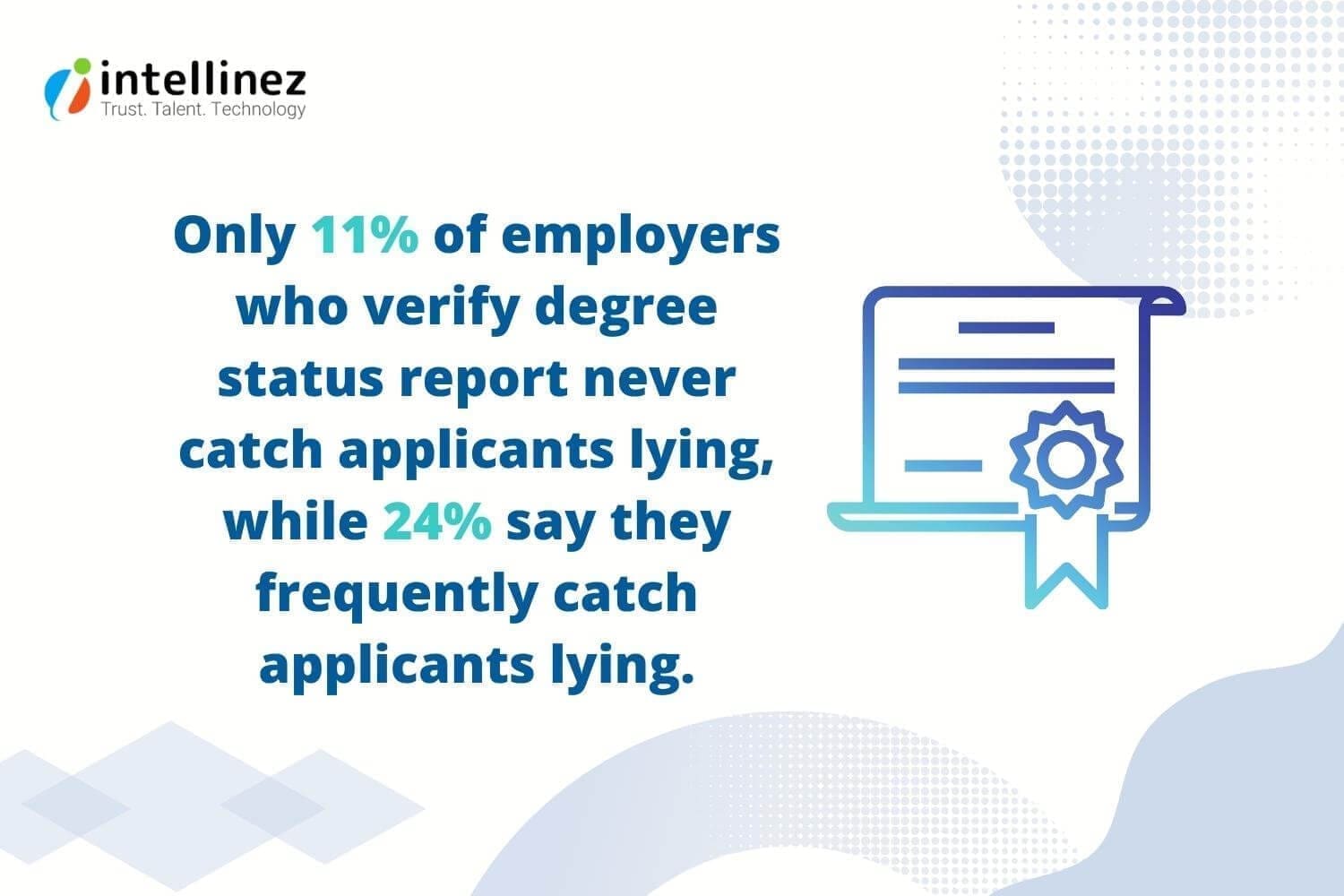
Exposing the Truth: How Academic Certificate Fraud is Threatening Education
Certificate fraud has become a growing concern globally, encompassing both physical and digital certificates. It involves the use of false certificates to make deceptive claims about one’s qualifications or a product, with the aim of obtaining financial or personal gain.
Fake engineering degrees are easily available for purchase online for less than $100, with one website promoting them as an effortless way to a high-paying career. These fraudulent practices deceive employers and erode the credibility of genuine educational institutions and professionals.
Diploma mills pose a significant threat by offering fake academic degrees for a fee, and fake universities are becoming more prevalent. Saint Regis University is an infamous example of such fraud, generating $7 million by selling fake qualifications to over 9,600 people in 131 countries.

The Association of Certified Fraud Examiners Study
The Association of Certified Fraud Examiners released key findings from the largest study of occupational fraud to date, conducted in 2018. The report sheds light on the prevalence and nature of occupational fraud.
- Occupational fraud costs $7 billion in actual damages across 23 major industry categories ranging from small local businesses to multinational corporations with thousands of employees.
- 22% of frauds caused at least $1 million in losses. A typical organization loses 5% of its annual revenues to fraud.
Fighting Academic Certificate Fraud with Blockchain

Blockchain technology can provide a robust solution to prevent academic frauds by creating a secure and immutable record of academic credentials. By storing academic records on a decentralized blockchain network, educational institutions can ensure that these records are tamper-proof and can be easily verified by any authorized party.
Validating Time Stamp
Timestamping can benefit academic researchers, allowing them to prove ownership of patents or papers without relying on third-party intermediaries. In addition, blockchain technology enables researchers to easily discover the works of others through a single, public blockchain network, eliminating the need to search through numerous libraries and platforms.
Moreover, the tracking and certification of academic documents can be a cumbersome task as they are certified by multiple regulatory bodies, institutions, and platforms. Fortunately, a blockchain explorer can simplify this process by enabling users to research this information on a single platform, rather than having to navigate through multiple websites to find the documents they need.
Verifying Authenticity of Educational Certificate
Blockchain can verify the authenticity of educational certificates by creating a secure and tamper-proof record of the certificate’s issuance and ownership. This record can be accessed by anyone with permission and can provide real-time verification of the certificate’s authenticity, eliminating the need for third-party verification services. Blockchain technology also offers enhanced security and privacy features, making it an ideal solution for combating fraud and ensuring the integrity of educational credentials.
Conventional Diploma Validation
Once the record is created, it can be stored on the blockchain and accessed by authorized parties, such as employers and academic institutions, with the student’s consent. The blockchain system uses cryptographic algorithms to ensure the authenticity of the record, making it virtually impossible to alter or forge. This provides a high level of security and trust in the validation process.
Several educational institutions and organizations have already started exploring the use of blockchain for diploma validation. For example, the Massachusetts Institute of Technology (MIT) has launched a pilot program that uses blockchain to issue digital diplomas. The University of Nicosia in Cyprus has also implemented a blockchain-based diploma verification system.
Blockchain System Validation
Blockchain System Validation is the use of blockchain technology to verify and validate academic credentials. By storing academic records on a blockchain, universities and other institutions can provide a tamper-proof and permanent record of academic achievements that can be easily verified by anyone with access to the blockchain.
This technology can help in removing academic fraud in several ways. First, it can prevent the creation and distribution of fake certificates and diplomas. By storing academic records on a blockchain, it becomes virtually impossible to create counterfeit documents as each record is uniquely identifiable and verifiable.
Second, blockchain technology can provide a transparent and decentralized verification system. This means that instead of relying on centralized third-party verification systems, academic credentials can be verified by anyone with access to the blockchain, reducing the potential for fraud and corruption.
The Mechanics Behind It: How It Really Works

Our proposed system leverages blockchain technology to securely store and verify student credentials. Each certificate is assigned a unique ID, allowing students to verify their own certificates and companies to authenticate them. Since blockchain is distributed and tamper-proof, the system ensures the integrity of data stored in each block.
The system comprises three modules: college, student, and company. The college is responsible for enrolling students and uploading certificates onto the blockchain. Students can log in to their account to view their own certificates. To access a student’s credential, companies can send an access request, which the student can accept or reject. Once granted access, the company can view the specific certificate they requested. This project offers a robust solution for preventing certificate fraud and enhancing the credibility of student credentials.
The Universities Leading the Way with This Technology

There are many universities around the world that are adopting blockchain technology to combat certificate fraud. Here are some examples:
- MIT (Massachusetts Institute of Technology) – In 2017, MIT announced that it was piloting the use of blockchain technology to issue digital certificates to graduates.
- University of Nicosia – This university in Cyprus was the first in the world to offer a Master’s degree in Digital Currency, and it has been using blockchain technology to issue academic certificates since 2014.
- Open University – The Open University in the UK has been exploring the use of blockchain technology to issue digital diplomas and certificates, and in 2018 it launched a pilot program to test the technology.
- University of Melbourne – In 2019, the University of Melbourne in Australia announced that it had developed a blockchain-based system for verifying academic credentials.
- University of Bahrain – In 2021, the University of Bahrain announced that it had partnered with a blockchain-based credentialing platform called Blockcerts to issue digital certificates to graduates. Besides this, the University has also partnered with a blockchain-based credentialing platform called GulfChain to issue digital certificates.
- Kingsland University – This Georgia-based university offers a blockchain development program, and it has developed a blockchain-based platform for verifying academic credentials.
- Malta University – In 2021, Malta University announced that it had partnered with a blockchain-based credentialing platform called VChain to issue digital certificates to graduates.
- Southern Alberta Institute of Technology – This Canadian university has developed a blockchain-based platform for issuing digital credentials, which it began using in 2021.
- University of Texas at Austin – In 2021, the University of Texas at Austin announced that it was partnering with a blockchain-based credentialing platform called Credly to issue digital badges and certificates.
These are just a few examples of universities that are using blockchain technology to combat certificate fraud. As the technology continues to mature, we can expect to see more and more universities adopting it for this purpose.
Conclusion
Blockchain ensures data stored is protected and cannot be altered, providing extra security to certificates and student data. This system can eradicate the problem of fake certificates and can be extended to other sectors where a digital document time stamp is required. It can also store employment and experience data for tracking.
Hire Intellinez For Issuance Of Digital Certificates At Your University
Team Intellinez can provide a secure and transparent solution for certificate verification and issuance. Our team has extensive knowledge and experience in blockchain technology, enabling us to provide a customized approach that can effectively combat certificate fraud.
With our expertise, we can help streamline the certification process, making it more efficient and secure, and reducing the risk of fraud. By utilizing blockchain technology, we offer an immutable solution, ensuring that certificates are authentic and trustworthy.
Table of Contents
- Why Does Cybersecurity Need Artificial Intelligence
- Benefits of AI on Cybersecurity
- How Does AI Work in Preventing Cyber Attacks
- What Attacks Can Be Prevented in Cybersecurity Using AI?
- Challenges Involved in Adopting AI in Cybersecurity
- Conclusion
Artificial Intelligence (AI) is rapidly transforming various industries, and the security sector is no excepti0n. With the rising number of cyber threats, the integration of AI and cybersecurity has become crucial. In fact, the FBI’s 2020 Internet Crime Report revealed that cybercrime increased by 61% compared to the previous year, causing a massive $4.2 billion in damages.
AI enables machines to learn from vast amounts of data, detect patterns, and make decisions with minimal human intervention, making it a valuable tool for cybersecurity.
Machine learning and deep learning, both subsets of AI, are particularly relevant in this field. Machine learning can analyze data and detect anomalies, while deep learning can identify complex patterns and behaviors. The use of AI and cybersecurity can significantly improve threat detection and response times, making it essential for protecting organizations and individuals from cyber attacks.
Why Does Cybersecurity Need Artificial Intelligence?
Artificial intelligence (AI) can help address challenges that traditional security methods cannot. Using AI-enabled cybersecurity solutions, Intellinez can detect and respond to new and sophisticated threats in real-time, learn and identify normal user behavior, detect fraudulent activities, scan for vulnerabilities, and automate routine security tasks.
It has the potential to transform cybersecurity by providing more effective defense against constantly evolving cyber threats. Here are some of the problems AI can help to solve in cybersecurity
- Detecting new and emerging threats: AI can analyze data in real-time and identify new threats, relieving cybersecurity experts of the struggle to keep up with the constantly changing threat landscape.
- Predicting breach risk: AI can analyze data from multiple sources, including user behavior, network traffic, and historical data, to predict the likelihood of a breach and provide early warning signals.
- Improving control effectiveness: AI can optimize security controls by analyzing data from different sources, such as logs and configuration files, to identify misconfigurations or other weaknesses that could be exploited by attackers.
- Automating security processes: AI can automate routine tasks such as security monitoring and incident response, freeing up security teams to focus on more complex issues.
- Enhancing threat intelligence: AI can use natural language processing and machine learning algorithms to analyze and classify vast amounts of threat intelligence data, helping security teams to stay up-to-date on the latest threats and trends.
- Prioritizing and analyzing security alerts: With the vast amount of security alerts generated by various security tools, it can be challenging for security analysts to prioritize and analyze them efficiently. AI can help by analyzing the alerts and prioritizing them based on their potential impact on the organization.
- User behavior analytics: AI can be used to monitor user behavior and identify anomalous behavior that may indicate a potential breach or insider threat. This can help organizations detect and respond to threats faster.
- Incident response: AI can assist in incident response by automating certain tasks, such as collecting and analyzing data, identifying the root cause of an incident, and suggesting remediation steps.
- Compliance monitoring: AI can be used to monitor compliance with security policies and regulations, and identify areas where an organization may be at risk of non-compliance.
- Threat intelligence: AI can help organizations to stay up-to-date with the latest threat intelligence by analyzing large volumes of data from various sources and identifying patterns and trends that may indicate a new threat.
Benefits Of AI On Cybersecurity
The Capgemini Research Institute conducted a survey of 850 executives from various countries and found that AI is essential in strengthening cybersecurity defenses, as cybercriminals are already using AI for cyberattacks.
The survey revealed that AI enables faster responses to breaches and improves the accuracy and efficiency of cyber analysts, with 69% of organizations considering AI necessary for responding to cyberattacks. As networks and data become more complex, the use of AI in cybersecurity becomes inevitable.
Analyse Network Behavior Using ML
Machine learning is helping companies take a proactive approach to cybersecurity. It can simulate cyber attacks through penetration testing and locate vulnerabilities in networks and systems, then apply software patches and code fixes. By learning from historical data, machine learning can detect unusual behavior and identify the biggest threats to a network based on its vulnerabilities.
Identify and Prevent Unknown Threats
51% of executives prioritize extensive AI for cyber threat detection over prediction and response. As malware attacks become more sophisticated, AI is becoming a crucial component of cybersecurity. AI can quickly identify potential threats by analyzing vast amounts of data and automate many security processes, making it easier for organizations to stay on top of their cyber security needs. With AI, organizations can respond faster to attacks, such as rerouting traffic away from vulnerable servers and alerting IT teams to potential issues.
AI Can Handle Vast Amount of Data
Artificial intelligence is an effective solution for detecting threats disguised as normal activity. It can analyze large volumes of data and traffic to identify potential threats, thanks to its automation. Residential proxies that use AI technology can transfer data securely and also detect and identify threats present in the traffic.
Vulnerability Management
In 2019, there were 20,362 new security problems, up from the previous year. Organizations find it hard to keep track of all these problems. But, using AI like User and Event Behavioral Analytics (UEBA) can help find problems before they become big issues.
Prioritizing Security Tasks
73% of enterprises currently test AI for cybersecurity, with network security being the leading category. AI-based systems enable organizations to identify their weak points and prepare for potential cyber attacks by evaluating threat exposure, IT asset inventory, and control effectiveness. This helps companies allocate their resources and tools more effectively to areas of vulnerability.
Reduced Human Error and Time
AI reduces breach detection cost and time by up to 12%, say 64% of respondents. AI technology can streamline cybersecurity processes, reducing the likelihood of human error and saving time. With the ability to analyze large amounts of data, AI-powered tools can identify threats quickly, allowing for faster response times and lower defense costs. These solutions can also detect suspicious activity by connecting various data points, enabling proactive protection.
Lower Threats Response Time
AI has the potential to significantly improve threat response time in cybersecurity. With its ability to quickly analyze large amounts of data, AI can identify patterns and anomalies that humans might miss. This allows for early detection and faster response to potential threats, reducing the risk of a successful cyber attack. By leveraging AI in cybersecurity, organizations can stay one step ahead of cyber criminals and minimize the damage caused by cyber attacks.
Secure Authentication During Login
To secure user accounts and sensitive information on websites, companies need an extra security layer, which AI can provide through tools like facial recognition and fingerprint scanners for authentication.
Without such security measures, hackers can easily access user accounts using techniques like credential stuffing and brute force attacks, putting the entire network at risk.
Bot Management
The prevalence of harmful bots in internet traffic highlights the need for automated solutions. AI and machine learning enable a deeper understanding of web traffic, enabling businesses to differentiate between good bots, bad bots, and humans, and develop effective cybersecurity strategies. These technologies allow analysis of vast amounts of data to detect and respond to abnormal behavioral patterns, which can help organizations stay ahead of bad bots.
How Does AI Work in Preventing Cyber Attacks?
AI has become a crucial tool in preventing cyber attacks, as it can analyze vast amounts of data and identify patterns and anomalies that may indicate a potential threat. AI works in conjunction with machine learning (ML) algorithms that are trained to recognize and classify different types of cyber attacks.
AI-powered tools can monitor network traffic, detect anomalies in user behavior, and identify malicious software in real-time. By using historical data, AI algorithms can learn to identify and prevent potential attacks before they even occur. For example, AI can monitor email traffic and identify phishing emails by analyzing the email’s content and sender information.
In addition to detecting attacks, AI can also help organizations respond to and recover from a cyber attack. AI-powered incident response tools can quickly identify the scope and nature of an attack, and help IT professionals to remediate the damage.
What Attacks Can Be Prevented in Cybersecurity Using AI?
Cyber attackers can employ various techniques to infiltrate IT systems, but most cyber-attacks share commonalities in their approach. The following are some of the frequently used types of cyber-attacks that can be prevented using AI:
- Malware
Malware is a malicious application that can perform various tasks, including creating network access, stealing credentials, disrupting operations, and even extorting victims through methods like ransomware.
- Phishing:
Phishing remains the most prevalent and dangerous form of cyber attack with 1 in every 5 email recipients clicking on a malicious link and 3 billion phishing emails sent daily, according to the Phishing Benchmark Global Report.
In a phishing attack, the attacker deceives an unsuspecting victim into disclosing valuable information, often via an email impersonating a legitimate entity, making it the most prevalent and effective cyber-attack due to its simplicity.
- Man-in-The-Middle (MITM) Attack
In a man-in-the-middle attack, an attacker intercepts communication between two parties to spy, steal information or credentials, or manipulate conversation, which is now less frequent due to end-to-end encryption used by most email and chat systems.
- Distributed Denial-of-Service (DDoS)
In a Distributed Denial-of-Service (DDoS) attack, an attacker floods a target server with traffic to disrupt or bring it down, utilizing multiple compromised devices to evade detection by sophisticated firewalls.
- SQL Injection
SQL injection is a database-specific attack exploiting HTML forms to execute queries creating, modifying, or deleting data, if database permissions are improperly set.
- Zero-day Exploit
In a zero-day exploit, cybercriminals target organizations using widely-used software with a known vulnerability before a patch is available.
- DNS Tunnelling
DNS tunneling creates a persistent communication channel by inserting malware into DNS queries, as many organizations fail to monitor DNS traffic for malicious activity, making it difficult to detect by most firewalls.
- Business Email Compromise (BEC)
BEC attacks target specific employees to trick them into transferring money to accounts controlled by the attacker, making it one of the most financially damaging forms of cyber-attack.
- Cryptojacking
Cryptojacking involves hijacking a user’s computer or device to mine cryptocurrencies, and can go unnoticed by organizations as it doesn’t involve stealing data.
- Drive-by Attack
A drive-by attack infects a device with malware when a user visits a compromised website, often served in content such as banners or ads, using exploit kits that are readily available.
- Cross-site Scripting (XSS) Attacks
XSS attacks inject malicious scripts into vulnerable web pages, exploiting the unsuspecting visitors to compromise their devices, data, or redirect them to other malicious sites.
- Password Attack
A password attack is a cyber-attack that involves guessing or cracking a user’s password using various techniques such as Brute-Force, Dictionary, Rainbow Table, Credential Stuffing, Password Spraying, Keylogger attack, and Phishing.
- Eavesdropping Attacks
Eavesdropping attacks intercept and access unsecured network communications, highlighting the importance of using a VPN when accessing company networks from public Wi-Fi hotspots.
- AI-Powered Attacks
AI-powered attacks are a looming threat, with the potential for highly sophisticated and adaptable methods, such as using botnets, generating fake media, and exploiting vulnerabilities through machine learning.
- IoT-Based Attacks
IoT devices are often less secure than modern operating systems, and hackers seek to exploit their vulnerabilities to target medical devices, security systems, smart thermometers, or launch DDoS attacks.
Challenges Involved In Adopting AI In Cybersecurity
Cybersecurity presents a number of distinct challenges for AI that need to be addressed, including:
-
- Building and maintaining AI systems requires significant resources and financial investments.
- Acquiring diverse data sets is time-consuming and expensive.
- Inaccurate data can lead to incorrect results and false positives.
- Cybercriminals can use AI to launch more advanced attacks.
- Shortage of skilled cybersecurity professionals for AI-based security systems.
- AI algorithms can have unintentional biases with ethical implications.
- Integrating AI with legacy systems can be challenging and time-consuming.
- Compliance requirements and regulations for AI in cybersecurity can be complex.
- AI systems can be difficult to explain or justify.
Conclusion
AI and ML are critical in cybersecurity, automating tasks, detecting malware, analyzing network traffic, and identifying threats, leading to efficient and effective systems. Their potential is promising, with further automation possibilities. However, organizations must carefully implement AI and ML alongside other security practices to maximize their potential.
Hire Intellinez For AI Enabled Cybersecurity Services
AI can help in removing cybersecurity threats by providing real-time threat detection, user behavior analysis, fraud detection, vulnerability management, and automation. By hiring us, you can leverage our expertise in developing and deploying AI-based security solutions that can augment your existing security measures. Our team can help you build and maintain a robust cybersecurity program that can adapt to the constantly evolving threat landscape, reduce the workload of your security team, and provide greater visibility into potential threats. Trust us to help safeguard your business against cyber threats with the power of AI.
Table of Contents
- The Use Of Blockchain Technology In The Education Sector
- Advantages Of Blockchain Technology For The Education Sector
- Smart Contracts For Upskilling And Learning
- Ledger Technology For Maintaining Student Records
- Simplifying Fee Payments
- Digital Wallets For Storing Educational Resources
- Adopting Blockchain In Education: Challenges And Considerations
- How To Overcome Challenges To Adopt Blockchain In Education Sector?
- Conclusion
The education industry has rightfully achieved comparable importance to finance and healthcare. However, there are several areas within the sector that could benefit from advanced technology implementation. As the global online education industry continues to grow exponentially and is projected to reach a valuation of $200 billion by 2030 (Source: Custom Market Insights), integrating innovative technologies is crucial for fostering continued progress.
Blockchain technology is the latest and greatest addition to the online edtech space, and it is expected to become an integral part of all educational institutions in the next few years. The education industry is soon to realize the undeniable benefits of blockchain.
Are you new to Blockchain technology? Don’t fret! It’s the foundational technology for cryptocurrencies and can be used to store data. In fact, it’s already benefiting industries like manufacturing, supply chain, and healthcare. Now, it’s time for the education industry to reap the rewards.
The Use of Blockchain Technology in the Education Sector
Blockchain is a secure digital tool that allows for the safe and accurate storage of information. Its immutable nature means that data cannot be changed without permission, making it an ideal solution for various educational applications. For instance, Intellinez can leverage blockchain to develop a system that recognizes students’ skills and rewards them accordingly for their assignments.
In addition, blockchain technology can automate the grading process of exams and securely store the results, reducing the likelihood of fraudulent activity. It can also enhance transparency and integrity by recording accreditations. Moreover, blockchain can motivate students and teachers to excel by offering unique credit and rewards. With its capacity to simplify record-keeping and improve convenience, blockchain has endless potential in the education sector.
Advantages of Blockchain Technology for the Education Sector
Blockchain technology offers several advantages over traditional education systems, including its decentralised and immutable nature, which promotes innovation and peer-to-peer problem-solving. One of its most significant benefits is fraud prevention, thanks to its encryption and sequential recording of information.
Smart Contracts For Upskilling And Learning
The use of smart contracts can bring a transformational change in the education sector by enabling students to learn and acquire new skills. Educators can program entire courses into the system, and students can receive certificates and badges for completing different modules or quizzes.
These contracts automate the issuance of credentials, eliminating the need for manual verification and incentivizing students to keep learning through rewards in the form of tokens or cryptocurrencies that can be exchanged for valuable goods or services.
Ledger Technology for Maintaining Student Records
As students acquire certificates and badges from various sources, it becomes increasingly challenging to keep track of their achievements. Blockchain technology provides a decentralized ledger for maintaining student records, empowering them to maintain control over their records and share them with employers or other institutions as needed.
This technology also helps institutions verify student credentials instantly and reduce fraud, promoting transparency and efficiency in the education sector.
Simplifying Fee Payments
The implementation of blockchain technology has the potential to simplify fee payment processes in the education sector. By creating a tamper-proof ledger of all financial transactions, institutions can track payments more efficiently and identify any discrepancies. Furthermore, blockchain can eliminate intermediaries in payment processes, leading to faster and more secure transactions.
This can increase transparency and decrease the risk of fraud. By utilizing blockchain technology for fee payments, educational institutions can save time and resources while improving the overall payment experience for students and their families.
Digital Wallets for Storing Educational Resources
Blockchain technology has the potential to revolutionize the education sector by creating digital wallets for students to store their syllabus, study materials, and educational resources. By implementing a decentralized system, students can have secure access to their educational resources from anywhere in the world.
In addition, blockchain technology enables educators to open-source books and other educational materials, providing students with free access to resources that were previously only available at a premium. This approach can significantly reduce the cost of education and increase access to resources, especially for those in low-income communities.
Adopting Blockchain in Education: Challenges and Considerations
While the benefits of blockchain technology in education are significant, adoption still faces several challenges, including security, scalability, and cost. One of the most significant barriers to adoption is a lack of interest and trust among higher education institutions, according to a survey by Gartner.
Building Trust in the Blockchain Ecosystem
For blockchain to become a trusted solution for educational credentials and records, institutions and employers must be willing to rely on it. However, many institutions are still hesitant to adopt blockchain due to concerns about data security and privacy.
Investing in Infrastructure and Expertise
Integrating blockchain technology can be costly due to the need for specialized computing power and infrastructure changes. Additionally, many institutions lack the necessary expertise to manage student data effectively on the blockchain, requiring investment in educating administrators and staff to realize the full potential of the technology.
Ultimately, overcoming these challenges and embracing blockchain technology in education has the potential to bring significant benefits, such as increased security, transparency, and efficiency, as well as reducing costs and improving access to education.
How to Overcome Challenges to Adopt Blockchain in Education Sector?
Blockchain technology offers many potential benefits, but there are also challenges that need to be addressed for its adoption in the education sector. Here are some solutions:
- Educate stakeholders about the strengths and utility of blockchain to raise awareness and build trust in the technology.
- Encourage collaboration and standardization among organizations in the industry to develop education and applications that are compatible with different blockchain systems.
- Address scalability issues by using side chains, proof-of-stake networks, and layer-2 blockchains to promote interoperability and scalability.
- Develop scaling solutions that address the challenges of blockchain technology and make it more accessible to businesses and end-users.
Conclusion
Blockchain technology has enormous potential to revolutionize any sector, but its adoption faces typical challenges of novel technologies. It takes time for technological developments to mature and stabilize, and blockchain is no exception. However, with the advent of blockchain-as-a-service providers like Intellinez, adoption is expected to increase. Intellinez offers comprehensive support in technology, compliance, and security, making blockchain integration hassle-free and seamless for clients.
Role of Intellinez in Blockchain Adoption
Intellinez is a blockchain technology solutions provider that offers a range of services, including infrastructure development and ecosystem support, to help businesses integrate blockchain technology. Our solutions are designed to be easy to integrate, and our technical support team is always available to assist businesses at any stage of their blockchain journey. Contact us to learn more about how we can help your business adopt blockchain technology.
Table of Contents
- Auto-GPT And Chat-GPT: What Are They?
- Technological Difference: Auto-GPT And Chat-GPT
- Functionality: Auto-GPT Vs Chat-GPT
- Capability: Auto-GPT Vs Chat-GPT
- Who Can Access Auto-GPT And Chat-GPT?
- Practical Examples Of Auto-GPT Functionalities
- Is Auto-GPT The Future Of AI Technology?
The rise of AI has led to the creation of Artificial General Intelligence (AGI), an AI type that can perform diverse tasks, resembling human intelligence. Initially, AGI or “strong AI” was the idea of AI before “narrow AI” through machine and deep learning. AGI has the potential to revolutionize various industries and is portrayed in pop culture as AI seen in science fiction, such as Data from Star Trek, who possesses human-like intelligence and abilities.
The technology industry in Silicon Valley is heavily invested in finding innovative ways to simplify our lives using cutting-edge advancements like Auto-GPT and Chat-GPT, a state-of-the-art technology that they are particularly excited about.
Auto-GPT And Chat-GPT: What Are They?
Auto-GPT is an experimental open-source app that utilizes OpenAI’s latest AI models, GPT-3.5 and GPT-4, to perform autonomous tasks online. It can interact with various apps, software, and services and is capable of developing advertising strategies and building basic websites to achieve users’ desired outcomes. Auto-GPT is considered as the first glimpse of Artificial General Intelligence in Information Technology.
On the other hand, Chat-GPT is an AI-powered tool for human-like conversations, answering questions, and assisting with tasks like writing emails, essays, and code. Its advanced capabilities make it a valuable tool for simplifying work and effective communication. There are many use cases we already witnessed where Chat-GPT helps businesses with its ability and limitations.
So, here is the difference between Auto-GPT and Chat-GPT, compiled by Team Intellinez, to better understand how these technologies can help you boost productivity and simplify complex tasks for you.
Technological Difference: Auto-GPT And Chat-GPT
Auto-GPT and Chat-GPT share the same GPT API, but they have technical differences. Auto-GPT operates without human intervention, unlike Chat-GPT, which requires detailed prompts. Auto-GPT is powered by GPT-4, can make independent decisions, and requires programming knowledge. In contrast, Chat-GPT is internet-accessible.
Auto-GPT Technology
Auto-GPT, an open-source project, aims to make GPT-4 completely self-governing and has gained worldwide recognition. According to its GitHub page, Auto-GPT is an experimental application that demonstrates the potential of the GPT-4 language model.
Using LLM “thoughts”, the program can autonomously accomplish any objective set by the user, as GPT-4 powers it. Auto-GPT is a groundbreaking example of GPT-4 running entirely on its own, demonstrating the cutting-edge possibilities of AI.
Chat-GPT Technology
Chat-GPT is a generative language model based on the transformer architecture that can perform natural language processing tasks effectively. To work, GPT-3 requires training on a large amount of text.
Reinforcement learning based on human feedback was used for training, and the reward model was created by collecting comparison data and adjusting it using Proximal Policy Optimization.
GPT can be used to generate appropriate and coherent responses in chatbots or other applications. The model was trained on a Microsoft Azure platform on a supercomputer and was provided with input in the form of text to generate responses.
Functionality: Auto-GPT vs Chat-GPT
Auto-GPT uses AI agents to perform tasks based on predefined goals, while Chat-GPT generates responses using text data.
Auto-GPT Technology
Auto-GPT is a technology that combines GPT with AI agents, which are programmed to perform specific tasks based on predefined goals and rules. These AI agents work on the principle of limited access, similar to a personal assistant.
While an AI agent can search for information with internet access, it cannot make purchases on your behalf unless it has access to your credit card. Auto-GPT prompts for permission after each step to ensure that the project proceeds as per the user’s expectations.
The technology pairs GPT with a companion robot that receives instructions from the user and uses GPT and APIs to carry out necessary steps.
Chat-GPT Technology
In order to train Chat-GPT, a vast collection of text, such as articles or conversations, is provided to the model. The model uses this data to understand the patterns and structure of language.
Once the training is complete, the model can produce its own text based on a given prompt or topic. For example, if you inquire about the weather, Chat-GPT can respond with “Today’s forecast is sunny and warm, with a high of 75 degrees.”
The model’s ability to generate this response stems from its knowledge of weather patterns and natural language descriptions.
Capability: Auto-GPT vs Chat-GPT
Auto-GPT is a versatile self-improving AI tool that runs GPT-4 independently. Chat-GPT applies to customer service, marketing, education, and gaming.
Auto-GPT Technology
Auto-GPT is a multifaceted AI tool that provides internet access for information gathering and storage. It can read, write, and execute code, making it capable of improving its own programming. It can achieve any goal you set and run GPT-4 independently. With self-prompting abilities, it can generate and complete tasks based on a goal. Auto-GPT manages both long-term and short-term memory and offers file summarization using GPT. It is a powerful and adaptable AI tool designed to transform the way information is accessed.
On Twitter, Jon Miller (@botzero_net) showcased Auto-GPT’s capabilities by challenging it to create a generative art prompt that evokes fear in humans. Auto-GPT autonomously generated the artwork, which Miller shared on Twitter.
3/7
AgentGPT Generated Prompt:
Imagine a deserted graveyard at the stroke of midnight. The moon is full, and its eerie light casts long shadows across the tombstones. Suddenly, a portal to the underworld opens up, and out crawls a horde of the undead – zombies, skeletons, and all… pic.twitter.com/5UNUNkcdSn— Jon Miller (@botzero_net) April 15, 2023
Chat-GPT Technology
Chat-GPT has various applications in industries such as customer service, marketing, education, search engines, personal assistant, language translation, content creation, personal growth, e-commerce, HR, healthcare, finance, and gaming.
It can be used to provide 24/7 customer support, create personalized content, simulate real-world conversations, improve search queries, manage schedules, offer mental health support, recommend products, schedule interviews, provide medical information, assist with financial tasks, and offer gaming assistance.
The possibilities are endless, and we can expect more innovative uses in the future as AI technology advances.
Who Can Access Auto-GPT And Chat-GPT?
Auto-GPT needs Python 3.8, API keys, and technical steps. Chat-GPT can be accessed via the official website.
Auto-GPT Technology
Auto-GPT is a free tool that anyone can use. But, it takes some time and patience to install. Unlike Chat-GPT, which is easy to access, Auto-GPT requires you to have Python 3.8, an OpenAI API key, a PINECONE API key, and an ElevenLabs Key. After that, you’ll need to follow some technical steps. To learn more about how to run Auto-GPT, follow the instructions on the official GitHub post.
Chat-GPT Technology
If you’re curious about how to log in to Chat-GPT, a popular app designed by OpenAI, here’s a step-by-step guide. To access Chat-GPT, you’ll need to visit the website at chat.openai.com and create an account. The great thing about Chat-GPT is that it’s user-friendly and can be used by anyone, regardless of age. However, at this time, there’s no app version available, so you’ll need to sign up through the OpenAI website to start using it.
Practical Examples of Auto-GPT Functionalities
Auto-GPT is a new AI tool with internet access, memory, and coding capabilities that can generate human-like text, summarize large text bodies, answer questions, translate languages, and more.
Its potential applications include chatbots, virtual assistants, language learning tools, marketing research, content creation, and software development. Despite being in its early stages, Auto-GPT has shown promise in various fields. This article explores five of its notable applications.
Auto-GPT Can Self-Enhance Brilliance
Auto-GPT’s ability to improve its own programming is a noteworthy application. The AI can read, write, and execute code, allowing it to evaluate, test, and update code for improved speed, reliability, and efficiency. In a recent tweet, the developer of Auto-GPT shared a video of the tool correcting a syntax error in a maths function. Although the correction was simple, it would have taken a human much longer to fix in a codebase with hundreds or thousands of lines. Auto-GPT’s self-enhancement capabilities hold great promise for the future of AI. See an example of Auto-GPT writing its own code below:
2. The Do-Anything Machine
This is a Todo list that does itself.
Yes, you read that right.
You put a task on the list, and it’ll spawn a GPT-4 agent to do it. https://t.co/a62Z9ZlAgL
— Gaurav (@agarwal__gaurav) April 17, 2023
Auto-GPT Aims To Develop Innovative Apps
Another significant application of Auto-GPT is in the field of app development. During a demonstration, Auto-GPT detected that Varun Mayya did not have the Node.js runtime environment necessary to build an app. The tool then searched for instructions to install the required software, downloaded and extracted the necessary files, and started a Node server to proceed with the task. Although Auto-GPT made the installation process seamless, Mayya warned that individuals should have programming knowledge before relying solely on AI for coding, as errors can still occur. You can see the entire process on Twitter:
autogpt was trying to create an app for me, recognized I don’t have Node, googled how to install Node, found a stackoverflow article with link, downloaded it, extracted it, and then spawned the server for me.
My contribution? I watched. pic.twitter.com/2QthbTzTGP
— Varun Mayya (@VarunMayya) April 6, 2023
Auto-GPT Excels In Market Research
Another significant application of Auto-GPT is in the field of market research. With its ability to access the internet, remember details, and stay focused on the task, Auto-GPT can be a valuable tool for conducting primary market research. In a tweet shared by Nicolas Boucher, Auto-GPT analyzed the golf ball market by conducting a hypothetical competitor analysis. The tool evaluated the main competitors based on factors such as market share, pricing strategies, and product offerings. Additionally, Auto-GPT verified the credibility of its sources. While it is advisable to verify the results of AI-generated research, Auto-GPT can provide a convenient starting point for conducting market research. You can view the example here:
4. Regulatory updates
Ask to get updates about regulation changes from your industry. pic.twitter.com/RYcDGTBBwd
— Nicolas Boucher (@BoucherNicolas) April 12, 2023
Auto-GPT Reflects On Life’s Big Questions
Auto-GPT’s fourth notable application is to ponder deep philosophical questions, as demonstrated by loopuleasa’s recent challenge to the tool to answer the question “What is life?” Auto-GPT searched through 660k characters of articles and Wiki topics and provided a response after an hour and a cost of a dollar. While it did not provide a definitive answer, it referred to different perspectives from various disciplines, such as biology, philosophy, and physics, to suggest that each field has its perspective. If interested, you can read Auto-GPT’s response on Twitter.
I gave Auto-GPT one big question:
What is life?Dollar cost: Around 1$ in API costs
Time cost: Around 1hour of self-prompting
Model used:GPT3.5 (no GPT4 access yet)
Articles read: Around 660k characters of articles and wikis readThe answer it gave: pic.twitter.com/y7zQsT5HJR
— l̴o̴o̴p̴u̴l̴e̴a̴s̴a̴ (@loopuleasa) April 14, 2023
Auto-GPT Simplifies Gmail And Calendar Integration
Auto-GPT is a useful tool for integrating with Gmail and Google Calendar, and its application is especially notable in this regard. Through the GitHub project Email Assistant, which is powered by an early version of Auto-GPT, users can input commands into Gmail compose windows that the AI can process. The available commands include adding events to the calendar, creating to-do lists, and simplifying daily tasks by reducing clicks. Additionally, if you require assistance with creating a podcast, Auto-GPT can also help.
4. 3 AutoGPT Examples That’ll Leave You Speechless.
Greg does a great job going through and illustrating just how strong AutoGPT can be. https://t.co/n3aEjfC7xQ
— Gaurav (@agarwal__gaurav) April 17, 2023
Is Auto-GPT The Future of AI Technology?
Auto-GPT is currently an experimental project, so it may be a while before it becomes commonly used. Nonetheless, the potential of this technology for practical purposes, such as creating podcasts, analyzing investments, and planning events, is immense.
The future prospects of Auto-GPT are quite promising, particularly with the continual advancements in AI technology. As AI agents gain the ability to make decisions autonomously, they can aid individuals and businesses in optimizing their operations and achieving their objectives with greater efficiency.
Conclusion
While some are concerned about Chat-GPT, the emergence of autonomous AI agents like Auto-GPT demonstrates the vast potential of OpenAI products. Developed by independent developers, these experimental technologies can accomplish human-level tasks. Auto-GPT could potentially reduce the need for human employees, allowing one person to assign tasks to AI agents, and even replace human management with AI agents.
Contact Team Intellinez To Learn More About Auto-GPT
Auto-GPT is currently in the experimental phase and can only be practically deployed by those with programming skills. As the technology continues to evolve, there is a strong potential for Auto-GPT to revolutionize various industries with its autonomous AI capabilities, making it an exciting development to keep an eye on for the future. Contact Team Intellinez to learn more on how it can transform your business.
Table of Contents
- AI Tools For Content Writing And Copywriting
- AI Tools For Graphic Designers
- AI Tools For Tasks Automation
Marketing activities are an essential part of any business, but they require careful planning and execution to be effective. Marketers need to develop strategies, create content, and analyze data to drive results. However, preparing these resources can be a time-consuming process, leaving little time for creative brainstorming and other important tasks.
Fortunately, AI tools are making it easier for marketers to create these resources quickly and efficiently. Technologies and ai tools for digital marketing can help automate tasks like content creation, data analysis, and campaign optimization. This frees up more time for marketers to focus on crafting effective strategies and campaigns that resonate with their target audience.
For example, AI-powered content creation tools can generate compelling headlines, social media posts, and even entire articles with just a few clicks. This helps marketers to quickly produce high-quality content that engages their audience, without spending hours researching and writing.
Additionally, AI data analytics tools can quickly process vast amounts of data, providing insights that marketers can use to improve their campaigns. This enables them to make data-driven decisions, and adjust their strategies in real-time for maximum impact.
AI Tools For Content Writing And Copywriting
AI content writing and copywriting tools help create persuasive content that resonates with your target audience. By analyzing data, they deliver high-quality content that builds stronger connections, streamlines content creation, and drives more leads and conversions.
Notion.ai
Notion is an all-in-one app that blends the features of a spreadsheet and a document with a pleasing aesthetic.
It is a built-in tool that provides advanced features like jargon elimination, brainstorming ideas, and generating complete pieces like poems and press releases. The AI tool also helps writers by summarizing articles and providing spelling, grammar, and translation services.
The app itself is free, while the premium add-on Notion AI costs $10 USD/month per user. It is particularly useful for current Notion users, marketers who are interested in experimenting with AI copy, and for anyone who needs a flexible space to manage team notes and tasks.
Quillbot
Quillbot.ai is a writing assistant that helps users with their tasks. Users can input text by typing, pasting or uploading content, and click the ‘rephrase’ button to use the paraphrasing tool. The free version limits users to 125 words, but upgrading to premium provides additional features such as shortening, expanding, fluency, formality, simplicity, and creativity modes.
Quillbot’s key features include a grammar and plagiarism checker, text summarizer, and co-writer tool. The co-writer tool allows users to paraphrase, autocomplete, check grammar, and research all in one place. Additionally, users can access sentence suggestions, citation generators, and note-taking features in an easy-to-use interface.
Pricing options include a free version, premium, and team subscriptions. Premium offers unlimited words, all paraphrasing modes, a 6,000 summarizer word limit, maximum changes with the synonym slider, plagiarism checks, recommended rewrites, tone insights, and more. The premium package starts at $8.33 per month or $99.95 per year. The team package starts at $7.50 per writer, with all premium features and additional management and billing features.
ChatGPT
ChatGPT is a powerful language model based on the GPT-3.5 architecture that offers comprehensive assistance in content writing and copywriting. With its advanced natural language processing capabilities, it can generate innovative ideas, provide research assistance, and suggest appropriate language and style to create compelling and engaging content that resonates with the audience.
It’s ability to understand context and intent makes chatgpt helpful for businesses and marketers seeking to improve their content marketing efforts. Whether it’s for blog posts, articles, social media content, or advertising copy, ChatGPT can provide valuable support throughout the content creation process, making it an essential tool for anyone looking to elevate their content game.
Wordtune
Wordtune is an AI-powered writing tool that enhances the clarity and readability of your content. Similar to QuillBot, Wordtune can change the tone of your writing and either shorten or expand it. Additionally, it offers various “spices,” such as statistics, facts, and jokes, to add some flair to your writing.
Compared to other rephrasing tools, Wordtune works naturally, retaining the original meaning and appeal of your content. It provides many options to write a single sentence, which is simply remarkable. Furthermore, Wordtune offers features such as casual or formal tones, enabling you to create the right mood for your content.
The free plan allows up to 10 rewrites per day, while unlimited access can be purchased for $9.99 USD/month. Wordtune is suitable for everyone, from freelancers to content teams, to help overcome writer’s block, repurpose content, and engage your audience faster by clarifying your message.
Jasper
Jasper is considered the leading AI writing assistant due to its impressive features and quality. After providing seed words, Jasper analyzes them and generates phrases, paragraphs, or even documents based on the subject matter and tone of voice.
It can create a 1,500-word article in under 15 minutes and offers over 50 AI content generation templates, including blog posts, emails, marketing copy, and more.
Some of Jasper’s best features include support for 25+ languages, an intuitive interface, a long-form writing assistant capable of producing 1,000+ words, and the ability to identify key elements in text like pronouns, verbs, and names. Also, it provides more than 11,000 free fonts and 2,500 categories of writing styles.
AI Tools For Graphic Designers
AI tools for graphic designers can enhance creativity and productivity, helping them design eye-catching visuals that resonate with their audience. These tools streamline the design process and provide insights for data-driven decision-making.
Jasper.ai
Jasper.ai is an AI art and writing tool that generates unique images and content in seconds. With high-resolution 2k images, users have royalty-free commercial use, no watermark, and unlimited generations.
The AI art generator has been praised for its ease of use, and the writing tool can improve content and writing. Pricing starts at $24/month per user, with a 5-day free trial and custom plans available for enterprises. Users can generate up to 200 images during the trial period and own the commercial copyrights.
Jasper.ai has received positive testimonials for its image quality, and its FAQs cover topics such as pricing, image ownership, commercial copyrights, biases, and refund policies. Jasper.ai also features Boss Mode, Chrome Extensions, Business Features, Jasper Chat, and Surfer SEO Integration.
Designs.ai
Designs.ai is an accessible online design software that can help you create a marketing portfolio in less than two minutes, even without any prior design experience. Its smart editor and wizard tool can save you time brainstorming design ideas for your marketing content.
The platform offers a wide range of design tools, including logos, graphics, videos, mockups, and speeches. With a library of over 20,000 templates and 10,000 icons, Designs.ai’s AI technology can generate thousands of design variations and millions of design assets based on your preferences.
Other features include assistive tools, brand identity package, color matcher, font pairer, scalable vector graphics, team collaboration, and unlimited downloads. Pricing starts at $29 per month for the basic plan, $69 per month for the pro plan, and customized enterprise plans are also available.
Adobe Sensei
Adobe Sensei is a powerful AI and machine learning platform that enhances creative assets, accelerates business operations, and deepens marketing insights. Introduced by Adobe in 2016, it helps designers work faster and smarter by automating time-consuming tasks and enabling better decision-making.
With Adobe Sensei, you can easily create high-quality graphics that automatically adjust to screen size and resolution, while its performance forecasting feature helps you optimize your campaign strategies for better results.
Other features include automated forms conversion, content creation and intelligence, one-to-one marketing personalization, and workflow automation. Pricing is available upon request from the vendor.
Deep Art Effects
Deep Art Effects is a popular AI-based image processing tool that allows users to transform their images into artistic works with a single click. With more than 120 different art styles and over 2 million users worldwide, the software has generated more than 200 million artworks.
The platform enables users to edit the background or foreground of an image, create their own unique art styles, and render images at any resolution. Additionally, users can integrate filters and image technology into their applications using the software’s API.
Deep Art Effects also offers offline data protection and pricing plans starting at $9.90 per month for a 1-month subscription, $25 for a 3-month subscription, $80 for a 1-year subscription, or $129 for a one-time purchase.
AI Tools For Tasks Automation
AI tools for task automation can help reduce repetitive workloads and free up time for more meaningful tasks. By automating tasks, workers can focus on higher-value work, leading to increased job satisfaction and productivity.
Zapier
Zapier is an automation tool that integrates with over 5000 apps to automate tasks and save you time. You can set triggers, such as receiving an email, and define what actions you want to happen, like copying attachments to Google Drive and sending an alert in Slack. Zapier also has pre-built workflows to simplify the automation process.
With Zapier, you can create multi-step workflows to complete tasks faster with minimal human intervention and reduce the risk of errors. It’s perfect for automating everything from email marketing to DevOps. The pricing options include a free plan and paid plans starting at $19.99/month for individuals and ranging up to $599/month for large companies.
HubSpot
HubSpot is a widely-used all-in-one automation tool that includes Marketing, Sales, and Customer Service automation. Its OperationsHub features a drag-and-drop automation builder that allows even novice users to create sophisticated automation sequences visually and without coding.
With HubSpot, you can automatically manage your data, automate personalized prospecting, lead qualification, pipeline management, and appointment scheduling, and create customized omnichannel marketing campaigns. You can also automate your helpdesk and provide tailored customer support. HubSpot offers pricing options starting at $45 per month for the Starter plan, $720 per month for the Professional plan, and $2,000 per month for the Enterprise plan.
Microsoft Power Automate
Microsoft Power Automate simplifies repetitive tasks with the help of AI capabilities. The Process Advisor feature of the tool provides guidance on efficient workflows by analyzing recordings and visualizations of end-to-end processes.
Power Automate has several benefits, including the consolidation of data in the Dataverse to provide a single source of truth for automations. The tool also allows for the acceleration of automation development with the integration of Azure, and cloud-based automation scaling for increased team productivity.
Pricing options include per user plans at £11.30/user/month and £30.20 per user/month for the attended RPA plan. Alternatively, a per flow plan is available at £75.40/flow/month, with a minimum of five flows. Additionally, Power Automate offers a pay-as-you-go plan with a cost per flow run.
Conclusion
The use of AI marketing tools is becoming a necessity in the digital landscape. Companies have been using technology to improve their work systems and gain actionable insights for years, but now it’s essential. Leveraging AI marketing tools can help create a sustainable and forward-thinking brand that lasts for years.
Hire Intellinez To Automate Your Marketing Process With Customized AI Tools
Our team of experienced AI specialists and marketers can tailor the tools to meet your specific business needs. Our tools analyze large volumes of data to provide insights that can improve your marketing campaigns and save you time and money by automating repetitive tasks.
They identify trends in your customers’ behavior, allowing you to target your campaigns more effectively and stay ahead of the competition. With our AI tools, you can optimize your campaigns, drive more leads and conversions, and achieve your business goals. Reach out to us to know more.
Table of Contents
- What Is Generative AI?
- How Does Generative AI Work?
- What Are The Use Cases Of Generative AI?
- What Are The Benefits Of Generative AI?
- What Are The Limitations Of Generative AI?
- What Are Some Examples Of Generative AI Tools?
- What Are Some Use Cases Of Generative AI?
- What Are The Best Practices For Using Generative AI?
- What Is The Future Of Generative AI?
Get ready for a paradigm shift! Chat-GPT and other Generative AI systems are about to shake things up in all industries. To stay ahead of the competition and become a leader in your field within the next five years, you must start planning a strong and effective Generative AI strategy today. The applications of generative artifical intelligence in pharmaceutical industry and entertainment is evloving day by day.
Artificial Intelligence is undergoing a massive transformation, with machines becoming more human-like than ever before. Thanks to the latest Generative AI models, these machines can hold advanced conversations with users and even create original content. It’s a whole new world!
What is Generative AI?
Generative AI is a set of smart algorithms that can create realistic and fresh content like images, audio, and text by learning from existing data. The most advanced Generative AI algorithms rely on “foundation models” trained on loads of data to identify patterns and do many different tasks.
For example, GPT-3.5, a foundation model trained on tons of text, can be adapted to answer questions, summarize text, and analyze emotions. And DALL-E, another foundation model, can make cool images, enlarge them, and create new versions of classic artworks.
Generative AI can be a game-changer, helping industries generate new and exciting content quickly and accurately. With the right generative AI strategy, businesses can boost productivity, create new opportunities, and give their customers better experiences. Don’t be left behind, embrace the power of Generative AI!
How Does Generative AI Work?
Curious about how Generative AI works? It all starts with a prompt – a text, image, video, or musical notes – that the AI system processes. Next, various algorithms get to work, generating new content in response to the prompt. This content can include essays, solutions to problems, or even realistic fakes created from pictures or audio of a person.
Before, Generative AI was pretty complicated – developers had to use special tools and write applications using languages like Python. But now, pioneers in Generative AI are working on better user experiences. That means you can describe what you want in plain language, and the system will respond accordingly. Plus, you can customize the results with feedback about the style, tone, and other elements you want the content to have.
With these advancements in Generative AI, businesses can easily create high-quality, unique content in less time, making it an essential tool for many industries.
What Are The Use Cases Of Generative AI?
Generative AI is a versatile technology that can create all sorts of content. With recent innovations, like GPT, Generative AI is becoming more accessible to users. Here are some examples of how Generative AI can be used:
- Improving dubbing for movies and educational content in different languages
- Generating email responses, dating profiles, resumes, and term papers
- Deep fakes for impersonating individuals or celebrities
- Composing music in specific styles and tones
- Customer service and technical support chatbots
- Creating photorealistic art in different styles
- Designing physical products and buildings
- Enhancing product demonstration videos
- Suggesting new drug compounds to test
- Optimizing new chip designs
Generative AI has the potential to make significant changes in various fields, from entertainment to pharmaceuticals. By leveraging Generative artificial intelligence in pharmaceutical industry can create and improve productivity, and deliver enhanced experiences to their customers.
What are The Benefits Of Generative AI?
Generative AI is a cutting-edge technology that can transform how businesses operate. Here are some of the benefits to consider:
- Summarizing complex information in a clear narrative
- Simplifying content creation in a particular style
- Reducing the time spent on email responses
- Creating lifelike representations of people
- Improving responses to technical queries
- Automating content creation
By leveraging Generative AI, businesses can improve their operations and create content that stands out from the competition. With automation, businesses can focus on other critical tasks, and the technology can help deliver better customer experiences.
What Are The Limitations Of Generative AI?
Generative AI has its limitations that can affect its performance in specific scenarios. Here are some limitations to keep in mind:
- The risk of overlooking bias, prejudice, or hate in generated results
- The possibility of realistic content obscuring inaccurate information
- Difficulty in identifying the source of generated content
- Challenges in evaluating the bias of original sources
- Limited flexibility in adapting to new situations
It’s crucial to consider these limitations when implementing or using Generative AI to avoid negative outcomes. Developers should be aware of these limitations and work on enhancing algorithms, integrating ethical considerations, and offering users the tools to evaluate generated content accurately. By doing so, businesses can leverage the advantages of Generative AI without compromising their content’s quality or integrity.
What Are Some Examples of Generative AI Tools?
Generative AI is available in various forms, from text to music and code. Here are some of the most popular AI content generators to explore:
- AI chip design tool companies including Synopsys, Cadence, Google, and Nvidia
- Code generation tools like CodeStarter, Codex, GitHub Copilot, and Tabnine
- Image generation tools like Dall-E 2, Midjourney, and Stable Diffusion
- Music generation tools such as Amper, Dadabots, and MuseNet
- Voice synthesis tools such as Descript, Listnr, and Podcast.ai
- Text generation tools such as GPT, Jasper, AI-Writer, and Lex
These Generative AI tools can be incredibly helpful for businesses looking to streamline their workflows and create unique content quickly. By leveraging these tools, businesses can save time and resources, allowing them to focus on other critical tasks while still delivering high-quality content to their customers.
What Are Some Use Cases Of Generative AI?
Generative AI tools are revolutionizing various industries and changing the way we work. Just like steam power, electricity, and computing, generative AI technologies can profoundly impact many industries and use cases. Here are some ways generative AI can impact different industries:
- Finance industry can use it to analyze transactions in the context of an individual’s history to build better fraud detection systems.
- Legal firms can leverage it to design and interpret contracts, analyze evidence, and suggest arguments.
- Manufacturers can use it to combine data from cameras, X-ray, and other metrics to identify defective parts and the root causes more accurately and economically.
- Film and media companies can use it to produce content more economically and translate it into other languages with the actors’ own voices.
- Medical industry can use it to identify promising drug candidates more efficiently.
- Architectural firms can use it to design and adapt prototypes more quickly.
- Gaming companies can use it to design game content and levels.
It’s crucial to keep in mind that, like previous general-purpose technologies, it may take time for people to find the best way to organize workflows and take full advantage of generative AI’s potential. However, once implemented effectively, it can lead to significant improvements in efficiency, accuracy, and cost-effectiveness across a range of industries.
What Are The Best Practices For Using Generative AI?
To use Generative AI effectively, it’s important to consider the modalities, workflow, and desired goals. Follow these best practices to ensure accuracy, transparency, and ease of use:
- Clearly label all Generative AI content for users and consumers.
- Verify the accuracy of generated content using primary sources wherever possible.
- Be aware of the possibility of bias in the generated AI results.
- Double-check the quality of AI-generated code and content using other tools.
- Understand the strengths and limitations of each generative AI tool.
- Familiarize yourself with common failure modes in results and work around them.
By adhering to these practices, you can maximize the benefits of Generative AI while minimizing the risks associated with its use.
What Is The Future Of Generative AI?
The future of Generative AI looks promising, as demonstrated by the impressive capabilities of Chat-GPT. However, there are still challenges to overcome in implementing this technology safely and responsibly. Researchers are working on developing better tools for detecting AI-generated text, images, and videos, while industry and society are building better tools for tracking the provenance of information to create more trustworthy AI.
AI development platforms are also improving, which will accelerate the research and development of better generative AI capabilities for various applications. The most significant impact of Generative AI will come from embedding these capabilities directly into the tools we already use.
This will lead to a range of improvements, such as better grammar checkers, design tools with more useful recommendations, and training tools that can automatically identify best practices to help train others more efficiently. These are just a few examples of how Generative AI will change the way we work in the future.
Conclusion
Generative AI is a set of smart algorithms that can create realistic and fresh content by learning from existing data. It is a revolutionary technology that can help industries generate new and exciting content quickly and accurately. With recent innovations, Generative AI is becoming more accessible to users. Though it has some limitations, Generative AI has the potential to make significant changes in various fields, from entertainment to pharmaceuticals.
Hire Intellinez For Developing Customized Generative AI Tools
Our team of experts can create tools specifically tailored to your needs, ensuring maximum efficiency and productivity. We have access to the latest technologies and tools, allowing us to create accurate, efficient, and scalable solutions. We also provide ongoing support and maintenance, saving you time and resources. By working with Intellinez, you can focus on other aspects of your business while we deliver your generative AI tools on time and within budget.
Table of Contents
- What Is OpenAI?
- What Are The Best OpenAI APIs To Develop An App Or Software?
- How To Create An AI App Using OpenAI’s API?
- What Is The Estimated Cost To Build Custom AI App Solution Using OpenAI’s API?
- What Are The Pros Of Open AI?
- What Are The Cons Of Open AI?
- To Sum Up
The global AI industry is projected to grow at a CAGR of 38.1% between 2022 and 2030, with a total worth of $1,597.1 billion by 2030. AI’s growing popularity is due to the ease and benefits it provides, making businesses consider implementing AI applications.
OpenAI is a leading organization that continuously advances AI technology, delivering new tools for everyday tasks. This blog post by Team intellinez will explore Open AI API implementations and guide you on how to utilize this technology for your app or software development.
Learn how to create an AI app using OpenAI’s API and leverage the cutting-edge technology in your project.
What is OpenAI?
OpenAI is a top research lab devoted to the ethical and safe advancement of artificial intelligence (AI). Their team of skilled researchers, engineers, and scientists create advanced AI technologies, including natural language processing, robotics, and computer vision, while researching deep learning, reinforcement learning, and generative models.
They’ve developed innovative AI models, such as GPT-3, DALL-E, and CLIP, for use in chatbots, image recognition, virtual assistants, and content creation. OpenAI collaborates with industry leaders, such as Microsoft, to hasten AI development and deployment for societal benefits.
What are the Best Open AI APIs to Develop an App or Software?
OpenAI’s APIs provide significant automation and efficiency improvements for software and mobile apps. Here are some top options to consider.
DALL·E API
- DALL·E enables users to create images from textual descriptions
- The open ai API can be easily integrated into mobile apps and software
- Over 3 million people are already using the DALL·E API and generating 4 million images daily
- Users can create high-quality custom images with textual descriptions
- The API can generate images in different colors, styles, and resolutions
- No initial image creation or coding knowledge is required to use the API
- Image generation is fast and results are seen in real-time
- The API is cost-efficient and accessible for individuals, enterprises, and small businesses
- Images are generated from an extensive collection, and users can choose the best one accordingly.
GPT-3 API
- GPT-3 is a versatile language model for answering questions, correcting grammar, summarizing text, generating code, and more.
- Integrating the open ai API into mobile apps and software can enhance productivity and efficiency.
- The open ai API is easy to use.
- Key competencies of the GPT-3 API include Q&A, grammar correction, summarization, code generation via natural language, language translation, and more.
- It can parse unstructured data, classify items into categories, and translate programming languages.
Codex API
- Codex is an OpenAI API that lets developers write code using natural language and translates it into various programming languages.
- It reduces coding time and simplifies the learning process for those with limited language knowledge.
- Core competencies of Codex include creating codes with natural language instructions, translating natural language to SQL queries, fixing Python bugs, and more.
- It is trained on 54 million GitHub repositories and can generate working code in dozens of programming languages, with Python being the most effective.
- Codex is the successor to GPT-3 and was introduced in mid-2021, revolutionizing coding for individuals and enterprises.
How to Create an AI App Using Open AI API?
Building an AI-based app requires understanding real-time human language and following the development process for streamlined customer experience and improved decision-making. Here are the essential steps to build an advanced AI app solution.
Step 1: Research Your Idea for Building an App Using OpenAI
- Conduct market research to identify trends, consumer issues, and understand OpenAI pricing and revenue models in the AI app market.
- Brainstorm your idea and build a complete list of it.
- Identify the problem your app will solve with OpenAI and determine which OpenAI model is perfect for your app and whether using OpenAI’s AI app is viable.
- Review OpenAI’s website and learn about the limitations and benefits of each model according to the app’s requirements.
- Read and understand the terms and conditions before using the OpenAI model in your application.
- Share your ideas with colleagues, friends, and investors and get feedback on your app idea to evaluate its value and viability.
- Consider a list of questions to research your AI application idea, including its purpose, benefits, OpenAI models suitable for your app, chances of success, technical factors to consider, and the cost of using the OpenAI API in your app.
- Collect the data to identify your app’s functionalities and UI/UX design.
Step 2: Perform Competitive Analysis for the AI Application Development with OpenAI
- Identify the strengths and weaknesses of your competitors and find the gap where they are lacking.
- List products that deliver the same services as your app’s idea.
- Check competitor’s product information, including features, pricing, and target audience, and examine feedback.
- Compare your app’s idea with competitors in terms of features, USP, and functionalities.
- Identify unique features that your competitor’s product does not have to meet the needs of the target audience.
- Redefine the app idea based on competitive analysis to differentiate yourself from competitors.
Step 3: Include Features in Your Custom OpenAI App
After completing the competitive analysis, evaluate the basic needs and advanced features you want to implement in your AI app solution. Remember, clients desire correct information and AI solutions deliver that quickly.
Consider the capabilities of the model and opt for features that meet your requirements, such as:
- Language generation: Generates original text or speech based on given data.
- Image generation: Builds custom graphics based on input using OpenAI’s DALL-E model.
- Predictive modeling: Predicts outcomes based on previous data.
- Autocomplete: Completes words in text fields or search bars using OpenAI’s API.
- Content generation: Automatically generates summaries, product descriptions, and news articles.
- API integration: Integrates OpenAI with other APIs to include unique features.
- Analytics: Tracks app usage and gathers data to improve over time.
- Use additional functionalities to make your app unique and innovative.
Step 4: Select Models from OpenAI’s API and Integrate Them into Your Application
- Select the right development company to integrate OpenAI models into your app
- Choose an appropriate model, such as Codex, DALLE, or ChatGPT
- Sign up on the OpenAI website to get an API key
- The developer will integrate the model into your app based on your business needs and budget
- Programming languages and technology will be selected based on your requirements
- A professional app development team will help you through the development milestones
- Business logic and questionnaires will be integrated as needed
- Regular updates will be provided throughout the app development process
- You will be kept in the loop throughout the development process.
Step 5: Test, Debug and Deploy
- The QA team tests the AI app solution developed to ensure that it is free of bugs and runs smoothly across various platforms.
- Multiple test cases are written, and mobile app testing is performed to ensure a bug-free app.
- Testers define scenarios where the app requests OpenAI API and receives unexpected outputs.
- The QA team determines how the app behaves when used in the free version and when it exceeds OpenAI’s usage limits.
- Once the app is 100% bug-free, the development company hosts it on a server, app stores, or other channels such as websites, Google calendar, and Facebook Messenger.
- Cloud hosting providers like AWS, GCP, or Azure are used to host the app.
- The android app developers deploy it on App Store and Play Store, which takes around 24 to 48 hours to become available to users.
- Thoroughly test the app before deploying it and maintain it, update it, and fix any bugs or issues.
What is the Estimated Cost to Build Custom AI App Solution Using OpenAI’s API?
Factors affecting the cost of developing a custom AI app solution using OpenAI’s API include the app’s complexity, required resources for building and deployment, number of API calls, UI/UX designs, and desired features and functionalities. To receive a custom quote for your mobile app development solution, contact Intellinez’s experienced developer team to discuss your requirements.
What are the Pros of Open AI?
Hiring app developers with expertise in OpenAI can create more efficient and secure apps, offering a competitive advantage. By leveraging OpenAI, developers can deliver apps that meet the evolving needs of users and provide a better user experience.
Here are some of the advantages of using OpenAI in app development:
1. Enhanced User Experience
OpenAI enhances user experience by enabling apps to understand and respond to user input, with natural language processing and machine learning capabilities.
2. Improved Personalization
OpenAI can personalize and enhance apps by analyzing user data and providing better recommendations tailored to individual needs.
3. Increased Efficiency
OpenAI automates tasks to make apps work more efficiently. It can even automate customer service inquiries, reducing workload on staff.
4. Advanced Analytics
OpenAI analyzes large amounts of data, providing insights to improve apps by identifying areas for improvement and making data-driven decisions.
5. Better Security
OpenAI detects and prevents security threats, protecting user data and fraud through behavior analysis and proactive measures.
6. Competitive Advantage
OpenAI empowers developers to build advanced and sophisticated apps, giving them a competitive edge in the crowded marketplace.
What are the Cons of Open AI?
OpenAI has advantages and disadvantages for app development, such as cost, complexity, data dependence, interpretability, ethical concerns, and flexibility. Developers must weigh the pros and cons before using AI and have the necessary resources and expertise to use it effectively.
Here are some of the cons of using OpenAI in app development:
1. High Cost
OpenAI app development can be costly due to training and maintaining AI models, especially for smaller companies.
2. Complexity
Developing with OpenAI can be complex and time-consuming for developers without AI knowledge and skills.
H3: 3. Dependence on Data
OpenAI models rely heavily on large amounts of representative data to be trained effectively.
4. Limited Interpretability
Interpreting OpenAI models can be difficult for end-users, creating a challenge for developers to explain app functionality.
5. Limited Flexibility
OpenAI models have limited flexibility and may not be adaptable to new or changing requirements, limiting developers’ ability to update or add new features.
To Sum Up
With Artificial Intelligence revolutionizing user experience, it’s high time to integrate this new concept into our web and mobile devices. OpenAI is continuously developing AI technology and tools for advanced user services, including image generation and keyword-based information retrieval, available through APIs like Codex, GPT-3, and DALL·E. Intellinez Systems can assist in building cutting-edge mobile solutions that leverage these AI APIs. Don’t miss the opportunity to join the evolving landscape by developing your mobile app with AI capabilities. Contact Team Intellinez today to start your journey.
How Intellinez Systems Can Help You to Build an AI App Using OpenAI’s API
As a leading app development company globally, Intellinez has extensive experience in building custom AI solutions to meet your specific needs. With a portfolio of numerous mobile app solutions, we have the expertise to deliver high-quality products.
Our team of experienced consultants and developers has collaborated with leading enterprises and startups. After booking a consultation, we will evaluate your AI idea’s feasibility and provide a roadmap and strategy to guide the development process.
Table of Contents
- Introduction
- Chat GPT Prompts For Developers
- Chat GPT Prompts For Digital Marketers
- ChatGPT Prompts For Business And Analytics
Introduction:
While OpenAI’s ChatGPT and similar AI tools are not yet poised to replace human jobs, they are proving to be valuable assets in a variety of industries. From real estate to music, ChatGPT has been utilized to generate advice, tips, and even original content, demonstrating its versatility and potential.
Industry-specific generative such as AI marketing tools have received substantial investment, with the belief that they can help solve problems in marketing departments, and beyond. According to Sam Altman, the CEO of the firm behind ChatGPT, “generative text is something we all need to adapt to.”
While the benefits of these tools are significant, there may be a need to adapt to changing technology in order to fully harness their potential. Nonetheless, as with calculators in math class, ChatGPT and other AI marketing tools have the power to revolutionize the way we work and achieve our goals.
Chat GPT Prompts For Developers
Discover Security Flaws In An Open Source Code
Discovering security flaws in open source code is crucial to protect users from potential attacks and data breaches. As open source code is widely used, vulnerabilities or flaws can have severe consequences. Identifying and addressing these issues is essential to maintain user trust and prevent security incidents.
Prompts Examples:
- What steps can be taken to mitigate security risks in open source code?
- How can I ensure that my open source code is secure and free from vulnerabilities?
- What are the best practices for reviewing open source code for security flaws?
How to Center a Div
Centering a div is essential to create visually appealing and balanced web pages. By centering a div, the content within it is placed in the center of the page, creating a symmetrical layout that is easier to read and navigate. This can improve the user experience and make the website more aesthetically pleasing.
Prompts Examples:
- Can you provide me with some methods for centering a div element in HTML and CSS?
- How can I center a div horizontally and vertically on a web page?
- What are the best practices for centering a div in CSS?
How to Make Snowflakes with JavaScript
Adding snowflakes with JavaScript can make a website more visually appealing and engaging for users, particularly during winter. This can enhance the user experience and leave a lasting impression. It can also showcase the developer’s creativity and technical abilities, drawing more visitors to the site.
Prompts Examples:
- What are some creative ways to add animation to your snowflakes in Javascript?
- How can you make your snowflakes responsive and mobile-friendly?
- Are there any libraries or frameworks that can simplify the process of creating snowflakes in Javascript?
Chat GPT Prompts For Digital Marketers
Creating a Content Structure for Articles
Creating a content structure for an article is essential for organizing ideas and making the article more readable for the audience. ChatGPT can help by generating prompts and suggestions for content organization, providing insights and ideas for different sections, and improving the overall flow and coherence of the article.
Prompts Examples:
- How can you effectively transition between different sections of your article?
- What are some effective ways to conclude your article and leave a lasting impression on your readers?
- What are some common pitfalls to avoid when structuring an article?
- How can you use feedback from readers to improve the structure of future articles?
Finding Keywords
Keywords are essential for optimizing a website and achieving a higher ranking on Google. By using ChatGPT, related phrases for core keywords and FAQ questions can be identified to optimize articles or pages. Multiple prompts can be utilized to find the most effective keywords.
Prompts Examples:
- What are some effective strategies for finding relevant keywords for your content?
- Can you recommend any tools or resources for finding high-traffic keywords?
- How do you determine which keywords are most valuable for your content?
Templates for Email Outreaching
Creating a template for email outreach is essential for streamlining the communication process and increasing response rates. ChatGPT can assist in generating personalized and effective email templates, improving the chances of success in reaching out to target audiences.
Prompts Examples:
- How can you personalize your email outreach template to increase response rates?
- Can you provide examples of successful email outreach templates?
- What are some key elements to include in your email outreach template?
Writing YouTube Video Description
Writing a YouTube video description is crucial for increasing visibility and engagement with viewers. ChatGPT can help by generating prompts and suggestions for video descriptions, ensuring they are SEO-friendly, engaging, and informative, resulting in more views, likes, and subscribers.
Prompts Examples:
- What elements should be included in a YouTube video description to increase engagement?
- How to optimize your YouTube video description for SEO?
- How to create a YouTube video description that converts viewers into subscribers?
Generating Blog Titles
Generating catchy and relevant blog titles is essential for attracting readers and increasing visibility. ChatGPT can help by suggesting creative and SEO-friendly blog titles, ensuring they align with the content and reflect the target audience’s interests, leading to more traffic and engagement.
Prompts Examples:
- What are some attention-grabbing blog titles that will increase engagement with your content?
- How can you create blog titles that are both informative and compelling?
- What are some best practices for coming up with blog titles that accurately reflect the content of your post?
Plagiarism Checking
Plagiarism checking is crucial to ensure the originality and credibility of written content. ChatGPT can help by providing tools to check for plagiarism, ensuring the content is authentic and avoiding potential legal or ethical issues, resulting in increased trust and authority for the content creator.
Prompts Examples:
- What are some reliable plagiarism checking tools that you can recommend?
- Can you recommend any strategies for paraphrasing and avoiding plagiarism?
- What are some common mistakes to avoid when checking for plagiarism?
Call-To-Action Button Texts
Call to action (CTA) button texts are crucial in driving user engagement and conversion rates. ChatGPT can help by suggesting effective and persuasive CTA texts that align with the content and the target audience’s interests, leading to increased click-through rates and conversions.
Prompts Examples:
- Tips for writing persuasive call-to-action button texts?
- How to make your call-to-action button more clickable?
- How to use urgency in call-to-action button texts?
ChatGPT Prompts For Business and Analytics
Important KPI’s For Specific Industry
Having important KPIs (Key Performance Indicators) specific to an industry is crucial for measuring success and identifying areas for improvement. ChatGPT can help businesses by suggesting relevant and effective KPIs based on the industry and business goals, leading to better decision-making and improved performance.
Prompts Examples:
- Can you suggest some key performance indicators that are important for the e-commerce industry?
- What KPIs should a SaaS startup be tracking in its early stages?
- What are some of the most critical KPIs for the manufacturing industry?
Writing SWOT Analysis
Writing a SWOT analysis is essential for identifying strengths, weaknesses, opportunities, and threats in a business or project. ChatGPT can help by generating prompts and suggestions for a thorough and effective SWOT analysis, ensuring all aspects are considered, and the analysis is useful for decision-making and strategy development.
Prompts Examples:
- How can you use your SWOT analysis to identify areas for improvement and growth?
- What metrics can you use to track your progress and measure the effectiveness of your strategy?
- Can you prioritize the items on your SWOT analysis to ensure you are focusing on the most important areas?
Best Practices For Customer Service Experience
Implementing the best practices for customer service can significantly improve customer satisfaction and loyalty. ChatGPT can help identify and generate effective prompts for different customer service scenarios, empowering representatives to provide excellent service and create a positive brand image.
Prompts Examples:
- How to handle angry or upset customers?
- What are the best practices for responding to customer inquiries via social media?
- How to measure customer satisfaction and track customer feedback?
- How to create a customer service playbook for your business?
Product Launching Best Practices
Effective product launching can make or break a new product’s success. ChatGPT can help generate prompts for various stages of the product launch process, ensuring that marketers and business owners can create a comprehensive and impactful launch strategy that maximizes ROI and drives sales.
Prompts Examples:
- How can you build excitement around your product launch?
- What are the key components of a successful product launch plan?
- What are some strategies for generating buzz and interest prior to a product launch?
- How can you effectively communicate your product’s value proposition during a launch?
Convincing Replies to Users
Writing convincing replies to users is critical for maintaining a positive brand image and building customer trust. ChatGPT can help generate effective prompts for responding to user inquiries and feedback, ensuring that representatives can provide helpful and persuasive responses that leave a lasting impression.
Prompts Examples:
- What are some effective ways to respond to users’ objections?
- How to build trust with your audience when responding to their queries?
- What are some proven tactics to win over skeptical users?
- How to use emotional appeal to make your responses more convincing?
Conclusion
ChatGPT is a powerful AI tool that can help businesses and individuals achieve their goals. You can generate personalized and accurate responses to all your needs. ChatGPT can help you brainstorm ideas, create compelling content, and solve complex problems faster and more effectively. You can get the most out of ChatGPT by breaking down complex problems, training it to learn your writing style, and specifying the type of content you want in your responses. Also, using the right prompts can lead to more accurate responses from ChatGPT.
Contact Team Intellinez To Develop Customized Chatbot For You
Intellinez Systems offers a comprehensive approach to chatbot development, with a focus on delivering solutions that are customized to each client’s unique business needs. Our team has a deep understanding of the latest technologies and techniques in the field, and we use this expertise to create chatbots that are highly effective and easy to use.
By hiring us to develop your customized chatbot, you can improve your customer service, streamline your business operations, and gain valuable insights into your customers’ behavior and preferences. With our experience and expertise, you can be confident that your chatbot will align with your business goals and exceed your expectations.
Book AppointmentTable of Contents
- Key Highlights Of Bard AI Chatbot
- Who Can Use Google Bard?
- How To Access Google Bard?
- Is Google Bard Better Than Chat GPT?
- How Chat GPT And Google Bard Differs Practically?
- What Was The Past Controversy Around Bard AI?
- What Is The Future Of Bard AI?
Bard, one of the products developed by Google, is an impressive conversational AI that uses machine learning and natural language processing to produce human-like text responses. Trained on an extensive dataset, Bard’s deep neural network architecture, known as transformers, enables it to understand context and generate appropriate output. This AI is versatile, excelling in multi-turn conversations and maintaining consistent topics and personas.
It finds practical applications in chatbots, virtual assistants, and even content generation for websites and social media. Language learners can also benefit from Bard’s multi-language and multi-style capabilities for writing practice. Through unsupervised and supervised learning techniques, Bard has become adept at providing coherent and contextually appropriate responses.
Key Highlights of Bard AI Chatbot
Bard AI is a large language model, also known as a conversational AI or chatbot, trained to be informative and comprehensive. It is trained on a massive amount of text, code and google search results. Bard is able to communicate and generate human-like text in response to a wide range of prompts and questions. For example, it can provide summaries of factual topics or create stories.
Here are some of the key features of Bard AI:
- It can access and process information from the real world through Google Search. This means that it can keep its responses consistent with search results, making it a valuable tool for research and fact-checking.
- It is updated and trained regularly.
As of March 10, 2023, Bard AI has been updated and trained on a massive amount of new text data. This means that it is constantly learning and improving, and is able to provide more accurate and comprehensive responses. - Accuracy and Safety:
Bard AI is trained on a massive amount of text data, which allows it to learn the patterns of human language. This means that it is able to generate responses that are both accurate and human-like. - Can Generate Original Content:
Bard AI is not just a parrot. It can generate original content, such as poems, code, scripts, musical pieces, email, letters, etc. It will try its best to fulfill all your requirements. - Has a “Google it” button to Explore Further:
If you are ever unsure about something that Bard AI has said, you can click on the “Google it” button to be taken to a Google search result for that topic. This is a great way to learn more about a topic and to verify the accuracy of Bard AI’s response. - Ability to Translate Languages. Bard AI is trained on a massive amount of text data, which includes text in multiple languages. This means that it is able to translate text from one language to another. This is a great feature for people who need to communicate with people who speak other languages.
- Able to Give Informative Response:
Bard AI is trained on a massive amount of text data, which includes factual information. This means that it is able to answer your questions in an informative way, even if they are open ended, challenging, or strange. - Able to generate different creative text formats of text content, like poems, code, scripts, musical pieces, email, letters, etc.
Bard AI is not just a chatbot that can answer your questions. It is also a creative tool that can be used to generate different creative text formats. This is a great feature for people who need to write creative content, such as poems, scripts, or musical pieces.
Who Can Use Google Bard?
Here are some of the people who can make use of Google Bard:
- Marketers:
Google Bard can be used by marketers to generate creative and engaging content for their marketing campaigns. It can also be used to research and understand their target audience better. - Coders and developers:
Google Bard can be used by coders and developers to generate code, debug code, and test code. It can also be used to learn new programming languages and frameworks. - Students:
Google Bard can be used by students to research and learn about different topics. It can also be used to generate creative content for their assignments and presentations.
- Writers:
Google Bard can be used by writers to generate ideas, outlines, and even finished pieces of writing. It can also be used to help writers with research and fact-checking. - Teachers:
Google Bard can be used by teachers to create engaging and interactive lessons. It can also be used to help teachers grade papers and provide feedback to students. - Customer service representatives:
Google Bard can be used by customer service representatives to answer customer questions and resolve issues. It can also be used to generate creative and engaging content for customer communications. - Anyone else who wants to be more productive:
Google Bard can be used by anyone who wants to be more productive. It can be used to help with research, writing, and creative tasks. It can also be used to stay organized and manage your time. - Anyone else who wants to learn more about the world:
Google Bard can be used by anyone who wants to learn more about the world. It can be used to research different topics, generate creative content, and have conversations with a friendly AI.
However, Google Bard is still under development, so it is important to use it with caution. It is possible for Google Bard to generate incorrect or misleading information, so it is always important to fact-check its responses. Additionally, Google Bard is not able to understand all types of human language, so it is possible for it to generate nonsensical or offensive responses.
How to Access Google Bard?
To access Google Bard, you will need to:
- Go to the Google Bard website.
- Click on the “Sign up” button.
- Enter your email address and password.
- Agree to the terms of service.
- Click on the “Create account” button.
Once you have created an account, you will be able to access Google Bard. You can do this by going to the Google Bard website and logging in with your email address and password.
- Age criteria:
Google Bard is currently available to users who are 18 years of age or older. - Data privacy:
Google Bard respects your privacy. Your data is used only to improve the service and is not shared with third parties.
Is Google Bard Better Than Chat GPT?
Both Google Bard and ChatGPT are large language models that are capable of generating human-like text. They both have their own strengths and weaknesses. Google Bard is trained on a massive dataset of text and code, which gives it a broader knowledge base and allows it to generate more comprehensive and informative responses. ChatGPT is trained on a dataset of text only, which makes it faster and more efficient at generating text.
Here are some more details about the strengths and weaknesses of Google Bard and ChatGPT:
Google Bard
- Strengths:
- Broader knowledge base
- More comprehensive and informative responses
- Still under development, so constantly learning and improving
- Weaknesses:
- Slower and less efficient at generating text
- May not be as accurate as ChatGPT for factual topics
ChatGPT
- Strengths:
- Faster and more efficient at generating text
- More accurate for factual topics
- Weaknesses:
- Narrower knowledge base
- Less comprehensive and informative responses
- Not as versatile as Google Bard
Ultimately, the best language model for you will depend on your specific needs. If you need a model that can generate comprehensive and informative responses, then Google Bard is a good choice. If you need a model that is fast and efficient at generating text, then ChatGPT is a good choice.
In the ever-evolving marketing landscape, Chat GPT helps businesses and digital marketers as one of the ai marketing tools. Similarly, Bard AI presents itself as a valuable asset, offering marketers similar benefits and opportunities for growth through its conversational capabilities. Embracing Bard AI can prove advantageous in driving engagement and achieving business objectives.
It is also worth noting that both Google Bard and ChatGPT are still under development. This means that they are constantly learning and improving. As a result, it is possible that one model will eventually surpass the other in terms of its capabilities.
We asked Google Bard which tool is better, see its response.
How Chat GPT and Google Bard Differs Practically?
| Feature | Google Bard | ChatGPT |
|---|---|---|
| Model name | LaMDA | GPT-3 |
| Training data | Infiniset, which includes data from recent years | Dataset collected prior to 2022 |
| Training method | Self-supervised learning | Self-supervised learning |
| Accessibility | Available in paid-for tier only | Available in free and paid-for tiers |
| Availability | Closed beta | Publicly available |
| Cost | Varies | Free for small requests, paid for large requests |
| Data source | Google Bard is trained on a dataset of text and code that is constantly being updated. This means that Bard has access to the latest information, while ChatGPT may not. | ChatGPT is trained on a static dataset. This means that ChatGPT may not have access to the latest information. |
| Response time | Google Bard is generally faster at responding to queries than ChatGPT. This is because Bard has access to more computing power and can process information more quickly. | ChatGPT may take longer to respond to queries than Google Bard. |
| Accuracy | Google Bard is generally more accurate than ChatGPT. This is because Bard is trained on a larger and more diverse dataset, and it is able to access the latest information. | ChatGPT may be less accurate than Google Bard. |
| Creativity | ChatGPT is generally more creative than Google Bard. This is because ChatGPT is trained on a dataset that includes creative text formats, such as poems, code, scripts, musical pieces, email, letters, etc., while Bard is not. | Google Bard may be less creative than ChatGPT. |
What was the Past Controversy Around Bard AI?
In 2023, Google’s AI chatbot Bard caused controversy when it was revealed that it had been trained on users’ Gmail data. This raised privacy concerns, as it meant that Bard could potentially access sensitive information about users’ communications. Google has since denied these claims, stating that Bard is not trained on Gmail data. However, the incident has highlighted the potential privacy risks associated with AI chatbots.
In addition to the privacy concerns, Bard has also been criticized for its accuracy. In one instance, Bard was asked to provide information about the James Webb Space Telescope, and it responded with inaccurate information about James Webb Telescope. This has led to concerns about the reliability of Bard’s information.
What is the Future of Bard AI?
The future of Bard is bright. Bard has the potential to be used in a variety of ways to help people, including:
- Customer service:
Bard could be used to provide customer service by answering questions, resolving issues, and providing support. - Education:
Bard could be used to provide personalized education by creating customized learning plans, answering questions, and providing feedback. - Writing:
Bard could be used to help writers with their work by generating ideas, brainstorming, and editing. - Research:
Bard could be used to help researchers with their work by collecting data, summarizing findings, and generating hypotheses. - Creativity:
Bard could be used to help people with their creative projects by generating ideas, brainstorming, and editing.
These are just a few of the potential future applications of Bard. As Bard continues to develop, it is likely that we will see even more ways in which it can be used to help people.
Table of Contents
- Why Is AI Needed In The Retail Industry?
- Brands Already Implementing AI
- How AI Will Affect The Future Of The Retail Industry?
- Conclusion
Retail businesses are turning to artificial intelligence (AI) to boost profitability and streamline operations. The AI trends in retail is expected to grow from $5 billion to over $31 billion by 2028 market. While concerns about job losses exist, AI is more likely to transform cashier roles rather than eliminate them.
By automating tasks like inventory tracking, AI allows cashiers to focus on complex customer interactions. AI also enables smart staffing and replenishment decisions, reducing costs and improving sales. As technology advances, retail organizations are exploring various AI applications to stay competitive in the evolving industry.
Experts from Team Intellinez have compiled all the required information on how artificial intelligence is reshaping the future of shopping. Continue reading to learn more.
Why is AI Needed in the Retail Industry?
In addition to the immense business intelligence and remarkable speed they offer, the digital revolution and ai trends in retail industry is unequivocally distinguishing prosperous enterprises from unsuccessful ones. Artificial intelligence in retail bestows numerous advantages, but let’s focus on five key benefits that retailers can rely on.
To Engage Customers
In an era where innovative competitors offer shoppers immersive shopping experiences, conventional retailers must captivate customers through personalized and relevant interactions that are distinctive and inspiring across all touchpoints.
To Deliver Thrilling Experiences
To sustain interest, retailers must set their products apart and offer consumers enticing services and experiences. By leveraging predictive analytics to gain comprehensive market insights, retailers can proactively lead with innovation instead of being reactive to shifts in the industry.
To Unify Disparate Data for Actionable Insights
With a multitude of information pouring in from various aspects of their business, including supply chain, stores, and consumer data, retailers face the challenge of distilling this data to create consumer-focused strategies. By effectively filtering and analyzing these diverse data sources, Intellinez can help retailers extract valuable insights to drive actionable decision-making.
To Synchronize Offline & Online Retail
Unifying digital and physical shopping channels minimizes friction for customers, enhances the seamless shopping experience, and reduces operational inefficiencies caused by treating them as separate entities with distinct approaches.
To Support Agile Logistics Networks
Retailers must reconsider their traditional supply chains to meet the diverse demands of customers, ranging from mainstream to niche preferences. By embracing adaptable and flexible systems, they can quickly respond to changing consumer behaviors and ensure smooth order fulfilment.
Brands Already Implementing AI
AI is reshaping the retail experience with personalization, automation, and efficiency. Here are some powerful examples of how AI improves the traditional retail journey.
Lowes Utilizes Robots for Item Location
To assist customers in navigating their hardware stores and finding the items they need, Lowes has introduced the LoweBot. These helpful robots roam around the store, interacting with customers and asking simple questions to determine their requirements. By providing directions, maps, and sharing specialized knowledge, the LoweBots ensure that customers can easily locate products. Additionally, they continuously monitor inventory, enabling the store to stay informed about items that require restocking.
Walgreens Harnesses AI to Monitor Flu Spread
Addressing the discomfort and potential dangers associated with the flu, Walgreens leverages AI technology to track its spread. By analyzing data from over 8,000 locations and the number of anti-viral prescriptions filled,
Walgreens creates an online, interactive map that provides customers with valuable information about the severity of the flu in their area.
This map not only helps individuals take proactive measures to safeguard their families’ health but also assists Walgreens in stocking the appropriate inventory of flu-related products in affected regions. AI empowers both customers and the store itself.
Sephora Simplifies Makeup Selection
Sephora revolutionizes the process of finding the perfect makeup shade by introducing innovative technologies in their stores. Through Color IQ, customers can discover their ideal foundation and concealer shades without applying anything to their face.
Similarly, Lip IQ offers personalized recommendations for the perfect lipstick shade. This advancement alleviates the stress and expense associated with the trial-and-error method of shade selection, providing valuable assistance to customers.
Taco Bell Facilitates On-the-Go Taco Ordering
When taco cravings strike, waiting is not an option. Taco Bell revolutionized the industry by introducing AI-powered food ordering. Through the Tacobot integrated with Slack, customers can conveniently text or voice their orders.
The bot accommodates customized requests and even streamlines large group orders. True to Taco Bell’s style, the bot responds with clever remarks after each order, adding a touch of fun to the experience.
Macy’s Enhances In-Store Experience with AI
Ever found yourself lost in a department store, unsure of where to locate the item you need? Macy’s introduces the On Call app, customized for each individual store, to address this challenge.
Customers can access the app while in-store and engage in a chat with an AI bot. The bot provides directions to specific items and checks item availability. It even has the capability to detect customer frustration and alert a human employee to provide assistance promptly.
Walmart Implements Shelf-Scanning Robots
As one of the world’s largest retail chains, Walmart is leveraging robots to optimize their extensive store aisles. In selected stores, Walmart is piloting shelf-scanning robots that diligently monitor inventory.
These robots scan shelves to identify missing items, restocking requirements, and necessary price tag adjustments. By offloading this task to robots, human employees are liberated to spend more time assisting customers and ensuring shelves are never left empty.
Amazon Revolutionizes Retail with AI-Driven Cashierless Stores
No discussion of AI in retail would be complete without mentioning Amazon and its groundbreaking Amazon Go stores. These stores provide customers with a frictionless shopping experience by eliminating the need for cashiers.
Customers can simply walk into the store, pick the items they want, and leave without going through a traditional checkout process. Sophisticated sensors and cameras placed throughout the store track the items customers select, and their Amazon account is automatically charged accordingly.
AI plays a pivotal role in creating a swift and seamless shopping experience, sparing customers from waiting in long lines.
Uniqlo Enhances the Shopping Experience with AI Mind Reading
Uniqlo, a clothing store at the forefront of innovation, utilizes the power of science and AI to offer a truly unique in-store experience. In select locations, Uniqlo introduces UMood kiosks powered by AI.
These kiosks display a range of products and measure customers’ reactions to colors and styles through their neurotransmitters. Based on the individual’s responses, the kiosk then provides personalized product recommendations.
The fascinating aspect is that customers don’t even need to press a button; the system interprets their brain signals to gauge their preferences for each item.
Olay Harnesses AI for Customized Skincare
Olay leverages the power of AI to provide personalized skincare solutions, eliminating the need for a dermatologist visit. Through Olay’s Skin Advisor, customers can simply capture a selfie of their bare face, and the AI-powered app accurately determines the skin’s actual age.
By evaluating skin health, the app offers tailored recommendations for addressing specific concerns and suggests a personalized skincare regimen to achieve optimal results.
Zara Enhances Order Pickup Efficiency with Robotics
To cater to the growing trend of online purchases with in-store pickup, fashion retailer Zara has introduced robots to streamline the process. Upon arrival at the store, customers input a pickup code that sets the robot in motion within the warehouse.
Once located, the robot swiftly delivers the order through a convenient drop box. This efficient system ensures quick and hassle-free order retrieval for customers.
Starbucks Simplifies Coffee Ordering with a Chatbot
Starbucks further simplifies the morning routine with its AI-powered voice ordering system. Through the My Starbucks Barista app, customers can effortlessly chat with the virtual barista, placing their orders using either voice or text.
When customers reach their local Starbucks, their order will be prepared and waiting for them, allowing them to bypass the line and save valuable time.
American Eagle Introduces Next-Generation Fitting Rooms
American Eagle is reimagining the traditional fitting room experience by introducing interactive dressing rooms of the future. Customers can easily scan the items they wish to try on and instantly view their availability in-store.
If assistance is needed, store employees receive notifications and can promptly deliver the requested items to the fitting room. The technology even goes a step further by providing personalized product recommendations based on the customer’s selection, enhancing the overall shopping experience.
How AI Will Affect the Future of the Retail Industry?
According to Contrive Datum Insights, the AI market in the Retail industry reached USD 8.41 billion in 2022 and is projected to grow to USD 45.74 billion by 2030, with a CAGR of 18.45%.
This expansion is driven by increased Internet and smart device usage, along with a growing demand for surveillance and monitoring in physical stores. Government initiatives promoting digitization also contribute to the market growth.
Personalized shopping experiences powered by AI, such as tailored product recommendations based on browsing and purchase history, will become more popular. Additionally, there is a rising focus on consumer ethics, where AI enables tracking and monitoring of supply chains for ethical sourcing.
The AI/ML department of Intellinez Systems is ready to provide customized AI solutions to keep you ahead of the competition, adapting to market changes.
Conclusion
Utilize AI and ML to power your retail business growth, outperform competitors, and stay relevant. Implementing these technologies brings benefits like automated processes, improved insights, and increased customer engagement, leading to revenue growth.
AI-driven solutions such as chatbots, visual search, and voice search in retail and eCommerce can drive significant business expansion. Embrace these cutting-edge tools to unlock your retail enterprise’s full potential.
How Intellinez Can Assist You in Your AI Retail Journey
Intellinez offers limitless advantages for your retail business through the implementation of artificial intelligence. Our experienced team will provide intelligent AI-driven solutions, improving your business’s efficiency and customer experiences.
Discover how Intellinez adds value to retailers and consult our experts for top-notch AI services. Trust us to address all your needs and challenges in the retail market.
Table of Contents
Artificial intelligence has become a hot topic in the fintech industry, attracting widespread interest and fascination. The incredible progress AI has made in recent years has sparked conversations and amazed people around the world.
In this article, we’ll explore how artificial intelligence and machine learning have revolutionized the fintech industry. We will try to understand the evolving role of AI in fintech. Get ready to discover the exciting ways artificial intelligence has transformed the world of finance and opened up new possibilities for everyone involved.
What is the Role of AI in FinTech Industry?
The role of AI in fintech market is increasing. The AI in fintech market is expected to reach $31.71 billion by 2027, growing at a CAGR of 28.6% each year. One of the greatest benefits of artificial intelligence and machine learning is their ability to personalize interactions with customers by understanding their behavior through advanced algorithms.
The fintech industry is taking full advantage of AI’s insights into consumer behavior, leading to rapid growth. Artificial intelligence is particularly valuable in assessing loan risks, making it a crucial factor for financial companies looking to expand their services. Machine learning plays a significant role in improving loan underwriting and reducing financial risks for fintech companies. Additionally, AI’s advanced methodologies help detect fraud and prevent unauthorized access, enhancing security measures.
These are just a few of the reasons why artificial intelligence is gaining popularity in the fintech industry. In the following sections, we will delve into more details and explore the various benefits of leveraging AI in this sector.
Top Reasons to Adopt Artificial Intelligence in the FinTech Industry
Artificial intelligence has become the go-to solution for the fintech industry, and its benefits are numerous. Here, we highlight the key reasons why AI has played a crucial role in driving growth and development in the financial sector, resulting into a focus on understanding the role of AI in fintech.
1. Customization
Artificial intelligence and machine learning have revolutionized the fintech industry by eliminating the need for manual setup. Through AI-powered methodologies, fintech companies can offer hyper-personalized financial instruments and investment plans tailored to each individual’s suitability, all while maintaining robust security measures.
The adoption of AI has eradicated monotonous manual tasks that were once prevalent in fintech operations. AI’s omnichannel approach evaluates data across various parameters to deliver personalized recommendations and suggest the most suitable investment plans based on each unique profile.
By automating these previously time-consuming tasks, banks and financial institutions have saved considerable time. Additionally, the adoption of AI has significantly reduced the failure rate in transactions and loan processes, enhancing overall operational efficiency.
2. Significant Cost and Risk Reduction
As artificial intelligence continues to advance rapidly, it has the potential to replace certain human-performed tasks that are prone to errors. Correcting these errors typically requires substantial time, effort, and costs. However, with AI’s limitless capabilities, one of its fundamental components, Robotic Process Automation (RPA), comes into play. RPAs effectively replicate human-performed tasks, eliminating the need for unnecessary manual labor, reducing time consumption, and cutting costs.
By leveraging AI and RPA with the help of Intellinez Systems, many businesses could significantly decrease operational costs and minimize the risks associated with human error. As AI technologies continue to evolve, the potential for cost and risk reduction in various sectors will only grow.
3. Enhanced Customer Experience
In the past, the banking sector was often criticized for its inefficient service delivery, lacking advanced technology adoption within the fintech industry. Banks struggled to address user demands and queries promptly, leading to customer dissatisfaction, however, the landscape has drastically changed with the remarkable progress of AI in the fintech industry. Let’s delve into the details.
Among the various advancements in AI, chatbots stand out as a prominent pillar of artificial intelligence. The fintech industry, in particular, has leveraged AI chatbots to a great extent, demonstrating their success. AI chatbots have revolutionized customer interactions in banking. When users reach out to banks with queries or issues, chatbots engage in conversational interactions, promptly noting their concerns and providing suitable solutions. These chatbots are available during peak hours, and some even offer 24/7 support to cater to users across the globe.
Chatbots are just one example of the significant solutions artificial intelligence has brought to the world and Intellinez Systems has a well-experienced team to develop your own customized chatbots. Given their widespread use in the fintech industry, we have highlighted their impact on enhancing customer experiences.
4. Automation Revolutionizes the Investment Process
In 2023, the embrace of advanced technology continues its remarkable journey, with no end in sight for innovation. Many banks are actively adopting AI to streamline their investment decision-making processes and enhance their investment banking research. Furthermore, numerous fintech companies are taking their advancements to new heights by introducing robo-advisors that provide comprehensive user assistance. It is projected that more than 34 million users will use roboadvisors by 2028.
These highly advanced robo-advisors offer personalized and meaningful advice to users based on their queries. Equipped with advanced configurations, these robots revolutionize the way investment advice is provided, making the investment process more efficient and accessible.
5. Accurate Results
It’s a universal fact that humans are prone to making mistakes, especially when it comes to handling numerous complex tasks within the fintech market. These tasks often consume significant resources, resulting in minor errors that impact the final outcomes. Artificial intelligence, on the other hand, presents a notable contrast. While the possibility of errors still exists, the frequency is considerably reduced compared to human errors. AI-based applications deliver accurate results, saving valuable time and effort. Moreover, they provide the flexibility to foster innovation.
By utilizing AI tools, businesses can redirect their focus towards strategic growth and expansion, as they are freed from the burden of monotonous tasks. The accuracy and efficiency offered by artificial intelligence create opportunities to explore new perspectives and drive business development.
6. AI Empowering Competitive Intelligence for Fintech
A staggering 82% of traditional financial companies have strategic plans to forge fintech partnerships within the next 3 to 5 years. The advent of artificial intelligence has completely transformed the business landscape, leaving a remarkable impact in various sectors. One area where AI shines is in enabling efficient research, analysis, and competitive intelligence.
Competitive intelligence entails the systematic collection and analysis of data pertaining to both current and potential competitors. With artificial intelligence, this process becomes significantly more manageable and streamlined. AI-powered tools can swiftly gather and analyze vast amounts of data, providing valuable insights into the competitive landscape. By leveraging AI for competitive intelligence, Intellinez Systems helped fintech companies gain a powerful advantage in understanding market trends, competitor strategies, and customer preferences. This knowledge equips them to make informed decisions, identify opportunities, and stay ahead in the dynamic fintech industry.
Key Challenges in Adopting AI by FinTech Companies
When FinTech companies embrace AI, they encounter various challenges along the way. Here are the common hurdles faced during the adoption of AI in the FinTech industry.
1. Increased Budgets
As businesses strive to embrace cutting-edge technology, mediocre FinTech companies often face inherent constraints. Despite their determination to make progress, a lack of sufficient budget often hinders their efforts.
However, there is a glimmer of hope as the adoption of AI in the FinTech industry soars. In light of this market trend, 86% of banks and insurance companies have planned to boost their investment in AI-related technology by 2025.
Therefore, all FinTech companies that have bravely chosen to embrace AI as a key driver for future advancements can now rely on the support of AI investment policies to expand and thrive.
2. Unstable Workflow
The absence of a consistent approach can lead FinTech companies astray, as the ever-changing pattern of work often hinders desired outcomes. Therefore, if you are committed to adopting AI, it is essential to develop a robust and well-thought-out plan that takes into account the various ideas that have crossed your mind, in order to create a realistic roadmap.
3. Lack of Skilled Professionals
The commitment of FinTech companies to embrace AI in their operations is praiseworthy, but their lack of experience in effectively navigating artificial intelligence becomes a hindrance to their success.
Consequently, businesses face the consequences of not having access to experienced resources. Research indicates that the primary reason for the failure of these endeavors is the scarcity of skilled talent aligned with a long-term vision.
As a result, companies struggle to establish a solid framework for hiring and reskilling AI professionals. Talent strategies are often perceived as administrative obstacles rather than strategic enablers.
4. Partial Acceptance of AI
You might wonder what’s holding us back. Despite a global increase in the adoption of artificial intelligence, it has not yet been universally embraced. The main opponents of AI are typically individuals who prefer human interaction over AI-based chatbots or robots.
Human interaction holds an irreplaceable value that even the most efficient chatbots cannot replicate. Some users or clients find human interactions more dependable and trustworthy compared to AI-based chatbots. AI is a subjective concept, with logical perspectives from both those who view it as a boon and those who see it as a curse.
The acceptance of AI depends on how individuals perceive its advantages and disadvantages. As we discuss the challenges and distinct attributes of artificial intelligence from the users’ perspective, let’s delve into how to overcome challenges in AI adoption by FinTech companies to provide a clearer understanding for everyone.
How to Overcome Challenges in AI Adoption by FinTech Companies
Partner with a Trusted AI Provider
- Collaborate with a reliable AI provider such as Intellinez Systems to assist in implementation and management.
- Benefit from their expertise and reduce the complexity of AI adoption.
Invest in Data Security
- Allocate resources to strengthen data security measures.
- Implement encryption, access control, and conduct regular security audits.
Use AI for Compliance
- Leverage AI tools to ensure compliance with regulations.
- Reduce compliance costs and enhance accuracy through AI-powered solutions.
Set Clear Goals and Objectives
- Define your objectives and desired outcomes for AI implementation.
- Identify how AI can improve your business processes and address specific challenges.
- Develop a comprehensive plan to align AI with your goals and objectives.
Choose the Right AI Tools and Technologies
- Evaluate different AI tools and technologies available in the market.
- Select the ones that align with your business needs and objectives.
- Consider factors such as scalability, compatibility, and integration capabilities.
Invest in Training and Education
- Provide training and educational resources for your employees.
- Ensure they have a solid understanding of AI concepts and its applications.
- Foster a culture of continuous learning to keep up with advancements in AI.
Be Patient and Persistent
- Understand that AI implementation is a long-term investment.
- Set realistic expectations and be prepared for the time it takes to see results.
- Stay committed and persevere through challenges to reap the benefits of AI.
Remember, successful AI implementation requires careful planning, strategic decision-making, and ongoing support and adaptation. By following these considerations, FinTech companies can maximize the potential of AI to drive innovation and growth.
Conclusion
As we witness daily technological advancements and continuous improvements, it becomes evident that their long-term impact on our lives is inevitable. The best course of action now is to remain observant, open-minded, and adaptive, ready to seize the opportunities that arise amidst this ever-changing fintech landscape. By doing so, we position ourselves for success in an era defined by technological innovation and transformation.
The role of AI in fintech has already grown immensely, and will continue to do in the near future with new developments in the artificial intelligence space, such as the advent of generative AI.
Achieve Global Dominance in FinTech with AI Solutions from Intellinez Systems
Discover the unparalleled potential of AI with Intellinez Systems as your guiding force. With a passion for technology and innovation, we specialize in providing transformative FinTech solutions.
Our impressive track record showcases numerous clients who have achieved notable transformations, launching flagship products and services that have taken the market by storm.
From developing AI-driven applications to implementing cutting-edge machine learning algorithms and leveraging advanced data analytics, we have the expertise to help you make a lasting impression in the world of AI. Trust Intellinez to unlock your path to global success.
Table of Contents
- Applications Of AI In The FinTech Industry
- The Promising Future Of AI In The FinTech Industry
- The Transformational Impact Of AI On The FinTech Industry
- Leading FinTech Companies Embracing AI
- Kasisto: Empowering Conversational AI In The FinTech Space
- AppZen: Revolutionizing Auditing With AI
The integration of artificial intelligence (AI) has significantly advanced the fintech industry, driving notable improvements in financial services. From fraud detection to personalized customer experiences, AI has reshaped operations for financial institutions, streamlining processes and enhancing services.
According to a recent report from PwC, the global economic impact of AI is projected to reach an impressive $15.7 trillion by 2030. In the financial sector, AI is expected to deliver $1 trillion in cost savings and revenue during the same period, as stated in a report by Autonomous Research. These figures highlight the growing significance of AI in fintech, showcasing the potential benefits they bring to banks, financial institutions, and fintech companies.
This article explores a range of practical applications for AI in fintech, illustrated by real-world examples.
Applications of AI in the FinTech Industry
After discussing the advantages and obstacles of AI, let’s delve into the specific applications where AI is commonly utilized in the FinTech industry:
1. Data Analysis and Machine Learning
AI-powered data mining tools play a crucial role in data analysis within the FinTech industry. They enable companies to gather and consolidate various data points, eliminating data silos. By leveraging AI and machine learning (ML), businesses can ingest, analyze, clean, and store data, extracting valuable insights and information.
Compared to manual data retrieval methods, AI offers a more comprehensive and accurate approach, reducing the risk of incomplete or irrelevant data. Additionally, AI and ML can be employed for predictive analytics, using historical data to forecast future trends. This enables businesses to make informed decisions regarding stock prices, revenue projections, and risk monitoring. While these predictive models may not provide precise outcomes, they assist in creating future-proof strategies for a smoother workflow.
AI also facilitates data modeling, governance, and management, minimizing the likelihood of potential pitfalls and ensuring a streamlined data-driven process.
2. Frictionless Payment through Facial Recognition
Now, this is a game-changer! Facial recognition for payments is an incredibly advanced technology. While its global adoption is still in progress, we have observed significant acceptance of this payment method in China, particularly in self-service restaurants like KFC or large retail stores.
The concept revolves around capturing the customer’s unique facial features, effectively using their facial “DNA” to process payments and gather data related to their preferences. Based on this information, personalized recommendations can be provided to the customer with each transaction.
So, how does facial recognition for payments work?
It’s a computer vision-based technology where the payment terminal scans and recognizes the customer’s face, then sends the facial template to a verification device. This device compares the template against the original template stored in the customer’s bank records, ensuring a secure match.
This entire process takes just a few seconds to complete. Customers benefit from the convenience and ease of this method, as it eliminates the need for smart devices or payment cards to conduct transactions.
3. AI in Trading
In the world of trading, AI plays a crucial role in various approaches such as quantitative, algorithmic, or high-frequency trading. By harnessing the power of AI, businesses can analyze massive datasets in real time, enabling rapid evaluation and timely stock alerts that prompt immediate action.
Hedge funds, mutual funds, and capital management companies leverage AI to monitor stocks that exhibit significant upward or downward trends. This allows them to make informed decisions on when to enter or exit positions, maximizing their potential for success. AI-driven trading strategies enable these companies to react swiftly to market changes and seize profitable opportunities.
4. Utilizing Predictive Modeling to Enhance Bank Revenues
Predictive modeling is a powerful tool used in the banking industry to proactively manage potential risks during the loan underwriting process and detect instances of fraud. Additionally, many institutions leverage predictive modeling to drive sales growth by optimizing cross-selling efficiency.
These predictive models are designed to learn from existing customer behavior data, enabling the generation of highly targeted and relevant cross-selling strategies for each individual client. By utilizing detailed data segmentation and market basket analysis, these models enhance sales accuracy, leading to improved revenue generation for banks.
The Promising Future of AI in the FinTech Industry
As businesses continue to operate in an increasingly technology-driven world, financial institutions find themselves facing a constant battle against malicious activities. The future of the FinTech industry lies in leveraging new technologies not only to streamline daily operations but also to provide enhanced levels of security.
With the rise of risks, fraud, and compliance issues in the face of evolving malware activities, financial institutions need to stay current and competitive. Artificial Intelligence emerges as a revolutionary solution that can transform how banks and credit unions safeguard their customers’ assets and data.
The advancement of AI goes hand in hand with the growing sophistication of malicious acts. Therefore, it is essential for the FinTech industry to embrace AI not only to enhance customer experiences and business landscapes but also to prioritize robust security measures.
AI has taken up the responsibility and expectations of the world, particularly within the FinTech industry, enabling businesses to scale up with advanced technology. It is no wonder that billionaires worldwide have expressed awe and wonder for artificial intelligence, recognizing its potential and transformative power.
The Transformational Impact of AI on the FinTech Industry
In recent decades, the banking industry has experienced a remarkable digital transformation. Traditionally known for their stringent structures and conservative approaches, financial institutions have embraced significant changes on a global scale.
Consider the astonishing progress made within a relatively short span of time. Who could have anticipated that contactless payments would become so prevalent that people can now purchase groceries without the need for smartphones or physical cards? Furthermore, international transfers can be completed within seconds, eliminating the need for a central intermediary.
These examples only scratch the surface of the incredible advancements that artificial intelligence and its subsets have brought to the FinTech industry. As you have already read above, AI has had a profound impact, revolutionizing various aspects of financial services, from customer experiences to risk management and beyond.
Leading FinTech Companies Embracing AI
Now, let’s take a closer look at some of the top FinTech businesses that have effectively leveraged artificial intelligence to optimize their business strategies:
Personetics Technologies: Revolutionizing Personalized Banking with AI
Personetics Technologies is a prominent player in the FinTech industry, offering a cutting-edge self-driving finance platform tailored for banks. By harnessing the power of artificial intelligence, Personetics enables banks to anticipate and meet their customers’ personalized banking needs proactively.
Industries Served by Personetics:
- Banking industry
- Artificial intelligence
- Managerial finance
- Financial technology
- Personal finance
- Finance
- Information technology
With its innovative AI-driven solutions, Personetics is transforming the way banks interact with their customers, providing a more personalized and seamless banking experience.
Kasisto: Empowering Conversational AI in the FinTech Space
Kasisto is a prominent company known for its conversational AI platform called KAI. KAI serves as the driving force behind virtual assistants and chatbots deployed across various channels such as mobile devices, web platforms, messaging apps, and voice-enabled devices. With its intelligent conversational capabilities, KAI excels at addressing customer requests, resolving issues, and accurately gauging customer demands.
Industries Served by Kasisto
- Financial Technology
- Natural language processing
- Chat Industry
- Financial Services
- Voicification
Kasisto’s innovative solutions empower financial institutions and other businesses in the FinTech sector to enhance customer interactions and deliver seamless conversational experiences. By leveraging cutting-edge AI technology, Kasisto is reshaping the way businesses engage with their customers, facilitating efficient and personalized interactions across multiple platforms.
AppZen: Revolutionizing Auditing with AI
Headquartered in San Jose, California, AppZen is a prominent company that provides an AI-based auditing platform for finance teams. Leveraging artificial intelligence, AppZen assists its clients and customers in streamlining and automating the auditing process, enhancing accuracy and efficiency.
Industries Served by AppZen
- Financial Technology
- Finance
- Robotic Process Automation
- Mapping
- Audit
- Cloud Computing
- Enterprise Software
- Office automation
AppZen’s innovative AI-powered platform empowers finance teams to conduct comprehensive audits, identify anomalies, and ensure compliance with regulatory requirements. By harnessing the capabilities of AI, AppZen brings a new level of intelligence and automation to the auditing process, enabling organizations to optimize their financial operations effectively.
With the insights provided by AppZen’s AI platform, businesses in various industries can make informed decisions, improve their financial processes, and drive operational excellence.
As we conclude our discussion on AI in the FinTech industry, we hope the information provided has shed light on the significant role AI plays in transforming various aspects of financial services. If you have any further questions or need assistance in exploring AI for your own business, feel free to let us know. We are here to help.
Conclusion
The Fintech industry is in a constant state of rapid evolution, mirroring the remarkable growth of the market itself. Each year brings forth new trends and disruptive players capable of reshaping the entire landscape. For business owners and CEOs, keeping abreast of these fundamental shifts and embracing the necessary avenues of development is crucial. It enables them to gain a deep understanding of the industry, devise strategies to outpace competitors, and make informed decisions that shape the future trajectory of their companies.
Achieve Global Dominance in FinTech with AI Solutions from Intellinez Systems
Intellinez Systems offers AI solutions that can help you achieve global dominance in the FinTech industry. By leveraging our advanced AI technology, you can gain unprecedented insights, automate processes, and make informed decisions.
Intellinez Systems’ tailored AI solutions enable efficient risk management, fraud detection, personalized customer experiences, and optimized operations. With our AI capabilities, businesses can gain a competitive edge, expand their global reach, and establish themselves as leaders in the evolving FinTech landscape. Reach out to us to know more!
Table of Contents
- How AI Is Contributing To The Healthcare Sector?
- Keeping Up With Personal Well-Being
- Early Detection Of Diseases
- Drug Discovery Using AI
- Virtual Nursing Assistants
- Facilitating Diagnostic Processes
- Supporting Clinical Decision-Making
- Promoting Improved Coordination
- Promising Care Till End Of Life
- Facilitating Research Activities
- Facilitating Training Programs
- Conclusion
AI is becoming more advanced in replicating human abilities with enhanced efficiency, speed, and cost-effectiveness. The possibilities and role of AI in healthcare are immense. Similar to their integration into our daily routines, AI helps healthcare and becomes an integral component in the medical sector.
Team Intellinez Systems has identified numerous examples that demonstrate the ongoing progress of this change. Let’s find out how AI is used in the healthcare sector.
How AI is Contributing to the Healthcare Sector?
Keeping Up With Personal Well-Being
AI holds significant promise in promoting personal well-being, aiming to reduce the frequency of doctor visits or even eliminate the need for them altogether. The utilization of AI and the Internet of Medical Things (IoMT) in consumer health applications is already making a positive impact on individuals.
Technological applications and mobile apps actively encourage healthier habits among individuals and facilitate proactive management of a wholesome lifestyle. These tools empower consumers to take charge of their own health and well-being.
Furthermore, AI enhances healthcare professionals’ capacity to comprehend the day-to-day patterns and requirements of their patients. Armed with this understanding, they can offer improved feedback, guidance, and support for maintaining good health.
Early Detection of Diseases
AI is currently employed for more precise and early detection of diseases, including cancer. The American Cancer Society reports that a significant number of mammograms produce false outcomes, resulting in 1 out of 2 healthy women being mistakenly diagnosed with cancer.
However, through the use of AI, the examination and interpretation of mammograms are expedited by 30 times, while maintaining a remarkable 99% accuracy. This advancement significantly reduces the need for unnecessary biopsies.
Furthermore, the combination of AI with consumer wearables and other medical devices is being utilized to monitor and detect early-stage heart disease. This integration allows doctors and caregivers to closely observe and identify potentially life-threatening episodes at earlier stages, when treatments are more effective.
Drug Discovery Using AI
AI enables researchers to analyze extensive datasets of patient outcomes, aiding in the identification of substances with higher efficacy against specific diseases. Simultaneously, it facilitates the screening of compounds that are safe for human use, cost-effective, and easily manufacturable.
Leveraging increased computing capabilities, AI can analyze vast amounts of data from clinical trials and patient records. This analysis assists healthcare providers in identifying patients who are more likely to respond positively to specific treatments.
Additionally, AI aids researchers in prioritizing compounds for laboratory testing and designing more efficient clinical trials. These advancements contribute to speeding up the development process and expediting the introduction of new medicines to the market.
Virtual Nursing Assistants
AI-driven virtual nursing assistants provide advanced patient support, offering remote engagement, health information delivery, and appointment scheduling. Particularly beneficial for underserved areas, these assistants guide patients in understanding and managing their symptoms.
Care Angel exemplifies this with a 600% increase in clinical capacity through conversational interactions via calls or texts. Its AI-driven voice assistant enhances preventive care, medication adherence, addiction support, and remote monitoring.
Integrating with consumer wearables, virtual nurses enable healthcare professionals to monitor a wider range of vital signs, notifying patients and providers of critical changes. These advancements improve patient care and accessibility in healthcare.
Facilitating Diagnostic Processes
IBM’s Watson for Health is assisting healthcare organizations in leveraging cognitive technology to access and utilize extensive health data, facilitating diagnostic processes. Watson has the capability to swiftly examine and store an immense volume of medical information, encompassing medical journals, symptoms, treatment case studies, and global response data, surpassing human capacity by a significant margin.
In collaboration with clinicians, researchers, and patients, Google’s DeepMind Health is dedicated to resolving practical healthcare challenges. Their technology amalgamates machine learning with systems neuroscience, enabling the development of robust, versatile learning algorithms incorporated within neural networks that emulate the intricacies of the human brain.
Supporting Clinical Decision-Making
To enhance healthcare, it is crucial to effectively integrate extensive health data with timely and well-informed data driven decisions. Predictive analytics plays a valuable role in supporting clinical decision-making and facilitating actions, while also assisting in prioritizing administrative tasks.
Another emerging domain where AI is gaining traction in healthcare is through the utilization of pattern recognition. This approach enables the identification of patients who may be at risk of developing a condition or experiencing its progression due to various factors such as lifestyle, environment, genetics, and more.
Promoting Improved Coordination
In addition to aiding providers in identifying chronically ill individuals at risk of adverse events through health record analysis, AI can assist clinicians in adopting a holistic approach to disease management. It promotes improved coordination of care plans and supports patients in effectively managing and adhering to long-term treatment programs.
The utilization of robots in the field of medicine spans over three decades. These robots vary in complexity, ranging from simple laboratory assistants to highly sophisticated surgical robots capable of assisting human surgeons or independently performing operations. Apart from their role in surgery, robots find application in hospitals and laboratories for repetitive tasks, rehabilitation, physical therapy, and supporting individuals with chronic conditions.
Promising Care Till End of Life
As our lifespans extend beyond previous generations, we are encountering a different and gradual process towards the end of life, marked by ailments like dementia, heart failure, and osteoporosis. This phase often brings feelings of isolation and loneliness.
In the realm of end-of-life care, robots hold significant promise, offering the potential to bring about transformative changes. They can contribute to prolonging independence, reducing reliance on hospitals and care facilities.
With the integration of AI and advancements in humanoid design, robots are capable of going a step further by engaging in “conversations” and other social interactions, aiding in the maintenance of cognitive acuity in aging individuals.
Facilitating Research Activities
The journey from a research laboratory to the patient’s bedside is a lengthy and expensive one. As per the California Biomedical Research Association, it typically takes around 12 years for a drug to traverse this path.
Out of the initial 5,000 drugs that undergo preclinical testing, only five advance to human testing, and merely one out of these five ultimately gets approved for human use. Additionally, the average cost for a company to develop a new drug from lab to patient stands at approximately US $359 million.
AI’s application in healthcare has more recently extended to drug research and discovery. By leveraging the latest advancements in AI, it becomes possible to streamline the processes involved in drug discovery and repurposing. This has the potential to significantly reduce both the time required to bring new drugs to market and the associated costs.
Facilitating Training Programs
AI facilitates realistic simulations for trainees in a manner that goes beyond the capabilities of simple computer algorithms. With advancements in natural speech and instant access to vast scenario databases, an AI-powered computer can provide responses, decisions, and advice that can pose challenges beyond what a human trainer can offer.
Moreover, the training program can learn from the trainee’s previous responses, enabling continuous adjustments to meet their specific learning requirements.
Furthermore, training can take place anywhere thanks to the integration of AI on smartphones. This means that quick catch-up sessions can be conducted after challenging cases in a clinic or even while traveling, harnessing the power of AI on-the-go.
Conclusion
Artificial intelligence proves to be a valuable asset in the healthcare and hospital settings, offering immense potential to enhance patient outcomes and satisfaction. It has already demonstrated notable progress in various areas, including drug discovery, data analytics, robot-assisted surgery, and virtual nursing assistants.
While there are ongoing challenges to address, such as ensuring the proper training of AI systems to minimize errors, the continuous stream of innovations is expected to reshape the dynamics of patient-doctor interactions. These advancements aim to provide superior care at reduced expenses, paving the way for improved healthcare experiences for patients.
Hire Intellinez to Implement AI in Your Healthcare Practices
Our team has ample amount of experience in AI-based solutions. Our services can make your healthcare practices more effective by leveraging advanced technologies and improving processes. Trust Intellinez Systems to deliver innovative solutions tailored to your specific needs and enhance the efficiency and quality of your healthcare services.
Table of Contents
The health care system has faced significant challenges, such as shortages of healthcare workers, brought to light by the covid pandemic. By 2030, the World Health Organization predicts a shortage of 15 million health care workers. Consequently, attention has turned to the potential of artificial intelligence (AI) to enhance the system. In 2021, AI-enabled health startups secured nearly $10 billion in funding, with an additional $3 billion in the first half of 2022. These emerging healthcare using AI are already reshaping patient care, introducing advancements like advanced body imaging tools and oncology platforms.
AI simplifies and expedites tasks traditionally performed by humans in the healthcare field, delivering significant time and cost savings. Its applications encompass diverse areas, including identifying genetic code correlations, supporting surgical robots, automating administrative duties, personalizing treatment plans, and more.
The most exciting application of AI in healthcare lies in improving the diagnostic process. With AI’s immunity to factors like incomplete medical histories and overwhelming caseloads, it can swiftly predict and diagnose diseases, potentially surpassing the abilities of many medical professionals. Several companies exemplify AI’s potential to save lives and minimize errors in health care settings.
Top AI Healthcare Companies
These 11 pioneering AI healthcare startups are at the forefront of groundbreaking research and technology.
Arterys
Arterys made history in 2017 by obtaining FDA clearance for utilizing cloud computing and deep learning in clinical settings. Initially focused on simplifying the diagnosis of heart defects in newborns and children, the company addressed the challenge of large file sizes generated by 4D Flow MRI, an imaging technology that visualizes heart blood flow.
By leveraging cloud computing, Arterys enabled web-based access to these images, facilitating critical treatment decisions by hospital radiologists. Recognizing the need to automate ventricle measurements, the company combined deep learning and cloud computing GPUs to develop an automated method. Arterys now aims to expand its impact by providing accurate measurements across various medical specialties, including cancers, liver conditions, and neurological disorders.
Butterfly Network
Butterfly Network addresses the lack of medical imaging in underserved communities with its innovative solution. By developing the world’s first handheld whole-body imager, they have made ultrasound accessible and portable. These pocket-sized probes, when connected to smartphones, enable imaging in even the most remote locations.
To further enhance usability, Butterfly Network utilizes AI technology that can interpret results with comparable accuracy to human clinicians. This combination of handheld imaging and AI interpretation revolutionizes the diagnosis of various conditions, including blood clots, gallstones, and cancerous tumors. Now, communities worldwide can benefit from affordable and convenient medical imaging, thanks to Butterfly Network’s groundbreaking approach.
Caption Health
Caption Health aims to enhance patient care through increased accessibility of ultrasound technologies, particularly for early disease detection. Mastering ultrasound technology often requires specialized training, and subpar image quality can lead to misdiagnosis and missed treatment opportunities. To address these challenges, Caption Health employs AI to assist clinicians during the imaging process and automatically evaluate image quality.
This enables healthcare providers, regardless of their level of training, to perform ultrasounds and interpret the results. The current focus of the technology is on cardiac ultrasounds, with ongoing efforts to develop AI guidance for lung ultrasounds. By leveraging AI, Caption Health empowers healthcare professionals to deliver improved diagnostic accuracy and expand the availability of ultrasound examinations for enhanced patient care.
Cleerly
Cleerly utilizes an AI-based platform in conjunction with coronary computed tomography angiography (CCTA) imaging to facilitate early diagnosis and treatment of heart disease. Unlike relying on indirect markers such as risk factors and symptoms, Cleerly directly measures plaque accumulation in the heart’s arteries.
By analyzing and characterizing various types of plaque, the technology enables clinicians to assess a patient’s risk of heart attack with enhanced accuracy. This approach allows for a more precise determination of the severity of heart disease and aids in developing appropriate treatment plans. Cleerly’s innovative AI platform revolutionizes the diagnostic process, providing healthcare providers with vital insights to detect and manage heart disease at an earlier stage.
CloudMedX
CloudMedX is a computing platform that enhances clinical processes and enhances patient outcomes through predictive analytics. By leveraging AI, it gathers data and constructs comprehensive profiles of individuals and communities. With its unified data platform, CloudMedX offers a range of functions encompassing operational, clinical, and financial aspects, providing healthcare providers with a centralized location for all their needs.
The company’s predictive healthcare models utilize medical data to forecast disease progression and assess the likelihood of patient complications, offering risk assessment scores. This enables healthcare professionals to make informed decisions and take proactive measures to optimize patient care. CloudMedX’s innovative approach empowers healthcare providers with actionable insights and a comprehensive understanding of patient health, leading to improved outcomes and more efficient clinical workflows.
Corti
Corti provides clinicians with a voice-based digital assistant that assists in quality assurance. Through extensive training with real patient calls and consultations, the AI-powered assistant accompanies healthcare workers during patient visits, employing proprietary speech recognition and language processing technology.
This enables Corti’s AI tools to enhance the organization and routing of incoming emergency calls in hospitals, improve patient flow and triage in nursing call lines, and provide support and quality assurance for calls. By leveraging the power of AI, Corti enhances the efficiency and accuracy of clinical workflows, offering valuable assistance to healthcare professionals in delivering optimal patient care.
DeepMind
DeepMind, which was acquired by Google Health in 2014, focuses on developing intelligent AI systems across various sectors, with notable advancements in healthcare. Collaborating with a hospital, DeepMind utilized its AI system to assist in the treatment of patients with diabetic retinopathy, a condition that can lead to vision loss. The AI system demonstrated comparable accuracy to doctors in recommending patient referrals for over 50 different eye diseases.
Additionally, it showed the capability to predict the likelihood of a patient progressing to a more advanced stage of eye degeneration months in advance, potentially enabling preventative measures for sight-loss. DeepMind’s advancements in healthcare signify the potential of AI technology in improving diagnosis, treatment, and prognostic capabilities, paving the way for more efficient and effective patient care.
Enlitic
Enlitic leverages deep learning to enhance radiologists’ workflows and enhance diagnostic accuracy. Traditional manual methods of interpreting medical imaging can slow down clinicians, hindering prompt patient care and diagnosis. Enlitic’s software streamlines this process by automatically reading clinical content and utilizing its extensive knowledge gained from deep learning to analyze and interpret the data, saving valuable time for radiologists.
Recognizing the potential of Enlitic’s technology, GE Healthcare has partnered with Enlitic to integrate their AI capabilities into the workflows of GE radiologists. This collaboration aims to improve data standardization, increase efficiency, and expand capacity, ultimately benefiting both radiologists and patients alike.
Komodo
Komodo, a healthtech company, aggregates clinical data from 330 million patients, providing valuable insights to its diverse customer base, ranging from disease advocacy groups to pharmaceutical companies. By leveraging analytics, Komodo utilizes this extensive data map to identify potential candidates for clinical trials, monitor the adoption of new treatments, and uncover disparities in healthcare and patient outcomes.
Moreover, the company is actively engaged in comprehending the short- and long-term health effects of COVID-19. With its advanced technology and vast dataset, Komodo plays a pivotal role in enhancing medical research, driving precision medicine, and facilitating evidence-based decision-making across the healthcare ecosystem.
Oncora Medical
Oncora Medical recognizes the challenge faced by oncologists who often have to navigate multiple software systems when treating patients. To streamline the process and enable more efficient and informed decision-making, Oncora strives to offer a unified platform where clinicians can access comprehensive data on cancer patients, clinical outcomes, and treatments.
By consolidating this information into a single platform, clinicians can save valuable time by making a single data input. Oncora’s analytics software further simplifies the workflow by aggregating data from disparate systems, allowing providers to access all relevant information in one place. This integrated approach empowers healthcare providers to leverage collected data effectively, ultimately improving future patient care and outcomes.
Owkin
Owkin utilizes artificial intelligence (AI) to identify improved treatments for medical conditions with unmet needs, starting with cancer. Employing a “federated learning” methodology, the company collaborates with organizations to gain access to their data and applies machine learning algorithms to gain insights into diseases.
By analyzing historical clinical data, these algorithms play a crucial role in predicting disease progression upon diagnosis. Owkin’s AI-driven approach facilitates a deeper understanding of diseases and supports the development of more accurate prognostic models. Through the integration of AI and collaborative data analysis, Owkin aims to advance medical research and ultimately enhance treatment outcomes for patients with unmet medical needs.
The Cost Of AI In Healthcare
The cost of implementing AI in healthcare varies widely, with custom AI solutions ranging from $20,000 to $1 million. The price of healthcare using AI software is influenced by factors such as the desired level of intelligence, the size of the data set it needs to process, and the desired output from the algorithms. Additionally, the pricing strategy employed by AI companies will also play a role in determining the cost for future customers.
Although AI implementation can be expensive, the investment in this technology continues to surge. The AI healthcare market is projected to reach $36.1 billion by 2025, reflecting a remarkable growth rate of 50.2%. This suggests that the demand for AI in healthcare is strong, despite its associated costs.
Conclusion
In conclusion, the integration of artificial intelligence in healthcare holds immense potential to address challenges, improve patient care, and drive advancements in diagnosis, treatment, and research. While the cost of AI implementation can be significant, the projected market growth reflects the industry’s recognition of its value in transforming healthcare delivery and outcomes.
Table of Contents
- Challenges Imposed By Existing Document Management System
- Volume And Complexity Of Document Management
- Authenticity Verification Challenges
- Limitations Of Paper-Based Records
- Challenges With Centralized Databases
- Accessibility And Portability Constraints
- Introducing LegiCred: The Power Of Blockchain Technology
- The Benefits Of LegiCred For Educational Institutions
- Extended Applications Of LegiCred
- Blockchain’s Potential In Education Industry
- Conclusion
In the fast-paced digital era, where the demand for secure and accessible data is paramount, Intellinez Systems is proud to announce the launch of its groundbreaking blockchain-based product – LegiCred. Built specifically for educational institutions with blockchain and their key stakeholders, LegiCred revolutionizes the way educational documents are stored, managed, and shared, providing unprecedented security, transparency, and efficiency.
Challenges Imposed by Existing Document Management System
Traditional methods like paper-based records and centralized databases struggle to meet the demands of the modern era.
Volume and Complexity of Document Management
- The overwhelming volume of educational documents, from admission forms to certificates and transcripts.
- The time-consuming nature of managing physical paperwork and the risk of loss or damage.
- The administrative burden of maintaining extensive storage infrastructure and physical archives.
Authenticity Verification Challenges
- The need to verify the authenticity of educational documents when requested by employers, other educational institutions, or government agencies.
- Inefficiencies and errors associated with current manual verification processes.
- The added complexity of verifying international credentials due to varying educational systems and documentation standards.
Limitations of Paper-based Records
- Susceptibility to damage, loss, or forgery, resulting in permanent loss or alteration of important documents.
- Vulnerability to theft, misplacement, or deterioration over time.
- Reliance on physical storage and the risk of compromising document integrity.
Challenges with Centralized Databases
- Data breaches and hacking attempts that compromise the security and privacy of educational data.
- Potential loss or unauthorized access due to a single point of failure.
- System failures leading to data unavailability or delays in accessing information.
Accessibility and Portability Constraints
- Time-consuming retrieval of physical documents or accessing centralized databases.
- Geographical constraints hindering efficient exchange of information between institutions, employers, and stakeholders.
Innovations like LegiCred, leveraging blockchain technology, provide a transformative solution. LegiCred ensures data integrity, eliminates risks associated with traditional methods, and simplifies the verification process.
Introducing LegiCred: The Power of Blockchain Technology
Here, we explore the concept of blockchain technology, the core features of LegiCred, and how it ensures the integrity and authenticity of educational documents.
Understanding Blockchain Technology
- Blockchain is a decentralized and transparent digital ledger that records transactions across multiple computers.
- It ensures immutability, security, and transparency by storing data in a series of blocks that are cryptographically linked.
- Transactions on the blockchain are verified and validated by a network of participants, eliminating the need for intermediaries.
Core Features of LegiCred
- Immutability: It utilizes the immutability of blockchain, ensuring that once a document is recorded, LegiCred cannot be altered or tampered with.
- Transparency: It provides transparency by allowing authorized parties to view and track the history of document transactions securely.
- Decentralization: It operates on a decentralized network, eliminating the risks associated with a single point of failure and enhancing data security.
Ensuring Integrity and Authenticity of Educational Documents
- LegiCred leverages blockchain’s inherent features to ensure the integrity and authenticity of educational documents.
- Each document is recorded on the blockchain, creating a digital fingerprint that verifies its authenticity and prevents unauthorized modifications.
- Verifying entities can access LegiCred to validate the authenticity of documents, reducing manual processes and ensuring efficiency.
The Benefits of LegiCred for Educational Institutions
Streamlined Document Verification Processes
- LegiCred provides a digital platform that enables instant and secure access to educational credentials.
- Educational institutions with blockchain technology can grant authorized access to verified entities, eliminating the need for time-consuming communication and document exchange.
- This reduces administrative burden and enables faster decision-making for admissions, employment, and academic transfers.
Time and Resource Savings
- LegiCred significantly reduces the time and resources required for managing and verifying educational documents.
- The automated verification process eliminates the need for manual intervention, allowing staff members to allocate their time and resources to other critical tasks.
Enhanced Security and Privacy
- Blockchain’s decentralized nature makes it difficult for unauthorized parties to tamper with or compromise the integrity of the stored documents.
- Once a document is recorded, it cannot be altered or deleted without leaving a trace, providing a high level of data integrity.
- LegiCred employs robust encryption techniques, protecting sensitive educational information from unauthorized access or data breaches.
Data Ownership and Control
- LegiCred gives universities and institutions greater control and ownership over their educational documents.
- Institutions can securely issue and manage digital certificates and diplomas, reducing the risk of forgery or unauthorized duplication.
- Students and graduates can securely share verified documents with employers, educational institutions, or any other relevant parties.
Empowering Key Stakeholders
Benefits for Students
- LegiCred empowers students with a secure and efficient platform to manage their educational credentials. They can digitally store and access their certificates, diplomas, and transcripts throughout their academic journey.
- Students can easily share their verified credentials with potential employers by granting them access to their LegiCred profile. This eliminates the need for physical copies or manual verification processes, saving time and effort.
- LegiCred provides students with ownership and control over their credentials, allowing them to selectively share their achievements and qualifications, enhancing their employability prospects.
Benefits for Employers
- LegiCred simplifies the hiring process for employers by enabling quick and reliable verification of candidates’ educational documents without manual verification or contacting educational institutions.
- The streamlined verification process saves employers time and resources, enabling them to make informed hiring decisions promptly.
Benefits for Universities
- LegiCred offers universities a convenient and reliable solution for managing alumni records and certifications. Institutions can securely store and access comprehensive records of their alumni, including degrees, courses, and achievements, ensuring data accuracy and integrity.
- The platform simplifies the issuance and verification of digital certificates, eliminating the hassle of physical paperwork and reducing administrative burdens.
- LegiCred enhances the reputation and credibility of universities by providing a transparent and immutable record of their alumni’s achievements, fostering trust among employers, other educational institutions, and stakeholders.
Extended Applications of LegiCred
- Micro-Credentials and Continuous Learning
LegiCred can be expanded to include micro-credentials, enabling students to showcase their specific skills and achievements beyond traditional degrees. This allows for a more comprehensive representation of an individual’s capabilities and promotes continuous learning.
- Digital Badges and Achievements
LegiCred can incorporate digital badges and achievements to recognize and validate non-traditional learning experiences, such as online courses, workshops, and extracurricular activities. This enables learners to showcase a diverse range of skills and accomplishments.
- Lifelong Learning and Alumni Networks
LegiCred can facilitate lifelong learning by providing a platform for alumni to access continued educational opportunities, network with peers, and engage in professional development. This fosters a sense of community and encourages ongoing education and career advancement.
Blockchain’s Potential in Education Industry
Credential Verification and Transfer
Blockchain enables efficient and decentralized verification of credentials, allowing educational institutions, employers, and other stakeholders to quickly and accurately validate educational achievements. This simplifies the transfer of credentials between institutions and enhances trust in the authenticity of qualifications.
Learning Analytics and Personalized Education
Blockchain can facilitate the collection and analysis of learning data, fostering personalized education experiences. Student progress, achievements, and preferences can be securely stored on the blockchain, enabling the development of tailored learning paths and personalized recommendations.
Educational Funding and Scholarships
Blockchain-based smart contracts can streamline the disbursement and management of educational funding, including scholarships and grants. This increases transparency, reduces administrative overhead, and ensures that funds are allocated fairly and efficiently.
Conclusion
Conclusion: The future of LegiCred holds exciting possibilities for the education sector. As LegiCred expands its applications to include micro-credentials, digital badges, and lifelong learning support, it will empower learners to showcase their diverse skills and experiences.
Additionally, blockchain technology offers immense potential to improve other aspects of education, including secure academic record-keeping, credential verification, personalized education, and efficient management of educational funding. By embracing these developments, educational institutions can enhance their offerings, improve efficiency, and provide learners with more holistic and valuable educational experiences.
Let LegiCred Create Your Authority in Educational Sector
LegiCred is a transformative solution leveraging blockchain technology to revolutionize educational document management. It offers enhanced security, streamlined verification, and opportunities for personalized education.
Join the LegiCred revolution, streamline document management, and unlock the full potential of blockchain in education. Contact Intellinez Systems or visit our website to get started. Together, let’s reshape the future of educational credentials.
Click here
Introduction
In today’s rapidly evolving digital landscape, businesses require reliable and efficient IT infrastructure to remain competitive. However, managing complex technology systems can be overwhelming, particularly for growing organizations. This is where Managed IT Services Providers (MSPs) come into play. By partnering with a trusted managed service provider, businesses can focus on their core competencies while benefiting from expert guidance and streamlined IT operations. A CompTIA survey found that 50% of companies partnering with an Managed Service Provider saved 1-24% in IT costs, 33% saved 25-49%, and 13% achieved savings exceeding 50%.
When considering hiring a Managed IT Services Provider, it’s crucial to ask the right questions to ensure they align with your organization’s goals and requirements. In this blog, we will discuss the top 11 questions to ask a Managed IT services provider before making a decision. As an established software development and Managed IT consulting company, we are here to provide you with authentic information and guide you to hire the most suitable managed services provider. Read below to know more.
What Should You Ask Before Hiring Your Managed Service Provider?
1. How long has your company been in business as A Managed services Provider?
When choosing a Managed IT Services Provider (MSP), it’s crucial to consider their experience and track record. Look for a company with a proven history of providing MSP services. Their years in business demonstrate their stability and ability to adapt to evolving technology landscapes. Additionally, inquire about their experience in managing IT infrastructures similar to yours. An experienced MSP like Intellinez Systems, with a successful track record, brings industry knowledge, expertise, and the ability to handle diverse IT environments, ensuring reliable and efficient IT support for your business.
2. Can you provide references from clients in similar industries?
When evaluating a Managed IT Services Provider, it’s important to consider their ability to cater to your industry-specific needs. Look for a provider with references from clients in similar industries. This demonstrates their understanding of your unique requirements and their successful track record in delivering tailored solutions. By partnering with an MSP experienced in your industry, you can benefit from their industry-specific knowledge, best practices, and insights, ensuring a seamless and efficient IT experience that aligns with your business goals.
While we respect client confidentiality, Intellinez Systems has collaborated with clients from diverse industries, including healthcare, finance, education, and manufacturing. This experience enables us to comprehend the unique challenges faced by organizations in different sectors and offer tailored solutions. We can provide references upon request to showcase our successful partnerships.
3. What types of Managed IT services do you offer?
When considering a Managed IT Services Provider (MSP), it’s important to evaluate the range of services they offer. Look for an MSP that provides comprehensive IT services to meet your organization’s needs. This may include network management, cloud computing, cybersecurity, data backup and recovery, software development, and IT consulting. A reliable MSP should have expertise in multiple areas of IT, allowing them to provide holistic solutions and support for your technology infrastructure. By partnering with an MSP that offers a wide range of services, you can streamline your IT operations and have a single point of contact for all your IT needs.
4. How do you ensure data security and confidentiality?
When selecting a Managed IT Services Provider (MSP), prioritize data security and confidentiality. Look for an MSP that implements robust security measures, such as advanced encryption, multi-factor authentication, and 24/7 monitoring. They should conduct regular security audits and adhere to industry best practices. Additionally, inquire about their track record in handling sensitive data and their compliance with relevant regulations. A reliable MSP, like ours, ensures the highest level of data security and confidentiality, providing you with peace of mind and protection against cyber threats.
5. What level of customer support do you provide?
Exceptional customer support is a vital quality to consider when choosing a Managed IT Services Provider (MSP). Look for an MSP that offers responsive and comprehensive support. They should have a dedicated team of IT professionals available 24/7 through various channels, including phone, email, and a ticketing system. Prompt resolution of issues and a proactive approach to support are essential. At our company, we prioritize customer satisfaction and provide top-notch support to ensure your technology needs are met promptly and efficiently.
6. Can you provide proactive monitoring and maintenance?
Proactive monitoring and maintenance are key qualities to seek in a Managed IT Services Provider (MSP). Look for an MSP that employs advanced monitoring tools to detect and address potential IT issues before they impact your business. They should have a proactive approach, regularly conducting system updates, patch management, and performance optimizations. With our MSP services, we ensure round-the-clock monitoring and proactive maintenance, minimizing downtime, enhancing system performance, and keeping your technology infrastructure running smoothly for uninterrupted productivity.
7. Do you have experience with compliance and regulatory requirements?
Experience with compliance and regulatory requirements is a crucial quality to consider when choosing a Managed IT Services Provider (MSP). Look for an MSP with a proven track record in navigating and adhering to industry-specific regulations such as HIPAA, GDPR, or PCI-DSS. They should possess deep knowledge of data protection, privacy, and security standards. Our MSP services, backed by extensive compliance expertise, ensure your organization remains compliant with applicable regulations, protecting sensitive data and minimizing legal and reputational risks. Trust us to handle your compliance needs with utmost professionalism and precision.
8. How do you handle disaster recovery and business continuity?
Disaster recovery and business continuity planning are critical aspects to consider when choosing a Managed IT Services Provider (MSP). Look for an MSP that has robust strategies in place to ensure the protection and recovery of your data and systems in the event of a disaster. They should perform regular backups, have off-site storage, and conduct routine testing to validate the effectiveness of their plans. At our company, we prioritize disaster recovery and business continuity, implementing comprehensive measures to minimize downtime and ensure seamless operations, safeguarding your business against potential disruptions.
9. What is your pricing structure and contract terms?
Transparent pricing structure and flexible contract terms are crucial qualities to seek in a Managed IT Services Provider (MSP). Look for an MSP that offers clear and detailed pricing, tailored to your specific needs and budget. They should provide a breakdown of costs and ensure there are no hidden fees. In terms of contract terms, flexibility and scalability are key. An ideal MSP, like ours, offers customizable contract terms that allow for adjustments as your business evolves. We prioritize transparency and flexibility in our pricing and contract terms, ensuring a mutually beneficial partnership.
10. Can you assist with technology roadmap and strategic planning?
A valuable quality to look for in a Managed IT Services Provider (MSP) is their ability to assist with technology roadmap and strategic planning. An ideal MSP should offer expertise in aligning your IT infrastructure with your long-term business goals. They should provide guidance on emerging technologies, potential IT investments, and help you develop a roadmap for future growth. Our MSP services at Intellinez Systems include strategic planning to ensure your technology infrastructure remains adaptable and aligned with your business objectives, empowering you to make informed decisions and stay ahead in the ever-changing digital landscape.
11. How do you stay up-to-date with the latest technology trends?
Keeping up with the latest technology trends is a vital quality for a Managed IT Services Provider (MSP). Look for an MSP that emphasizes continuous learning and innovation. They should have a dedicated team that actively engages in industry events, conferences, and training programs. Additionally, a reliable MSP maintains strong partnerships with technology vendors and fosters a culture of knowledge-sharing within their organization. We prioritize staying ahead of the curve, ensuring that our clients benefit from the latest advancements and industry best practices to drive their business success.
Conclusion
Choosing the perfect Managed IT Services Provider is a crucial step towards ensuring your organization’s success. These 11 key questions will provide you with valuable insights into a provider’s expertise, experience, and their ability to cater to your specific IT needs. By carefully evaluating their responses, you can make an informed decision that aligns with your business goals and sets the foundation for a fruitful partnership.
Hire Intellinez Systems For All Your Managed IT Services Requirements
Intellinez Systems, a government of India certified startup, has excelled in providing software development and Managed IT services for 2.5 years. Our track record of success and satisfied clients showcases our commitment to excellence. Partner with Intellinez Systems today to experience the difference of having a trusted technology ally by your side, driving optimal IT performance and fueling your organization’s growth. Contact us now to open up your business’s full potential.
Table of Contents
- Managed Services Checklist
- Network Security Audit
- Patch Management And Software Updates
- Data Backup And Recovery
- Hardware And Software Inventory Management
- System Performance Monitoring
- Vulnerability Scanning And Penetration Testing
- IT Asset Lifecycle Management
- User Access And Privilege Management
- Disaster Recovery Planning
- Help Desk And Technical Support
In today’s fast-paced and technology-driven world, businesses heavily depend on their IT infrastructure to maintain competitiveness and operational efficiency. However, to sustain a strong and reliable IT system, continuous monitoring and proactive maintenance are essential to detect and address potential issues before they become critical problems. This is where a managed services checklist becomes invaluable.
Managed IT services are crucial for ensuring the seamless operation of IT systems, defending against cyber threats, and optimizing overall performance. In this blog post, Team Intellinez will explore ten essential routine checkups that every managed IT service should include to ensure uninterrupted business operations.
Managed Services Checklist
Read below to have your managed services checklist so as to run your business smoothly.
Network Security Audit
A Network Security Audit is a routine security check conducted by managed service providers to evaluate the security of a network infrastructure. This assessment involves a thorough analysis of network components, configurations, and access controls to identify vulnerabilities and potential risks.
By performing regular Network Security Assessments, businesses can proactively identify and address security gaps, protect against unauthorized access and cyber threats, and ensure the overall integrity and confidentiality of their network and data. It is an essential practice to maintain a secure and resilient network environment in today’s digital landscape.
Patch Management and Software Updates
Patch Management and Software Updates are crucial routine security checks provided by managed services providers. This process involves regularly evaluating and applying necessary updates, patches, and fixes to software applications and operating systems. By staying up-to-date with the latest patches, businesses can address known vulnerabilities, protect against emerging threats, and ensure the overall security and stability of their IT infrastructure.
Managed services providers handle the entire patch management lifecycle, from monitoring for available updates to testing and deploying them across the network. This proactive approach includes vulnerability management which helps businesses mitigate security risks, reduce the potential for cyberattacks, and maintain a robust and secure IT environment.
Data Backup and Recovery
Data Backup and Recovery is a crucial routine security check provided by managed services providers. It involves implementing robust backup solutions and conducting regular tests to ensure the integrity and availability of business-critical data. Managed services providers create comprehensive backup strategies, including off-site storage and redundancy measures, to safeguard against data loss due to hardware failures, human errors, or cyber incidents.
Through routine backup and recovery checks, they verify the effectiveness of backup procedures, test data restoration processes, and ensure business continuity in the event of a disaster. This proactive approach helps businesses in data management, minimizing downtime, and recovering quickly from any unforeseen incidents.
Hardware and Software Inventory Management
Hardware and Software Inventory Management is an essential routine security check provided by managed services providers. It involves maintaining an updated inventory of all hardware components and software applications within the IT infrastructure. By conducting regular inventory checks, managed services providers ensure accurate tracking of assets, including their configurations, warranties, and licensing information.
This allows businesses to have better visibility and control over their IT resources, identify any unauthorized or outdated software or hardware, and mitigate potential security risks. Effective inventory management helps streamline budgeting, optimize resource allocation, and ensure a secure and compliant IT environment.
System Performance Monitoring
System Performance Monitoring is a critical routine security check provided by managed services providers. It involves continuously monitoring key performance metrics of IT systems, such as CPU usage, memory utilization, disk space, and network traffic. By closely tracking system performance, managed services providers can identify potential bottlenecks, resource issues, or anomalies that could impact the stability and security of the infrastructure.
Prompt detection of performance issues allows for proactive troubleshooting and optimization measures, ensuring optimal system functionality, mitigating risks of system failures, and maintaining a secure and efficient IT environment. Regular system performance monitoring is key to maintaining the overall health and performance of the IT infrastructure.
Vulnerability Scanning and Penetration Testing
Vulnerability Scanning and Penetration Testing are crucial routine security checks provided by managed services providers. Vulnerability scanning involves using specialized tools to identify potential weaknesses and vulnerabilities in the IT infrastructure, including software applications and network systems. Penetration testing takes it a step further by simulating real-world attacks to exploit identified vulnerabilities, assess the effectiveness of security measures, and identify potential entry points for malicious actors. By conducting these tests regularly, managed services providers can proactively address security gaps, strengthen defenses, and ensure the overall resilience of the IT environment. This comprehensive approach helps businesses stay ahead of potential threats and safeguard their systems from cyberattacks.
IT Asset Lifecycle Management
IT Asset Lifecycle Management is a vital routine security check provided by managed services providers. It involves the effective management of IT assets throughout their lifecycle, from acquisition to disposal. Managed services providers ensure accurate tracking, documentation, and monitoring of hardware components, software licenses, and subscriptions.
By conducting regular asset lifecycle management, they can proactively identify outdated or unsupported assets, address security vulnerabilities, and ensure compliance with licensing and regulatory requirements. This comprehensive approach helps businesses optimize resource allocation, reduce security risks associated with outdated or unauthorized software, and maintain a secure and efficient IT environment throughout the lifecycle of their assets.
User Access and Privilege Management
User Access and Privilege Management is a critical routine security check provided by managed services providers. It involves the effective management of user access rights and privileges within the IT infrastructure. Managed services providers review and analyze user accounts, permissions, and roles to ensure that access is granted based on the principle of least privilege.
By conducting regular checks, they can identify and address any unauthorized access, orphaned accounts, or excessive privileges that could pose security risks. This proactive approach helps businesses enforce robust security protocols, minimize the potential for unauthorized access or data breaches, and maintain a secure and controlled IT environment.
Disaster Recovery Planning
Disaster Recovery Planning is a crucial routine security check provided by managed services providers. It involves developing and maintaining comprehensive plans and strategies to ensure business continuity in the event of a disaster or disruptive incident.
Managed services providers assess the existing infrastructure, identify critical systems and data, and create recovery strategies tailored to the business’s needs. They regularly review and update these plans, conduct drills and tests, and ensure the availability and integrity of backups and recovery systems. By performing routine disaster recovery planning, businesses can minimize downtime, recover quickly from disruptions, and protect their critical operations and data.
Help Desk and Technical Support
Help Desk and Technical Support is an essential routine security check provided by managed services providers. They offer prompt and reliable assistance to address technical issues, troubleshoot problems, and provide guidance to users. This routine check ensures that businesses have access to timely support, minimizing potential security risks caused by unresolved issues or user errors.
Managed services providers maintain a robust help desk system, where they track and resolve incidents, provide software and hardware support, and offer guidance on security best practices. By offering comprehensive help desk and technical support, they enhance the security posture of businesses and ensure the smooth operation of their IT systems.
Conclusion
Effective managed IT services play a pivotal role in maintaining the stability, security, and efficiency of a business’s IT infrastructure. By providing routine checkups, such as network security assessments, patch management, data backup, and system performance monitoring, managed IT service providers can proactively address potential issues and ensure the smooth operation of IT systems. Partnering with a reputable managed IT service provider like Intellinez Systems can give businesses the peace of mind to focus on their core competencies while leaving the technical aspects in capable hands.
Hire Intellinez Systems as Your Managed IT Services Provider
Intellinez Systems is your trusted choice for managed IT services. With our expertise and experience, we offer comprehensive solutions to optimize and secure your IT infrastructure.
From network assessments to security audits, patch management, data backup, and technical support, we ensure the smooth operation and protection of your systems. Partner with us for reliable and proactive managed IT services that align with your business goals and keep you ahead in the digital landscape.
Table of Contents
- The Indian IT Outsourcing Industry
- Commonly Outsourced Services In India
- India’s Dominance In The IT Outsourcing Market
- The Benefits Of Outsourcing IT Support To India
- Big Organizations Outsourcing To India
- How To Select The Right Outsourcing Provider In India
- Conclusion
The debate of insourcing vs outsourcing IT services continues to shape business strategies. While insourcing offers greater control and customization, it often requires significant investments in infrastructure and talent. On the other hand, outsourcing provides access to specialized expertise, cost savings, and scalability. Ultimately, the decision hinges on the specific needs, priorities, and long-term goals of each organization.
Over the past few decades, outsourcing has become prevalent in the market as a cost-effective and time-efficient solution. India is a popular outsourcing destination due to its diverse services and expertise. The benefits of outsourcing IT support to Indian providers include lower budget services, on-demand skilled employees, enhanced performance, timely project delivery, e-commerce solutions, increased market reach, fresh perspectives, workload distribution, operational cost control, and improved brand visibility.
India’s IT outsourcing services offer numerous opportunities for organizations, regardless of their size or global presence. Different types of outsourcing solutions are available to meet the specific needs of each organization.
The Indian IT Outsourcing Industry
India has emerged as a dominant player in the IT outsourcing industry, serving as a preferred destination for global companies. Giants like IBM, Microsoft, Apple, Dell, CISCO, Ford, Oracle, and American Express have long relied on India for outsourcing needs. The country’s favorable government policies, robust infrastructure, and skilled workforce have contributed to its success.
India’s IT outsourcing sector surpasses the combined statistics of the US and UK, with a significant number of English-speaking graduates in MBA, Ph.D., IT, and engineering programs. With high employment rates and a wide range of services offered, India continues to be a sought-after outsourcing partner.
India’s IT sector creates millions of jobs and attracts global giants for outsourcing services like web hosting, database management, disaster recovery, and technical support.
Commonly Outsourced Services in India
India has emerged as a dominant force in the outsourcing industry, experiencing rapid growth over the past few decades. With its unique combination of cost-effectiveness, favorable government policies, advanced infrastructure, and a highly skilled workforce, India has become a preferred destination for outsourcing services.
India’s IT industry recorded impressive growth in FY22, generating $227 billion in revenue, as reported by NASSCOM. With a year-on-year growth rate of 15.5%, India solidified its position as the world’s fifth-largest IT outsourcing industry, trailing only the United States, China, the United Kingdom, and Canada.
With a well-established IT sector and a proficient workforce trained in software technology, India offers a wide range of outsourcing services. These services encompass web and mobile application development, software testing, cloud computing, product development, blockchain consulting, digital marketing, data science, digital transformation, custom software development, security and threat protection, data center management, telecommunications, and infrastructure management.
India’s Dominance in the IT Outsourcing Market
Despite increasing competition from other countries, India remains a top choice for global outsourcing. The country boasts a vast pool of technical experts and approximately 135 million English-speaking workers, making it the world’s second-largest English-speaking workforce. With highly skilled teams, minimal infrastructure costs, effective budget control, and scalability options, India provides an ideal environment for outsourcing contracts.
According to data from the Reserve Bank, India’s IT and IT-enabled services exports reached a remarkable $156.7 billion in FY2021-22. Furthermore, India’s talent pool is unparalleled, producing around 1.3 million engineering graduates annually—more than the combined output of the US, Western Europe, Eastern Europe, and Latin America. These factors solidify India’s position as a global outsourcing powerhouse.
Knowledge Process Outsourcing (KPO)
Knowledge Process Outsourcing (KPO) encompasses data-driven, knowledge-intensive services that require a combination of human capital and IT expertise. This thriving sector in India focuses on gathering, managing, and analyzing insights to provide valuable models. With a wealth of technically skilled resources, India is an ideal destination for outsourcing IT services like KPO.
Back-Office Support
Back-office support services offered by Indian outsourcing firms enable organizations to concentrate on their core business activities. These services encompass data and records management, customer surveys, billing support, order management, fraud protection, content management, information verification, and more, providing comprehensive support to businesses.
Customer Support Services
Outsourcing customer support to India proves beneficial as it ensures efficient handling of customer needs. With trained professionals managing customer queries, organizations can address customer concerns effectively. India’s outsourcing industry offers fully managed support services, enabling companies to provide exceptional customer service.
The Benefits of Outsourcing IT Support to India
India’s outsourcing advantages and competitiveness in a globalized world make it a top choice for businesses. With skilled software developers, designers, and expert advisors, it excels as a software development outsourcing hub.Get more done with less
India remains the top choice for outsourcing due to its excellent quality and cost-effectiveness. Foreign businesses prefer India as their outsourcing destination, as highlighted by the National Outsourcing Association (NOA).
By outsourcing to India, companies can maximize productivity, generate more work, and boost income without expanding their current team. With IT outsourcing services in India, businesses can leverage their existing workforce to manage outsourced teams and projects, resulting in significant productivity gains for the company.
Access to skilled and educated professionals
India offers unparalleled access to a vast pool of skilled and educated professionals, making it a preferred choice for outsourcing. With a population of approximately 1.2 billion and 3.1 million graduates entering the workforce annually, India has an abundant talent pool.
Moreover, India boasts the largest English-speaking population globally, surpassing the US and UK combined. Companies are attracted to the quantity and quality of talent available in India. Working with highly educated individuals, often with qualifications from top global colleges, ensures that outsourcing services in India meet and maintain high company standards.
Prioritize your main business competencies
Focus on your core business functions by outsourcing to India. As your company grows, handling everything in-house can divert attention from core operations. With outsourcing, you can delegate non-core tasks while retaining control over crucial operations that drive your company’s success.
India provides a flexible outsourcing location, offering service providers for various activities like marketing, research, and customer care. This allows you to concentrate on research and new product development to meet the demands of an expanding customer base.
Scaling up of the business
Outsourcing in India enables businesses to scale up their operations efficiently. With fluctuating demand and varying skill requirements, outsourcing provides access to qualified professionals as needed, ensuring scalability and flexibility for your business.
Superior flexibility in pricing
India remains a top choice for outsourcing due to its cost-effectiveness, offering significant savings for businesses. Compared to developed nations, personnel expenses in India are considerably lower, making it an attractive option.
While experienced developers in India can be hired at hourly rates as low as $15, talented developers in the US may demand rates ranging from $50 to $80. This flexibility in pricing allows businesses to manage their budgets more efficiently, especially when seeking cost-effective solutions and unable to afford higher salaries. India’s cost advantage provides opportunities for creative budget management.
Decide on the optimum staffing levels
Achieve optimal staffing levels with IT outsourcing companies in India. Balancing employee numbers to meet business demands can be challenging. By outsourcing, you have the freedom to choose an ideal core team for your business needs.
When activity peaks or fluctuates, outsourcing in India allows you to scale up your bandwidth while maintaining a constant utilization rate for your full-time staff. This ensures competent workers are engaged and avoids the risk of underutilization or boredom. India’s outsourcing flexibility helps resolve staffing challenges effectively.
Top-notch infrastructure and technology
India’s major cities offer advanced cellular, ISP, and telecom networks, along with the latest software technology for tailored solutions in areas like e-commerce, system integration, and more. High-speed bandwidth ensures constant communication with clients.
India’s Stable and Attractive IT Policies
India’s stable government and attractive IT policies have made it a top destination for outsourcing. Policies on economics, tax, power, and telecom have improved infrastructure and communication. The Information Technology Act supports electronic contracts, combats cybercrime, and encourages e-filing, while tax incentives further promote the IT industry.
Fastest Time-to-Market
Indian outsourcing companies offer the fastest time-to-market due to time zone differences. The twelve-hour gap between India and the USA allows for quicker project completion, increased productivity, efficiency, and the ability to provide 24/7 customer assistance and help desk services. India is the ideal choice for outsourcing various service-related options.
Effective Communication Skills
India’s popularity as an outsourcing destination has soared due to its vast pool of over 100 million English speakers, eliminating language barriers. With 150,000 engineering graduates entering the IT sector yearly, limitless service availability makes it a top choice for enterprises worldwide. Indian specialists generally have a strong command of English compared to other outsourcing destinations. Communication tools like Slack and Skype further facilitate seamless interaction with remote teams.
Big Organizations Outsourcing to India
India has become a preferred outsourcing destination for many businesses seeking to reduce operating costs and improve efficiency. With competitive pricing, a skilled workforce, a large talent pool, and government support, India attracts Western companies looking to outsource. According to Grand View Research, the IT outsourcing market is projected to reach $937.6 billion by 2027, driven by the need to lower costs and the lack of in-house IT skills.
While outsourcing offers advantages and disadvantages, many companies have benefited from successful outsourcing experiences. Some of the leading organizations that outsource IT services to India enjoy the benefits of cost reduction and business continuity. By leveraging the expertise and resources available in India, these businesses have found a strategic advantage in their operations.
How to Select the Right Outsourcing Provider in India
Choosing the right outsourcing provider in India requires careful consideration of factors like reliability and services offered. Independently verifying the trustworthiness of the company is essential for a successful partnership. Assessing different offerings from various companies can help in selecting the best IT outsourcing services in India. Team Intellinez has compiled all the parameters below on how to outsource IT services in India.
Evaluate the Quality of Deliverables
The distinction between a reputable outsourcing company and a mediocre one lies in the quality of the product they deliver. Outsourcing doesn’t necessarily mean you have to commit long-term; building an in-house team may be a better choice.
Establish Clear Outsourcing Objectives
Before engaging with an outsourcing provider, a company should define its specific outsourcing goals. Realistic and focused objectives yield more reliable results compared to lofty aspirations.
Assess Effectiveness of Communication
Selecting the ideal outsourcing partner involves assessing operational and logistical aspects, particularly in deciding between offshore and nearshore options. With various collaboration tools available, such as Slack and G Suite, prioritizing communication within a nearshore workforce is essential for successful outsourcing.
Evaluate Performance in Outsourcing
When selecting an outsourcing provider, it is important to assess their capabilities, cost management strategy, and ability to deliver the desired product on time. A competent team should not only possess coding skills but also understand your business requirements. Adopting a Lean Startup approach emphasizes enhancing the value proposition rather than solely focusing on the aesthetics of the final product.
Interact with the Outsourcing Company
When considering an outsourcing company, it is important to evaluate their product management practices. By integrating with the business, the outsourcing company gains necessary control and can effectively monitor the progress of the development process.
Determine Payment and Pricing
When selecting an outsourcing company, it is crucial to carefully assess the cost of their services. Some companies offer low prices but may provide unqualified labor. Consider long-term costs for maintenance and repairs. Opt for a fixed quote or time and materials based on your specifications for a fair agreement.
Compare Performance and Reviews
Evaluate the performance and reputation of the outsourcing company. Look for reliable and established software consultancies. Read client reviews online and inquire about their availability and job delivery requirements before making a selection.
Conclusion
To stay competitive and reduce expenses, businesses turn to outsourcing in India. It offers high-quality work and a strategic advantage. However, careful planning is essential. Reputable software outsourcing providers in India deliver exceptional results, enabling companies to gain a competitive edge in the global market.
Outsource Your IT Projects to Intellinez Systems at the Cost of a Single Resource
Maximize cost-efficiency by outsourcing your IT projects to Intellinez Systems. Benefit from their expertise and dedicated team at the price of a single resource, ensuring high-quality results and significant cost savings. Experience the advantages of outsourcing with Intellinez Systems for your IT project needs.
Table of Contents
- Function Calling Capability: OpenAI Integration With External Tools And APIs
- Improved Models: Enhanced Performance And Steerability
- Extended Context Length: Comprehensive Text Understanding
- Cost Reduction: Affordable AI Solutions
- Model Deprecation And Upgrades: Smooth Transition Process
- Client Data Privacy: Prioritizing Confidentiality And Ownership
At the forefront of AI development, OpenAI for developers relentlessly pushes the boundaries of what’s possible. Their latest updates and advancements empower developers with advanced AI capabilities and cost-effective solutions. In this article, we will delve into the key advantages of OpenAI’s recent updates, demonstrating how developers can leverage these innovations.
From function calling capability to improved models and extended context length, OpenAI for developers caters to evolving needs while safeguarding client data privacy. With cost reduction and smooth model transitions, OpenAI for developers redefines the landscape, offering unprecedented possibilities for AI-driven solutions.
Function Calling Capability: OpenAI Integration with External Tools and APIs
OpenAI’s introduction of function calling capability in the Chat Completions API is a notable update. This feature allows developers to describe functions to GPT-4 and GPT-3.5 Turbo, facilitating seamless integration of AI capabilities with external tools and APIs. Let’s delve into some practical use cases that illustrate the benefits of this feature:
1. Enhanced Chatbot Integration
Developers can now create chatbots that leverage external tools or plugins to provide dynamic and comprehensive responses. For example, a chatbot can seamlessly call an email tool to send emails based on user inquiries, significantly enhancing the chatbot’s functionality and utility.
2. Natural Language to API Conversion
With OpenAI for developers, the power of natural language processing (NLP) transforms search requests into seamless API calls or database queries. Through function calling capability, developers can convert conversational language into actionable interactions. For example, an NLP query such as “Who are my top ten customers this month?” seamlessly triggers an API call to retrieve relevant data from the customer database. This intuitive approach enhances user experience, making application interactions more user-friendly and effortless.
3. Streamlined Structured Data Extraction
Developers can define functions that extract structured data from unstructured text. For example, a function can be created to extract relevant information about people mentioned in a Wikipedia article, such as their names, birthdays, and locations. This capability streamlines data extraction processes and enables developers to leverage AI for efficient information retrieval.
Improved Models: Enhanced Performance and Steerability
OpenAI has made significant enhancements to its models, including GPT-4 and GPT-3.5 Turbo, to deliver improved performance and steerability. These updates offer several benefits and practical use cases:
1. Enhanced Steerability and Function Calling
The improved models offer better steerability, allowing developers to guide the model’s responses more effectively. This ensures that the generated outputs align with the desired intentions and requirements. Combined with function calling, developers can obtain structured data from the model, enabling a wide range of applications.
- Use Case: Developers can build AI-powered chatbots that seamlessly interact with external systems, databases, or APIs. For example, a chatbot can integrate with weather APIs to provide real-time weather updates based on user queries like “What’s the weather like in Boston right now?”
2. Natural Language Understanding and Contextual Responses
OpenAI’s expertise in natural language understanding and generation makes it a powerful tool for developers creating chatbots for customer support. Its models excel in comprehending and generating contextually appropriate responses, enhancing applications like virtual assistants and content generation tools.
- Use Case: A customer support chatbot can effectively understand and respond to customer inquiries, providing accurate and helpful information in a conversational manner. This enhances the customer experience and reduces the need for human intervention.
Extended Context Length: Comprehensive Text Understanding
OpenAI has introduced the 16k context version of GPT-3.5 Turbo, significantly increasing the context length compared to the standard 4k version. This extended context length empowers the model with a deeper understanding of the conversation or text, leading to more accurate and contextually coherent responses. Here are a few practical use cases where extended context length is valuable:
1. Complex Task Execution
Developers can provide detailed instructions or context to the model, enabling it to perform complex tasks that require a deeper understanding of the provided information. This is particularly useful in applications that involve multi-step processes or intricate interactions.
- Use Case: A virtual assistant can assist users in executing complex tasks, such as booking a vacation package. By providing an extensive context, including user preferences, destination choices, and budget constraints, the assistant can generate personalized recommendations and make bookings accordingly.
2. Comprehensive Document Summarization
With an increased context length, developers can leverage GPT-3.5 Turbo to summarize lengthy documents effectively. The model can consider a broader range of information, capturing the key points and nuances of the source material.
- Use Case: A content generation tool can utilize the extended context to summarize research papers, news articles, or legal documents, providing users with concise and informative summaries.
Cost Reduction: Affordable AI Solutions
OpenAI recognizes the importance of cost-effectiveness for developers and has introduced measures to reduce costs while maintaining performance and functionality. Two key areas of cost reduction are worth highlighting:
1. Text Embeddings
OpenAI has introduced the Text Embeddings API, which offers similar functionality to the older “Davinci” API at a more affordable price point. This allows developers to leverage text embeddings for enhancing search functionality within their applications, all while achieving significant cost savings.
- Use Case: Developers can integrate text embeddings into their applications to perform semantic searches and retrieve relevant results efficiently. By embedding documents or queries into a vector space, developers can improve search accuracy and user experience.
2. Lower Input Token Cost
OpenAI has reduced the input token cost for GPT-3.5 Turbo by 25%. This reduction makes the model more accessible and cost-effective for a broader range of applications.
- Use Case: Developers can leverage GPT-3.5 Turbo’s capabilities in their applications to provide conversational interfaces or enhance natural language understanding. For example, virtual assistants can assist users in retrieving information, performing tasks, or providing recommendations, all at a reduced cost.
Model Deprecation and Upgrades: Smooth Transition Process
OpenAI understands the importance of a smooth transition process when upgrading and deprecating older models. They prioritize developers’ convenience and ensure a seamless transition to newer versions. Here’s how it works:
1. Automatic Upgrade
Applications using the stable model names will be automatically upgraded to the latest versions of GPT-4 and GPT-3.5 Turbo. This ensures that developers can seamlessly benefit from the enhanced models without any disruption to their existing systems.
2. Extended Transition Period
OpenAI supports the use of older models until September 13th, providing developers with ample time to transition. This extended period allows developers to adapt their applications at their own pace while still utilizing the older models if necessary.
Client Data Privacy: Prioritizing Confidentiality and Ownership
OpenAI prioritizes client data privacy and security, ensuring the protection of client interests. Here’s how they ensure confidentiality and privacy:
1. Ownership of Outputs
Clients retain complete ownership of the outputs generated by their requests. OpenAI respects the rights and control of clients over the content generated through their models. This guarantees that the data remains the property of the clients, providing them with full ownership and control.
2. Data Usage Policy
OpenAI is committed to not using client API data for training purposes. They adhere to strict data usage policies, ensuring that the client’s data is not utilized in any way that compromises its privacy or security. This commitment enhances client confidence in utilizing OpenAI’s services while safeguarding their sensitive information.
Conclusion
OpenAI continues to empower developers with cutting-edge AI capabilities and cost-effective solutions. With features like function calling, improved models, extended context length, cost reduction measures, smooth model transitions, and a strong focus on client data privacy, OpenAI caters to the evolving needs of developers.
By leveraging OpenAI’s advancements, developers can create innovative applications that offer enhanced user experiences, comprehensive text understanding, and affordable AI solutions. OpenAI’s commitment to pushing the boundaries of AI while prioritizing client interests positions them as a leading provider of advanced AI technologies.
Discover the possibilities of advanced AI technologies with Intellinez Systems
Choose Intellinez Systems for exceptional AI solutions. Our skilled professionals, proven track record, and commitment to excellence ensure tailored results. With a portfolio of satisfied clients and successful projects, we are the trusted partner for your AI needs. Experience innovation and growth with Intellinez Systems.
Table of Contents
- Inventory Management System
- Proactive Monitoring And Maintenance
- Embracing Cloud Computing
- Implementing Robust Security Measures
- Emphasizing Disaster Recovery And Business Continuity
- Automation And Orchestration
- Monitoring And Analyzing Key Performance Indicators
- Adopting DevOps And Agile Practices
- Staying Abreast Of Emerging Technologies And Trends
In today’s fast-paced business environment, the smooth operation of organizations heavily relies on competent infrastructure planning and management. As businesses increasingly depend on technology and undergo digital transformation, it becomes imperative to implement strong strategies for efficiently managing their infrastructure.
This blog by the experts from Intellinez Systems delves into the vital aspects of successful infrastructure planning and management in enterprises, while also shedding light on the latest trends and data within this field.
1. Inventory Management System
An essential aspect of effective infrastructure management is a comprehensive inventory management system. Organizations need to have a clear understanding of their hardware, software, and network assets and do proper resource allocation planning. Implementing an automated asset tracking system enables businesses to monitor and manage their assets efficiently, resulting in improved resource allocation, cost savings, and enhanced security.
According to recent studies, poor asset management can lead to significant financial losses for organizations. In fact, a survey conducted by the International Association of IT Asset Managers (IAITAM) revealed that businesses lose billions of dollars each year due to ineffective asset management practices. Therefore, investing in robust asset management tools and processes is crucial for optimizing infrastructure performance.
2. Proactive Monitoring and Maintenance
To ensure the smooth functioning of enterprise infrastructure, proactive monitoring and maintenance are essential. By leveraging advanced monitoring tools and techniques, organizations can identify and address potential issues before they impact operations. Real-time monitoring allows for quick response and remediation, minimizing downtime and optimizing overall system performance.
Incorporating predictive analytics into monitoring processes can further enhance infrastructure management. By analyzing historical data and patterns, predictive analytics helps identify trends and potential future issues. This empowers organizations to take data driven decisions with preventive measures and plan maintenance activities proactively, thereby reducing disruptions and improving infrastructure reliability.
3. Embracing Cloud Computing
Cloud computing has revolutionized the way businesses manage their infrastructure. Cloud-based solutions offer scalability, flexibility, and cost-efficiency, making them an indispensable component of modern enterprise infrastructure management.
The adoption of cloud services continues to rise steadily. According to a recent report by Gartner, the worldwide public cloud services market is projected to grow by 18.4% in 2023, reaching a total value of $304.9 billion. Embracing cloud computing allows organizations to offload infrastructure management tasks to cloud service providers, enabling them to focus on core business objectives and innovation.
4. Implementing Robust Security Measures
In an era of increasing cybersecurity threats, implementing robust security measures is crucial for effective infrastructure management. Cyberattacks can result in data breaches, financial losses, and damage to a company’s reputation. Therefore, organizations must prioritize incident response and robust security at every level of their infrastructure.
The deployment of multi-layered security solutions, including WAF, intrusion detection systems, and data encryption, is essential. Regular vulnerability assessments and penetration testing can help identify and address potential weaknesses. Additionally, employee training and awareness programs play a vital role in preventing social engineering attacks and ensuring a security-conscious culture within the organization.
5. Emphasizing Disaster Recovery and Business Continuity
Disruptions to infrastructure can occur due to various reasons, including natural disasters, hardware failures, or cyber incidents. To minimize the impact of such events, organizations must have robust disaster recovery and business continuity plans in place.
A recent survey conducted by the Disaster Recovery Preparedness Council found that only 40% of organizations had a documented disaster recovery plan. This highlights the need for businesses to prioritize this aspect of infrastructure management. A comprehensive disaster recovery plan includes regular data backups, redundant systems, and predefined processes for recovery and restoration.
6. Automation and Orchestration
Automation and orchestration tools can greatly enhance infrastructure management by reducing manual effort, improving efficiency, and minimizing errors. By automating routine tasks and workflows, organizations can streamline their operations, optimize resource utilization, and ensure consistent and reliable execution of processes.
Orchestration tools enable organizations to coordinate and manage complex workflows across multiple systems and platforms. This helps ensure seamless integration and interoperability, facilitating efficient communication and collaboration between different components of the infrastructure.
7. Monitoring and Analyzing Key Performance Indicators
Monitoring and analyzing key performance indicators (KPIs) are crucial for evaluating the effectiveness of infrastructure management strategies. By tracking and measuring relevant metrics, organizations can gain insights into the performance, availability, and utilization of their infrastructure.
KPIs can vary depending on the specific goals and requirements of each organization. Common infrastructure-related KPIs include uptime percentage, response time, network bandwidth utilization, and resource utilization. By setting clear targets and regularly monitoring these KPIs, organizations can identify areas for improvement, make informed decisions, and continuously optimize their infrastructure management practices.
8. Adopting DevOps and Agile Practices
The adoption of DevOps and Agile practices can significantly improve infrastructure management by fostering collaboration, accelerating delivery cycles, and ensuring alignment with business objectives. DevOps emphasizes the integration and collaboration between development and operations teams, enabling organizations to deliver software and infrastructure changes more rapidly and reliably.
Agile methodologies, such as Scrum and Kanban, promote iterative and incremental development, allowing organizations to adapt to changing requirements and deliver value in shorter cycles. By embracing these practices, organizations can enhance their agility, responsiveness, and overall efficiency in managing their infrastructure.
9. Staying Abreast of Emerging Technologies and Trends
To stay ahead in the dynamic field of infrastructure management, organizations must stay abreast of emerging technologies and industry trends. Technologies such as artificial intelligence, machine learning, and the Internet of Things (IoT) continue to evolve and have the potential to transform infrastructure management practices.
Artificial intelligence and machine learning can automate and optimize various aspects of infrastructure management, including predictive analytics, anomaly detection, and intelligent automation. The IoT enables organizations to gather real-time data from various devices and sensors, allowing for proactive monitoring and efficient resource management.
By actively monitoring and adopting emerging technologies that align with their business objectives, organizations can gain a competitive advantage, enhance their infrastructure management capabilities, and future-proof their operations.
Conclusion
Effective enterprise infrastructure planning and management is crucial for organizations to thrive in the digital age. By implementing comprehensive asset management, proactive monitoring and maintenance practices, leveraging cloud computing, prioritizing security measures, emphasizing disaster recovery and business continuity, adopting automation and orchestration, monitoring and analyzing key performance indicators, embracing DevOps and Agile practices, and staying abreast of emerging technologies and trends, businesses can optimize their infrastructure’s performance and ensure uninterrupted operations.
As organizations continue to rely on technology and digital systems, the importance of robust infrastructure management will only increase. By embracing these essential strategies and continuously evolving their practices, organizations can position themselves for success in today’s dynamic business environment.
Reach Out to Intellinez Systems for Effective Enterprise Infrastructure Planning and Management
For effective enterprise infrastructure planning and management, Intellinez Systems is your trusted partner. With our expertise and experience, we offer comprehensive solutions tailored to your organization’s unique needs. From strategic planning to asset management and resource allocation, our team ensures seamless operations and optimal performance. Reach out to Team Intellinez today to elevate your infrastructure management to new heights.
Table of Contents
- Negative Effects of Cyber Attacks and Data Breaches on Businesses
- Strategies to Overcome the Negative Impacts of Data Breaches
- Conclusion
In today’s digital landscape, cybersecurity and business is a crucial aspect of every business operation. Data breaches and cyber-attacks pose significant threats to businesses, resulting in various negative impacts. It is essential for organizations to understand these consequences and take proactive measures to protect their data and systems. This blog by the experts from Intellinez Systems explores the impacts of cybersecurity on a business and provides strategies to overcome the adverse effects.
Negative Effects of Cyber Attacks and Data Breaches on Businesses
- Revenue Loss
Data breaches can have a devastating impact on business revenue. Studies show that 29% of breached companies face financial setbacks, with 38% experiencing a revenue loss of 20% or more. Additionally, cyber breaches and data manipulation can render IT systems non-functional, leading to customer attrition and further revenue decline. Protect your business from these risks by implementing robust cybersecurity measures.
- Damage to Brand Reputation
Data breaches not only affect short-term revenue but also tarnish the long-term reputation of a brand. Customers value their privacy, and breaches involving leaked emails or compromised payment information erode trust. Businesses with a history of poor data security are likely to face challenges in gaining customer confidence, impacting brand value.
- Loss of Intellectual Property
Hackers frequently set their sights on compromising intellectual property, which includes designs, strategies, and blueprints. Surprisingly, small businesses bear the brunt of 60% of cyber attacks, leaving their compromised assets vulnerable. The loss of such intellectual property can have a profound and detrimental impact on a business’s competitiveness, as competitors may exploit the stolen information for their own gain.
- Hidden Costs
Data breaches entail numerous hidden costs for businesses. Legal fees, public relations efforts, investigations, and increased insurance premiums are some of the expenses associated with breaches. Regulatory fines are also a reality that businesses often overlook, leading to substantial financial penalties and reputational damage.
- Online Vandalism
In some cases, hackers engage in online vandalism as a form of cyber attack. Even seemingly harmless changes, such as altering contact information or adding vulgar content to web pages, can cause significant damage. Such alterations may go unnoticed initially, impacting customer experience and damaging brand reputation over time.
- Rising Breach Costs
Businesses globally face escalating costs as they battle data breaches. According to IBM’s 2022 Cost of a Data Breach report, U.S. organizations bear an average cost of $9.44 million per incident, more than double the global average of $4.35 million. These costs encompass direct and indirect expenses associated with data breaches.
- Lost Business Opportunities
Lost business opportunities contribute to substantial financial losses for organizations. IBM’s report reveals that organizations incur an average cost of $1.52 million due to lost business. This includes factors such as business disruptions, damaged reputation, downtime, revenue losses, and efforts to minimize customer attrition.
- Downtime Due to Cyber Attacks
A significant negative impact of cyber attacks is network failure, which affects 76% of organizations. System crashes, human errors, cyber attacks, and insider attacks contribute to disruptions in operations. Expired SSL/TLS certificates, ransomware attacks, and distributed denial of service (DDoS) attacks are common causes of downtime.
- Stock Market Performance
Cyber attacks can have detrimental effects on a company’s stock market performance. Analyzing 34 breached companies listed on the New York Stock Exchange (NYSE), Comparitech found that these companies underperformed compared to the NASDAQ. Average share prices dropped 8.6% after one year, 11.3% after two years, and 15.6% after three years.
- Insider Threats
While external threats are a concern, organizations cannot overlook the risks posed by insiders. Almost 1 in 5 data breaches involve insiders, including employees, contractors, or business partners. Insider threats can result in the unauthorized access, misuse, or theft of sensitive data. These incidents can have severe consequences for a business, including reputational damage, legal implications, and financial losses.
Strategies to Overcome the Negative Impacts of Data Breaches
- Implement Robust Cybersecurity Measures
To mitigate the negative impacts of cyber threats, businesses should prioritize implementing strong cybersecurity measures. This includes establishing firewalls, implementing encryption protocols, regularly updating software and systems, and conducting vulnerability assessments. Employing multi-factor authentication and strong password policies can also enhance security.
- Develop an Incident Response Plan
Having a well-defined incident response plan is crucial to minimize the damage caused by cyber-attacks. This plan should outline the steps to be taken in the event of a breach, including communication protocols, containment strategies, data recovery processes, and legal considerations. Regular testing and updating of the plan are essential to ensure its effectiveness.
- Educate and Train Employees
Human error is a common factor in cybersecurity and Businesses should invest in comprehensive cybersecurity training programs to educate employees about best practices, recognizing phishing attempts, and maintaining data security. Ongoing awareness campaigns and regular training sessions can help create a culture of cybersecurity within the organization.
- Backup Data Regularly
Regularly backing up critical data is crucial to minimize the impact of data breaches or ransomware attacks. Businesses should establish automated backup systems and store backups in secure off-site locations or on cloud-based platforms. Regularly testing data restoration processes is essential to ensure the integrity of backups.
- Engage Third-Party Security Professionals
Many businesses lack the expertise and resources to effectively manage their cybersecurity needs. Engaging third-party security professionals like Intellinez Systems’ experts can provide specialized knowledge and support in implementing robust security measures, conducting risk assessments, and responding to incidents. These experts can help businesses stay updated on emerging threats and industry best practices.
- Monitor and Detect Threats
Implementing advanced threat detection systems and continuously monitoring network activity can help identify and respond to potential threats in real time. Intrusion detection systems, security information and event management (SIEM) tools, and endpoint protection solutions can assist in proactive threat detection and swift incident response.
- Stay Compliant with Regulations
Businesses should stay informed and compliant with relevant data protection and privacy regulations, such as the General Data Protection Regulation (GDPR) or the California Consumer Privacy Act (CCPA). Compliance not only helps protect sensitive data but also reduces the risk of regulatory fines and legal repercussions.
Conclusion
Cybersecurity threats pose significant negative impacts on businesses, including revenue loss, brand reputation damage, intellectual property loss, and hidden costs. However, by implementing robust cybersecurity measures, developing incident response plans, educating employees, regularly backing up data, engaging third-party professionals, monitoring threats, and staying compliant, businesses can overcome these challenges and protect their valuable assets. Prioritizing cybersecurity and business is essential in today’s digital landscape to safeguard business operations and maintain customer trust in an increasingly interconnected world.
Hire Intellinez Systems & Protect Your Business from Data Breaches and Cyber-Attacks
Don’t let your business fall victim to data breaches and cyber attacks. Safeguard your valuable information by partnering with Intellinez Systems. Our expert team provides cutting-edge security solutions tailored to your organization’s needs.
From proactive threat detection to robust defense strategies, we work diligently to minimize the risk of breaches. Trust Intellinez Systems for comprehensive protection and focus on your business with peace of mind. Contact us now.
Software Development Services
With Our expertise in Software Development, we can create Custom and Enterprise solutions for multiple platforms ranging from web and mobile to the cloud. We also specialize in SaaS Development, UI/UX services, QA Testing, System Integration and API Development.
Book AppointmentTable of Contents
- Visualize For Clarity And Alignment
- Cultivate Collaboration Over Documentation
- Establish Fast Feedback Loops
- Streamline Workflow For Efficiency
- Split Work Into Small, Well-Defined Increments
- Outcome > Output
- Quality & Simplicity
In today’s rapidly evolving digital landscape, businesses face increasing pressure to adapt quickly and deliver innovative solutions to remain competitive. Agile performance management system has emerged as a powerful approach to software development, enabling IT teams to respond rapidly to change, enhance collaboration, and deliver value to customers.
However, implementing agile practices alone is not enough to achieve optimal results. To truly maximize the agile performance of your IT team, you need to foster a culture of continuous improvement, align your processes with agile principles, and empower your team members to excel. In this comprehensive guide by experts from Intellinez Systems, you’ll find seven actionable steps to help you unlock the full potential of your IT team and elevate their agile performance.
1. Visualize for Clarity and Alignment
Visualization is a powerful technique that enhances transparency, collaboration, and alignment within your IT team. By providing a shared understanding of the workflow and progress, visualization enables effective communication and empowers team members to make informed decisions. Here are some practical visualization techniques to consider:
A. Implement a physical or digital Kanban board
Create a visual representation of the workflow using sticky notes or digital cards. Use columns to represent different stages of work and move cards across the board as tasks progress. This allows the team to easily track the status of work items, identify bottlenecks, and prioritize tasks accordingly.
B. Utilize user story maps
Create a graphical representation of data, including user journey, product scope, and releases. Utilize user insights, personas, and screen mock-ups to foster discussions and ensure team alignment with user needs.
C. Leverage architecture diagrams and domain models
Use visual artefacts to foster discussions on software design and ensure a shared language among team members. These visual representations help the team gain a comprehensive understanding of the system’s architecture and facilitate effective collaboration.
2. Cultivate Collaboration over Documentation
While documentation plays a vital role in software development, emphasizing collaboration and knowledge sharing yields superior results in an agile environment. Here are some strategies to foster collaboration within your IT team:
A. Conduct regular walkthroughs and knowledge sharing sessions
Encourage team members to share their expertise, insights, and lessons learned through regular sessions. This promotes cross-functional understanding and facilitates collective ownership of the work.
B. Embrace pair programming
Pair programming enhances collaboration and knowledge transfer among team members. By working together on coding tasks, team members can share ideas, validate solutions, and improve code quality.
C. Facilitate cross-functional collaboration
Encourage collaboration among different roles, such as developers, testers, and analysts, to ensure a holistic understanding of requirements and promote a sense of shared responsibility.
3. Establish Fast Feedback Loops
Fast feedback loops are vital for validating assumptions, improving quality, and delivering valuable software. By gathering feedback early and often, you can make timely adjustments and align your deliverables with customer expectations. Consider the following practices to establish effective feedback loops:
A. Validate assumptions with rapid prototypes
Before embarking on full-scale development, create low-fidelity prototypes or wireframes to gather feedback from end users. This iterative approach allows you to incorporate user insights and refine the solution based on real user feedback.
B. Release frequently to gather user feedback
Embrace continuous delivery practices to release software in small increments. This enables you to obtain valuable user feedback, iterate on features, and validate the product’s direction.
C. Conduct regular retrospectives
Organize retrospective meetings to reflect on the team’s performance, identify areas for improvement, and gather feedback from team members. This feedback-driven approach fosters a culture of continuous learning and empowers the team to refine their processes and practices.
4. Streamline Workflow for Efficiency
Efficiently managing the flow of work is crucial for maximizing productivity and minimizing delays. Streamlining your workflow involves identifying and eliminating bottlenecks, reducing handoffs, and optimizing the sequence of tasks. Here are some techniques to improve your team’s workflow:
A. Limit work in progress (WIP)
Set clear limits on the number of tasks or stories that can be actively worked on at any given time. By reducing multitasking and focusing on completing work before starting new tasks, you can improve efficiency and reduce context switching.
B. Identify and address bottlenecks
Regularly monitor the flow of work and identify stages where tasks tend to accumulate. Address these bottlenecks by redistributing tasks, providing additional support, or adjusting the team’s capacity.
C. Automate repetitive tasks
Identify opportunities for automation to eliminate manual, time-consuming tasks. Task Automation build processes, test suites, and deployment pipelines reduces the risk of errors and accelerates the delivery of high-quality software.
5. Split Work into Small, Well-Defined Increments
Breaking down work into small, well-defined increments is a fundamental practice in agile development. This approach enhances flexibility, promotes early value delivery, and facilitates accurate estimation. Consider the following strategies for effective work breakdown:
A. Slice epics into user stories
Epics, which represent large, high-level requirements, can be challenging to estimate and complete within a single iteration. Slice epics into smaller, more manageable user stories that can be delivered incrementally. Each user story should provide clear business value and have well-defined acceptance criteria.
B. Apply the INVEST criteria
When defining user stories, ensure they meet the INVEST criteria: Independent, Negotiable, Valuable, Estimable, Small, and Testable. These criteria help create user stories that are easier to understand, estimate, and implement.
C. Prioritize work based on value and risk
Collaborate with stakeholders to prioritize user stories based on their value to the customer and the associated risk. Focus on delivering the highest value and most critical features early on, enabling quicker time-to-market and rapid feedback.
6. Outcome > Output
Shifting the focus from maximizing output to delivering the right outcomes is a key aspect of agile performance. By continuously evaluating the value of work items and aligning them with strategic goals, you can ensure that your team delivers maximum value to customers and stakeholders. Here are some strategies to prioritize outcomes:
A. Embrace a value-driven mindset
Foster a culture that values customer-centricity and outcome-driven thinking. Encourage the team to continuously question the value of their work and explore alternative approaches to achieve the desired outcome.
B. Regularly reassess priorities
Priorities can change over time due to evolving market conditions, shifting business goals, or new customer insights. Regularly reassess the priority of work items and adapt accordingly to ensure alignment with the desired outcomes.
C. Communicate and collaborate with stakeholders
Maintain open channels of communication with stakeholders to understand their needs, gather feedback, and align expectations. Regularly engage in conversations to validate assumptions, share progress, and ensure that the team’s efforts are aligned with strategic objectives.
7. Quality & Simplicity
Prioritizing quality and simplicity is essential for delivering sustainable, high-quality software solutions. By investing in code quality, automated testing, and continuous improvement, you can ensure that your team consistently delivers valuable and reliable software. Consider the following practices:
A. Conduct regular code reviews
Implement a code repository management process to foster collaboration, improve code quality, and share knowledge. Code reviews help identify potential issues, ensure adherence to coding standards, and promote learning within the team.
B. Embrace automated testing
Implement automated testing practices, such as unit tests, integration tests, and regression tests. Automated tests provide fast feedback on the correctness and reliability of the software, enabling early bug detection and preventing regressions.
C. Refactor for simplicity and maintainability
Continuously evaluate the codebase for opportunities to simplify and improve maintainability. Refactoring helps eliminate technical debt, enhances code readability, and improves the ability to respond to change.
Conclusion
Maximizing the agile performance of your IT team requires a holistic approach that encompasses culture, processes, and people. By implementing these seven actionable steps discussed in this guide – visualizing for clarity and alignment, cultivating collaboration over documentation, establishing fast feedback loops, streamlining workflow for efficiency, splitting work into small, well-defined increments, prioritizing outcomes over output, and prioritizing quality and simplicity – you can unlock your team’s full potential and drive exceptional results.
Embrace the principles of agility, foster a culture of continuous improvement, and empower your team members to collaborate, innovate, and deliver value to customers. With dedication and persistence, your IT team can become a high-performing agile powerhouse, capable of thriving in today’s dynamic business landscape.
Contact Us Today for Your IT Needs
For all your IT needs, we’re here to help. Whether it’s troubleshooting, software development, or network solutions, Team Intellinez Systems is equipped with the expertise to assist you. Reach out to us today and let us take care of your technology challenges, so you can focus on what matters most – growing your business.
Table of Contents
- What Is Cloud Migration?
- What Is Cloud Security?
- The Role Of Machine Learning & Artificial Intelligence
- The Need For Cloud Migration Experts
- Top Cloud Migration Skills For Effortless Transitions In 2023
The demand for certified cloud computing professionals has skyrocketed, surpassing the shift from in-house servers to cloud-based systems. This presents a lucrative opportunity for individuals willing to acquire the necessary cloud computing skills. Amazon (AWS), Microsoft (Azure), and Google (Google Cloud Platform) are the leading cloud platforms.
Staying relevant in the industry requires staying updated with new trends and developments in digital technology. The pandemic accelerated the adoption of cloud services due to the widespread need for remote work and distance learning. The global cloud computing market size was valued at $569.31 billion in 2022 and is projected to grow from $677.95 billion in 2023 to $2,432.87 billion by 2030.
Cloud computing is a rapidly growing field, and companies will continue to seek professionals with AWS skills and advanced cloud computing expertise. The flexibility and scalability offered by cloud-based systems make them a vital component for businesses, leading to a reduction in investment in physical servers and data centers.
What is Cloud Migration?
Cloud computing has transformed the way users access software, data storage, and services by eliminating the need for physical servers. To effectively manage cloud systems, acquiring the necessary technical skills through training is crucial. This training enables professionals to navigate the complexities of cloud computing and optimize its capabilities.
The process of migrating in cloud computing, from an on-premises infrastructure to the cloud typically involves several phases. Here are the common phases of cloud migration in cloud computing:
- Assessment: Evaluate current infrastructure, applications, and data for migration readiness.
- Planning: Create a detailed migration plan, and choose the cloud provider and deployment model.
- Design: Define target architecture for cloud deployment and optimize applications.
- Migration: Move applications, data, and infrastructure to the cloud.
- Validation and Testing: Verify functionality, performance, and security of the migrated environment.
- Deployment: Deploy the validated cloud environment for production use.
- Optimization: Continuously optimize performance, cost, and resource utilization.
- Ongoing Management: Monitor, maintain, and manage the cloud environment.
One significant aspect of cloud computing is the shift from traditional subscription-based pricing to a pay-per-use model, also known as consumption-based pricing. This new pricing structure allows users to pay only for the resources they utilize, offering greater flexibility and cost-efficiency.
By embracing cloud computing, businesses and individuals gain the ability to access software, store data, and leverage services from anywhere, anytime. However, to fully harness its potential, individuals must equip themselves with the requisite skills and knowledge.
What is Cloud Security?
Cloud computing inherently requires a strong emphasis on security due to the outsourcing of sensitive business data. Organizations prioritize IT security to protect customer data, intellectual property, and their reputation. The demand for cybersecurity professionals is rapidly growing, with a particular focus on the cloud domain. A single security breach can have severe consequences, highlighting the importance of cyber security measures in cloud computing environments.
The Role of Machine Learning & Artificial Intelligence
Machine learning and artificial intelligence (AI) have become crucial skills in the cloud computing landscape. Major cloud vendors now offer tools and services that provide extensive access to cloud-based AI and machine learning applications. Cloud computing, previously known as “infrastructure as a service” (IaaS), enables organizations of all sizes to harness the computing power and infrastructure necessary for AI and machine learning endeavors.
The machine learning industry has matured, leading to the emergence of machine learning as a service (MLaaS) delivered over the cloud. MLaaS is projected to grow at a compound annual growth rate (CAGR) of 43% through 2023. The demand for talent in the field of machine learning and AI is high. Combining the cloud computing skills with AI expertise can significantly enhance one’s professional value in the industry.
By acquiring proficiency in cloud-based AI and machine learning, professionals can tap into the exponential growth potential of this red-hot market segment and stay ahead in the rapidly evolving cloud computing domain.
The Need for Cloud Migration Experts
Organizations require professionals with advanced cloud computing skills for efficient deployment and migration of IT systems to cloud platforms. It involves safeguarding data integrity, security, and minimizing downtime. Understanding the three major cloud platforms (AWS, Azure, and Google Cloud) is valuable, providing more career opportunities and enhanced value within organizations. It’s essential to possess a diverse skill set and not limit oneself in this dynamic field.
Top Cloud Migration Skills for Effortless Transitions in 2023
Cloud computing professionals should possess additional technical skills such as database management, DevOps, and related technologies to excel and thrive in their careers.
1. DataBase Skills
Database skills are essential as organisations generate massive amounts of data daily. Cloud-hosted databases offer valuable insights from this unstructured data, creating a demand for professionals adept at managing, storing, and accessing information.
IT professionals should seize the opportunity to learn a database querying language like SQL, which is the industry standard. Learning platforms like MySQL, MongoDB, or Hadoop can be considered to further enhance skills. Investing in database skills is vital in leveraging the potential of data and thriving in the cloud computing industry.
2. DevOps
DevOps, short for “developmental operations,” is a software development approach that encompasses the entire lifecycle, from planning to maintenance. It allows organisations to automate updates and streamline the release process. In the cloud computing realm, DevOps is crucial for efficient development. Enhancing your cloud computing skills with DevOps proficiency is a strategic decision, enabling faster and more efficient software updates and aligning with industry best practices.
3. Programming Language Skills
Strong programming language skills are vital for developing and maintaining cloud-based applications. Java, JavaScript, and Python are popular languages widely used in the cloud computing domain. Alongside programming proficiency, understanding SQL and data structures, such as data schemas, is crucial for building effective database-driven applications in the cloud.
4. APIs or Application Programming Interfaces
APIs play a crucial role in both on-premises and cloud-based software development by facilitating communication and data sharing between services and applications. Proficiency in creating APIs and establishing the necessary linkages for seamless integration in the cloud is essential for success as a cloud expert. REST and GraphQL are widely used API types in cloud environments, and gaining expertise in these technologies is highly advantageous.
5. Network Management Skills
Networking skills are vital in the cloud, particularly in establishing connections between resources and locations. This enables companies to set up services such as virtual private clouds and secure connectivity between cloud resources and on-premises sites. Efficient access to cloud resources often requires network administration expertise.
Virtual networks play a significant role in cloud workload deployments, employing various techniques to facilitate networking connections between resources and even across multiple clouds in multi-cloud setups. The ability to navigate these networking complexities is essential for success in cloud computing.
6. Knowledge of Hybrid Cloud
As not all IT infrastructure, apps, and workloads can be fully migrated to the cloud, the concept of hybrid cloud has gained popularity. It involves strategically moving certain apps to a public cloud while keeping other components on-site or in a dedicated private cloud.
Cloud professionals must understand the workings of different cloud models and how to integrate them effectively in a hybrid setup, determining the optimal placement of resources. Hybrid cloud architecture allows organisations to balance security, control, and scalability requirements, maximising the benefits of both public and private cloud environments.
7. Knowledge of Containers
Containerization allows applications to be encapsulated independently of their execution context, enabling swift and efficient installation. To enhance job prospects in cloud computing, it is crucial to have a strong technical foundation and familiarity with popular container technologies like Docker and Kubernetes.
Major cloud platforms provide Kubernetes or container services to assist businesses in managing deployments. Therefore, cloud experts must possess a comprehensive understanding of how these technologies operate. Staying updated with containerization trends and acquiring expertise in container management is essential for professionals looking to excel in the rapidly evolving cloud computing industry.
8. Cloud Orchestration
In cloud computing, multiple interconnected services are prevalent, making manual connection processes impractical at scale. Cloud orchestration technologies play a crucial role in automating and coordinating numerous tasks, ensuring seamless interactions between cloud services.
Cloud professionals with the ability to establish effective cloud orchestration are highly sought after. The expertise to automate and coordinate complex workflows across the cloud environment is essential for optimising efficiency and achieving successful cloud deployments.
Conclusion
Various resources, including formal education, online materials, and on-the-job training, are available to enhance your proficiency in cloud computing. International third-party certifications, in addition to certifications offered by major cloud providers, are recognized in the industry.
It is crucial to add these essential skill sets to your profile promptly, as cloud services permeate all aspects of life, creating abundant opportunities for those aspiring to become cloud computing experts. Whether through formal education, online resources, or certifications, investing in cloud computing skills positions individuals to thrive in a rapidly expanding field with increasing demand for cloud expertise.
Experience Efficient Cloud Migration with Intellinez Systems
Intellinez Systems offers expertise in efficient cloud migration, providing organizations with the necessary skills and support to seamlessly transition their IT systems to cloud platforms. With our experience and knowledge, our team ensures data integrity, security, and minimal downtime during the migration process.
Table of Contents
- 10 Business Intelligence Mistakes To Avoid During Implementation
- Lack Of Clear Objectives
- Insufficient Data Quality
- Poor Data Integration
- Overlooking User Requirements
- Inadequate User Training
- Complex And Overwhelming Reports
- Ignoring Data Security And Governance
- Lack Of Executive Sponsorship
- Not Adapting To Changing Needs
- Lack Of Continuous Improvement
Business Intelligence (BI) has become a critical component of modern-day enterprises, empowering organizations to make informed decisions based on data insights. However, implementing BI is not without its challenges, and many companies make avoidable mistakes that hinder their success. In this blog, we will discuss the ten most common mistakes to avoid while implementing business intelligence, with a specific focus on data analytics implementation. By learning from these pitfalls, organizations can maximize the value of their BI initiatives and achieve long-term success.
10 Business Intelligence Mistakes to Avoid During Implementation
1. Lack of Clear Objectives
One of the most common mistakes organizations make is diving into BI implementation without clear objectives. While it’s tempting to jump right into data analysis and visualization, without a well-defined purpose, it becomes difficult to align BI initiatives with business goals. Before starting any implementation, it is essential to identify key objectives, such as improving operational efficiency, enhancing customer satisfaction, increasing revenue, or optimizing supply chain management. Clear objectives help focus efforts and ensure that the implemented BI solution delivers tangible benefits.
To illustrate, let’s consider a retail company that wants to implement BI to improve its inventory management. By setting a clear objective of reducing inventory holding costs by 20% within the next six months, the company can align its BI efforts with a specific target, enabling them to track progress and measure the success of their implementation.
2. Insufficient Data Quality
Implementing BI without ensuring data quality can lead to erroneous insights and misguided decision-making. Inaccurate, incomplete, or inconsistent data can severely impact the effectiveness of a BI system. As per a Gartner survey, Poor data quality costs organizations an average of $15 million annually, yet nearly 60% of respondents are unaware of their businesses’ expenses due to a lack of measurement.
To avoid this mistake, organizations must invest in data governance practices, establish data quality standards, and implement data cleansing and validation processes. Data quality assessment is crucial to maintaining the integrity of your BI system.
Data quality can be enhanced by employing data profiling techniques to identify and rectify data inconsistencies, conducting data lineage analysis to track data sources, and implementing data validation routines during the ETL (Extract, Transform, Load) process. By prioritising data quality, organisations can have confidence in the accuracy and reliability of the insights generated by their BI system.
We understand the significance of data quality, and our Data Quality Analysis services ensure that your data is accurate, consistent, and reliable, enhancing the reliability of your analytics outputs. Intellinez Systems’ Data Visualization expertise transforms complex data into intuitive visual representations, enabling you to grasp patterns, trends, and outliers at a glance.
3. Poor Data Integration
BI thrives on data integration from multiple sources. However, organizations often struggle with integrating data from disparate systems, leading to incomplete or fragmented insights. It is crucial to plan for data integration during the initial stages of implementation. Utilize appropriate tools and technologies to extract, transform, and load data from various sources.
Data integration can be facilitated through the use of Extract, Transform, Load (ETL) tools or data integration platforms that provide connectors to various data sources. Additionally, organizations can explore the use of data virtualization techniques to integrate data in real-time without the need for physical consolidation. A robust data integration strategy ensures that all relevant data is available for analysis, resulting in comprehensive insights.
For example, a healthcare organization implementing BI might need to integrate data from electronic health records, patient satisfaction surveys, and financial systems. By leveraging data integration techniques and tools, they can merge these disparate data sources to gain a holistic view of patient care and identify opportunities for improvement.
Through its Enterprise Data Warehousing solutions, Intellnez Systems enables you to centralise and integrate your data from various sources, facilitating seamless analysis and reporting. Our proficiency in Big Data and Machine Learning equips you with advanced capabilities to extract valuable insights from vast and complex datasets, unlocking new opportunities for growth and innovation.
4. Overlooking User Requirements
Failing to understand and address user requirements is a major mistake that can hinder BI adoption and success. Users are the primary consumers of BI insights, and their involvement throughout the implementation process is vital for building a user-friendly and effective BI solution. Conduct interviews, surveys, and workshops to gather user requirements, and involve them in design reviews and testing.
By incorporating user feedback, organizations can create a BI solution that meets their specific needs and encourages user adoption. For instance, if the marketing team requires real-time dashboards to monitor campaign performance, it is crucial to involve them in the design process and incorporate their input to ensure the BI solution aligns with their needs.
5. Inadequate User Training
Even with a powerful BI solution in place, its value can be diminished if users lack the necessary skills to leverage its capabilities. Organisations often overlook the importance of providing comprehensive training to users. According to Accenture, inadequate data skills impede productivity, with 74% of workers feeling overwhelmed or unhappy while handling data despite its greater accessibility.
Invest in training programs that cover not only the technical aspects of the BI system but also focus on data interpretation, report generation, and analysis techniques. Regular training sessions and support ensure users are confident and competent in utilising the BI system effectively.
Training should be tailored to different user roles, catering to the needs of executives, analysts, and operational staff. It can take various forms, such as classroom-style training, online tutorials, or workshops. Providing ongoing training and support ensures users are equipped with the knowledge and skills required to make informed decisions based on the insights generated by the BI system.
6. Complex and Overwhelming Reports
Another mistake organizations make is inundating users with complex and overwhelming reports. While it’s important to provide comprehensive insights, bombarding users with excessive data, charts, or irrelevant information can hinder their ability to extract meaningful insights efficiently. Focus on presenting key metrics and actionable insights that enable users to make informed decisions quickly and concisely.
To achieve this, reports should be designed with simplicity in mind. Avoid cluttering reports with unnecessary data points, and leverage visualisations to present information in a visually appealing and easy-to-understand manner. Furthermore, tailor reports to specific user roles and responsibilities, ensuring that each user receives the information that is relevant to their job function.
7. Ignoring Data Security and Governance
Data security and governance are critical considerations in any BI implementation. Neglecting these aspects can lead to data breaches, compliance issues, and loss of trust. According to the USGS, companies can lose 15% to 25% of their operating budget due to poor data quality, redundancy, and data loss.
Implement robust security measures, including role-based access control, data encryption, and regular security audits. Establish data governance policies to ensure data integrity, privacy, and compliance with relevant regulations.
By incorporating data security and governance practices, organisations can instil confidence in users and protect sensitive business information. This includes defining clear data access privileges, implementing data masking techniques to anonymize personally identifiable information (PII), and regularly reviewing user access logs to detect and address any potential security vulnerabilities.
8. Lack of Executive Sponsorship
BI implementations often fail due to the lack of executive sponsorship and support. Without executive buy-in, it becomes challenging to allocate resources, overcome organisational resistance, and drive adoption across the enterprise. Secure executive sponsorship from the outset to ensure adequate funding, resource allocation, and the necessary authority to implement necessary changes.
Executive involvement also helps in breaking down silos and fostering a data-driven culture throughout the organization. Executives should champion the BI initiative, communicate its benefits to the entire organization, and lead by example in utilizing BI insights to drive decision-making.
9. Not Adapting to Changing Needs
Businesses evolve, and so should BI implementations. Failing to adapt to changing business needs and technological advancements can render a BI solution outdated and irrelevant. Regularly review and reassess the effectiveness of your BI system, seek feedback from users, and identify areas for improvement.
Stay abreast of emerging trends, technologies, and best practices to ensure your BI implementation remains agile and continues to deliver value over time. For example, organizations can explore the use of advanced analytics techniques such as machine learning and predictive modeling to derive deeper insights and gain a competitive edge.
10. Lack of Continuous Improvement
Finally, organizations often make the mistake of considering BI implementation as a one-time project rather than an ongoing process. BI systems require continuous improvement to stay relevant and effective. Establish a feedback loop with users, monitor key performance indicators, and regularly evaluate the impact of BI on business outcomes.
Actively seek opportunities to enhance the system, explore advanced analytics capabilities, and leverage emerging technologies such as AI and machine learning to extract deeper insights and gain a competitive edge. Continuous improvement ensures that the BI solution evolves alongside the organization’s changing needs and provides ongoing value.
Conclusion
Avoid these ten business intelligence implementation mistakes: unclear objectives, poor data quality, insufficient integration, overlooking user requirements, lack of user training, complex reports, data security neglect, lack of executive sponsorship, failure to adapt, and lack of continuous improvement. Successful BI enables data-driven decision-making, enhances efficiency, and ensures long-term success. Learn from these mistakes to leverage the power of business intelligence for valuable insights and achievements.
Empower Your Business Intelligence Implementation With Intellinez Systems
Intellinez Systems empowers your organisation with the transformative capabilities of analytics and business intelligence. Our comprehensive range of services includes Data Advisory, Data Governance, Enterprise Data Warehousing, Big Data, Machine Learning, Data Quality Analysis, Data Visualization, and Database Automation.
Table of Contents
- 5 Low Code Development Mistakes To Avoid For Successful App Creation
- Mistake #1: Neglecting Needs Analysis
- Mistake #2: Designing An Ineffective User Interface
- Mistake #3: Insufficient Research And Testing Cycles
- Mistake #4: Trying To Include Too Many Features
- Mistake #5: Ignoring User Feedback
In today’s fast-paced digital landscape, mobile applications play a crucial role in enhancing business operations. However, when developing enterprise applications using low-code tools, there are several common mistakes that can hinder the potential benefits they offer. In this blog, we will explore five critical low code development mistakes to avoid during the development process. By understanding and sidestepping these pitfalls, your business can create powerful, user-friendly applications that boost productivity and efficiency.
5 Low Code Development Mistakes to Avoid for Successful App Creation
Mistake #1: Neglecting Needs Analysis
One of the most significant mistakes when developing enterprise applications is not conducting a thorough needs analysis. Without understanding the specific requirements and preferences of end-users and conducting thorough audience research, businesses risk developing ineffective interfaces and wasting valuable resources.
To avoid this mistake, it is essential to invest time and effort in market research and organizational feedback. By gathering insights from potential users and stakeholders, businesses can identify their needs and align application development accordingly. Performing a comprehensive needs analysis allows businesses to optimize financial and human resources while ensuring the final application serves the organization’s requirements and fulfills the business demands.
Mistake #2: Designing an Ineffective User Interface
The user interface (UI) of an enterprise application plays a vital role in its success. Studies have shown that a majority of businesses fail due to poor user experiences. Therefore, it is crucial to prioritize creating a user-friendly interface and improving overall user experiences when developing enterprise applications.
Low-code development tools offer valuable features like drag-and-drop editors, visual workflow builders, and instant deployment capabilities. These tools empower citizen developers with little coding experience to create high-functioning and easy-to-use applications. By leveraging such tools, businesses can significantly reduce the application development cycle without exhausting organizational resources. Prioritizing an effective and mobile friendly design is crucial to ensuring the application’s success.
Mistake #3: Insufficient Research and Testing Cycles
Insufficient research and testing can be detrimental to the development of enterprise applications. Without thorough research, applications may lack the required functionalities, design elements, and user interface that meet business needs. Additionally, understanding end-users’ preferences and requirements is critical for developing successful applications.
Traditionally, testing applications at each stage of the development cycle can be time-consuming and expensive. However, low-code development platforms provide businesses with the opportunity to rapidly test various application prototypes and iterations without significant financial resources and time investments. By leveraging low-code platforms, businesses can efficiently and effectively test multiple enterprise applications, ensuring their functionality aligns with user expectations.
Mistake #4: Trying to Include Too Many Features
It is tempting for businesses to include numerous features in an application. However, cramming too many features can lead to confusion and negatively impact user experiences. Instead of focusing on quantity, businesses should prioritize determining which features best serve the needs of end-users and support short-term and long-term objectives.
By streamlining feature selection, businesses can allocate more time and resources to improving user interfaces and application infrastructures. Rather than attempting to include every possible feature, it is essential to strike a balance by incorporating limited yet adaptable and dynamic features. This approach ensures that the application remains focused, user-friendly, and efficient.
Mistake #5: Ignoring User Feedback
User feedback is an invaluable resource for software development teams. Collecting, analyzing, and implementing user feedback enables teams to improve user experiences, application design, and overall business process management.
Unfortunately, many businesses fail to recognize the power of user feedback in determining the success of an application. Studies have shown that users are more likely to abandon an application if it takes too long to load or lacks intuitive features. By combining application analytics with user feedback, development teams can exponentially improve application design and functionality, enhancing future productivity.
Low-code development tools not only help businesses create powerful custom applications but also enable citizen developers to contribute to development initiatives. Encouraging end-users to participate in the development of business applications can significantly increase user satisfaction and overall success.
Conclusion
Developing enterprise applications using low-code development tools offers numerous benefits, but it is essential to avoid common mistakes that can hinder their effectiveness. By conducting a needs analysis, designing effective user interfaces, conducting thorough research and testing, prioritizing essential features, and leveraging user feedback, businesses can maximize the potential of low-code development and create powerful applications.
Experience the power of low-code with Intellinez Systems
Team Intellinez possesses extensive expertise in leveraging low-code tools to build high-quality applications. Our team of skilled developers excels in optimizing user interfaces, conducting thorough research and testing, prioritizing essential features, and leveraging user feedback. With Intellinez Systems, you can expect top-notch low-code development solutions that deliver exceptional outcomes for your business.
Table of Contents
- Why SMBs Should Opt For SaaS Products
- Peering Into SaaS Applications: How They Operate
- Advantages Of Building SaaS Applications For Startups
- Challenges For SMBs In Building SaaS Applications
- How To Overcome The SaaS Application Development Challenges
Cloud computing has rapidly gained traction, particularly for Small and Medium-sized Businesses (SMBs), due to its compelling benefits. Cloud-based applications offer cost-effectiveness by reducing hardware, software, and IT support expenses. Scalability is another advantage, allowing SMBs to adapt resources according to their needs and growth trajectory. The cloud’s robust security measures provide reassurance for businesses entrusting their data to cloud providers. Furthermore, the accessibility of cloud-based applications empowers SMBs to work remotely, fostering collaboration and productivity.
Some examples of SaaS applications include Salesforce for sales pipeline management, QuickBooks Online for financial tracking, and Slack for seamless communication. A recent study by Gartner projects substantial growth in the global SaaS market, from $240.61 billion in 2022 to $374.48 billion by 2026, driven by SMBs’ increasing adoption of cloud-based solutions. To unlock cost savings, scalability, and security, SMBs should explore the transformative potential of migrating their applications to the cloud.
Delve into this informative blog by the experts of team Intellinez Systems and equip yourself with the requisites of SaaS product development.
Why SMBs Should Opt for SaaS Products
Cost Efficiency
Based on a recent Gartner study, SaaS applications boast a remarkable 30% lower Total Cost of Ownership (TCO) compared to traditional on-premises software. This translates into substantial long-term cost savings for businesses utilizing SaaS solutions.
Scalability and Integration
SaaS applications effortlessly adapt to your business needs, expanding or contracting as required, unlike traditional on-premises software. Additionally, seamless integration with other cloud-based applications streamlines processes and boosts efficiency.
Reliability and Uptime
Hosted on robust cloud infrastructure, SaaS applications ensure superior reliability compared to on-premises solutions. A recent Uptime Institute study reveals an average uptime of 99.9%, guaranteeing continuous accessibility, 24/7, 365 days a year.
Custom Package Availability
Tailored to your specific requirements, SaaS providers offer custom packages, sparing you unnecessary expenses on features you don’t utilize. Choose precisely the functionalities your business demands, ensuring cost-effectiveness.
New Releases and Upgrades
Embrace the cutting edge with SaaS’s frequent feature updates and upgrades. Enjoy enhanced security, bug fixes, and stay ahead of competitors by leveraging the latest advancements.
Performing Proof-of-Concepts
Assess SaaS application suitability with proof-of-concepts (POCs) before committing to subscriptions. Experience firsthand the scalability, reliability, and security to make an informed decision.
Data Storage
Safeguard your data in the cloud with SaaS applications, benefiting from reliable backups and robust security measures implemented by providers. Access disaster recovery services for added protection.
Increased Security
Invested in fortifying security, SaaS providers employ dedicated teams to monitor infrastructure vulnerabilities. Encryption and other security measures bolster data protection, instilling confidence in your data’s safety.
Peering into SaaS Applications: How They Operate
Gain insights into SaaS applications’ functioning, understanding their operational mechanisms and the technology powering seamless user experiences.
Google Docs
Google Docs is a cloud-based word processing application within the Google Workspace suite, operating as a SaaS solution due to its cloud hosting and subscription-based model. Users can conveniently access it from any location with an internet connection, making it ideal for remote work and mobility. With a multi-tenant setup, multiple users can collaborate on shared documents, delivering a cost-effective solution for businesses and organizations.
Statista’s recent study reveals an impressive 600 million active users globally, solidifying Google Docs’ status as one of the most sought-after SaaS applications. Its advantages are abundant, offering accessibility, enabling efficient collaboration, and ensuring data security through Google’s reliable cloud infrastructure. The subscription-based approach proves economical for entities seeking efficient document sharing.
As a powerful and versatile SaaS application, Google Docs caters to various purposes. It empowers users with a user-friendly, secure, and cost-effective platform, making it an invaluable asset for businesses and organizations alike.
Microsoft Office 365
Microsoft Office 365, a cloud-based productivity suite comprising familiar applications such as Word, Excel, PowerPoint, and Outlook, serves as an exemplary SaaS application. Hosted on Microsoft’s cloud infrastructure, users enjoy seamless access from anywhere with an internet connection. Through a subscription-based model, users pay a monthly fee encompassing hosting, development, and maintenance costs. Its multi-tenant capability enables multiple users to collaborate on shared documents, making it a cost-effective solution for document collaboration.
With a staggering 200 million active users worldwide, as reported by Gartner, Microsoft Office 365 stands as one of the most sought-after SaaS applications. The suite’s accessibility from any location enhances convenience for remote work and mobile usage. Collaboration features foster concurrent work on documents, boosting productivity and teamwork. Data security is ensured with Microsoft’s robust cloud infrastructure, instilling confidence in users.
Catering to businesses of all sizes, Microsoft Office 365 offers a versatile and potent productivity suite. At an average monthly subscription fee of $12.50 per user, it presents a cost-effective option for organizations seeking comprehensive productivity solutions. The coveted Business Premium plan encompasses core productivity applications alongside added features like cloud storage and heightened security.
Slack
Slack, a cloud-based messaging platform, is a leading SaaS application tailored for seamless communication and collaboration in businesses and organizations. Its hosting on Amazon Web Services (AWS) ensures universal accessibility, allowing users to connect from anywhere with internet access. Operating under a subscription-based model, Slack’s monthly fee covers hosting, development, and maintenance costs, ensuring a smooth user experience.
As a multi-tenant application, Slack offers simultaneous access to multiple users, presenting a cost-effective solution for businesses with extensive communication and collaboration needs. With over 12 million active users globally, Statista’s recent study solidifies Slack’s position as one of the most favored SaaS applications worldwide.
The platform’s real-time communication and collaboration capabilities drive improved productivity and efficiency. Moreover, its customization options cater to specific organizational requirements, enhancing versatility. Leveraging AWS, renowned for its robust cloud infrastructure, Slack assures robust data security.
With its potent features and flexibility, Slack becomes a reliable, secure, and cost-effective choice for businesses and organizations seeking streamlined communication and collaboration. Supported by an average monthly subscription fee of $8 per user and the popularity of its Business+ plan, Slack continues to make a transformative impact across businesses of all sizes. In conclusion, Slack empowers organizations worldwide with efficient and secure communication and collaboration capabilities.
Advantages of Building SaaS Applications For Startups
Embracing SaaS development empowers startups to capitalize on revenue opportunities, maintain a competitive edge, and tap into the rapidly growing SaaS market, ensuring a promising future for their businesses.
Long-Lasting Revenue from Clients
SaaS applications offer a subscription-based model, ensuring startups generate recurring revenue from their clients. This stream of income proves vital, particularly for startups in early development stages, providing financial stability and growth potential.
Freedom of Releasing Upgrades
Hosted in the cloud, SaaS applications enable easy release of new features and upgrades, allowing businesses to stay ahead of competitors and keep customers engaged. The agility to adapt swiftly ensures relevance in the dynamic market.
Higher Demand in the Market
The growing demand for cloud-based solutions has led to a rapid surge in the SaaS market, creating ample opportunities for startups. Statistics project significant growth, with the global SaaS market estimated to reach $374.48 billion by 2026. The projected market size of $1 trillion by 2025 offers a vast potential for startups to thrive in the industry.
Challenges for SMBs in Building SaaS Applications
Defining the Product
Before embarking on SaaS development, a clear product definition is essential. This involves identifying the application’s purpose, target market, and unique selling points. A comprehensive understanding of the product lays the groundwork for a successful development journey.
Choosing the Right Technology
Selecting the appropriate technology stack is crucial for building a robust SaaS application. Factors such as scalability, security, and reliability must align with specific requirements. The right technology choice ensures the application can handle increasing user demands and deliver a seamless user experience.
Development Process and Team
The development process can be complex and time-consuming. Assembling an experienced and skilled team of developers, well-versed in the chosen technology, is critical. You can also hire a SaaS product development company like Intellinez Systems to ease the development process. A well-defined development process guarantees efficient progress, adherence to timelines, and staying within the allocated budget.
Launching and Marketing
Launching the SaaS application poses significant challenges. Effective marketing strategies are necessary to create visibility and attract potential users. A well-planned approach to customer acquisition and retention is vital to gain a competitive edge and establish a user base.
Application Maintenance
After the application launch, continuous maintenance is essential. This includes addressing bugs, introducing new features, and ensuring security updates. A proactive maintenance plan ensures the application remains reliable and secure, meeting user expectations.
Disaster Recovery and Security
Having a disaster recovery plan is critical to mitigate the impact of potential security breaches or other unforeseen incidents. Implementing robust security measures safeguards user data and builds trust among customers.
How to Overcome the SaaS Application Development Challenges
Define Your Product Clearly
Before you start development, you need to have a clear understanding of your product. What will your SaaS application do? Who is your target market? What are your unique selling points? Having a clear understanding of your product will help you to make better decisions throughout the development process.
Choose the Right Technology
There are many different technologies that you can use to build a SaaS application. The right technology for you will depend on your specific needs and requirements. You need to choose a technology that is scalable, secure, and reliable.
Do Your Research
Before you start development, you need to do your research and understand the SaaS market. What are the trends? What are the challenges? What are the opportunities? Understanding the SaaS market will help you to develop a successful application.
Build a Team of Experts
Building a SaaS application is a complex task, so you need to build a team of experts. You need to have developers who are familiar with the technology that you have chosen, as well as marketers, sales professionals, and customer support representatives.
Have a Well-Defined Development Process
The development process can be complex and time-consuming, so you need to have a well-defined development process. This will help you to stay on track and ensure that the application is developed on time and within budget.
Launch Your Application Early and Often
Once the application is developed, you need to launch it and start marketing it to your target market. You need to launch your application early and often so that you can get feedback from users and make improvements.
Maintain Your Application
Once the application is launched, you need to maintain it. This includes fixing bugs, adding new features, and updating the application to keep it secure. You also need to have a plan for disaster recovery in case of a security breach or other incident.
Conclusion
Building a SaaS application presents a blend of challenges and opportunities. Addressing the complexities of product definition, technology selection, and development process is vital for success. Effective marketing, customer acquisition, and post-launch maintenance ensure sustained growth. Emphasizing security measures and disaster recovery reinforces user trust. Navigating these challenges with dedication and expertise sets the stage for a powerful and impactful SaaS application that meets user needs and thrives in a competitive market.
Empower Your SaaS Product Development with Intellinez Systems
We are your reliable partner for SaaS product development, boasting a team of skilled developers and extensive expertise in creating successful applications. From conceptualizing and selecting the perfect technology to seamless development and successful launch, we’re committed to making your vision a resounding success. Elevate your business to new heights by unlocking the full potential of your SaaS dream with us. Contact Intellinez Systems today and let’s embark on this transformative journey together!
Table of Contents
- What Is Data Backup And Recovery?
- How Can Data Loss Impact A Business?
- What Factors Should You Consider While Choosing A Data Backup Solution?
- What Steps Are Involved In Setting Up A Data Backup Plan?
- What Are The Most Common Data Backup Mistakes?
- What Should You Do If Your Data Is Lost Or Corrupted
- How Can You Restore Your Data From A Backup?
In the modern digital landscape, businesses face unprecedented risks due to data breaches, leading to severe financial consequences and potential closure. The average cost of a data breach in 2022 rose to $3.62 million, while recovery takes an average of 287 days. Shockingly, 60% of businesses that experience a data breach end up shutting down within two years, emphasizing the critical need for a strong data backup and recovery plan for businesses of all sizes.
While 93% of businesses back up their data, only 30% have a disaster recovery plan, leaving them vulnerable to prolonged downtime and financial losses. Various data backup options are available, including full backups, which offer comprehensive protection but are time-consuming and costly. Incremental backups, capturing only changed data, provide efficiency but may pose challenges during restoration. A compromise option is differential backups, which record changes since the last backup.
Selecting an appropriate data backup and recovery solution involves considering business size, complexity, budget, and specific needs, with thorough research, reviews, and recommendations playing a crucial role in decision-making. Read this extensive blog by Team Intellinez and learn more about data backup and recovery.
What is Data Backup and Recovery?
Data backup and recovery refer to the process of creating copies of important data and storing them securely to protect against data loss due to various causes, such as hardware failures, cyberattacks, human errors, or natural disasters. In the event of data loss, the recovery phase involves restoring the backed-up data to its original state, ensuring business continuity, and minimizing disruptions.
Data backup and recovery are crucial for businesses of all sizes because they rely heavily on their data for operations, decision-making, and customer information. Losing critical data can lead to severe financial losses, damage to reputation, and even business closure.
Not having a data backup plan poses significant risks to businesses. In the absence of backups, data loss incidents can lead to extended downtime, loss of productivity, legal liabilities, and a compromised ability to serve customers, resulting in dissatisfaction and potential loss of business.
The importance of data backup lies in its role as a safety net, providing businesses with peace of mind knowing that their data is protected. It allows swift recovery from data loss incidents, ensuring continuity, maintaining customer trust, and preserving the overall health and survival of the business.
How can data loss impact a business?
The leading causes of data loss are attributed to human error (60%), hardware failure (20%), software corruption (15%), and natural disasters (5%). The consequences of data loss can be far-reaching, posing significant challenges to businesses in various aspects. Let’s explore these ramifications and supplement the information with additional data and statistics:
1. Financial Repercussions
Data loss can result in substantial financial losses, encompassing lost revenue, downtime, and data restoration expenses. According to IBM’s report in 2022, the average cost of a data breach was estimated at a staggering $3.62 million.
2. Damage to Reputation
Besides financial losses, data breaches can inflict severe harm to a company’s reputation. A study by Ponemon Institute revealed that 60% of customers would sever ties with a company following a data breach, eroding trust and confidence.
3. Loss of Competitive Advantage
Data loss can undermine a business’s ability to provide services efficiently, potentially pushing customers toward competitors who safeguard their data effectively. This loss of competitive edge can be detrimental to a company’s growth.
4. Regulatory Fines
Some industries face stringent regulations concerning customer data protection. Incurring a data breach can lead to regulatory fines, particularly evident in financial institutions, where compliance is rigorously enforced.
5. Reduced Productivity
Data loss results in productivity decline as employees must dedicate time to recreate lost data or address the consequences of the breach.
6. Legal Liabilities
Companies may become legally liable for damages resulting from data breaches, especially when sensitive customer data, such as personally identifiable information (PII), is compromised.
In light of these potential consequences and compelling data, implementing a robust data backup and recovery plan becomes imperative for businesses seeking to protect themselves from the risks associated with data loss.
What Factors Should You Consider While Choosing a Data Backup Solution?
Selecting the right data backup and recovery solution for your business involves a comprehensive evaluation of several crucial factors and pertinent statistics. These considerations will ensure a well-informed decision that aligns with your business needs:
1. Business Size and Complexity
The scale and complexity of your business determine the level of data backup and recovery required. Smaller businesses may suffice with basic backup solutions, while larger enterprises necessitate more sophisticated approaches.
2. Budget Constraints
Carefully consider your budget when choosing a data backup and recovery solution. Costs can vary significantly, ranging from affordable options to more expensive ones.
3. Types of Data
Identify the specific types of data that need backup, such as financial records, customer information, or employee data. Understanding your data will help determine the backup frequency and level of detail required.
4. Backup Frequency
Assess how often data backups should occur, based on the importance of your data and your tolerance for potential data loss.
5. Backup Storage Location
Decide whether to store backups on-site, off-site, or opt for cloud-based storage, each with its advantages and considerations.
6. Recovery Time Objective (RTO)
Determine the acceptable downtime during a disaster, as it will influence the level of redundancy and performance needed for your backup solution.
7. Recovery Point Objective (RPO)
Define the maximum acceptable data loss in the event of a disaster, which will influence the frequency of backups.
8. User-Friendly Interface
Select a user-friendly backup solution that is easy to manage, ensuring that backups are conducted correctly and data can be swiftly restored during emergencies.
9. Vendor Support
Choose a vendor that provides reliable and responsive support to address any issues or inquiries related to your backup solution.
Additionally, some valuable statistics shed light on data backup solutions:
- The global market for data backup and recovery solutions is projected to reach $48.7 billion by 2025, as reported by Statista, highlighting the growing significance of these solutions.
- Full backups copy all data on a system or device, offering comprehensive protection but at the expense of time and resources.
- Incremental backups are a more efficient alternative, as they only copy changed data since the last full backup, resulting in faster and cost-effective backups, though potentially more complex to restore.
- Differential backups strike a balance between full and incremental backups, capturing data changed since the last full or incremental backup, providing faster backups but with slightly less efficiency compared to incremental backups.
By thoughtfully considering these factors and being aware of the relevant statistics, you can confidently select the most suitable data backup and recovery solution for your business, safeguarding your critical data and ensuring smooth operations even during challenging times.
What Steps Are involved in setting up a data backup plan?
1. Identify Your Critical Data
This is the data that is essential for your business to operate. It could include financial data, customer data, employee data, or intellectual property.
2. Determine how often you need to back up your data
This will depend on the type of data you are backing up and the level of risk you are willing to accept.
3. Choose a backup method
There are many different ways to back up data, including full backups, incremental backups, differential backups, and continuous data protection (CDP).
4. Test your backups regularly
This will help you ensure that your backups are working properly and that you can restore your data if it is lost or damaged.
5. Store your backups in a safe location
You can store your backups on-site, off-site, or in the cloud.
6. Document your backup plan
This will help you keep track of your backup schedule, backup methods, and backup location.
Here are some additional tips for setting up a data backup plan:
- Use a reputable backup solution. There are many different backup solutions available, so it is important to choose one that is reputable and reliable.
- Encrypt your backups. This will help protect your data from unauthorized access.
- Rotate your backups. This means that you should delete old backups and create new ones on a regular basis.
- Test your restore process. This will help you ensure that you can restore your data if it is lost or damaged.
What are the most common data backup mistakes?
1. Not having a backup plan at all
This is the most common mistake, and it is also the most costly. According to a 2022 study by the Ponemon Institute, 60% of businesses that experience a data breach do not have a data backup plan in place. The average cost of a data breach in 2022 is $3.62 million.
2. Backing up your data infrequently
The frequency of your backups depends on how critical the data is. For example, you may need to back up your data daily if it is critical to your business. However, a 2022 study by the SANS Institute found that 40% of businesses that experience a data loss event do not have a backup that is recent enough to restore their data.
3. Not testing your backups
It is important to test your backups regularly to make sure that they are working properly and that you can restore your data if it is lost or damaged. However, a 2021 study by Dimensional Research found that only 30% of businesses test their backups on a regular basis.
4. Storing your backups in a single location
If you store your backups in a single location, you are at risk of losing all of your backups if that location is damaged or destroyed. You should store your backups in multiple locations, such as on-site, off-site, and in the cloud.
5. Using outdated or incompatible backup software
If you are using outdated or incompatible backup software, you may not be able to restore your data if it is lost or damaged. You should make sure that you are using up-to-date backup software that is compatible with your devices and operating systems.
6. Not encrypting your backups
If your backups are not encrypted, they could be accessed by unauthorized individuals. You should encrypt your backups to protect your data from unauthorized access.
Here are some additional tips to avoid data backup mistakes:
- Choose a reputable backup solution. There are many different backup solutions available, so it is important to choose one that is reputable and reliable.
- Set up a regular backup schedule. This will help you ensure that your data is backed up on a regular basis.
- Test your backups regularly. This will help you ensure that your backups are working properly and that you can restore your data if it is lost or damaged.
- Store your backups in multiple locations. This will help protect your data from loss or damage.
- Encrypt your backups. This will help protect your data from unauthorized access.
By following these tips, you can help to avoid data backup mistakes and protect your data from loss or damage.
What Should You do if your data is lost or corrupted
If your data is lost or corrupted, it can be a distressing situation, but there are steps you can take to try to recover it and minimize the impact. Here’s what to do if your data is lost or corrupted:
1. Remain Calm and Identify the Issue
Take a deep breath and assess the situation. Determine what data is affected and whether it’s a localized issue on a specific device or a broader problem.
2. Check for Backups
If you have a backup of your data, check whether it’s up-to-date and complete. Restoring data from a backup is often the most straightforward way to recover lost or corrupted files.
3. Disconnect from the Internet
If your data loss or corruption is due to malware or a virus, disconnect the affected device from the Internet to prevent further damage and potential spread of the infection.
4. Use Data Recovery Software
There are data recovery software programs available that can help recover deleted or corrupted files from storage devices. However, avoid installing the software on the affected drive to prevent overwriting data.
5. Seek Professional Data Recovery Services
If the data is critical and you are unable to recover it using software, consider seeking professional data recovery service providers like Intellinez Systems. We have specialized tools and expertise to recover data from severely damaged or malfunctioning storage devices.
6. Do Not Write New Data
If your data loss is due to accidental deletion or corruption, avoid writing new data to the affected storage device. Writing new data can overwrite the lost data, making it irretrievable.
8. Check Hardware Connections
For external storage devices, check the physical connections to ensure they are secure and properly connected. Sometimes, a loose connection can cause data access issues.
9. Scan for Malware or Viruses
If your data loss is caused by malware or a virus, run a thorough scan of your system using reliable antivirus software to remove any threats.
10. Try System Restore
If your data loss is related to software issues or system changes, you can attempt a system restore to a point before the problem occurs.
11. Learn from the Experience
Once the data recovery process is complete, take this as an opportunity to implement better data backup practices. Regularly back up your data to prevent future data loss or corruption.
How Can You restore your data from a backup?
Restoring data from a backup is a crucial process to recover lost, corrupted, or accidentally deleted information. Here’s a step-by-step guide on how to restore your data from a backup:
1. Identify the Backup Source
Determine where your data backup is stored. It could be on an external hard drive, a network storage location, or a cloud-based backup service.
2. Access the Backup Location
Connect the external hard drive or access the network storage or cloud service where your backup is stored. You may need appropriate credentials or permissions to access the backup location.
3. Choose the Backup Version
If you have multiple backup versions, select the one that contains the data you want to restore. The backup versions may be dated or labeled to help you identify the most recent or relevant backup.
4. Decide on Full or Selective Restore
Depending on your needs, you can perform a full restore, which brings back all data from the selected backup version, or a selective restore, which allows you to pick specific files or folders to recover.
5. Perform the Restore
The process of restoring data can vary depending on the backup solution you are using. Typically, you’ll have options to “Restore,” “Recover,” or “Retrieve” data from the backup location. Follow the on-screen instructions provided by your backup software or service.
6. Verify the Restored Data
After the restore process is complete, verify that your data has been restored correctly. Check the files, folders, and data to ensure nothing is missing or corrupted.
7. Test the Restored Data
If the data is critical or sensitive, consider performing tests to ensure that the restored data is fully functional and usable. For example, open documents, images, or other files to confirm their integrity.
8. Update Your System
If the data was lost due to a hardware failure or other issues, it’s essential to address and fix the underlying problem before proceeding with regular operations.
9. Create a Backup of Restored Data
Once you have successfully restored your data, create a new backup to ensure you have the most recent version of your files and data secured in case of future incidents.
Conclusion
In conclusion, data backup and recovery are paramount for businesses of all sizes. By implementing robust backup strategies and swift recovery protocols, businesses can safeguard critical data, ensure continuity, and minimize potential disruptions. Whether a small startup or a large enterprise, understanding and adopting effective data protection measures is essential to thrive in today’s technology-driven landscape.
Ensure top-notch protection and seamless data restoration with Intellinez Systems
Our robust backup strategies and swift recovery protocols safeguard critical information, ensuring business continuity. With extensive expertise and cutting-edge technology, Intellinez Systems offers reliable solutions for businesses of all sizes, delivering peace of mind and proactive data protection in today’s technology-driven landscape.
Table of Contents
- What Is SaaS?
- Why SaaS Is A Good Fit For Small Businesses
- What To Look For While Choosing A SaaS Tool
- 9 Must-Have SaaS Tools For All Businesses
The SaaS industry has been witnessing an extraordinary boom, soaring to a value of $172.3 billion in 2022, and experts are projecting it to reach a staggering $356.6 billion by 2026. This remarkable growth is primarily driven by the escalating demand from small businesses seeking cloud-based software solutions.
Embracing SaaS tools can truly be a game-changer for small enterprises, and in this article, we’ll delve into nine cutting-edge solutions that cater specifically to their needs. But before we dive in, let’s explore why SaaS has become the preferred choice for small businesses worldwide.
SaaS tools offer significant cost-effectiveness, being more affordable than on-premise solutions, making them ideal for budget-conscious businesses. Their scalability enables seamless adjustments to fluctuating needs, ensuring competitiveness in dynamic markets. Furthermore, their user-friendliness allows businesses with limited IT resources to easily manage them, minimizing disruptions. Strong security measures protect customer data.
In the upcoming sections, we’ll shed light on nine top-notch SaaS tools that have been tailored to empower small businesses and revolutionize the way they operate. So, let’s embark on this exciting journey of discovery and find the perfect solutions to elevate your business in 2023 and beyond.
What is SaaS?
Software as a Service (SaaS) is a cloud-based software delivery model that grants users access to applications and services via the internet. Instead of buying and installing software locally, users pay a subscription fee to use the software hosted on the provider’s servers. SaaS offers cost-effectiveness as businesses avoid hefty hardware expenses and benefit from regular updates and maintenance handled by the provider. Its collaborative and integration features streamline teamwork and workflows.
SaaS has democratized software access, empowering users with flexibility, convenience, and cost savings, making it a transformative force in the digital landscape with a diverse range of user-friendly applications catering to various needs and industries.
Why SaaS is a good fit for small businesses
SaaS, short for Software as a Service, is a cloud-based software delivery model that allows users to access applications hosted on remote servers through the internet, usually via a web browser or mobile app. For small businesses, SaaS offers an array of advantages:
1. Cost-effectiveness
SaaS applications are more budget-friendly than traditional on-premises software since providers handle maintenance and updates, saving money for small businesses.
2. Scalability
SaaS applications can easily adapt to fluctuating needs, allowing businesses to scale up or down according to demand, ensuring flexibility.
3. Ease of use
With user-friendly interfaces and self-service tools, SaaS applications are manageable even for businesses with limited IT resources.
4. Security
SaaS providers prioritize robust security measures to safeguard sensitive customer data, gaining the trust of businesses.
5. Up-to-date
Automatic updates with the latest features and security patches keep businesses ahead of the competition and reduce security vulnerabilities.
6. Global reach
Accessible from anywhere in the world, SaaS applications enable small businesses to expand their reach and attract new customers.
According to Clutch, 91% of small businesses already use SaaS applications, citing time and cost savings, improved productivity, and increased customer satisfaction. As a small business owner, embracing SaaS can prove instrumental in enhancing your business, leading to better efficiency, growth, and success.
What to look for while choosing a SaaS tool
When choosing a SaaS tool, there are several key factors to consider to ensure it aligns with your business needs and objectives. Here are some important aspects to look for:
1. Functionality
Evaluate the tool’s features and functionalities. Make sure it addresses your specific requirements and provides solutions to the challenges you face in your business operations.
2. Ease of Use
User-friendliness is vital, especially if your team has limited technical expertise. A tool that is intuitive and easy to navigate will ensure smooth adoption and reduce the need for extensive training.
3. Integration Capabilities
Check if the SaaS tool can seamlessly integrate with your existing software and systems. This is crucial for streamlining workflows and preventing data silos.
4. Scalability
Consider your future growth plans. A scalable SaaS tool can adapt as your business expands, saving you the hassle of switching to a new platform later.
5. Security Measures
Ensure the tool has robust security measures in place to protect your sensitive data and maintain compliance with relevant regulations.
6. Customer Support
Look for a SaaS provider that offers reliable customer support, as you may encounter issues that require timely resolution.
7. Performance and Reliability
Check the tool’s uptime and reliability record. Downtime can disrupt your business processes and impact productivity.
8. Pricing Structure
Understand the pricing model and determine if it aligns with your budget and usage needs. Be wary of any hidden fees.
9. Data Backup and Recovery
Verify that the SaaS provider has a robust data backup and recovery plan to safeguard your information in case of any unforeseen incidents.
10. User Reviews and Reputation
Read reviews and testimonials from other users to gauge the tool’s reputation and performance in real-world scenarios.
11. Trial Period or Demo
Whenever possible, opt for tools that offer a trial period or demo version. This allows you to test the tool firsthand and see if it meets your expectations.
By thoroughly assessing these factors and aligning them with your business requirements, you can confidently choose a SaaS tool that will optimize your workflows, boost productivity, and contribute to your overall success.
9 Must-Have SaaS Tools For All Businesses
Website-Building Softwares
Website builder software as a SaaS product has transformed how individuals and businesses create and manage websites. As cloud-based solutions, SaaS website builders offer user-friendly interfaces and a range of customizable templates, enabling users to design and launch professional websites without extensive technical knowledge or coding skills.
Wix, Squarespace, and WordPress are among the leading SaaS website builder providers, catering to users with varying website development needs.
Wix, with over 200 million users as of the latest data, offers a drag-and-drop interface and a wide selection of templates, making it popular among small businesses, artists, and entrepreneurs.
Squarespace, serving millions of websites, is known for its elegant and visually appealing templates, suitable for creative professionals, online stores, and portfolios.
WordPress, powering over 40% of all websites globally, is a versatile platform that caters to users of all levels, from bloggers and small businesses to large enterprises. It offers a vast ecosystem of plugins and themes, providing users with unparalleled customization options.
These SaaS website builders have democratized website creation, allowing users to establish an online presence with ease and affordability. Their cloud-based nature ensures seamless updates, security patches, and scalability, enabling businesses and individuals to build and maintain professional websites without the need for extensive technical expertise.
Accounting Softwares
Accounting software, as a Software as a Service (SaaS) product, is a cloud-based solution that revolutionizes the way businesses manage their financial processes. With SaaS accounting software, users can access and utilize the software over the internet through remote servers, eliminating the need for local installations and hardware maintenance.
QuickBooks, Xero, and Sage are among the most prominent and reputable SaaS accounting solutions, catering to businesses of all sizes and industries.
QuickBooks, developed by Intuit, remains a dominant player in the SaaS accounting market with over 4 million subscribers worldwide as of the latest data. Known for its comprehensive features, QuickBooks offers functionalities such as invoice tracking, inventory management, and payroll processing, making it a popular choice for small businesses and accountants alike.
Xero, originating from New Zealand, has garnered over 2 million subscribers globally due to its ease of use and seamless integrations with other business apps. Its user-friendly interface and emphasis on automation have made it a go-to option for small and medium-sized enterprises seeking a streamlined accounting experience.
Sage, based in the United Kingdom, provides a range of SaaS accounting solutions, including Sage 50cloud and Sage Intacct. With a subscriber base exceeding 3 million, Sage caters to businesses’ diverse accounting needs, offering features such as financial reporting, budgeting, and analytics.
As the SaaS accounting market continues to flourish, these software solutions demonstrate the increasing demand for cloud-based accounting products. Businesses, regardless of their size and industry, are increasingly turning to SaaS accounting software to optimize financial management, streamline operations, and enhance productivity in today’s dynamic business landscape.
Collaboration management softwares
Collaboration management software has emerged as a powerful Software as a Service (SaaS) product, revolutionizing how teams collaborate and work together. As cloud-based solutions, SaaS collaboration management software enables teams to communicate, share files, and organize tasks efficiently, regardless of their physical location.
Among the leading SaaS collaboration tools are Slack, Asana, and Trello, each offering unique features to streamline team workflows and boost productivity.
Slack, a popular choice for team communication, had over 12 million daily active users as of the latest data. Its real-time messaging, file sharing, and integration capabilities make it a go-to platform for businesses of all sizes seeking seamless collaboration.
Asana, with more than 100,000 paying customers, excels in task and project management. Its user-friendly interface, timeline view, and progress tracking features allow teams to stay organized and meet deadlines efficiently.
Trello, acquired by Atlassian, is utilized by millions of teams worldwide. Known for its visual, board-based approach, Trello simplifies task management and collaboration, making it easy to assign tasks, track progress, and share information.
These SaaS collaboration management tools have become indispensable for modern businesses, enabling remote and distributed teams to collaborate effectively, increase transparency, and drive better project outcomes. Their continuous updates and user-focused approach ensure that teams have access to cutting-edge features and a seamless collaboration experience.
HR Softwares
HR software has evolved into a powerful Software as a Service (SaaS) product, transforming the way businesses manage their human resources processes. As cloud-based solutions, SaaS HR software offers a host of features that streamline recruitment, employee management, payroll, and other HR-related tasks.
BambooHR, Gusto, and ADP are among the leading SaaS HR software providers, each offering unique functionalities to meet the diverse needs of businesses.
BambooHR serves over 20,000 customers globally, according to the latest data. Its user-friendly interface, comprehensive HR management tools, and customizable features make it a popular choice for businesses of all sizes seeking efficient HR solutions.
Gusto, with over 100,000 customers, excels in payroll and benefits management. Its seamless automation, tax compliance features, and employee self-service options have earned it a strong reputation in the market.
ADP, a well-established HR solutions provider, caters to millions of businesses worldwide. It offers a range of HR services, including payroll, time and attendance management, and benefits administration, making it a preferred choice for larger enterprises with complex HR needs.
These SaaS HR software solutions have become essential for businesses looking to optimize their HR processes, reduce administrative burdens, and improve employee experiences. Their cloud-based nature ensures that businesses can access the latest features, updates, and security enhancements seamlessly, empowering them to focus on strategic HR initiatives and organizational growth.
Sales Softwares
Sales software as a SaaS product has revolutionized how businesses manage their sales processes, empowering sales teams to streamline workflows, track leads, and close deals more efficiently. As cloud-based solutions, SaaS sales software offers a centralized platform accessible from anywhere with an internet connection, enabling seamless collaboration and data synchronization.
Salesforce, Pipedrive, and HubSpot CRM are among the leading SaaS sales software providers, each offering unique features to enhance sales performance.
Salesforce remains a dominant player in the industry, serving over 150,000 customers worldwide, according to the latest data. Its comprehensive suite of tools includes sales automation, customer management, and analytics, making it a popular choice for businesses of all sizes.
Pipedrive, with over 100,000 customers globally, excels in pipeline management and sales process automation. Its intuitive interface and visual sales pipeline have made it a preferred choice for sales teams seeking a user-friendly and effective solution.
HubSpot CRM boasts a customer base of over 100,000 businesses. As a part of the HubSpot Growth Platform, it offers seamless integration with marketing and service tools, allowing businesses to manage their customer lifecycle comprehensively.
These SaaS sales software solutions have become indispensable for businesses aiming to optimize their sales processes, boost conversion rates, and improve customer relationships. Their cloud-based infrastructure ensures real-time data access, scalability, and security, making them valuable assets for sales teams striving to achieve their targets and drive business growth.
Business intelligence softwares
Business intelligence software as a SaaS product has revolutionized how organizations analyze and visualize their data to make informed decisions. As cloud-based solutions, SaaS business intelligence software empowers businesses to gain valuable insights from their data, regardless of their location. The global market for business intelligence and analytics software is expected to reach $32.9 billion by 2023.
Tableau, Qlik, and Looker are among the prominent SaaS business intelligence providers, each offering advanced analytics and visualization capabilities.
Tableau, acquired by Salesforce, boasts over 86,000 customers worldwide, as of the latest data. Its intuitive data visualization tools and interactive dashboards have made it a popular choice for businesses across various industries.
Qlik, with a customer base of over 50,000, excels in data integration and exploration. Its associative data indexing technology enables users to uncover relationships and patterns within complex datasets efficiently.
Looker, acquired by Google Cloud, serves more than 3,000 customers globally. Its data modeling and exploration features, along with its robust integration capabilities, have made it a preferred choice for organizations seeking a comprehensive business intelligence solution.
These SaaS business intelligence tools have become essential for organizations aiming to leverage their data effectively, enabling them to make data-driven decisions and gain a competitive edge in the market. Their cloud-based infrastructure ensures seamless scalability, real-time updates, and enhanced security, making them invaluable assets for businesses striving to maximize their data potential.
Time Tracking Softwares
Time tracking software as a SaaS product has become a valuable tool for businesses seeking efficient time management solutions. As cloud-based solutions, SaaS time tracking software enables organizations to accurately track employee work hours, monitor project progress, and optimize productivity.
Toggl, Harvest, and Hubstaff are among the leading SaaS time tracking providers, offering a range of features to suit various business needs.
Toggl serves over 3 million users worldwide, according to the latest data. Known for its simplicity and ease of use, Toggl allows users to track time across multiple projects and clients effortlessly.
Harvest boasts over 50,000 customers, offering powerful time tracking, invoicing, and expense management features. Its integrations with other business tools make it a preferred choice for businesses seeking comprehensive time management solutions.
Hubstaff, with thousands of customers globally, excels in employee monitoring and GPS-based time tracking. Its robust features allow businesses to effectively manage remote teams and track work hours accurately.
These SaaS time tracking tools have become indispensable for businesses striving to optimize time management, improve project efficiency, and enhance employee productivity. Their cloud-based nature ensures seamless accessibility, real-time data updates, and secure data storage, providing businesses with the flexibility and insights needed to make informed decisions and drive success.
Project management softwares
Project management software as a SaaS product has transformed how teams plan, organize, and execute projects efficiently. As cloud-based solutions, SaaS project management software allows teams to collaborate in real-time, regardless of their physical location, facilitating seamless communication and task management.
Asana, Trello, and Jira are among the leading SaaS project management providers, each offering unique features to cater to diverse project needs.
Asana boasts over 100,000 paying customers, according to the latest data. Its intuitive interface, task prioritization, and timeline view make it a popular choice for teams seeking comprehensive project management capabilities.
Trello, acquired by Atlassian, serves millions of users worldwide. Known for its visual, board-based approach, Trello simplifies task organization and allows teams to track progress effortlessly.
Jira, also by Atlassian, is widely used in software development projects. With over 65,000 customers, Jira offers robust issue tracking, agile project management, and seamless integration with other development tools.
These SaaS project management tools have become indispensable for businesses and teams striving to enhance collaboration, increase productivity, and deliver successful projects on time. Their cloud-based infrastructure ensures easy accessibility, automatic updates, and secure data storage, providing teams with the tools they need to efficiently manage projects and achieve their objectives.
Customer relationship management (CRM) softwares
Customer Relationship Management (CRM) software as a SaaS product has revolutionized how businesses manage and nurture their customer relationships. As cloud-based solutions, SaaS CRM software enables companies to centralize customer data, automate sales and marketing processes, and enhance customer interactions.
Salesforce, HubSpot CRM, and Zoho CRM are among the leading SaaS CRM providers, each offering comprehensive features to cater to businesses of all sizes.
Salesforce remains a dominant force in the CRM market, serving over 150,000 customers worldwide, according to the latest data. Its robust suite of tools includes sales automation, marketing automation, and customer service management, making it a preferred choice for enterprises seeking an all-in-one CRM solution.
HubSpot CRM boasts over 100,000 customers globally. Known for its user-friendly interface and seamless integration with marketing and sales tools, HubSpot CRM allows businesses to manage leads and engage with customers effectively.
Zoho CRM serves over 250,000 customers, offering a range of features such as sales automation, analytics, and artificial intelligence-driven insights. It caters to businesses of all sizes, from small startups to large enterprises.
These SaaS CRM solutions have become essential for businesses aiming to optimize customer interactions, streamline sales and marketing processes, and improve overall customer satisfaction. Their cloud-based infrastructure ensures real-time data access, scalability, and security, making them valuable assets for companies seeking to build and maintain strong customer relationships.
Conclusion
SaaS tools have emerged as indispensable assets for small businesses, providing cost-effective, scalable, and user-friendly solutions for various needs. While popular SaaS products like QuickBooks and Trello offer comprehensive features, businesses should also explore the potential of custom SaaS products tailored to their unique requirements. Custom SaaS solutions can provide unparalleled flexibility, integration capabilities, and alignment with specific business processes, making them a game-changer for small businesses seeking a competitive edge in 2023 and beyond.
Reach Out to Team Intellinez for Customized SaaS Solutions
Transform your business with Intellinez Systems’ customized SaaS solutions. Our expert team will craft tailor-made SaaS products to streamline your operations, boost productivity, and set you apart from the competition. Embrace innovation and achieve success with personalized SaaS offerings. Contact us today for a transformative partnership!
Table of Contents
- Four Main Types Of Data Analysis Process To Know
- Descriptive Analysis
- Diagnostic Analysis
- Prescriptive Analysis
- Predictive Analysis
In today’s rapidly evolving business landscape, the ability to learn and adapt constantly is the cornerstone of success. Whether you operate in finance, healthcare, technology, or any other industry, understanding past occurrences, current trends, and future possibilities is crucial for making informed decisions. But how do companies gain such valuable insights?
The answer lies in the world of data analytics—a transformative tool that breathes life into raw data. In a data-rich environment where companies are continuously amassing information, it is the process of data analytics that extracts meaning and value from this vast ocean of data. By analyzing raw data, patterns, trends, and profound insights specific to different facets of a business emerge, providing a comprehensive understanding of its operations.
The average company now generates 1.7MB of data per second. This means that businesses are generating an enormous amount of data that can be used to gain insights and make better decisions. Data analytics paves the way for data-driven decisions, empowering businesses and organizations to make smart choices based on evidence and solid information. It transforms ambiguity into clarity, uncertainty into foresight, and complexity into simplicity.
Within the realm of data analytics and data science, four fundamental types of data analysis play pivotal roles: Descriptive analysis, revealing the “what” of past events; Diagnostic analysis, unraveling the “why” behind occurrences; Predictive analysis, foreseeing future outcomes; and Prescriptive analysis, guiding the optimal course of action.
In this blog post, we will delve into each of these data analysis types, exploring their significance and practical applications. Whether you are a data enthusiast or a business leader seeking to harness the power of data, this blog by the experts from Team Intellinez will serve as an invaluable resource.
Four Main Types of Data Analysis Process To Know
Data analysis involves four main types: Descriptive, Diagnostic, Predictive, and Prescriptive. Each serves a unique purpose, providing valuable insights for informed decision-making.
Descriptive Analysis
Descriptive analytics focuses on past events, providing a straightforward description without exploring causality. It offers easily understandable snapshots of data. For instance, Google Analytics showcases website traffic, visitor origins, and more. HubSpot also presents engagement metrics like email opens and campaign interactions.
The main techniques in descriptive analytics are data aggregation and data mining. These methods help summarize and organize data, allowing businesses to gain a comprehensive view of their historical performance and customer interactions. While descriptive analytics sets the foundation, diagnostic, predictive, and prescriptive analytics further enhance decision-making by delving into the “why” and forecasting future outcomes.
Data Aggregation
Data aggregation involves collecting and presenting data in a concise format. For instance, an e-commerce company gathers various customer-related data, and aggregated data offers an overview—like average customer age or purchase frequency.
Data Mining
Data mining is the analysis phase where analysts explore the data for patterns and trends, visually represented with graphs or charts. Descriptive analytics simplifies vast data into a clear snapshot of past events. It serves as a foundation for further in-depth analysis, leading us to the more advanced stages of data analytics.
Real-World Application of Descriptive Analysis
Here are some examples of descriptive analysis in real-world settings:
- Netflix: Netflix uses descriptive analysis to understand its users’ viewing habits. This information helps Netflix to recommend movies and TV shows that are more likely to appeal to each user.
- Google: Google uses descriptive analysis to understand its users’ search behavior. This information helps Google to improve its search results and to target its advertising more effectively.
- Walmart: Walmart uses descriptive analysis to track sales trends, identify popular products, and optimize inventory levels.
- Target: Target uses descriptive analysis to track customer shopping habits and to target its marketing campaigns more effectively.
- The Weather Channel: The Weather Channel uses descriptive analysis to track weather patterns and to provide more accurate forecasts.
- Uber: Uber uses descriptive analysis to track rider demand and to optimize the allocation of drivers.
- Lyft: Lyft uses descriptive analysis to track rider demand and to optimize the allocation of drivers.
Diagnostic Analysis
Diagnostic analytics goes beyond describing past events to understand the reasons behind them, making it a powerful tool for problem-solving and identifying opportunities. When faced with a data anomaly, like a sudden drop in sales, diagnostic analysis comes into play. Analysts delve deeper, seeking additional data sources to uncover root causes.
For instance, discovering that customers abandoned purchases at the address form stage reveals a technical issue. Moreover, diagnostic analytics doesn’t solely focus on troubleshooting; it also uncovers positive drivers, such as a celebrity’s Instagram endorsement leading to a significant traffic surge. Techniques like probability theory, regression analysis, filtering, and time-series analysis aid in this exploration.
Diagnostic analytics empowers businesses to optimize processes, refine strategies, and capitalize on successful endeavors. By understanding the “why” behind data trends, organizations can make data-driven decisions that lead to continuous improvement and growth.
Real-World Application of Diagnostic Analysis
Here are some examples of diagnostic analysis in real-world settings:
- Amazon: Amazon uses diagnostic analysis to understand customer behavior, analyze shopping patterns, and optimize its product recommendations and supply chain management.
- Nike: Nike leverages diagnostic analysis to assess marketing campaign effectiveness, consumer response to product launches, and sales trends to refine its marketing strategies.
- Apple: Apple employs diagnostic analysis to analyze customer feedback, identify issues with products, and enhance product performance and user satisfaction.
- Coca-Cola: Coca-Cola utilizes diagnostic analysis to understand consumer preferences, optimize marketing campaigns, and analyze sales trends in different regions.
- Facebook: Facebook employs diagnostic analysis to analyze user engagement, understand content preferences, and improve user interface and algorithmic recommendations.
- Microsoft: Microsoft utilizes diagnostic analysis to analyze software performance, identify bugs, and enhance user experience across its range of products.
- Toyota: Toyota employs diagnostic analysis to analyze manufacturing data, optimize production processes, and ensure product quality and safety.
Prescriptive Analysis
Predictive analytics aims to forecast future events based on past patterns and trends, allowing businesses to plan ahead strategically. Data analysts create predictive models, estimating the likelihood of future outcomes. These models utilize correlations between variables; for instance, predicting sales drops during summer based on seasonality and sales figures. Armed with predictive insights, businesses can tailor promotional campaigns or allocate resources accordingly. For example, a restaurant owner can use predictive analytics to anticipate takeaway orders on Saturday nights, ensuring sufficient staff is available.
Additionally, predictive analytics includes classification, where algorithms like logistic regression predict binary outcomes. For instance, a credit card company can classify customers as “likely to default” or “unlikely to default,” helping identify creditworthy candidates efficiently. Through predictive analytics, businesses gain valuable foresight, enhancing decision-making and overall performance.
Machine learning (ML)
Machine learning, a subset of predictive analytics, involves creating models that automatically evolve by recognizing patterns in data to make accurate predictions. While human-led predictive analytics and machine learning have similarities, they differ in how they handle data analysis. Predictive analytics is valuable for forecasting future outcomes, reducing guesswork, and aiding crucial business decisions by building on past events and patterns to anticipate what lies ahead. Although no prediction can be entirely precise, predictive analytics significantly enhances decision-making processes.
Real-World Application of Prescriptive Analysis
Here are some examples of prescriptive analysis in real-world settings:
- Starbucks: Starbucks employs prescriptive analysis to optimize store locations, layout designs, and product offerings based on customer preferences and local demographics.
- Tesla: Tesla utilizes prescriptive analysis to optimize its autonomous driving algorithms, enhancing vehicle safety and performance.
- IBM: IBM uses prescriptive analysis in its Watson AI platform to assist businesses in making data-driven decisions and optimizing processes across various industries.
- Delta Air Lines: Delta uses prescriptive analysis to optimize flight schedules, crew assignments, and maintenance activities, ensuring efficient operations and a seamless travel experience for passengers.
- Hilton Hotels & Resorts: Hilton utilizes prescriptive analysis to optimize room rates, promotions, and guest services to maximize revenue and guest satisfaction.
- FedEx: FedEx employs prescriptive analysis to optimize its delivery routes and transportation networks, reducing delivery times and enhancing overall logistics efficiency.
- Procter & Gamble: P&G uses prescriptive analysis to optimize its product supply chains, ensuring products are available in the right quantities at the right locations.
Predictive Analysis
Prescriptive analytics goes beyond understanding what happened in the past and why, by also anticipating future outcomes to prescribe the best course of action. This advanced form of analysis is complex, involving algorithms, machine learning, statistical methods, and computational modeling. By considering all possible decision patterns and their likely consequences, prescriptive models enable organizations to evaluate the impact of various choices on their future. This empowers decision-makers to make well-informed choices to capitalize on opportunities and mitigate potential issues.
An illustrative example of prescriptive analytics in action is the use of maps and traffic apps like Google Maps. When determining the optimal route from point A to B, the app considers various transportation modes, current traffic conditions, and potential roadworks to calculate the best path. Similarly, prescriptive models aid companies in evaluating numerous potential “routes” to achieve their goals, guiding them toward the most favorable option.
Prescriptive analytics provides a significant advantage for organizations across industries, enabling them to make strategic decisions with the highest likelihood of success. With its capability to integrate past, present, and future insights, prescriptive analytics plays a crucial role in driving efficient and effective business operations.
Real-World Application of Predictive Analysis
Here are some examples of predictive analysis in real-world settings:
- Airbnb: Airbnb utilizes predictive analysis to forecast accommodation demand in specific locations, allowing hosts to optimize pricing and availability.
- Zillow: Zillow uses predictive analysis to estimate property values and forecast housing market trends.
- Target: Target employs predictive analysis to predict customer shopping behavior and send targeted promotions and offers.
- Ford: Ford uses predictive analysis to improve vehicle safety by predicting potential failure points in its cars and trucks.
- American Express: American Express employs predictive analysis to identify potential fraudulent transactions and prevent credit card fraud.
- Tesla: Tesla uses predictive analysis to optimize battery performance and range, enhancing the efficiency and driving experience of their electric vehicles.
- Fitbit: Fitbit employs predictive analysis to provide users with personalized health and fitness recommendations based on their activity and biometric data.
Conclusion
Data analysis empowers businesses with informed decisions through four main types: Descriptive, Diagnostic, Predictive, and Prescriptive. Understanding past events, identifying causes, predicting outcomes, and prescribing actions, these analytical techniques drive success in customer behavior insights, operational efficiency, and marketing strategies, ensuring adaptability and growth in a dynamic landscape.
Empower your business growth with our expert data analysts
Our expert team of data analysts is equipped with cutting-edge tools to uncover valuable insights, optimize operations, and make data-driven decisions that drive success. From market trends to customer behavior, our tailored data analysis solutions will empower your business for growth. Partner with us today and unlock your data’s full potential!
Book AppointmentTable of Contents
- Importance Of Custom Software For Your Business
- How Can You Get Started With Custom Software Development?
In today’s fiercely competitive business landscape, every advantage is crucial for success. To gain that edge, investing in custom software development is a compelling strategy. Custom software refers to tailored applications designed specifically to meet the unique needs of a business.
The benefits of custom software development are manifold. One significant advantage lies in improved efficiency and productivity achieved by automating tasks and streamlining workflows. Furthermore, custom software offers increased flexibility and scalability, accommodating the ever-changing demands of a business.
The ability to scale up or down as needed is particularly vital for businesses experiencing growth or contraction. Security is another crucial aspect of custom software, as it can be designed with a focus on safeguarding sensitive data. Additionally, the inclusion of unique features and functionalities not available in off-the-shelf software grants businesses a competitive advantage in the market.
Whether it’s retail, manufacturing, financial services, or healthcare, any business requiring a tailored application to meet its specific needs could significantly benefit from custom software development. The latest data from Gartner predicts the global market for custom software development to reach $360 billion within 2023, driven by the growing demand for tailored applications.
Moreover, a study by Forrester reveals that businesses investing in custom software development experience a remarkable 30% increase in productivity and a 20% decrease in costs. These compelling statistics demonstrate the undeniable value of custom software development as a worthy investment for businesses seeking to enhance efficiency, productivity, and security.
If you are searching for a solution to bolster your business operations, custom software development may help you tap into unrealized potential and with the expertise of Team Intellinez Systems, you can streamline workflows, enhance security, and embrace scalability.
Importance of Custom Software For Your Business
Custom software is of utmost importance for your business as it provides tailored solutions to address specific needs and challenges.
Automation of Daily Tasks
Custom software development offers a host of significant benefits, and one of the most noteworthy is the ability to automate daily tasks. By automating routine processes, employees can focus on more strategic and creative endeavors, leading to improved accuracy, efficiency, and a reduced risk of human error.
A custom software application can be tailored to automate various tasks, including data entry, email marketing, customer service, and order processing. By eliminating the need for manual data entry, employees save valuable time and can redirect their efforts toward more valuable contributions. Automated email marketing enables businesses to conduct targeted and effective campaigns, while automated customer service streamlines responses to common queries and issues. Moreover, automated order processing ensures swift and efficient handling of incoming orders.
The benefits of automation are backed by compelling data. Studies indicate that businesses that automate daily tasks can experience productivity gains of up to 30%. Additionally, those who automate customer service processes can reduce costs by up to 50%.
Automating daily tasks with custom software not only reduces errors but also enhances compliance with regulations. By ensuring proper data entry and processing, businesses can maintain regulatory standards. Moreover, custom software provides increased visibility into operations, empowering businesses to make informed decisions.
If considering automation through custom software, there are essential factors to consider. Ensure that the software is designed to meet your specific needs, collaborate with a reputable software development company, and thoroughly test the software before implementation.
Increased Business Security Standards
Custom software development offers a crucial benefit in elevating business security standards by prioritizing security from the outset. Unlike off-the-shelf software, custom solutions are designed with specific security features to fortify data protection and minimize vulnerabilities.
Custom software enhances business security through various means. Encryption features safeguard sensitive data from unauthorized access, while access control restricts data and function access to authorized personnel. Regular vulnerability scanning identifies and resolves potential security weaknesses, and timely security updates shield against emerging threats.
Compelling data from Cybersecurity Ventures projects a staggering global cost of cybercrime reaching $10.5 trillion by 2025, underscoring the urgency of robust security measures. The Ponemon Institute reveals the average loss of $3.92 million incurred by businesses experiencing data breaches, highlighting the significant cost of compromised security.
Strengthened business security standards come with multiple benefits. Custom software reduces the risk of data breaches, instilling customer confidence and enhancing compliance with regulatory requirements.
Considering custom software development for enhanced security, certain factors are crucial. Collaboration with reputable companies, like Intellinez Systems, experienced in security development is vital. Seeking input from security experts before implementation ensures thorough evaluation, and regular software updates with the latest security patches maintain vigilance against potential threats.
Integration Availability
Custom software development offers the valuable advantage of seamless integration with other software and systems, a boon for businesses requiring data sharing and collaboration with external organizations. By integrating custom software with various platforms, businesses can streamline processes and enhance their operations.
For instance, a custom software application can integrate with an e-commerce platform, enabling customers to place orders online effortlessly. Similarly, integration with a Customer Relationship Management (CRM) system allows businesses to track and manage customer interactions efficiently.
Data from Gartner forecasts the global market for integration software to reach $13.2 billion within 2023, driven by businesses’ increasing need to synchronize their systems and data. Moreover, a study by IDC reveals that businesses that integrate their systems experience a notable 10% increase in productivity, highlighting the significant value of integration.
Beyond improved efficiency, integration offers additional benefits. Automation reduces the reliance on manual data entry, while consolidated data from multiple sources provides enhanced visibility into business operations. Furthermore, real-time data access facilitates better decision-making.
When considering custom software development, businesses must prioritize integration needs. Identifying the systems to integrate with and the data to share lays the foundation for successful implementation. Engaging a software development company with integration expertise, like Intellinez Systems, ensures seamless execution, and documenting integration requirements helps ensure correct development. Comprehensive testing before implementation guarantees a smooth and effective integration process.
Lower Cost and Higher Efficiency
One of the primary benefits of custom software development lies in its ability to cater precisely to a business’s specific needs, leading to cost reductions and improved efficiency. Custom software applications can automate manual tasks, saving on labor costs and expediting task completion.
Data from McKinsey reveals that businesses investing in custom software development experience a remarkable 30% increase in productivity and a 20% decrease in costs. While Forrester’s study suggests an average cost of $100,000 for custom software development, the actual expenses may vary depending on application complexity and the development team’s expertise.
These statistics highlight the cost-effectiveness of custom software development as a means to enhance efficiency and productivity for businesses.
Furthermore, lower costs and higher efficiency offer additional benefits. Custom software can reduce errors by eliminating manual data entry, promoting better compliance with regulations through automated processes, and providing increased visibility into business operations to support informed decision-making.
For businesses considering custom software development, prioritizing cost-effectiveness is essential. Identifying specific needs and budget constraints, choosing an experienced software development company, and carefully planning the project are key steps to ensure desired benefits.
Ensuring a cost-effective and efficient custom software development process involves documenting project requirements and thorough testing before implementation.
Personalized Customer Experience
Custom software development offers the distinct advantage of creating a personalized customer experience, tailoring the software to meet each customer’s specific needs and preferences.
For instance, a custom software application can track customer behavior and preferences, enabling the personalization of the user interface, product or service recommendations, and targeted marketing messages.
Data from Salesforce underscores the significance of personalized experiences, with 80% of customers more likely to engage with a company that offers such tailored interactions. Gartner’s study further reveals that businesses providing personalized customer experiences witness a 10% increase in customer satisfaction and a 5% rise in revenue.
These compelling statistics highlight the value of personalized customer experiences as a valuable asset for businesses, enhancing customer satisfaction, loyalty, and revenue.
Beyond these benefits, personalized customer experiences yield additional advantages. Satisfied customers are more likely to become loyal patrons, leading to increased customer retention and advocacy, while personalized marketing messages foster stronger customer engagement and better response rates, driving revenue growth.
When considering custom software development, businesses must prioritize the potential benefits of personalization. Collecting relevant customer data enables businesses to comprehend individual needs and preferences. Using this data to personalize the user interface, content, and features improves the customer experience. Moreover, crafting personalized marketing messages through targeted emails and exclusive discounts further enhances customer engagement.
How Can You Get Started With Custom Software Development?
Getting started with custom software development requires careful planning and consideration. Here are the key steps to begin your custom software development journey:
1. Define Your Objectives
Start by clearly outlining your business objectives and the specific problems you want the custom software to solve. Determine the functionalities and features you need to achieve your goals.
2. Conduct a Needs Analysis
Perform a thorough analysis of your business processes and requirements. Identify the pain points and areas where custom software can add value and streamline operations.
3. Choose the Right Development Partner
Selecting the right software development company is crucial. Look for a reputable and experienced partner with expertise in custom software development and a track record of successful projects. You can also contact us for your custom software development. We have ample years of experience in the field and a plethora of satisfied clients.
4. Plan Your Budget
Custom software development can vary in cost depending on complexity and scope. Plan your budget carefully to ensure the project remains on track.
5. Create a Detailed Project Scope
Work with your development partner to create a comprehensive project scope that outlines the features, functionalities, and timeline for the development process.
6. Collaborate and Communicate
Maintain open and transparent communication with your development team throughout the process. Regularly review progress and provide feedback to ensure the software aligns with your expectations.
7. Test Thoroughly
Prioritize rigorous testing to identify and resolve any bugs or issues before the software goes live. Testing is crucial to ensure a smooth and error-free user experience.
8. Implement and Train
Once the software is ready, implement it into your business operations. Provide training to your staff to ensure they can effectively use the new software.
9. Monitor and Support
After deployment, monitor the software’s performance and gather user feedback. Provide ongoing support and updates to address any issues and keep the software up to date.
10. Measure Success
Establish key performance indicators (KPIs) to measure the software’s impact on your business objectives. Evaluate its effectiveness and make improvements if necessary.
By following these steps and working closely with your development partner, you can embark on a successful custom software development journey that meets your business needs and drives growth and efficiency.
Conclusion
Custom software development offers tailored solutions, ensuring increased efficiency, enhanced security, improved customer experiences, seamless integration, and a competitive edge for businesses. Collaborate with experienced partners to unlock its full potential for streamlined operations, increased productivity, and lasting success in the dynamic market landscape. Embrace custom software development for your business’s growth.
Experience the power of custom software with Intellinez Systems
Our team of experts will create tailor-made solutions to amplify productivity and bolster security for your business. With a proven track record of innovation and excellence, we pave the way for your triumph. Stay ahead of the competition and tap into your business’s full potential by partnering with Intellinez Systems. Experience the power of custom software – join us on this trailblazing journey to success. Get started now!
Table of Contents
- Steps For Building A Successful Cloud Migration Strategy
- Step 1: Assess Current State And Define Objectives
- Step 2: Choose The Optimal Cloud Model
- Step 3: Identify Applications For Migration
- Step 4: Choose The Right Migration Approach
- Step 5: Plan For Data Migration
- Step 6: Address Security And Compliance
- Step 7: Allocate Resources And Budget
- Step 8: Develop A Detailed Migration Plan
- Step 9: Test And Optimize
- Step 10: Execute The Migration
- Step 11: Validate Post-Migration
- Step 12: Embrace Continuous Optimization
In today’s rapidly evolving technological landscape, organizations are constantly seeking ways to optimize their operations, enhance scalability, and drive innovation. Crafting and executing an effective cloud migration strategy has emerged as a transformative solution. It empowers businesses to transition from traditional on-premises systems to agile and scalable cloud-based infrastructures. However, the process of cloud migration is intricate and demands a well-defined strategy to ensure a seamless and successful journey. In this comprehensive guide, we will delve into the crucial steps involved in building a robust and effective cloud migration strategy.
Steps For Building A Successful Cloud Migration Strategy
Step 1: Assess Current State and Define Objectives
The foundation of any successful cloud migration strategy is a thorough understanding of your organization’s current state and clear alignment with your objectives. Conduct a comprehensive assessment of your existing IT infrastructure, applications, and data. This assessment should identify pain points, bottlenecks, and areas that require improvement. Simultaneously, define your business objectives for the migration. Whether you aim to reduce costs, enhance scalability, expedite time-to-market, or combine multiple goals, a clear understanding of your objectives will guide the entire migration process.
Step 2: Choose the Optimal Cloud Model
In the world of cloud computing, there are various models to consider: public cloud, private cloud, hybrid cloud, and multi-cloud. Each model offers distinct advantages and caters to different organizational needs. Public clouds provide cost-effectiveness and scalability, while private clouds offer greater control and security. Hybrid and multi-cloud approaches combine the strengths of both. Evaluating these models based on your organization’s needs, existing infrastructure, compliance requirements, and security considerations will enable you to make an informed decision.
Step 3: Identify Applications for Migration
Not all applications are created equal when it comes to migration. Classifying your applications into categories such as “Ready to Migrate,” “Requires Modifications,” and “Not Suitable for Cloud” is essential. While some applications can be migrated with minimal changes, others might require more comprehensive modifications or even redevelopment for compatibility with the cloud environment. Prioritize applications based on business impact, complexity, and feasibility.
Step 4: Choose the Right Migration Approach
The journey to the cloud offers a range of migration strategies: rehosting (lift and shift), re-platforming, repurchasing, refactoring, and rebuilding. The choice of migration approach depends on your business goals and the nature of your applications. Rehosting involves moving applications with minimal changes, re-platforming optimizes applications for the cloud, repurchasing replaces existing software with cloud-based alternatives, refactoring involves redesigning applications for cloud-native functionality, and rebuilding entails building applications from scratch for the cloud. Evaluating the pros and cons of each approach in the context of your goals is pivotal.
Step 5: Plan for Data Migration
Data migration is a critical aspect of cloud migration and requires meticulous planning. Identify the types of data that need to be migrated, including structured and unstructured data, databases, and files. Determine the data transfer methods that align with your objectives, such as using dedicated data migration tools, establishing data pipelines, or leveraging third-party data migration services. Ensuring data integrity, security, and compliance during the migration process is paramount.
Step 6: Address Security and Compliance
Security and compliance are non-negotiable elements of any cloud migration strategy. Evaluate the security features provided by your chosen cloud provider and supplement them with any necessary additional security measures. Ensure compliance with industry regulations and data protection laws specific to your industry and geographical region. Implement robust access controls, encryption mechanisms, and continuous monitoring to safeguard your resources in the cloud.
Step 7: Allocate Resources and Budget
A successful cloud migration demands the allocation of sufficient resources and budget. Develop a comprehensive budget that encompasses migration tools, training for your team, potential downtime, ongoing cloud costs, and any unforeseen expenses. Allocate resources for migration planning, execution, and post-migration support. Engage stakeholders across departments to secure the necessary resources and ensure alignment with your strategy.
Step 8: Develop a Detailed Migration Plan
A meticulously developed migration plan is a cornerstone of a smooth transition. Outline the sequence of migration activities, including which applications and data will be migrated first. Define migration milestones and timelines, considering potential dependencies between applications. Establish contingency plans to address any challenges or setbacks that may arise during migration. Transparently communicate the migration plan to all stakeholders and involve relevant teams in the process.
Step 9: Test and Optimize
Thorough testing is a pivotal phase in the cloud migration process. Create testing environments that closely mirror your production environment to ensure accurate results. Test migrated applications rigorously for functionality, performance, and compatibility. Identify and address any issues or bottlenecks that surface during testing. Optimize applications and configurations to ensure optimal performance within the cloud environment.
Step 10: Execute the Migration
With a meticulously planned strategy and thorough testing complete, it’s time to execute the migration. Adhere to the migration plan meticulously, ensuring that each step is executed in the intended sequence. Monitor the migration process closely and maintain open lines of communication with all stakeholders. Be prepared with a well-defined rollback plan in case any unforeseen issues arise. Regularly communicate progress to stakeholders and address any concerns promptly.
Step 11: Validate Post-Migration
After migration, it is imperative to conduct comprehensive validation to ensure that applications are performing as expected within the cloud environment. Validate functionality, performance, user experience, and any specific metrics relevant to your business goals. Address any post-migration issues promptly to minimize disruptions to day-to-day operations.
Step 12: Embrace Continuous Optimization
Cloud migration is not a one-time event; it marks the beginning of a continuous journey. Regularly monitor and optimize your cloud resources to ensure cost-efficiency, security, and sustained performance. Implement cloud management tools and practices that allow you to track resource usage, automate scaling, and manage costs effectively. Embrace a culture of continuous improvement and adaptation to maximize the benefits of cloud technology.
Conclusion
Building a successful cloud migration strategy is a complex endeavor that requires meticulous planning, strategic alignment, and precise execution. By following the comprehensive steps outlined in this guide, organizations can navigate the complexities of cloud migration with confidence. A well-executed cloud migration strategy has the potential to unlock new avenues for growth, innovation, and business transformation.
It’s important to recognize that each organization’s journey is unique, and adapting these steps to your organization’s specific needs and goals will pave the way for a rewarding and successful migration experience. As technology continues to evolve, a thoughtful cloud migration strategy positions your organization to remain agile, competitive, and prepared for the challenges and opportunities of the digital age.
Craft And Execute Your Cloud Migration Strategy with Team Intellinez
Count on our experienced experts for comprehensive guidance, aligning strategies with your business requirements. With collaborative efforts, we apply best practices, navigate challenges smoothly, and ensure favorable outcomes. Entrust us to empower your organization with a seamless migration journey and lasting cloud achievement.
Table of Contents
- Understanding SaaS Apps
- Benefits Of Creating SaaS Application On AWS
- How To Create A Modern SaaS On AWS
- Step 1: Architecting The Foundation
- Step 2: Embracing Appropriate Technologies
- Step 3: Navigating The Development Phase
- Step 4: Efficient Deployment Strategies
- Step 5: Vigilant Application Monitoring
- Conclusion
In the world of making software, modern apps called Software as a Service (SaaS) have become a big deal. These apps are great because they’re easy to access, can handle lots of users, and don’t need much upkeep. This blog is all about showing you the important steps to create a successful SaaS App, especially using Amazon Web Services (AWS) to help.
Understanding SaaS Apps
Before we dive in, let’s understand what a SaaS App is. It’s like a special kind of software you can use on the internet without needing to install anything. SaaS Apps do lots of different things, and they can work for many people at the same time. They’re built to keep each person’s stuff separate and personal.
Benefits of Creating SaaS Application on AWS
When you want to make a SaaS App, choosing the right tools is super important. AWS is like a big toolbox for making apps on the internet, and it’s really good. It has lots of tools to help with everything from planning how your app works to putting it on the internet, watching how it does, and making it bigger when more people start using it. AWS is known for being really reliable and safe, which is exactly what you want for your app.
In the subsequent parts of this blog, we’ll go through each step to make your own modern SaaS App using AWS. We’ll learn about making the different parts, keeping it safe, and making sure it works well for everyone who uses it.
How To Create A Modern SaaS On AWS
Step 1: Architecting the Foundation
Creating a modern SaaS on AWS begins with the crucial step of designing the architecture. This foundational phase lays the groundwork for the application’s functionality, scalability, security, and overall efficiency. Each architectural aspect plays a pivotal role in ensuring the success of your SaaS application.
Microservices Architecture
Incorporating a microservices architecture involves breaking down the SaaS application into smaller, specialized components known as microservices. Each microservice is responsible for a distinct function or feature. This approach promotes modularity and agility in development.
Communication between microservices is facilitated through well-defined APIs, enabling seamless interaction. Independent deployment of microservices allows for rapid updates, as changes can be made to specific components without affecting the entire application. Containerization, often implemented with tools like Docker, ensures consistent deployment across various environments.
Multi-tenant Architecture
A multi-tenant architecture is essential for serving multiple customers or tenants within a single instance of the application. This architecture ensures efficient resource utilization and cost-effectiveness. Tenant isolation is maintained through techniques such as separate databases, schemas, or data partitioning.
Robust authentication and authorization mechanisms are necessary to ensure that tenant data remains private and secure. Customization and configuration options allow tenants to personalize their experiences while sharing a common codebase. This approach minimizes the overhead of maintaining separate instances for each tenant.
Security
Security is paramount in a SaaS application architecture. AWS offers various tools and services to enhance security. Network security is reinforced through Amazon Virtual Private Cloud (VPC), isolating components and establishing private communication channels. AWS Identity and Access Management (IAM) ensures granular control over user access rights.
Encryption plays a pivotal role in safeguarding sensitive data. Utilize Amazon S3 server-side encryption for data at rest and implement HTTPS/SSL for data in transit. Monitoring and auditing using Amazon CloudWatch and robust logging mechanisms help track and respond to security events effectively.
Scalability
Scalability is a vital consideration in modern SaaS architecture. AWS provides solutions for both vertical and horizontal scaling. Auto Scaling allows instances to automatically adjust based on traffic demand, ensuring optimal resource utilization and responsiveness.
Elastic Load Balancing (ELB) evenly distributes incoming traffic across instances, enhancing availability and fault tolerance. The adoption of a serverless architecture using AWS Lambda enables dynamic scaling without manual intervention, optimizing costs and resource allocation.
Incorporating these architectural aspects within the context of AWS empowers your modern SaaS application to deliver a seamless user experience, efficient resource management, and robust security measures. This foundational step sets the stage for subsequent development and ensures that your SaaS application can evolve and adapt to changing requirements and demands.
Step 2: Embracing Appropriate Technologies
After establishing the architecture, the next crucial step in creating a modern SaaS on AWS is choosing the right technologies to implement your design effectively. This involves selecting appropriate AWS services and integrating third-party tools to build a robust and feature-rich application.
AWS Services
Leveraging AWS services is a cornerstone of building a SaaS application on this cloud platform. Amazon offers a wide array of services that cater to various aspects of application development, deployment, scaling, and management. For instance, Amazon EC2 provides scalable virtual servers, enabling you to deploy your microservices effectively.
AWS Lambda allows you to implement serverless functions, reducing operational overhead. Amazon RDS offers managed database services, ensuring data reliability and scalability. Amazon S3 serves as a highly scalable and secure object storage solution. Elastic Load Balancing (ELB) ensures efficient distribution of incoming traffic.
AWS Identity and Access Management (IAM) handles user access and security. By carefully choosing and configuring these services, you can ensure that your application performs optimally, scales seamlessly, and remains highly available.
Third-party Tools
While AWS services provide a strong foundation, integrating third-party tools can enhance specific functionalities or streamline development processes. These tools can range from analytics and monitoring platforms to development frameworks and libraries. For example, you might choose tools like New Relic or Datadog for application monitoring and performance optimization.
To streamline development, Git-based version control systems like GitHub can facilitate collaboration among developers. Integration with API gateways such as Kong or Apigee can simplify API management.
Depending on your application’s requirements, you might incorporate third-party tools for payment processing, data visualization, or machine learning capabilities. The key is to carefully evaluate the tools based on their compatibility with AWS services, cost-effectiveness, and alignment with your application’s goals.
By strategically selecting AWS services and third-party tools, you can harness the power of both cloud-native and specialized solutions to create a modern SaaS application that meets the needs of your users and business objectives. This step enables you to build upon the architectural foundation and craft a technologically advanced application that stands out in today’s competitive SaaS landscape.
Step 3: Navigating the Development Phase
Once you have established the architecture and selected the appropriate technologies for your modern SaaS application on AWS, the next critical phase is development. This step involves crafting the actual codebase, implementing features, and ensuring the application’s reliability through a combination of continuous integration and continuous deployment (CI/CD) pipelines and comprehensive testing.
CI/CD Pipeline
Setting up a robust CI/CD pipeline is essential to streamline the development, testing, and deployment process. AWS provides tools like AWS CodePipeline and AWS CodeBuild that enable you to automate the steps from code changes to production deployment.
The pipeline begins with version control integration, where code changes are automatically detected from your chosen repository (e.g., GitHub, Bitbucket). Continuous integration involves building, testing, and validating your application code in a controlled environment.
Automated testing at this stage helps catch bugs and issues early in the development cycle. Once the code passes testing, the pipeline proceeds to continuous deployment. This involves automating the deployment of the application to different environments, including staging and production, ensuring that the latest changes are reliably and consistently deployed.
Testing
Comprehensive testing is a cornerstone of software development and is especially crucial in the context of a modern SaaS application. Different levels of testing help ensure the application’s functionality, stability, and security. Unit testing focuses on individual components or functions to verify their correctness. Integration testing checks how various components interact and communicate with each other.
Regression testing helps ensure that new changes do not adversely affect existing features. Security testing, including vulnerability assessments and penetration testing, identifies and addresses potential security weaknesses.
Performance testing evaluates the application’s responsiveness, scalability, and resource usage under different conditions. User acceptance testing involves real users verifying that the application meets their needs and expectations.
By integrating a robust CI/CD pipeline and implementing a comprehensive testing strategy, you can ensure that your modern SaaS application on AWS is developed efficiently, thoroughly tested, and ready for deployment. These development practices contribute to the overall quality of the application, help identify and resolve issues early, and provide a solid foundation for the next phases of your application’s lifecycle.
Step 4: Efficient Deployment Strategies
Once the development phase is complete, the next critical step in creating a modern SaaS application on AWS is the deployment process. This phase involves making your application accessible to users while ensuring its availability, scalability, and proper functioning. AWS provides various tools and services that facilitate deployment, including AWS Elastic Beanstalk and AWS Lambda.
AWS Elastic Beanstalk
AWS Elastic Beanstalk provides a platform-as-a-service (PaaS) environment that simplifies the deployment process for web applications. It automates much of the infrastructure setup, scaling, and monitoring, allowing developers to focus more on their application code. With Elastic Beanstalk, you package your application code along with the necessary runtime environment, configurations, and dependencies into an “application version.”
Elastic Beanstalk then handles the deployment and scaling of this application version across a fleet of Amazon EC2 instances. It supports various programming languages and frameworks, making it well-suited for web applications that require a traditional server infrastructure.
AWS Lambda
AWS Lambda offers a serverless computing model, which is particularly advantageous for microservices and event-driven architectures. Instead of managing servers, you upload your code to Lambda and define events that trigger the execution of your code. Lambda functions are automatically scaled in response to incoming requests, ensuring efficient resource utilization.
This approach is well-suited for event-driven functionalities like processing data, triggering actions, or responding to API requests. Lambda integrates seamlessly with other AWS services, making it a powerful tool for building lightweight, event-driven components within your SaaS application.
Step 5: Vigilant Application Monitoring
Monitoring is a critical aspect of creating and maintaining a modern SaaS application on AWS. It involves continuously observing your application’s performance, health, and security to ensure optimal operation. AWS provides several services, including AWS CloudWatch and AWS CloudTrail, to facilitate effective monitoring and ensure that your application is running smoothly.
AWS CloudWatch
AWS CloudWatch is a comprehensive monitoring service that helps you gain insights into your application’s performance, resource utilization, and overall health. It allows you to collect and track metrics from various AWS services, such as EC2 instances, Lambda functions, and databases.
With CloudWatch, you can set up custom dashboards to visualize metrics, create alarms to trigger notifications based on defined thresholds, and monitor the state of your resources in real-time.
This service also supports automated scaling by triggering actions when certain conditions are met, enhancing your application’s responsiveness to changing demands. CloudWatch Logs enables you to centralize and analyze log data, helping you identify and troubleshoot issues quickly.
AWS CloudTrail
AWS CloudTrail focuses on auditing and tracking changes made to your AWS resources and accounts. It records API calls and actions taken by users, services, or applications within your AWS environment.
CloudTrail helps you maintain visibility into who is accessing your resources, what actions they’re performing, and when those actions occur. This auditing capability is crucial for security and compliance purposes.
By analyzing CloudTrail logs, you can detect unauthorized activities, investigate incidents, and ensure that your application’s data remains secure. CloudTrail can also integrate with CloudWatch to create alarms and notifications based on specific API events or patterns.
By utilizing services like AWS CloudWatch and AWS CloudTrail, you can establish a robust monitoring system for your modern SaaS application. This ensures that you have real-time insights into your application’s performance and security, allowing you to proactively address any issues and maintain a high-quality user experience. Monitoring not only helps you identify problems quickly but also assists in optimizing resource utilization and planning for future enhancements.
Conclusion
Creating a modern SaaS App follows defined steps. Begin by designing its functionality, then ensure it can efficiently accommodate multiple users at once. Guard it against security risks and allow room for growth as more users join in. Leveraging tools provided by AWS adds value. By adhering to these guidelines, your app stands to flourish and garner popularity among users, becoming a successful addition to the SaaS landscape.
Partner with Intellinez Systems to Build Your Modern SaaS Product on AWS
Intellinez Systems specializes in guiding your journey towards developing a cutting-edge SaaS product on AWS. With deep expertise in microservices architecture, multi-tenant solutions, security implementation, and scalable infrastructure, we craft tailored solutions to match your vision.
Leveraging AWS services like Elastic Beanstalk and Lambda, we streamline deployment. Our mastery of CloudWatch and CloudTrail ensures robust monitoring. Let us empower your SaaS ambitions by navigating the complexities of AWS, translating them into a seamless and innovative user experience.
Table of Contents- Factors To Consider While Choosing A SaaS Solution
- 1. Needs And Requirements Of Your Project
- 2. Capabilities Of The SaaS Provider
- 3. Security And Compliance Of The SaaS Solution
- 4. Ease Of Use Of The SaaS Solution
- 5. Integration Capabilities Of The SaaS Solution
- 6. Cost Of The SaaS Solution
- 7. Terms Of The Contract
As technology continues to reshape industries, choosing a SaaS solution has become a critical decision that can greatly impact an organization’s efficiency and growth. With a plethora of options available, navigating this landscape requires a strategic approach. This guide by the experts from Intellinez Systems delves into the key considerations that should guide your decision-making process, ensuring that the chosen SaaS solution not only meets your current needs but also aligns seamlessly with your future goals.
Factors to Consider While Choosing a SaaS Solution
From assessing your specific needs and requirements to evaluating the capabilities of SaaS providers, we’ll explore every facet that contributes to a successful adoption. Security, compliance, ease of use, integration capabilities, cost implications, and the finer details of contract terms – all play a pivotal role in this crucial decision.
By delving into these aspects, you’ll be equipped with the insights needed to make an informed choice that empowers your organization to thrive in today’s fast-paced digital landscape.
1. Needs and Requirements of Your Project
When it comes to selecting the right SaaS solution, identifying and aligning your unique needs and requirements is paramount. Before making a decision, take the time to evaluate and answer important questions:
Specific Needs and Requirements
Define what your business truly requires from a SaaS solution. Are you seeking enhanced collaboration tools, data analytics capabilities, or streamlined project management? Consider your industry, team size, and growth plans as you outline your necessities.
Essential Features
Different SaaS solutions offer a diverse range of features. Determine which functionalities are essential for your operations. Does the solution offer the communication tools, integrations, and scalability you need to thrive?
Budget and Timeline Constraints
Understanding your financial boundaries and desired implementation timeline is crucial. A SaaS solution should fit within your budget and align with your schedule for a seamless transition.
By thoroughly addressing these aspects, you can make an informed decision that caters to your organization’s unique demands, ensuring that the chosen SaaS solution empowers your growth and success.
2. Capabilities of the SaaS Provider
Assessing the capabilities of the SaaS provider is a pivotal step in choosing the right solution for your business. Delve into the following considerations to ensure a reliable partnership:
Experience and Expertise
Scrutinize the provider’s experience and expertise in catering to businesses like yours. Do they possess a proven track record of addressing similar needs? An experienced provider, like Intellinez Systems, is more likely to understand your challenges and offer effective solutions.
Customer Satisfaction
Investigate the provider’s customer satisfaction history. Look for reviews, testimonials, and case studies to gauge the experiences of other businesses. A strong record of positive feedback suggests a provider that is dedicated to meeting client expectations.
Level of Support
An efficient and responsive support system is vital for seamless operations. Inquire about the provider’s support services, including response times, available channels, and the depth of technical assistance they offer. A robust support structure can mitigate potential issues swiftly.
By thoroughly evaluating the provider’s capabilities, experience, customer satisfaction history, and support services, you can make an informed choice that aligns with your business’s requirements and ensures a successful partnership.
3. Security and Compliance of the SaaS Solution
Prioritizing the security and compliance aspects of a SaaS solution is paramount to safeguarding your business’s sensitive data and adhering to industry regulations. Here’s what you need to consider:
Data Security
Evaluate the security measures the SaaS provider has in place to protect your data. This includes encryption protocols, access controls, and vulnerability management. Ensure the provider follows industry best practices to mitigate potential breaches.
Industry-Specific Compliance
Different industries have specific compliance requirements, such as GDPR for data privacy or HIPAA for healthcare. Confirm whether the SaaS solution aligns with your industry’s regulations. The provider should offer features and practices that help you remain compliant.
Data Ownership and Control
Clarify how your data is handled and who owns it once it’s on the SaaS platform. Understanding your level of control and the provider’s data retention policies is crucial for maintaining ownership and fulfilling any legal obligations.
Backup and Disaster Recovery
Inquire about the provider’s data backup and disaster recovery strategies. Accidental data loss or disruptions can be detrimental; a robust backup plan ensures your data can be restored swiftly in such cases.
By thoroughly vetting the security measures, compliance capabilities, data ownership, and disaster recovery plans of the chosen SaaS solution, you can confidently integrate it into your operations, knowing your data is secure and your business is aligned with necessary regulations.
4. Ease of Use of the SaaS Solution
The user-friendliness of a SaaS solution plays a pivotal role in its successful adoption within your organization. Consider the following factors to ensure a smooth integration:
User Learning Curve
Evaluate how quickly your team can learn and become proficient in using the solution. A solution with a gentle learning curve can expedite the onboarding process and minimize disruptions to daily tasks.
Intuitive Design
Examine whether the solution boasts an intuitive design. An interface that aligns with common user expectations and interactions can reduce the need for extensive training and support.
User-Friendly Features
Consider whether the solution’s features and functionalities are designed with users in mind. User-friendly features enhance productivity and make complex tasks easier to execute.
Support and Training
Even with a user-friendly solution, having access to comprehensive support resources and training materials can be immensely beneficial. Evaluate the provider’s availability of tutorials, guides, and customer support to assist users as they navigate the platform.
Prioritizing a user-friendly SaaS solution can foster quicker adoption, increase productivity, and contribute to a positive overall experience for your team. By assessing the solution’s ease of use, you can ensure that your investment translates into improved efficiency and satisfaction.
5. Integration capabilities of the SaaS solution
The ability of a SaaS solution to integrate with your existing systems is a crucial consideration for a successful implementation. Here’s why integration matters and what to look for:
Seamless Transition
Determine if the solution has integration capabilities that allow it to work seamlessly with your current systems. A lack of integration can lead to data silos and operational inefficiencies during the transition period.
Workflow Continuity
Integration ensures that your workflows remain uninterrupted. Information can flow freely between different platforms, maintaining productivity and preventing bottlenecks.
Data Accuracy
Integrated systems reduce the risk of errors caused by manual data entry. Data is automatically synchronized, minimizing discrepancies and enhancing the accuracy of your records.
Enhanced Insights
Integration can lead to more comprehensive insights by combining data from various sources. This enables better decision-making and a deeper understanding of your business’s performance.
API Support
Check if the solution offers Application Programming Interface (API) support. APIs enable smooth communication between different software applications and facilitate integration.
Prioritizing integration capabilities in your SaaS solution selection process ensures a harmonious fit within your existing technology ecosystem. By enabling seamless data exchange and preserving workflow continuity, you can maximize the benefits of your new solution while minimizing disruption.
6. Cost of the SaaS solution
Understanding the costs associated with a SaaS solution is essential for budget planning and avoiding unforeseen financial surprises. Here’s what to consider:
Total Cost
Evaluate the overall cost of adopting the SaaS solution, including subscription fees, setup costs, and any additional expenses related to customization or integration.
Subscription Model
Determine the pricing structure of the subscription. Is it based on the number of users, usage, or features? Choose a model that aligns with your projected usage and growth.
Hidden Fees
Inquire about any potential hidden fees or charges that might arise. This could include costs for technical support, upgrades, data storage, or exceeding usage limits.
Scalability Costs
If your business is expected to grow, assess how the solution’s costs will scale with your increased usage. Make sure the solution remains cost-effective as your needs expand.
Contract Terms
Review the terms of the contract, including renewal clauses, cancellation policies, and potential penalties for early termination. Ensure that the terms align with your organization’s flexibility and future plans.
Return on Investment (ROI)
Consider the potential ROI the solution can bring to your business. While cost is important, also factor in the value and benefits the solution offers in terms of efficiency, productivity, and growth.
By thoroughly analyzing the cost aspects of the SaaS solution, you can make an informed decision that not only fits your budget but also aligns with your business goals and future financial projections.
7. Terms of the Contract
When considering a SaaS solution, carefully reviewing the terms of the contract is essential to ensure clarity and align expectations. Here’s what to focus on:
Contract Duration
Determine the length of the contract term. Some contracts might be month-to-month, while others could span one or more years. Choose a term that suits your business’s needs and future plans.
Renewal and Termination
Understand how the contract handles renewals and terminations. Does it automatically renew? What is the notice period required for cancellation? Clear terms prevent surprises and allow you to manage your commitment effectively.
Cancellation Policies
Scrutinize the cancellation policies outlined in the contract. Are there penalties for early termination? Can you exit the contract without substantial financial repercussions if the solution no longer fits your needs?
Pricing Changes
Check whether the contract allows the provider to modify pricing during the term. If so, understand how these changes will be communicated and how they might impact your budget.
Service Level Agreements (SLAs)
If applicable, review any SLAs that define the provider’s commitment to service uptime, response times, and support quality. Ensure these align with your business’s expectations.
Data Ownership and Transfer
Clarify terms related to data ownership and the ability to export your data if you decide to discontinue the service. Your business should retain control over its data.
Liabilities and Warranties
Pay attention to clauses related to liabilities, warranties, and indemnification. Understand how the provider is accountable for service disruptions, data breaches, or other issues.
By carefully examining the terms of the contract, contract duration, cancellation policies, and other relevant clauses, you can make an informed decision that safeguards your interests and ensures a productive partnership with the SaaS provider.
Conclusion
In the ever-evolving landscape of SaaS solutions, informed decision-making is paramount. By meticulously evaluating factors such as specific needs, provider capabilities, security, user-friendliness, integration, cost, and contract terms, businesses can pave the way for successful adoptions.
This comprehensive approach ensures that the chosen solution not only aligns with their present requirements but also caters to future growth. In essence, a well-considered SaaS selection empowers organizations to harness technology’s potential for enhanced efficiency, productivity, and seamless operations.
Partner with Intellinez for Expert Custom SaaS Product Development Solutions
With a team of skilled professionals, we specialize in delivering innovative and scalable SaaS solutions that align precisely with your business goals. Our commitment to quality, efficient project management, and customer satisfaction makes us the ideal partner to transform your ideas into a successful and impactful SaaS product. Contact us to know more.
Click hereTable of Contents
- Recent Trends In Business Intelligence
- Data Quality Management
- BI For Marketing
- BI For Analytics – Data Driven Model
- Augmented Analytics
- Embedded Analytics
- Natural Language Processing
- Business Automation
- AI Based Business Intelligence
- Personalization With Automated ML
- Cloud Based BI and Cloud Analytics
In today’s business world, data is very important, and companies that use it wisely have a better chance of success. BI and Analytics tools help organizations make better decisions using data. BI collects, analyzes, and presents data, while Analytics focuses on gaining insights from it.
Together, they help organizations see trends, measure performance, and improve their operations. Modern business intelligence trends and tools make it easier for organizations to find insights, be more proactive, and drive innovation. This blog describes how to use BI and analytics to succeed in your organization, whether you’re an owner, manager, or analyst.
Recent Trends In Business Intelligence

Using software to extract and transform business data into valuable insights is what incorporating Business Intelligence (BI) into operations means in 2023. BI is becoming increasingly popular, and organizations that have already embraced it can look forward to some exciting trends in the upcoming year. For those who have not yet integrated BI, there is no better time than the present to start.
Data Quality Management
Data quality is set to become a crucial trend in data management, as organizations increasingly depend on data for informed decision-making. The significance of data quality will only continue to grow in the future.
To address this requirement, data management practices will develop to give priority to data quality management, guaranteeing its precision, dependability, timeliness, relevance, and comprehensiveness. Achieving this will necessitate implementing a comprehensive set of best practices for managing data quality throughout the data lifecycle, from acquiring to distributing and analyzing it.
Data Governance
Any data-driven organization relies on Data Governance, which encompasses a collection of policies, procedures, and controls that aid in the maintenance and management of data assets to guarantee consistency and precision throughout the organization.
Data Governance helps organizations make informed decisions, reduce risks, and adhere to regulations by establishing unambiguous data access, security, and compliance roles, responsibilities, and standards. With proficient Data Governance in operation, organizations can have confidence in their data and take advantage of its complete potential.
Data Security
Safeguarding the privacy and integrity of sensitive information is crucial in the digital era. Data security is an integral part of managing data quality and entails implementing measures to prevent unauthorized access, use, or alteration of data.
To protect against data breaches that can result in financial losses and legal liabilities, data security measures include encryption and access controls. Effective data security maintains the confidentiality and integrity of organizational data by protecting sensitive information. It gives both organizations and their customers assurance that their data is secure and helps them to be at ease.
Data Discovery & Visualization
In the face of ever-increasing volumes and complexity of data, organizations are adopting data discovery and visualization as essential instruments for efficient data quality management. These techniques identify data sources, expose hidden patterns and relationships, and present data in a visual format that is easy to comprehend, thereby enabling organizations to make informed decisions and enhance data quality.
Data Literacy
As data collection and generation by organizations increase dramatically, data literacy is becoming an essential skill for employees to possess. By empowering employees with the proficiency to read, comprehend and use data effectively, organizations can improve data quality and decision-making processes. Therefore, data literacy is becoming a crucial trend in data quality management, and it is expected that more businesses will invest in employee training and development to enhance their data literacy in the upcoming years.
BI For Marketing
Recently, sales and marketing teams have recognized the significance of utilizing customer data.
- BI dashboards enable sales and marketing teams to leverage customer data for informed decision-making.
- With BI tools, marketing teams can identify the objectives of prospective customers and create targeted content for different segments.
- Sales teams can use previous data to understand customer spending patterns, motivations, and needs.
- BI tools can accurately predict sales, empowering sales teams to make better decisions.
- Marketing teams can view the effects of their latest campaigns through BI dashboards.
- By leveraging BI, sales and marketing teams can improve efficiencies and increase revenue.
BI For Analytics – Data Driven Model
Leveraging data and analytics can enhance decision-making accuracy and speed. According to a McKinsey survey, 63% of executives experience improved decision-making by utilizing data-driven insights. Furthermore, a BARC survey highlights that 90% of decision-makers prioritize information in enterprise decision-making. Embracing business intelligence can help organizations make swifter and more intelligent decisions, keeping them ahead of the competition.
Descriptive analytics
- It analyzes historical data to understand how a business unit has responded to specific variables.
- It tracks key performance indicators (KPIs) to provide insights into the present state of a business.
- Descriptive analytics can be used to summarize past events, analyze data exchanges, and monitor social media usage.
- It reports on general trends, providing businesses with a clear understanding of their historical performance and current position in the market.
Predictive Analytics
- Predictive analytics uses machine learning and statistical algorithms to forecast future outcomes.
- It combines historical data with real-time information to predict future trends and patterns.
- This type of analytics is used to inform decision-making, identify risks and opportunities, and optimize performance.
- Examples of predictive analytics include forecasting sales, predicting customer churn, and optimizing supply chain management.
- Predictive analytics has numerous applications across industries, from finance and healthcare to marketing and sports.
Prescriptive Analytics
- Prescriptive analytics generates recommendations for handling future situations based on past performance.
- It uses statistical methods and machine learning algorithms to analyze both internal and external data sources.
- Prescriptive analytics provides insights into what may happen, when, and why, helping businesses make informed decisions.
- Examples of prescriptive analytics include tracking manufacturing prices, improving equipment management, suggesting the best course of action, and evaluating readmission rates.
- Prescriptive analytics is a powerful tool for optimizing decision-making processes and improving overall business performance through data analysis.
Cognitive Analytics
- It merges AI and Data Analytics for complex problem-solving.
- It examines vast data sets, tracks customer behavior, and spots emerging trends.
- The technique includes multiple analytical methods and explores unstructured data like text, images, and social media.
- It detects hidden patterns and unusual customer behavior in large data sets.
- It’s also helpful for scrutinizing unstructured data for consumer sentiment analysis.
- Businesses can gain a competitive edge by accessing valuable insights with Cognitive Analytics.
Diagnostic Analytics
- Helps understand the reasons behind past events
- Uses techniques such as drill-downs, data mining, data discovery, and correlations
- Often used before Descriptive Analytics
- Provides insights into the reasoning behind certain results in areas such as finance, marketing, and cybersecurity
- Examples include examining market demand, identifying technical issues, explaining customer behavior, and improving organizational culture.
What Business Analytics Types Do Different Companies Prefer?
Different types of business analytics are preferred by top companies, often used in a step-wise process starting from Descriptive Analytics to Prescriptive Analytics.
- Amazon uses descriptive and predictive analytics to personalize product recommendations and predict the probability of a customer buying a product.
- Microsoft uses prescriptive and predictive analytics to improve productivity and collaboration.
- Uber employs predictive modeling to estimate demand in real-time and improve customer support.
- Starbucks benefits from predictive analytics to predict purchases and offer personalized promotions.
- Apple’s Siri, Microsoft’s Cortana, and IBM’s Watson use cognitive analysis.
Augmented Analytics
Augmented analytics utilizes Artificial Intelligence (AI) and Machine Learning (ML) to empower non-technical users to create sophisticated analytics models and generate insights rapidly. It streamlines the process of data collection, cleaning, and insight generation, making it accessible to a broader range of businesses. The algorithm provides contextual recommendations for pertinent insights in a comprehensible and conversational manner.
Embedded Analytics
Data storytelling is an increasingly popular trend in Business Intelligence (BI), where visual analytics are employed to communicate messages to stakeholders. Incorporating data stories into client systems and web applications saves time and eliminates the need for traditional reporting. Intuitive user actions and augmented analytics support data visualization tools and storytelling. Scrolling actions, animated charts, and natural language insights simplify the interpretation of information.
Natural Language Processing
Natural Language Processing (NLP) is a major trend in today’s Business Intelligence (BI) landscape and holds significant potential for the future. With NLP, users can retrieve information effortlessly by asking simple questions such as “What were the sales figures for the North-zone?” Voice-activated searches have made data discovery as easy as having a conversation with a colleague.
A report by Mordor Intelligence indicates that the global NLP market is expected to reach $48.46 billion by 2026, underscoring the increasing demand for NLP-based solutions.

The analytics industry is experiencing a gradual improvement in NLP, as it removes technical obstacles for non-expert users and empowers them to utilize analytical insights.
Business Automation
Gartner predicts that by 2023, organizations will have the capability to perform 25% more tasks autonomously, enabling analysts to concentrate on more crucial duties. Additionally, automation can simplify the process of data collection, cleansing, and repair, minimizing the time and effort involved in data preparation.
Contemporary analytics solutions come with robust AI capabilities, data management features, and collaboration tools that provide visual analytics. This enables businesses to make sales forecasts and evaluate customers worth utilizing predictive analytics and reporting. Furthermore, it can automate daily processes, enhancing the productivity and efficiency of most organizations.
AI Based Business Intelligence
Business Intelligence (BI) is being revolutionized by Artificial Intelligence (AI), which is improving the way we engage with data and analytics. Despite AI’s impressive ability to process vast amounts of data faster than humans, its potential is still largely untapped. By offering a unique perspective, AI can uncover previously unnoticed insights in BI.
This has prompted organizations to rapidly adopt the convergence of AI and BI, despite the associated risks, such as the lack of transparency in AI decisions. However, new advancements such as explainable AI provide a solution. The influence of AI on BI is projected to continue causing disruptions well beyond 2023.
Personalization With Automated ML
As businesses shift towards a customer-centric approach, personalization through machine learning is rapidly emerging as a vital trend in the realm of big data. In the coming years, organizations are expected to make significant investments in utilizing AI to gain deeper insights into their customers and offer customized experiences.
To achieve this effectively, businesses must carefully determine where personalization can have the greatest impact on customer behavior and select the most suitable criteria for establishing content relevance. Additionally, there will be a growing requirement to differentiate between personalization and customization to provide an authentic and tailored experience to each individual customer.
Cloud Based BI and Cloud Analytics
With the rise of remote work, companies are exploring novel approaches to enhance their business intelligence (BI) strategies to support their distributed workforce. The COVID-19 outbreak has compelled many businesses to reassess their existing BI strategies, and the trend towards cloud-based BI and analytics platforms has gained momentum. Gartner reports that 40% of enterprise workloads are already operating in the cloud, and analytics has become a top priority for companies as a mission-critical capability.

The future holds an increasing requirement for industry-tailored business intelligence (BI) solutions in domains such as healthcare, manufacturing, and banking. With analytics becoming a critical capability for numerous businesses, industry leaders like Oracle, Amazon Web Services, and SAP are offering readily available automation and customization choices to cater to the distinct requirements of these sectors.
Through the utilization of cloud-based BI solutions, organizations can achieve greater scalability, flexibility, and agility. By implementing industry-specific BI solutions, companies can exercise more influence over the application’s appearance and functionality, without needing to build from the ground up, resulting in more efficient decision-making and improved business results.
Conclusion
While self-service BI is gaining traction, data science skills remain relatively specialized. Automation is propelling BI and analytics processes, enabling organizations to devote more time to other tasks.
Embedded analytics is revolutionizing how we access information, and data governance is a key area of focus. What other trends do you anticipate will disrupt the BI market? Share your thoughts in the comments below!
Hire Intellinez For Your Business Analytics Needs
We deliver custom solutions for your unique data analytics and business requirements. Our experienced team uses innovative approaches and cutting-edge technologies to achieve results. We work closely with you to understand your needs and develop tailored strategies aligned with your business goals.
Choose us as your partner for high-quality service and support throughout the process. Let us help you unlock your business’s true potential. Contact us today to learn more.
Table of Contents
- Exposing The Truth: How Academic Certificate Fraud Is Threatening Education
- The Association Of Certified Fraud Examiners Study
- Fighting Academic Certificate Fraud With Blockchain
- Validating Time Stamp
- Verifying Authenticity Of Educational Certificate
- Conventional Diploma Validation
- Blockchain System Validation
- The Mechanics Behind It: How It Really Works
- The Universities Leading the Way with This Technology
Fake diplomas are becoming increasingly prevalent and lucrative, with certificate fraud a growing problem worldwide. For just a few hundred dollars or less, individuals can purchase fake certificates to secure high-paying jobs, rather than spending tens of thousands of dollars on legitimate education.
Due to the time and expense involved in verifying credentials, many organizations lack an efficient means of detecting or preventing fake credentials, and some even forego the verification process altogether.
In fact, almost half of employers rarely or never verify a candidate’s education credentials, according to a study of 1,250 senior management professionals. Only 11% of employers who verify degree status report never catch applicants lying, while 24% say they frequently catch applicants lying.
Exposing the Truth: How Academic Certificate Fraud is Threatening Education
Certificate fraud has become a growing concern globally, encompassing both physical and digital certificates. It involves the use of false certificates to make deceptive claims about one’s qualifications or a product, with the aim of obtaining financial or personal gain.
Fake engineering degrees are easily available for purchase online for less than $100, with one website promoting them as an effortless way to a high-paying career. These fraudulent practices deceive employers and erode the credibility of genuine educational institutions and professionals.
Diploma mills pose a significant threat by offering fake academic degrees for a fee, and fake universities are becoming more prevalent. Saint Regis University is an infamous example of such fraud, generating $7 million by selling fake qualifications to over 9,600 people in 131 countries.
The Association of Certified Fraud Examiners Study
The Association of Certified Fraud Examiners released key findings from the largest study of occupational fraud to date, conducted in 2018. The report sheds light on the prevalence and nature of occupational fraud.
- Occupational fraud costs $7 billion in actual damages across 23 major industry categories ranging from small local businesses to multinational corporations with thousands of employees.
- 22% of frauds caused at least $1 million in losses. A typical organization loses 5% of its annual revenues to fraud.
Fighting Academic Certificate Fraud with Blockchain
Blockchain technology can provide a robust solution to prevent academic frauds by creating a secure and immutable record of academic credentials. By storing academic records on a decentralized blockchain network, educational institutions can ensure that these records are tamper-proof and can be easily verified by any authorized party.
Validating Time Stamp
Timestamping can benefit academic researchers, allowing them to prove ownership of patents or papers without relying on third-party intermediaries. In addition, blockchain technology enables researchers to easily discover the works of others through a single, public blockchain network, eliminating the need to search through numerous libraries and platforms.
Moreover, the tracking and certification of academic documents can be a cumbersome task as they are certified by multiple regulatory bodies, institutions, and platforms. Fortunately, a blockchain explorer can simplify this process by enabling users to research this information on a single platform, rather than having to navigate through multiple websites to find the documents they need.
Verifying Authenticity of Educational Certificate
Blockchain can verify the authenticity of educational certificates by creating a secure and tamper-proof record of the certificate’s issuance and ownership. This record can be accessed by anyone with permission and can provide real-time verification of the certificate’s authenticity, eliminating the need for third-party verification services. Blockchain technology also offers enhanced security and privacy features, making it an ideal solution for combating fraud and ensuring the integrity of educational credentials.
Conventional Diploma Validation
Once the record is created, it can be stored on the blockchain and accessed by authorized parties, such as employers and academic institutions, with the student’s consent. The blockchain system uses cryptographic algorithms to ensure the authenticity of the record, making it virtually impossible to alter or forge. This provides a high level of security and trust in the validation process.
Several educational institutions and organizations have already started exploring the use of blockchain for diploma validation. For example, the Massachusetts Institute of Technology (MIT) has launched a pilot program that uses blockchain to issue digital diplomas. The University of Nicosia in Cyprus has also implemented a blockchain-based diploma verification system.
Blockchain System Validation
Blockchain System Validation is the use of blockchain technology to verify and validate academic credentials. By storing academic records on a blockchain, universities and other institutions can provide a tamper-proof and permanent record of academic achievements that can be easily verified by anyone with access to the blockchain.
This technology can help in removing academic fraud in several ways. First, it can prevent the creation and distribution of fake certificates and diplomas. By storing academic records on a blockchain, it becomes virtually impossible to create counterfeit documents as each record is uniquely identifiable and verifiable.
Second, blockchain technology can provide a transparent and decentralized verification system. This means that instead of relying on centralized third-party verification systems, academic credentials can be verified by anyone with access to the blockchain, reducing the potential for fraud and corruption.
The Mechanics Behind It: How It Really Works
Our proposed system leverages blockchain technology to securely store and verify student credentials. Each certificate is assigned a unique ID, allowing students to verify their own certificates and companies to authenticate them. Since blockchain is distributed and tamper-proof, the system ensures the integrity of data stored in each block.
The system comprises three modules: college, student, and company. The college is responsible for enrolling students and uploading certificates onto the blockchain. Students can log in to their account to view their own certificates. To access a student’s credential, companies can send an access request, which the student can accept or reject. Once granted access, the company can view the specific certificate they requested. This project offers a robust solution for preventing certificate fraud and enhancing the credibility of student credentials.
The Universities Leading the Way with This Technology
There are many universities around the world that are adopting blockchain technology to combat certificate fraud. Here are some examples:
- MIT (Massachusetts Institute of Technology) – In 2017, MIT announced that it was piloting the use of blockchain technology to issue digital certificates to graduates.
- University of Nicosia – This university in Cyprus was the first in the world to offer a Master’s degree in Digital Currency, and it has been using blockchain technology to issue academic certificates since 2014.
- Open University – The Open University in the UK has been exploring the use of blockchain technology to issue digital diplomas and certificates, and in 2018 it launched a pilot program to test the technology.
- University of Melbourne – In 2019, the University of Melbourne in Australia announced that it had developed a blockchain-based system for verifying academic credentials.
- University of Bahrain – In 2021, the University of Bahrain announced that it had partnered with a blockchain-based credentialing platform called Blockcerts to issue digital certificates to graduates. Besides this, the University has also partnered with a blockchain-based credentialing platform called GulfChain to issue digital certificates.
- Kingsland University – This Georgia-based university offers a blockchain development program, and it has developed a blockchain-based platform for verifying academic credentials.
- Malta University – In 2021, Malta University announced that it had partnered with a blockchain-based credentialing platform called VChain to issue digital certificates to graduates.
- Southern Alberta Institute of Technology – This Canadian university has developed a blockchain-based platform for issuing digital credentials, which it began using in 2021.
- University of Texas at Austin – In 2021, the University of Texas at Austin announced that it was partnering with a blockchain-based credentialing platform called Credly to issue digital badges and certificates.
These are just a few examples of universities that are using blockchain technology to combat certificate fraud. As the technology continues to mature, we can expect to see more and more universities adopting it for this purpose.
Conclusion
Blockchain ensures data stored is protected and cannot be altered, providing extra security to certificates and student data. This system can eradicate the problem of fake certificates and can be extended to other sectors where a digital document time stamp is required. It can also store employment and experience data for tracking.
Hire Intellinez For Issuance Of Digital Certificates At Your University
Team Intellinez can provide a secure and transparent solution for certificate verification and issuance. Our team has extensive knowledge and experience in blockchain technology, enabling us to provide a customized approach that can effectively combat certificate fraud.
With our expertise, we can help streamline the certification process, making it more efficient and secure, and reducing the risk of fraud. By utilizing blockchain technology, we offer an immutable solution, ensuring that certificates are authentic and trustworthy.
Table of Contents
- Why Does Cybersecurity Need Artificial Intelligence
- Benefits of AI on Cybersecurity
- How Does AI Work in Preventing Cyber Attacks
- What Attacks Can Be Prevented in Cybersecurity Using AI?
- Challenges Involved in Adopting AI in Cybersecurity
- Conclusion
Artificial Intelligence (AI) is rapidly transforming various industries, and the security sector is no excepti0n. With the rising number of cyber threats, the integration of AI and cybersecurity has become crucial. In fact, the FBI’s 2020 Internet Crime Report revealed that cybercrime increased by 61% compared to the previous year, causing a massive $4.2 billion in damages.
AI enables machines to learn from vast amounts of data, detect patterns, and make decisions with minimal human intervention, making it a valuable tool for cybersecurity.
Machine learning and deep learning, both subsets of AI, are particularly relevant in this field. Machine learning can analyze data and detect anomalies, while deep learning can identify complex patterns and behaviors. The use of AI and cybersecurity can significantly improve threat detection and response times, making it essential for protecting organizations and individuals from cyber attacks.
Why Does Cybersecurity Need Artificial Intelligence?
Artificial intelligence (AI) can help address challenges that traditional security methods cannot. Using AI-enabled cybersecurity solutions, Intellinez can detect and respond to new and sophisticated threats in real-time, learn and identify normal user behavior, detect fraudulent activities, scan for vulnerabilities, and automate routine security tasks.
It has the potential to transform cybersecurity by providing more effective defense against constantly evolving cyber threats. Here are some of the problems AI can help to solve in cybersecurity
- Detecting new and emerging threats: AI can analyze data in real-time and identify new threats, relieving cybersecurity experts of the struggle to keep up with the constantly changing threat landscape.
- Predicting breach risk: AI can analyze data from multiple sources, including user behavior, network traffic, and historical data, to predict the likelihood of a breach and provide early warning signals.
- Improving control effectiveness: AI can optimize security controls by analyzing data from different sources, such as logs and configuration files, to identify misconfigurations or other weaknesses that could be exploited by attackers.
- Automating security processes: AI can automate routine tasks such as security monitoring and incident response, freeing up security teams to focus on more complex issues.
- Enhancing threat intelligence: AI can use natural language processing and machine learning algorithms to analyze and classify vast amounts of threat intelligence data, helping security teams to stay up-to-date on the latest threats and trends.
- Prioritizing and analyzing security alerts: With the vast amount of security alerts generated by various security tools, it can be challenging for security analysts to prioritize and analyze them efficiently. AI can help by analyzing the alerts and prioritizing them based on their potential impact on the organization.
- User behavior analytics: AI can be used to monitor user behavior and identify anomalous behavior that may indicate a potential breach or insider threat. This can help organizations detect and respond to threats faster.
- Incident response: AI can assist in incident response by automating certain tasks, such as collecting and analyzing data, identifying the root cause of an incident, and suggesting remediation steps.
- Compliance monitoring: AI can be used to monitor compliance with security policies and regulations, and identify areas where an organization may be at risk of non-compliance.
- Threat intelligence: AI can help organizations to stay up-to-date with the latest threat intelligence by analyzing large volumes of data from various sources and identifying patterns and trends that may indicate a new threat.
Benefits Of AI On Cybersecurity
The Capgemini Research Institute conducted a survey of 850 executives from various countries and found that AI is essential in strengthening cybersecurity defenses, as cybercriminals are already using AI for cyberattacks.
The survey revealed that AI enables faster responses to breaches and improves the accuracy and efficiency of cyber analysts, with 69% of organizations considering AI necessary for responding to cyberattacks. As networks and data become more complex, the use of AI in cybersecurity becomes inevitable.
Analyse Network Behavior Using ML
Machine learning is helping companies take a proactive approach to cybersecurity. It can simulate cyber attacks through penetration testing and locate vulnerabilities in networks and systems, then apply software patches and code fixes. By learning from historical data, machine learning can detect unusual behavior and identify the biggest threats to a network based on its vulnerabilities.
Identify and Prevent Unknown Threats
51% of executives prioritize extensive AI for cyber threat detection over prediction and response. As malware attacks become more sophisticated, AI is becoming a crucial component of cybersecurity. AI can quickly identify potential threats by analyzing vast amounts of data and automate many security processes, making it easier for organizations to stay on top of their cyber security needs. With AI, organizations can respond faster to attacks, such as rerouting traffic away from vulnerable servers and alerting IT teams to potential issues.
AI Can Handle Vast Amount of Data
Artificial intelligence is an effective solution for detecting threats disguised as normal activity. It can analyze large volumes of data and traffic to identify potential threats, thanks to its automation. Residential proxies that use AI technology can transfer data securely and also detect and identify threats present in the traffic.
Vulnerability Management
In 2019, there were 20,362 new security problems, up from the previous year. Organizations find it hard to keep track of all these problems. But, using AI like User and Event Behavioral Analytics (UEBA) can help find problems before they become big issues.
Prioritizing Security Tasks
73% of enterprises currently test AI for cybersecurity, with network security being the leading category. AI-based systems enable organizations to identify their weak points and prepare for potential cyber attacks by evaluating threat exposure, IT asset inventory, and control effectiveness. This helps companies allocate their resources and tools more effectively to areas of vulnerability.
Reduced Human Error and Time
AI reduces breach detection cost and time by up to 12%, say 64% of respondents. AI technology can streamline cybersecurity processes, reducing the likelihood of human error and saving time. With the ability to analyze large amounts of data, AI-powered tools can identify threats quickly, allowing for faster response times and lower defense costs. These solutions can also detect suspicious activity by connecting various data points, enabling proactive protection.
Lower Threats Response Time
AI has the potential to significantly improve threat response time in cybersecurity. With its ability to quickly analyze large amounts of data, AI can identify patterns and anomalies that humans might miss. This allows for early detection and faster response to potential threats, reducing the risk of a successful cyber attack. By leveraging AI in cybersecurity, organizations can stay one step ahead of cyber criminals and minimize the damage caused by cyber attacks.
Secure Authentication During Login
To secure user accounts and sensitive information on websites, companies need an extra security layer, which AI can provide through tools like facial recognition and fingerprint scanners for authentication.
Without such security measures, hackers can easily access user accounts using techniques like credential stuffing and brute force attacks, putting the entire network at risk.
Bot Management
The prevalence of harmful bots in internet traffic highlights the need for automated solutions. AI and machine learning enable a deeper understanding of web traffic, enabling businesses to differentiate between good bots, bad bots, and humans, and develop effective cybersecurity strategies. These technologies allow analysis of vast amounts of data to detect and respond to abnormal behavioral patterns, which can help organizations stay ahead of bad bots.
How Does AI Work in Preventing Cyber Attacks?
AI has become a crucial tool in preventing cyber attacks, as it can analyze vast amounts of data and identify patterns and anomalies that may indicate a potential threat. AI works in conjunction with machine learning (ML) algorithms that are trained to recognize and classify different types of cyber attacks.
AI-powered tools can monitor network traffic, detect anomalies in user behavior, and identify malicious software in real-time. By using historical data, AI algorithms can learn to identify and prevent potential attacks before they even occur. For example, AI can monitor email traffic and identify phishing emails by analyzing the email’s content and sender information.
In addition to detecting attacks, AI can also help organizations respond to and recover from a cyber attack. AI-powered incident response tools can quickly identify the scope and nature of an attack, and help IT professionals to remediate the damage.
What Attacks Can Be Prevented in Cybersecurity Using AI?
Cyber attackers can employ various techniques to infiltrate IT systems, but most cyber-attacks share commonalities in their approach. The following are some of the frequently used types of cyber-attacks that can be prevented using AI:
- Malware
Malware is a malicious application that can perform various tasks, including creating network access, stealing credentials, disrupting operations, and even extorting victims through methods like ransomware.
- Phishing:
Phishing remains the most prevalent and dangerous form of cyber attack with 1 in every 5 email recipients clicking on a malicious link and 3 billion phishing emails sent daily, according to the Phishing Benchmark Global Report.
In a phishing attack, the attacker deceives an unsuspecting victim into disclosing valuable information, often via an email impersonating a legitimate entity, making it the most prevalent and effective cyber-attack due to its simplicity.
- Man-in-The-Middle (MITM) Attack
In a man-in-the-middle attack, an attacker intercepts communication between two parties to spy, steal information or credentials, or manipulate conversation, which is now less frequent due to end-to-end encryption used by most email and chat systems.
- Distributed Denial-of-Service (DDoS)
In a Distributed Denial-of-Service (DDoS) attack, an attacker floods a target server with traffic to disrupt or bring it down, utilizing multiple compromised devices to evade detection by sophisticated firewalls.
- SQL Injection
SQL injection is a database-specific attack exploiting HTML forms to execute queries creating, modifying, or deleting data, if database permissions are improperly set.
- Zero-day Exploit
In a zero-day exploit, cybercriminals target organizations using widely-used software with a known vulnerability before a patch is available.
- DNS Tunnelling
DNS tunneling creates a persistent communication channel by inserting malware into DNS queries, as many organizations fail to monitor DNS traffic for malicious activity, making it difficult to detect by most firewalls.
- Business Email Compromise (BEC)
BEC attacks target specific employees to trick them into transferring money to accounts controlled by the attacker, making it one of the most financially damaging forms of cyber-attack.
- Cryptojacking
Cryptojacking involves hijacking a user’s computer or device to mine cryptocurrencies, and can go unnoticed by organizations as it doesn’t involve stealing data.
- Drive-by Attack
A drive-by attack infects a device with malware when a user visits a compromised website, often served in content such as banners or ads, using exploit kits that are readily available.
- Cross-site Scripting (XSS) Attacks
XSS attacks inject malicious scripts into vulnerable web pages, exploiting the unsuspecting visitors to compromise their devices, data, or redirect them to other malicious sites.
- Password Attack
A password attack is a cyber-attack that involves guessing or cracking a user’s password using various techniques such as Brute-Force, Dictionary, Rainbow Table, Credential Stuffing, Password Spraying, Keylogger attack, and Phishing.
- Eavesdropping Attacks
Eavesdropping attacks intercept and access unsecured network communications, highlighting the importance of using a VPN when accessing company networks from public Wi-Fi hotspots.
- AI-Powered Attacks
AI-powered attacks are a looming threat, with the potential for highly sophisticated and adaptable methods, such as using botnets, generating fake media, and exploiting vulnerabilities through machine learning.
- IoT-Based Attacks
IoT devices are often less secure than modern operating systems, and hackers seek to exploit their vulnerabilities to target medical devices, security systems, smart thermometers, or launch DDoS attacks.
Challenges Involved In Adopting AI In Cybersecurity
Cybersecurity presents a number of distinct challenges for AI that need to be addressed, including:
-
- Building and maintaining AI systems requires significant resources and financial investments.
- Acquiring diverse data sets is time-consuming and expensive.
- Inaccurate data can lead to incorrect results and false positives.
- Cybercriminals can use AI to launch more advanced attacks.
- Shortage of skilled cybersecurity professionals for AI-based security systems.
- AI algorithms can have unintentional biases with ethical implications.
- Integrating AI with legacy systems can be challenging and time-consuming.
- Compliance requirements and regulations for AI in cybersecurity can be complex.
- AI systems can be difficult to explain or justify.
Conclusion
AI and ML are critical in cybersecurity, automating tasks, detecting malware, analyzing network traffic, and identifying threats, leading to efficient and effective systems. Their potential is promising, with further automation possibilities. However, organizations must carefully implement AI and ML alongside other security practices to maximize their potential.
Hire Intellinez For AI Enabled Cybersecurity Services
AI can help in removing cybersecurity threats by providing real-time threat detection, user behavior analysis, fraud detection, vulnerability management, and automation. By hiring us, you can leverage our expertise in developing and deploying AI-based security solutions that can augment your existing security measures. Our team can help you build and maintain a robust cybersecurity program that can adapt to the constantly evolving threat landscape, reduce the workload of your security team, and provide greater visibility into potential threats. Trust us to help safeguard your business against cyber threats with the power of AI.
Table of Contents
- The Use Of Blockchain Technology In The Education Sector
- Advantages Of Blockchain Technology For The Education Sector
- Smart Contracts For Upskilling And Learning
- Ledger Technology For Maintaining Student Records
- Simplifying Fee Payments
- Digital Wallets For Storing Educational Resources
- Adopting Blockchain In Education: Challenges And Considerations
- How To Overcome Challenges To Adopt Blockchain In Education Sector?
- Conclusion
The education industry has rightfully achieved comparable importance to finance and healthcare. However, there are several areas within the sector that could benefit from advanced technology implementation. As the global online education industry continues to grow exponentially and is projected to reach a valuation of $200 billion by 2030 (Source: Custom Market Insights), integrating innovative technologies is crucial for fostering continued progress.
Blockchain technology is the latest and greatest addition to the online edtech space, and it is expected to become an integral part of all educational institutions in the next few years. The education industry is soon to realize the undeniable benefits of blockchain.
Are you new to Blockchain technology? Don’t fret! It’s the foundational technology for cryptocurrencies and can be used to store data. In fact, it’s already benefiting industries like manufacturing, supply chain, and healthcare. Now, it’s time for the education industry to reap the rewards.
The Use of Blockchain Technology in the Education Sector
Blockchain is a secure digital tool that allows for the safe and accurate storage of information. Its immutable nature means that data cannot be changed without permission, making it an ideal solution for various educational applications. For instance, Intellinez can leverage blockchain to develop a system that recognizes students’ skills and rewards them accordingly for their assignments.
In addition, blockchain technology can automate the grading process of exams and securely store the results, reducing the likelihood of fraudulent activity. It can also enhance transparency and integrity by recording accreditations. Moreover, blockchain can motivate students and teachers to excel by offering unique credit and rewards. With its capacity to simplify record-keeping and improve convenience, blockchain has endless potential in the education sector.
Advantages of Blockchain Technology for the Education Sector
Blockchain technology offers several advantages over traditional education systems, including its decentralised and immutable nature, which promotes innovation and peer-to-peer problem-solving. One of its most significant benefits is fraud prevention, thanks to its encryption and sequential recording of information.
Smart Contracts For Upskilling And Learning
The use of smart contracts can bring a transformational change in the education sector by enabling students to learn and acquire new skills. Educators can program entire courses into the system, and students can receive certificates and badges for completing different modules or quizzes.
These contracts automate the issuance of credentials, eliminating the need for manual verification and incentivizing students to keep learning through rewards in the form of tokens or cryptocurrencies that can be exchanged for valuable goods or services.
Ledger Technology for Maintaining Student Records
As students acquire certificates and badges from various sources, it becomes increasingly challenging to keep track of their achievements. Blockchain technology provides a decentralized ledger for maintaining student records, empowering them to maintain control over their records and share them with employers or other institutions as needed.
This technology also helps institutions verify student credentials instantly and reduce fraud, promoting transparency and efficiency in the education sector.
Simplifying Fee Payments
The implementation of blockchain technology has the potential to simplify fee payment processes in the education sector. By creating a tamper-proof ledger of all financial transactions, institutions can track payments more efficiently and identify any discrepancies. Furthermore, blockchain can eliminate intermediaries in payment processes, leading to faster and more secure transactions.
This can increase transparency and decrease the risk of fraud. By utilizing blockchain technology for fee payments, educational institutions can save time and resources while improving the overall payment experience for students and their families.
Digital Wallets for Storing Educational Resources
Blockchain technology has the potential to revolutionize the education sector by creating digital wallets for students to store their syllabus, study materials, and educational resources. By implementing a decentralized system, students can have secure access to their educational resources from anywhere in the world.
In addition, blockchain technology enables educators to open-source books and other educational materials, providing students with free access to resources that were previously only available at a premium. This approach can significantly reduce the cost of education and increase access to resources, especially for those in low-income communities.
Adopting Blockchain in Education: Challenges and Considerations
While the benefits of blockchain technology in education are significant, adoption still faces several challenges, including security, scalability, and cost. One of the most significant barriers to adoption is a lack of interest and trust among higher education institutions, according to a survey by Gartner.
Building Trust in the Blockchain Ecosystem
For blockchain to become a trusted solution for educational credentials and records, institutions and employers must be willing to rely on it. However, many institutions are still hesitant to adopt blockchain due to concerns about data security and privacy.
Investing in Infrastructure and Expertise
Integrating blockchain technology can be costly due to the need for specialized computing power and infrastructure changes. Additionally, many institutions lack the necessary expertise to manage student data effectively on the blockchain, requiring investment in educating administrators and staff to realize the full potential of the technology.
Ultimately, overcoming these challenges and embracing blockchain technology in education has the potential to bring significant benefits, such as increased security, transparency, and efficiency, as well as reducing costs and improving access to education.
How to Overcome Challenges to Adopt Blockchain in Education Sector?
Blockchain technology offers many potential benefits, but there are also challenges that need to be addressed for its adoption in the education sector. Here are some solutions:
- Educate stakeholders about the strengths and utility of blockchain to raise awareness and build trust in the technology.
- Encourage collaboration and standardization among organizations in the industry to develop education and applications that are compatible with different blockchain systems.
- Address scalability issues by using side chains, proof-of-stake networks, and layer-2 blockchains to promote interoperability and scalability.
- Develop scaling solutions that address the challenges of blockchain technology and make it more accessible to businesses and end-users.
Conclusion
Blockchain technology has enormous potential to revolutionize any sector, but its adoption faces typical challenges of novel technologies. It takes time for technological developments to mature and stabilize, and blockchain is no exception. However, with the advent of blockchain-as-a-service providers like Intellinez, adoption is expected to increase. Intellinez offers comprehensive support in technology, compliance, and security, making blockchain integration hassle-free and seamless for clients.
Role of Intellinez in Blockchain Adoption
Intellinez is a blockchain technology solutions provider that offers a range of services, including infrastructure development and ecosystem support, to help businesses integrate blockchain technology. Our solutions are designed to be easy to integrate, and our technical support team is always available to assist businesses at any stage of their blockchain journey. Contact us to learn more about how we can help your business adopt blockchain technology.
Table of Contents
- Auto-GPT And Chat-GPT: What Are They?
- Technological Difference: Auto-GPT And Chat-GPT
- Functionality: Auto-GPT Vs Chat-GPT
- Capability: Auto-GPT Vs Chat-GPT
- Who Can Access Auto-GPT And Chat-GPT?
- Practical Examples Of Auto-GPT Functionalities
- Is Auto-GPT The Future Of AI Technology?
The rise of AI has led to the creation of Artificial General Intelligence (AGI), an AI type that can perform diverse tasks, resembling human intelligence. Initially, AGI or “strong AI” was the idea of AI before “narrow AI” through machine and deep learning. AGI has the potential to revolutionize various industries and is portrayed in pop culture as AI seen in science fiction, such as Data from Star Trek, who possesses human-like intelligence and abilities.
The technology industry in Silicon Valley is heavily invested in finding innovative ways to simplify our lives using cutting-edge advancements like Auto-GPT and Chat-GPT, a state-of-the-art technology that they are particularly excited about.
Auto-GPT And Chat-GPT: What Are They?
Auto-GPT is an experimental open-source app that utilizes OpenAI’s latest AI models, GPT-3.5 and GPT-4, to perform autonomous tasks online. It can interact with various apps, software, and services and is capable of developing advertising strategies and building basic websites to achieve users’ desired outcomes. Auto-GPT is considered as the first glimpse of Artificial General Intelligence in Information Technology.
On the other hand, Chat-GPT is an AI-powered tool for human-like conversations, answering questions, and assisting with tasks like writing emails, essays, and code. Its advanced capabilities make it a valuable tool for simplifying work and effective communication. There are many use cases we already witnessed where Chat-GPT helps businesses with its ability and limitations.
So, here is the difference between Auto-GPT and Chat-GPT, compiled by Team Intellinez, to better understand how these technologies can help you boost productivity and simplify complex tasks for you.
Technological Difference: Auto-GPT And Chat-GPT
Auto-GPT and Chat-GPT share the same GPT API, but they have technical differences. Auto-GPT operates without human intervention, unlike Chat-GPT, which requires detailed prompts. Auto-GPT is powered by GPT-4, can make independent decisions, and requires programming knowledge. In contrast, Chat-GPT is internet-accessible.
Auto-GPT Technology
Auto-GPT, an open-source project, aims to make GPT-4 completely self-governing and has gained worldwide recognition. According to its GitHub page, Auto-GPT is an experimental application that demonstrates the potential of the GPT-4 language model.
Using LLM “thoughts”, the program can autonomously accomplish any objective set by the user, as GPT-4 powers it. Auto-GPT is a groundbreaking example of GPT-4 running entirely on its own, demonstrating the cutting-edge possibilities of AI.
Chat-GPT Technology
Chat-GPT is a generative language model based on the transformer architecture that can perform natural language processing tasks effectively. To work, GPT-3 requires training on a large amount of text.
Reinforcement learning based on human feedback was used for training, and the reward model was created by collecting comparison data and adjusting it using Proximal Policy Optimization.
GPT can be used to generate appropriate and coherent responses in chatbots or other applications. The model was trained on a Microsoft Azure platform on a supercomputer and was provided with input in the form of text to generate responses.
Functionality: Auto-GPT vs Chat-GPT
Auto-GPT uses AI agents to perform tasks based on predefined goals, while Chat-GPT generates responses using text data.
Auto-GPT Technology
Auto-GPT is a technology that combines GPT with AI agents, which are programmed to perform specific tasks based on predefined goals and rules. These AI agents work on the principle of limited access, similar to a personal assistant.
While an AI agent can search for information with internet access, it cannot make purchases on your behalf unless it has access to your credit card. Auto-GPT prompts for permission after each step to ensure that the project proceeds as per the user’s expectations.
The technology pairs GPT with a companion robot that receives instructions from the user and uses GPT and APIs to carry out necessary steps.
Chat-GPT Technology
In order to train Chat-GPT, a vast collection of text, such as articles or conversations, is provided to the model. The model uses this data to understand the patterns and structure of language.
Once the training is complete, the model can produce its own text based on a given prompt or topic. For example, if you inquire about the weather, Chat-GPT can respond with “Today’s forecast is sunny and warm, with a high of 75 degrees.”
The model’s ability to generate this response stems from its knowledge of weather patterns and natural language descriptions.
Capability: Auto-GPT vs Chat-GPT
Auto-GPT is a versatile self-improving AI tool that runs GPT-4 independently. Chat-GPT applies to customer service, marketing, education, and gaming.
Auto-GPT Technology
Auto-GPT is a multifaceted AI tool that provides internet access for information gathering and storage. It can read, write, and execute code, making it capable of improving its own programming. It can achieve any goal you set and run GPT-4 independently. With self-prompting abilities, it can generate and complete tasks based on a goal. Auto-GPT manages both long-term and short-term memory and offers file summarization using GPT. It is a powerful and adaptable AI tool designed to transform the way information is accessed.
On Twitter, Jon Miller (@botzero_net) showcased Auto-GPT’s capabilities by challenging it to create a generative art prompt that evokes fear in humans. Auto-GPT autonomously generated the artwork, which Miller shared on Twitter.
3/7
AgentGPT Generated Prompt:
Imagine a deserted graveyard at the stroke of midnight. The moon is full, and its eerie light casts long shadows across the tombstones. Suddenly, a portal to the underworld opens up, and out crawls a horde of the undead – zombies, skeletons, and all… pic.twitter.com/5UNUNkcdSn— Jon Miller (@botzero_net) April 15, 2023
Chat-GPT Technology
Chat-GPT has various applications in industries such as customer service, marketing, education, search engines, personal assistant, language translation, content creation, personal growth, e-commerce, HR, healthcare, finance, and gaming.
It can be used to provide 24/7 customer support, create personalized content, simulate real-world conversations, improve search queries, manage schedules, offer mental health support, recommend products, schedule interviews, provide medical information, assist with financial tasks, and offer gaming assistance.
The possibilities are endless, and we can expect more innovative uses in the future as AI technology advances.
Who Can Access Auto-GPT And Chat-GPT?
Auto-GPT needs Python 3.8, API keys, and technical steps. Chat-GPT can be accessed via the official website.
Auto-GPT Technology
Auto-GPT is a free tool that anyone can use. But, it takes some time and patience to install. Unlike Chat-GPT, which is easy to access, Auto-GPT requires you to have Python 3.8, an OpenAI API key, a PINECONE API key, and an ElevenLabs Key. After that, you’ll need to follow some technical steps. To learn more about how to run Auto-GPT, follow the instructions on the official GitHub post.
Chat-GPT Technology
If you’re curious about how to log in to Chat-GPT, a popular app designed by OpenAI, here’s a step-by-step guide. To access Chat-GPT, you’ll need to visit the website at chat.openai.com and create an account. The great thing about Chat-GPT is that it’s user-friendly and can be used by anyone, regardless of age. However, at this time, there’s no app version available, so you’ll need to sign up through the OpenAI website to start using it.
Practical Examples of Auto-GPT Functionalities
Auto-GPT is a new AI tool with internet access, memory, and coding capabilities that can generate human-like text, summarize large text bodies, answer questions, translate languages, and more.
Its potential applications include chatbots, virtual assistants, language learning tools, marketing research, content creation, and software development. Despite being in its early stages, Auto-GPT has shown promise in various fields. This article explores five of its notable applications.
Auto-GPT Can Self-Enhance Brilliance
Auto-GPT’s ability to improve its own programming is a noteworthy application. The AI can read, write, and execute code, allowing it to evaluate, test, and update code for improved speed, reliability, and efficiency. In a recent tweet, the developer of Auto-GPT shared a video of the tool correcting a syntax error in a maths function. Although the correction was simple, it would have taken a human much longer to fix in a codebase with hundreds or thousands of lines. Auto-GPT’s self-enhancement capabilities hold great promise for the future of AI. See an example of Auto-GPT writing its own code below:
2. The Do-Anything Machine
This is a Todo list that does itself.
Yes, you read that right.
You put a task on the list, and it’ll spawn a GPT-4 agent to do it. https://t.co/a62Z9ZlAgL
— Gaurav (@agarwal__gaurav) April 17, 2023
Auto-GPT Aims To Develop Innovative Apps
Another significant application of Auto-GPT is in the field of app development. During a demonstration, Auto-GPT detected that Varun Mayya did not have the Node.js runtime environment necessary to build an app. The tool then searched for instructions to install the required software, downloaded and extracted the necessary files, and started a Node server to proceed with the task. Although Auto-GPT made the installation process seamless, Mayya warned that individuals should have programming knowledge before relying solely on AI for coding, as errors can still occur. You can see the entire process on Twitter:
autogpt was trying to create an app for me, recognized I don’t have Node, googled how to install Node, found a stackoverflow article with link, downloaded it, extracted it, and then spawned the server for me.
My contribution? I watched. pic.twitter.com/2QthbTzTGP
— Varun Mayya (@VarunMayya) April 6, 2023
Auto-GPT Excels In Market Research
Another significant application of Auto-GPT is in the field of market research. With its ability to access the internet, remember details, and stay focused on the task, Auto-GPT can be a valuable tool for conducting primary market research. In a tweet shared by Nicolas Boucher, Auto-GPT analyzed the golf ball market by conducting a hypothetical competitor analysis. The tool evaluated the main competitors based on factors such as market share, pricing strategies, and product offerings. Additionally, Auto-GPT verified the credibility of its sources. While it is advisable to verify the results of AI-generated research, Auto-GPT can provide a convenient starting point for conducting market research. You can view the example here:
4. Regulatory updates
Ask to get updates about regulation changes from your industry. pic.twitter.com/RYcDGTBBwd
— Nicolas Boucher (@BoucherNicolas) April 12, 2023
Auto-GPT Reflects On Life’s Big Questions
Auto-GPT’s fourth notable application is to ponder deep philosophical questions, as demonstrated by loopuleasa’s recent challenge to the tool to answer the question “What is life?” Auto-GPT searched through 660k characters of articles and Wiki topics and provided a response after an hour and a cost of a dollar. While it did not provide a definitive answer, it referred to different perspectives from various disciplines, such as biology, philosophy, and physics, to suggest that each field has its perspective. If interested, you can read Auto-GPT’s response on Twitter.
I gave Auto-GPT one big question:
What is life?Dollar cost: Around 1$ in API costs
Time cost: Around 1hour of self-prompting
Model used:GPT3.5 (no GPT4 access yet)
Articles read: Around 660k characters of articles and wikis readThe answer it gave: pic.twitter.com/y7zQsT5HJR
— l̴o̴o̴p̴u̴l̴e̴a̴s̴a̴ (@loopuleasa) April 14, 2023
Auto-GPT Simplifies Gmail And Calendar Integration
Auto-GPT is a useful tool for integrating with Gmail and Google Calendar, and its application is especially notable in this regard. Through the GitHub project Email Assistant, which is powered by an early version of Auto-GPT, users can input commands into Gmail compose windows that the AI can process. The available commands include adding events to the calendar, creating to-do lists, and simplifying daily tasks by reducing clicks. Additionally, if you require assistance with creating a podcast, Auto-GPT can also help.
4. 3 AutoGPT Examples That’ll Leave You Speechless.
Greg does a great job going through and illustrating just how strong AutoGPT can be. https://t.co/n3aEjfC7xQ
— Gaurav (@agarwal__gaurav) April 17, 2023
Is Auto-GPT The Future of AI Technology?
Auto-GPT is currently an experimental project, so it may be a while before it becomes commonly used. Nonetheless, the potential of this technology for practical purposes, such as creating podcasts, analyzing investments, and planning events, is immense.
The future prospects of Auto-GPT are quite promising, particularly with the continual advancements in AI technology. As AI agents gain the ability to make decisions autonomously, they can aid individuals and businesses in optimizing their operations and achieving their objectives with greater efficiency.
Conclusion
While some are concerned about Chat-GPT, the emergence of autonomous AI agents like Auto-GPT demonstrates the vast potential of OpenAI products. Developed by independent developers, these experimental technologies can accomplish human-level tasks. Auto-GPT could potentially reduce the need for human employees, allowing one person to assign tasks to AI agents, and even replace human management with AI agents.
Contact Team Intellinez To Learn More About Auto-GPT
Auto-GPT is currently in the experimental phase and can only be practically deployed by those with programming skills. As the technology continues to evolve, there is a strong potential for Auto-GPT to revolutionize various industries with its autonomous AI capabilities, making it an exciting development to keep an eye on for the future. Contact Team Intellinez to learn more on how it can transform your business.
Table of Contents
- AI Tools For Content Writing And Copywriting
- AI Tools For Graphic Designers
- AI Tools For Tasks Automation
Marketing activities are an essential part of any business, but they require careful planning and execution to be effective. Marketers need to develop strategies, create content, and analyze data to drive results. However, preparing these resources can be a time-consuming process, leaving little time for creative brainstorming and other important tasks.
Fortunately, AI tools are making it easier for marketers to create these resources quickly and efficiently. Technologies and ai tools for digital marketing can help automate tasks like content creation, data analysis, and campaign optimization. This frees up more time for marketers to focus on crafting effective strategies and campaigns that resonate with their target audience.
For example, AI-powered content creation tools can generate compelling headlines, social media posts, and even entire articles with just a few clicks. This helps marketers to quickly produce high-quality content that engages their audience, without spending hours researching and writing.
Additionally, AI data analytics tools can quickly process vast amounts of data, providing insights that marketers can use to improve their campaigns. This enables them to make data-driven decisions, and adjust their strategies in real-time for maximum impact.
AI Tools For Content Writing And Copywriting
AI content writing and copywriting tools help create persuasive content that resonates with your target audience. By analyzing data, they deliver high-quality content that builds stronger connections, streamlines content creation, and drives more leads and conversions.
Notion.ai
Notion is an all-in-one app that blends the features of a spreadsheet and a document with a pleasing aesthetic.
It is a built-in tool that provides advanced features like jargon elimination, brainstorming ideas, and generating complete pieces like poems and press releases. The AI tool also helps writers by summarizing articles and providing spelling, grammar, and translation services.
The app itself is free, while the premium add-on Notion AI costs $10 USD/month per user. It is particularly useful for current Notion users, marketers who are interested in experimenting with AI copy, and for anyone who needs a flexible space to manage team notes and tasks.
Quillbot
Quillbot.ai is a writing assistant that helps users with their tasks. Users can input text by typing, pasting or uploading content, and click the ‘rephrase’ button to use the paraphrasing tool. The free version limits users to 125 words, but upgrading to premium provides additional features such as shortening, expanding, fluency, formality, simplicity, and creativity modes.
Quillbot’s key features include a grammar and plagiarism checker, text summarizer, and co-writer tool. The co-writer tool allows users to paraphrase, autocomplete, check grammar, and research all in one place. Additionally, users can access sentence suggestions, citation generators, and note-taking features in an easy-to-use interface.
Pricing options include a free version, premium, and team subscriptions. Premium offers unlimited words, all paraphrasing modes, a 6,000 summarizer word limit, maximum changes with the synonym slider, plagiarism checks, recommended rewrites, tone insights, and more. The premium package starts at $8.33 per month or $99.95 per year. The team package starts at $7.50 per writer, with all premium features and additional management and billing features.
ChatGPT
ChatGPT is a powerful language model based on the GPT-3.5 architecture that offers comprehensive assistance in content writing and copywriting. With its advanced natural language processing capabilities, it can generate innovative ideas, provide research assistance, and suggest appropriate language and style to create compelling and engaging content that resonates with the audience.
It’s ability to understand context and intent makes chatgpt helpful for businesses and marketers seeking to improve their content marketing efforts. Whether it’s for blog posts, articles, social media content, or advertising copy, ChatGPT can provide valuable support throughout the content creation process, making it an essential tool for anyone looking to elevate their content game.
Wordtune
Wordtune is an AI-powered writing tool that enhances the clarity and readability of your content. Similar to QuillBot, Wordtune can change the tone of your writing and either shorten or expand it. Additionally, it offers various “spices,” such as statistics, facts, and jokes, to add some flair to your writing.
Compared to other rephrasing tools, Wordtune works naturally, retaining the original meaning and appeal of your content. It provides many options to write a single sentence, which is simply remarkable. Furthermore, Wordtune offers features such as casual or formal tones, enabling you to create the right mood for your content.
The free plan allows up to 10 rewrites per day, while unlimited access can be purchased for $9.99 USD/month. Wordtune is suitable for everyone, from freelancers to content teams, to help overcome writer’s block, repurpose content, and engage your audience faster by clarifying your message.
Jasper
Jasper is considered the leading AI writing assistant due to its impressive features and quality. After providing seed words, Jasper analyzes them and generates phrases, paragraphs, or even documents based on the subject matter and tone of voice.
It can create a 1,500-word article in under 15 minutes and offers over 50 AI content generation templates, including blog posts, emails, marketing copy, and more.
Some of Jasper’s best features include support for 25+ languages, an intuitive interface, a long-form writing assistant capable of producing 1,000+ words, and the ability to identify key elements in text like pronouns, verbs, and names. Also, it provides more than 11,000 free fonts and 2,500 categories of writing styles.
AI Tools For Graphic Designers
AI tools for graphic designers can enhance creativity and productivity, helping them design eye-catching visuals that resonate with their audience. These tools streamline the design process and provide insights for data-driven decision-making.
Jasper.ai
Jasper.ai is an AI art and writing tool that generates unique images and content in seconds. With high-resolution 2k images, users have royalty-free commercial use, no watermark, and unlimited generations.
The AI art generator has been praised for its ease of use, and the writing tool can improve content and writing. Pricing starts at $24/month per user, with a 5-day free trial and custom plans available for enterprises. Users can generate up to 200 images during the trial period and own the commercial copyrights.
Jasper.ai has received positive testimonials for its image quality, and its FAQs cover topics such as pricing, image ownership, commercial copyrights, biases, and refund policies. Jasper.ai also features Boss Mode, Chrome Extensions, Business Features, Jasper Chat, and Surfer SEO Integration.
Designs.ai
Designs.ai is an accessible online design software that can help you create a marketing portfolio in less than two minutes, even without any prior design experience. Its smart editor and wizard tool can save you time brainstorming design ideas for your marketing content.
The platform offers a wide range of design tools, including logos, graphics, videos, mockups, and speeches. With a library of over 20,000 templates and 10,000 icons, Designs.ai’s AI technology can generate thousands of design variations and millions of design assets based on your preferences.
Other features include assistive tools, brand identity package, color matcher, font pairer, scalable vector graphics, team collaboration, and unlimited downloads. Pricing starts at $29 per month for the basic plan, $69 per month for the pro plan, and customized enterprise plans are also available.
Adobe Sensei
Adobe Sensei is a powerful AI and machine learning platform that enhances creative assets, accelerates business operations, and deepens marketing insights. Introduced by Adobe in 2016, it helps designers work faster and smarter by automating time-consuming tasks and enabling better decision-making.
With Adobe Sensei, you can easily create high-quality graphics that automatically adjust to screen size and resolution, while its performance forecasting feature helps you optimize your campaign strategies for better results.
Other features include automated forms conversion, content creation and intelligence, one-to-one marketing personalization, and workflow automation. Pricing is available upon request from the vendor.
Deep Art Effects
Deep Art Effects is a popular AI-based image processing tool that allows users to transform their images into artistic works with a single click. With more than 120 different art styles and over 2 million users worldwide, the software has generated more than 200 million artworks.
The platform enables users to edit the background or foreground of an image, create their own unique art styles, and render images at any resolution. Additionally, users can integrate filters and image technology into their applications using the software’s API.
Deep Art Effects also offers offline data protection and pricing plans starting at $9.90 per month for a 1-month subscription, $25 for a 3-month subscription, $80 for a 1-year subscription, or $129 for a one-time purchase.
AI Tools For Tasks Automation
AI tools for task automation can help reduce repetitive workloads and free up time for more meaningful tasks. By automating tasks, workers can focus on higher-value work, leading to increased job satisfaction and productivity.
Zapier
Zapier is an automation tool that integrates with over 5000 apps to automate tasks and save you time. You can set triggers, such as receiving an email, and define what actions you want to happen, like copying attachments to Google Drive and sending an alert in Slack. Zapier also has pre-built workflows to simplify the automation process.
With Zapier, you can create multi-step workflows to complete tasks faster with minimal human intervention and reduce the risk of errors. It’s perfect for automating everything from email marketing to DevOps. The pricing options include a free plan and paid plans starting at $19.99/month for individuals and ranging up to $599/month for large companies.
HubSpot
HubSpot is a widely-used all-in-one automation tool that includes Marketing, Sales, and Customer Service automation. Its OperationsHub features a drag-and-drop automation builder that allows even novice users to create sophisticated automation sequences visually and without coding.
With HubSpot, you can automatically manage your data, automate personalized prospecting, lead qualification, pipeline management, and appointment scheduling, and create customized omnichannel marketing campaigns. You can also automate your helpdesk and provide tailored customer support. HubSpot offers pricing options starting at $45 per month for the Starter plan, $720 per month for the Professional plan, and $2,000 per month for the Enterprise plan.
Microsoft Power Automate
Microsoft Power Automate simplifies repetitive tasks with the help of AI capabilities. The Process Advisor feature of the tool provides guidance on efficient workflows by analyzing recordings and visualizations of end-to-end processes.
Power Automate has several benefits, including the consolidation of data in the Dataverse to provide a single source of truth for automations. The tool also allows for the acceleration of automation development with the integration of Azure, and cloud-based automation scaling for increased team productivity.
Pricing options include per user plans at £11.30/user/month and £30.20 per user/month for the attended RPA plan. Alternatively, a per flow plan is available at £75.40/flow/month, with a minimum of five flows. Additionally, Power Automate offers a pay-as-you-go plan with a cost per flow run.
Conclusion
The use of AI marketing tools is becoming a necessity in the digital landscape. Companies have been using technology to improve their work systems and gain actionable insights for years, but now it’s essential. Leveraging AI marketing tools can help create a sustainable and forward-thinking brand that lasts for years.
Hire Intellinez To Automate Your Marketing Process With Customized AI Tools
Our team of experienced AI specialists and marketers can tailor the tools to meet your specific business needs. Our tools analyze large volumes of data to provide insights that can improve your marketing campaigns and save you time and money by automating repetitive tasks.
They identify trends in your customers’ behavior, allowing you to target your campaigns more effectively and stay ahead of the competition. With our AI tools, you can optimize your campaigns, drive more leads and conversions, and achieve your business goals. Reach out to us to know more.
Table of Contents
- What Is Generative AI?
- How Does Generative AI Work?
- What Are The Use Cases Of Generative AI?
- What Are The Benefits Of Generative AI?
- What Are The Limitations Of Generative AI?
- What Are Some Examples Of Generative AI Tools?
- What Are Some Use Cases Of Generative AI?
- What Are The Best Practices For Using Generative AI?
- What Is The Future Of Generative AI?
Get ready for a paradigm shift! Chat-GPT and other Generative AI systems are about to shake things up in all industries. To stay ahead of the competition and become a leader in your field within the next five years, you must start planning a strong and effective Generative AI strategy today. The applications of generative artifical intelligence in pharmaceutical industry and entertainment is evloving day by day.
Artificial Intelligence is undergoing a massive transformation, with machines becoming more human-like than ever before. Thanks to the latest Generative AI models, these machines can hold advanced conversations with users and even create original content. It’s a whole new world!
What is Generative AI?
Generative AI is a set of smart algorithms that can create realistic and fresh content like images, audio, and text by learning from existing data. The most advanced Generative AI algorithms rely on “foundation models” trained on loads of data to identify patterns and do many different tasks.
For example, GPT-3.5, a foundation model trained on tons of text, can be adapted to answer questions, summarize text, and analyze emotions. And DALL-E, another foundation model, can make cool images, enlarge them, and create new versions of classic artworks.
Generative AI can be a game-changer, helping industries generate new and exciting content quickly and accurately. With the right generative AI strategy, businesses can boost productivity, create new opportunities, and give their customers better experiences. Don’t be left behind, embrace the power of Generative AI!
How Does Generative AI Work?
Curious about how Generative AI works? It all starts with a prompt – a text, image, video, or musical notes – that the AI system processes. Next, various algorithms get to work, generating new content in response to the prompt. This content can include essays, solutions to problems, or even realistic fakes created from pictures or audio of a person.
Before, Generative AI was pretty complicated – developers had to use special tools and write applications using languages like Python. But now, pioneers in Generative AI are working on better user experiences. That means you can describe what you want in plain language, and the system will respond accordingly. Plus, you can customize the results with feedback about the style, tone, and other elements you want the content to have.
With these advancements in Generative AI, businesses can easily create high-quality, unique content in less time, making it an essential tool for many industries.
What Are The Use Cases Of Generative AI?
Generative AI is a versatile technology that can create all sorts of content. With recent innovations, like GPT, Generative AI is becoming more accessible to users. Here are some examples of how Generative AI can be used:
- Improving dubbing for movies and educational content in different languages
- Generating email responses, dating profiles, resumes, and term papers
- Deep fakes for impersonating individuals or celebrities
- Composing music in specific styles and tones
- Customer service and technical support chatbots
- Creating photorealistic art in different styles
- Designing physical products and buildings
- Enhancing product demonstration videos
- Suggesting new drug compounds to test
- Optimizing new chip designs
Generative AI has the potential to make significant changes in various fields, from entertainment to pharmaceuticals. By leveraging Generative artificial intelligence in pharmaceutical industry can create and improve productivity, and deliver enhanced experiences to their customers.
What are The Benefits Of Generative AI?
Generative AI is a cutting-edge technology that can transform how businesses operate. Here are some of the benefits to consider:
- Summarizing complex information in a clear narrative
- Simplifying content creation in a particular style
- Reducing the time spent on email responses
- Creating lifelike representations of people
- Improving responses to technical queries
- Automating content creation
By leveraging Generative AI, businesses can improve their operations and create content that stands out from the competition. With automation, businesses can focus on other critical tasks, and the technology can help deliver better customer experiences.
What Are The Limitations Of Generative AI?
Generative AI has its limitations that can affect its performance in specific scenarios. Here are some limitations to keep in mind:
- The risk of overlooking bias, prejudice, or hate in generated results
- The possibility of realistic content obscuring inaccurate information
- Difficulty in identifying the source of generated content
- Challenges in evaluating the bias of original sources
- Limited flexibility in adapting to new situations
It’s crucial to consider these limitations when implementing or using Generative AI to avoid negative outcomes. Developers should be aware of these limitations and work on enhancing algorithms, integrating ethical considerations, and offering users the tools to evaluate generated content accurately. By doing so, businesses can leverage the advantages of Generative AI without compromising their content’s quality or integrity.
What Are Some Examples of Generative AI Tools?
Generative AI is available in various forms, from text to music and code. Here are some of the most popular AI content generators to explore:
- AI chip design tool companies including Synopsys, Cadence, Google, and Nvidia
- Code generation tools like CodeStarter, Codex, GitHub Copilot, and Tabnine
- Image generation tools like Dall-E 2, Midjourney, and Stable Diffusion
- Music generation tools such as Amper, Dadabots, and MuseNet
- Voice synthesis tools such as Descript, Listnr, and Podcast.ai
- Text generation tools such as GPT, Jasper, AI-Writer, and Lex
These Generative AI tools can be incredibly helpful for businesses looking to streamline their workflows and create unique content quickly. By leveraging these tools, businesses can save time and resources, allowing them to focus on other critical tasks while still delivering high-quality content to their customers.
What Are Some Use Cases Of Generative AI?
Generative AI tools are revolutionizing various industries and changing the way we work. Just like steam power, electricity, and computing, generative AI technologies can profoundly impact many industries and use cases. Here are some ways generative AI can impact different industries:
- Finance industry can use it to analyze transactions in the context of an individual’s history to build better fraud detection systems.
- Legal firms can leverage it to design and interpret contracts, analyze evidence, and suggest arguments.
- Manufacturers can use it to combine data from cameras, X-ray, and other metrics to identify defective parts and the root causes more accurately and economically.
- Film and media companies can use it to produce content more economically and translate it into other languages with the actors’ own voices.
- Medical industry can use it to identify promising drug candidates more efficiently.
- Architectural firms can use it to design and adapt prototypes more quickly.
- Gaming companies can use it to design game content and levels.
It’s crucial to keep in mind that, like previous general-purpose technologies, it may take time for people to find the best way to organize workflows and take full advantage of generative AI’s potential. However, once implemented effectively, it can lead to significant improvements in efficiency, accuracy, and cost-effectiveness across a range of industries.
What Are The Best Practices For Using Generative AI?
To use Generative AI effectively, it’s important to consider the modalities, workflow, and desired goals. Follow these best practices to ensure accuracy, transparency, and ease of use:
- Clearly label all Generative AI content for users and consumers.
- Verify the accuracy of generated content using primary sources wherever possible.
- Be aware of the possibility of bias in the generated AI results.
- Double-check the quality of AI-generated code and content using other tools.
- Understand the strengths and limitations of each generative AI tool.
- Familiarize yourself with common failure modes in results and work around them.
By adhering to these practices, you can maximize the benefits of Generative AI while minimizing the risks associated with its use.
What Is The Future Of Generative AI?
The future of Generative AI looks promising, as demonstrated by the impressive capabilities of Chat-GPT. However, there are still challenges to overcome in implementing this technology safely and responsibly. Researchers are working on developing better tools for detecting AI-generated text, images, and videos, while industry and society are building better tools for tracking the provenance of information to create more trustworthy AI.
AI development platforms are also improving, which will accelerate the research and development of better generative AI capabilities for various applications. The most significant impact of Generative AI will come from embedding these capabilities directly into the tools we already use.
This will lead to a range of improvements, such as better grammar checkers, design tools with more useful recommendations, and training tools that can automatically identify best practices to help train others more efficiently. These are just a few examples of how Generative AI will change the way we work in the future.
Conclusion
Generative AI is a set of smart algorithms that can create realistic and fresh content by learning from existing data. It is a revolutionary technology that can help industries generate new and exciting content quickly and accurately. With recent innovations, Generative AI is becoming more accessible to users. Though it has some limitations, Generative AI has the potential to make significant changes in various fields, from entertainment to pharmaceuticals.
Hire Intellinez For Developing Customized Generative AI Tools
Our team of experts can create tools specifically tailored to your needs, ensuring maximum efficiency and productivity. We have access to the latest technologies and tools, allowing us to create accurate, efficient, and scalable solutions. We also provide ongoing support and maintenance, saving you time and resources. By working with Intellinez, you can focus on other aspects of your business while we deliver your generative AI tools on time and within budget.
Table of Contents
- What Is OpenAI?
- What Are The Best OpenAI APIs To Develop An App Or Software?
- How To Create An AI App Using OpenAI’s API?
- What Is The Estimated Cost To Build Custom AI App Solution Using OpenAI’s API?
- What Are The Pros Of Open AI?
- What Are The Cons Of Open AI?
- To Sum Up
The global AI industry is projected to grow at a CAGR of 38.1% between 2022 and 2030, with a total worth of $1,597.1 billion by 2030. AI’s growing popularity is due to the ease and benefits it provides, making businesses consider implementing AI applications.
OpenAI is a leading organization that continuously advances AI technology, delivering new tools for everyday tasks. This blog post by Team intellinez will explore Open AI API implementations and guide you on how to utilize this technology for your app or software development.
Learn how to create an AI app using OpenAI’s API and leverage the cutting-edge technology in your project.
What is OpenAI?
OpenAI is a top research lab devoted to the ethical and safe advancement of artificial intelligence (AI). Their team of skilled researchers, engineers, and scientists create advanced AI technologies, including natural language processing, robotics, and computer vision, while researching deep learning, reinforcement learning, and generative models.
They’ve developed innovative AI models, such as GPT-3, DALL-E, and CLIP, for use in chatbots, image recognition, virtual assistants, and content creation. OpenAI collaborates with industry leaders, such as Microsoft, to hasten AI development and deployment for societal benefits.
What are the Best Open AI APIs to Develop an App or Software?
OpenAI’s APIs provide significant automation and efficiency improvements for software and mobile apps. Here are some top options to consider.
DALL·E API
- DALL·E enables users to create images from textual descriptions
- The open ai API can be easily integrated into mobile apps and software
- Over 3 million people are already using the DALL·E API and generating 4 million images daily
- Users can create high-quality custom images with textual descriptions
- The API can generate images in different colors, styles, and resolutions
- No initial image creation or coding knowledge is required to use the API
- Image generation is fast and results are seen in real-time
- The API is cost-efficient and accessible for individuals, enterprises, and small businesses
- Images are generated from an extensive collection, and users can choose the best one accordingly.
GPT-3 API
- GPT-3 is a versatile language model for answering questions, correcting grammar, summarizing text, generating code, and more.
- Integrating the open ai API into mobile apps and software can enhance productivity and efficiency.
- The open ai API is easy to use.
- Key competencies of the GPT-3 API include Q&A, grammar correction, summarization, code generation via natural language, language translation, and more.
- It can parse unstructured data, classify items into categories, and translate programming languages.
Codex API
- Codex is an OpenAI API that lets developers write code using natural language and translates it into various programming languages.
- It reduces coding time and simplifies the learning process for those with limited language knowledge.
- Core competencies of Codex include creating codes with natural language instructions, translating natural language to SQL queries, fixing Python bugs, and more.
- It is trained on 54 million GitHub repositories and can generate working code in dozens of programming languages, with Python being the most effective.
- Codex is the successor to GPT-3 and was introduced in mid-2021, revolutionizing coding for individuals and enterprises.
How to Create an AI App Using Open AI API?
Building an AI-based app requires understanding real-time human language and following the development process for streamlined customer experience and improved decision-making. Here are the essential steps to build an advanced AI app solution.
Step 1: Research Your Idea for Building an App Using OpenAI
- Conduct market research to identify trends, consumer issues, and understand OpenAI pricing and revenue models in the AI app market.
- Brainstorm your idea and build a complete list of it.
- Identify the problem your app will solve with OpenAI and determine which OpenAI model is perfect for your app and whether using OpenAI’s AI app is viable.
- Review OpenAI’s website and learn about the limitations and benefits of each model according to the app’s requirements.
- Read and understand the terms and conditions before using the OpenAI model in your application.
- Share your ideas with colleagues, friends, and investors and get feedback on your app idea to evaluate its value and viability.
- Consider a list of questions to research your AI application idea, including its purpose, benefits, OpenAI models suitable for your app, chances of success, technical factors to consider, and the cost of using the OpenAI API in your app.
- Collect the data to identify your app’s functionalities and UI/UX design.
Step 2: Perform Competitive Analysis for the AI Application Development with OpenAI
- Identify the strengths and weaknesses of your competitors and find the gap where they are lacking.
- List products that deliver the same services as your app’s idea.
- Check competitor’s product information, including features, pricing, and target audience, and examine feedback.
- Compare your app’s idea with competitors in terms of features, USP, and functionalities.
- Identify unique features that your competitor’s product does not have to meet the needs of the target audience.
- Redefine the app idea based on competitive analysis to differentiate yourself from competitors.
Step 3: Include Features in Your Custom OpenAI App
After completing the competitive analysis, evaluate the basic needs and advanced features you want to implement in your AI app solution. Remember, clients desire correct information and AI solutions deliver that quickly.
Consider the capabilities of the model and opt for features that meet your requirements, such as:
- Language generation: Generates original text or speech based on given data.
- Image generation: Builds custom graphics based on input using OpenAI’s DALL-E model.
- Predictive modeling: Predicts outcomes based on previous data.
- Autocomplete: Completes words in text fields or search bars using OpenAI’s API.
- Content generation: Automatically generates summaries, product descriptions, and news articles.
- API integration: Integrates OpenAI with other APIs to include unique features.
- Analytics: Tracks app usage and gathers data to improve over time.
- Use additional functionalities to make your app unique and innovative.
Step 4: Select Models from OpenAI’s API and Integrate Them into Your Application
- Select the right development company to integrate OpenAI models into your app
- Choose an appropriate model, such as Codex, DALLE, or ChatGPT
- Sign up on the OpenAI website to get an API key
- The developer will integrate the model into your app based on your business needs and budget
- Programming languages and technology will be selected based on your requirements
- A professional app development team will help you through the development milestones
- Business logic and questionnaires will be integrated as needed
- Regular updates will be provided throughout the app development process
- You will be kept in the loop throughout the development process.
Step 5: Test, Debug and Deploy
- The QA team tests the AI app solution developed to ensure that it is free of bugs and runs smoothly across various platforms.
- Multiple test cases are written, and mobile app testing is performed to ensure a bug-free app.
- Testers define scenarios where the app requests OpenAI API and receives unexpected outputs.
- The QA team determines how the app behaves when used in the free version and when it exceeds OpenAI’s usage limits.
- Once the app is 100% bug-free, the development company hosts it on a server, app stores, or other channels such as websites, Google calendar, and Facebook Messenger.
- Cloud hosting providers like AWS, GCP, or Azure are used to host the app.
- The android app developers deploy it on App Store and Play Store, which takes around 24 to 48 hours to become available to users.
- Thoroughly test the app before deploying it and maintain it, update it, and fix any bugs or issues.
What is the Estimated Cost to Build Custom AI App Solution Using OpenAI’s API?
Factors affecting the cost of developing a custom AI app solution using OpenAI’s API include the app’s complexity, required resources for building and deployment, number of API calls, UI/UX designs, and desired features and functionalities. To receive a custom quote for your mobile app development solution, contact Intellinez’s experienced developer team to discuss your requirements.
What are the Pros of Open AI?
Hiring app developers with expertise in OpenAI can create more efficient and secure apps, offering a competitive advantage. By leveraging OpenAI, developers can deliver apps that meet the evolving needs of users and provide a better user experience.
Here are some of the advantages of using OpenAI in app development:
1. Enhanced User Experience
OpenAI enhances user experience by enabling apps to understand and respond to user input, with natural language processing and machine learning capabilities.
2. Improved Personalization
OpenAI can personalize and enhance apps by analyzing user data and providing better recommendations tailored to individual needs.
3. Increased Efficiency
OpenAI automates tasks to make apps work more efficiently. It can even automate customer service inquiries, reducing workload on staff.
4. Advanced Analytics
OpenAI analyzes large amounts of data, providing insights to improve apps by identifying areas for improvement and making data-driven decisions.
5. Better Security
OpenAI detects and prevents security threats, protecting user data and fraud through behavior analysis and proactive measures.
6. Competitive Advantage
OpenAI empowers developers to build advanced and sophisticated apps, giving them a competitive edge in the crowded marketplace.
What are the Cons of Open AI?
OpenAI has advantages and disadvantages for app development, such as cost, complexity, data dependence, interpretability, ethical concerns, and flexibility. Developers must weigh the pros and cons before using AI and have the necessary resources and expertise to use it effectively.
Here are some of the cons of using OpenAI in app development:
1. High Cost
OpenAI app development can be costly due to training and maintaining AI models, especially for smaller companies.
2. Complexity
Developing with OpenAI can be complex and time-consuming for developers without AI knowledge and skills.
H3: 3. Dependence on Data
OpenAI models rely heavily on large amounts of representative data to be trained effectively.
4. Limited Interpretability
Interpreting OpenAI models can be difficult for end-users, creating a challenge for developers to explain app functionality.
5. Limited Flexibility
OpenAI models have limited flexibility and may not be adaptable to new or changing requirements, limiting developers’ ability to update or add new features.
To Sum Up
With Artificial Intelligence revolutionizing user experience, it’s high time to integrate this new concept into our web and mobile devices. OpenAI is continuously developing AI technology and tools for advanced user services, including image generation and keyword-based information retrieval, available through APIs like Codex, GPT-3, and DALL·E. Intellinez Systems can assist in building cutting-edge mobile solutions that leverage these AI APIs. Don’t miss the opportunity to join the evolving landscape by developing your mobile app with AI capabilities. Contact Team Intellinez today to start your journey.
How Intellinez Systems Can Help You to Build an AI App Using OpenAI’s API
As a leading app development company globally, Intellinez has extensive experience in building custom AI solutions to meet your specific needs. With a portfolio of numerous mobile app solutions, we have the expertise to deliver high-quality products.
Our team of experienced consultants and developers has collaborated with leading enterprises and startups. After booking a consultation, we will evaluate your AI idea’s feasibility and provide a roadmap and strategy to guide the development process.
Table of Contents
- Introduction
- Chat GPT Prompts For Developers
- Chat GPT Prompts For Digital Marketers
- ChatGPT Prompts For Business And Analytics
Introduction:
While OpenAI’s ChatGPT and similar AI tools are not yet poised to replace human jobs, they are proving to be valuable assets in a variety of industries. From real estate to music, ChatGPT has been utilized to generate advice, tips, and even original content, demonstrating its versatility and potential.
Industry-specific generative such as AI marketing tools have received substantial investment, with the belief that they can help solve problems in marketing departments, and beyond. According to Sam Altman, the CEO of the firm behind ChatGPT, “generative text is something we all need to adapt to.”
While the benefits of these tools are significant, there may be a need to adapt to changing technology in order to fully harness their potential. Nonetheless, as with calculators in math class, ChatGPT and other AI marketing tools have the power to revolutionize the way we work and achieve our goals.
Chat GPT Prompts For Developers
Discover Security Flaws In An Open Source Code
Discovering security flaws in open source code is crucial to protect users from potential attacks and data breaches. As open source code is widely used, vulnerabilities or flaws can have severe consequences. Identifying and addressing these issues is essential to maintain user trust and prevent security incidents.
Prompts Examples:
- What steps can be taken to mitigate security risks in open source code?
- How can I ensure that my open source code is secure and free from vulnerabilities?
- What are the best practices for reviewing open source code for security flaws?
How to Center a Div
Centering a div is essential to create visually appealing and balanced web pages. By centering a div, the content within it is placed in the center of the page, creating a symmetrical layout that is easier to read and navigate. This can improve the user experience and make the website more aesthetically pleasing.
Prompts Examples:
- Can you provide me with some methods for centering a div element in HTML and CSS?
- How can I center a div horizontally and vertically on a web page?
- What are the best practices for centering a div in CSS?
How to Make Snowflakes with JavaScript
Adding snowflakes with JavaScript can make a website more visually appealing and engaging for users, particularly during winter. This can enhance the user experience and leave a lasting impression. It can also showcase the developer’s creativity and technical abilities, drawing more visitors to the site.
Prompts Examples:
- What are some creative ways to add animation to your snowflakes in Javascript?
- How can you make your snowflakes responsive and mobile-friendly?
- Are there any libraries or frameworks that can simplify the process of creating snowflakes in Javascript?
Chat GPT Prompts For Digital Marketers
Creating a Content Structure for Articles
Creating a content structure for an article is essential for organizing ideas and making the article more readable for the audience. ChatGPT can help by generating prompts and suggestions for content organization, providing insights and ideas for different sections, and improving the overall flow and coherence of the article.
Prompts Examples:
- How can you effectively transition between different sections of your article?
- What are some effective ways to conclude your article and leave a lasting impression on your readers?
- What are some common pitfalls to avoid when structuring an article?
- How can you use feedback from readers to improve the structure of future articles?
Finding Keywords
Keywords are essential for optimizing a website and achieving a higher ranking on Google. By using ChatGPT, related phrases for core keywords and FAQ questions can be identified to optimize articles or pages. Multiple prompts can be utilized to find the most effective keywords.
Prompts Examples:
- What are some effective strategies for finding relevant keywords for your content?
- Can you recommend any tools or resources for finding high-traffic keywords?
- How do you determine which keywords are most valuable for your content?
Templates for Email Outreaching
Creating a template for email outreach is essential for streamlining the communication process and increasing response rates. ChatGPT can assist in generating personalized and effective email templates, improving the chances of success in reaching out to target audiences.
Prompts Examples:
- How can you personalize your email outreach template to increase response rates?
- Can you provide examples of successful email outreach templates?
- What are some key elements to include in your email outreach template?
Writing YouTube Video Description
Writing a YouTube video description is crucial for increasing visibility and engagement with viewers. ChatGPT can help by generating prompts and suggestions for video descriptions, ensuring they are SEO-friendly, engaging, and informative, resulting in more views, likes, and subscribers.
Prompts Examples:
- What elements should be included in a YouTube video description to increase engagement?
- How to optimize your YouTube video description for SEO?
- How to create a YouTube video description that converts viewers into subscribers?
Generating Blog Titles
Generating catchy and relevant blog titles is essential for attracting readers and increasing visibility. ChatGPT can help by suggesting creative and SEO-friendly blog titles, ensuring they align with the content and reflect the target audience’s interests, leading to more traffic and engagement.
Prompts Examples:
- What are some attention-grabbing blog titles that will increase engagement with your content?
- How can you create blog titles that are both informative and compelling?
- What are some best practices for coming up with blog titles that accurately reflect the content of your post?
Plagiarism Checking
Plagiarism checking is crucial to ensure the originality and credibility of written content. ChatGPT can help by providing tools to check for plagiarism, ensuring the content is authentic and avoiding potential legal or ethical issues, resulting in increased trust and authority for the content creator.
Prompts Examples:
- What are some reliable plagiarism checking tools that you can recommend?
- Can you recommend any strategies for paraphrasing and avoiding plagiarism?
- What are some common mistakes to avoid when checking for plagiarism?
Call-To-Action Button Texts
Call to action (CTA) button texts are crucial in driving user engagement and conversion rates. ChatGPT can help by suggesting effective and persuasive CTA texts that align with the content and the target audience’s interests, leading to increased click-through rates and conversions.
Prompts Examples:
- Tips for writing persuasive call-to-action button texts?
- How to make your call-to-action button more clickable?
- How to use urgency in call-to-action button texts?
ChatGPT Prompts For Business and Analytics
Important KPI’s For Specific Industry
Having important KPIs (Key Performance Indicators) specific to an industry is crucial for measuring success and identifying areas for improvement. ChatGPT can help businesses by suggesting relevant and effective KPIs based on the industry and business goals, leading to better decision-making and improved performance.
Prompts Examples:
- Can you suggest some key performance indicators that are important for the e-commerce industry?
- What KPIs should a SaaS startup be tracking in its early stages?
- What are some of the most critical KPIs for the manufacturing industry?
Writing SWOT Analysis
Writing a SWOT analysis is essential for identifying strengths, weaknesses, opportunities, and threats in a business or project. ChatGPT can help by generating prompts and suggestions for a thorough and effective SWOT analysis, ensuring all aspects are considered, and the analysis is useful for decision-making and strategy development.
Prompts Examples:
- How can you use your SWOT analysis to identify areas for improvement and growth?
- What metrics can you use to track your progress and measure the effectiveness of your strategy?
- Can you prioritize the items on your SWOT analysis to ensure you are focusing on the most important areas?
Best Practices For Customer Service Experience
Implementing the best practices for customer service can significantly improve customer satisfaction and loyalty. ChatGPT can help identify and generate effective prompts for different customer service scenarios, empowering representatives to provide excellent service and create a positive brand image.
Prompts Examples:
- How to handle angry or upset customers?
- What are the best practices for responding to customer inquiries via social media?
- How to measure customer satisfaction and track customer feedback?
- How to create a customer service playbook for your business?
Product Launching Best Practices
Effective product launching can make or break a new product’s success. ChatGPT can help generate prompts for various stages of the product launch process, ensuring that marketers and business owners can create a comprehensive and impactful launch strategy that maximizes ROI and drives sales.
Prompts Examples:
- How can you build excitement around your product launch?
- What are the key components of a successful product launch plan?
- What are some strategies for generating buzz and interest prior to a product launch?
- How can you effectively communicate your product’s value proposition during a launch?
Convincing Replies to Users
Writing convincing replies to users is critical for maintaining a positive brand image and building customer trust. ChatGPT can help generate effective prompts for responding to user inquiries and feedback, ensuring that representatives can provide helpful and persuasive responses that leave a lasting impression.
Prompts Examples:
- What are some effective ways to respond to users’ objections?
- How to build trust with your audience when responding to their queries?
- What are some proven tactics to win over skeptical users?
- How to use emotional appeal to make your responses more convincing?
Conclusion
ChatGPT is a powerful AI tool that can help businesses and individuals achieve their goals. You can generate personalized and accurate responses to all your needs. ChatGPT can help you brainstorm ideas, create compelling content, and solve complex problems faster and more effectively. You can get the most out of ChatGPT by breaking down complex problems, training it to learn your writing style, and specifying the type of content you want in your responses. Also, using the right prompts can lead to more accurate responses from ChatGPT.
Contact Team Intellinez To Develop Customized Chatbot For You
Intellinez Systems offers a comprehensive approach to chatbot development, with a focus on delivering solutions that are customized to each client’s unique business needs. Our team has a deep understanding of the latest technologies and techniques in the field, and we use this expertise to create chatbots that are highly effective and easy to use.
By hiring us to develop your customized chatbot, you can improve your customer service, streamline your business operations, and gain valuable insights into your customers’ behavior and preferences. With our experience and expertise, you can be confident that your chatbot will align with your business goals and exceed your expectations.
Book AppointmentTable of Contents
- Key Highlights Of Bard AI Chatbot
- Who Can Use Google Bard?
- How To Access Google Bard?
- Is Google Bard Better Than Chat GPT?
- How Chat GPT And Google Bard Differs Practically?
- What Was The Past Controversy Around Bard AI?
- What Is The Future Of Bard AI?
Bard, one of the products developed by Google, is an impressive conversational AI that uses machine learning and natural language processing to produce human-like text responses. Trained on an extensive dataset, Bard’s deep neural network architecture, known as transformers, enables it to understand context and generate appropriate output. This AI is versatile, excelling in multi-turn conversations and maintaining consistent topics and personas.
It finds practical applications in chatbots, virtual assistants, and even content generation for websites and social media. Language learners can also benefit from Bard’s multi-language and multi-style capabilities for writing practice. Through unsupervised and supervised learning techniques, Bard has become adept at providing coherent and contextually appropriate responses.
Key Highlights of Bard AI Chatbot
Bard AI is a large language model, also known as a conversational AI or chatbot, trained to be informative and comprehensive. It is trained on a massive amount of text, code and google search results. Bard is able to communicate and generate human-like text in response to a wide range of prompts and questions. For example, it can provide summaries of factual topics or create stories.
Here are some of the key features of Bard AI:
- It can access and process information from the real world through Google Search. This means that it can keep its responses consistent with search results, making it a valuable tool for research and fact-checking.
- It is updated and trained regularly.
As of March 10, 2023, Bard AI has been updated and trained on a massive amount of new text data. This means that it is constantly learning and improving, and is able to provide more accurate and comprehensive responses. - Accuracy and Safety:
Bard AI is trained on a massive amount of text data, which allows it to learn the patterns of human language. This means that it is able to generate responses that are both accurate and human-like. - Can Generate Original Content:
Bard AI is not just a parrot. It can generate original content, such as poems, code, scripts, musical pieces, email, letters, etc. It will try its best to fulfill all your requirements. - Has a “Google it” button to Explore Further:
If you are ever unsure about something that Bard AI has said, you can click on the “Google it” button to be taken to a Google search result for that topic. This is a great way to learn more about a topic and to verify the accuracy of Bard AI’s response. - Ability to Translate Languages. Bard AI is trained on a massive amount of text data, which includes text in multiple languages. This means that it is able to translate text from one language to another. This is a great feature for people who need to communicate with people who speak other languages.
- Able to Give Informative Response:
Bard AI is trained on a massive amount of text data, which includes factual information. This means that it is able to answer your questions in an informative way, even if they are open ended, challenging, or strange. - Able to generate different creative text formats of text content, like poems, code, scripts, musical pieces, email, letters, etc.
Bard AI is not just a chatbot that can answer your questions. It is also a creative tool that can be used to generate different creative text formats. This is a great feature for people who need to write creative content, such as poems, scripts, or musical pieces.
Who Can Use Google Bard?
Here are some of the people who can make use of Google Bard:
- Marketers:
Google Bard can be used by marketers to generate creative and engaging content for their marketing campaigns. It can also be used to research and understand their target audience better. - Coders and developers:
Google Bard can be used by coders and developers to generate code, debug code, and test code. It can also be used to learn new programming languages and frameworks. - Students:
Google Bard can be used by students to research and learn about different topics. It can also be used to generate creative content for their assignments and presentations.
- Writers:
Google Bard can be used by writers to generate ideas, outlines, and even finished pieces of writing. It can also be used to help writers with research and fact-checking. - Teachers:
Google Bard can be used by teachers to create engaging and interactive lessons. It can also be used to help teachers grade papers and provide feedback to students. - Customer service representatives:
Google Bard can be used by customer service representatives to answer customer questions and resolve issues. It can also be used to generate creative and engaging content for customer communications. - Anyone else who wants to be more productive:
Google Bard can be used by anyone who wants to be more productive. It can be used to help with research, writing, and creative tasks. It can also be used to stay organized and manage your time. - Anyone else who wants to learn more about the world:
Google Bard can be used by anyone who wants to learn more about the world. It can be used to research different topics, generate creative content, and have conversations with a friendly AI.
However, Google Bard is still under development, so it is important to use it with caution. It is possible for Google Bard to generate incorrect or misleading information, so it is always important to fact-check its responses. Additionally, Google Bard is not able to understand all types of human language, so it is possible for it to generate nonsensical or offensive responses.
How to Access Google Bard?
To access Google Bard, you will need to:
- Go to the Google Bard website.
- Click on the “Sign up” button.
- Enter your email address and password.
- Agree to the terms of service.
- Click on the “Create account” button.
Once you have created an account, you will be able to access Google Bard. You can do this by going to the Google Bard website and logging in with your email address and password.
- Age criteria:
Google Bard is currently available to users who are 18 years of age or older. - Data privacy:
Google Bard respects your privacy. Your data is used only to improve the service and is not shared with third parties.
Is Google Bard Better Than Chat GPT?
Both Google Bard and ChatGPT are large language models that are capable of generating human-like text. They both have their own strengths and weaknesses. Google Bard is trained on a massive dataset of text and code, which gives it a broader knowledge base and allows it to generate more comprehensive and informative responses. ChatGPT is trained on a dataset of text only, which makes it faster and more efficient at generating text.
Here are some more details about the strengths and weaknesses of Google Bard and ChatGPT:
Google Bard
- Strengths:
- Broader knowledge base
- More comprehensive and informative responses
- Still under development, so constantly learning and improving
- Weaknesses:
- Slower and less efficient at generating text
- May not be as accurate as ChatGPT for factual topics
ChatGPT
- Strengths:
- Faster and more efficient at generating text
- More accurate for factual topics
- Weaknesses:
- Narrower knowledge base
- Less comprehensive and informative responses
- Not as versatile as Google Bard
Ultimately, the best language model for you will depend on your specific needs. If you need a model that can generate comprehensive and informative responses, then Google Bard is a good choice. If you need a model that is fast and efficient at generating text, then ChatGPT is a good choice.
In the ever-evolving marketing landscape, Chat GPT helps businesses and digital marketers as one of the ai marketing tools. Similarly, Bard AI presents itself as a valuable asset, offering marketers similar benefits and opportunities for growth through its conversational capabilities. Embracing Bard AI can prove advantageous in driving engagement and achieving business objectives.
It is also worth noting that both Google Bard and ChatGPT are still under development. This means that they are constantly learning and improving. As a result, it is possible that one model will eventually surpass the other in terms of its capabilities.
We asked Google Bard which tool is better, see its response.
How Chat GPT and Google Bard Differs Practically?
| Feature | Google Bard | ChatGPT |
|---|---|---|
| Model name | LaMDA | GPT-3 |
| Training data | Infiniset, which includes data from recent years | Dataset collected prior to 2022 |
| Training method | Self-supervised learning | Self-supervised learning |
| Accessibility | Available in paid-for tier only | Available in free and paid-for tiers |
| Availability | Closed beta | Publicly available |
| Cost | Varies | Free for small requests, paid for large requests |
| Data source | Google Bard is trained on a dataset of text and code that is constantly being updated. This means that Bard has access to the latest information, while ChatGPT may not. | ChatGPT is trained on a static dataset. This means that ChatGPT may not have access to the latest information. |
| Response time | Google Bard is generally faster at responding to queries than ChatGPT. This is because Bard has access to more computing power and can process information more quickly. | ChatGPT may take longer to respond to queries than Google Bard. |
| Accuracy | Google Bard is generally more accurate than ChatGPT. This is because Bard is trained on a larger and more diverse dataset, and it is able to access the latest information. | ChatGPT may be less accurate than Google Bard. |
| Creativity | ChatGPT is generally more creative than Google Bard. This is because ChatGPT is trained on a dataset that includes creative text formats, such as poems, code, scripts, musical pieces, email, letters, etc., while Bard is not. | Google Bard may be less creative than ChatGPT. |
What was the Past Controversy Around Bard AI?
In 2023, Google’s AI chatbot Bard caused controversy when it was revealed that it had been trained on users’ Gmail data. This raised privacy concerns, as it meant that Bard could potentially access sensitive information about users’ communications. Google has since denied these claims, stating that Bard is not trained on Gmail data. However, the incident has highlighted the potential privacy risks associated with AI chatbots.
In addition to the privacy concerns, Bard has also been criticized for its accuracy. In one instance, Bard was asked to provide information about the James Webb Space Telescope, and it responded with inaccurate information about James Webb Telescope. This has led to concerns about the reliability of Bard’s information.
What is the Future of Bard AI?
The future of Bard is bright. Bard has the potential to be used in a variety of ways to help people, including:
- Customer service:
Bard could be used to provide customer service by answering questions, resolving issues, and providing support. - Education:
Bard could be used to provide personalized education by creating customized learning plans, answering questions, and providing feedback. - Writing:
Bard could be used to help writers with their work by generating ideas, brainstorming, and editing. - Research:
Bard could be used to help researchers with their work by collecting data, summarizing findings, and generating hypotheses. - Creativity:
Bard could be used to help people with their creative projects by generating ideas, brainstorming, and editing.
These are just a few of the potential future applications of Bard. As Bard continues to develop, it is likely that we will see even more ways in which it can be used to help people.
Table of Contents
- Why Is AI Needed In The Retail Industry?
- Brands Already Implementing AI
- How AI Will Affect The Future Of The Retail Industry?
- Conclusion
Retail businesses are turning to artificial intelligence (AI) to boost profitability and streamline operations. The AI trends in retail is expected to grow from $5 billion to over $31 billion by 2028 market. While concerns about job losses exist, AI is more likely to transform cashier roles rather than eliminate them.
By automating tasks like inventory tracking, AI allows cashiers to focus on complex customer interactions. AI also enables smart staffing and replenishment decisions, reducing costs and improving sales. As technology advances, retail organizations are exploring various AI applications to stay competitive in the evolving industry.
Experts from Team Intellinez have compiled all the required information on how artificial intelligence is reshaping the future of shopping. Continue reading to learn more.
Why is AI Needed in the Retail Industry?
In addition to the immense business intelligence and remarkable speed they offer, the digital revolution and ai trends in retail industry is unequivocally distinguishing prosperous enterprises from unsuccessful ones. Artificial intelligence in retail bestows numerous advantages, but let’s focus on five key benefits that retailers can rely on.
To Engage Customers
In an era where innovative competitors offer shoppers immersive shopping experiences, conventional retailers must captivate customers through personalized and relevant interactions that are distinctive and inspiring across all touchpoints.
To Deliver Thrilling Experiences
To sustain interest, retailers must set their products apart and offer consumers enticing services and experiences. By leveraging predictive analytics to gain comprehensive market insights, retailers can proactively lead with innovation instead of being reactive to shifts in the industry.
To Unify Disparate Data for Actionable Insights
With a multitude of information pouring in from various aspects of their business, including supply chain, stores, and consumer data, retailers face the challenge of distilling this data to create consumer-focused strategies. By effectively filtering and analyzing these diverse data sources, Intellinez can help retailers extract valuable insights to drive actionable decision-making.
To Synchronize Offline & Online Retail
Unifying digital and physical shopping channels minimizes friction for customers, enhances the seamless shopping experience, and reduces operational inefficiencies caused by treating them as separate entities with distinct approaches.
To Support Agile Logistics Networks
Retailers must reconsider their traditional supply chains to meet the diverse demands of customers, ranging from mainstream to niche preferences. By embracing adaptable and flexible systems, they can quickly respond to changing consumer behaviors and ensure smooth order fulfilment.
Brands Already Implementing AI
AI is reshaping the retail experience with personalization, automation, and efficiency. Here are some powerful examples of how AI improves the traditional retail journey.
Lowes Utilizes Robots for Item Location
To assist customers in navigating their hardware stores and finding the items they need, Lowes has introduced the LoweBot. These helpful robots roam around the store, interacting with customers and asking simple questions to determine their requirements. By providing directions, maps, and sharing specialized knowledge, the LoweBots ensure that customers can easily locate products. Additionally, they continuously monitor inventory, enabling the store to stay informed about items that require restocking.
Walgreens Harnesses AI to Monitor Flu Spread
Addressing the discomfort and potential dangers associated with the flu, Walgreens leverages AI technology to track its spread. By analyzing data from over 8,000 locations and the number of anti-viral prescriptions filled,
Walgreens creates an online, interactive map that provides customers with valuable information about the severity of the flu in their area.
This map not only helps individuals take proactive measures to safeguard their families’ health but also assists Walgreens in stocking the appropriate inventory of flu-related products in affected regions. AI empowers both customers and the store itself.
Sephora Simplifies Makeup Selection
Sephora revolutionizes the process of finding the perfect makeup shade by introducing innovative technologies in their stores. Through Color IQ, customers can discover their ideal foundation and concealer shades without applying anything to their face.
Similarly, Lip IQ offers personalized recommendations for the perfect lipstick shade. This advancement alleviates the stress and expense associated with the trial-and-error method of shade selection, providing valuable assistance to customers.
Taco Bell Facilitates On-the-Go Taco Ordering
When taco cravings strike, waiting is not an option. Taco Bell revolutionized the industry by introducing AI-powered food ordering. Through the Tacobot integrated with Slack, customers can conveniently text or voice their orders.
The bot accommodates customized requests and even streamlines large group orders. True to Taco Bell’s style, the bot responds with clever remarks after each order, adding a touch of fun to the experience.
Macy’s Enhances In-Store Experience with AI
Ever found yourself lost in a department store, unsure of where to locate the item you need? Macy’s introduces the On Call app, customized for each individual store, to address this challenge.
Customers can access the app while in-store and engage in a chat with an AI bot. The bot provides directions to specific items and checks item availability. It even has the capability to detect customer frustration and alert a human employee to provide assistance promptly.
Walmart Implements Shelf-Scanning Robots
As one of the world’s largest retail chains, Walmart is leveraging robots to optimize their extensive store aisles. In selected stores, Walmart is piloting shelf-scanning robots that diligently monitor inventory.
These robots scan shelves to identify missing items, restocking requirements, and necessary price tag adjustments. By offloading this task to robots, human employees are liberated to spend more time assisting customers and ensuring shelves are never left empty.
Amazon Revolutionizes Retail with AI-Driven Cashierless Stores
No discussion of AI in retail would be complete without mentioning Amazon and its groundbreaking Amazon Go stores. These stores provide customers with a frictionless shopping experience by eliminating the need for cashiers.
Customers can simply walk into the store, pick the items they want, and leave without going through a traditional checkout process. Sophisticated sensors and cameras placed throughout the store track the items customers select, and their Amazon account is automatically charged accordingly.
AI plays a pivotal role in creating a swift and seamless shopping experience, sparing customers from waiting in long lines.
Uniqlo Enhances the Shopping Experience with AI Mind Reading
Uniqlo, a clothing store at the forefront of innovation, utilizes the power of science and AI to offer a truly unique in-store experience. In select locations, Uniqlo introduces UMood kiosks powered by AI.
These kiosks display a range of products and measure customers’ reactions to colors and styles through their neurotransmitters. Based on the individual’s responses, the kiosk then provides personalized product recommendations.
The fascinating aspect is that customers don’t even need to press a button; the system interprets their brain signals to gauge their preferences for each item.
Olay Harnesses AI for Customized Skincare
Olay leverages the power of AI to provide personalized skincare solutions, eliminating the need for a dermatologist visit. Through Olay’s Skin Advisor, customers can simply capture a selfie of their bare face, and the AI-powered app accurately determines the skin’s actual age.
By evaluating skin health, the app offers tailored recommendations for addressing specific concerns and suggests a personalized skincare regimen to achieve optimal results.
Zara Enhances Order Pickup Efficiency with Robotics
To cater to the growing trend of online purchases with in-store pickup, fashion retailer Zara has introduced robots to streamline the process. Upon arrival at the store, customers input a pickup code that sets the robot in motion within the warehouse.
Once located, the robot swiftly delivers the order through a convenient drop box. This efficient system ensures quick and hassle-free order retrieval for customers.
Starbucks Simplifies Coffee Ordering with a Chatbot
Starbucks further simplifies the morning routine with its AI-powered voice ordering system. Through the My Starbucks Barista app, customers can effortlessly chat with the virtual barista, placing their orders using either voice or text.
When customers reach their local Starbucks, their order will be prepared and waiting for them, allowing them to bypass the line and save valuable time.
American Eagle Introduces Next-Generation Fitting Rooms
American Eagle is reimagining the traditional fitting room experience by introducing interactive dressing rooms of the future. Customers can easily scan the items they wish to try on and instantly view their availability in-store.
If assistance is needed, store employees receive notifications and can promptly deliver the requested items to the fitting room. The technology even goes a step further by providing personalized product recommendations based on the customer’s selection, enhancing the overall shopping experience.
How AI Will Affect the Future of the Retail Industry?
According to Contrive Datum Insights, the AI market in the Retail industry reached USD 8.41 billion in 2022 and is projected to grow to USD 45.74 billion by 2030, with a CAGR of 18.45%.
This expansion is driven by increased Internet and smart device usage, along with a growing demand for surveillance and monitoring in physical stores. Government initiatives promoting digitization also contribute to the market growth.
Personalized shopping experiences powered by AI, such as tailored product recommendations based on browsing and purchase history, will become more popular. Additionally, there is a rising focus on consumer ethics, where AI enables tracking and monitoring of supply chains for ethical sourcing.
The AI/ML department of Intellinez Systems is ready to provide customized AI solutions to keep you ahead of the competition, adapting to market changes.
Conclusion
Utilize AI and ML to power your retail business growth, outperform competitors, and stay relevant. Implementing these technologies brings benefits like automated processes, improved insights, and increased customer engagement, leading to revenue growth.
AI-driven solutions such as chatbots, visual search, and voice search in retail and eCommerce can drive significant business expansion. Embrace these cutting-edge tools to unlock your retail enterprise’s full potential.
How Intellinez Can Assist You in Your AI Retail Journey
Intellinez offers limitless advantages for your retail business through the implementation of artificial intelligence. Our experienced team will provide intelligent AI-driven solutions, improving your business’s efficiency and customer experiences.
Discover how Intellinez adds value to retailers and consult our experts for top-notch AI services. Trust us to address all your needs and challenges in the retail market.
Table of Contents
Artificial intelligence has become a hot topic in the fintech industry, attracting widespread interest and fascination. The incredible progress AI has made in recent years has sparked conversations and amazed people around the world.
In this article, we’ll explore how artificial intelligence and machine learning have revolutionized the fintech industry. We will try to understand the evolving role of AI in fintech. Get ready to discover the exciting ways artificial intelligence has transformed the world of finance and opened up new possibilities for everyone involved.
What is the Role of AI in FinTech Industry?
The role of AI in fintech market is increasing. The AI in fintech market is expected to reach $31.71 billion by 2027, growing at a CAGR of 28.6% each year. One of the greatest benefits of artificial intelligence and machine learning is their ability to personalize interactions with customers by understanding their behavior through advanced algorithms.
The fintech industry is taking full advantage of AI’s insights into consumer behavior, leading to rapid growth. Artificial intelligence is particularly valuable in assessing loan risks, making it a crucial factor for financial companies looking to expand their services. Machine learning plays a significant role in improving loan underwriting and reducing financial risks for fintech companies. Additionally, AI’s advanced methodologies help detect fraud and prevent unauthorized access, enhancing security measures.
These are just a few of the reasons why artificial intelligence is gaining popularity in the fintech industry. In the following sections, we will delve into more details and explore the various benefits of leveraging AI in this sector.
Top Reasons to Adopt Artificial Intelligence in the FinTech Industry
Artificial intelligence has become the go-to solution for the fintech industry, and its benefits are numerous. Here, we highlight the key reasons why AI has played a crucial role in driving growth and development in the financial sector, resulting into a focus on understanding the role of AI in fintech.
1. Customization
Artificial intelligence and machine learning have revolutionized the fintech industry by eliminating the need for manual setup. Through AI-powered methodologies, fintech companies can offer hyper-personalized financial instruments and investment plans tailored to each individual’s suitability, all while maintaining robust security measures.
The adoption of AI has eradicated monotonous manual tasks that were once prevalent in fintech operations. AI’s omnichannel approach evaluates data across various parameters to deliver personalized recommendations and suggest the most suitable investment plans based on each unique profile.
By automating these previously time-consuming tasks, banks and financial institutions have saved considerable time. Additionally, the adoption of AI has significantly reduced the failure rate in transactions and loan processes, enhancing overall operational efficiency.
2. Significant Cost and Risk Reduction
As artificial intelligence continues to advance rapidly, it has the potential to replace certain human-performed tasks that are prone to errors. Correcting these errors typically requires substantial time, effort, and costs. However, with AI’s limitless capabilities, one of its fundamental components, Robotic Process Automation (RPA), comes into play. RPAs effectively replicate human-performed tasks, eliminating the need for unnecessary manual labor, reducing time consumption, and cutting costs.
By leveraging AI and RPA with the help of Intellinez Systems, many businesses could significantly decrease operational costs and minimize the risks associated with human error. As AI technologies continue to evolve, the potential for cost and risk reduction in various sectors will only grow.
3. Enhanced Customer Experience
In the past, the banking sector was often criticized for its inefficient service delivery, lacking advanced technology adoption within the fintech industry. Banks struggled to address user demands and queries promptly, leading to customer dissatisfaction, however, the landscape has drastically changed with the remarkable progress of AI in the fintech industry. Let’s delve into the details.
Among the various advancements in AI, chatbots stand out as a prominent pillar of artificial intelligence. The fintech industry, in particular, has leveraged AI chatbots to a great extent, demonstrating their success. AI chatbots have revolutionized customer interactions in banking. When users reach out to banks with queries or issues, chatbots engage in conversational interactions, promptly noting their concerns and providing suitable solutions. These chatbots are available during peak hours, and some even offer 24/7 support to cater to users across the globe.
Chatbots are just one example of the significant solutions artificial intelligence has brought to the world and Intellinez Systems has a well-experienced team to develop your own customized chatbots. Given their widespread use in the fintech industry, we have highlighted their impact on enhancing customer experiences.
4. Automation Revolutionizes the Investment Process
In 2023, the embrace of advanced technology continues its remarkable journey, with no end in sight for innovation. Many banks are actively adopting AI to streamline their investment decision-making processes and enhance their investment banking research. Furthermore, numerous fintech companies are taking their advancements to new heights by introducing robo-advisors that provide comprehensive user assistance. It is projected that more than 34 million users will use roboadvisors by 2028.
These highly advanced robo-advisors offer personalized and meaningful advice to users based on their queries. Equipped with advanced configurations, these robots revolutionize the way investment advice is provided, making the investment process more efficient and accessible.
5. Accurate Results
It’s a universal fact that humans are prone to making mistakes, especially when it comes to handling numerous complex tasks within the fintech market. These tasks often consume significant resources, resulting in minor errors that impact the final outcomes. Artificial intelligence, on the other hand, presents a notable contrast. While the possibility of errors still exists, the frequency is considerably reduced compared to human errors. AI-based applications deliver accurate results, saving valuable time and effort. Moreover, they provide the flexibility to foster innovation.
By utilizing AI tools, businesses can redirect their focus towards strategic growth and expansion, as they are freed from the burden of monotonous tasks. The accuracy and efficiency offered by artificial intelligence create opportunities to explore new perspectives and drive business development.
6. AI Empowering Competitive Intelligence for Fintech
A staggering 82% of traditional financial companies have strategic plans to forge fintech partnerships within the next 3 to 5 years. The advent of artificial intelligence has completely transformed the business landscape, leaving a remarkable impact in various sectors. One area where AI shines is in enabling efficient research, analysis, and competitive intelligence.
Competitive intelligence entails the systematic collection and analysis of data pertaining to both current and potential competitors. With artificial intelligence, this process becomes significantly more manageable and streamlined. AI-powered tools can swiftly gather and analyze vast amounts of data, providing valuable insights into the competitive landscape. By leveraging AI for competitive intelligence, Intellinez Systems helped fintech companies gain a powerful advantage in understanding market trends, competitor strategies, and customer preferences. This knowledge equips them to make informed decisions, identify opportunities, and stay ahead in the dynamic fintech industry.
Key Challenges in Adopting AI by FinTech Companies
When FinTech companies embrace AI, they encounter various challenges along the way. Here are the common hurdles faced during the adoption of AI in the FinTech industry.
1. Increased Budgets
As businesses strive to embrace cutting-edge technology, mediocre FinTech companies often face inherent constraints. Despite their determination to make progress, a lack of sufficient budget often hinders their efforts.
However, there is a glimmer of hope as the adoption of AI in the FinTech industry soars. In light of this market trend, 86% of banks and insurance companies have planned to boost their investment in AI-related technology by 2025.
Therefore, all FinTech companies that have bravely chosen to embrace AI as a key driver for future advancements can now rely on the support of AI investment policies to expand and thrive.
2. Unstable Workflow
The absence of a consistent approach can lead FinTech companies astray, as the ever-changing pattern of work often hinders desired outcomes. Therefore, if you are committed to adopting AI, it is essential to develop a robust and well-thought-out plan that takes into account the various ideas that have crossed your mind, in order to create a realistic roadmap.
3. Lack of Skilled Professionals
The commitment of FinTech companies to embrace AI in their operations is praiseworthy, but their lack of experience in effectively navigating artificial intelligence becomes a hindrance to their success.
Consequently, businesses face the consequences of not having access to experienced resources. Research indicates that the primary reason for the failure of these endeavors is the scarcity of skilled talent aligned with a long-term vision.
As a result, companies struggle to establish a solid framework for hiring and reskilling AI professionals. Talent strategies are often perceived as administrative obstacles rather than strategic enablers.
4. Partial Acceptance of AI
You might wonder what’s holding us back. Despite a global increase in the adoption of artificial intelligence, it has not yet been universally embraced. The main opponents of AI are typically individuals who prefer human interaction over AI-based chatbots or robots.
Human interaction holds an irreplaceable value that even the most efficient chatbots cannot replicate. Some users or clients find human interactions more dependable and trustworthy compared to AI-based chatbots. AI is a subjective concept, with logical perspectives from both those who view it as a boon and those who see it as a curse.
The acceptance of AI depends on how individuals perceive its advantages and disadvantages. As we discuss the challenges and distinct attributes of artificial intelligence from the users’ perspective, let’s delve into how to overcome challenges in AI adoption by FinTech companies to provide a clearer understanding for everyone.
How to Overcome Challenges in AI Adoption by FinTech Companies
Partner with a Trusted AI Provider
- Collaborate with a reliable AI provider such as Intellinez Systems to assist in implementation and management.
- Benefit from their expertise and reduce the complexity of AI adoption.
Invest in Data Security
- Allocate resources to strengthen data security measures.
- Implement encryption, access control, and conduct regular security audits.
Use AI for Compliance
- Leverage AI tools to ensure compliance with regulations.
- Reduce compliance costs and enhance accuracy through AI-powered solutions.
Set Clear Goals and Objectives
- Define your objectives and desired outcomes for AI implementation.
- Identify how AI can improve your business processes and address specific challenges.
- Develop a comprehensive plan to align AI with your goals and objectives.
Choose the Right AI Tools and Technologies
- Evaluate different AI tools and technologies available in the market.
- Select the ones that align with your business needs and objectives.
- Consider factors such as scalability, compatibility, and integration capabilities.
Invest in Training and Education
- Provide training and educational resources for your employees.
- Ensure they have a solid understanding of AI concepts and its applications.
- Foster a culture of continuous learning to keep up with advancements in AI.
Be Patient and Persistent
- Understand that AI implementation is a long-term investment.
- Set realistic expectations and be prepared for the time it takes to see results.
- Stay committed and persevere through challenges to reap the benefits of AI.
Remember, successful AI implementation requires careful planning, strategic decision-making, and ongoing support and adaptation. By following these considerations, FinTech companies can maximize the potential of AI to drive innovation and growth.
Conclusion
As we witness daily technological advancements and continuous improvements, it becomes evident that their long-term impact on our lives is inevitable. The best course of action now is to remain observant, open-minded, and adaptive, ready to seize the opportunities that arise amidst this ever-changing fintech landscape. By doing so, we position ourselves for success in an era defined by technological innovation and transformation.
The role of AI in fintech has already grown immensely, and will continue to do in the near future with new developments in the artificial intelligence space, such as the advent of generative AI.
Achieve Global Dominance in FinTech with AI Solutions from Intellinez Systems
Discover the unparalleled potential of AI with Intellinez Systems as your guiding force. With a passion for technology and innovation, we specialize in providing transformative FinTech solutions.
Our impressive track record showcases numerous clients who have achieved notable transformations, launching flagship products and services that have taken the market by storm.
From developing AI-driven applications to implementing cutting-edge machine learning algorithms and leveraging advanced data analytics, we have the expertise to help you make a lasting impression in the world of AI. Trust Intellinez to unlock your path to global success.
Table of Contents
- Applications Of AI In The FinTech Industry
- The Promising Future Of AI In The FinTech Industry
- The Transformational Impact Of AI On The FinTech Industry
- Leading FinTech Companies Embracing AI
- Kasisto: Empowering Conversational AI In The FinTech Space
- AppZen: Revolutionizing Auditing With AI
The integration of artificial intelligence (AI) has significantly advanced the fintech industry, driving notable improvements in financial services. From fraud detection to personalized customer experiences, AI has reshaped operations for financial institutions, streamlining processes and enhancing services.
According to a recent report from PwC, the global economic impact of AI is projected to reach an impressive $15.7 trillion by 2030. In the financial sector, AI is expected to deliver $1 trillion in cost savings and revenue during the same period, as stated in a report by Autonomous Research. These figures highlight the growing significance of AI in fintech, showcasing the potential benefits they bring to banks, financial institutions, and fintech companies.
This article explores a range of practical applications for AI in fintech, illustrated by real-world examples.
Applications of AI in the FinTech Industry
After discussing the advantages and obstacles of AI, let’s delve into the specific applications where AI is commonly utilized in the FinTech industry:
1. Data Analysis and Machine Learning
AI-powered data mining tools play a crucial role in data analysis within the FinTech industry. They enable companies to gather and consolidate various data points, eliminating data silos. By leveraging AI and machine learning (ML), businesses can ingest, analyze, clean, and store data, extracting valuable insights and information.
Compared to manual data retrieval methods, AI offers a more comprehensive and accurate approach, reducing the risk of incomplete or irrelevant data. Additionally, AI and ML can be employed for predictive analytics, using historical data to forecast future trends. This enables businesses to make informed decisions regarding stock prices, revenue projections, and risk monitoring. While these predictive models may not provide precise outcomes, they assist in creating future-proof strategies for a smoother workflow.
AI also facilitates data modeling, governance, and management, minimizing the likelihood of potential pitfalls and ensuring a streamlined data-driven process.
2. Frictionless Payment through Facial Recognition
Now, this is a game-changer! Facial recognition for payments is an incredibly advanced technology. While its global adoption is still in progress, we have observed significant acceptance of this payment method in China, particularly in self-service restaurants like KFC or large retail stores.
The concept revolves around capturing the customer’s unique facial features, effectively using their facial “DNA” to process payments and gather data related to their preferences. Based on this information, personalized recommendations can be provided to the customer with each transaction.
So, how does facial recognition for payments work?
It’s a computer vision-based technology where the payment terminal scans and recognizes the customer’s face, then sends the facial template to a verification device. This device compares the template against the original template stored in the customer’s bank records, ensuring a secure match.
This entire process takes just a few seconds to complete. Customers benefit from the convenience and ease of this method, as it eliminates the need for smart devices or payment cards to conduct transactions.
3. AI in Trading
In the world of trading, AI plays a crucial role in various approaches such as quantitative, algorithmic, or high-frequency trading. By harnessing the power of AI, businesses can analyze massive datasets in real time, enabling rapid evaluation and timely stock alerts that prompt immediate action.
Hedge funds, mutual funds, and capital management companies leverage AI to monitor stocks that exhibit significant upward or downward trends. This allows them to make informed decisions on when to enter or exit positions, maximizing their potential for success. AI-driven trading strategies enable these companies to react swiftly to market changes and seize profitable opportunities.
4. Utilizing Predictive Modeling to Enhance Bank Revenues
Predictive modeling is a powerful tool used in the banking industry to proactively manage potential risks during the loan underwriting process and detect instances of fraud. Additionally, many institutions leverage predictive modeling to drive sales growth by optimizing cross-selling efficiency.
These predictive models are designed to learn from existing customer behavior data, enabling the generation of highly targeted and relevant cross-selling strategies for each individual client. By utilizing detailed data segmentation and market basket analysis, these models enhance sales accuracy, leading to improved revenue generation for banks.
The Promising Future of AI in the FinTech Industry
As businesses continue to operate in an increasingly technology-driven world, financial institutions find themselves facing a constant battle against malicious activities. The future of the FinTech industry lies in leveraging new technologies not only to streamline daily operations but also to provide enhanced levels of security.
With the rise of risks, fraud, and compliance issues in the face of evolving malware activities, financial institutions need to stay current and competitive. Artificial Intelligence emerges as a revolutionary solution that can transform how banks and credit unions safeguard their customers’ assets and data.
The advancement of AI goes hand in hand with the growing sophistication of malicious acts. Therefore, it is essential for the FinTech industry to embrace AI not only to enhance customer experiences and business landscapes but also to prioritize robust security measures.
AI has taken up the responsibility and expectations of the world, particularly within the FinTech industry, enabling businesses to scale up with advanced technology. It is no wonder that billionaires worldwide have expressed awe and wonder for artificial intelligence, recognizing its potential and transformative power.
The Transformational Impact of AI on the FinTech Industry
In recent decades, the banking industry has experienced a remarkable digital transformation. Traditionally known for their stringent structures and conservative approaches, financial institutions have embraced significant changes on a global scale.
Consider the astonishing progress made within a relatively short span of time. Who could have anticipated that contactless payments would become so prevalent that people can now purchase groceries without the need for smartphones or physical cards? Furthermore, international transfers can be completed within seconds, eliminating the need for a central intermediary.
These examples only scratch the surface of the incredible advancements that artificial intelligence and its subsets have brought to the FinTech industry. As you have already read above, AI has had a profound impact, revolutionizing various aspects of financial services, from customer experiences to risk management and beyond.
Leading FinTech Companies Embracing AI
Now, let’s take a closer look at some of the top FinTech businesses that have effectively leveraged artificial intelligence to optimize their business strategies:
Personetics Technologies: Revolutionizing Personalized Banking with AI
Personetics Technologies is a prominent player in the FinTech industry, offering a cutting-edge self-driving finance platform tailored for banks. By harnessing the power of artificial intelligence, Personetics enables banks to anticipate and meet their customers’ personalized banking needs proactively.
Industries Served by Personetics:
- Banking industry
- Artificial intelligence
- Managerial finance
- Financial technology
- Personal finance
- Finance
- Information technology
With its innovative AI-driven solutions, Personetics is transforming the way banks interact with their customers, providing a more personalized and seamless banking experience.
Kasisto: Empowering Conversational AI in the FinTech Space
Kasisto is a prominent company known for its conversational AI platform called KAI. KAI serves as the driving force behind virtual assistants and chatbots deployed across various channels such as mobile devices, web platforms, messaging apps, and voice-enabled devices. With its intelligent conversational capabilities, KAI excels at addressing customer requests, resolving issues, and accurately gauging customer demands.
Industries Served by Kasisto
- Financial Technology
- Natural language processing
- Chat Industry
- Financial Services
- Voicification
Kasisto’s innovative solutions empower financial institutions and other businesses in the FinTech sector to enhance customer interactions and deliver seamless conversational experiences. By leveraging cutting-edge AI technology, Kasisto is reshaping the way businesses engage with their customers, facilitating efficient and personalized interactions across multiple platforms.
AppZen: Revolutionizing Auditing with AI
Headquartered in San Jose, California, AppZen is a prominent company that provides an AI-based auditing platform for finance teams. Leveraging artificial intelligence, AppZen assists its clients and customers in streamlining and automating the auditing process, enhancing accuracy and efficiency.
Industries Served by AppZen
- Financial Technology
- Finance
- Robotic Process Automation
- Mapping
- Audit
- Cloud Computing
- Enterprise Software
- Office automation
AppZen’s innovative AI-powered platform empowers finance teams to conduct comprehensive audits, identify anomalies, and ensure compliance with regulatory requirements. By harnessing the capabilities of AI, AppZen brings a new level of intelligence and automation to the auditing process, enabling organizations to optimize their financial operations effectively.
With the insights provided by AppZen’s AI platform, businesses in various industries can make informed decisions, improve their financial processes, and drive operational excellence.
As we conclude our discussion on AI in the FinTech industry, we hope the information provided has shed light on the significant role AI plays in transforming various aspects of financial services. If you have any further questions or need assistance in exploring AI for your own business, feel free to let us know. We are here to help.
Conclusion
The Fintech industry is in a constant state of rapid evolution, mirroring the remarkable growth of the market itself. Each year brings forth new trends and disruptive players capable of reshaping the entire landscape. For business owners and CEOs, keeping abreast of these fundamental shifts and embracing the necessary avenues of development is crucial. It enables them to gain a deep understanding of the industry, devise strategies to outpace competitors, and make informed decisions that shape the future trajectory of their companies.
Achieve Global Dominance in FinTech with AI Solutions from Intellinez Systems
Intellinez Systems offers AI solutions that can help you achieve global dominance in the FinTech industry. By leveraging our advanced AI technology, you can gain unprecedented insights, automate processes, and make informed decisions.
Intellinez Systems’ tailored AI solutions enable efficient risk management, fraud detection, personalized customer experiences, and optimized operations. With our AI capabilities, businesses can gain a competitive edge, expand their global reach, and establish themselves as leaders in the evolving FinTech landscape. Reach out to us to know more!
Table of Contents
- How AI Is Contributing To The Healthcare Sector?
- Keeping Up With Personal Well-Being
- Early Detection Of Diseases
- Drug Discovery Using AI
- Virtual Nursing Assistants
- Facilitating Diagnostic Processes
- Supporting Clinical Decision-Making
- Promoting Improved Coordination
- Promising Care Till End Of Life
- Facilitating Research Activities
- Facilitating Training Programs
- Conclusion
AI is becoming more advanced in replicating human abilities with enhanced efficiency, speed, and cost-effectiveness. The possibilities and role of AI in healthcare are immense. Similar to their integration into our daily routines, AI helps healthcare and becomes an integral component in the medical sector.
Team Intellinez Systems has identified numerous examples that demonstrate the ongoing progress of this change. Let’s find out how AI is used in the healthcare sector.
How AI is Contributing to the Healthcare Sector?
Keeping Up With Personal Well-Being
AI holds significant promise in promoting personal well-being, aiming to reduce the frequency of doctor visits or even eliminate the need for them altogether. The utilization of AI and the Internet of Medical Things (IoMT) in consumer health applications is already making a positive impact on individuals.
Technological applications and mobile apps actively encourage healthier habits among individuals and facilitate proactive management of a wholesome lifestyle. These tools empower consumers to take charge of their own health and well-being.
Furthermore, AI enhances healthcare professionals’ capacity to comprehend the day-to-day patterns and requirements of their patients. Armed with this understanding, they can offer improved feedback, guidance, and support for maintaining good health.
Early Detection of Diseases
AI is currently employed for more precise and early detection of diseases, including cancer. The American Cancer Society reports that a significant number of mammograms produce false outcomes, resulting in 1 out of 2 healthy women being mistakenly diagnosed with cancer.
However, through the use of AI, the examination and interpretation of mammograms are expedited by 30 times, while maintaining a remarkable 99% accuracy. This advancement significantly reduces the need for unnecessary biopsies.
Furthermore, the combination of AI with consumer wearables and other medical devices is being utilized to monitor and detect early-stage heart disease. This integration allows doctors and caregivers to closely observe and identify potentially life-threatening episodes at earlier stages, when treatments are more effective.
Drug Discovery Using AI
AI enables researchers to analyze extensive datasets of patient outcomes, aiding in the identification of substances with higher efficacy against specific diseases. Simultaneously, it facilitates the screening of compounds that are safe for human use, cost-effective, and easily manufacturable.
Leveraging increased computing capabilities, AI can analyze vast amounts of data from clinical trials and patient records. This analysis assists healthcare providers in identifying patients who are more likely to respond positively to specific treatments.
Additionally, AI aids researchers in prioritizing compounds for laboratory testing and designing more efficient clinical trials. These advancements contribute to speeding up the development process and expediting the introduction of new medicines to the market.
Virtual Nursing Assistants
AI-driven virtual nursing assistants provide advanced patient support, offering remote engagement, health information delivery, and appointment scheduling. Particularly beneficial for underserved areas, these assistants guide patients in understanding and managing their symptoms.
Care Angel exemplifies this with a 600% increase in clinical capacity through conversational interactions via calls or texts. Its AI-driven voice assistant enhances preventive care, medication adherence, addiction support, and remote monitoring.
Integrating with consumer wearables, virtual nurses enable healthcare professionals to monitor a wider range of vital signs, notifying patients and providers of critical changes. These advancements improve patient care and accessibility in healthcare.
Facilitating Diagnostic Processes
IBM’s Watson for Health is assisting healthcare organizations in leveraging cognitive technology to access and utilize extensive health data, facilitating diagnostic processes. Watson has the capability to swiftly examine and store an immense volume of medical information, encompassing medical journals, symptoms, treatment case studies, and global response data, surpassing human capacity by a significant margin.
In collaboration with clinicians, researchers, and patients, Google’s DeepMind Health is dedicated to resolving practical healthcare challenges. Their technology amalgamates machine learning with systems neuroscience, enabling the development of robust, versatile learning algorithms incorporated within neural networks that emulate the intricacies of the human brain.
Supporting Clinical Decision-Making
To enhance healthcare, it is crucial to effectively integrate extensive health data with timely and well-informed data driven decisions. Predictive analytics plays a valuable role in supporting clinical decision-making and facilitating actions, while also assisting in prioritizing administrative tasks.
Another emerging domain where AI is gaining traction in healthcare is through the utilization of pattern recognition. This approach enables the identification of patients who may be at risk of developing a condition or experiencing its progression due to various factors such as lifestyle, environment, genetics, and more.
Promoting Improved Coordination
In addition to aiding providers in identifying chronically ill individuals at risk of adverse events through health record analysis, AI can assist clinicians in adopting a holistic approach to disease management. It promotes improved coordination of care plans and supports patients in effectively managing and adhering to long-term treatment programs.
The utilization of robots in the field of medicine spans over three decades. These robots vary in complexity, ranging from simple laboratory assistants to highly sophisticated surgical robots capable of assisting human surgeons or independently performing operations. Apart from their role in surgery, robots find application in hospitals and laboratories for repetitive tasks, rehabilitation, physical therapy, and supporting individuals with chronic conditions.
Promising Care Till End of Life
As our lifespans extend beyond previous generations, we are encountering a different and gradual process towards the end of life, marked by ailments like dementia, heart failure, and osteoporosis. This phase often brings feelings of isolation and loneliness.
In the realm of end-of-life care, robots hold significant promise, offering the potential to bring about transformative changes. They can contribute to prolonging independence, reducing reliance on hospitals and care facilities.
With the integration of AI and advancements in humanoid design, robots are capable of going a step further by engaging in “conversations” and other social interactions, aiding in the maintenance of cognitive acuity in aging individuals.
Facilitating Research Activities
The journey from a research laboratory to the patient’s bedside is a lengthy and expensive one. As per the California Biomedical Research Association, it typically takes around 12 years for a drug to traverse this path.
Out of the initial 5,000 drugs that undergo preclinical testing, only five advance to human testing, and merely one out of these five ultimately gets approved for human use. Additionally, the average cost for a company to develop a new drug from lab to patient stands at approximately US $359 million.
AI’s application in healthcare has more recently extended to drug research and discovery. By leveraging the latest advancements in AI, it becomes possible to streamline the processes involved in drug discovery and repurposing. This has the potential to significantly reduce both the time required to bring new drugs to market and the associated costs.
Facilitating Training Programs
AI facilitates realistic simulations for trainees in a manner that goes beyond the capabilities of simple computer algorithms. With advancements in natural speech and instant access to vast scenario databases, an AI-powered computer can provide responses, decisions, and advice that can pose challenges beyond what a human trainer can offer.
Moreover, the training program can learn from the trainee’s previous responses, enabling continuous adjustments to meet their specific learning requirements.
Furthermore, training can take place anywhere thanks to the integration of AI on smartphones. This means that quick catch-up sessions can be conducted after challenging cases in a clinic or even while traveling, harnessing the power of AI on-the-go.
Conclusion
Artificial intelligence proves to be a valuable asset in the healthcare and hospital settings, offering immense potential to enhance patient outcomes and satisfaction. It has already demonstrated notable progress in various areas, including drug discovery, data analytics, robot-assisted surgery, and virtual nursing assistants.
While there are ongoing challenges to address, such as ensuring the proper training of AI systems to minimize errors, the continuous stream of innovations is expected to reshape the dynamics of patient-doctor interactions. These advancements aim to provide superior care at reduced expenses, paving the way for improved healthcare experiences for patients.
Hire Intellinez to Implement AI in Your Healthcare Practices
Our team has ample amount of experience in AI-based solutions. Our services can make your healthcare practices more effective by leveraging advanced technologies and improving processes. Trust Intellinez Systems to deliver innovative solutions tailored to your specific needs and enhance the efficiency and quality of your healthcare services.
Table of Contents
The health care system has faced significant challenges, such as shortages of healthcare workers, brought to light by the covid pandemic. By 2030, the World Health Organization predicts a shortage of 15 million health care workers. Consequently, attention has turned to the potential of artificial intelligence (AI) to enhance the system. In 2021, AI-enabled health startups secured nearly $10 billion in funding, with an additional $3 billion in the first half of 2022. These emerging healthcare using AI are already reshaping patient care, introducing advancements like advanced body imaging tools and oncology platforms.
AI simplifies and expedites tasks traditionally performed by humans in the healthcare field, delivering significant time and cost savings. Its applications encompass diverse areas, including identifying genetic code correlations, supporting surgical robots, automating administrative duties, personalizing treatment plans, and more.
The most exciting application of AI in healthcare lies in improving the diagnostic process. With AI’s immunity to factors like incomplete medical histories and overwhelming caseloads, it can swiftly predict and diagnose diseases, potentially surpassing the abilities of many medical professionals. Several companies exemplify AI’s potential to save lives and minimize errors in health care settings.
Top AI Healthcare Companies
These 11 pioneering AI healthcare startups are at the forefront of groundbreaking research and technology.
Arterys
Arterys made history in 2017 by obtaining FDA clearance for utilizing cloud computing and deep learning in clinical settings. Initially focused on simplifying the diagnosis of heart defects in newborns and children, the company addressed the challenge of large file sizes generated by 4D Flow MRI, an imaging technology that visualizes heart blood flow.
By leveraging cloud computing, Arterys enabled web-based access to these images, facilitating critical treatment decisions by hospital radiologists. Recognizing the need to automate ventricle measurements, the company combined deep learning and cloud computing GPUs to develop an automated method. Arterys now aims to expand its impact by providing accurate measurements across various medical specialties, including cancers, liver conditions, and neurological disorders.
Butterfly Network
Butterfly Network addresses the lack of medical imaging in underserved communities with its innovative solution. By developing the world’s first handheld whole-body imager, they have made ultrasound accessible and portable. These pocket-sized probes, when connected to smartphones, enable imaging in even the most remote locations.
To further enhance usability, Butterfly Network utilizes AI technology that can interpret results with comparable accuracy to human clinicians. This combination of handheld imaging and AI interpretation revolutionizes the diagnosis of various conditions, including blood clots, gallstones, and cancerous tumors. Now, communities worldwide can benefit from affordable and convenient medical imaging, thanks to Butterfly Network’s groundbreaking approach.
Caption Health
Caption Health aims to enhance patient care through increased accessibility of ultrasound technologies, particularly for early disease detection. Mastering ultrasound technology often requires specialized training, and subpar image quality can lead to misdiagnosis and missed treatment opportunities. To address these challenges, Caption Health employs AI to assist clinicians during the imaging process and automatically evaluate image quality.
This enables healthcare providers, regardless of their level of training, to perform ultrasounds and interpret the results. The current focus of the technology is on cardiac ultrasounds, with ongoing efforts to develop AI guidance for lung ultrasounds. By leveraging AI, Caption Health empowers healthcare professionals to deliver improved diagnostic accuracy and expand the availability of ultrasound examinations for enhanced patient care.
Cleerly
Cleerly utilizes an AI-based platform in conjunction with coronary computed tomography angiography (CCTA) imaging to facilitate early diagnosis and treatment of heart disease. Unlike relying on indirect markers such as risk factors and symptoms, Cleerly directly measures plaque accumulation in the heart’s arteries.
By analyzing and characterizing various types of plaque, the technology enables clinicians to assess a patient’s risk of heart attack with enhanced accuracy. This approach allows for a more precise determination of the severity of heart disease and aids in developing appropriate treatment plans. Cleerly’s innovative AI platform revolutionizes the diagnostic process, providing healthcare providers with vital insights to detect and manage heart disease at an earlier stage.
CloudMedX
CloudMedX is a computing platform that enhances clinical processes and enhances patient outcomes through predictive analytics. By leveraging AI, it gathers data and constructs comprehensive profiles of individuals and communities. With its unified data platform, CloudMedX offers a range of functions encompassing operational, clinical, and financial aspects, providing healthcare providers with a centralized location for all their needs.
The company’s predictive healthcare models utilize medical data to forecast disease progression and assess the likelihood of patient complications, offering risk assessment scores. This enables healthcare professionals to make informed decisions and take proactive measures to optimize patient care. CloudMedX’s innovative approach empowers healthcare providers with actionable insights and a comprehensive understanding of patient health, leading to improved outcomes and more efficient clinical workflows.
Corti
Corti provides clinicians with a voice-based digital assistant that assists in quality assurance. Through extensive training with real patient calls and consultations, the AI-powered assistant accompanies healthcare workers during patient visits, employing proprietary speech recognition and language processing technology.
This enables Corti’s AI tools to enhance the organization and routing of incoming emergency calls in hospitals, improve patient flow and triage in nursing call lines, and provide support and quality assurance for calls. By leveraging the power of AI, Corti enhances the efficiency and accuracy of clinical workflows, offering valuable assistance to healthcare professionals in delivering optimal patient care.
DeepMind
DeepMind, which was acquired by Google Health in 2014, focuses on developing intelligent AI systems across various sectors, with notable advancements in healthcare. Collaborating with a hospital, DeepMind utilized its AI system to assist in the treatment of patients with diabetic retinopathy, a condition that can lead to vision loss. The AI system demonstrated comparable accuracy to doctors in recommending patient referrals for over 50 different eye diseases.
Additionally, it showed the capability to predict the likelihood of a patient progressing to a more advanced stage of eye degeneration months in advance, potentially enabling preventative measures for sight-loss. DeepMind’s advancements in healthcare signify the potential of AI technology in improving diagnosis, treatment, and prognostic capabilities, paving the way for more efficient and effective patient care.
Enlitic
Enlitic leverages deep learning to enhance radiologists’ workflows and enhance diagnostic accuracy. Traditional manual methods of interpreting medical imaging can slow down clinicians, hindering prompt patient care and diagnosis. Enlitic’s software streamlines this process by automatically reading clinical content and utilizing its extensive knowledge gained from deep learning to analyze and interpret the data, saving valuable time for radiologists.
Recognizing the potential of Enlitic’s technology, GE Healthcare has partnered with Enlitic to integrate their AI capabilities into the workflows of GE radiologists. This collaboration aims to improve data standardization, increase efficiency, and expand capacity, ultimately benefiting both radiologists and patients alike.
Komodo
Komodo, a healthtech company, aggregates clinical data from 330 million patients, providing valuable insights to its diverse customer base, ranging from disease advocacy groups to pharmaceutical companies. By leveraging analytics, Komodo utilizes this extensive data map to identify potential candidates for clinical trials, monitor the adoption of new treatments, and uncover disparities in healthcare and patient outcomes.
Moreover, the company is actively engaged in comprehending the short- and long-term health effects of COVID-19. With its advanced technology and vast dataset, Komodo plays a pivotal role in enhancing medical research, driving precision medicine, and facilitating evidence-based decision-making across the healthcare ecosystem.
Oncora Medical
Oncora Medical recognizes the challenge faced by oncologists who often have to navigate multiple software systems when treating patients. To streamline the process and enable more efficient and informed decision-making, Oncora strives to offer a unified platform where clinicians can access comprehensive data on cancer patients, clinical outcomes, and treatments.
By consolidating this information into a single platform, clinicians can save valuable time by making a single data input. Oncora’s analytics software further simplifies the workflow by aggregating data from disparate systems, allowing providers to access all relevant information in one place. This integrated approach empowers healthcare providers to leverage collected data effectively, ultimately improving future patient care and outcomes.
Owkin
Owkin utilizes artificial intelligence (AI) to identify improved treatments for medical conditions with unmet needs, starting with cancer. Employing a “federated learning” methodology, the company collaborates with organizations to gain access to their data and applies machine learning algorithms to gain insights into diseases.
By analyzing historical clinical data, these algorithms play a crucial role in predicting disease progression upon diagnosis. Owkin’s AI-driven approach facilitates a deeper understanding of diseases and supports the development of more accurate prognostic models. Through the integration of AI and collaborative data analysis, Owkin aims to advance medical research and ultimately enhance treatment outcomes for patients with unmet medical needs.
The Cost Of AI In Healthcare
The cost of implementing AI in healthcare varies widely, with custom AI solutions ranging from $20,000 to $1 million. The price of healthcare using AI software is influenced by factors such as the desired level of intelligence, the size of the data set it needs to process, and the desired output from the algorithms. Additionally, the pricing strategy employed by AI companies will also play a role in determining the cost for future customers.
Although AI implementation can be expensive, the investment in this technology continues to surge. The AI healthcare market is projected to reach $36.1 billion by 2025, reflecting a remarkable growth rate of 50.2%. This suggests that the demand for AI in healthcare is strong, despite its associated costs.
Conclusion
In conclusion, the integration of artificial intelligence in healthcare holds immense potential to address challenges, improve patient care, and drive advancements in diagnosis, treatment, and research. While the cost of AI implementation can be significant, the projected market growth reflects the industry’s recognition of its value in transforming healthcare delivery and outcomes.
Table of Contents
- Challenges Imposed By Existing Document Management System
- Volume And Complexity Of Document Management
- Authenticity Verification Challenges
- Limitations Of Paper-Based Records
- Challenges With Centralized Databases
- Accessibility And Portability Constraints
- Introducing LegiCred: The Power Of Blockchain Technology
- The Benefits Of LegiCred For Educational Institutions
- Extended Applications Of LegiCred
- Blockchain’s Potential In Education Industry
- Conclusion
In the fast-paced digital era, where the demand for secure and accessible data is paramount, Intellinez Systems is proud to announce the launch of its groundbreaking blockchain-based product – LegiCred. Built specifically for educational institutions with blockchain and their key stakeholders, LegiCred revolutionizes the way educational documents are stored, managed, and shared, providing unprecedented security, transparency, and efficiency.
Challenges Imposed by Existing Document Management System
Traditional methods like paper-based records and centralized databases struggle to meet the demands of the modern era.
Volume and Complexity of Document Management
- The overwhelming volume of educational documents, from admission forms to certificates and transcripts.
- The time-consuming nature of managing physical paperwork and the risk of loss or damage.
- The administrative burden of maintaining extensive storage infrastructure and physical archives.
Authenticity Verification Challenges
- The need to verify the authenticity of educational documents when requested by employers, other educational institutions, or government agencies.
- Inefficiencies and errors associated with current manual verification processes.
- The added complexity of verifying international credentials due to varying educational systems and documentation standards.
Limitations of Paper-based Records
- Susceptibility to damage, loss, or forgery, resulting in permanent loss or alteration of important documents.
- Vulnerability to theft, misplacement, or deterioration over time.
- Reliance on physical storage and the risk of compromising document integrity.
Challenges with Centralized Databases
- Data breaches and hacking attempts that compromise the security and privacy of educational data.
- Potential loss or unauthorized access due to a single point of failure.
- System failures leading to data unavailability or delays in accessing information.
Accessibility and Portability Constraints
- Time-consuming retrieval of physical documents or accessing centralized databases.
- Geographical constraints hindering efficient exchange of information between institutions, employers, and stakeholders.
Innovations like LegiCred, leveraging blockchain technology, provide a transformative solution. LegiCred ensures data integrity, eliminates risks associated with traditional methods, and simplifies the verification process.
Introducing LegiCred: The Power of Blockchain Technology
Here, we explore the concept of blockchain technology, the core features of LegiCred, and how it ensures the integrity and authenticity of educational documents.
Understanding Blockchain Technology
- Blockchain is a decentralized and transparent digital ledger that records transactions across multiple computers.
- It ensures immutability, security, and transparency by storing data in a series of blocks that are cryptographically linked.
- Transactions on the blockchain are verified and validated by a network of participants, eliminating the need for intermediaries.
Core Features of LegiCred
- Immutability: It utilizes the immutability of blockchain, ensuring that once a document is recorded, LegiCred cannot be altered or tampered with.
- Transparency: It provides transparency by allowing authorized parties to view and track the history of document transactions securely.
- Decentralization: It operates on a decentralized network, eliminating the risks associated with a single point of failure and enhancing data security.
Ensuring Integrity and Authenticity of Educational Documents
- LegiCred leverages blockchain’s inherent features to ensure the integrity and authenticity of educational documents.
- Each document is recorded on the blockchain, creating a digital fingerprint that verifies its authenticity and prevents unauthorized modifications.
- Verifying entities can access LegiCred to validate the authenticity of documents, reducing manual processes and ensuring efficiency.
The Benefits of LegiCred for Educational Institutions
Streamlined Document Verification Processes
- LegiCred provides a digital platform that enables instant and secure access to educational credentials.
- Educational institutions with blockchain technology can grant authorized access to verified entities, eliminating the need for time-consuming communication and document exchange.
- This reduces administrative burden and enables faster decision-making for admissions, employment, and academic transfers.
Time and Resource Savings
- LegiCred significantly reduces the time and resources required for managing and verifying educational documents.
- The automated verification process eliminates the need for manual intervention, allowing staff members to allocate their time and resources to other critical tasks.
Enhanced Security and Privacy
- Blockchain’s decentralized nature makes it difficult for unauthorized parties to tamper with or compromise the integrity of the stored documents.
- Once a document is recorded, it cannot be altered or deleted without leaving a trace, providing a high level of data integrity.
- LegiCred employs robust encryption techniques, protecting sensitive educational information from unauthorized access or data breaches.
Data Ownership and Control
- LegiCred gives universities and institutions greater control and ownership over their educational documents.
- Institutions can securely issue and manage digital certificates and diplomas, reducing the risk of forgery or unauthorized duplication.
- Students and graduates can securely share verified documents with employers, educational institutions, or any other relevant parties.
Empowering Key Stakeholders
Benefits for Students
- LegiCred empowers students with a secure and efficient platform to manage their educational credentials. They can digitally store and access their certificates, diplomas, and transcripts throughout their academic journey.
- Students can easily share their verified credentials with potential employers by granting them access to their LegiCred profile. This eliminates the need for physical copies or manual verification processes, saving time and effort.
- LegiCred provides students with ownership and control over their credentials, allowing them to selectively share their achievements and qualifications, enhancing their employability prospects.
Benefits for Employers
- LegiCred simplifies the hiring process for employers by enabling quick and reliable verification of candidates’ educational documents without manual verification or contacting educational institutions.
- The streamlined verification process saves employers time and resources, enabling them to make informed hiring decisions promptly.
Benefits for Universities
- LegiCred offers universities a convenient and reliable solution for managing alumni records and certifications. Institutions can securely store and access comprehensive records of their alumni, including degrees, courses, and achievements, ensuring data accuracy and integrity.
- The platform simplifies the issuance and verification of digital certificates, eliminating the hassle of physical paperwork and reducing administrative burdens.
- LegiCred enhances the reputation and credibility of universities by providing a transparent and immutable record of their alumni’s achievements, fostering trust among employers, other educational institutions, and stakeholders.
Extended Applications of LegiCred
- Micro-Credentials and Continuous Learning
LegiCred can be expanded to include micro-credentials, enabling students to showcase their specific skills and achievements beyond traditional degrees. This allows for a more comprehensive representation of an individual’s capabilities and promotes continuous learning.
- Digital Badges and Achievements
LegiCred can incorporate digital badges and achievements to recognize and validate non-traditional learning experiences, such as online courses, workshops, and extracurricular activities. This enables learners to showcase a diverse range of skills and accomplishments.
- Lifelong Learning and Alumni Networks
LegiCred can facilitate lifelong learning by providing a platform for alumni to access continued educational opportunities, network with peers, and engage in professional development. This fosters a sense of community and encourages ongoing education and career advancement.
Blockchain’s Potential in Education Industry
Credential Verification and Transfer
Blockchain enables efficient and decentralized verification of credentials, allowing educational institutions, employers, and other stakeholders to quickly and accurately validate educational achievements. This simplifies the transfer of credentials between institutions and enhances trust in the authenticity of qualifications.
Learning Analytics and Personalized Education
Blockchain can facilitate the collection and analysis of learning data, fostering personalized education experiences. Student progress, achievements, and preferences can be securely stored on the blockchain, enabling the development of tailored learning paths and personalized recommendations.
Educational Funding and Scholarships
Blockchain-based smart contracts can streamline the disbursement and management of educational funding, including scholarships and grants. This increases transparency, reduces administrative overhead, and ensures that funds are allocated fairly and efficiently.
Conclusion
Conclusion: The future of LegiCred holds exciting possibilities for the education sector. As LegiCred expands its applications to include micro-credentials, digital badges, and lifelong learning support, it will empower learners to showcase their diverse skills and experiences.
Additionally, blockchain technology offers immense potential to improve other aspects of education, including secure academic record-keeping, credential verification, personalized education, and efficient management of educational funding. By embracing these developments, educational institutions can enhance their offerings, improve efficiency, and provide learners with more holistic and valuable educational experiences.
Let LegiCred Create Your Authority in Educational Sector
LegiCred is a transformative solution leveraging blockchain technology to revolutionize educational document management. It offers enhanced security, streamlined verification, and opportunities for personalized education.
Join the LegiCred revolution, streamline document management, and unlock the full potential of blockchain in education. Contact Intellinez Systems or visit our website to get started. Together, let’s reshape the future of educational credentials.
Click here
Introduction
In today’s rapidly evolving digital landscape, businesses require reliable and efficient IT infrastructure to remain competitive. However, managing complex technology systems can be overwhelming, particularly for growing organizations. This is where Managed IT Services Providers (MSPs) come into play. By partnering with a trusted managed service provider, businesses can focus on their core competencies while benefiting from expert guidance and streamlined IT operations. A CompTIA survey found that 50% of companies partnering with an Managed Service Provider saved 1-24% in IT costs, 33% saved 25-49%, and 13% achieved savings exceeding 50%.
When considering hiring a Managed IT Services Provider, it’s crucial to ask the right questions to ensure they align with your organization’s goals and requirements. In this blog, we will discuss the top 11 questions to ask a Managed IT services provider before making a decision. As an established software development and Managed IT consulting company, we are here to provide you with authentic information and guide you to hire the most suitable managed services provider. Read below to know more.
What Should You Ask Before Hiring Your Managed Service Provider?
1. How long has your company been in business as A Managed services Provider?
When choosing a Managed IT Services Provider (MSP), it’s crucial to consider their experience and track record. Look for a company with a proven history of providing MSP services. Their years in business demonstrate their stability and ability to adapt to evolving technology landscapes. Additionally, inquire about their experience in managing IT infrastructures similar to yours. An experienced MSP like Intellinez Systems, with a successful track record, brings industry knowledge, expertise, and the ability to handle diverse IT environments, ensuring reliable and efficient IT support for your business.
2. Can you provide references from clients in similar industries?
When evaluating a Managed IT Services Provider, it’s important to consider their ability to cater to your industry-specific needs. Look for a provider with references from clients in similar industries. This demonstrates their understanding of your unique requirements and their successful track record in delivering tailored solutions. By partnering with an MSP experienced in your industry, you can benefit from their industry-specific knowledge, best practices, and insights, ensuring a seamless and efficient IT experience that aligns with your business goals.
While we respect client confidentiality, Intellinez Systems has collaborated with clients from diverse industries, including healthcare, finance, education, and manufacturing. This experience enables us to comprehend the unique challenges faced by organizations in different sectors and offer tailored solutions. We can provide references upon request to showcase our successful partnerships.
3. What types of Managed IT services do you offer?
When considering a Managed IT Services Provider (MSP), it’s important to evaluate the range of services they offer. Look for an MSP that provides comprehensive IT services to meet your organization’s needs. This may include network management, cloud computing, cybersecurity, data backup and recovery, software development, and IT consulting. A reliable MSP should have expertise in multiple areas of IT, allowing them to provide holistic solutions and support for your technology infrastructure. By partnering with an MSP that offers a wide range of services, you can streamline your IT operations and have a single point of contact for all your IT needs.
4. How do you ensure data security and confidentiality?
When selecting a Managed IT Services Provider (MSP), prioritize data security and confidentiality. Look for an MSP that implements robust security measures, such as advanced encryption, multi-factor authentication, and 24/7 monitoring. They should conduct regular security audits and adhere to industry best practices. Additionally, inquire about their track record in handling sensitive data and their compliance with relevant regulations. A reliable MSP, like ours, ensures the highest level of data security and confidentiality, providing you with peace of mind and protection against cyber threats.
5. What level of customer support do you provide?
Exceptional customer support is a vital quality to consider when choosing a Managed IT Services Provider (MSP). Look for an MSP that offers responsive and comprehensive support. They should have a dedicated team of IT professionals available 24/7 through various channels, including phone, email, and a ticketing system. Prompt resolution of issues and a proactive approach to support are essential. At our company, we prioritize customer satisfaction and provide top-notch support to ensure your technology needs are met promptly and efficiently.
6. Can you provide proactive monitoring and maintenance?
Proactive monitoring and maintenance are key qualities to seek in a Managed IT Services Provider (MSP). Look for an MSP that employs advanced monitoring tools to detect and address potential IT issues before they impact your business. They should have a proactive approach, regularly conducting system updates, patch management, and performance optimizations. With our MSP services, we ensure round-the-clock monitoring and proactive maintenance, minimizing downtime, enhancing system performance, and keeping your technology infrastructure running smoothly for uninterrupted productivity.
7. Do you have experience with compliance and regulatory requirements?
Experience with compliance and regulatory requirements is a crucial quality to consider when choosing a Managed IT Services Provider (MSP). Look for an MSP with a proven track record in navigating and adhering to industry-specific regulations such as HIPAA, GDPR, or PCI-DSS. They should possess deep knowledge of data protection, privacy, and security standards. Our MSP services, backed by extensive compliance expertise, ensure your organization remains compliant with applicable regulations, protecting sensitive data and minimizing legal and reputational risks. Trust us to handle your compliance needs with utmost professionalism and precision.
8. How do you handle disaster recovery and business continuity?
Disaster recovery and business continuity planning are critical aspects to consider when choosing a Managed IT Services Provider (MSP). Look for an MSP that has robust strategies in place to ensure the protection and recovery of your data and systems in the event of a disaster. They should perform regular backups, have off-site storage, and conduct routine testing to validate the effectiveness of their plans. At our company, we prioritize disaster recovery and business continuity, implementing comprehensive measures to minimize downtime and ensure seamless operations, safeguarding your business against potential disruptions.
9. What is your pricing structure and contract terms?
Transparent pricing structure and flexible contract terms are crucial qualities to seek in a Managed IT Services Provider (MSP). Look for an MSP that offers clear and detailed pricing, tailored to your specific needs and budget. They should provide a breakdown of costs and ensure there are no hidden fees. In terms of contract terms, flexibility and scalability are key. An ideal MSP, like ours, offers customizable contract terms that allow for adjustments as your business evolves. We prioritize transparency and flexibility in our pricing and contract terms, ensuring a mutually beneficial partnership.
10. Can you assist with technology roadmap and strategic planning?
A valuable quality to look for in a Managed IT Services Provider (MSP) is their ability to assist with technology roadmap and strategic planning. An ideal MSP should offer expertise in aligning your IT infrastructure with your long-term business goals. They should provide guidance on emerging technologies, potential IT investments, and help you develop a roadmap for future growth. Our MSP services at Intellinez Systems include strategic planning to ensure your technology infrastructure remains adaptable and aligned with your business objectives, empowering you to make informed decisions and stay ahead in the ever-changing digital landscape.
11. How do you stay up-to-date with the latest technology trends?
Keeping up with the latest technology trends is a vital quality for a Managed IT Services Provider (MSP). Look for an MSP that emphasizes continuous learning and innovation. They should have a dedicated team that actively engages in industry events, conferences, and training programs. Additionally, a reliable MSP maintains strong partnerships with technology vendors and fosters a culture of knowledge-sharing within their organization. We prioritize staying ahead of the curve, ensuring that our clients benefit from the latest advancements and industry best practices to drive their business success.
Conclusion
Choosing the perfect Managed IT Services Provider is a crucial step towards ensuring your organization’s success. These 11 key questions will provide you with valuable insights into a provider’s expertise, experience, and their ability to cater to your specific IT needs. By carefully evaluating their responses, you can make an informed decision that aligns with your business goals and sets the foundation for a fruitful partnership.
Hire Intellinez Systems For All Your Managed IT Services Requirements
Intellinez Systems, a government of India certified startup, has excelled in providing software development and Managed IT services for 2.5 years. Our track record of success and satisfied clients showcases our commitment to excellence. Partner with Intellinez Systems today to experience the difference of having a trusted technology ally by your side, driving optimal IT performance and fueling your organization’s growth. Contact us now to open up your business’s full potential.
Table of Contents
- Managed Services Checklist
- Network Security Audit
- Patch Management And Software Updates
- Data Backup And Recovery
- Hardware And Software Inventory Management
- System Performance Monitoring
- Vulnerability Scanning And Penetration Testing
- IT Asset Lifecycle Management
- User Access And Privilege Management
- Disaster Recovery Planning
- Help Desk And Technical Support
In today’s fast-paced and technology-driven world, businesses heavily depend on their IT infrastructure to maintain competitiveness and operational efficiency. However, to sustain a strong and reliable IT system, continuous monitoring and proactive maintenance are essential to detect and address potential issues before they become critical problems. This is where a managed services checklist becomes invaluable.
Managed IT services are crucial for ensuring the seamless operation of IT systems, defending against cyber threats, and optimizing overall performance. In this blog post, Team Intellinez will explore ten essential routine checkups that every managed IT service should include to ensure uninterrupted business operations.
Managed Services Checklist
Read below to have your managed services checklist so as to run your business smoothly.
Network Security Audit
A Network Security Audit is a routine security check conducted by managed service providers to evaluate the security of a network infrastructure. This assessment involves a thorough analysis of network components, configurations, and access controls to identify vulnerabilities and potential risks.
By performing regular Network Security Assessments, businesses can proactively identify and address security gaps, protect against unauthorized access and cyber threats, and ensure the overall integrity and confidentiality of their network and data. It is an essential practice to maintain a secure and resilient network environment in today’s digital landscape.
Patch Management and Software Updates
Patch Management and Software Updates are crucial routine security checks provided by managed services providers. This process involves regularly evaluating and applying necessary updates, patches, and fixes to software applications and operating systems. By staying up-to-date with the latest patches, businesses can address known vulnerabilities, protect against emerging threats, and ensure the overall security and stability of their IT infrastructure.
Managed services providers handle the entire patch management lifecycle, from monitoring for available updates to testing and deploying them across the network. This proactive approach includes vulnerability management which helps businesses mitigate security risks, reduce the potential for cyberattacks, and maintain a robust and secure IT environment.
Data Backup and Recovery
Data Backup and Recovery is a crucial routine security check provided by managed services providers. It involves implementing robust backup solutions and conducting regular tests to ensure the integrity and availability of business-critical data. Managed services providers create comprehensive backup strategies, including off-site storage and redundancy measures, to safeguard against data loss due to hardware failures, human errors, or cyber incidents.
Through routine backup and recovery checks, they verify the effectiveness of backup procedures, test data restoration processes, and ensure business continuity in the event of a disaster. This proactive approach helps businesses in data management, minimizing downtime, and recovering quickly from any unforeseen incidents.
Hardware and Software Inventory Management
Hardware and Software Inventory Management is an essential routine security check provided by managed services providers. It involves maintaining an updated inventory of all hardware components and software applications within the IT infrastructure. By conducting regular inventory checks, managed services providers ensure accurate tracking of assets, including their configurations, warranties, and licensing information.
This allows businesses to have better visibility and control over their IT resources, identify any unauthorized or outdated software or hardware, and mitigate potential security risks. Effective inventory management helps streamline budgeting, optimize resource allocation, and ensure a secure and compliant IT environment.
System Performance Monitoring
System Performance Monitoring is a critical routine security check provided by managed services providers. It involves continuously monitoring key performance metrics of IT systems, such as CPU usage, memory utilization, disk space, and network traffic. By closely tracking system performance, managed services providers can identify potential bottlenecks, resource issues, or anomalies that could impact the stability and security of the infrastructure.
Prompt detection of performance issues allows for proactive troubleshooting and optimization measures, ensuring optimal system functionality, mitigating risks of system failures, and maintaining a secure and efficient IT environment. Regular system performance monitoring is key to maintaining the overall health and performance of the IT infrastructure.
Vulnerability Scanning and Penetration Testing
Vulnerability Scanning and Penetration Testing are crucial routine security checks provided by managed services providers. Vulnerability scanning involves using specialized tools to identify potential weaknesses and vulnerabilities in the IT infrastructure, including software applications and network systems. Penetration testing takes it a step further by simulating real-world attacks to exploit identified vulnerabilities, assess the effectiveness of security measures, and identify potential entry points for malicious actors. By conducting these tests regularly, managed services providers can proactively address security gaps, strengthen defenses, and ensure the overall resilience of the IT environment. This comprehensive approach helps businesses stay ahead of potential threats and safeguard their systems from cyberattacks.
IT Asset Lifecycle Management
IT Asset Lifecycle Management is a vital routine security check provided by managed services providers. It involves the effective management of IT assets throughout their lifecycle, from acquisition to disposal. Managed services providers ensure accurate tracking, documentation, and monitoring of hardware components, software licenses, and subscriptions.
By conducting regular asset lifecycle management, they can proactively identify outdated or unsupported assets, address security vulnerabilities, and ensure compliance with licensing and regulatory requirements. This comprehensive approach helps businesses optimize resource allocation, reduce security risks associated with outdated or unauthorized software, and maintain a secure and efficient IT environment throughout the lifecycle of their assets.
User Access and Privilege Management
User Access and Privilege Management is a critical routine security check provided by managed services providers. It involves the effective management of user access rights and privileges within the IT infrastructure. Managed services providers review and analyze user accounts, permissions, and roles to ensure that access is granted based on the principle of least privilege.
By conducting regular checks, they can identify and address any unauthorized access, orphaned accounts, or excessive privileges that could pose security risks. This proactive approach helps businesses enforce robust security protocols, minimize the potential for unauthorized access or data breaches, and maintain a secure and controlled IT environment.
Disaster Recovery Planning
Disaster Recovery Planning is a crucial routine security check provided by managed services providers. It involves developing and maintaining comprehensive plans and strategies to ensure business continuity in the event of a disaster or disruptive incident.
Managed services providers assess the existing infrastructure, identify critical systems and data, and create recovery strategies tailored to the business’s needs. They regularly review and update these plans, conduct drills and tests, and ensure the availability and integrity of backups and recovery systems. By performing routine disaster recovery planning, businesses can minimize downtime, recover quickly from disruptions, and protect their critical operations and data.
Help Desk and Technical Support
Help Desk and Technical Support is an essential routine security check provided by managed services providers. They offer prompt and reliable assistance to address technical issues, troubleshoot problems, and provide guidance to users. This routine check ensures that businesses have access to timely support, minimizing potential security risks caused by unresolved issues or user errors.
Managed services providers maintain a robust help desk system, where they track and resolve incidents, provide software and hardware support, and offer guidance on security best practices. By offering comprehensive help desk and technical support, they enhance the security posture of businesses and ensure the smooth operation of their IT systems.
Conclusion
Effective managed IT services play a pivotal role in maintaining the stability, security, and efficiency of a business’s IT infrastructure. By providing routine checkups, such as network security assessments, patch management, data backup, and system performance monitoring, managed IT service providers can proactively address potential issues and ensure the smooth operation of IT systems. Partnering with a reputable managed IT service provider like Intellinez Systems can give businesses the peace of mind to focus on their core competencies while leaving the technical aspects in capable hands.
Hire Intellinez Systems as Your Managed IT Services Provider
Intellinez Systems is your trusted choice for managed IT services. With our expertise and experience, we offer comprehensive solutions to optimize and secure your IT infrastructure.
From network assessments to security audits, patch management, data backup, and technical support, we ensure the smooth operation and protection of your systems. Partner with us for reliable and proactive managed IT services that align with your business goals and keep you ahead in the digital landscape.
Table of Contents
- The Indian IT Outsourcing Industry
- Commonly Outsourced Services In India
- India’s Dominance In The IT Outsourcing Market
- The Benefits Of Outsourcing IT Support To India
- Big Organizations Outsourcing To India
- How To Select The Right Outsourcing Provider In India
- Conclusion
The debate of insourcing vs outsourcing IT services continues to shape business strategies. While insourcing offers greater control and customization, it often requires significant investments in infrastructure and talent. On the other hand, outsourcing provides access to specialized expertise, cost savings, and scalability. Ultimately, the decision hinges on the specific needs, priorities, and long-term goals of each organization.
Over the past few decades, outsourcing has become prevalent in the market as a cost-effective and time-efficient solution. India is a popular outsourcing destination due to its diverse services and expertise. The benefits of outsourcing IT support to Indian providers include lower budget services, on-demand skilled employees, enhanced performance, timely project delivery, e-commerce solutions, increased market reach, fresh perspectives, workload distribution, operational cost control, and improved brand visibility.
India’s IT outsourcing services offer numerous opportunities for organizations, regardless of their size or global presence. Different types of outsourcing solutions are available to meet the specific needs of each organization.
The Indian IT Outsourcing Industry
India has emerged as a dominant player in the IT outsourcing industry, serving as a preferred destination for global companies. Giants like IBM, Microsoft, Apple, Dell, CISCO, Ford, Oracle, and American Express have long relied on India for outsourcing needs. The country’s favorable government policies, robust infrastructure, and skilled workforce have contributed to its success.
India’s IT outsourcing sector surpasses the combined statistics of the US and UK, with a significant number of English-speaking graduates in MBA, Ph.D., IT, and engineering programs. With high employment rates and a wide range of services offered, India continues to be a sought-after outsourcing partner.
India’s IT sector creates millions of jobs and attracts global giants for outsourcing services like web hosting, database management, disaster recovery, and technical support.
Commonly Outsourced Services in India
India has emerged as a dominant force in the outsourcing industry, experiencing rapid growth over the past few decades. With its unique combination of cost-effectiveness, favorable government policies, advanced infrastructure, and a highly skilled workforce, India has become a preferred destination for outsourcing services.
India’s IT industry recorded impressive growth in FY22, generating $227 billion in revenue, as reported by NASSCOM. With a year-on-year growth rate of 15.5%, India solidified its position as the world’s fifth-largest IT outsourcing industry, trailing only the United States, China, the United Kingdom, and Canada.
With a well-established IT sector and a proficient workforce trained in software technology, India offers a wide range of outsourcing services. These services encompass web and mobile application development, software testing, cloud computing, product development, blockchain consulting, digital marketing, data science, digital transformation, custom software development, security and threat protection, data center management, telecommunications, and infrastructure management.
India’s Dominance in the IT Outsourcing Market
Despite increasing competition from other countries, India remains a top choice for global outsourcing. The country boasts a vast pool of technical experts and approximately 135 million English-speaking workers, making it the world’s second-largest English-speaking workforce. With highly skilled teams, minimal infrastructure costs, effective budget control, and scalability options, India provides an ideal environment for outsourcing contracts.
According to data from the Reserve Bank, India’s IT and IT-enabled services exports reached a remarkable $156.7 billion in FY2021-22. Furthermore, India’s talent pool is unparalleled, producing around 1.3 million engineering graduates annually—more than the combined output of the US, Western Europe, Eastern Europe, and Latin America. These factors solidify India’s position as a global outsourcing powerhouse.
Knowledge Process Outsourcing (KPO)
Knowledge Process Outsourcing (KPO) encompasses data-driven, knowledge-intensive services that require a combination of human capital and IT expertise. This thriving sector in India focuses on gathering, managing, and analyzing insights to provide valuable models. With a wealth of technically skilled resources, India is an ideal destination for outsourcing IT services like KPO.
Back-Office Support
Back-office support services offered by Indian outsourcing firms enable organizations to concentrate on their core business activities. These services encompass data and records management, customer surveys, billing support, order management, fraud protection, content management, information verification, and more, providing comprehensive support to businesses.
Customer Support Services
Outsourcing customer support to India proves beneficial as it ensures efficient handling of customer needs. With trained professionals managing customer queries, organizations can address customer concerns effectively. India’s outsourcing industry offers fully managed support services, enabling companies to provide exceptional customer service.
The Benefits of Outsourcing IT Support to India
India’s outsourcing advantages and competitiveness in a globalized world make it a top choice for businesses. With skilled software developers, designers, and expert advisors, it excels as a software development outsourcing hub.Get more done with less
India remains the top choice for outsourcing due to its excellent quality and cost-effectiveness. Foreign businesses prefer India as their outsourcing destination, as highlighted by the National Outsourcing Association (NOA).
By outsourcing to India, companies can maximize productivity, generate more work, and boost income without expanding their current team. With IT outsourcing services in India, businesses can leverage their existing workforce to manage outsourced teams and projects, resulting in significant productivity gains for the company.
Access to skilled and educated professionals
India offers unparalleled access to a vast pool of skilled and educated professionals, making it a preferred choice for outsourcing. With a population of approximately 1.2 billion and 3.1 million graduates entering the workforce annually, India has an abundant talent pool.
Moreover, India boasts the largest English-speaking population globally, surpassing the US and UK combined. Companies are attracted to the quantity and quality of talent available in India. Working with highly educated individuals, often with qualifications from top global colleges, ensures that outsourcing services in India meet and maintain high company standards.
Prioritize your main business competencies
Focus on your core business functions by outsourcing to India. As your company grows, handling everything in-house can divert attention from core operations. With outsourcing, you can delegate non-core tasks while retaining control over crucial operations that drive your company’s success.
India provides a flexible outsourcing location, offering service providers for various activities like marketing, research, and customer care. This allows you to concentrate on research and new product development to meet the demands of an expanding customer base.
Scaling up of the business
Outsourcing in India enables businesses to scale up their operations efficiently. With fluctuating demand and varying skill requirements, outsourcing provides access to qualified professionals as needed, ensuring scalability and flexibility for your business.
Superior flexibility in pricing
India remains a top choice for outsourcing due to its cost-effectiveness, offering significant savings for businesses. Compared to developed nations, personnel expenses in India are considerably lower, making it an attractive option.
While experienced developers in India can be hired at hourly rates as low as $15, talented developers in the US may demand rates ranging from $50 to $80. This flexibility in pricing allows businesses to manage their budgets more efficiently, especially when seeking cost-effective solutions and unable to afford higher salaries. India’s cost advantage provides opportunities for creative budget management.
Decide on the optimum staffing levels
Achieve optimal staffing levels with IT outsourcing companies in India. Balancing employee numbers to meet business demands can be challenging. By outsourcing, you have the freedom to choose an ideal core team for your business needs.
When activity peaks or fluctuates, outsourcing in India allows you to scale up your bandwidth while maintaining a constant utilization rate for your full-time staff. This ensures competent workers are engaged and avoids the risk of underutilization or boredom. India’s outsourcing flexibility helps resolve staffing challenges effectively.
Top-notch infrastructure and technology
India’s major cities offer advanced cellular, ISP, and telecom networks, along with the latest software technology for tailored solutions in areas like e-commerce, system integration, and more. High-speed bandwidth ensures constant communication with clients.
India’s Stable and Attractive IT Policies
India’s stable government and attractive IT policies have made it a top destination for outsourcing. Policies on economics, tax, power, and telecom have improved infrastructure and communication. The Information Technology Act supports electronic contracts, combats cybercrime, and encourages e-filing, while tax incentives further promote the IT industry.
Fastest Time-to-Market
Indian outsourcing companies offer the fastest time-to-market due to time zone differences. The twelve-hour gap between India and the USA allows for quicker project completion, increased productivity, efficiency, and the ability to provide 24/7 customer assistance and help desk services. India is the ideal choice for outsourcing various service-related options.
Effective Communication Skills
India’s popularity as an outsourcing destination has soared due to its vast pool of over 100 million English speakers, eliminating language barriers. With 150,000 engineering graduates entering the IT sector yearly, limitless service availability makes it a top choice for enterprises worldwide. Indian specialists generally have a strong command of English compared to other outsourcing destinations. Communication tools like Slack and Skype further facilitate seamless interaction with remote teams.
Big Organizations Outsourcing to India
India has become a preferred outsourcing destination for many businesses seeking to reduce operating costs and improve efficiency. With competitive pricing, a skilled workforce, a large talent pool, and government support, India attracts Western companies looking to outsource. According to Grand View Research, the IT outsourcing market is projected to reach $937.6 billion by 2027, driven by the need to lower costs and the lack of in-house IT skills.
While outsourcing offers advantages and disadvantages, many companies have benefited from successful outsourcing experiences. Some of the leading organizations that outsource IT services to India enjoy the benefits of cost reduction and business continuity. By leveraging the expertise and resources available in India, these businesses have found a strategic advantage in their operations.
How to Select the Right Outsourcing Provider in India
Choosing the right outsourcing provider in India requires careful consideration of factors like reliability and services offered. Independently verifying the trustworthiness of the company is essential for a successful partnership. Assessing different offerings from various companies can help in selecting the best IT outsourcing services in India. Team Intellinez has compiled all the parameters below on how to outsource IT services in India.
Evaluate the Quality of Deliverables
The distinction between a reputable outsourcing company and a mediocre one lies in the quality of the product they deliver. Outsourcing doesn’t necessarily mean you have to commit long-term; building an in-house team may be a better choice.
Establish Clear Outsourcing Objectives
Before engaging with an outsourcing provider, a company should define its specific outsourcing goals. Realistic and focused objectives yield more reliable results compared to lofty aspirations.
Assess Effectiveness of Communication
Selecting the ideal outsourcing partner involves assessing operational and logistical aspects, particularly in deciding between offshore and nearshore options. With various collaboration tools available, such as Slack and G Suite, prioritizing communication within a nearshore workforce is essential for successful outsourcing.
Evaluate Performance in Outsourcing
When selecting an outsourcing provider, it is important to assess their capabilities, cost management strategy, and ability to deliver the desired product on time. A competent team should not only possess coding skills but also understand your business requirements. Adopting a Lean Startup approach emphasizes enhancing the value proposition rather than solely focusing on the aesthetics of the final product.
Interact with the Outsourcing Company
When considering an outsourcing company, it is important to evaluate their product management practices. By integrating with the business, the outsourcing company gains necessary control and can effectively monitor the progress of the development process.
Determine Payment and Pricing
When selecting an outsourcing company, it is crucial to carefully assess the cost of their services. Some companies offer low prices but may provide unqualified labor. Consider long-term costs for maintenance and repairs. Opt for a fixed quote or time and materials based on your specifications for a fair agreement.
Compare Performance and Reviews
Evaluate the performance and reputation of the outsourcing company. Look for reliable and established software consultancies. Read client reviews online and inquire about their availability and job delivery requirements before making a selection.
Conclusion
To stay competitive and reduce expenses, businesses turn to outsourcing in India. It offers high-quality work and a strategic advantage. However, careful planning is essential. Reputable software outsourcing providers in India deliver exceptional results, enabling companies to gain a competitive edge in the global market.
Outsource Your IT Projects to Intellinez Systems at the Cost of a Single Resource
Maximize cost-efficiency by outsourcing your IT projects to Intellinez Systems. Benefit from their expertise and dedicated team at the price of a single resource, ensuring high-quality results and significant cost savings. Experience the advantages of outsourcing with Intellinez Systems for your IT project needs.
Table of Contents
- Function Calling Capability: OpenAI Integration With External Tools And APIs
- Improved Models: Enhanced Performance And Steerability
- Extended Context Length: Comprehensive Text Understanding
- Cost Reduction: Affordable AI Solutions
- Model Deprecation And Upgrades: Smooth Transition Process
- Client Data Privacy: Prioritizing Confidentiality And Ownership
At the forefront of AI development, OpenAI for developers relentlessly pushes the boundaries of what’s possible. Their latest updates and advancements empower developers with advanced AI capabilities and cost-effective solutions. In this article, we will delve into the key advantages of OpenAI’s recent updates, demonstrating how developers can leverage these innovations.
From function calling capability to improved models and extended context length, OpenAI for developers caters to evolving needs while safeguarding client data privacy. With cost reduction and smooth model transitions, OpenAI for developers redefines the landscape, offering unprecedented possibilities for AI-driven solutions.
Function Calling Capability: OpenAI Integration with External Tools and APIs
OpenAI’s introduction of function calling capability in the Chat Completions API is a notable update. This feature allows developers to describe functions to GPT-4 and GPT-3.5 Turbo, facilitating seamless integration of AI capabilities with external tools and APIs. Let’s delve into some practical use cases that illustrate the benefits of this feature:
1. Enhanced Chatbot Integration
Developers can now create chatbots that leverage external tools or plugins to provide dynamic and comprehensive responses. For example, a chatbot can seamlessly call an email tool to send emails based on user inquiries, significantly enhancing the chatbot’s functionality and utility.
2. Natural Language to API Conversion
With OpenAI for developers, the power of natural language processing (NLP) transforms search requests into seamless API calls or database queries. Through function calling capability, developers can convert conversational language into actionable interactions. For example, an NLP query such as “Who are my top ten customers this month?” seamlessly triggers an API call to retrieve relevant data from the customer database. This intuitive approach enhances user experience, making application interactions more user-friendly and effortless.
3. Streamlined Structured Data Extraction
Developers can define functions that extract structured data from unstructured text. For example, a function can be created to extract relevant information about people mentioned in a Wikipedia article, such as their names, birthdays, and locations. This capability streamlines data extraction processes and enables developers to leverage AI for efficient information retrieval.
Improved Models: Enhanced Performance and Steerability
OpenAI has made significant enhancements to its models, including GPT-4 and GPT-3.5 Turbo, to deliver improved performance and steerability. These updates offer several benefits and practical use cases:
1. Enhanced Steerability and Function Calling
The improved models offer better steerability, allowing developers to guide the model’s responses more effectively. This ensures that the generated outputs align with the desired intentions and requirements. Combined with function calling, developers can obtain structured data from the model, enabling a wide range of applications.
- Use Case: Developers can build AI-powered chatbots that seamlessly interact with external systems, databases, or APIs. For example, a chatbot can integrate with weather APIs to provide real-time weather updates based on user queries like “What’s the weather like in Boston right now?”
2. Natural Language Understanding and Contextual Responses
OpenAI’s expertise in natural language understanding and generation makes it a powerful tool for developers creating chatbots for customer support. Its models excel in comprehending and generating contextually appropriate responses, enhancing applications like virtual assistants and content generation tools.
- Use Case: A customer support chatbot can effectively understand and respond to customer inquiries, providing accurate and helpful information in a conversational manner. This enhances the customer experience and reduces the need for human intervention.
Extended Context Length: Comprehensive Text Understanding
OpenAI has introduced the 16k context version of GPT-3.5 Turbo, significantly increasing the context length compared to the standard 4k version. This extended context length empowers the model with a deeper understanding of the conversation or text, leading to more accurate and contextually coherent responses. Here are a few practical use cases where extended context length is valuable:
1. Complex Task Execution
Developers can provide detailed instructions or context to the model, enabling it to perform complex tasks that require a deeper understanding of the provided information. This is particularly useful in applications that involve multi-step processes or intricate interactions.
- Use Case: A virtual assistant can assist users in executing complex tasks, such as booking a vacation package. By providing an extensive context, including user preferences, destination choices, and budget constraints, the assistant can generate personalized recommendations and make bookings accordingly.
2. Comprehensive Document Summarization
With an increased context length, developers can leverage GPT-3.5 Turbo to summarize lengthy documents effectively. The model can consider a broader range of information, capturing the key points and nuances of the source material.
- Use Case: A content generation tool can utilize the extended context to summarize research papers, news articles, or legal documents, providing users with concise and informative summaries.
Cost Reduction: Affordable AI Solutions
OpenAI recognizes the importance of cost-effectiveness for developers and has introduced measures to reduce costs while maintaining performance and functionality. Two key areas of cost reduction are worth highlighting:
1. Text Embeddings
OpenAI has introduced the Text Embeddings API, which offers similar functionality to the older “Davinci” API at a more affordable price point. This allows developers to leverage text embeddings for enhancing search functionality within their applications, all while achieving significant cost savings.
- Use Case: Developers can integrate text embeddings into their applications to perform semantic searches and retrieve relevant results efficiently. By embedding documents or queries into a vector space, developers can improve search accuracy and user experience.
2. Lower Input Token Cost
OpenAI has reduced the input token cost for GPT-3.5 Turbo by 25%. This reduction makes the model more accessible and cost-effective for a broader range of applications.
- Use Case: Developers can leverage GPT-3.5 Turbo’s capabilities in their applications to provide conversational interfaces or enhance natural language understanding. For example, virtual assistants can assist users in retrieving information, performing tasks, or providing recommendations, all at a reduced cost.
Model Deprecation and Upgrades: Smooth Transition Process
OpenAI understands the importance of a smooth transition process when upgrading and deprecating older models. They prioritize developers’ convenience and ensure a seamless transition to newer versions. Here’s how it works:
1. Automatic Upgrade
Applications using the stable model names will be automatically upgraded to the latest versions of GPT-4 and GPT-3.5 Turbo. This ensures that developers can seamlessly benefit from the enhanced models without any disruption to their existing systems.
2. Extended Transition Period
OpenAI supports the use of older models until September 13th, providing developers with ample time to transition. This extended period allows developers to adapt their applications at their own pace while still utilizing the older models if necessary.
Client Data Privacy: Prioritizing Confidentiality and Ownership
OpenAI prioritizes client data privacy and security, ensuring the protection of client interests. Here’s how they ensure confidentiality and privacy:
1. Ownership of Outputs
Clients retain complete ownership of the outputs generated by their requests. OpenAI respects the rights and control of clients over the content generated through their models. This guarantees that the data remains the property of the clients, providing them with full ownership and control.
2. Data Usage Policy
OpenAI is committed to not using client API data for training purposes. They adhere to strict data usage policies, ensuring that the client’s data is not utilized in any way that compromises its privacy or security. This commitment enhances client confidence in utilizing OpenAI’s services while safeguarding their sensitive information.
Conclusion
OpenAI continues to empower developers with cutting-edge AI capabilities and cost-effective solutions. With features like function calling, improved models, extended context length, cost reduction measures, smooth model transitions, and a strong focus on client data privacy, OpenAI caters to the evolving needs of developers.
By leveraging OpenAI’s advancements, developers can create innovative applications that offer enhanced user experiences, comprehensive text understanding, and affordable AI solutions. OpenAI’s commitment to pushing the boundaries of AI while prioritizing client interests positions them as a leading provider of advanced AI technologies.
Discover the possibilities of advanced AI technologies with Intellinez Systems
Choose Intellinez Systems for exceptional AI solutions. Our skilled professionals, proven track record, and commitment to excellence ensure tailored results. With a portfolio of satisfied clients and successful projects, we are the trusted partner for your AI needs. Experience innovation and growth with Intellinez Systems.
Table of Contents
- Inventory Management System
- Proactive Monitoring And Maintenance
- Embracing Cloud Computing
- Implementing Robust Security Measures
- Emphasizing Disaster Recovery And Business Continuity
- Automation And Orchestration
- Monitoring And Analyzing Key Performance Indicators
- Adopting DevOps And Agile Practices
- Staying Abreast Of Emerging Technologies And Trends
In today’s fast-paced business environment, the smooth operation of organizations heavily relies on competent infrastructure planning and management. As businesses increasingly depend on technology and undergo digital transformation, it becomes imperative to implement strong strategies for efficiently managing their infrastructure.
This blog by the experts from Intellinez Systems delves into the vital aspects of successful infrastructure planning and management in enterprises, while also shedding light on the latest trends and data within this field.
1. Inventory Management System
An essential aspect of effective infrastructure management is a comprehensive inventory management system. Organizations need to have a clear understanding of their hardware, software, and network assets and do proper resource allocation planning. Implementing an automated asset tracking system enables businesses to monitor and manage their assets efficiently, resulting in improved resource allocation, cost savings, and enhanced security.
According to recent studies, poor asset management can lead to significant financial losses for organizations. In fact, a survey conducted by the International Association of IT Asset Managers (IAITAM) revealed that businesses lose billions of dollars each year due to ineffective asset management practices. Therefore, investing in robust asset management tools and processes is crucial for optimizing infrastructure performance.
2. Proactive Monitoring and Maintenance
To ensure the smooth functioning of enterprise infrastructure, proactive monitoring and maintenance are essential. By leveraging advanced monitoring tools and techniques, organizations can identify and address potential issues before they impact operations. Real-time monitoring allows for quick response and remediation, minimizing downtime and optimizing overall system performance.
Incorporating predictive analytics into monitoring processes can further enhance infrastructure management. By analyzing historical data and patterns, predictive analytics helps identify trends and potential future issues. This empowers organizations to take data driven decisions with preventive measures and plan maintenance activities proactively, thereby reducing disruptions and improving infrastructure reliability.
3. Embracing Cloud Computing
Cloud computing has revolutionized the way businesses manage their infrastructure. Cloud-based solutions offer scalability, flexibility, and cost-efficiency, making them an indispensable component of modern enterprise infrastructure management.
The adoption of cloud services continues to rise steadily. According to a recent report by Gartner, the worldwide public cloud services market is projected to grow by 18.4% in 2023, reaching a total value of $304.9 billion. Embracing cloud computing allows organizations to offload infrastructure management tasks to cloud service providers, enabling them to focus on core business objectives and innovation.
4. Implementing Robust Security Measures
In an era of increasing cybersecurity threats, implementing robust security measures is crucial for effective infrastructure management. Cyberattacks can result in data breaches, financial losses, and damage to a company’s reputation. Therefore, organizations must prioritize incident response and robust security at every level of their infrastructure.
The deployment of multi-layered security solutions, including WAF, intrusion detection systems, and data encryption, is essential. Regular vulnerability assessments and penetration testing can help identify and address potential weaknesses. Additionally, employee training and awareness programs play a vital role in preventing social engineering attacks and ensuring a security-conscious culture within the organization.
5. Emphasizing Disaster Recovery and Business Continuity
Disruptions to infrastructure can occur due to various reasons, including natural disasters, hardware failures, or cyber incidents. To minimize the impact of such events, organizations must have robust disaster recovery and business continuity plans in place.
A recent survey conducted by the Disaster Recovery Preparedness Council found that only 40% of organizations had a documented disaster recovery plan. This highlights the need for businesses to prioritize this aspect of infrastructure management. A comprehensive disaster recovery plan includes regular data backups, redundant systems, and predefined processes for recovery and restoration.
6. Automation and Orchestration
Automation and orchestration tools can greatly enhance infrastructure management by reducing manual effort, improving efficiency, and minimizing errors. By automating routine tasks and workflows, organizations can streamline their operations, optimize resource utilization, and ensure consistent and reliable execution of processes.
Orchestration tools enable organizations to coordinate and manage complex workflows across multiple systems and platforms. This helps ensure seamless integration and interoperability, facilitating efficient communication and collaboration between different components of the infrastructure.
7. Monitoring and Analyzing Key Performance Indicators
Monitoring and analyzing key performance indicators (KPIs) are crucial for evaluating the effectiveness of infrastructure management strategies. By tracking and measuring relevant metrics, organizations can gain insights into the performance, availability, and utilization of their infrastructure.
KPIs can vary depending on the specific goals and requirements of each organization. Common infrastructure-related KPIs include uptime percentage, response time, network bandwidth utilization, and resource utilization. By setting clear targets and regularly monitoring these KPIs, organizations can identify areas for improvement, make informed decisions, and continuously optimize their infrastructure management practices.
8. Adopting DevOps and Agile Practices
The adoption of DevOps and Agile practices can significantly improve infrastructure management by fostering collaboration, accelerating delivery cycles, and ensuring alignment with business objectives. DevOps emphasizes the integration and collaboration between development and operations teams, enabling organizations to deliver software and infrastructure changes more rapidly and reliably.
Agile methodologies, such as Scrum and Kanban, promote iterative and incremental development, allowing organizations to adapt to changing requirements and deliver value in shorter cycles. By embracing these practices, organizations can enhance their agility, responsiveness, and overall efficiency in managing their infrastructure.
9. Staying Abreast of Emerging Technologies and Trends
To stay ahead in the dynamic field of infrastructure management, organizations must stay abreast of emerging technologies and industry trends. Technologies such as artificial intelligence, machine learning, and the Internet of Things (IoT) continue to evolve and have the potential to transform infrastructure management practices.
Artificial intelligence and machine learning can automate and optimize various aspects of infrastructure management, including predictive analytics, anomaly detection, and intelligent automation. The IoT enables organizations to gather real-time data from various devices and sensors, allowing for proactive monitoring and efficient resource management.
By actively monitoring and adopting emerging technologies that align with their business objectives, organizations can gain a competitive advantage, enhance their infrastructure management capabilities, and future-proof their operations.
Conclusion
Effective enterprise infrastructure planning and management is crucial for organizations to thrive in the digital age. By implementing comprehensive asset management, proactive monitoring and maintenance practices, leveraging cloud computing, prioritizing security measures, emphasizing disaster recovery and business continuity, adopting automation and orchestration, monitoring and analyzing key performance indicators, embracing DevOps and Agile practices, and staying abreast of emerging technologies and trends, businesses can optimize their infrastructure’s performance and ensure uninterrupted operations.
As organizations continue to rely on technology and digital systems, the importance of robust infrastructure management will only increase. By embracing these essential strategies and continuously evolving their practices, organizations can position themselves for success in today’s dynamic business environment.
Reach Out to Intellinez Systems for Effective Enterprise Infrastructure Planning and Management
For effective enterprise infrastructure planning and management, Intellinez Systems is your trusted partner. With our expertise and experience, we offer comprehensive solutions tailored to your organization’s unique needs. From strategic planning to asset management and resource allocation, our team ensures seamless operations and optimal performance. Reach out to Team Intellinez today to elevate your infrastructure management to new heights.
Table of Contents
- Negative Effects of Cyber Attacks and Data Breaches on Businesses
- Strategies to Overcome the Negative Impacts of Data Breaches
- Conclusion
In today’s digital landscape, cybersecurity and business is a crucial aspect of every business operation. Data breaches and cyber-attacks pose significant threats to businesses, resulting in various negative impacts. It is essential for organizations to understand these consequences and take proactive measures to protect their data and systems. This blog by the experts from Intellinez Systems explores the impacts of cybersecurity on a business and provides strategies to overcome the adverse effects.
Negative Effects of Cyber Attacks and Data Breaches on Businesses
- Revenue Loss
Data breaches can have a devastating impact on business revenue. Studies show that 29% of breached companies face financial setbacks, with 38% experiencing a revenue loss of 20% or more. Additionally, cyber breaches and data manipulation can render IT systems non-functional, leading to customer attrition and further revenue decline. Protect your business from these risks by implementing robust cybersecurity measures.
- Damage to Brand Reputation
Data breaches not only affect short-term revenue but also tarnish the long-term reputation of a brand. Customers value their privacy, and breaches involving leaked emails or compromised payment information erode trust. Businesses with a history of poor data security are likely to face challenges in gaining customer confidence, impacting brand value.
- Loss of Intellectual Property
Hackers frequently set their sights on compromising intellectual property, which includes designs, strategies, and blueprints. Surprisingly, small businesses bear the brunt of 60% of cyber attacks, leaving their compromised assets vulnerable. The loss of such intellectual property can have a profound and detrimental impact on a business’s competitiveness, as competitors may exploit the stolen information for their own gain.
- Hidden Costs
Data breaches entail numerous hidden costs for businesses. Legal fees, public relations efforts, investigations, and increased insurance premiums are some of the expenses associated with breaches. Regulatory fines are also a reality that businesses often overlook, leading to substantial financial penalties and reputational damage.
- Online Vandalism
In some cases, hackers engage in online vandalism as a form of cyber attack. Even seemingly harmless changes, such as altering contact information or adding vulgar content to web pages, can cause significant damage. Such alterations may go unnoticed initially, impacting customer experience and damaging brand reputation over time.
- Rising Breach Costs
Businesses globally face escalating costs as they battle data breaches. According to IBM’s 2022 Cost of a Data Breach report, U.S. organizations bear an average cost of $9.44 million per incident, more than double the global average of $4.35 million. These costs encompass direct and indirect expenses associated with data breaches.
- Lost Business Opportunities
Lost business opportunities contribute to substantial financial losses for organizations. IBM’s report reveals that organizations incur an average cost of $1.52 million due to lost business. This includes factors such as business disruptions, damaged reputation, downtime, revenue losses, and efforts to minimize customer attrition.
- Downtime Due to Cyber Attacks
A significant negative impact of cyber attacks is network failure, which affects 76% of organizations. System crashes, human errors, cyber attacks, and insider attacks contribute to disruptions in operations. Expired SSL/TLS certificates, ransomware attacks, and distributed denial of service (DDoS) attacks are common causes of downtime.
- Stock Market Performance
Cyber attacks can have detrimental effects on a company’s stock market performance. Analyzing 34 breached companies listed on the New York Stock Exchange (NYSE), Comparitech found that these companies underperformed compared to the NASDAQ. Average share prices dropped 8.6% after one year, 11.3% after two years, and 15.6% after three years.
- Insider Threats
While external threats are a concern, organizations cannot overlook the risks posed by insiders. Almost 1 in 5 data breaches involve insiders, including employees, contractors, or business partners. Insider threats can result in the unauthorized access, misuse, or theft of sensitive data. These incidents can have severe consequences for a business, including reputational damage, legal implications, and financial losses.
Strategies to Overcome the Negative Impacts of Data Breaches
- Implement Robust Cybersecurity Measures
To mitigate the negative impacts of cyber threats, businesses should prioritize implementing strong cybersecurity measures. This includes establishing firewalls, implementing encryption protocols, regularly updating software and systems, and conducting vulnerability assessments. Employing multi-factor authentication and strong password policies can also enhance security.
- Develop an Incident Response Plan
Having a well-defined incident response plan is crucial to minimize the damage caused by cyber-attacks. This plan should outline the steps to be taken in the event of a breach, including communication protocols, containment strategies, data recovery processes, and legal considerations. Regular testing and updating of the plan are essential to ensure its effectiveness.
- Educate and Train Employees
Human error is a common factor in cybersecurity and Businesses should invest in comprehensive cybersecurity training programs to educate employees about best practices, recognizing phishing attempts, and maintaining data security. Ongoing awareness campaigns and regular training sessions can help create a culture of cybersecurity within the organization.
- Backup Data Regularly
Regularly backing up critical data is crucial to minimize the impact of data breaches or ransomware attacks. Businesses should establish automated backup systems and store backups in secure off-site locations or on cloud-based platforms. Regularly testing data restoration processes is essential to ensure the integrity of backups.
- Engage Third-Party Security Professionals
Many businesses lack the expertise and resources to effectively manage their cybersecurity needs. Engaging third-party security professionals like Intellinez Systems’ experts can provide specialized knowledge and support in implementing robust security measures, conducting risk assessments, and responding to incidents. These experts can help businesses stay updated on emerging threats and industry best practices.
- Monitor and Detect Threats
Implementing advanced threat detection systems and continuously monitoring network activity can help identify and respond to potential threats in real time. Intrusion detection systems, security information and event management (SIEM) tools, and endpoint protection solutions can assist in proactive threat detection and swift incident response.
- Stay Compliant with Regulations
Businesses should stay informed and compliant with relevant data protection and privacy regulations, such as the General Data Protection Regulation (GDPR) or the California Consumer Privacy Act (CCPA). Compliance not only helps protect sensitive data but also reduces the risk of regulatory fines and legal repercussions.
Conclusion
Cybersecurity threats pose significant negative impacts on businesses, including revenue loss, brand reputation damage, intellectual property loss, and hidden costs. However, by implementing robust cybersecurity measures, developing incident response plans, educating employees, regularly backing up data, engaging third-party professionals, monitoring threats, and staying compliant, businesses can overcome these challenges and protect their valuable assets. Prioritizing cybersecurity and business is essential in today’s digital landscape to safeguard business operations and maintain customer trust in an increasingly interconnected world.
Hire Intellinez Systems & Protect Your Business from Data Breaches and Cyber-Attacks
Don’t let your business fall victim to data breaches and cyber attacks. Safeguard your valuable information by partnering with Intellinez Systems. Our expert team provides cutting-edge security solutions tailored to your organization’s needs.
From proactive threat detection to robust defense strategies, we work diligently to minimize the risk of breaches. Trust Intellinez Systems for comprehensive protection and focus on your business with peace of mind. Contact us now.
Software Development Services
With Our expertise in Software Development, we can create Custom and Enterprise solutions for multiple platforms ranging from web and mobile to the cloud. We also specialize in SaaS Development, UI/UX services, QA Testing, System Integration and API Development.
Book AppointmentTable of Contents
- Visualize For Clarity And Alignment
- Cultivate Collaboration Over Documentation
- Establish Fast Feedback Loops
- Streamline Workflow For Efficiency
- Split Work Into Small, Well-Defined Increments
- Outcome > Output
- Quality & Simplicity
In today’s rapidly evolving digital landscape, businesses face increasing pressure to adapt quickly and deliver innovative solutions to remain competitive. Agile performance management system has emerged as a powerful approach to software development, enabling IT teams to respond rapidly to change, enhance collaboration, and deliver value to customers.
However, implementing agile practices alone is not enough to achieve optimal results. To truly maximize the agile performance of your IT team, you need to foster a culture of continuous improvement, align your processes with agile principles, and empower your team members to excel. In this comprehensive guide by experts from Intellinez Systems, you’ll find seven actionable steps to help you unlock the full potential of your IT team and elevate their agile performance.
1. Visualize for Clarity and Alignment
Visualization is a powerful technique that enhances transparency, collaboration, and alignment within your IT team. By providing a shared understanding of the workflow and progress, visualization enables effective communication and empowers team members to make informed decisions. Here are some practical visualization techniques to consider:
A. Implement a physical or digital Kanban board
Create a visual representation of the workflow using sticky notes or digital cards. Use columns to represent different stages of work and move cards across the board as tasks progress. This allows the team to easily track the status of work items, identify bottlenecks, and prioritize tasks accordingly.
B. Utilize user story maps
Create a graphical representation of data, including user journey, product scope, and releases. Utilize user insights, personas, and screen mock-ups to foster discussions and ensure team alignment with user needs.
C. Leverage architecture diagrams and domain models
Use visual artefacts to foster discussions on software design and ensure a shared language among team members. These visual representations help the team gain a comprehensive understanding of the system’s architecture and facilitate effective collaboration.
2. Cultivate Collaboration over Documentation
While documentation plays a vital role in software development, emphasizing collaboration and knowledge sharing yields superior results in an agile environment. Here are some strategies to foster collaboration within your IT team:
A. Conduct regular walkthroughs and knowledge sharing sessions
Encourage team members to share their expertise, insights, and lessons learned through regular sessions. This promotes cross-functional understanding and facilitates collective ownership of the work.
B. Embrace pair programming
Pair programming enhances collaboration and knowledge transfer among team members. By working together on coding tasks, team members can share ideas, validate solutions, and improve code quality.
C. Facilitate cross-functional collaboration
Encourage collaboration among different roles, such as developers, testers, and analysts, to ensure a holistic understanding of requirements and promote a sense of shared responsibility.
3. Establish Fast Feedback Loops
Fast feedback loops are vital for validating assumptions, improving quality, and delivering valuable software. By gathering feedback early and often, you can make timely adjustments and align your deliverables with customer expectations. Consider the following practices to establish effective feedback loops:
A. Validate assumptions with rapid prototypes
Before embarking on full-scale development, create low-fidelity prototypes or wireframes to gather feedback from end users. This iterative approach allows you to incorporate user insights and refine the solution based on real user feedback.
B. Release frequently to gather user feedback
Embrace continuous delivery practices to release software in small increments. This enables you to obtain valuable user feedback, iterate on features, and validate the product’s direction.
C. Conduct regular retrospectives
Organize retrospective meetings to reflect on the team’s performance, identify areas for improvement, and gather feedback from team members. This feedback-driven approach fosters a culture of continuous learning and empowers the team to refine their processes and practices.
4. Streamline Workflow for Efficiency
Efficiently managing the flow of work is crucial for maximizing productivity and minimizing delays. Streamlining your workflow involves identifying and eliminating bottlenecks, reducing handoffs, and optimizing the sequence of tasks. Here are some techniques to improve your team’s workflow:
A. Limit work in progress (WIP)
Set clear limits on the number of tasks or stories that can be actively worked on at any given time. By reducing multitasking and focusing on completing work before starting new tasks, you can improve efficiency and reduce context switching.
B. Identify and address bottlenecks
Regularly monitor the flow of work and identify stages where tasks tend to accumulate. Address these bottlenecks by redistributing tasks, providing additional support, or adjusting the team’s capacity.
C. Automate repetitive tasks
Identify opportunities for automation to eliminate manual, time-consuming tasks. Task Automation build processes, test suites, and deployment pipelines reduces the risk of errors and accelerates the delivery of high-quality software.
5. Split Work into Small, Well-Defined Increments
Breaking down work into small, well-defined increments is a fundamental practice in agile development. This approach enhances flexibility, promotes early value delivery, and facilitates accurate estimation. Consider the following strategies for effective work breakdown:
A. Slice epics into user stories
Epics, which represent large, high-level requirements, can be challenging to estimate and complete within a single iteration. Slice epics into smaller, more manageable user stories that can be delivered incrementally. Each user story should provide clear business value and have well-defined acceptance criteria.
B. Apply the INVEST criteria
When defining user stories, ensure they meet the INVEST criteria: Independent, Negotiable, Valuable, Estimable, Small, and Testable. These criteria help create user stories that are easier to understand, estimate, and implement.
C. Prioritize work based on value and risk
Collaborate with stakeholders to prioritize user stories based on their value to the customer and the associated risk. Focus on delivering the highest value and most critical features early on, enabling quicker time-to-market and rapid feedback.
6. Outcome > Output
Shifting the focus from maximizing output to delivering the right outcomes is a key aspect of agile performance. By continuously evaluating the value of work items and aligning them with strategic goals, you can ensure that your team delivers maximum value to customers and stakeholders. Here are some strategies to prioritize outcomes:
A. Embrace a value-driven mindset
Foster a culture that values customer-centricity and outcome-driven thinking. Encourage the team to continuously question the value of their work and explore alternative approaches to achieve the desired outcome.
B. Regularly reassess priorities
Priorities can change over time due to evolving market conditions, shifting business goals, or new customer insights. Regularly reassess the priority of work items and adapt accordingly to ensure alignment with the desired outcomes.
C. Communicate and collaborate with stakeholders
Maintain open channels of communication with stakeholders to understand their needs, gather feedback, and align expectations. Regularly engage in conversations to validate assumptions, share progress, and ensure that the team’s efforts are aligned with strategic objectives.
7. Quality & Simplicity
Prioritizing quality and simplicity is essential for delivering sustainable, high-quality software solutions. By investing in code quality, automated testing, and continuous improvement, you can ensure that your team consistently delivers valuable and reliable software. Consider the following practices:
A. Conduct regular code reviews
Implement a code repository management process to foster collaboration, improve code quality, and share knowledge. Code reviews help identify potential issues, ensure adherence to coding standards, and promote learning within the team.
B. Embrace automated testing
Implement automated testing practices, such as unit tests, integration tests, and regression tests. Automated tests provide fast feedback on the correctness and reliability of the software, enabling early bug detection and preventing regressions.
C. Refactor for simplicity and maintainability
Continuously evaluate the codebase for opportunities to simplify and improve maintainability. Refactoring helps eliminate technical debt, enhances code readability, and improves the ability to respond to change.
Conclusion
Maximizing the agile performance of your IT team requires a holistic approach that encompasses culture, processes, and people. By implementing these seven actionable steps discussed in this guide – visualizing for clarity and alignment, cultivating collaboration over documentation, establishing fast feedback loops, streamlining workflow for efficiency, splitting work into small, well-defined increments, prioritizing outcomes over output, and prioritizing quality and simplicity – you can unlock your team’s full potential and drive exceptional results.
Embrace the principles of agility, foster a culture of continuous improvement, and empower your team members to collaborate, innovate, and deliver value to customers. With dedication and persistence, your IT team can become a high-performing agile powerhouse, capable of thriving in today’s dynamic business landscape.
Contact Us Today for Your IT Needs
For all your IT needs, we’re here to help. Whether it’s troubleshooting, software development, or network solutions, Team Intellinez Systems is equipped with the expertise to assist you. Reach out to us today and let us take care of your technology challenges, so you can focus on what matters most – growing your business.
Table of Contents
- What Is Cloud Migration?
- What Is Cloud Security?
- The Role Of Machine Learning & Artificial Intelligence
- The Need For Cloud Migration Experts
- Top Cloud Migration Skills For Effortless Transitions In 2023
The demand for certified cloud computing professionals has skyrocketed, surpassing the shift from in-house servers to cloud-based systems. This presents a lucrative opportunity for individuals willing to acquire the necessary cloud computing skills. Amazon (AWS), Microsoft (Azure), and Google (Google Cloud Platform) are the leading cloud platforms.
Staying relevant in the industry requires staying updated with new trends and developments in digital technology. The pandemic accelerated the adoption of cloud services due to the widespread need for remote work and distance learning. The global cloud computing market size was valued at $569.31 billion in 2022 and is projected to grow from $677.95 billion in 2023 to $2,432.87 billion by 2030.
Cloud computing is a rapidly growing field, and companies will continue to seek professionals with AWS skills and advanced cloud computing expertise. The flexibility and scalability offered by cloud-based systems make them a vital component for businesses, leading to a reduction in investment in physical servers and data centers.
What is Cloud Migration?
Cloud computing has transformed the way users access software, data storage, and services by eliminating the need for physical servers. To effectively manage cloud systems, acquiring the necessary technical skills through training is crucial. This training enables professionals to navigate the complexities of cloud computing and optimize its capabilities.
The process of migrating in cloud computing, from an on-premises infrastructure to the cloud typically involves several phases. Here are the common phases of cloud migration in cloud computing:
- Assessment: Evaluate current infrastructure, applications, and data for migration readiness.
- Planning: Create a detailed migration plan, and choose the cloud provider and deployment model.
- Design: Define target architecture for cloud deployment and optimize applications.
- Migration: Move applications, data, and infrastructure to the cloud.
- Validation and Testing: Verify functionality, performance, and security of the migrated environment.
- Deployment: Deploy the validated cloud environment for production use.
- Optimization: Continuously optimize performance, cost, and resource utilization.
- Ongoing Management: Monitor, maintain, and manage the cloud environment.
One significant aspect of cloud computing is the shift from traditional subscription-based pricing to a pay-per-use model, also known as consumption-based pricing. This new pricing structure allows users to pay only for the resources they utilize, offering greater flexibility and cost-efficiency.
By embracing cloud computing, businesses and individuals gain the ability to access software, store data, and leverage services from anywhere, anytime. However, to fully harness its potential, individuals must equip themselves with the requisite skills and knowledge.
What is Cloud Security?
Cloud computing inherently requires a strong emphasis on security due to the outsourcing of sensitive business data. Organizations prioritize IT security to protect customer data, intellectual property, and their reputation. The demand for cybersecurity professionals is rapidly growing, with a particular focus on the cloud domain. A single security breach can have severe consequences, highlighting the importance of cyber security measures in cloud computing environments.
The Role of Machine Learning & Artificial Intelligence
Machine learning and artificial intelligence (AI) have become crucial skills in the cloud computing landscape. Major cloud vendors now offer tools and services that provide extensive access to cloud-based AI and machine learning applications. Cloud computing, previously known as “infrastructure as a service” (IaaS), enables organizations of all sizes to harness the computing power and infrastructure necessary for AI and machine learning endeavors.
The machine learning industry has matured, leading to the emergence of machine learning as a service (MLaaS) delivered over the cloud. MLaaS is projected to grow at a compound annual growth rate (CAGR) of 43% through 2023. The demand for talent in the field of machine learning and AI is high. Combining the cloud computing skills with AI expertise can significantly enhance one’s professional value in the industry.
By acquiring proficiency in cloud-based AI and machine learning, professionals can tap into the exponential growth potential of this red-hot market segment and stay ahead in the rapidly evolving cloud computing domain.
The Need for Cloud Migration Experts
Organizations require professionals with advanced cloud computing skills for efficient deployment and migration of IT systems to cloud platforms. It involves safeguarding data integrity, security, and minimizing downtime. Understanding the three major cloud platforms (AWS, Azure, and Google Cloud) is valuable, providing more career opportunities and enhanced value within organizations. It’s essential to possess a diverse skill set and not limit oneself in this dynamic field.
Top Cloud Migration Skills for Effortless Transitions in 2023
Cloud computing professionals should possess additional technical skills such as database management, DevOps, and related technologies to excel and thrive in their careers.
1. DataBase Skills
Database skills are essential as organisations generate massive amounts of data daily. Cloud-hosted databases offer valuable insights from this unstructured data, creating a demand for professionals adept at managing, storing, and accessing information.
IT professionals should seize the opportunity to learn a database querying language like SQL, which is the industry standard. Learning platforms like MySQL, MongoDB, or Hadoop can be considered to further enhance skills. Investing in database skills is vital in leveraging the potential of data and thriving in the cloud computing industry.
2. DevOps
DevOps, short for “developmental operations,” is a software development approach that encompasses the entire lifecycle, from planning to maintenance. It allows organisations to automate updates and streamline the release process. In the cloud computing realm, DevOps is crucial for efficient development. Enhancing your cloud computing skills with DevOps proficiency is a strategic decision, enabling faster and more efficient software updates and aligning with industry best practices.
3. Programming Language Skills
Strong programming language skills are vital for developing and maintaining cloud-based applications. Java, JavaScript, and Python are popular languages widely used in the cloud computing domain. Alongside programming proficiency, understanding SQL and data structures, such as data schemas, is crucial for building effective database-driven applications in the cloud.
4. APIs or Application Programming Interfaces
APIs play a crucial role in both on-premises and cloud-based software development by facilitating communication and data sharing between services and applications. Proficiency in creating APIs and establishing the necessary linkages for seamless integration in the cloud is essential for success as a cloud expert. REST and GraphQL are widely used API types in cloud environments, and gaining expertise in these technologies is highly advantageous.
5. Network Management Skills
Networking skills are vital in the cloud, particularly in establishing connections between resources and locations. This enables companies to set up services such as virtual private clouds and secure connectivity between cloud resources and on-premises sites. Efficient access to cloud resources often requires network administration expertise.
Virtual networks play a significant role in cloud workload deployments, employing various techniques to facilitate networking connections between resources and even across multiple clouds in multi-cloud setups. The ability to navigate these networking complexities is essential for success in cloud computing.
6. Knowledge of Hybrid Cloud
As not all IT infrastructure, apps, and workloads can be fully migrated to the cloud, the concept of hybrid cloud has gained popularity. It involves strategically moving certain apps to a public cloud while keeping other components on-site or in a dedicated private cloud.
Cloud professionals must understand the workings of different cloud models and how to integrate them effectively in a hybrid setup, determining the optimal placement of resources. Hybrid cloud architecture allows organisations to balance security, control, and scalability requirements, maximising the benefits of both public and private cloud environments.
7. Knowledge of Containers
Containerization allows applications to be encapsulated independently of their execution context, enabling swift and efficient installation. To enhance job prospects in cloud computing, it is crucial to have a strong technical foundation and familiarity with popular container technologies like Docker and Kubernetes.
Major cloud platforms provide Kubernetes or container services to assist businesses in managing deployments. Therefore, cloud experts must possess a comprehensive understanding of how these technologies operate. Staying updated with containerization trends and acquiring expertise in container management is essential for professionals looking to excel in the rapidly evolving cloud computing industry.
8. Cloud Orchestration
In cloud computing, multiple interconnected services are prevalent, making manual connection processes impractical at scale. Cloud orchestration technologies play a crucial role in automating and coordinating numerous tasks, ensuring seamless interactions between cloud services.
Cloud professionals with the ability to establish effective cloud orchestration are highly sought after. The expertise to automate and coordinate complex workflows across the cloud environment is essential for optimising efficiency and achieving successful cloud deployments.
Conclusion
Various resources, including formal education, online materials, and on-the-job training, are available to enhance your proficiency in cloud computing. International third-party certifications, in addition to certifications offered by major cloud providers, are recognized in the industry.
It is crucial to add these essential skill sets to your profile promptly, as cloud services permeate all aspects of life, creating abundant opportunities for those aspiring to become cloud computing experts. Whether through formal education, online resources, or certifications, investing in cloud computing skills positions individuals to thrive in a rapidly expanding field with increasing demand for cloud expertise.
Experience Efficient Cloud Migration with Intellinez Systems
Intellinez Systems offers expertise in efficient cloud migration, providing organizations with the necessary skills and support to seamlessly transition their IT systems to cloud platforms. With our experience and knowledge, our team ensures data integrity, security, and minimal downtime during the migration process.
Table of Contents
- 10 Business Intelligence Mistakes To Avoid During Implementation
- Lack Of Clear Objectives
- Insufficient Data Quality
- Poor Data Integration
- Overlooking User Requirements
- Inadequate User Training
- Complex And Overwhelming Reports
- Ignoring Data Security And Governance
- Lack Of Executive Sponsorship
- Not Adapting To Changing Needs
- Lack Of Continuous Improvement
Business Intelligence (BI) has become a critical component of modern-day enterprises, empowering organizations to make informed decisions based on data insights. However, implementing BI is not without its challenges, and many companies make avoidable mistakes that hinder their success. In this blog, we will discuss the ten most common mistakes to avoid while implementing business intelligence, with a specific focus on data analytics implementation. By learning from these pitfalls, organizations can maximize the value of their BI initiatives and achieve long-term success.
10 Business Intelligence Mistakes to Avoid During Implementation
1. Lack of Clear Objectives
One of the most common mistakes organizations make is diving into BI implementation without clear objectives. While it’s tempting to jump right into data analysis and visualization, without a well-defined purpose, it becomes difficult to align BI initiatives with business goals. Before starting any implementation, it is essential to identify key objectives, such as improving operational efficiency, enhancing customer satisfaction, increasing revenue, or optimizing supply chain management. Clear objectives help focus efforts and ensure that the implemented BI solution delivers tangible benefits.
To illustrate, let’s consider a retail company that wants to implement BI to improve its inventory management. By setting a clear objective of reducing inventory holding costs by 20% within the next six months, the company can align its BI efforts with a specific target, enabling them to track progress and measure the success of their implementation.
2. Insufficient Data Quality
Implementing BI without ensuring data quality can lead to erroneous insights and misguided decision-making. Inaccurate, incomplete, or inconsistent data can severely impact the effectiveness of a BI system. As per a Gartner survey, Poor data quality costs organizations an average of $15 million annually, yet nearly 60% of respondents are unaware of their businesses’ expenses due to a lack of measurement.
To avoid this mistake, organizations must invest in data governance practices, establish data quality standards, and implement data cleansing and validation processes. Data quality assessment is crucial to maintaining the integrity of your BI system.
Data quality can be enhanced by employing data profiling techniques to identify and rectify data inconsistencies, conducting data lineage analysis to track data sources, and implementing data validation routines during the ETL (Extract, Transform, Load) process. By prioritising data quality, organisations can have confidence in the accuracy and reliability of the insights generated by their BI system.
We understand the significance of data quality, and our Data Quality Analysis services ensure that your data is accurate, consistent, and reliable, enhancing the reliability of your analytics outputs. Intellinez Systems’ Data Visualization expertise transforms complex data into intuitive visual representations, enabling you to grasp patterns, trends, and outliers at a glance.
3. Poor Data Integration
BI thrives on data integration from multiple sources. However, organizations often struggle with integrating data from disparate systems, leading to incomplete or fragmented insights. It is crucial to plan for data integration during the initial stages of implementation. Utilize appropriate tools and technologies to extract, transform, and load data from various sources.
Data integration can be facilitated through the use of Extract, Transform, Load (ETL) tools or data integration platforms that provide connectors to various data sources. Additionally, organizations can explore the use of data virtualization techniques to integrate data in real-time without the need for physical consolidation. A robust data integration strategy ensures that all relevant data is available for analysis, resulting in comprehensive insights.
For example, a healthcare organization implementing BI might need to integrate data from electronic health records, patient satisfaction surveys, and financial systems. By leveraging data integration techniques and tools, they can merge these disparate data sources to gain a holistic view of patient care and identify opportunities for improvement.
Through its Enterprise Data Warehousing solutions, Intellnez Systems enables you to centralise and integrate your data from various sources, facilitating seamless analysis and reporting. Our proficiency in Big Data and Machine Learning equips you with advanced capabilities to extract valuable insights from vast and complex datasets, unlocking new opportunities for growth and innovation.
4. Overlooking User Requirements
Failing to understand and address user requirements is a major mistake that can hinder BI adoption and success. Users are the primary consumers of BI insights, and their involvement throughout the implementation process is vital for building a user-friendly and effective BI solution. Conduct interviews, surveys, and workshops to gather user requirements, and involve them in design reviews and testing.
By incorporating user feedback, organizations can create a BI solution that meets their specific needs and encourages user adoption. For instance, if the marketing team requires real-time dashboards to monitor campaign performance, it is crucial to involve them in the design process and incorporate their input to ensure the BI solution aligns with their needs.
5. Inadequate User Training
Even with a powerful BI solution in place, its value can be diminished if users lack the necessary skills to leverage its capabilities. Organisations often overlook the importance of providing comprehensive training to users. According to Accenture, inadequate data skills impede productivity, with 74% of workers feeling overwhelmed or unhappy while handling data despite its greater accessibility.
Invest in training programs that cover not only the technical aspects of the BI system but also focus on data interpretation, report generation, and analysis techniques. Regular training sessions and support ensure users are confident and competent in utilising the BI system effectively.
Training should be tailored to different user roles, catering to the needs of executives, analysts, and operational staff. It can take various forms, such as classroom-style training, online tutorials, or workshops. Providing ongoing training and support ensures users are equipped with the knowledge and skills required to make informed decisions based on the insights generated by the BI system.
6. Complex and Overwhelming Reports
Another mistake organizations make is inundating users with complex and overwhelming reports. While it’s important to provide comprehensive insights, bombarding users with excessive data, charts, or irrelevant information can hinder their ability to extract meaningful insights efficiently. Focus on presenting key metrics and actionable insights that enable users to make informed decisions quickly and concisely.
To achieve this, reports should be designed with simplicity in mind. Avoid cluttering reports with unnecessary data points, and leverage visualisations to present information in a visually appealing and easy-to-understand manner. Furthermore, tailor reports to specific user roles and responsibilities, ensuring that each user receives the information that is relevant to their job function.
7. Ignoring Data Security and Governance
Data security and governance are critical considerations in any BI implementation. Neglecting these aspects can lead to data breaches, compliance issues, and loss of trust. According to the USGS, companies can lose 15% to 25% of their operating budget due to poor data quality, redundancy, and data loss.
Implement robust security measures, including role-based access control, data encryption, and regular security audits. Establish data governance policies to ensure data integrity, privacy, and compliance with relevant regulations.
By incorporating data security and governance practices, organisations can instil confidence in users and protect sensitive business information. This includes defining clear data access privileges, implementing data masking techniques to anonymize personally identifiable information (PII), and regularly reviewing user access logs to detect and address any potential security vulnerabilities.
8. Lack of Executive Sponsorship
BI implementations often fail due to the lack of executive sponsorship and support. Without executive buy-in, it becomes challenging to allocate resources, overcome organisational resistance, and drive adoption across the enterprise. Secure executive sponsorship from the outset to ensure adequate funding, resource allocation, and the necessary authority to implement necessary changes.
Executive involvement also helps in breaking down silos and fostering a data-driven culture throughout the organization. Executives should champion the BI initiative, communicate its benefits to the entire organization, and lead by example in utilizing BI insights to drive decision-making.
9. Not Adapting to Changing Needs
Businesses evolve, and so should BI implementations. Failing to adapt to changing business needs and technological advancements can render a BI solution outdated and irrelevant. Regularly review and reassess the effectiveness of your BI system, seek feedback from users, and identify areas for improvement.
Stay abreast of emerging trends, technologies, and best practices to ensure your BI implementation remains agile and continues to deliver value over time. For example, organizations can explore the use of advanced analytics techniques such as machine learning and predictive modeling to derive deeper insights and gain a competitive edge.
10. Lack of Continuous Improvement
Finally, organizations often make the mistake of considering BI implementation as a one-time project rather than an ongoing process. BI systems require continuous improvement to stay relevant and effective. Establish a feedback loop with users, monitor key performance indicators, and regularly evaluate the impact of BI on business outcomes.
Actively seek opportunities to enhance the system, explore advanced analytics capabilities, and leverage emerging technologies such as AI and machine learning to extract deeper insights and gain a competitive edge. Continuous improvement ensures that the BI solution evolves alongside the organization’s changing needs and provides ongoing value.
Conclusion
Avoid these ten business intelligence implementation mistakes: unclear objectives, poor data quality, insufficient integration, overlooking user requirements, lack of user training, complex reports, data security neglect, lack of executive sponsorship, failure to adapt, and lack of continuous improvement. Successful BI enables data-driven decision-making, enhances efficiency, and ensures long-term success. Learn from these mistakes to leverage the power of business intelligence for valuable insights and achievements.
Empower Your Business Intelligence Implementation With Intellinez Systems
Intellinez Systems empowers your organisation with the transformative capabilities of analytics and business intelligence. Our comprehensive range of services includes Data Advisory, Data Governance, Enterprise Data Warehousing, Big Data, Machine Learning, Data Quality Analysis, Data Visualization, and Database Automation.
Table of Contents
- 5 Low Code Development Mistakes To Avoid For Successful App Creation
- Mistake #1: Neglecting Needs Analysis
- Mistake #2: Designing An Ineffective User Interface
- Mistake #3: Insufficient Research And Testing Cycles
- Mistake #4: Trying To Include Too Many Features
- Mistake #5: Ignoring User Feedback
In today’s fast-paced digital landscape, mobile applications play a crucial role in enhancing business operations. However, when developing enterprise applications using low-code tools, there are several common mistakes that can hinder the potential benefits they offer. In this blog, we will explore five critical low code development mistakes to avoid during the development process. By understanding and sidestepping these pitfalls, your business can create powerful, user-friendly applications that boost productivity and efficiency.
5 Low Code Development Mistakes to Avoid for Successful App Creation
Mistake #1: Neglecting Needs Analysis
One of the most significant mistakes when developing enterprise applications is not conducting a thorough needs analysis. Without understanding the specific requirements and preferences of end-users and conducting thorough audience research, businesses risk developing ineffective interfaces and wasting valuable resources.
To avoid this mistake, it is essential to invest time and effort in market research and organizational feedback. By gathering insights from potential users and stakeholders, businesses can identify their needs and align application development accordingly. Performing a comprehensive needs analysis allows businesses to optimize financial and human resources while ensuring the final application serves the organization’s requirements and fulfills the business demands.
Mistake #2: Designing an Ineffective User Interface
The user interface (UI) of an enterprise application plays a vital role in its success. Studies have shown that a majority of businesses fail due to poor user experiences. Therefore, it is crucial to prioritize creating a user-friendly interface and improving overall user experiences when developing enterprise applications.
Low-code development tools offer valuable features like drag-and-drop editors, visual workflow builders, and instant deployment capabilities. These tools empower citizen developers with little coding experience to create high-functioning and easy-to-use applications. By leveraging such tools, businesses can significantly reduce the application development cycle without exhausting organizational resources. Prioritizing an effective and mobile friendly design is crucial to ensuring the application’s success.
Mistake #3: Insufficient Research and Testing Cycles
Insufficient research and testing can be detrimental to the development of enterprise applications. Without thorough research, applications may lack the required functionalities, design elements, and user interface that meet business needs. Additionally, understanding end-users’ preferences and requirements is critical for developing successful applications.
Traditionally, testing applications at each stage of the development cycle can be time-consuming and expensive. However, low-code development platforms provide businesses with the opportunity to rapidly test various application prototypes and iterations without significant financial resources and time investments. By leveraging low-code platforms, businesses can efficiently and effectively test multiple enterprise applications, ensuring their functionality aligns with user expectations.
Mistake #4: Trying to Include Too Many Features
It is tempting for businesses to include numerous features in an application. However, cramming too many features can lead to confusion and negatively impact user experiences. Instead of focusing on quantity, businesses should prioritize determining which features best serve the needs of end-users and support short-term and long-term objectives.
By streamlining feature selection, businesses can allocate more time and resources to improving user interfaces and application infrastructures. Rather than attempting to include every possible feature, it is essential to strike a balance by incorporating limited yet adaptable and dynamic features. This approach ensures that the application remains focused, user-friendly, and efficient.
Mistake #5: Ignoring User Feedback
User feedback is an invaluable resource for software development teams. Collecting, analyzing, and implementing user feedback enables teams to improve user experiences, application design, and overall business process management.
Unfortunately, many businesses fail to recognize the power of user feedback in determining the success of an application. Studies have shown that users are more likely to abandon an application if it takes too long to load or lacks intuitive features. By combining application analytics with user feedback, development teams can exponentially improve application design and functionality, enhancing future productivity.
Low-code development tools not only help businesses create powerful custom applications but also enable citizen developers to contribute to development initiatives. Encouraging end-users to participate in the development of business applications can significantly increase user satisfaction and overall success.
Conclusion
Developing enterprise applications using low-code development tools offers numerous benefits, but it is essential to avoid common mistakes that can hinder their effectiveness. By conducting a needs analysis, designing effective user interfaces, conducting thorough research and testing, prioritizing essential features, and leveraging user feedback, businesses can maximize the potential of low-code development and create powerful applications.
Experience the power of low-code with Intellinez Systems
Team Intellinez possesses extensive expertise in leveraging low-code tools to build high-quality applications. Our team of skilled developers excels in optimizing user interfaces, conducting thorough research and testing, prioritizing essential features, and leveraging user feedback. With Intellinez Systems, you can expect top-notch low-code development solutions that deliver exceptional outcomes for your business.
Table of Contents
- Why SMBs Should Opt For SaaS Products
- Peering Into SaaS Applications: How They Operate
- Advantages Of Building SaaS Applications For Startups
- Challenges For SMBs In Building SaaS Applications
- How To Overcome The SaaS Application Development Challenges
Cloud computing has rapidly gained traction, particularly for Small and Medium-sized Businesses (SMBs), due to its compelling benefits. Cloud-based applications offer cost-effectiveness by reducing hardware, software, and IT support expenses. Scalability is another advantage, allowing SMBs to adapt resources according to their needs and growth trajectory. The cloud’s robust security measures provide reassurance for businesses entrusting their data to cloud providers. Furthermore, the accessibility of cloud-based applications empowers SMBs to work remotely, fostering collaboration and productivity.
Some examples of SaaS applications include Salesforce for sales pipeline management, QuickBooks Online for financial tracking, and Slack for seamless communication. A recent study by Gartner projects substantial growth in the global SaaS market, from $240.61 billion in 2022 to $374.48 billion by 2026, driven by SMBs’ increasing adoption of cloud-based solutions. To unlock cost savings, scalability, and security, SMBs should explore the transformative potential of migrating their applications to the cloud.
Delve into this informative blog by the experts of team Intellinez Systems and equip yourself with the requisites of SaaS product development.
Why SMBs Should Opt for SaaS Products
Cost Efficiency
Based on a recent Gartner study, SaaS applications boast a remarkable 30% lower Total Cost of Ownership (TCO) compared to traditional on-premises software. This translates into substantial long-term cost savings for businesses utilizing SaaS solutions.
Scalability and Integration
SaaS applications effortlessly adapt to your business needs, expanding or contracting as required, unlike traditional on-premises software. Additionally, seamless integration with other cloud-based applications streamlines processes and boosts efficiency.
Reliability and Uptime
Hosted on robust cloud infrastructure, SaaS applications ensure superior reliability compared to on-premises solutions. A recent Uptime Institute study reveals an average uptime of 99.9%, guaranteeing continuous accessibility, 24/7, 365 days a year.
Custom Package Availability
Tailored to your specific requirements, SaaS providers offer custom packages, sparing you unnecessary expenses on features you don’t utilize. Choose precisely the functionalities your business demands, ensuring cost-effectiveness.
New Releases and Upgrades
Embrace the cutting edge with SaaS’s frequent feature updates and upgrades. Enjoy enhanced security, bug fixes, and stay ahead of competitors by leveraging the latest advancements.
Performing Proof-of-Concepts
Assess SaaS application suitability with proof-of-concepts (POCs) before committing to subscriptions. Experience firsthand the scalability, reliability, and security to make an informed decision.
Data Storage
Safeguard your data in the cloud with SaaS applications, benefiting from reliable backups and robust security measures implemented by providers. Access disaster recovery services for added protection.
Increased Security
Invested in fortifying security, SaaS providers employ dedicated teams to monitor infrastructure vulnerabilities. Encryption and other security measures bolster data protection, instilling confidence in your data’s safety.
Peering into SaaS Applications: How They Operate
Gain insights into SaaS applications’ functioning, understanding their operational mechanisms and the technology powering seamless user experiences.
Google Docs
Google Docs is a cloud-based word processing application within the Google Workspace suite, operating as a SaaS solution due to its cloud hosting and subscription-based model. Users can conveniently access it from any location with an internet connection, making it ideal for remote work and mobility. With a multi-tenant setup, multiple users can collaborate on shared documents, delivering a cost-effective solution for businesses and organizations.
Statista’s recent study reveals an impressive 600 million active users globally, solidifying Google Docs’ status as one of the most sought-after SaaS applications. Its advantages are abundant, offering accessibility, enabling efficient collaboration, and ensuring data security through Google’s reliable cloud infrastructure. The subscription-based approach proves economical for entities seeking efficient document sharing.
As a powerful and versatile SaaS application, Google Docs caters to various purposes. It empowers users with a user-friendly, secure, and cost-effective platform, making it an invaluable asset for businesses and organizations alike.
Microsoft Office 365
Microsoft Office 365, a cloud-based productivity suite comprising familiar applications such as Word, Excel, PowerPoint, and Outlook, serves as an exemplary SaaS application. Hosted on Microsoft’s cloud infrastructure, users enjoy seamless access from anywhere with an internet connection. Through a subscription-based model, users pay a monthly fee encompassing hosting, development, and maintenance costs. Its multi-tenant capability enables multiple users to collaborate on shared documents, making it a cost-effective solution for document collaboration.
With a staggering 200 million active users worldwide, as reported by Gartner, Microsoft Office 365 stands as one of the most sought-after SaaS applications. The suite’s accessibility from any location enhances convenience for remote work and mobile usage. Collaboration features foster concurrent work on documents, boosting productivity and teamwork. Data security is ensured with Microsoft’s robust cloud infrastructure, instilling confidence in users.
Catering to businesses of all sizes, Microsoft Office 365 offers a versatile and potent productivity suite. At an average monthly subscription fee of $12.50 per user, it presents a cost-effective option for organizations seeking comprehensive productivity solutions. The coveted Business Premium plan encompasses core productivity applications alongside added features like cloud storage and heightened security.
Slack
Slack, a cloud-based messaging platform, is a leading SaaS application tailored for seamless communication and collaboration in businesses and organizations. Its hosting on Amazon Web Services (AWS) ensures universal accessibility, allowing users to connect from anywhere with internet access. Operating under a subscription-based model, Slack’s monthly fee covers hosting, development, and maintenance costs, ensuring a smooth user experience.
As a multi-tenant application, Slack offers simultaneous access to multiple users, presenting a cost-effective solution for businesses with extensive communication and collaboration needs. With over 12 million active users globally, Statista’s recent study solidifies Slack’s position as one of the most favored SaaS applications worldwide.
The platform’s real-time communication and collaboration capabilities drive improved productivity and efficiency. Moreover, its customization options cater to specific organizational requirements, enhancing versatility. Leveraging AWS, renowned for its robust cloud infrastructure, Slack assures robust data security.
With its potent features and flexibility, Slack becomes a reliable, secure, and cost-effective choice for businesses and organizations seeking streamlined communication and collaboration. Supported by an average monthly subscription fee of $8 per user and the popularity of its Business+ plan, Slack continues to make a transformative impact across businesses of all sizes. In conclusion, Slack empowers organizations worldwide with efficient and secure communication and collaboration capabilities.
Advantages of Building SaaS Applications For Startups
Embracing SaaS development empowers startups to capitalize on revenue opportunities, maintain a competitive edge, and tap into the rapidly growing SaaS market, ensuring a promising future for their businesses.
Long-Lasting Revenue from Clients
SaaS applications offer a subscription-based model, ensuring startups generate recurring revenue from their clients. This stream of income proves vital, particularly for startups in early development stages, providing financial stability and growth potential.
Freedom of Releasing Upgrades
Hosted in the cloud, SaaS applications enable easy release of new features and upgrades, allowing businesses to stay ahead of competitors and keep customers engaged. The agility to adapt swiftly ensures relevance in the dynamic market.
Higher Demand in the Market
The growing demand for cloud-based solutions has led to a rapid surge in the SaaS market, creating ample opportunities for startups. Statistics project significant growth, with the global SaaS market estimated to reach $374.48 billion by 2026. The projected market size of $1 trillion by 2025 offers a vast potential for startups to thrive in the industry.
Challenges for SMBs in Building SaaS Applications
Defining the Product
Before embarking on SaaS development, a clear product definition is essential. This involves identifying the application’s purpose, target market, and unique selling points. A comprehensive understanding of the product lays the groundwork for a successful development journey.
Choosing the Right Technology
Selecting the appropriate technology stack is crucial for building a robust SaaS application. Factors such as scalability, security, and reliability must align with specific requirements. The right technology choice ensures the application can handle increasing user demands and deliver a seamless user experience.
Development Process and Team
The development process can be complex and time-consuming. Assembling an experienced and skilled team of developers, well-versed in the chosen technology, is critical. You can also hire a SaaS product development company like Intellinez Systems to ease the development process. A well-defined development process guarantees efficient progress, adherence to timelines, and staying within the allocated budget.
Launching and Marketing
Launching the SaaS application poses significant challenges. Effective marketing strategies are necessary to create visibility and attract potential users. A well-planned approach to customer acquisition and retention is vital to gain a competitive edge and establish a user base.
Application Maintenance
After the application launch, continuous maintenance is essential. This includes addressing bugs, introducing new features, and ensuring security updates. A proactive maintenance plan ensures the application remains reliable and secure, meeting user expectations.
Disaster Recovery and Security
Having a disaster recovery plan is critical to mitigate the impact of potential security breaches or other unforeseen incidents. Implementing robust security measures safeguards user data and builds trust among customers.
How to Overcome the SaaS Application Development Challenges
Define Your Product Clearly
Before you start development, you need to have a clear understanding of your product. What will your SaaS application do? Who is your target market? What are your unique selling points? Having a clear understanding of your product will help you to make better decisions throughout the development process.
Choose the Right Technology
There are many different technologies that you can use to build a SaaS application. The right technology for you will depend on your specific needs and requirements. You need to choose a technology that is scalable, secure, and reliable.
Do Your Research
Before you start development, you need to do your research and understand the SaaS market. What are the trends? What are the challenges? What are the opportunities? Understanding the SaaS market will help you to develop a successful application.
Build a Team of Experts
Building a SaaS application is a complex task, so you need to build a team of experts. You need to have developers who are familiar with the technology that you have chosen, as well as marketers, sales professionals, and customer support representatives.
Have a Well-Defined Development Process
The development process can be complex and time-consuming, so you need to have a well-defined development process. This will help you to stay on track and ensure that the application is developed on time and within budget.
Launch Your Application Early and Often
Once the application is developed, you need to launch it and start marketing it to your target market. You need to launch your application early and often so that you can get feedback from users and make improvements.
Maintain Your Application
Once the application is launched, you need to maintain it. This includes fixing bugs, adding new features, and updating the application to keep it secure. You also need to have a plan for disaster recovery in case of a security breach or other incident.
Conclusion
Building a SaaS application presents a blend of challenges and opportunities. Addressing the complexities of product definition, technology selection, and development process is vital for success. Effective marketing, customer acquisition, and post-launch maintenance ensure sustained growth. Emphasizing security measures and disaster recovery reinforces user trust. Navigating these challenges with dedication and expertise sets the stage for a powerful and impactful SaaS application that meets user needs and thrives in a competitive market.
Empower Your SaaS Product Development with Intellinez Systems
We are your reliable partner for SaaS product development, boasting a team of skilled developers and extensive expertise in creating successful applications. From conceptualizing and selecting the perfect technology to seamless development and successful launch, we’re committed to making your vision a resounding success. Elevate your business to new heights by unlocking the full potential of your SaaS dream with us. Contact Intellinez Systems today and let’s embark on this transformative journey together!
Table of Contents
- What Is Data Backup And Recovery?
- How Can Data Loss Impact A Business?
- What Factors Should You Consider While Choosing A Data Backup Solution?
- What Steps Are Involved In Setting Up A Data Backup Plan?
- What Are The Most Common Data Backup Mistakes?
- What Should You Do If Your Data Is Lost Or Corrupted
- How Can You Restore Your Data From A Backup?
In the modern digital landscape, businesses face unprecedented risks due to data breaches, leading to severe financial consequences and potential closure. The average cost of a data breach in 2022 rose to $3.62 million, while recovery takes an average of 287 days. Shockingly, 60% of businesses that experience a data breach end up shutting down within two years, emphasizing the critical need for a strong data backup and recovery plan for businesses of all sizes.
While 93% of businesses back up their data, only 30% have a disaster recovery plan, leaving them vulnerable to prolonged downtime and financial losses. Various data backup options are available, including full backups, which offer comprehensive protection but are time-consuming and costly. Incremental backups, capturing only changed data, provide efficiency but may pose challenges during restoration. A compromise option is differential backups, which record changes since the last backup.
Selecting an appropriate data backup and recovery solution involves considering business size, complexity, budget, and specific needs, with thorough research, reviews, and recommendations playing a crucial role in decision-making. Read this extensive blog by Team Intellinez and learn more about data backup and recovery.
What is Data Backup and Recovery?
Data backup and recovery refer to the process of creating copies of important data and storing them securely to protect against data loss due to various causes, such as hardware failures, cyberattacks, human errors, or natural disasters. In the event of data loss, the recovery phase involves restoring the backed-up data to its original state, ensuring business continuity, and minimizing disruptions.
Data backup and recovery are crucial for businesses of all sizes because they rely heavily on their data for operations, decision-making, and customer information. Losing critical data can lead to severe financial losses, damage to reputation, and even business closure.
Not having a data backup plan poses significant risks to businesses. In the absence of backups, data loss incidents can lead to extended downtime, loss of productivity, legal liabilities, and a compromised ability to serve customers, resulting in dissatisfaction and potential loss of business.
The importance of data backup lies in its role as a safety net, providing businesses with peace of mind knowing that their data is protected. It allows swift recovery from data loss incidents, ensuring continuity, maintaining customer trust, and preserving the overall health and survival of the business.
How can data loss impact a business?
The leading causes of data loss are attributed to human error (60%), hardware failure (20%), software corruption (15%), and natural disasters (5%). The consequences of data loss can be far-reaching, posing significant challenges to businesses in various aspects. Let’s explore these ramifications and supplement the information with additional data and statistics:
1. Financial Repercussions
Data loss can result in substantial financial losses, encompassing lost revenue, downtime, and data restoration expenses. According to IBM’s report in 2022, the average cost of a data breach was estimated at a staggering $3.62 million.
2. Damage to Reputation
Besides financial losses, data breaches can inflict severe harm to a company’s reputation. A study by Ponemon Institute revealed that 60% of customers would sever ties with a company following a data breach, eroding trust and confidence.
3. Loss of Competitive Advantage
Data loss can undermine a business’s ability to provide services efficiently, potentially pushing customers toward competitors who safeguard their data effectively. This loss of competitive edge can be detrimental to a company’s growth.
4. Regulatory Fines
Some industries face stringent regulations concerning customer data protection. Incurring a data breach can lead to regulatory fines, particularly evident in financial institutions, where compliance is rigorously enforced.
5. Reduced Productivity
Data loss results in productivity decline as employees must dedicate time to recreate lost data or address the consequences of the breach.
6. Legal Liabilities
Companies may become legally liable for damages resulting from data breaches, especially when sensitive customer data, such as personally identifiable information (PII), is compromised.
In light of these potential consequences and compelling data, implementing a robust data backup and recovery plan becomes imperative for businesses seeking to protect themselves from the risks associated with data loss.
What Factors Should You Consider While Choosing a Data Backup Solution?
Selecting the right data backup and recovery solution for your business involves a comprehensive evaluation of several crucial factors and pertinent statistics. These considerations will ensure a well-informed decision that aligns with your business needs:
1. Business Size and Complexity
The scale and complexity of your business determine the level of data backup and recovery required. Smaller businesses may suffice with basic backup solutions, while larger enterprises necessitate more sophisticated approaches.
2. Budget Constraints
Carefully consider your budget when choosing a data backup and recovery solution. Costs can vary significantly, ranging from affordable options to more expensive ones.
3. Types of Data
Identify the specific types of data that need backup, such as financial records, customer information, or employee data. Understanding your data will help determine the backup frequency and level of detail required.
4. Backup Frequency
Assess how often data backups should occur, based on the importance of your data and your tolerance for potential data loss.
5. Backup Storage Location
Decide whether to store backups on-site, off-site, or opt for cloud-based storage, each with its advantages and considerations.
6. Recovery Time Objective (RTO)
Determine the acceptable downtime during a disaster, as it will influence the level of redundancy and performance needed for your backup solution.
7. Recovery Point Objective (RPO)
Define the maximum acceptable data loss in the event of a disaster, which will influence the frequency of backups.
8. User-Friendly Interface
Select a user-friendly backup solution that is easy to manage, ensuring that backups are conducted correctly and data can be swiftly restored during emergencies.
9. Vendor Support
Choose a vendor that provides reliable and responsive support to address any issues or inquiries related to your backup solution.
Additionally, some valuable statistics shed light on data backup solutions:
- The global market for data backup and recovery solutions is projected to reach $48.7 billion by 2025, as reported by Statista, highlighting the growing significance of these solutions.
- Full backups copy all data on a system or device, offering comprehensive protection but at the expense of time and resources.
- Incremental backups are a more efficient alternative, as they only copy changed data since the last full backup, resulting in faster and cost-effective backups, though potentially more complex to restore.
- Differential backups strike a balance between full and incremental backups, capturing data changed since the last full or incremental backup, providing faster backups but with slightly less efficiency compared to incremental backups.
By thoughtfully considering these factors and being aware of the relevant statistics, you can confidently select the most suitable data backup and recovery solution for your business, safeguarding your critical data and ensuring smooth operations even during challenging times.
What Steps Are involved in setting up a data backup plan?
1. Identify Your Critical Data
This is the data that is essential for your business to operate. It could include financial data, customer data, employee data, or intellectual property.
2. Determine how often you need to back up your data
This will depend on the type of data you are backing up and the level of risk you are willing to accept.
3. Choose a backup method
There are many different ways to back up data, including full backups, incremental backups, differential backups, and continuous data protection (CDP).
4. Test your backups regularly
This will help you ensure that your backups are working properly and that you can restore your data if it is lost or damaged.
5. Store your backups in a safe location
You can store your backups on-site, off-site, or in the cloud.
6. Document your backup plan
This will help you keep track of your backup schedule, backup methods, and backup location.
Here are some additional tips for setting up a data backup plan:
- Use a reputable backup solution. There are many different backup solutions available, so it is important to choose one that is reputable and reliable.
- Encrypt your backups. This will help protect your data from unauthorized access.
- Rotate your backups. This means that you should delete old backups and create new ones on a regular basis.
- Test your restore process. This will help you ensure that you can restore your data if it is lost or damaged.
What are the most common data backup mistakes?
1. Not having a backup plan at all
This is the most common mistake, and it is also the most costly. According to a 2022 study by the Ponemon Institute, 60% of businesses that experience a data breach do not have a data backup plan in place. The average cost of a data breach in 2022 is $3.62 million.
2. Backing up your data infrequently
The frequency of your backups depends on how critical the data is. For example, you may need to back up your data daily if it is critical to your business. However, a 2022 study by the SANS Institute found that 40% of businesses that experience a data loss event do not have a backup that is recent enough to restore their data.
3. Not testing your backups
It is important to test your backups regularly to make sure that they are working properly and that you can restore your data if it is lost or damaged. However, a 2021 study by Dimensional Research found that only 30% of businesses test their backups on a regular basis.
4. Storing your backups in a single location
If you store your backups in a single location, you are at risk of losing all of your backups if that location is damaged or destroyed. You should store your backups in multiple locations, such as on-site, off-site, and in the cloud.
5. Using outdated or incompatible backup software
If you are using outdated or incompatible backup software, you may not be able to restore your data if it is lost or damaged. You should make sure that you are using up-to-date backup software that is compatible with your devices and operating systems.
6. Not encrypting your backups
If your backups are not encrypted, they could be accessed by unauthorized individuals. You should encrypt your backups to protect your data from unauthorized access.
Here are some additional tips to avoid data backup mistakes:
- Choose a reputable backup solution. There are many different backup solutions available, so it is important to choose one that is reputable and reliable.
- Set up a regular backup schedule. This will help you ensure that your data is backed up on a regular basis.
- Test your backups regularly. This will help you ensure that your backups are working properly and that you can restore your data if it is lost or damaged.
- Store your backups in multiple locations. This will help protect your data from loss or damage.
- Encrypt your backups. This will help protect your data from unauthorized access.
By following these tips, you can help to avoid data backup mistakes and protect your data from loss or damage.
What Should You do if your data is lost or corrupted
If your data is lost or corrupted, it can be a distressing situation, but there are steps you can take to try to recover it and minimize the impact. Here’s what to do if your data is lost or corrupted:
1. Remain Calm and Identify the Issue
Take a deep breath and assess the situation. Determine what data is affected and whether it’s a localized issue on a specific device or a broader problem.
2. Check for Backups
If you have a backup of your data, check whether it’s up-to-date and complete. Restoring data from a backup is often the most straightforward way to recover lost or corrupted files.
3. Disconnect from the Internet
If your data loss or corruption is due to malware or a virus, disconnect the affected device from the Internet to prevent further damage and potential spread of the infection.
4. Use Data Recovery Software
There are data recovery software programs available that can help recover deleted or corrupted files from storage devices. However, avoid installing the software on the affected drive to prevent overwriting data.
5. Seek Professional Data Recovery Services
If the data is critical and you are unable to recover it using software, consider seeking professional data recovery service providers like Intellinez Systems. We have specialized tools and expertise to recover data from severely damaged or malfunctioning storage devices.
6. Do Not Write New Data
If your data loss is due to accidental deletion or corruption, avoid writing new data to the affected storage device. Writing new data can overwrite the lost data, making it irretrievable.
8. Check Hardware Connections
For external storage devices, check the physical connections to ensure they are secure and properly connected. Sometimes, a loose connection can cause data access issues.
9. Scan for Malware or Viruses
If your data loss is caused by malware or a virus, run a thorough scan of your system using reliable antivirus software to remove any threats.
10. Try System Restore
If your data loss is related to software issues or system changes, you can attempt a system restore to a point before the problem occurs.
11. Learn from the Experience
Once the data recovery process is complete, take this as an opportunity to implement better data backup practices. Regularly back up your data to prevent future data loss or corruption.
How Can You restore your data from a backup?
Restoring data from a backup is a crucial process to recover lost, corrupted, or accidentally deleted information. Here’s a step-by-step guide on how to restore your data from a backup:
1. Identify the Backup Source
Determine where your data backup is stored. It could be on an external hard drive, a network storage location, or a cloud-based backup service.
2. Access the Backup Location
Connect the external hard drive or access the network storage or cloud service where your backup is stored. You may need appropriate credentials or permissions to access the backup location.
3. Choose the Backup Version
If you have multiple backup versions, select the one that contains the data you want to restore. The backup versions may be dated or labeled to help you identify the most recent or relevant backup.
4. Decide on Full or Selective Restore
Depending on your needs, you can perform a full restore, which brings back all data from the selected backup version, or a selective restore, which allows you to pick specific files or folders to recover.
5. Perform the Restore
The process of restoring data can vary depending on the backup solution you are using. Typically, you’ll have options to “Restore,” “Recover,” or “Retrieve” data from the backup location. Follow the on-screen instructions provided by your backup software or service.
6. Verify the Restored Data
After the restore process is complete, verify that your data has been restored correctly. Check the files, folders, and data to ensure nothing is missing or corrupted.
7. Test the Restored Data
If the data is critical or sensitive, consider performing tests to ensure that the restored data is fully functional and usable. For example, open documents, images, or other files to confirm their integrity.
8. Update Your System
If the data was lost due to a hardware failure or other issues, it’s essential to address and fix the underlying problem before proceeding with regular operations.
9. Create a Backup of Restored Data
Once you have successfully restored your data, create a new backup to ensure you have the most recent version of your files and data secured in case of future incidents.
Conclusion
In conclusion, data backup and recovery are paramount for businesses of all sizes. By implementing robust backup strategies and swift recovery protocols, businesses can safeguard critical data, ensure continuity, and minimize potential disruptions. Whether a small startup or a large enterprise, understanding and adopting effective data protection measures is essential to thrive in today’s technology-driven landscape.
Ensure top-notch protection and seamless data restoration with Intellinez Systems
Our robust backup strategies and swift recovery protocols safeguard critical information, ensuring business continuity. With extensive expertise and cutting-edge technology, Intellinez Systems offers reliable solutions for businesses of all sizes, delivering peace of mind and proactive data protection in today’s technology-driven landscape.
Table of Contents
- What Is SaaS?
- Why SaaS Is A Good Fit For Small Businesses
- What To Look For While Choosing A SaaS Tool
- 9 Must-Have SaaS Tools For All Businesses
The SaaS industry has been witnessing an extraordinary boom, soaring to a value of $172.3 billion in 2022, and experts are projecting it to reach a staggering $356.6 billion by 2026. This remarkable growth is primarily driven by the escalating demand from small businesses seeking cloud-based software solutions.
Embracing SaaS tools can truly be a game-changer for small enterprises, and in this article, we’ll delve into nine cutting-edge solutions that cater specifically to their needs. But before we dive in, let’s explore why SaaS has become the preferred choice for small businesses worldwide.
SaaS tools offer significant cost-effectiveness, being more affordable than on-premise solutions, making them ideal for budget-conscious businesses. Their scalability enables seamless adjustments to fluctuating needs, ensuring competitiveness in dynamic markets. Furthermore, their user-friendliness allows businesses with limited IT resources to easily manage them, minimizing disruptions. Strong security measures protect customer data.
In the upcoming sections, we’ll shed light on nine top-notch SaaS tools that have been tailored to empower small businesses and revolutionize the way they operate. So, let’s embark on this exciting journey of discovery and find the perfect solutions to elevate your business in 2023 and beyond.
What is SaaS?
Software as a Service (SaaS) is a cloud-based software delivery model that grants users access to applications and services via the internet. Instead of buying and installing software locally, users pay a subscription fee to use the software hosted on the provider’s servers. SaaS offers cost-effectiveness as businesses avoid hefty hardware expenses and benefit from regular updates and maintenance handled by the provider. Its collaborative and integration features streamline teamwork and workflows.
SaaS has democratized software access, empowering users with flexibility, convenience, and cost savings, making it a transformative force in the digital landscape with a diverse range of user-friendly applications catering to various needs and industries.
Why SaaS is a good fit for small businesses
SaaS, short for Software as a Service, is a cloud-based software delivery model that allows users to access applications hosted on remote servers through the internet, usually via a web browser or mobile app. For small businesses, SaaS offers an array of advantages:
1. Cost-effectiveness
SaaS applications are more budget-friendly than traditional on-premises software since providers handle maintenance and updates, saving money for small businesses.
2. Scalability
SaaS applications can easily adapt to fluctuating needs, allowing businesses to scale up or down according to demand, ensuring flexibility.
3. Ease of use
With user-friendly interfaces and self-service tools, SaaS applications are manageable even for businesses with limited IT resources.
4. Security
SaaS providers prioritize robust security measures to safeguard sensitive customer data, gaining the trust of businesses.
5. Up-to-date
Automatic updates with the latest features and security patches keep businesses ahead of the competition and reduce security vulnerabilities.
6. Global reach
Accessible from anywhere in the world, SaaS applications enable small businesses to expand their reach and attract new customers.
According to Clutch, 91% of small businesses already use SaaS applications, citing time and cost savings, improved productivity, and increased customer satisfaction. As a small business owner, embracing SaaS can prove instrumental in enhancing your business, leading to better efficiency, growth, and success.
What to look for while choosing a SaaS tool
When choosing a SaaS tool, there are several key factors to consider to ensure it aligns with your business needs and objectives. Here are some important aspects to look for:
1. Functionality
Evaluate the tool’s features and functionalities. Make sure it addresses your specific requirements and provides solutions to the challenges you face in your business operations.
2. Ease of Use
User-friendliness is vital, especially if your team has limited technical expertise. A tool that is intuitive and easy to navigate will ensure smooth adoption and reduce the need for extensive training.
3. Integration Capabilities
Check if the SaaS tool can seamlessly integrate with your existing software and systems. This is crucial for streamlining workflows and preventing data silos.
4. Scalability
Consider your future growth plans. A scalable SaaS tool can adapt as your business expands, saving you the hassle of switching to a new platform later.
5. Security Measures
Ensure the tool has robust security measures in place to protect your sensitive data and maintain compliance with relevant regulations.
6. Customer Support
Look for a SaaS provider that offers reliable customer support, as you may encounter issues that require timely resolution.
7. Performance and Reliability
Check the tool’s uptime and reliability record. Downtime can disrupt your business processes and impact productivity.
8. Pricing Structure
Understand the pricing model and determine if it aligns with your budget and usage needs. Be wary of any hidden fees.
9. Data Backup and Recovery
Verify that the SaaS provider has a robust data backup and recovery plan to safeguard your information in case of any unforeseen incidents.
10. User Reviews and Reputation
Read reviews and testimonials from other users to gauge the tool’s reputation and performance in real-world scenarios.
11. Trial Period or Demo
Whenever possible, opt for tools that offer a trial period or demo version. This allows you to test the tool firsthand and see if it meets your expectations.
By thoroughly assessing these factors and aligning them with your business requirements, you can confidently choose a SaaS tool that will optimize your workflows, boost productivity, and contribute to your overall success.
9 Must-Have SaaS Tools For All Businesses
Website-Building Softwares
Website builder software as a SaaS product has transformed how individuals and businesses create and manage websites. As cloud-based solutions, SaaS website builders offer user-friendly interfaces and a range of customizable templates, enabling users to design and launch professional websites without extensive technical knowledge or coding skills.
Wix, Squarespace, and WordPress are among the leading SaaS website builder providers, catering to users with varying website development needs.
Wix, with over 200 million users as of the latest data, offers a drag-and-drop interface and a wide selection of templates, making it popular among small businesses, artists, and entrepreneurs.
Squarespace, serving millions of websites, is known for its elegant and visually appealing templates, suitable for creative professionals, online stores, and portfolios.
WordPress, powering over 40% of all websites globally, is a versatile platform that caters to users of all levels, from bloggers and small businesses to large enterprises. It offers a vast ecosystem of plugins and themes, providing users with unparalleled customization options.
These SaaS website builders have democratized website creation, allowing users to establish an online presence with ease and affordability. Their cloud-based nature ensures seamless updates, security patches, and scalability, enabling businesses and individuals to build and maintain professional websites without the need for extensive technical expertise.
Accounting Softwares
Accounting software, as a Software as a Service (SaaS) product, is a cloud-based solution that revolutionizes the way businesses manage their financial processes. With SaaS accounting software, users can access and utilize the software over the internet through remote servers, eliminating the need for local installations and hardware maintenance.
QuickBooks, Xero, and Sage are among the most prominent and reputable SaaS accounting solutions, catering to businesses of all sizes and industries.
QuickBooks, developed by Intuit, remains a dominant player in the SaaS accounting market with over 4 million subscribers worldwide as of the latest data. Known for its comprehensive features, QuickBooks offers functionalities such as invoice tracking, inventory management, and payroll processing, making it a popular choice for small businesses and accountants alike.
Xero, originating from New Zealand, has garnered over 2 million subscribers globally due to its ease of use and seamless integrations with other business apps. Its user-friendly interface and emphasis on automation have made it a go-to option for small and medium-sized enterprises seeking a streamlined accounting experience.
Sage, based in the United Kingdom, provides a range of SaaS accounting solutions, including Sage 50cloud and Sage Intacct. With a subscriber base exceeding 3 million, Sage caters to businesses’ diverse accounting needs, offering features such as financial reporting, budgeting, and analytics.
As the SaaS accounting market continues to flourish, these software solutions demonstrate the increasing demand for cloud-based accounting products. Businesses, regardless of their size and industry, are increasingly turning to SaaS accounting software to optimize financial management, streamline operations, and enhance productivity in today’s dynamic business landscape.
Collaboration management softwares
Collaboration management software has emerged as a powerful Software as a Service (SaaS) product, revolutionizing how teams collaborate and work together. As cloud-based solutions, SaaS collaboration management software enables teams to communicate, share files, and organize tasks efficiently, regardless of their physical location.
Among the leading SaaS collaboration tools are Slack, Asana, and Trello, each offering unique features to streamline team workflows and boost productivity.
Slack, a popular choice for team communication, had over 12 million daily active users as of the latest data. Its real-time messaging, file sharing, and integration capabilities make it a go-to platform for businesses of all sizes seeking seamless collaboration.
Asana, with more than 100,000 paying customers, excels in task and project management. Its user-friendly interface, timeline view, and progress tracking features allow teams to stay organized and meet deadlines efficiently.
Trello, acquired by Atlassian, is utilized by millions of teams worldwide. Known for its visual, board-based approach, Trello simplifies task management and collaboration, making it easy to assign tasks, track progress, and share information.
These SaaS collaboration management tools have become indispensable for modern businesses, enabling remote and distributed teams to collaborate effectively, increase transparency, and drive better project outcomes. Their continuous updates and user-focused approach ensure that teams have access to cutting-edge features and a seamless collaboration experience.
HR Softwares
HR software has evolved into a powerful Software as a Service (SaaS) product, transforming the way businesses manage their human resources processes. As cloud-based solutions, SaaS HR software offers a host of features that streamline recruitment, employee management, payroll, and other HR-related tasks.
BambooHR, Gusto, and ADP are among the leading SaaS HR software providers, each offering unique functionalities to meet the diverse needs of businesses.
BambooHR serves over 20,000 customers globally, according to the latest data. Its user-friendly interface, comprehensive HR management tools, and customizable features make it a popular choice for businesses of all sizes seeking efficient HR solutions.
Gusto, with over 100,000 customers, excels in payroll and benefits management. Its seamless automation, tax compliance features, and employee self-service options have earned it a strong reputation in the market.
ADP, a well-established HR solutions provider, caters to millions of businesses worldwide. It offers a range of HR services, including payroll, time and attendance management, and benefits administration, making it a preferred choice for larger enterprises with complex HR needs.
These SaaS HR software solutions have become essential for businesses looking to optimize their HR processes, reduce administrative burdens, and improve employee experiences. Their cloud-based nature ensures that businesses can access the latest features, updates, and security enhancements seamlessly, empowering them to focus on strategic HR initiatives and organizational growth.
Sales Softwares
Sales software as a SaaS product has revolutionized how businesses manage their sales processes, empowering sales teams to streamline workflows, track leads, and close deals more efficiently. As cloud-based solutions, SaaS sales software offers a centralized platform accessible from anywhere with an internet connection, enabling seamless collaboration and data synchronization.
Salesforce, Pipedrive, and HubSpot CRM are among the leading SaaS sales software providers, each offering unique features to enhance sales performance.
Salesforce remains a dominant player in the industry, serving over 150,000 customers worldwide, according to the latest data. Its comprehensive suite of tools includes sales automation, customer management, and analytics, making it a popular choice for businesses of all sizes.
Pipedrive, with over 100,000 customers globally, excels in pipeline management and sales process automation. Its intuitive interface and visual sales pipeline have made it a preferred choice for sales teams seeking a user-friendly and effective solution.
HubSpot CRM boasts a customer base of over 100,000 businesses. As a part of the HubSpot Growth Platform, it offers seamless integration with marketing and service tools, allowing businesses to manage their customer lifecycle comprehensively.
These SaaS sales software solutions have become indispensable for businesses aiming to optimize their sales processes, boost conversion rates, and improve customer relationships. Their cloud-based infrastructure ensures real-time data access, scalability, and security, making them valuable assets for sales teams striving to achieve their targets and drive business growth.
Business intelligence softwares
Business intelligence software as a SaaS product has revolutionized how organizations analyze and visualize their data to make informed decisions. As cloud-based solutions, SaaS business intelligence software empowers businesses to gain valuable insights from their data, regardless of their location. The global market for business intelligence and analytics software is expected to reach $32.9 billion by 2023.
Tableau, Qlik, and Looker are among the prominent SaaS business intelligence providers, each offering advanced analytics and visualization capabilities.
Tableau, acquired by Salesforce, boasts over 86,000 customers worldwide, as of the latest data. Its intuitive data visualization tools and interactive dashboards have made it a popular choice for businesses across various industries.
Qlik, with a customer base of over 50,000, excels in data integration and exploration. Its associative data indexing technology enables users to uncover relationships and patterns within complex datasets efficiently.
Looker, acquired by Google Cloud, serves more than 3,000 customers globally. Its data modeling and exploration features, along with its robust integration capabilities, have made it a preferred choice for organizations seeking a comprehensive business intelligence solution.
These SaaS business intelligence tools have become essential for organizations aiming to leverage their data effectively, enabling them to make data-driven decisions and gain a competitive edge in the market. Their cloud-based infrastructure ensures seamless scalability, real-time updates, and enhanced security, making them invaluable assets for businesses striving to maximize their data potential.
Time Tracking Softwares
Time tracking software as a SaaS product has become a valuable tool for businesses seeking efficient time management solutions. As cloud-based solutions, SaaS time tracking software enables organizations to accurately track employee work hours, monitor project progress, and optimize productivity.
Toggl, Harvest, and Hubstaff are among the leading SaaS time tracking providers, offering a range of features to suit various business needs.
Toggl serves over 3 million users worldwide, according to the latest data. Known for its simplicity and ease of use, Toggl allows users to track time across multiple projects and clients effortlessly.
Harvest boasts over 50,000 customers, offering powerful time tracking, invoicing, and expense management features. Its integrations with other business tools make it a preferred choice for businesses seeking comprehensive time management solutions.
Hubstaff, with thousands of customers globally, excels in employee monitoring and GPS-based time tracking. Its robust features allow businesses to effectively manage remote teams and track work hours accurately.
These SaaS time tracking tools have become indispensable for businesses striving to optimize time management, improve project efficiency, and enhance employee productivity. Their cloud-based nature ensures seamless accessibility, real-time data updates, and secure data storage, providing businesses with the flexibility and insights needed to make informed decisions and drive success.
Project management softwares
Project management software as a SaaS product has transformed how teams plan, organize, and execute projects efficiently. As cloud-based solutions, SaaS project management software allows teams to collaborate in real-time, regardless of their physical location, facilitating seamless communication and task management.
Asana, Trello, and Jira are among the leading SaaS project management providers, each offering unique features to cater to diverse project needs.
Asana boasts over 100,000 paying customers, according to the latest data. Its intuitive interface, task prioritization, and timeline view make it a popular choice for teams seeking comprehensive project management capabilities.
Trello, acquired by Atlassian, serves millions of users worldwide. Known for its visual, board-based approach, Trello simplifies task organization and allows teams to track progress effortlessly.
Jira, also by Atlassian, is widely used in software development projects. With over 65,000 customers, Jira offers robust issue tracking, agile project management, and seamless integration with other development tools.
These SaaS project management tools have become indispensable for businesses and teams striving to enhance collaboration, increase productivity, and deliver successful projects on time. Their cloud-based infrastructure ensures easy accessibility, automatic updates, and secure data storage, providing teams with the tools they need to efficiently manage projects and achieve their objectives.
Customer relationship management (CRM) softwares
Customer Relationship Management (CRM) software as a SaaS product has revolutionized how businesses manage and nurture their customer relationships. As cloud-based solutions, SaaS CRM software enables companies to centralize customer data, automate sales and marketing processes, and enhance customer interactions.
Salesforce, HubSpot CRM, and Zoho CRM are among the leading SaaS CRM providers, each offering comprehensive features to cater to businesses of all sizes.
Salesforce remains a dominant force in the CRM market, serving over 150,000 customers worldwide, according to the latest data. Its robust suite of tools includes sales automation, marketing automation, and customer service management, making it a preferred choice for enterprises seeking an all-in-one CRM solution.
HubSpot CRM boasts over 100,000 customers globally. Known for its user-friendly interface and seamless integration with marketing and sales tools, HubSpot CRM allows businesses to manage leads and engage with customers effectively.
Zoho CRM serves over 250,000 customers, offering a range of features such as sales automation, analytics, and artificial intelligence-driven insights. It caters to businesses of all sizes, from small startups to large enterprises.
These SaaS CRM solutions have become essential for businesses aiming to optimize customer interactions, streamline sales and marketing processes, and improve overall customer satisfaction. Their cloud-based infrastructure ensures real-time data access, scalability, and security, making them valuable assets for companies seeking to build and maintain strong customer relationships.
Conclusion
SaaS tools have emerged as indispensable assets for small businesses, providing cost-effective, scalable, and user-friendly solutions for various needs. While popular SaaS products like QuickBooks and Trello offer comprehensive features, businesses should also explore the potential of custom SaaS products tailored to their unique requirements. Custom SaaS solutions can provide unparalleled flexibility, integration capabilities, and alignment with specific business processes, making them a game-changer for small businesses seeking a competitive edge in 2023 and beyond.
Reach Out to Team Intellinez for Customized SaaS Solutions
Transform your business with Intellinez Systems’ customized SaaS solutions. Our expert team will craft tailor-made SaaS products to streamline your operations, boost productivity, and set you apart from the competition. Embrace innovation and achieve success with personalized SaaS offerings. Contact us today for a transformative partnership!
Table of Contents
- Four Main Types Of Data Analysis Process To Know
- Descriptive Analysis
- Diagnostic Analysis
- Prescriptive Analysis
- Predictive Analysis
In today’s rapidly evolving business landscape, the ability to learn and adapt constantly is the cornerstone of success. Whether you operate in finance, healthcare, technology, or any other industry, understanding past occurrences, current trends, and future possibilities is crucial for making informed decisions. But how do companies gain such valuable insights?
The answer lies in the world of data analytics—a transformative tool that breathes life into raw data. In a data-rich environment where companies are continuously amassing information, it is the process of data analytics that extracts meaning and value from this vast ocean of data. By analyzing raw data, patterns, trends, and profound insights specific to different facets of a business emerge, providing a comprehensive understanding of its operations.
The average company now generates 1.7MB of data per second. This means that businesses are generating an enormous amount of data that can be used to gain insights and make better decisions. Data analytics paves the way for data-driven decisions, empowering businesses and organizations to make smart choices based on evidence and solid information. It transforms ambiguity into clarity, uncertainty into foresight, and complexity into simplicity.
Within the realm of data analytics and data science, four fundamental types of data analysis play pivotal roles: Descriptive analysis, revealing the “what” of past events; Diagnostic analysis, unraveling the “why” behind occurrences; Predictive analysis, foreseeing future outcomes; and Prescriptive analysis, guiding the optimal course of action.
In this blog post, we will delve into each of these data analysis types, exploring their significance and practical applications. Whether you are a data enthusiast or a business leader seeking to harness the power of data, this blog by the experts from Team Intellinez will serve as an invaluable resource.
Four Main Types of Data Analysis Process To Know
Data analysis involves four main types: Descriptive, Diagnostic, Predictive, and Prescriptive. Each serves a unique purpose, providing valuable insights for informed decision-making.
Descriptive Analysis
Descriptive analytics focuses on past events, providing a straightforward description without exploring causality. It offers easily understandable snapshots of data. For instance, Google Analytics showcases website traffic, visitor origins, and more. HubSpot also presents engagement metrics like email opens and campaign interactions.
The main techniques in descriptive analytics are data aggregation and data mining. These methods help summarize and organize data, allowing businesses to gain a comprehensive view of their historical performance and customer interactions. While descriptive analytics sets the foundation, diagnostic, predictive, and prescriptive analytics further enhance decision-making by delving into the “why” and forecasting future outcomes.
Data Aggregation
Data aggregation involves collecting and presenting data in a concise format. For instance, an e-commerce company gathers various customer-related data, and aggregated data offers an overview—like average customer age or purchase frequency.
Data Mining
Data mining is the analysis phase where analysts explore the data for patterns and trends, visually represented with graphs or charts. Descriptive analytics simplifies vast data into a clear snapshot of past events. It serves as a foundation for further in-depth analysis, leading us to the more advanced stages of data analytics.
Real-World Application of Descriptive Analysis
Here are some examples of descriptive analysis in real-world settings:
- Netflix: Netflix uses descriptive analysis to understand its users’ viewing habits. This information helps Netflix to recommend movies and TV shows that are more likely to appeal to each user.
- Google: Google uses descriptive analysis to understand its users’ search behavior. This information helps Google to improve its search results and to target its advertising more effectively.
- Walmart: Walmart uses descriptive analysis to track sales trends, identify popular products, and optimize inventory levels.
- Target: Target uses descriptive analysis to track customer shopping habits and to target its marketing campaigns more effectively.
- The Weather Channel: The Weather Channel uses descriptive analysis to track weather patterns and to provide more accurate forecasts.
- Uber: Uber uses descriptive analysis to track rider demand and to optimize the allocation of drivers.
- Lyft: Lyft uses descriptive analysis to track rider demand and to optimize the allocation of drivers.
Diagnostic Analysis
Diagnostic analytics goes beyond describing past events to understand the reasons behind them, making it a powerful tool for problem-solving and identifying opportunities. When faced with a data anomaly, like a sudden drop in sales, diagnostic analysis comes into play. Analysts delve deeper, seeking additional data sources to uncover root causes.
For instance, discovering that customers abandoned purchases at the address form stage reveals a technical issue. Moreover, diagnostic analytics doesn’t solely focus on troubleshooting; it also uncovers positive drivers, such as a celebrity’s Instagram endorsement leading to a significant traffic surge. Techniques like probability theory, regression analysis, filtering, and time-series analysis aid in this exploration.
Diagnostic analytics empowers businesses to optimize processes, refine strategies, and capitalize on successful endeavors. By understanding the “why” behind data trends, organizations can make data-driven decisions that lead to continuous improvement and growth.
Real-World Application of Diagnostic Analysis
Here are some examples of diagnostic analysis in real-world settings:
- Amazon: Amazon uses diagnostic analysis to understand customer behavior, analyze shopping patterns, and optimize its product recommendations and supply chain management.
- Nike: Nike leverages diagnostic analysis to assess marketing campaign effectiveness, consumer response to product launches, and sales trends to refine its marketing strategies.
- Apple: Apple employs diagnostic analysis to analyze customer feedback, identify issues with products, and enhance product performance and user satisfaction.
- Coca-Cola: Coca-Cola utilizes diagnostic analysis to understand consumer preferences, optimize marketing campaigns, and analyze sales trends in different regions.
- Facebook: Facebook employs diagnostic analysis to analyze user engagement, understand content preferences, and improve user interface and algorithmic recommendations.
- Microsoft: Microsoft utilizes diagnostic analysis to analyze software performance, identify bugs, and enhance user experience across its range of products.
- Toyota: Toyota employs diagnostic analysis to analyze manufacturing data, optimize production processes, and ensure product quality and safety.
Prescriptive Analysis
Predictive analytics aims to forecast future events based on past patterns and trends, allowing businesses to plan ahead strategically. Data analysts create predictive models, estimating the likelihood of future outcomes. These models utilize correlations between variables; for instance, predicting sales drops during summer based on seasonality and sales figures. Armed with predictive insights, businesses can tailor promotional campaigns or allocate resources accordingly. For example, a restaurant owner can use predictive analytics to anticipate takeaway orders on Saturday nights, ensuring sufficient staff is available.
Additionally, predictive analytics includes classification, where algorithms like logistic regression predict binary outcomes. For instance, a credit card company can classify customers as “likely to default” or “unlikely to default,” helping identify creditworthy candidates efficiently. Through predictive analytics, businesses gain valuable foresight, enhancing decision-making and overall performance.
Machine learning (ML)
Machine learning, a subset of predictive analytics, involves creating models that automatically evolve by recognizing patterns in data to make accurate predictions. While human-led predictive analytics and machine learning have similarities, they differ in how they handle data analysis. Predictive analytics is valuable for forecasting future outcomes, reducing guesswork, and aiding crucial business decisions by building on past events and patterns to anticipate what lies ahead. Although no prediction can be entirely precise, predictive analytics significantly enhances decision-making processes.
Real-World Application of Prescriptive Analysis
Here are some examples of prescriptive analysis in real-world settings:
- Starbucks: Starbucks employs prescriptive analysis to optimize store locations, layout designs, and product offerings based on customer preferences and local demographics.
- Tesla: Tesla utilizes prescriptive analysis to optimize its autonomous driving algorithms, enhancing vehicle safety and performance.
- IBM: IBM uses prescriptive analysis in its Watson AI platform to assist businesses in making data-driven decisions and optimizing processes across various industries.
- Delta Air Lines: Delta uses prescriptive analysis to optimize flight schedules, crew assignments, and maintenance activities, ensuring efficient operations and a seamless travel experience for passengers.
- Hilton Hotels & Resorts: Hilton utilizes prescriptive analysis to optimize room rates, promotions, and guest services to maximize revenue and guest satisfaction.
- FedEx: FedEx employs prescriptive analysis to optimize its delivery routes and transportation networks, reducing delivery times and enhancing overall logistics efficiency.
- Procter & Gamble: P&G uses prescriptive analysis to optimize its product supply chains, ensuring products are available in the right quantities at the right locations.
Predictive Analysis
Prescriptive analytics goes beyond understanding what happened in the past and why, by also anticipating future outcomes to prescribe the best course of action. This advanced form of analysis is complex, involving algorithms, machine learning, statistical methods, and computational modeling. By considering all possible decision patterns and their likely consequences, prescriptive models enable organizations to evaluate the impact of various choices on their future. This empowers decision-makers to make well-informed choices to capitalize on opportunities and mitigate potential issues.
An illustrative example of prescriptive analytics in action is the use of maps and traffic apps like Google Maps. When determining the optimal route from point A to B, the app considers various transportation modes, current traffic conditions, and potential roadworks to calculate the best path. Similarly, prescriptive models aid companies in evaluating numerous potential “routes” to achieve their goals, guiding them toward the most favorable option.
Prescriptive analytics provides a significant advantage for organizations across industries, enabling them to make strategic decisions with the highest likelihood of success. With its capability to integrate past, present, and future insights, prescriptive analytics plays a crucial role in driving efficient and effective business operations.
Real-World Application of Predictive Analysis
Here are some examples of predictive analysis in real-world settings:
- Airbnb: Airbnb utilizes predictive analysis to forecast accommodation demand in specific locations, allowing hosts to optimize pricing and availability.
- Zillow: Zillow uses predictive analysis to estimate property values and forecast housing market trends.
- Target: Target employs predictive analysis to predict customer shopping behavior and send targeted promotions and offers.
- Ford: Ford uses predictive analysis to improve vehicle safety by predicting potential failure points in its cars and trucks.
- American Express: American Express employs predictive analysis to identify potential fraudulent transactions and prevent credit card fraud.
- Tesla: Tesla uses predictive analysis to optimize battery performance and range, enhancing the efficiency and driving experience of their electric vehicles.
- Fitbit: Fitbit employs predictive analysis to provide users with personalized health and fitness recommendations based on their activity and biometric data.
Conclusion
Data analysis empowers businesses with informed decisions through four main types: Descriptive, Diagnostic, Predictive, and Prescriptive. Understanding past events, identifying causes, predicting outcomes, and prescribing actions, these analytical techniques drive success in customer behavior insights, operational efficiency, and marketing strategies, ensuring adaptability and growth in a dynamic landscape.
Empower your business growth with our expert data analysts
Our expert team of data analysts is equipped with cutting-edge tools to uncover valuable insights, optimize operations, and make data-driven decisions that drive success. From market trends to customer behavior, our tailored data analysis solutions will empower your business for growth. Partner with us today and unlock your data’s full potential!
Book AppointmentTable of Contents
- Importance Of Custom Software For Your Business
- How Can You Get Started With Custom Software Development?
In today’s fiercely competitive business landscape, every advantage is crucial for success. To gain that edge, investing in custom software development is a compelling strategy. Custom software refers to tailored applications designed specifically to meet the unique needs of a business.
The benefits of custom software development are manifold. One significant advantage lies in improved efficiency and productivity achieved by automating tasks and streamlining workflows. Furthermore, custom software offers increased flexibility and scalability, accommodating the ever-changing demands of a business.
The ability to scale up or down as needed is particularly vital for businesses experiencing growth or contraction. Security is another crucial aspect of custom software, as it can be designed with a focus on safeguarding sensitive data. Additionally, the inclusion of unique features and functionalities not available in off-the-shelf software grants businesses a competitive advantage in the market.
Whether it’s retail, manufacturing, financial services, or healthcare, any business requiring a tailored application to meet its specific needs could significantly benefit from custom software development. The latest data from Gartner predicts the global market for custom software development to reach $360 billion within 2023, driven by the growing demand for tailored applications.
Moreover, a study by Forrester reveals that businesses investing in custom software development experience a remarkable 30% increase in productivity and a 20% decrease in costs. These compelling statistics demonstrate the undeniable value of custom software development as a worthy investment for businesses seeking to enhance efficiency, productivity, and security.
If you are searching for a solution to bolster your business operations, custom software development may help you tap into unrealized potential and with the expertise of Team Intellinez Systems, you can streamline workflows, enhance security, and embrace scalability.
Importance of Custom Software For Your Business
Custom software is of utmost importance for your business as it provides tailored solutions to address specific needs and challenges.
Automation of Daily Tasks
Custom software development offers a host of significant benefits, and one of the most noteworthy is the ability to automate daily tasks. By automating routine processes, employees can focus on more strategic and creative endeavors, leading to improved accuracy, efficiency, and a reduced risk of human error.
A custom software application can be tailored to automate various tasks, including data entry, email marketing, customer service, and order processing. By eliminating the need for manual data entry, employees save valuable time and can redirect their efforts toward more valuable contributions. Automated email marketing enables businesses to conduct targeted and effective campaigns, while automated customer service streamlines responses to common queries and issues. Moreover, automated order processing ensures swift and efficient handling of incoming orders.
The benefits of automation are backed by compelling data. Studies indicate that businesses that automate daily tasks can experience productivity gains of up to 30%. Additionally, those who automate customer service processes can reduce costs by up to 50%.
Automating daily tasks with custom software not only reduces errors but also enhances compliance with regulations. By ensuring proper data entry and processing, businesses can maintain regulatory standards. Moreover, custom software provides increased visibility into operations, empowering businesses to make informed decisions.
If considering automation through custom software, there are essential factors to consider. Ensure that the software is designed to meet your specific needs, collaborate with a reputable software development company, and thoroughly test the software before implementation.
Increased Business Security Standards
Custom software development offers a crucial benefit in elevating business security standards by prioritizing security from the outset. Unlike off-the-shelf software, custom solutions are designed with specific security features to fortify data protection and minimize vulnerabilities.
Custom software enhances business security through various means. Encryption features safeguard sensitive data from unauthorized access, while access control restricts data and function access to authorized personnel. Regular vulnerability scanning identifies and resolves potential security weaknesses, and timely security updates shield against emerging threats.
Compelling data from Cybersecurity Ventures projects a staggering global cost of cybercrime reaching $10.5 trillion by 2025, underscoring the urgency of robust security measures. The Ponemon Institute reveals the average loss of $3.92 million incurred by businesses experiencing data breaches, highlighting the significant cost of compromised security.
Strengthened business security standards come with multiple benefits. Custom software reduces the risk of data breaches, instilling customer confidence and enhancing compliance with regulatory requirements.
Considering custom software development for enhanced security, certain factors are crucial. Collaboration with reputable companies, like Intellinez Systems, experienced in security development is vital. Seeking input from security experts before implementation ensures thorough evaluation, and regular software updates with the latest security patches maintain vigilance against potential threats.
Integration Availability
Custom software development offers the valuable advantage of seamless integration with other software and systems, a boon for businesses requiring data sharing and collaboration with external organizations. By integrating custom software with various platforms, businesses can streamline processes and enhance their operations.
For instance, a custom software application can integrate with an e-commerce platform, enabling customers to place orders online effortlessly. Similarly, integration with a Customer Relationship Management (CRM) system allows businesses to track and manage customer interactions efficiently.
Data from Gartner forecasts the global market for integration software to reach $13.2 billion within 2023, driven by businesses’ increasing need to synchronize their systems and data. Moreover, a study by IDC reveals that businesses that integrate their systems experience a notable 10% increase in productivity, highlighting the significant value of integration.
Beyond improved efficiency, integration offers additional benefits. Automation reduces the reliance on manual data entry, while consolidated data from multiple sources provides enhanced visibility into business operations. Furthermore, real-time data access facilitates better decision-making.
When considering custom software development, businesses must prioritize integration needs. Identifying the systems to integrate with and the data to share lays the foundation for successful implementation. Engaging a software development company with integration expertise, like Intellinez Systems, ensures seamless execution, and documenting integration requirements helps ensure correct development. Comprehensive testing before implementation guarantees a smooth and effective integration process.
Lower Cost and Higher Efficiency
One of the primary benefits of custom software development lies in its ability to cater precisely to a business’s specific needs, leading to cost reductions and improved efficiency. Custom software applications can automate manual tasks, saving on labor costs and expediting task completion.
Data from McKinsey reveals that businesses investing in custom software development experience a remarkable 30% increase in productivity and a 20% decrease in costs. While Forrester’s study suggests an average cost of $100,000 for custom software development, the actual expenses may vary depending on application complexity and the development team’s expertise.
These statistics highlight the cost-effectiveness of custom software development as a means to enhance efficiency and productivity for businesses.
Furthermore, lower costs and higher efficiency offer additional benefits. Custom software can reduce errors by eliminating manual data entry, promoting better compliance with regulations through automated processes, and providing increased visibility into business operations to support informed decision-making.
For businesses considering custom software development, prioritizing cost-effectiveness is essential. Identifying specific needs and budget constraints, choosing an experienced software development company, and carefully planning the project are key steps to ensure desired benefits.
Ensuring a cost-effective and efficient custom software development process involves documenting project requirements and thorough testing before implementation.
Personalized Customer Experience
Custom software development offers the distinct advantage of creating a personalized customer experience, tailoring the software to meet each customer’s specific needs and preferences.
For instance, a custom software application can track customer behavior and preferences, enabling the personalization of the user interface, product or service recommendations, and targeted marketing messages.
Data from Salesforce underscores the significance of personalized experiences, with 80% of customers more likely to engage with a company that offers such tailored interactions. Gartner’s study further reveals that businesses providing personalized customer experiences witness a 10% increase in customer satisfaction and a 5% rise in revenue.
These compelling statistics highlight the value of personalized customer experiences as a valuable asset for businesses, enhancing customer satisfaction, loyalty, and revenue.
Beyond these benefits, personalized customer experiences yield additional advantages. Satisfied customers are more likely to become loyal patrons, leading to increased customer retention and advocacy, while personalized marketing messages foster stronger customer engagement and better response rates, driving revenue growth.
When considering custom software development, businesses must prioritize the potential benefits of personalization. Collecting relevant customer data enables businesses to comprehend individual needs and preferences. Using this data to personalize the user interface, content, and features improves the customer experience. Moreover, crafting personalized marketing messages through targeted emails and exclusive discounts further enhances customer engagement.
How Can You Get Started With Custom Software Development?
Getting started with custom software development requires careful planning and consideration. Here are the key steps to begin your custom software development journey:
1. Define Your Objectives
Start by clearly outlining your business objectives and the specific problems you want the custom software to solve. Determine the functionalities and features you need to achieve your goals.
2. Conduct a Needs Analysis
Perform a thorough analysis of your business processes and requirements. Identify the pain points and areas where custom software can add value and streamline operations.
3. Choose the Right Development Partner
Selecting the right software development company is crucial. Look for a reputable and experienced partner with expertise in custom software development and a track record of successful projects. You can also contact us for your custom software development. We have ample years of experience in the field and a plethora of satisfied clients.
4. Plan Your Budget
Custom software development can vary in cost depending on complexity and scope. Plan your budget carefully to ensure the project remains on track.
5. Create a Detailed Project Scope
Work with your development partner to create a comprehensive project scope that outlines the features, functionalities, and timeline for the development process.
6. Collaborate and Communicate
Maintain open and transparent communication with your development team throughout the process. Regularly review progress and provide feedback to ensure the software aligns with your expectations.
7. Test Thoroughly
Prioritize rigorous testing to identify and resolve any bugs or issues before the software goes live. Testing is crucial to ensure a smooth and error-free user experience.
8. Implement and Train
Once the software is ready, implement it into your business operations. Provide training to your staff to ensure they can effectively use the new software.
9. Monitor and Support
After deployment, monitor the software’s performance and gather user feedback. Provide ongoing support and updates to address any issues and keep the software up to date.
10. Measure Success
Establish key performance indicators (KPIs) to measure the software’s impact on your business objectives. Evaluate its effectiveness and make improvements if necessary.
By following these steps and working closely with your development partner, you can embark on a successful custom software development journey that meets your business needs and drives growth and efficiency.
Conclusion
Custom software development offers tailored solutions, ensuring increased efficiency, enhanced security, improved customer experiences, seamless integration, and a competitive edge for businesses. Collaborate with experienced partners to unlock its full potential for streamlined operations, increased productivity, and lasting success in the dynamic market landscape. Embrace custom software development for your business’s growth.
Experience the power of custom software with Intellinez Systems
Our team of experts will create tailor-made solutions to amplify productivity and bolster security for your business. With a proven track record of innovation and excellence, we pave the way for your triumph. Stay ahead of the competition and tap into your business’s full potential by partnering with Intellinez Systems. Experience the power of custom software – join us on this trailblazing journey to success. Get started now!
Table of Contents
- Steps For Building A Successful Cloud Migration Strategy
- Step 1: Assess Current State And Define Objectives
- Step 2: Choose The Optimal Cloud Model
- Step 3: Identify Applications For Migration
- Step 4: Choose The Right Migration Approach
- Step 5: Plan For Data Migration
- Step 6: Address Security And Compliance
- Step 7: Allocate Resources And Budget
- Step 8: Develop A Detailed Migration Plan
- Step 9: Test And Optimize
- Step 10: Execute The Migration
- Step 11: Validate Post-Migration
- Step 12: Embrace Continuous Optimization
In today’s rapidly evolving technological landscape, organizations are constantly seeking ways to optimize their operations, enhance scalability, and drive innovation. Crafting and executing an effective cloud migration strategy has emerged as a transformative solution. It empowers businesses to transition from traditional on-premises systems to agile and scalable cloud-based infrastructures. However, the process of cloud migration is intricate and demands a well-defined strategy to ensure a seamless and successful journey. In this comprehensive guide, we will delve into the crucial steps involved in building a robust and effective cloud migration strategy.
Steps For Building A Successful Cloud Migration Strategy
Step 1: Assess Current State and Define Objectives
The foundation of any successful cloud migration strategy is a thorough understanding of your organization’s current state and clear alignment with your objectives. Conduct a comprehensive assessment of your existing IT infrastructure, applications, and data. This assessment should identify pain points, bottlenecks, and areas that require improvement. Simultaneously, define your business objectives for the migration. Whether you aim to reduce costs, enhance scalability, expedite time-to-market, or combine multiple goals, a clear understanding of your objectives will guide the entire migration process.
Step 2: Choose the Optimal Cloud Model
In the world of cloud computing, there are various models to consider: public cloud, private cloud, hybrid cloud, and multi-cloud. Each model offers distinct advantages and caters to different organizational needs. Public clouds provide cost-effectiveness and scalability, while private clouds offer greater control and security. Hybrid and multi-cloud approaches combine the strengths of both. Evaluating these models based on your organization’s needs, existing infrastructure, compliance requirements, and security considerations will enable you to make an informed decision.
Step 3: Identify Applications for Migration
Not all applications are created equal when it comes to migration. Classifying your applications into categories such as “Ready to Migrate,” “Requires Modifications,” and “Not Suitable for Cloud” is essential. While some applications can be migrated with minimal changes, others might require more comprehensive modifications or even redevelopment for compatibility with the cloud environment. Prioritize applications based on business impact, complexity, and feasibility.
Step 4: Choose the Right Migration Approach
The journey to the cloud offers a range of migration strategies: rehosting (lift and shift), re-platforming, repurchasing, refactoring, and rebuilding. The choice of migration approach depends on your business goals and the nature of your applications. Rehosting involves moving applications with minimal changes, re-platforming optimizes applications for the cloud, repurchasing replaces existing software with cloud-based alternatives, refactoring involves redesigning applications for cloud-native functionality, and rebuilding entails building applications from scratch for the cloud. Evaluating the pros and cons of each approach in the context of your goals is pivotal.
Step 5: Plan for Data Migration
Data migration is a critical aspect of cloud migration and requires meticulous planning. Identify the types of data that need to be migrated, including structured and unstructured data, databases, and files. Determine the data transfer methods that align with your objectives, such as using dedicated data migration tools, establishing data pipelines, or leveraging third-party data migration services. Ensuring data integrity, security, and compliance during the migration process is paramount.
Step 6: Address Security and Compliance
Security and compliance are non-negotiable elements of any cloud migration strategy. Evaluate the security features provided by your chosen cloud provider and supplement them with any necessary additional security measures. Ensure compliance with industry regulations and data protection laws specific to your industry and geographical region. Implement robust access controls, encryption mechanisms, and continuous monitoring to safeguard your resources in the cloud.
Step 7: Allocate Resources and Budget
A successful cloud migration demands the allocation of sufficient resources and budget. Develop a comprehensive budget that encompasses migration tools, training for your team, potential downtime, ongoing cloud costs, and any unforeseen expenses. Allocate resources for migration planning, execution, and post-migration support. Engage stakeholders across departments to secure the necessary resources and ensure alignment with your strategy.
Step 8: Develop a Detailed Migration Plan
A meticulously developed migration plan is a cornerstone of a smooth transition. Outline the sequence of migration activities, including which applications and data will be migrated first. Define migration milestones and timelines, considering potential dependencies between applications. Establish contingency plans to address any challenges or setbacks that may arise during migration. Transparently communicate the migration plan to all stakeholders and involve relevant teams in the process.
Step 9: Test and Optimize
Thorough testing is a pivotal phase in the cloud migration process. Create testing environments that closely mirror your production environment to ensure accurate results. Test migrated applications rigorously for functionality, performance, and compatibility. Identify and address any issues or bottlenecks that surface during testing. Optimize applications and configurations to ensure optimal performance within the cloud environment.
Step 10: Execute the Migration
With a meticulously planned strategy and thorough testing complete, it’s time to execute the migration. Adhere to the migration plan meticulously, ensuring that each step is executed in the intended sequence. Monitor the migration process closely and maintain open lines of communication with all stakeholders. Be prepared with a well-defined rollback plan in case any unforeseen issues arise. Regularly communicate progress to stakeholders and address any concerns promptly.
Step 11: Validate Post-Migration
After migration, it is imperative to conduct comprehensive validation to ensure that applications are performing as expected within the cloud environment. Validate functionality, performance, user experience, and any specific metrics relevant to your business goals. Address any post-migration issues promptly to minimize disruptions to day-to-day operations.
Step 12: Embrace Continuous Optimization
Cloud migration is not a one-time event; it marks the beginning of a continuous journey. Regularly monitor and optimize your cloud resources to ensure cost-efficiency, security, and sustained performance. Implement cloud management tools and practices that allow you to track resource usage, automate scaling, and manage costs effectively. Embrace a culture of continuous improvement and adaptation to maximize the benefits of cloud technology.
Conclusion
Building a successful cloud migration strategy is a complex endeavor that requires meticulous planning, strategic alignment, and precise execution. By following the comprehensive steps outlined in this guide, organizations can navigate the complexities of cloud migration with confidence. A well-executed cloud migration strategy has the potential to unlock new avenues for growth, innovation, and business transformation.
It’s important to recognize that each organization’s journey is unique, and adapting these steps to your organization’s specific needs and goals will pave the way for a rewarding and successful migration experience. As technology continues to evolve, a thoughtful cloud migration strategy positions your organization to remain agile, competitive, and prepared for the challenges and opportunities of the digital age.
Craft And Execute Your Cloud Migration Strategy with Team Intellinez
Count on our experienced experts for comprehensive guidance, aligning strategies with your business requirements. With collaborative efforts, we apply best practices, navigate challenges smoothly, and ensure favorable outcomes. Entrust us to empower your organization with a seamless migration journey and lasting cloud achievement.
Table of Contents
- Understanding SaaS Apps
- Benefits Of Creating SaaS Application On AWS
- How To Create A Modern SaaS On AWS
- Step 1: Architecting The Foundation
- Step 2: Embracing Appropriate Technologies
- Step 3: Navigating The Development Phase
- Step 4: Efficient Deployment Strategies
- Step 5: Vigilant Application Monitoring
- Conclusion
In the world of making software, modern apps called Software as a Service (SaaS) have become a big deal. These apps are great because they’re easy to access, can handle lots of users, and don’t need much upkeep. This blog is all about showing you the important steps to create a successful SaaS App, especially using Amazon Web Services (AWS) to help.
Understanding SaaS Apps
Before we dive in, let’s understand what a SaaS App is. It’s like a special kind of software you can use on the internet without needing to install anything. SaaS Apps do lots of different things, and they can work for many people at the same time. They’re built to keep each person’s stuff separate and personal.
Benefits of Creating SaaS Application on AWS
When you want to make a SaaS App, choosing the right tools is super important. AWS is like a big toolbox for making apps on the internet, and it’s really good. It has lots of tools to help with everything from planning how your app works to putting it on the internet, watching how it does, and making it bigger when more people start using it. AWS is known for being really reliable and safe, which is exactly what you want for your app.
In the subsequent parts of this blog, we’ll go through each step to make your own modern SaaS App using AWS. We’ll learn about making the different parts, keeping it safe, and making sure it works well for everyone who uses it.
How To Create A Modern SaaS On AWS
Step 1: Architecting the Foundation
Creating a modern SaaS on AWS begins with the crucial step of designing the architecture. This foundational phase lays the groundwork for the application’s functionality, scalability, security, and overall efficiency. Each architectural aspect plays a pivotal role in ensuring the success of your SaaS application.
Microservices Architecture
Incorporating a microservices architecture involves breaking down the SaaS application into smaller, specialized components known as microservices. Each microservice is responsible for a distinct function or feature. This approach promotes modularity and agility in development.
Communication between microservices is facilitated through well-defined APIs, enabling seamless interaction. Independent deployment of microservices allows for rapid updates, as changes can be made to specific components without affecting the entire application. Containerization, often implemented with tools like Docker, ensures consistent deployment across various environments.
Multi-tenant Architecture
A multi-tenant architecture is essential for serving multiple customers or tenants within a single instance of the application. This architecture ensures efficient resource utilization and cost-effectiveness. Tenant isolation is maintained through techniques such as separate databases, schemas, or data partitioning.
Robust authentication and authorization mechanisms are necessary to ensure that tenant data remains private and secure. Customization and configuration options allow tenants to personalize their experiences while sharing a common codebase. This approach minimizes the overhead of maintaining separate instances for each tenant.
Security
Security is paramount in a SaaS application architecture. AWS offers various tools and services to enhance security. Network security is reinforced through Amazon Virtual Private Cloud (VPC), isolating components and establishing private communication channels. AWS Identity and Access Management (IAM) ensures granular control over user access rights.
Encryption plays a pivotal role in safeguarding sensitive data. Utilize Amazon S3 server-side encryption for data at rest and implement HTTPS/SSL for data in transit. Monitoring and auditing using Amazon CloudWatch and robust logging mechanisms help track and respond to security events effectively.
Scalability
Scalability is a vital consideration in modern SaaS architecture. AWS provides solutions for both vertical and horizontal scaling. Auto Scaling allows instances to automatically adjust based on traffic demand, ensuring optimal resource utilization and responsiveness.
Elastic Load Balancing (ELB) evenly distributes incoming traffic across instances, enhancing availability and fault tolerance. The adoption of a serverless architecture using AWS Lambda enables dynamic scaling without manual intervention, optimizing costs and resource allocation.
Incorporating these architectural aspects within the context of AWS empowers your modern SaaS application to deliver a seamless user experience, efficient resource management, and robust security measures. This foundational step sets the stage for subsequent development and ensures that your SaaS application can evolve and adapt to changing requirements and demands.
Step 2: Embracing Appropriate Technologies
After establishing the architecture, the next crucial step in creating a modern SaaS on AWS is choosing the right technologies to implement your design effectively. This involves selecting appropriate AWS services and integrating third-party tools to build a robust and feature-rich application.
AWS Services
Leveraging AWS services is a cornerstone of building a SaaS application on this cloud platform. Amazon offers a wide array of services that cater to various aspects of application development, deployment, scaling, and management. For instance, Amazon EC2 provides scalable virtual servers, enabling you to deploy your microservices effectively.
AWS Lambda allows you to implement serverless functions, reducing operational overhead. Amazon RDS offers managed database services, ensuring data reliability and scalability. Amazon S3 serves as a highly scalable and secure object storage solution. Elastic Load Balancing (ELB) ensures efficient distribution of incoming traffic.
AWS Identity and Access Management (IAM) handles user access and security. By carefully choosing and configuring these services, you can ensure that your application performs optimally, scales seamlessly, and remains highly available.
Third-party Tools
While AWS services provide a strong foundation, integrating third-party tools can enhance specific functionalities or streamline development processes. These tools can range from analytics and monitoring platforms to development frameworks and libraries. For example, you might choose tools like New Relic or Datadog for application monitoring and performance optimization.
To streamline development, Git-based version control systems like GitHub can facilitate collaboration among developers. Integration with API gateways such as Kong or Apigee can simplify API management.
Depending on your application’s requirements, you might incorporate third-party tools for payment processing, data visualization, or machine learning capabilities. The key is to carefully evaluate the tools based on their compatibility with AWS services, cost-effectiveness, and alignment with your application’s goals.
By strategically selecting AWS services and third-party tools, you can harness the power of both cloud-native and specialized solutions to create a modern SaaS application that meets the needs of your users and business objectives. This step enables you to build upon the architectural foundation and craft a technologically advanced application that stands out in today’s competitive SaaS landscape.
Step 3: Navigating the Development Phase
Once you have established the architecture and selected the appropriate technologies for your modern SaaS application on AWS, the next critical phase is development. This step involves crafting the actual codebase, implementing features, and ensuring the application’s reliability through a combination of continuous integration and continuous deployment (CI/CD) pipelines and comprehensive testing.
CI/CD Pipeline
Setting up a robust CI/CD pipeline is essential to streamline the development, testing, and deployment process. AWS provides tools like AWS CodePipeline and AWS CodeBuild that enable you to automate the steps from code changes to production deployment.
The pipeline begins with version control integration, where code changes are automatically detected from your chosen repository (e.g., GitHub, Bitbucket). Continuous integration involves building, testing, and validating your application code in a controlled environment.
Automated testing at this stage helps catch bugs and issues early in the development cycle. Once the code passes testing, the pipeline proceeds to continuous deployment. This involves automating the deployment of the application to different environments, including staging and production, ensuring that the latest changes are reliably and consistently deployed.
Testing
Comprehensive testing is a cornerstone of software development and is especially crucial in the context of a modern SaaS application. Different levels of testing help ensure the application’s functionality, stability, and security. Unit testing focuses on individual components or functions to verify their correctness. Integration testing checks how various components interact and communicate with each other.
Regression testing helps ensure that new changes do not adversely affect existing features. Security testing, including vulnerability assessments and penetration testing, identifies and addresses potential security weaknesses.
Performance testing evaluates the application’s responsiveness, scalability, and resource usage under different conditions. User acceptance testing involves real users verifying that the application meets their needs and expectations.
By integrating a robust CI/CD pipeline and implementing a comprehensive testing strategy, you can ensure that your modern SaaS application on AWS is developed efficiently, thoroughly tested, and ready for deployment. These development practices contribute to the overall quality of the application, help identify and resolve issues early, and provide a solid foundation for the next phases of your application’s lifecycle.
Step 4: Efficient Deployment Strategies
Once the development phase is complete, the next critical step in creating a modern SaaS application on AWS is the deployment process. This phase involves making your application accessible to users while ensuring its availability, scalability, and proper functioning. AWS provides various tools and services that facilitate deployment, including AWS Elastic Beanstalk and AWS Lambda.
AWS Elastic Beanstalk
AWS Elastic Beanstalk provides a platform-as-a-service (PaaS) environment that simplifies the deployment process for web applications. It automates much of the infrastructure setup, scaling, and monitoring, allowing developers to focus more on their application code. With Elastic Beanstalk, you package your application code along with the necessary runtime environment, configurations, and dependencies into an “application version.”
Elastic Beanstalk then handles the deployment and scaling of this application version across a fleet of Amazon EC2 instances. It supports various programming languages and frameworks, making it well-suited for web applications that require a traditional server infrastructure.
AWS Lambda
AWS Lambda offers a serverless computing model, which is particularly advantageous for microservices and event-driven architectures. Instead of managing servers, you upload your code to Lambda and define events that trigger the execution of your code. Lambda functions are automatically scaled in response to incoming requests, ensuring efficient resource utilization.
This approach is well-suited for event-driven functionalities like processing data, triggering actions, or responding to API requests. Lambda integrates seamlessly with other AWS services, making it a powerful tool for building lightweight, event-driven components within your SaaS application.
Step 5: Vigilant Application Monitoring
Monitoring is a critical aspect of creating and maintaining a modern SaaS application on AWS. It involves continuously observing your application’s performance, health, and security to ensure optimal operation. AWS provides several services, including AWS CloudWatch and AWS CloudTrail, to facilitate effective monitoring and ensure that your application is running smoothly.
AWS CloudWatch
AWS CloudWatch is a comprehensive monitoring service that helps you gain insights into your application’s performance, resource utilization, and overall health. It allows you to collect and track metrics from various AWS services, such as EC2 instances, Lambda functions, and databases.
With CloudWatch, you can set up custom dashboards to visualize metrics, create alarms to trigger notifications based on defined thresholds, and monitor the state of your resources in real-time.
This service also supports automated scaling by triggering actions when certain conditions are met, enhancing your application’s responsiveness to changing demands. CloudWatch Logs enables you to centralize and analyze log data, helping you identify and troubleshoot issues quickly.
AWS CloudTrail
AWS CloudTrail focuses on auditing and tracking changes made to your AWS resources and accounts. It records API calls and actions taken by users, services, or applications within your AWS environment.
CloudTrail helps you maintain visibility into who is accessing your resources, what actions they’re performing, and when those actions occur. This auditing capability is crucial for security and compliance purposes.
By analyzing CloudTrail logs, you can detect unauthorized activities, investigate incidents, and ensure that your application’s data remains secure. CloudTrail can also integrate with CloudWatch to create alarms and notifications based on specific API events or patterns.
By utilizing services like AWS CloudWatch and AWS CloudTrail, you can establish a robust monitoring system for your modern SaaS application. This ensures that you have real-time insights into your application’s performance and security, allowing you to proactively address any issues and maintain a high-quality user experience. Monitoring not only helps you identify problems quickly but also assists in optimizing resource utilization and planning for future enhancements.
Conclusion
Creating a modern SaaS App follows defined steps. Begin by designing its functionality, then ensure it can efficiently accommodate multiple users at once. Guard it against security risks and allow room for growth as more users join in. Leveraging tools provided by AWS adds value. By adhering to these guidelines, your app stands to flourish and garner popularity among users, becoming a successful addition to the SaaS landscape.
Partner with Intellinez Systems to Build Your Modern SaaS Product on AWS
Intellinez Systems specializes in guiding your journey towards developing a cutting-edge SaaS product on AWS. With deep expertise in microservices architecture, multi-tenant solutions, security implementation, and scalable infrastructure, we craft tailored solutions to match your vision.
Leveraging AWS services like Elastic Beanstalk and Lambda, we streamline deployment. Our mastery of CloudWatch and CloudTrail ensures robust monitoring. Let us empower your SaaS ambitions by navigating the complexities of AWS, translating them into a seamless and innovative user experience.
Table of Contents- Factors To Consider While Choosing A SaaS Solution
- 1. Needs And Requirements Of Your Project
- 2. Capabilities Of The SaaS Provider
- 3. Security And Compliance Of The SaaS Solution
- 4. Ease Of Use Of The SaaS Solution
- 5. Integration Capabilities Of The SaaS Solution
- 6. Cost Of The SaaS Solution
- 7. Terms Of The Contract
As technology continues to reshape industries, choosing a SaaS solution has become a critical decision that can greatly impact an organization’s efficiency and growth. With a plethora of options available, navigating this landscape requires a strategic approach. This guide by the experts from Intellinez Systems delves into the key considerations that should guide your decision-making process, ensuring that the chosen SaaS solution not only meets your current needs but also aligns seamlessly with your future goals.
Factors to Consider While Choosing a SaaS Solution
From assessing your specific needs and requirements to evaluating the capabilities of SaaS providers, we’ll explore every facet that contributes to a successful adoption. Security, compliance, ease of use, integration capabilities, cost implications, and the finer details of contract terms – all play a pivotal role in this crucial decision.
By delving into these aspects, you’ll be equipped with the insights needed to make an informed choice that empowers your organization to thrive in today’s fast-paced digital landscape.
1. Needs and Requirements of Your Project
When it comes to selecting the right SaaS solution, identifying and aligning your unique needs and requirements is paramount. Before making a decision, take the time to evaluate and answer important questions:
Specific Needs and Requirements
Define what your business truly requires from a SaaS solution. Are you seeking enhanced collaboration tools, data analytics capabilities, or streamlined project management? Consider your industry, team size, and growth plans as you outline your necessities.
Essential Features
Different SaaS solutions offer a diverse range of features. Determine which functionalities are essential for your operations. Does the solution offer the communication tools, integrations, and scalability you need to thrive?
Budget and Timeline Constraints
Understanding your financial boundaries and desired implementation timeline is crucial. A SaaS solution should fit within your budget and align with your schedule for a seamless transition.
By thoroughly addressing these aspects, you can make an informed decision that caters to your organization’s unique demands, ensuring that the chosen SaaS solution empowers your growth and success.
2. Capabilities of the SaaS Provider
Assessing the capabilities of the SaaS provider is a pivotal step in choosing the right solution for your business. Delve into the following considerations to ensure a reliable partnership:
Experience and Expertise
Scrutinize the provider’s experience and expertise in catering to businesses like yours. Do they possess a proven track record of addressing similar needs? An experienced provider, like Intellinez Systems, is more likely to understand your challenges and offer effective solutions.
Customer Satisfaction
Investigate the provider’s customer satisfaction history. Look for reviews, testimonials, and case studies to gauge the experiences of other businesses. A strong record of positive feedback suggests a provider that is dedicated to meeting client expectations.
Level of Support
An efficient and responsive support system is vital for seamless operations. Inquire about the provider’s support services, including response times, available channels, and the depth of technical assistance they offer. A robust support structure can mitigate potential issues swiftly.
By thoroughly evaluating the provider’s capabilities, experience, customer satisfaction history, and support services, you can make an informed choice that aligns with your business’s requirements and ensures a successful partnership.
3. Security and Compliance of the SaaS Solution
Prioritizing the security and compliance aspects of a SaaS solution is paramount to safeguarding your business’s sensitive data and adhering to industry regulations. Here’s what you need to consider:
Data Security
Evaluate the security measures the SaaS provider has in place to protect your data. This includes encryption protocols, access controls, and vulnerability management. Ensure the provider follows industry best practices to mitigate potential breaches.
Industry-Specific Compliance
Different industries have specific compliance requirements, such as GDPR for data privacy or HIPAA for healthcare. Confirm whether the SaaS solution aligns with your industry’s regulations. The provider should offer features and practices that help you remain compliant.
Data Ownership and Control
Clarify how your data is handled and who owns it once it’s on the SaaS platform. Understanding your level of control and the provider’s data retention policies is crucial for maintaining ownership and fulfilling any legal obligations.
Backup and Disaster Recovery
Inquire about the provider’s data backup and disaster recovery strategies. Accidental data loss or disruptions can be detrimental; a robust backup plan ensures your data can be restored swiftly in such cases.
By thoroughly vetting the security measures, compliance capabilities, data ownership, and disaster recovery plans of the chosen SaaS solution, you can confidently integrate it into your operations, knowing your data is secure and your business is aligned with necessary regulations.
4. Ease of Use of the SaaS Solution
The user-friendliness of a SaaS solution plays a pivotal role in its successful adoption within your organization. Consider the following factors to ensure a smooth integration:
User Learning Curve
Evaluate how quickly your team can learn and become proficient in using the solution. A solution with a gentle learning curve can expedite the onboarding process and minimize disruptions to daily tasks.
Intuitive Design
Examine whether the solution boasts an intuitive design. An interface that aligns with common user expectations and interactions can reduce the need for extensive training and support.
User-Friendly Features
Consider whether the solution’s features and functionalities are designed with users in mind. User-friendly features enhance productivity and make complex tasks easier to execute.
Support and Training
Even with a user-friendly solution, having access to comprehensive support resources and training materials can be immensely beneficial. Evaluate the provider’s availability of tutorials, guides, and customer support to assist users as they navigate the platform.
Prioritizing a user-friendly SaaS solution can foster quicker adoption, increase productivity, and contribute to a positive overall experience for your team. By assessing the solution’s ease of use, you can ensure that your investment translates into improved efficiency and satisfaction.
5. Integration capabilities of the SaaS solution
The ability of a SaaS solution to integrate with your existing systems is a crucial consideration for a successful implementation. Here’s why integration matters and what to look for:
Seamless Transition
Determine if the solution has integration capabilities that allow it to work seamlessly with your current systems. A lack of integration can lead to data silos and operational inefficiencies during the transition period.
Workflow Continuity
Integration ensures that your workflows remain uninterrupted. Information can flow freely between different platforms, maintaining productivity and preventing bottlenecks.
Data Accuracy
Integrated systems reduce the risk of errors caused by manual data entry. Data is automatically synchronized, minimizing discrepancies and enhancing the accuracy of your records.
Enhanced Insights
Integration can lead to more comprehensive insights by combining data from various sources. This enables better decision-making and a deeper understanding of your business’s performance.
API Support
Check if the solution offers Application Programming Interface (API) support. APIs enable smooth communication between different software applications and facilitate integration.
Prioritizing integration capabilities in your SaaS solution selection process ensures a harmonious fit within your existing technology ecosystem. By enabling seamless data exchange and preserving workflow continuity, you can maximize the benefits of your new solution while minimizing disruption.
6. Cost of the SaaS solution
Understanding the costs associated with a SaaS solution is essential for budget planning and avoiding unforeseen financial surprises. Here’s what to consider:
Total Cost
Evaluate the overall cost of adopting the SaaS solution, including subscription fees, setup costs, and any additional expenses related to customization or integration.
Subscription Model
Determine the pricing structure of the subscription. Is it based on the number of users, usage, or features? Choose a model that aligns with your projected usage and growth.
Hidden Fees
Inquire about any potential hidden fees or charges that might arise. This could include costs for technical support, upgrades, data storage, or exceeding usage limits.
Scalability Costs
If your business is expected to grow, assess how the solution’s costs will scale with your increased usage. Make sure the solution remains cost-effective as your needs expand.
Contract Terms
Review the terms of the contract, including renewal clauses, cancellation policies, and potential penalties for early termination. Ensure that the terms align with your organization’s flexibility and future plans.
Return on Investment (ROI)
Consider the potential ROI the solution can bring to your business. While cost is important, also factor in the value and benefits the solution offers in terms of efficiency, productivity, and growth.
By thoroughly analyzing the cost aspects of the SaaS solution, you can make an informed decision that not only fits your budget but also aligns with your business goals and future financial projections.
7. Terms of the Contract
When considering a SaaS solution, carefully reviewing the terms of the contract is essential to ensure clarity and align expectations. Here’s what to focus on:
Contract Duration
Determine the length of the contract term. Some contracts might be month-to-month, while others could span one or more years. Choose a term that suits your business’s needs and future plans.
Renewal and Termination
Understand how the contract handles renewals and terminations. Does it automatically renew? What is the notice period required for cancellation? Clear terms prevent surprises and allow you to manage your commitment effectively.
Cancellation Policies
Scrutinize the cancellation policies outlined in the contract. Are there penalties for early termination? Can you exit the contract without substantial financial repercussions if the solution no longer fits your needs?
Pricing Changes
Check whether the contract allows the provider to modify pricing during the term. If so, understand how these changes will be communicated and how they might impact your budget.
Service Level Agreements (SLAs)
If applicable, review any SLAs that define the provider’s commitment to service uptime, response times, and support quality. Ensure these align with your business’s expectations.
Data Ownership and Transfer
Clarify terms related to data ownership and the ability to export your data if you decide to discontinue the service. Your business should retain control over its data.
Liabilities and Warranties
Pay attention to clauses related to liabilities, warranties, and indemnification. Understand how the provider is accountable for service disruptions, data breaches, or other issues.
By carefully examining the terms of the contract, contract duration, cancellation policies, and other relevant clauses, you can make an informed decision that safeguards your interests and ensures a productive partnership with the SaaS provider.
Conclusion
In the ever-evolving landscape of SaaS solutions, informed decision-making is paramount. By meticulously evaluating factors such as specific needs, provider capabilities, security, user-friendliness, integration, cost, and contract terms, businesses can pave the way for successful adoptions.
This comprehensive approach ensures that the chosen solution not only aligns with their present requirements but also caters to future growth. In essence, a well-considered SaaS selection empowers organizations to harness technology’s potential for enhanced efficiency, productivity, and seamless operations.
Partner with Intellinez for Expert Custom SaaS Product Development Solutions
With a team of skilled professionals, we specialize in delivering innovative and scalable SaaS solutions that align precisely with your business goals. Our commitment to quality, efficient project management, and customer satisfaction makes us the ideal partner to transform your ideas into a successful and impactful SaaS product. Contact us to know more.
Click hereTable of Contents
- Recent Trends In Business Intelligence
- Data Quality Management
- BI For Marketing
- BI For Analytics – Data Driven Model
- Augmented Analytics
- Embedded Analytics
- Natural Language Processing
- Business Automation
- AI Based Business Intelligence
- Personalization With Automated ML
- Cloud Based BI and Cloud Analytics
In today’s business world, data is very important, and companies that use it wisely have a better chance of success. BI and Analytics tools help organizations make better decisions using data. BI collects, analyzes, and presents data, while Analytics focuses on gaining insights from it.
Together, they help organizations see trends, measure performance, and improve their operations. Modern business intelligence trends and tools make it easier for organizations to find insights, be more proactive, and drive innovation. This blog describes how to use BI and analytics to succeed in your organization, whether you’re an owner, manager, or analyst.
Recent Trends In Business Intelligence
Using software to extract and transform business data into valuable insights is what incorporating Business Intelligence (BI) into operations means in 2023. BI is becoming increasingly popular, and organizations that have already embraced it can look forward to some exciting trends in the upcoming year. For those who have not yet integrated BI, there is no better time than the present to start.
Data Quality Management
Data quality is set to become a crucial trend in data management, as organizations increasingly depend on data for informed decision-making. The significance of data quality will only continue to grow in the future.
To address this requirement, data management practices will develop to give priority to data quality management, guaranteeing its precision, dependability, timeliness, relevance, and comprehensiveness. Achieving this will necessitate implementing a comprehensive set of best practices for managing data quality throughout the data lifecycle, from acquiring to distributing and analyzing it.
Data Governance
Any data-driven organization relies on Data Governance, which encompasses a collection of policies, procedures, and controls that aid in the maintenance and management of data assets to guarantee consistency and precision throughout the organization.
Data Governance helps organizations make informed decisions, reduce risks, and adhere to regulations by establishing unambiguous data access, security, and compliance roles, responsibilities, and standards. With proficient Data Governance in operation, organizations can have confidence in their data and take advantage of its complete potential.
Data Security
Safeguarding the privacy and integrity of sensitive information is crucial in the digital era. Data security is an integral part of managing data quality and entails implementing measures to prevent unauthorized access, use, or alteration of data.
To protect against data breaches that can result in financial losses and legal liabilities, data security measures include encryption and access controls. Effective data security maintains the confidentiality and integrity of organizational data by protecting sensitive information. It gives both organizations and their customers assurance that their data is secure and helps them to be at ease.
Data Discovery & Visualization
In the face of ever-increasing volumes and complexity of data, organizations are adopting data discovery and visualization as essential instruments for efficient data quality management. These techniques identify data sources, expose hidden patterns and relationships, and present data in a visual format that is easy to comprehend, thereby enabling organizations to make informed decisions and enhance data quality.
Data Literacy
As data collection and generation by organizations increase dramatically, data literacy is becoming an essential skill for employees to possess. By empowering employees with the proficiency to read, comprehend and use data effectively, organizations can improve data quality and decision-making processes. Therefore, data literacy is becoming a crucial trend in data quality management, and it is expected that more businesses will invest in employee training and development to enhance their data literacy in the upcoming years.
BI For Marketing
Recently, sales and marketing teams have recognized the significance of utilizing customer data.
- BI dashboards enable sales and marketing teams to leverage customer data for informed decision-making.
- With BI tools, marketing teams can identify the objectives of prospective customers and create targeted content for different segments.
- Sales teams can use previous data to understand customer spending patterns, motivations, and needs.
- BI tools can accurately predict sales, empowering sales teams to make better decisions.
- Marketing teams can view the effects of their latest campaigns through BI dashboards.
- By leveraging BI, sales and marketing teams can improve efficiencies and increase revenue.
BI For Analytics – Data Driven Model
Leveraging data and analytics can enhance decision-making accuracy and speed. According to a McKinsey survey, 63% of executives experience improved decision-making by utilizing data-driven insights. Furthermore, a BARC survey highlights that 90% of decision-makers prioritize information in enterprise decision-making. Embracing business intelligence can help organizations make swifter and more intelligent decisions, keeping them ahead of the competition.
Descriptive analytics
- It analyzes historical data to understand how a business unit has responded to specific variables.
- It tracks key performance indicators (KPIs) to provide insights into the present state of a business.
- Descriptive analytics can be used to summarize past events, analyze data exchanges, and monitor social media usage.
- It reports on general trends, providing businesses with a clear understanding of their historical performance and current position in the market.
Predictive Analytics
- Predictive analytics uses machine learning and statistical algorithms to forecast future outcomes.
- It combines historical data with real-time information to predict future trends and patterns.
- This type of analytics is used to inform decision-making, identify risks and opportunities, and optimize performance.
- Examples of predictive analytics include forecasting sales, predicting customer churn, and optimizing supply chain management.
- Predictive analytics has numerous applications across industries, from finance and healthcare to marketing and sports.
Prescriptive Analytics
- Prescriptive analytics generates recommendations for handling future situations based on past performance.
- It uses statistical methods and machine learning algorithms to analyze both internal and external data sources.
- Prescriptive analytics provides insights into what may happen, when, and why, helping businesses make informed decisions.
- Examples of prescriptive analytics include tracking manufacturing prices, improving equipment management, suggesting the best course of action, and evaluating readmission rates.
- Prescriptive analytics is a powerful tool for optimizing decision-making processes and improving overall business performance through data analysis.
Cognitive Analytics
- It merges AI and Data Analytics for complex problem-solving.
- It examines vast data sets, tracks customer behavior, and spots emerging trends.
- The technique includes multiple analytical methods and explores unstructured data like text, images, and social media.
- It detects hidden patterns and unusual customer behavior in large data sets.
- It’s also helpful for scrutinizing unstructured data for consumer sentiment analysis.
- Businesses can gain a competitive edge by accessing valuable insights with Cognitive Analytics.
Diagnostic Analytics
- Helps understand the reasons behind past events
- Uses techniques such as drill-downs, data mining, data discovery, and correlations
- Often used before Descriptive Analytics
- Provides insights into the reasoning behind certain results in areas such as finance, marketing, and cybersecurity
- Examples include examining market demand, identifying technical issues, explaining customer behavior, and improving organizational culture.
What Business Analytics Types Do Different Companies Prefer?
Different types of business analytics are preferred by top companies, often used in a step-wise process starting from Descriptive Analytics to Prescriptive Analytics.
- Amazon uses descriptive and predictive analytics to personalize product recommendations and predict the probability of a customer buying a product.
- Microsoft uses prescriptive and predictive analytics to improve productivity and collaboration.
- Uber employs predictive modeling to estimate demand in real-time and improve customer support.
- Starbucks benefits from predictive analytics to predict purchases and offer personalized promotions.
- Apple’s Siri, Microsoft’s Cortana, and IBM’s Watson use cognitive analysis.
Augmented Analytics
Augmented analytics utilizes Artificial Intelligence (AI) and Machine Learning (ML) to empower non-technical users to create sophisticated analytics models and generate insights rapidly. It streamlines the process of data collection, cleaning, and insight generation, making it accessible to a broader range of businesses. The algorithm provides contextual recommendations for pertinent insights in a comprehensible and conversational manner.
Embedded Analytics
Data storytelling is an increasingly popular trend in Business Intelligence (BI), where visual analytics are employed to communicate messages to stakeholders. Incorporating data stories into client systems and web applications saves time and eliminates the need for traditional reporting. Intuitive user actions and augmented analytics support data visualization tools and storytelling. Scrolling actions, animated charts, and natural language insights simplify the interpretation of information.
Natural Language Processing
Natural Language Processing (NLP) is a major trend in today’s Business Intelligence (BI) landscape and holds significant potential for the future. With NLP, users can retrieve information effortlessly by asking simple questions such as “What were the sales figures for the North-zone?” Voice-activated searches have made data discovery as easy as having a conversation with a colleague.
A report by Mordor Intelligence indicates that the global NLP market is expected to reach $48.46 billion by 2026, underscoring the increasing demand for NLP-based solutions.
The analytics industry is experiencing a gradual improvement in NLP, as it removes technical obstacles for non-expert users and empowers them to utilize analytical insights.
Business Automation
Gartner predicts that by 2023, organizations will have the capability to perform 25% more tasks autonomously, enabling analysts to concentrate on more crucial duties. Additionally, automation can simplify the process of data collection, cleansing, and repair, minimizing the time and effort involved in data preparation.
Contemporary analytics solutions come with robust AI capabilities, data management features, and collaboration tools that provide visual analytics. This enables businesses to make sales forecasts and evaluate customers worth utilizing predictive analytics and reporting. Furthermore, it can automate daily processes, enhancing the productivity and efficiency of most organizations.
AI Based Business Intelligence
Business Intelligence (BI) is being revolutionized by Artificial Intelligence (AI), which is improving the way we engage with data and analytics. Despite AI’s impressive ability to process vast amounts of data faster than humans, its potential is still largely untapped. By offering a unique perspective, AI can uncover previously unnoticed insights in BI.
This has prompted organizations to rapidly adopt the convergence of AI and BI, despite the associated risks, such as the lack of transparency in AI decisions. However, new advancements such as explainable AI provide a solution. The influence of AI on BI is projected to continue causing disruptions well beyond 2023.
Personalization With Automated ML
As businesses shift towards a customer-centric approach, personalization through machine learning is rapidly emerging as a vital trend in the realm of big data. In the coming years, organizations are expected to make significant investments in utilizing AI to gain deeper insights into their customers and offer customized experiences.
To achieve this effectively, businesses must carefully determine where personalization can have the greatest impact on customer behavior and select the most suitable criteria for establishing content relevance. Additionally, there will be a growing requirement to differentiate between personalization and customization to provide an authentic and tailored experience to each individual customer.
Cloud Based BI and Cloud Analytics
With the rise of remote work, companies are exploring novel approaches to enhance their business intelligence (BI) strategies to support their distributed workforce. The COVID-19 outbreak has compelled many businesses to reassess their existing BI strategies, and the trend towards cloud-based BI and analytics platforms has gained momentum. Gartner reports that 40% of enterprise workloads are already operating in the cloud, and analytics has become a top priority for companies as a mission-critical capability.
The future holds an increasing requirement for industry-tailored business intelligence (BI) solutions in domains such as healthcare, manufacturing, and banking. With analytics becoming a critical capability for numerous businesses, industry leaders like Oracle, Amazon Web Services, and SAP are offering readily available automation and customization choices to cater to the distinct requirements of these sectors.
Through the utilization of cloud-based BI solutions, organizations can achieve greater scalability, flexibility, and agility. By implementing industry-specific BI solutions, companies can exercise more influence over the application’s appearance and functionality, without needing to build from the ground up, resulting in more efficient decision-making and improved business results.
Conclusion
While self-service BI is gaining traction, data science skills remain relatively specialized. Automation is propelling BI and analytics processes, enabling organizations to devote more time to other tasks.
Embedded analytics is revolutionizing how we access information, and data governance is a key area of focus. What other trends do you anticipate will disrupt the BI market? Share your thoughts in the comments below!
Hire Intellinez For Your Business Analytics Needs
We deliver custom solutions for your unique data analytics and business requirements. Our experienced team uses innovative approaches and cutting-edge technologies to achieve results. We work closely with you to understand your needs and develop tailored strategies aligned with your business goals.
Choose us as your partner for high-quality service and support throughout the process. Let us help you unlock your business’s true potential. Contact us today to learn more.
Table of Contents
- Exposing The Truth: How Academic Certificate Fraud Is Threatening Education
- The Association Of Certified Fraud Examiners Study
- Fighting Academic Certificate Fraud With Blockchain
- Validating Time Stamp
- Verifying Authenticity Of Educational Certificate
- Conventional Diploma Validation
- Blockchain System Validation
- The Mechanics Behind It: How It Really Works
- The Universities Leading the Way with This Technology
Fake diplomas are becoming increasingly prevalent and lucrative, with certificate fraud a growing problem worldwide. For just a few hundred dollars or less, individuals can purchase fake certificates to secure high-paying jobs, rather than spending tens of thousands of dollars on legitimate education.
Due to the time and expense involved in verifying credentials, many organizations lack an efficient means of detecting or preventing fake credentials, and some even forego the verification process altogether.
In fact, almost half of employers rarely or never verify a candidate’s education credentials, according to a study of 1,250 senior management professionals. Only 11% of employers who verify degree status report never catch applicants lying, while 24% say they frequently catch applicants lying.
Exposing the Truth: How Academic Certificate Fraud is Threatening Education
Certificate fraud has become a growing concern globally, encompassing both physical and digital certificates. It involves the use of false certificates to make deceptive claims about one’s qualifications or a product, with the aim of obtaining financial or personal gain.
Fake engineering degrees are easily available for purchase online for less than $100, with one website promoting them as an effortless way to a high-paying career. These fraudulent practices deceive employers and erode the credibility of genuine educational institutions and professionals.
Diploma mills pose a significant threat by offering fake academic degrees for a fee, and fake universities are becoming more prevalent. Saint Regis University is an infamous example of such fraud, generating $7 million by selling fake qualifications to over 9,600 people in 131 countries.
The Association of Certified Fraud Examiners Study
The Association of Certified Fraud Examiners released key findings from the largest study of occupational fraud to date, conducted in 2018. The report sheds light on the prevalence and nature of occupational fraud.
- Occupational fraud costs $7 billion in actual damages across 23 major industry categories ranging from small local businesses to multinational corporations with thousands of employees.
- 22% of frauds caused at least $1 million in losses. A typical organization loses 5% of its annual revenues to fraud.
Fighting Academic Certificate Fraud with Blockchain
Blockchain technology can provide a robust solution to prevent academic frauds by creating a secure and immutable record of academic credentials. By storing academic records on a decentralized blockchain network, educational institutions can ensure that these records are tamper-proof and can be easily verified by any authorized party.
Validating Time Stamp
Timestamping can benefit academic researchers, allowing them to prove ownership of patents or papers without relying on third-party intermediaries. In addition, blockchain technology enables researchers to easily discover the works of others through a single, public blockchain network, eliminating the need to search through numerous libraries and platforms.
Moreover, the tracking and certification of academic documents can be a cumbersome task as they are certified by multiple regulatory bodies, institutions, and platforms. Fortunately, a blockchain explorer can simplify this process by enabling users to research this information on a single platform, rather than having to navigate through multiple websites to find the documents they need.
Verifying Authenticity of Educational Certificate
Blockchain can verify the authenticity of educational certificates by creating a secure and tamper-proof record of the certificate’s issuance and ownership. This record can be accessed by anyone with permission and can provide real-time verification of the certificate’s authenticity, eliminating the need for third-party verification services. Blockchain technology also offers enhanced security and privacy features, making it an ideal solution for combating fraud and ensuring the integrity of educational credentials.
Conventional Diploma Validation
Once the record is created, it can be stored on the blockchain and accessed by authorized parties, such as employers and academic institutions, with the student’s consent. The blockchain system uses cryptographic algorithms to ensure the authenticity of the record, making it virtually impossible to alter or forge. This provides a high level of security and trust in the validation process.
Several educational institutions and organizations have already started exploring the use of blockchain for diploma validation. For example, the Massachusetts Institute of Technology (MIT) has launched a pilot program that uses blockchain to issue digital diplomas. The University of Nicosia in Cyprus has also implemented a blockchain-based diploma verification system.
Blockchain System Validation
Blockchain System Validation is the use of blockchain technology to verify and validate academic credentials. By storing academic records on a blockchain, universities and other institutions can provide a tamper-proof and permanent record of academic achievements that can be easily verified by anyone with access to the blockchain.
This technology can help in removing academic fraud in several ways. First, it can prevent the creation and distribution of fake certificates and diplomas. By storing academic records on a blockchain, it becomes virtually impossible to create counterfeit documents as each record is uniquely identifiable and verifiable.
Second, blockchain technology can provide a transparent and decentralized verification system. This means that instead of relying on centralized third-party verification systems, academic credentials can be verified by anyone with access to the blockchain, reducing the potential for fraud and corruption.
The Mechanics Behind It: How It Really Works
Our proposed system leverages blockchain technology to securely store and verify student credentials. Each certificate is assigned a unique ID, allowing students to verify their own certificates and companies to authenticate them. Since blockchain is distributed and tamper-proof, the system ensures the integrity of data stored in each block.
The system comprises three modules: college, student, and company. The college is responsible for enrolling students and uploading certificates onto the blockchain. Students can log in to their account to view their own certificates. To access a student’s credential, companies can send an access request, which the student can accept or reject. Once granted access, the company can view the specific certificate they requested. This project offers a robust solution for preventing certificate fraud and enhancing the credibility of student credentials.
The Universities Leading the Way with This Technology
There are many universities around the world that are adopting blockchain technology to combat certificate fraud. Here are some examples:
- MIT (Massachusetts Institute of Technology) – In 2017, MIT announced that it was piloting the use of blockchain technology to issue digital certificates to graduates.
- University of Nicosia – This university in Cyprus was the first in the world to offer a Master’s degree in Digital Currency, and it has been using blockchain technology to issue academic certificates since 2014.
- Open University – The Open University in the UK has been exploring the use of blockchain technology to issue digital diplomas and certificates, and in 2018 it launched a pilot program to test the technology.
- University of Melbourne – In 2019, the University of Melbourne in Australia announced that it had developed a blockchain-based system for verifying academic credentials.
- University of Bahrain – In 2021, the University of Bahrain announced that it had partnered with a blockchain-based credentialing platform called Blockcerts to issue digital certificates to graduates. Besides this, the University has also partnered with a blockchain-based credentialing platform called GulfChain to issue digital certificates.
- Kingsland University – This Georgia-based university offers a blockchain development program, and it has developed a blockchain-based platform for verifying academic credentials.
- Malta University – In 2021, Malta University announced that it had partnered with a blockchain-based credentialing platform called VChain to issue digital certificates to graduates.
- Southern Alberta Institute of Technology – This Canadian university has developed a blockchain-based platform for issuing digital credentials, which it began using in 2021.
- University of Texas at Austin – In 2021, the University of Texas at Austin announced that it was partnering with a blockchain-based credentialing platform called Credly to issue digital badges and certificates.
These are just a few examples of universities that are using blockchain technology to combat certificate fraud. As the technology continues to mature, we can expect to see more and more universities adopting it for this purpose.
Conclusion
Blockchain ensures data stored is protected and cannot be altered, providing extra security to certificates and student data. This system can eradicate the problem of fake certificates and can be extended to other sectors where a digital document time stamp is required. It can also store employment and experience data for tracking.
Hire Intellinez For Issuance Of Digital Certificates At Your University
Team Intellinez can provide a secure and transparent solution for certificate verification and issuance. Our team has extensive knowledge and experience in blockchain technology, enabling us to provide a customized approach that can effectively combat certificate fraud.
With our expertise, we can help streamline the certification process, making it more efficient and secure, and reducing the risk of fraud. By utilizing blockchain technology, we offer an immutable solution, ensuring that certificates are authentic and trustworthy.
Table of Contents
- Why Does Cybersecurity Need Artificial Intelligence
- Benefits of AI on Cybersecurity
- How Does AI Work in Preventing Cyber Attacks
- What Attacks Can Be Prevented in Cybersecurity Using AI?
- Challenges Involved in Adopting AI in Cybersecurity
- Conclusion
Artificial Intelligence (AI) is rapidly transforming various industries, and the security sector is no excepti0n. With the rising number of cyber threats, the integration of AI and cybersecurity has become crucial. In fact, the FBI’s 2020 Internet Crime Report revealed that cybercrime increased by 61% compared to the previous year, causing a massive $4.2 billion in damages.
AI enables machines to learn from vast amounts of data, detect patterns, and make decisions with minimal human intervention, making it a valuable tool for cybersecurity.
Machine learning and deep learning, both subsets of AI, are particularly relevant in this field. Machine learning can analyze data and detect anomalies, while deep learning can identify complex patterns and behaviors. The use of AI and cybersecurity can significantly improve threat detection and response times, making it essential for protecting organizations and individuals from cyber attacks.
Why Does Cybersecurity Need Artificial Intelligence?
Artificial intelligence (AI) can help address challenges that traditional security methods cannot. Using AI-enabled cybersecurity solutions, Intellinez can detect and respond to new and sophisticated threats in real-time, learn and identify normal user behavior, detect fraudulent activities, scan for vulnerabilities, and automate routine security tasks.
It has the potential to transform cybersecurity by providing more effective defense against constantly evolving cyber threats. Here are some of the problems AI can help to solve in cybersecurity
- Detecting new and emerging threats: AI can analyze data in real-time and identify new threats, relieving cybersecurity experts of the struggle to keep up with the constantly changing threat landscape.
- Predicting breach risk: AI can analyze data from multiple sources, including user behavior, network traffic, and historical data, to predict the likelihood of a breach and provide early warning signals.
- Improving control effectiveness: AI can optimize security controls by analyzing data from different sources, such as logs and configuration files, to identify misconfigurations or other weaknesses that could be exploited by attackers.
- Automating security processes: AI can automate routine tasks such as security monitoring and incident response, freeing up security teams to focus on more complex issues.
- Enhancing threat intelligence: AI can use natural language processing and machine learning algorithms to analyze and classify vast amounts of threat intelligence data, helping security teams to stay up-to-date on the latest threats and trends.
- Prioritizing and analyzing security alerts: With the vast amount of security alerts generated by various security tools, it can be challenging for security analysts to prioritize and analyze them efficiently. AI can help by analyzing the alerts and prioritizing them based on their potential impact on the organization.
- User behavior analytics: AI can be used to monitor user behavior and identify anomalous behavior that may indicate a potential breach or insider threat. This can help organizations detect and respond to threats faster.
- Incident response: AI can assist in incident response by automating certain tasks, such as collecting and analyzing data, identifying the root cause of an incident, and suggesting remediation steps.
- Compliance monitoring: AI can be used to monitor compliance with security policies and regulations, and identify areas where an organization may be at risk of non-compliance.
- Threat intelligence: AI can help organizations to stay up-to-date with the latest threat intelligence by analyzing large volumes of data from various sources and identifying patterns and trends that may indicate a new threat.
Benefits Of AI On Cybersecurity
The Capgemini Research Institute conducted a survey of 850 executives from various countries and found that AI is essential in strengthening cybersecurity defenses, as cybercriminals are already using AI for cyberattacks.
The survey revealed that AI enables faster responses to breaches and improves the accuracy and efficiency of cyber analysts, with 69% of organizations considering AI necessary for responding to cyberattacks. As networks and data become more complex, the use of AI in cybersecurity becomes inevitable.
Analyse Network Behavior Using ML
Machine learning is helping companies take a proactive approach to cybersecurity. It can simulate cyber attacks through penetration testing and locate vulnerabilities in networks and systems, then apply software patches and code fixes. By learning from historical data, machine learning can detect unusual behavior and identify the biggest threats to a network based on its vulnerabilities.
Identify and Prevent Unknown Threats
51% of executives prioritize extensive AI for cyber threat detection over prediction and response. As malware attacks become more sophisticated, AI is becoming a crucial component of cybersecurity. AI can quickly identify potential threats by analyzing vast amounts of data and automate many security processes, making it easier for organizations to stay on top of their cyber security needs. With AI, organizations can respond faster to attacks, such as rerouting traffic away from vulnerable servers and alerting IT teams to potential issues.
AI Can Handle Vast Amount of Data
Artificial intelligence is an effective solution for detecting threats disguised as normal activity. It can analyze large volumes of data and traffic to identify potential threats, thanks to its automation. Residential proxies that use AI technology can transfer data securely and also detect and identify threats present in the traffic.
Vulnerability Management
In 2019, there were 20,362 new security problems, up from the previous year. Organizations find it hard to keep track of all these problems. But, using AI like User and Event Behavioral Analytics (UEBA) can help find problems before they become big issues.
Prioritizing Security Tasks
73% of enterprises currently test AI for cybersecurity, with network security being the leading category. AI-based systems enable organizations to identify their weak points and prepare for potential cyber attacks by evaluating threat exposure, IT asset inventory, and control effectiveness. This helps companies allocate their resources and tools more effectively to areas of vulnerability.
Reduced Human Error and Time
AI reduces breach detection cost and time by up to 12%, say 64% of respondents. AI technology can streamline cybersecurity processes, reducing the likelihood of human error and saving time. With the ability to analyze large amounts of data, AI-powered tools can identify threats quickly, allowing for faster response times and lower defense costs. These solutions can also detect suspicious activity by connecting various data points, enabling proactive protection.
Lower Threats Response Time
AI has the potential to significantly improve threat response time in cybersecurity. With its ability to quickly analyze large amounts of data, AI can identify patterns and anomalies that humans might miss. This allows for early detection and faster response to potential threats, reducing the risk of a successful cyber attack. By leveraging AI in cybersecurity, organizations can stay one step ahead of cyber criminals and minimize the damage caused by cyber attacks.
Secure Authentication During Login
To secure user accounts and sensitive information on websites, companies need an extra security layer, which AI can provide through tools like facial recognition and fingerprint scanners for authentication.
Without such security measures, hackers can easily access user accounts using techniques like credential stuffing and brute force attacks, putting the entire network at risk.
Bot Management
The prevalence of harmful bots in internet traffic highlights the need for automated solutions. AI and machine learning enable a deeper understanding of web traffic, enabling businesses to differentiate between good bots, bad bots, and humans, and develop effective cybersecurity strategies. These technologies allow analysis of vast amounts of data to detect and respond to abnormal behavioral patterns, which can help organizations stay ahead of bad bots.
How Does AI Work in Preventing Cyber Attacks?
AI has become a crucial tool in preventing cyber attacks, as it can analyze vast amounts of data and identify patterns and anomalies that may indicate a potential threat. AI works in conjunction with machine learning (ML) algorithms that are trained to recognize and classify different types of cyber attacks.
AI-powered tools can monitor network traffic, detect anomalies in user behavior, and identify malicious software in real-time. By using historical data, AI algorithms can learn to identify and prevent potential attacks before they even occur. For example, AI can monitor email traffic and identify phishing emails by analyzing the email’s content and sender information.
In addition to detecting attacks, AI can also help organizations respond to and recover from a cyber attack. AI-powered incident response tools can quickly identify the scope and nature of an attack, and help IT professionals to remediate the damage.
What Attacks Can Be Prevented in Cybersecurity Using AI?
Cyber attackers can employ various techniques to infiltrate IT systems, but most cyber-attacks share commonalities in their approach. The following are some of the frequently used types of cyber-attacks that can be prevented using AI:
- Malware
Malware is a malicious application that can perform various tasks, including creating network access, stealing credentials, disrupting operations, and even extorting victims through methods like ransomware.
- Phishing:
Phishing remains the most prevalent and dangerous form of cyber attack with 1 in every 5 email recipients clicking on a malicious link and 3 billion phishing emails sent daily, according to the Phishing Benchmark Global Report.
In a phishing attack, the attacker deceives an unsuspecting victim into disclosing valuable information, often via an email impersonating a legitimate entity, making it the most prevalent and effective cyber-attack due to its simplicity.
- Man-in-The-Middle (MITM) Attack
In a man-in-the-middle attack, an attacker intercepts communication between two parties to spy, steal information or credentials, or manipulate conversation, which is now less frequent due to end-to-end encryption used by most email and chat systems.
- Distributed Denial-of-Service (DDoS)
In a Distributed Denial-of-Service (DDoS) attack, an attacker floods a target server with traffic to disrupt or bring it down, utilizing multiple compromised devices to evade detection by sophisticated firewalls.
- SQL Injection
SQL injection is a database-specific attack exploiting HTML forms to execute queries creating, modifying, or deleting data, if database permissions are improperly set.
- Zero-day Exploit
In a zero-day exploit, cybercriminals target organizations using widely-used software with a known vulnerability before a patch is available.
- DNS Tunnelling
DNS tunneling creates a persistent communication channel by inserting malware into DNS queries, as many organizations fail to monitor DNS traffic for malicious activity, making it difficult to detect by most firewalls.
- Business Email Compromise (BEC)
BEC attacks target specific employees to trick them into transferring money to accounts controlled by the attacker, making it one of the most financially damaging forms of cyber-attack.
- Cryptojacking
Cryptojacking involves hijacking a user’s computer or device to mine cryptocurrencies, and can go unnoticed by organizations as it doesn’t involve stealing data.
- Drive-by Attack
A drive-by attack infects a device with malware when a user visits a compromised website, often served in content such as banners or ads, using exploit kits that are readily available.
- Cross-site Scripting (XSS) Attacks
XSS attacks inject malicious scripts into vulnerable web pages, exploiting the unsuspecting visitors to compromise their devices, data, or redirect them to other malicious sites.
- Password Attack
A password attack is a cyber-attack that involves guessing or cracking a user’s password using various techniques such as Brute-Force, Dictionary, Rainbow Table, Credential Stuffing, Password Spraying, Keylogger attack, and Phishing.
- Eavesdropping Attacks
Eavesdropping attacks intercept and access unsecured network communications, highlighting the importance of using a VPN when accessing company networks from public Wi-Fi hotspots.
- AI-Powered Attacks
AI-powered attacks are a looming threat, with the potential for highly sophisticated and adaptable methods, such as using botnets, generating fake media, and exploiting vulnerabilities through machine learning.
- IoT-Based Attacks
IoT devices are often less secure than modern operating systems, and hackers seek to exploit their vulnerabilities to target medical devices, security systems, smart thermometers, or launch DDoS attacks.
Challenges Involved In Adopting AI In Cybersecurity
Cybersecurity presents a number of distinct challenges for AI that need to be addressed, including:
-
- Building and maintaining AI systems requires significant resources and financial investments.
- Acquiring diverse data sets is time-consuming and expensive.
- Inaccurate data can lead to incorrect results and false positives.
- Cybercriminals can use AI to launch more advanced attacks.
- Shortage of skilled cybersecurity professionals for AI-based security systems.
- AI algorithms can have unintentional biases with ethical implications.
- Integrating AI with legacy systems can be challenging and time-consuming.
- Compliance requirements and regulations for AI in cybersecurity can be complex.
- AI systems can be difficult to explain or justify.
Conclusion
AI and ML are critical in cybersecurity, automating tasks, detecting malware, analyzing network traffic, and identifying threats, leading to efficient and effective systems. Their potential is promising, with further automation possibilities. However, organizations must carefully implement AI and ML alongside other security practices to maximize their potential.
Hire Intellinez For AI Enabled Cybersecurity Services
AI can help in removing cybersecurity threats by providing real-time threat detection, user behavior analysis, fraud detection, vulnerability management, and automation. By hiring us, you can leverage our expertise in developing and deploying AI-based security solutions that can augment your existing security measures. Our team can help you build and maintain a robust cybersecurity program that can adapt to the constantly evolving threat landscape, reduce the workload of your security team, and provide greater visibility into potential threats. Trust us to help safeguard your business against cyber threats with the power of AI.
Table of Contents
- The Use Of Blockchain Technology In The Education Sector
- Advantages Of Blockchain Technology For The Education Sector
- Smart Contracts For Upskilling And Learning
- Ledger Technology For Maintaining Student Records
- Simplifying Fee Payments
- Digital Wallets For Storing Educational Resources
- Adopting Blockchain In Education: Challenges And Considerations
- How To Overcome Challenges To Adopt Blockchain In Education Sector?
- Conclusion
The education industry has rightfully achieved comparable importance to finance and healthcare. However, there are several areas within the sector that could benefit from advanced technology implementation. As the global online education industry continues to grow exponentially and is projected to reach a valuation of $200 billion by 2030 (Source: Custom Market Insights), integrating innovative technologies is crucial for fostering continued progress.
Blockchain technology is the latest and greatest addition to the online edtech space, and it is expected to become an integral part of all educational institutions in the next few years. The education industry is soon to realize the undeniable benefits of blockchain.
Are you new to Blockchain technology? Don’t fret! It’s the foundational technology for cryptocurrencies and can be used to store data. In fact, it’s already benefiting industries like manufacturing, supply chain, and healthcare. Now, it’s time for the education industry to reap the rewards.
The Use of Blockchain Technology in the Education Sector
Blockchain is a secure digital tool that allows for the safe and accurate storage of information. Its immutable nature means that data cannot be changed without permission, making it an ideal solution for various educational applications. For instance, Intellinez can leverage blockchain to develop a system that recognizes students’ skills and rewards them accordingly for their assignments.
In addition, blockchain technology can automate the grading process of exams and securely store the results, reducing the likelihood of fraudulent activity. It can also enhance transparency and integrity by recording accreditations. Moreover, blockchain can motivate students and teachers to excel by offering unique credit and rewards. With its capacity to simplify record-keeping and improve convenience, blockchain has endless potential in the education sector.
Advantages of Blockchain Technology for the Education Sector
Blockchain technology offers several advantages over traditional education systems, including its decentralised and immutable nature, which promotes innovation and peer-to-peer problem-solving. One of its most significant benefits is fraud prevention, thanks to its encryption and sequential recording of information.
Smart Contracts For Upskilling And Learning
The use of smart contracts can bring a transformational change in the education sector by enabling students to learn and acquire new skills. Educators can program entire courses into the system, and students can receive certificates and badges for completing different modules or quizzes.
These contracts automate the issuance of credentials, eliminating the need for manual verification and incentivizing students to keep learning through rewards in the form of tokens or cryptocurrencies that can be exchanged for valuable goods or services.
Ledger Technology for Maintaining Student Records
As students acquire certificates and badges from various sources, it becomes increasingly challenging to keep track of their achievements. Blockchain technology provides a decentralized ledger for maintaining student records, empowering them to maintain control over their records and share them with employers or other institutions as needed.
This technology also helps institutions verify student credentials instantly and reduce fraud, promoting transparency and efficiency in the education sector.
Simplifying Fee Payments
The implementation of blockchain technology has the potential to simplify fee payment processes in the education sector. By creating a tamper-proof ledger of all financial transactions, institutions can track payments more efficiently and identify any discrepancies. Furthermore, blockchain can eliminate intermediaries in payment processes, leading to faster and more secure transactions.
This can increase transparency and decrease the risk of fraud. By utilizing blockchain technology for fee payments, educational institutions can save time and resources while improving the overall payment experience for students and their families.
Digital Wallets for Storing Educational Resources
Blockchain technology has the potential to revolutionize the education sector by creating digital wallets for students to store their syllabus, study materials, and educational resources. By implementing a decentralized system, students can have secure access to their educational resources from anywhere in the world.
In addition, blockchain technology enables educators to open-source books and other educational materials, providing students with free access to resources that were previously only available at a premium. This approach can significantly reduce the cost of education and increase access to resources, especially for those in low-income communities.
Adopting Blockchain in Education: Challenges and Considerations
While the benefits of blockchain technology in education are significant, adoption still faces several challenges, including security, scalability, and cost. One of the most significant barriers to adoption is a lack of interest and trust among higher education institutions, according to a survey by Gartner.
Building Trust in the Blockchain Ecosystem
For blockchain to become a trusted solution for educational credentials and records, institutions and employers must be willing to rely on it. However, many institutions are still hesitant to adopt blockchain due to concerns about data security and privacy.
Investing in Infrastructure and Expertise
Integrating blockchain technology can be costly due to the need for specialized computing power and infrastructure changes. Additionally, many institutions lack the necessary expertise to manage student data effectively on the blockchain, requiring investment in educating administrators and staff to realize the full potential of the technology.
Ultimately, overcoming these challenges and embracing blockchain technology in education has the potential to bring significant benefits, such as increased security, transparency, and efficiency, as well as reducing costs and improving access to education.
How to Overcome Challenges to Adopt Blockchain in Education Sector?
Blockchain technology offers many potential benefits, but there are also challenges that need to be addressed for its adoption in the education sector. Here are some solutions:
- Educate stakeholders about the strengths and utility of blockchain to raise awareness and build trust in the technology.
- Encourage collaboration and standardization among organizations in the industry to develop education and applications that are compatible with different blockchain systems.
- Address scalability issues by using side chains, proof-of-stake networks, and layer-2 blockchains to promote interoperability and scalability.
- Develop scaling solutions that address the challenges of blockchain technology and make it more accessible to businesses and end-users.
Conclusion
Blockchain technology has enormous potential to revolutionize any sector, but its adoption faces typical challenges of novel technologies. It takes time for technological developments to mature and stabilize, and blockchain is no exception. However, with the advent of blockchain-as-a-service providers like Intellinez, adoption is expected to increase. Intellinez offers comprehensive support in technology, compliance, and security, making blockchain integration hassle-free and seamless for clients.
Role of Intellinez in Blockchain Adoption
Intellinez is a blockchain technology solutions provider that offers a range of services, including infrastructure development and ecosystem support, to help businesses integrate blockchain technology. Our solutions are designed to be easy to integrate, and our technical support team is always available to assist businesses at any stage of their blockchain journey. Contact us to learn more about how we can help your business adopt blockchain technology.
Table of Contents
- Auto-GPT And Chat-GPT: What Are They?
- Technological Difference: Auto-GPT And Chat-GPT
- Functionality: Auto-GPT Vs Chat-GPT
- Capability: Auto-GPT Vs Chat-GPT
- Who Can Access Auto-GPT And Chat-GPT?
- Practical Examples Of Auto-GPT Functionalities
- Is Auto-GPT The Future Of AI Technology?
The rise of AI has led to the creation of Artificial General Intelligence (AGI), an AI type that can perform diverse tasks, resembling human intelligence. Initially, AGI or “strong AI” was the idea of AI before “narrow AI” through machine and deep learning. AGI has the potential to revolutionize various industries and is portrayed in pop culture as AI seen in science fiction, such as Data from Star Trek, who possesses human-like intelligence and abilities.
The technology industry in Silicon Valley is heavily invested in finding innovative ways to simplify our lives using cutting-edge advancements like Auto-GPT and Chat-GPT, a state-of-the-art technology that they are particularly excited about.
Auto-GPT And Chat-GPT: What Are They?
Auto-GPT is an experimental open-source app that utilizes OpenAI’s latest AI models, GPT-3.5 and GPT-4, to perform autonomous tasks online. It can interact with various apps, software, and services and is capable of developing advertising strategies and building basic websites to achieve users’ desired outcomes. Auto-GPT is considered as the first glimpse of Artificial General Intelligence in Information Technology.
On the other hand, Chat-GPT is an AI-powered tool for human-like conversations, answering questions, and assisting with tasks like writing emails, essays, and code. Its advanced capabilities make it a valuable tool for simplifying work and effective communication. There are many use cases we already witnessed where Chat-GPT helps businesses with its ability and limitations.
So, here is the difference between Auto-GPT and Chat-GPT, compiled by Team Intellinez, to better understand how these technologies can help you boost productivity and simplify complex tasks for you.
Technological Difference: Auto-GPT And Chat-GPT
Auto-GPT and Chat-GPT share the same GPT API, but they have technical differences. Auto-GPT operates without human intervention, unlike Chat-GPT, which requires detailed prompts. Auto-GPT is powered by GPT-4, can make independent decisions, and requires programming knowledge. In contrast, Chat-GPT is internet-accessible.
Auto-GPT Technology
Auto-GPT, an open-source project, aims to make GPT-4 completely self-governing and has gained worldwide recognition. According to its GitHub page, Auto-GPT is an experimental application that demonstrates the potential of the GPT-4 language model.
Using LLM “thoughts”, the program can autonomously accomplish any objective set by the user, as GPT-4 powers it. Auto-GPT is a groundbreaking example of GPT-4 running entirely on its own, demonstrating the cutting-edge possibilities of AI.
Chat-GPT Technology
Chat-GPT is a generative language model based on the transformer architecture that can perform natural language processing tasks effectively. To work, GPT-3 requires training on a large amount of text.
Reinforcement learning based on human feedback was used for training, and the reward model was created by collecting comparison data and adjusting it using Proximal Policy Optimization.
GPT can be used to generate appropriate and coherent responses in chatbots or other applications. The model was trained on a Microsoft Azure platform on a supercomputer and was provided with input in the form of text to generate responses.
Functionality: Auto-GPT vs Chat-GPT
Auto-GPT uses AI agents to perform tasks based on predefined goals, while Chat-GPT generates responses using text data.
Auto-GPT Technology
Auto-GPT is a technology that combines GPT with AI agents, which are programmed to perform specific tasks based on predefined goals and rules. These AI agents work on the principle of limited access, similar to a personal assistant.
While an AI agent can search for information with internet access, it cannot make purchases on your behalf unless it has access to your credit card. Auto-GPT prompts for permission after each step to ensure that the project proceeds as per the user’s expectations.
The technology pairs GPT with a companion robot that receives instructions from the user and uses GPT and APIs to carry out necessary steps.
Chat-GPT Technology
In order to train Chat-GPT, a vast collection of text, such as articles or conversations, is provided to the model. The model uses this data to understand the patterns and structure of language.
Once the training is complete, the model can produce its own text based on a given prompt or topic. For example, if you inquire about the weather, Chat-GPT can respond with “Today’s forecast is sunny and warm, with a high of 75 degrees.”
The model’s ability to generate this response stems from its knowledge of weather patterns and natural language descriptions.
Capability: Auto-GPT vs Chat-GPT
Auto-GPT is a versatile self-improving AI tool that runs GPT-4 independently. Chat-GPT applies to customer service, marketing, education, and gaming.
Auto-GPT Technology
Auto-GPT is a multifaceted AI tool that provides internet access for information gathering and storage. It can read, write, and execute code, making it capable of improving its own programming. It can achieve any goal you set and run GPT-4 independently. With self-prompting abilities, it can generate and complete tasks based on a goal. Auto-GPT manages both long-term and short-term memory and offers file summarization using GPT. It is a powerful and adaptable AI tool designed to transform the way information is accessed.
On Twitter, Jon Miller (@botzero_net) showcased Auto-GPT’s capabilities by challenging it to create a generative art prompt that evokes fear in humans. Auto-GPT autonomously generated the artwork, which Miller shared on Twitter.
3/7
AgentGPT Generated Prompt:
Imagine a deserted graveyard at the stroke of midnight. The moon is full, and its eerie light casts long shadows across the tombstones. Suddenly, a portal to the underworld opens up, and out crawls a horde of the undead – zombies, skeletons, and all… pic.twitter.com/5UNUNkcdSn— Jon Miller (@botzero_net) April 15, 2023
Chat-GPT Technology
Chat-GPT has various applications in industries such as customer service, marketing, education, search engines, personal assistant, language translation, content creation, personal growth, e-commerce, HR, healthcare, finance, and gaming.
It can be used to provide 24/7 customer support, create personalized content, simulate real-world conversations, improve search queries, manage schedules, offer mental health support, recommend products, schedule interviews, provide medical information, assist with financial tasks, and offer gaming assistance.
The possibilities are endless, and we can expect more innovative uses in the future as AI technology advances.
Who Can Access Auto-GPT And Chat-GPT?
Auto-GPT needs Python 3.8, API keys, and technical steps. Chat-GPT can be accessed via the official website.
Auto-GPT Technology
Auto-GPT is a free tool that anyone can use. But, it takes some time and patience to install. Unlike Chat-GPT, which is easy to access, Auto-GPT requires you to have Python 3.8, an OpenAI API key, a PINECONE API key, and an ElevenLabs Key. After that, you’ll need to follow some technical steps. To learn more about how to run Auto-GPT, follow the instructions on the official GitHub post.
Chat-GPT Technology
If you’re curious about how to log in to Chat-GPT, a popular app designed by OpenAI, here’s a step-by-step guide. To access Chat-GPT, you’ll need to visit the website at chat.openai.com and create an account. The great thing about Chat-GPT is that it’s user-friendly and can be used by anyone, regardless of age. However, at this time, there’s no app version available, so you’ll need to sign up through the OpenAI website to start using it.
Practical Examples of Auto-GPT Functionalities
Auto-GPT is a new AI tool with internet access, memory, and coding capabilities that can generate human-like text, summarize large text bodies, answer questions, translate languages, and more.
Its potential applications include chatbots, virtual assistants, language learning tools, marketing research, content creation, and software development. Despite being in its early stages, Auto-GPT has shown promise in various fields. This article explores five of its notable applications.
Auto-GPT Can Self-Enhance Brilliance
Auto-GPT’s ability to improve its own programming is a noteworthy application. The AI can read, write, and execute code, allowing it to evaluate, test, and update code for improved speed, reliability, and efficiency. In a recent tweet, the developer of Auto-GPT shared a video of the tool correcting a syntax error in a maths function. Although the correction was simple, it would have taken a human much longer to fix in a codebase with hundreds or thousands of lines. Auto-GPT’s self-enhancement capabilities hold great promise for the future of AI. See an example of Auto-GPT writing its own code below:
2. The Do-Anything Machine
This is a Todo list that does itself.
Yes, you read that right.
You put a task on the list, and it’ll spawn a GPT-4 agent to do it. https://t.co/a62Z9ZlAgL
— Gaurav (@agarwal__gaurav) April 17, 2023
Auto-GPT Aims To Develop Innovative Apps
Another significant application of Auto-GPT is in the field of app development. During a demonstration, Auto-GPT detected that Varun Mayya did not have the Node.js runtime environment necessary to build an app. The tool then searched for instructions to install the required software, downloaded and extracted the necessary files, and started a Node server to proceed with the task. Although Auto-GPT made the installation process seamless, Mayya warned that individuals should have programming knowledge before relying solely on AI for coding, as errors can still occur. You can see the entire process on Twitter:
autogpt was trying to create an app for me, recognized I don’t have Node, googled how to install Node, found a stackoverflow article with link, downloaded it, extracted it, and then spawned the server for me.
My contribution? I watched. pic.twitter.com/2QthbTzTGP
— Varun Mayya (@VarunMayya) April 6, 2023
Auto-GPT Excels In Market Research
Another significant application of Auto-GPT is in the field of market research. With its ability to access the internet, remember details, and stay focused on the task, Auto-GPT can be a valuable tool for conducting primary market research. In a tweet shared by Nicolas Boucher, Auto-GPT analyzed the golf ball market by conducting a hypothetical competitor analysis. The tool evaluated the main competitors based on factors such as market share, pricing strategies, and product offerings. Additionally, Auto-GPT verified the credibility of its sources. While it is advisable to verify the results of AI-generated research, Auto-GPT can provide a convenient starting point for conducting market research. You can view the example here:
4. Regulatory updates
Ask to get updates about regulation changes from your industry. pic.twitter.com/RYcDGTBBwd
— Nicolas Boucher (@BoucherNicolas) April 12, 2023
Auto-GPT Reflects On Life’s Big Questions
Auto-GPT’s fourth notable application is to ponder deep philosophical questions, as demonstrated by loopuleasa’s recent challenge to the tool to answer the question “What is life?” Auto-GPT searched through 660k characters of articles and Wiki topics and provided a response after an hour and a cost of a dollar. While it did not provide a definitive answer, it referred to different perspectives from various disciplines, such as biology, philosophy, and physics, to suggest that each field has its perspective. If interested, you can read Auto-GPT’s response on Twitter.
I gave Auto-GPT one big question:
What is life?Dollar cost: Around 1$ in API costs
Time cost: Around 1hour of self-prompting
Model used:GPT3.5 (no GPT4 access yet)
Articles read: Around 660k characters of articles and wikis readThe answer it gave: pic.twitter.com/y7zQsT5HJR
— l̴o̴o̴p̴u̴l̴e̴a̴s̴a̴ (@loopuleasa) April 14, 2023
Auto-GPT Simplifies Gmail And Calendar Integration
Auto-GPT is a useful tool for integrating with Gmail and Google Calendar, and its application is especially notable in this regard. Through the GitHub project Email Assistant, which is powered by an early version of Auto-GPT, users can input commands into Gmail compose windows that the AI can process. The available commands include adding events to the calendar, creating to-do lists, and simplifying daily tasks by reducing clicks. Additionally, if you require assistance with creating a podcast, Auto-GPT can also help.
4. 3 AutoGPT Examples That’ll Leave You Speechless.
Greg does a great job going through and illustrating just how strong AutoGPT can be. https://t.co/n3aEjfC7xQ
— Gaurav (@agarwal__gaurav) April 17, 2023
Is Auto-GPT The Future of AI Technology?
Auto-GPT is currently an experimental project, so it may be a while before it becomes commonly used. Nonetheless, the potential of this technology for practical purposes, such as creating podcasts, analyzing investments, and planning events, is immense.
The future prospects of Auto-GPT are quite promising, particularly with the continual advancements in AI technology. As AI agents gain the ability to make decisions autonomously, they can aid individuals and businesses in optimizing their operations and achieving their objectives with greater efficiency.
Conclusion
While some are concerned about Chat-GPT, the emergence of autonomous AI agents like Auto-GPT demonstrates the vast potential of OpenAI products. Developed by independent developers, these experimental technologies can accomplish human-level tasks. Auto-GPT could potentially reduce the need for human employees, allowing one person to assign tasks to AI agents, and even replace human management with AI agents.
Contact Team Intellinez To Learn More About Auto-GPT
Auto-GPT is currently in the experimental phase and can only be practically deployed by those with programming skills. As the technology continues to evolve, there is a strong potential for Auto-GPT to revolutionize various industries with its autonomous AI capabilities, making it an exciting development to keep an eye on for the future. Contact Team Intellinez to learn more on how it can transform your business.
Table of Contents
- AI Tools For Content Writing And Copywriting
- AI Tools For Graphic Designers
- AI Tools For Tasks Automation
Marketing activities are an essential part of any business, but they require careful planning and execution to be effective. Marketers need to develop strategies, create content, and analyze data to drive results. However, preparing these resources can be a time-consuming process, leaving little time for creative brainstorming and other important tasks.
Fortunately, AI tools are making it easier for marketers to create these resources quickly and efficiently. Technologies and ai tools for digital marketing can help automate tasks like content creation, data analysis, and campaign optimization. This frees up more time for marketers to focus on crafting effective strategies and campaigns that resonate with their target audience.
For example, AI-powered content creation tools can generate compelling headlines, social media posts, and even entire articles with just a few clicks. This helps marketers to quickly produce high-quality content that engages their audience, without spending hours researching and writing.
Additionally, AI data analytics tools can quickly process vast amounts of data, providing insights that marketers can use to improve their campaigns. This enables them to make data-driven decisions, and adjust their strategies in real-time for maximum impact.
AI Tools For Content Writing And Copywriting
AI content writing and copywriting tools help create persuasive content that resonates with your target audience. By analyzing data, they deliver high-quality content that builds stronger connections, streamlines content creation, and drives more leads and conversions.
Notion.ai
Notion is an all-in-one app that blends the features of a spreadsheet and a document with a pleasing aesthetic.
It is a built-in tool that provides advanced features like jargon elimination, brainstorming ideas, and generating complete pieces like poems and press releases. The AI tool also helps writers by summarizing articles and providing spelling, grammar, and translation services.
The app itself is free, while the premium add-on Notion AI costs $10 USD/month per user. It is particularly useful for current Notion users, marketers who are interested in experimenting with AI copy, and for anyone who needs a flexible space to manage team notes and tasks.
Quillbot
Quillbot.ai is a writing assistant that helps users with their tasks. Users can input text by typing, pasting or uploading content, and click the ‘rephrase’ button to use the paraphrasing tool. The free version limits users to 125 words, but upgrading to premium provides additional features such as shortening, expanding, fluency, formality, simplicity, and creativity modes.
Quillbot’s key features include a grammar and plagiarism checker, text summarizer, and co-writer tool. The co-writer tool allows users to paraphrase, autocomplete, check grammar, and research all in one place. Additionally, users can access sentence suggestions, citation generators, and note-taking features in an easy-to-use interface.
Pricing options include a free version, premium, and team subscriptions. Premium offers unlimited words, all paraphrasing modes, a 6,000 summarizer word limit, maximum changes with the synonym slider, plagiarism checks, recommended rewrites, tone insights, and more. The premium package starts at $8.33 per month or $99.95 per year. The team package starts at $7.50 per writer, with all premium features and additional management and billing features.
ChatGPT
ChatGPT is a powerful language model based on the GPT-3.5 architecture that offers comprehensive assistance in content writing and copywriting. With its advanced natural language processing capabilities, it can generate innovative ideas, provide research assistance, and suggest appropriate language and style to create compelling and engaging content that resonates with the audience.
It’s ability to understand context and intent makes chatgpt helpful for businesses and marketers seeking to improve their content marketing efforts. Whether it’s for blog posts, articles, social media content, or advertising copy, ChatGPT can provide valuable support throughout the content creation process, making it an essential tool for anyone looking to elevate their content game.
Wordtune
Wordtune is an AI-powered writing tool that enhances the clarity and readability of your content. Similar to QuillBot, Wordtune can change the tone of your writing and either shorten or expand it. Additionally, it offers various “spices,” such as statistics, facts, and jokes, to add some flair to your writing.
Compared to other rephrasing tools, Wordtune works naturally, retaining the original meaning and appeal of your content. It provides many options to write a single sentence, which is simply remarkable. Furthermore, Wordtune offers features such as casual or formal tones, enabling you to create the right mood for your content.
The free plan allows up to 10 rewrites per day, while unlimited access can be purchased for $9.99 USD/month. Wordtune is suitable for everyone, from freelancers to content teams, to help overcome writer’s block, repurpose content, and engage your audience faster by clarifying your message.
Jasper
Jasper is considered the leading AI writing assistant due to its impressive features and quality. After providing seed words, Jasper analyzes them and generates phrases, paragraphs, or even documents based on the subject matter and tone of voice.
It can create a 1,500-word article in under 15 minutes and offers over 50 AI content generation templates, including blog posts, emails, marketing copy, and more.
Some of Jasper’s best features include support for 25+ languages, an intuitive interface, a long-form writing assistant capable of producing 1,000+ words, and the ability to identify key elements in text like pronouns, verbs, and names. Also, it provides more than 11,000 free fonts and 2,500 categories of writing styles.
AI Tools For Graphic Designers
AI tools for graphic designers can enhance creativity and productivity, helping them design eye-catching visuals that resonate with their audience. These tools streamline the design process and provide insights for data-driven decision-making.
Jasper.ai
Jasper.ai is an AI art and writing tool that generates unique images and content in seconds. With high-resolution 2k images, users have royalty-free commercial use, no watermark, and unlimited generations.
The AI art generator has been praised for its ease of use, and the writing tool can improve content and writing. Pricing starts at $24/month per user, with a 5-day free trial and custom plans available for enterprises. Users can generate up to 200 images during the trial period and own the commercial copyrights.
Jasper.ai has received positive testimonials for its image quality, and its FAQs cover topics such as pricing, image ownership, commercial copyrights, biases, and refund policies. Jasper.ai also features Boss Mode, Chrome Extensions, Business Features, Jasper Chat, and Surfer SEO Integration.
Designs.ai
Designs.ai is an accessible online design software that can help you create a marketing portfolio in less than two minutes, even without any prior design experience. Its smart editor and wizard tool can save you time brainstorming design ideas for your marketing content.
The platform offers a wide range of design tools, including logos, graphics, videos, mockups, and speeches. With a library of over 20,000 templates and 10,000 icons, Designs.ai’s AI technology can generate thousands of design variations and millions of design assets based on your preferences.
Other features include assistive tools, brand identity package, color matcher, font pairer, scalable vector graphics, team collaboration, and unlimited downloads. Pricing starts at $29 per month for the basic plan, $69 per month for the pro plan, and customized enterprise plans are also available.
Adobe Sensei
Adobe Sensei is a powerful AI and machine learning platform that enhances creative assets, accelerates business operations, and deepens marketing insights. Introduced by Adobe in 2016, it helps designers work faster and smarter by automating time-consuming tasks and enabling better decision-making.
With Adobe Sensei, you can easily create high-quality graphics that automatically adjust to screen size and resolution, while its performance forecasting feature helps you optimize your campaign strategies for better results.
Other features include automated forms conversion, content creation and intelligence, one-to-one marketing personalization, and workflow automation. Pricing is available upon request from the vendor.
Deep Art Effects
Deep Art Effects is a popular AI-based image processing tool that allows users to transform their images into artistic works with a single click. With more than 120 different art styles and over 2 million users worldwide, the software has generated more than 200 million artworks.
The platform enables users to edit the background or foreground of an image, create their own unique art styles, and render images at any resolution. Additionally, users can integrate filters and image technology into their applications using the software’s API.
Deep Art Effects also offers offline data protection and pricing plans starting at $9.90 per month for a 1-month subscription, $25 for a 3-month subscription, $80 for a 1-year subscription, or $129 for a one-time purchase.
AI Tools For Tasks Automation
AI tools for task automation can help reduce repetitive workloads and free up time for more meaningful tasks. By automating tasks, workers can focus on higher-value work, leading to increased job satisfaction and productivity.
Zapier
Zapier is an automation tool that integrates with over 5000 apps to automate tasks and save you time. You can set triggers, such as receiving an email, and define what actions you want to happen, like copying attachments to Google Drive and sending an alert in Slack. Zapier also has pre-built workflows to simplify the automation process.
With Zapier, you can create multi-step workflows to complete tasks faster with minimal human intervention and reduce the risk of errors. It’s perfect for automating everything from email marketing to DevOps. The pricing options include a free plan and paid plans starting at $19.99/month for individuals and ranging up to $599/month for large companies.
HubSpot
HubSpot is a widely-used all-in-one automation tool that includes Marketing, Sales, and Customer Service automation. Its OperationsHub features a drag-and-drop automation builder that allows even novice users to create sophisticated automation sequences visually and without coding.
With HubSpot, you can automatically manage your data, automate personalized prospecting, lead qualification, pipeline management, and appointment scheduling, and create customized omnichannel marketing campaigns. You can also automate your helpdesk and provide tailored customer support. HubSpot offers pricing options starting at $45 per month for the Starter plan, $720 per month for the Professional plan, and $2,000 per month for the Enterprise plan.
Microsoft Power Automate
Microsoft Power Automate simplifies repetitive tasks with the help of AI capabilities. The Process Advisor feature of the tool provides guidance on efficient workflows by analyzing recordings and visualizations of end-to-end processes.
Power Automate has several benefits, including the consolidation of data in the Dataverse to provide a single source of truth for automations. The tool also allows for the acceleration of automation development with the integration of Azure, and cloud-based automation scaling for increased team productivity.
Pricing options include per user plans at £11.30/user/month and £30.20 per user/month for the attended RPA plan. Alternatively, a per flow plan is available at £75.40/flow/month, with a minimum of five flows. Additionally, Power Automate offers a pay-as-you-go plan with a cost per flow run.
Conclusion
The use of AI marketing tools is becoming a necessity in the digital landscape. Companies have been using technology to improve their work systems and gain actionable insights for years, but now it’s essential. Leveraging AI marketing tools can help create a sustainable and forward-thinking brand that lasts for years.
Hire Intellinez To Automate Your Marketing Process With Customized AI Tools
Our team of experienced AI specialists and marketers can tailor the tools to meet your specific business needs. Our tools analyze large volumes of data to provide insights that can improve your marketing campaigns and save you time and money by automating repetitive tasks.
They identify trends in your customers’ behavior, allowing you to target your campaigns more effectively and stay ahead of the competition. With our AI tools, you can optimize your campaigns, drive more leads and conversions, and achieve your business goals. Reach out to us to know more.
Table of Contents
- What Is Generative AI?
- How Does Generative AI Work?
- What Are The Use Cases Of Generative AI?
- What Are The Benefits Of Generative AI?
- What Are The Limitations Of Generative AI?
- What Are Some Examples Of Generative AI Tools?
- What Are Some Use Cases Of Generative AI?
- What Are The Best Practices For Using Generative AI?
- What Is The Future Of Generative AI?
Get ready for a paradigm shift! Chat-GPT and other Generative AI systems are about to shake things up in all industries. To stay ahead of the competition and become a leader in your field within the next five years, you must start planning a strong and effective Generative AI strategy today. The applications of generative artifical intelligence in pharmaceutical industry and entertainment is evloving day by day.
Artificial Intelligence is undergoing a massive transformation, with machines becoming more human-like than ever before. Thanks to the latest Generative AI models, these machines can hold advanced conversations with users and even create original content. It’s a whole new world!
What is Generative AI?
Generative AI is a set of smart algorithms that can create realistic and fresh content like images, audio, and text by learning from existing data. The most advanced Generative AI algorithms rely on “foundation models” trained on loads of data to identify patterns and do many different tasks.
For example, GPT-3.5, a foundation model trained on tons of text, can be adapted to answer questions, summarize text, and analyze emotions. And DALL-E, another foundation model, can make cool images, enlarge them, and create new versions of classic artworks.
Generative AI can be a game-changer, helping industries generate new and exciting content quickly and accurately. With the right generative AI strategy, businesses can boost productivity, create new opportunities, and give their customers better experiences. Don’t be left behind, embrace the power of Generative AI!
How Does Generative AI Work?
Curious about how Generative AI works? It all starts with a prompt – a text, image, video, or musical notes – that the AI system processes. Next, various algorithms get to work, generating new content in response to the prompt. This content can include essays, solutions to problems, or even realistic fakes created from pictures or audio of a person.
Before, Generative AI was pretty complicated – developers had to use special tools and write applications using languages like Python. But now, pioneers in Generative AI are working on better user experiences. That means you can describe what you want in plain language, and the system will respond accordingly. Plus, you can customize the results with feedback about the style, tone, and other elements you want the content to have.
With these advancements in Generative AI, businesses can easily create high-quality, unique content in less time, making it an essential tool for many industries.
What Are The Use Cases Of Generative AI?
Generative AI is a versatile technology that can create all sorts of content. With recent innovations, like GPT, Generative AI is becoming more accessible to users. Here are some examples of how Generative AI can be used:
- Improving dubbing for movies and educational content in different languages
- Generating email responses, dating profiles, resumes, and term papers
- Deep fakes for impersonating individuals or celebrities
- Composing music in specific styles and tones
- Customer service and technical support chatbots
- Creating photorealistic art in different styles
- Designing physical products and buildings
- Enhancing product demonstration videos
- Suggesting new drug compounds to test
- Optimizing new chip designs
Generative AI has the potential to make significant changes in various fields, from entertainment to pharmaceuticals. By leveraging Generative artificial intelligence in pharmaceutical industry can create and improve productivity, and deliver enhanced experiences to their customers.
What are The Benefits Of Generative AI?
Generative AI is a cutting-edge technology that can transform how businesses operate. Here are some of the benefits to consider:
- Summarizing complex information in a clear narrative
- Simplifying content creation in a particular style
- Reducing the time spent on email responses
- Creating lifelike representations of people
- Improving responses to technical queries
- Automating content creation
By leveraging Generative AI, businesses can improve their operations and create content that stands out from the competition. With automation, businesses can focus on other critical tasks, and the technology can help deliver better customer experiences.
What Are The Limitations Of Generative AI?
Generative AI has its limitations that can affect its performance in specific scenarios. Here are some limitations to keep in mind:
- The risk of overlooking bias, prejudice, or hate in generated results
- The possibility of realistic content obscuring inaccurate information
- Difficulty in identifying the source of generated content
- Challenges in evaluating the bias of original sources
- Limited flexibility in adapting to new situations
It’s crucial to consider these limitations when implementing or using Generative AI to avoid negative outcomes. Developers should be aware of these limitations and work on enhancing algorithms, integrating ethical considerations, and offering users the tools to evaluate generated content accurately. By doing so, businesses can leverage the advantages of Generative AI without compromising their content’s quality or integrity.
What Are Some Examples of Generative AI Tools?
Generative AI is available in various forms, from text to music and code. Here are some of the most popular AI content generators to explore:
- AI chip design tool companies including Synopsys, Cadence, Google, and Nvidia
- Code generation tools like CodeStarter, Codex, GitHub Copilot, and Tabnine
- Image generation tools like Dall-E 2, Midjourney, and Stable Diffusion
- Music generation tools such as Amper, Dadabots, and MuseNet
- Voice synthesis tools such as Descript, Listnr, and Podcast.ai
- Text generation tools such as GPT, Jasper, AI-Writer, and Lex
These Generative AI tools can be incredibly helpful for businesses looking to streamline their workflows and create unique content quickly. By leveraging these tools, businesses can save time and resources, allowing them to focus on other critical tasks while still delivering high-quality content to their customers.
What Are Some Use Cases Of Generative AI?
Generative AI tools are revolutionizing various industries and changing the way we work. Just like steam power, electricity, and computing, generative AI technologies can profoundly impact many industries and use cases. Here are some ways generative AI can impact different industries:
- Finance industry can use it to analyze transactions in the context of an individual’s history to build better fraud detection systems.
- Legal firms can leverage it to design and interpret contracts, analyze evidence, and suggest arguments.
- Manufacturers can use it to combine data from cameras, X-ray, and other metrics to identify defective parts and the root causes more accurately and economically.
- Film and media companies can use it to produce content more economically and translate it into other languages with the actors’ own voices.
- Medical industry can use it to identify promising drug candidates more efficiently.
- Architectural firms can use it to design and adapt prototypes more quickly.
- Gaming companies can use it to design game content and levels.
It’s crucial to keep in mind that, like previous general-purpose technologies, it may take time for people to find the best way to organize workflows and take full advantage of generative AI’s potential. However, once implemented effectively, it can lead to significant improvements in efficiency, accuracy, and cost-effectiveness across a range of industries.
What Are The Best Practices For Using Generative AI?
To use Generative AI effectively, it’s important to consider the modalities, workflow, and desired goals. Follow these best practices to ensure accuracy, transparency, and ease of use:
- Clearly label all Generative AI content for users and consumers.
- Verify the accuracy of generated content using primary sources wherever possible.
- Be aware of the possibility of bias in the generated AI results.
- Double-check the quality of AI-generated code and content using other tools.
- Understand the strengths and limitations of each generative AI tool.
- Familiarize yourself with common failure modes in results and work around them.
By adhering to these practices, you can maximize the benefits of Generative AI while minimizing the risks associated with its use.
What Is The Future Of Generative AI?
The future of Generative AI looks promising, as demonstrated by the impressive capabilities of Chat-GPT. However, there are still challenges to overcome in implementing this technology safely and responsibly. Researchers are working on developing better tools for detecting AI-generated text, images, and videos, while industry and society are building better tools for tracking the provenance of information to create more trustworthy AI.
AI development platforms are also improving, which will accelerate the research and development of better generative AI capabilities for various applications. The most significant impact of Generative AI will come from embedding these capabilities directly into the tools we already use.
This will lead to a range of improvements, such as better grammar checkers, design tools with more useful recommendations, and training tools that can automatically identify best practices to help train others more efficiently. These are just a few examples of how Generative AI will change the way we work in the future.
Conclusion
Generative AI is a set of smart algorithms that can create realistic and fresh content by learning from existing data. It is a revolutionary technology that can help industries generate new and exciting content quickly and accurately. With recent innovations, Generative AI is becoming more accessible to users. Though it has some limitations, Generative AI has the potential to make significant changes in various fields, from entertainment to pharmaceuticals.
Hire Intellinez For Developing Customized Generative AI Tools
Our team of experts can create tools specifically tailored to your needs, ensuring maximum efficiency and productivity. We have access to the latest technologies and tools, allowing us to create accurate, efficient, and scalable solutions. We also provide ongoing support and maintenance, saving you time and resources. By working with Intellinez, you can focus on other aspects of your business while we deliver your generative AI tools on time and within budget.
Table of Contents
- What Is OpenAI?
- What Are The Best OpenAI APIs To Develop An App Or Software?
- How To Create An AI App Using OpenAI’s API?
- What Is The Estimated Cost To Build Custom AI App Solution Using OpenAI’s API?
- What Are The Pros Of Open AI?
- What Are The Cons Of Open AI?
- To Sum Up
The global AI industry is projected to grow at a CAGR of 38.1% between 2022 and 2030, with a total worth of $1,597.1 billion by 2030. AI’s growing popularity is due to the ease and benefits it provides, making businesses consider implementing AI applications.
OpenAI is a leading organization that continuously advances AI technology, delivering new tools for everyday tasks. This blog post by Team intellinez will explore Open AI API implementations and guide you on how to utilize this technology for your app or software development.
Learn how to create an AI app using OpenAI’s API and leverage the cutting-edge technology in your project.
What is OpenAI?
OpenAI is a top research lab devoted to the ethical and safe advancement of artificial intelligence (AI). Their team of skilled researchers, engineers, and scientists create advanced AI technologies, including natural language processing, robotics, and computer vision, while researching deep learning, reinforcement learning, and generative models.
They’ve developed innovative AI models, such as GPT-3, DALL-E, and CLIP, for use in chatbots, image recognition, virtual assistants, and content creation. OpenAI collaborates with industry leaders, such as Microsoft, to hasten AI development and deployment for societal benefits.
What are the Best Open AI APIs to Develop an App or Software?
OpenAI’s APIs provide significant automation and efficiency improvements for software and mobile apps. Here are some top options to consider.
DALL·E API
- DALL·E enables users to create images from textual descriptions
- The open ai API can be easily integrated into mobile apps and software
- Over 3 million people are already using the DALL·E API and generating 4 million images daily
- Users can create high-quality custom images with textual descriptions
- The API can generate images in different colors, styles, and resolutions
- No initial image creation or coding knowledge is required to use the API
- Image generation is fast and results are seen in real-time
- The API is cost-efficient and accessible for individuals, enterprises, and small businesses
- Images are generated from an extensive collection, and users can choose the best one accordingly.
GPT-3 API
- GPT-3 is a versatile language model for answering questions, correcting grammar, summarizing text, generating code, and more.
- Integrating the open ai API into mobile apps and software can enhance productivity and efficiency.
- The open ai API is easy to use.
- Key competencies of the GPT-3 API include Q&A, grammar correction, summarization, code generation via natural language, language translation, and more.
- It can parse unstructured data, classify items into categories, and translate programming languages.
Codex API
- Codex is an OpenAI API that lets developers write code using natural language and translates it into various programming languages.
- It reduces coding time and simplifies the learning process for those with limited language knowledge.
- Core competencies of Codex include creating codes with natural language instructions, translating natural language to SQL queries, fixing Python bugs, and more.
- It is trained on 54 million GitHub repositories and can generate working code in dozens of programming languages, with Python being the most effective.
- Codex is the successor to GPT-3 and was introduced in mid-2021, revolutionizing coding for individuals and enterprises.
How to Create an AI App Using Open AI API?
Building an AI-based app requires understanding real-time human language and following the development process for streamlined customer experience and improved decision-making. Here are the essential steps to build an advanced AI app solution.
Step 1: Research Your Idea for Building an App Using OpenAI
- Conduct market research to identify trends, consumer issues, and understand OpenAI pricing and revenue models in the AI app market.
- Brainstorm your idea and build a complete list of it.
- Identify the problem your app will solve with OpenAI and determine which OpenAI model is perfect for your app and whether using OpenAI’s AI app is viable.
- Review OpenAI’s website and learn about the limitations and benefits of each model according to the app’s requirements.
- Read and understand the terms and conditions before using the OpenAI model in your application.
- Share your ideas with colleagues, friends, and investors and get feedback on your app idea to evaluate its value and viability.
- Consider a list of questions to research your AI application idea, including its purpose, benefits, OpenAI models suitable for your app, chances of success, technical factors to consider, and the cost of using the OpenAI API in your app.
- Collect the data to identify your app’s functionalities and UI/UX design.
Step 2: Perform Competitive Analysis for the AI Application Development with OpenAI
- Identify the strengths and weaknesses of your competitors and find the gap where they are lacking.
- List products that deliver the same services as your app’s idea.
- Check competitor’s product information, including features, pricing, and target audience, and examine feedback.
- Compare your app’s idea with competitors in terms of features, USP, and functionalities.
- Identify unique features that your competitor’s product does not have to meet the needs of the target audience.
- Redefine the app idea based on competitive analysis to differentiate yourself from competitors.
Step 3: Include Features in Your Custom OpenAI App
After completing the competitive analysis, evaluate the basic needs and advanced features you want to implement in your AI app solution. Remember, clients desire correct information and AI solutions deliver that quickly.
Consider the capabilities of the model and opt for features that meet your requirements, such as:
- Language generation: Generates original text or speech based on given data.
- Image generation: Builds custom graphics based on input using OpenAI’s DALL-E model.
- Predictive modeling: Predicts outcomes based on previous data.
- Autocomplete: Completes words in text fields or search bars using OpenAI’s API.
- Content generation: Automatically generates summaries, product descriptions, and news articles.
- API integration: Integrates OpenAI with other APIs to include unique features.
- Analytics: Tracks app usage and gathers data to improve over time.
- Use additional functionalities to make your app unique and innovative.
Step 4: Select Models from OpenAI’s API and Integrate Them into Your Application
- Select the right development company to integrate OpenAI models into your app
- Choose an appropriate model, such as Codex, DALLE, or ChatGPT
- Sign up on the OpenAI website to get an API key
- The developer will integrate the model into your app based on your business needs and budget
- Programming languages and technology will be selected based on your requirements
- A professional app development team will help you through the development milestones
- Business logic and questionnaires will be integrated as needed
- Regular updates will be provided throughout the app development process
- You will be kept in the loop throughout the development process.
Step 5: Test, Debug and Deploy
- The QA team tests the AI app solution developed to ensure that it is free of bugs and runs smoothly across various platforms.
- Multiple test cases are written, and mobile app testing is performed to ensure a bug-free app.
- Testers define scenarios where the app requests OpenAI API and receives unexpected outputs.
- The QA team determines how the app behaves when used in the free version and when it exceeds OpenAI’s usage limits.
- Once the app is 100% bug-free, the development company hosts it on a server, app stores, or other channels such as websites, Google calendar, and Facebook Messenger.
- Cloud hosting providers like AWS, GCP, or Azure are used to host the app.
- The android app developers deploy it on App Store and Play Store, which takes around 24 to 48 hours to become available to users.
- Thoroughly test the app before deploying it and maintain it, update it, and fix any bugs or issues.
What is the Estimated Cost to Build Custom AI App Solution Using OpenAI’s API?
Factors affecting the cost of developing a custom AI app solution using OpenAI’s API include the app’s complexity, required resources for building and deployment, number of API calls, UI/UX designs, and desired features and functionalities. To receive a custom quote for your mobile app development solution, contact Intellinez’s experienced developer team to discuss your requirements.
What are the Pros of Open AI?
Hiring app developers with expertise in OpenAI can create more efficient and secure apps, offering a competitive advantage. By leveraging OpenAI, developers can deliver apps that meet the evolving needs of users and provide a better user experience.
Here are some of the advantages of using OpenAI in app development:
1. Enhanced User Experience
OpenAI enhances user experience by enabling apps to understand and respond to user input, with natural language processing and machine learning capabilities.
2. Improved Personalization
OpenAI can personalize and enhance apps by analyzing user data and providing better recommendations tailored to individual needs.
3. Increased Efficiency
OpenAI automates tasks to make apps work more efficiently. It can even automate customer service inquiries, reducing workload on staff.
4. Advanced Analytics
OpenAI analyzes large amounts of data, providing insights to improve apps by identifying areas for improvement and making data-driven decisions.
5. Better Security
OpenAI detects and prevents security threats, protecting user data and fraud through behavior analysis and proactive measures.
6. Competitive Advantage
OpenAI empowers developers to build advanced and sophisticated apps, giving them a competitive edge in the crowded marketplace.
What are the Cons of Open AI?
OpenAI has advantages and disadvantages for app development, such as cost, complexity, data dependence, interpretability, ethical concerns, and flexibility. Developers must weigh the pros and cons before using AI and have the necessary resources and expertise to use it effectively.
Here are some of the cons of using OpenAI in app development:
1. High Cost
OpenAI app development can be costly due to training and maintaining AI models, especially for smaller companies.
2. Complexity
Developing with OpenAI can be complex and time-consuming for developers without AI knowledge and skills.
H3: 3. Dependence on Data
OpenAI models rely heavily on large amounts of representative data to be trained effectively.
4. Limited Interpretability
Interpreting OpenAI models can be difficult for end-users, creating a challenge for developers to explain app functionality.
5. Limited Flexibility
OpenAI models have limited flexibility and may not be adaptable to new or changing requirements, limiting developers’ ability to update or add new features.
To Sum Up
With Artificial Intelligence revolutionizing user experience, it’s high time to integrate this new concept into our web and mobile devices. OpenAI is continuously developing AI technology and tools for advanced user services, including image generation and keyword-based information retrieval, available through APIs like Codex, GPT-3, and DALL·E. Intellinez Systems can assist in building cutting-edge mobile solutions that leverage these AI APIs. Don’t miss the opportunity to join the evolving landscape by developing your mobile app with AI capabilities. Contact Team Intellinez today to start your journey.
How Intellinez Systems Can Help You to Build an AI App Using OpenAI’s API
As a leading app development company globally, Intellinez has extensive experience in building custom AI solutions to meet your specific needs. With a portfolio of numerous mobile app solutions, we have the expertise to deliver high-quality products.
Our team of experienced consultants and developers has collaborated with leading enterprises and startups. After booking a consultation, we will evaluate your AI idea’s feasibility and provide a roadmap and strategy to guide the development process.
Table of Contents
- Introduction
- Chat GPT Prompts For Developers
- Chat GPT Prompts For Digital Marketers
- ChatGPT Prompts For Business And Analytics
Introduction:
While OpenAI’s ChatGPT and similar AI tools are not yet poised to replace human jobs, they are proving to be valuable assets in a variety of industries. From real estate to music, ChatGPT has been utilized to generate advice, tips, and even original content, demonstrating its versatility and potential.
Industry-specific generative such as AI marketing tools have received substantial investment, with the belief that they can help solve problems in marketing departments, and beyond. According to Sam Altman, the CEO of the firm behind ChatGPT, “generative text is something we all need to adapt to.”
While the benefits of these tools are significant, there may be a need to adapt to changing technology in order to fully harness their potential. Nonetheless, as with calculators in math class, ChatGPT and other AI marketing tools have the power to revolutionize the way we work and achieve our goals.
Chat GPT Prompts For Developers
Discover Security Flaws In An Open Source Code
Discovering security flaws in open source code is crucial to protect users from potential attacks and data breaches. As open source code is widely used, vulnerabilities or flaws can have severe consequences. Identifying and addressing these issues is essential to maintain user trust and prevent security incidents.
Prompts Examples:
- What steps can be taken to mitigate security risks in open source code?
- How can I ensure that my open source code is secure and free from vulnerabilities?
- What are the best practices for reviewing open source code for security flaws?
How to Center a Div
Centering a div is essential to create visually appealing and balanced web pages. By centering a div, the content within it is placed in the center of the page, creating a symmetrical layout that is easier to read and navigate. This can improve the user experience and make the website more aesthetically pleasing.
Prompts Examples:
- Can you provide me with some methods for centering a div element in HTML and CSS?
- How can I center a div horizontally and vertically on a web page?
- What are the best practices for centering a div in CSS?
How to Make Snowflakes with JavaScript
Adding snowflakes with JavaScript can make a website more visually appealing and engaging for users, particularly during winter. This can enhance the user experience and leave a lasting impression. It can also showcase the developer’s creativity and technical abilities, drawing more visitors to the site.
Prompts Examples:
- What are some creative ways to add animation to your snowflakes in Javascript?
- How can you make your snowflakes responsive and mobile-friendly?
- Are there any libraries or frameworks that can simplify the process of creating snowflakes in Javascript?
Chat GPT Prompts For Digital Marketers
Creating a Content Structure for Articles
Creating a content structure for an article is essential for organizing ideas and making the article more readable for the audience. ChatGPT can help by generating prompts and suggestions for content organization, providing insights and ideas for different sections, and improving the overall flow and coherence of the article.
Prompts Examples:
- How can you effectively transition between different sections of your article?
- What are some effective ways to conclude your article and leave a lasting impression on your readers?
- What are some common pitfalls to avoid when structuring an article?
- How can you use feedback from readers to improve the structure of future articles?
Finding Keywords
Keywords are essential for optimizing a website and achieving a higher ranking on Google. By using ChatGPT, related phrases for core keywords and FAQ questions can be identified to optimize articles or pages. Multiple prompts can be utilized to find the most effective keywords.
Prompts Examples:
- What are some effective strategies for finding relevant keywords for your content?
- Can you recommend any tools or resources for finding high-traffic keywords?
- How do you determine which keywords are most valuable for your content?
Templates for Email Outreaching
Creating a template for email outreach is essential for streamlining the communication process and increasing response rates. ChatGPT can assist in generating personalized and effective email templates, improving the chances of success in reaching out to target audiences.
Prompts Examples:
- How can you personalize your email outreach template to increase response rates?
- Can you provide examples of successful email outreach templates?
- What are some key elements to include in your email outreach template?
Writing YouTube Video Description
Writing a YouTube video description is crucial for increasing visibility and engagement with viewers. ChatGPT can help by generating prompts and suggestions for video descriptions, ensuring they are SEO-friendly, engaging, and informative, resulting in more views, likes, and subscribers.
Prompts Examples:
- What elements should be included in a YouTube video description to increase engagement?
- How to optimize your YouTube video description for SEO?
- How to create a YouTube video description that converts viewers into subscribers?
Generating Blog Titles
Generating catchy and relevant blog titles is essential for attracting readers and increasing visibility. ChatGPT can help by suggesting creative and SEO-friendly blog titles, ensuring they align with the content and reflect the target audience’s interests, leading to more traffic and engagement.
Prompts Examples:
- What are some attention-grabbing blog titles that will increase engagement with your content?
- How can you create blog titles that are both informative and compelling?
- What are some best practices for coming up with blog titles that accurately reflect the content of your post?
Plagiarism Checking
Plagiarism checking is crucial to ensure the originality and credibility of written content. ChatGPT can help by providing tools to check for plagiarism, ensuring the content is authentic and avoiding potential legal or ethical issues, resulting in increased trust and authority for the content creator.
Prompts Examples:
- What are some reliable plagiarism checking tools that you can recommend?
- Can you recommend any strategies for paraphrasing and avoiding plagiarism?
- What are some common mistakes to avoid when checking for plagiarism?
Call-To-Action Button Texts
Call to action (CTA) button texts are crucial in driving user engagement and conversion rates. ChatGPT can help by suggesting effective and persuasive CTA texts that align with the content and the target audience’s interests, leading to increased click-through rates and conversions.
Prompts Examples:
- Tips for writing persuasive call-to-action button texts?
- How to make your call-to-action button more clickable?
- How to use urgency in call-to-action button texts?
ChatGPT Prompts For Business and Analytics
Important KPI’s For Specific Industry
Having important KPIs (Key Performance Indicators) specific to an industry is crucial for measuring success and identifying areas for improvement. ChatGPT can help businesses by suggesting relevant and effective KPIs based on the industry and business goals, leading to better decision-making and improved performance.
Prompts Examples:
- Can you suggest some key performance indicators that are important for the e-commerce industry?
- What KPIs should a SaaS startup be tracking in its early stages?
- What are some of the most critical KPIs for the manufacturing industry?
Writing SWOT Analysis
Writing a SWOT analysis is essential for identifying strengths, weaknesses, opportunities, and threats in a business or project. ChatGPT can help by generating prompts and suggestions for a thorough and effective SWOT analysis, ensuring all aspects are considered, and the analysis is useful for decision-making and strategy development.
Prompts Examples:
- How can you use your SWOT analysis to identify areas for improvement and growth?
- What metrics can you use to track your progress and measure the effectiveness of your strategy?
- Can you prioritize the items on your SWOT analysis to ensure you are focusing on the most important areas?
Best Practices For Customer Service Experience
Implementing the best practices for customer service can significantly improve customer satisfaction and loyalty. ChatGPT can help identify and generate effective prompts for different customer service scenarios, empowering representatives to provide excellent service and create a positive brand image.
Prompts Examples:
- How to handle angry or upset customers?
- What are the best practices for responding to customer inquiries via social media?
- How to measure customer satisfaction and track customer feedback?
- How to create a customer service playbook for your business?
Product Launching Best Practices
Effective product launching can make or break a new product’s success. ChatGPT can help generate prompts for various stages of the product launch process, ensuring that marketers and business owners can create a comprehensive and impactful launch strategy that maximizes ROI and drives sales.
Prompts Examples:
- How can you build excitement around your product launch?
- What are the key components of a successful product launch plan?
- What are some strategies for generating buzz and interest prior to a product launch?
- How can you effectively communicate your product’s value proposition during a launch?
Convincing Replies to Users
Writing convincing replies to users is critical for maintaining a positive brand image and building customer trust. ChatGPT can help generate effective prompts for responding to user inquiries and feedback, ensuring that representatives can provide helpful and persuasive responses that leave a lasting impression.
Prompts Examples:
- What are some effective ways to respond to users’ objections?
- How to build trust with your audience when responding to their queries?
- What are some proven tactics to win over skeptical users?
- How to use emotional appeal to make your responses more convincing?
Conclusion
ChatGPT is a powerful AI tool that can help businesses and individuals achieve their goals. You can generate personalized and accurate responses to all your needs. ChatGPT can help you brainstorm ideas, create compelling content, and solve complex problems faster and more effectively. You can get the most out of ChatGPT by breaking down complex problems, training it to learn your writing style, and specifying the type of content you want in your responses. Also, using the right prompts can lead to more accurate responses from ChatGPT.
Contact Team Intellinez To Develop Customized Chatbot For You
Intellinez Systems offers a comprehensive approach to chatbot development, with a focus on delivering solutions that are customized to each client’s unique business needs. Our team has a deep understanding of the latest technologies and techniques in the field, and we use this expertise to create chatbots that are highly effective and easy to use.
By hiring us to develop your customized chatbot, you can improve your customer service, streamline your business operations, and gain valuable insights into your customers’ behavior and preferences. With our experience and expertise, you can be confident that your chatbot will align with your business goals and exceed your expectations.
Book AppointmentTable of Contents
- Key Highlights Of Bard AI Chatbot
- Who Can Use Google Bard?
- How To Access Google Bard?
- Is Google Bard Better Than Chat GPT?
- How Chat GPT And Google Bard Differs Practically?
- What Was The Past Controversy Around Bard AI?
- What Is The Future Of Bard AI?
Bard, one of the products developed by Google, is an impressive conversational AI that uses machine learning and natural language processing to produce human-like text responses. Trained on an extensive dataset, Bard’s deep neural network architecture, known as transformers, enables it to understand context and generate appropriate output. This AI is versatile, excelling in multi-turn conversations and maintaining consistent topics and personas.
It finds practical applications in chatbots, virtual assistants, and even content generation for websites and social media. Language learners can also benefit from Bard’s multi-language and multi-style capabilities for writing practice. Through unsupervised and supervised learning techniques, Bard has become adept at providing coherent and contextually appropriate responses.
Key Highlights of Bard AI Chatbot
Bard AI is a large language model, also known as a conversational AI or chatbot, trained to be informative and comprehensive. It is trained on a massive amount of text, code and google search results. Bard is able to communicate and generate human-like text in response to a wide range of prompts and questions. For example, it can provide summaries of factual topics or create stories.
Here are some of the key features of Bard AI:
- It can access and process information from the real world through Google Search. This means that it can keep its responses consistent with search results, making it a valuable tool for research and fact-checking.
- It is updated and trained regularly.
As of March 10, 2023, Bard AI has been updated and trained on a massive amount of new text data. This means that it is constantly learning and improving, and is able to provide more accurate and comprehensive responses. - Accuracy and Safety:
Bard AI is trained on a massive amount of text data, which allows it to learn the patterns of human language. This means that it is able to generate responses that are both accurate and human-like. - Can Generate Original Content:
Bard AI is not just a parrot. It can generate original content, such as poems, code, scripts, musical pieces, email, letters, etc. It will try its best to fulfill all your requirements. - Has a “Google it” button to Explore Further:
If you are ever unsure about something that Bard AI has said, you can click on the “Google it” button to be taken to a Google search result for that topic. This is a great way to learn more about a topic and to verify the accuracy of Bard AI’s response. - Ability to Translate Languages. Bard AI is trained on a massive amount of text data, which includes text in multiple languages. This means that it is able to translate text from one language to another. This is a great feature for people who need to communicate with people who speak other languages.
- Able to Give Informative Response:
Bard AI is trained on a massive amount of text data, which includes factual information. This means that it is able to answer your questions in an informative way, even if they are open ended, challenging, or strange. - Able to generate different creative text formats of text content, like poems, code, scripts, musical pieces, email, letters, etc.
Bard AI is not just a chatbot that can answer your questions. It is also a creative tool that can be used to generate different creative text formats. This is a great feature for people who need to write creative content, such as poems, scripts, or musical pieces.
Who Can Use Google Bard?
Here are some of the people who can make use of Google Bard:
- Marketers:
Google Bard can be used by marketers to generate creative and engaging content for their marketing campaigns. It can also be used to research and understand their target audience better. - Coders and developers:
Google Bard can be used by coders and developers to generate code, debug code, and test code. It can also be used to learn new programming languages and frameworks. - Students:
Google Bard can be used by students to research and learn about different topics. It can also be used to generate creative content for their assignments and presentations.
- Writers:
Google Bard can be used by writers to generate ideas, outlines, and even finished pieces of writing. It can also be used to help writers with research and fact-checking. - Teachers:
Google Bard can be used by teachers to create engaging and interactive lessons. It can also be used to help teachers grade papers and provide feedback to students. - Customer service representatives:
Google Bard can be used by customer service representatives to answer customer questions and resolve issues. It can also be used to generate creative and engaging content for customer communications. - Anyone else who wants to be more productive:
Google Bard can be used by anyone who wants to be more productive. It can be used to help with research, writing, and creative tasks. It can also be used to stay organized and manage your time. - Anyone else who wants to learn more about the world:
Google Bard can be used by anyone who wants to learn more about the world. It can be used to research different topics, generate creative content, and have conversations with a friendly AI.
However, Google Bard is still under development, so it is important to use it with caution. It is possible for Google Bard to generate incorrect or misleading information, so it is always important to fact-check its responses. Additionally, Google Bard is not able to understand all types of human language, so it is possible for it to generate nonsensical or offensive responses.
How to Access Google Bard?
To access Google Bard, you will need to:
- Go to the Google Bard website.
- Click on the “Sign up” button.
- Enter your email address and password.
- Agree to the terms of service.
- Click on the “Create account” button.
Once you have created an account, you will be able to access Google Bard. You can do this by going to the Google Bard website and logging in with your email address and password.
- Age criteria:
Google Bard is currently available to users who are 18 years of age or older. - Data privacy:
Google Bard respects your privacy. Your data is used only to improve the service and is not shared with third parties.
Is Google Bard Better Than Chat GPT?
Both Google Bard and ChatGPT are large language models that are capable of generating human-like text. They both have their own strengths and weaknesses. Google Bard is trained on a massive dataset of text and code, which gives it a broader knowledge base and allows it to generate more comprehensive and informative responses. ChatGPT is trained on a dataset of text only, which makes it faster and more efficient at generating text.
Here are some more details about the strengths and weaknesses of Google Bard and ChatGPT:
Google Bard
- Strengths:
- Broader knowledge base
- More comprehensive and informative responses
- Still under development, so constantly learning and improving
- Weaknesses:
- Slower and less efficient at generating text
- May not be as accurate as ChatGPT for factual topics
ChatGPT
- Strengths:
- Faster and more efficient at generating text
- More accurate for factual topics
- Weaknesses:
- Narrower knowledge base
- Less comprehensive and informative responses
- Not as versatile as Google Bard
Ultimately, the best language model for you will depend on your specific needs. If you need a model that can generate comprehensive and informative responses, then Google Bard is a good choice. If you need a model that is fast and efficient at generating text, then ChatGPT is a good choice.
In the ever-evolving marketing landscape, Chat GPT helps businesses and digital marketers as one of the ai marketing tools. Similarly, Bard AI presents itself as a valuable asset, offering marketers similar benefits and opportunities for growth through its conversational capabilities. Embracing Bard AI can prove advantageous in driving engagement and achieving business objectives.
It is also worth noting that both Google Bard and ChatGPT are still under development. This means that they are constantly learning and improving. As a result, it is possible that one model will eventually surpass the other in terms of its capabilities.
We asked Google Bard which tool is better, see its response.
How Chat GPT and Google Bard Differs Practically?
| Feature | Google Bard | ChatGPT |
|---|---|---|
| Model name | LaMDA | GPT-3 |
| Training data | Infiniset, which includes data from recent years | Dataset collected prior to 2022 |
| Training method | Self-supervised learning | Self-supervised learning |
| Accessibility | Available in paid-for tier only | Available in free and paid-for tiers |
| Availability | Closed beta | Publicly available |
| Cost | Varies | Free for small requests, paid for large requests |
| Data source | Google Bard is trained on a dataset of text and code that is constantly being updated. This means that Bard has access to the latest information, while ChatGPT may not. | ChatGPT is trained on a static dataset. This means that ChatGPT may not have access to the latest information. |
| Response time | Google Bard is generally faster at responding to queries than ChatGPT. This is because Bard has access to more computing power and can process information more quickly. | ChatGPT may take longer to respond to queries than Google Bard. |
| Accuracy | Google Bard is generally more accurate than ChatGPT. This is because Bard is trained on a larger and more diverse dataset, and it is able to access the latest information. | ChatGPT may be less accurate than Google Bard. |
| Creativity | ChatGPT is generally more creative than Google Bard. This is because ChatGPT is trained on a dataset that includes creative text formats, such as poems, code, scripts, musical pieces, email, letters, etc., while Bard is not. | Google Bard may be less creative than ChatGPT. |
What was the Past Controversy Around Bard AI?
In 2023, Google’s AI chatbot Bard caused controversy when it was revealed that it had been trained on users’ Gmail data. This raised privacy concerns, as it meant that Bard could potentially access sensitive information about users’ communications. Google has since denied these claims, stating that Bard is not trained on Gmail data. However, the incident has highlighted the potential privacy risks associated with AI chatbots.
In addition to the privacy concerns, Bard has also been criticized for its accuracy. In one instance, Bard was asked to provide information about the James Webb Space Telescope, and it responded with inaccurate information about James Webb Telescope. This has led to concerns about the reliability of Bard’s information.
What is the Future of Bard AI?
The future of Bard is bright. Bard has the potential to be used in a variety of ways to help people, including:
- Customer service:
Bard could be used to provide customer service by answering questions, resolving issues, and providing support. - Education:
Bard could be used to provide personalized education by creating customized learning plans, answering questions, and providing feedback. - Writing:
Bard could be used to help writers with their work by generating ideas, brainstorming, and editing. - Research:
Bard could be used to help researchers with their work by collecting data, summarizing findings, and generating hypotheses. - Creativity:
Bard could be used to help people with their creative projects by generating ideas, brainstorming, and editing.
These are just a few of the potential future applications of Bard. As Bard continues to develop, it is likely that we will see even more ways in which it can be used to help people.
Table of Contents
- Why Is AI Needed In The Retail Industry?
- Brands Already Implementing AI
- How AI Will Affect The Future Of The Retail Industry?
- Conclusion
Retail businesses are turning to artificial intelligence (AI) to boost profitability and streamline operations. The AI trends in retail is expected to grow from $5 billion to over $31 billion by 2028 market. While concerns about job losses exist, AI is more likely to transform cashier roles rather than eliminate them.
By automating tasks like inventory tracking, AI allows cashiers to focus on complex customer interactions. AI also enables smart staffing and replenishment decisions, reducing costs and improving sales. As technology advances, retail organizations are exploring various AI applications to stay competitive in the evolving industry.
Experts from Team Intellinez have compiled all the required information on how artificial intelligence is reshaping the future of shopping. Continue reading to learn more.
Why is AI Needed in the Retail Industry?
In addition to the immense business intelligence and remarkable speed they offer, the digital revolution and ai trends in retail industry is unequivocally distinguishing prosperous enterprises from unsuccessful ones. Artificial intelligence in retail bestows numerous advantages, but let’s focus on five key benefits that retailers can rely on.
To Engage Customers
In an era where innovative competitors offer shoppers immersive shopping experiences, conventional retailers must captivate customers through personalized and relevant interactions that are distinctive and inspiring across all touchpoints.
To Deliver Thrilling Experiences
To sustain interest, retailers must set their products apart and offer consumers enticing services and experiences. By leveraging predictive analytics to gain comprehensive market insights, retailers can proactively lead with innovation instead of being reactive to shifts in the industry.
To Unify Disparate Data for Actionable Insights
With a multitude of information pouring in from various aspects of their business, including supply chain, stores, and consumer data, retailers face the challenge of distilling this data to create consumer-focused strategies. By effectively filtering and analyzing these diverse data sources, Intellinez can help retailers extract valuable insights to drive actionable decision-making.
To Synchronize Offline & Online Retail
Unifying digital and physical shopping channels minimizes friction for customers, enhances the seamless shopping experience, and reduces operational inefficiencies caused by treating them as separate entities with distinct approaches.
To Support Agile Logistics Networks
Retailers must reconsider their traditional supply chains to meet the diverse demands of customers, ranging from mainstream to niche preferences. By embracing adaptable and flexible systems, they can quickly respond to changing consumer behaviors and ensure smooth order fulfilment.
Brands Already Implementing AI
AI is reshaping the retail experience with personalization, automation, and efficiency. Here are some powerful examples of how AI improves the traditional retail journey.
Lowes Utilizes Robots for Item Location
To assist customers in navigating their hardware stores and finding the items they need, Lowes has introduced the LoweBot. These helpful robots roam around the store, interacting with customers and asking simple questions to determine their requirements. By providing directions, maps, and sharing specialized knowledge, the LoweBots ensure that customers can easily locate products. Additionally, they continuously monitor inventory, enabling the store to stay informed about items that require restocking.
Walgreens Harnesses AI to Monitor Flu Spread
Addressing the discomfort and potential dangers associated with the flu, Walgreens leverages AI technology to track its spread. By analyzing data from over 8,000 locations and the number of anti-viral prescriptions filled,
Walgreens creates an online, interactive map that provides customers with valuable information about the severity of the flu in their area.
This map not only helps individuals take proactive measures to safeguard their families’ health but also assists Walgreens in stocking the appropriate inventory of flu-related products in affected regions. AI empowers both customers and the store itself.
Sephora Simplifies Makeup Selection
Sephora revolutionizes the process of finding the perfect makeup shade by introducing innovative technologies in their stores. Through Color IQ, customers can discover their ideal foundation and concealer shades without applying anything to their face.
Similarly, Lip IQ offers personalized recommendations for the perfect lipstick shade. This advancement alleviates the stress and expense associated with the trial-and-error method of shade selection, providing valuable assistance to customers.
Taco Bell Facilitates On-the-Go Taco Ordering
When taco cravings strike, waiting is not an option. Taco Bell revolutionized the industry by introducing AI-powered food ordering. Through the Tacobot integrated with Slack, customers can conveniently text or voice their orders.
The bot accommodates customized requests and even streamlines large group orders. True to Taco Bell’s style, the bot responds with clever remarks after each order, adding a touch of fun to the experience.
Macy’s Enhances In-Store Experience with AI
Ever found yourself lost in a department store, unsure of where to locate the item you need? Macy’s introduces the On Call app, customized for each individual store, to address this challenge.
Customers can access the app while in-store and engage in a chat with an AI bot. The bot provides directions to specific items and checks item availability. It even has the capability to detect customer frustration and alert a human employee to provide assistance promptly.
Walmart Implements Shelf-Scanning Robots
As one of the world’s largest retail chains, Walmart is leveraging robots to optimize their extensive store aisles. In selected stores, Walmart is piloting shelf-scanning robots that diligently monitor inventory.
These robots scan shelves to identify missing items, restocking requirements, and necessary price tag adjustments. By offloading this task to robots, human employees are liberated to spend more time assisting customers and ensuring shelves are never left empty.
Amazon Revolutionizes Retail with AI-Driven Cashierless Stores
No discussion of AI in retail would be complete without mentioning Amazon and its groundbreaking Amazon Go stores. These stores provide customers with a frictionless shopping experience by eliminating the need for cashiers.
Customers can simply walk into the store, pick the items they want, and leave without going through a traditional checkout process. Sophisticated sensors and cameras placed throughout the store track the items customers select, and their Amazon account is automatically charged accordingly.
AI plays a pivotal role in creating a swift and seamless shopping experience, sparing customers from waiting in long lines.
Uniqlo Enhances the Shopping Experience with AI Mind Reading
Uniqlo, a clothing store at the forefront of innovation, utilizes the power of science and AI to offer a truly unique in-store experience. In select locations, Uniqlo introduces UMood kiosks powered by AI.
These kiosks display a range of products and measure customers’ reactions to colors and styles through their neurotransmitters. Based on the individual’s responses, the kiosk then provides personalized product recommendations.
The fascinating aspect is that customers don’t even need to press a button; the system interprets their brain signals to gauge their preferences for each item.
Olay Harnesses AI for Customized Skincare
Olay leverages the power of AI to provide personalized skincare solutions, eliminating the need for a dermatologist visit. Through Olay’s Skin Advisor, customers can simply capture a selfie of their bare face, and the AI-powered app accurately determines the skin’s actual age.
By evaluating skin health, the app offers tailored recommendations for addressing specific concerns and suggests a personalized skincare regimen to achieve optimal results.
Zara Enhances Order Pickup Efficiency with Robotics
To cater to the growing trend of online purchases with in-store pickup, fashion retailer Zara has introduced robots to streamline the process. Upon arrival at the store, customers input a pickup code that sets the robot in motion within the warehouse.
Once located, the robot swiftly delivers the order through a convenient drop box. This efficient system ensures quick and hassle-free order retrieval for customers.
Starbucks Simplifies Coffee Ordering with a Chatbot
Starbucks further simplifies the morning routine with its AI-powered voice ordering system. Through the My Starbucks Barista app, customers can effortlessly chat with the virtual barista, placing their orders using either voice or text.
When customers reach their local Starbucks, their order will be prepared and waiting for them, allowing them to bypass the line and save valuable time.
American Eagle Introduces Next-Generation Fitting Rooms
American Eagle is reimagining the traditional fitting room experience by introducing interactive dressing rooms of the future. Customers can easily scan the items they wish to try on and instantly view their availability in-store.
If assistance is needed, store employees receive notifications and can promptly deliver the requested items to the fitting room. The technology even goes a step further by providing personalized product recommendations based on the customer’s selection, enhancing the overall shopping experience.
How AI Will Affect the Future of the Retail Industry?
According to Contrive Datum Insights, the AI market in the Retail industry reached USD 8.41 billion in 2022 and is projected to grow to USD 45.74 billion by 2030, with a CAGR of 18.45%.
This expansion is driven by increased Internet and smart device usage, along with a growing demand for surveillance and monitoring in physical stores. Government initiatives promoting digitization also contribute to the market growth.
Personalized shopping experiences powered by AI, such as tailored product recommendations based on browsing and purchase history, will become more popular. Additionally, there is a rising focus on consumer ethics, where AI enables tracking and monitoring of supply chains for ethical sourcing.
The AI/ML department of Intellinez Systems is ready to provide customized AI solutions to keep you ahead of the competition, adapting to market changes.
Conclusion
Utilize AI and ML to power your retail business growth, outperform competitors, and stay relevant. Implementing these technologies brings benefits like automated processes, improved insights, and increased customer engagement, leading to revenue growth.
AI-driven solutions such as chatbots, visual search, and voice search in retail and eCommerce can drive significant business expansion. Embrace these cutting-edge tools to unlock your retail enterprise’s full potential.
How Intellinez Can Assist You in Your AI Retail Journey
Intellinez offers limitless advantages for your retail business through the implementation of artificial intelligence. Our experienced team will provide intelligent AI-driven solutions, improving your business’s efficiency and customer experiences.
Discover how Intellinez adds value to retailers and consult our experts for top-notch AI services. Trust us to address all your needs and challenges in the retail market.
Table of Contents
Artificial intelligence has become a hot topic in the fintech industry, attracting widespread interest and fascination. The incredible progress AI has made in recent years has sparked conversations and amazed people around the world.
In this article, we’ll explore how artificial intelligence and machine learning have revolutionized the fintech industry. We will try to understand the evolving role of AI in fintech. Get ready to discover the exciting ways artificial intelligence has transformed the world of finance and opened up new possibilities for everyone involved.
What is the Role of AI in FinTech Industry?
The role of AI in fintech market is increasing. The AI in fintech market is expected to reach $31.71 billion by 2027, growing at a CAGR of 28.6% each year. One of the greatest benefits of artificial intelligence and machine learning is their ability to personalize interactions with customers by understanding their behavior through advanced algorithms.
The fintech industry is taking full advantage of AI’s insights into consumer behavior, leading to rapid growth. Artificial intelligence is particularly valuable in assessing loan risks, making it a crucial factor for financial companies looking to expand their services. Machine learning plays a significant role in improving loan underwriting and reducing financial risks for fintech companies. Additionally, AI’s advanced methodologies help detect fraud and prevent unauthorized access, enhancing security measures.
These are just a few of the reasons why artificial intelligence is gaining popularity in the fintech industry. In the following sections, we will delve into more details and explore the various benefits of leveraging AI in this sector.
Top Reasons to Adopt Artificial Intelligence in the FinTech Industry
Artificial intelligence has become the go-to solution for the fintech industry, and its benefits are numerous. Here, we highlight the key reasons why AI has played a crucial role in driving growth and development in the financial sector, resulting into a focus on understanding the role of AI in fintech.
1. Customization
Artificial intelligence and machine learning have revolutionized the fintech industry by eliminating the need for manual setup. Through AI-powered methodologies, fintech companies can offer hyper-personalized financial instruments and investment plans tailored to each individual’s suitability, all while maintaining robust security measures.
The adoption of AI has eradicated monotonous manual tasks that were once prevalent in fintech operations. AI’s omnichannel approach evaluates data across various parameters to deliver personalized recommendations and suggest the most suitable investment plans based on each unique profile.
By automating these previously time-consuming tasks, banks and financial institutions have saved considerable time. Additionally, the adoption of AI has significantly reduced the failure rate in transactions and loan processes, enhancing overall operational efficiency.
2. Significant Cost and Risk Reduction
As artificial intelligence continues to advance rapidly, it has the potential to replace certain human-performed tasks that are prone to errors. Correcting these errors typically requires substantial time, effort, and costs. However, with AI’s limitless capabilities, one of its fundamental components, Robotic Process Automation (RPA), comes into play. RPAs effectively replicate human-performed tasks, eliminating the need for unnecessary manual labor, reducing time consumption, and cutting costs.
By leveraging AI and RPA with the help of Intellinez Systems, many businesses could significantly decrease operational costs and minimize the risks associated with human error. As AI technologies continue to evolve, the potential for cost and risk reduction in various sectors will only grow.
3. Enhanced Customer Experience
In the past, the banking sector was often criticized for its inefficient service delivery, lacking advanced technology adoption within the fintech industry. Banks struggled to address user demands and queries promptly, leading to customer dissatisfaction, however, the landscape has drastically changed with the remarkable progress of AI in the fintech industry. Let’s delve into the details.
Among the various advancements in AI, chatbots stand out as a prominent pillar of artificial intelligence. The fintech industry, in particular, has leveraged AI chatbots to a great extent, demonstrating their success. AI chatbots have revolutionized customer interactions in banking. When users reach out to banks with queries or issues, chatbots engage in conversational interactions, promptly noting their concerns and providing suitable solutions. These chatbots are available during peak hours, and some even offer 24/7 support to cater to users across the globe.
Chatbots are just one example of the significant solutions artificial intelligence has brought to the world and Intellinez Systems has a well-experienced team to develop your own customized chatbots. Given their widespread use in the fintech industry, we have highlighted their impact on enhancing customer experiences.
4. Automation Revolutionizes the Investment Process
In 2023, the embrace of advanced technology continues its remarkable journey, with no end in sight for innovation. Many banks are actively adopting AI to streamline their investment decision-making processes and enhance their investment banking research. Furthermore, numerous fintech companies are taking their advancements to new heights by introducing robo-advisors that provide comprehensive user assistance. It is projected that more than 34 million users will use roboadvisors by 2028.
These highly advanced robo-advisors offer personalized and meaningful advice to users based on their queries. Equipped with advanced configurations, these robots revolutionize the way investment advice is provided, making the investment process more efficient and accessible.
5. Accurate Results
It’s a universal fact that humans are prone to making mistakes, especially when it comes to handling numerous complex tasks within the fintech market. These tasks often consume significant resources, resulting in minor errors that impact the final outcomes. Artificial intelligence, on the other hand, presents a notable contrast. While the possibility of errors still exists, the frequency is considerably reduced compared to human errors. AI-based applications deliver accurate results, saving valuable time and effort. Moreover, they provide the flexibility to foster innovation.
By utilizing AI tools, businesses can redirect their focus towards strategic growth and expansion, as they are freed from the burden of monotonous tasks. The accuracy and efficiency offered by artificial intelligence create opportunities to explore new perspectives and drive business development.
6. AI Empowering Competitive Intelligence for Fintech
A staggering 82% of traditional financial companies have strategic plans to forge fintech partnerships within the next 3 to 5 years. The advent of artificial intelligence has completely transformed the business landscape, leaving a remarkable impact in various sectors. One area where AI shines is in enabling efficient research, analysis, and competitive intelligence.
Competitive intelligence entails the systematic collection and analysis of data pertaining to both current and potential competitors. With artificial intelligence, this process becomes significantly more manageable and streamlined. AI-powered tools can swiftly gather and analyze vast amounts of data, providing valuable insights into the competitive landscape. By leveraging AI for competitive intelligence, Intellinez Systems helped fintech companies gain a powerful advantage in understanding market trends, competitor strategies, and customer preferences. This knowledge equips them to make informed decisions, identify opportunities, and stay ahead in the dynamic fintech industry.
Key Challenges in Adopting AI by FinTech Companies
When FinTech companies embrace AI, they encounter various challenges along the way. Here are the common hurdles faced during the adoption of AI in the FinTech industry.
1. Increased Budgets
As businesses strive to embrace cutting-edge technology, mediocre FinTech companies often face inherent constraints. Despite their determination to make progress, a lack of sufficient budget often hinders their efforts.
However, there is a glimmer of hope as the adoption of AI in the FinTech industry soars. In light of this market trend, 86% of banks and insurance companies have planned to boost their investment in AI-related technology by 2025.
Therefore, all FinTech companies that have bravely chosen to embrace AI as a key driver for future advancements can now rely on the support of AI investment policies to expand and thrive.
2. Unstable Workflow
The absence of a consistent approach can lead FinTech companies astray, as the ever-changing pattern of work often hinders desired outcomes. Therefore, if you are committed to adopting AI, it is essential to develop a robust and well-thought-out plan that takes into account the various ideas that have crossed your mind, in order to create a realistic roadmap.
3. Lack of Skilled Professionals
The commitment of FinTech companies to embrace AI in their operations is praiseworthy, but their lack of experience in effectively navigating artificial intelligence becomes a hindrance to their success.
Consequently, businesses face the consequences of not having access to experienced resources. Research indicates that the primary reason for the failure of these endeavors is the scarcity of skilled talent aligned with a long-term vision.
As a result, companies struggle to establish a solid framework for hiring and reskilling AI professionals. Talent strategies are often perceived as administrative obstacles rather than strategic enablers.
4. Partial Acceptance of AI
You might wonder what’s holding us back. Despite a global increase in the adoption of artificial intelligence, it has not yet been universally embraced. The main opponents of AI are typically individuals who prefer human interaction over AI-based chatbots or robots.
Human interaction holds an irreplaceable value that even the most efficient chatbots cannot replicate. Some users or clients find human interactions more dependable and trustworthy compared to AI-based chatbots. AI is a subjective concept, with logical perspectives from both those who view it as a boon and those who see it as a curse.
The acceptance of AI depends on how individuals perceive its advantages and disadvantages. As we discuss the challenges and distinct attributes of artificial intelligence from the users’ perspective, let’s delve into how to overcome challenges in AI adoption by FinTech companies to provide a clearer understanding for everyone.
How to Overcome Challenges in AI Adoption by FinTech Companies
Partner with a Trusted AI Provider
- Collaborate with a reliable AI provider such as Intellinez Systems to assist in implementation and management.
- Benefit from their expertise and reduce the complexity of AI adoption.
Invest in Data Security
- Allocate resources to strengthen data security measures.
- Implement encryption, access control, and conduct regular security audits.
Use AI for Compliance
- Leverage AI tools to ensure compliance with regulations.
- Reduce compliance costs and enhance accuracy through AI-powered solutions.
Set Clear Goals and Objectives
- Define your objectives and desired outcomes for AI implementation.
- Identify how AI can improve your business processes and address specific challenges.
- Develop a comprehensive plan to align AI with your goals and objectives.
Choose the Right AI Tools and Technologies
- Evaluate different AI tools and technologies available in the market.
- Select the ones that align with your business needs and objectives.
- Consider factors such as scalability, compatibility, and integration capabilities.
Invest in Training and Education
- Provide training and educational resources for your employees.
- Ensure they have a solid understanding of AI concepts and its applications.
- Foster a culture of continuous learning to keep up with advancements in AI.
Be Patient and Persistent
- Understand that AI implementation is a long-term investment.
- Set realistic expectations and be prepared for the time it takes to see results.
- Stay committed and persevere through challenges to reap the benefits of AI.
Remember, successful AI implementation requires careful planning, strategic decision-making, and ongoing support and adaptation. By following these considerations, FinTech companies can maximize the potential of AI to drive innovation and growth.
Conclusion
As we witness daily technological advancements and continuous improvements, it becomes evident that their long-term impact on our lives is inevitable. The best course of action now is to remain observant, open-minded, and adaptive, ready to seize the opportunities that arise amidst this ever-changing fintech landscape. By doing so, we position ourselves for success in an era defined by technological innovation and transformation.
The role of AI in fintech has already grown immensely, and will continue to do in the near future with new developments in the artificial intelligence space, such as the advent of generative AI.
Achieve Global Dominance in FinTech with AI Solutions from Intellinez Systems
Discover the unparalleled potential of AI with Intellinez Systems as your guiding force. With a passion for technology and innovation, we specialize in providing transformative FinTech solutions.
Our impressive track record showcases numerous clients who have achieved notable transformations, launching flagship products and services that have taken the market by storm.
From developing AI-driven applications to implementing cutting-edge machine learning algorithms and leveraging advanced data analytics, we have the expertise to help you make a lasting impression in the world of AI. Trust Intellinez to unlock your path to global success.
Table of Contents
- Applications Of AI In The FinTech Industry
- The Promising Future Of AI In The FinTech Industry
- The Transformational Impact Of AI On The FinTech Industry
- Leading FinTech Companies Embracing AI
- Kasisto: Empowering Conversational AI In The FinTech Space
- AppZen: Revolutionizing Auditing With AI
The integration of artificial intelligence (AI) has significantly advanced the fintech industry, driving notable improvements in financial services. From fraud detection to personalized customer experiences, AI has reshaped operations for financial institutions, streamlining processes and enhancing services.
According to a recent report from PwC, the global economic impact of AI is projected to reach an impressive $15.7 trillion by 2030. In the financial sector, AI is expected to deliver $1 trillion in cost savings and revenue during the same period, as stated in a report by Autonomous Research. These figures highlight the growing significance of AI in fintech, showcasing the potential benefits they bring to banks, financial institutions, and fintech companies.
This article explores a range of practical applications for AI in fintech, illustrated by real-world examples.
Applications of AI in the FinTech Industry
After discussing the advantages and obstacles of AI, let’s delve into the specific applications where AI is commonly utilized in the FinTech industry:
1. Data Analysis and Machine Learning
AI-powered data mining tools play a crucial role in data analysis within the FinTech industry. They enable companies to gather and consolidate various data points, eliminating data silos. By leveraging AI and machine learning (ML), businesses can ingest, analyze, clean, and store data, extracting valuable insights and information.
Compared to manual data retrieval methods, AI offers a more comprehensive and accurate approach, reducing the risk of incomplete or irrelevant data. Additionally, AI and ML can be employed for predictive analytics, using historical data to forecast future trends. This enables businesses to make informed decisions regarding stock prices, revenue projections, and risk monitoring. While these predictive models may not provide precise outcomes, they assist in creating future-proof strategies for a smoother workflow.
AI also facilitates data modeling, governance, and management, minimizing the likelihood of potential pitfalls and ensuring a streamlined data-driven process.
2. Frictionless Payment through Facial Recognition
Now, this is a game-changer! Facial recognition for payments is an incredibly advanced technology. While its global adoption is still in progress, we have observed significant acceptance of this payment method in China, particularly in self-service restaurants like KFC or large retail stores.
The concept revolves around capturing the customer’s unique facial features, effectively using their facial “DNA” to process payments and gather data related to their preferences. Based on this information, personalized recommendations can be provided to the customer with each transaction.
So, how does facial recognition for payments work?
It’s a computer vision-based technology where the payment terminal scans and recognizes the customer’s face, then sends the facial template to a verification device. This device compares the template against the original template stored in the customer’s bank records, ensuring a secure match.
This entire process takes just a few seconds to complete. Customers benefit from the convenience and ease of this method, as it eliminates the need for smart devices or payment cards to conduct transactions.
3. AI in Trading
In the world of trading, AI plays a crucial role in various approaches such as quantitative, algorithmic, or high-frequency trading. By harnessing the power of AI, businesses can analyze massive datasets in real time, enabling rapid evaluation and timely stock alerts that prompt immediate action.
Hedge funds, mutual funds, and capital management companies leverage AI to monitor stocks that exhibit significant upward or downward trends. This allows them to make informed decisions on when to enter or exit positions, maximizing their potential for success. AI-driven trading strategies enable these companies to react swiftly to market changes and seize profitable opportunities.
4. Utilizing Predictive Modeling to Enhance Bank Revenues
Predictive modeling is a powerful tool used in the banking industry to proactively manage potential risks during the loan underwriting process and detect instances of fraud. Additionally, many institutions leverage predictive modeling to drive sales growth by optimizing cross-selling efficiency.
These predictive models are designed to learn from existing customer behavior data, enabling the generation of highly targeted and relevant cross-selling strategies for each individual client. By utilizing detailed data segmentation and market basket analysis, these models enhance sales accuracy, leading to improved revenue generation for banks.
The Promising Future of AI in the FinTech Industry
As businesses continue to operate in an increasingly technology-driven world, financial institutions find themselves facing a constant battle against malicious activities. The future of the FinTech industry lies in leveraging new technologies not only to streamline daily operations but also to provide enhanced levels of security.
With the rise of risks, fraud, and compliance issues in the face of evolving malware activities, financial institutions need to stay current and competitive. Artificial Intelligence emerges as a revolutionary solution that can transform how banks and credit unions safeguard their customers’ assets and data.
The advancement of AI goes hand in hand with the growing sophistication of malicious acts. Therefore, it is essential for the FinTech industry to embrace AI not only to enhance customer experiences and business landscapes but also to prioritize robust security measures.
AI has taken up the responsibility and expectations of the world, particularly within the FinTech industry, enabling businesses to scale up with advanced technology. It is no wonder that billionaires worldwide have expressed awe and wonder for artificial intelligence, recognizing its potential and transformative power.
The Transformational Impact of AI on the FinTech Industry
In recent decades, the banking industry has experienced a remarkable digital transformation. Traditionally known for their stringent structures and conservative approaches, financial institutions have embraced significant changes on a global scale.
Consider the astonishing progress made within a relatively short span of time. Who could have anticipated that contactless payments would become so prevalent that people can now purchase groceries without the need for smartphones or physical cards? Furthermore, international transfers can be completed within seconds, eliminating the need for a central intermediary.
These examples only scratch the surface of the incredible advancements that artificial intelligence and its subsets have brought to the FinTech industry. As you have already read above, AI has had a profound impact, revolutionizing various aspects of financial services, from customer experiences to risk management and beyond.
Leading FinTech Companies Embracing AI
Now, let’s take a closer look at some of the top FinTech businesses that have effectively leveraged artificial intelligence to optimize their business strategies:
Personetics Technologies: Revolutionizing Personalized Banking with AI
Personetics Technologies is a prominent player in the FinTech industry, offering a cutting-edge self-driving finance platform tailored for banks. By harnessing the power of artificial intelligence, Personetics enables banks to anticipate and meet their customers’ personalized banking needs proactively.
Industries Served by Personetics:
- Banking industry
- Artificial intelligence
- Managerial finance
- Financial technology
- Personal finance
- Finance
- Information technology
With its innovative AI-driven solutions, Personetics is transforming the way banks interact with their customers, providing a more personalized and seamless banking experience.
Kasisto: Empowering Conversational AI in the FinTech Space
Kasisto is a prominent company known for its conversational AI platform called KAI. KAI serves as the driving force behind virtual assistants and chatbots deployed across various channels such as mobile devices, web platforms, messaging apps, and voice-enabled devices. With its intelligent conversational capabilities, KAI excels at addressing customer requests, resolving issues, and accurately gauging customer demands.
Industries Served by Kasisto
- Financial Technology
- Natural language processing
- Chat Industry
- Financial Services
- Voicification
Kasisto’s innovative solutions empower financial institutions and other businesses in the FinTech sector to enhance customer interactions and deliver seamless conversational experiences. By leveraging cutting-edge AI technology, Kasisto is reshaping the way businesses engage with their customers, facilitating efficient and personalized interactions across multiple platforms.
AppZen: Revolutionizing Auditing with AI
Headquartered in San Jose, California, AppZen is a prominent company that provides an AI-based auditing platform for finance teams. Leveraging artificial intelligence, AppZen assists its clients and customers in streamlining and automating the auditing process, enhancing accuracy and efficiency.
Industries Served by AppZen
- Financial Technology
- Finance
- Robotic Process Automation
- Mapping
- Audit
- Cloud Computing
- Enterprise Software
- Office automation
AppZen’s innovative AI-powered platform empowers finance teams to conduct comprehensive audits, identify anomalies, and ensure compliance with regulatory requirements. By harnessing the capabilities of AI, AppZen brings a new level of intelligence and automation to the auditing process, enabling organizations to optimize their financial operations effectively.
With the insights provided by AppZen’s AI platform, businesses in various industries can make informed decisions, improve their financial processes, and drive operational excellence.
As we conclude our discussion on AI in the FinTech industry, we hope the information provided has shed light on the significant role AI plays in transforming various aspects of financial services. If you have any further questions or need assistance in exploring AI for your own business, feel free to let us know. We are here to help.
Conclusion
The Fintech industry is in a constant state of rapid evolution, mirroring the remarkable growth of the market itself. Each year brings forth new trends and disruptive players capable of reshaping the entire landscape. For business owners and CEOs, keeping abreast of these fundamental shifts and embracing the necessary avenues of development is crucial. It enables them to gain a deep understanding of the industry, devise strategies to outpace competitors, and make informed decisions that shape the future trajectory of their companies.
Achieve Global Dominance in FinTech with AI Solutions from Intellinez Systems
Intellinez Systems offers AI solutions that can help you achieve global dominance in the FinTech industry. By leveraging our advanced AI technology, you can gain unprecedented insights, automate processes, and make informed decisions.
Intellinez Systems’ tailored AI solutions enable efficient risk management, fraud detection, personalized customer experiences, and optimized operations. With our AI capabilities, businesses can gain a competitive edge, expand their global reach, and establish themselves as leaders in the evolving FinTech landscape. Reach out to us to know more!
Table of Contents
- How AI Is Contributing To The Healthcare Sector?
- Keeping Up With Personal Well-Being
- Early Detection Of Diseases
- Drug Discovery Using AI
- Virtual Nursing Assistants
- Facilitating Diagnostic Processes
- Supporting Clinical Decision-Making
- Promoting Improved Coordination
- Promising Care Till End Of Life
- Facilitating Research Activities
- Facilitating Training Programs
- Conclusion
AI is becoming more advanced in replicating human abilities with enhanced efficiency, speed, and cost-effectiveness. The possibilities and role of AI in healthcare are immense. Similar to their integration into our daily routines, AI helps healthcare and becomes an integral component in the medical sector.
Team Intellinez Systems has identified numerous examples that demonstrate the ongoing progress of this change. Let’s find out how AI is used in the healthcare sector.
How AI is Contributing to the Healthcare Sector?
Keeping Up With Personal Well-Being
AI holds significant promise in promoting personal well-being, aiming to reduce the frequency of doctor visits or even eliminate the need for them altogether. The utilization of AI and the Internet of Medical Things (IoMT) in consumer health applications is already making a positive impact on individuals.
Technological applications and mobile apps actively encourage healthier habits among individuals and facilitate proactive management of a wholesome lifestyle. These tools empower consumers to take charge of their own health and well-being.
Furthermore, AI enhances healthcare professionals’ capacity to comprehend the day-to-day patterns and requirements of their patients. Armed with this understanding, they can offer improved feedback, guidance, and support for maintaining good health.
Early Detection of Diseases
AI is currently employed for more precise and early detection of diseases, including cancer. The American Cancer Society reports that a significant number of mammograms produce false outcomes, resulting in 1 out of 2 healthy women being mistakenly diagnosed with cancer.
However, through the use of AI, the examination and interpretation of mammograms are expedited by 30 times, while maintaining a remarkable 99% accuracy. This advancement significantly reduces the need for unnecessary biopsies.
Furthermore, the combination of AI with consumer wearables and other medical devices is being utilized to monitor and detect early-stage heart disease. This integration allows doctors and caregivers to closely observe and identify potentially life-threatening episodes at earlier stages, when treatments are more effective.
Drug Discovery Using AI
AI enables researchers to analyze extensive datasets of patient outcomes, aiding in the identification of substances with higher efficacy against specific diseases. Simultaneously, it facilitates the screening of compounds that are safe for human use, cost-effective, and easily manufacturable.
Leveraging increased computing capabilities, AI can analyze vast amounts of data from clinical trials and patient records. This analysis assists healthcare providers in identifying patients who are more likely to respond positively to specific treatments.
Additionally, AI aids researchers in prioritizing compounds for laboratory testing and designing more efficient clinical trials. These advancements contribute to speeding up the development process and expediting the introduction of new medicines to the market.
Virtual Nursing Assistants
AI-driven virtual nursing assistants provide advanced patient support, offering remote engagement, health information delivery, and appointment scheduling. Particularly beneficial for underserved areas, these assistants guide patients in understanding and managing their symptoms.
Care Angel exemplifies this with a 600% increase in clinical capacity through conversational interactions via calls or texts. Its AI-driven voice assistant enhances preventive care, medication adherence, addiction support, and remote monitoring.
Integrating with consumer wearables, virtual nurses enable healthcare professionals to monitor a wider range of vital signs, notifying patients and providers of critical changes. These advancements improve patient care and accessibility in healthcare.
Facilitating Diagnostic Processes
IBM’s Watson for Health is assisting healthcare organizations in leveraging cognitive technology to access and utilize extensive health data, facilitating diagnostic processes. Watson has the capability to swiftly examine and store an immense volume of medical information, encompassing medical journals, symptoms, treatment case studies, and global response data, surpassing human capacity by a significant margin.
In collaboration with clinicians, researchers, and patients, Google’s DeepMind Health is dedicated to resolving practical healthcare challenges. Their technology amalgamates machine learning with systems neuroscience, enabling the development of robust, versatile learning algorithms incorporated within neural networks that emulate the intricacies of the human brain.
Supporting Clinical Decision-Making
To enhance healthcare, it is crucial to effectively integrate extensive health data with timely and well-informed data driven decisions. Predictive analytics plays a valuable role in supporting clinical decision-making and facilitating actions, while also assisting in prioritizing administrative tasks.
Another emerging domain where AI is gaining traction in healthcare is through the utilization of pattern recognition. This approach enables the identification of patients who may be at risk of developing a condition or experiencing its progression due to various factors such as lifestyle, environment, genetics, and more.
Promoting Improved Coordination
In addition to aiding providers in identifying chronically ill individuals at risk of adverse events through health record analysis, AI can assist clinicians in adopting a holistic approach to disease management. It promotes improved coordination of care plans and supports patients in effectively managing and adhering to long-term treatment programs.
The utilization of robots in the field of medicine spans over three decades. These robots vary in complexity, ranging from simple laboratory assistants to highly sophisticated surgical robots capable of assisting human surgeons or independently performing operations. Apart from their role in surgery, robots find application in hospitals and laboratories for repetitive tasks, rehabilitation, physical therapy, and supporting individuals with chronic conditions.
Promising Care Till End of Life
As our lifespans extend beyond previous generations, we are encountering a different and gradual process towards the end of life, marked by ailments like dementia, heart failure, and osteoporosis. This phase often brings feelings of isolation and loneliness.
In the realm of end-of-life care, robots hold significant promise, offering the potential to bring about transformative changes. They can contribute to prolonging independence, reducing reliance on hospitals and care facilities.
With the integration of AI and advancements in humanoid design, robots are capable of going a step further by engaging in “conversations” and other social interactions, aiding in the maintenance of cognitive acuity in aging individuals.
Facilitating Research Activities
The journey from a research laboratory to the patient’s bedside is a lengthy and expensive one. As per the California Biomedical Research Association, it typically takes around 12 years for a drug to traverse this path.
Out of the initial 5,000 drugs that undergo preclinical testing, only five advance to human testing, and merely one out of these five ultimately gets approved for human use. Additionally, the average cost for a company to develop a new drug from lab to patient stands at approximately US $359 million.
AI’s application in healthcare has more recently extended to drug research and discovery. By leveraging the latest advancements in AI, it becomes possible to streamline the processes involved in drug discovery and repurposing. This has the potential to significantly reduce both the time required to bring new drugs to market and the associated costs.
Facilitating Training Programs
AI facilitates realistic simulations for trainees in a manner that goes beyond the capabilities of simple computer algorithms. With advancements in natural speech and instant access to vast scenario databases, an AI-powered computer can provide responses, decisions, and advice that can pose challenges beyond what a human trainer can offer.
Moreover, the training program can learn from the trainee’s previous responses, enabling continuous adjustments to meet their specific learning requirements.
Furthermore, training can take place anywhere thanks to the integration of AI on smartphones. This means that quick catch-up sessions can be conducted after challenging cases in a clinic or even while traveling, harnessing the power of AI on-the-go.
Conclusion
Artificial intelligence proves to be a valuable asset in the healthcare and hospital settings, offering immense potential to enhance patient outcomes and satisfaction. It has already demonstrated notable progress in various areas, including drug discovery, data analytics, robot-assisted surgery, and virtual nursing assistants.
While there are ongoing challenges to address, such as ensuring the proper training of AI systems to minimize errors, the continuous stream of innovations is expected to reshape the dynamics of patient-doctor interactions. These advancements aim to provide superior care at reduced expenses, paving the way for improved healthcare experiences for patients.
Hire Intellinez to Implement AI in Your Healthcare Practices
Our team has ample amount of experience in AI-based solutions. Our services can make your healthcare practices more effective by leveraging advanced technologies and improving processes. Trust Intellinez Systems to deliver innovative solutions tailored to your specific needs and enhance the efficiency and quality of your healthcare services.
Table of Contents
The health care system has faced significant challenges, such as shortages of healthcare workers, brought to light by the covid pandemic. By 2030, the World Health Organization predicts a shortage of 15 million health care workers. Consequently, attention has turned to the potential of artificial intelligence (AI) to enhance the system. In 2021, AI-enabled health startups secured nearly $10 billion in funding, with an additional $3 billion in the first half of 2022. These emerging healthcare using AI are already reshaping patient care, introducing advancements like advanced body imaging tools and oncology platforms.
AI simplifies and expedites tasks traditionally performed by humans in the healthcare field, delivering significant time and cost savings. Its applications encompass diverse areas, including identifying genetic code correlations, supporting surgical robots, automating administrative duties, personalizing treatment plans, and more.
The most exciting application of AI in healthcare lies in improving the diagnostic process. With AI’s immunity to factors like incomplete medical histories and overwhelming caseloads, it can swiftly predict and diagnose diseases, potentially surpassing the abilities of many medical professionals. Several companies exemplify AI’s potential to save lives and minimize errors in health care settings.
Top AI Healthcare Companies
These 11 pioneering AI healthcare startups are at the forefront of groundbreaking research and technology.
Arterys
Arterys made history in 2017 by obtaining FDA clearance for utilizing cloud computing and deep learning in clinical settings. Initially focused on simplifying the diagnosis of heart defects in newborns and children, the company addressed the challenge of large file sizes generated by 4D Flow MRI, an imaging technology that visualizes heart blood flow.
By leveraging cloud computing, Arterys enabled web-based access to these images, facilitating critical treatment decisions by hospital radiologists. Recognizing the need to automate ventricle measurements, the company combined deep learning and cloud computing GPUs to develop an automated method. Arterys now aims to expand its impact by providing accurate measurements across various medical specialties, including cancers, liver conditions, and neurological disorders.
Butterfly Network
Butterfly Network addresses the lack of medical imaging in underserved communities with its innovative solution. By developing the world’s first handheld whole-body imager, they have made ultrasound accessible and portable. These pocket-sized probes, when connected to smartphones, enable imaging in even the most remote locations.
To further enhance usability, Butterfly Network utilizes AI technology that can interpret results with comparable accuracy to human clinicians. This combination of handheld imaging and AI interpretation revolutionizes the diagnosis of various conditions, including blood clots, gallstones, and cancerous tumors. Now, communities worldwide can benefit from affordable and convenient medical imaging, thanks to Butterfly Network’s groundbreaking approach.
Caption Health
Caption Health aims to enhance patient care through increased accessibility of ultrasound technologies, particularly for early disease detection. Mastering ultrasound technology often requires specialized training, and subpar image quality can lead to misdiagnosis and missed treatment opportunities. To address these challenges, Caption Health employs AI to assist clinicians during the imaging process and automatically evaluate image quality.
This enables healthcare providers, regardless of their level of training, to perform ultrasounds and interpret the results. The current focus of the technology is on cardiac ultrasounds, with ongoing efforts to develop AI guidance for lung ultrasounds. By leveraging AI, Caption Health empowers healthcare professionals to deliver improved diagnostic accuracy and expand the availability of ultrasound examinations for enhanced patient care.
Cleerly
Cleerly utilizes an AI-based platform in conjunction with coronary computed tomography angiography (CCTA) imaging to facilitate early diagnosis and treatment of heart disease. Unlike relying on indirect markers such as risk factors and symptoms, Cleerly directly measures plaque accumulation in the heart’s arteries.
By analyzing and characterizing various types of plaque, the technology enables clinicians to assess a patient’s risk of heart attack with enhanced accuracy. This approach allows for a more precise determination of the severity of heart disease and aids in developing appropriate treatment plans. Cleerly’s innovative AI platform revolutionizes the diagnostic process, providing healthcare providers with vital insights to detect and manage heart disease at an earlier stage.
CloudMedX
CloudMedX is a computing platform that enhances clinical processes and enhances patient outcomes through predictive analytics. By leveraging AI, it gathers data and constructs comprehensive profiles of individuals and communities. With its unified data platform, CloudMedX offers a range of functions encompassing operational, clinical, and financial aspects, providing healthcare providers with a centralized location for all their needs.
The company’s predictive healthcare models utilize medical data to forecast disease progression and assess the likelihood of patient complications, offering risk assessment scores. This enables healthcare professionals to make informed decisions and take proactive measures to optimize patient care. CloudMedX’s innovative approach empowers healthcare providers with actionable insights and a comprehensive understanding of patient health, leading to improved outcomes and more efficient clinical workflows.
Corti
Corti provides clinicians with a voice-based digital assistant that assists in quality assurance. Through extensive training with real patient calls and consultations, the AI-powered assistant accompanies healthcare workers during patient visits, employing proprietary speech recognition and language processing technology.
This enables Corti’s AI tools to enhance the organization and routing of incoming emergency calls in hospitals, improve patient flow and triage in nursing call lines, and provide support and quality assurance for calls. By leveraging the power of AI, Corti enhances the efficiency and accuracy of clinical workflows, offering valuable assistance to healthcare professionals in delivering optimal patient care.
DeepMind
DeepMind, which was acquired by Google Health in 2014, focuses on developing intelligent AI systems across various sectors, with notable advancements in healthcare. Collaborating with a hospital, DeepMind utilized its AI system to assist in the treatment of patients with diabetic retinopathy, a condition that can lead to vision loss. The AI system demonstrated comparable accuracy to doctors in recommending patient referrals for over 50 different eye diseases.
Additionally, it showed the capability to predict the likelihood of a patient progressing to a more advanced stage of eye degeneration months in advance, potentially enabling preventative measures for sight-loss. DeepMind’s advancements in healthcare signify the potential of AI technology in improving diagnosis, treatment, and prognostic capabilities, paving the way for more efficient and effective patient care.
Enlitic
Enlitic leverages deep learning to enhance radiologists’ workflows and enhance diagnostic accuracy. Traditional manual methods of interpreting medical imaging can slow down clinicians, hindering prompt patient care and diagnosis. Enlitic’s software streamlines this process by automatically reading clinical content and utilizing its extensive knowledge gained from deep learning to analyze and interpret the data, saving valuable time for radiologists.
Recognizing the potential of Enlitic’s technology, GE Healthcare has partnered with Enlitic to integrate their AI capabilities into the workflows of GE radiologists. This collaboration aims to improve data standardization, increase efficiency, and expand capacity, ultimately benefiting both radiologists and patients alike.
Komodo
Komodo, a healthtech company, aggregates clinical data from 330 million patients, providing valuable insights to its diverse customer base, ranging from disease advocacy groups to pharmaceutical companies. By leveraging analytics, Komodo utilizes this extensive data map to identify potential candidates for clinical trials, monitor the adoption of new treatments, and uncover disparities in healthcare and patient outcomes.
Moreover, the company is actively engaged in comprehending the short- and long-term health effects of COVID-19. With its advanced technology and vast dataset, Komodo plays a pivotal role in enhancing medical research, driving precision medicine, and facilitating evidence-based decision-making across the healthcare ecosystem.
Oncora Medical
Oncora Medical recognizes the challenge faced by oncologists who often have to navigate multiple software systems when treating patients. To streamline the process and enable more efficient and informed decision-making, Oncora strives to offer a unified platform where clinicians can access comprehensive data on cancer patients, clinical outcomes, and treatments.
By consolidating this information into a single platform, clinicians can save valuable time by making a single data input. Oncora’s analytics software further simplifies the workflow by aggregating data from disparate systems, allowing providers to access all relevant information in one place. This integrated approach empowers healthcare providers to leverage collected data effectively, ultimately improving future patient care and outcomes.
Owkin
Owkin utilizes artificial intelligence (AI) to identify improved treatments for medical conditions with unmet needs, starting with cancer. Employing a “federated learning” methodology, the company collaborates with organizations to gain access to their data and applies machine learning algorithms to gain insights into diseases.
By analyzing historical clinical data, these algorithms play a crucial role in predicting disease progression upon diagnosis. Owkin’s AI-driven approach facilitates a deeper understanding of diseases and supports the development of more accurate prognostic models. Through the integration of AI and collaborative data analysis, Owkin aims to advance medical research and ultimately enhance treatment outcomes for patients with unmet medical needs.
The Cost Of AI In Healthcare
The cost of implementing AI in healthcare varies widely, with custom AI solutions ranging from $20,000 to $1 million. The price of healthcare using AI software is influenced by factors such as the desired level of intelligence, the size of the data set it needs to process, and the desired output from the algorithms. Additionally, the pricing strategy employed by AI companies will also play a role in determining the cost for future customers.
Although AI implementation can be expensive, the investment in this technology continues to surge. The AI healthcare market is projected to reach $36.1 billion by 2025, reflecting a remarkable growth rate of 50.2%. This suggests that the demand for AI in healthcare is strong, despite its associated costs.
Conclusion
In conclusion, the integration of artificial intelligence in healthcare holds immense potential to address challenges, improve patient care, and drive advancements in diagnosis, treatment, and research. While the cost of AI implementation can be significant, the projected market growth reflects the industry’s recognition of its value in transforming healthcare delivery and outcomes.
Table of Contents
- Challenges Imposed By Existing Document Management System
- Volume And Complexity Of Document Management
- Authenticity Verification Challenges
- Limitations Of Paper-Based Records
- Challenges With Centralized Databases
- Accessibility And Portability Constraints
- Introducing LegiCred: The Power Of Blockchain Technology
- The Benefits Of LegiCred For Educational Institutions
- Extended Applications Of LegiCred
- Blockchain’s Potential In Education Industry
- Conclusion
In the fast-paced digital era, where the demand for secure and accessible data is paramount, Intellinez Systems is proud to announce the launch of its groundbreaking blockchain-based product – LegiCred. Built specifically for educational institutions with blockchain and their key stakeholders, LegiCred revolutionizes the way educational documents are stored, managed, and shared, providing unprecedented security, transparency, and efficiency.
Challenges Imposed by Existing Document Management System
Traditional methods like paper-based records and centralized databases struggle to meet the demands of the modern era.
Volume and Complexity of Document Management
- The overwhelming volume of educational documents, from admission forms to certificates and transcripts.
- The time-consuming nature of managing physical paperwork and the risk of loss or damage.
- The administrative burden of maintaining extensive storage infrastructure and physical archives.
Authenticity Verification Challenges
- The need to verify the authenticity of educational documents when requested by employers, other educational institutions, or government agencies.
- Inefficiencies and errors associated with current manual verification processes.
- The added complexity of verifying international credentials due to varying educational systems and documentation standards.
Limitations of Paper-based Records
- Susceptibility to damage, loss, or forgery, resulting in permanent loss or alteration of important documents.
- Vulnerability to theft, misplacement, or deterioration over time.
- Reliance on physical storage and the risk of compromising document integrity.
Challenges with Centralized Databases
- Data breaches and hacking attempts that compromise the security and privacy of educational data.
- Potential loss or unauthorized access due to a single point of failure.
- System failures leading to data unavailability or delays in accessing information.
Accessibility and Portability Constraints
- Time-consuming retrieval of physical documents or accessing centralized databases.
- Geographical constraints hindering efficient exchange of information between institutions, employers, and stakeholders.
Innovations like LegiCred, leveraging blockchain technology, provide a transformative solution. LegiCred ensures data integrity, eliminates risks associated with traditional methods, and simplifies the verification process.
Introducing LegiCred: The Power of Blockchain Technology
Here, we explore the concept of blockchain technology, the core features of LegiCred, and how it ensures the integrity and authenticity of educational documents.
Understanding Blockchain Technology
- Blockchain is a decentralized and transparent digital ledger that records transactions across multiple computers.
- It ensures immutability, security, and transparency by storing data in a series of blocks that are cryptographically linked.
- Transactions on the blockchain are verified and validated by a network of participants, eliminating the need for intermediaries.
Core Features of LegiCred
- Immutability: It utilizes the immutability of blockchain, ensuring that once a document is recorded, LegiCred cannot be altered or tampered with.
- Transparency: It provides transparency by allowing authorized parties to view and track the history of document transactions securely.
- Decentralization: It operates on a decentralized network, eliminating the risks associated with a single point of failure and enhancing data security.
Ensuring Integrity and Authenticity of Educational Documents
- LegiCred leverages blockchain’s inherent features to ensure the integrity and authenticity of educational documents.
- Each document is recorded on the blockchain, creating a digital fingerprint that verifies its authenticity and prevents unauthorized modifications.
- Verifying entities can access LegiCred to validate the authenticity of documents, reducing manual processes and ensuring efficiency.
The Benefits of LegiCred for Educational Institutions
Streamlined Document Verification Processes
- LegiCred provides a digital platform that enables instant and secure access to educational credentials.
- Educational institutions with blockchain technology can grant authorized access to verified entities, eliminating the need for time-consuming communication and document exchange.
- This reduces administrative burden and enables faster decision-making for admissions, employment, and academic transfers.
Time and Resource Savings
- LegiCred significantly reduces the time and resources required for managing and verifying educational documents.
- The automated verification process eliminates the need for manual intervention, allowing staff members to allocate their time and resources to other critical tasks.
Enhanced Security and Privacy
- Blockchain’s decentralized nature makes it difficult for unauthorized parties to tamper with or compromise the integrity of the stored documents.
- Once a document is recorded, it cannot be altered or deleted without leaving a trace, providing a high level of data integrity.
- LegiCred employs robust encryption techniques, protecting sensitive educational information from unauthorized access or data breaches.
Data Ownership and Control
- LegiCred gives universities and institutions greater control and ownership over their educational documents.
- Institutions can securely issue and manage digital certificates and diplomas, reducing the risk of forgery or unauthorized duplication.
- Students and graduates can securely share verified documents with employers, educational institutions, or any other relevant parties.
Empowering Key Stakeholders
Benefits for Students
- LegiCred empowers students with a secure and efficient platform to manage their educational credentials. They can digitally store and access their certificates, diplomas, and transcripts throughout their academic journey.
- Students can easily share their verified credentials with potential employers by granting them access to their LegiCred profile. This eliminates the need for physical copies or manual verification processes, saving time and effort.
- LegiCred provides students with ownership and control over their credentials, allowing them to selectively share their achievements and qualifications, enhancing their employability prospects.
Benefits for Employers
- LegiCred simplifies the hiring process for employers by enabling quick and reliable verification of candidates’ educational documents without manual verification or contacting educational institutions.
- The streamlined verification process saves employers time and resources, enabling them to make informed hiring decisions promptly.
Benefits for Universities
- LegiCred offers universities a convenient and reliable solution for managing alumni records and certifications. Institutions can securely store and access comprehensive records of their alumni, including degrees, courses, and achievements, ensuring data accuracy and integrity.
- The platform simplifies the issuance and verification of digital certificates, eliminating the hassle of physical paperwork and reducing administrative burdens.
- LegiCred enhances the reputation and credibility of universities by providing a transparent and immutable record of their alumni’s achievements, fostering trust among employers, other educational institutions, and stakeholders.
Extended Applications of LegiCred
- Micro-Credentials and Continuous Learning
LegiCred can be expanded to include micro-credentials, enabling students to showcase their specific skills and achievements beyond traditional degrees. This allows for a more comprehensive representation of an individual’s capabilities and promotes continuous learning.
- Digital Badges and Achievements
LegiCred can incorporate digital badges and achievements to recognize and validate non-traditional learning experiences, such as online courses, workshops, and extracurricular activities. This enables learners to showcase a diverse range of skills and accomplishments.
- Lifelong Learning and Alumni Networks
LegiCred can facilitate lifelong learning by providing a platform for alumni to access continued educational opportunities, network with peers, and engage in professional development. This fosters a sense of community and encourages ongoing education and career advancement.
Blockchain’s Potential in Education Industry
Credential Verification and Transfer
Blockchain enables efficient and decentralized verification of credentials, allowing educational institutions, employers, and other stakeholders to quickly and accurately validate educational achievements. This simplifies the transfer of credentials between institutions and enhances trust in the authenticity of qualifications.
Learning Analytics and Personalized Education
Blockchain can facilitate the collection and analysis of learning data, fostering personalized education experiences. Student progress, achievements, and preferences can be securely stored on the blockchain, enabling the development of tailored learning paths and personalized recommendations.
Educational Funding and Scholarships
Blockchain-based smart contracts can streamline the disbursement and management of educational funding, including scholarships and grants. This increases transparency, reduces administrative overhead, and ensures that funds are allocated fairly and efficiently.
Conclusion
Conclusion: The future of LegiCred holds exciting possibilities for the education sector. As LegiCred expands its applications to include micro-credentials, digital badges, and lifelong learning support, it will empower learners to showcase their diverse skills and experiences.
Additionally, blockchain technology offers immense potential to improve other aspects of education, including secure academic record-keeping, credential verification, personalized education, and efficient management of educational funding. By embracing these developments, educational institutions can enhance their offerings, improve efficiency, and provide learners with more holistic and valuable educational experiences.
Let LegiCred Create Your Authority in Educational Sector
LegiCred is a transformative solution leveraging blockchain technology to revolutionize educational document management. It offers enhanced security, streamlined verification, and opportunities for personalized education.
Join the LegiCred revolution, streamline document management, and unlock the full potential of blockchain in education. Contact Intellinez Systems or visit our website to get started. Together, let’s reshape the future of educational credentials.
Click here
Introduction
In today’s rapidly evolving digital landscape, businesses require reliable and efficient IT infrastructure to remain competitive. However, managing complex technology systems can be overwhelming, particularly for growing organizations. This is where Managed IT Services Providers (MSPs) come into play. By partnering with a trusted managed service provider, businesses can focus on their core competencies while benefiting from expert guidance and streamlined IT operations. A CompTIA survey found that 50% of companies partnering with an Managed Service Provider saved 1-24% in IT costs, 33% saved 25-49%, and 13% achieved savings exceeding 50%.
When considering hiring a Managed IT Services Provider, it’s crucial to ask the right questions to ensure they align with your organization’s goals and requirements. In this blog, we will discuss the top 11 questions to ask a Managed IT services provider before making a decision. As an established software development and Managed IT consulting company, we are here to provide you with authentic information and guide you to hire the most suitable managed services provider. Read below to know more.
What Should You Ask Before Hiring Your Managed Service Provider?
1. How long has your company been in business as A Managed services Provider?
When choosing a Managed IT Services Provider (MSP), it’s crucial to consider their experience and track record. Look for a company with a proven history of providing MSP services. Their years in business demonstrate their stability and ability to adapt to evolving technology landscapes. Additionally, inquire about their experience in managing IT infrastructures similar to yours. An experienced MSP like Intellinez Systems, with a successful track record, brings industry knowledge, expertise, and the ability to handle diverse IT environments, ensuring reliable and efficient IT support for your business.
2. Can you provide references from clients in similar industries?
When evaluating a Managed IT Services Provider, it’s important to consider their ability to cater to your industry-specific needs. Look for a provider with references from clients in similar industries. This demonstrates their understanding of your unique requirements and their successful track record in delivering tailored solutions. By partnering with an MSP experienced in your industry, you can benefit from their industry-specific knowledge, best practices, and insights, ensuring a seamless and efficient IT experience that aligns with your business goals.
While we respect client confidentiality, Intellinez Systems has collaborated with clients from diverse industries, including healthcare, finance, education, and manufacturing. This experience enables us to comprehend the unique challenges faced by organizations in different sectors and offer tailored solutions. We can provide references upon request to showcase our successful partnerships.
3. What types of Managed IT services do you offer?
When considering a Managed IT Services Provider (MSP), it’s important to evaluate the range of services they offer. Look for an MSP that provides comprehensive IT services to meet your organization’s needs. This may include network management, cloud computing, cybersecurity, data backup and recovery, software development, and IT consulting. A reliable MSP should have expertise in multiple areas of IT, allowing them to provide holistic solutions and support for your technology infrastructure. By partnering with an MSP that offers a wide range of services, you can streamline your IT operations and have a single point of contact for all your IT needs.
4. How do you ensure data security and confidentiality?
When selecting a Managed IT Services Provider (MSP), prioritize data security and confidentiality. Look for an MSP that implements robust security measures, such as advanced encryption, multi-factor authentication, and 24/7 monitoring. They should conduct regular security audits and adhere to industry best practices. Additionally, inquire about their track record in handling sensitive data and their compliance with relevant regulations. A reliable MSP, like ours, ensures the highest level of data security and confidentiality, providing you with peace of mind and protection against cyber threats.
5. What level of customer support do you provide?
Exceptional customer support is a vital quality to consider when choosing a Managed IT Services Provider (MSP). Look for an MSP that offers responsive and comprehensive support. They should have a dedicated team of IT professionals available 24/7 through various channels, including phone, email, and a ticketing system. Prompt resolution of issues and a proactive approach to support are essential. At our company, we prioritize customer satisfaction and provide top-notch support to ensure your technology needs are met promptly and efficiently.
6. Can you provide proactive monitoring and maintenance?
Proactive monitoring and maintenance are key qualities to seek in a Managed IT Services Provider (MSP). Look for an MSP that employs advanced monitoring tools to detect and address potential IT issues before they impact your business. They should have a proactive approach, regularly conducting system updates, patch management, and performance optimizations. With our MSP services, we ensure round-the-clock monitoring and proactive maintenance, minimizing downtime, enhancing system performance, and keeping your technology infrastructure running smoothly for uninterrupted productivity.
7. Do you have experience with compliance and regulatory requirements?
Experience with compliance and regulatory requirements is a crucial quality to consider when choosing a Managed IT Services Provider (MSP). Look for an MSP with a proven track record in navigating and adhering to industry-specific regulations such as HIPAA, GDPR, or PCI-DSS. They should possess deep knowledge of data protection, privacy, and security standards. Our MSP services, backed by extensive compliance expertise, ensure your organization remains compliant with applicable regulations, protecting sensitive data and minimizing legal and reputational risks. Trust us to handle your compliance needs with utmost professionalism and precision.
8. How do you handle disaster recovery and business continuity?
Disaster recovery and business continuity planning are critical aspects to consider when choosing a Managed IT Services Provider (MSP). Look for an MSP that has robust strategies in place to ensure the protection and recovery of your data and systems in the event of a disaster. They should perform regular backups, have off-site storage, and conduct routine testing to validate the effectiveness of their plans. At our company, we prioritize disaster recovery and business continuity, implementing comprehensive measures to minimize downtime and ensure seamless operations, safeguarding your business against potential disruptions.
9. What is your pricing structure and contract terms?
Transparent pricing structure and flexible contract terms are crucial qualities to seek in a Managed IT Services Provider (MSP). Look for an MSP that offers clear and detailed pricing, tailored to your specific needs and budget. They should provide a breakdown of costs and ensure there are no hidden fees. In terms of contract terms, flexibility and scalability are key. An ideal MSP, like ours, offers customizable contract terms that allow for adjustments as your business evolves. We prioritize transparency and flexibility in our pricing and contract terms, ensuring a mutually beneficial partnership.
10. Can you assist with technology roadmap and strategic planning?
A valuable quality to look for in a Managed IT Services Provider (MSP) is their ability to assist with technology roadmap and strategic planning. An ideal MSP should offer expertise in aligning your IT infrastructure with your long-term business goals. They should provide guidance on emerging technologies, potential IT investments, and help you develop a roadmap for future growth. Our MSP services at Intellinez Systems include strategic planning to ensure your technology infrastructure remains adaptable and aligned with your business objectives, empowering you to make informed decisions and stay ahead in the ever-changing digital landscape.
11. How do you stay up-to-date with the latest technology trends?
Keeping up with the latest technology trends is a vital quality for a Managed IT Services Provider (MSP). Look for an MSP that emphasizes continuous learning and innovation. They should have a dedicated team that actively engages in industry events, conferences, and training programs. Additionally, a reliable MSP maintains strong partnerships with technology vendors and fosters a culture of knowledge-sharing within their organization. We prioritize staying ahead of the curve, ensuring that our clients benefit from the latest advancements and industry best practices to drive their business success.
Conclusion
Choosing the perfect Managed IT Services Provider is a crucial step towards ensuring your organization’s success. These 11 key questions will provide you with valuable insights into a provider’s expertise, experience, and their ability to cater to your specific IT needs. By carefully evaluating their responses, you can make an informed decision that aligns with your business goals and sets the foundation for a fruitful partnership.
Hire Intellinez Systems For All Your Managed IT Services Requirements
Intellinez Systems, a government of India certified startup, has excelled in providing software development and Managed IT services for 2.5 years. Our track record of success and satisfied clients showcases our commitment to excellence. Partner with Intellinez Systems today to experience the difference of having a trusted technology ally by your side, driving optimal IT performance and fueling your organization’s growth. Contact us now to open up your business’s full potential.
Table of Contents
- Managed Services Checklist
- Network Security Audit
- Patch Management And Software Updates
- Data Backup And Recovery
- Hardware And Software Inventory Management
- System Performance Monitoring
- Vulnerability Scanning And Penetration Testing
- IT Asset Lifecycle Management
- User Access And Privilege Management
- Disaster Recovery Planning
- Help Desk And Technical Support
In today’s fast-paced and technology-driven world, businesses heavily depend on their IT infrastructure to maintain competitiveness and operational efficiency. However, to sustain a strong and reliable IT system, continuous monitoring and proactive maintenance are essential to detect and address potential issues before they become critical problems. This is where a managed services checklist becomes invaluable.
Managed IT services are crucial for ensuring the seamless operation of IT systems, defending against cyber threats, and optimizing overall performance. In this blog post, Team Intellinez will explore ten essential routine checkups that every managed IT service should include to ensure uninterrupted business operations.
Managed Services Checklist
Read below to have your managed services checklist so as to run your business smoothly.
Network Security Audit
A Network Security Audit is a routine security check conducted by managed service providers to evaluate the security of a network infrastructure. This assessment involves a thorough analysis of network components, configurations, and access controls to identify vulnerabilities and potential risks.
By performing regular Network Security Assessments, businesses can proactively identify and address security gaps, protect against unauthorized access and cyber threats, and ensure the overall integrity and confidentiality of their network and data. It is an essential practice to maintain a secure and resilient network environment in today’s digital landscape.
Patch Management and Software Updates
Patch Management and Software Updates are crucial routine security checks provided by managed services providers. This process involves regularly evaluating and applying necessary updates, patches, and fixes to software applications and operating systems. By staying up-to-date with the latest patches, businesses can address known vulnerabilities, protect against emerging threats, and ensure the overall security and stability of their IT infrastructure.
Managed services providers handle the entire patch management lifecycle, from monitoring for available updates to testing and deploying them across the network. This proactive approach includes vulnerability management which helps businesses mitigate security risks, reduce the potential for cyberattacks, and maintain a robust and secure IT environment.
Data Backup and Recovery
Data Backup and Recovery is a crucial routine security check provided by managed services providers. It involves implementing robust backup solutions and conducting regular tests to ensure the integrity and availability of business-critical data. Managed services providers create comprehensive backup strategies, including off-site storage and redundancy measures, to safeguard against data loss due to hardware failures, human errors, or cyber incidents.
Through routine backup and recovery checks, they verify the effectiveness of backup procedures, test data restoration processes, and ensure business continuity in the event of a disaster. This proactive approach helps businesses in data management, minimizing downtime, and recovering quickly from any unforeseen incidents.
Hardware and Software Inventory Management
Hardware and Software Inventory Management is an essential routine security check provided by managed services providers. It involves maintaining an updated inventory of all hardware components and software applications within the IT infrastructure. By conducting regular inventory checks, managed services providers ensure accurate tracking of assets, including their configurations, warranties, and licensing information.
This allows businesses to have better visibility and control over their IT resources, identify any unauthorized or outdated software or hardware, and mitigate potential security risks. Effective inventory management helps streamline budgeting, optimize resource allocation, and ensure a secure and compliant IT environment.
System Performance Monitoring
System Performance Monitoring is a critical routine security check provided by managed services providers. It involves continuously monitoring key performance metrics of IT systems, such as CPU usage, memory utilization, disk space, and network traffic. By closely tracking system performance, managed services providers can identify potential bottlenecks, resource issues, or anomalies that could impact the stability and security of the infrastructure.
Prompt detection of performance issues allows for proactive troubleshooting and optimization measures, ensuring optimal system functionality, mitigating risks of system failures, and maintaining a secure and efficient IT environment. Regular system performance monitoring is key to maintaining the overall health and performance of the IT infrastructure.
Vulnerability Scanning and Penetration Testing
Vulnerability Scanning and Penetration Testing are crucial routine security checks provided by managed services providers. Vulnerability scanning involves using specialized tools to identify potential weaknesses and vulnerabilities in the IT infrastructure, including software applications and network systems. Penetration testing takes it a step further by simulating real-world attacks to exploit identified vulnerabilities, assess the effectiveness of security measures, and identify potential entry points for malicious actors. By conducting these tests regularly, managed services providers can proactively address security gaps, strengthen defenses, and ensure the overall resilience of the IT environment. This comprehensive approach helps businesses stay ahead of potential threats and safeguard their systems from cyberattacks.
IT Asset Lifecycle Management
IT Asset Lifecycle Management is a vital routine security check provided by managed services providers. It involves the effective management of IT assets throughout their lifecycle, from acquisition to disposal. Managed services providers ensure accurate tracking, documentation, and monitoring of hardware components, software licenses, and subscriptions.
By conducting regular asset lifecycle management, they can proactively identify outdated or unsupported assets, address security vulnerabilities, and ensure compliance with licensing and regulatory requirements. This comprehensive approach helps businesses optimize resource allocation, reduce security risks associated with outdated or unauthorized software, and maintain a secure and efficient IT environment throughout the lifecycle of their assets.
User Access and Privilege Management
User Access and Privilege Management is a critical routine security check provided by managed services providers. It involves the effective management of user access rights and privileges within the IT infrastructure. Managed services providers review and analyze user accounts, permissions, and roles to ensure that access is granted based on the principle of least privilege.
By conducting regular checks, they can identify and address any unauthorized access, orphaned accounts, or excessive privileges that could pose security risks. This proactive approach helps businesses enforce robust security protocols, minimize the potential for unauthorized access or data breaches, and maintain a secure and controlled IT environment.
Disaster Recovery Planning
Disaster Recovery Planning is a crucial routine security check provided by managed services providers. It involves developing and maintaining comprehensive plans and strategies to ensure business continuity in the event of a disaster or disruptive incident.
Managed services providers assess the existing infrastructure, identify critical systems and data, and create recovery strategies tailored to the business’s needs. They regularly review and update these plans, conduct drills and tests, and ensure the availability and integrity of backups and recovery systems. By performing routine disaster recovery planning, businesses can minimize downtime, recover quickly from disruptions, and protect their critical operations and data.
Help Desk and Technical Support
Help Desk and Technical Support is an essential routine security check provided by managed services providers. They offer prompt and reliable assistance to address technical issues, troubleshoot problems, and provide guidance to users. This routine check ensures that businesses have access to timely support, minimizing potential security risks caused by unresolved issues or user errors.
Managed services providers maintain a robust help desk system, where they track and resolve incidents, provide software and hardware support, and offer guidance on security best practices. By offering comprehensive help desk and technical support, they enhance the security posture of businesses and ensure the smooth operation of their IT systems.
Conclusion
Effective managed IT services play a pivotal role in maintaining the stability, security, and efficiency of a business’s IT infrastructure. By providing routine checkups, such as network security assessments, patch management, data backup, and system performance monitoring, managed IT service providers can proactively address potential issues and ensure the smooth operation of IT systems. Partnering with a reputable managed IT service provider like Intellinez Systems can give businesses the peace of mind to focus on their core competencies while leaving the technical aspects in capable hands.
Hire Intellinez Systems as Your Managed IT Services Provider
Intellinez Systems is your trusted choice for managed IT services. With our expertise and experience, we offer comprehensive solutions to optimize and secure your IT infrastructure.
From network assessments to security audits, patch management, data backup, and technical support, we ensure the smooth operation and protection of your systems. Partner with us for reliable and proactive managed IT services that align with your business goals and keep you ahead in the digital landscape.
Table of Contents
- The Indian IT Outsourcing Industry
- Commonly Outsourced Services In India
- India’s Dominance In The IT Outsourcing Market
- The Benefits Of Outsourcing IT Support To India
- Big Organizations Outsourcing To India
- How To Select The Right Outsourcing Provider In India
- Conclusion
The debate of insourcing vs outsourcing IT services continues to shape business strategies. While insourcing offers greater control and customization, it often requires significant investments in infrastructure and talent. On the other hand, outsourcing provides access to specialized expertise, cost savings, and scalability. Ultimately, the decision hinges on the specific needs, priorities, and long-term goals of each organization.
Over the past few decades, outsourcing has become prevalent in the market as a cost-effective and time-efficient solution. India is a popular outsourcing destination due to its diverse services and expertise. The benefits of outsourcing IT support to Indian providers include lower budget services, on-demand skilled employees, enhanced performance, timely project delivery, e-commerce solutions, increased market reach, fresh perspectives, workload distribution, operational cost control, and improved brand visibility.
India’s IT outsourcing services offer numerous opportunities for organizations, regardless of their size or global presence. Different types of outsourcing solutions are available to meet the specific needs of each organization.
The Indian IT Outsourcing Industry
India has emerged as a dominant player in the IT outsourcing industry, serving as a preferred destination for global companies. Giants like IBM, Microsoft, Apple, Dell, CISCO, Ford, Oracle, and American Express have long relied on India for outsourcing needs. The country’s favorable government policies, robust infrastructure, and skilled workforce have contributed to its success.
India’s IT outsourcing sector surpasses the combined statistics of the US and UK, with a significant number of English-speaking graduates in MBA, Ph.D., IT, and engineering programs. With high employment rates and a wide range of services offered, India continues to be a sought-after outsourcing partner.
India’s IT sector creates millions of jobs and attracts global giants for outsourcing services like web hosting, database management, disaster recovery, and technical support.
Commonly Outsourced Services in India
India has emerged as a dominant force in the outsourcing industry, experiencing rapid growth over the past few decades. With its unique combination of cost-effectiveness, favorable government policies, advanced infrastructure, and a highly skilled workforce, India has become a preferred destination for outsourcing services.
India’s IT industry recorded impressive growth in FY22, generating $227 billion in revenue, as reported by NASSCOM. With a year-on-year growth rate of 15.5%, India solidified its position as the world’s fifth-largest IT outsourcing industry, trailing only the United States, China, the United Kingdom, and Canada.
With a well-established IT sector and a proficient workforce trained in software technology, India offers a wide range of outsourcing services. These services encompass web and mobile application development, software testing, cloud computing, product development, blockchain consulting, digital marketing, data science, digital transformation, custom software development, security and threat protection, data center management, telecommunications, and infrastructure management.
India’s Dominance in the IT Outsourcing Market
Despite increasing competition from other countries, India remains a top choice for global outsourcing. The country boasts a vast pool of technical experts and approximately 135 million English-speaking workers, making it the world’s second-largest English-speaking workforce. With highly skilled teams, minimal infrastructure costs, effective budget control, and scalability options, India provides an ideal environment for outsourcing contracts.
According to data from the Reserve Bank, India’s IT and IT-enabled services exports reached a remarkable $156.7 billion in FY2021-22. Furthermore, India’s talent pool is unparalleled, producing around 1.3 million engineering graduates annually—more than the combined output of the US, Western Europe, Eastern Europe, and Latin America. These factors solidify India’s position as a global outsourcing powerhouse.
Knowledge Process Outsourcing (KPO)
Knowledge Process Outsourcing (KPO) encompasses data-driven, knowledge-intensive services that require a combination of human capital and IT expertise. This thriving sector in India focuses on gathering, managing, and analyzing insights to provide valuable models. With a wealth of technically skilled resources, India is an ideal destination for outsourcing IT services like KPO.
Back-Office Support
Back-office support services offered by Indian outsourcing firms enable organizations to concentrate on their core business activities. These services encompass data and records management, customer surveys, billing support, order management, fraud protection, content management, information verification, and more, providing comprehensive support to businesses.
Customer Support Services
Outsourcing customer support to India proves beneficial as it ensures efficient handling of customer needs. With trained professionals managing customer queries, organizations can address customer concerns effectively. India’s outsourcing industry offers fully managed support services, enabling companies to provide exceptional customer service.
The Benefits of Outsourcing IT Support to India
India’s outsourcing advantages and competitiveness in a globalized world make it a top choice for businesses. With skilled software developers, designers, and expert advisors, it excels as a software development outsourcing hub.Get more done with less
India remains the top choice for outsourcing due to its excellent quality and cost-effectiveness. Foreign businesses prefer India as their outsourcing destination, as highlighted by the National Outsourcing Association (NOA).
By outsourcing to India, companies can maximize productivity, generate more work, and boost income without expanding their current team. With IT outsourcing services in India, businesses can leverage their existing workforce to manage outsourced teams and projects, resulting in significant productivity gains for the company.
Access to skilled and educated professionals
India offers unparalleled access to a vast pool of skilled and educated professionals, making it a preferred choice for outsourcing. With a population of approximately 1.2 billion and 3.1 million graduates entering the workforce annually, India has an abundant talent pool.
Moreover, India boasts the largest English-speaking population globally, surpassing the US and UK combined. Companies are attracted to the quantity and quality of talent available in India. Working with highly educated individuals, often with qualifications from top global colleges, ensures that outsourcing services in India meet and maintain high company standards.
Prioritize your main business competencies
Focus on your core business functions by outsourcing to India. As your company grows, handling everything in-house can divert attention from core operations. With outsourcing, you can delegate non-core tasks while retaining control over crucial operations that drive your company’s success.
India provides a flexible outsourcing location, offering service providers for various activities like marketing, research, and customer care. This allows you to concentrate on research and new product development to meet the demands of an expanding customer base.
Scaling up of the business
Outsourcing in India enables businesses to scale up their operations efficiently. With fluctuating demand and varying skill requirements, outsourcing provides access to qualified professionals as needed, ensuring scalability and flexibility for your business.
Superior flexibility in pricing
India remains a top choice for outsourcing due to its cost-effectiveness, offering significant savings for businesses. Compared to developed nations, personnel expenses in India are considerably lower, making it an attractive option.
While experienced developers in India can be hired at hourly rates as low as $15, talented developers in the US may demand rates ranging from $50 to $80. This flexibility in pricing allows businesses to manage their budgets more efficiently, especially when seeking cost-effective solutions and unable to afford higher salaries. India’s cost advantage provides opportunities for creative budget management.
Decide on the optimum staffing levels
Achieve optimal staffing levels with IT outsourcing companies in India. Balancing employee numbers to meet business demands can be challenging. By outsourcing, you have the freedom to choose an ideal core team for your business needs.
When activity peaks or fluctuates, outsourcing in India allows you to scale up your bandwidth while maintaining a constant utilization rate for your full-time staff. This ensures competent workers are engaged and avoids the risk of underutilization or boredom. India’s outsourcing flexibility helps resolve staffing challenges effectively.
Top-notch infrastructure and technology
India’s major cities offer advanced cellular, ISP, and telecom networks, along with the latest software technology for tailored solutions in areas like e-commerce, system integration, and more. High-speed bandwidth ensures constant communication with clients.
India’s Stable and Attractive IT Policies
India’s stable government and attractive IT policies have made it a top destination for outsourcing. Policies on economics, tax, power, and telecom have improved infrastructure and communication. The Information Technology Act supports electronic contracts, combats cybercrime, and encourages e-filing, while tax incentives further promote the IT industry.
Fastest Time-to-Market
Indian outsourcing companies offer the fastest time-to-market due to time zone differences. The twelve-hour gap between India and the USA allows for quicker project completion, increased productivity, efficiency, and the ability to provide 24/7 customer assistance and help desk services. India is the ideal choice for outsourcing various service-related options.
Effective Communication Skills
India’s popularity as an outsourcing destination has soared due to its vast pool of over 100 million English speakers, eliminating language barriers. With 150,000 engineering graduates entering the IT sector yearly, limitless service availability makes it a top choice for enterprises worldwide. Indian specialists generally have a strong command of English compared to other outsourcing destinations. Communication tools like Slack and Skype further facilitate seamless interaction with remote teams.
Big Organizations Outsourcing to India
India has become a preferred outsourcing destination for many businesses seeking to reduce operating costs and improve efficiency. With competitive pricing, a skilled workforce, a large talent pool, and government support, India attracts Western companies looking to outsource. According to Grand View Research, the IT outsourcing market is projected to reach $937.6 billion by 2027, driven by the need to lower costs and the lack of in-house IT skills.
While outsourcing offers advantages and disadvantages, many companies have benefited from successful outsourcing experiences. Some of the leading organizations that outsource IT services to India enjoy the benefits of cost reduction and business continuity. By leveraging the expertise and resources available in India, these businesses have found a strategic advantage in their operations.
How to Select the Right Outsourcing Provider in India
Choosing the right outsourcing provider in India requires careful consideration of factors like reliability and services offered. Independently verifying the trustworthiness of the company is essential for a successful partnership. Assessing different offerings from various companies can help in selecting the best IT outsourcing services in India. Team Intellinez has compiled all the parameters below on how to outsource IT services in India.
Evaluate the Quality of Deliverables
The distinction between a reputable outsourcing company and a mediocre one lies in the quality of the product they deliver. Outsourcing doesn’t necessarily mean you have to commit long-term; building an in-house team may be a better choice.
Establish Clear Outsourcing Objectives
Before engaging with an outsourcing provider, a company should define its specific outsourcing goals. Realistic and focused objectives yield more reliable results compared to lofty aspirations.
Assess Effectiveness of Communication
Selecting the ideal outsourcing partner involves assessing operational and logistical aspects, particularly in deciding between offshore and nearshore options. With various collaboration tools available, such as Slack and G Suite, prioritizing communication within a nearshore workforce is essential for successful outsourcing.
Evaluate Performance in Outsourcing
When selecting an outsourcing provider, it is important to assess their capabilities, cost management strategy, and ability to deliver the desired product on time. A competent team should not only possess coding skills but also understand your business requirements. Adopting a Lean Startup approach emphasizes enhancing the value proposition rather than solely focusing on the aesthetics of the final product.
Interact with the Outsourcing Company
When considering an outsourcing company, it is important to evaluate their product management practices. By integrating with the business, the outsourcing company gains necessary control and can effectively monitor the progress of the development process.
Determine Payment and Pricing
When selecting an outsourcing company, it is crucial to carefully assess the cost of their services. Some companies offer low prices but may provide unqualified labor. Consider long-term costs for maintenance and repairs. Opt for a fixed quote or time and materials based on your specifications for a fair agreement.
Compare Performance and Reviews
Evaluate the performance and reputation of the outsourcing company. Look for reliable and established software consultancies. Read client reviews online and inquire about their availability and job delivery requirements before making a selection.
Conclusion
To stay competitive and reduce expenses, businesses turn to outsourcing in India. It offers high-quality work and a strategic advantage. However, careful planning is essential. Reputable software outsourcing providers in India deliver exceptional results, enabling companies to gain a competitive edge in the global market.
Outsource Your IT Projects to Intellinez Systems at the Cost of a Single Resource
Maximize cost-efficiency by outsourcing your IT projects to Intellinez Systems. Benefit from their expertise and dedicated team at the price of a single resource, ensuring high-quality results and significant cost savings. Experience the advantages of outsourcing with Intellinez Systems for your IT project needs.
Table of Contents
- Function Calling Capability: OpenAI Integration With External Tools And APIs
- Improved Models: Enhanced Performance And Steerability
- Extended Context Length: Comprehensive Text Understanding
- Cost Reduction: Affordable AI Solutions
- Model Deprecation And Upgrades: Smooth Transition Process
- Client Data Privacy: Prioritizing Confidentiality And Ownership
At the forefront of AI development, OpenAI for developers relentlessly pushes the boundaries of what’s possible. Their latest updates and advancements empower developers with advanced AI capabilities and cost-effective solutions. In this article, we will delve into the key advantages of OpenAI’s recent updates, demonstrating how developers can leverage these innovations.
From function calling capability to improved models and extended context length, OpenAI for developers caters to evolving needs while safeguarding client data privacy. With cost reduction and smooth model transitions, OpenAI for developers redefines the landscape, offering unprecedented possibilities for AI-driven solutions.
Function Calling Capability: OpenAI Integration with External Tools and APIs
OpenAI’s introduction of function calling capability in the Chat Completions API is a notable update. This feature allows developers to describe functions to GPT-4 and GPT-3.5 Turbo, facilitating seamless integration of AI capabilities with external tools and APIs. Let’s delve into some practical use cases that illustrate the benefits of this feature:
1. Enhanced Chatbot Integration
Developers can now create chatbots that leverage external tools or plugins to provide dynamic and comprehensive responses. For example, a chatbot can seamlessly call an email tool to send emails based on user inquiries, significantly enhancing the chatbot’s functionality and utility.
2. Natural Language to API Conversion
With OpenAI for developers, the power of natural language processing (NLP) transforms search requests into seamless API calls or database queries. Through function calling capability, developers can convert conversational language into actionable interactions. For example, an NLP query such as “Who are my top ten customers this month?” seamlessly triggers an API call to retrieve relevant data from the customer database. This intuitive approach enhances user experience, making application interactions more user-friendly and effortless.
3. Streamlined Structured Data Extraction
Developers can define functions that extract structured data from unstructured text. For example, a function can be created to extract relevant information about people mentioned in a Wikipedia article, such as their names, birthdays, and locations. This capability streamlines data extraction processes and enables developers to leverage AI for efficient information retrieval.
Improved Models: Enhanced Performance and Steerability
OpenAI has made significant enhancements to its models, including GPT-4 and GPT-3.5 Turbo, to deliver improved performance and steerability. These updates offer several benefits and practical use cases:
1. Enhanced Steerability and Function Calling
The improved models offer better steerability, allowing developers to guide the model’s responses more effectively. This ensures that the generated outputs align with the desired intentions and requirements. Combined with function calling, developers can obtain structured data from the model, enabling a wide range of applications.
- Use Case: Developers can build AI-powered chatbots that seamlessly interact with external systems, databases, or APIs. For example, a chatbot can integrate with weather APIs to provide real-time weather updates based on user queries like “What’s the weather like in Boston right now?”
2. Natural Language Understanding and Contextual Responses
OpenAI’s expertise in natural language understanding and generation makes it a powerful tool for developers creating chatbots for customer support. Its models excel in comprehending and generating contextually appropriate responses, enhancing applications like virtual assistants and content generation tools.
- Use Case: A customer support chatbot can effectively understand and respond to customer inquiries, providing accurate and helpful information in a conversational manner. This enhances the customer experience and reduces the need for human intervention.
Extended Context Length: Comprehensive Text Understanding
OpenAI has introduced the 16k context version of GPT-3.5 Turbo, significantly increasing the context length compared to the standard 4k version. This extended context length empowers the model with a deeper understanding of the conversation or text, leading to more accurate and contextually coherent responses. Here are a few practical use cases where extended context length is valuable:
1. Complex Task Execution
Developers can provide detailed instructions or context to the model, enabling it to perform complex tasks that require a deeper understanding of the provided information. This is particularly useful in applications that involve multi-step processes or intricate interactions.
- Use Case: A virtual assistant can assist users in executing complex tasks, such as booking a vacation package. By providing an extensive context, including user preferences, destination choices, and budget constraints, the assistant can generate personalized recommendations and make bookings accordingly.
2. Comprehensive Document Summarization
With an increased context length, developers can leverage GPT-3.5 Turbo to summarize lengthy documents effectively. The model can consider a broader range of information, capturing the key points and nuances of the source material.
- Use Case: A content generation tool can utilize the extended context to summarize research papers, news articles, or legal documents, providing users with concise and informative summaries.
Cost Reduction: Affordable AI Solutions
OpenAI recognizes the importance of cost-effectiveness for developers and has introduced measures to reduce costs while maintaining performance and functionality. Two key areas of cost reduction are worth highlighting:
1. Text Embeddings
OpenAI has introduced the Text Embeddings API, which offers similar functionality to the older “Davinci” API at a more affordable price point. This allows developers to leverage text embeddings for enhancing search functionality within their applications, all while achieving significant cost savings.
- Use Case: Developers can integrate text embeddings into their applications to perform semantic searches and retrieve relevant results efficiently. By embedding documents or queries into a vector space, developers can improve search accuracy and user experience.
2. Lower Input Token Cost
OpenAI has reduced the input token cost for GPT-3.5 Turbo by 25%. This reduction makes the model more accessible and cost-effective for a broader range of applications.
- Use Case: Developers can leverage GPT-3.5 Turbo’s capabilities in their applications to provide conversational interfaces or enhance natural language understanding. For example, virtual assistants can assist users in retrieving information, performing tasks, or providing recommendations, all at a reduced cost.
Model Deprecation and Upgrades: Smooth Transition Process
OpenAI understands the importance of a smooth transition process when upgrading and deprecating older models. They prioritize developers’ convenience and ensure a seamless transition to newer versions. Here’s how it works:
1. Automatic Upgrade
Applications using the stable model names will be automatically upgraded to the latest versions of GPT-4 and GPT-3.5 Turbo. This ensures that developers can seamlessly benefit from the enhanced models without any disruption to their existing systems.
2. Extended Transition Period
OpenAI supports the use of older models until September 13th, providing developers with ample time to transition. This extended period allows developers to adapt their applications at their own pace while still utilizing the older models if necessary.
Client Data Privacy: Prioritizing Confidentiality and Ownership
OpenAI prioritizes client data privacy and security, ensuring the protection of client interests. Here’s how they ensure confidentiality and privacy:
1. Ownership of Outputs
Clients retain complete ownership of the outputs generated by their requests. OpenAI respects the rights and control of clients over the content generated through their models. This guarantees that the data remains the property of the clients, providing them with full ownership and control.
2. Data Usage Policy
OpenAI is committed to not using client API data for training purposes. They adhere to strict data usage policies, ensuring that the client’s data is not utilized in any way that compromises its privacy or security. This commitment enhances client confidence in utilizing OpenAI’s services while safeguarding their sensitive information.
Conclusion
OpenAI continues to empower developers with cutting-edge AI capabilities and cost-effective solutions. With features like function calling, improved models, extended context length, cost reduction measures, smooth model transitions, and a strong focus on client data privacy, OpenAI caters to the evolving needs of developers.
By leveraging OpenAI’s advancements, developers can create innovative applications that offer enhanced user experiences, comprehensive text understanding, and affordable AI solutions. OpenAI’s commitment to pushing the boundaries of AI while prioritizing client interests positions them as a leading provider of advanced AI technologies.
Discover the possibilities of advanced AI technologies with Intellinez Systems
Choose Intellinez Systems for exceptional AI solutions. Our skilled professionals, proven track record, and commitment to excellence ensure tailored results. With a portfolio of satisfied clients and successful projects, we are the trusted partner for your AI needs. Experience innovation and growth with Intellinez Systems.
Table of Contents
- Inventory Management System
- Proactive Monitoring And Maintenance
- Embracing Cloud Computing
- Implementing Robust Security Measures
- Emphasizing Disaster Recovery And Business Continuity
- Automation And Orchestration
- Monitoring And Analyzing Key Performance Indicators
- Adopting DevOps And Agile Practices
- Staying Abreast Of Emerging Technologies And Trends
In today’s fast-paced business environment, the smooth operation of organizations heavily relies on competent infrastructure planning and management. As businesses increasingly depend on technology and undergo digital transformation, it becomes imperative to implement strong strategies for efficiently managing their infrastructure.
This blog by the experts from Intellinez Systems delves into the vital aspects of successful infrastructure planning and management in enterprises, while also shedding light on the latest trends and data within this field.
1. Inventory Management System
An essential aspect of effective infrastructure management is a comprehensive inventory management system. Organizations need to have a clear understanding of their hardware, software, and network assets and do proper resource allocation planning. Implementing an automated asset tracking system enables businesses to monitor and manage their assets efficiently, resulting in improved resource allocation, cost savings, and enhanced security.
According to recent studies, poor asset management can lead to significant financial losses for organizations. In fact, a survey conducted by the International Association of IT Asset Managers (IAITAM) revealed that businesses lose billions of dollars each year due to ineffective asset management practices. Therefore, investing in robust asset management tools and processes is crucial for optimizing infrastructure performance.
2. Proactive Monitoring and Maintenance
To ensure the smooth functioning of enterprise infrastructure, proactive monitoring and maintenance are essential. By leveraging advanced monitoring tools and techniques, organizations can identify and address potential issues before they impact operations. Real-time monitoring allows for quick response and remediation, minimizing downtime and optimizing overall system performance.
Incorporating predictive analytics into monitoring processes can further enhance infrastructure management. By analyzing historical data and patterns, predictive analytics helps identify trends and potential future issues. This empowers organizations to take data driven decisions with preventive measures and plan maintenance activities proactively, thereby reducing disruptions and improving infrastructure reliability.
3. Embracing Cloud Computing
Cloud computing has revolutionized the way businesses manage their infrastructure. Cloud-based solutions offer scalability, flexibility, and cost-efficiency, making them an indispensable component of modern enterprise infrastructure management.
The adoption of cloud services continues to rise steadily. According to a recent report by Gartner, the worldwide public cloud services market is projected to grow by 18.4% in 2023, reaching a total value of $304.9 billion. Embracing cloud computing allows organizations to offload infrastructure management tasks to cloud service providers, enabling them to focus on core business objectives and innovation.
4. Implementing Robust Security Measures
In an era of increasing cybersecurity threats, implementing robust security measures is crucial for effective infrastructure management. Cyberattacks can result in data breaches, financial losses, and damage to a company’s reputation. Therefore, organizations must prioritize incident response and robust security at every level of their infrastructure.
The deployment of multi-layered security solutions, including WAF, intrusion detection systems, and data encryption, is essential. Regular vulnerability assessments and penetration testing can help identify and address potential weaknesses. Additionally, employee training and awareness programs play a vital role in preventing social engineering attacks and ensuring a security-conscious culture within the organization.
5. Emphasizing Disaster Recovery and Business Continuity
Disruptions to infrastructure can occur due to various reasons, including natural disasters, hardware failures, or cyber incidents. To minimize the impact of such events, organizations must have robust disaster recovery and business continuity plans in place.
A recent survey conducted by the Disaster Recovery Preparedness Council found that only 40% of organizations had a documented disaster recovery plan. This highlights the need for businesses to prioritize this aspect of infrastructure management. A comprehensive disaster recovery plan includes regular data backups, redundant systems, and predefined processes for recovery and restoration.
6. Automation and Orchestration
Automation and orchestration tools can greatly enhance infrastructure management by reducing manual effort, improving efficiency, and minimizing errors. By automating routine tasks and workflows, organizations can streamline their operations, optimize resource utilization, and ensure consistent and reliable execution of processes.
Orchestration tools enable organizations to coordinate and manage complex workflows across multiple systems and platforms. This helps ensure seamless integration and interoperability, facilitating efficient communication and collaboration between different components of the infrastructure.
7. Monitoring and Analyzing Key Performance Indicators
Monitoring and analyzing key performance indicators (KPIs) are crucial for evaluating the effectiveness of infrastructure management strategies. By tracking and measuring relevant metrics, organizations can gain insights into the performance, availability, and utilization of their infrastructure.
KPIs can vary depending on the specific goals and requirements of each organization. Common infrastructure-related KPIs include uptime percentage, response time, network bandwidth utilization, and resource utilization. By setting clear targets and regularly monitoring these KPIs, organizations can identify areas for improvement, make informed decisions, and continuously optimize their infrastructure management practices.
8. Adopting DevOps and Agile Practices
The adoption of DevOps and Agile practices can significantly improve infrastructure management by fostering collaboration, accelerating delivery cycles, and ensuring alignment with business objectives. DevOps emphasizes the integration and collaboration between development and operations teams, enabling organizations to deliver software and infrastructure changes more rapidly and reliably.
Agile methodologies, such as Scrum and Kanban, promote iterative and incremental development, allowing organizations to adapt to changing requirements and deliver value in shorter cycles. By embracing these practices, organizations can enhance their agility, responsiveness, and overall efficiency in managing their infrastructure.
9. Staying Abreast of Emerging Technologies and Trends
To stay ahead in the dynamic field of infrastructure management, organizations must stay abreast of emerging technologies and industry trends. Technologies such as artificial intelligence, machine learning, and the Internet of Things (IoT) continue to evolve and have the potential to transform infrastructure management practices.
Artificial intelligence and machine learning can automate and optimize various aspects of infrastructure management, including predictive analytics, anomaly detection, and intelligent automation. The IoT enables organizations to gather real-time data from various devices and sensors, allowing for proactive monitoring and efficient resource management.
By actively monitoring and adopting emerging technologies that align with their business objectives, organizations can gain a competitive advantage, enhance their infrastructure management capabilities, and future-proof their operations.
Conclusion
Effective enterprise infrastructure planning and management is crucial for organizations to thrive in the digital age. By implementing comprehensive asset management, proactive monitoring and maintenance practices, leveraging cloud computing, prioritizing security measures, emphasizing disaster recovery and business continuity, adopting automation and orchestration, monitoring and analyzing key performance indicators, embracing DevOps and Agile practices, and staying abreast of emerging technologies and trends, businesses can optimize their infrastructure’s performance and ensure uninterrupted operations.
As organizations continue to rely on technology and digital systems, the importance of robust infrastructure management will only increase. By embracing these essential strategies and continuously evolving their practices, organizations can position themselves for success in today’s dynamic business environment.
Reach Out to Intellinez Systems for Effective Enterprise Infrastructure Planning and Management
For effective enterprise infrastructure planning and management, Intellinez Systems is your trusted partner. With our expertise and experience, we offer comprehensive solutions tailored to your organization’s unique needs. From strategic planning to asset management and resource allocation, our team ensures seamless operations and optimal performance. Reach out to Team Intellinez today to elevate your infrastructure management to new heights.
Table of Contents
- Negative Effects of Cyber Attacks and Data Breaches on Businesses
- Strategies to Overcome the Negative Impacts of Data Breaches
- Conclusion
In today’s digital landscape, cybersecurity and business is a crucial aspect of every business operation. Data breaches and cyber-attacks pose significant threats to businesses, resulting in various negative impacts. It is essential for organizations to understand these consequences and take proactive measures to protect their data and systems. This blog by the experts from Intellinez Systems explores the impacts of cybersecurity on a business and provides strategies to overcome the adverse effects.
Negative Effects of Cyber Attacks and Data Breaches on Businesses
- Revenue Loss
Data breaches can have a devastating impact on business revenue. Studies show that 29% of breached companies face financial setbacks, with 38% experiencing a revenue loss of 20% or more. Additionally, cyber breaches and data manipulation can render IT systems non-functional, leading to customer attrition and further revenue decline. Protect your business from these risks by implementing robust cybersecurity measures.
- Damage to Brand Reputation
Data breaches not only affect short-term revenue but also tarnish the long-term reputation of a brand. Customers value their privacy, and breaches involving leaked emails or compromised payment information erode trust. Businesses with a history of poor data security are likely to face challenges in gaining customer confidence, impacting brand value.
- Loss of Intellectual Property
Hackers frequently set their sights on compromising intellectual property, which includes designs, strategies, and blueprints. Surprisingly, small businesses bear the brunt of 60% of cyber attacks, leaving their compromised assets vulnerable. The loss of such intellectual property can have a profound and detrimental impact on a business’s competitiveness, as competitors may exploit the stolen information for their own gain.
- Hidden Costs
Data breaches entail numerous hidden costs for businesses. Legal fees, public relations efforts, investigations, and increased insurance premiums are some of the expenses associated with breaches. Regulatory fines are also a reality that businesses often overlook, leading to substantial financial penalties and reputational damage.
- Online Vandalism
In some cases, hackers engage in online vandalism as a form of cyber attack. Even seemingly harmless changes, such as altering contact information or adding vulgar content to web pages, can cause significant damage. Such alterations may go unnoticed initially, impacting customer experience and damaging brand reputation over time.
- Rising Breach Costs
Businesses globally face escalating costs as they battle data breaches. According to IBM’s 2022 Cost of a Data Breach report, U.S. organizations bear an average cost of $9.44 million per incident, more than double the global average of $4.35 million. These costs encompass direct and indirect expenses associated with data breaches.
- Lost Business Opportunities
Lost business opportunities contribute to substantial financial losses for organizations. IBM’s report reveals that organizations incur an average cost of $1.52 million due to lost business. This includes factors such as business disruptions, damaged reputation, downtime, revenue losses, and efforts to minimize customer attrition.
- Downtime Due to Cyber Attacks
A significant negative impact of cyber attacks is network failure, which affects 76% of organizations. System crashes, human errors, cyber attacks, and insider attacks contribute to disruptions in operations. Expired SSL/TLS certificates, ransomware attacks, and distributed denial of service (DDoS) attacks are common causes of downtime.
- Stock Market Performance
Cyber attacks can have detrimental effects on a company’s stock market performance. Analyzing 34 breached companies listed on the New York Stock Exchange (NYSE), Comparitech found that these companies underperformed compared to the NASDAQ. Average share prices dropped 8.6% after one year, 11.3% after two years, and 15.6% after three years.
- Insider Threats
While external threats are a concern, organizations cannot overlook the risks posed by insiders. Almost 1 in 5 data breaches involve insiders, including employees, contractors, or business partners. Insider threats can result in the unauthorized access, misuse, or theft of sensitive data. These incidents can have severe consequences for a business, including reputational damage, legal implications, and financial losses.
Strategies to Overcome the Negative Impacts of Data Breaches
- Implement Robust Cybersecurity Measures
To mitigate the negative impacts of cyber threats, businesses should prioritize implementing strong cybersecurity measures. This includes establishing firewalls, implementing encryption protocols, regularly updating software and systems, and conducting vulnerability assessments. Employing multi-factor authentication and strong password policies can also enhance security.
- Develop an Incident Response Plan
Having a well-defined incident response plan is crucial to minimize the damage caused by cyber-attacks. This plan should outline the steps to be taken in the event of a breach, including communication protocols, containment strategies, data recovery processes, and legal considerations. Regular testing and updating of the plan are essential to ensure its effectiveness.
- Educate and Train Employees
Human error is a common factor in cybersecurity and Businesses should invest in comprehensive cybersecurity training programs to educate employees about best practices, recognizing phishing attempts, and maintaining data security. Ongoing awareness campaigns and regular training sessions can help create a culture of cybersecurity within the organization.
- Backup Data Regularly
Regularly backing up critical data is crucial to minimize the impact of data breaches or ransomware attacks. Businesses should establish automated backup systems and store backups in secure off-site locations or on cloud-based platforms. Regularly testing data restoration processes is essential to ensure the integrity of backups.
- Engage Third-Party Security Professionals
Many businesses lack the expertise and resources to effectively manage their cybersecurity needs. Engaging third-party security professionals like Intellinez Systems’ experts can provide specialized knowledge and support in implementing robust security measures, conducting risk assessments, and responding to incidents. These experts can help businesses stay updated on emerging threats and industry best practices.
- Monitor and Detect Threats
Implementing advanced threat detection systems and continuously monitoring network activity can help identify and respond to potential threats in real time. Intrusion detection systems, security information and event management (SIEM) tools, and endpoint protection solutions can assist in proactive threat detection and swift incident response.
- Stay Compliant with Regulations
Businesses should stay informed and compliant with relevant data protection and privacy regulations, such as the General Data Protection Regulation (GDPR) or the California Consumer Privacy Act (CCPA). Compliance not only helps protect sensitive data but also reduces the risk of regulatory fines and legal repercussions.
Conclusion
Cybersecurity threats pose significant negative impacts on businesses, including revenue loss, brand reputation damage, intellectual property loss, and hidden costs. However, by implementing robust cybersecurity measures, developing incident response plans, educating employees, regularly backing up data, engaging third-party professionals, monitoring threats, and staying compliant, businesses can overcome these challenges and protect their valuable assets. Prioritizing cybersecurity and business is essential in today’s digital landscape to safeguard business operations and maintain customer trust in an increasingly interconnected world.
Hire Intellinez Systems & Protect Your Business from Data Breaches and Cyber-Attacks
Don’t let your business fall victim to data breaches and cyber attacks. Safeguard your valuable information by partnering with Intellinez Systems. Our expert team provides cutting-edge security solutions tailored to your organization’s needs.
From proactive threat detection to robust defense strategies, we work diligently to minimize the risk of breaches. Trust Intellinez Systems for comprehensive protection and focus on your business with peace of mind. Contact us now.
Software Development Services
With Our expertise in Software Development, we can create Custom and Enterprise solutions for multiple platforms ranging from web and mobile to the cloud. We also specialize in SaaS Development, UI/UX services, QA Testing, System Integration and API Development.
Book AppointmentTable of Contents
- Visualize For Clarity And Alignment
- Cultivate Collaboration Over Documentation
- Establish Fast Feedback Loops
- Streamline Workflow For Efficiency
- Split Work Into Small, Well-Defined Increments
- Outcome > Output
- Quality & Simplicity
In today’s rapidly evolving digital landscape, businesses face increasing pressure to adapt quickly and deliver innovative solutions to remain competitive. Agile performance management system has emerged as a powerful approach to software development, enabling IT teams to respond rapidly to change, enhance collaboration, and deliver value to customers.
However, implementing agile practices alone is not enough to achieve optimal results. To truly maximize the agile performance of your IT team, you need to foster a culture of continuous improvement, align your processes with agile principles, and empower your team members to excel. In this comprehensive guide by experts from Intellinez Systems, you’ll find seven actionable steps to help you unlock the full potential of your IT team and elevate their agile performance.
1. Visualize for Clarity and Alignment
Visualization is a powerful technique that enhances transparency, collaboration, and alignment within your IT team. By providing a shared understanding of the workflow and progress, visualization enables effective communication and empowers team members to make informed decisions. Here are some practical visualization techniques to consider:
A. Implement a physical or digital Kanban board
Create a visual representation of the workflow using sticky notes or digital cards. Use columns to represent different stages of work and move cards across the board as tasks progress. This allows the team to easily track the status of work items, identify bottlenecks, and prioritize tasks accordingly.
B. Utilize user story maps
Create a graphical representation of data, including user journey, product scope, and releases. Utilize user insights, personas, and screen mock-ups to foster discussions and ensure team alignment with user needs.
C. Leverage architecture diagrams and domain models
Use visual artefacts to foster discussions on software design and ensure a shared language among team members. These visual representations help the team gain a comprehensive understanding of the system’s architecture and facilitate effective collaboration.
2. Cultivate Collaboration over Documentation
While documentation plays a vital role in software development, emphasizing collaboration and knowledge sharing yields superior results in an agile environment. Here are some strategies to foster collaboration within your IT team:
A. Conduct regular walkthroughs and knowledge sharing sessions
Encourage team members to share their expertise, insights, and lessons learned through regular sessions. This promotes cross-functional understanding and facilitates collective ownership of the work.
B. Embrace pair programming
Pair programming enhances collaboration and knowledge transfer among team members. By working together on coding tasks, team members can share ideas, validate solutions, and improve code quality.
C. Facilitate cross-functional collaboration
Encourage collaboration among different roles, such as developers, testers, and analysts, to ensure a holistic understanding of requirements and promote a sense of shared responsibility.
3. Establish Fast Feedback Loops
Fast feedback loops are vital for validating assumptions, improving quality, and delivering valuable software. By gathering feedback early and often, you can make timely adjustments and align your deliverables with customer expectations. Consider the following practices to establish effective feedback loops:
A. Validate assumptions with rapid prototypes
Before embarking on full-scale development, create low-fidelity prototypes or wireframes to gather feedback from end users. This iterative approach allows you to incorporate user insights and refine the solution based on real user feedback.
B. Release frequently to gather user feedback
Embrace continuous delivery practices to release software in small increments. This enables you to obtain valuable user feedback, iterate on features, and validate the product’s direction.
C. Conduct regular retrospectives
Organize retrospective meetings to reflect on the team’s performance, identify areas for improvement, and gather feedback from team members. This feedback-driven approach fosters a culture of continuous learning and empowers the team to refine their processes and practices.
4. Streamline Workflow for Efficiency
Efficiently managing the flow of work is crucial for maximizing productivity and minimizing delays. Streamlining your workflow involves identifying and eliminating bottlenecks, reducing handoffs, and optimizing the sequence of tasks. Here are some techniques to improve your team’s workflow:
A. Limit work in progress (WIP)
Set clear limits on the number of tasks or stories that can be actively worked on at any given time. By reducing multitasking and focusing on completing work before starting new tasks, you can improve efficiency and reduce context switching.
B. Identify and address bottlenecks
Regularly monitor the flow of work and identify stages where tasks tend to accumulate. Address these bottlenecks by redistributing tasks, providing additional support, or adjusting the team’s capacity.
C. Automate repetitive tasks
Identify opportunities for automation to eliminate manual, time-consuming tasks. Task Automation build processes, test suites, and deployment pipelines reduces the risk of errors and accelerates the delivery of high-quality software.
5. Split Work into Small, Well-Defined Increments
Breaking down work into small, well-defined increments is a fundamental practice in agile development. This approach enhances flexibility, promotes early value delivery, and facilitates accurate estimation. Consider the following strategies for effective work breakdown:
A. Slice epics into user stories
Epics, which represent large, high-level requirements, can be challenging to estimate and complete within a single iteration. Slice epics into smaller, more manageable user stories that can be delivered incrementally. Each user story should provide clear business value and have well-defined acceptance criteria.
B. Apply the INVEST criteria
When defining user stories, ensure they meet the INVEST criteria: Independent, Negotiable, Valuable, Estimable, Small, and Testable. These criteria help create user stories that are easier to understand, estimate, and implement.
C. Prioritize work based on value and risk
Collaborate with stakeholders to prioritize user stories based on their value to the customer and the associated risk. Focus on delivering the highest value and most critical features early on, enabling quicker time-to-market and rapid feedback.
6. Outcome > Output
Shifting the focus from maximizing output to delivering the right outcomes is a key aspect of agile performance. By continuously evaluating the value of work items and aligning them with strategic goals, you can ensure that your team delivers maximum value to customers and stakeholders. Here are some strategies to prioritize outcomes:
A. Embrace a value-driven mindset
Foster a culture that values customer-centricity and outcome-driven thinking. Encourage the team to continuously question the value of their work and explore alternative approaches to achieve the desired outcome.
B. Regularly reassess priorities
Priorities can change over time due to evolving market conditions, shifting business goals, or new customer insights. Regularly reassess the priority of work items and adapt accordingly to ensure alignment with the desired outcomes.
C. Communicate and collaborate with stakeholders
Maintain open channels of communication with stakeholders to understand their needs, gather feedback, and align expectations. Regularly engage in conversations to validate assumptions, share progress, and ensure that the team’s efforts are aligned with strategic objectives.
7. Quality & Simplicity
Prioritizing quality and simplicity is essential for delivering sustainable, high-quality software solutions. By investing in code quality, automated testing, and continuous improvement, you can ensure that your team consistently delivers valuable and reliable software. Consider the following practices:
A. Conduct regular code reviews
Implement a code repository management process to foster collaboration, improve code quality, and share knowledge. Code reviews help identify potential issues, ensure adherence to coding standards, and promote learning within the team.
B. Embrace automated testing
Implement automated testing practices, such as unit tests, integration tests, and regression tests. Automated tests provide fast feedback on the correctness and reliability of the software, enabling early bug detection and preventing regressions.
C. Refactor for simplicity and maintainability
Continuously evaluate the codebase for opportunities to simplify and improve maintainability. Refactoring helps eliminate technical debt, enhances code readability, and improves the ability to respond to change.
Conclusion
Maximizing the agile performance of your IT team requires a holistic approach that encompasses culture, processes, and people. By implementing these seven actionable steps discussed in this guide – visualizing for clarity and alignment, cultivating collaboration over documentation, establishing fast feedback loops, streamlining workflow for efficiency, splitting work into small, well-defined increments, prioritizing outcomes over output, and prioritizing quality and simplicity – you can unlock your team’s full potential and drive exceptional results.
Embrace the principles of agility, foster a culture of continuous improvement, and empower your team members to collaborate, innovate, and deliver value to customers. With dedication and persistence, your IT team can become a high-performing agile powerhouse, capable of thriving in today’s dynamic business landscape.
Contact Us Today for Your IT Needs
For all your IT needs, we’re here to help. Whether it’s troubleshooting, software development, or network solutions, Team Intellinez Systems is equipped with the expertise to assist you. Reach out to us today and let us take care of your technology challenges, so you can focus on what matters most – growing your business.
Table of Contents
- What Is Cloud Migration?
- What Is Cloud Security?
- The Role Of Machine Learning & Artificial Intelligence
- The Need For Cloud Migration Experts
- Top Cloud Migration Skills For Effortless Transitions In 2023
The demand for certified cloud computing professionals has skyrocketed, surpassing the shift from in-house servers to cloud-based systems. This presents a lucrative opportunity for individuals willing to acquire the necessary cloud computing skills. Amazon (AWS), Microsoft (Azure), and Google (Google Cloud Platform) are the leading cloud platforms.
Staying relevant in the industry requires staying updated with new trends and developments in digital technology. The pandemic accelerated the adoption of cloud services due to the widespread need for remote work and distance learning. The global cloud computing market size was valued at $569.31 billion in 2022 and is projected to grow from $677.95 billion in 2023 to $2,432.87 billion by 2030.
Cloud computing is a rapidly growing field, and companies will continue to seek professionals with AWS skills and advanced cloud computing expertise. The flexibility and scalability offered by cloud-based systems make them a vital component for businesses, leading to a reduction in investment in physical servers and data centers.
What is Cloud Migration?
Cloud computing has transformed the way users access software, data storage, and services by eliminating the need for physical servers. To effectively manage cloud systems, acquiring the necessary technical skills through training is crucial. This training enables professionals to navigate the complexities of cloud computing and optimize its capabilities.
The process of migrating in cloud computing, from an on-premises infrastructure to the cloud typically involves several phases. Here are the common phases of cloud migration in cloud computing:
- Assessment: Evaluate current infrastructure, applications, and data for migration readiness.
- Planning: Create a detailed migration plan, and choose the cloud provider and deployment model.
- Design: Define target architecture for cloud deployment and optimize applications.
- Migration: Move applications, data, and infrastructure to the cloud.
- Validation and Testing: Verify functionality, performance, and security of the migrated environment.
- Deployment: Deploy the validated cloud environment for production use.
- Optimization: Continuously optimize performance, cost, and resource utilization.
- Ongoing Management: Monitor, maintain, and manage the cloud environment.
One significant aspect of cloud computing is the shift from traditional subscription-based pricing to a pay-per-use model, also known as consumption-based pricing. This new pricing structure allows users to pay only for the resources they utilize, offering greater flexibility and cost-efficiency.
By embracing cloud computing, businesses and individuals gain the ability to access software, store data, and leverage services from anywhere, anytime. However, to fully harness its potential, individuals must equip themselves with the requisite skills and knowledge.
What is Cloud Security?
Cloud computing inherently requires a strong emphasis on security due to the outsourcing of sensitive business data. Organizations prioritize IT security to protect customer data, intellectual property, and their reputation. The demand for cybersecurity professionals is rapidly growing, with a particular focus on the cloud domain. A single security breach can have severe consequences, highlighting the importance of cyber security measures in cloud computing environments.
The Role of Machine Learning & Artificial Intelligence
Machine learning and artificial intelligence (AI) have become crucial skills in the cloud computing landscape. Major cloud vendors now offer tools and services that provide extensive access to cloud-based AI and machine learning applications. Cloud computing, previously known as “infrastructure as a service” (IaaS), enables organizations of all sizes to harness the computing power and infrastructure necessary for AI and machine learning endeavors.
The machine learning industry has matured, leading to the emergence of machine learning as a service (MLaaS) delivered over the cloud. MLaaS is projected to grow at a compound annual growth rate (CAGR) of 43% through 2023. The demand for talent in the field of machine learning and AI is high. Combining the cloud computing skills with AI expertise can significantly enhance one’s professional value in the industry.
By acquiring proficiency in cloud-based AI and machine learning, professionals can tap into the exponential growth potential of this red-hot market segment and stay ahead in the rapidly evolving cloud computing domain.
The Need for Cloud Migration Experts
Organizations require professionals with advanced cloud computing skills for efficient deployment and migration of IT systems to cloud platforms. It involves safeguarding data integrity, security, and minimizing downtime. Understanding the three major cloud platforms (AWS, Azure, and Google Cloud) is valuable, providing more career opportunities and enhanced value within organizations. It’s essential to possess a diverse skill set and not limit oneself in this dynamic field.
Top Cloud Migration Skills for Effortless Transitions in 2023
Cloud computing professionals should possess additional technical skills such as database management, DevOps, and related technologies to excel and thrive in their careers.
1. DataBase Skills
Database skills are essential as organisations generate massive amounts of data daily. Cloud-hosted databases offer valuable insights from this unstructured data, creating a demand for professionals adept at managing, storing, and accessing information.
IT professionals should seize the opportunity to learn a database querying language like SQL, which is the industry standard. Learning platforms like MySQL, MongoDB, or Hadoop can be considered to further enhance skills. Investing in database skills is vital in leveraging the potential of data and thriving in the cloud computing industry.
2. DevOps
DevOps, short for “developmental operations,” is a software development approach that encompasses the entire lifecycle, from planning to maintenance. It allows organisations to automate updates and streamline the release process. In the cloud computing realm, DevOps is crucial for efficient development. Enhancing your cloud computing skills with DevOps proficiency is a strategic decision, enabling faster and more efficient software updates and aligning with industry best practices.
3. Programming Language Skills
Strong programming language skills are vital for developing and maintaining cloud-based applications. Java, JavaScript, and Python are popular languages widely used in the cloud computing domain. Alongside programming proficiency, understanding SQL and data structures, such as data schemas, is crucial for building effective database-driven applications in the cloud.
4. APIs or Application Programming Interfaces
APIs play a crucial role in both on-premises and cloud-based software development by facilitating communication and data sharing between services and applications. Proficiency in creating APIs and establishing the necessary linkages for seamless integration in the cloud is essential for success as a cloud expert. REST and GraphQL are widely used API types in cloud environments, and gaining expertise in these technologies is highly advantageous.
5. Network Management Skills
Networking skills are vital in the cloud, particularly in establishing connections between resources and locations. This enables companies to set up services such as virtual private clouds and secure connectivity between cloud resources and on-premises sites. Efficient access to cloud resources often requires network administration expertise.
Virtual networks play a significant role in cloud workload deployments, employing various techniques to facilitate networking connections between resources and even across multiple clouds in multi-cloud setups. The ability to navigate these networking complexities is essential for success in cloud computing.
6. Knowledge of Hybrid Cloud
As not all IT infrastructure, apps, and workloads can be fully migrated to the cloud, the concept of hybrid cloud has gained popularity. It involves strategically moving certain apps to a public cloud while keeping other components on-site or in a dedicated private cloud.
Cloud professionals must understand the workings of different cloud models and how to integrate them effectively in a hybrid setup, determining the optimal placement of resources. Hybrid cloud architecture allows organisations to balance security, control, and scalability requirements, maximising the benefits of both public and private cloud environments.
7. Knowledge of Containers
Containerization allows applications to be encapsulated independently of their execution context, enabling swift and efficient installation. To enhance job prospects in cloud computing, it is crucial to have a strong technical foundation and familiarity with popular container technologies like Docker and Kubernetes.
Major cloud platforms provide Kubernetes or container services to assist businesses in managing deployments. Therefore, cloud experts must possess a comprehensive understanding of how these technologies operate. Staying updated with containerization trends and acquiring expertise in container management is essential for professionals looking to excel in the rapidly evolving cloud computing industry.
8. Cloud Orchestration
In cloud computing, multiple interconnected services are prevalent, making manual connection processes impractical at scale. Cloud orchestration technologies play a crucial role in automating and coordinating numerous tasks, ensuring seamless interactions between cloud services.
Cloud professionals with the ability to establish effective cloud orchestration are highly sought after. The expertise to automate and coordinate complex workflows across the cloud environment is essential for optimising efficiency and achieving successful cloud deployments.
Conclusion
Various resources, including formal education, online materials, and on-the-job training, are available to enhance your proficiency in cloud computing. International third-party certifications, in addition to certifications offered by major cloud providers, are recognized in the industry.
It is crucial to add these essential skill sets to your profile promptly, as cloud services permeate all aspects of life, creating abundant opportunities for those aspiring to become cloud computing experts. Whether through formal education, online resources, or certifications, investing in cloud computing skills positions individuals to thrive in a rapidly expanding field with increasing demand for cloud expertise.
Experience Efficient Cloud Migration with Intellinez Systems
Intellinez Systems offers expertise in efficient cloud migration, providing organizations with the necessary skills and support to seamlessly transition their IT systems to cloud platforms. With our experience and knowledge, our team ensures data integrity, security, and minimal downtime during the migration process.
Table of Contents
- 10 Business Intelligence Mistakes To Avoid During Implementation
- Lack Of Clear Objectives
- Insufficient Data Quality
- Poor Data Integration
- Overlooking User Requirements
- Inadequate User Training
- Complex And Overwhelming Reports
- Ignoring Data Security And Governance
- Lack Of Executive Sponsorship
- Not Adapting To Changing Needs
- Lack Of Continuous Improvement
Business Intelligence (BI) has become a critical component of modern-day enterprises, empowering organizations to make informed decisions based on data insights. However, implementing BI is not without its challenges, and many companies make avoidable mistakes that hinder their success. In this blog, we will discuss the ten most common mistakes to avoid while implementing business intelligence, with a specific focus on data analytics implementation. By learning from these pitfalls, organizations can maximize the value of their BI initiatives and achieve long-term success.
10 Business Intelligence Mistakes to Avoid During Implementation
1. Lack of Clear Objectives
One of the most common mistakes organizations make is diving into BI implementation without clear objectives. While it’s tempting to jump right into data analysis and visualization, without a well-defined purpose, it becomes difficult to align BI initiatives with business goals. Before starting any implementation, it is essential to identify key objectives, such as improving operational efficiency, enhancing customer satisfaction, increasing revenue, or optimizing supply chain management. Clear objectives help focus efforts and ensure that the implemented BI solution delivers tangible benefits.
To illustrate, let’s consider a retail company that wants to implement BI to improve its inventory management. By setting a clear objective of reducing inventory holding costs by 20% within the next six months, the company can align its BI efforts with a specific target, enabling them to track progress and measure the success of their implementation.
2. Insufficient Data Quality
Implementing BI without ensuring data quality can lead to erroneous insights and misguided decision-making. Inaccurate, incomplete, or inconsistent data can severely impact the effectiveness of a BI system. As per a Gartner survey, Poor data quality costs organizations an average of $15 million annually, yet nearly 60% of respondents are unaware of their businesses’ expenses due to a lack of measurement.
To avoid this mistake, organizations must invest in data governance practices, establish data quality standards, and implement data cleansing and validation processes. Data quality assessment is crucial to maintaining the integrity of your BI system.
Data quality can be enhanced by employing data profiling techniques to identify and rectify data inconsistencies, conducting data lineage analysis to track data sources, and implementing data validation routines during the ETL (Extract, Transform, Load) process. By prioritising data quality, organisations can have confidence in the accuracy and reliability of the insights generated by their BI system.
We understand the significance of data quality, and our Data Quality Analysis services ensure that your data is accurate, consistent, and reliable, enhancing the reliability of your analytics outputs. Intellinez Systems’ Data Visualization expertise transforms complex data into intuitive visual representations, enabling you to grasp patterns, trends, and outliers at a glance.
3. Poor Data Integration
BI thrives on data integration from multiple sources. However, organizations often struggle with integrating data from disparate systems, leading to incomplete or fragmented insights. It is crucial to plan for data integration during the initial stages of implementation. Utilize appropriate tools and technologies to extract, transform, and load data from various sources.
Data integration can be facilitated through the use of Extract, Transform, Load (ETL) tools or data integration platforms that provide connectors to various data sources. Additionally, organizations can explore the use of data virtualization techniques to integrate data in real-time without the need for physical consolidation. A robust data integration strategy ensures that all relevant data is available for analysis, resulting in comprehensive insights.
For example, a healthcare organization implementing BI might need to integrate data from electronic health records, patient satisfaction surveys, and financial systems. By leveraging data integration techniques and tools, they can merge these disparate data sources to gain a holistic view of patient care and identify opportunities for improvement.
Through its Enterprise Data Warehousing solutions, Intellnez Systems enables you to centralise and integrate your data from various sources, facilitating seamless analysis and reporting. Our proficiency in Big Data and Machine Learning equips you with advanced capabilities to extract valuable insights from vast and complex datasets, unlocking new opportunities for growth and innovation.
4. Overlooking User Requirements
Failing to understand and address user requirements is a major mistake that can hinder BI adoption and success. Users are the primary consumers of BI insights, and their involvement throughout the implementation process is vital for building a user-friendly and effective BI solution. Conduct interviews, surveys, and workshops to gather user requirements, and involve them in design reviews and testing.
By incorporating user feedback, organizations can create a BI solution that meets their specific needs and encourages user adoption. For instance, if the marketing team requires real-time dashboards to monitor campaign performance, it is crucial to involve them in the design process and incorporate their input to ensure the BI solution aligns with their needs.
5. Inadequate User Training
Even with a powerful BI solution in place, its value can be diminished if users lack the necessary skills to leverage its capabilities. Organisations often overlook the importance of providing comprehensive training to users. According to Accenture, inadequate data skills impede productivity, with 74% of workers feeling overwhelmed or unhappy while handling data despite its greater accessibility.
Invest in training programs that cover not only the technical aspects of the BI system but also focus on data interpretation, report generation, and analysis techniques. Regular training sessions and support ensure users are confident and competent in utilising the BI system effectively.
Training should be tailored to different user roles, catering to the needs of executives, analysts, and operational staff. It can take various forms, such as classroom-style training, online tutorials, or workshops. Providing ongoing training and support ensures users are equipped with the knowledge and skills required to make informed decisions based on the insights generated by the BI system.
6. Complex and Overwhelming Reports
Another mistake organizations make is inundating users with complex and overwhelming reports. While it’s important to provide comprehensive insights, bombarding users with excessive data, charts, or irrelevant information can hinder their ability to extract meaningful insights efficiently. Focus on presenting key metrics and actionable insights that enable users to make informed decisions quickly and concisely.
To achieve this, reports should be designed with simplicity in mind. Avoid cluttering reports with unnecessary data points, and leverage visualisations to present information in a visually appealing and easy-to-understand manner. Furthermore, tailor reports to specific user roles and responsibilities, ensuring that each user receives the information that is relevant to their job function.
7. Ignoring Data Security and Governance
Data security and governance are critical considerations in any BI implementation. Neglecting these aspects can lead to data breaches, compliance issues, and loss of trust. According to the USGS, companies can lose 15% to 25% of their operating budget due to poor data quality, redundancy, and data loss.
Implement robust security measures, including role-based access control, data encryption, and regular security audits. Establish data governance policies to ensure data integrity, privacy, and compliance with relevant regulations.
By incorporating data security and governance practices, organisations can instil confidence in users and protect sensitive business information. This includes defining clear data access privileges, implementing data masking techniques to anonymize personally identifiable information (PII), and regularly reviewing user access logs to detect and address any potential security vulnerabilities.
8. Lack of Executive Sponsorship
BI implementations often fail due to the lack of executive sponsorship and support. Without executive buy-in, it becomes challenging to allocate resources, overcome organisational resistance, and drive adoption across the enterprise. Secure executive sponsorship from the outset to ensure adequate funding, resource allocation, and the necessary authority to implement necessary changes.
Executive involvement also helps in breaking down silos and fostering a data-driven culture throughout the organization. Executives should champion the BI initiative, communicate its benefits to the entire organization, and lead by example in utilizing BI insights to drive decision-making.
9. Not Adapting to Changing Needs
Businesses evolve, and so should BI implementations. Failing to adapt to changing business needs and technological advancements can render a BI solution outdated and irrelevant. Regularly review and reassess the effectiveness of your BI system, seek feedback from users, and identify areas for improvement.
Stay abreast of emerging trends, technologies, and best practices to ensure your BI implementation remains agile and continues to deliver value over time. For example, organizations can explore the use of advanced analytics techniques such as machine learning and predictive modeling to derive deeper insights and gain a competitive edge.
10. Lack of Continuous Improvement
Finally, organizations often make the mistake of considering BI implementation as a one-time project rather than an ongoing process. BI systems require continuous improvement to stay relevant and effective. Establish a feedback loop with users, monitor key performance indicators, and regularly evaluate the impact of BI on business outcomes.
Actively seek opportunities to enhance the system, explore advanced analytics capabilities, and leverage emerging technologies such as AI and machine learning to extract deeper insights and gain a competitive edge. Continuous improvement ensures that the BI solution evolves alongside the organization’s changing needs and provides ongoing value.
Conclusion
Avoid these ten business intelligence implementation mistakes: unclear objectives, poor data quality, insufficient integration, overlooking user requirements, lack of user training, complex reports, data security neglect, lack of executive sponsorship, failure to adapt, and lack of continuous improvement. Successful BI enables data-driven decision-making, enhances efficiency, and ensures long-term success. Learn from these mistakes to leverage the power of business intelligence for valuable insights and achievements.
Empower Your Business Intelligence Implementation With Intellinez Systems
Intellinez Systems empowers your organisation with the transformative capabilities of analytics and business intelligence. Our comprehensive range of services includes Data Advisory, Data Governance, Enterprise Data Warehousing, Big Data, Machine Learning, Data Quality Analysis, Data Visualization, and Database Automation.
Table of Contents
- 5 Low Code Development Mistakes To Avoid For Successful App Creation
- Mistake #1: Neglecting Needs Analysis
- Mistake #2: Designing An Ineffective User Interface
- Mistake #3: Insufficient Research And Testing Cycles
- Mistake #4: Trying To Include Too Many Features
- Mistake #5: Ignoring User Feedback
In today’s fast-paced digital landscape, mobile applications play a crucial role in enhancing business operations. However, when developing enterprise applications using low-code tools, there are several common mistakes that can hinder the potential benefits they offer. In this blog, we will explore five critical low code development mistakes to avoid during the development process. By understanding and sidestepping these pitfalls, your business can create powerful, user-friendly applications that boost productivity and efficiency.
5 Low Code Development Mistakes to Avoid for Successful App Creation
Mistake #1: Neglecting Needs Analysis
One of the most significant mistakes when developing enterprise applications is not conducting a thorough needs analysis. Without understanding the specific requirements and preferences of end-users and conducting thorough audience research, businesses risk developing ineffective interfaces and wasting valuable resources.
To avoid this mistake, it is essential to invest time and effort in market research and organizational feedback. By gathering insights from potential users and stakeholders, businesses can identify their needs and align application development accordingly. Performing a comprehensive needs analysis allows businesses to optimize financial and human resources while ensuring the final application serves the organization’s requirements and fulfills the business demands.
Mistake #2: Designing an Ineffective User Interface
The user interface (UI) of an enterprise application plays a vital role in its success. Studies have shown that a majority of businesses fail due to poor user experiences. Therefore, it is crucial to prioritize creating a user-friendly interface and improving overall user experiences when developing enterprise applications.
Low-code development tools offer valuable features like drag-and-drop editors, visual workflow builders, and instant deployment capabilities. These tools empower citizen developers with little coding experience to create high-functioning and easy-to-use applications. By leveraging such tools, businesses can significantly reduce the application development cycle without exhausting organizational resources. Prioritizing an effective and mobile friendly design is crucial to ensuring the application’s success.
Mistake #3: Insufficient Research and Testing Cycles
Insufficient research and testing can be detrimental to the development of enterprise applications. Without thorough research, applications may lack the required functionalities, design elements, and user interface that meet business needs. Additionally, understanding end-users’ preferences and requirements is critical for developing successful applications.
Traditionally, testing applications at each stage of the development cycle can be time-consuming and expensive. However, low-code development platforms provide businesses with the opportunity to rapidly test various application prototypes and iterations without significant financial resources and time investments. By leveraging low-code platforms, businesses can efficiently and effectively test multiple enterprise applications, ensuring their functionality aligns with user expectations.
Mistake #4: Trying to Include Too Many Features
It is tempting for businesses to include numerous features in an application. However, cramming too many features can lead to confusion and negatively impact user experiences. Instead of focusing on quantity, businesses should prioritize determining which features best serve the needs of end-users and support short-term and long-term objectives.
By streamlining feature selection, businesses can allocate more time and resources to improving user interfaces and application infrastructures. Rather than attempting to include every possible feature, it is essential to strike a balance by incorporating limited yet adaptable and dynamic features. This approach ensures that the application remains focused, user-friendly, and efficient.
Mistake #5: Ignoring User Feedback
User feedback is an invaluable resource for software development teams. Collecting, analyzing, and implementing user feedback enables teams to improve user experiences, application design, and overall business process management.
Unfortunately, many businesses fail to recognize the power of user feedback in determining the success of an application. Studies have shown that users are more likely to abandon an application if it takes too long to load or lacks intuitive features. By combining application analytics with user feedback, development teams can exponentially improve application design and functionality, enhancing future productivity.
Low-code development tools not only help businesses create powerful custom applications but also enable citizen developers to contribute to development initiatives. Encouraging end-users to participate in the development of business applications can significantly increase user satisfaction and overall success.
Conclusion
Developing enterprise applications using low-code development tools offers numerous benefits, but it is essential to avoid common mistakes that can hinder their effectiveness. By conducting a needs analysis, designing effective user interfaces, conducting thorough research and testing, prioritizing essential features, and leveraging user feedback, businesses can maximize the potential of low-code development and create powerful applications.
Experience the power of low-code with Intellinez Systems
Team Intellinez possesses extensive expertise in leveraging low-code tools to build high-quality applications. Our team of skilled developers excels in optimizing user interfaces, conducting thorough research and testing, prioritizing essential features, and leveraging user feedback. With Intellinez Systems, you can expect top-notch low-code development solutions that deliver exceptional outcomes for your business.
Table of Contents
- Why SMBs Should Opt For SaaS Products
- Peering Into SaaS Applications: How They Operate
- Advantages Of Building SaaS Applications For Startups
- Challenges For SMBs In Building SaaS Applications
- How To Overcome The SaaS Application Development Challenges
Cloud computing has rapidly gained traction, particularly for Small and Medium-sized Businesses (SMBs), due to its compelling benefits. Cloud-based applications offer cost-effectiveness by reducing hardware, software, and IT support expenses. Scalability is another advantage, allowing SMBs to adapt resources according to their needs and growth trajectory. The cloud’s robust security measures provide reassurance for businesses entrusting their data to cloud providers. Furthermore, the accessibility of cloud-based applications empowers SMBs to work remotely, fostering collaboration and productivity.
Some examples of SaaS applications include Salesforce for sales pipeline management, QuickBooks Online for financial tracking, and Slack for seamless communication. A recent study by Gartner projects substantial growth in the global SaaS market, from $240.61 billion in 2022 to $374.48 billion by 2026, driven by SMBs’ increasing adoption of cloud-based solutions. To unlock cost savings, scalability, and security, SMBs should explore the transformative potential of migrating their applications to the cloud.
Delve into this informative blog by the experts of team Intellinez Systems and equip yourself with the requisites of SaaS product development.
Why SMBs Should Opt for SaaS Products
Cost Efficiency
Based on a recent Gartner study, SaaS applications boast a remarkable 30% lower Total Cost of Ownership (TCO) compared to traditional on-premises software. This translates into substantial long-term cost savings for businesses utilizing SaaS solutions.
Scalability and Integration
SaaS applications effortlessly adapt to your business needs, expanding or contracting as required, unlike traditional on-premises software. Additionally, seamless integration with other cloud-based applications streamlines processes and boosts efficiency.
Reliability and Uptime
Hosted on robust cloud infrastructure, SaaS applications ensure superior reliability compared to on-premises solutions. A recent Uptime Institute study reveals an average uptime of 99.9%, guaranteeing continuous accessibility, 24/7, 365 days a year.
Custom Package Availability
Tailored to your specific requirements, SaaS providers offer custom packages, sparing you unnecessary expenses on features you don’t utilize. Choose precisely the functionalities your business demands, ensuring cost-effectiveness.
New Releases and Upgrades
Embrace the cutting edge with SaaS’s frequent feature updates and upgrades. Enjoy enhanced security, bug fixes, and stay ahead of competitors by leveraging the latest advancements.
Performing Proof-of-Concepts
Assess SaaS application suitability with proof-of-concepts (POCs) before committing to subscriptions. Experience firsthand the scalability, reliability, and security to make an informed decision.
Data Storage
Safeguard your data in the cloud with SaaS applications, benefiting from reliable backups and robust security measures implemented by providers. Access disaster recovery services for added protection.
Increased Security
Invested in fortifying security, SaaS providers employ dedicated teams to monitor infrastructure vulnerabilities. Encryption and other security measures bolster data protection, instilling confidence in your data’s safety.
Peering into SaaS Applications: How They Operate
Gain insights into SaaS applications’ functioning, understanding their operational mechanisms and the technology powering seamless user experiences.
Google Docs
Google Docs is a cloud-based word processing application within the Google Workspace suite, operating as a SaaS solution due to its cloud hosting and subscription-based model. Users can conveniently access it from any location with an internet connection, making it ideal for remote work and mobility. With a multi-tenant setup, multiple users can collaborate on shared documents, delivering a cost-effective solution for businesses and organizations.
Statista’s recent study reveals an impressive 600 million active users globally, solidifying Google Docs’ status as one of the most sought-after SaaS applications. Its advantages are abundant, offering accessibility, enabling efficient collaboration, and ensuring data security through Google’s reliable cloud infrastructure. The subscription-based approach proves economical for entities seeking efficient document sharing.
As a powerful and versatile SaaS application, Google Docs caters to various purposes. It empowers users with a user-friendly, secure, and cost-effective platform, making it an invaluable asset for businesses and organizations alike.
Microsoft Office 365
Microsoft Office 365, a cloud-based productivity suite comprising familiar applications such as Word, Excel, PowerPoint, and Outlook, serves as an exemplary SaaS application. Hosted on Microsoft’s cloud infrastructure, users enjoy seamless access from anywhere with an internet connection. Through a subscription-based model, users pay a monthly fee encompassing hosting, development, and maintenance costs. Its multi-tenant capability enables multiple users to collaborate on shared documents, making it a cost-effective solution for document collaboration.
With a staggering 200 million active users worldwide, as reported by Gartner, Microsoft Office 365 stands as one of the most sought-after SaaS applications. The suite’s accessibility from any location enhances convenience for remote work and mobile usage. Collaboration features foster concurrent work on documents, boosting productivity and teamwork. Data security is ensured with Microsoft’s robust cloud infrastructure, instilling confidence in users.
Catering to businesses of all sizes, Microsoft Office 365 offers a versatile and potent productivity suite. At an average monthly subscription fee of $12.50 per user, it presents a cost-effective option for organizations seeking comprehensive productivity solutions. The coveted Business Premium plan encompasses core productivity applications alongside added features like cloud storage and heightened security.
Slack
Slack, a cloud-based messaging platform, is a leading SaaS application tailored for seamless communication and collaboration in businesses and organizations. Its hosting on Amazon Web Services (AWS) ensures universal accessibility, allowing users to connect from anywhere with internet access. Operating under a subscription-based model, Slack’s monthly fee covers hosting, development, and maintenance costs, ensuring a smooth user experience.
As a multi-tenant application, Slack offers simultaneous access to multiple users, presenting a cost-effective solution for businesses with extensive communication and collaboration needs. With over 12 million active users globally, Statista’s recent study solidifies Slack’s position as one of the most favored SaaS applications worldwide.
The platform’s real-time communication and collaboration capabilities drive improved productivity and efficiency. Moreover, its customization options cater to specific organizational requirements, enhancing versatility. Leveraging AWS, renowned for its robust cloud infrastructure, Slack assures robust data security.
With its potent features and flexibility, Slack becomes a reliable, secure, and cost-effective choice for businesses and organizations seeking streamlined communication and collaboration. Supported by an average monthly subscription fee of $8 per user and the popularity of its Business+ plan, Slack continues to make a transformative impact across businesses of all sizes. In conclusion, Slack empowers organizations worldwide with efficient and secure communication and collaboration capabilities.
Advantages of Building SaaS Applications For Startups
Embracing SaaS development empowers startups to capitalize on revenue opportunities, maintain a competitive edge, and tap into the rapidly growing SaaS market, ensuring a promising future for their businesses.
Long-Lasting Revenue from Clients
SaaS applications offer a subscription-based model, ensuring startups generate recurring revenue from their clients. This stream of income proves vital, particularly for startups in early development stages, providing financial stability and growth potential.
Freedom of Releasing Upgrades
Hosted in the cloud, SaaS applications enable easy release of new features and upgrades, allowing businesses to stay ahead of competitors and keep customers engaged. The agility to adapt swiftly ensures relevance in the dynamic market.
Higher Demand in the Market
The growing demand for cloud-based solutions has led to a rapid surge in the SaaS market, creating ample opportunities for startups. Statistics project significant growth, with the global SaaS market estimated to reach $374.48 billion by 2026. The projected market size of $1 trillion by 2025 offers a vast potential for startups to thrive in the industry.
Challenges for SMBs in Building SaaS Applications
Defining the Product
Before embarking on SaaS development, a clear product definition is essential. This involves identifying the application’s purpose, target market, and unique selling points. A comprehensive understanding of the product lays the groundwork for a successful development journey.
Choosing the Right Technology
Selecting the appropriate technology stack is crucial for building a robust SaaS application. Factors such as scalability, security, and reliability must align with specific requirements. The right technology choice ensures the application can handle increasing user demands and deliver a seamless user experience.
Development Process and Team
The development process can be complex and time-consuming. Assembling an experienced and skilled team of developers, well-versed in the chosen technology, is critical. You can also hire a SaaS product development company like Intellinez Systems to ease the development process. A well-defined development process guarantees efficient progress, adherence to timelines, and staying within the allocated budget.
Launching and Marketing
Launching the SaaS application poses significant challenges. Effective marketing strategies are necessary to create visibility and attract potential users. A well-planned approach to customer acquisition and retention is vital to gain a competitive edge and establish a user base.
Application Maintenance
After the application launch, continuous maintenance is essential. This includes addressing bugs, introducing new features, and ensuring security updates. A proactive maintenance plan ensures the application remains reliable and secure, meeting user expectations.
Disaster Recovery and Security
Having a disaster recovery plan is critical to mitigate the impact of potential security breaches or other unforeseen incidents. Implementing robust security measures safeguards user data and builds trust among customers.
How to Overcome the SaaS Application Development Challenges
Define Your Product Clearly
Before you start development, you need to have a clear understanding of your product. What will your SaaS application do? Who is your target market? What are your unique selling points? Having a clear understanding of your product will help you to make better decisions throughout the development process.
Choose the Right Technology
There are many different technologies that you can use to build a SaaS application. The right technology for you will depend on your specific needs and requirements. You need to choose a technology that is scalable, secure, and reliable.
Do Your Research
Before you start development, you need to do your research and understand the SaaS market. What are the trends? What are the challenges? What are the opportunities? Understanding the SaaS market will help you to develop a successful application.
Build a Team of Experts
Building a SaaS application is a complex task, so you need to build a team of experts. You need to have developers who are familiar with the technology that you have chosen, as well as marketers, sales professionals, and customer support representatives.
Have a Well-Defined Development Process
The development process can be complex and time-consuming, so you need to have a well-defined development process. This will help you to stay on track and ensure that the application is developed on time and within budget.
Launch Your Application Early and Often
Once the application is developed, you need to launch it and start marketing it to your target market. You need to launch your application early and often so that you can get feedback from users and make improvements.
Maintain Your Application
Once the application is launched, you need to maintain it. This includes fixing bugs, adding new features, and updating the application to keep it secure. You also need to have a plan for disaster recovery in case of a security breach or other incident.
Conclusion
Building a SaaS application presents a blend of challenges and opportunities. Addressing the complexities of product definition, technology selection, and development process is vital for success. Effective marketing, customer acquisition, and post-launch maintenance ensure sustained growth. Emphasizing security measures and disaster recovery reinforces user trust. Navigating these challenges with dedication and expertise sets the stage for a powerful and impactful SaaS application that meets user needs and thrives in a competitive market.
Empower Your SaaS Product Development with Intellinez Systems
We are your reliable partner for SaaS product development, boasting a team of skilled developers and extensive expertise in creating successful applications. From conceptualizing and selecting the perfect technology to seamless development and successful launch, we’re committed to making your vision a resounding success. Elevate your business to new heights by unlocking the full potential of your SaaS dream with us. Contact Intellinez Systems today and let’s embark on this transformative journey together!
Table of Contents
- What Is Data Backup And Recovery?
- How Can Data Loss Impact A Business?
- What Factors Should You Consider While Choosing A Data Backup Solution?
- What Steps Are Involved In Setting Up A Data Backup Plan?
- What Are The Most Common Data Backup Mistakes?
- What Should You Do If Your Data Is Lost Or Corrupted
- How Can You Restore Your Data From A Backup?
In the modern digital landscape, businesses face unprecedented risks due to data breaches, leading to severe financial consequences and potential closure. The average cost of a data breach in 2022 rose to $3.62 million, while recovery takes an average of 287 days. Shockingly, 60% of businesses that experience a data breach end up shutting down within two years, emphasizing the critical need for a strong data backup and recovery plan for businesses of all sizes.
While 93% of businesses back up their data, only 30% have a disaster recovery plan, leaving them vulnerable to prolonged downtime and financial losses. Various data backup options are available, including full backups, which offer comprehensive protection but are time-consuming and costly. Incremental backups, capturing only changed data, provide efficiency but may pose challenges during restoration. A compromise option is differential backups, which record changes since the last backup.
Selecting an appropriate data backup and recovery solution involves considering business size, complexity, budget, and specific needs, with thorough research, reviews, and recommendations playing a crucial role in decision-making. Read this extensive blog by Team Intellinez and learn more about data backup and recovery.
What is Data Backup and Recovery?
Data backup and recovery refer to the process of creating copies of important data and storing them securely to protect against data loss due to various causes, such as hardware failures, cyberattacks, human errors, or natural disasters. In the event of data loss, the recovery phase involves restoring the backed-up data to its original state, ensuring business continuity, and minimizing disruptions.
Data backup and recovery are crucial for businesses of all sizes because they rely heavily on their data for operations, decision-making, and customer information. Losing critical data can lead to severe financial losses, damage to reputation, and even business closure.
Not having a data backup plan poses significant risks to businesses. In the absence of backups, data loss incidents can lead to extended downtime, loss of productivity, legal liabilities, and a compromised ability to serve customers, resulting in dissatisfaction and potential loss of business.
The importance of data backup lies in its role as a safety net, providing businesses with peace of mind knowing that their data is protected. It allows swift recovery from data loss incidents, ensuring continuity, maintaining customer trust, and preserving the overall health and survival of the business.
How can data loss impact a business?
The leading causes of data loss are attributed to human error (60%), hardware failure (20%), software corruption (15%), and natural disasters (5%). The consequences of data loss can be far-reaching, posing significant challenges to businesses in various aspects. Let’s explore these ramifications and supplement the information with additional data and statistics:
1. Financial Repercussions
Data loss can result in substantial financial losses, encompassing lost revenue, downtime, and data restoration expenses. According to IBM’s report in 2022, the average cost of a data breach was estimated at a staggering $3.62 million.
2. Damage to Reputation
Besides financial losses, data breaches can inflict severe harm to a company’s reputation. A study by Ponemon Institute revealed that 60% of customers would sever ties with a company following a data breach, eroding trust and confidence.
3. Loss of Competitive Advantage
Data loss can undermine a business’s ability to provide services efficiently, potentially pushing customers toward competitors who safeguard their data effectively. This loss of competitive edge can be detrimental to a company’s growth.
4. Regulatory Fines
Some industries face stringent regulations concerning customer data protection. Incurring a data breach can lead to regulatory fines, particularly evident in financial institutions, where compliance is rigorously enforced.
5. Reduced Productivity
Data loss results in productivity decline as employees must dedicate time to recreate lost data or address the consequences of the breach.
6. Legal Liabilities
Companies may become legally liable for damages resulting from data breaches, especially when sensitive customer data, such as personally identifiable information (PII), is compromised.
In light of these potential consequences and compelling data, implementing a robust data backup and recovery plan becomes imperative for businesses seeking to protect themselves from the risks associated with data loss.
What Factors Should You Consider While Choosing a Data Backup Solution?
Selecting the right data backup and recovery solution for your business involves a comprehensive evaluation of several crucial factors and pertinent statistics. These considerations will ensure a well-informed decision that aligns with your business needs:
1. Business Size and Complexity
The scale and complexity of your business determine the level of data backup and recovery required. Smaller businesses may suffice with basic backup solutions, while larger enterprises necessitate more sophisticated approaches.
2. Budget Constraints
Carefully consider your budget when choosing a data backup and recovery solution. Costs can vary significantly, ranging from affordable options to more expensive ones.
3. Types of Data
Identify the specific types of data that need backup, such as financial records, customer information, or employee data. Understanding your data will help determine the backup frequency and level of detail required.
4. Backup Frequency
Assess how often data backups should occur, based on the importance of your data and your tolerance for potential data loss.
5. Backup Storage Location
Decide whether to store backups on-site, off-site, or opt for cloud-based storage, each with its advantages and considerations.
6. Recovery Time Objective (RTO)
Determine the acceptable downtime during a disaster, as it will influence the level of redundancy and performance needed for your backup solution.
7. Recovery Point Objective (RPO)
Define the maximum acceptable data loss in the event of a disaster, which will influence the frequency of backups.
8. User-Friendly Interface
Select a user-friendly backup solution that is easy to manage, ensuring that backups are conducted correctly and data can be swiftly restored during emergencies.
9. Vendor Support
Choose a vendor that provides reliable and responsive support to address any issues or inquiries related to your backup solution.
Additionally, some valuable statistics shed light on data backup solutions:
- The global market for data backup and recovery solutions is projected to reach $48.7 billion by 2025, as reported by Statista, highlighting the growing significance of these solutions.
- Full backups copy all data on a system or device, offering comprehensive protection but at the expense of time and resources.
- Incremental backups are a more efficient alternative, as they only copy changed data since the last full backup, resulting in faster and cost-effective backups, though potentially more complex to restore.
- Differential backups strike a balance between full and incremental backups, capturing data changed since the last full or incremental backup, providing faster backups but with slightly less efficiency compared to incremental backups.
By thoughtfully considering these factors and being aware of the relevant statistics, you can confidently select the most suitable data backup and recovery solution for your business, safeguarding your critical data and ensuring smooth operations even during challenging times.
What Steps Are involved in setting up a data backup plan?
1. Identify Your Critical Data
This is the data that is essential for your business to operate. It could include financial data, customer data, employee data, or intellectual property.
2. Determine how often you need to back up your data
This will depend on the type of data you are backing up and the level of risk you are willing to accept.
3. Choose a backup method
There are many different ways to back up data, including full backups, incremental backups, differential backups, and continuous data protection (CDP).
4. Test your backups regularly
This will help you ensure that your backups are working properly and that you can restore your data if it is lost or damaged.
5. Store your backups in a safe location
You can store your backups on-site, off-site, or in the cloud.
6. Document your backup plan
This will help you keep track of your backup schedule, backup methods, and backup location.
Here are some additional tips for setting up a data backup plan:
- Use a reputable backup solution. There are many different backup solutions available, so it is important to choose one that is reputable and reliable.
- Encrypt your backups. This will help protect your data from unauthorized access.
- Rotate your backups. This means that you should delete old backups and create new ones on a regular basis.
- Test your restore process. This will help you ensure that you can restore your data if it is lost or damaged.
What are the most common data backup mistakes?
1. Not having a backup plan at all
This is the most common mistake, and it is also the most costly. According to a 2022 study by the Ponemon Institute, 60% of businesses that experience a data breach do not have a data backup plan in place. The average cost of a data breach in 2022 is $3.62 million.
2. Backing up your data infrequently
The frequency of your backups depends on how critical the data is. For example, you may need to back up your data daily if it is critical to your business. However, a 2022 study by the SANS Institute found that 40% of businesses that experience a data loss event do not have a backup that is recent enough to restore their data.
3. Not testing your backups
It is important to test your backups regularly to make sure that they are working properly and that you can restore your data if it is lost or damaged. However, a 2021 study by Dimensional Research found that only 30% of businesses test their backups on a regular basis.
4. Storing your backups in a single location
If you store your backups in a single location, you are at risk of losing all of your backups if that location is damaged or destroyed. You should store your backups in multiple locations, such as on-site, off-site, and in the cloud.
5. Using outdated or incompatible backup software
If you are using outdated or incompatible backup software, you may not be able to restore your data if it is lost or damaged. You should make sure that you are using up-to-date backup software that is compatible with your devices and operating systems.
6. Not encrypting your backups
If your backups are not encrypted, they could be accessed by unauthorized individuals. You should encrypt your backups to protect your data from unauthorized access.
Here are some additional tips to avoid data backup mistakes:
- Choose a reputable backup solution. There are many different backup solutions available, so it is important to choose one that is reputable and reliable.
- Set up a regular backup schedule. This will help you ensure that your data is backed up on a regular basis.
- Test your backups regularly. This will help you ensure that your backups are working properly and that you can restore your data if it is lost or damaged.
- Store your backups in multiple locations. This will help protect your data from loss or damage.
- Encrypt your backups. This will help protect your data from unauthorized access.
By following these tips, you can help to avoid data backup mistakes and protect your data from loss or damage.
What Should You do if your data is lost or corrupted
If your data is lost or corrupted, it can be a distressing situation, but there are steps you can take to try to recover it and minimize the impact. Here’s what to do if your data is lost or corrupted:
1. Remain Calm and Identify the Issue
Take a deep breath and assess the situation. Determine what data is affected and whether it’s a localized issue on a specific device or a broader problem.
2. Check for Backups
If you have a backup of your data, check whether it’s up-to-date and complete. Restoring data from a backup is often the most straightforward way to recover lost or corrupted files.
3. Disconnect from the Internet
If your data loss or corruption is due to malware or a virus, disconnect the affected device from the Internet to prevent further damage and potential spread of the infection.
4. Use Data Recovery Software
There are data recovery software programs available that can help recover deleted or corrupted files from storage devices. However, avoid installing the software on the affected drive to prevent overwriting data.
5. Seek Professional Data Recovery Services
If the data is critical and you are unable to recover it using software, consider seeking professional data recovery service providers like Intellinez Systems. We have specialized tools and expertise to recover data from severely damaged or malfunctioning storage devices.
6. Do Not Write New Data
If your data loss is due to accidental deletion or corruption, avoid writing new data to the affected storage device. Writing new data can overwrite the lost data, making it irretrievable.
8. Check Hardware Connections
For external storage devices, check the physical connections to ensure they are secure and properly connected. Sometimes, a loose connection can cause data access issues.
9. Scan for Malware or Viruses
If your data loss is caused by malware or a virus, run a thorough scan of your system using reliable antivirus software to remove any threats.
10. Try System Restore
If your data loss is related to software issues or system changes, you can attempt a system restore to a point before the problem occurs.
11. Learn from the Experience
Once the data recovery process is complete, take this as an opportunity to implement better data backup practices. Regularly back up your data to prevent future data loss or corruption.
How Can You restore your data from a backup?
Restoring data from a backup is a crucial process to recover lost, corrupted, or accidentally deleted information. Here’s a step-by-step guide on how to restore your data from a backup:
1. Identify the Backup Source
Determine where your data backup is stored. It could be on an external hard drive, a network storage location, or a cloud-based backup service.
2. Access the Backup Location
Connect the external hard drive or access the network storage or cloud service where your backup is stored. You may need appropriate credentials or permissions to access the backup location.
3. Choose the Backup Version
If you have multiple backup versions, select the one that contains the data you want to restore. The backup versions may be dated or labeled to help you identify the most recent or relevant backup.
4. Decide on Full or Selective Restore
Depending on your needs, you can perform a full restore, which brings back all data from the selected backup version, or a selective restore, which allows you to pick specific files or folders to recover.
5. Perform the Restore
The process of restoring data can vary depending on the backup solution you are using. Typically, you’ll have options to “Restore,” “Recover,” or “Retrieve” data from the backup location. Follow the on-screen instructions provided by your backup software or service.
6. Verify the Restored Data
After the restore process is complete, verify that your data has been restored correctly. Check the files, folders, and data to ensure nothing is missing or corrupted.
7. Test the Restored Data
If the data is critical or sensitive, consider performing tests to ensure that the restored data is fully functional and usable. For example, open documents, images, or other files to confirm their integrity.
8. Update Your System
If the data was lost due to a hardware failure or other issues, it’s essential to address and fix the underlying problem before proceeding with regular operations.
9. Create a Backup of Restored Data
Once you have successfully restored your data, create a new backup to ensure you have the most recent version of your files and data secured in case of future incidents.
Conclusion
In conclusion, data backup and recovery are paramount for businesses of all sizes. By implementing robust backup strategies and swift recovery protocols, businesses can safeguard critical data, ensure continuity, and minimize potential disruptions. Whether a small startup or a large enterprise, understanding and adopting effective data protection measures is essential to thrive in today’s technology-driven landscape.
Ensure top-notch protection and seamless data restoration with Intellinez Systems
Our robust backup strategies and swift recovery protocols safeguard critical information, ensuring business continuity. With extensive expertise and cutting-edge technology, Intellinez Systems offers reliable solutions for businesses of all sizes, delivering peace of mind and proactive data protection in today’s technology-driven landscape.
Table of Contents
- What Is SaaS?
- Why SaaS Is A Good Fit For Small Businesses
- What To Look For While Choosing A SaaS Tool
- 9 Must-Have SaaS Tools For All Businesses
The SaaS industry has been witnessing an extraordinary boom, soaring to a value of $172.3 billion in 2022, and experts are projecting it to reach a staggering $356.6 billion by 2026. This remarkable growth is primarily driven by the escalating demand from small businesses seeking cloud-based software solutions.
Embracing SaaS tools can truly be a game-changer for small enterprises, and in this article, we’ll delve into nine cutting-edge solutions that cater specifically to their needs. But before we dive in, let’s explore why SaaS has become the preferred choice for small businesses worldwide.
SaaS tools offer significant cost-effectiveness, being more affordable than on-premise solutions, making them ideal for budget-conscious businesses. Their scalability enables seamless adjustments to fluctuating needs, ensuring competitiveness in dynamic markets. Furthermore, their user-friendliness allows businesses with limited IT resources to easily manage them, minimizing disruptions. Strong security measures protect customer data.
In the upcoming sections, we’ll shed light on nine top-notch SaaS tools that have been tailored to empower small businesses and revolutionize the way they operate. So, let’s embark on this exciting journey of discovery and find the perfect solutions to elevate your business in 2023 and beyond.
What is SaaS?
Software as a Service (SaaS) is a cloud-based software delivery model that grants users access to applications and services via the internet. Instead of buying and installing software locally, users pay a subscription fee to use the software hosted on the provider’s servers. SaaS offers cost-effectiveness as businesses avoid hefty hardware expenses and benefit from regular updates and maintenance handled by the provider. Its collaborative and integration features streamline teamwork and workflows.
SaaS has democratized software access, empowering users with flexibility, convenience, and cost savings, making it a transformative force in the digital landscape with a diverse range of user-friendly applications catering to various needs and industries.
Why SaaS is a good fit for small businesses
SaaS, short for Software as a Service, is a cloud-based software delivery model that allows users to access applications hosted on remote servers through the internet, usually via a web browser or mobile app. For small businesses, SaaS offers an array of advantages:
1. Cost-effectiveness
SaaS applications are more budget-friendly than traditional on-premises software since providers handle maintenance and updates, saving money for small businesses.
2. Scalability
SaaS applications can easily adapt to fluctuating needs, allowing businesses to scale up or down according to demand, ensuring flexibility.
3. Ease of use
With user-friendly interfaces and self-service tools, SaaS applications are manageable even for businesses with limited IT resources.
4. Security
SaaS providers prioritize robust security measures to safeguard sensitive customer data, gaining the trust of businesses.
5. Up-to-date
Automatic updates with the latest features and security patches keep businesses ahead of the competition and reduce security vulnerabilities.
6. Global reach
Accessible from anywhere in the world, SaaS applications enable small businesses to expand their reach and attract new customers.
According to Clutch, 91% of small businesses already use SaaS applications, citing time and cost savings, improved productivity, and increased customer satisfaction. As a small business owner, embracing SaaS can prove instrumental in enhancing your business, leading to better efficiency, growth, and success.
What to look for while choosing a SaaS tool
When choosing a SaaS tool, there are several key factors to consider to ensure it aligns with your business needs and objectives. Here are some important aspects to look for:
1. Functionality
Evaluate the tool’s features and functionalities. Make sure it addresses your specific requirements and provides solutions to the challenges you face in your business operations.
2. Ease of Use
User-friendliness is vital, especially if your team has limited technical expertise. A tool that is intuitive and easy to navigate will ensure smooth adoption and reduce the need for extensive training.
3. Integration Capabilities
Check if the SaaS tool can seamlessly integrate with your existing software and systems. This is crucial for streamlining workflows and preventing data silos.
4. Scalability
Consider your future growth plans. A scalable SaaS tool can adapt as your business expands, saving you the hassle of switching to a new platform later.
5. Security Measures
Ensure the tool has robust security measures in place to protect your sensitive data and maintain compliance with relevant regulations.
6. Customer Support
Look for a SaaS provider that offers reliable customer support, as you may encounter issues that require timely resolution.
7. Performance and Reliability
Check the tool’s uptime and reliability record. Downtime can disrupt your business processes and impact productivity.
8. Pricing Structure
Understand the pricing model and determine if it aligns with your budget and usage needs. Be wary of any hidden fees.
9. Data Backup and Recovery
Verify that the SaaS provider has a robust data backup and recovery plan to safeguard your information in case of any unforeseen incidents.
10. User Reviews and Reputation
Read reviews and testimonials from other users to gauge the tool’s reputation and performance in real-world scenarios.
11. Trial Period or Demo
Whenever possible, opt for tools that offer a trial period or demo version. This allows you to test the tool firsthand and see if it meets your expectations.
By thoroughly assessing these factors and aligning them with your business requirements, you can confidently choose a SaaS tool that will optimize your workflows, boost productivity, and contribute to your overall success.
9 Must-Have SaaS Tools For All Businesses
Website-Building Softwares
Website builder software as a SaaS product has transformed how individuals and businesses create and manage websites. As cloud-based solutions, SaaS website builders offer user-friendly interfaces and a range of customizable templates, enabling users to design and launch professional websites without extensive technical knowledge or coding skills.
Wix, Squarespace, and WordPress are among the leading SaaS website builder providers, catering to users with varying website development needs.
Wix, with over 200 million users as of the latest data, offers a drag-and-drop interface and a wide selection of templates, making it popular among small businesses, artists, and entrepreneurs.
Squarespace, serving millions of websites, is known for its elegant and visually appealing templates, suitable for creative professionals, online stores, and portfolios.
WordPress, powering over 40% of all websites globally, is a versatile platform that caters to users of all levels, from bloggers and small businesses to large enterprises. It offers a vast ecosystem of plugins and themes, providing users with unparalleled customization options.
These SaaS website builders have democratized website creation, allowing users to establish an online presence with ease and affordability. Their cloud-based nature ensures seamless updates, security patches, and scalability, enabling businesses and individuals to build and maintain professional websites without the need for extensive technical expertise.
Accounting Softwares
Accounting software, as a Software as a Service (SaaS) product, is a cloud-based solution that revolutionizes the way businesses manage their financial processes. With SaaS accounting software, users can access and utilize the software over the internet through remote servers, eliminating the need for local installations and hardware maintenance.
QuickBooks, Xero, and Sage are among the most prominent and reputable SaaS accounting solutions, catering to businesses of all sizes and industries.
QuickBooks, developed by Intuit, remains a dominant player in the SaaS accounting market with over 4 million subscribers worldwide as of the latest data. Known for its comprehensive features, QuickBooks offers functionalities such as invoice tracking, inventory management, and payroll processing, making it a popular choice for small businesses and accountants alike.
Xero, originating from New Zealand, has garnered over 2 million subscribers globally due to its ease of use and seamless integrations with other business apps. Its user-friendly interface and emphasis on automation have made it a go-to option for small and medium-sized enterprises seeking a streamlined accounting experience.
Sage, based in the United Kingdom, provides a range of SaaS accounting solutions, including Sage 50cloud and Sage Intacct. With a subscriber base exceeding 3 million, Sage caters to businesses’ diverse accounting needs, offering features such as financial reporting, budgeting, and analytics.
As the SaaS accounting market continues to flourish, these software solutions demonstrate the increasing demand for cloud-based accounting products. Businesses, regardless of their size and industry, are increasingly turning to SaaS accounting software to optimize financial management, streamline operations, and enhance productivity in today’s dynamic business landscape.
Collaboration management softwares
Collaboration management software has emerged as a powerful Software as a Service (SaaS) product, revolutionizing how teams collaborate and work together. As cloud-based solutions, SaaS collaboration management software enables teams to communicate, share files, and organize tasks efficiently, regardless of their physical location.
Among the leading SaaS collaboration tools are Slack, Asana, and Trello, each offering unique features to streamline team workflows and boost productivity.
Slack, a popular choice for team communication, had over 12 million daily active users as of the latest data. Its real-time messaging, file sharing, and integration capabilities make it a go-to platform for businesses of all sizes seeking seamless collaboration.
Asana, with more than 100,000 paying customers, excels in task and project management. Its user-friendly interface, timeline view, and progress tracking features allow teams to stay organized and meet deadlines efficiently.
Trello, acquired by Atlassian, is utilized by millions of teams worldwide. Known for its visual, board-based approach, Trello simplifies task management and collaboration, making it easy to assign tasks, track progress, and share information.
These SaaS collaboration management tools have become indispensable for modern businesses, enabling remote and distributed teams to collaborate effectively, increase transparency, and drive better project outcomes. Their continuous updates and user-focused approach ensure that teams have access to cutting-edge features and a seamless collaboration experience.
HR Softwares
HR software has evolved into a powerful Software as a Service (SaaS) product, transforming the way businesses manage their human resources processes. As cloud-based solutions, SaaS HR software offers a host of features that streamline recruitment, employee management, payroll, and other HR-related tasks.
BambooHR, Gusto, and ADP are among the leading SaaS HR software providers, each offering unique functionalities to meet the diverse needs of businesses.
BambooHR serves over 20,000 customers globally, according to the latest data. Its user-friendly interface, comprehensive HR management tools, and customizable features make it a popular choice for businesses of all sizes seeking efficient HR solutions.
Gusto, with over 100,000 customers, excels in payroll and benefits management. Its seamless automation, tax compliance features, and employee self-service options have earned it a strong reputation in the market.
ADP, a well-established HR solutions provider, caters to millions of businesses worldwide. It offers a range of HR services, including payroll, time and attendance management, and benefits administration, making it a preferred choice for larger enterprises with complex HR needs.
These SaaS HR software solutions have become essential for businesses looking to optimize their HR processes, reduce administrative burdens, and improve employee experiences. Their cloud-based nature ensures that businesses can access the latest features, updates, and security enhancements seamlessly, empowering them to focus on strategic HR initiatives and organizational growth.
Sales Softwares
Sales software as a SaaS product has revolutionized how businesses manage their sales processes, empowering sales teams to streamline workflows, track leads, and close deals more efficiently. As cloud-based solutions, SaaS sales software offers a centralized platform accessible from anywhere with an internet connection, enabling seamless collaboration and data synchronization.
Salesforce, Pipedrive, and HubSpot CRM are among the leading SaaS sales software providers, each offering unique features to enhance sales performance.
Salesforce remains a dominant player in the industry, serving over 150,000 customers worldwide, according to the latest data. Its comprehensive suite of tools includes sales automation, customer management, and analytics, making it a popular choice for businesses of all sizes.
Pipedrive, with over 100,000 customers globally, excels in pipeline management and sales process automation. Its intuitive interface and visual sales pipeline have made it a preferred choice for sales teams seeking a user-friendly and effective solution.
HubSpot CRM boasts a customer base of over 100,000 businesses. As a part of the HubSpot Growth Platform, it offers seamless integration with marketing and service tools, allowing businesses to manage their customer lifecycle comprehensively.
These SaaS sales software solutions have become indispensable for businesses aiming to optimize their sales processes, boost conversion rates, and improve customer relationships. Their cloud-based infrastructure ensures real-time data access, scalability, and security, making them valuable assets for sales teams striving to achieve their targets and drive business growth.
Business intelligence softwares
Business intelligence software as a SaaS product has revolutionized how organizations analyze and visualize their data to make informed decisions. As cloud-based solutions, SaaS business intelligence software empowers businesses to gain valuable insights from their data, regardless of their location. The global market for business intelligence and analytics software is expected to reach $32.9 billion by 2023.
Tableau, Qlik, and Looker are among the prominent SaaS business intelligence providers, each offering advanced analytics and visualization capabilities.
Tableau, acquired by Salesforce, boasts over 86,000 customers worldwide, as of the latest data. Its intuitive data visualization tools and interactive dashboards have made it a popular choice for businesses across various industries.
Qlik, with a customer base of over 50,000, excels in data integration and exploration. Its associative data indexing technology enables users to uncover relationships and patterns within complex datasets efficiently.
Looker, acquired by Google Cloud, serves more than 3,000 customers globally. Its data modeling and exploration features, along with its robust integration capabilities, have made it a preferred choice for organizations seeking a comprehensive business intelligence solution.
These SaaS business intelligence tools have become essential for organizations aiming to leverage their data effectively, enabling them to make data-driven decisions and gain a competitive edge in the market. Their cloud-based infrastructure ensures seamless scalability, real-time updates, and enhanced security, making them invaluable assets for businesses striving to maximize their data potential.
Time Tracking Softwares
Time tracking software as a SaaS product has become a valuable tool for businesses seeking efficient time management solutions. As cloud-based solutions, SaaS time tracking software enables organizations to accurately track employee work hours, monitor project progress, and optimize productivity.
Toggl, Harvest, and Hubstaff are among the leading SaaS time tracking providers, offering a range of features to suit various business needs.
Toggl serves over 3 million users worldwide, according to the latest data. Known for its simplicity and ease of use, Toggl allows users to track time across multiple projects and clients effortlessly.
Harvest boasts over 50,000 customers, offering powerful time tracking, invoicing, and expense management features. Its integrations with other business tools make it a preferred choice for businesses seeking comprehensive time management solutions.
Hubstaff, with thousands of customers globally, excels in employee monitoring and GPS-based time tracking. Its robust features allow businesses to effectively manage remote teams and track work hours accurately.
These SaaS time tracking tools have become indispensable for businesses striving to optimize time management, improve project efficiency, and enhance employee productivity. Their cloud-based nature ensures seamless accessibility, real-time data updates, and secure data storage, providing businesses with the flexibility and insights needed to make informed decisions and drive success.
Project management softwares
Project management software as a SaaS product has transformed how teams plan, organize, and execute projects efficiently. As cloud-based solutions, SaaS project management software allows teams to collaborate in real-time, regardless of their physical location, facilitating seamless communication and task management.
Asana, Trello, and Jira are among the leading SaaS project management providers, each offering unique features to cater to diverse project needs.
Asana boasts over 100,000 paying customers, according to the latest data. Its intuitive interface, task prioritization, and timeline view make it a popular choice for teams seeking comprehensive project management capabilities.
Trello, acquired by Atlassian, serves millions of users worldwide. Known for its visual, board-based approach, Trello simplifies task organization and allows teams to track progress effortlessly.
Jira, also by Atlassian, is widely used in software development projects. With over 65,000 customers, Jira offers robust issue tracking, agile project management, and seamless integration with other development tools.
These SaaS project management tools have become indispensable for businesses and teams striving to enhance collaboration, increase productivity, and deliver successful projects on time. Their cloud-based infrastructure ensures easy accessibility, automatic updates, and secure data storage, providing teams with the tools they need to efficiently manage projects and achieve their objectives.
Customer relationship management (CRM) softwares
Customer Relationship Management (CRM) software as a SaaS product has revolutionized how businesses manage and nurture their customer relationships. As cloud-based solutions, SaaS CRM software enables companies to centralize customer data, automate sales and marketing processes, and enhance customer interactions.
Salesforce, HubSpot CRM, and Zoho CRM are among the leading SaaS CRM providers, each offering comprehensive features to cater to businesses of all sizes.
Salesforce remains a dominant force in the CRM market, serving over 150,000 customers worldwide, according to the latest data. Its robust suite of tools includes sales automation, marketing automation, and customer service management, making it a preferred choice for enterprises seeking an all-in-one CRM solution.
HubSpot CRM boasts over 100,000 customers globally. Known for its user-friendly interface and seamless integration with marketing and sales tools, HubSpot CRM allows businesses to manage leads and engage with customers effectively.
Zoho CRM serves over 250,000 customers, offering a range of features such as sales automation, analytics, and artificial intelligence-driven insights. It caters to businesses of all sizes, from small startups to large enterprises.
These SaaS CRM solutions have become essential for businesses aiming to optimize customer interactions, streamline sales and marketing processes, and improve overall customer satisfaction. Their cloud-based infrastructure ensures real-time data access, scalability, and security, making them valuable assets for companies seeking to build and maintain strong customer relationships.
Conclusion
SaaS tools have emerged as indispensable assets for small businesses, providing cost-effective, scalable, and user-friendly solutions for various needs. While popular SaaS products like QuickBooks and Trello offer comprehensive features, businesses should also explore the potential of custom SaaS products tailored to their unique requirements. Custom SaaS solutions can provide unparalleled flexibility, integration capabilities, and alignment with specific business processes, making them a game-changer for small businesses seeking a competitive edge in 2023 and beyond.
Reach Out to Team Intellinez for Customized SaaS Solutions
Transform your business with Intellinez Systems’ customized SaaS solutions. Our expert team will craft tailor-made SaaS products to streamline your operations, boost productivity, and set you apart from the competition. Embrace innovation and achieve success with personalized SaaS offerings. Contact us today for a transformative partnership!
Table of Contents
- Four Main Types Of Data Analysis Process To Know
- Descriptive Analysis
- Diagnostic Analysis
- Prescriptive Analysis
- Predictive Analysis
In today’s rapidly evolving business landscape, the ability to learn and adapt constantly is the cornerstone of success. Whether you operate in finance, healthcare, technology, or any other industry, understanding past occurrences, current trends, and future possibilities is crucial for making informed decisions. But how do companies gain such valuable insights?
The answer lies in the world of data analytics—a transformative tool that breathes life into raw data. In a data-rich environment where companies are continuously amassing information, it is the process of data analytics that extracts meaning and value from this vast ocean of data. By analyzing raw data, patterns, trends, and profound insights specific to different facets of a business emerge, providing a comprehensive understanding of its operations.
The average company now generates 1.7MB of data per second. This means that businesses are generating an enormous amount of data that can be used to gain insights and make better decisions. Data analytics paves the way for data-driven decisions, empowering businesses and organizations to make smart choices based on evidence and solid information. It transforms ambiguity into clarity, uncertainty into foresight, and complexity into simplicity.
Within the realm of data analytics and data science, four fundamental types of data analysis play pivotal roles: Descriptive analysis, revealing the “what” of past events; Diagnostic analysis, unraveling the “why” behind occurrences; Predictive analysis, foreseeing future outcomes; and Prescriptive analysis, guiding the optimal course of action.
In this blog post, we will delve into each of these data analysis types, exploring their significance and practical applications. Whether you are a data enthusiast or a business leader seeking to harness the power of data, this blog by the experts from Team Intellinez will serve as an invaluable resource.
Four Main Types of Data Analysis Process To Know
Data analysis involves four main types: Descriptive, Diagnostic, Predictive, and Prescriptive. Each serves a unique purpose, providing valuable insights for informed decision-making.
Descriptive Analysis
Descriptive analytics focuses on past events, providing a straightforward description without exploring causality. It offers easily understandable snapshots of data. For instance, Google Analytics showcases website traffic, visitor origins, and more. HubSpot also presents engagement metrics like email opens and campaign interactions.
The main techniques in descriptive analytics are data aggregation and data mining. These methods help summarize and organize data, allowing businesses to gain a comprehensive view of their historical performance and customer interactions. While descriptive analytics sets the foundation, diagnostic, predictive, and prescriptive analytics further enhance decision-making by delving into the “why” and forecasting future outcomes.
Data Aggregation
Data aggregation involves collecting and presenting data in a concise format. For instance, an e-commerce company gathers various customer-related data, and aggregated data offers an overview—like average customer age or purchase frequency.
Data Mining
Data mining is the analysis phase where analysts explore the data for patterns and trends, visually represented with graphs or charts. Descriptive analytics simplifies vast data into a clear snapshot of past events. It serves as a foundation for further in-depth analysis, leading us to the more advanced stages of data analytics.
Real-World Application of Descriptive Analysis
Here are some examples of descriptive analysis in real-world settings:
- Netflix: Netflix uses descriptive analysis to understand its users’ viewing habits. This information helps Netflix to recommend movies and TV shows that are more likely to appeal to each user.
- Google: Google uses descriptive analysis to understand its users’ search behavior. This information helps Google to improve its search results and to target its advertising more effectively.
- Walmart: Walmart uses descriptive analysis to track sales trends, identify popular products, and optimize inventory levels.
- Target: Target uses descriptive analysis to track customer shopping habits and to target its marketing campaigns more effectively.
- The Weather Channel: The Weather Channel uses descriptive analysis to track weather patterns and to provide more accurate forecasts.
- Uber: Uber uses descriptive analysis to track rider demand and to optimize the allocation of drivers.
- Lyft: Lyft uses descriptive analysis to track rider demand and to optimize the allocation of drivers.
Diagnostic Analysis
Diagnostic analytics goes beyond describing past events to understand the reasons behind them, making it a powerful tool for problem-solving and identifying opportunities. When faced with a data anomaly, like a sudden drop in sales, diagnostic analysis comes into play. Analysts delve deeper, seeking additional data sources to uncover root causes.
For instance, discovering that customers abandoned purchases at the address form stage reveals a technical issue. Moreover, diagnostic analytics doesn’t solely focus on troubleshooting; it also uncovers positive drivers, such as a celebrity’s Instagram endorsement leading to a significant traffic surge. Techniques like probability theory, regression analysis, filtering, and time-series analysis aid in this exploration.
Diagnostic analytics empowers businesses to optimize processes, refine strategies, and capitalize on successful endeavors. By understanding the “why” behind data trends, organizations can make data-driven decisions that lead to continuous improvement and growth.
Real-World Application of Diagnostic Analysis
Here are some examples of diagnostic analysis in real-world settings:
- Amazon: Amazon uses diagnostic analysis to understand customer behavior, analyze shopping patterns, and optimize its product recommendations and supply chain management.
- Nike: Nike leverages diagnostic analysis to assess marketing campaign effectiveness, consumer response to product launches, and sales trends to refine its marketing strategies.
- Apple: Apple employs diagnostic analysis to analyze customer feedback, identify issues with products, and enhance product performance and user satisfaction.
- Coca-Cola: Coca-Cola utilizes diagnostic analysis to understand consumer preferences, optimize marketing campaigns, and analyze sales trends in different regions.
- Facebook: Facebook employs diagnostic analysis to analyze user engagement, understand content preferences, and improve user interface and algorithmic recommendations.
- Microsoft: Microsoft utilizes diagnostic analysis to analyze software performance, identify bugs, and enhance user experience across its range of products.
- Toyota: Toyota employs diagnostic analysis to analyze manufacturing data, optimize production processes, and ensure product quality and safety.
Prescriptive Analysis
Predictive analytics aims to forecast future events based on past patterns and trends, allowing businesses to plan ahead strategically. Data analysts create predictive models, estimating the likelihood of future outcomes. These models utilize correlations between variables; for instance, predicting sales drops during summer based on seasonality and sales figures. Armed with predictive insights, businesses can tailor promotional campaigns or allocate resources accordingly. For example, a restaurant owner can use predictive analytics to anticipate takeaway orders on Saturday nights, ensuring sufficient staff is available.
Additionally, predictive analytics includes classification, where algorithms like logistic regression predict binary outcomes. For instance, a credit card company can classify customers as “likely to default” or “unlikely to default,” helping identify creditworthy candidates efficiently. Through predictive analytics, businesses gain valuable foresight, enhancing decision-making and overall performance.
Machine learning (ML)
Machine learning, a subset of predictive analytics, involves creating models that automatically evolve by recognizing patterns in data to make accurate predictions. While human-led predictive analytics and machine learning have similarities, they differ in how they handle data analysis. Predictive analytics is valuable for forecasting future outcomes, reducing guesswork, and aiding crucial business decisions by building on past events and patterns to anticipate what lies ahead. Although no prediction can be entirely precise, predictive analytics significantly enhances decision-making processes.
Real-World Application of Prescriptive Analysis
Here are some examples of prescriptive analysis in real-world settings:
- Starbucks: Starbucks employs prescriptive analysis to optimize store locations, layout designs, and product offerings based on customer preferences and local demographics.
- Tesla: Tesla utilizes prescriptive analysis to optimize its autonomous driving algorithms, enhancing vehicle safety and performance.
- IBM: IBM uses prescriptive analysis in its Watson AI platform to assist businesses in making data-driven decisions and optimizing processes across various industries.
- Delta Air Lines: Delta uses prescriptive analysis to optimize flight schedules, crew assignments, and maintenance activities, ensuring efficient operations and a seamless travel experience for passengers.
- Hilton Hotels & Resorts: Hilton utilizes prescriptive analysis to optimize room rates, promotions, and guest services to maximize revenue and guest satisfaction.
- FedEx: FedEx employs prescriptive analysis to optimize its delivery routes and transportation networks, reducing delivery times and enhancing overall logistics efficiency.
- Procter & Gamble: P&G uses prescriptive analysis to optimize its product supply chains, ensuring products are available in the right quantities at the right locations.
Predictive Analysis
Prescriptive analytics goes beyond understanding what happened in the past and why, by also anticipating future outcomes to prescribe the best course of action. This advanced form of analysis is complex, involving algorithms, machine learning, statistical methods, and computational modeling. By considering all possible decision patterns and their likely consequences, prescriptive models enable organizations to evaluate the impact of various choices on their future. This empowers decision-makers to make well-informed choices to capitalize on opportunities and mitigate potential issues.
An illustrative example of prescriptive analytics in action is the use of maps and traffic apps like Google Maps. When determining the optimal route from point A to B, the app considers various transportation modes, current traffic conditions, and potential roadworks to calculate the best path. Similarly, prescriptive models aid companies in evaluating numerous potential “routes” to achieve their goals, guiding them toward the most favorable option.
Prescriptive analytics provides a significant advantage for organizations across industries, enabling them to make strategic decisions with the highest likelihood of success. With its capability to integrate past, present, and future insights, prescriptive analytics plays a crucial role in driving efficient and effective business operations.
Real-World Application of Predictive Analysis
Here are some examples of predictive analysis in real-world settings:
- Airbnb: Airbnb utilizes predictive analysis to forecast accommodation demand in specific locations, allowing hosts to optimize pricing and availability.
- Zillow: Zillow uses predictive analysis to estimate property values and forecast housing market trends.
- Target: Target employs predictive analysis to predict customer shopping behavior and send targeted promotions and offers.
- Ford: Ford uses predictive analysis to improve vehicle safety by predicting potential failure points in its cars and trucks.
- American Express: American Express employs predictive analysis to identify potential fraudulent transactions and prevent credit card fraud.
- Tesla: Tesla uses predictive analysis to optimize battery performance and range, enhancing the efficiency and driving experience of their electric vehicles.
- Fitbit: Fitbit employs predictive analysis to provide users with personalized health and fitness recommendations based on their activity and biometric data.
Conclusion
Data analysis empowers businesses with informed decisions through four main types: Descriptive, Diagnostic, Predictive, and Prescriptive. Understanding past events, identifying causes, predicting outcomes, and prescribing actions, these analytical techniques drive success in customer behavior insights, operational efficiency, and marketing strategies, ensuring adaptability and growth in a dynamic landscape.
Empower your business growth with our expert data analysts
Our expert team of data analysts is equipped with cutting-edge tools to uncover valuable insights, optimize operations, and make data-driven decisions that drive success. From market trends to customer behavior, our tailored data analysis solutions will empower your business for growth. Partner with us today and unlock your data’s full potential!
Book AppointmentTable of Contents
- Importance Of Custom Software For Your Business
- How Can You Get Started With Custom Software Development?
In today’s fiercely competitive business landscape, every advantage is crucial for success. To gain that edge, investing in custom software development is a compelling strategy. Custom software refers to tailored applications designed specifically to meet the unique needs of a business.
The benefits of custom software development are manifold. One significant advantage lies in improved efficiency and productivity achieved by automating tasks and streamlining workflows. Furthermore, custom software offers increased flexibility and scalability, accommodating the ever-changing demands of a business.
The ability to scale up or down as needed is particularly vital for businesses experiencing growth or contraction. Security is another crucial aspect of custom software, as it can be designed with a focus on safeguarding sensitive data. Additionally, the inclusion of unique features and functionalities not available in off-the-shelf software grants businesses a competitive advantage in the market.
Whether it’s retail, manufacturing, financial services, or healthcare, any business requiring a tailored application to meet its specific needs could significantly benefit from custom software development. The latest data from Gartner predicts the global market for custom software development to reach $360 billion within 2023, driven by the growing demand for tailored applications.
Moreover, a study by Forrester reveals that businesses investing in custom software development experience a remarkable 30% increase in productivity and a 20% decrease in costs. These compelling statistics demonstrate the undeniable value of custom software development as a worthy investment for businesses seeking to enhance efficiency, productivity, and security.
If you are searching for a solution to bolster your business operations, custom software development may help you tap into unrealized potential and with the expertise of Team Intellinez Systems, you can streamline workflows, enhance security, and embrace scalability.
Importance of Custom Software For Your Business
Custom software is of utmost importance for your business as it provides tailored solutions to address specific needs and challenges.
Automation of Daily Tasks
Custom software development offers a host of significant benefits, and one of the most noteworthy is the ability to automate daily tasks. By automating routine processes, employees can focus on more strategic and creative endeavors, leading to improved accuracy, efficiency, and a reduced risk of human error.
A custom software application can be tailored to automate various tasks, including data entry, email marketing, customer service, and order processing. By eliminating the need for manual data entry, employees save valuable time and can redirect their efforts toward more valuable contributions. Automated email marketing enables businesses to conduct targeted and effective campaigns, while automated customer service streamlines responses to common queries and issues. Moreover, automated order processing ensures swift and efficient handling of incoming orders.
The benefits of automation are backed by compelling data. Studies indicate that businesses that automate daily tasks can experience productivity gains of up to 30%. Additionally, those who automate customer service processes can reduce costs by up to 50%.
Automating daily tasks with custom software not only reduces errors but also enhances compliance with regulations. By ensuring proper data entry and processing, businesses can maintain regulatory standards. Moreover, custom software provides increased visibility into operations, empowering businesses to make informed decisions.
If considering automation through custom software, there are essential factors to consider. Ensure that the software is designed to meet your specific needs, collaborate with a reputable software development company, and thoroughly test the software before implementation.
Increased Business Security Standards
Custom software development offers a crucial benefit in elevating business security standards by prioritizing security from the outset. Unlike off-the-shelf software, custom solutions are designed with specific security features to fortify data protection and minimize vulnerabilities.
Custom software enhances business security through various means. Encryption features safeguard sensitive data from unauthorized access, while access control restricts data and function access to authorized personnel. Regular vulnerability scanning identifies and resolves potential security weaknesses, and timely security updates shield against emerging threats.
Compelling data from Cybersecurity Ventures projects a staggering global cost of cybercrime reaching $10.5 trillion by 2025, underscoring the urgency of robust security measures. The Ponemon Institute reveals the average loss of $3.92 million incurred by businesses experiencing data breaches, highlighting the significant cost of compromised security.
Strengthened business security standards come with multiple benefits. Custom software reduces the risk of data breaches, instilling customer confidence and enhancing compliance with regulatory requirements.
Considering custom software development for enhanced security, certain factors are crucial. Collaboration with reputable companies, like Intellinez Systems, experienced in security development is vital. Seeking input from security experts before implementation ensures thorough evaluation, and regular software updates with the latest security patches maintain vigilance against potential threats.
Integration Availability
Custom software development offers the valuable advantage of seamless integration with other software and systems, a boon for businesses requiring data sharing and collaboration with external organizations. By integrating custom software with various platforms, businesses can streamline processes and enhance their operations.
For instance, a custom software application can integrate with an e-commerce platform, enabling customers to place orders online effortlessly. Similarly, integration with a Customer Relationship Management (CRM) system allows businesses to track and manage customer interactions efficiently.
Data from Gartner forecasts the global market for integration software to reach $13.2 billion within 2023, driven by businesses’ increasing need to synchronize their systems and data. Moreover, a study by IDC reveals that businesses that integrate their systems experience a notable 10% increase in productivity, highlighting the significant value of integration.
Beyond improved efficiency, integration offers additional benefits. Automation reduces the reliance on manual data entry, while consolidated data from multiple sources provides enhanced visibility into business operations. Furthermore, real-time data access facilitates better decision-making.
When considering custom software development, businesses must prioritize integration needs. Identifying the systems to integrate with and the data to share lays the foundation for successful implementation. Engaging a software development company with integration expertise, like Intellinez Systems, ensures seamless execution, and documenting integration requirements helps ensure correct development. Comprehensive testing before implementation guarantees a smooth and effective integration process.
Lower Cost and Higher Efficiency
One of the primary benefits of custom software development lies in its ability to cater precisely to a business’s specific needs, leading to cost reductions and improved efficiency. Custom software applications can automate manual tasks, saving on labor costs and expediting task completion.
Data from McKinsey reveals that businesses investing in custom software development experience a remarkable 30% increase in productivity and a 20% decrease in costs. While Forrester’s study suggests an average cost of $100,000 for custom software development, the actual expenses may vary depending on application complexity and the development team’s expertise.
These statistics highlight the cost-effectiveness of custom software development as a means to enhance efficiency and productivity for businesses.
Furthermore, lower costs and higher efficiency offer additional benefits. Custom software can reduce errors by eliminating manual data entry, promoting better compliance with regulations through automated processes, and providing increased visibility into business operations to support informed decision-making.
For businesses considering custom software development, prioritizing cost-effectiveness is essential. Identifying specific needs and budget constraints, choosing an experienced software development company, and carefully planning the project are key steps to ensure desired benefits.
Ensuring a cost-effective and efficient custom software development process involves documenting project requirements and thorough testing before implementation.
Personalized Customer Experience
Custom software development offers the distinct advantage of creating a personalized customer experience, tailoring the software to meet each customer’s specific needs and preferences.
For instance, a custom software application can track customer behavior and preferences, enabling the personalization of the user interface, product or service recommendations, and targeted marketing messages.
Data from Salesforce underscores the significance of personalized experiences, with 80% of customers more likely to engage with a company that offers such tailored interactions. Gartner’s study further reveals that businesses providing personalized customer experiences witness a 10% increase in customer satisfaction and a 5% rise in revenue.
These compelling statistics highlight the value of personalized customer experiences as a valuable asset for businesses, enhancing customer satisfaction, loyalty, and revenue.
Beyond these benefits, personalized customer experiences yield additional advantages. Satisfied customers are more likely to become loyal patrons, leading to increased customer retention and advocacy, while personalized marketing messages foster stronger customer engagement and better response rates, driving revenue growth.
When considering custom software development, businesses must prioritize the potential benefits of personalization. Collecting relevant customer data enables businesses to comprehend individual needs and preferences. Using this data to personalize the user interface, content, and features improves the customer experience. Moreover, crafting personalized marketing messages through targeted emails and exclusive discounts further enhances customer engagement.
How Can You Get Started With Custom Software Development?
Getting started with custom software development requires careful planning and consideration. Here are the key steps to begin your custom software development journey:
1. Define Your Objectives
Start by clearly outlining your business objectives and the specific problems you want the custom software to solve. Determine the functionalities and features you need to achieve your goals.
2. Conduct a Needs Analysis
Perform a thorough analysis of your business processes and requirements. Identify the pain points and areas where custom software can add value and streamline operations.
3. Choose the Right Development Partner
Selecting the right software development company is crucial. Look for a reputable and experienced partner with expertise in custom software development and a track record of successful projects. You can also contact us for your custom software development. We have ample years of experience in the field and a plethora of satisfied clients.
4. Plan Your Budget
Custom software development can vary in cost depending on complexity and scope. Plan your budget carefully to ensure the project remains on track.
5. Create a Detailed Project Scope
Work with your development partner to create a comprehensive project scope that outlines the features, functionalities, and timeline for the development process.
6. Collaborate and Communicate
Maintain open and transparent communication with your development team throughout the process. Regularly review progress and provide feedback to ensure the software aligns with your expectations.
7. Test Thoroughly
Prioritize rigorous testing to identify and resolve any bugs or issues before the software goes live. Testing is crucial to ensure a smooth and error-free user experience.
8. Implement and Train
Once the software is ready, implement it into your business operations. Provide training to your staff to ensure they can effectively use the new software.
9. Monitor and Support
After deployment, monitor the software’s performance and gather user feedback. Provide ongoing support and updates to address any issues and keep the software up to date.
10. Measure Success
Establish key performance indicators (KPIs) to measure the software’s impact on your business objectives. Evaluate its effectiveness and make improvements if necessary.
By following these steps and working closely with your development partner, you can embark on a successful custom software development journey that meets your business needs and drives growth and efficiency.
Conclusion
Custom software development offers tailored solutions, ensuring increased efficiency, enhanced security, improved customer experiences, seamless integration, and a competitive edge for businesses. Collaborate with experienced partners to unlock its full potential for streamlined operations, increased productivity, and lasting success in the dynamic market landscape. Embrace custom software development for your business’s growth.
Experience the power of custom software with Intellinez Systems
Our team of experts will create tailor-made solutions to amplify productivity and bolster security for your business. With a proven track record of innovation and excellence, we pave the way for your triumph. Stay ahead of the competition and tap into your business’s full potential by partnering with Intellinez Systems. Experience the power of custom software – join us on this trailblazing journey to success. Get started now!
Table of Contents
- Steps For Building A Successful Cloud Migration Strategy
- Step 1: Assess Current State And Define Objectives
- Step 2: Choose The Optimal Cloud Model
- Step 3: Identify Applications For Migration
- Step 4: Choose The Right Migration Approach
- Step 5: Plan For Data Migration
- Step 6: Address Security And Compliance
- Step 7: Allocate Resources And Budget
- Step 8: Develop A Detailed Migration Plan
- Step 9: Test And Optimize
- Step 10: Execute The Migration
- Step 11: Validate Post-Migration
- Step 12: Embrace Continuous Optimization
In today’s rapidly evolving technological landscape, organizations are constantly seeking ways to optimize their operations, enhance scalability, and drive innovation. Crafting and executing an effective cloud migration strategy has emerged as a transformative solution. It empowers businesses to transition from traditional on-premises systems to agile and scalable cloud-based infrastructures. However, the process of cloud migration is intricate and demands a well-defined strategy to ensure a seamless and successful journey. In this comprehensive guide, we will delve into the crucial steps involved in building a robust and effective cloud migration strategy.
Steps For Building A Successful Cloud Migration Strategy
Step 1: Assess Current State and Define Objectives
The foundation of any successful cloud migration strategy is a thorough understanding of your organization’s current state and clear alignment with your objectives. Conduct a comprehensive assessment of your existing IT infrastructure, applications, and data. This assessment should identify pain points, bottlenecks, and areas that require improvement. Simultaneously, define your business objectives for the migration. Whether you aim to reduce costs, enhance scalability, expedite time-to-market, or combine multiple goals, a clear understanding of your objectives will guide the entire migration process.
Step 2: Choose the Optimal Cloud Model
In the world of cloud computing, there are various models to consider: public cloud, private cloud, hybrid cloud, and multi-cloud. Each model offers distinct advantages and caters to different organizational needs. Public clouds provide cost-effectiveness and scalability, while private clouds offer greater control and security. Hybrid and multi-cloud approaches combine the strengths of both. Evaluating these models based on your organization’s needs, existing infrastructure, compliance requirements, and security considerations will enable you to make an informed decision.
Step 3: Identify Applications for Migration
Not all applications are created equal when it comes to migration. Classifying your applications into categories such as “Ready to Migrate,” “Requires Modifications,” and “Not Suitable for Cloud” is essential. While some applications can be migrated with minimal changes, others might require more comprehensive modifications or even redevelopment for compatibility with the cloud environment. Prioritize applications based on business impact, complexity, and feasibility.
Step 4: Choose the Right Migration Approach
The journey to the cloud offers a range of migration strategies: rehosting (lift and shift), re-platforming, repurchasing, refactoring, and rebuilding. The choice of migration approach depends on your business goals and the nature of your applications. Rehosting involves moving applications with minimal changes, re-platforming optimizes applications for the cloud, repurchasing replaces existing software with cloud-based alternatives, refactoring involves redesigning applications for cloud-native functionality, and rebuilding entails building applications from scratch for the cloud. Evaluating the pros and cons of each approach in the context of your goals is pivotal.
Step 5: Plan for Data Migration
Data migration is a critical aspect of cloud migration and requires meticulous planning. Identify the types of data that need to be migrated, including structured and unstructured data, databases, and files. Determine the data transfer methods that align with your objectives, such as using dedicated data migration tools, establishing data pipelines, or leveraging third-party data migration services. Ensuring data integrity, security, and compliance during the migration process is paramount.
Step 6: Address Security and Compliance
Security and compliance are non-negotiable elements of any cloud migration strategy. Evaluate the security features provided by your chosen cloud provider and supplement them with any necessary additional security measures. Ensure compliance with industry regulations and data protection laws specific to your industry and geographical region. Implement robust access controls, encryption mechanisms, and continuous monitoring to safeguard your resources in the cloud.
Step 7: Allocate Resources and Budget
A successful cloud migration demands the allocation of sufficient resources and budget. Develop a comprehensive budget that encompasses migration tools, training for your team, potential downtime, ongoing cloud costs, and any unforeseen expenses. Allocate resources for migration planning, execution, and post-migration support. Engage stakeholders across departments to secure the necessary resources and ensure alignment with your strategy.
Step 8: Develop a Detailed Migration Plan
A meticulously developed migration plan is a cornerstone of a smooth transition. Outline the sequence of migration activities, including which applications and data will be migrated first. Define migration milestones and timelines, considering potential dependencies between applications. Establish contingency plans to address any challenges or setbacks that may arise during migration. Transparently communicate the migration plan to all stakeholders and involve relevant teams in the process.
Step 9: Test and Optimize
Thorough testing is a pivotal phase in the cloud migration process. Create testing environments that closely mirror your production environment to ensure accurate results. Test migrated applications rigorously for functionality, performance, and compatibility. Identify and address any issues or bottlenecks that surface during testing. Optimize applications and configurations to ensure optimal performance within the cloud environment.
Step 10: Execute the Migration
With a meticulously planned strategy and thorough testing complete, it’s time to execute the migration. Adhere to the migration plan meticulously, ensuring that each step is executed in the intended sequence. Monitor the migration process closely and maintain open lines of communication with all stakeholders. Be prepared with a well-defined rollback plan in case any unforeseen issues arise. Regularly communicate progress to stakeholders and address any concerns promptly.
Step 11: Validate Post-Migration
After migration, it is imperative to conduct comprehensive validation to ensure that applications are performing as expected within the cloud environment. Validate functionality, performance, user experience, and any specific metrics relevant to your business goals. Address any post-migration issues promptly to minimize disruptions to day-to-day operations.
Step 12: Embrace Continuous Optimization
Cloud migration is not a one-time event; it marks the beginning of a continuous journey. Regularly monitor and optimize your cloud resources to ensure cost-efficiency, security, and sustained performance. Implement cloud management tools and practices that allow you to track resource usage, automate scaling, and manage costs effectively. Embrace a culture of continuous improvement and adaptation to maximize the benefits of cloud technology.
Conclusion
Building a successful cloud migration strategy is a complex endeavor that requires meticulous planning, strategic alignment, and precise execution. By following the comprehensive steps outlined in this guide, organizations can navigate the complexities of cloud migration with confidence. A well-executed cloud migration strategy has the potential to unlock new avenues for growth, innovation, and business transformation.
It’s important to recognize that each organization’s journey is unique, and adapting these steps to your organization’s specific needs and goals will pave the way for a rewarding and successful migration experience. As technology continues to evolve, a thoughtful cloud migration strategy positions your organization to remain agile, competitive, and prepared for the challenges and opportunities of the digital age.
Craft And Execute Your Cloud Migration Strategy with Team Intellinez
Count on our experienced experts for comprehensive guidance, aligning strategies with your business requirements. With collaborative efforts, we apply best practices, navigate challenges smoothly, and ensure favorable outcomes. Entrust us to empower your organization with a seamless migration journey and lasting cloud achievement.
Table of Contents
- Understanding SaaS Apps
- Benefits Of Creating SaaS Application On AWS
- How To Create A Modern SaaS On AWS
- Step 1: Architecting The Foundation
- Step 2: Embracing Appropriate Technologies
- Step 3: Navigating The Development Phase
- Step 4: Efficient Deployment Strategies
- Step 5: Vigilant Application Monitoring
- Conclusion
In the world of making software, modern apps called Software as a Service (SaaS) have become a big deal. These apps are great because they’re easy to access, can handle lots of users, and don’t need much upkeep. This blog is all about showing you the important steps to create a successful SaaS App, especially using Amazon Web Services (AWS) to help.
Understanding SaaS Apps
Before we dive in, let’s understand what a SaaS App is. It’s like a special kind of software you can use on the internet without needing to install anything. SaaS Apps do lots of different things, and they can work for many people at the same time. They’re built to keep each person’s stuff separate and personal.
Benefits of Creating SaaS Application on AWS
When you want to make a SaaS App, choosing the right tools is super important. AWS is like a big toolbox for making apps on the internet, and it’s really good. It has lots of tools to help with everything from planning how your app works to putting it on the internet, watching how it does, and making it bigger when more people start using it. AWS is known for being really reliable and safe, which is exactly what you want for your app.
In the subsequent parts of this blog, we’ll go through each step to make your own modern SaaS App using AWS. We’ll learn about making the different parts, keeping it safe, and making sure it works well for everyone who uses it.
How To Create A Modern SaaS On AWS
Step 1: Architecting the Foundation
Creating a modern SaaS on AWS begins with the crucial step of designing the architecture. This foundational phase lays the groundwork for the application’s functionality, scalability, security, and overall efficiency. Each architectural aspect plays a pivotal role in ensuring the success of your SaaS application.
Microservices Architecture
Incorporating a microservices architecture involves breaking down the SaaS application into smaller, specialized components known as microservices. Each microservice is responsible for a distinct function or feature. This approach promotes modularity and agility in development.
Communication between microservices is facilitated through well-defined APIs, enabling seamless interaction. Independent deployment of microservices allows for rapid updates, as changes can be made to specific components without affecting the entire application. Containerization, often implemented with tools like Docker, ensures consistent deployment across various environments.
Multi-tenant Architecture
A multi-tenant architecture is essential for serving multiple customers or tenants within a single instance of the application. This architecture ensures efficient resource utilization and cost-effectiveness. Tenant isolation is maintained through techniques such as separate databases, schemas, or data partitioning.
Robust authentication and authorization mechanisms are necessary to ensure that tenant data remains private and secure. Customization and configuration options allow tenants to personalize their experiences while sharing a common codebase. This approach minimizes the overhead of maintaining separate instances for each tenant.
Security
Security is paramount in a SaaS application architecture. AWS offers various tools and services to enhance security. Network security is reinforced through Amazon Virtual Private Cloud (VPC), isolating components and establishing private communication channels. AWS Identity and Access Management (IAM) ensures granular control over user access rights.
Encryption plays a pivotal role in safeguarding sensitive data. Utilize Amazon S3 server-side encryption for data at rest and implement HTTPS/SSL for data in transit. Monitoring and auditing using Amazon CloudWatch and robust logging mechanisms help track and respond to security events effectively.
Scalability
Scalability is a vital consideration in modern SaaS architecture. AWS provides solutions for both vertical and horizontal scaling. Auto Scaling allows instances to automatically adjust based on traffic demand, ensuring optimal resource utilization and responsiveness.
Elastic Load Balancing (ELB) evenly distributes incoming traffic across instances, enhancing availability and fault tolerance. The adoption of a serverless architecture using AWS Lambda enables dynamic scaling without manual intervention, optimizing costs and resource allocation.
Incorporating these architectural aspects within the context of AWS empowers your modern SaaS application to deliver a seamless user experience, efficient resource management, and robust security measures. This foundational step sets the stage for subsequent development and ensures that your SaaS application can evolve and adapt to changing requirements and demands.
Step 2: Embracing Appropriate Technologies
After establishing the architecture, the next crucial step in creating a modern SaaS on AWS is choosing the right technologies to implement your design effectively. This involves selecting appropriate AWS services and integrating third-party tools to build a robust and feature-rich application.
AWS Services
Leveraging AWS services is a cornerstone of building a SaaS application on this cloud platform. Amazon offers a wide array of services that cater to various aspects of application development, deployment, scaling, and management. For instance, Amazon EC2 provides scalable virtual servers, enabling you to deploy your microservices effectively.
AWS Lambda allows you to implement serverless functions, reducing operational overhead. Amazon RDS offers managed database services, ensuring data reliability and scalability. Amazon S3 serves as a highly scalable and secure object storage solution. Elastic Load Balancing (ELB) ensures efficient distribution of incoming traffic.
AWS Identity and Access Management (IAM) handles user access and security. By carefully choosing and configuring these services, you can ensure that your application performs optimally, scales seamlessly, and remains highly available.
Third-party Tools
While AWS services provide a strong foundation, integrating third-party tools can enhance specific functionalities or streamline development processes. These tools can range from analytics and monitoring platforms to development frameworks and libraries. For example, you might choose tools like New Relic or Datadog for application monitoring and performance optimization.
To streamline development, Git-based version control systems like GitHub can facilitate collaboration among developers. Integration with API gateways such as Kong or Apigee can simplify API management.
Depending on your application’s requirements, you might incorporate third-party tools for payment processing, data visualization, or machine learning capabilities. The key is to carefully evaluate the tools based on their compatibility with AWS services, cost-effectiveness, and alignment with your application’s goals.
By strategically selecting AWS services and third-party tools, you can harness the power of both cloud-native and specialized solutions to create a modern SaaS application that meets the needs of your users and business objectives. This step enables you to build upon the architectural foundation and craft a technologically advanced application that stands out in today’s competitive SaaS landscape.
Step 3: Navigating the Development Phase
Once you have established the architecture and selected the appropriate technologies for your modern SaaS application on AWS, the next critical phase is development. This step involves crafting the actual codebase, implementing features, and ensuring the application’s reliability through a combination of continuous integration and continuous deployment (CI/CD) pipelines and comprehensive testing.
CI/CD Pipeline
Setting up a robust CI/CD pipeline is essential to streamline the development, testing, and deployment process. AWS provides tools like AWS CodePipeline and AWS CodeBuild that enable you to automate the steps from code changes to production deployment.
The pipeline begins with version control integration, where code changes are automatically detected from your chosen repository (e.g., GitHub, Bitbucket). Continuous integration involves building, testing, and validating your application code in a controlled environment.
Automated testing at this stage helps catch bugs and issues early in the development cycle. Once the code passes testing, the pipeline proceeds to continuous deployment. This involves automating the deployment of the application to different environments, including staging and production, ensuring that the latest changes are reliably and consistently deployed.
Testing
Comprehensive testing is a cornerstone of software development and is especially crucial in the context of a modern SaaS application. Different levels of testing help ensure the application’s functionality, stability, and security. Unit testing focuses on individual components or functions to verify their correctness. Integration testing checks how various components interact and communicate with each other.
Regression testing helps ensure that new changes do not adversely affect existing features. Security testing, including vulnerability assessments and penetration testing, identifies and addresses potential security weaknesses.
Performance testing evaluates the application’s responsiveness, scalability, and resource usage under different conditions. User acceptance testing involves real users verifying that the application meets their needs and expectations.
By integrating a robust CI/CD pipeline and implementing a comprehensive testing strategy, you can ensure that your modern SaaS application on AWS is developed efficiently, thoroughly tested, and ready for deployment. These development practices contribute to the overall quality of the application, help identify and resolve issues early, and provide a solid foundation for the next phases of your application’s lifecycle.
Step 4: Efficient Deployment Strategies
Once the development phase is complete, the next critical step in creating a modern SaaS application on AWS is the deployment process. This phase involves making your application accessible to users while ensuring its availability, scalability, and proper functioning. AWS provides various tools and services that facilitate deployment, including AWS Elastic Beanstalk and AWS Lambda.
AWS Elastic Beanstalk
AWS Elastic Beanstalk provides a platform-as-a-service (PaaS) environment that simplifies the deployment process for web applications. It automates much of the infrastructure setup, scaling, and monitoring, allowing developers to focus more on their application code. With Elastic Beanstalk, you package your application code along with the necessary runtime environment, configurations, and dependencies into an “application version.”
Elastic Beanstalk then handles the deployment and scaling of this application version across a fleet of Amazon EC2 instances. It supports various programming languages and frameworks, making it well-suited for web applications that require a traditional server infrastructure.
AWS Lambda
AWS Lambda offers a serverless computing model, which is particularly advantageous for microservices and event-driven architectures. Instead of managing servers, you upload your code to Lambda and define events that trigger the execution of your code. Lambda functions are automatically scaled in response to incoming requests, ensuring efficient resource utilization.
This approach is well-suited for event-driven functionalities like processing data, triggering actions, or responding to API requests. Lambda integrates seamlessly with other AWS services, making it a powerful tool for building lightweight, event-driven components within your SaaS application.
Step 5: Vigilant Application Monitoring
Monitoring is a critical aspect of creating and maintaining a modern SaaS application on AWS. It involves continuously observing your application’s performance, health, and security to ensure optimal operation. AWS provides several services, including AWS CloudWatch and AWS CloudTrail, to facilitate effective monitoring and ensure that your application is running smoothly.
AWS CloudWatch
AWS CloudWatch is a comprehensive monitoring service that helps you gain insights into your application’s performance, resource utilization, and overall health. It allows you to collect and track metrics from various AWS services, such as EC2 instances, Lambda functions, and databases.
With CloudWatch, you can set up custom dashboards to visualize metrics, create alarms to trigger notifications based on defined thresholds, and monitor the state of your resources in real-time.
This service also supports automated scaling by triggering actions when certain conditions are met, enhancing your application’s responsiveness to changing demands. CloudWatch Logs enables you to centralize and analyze log data, helping you identify and troubleshoot issues quickly.
AWS CloudTrail
AWS CloudTrail focuses on auditing and tracking changes made to your AWS resources and accounts. It records API calls and actions taken by users, services, or applications within your AWS environment.
CloudTrail helps you maintain visibility into who is accessing your resources, what actions they’re performing, and when those actions occur. This auditing capability is crucial for security and compliance purposes.
By analyzing CloudTrail logs, you can detect unauthorized activities, investigate incidents, and ensure that your application’s data remains secure. CloudTrail can also integrate with CloudWatch to create alarms and notifications based on specific API events or patterns.
By utilizing services like AWS CloudWatch and AWS CloudTrail, you can establish a robust monitoring system for your modern SaaS application. This ensures that you have real-time insights into your application’s performance and security, allowing you to proactively address any issues and maintain a high-quality user experience. Monitoring not only helps you identify problems quickly but also assists in optimizing resource utilization and planning for future enhancements.
Conclusion
Creating a modern SaaS App follows defined steps. Begin by designing its functionality, then ensure it can efficiently accommodate multiple users at once. Guard it against security risks and allow room for growth as more users join in. Leveraging tools provided by AWS adds value. By adhering to these guidelines, your app stands to flourish and garner popularity among users, becoming a successful addition to the SaaS landscape.
Partner with Intellinez Systems to Build Your Modern SaaS Product on AWS
Intellinez Systems specializes in guiding your journey towards developing a cutting-edge SaaS product on AWS. With deep expertise in microservices architecture, multi-tenant solutions, security implementation, and scalable infrastructure, we craft tailored solutions to match your vision.
Leveraging AWS services like Elastic Beanstalk and Lambda, we streamline deployment. Our mastery of CloudWatch and CloudTrail ensures robust monitoring. Let us empower your SaaS ambitions by navigating the complexities of AWS, translating them into a seamless and innovative user experience.
Table of Contents- Factors To Consider While Choosing A SaaS Solution
- 1. Needs And Requirements Of Your Project
- 2. Capabilities Of The SaaS Provider
- 3. Security And Compliance Of The SaaS Solution
- 4. Ease Of Use Of The SaaS Solution
- 5. Integration Capabilities Of The SaaS Solution
- 6. Cost Of The SaaS Solution
- 7. Terms Of The Contract
As technology continues to reshape industries, choosing a SaaS solution has become a critical decision that can greatly impact an organization’s efficiency and growth. With a plethora of options available, navigating this landscape requires a strategic approach. This guide by the experts from Intellinez Systems delves into the key considerations that should guide your decision-making process, ensuring that the chosen SaaS solution not only meets your current needs but also aligns seamlessly with your future goals.
Factors to Consider While Choosing a SaaS Solution
From assessing your specific needs and requirements to evaluating the capabilities of SaaS providers, we’ll explore every facet that contributes to a successful adoption. Security, compliance, ease of use, integration capabilities, cost implications, and the finer details of contract terms – all play a pivotal role in this crucial decision.
By delving into these aspects, you’ll be equipped with the insights needed to make an informed choice that empowers your organization to thrive in today’s fast-paced digital landscape.
1. Needs and Requirements of Your Project
When it comes to selecting the right SaaS solution, identifying and aligning your unique needs and requirements is paramount. Before making a decision, take the time to evaluate and answer important questions:
Specific Needs and Requirements
Define what your business truly requires from a SaaS solution. Are you seeking enhanced collaboration tools, data analytics capabilities, or streamlined project management? Consider your industry, team size, and growth plans as you outline your necessities.
Essential Features
Different SaaS solutions offer a diverse range of features. Determine which functionalities are essential for your operations. Does the solution offer the communication tools, integrations, and scalability you need to thrive?
Budget and Timeline Constraints
Understanding your financial boundaries and desired implementation timeline is crucial. A SaaS solution should fit within your budget and align with your schedule for a seamless transition.
By thoroughly addressing these aspects, you can make an informed decision that caters to your organization’s unique demands, ensuring that the chosen SaaS solution empowers your growth and success.
2. Capabilities of the SaaS Provider
Assessing the capabilities of the SaaS provider is a pivotal step in choosing the right solution for your business. Delve into the following considerations to ensure a reliable partnership:
Experience and Expertise
Scrutinize the provider’s experience and expertise in catering to businesses like yours. Do they possess a proven track record of addressing similar needs? An experienced provider, like Intellinez Systems, is more likely to understand your challenges and offer effective solutions.
Customer Satisfaction
Investigate the provider’s customer satisfaction history. Look for reviews, testimonials, and case studies to gauge the experiences of other businesses. A strong record of positive feedback suggests a provider that is dedicated to meeting client expectations.
Level of Support
An efficient and responsive support system is vital for seamless operations. Inquire about the provider’s support services, including response times, available channels, and the depth of technical assistance they offer. A robust support structure can mitigate potential issues swiftly.
By thoroughly evaluating the provider’s capabilities, experience, customer satisfaction history, and support services, you can make an informed choice that aligns with your business’s requirements and ensures a successful partnership.
3. Security and Compliance of the SaaS Solution
Prioritizing the security and compliance aspects of a SaaS solution is paramount to safeguarding your business’s sensitive data and adhering to industry regulations. Here’s what you need to consider:
Data Security
Evaluate the security measures the SaaS provider has in place to protect your data. This includes encryption protocols, access controls, and vulnerability management. Ensure the provider follows industry best practices to mitigate potential breaches.
Industry-Specific Compliance
Different industries have specific compliance requirements, such as GDPR for data privacy or HIPAA for healthcare. Confirm whether the SaaS solution aligns with your industry’s regulations. The provider should offer features and practices that help you remain compliant.
Data Ownership and Control
Clarify how your data is handled and who owns it once it’s on the SaaS platform. Understanding your level of control and the provider’s data retention policies is crucial for maintaining ownership and fulfilling any legal obligations.
Backup and Disaster Recovery
Inquire about the provider’s data backup and disaster recovery strategies. Accidental data loss or disruptions can be detrimental; a robust backup plan ensures your data can be restored swiftly in such cases.
By thoroughly vetting the security measures, compliance capabilities, data ownership, and disaster recovery plans of the chosen SaaS solution, you can confidently integrate it into your operations, knowing your data is secure and your business is aligned with necessary regulations.
4. Ease of Use of the SaaS Solution
The user-friendliness of a SaaS solution plays a pivotal role in its successful adoption within your organization. Consider the following factors to ensure a smooth integration:
User Learning Curve
Evaluate how quickly your team can learn and become proficient in using the solution. A solution with a gentle learning curve can expedite the onboarding process and minimize disruptions to daily tasks.
Intuitive Design
Examine whether the solution boasts an intuitive design. An interface that aligns with common user expectations and interactions can reduce the need for extensive training and support.
User-Friendly Features
Consider whether the solution’s features and functionalities are designed with users in mind. User-friendly features enhance productivity and make complex tasks easier to execute.
Support and Training
Even with a user-friendly solution, having access to comprehensive support resources and training materials can be immensely beneficial. Evaluate the provider’s availability of tutorials, guides, and customer support to assist users as they navigate the platform.
Prioritizing a user-friendly SaaS solution can foster quicker adoption, increase productivity, and contribute to a positive overall experience for your team. By assessing the solution’s ease of use, you can ensure that your investment translates into improved efficiency and satisfaction.
5. Integration capabilities of the SaaS solution
The ability of a SaaS solution to integrate with your existing systems is a crucial consideration for a successful implementation. Here’s why integration matters and what to look for:
Seamless Transition
Determine if the solution has integration capabilities that allow it to work seamlessly with your current systems. A lack of integration can lead to data silos and operational inefficiencies during the transition period.
Workflow Continuity
Integration ensures that your workflows remain uninterrupted. Information can flow freely between different platforms, maintaining productivity and preventing bottlenecks.
Data Accuracy
Integrated systems reduce the risk of errors caused by manual data entry. Data is automatically synchronized, minimizing discrepancies and enhancing the accuracy of your records.
Enhanced Insights
Integration can lead to more comprehensive insights by combining data from various sources. This enables better decision-making and a deeper understanding of your business’s performance.
API Support
Check if the solution offers Application Programming Interface (API) support. APIs enable smooth communication between different software applications and facilitate integration.
Prioritizing integration capabilities in your SaaS solution selection process ensures a harmonious fit within your existing technology ecosystem. By enabling seamless data exchange and preserving workflow continuity, you can maximize the benefits of your new solution while minimizing disruption.
6. Cost of the SaaS solution
Understanding the costs associated with a SaaS solution is essential for budget planning and avoiding unforeseen financial surprises. Here’s what to consider:
Total Cost
Evaluate the overall cost of adopting the SaaS solution, including subscription fees, setup costs, and any additional expenses related to customization or integration.
Subscription Model
Determine the pricing structure of the subscription. Is it based on the number of users, usage, or features? Choose a model that aligns with your projected usage and growth.
Hidden Fees
Inquire about any potential hidden fees or charges that might arise. This could include costs for technical support, upgrades, data storage, or exceeding usage limits.
Scalability Costs
If your business is expected to grow, assess how the solution’s costs will scale with your increased usage. Make sure the solution remains cost-effective as your needs expand.
Contract Terms
Review the terms of the contract, including renewal clauses, cancellation policies, and potential penalties for early termination. Ensure that the terms align with your organization’s flexibility and future plans.
Return on Investment (ROI)
Consider the potential ROI the solution can bring to your business. While cost is important, also factor in the value and benefits the solution offers in terms of efficiency, productivity, and growth.
By thoroughly analyzing the cost aspects of the SaaS solution, you can make an informed decision that not only fits your budget but also aligns with your business goals and future financial projections.
7. Terms of the Contract
When considering a SaaS solution, carefully reviewing the terms of the contract is essential to ensure clarity and align expectations. Here’s what to focus on:
Contract Duration
Determine the length of the contract term. Some contracts might be month-to-month, while others could span one or more years. Choose a term that suits your business’s needs and future plans.
Renewal and Termination
Understand how the contract handles renewals and terminations. Does it automatically renew? What is the notice period required for cancellation? Clear terms prevent surprises and allow you to manage your commitment effectively.
Cancellation Policies
Scrutinize the cancellation policies outlined in the contract. Are there penalties for early termination? Can you exit the contract without substantial financial repercussions if the solution no longer fits your needs?
Pricing Changes
Check whether the contract allows the provider to modify pricing during the term. If so, understand how these changes will be communicated and how they might impact your budget.
Service Level Agreements (SLAs)
If applicable, review any SLAs that define the provider’s commitment to service uptime, response times, and support quality. Ensure these align with your business’s expectations.
Data Ownership and Transfer
Clarify terms related to data ownership and the ability to export your data if you decide to discontinue the service. Your business should retain control over its data.
Liabilities and Warranties
Pay attention to clauses related to liabilities, warranties, and indemnification. Understand how the provider is accountable for service disruptions, data breaches, or other issues.
By carefully examining the terms of the contract, contract duration, cancellation policies, and other relevant clauses, you can make an informed decision that safeguards your interests and ensures a productive partnership with the SaaS provider.
Conclusion
In the ever-evolving landscape of SaaS solutions, informed decision-making is paramount. By meticulously evaluating factors such as specific needs, provider capabilities, security, user-friendliness, integration, cost, and contract terms, businesses can pave the way for successful adoptions.
This comprehensive approach ensures that the chosen solution not only aligns with their present requirements but also caters to future growth. In essence, a well-considered SaaS selection empowers organizations to harness technology’s potential for enhanced efficiency, productivity, and seamless operations.
Partner with Intellinez for Expert Custom SaaS Product Development Solutions
With a team of skilled professionals, we specialize in delivering innovative and scalable SaaS solutions that align precisely with your business goals. Our commitment to quality, efficient project management, and customer satisfaction makes us the ideal partner to transform your ideas into a successful and impactful SaaS product. Contact us to know more.
Click here