The application of AI in business has moved from pilot projects to daily operations. Nearly nine in ten respondents to McKinsey’s 2026 State of AI survey report regular AI use in at least one business function. Yet many small and mid-sized businesses still ask a simpler question: where does AI fit in our work? This guide answers it with 12 real-world applications of AI for SMBs in 2026, each tied to a problem you probably have today.
You will also find a plain comparison of custom AI apps and off-the-shelf tools, a five-step way to choose your first use case, and a checklist for applying AI safely. At Intellinez we build these systems for SMBs and professional service firms, so the examples stay practical rather than theoretical.
What Is the Application of AI in Business?
Quick Answer: The application of AI in business means using software that learns from data or understands language to handle work people usually do by hand, such as answering questions, reading documents, qualifying leads or booking calls. AI takes on repetitive, text-heavy tasks so your team can focus on judgment and relationships.
In practice, AI applications fall into three groups. Assistants answer questions and draft content. Automations read, sort and move information between systems. Agents plan several steps and act, for example by booking an appointment and updating your CRM. Most of the use cases below combine two of these.
One term appears often in this guide. Retrieval-augmented generation, or RAG, points a language model at an authoritative knowledge base outside its training data before it answers, as AWS explains. That is why it suits company documents, policies and contracts.
Why SMBs Are Applying AI Now
Adoption of AI applications in 2026 is broad, but depth depends on company size. In McKinsey’s 2026 survey, 44% of respondents say AI is scaling across their enterprise, up from 38% a year earlier. Among organizations with at least $1 billion in revenue, 54% report scaling AI, compared with about one-third of smaller organizations.
Smaller firms are catching up in their own way. US businesses reported AI use between 17% and 20% from December 2025 to May 2026, with the national rate at 19.8% on May 3, according to the US Census Bureau’s Business Trends and Outlook Survey. Use rose among firms with at least 20 employees but did not change significantly among smaller ones. In India, CPA Australia’s small business survey found that the share of small businesses with fewer than 20 employees investing in AI rose from 26% to 36% in 2025, making it their top technology investment.
The gap to watch is between personal benefit and business impact. McKinsey found that 80% of respondents say AI improved their own productivity, yet only 37% attribute any EBIT impact to AI, and about 6% qualify as high performers. Nearly three-quarters of those high performers fundamentally redesigned workflows, versus about one-quarter of everyone else. The lesson for SMBs is to pick a specific workflow, redesign it around AI and measure the result.
Application of AI in Business: 12 Real-World Use Cases for SMBs

Each application of AI below names the problem, what AI does about it and the kind of system behind it. These AI use cases for small business teams overlap, so pick the two or three that match your biggest time drains rather than trying all twelve.
1. AI Chatbots for Customer Support
This application of AI suits teams that answer the same questions every day, often outside office hours. An AI chatbot trained on your own FAQs, policies and product data replies instantly and hands complex cases to a person. Chatbots are the most widely scaled AI tool in McKinsey’s 2026 survey, with 47% of respondents scaling them across the enterprise. A good bot knows when to escalate instead of looping.
2. Internal Knowledge Search with RAG
Answers are buried in PDFs, SOPs and shared drives, so people ask colleagues or search for hours. A RAG system indexes your documents and returns plain-language answers with sources. We built DocQuest, an AI knowledge management system where employees ask questions and get answers pulled directly from uploaded reports, contracts and policies.
3. AI Voice Agents for Calls and Appointments
Missed calls and after-hours voicemail lose leads. AI voice agents answer calls, qualify the caller, book or confirm appointments and log the conversation in your CRM. They work best on predictable calls such as scheduling and FAQs, with a clear path to a human for anything sensitive.
4. Document Data Extraction
Typing figures from invoices, forms and PDFs into another system is slow and error-prone. Text automation reads the document, pulls out the fields you need and writes them to your database. For an insurance company, we automated the transfer of data from thousands of uploaded PDF files into an Azure database (see the insurance PDF automation case study).
5. Email Triage and Routing
Shared inboxes force someone to read every message before anything happens. AI classifies each email, flags urgency, routes it to the right person and can draft a reply for review. This application of AI is a low-risk starting point because a person approves the response before it goes out.
6. Lead Qualification and Follow-Up
Leads go cold when nobody replies quickly. An AI assistant can ask qualifying questions, capture structured details and route the lead to the right salesperson, then remind your team when a follow-up is due. Set clear rules for what counts as qualified so the assistant never decides your pricing or promises.
7. Marketing Content and Campaign Reporting
Agencies and in-house marketers spend hours drafting variations and compiling weekly reports. AI can draft first versions in your tone, repurpose long content into short posts and pull campaign data into a report. See how this works for marketing and creative agencies. A human editor should still own accuracy and brand voice.
8. Video Transcription and Repurposing
Long videos hide useful moments. Video AI can transcribe and caption recordings, make them searchable by topic or speaker, and cut long webinars into short clips for social channels. This application of AI helps teams that record training, demos or client sessions and rarely reuse them.
9. Recruitment Screening and Candidate Matching
Recruiters face hundreds of CVs per role. Here, AI applications can rank applicants against your role criteria, match candidates already in your database to new openings and personalize outreach at volume, as outlined for recruitment teams. Keep a recruiter in the decision and review the criteria for bias, because screening affects people’s livelihoods.
10. Contract Review and Legal Research
Reviewing contracts clause by clause consumes billable hours. AI can flag risky clauses, compare terms with your standard positions and search a firm’s precedent library conversationally. For law firms, confidentiality matters most, so use private, access-controlled setups where client data never trains a public model.
11. Finance Operations and Compliance
Month-end closes slow down on invoice entry, transaction matching and compliance checks. AI can extract line items, match transactions across systems and flag exceptions for a human to resolve. US data suggest finance is an early adopter: the Census Bureau reports 33.9% AI use among finance and insurance businesses versus 19.8% nationally. Explore our approach for accounting and finance teams, or read our earlier look at applications of AI in fintech.
12. Learning, Training and Tutoring
People learn at different speeds, and teachers and trainers cannot personalize every lesson. AI can adapt learning paths, mark routine assignments, answer questions around the clock and show who is falling behind. Intellinez applies this in its own K-12 platform, MeraTutor.AI, and builds similar tools for education providers.
Custom AI App vs Off-the-Shelf AI Tools
After choosing an application of AI, you must decide whether to buy a ready-made tool or build a custom AI application for it. This quick comparison shows where each fits. McKinsey reports that 32% of respondents say their organizations chose not to buy at least one software product or feature because they could build it in-house with agentic coding tools, so the question is now worth asking.
Fit to your workflow
- Custom AI application: built around your steps, data and approvals.
- Off-the-shelf tool: fixed features, so your process adapts to the tool.
Data control
- Custom AI application: you decide where data lives, who sees it and whether it ever reaches a public model.
- Off-the-shelf tool: depends on vendor terms and settings, so read them closely.
Integration
- Custom AI application: connects to your CRM, ERP, databases and APIs as scoped.
- Off-the-shelf tool: ready-made connectors for popular apps, with gaps for custom systems.
Speed to start
- Custom AI application: slower than switching on a subscription, though a focused build can show a working prototype within days.
- Off-the-shelf tool: usually fastest for common, simple tasks.
Cost pattern
- Custom AI application: a build cost plus hosting and support, with code you own.
- Off-the-shelf tool: recurring per-user or usage fees that grow with your team.
Best for
- Custom AI application: workflows unique to your firm or involving sensitive documents.
- Off-the-shelf tool: generic tasks such as meeting notes or basic drafting.
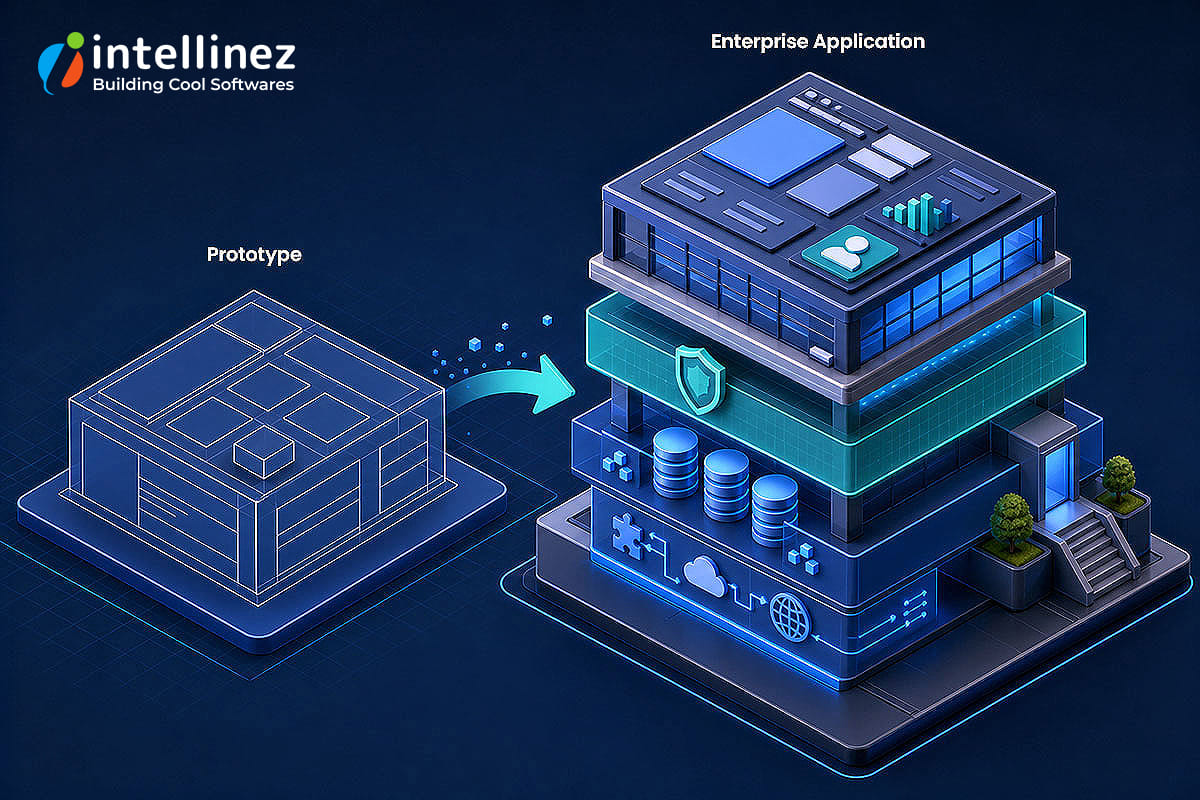
Many SMBs use both: ready-made tools for generic tasks and custom builds where their process or data sets them apart. If you already have a prototype, our guide on taking an AI MVP to a production-ready enterprise application explains what separates a demo from a system you can rely on.
How to Choose Your First AI Use Case
Quick Answer: Choose your first AI use case by picking one repetitive, high-volume workflow that has usable data, defining a single success measure, and building a small prototype before expanding. Start where a wrong answer costs little and a person can review the output.
Start with one workflow, not a company-wide program. This five-step process follows the same business-problem-first logic we use in our project approach.
Step 1: Name the problem. List the tasks that eat the most hours or lose the most leads each week.
Step 2: Check your data. AI needs examples to work from, such as documents, tickets or call logs. If the data is scattered or missing, fix that first.
Step 3: Score value and effort. Rate each candidate application of AI by hours saved or revenue protected, then by integration difficulty and risk. Pick high value and low effort first.
Step 4: Define one success measure. Choose a number such as hours saved per week or calls answered, and record today’s baseline before you build.
Step 5: Prototype, test, then expand. Build a small working version, test it with real users and widen the scope only after the measure improves.

This discipline also guards against a risk that Gartner flags: it predicts that over 40% of agentic AI projects will be canceled by the end of 2027 because of rising costs, unclear business value or weak risk controls. A narrow first use case with a clear measure addresses all three.
Best Practices for the Application of AI in Business
Any application of AI goes better with a few ground rules. Use this checklist before you launch.
- Keep a person in the loop for decisions that affect customers, hiring, money or legal outcomes.
- Keep company and client data out of public model training, and ask every vendor where your data goes.
- Limit access by role so each assistant sees only what it needs.
- Test with real examples, including awkward edge cases, before launch and after every change.
- Log what the AI did so you can audit and fix mistakes.
- Set usage and cost limits. About one in five McKinsey respondents say AI operating costs, including tokens, constrain their AI use.
- Follow the rules that apply to you. In India, the Digital Personal Data Protection Rules were notified in November 2025 and core obligations phase in by May 2027, covering consent, security safeguards and breach reporting, as Hogan Lovells summarizes.
- Use a risk framework. The NIST AI Risk Management Framework is a voluntary guide built around four functions: Govern, Map, Measure and Manage.
AI that takes actions, not just answers, needs extra controls. Our 8-step governance guide for AI agents covers autonomy levels, approvals and monitoring.
Where the Application of AI Is Heading
The next application of AI is agentic AI, where systems plan and carry out multi-step tasks. In McKinsey’s survey, the share of large organizations scaling AI agents rose from 27% to 40%, while smaller organizations stayed flat at 22%. Gartner predicts that by 2028, at least 15% of day-to-day work decisions will be made autonomously through agentic AI, up from 0% in 2024. It also warns about “agent washing”, where vendors rebrand chatbots and basic automation as agents.
Our view is that SMBs will gain most by starting with bounded agents: a narrow job, clear permissions and human approval for risky steps. We explore the wider shift in the future of IT services in the AI era.
Key Takeaways
- The application of AI in business works best when it starts with one specific workflow and a measurable goal.
- Chatbots, document search, voice agents, text automation and reporting are practical AI applications for SMBs to start with.
- Individual productivity gains do not automatically become business results, so redesign the workflow, not just the tool.
- Combine ready-made tools for generic tasks with custom AI applications for workflows that involve your data and processes.
- Protect data, keep humans in the loop and follow the regulations that apply to you.
Conclusion
The application of AI in business pays off when it solves a real problem, uses your own data and has a success measure agreed before work starts. Start with one of the 12 real-world applications of AI above, prove it with a small prototype, and expand only when the numbers justify it. Applying AI this way keeps cost, risk and effort in proportion for an SMB.
Ready to put AI to work where it will pay off?
Intellinez designs and builds custom AI applications for SMBs and professional service firms, from chatbots and RAG knowledge search to voice agents and document automation. Book a free discovery call and we will send you a fixed quote within 48 hours.
Book your free discovery call
Not sure which use case to start with? Talk to Intellinez and get a fixed quote in 48 hours.
Book a free discovery callFrequently Asked Questions
1. What is the application of AI in business?
The application of AI in business is the use of software that learns from data or understands language to do work people normally do by hand, such as answering customer questions, reading documents and qualifying leads. It usually appears as assistants, automations or agents that sit inside the tools you already use.
2. What are the best applications of AI for small businesses?
The best applications of AI for small businesses are the ones that remove repetitive, text-heavy work: customer support chatbots, internal document search, voice agents for calls, document data extraction, email triage and lead qualification. Start with the one that costs your team the most hours each week.
3. How much does it cost to apply AI in a small business?
The cost depends on whether you buy a ready-made tool or build a custom application, and on how many systems it must connect to. Off-the-shelf tools usually charge recurring per-user or usage fees, while a custom build has a build cost plus hosting and support. At Intellinez, a free discovery call is followed by a fixed quote within 48 hours, so you know the figure before work starts.
4. How long does it take to implement an AI solution?
It depends on scope. A focused, single-workflow build can show a working prototype within days, while connecting several systems and testing with real users takes longer. Starting small and expanding after a measurable result keeps timelines predictable.
5. Is it safe to use AI with customer and company data?
It can be, provided you control where the data goes. Use private, access-controlled setups, keep client data out of public model training, limit access by role and log what the AI does. In India, the Digital Personal Data Protection Rules cover consent, security safeguards and breach reporting, so check which obligations apply to you.
6. Should I build a custom AI application or use off-the-shelf tools?
Off-the-shelf tools are enough for generic tasks such as meeting notes or basic drafting. A custom AI application fits better when the workflow is unique to your firm, involves sensitive documents or must connect to your own CRM, ERP or databases. Many SMBs use both.
7. Where should an SMB start with AI?
Start with one repetitive, high-volume workflow that has usable data, define a single success measure, and build a small prototype before expanding. Choose a task where a wrong answer costs little and a person can review the output.